
Cursive Font Generator
Instantly transform plain text into 42 elegant cursive handwriting fonts, calligraphy scripts, and aesthetic decorative styles. 1-click copy & paste for Instagram bios, messages, and invitations.
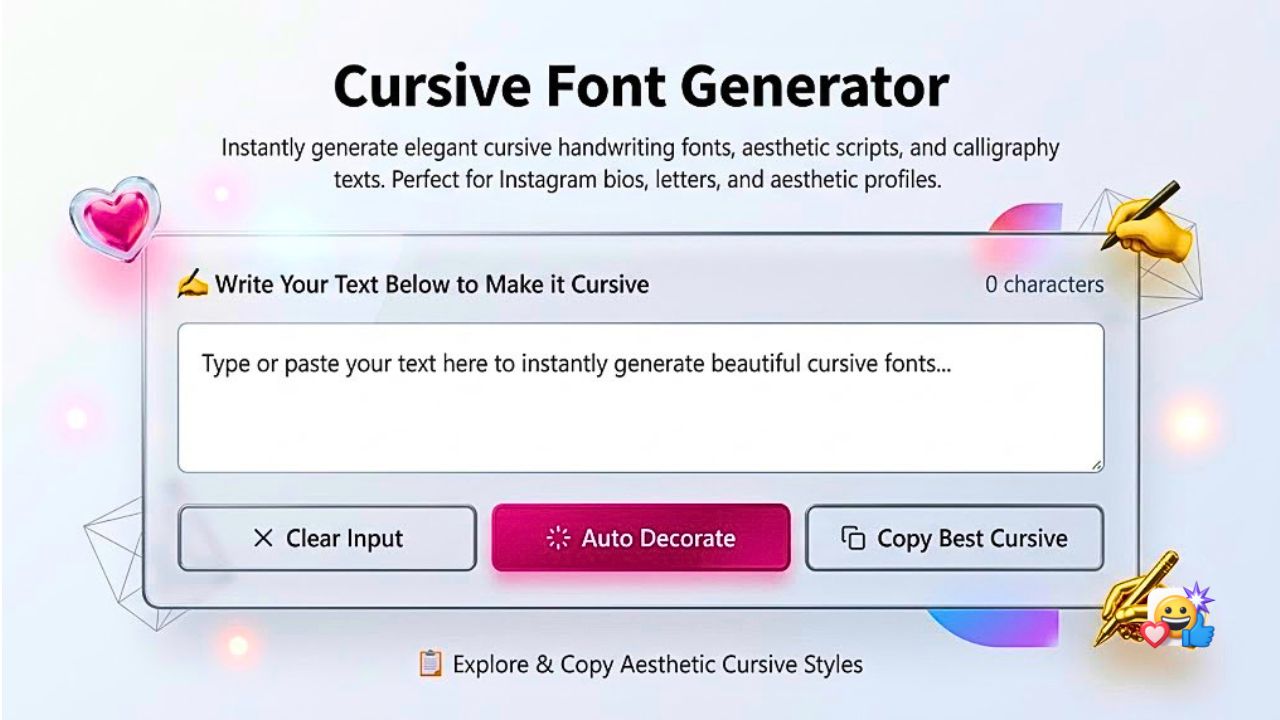
What is the Emojora Cursive Font Generator?
The Emojora Cursive Font Generator is a free, web-based typography tool that instantly converts standard typed text into 42 stylish cursive fonts, calligraphic scripts, and aesthetic handwriting text. Designed for quick social media styling, you can simply type your text, choose a style, and copy it directly into your Instagram bio, WhatsApp messages, TikTok captions, Discord servers, and Twitter/X posts with a single tap.
Unlike traditional word processing fonts (such as .ttf or .otf files) that must be downloaded and installed, this tool generates universal Unicode characters. Because iOS, Android, Windows, and macOS include native font rendering for these Unicode code points, your stylized cursive text appears natively across your friends' devices and followers' feeds without requiring third-party apps or software.
How to Generate and Copy Cursive Text in 3 Easy Steps
Enter Your Text
Type or paste your text into the generator canvas above. You can also click Try Sample for an instant preview or use the case buttons to adjust capitalization.
Choose Your Style
Explore our 42 unique script styles or use the 4 category tabs (Classic Script, Royal Calligraphy, Modern Aesthetic, or Flourished) to filter the exact look you want.
1-Click Copy & Paste
Tap the Copy button beside your chosen style card. Open your favorite social app (Instagram, WhatsApp, TikTok, Discord), tap Paste, and your cursive text is ready!
Cursive Letters A–Z Alphabet Reference
Looking for individual cursive letters or want to see how the complete alphabet translates? Here is the full uppercase and lowercase reference across our primary cursive font styles:
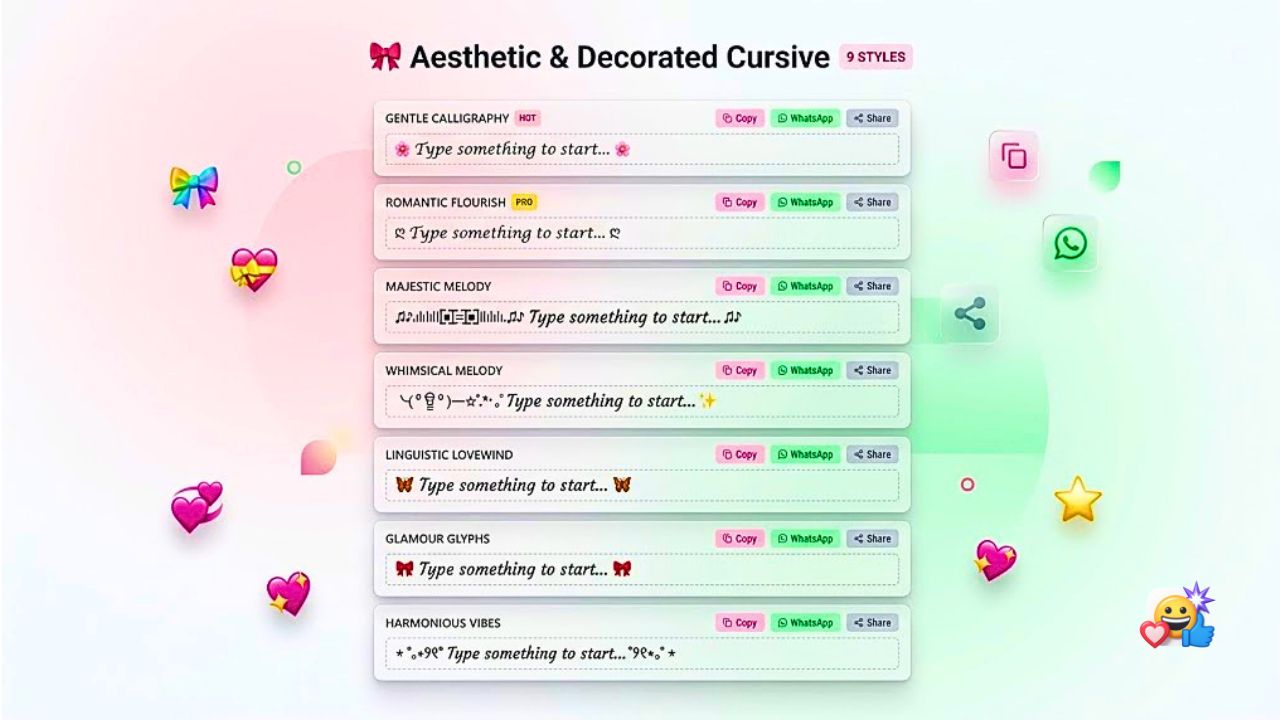
Popular Cursive & Script Styles in Emojora
Our tool groups 42 distinct text styles into 4 accessible categories so you can quickly find the exact tone for your content:
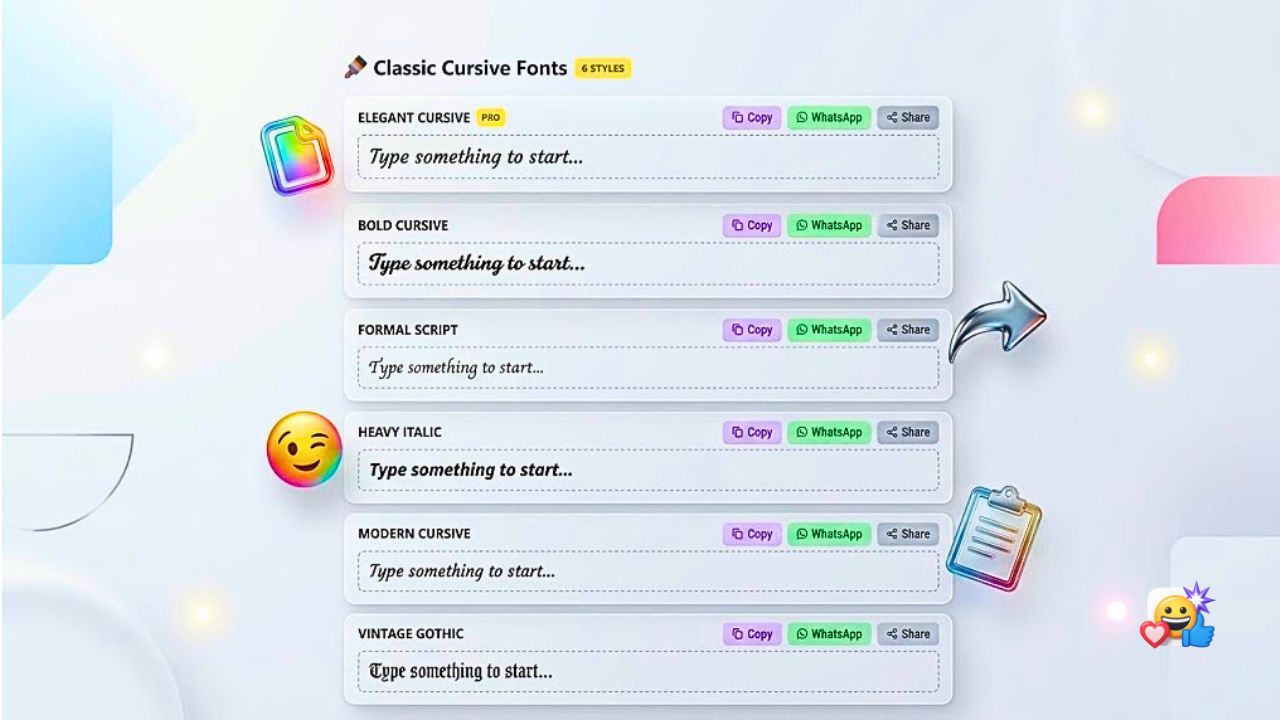
Bold Cursive Text Generator
Bold mathematical script with pronounced curves and dark stroke weight. Ideal for Instagram bio headers, YouTube titles, and post intros.
Handwriting Text Generator
Delicate, fine-line cursive that resembles authentic cursive handwriting. Perfect for romantic love quotes, wedding notes, and poetry.
Modern Slanted Italic
Clean, readable slanted characters without ornate loops. Popular for emphasizing keywords in WhatsApp chats, LinkedIn posts, and subtitles.
Royal Gothic Calligraphy
Bold medieval Fraktur lettering favored by gamers and creators for Discord usernames, clan tags, and dark aesthetic profiles.
Flourished Swashes & Hearts
Romantic cursive framed by delicate heart swashes and decorative accents. Perfect for couple bios, anniversary wishes, and greeting cards.
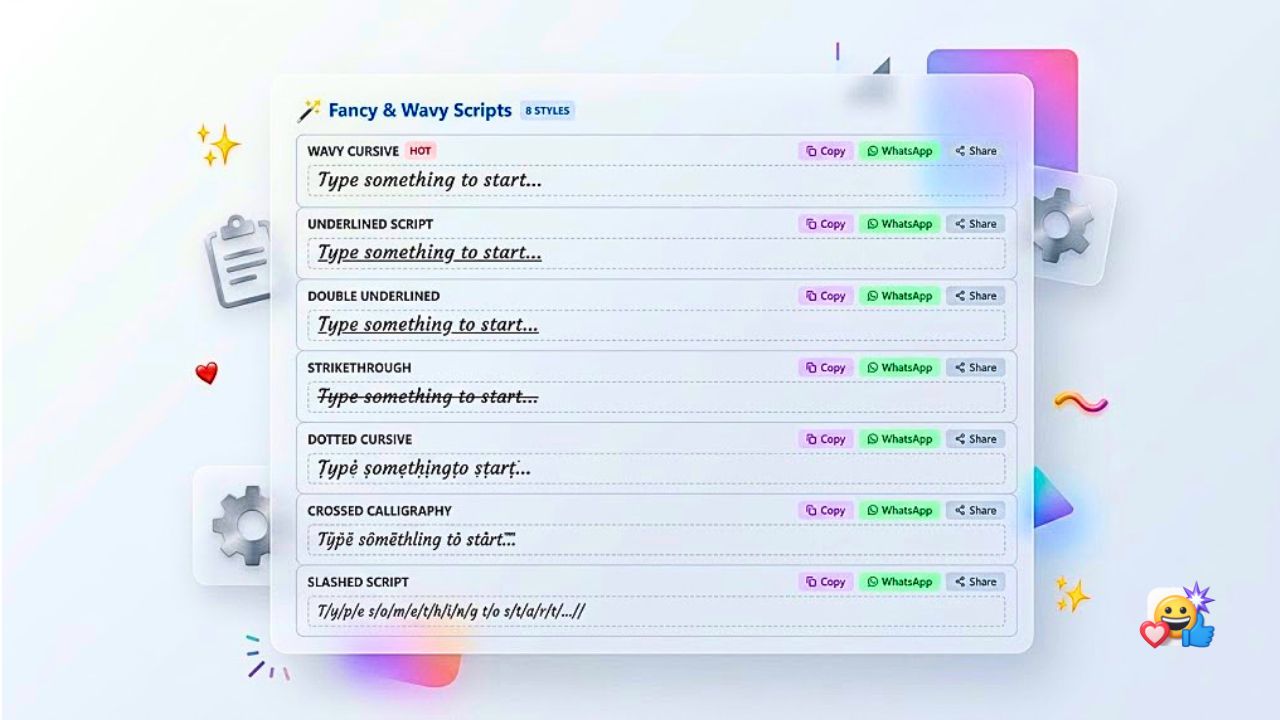
Aesthetic Combining Waves
Combines standard letters with wavy tilde diacritics to create trendy textured typography for TikTok bios and mood boards.
Ready-to-Use Cursive Text for Instagram & WhatsApp
Here are popular real-world styling templates you can copy and customize right now for your personal or brand profile:
𝒩ℯ𝓌 𝒴ℴ𝓇𝓀 • 𝒞𝓇ℯ𝒶𝓉𝒾𝓃ℊ 𝒟𝒶𝒾𝓁𝓎
~ 𝓗𝓮𝓵𝓵𝓸@𝓶𝔂𝓭𝓸𝓶𝓪𝓲𝓷.𝓬𝓸𝓶
Mixes delicate handwriting with bold script email links to create an eye-catching visual hierarchy.
Helping creators build aesthetic brands.
Keeps the title in bold cursive while leaving the description in plain text for effortless readability.
𝒞𝒽𝒶𝓈𝒾𝓃ℊ 𝓈𝓊𝓃𝓈ℯ𝓉𝓈 𝓌𝒾𝓉𝒽 𝓎ℴ𝓊.
Combines heart swashes with soft handwriting for sweet relationship bios and status notes.
Tips & Best Practices for Using Cursive Fonts
- Highlight Key Phrases: Use cursive text for display names, quote intros, section headers, and important keywords.
- Check Contrast: Review your profile on both light and dark mode on your smartphone to ensure optimal readability.
- Combine with Plain Text: Balance stylized cursive headlines with plain text body copy to keep your profile clean and easy to scan.
- Don't Style Account Handles: Registration usernames (e.g.
@username) only permit standard letters (a–z, 0–9,_, and.). - Avoid Long Paragraphs: Dense blocks of text in cursive can strain readers' eyes. Keep script text short and punchy.
- Keep Business Search Keywords Plain: If you rely on Instagram search discovery for terms like "Photographer" or "Bakery", keep those words in standard text in your Name field.
Frequently Asked Questions About Cursive Fonts
How to use a cursive font generator?
Using the Emojora Cursive Font Generator is simple: enter or paste your text into the input field at the top of the page. The generator automatically translates your words into 42 cursive, handwriting, and calligraphy styles in real time. Scroll through the styles, select your favorite, and click the Copy button.
How to copy and paste cursive text?
Simply click or tap the Copy button located on any style card. You will see an instant "Copied!" confirmation. Next, open your target app—such as Instagram, WhatsApp, TikTok, Discord, or your notes app—tap inside the bio or message field, select Paste, and your styled text will appear immediately.
Can I use cursive text on Instagram and WhatsApp?
Yes! Our generated cursive text works across Instagram (bio, photo captions, Reels descriptions, and story text) and WhatsApp (status updates, "About" descriptions, and personal messages). Note that account registration handles (like @username) only accept standard characters, but your bio and display name fully support cursive text.
Is this cursive font generator free?
Yes, the Emojora Cursive Font Generator is 100% free with unlimited conversions. There are no fees, daily limits, or registrations required. All character conversions run entirely client-side inside your browser's local memory, meaning your typed text is never transmitted or saved on our servers.