








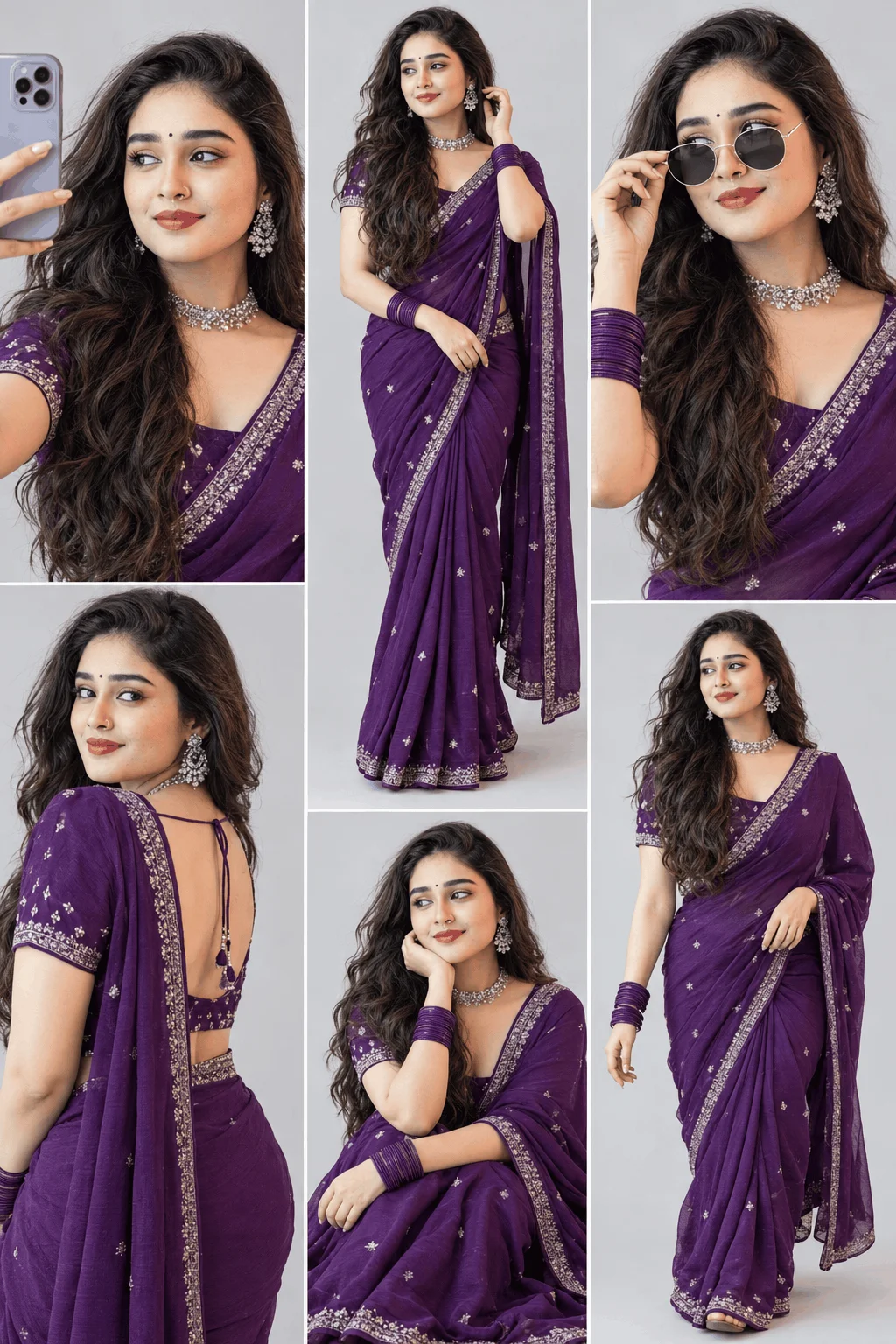
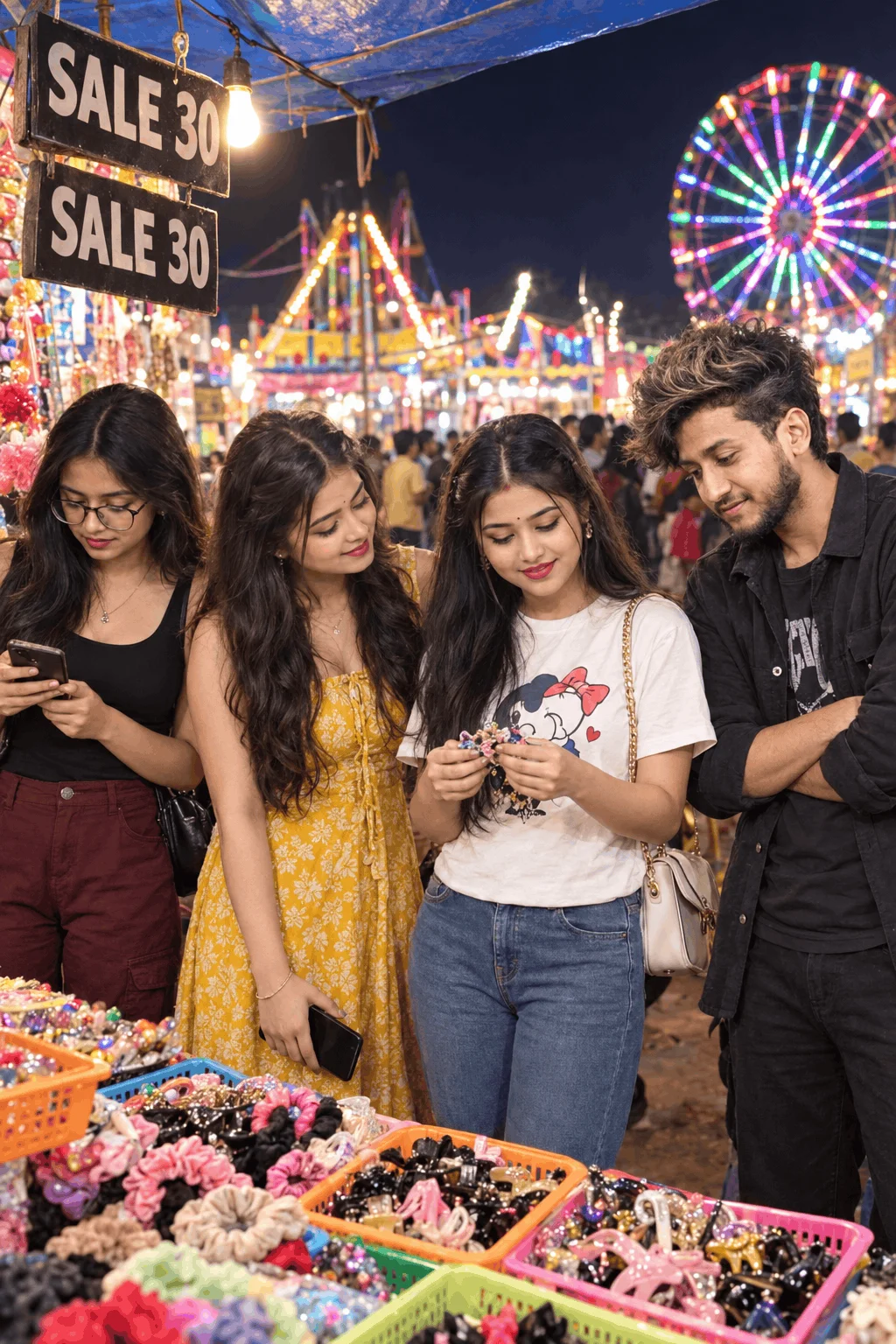
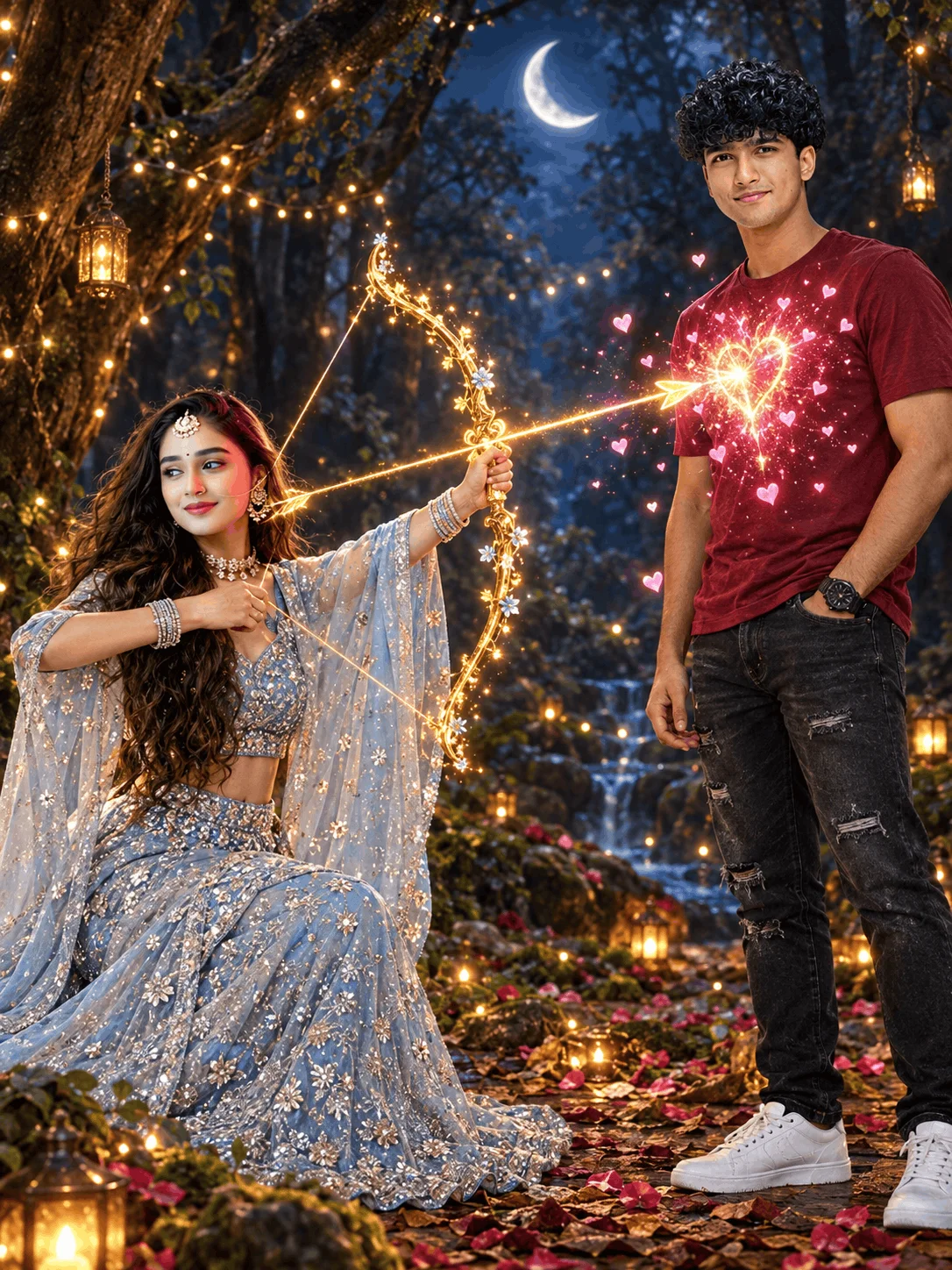
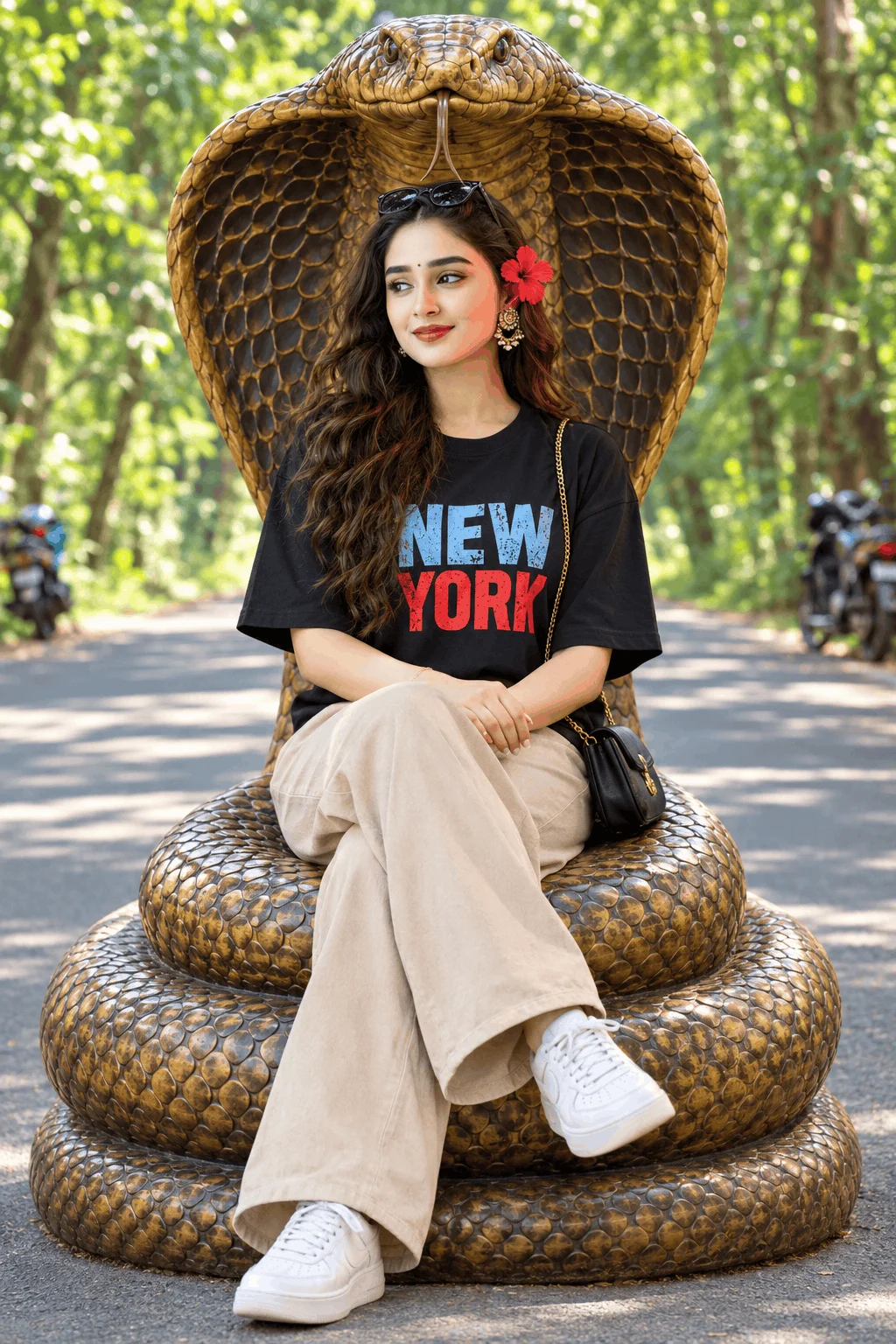
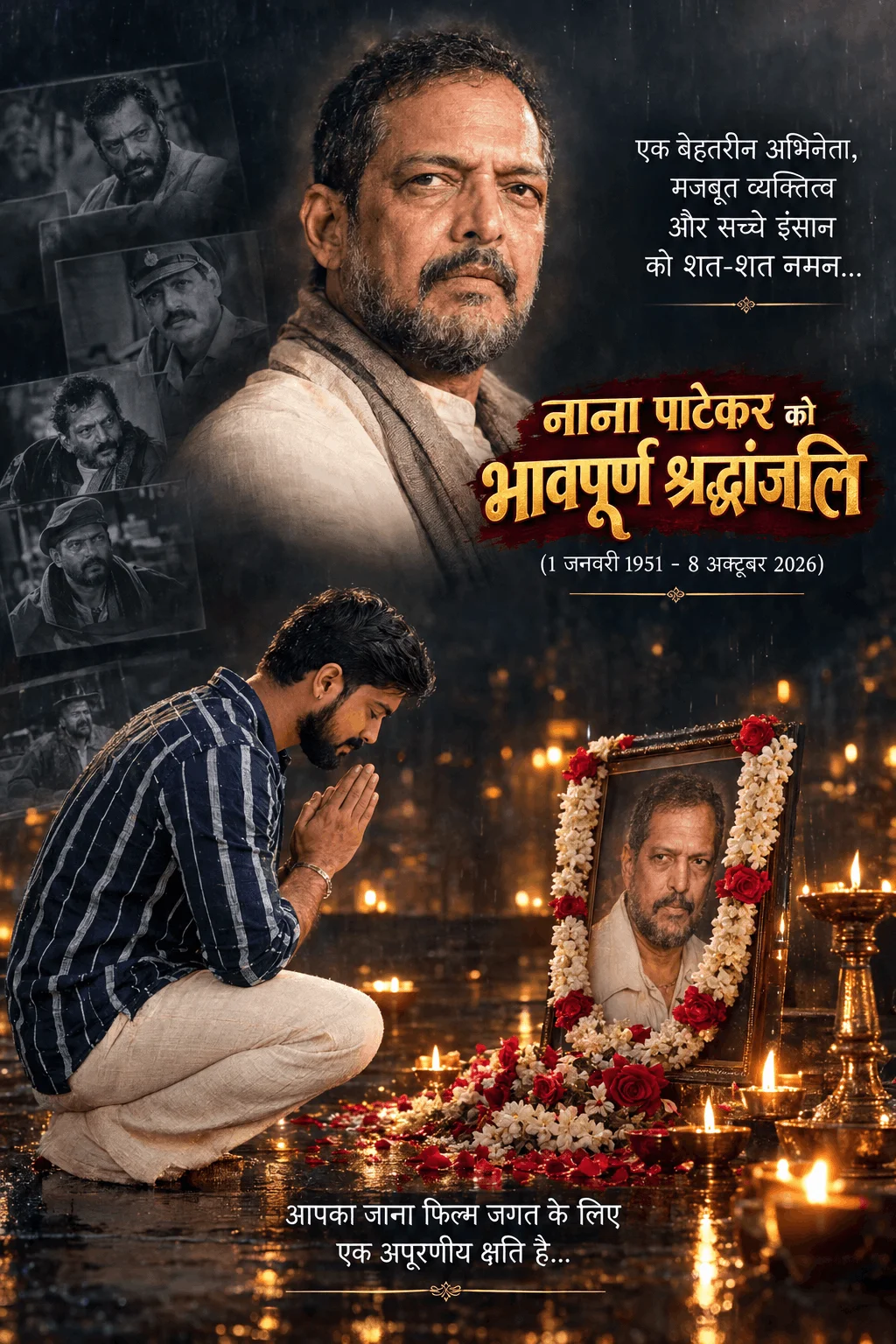
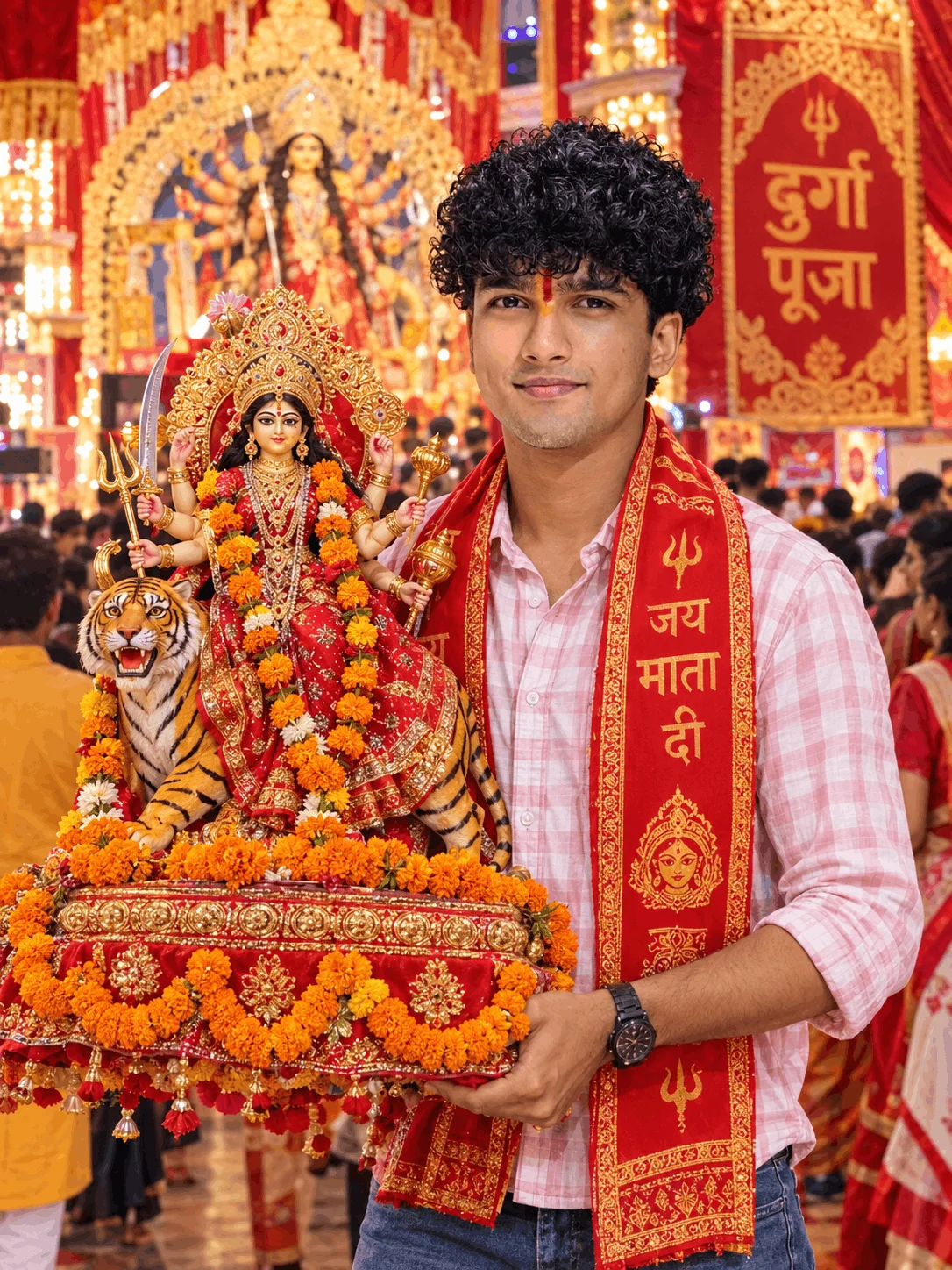
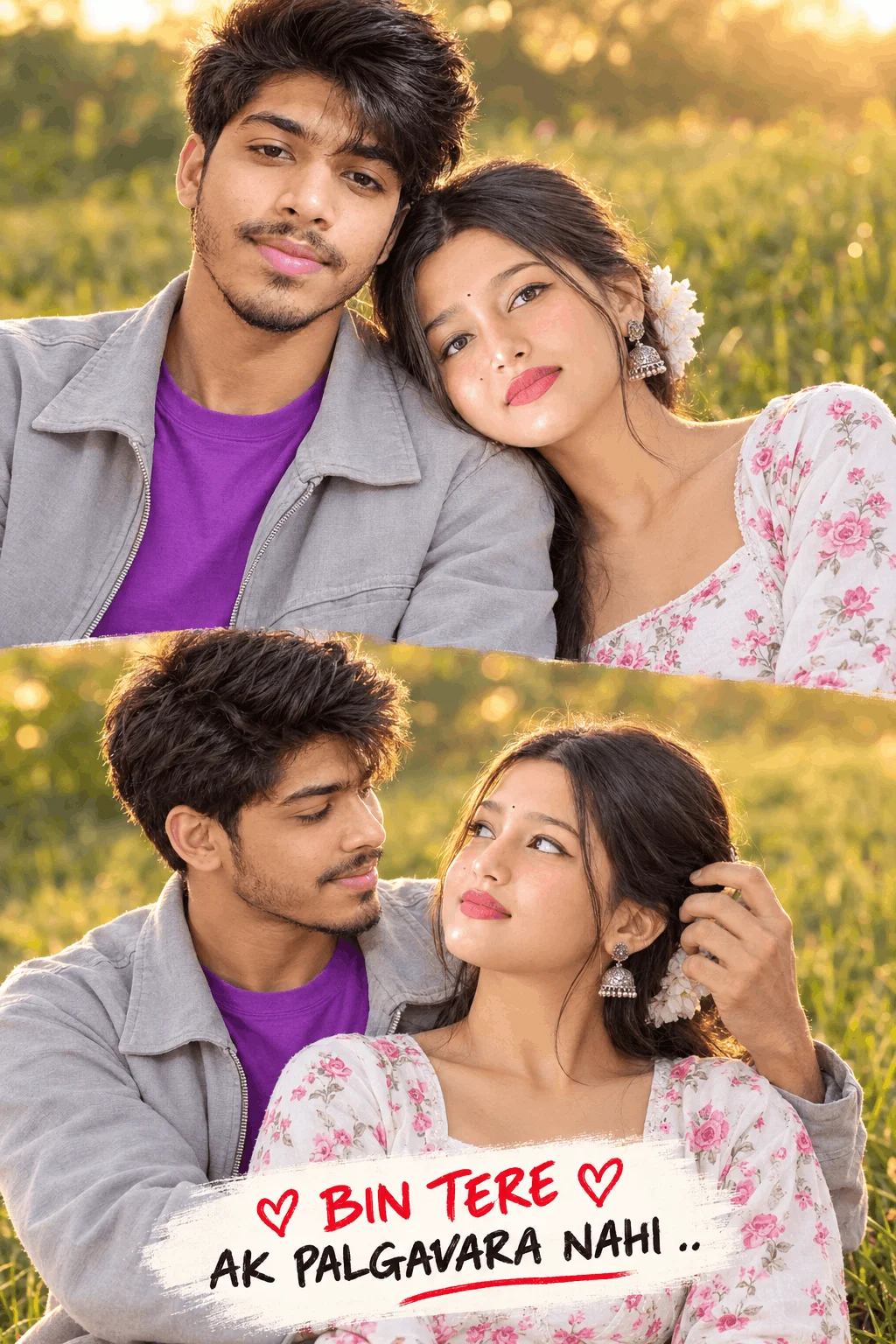
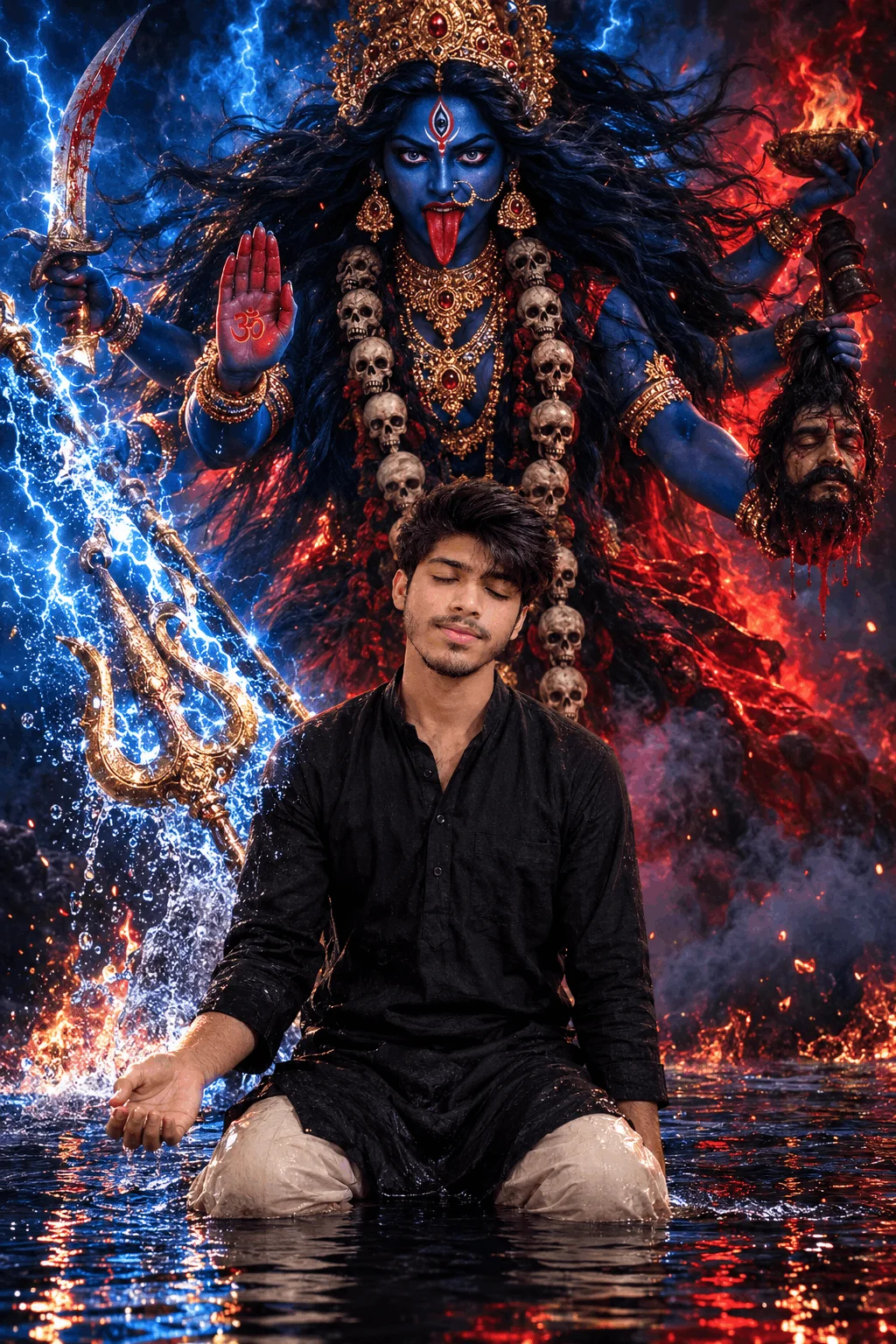



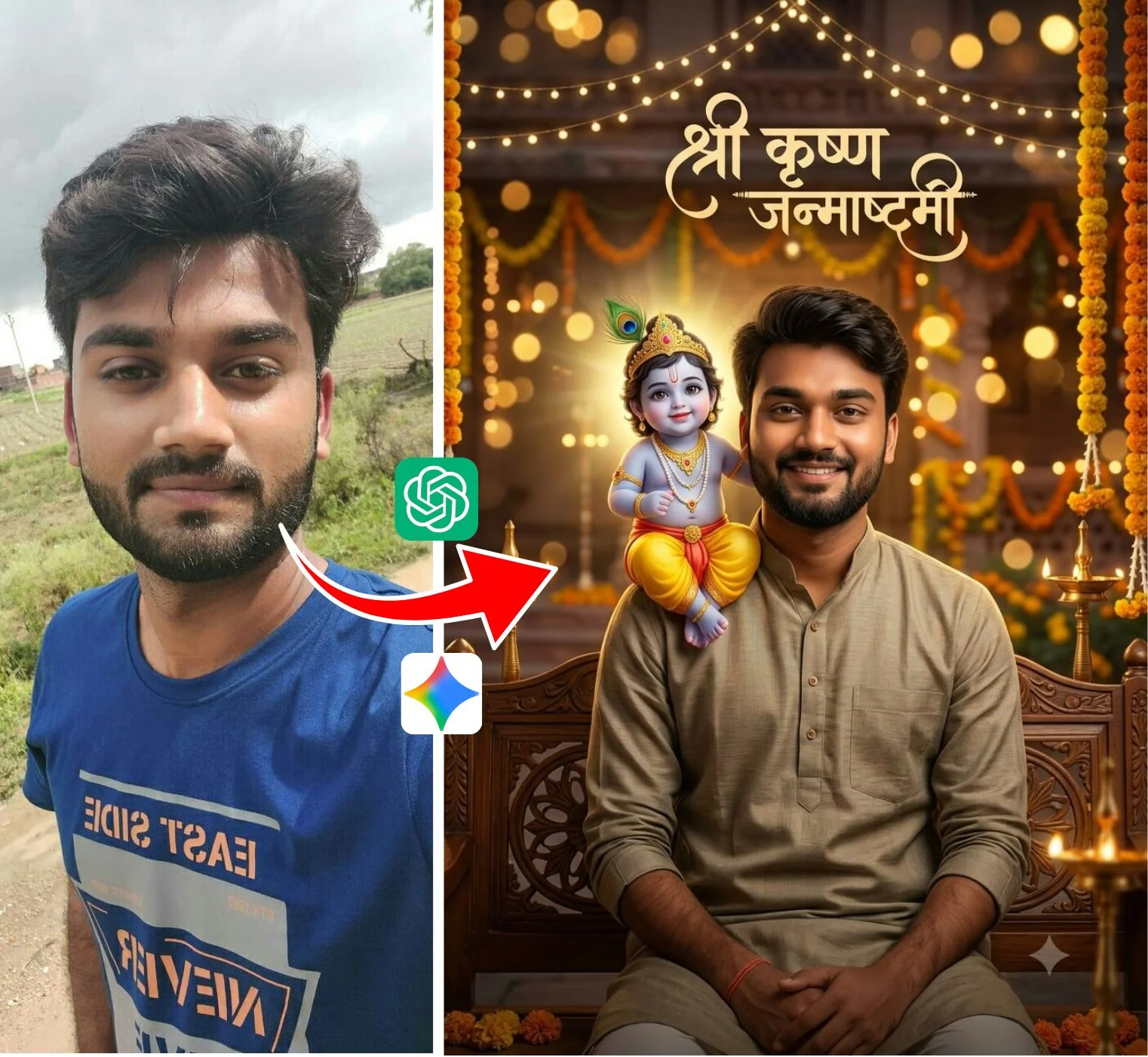
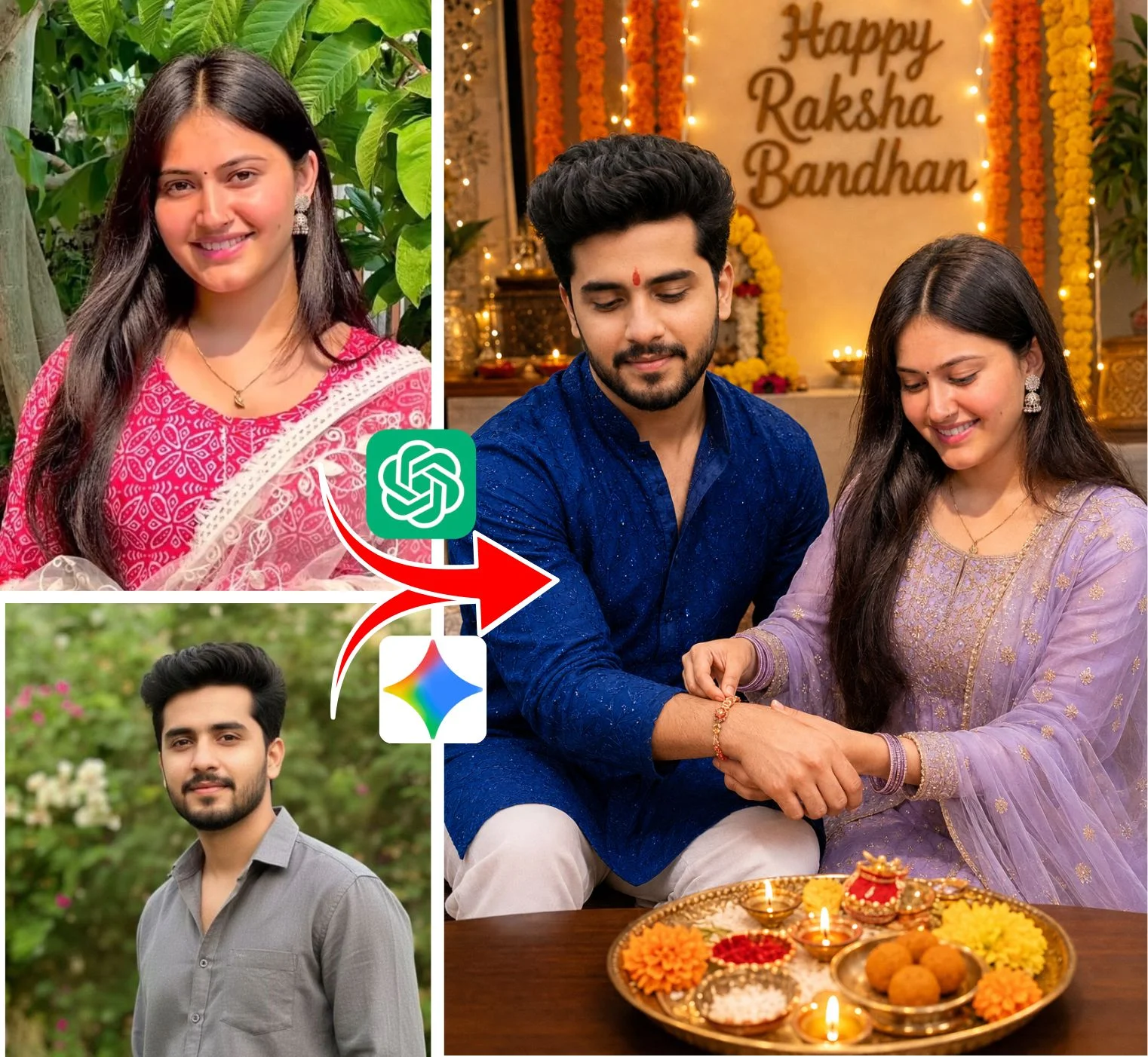
Ishan Edits Prompts: The Creative Phenomenon Behind Viral Reels
How Ishan Edits transformed simple text instructions into trending social media aesthetics.
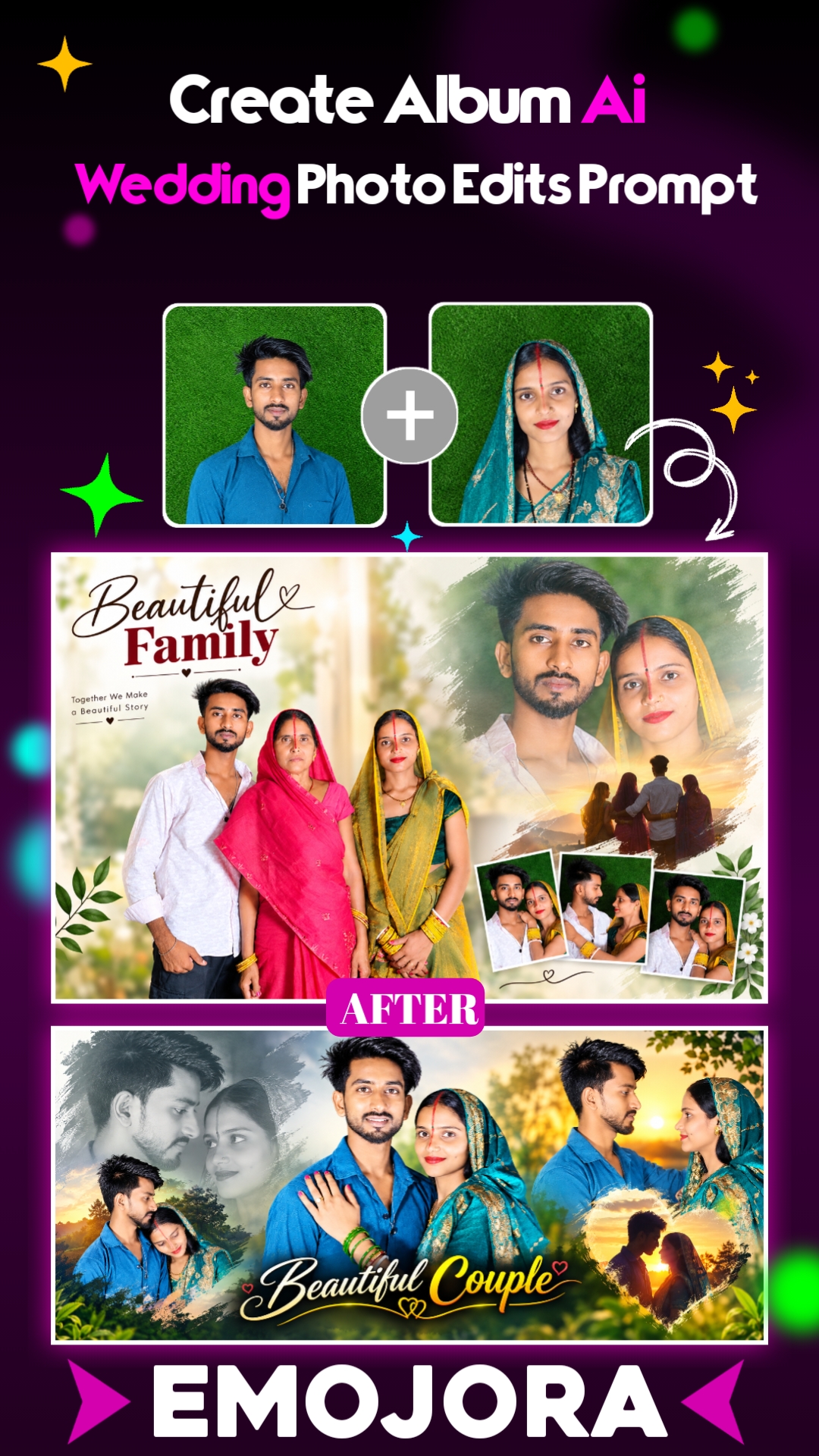
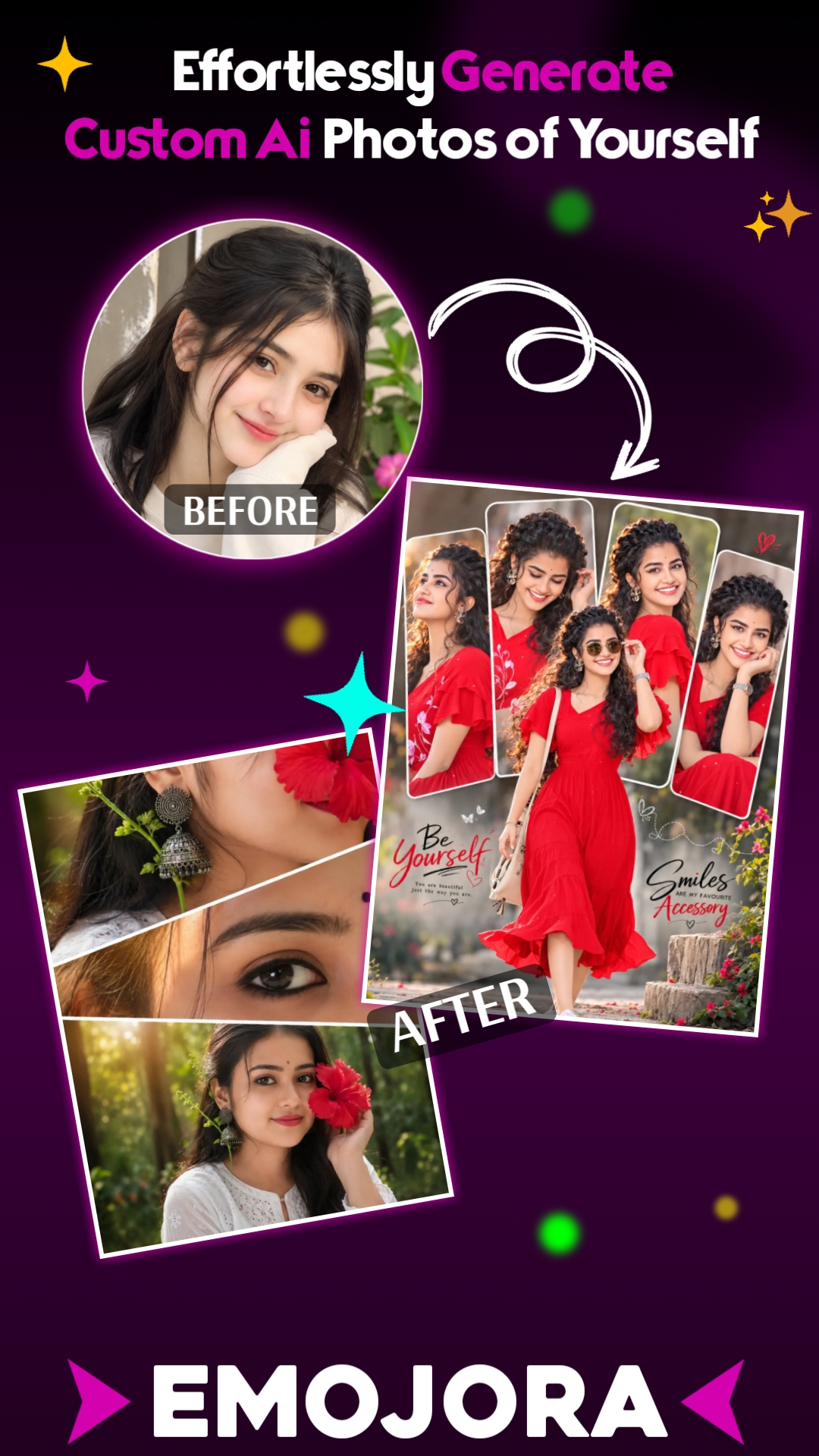
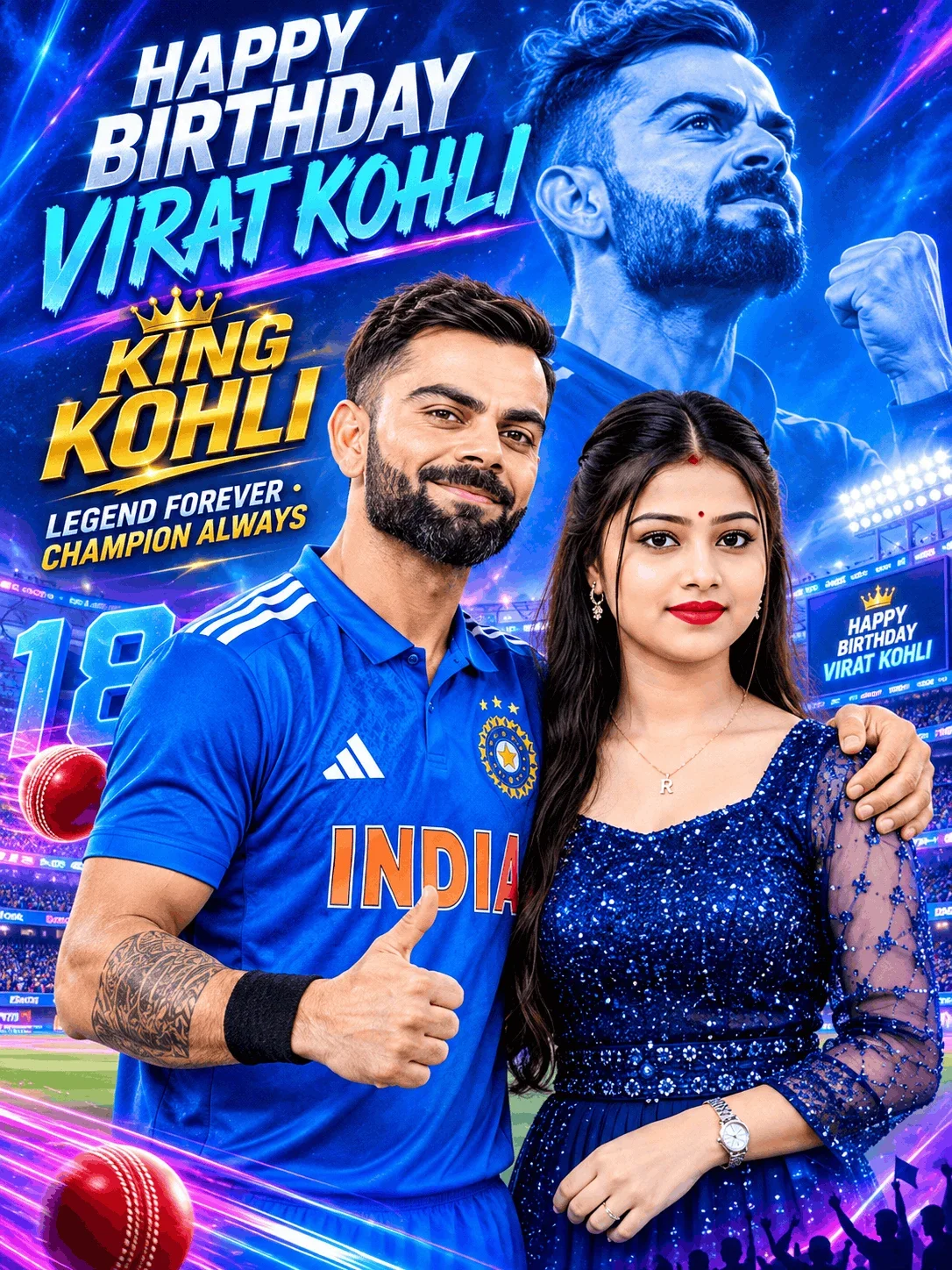
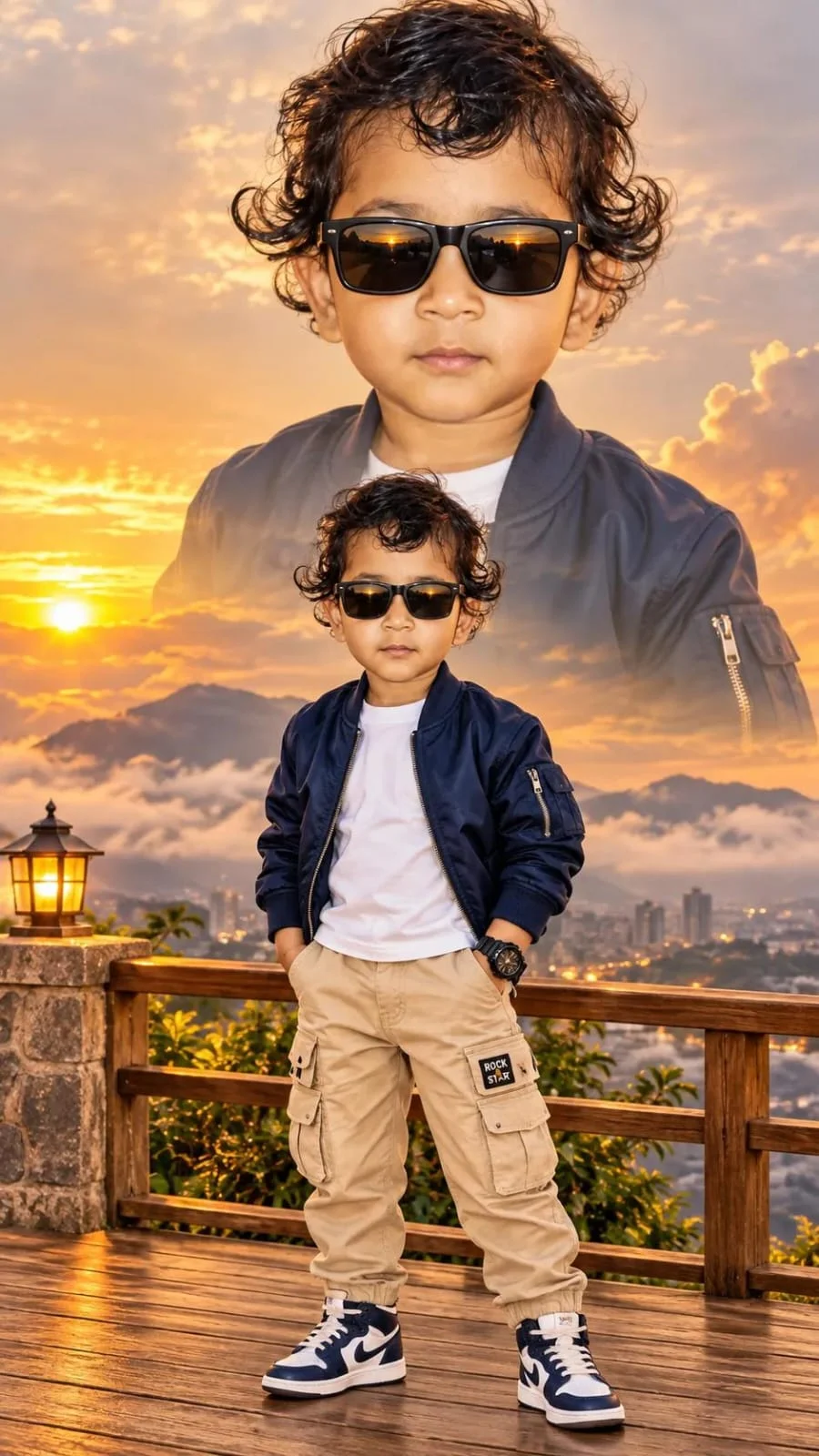
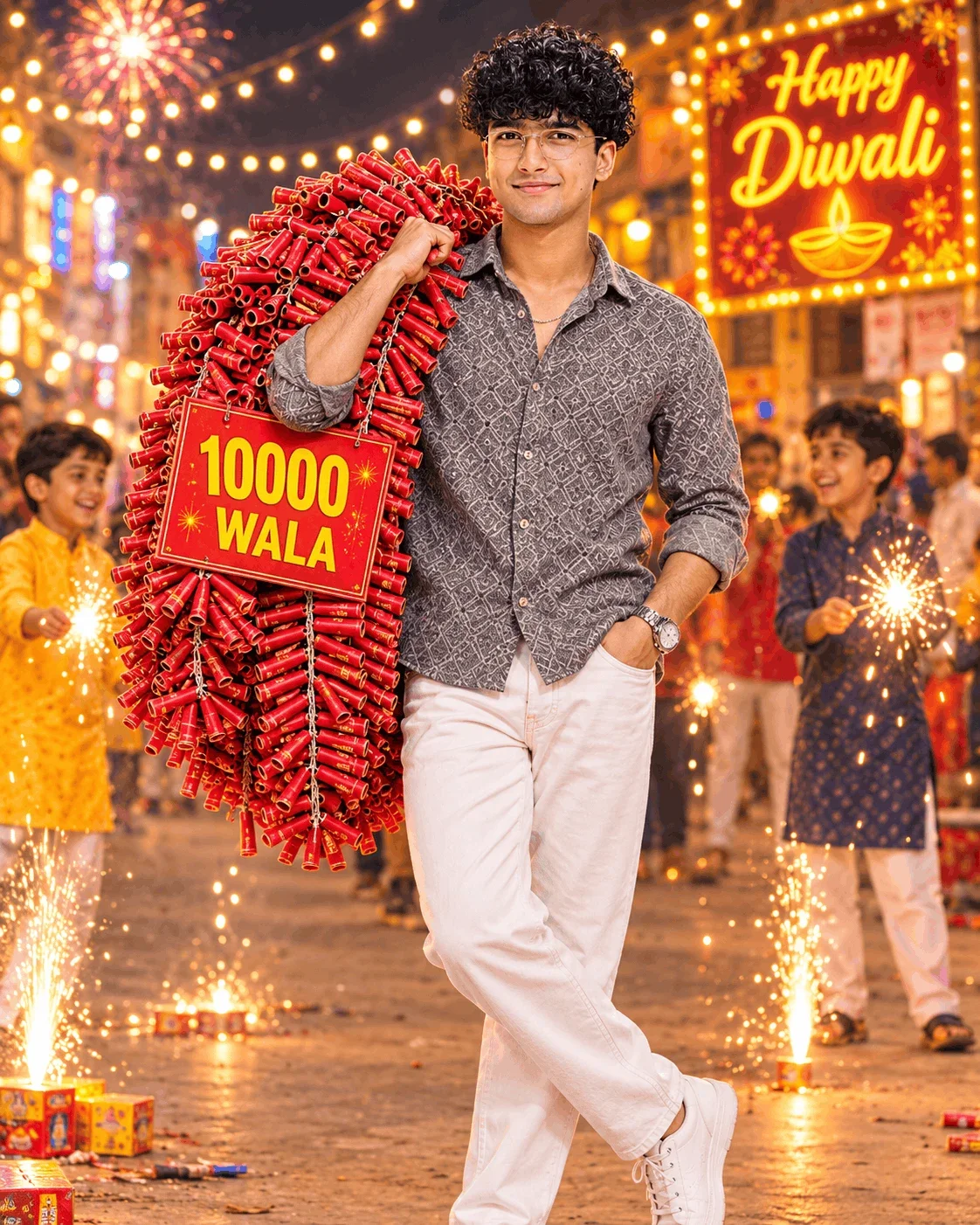
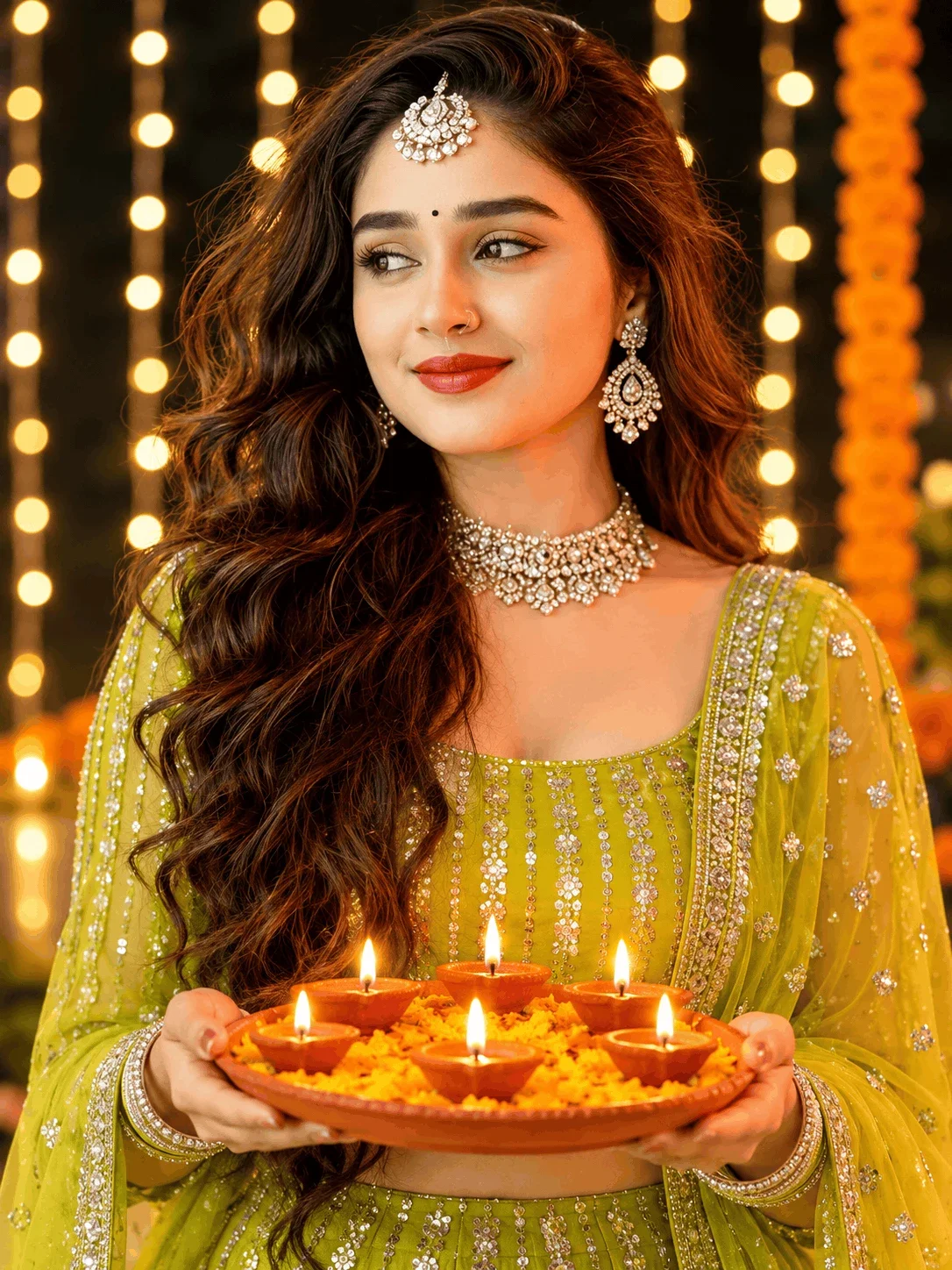
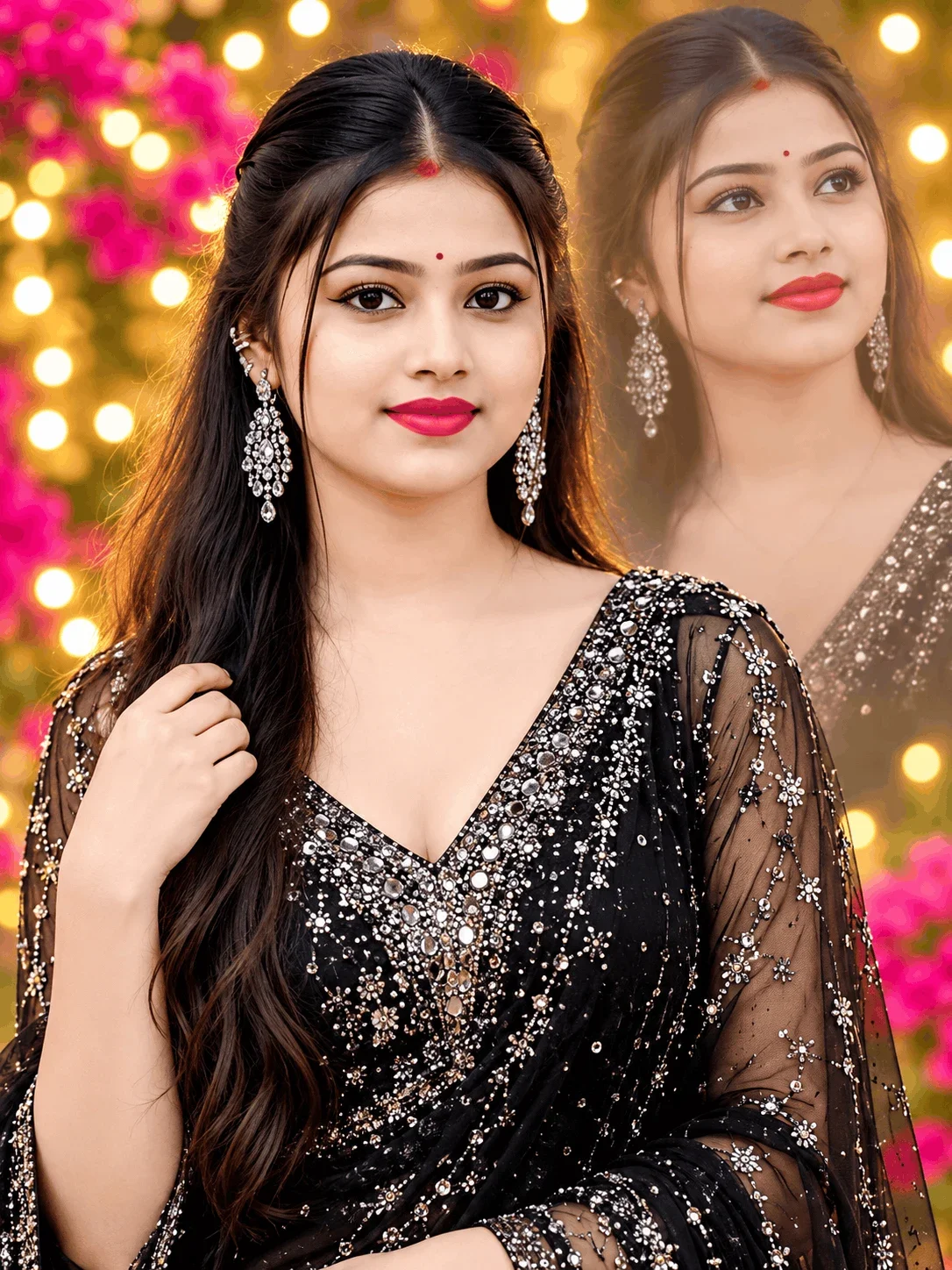
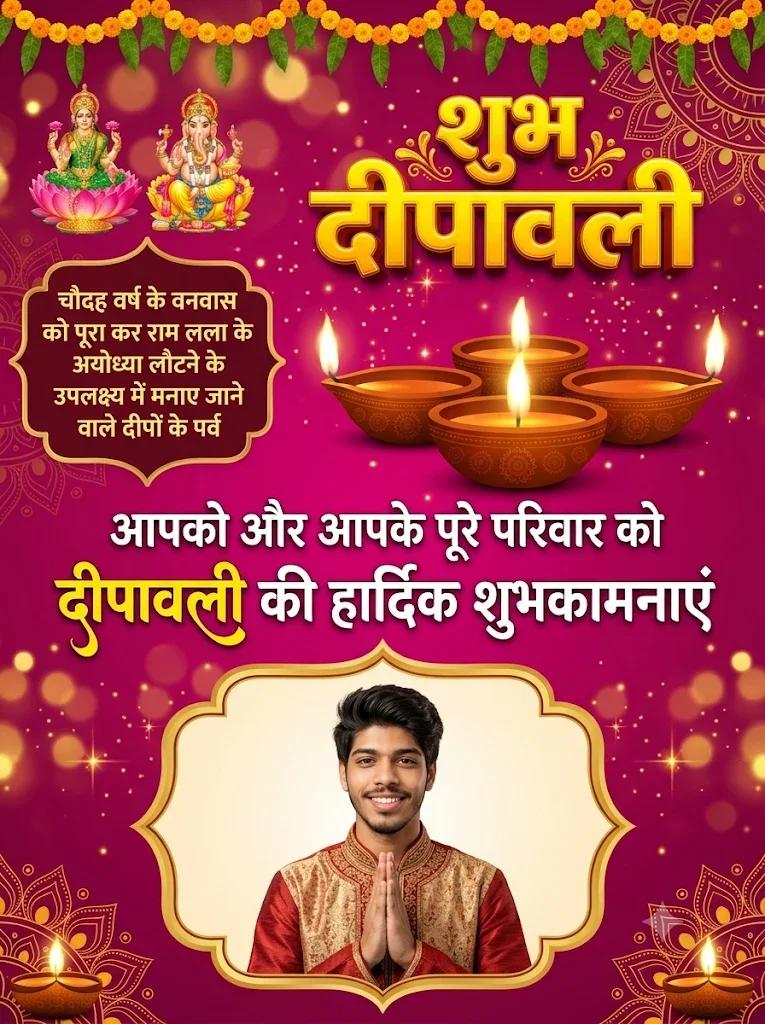
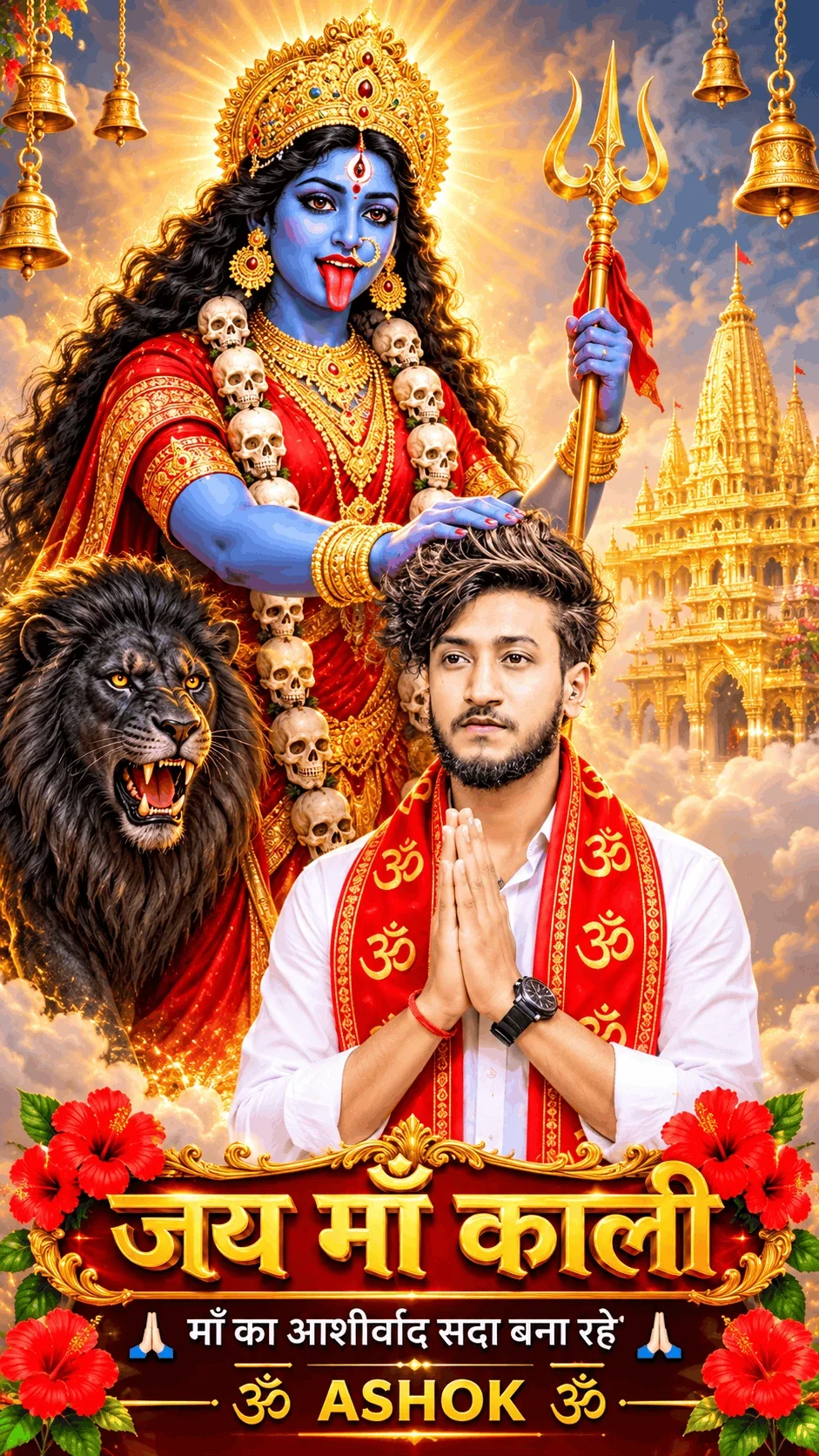
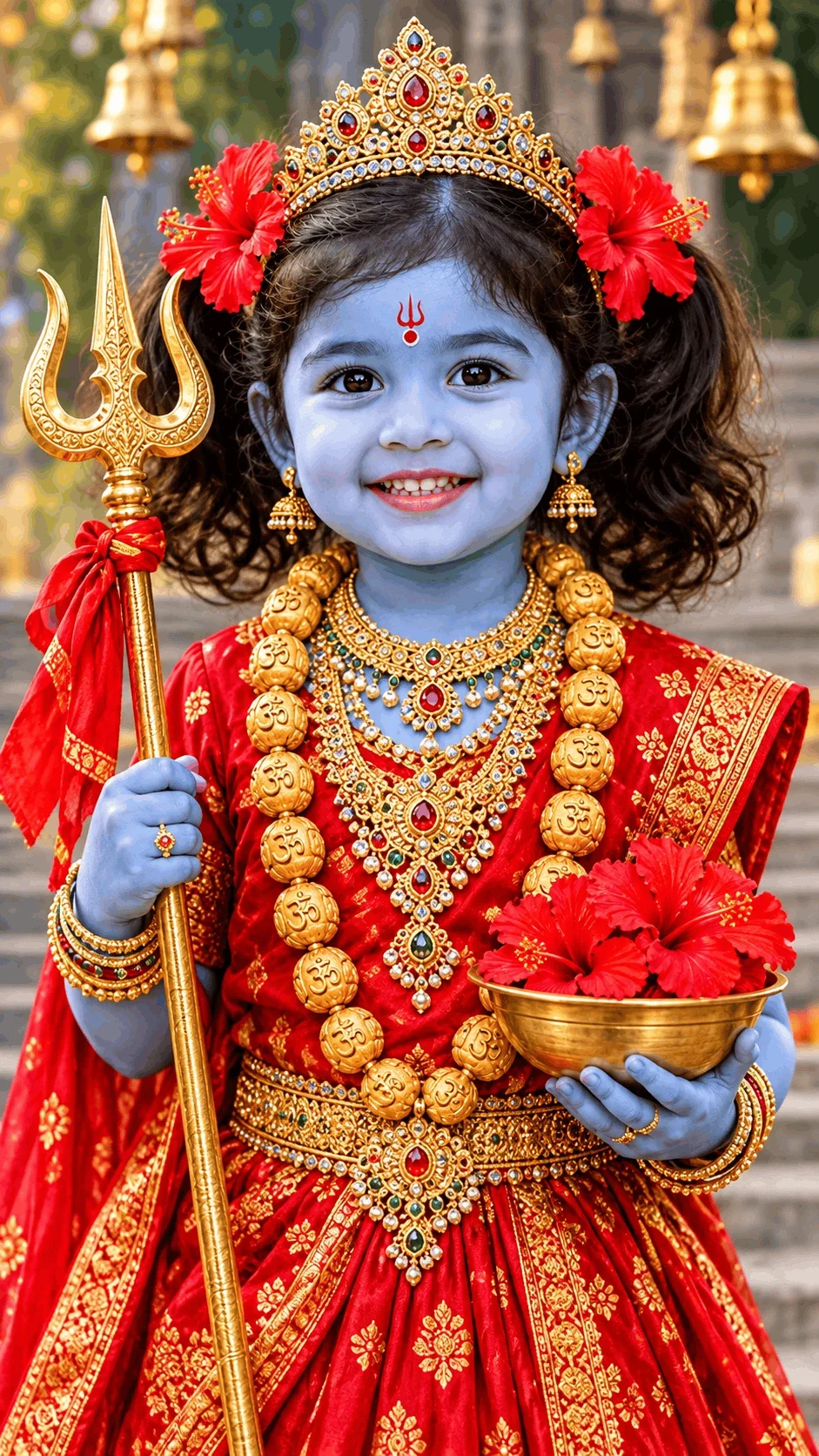
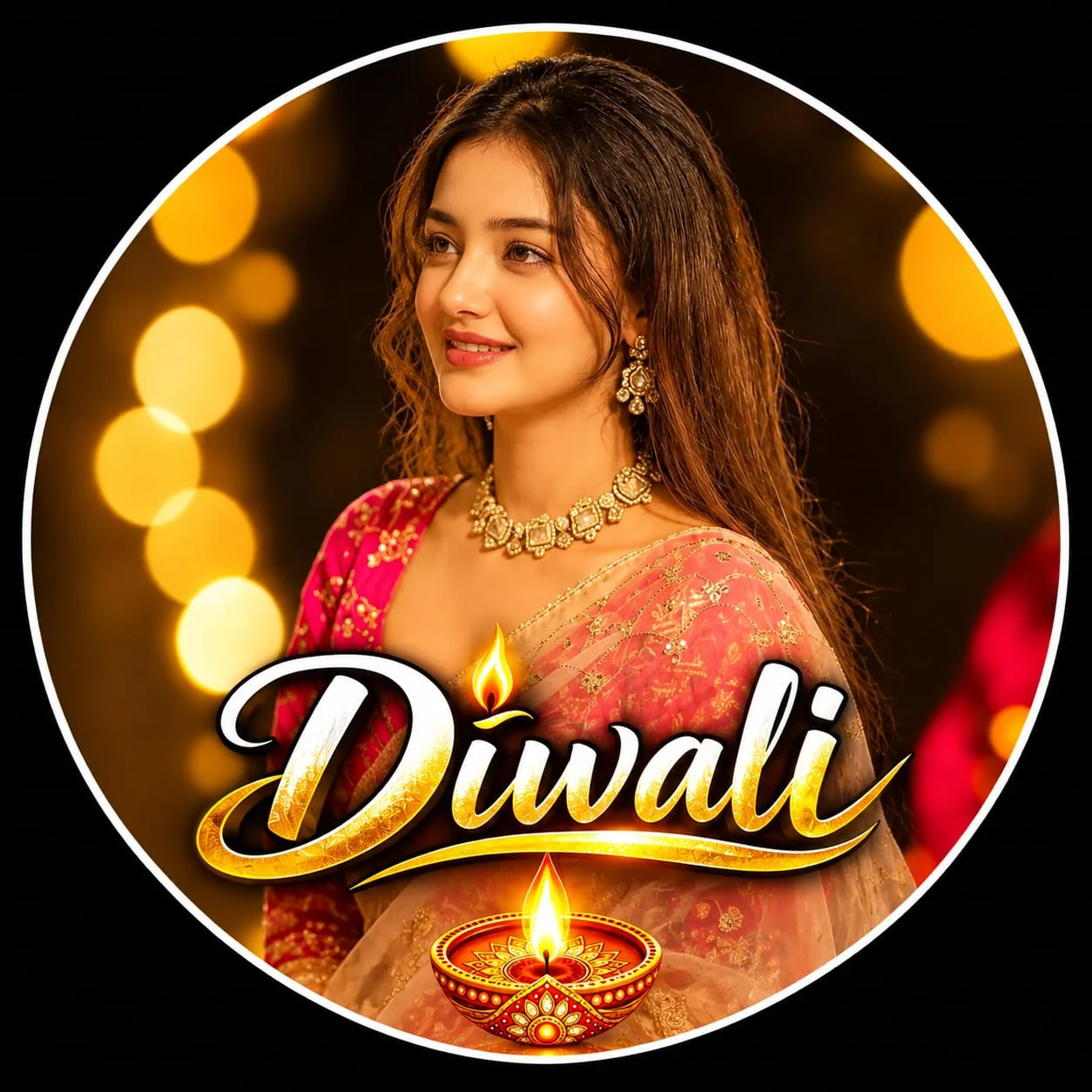
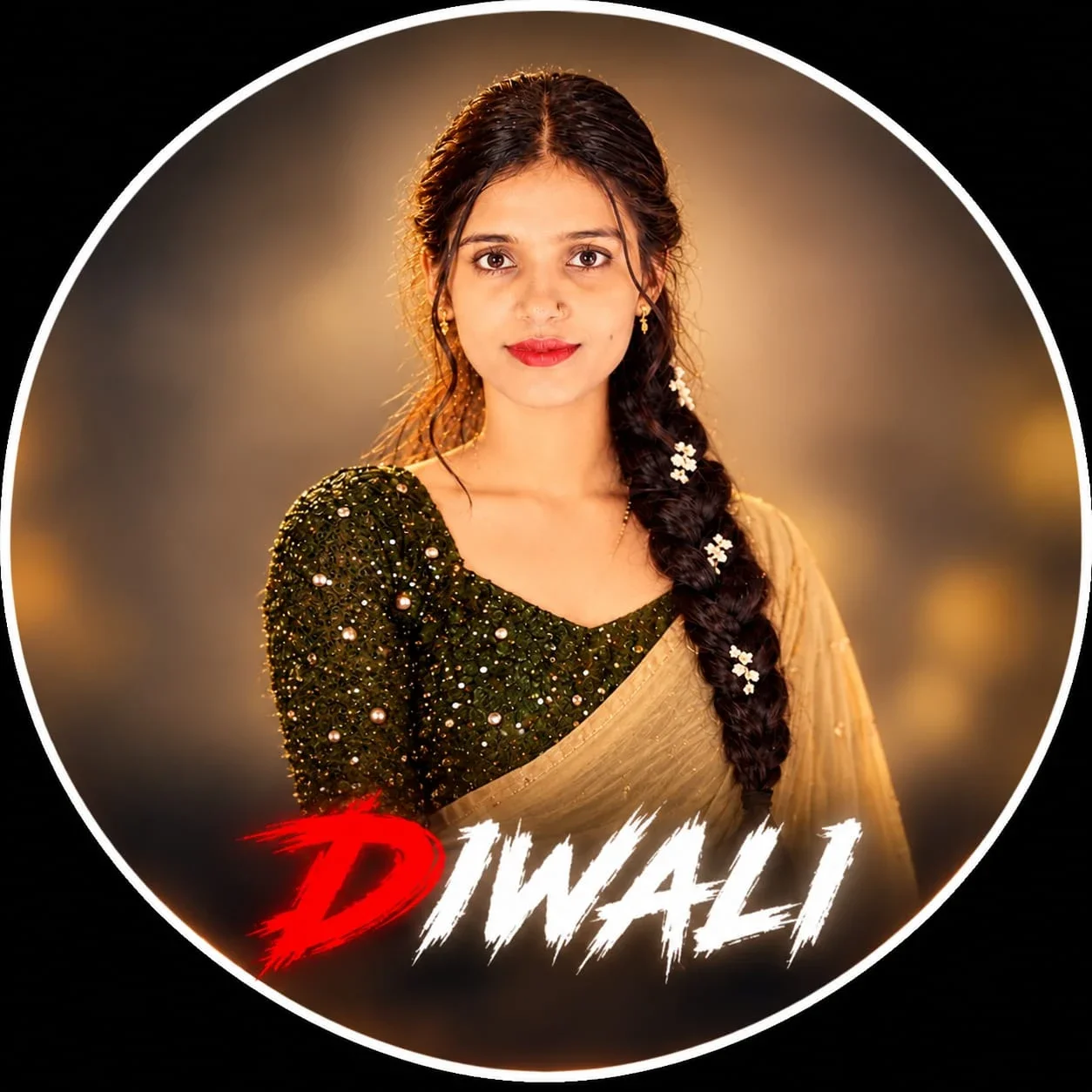
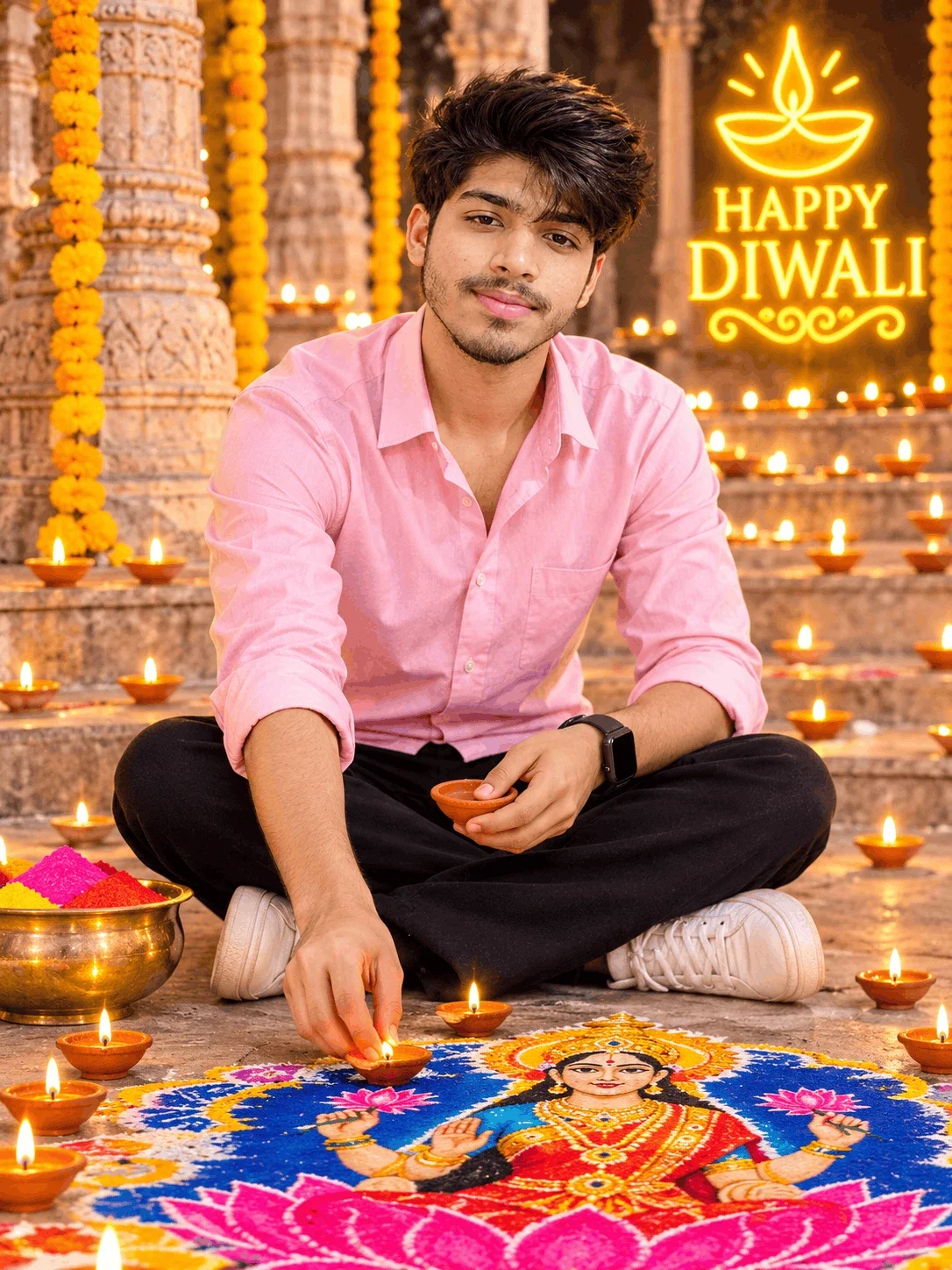
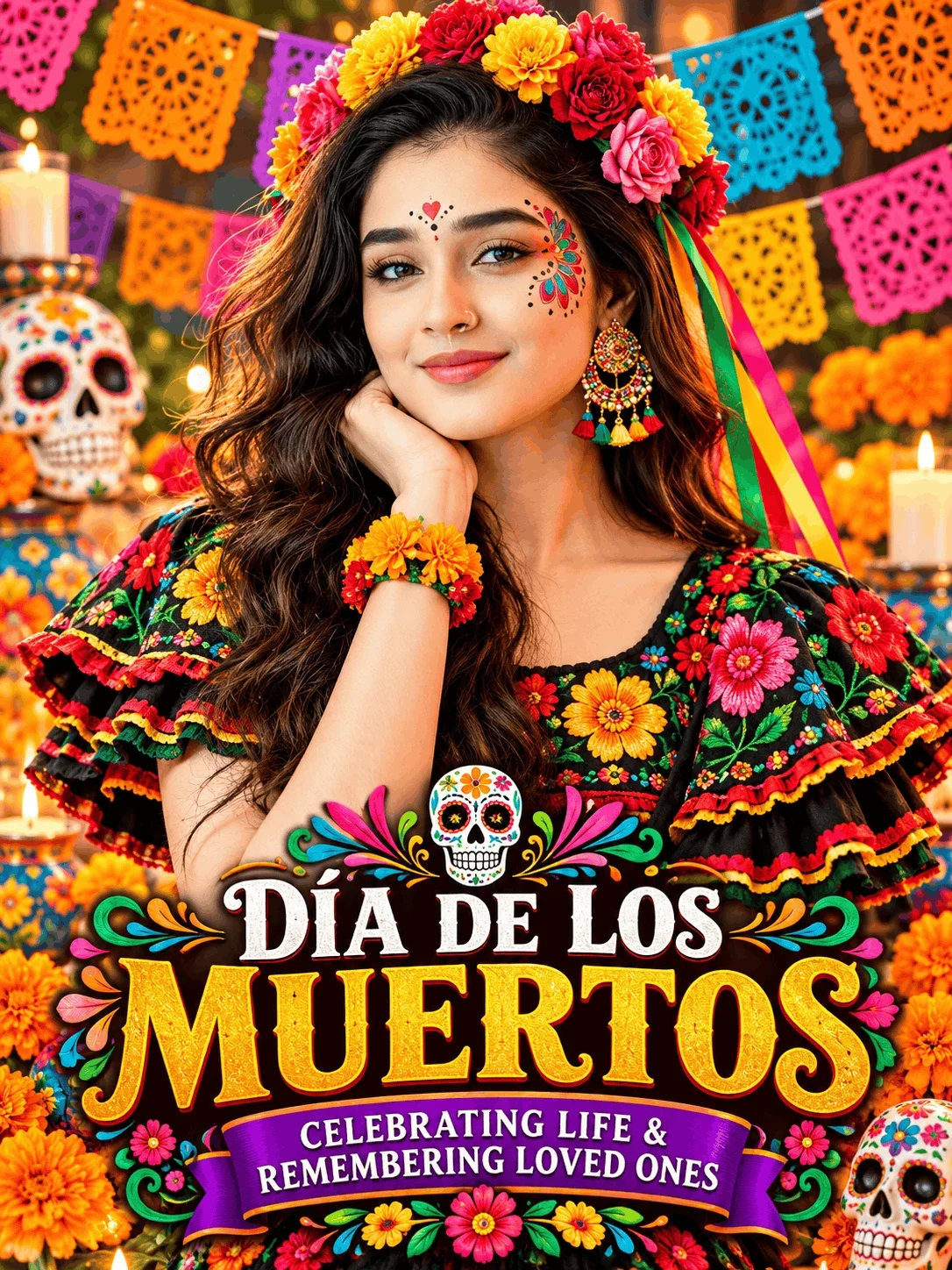
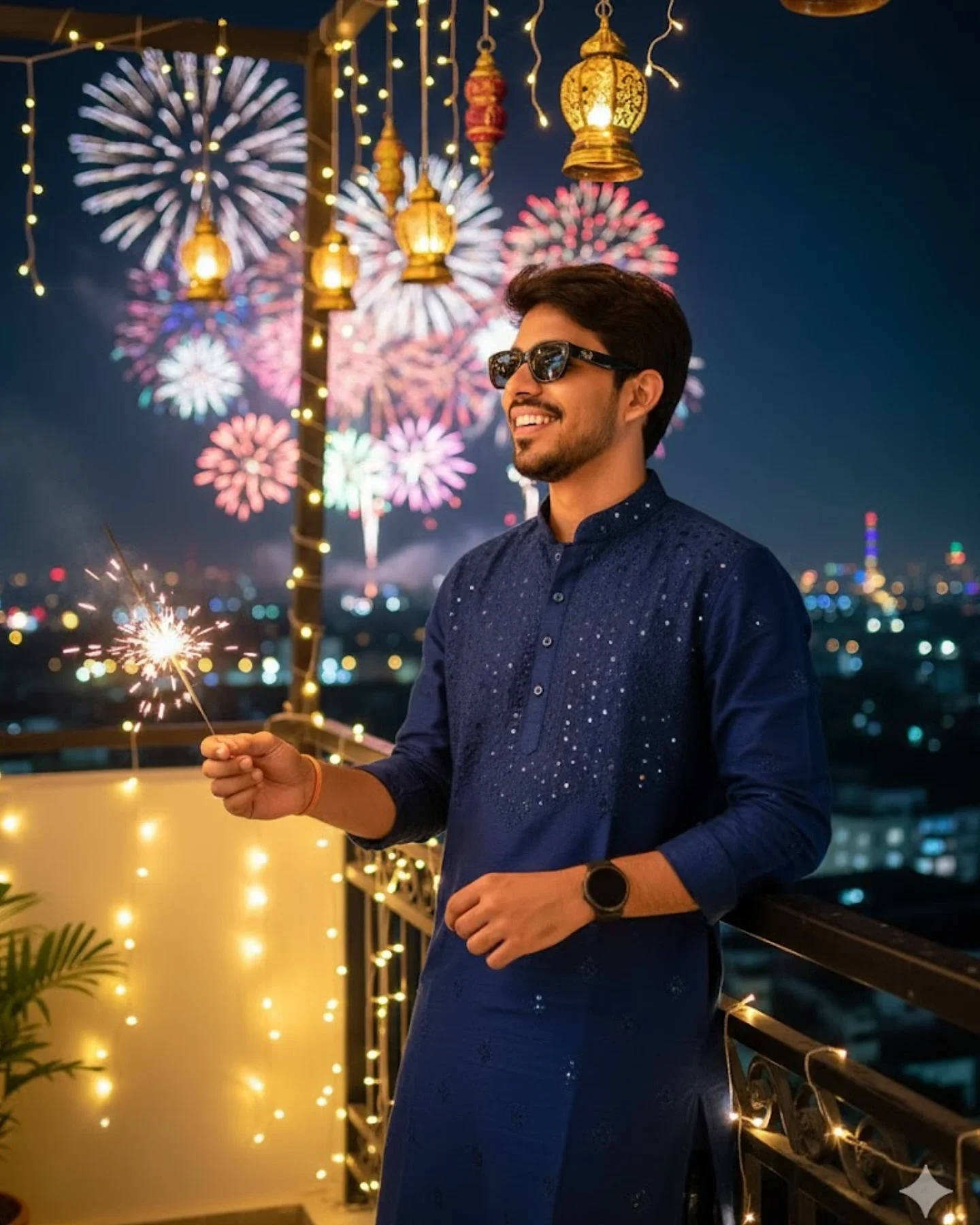
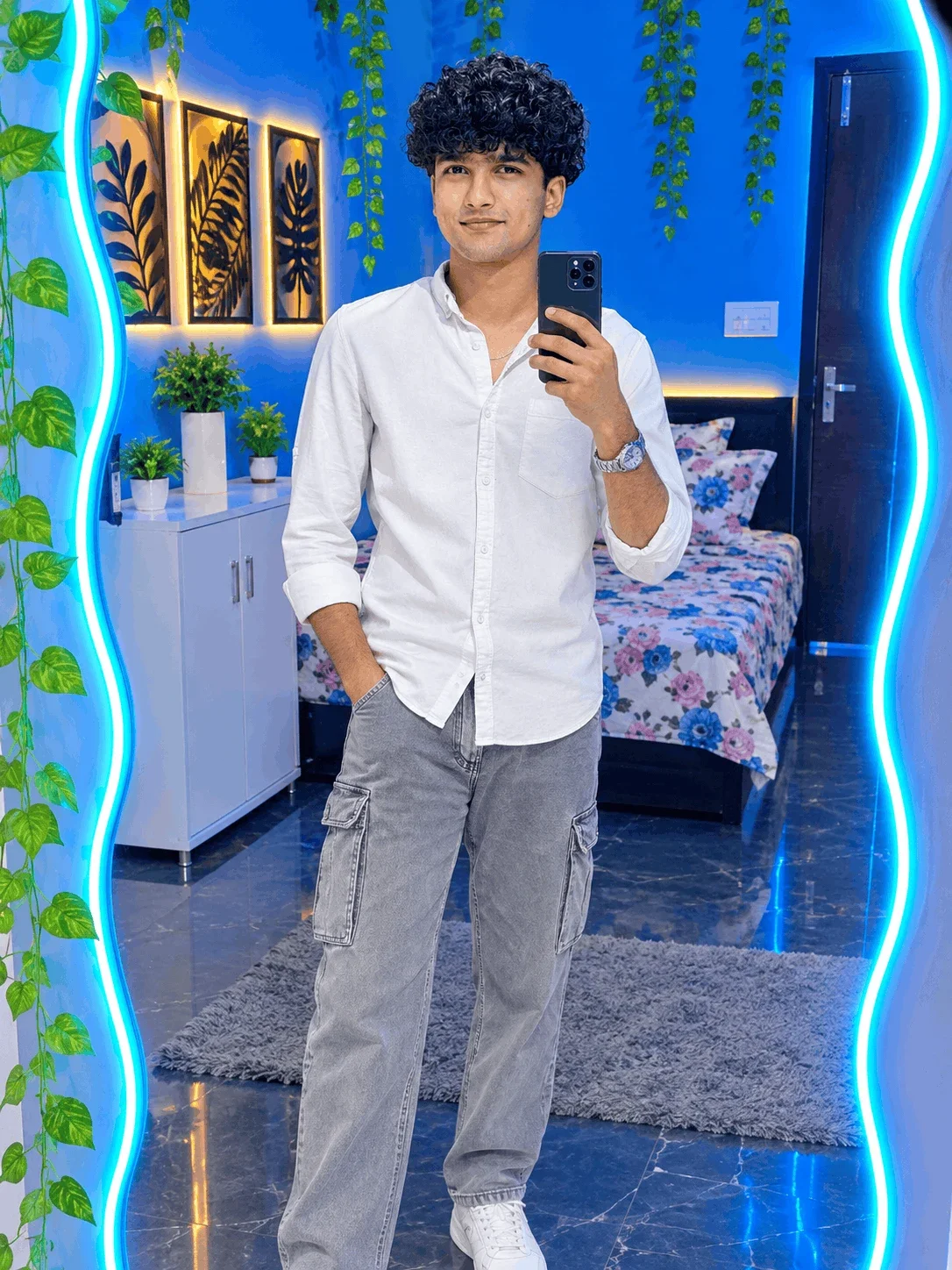
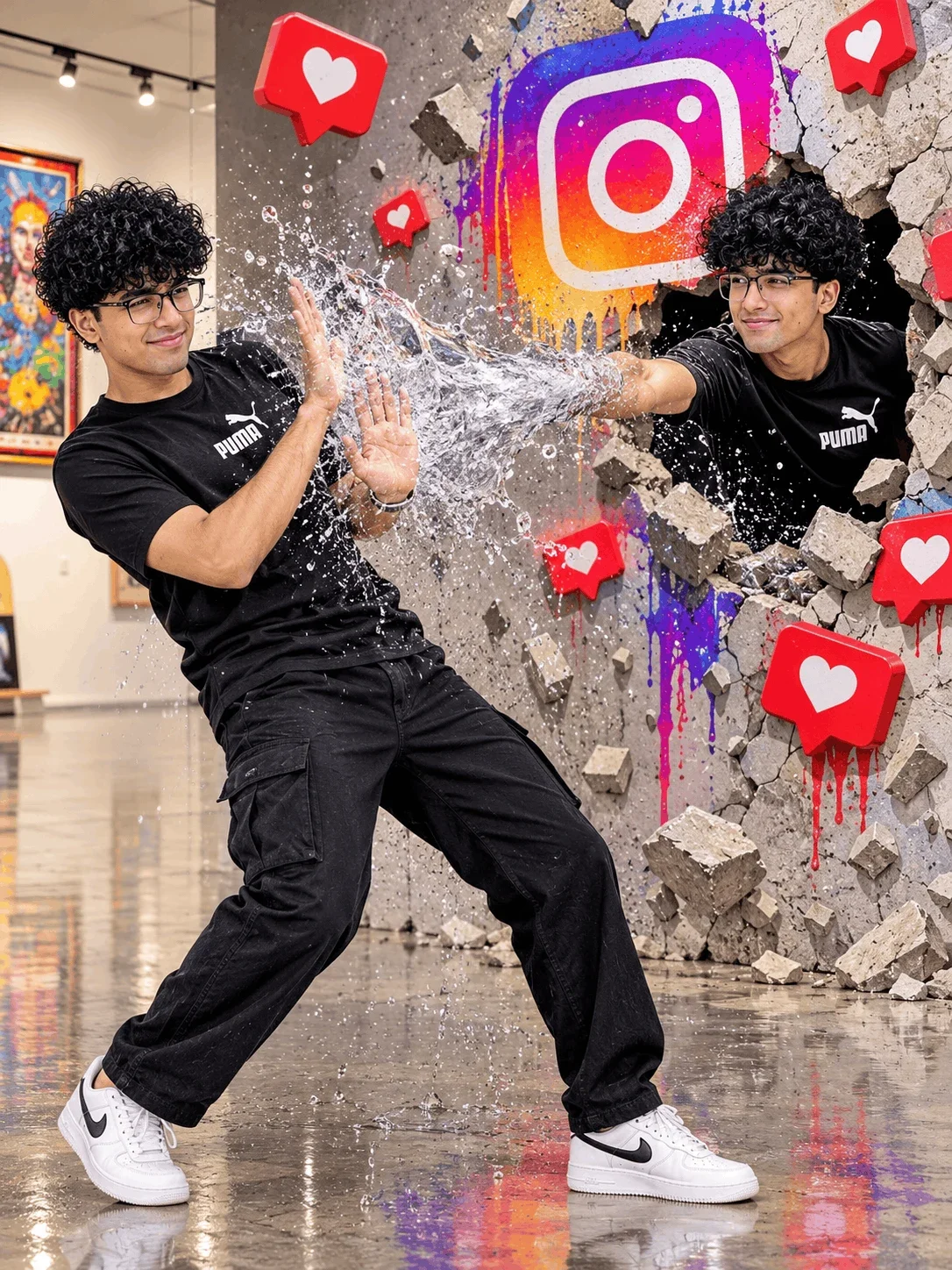
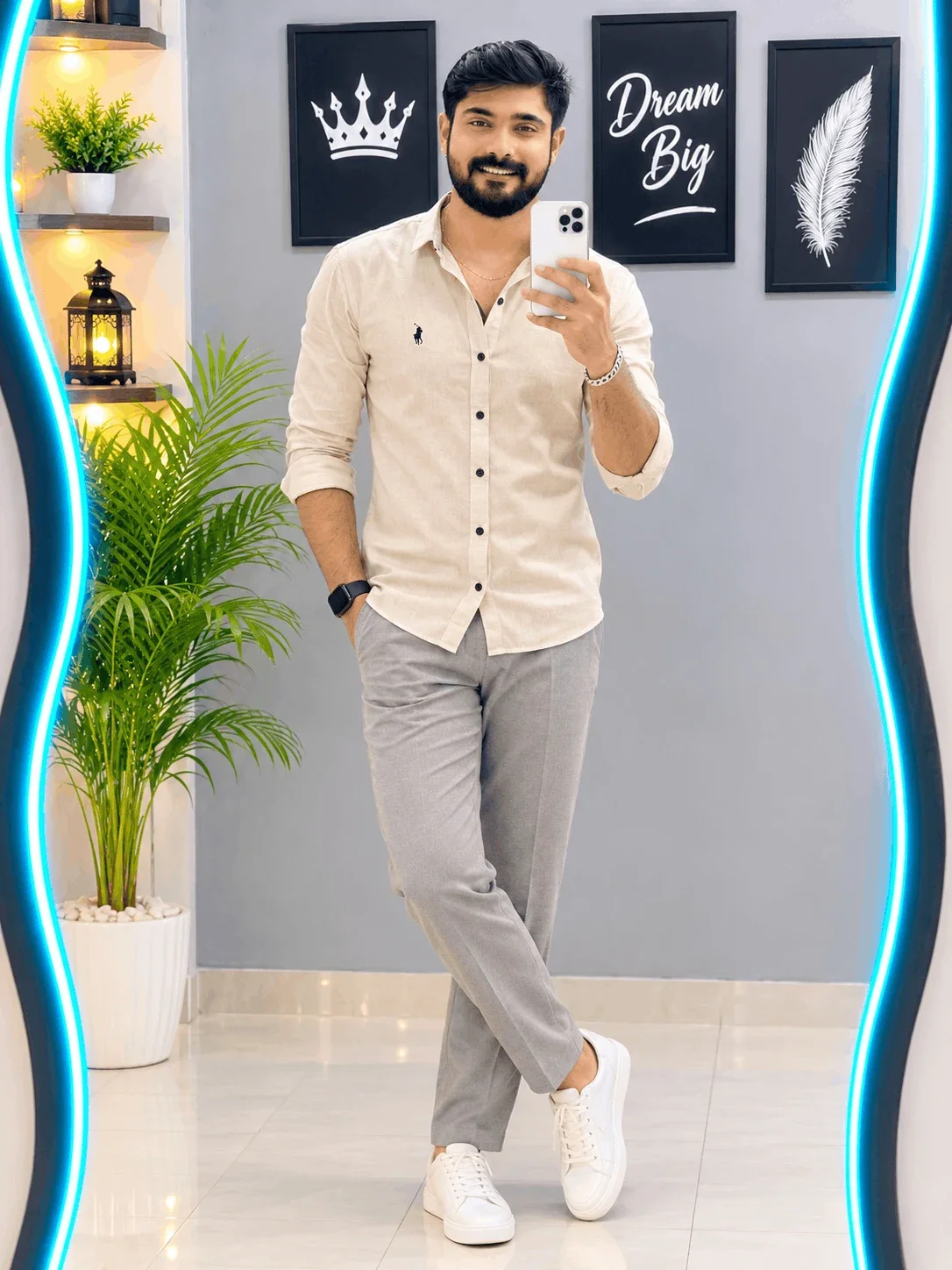
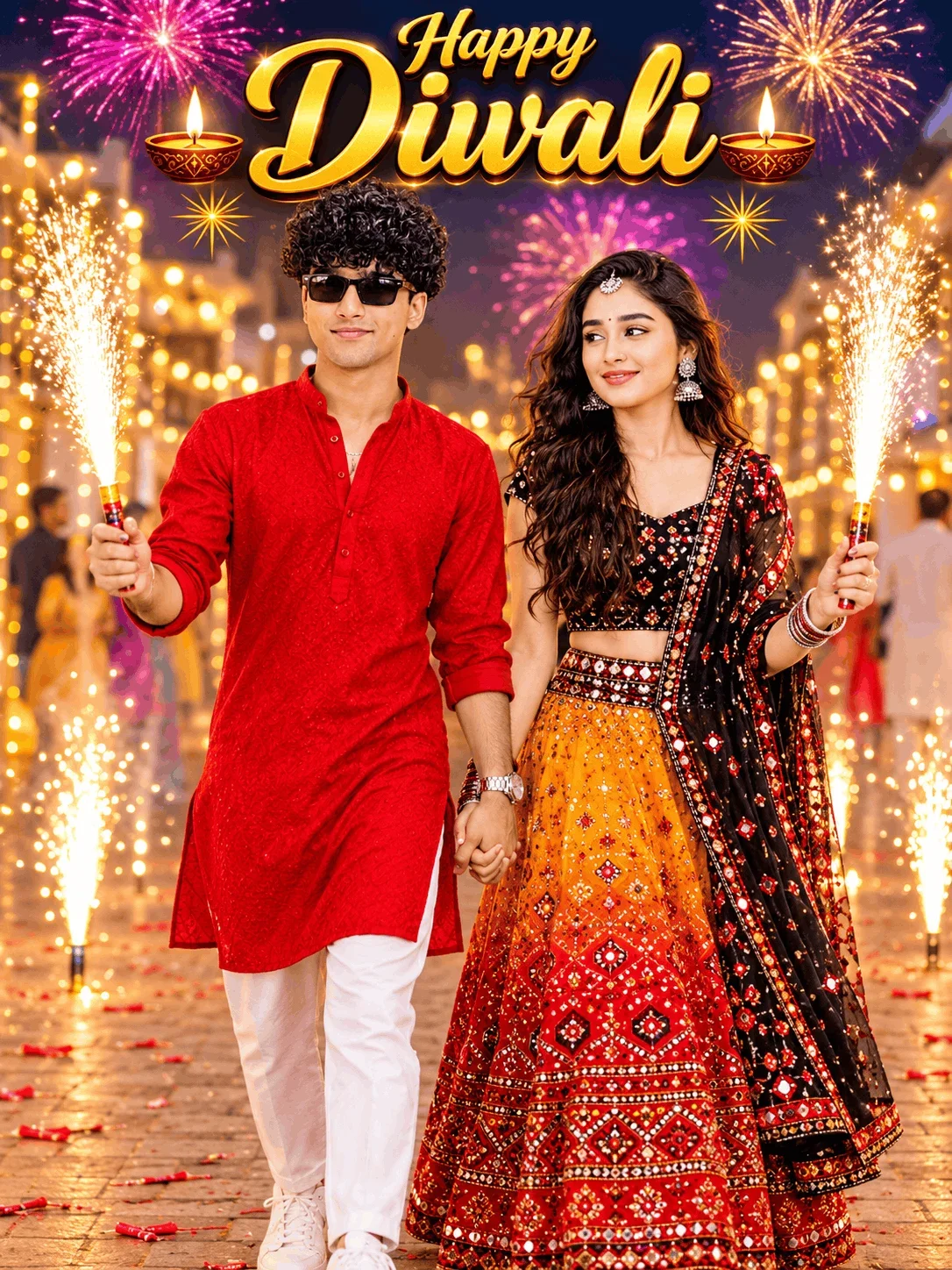
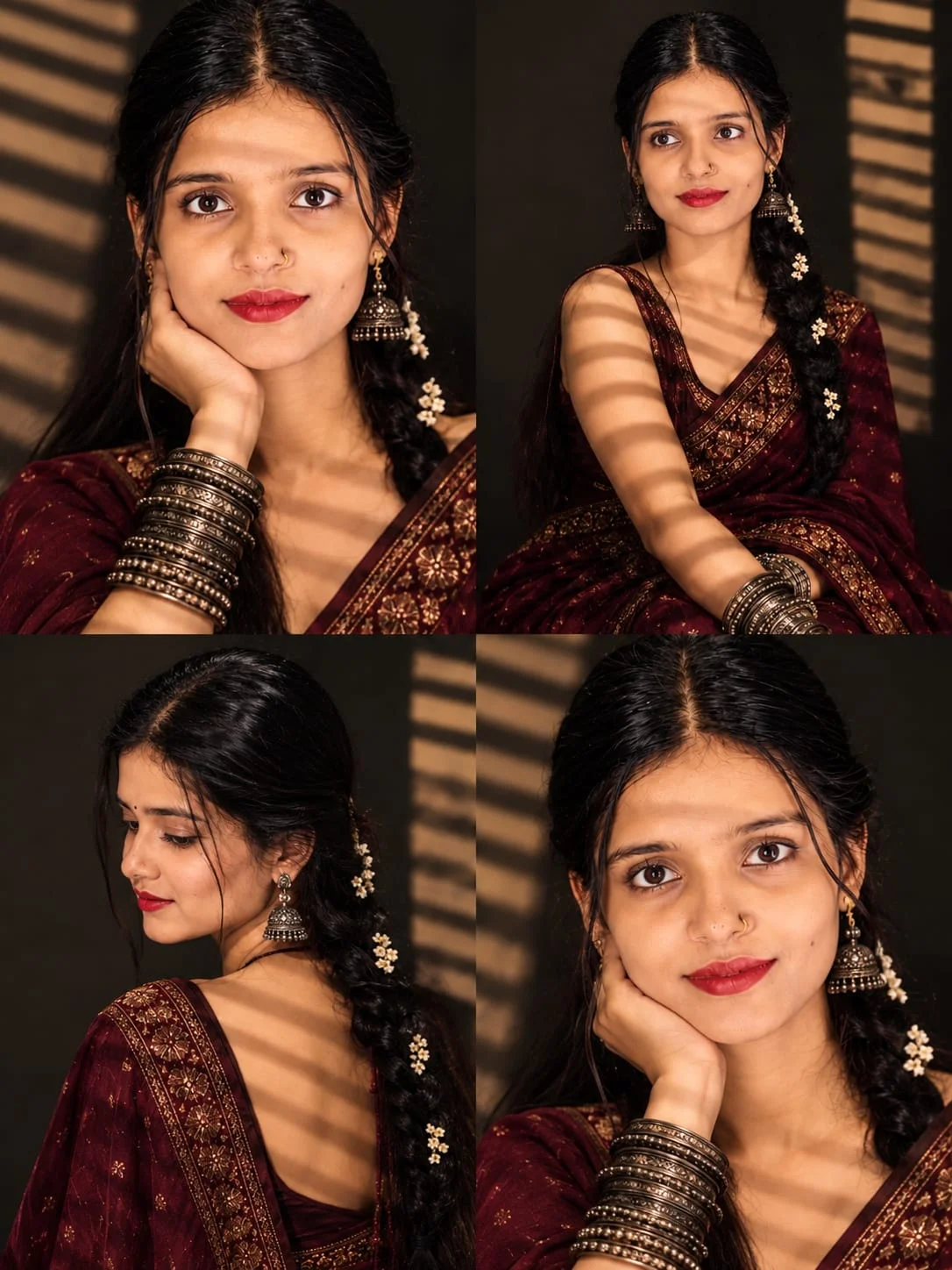
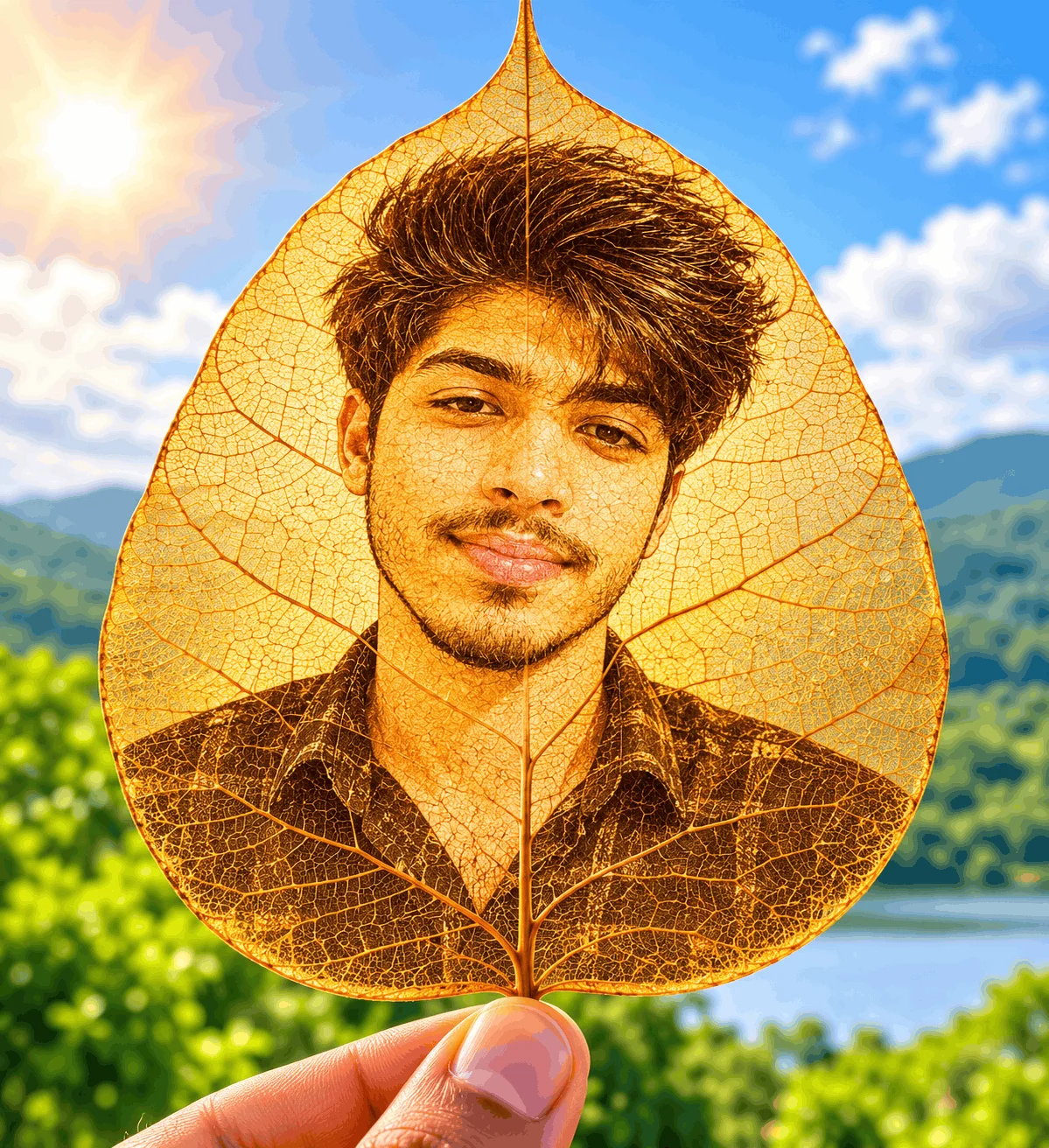
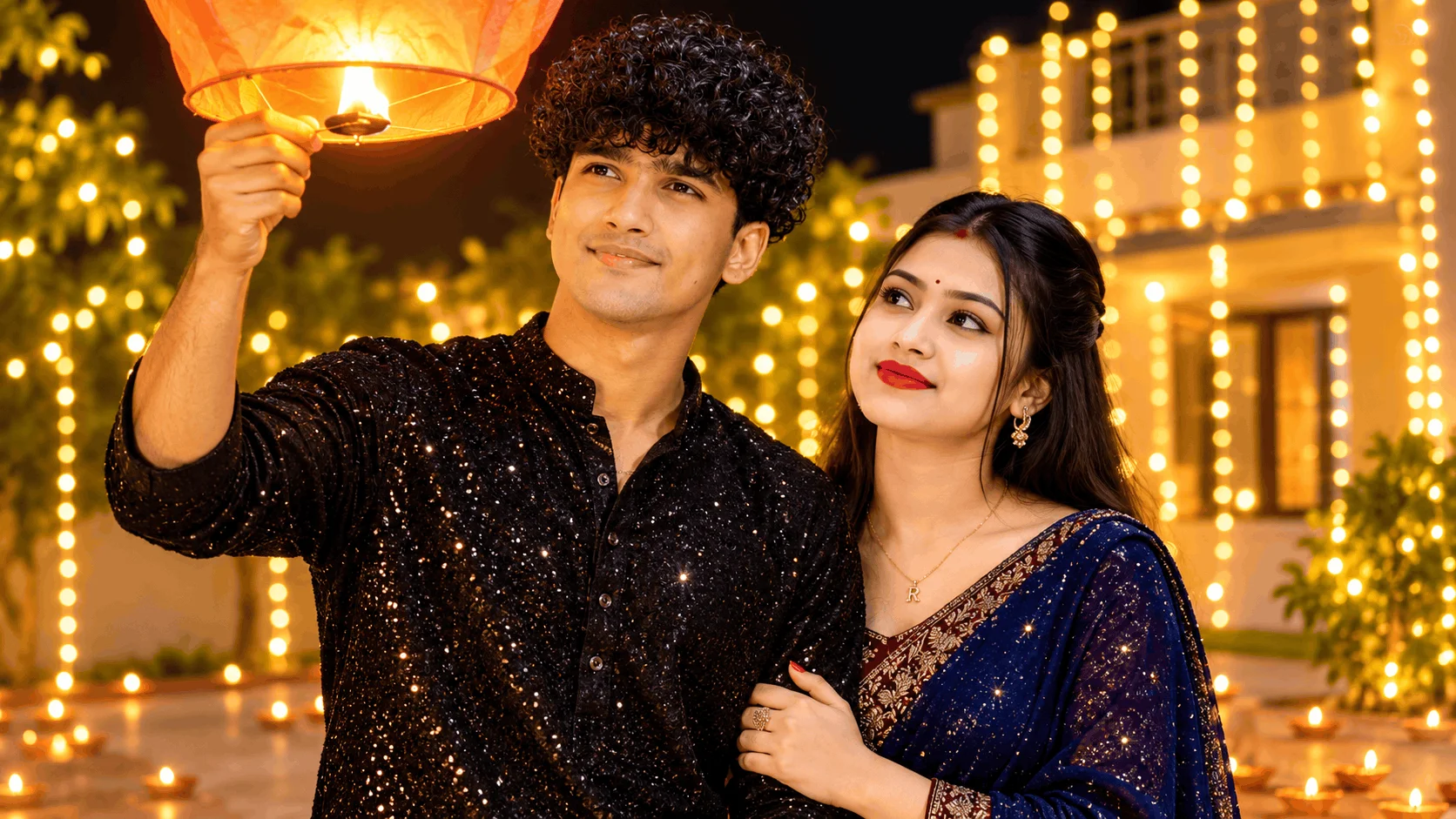
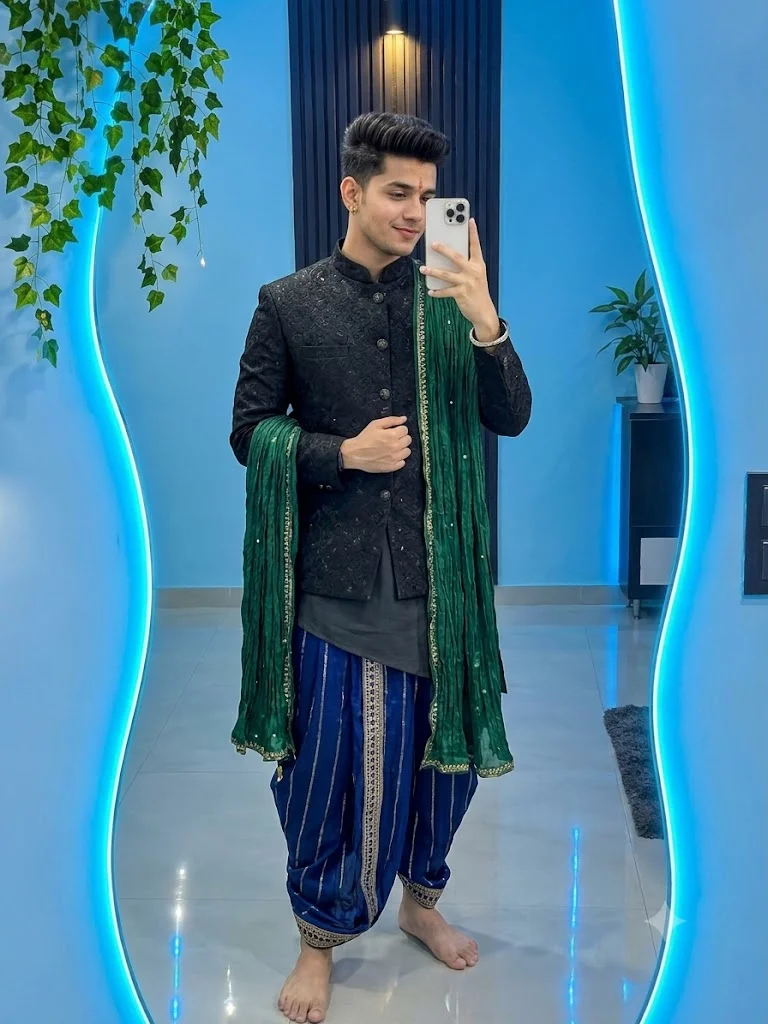
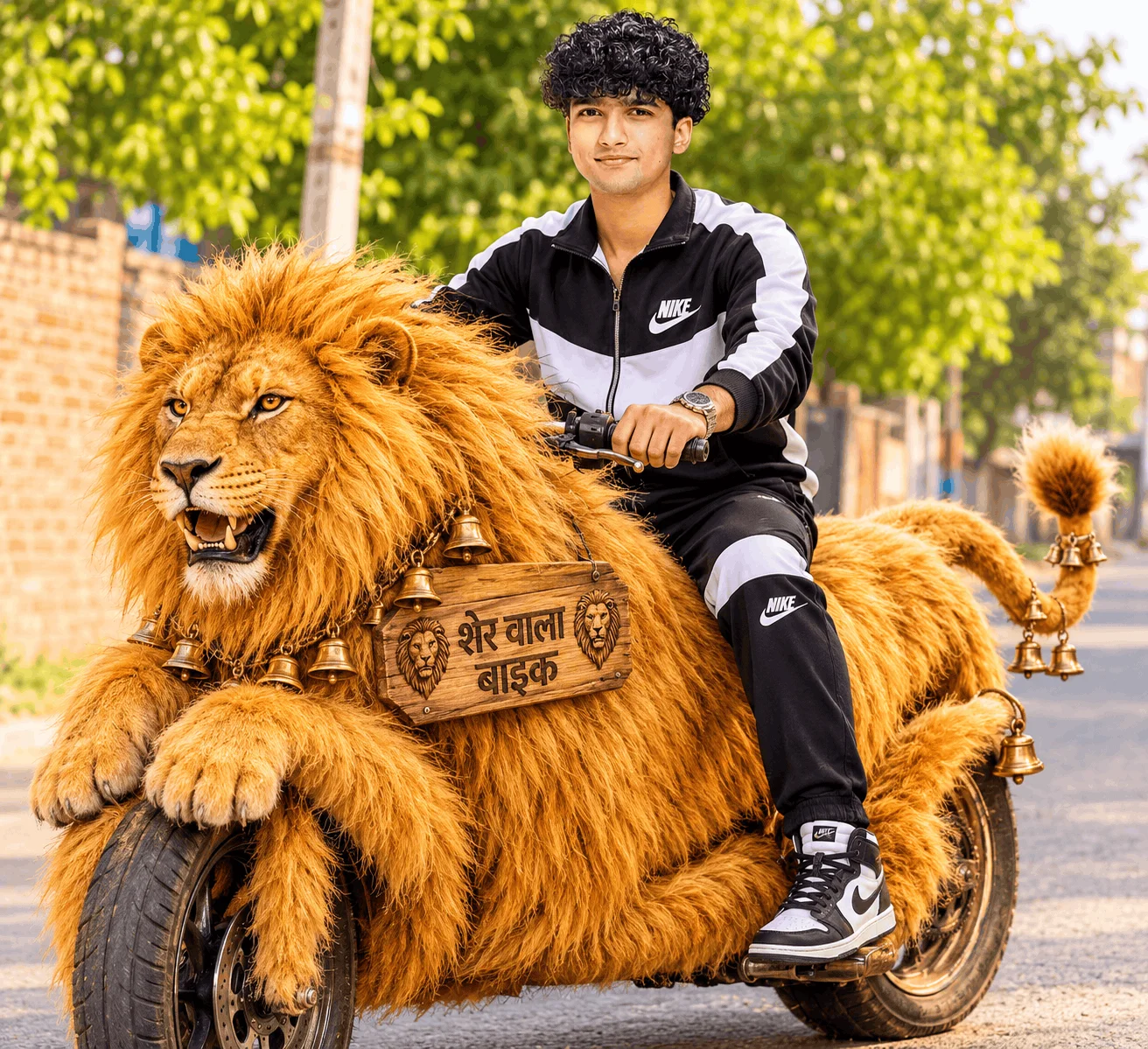
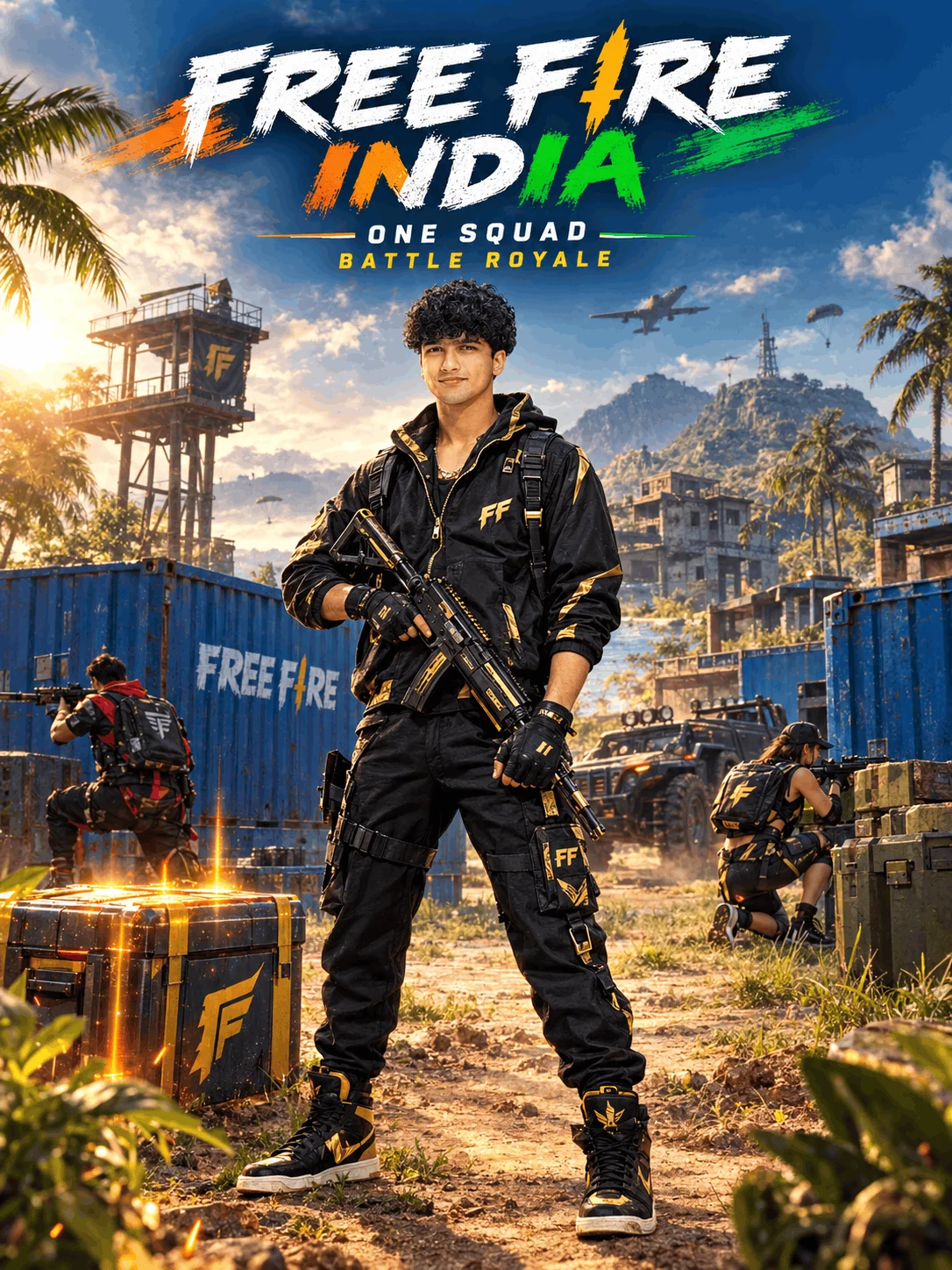
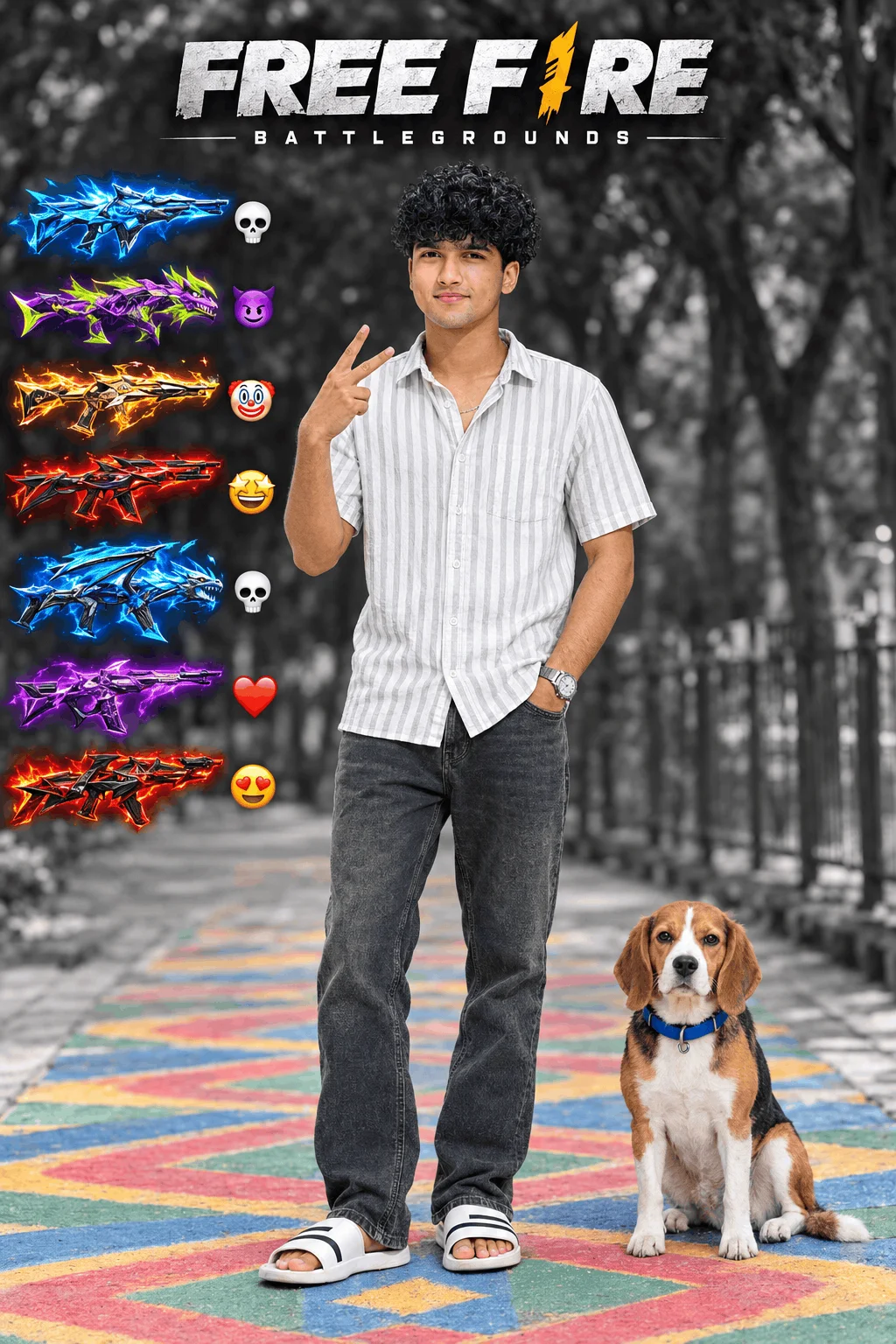
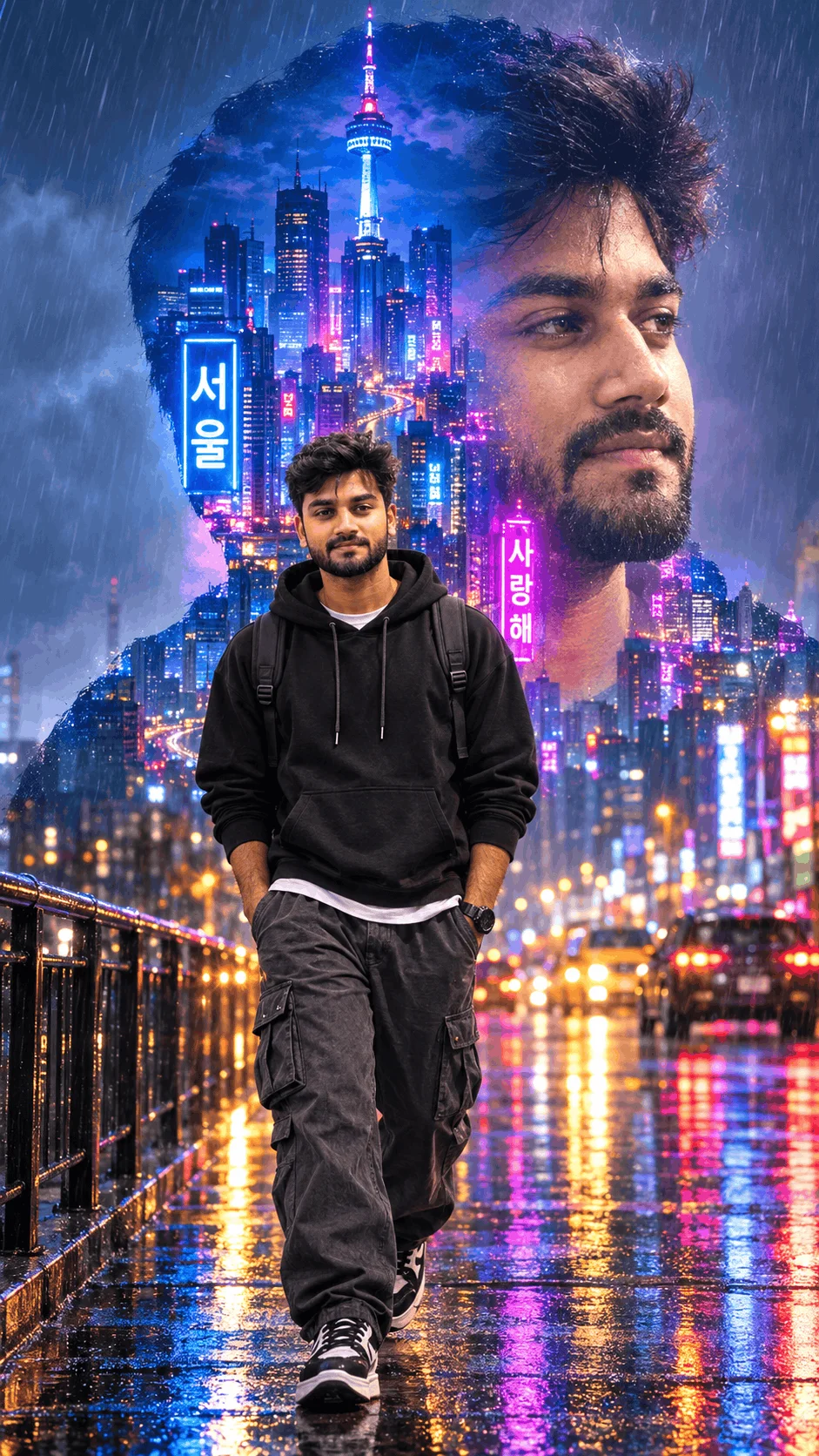
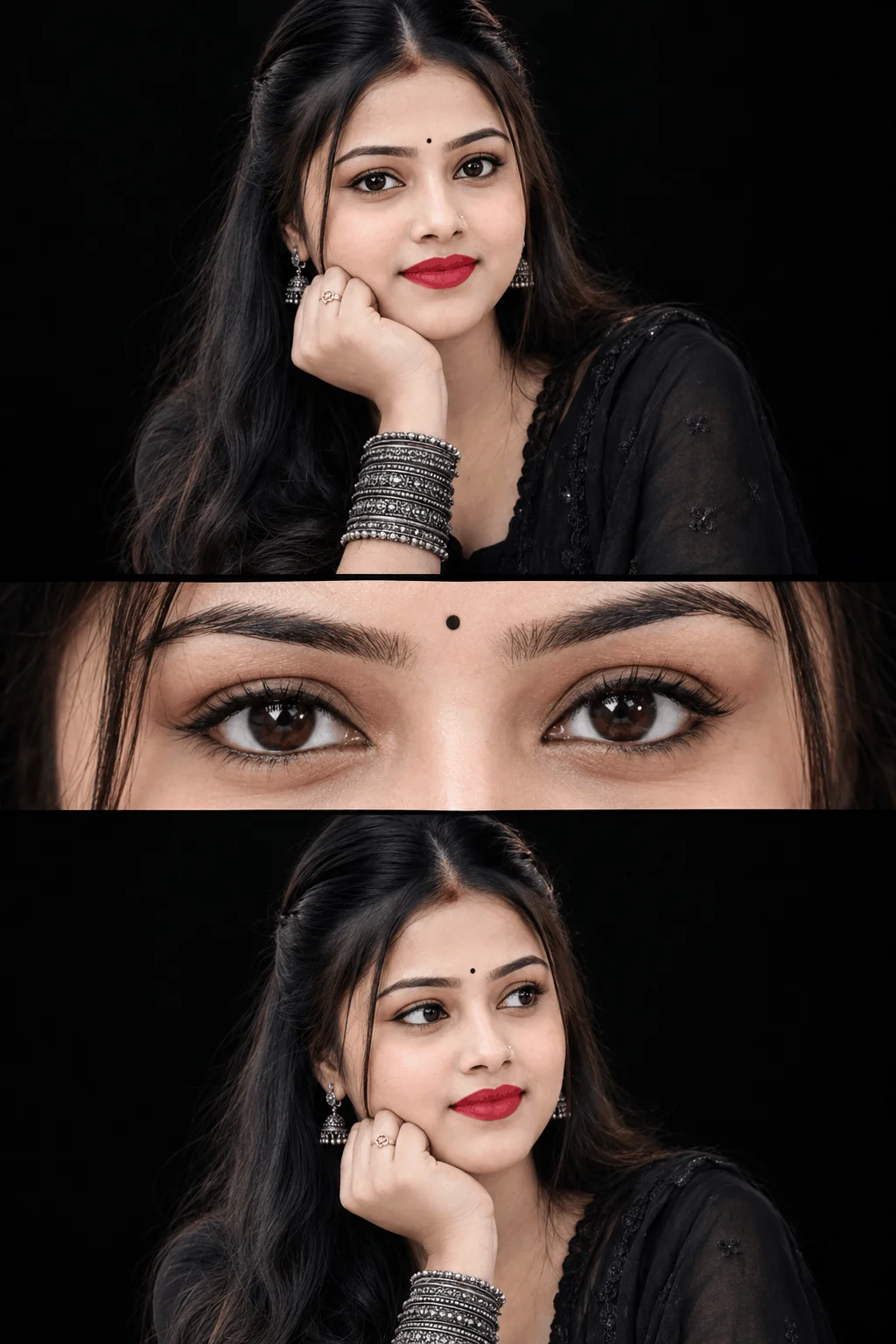
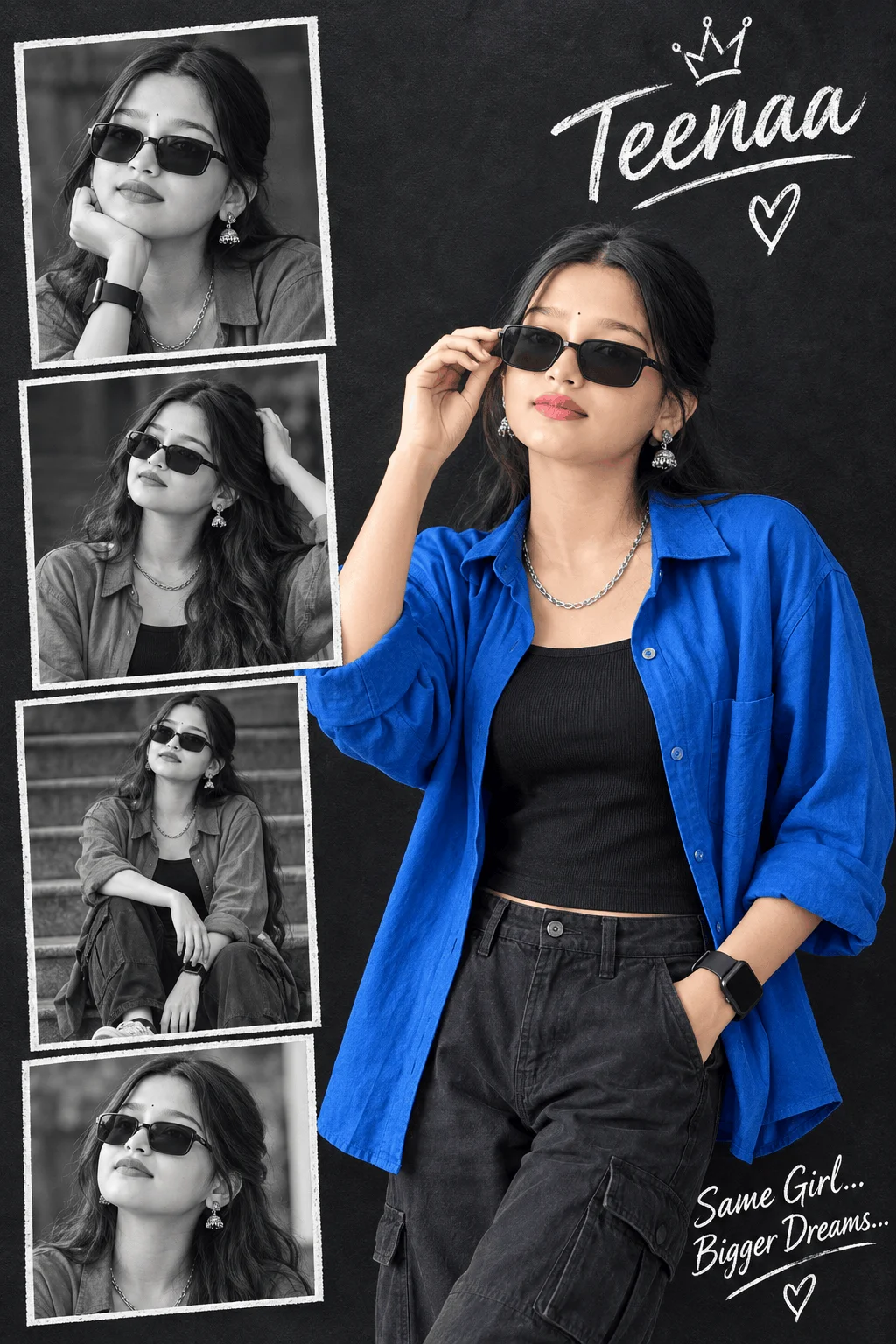
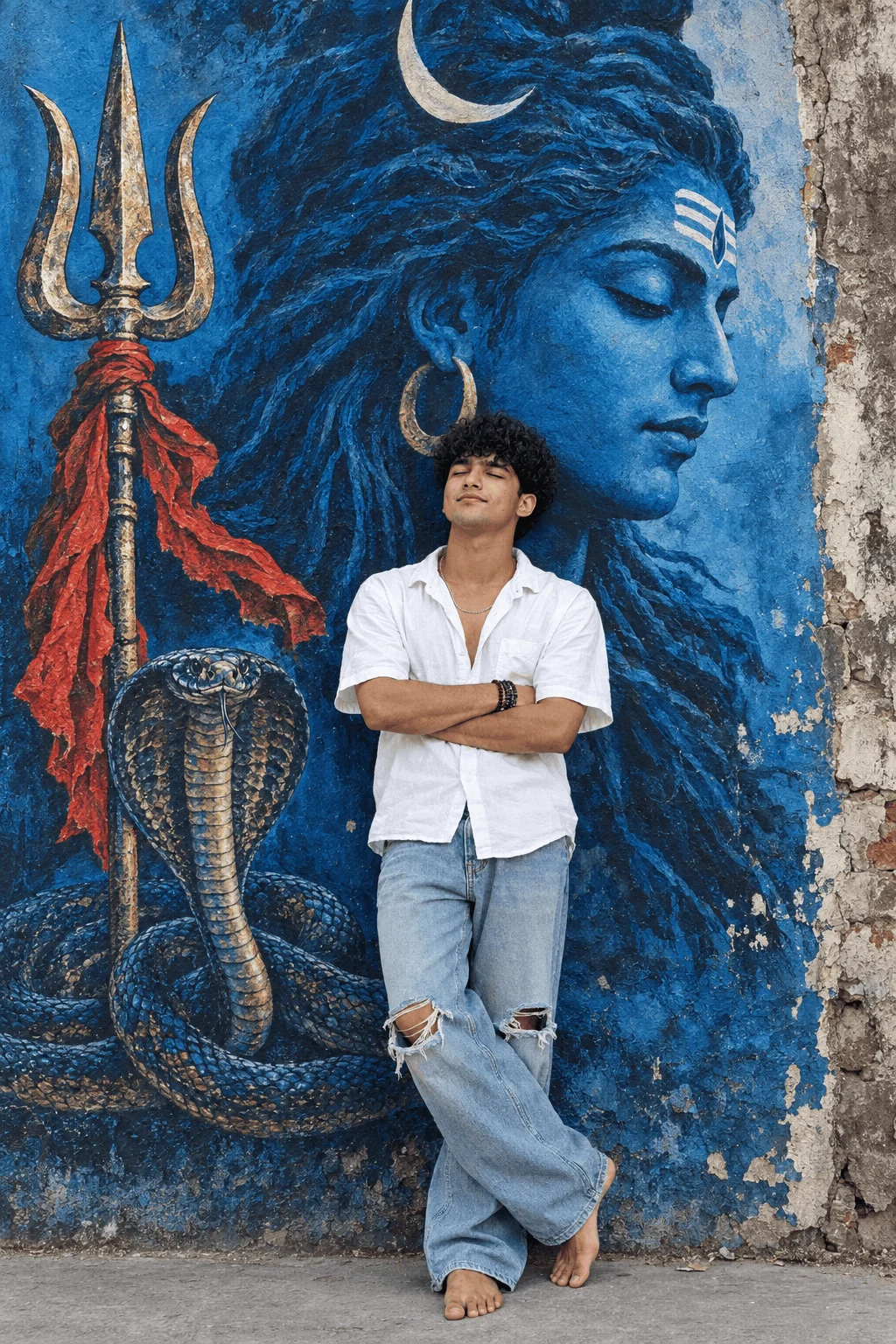
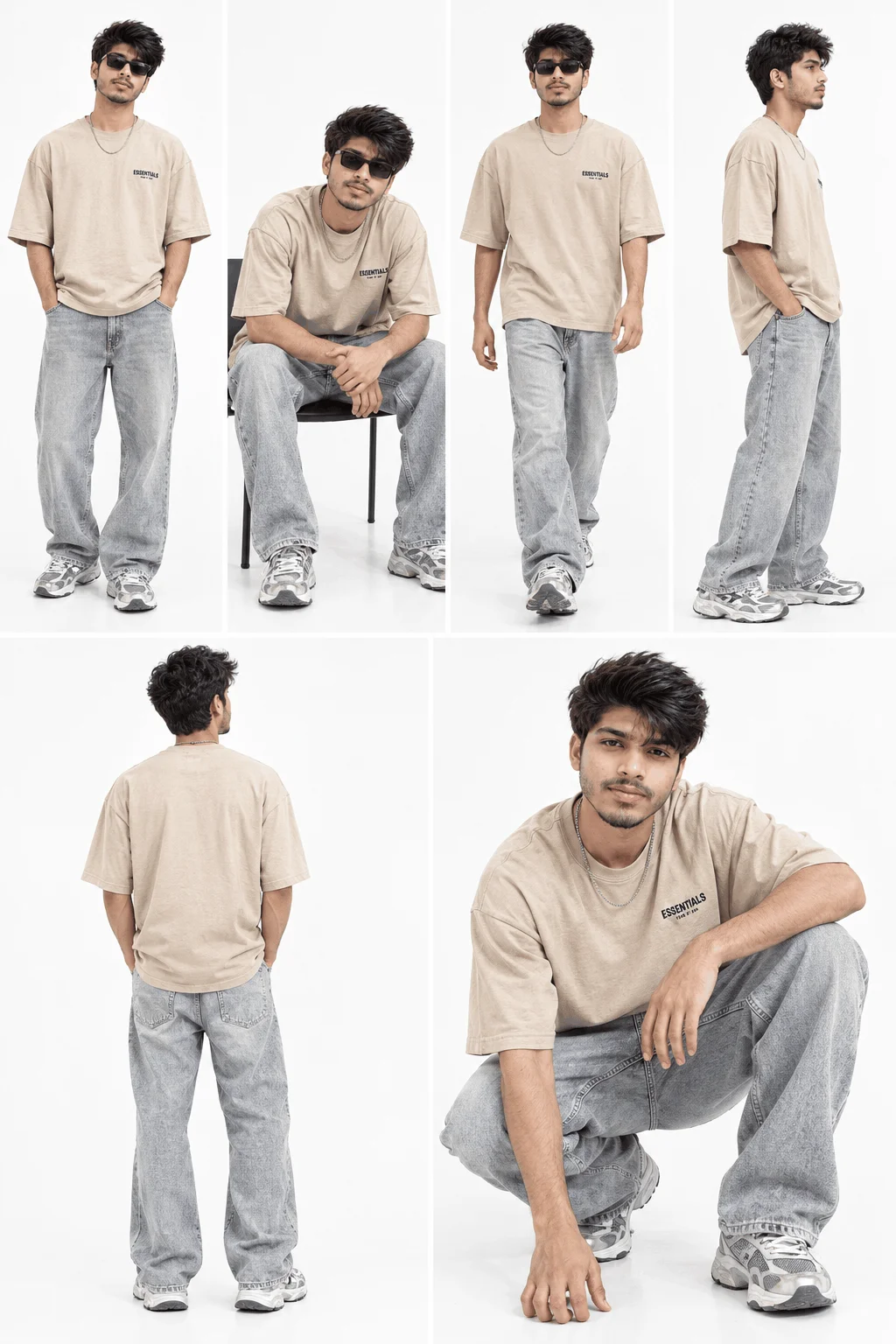
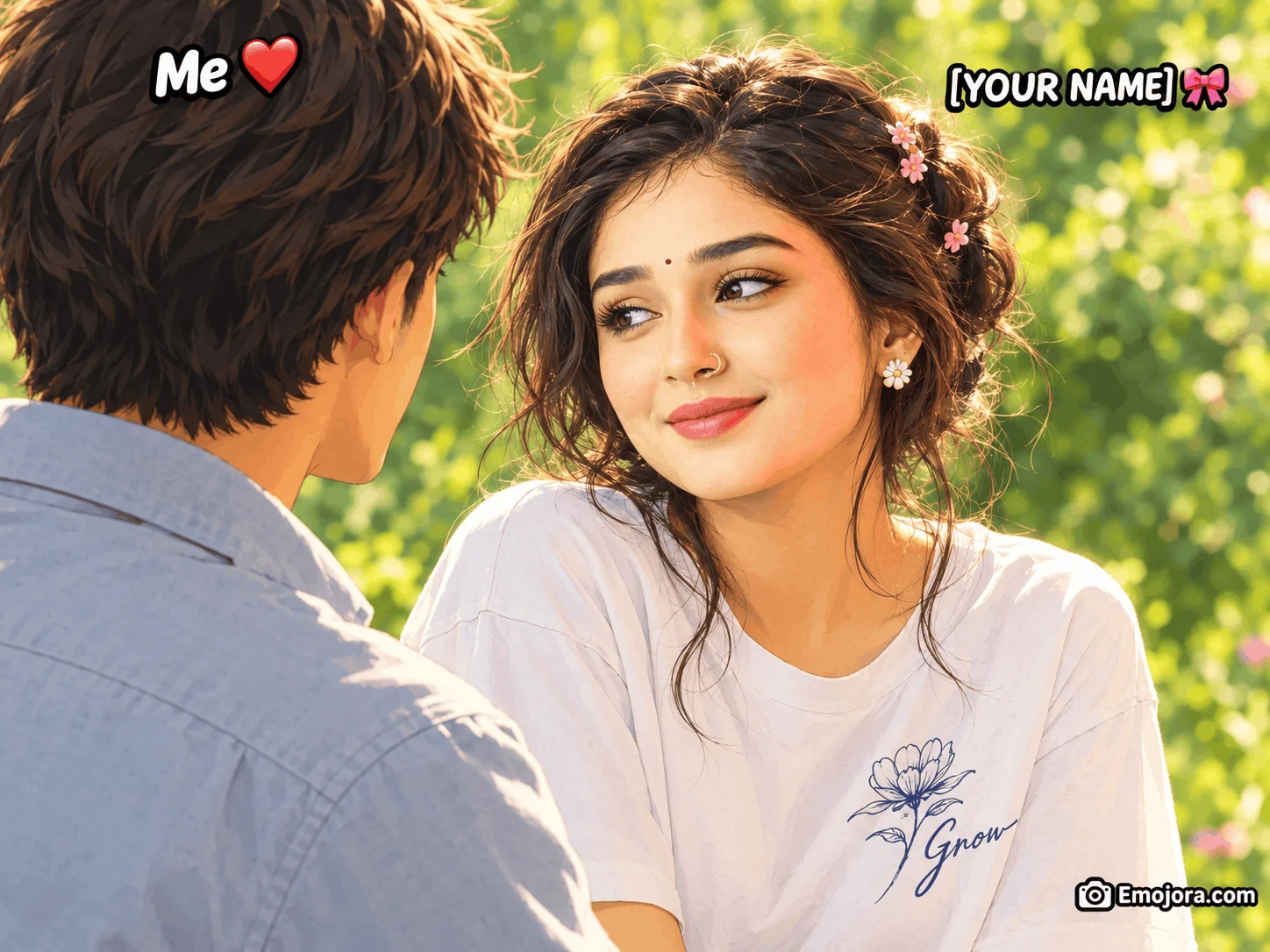
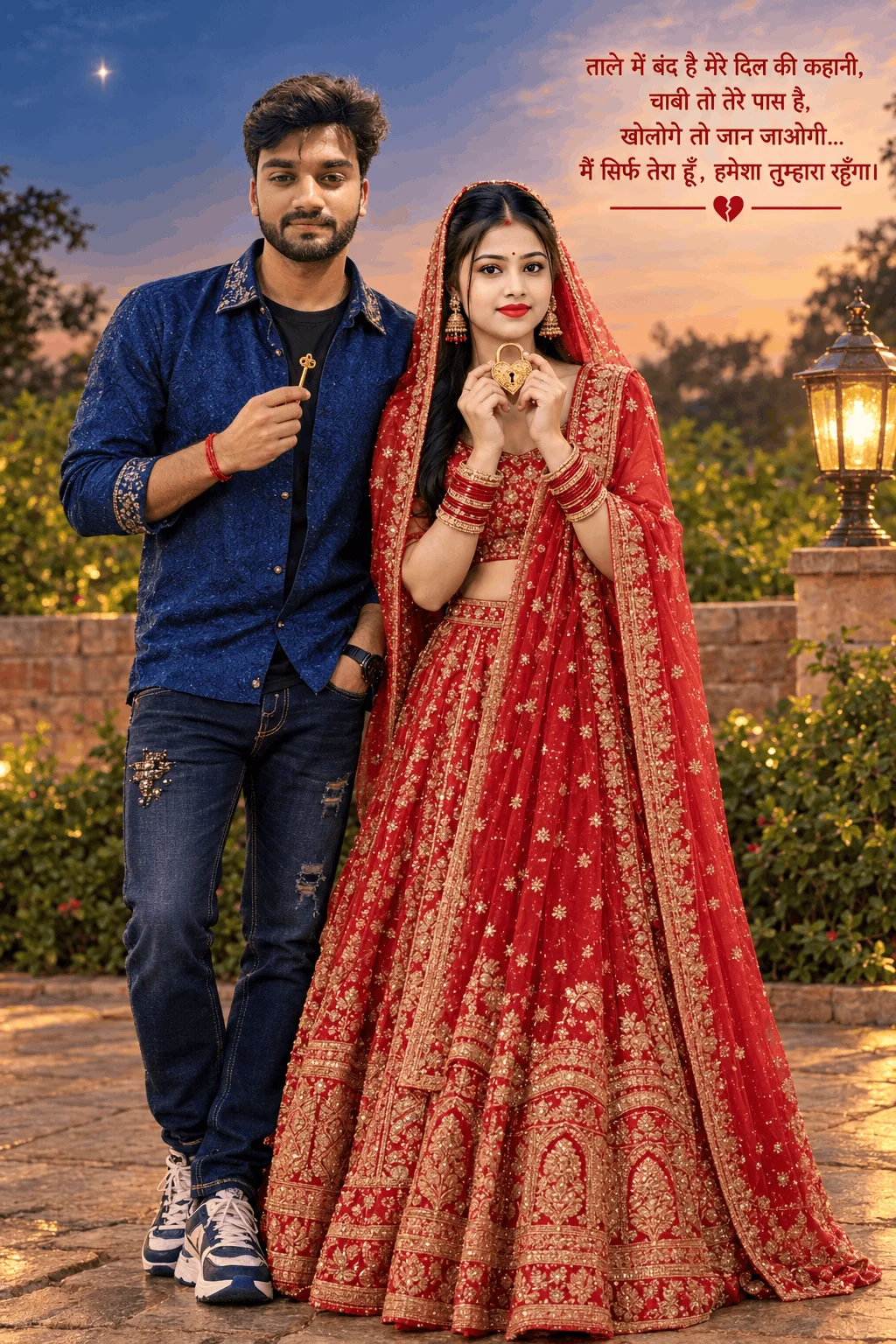
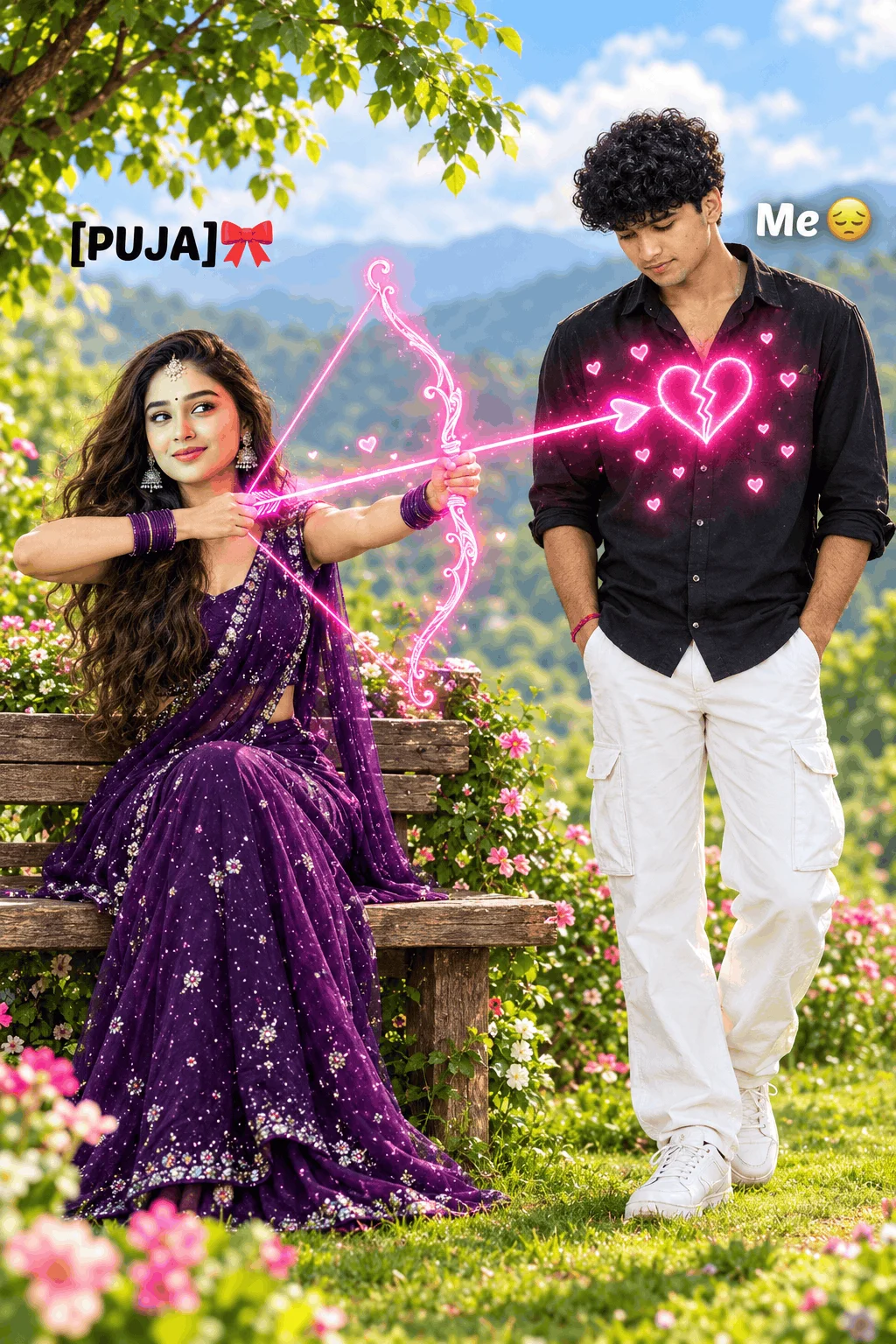
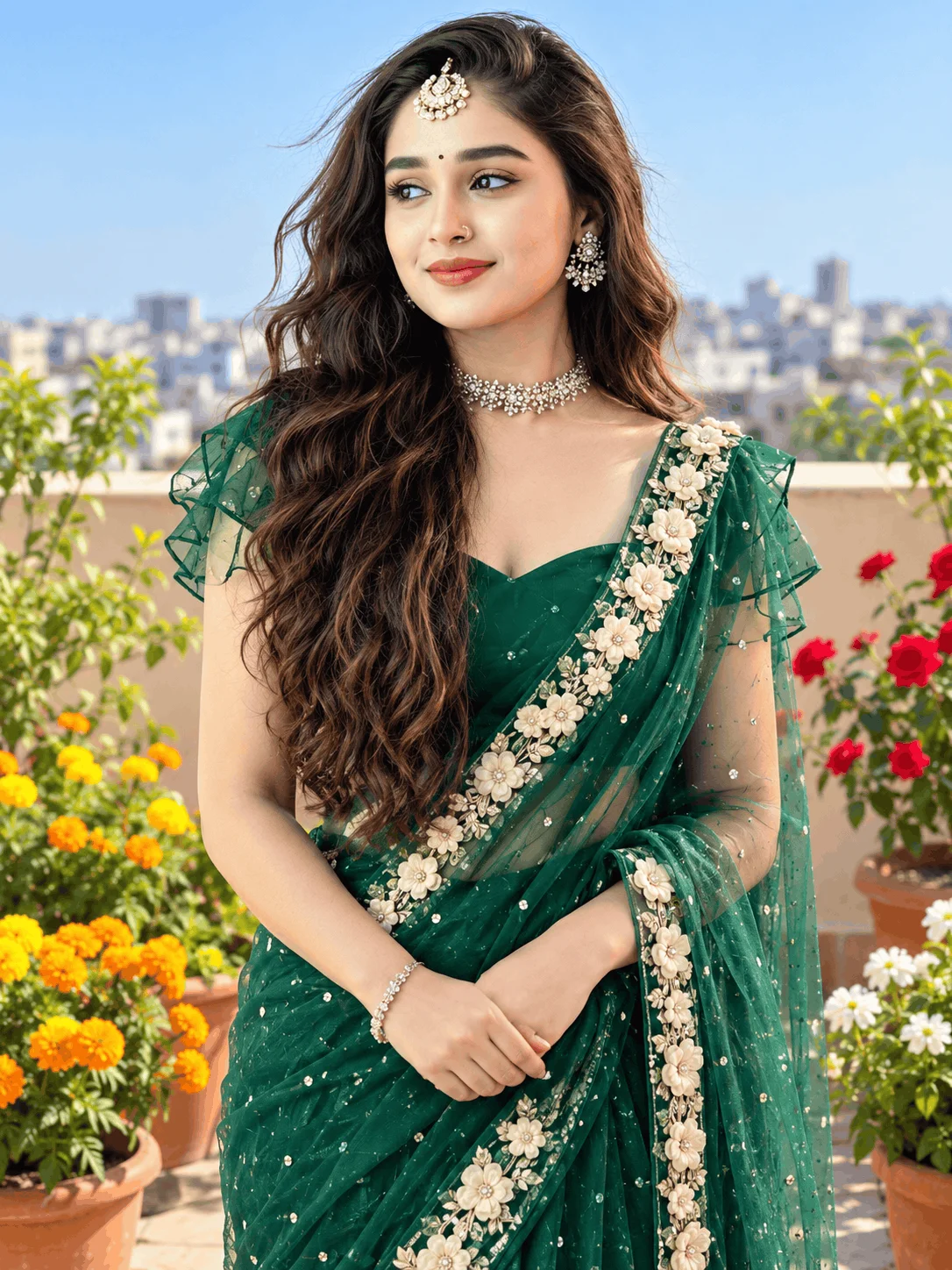
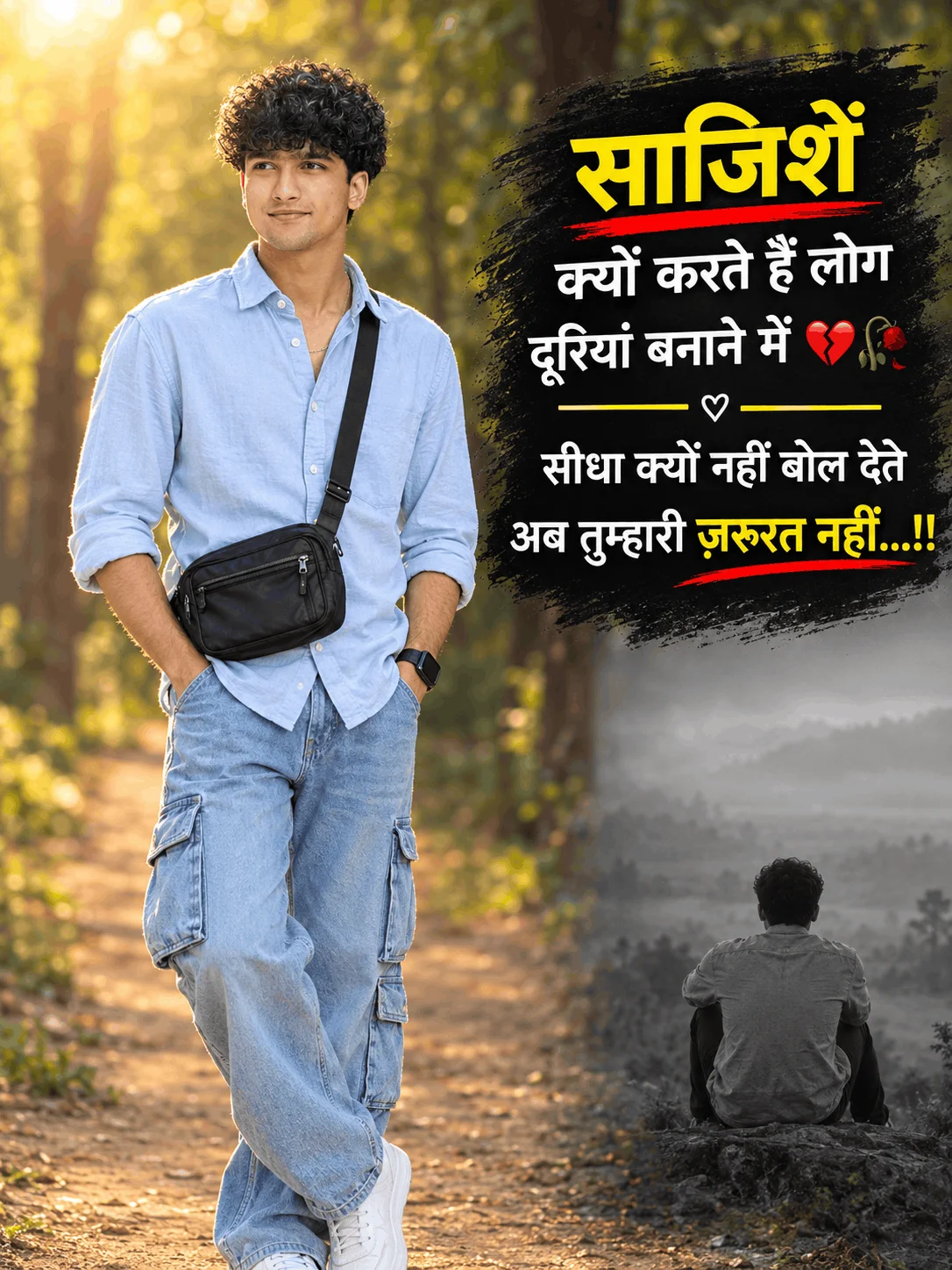
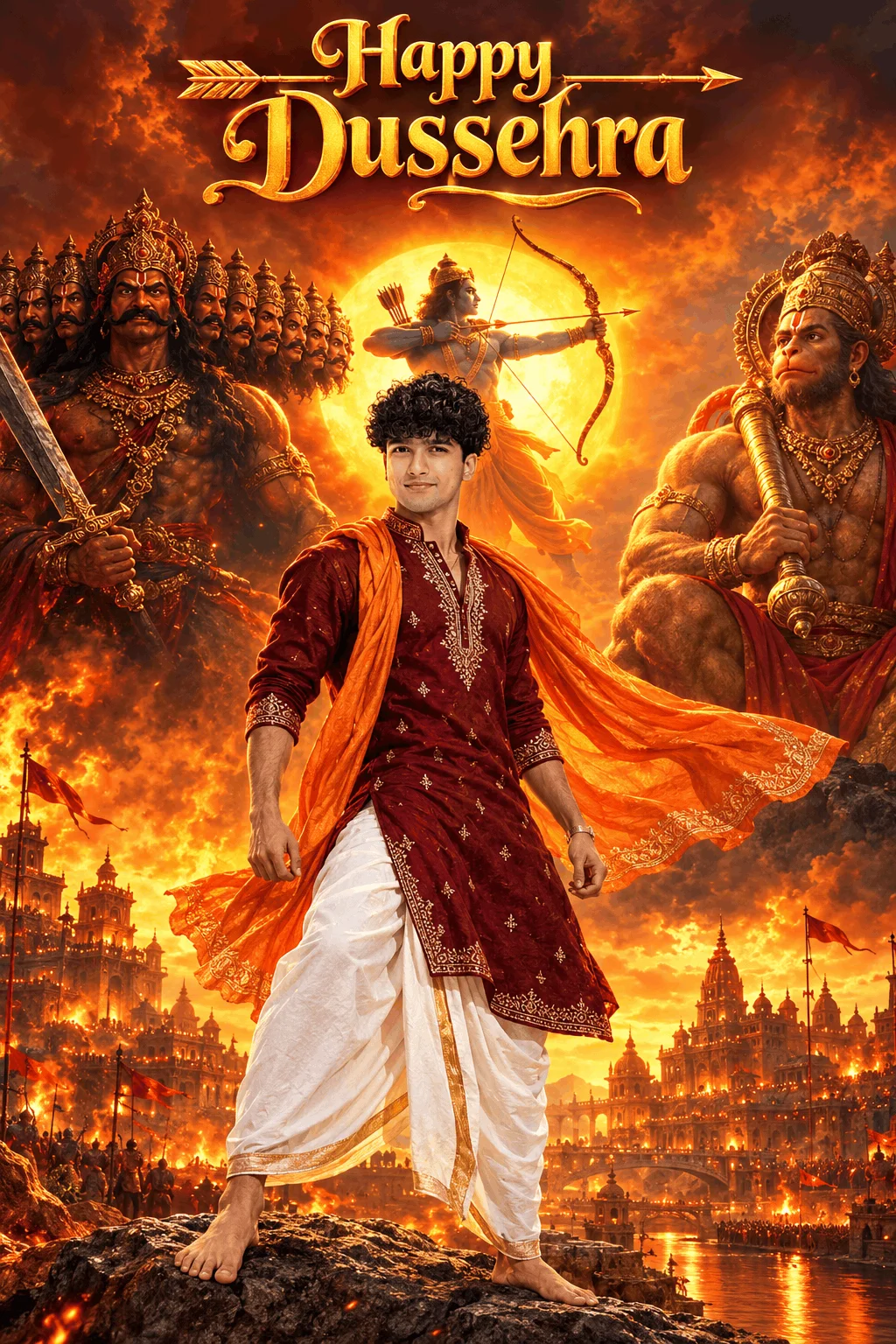
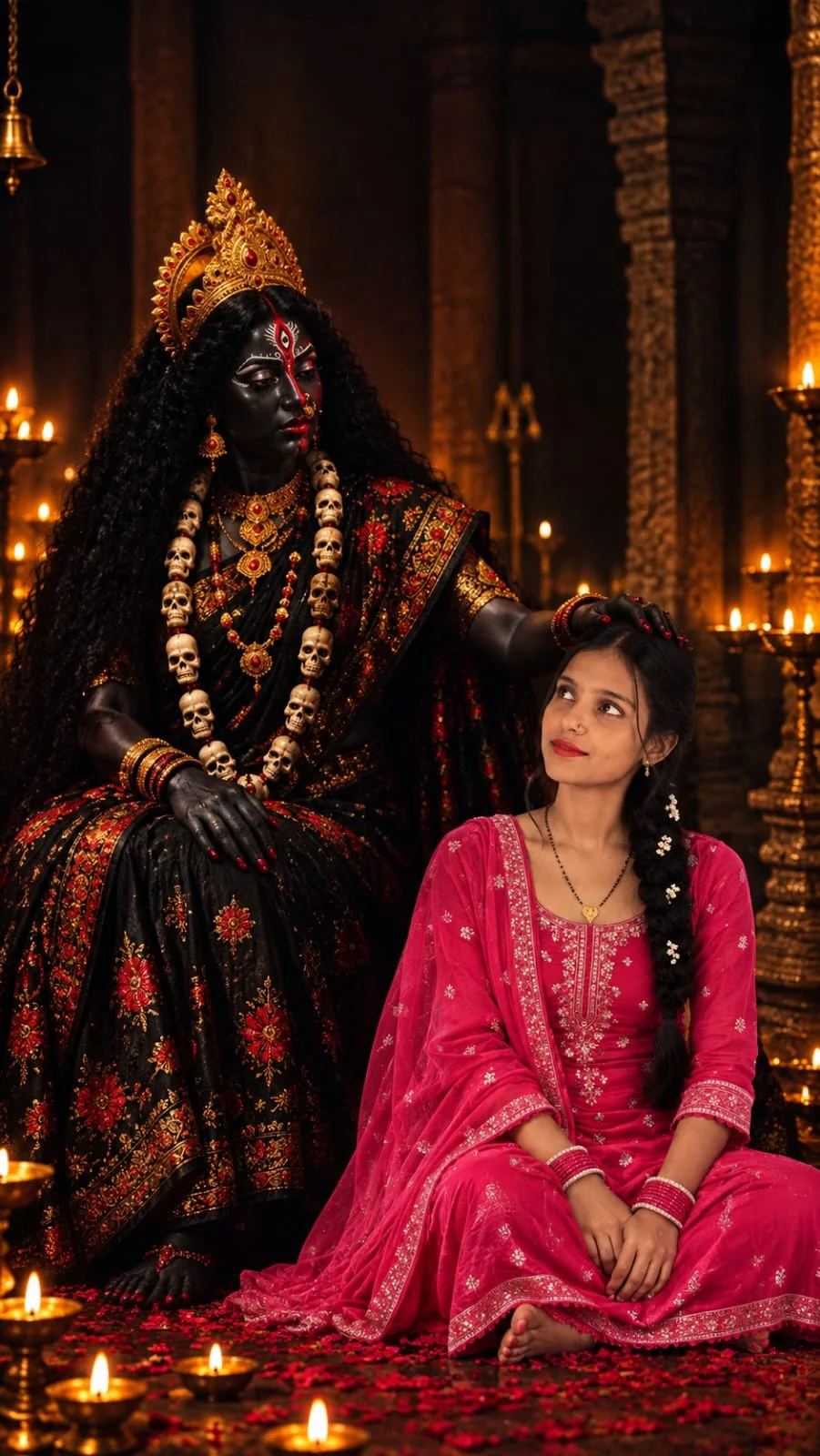
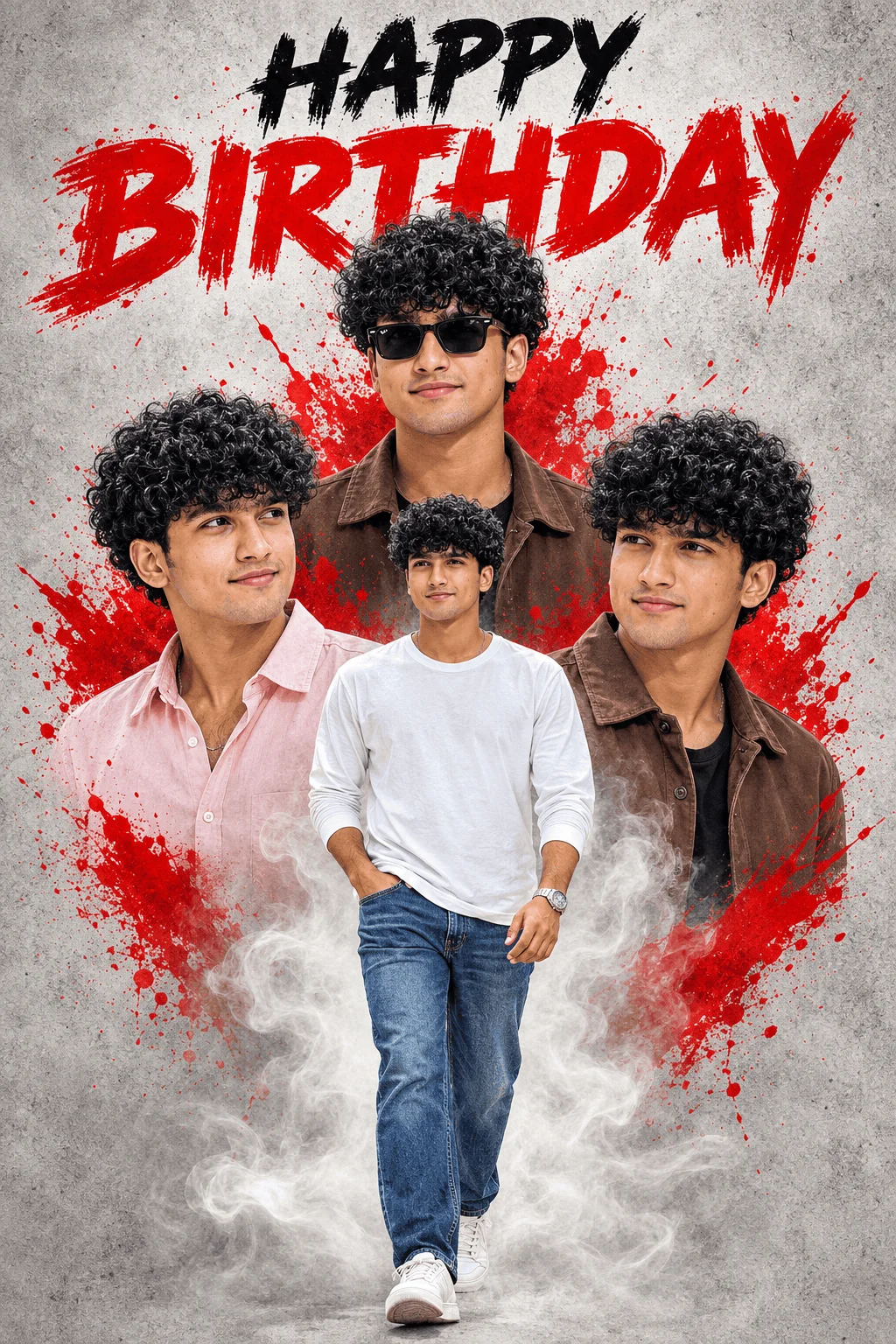
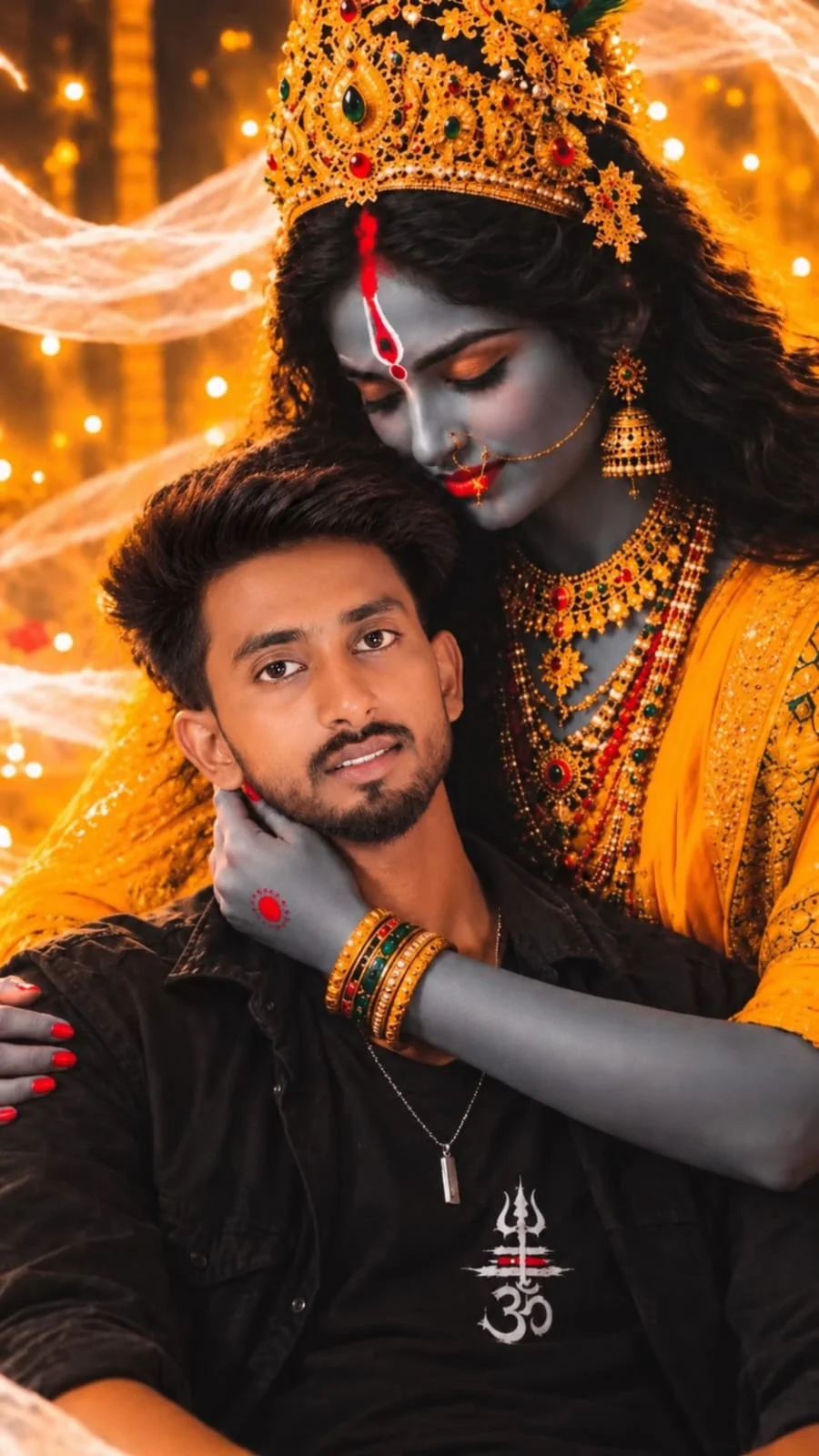
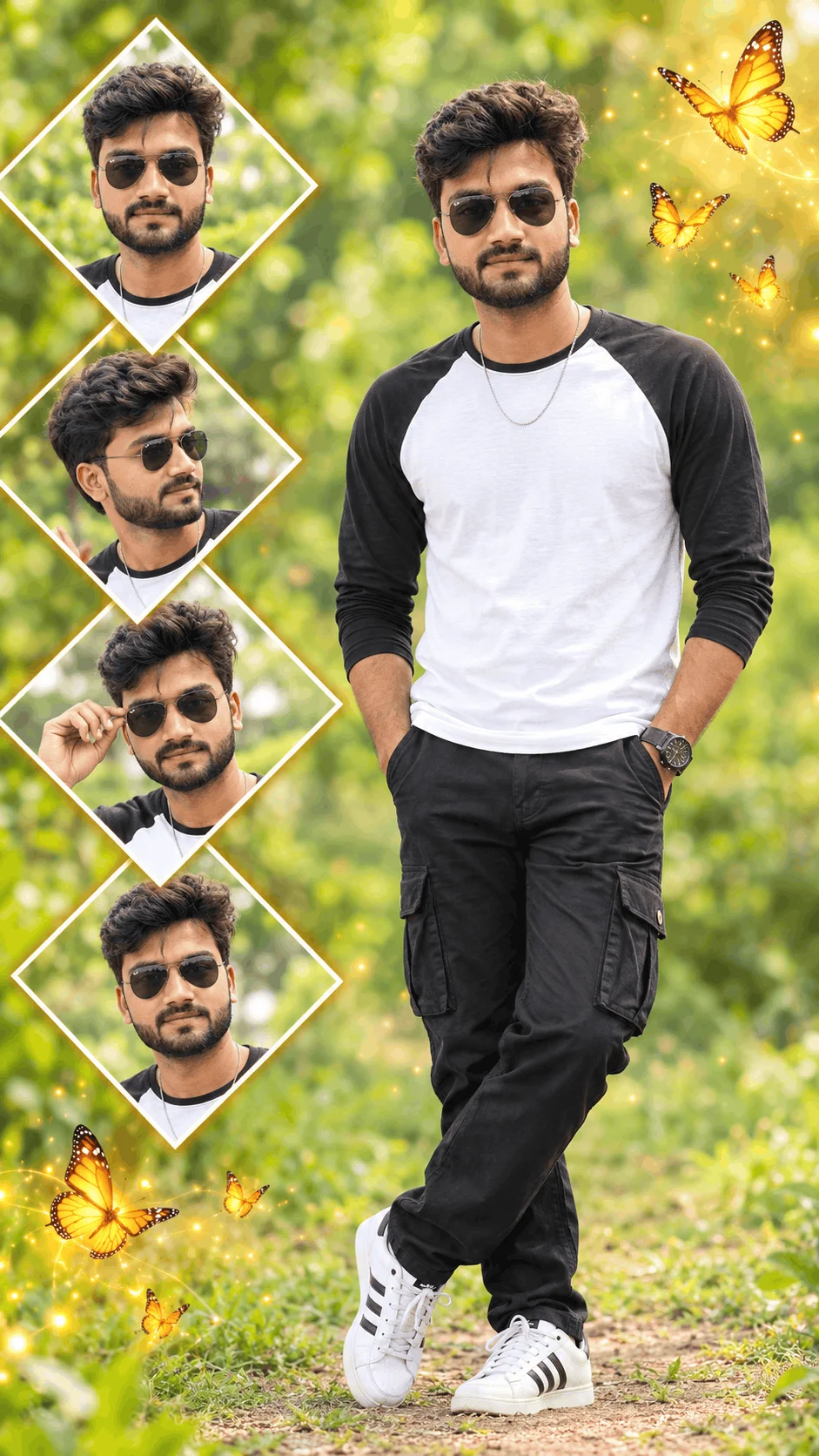
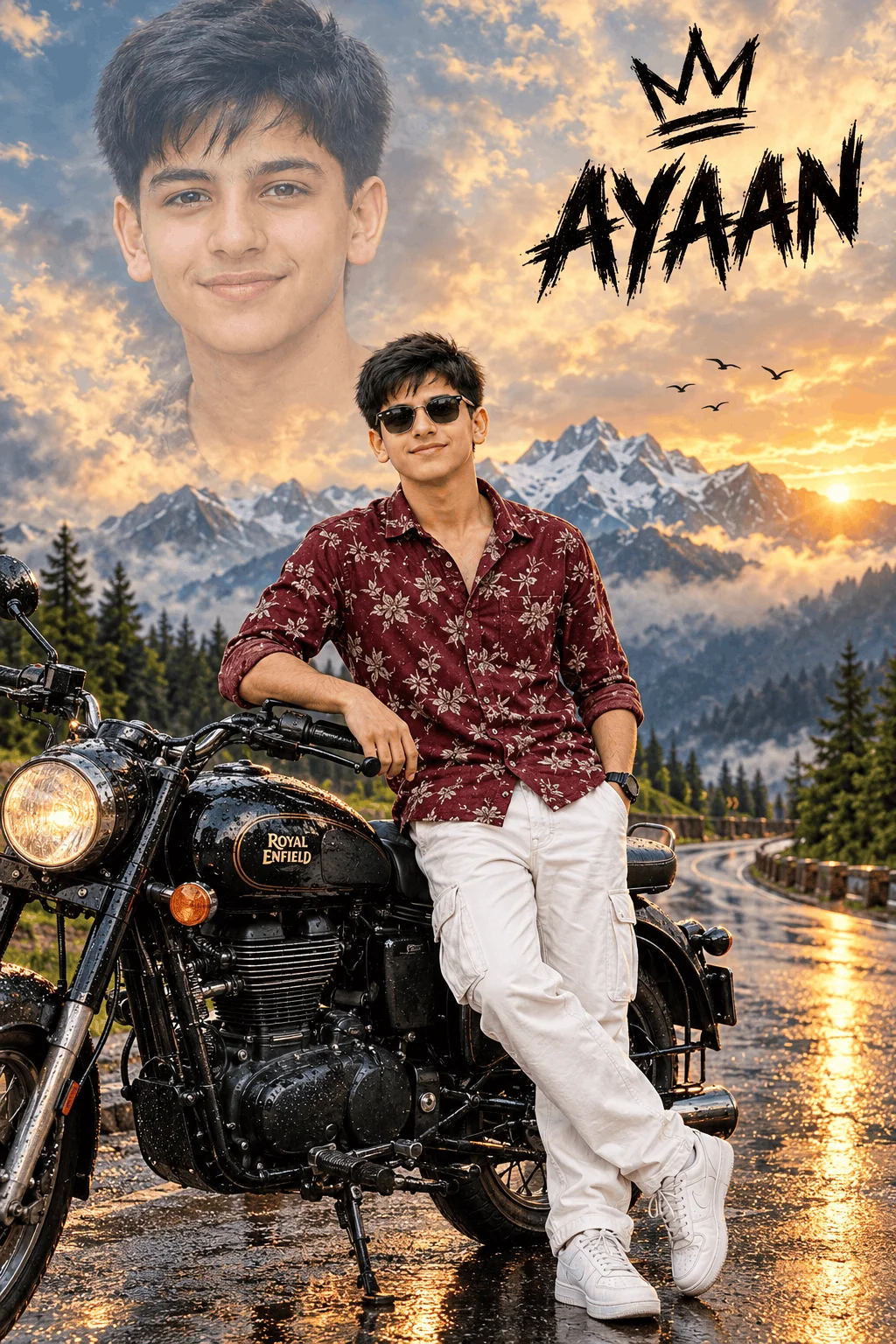
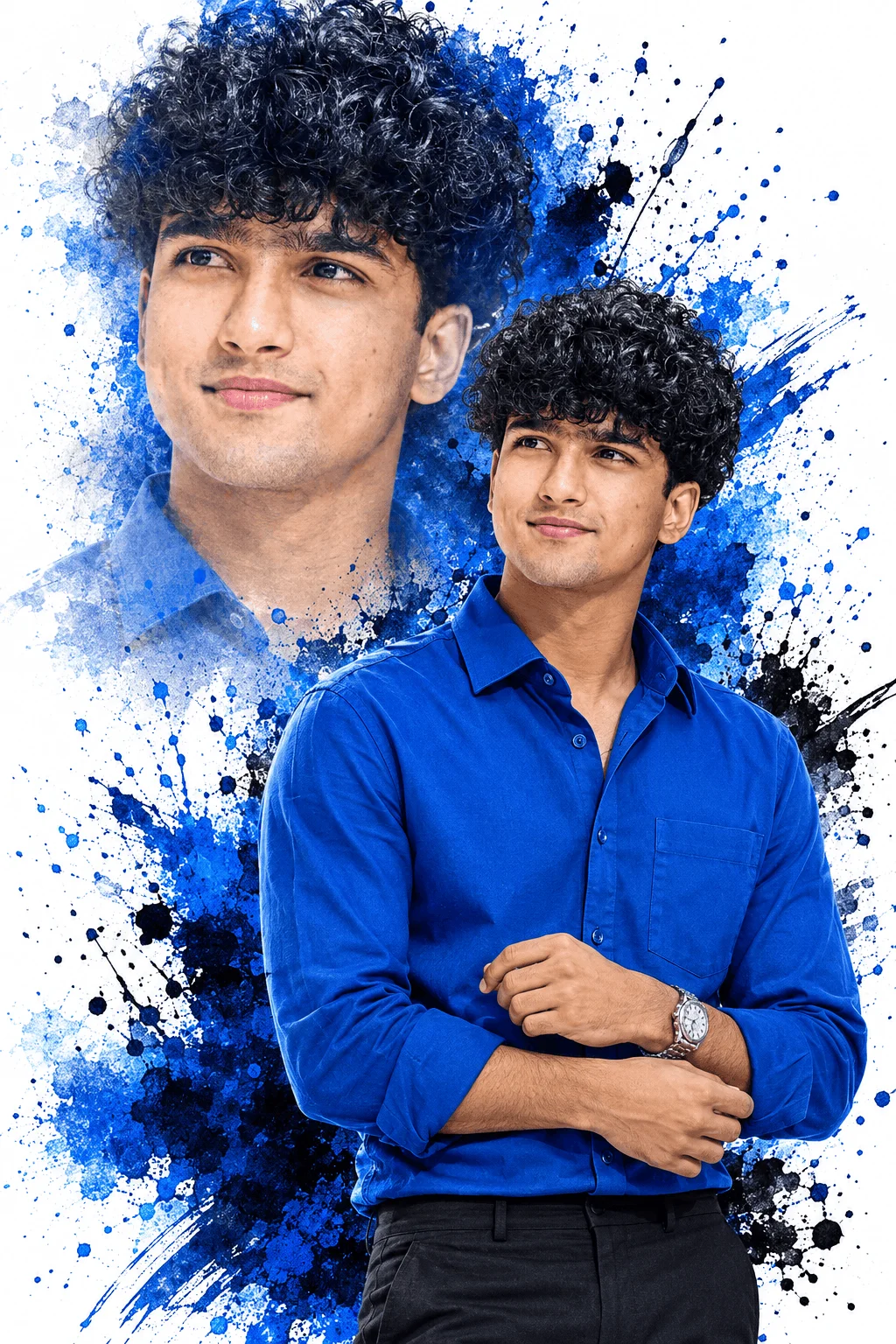
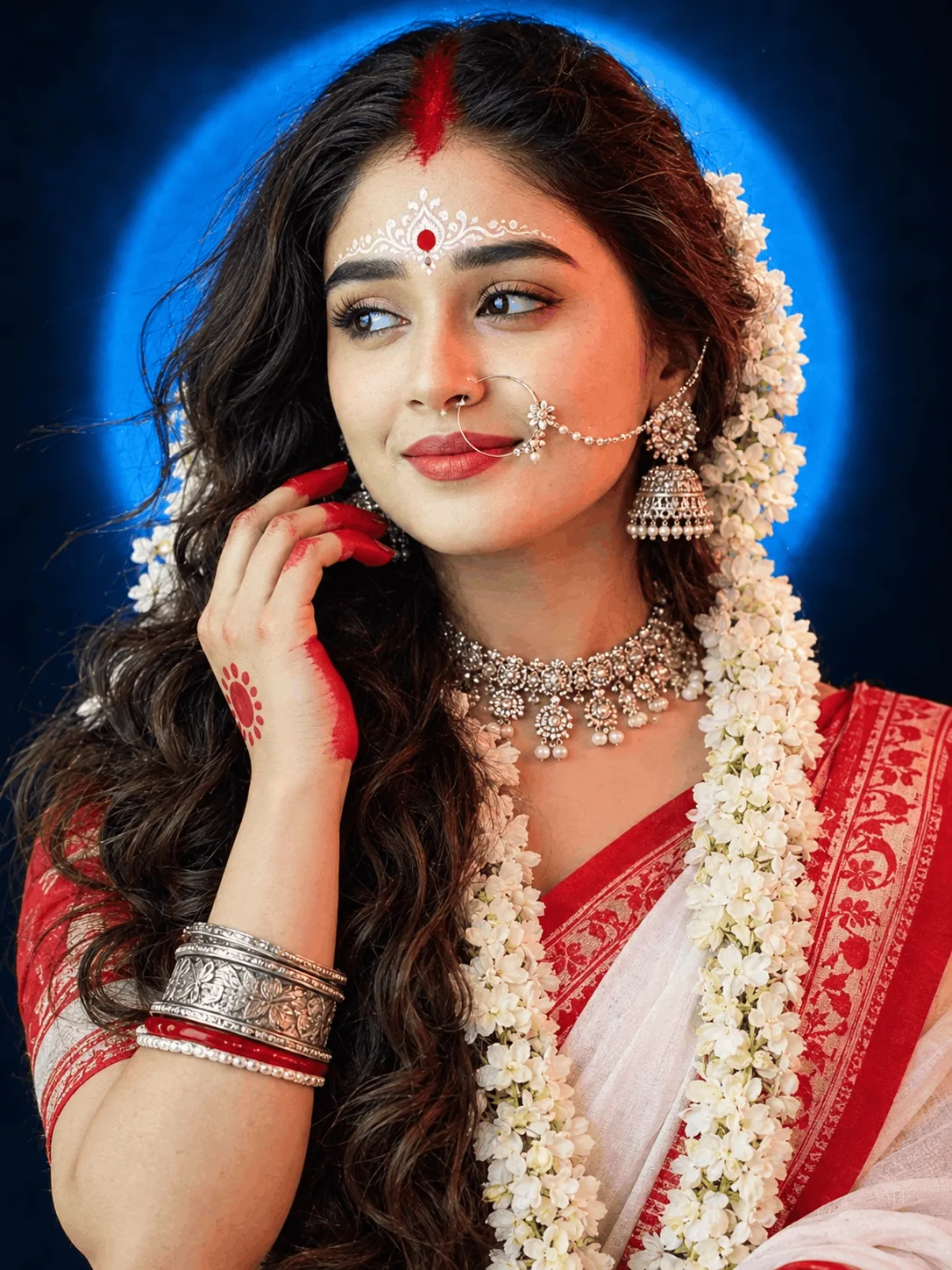
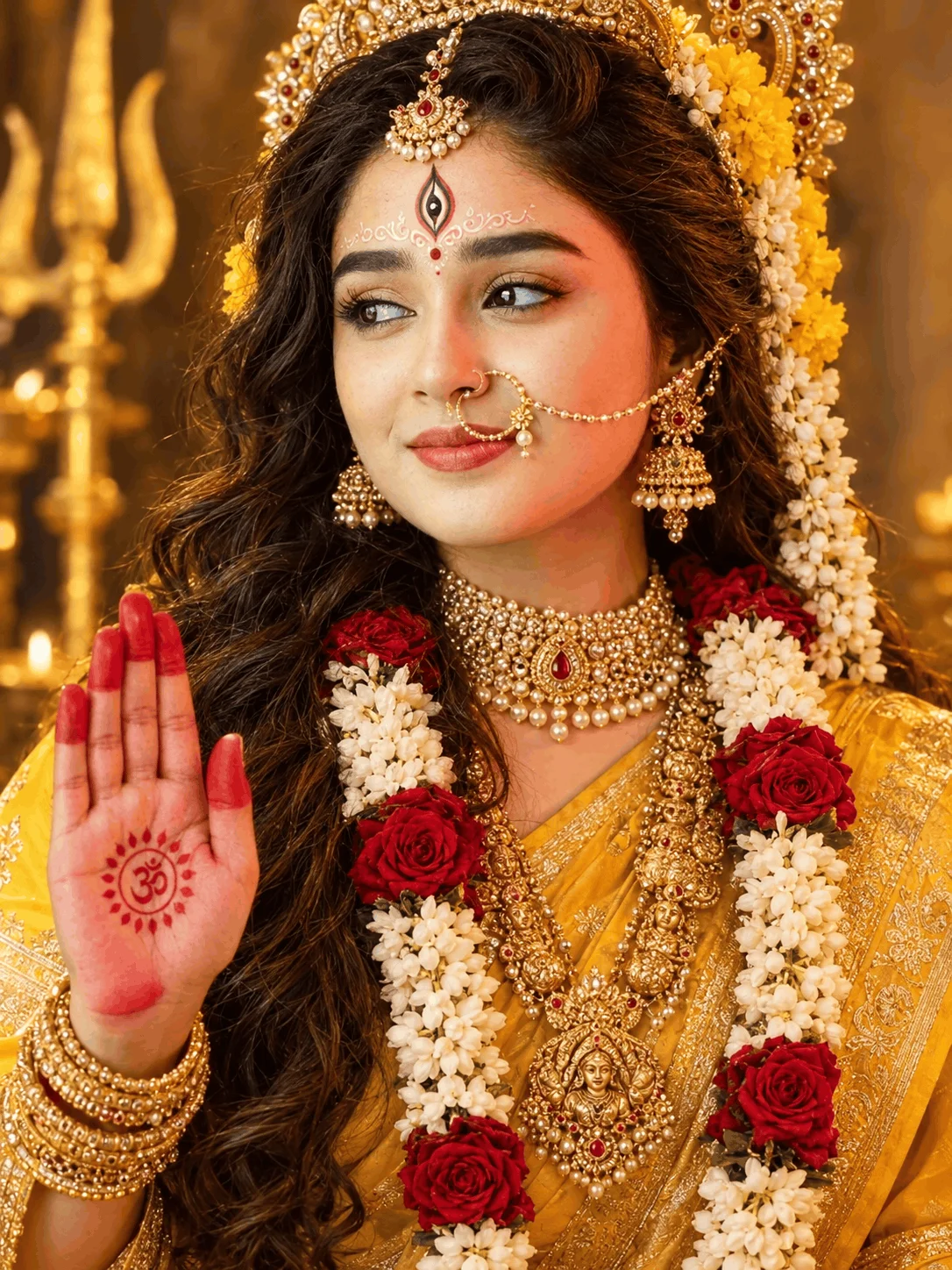
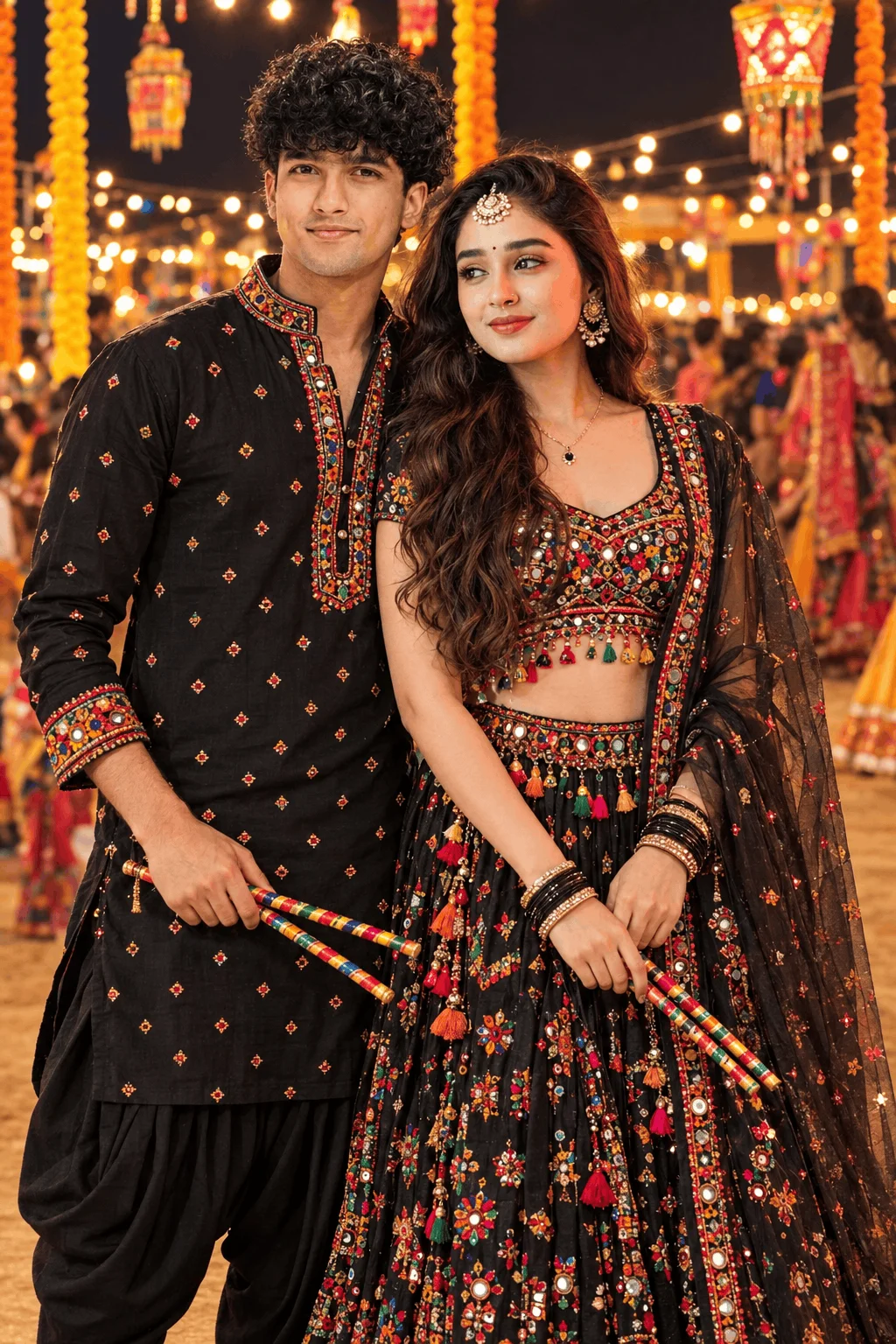
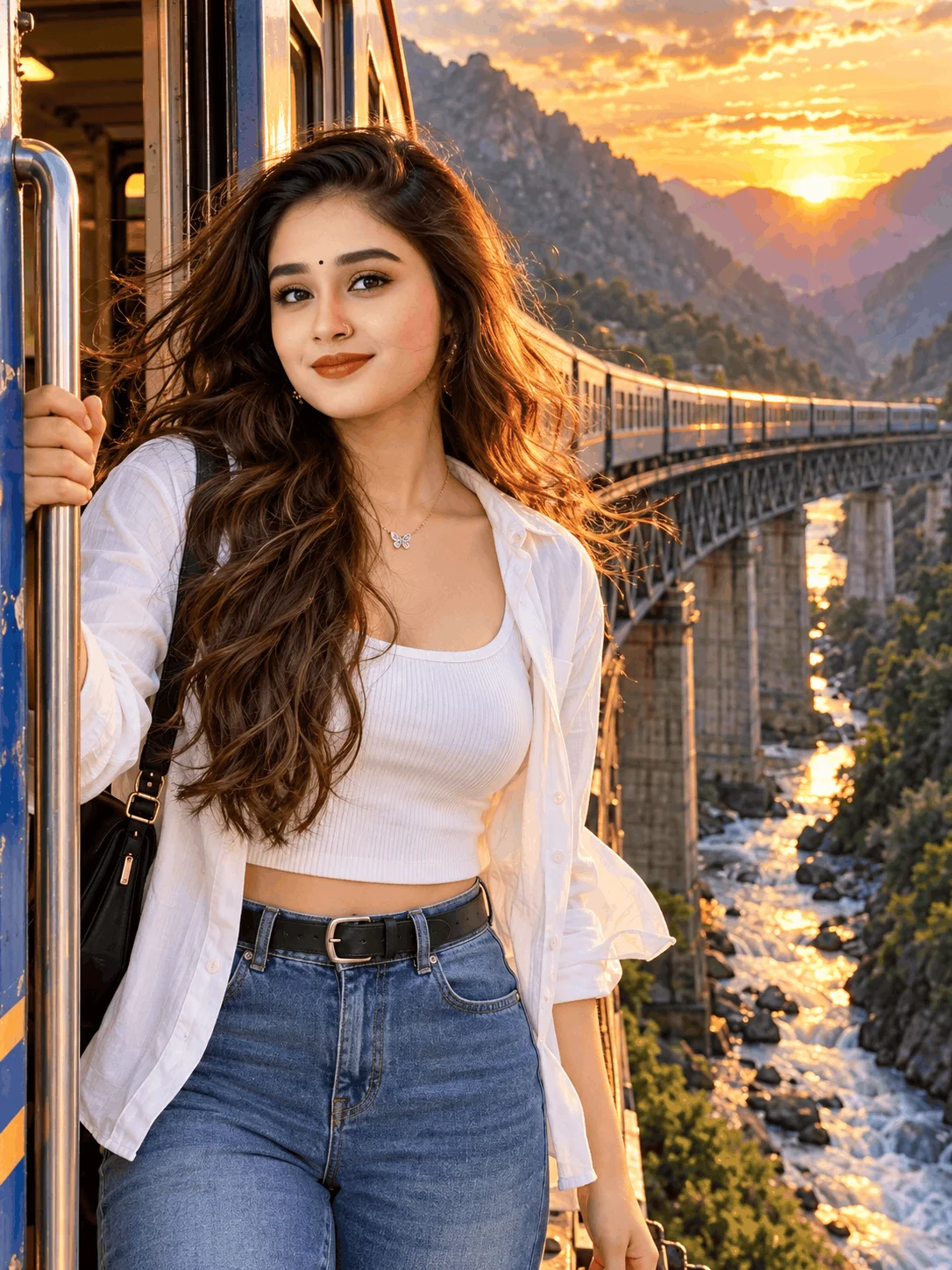
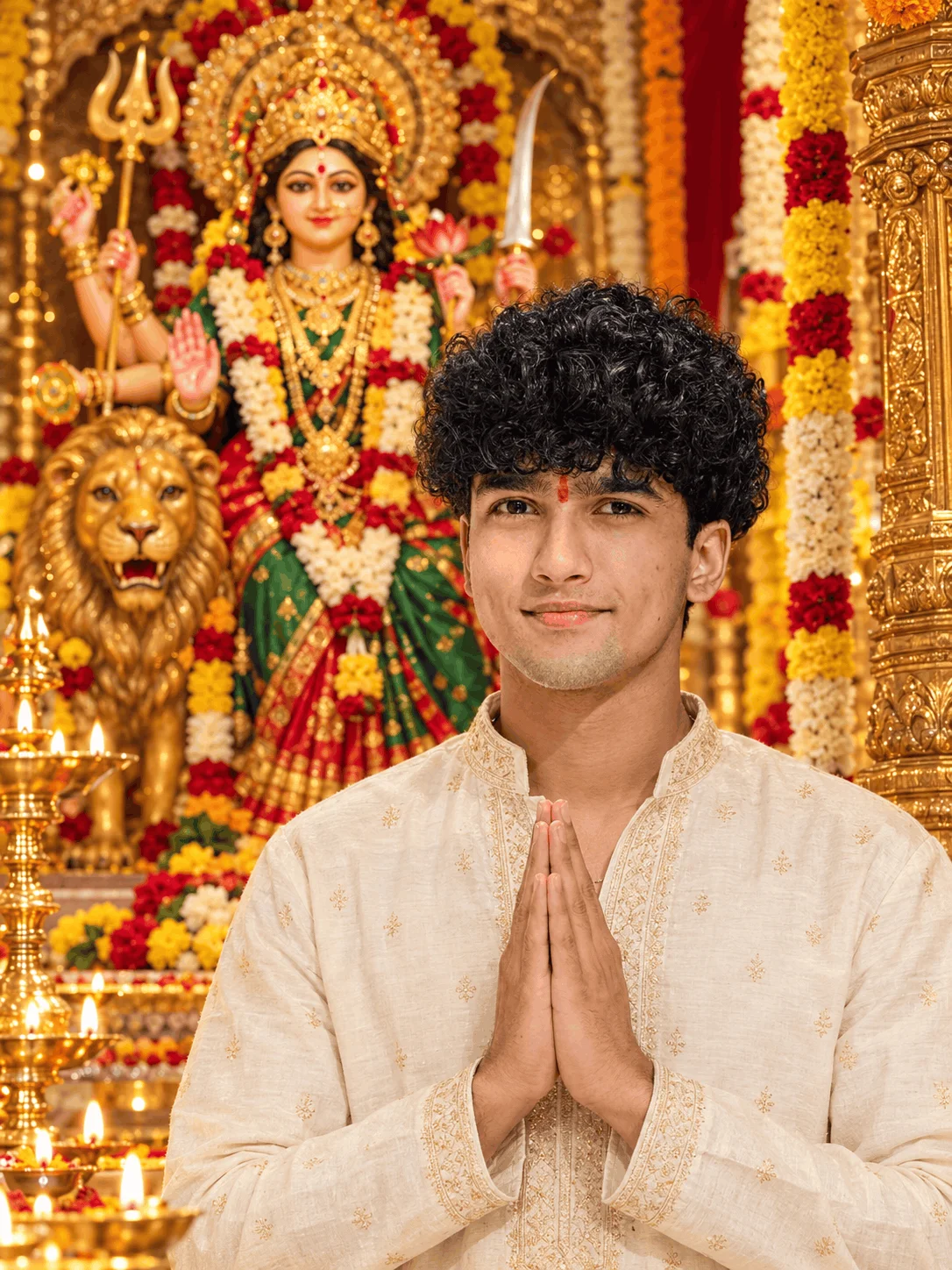
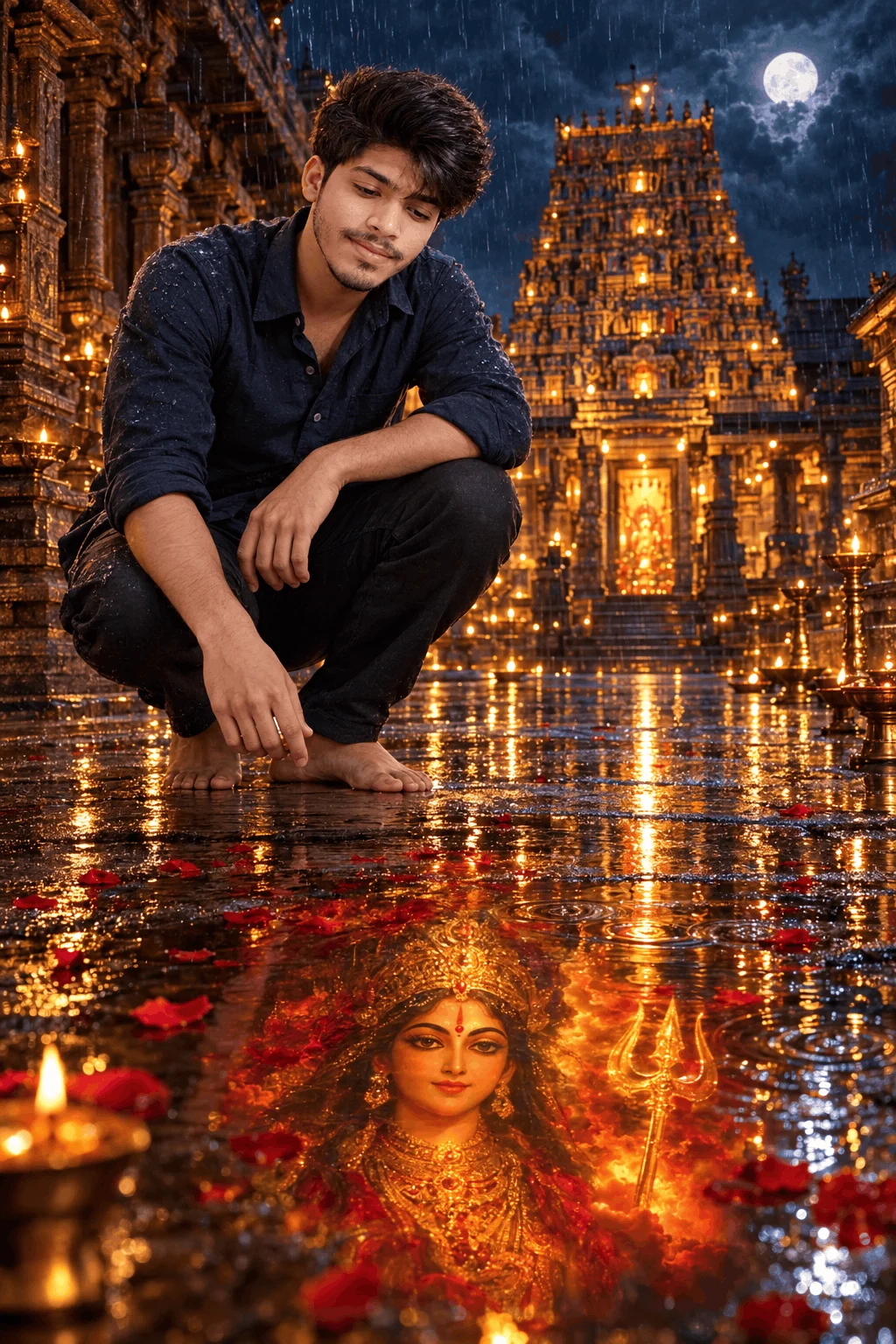
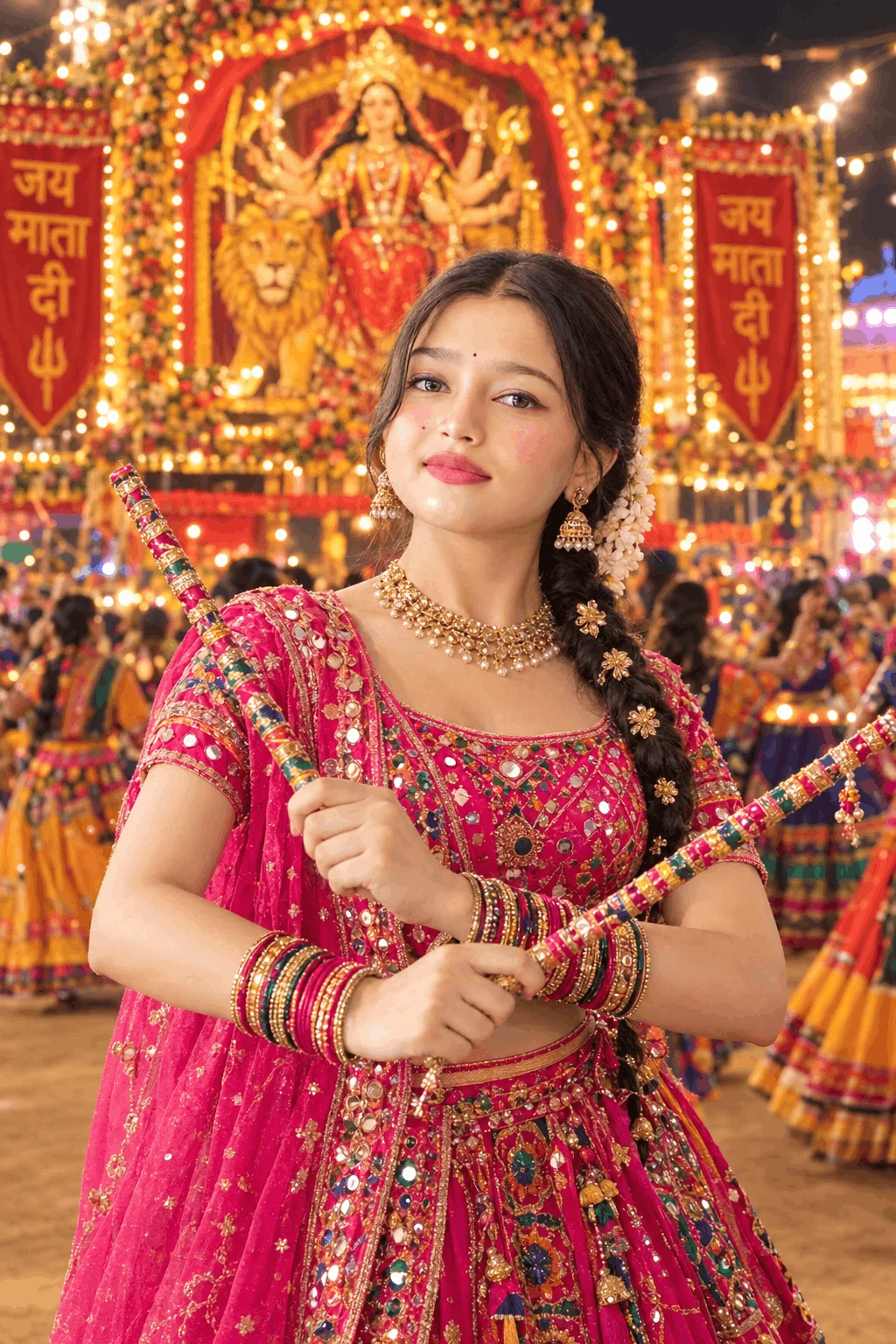
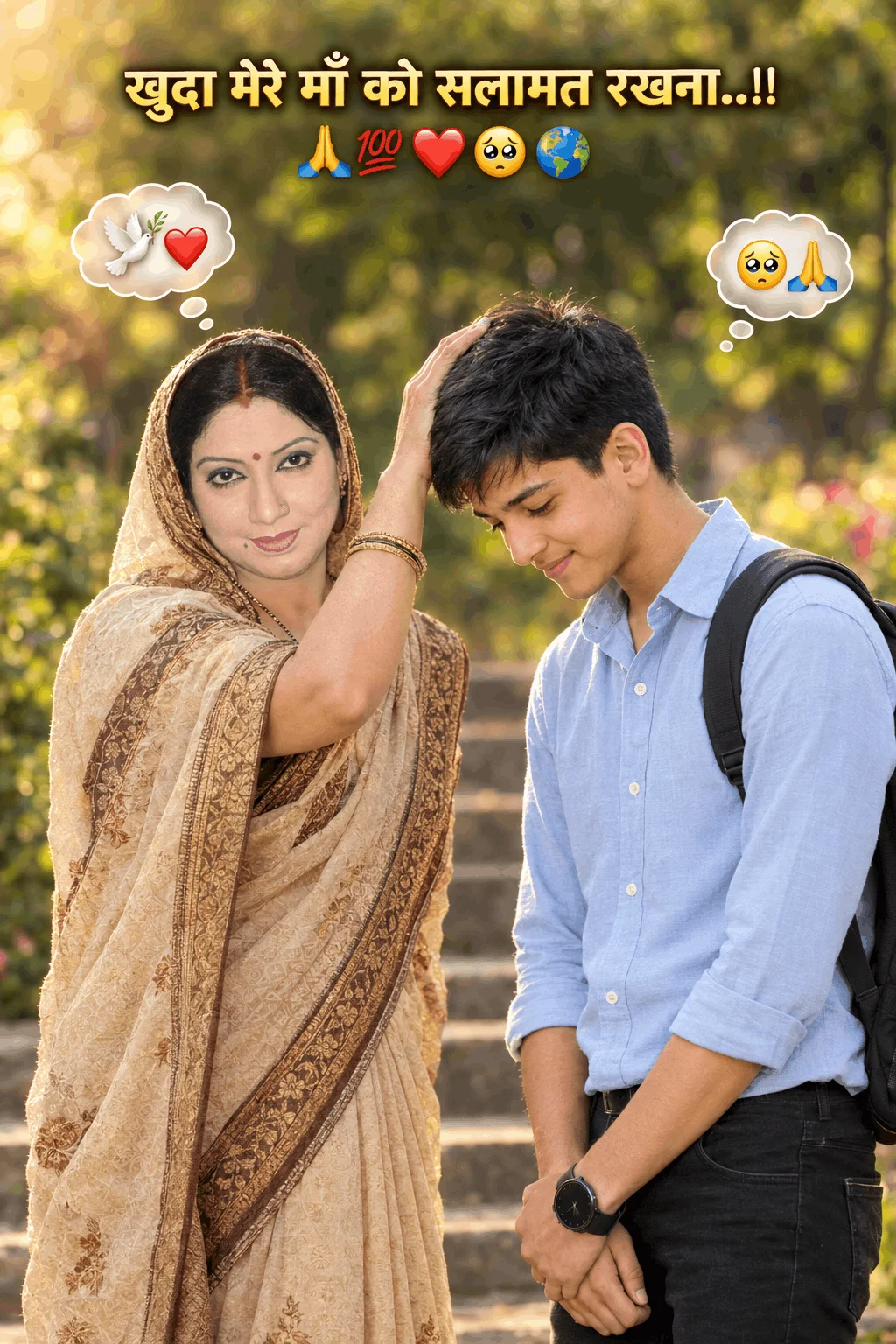
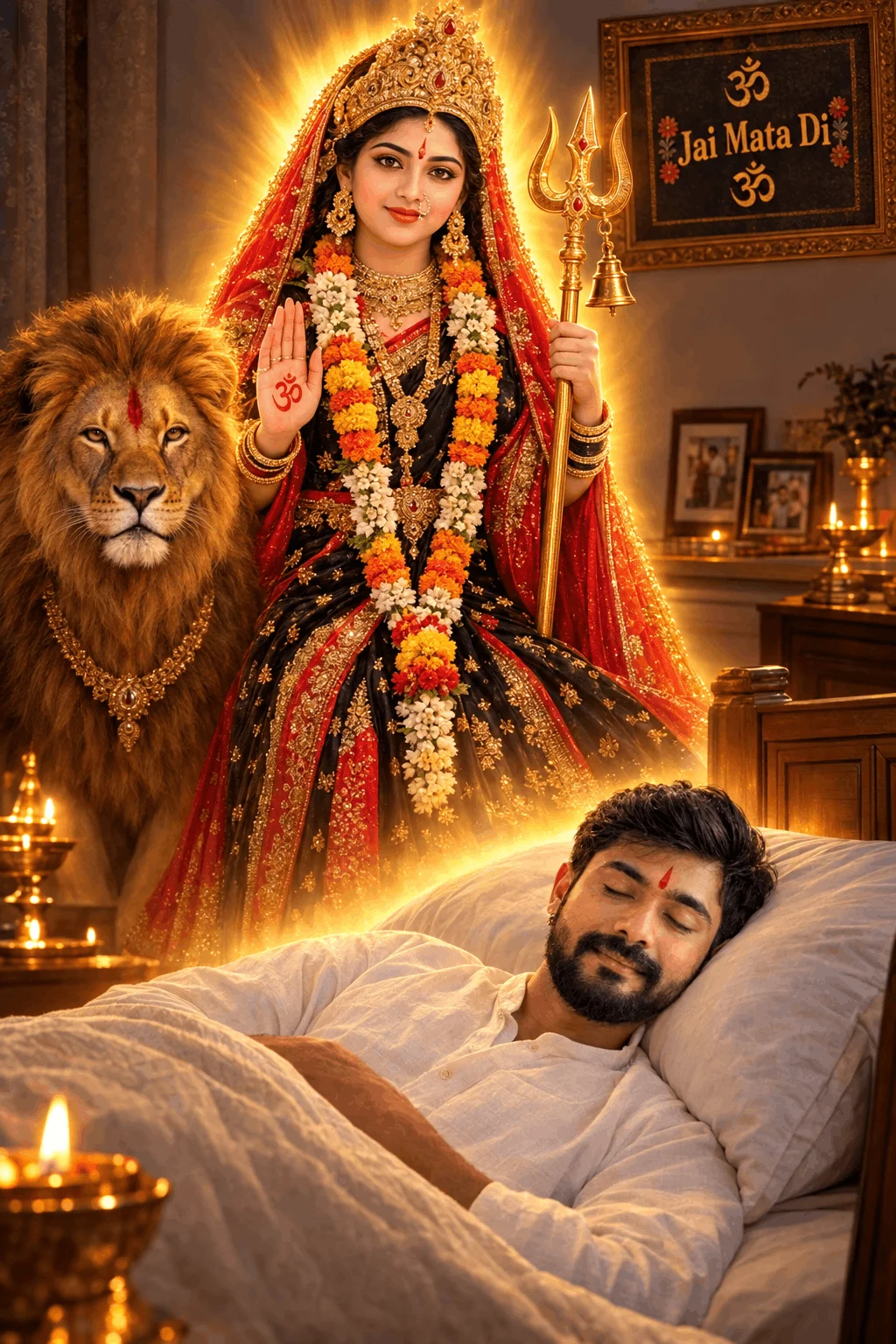
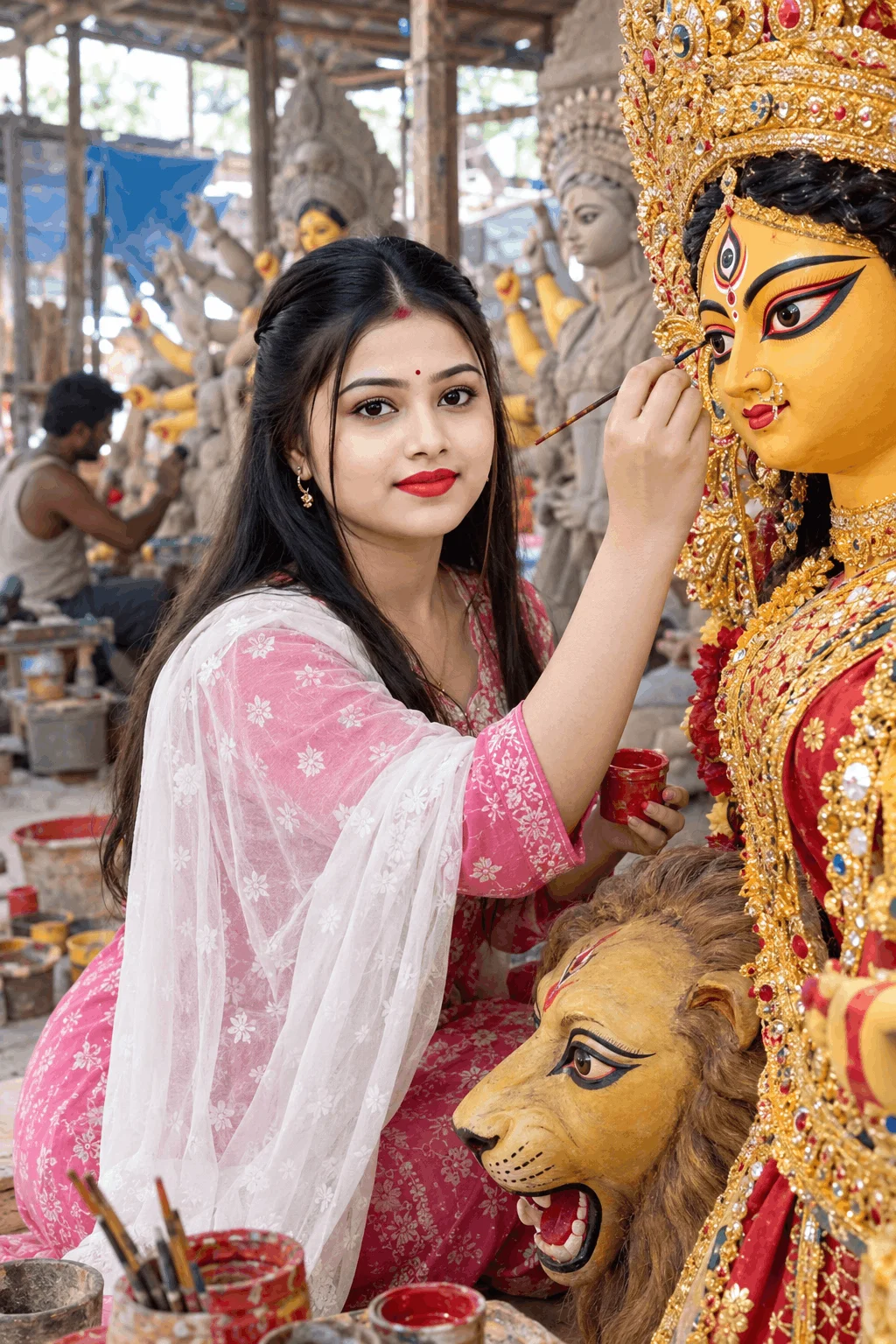
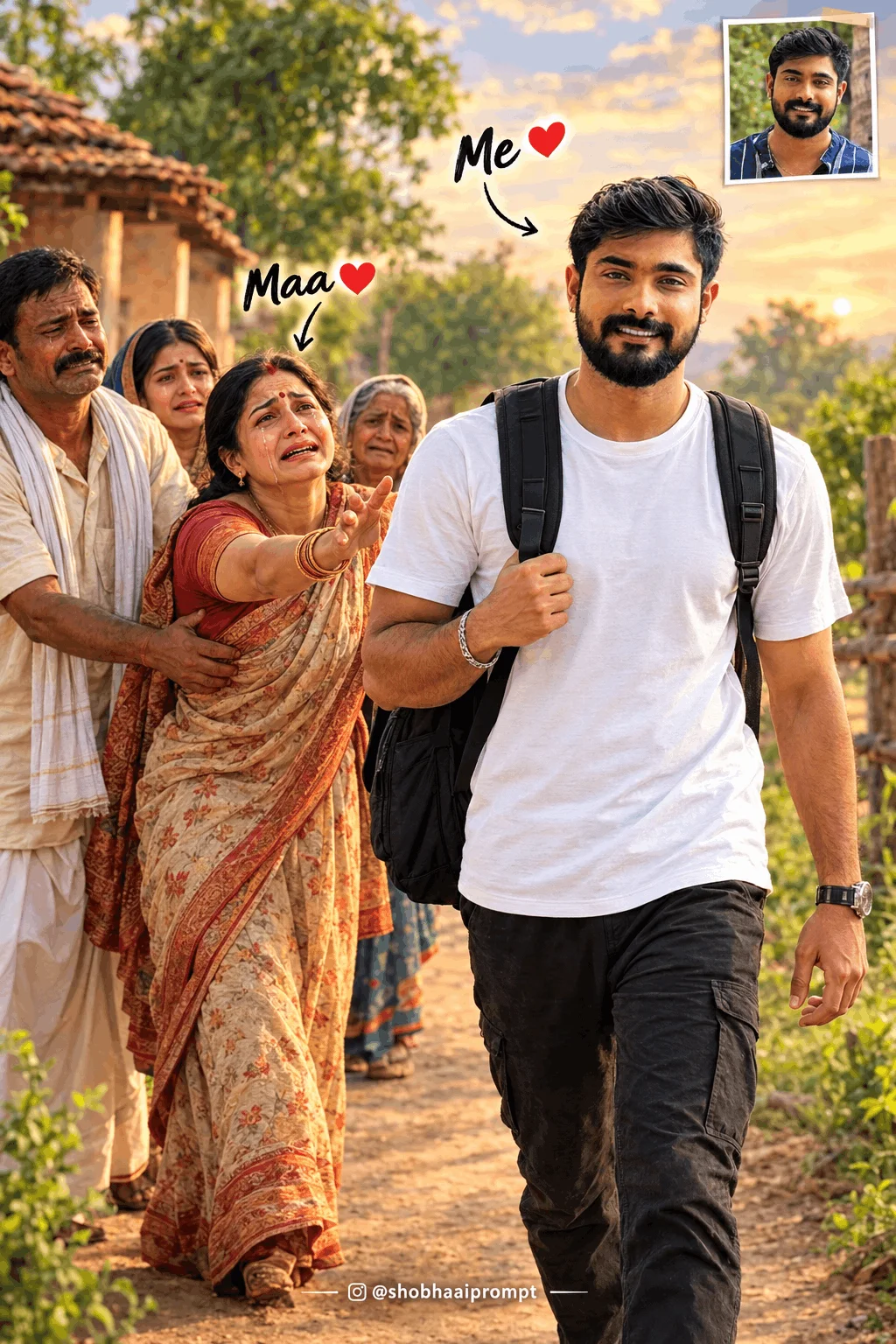
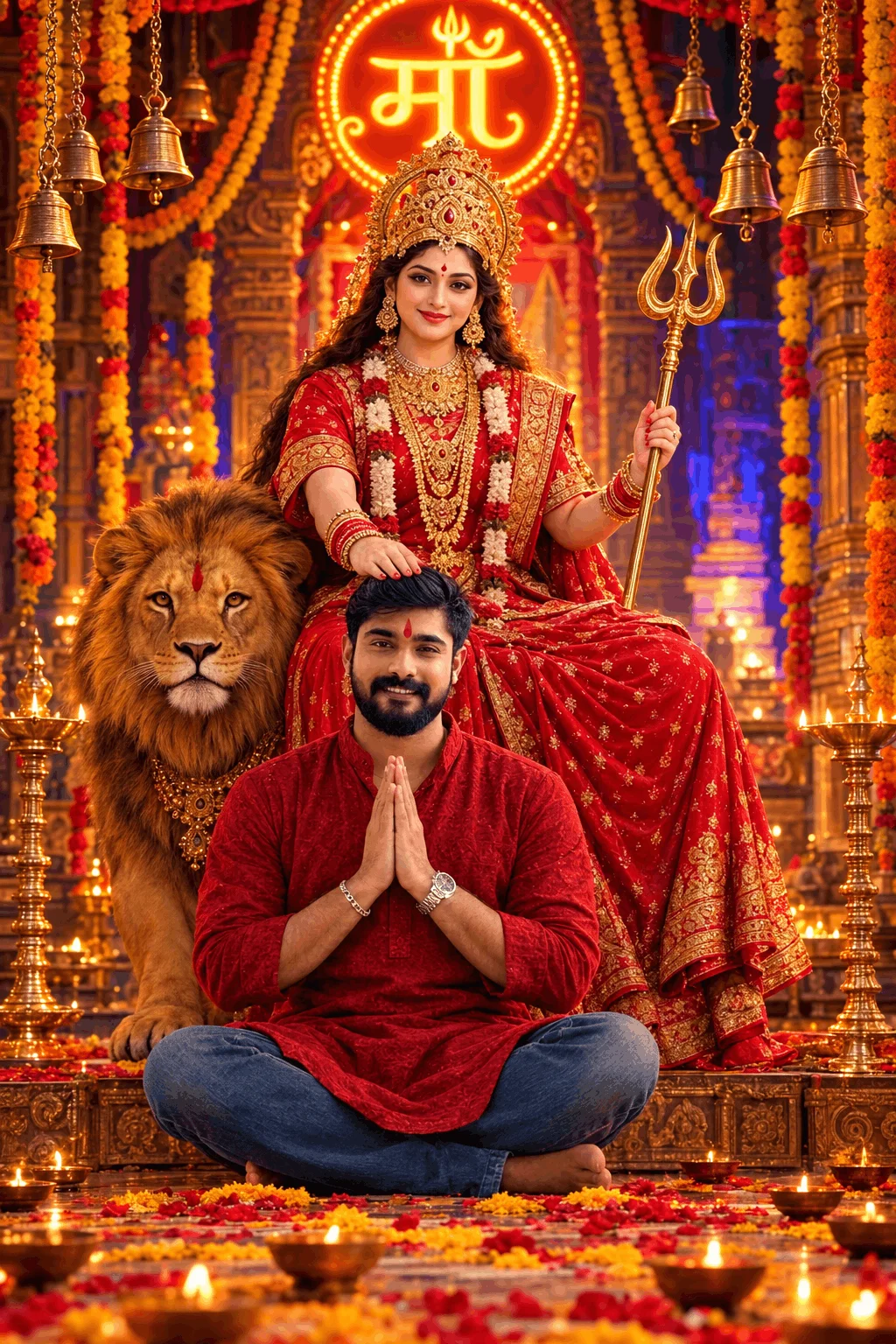
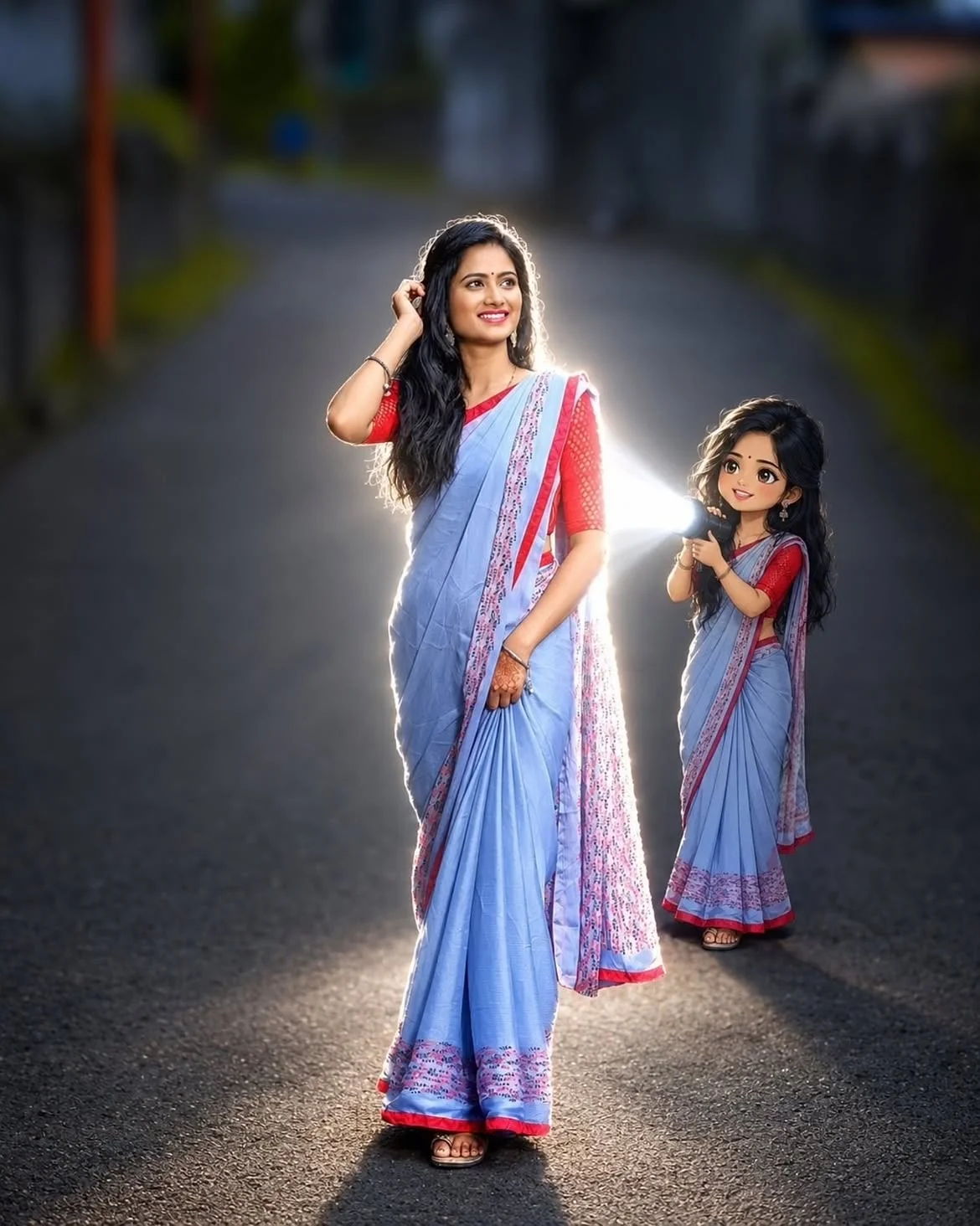
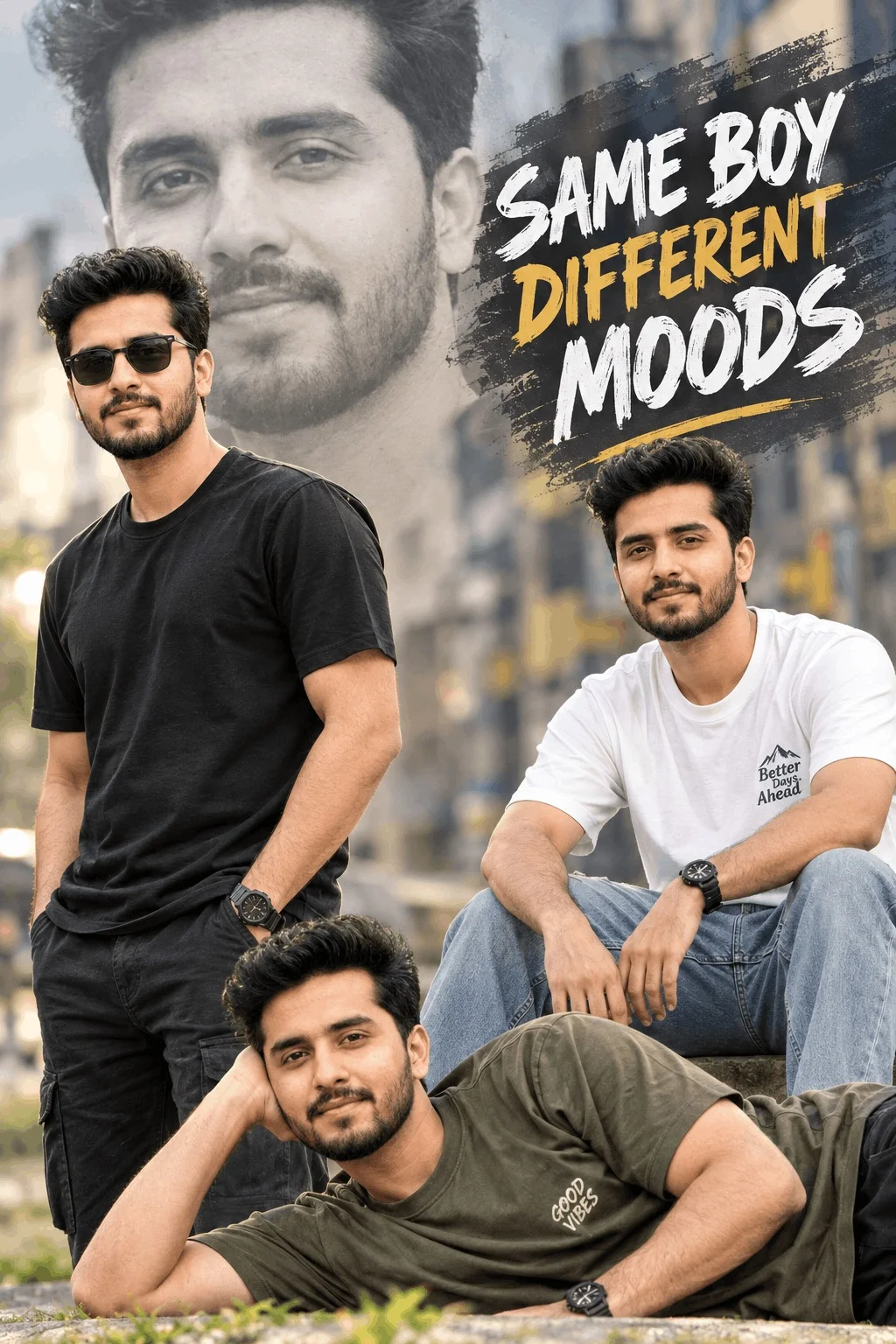
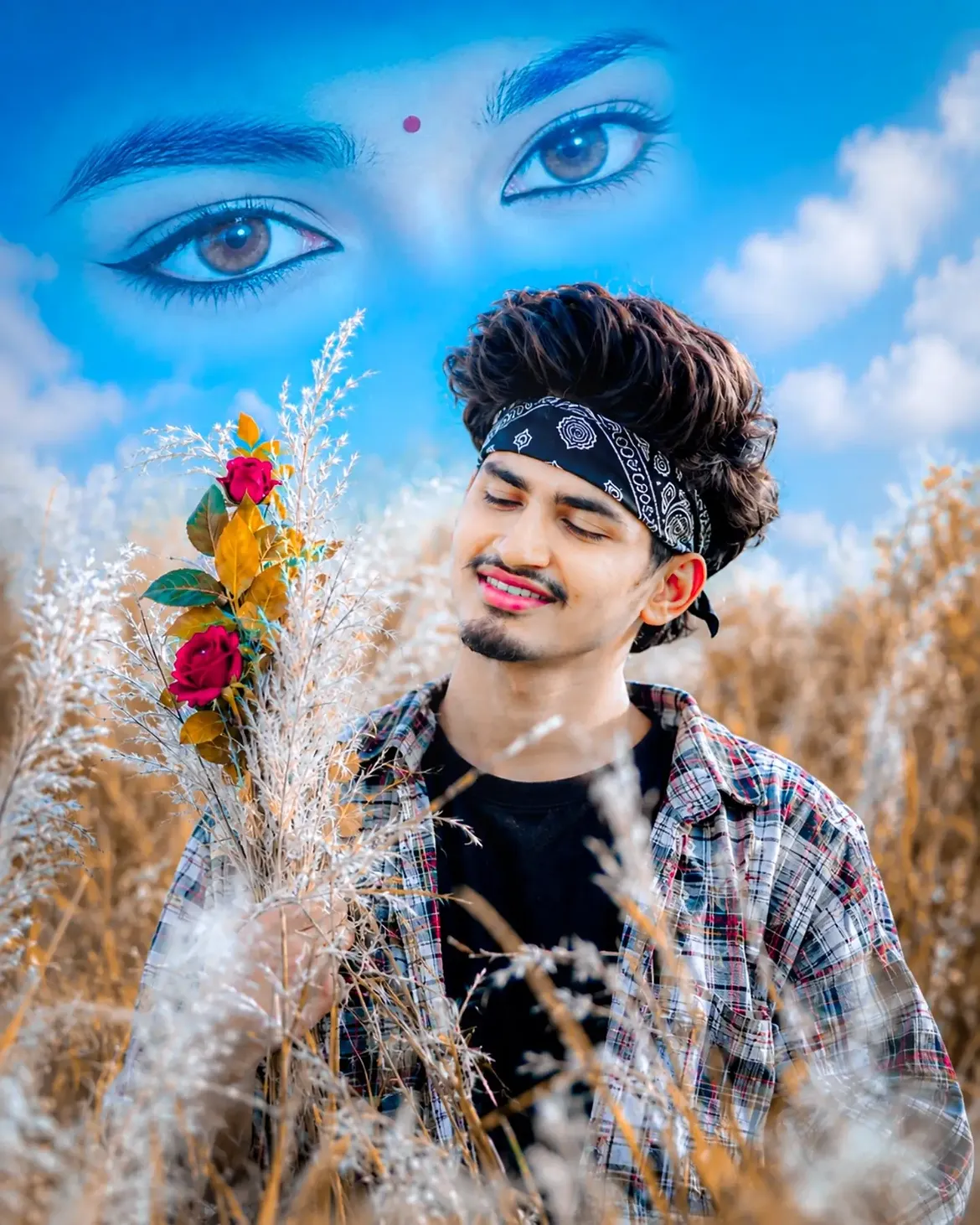
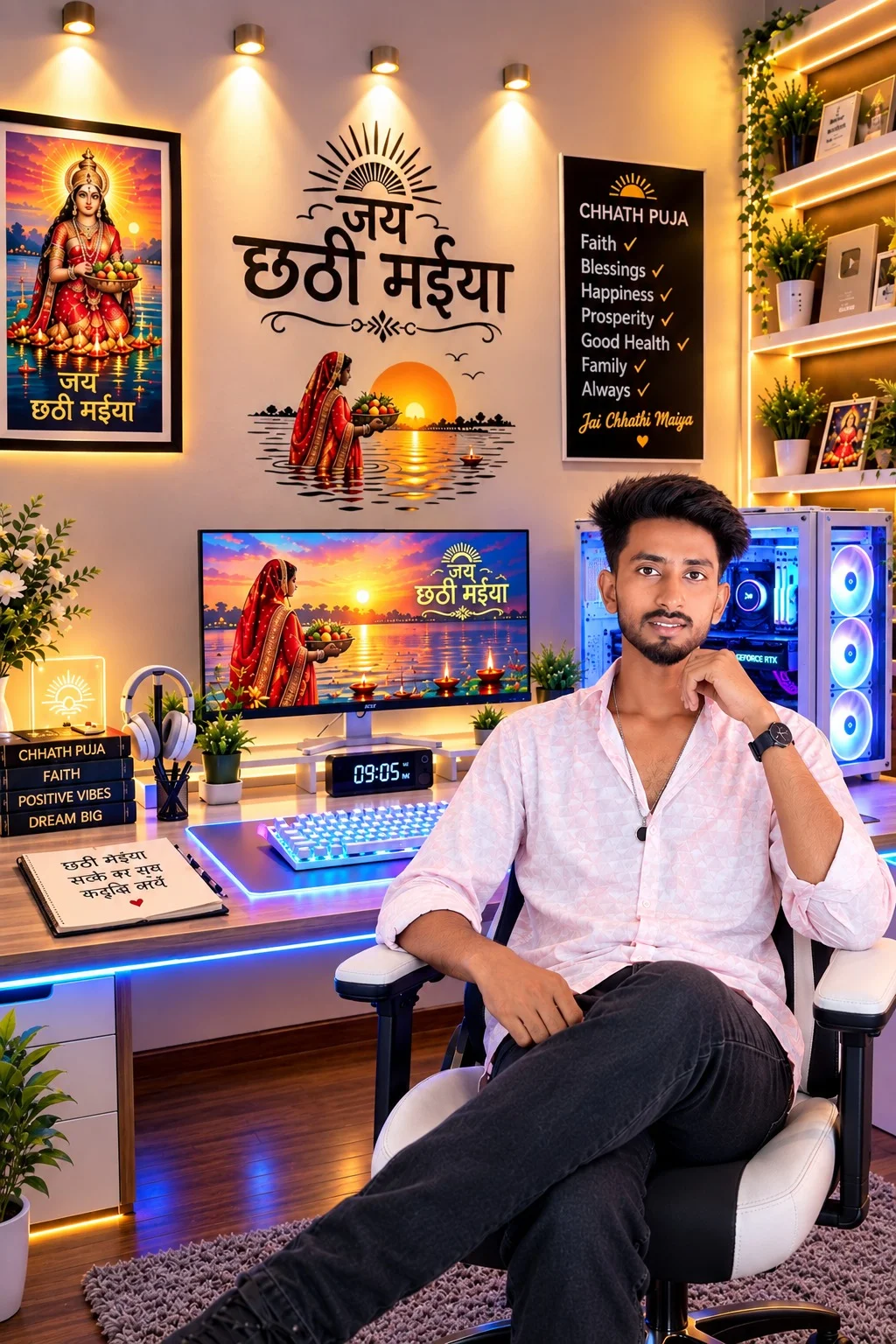
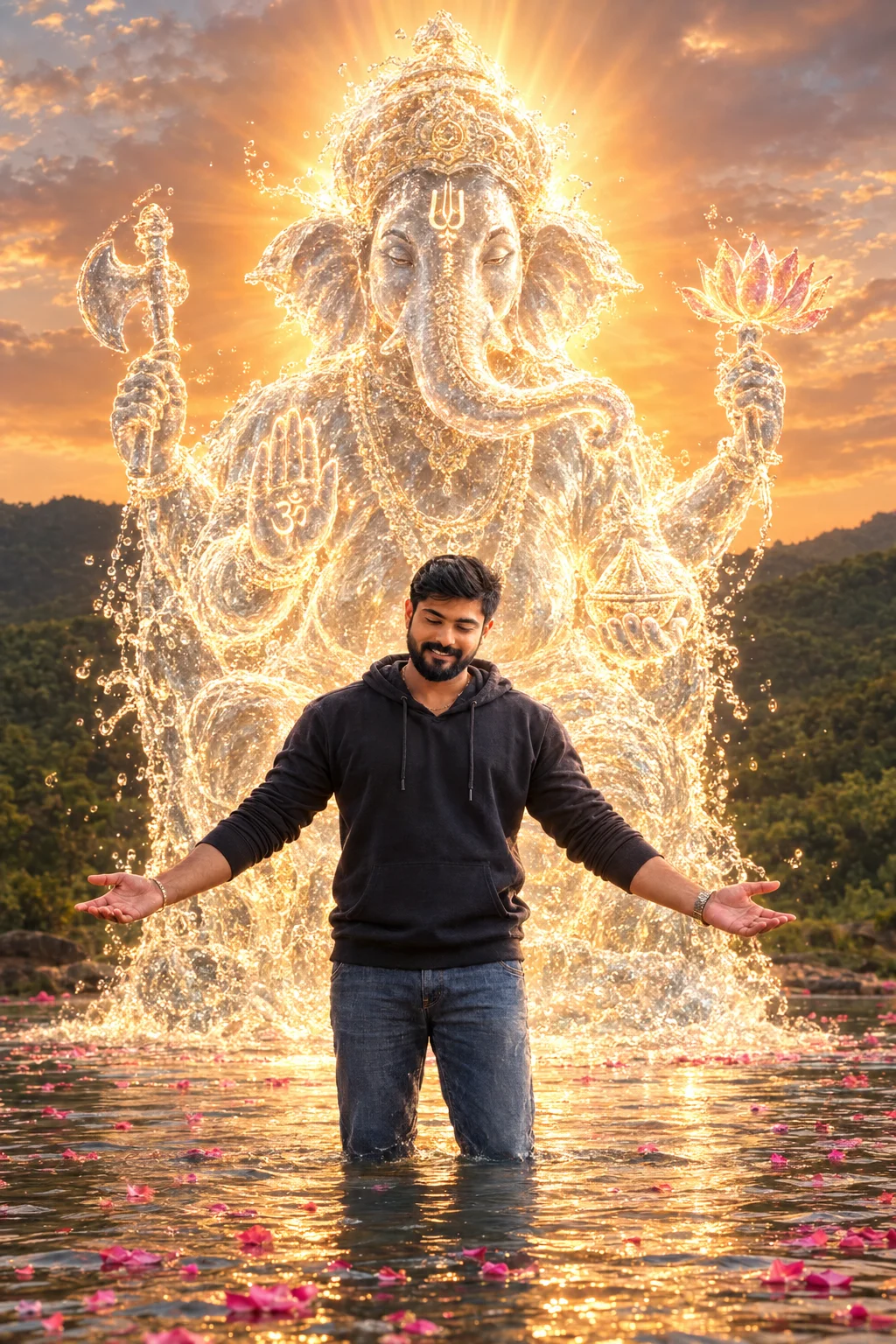
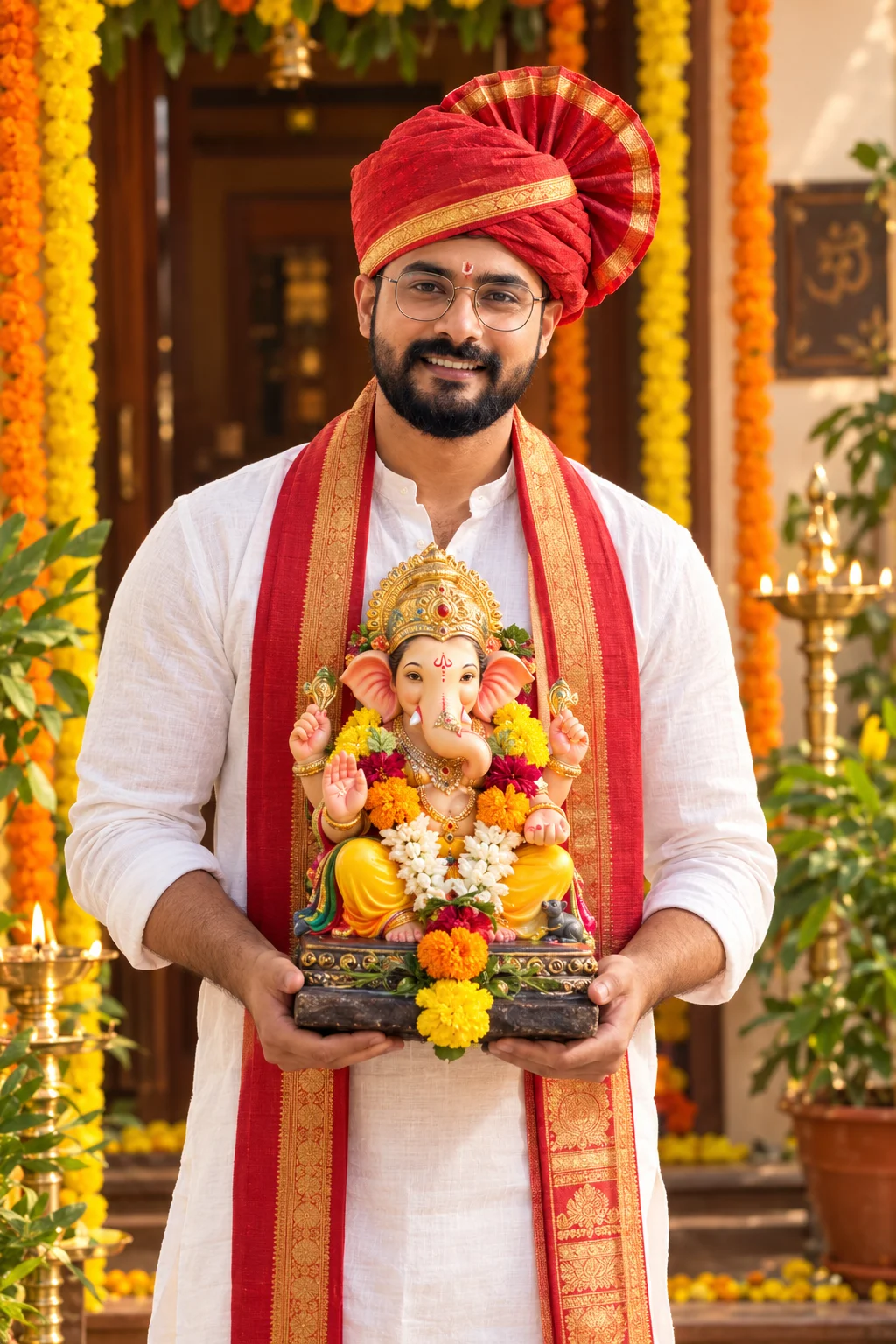
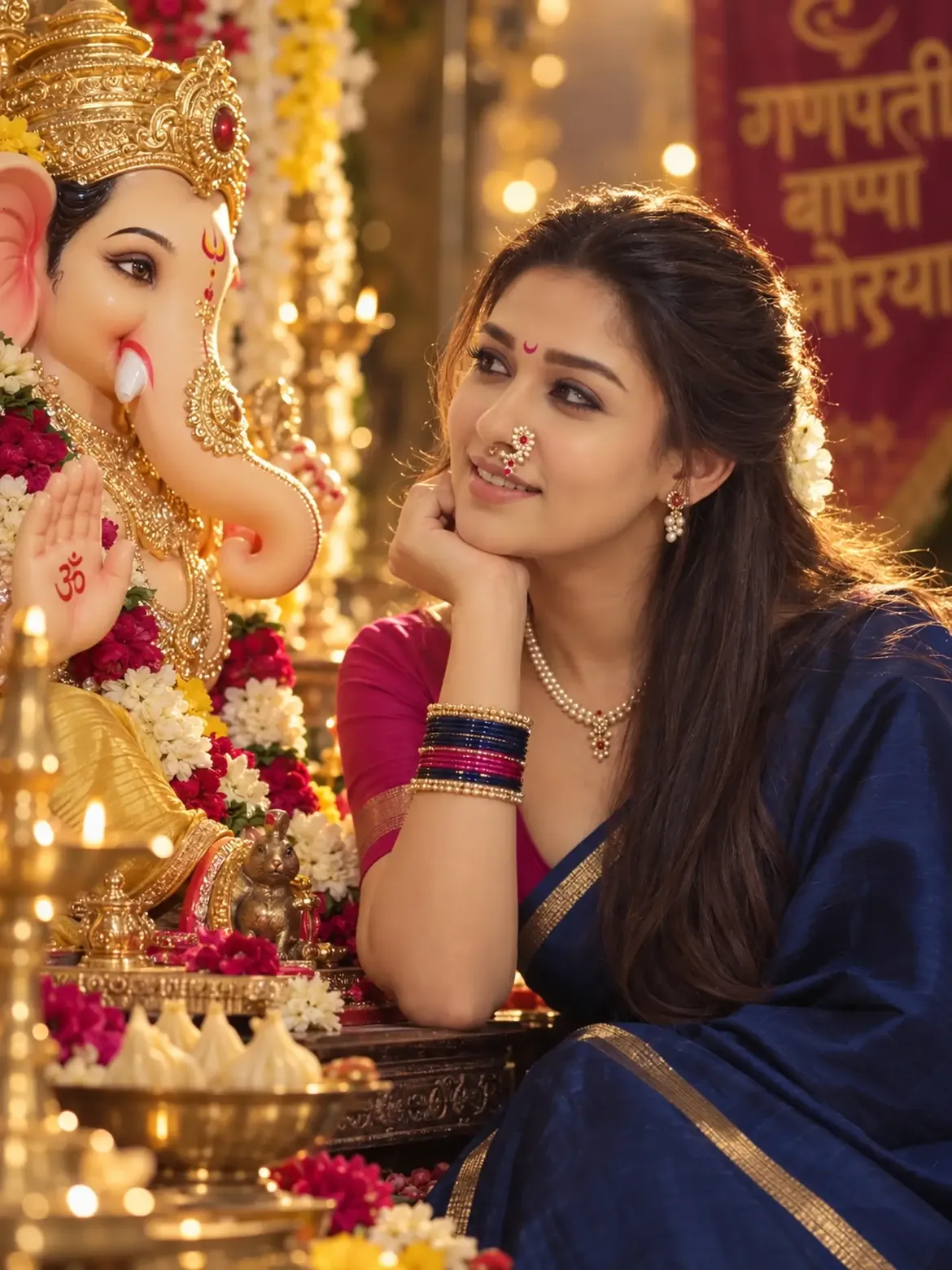
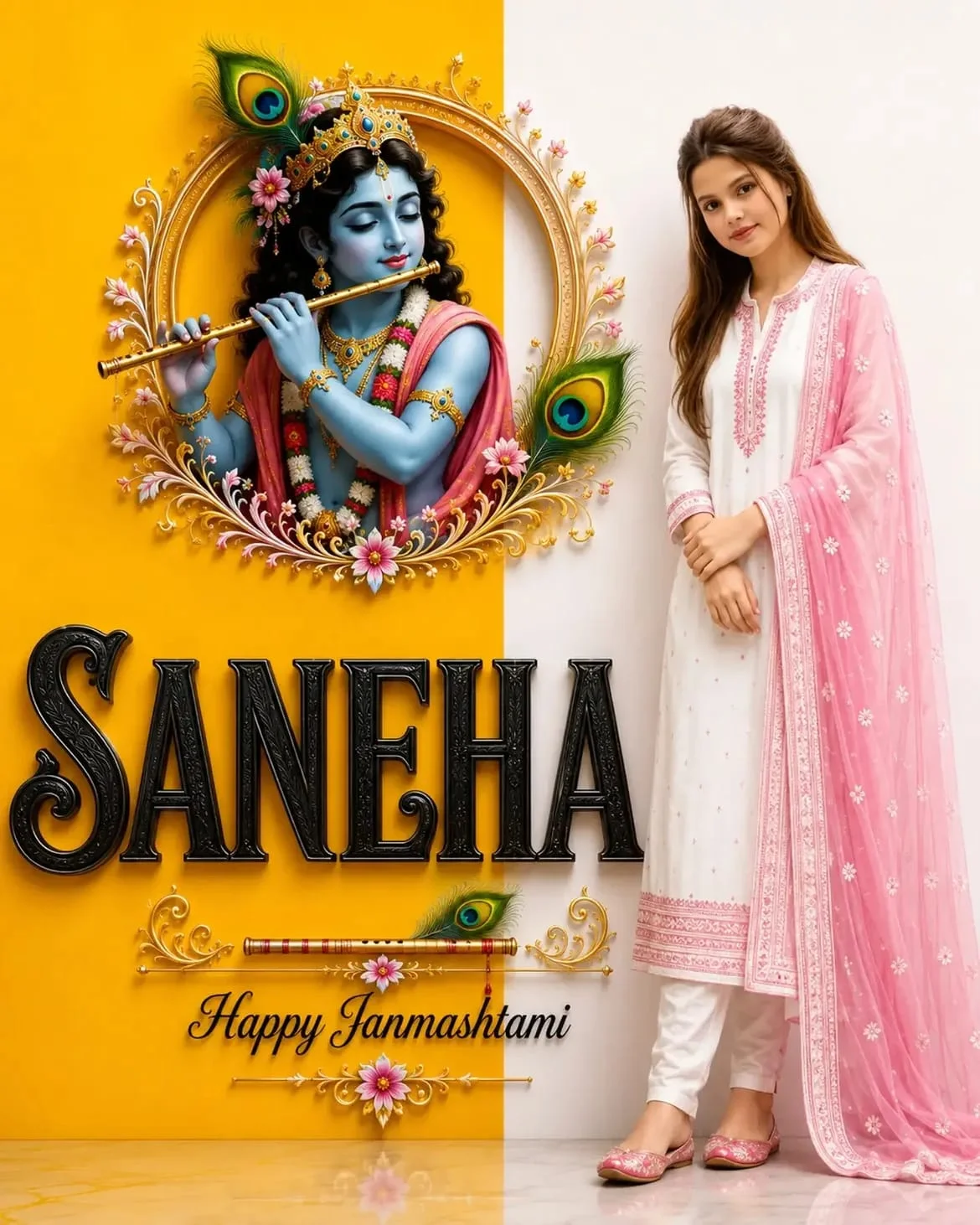
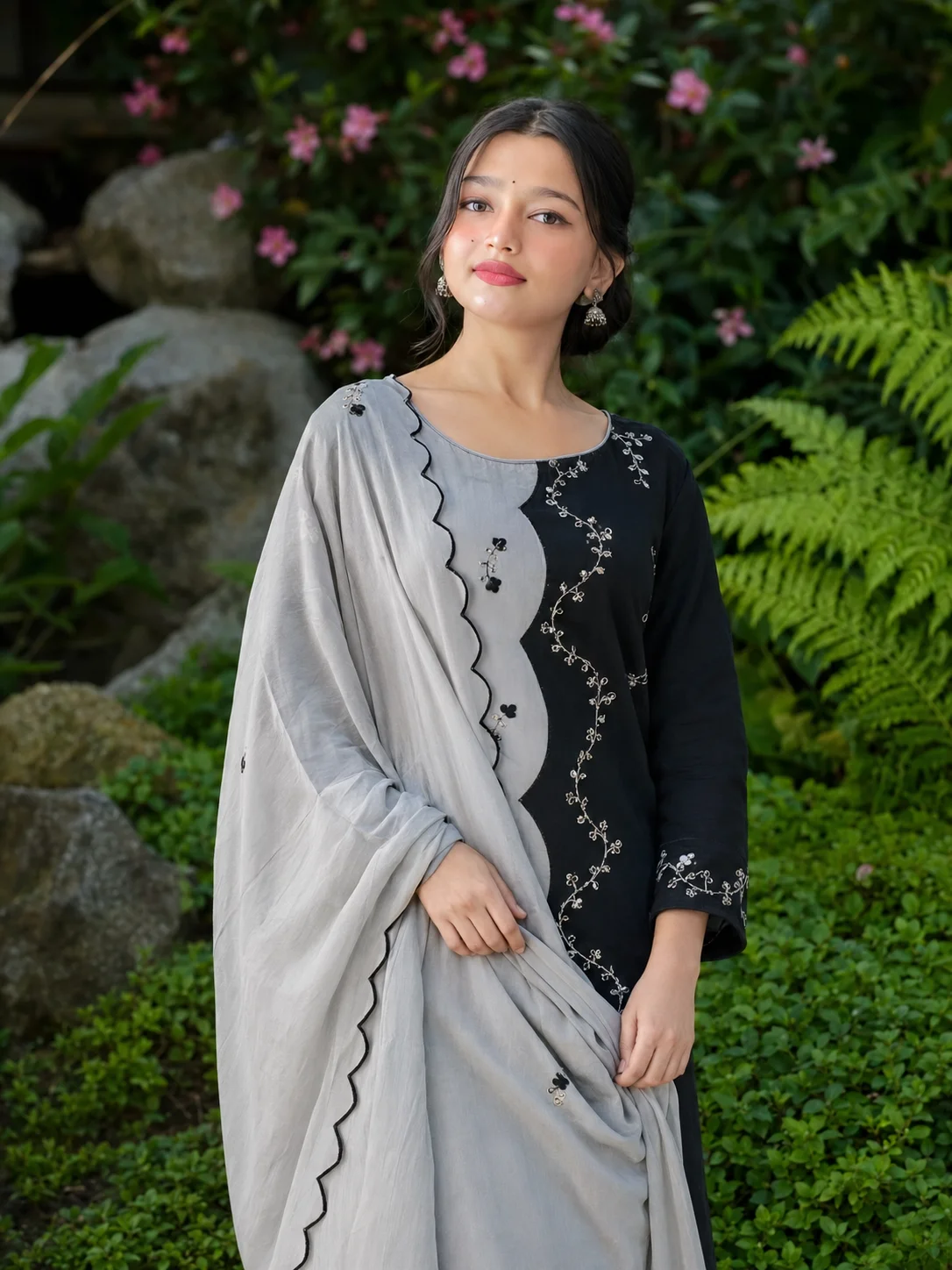
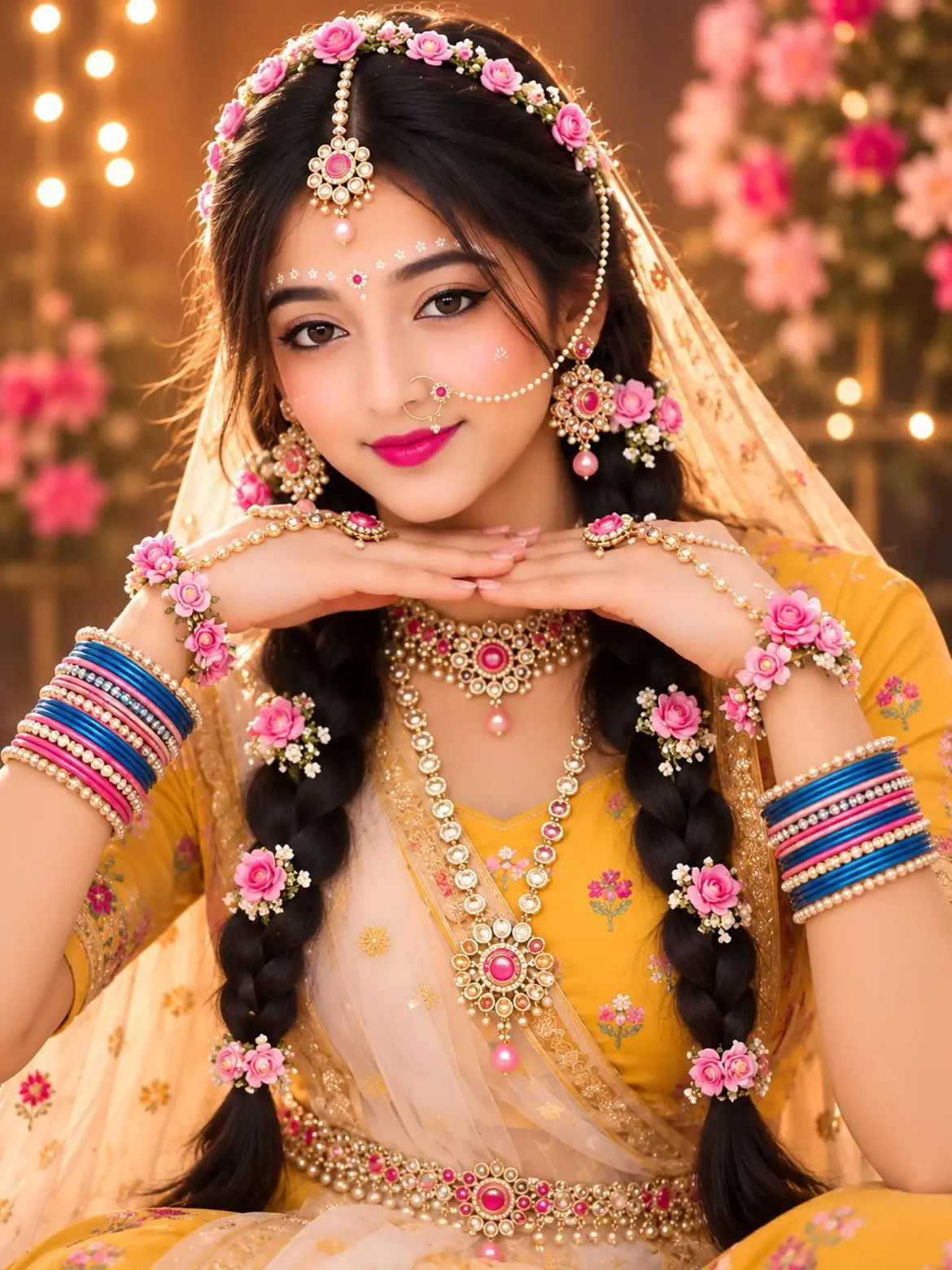
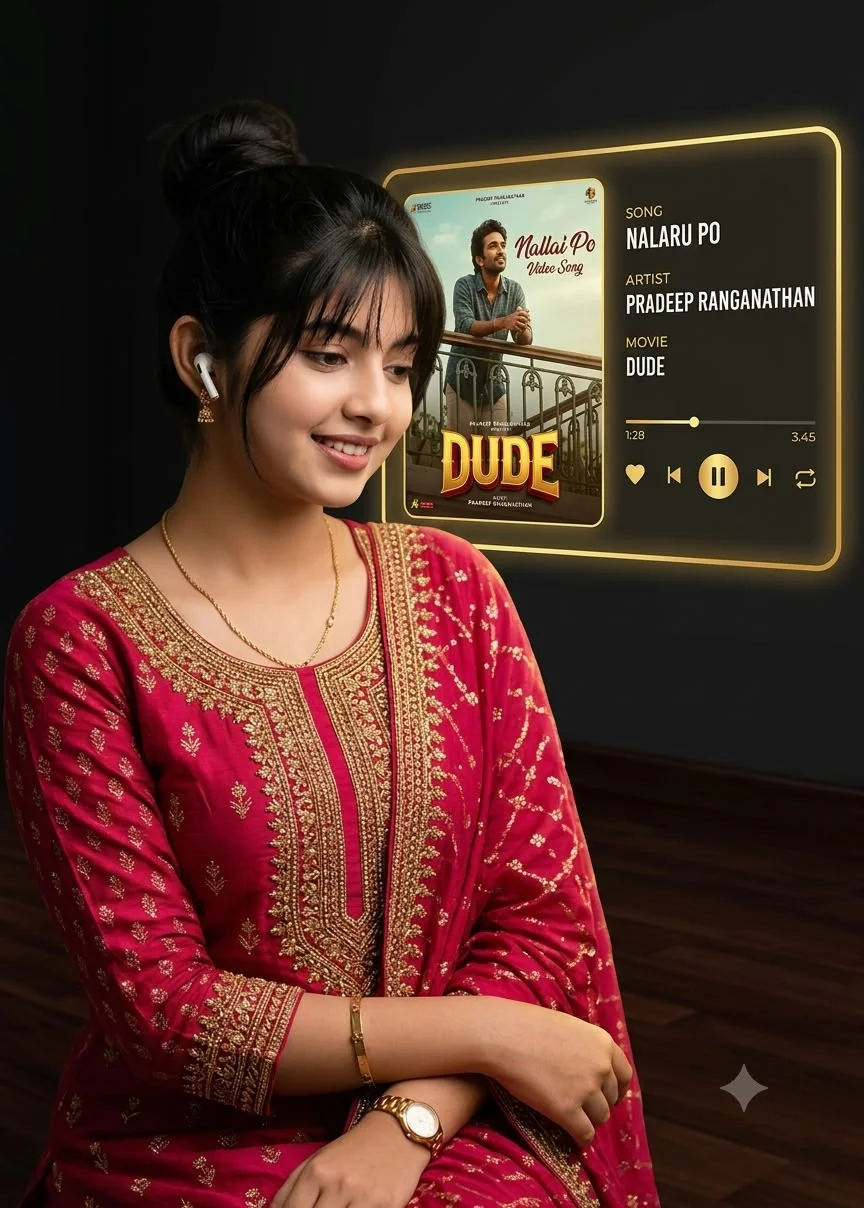
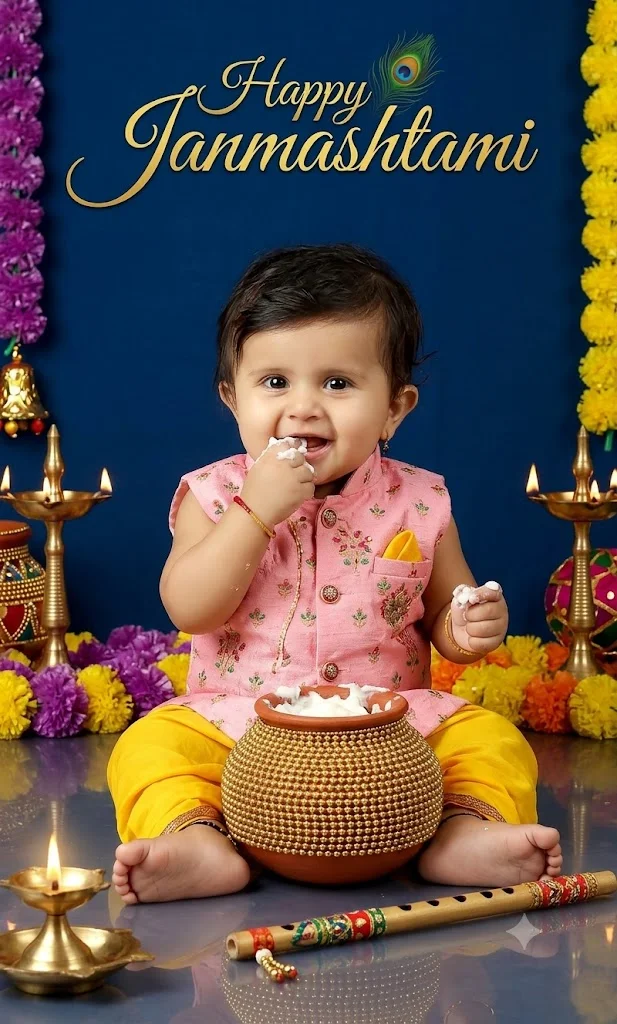
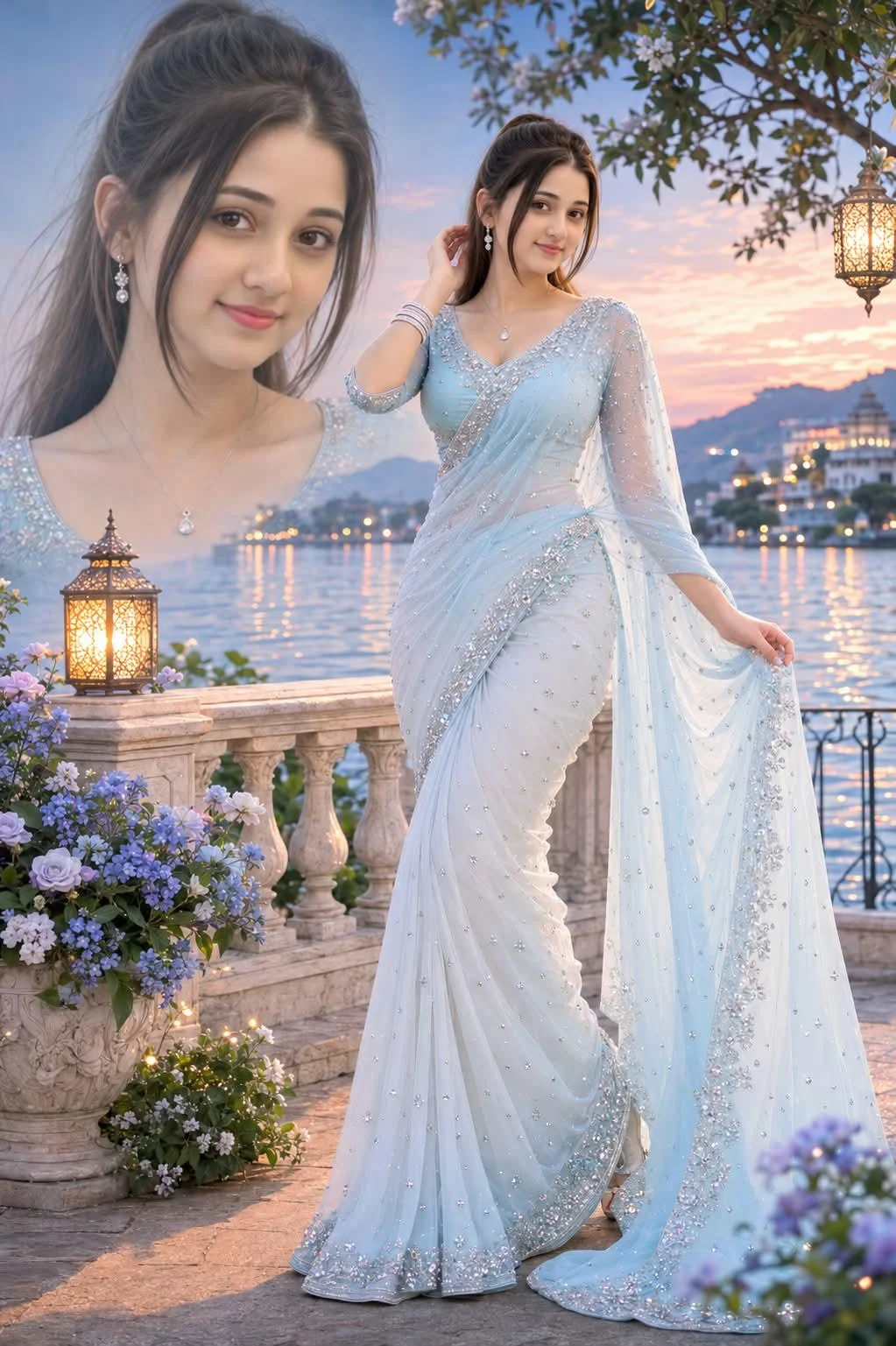
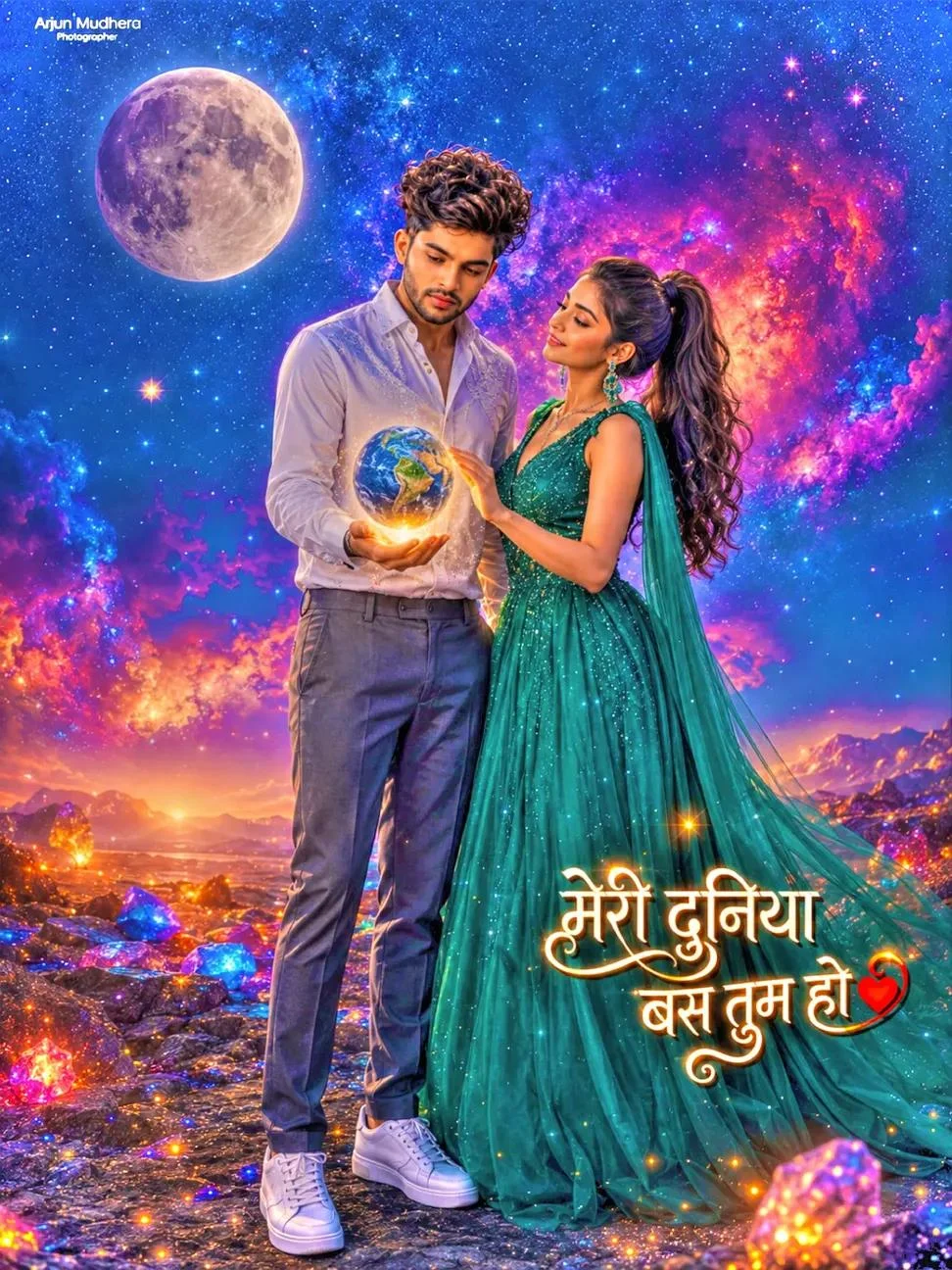
Over the past year, creators searching for Ishan Edits on Instagram and YouTube have driven millions of views using distinctive photographic themes. Whether it is spiritual devotion featuring Radha Krishna and Ganpati Bappa, or high-energy streetwear portraits with neon lighting, these templates allow everyday creators to bypass complex Photoshop workflows entirely.
How to Use Ishan Edits Prompts on Top AI Tools
Step 01
Select Your Vibe
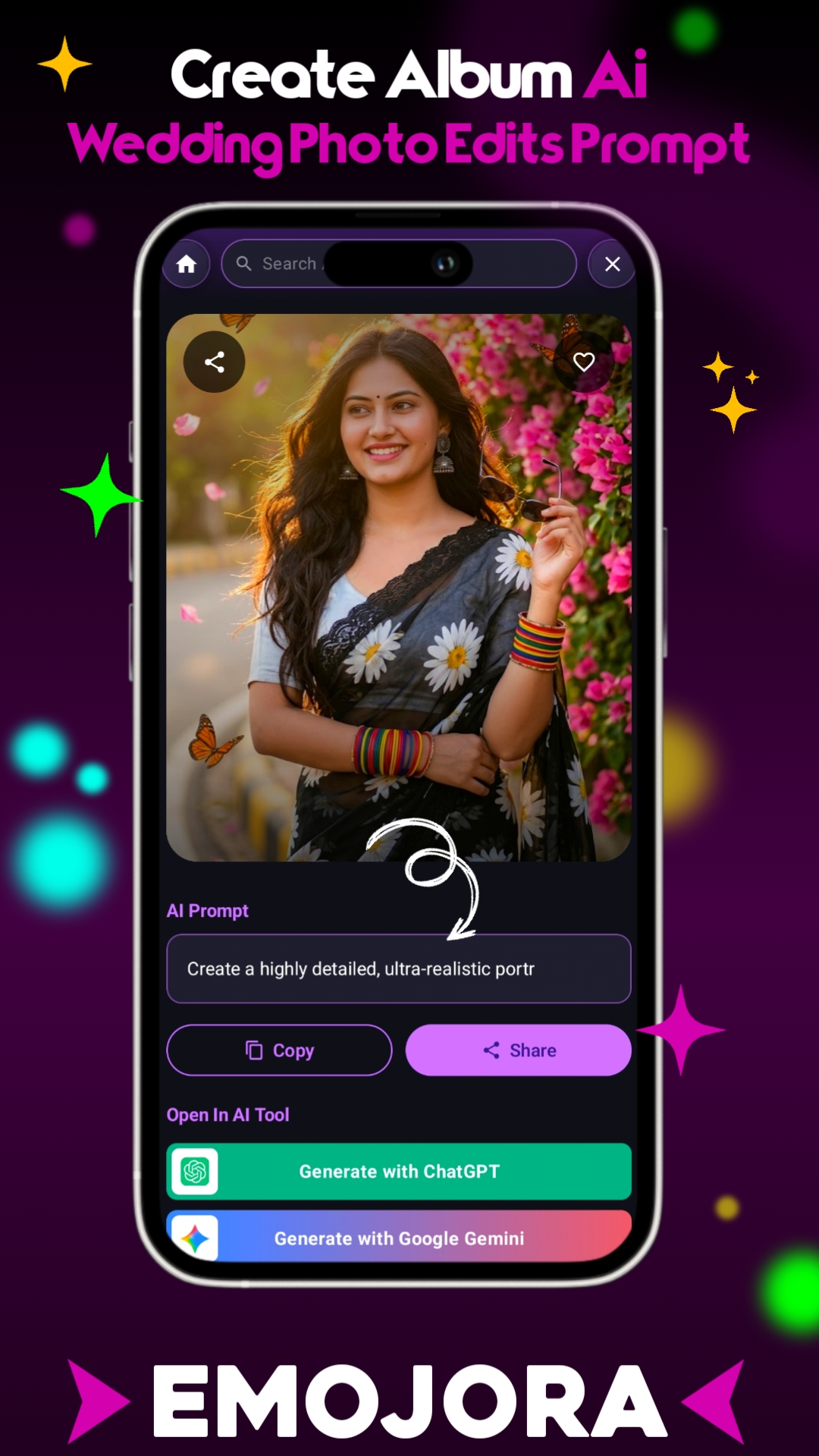
Choose from Radha-Krishna devotion, neon mirror selfie, or urban streetwear in our gallery above and tap Copy.
Step 02
Launch AI Generator
Open Microsoft Bing Image Creator or Google Gemini in your browser. No paid subscriptions are required.
Step 03
Personalize & Render
Paste the text, insert your name if applicable, and hit Generate. You will receive 4 ultra-sharp 4K variations in seconds.
Explore More Trending AI Styles on Emojora
Looking to keep your genuine face intact? Check out our popular Prompt Seen AI Face-Match Collection. If you prefer conversational prompt tuning with vision models, visit the dedicated ChatGPT AI Prompts Hub, or browse through thousands of daily updates in our AI Prompts Directory.
Frequently Asked Questions
Can I use Ishan Edits prompts on mobile phones?
Yes. Tap the copy button on your smartphone, open Bing Image Creator or Gemini in Chrome/Safari, and paste directly. It works on both Android and iOS devices.
How do I insert my own name into Ishan Edits logo and 3D prompts?
Find the bracketed placeholder text (e.g. [Your Name]) inside the copied prompt, replace it with your real name or Instagram handle, and render.