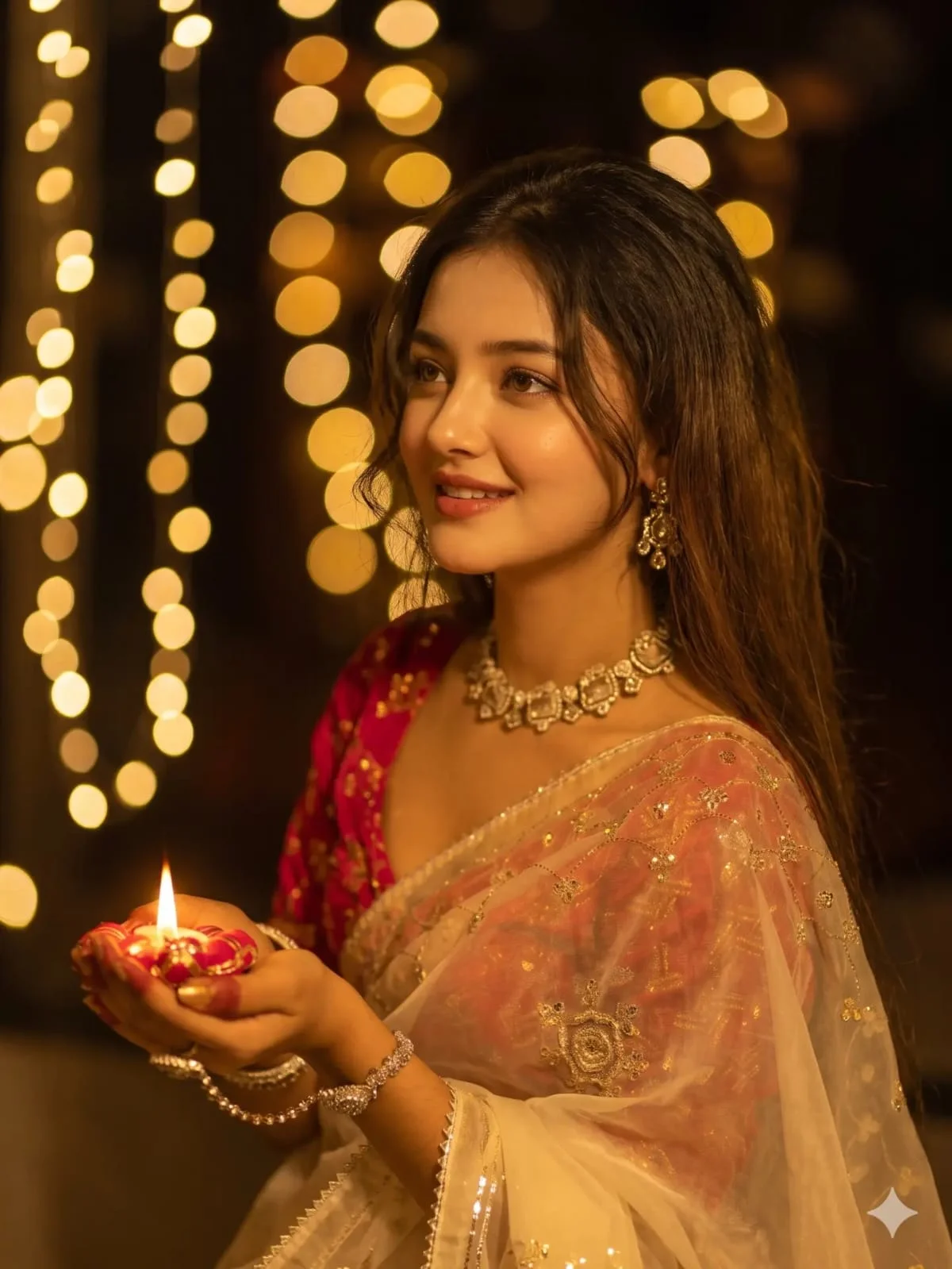
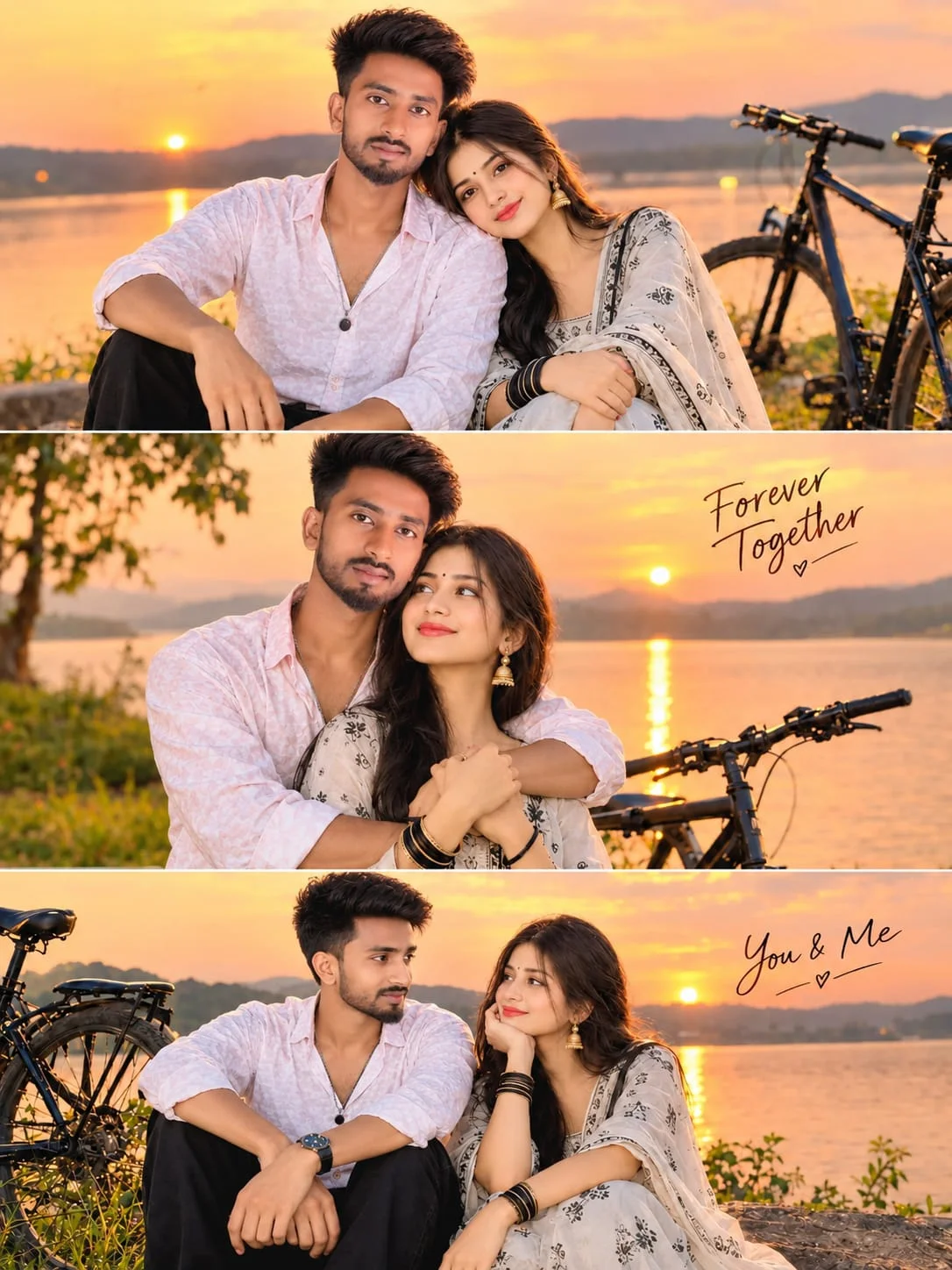
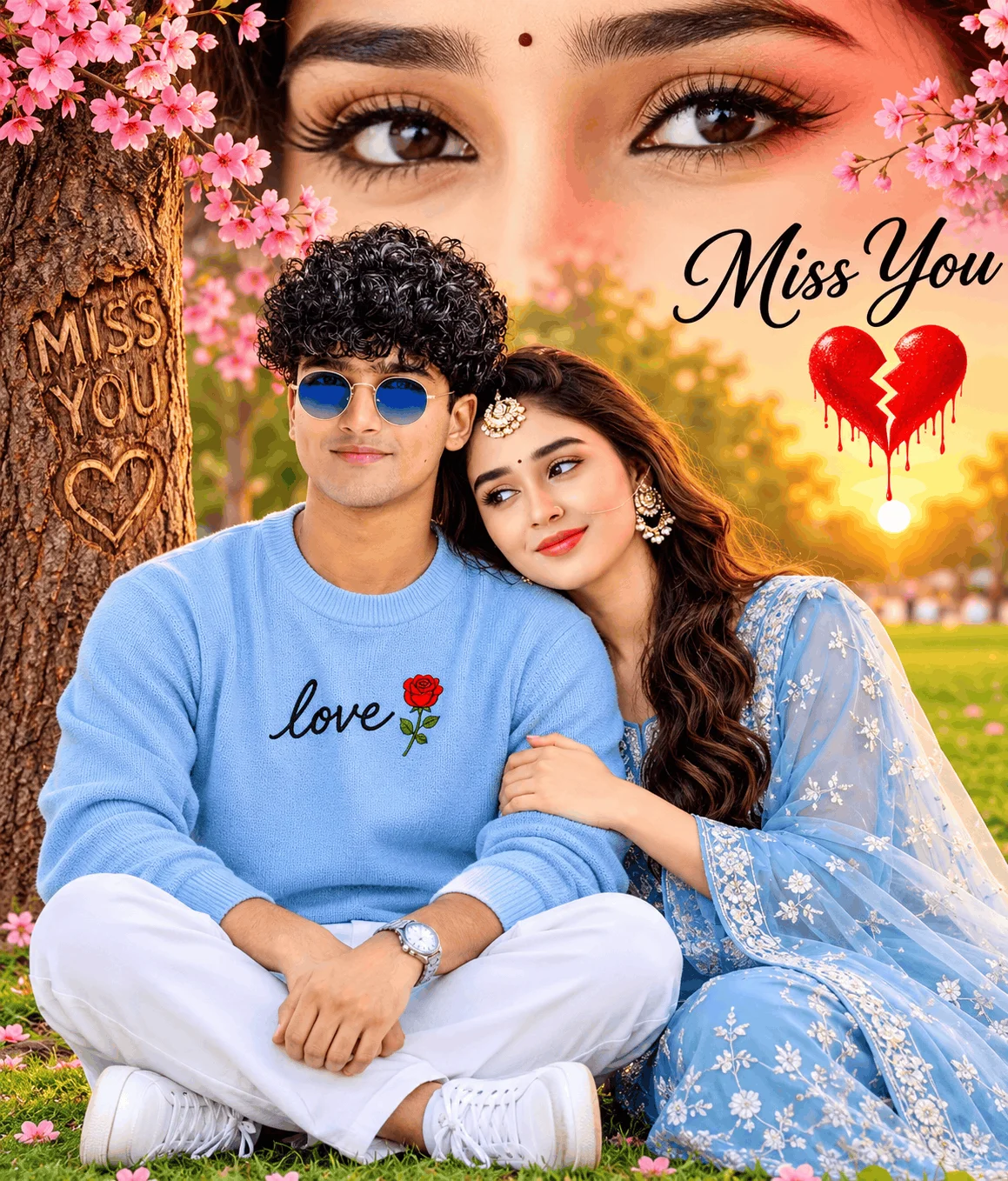
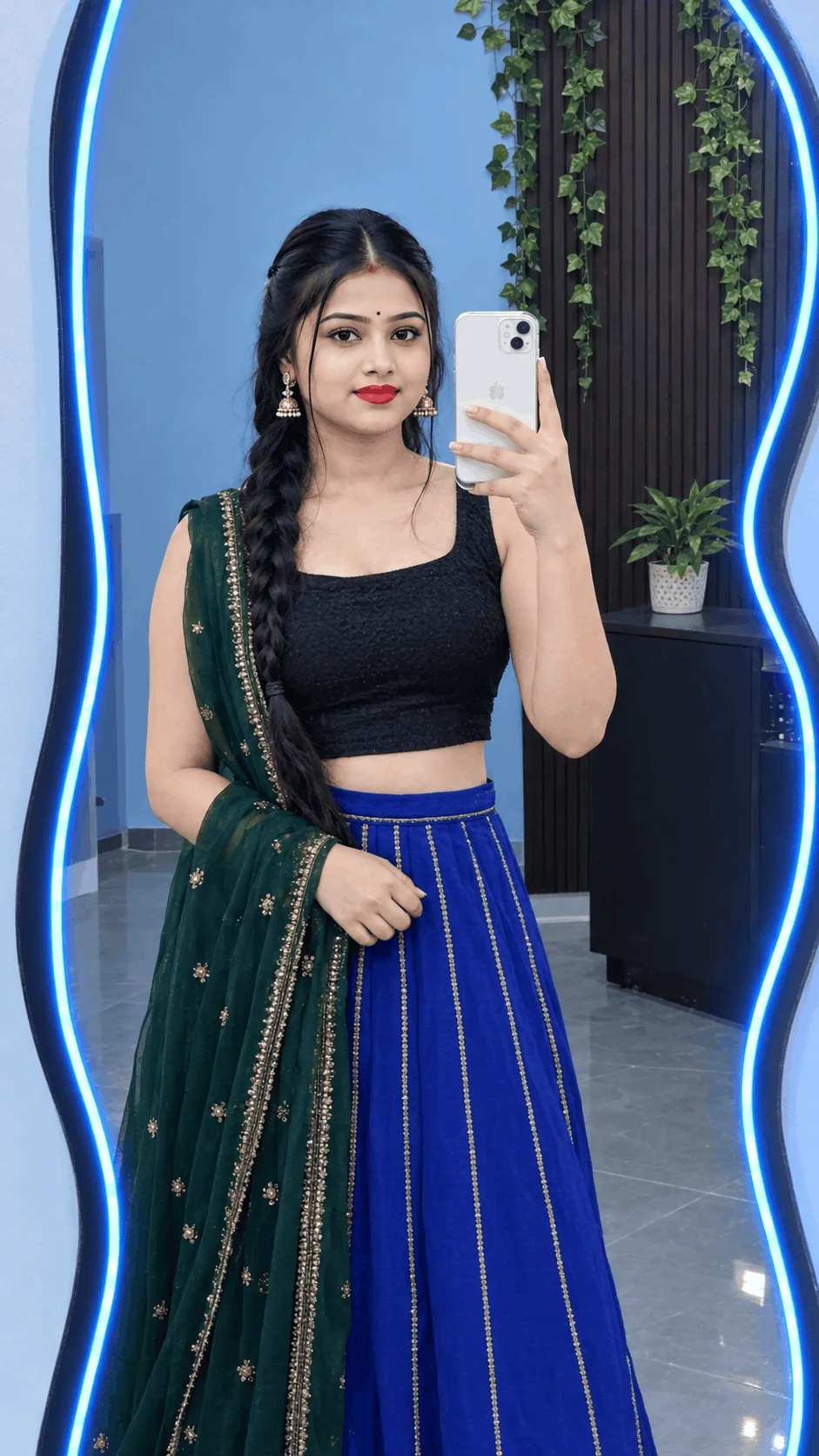
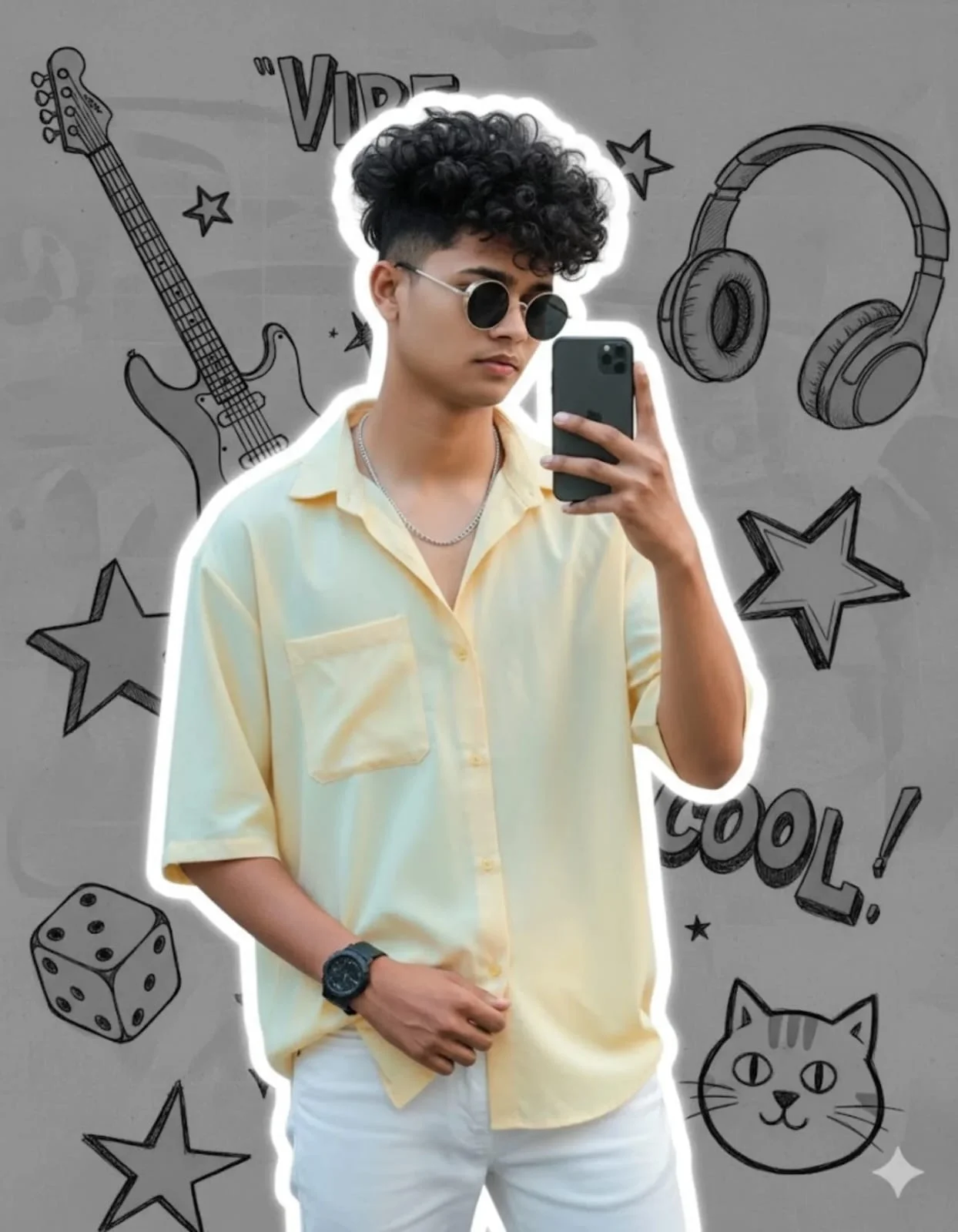
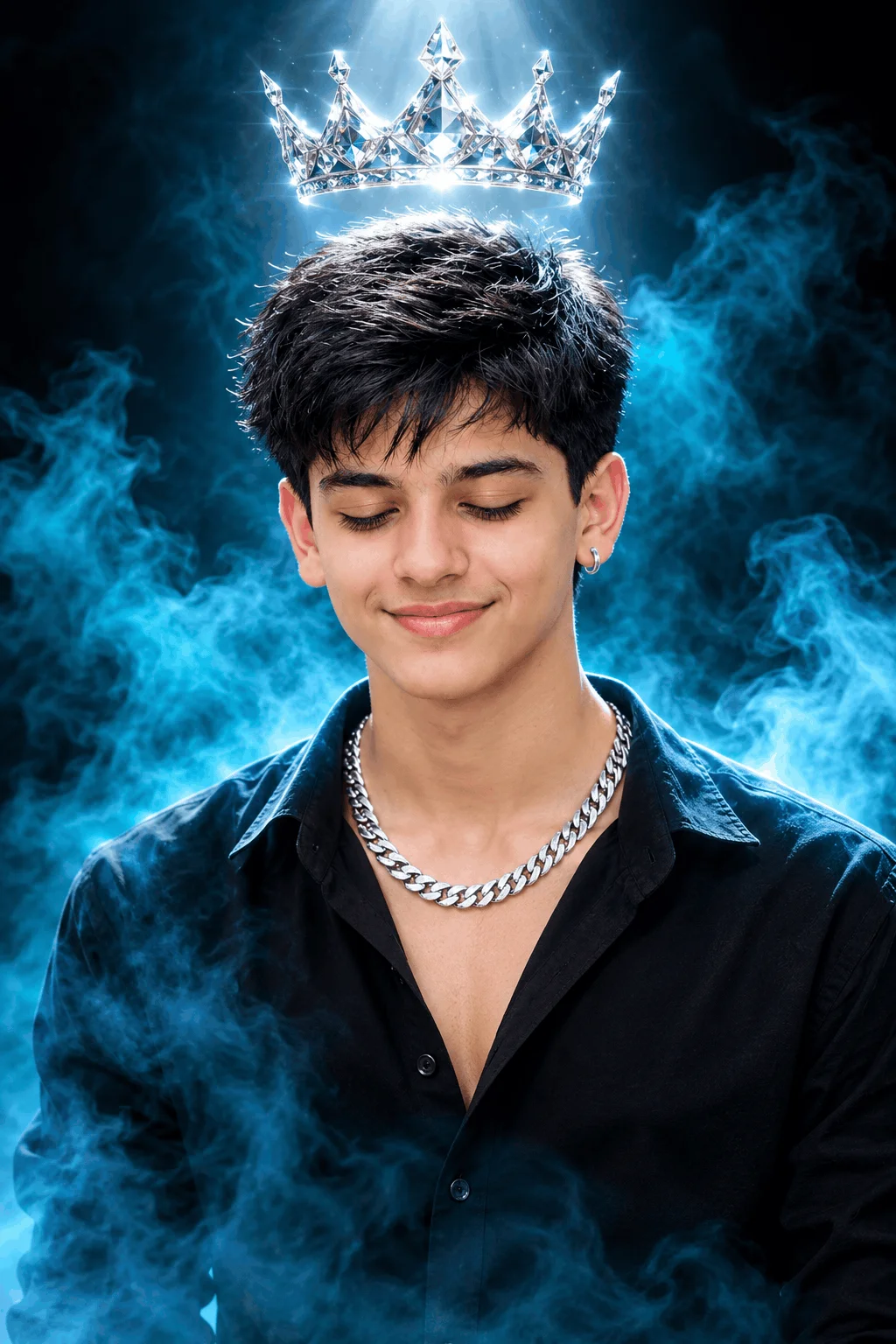
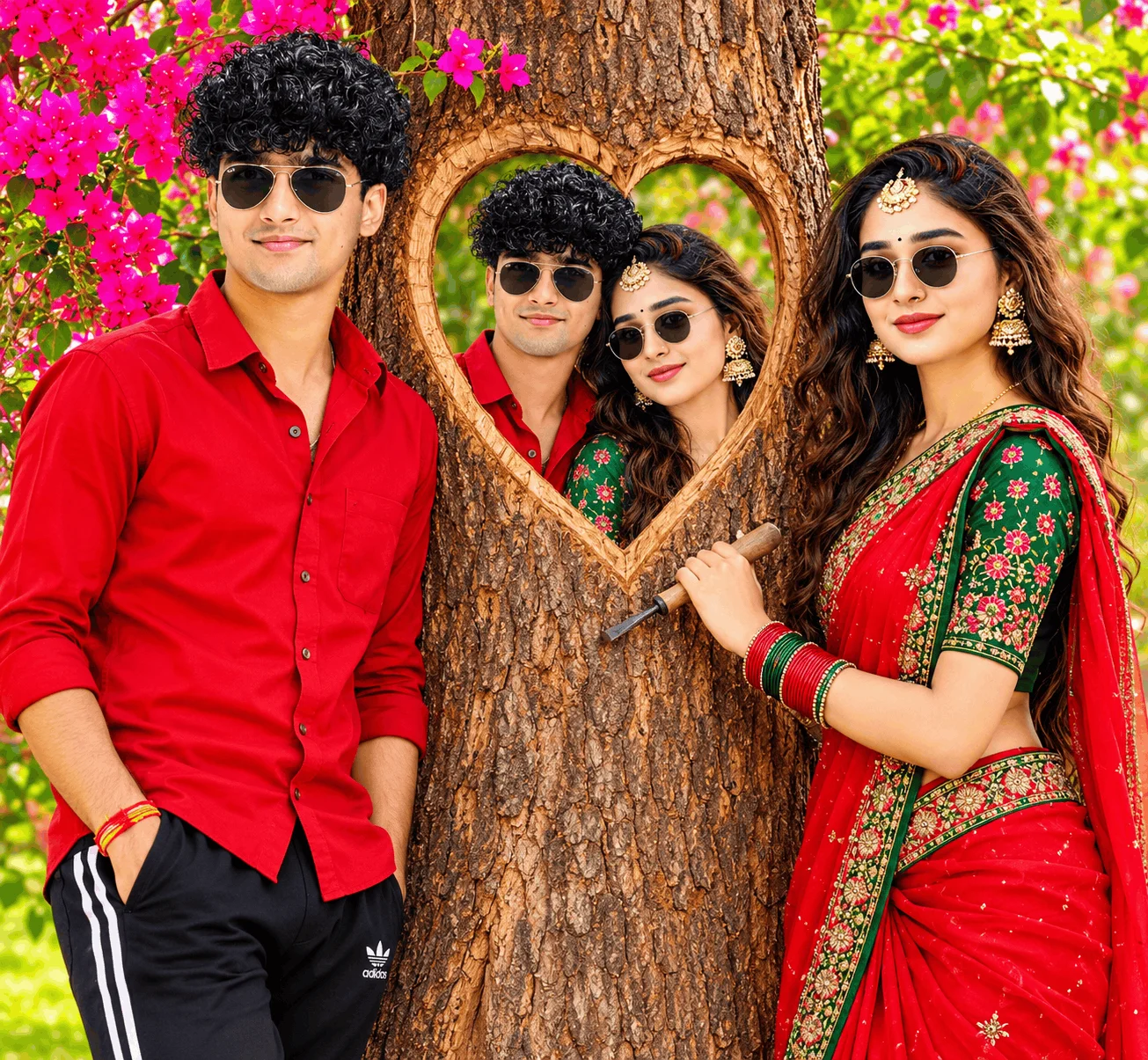
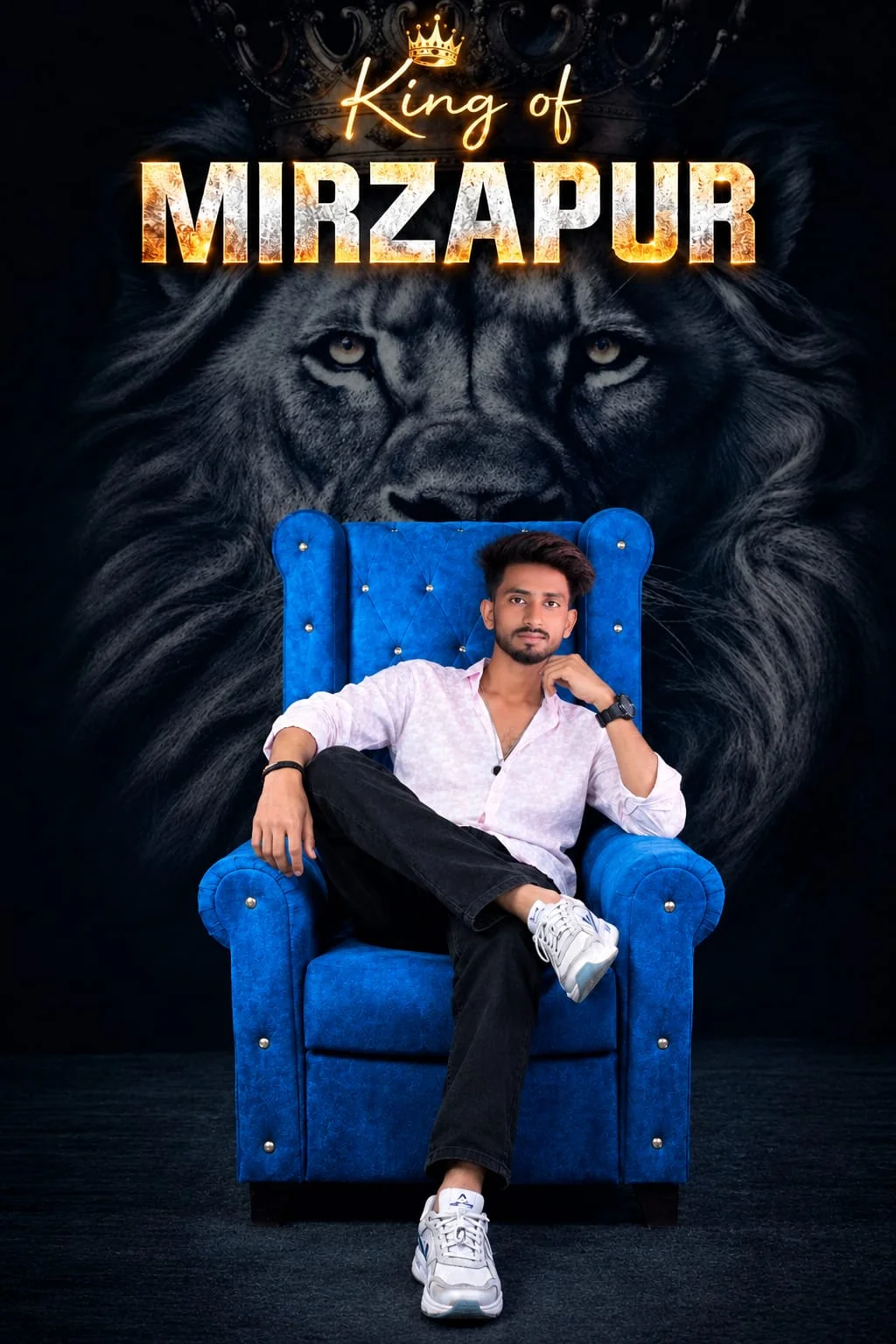
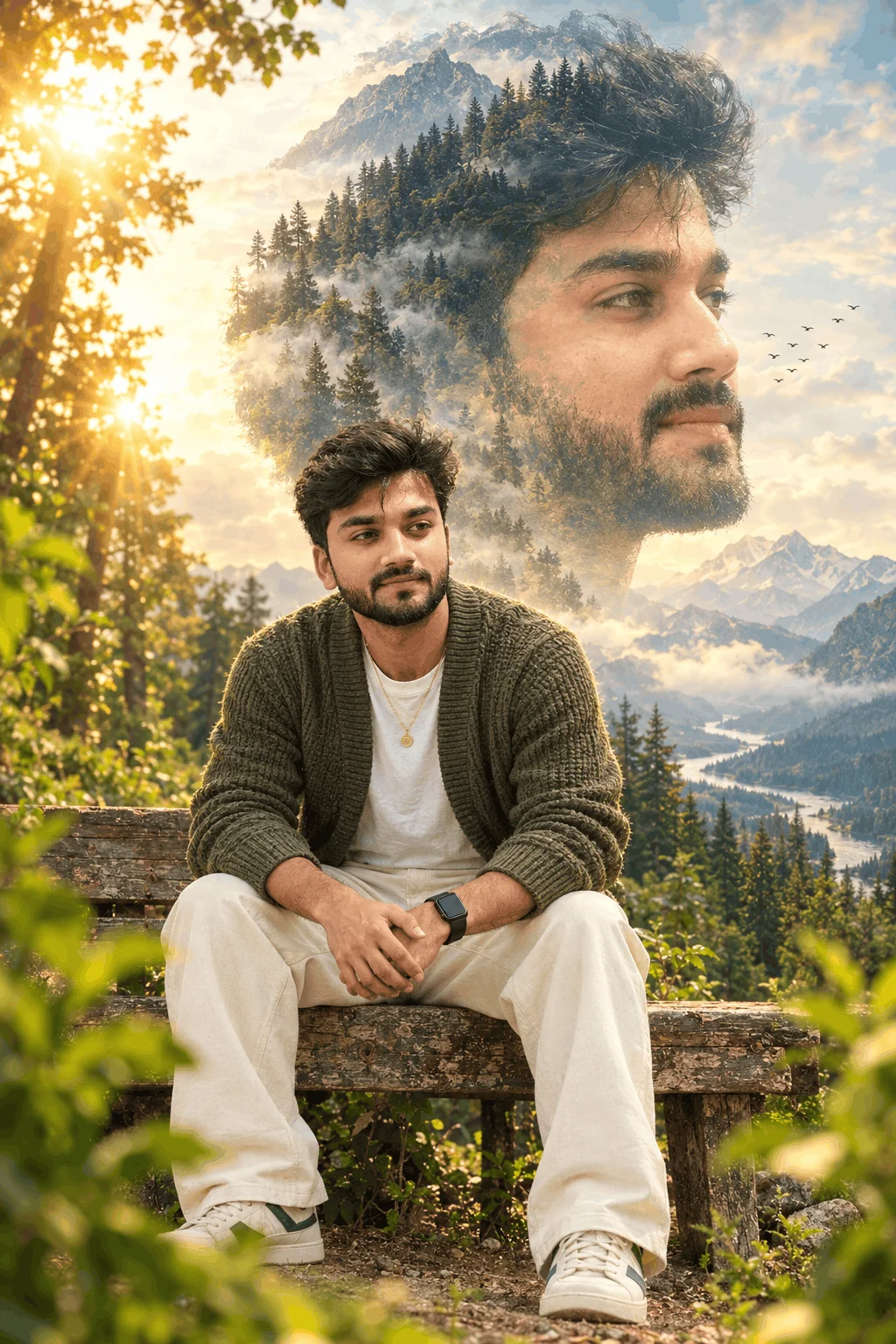
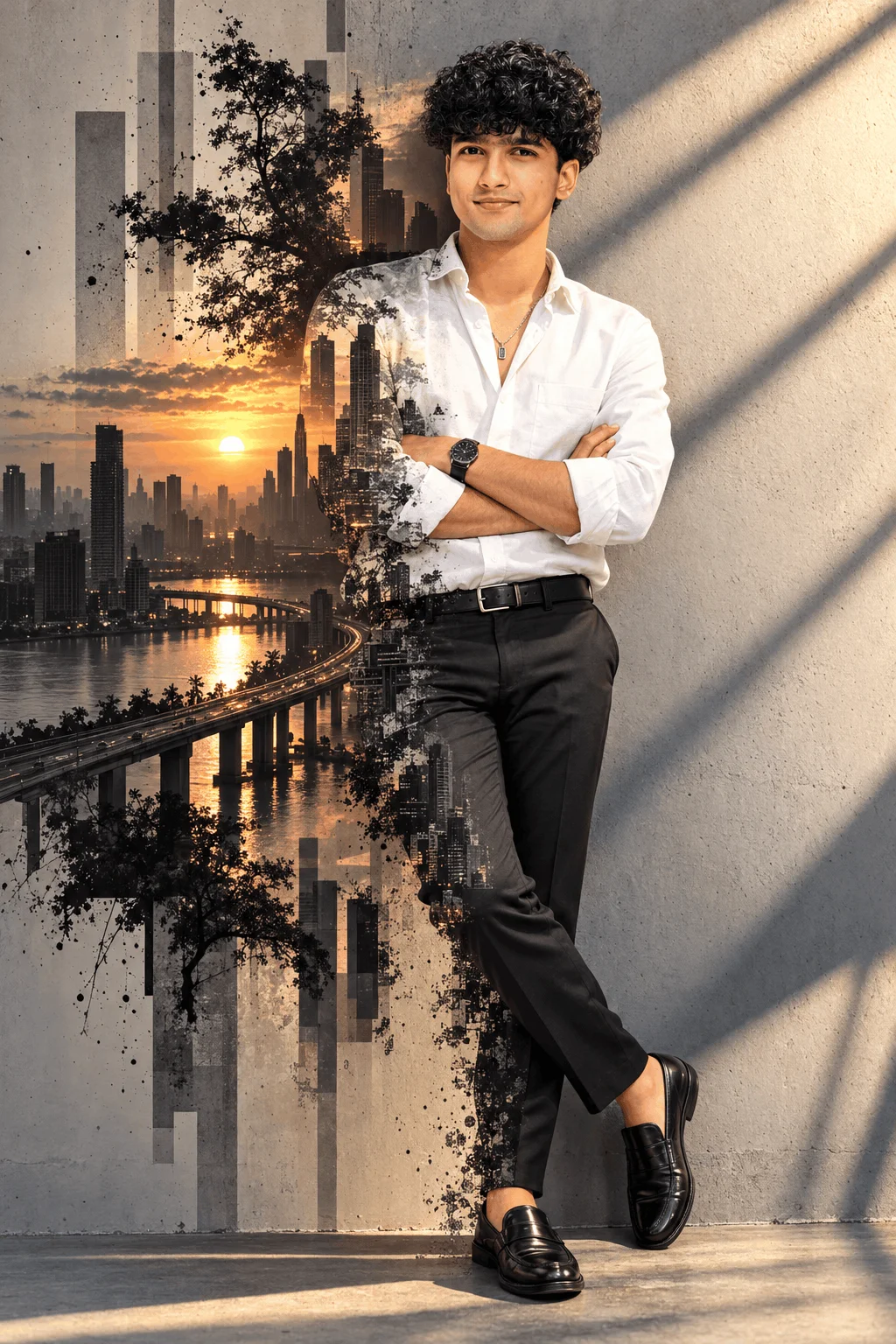
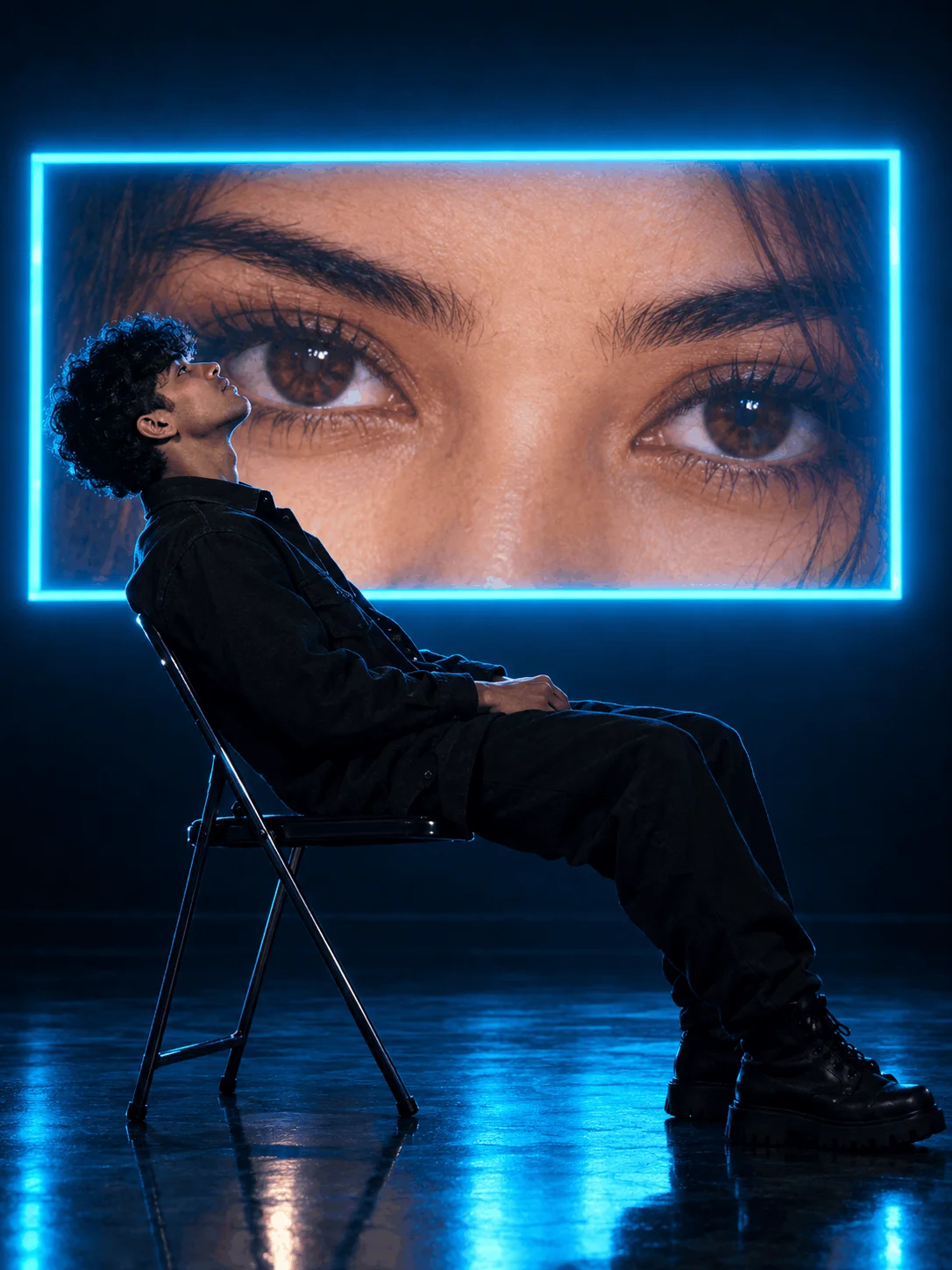
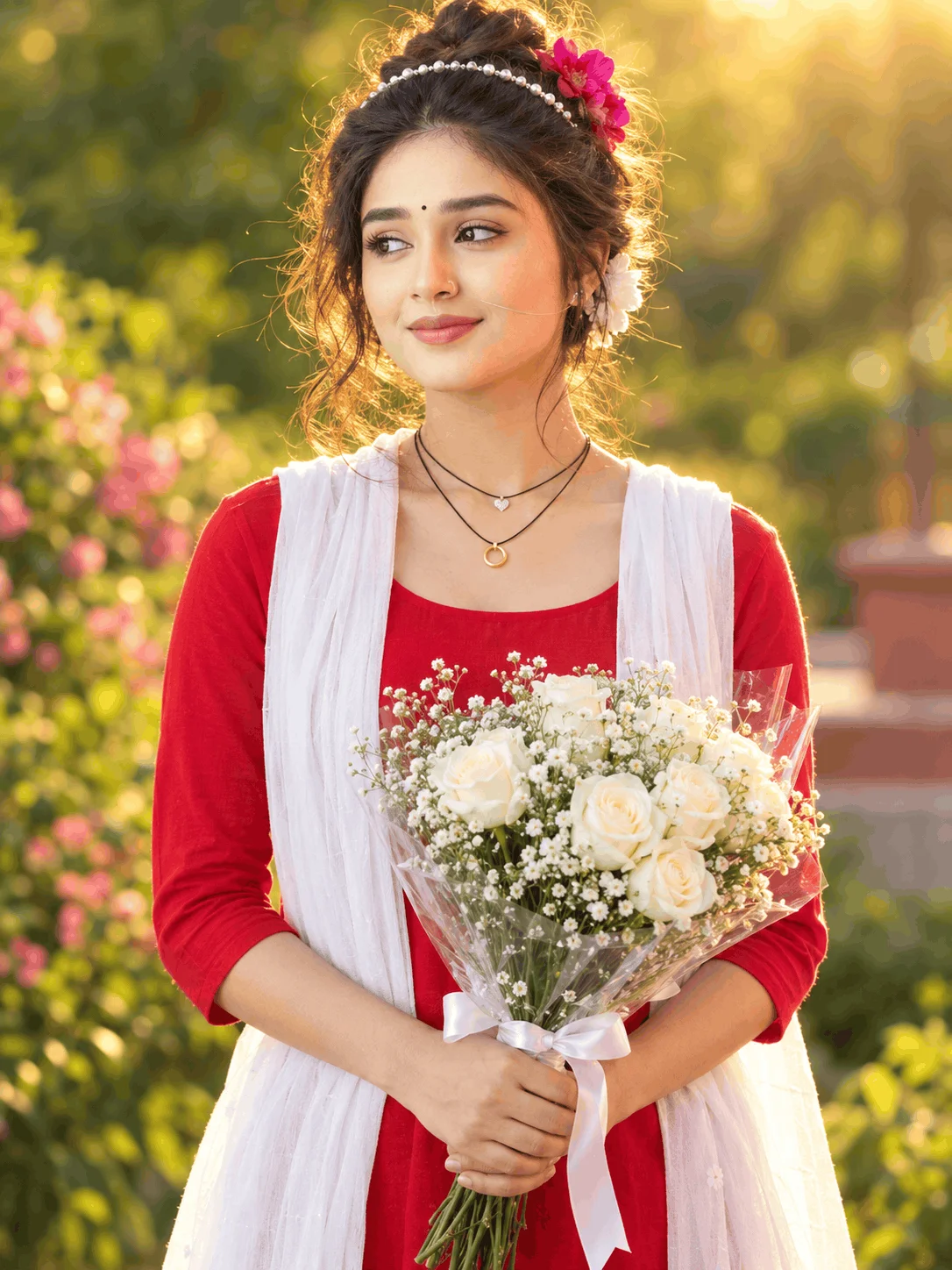
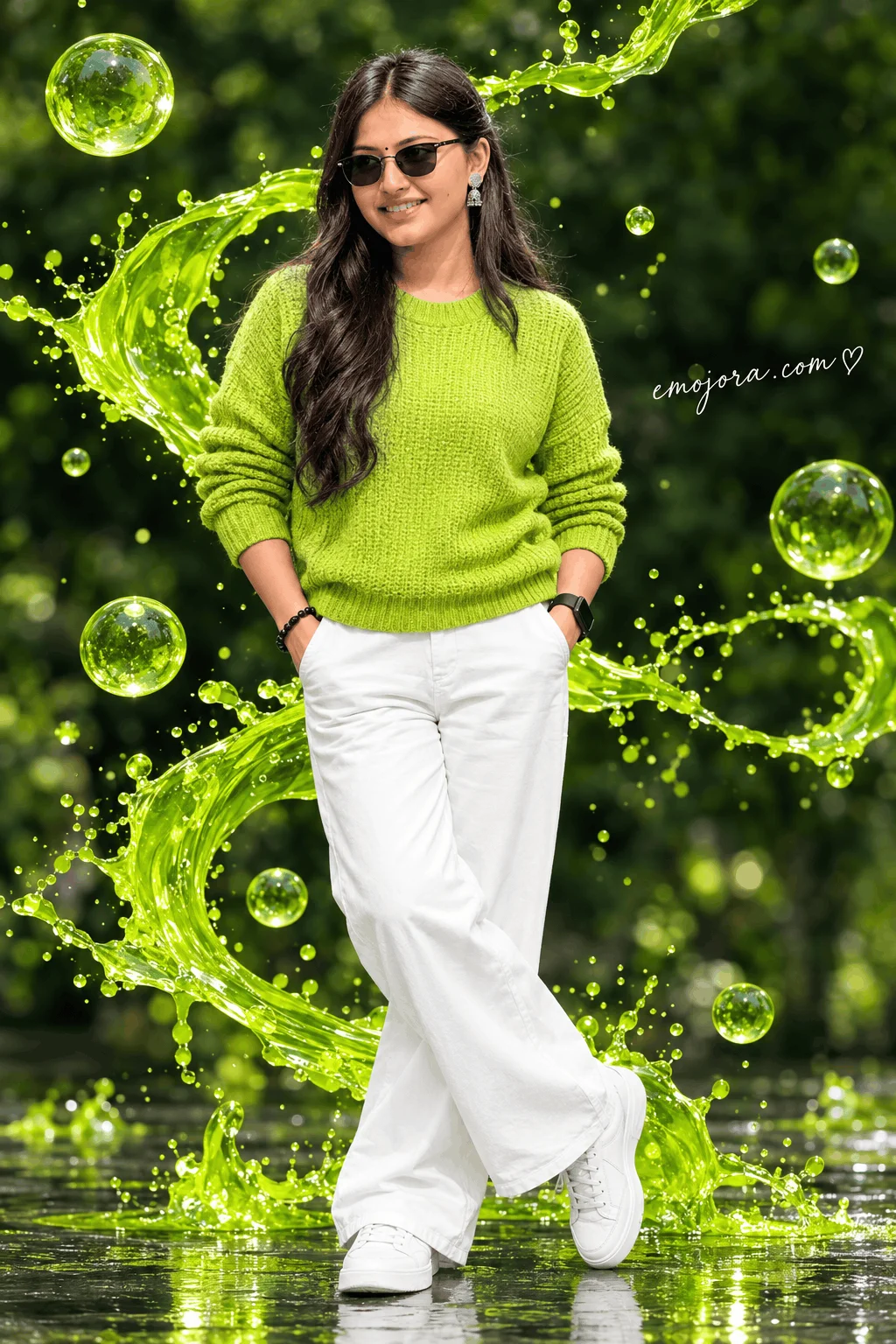
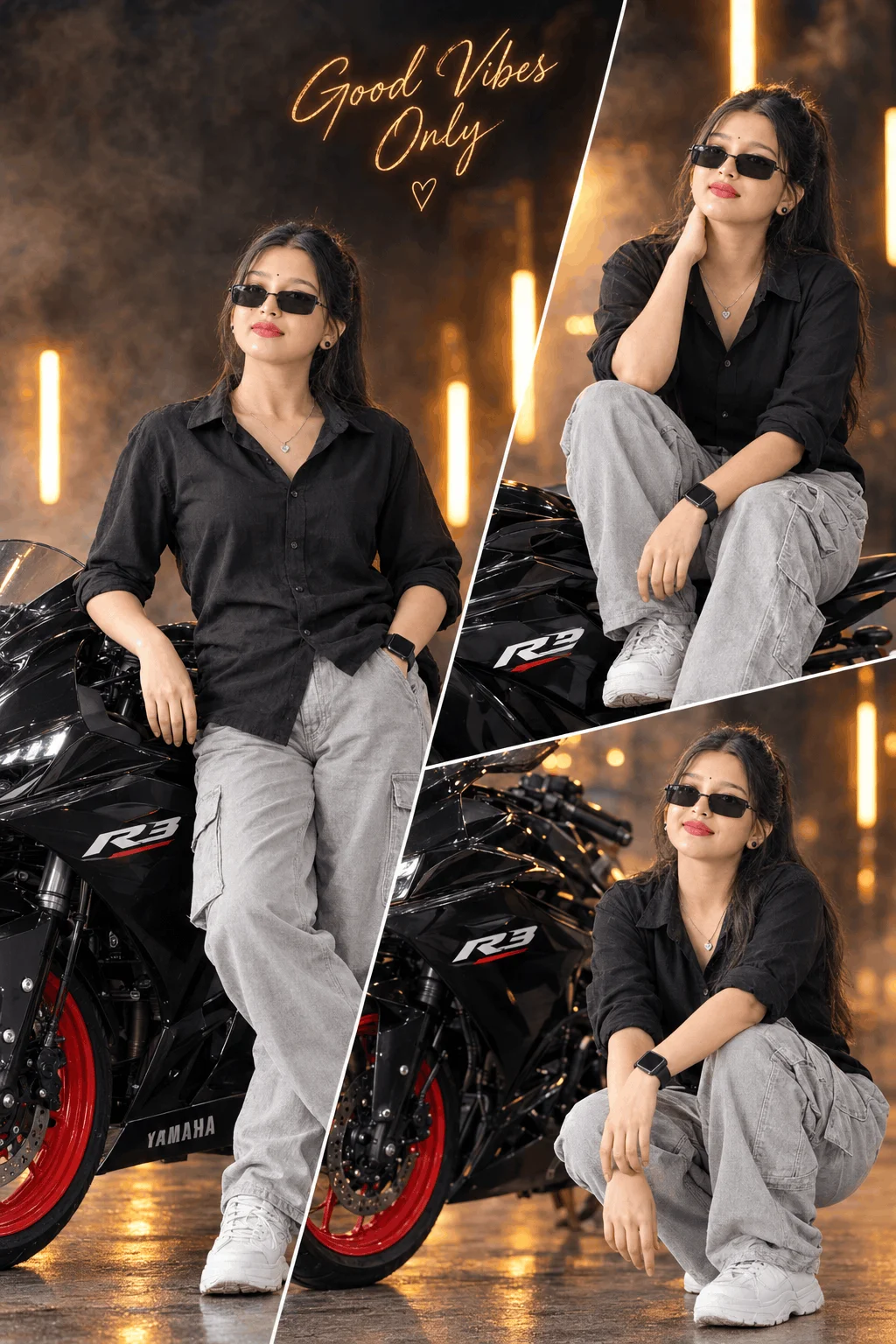
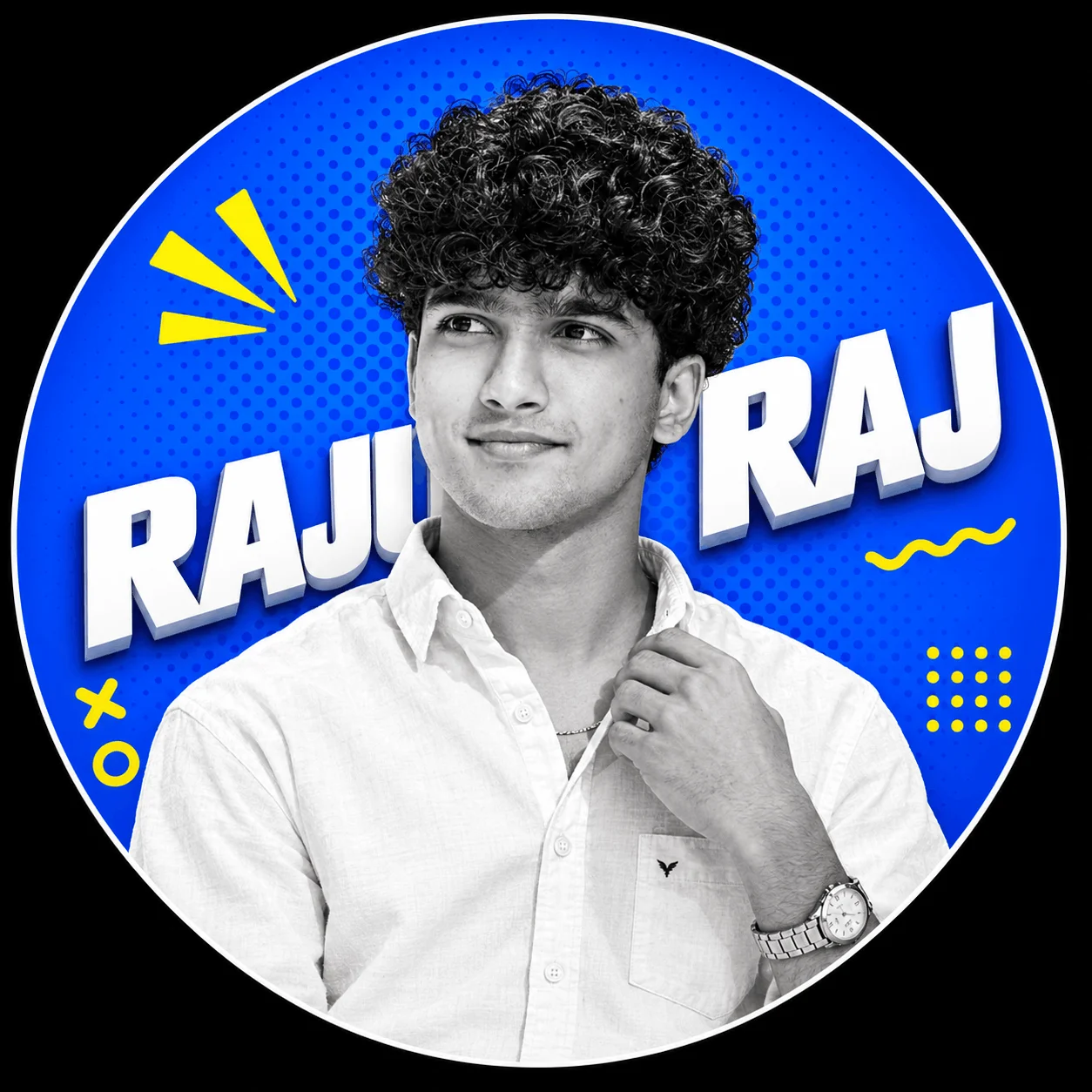
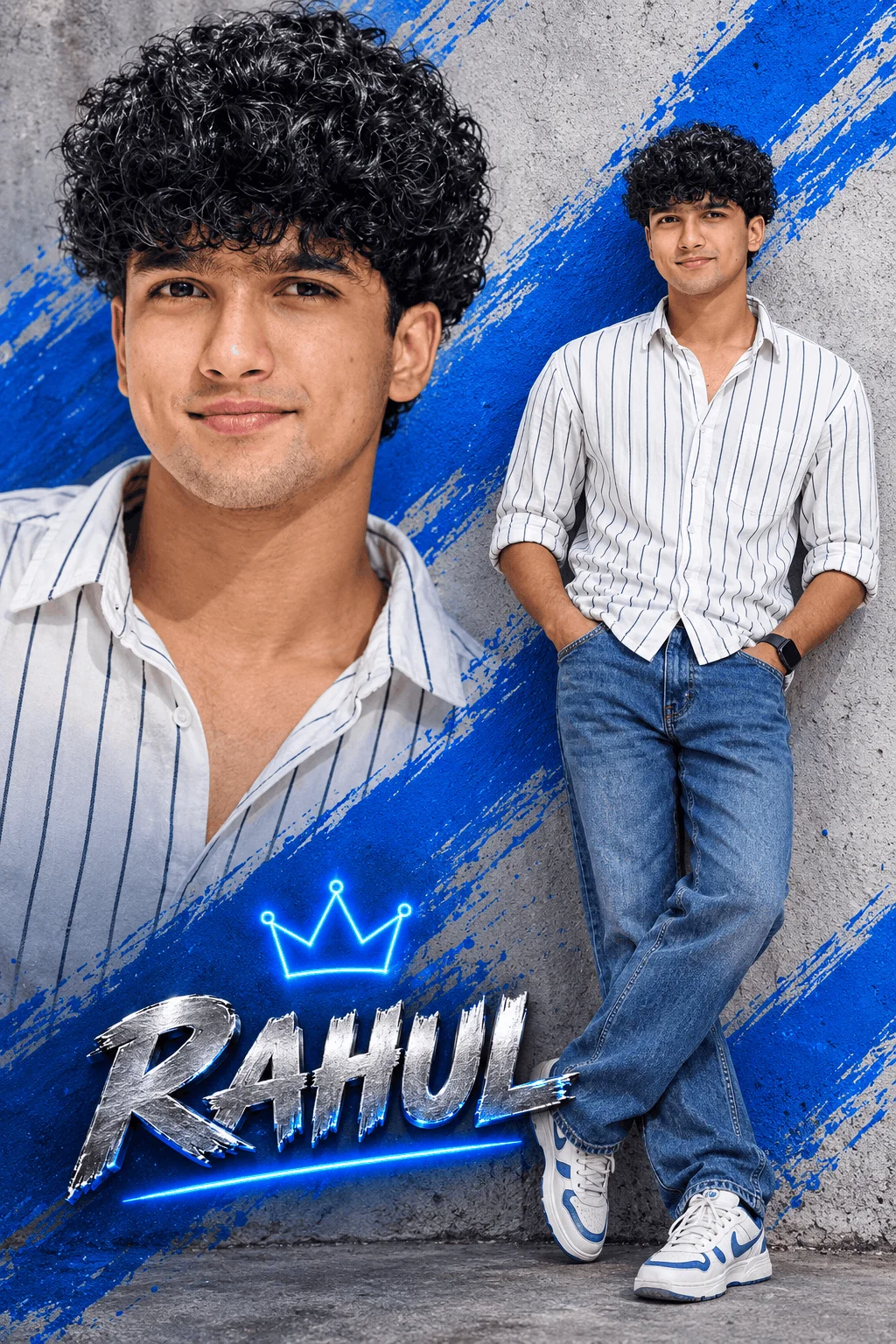
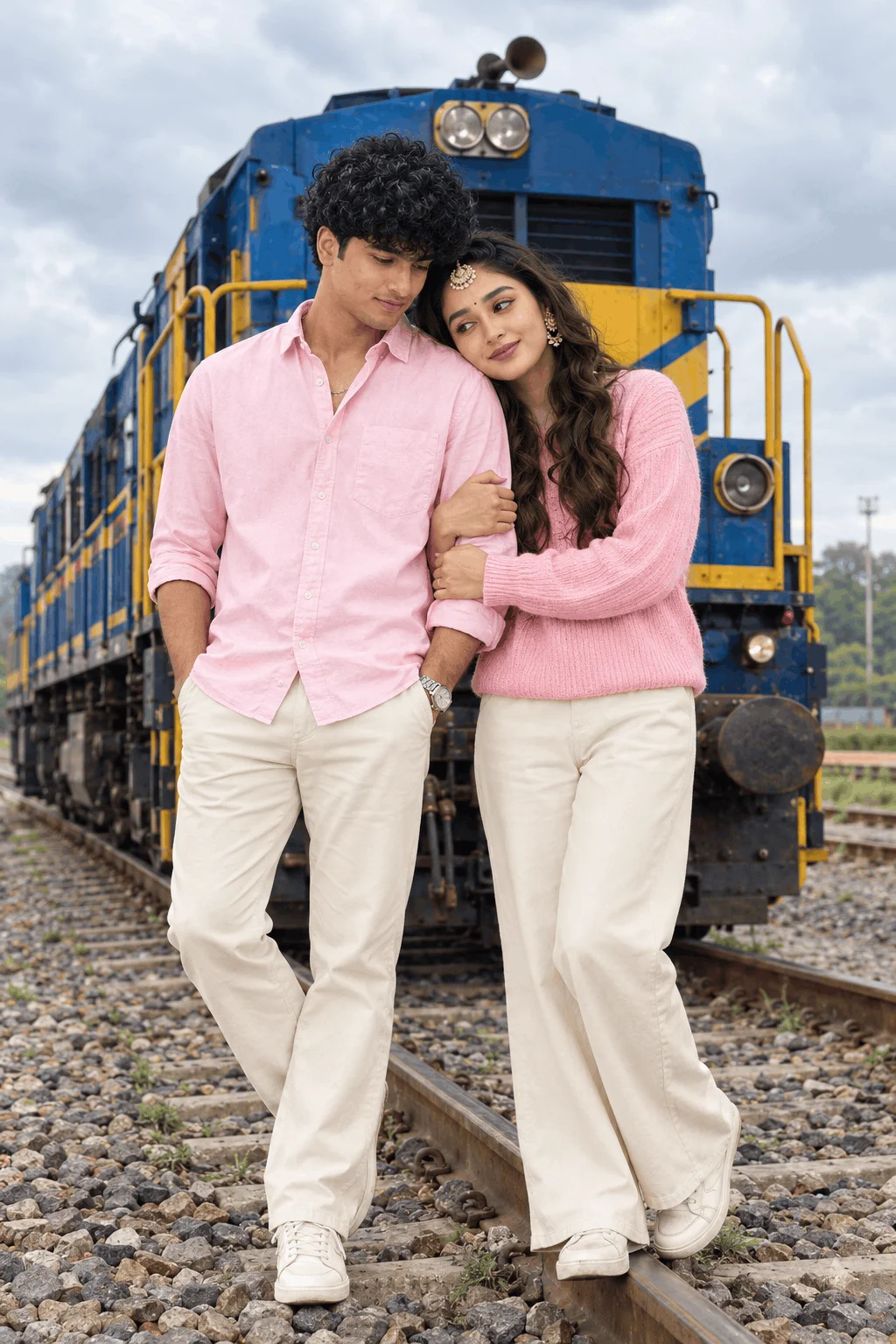
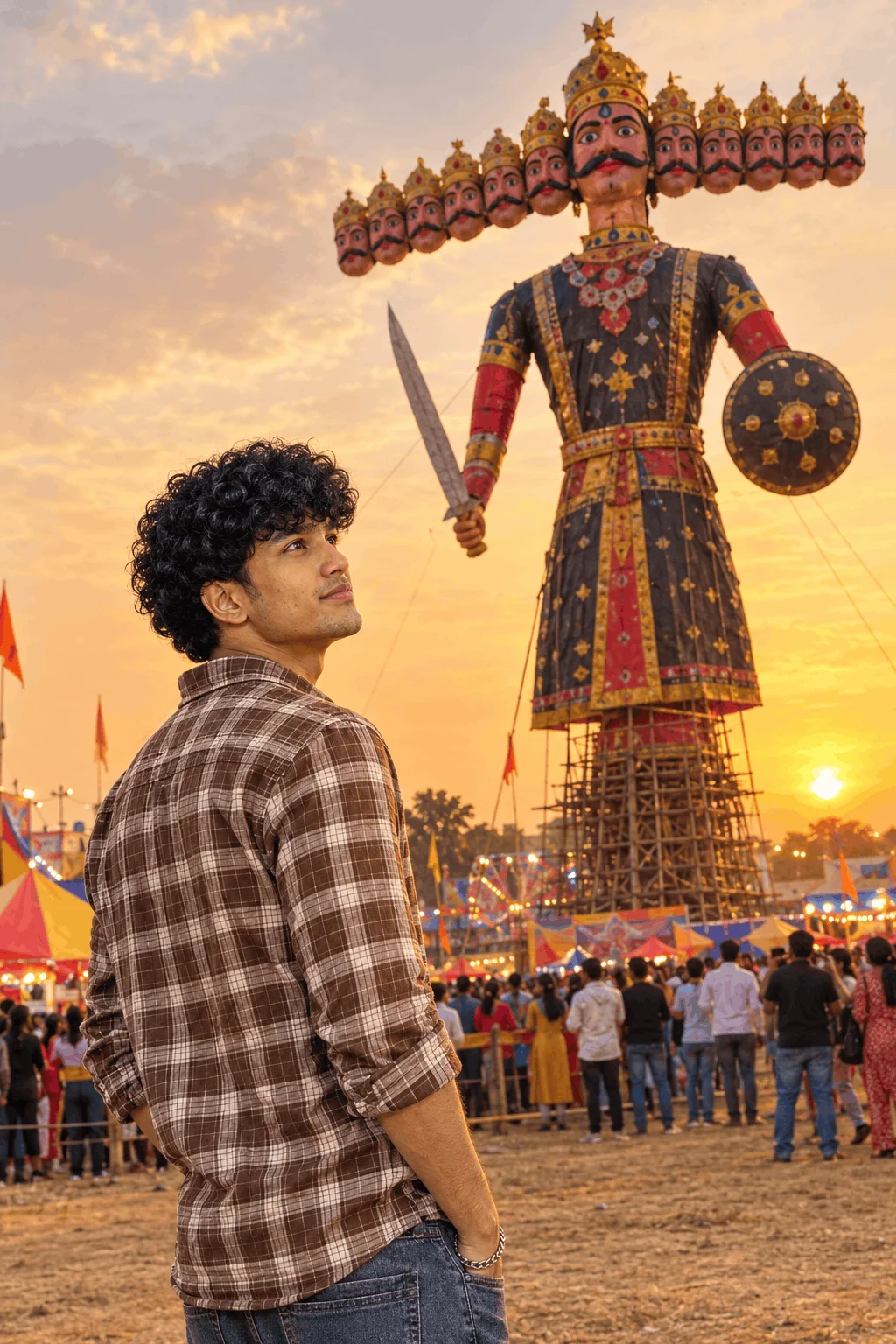
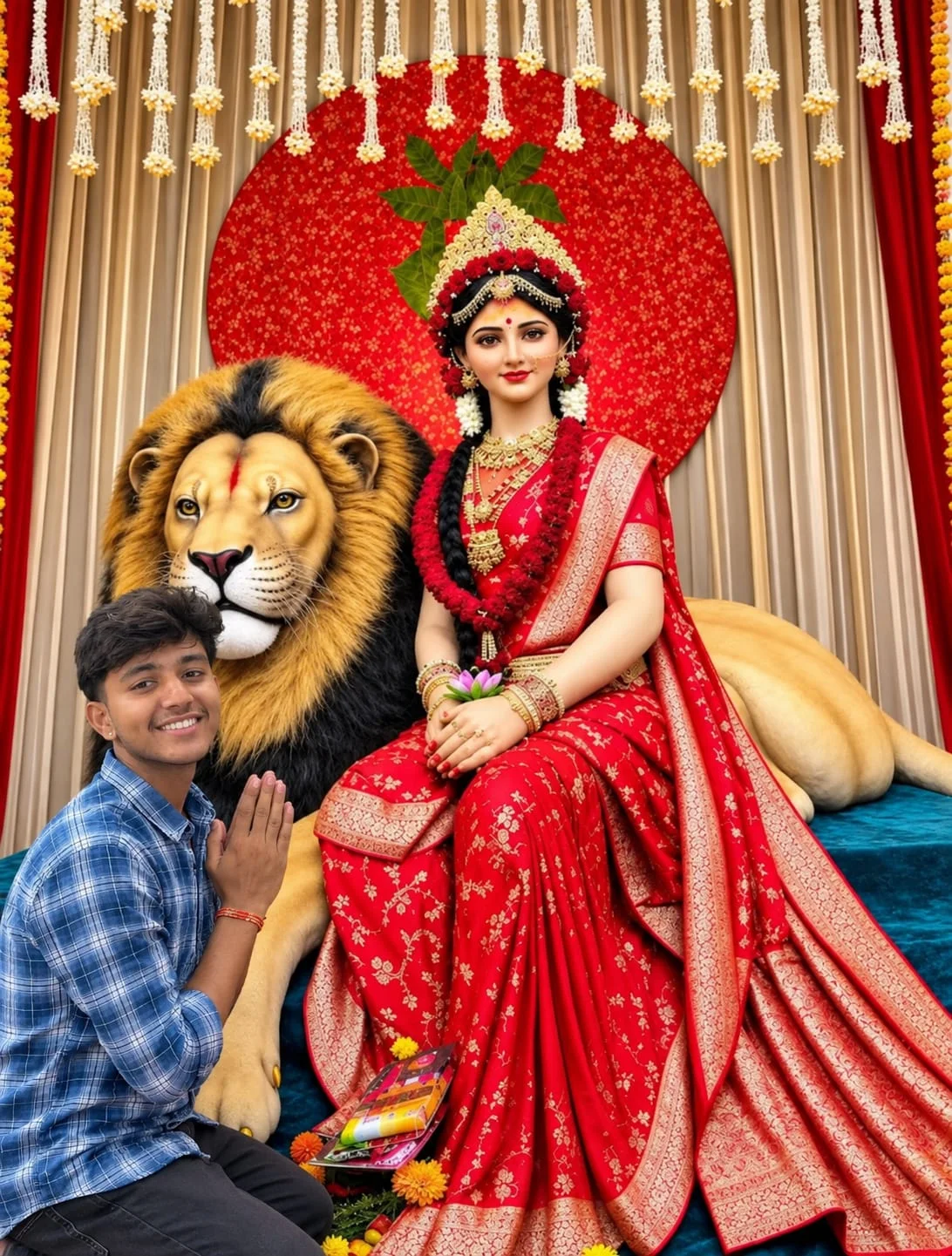
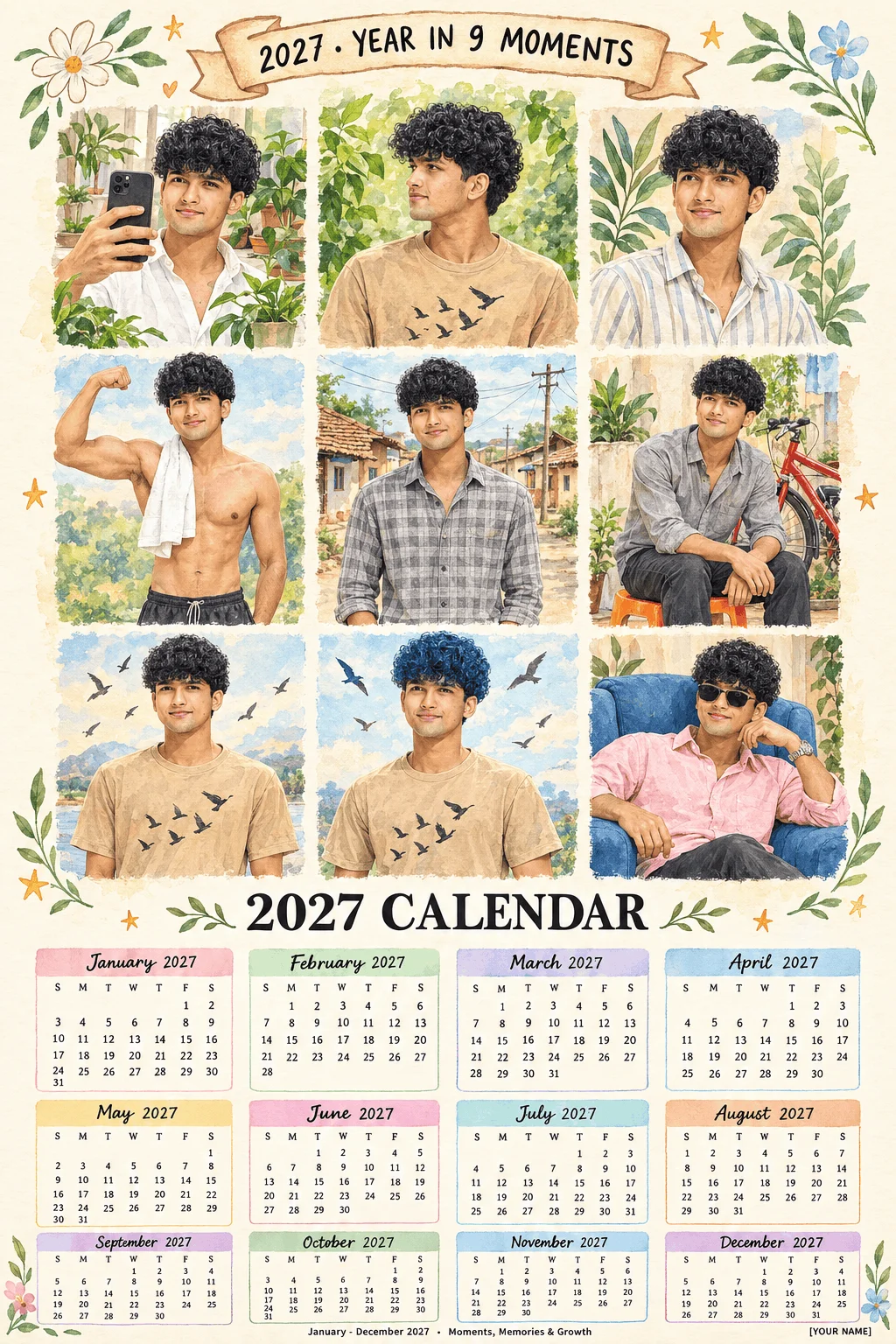
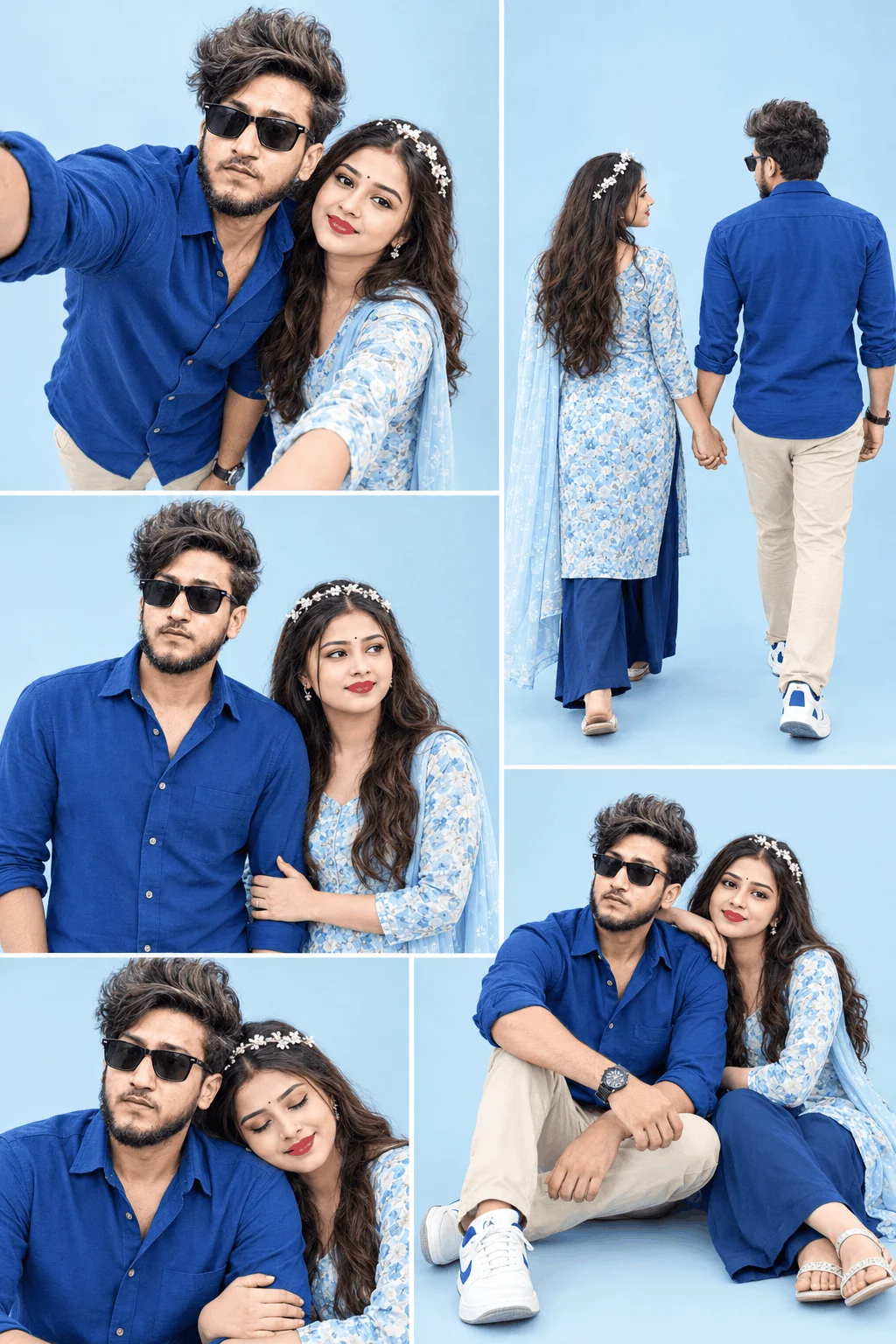
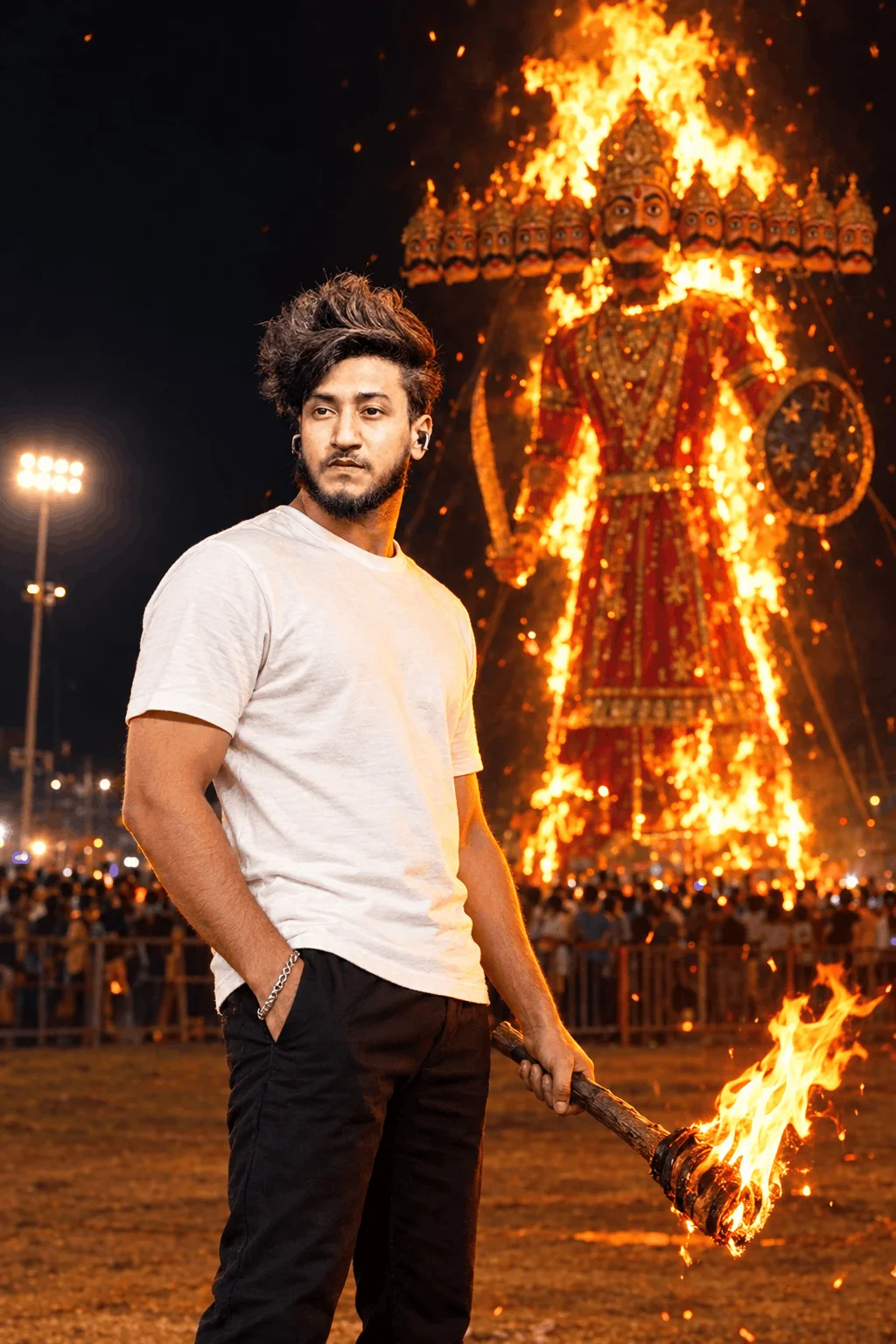
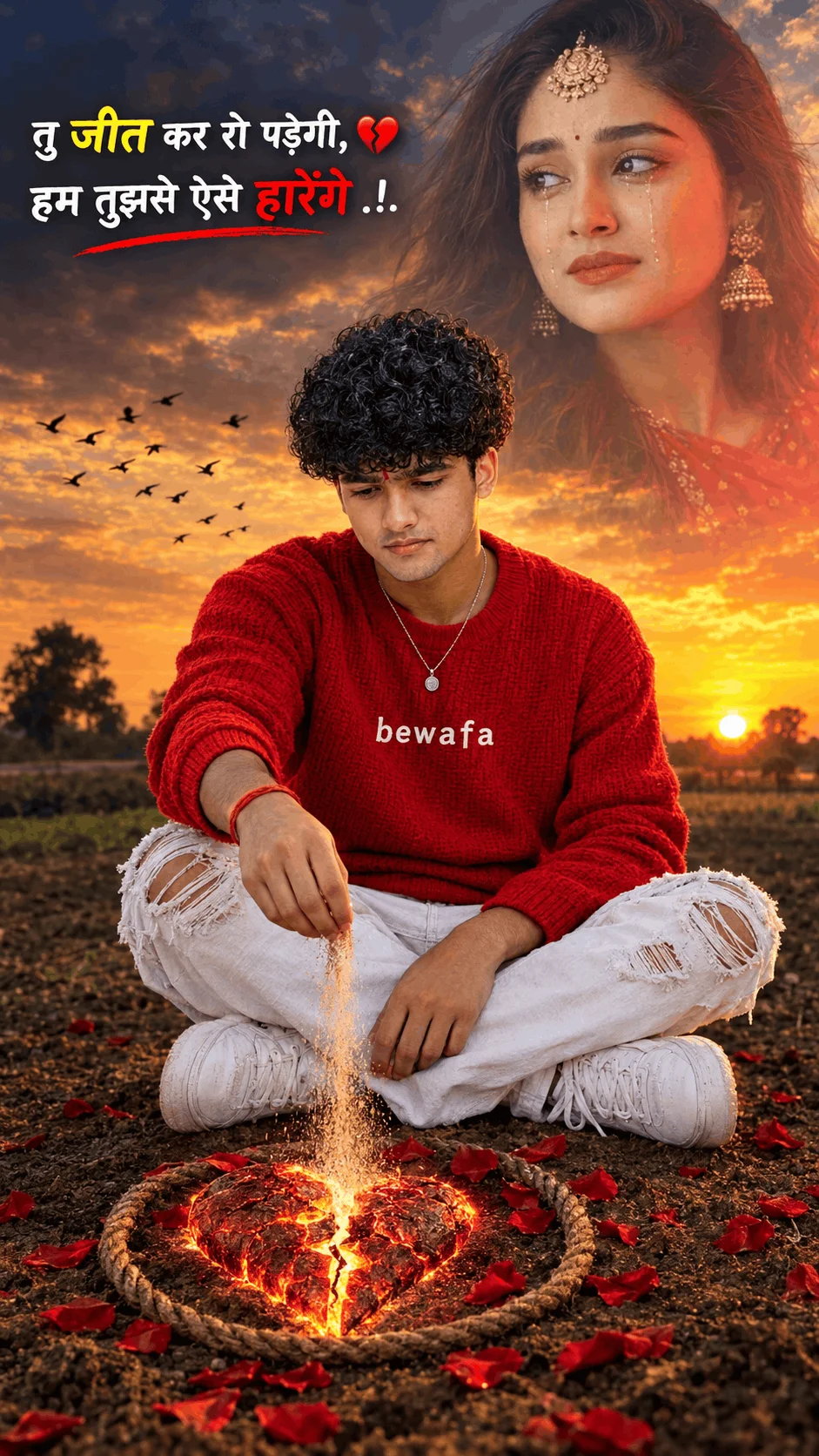
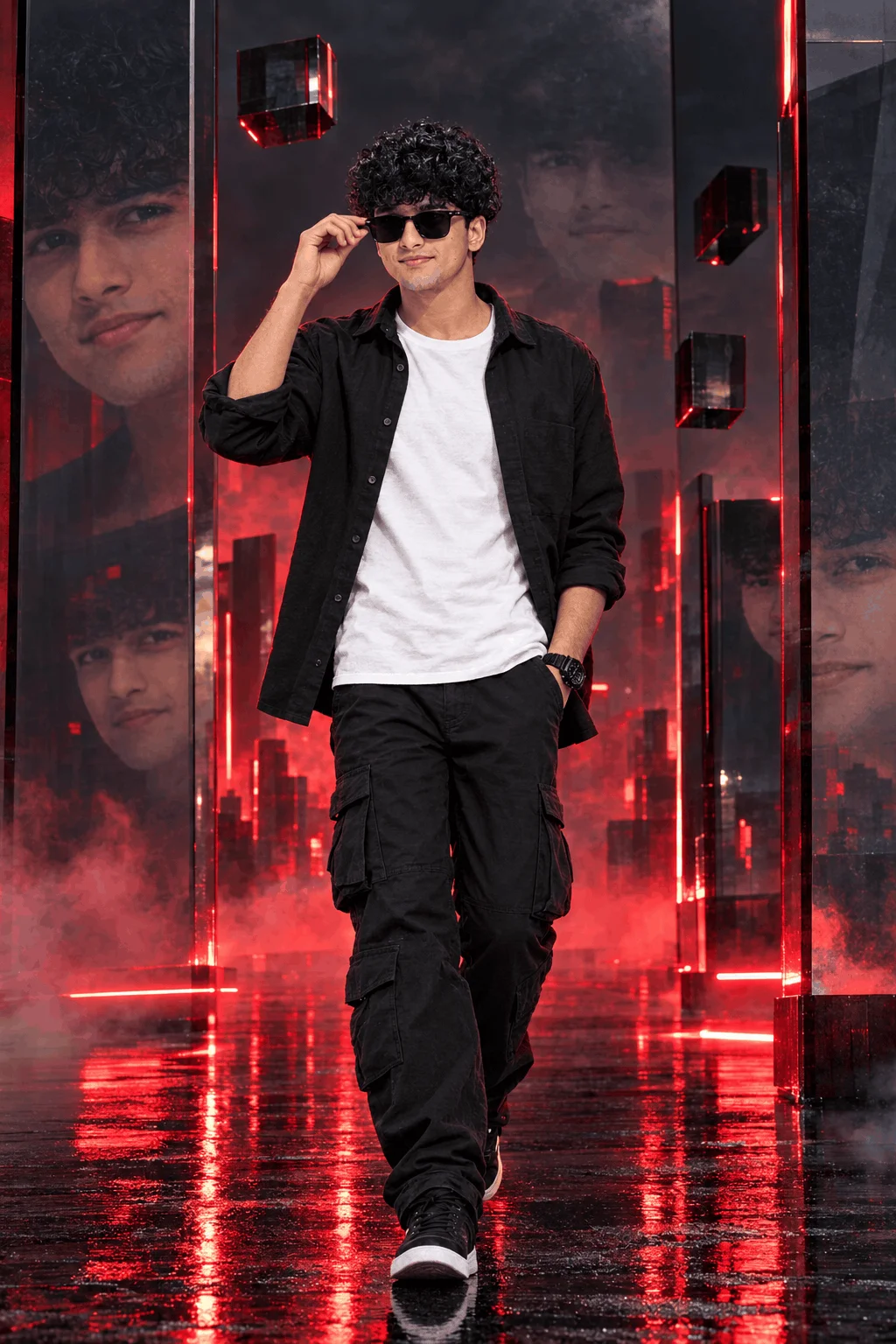
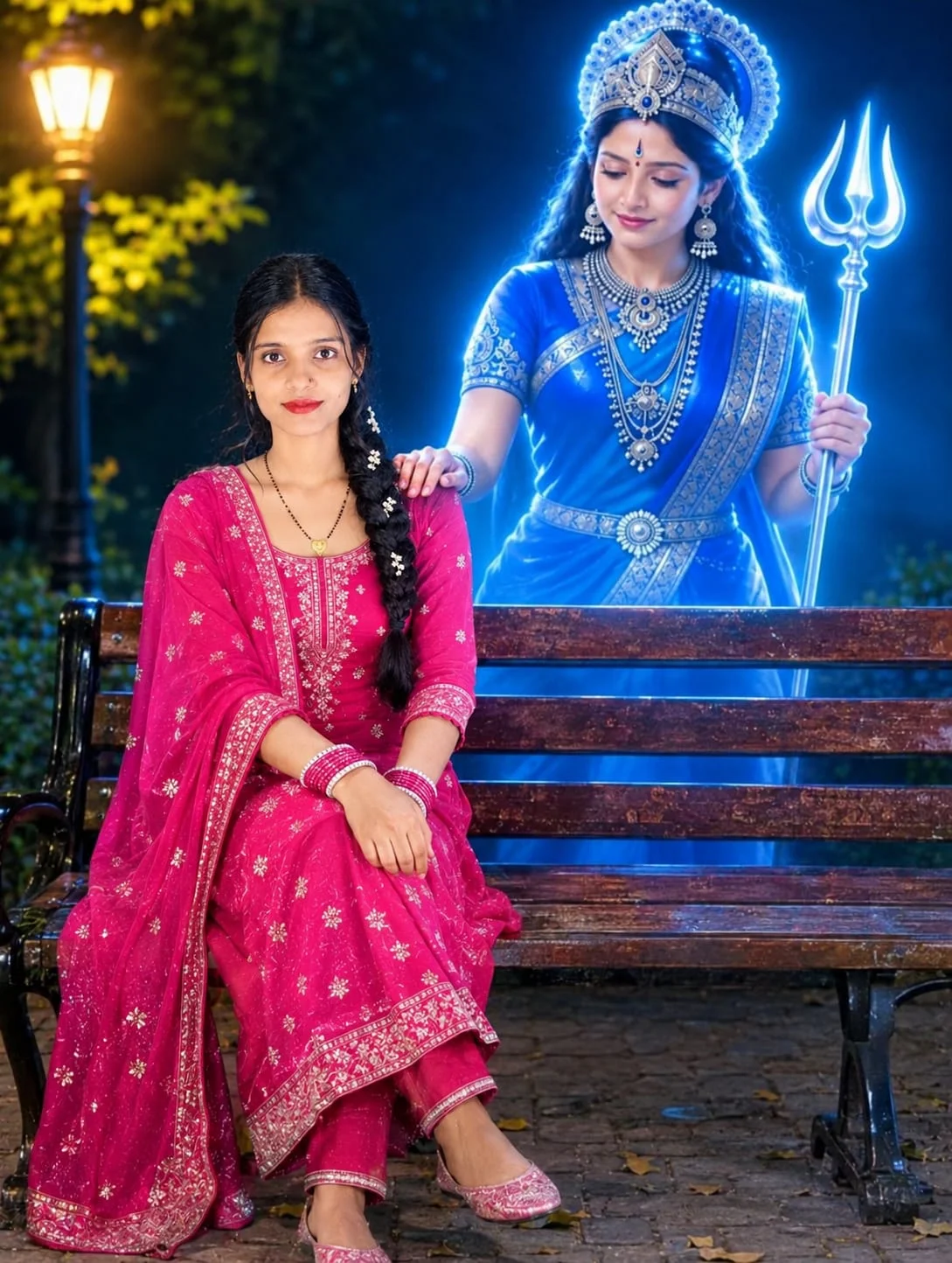
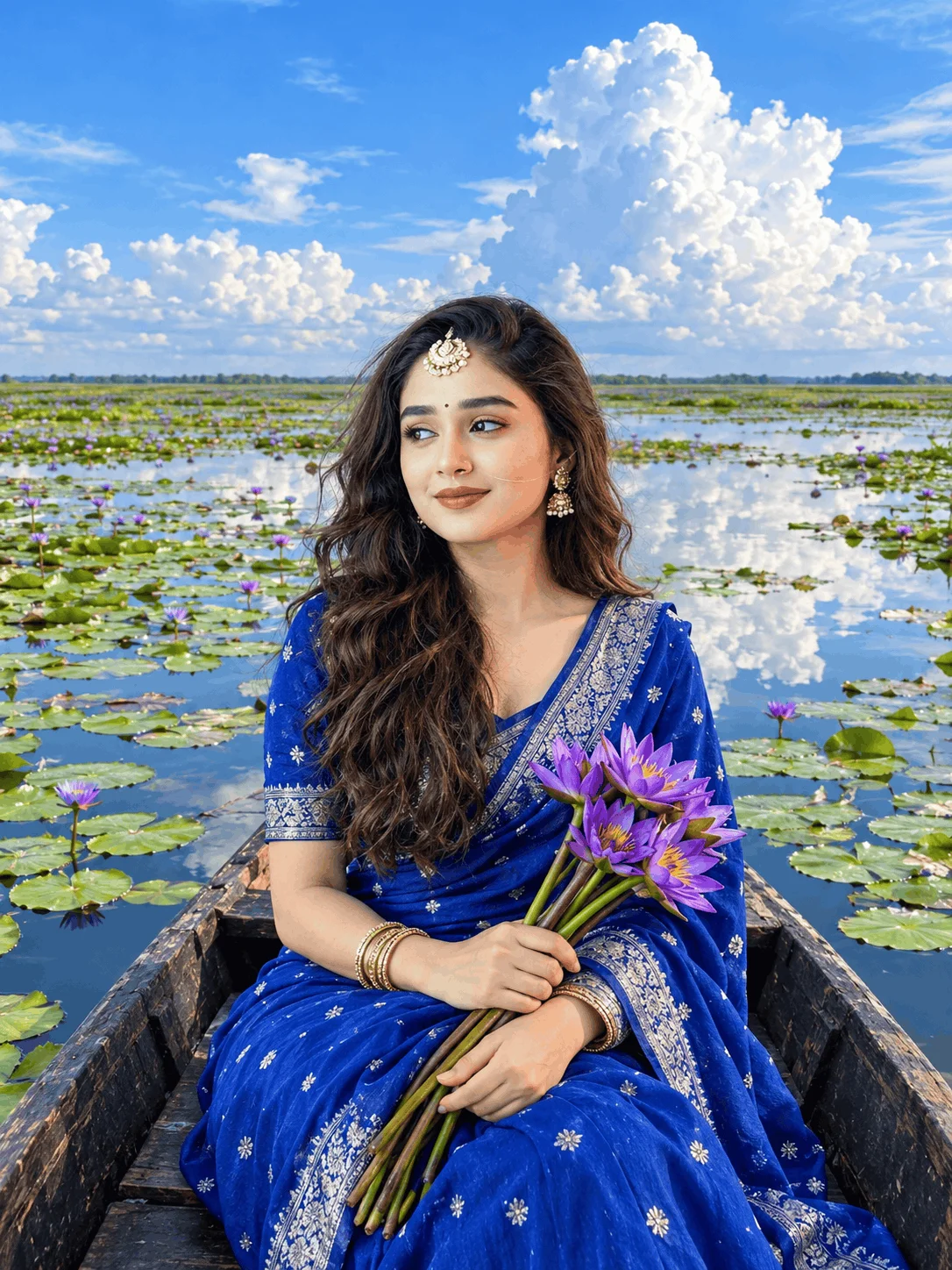
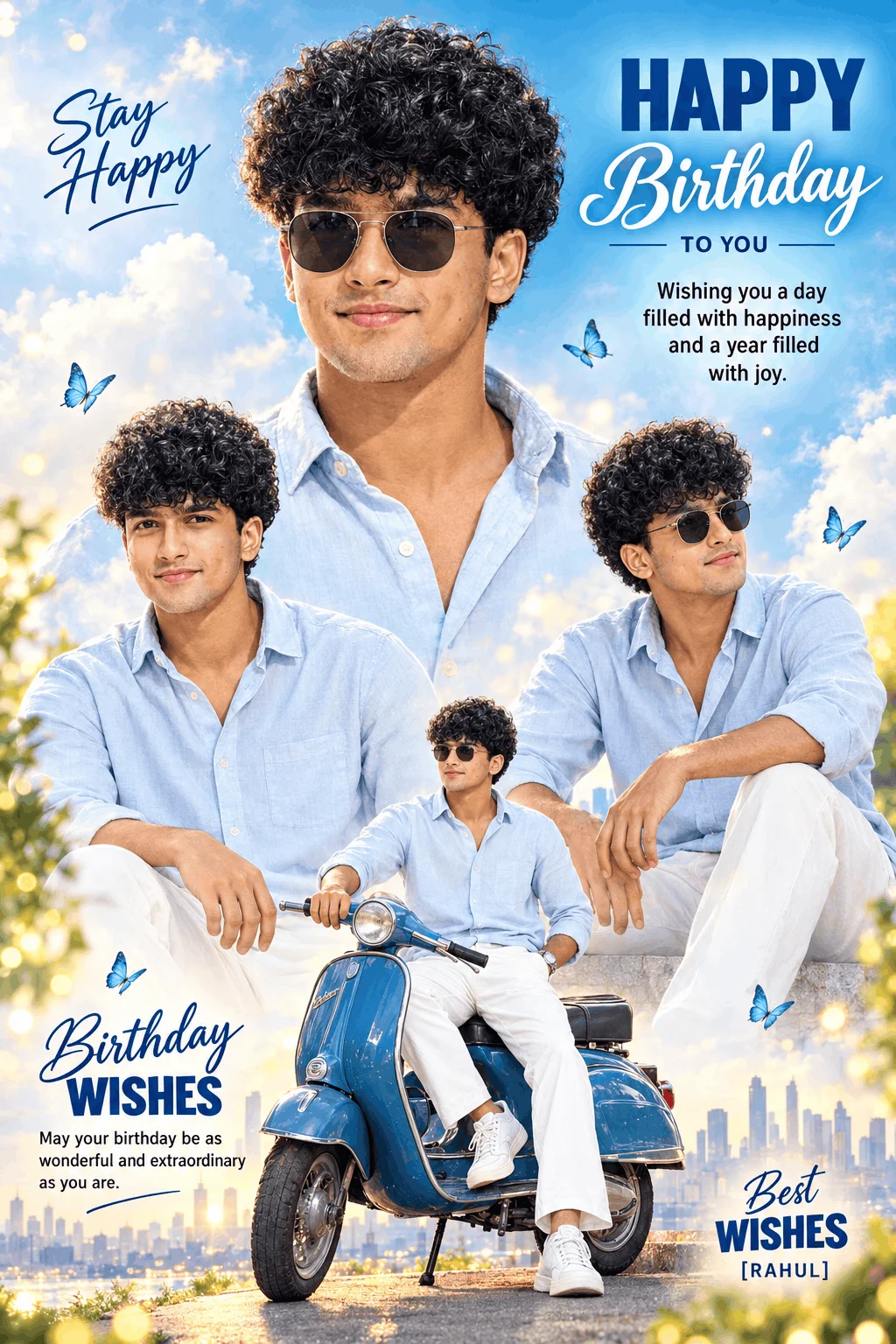
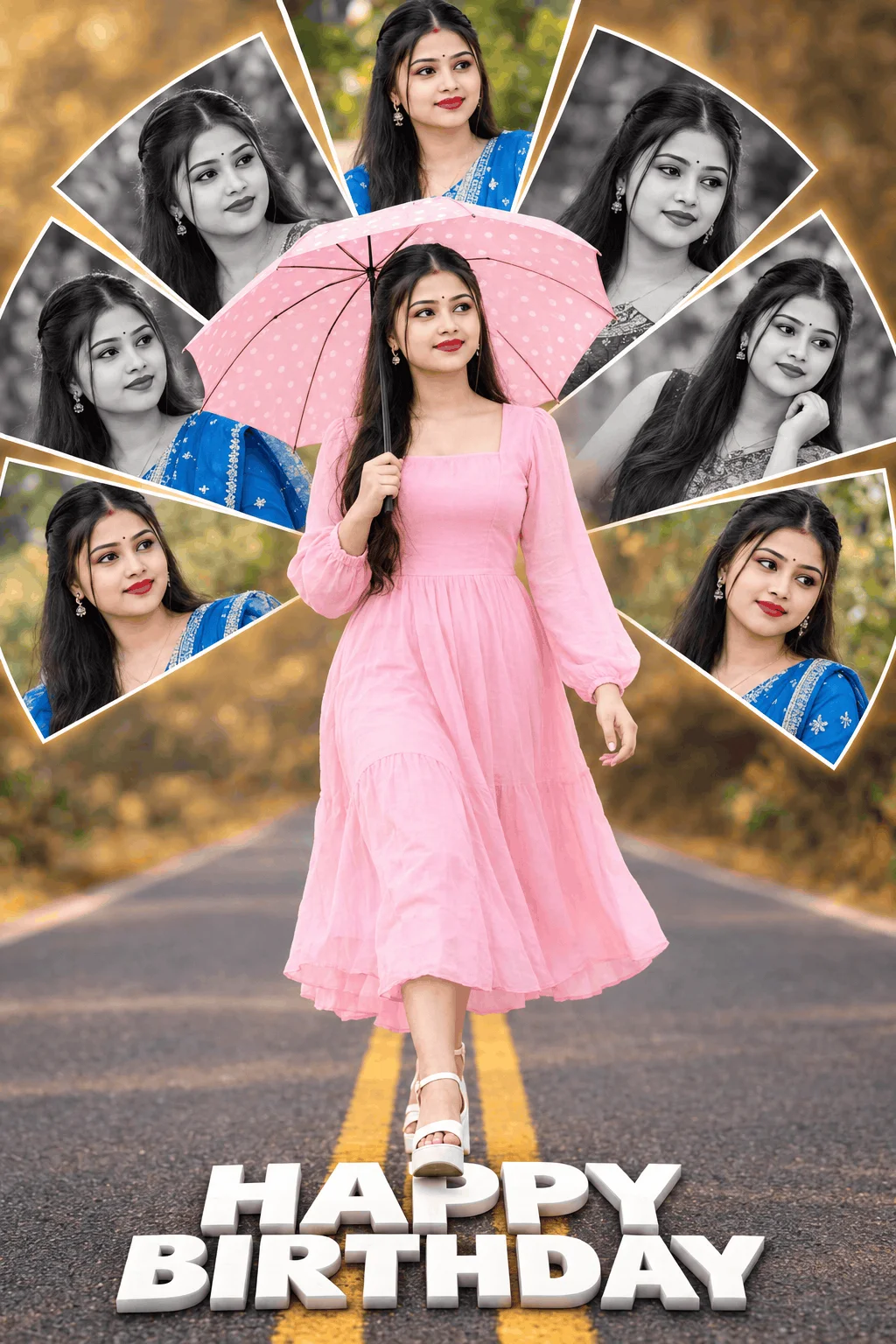
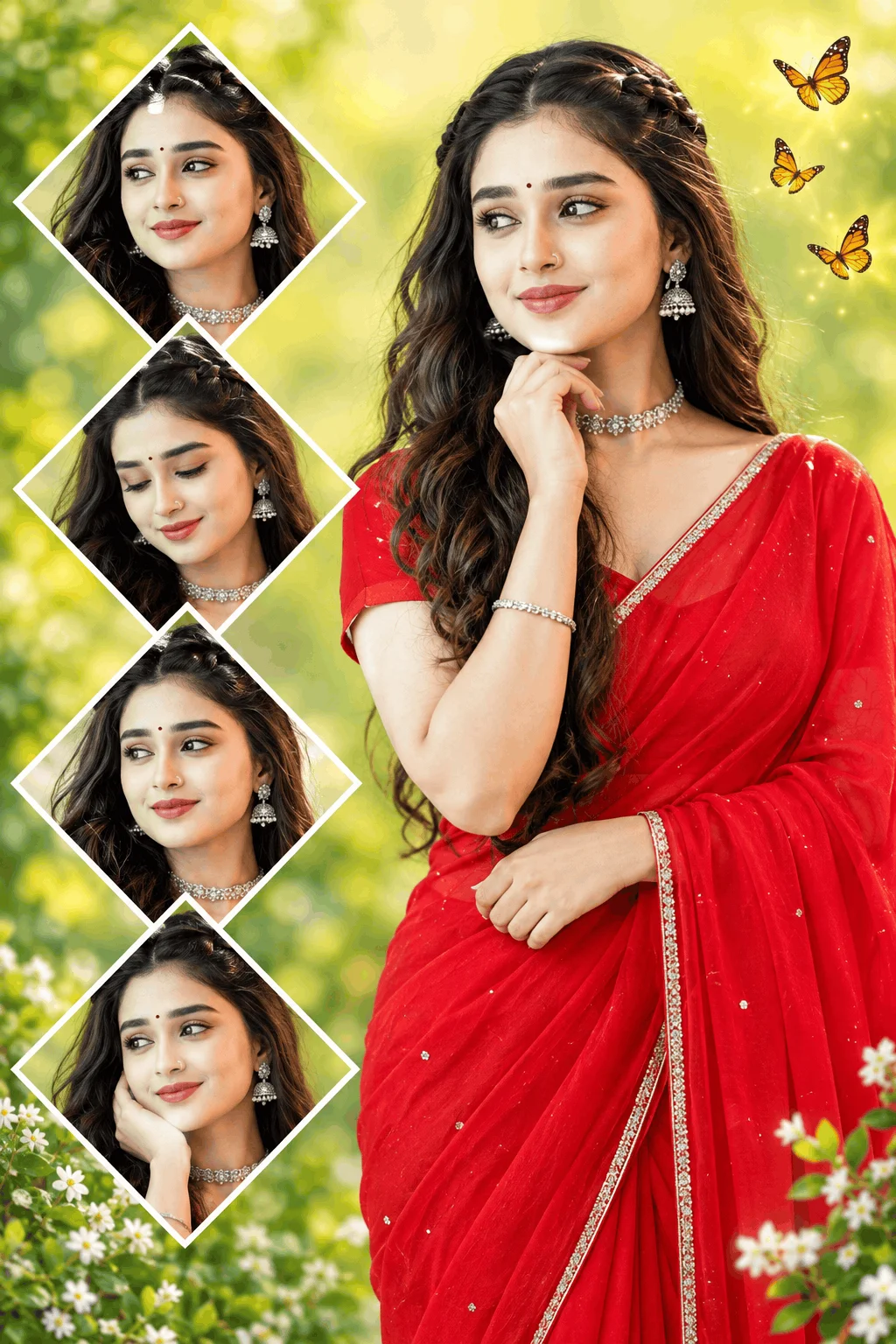
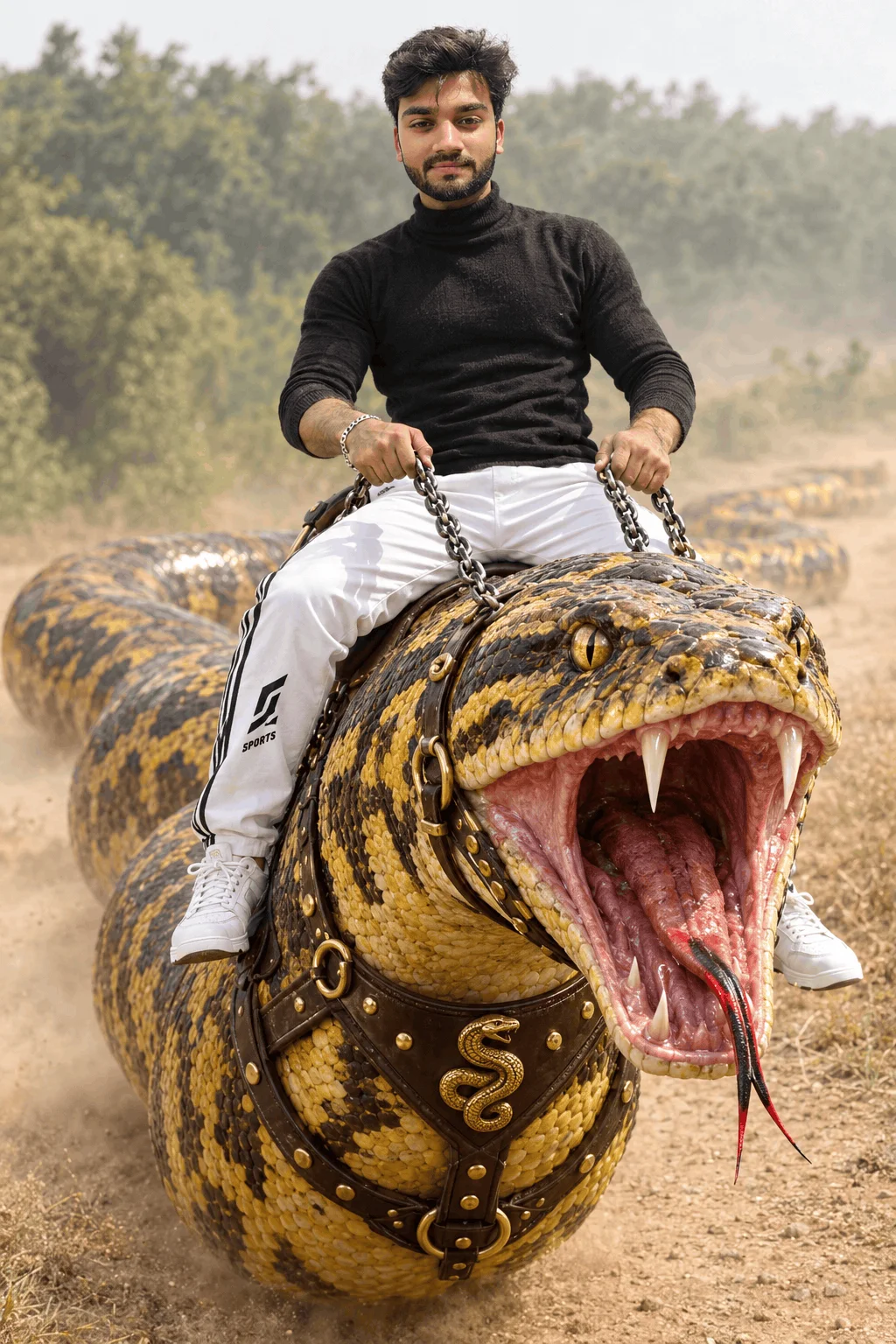
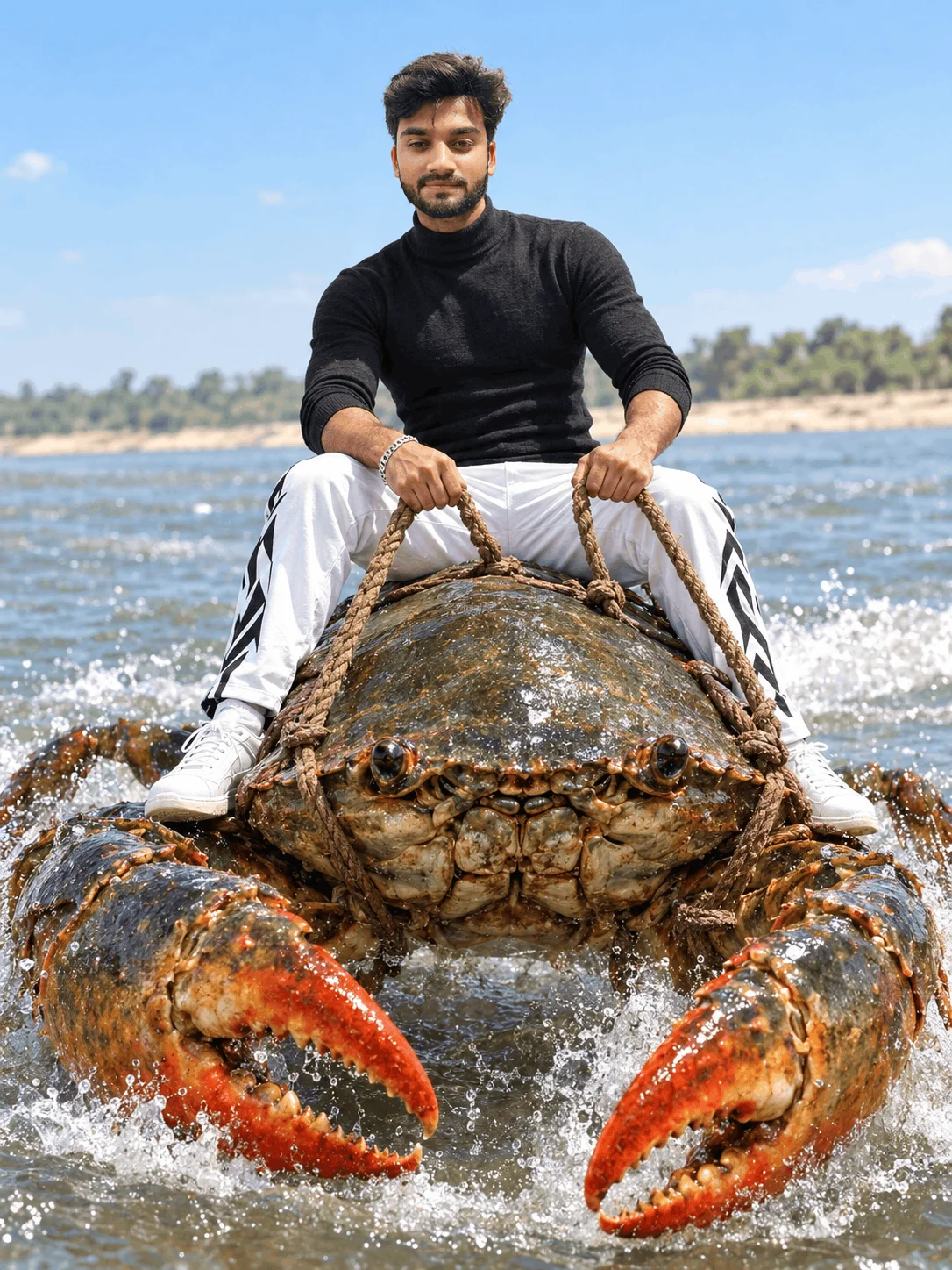
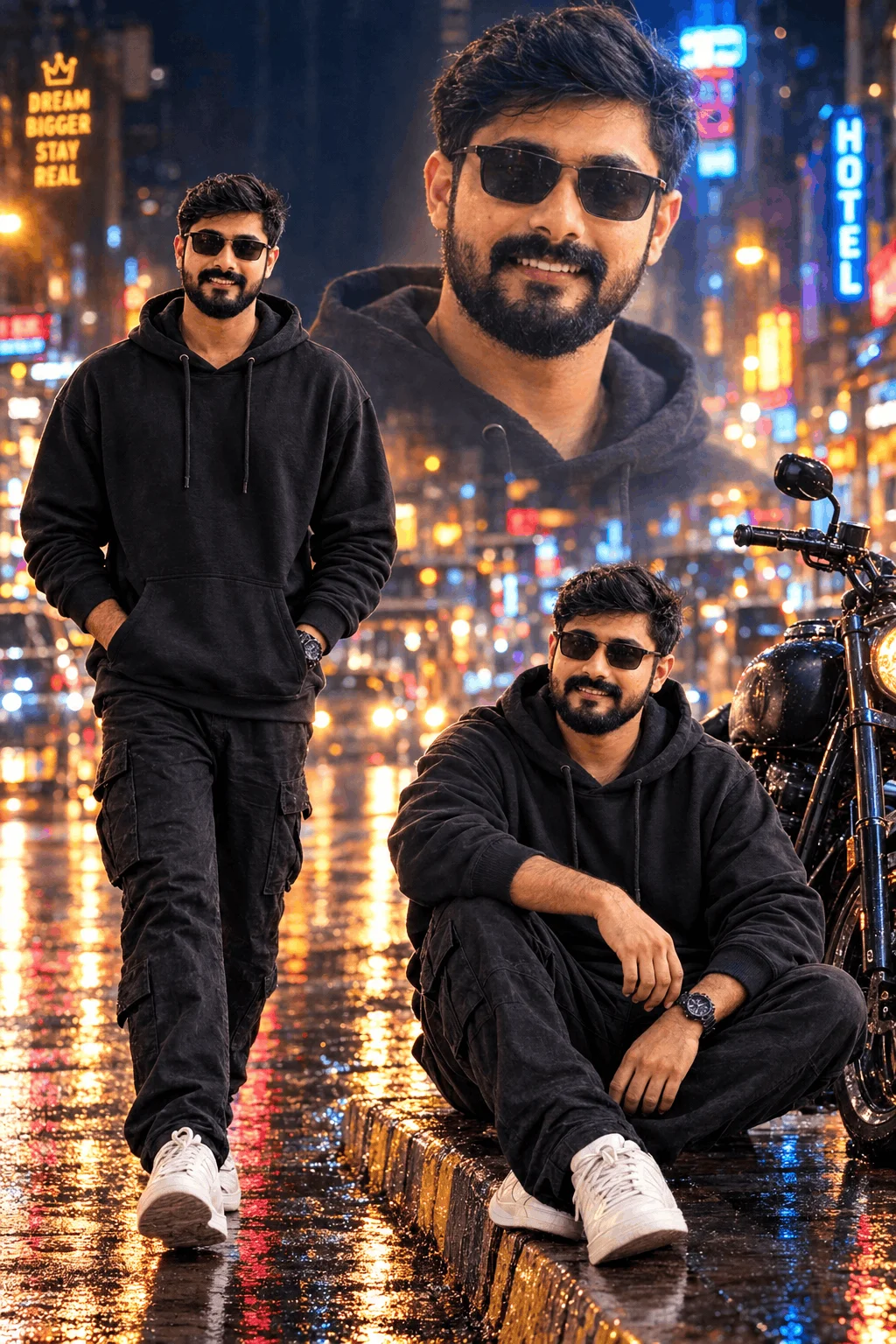
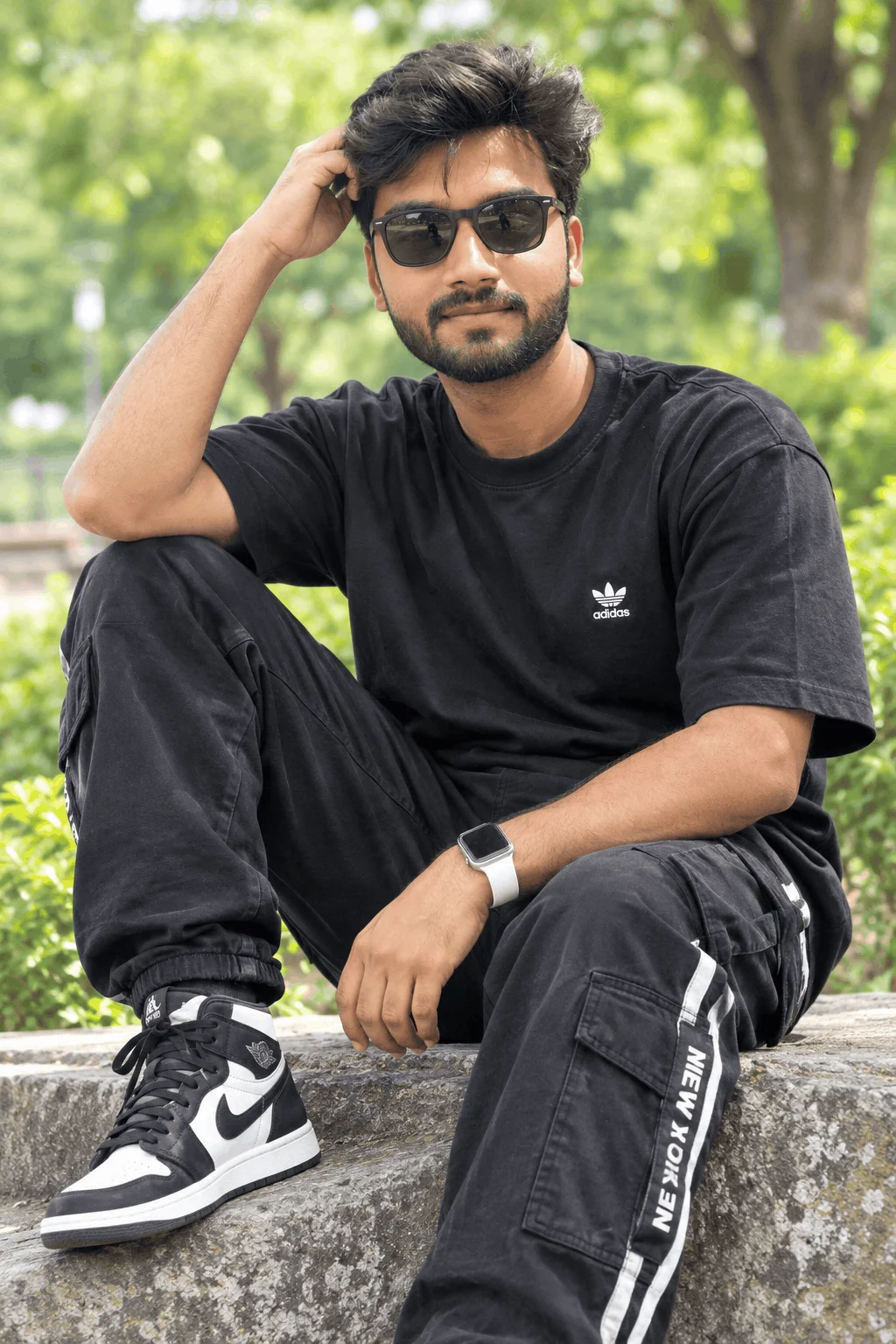
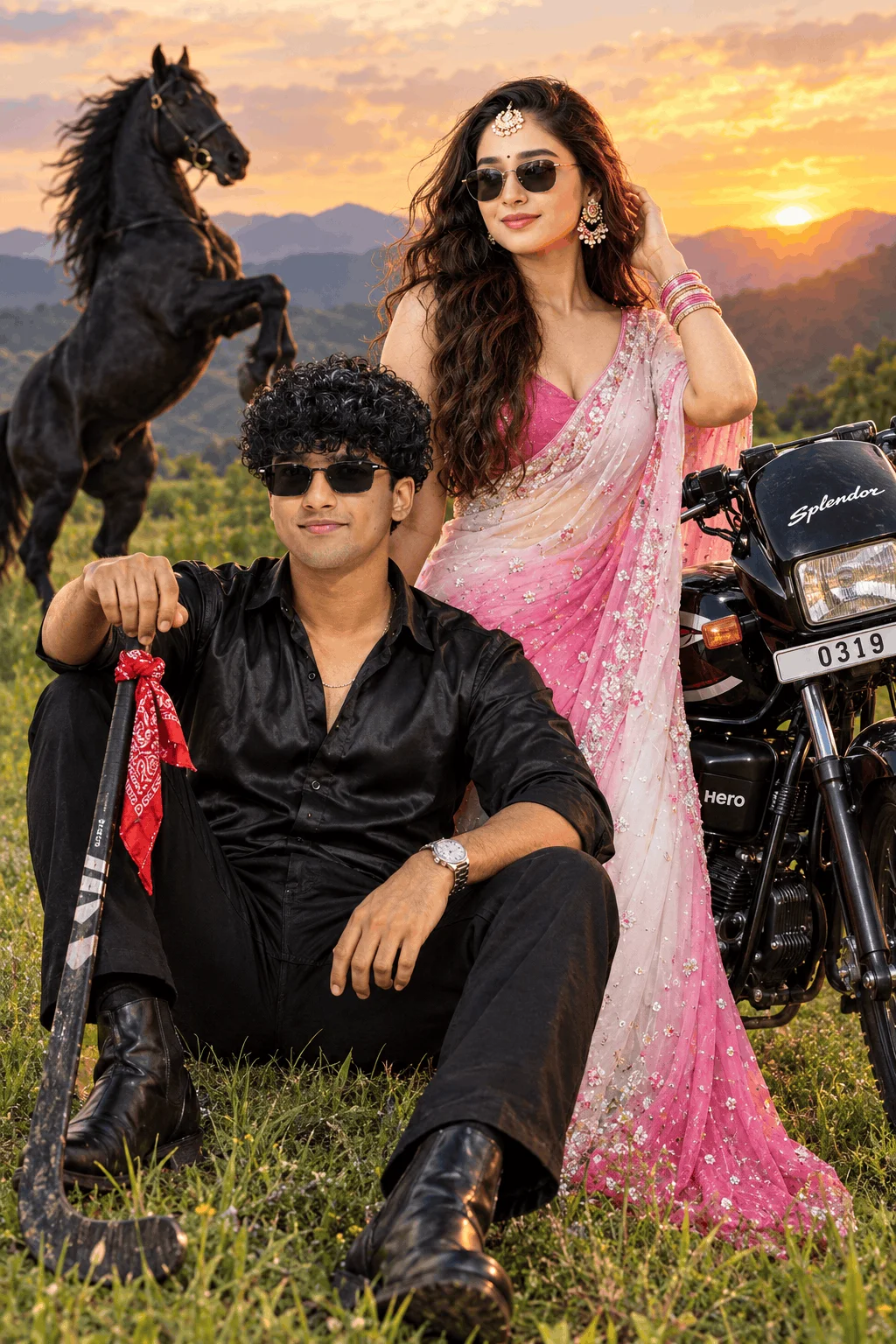
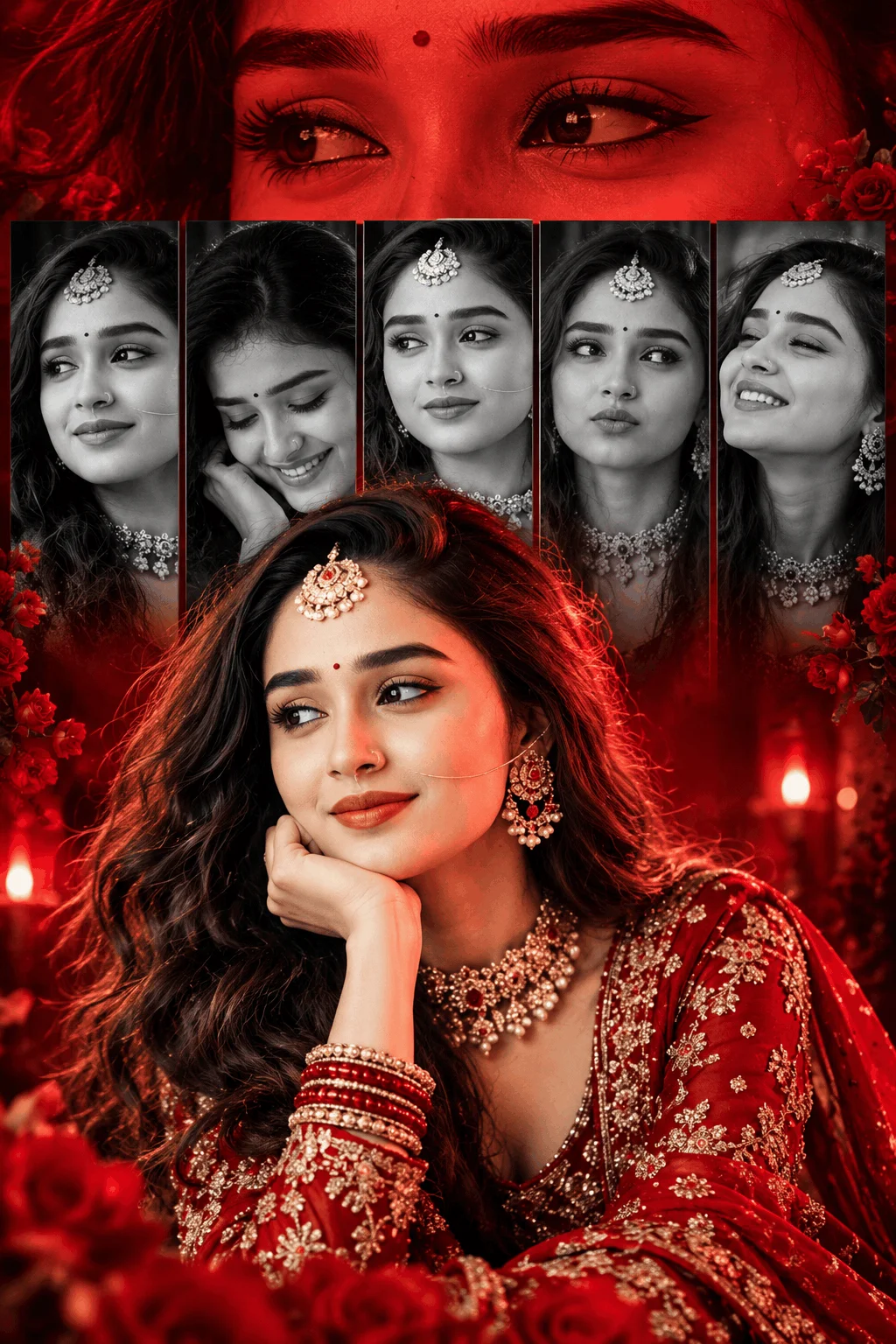
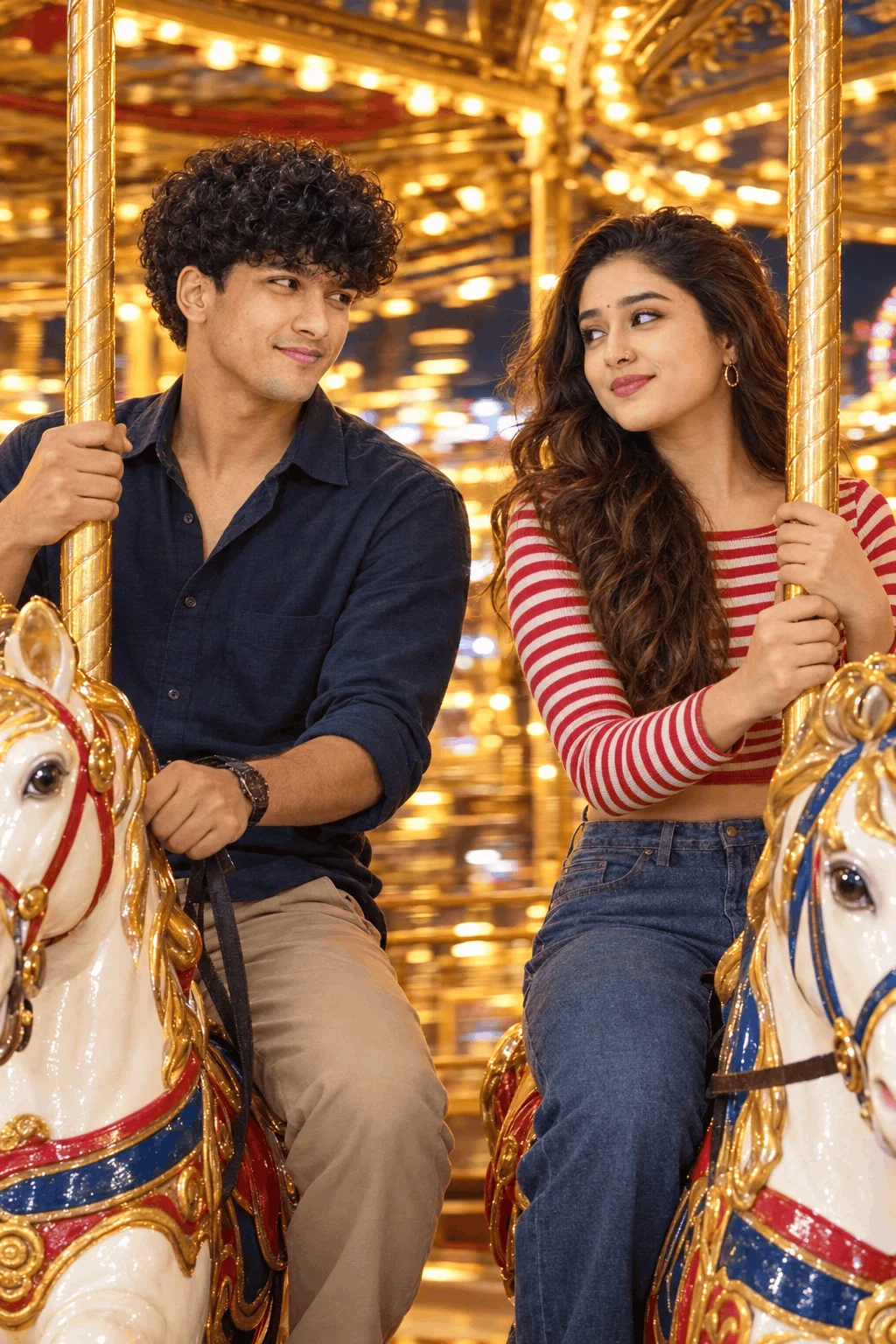
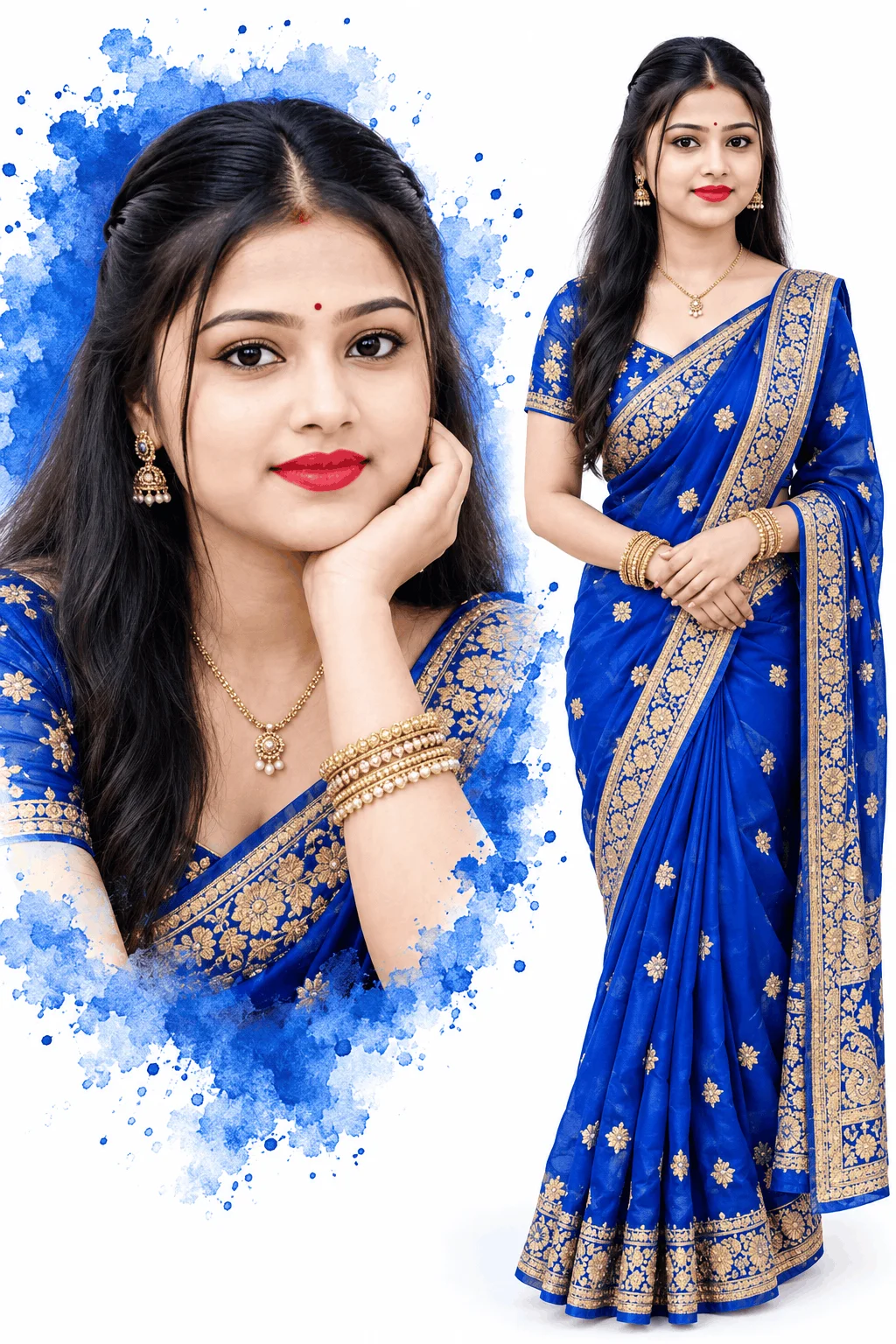
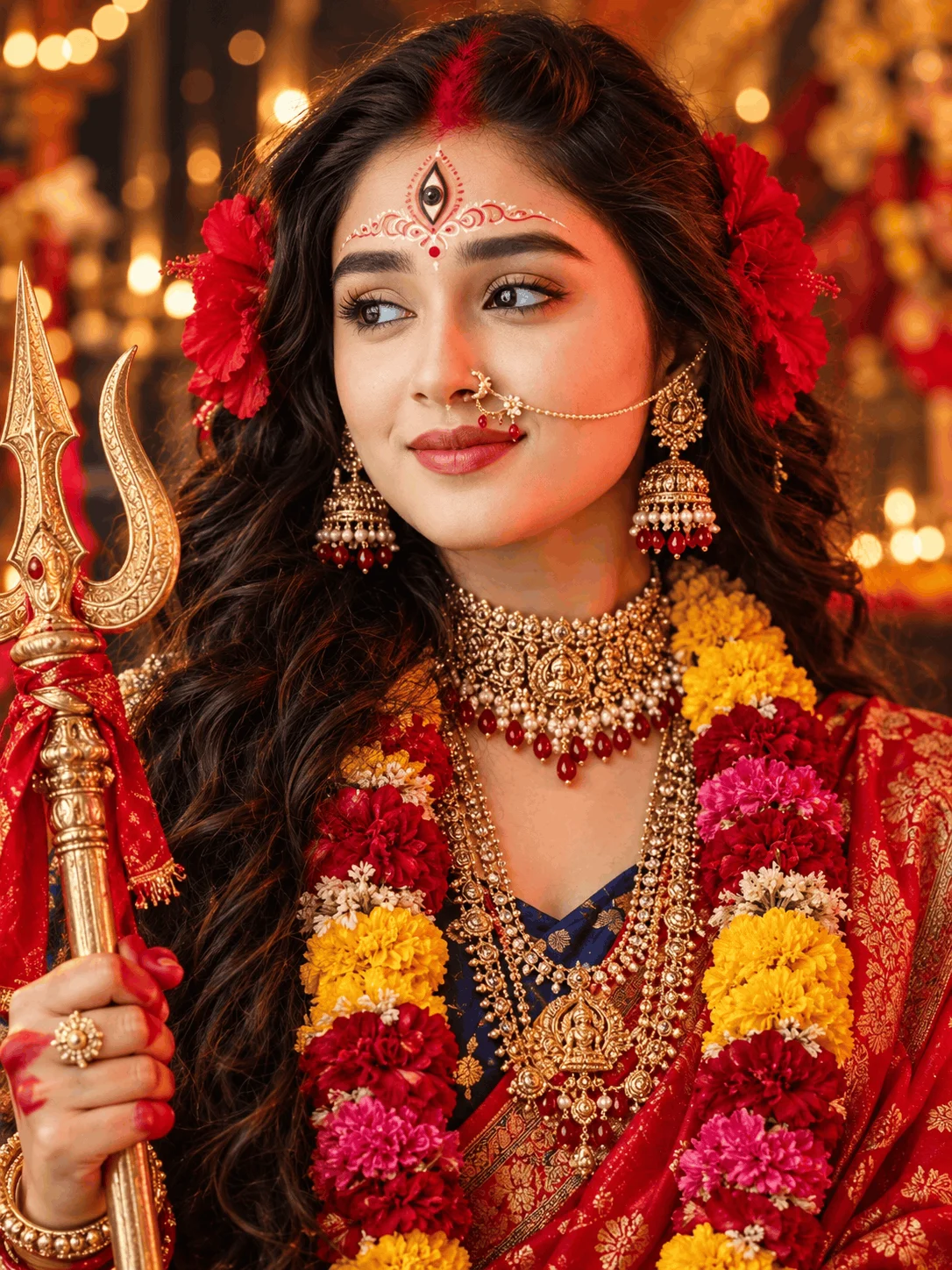
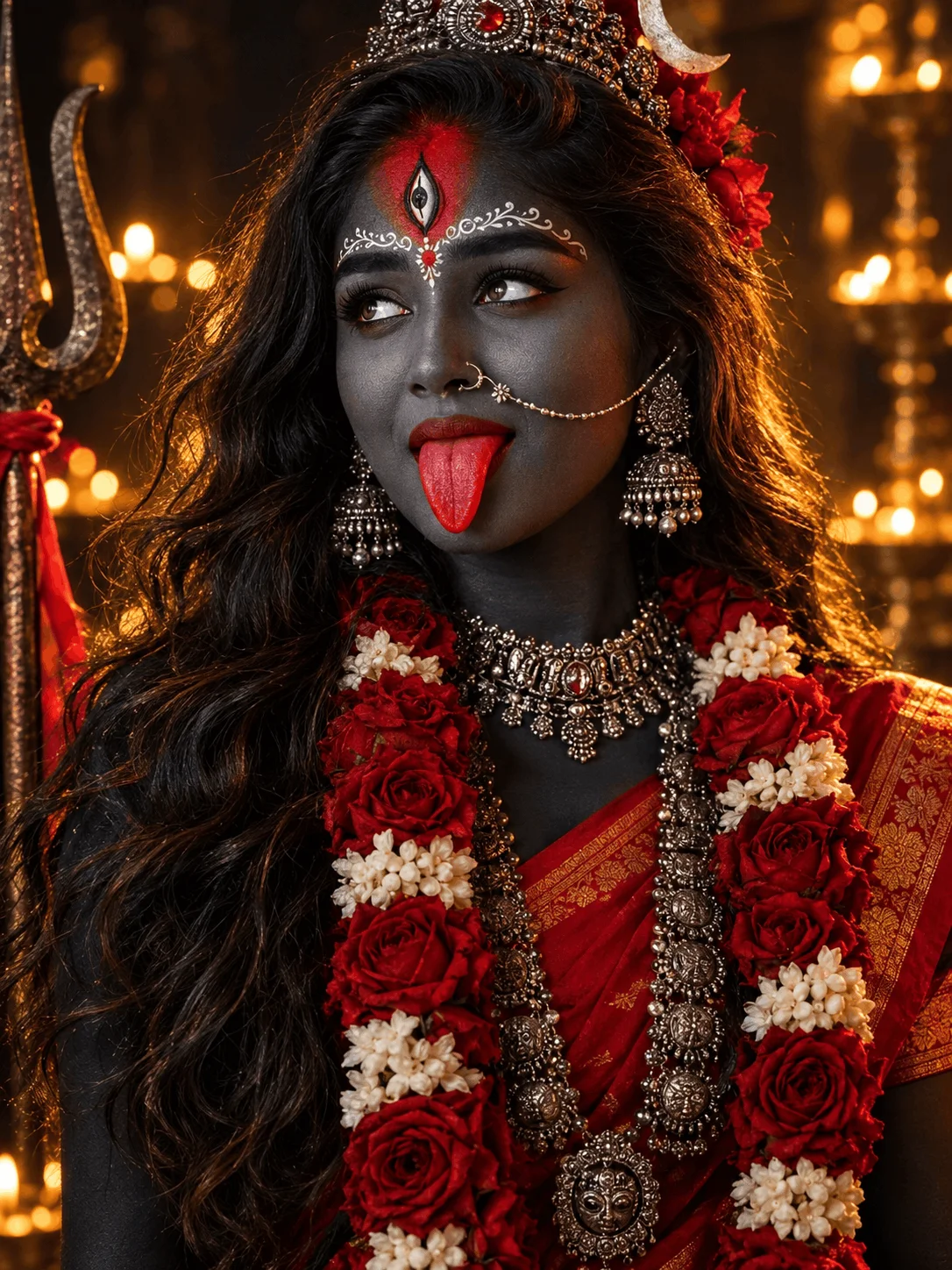
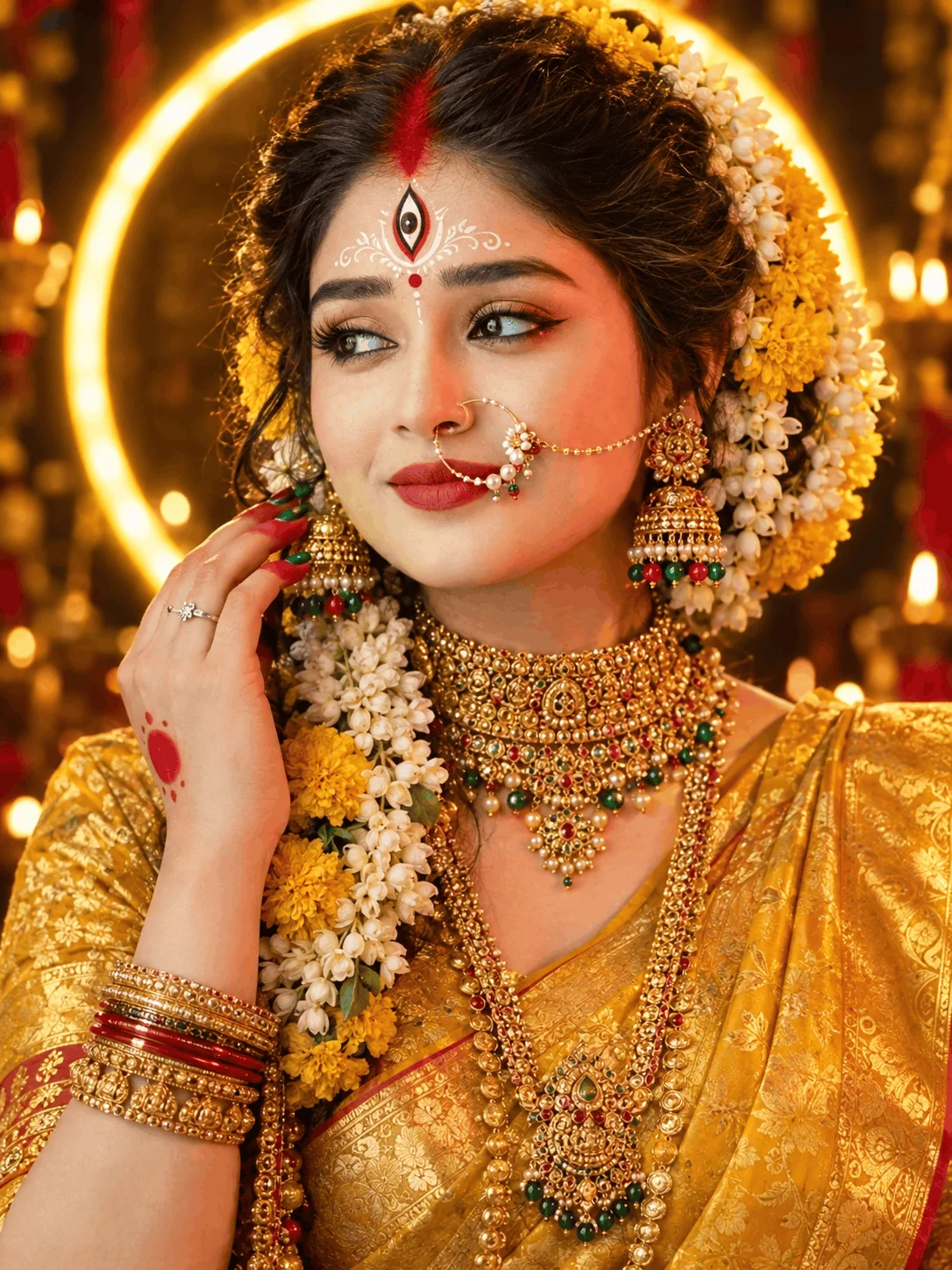
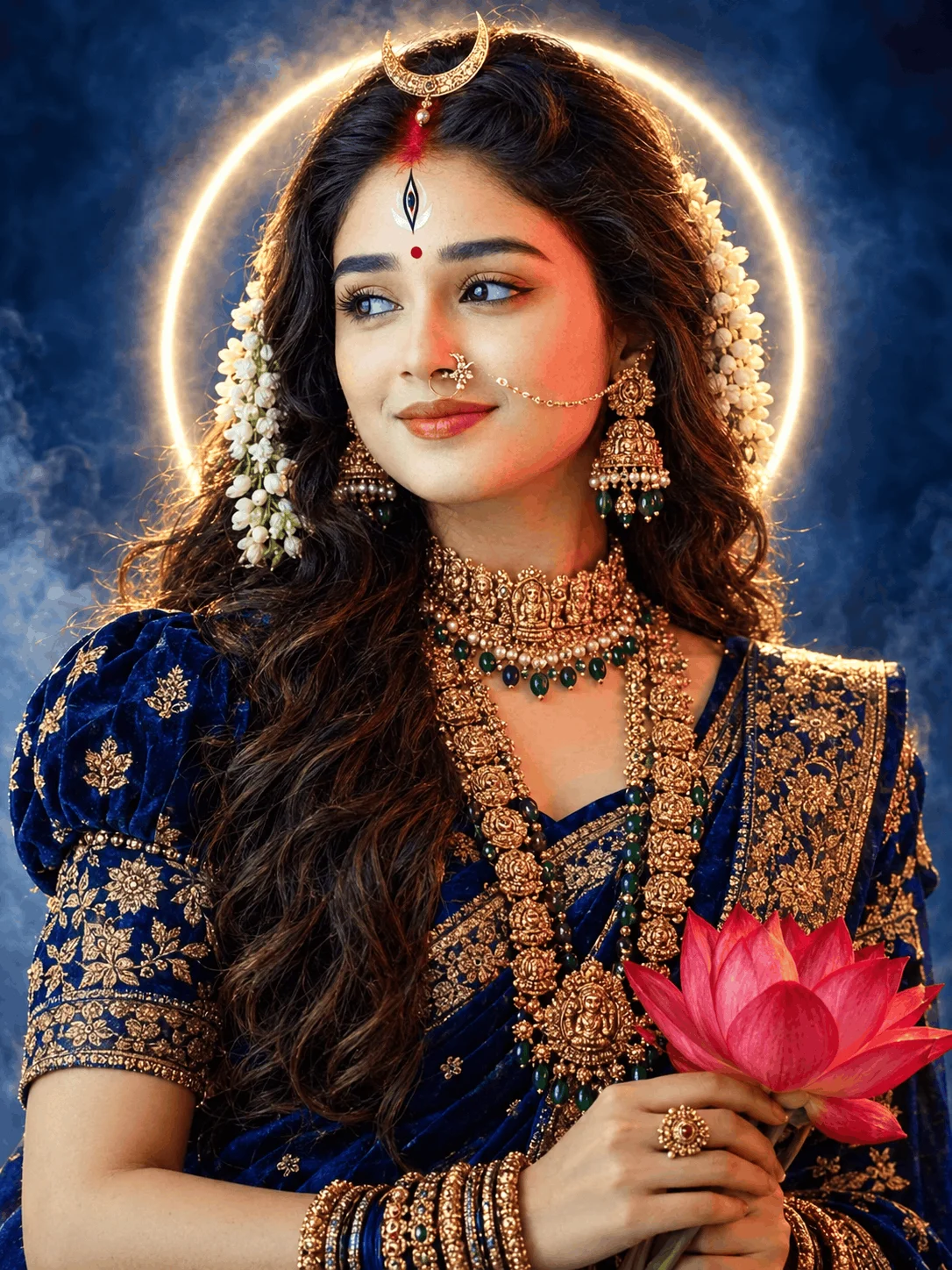
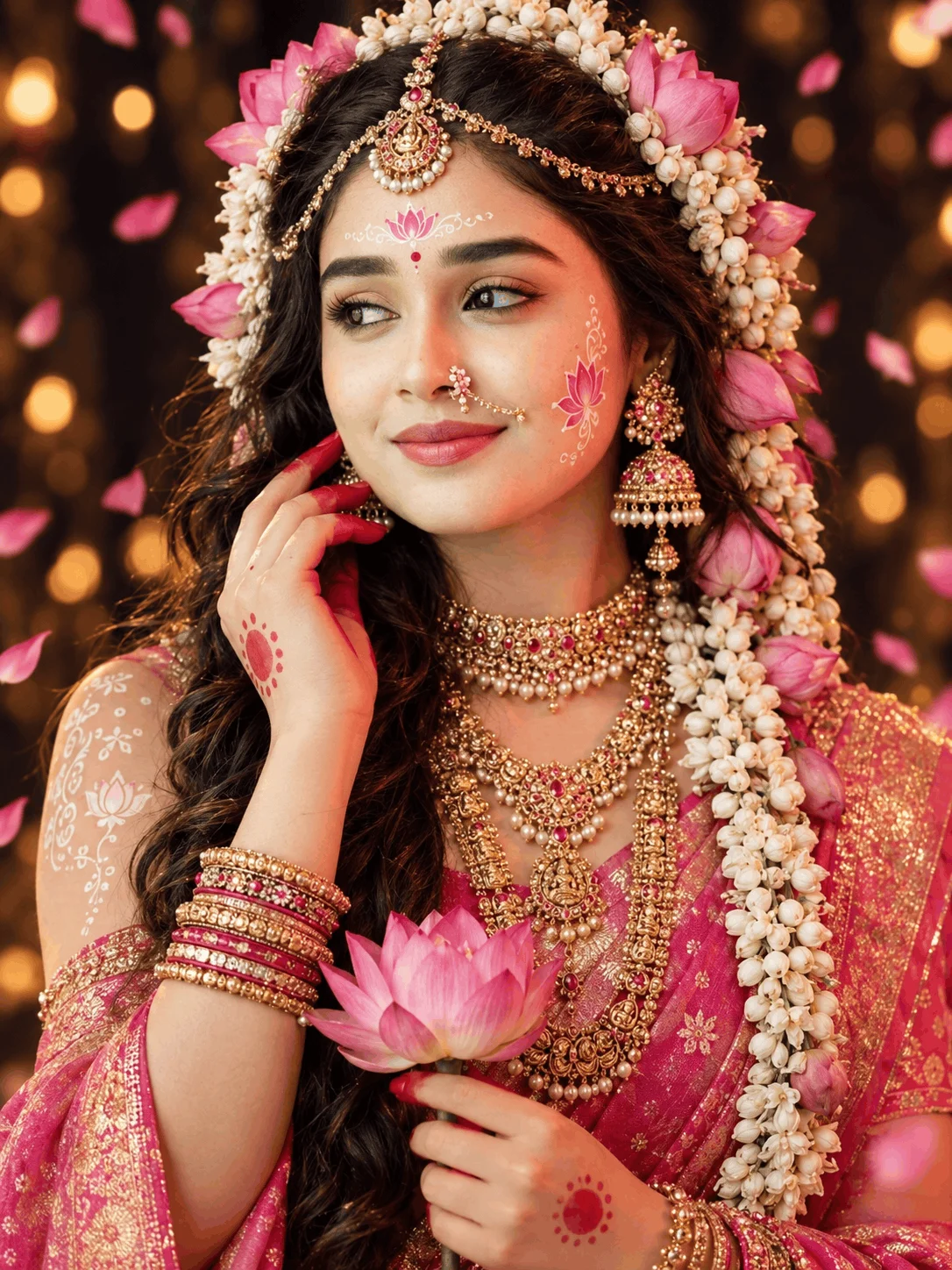
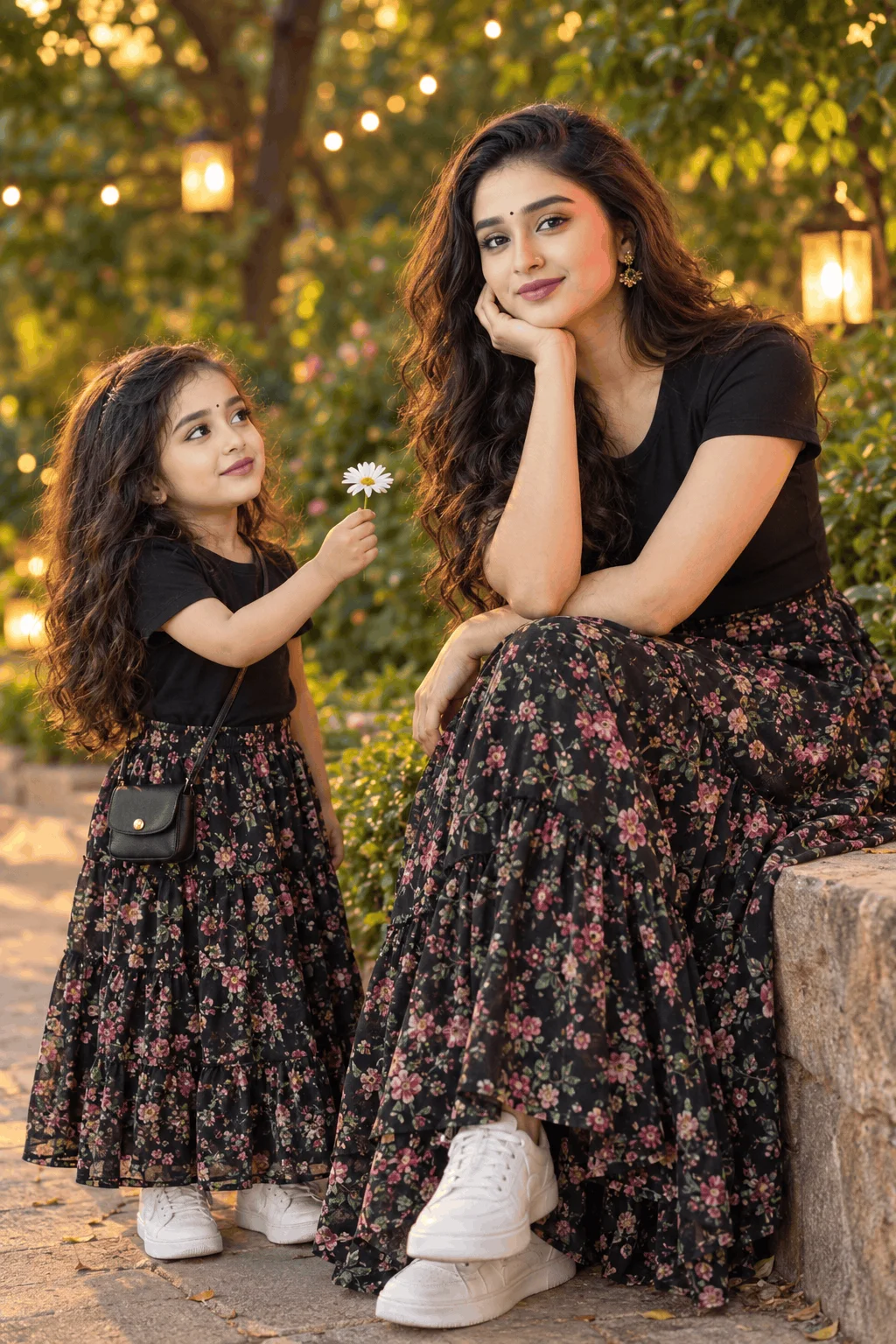
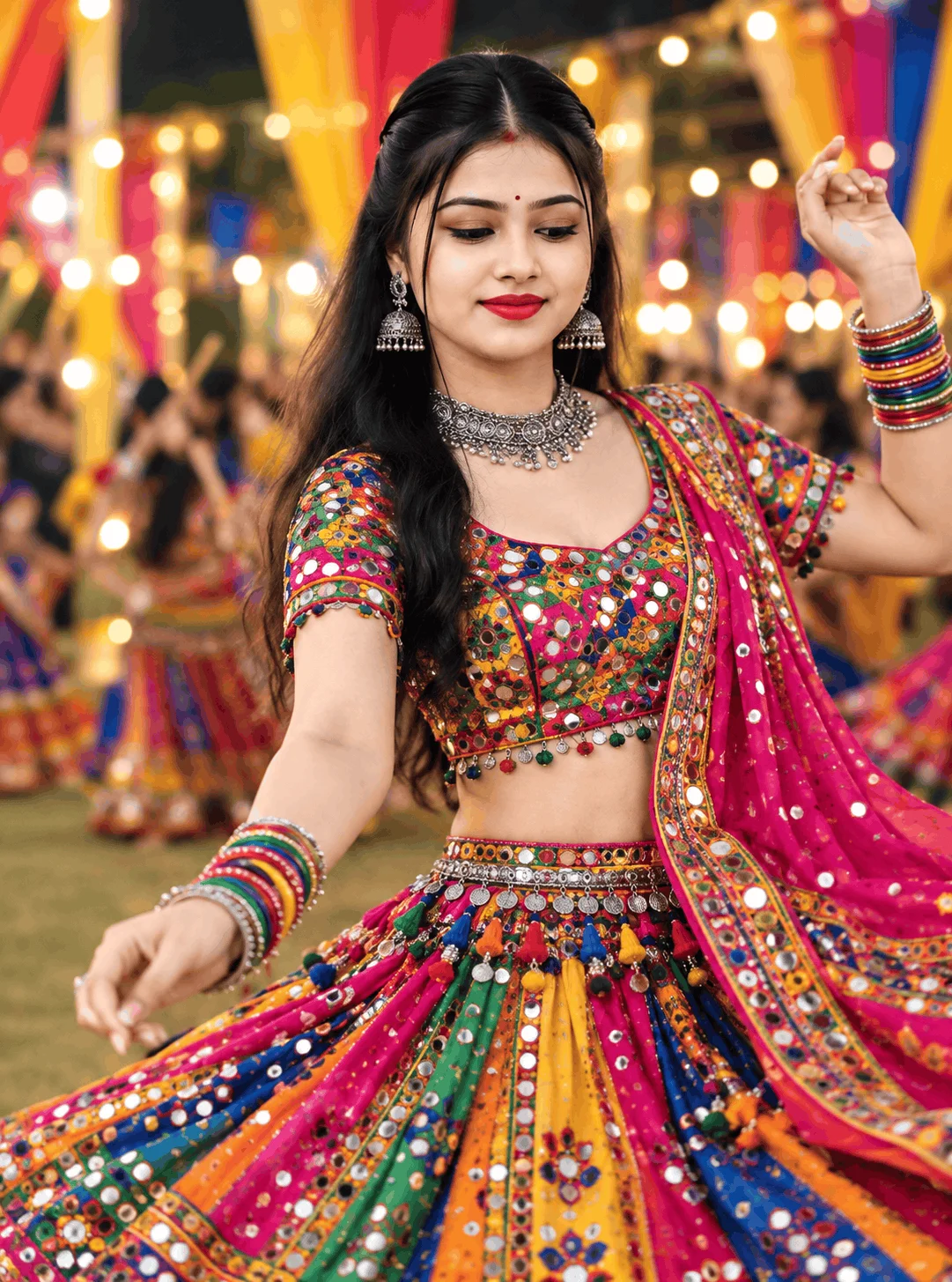
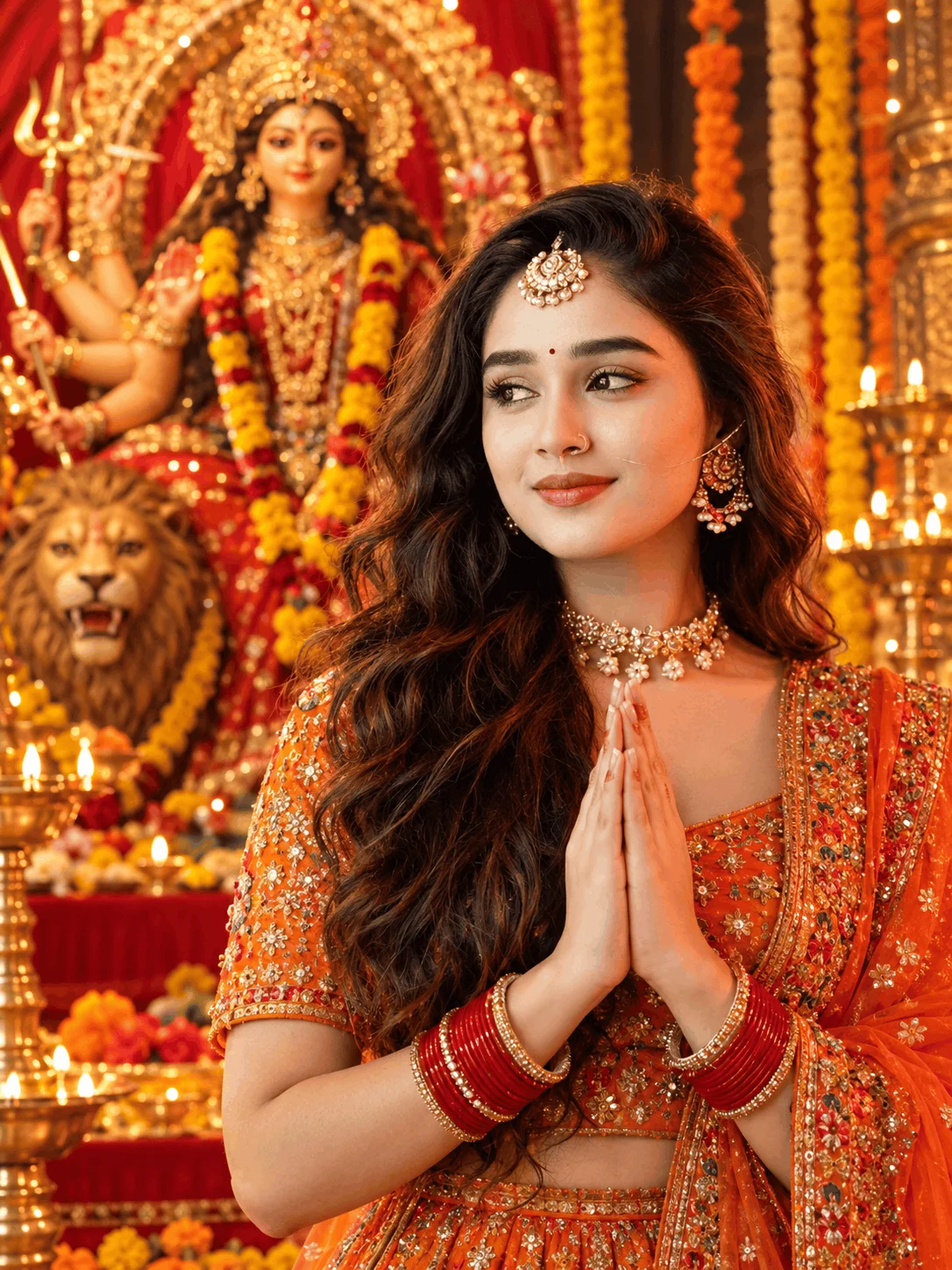
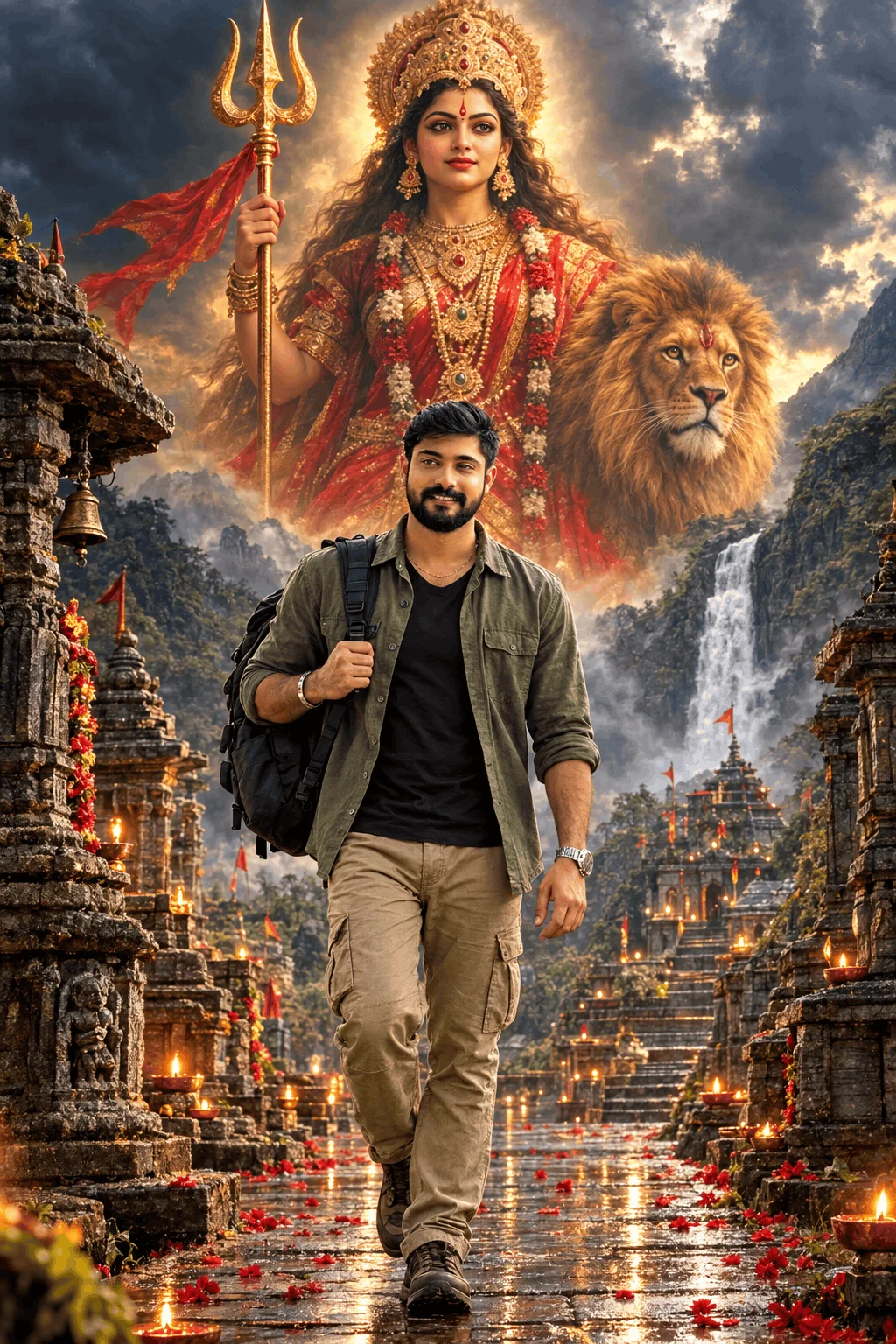
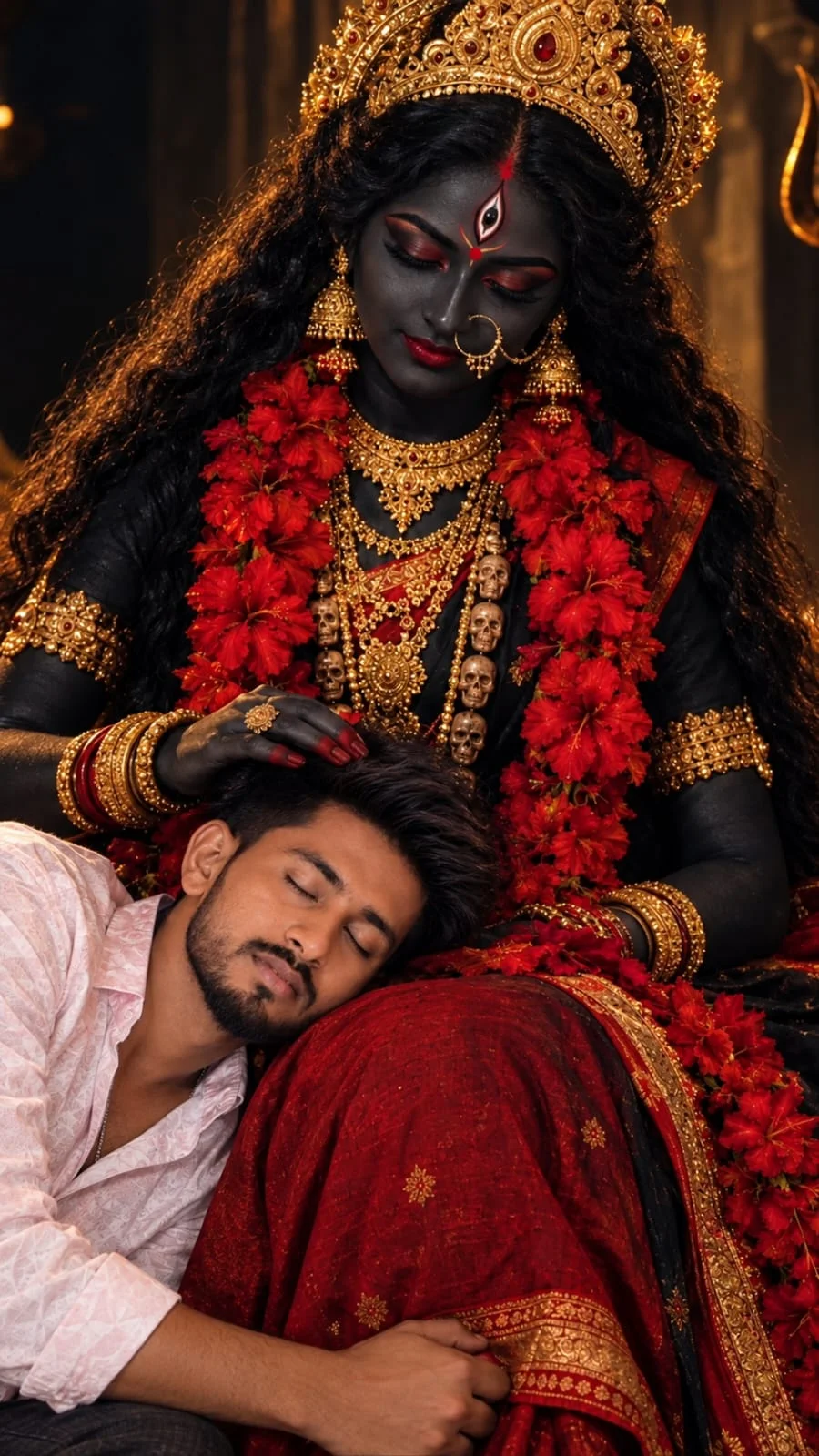
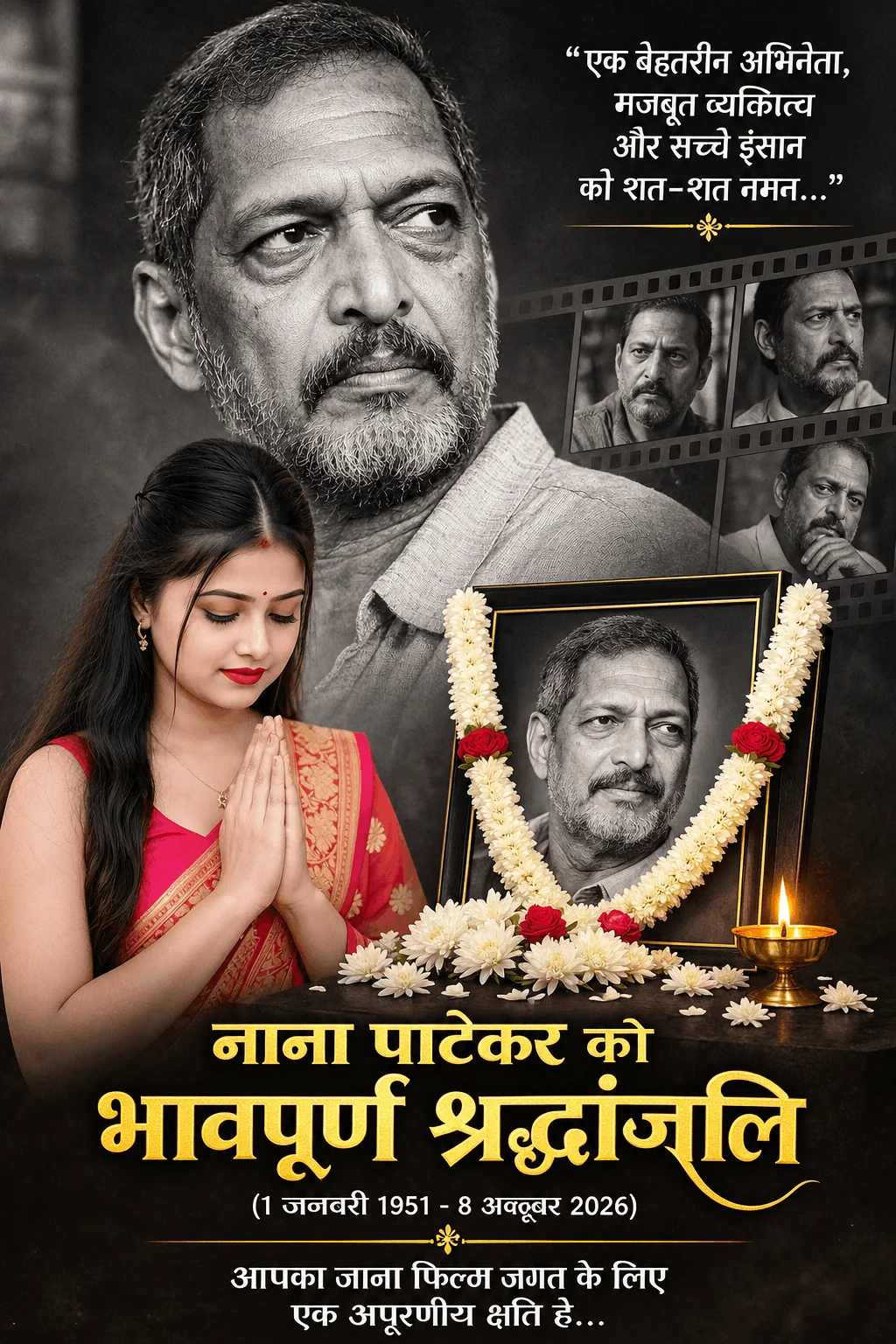
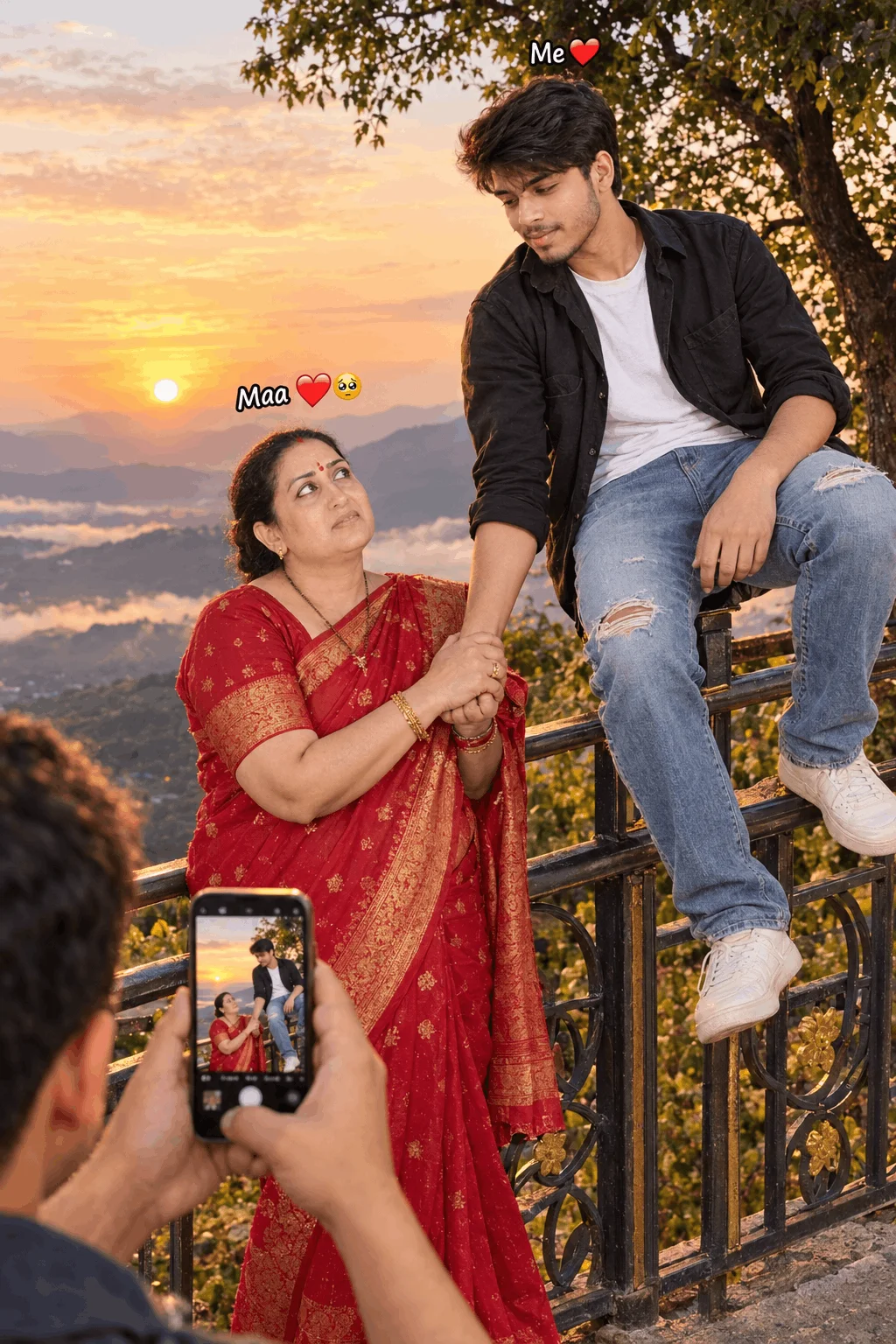
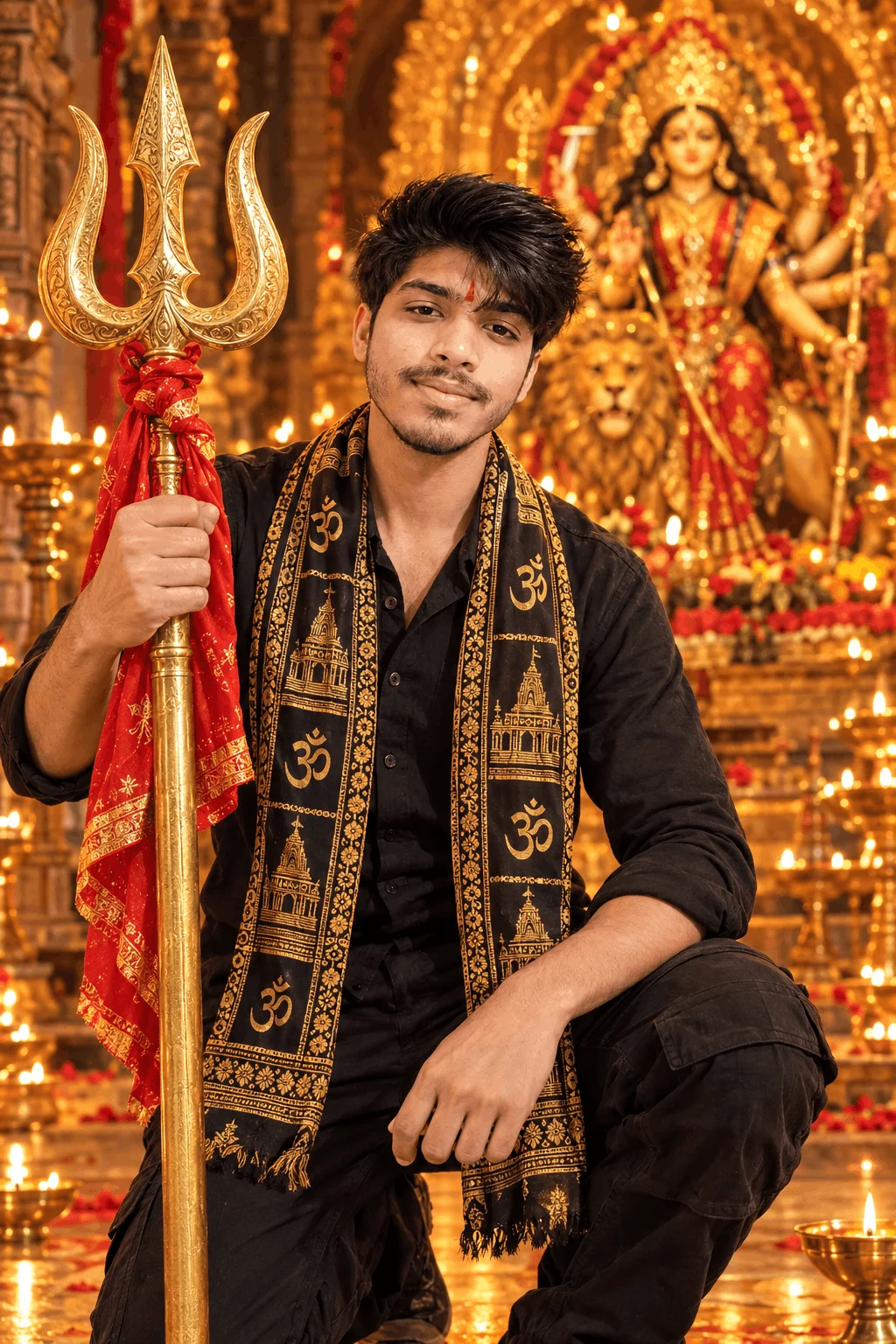
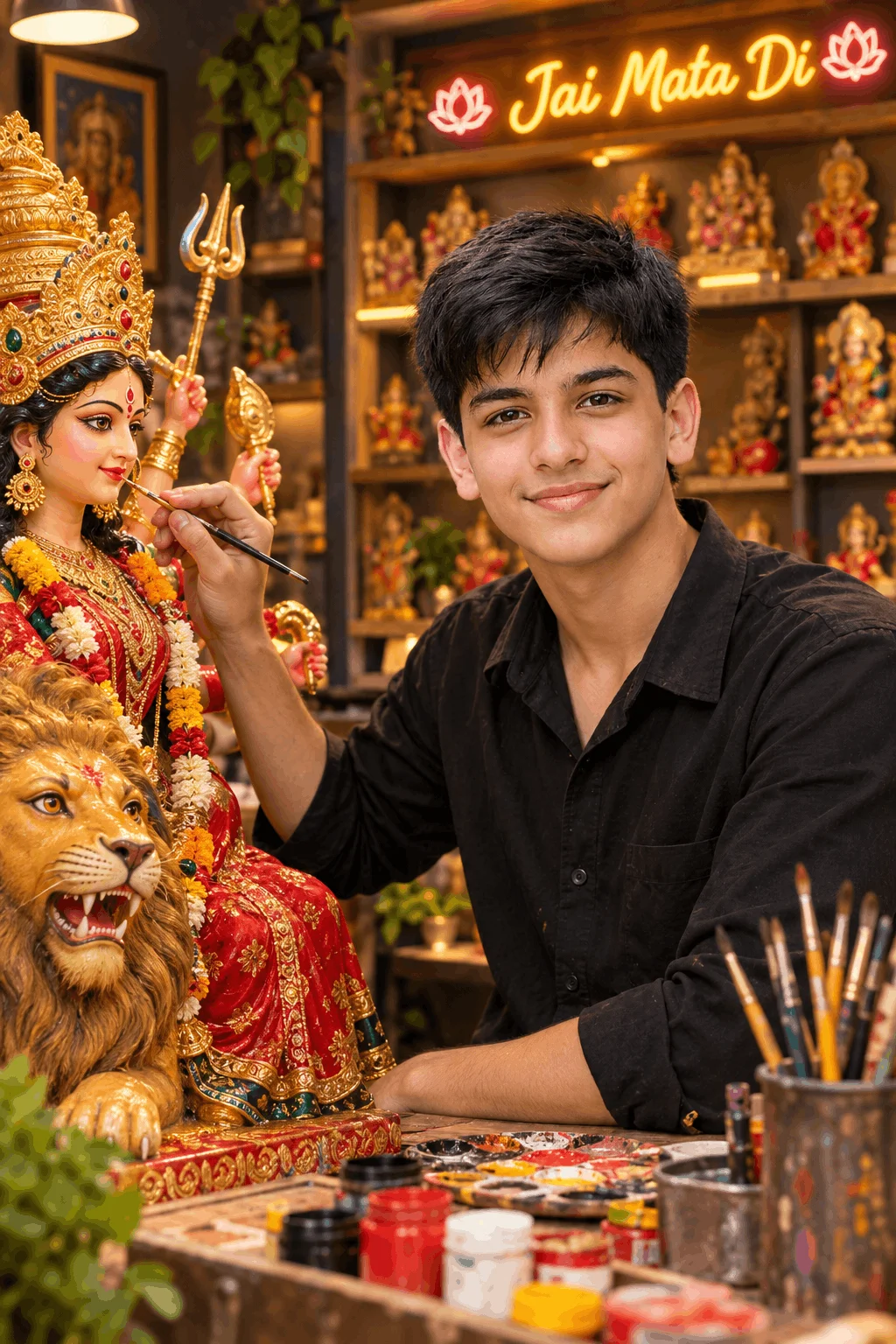
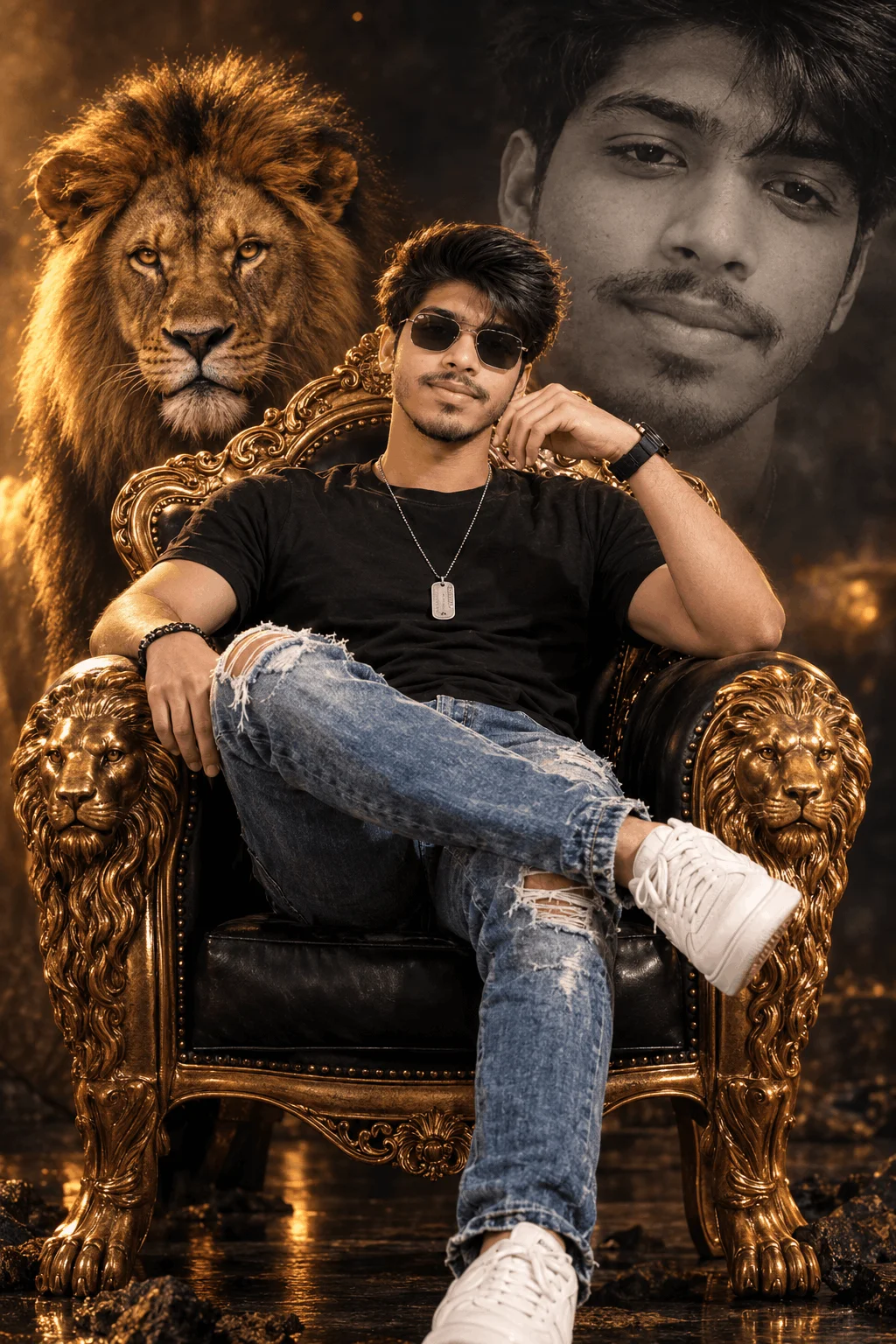
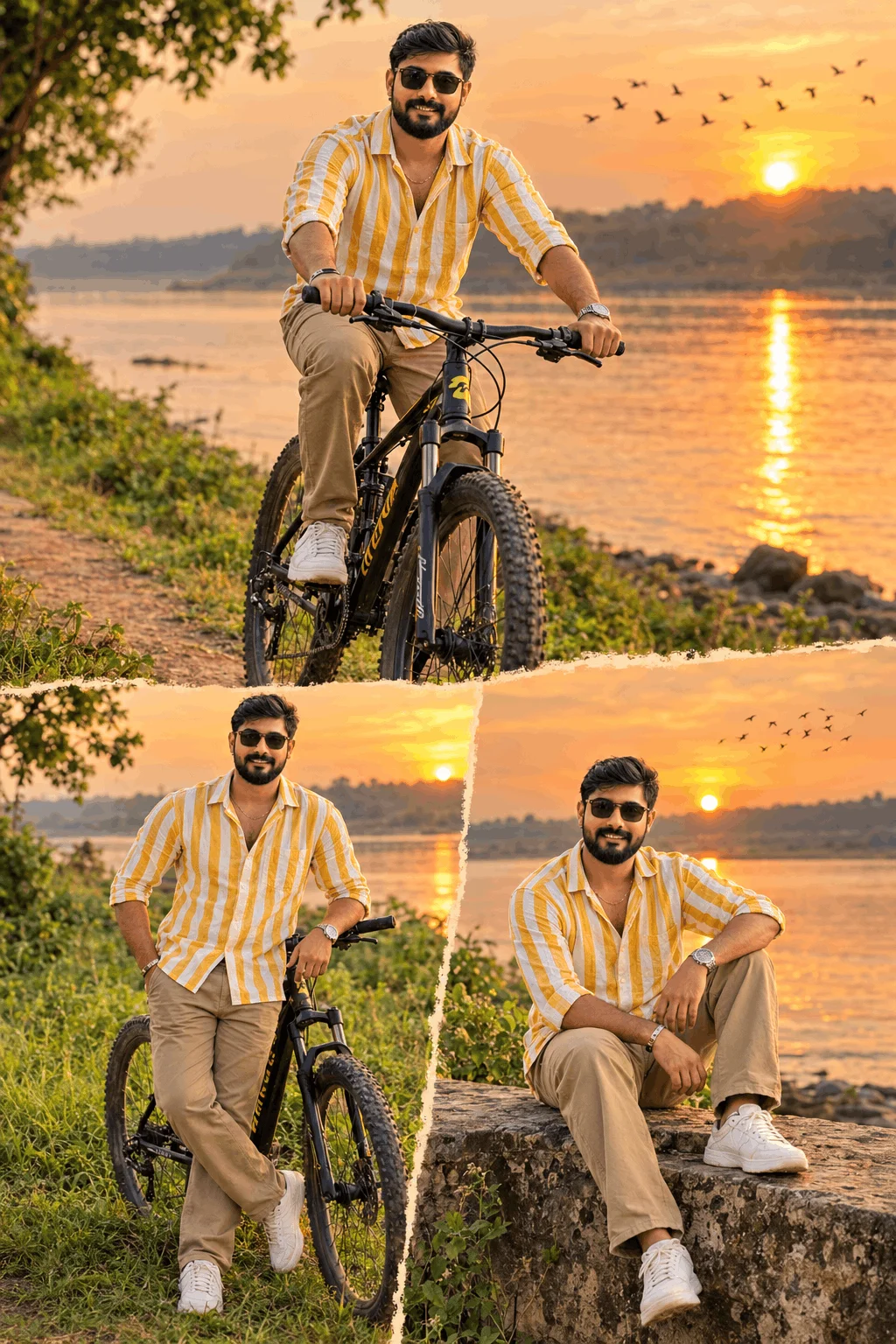
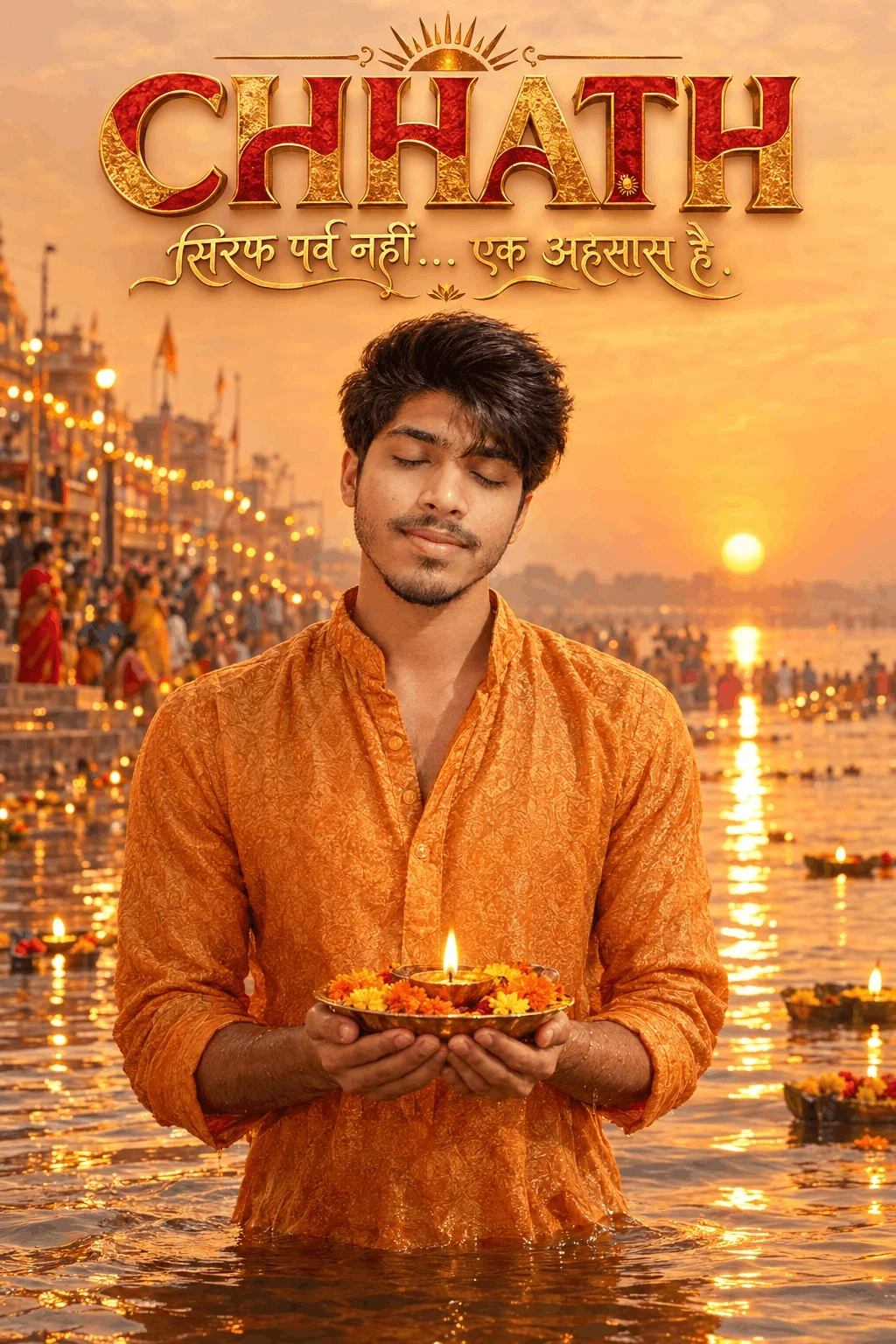
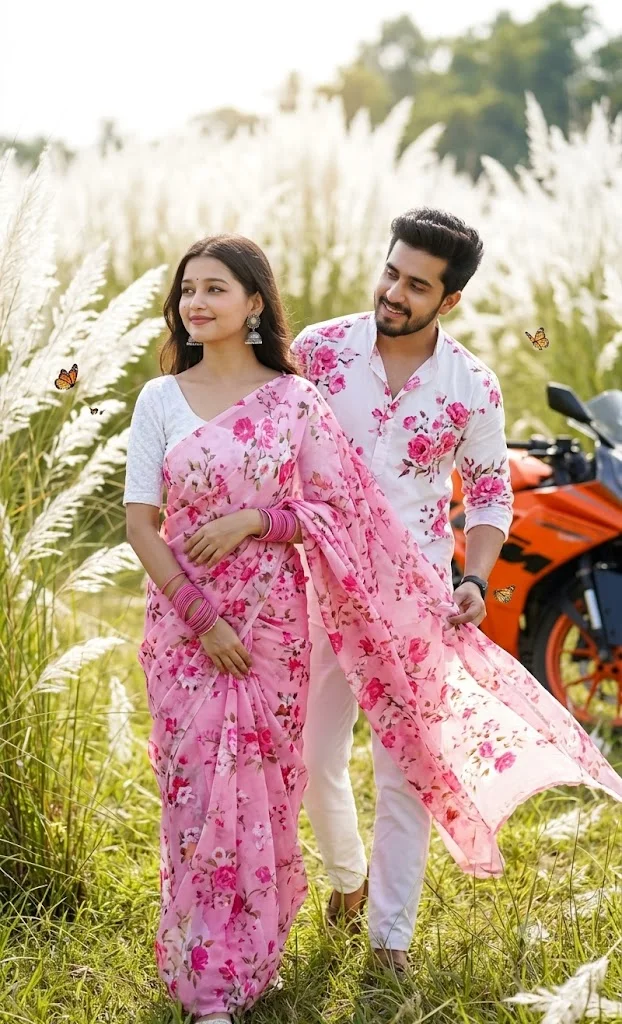
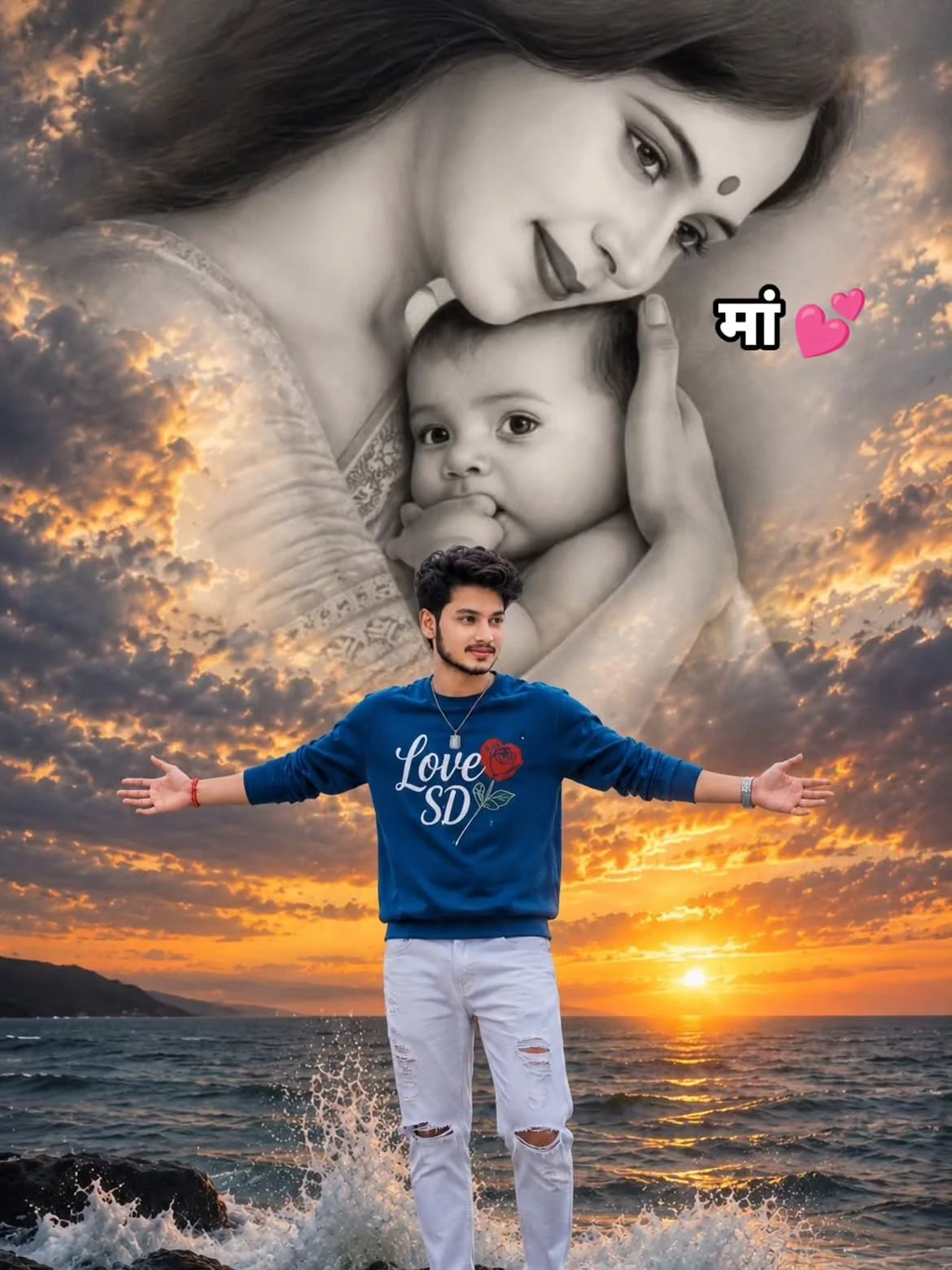
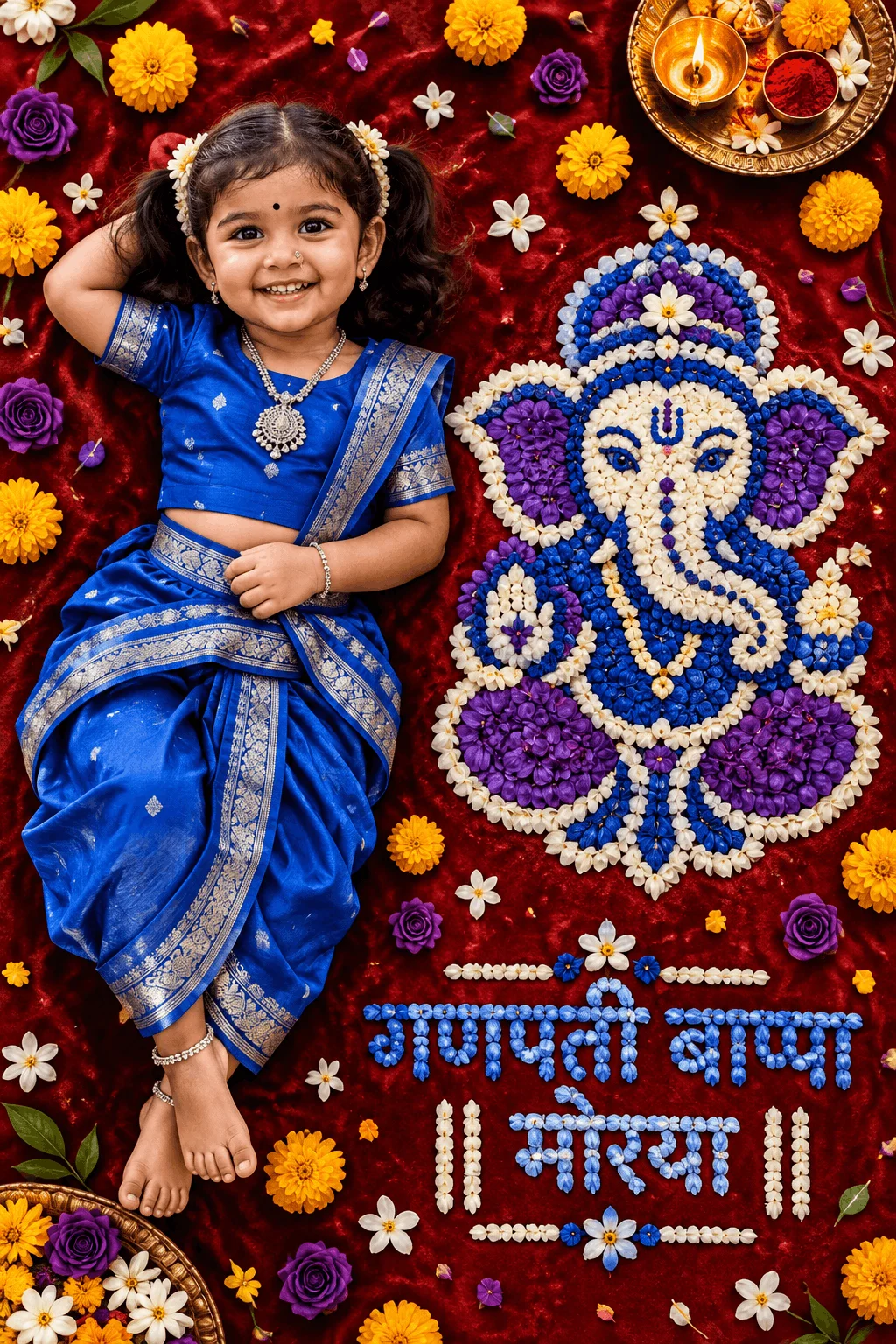
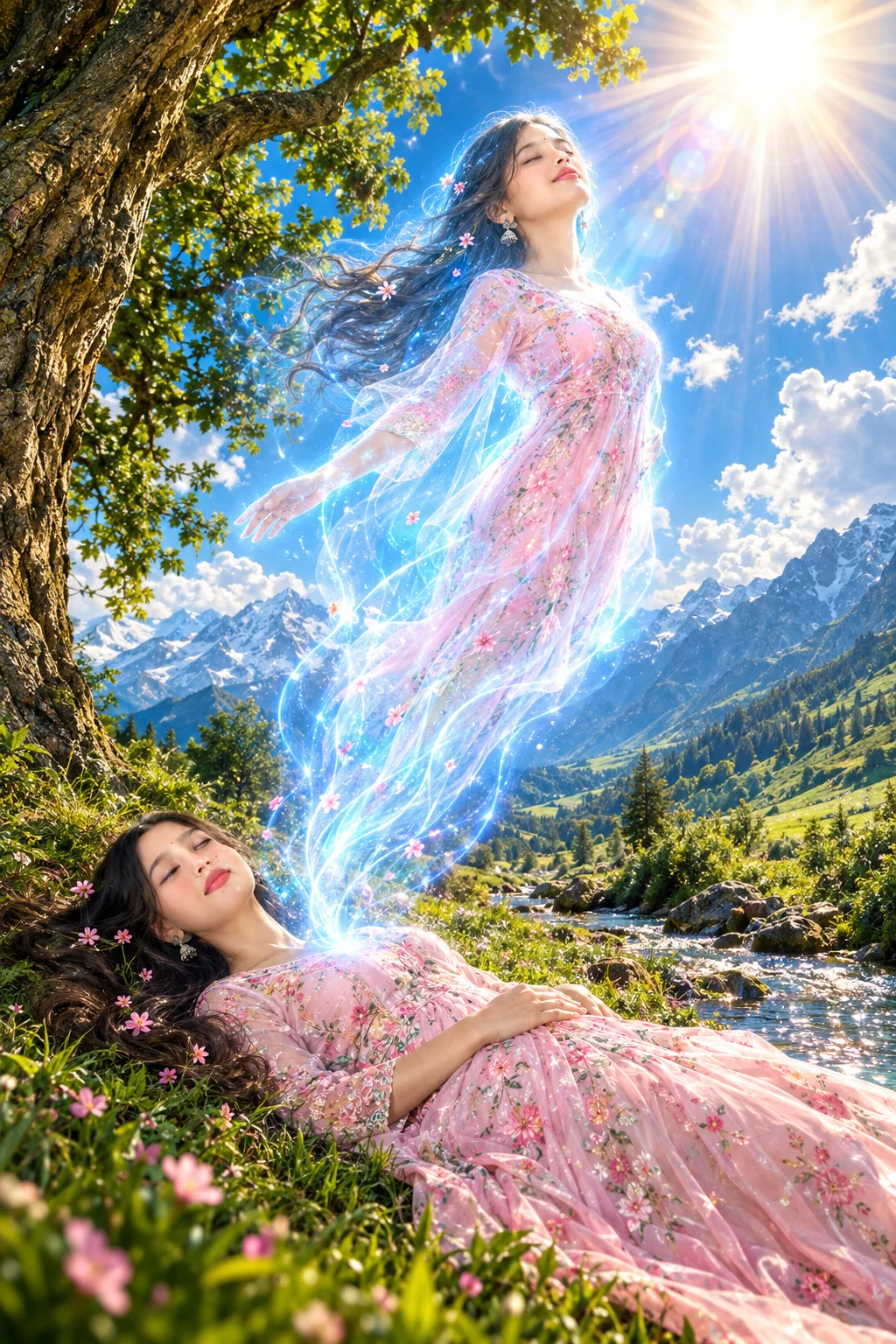
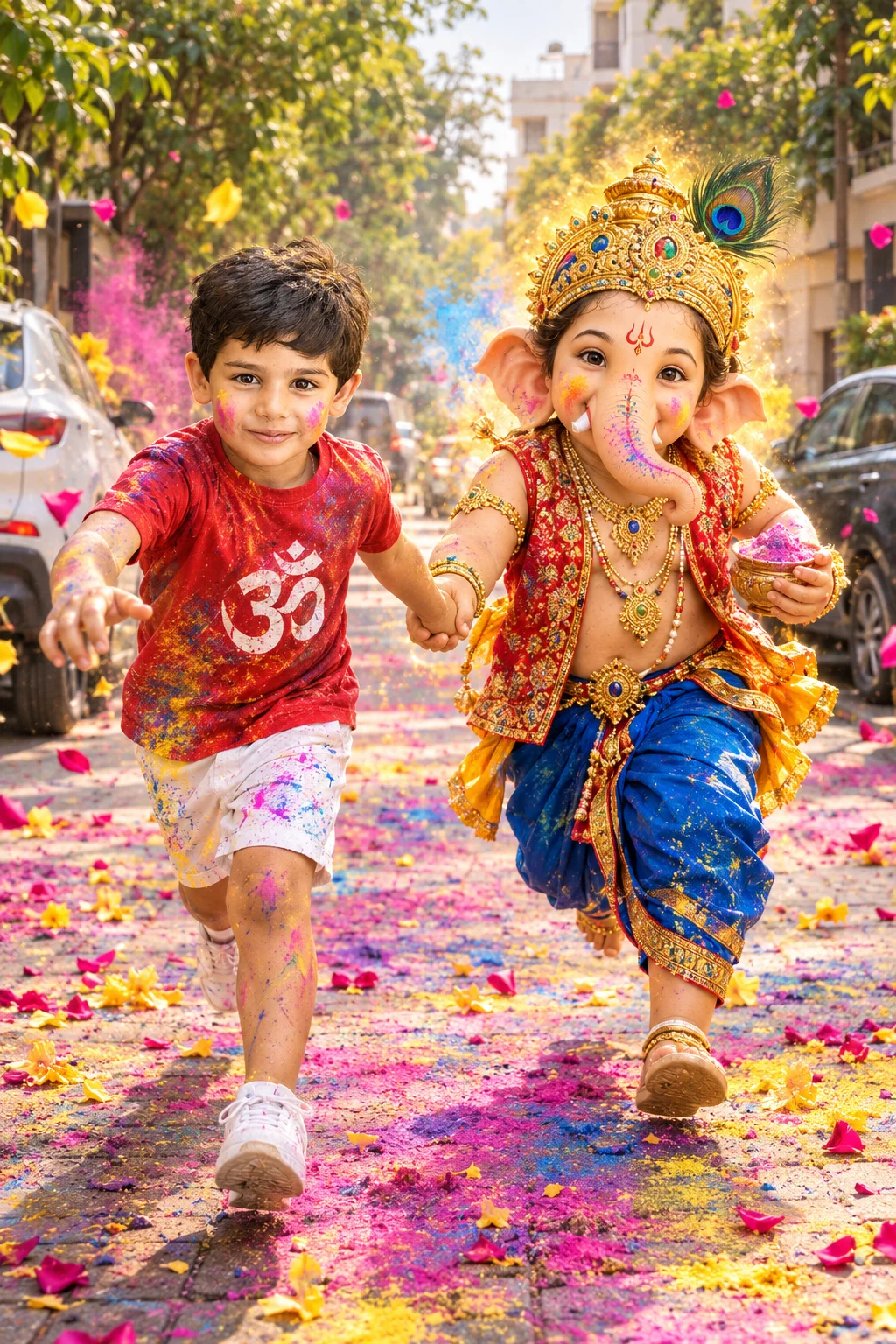
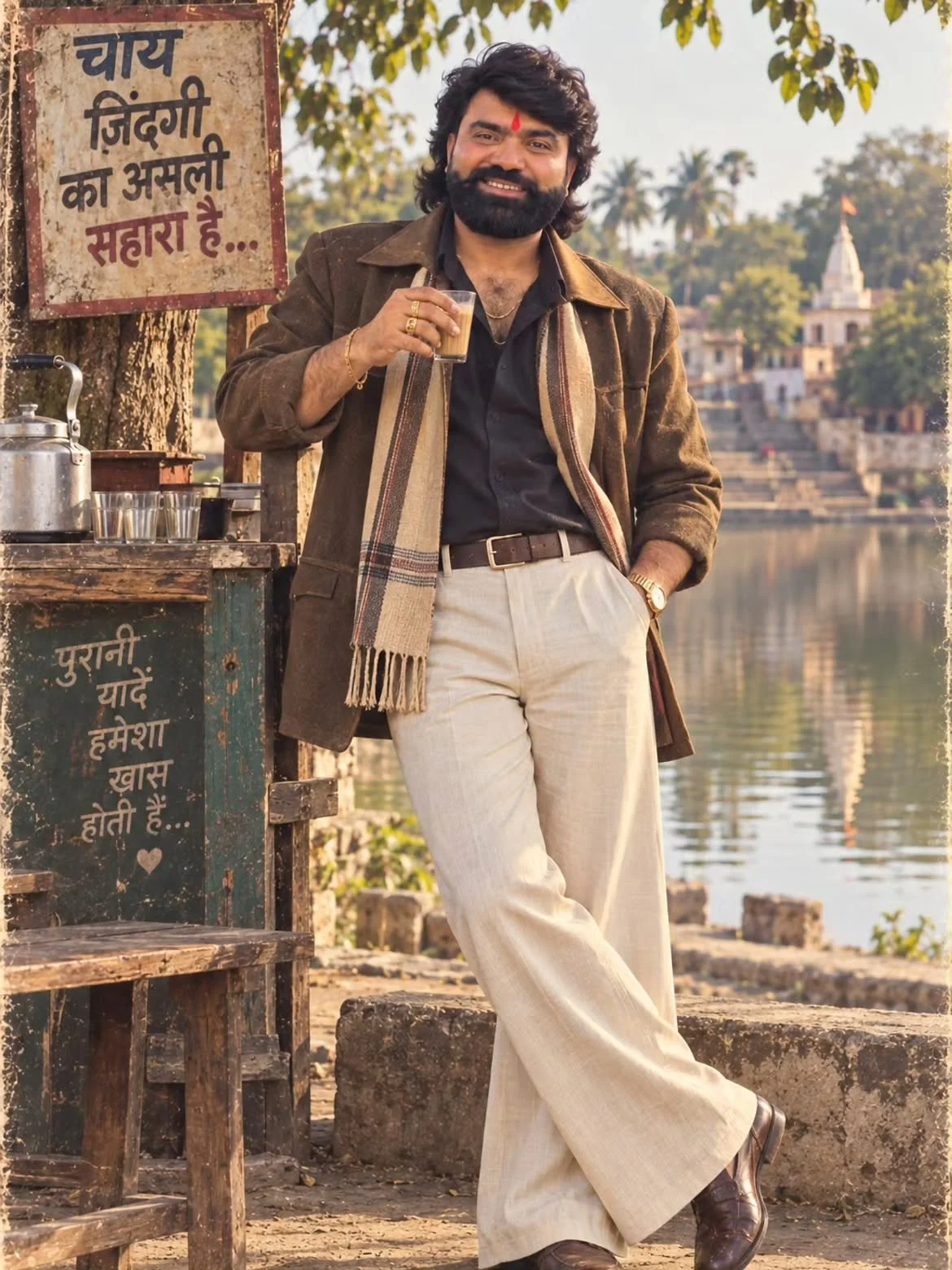
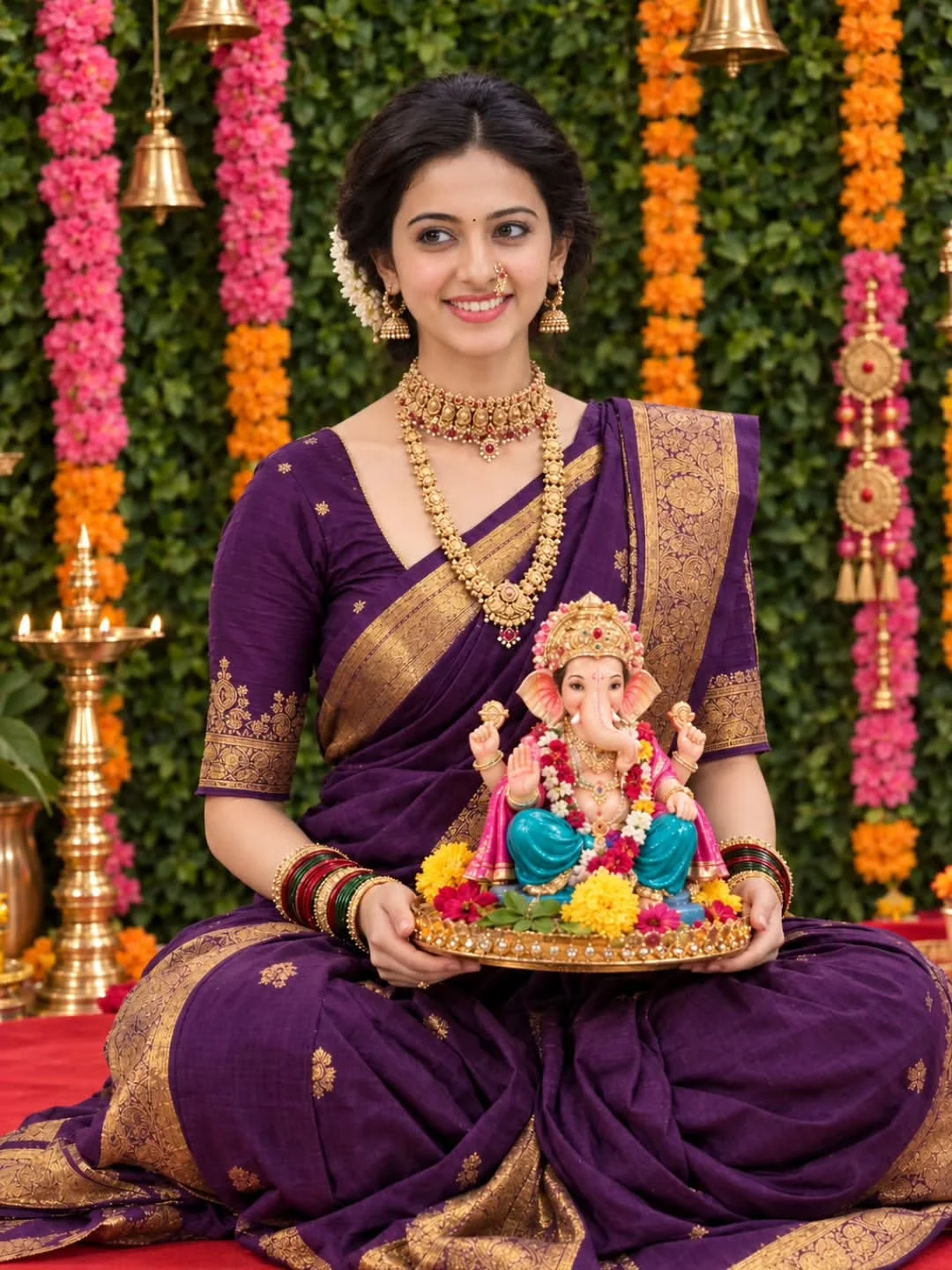
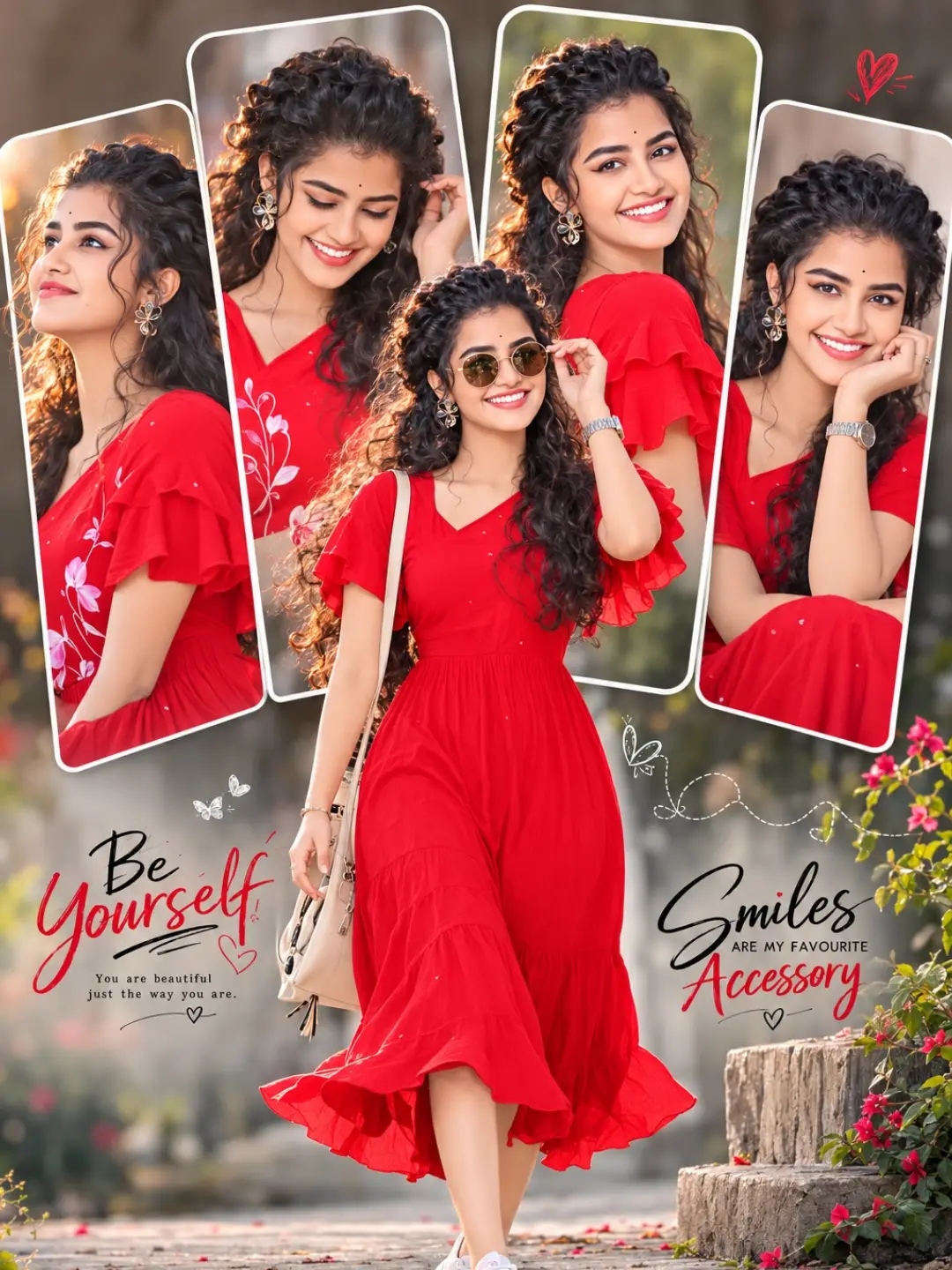
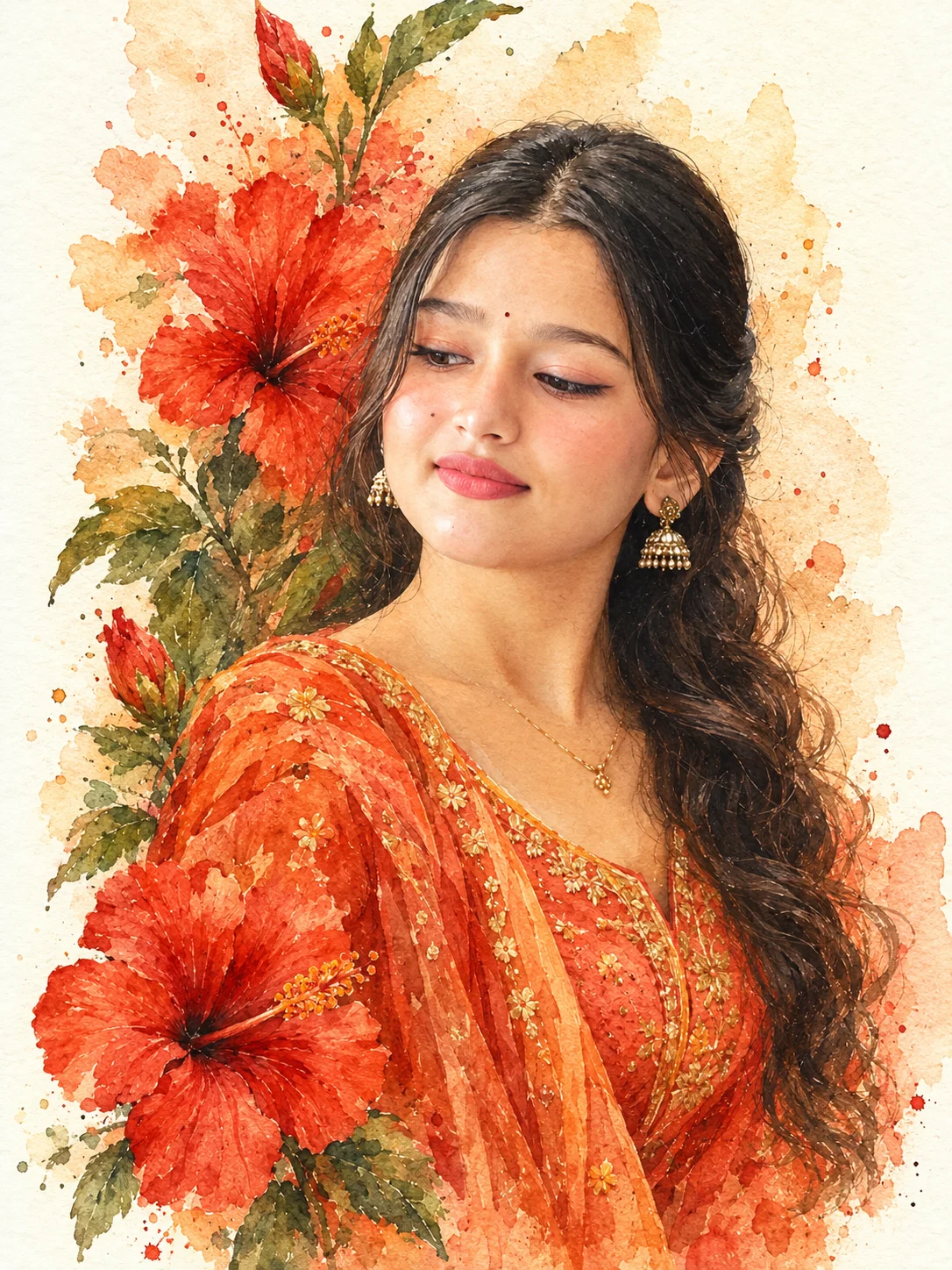
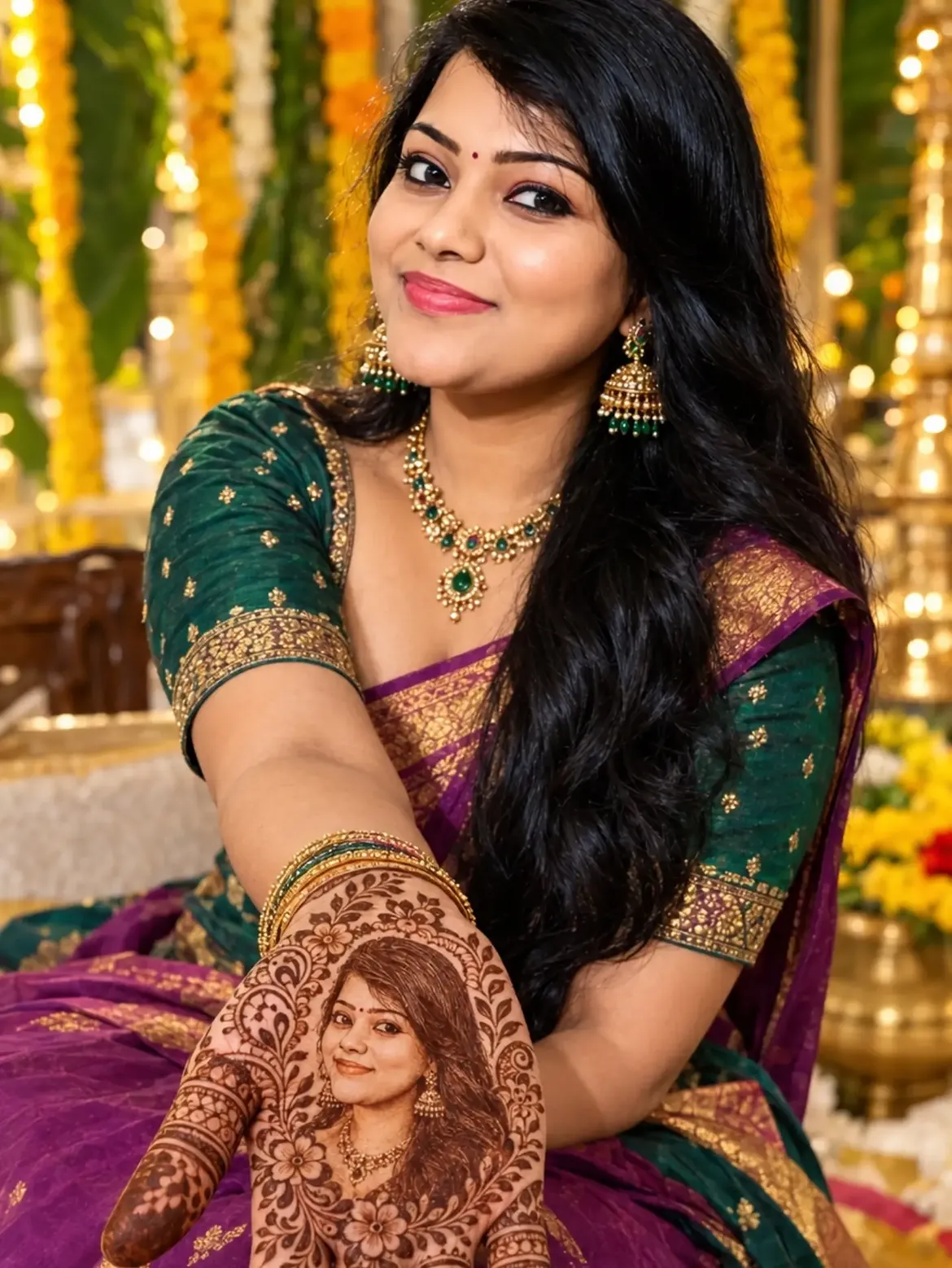
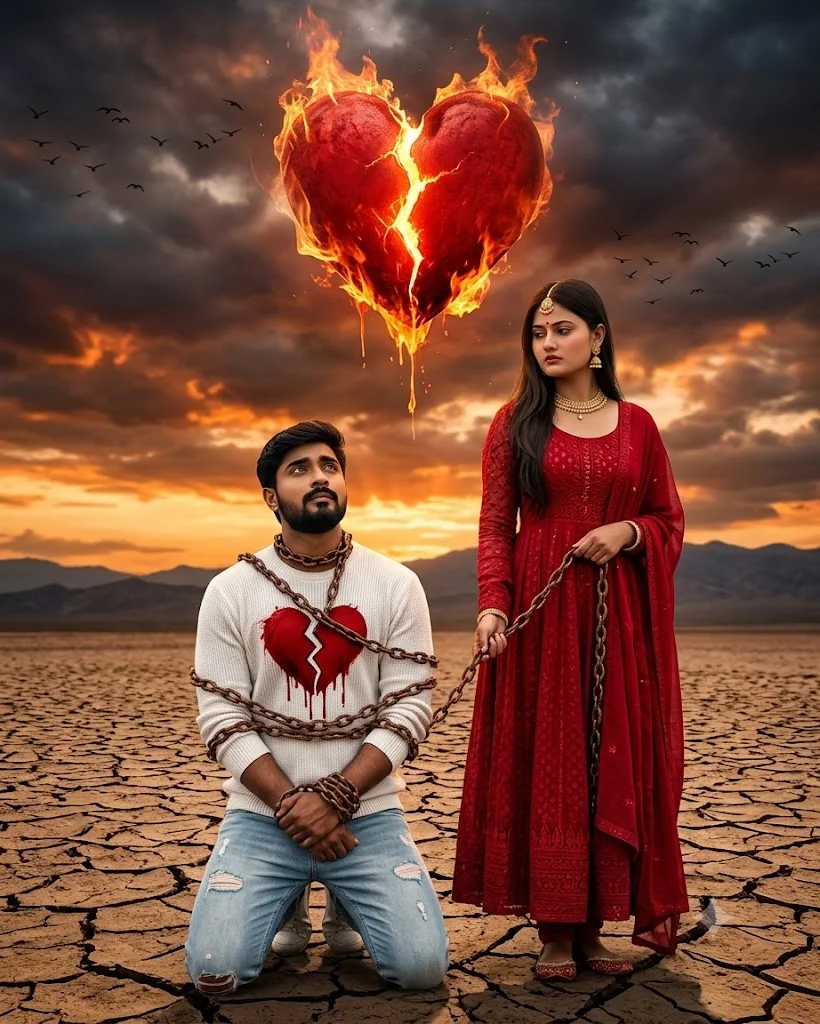
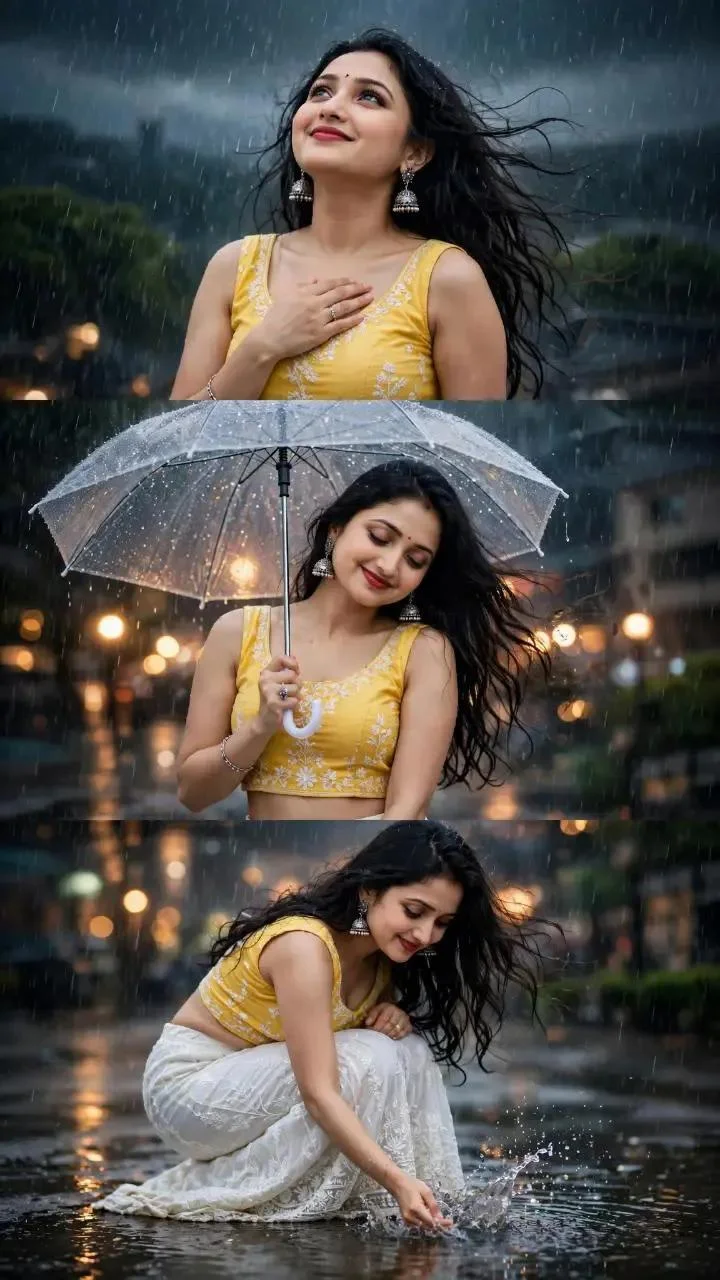
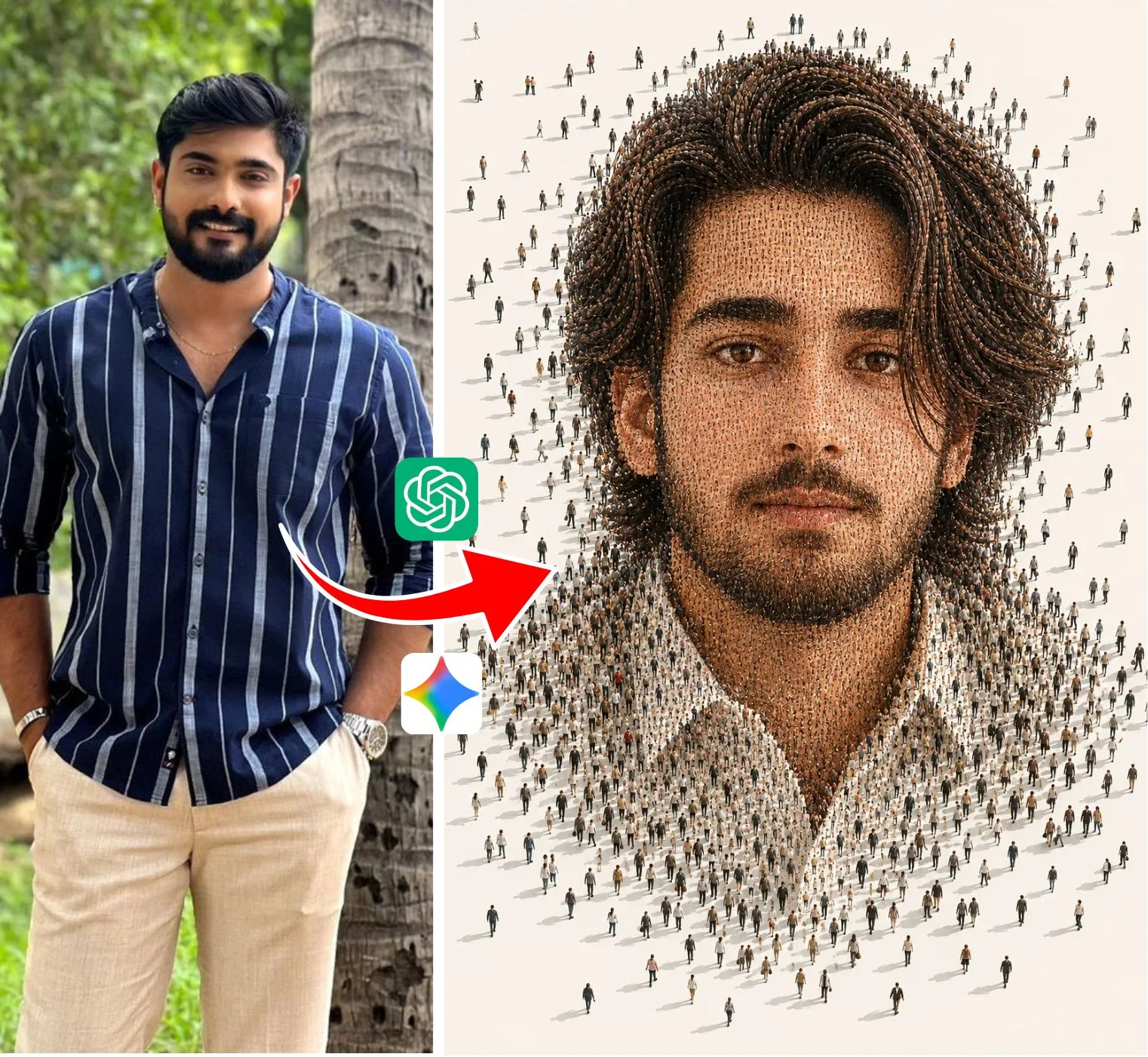
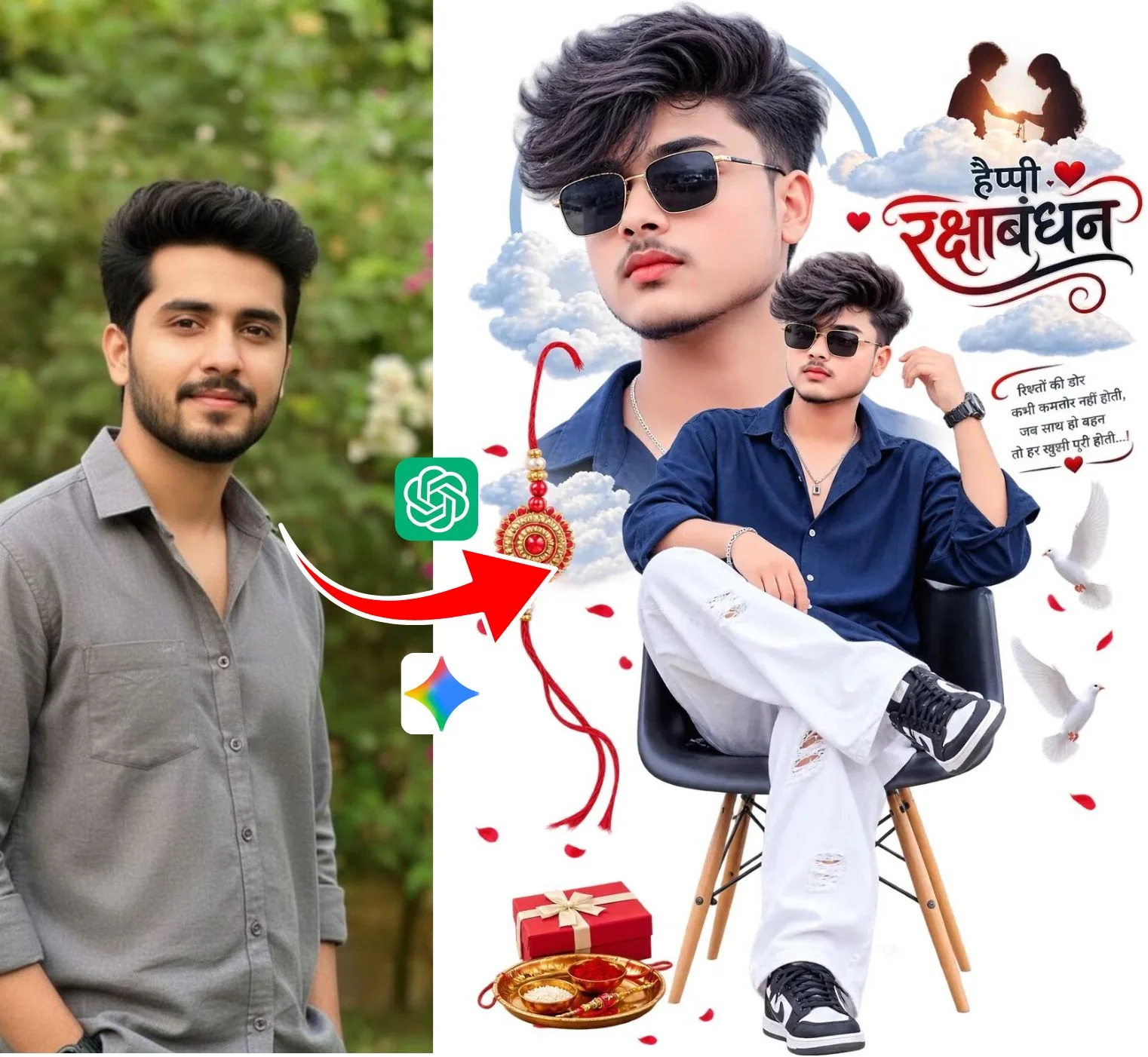
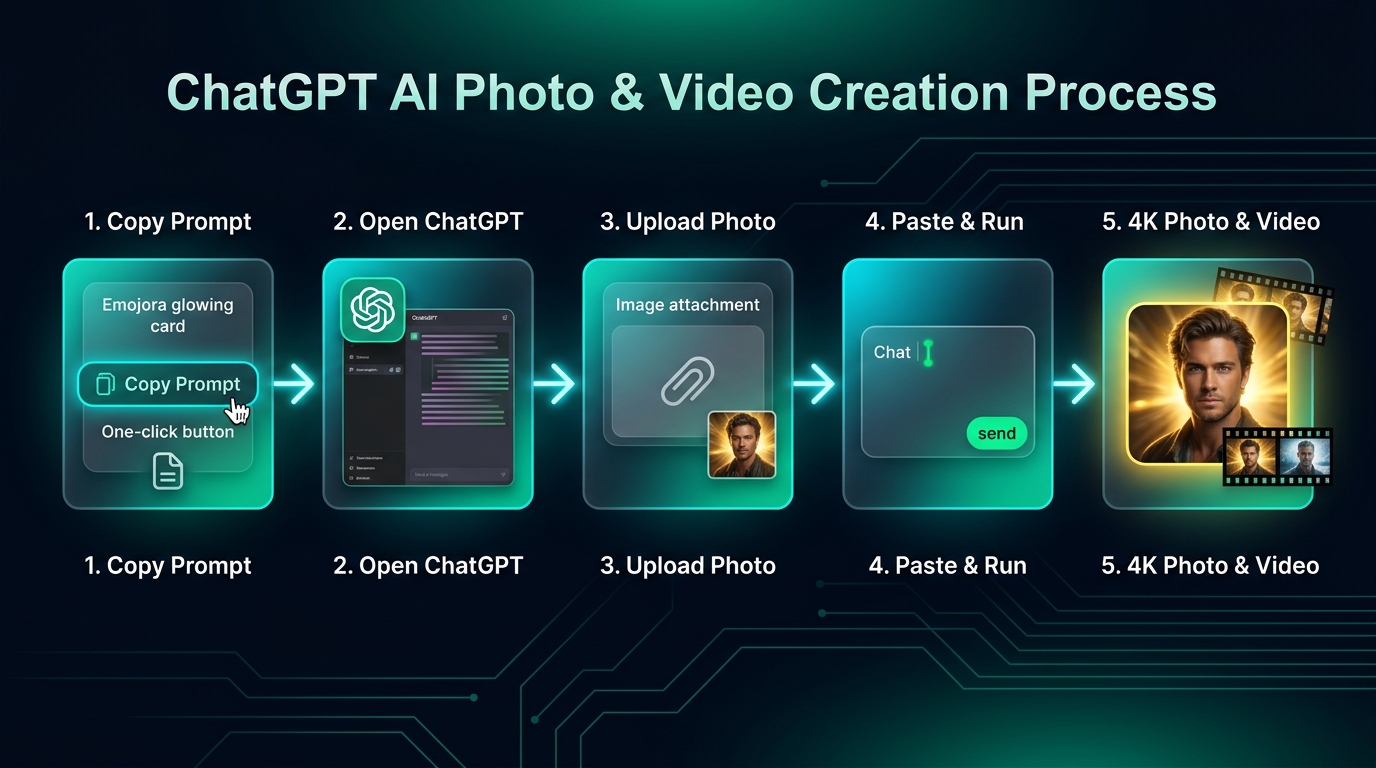
The 5-Step Visual Walkthrough: From Copy-Paste to 4K Masterpiece
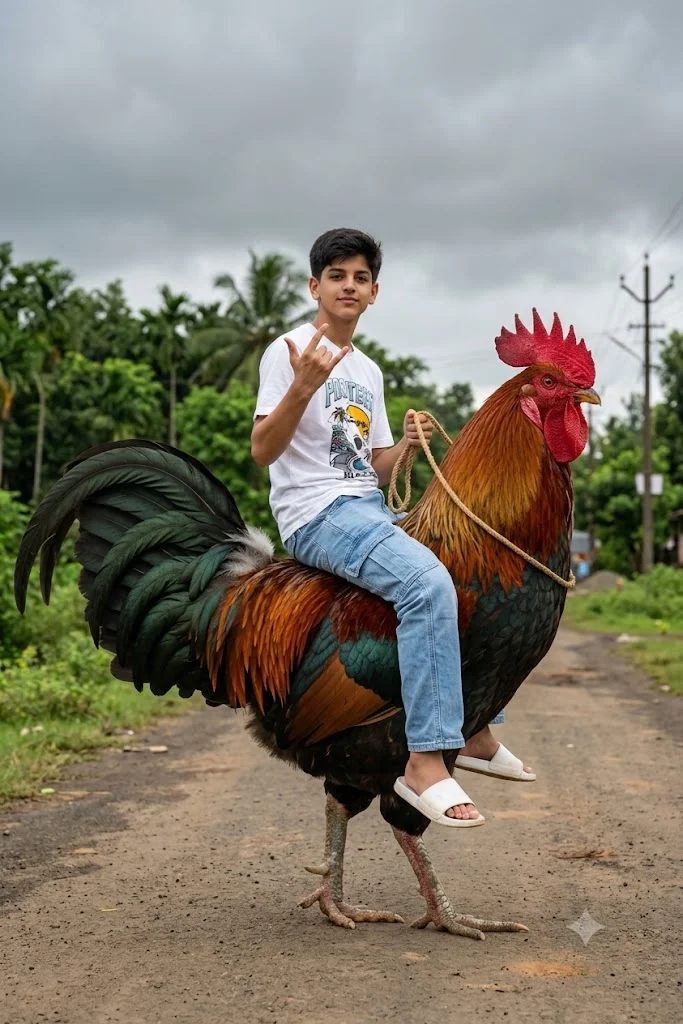
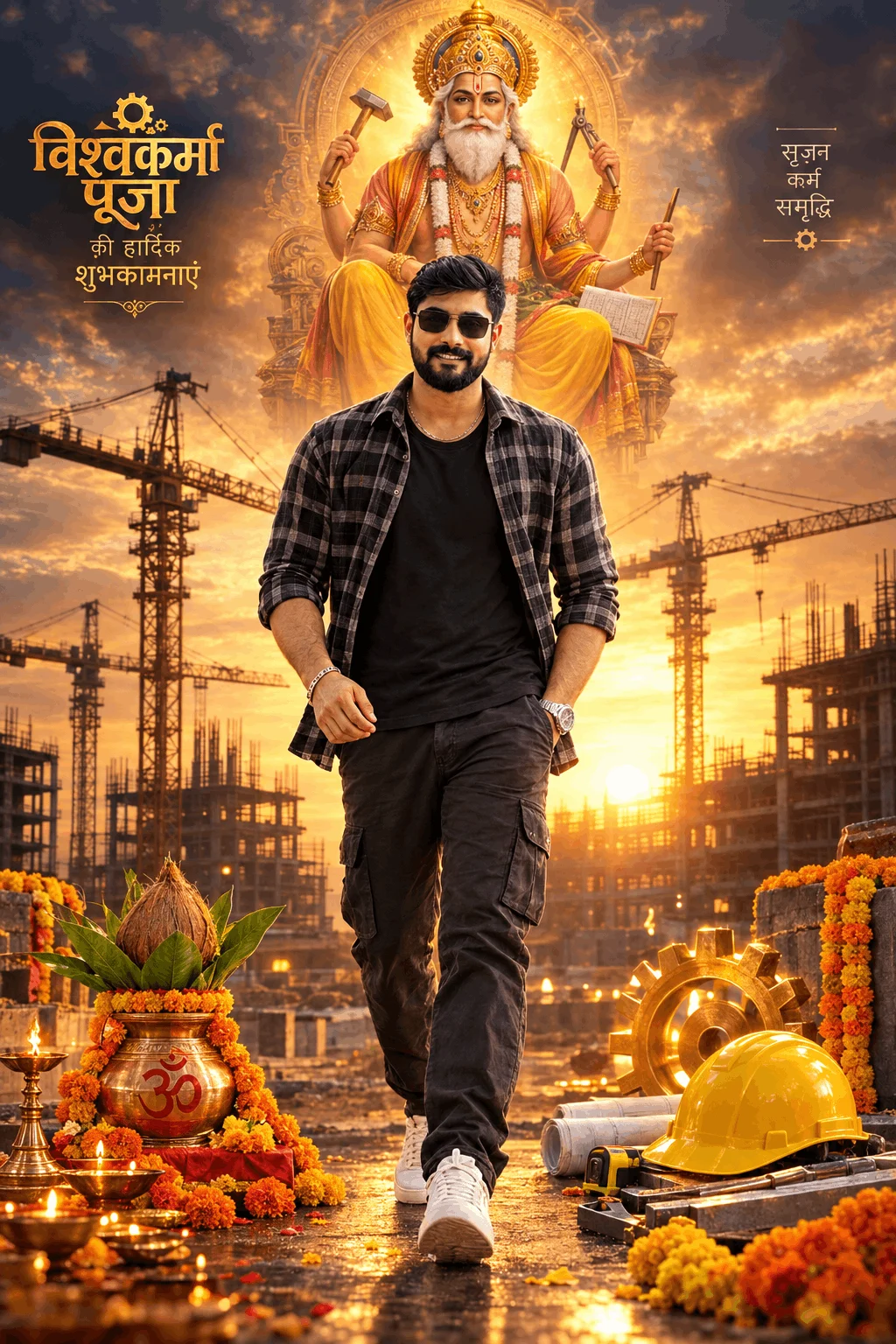
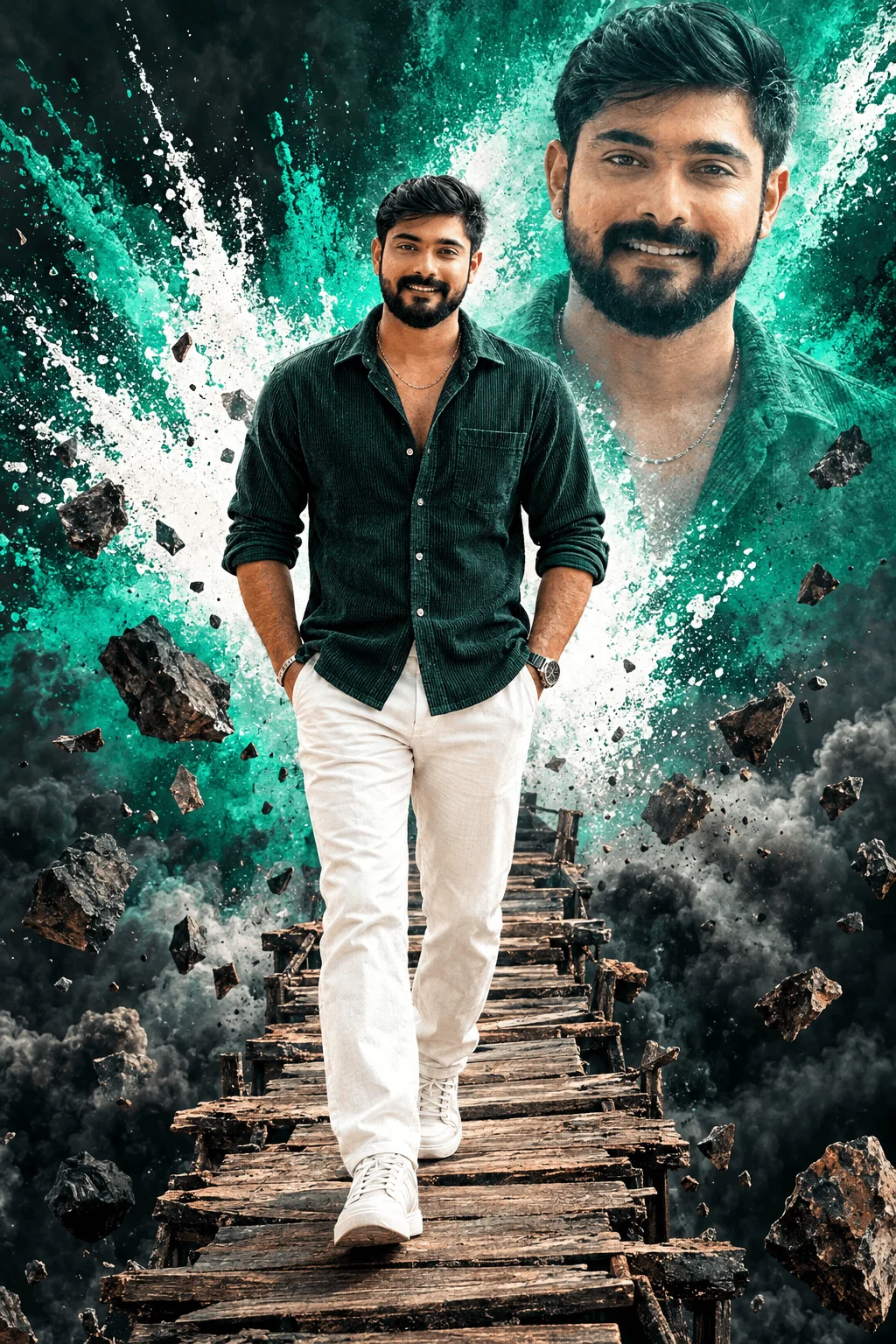
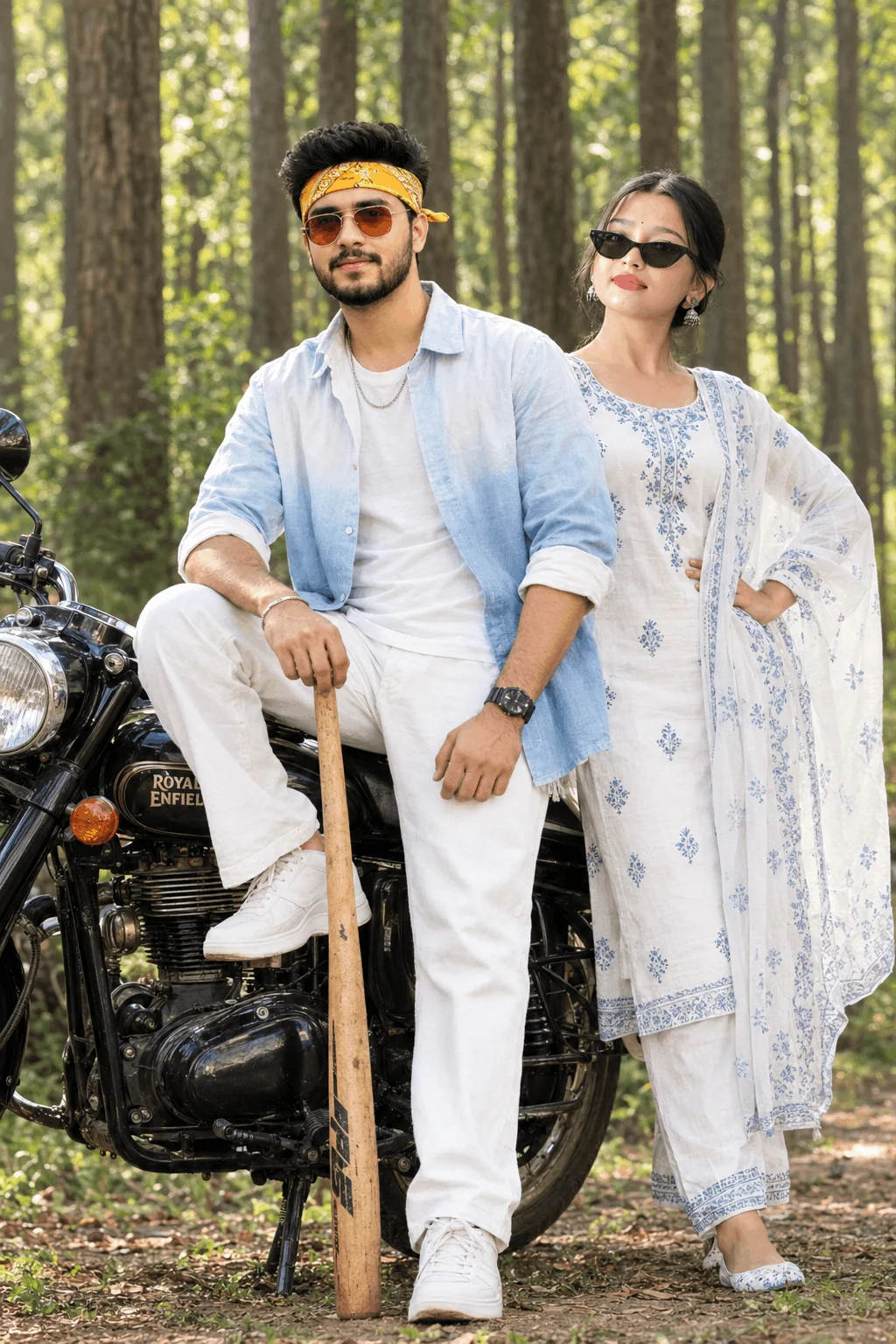
Following a precise workflow is the secret difference between getting a blurry plastic caricature and a breathtaking, magazine-quality 4K portrait. Here is the exact visual sequence to follow every single time:
Select any trending prompt from our curated gallery above. Click the green Copy Prompt button. The prompt formula—including optical focal length, lighting physics, and wardrobe descriptors—is instantly copied to your clipboard without broken line formatting.
Open the official ChatGPT mobile application on your iOS/Android phone or visit chatgpt.com on your desktop browser. Ensure that you are on the GPT-4o model, which features native multimodal vision and high-fidelity DALL-E 3 image rendering.
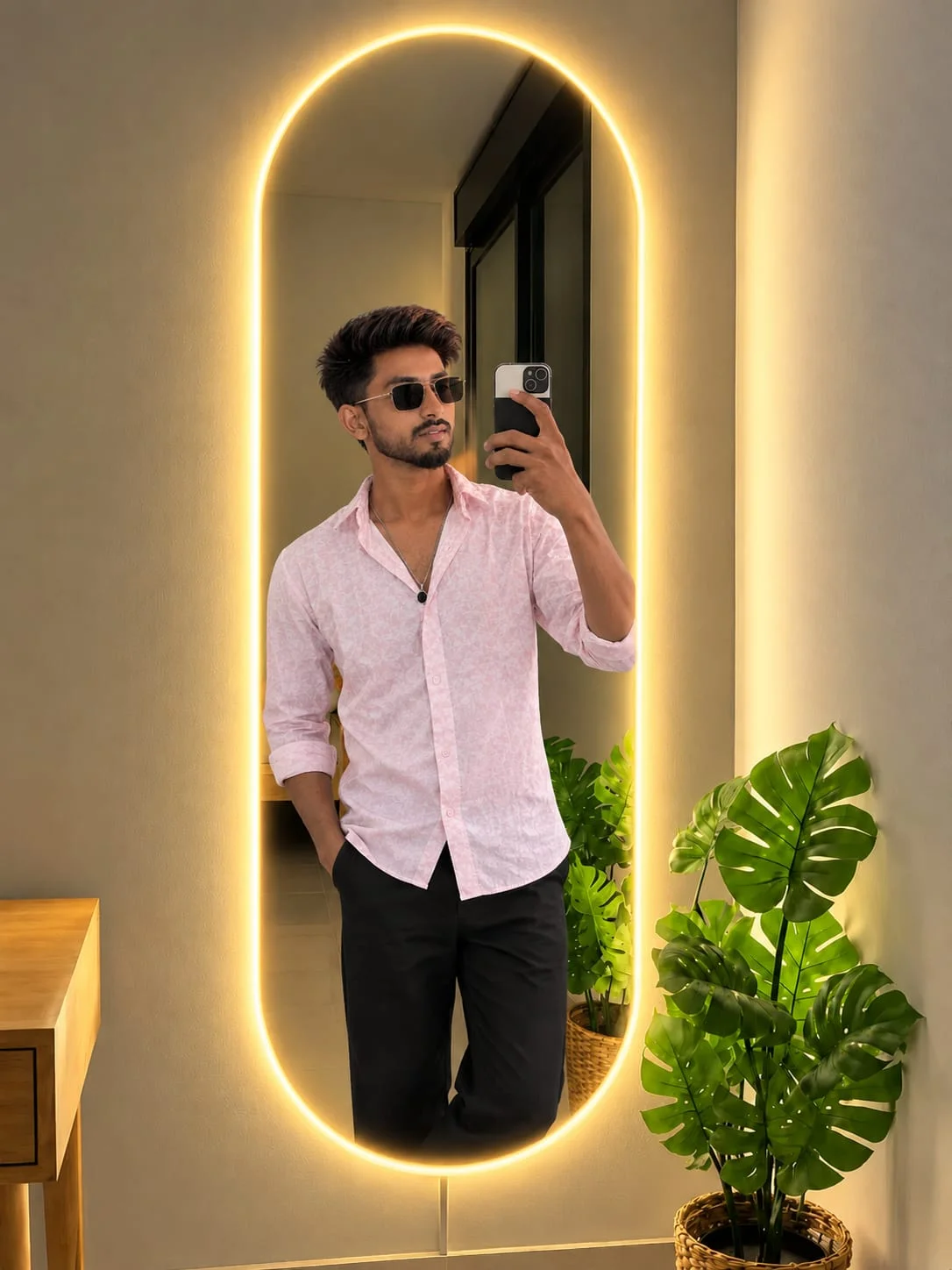
Tap the + (plus / paperclip) icon located on the left of the chatbar. Upload a clear, front-facing portrait of yourself or your model. This gives ChatGPT an exact landmark anchor of facial proportions, skin undertones, and hair volume so it does not invent an unfamiliar face.
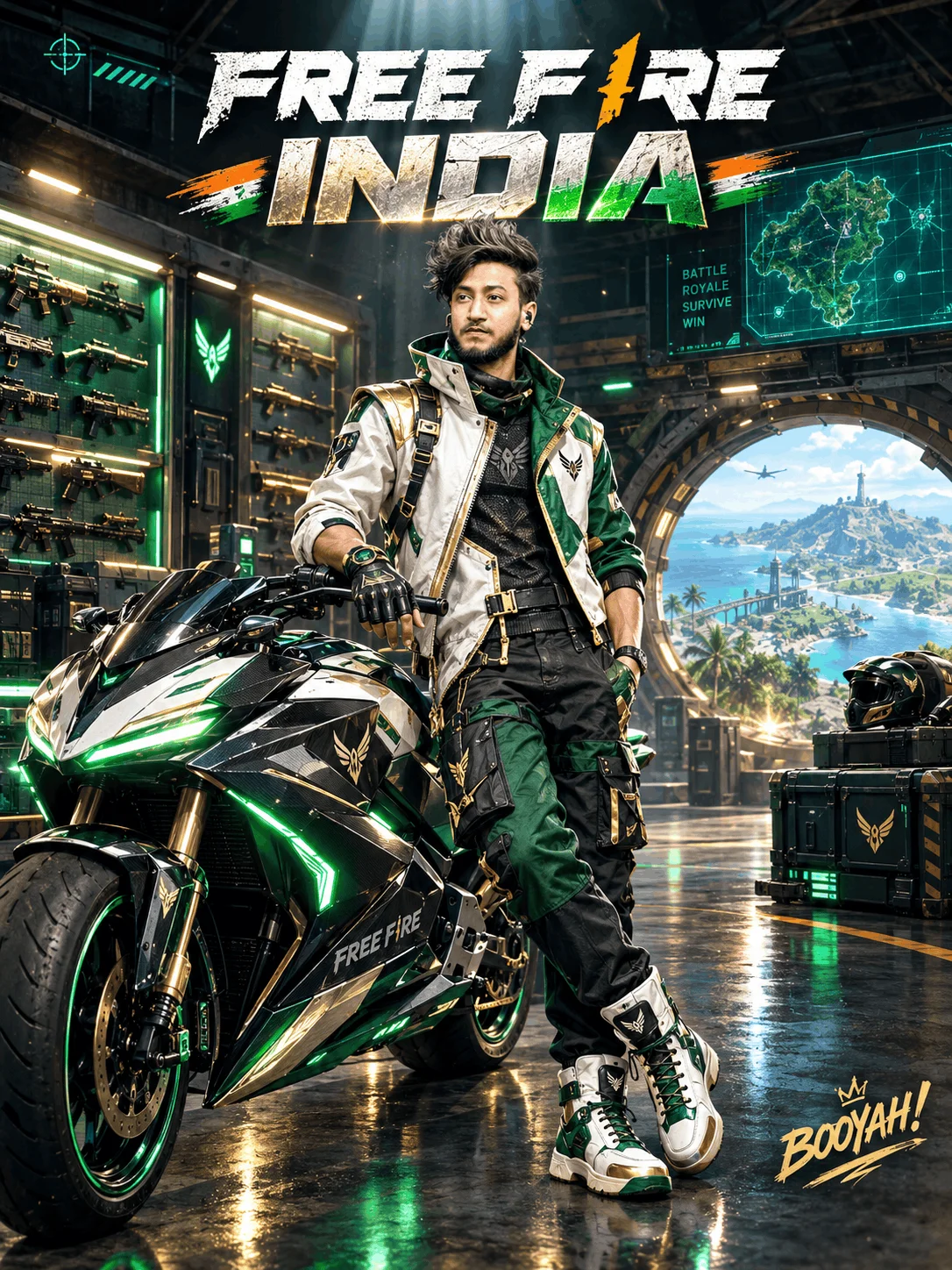
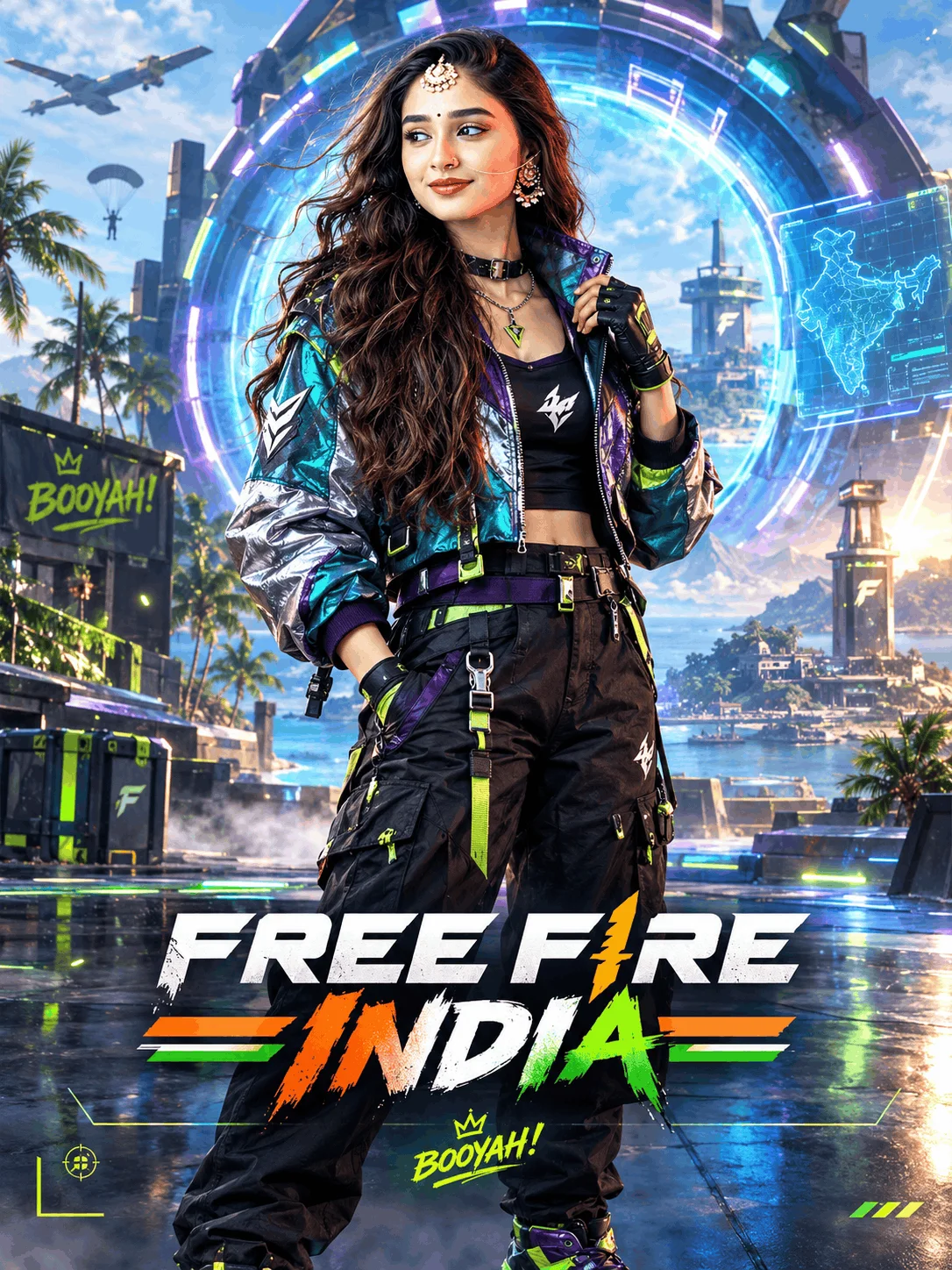
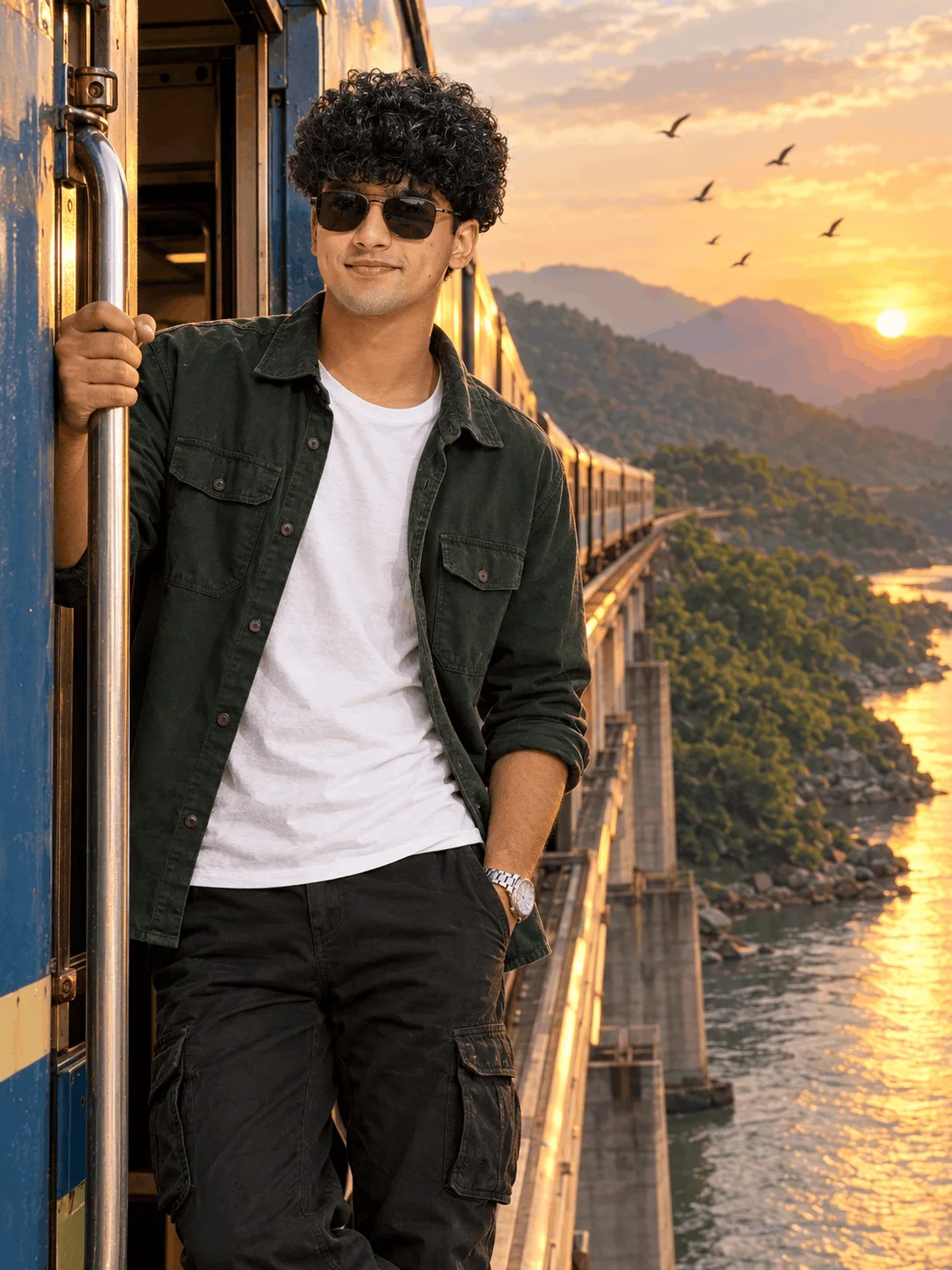
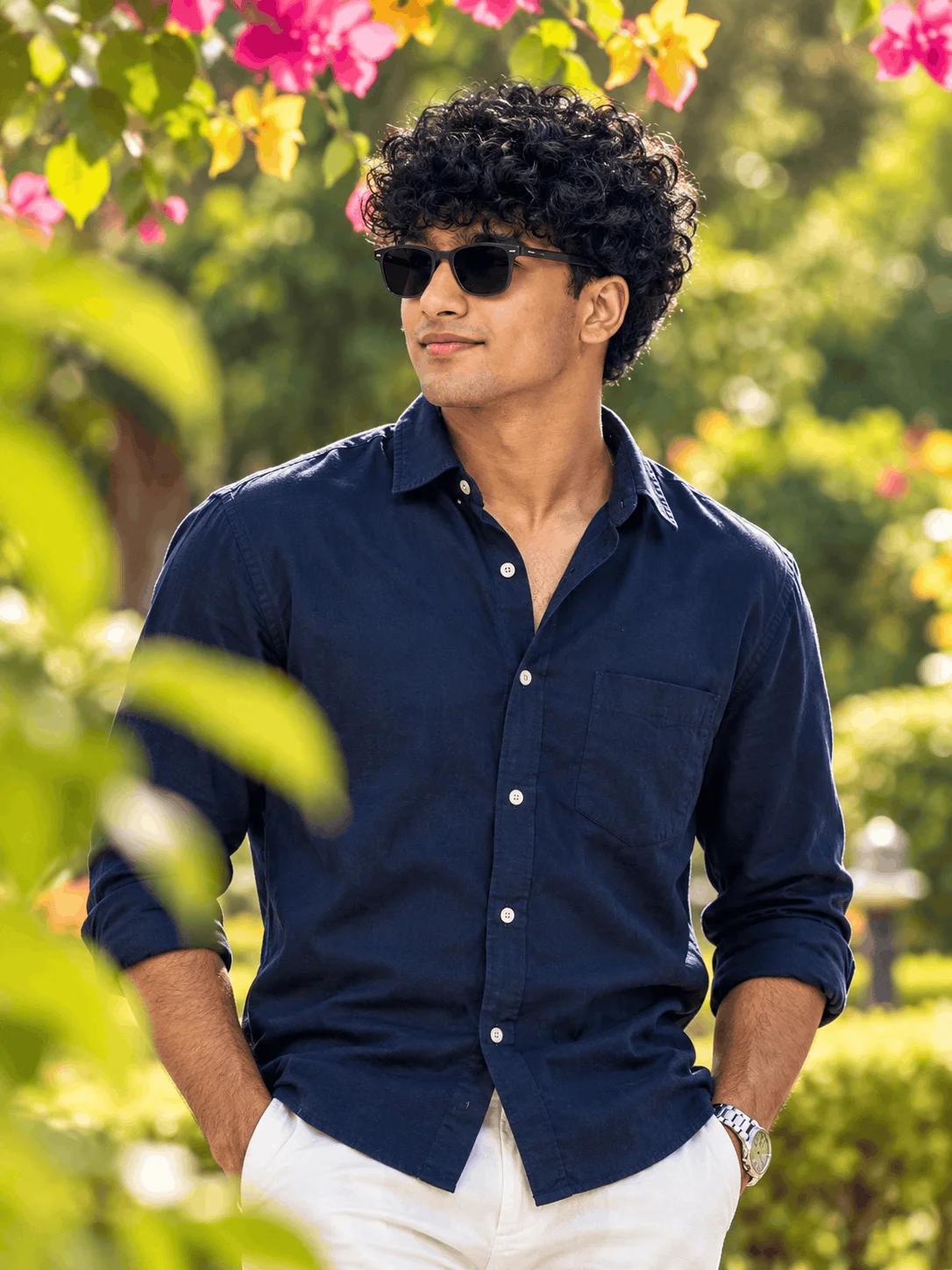
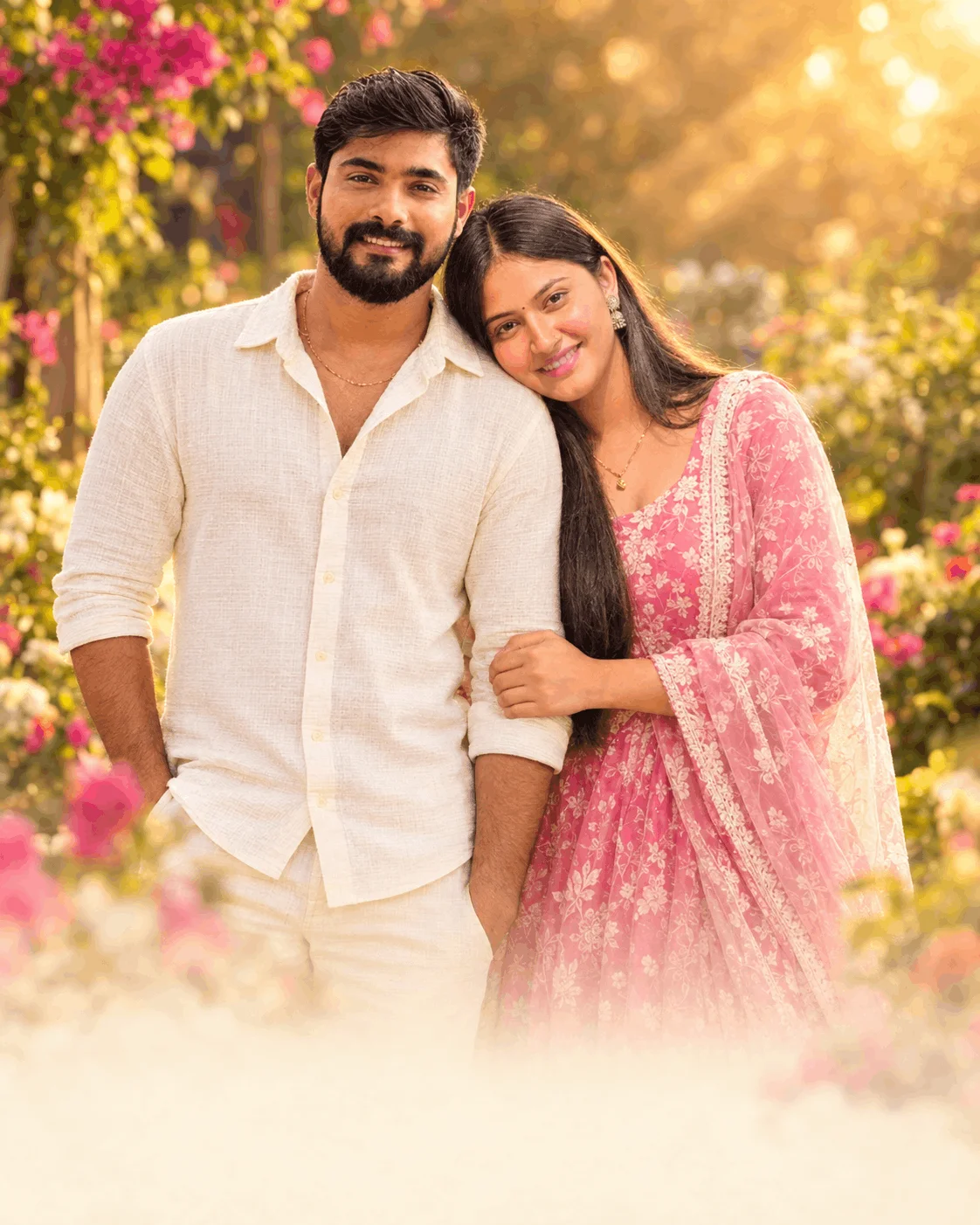
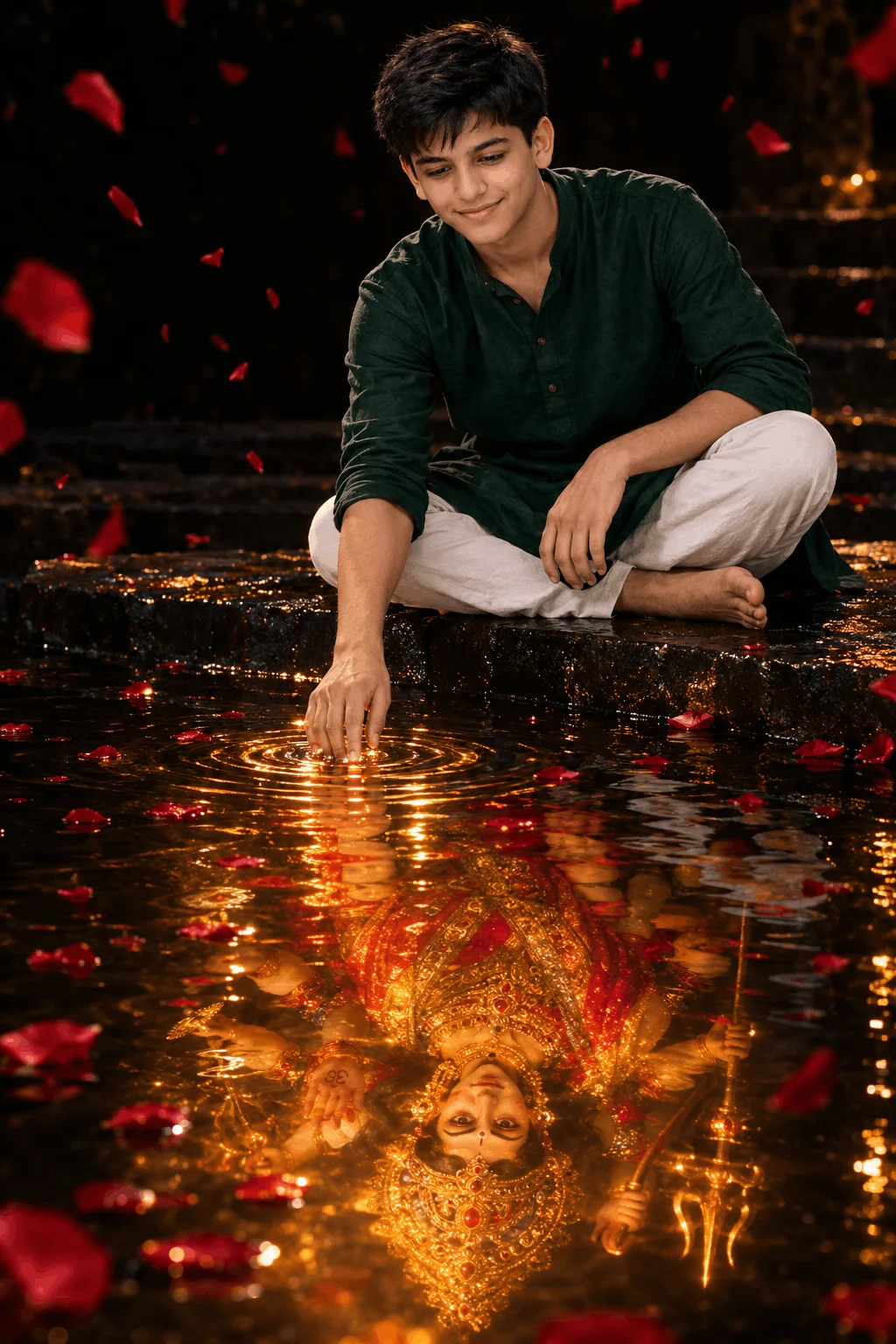
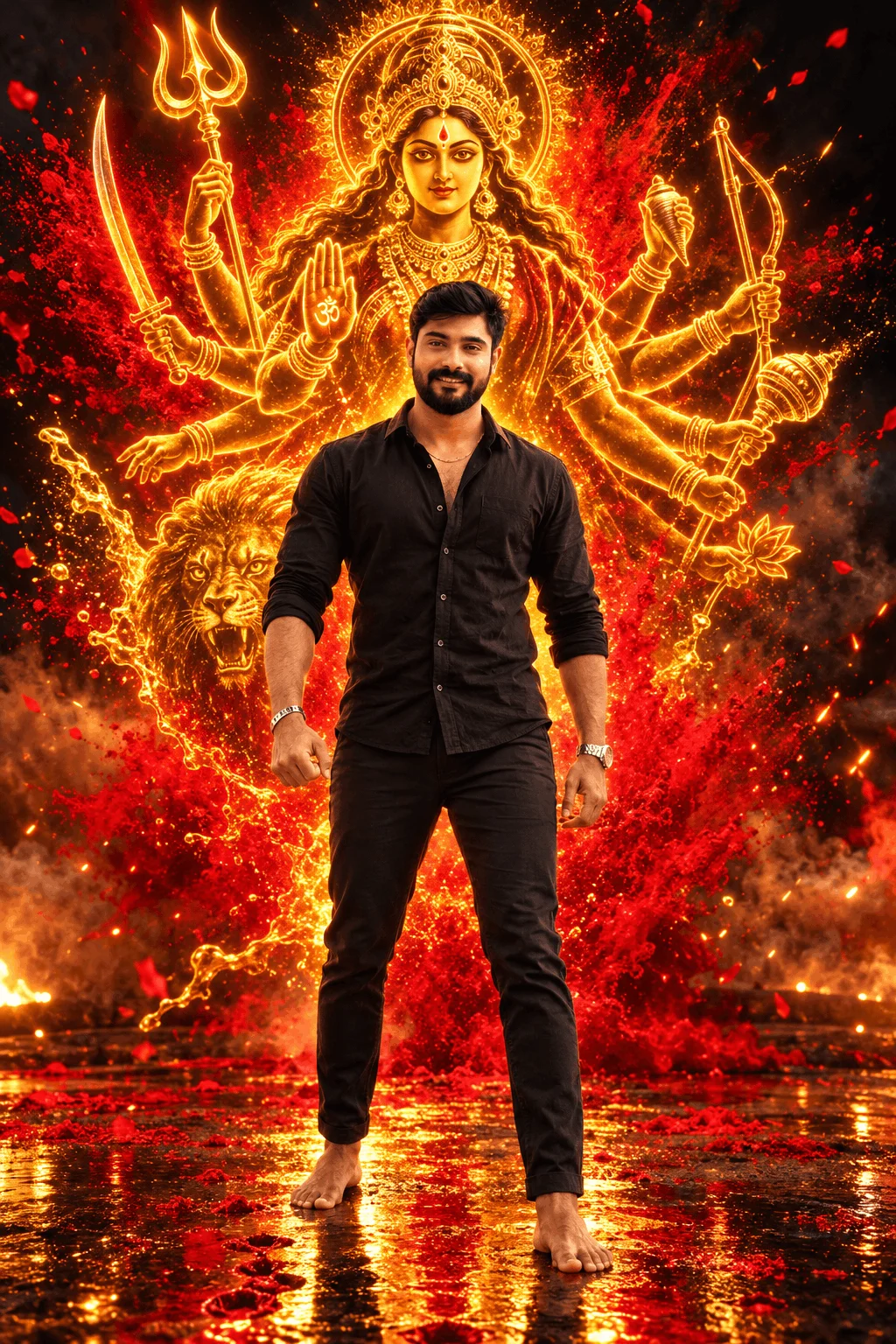
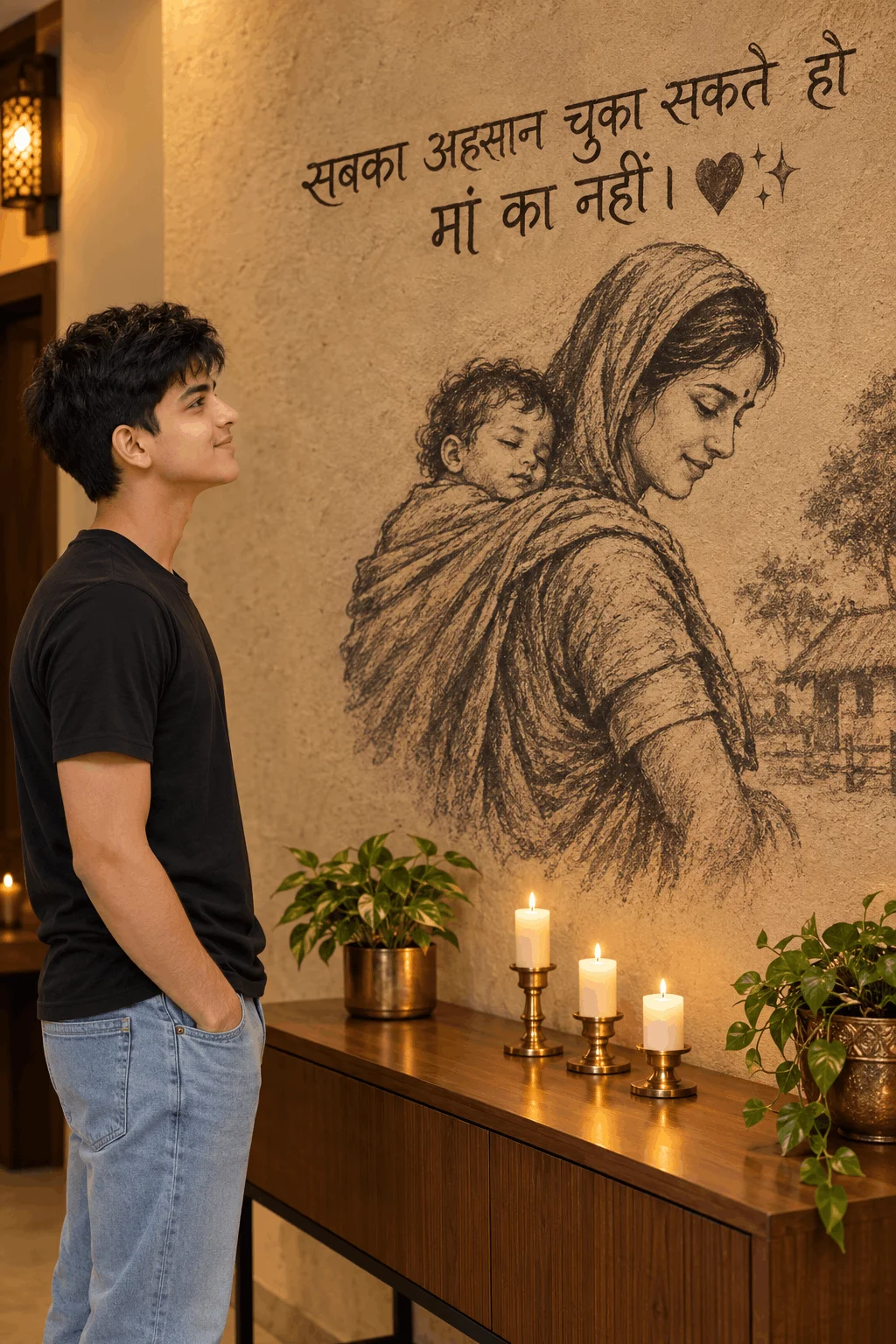
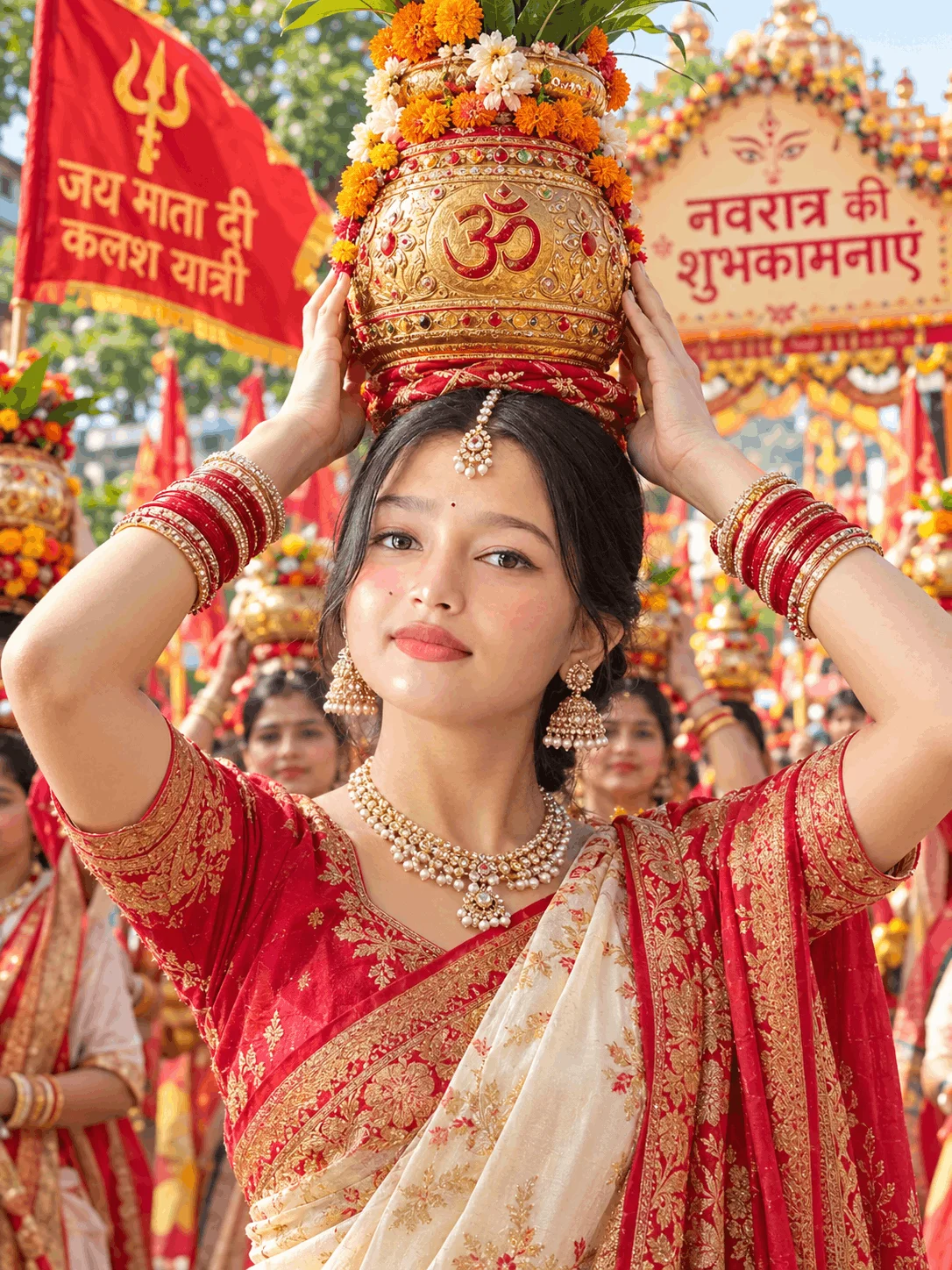
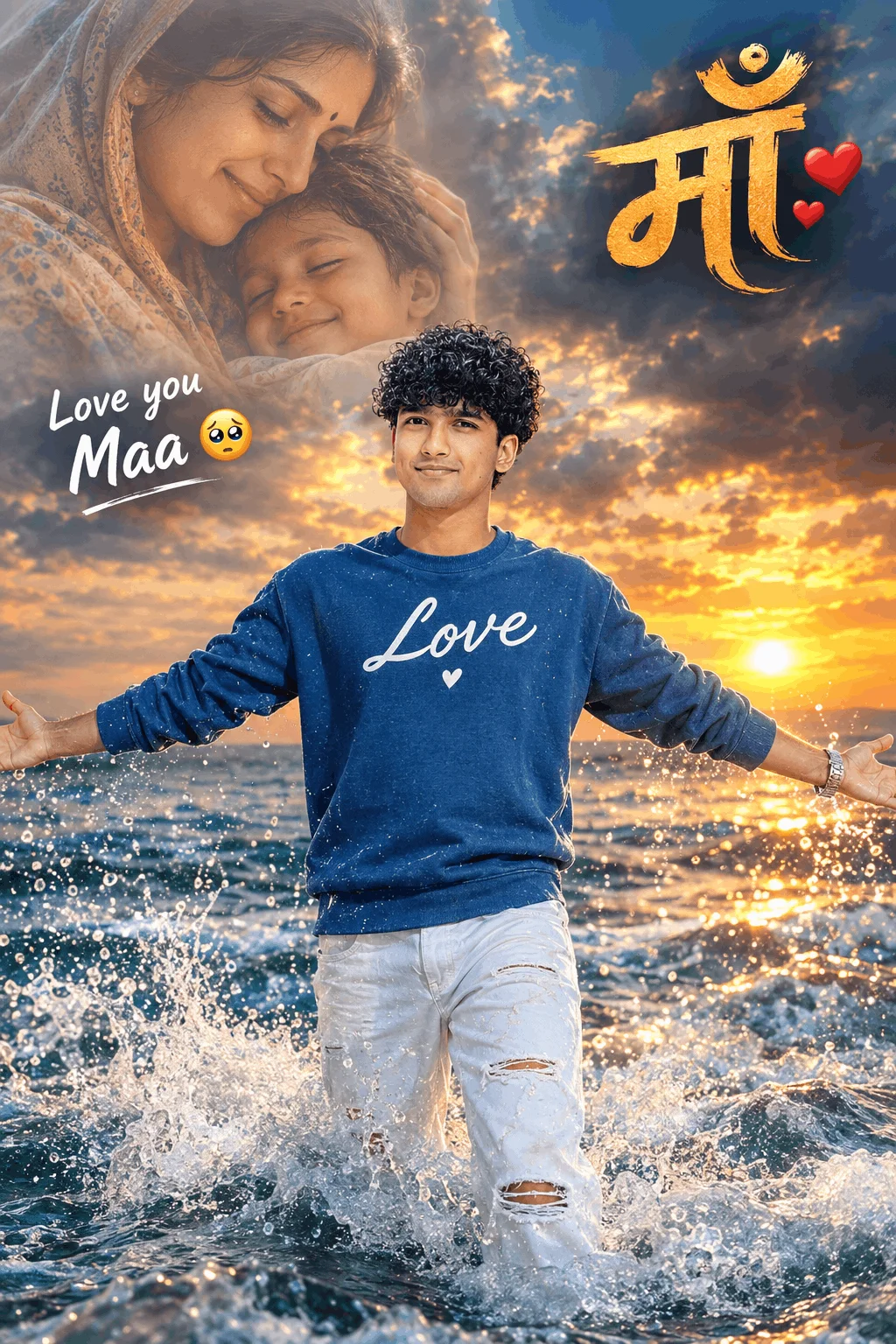
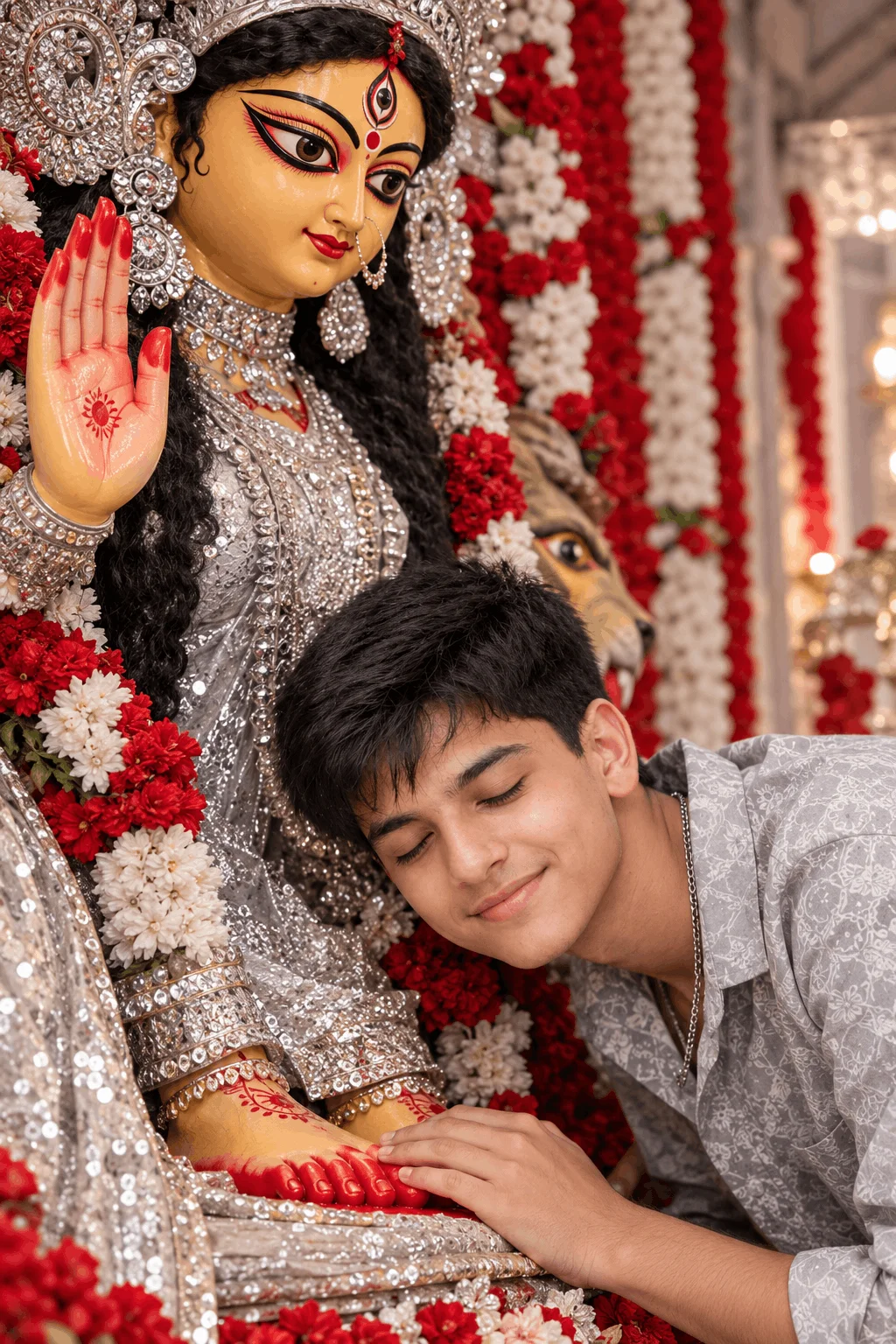
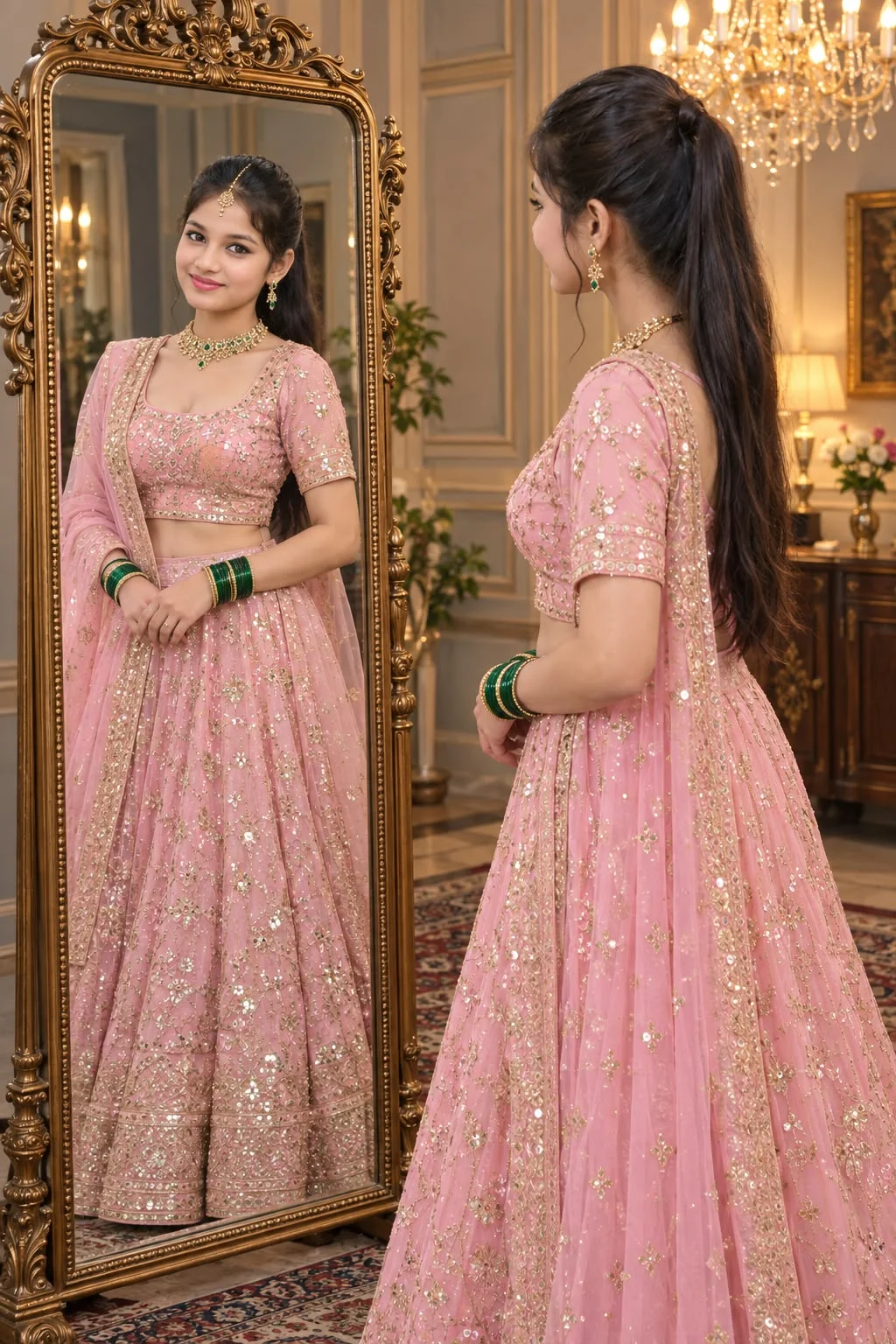
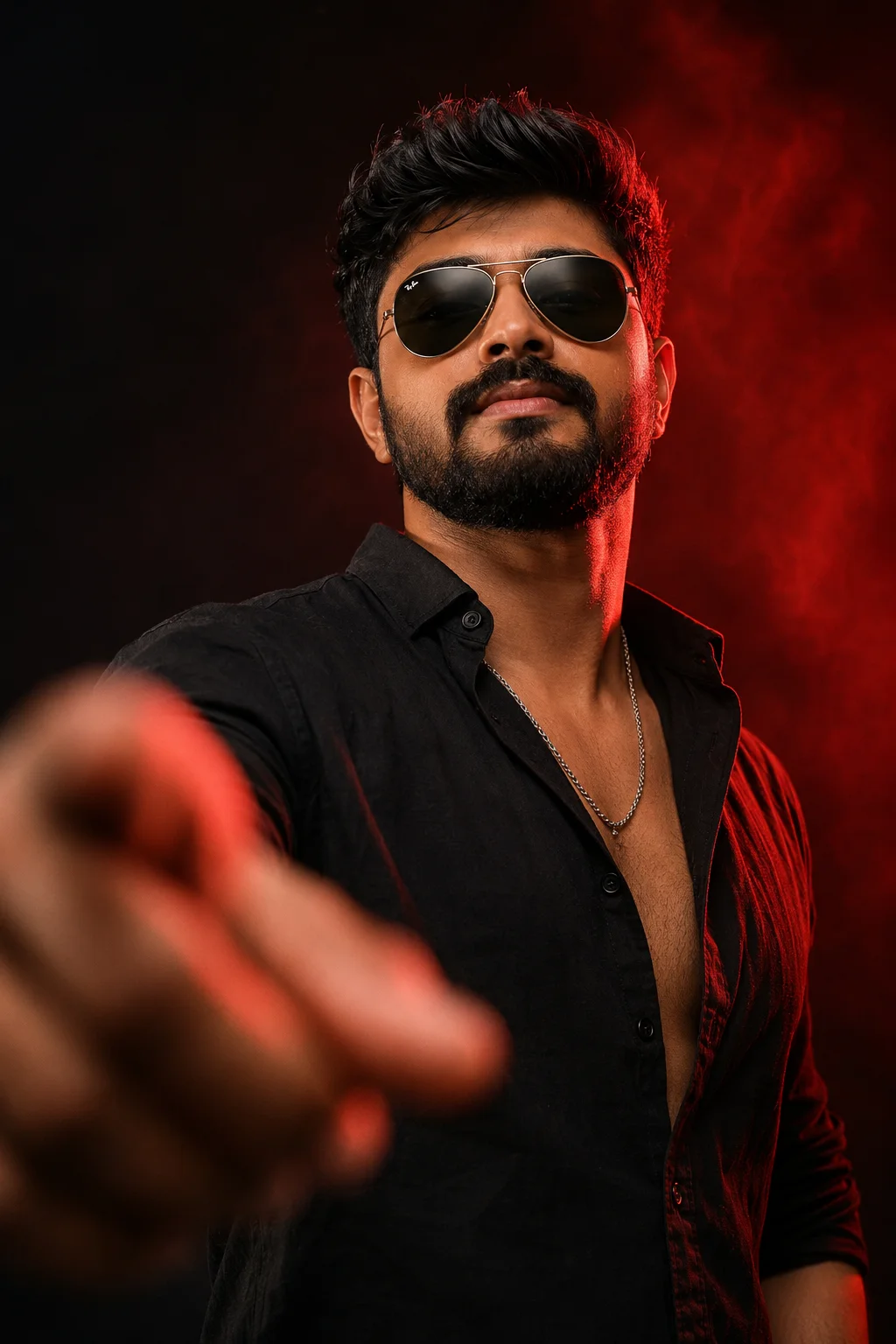
Paste the copied prompt into the message box alongside your uploaded photo. You can personalize specific tokens—such as swapping “dark linen shirt” for “white cotton kurta” or modifying the background scenery. Leave the optical parameters (85mm, f/1.4, natural skin texture) untouched to preserve photorealism.
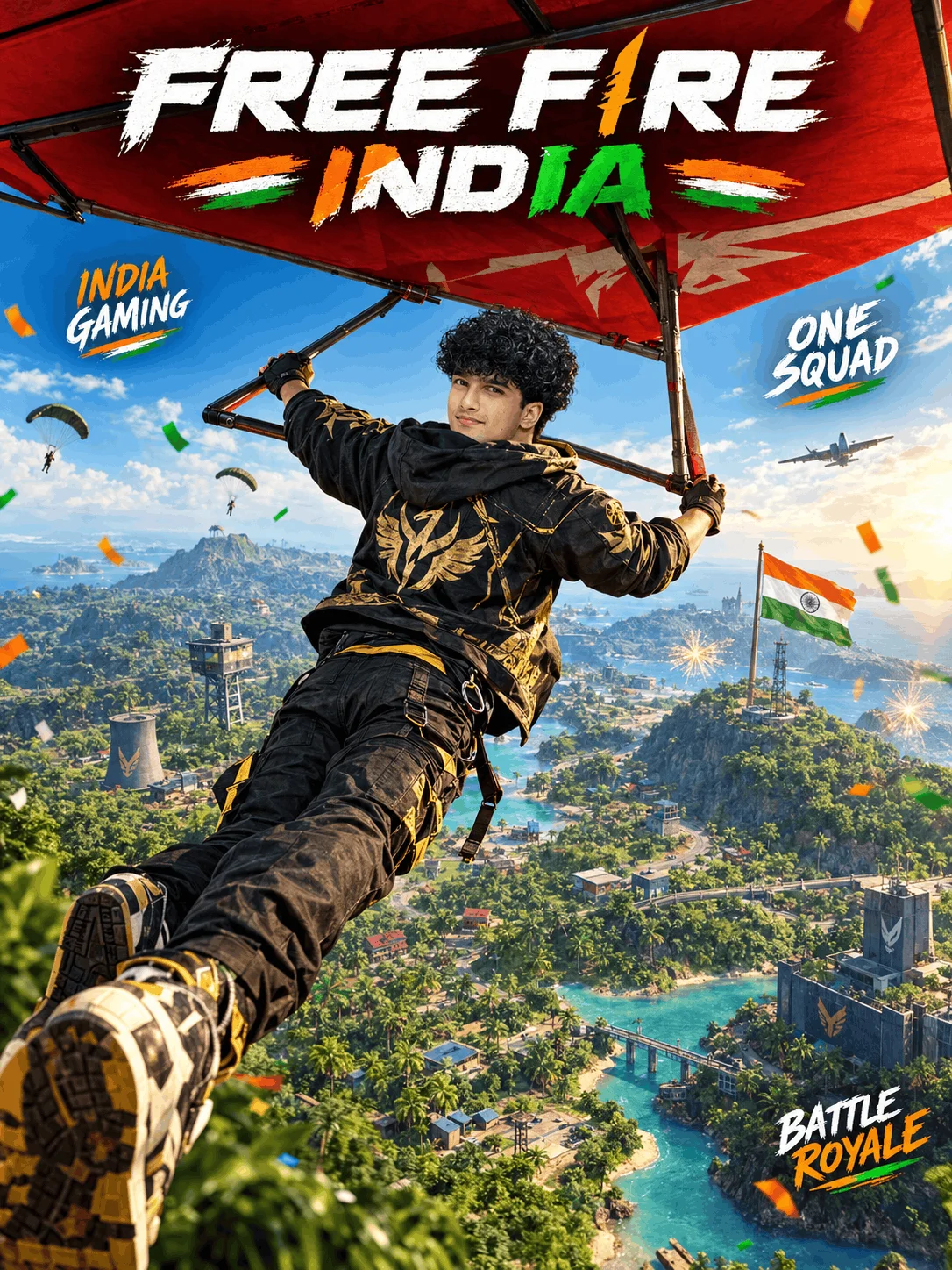
Press the send arrow. In seconds, ChatGPT renders a stunning, uncompressed 4K portrait. If you also want a viral 10-second social video reel, download the still portrait and upload it directly into Kling AI, Luma Dream Machine, or Sora with a gentle motion prompt: “Slow cinematic push-in tracking shot, subtle wind in hair, 24fps motion”.
The 4-Pillar ChatGPT Prompt Anatomy Formula
Why do standard prompts look like fake CGI, while professional prompts look like Vogue magazine covers? Because professional prompts contain four structural pillars:
Commands the diffusion engine to bind tightly to the facial geometry, cheekbones, and eye shape of the uploaded selfie, preventing identity drift.
Instructs physical light behavior: directional 5600K golden sunlight, edge rim highlights, and soft falloff shadows instead of flat synthetic ambient illumination.
Specifies real-world materials: raw textured linen, heavyweight cotton twill, or weathered leather with visible weave patterns to kill plastic sheen.
Stops the AI from aggressive digital skin-smoothing by requiring visible micro-pores, natural epidermal texture, and fine stray hair strands.
The Dual-Power Strategy: Why Image-First, Video-Second?
Many creators ask: “Can I ask ChatGPT to generate a video directly?” ChatGPT's native strength lies in ultra-detailed, uncompressed still images via DALL-E 3. Directly attempting text-to-video often results in warped hands and melting faces.
The winning creator workflow is Image-to-Video Extrapolation:
Top 4 Trending ChatGPT Prompt Niches in 2026
Frequently Asked Questions (ChatGPT Prompt Guide)
Yes, 100%. Every single prompt formula in this hub is royalty-free and available for instant 1-click copying. You do not need any subscription or paid membership to access our prompt vault.
Always attach a well-lit frontal selfie first. In your prompt, explicitly state: “Lock and maintain the exact facial features, bone structure, and skin tone of the attached image. Only transform wardrobe and background lighting without altering facial identity.”
Yes. Under OpenAI’s current terms of service, you own the creative outputs generated through ChatGPT prompts. You are free to post and monetize them on YouTube Shorts, Instagram Reels, and TikTok according to standard platform disclosure policies.
For Instagram feed posts and DP pictures, use 4:5 (vertical) or 1:1 (square). For Instagram Reels, TikTok, and YouTube Shorts, specify 9:16 vertical full-screen in your prompt.
Download the high-resolution output from ChatGPT. Open an AI video generator like Kling AI (v1.5) or Luma Dream Machine, choose “Image to Video”, upload your still portrait, and prompt a gentle cinematic motion such as “subtle breeze fluttering through hair, slow eye blink, soft camera pull-back”.
Editorial & Platform Disclosure: Emojora is an independent digital creative platform and prompt directory. This guide is curated for educational, stylistic, and creative reference. Emojora is not affiliated with, sponsored by, or endorsed by OpenAI, ChatGPT, or third-party proprietary AI platforms. All product names, logos, and brands are property of their respective owners.