
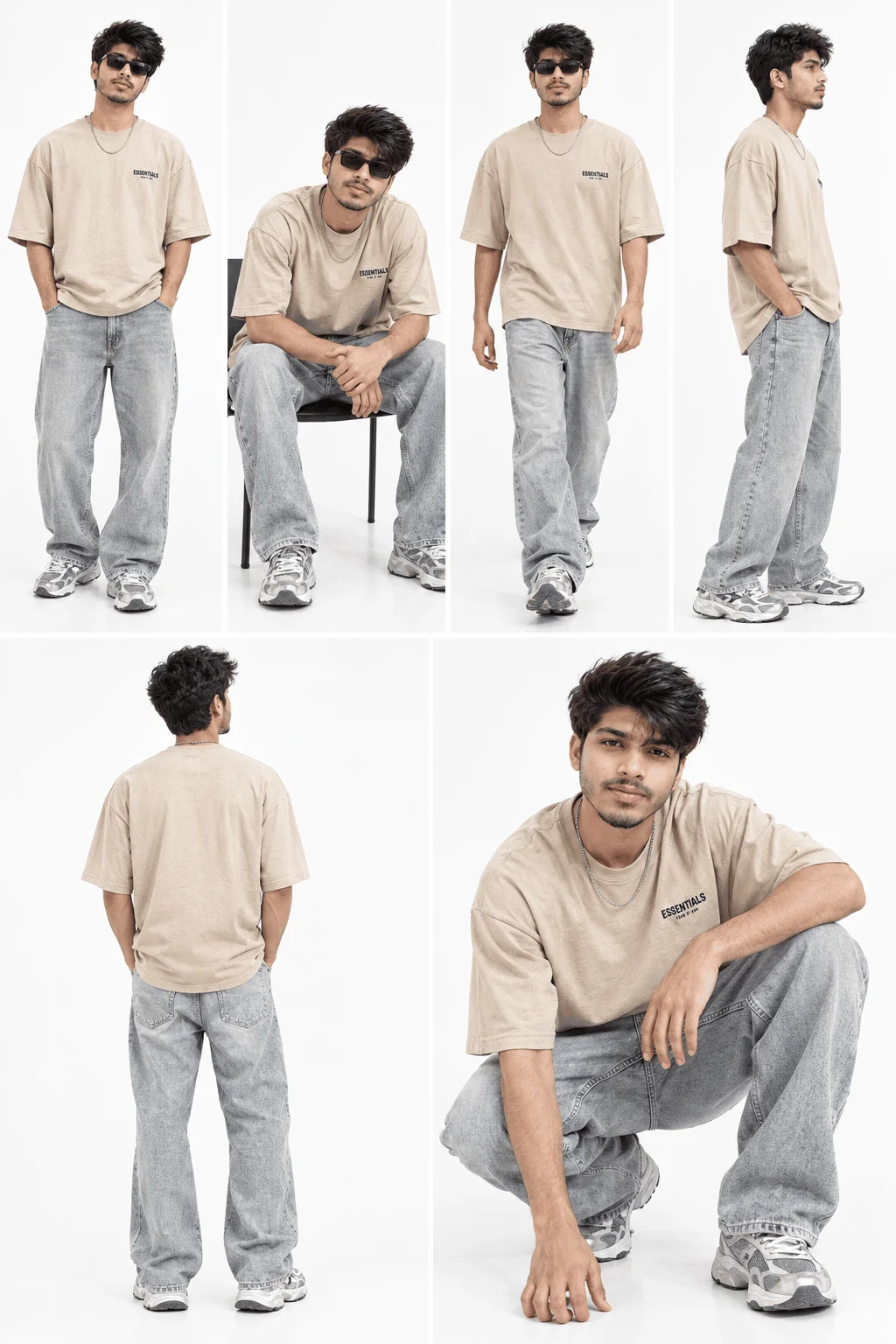
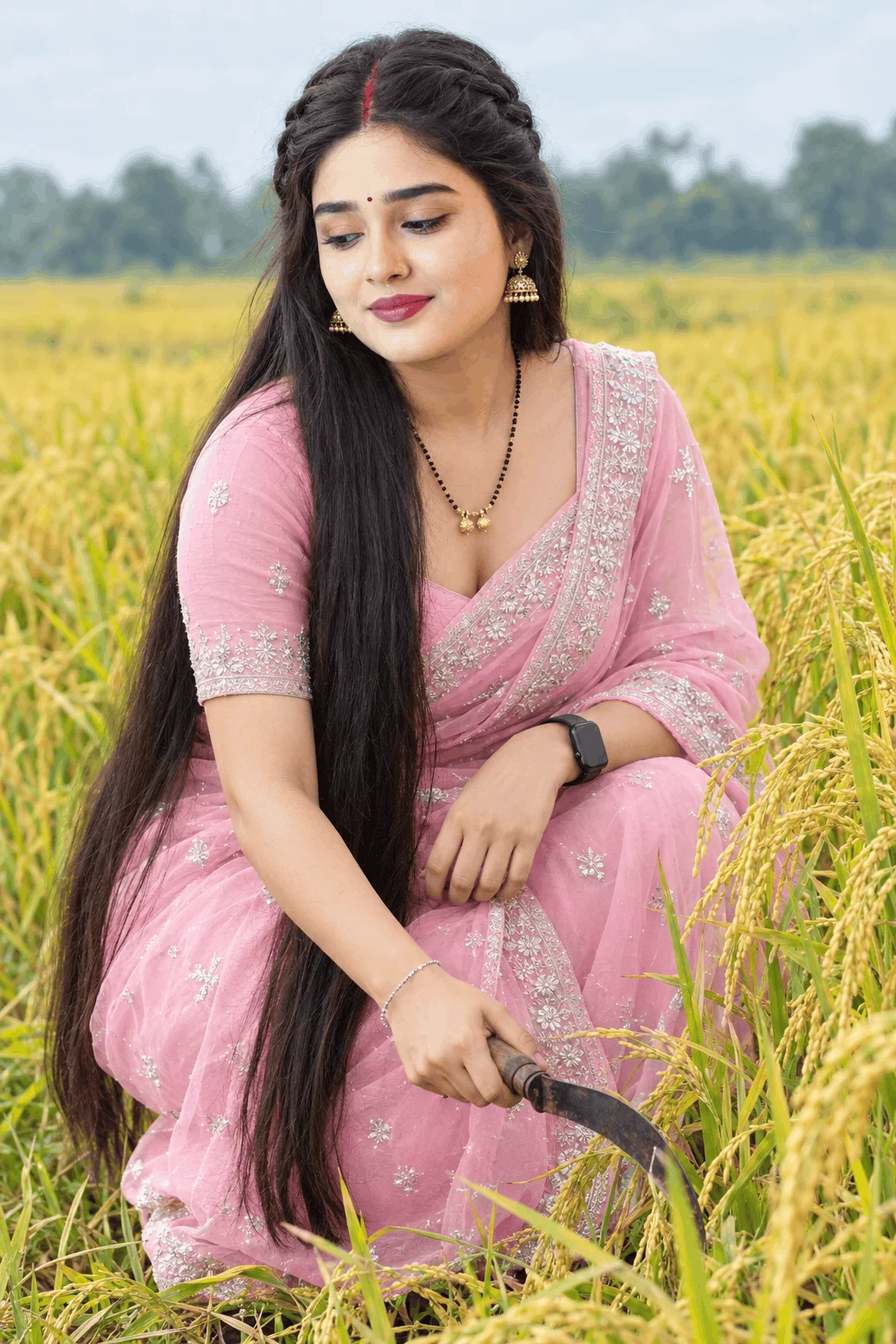
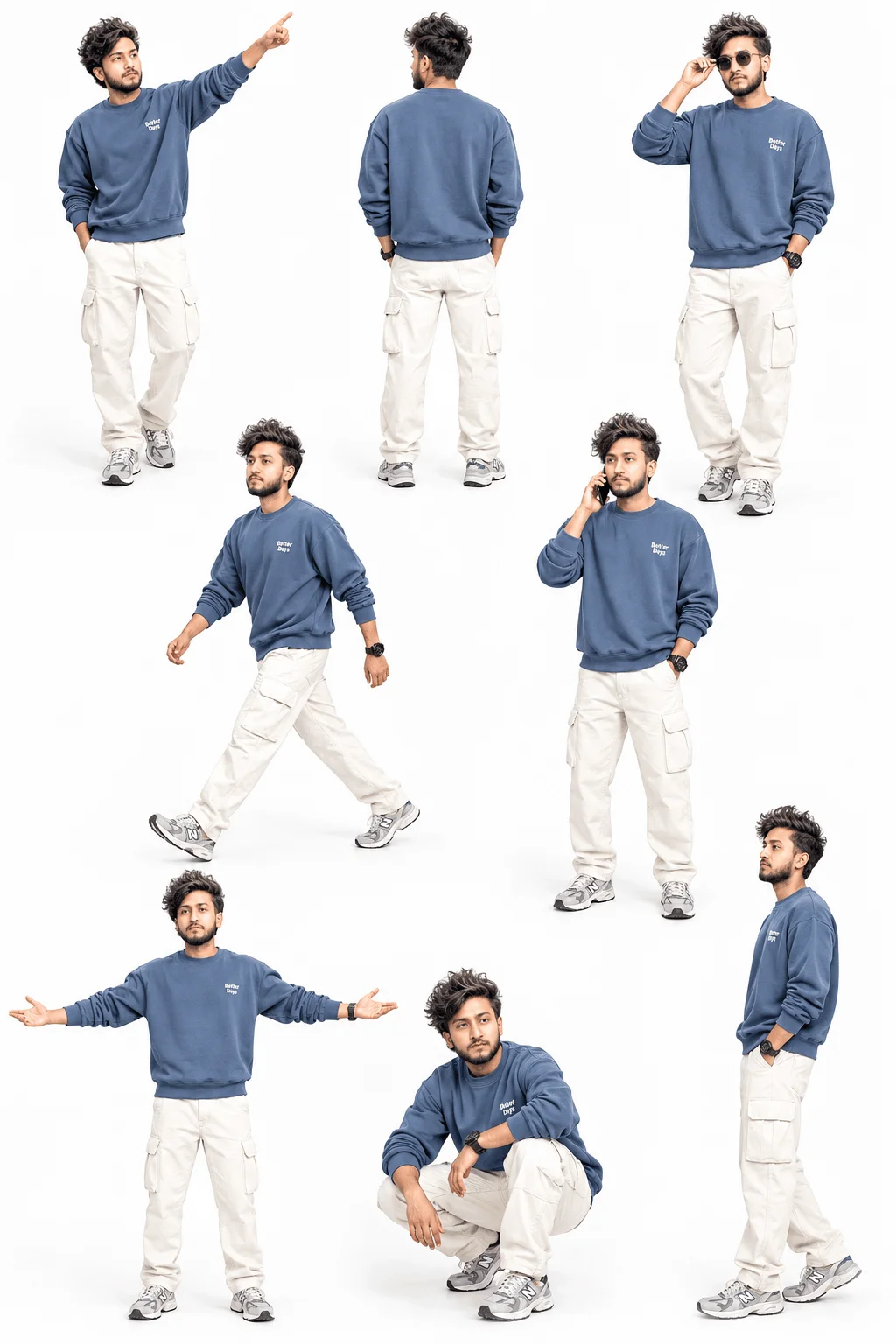
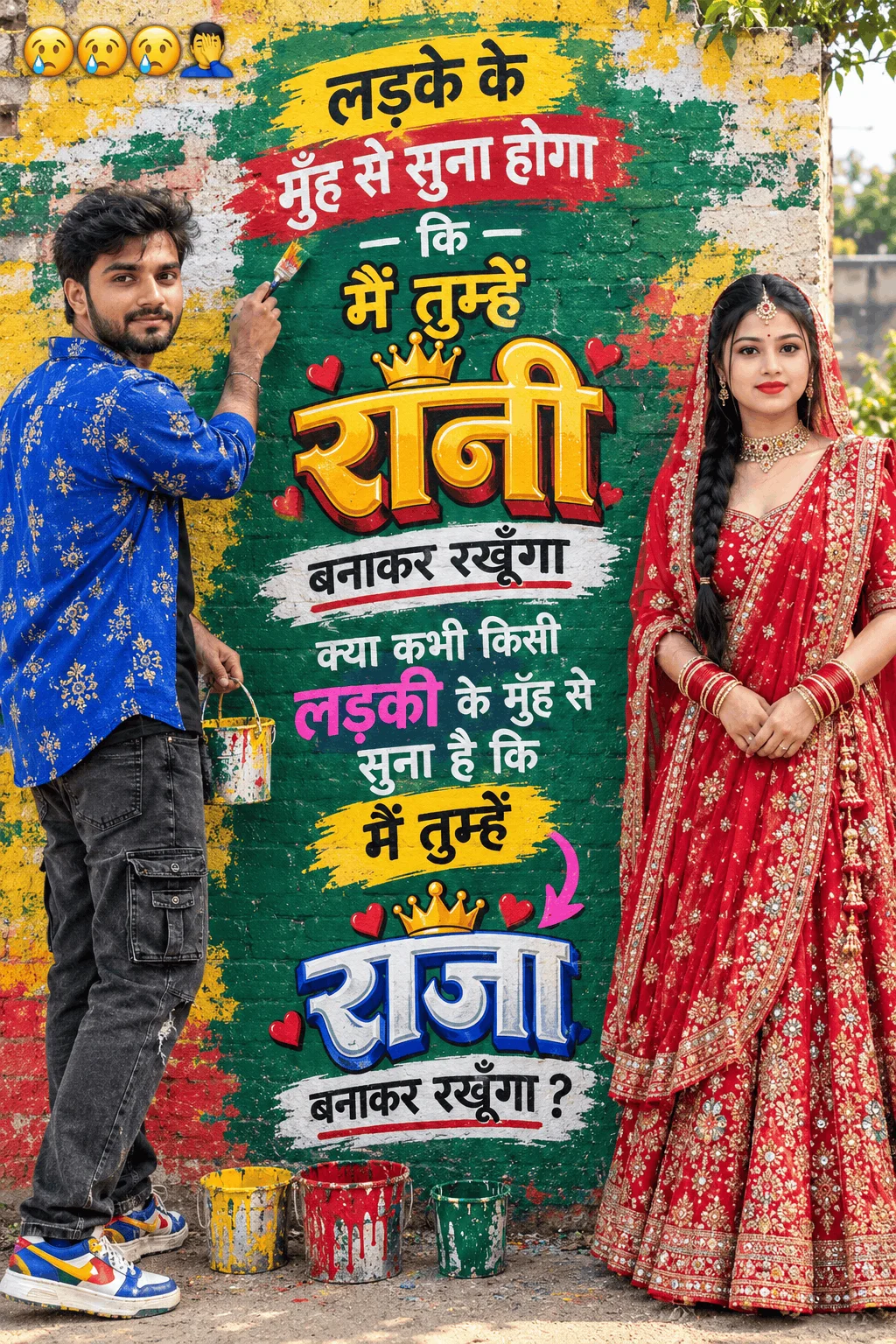
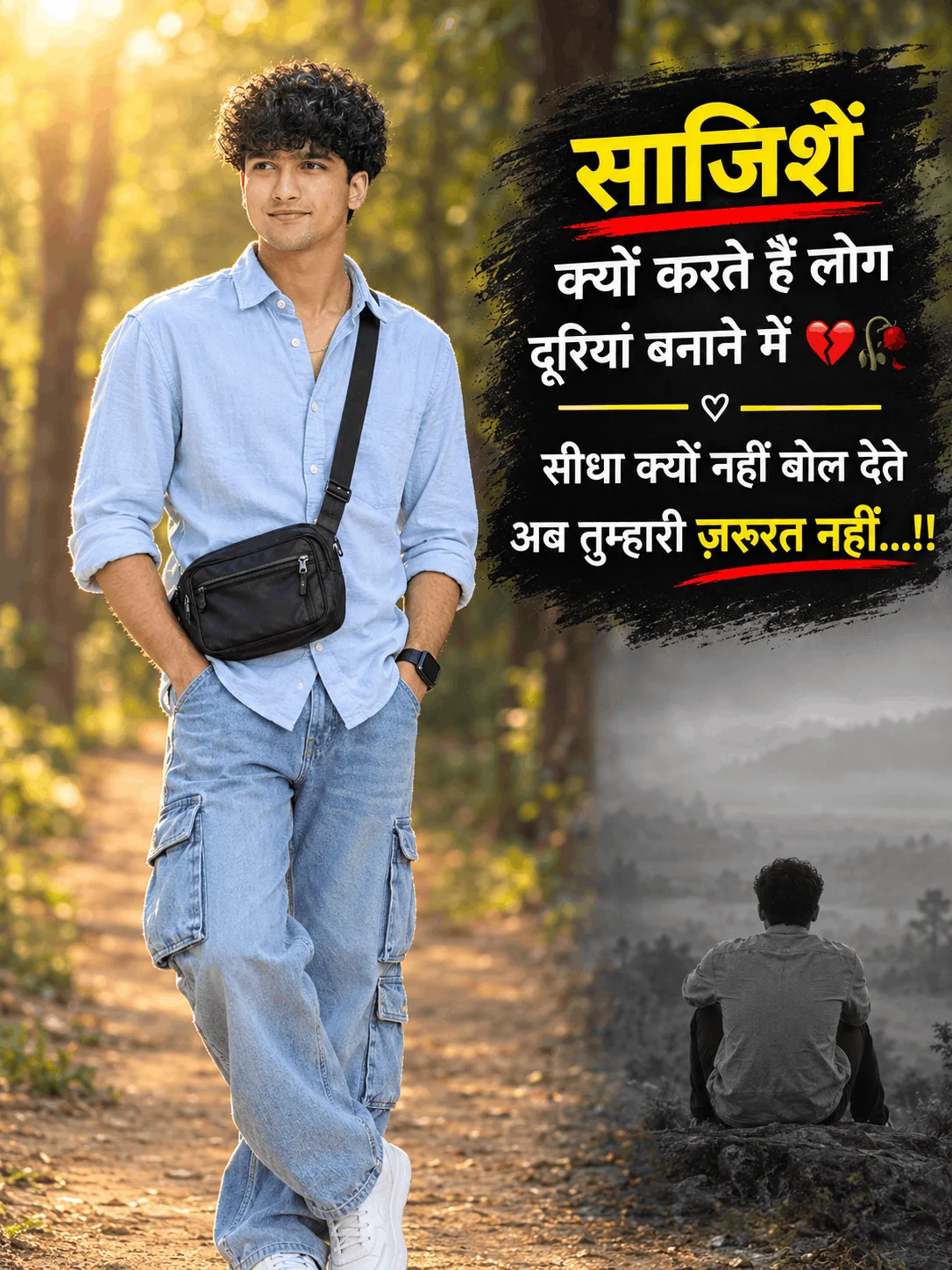
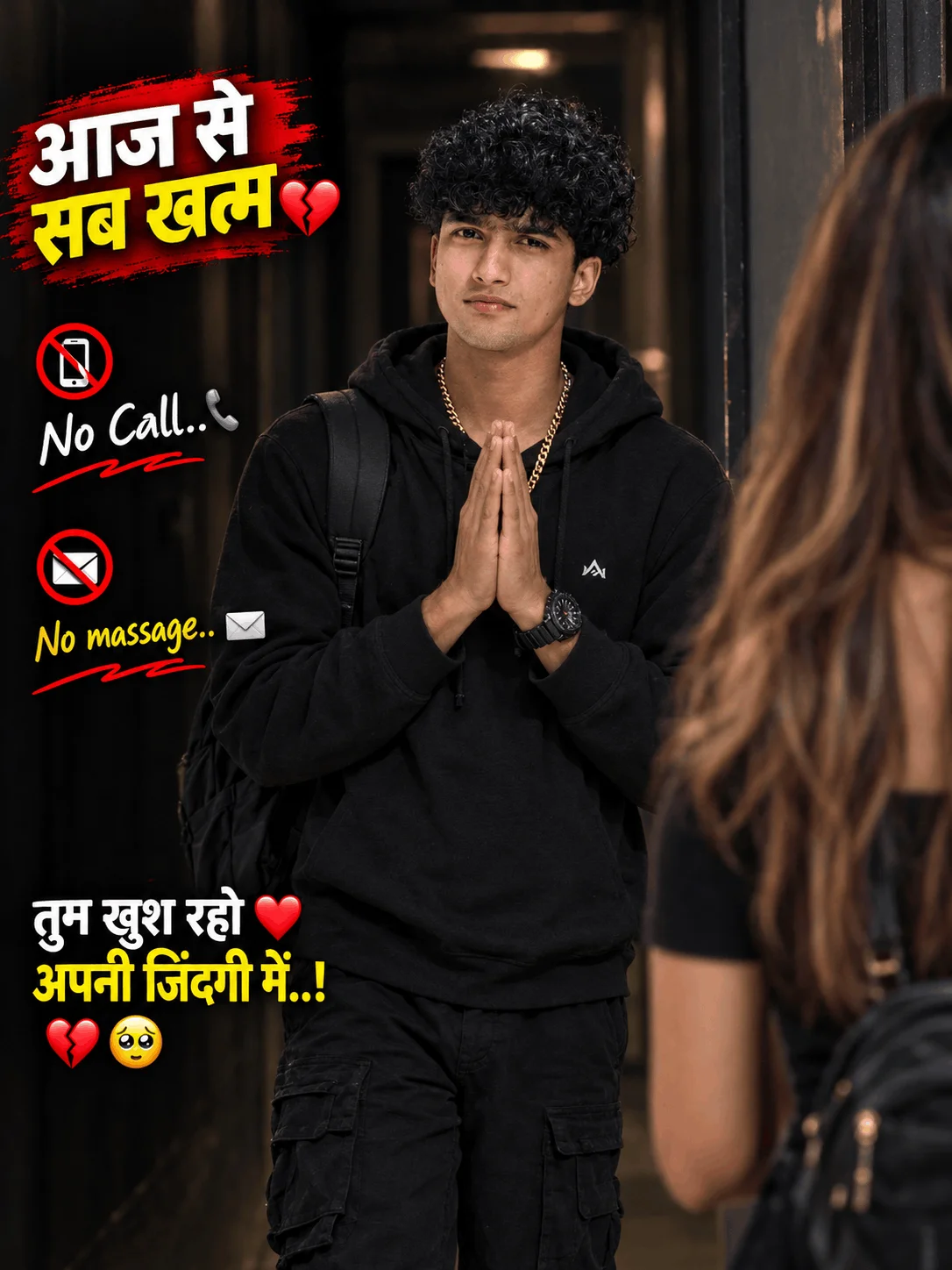
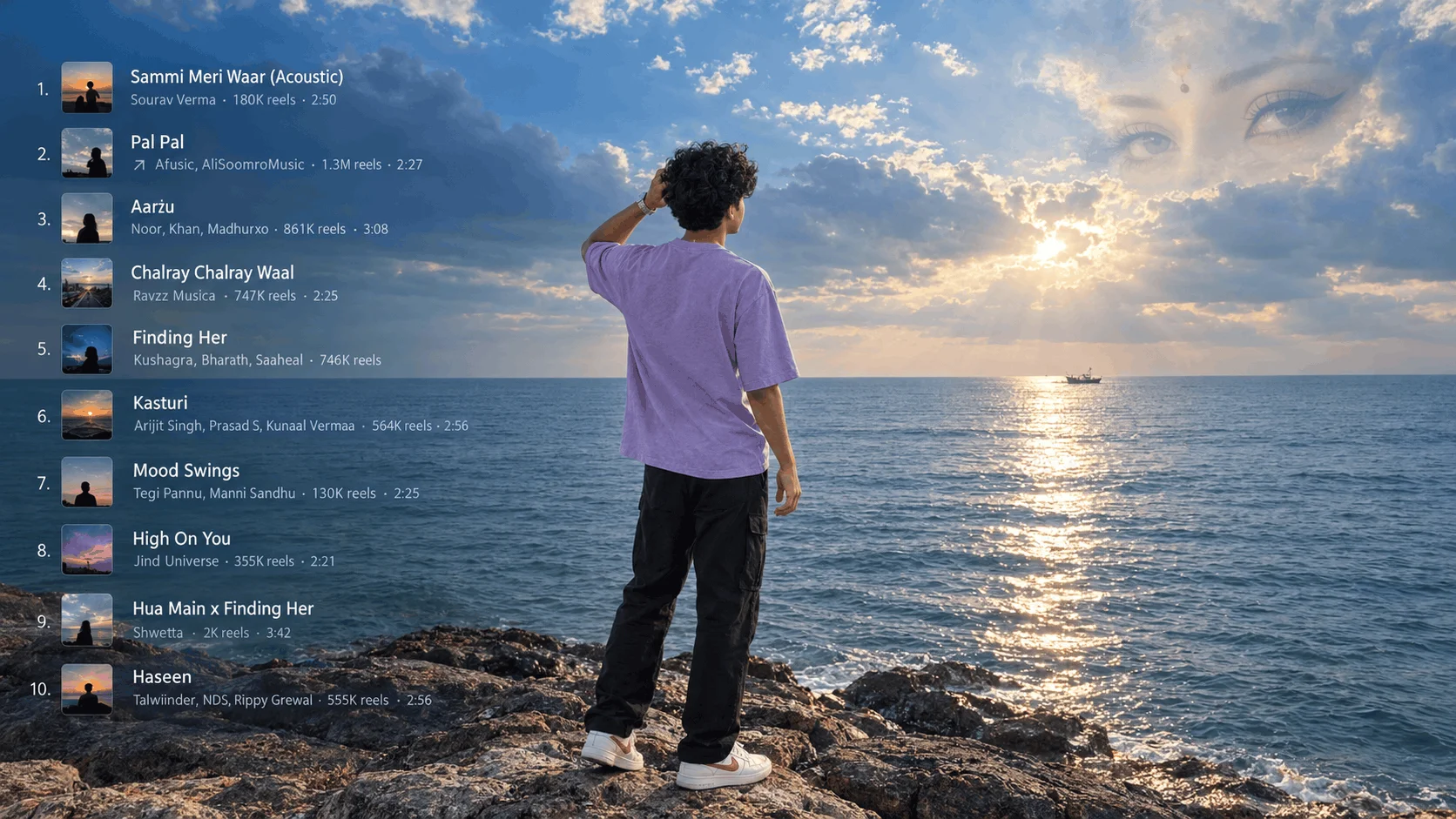
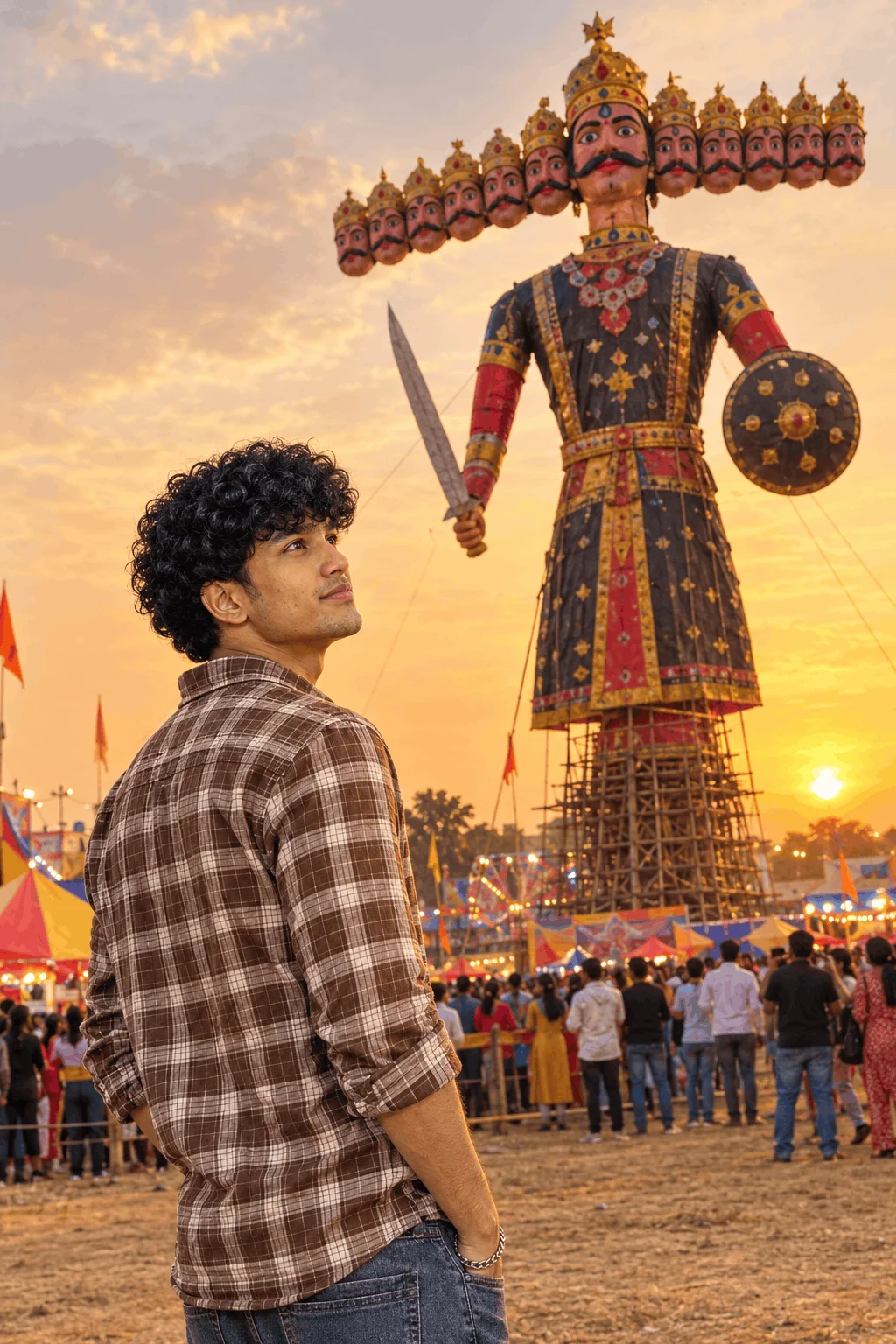
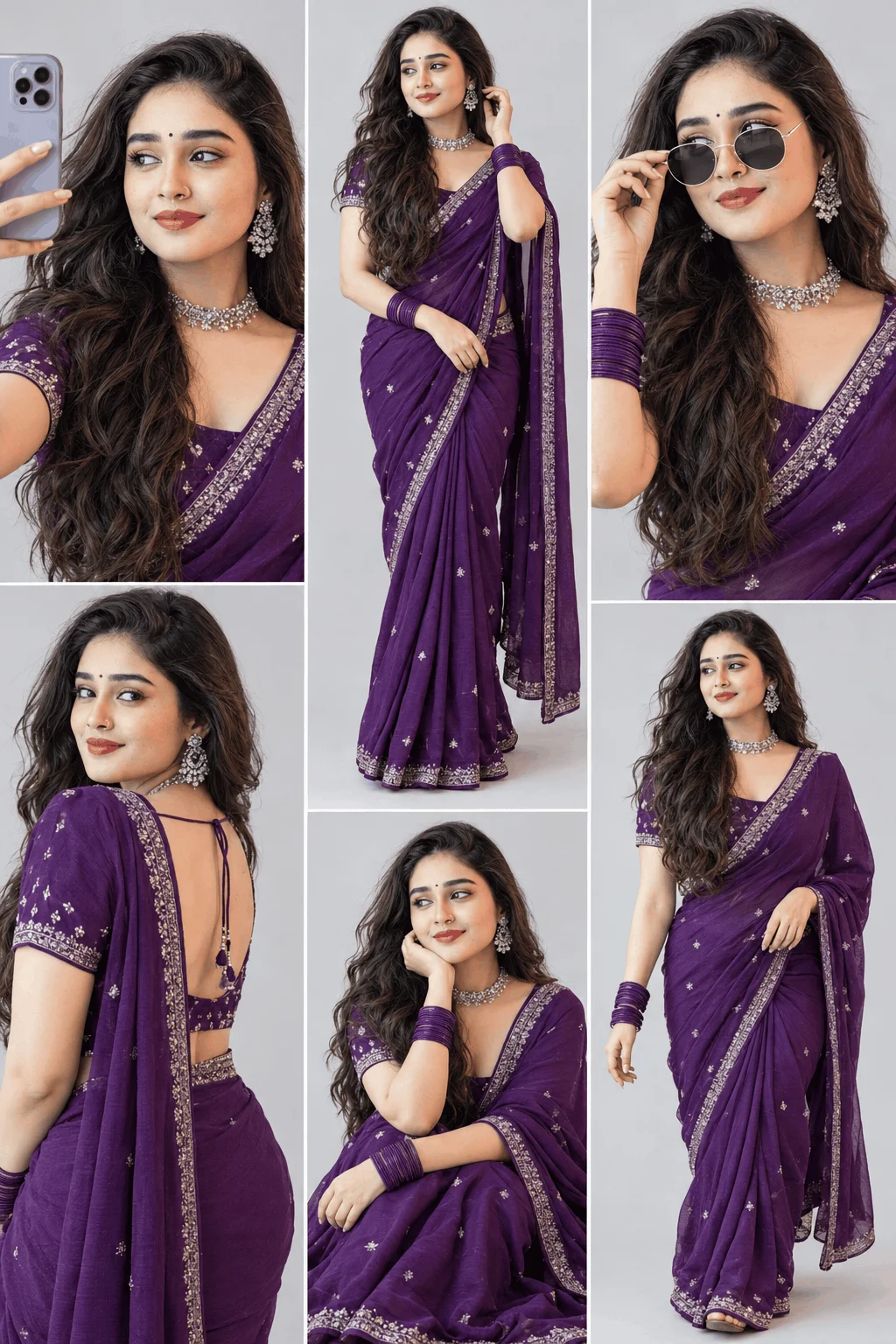
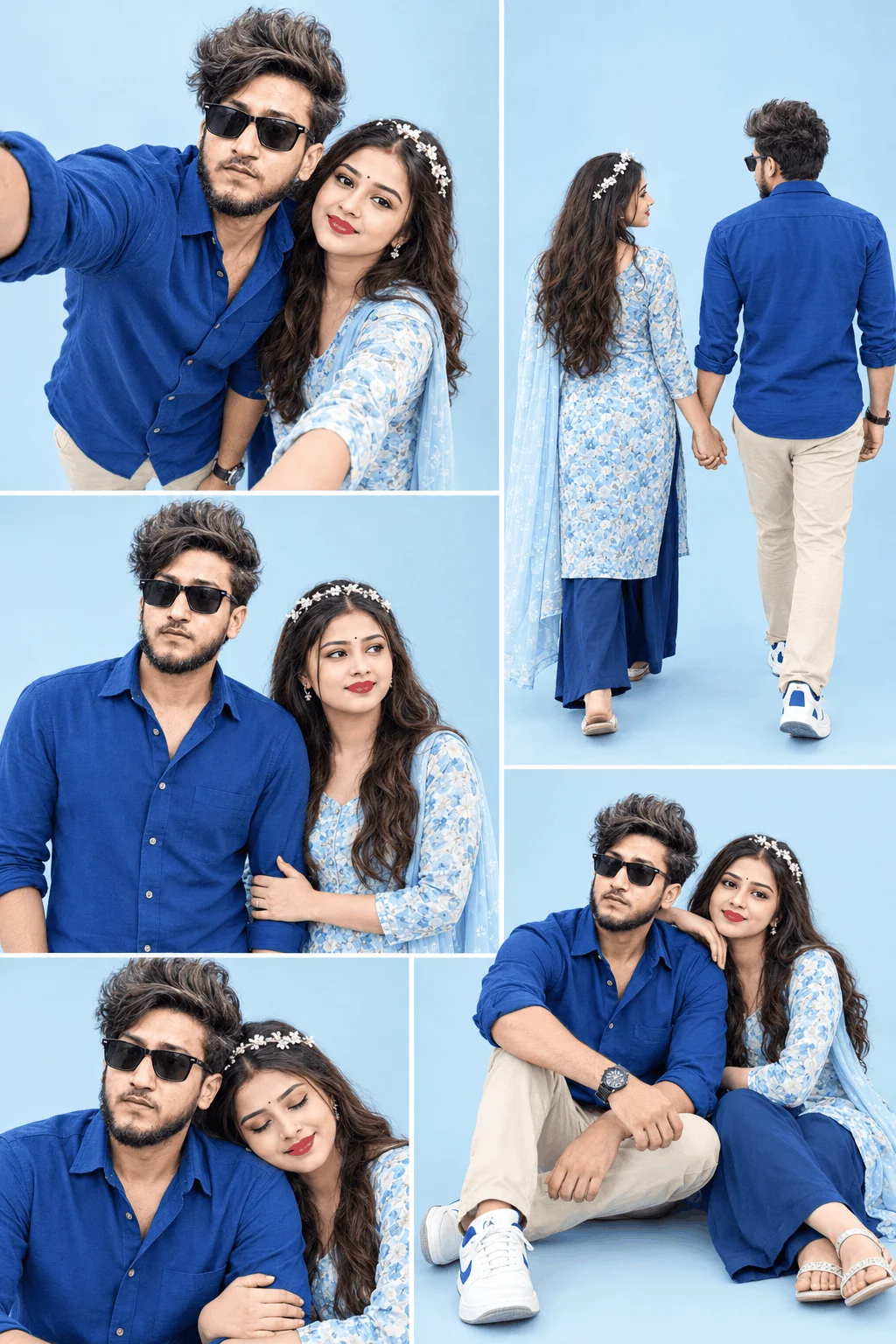
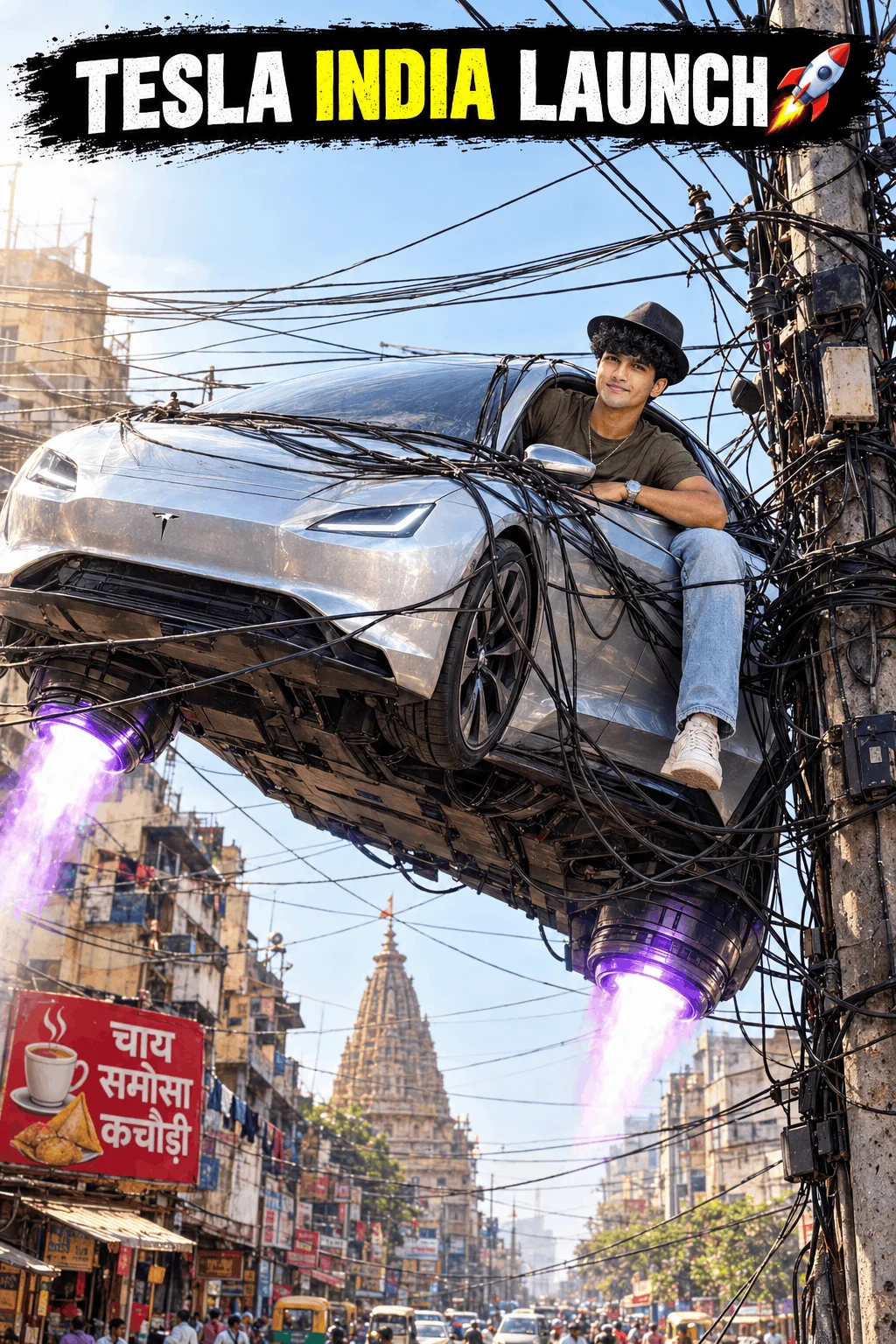
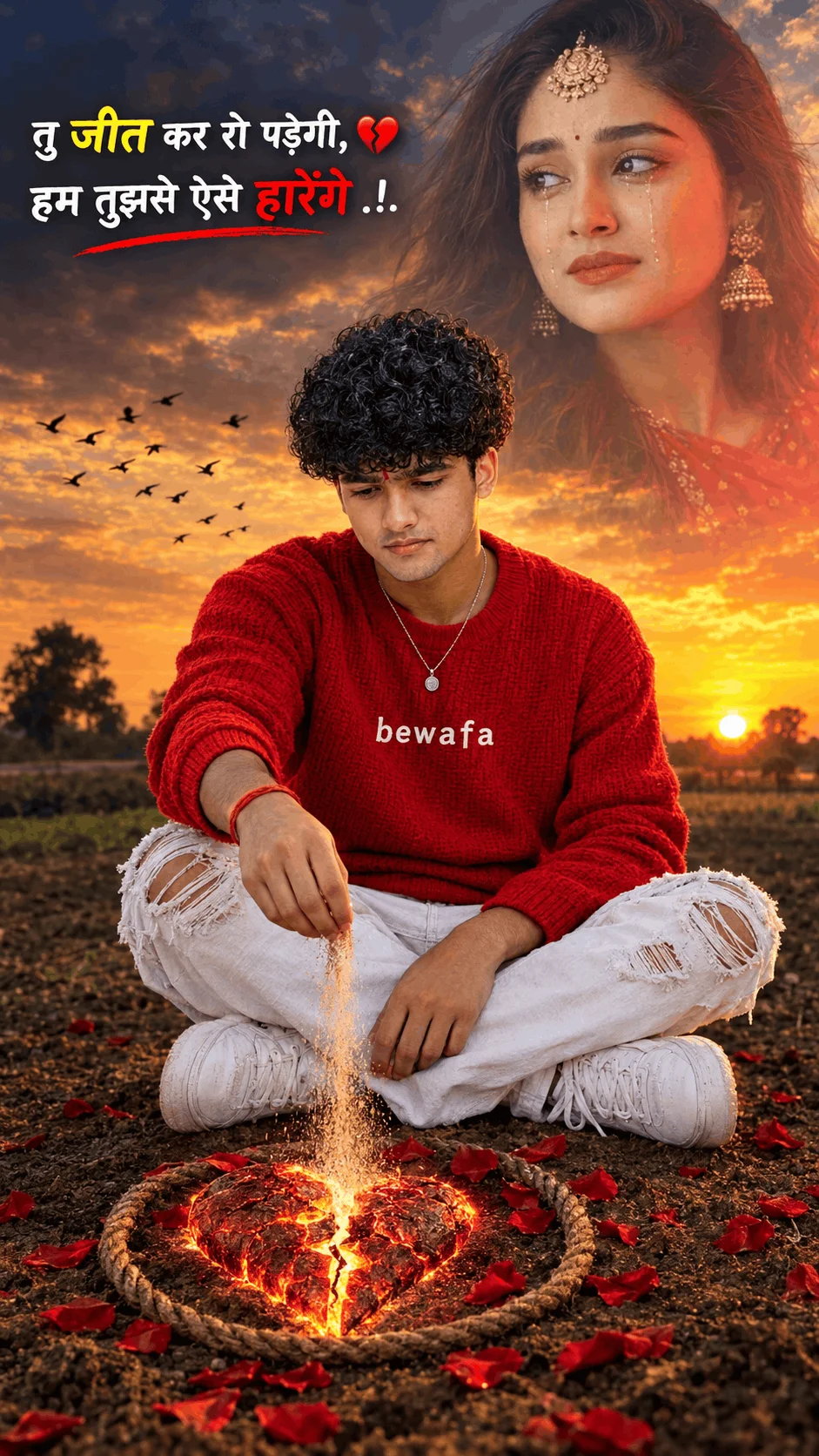
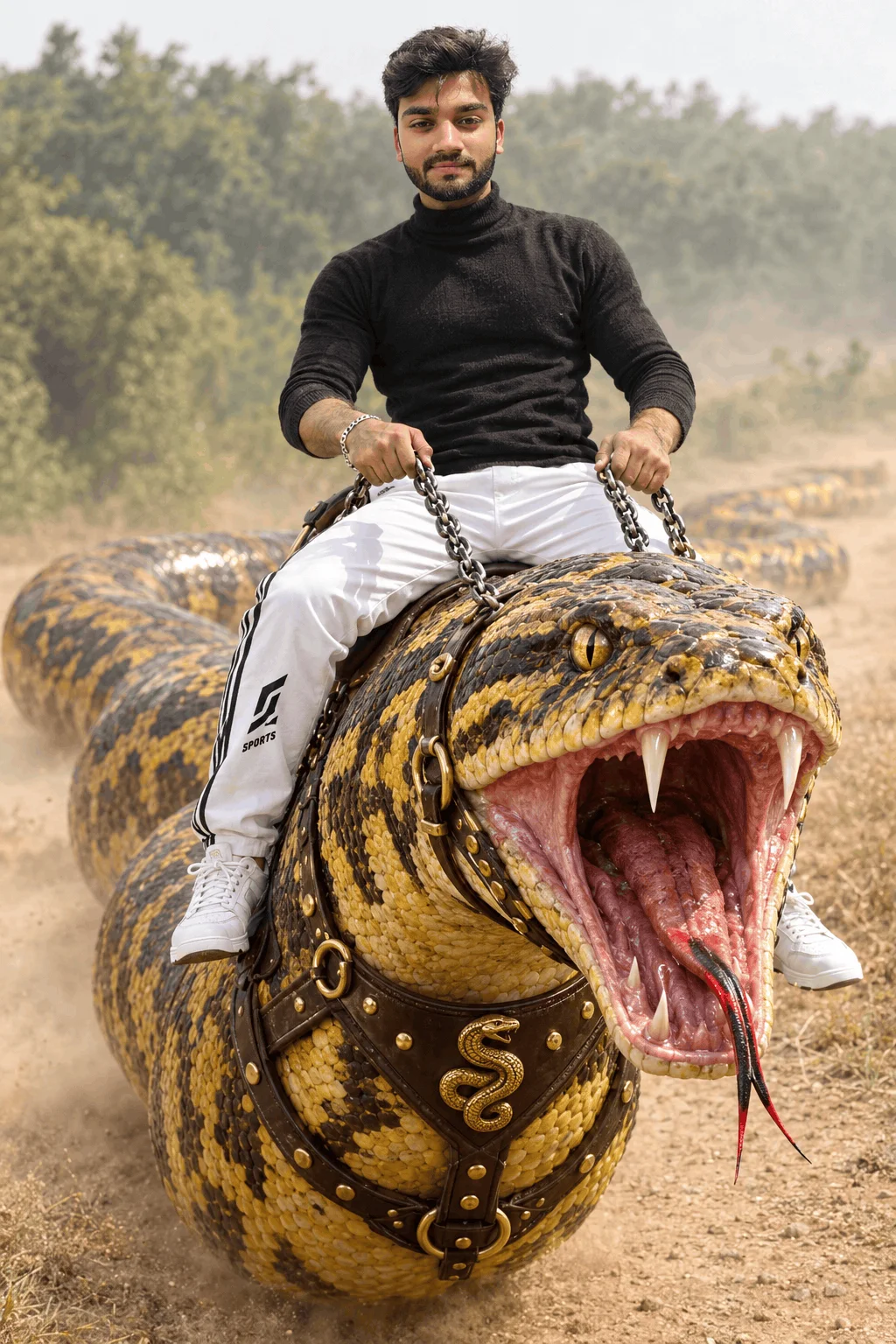
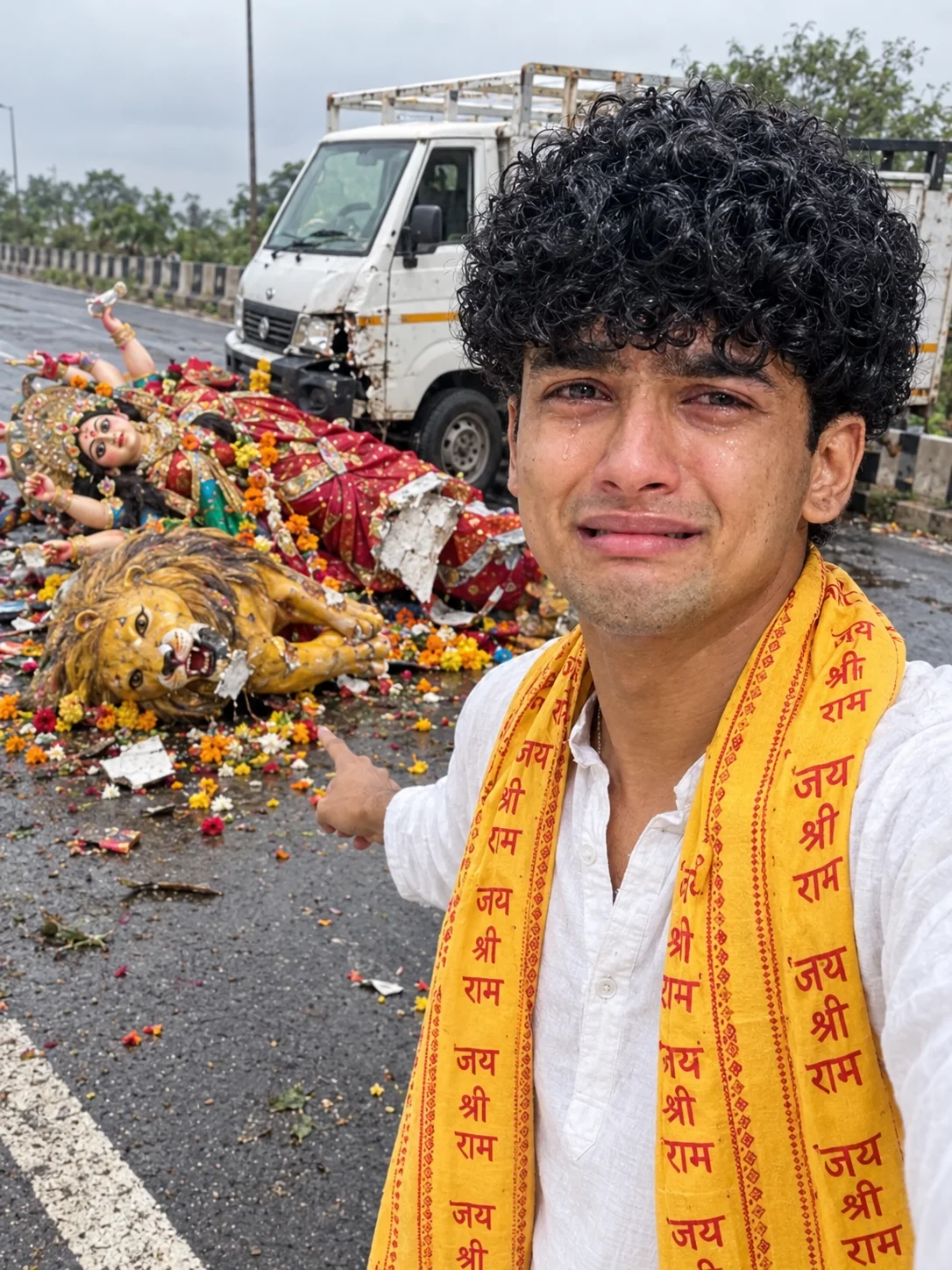
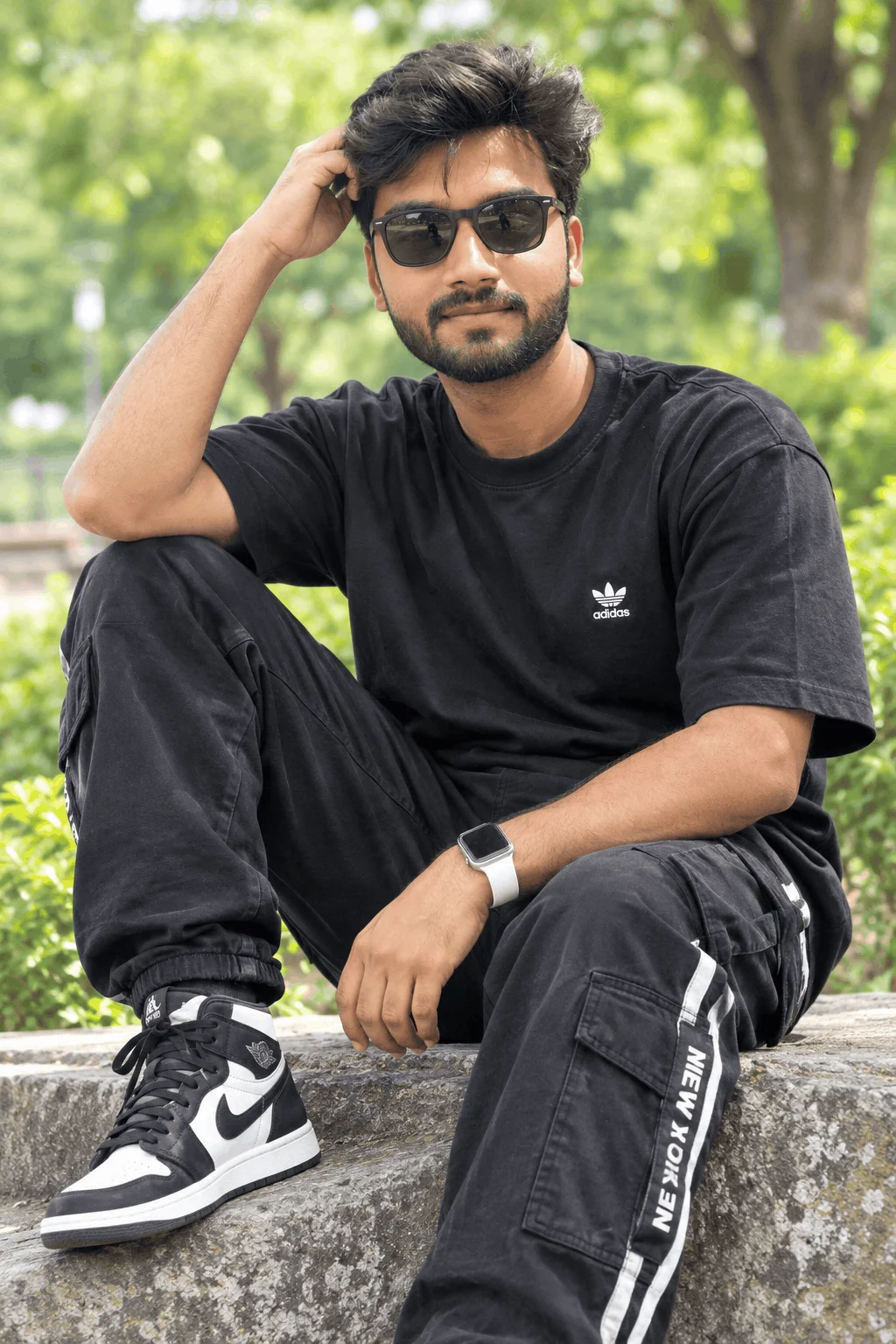
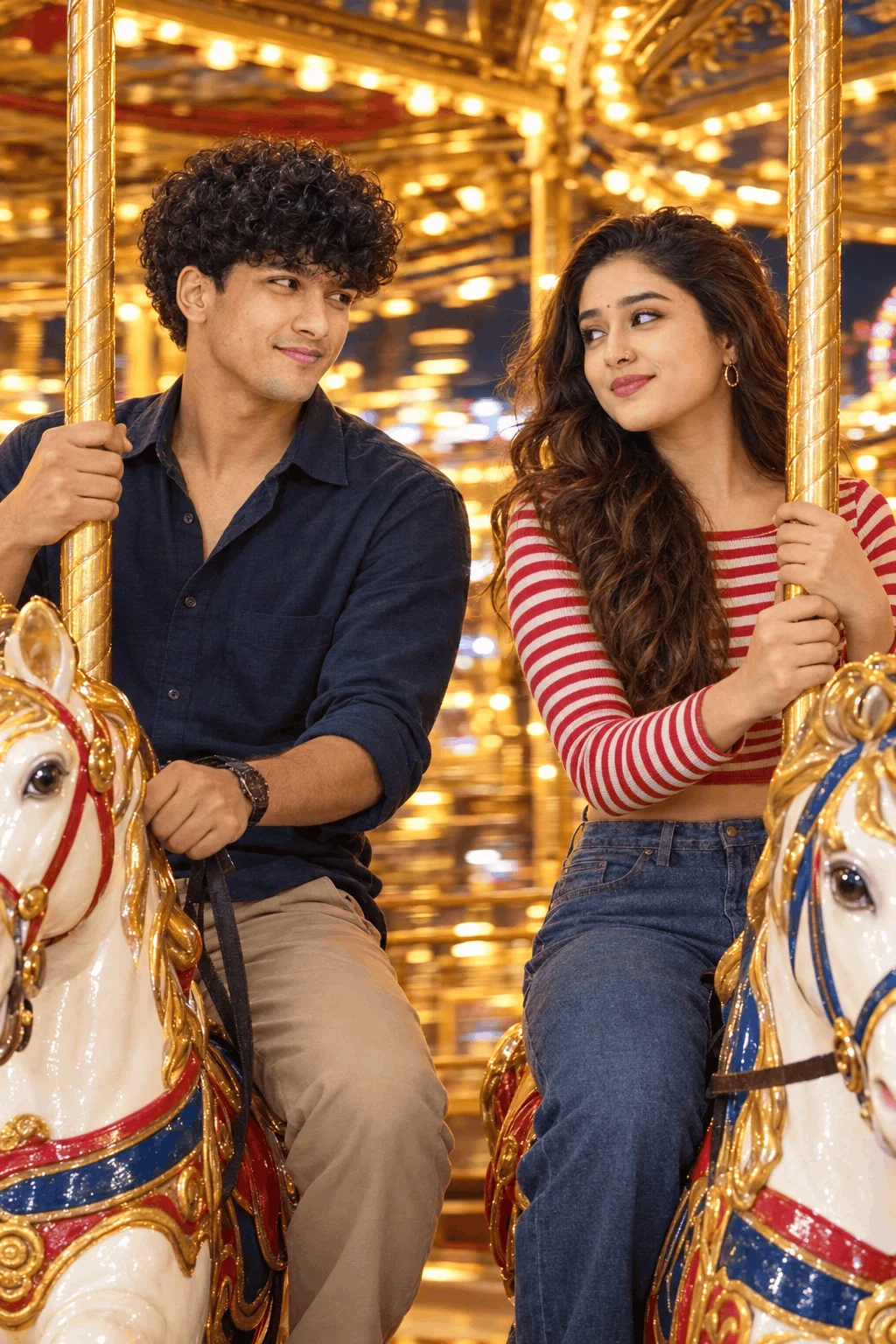
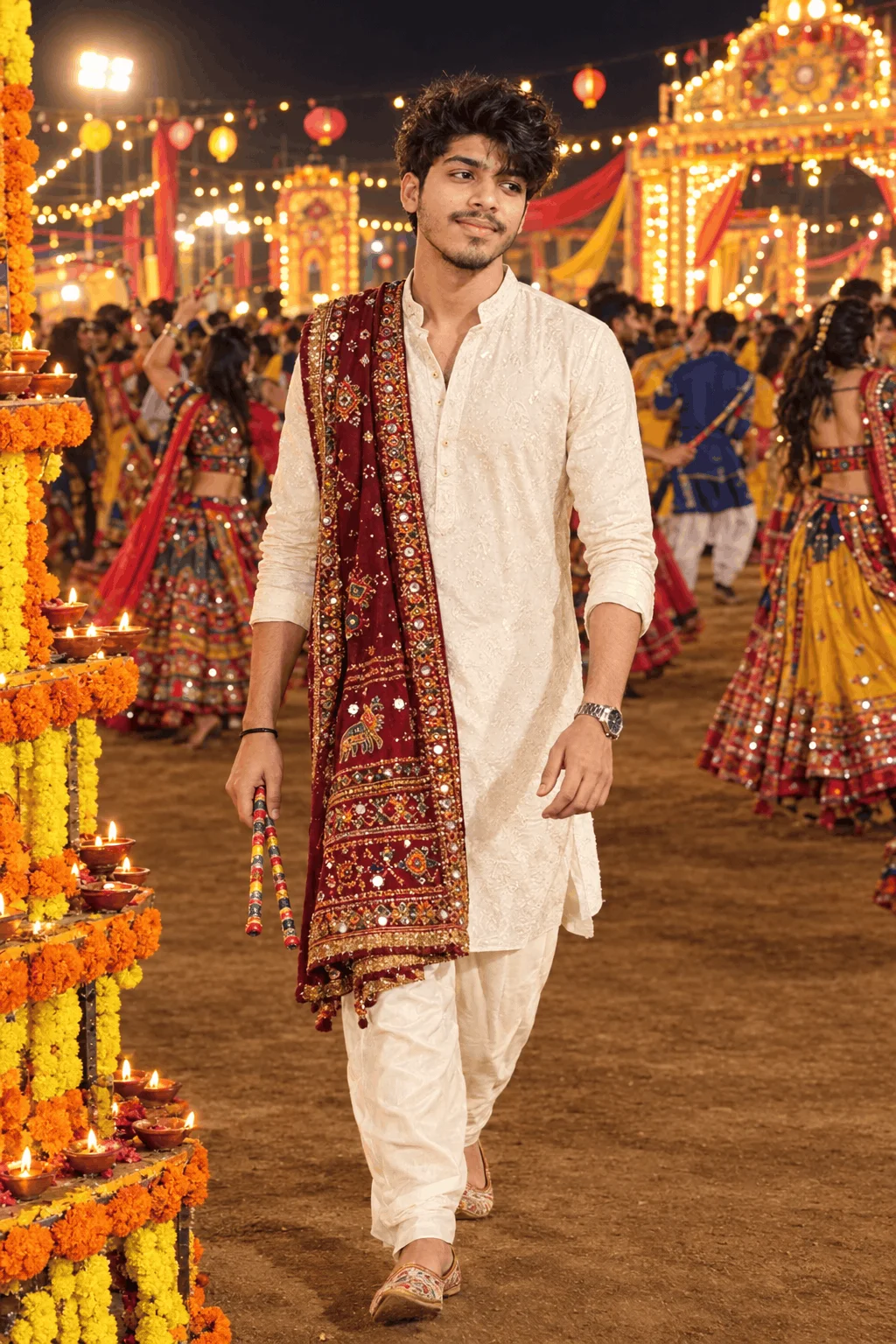
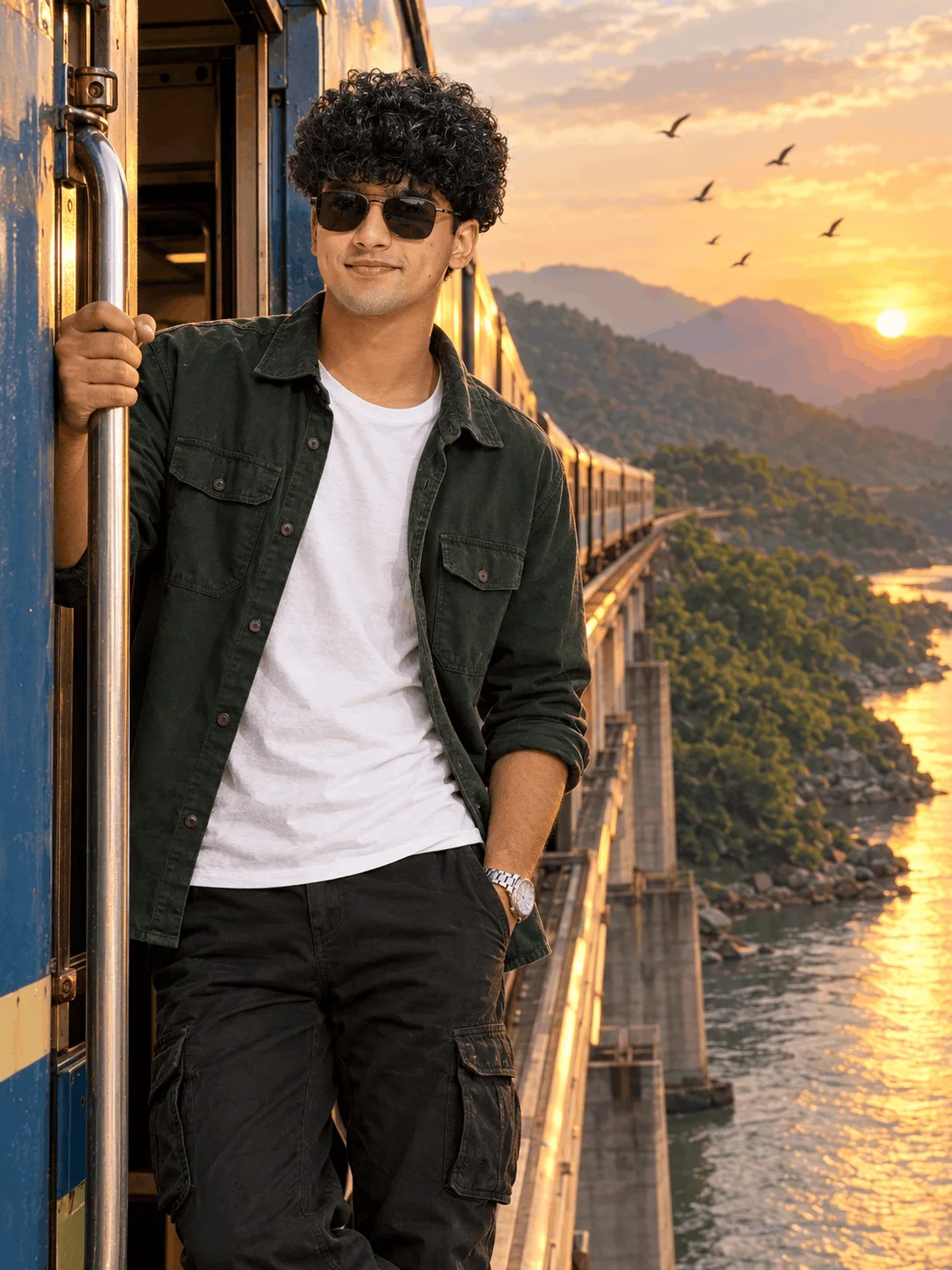
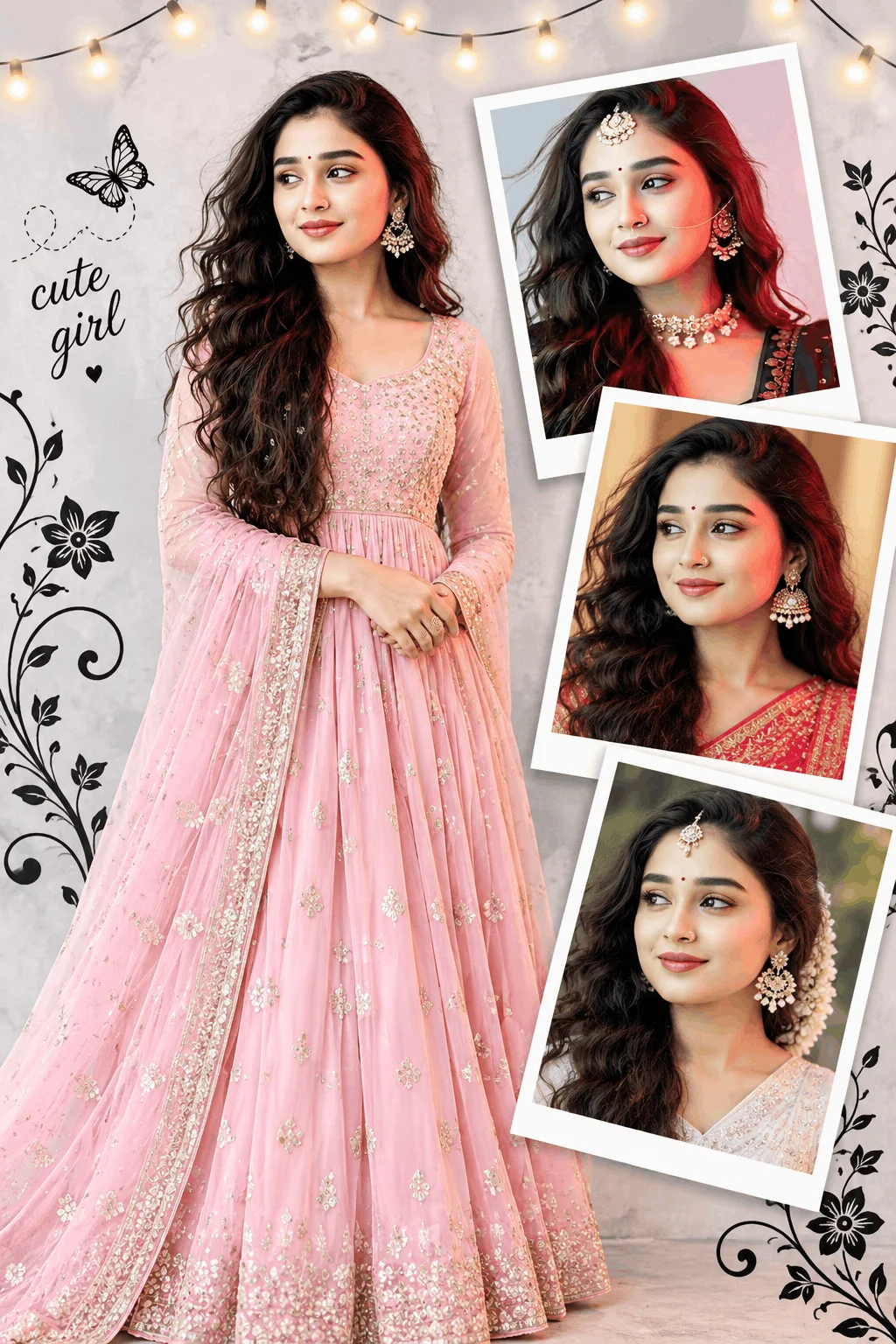
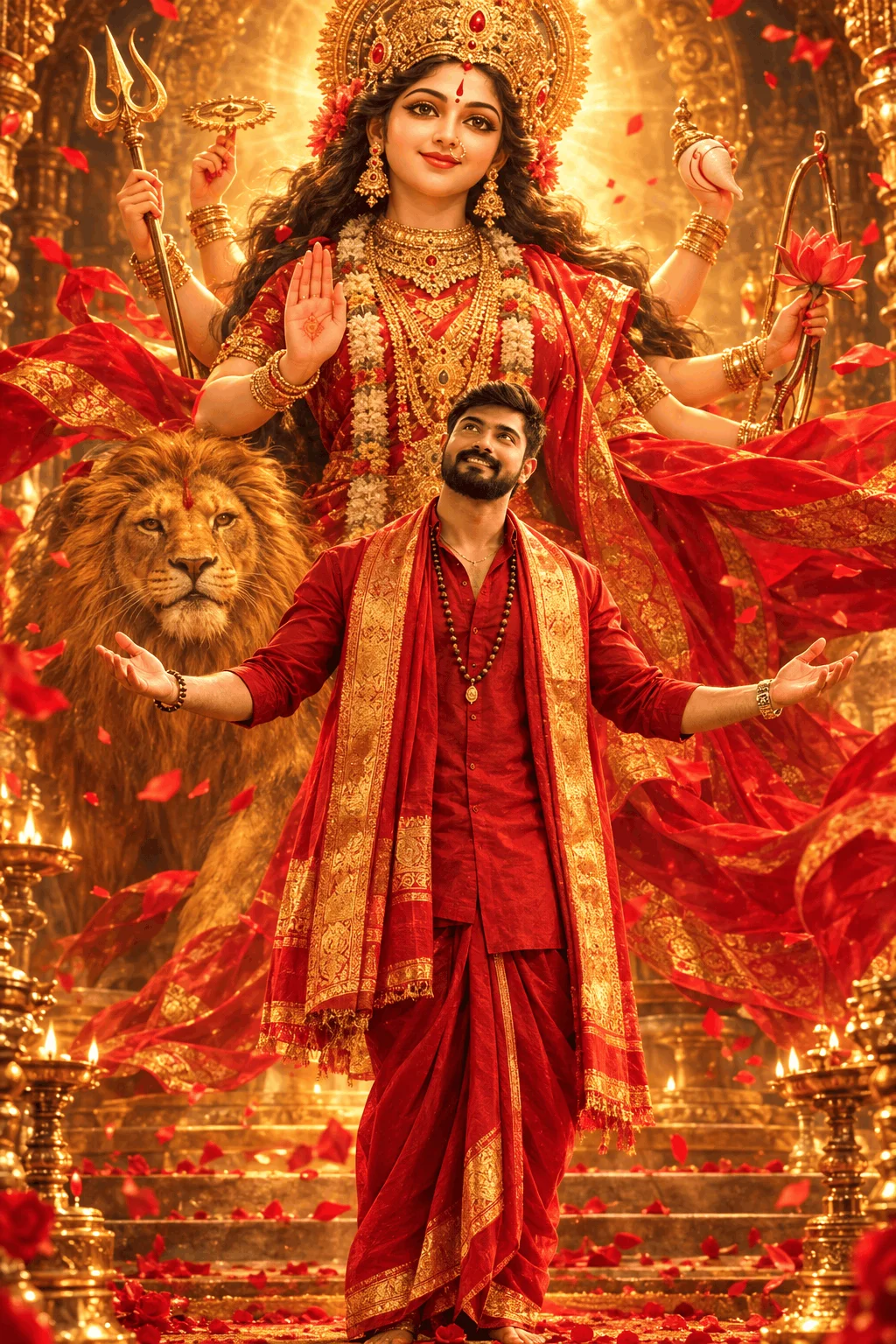
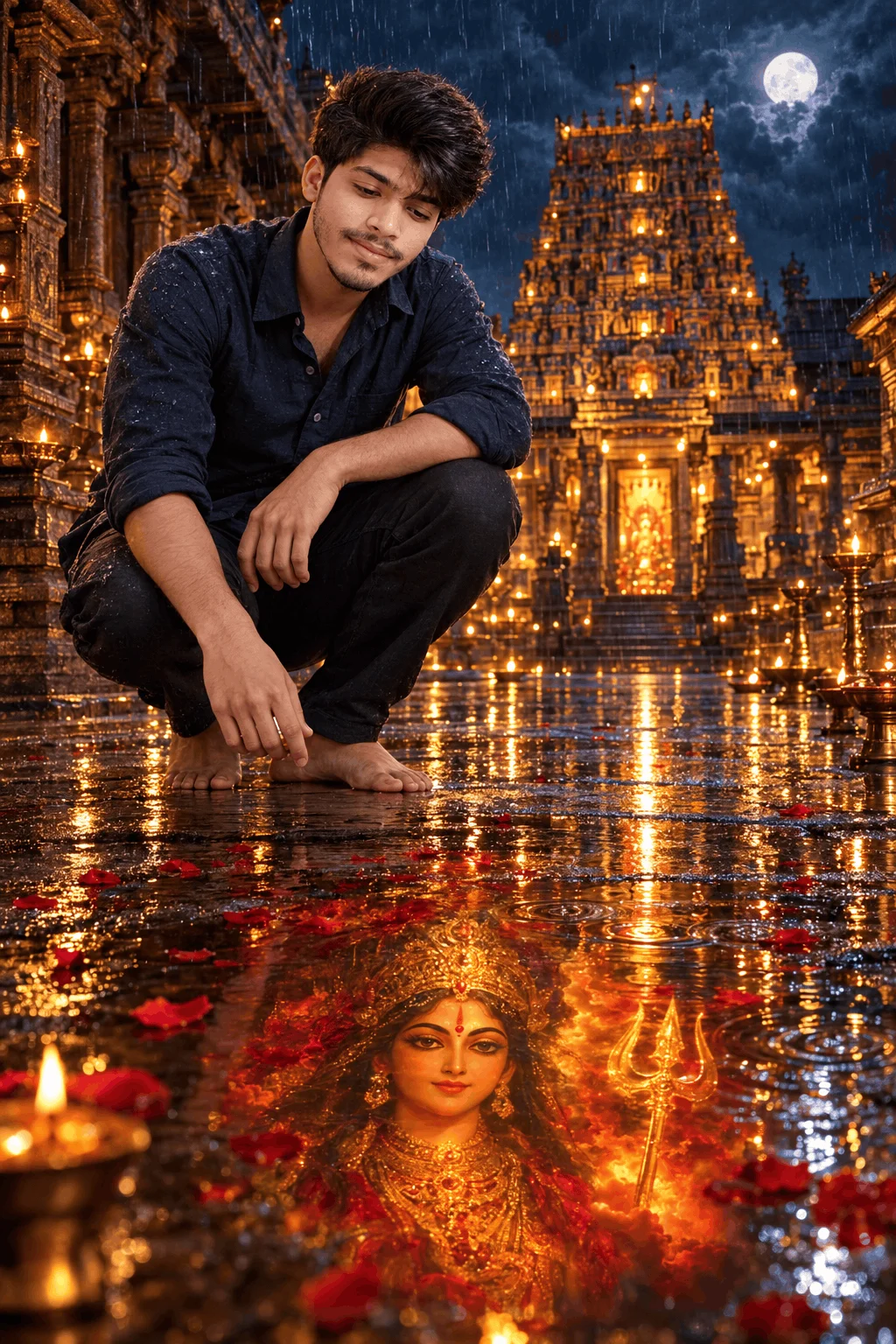
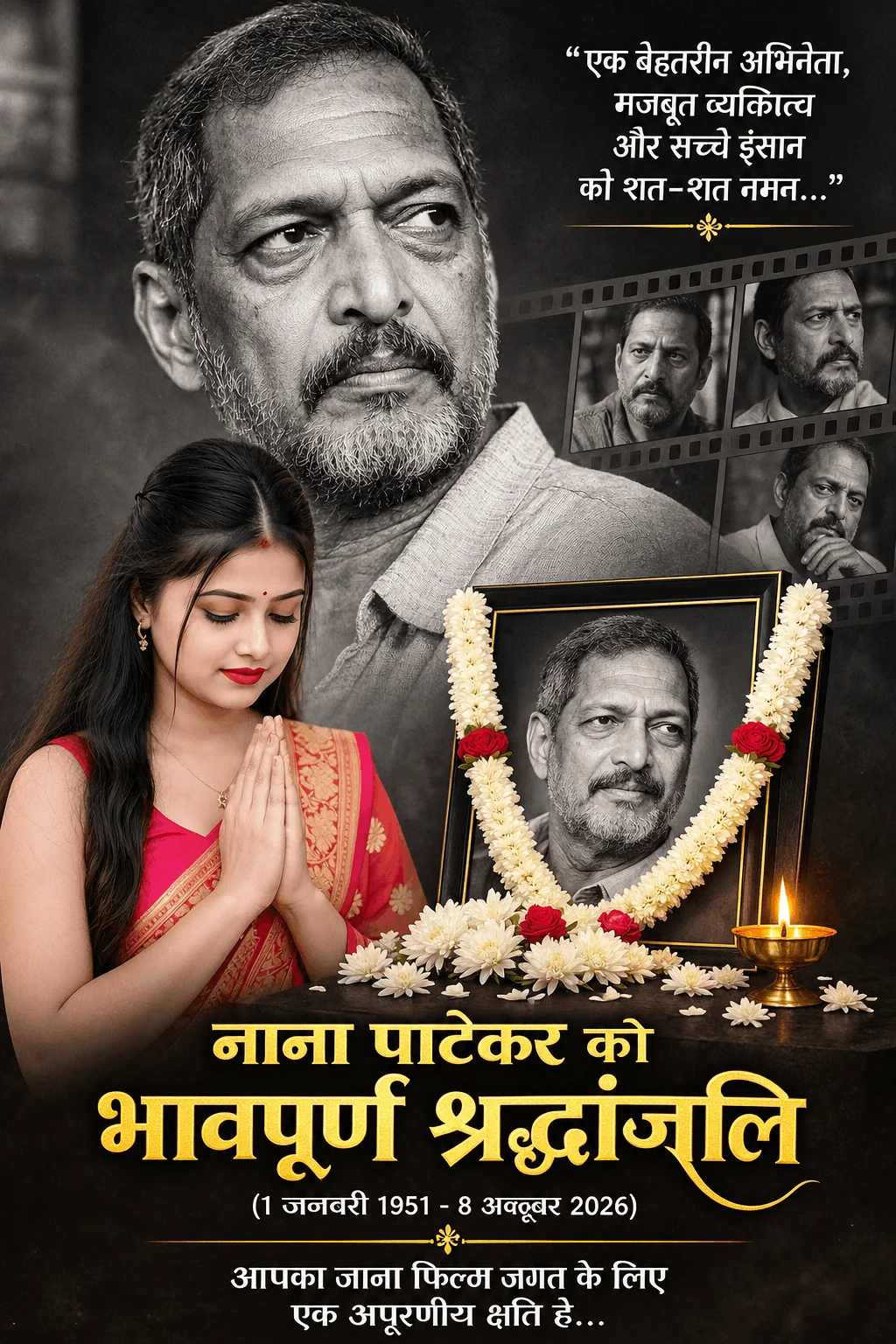
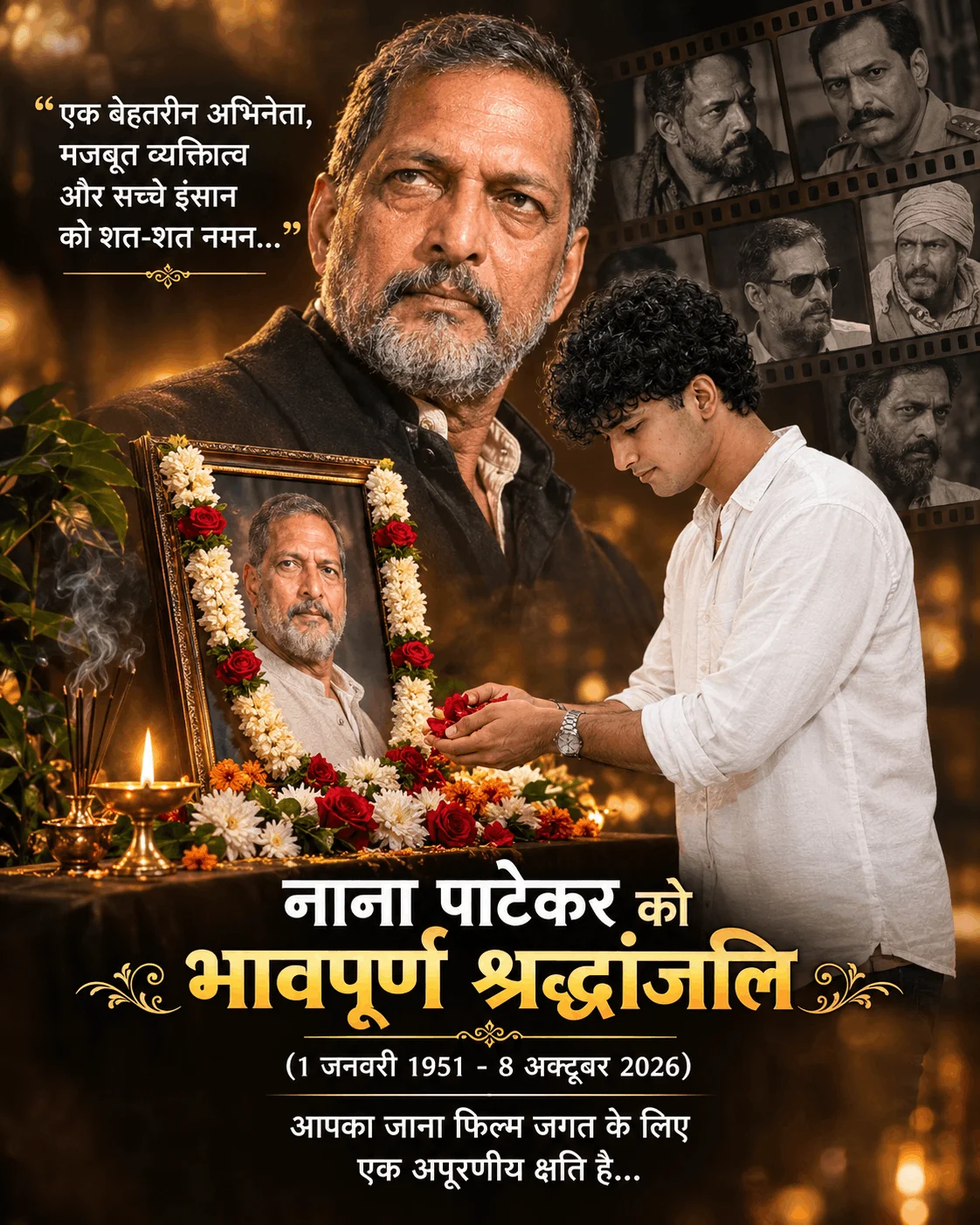
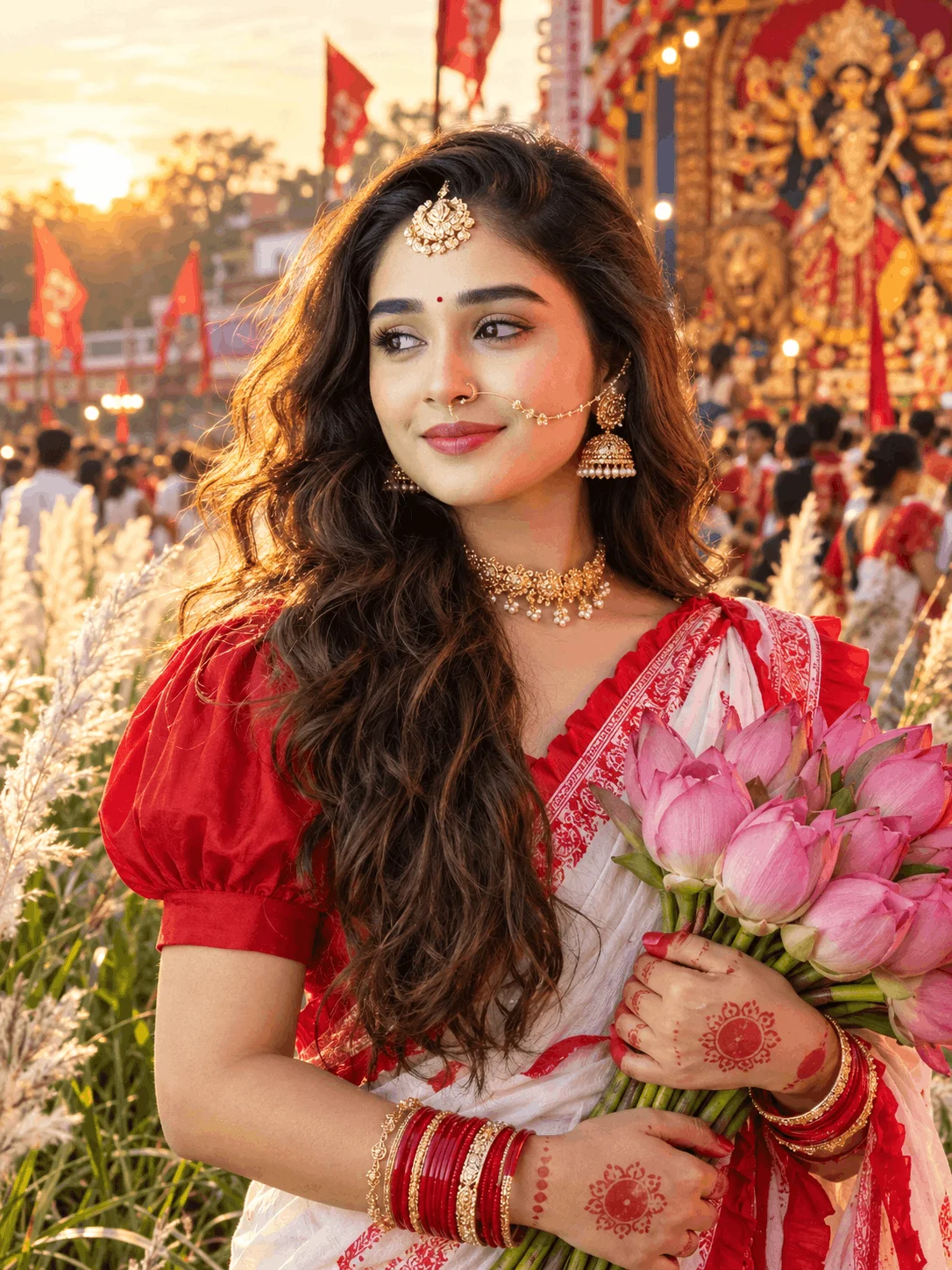
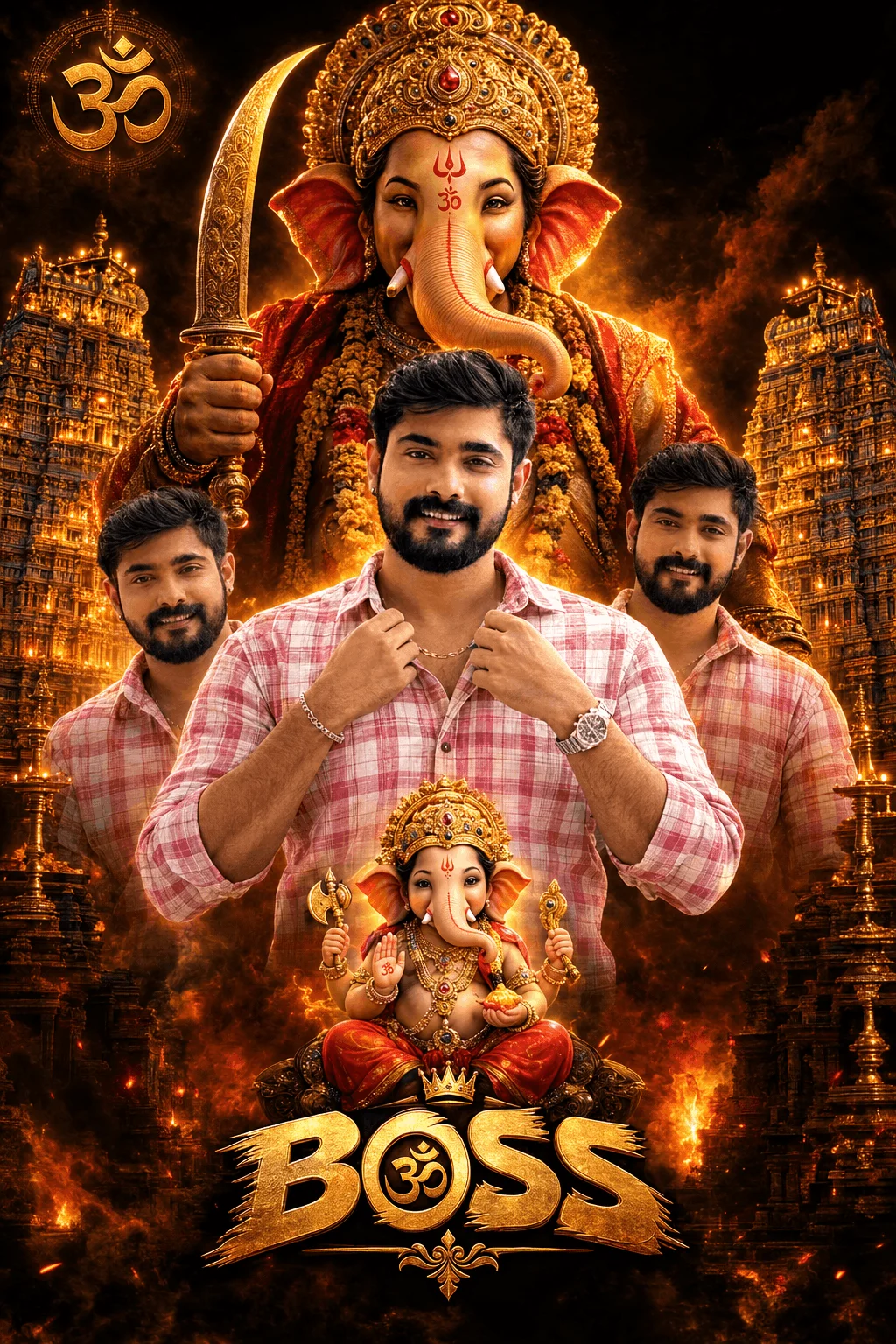
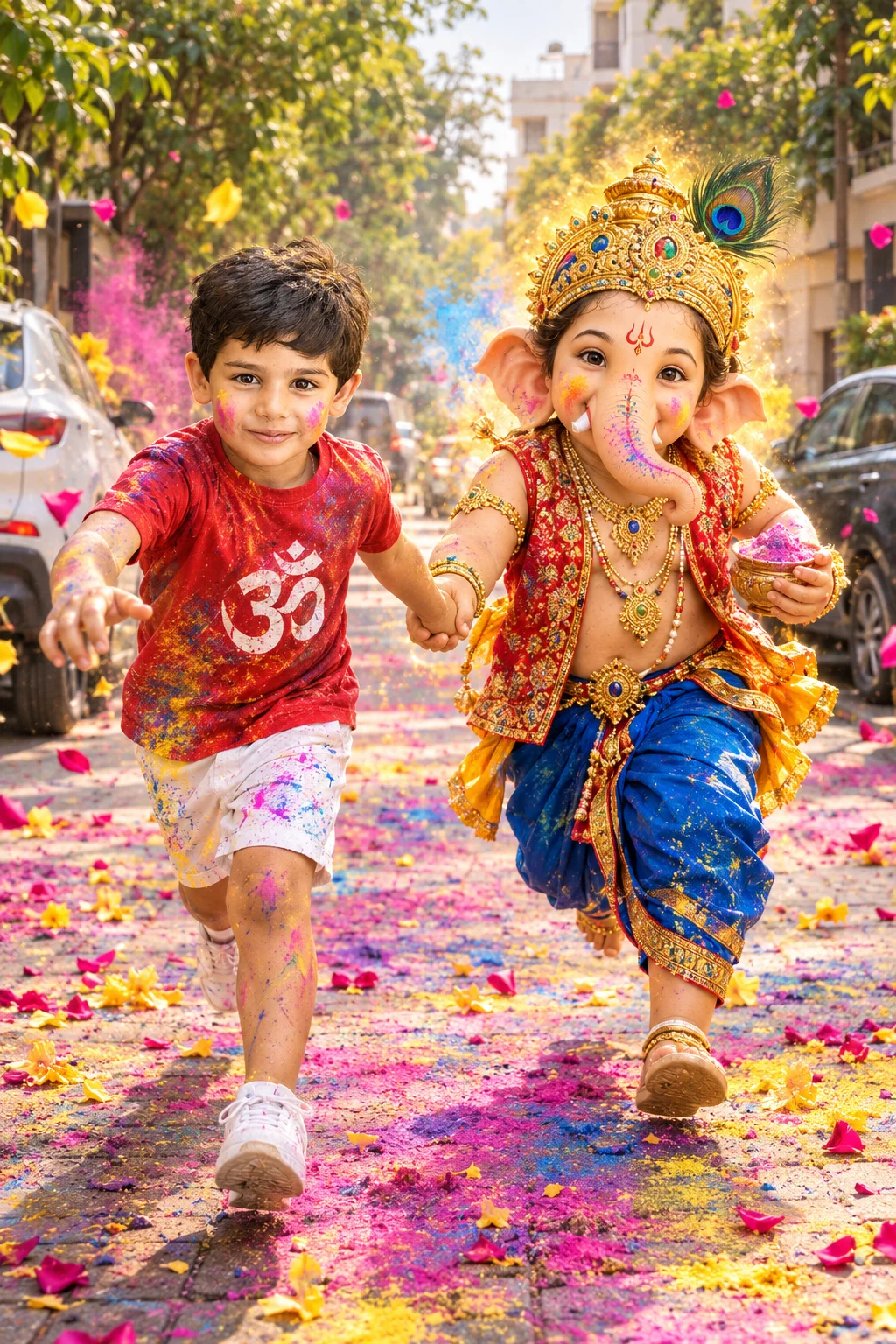
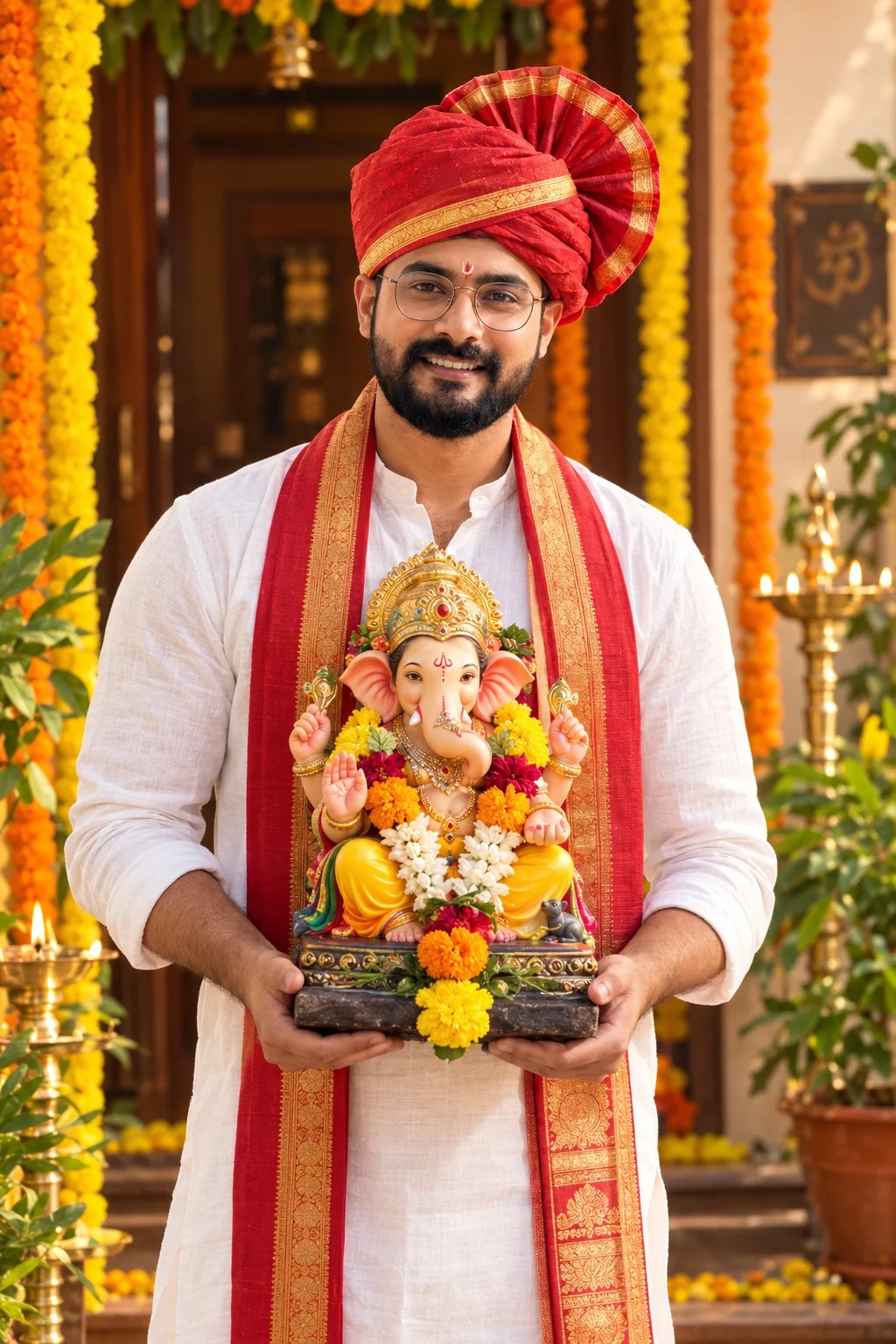
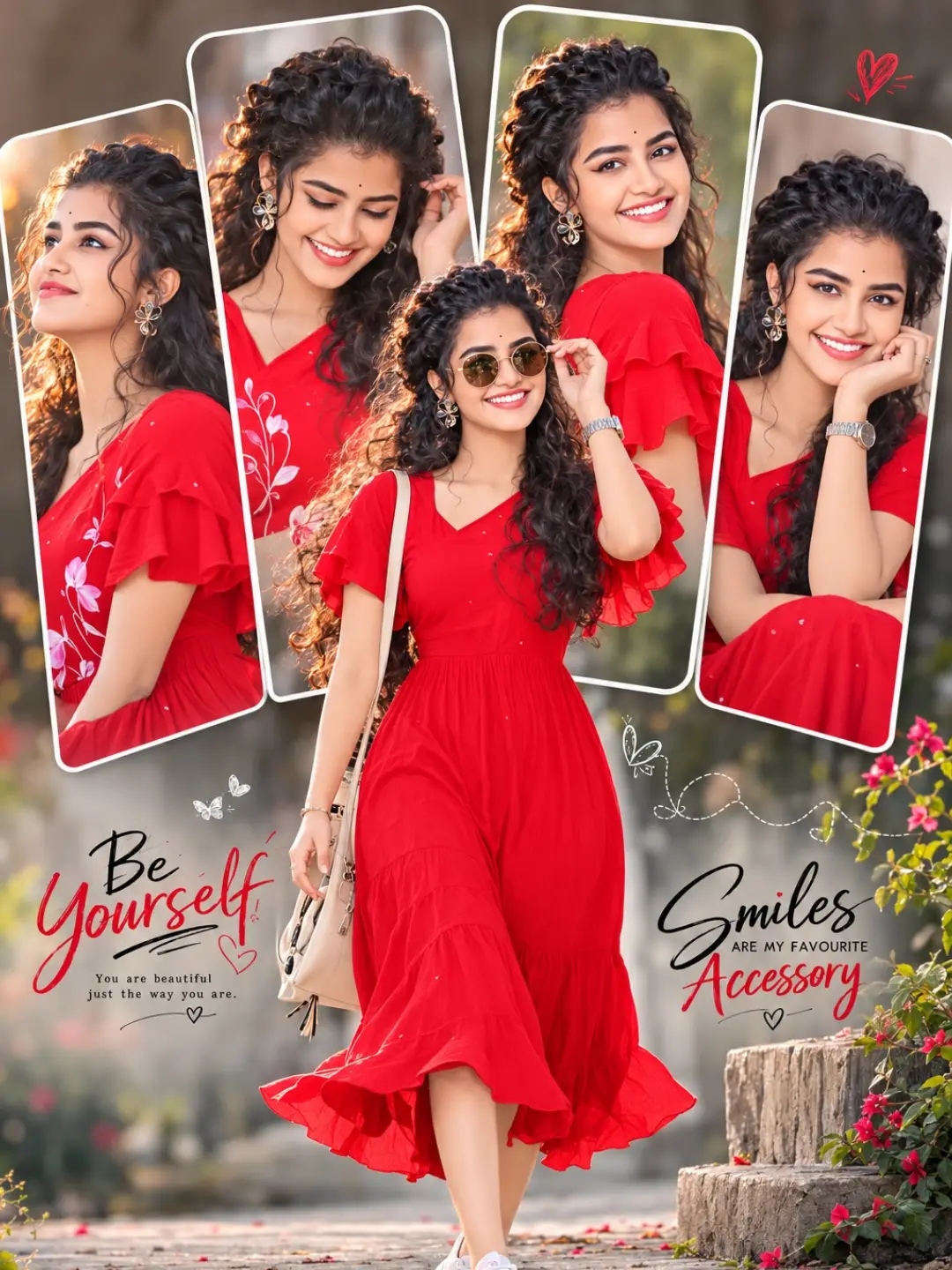
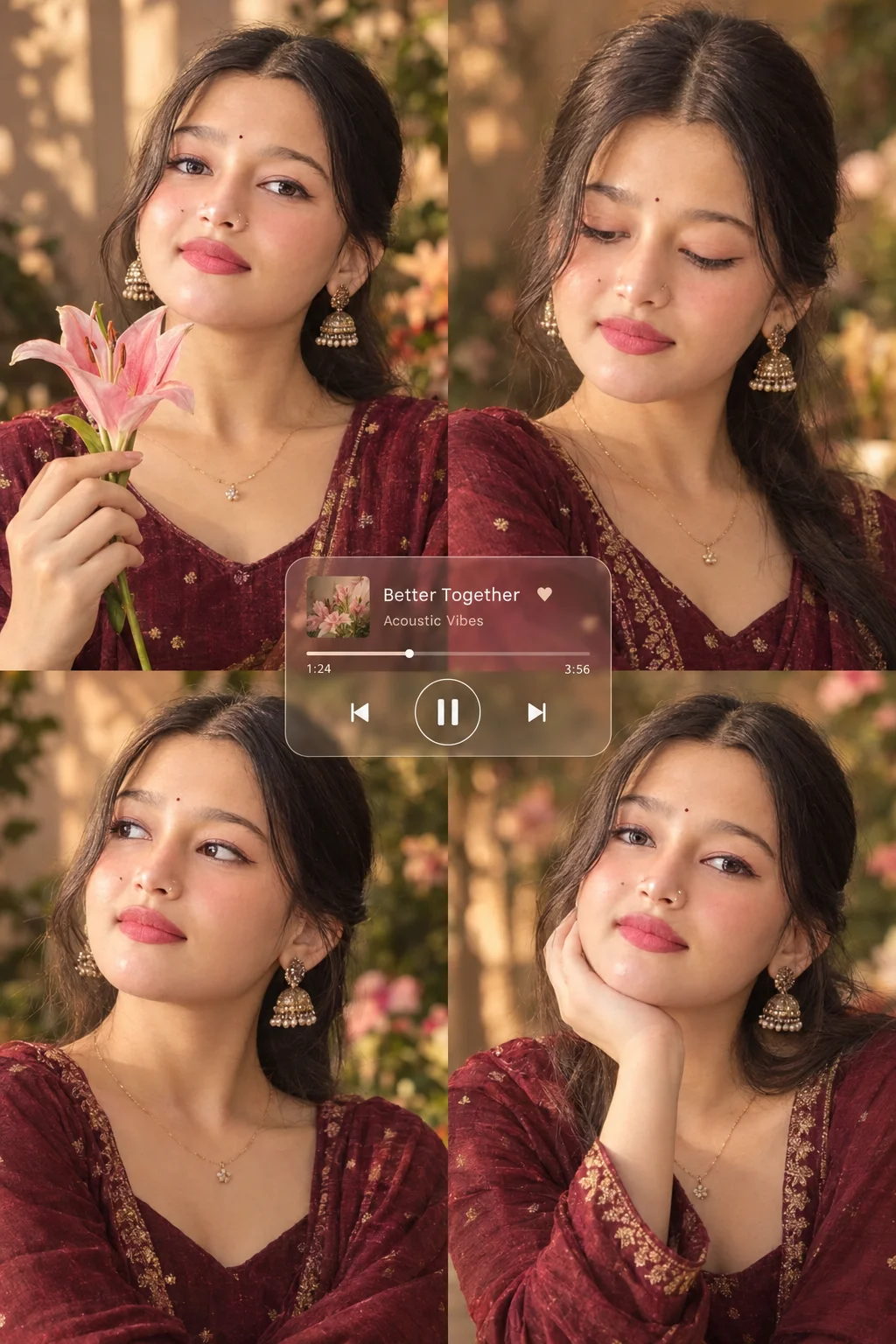
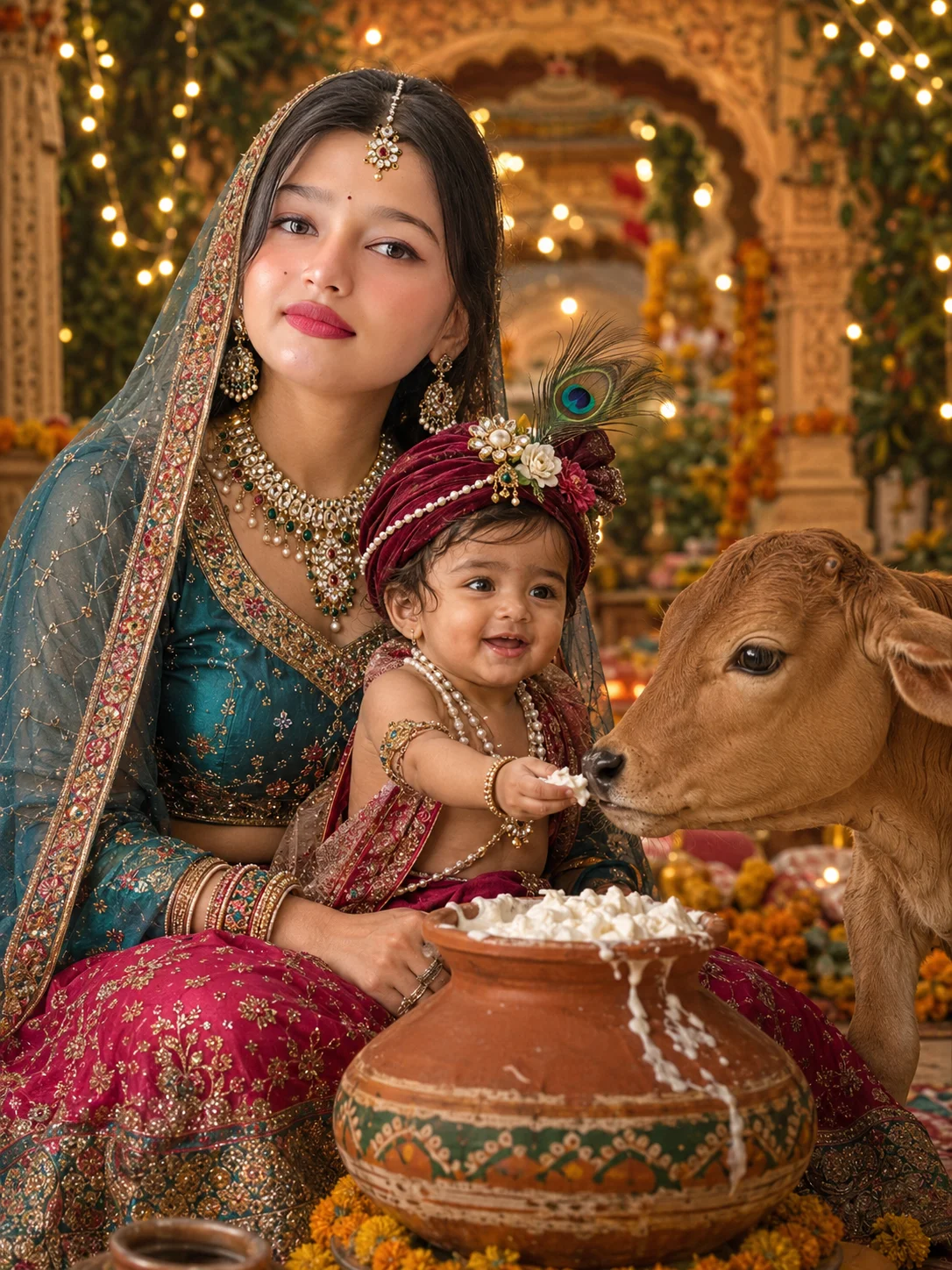
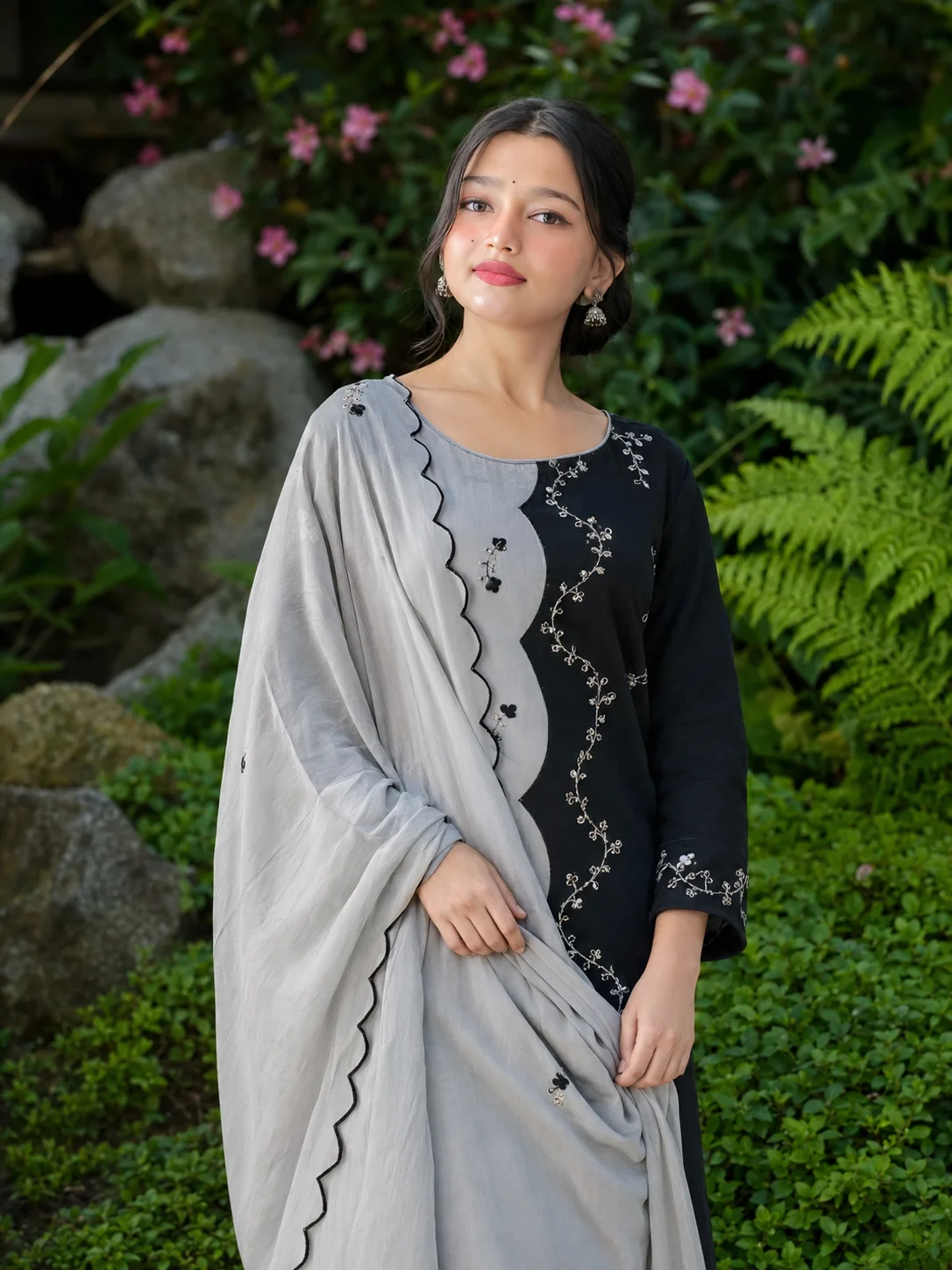
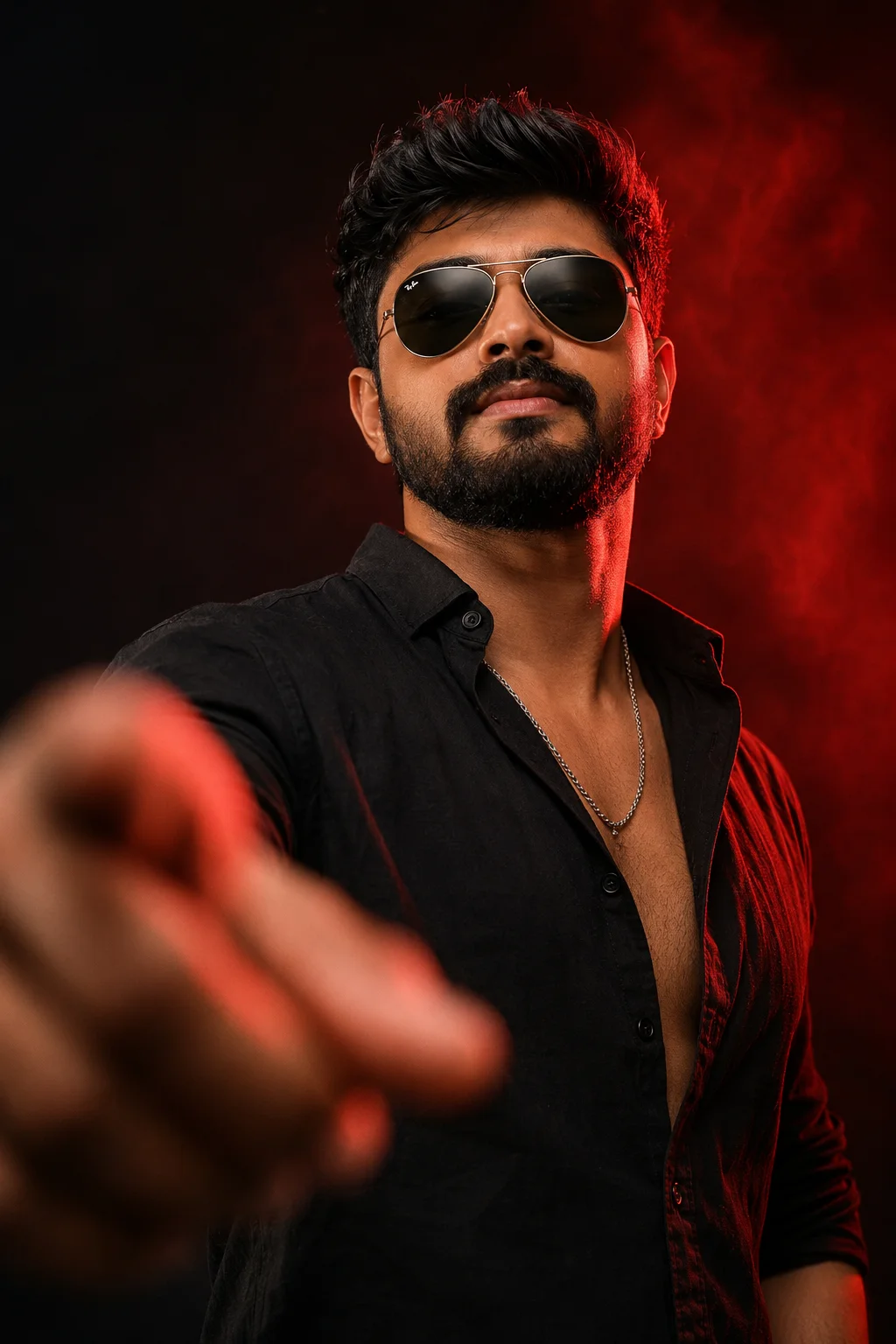

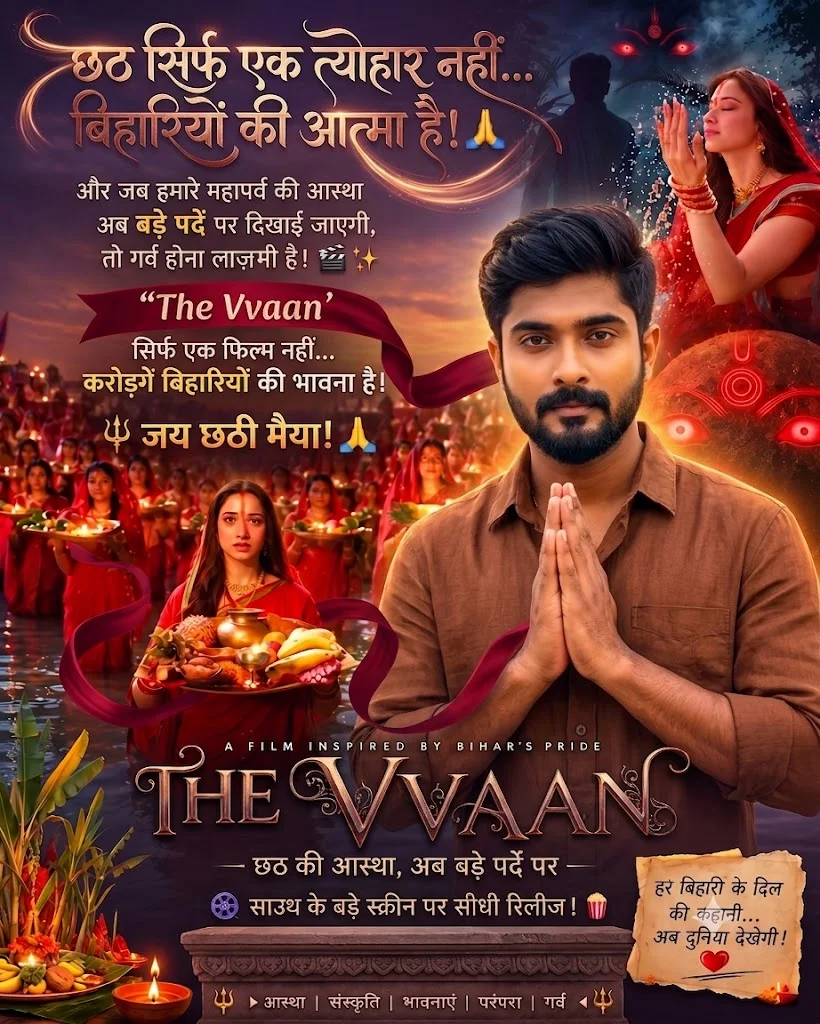

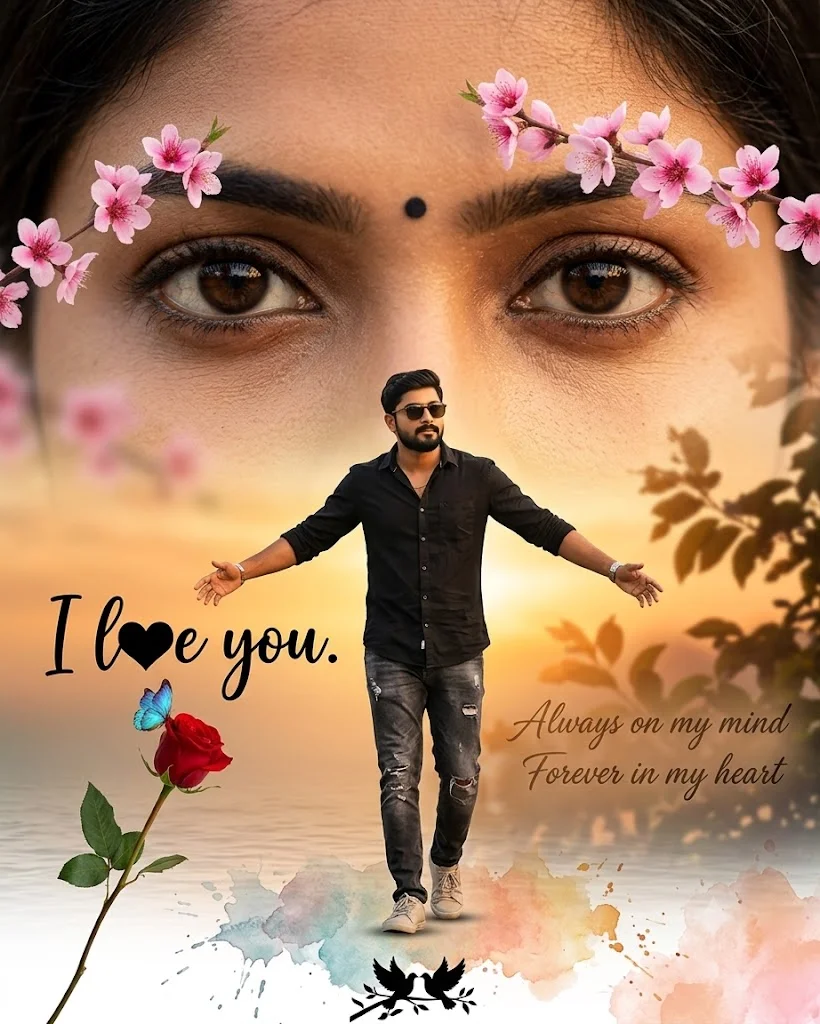
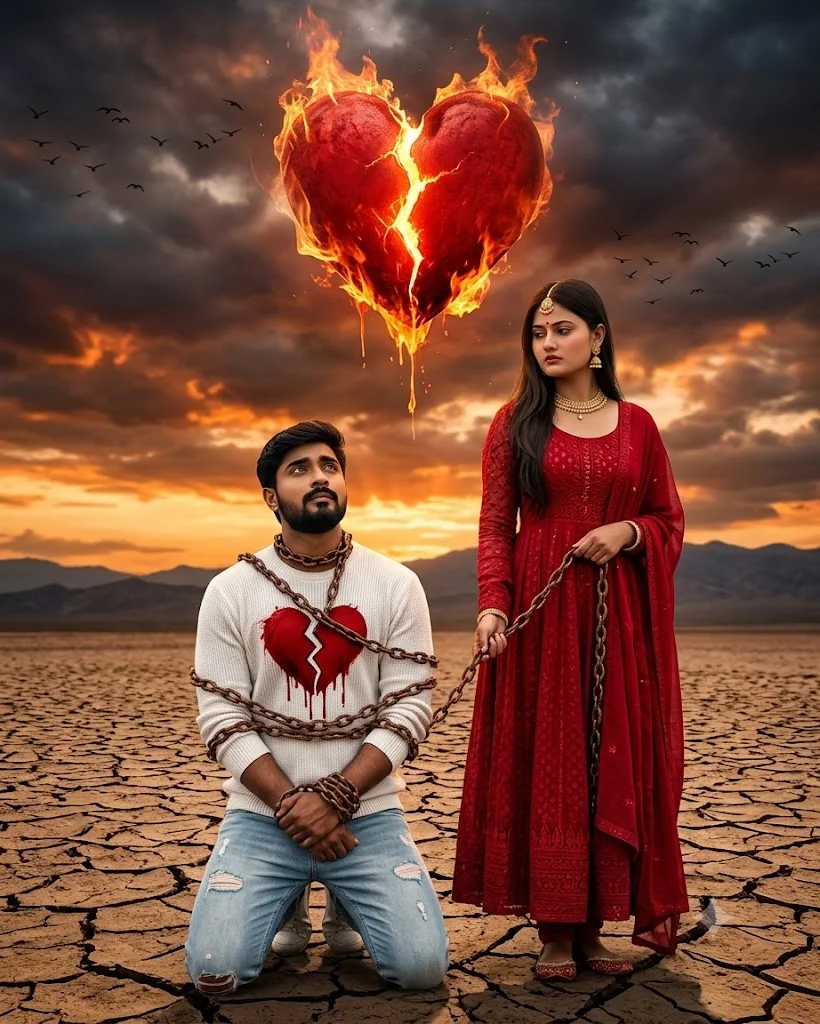
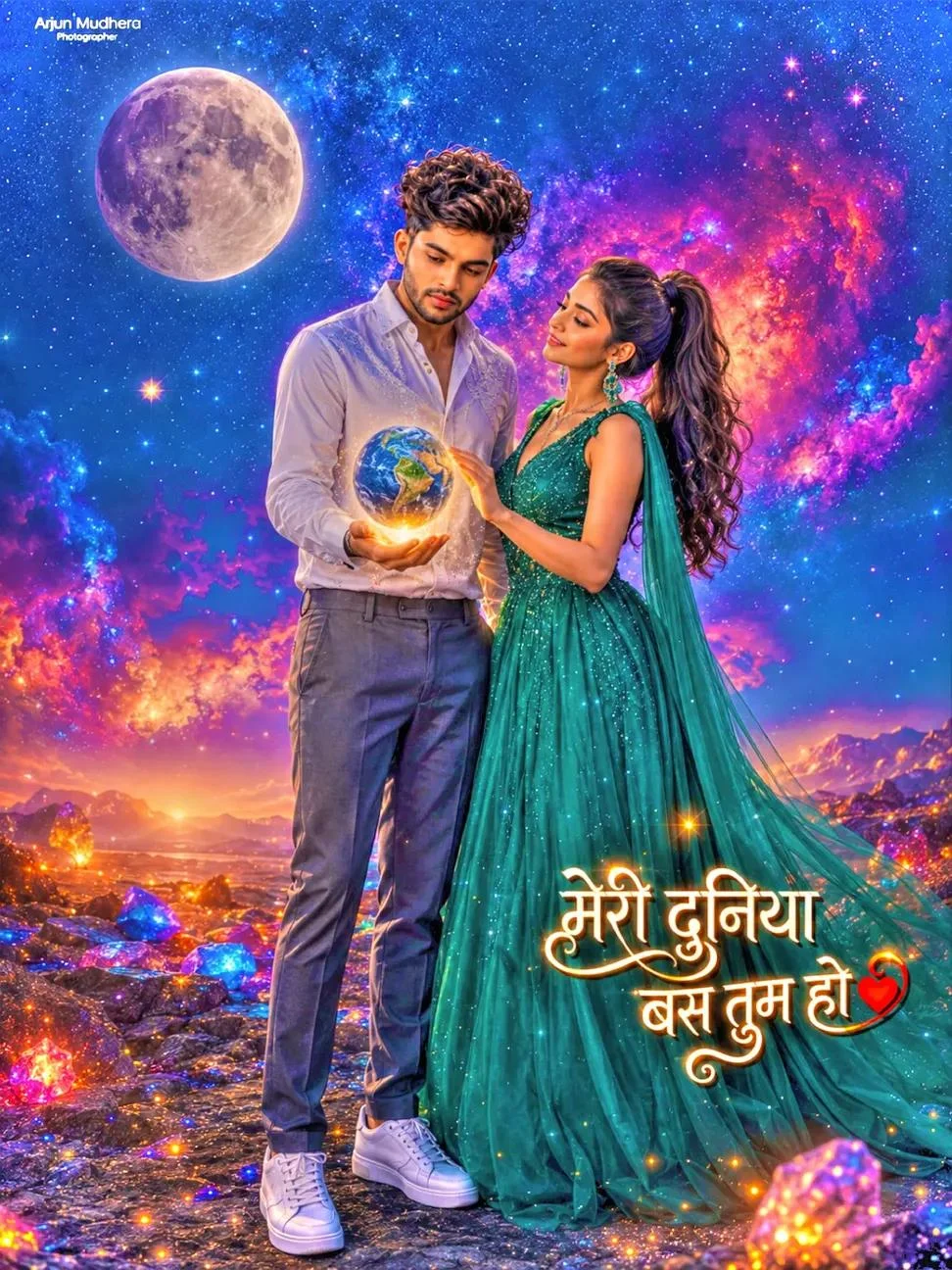
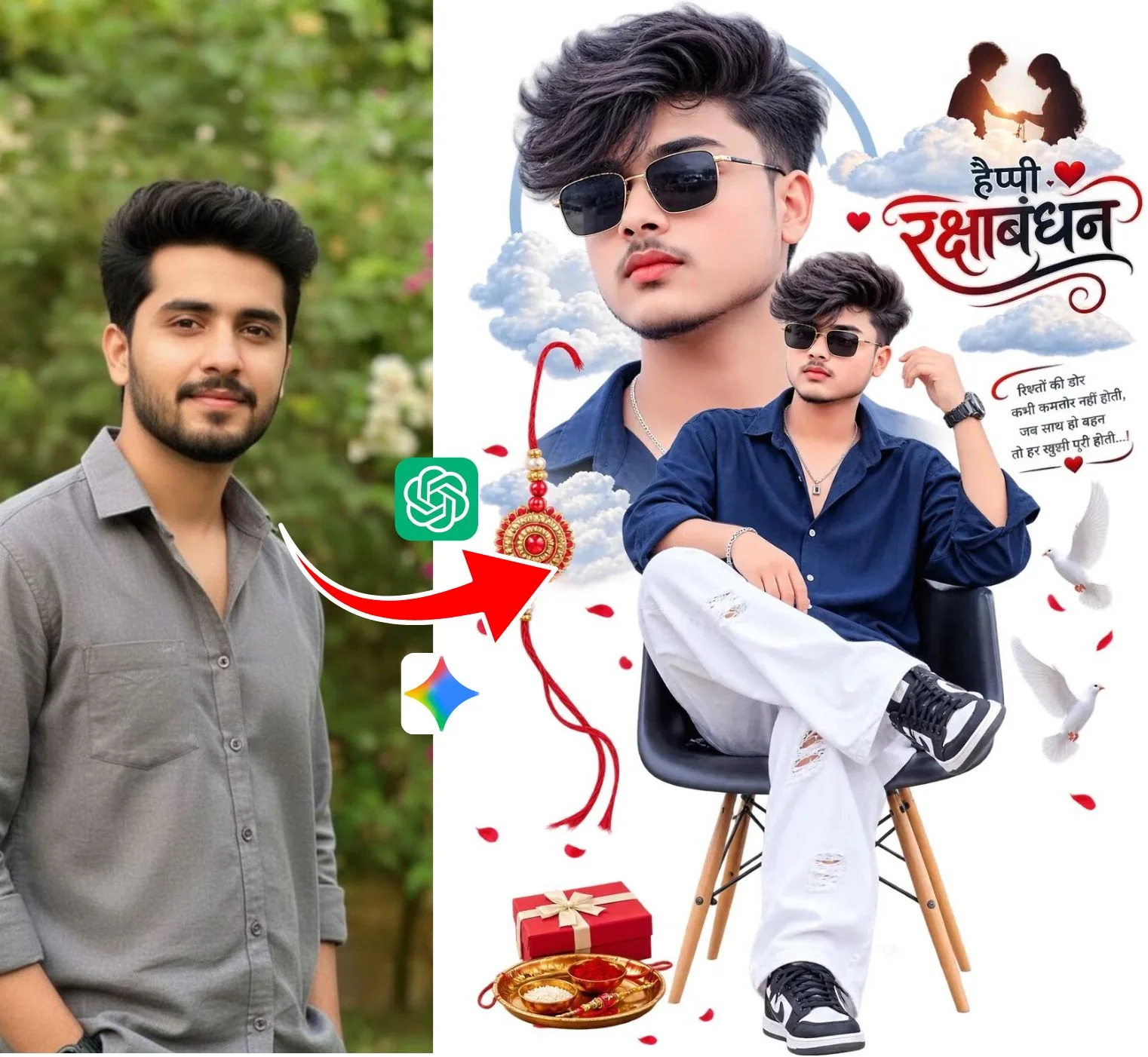
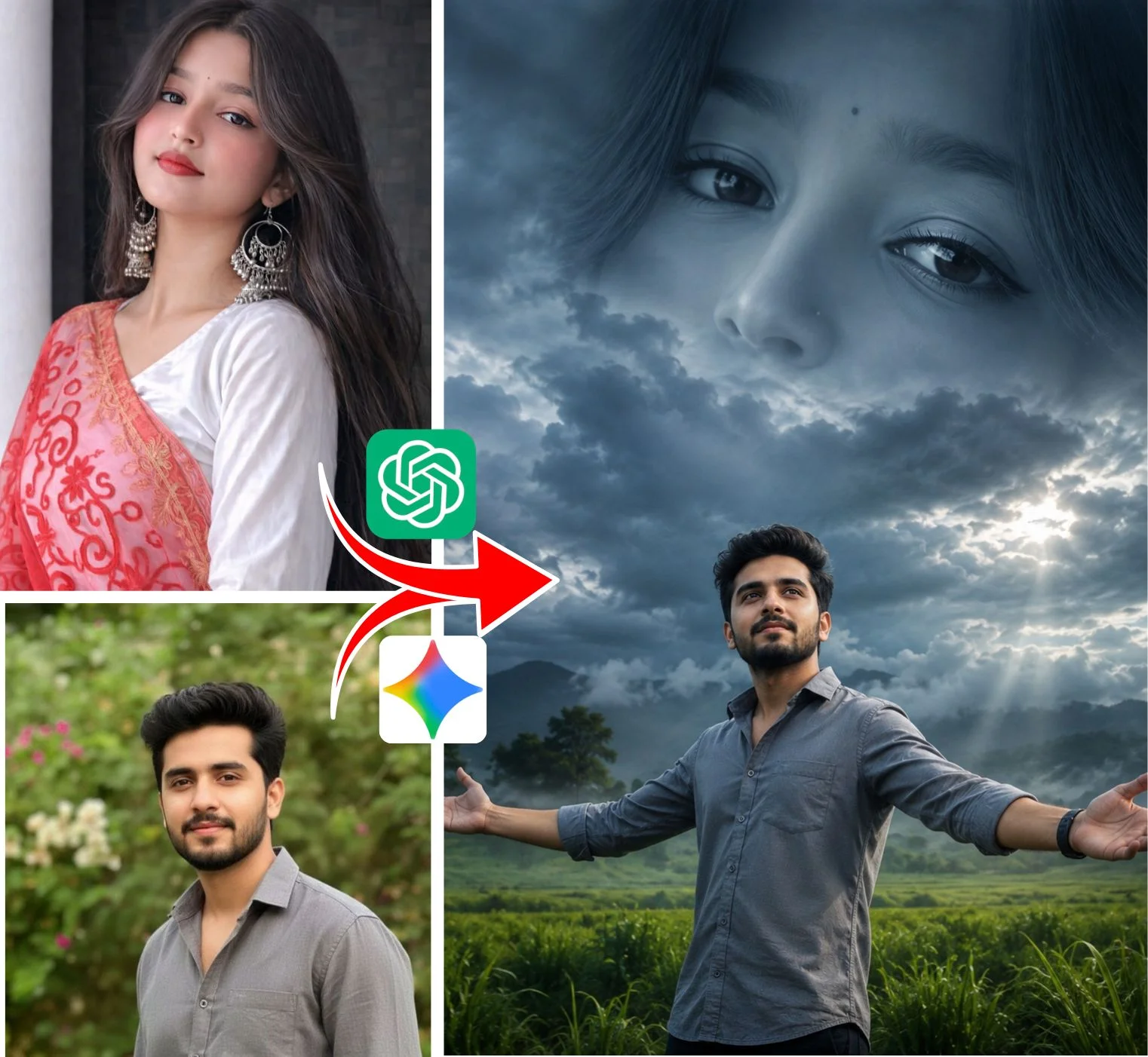
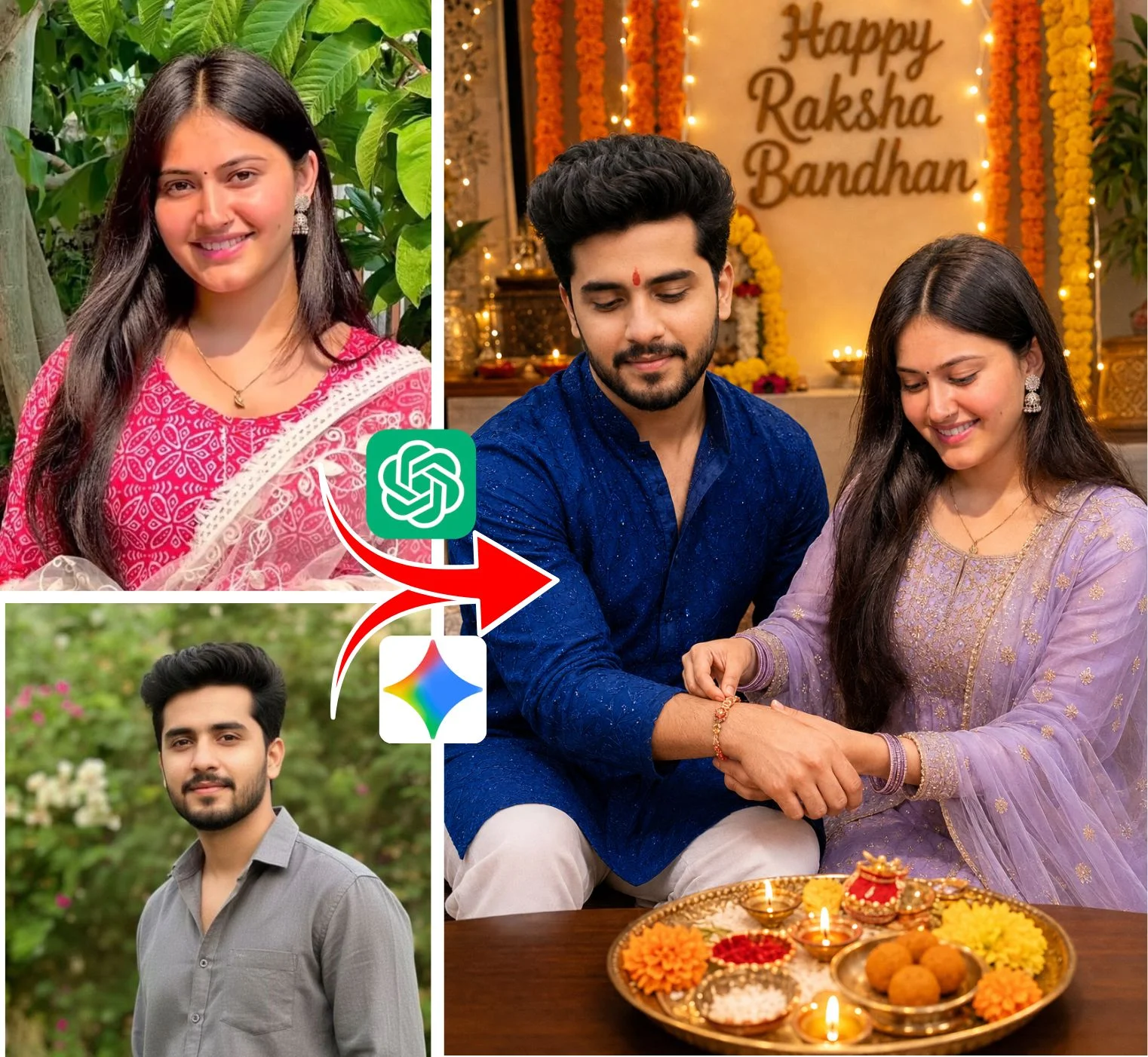
The 5 Viral Video Formats Powered by VM Editor Prompts
Rather than relying on just one video concept, viral creators mix and match across five distinct visual formats. Here is how each video structure operates and why it hooks audience retention:
3D Superbike Name Reveal Video
A continuous 360-degree orbital camera pan circling a rider on a matte-black Royal Enfield or superbike. Volumetric tire smoke billows around the asphalt while the creator’s personalized name glows in vibrant 3D holographic typography across their jacket.
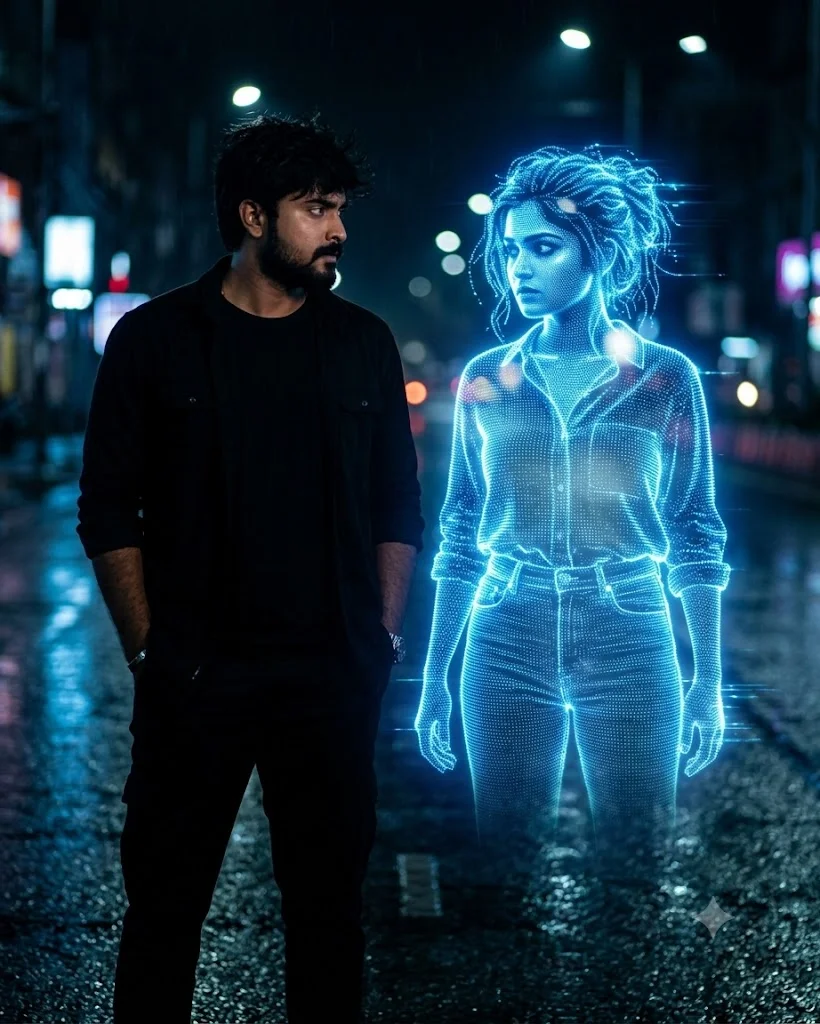
Rain-Slicked Slow-Mo Street Tracking
Moody 120fps slow-motion tracking shot of a brooding silhouette walking down a neon-lit Tokyo or London alley. Puddles reflect glowing magenta and cyan streetlights with hyper-realistic water droplets splashing in high definition.
Vertical Rooftop Drone Dive
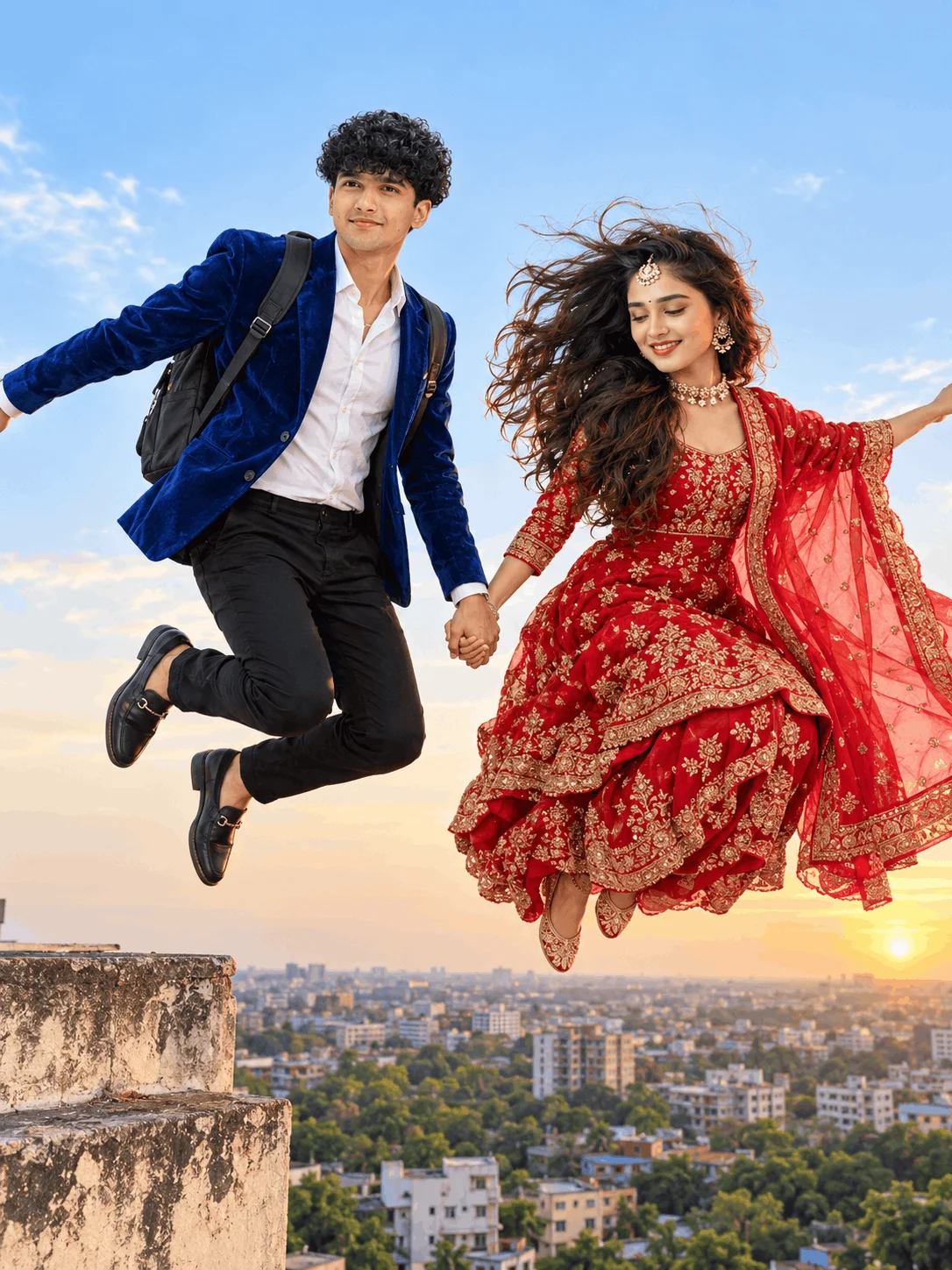
The camera starts on a skyscraper rooftop overlooking a misty sunset metropolis, then rapidly dives downward toward the subject leaning against a safety railing with sunglasses reflecting the golden-hour skyline.
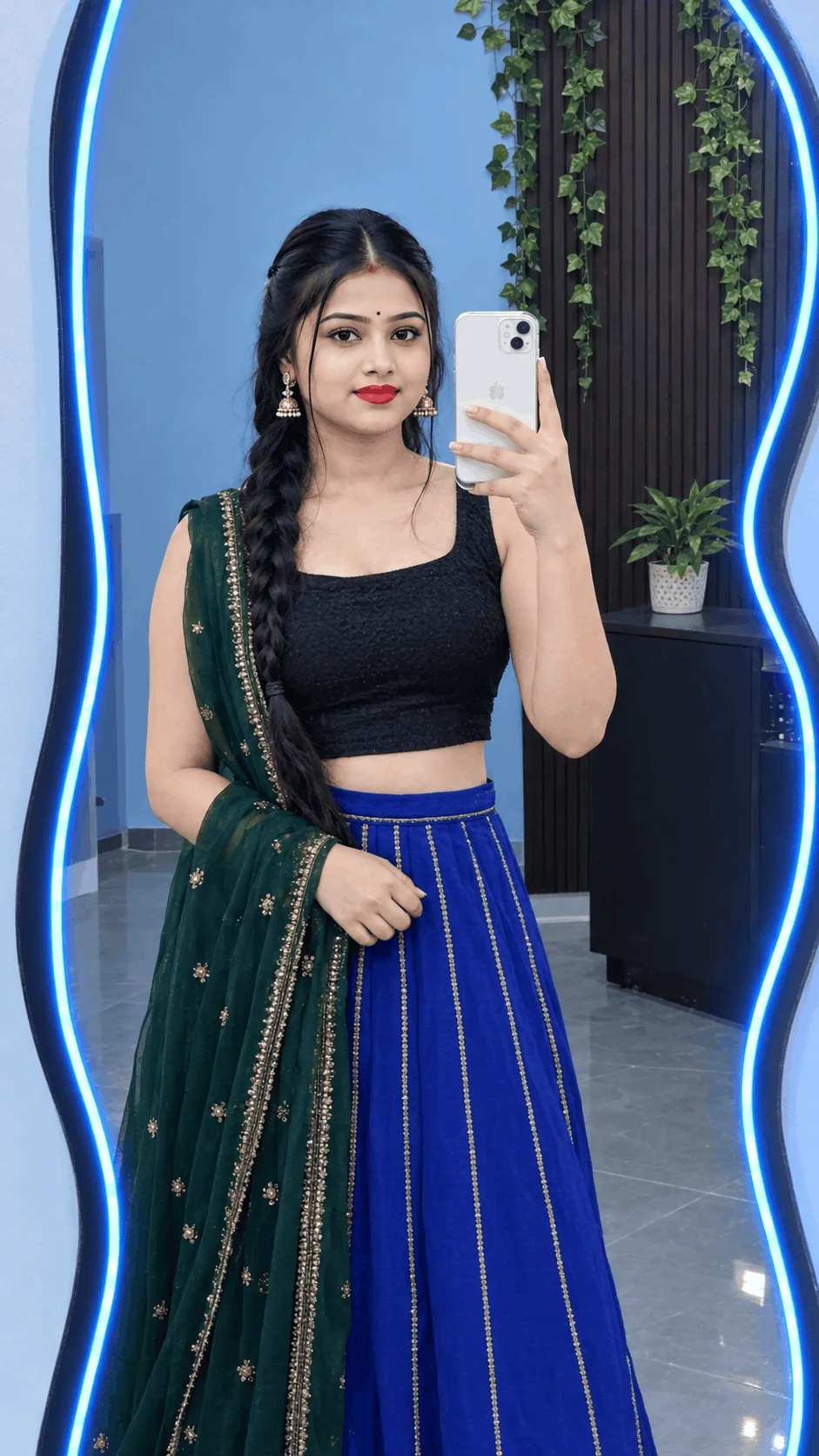
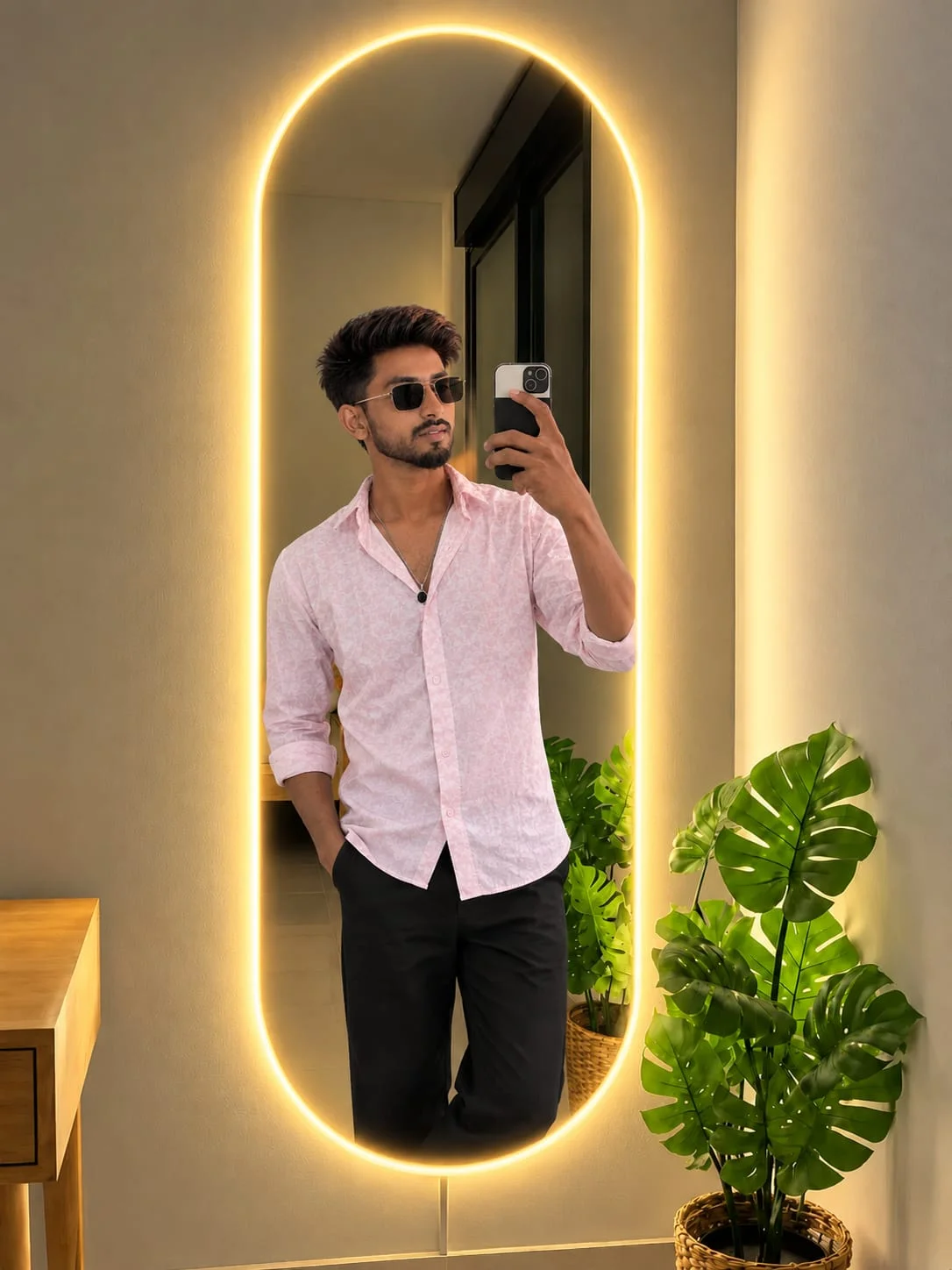
Dark Mirror Selfie & Shadow Morph
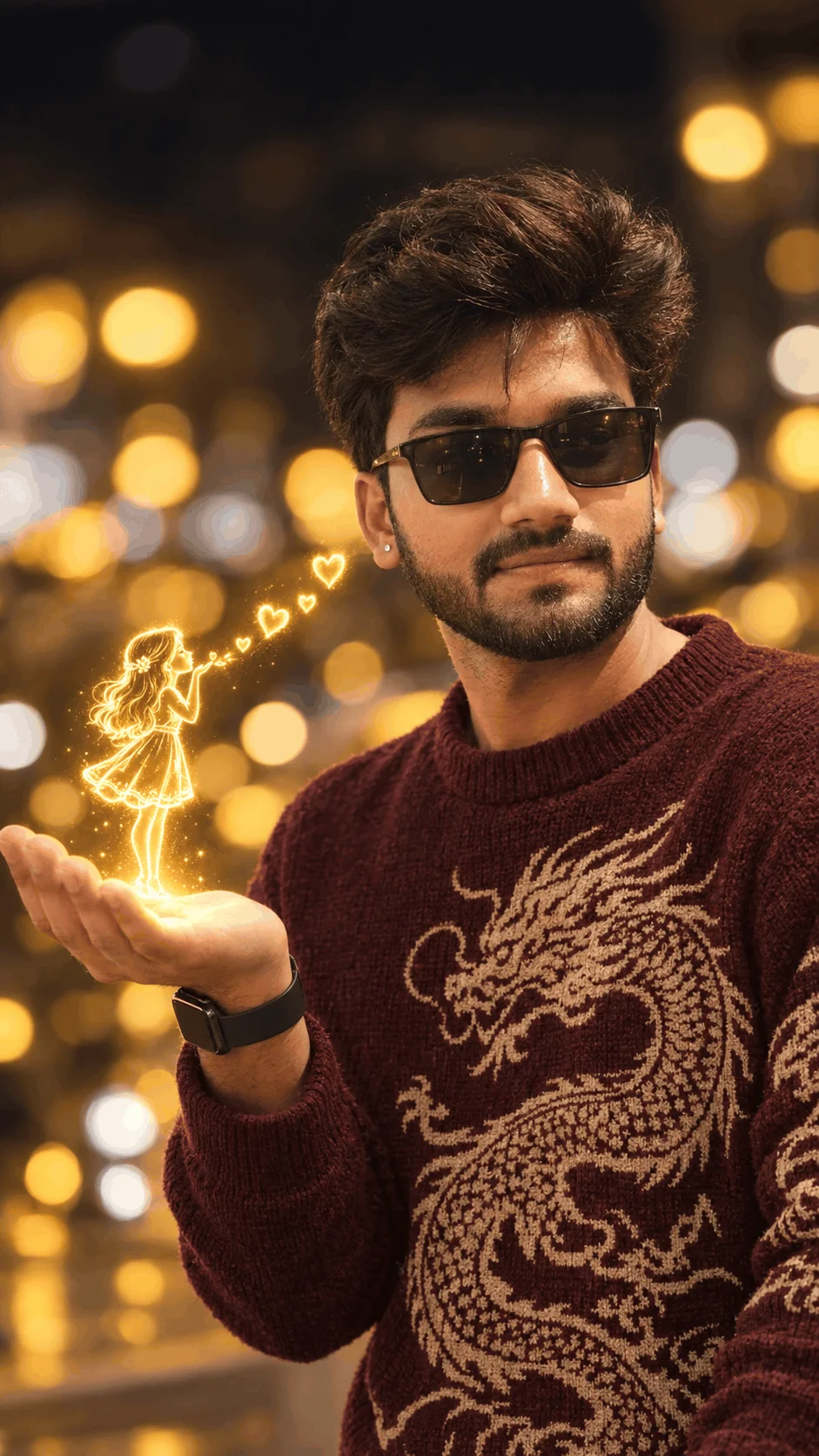
An atmospheric indoor sequence with warm rim lighting and studio haze. The subject holds an iPhone with realistic flash bounce, creating a moody, high-fashion editorial aesthetic ideal for Instagram carousel reels and profile introductions.
CapCut & VN Velocity Beat-Sync Reel
Engineered specifically to link with trending social audio tracks. Multiple AI clips are speed-ramped from 0.3x slow-mo to 2.5x fast-forward on every bass drop, paired with flash cuts and optical warp zooms.
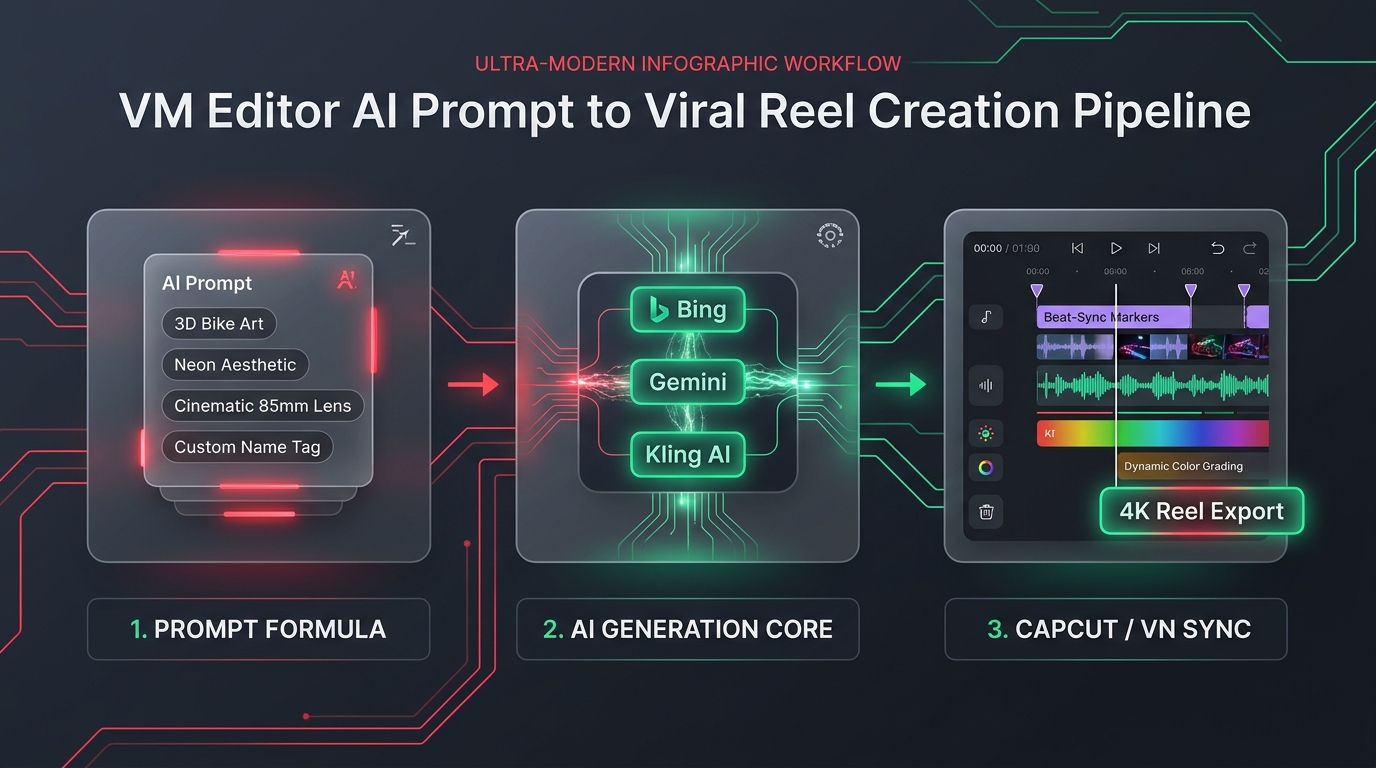
The 2026 Modular Prompt Formula (Director's Deck)
A common mistake creators make is writing unstructured text like “boy on bike cool video”. Modern AI engines ignore vague keywords. In 2026, every viral VM Editor prompt uses a modular 4-part director structure:
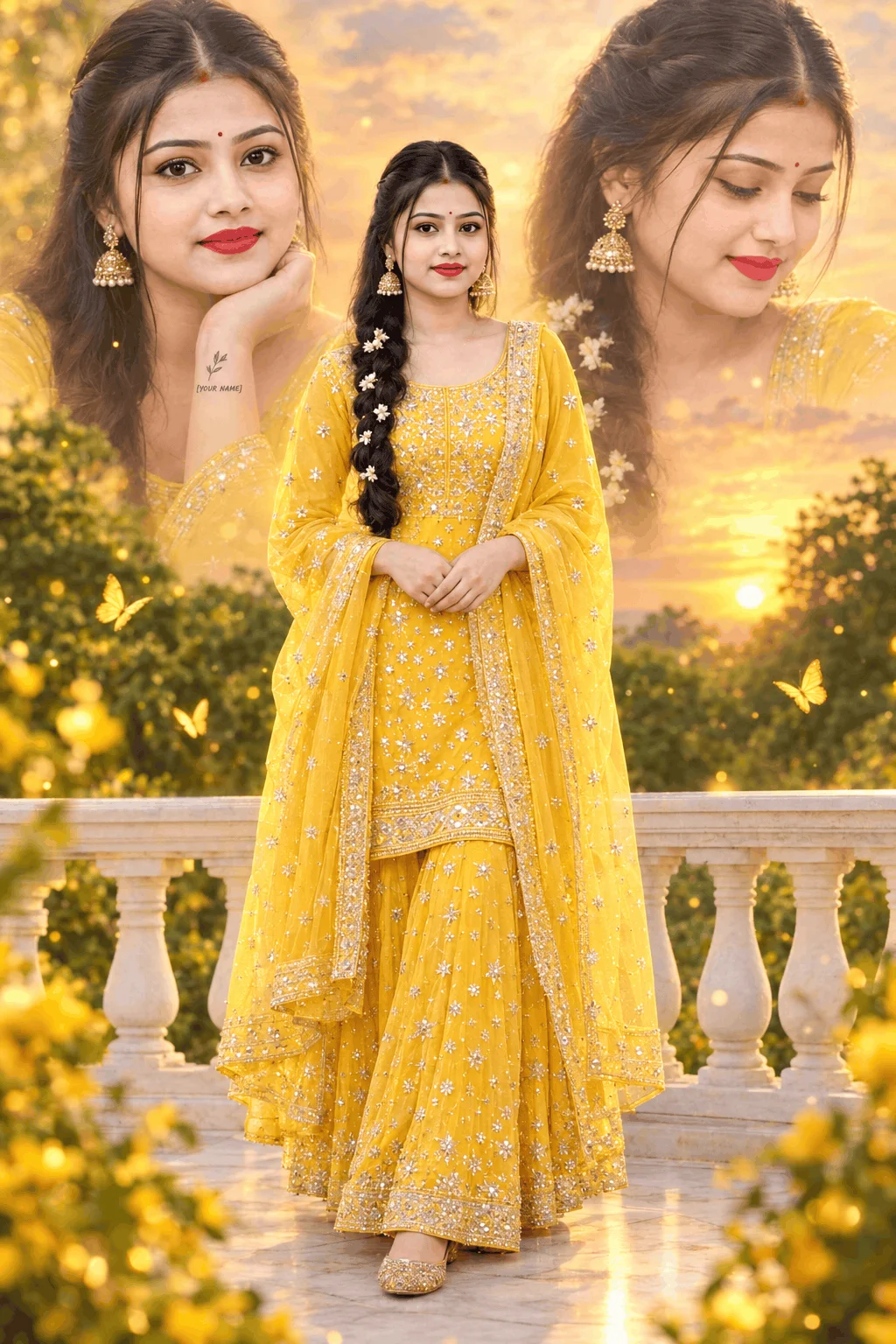
Defines clothing, posture, and your personalized name in double quotes (e.g., “[YOUR NAME]” rendered in glowing 3D embossed embroidery).
Specifies key lights, rim reflections, and environmental haze (e.g., dual-tone cyan/magenta neon, volumetric backlight, wet asphalt reflections).
Instructs video models on camera trajectory (e.g., slow-motion backward tracking dolly, 360-degree orbit, or low-angle cinematic pan).
Locks resolution and color science (e.g., shot on 35mm anamorphic lens, 8K resolution, octane render, photorealistic skin textures, --ar 9:16).
2026 AI Engine Benchmark: Which Tool to Use Where
Not every AI platform handles typography and motion equally. Use this verified 2026 compatibility matrix to pick the ideal engine for your prompt:
| AI Platform | Primary Output | Typography / Name Accuracy | Camera Motion Control | Access Tier |
|---|---|---|---|---|
| Bing Image Creator (DALL-E 3) | Ultra 4K Still Images | Flawless 10/10 | N/A (Still Photo) | 100% Free (Microsoft) |
| Kling AI (v1.5 / v2) | Cinematic Video (5s - 10s) | High (Image-to-Video) | Full 3D Camera Path | Free Daily Credits |
| Luma Dream Machine | Smooth Motion Physics | Moderate (Best with I2V) | Fluid Tracking & Pan | Free Tier Available |
| Google Veo & Sora | Photorealistic 1080p Video | High Precision | Advanced Physics Engine | Creator Preview |
| CapCut & VN Editor | Post-Production & Beat-Sync | N/A (Video Assembly) | Velocity Curves & 60fps | 100% Free Mobile Apps |
The 4-Step Production Protocol: From Prompt to 1M Views
Follow this battle-tested creation pipeline used by professional content creators to publish high-retention video reels:
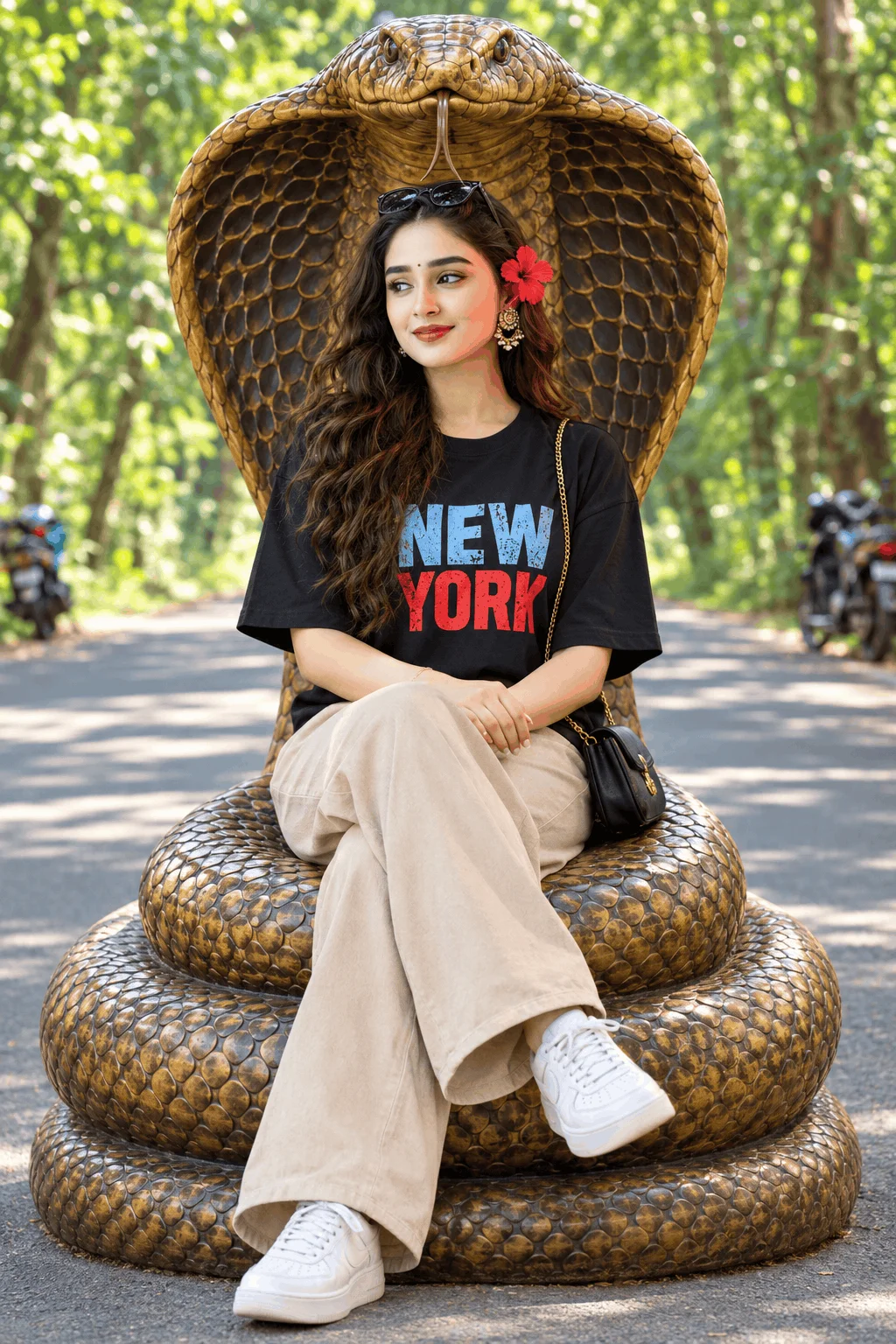
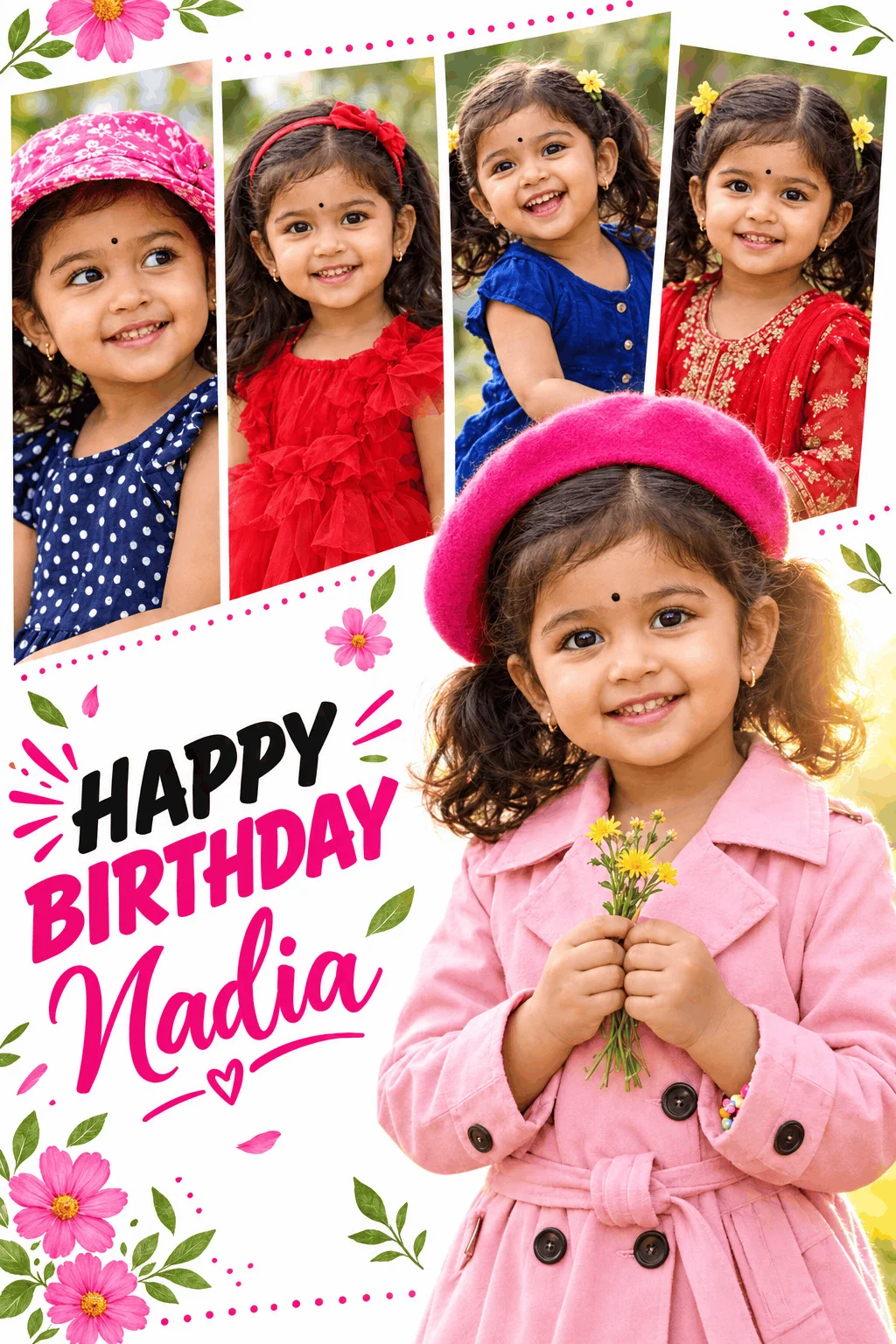
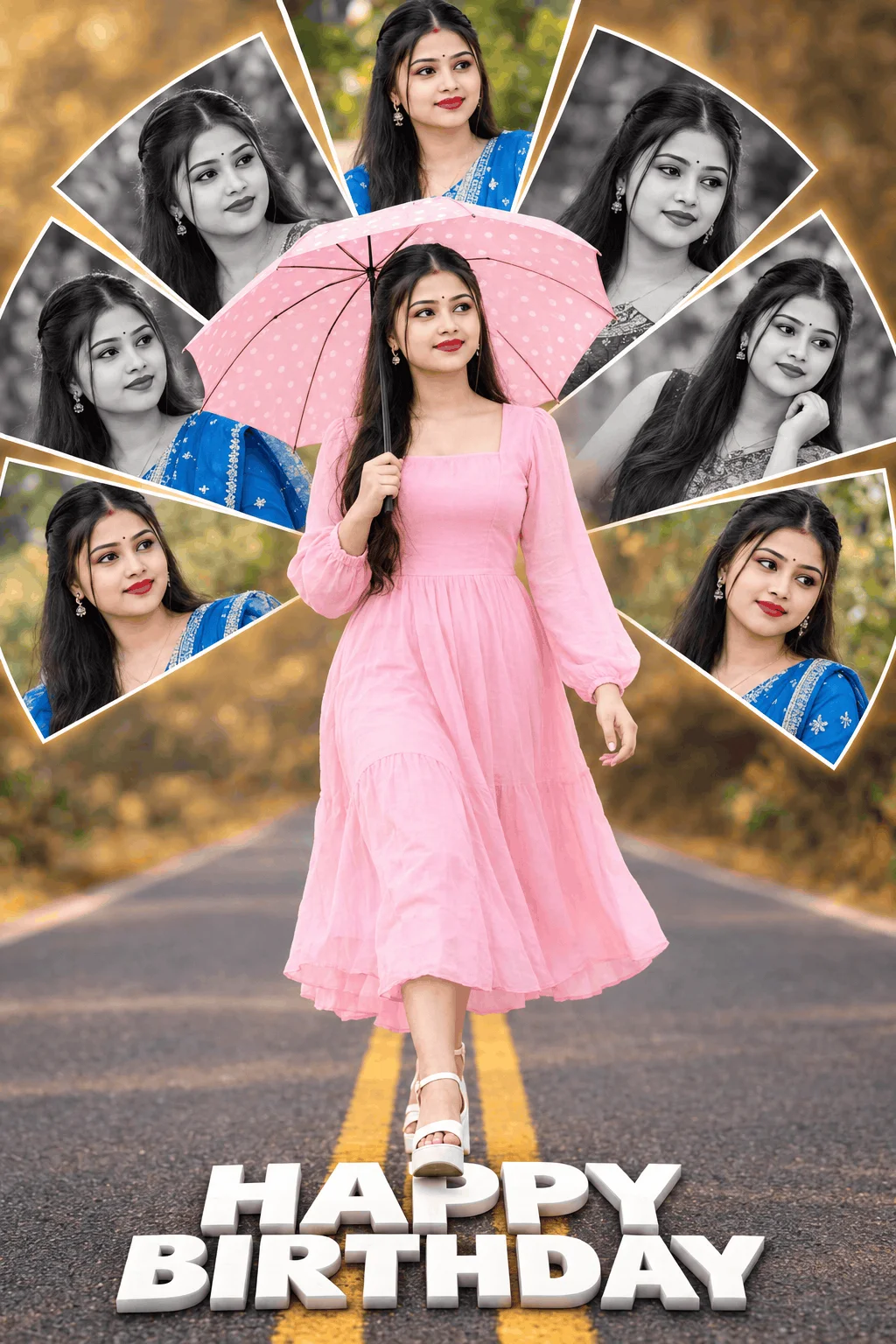
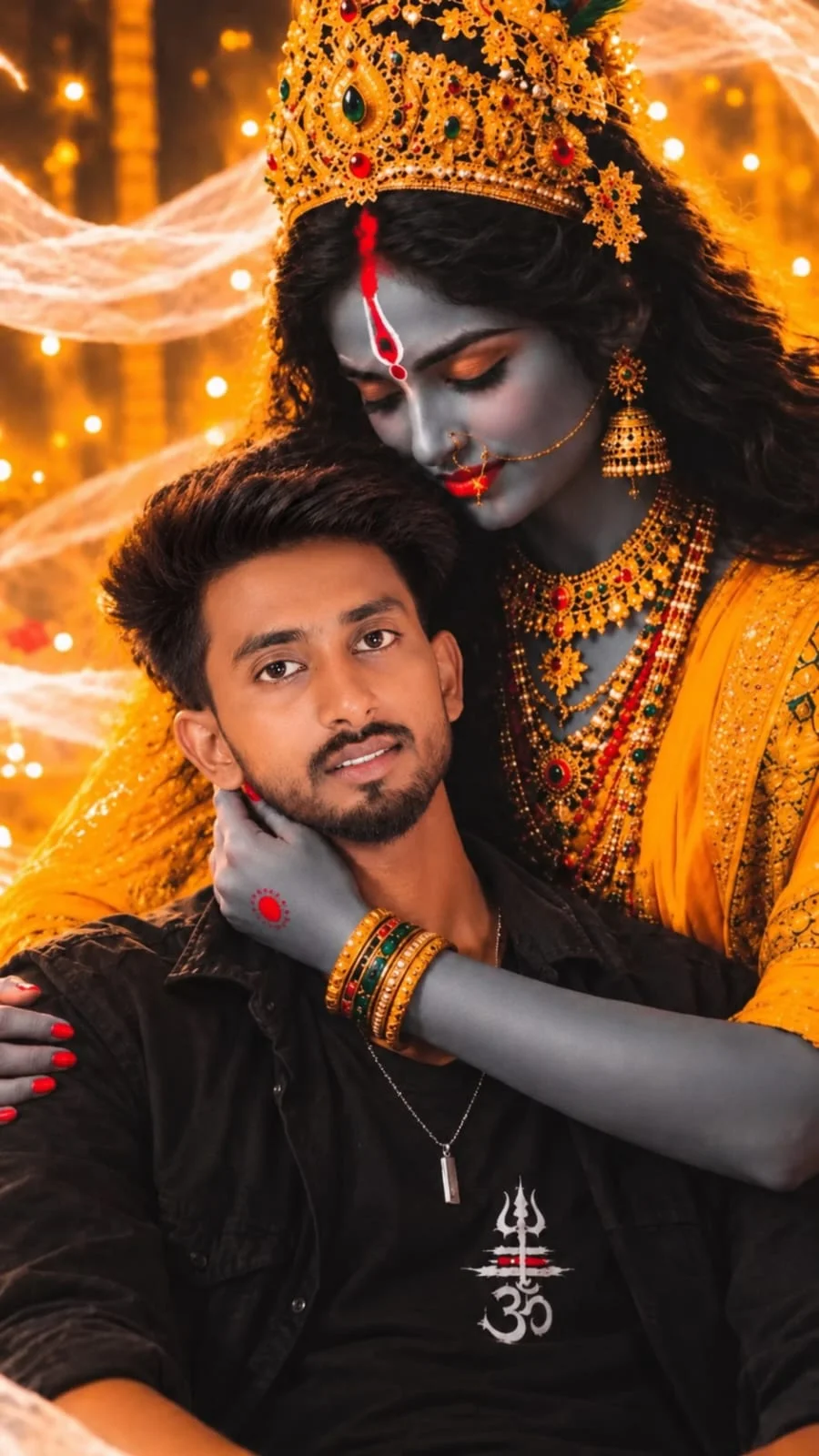
Browse the prompt cards in the gallery above. Click the 1-click copy button. Paste into any notepad and customize the bracketed placeholders like [YOUR NAME], [BIKE MODEL], or [JACKET COLOR]. Do not alter camera or optical tokens.
Open Bing Image Creator (100% free) and generate 4 variations. Pick the sharpest frame where your custom name is crisp and legible on the jacket or vehicle. Download in original uncompressed 4K resolution.
Upload your high-res still into Kling AI or Luma using the “Image to Video” mode. In the motion prompt box, add camera commands such as: “Slow motion backward tracking shot, atmospheric rain splash, subtle head turn, 4k 60fps”. Generate a 5-second video clip.
Import the generated clip into CapCut. Select a trending audio sound from Instagram Reels or TikTok. Apply a “Curve > Flash Cut” velocity ramp so the motion accelerates right before the bass drops. Export at 1080x1920, 60fps, high bitrate for lossless social compression.
Frequently Asked Questions (VM Editor & AI Video Prompts)
No. You never need to install risky APKs from suspicious websites. All prompt templates provided here work natively inside verified official platforms like Bing Image Creator, Google Gemini, Kling AI, and CapCut.
Always place your name inside capital quotation marks like "NAME" and use explicit phrasing like “with the bold text 'ALEX' written across the jacket back in 3D typography”. Bing Copilot (DALL-E 3) has the highest spelling accuracy for English letters.
Yes. Original AI visuals created with platforms like Bing and Kling AI can be monetized across YouTube Shorts, Instagram Reels, and TikTok provided your content complies with each platform’s synthetic media disclosure policies.
Editorial & Platform Disclosure: Emojora is an independent digital media platform and creative prompt directory. This guide is curated for educational and creative purposes. Emojora is not affiliated with, sponsored by, or endorsed by vmeditor.com, third-party APK distributors, or proprietary AI tool companies. All third-party trademarks and brand logos belong to their respective corporate owners.