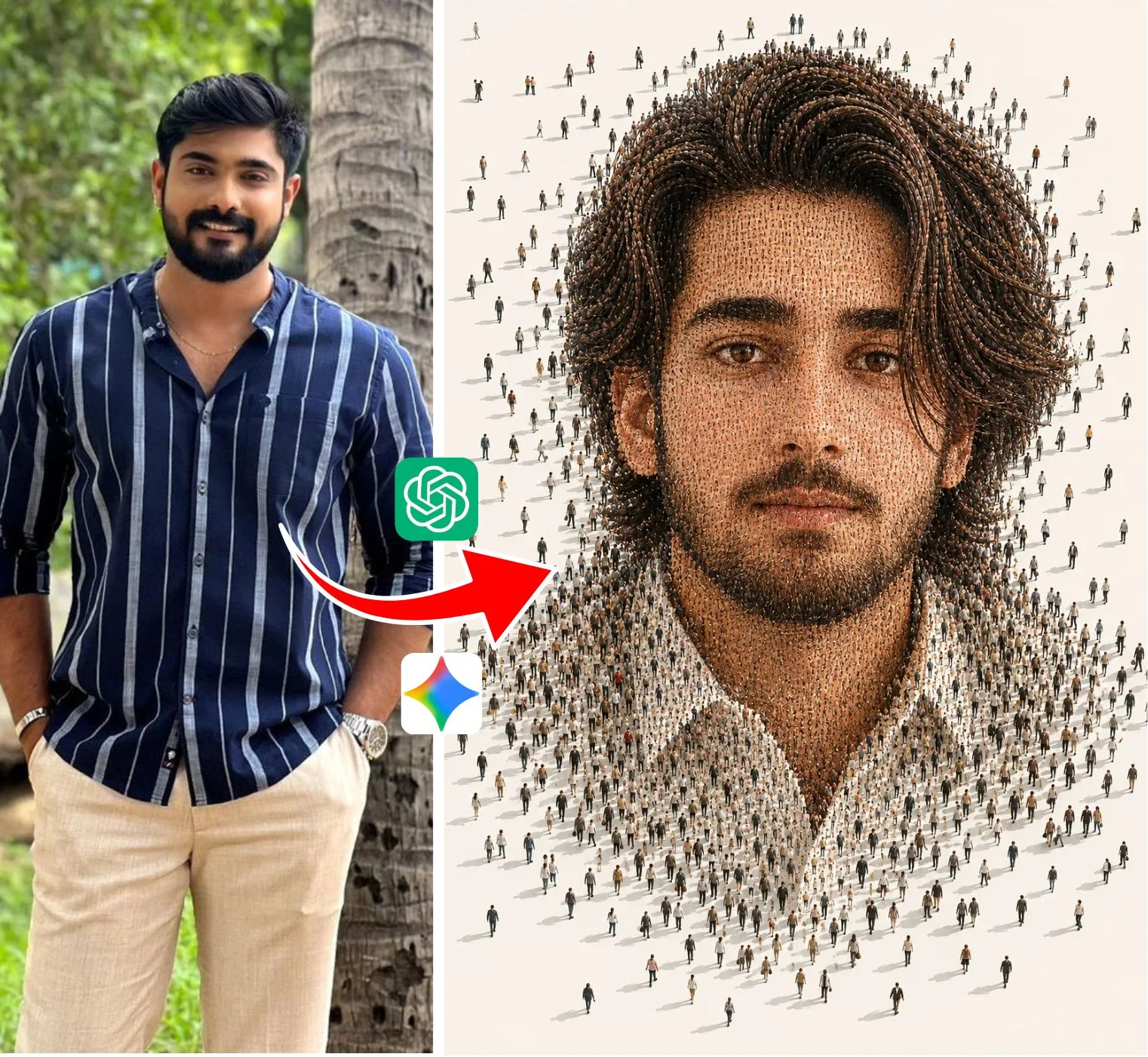
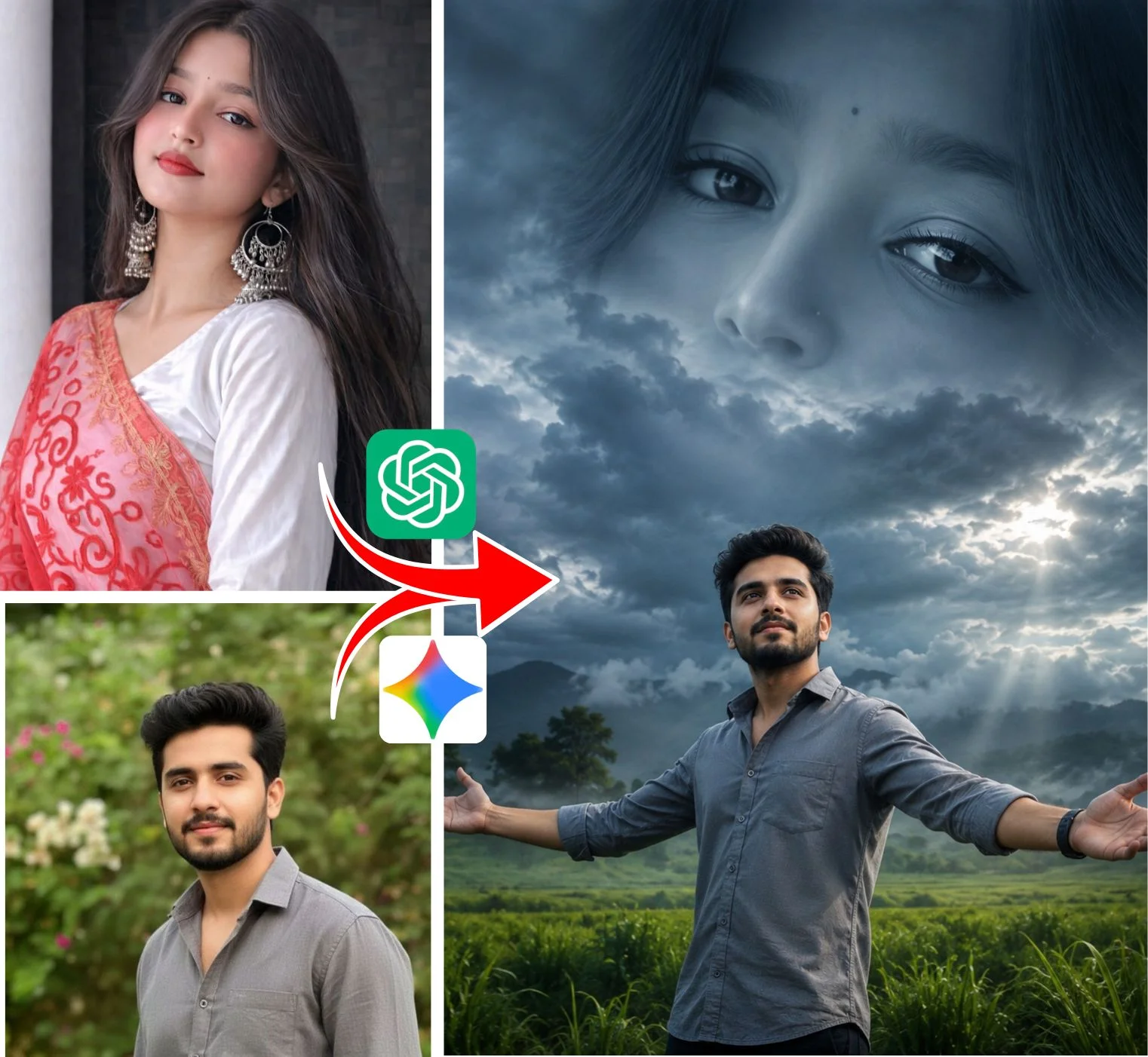
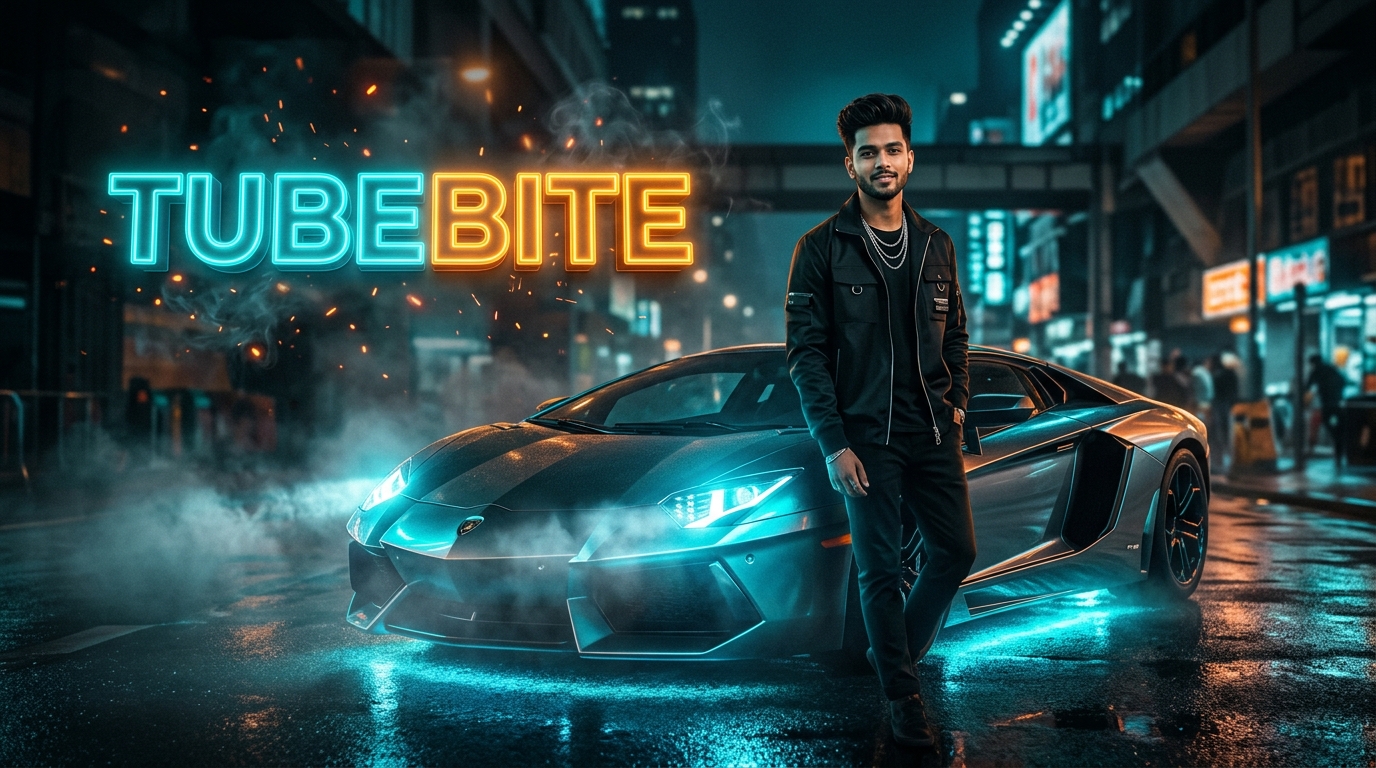
What is a TubeBite Prompt & Why Did It Take Over Social Media?
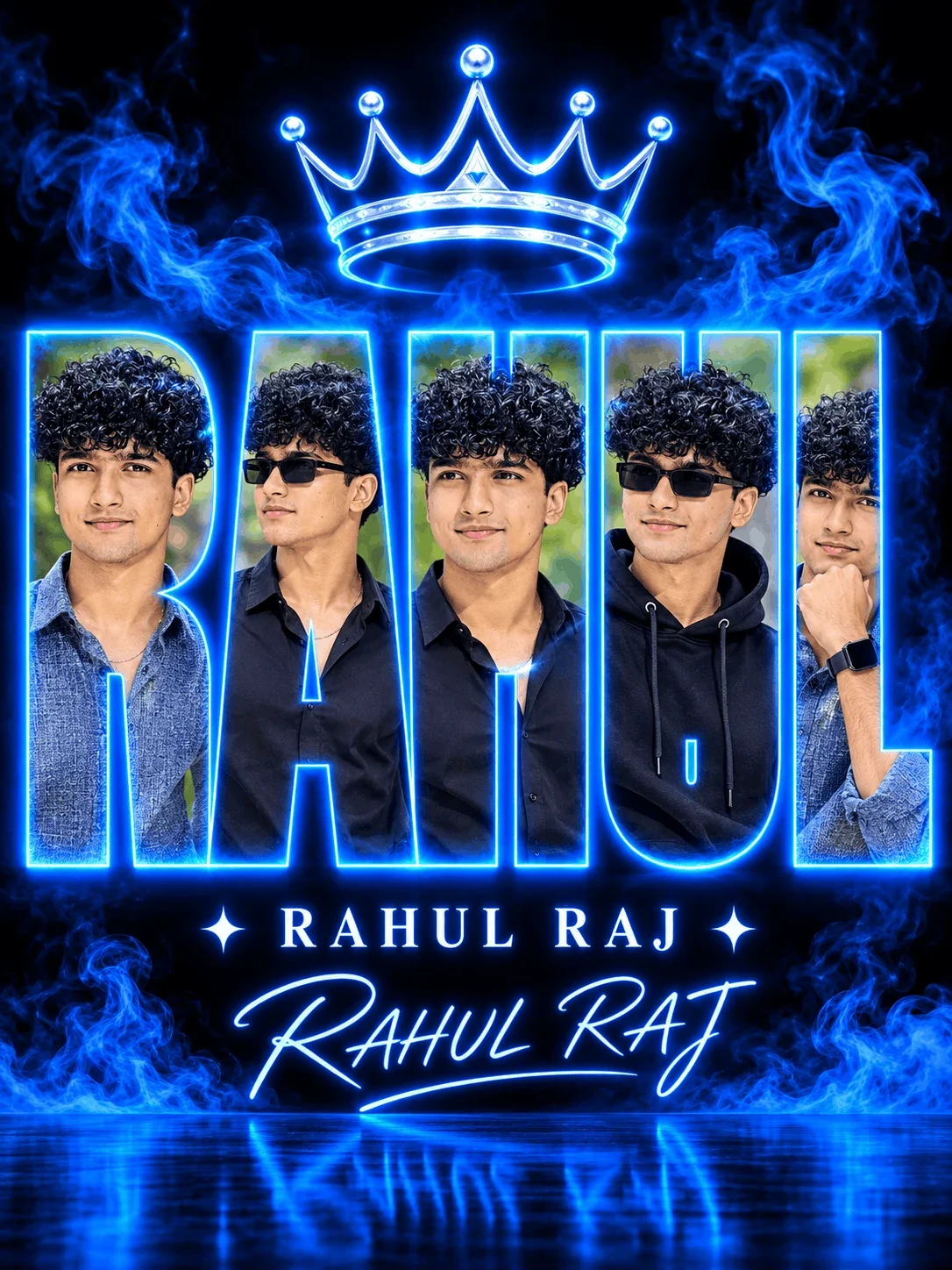
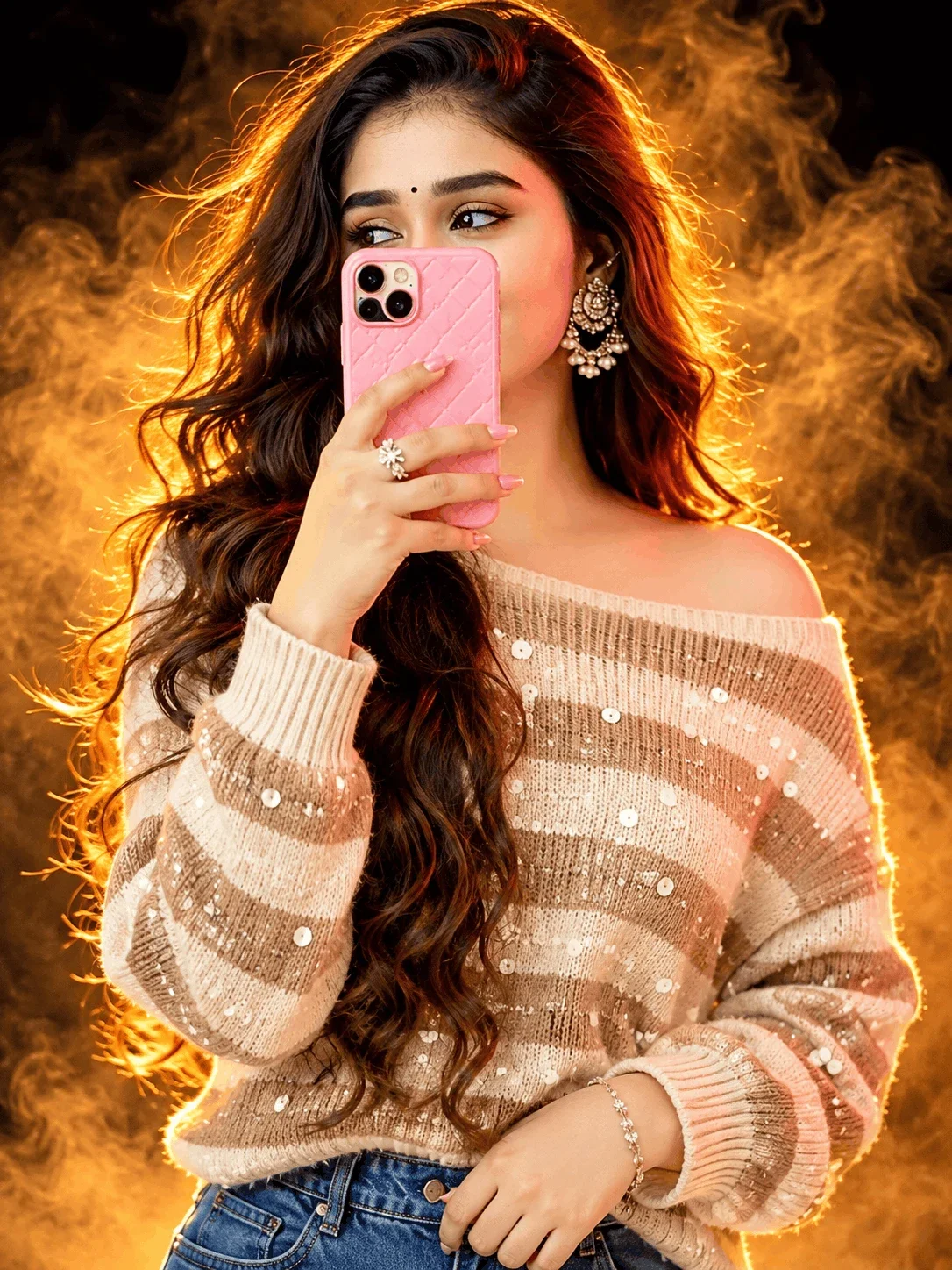
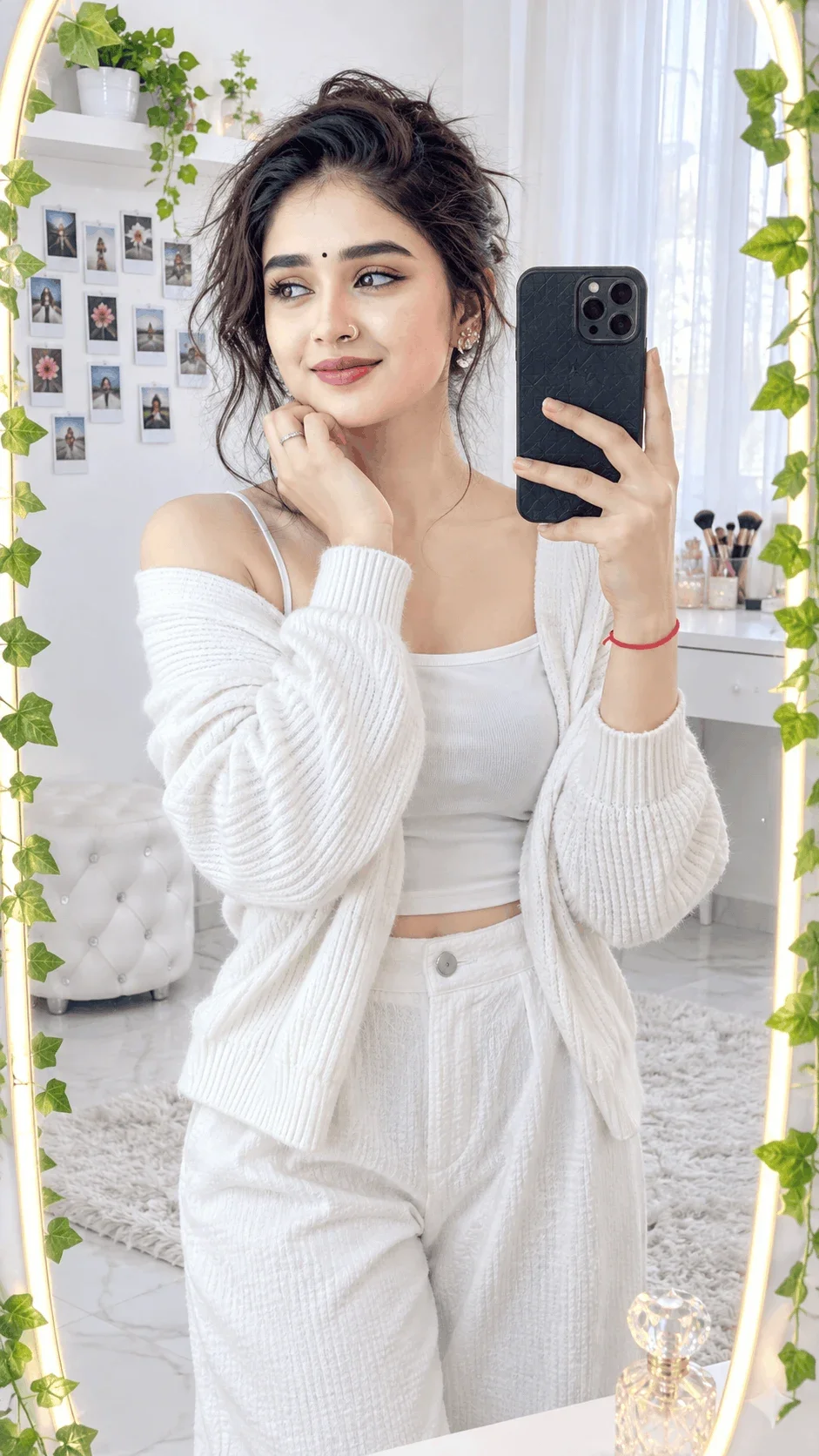
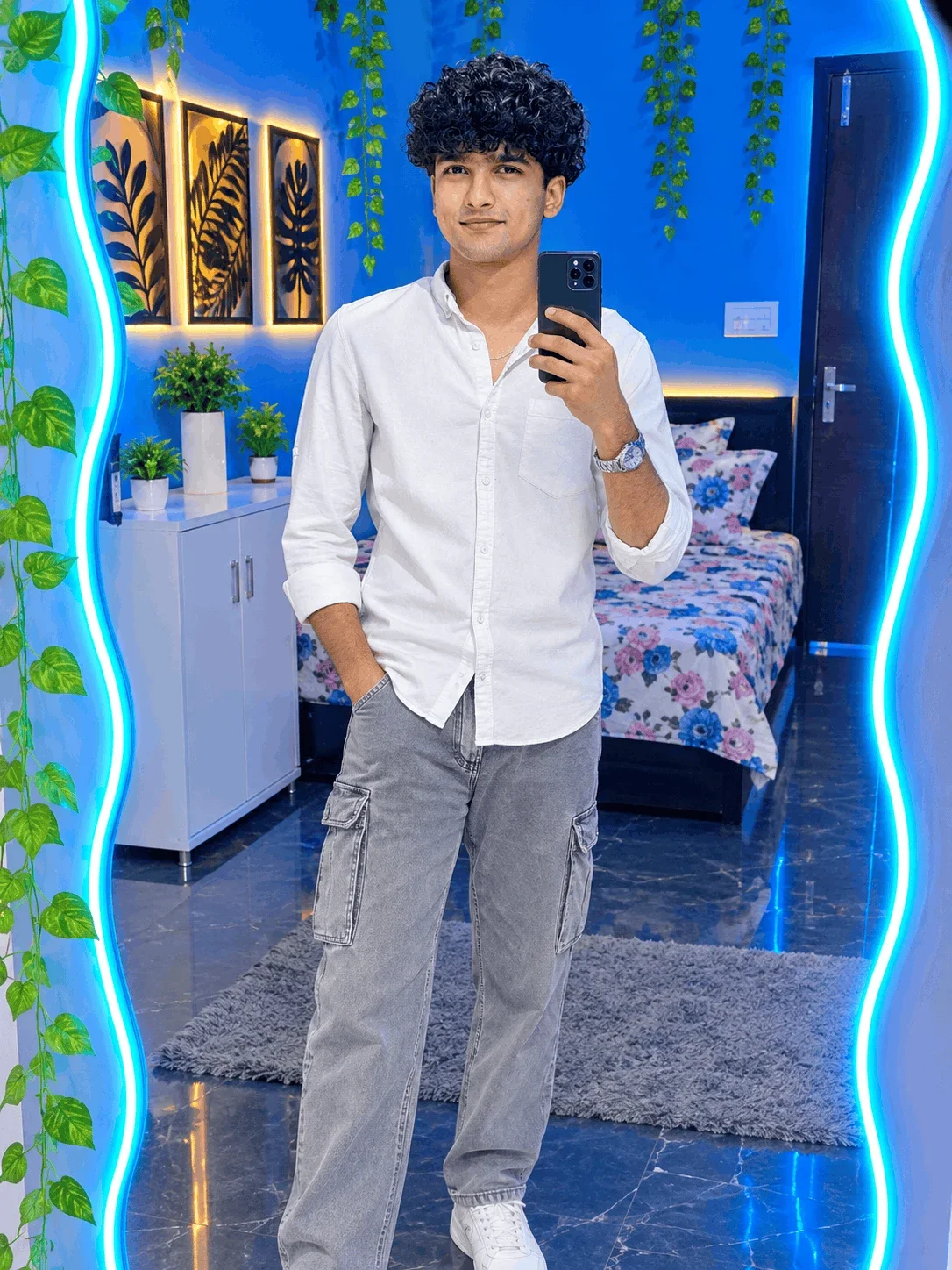
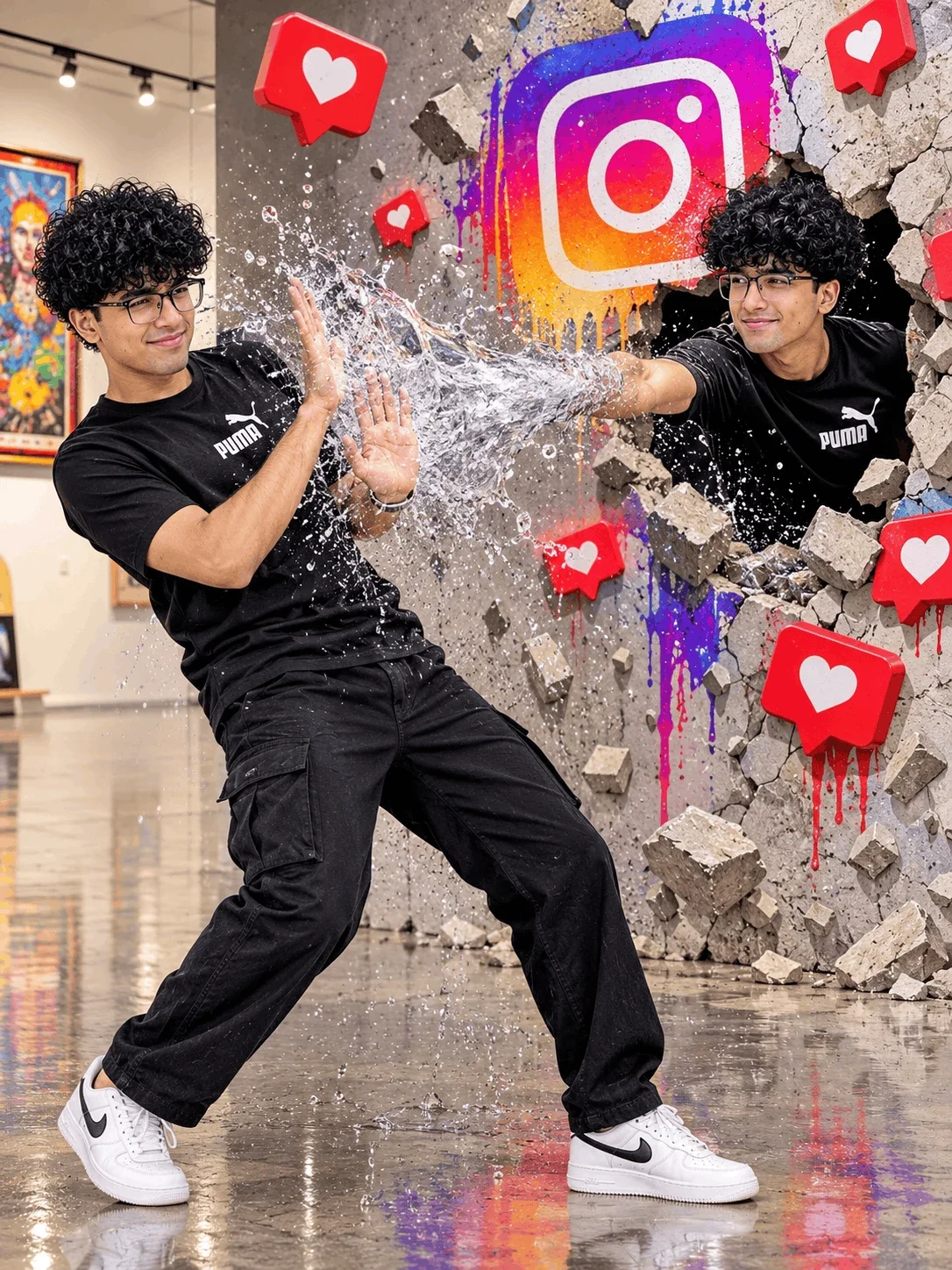
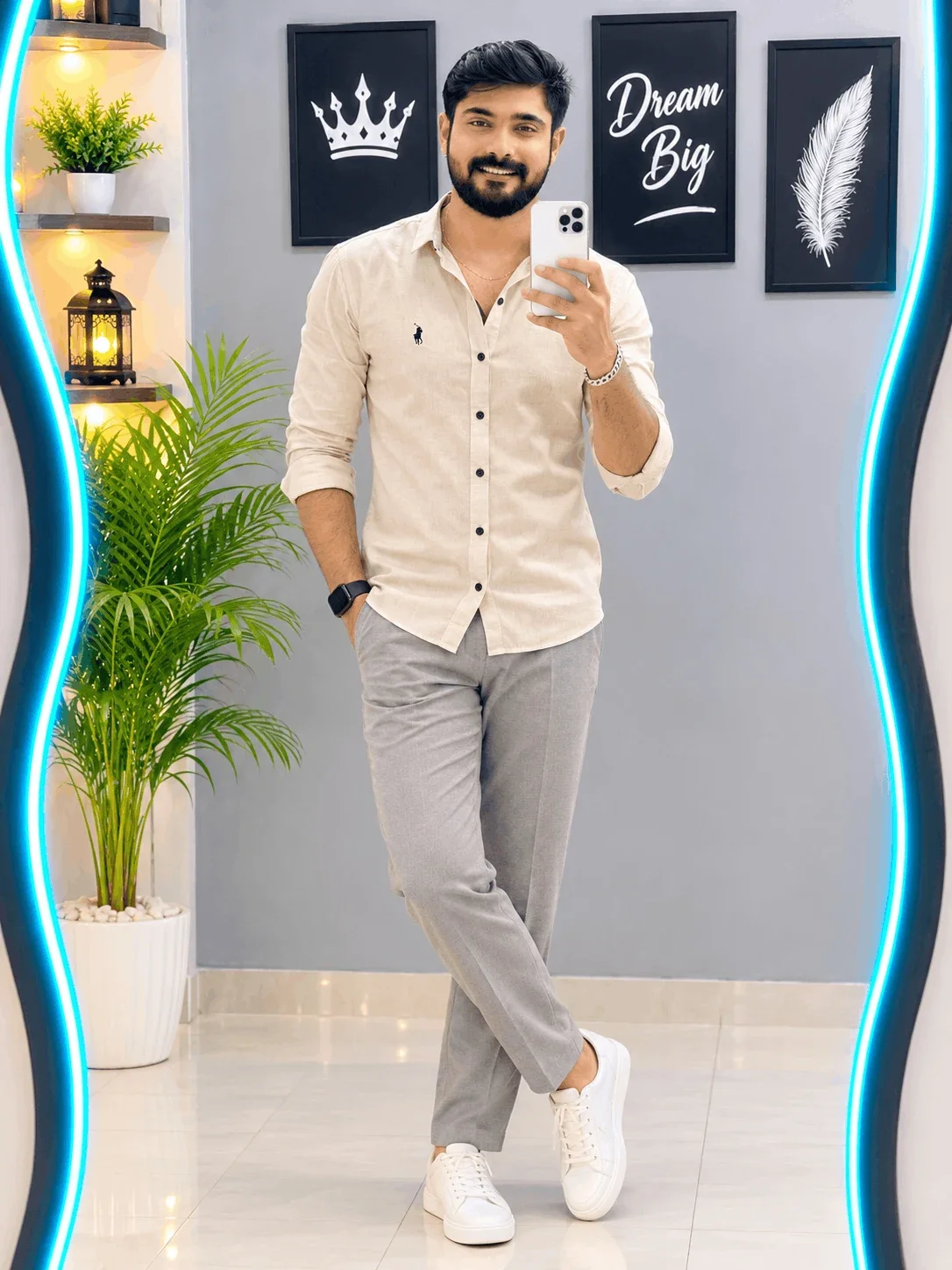
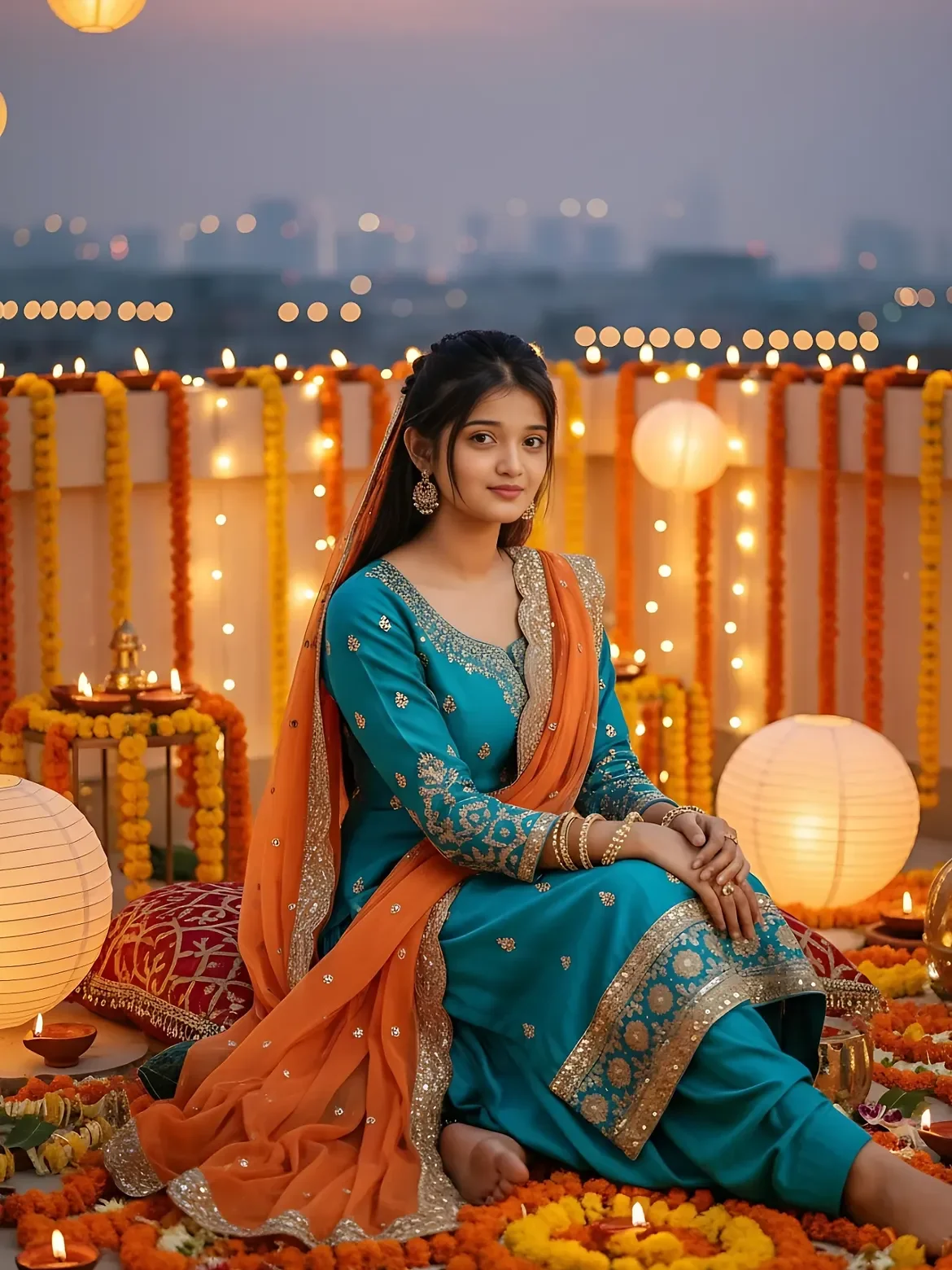
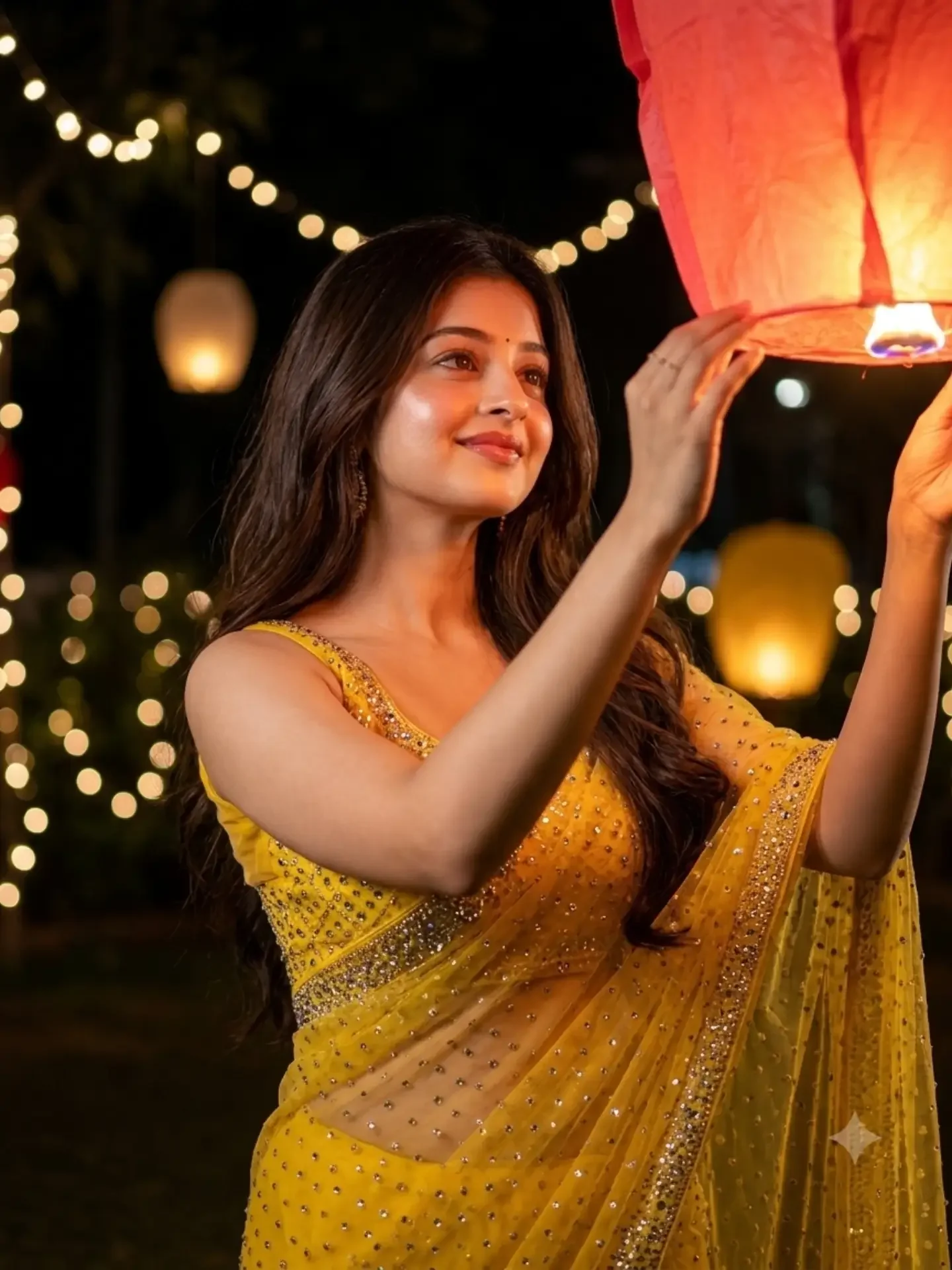
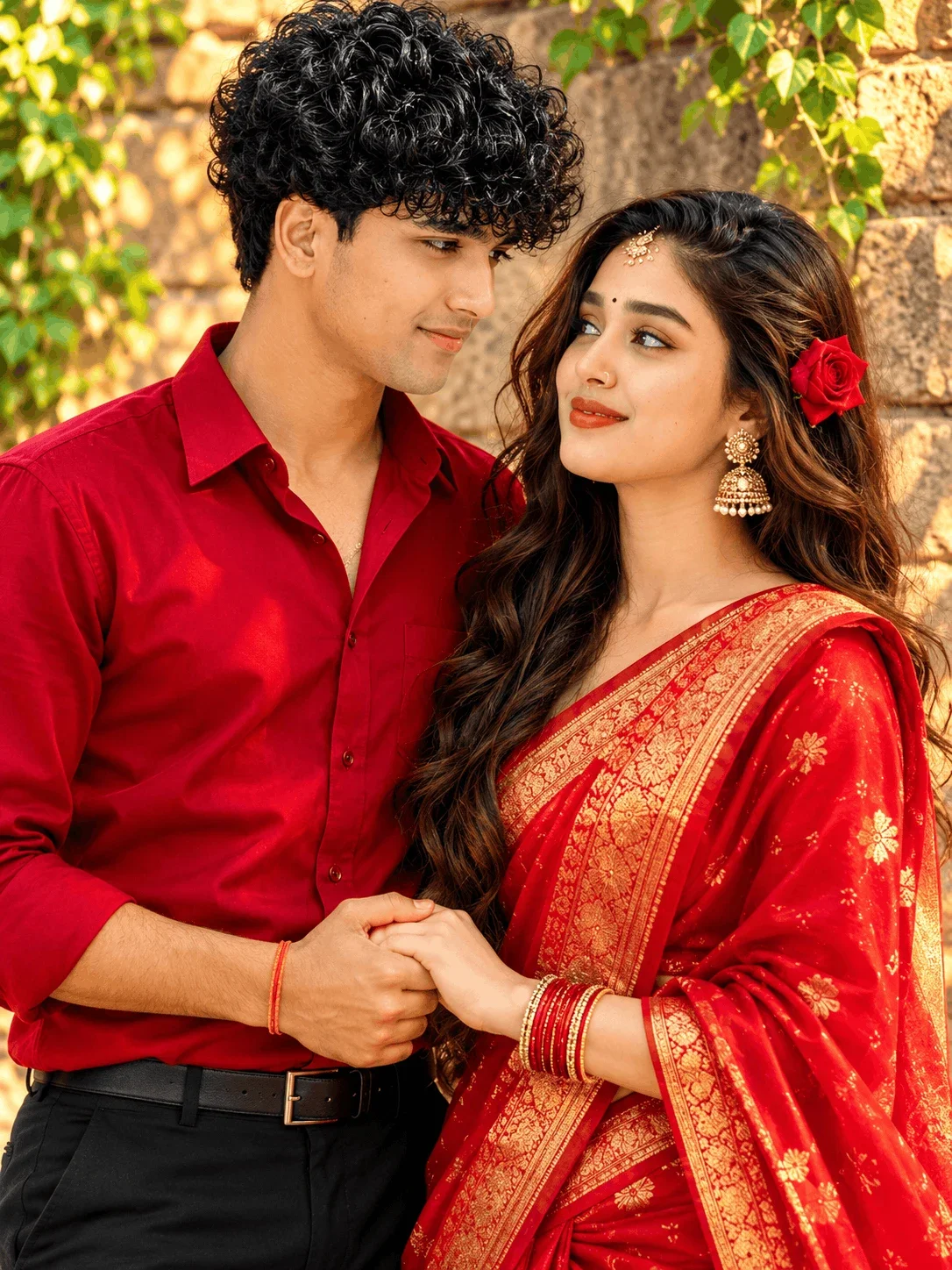
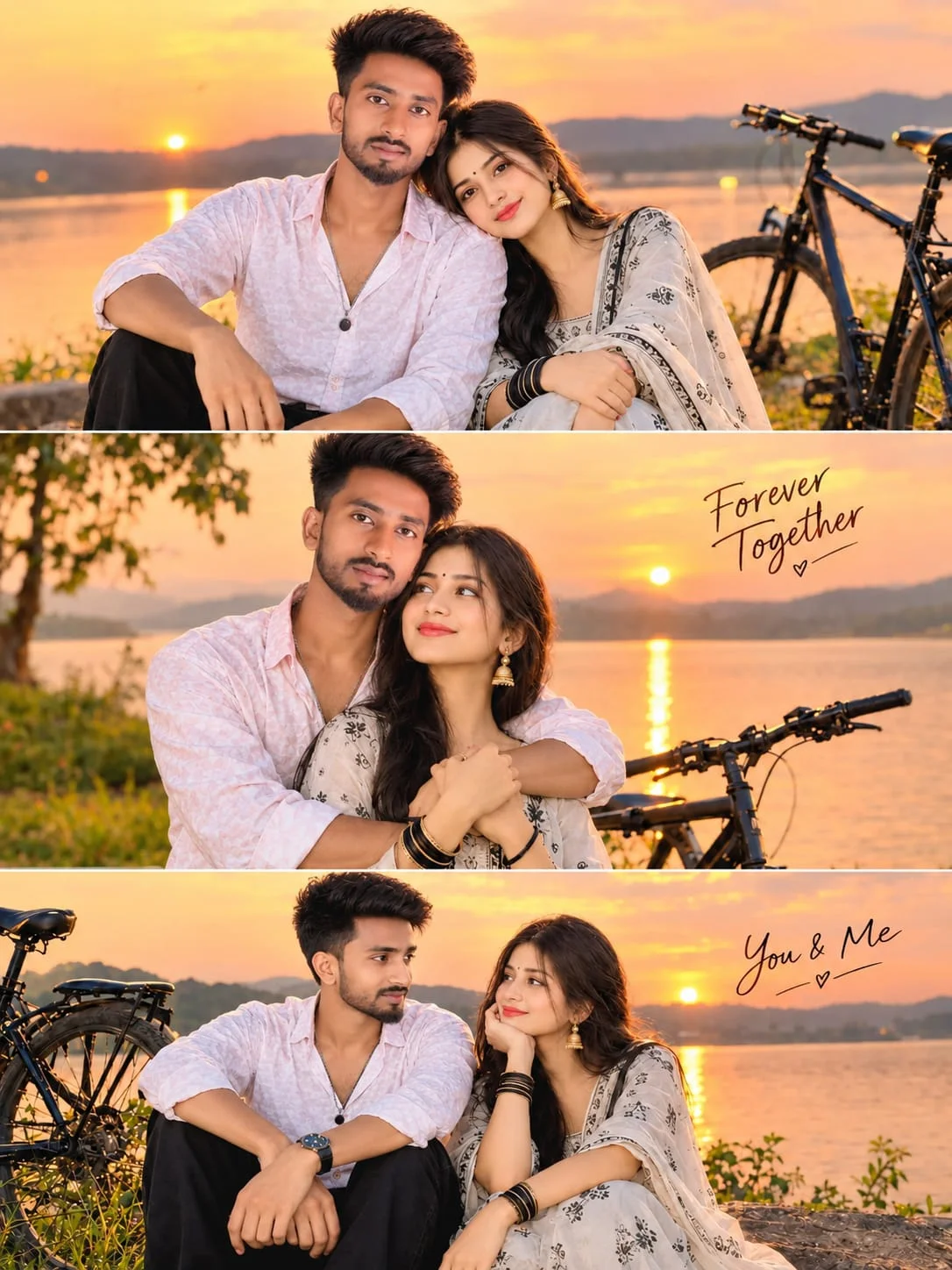
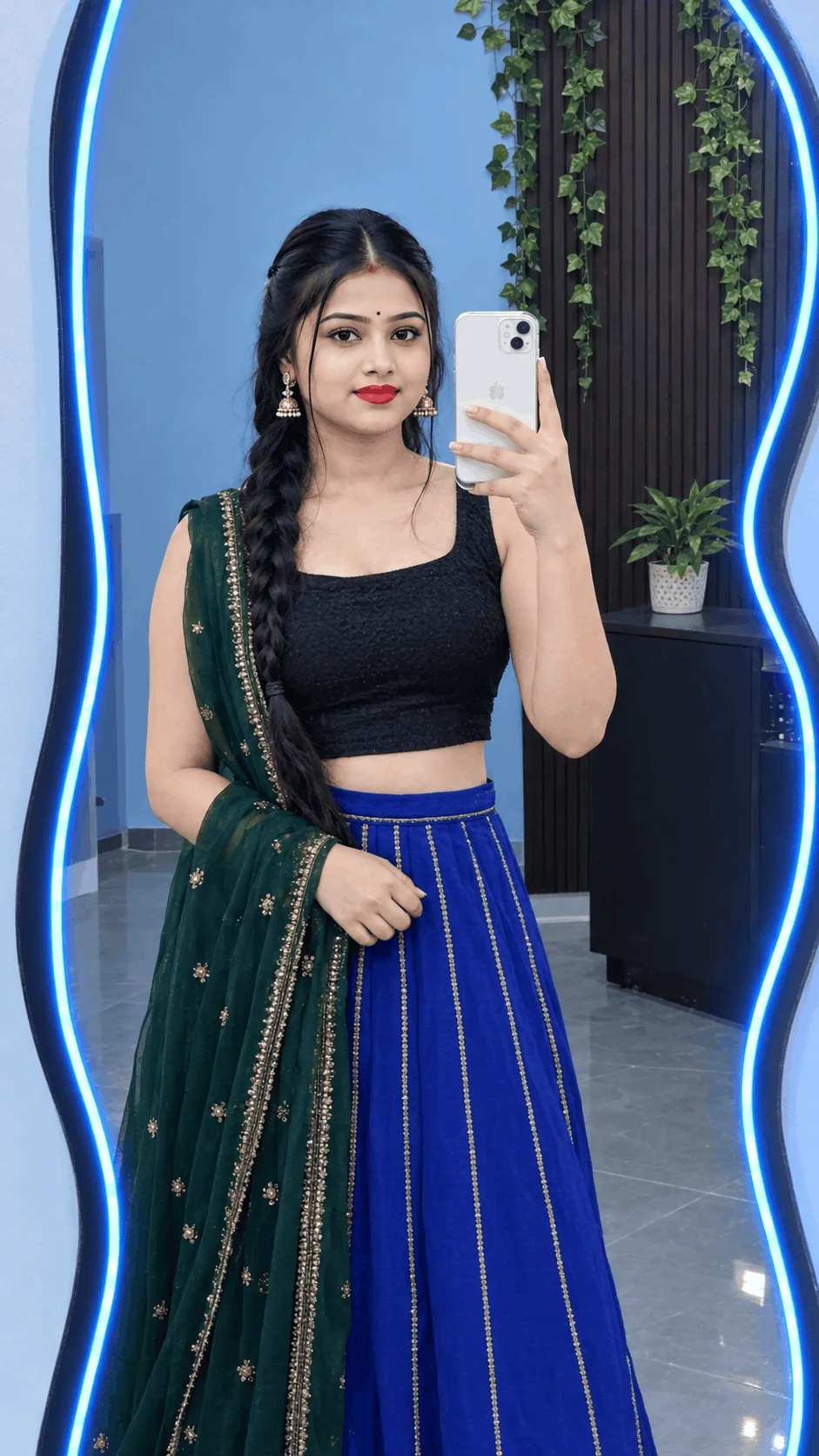
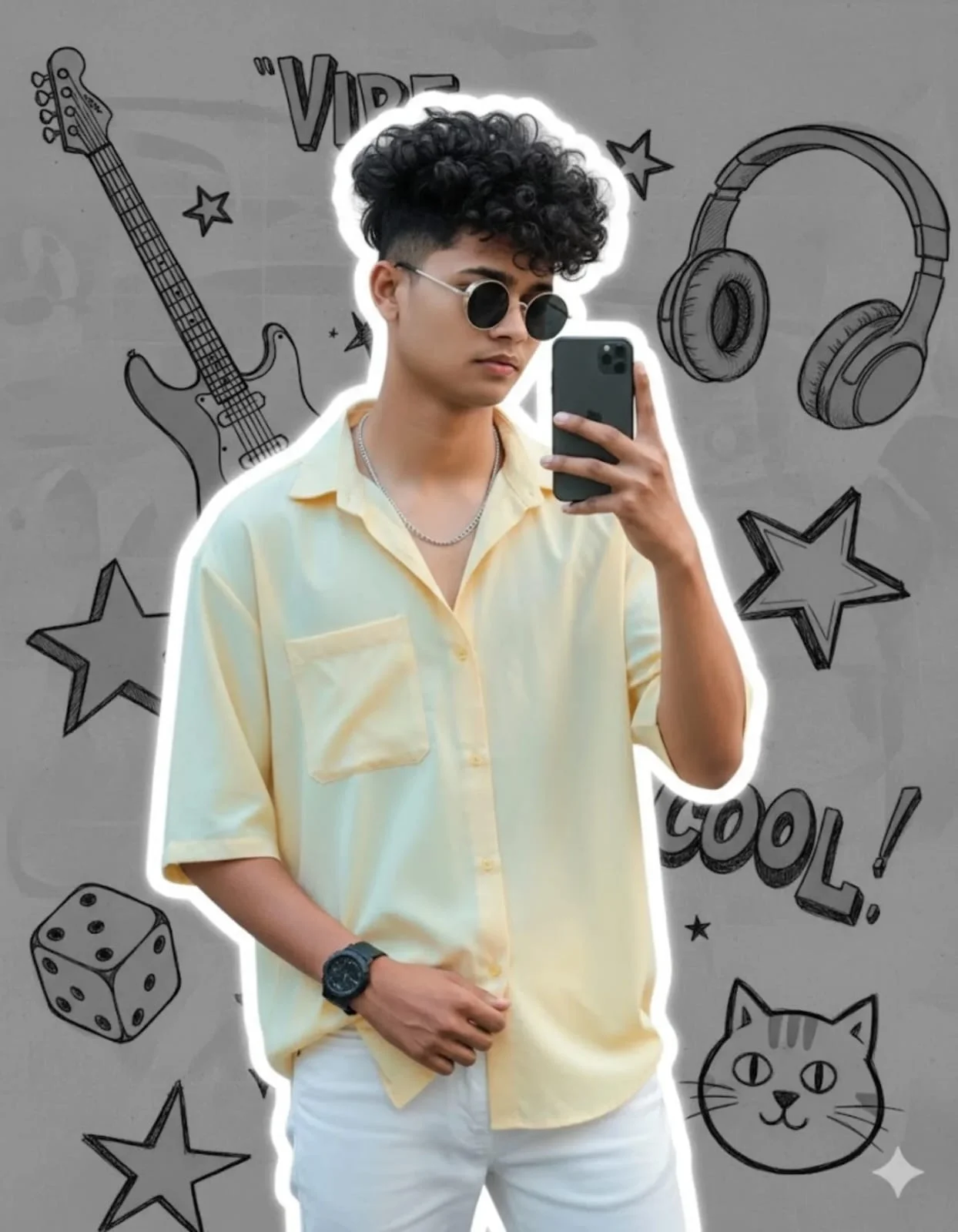
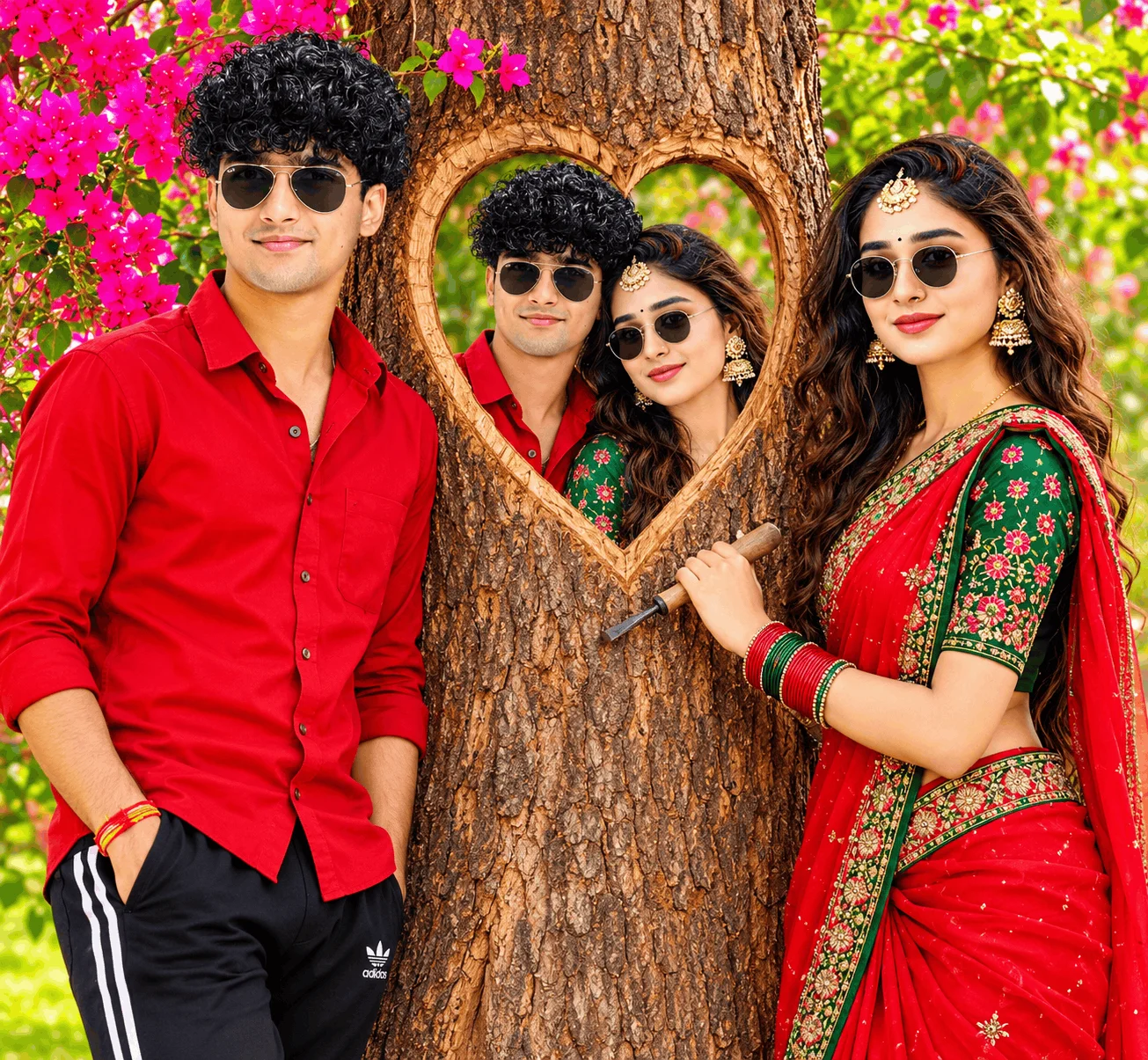
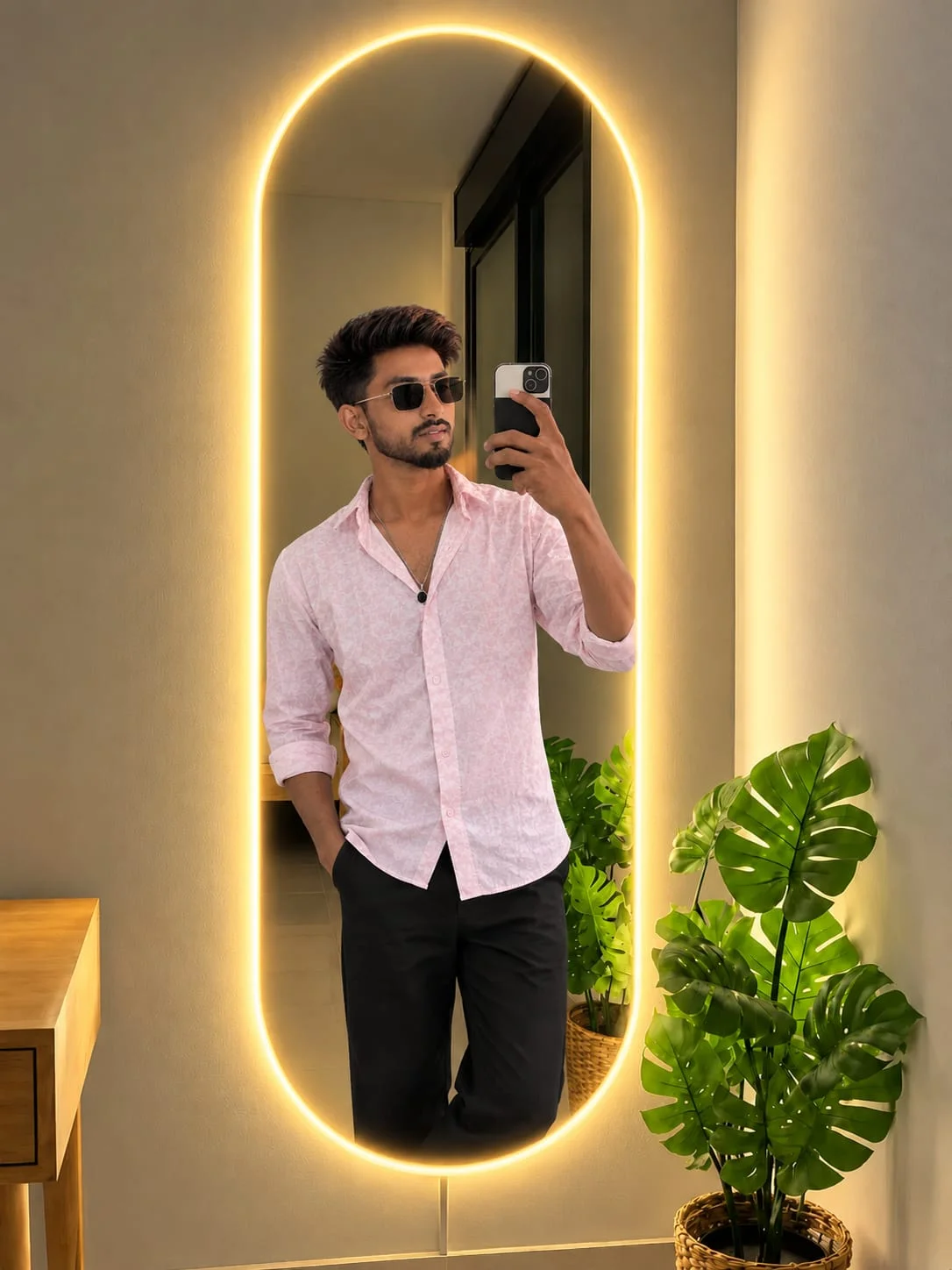
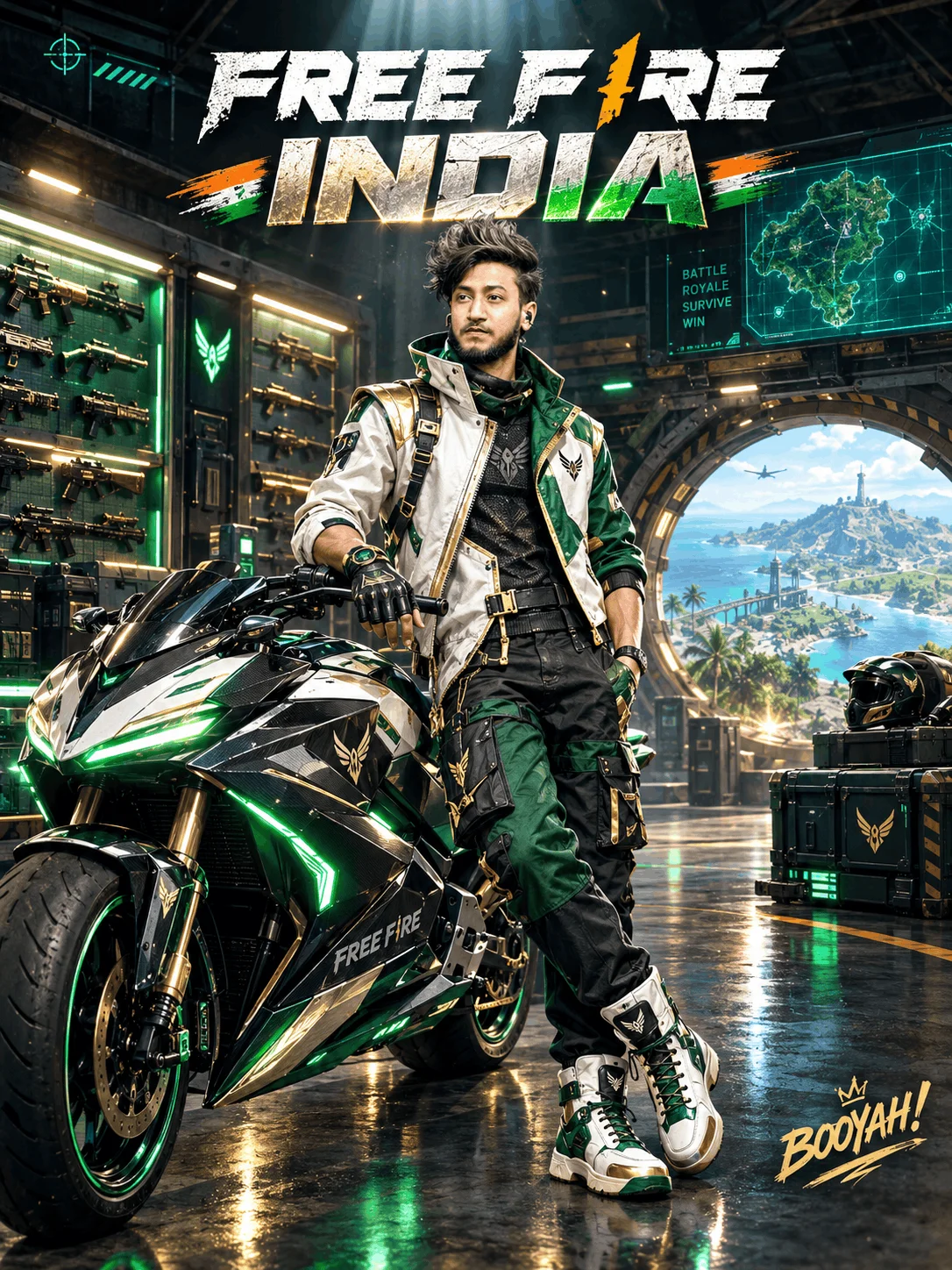
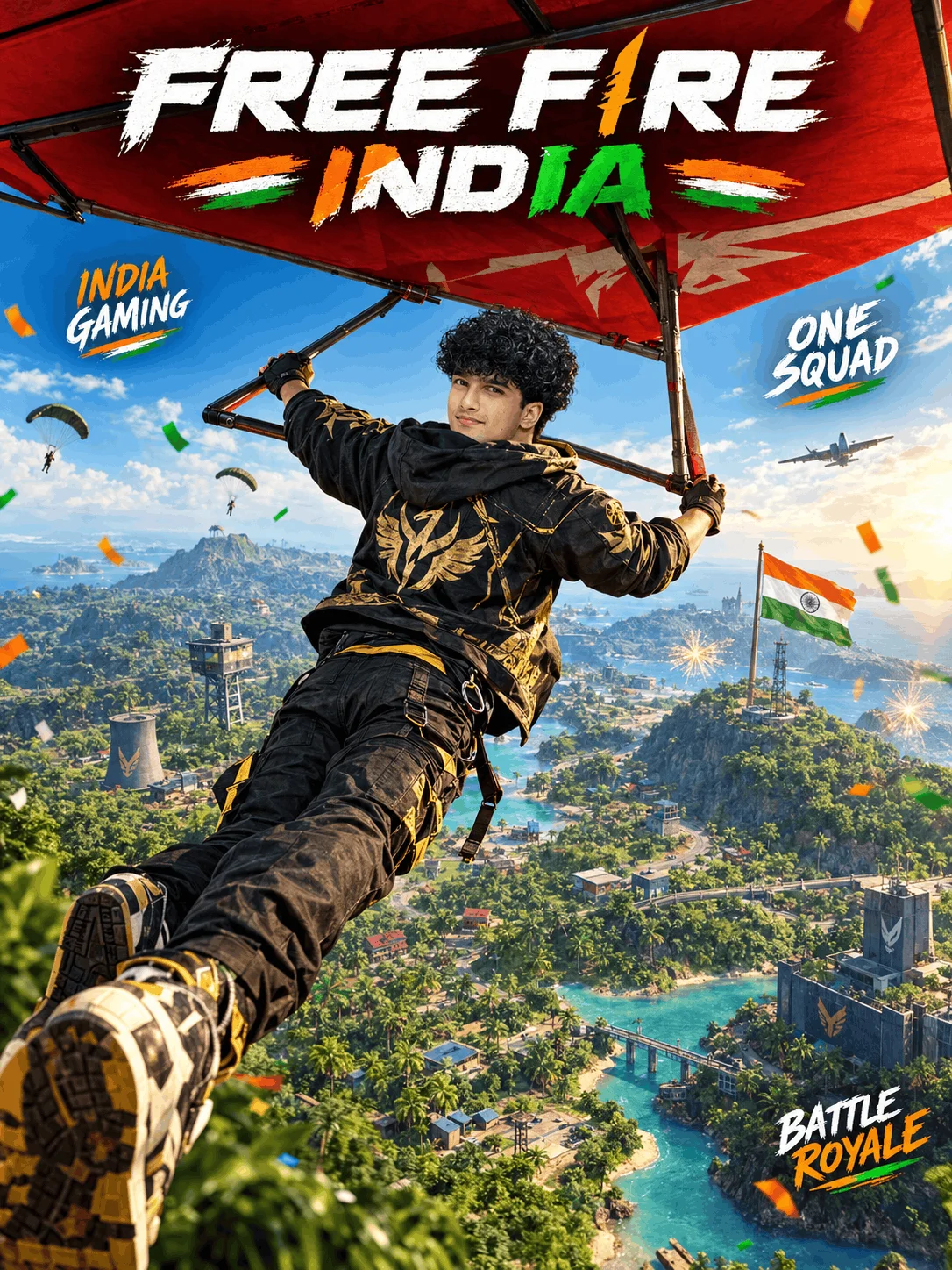
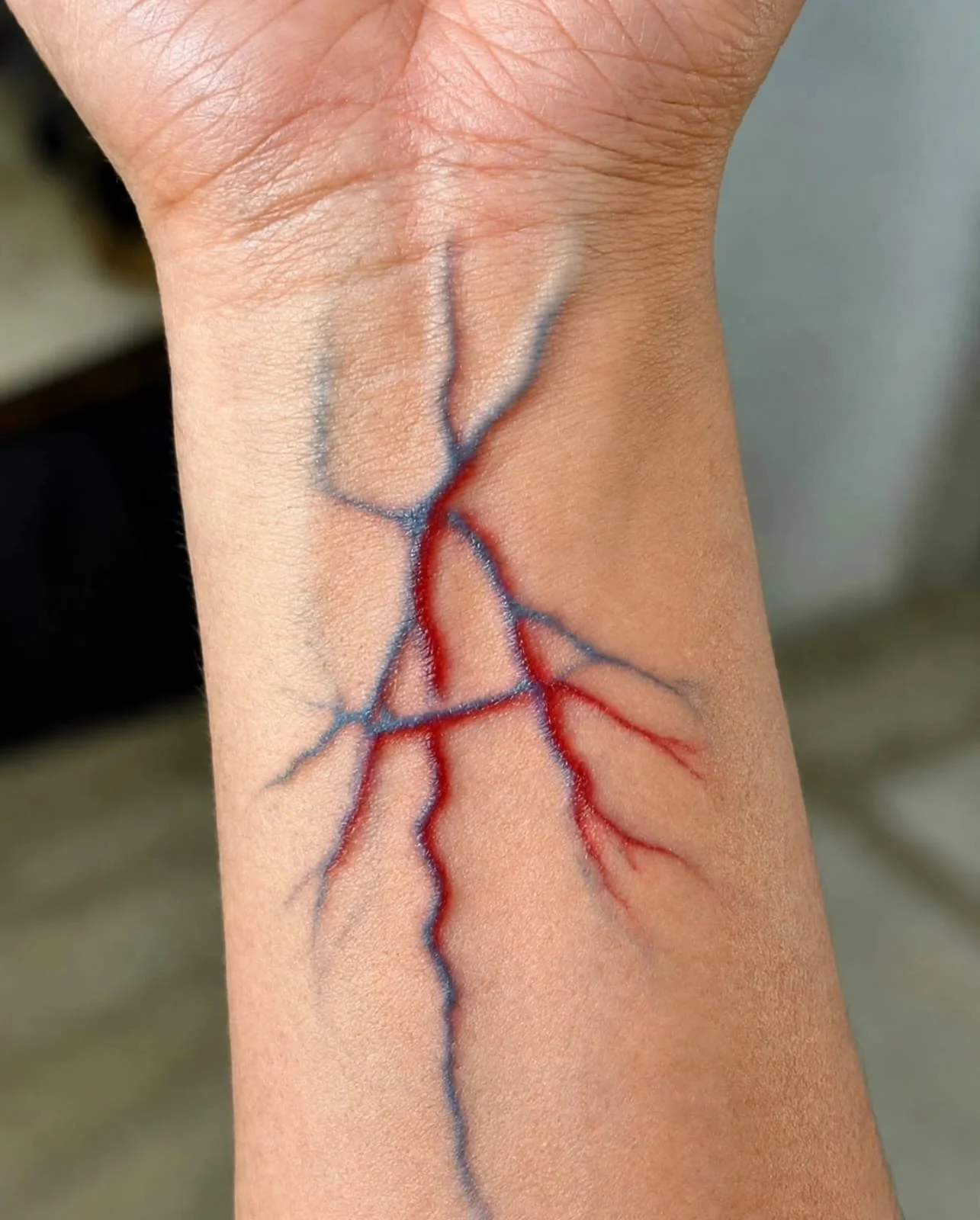
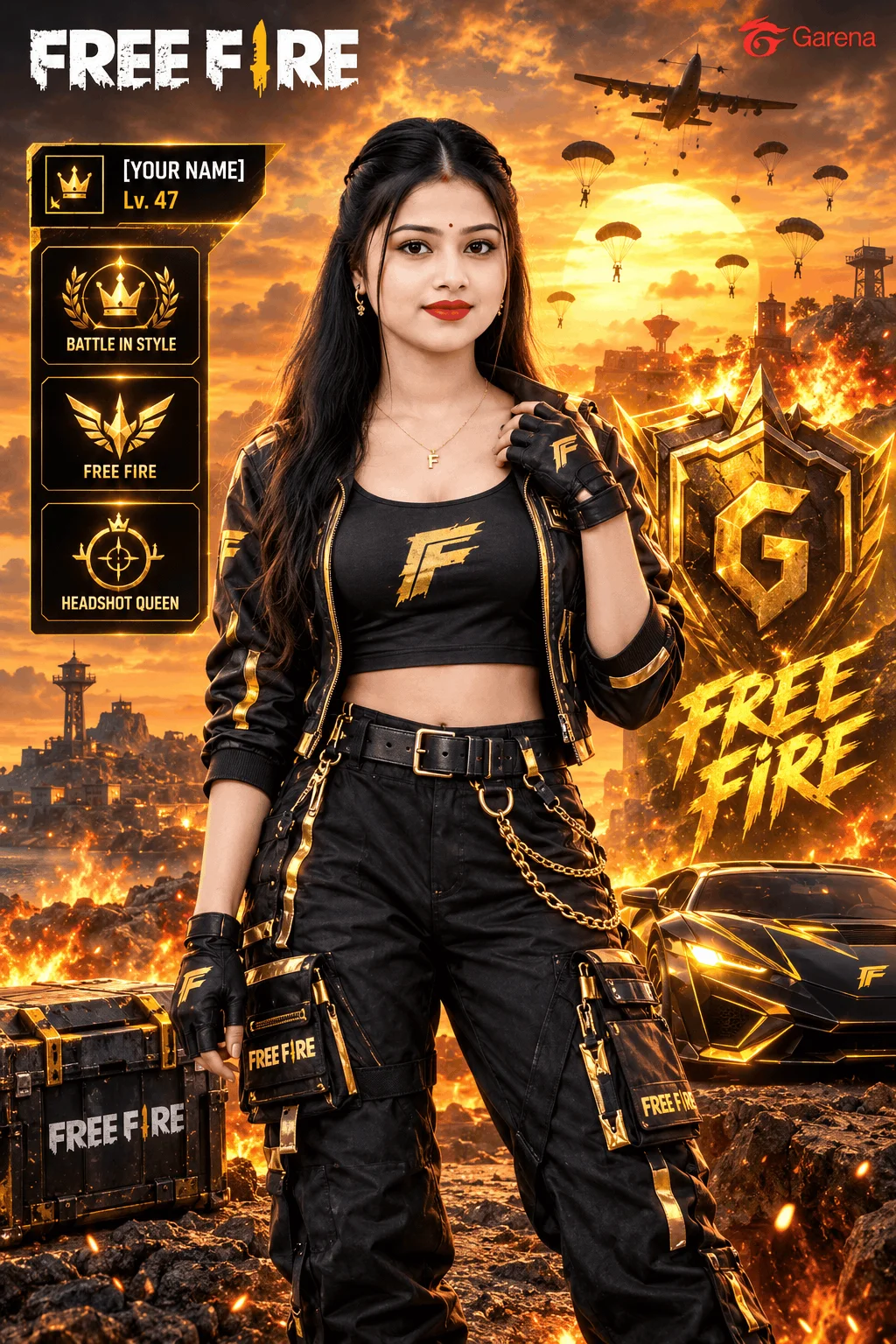
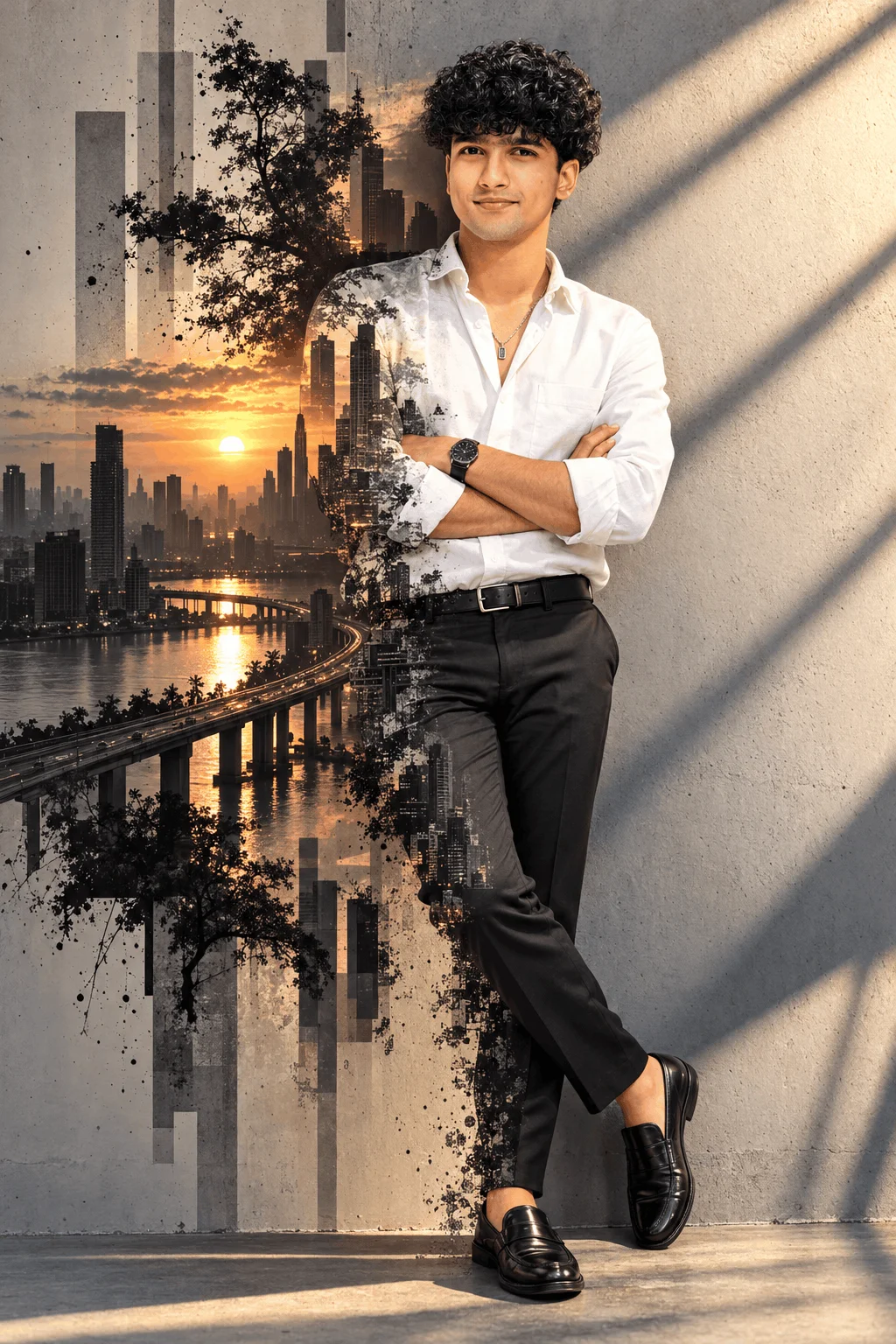
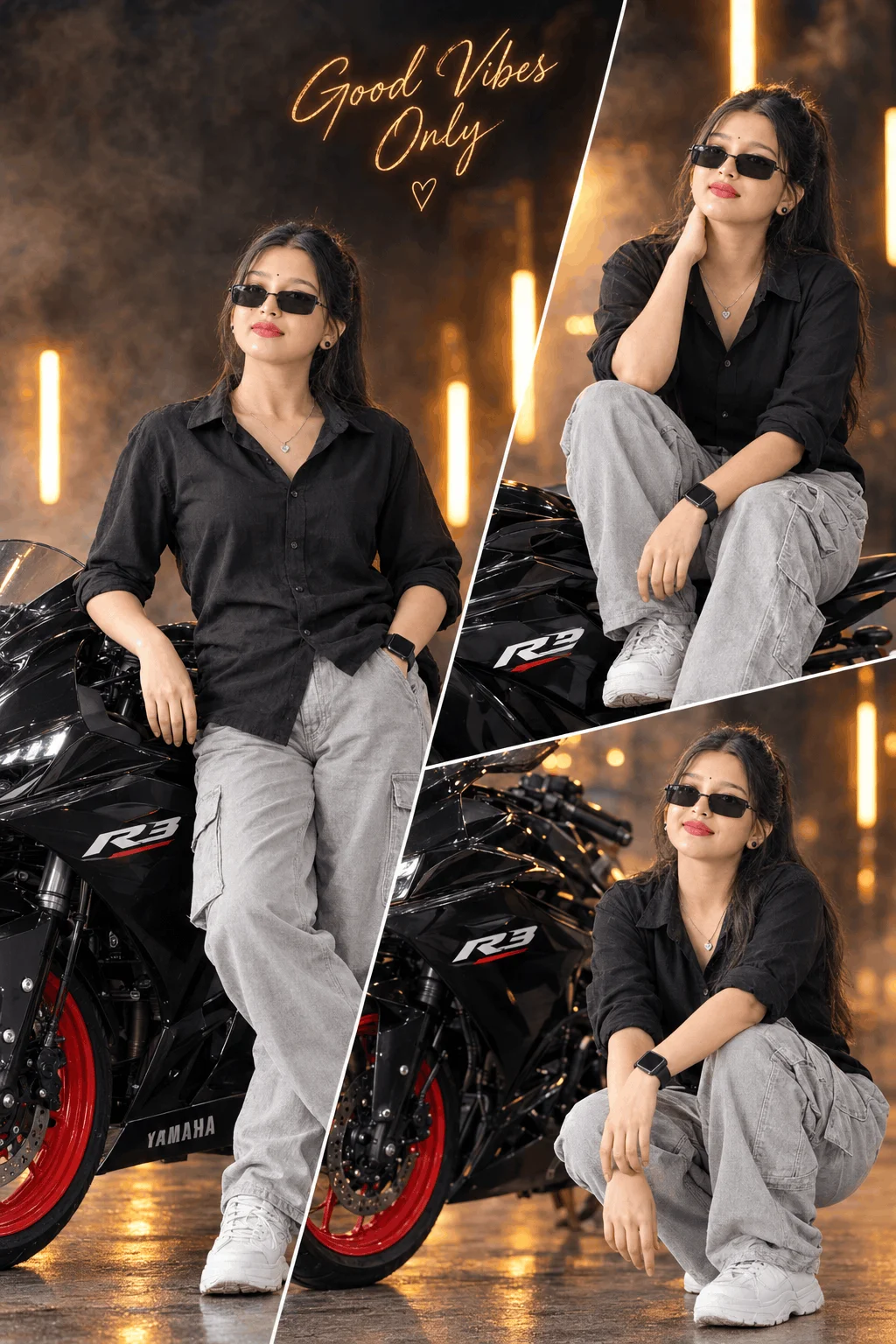
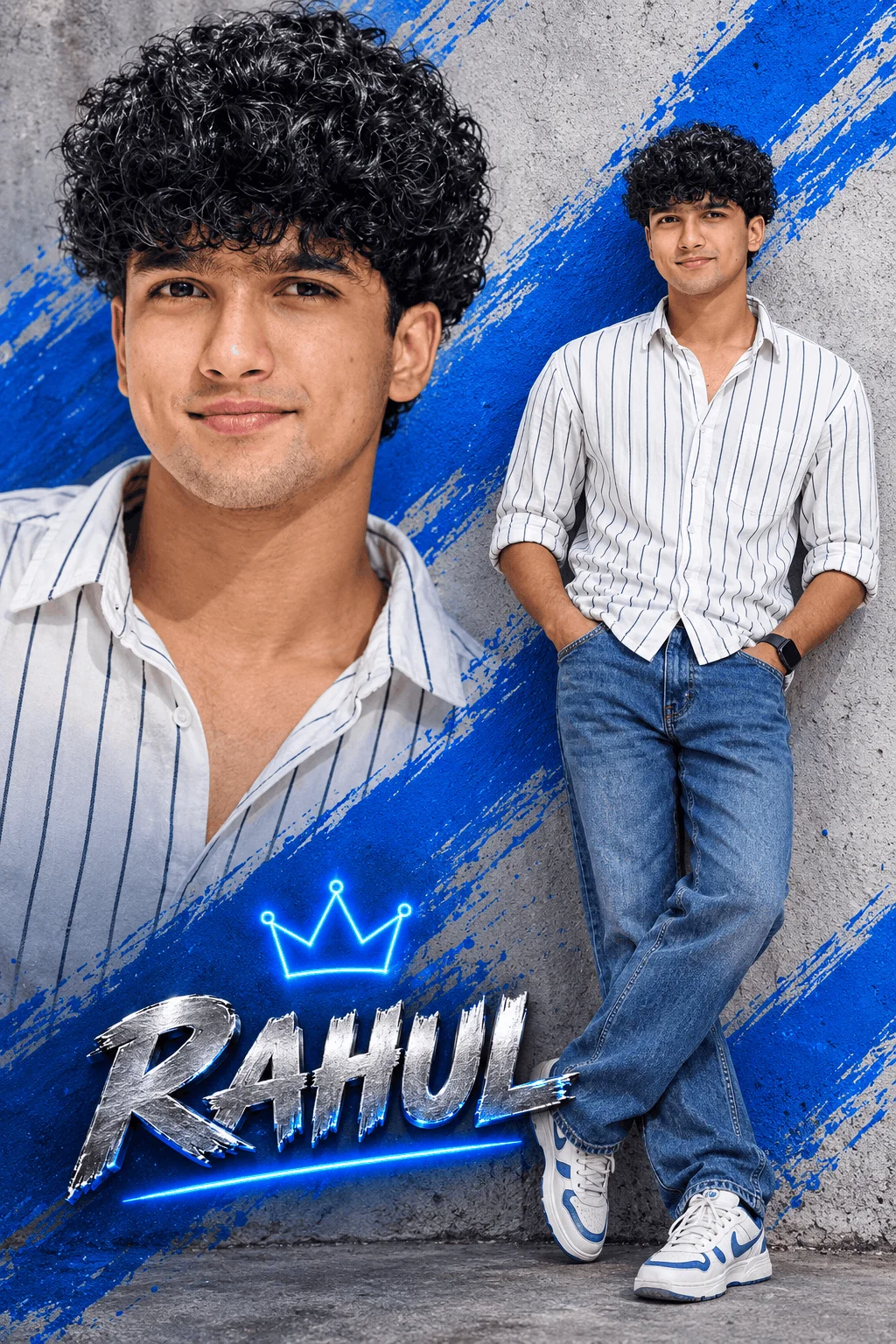
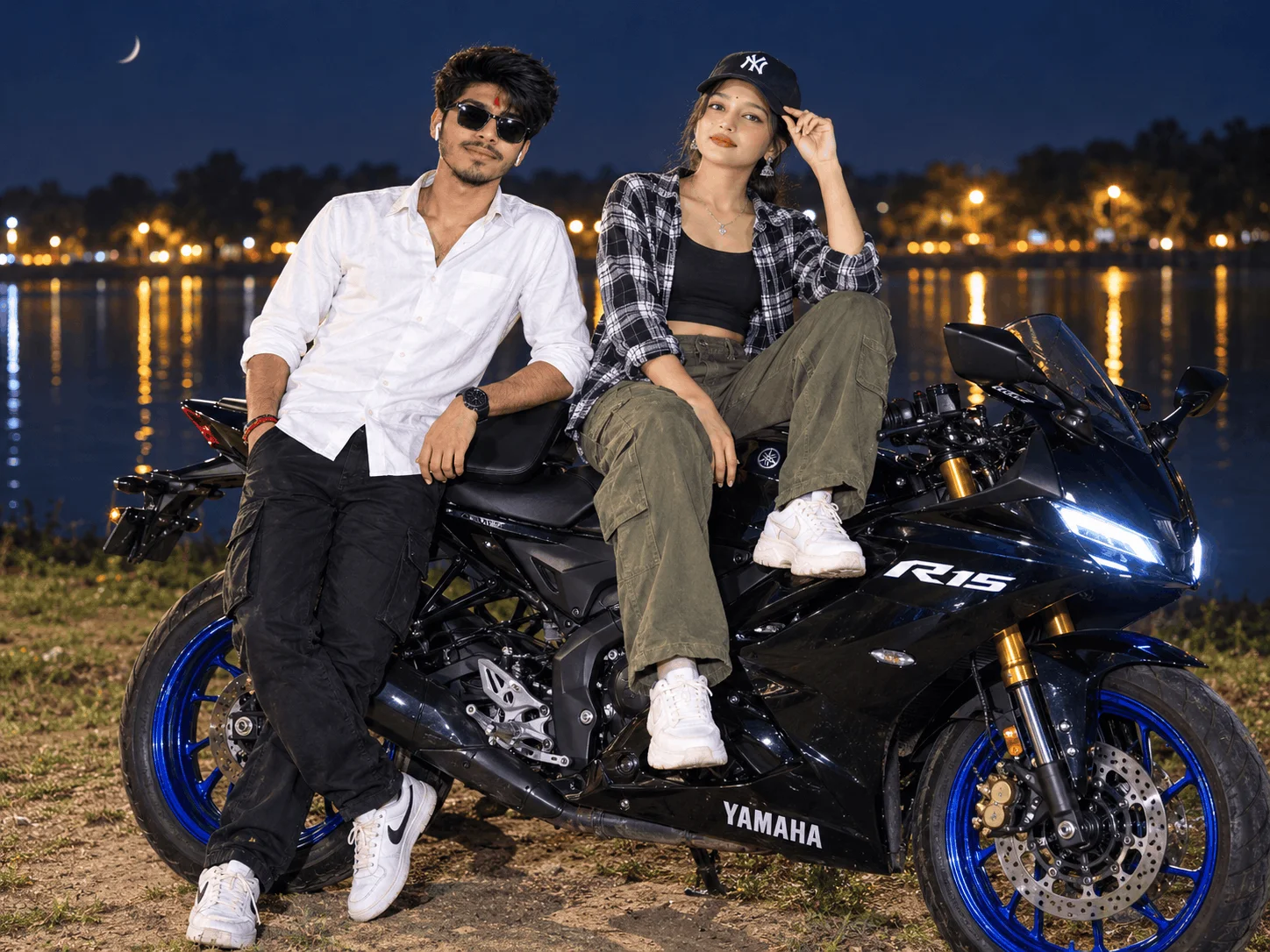
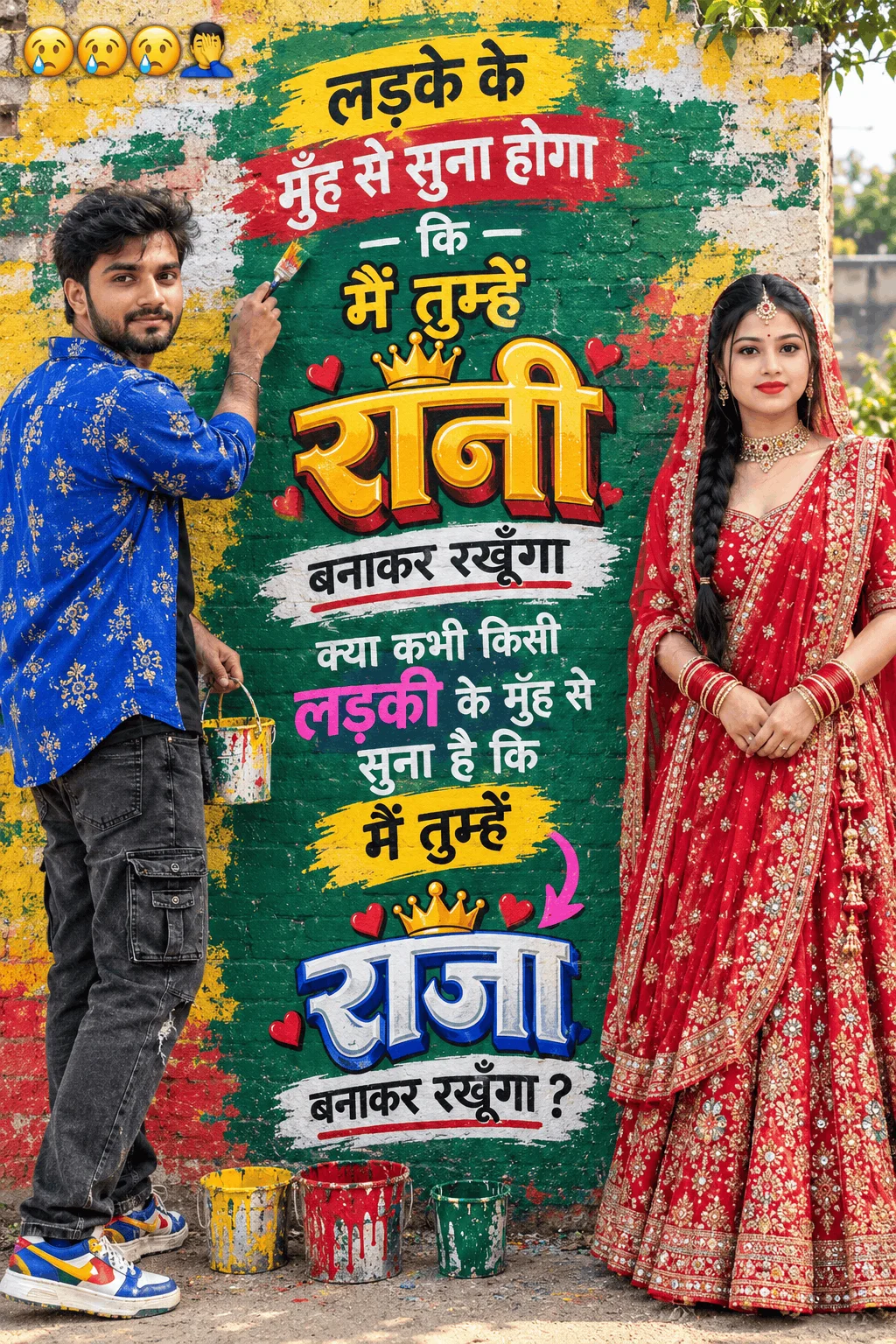
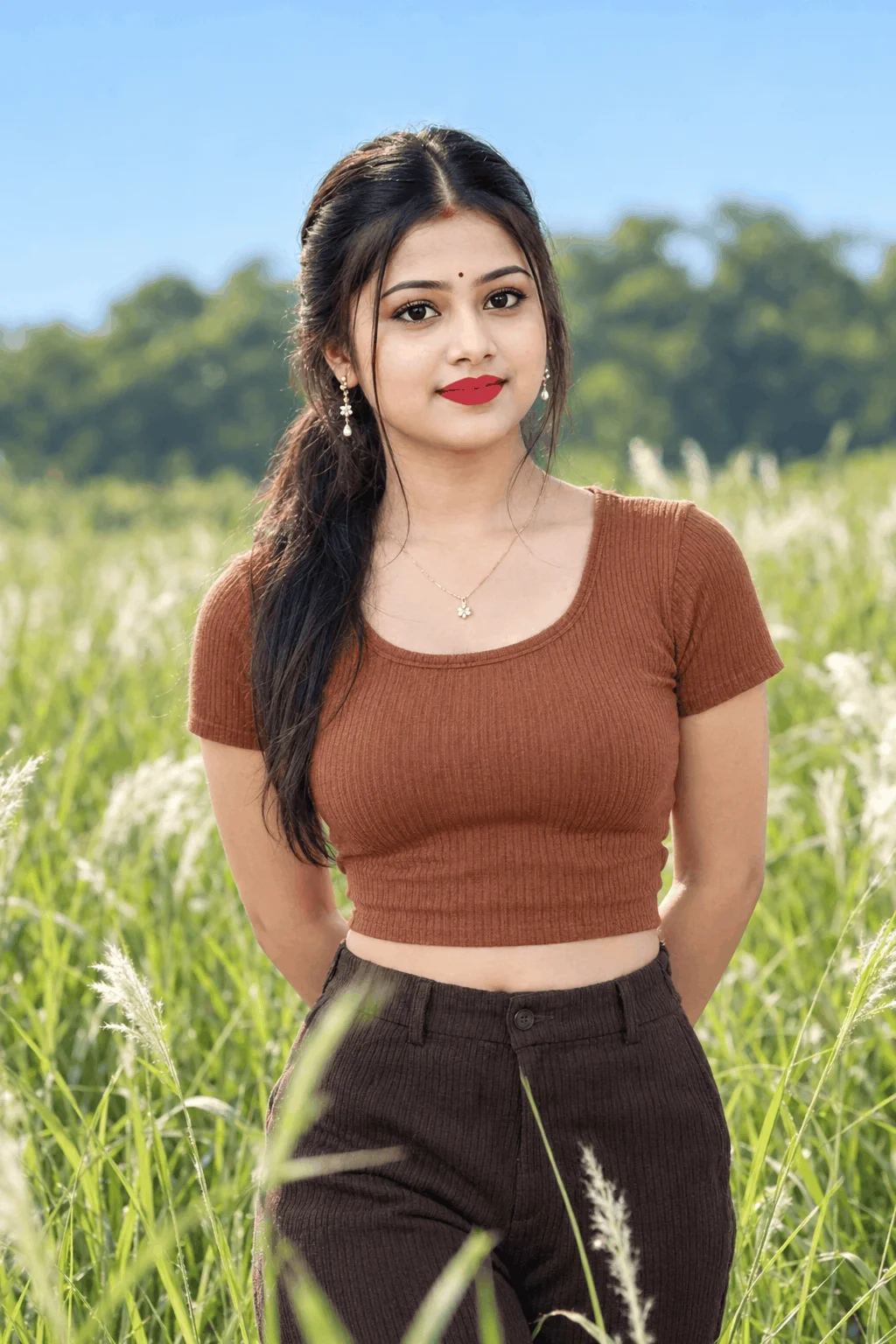
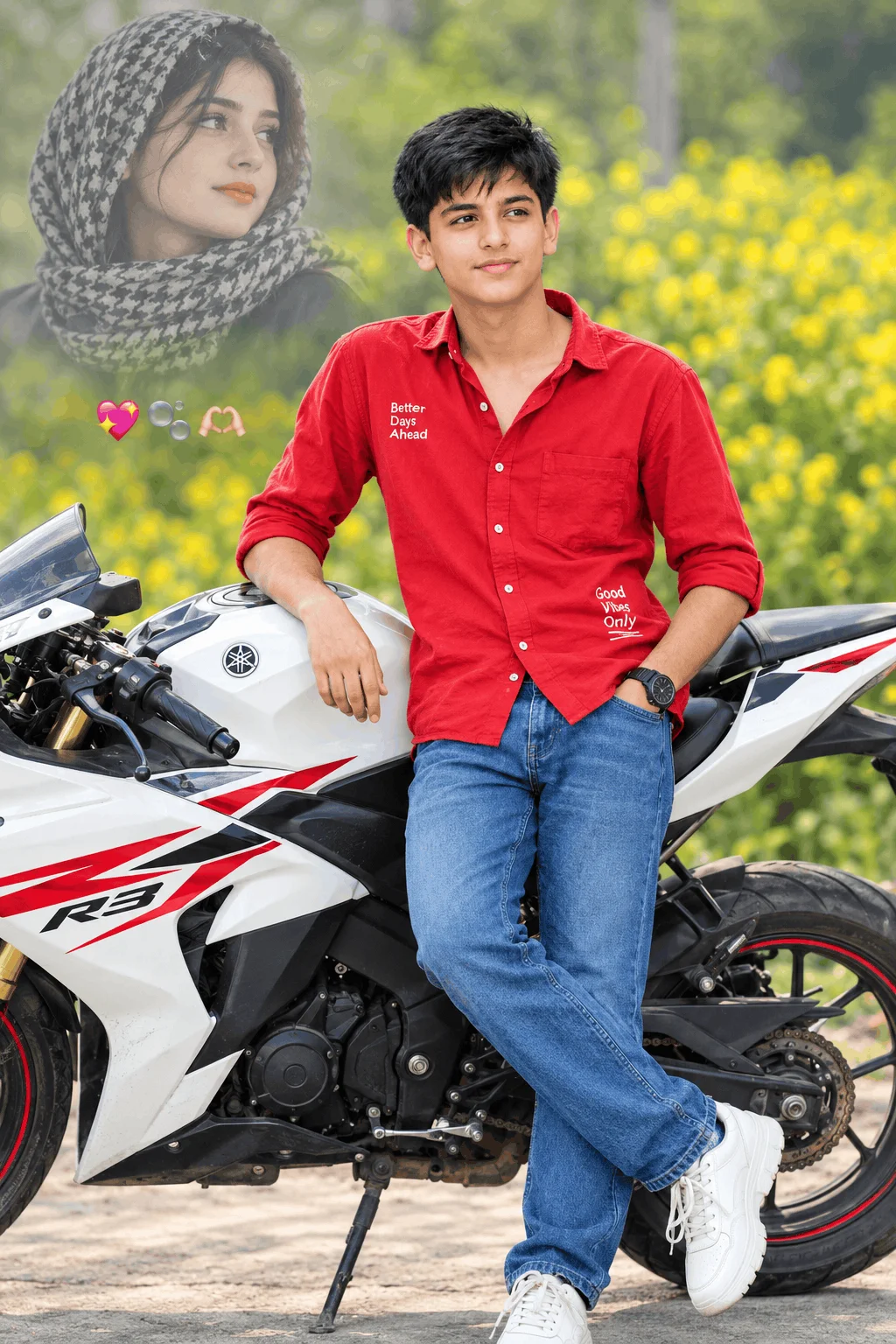
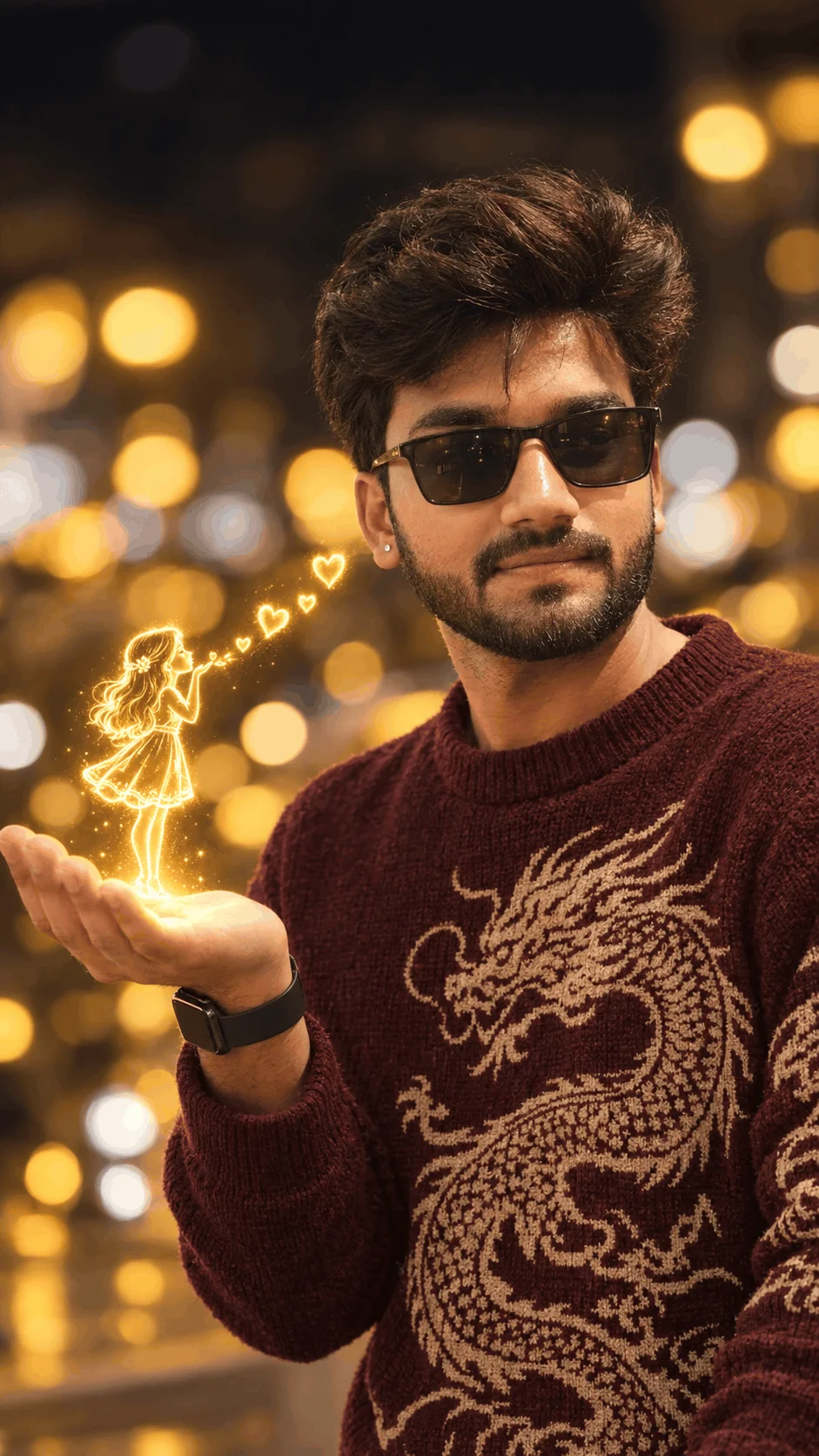
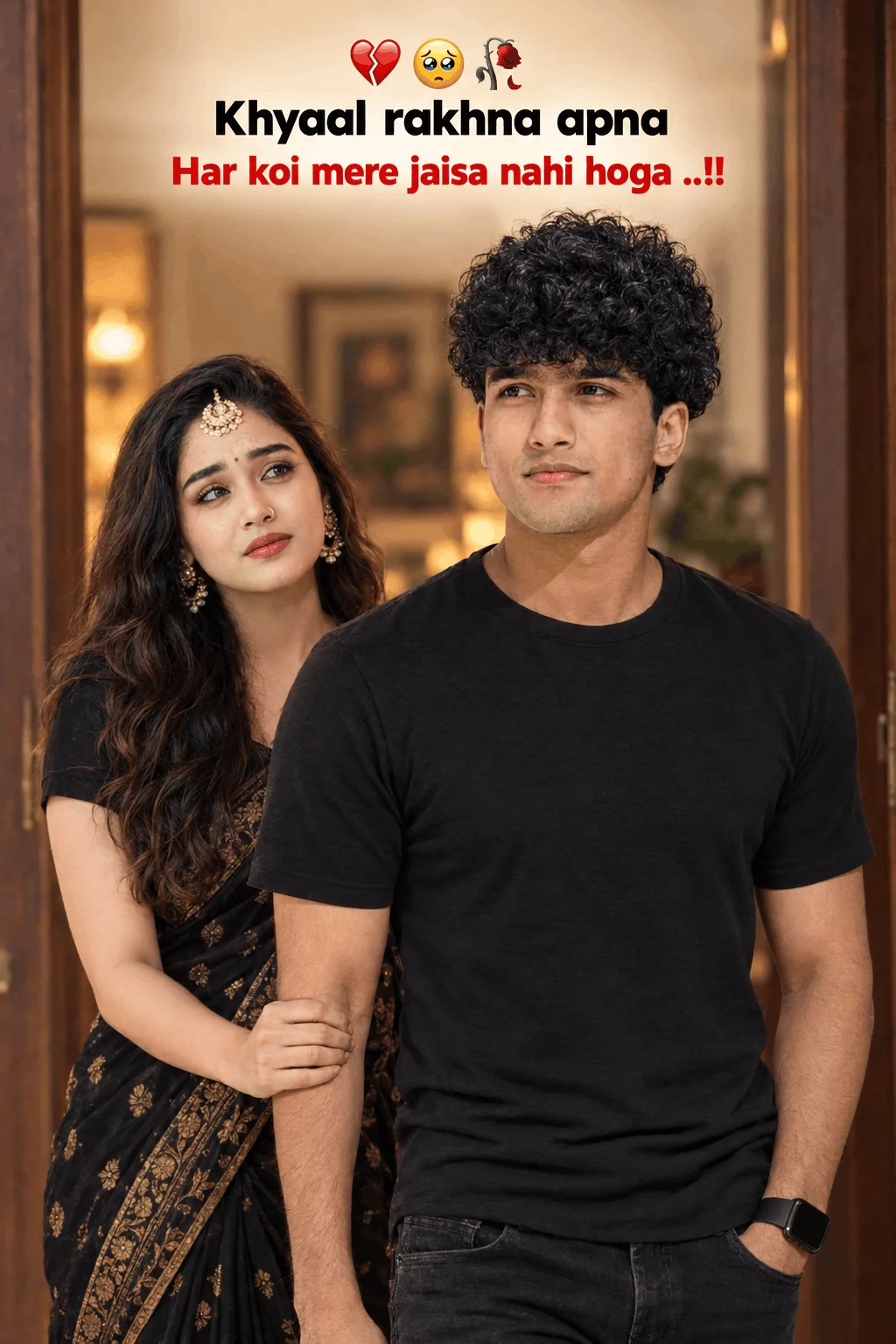
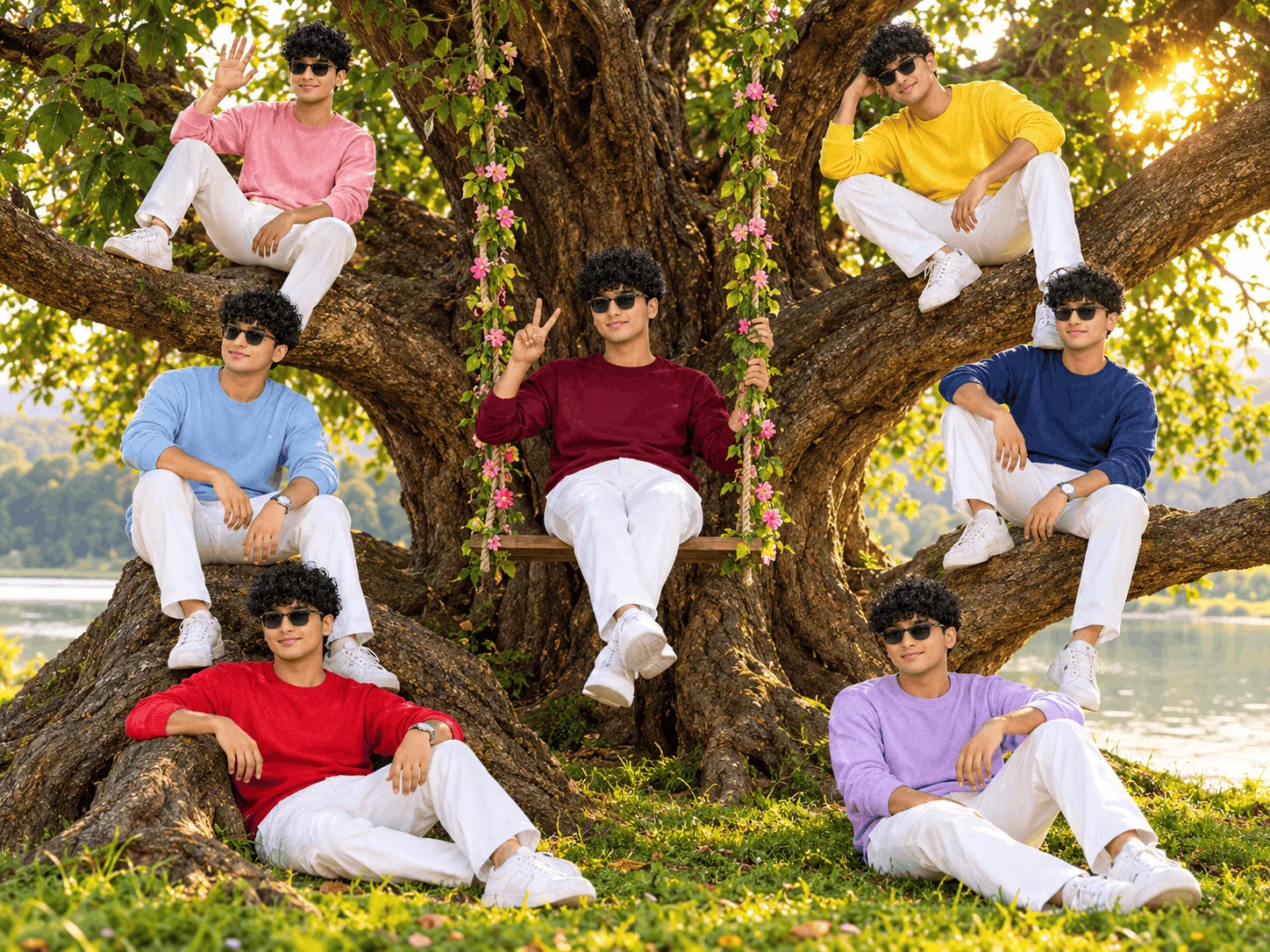
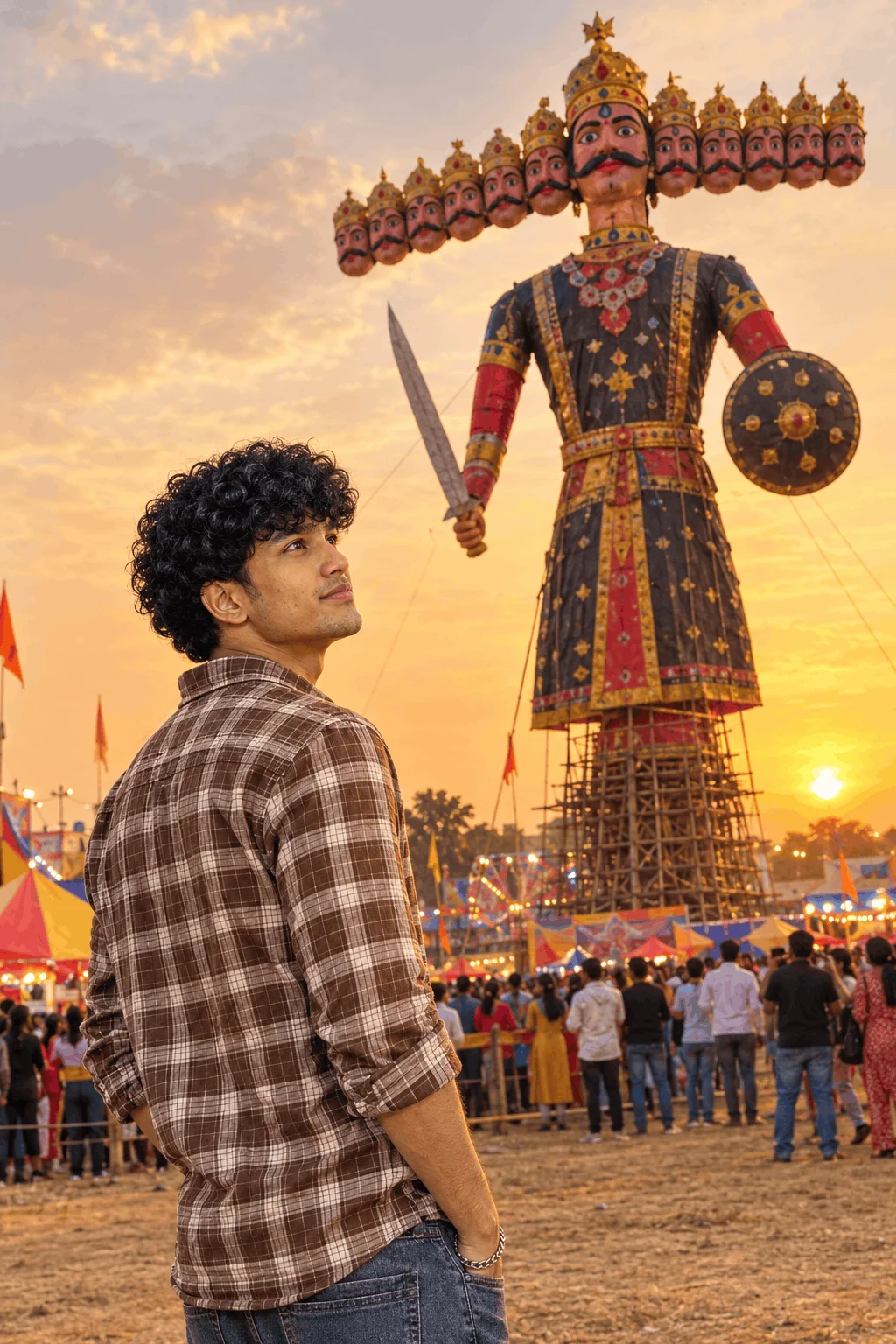
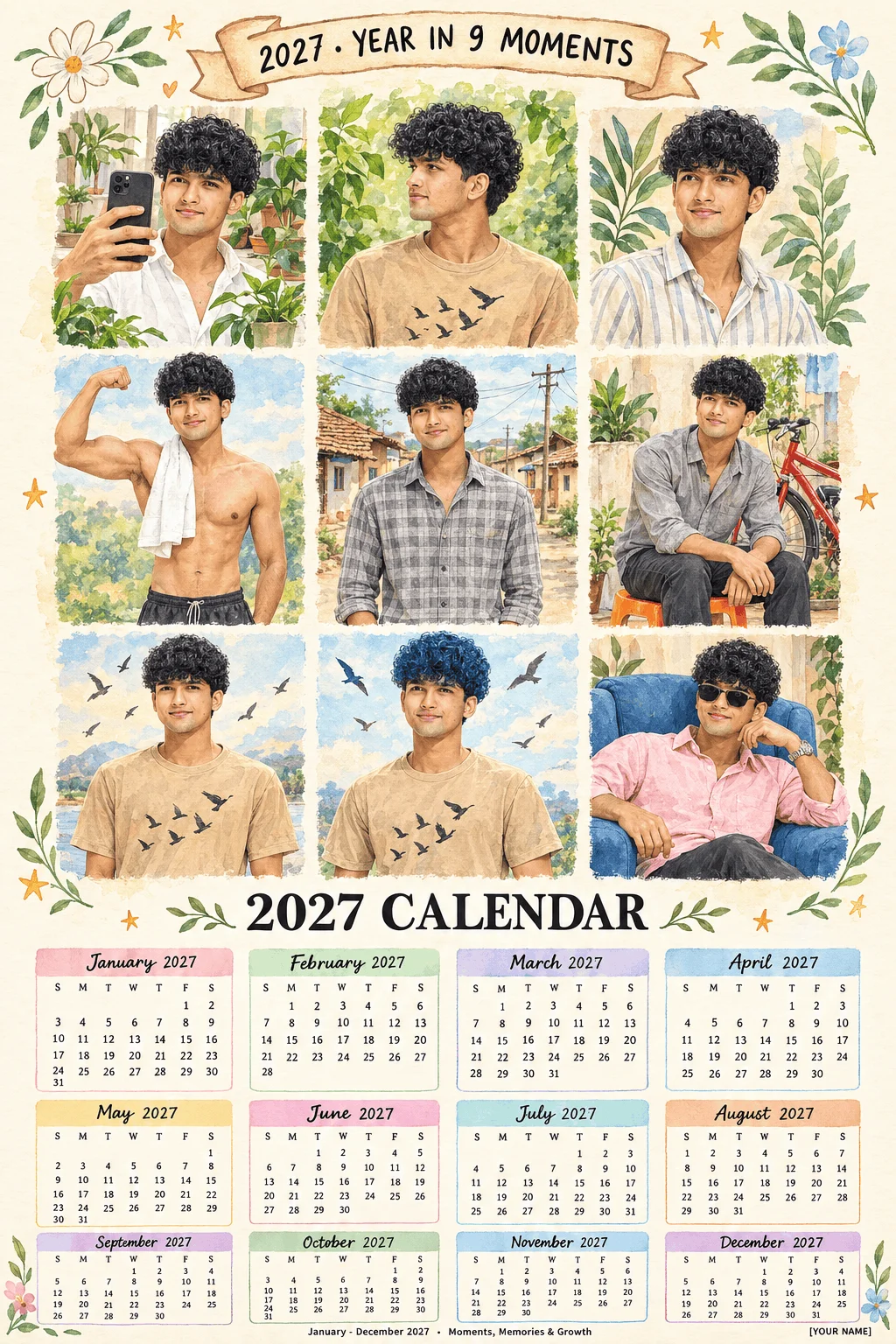
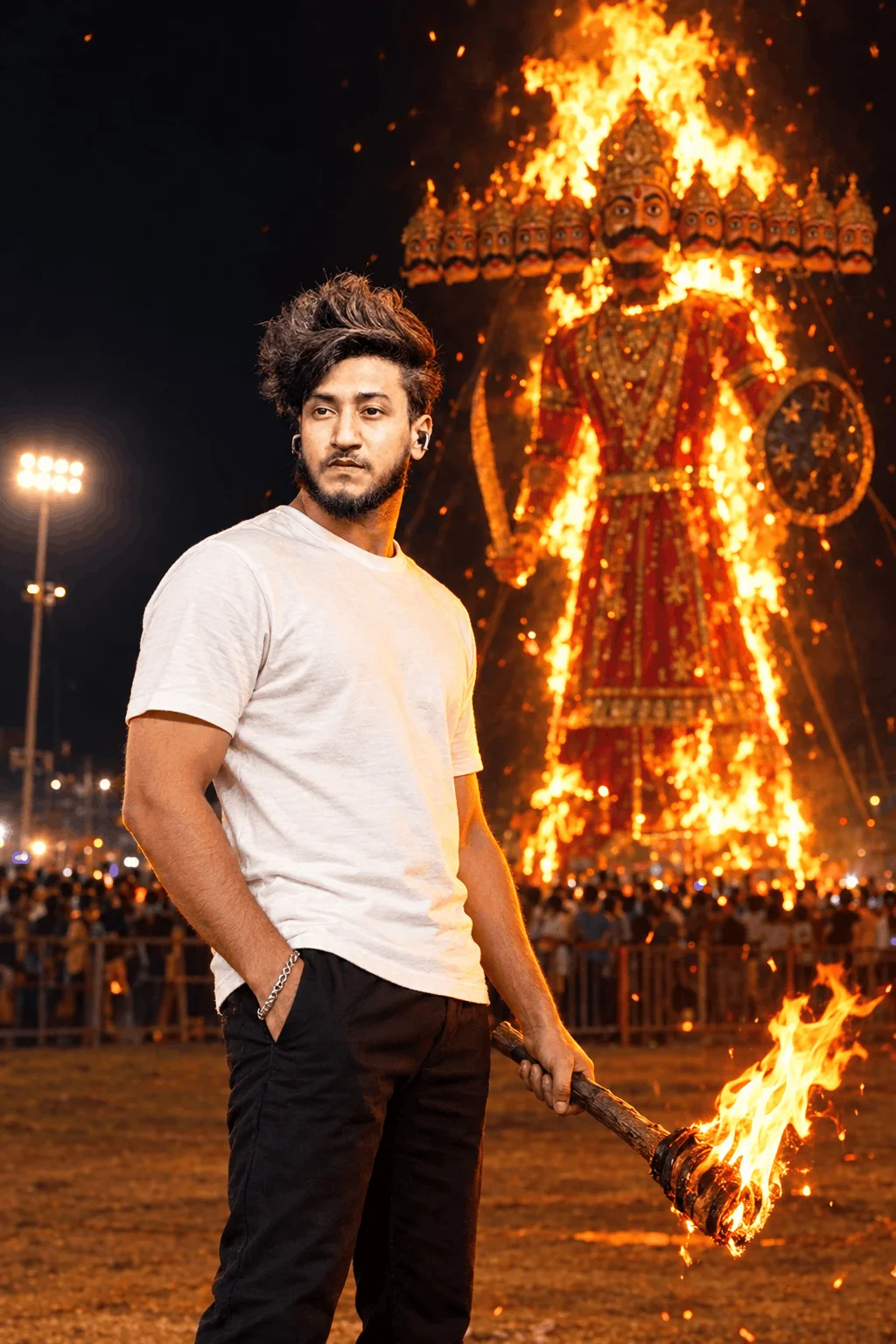
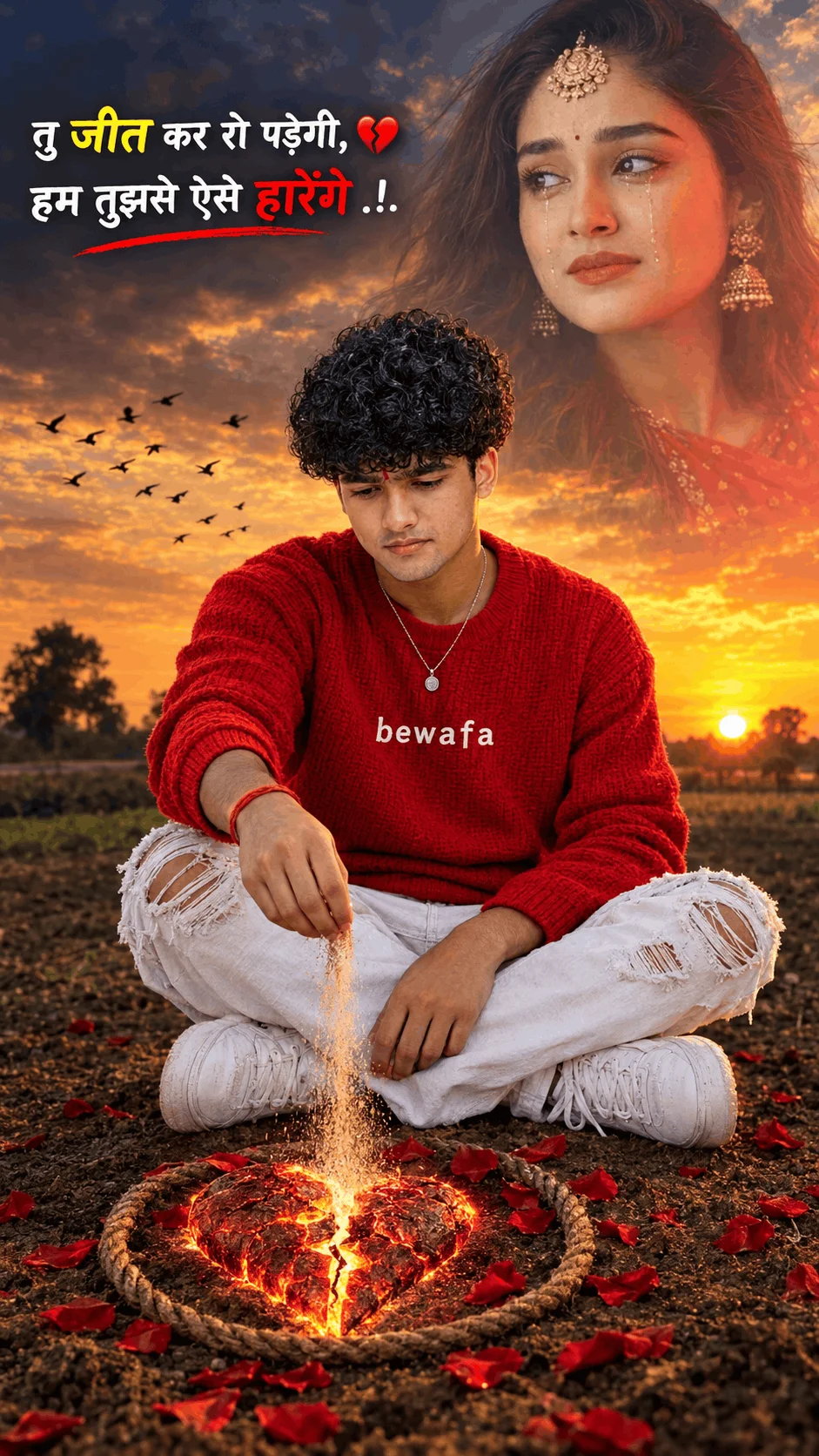
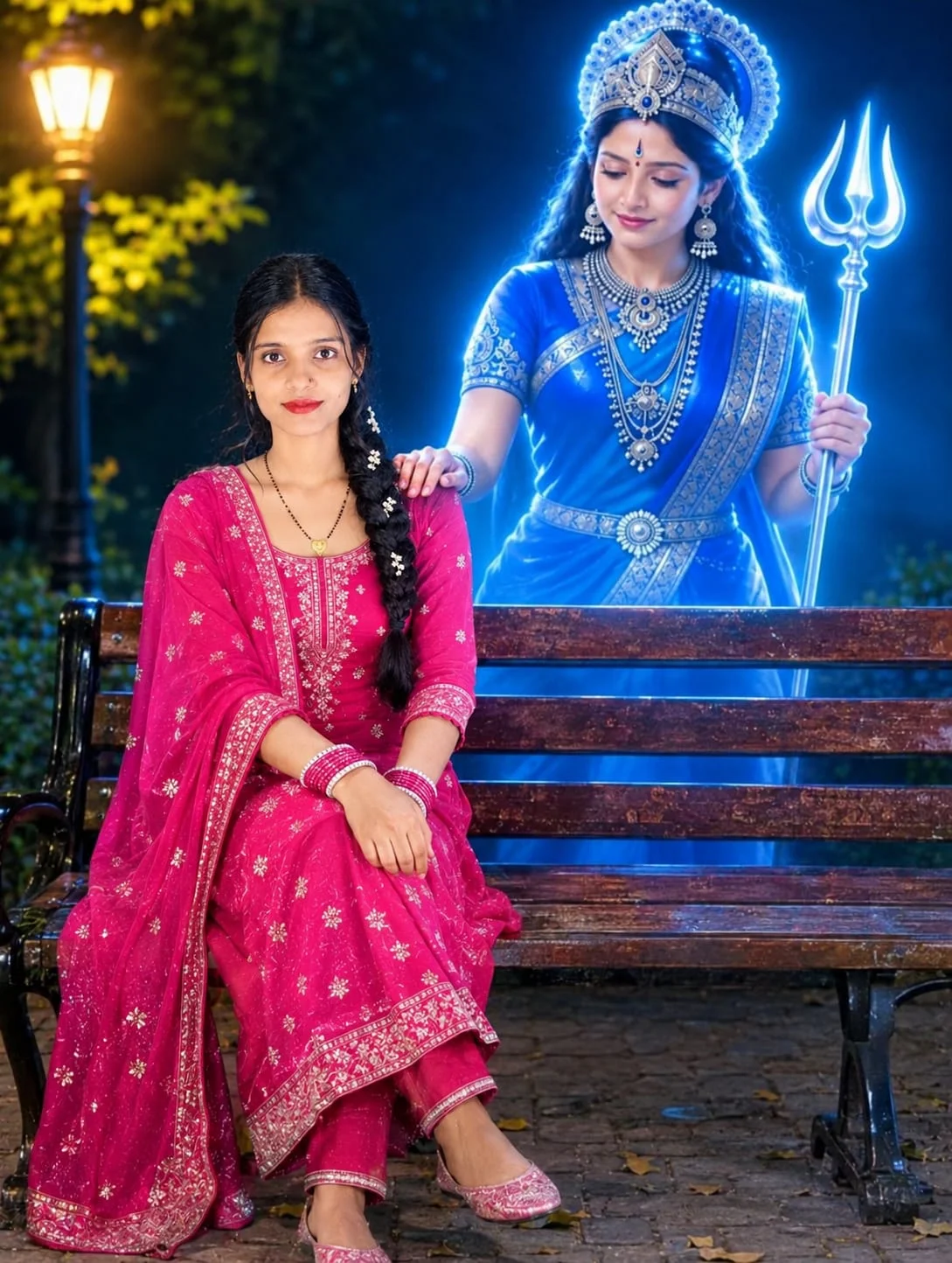
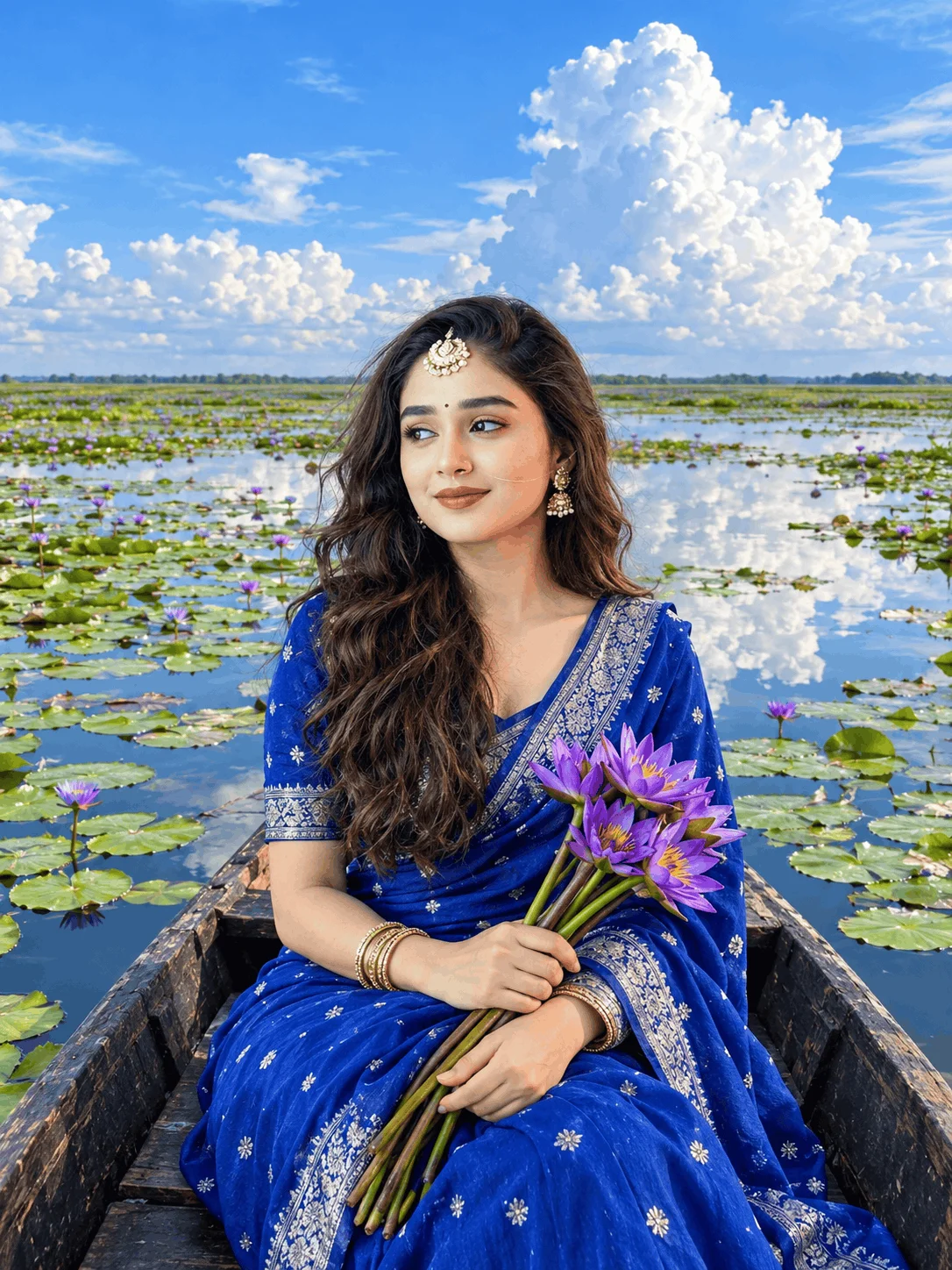
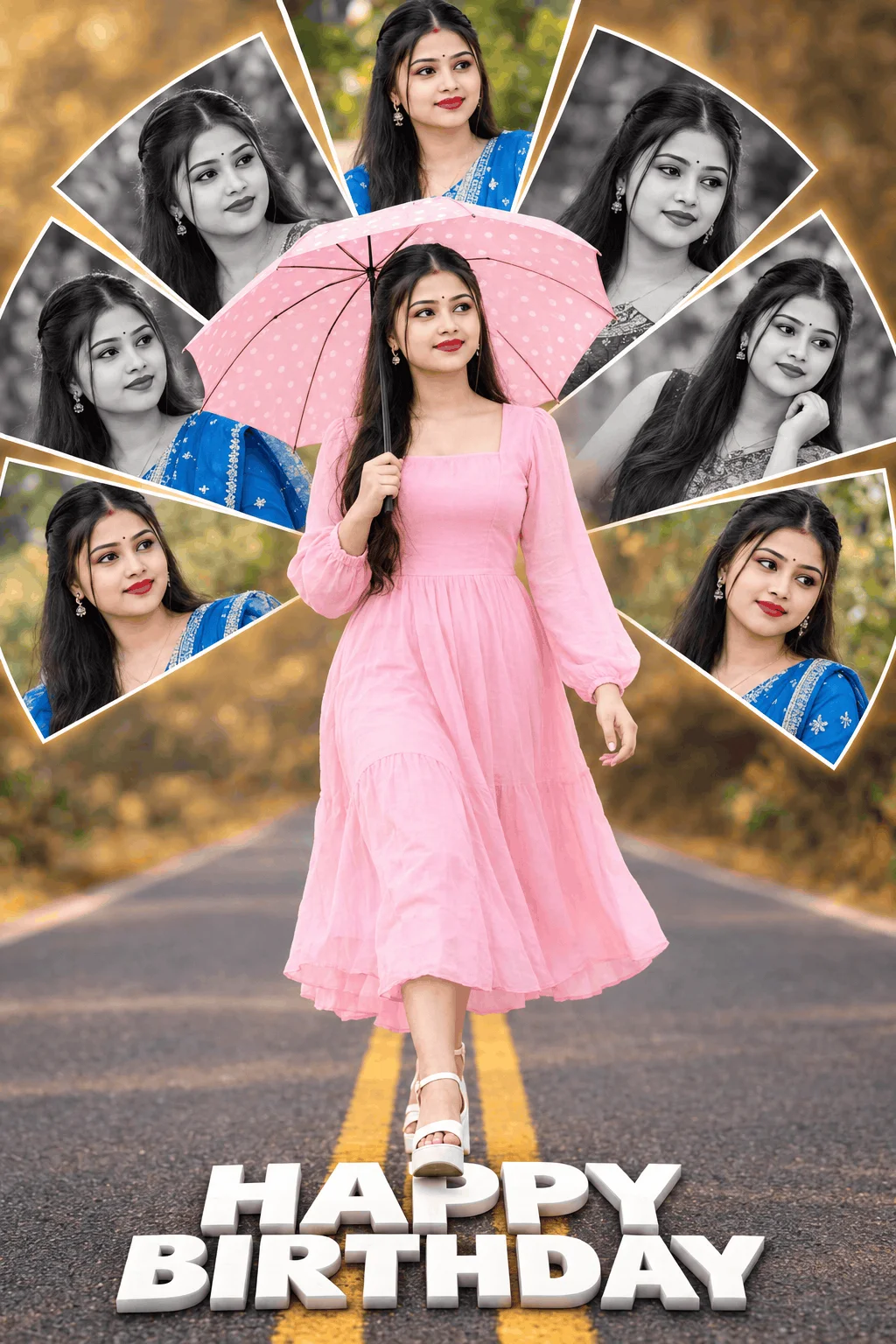
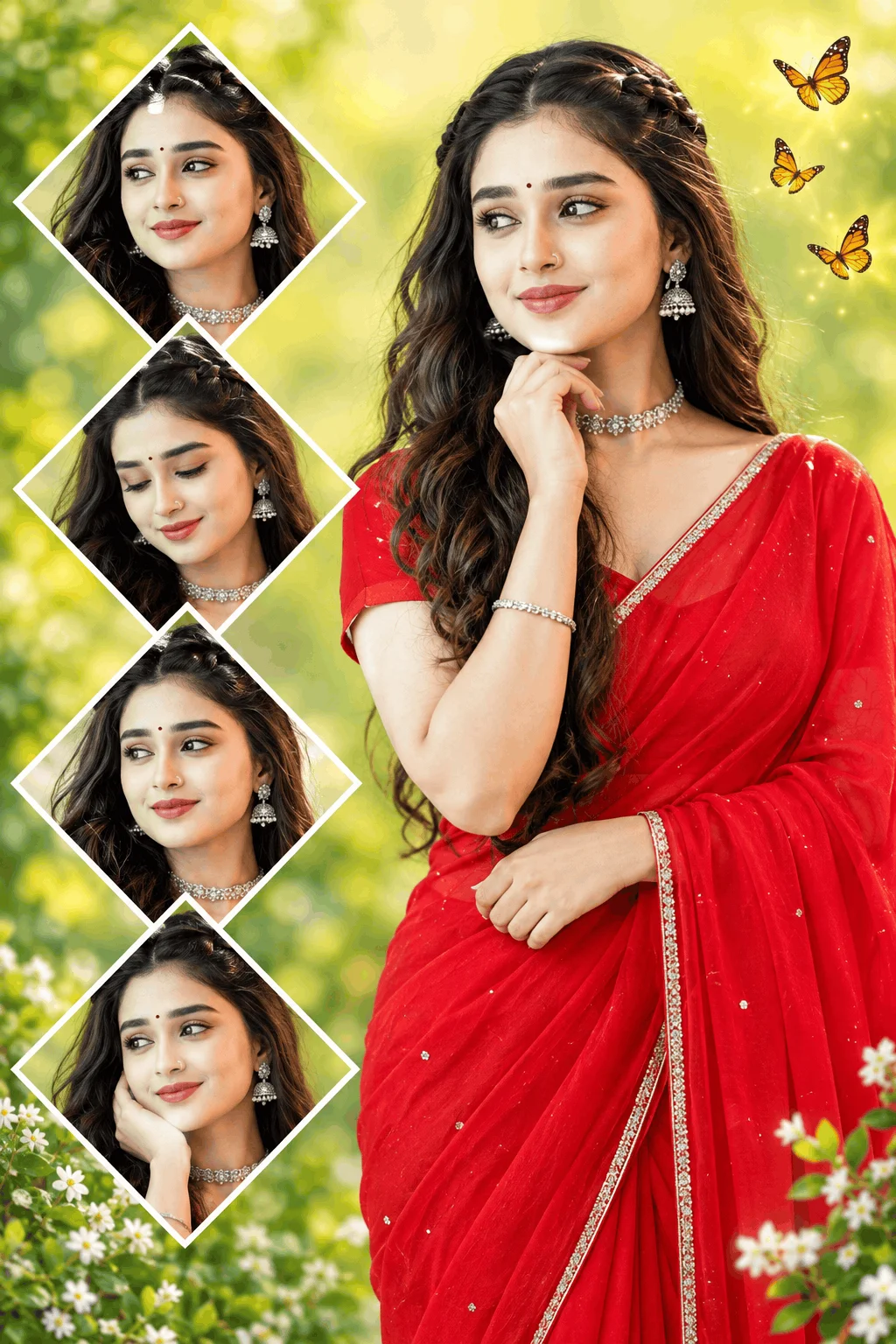
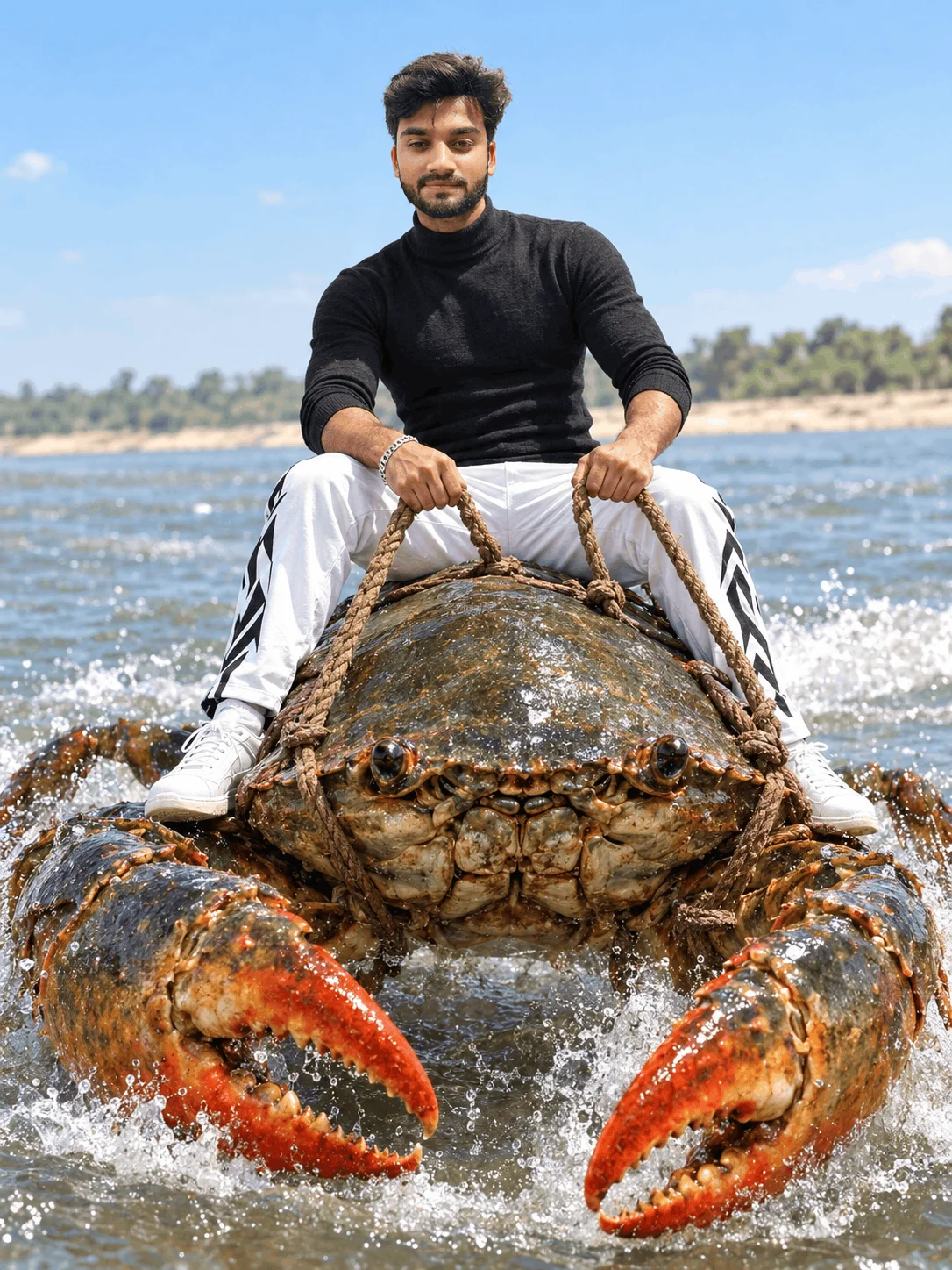
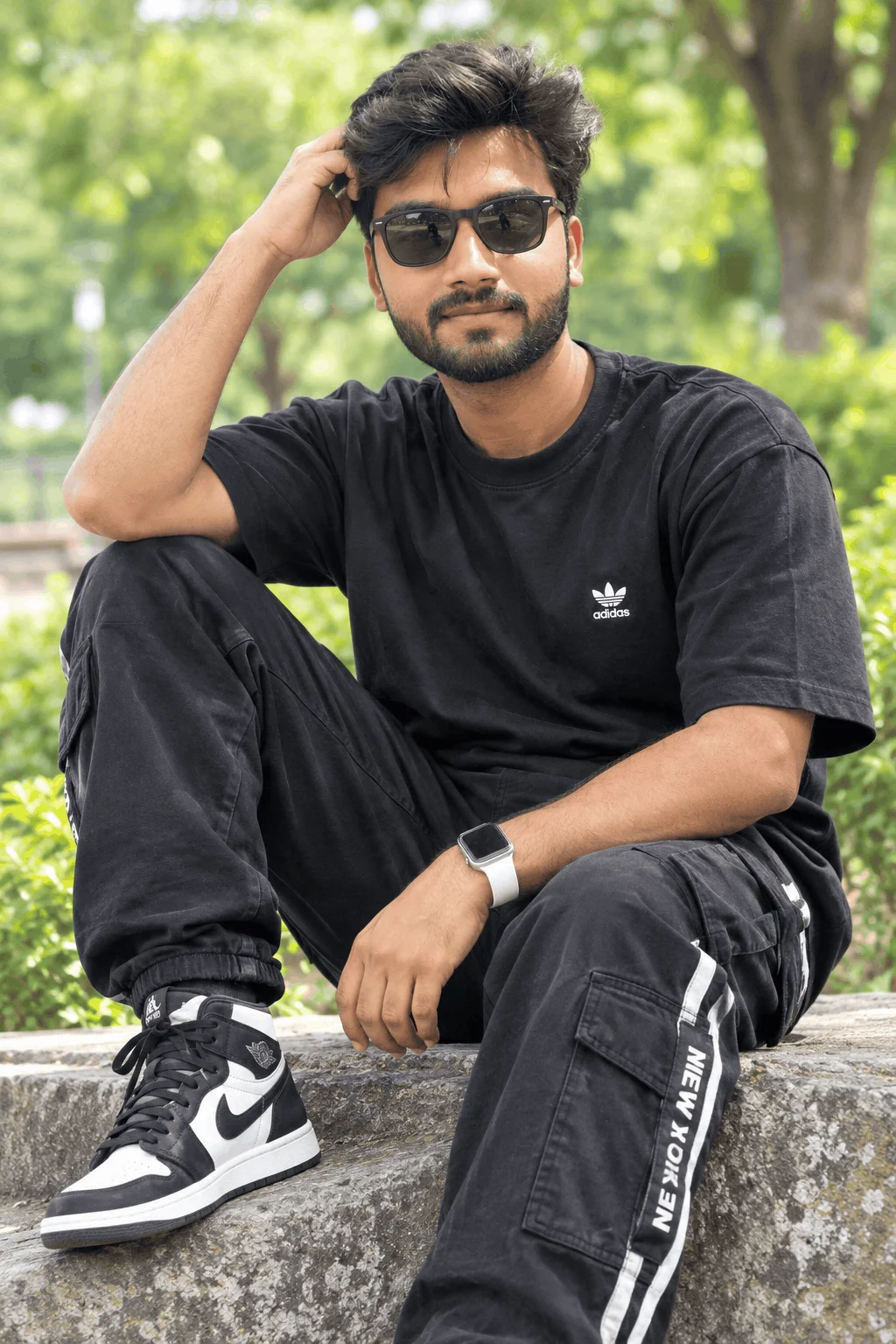
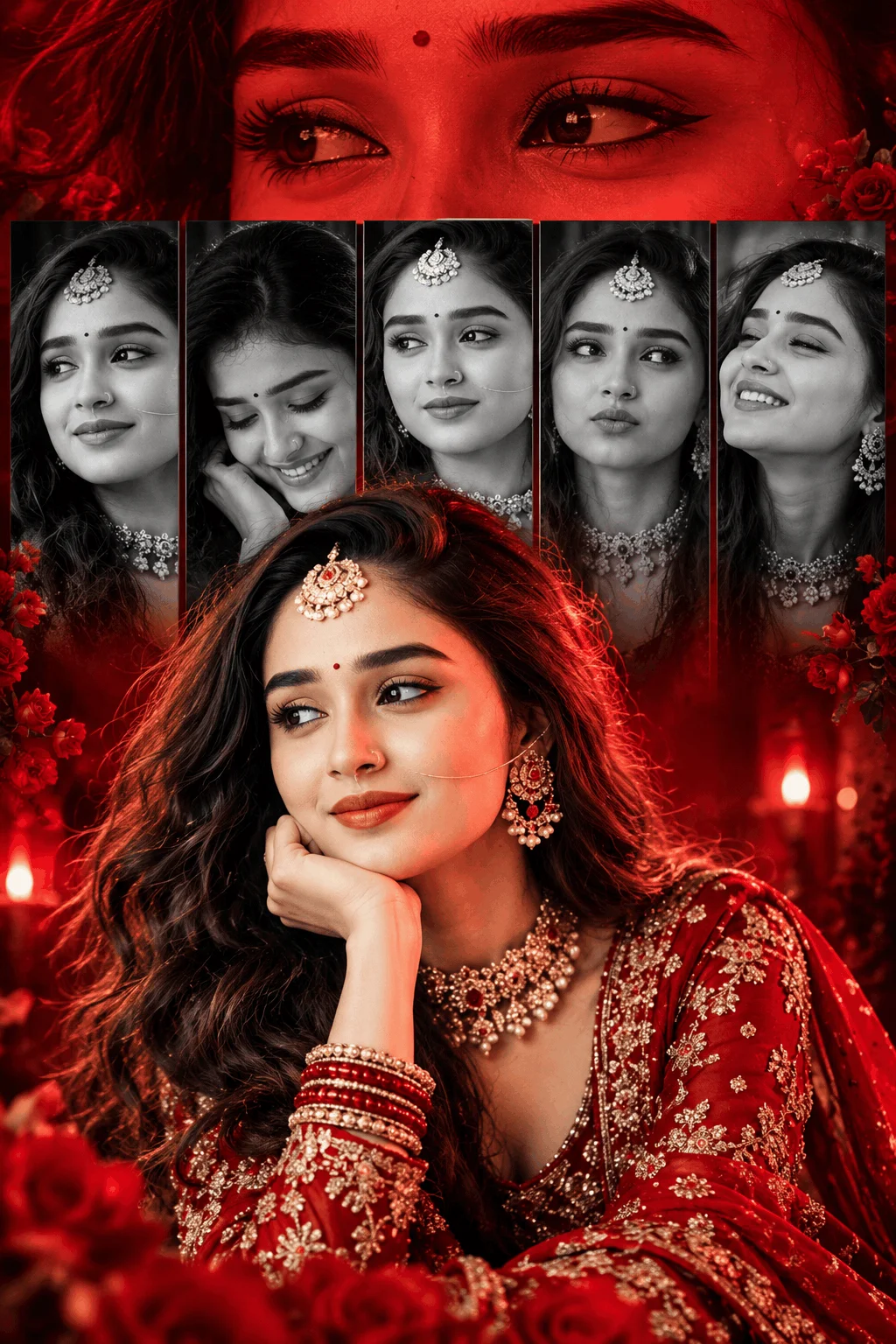
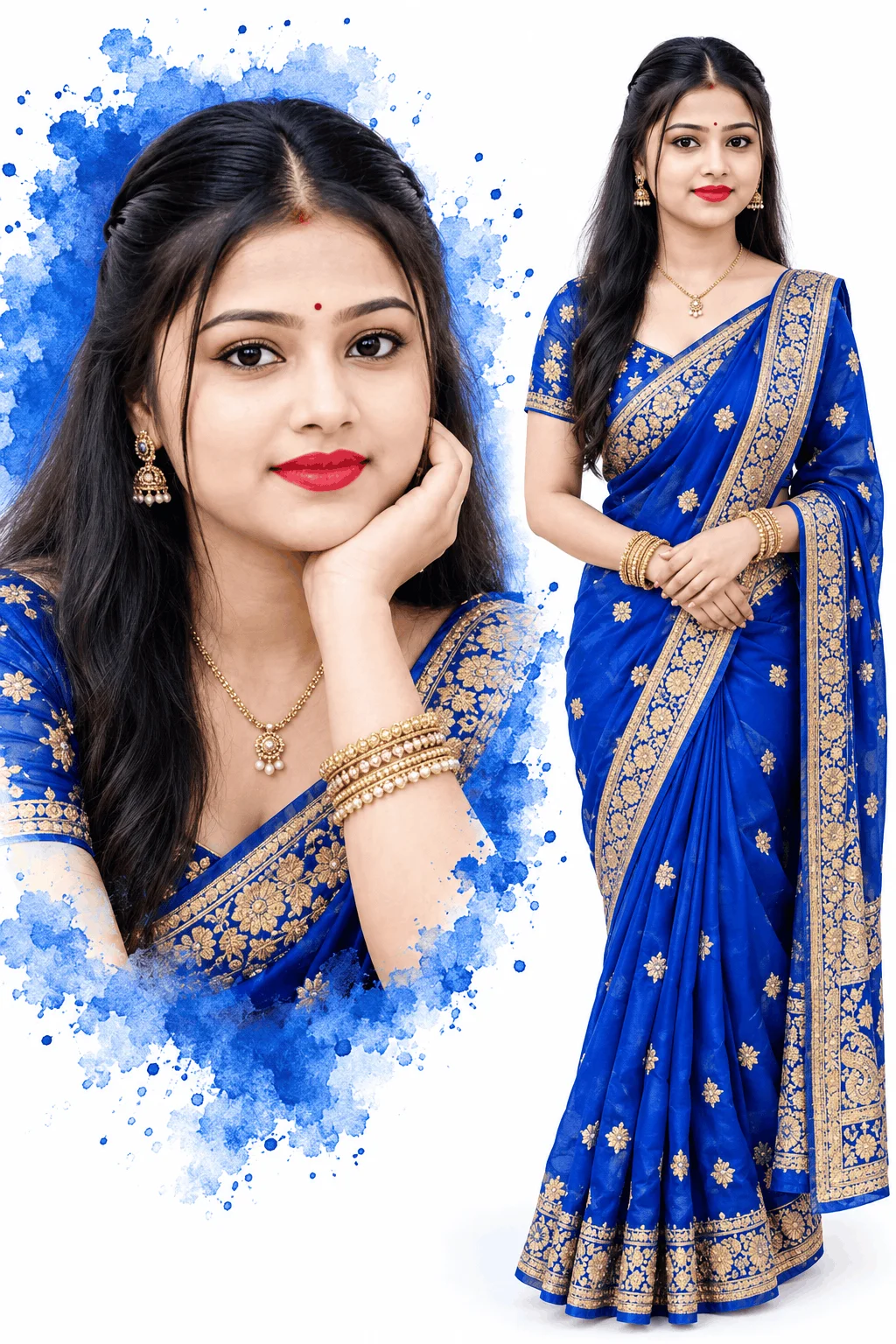
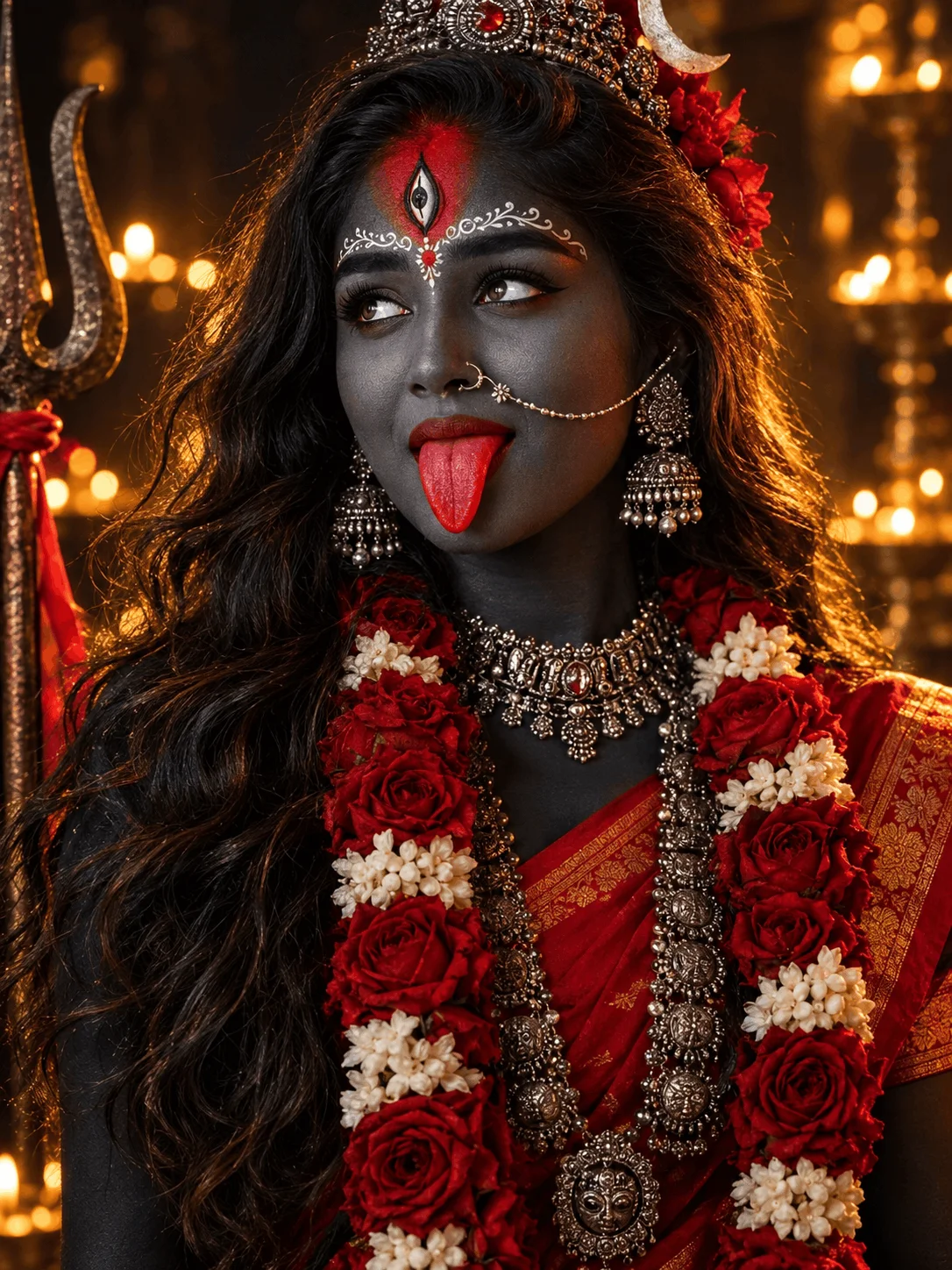
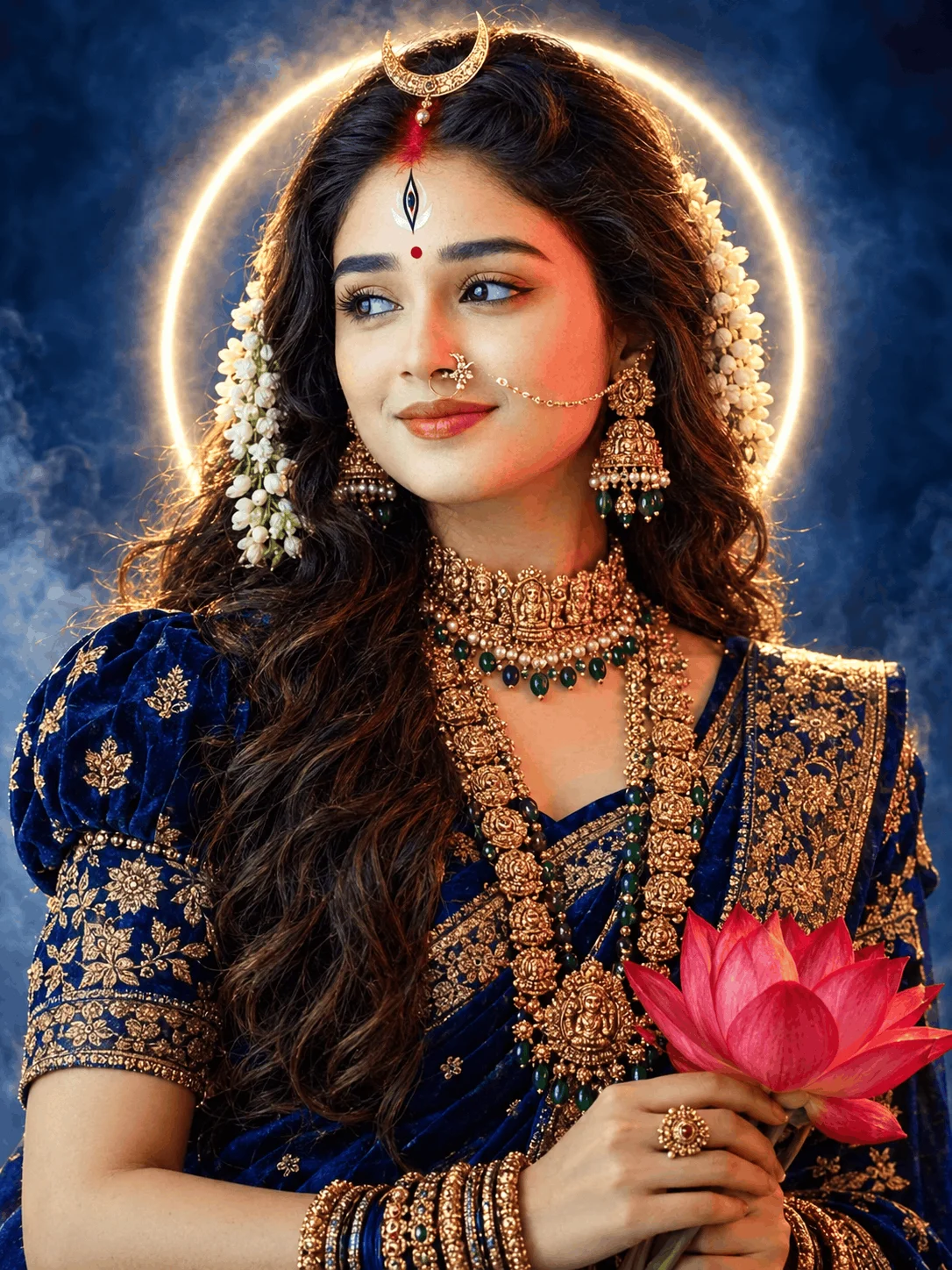
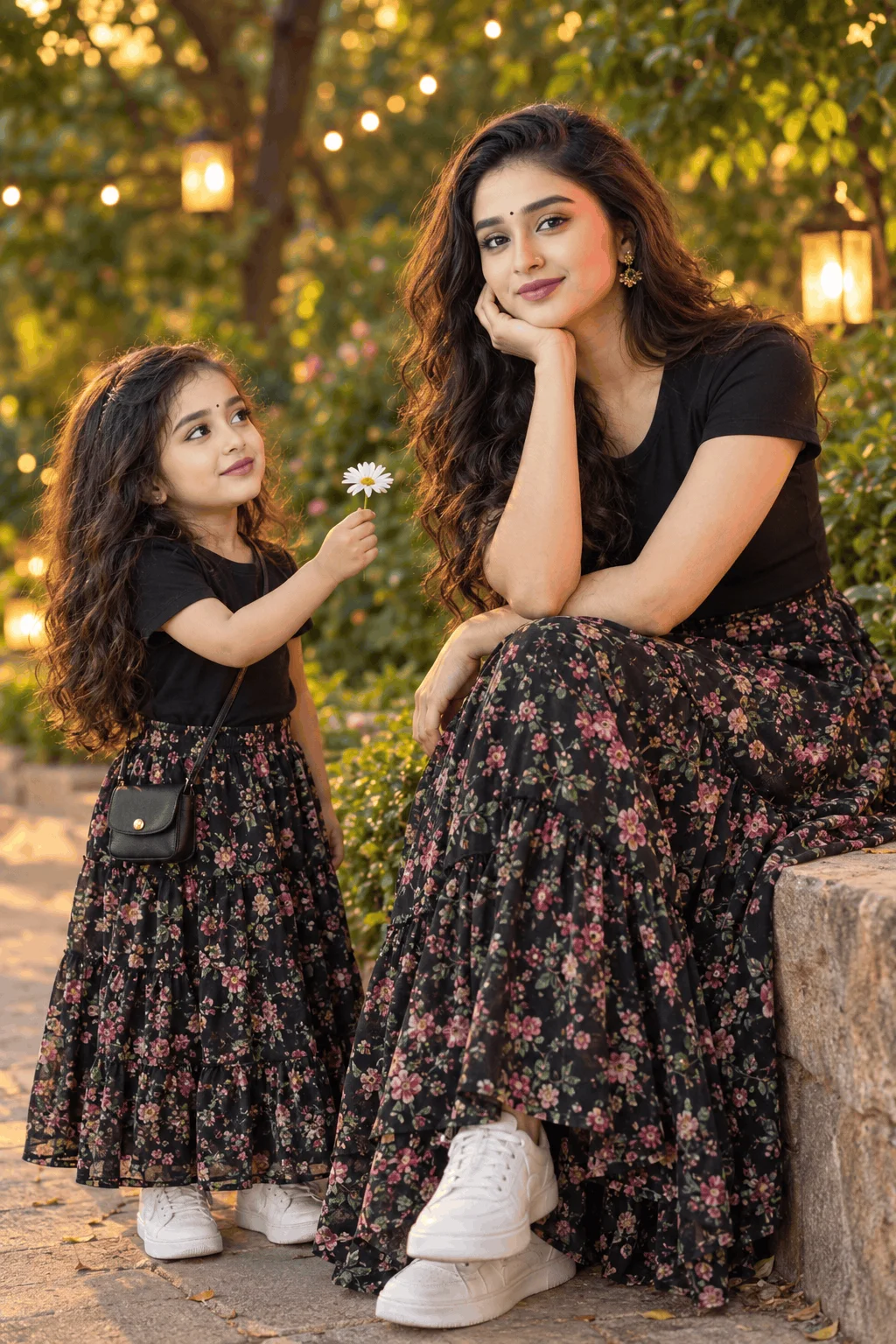
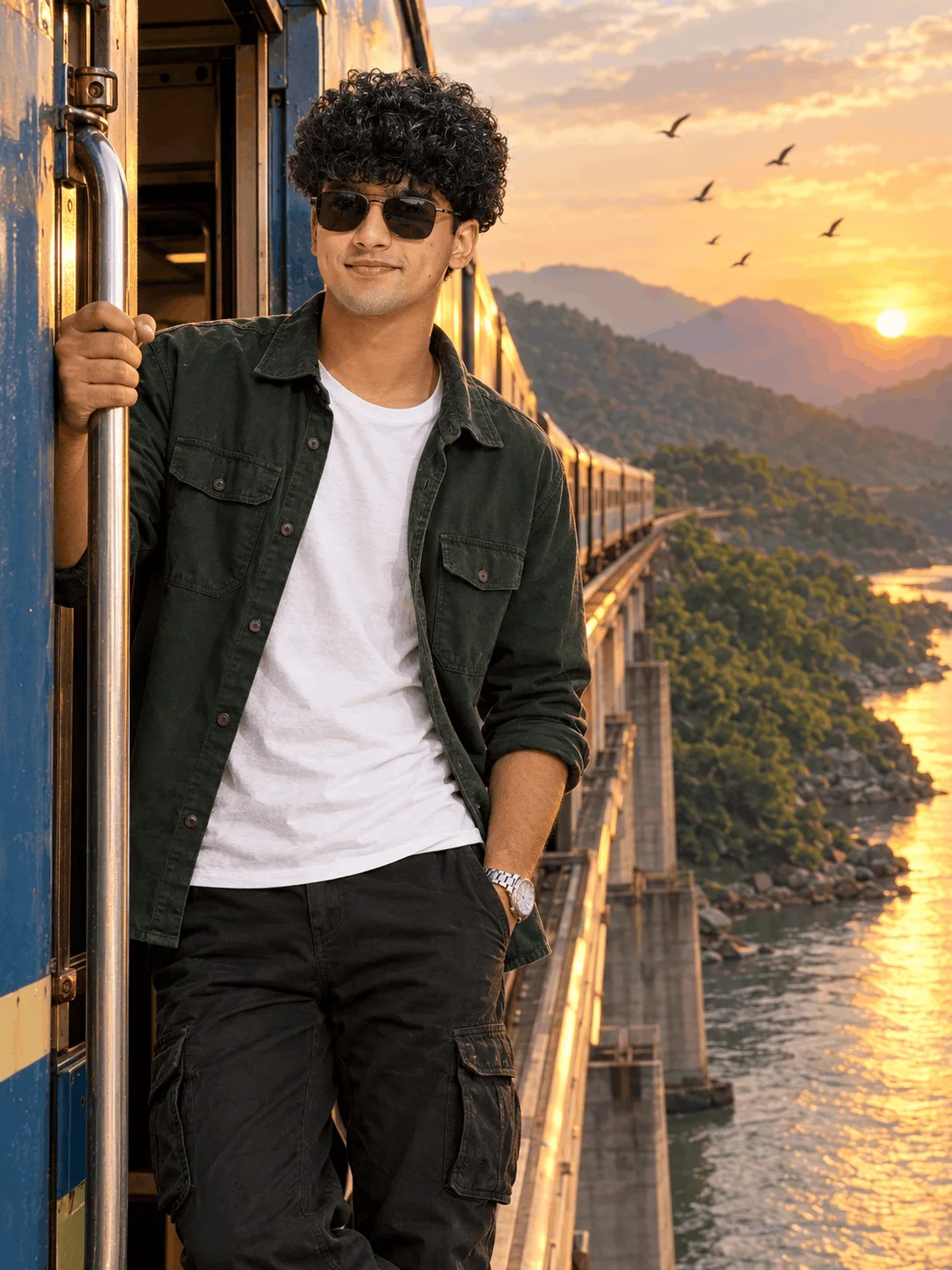
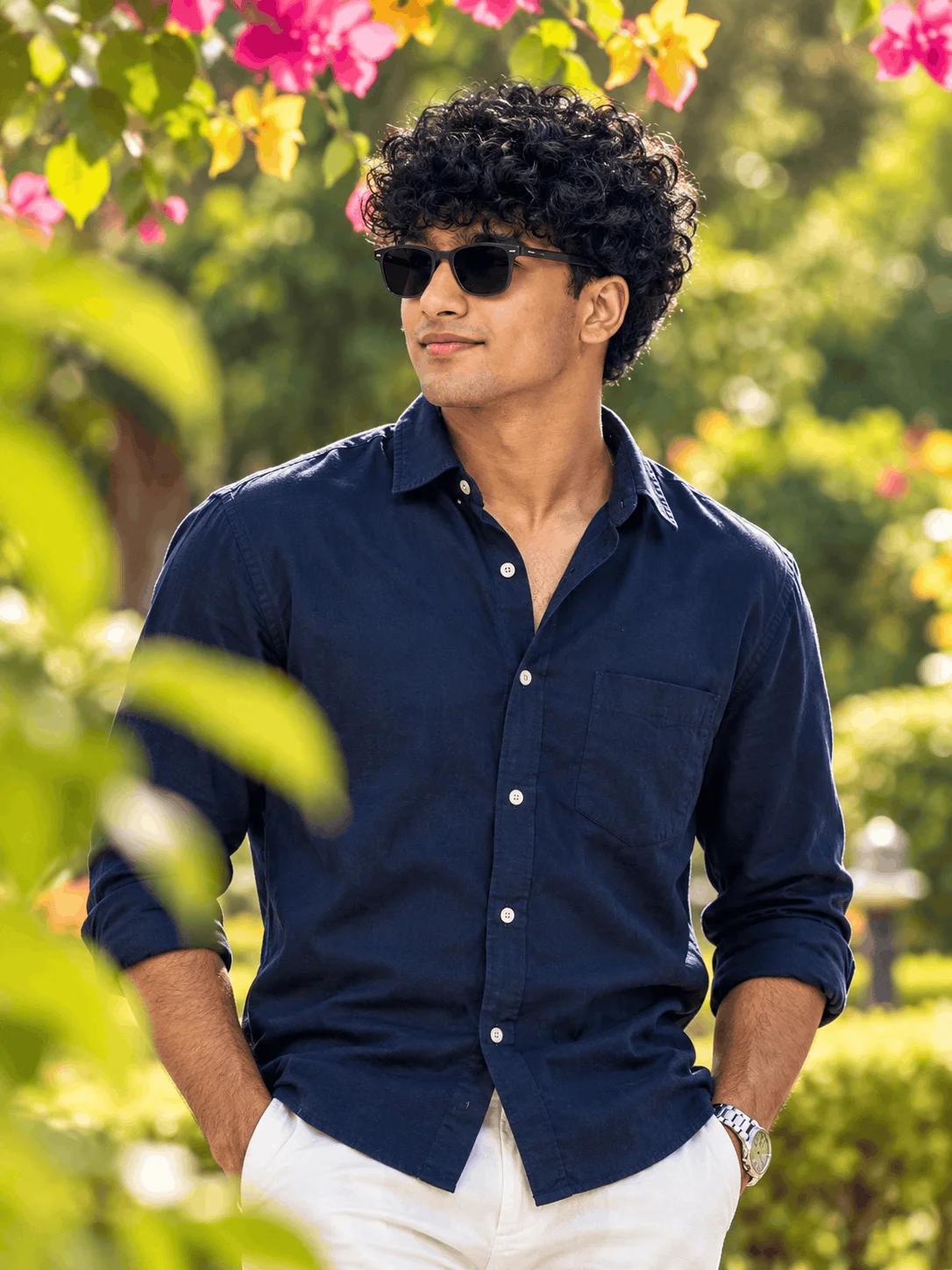
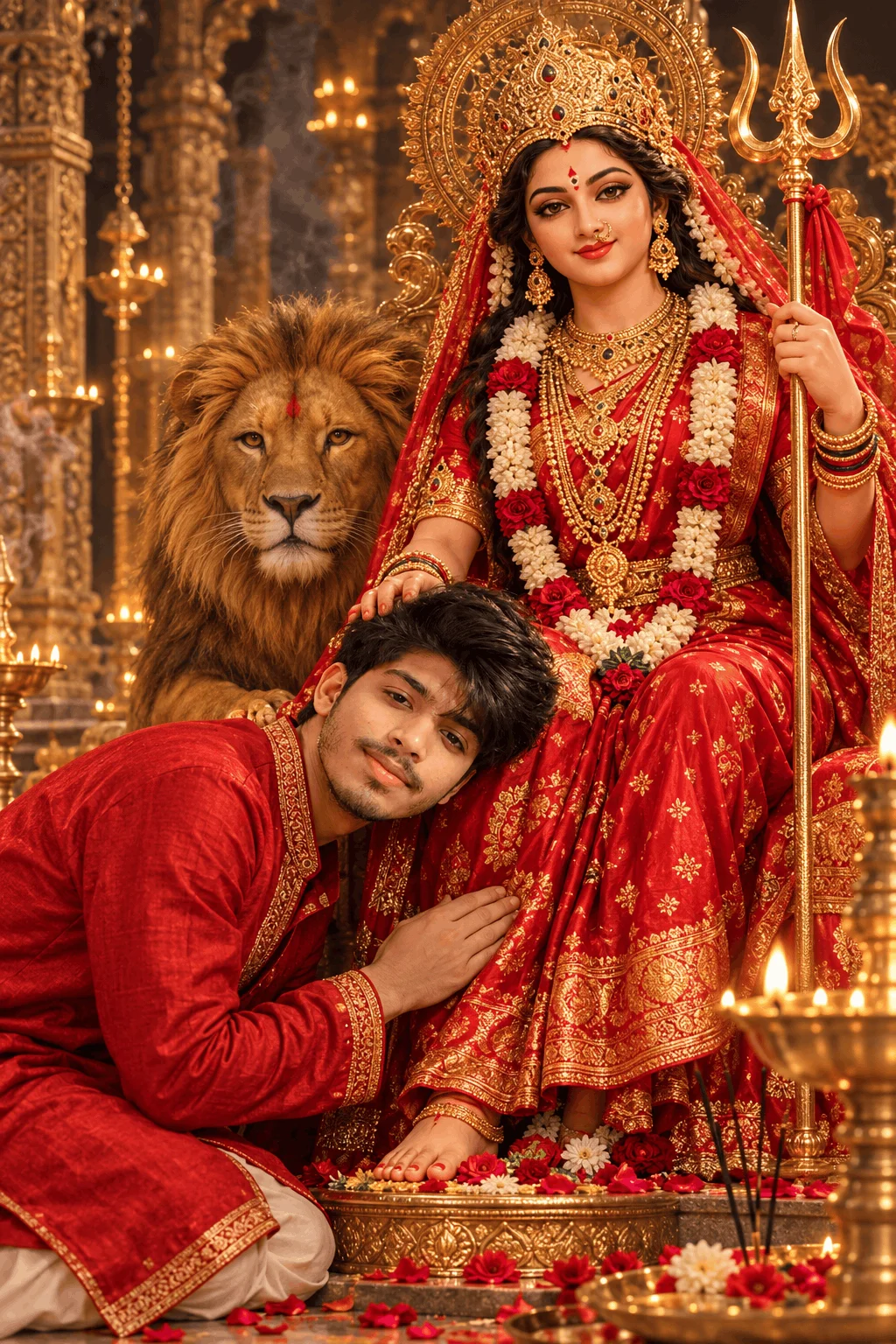
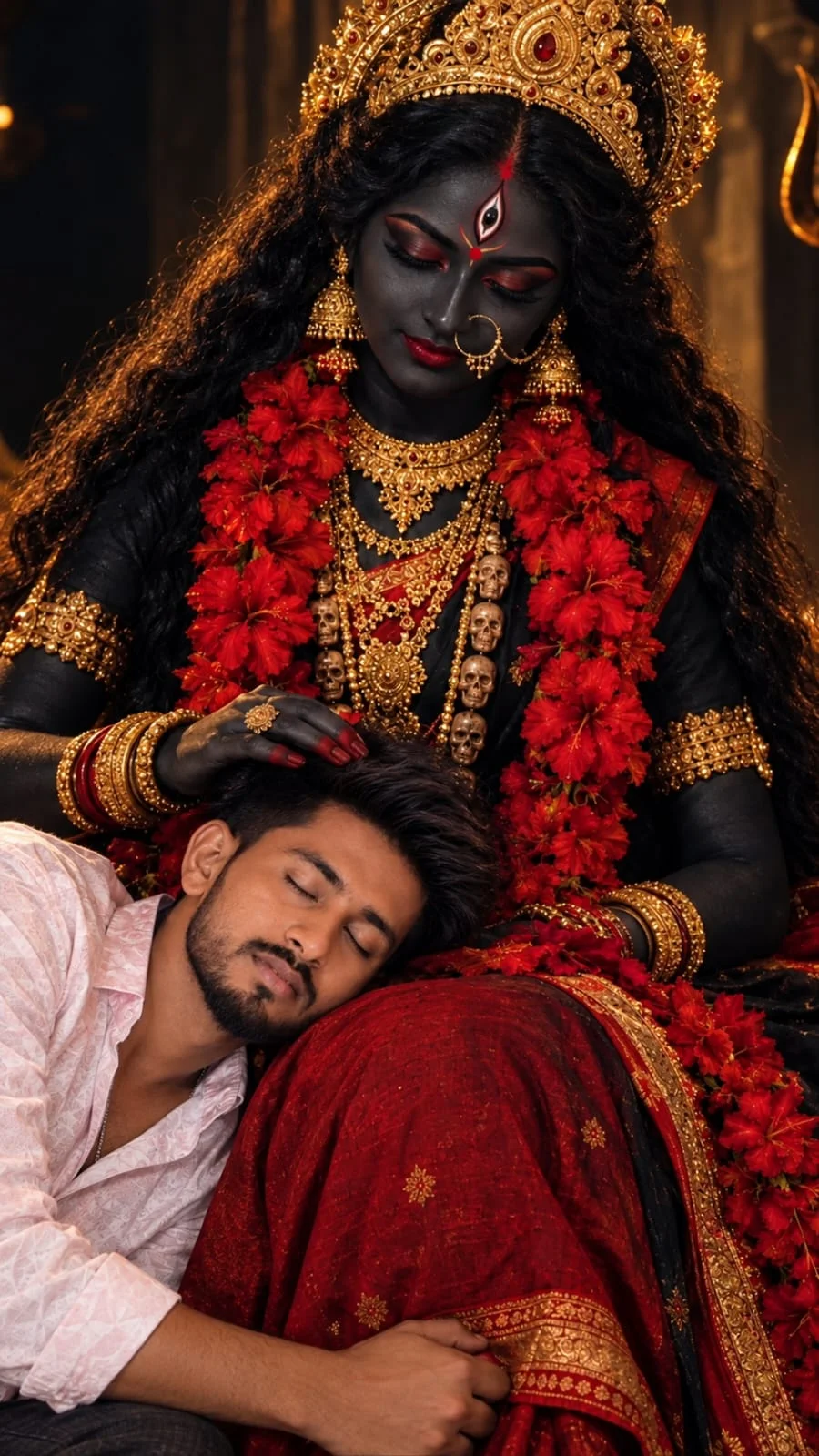
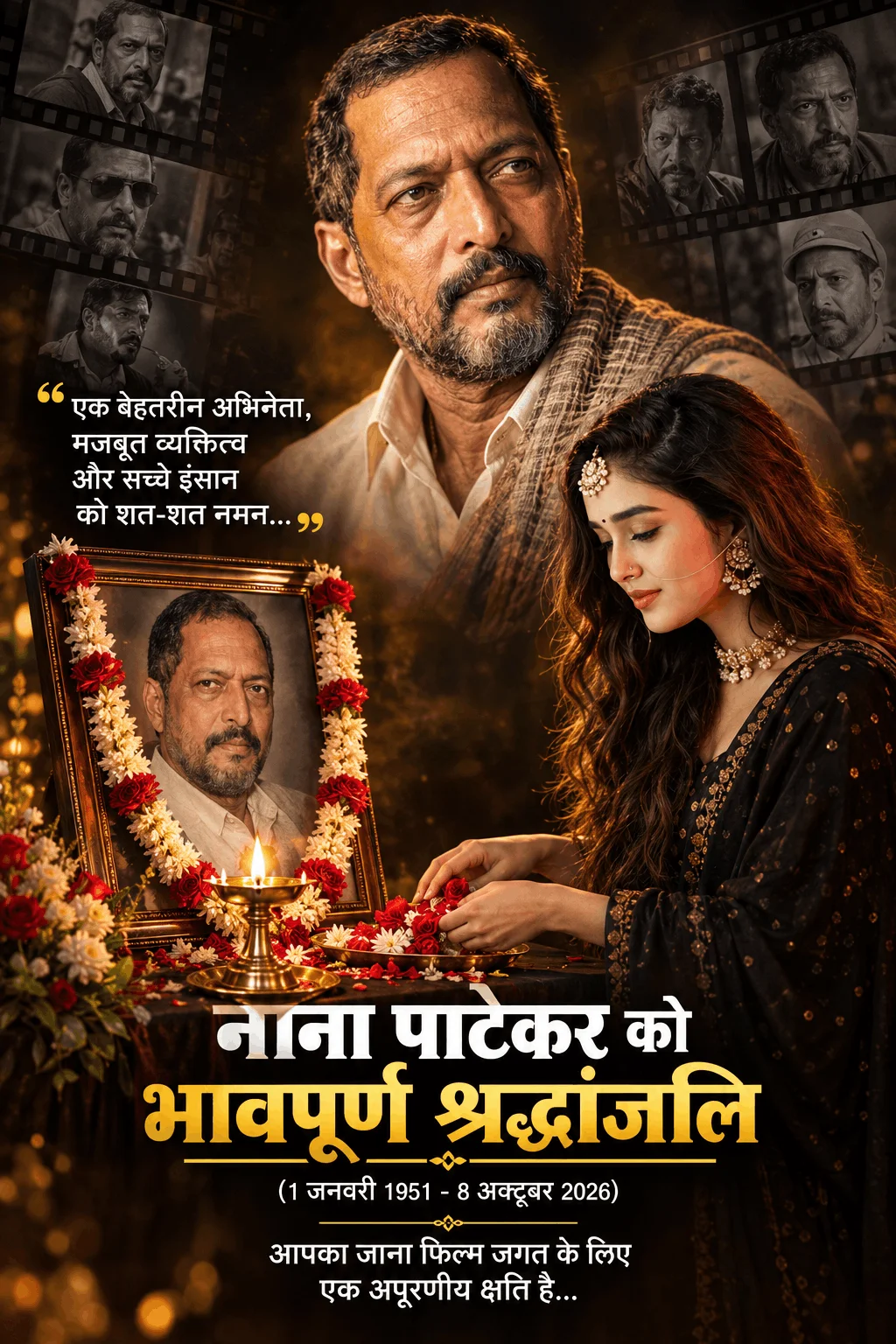
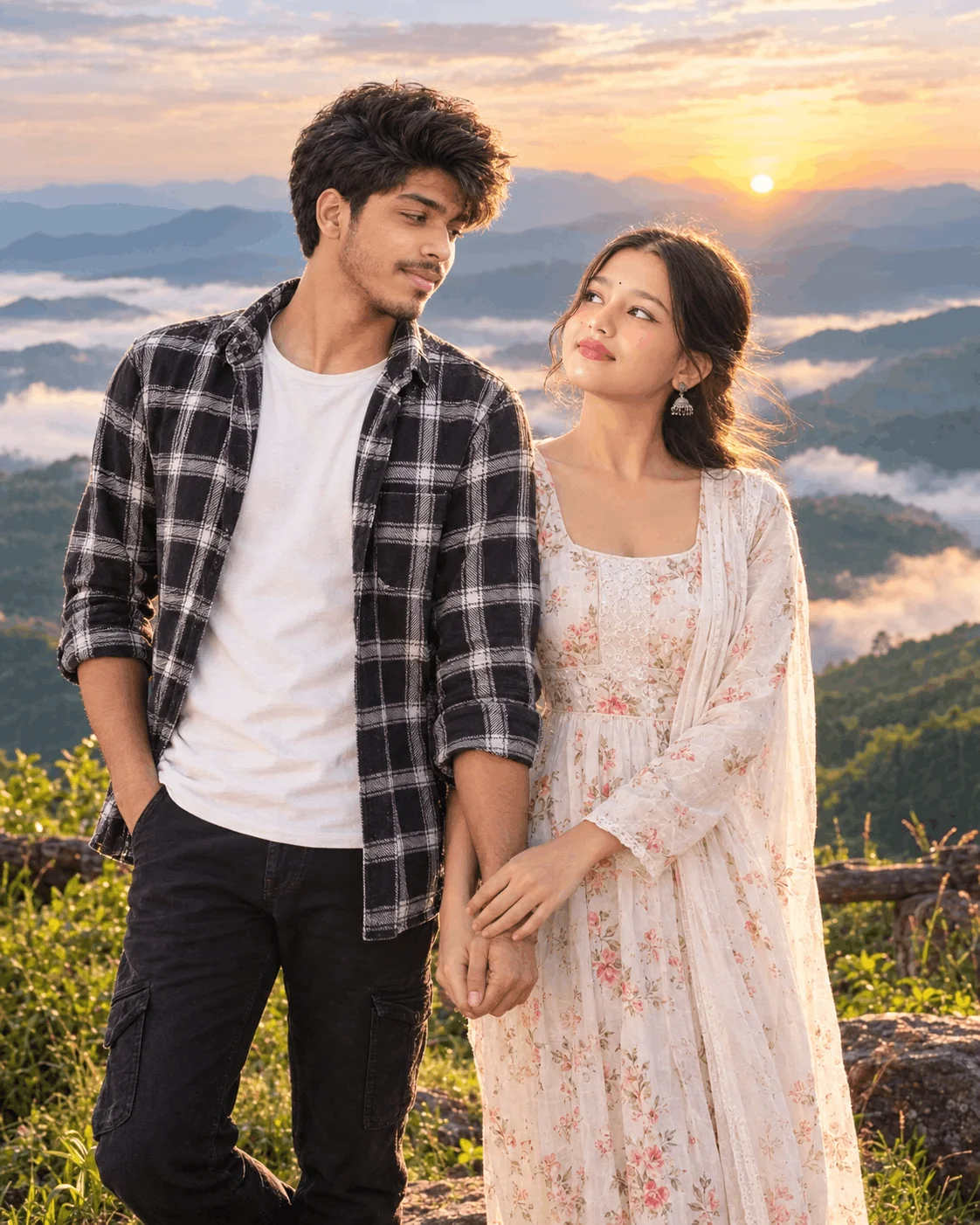
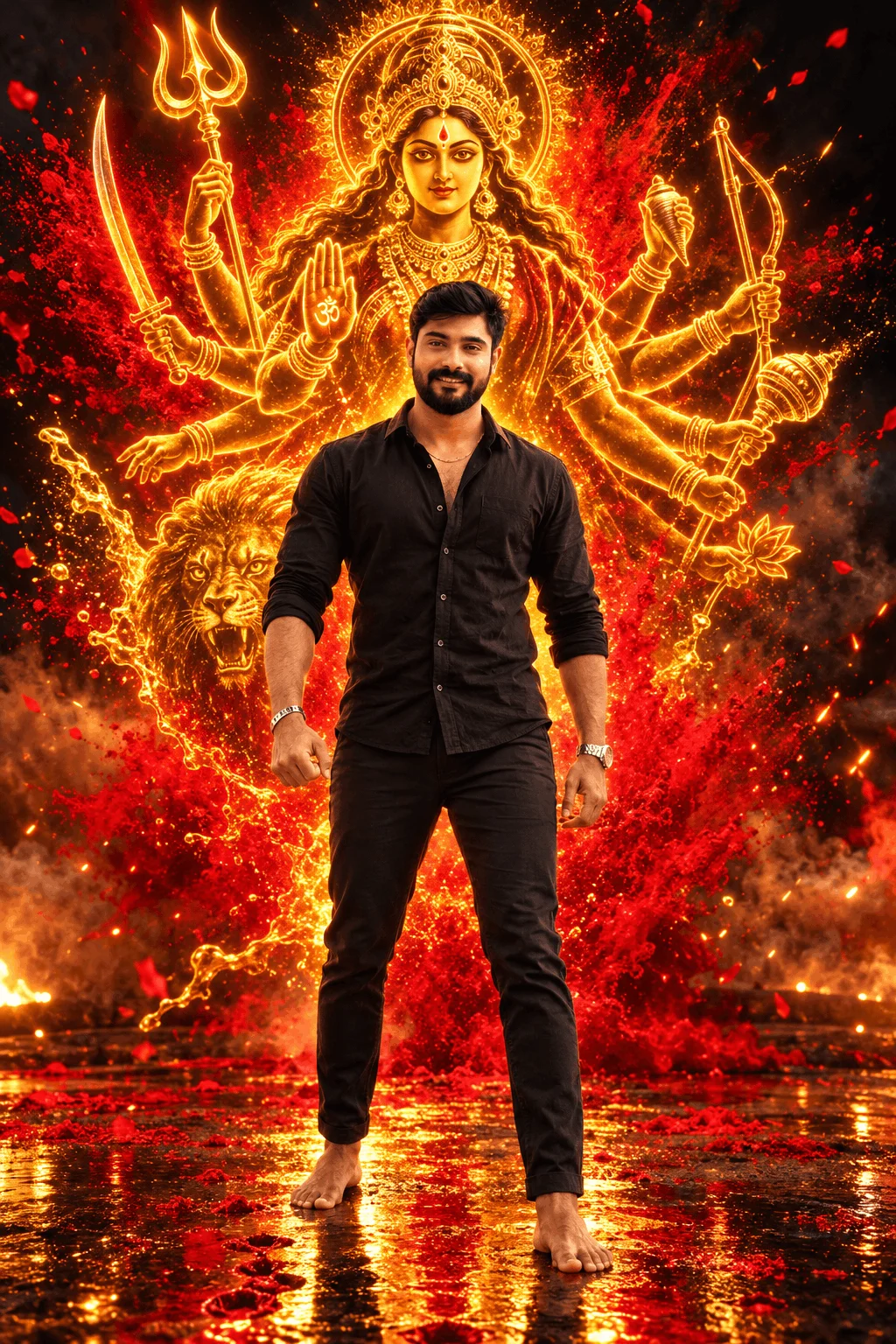
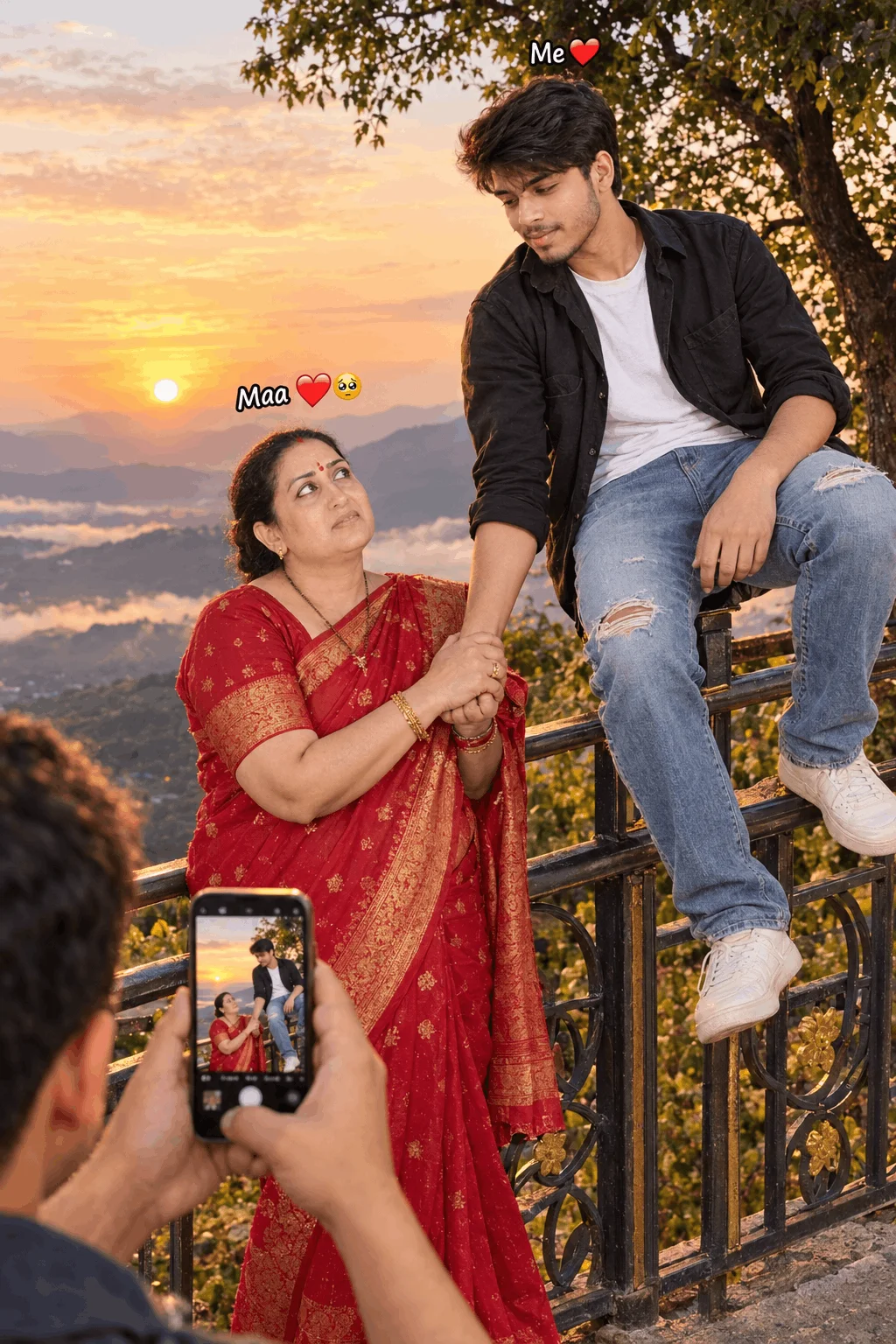
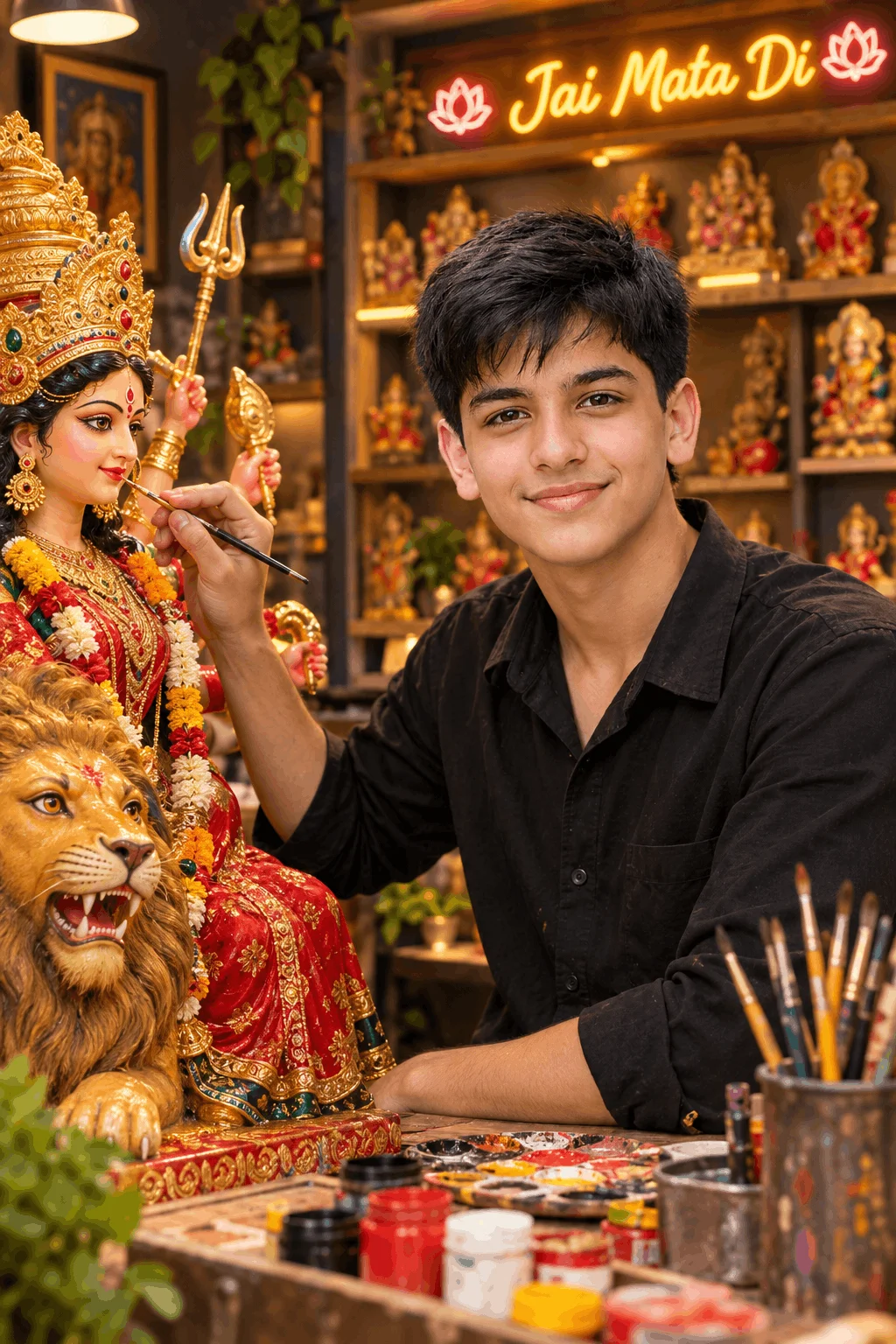
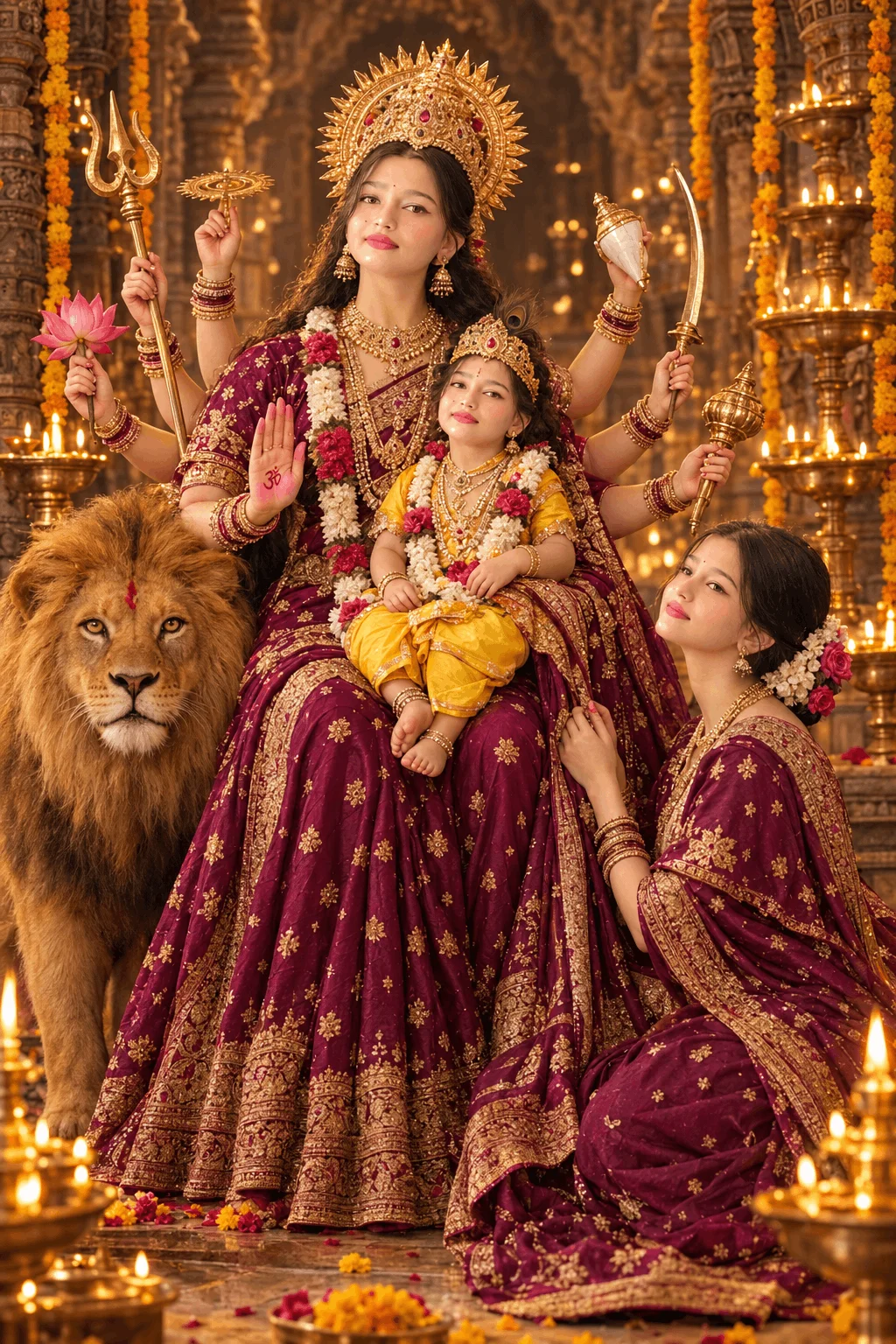
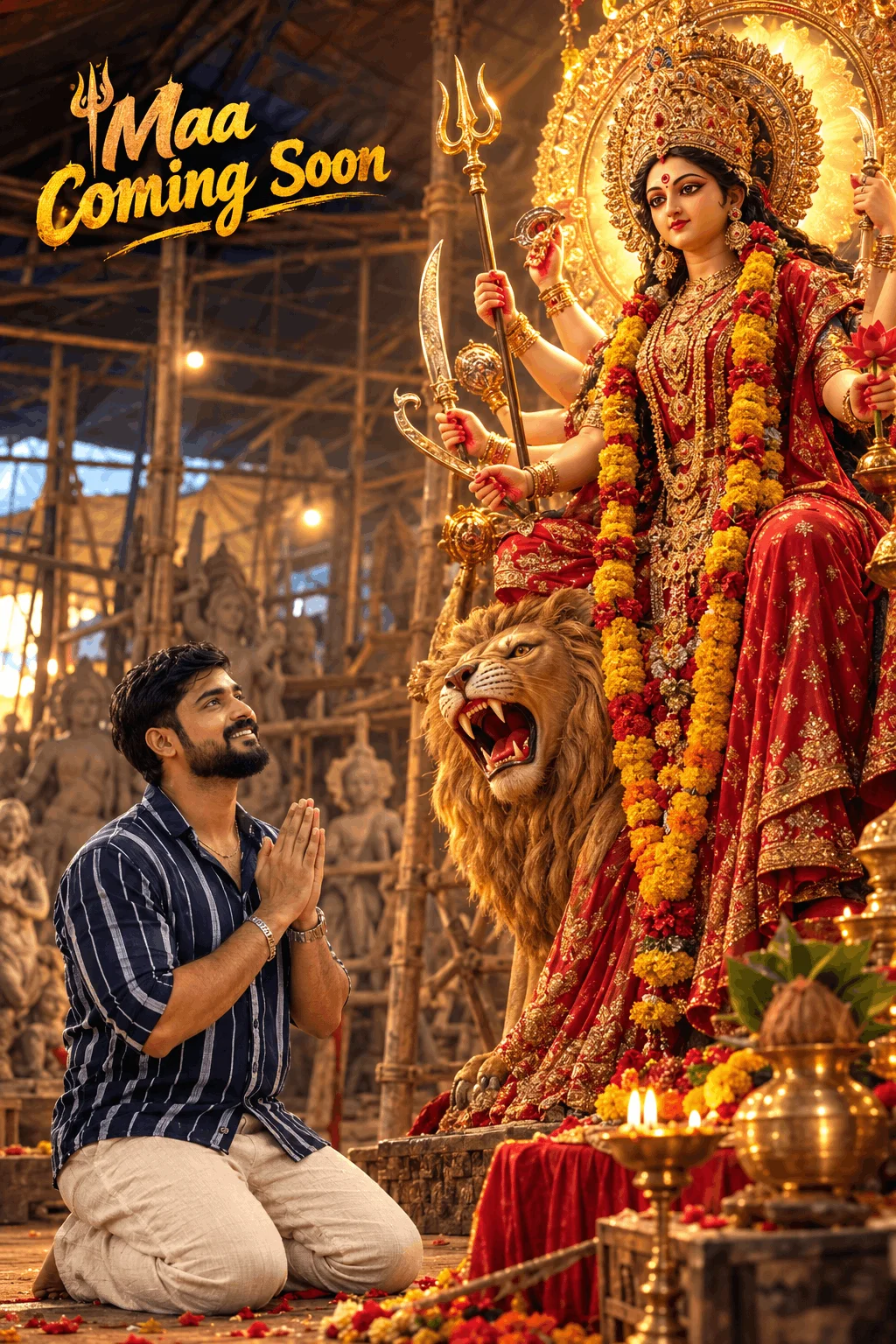
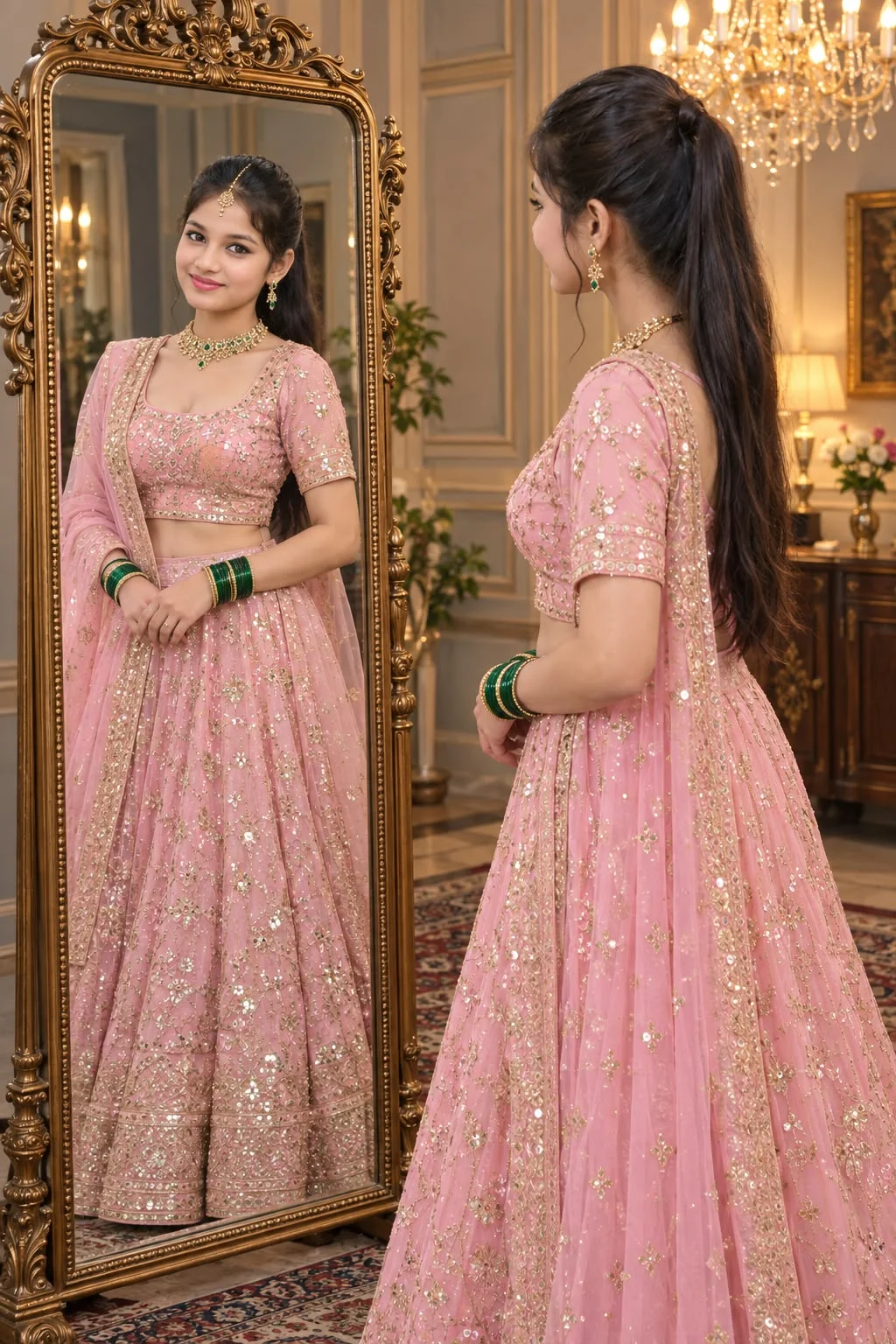
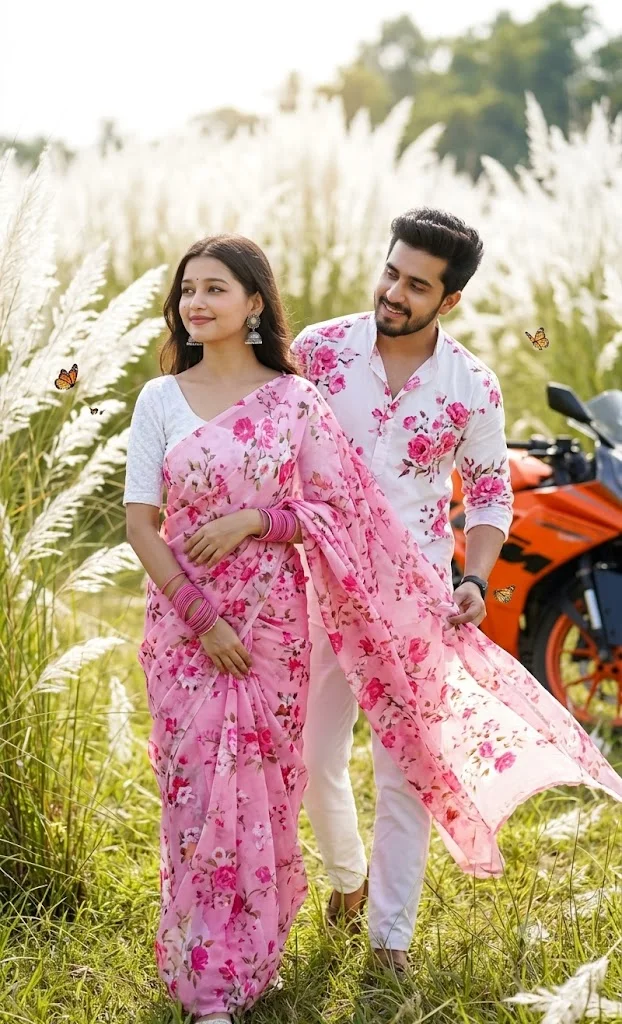
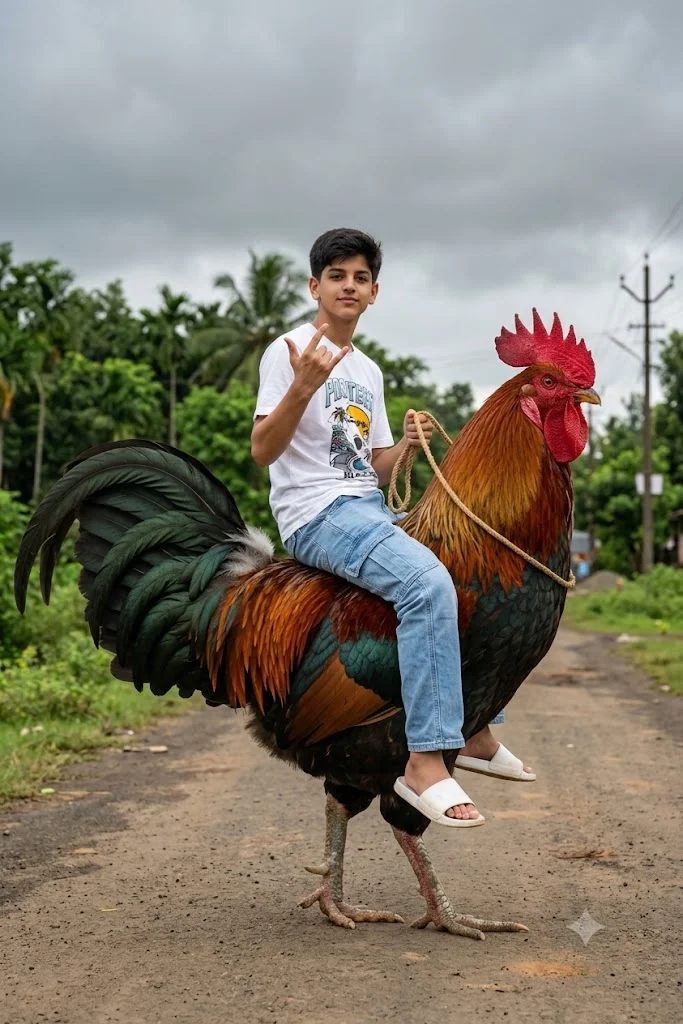
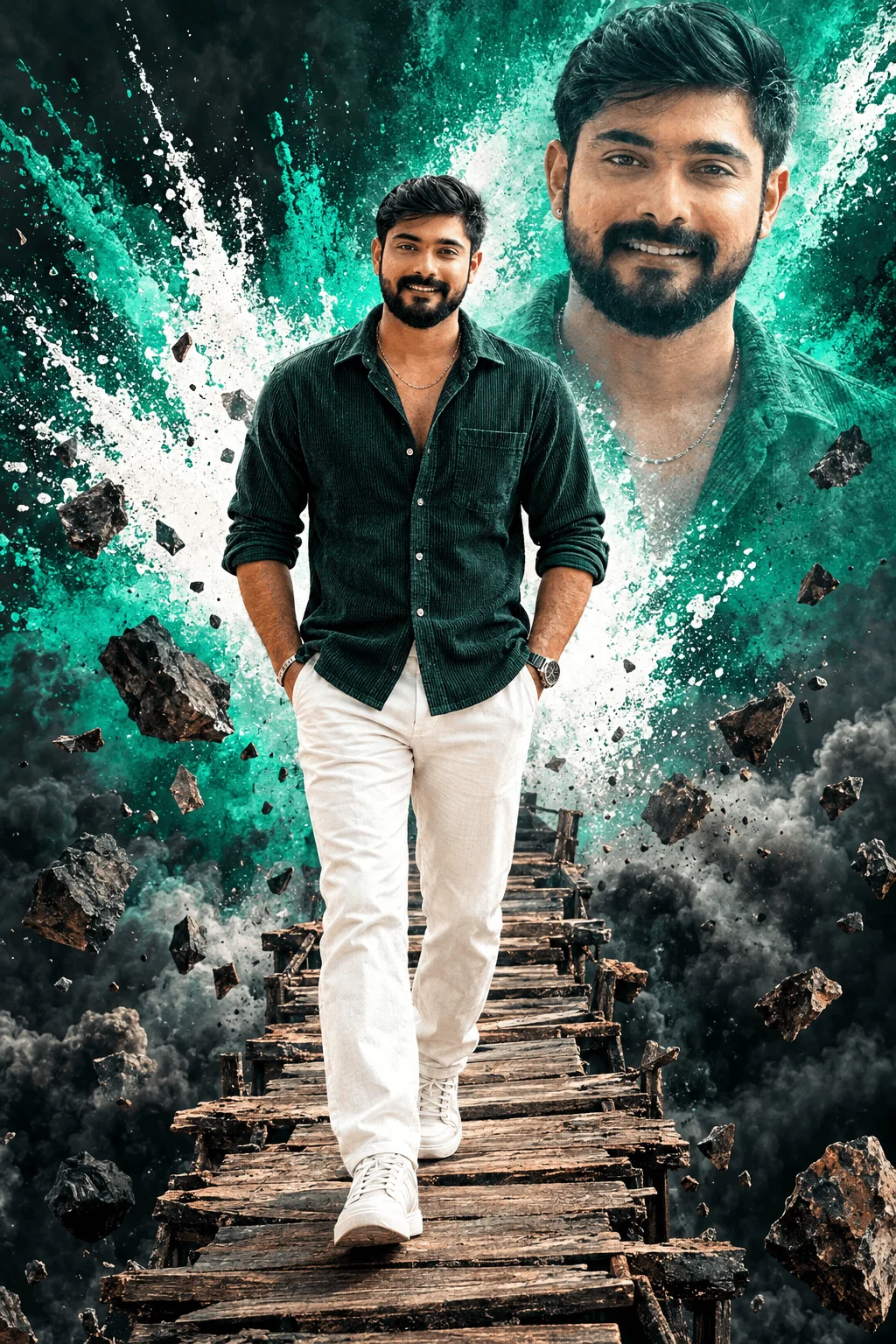
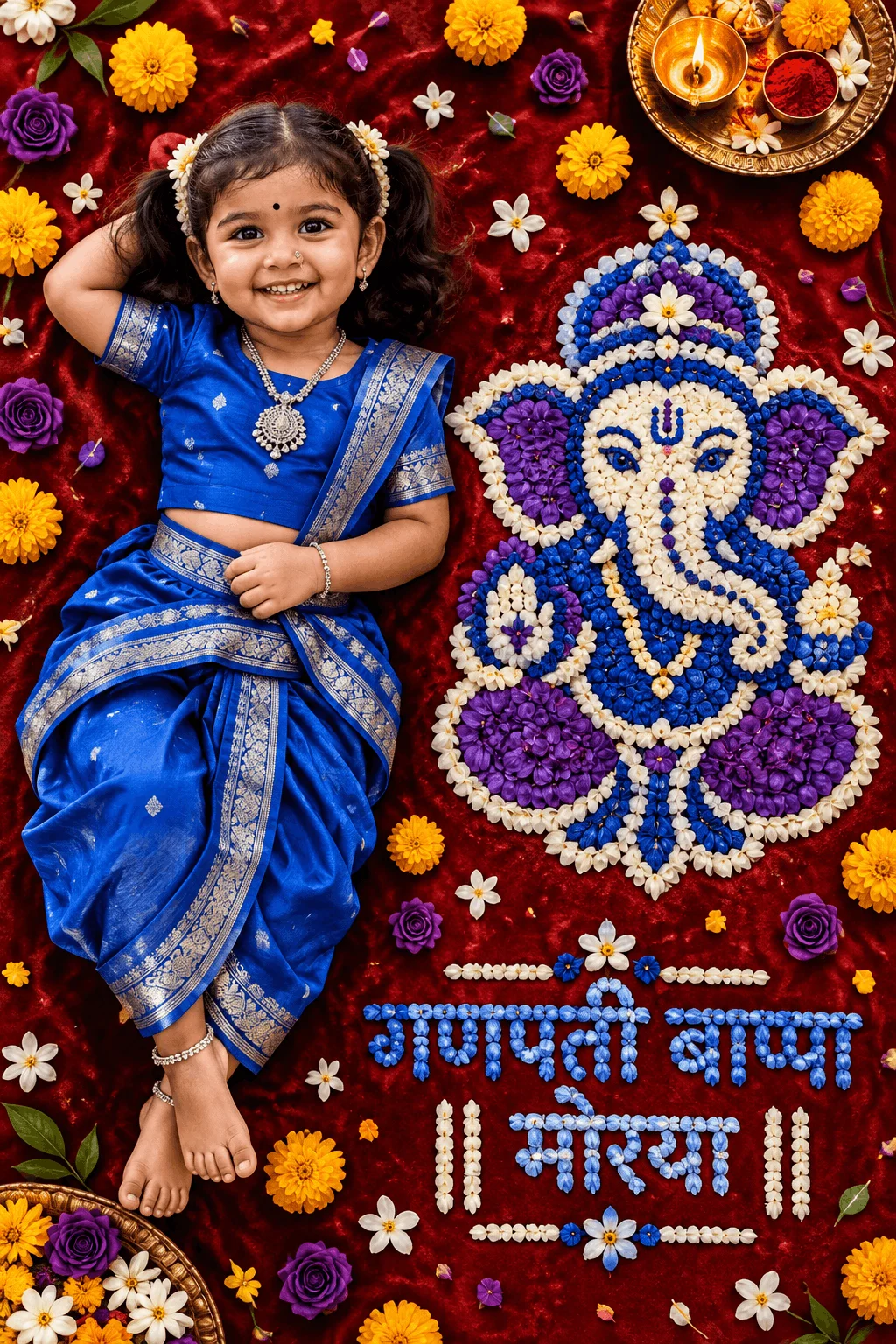
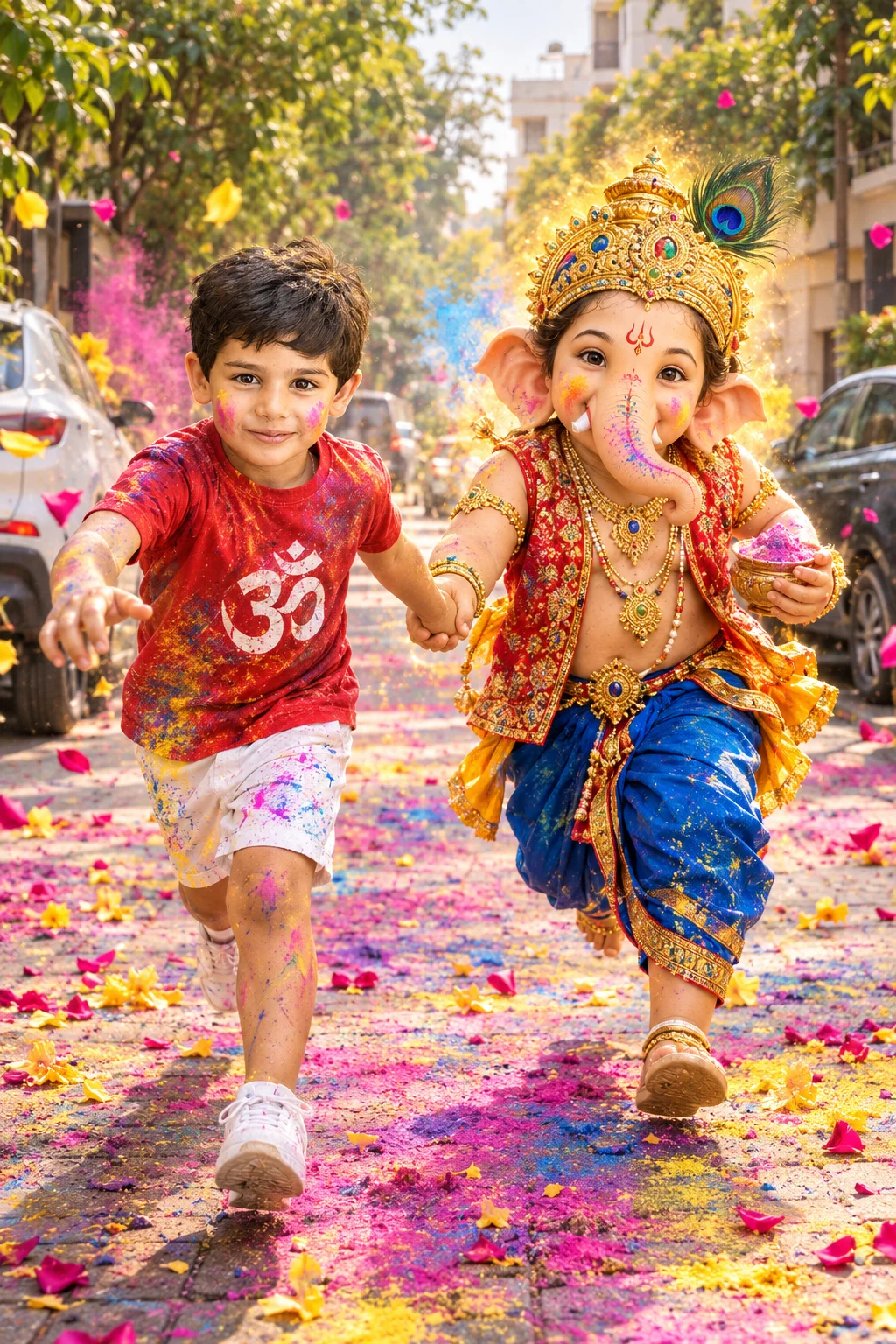
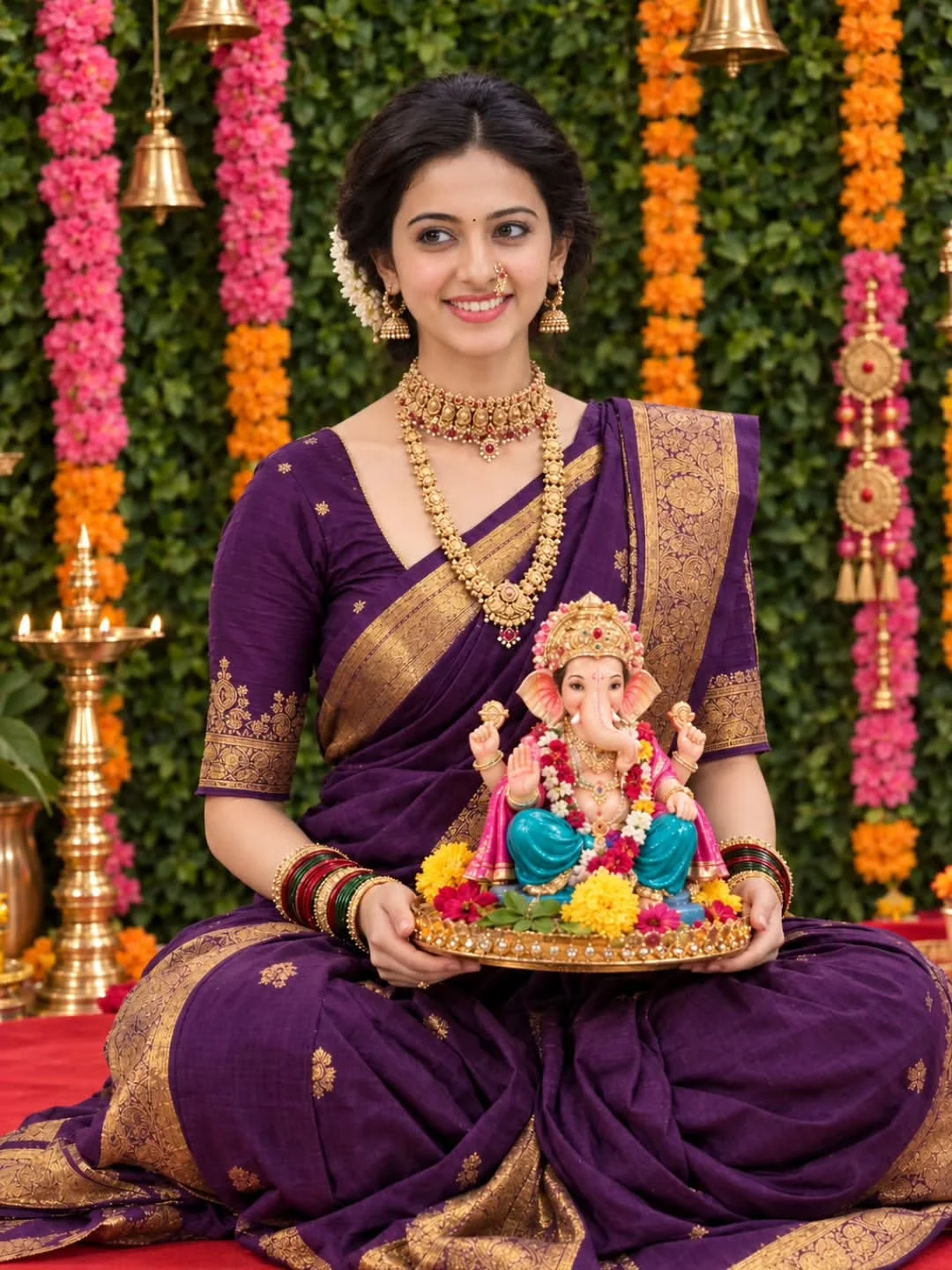
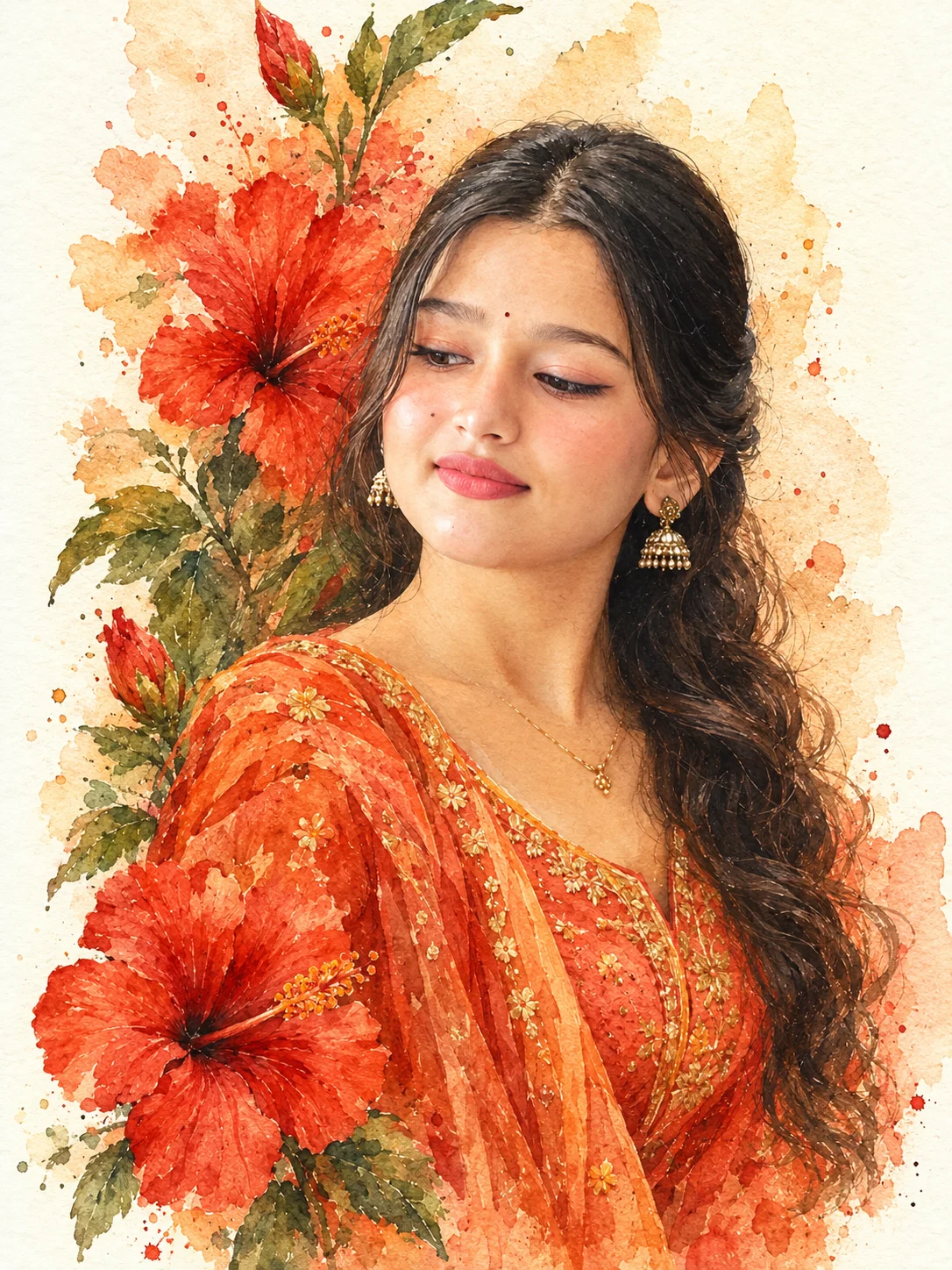
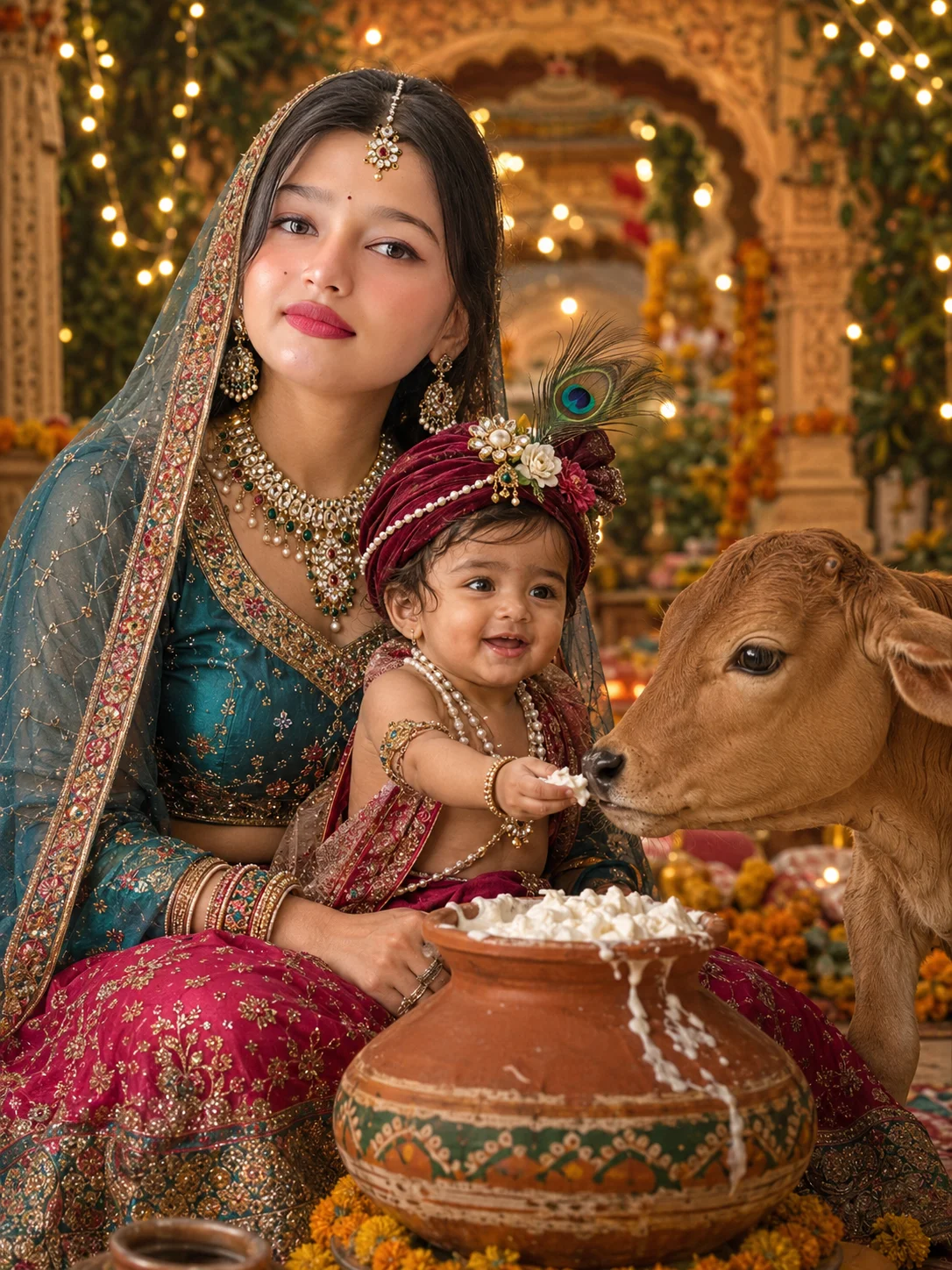
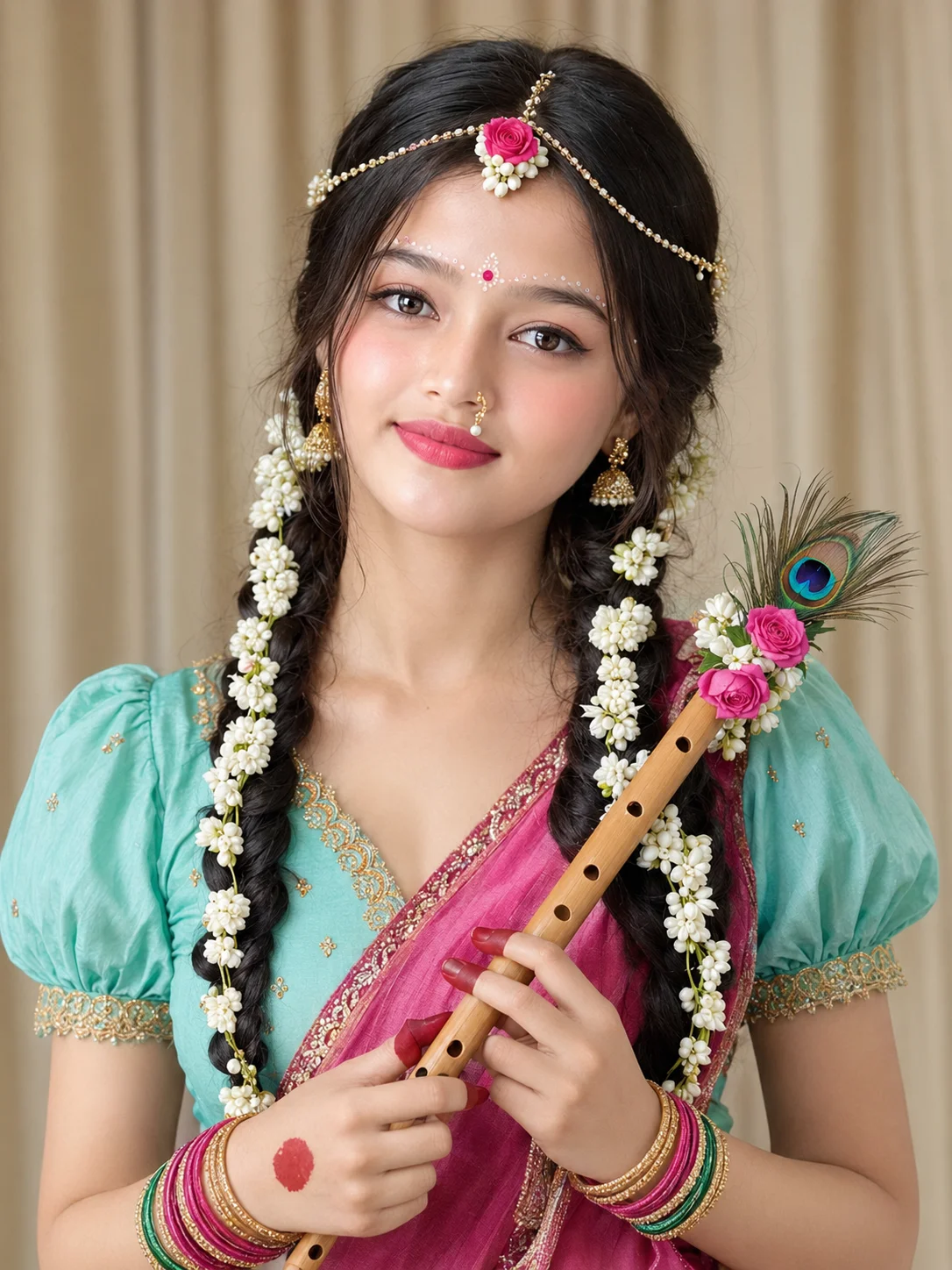
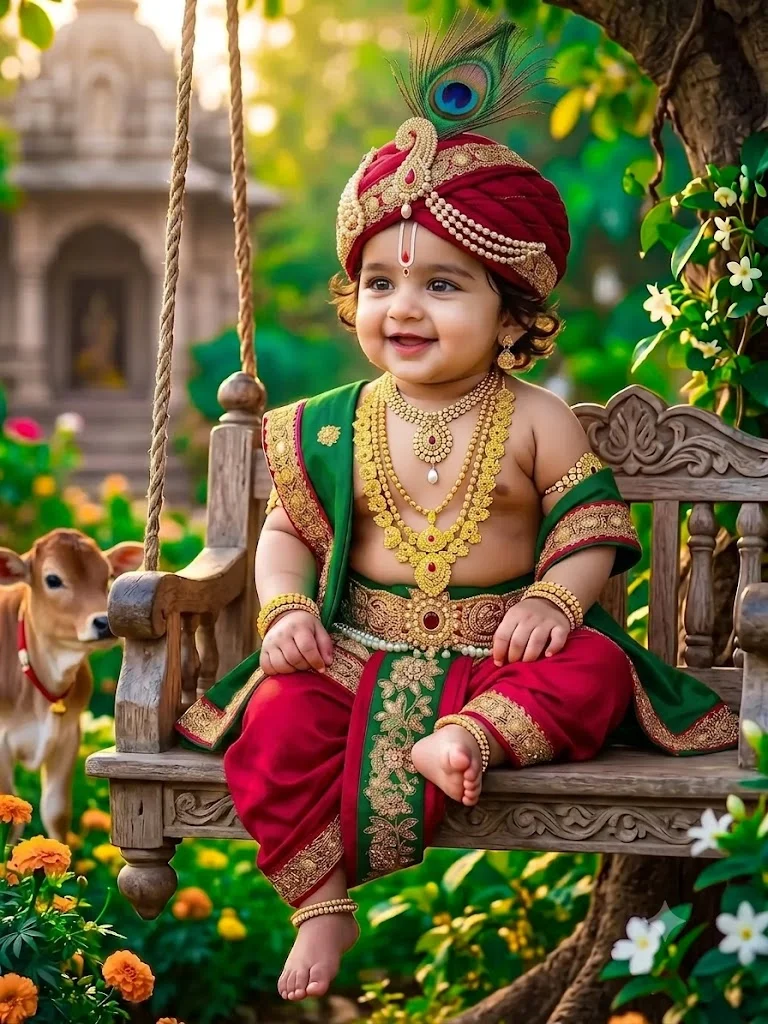
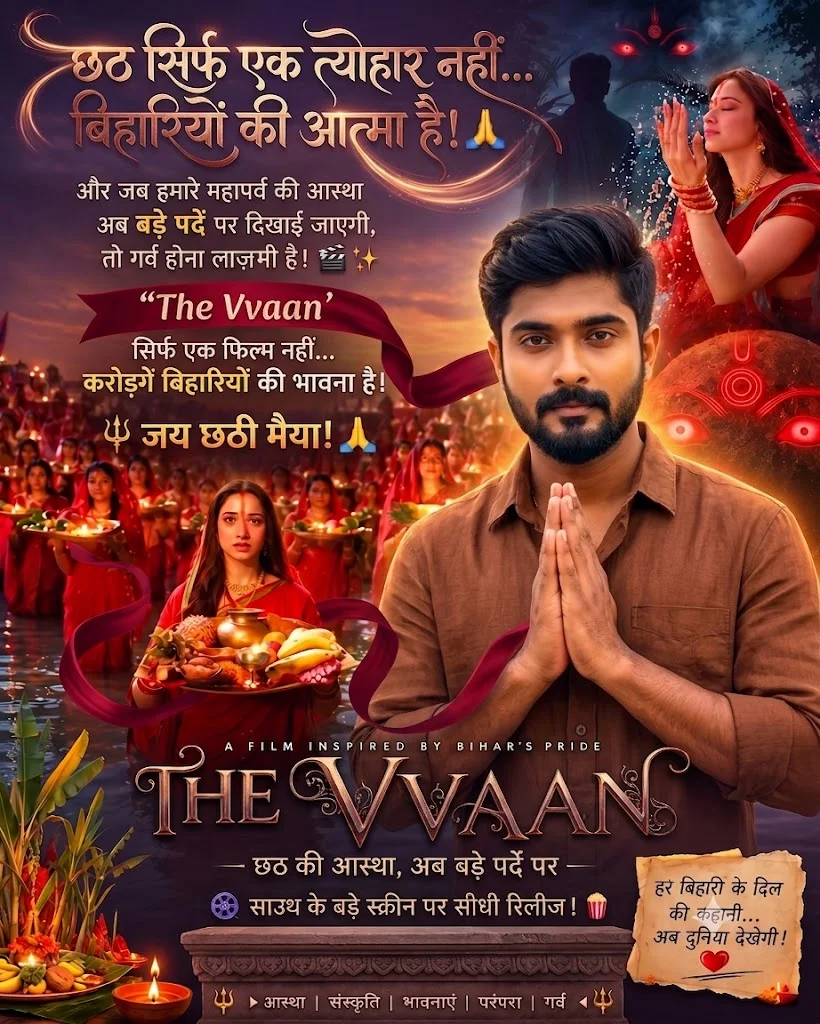
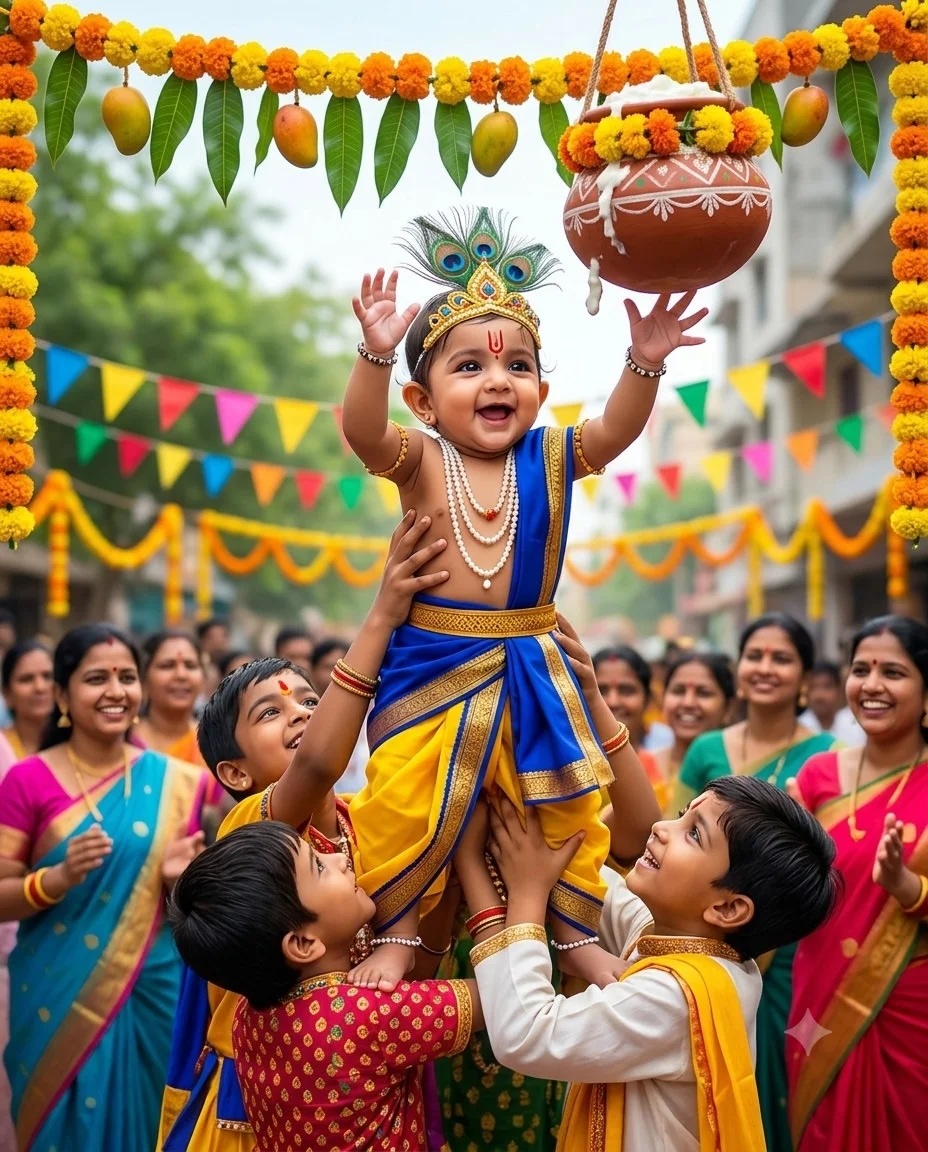
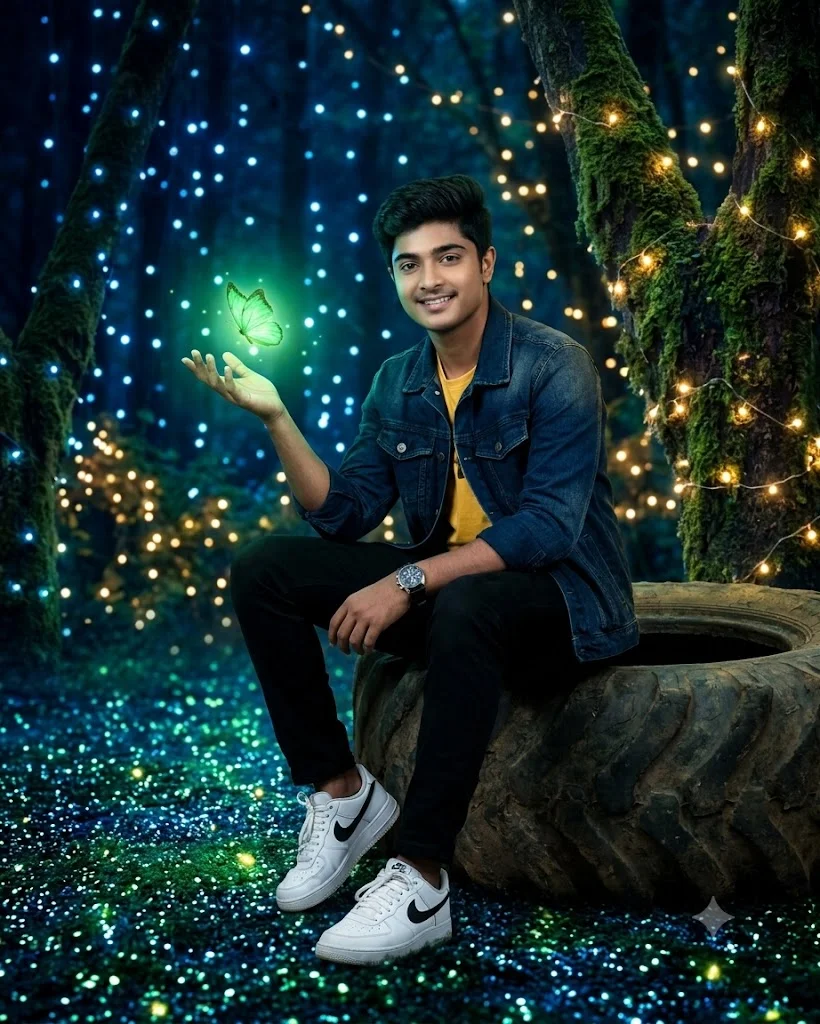
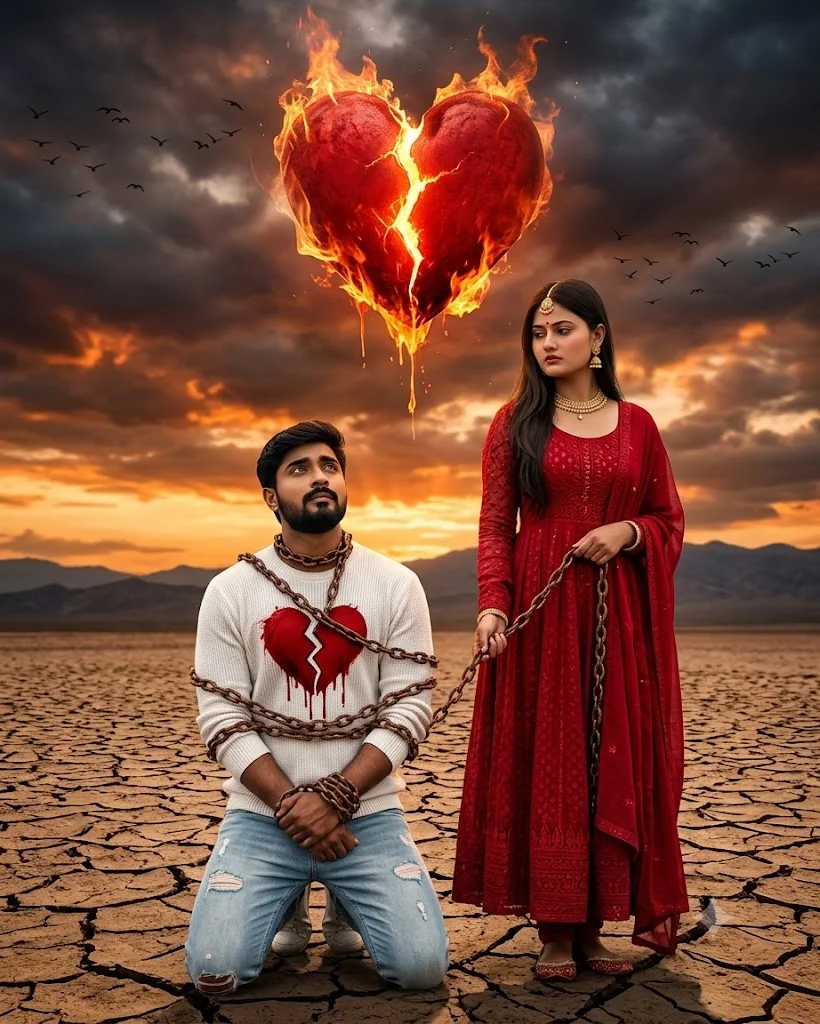
If you have spent any time browsing Instagram Reels, YouTube Shorts, or TikTok over the past year, you have inevitably seen the viral TubeBite style. From glowing 3D blood-vessel name art and majestic crown-topped typography to ultra-realistic portraits of creators standing alongside smoking hypercars in wet midnight rain, TubeBite has evolved into the defining visual benchmark of modern social media aesthetics.
A true TubeBite prompt is not merely a few descriptive words typed into an AI tool; it is a meticulously engineered text blueprint. It combines four distinct computational pillars:
Top 4 Viral TubeBite Master Prompt Blueprints (Ready to Copy)
Best for profile avatars, DP concepts, and glowing wallpaper reels. Replace "[YOUR NAME]" with your desired text.
Designed for high-contrast video transitions with dramatic car headlights and wet asphalt reflections.
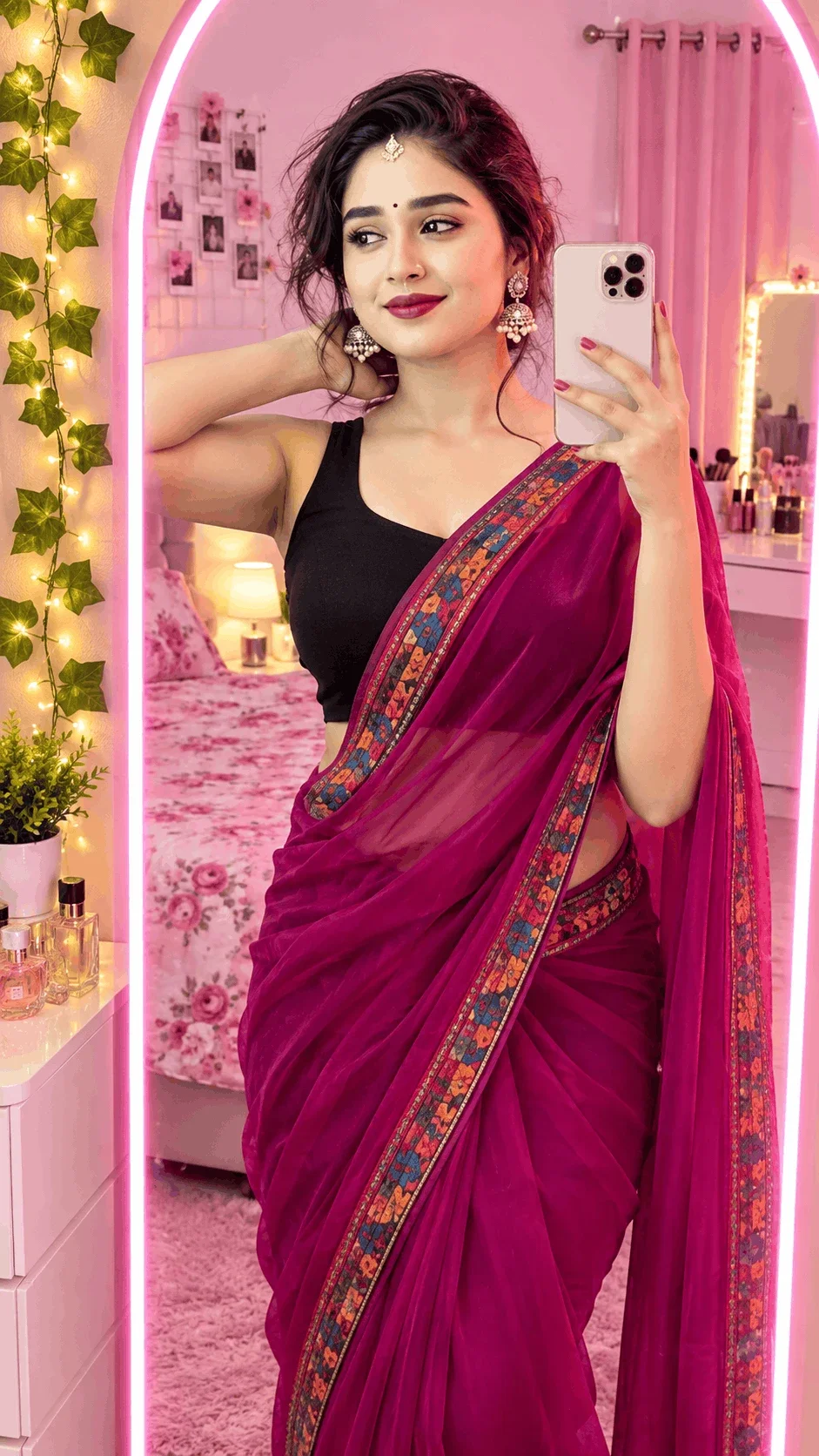
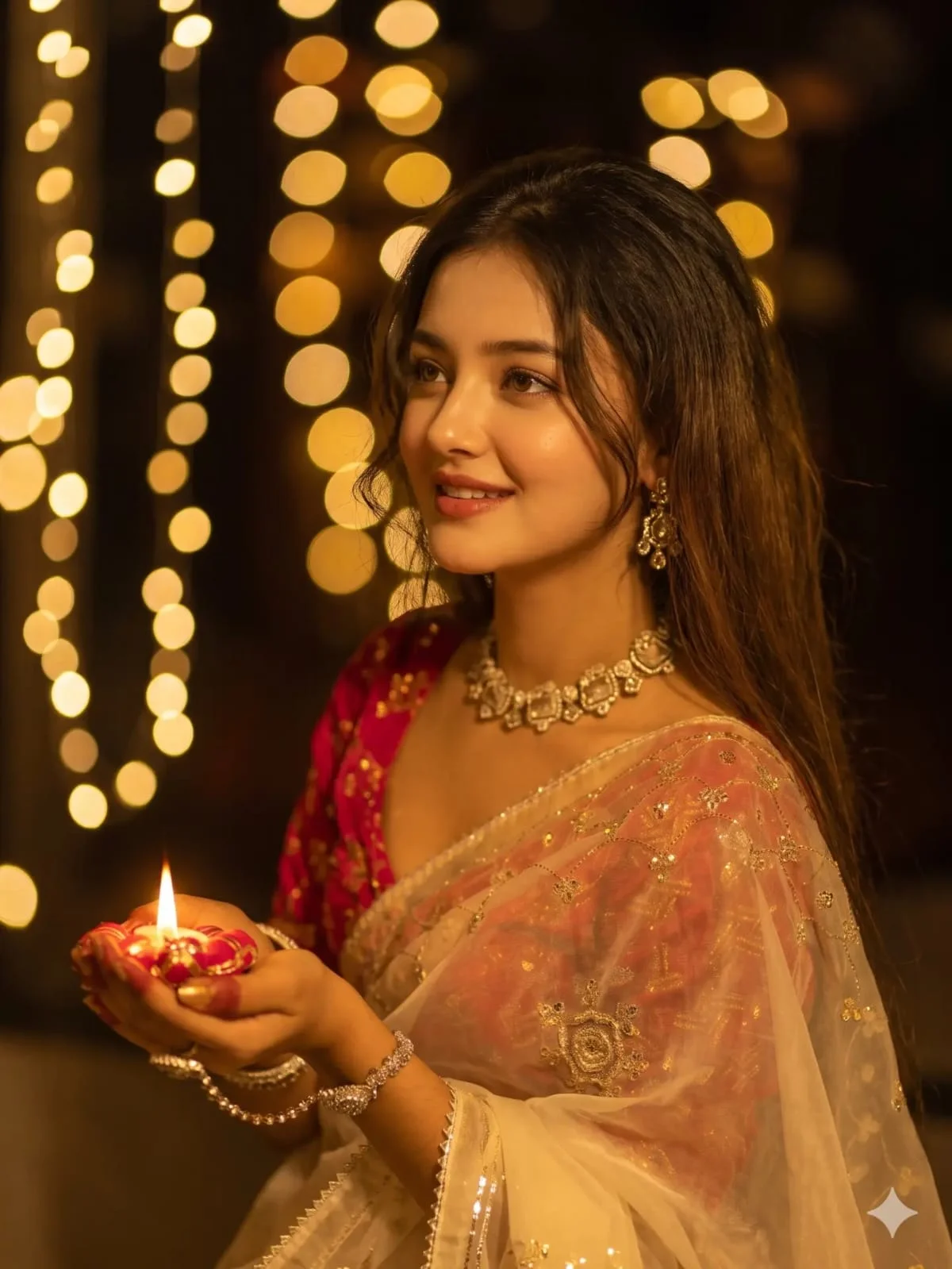
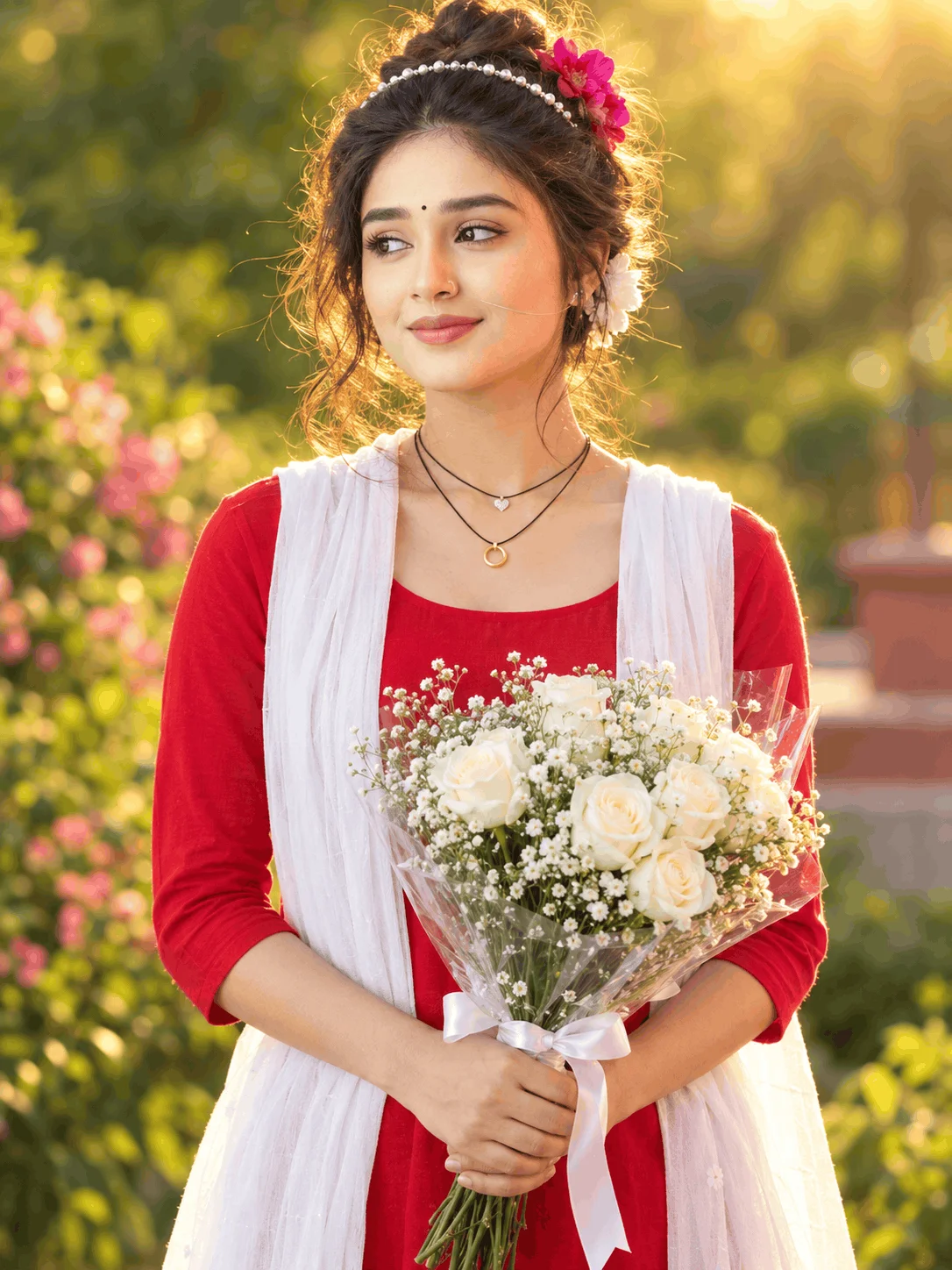
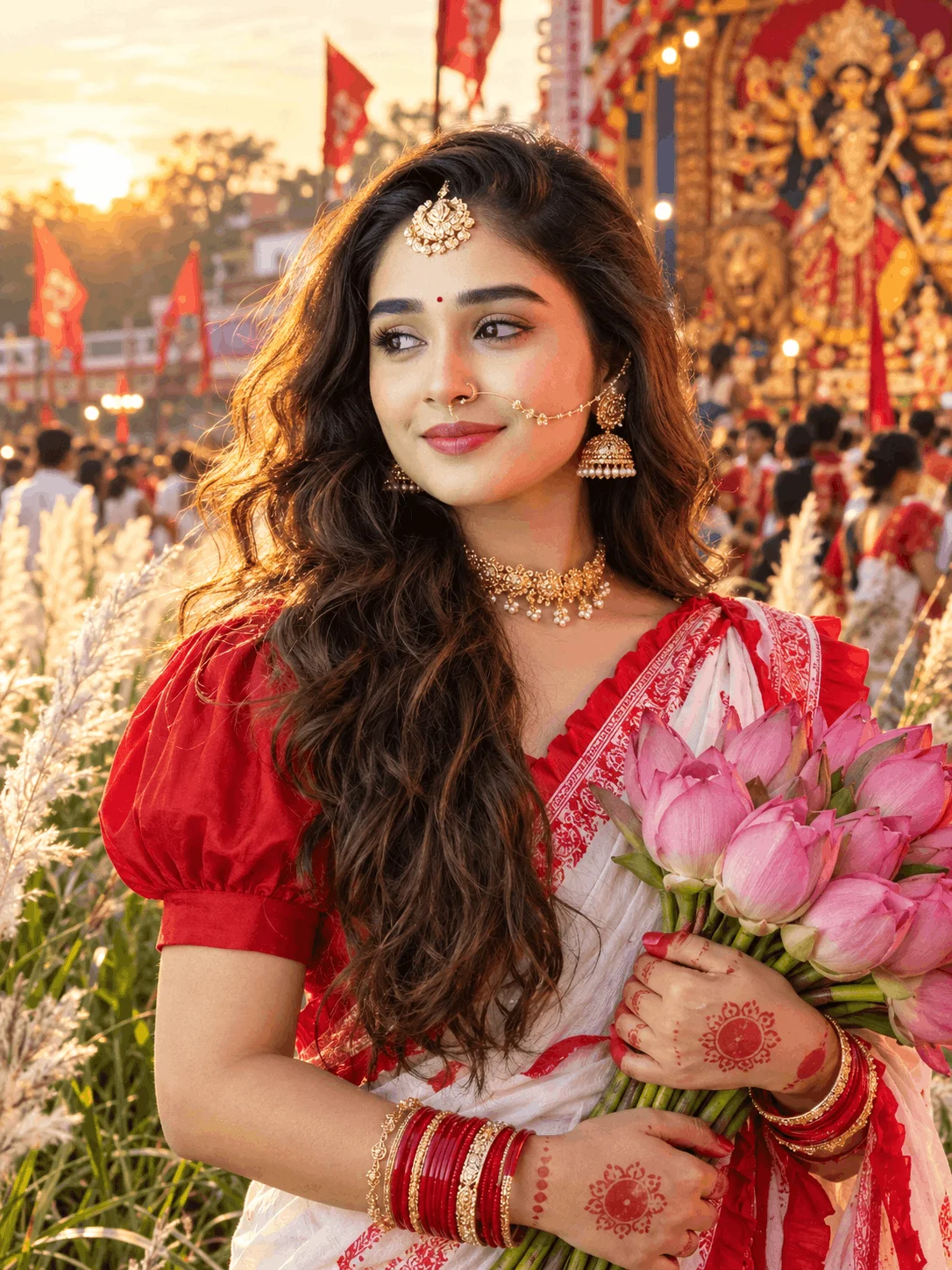
Combines rich cultural textiles with dreamy bokeh and sparkling fireworks background.
The iconic TubeBite viral template where names are intricately formed out of pulsating vascular neon fibers.
Complete 4-Step Production Pipeline (Text Prompt to Viral Reel)
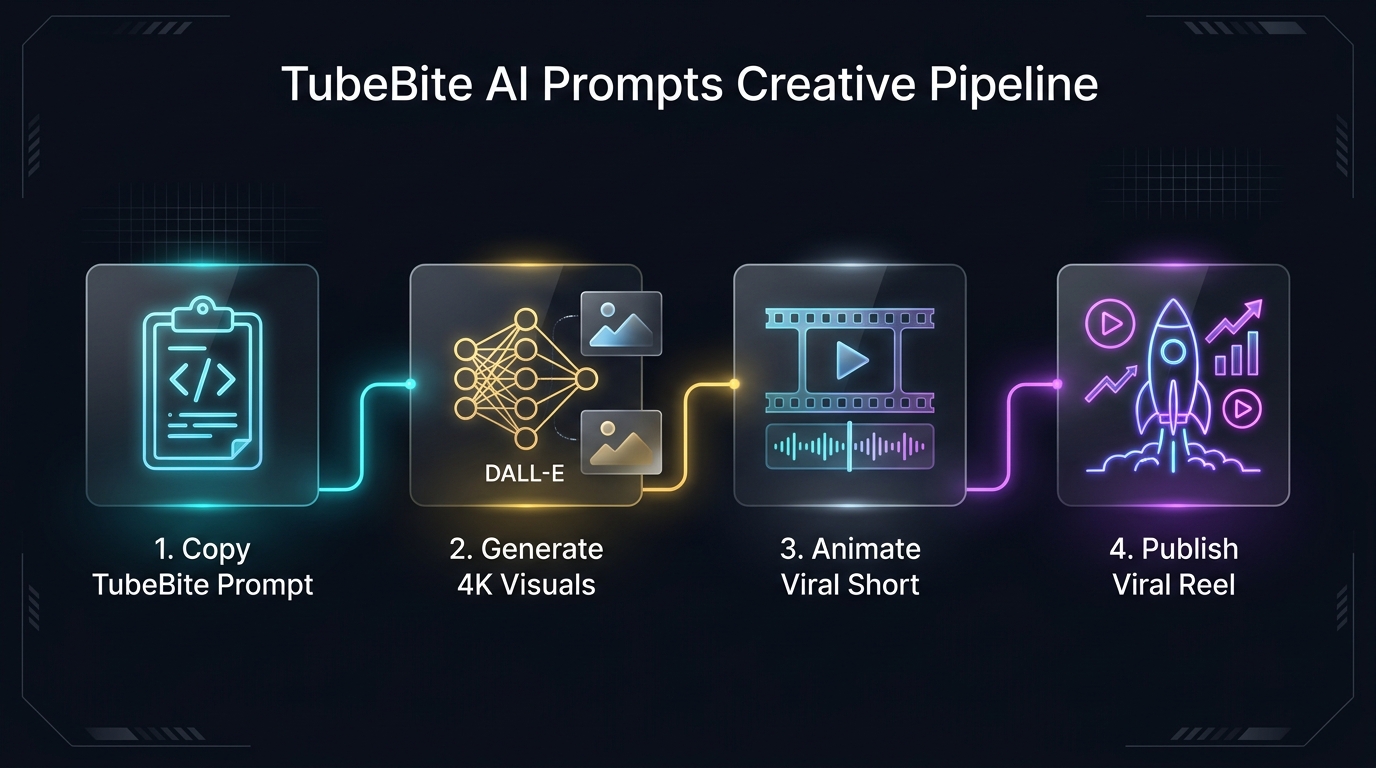
Copy & Customize Prompt
Select your preferred TubeBite style above, hit 1-Click Copy, and insert your real name or uploaded face reference details into the prompt tags.
Generate Master 4K Visual
Paste directly into Bing Image Creator or ChatGPT Plus (DALL-E 3). Use portrait orientation (9:16) for seamless mobile video editing.
Import to CapCut / VN Editor
Load the 4K render into CapCut or VN. Apply the 3D Zoom Pro or Velocity template to add camera parallax and smooth cinematic motion.
Sync Audio & Export
Pair with trending Instagram audio on beat drop. Export at 1080x1920 (60 FPS) with zero compression for maximum algorithmic reach.
Essential Negative Prompt Guardrails (Avoid Common Glitches)
When using Midjourney, Stable Diffusion, or local models, copy and paste this universal negative prompt to guarantee anatomically correct hands, sharp typography, and clean specular lighting:
Frequently Asked Questions About TubeBite AI Prompts
Are TubeBite AI prompts 100% free to use on Emojora?
Yes. All prompt blueprints and copy-paste formulas published on Emojora are 100% free with an open creative license. You can freely use them for personal profile pictures, client creative projects, YouTube thumbnails, and monetized social media accounts with zero subscription fees.
How do I put my own name inside the 3D neon art?
Every prompt includes bracketed tags such as "[YOUR NAME]". Simply copy the prompt, replace the bracketed text with your real name or handle (e.g. "RAHUL", "PRIYA", or "ALEX"), and paste it into ChatGPT Plus or Bing Image Creator. The AI will render your exact name in the 3D neon style.
Which AI platform generates the best TubeBite results?
For 3D text accuracy, Bing Image Creator (powered by DALL-E 3) and ChatGPT Plus produce the cleanest letter spelling and volumetric glow. For hyper-realistic cinematic lighting and facial textures, Midjourney v6 and Google Gemini (Imagen 3) yield magazine-grade photorealism.
How can I animate static TubeBite photos into short reels?
Download the high-resolution generated photo and import it into either CapCut or VN Video Editor. In CapCut, navigate to Style → 3D Zoom Pro to generate realistic camera depth. Alternatively, upload the image to Kling AI or Luma Dream Machine with a gentle pan/orbit camera instruction to generate a dynamic 5-second 60fps video loop.