
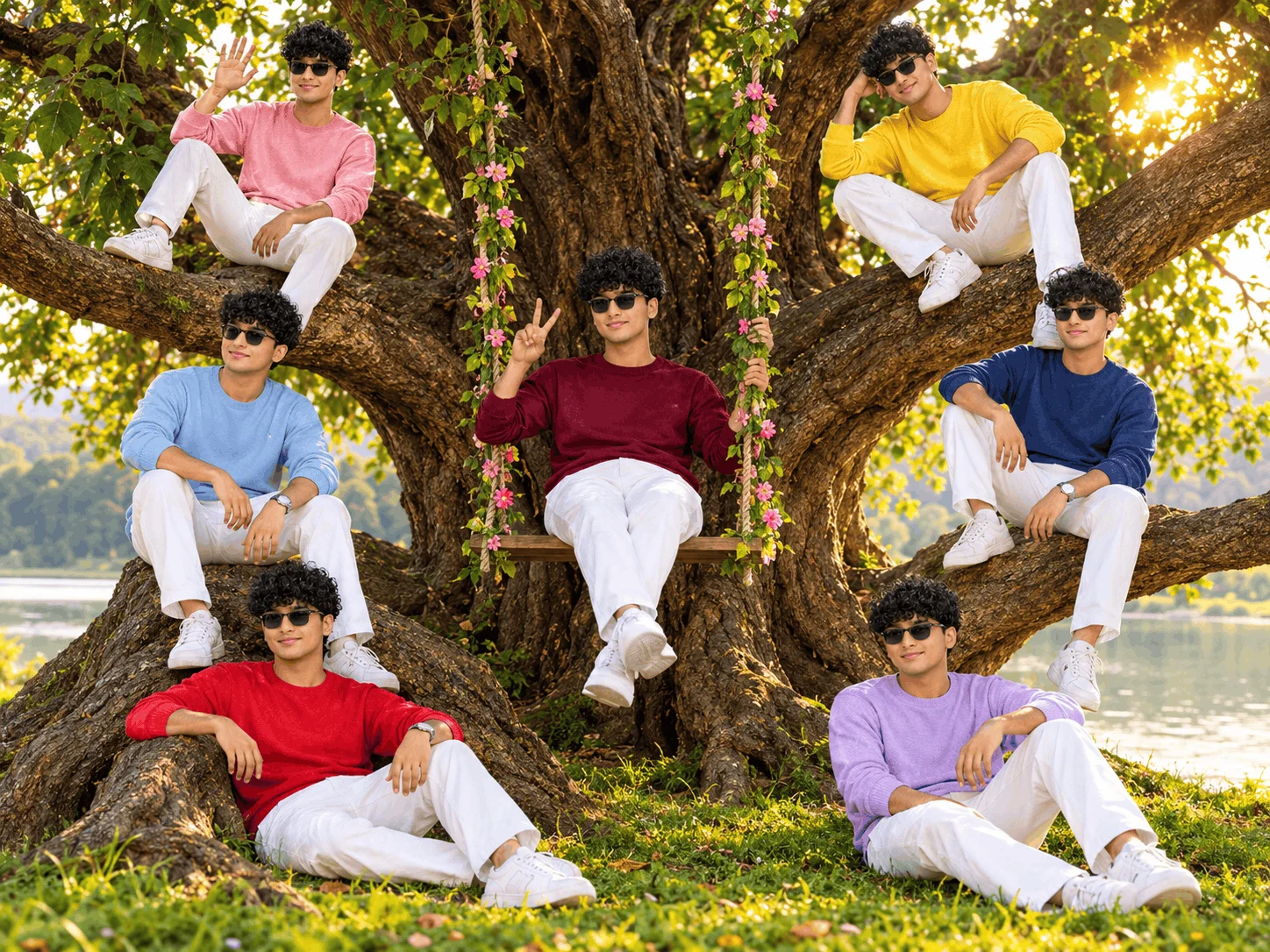
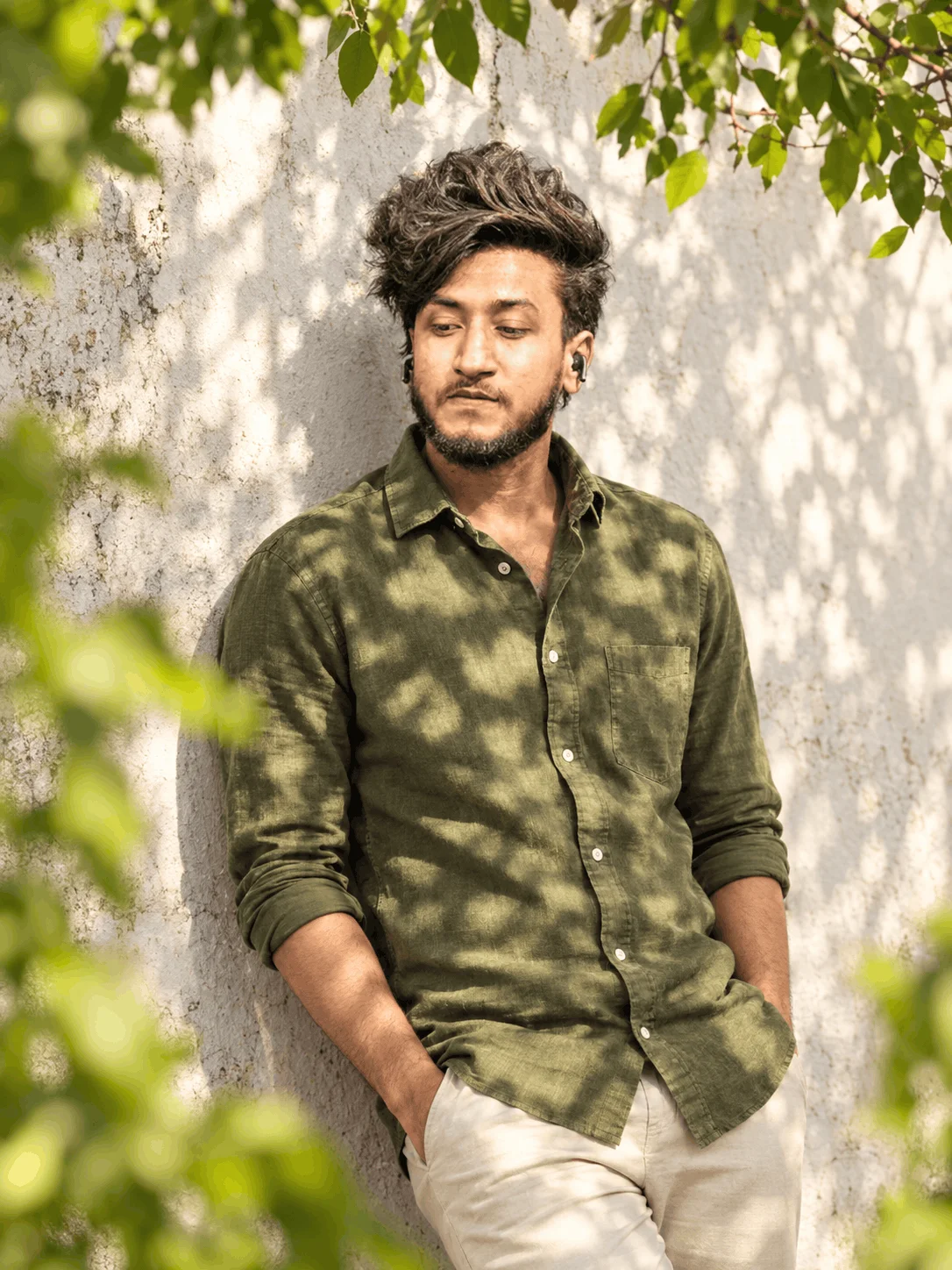
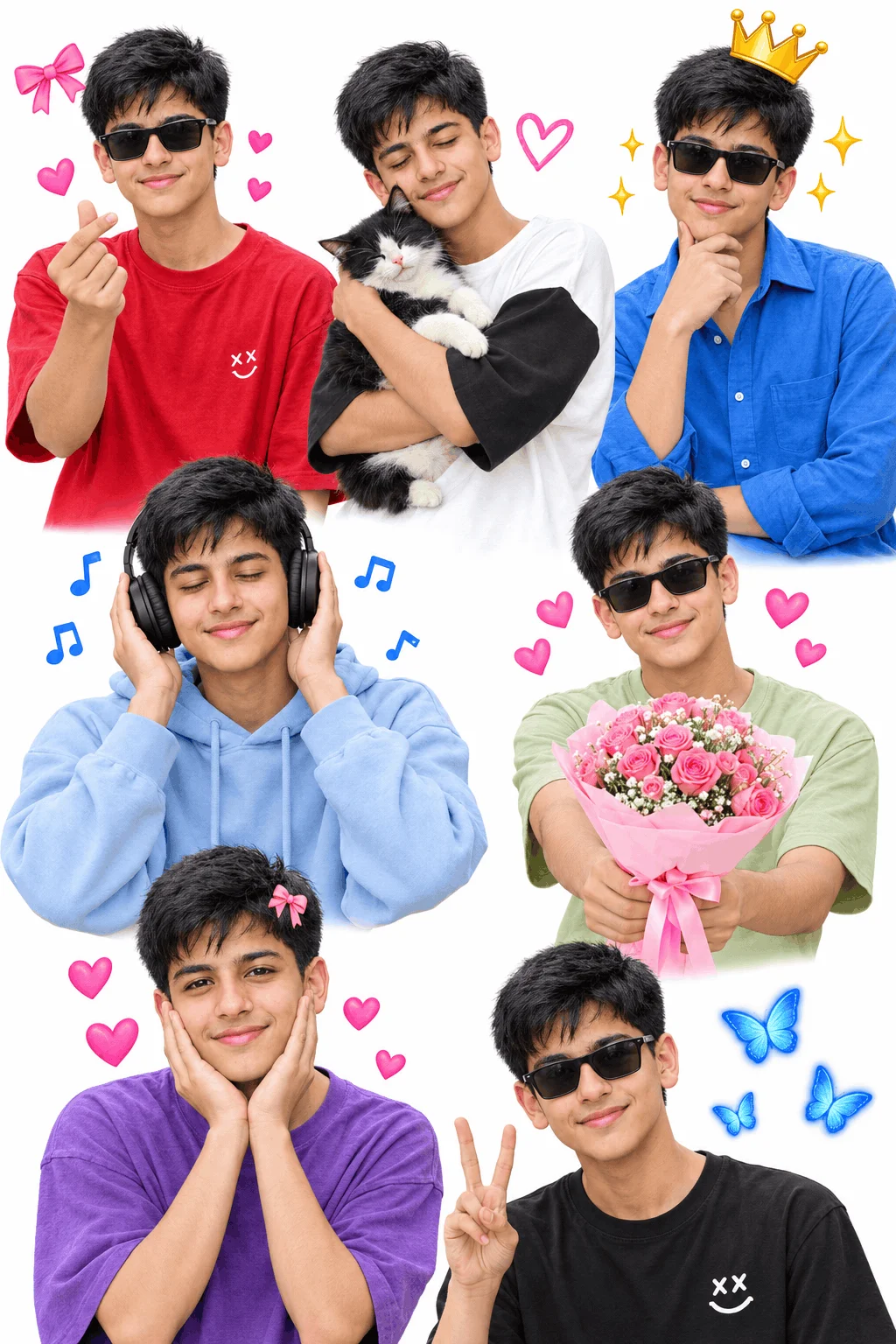

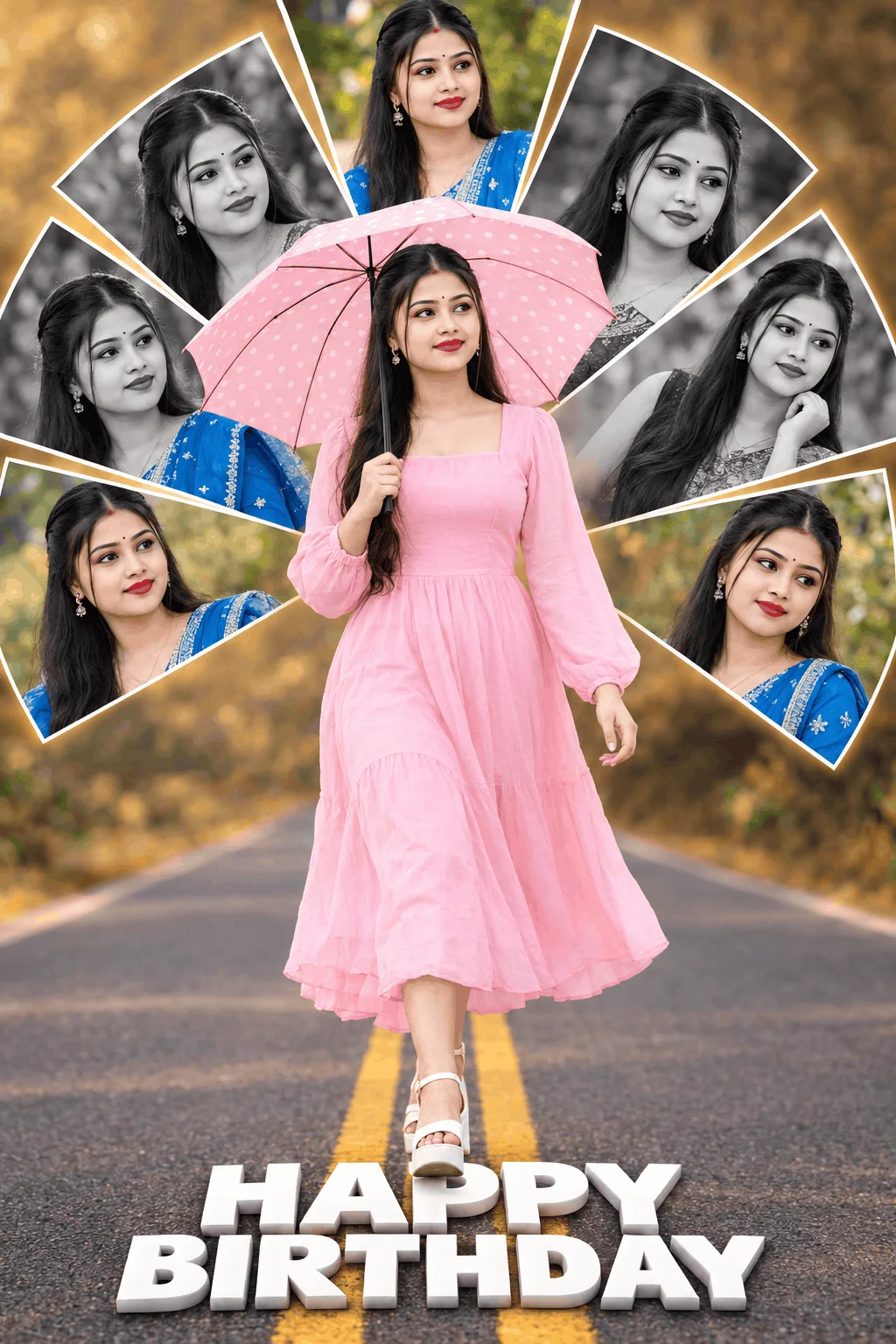
What is Sharda Tools and Why Are Creators Searching for Alternatives?
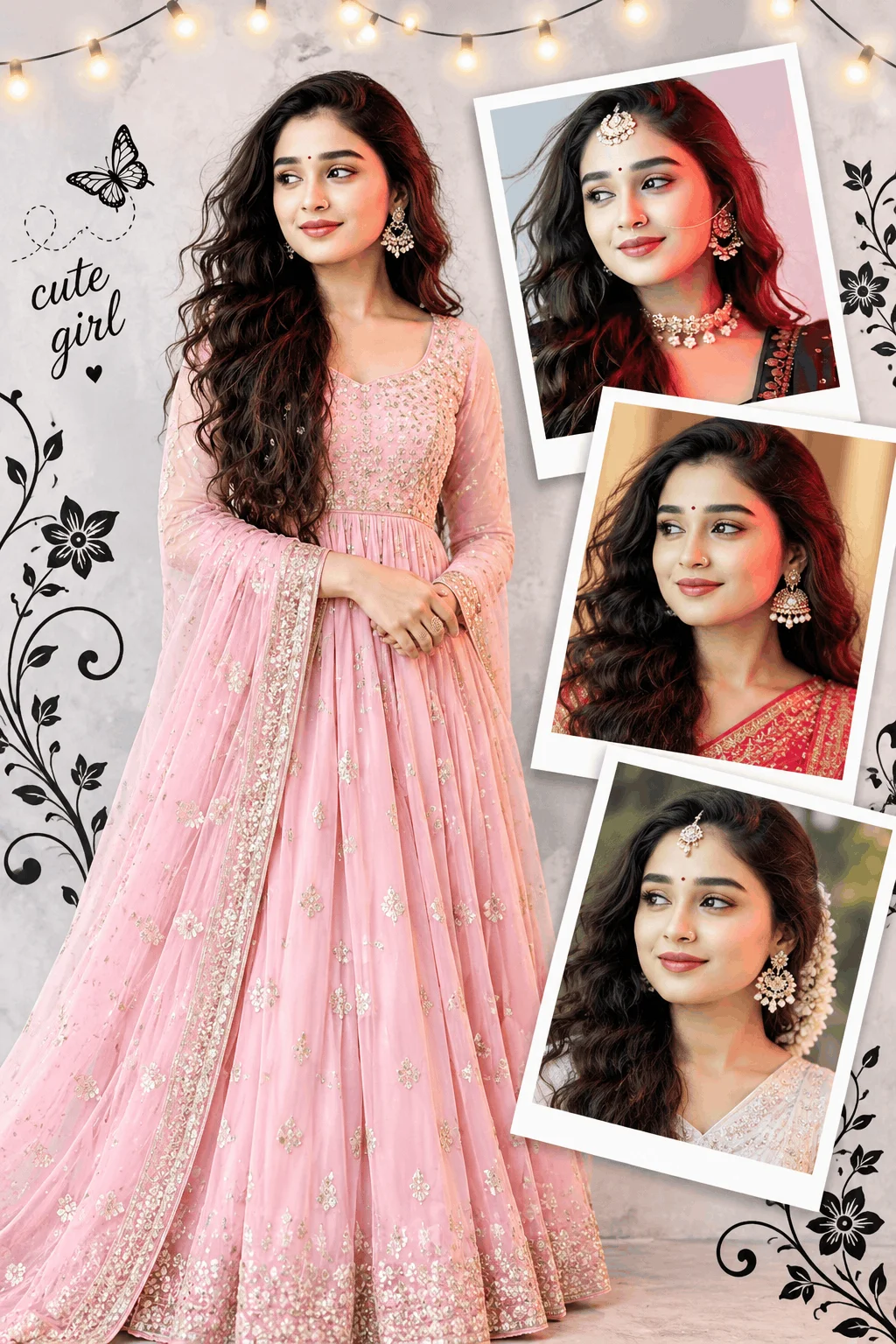
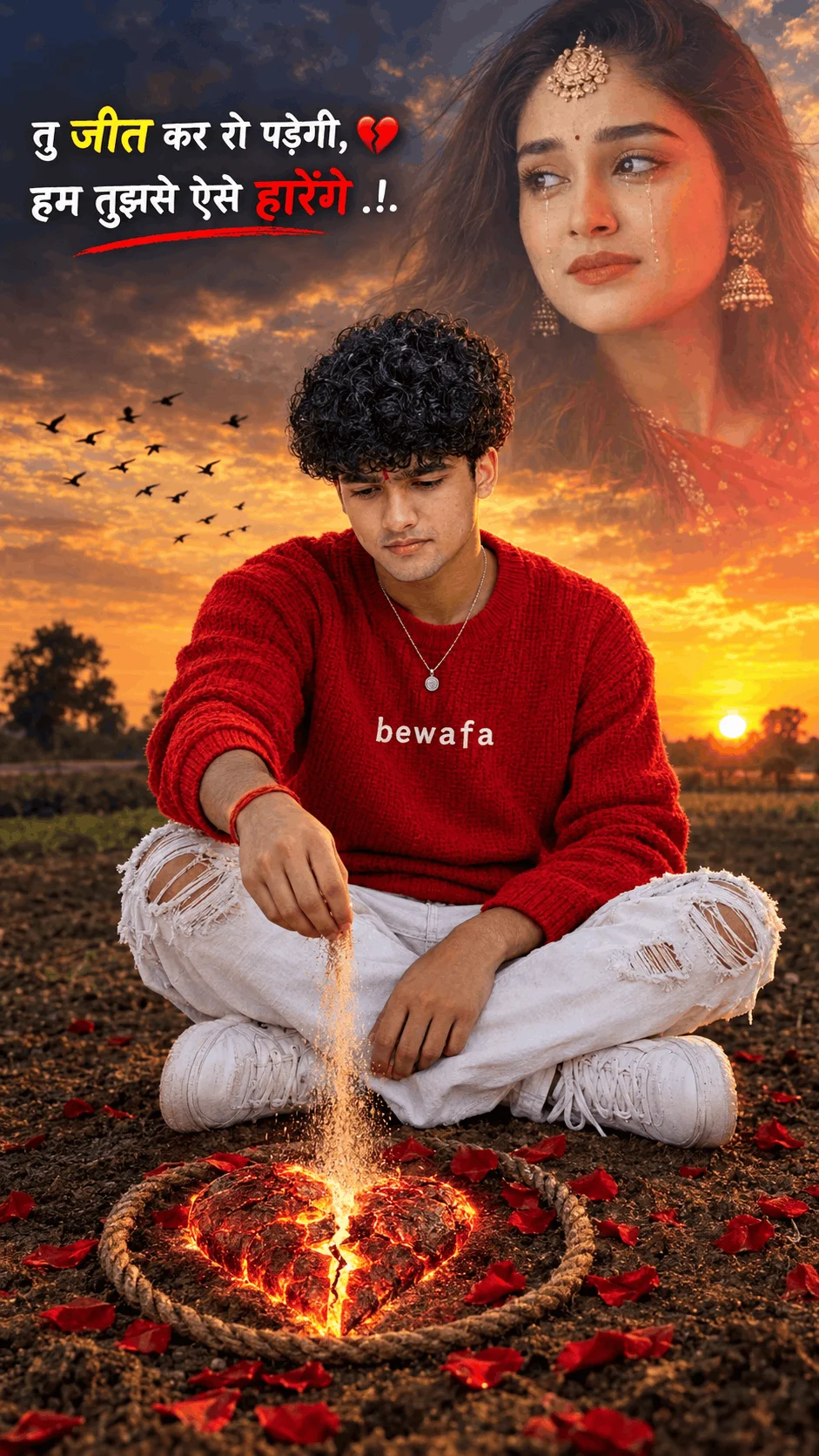
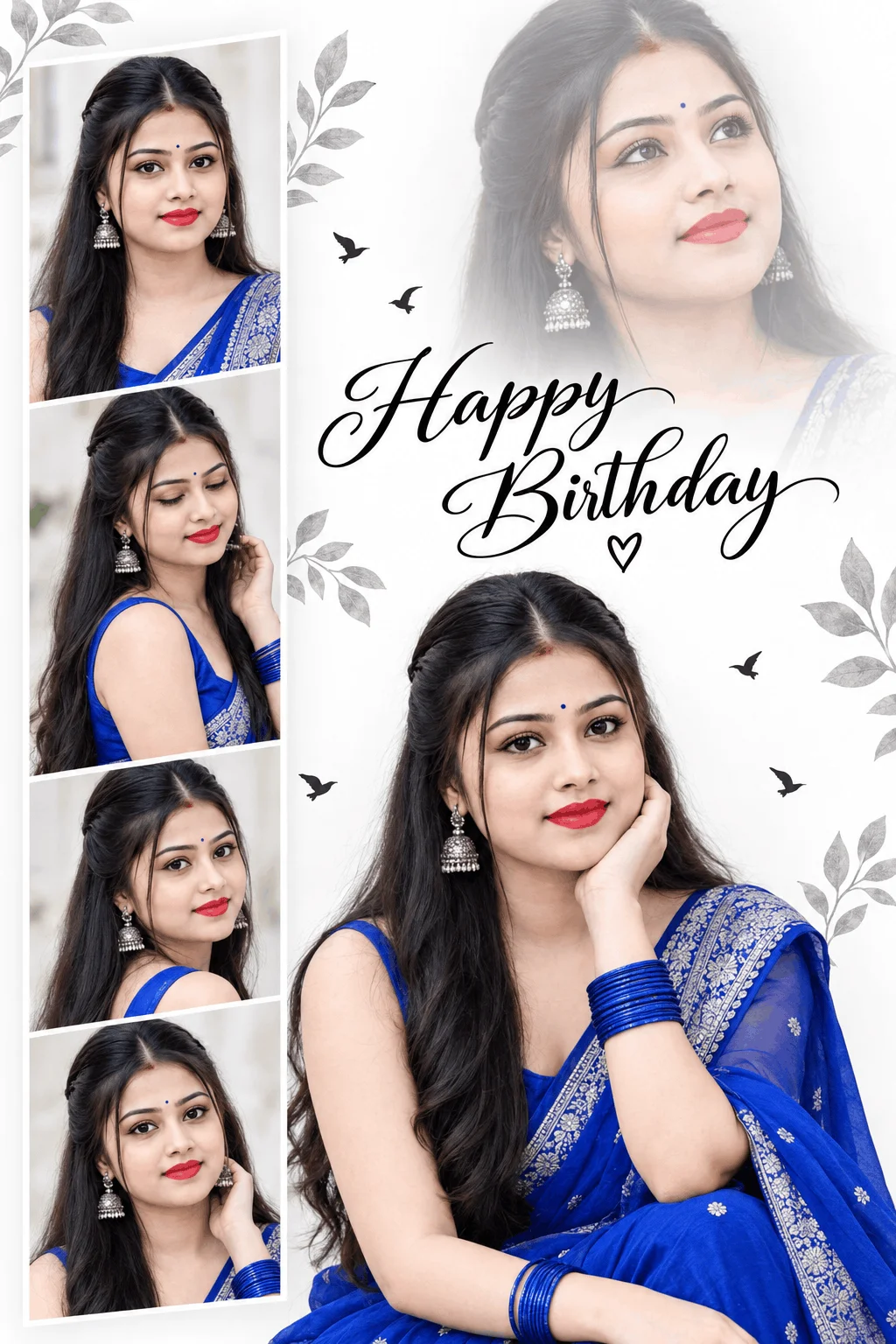
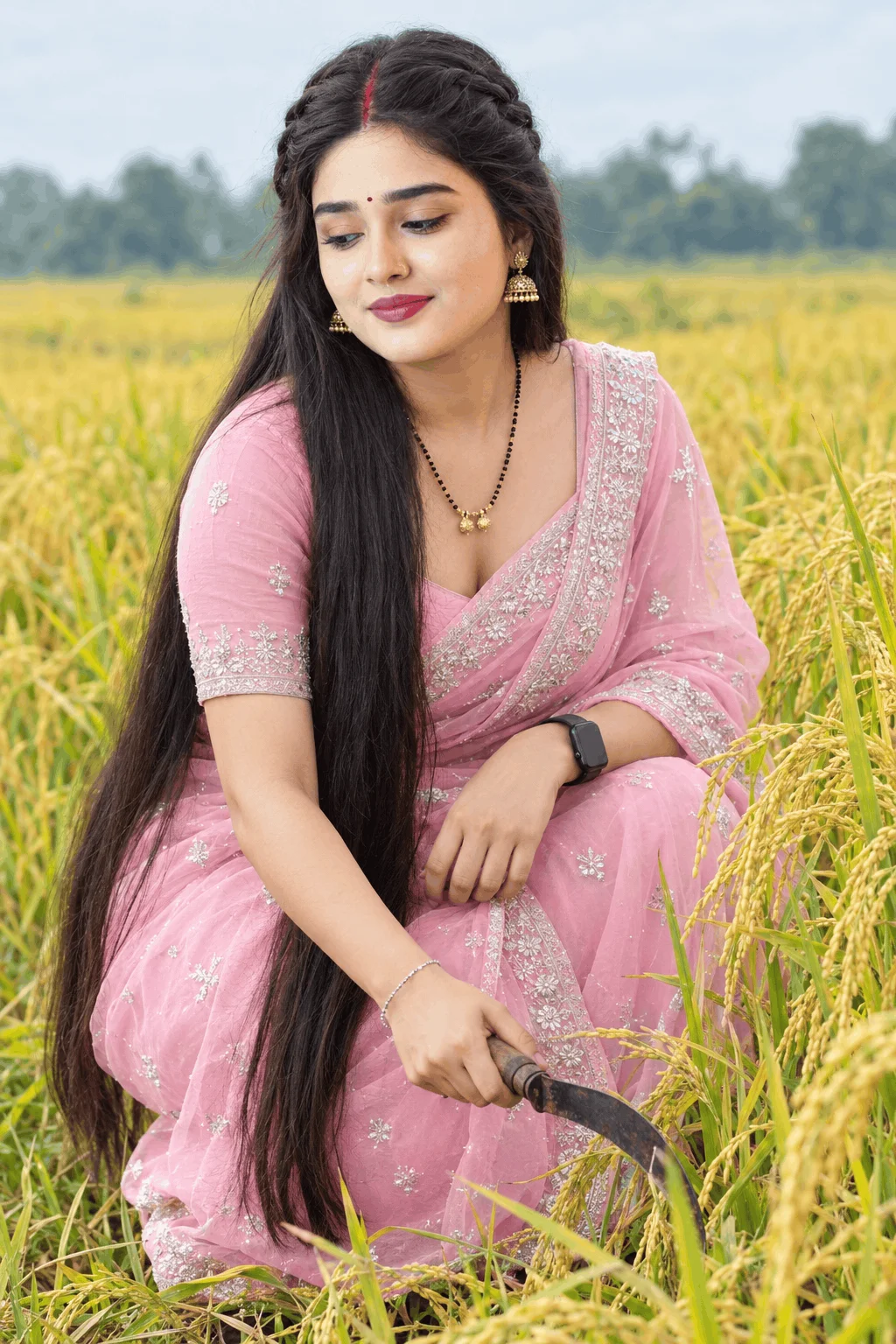
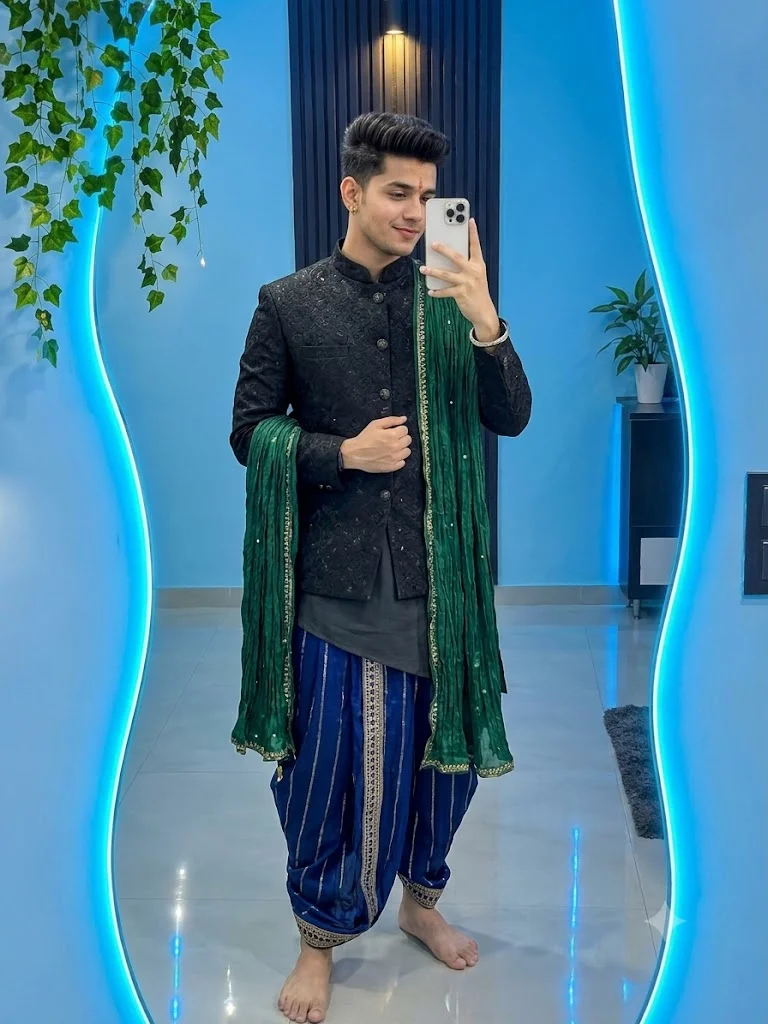
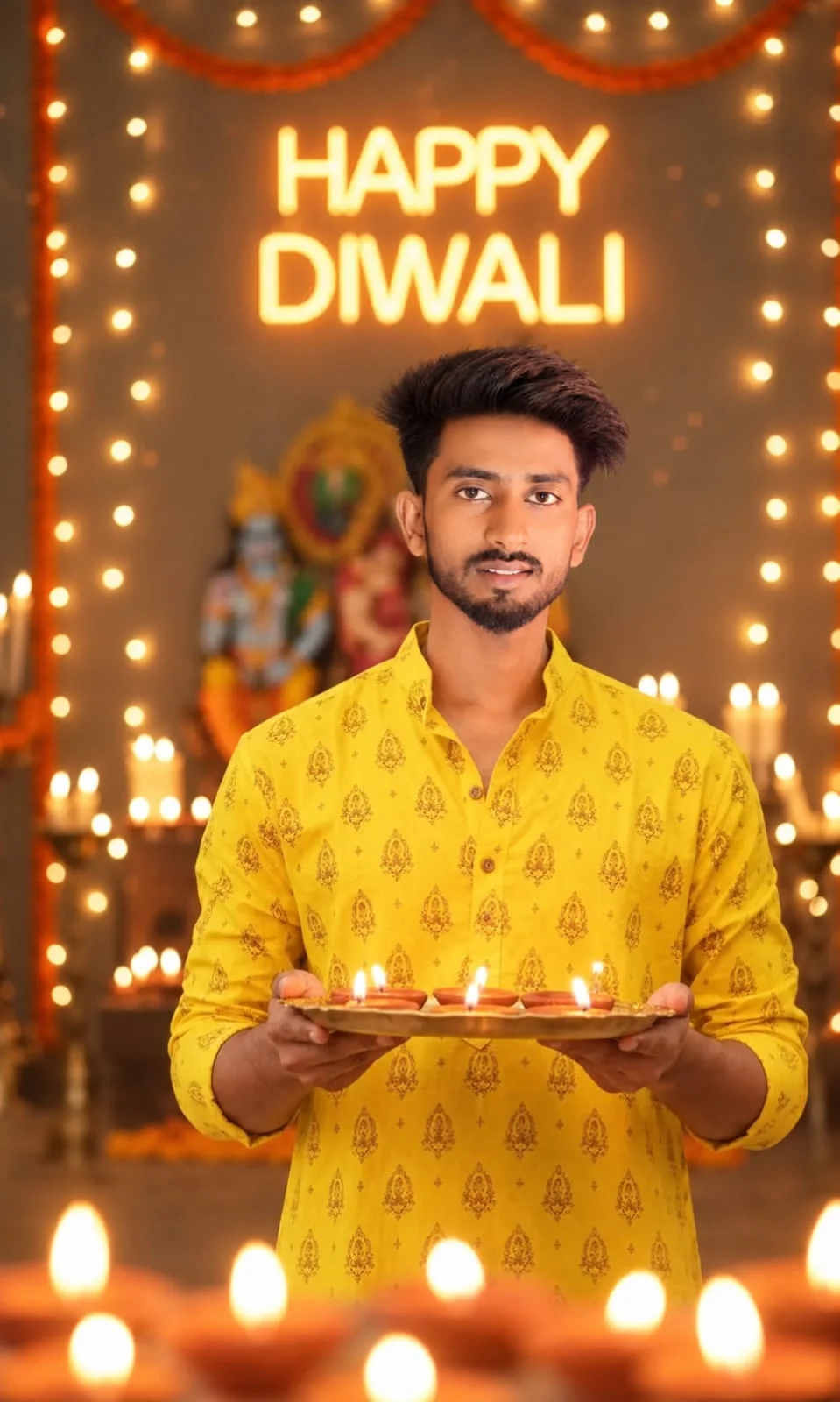
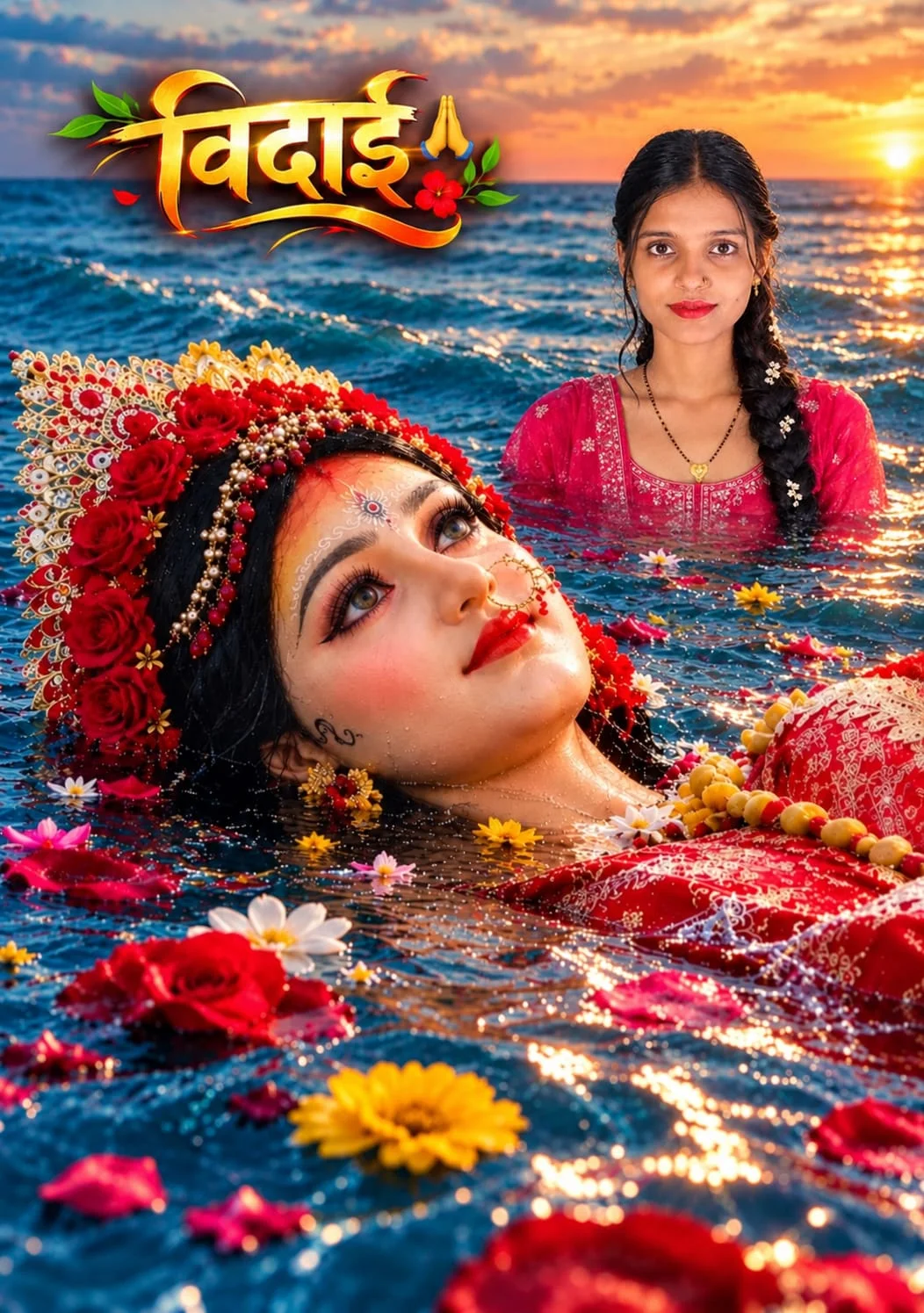
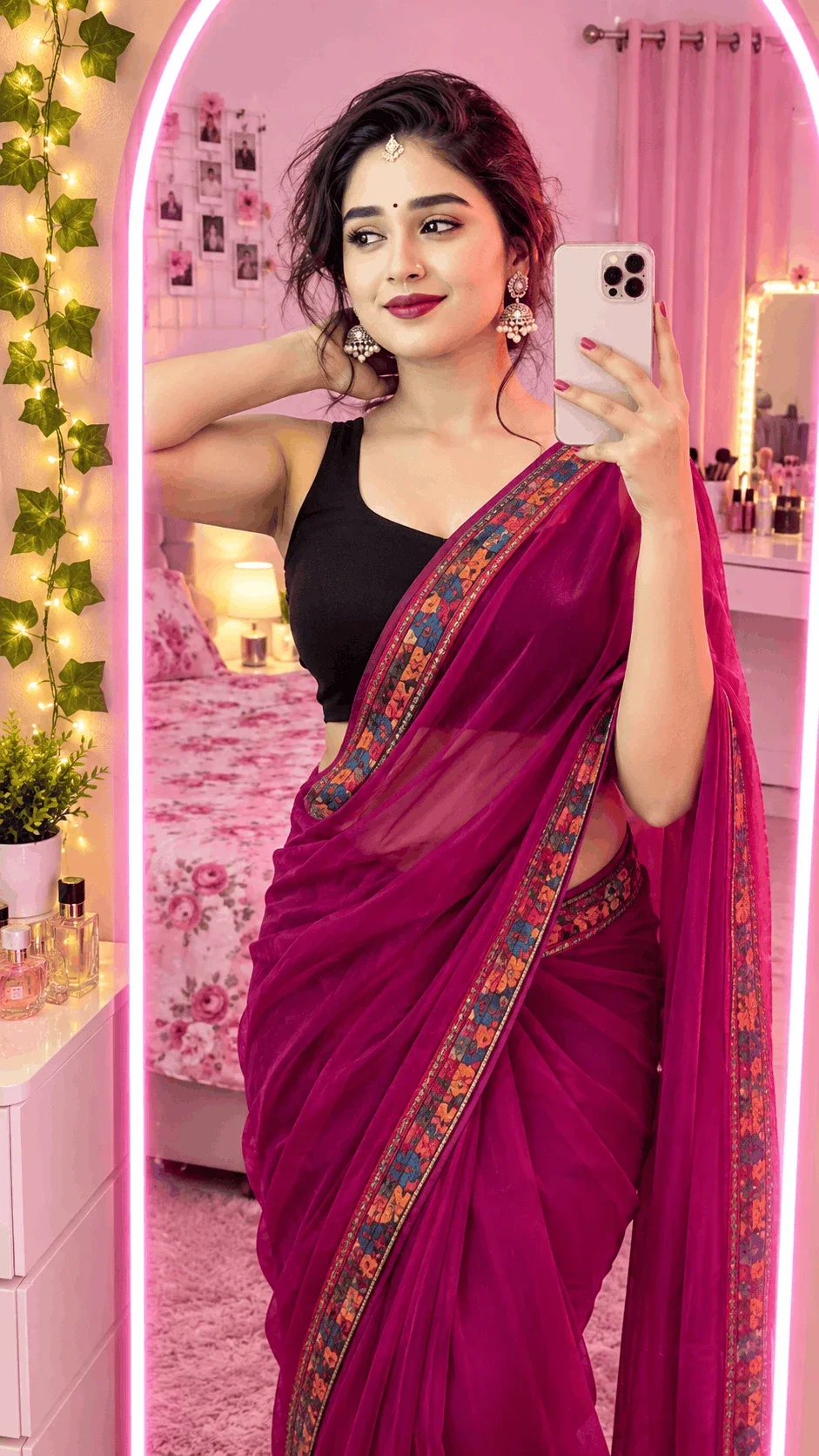
In the rapidly evolving world of artificial intelligence imagery, Sharda Tools (popularly known through shardatool.in and Sharda AI Prompt) gained visibility by showcasing prompts for 3D social avatars, festival photo edits, and festive greeting portraits.
However, digital creators quickly encounter a major obstacle: the Prompt Lock Wall. When visitors attempt to copy a prompt on their website, the system blocks the action and displays an aggressive prompt asking users to download and install a separate mobile application or APK. For creators seeking quick, efficient workflow on their desktop or mobile browsers, forced installations present security concerns, storage clutter, and unnecessary friction.
Direct Architecture Comparison: Sharda Tools vs. Emojora Unlocked
| Feature & Capability | Sharda Tools (shardatool.in) | Emojora Studio Engine |
|---|---|---|
| 1-Click Web Clipboard Copy | Locked (Requires App Install) | 100% Instant & Free Direct Copy |
| Device Compatibility | Limited primarily to Android app users | Universal (Desktop, iPhone, iPad, Android) |
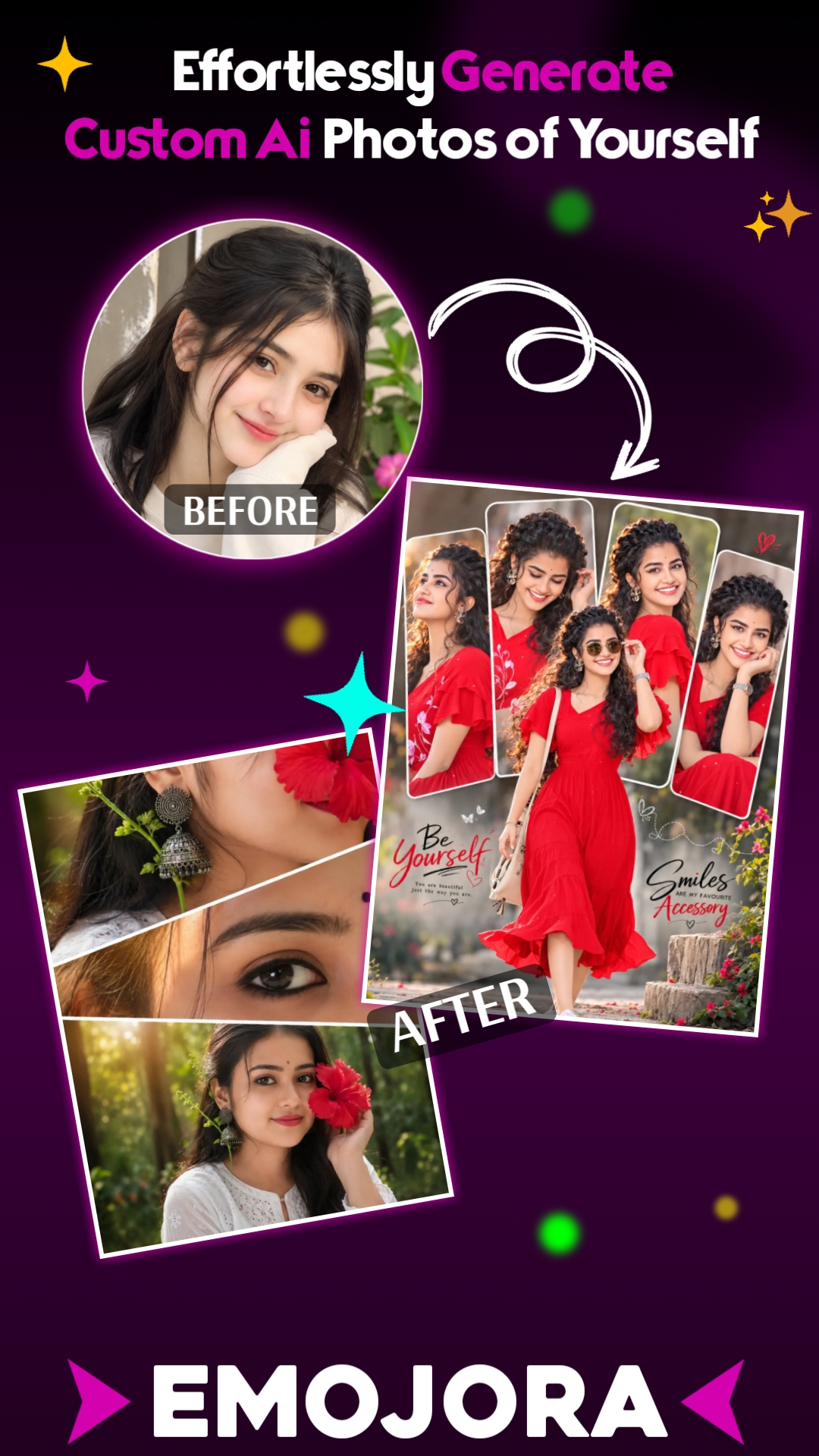
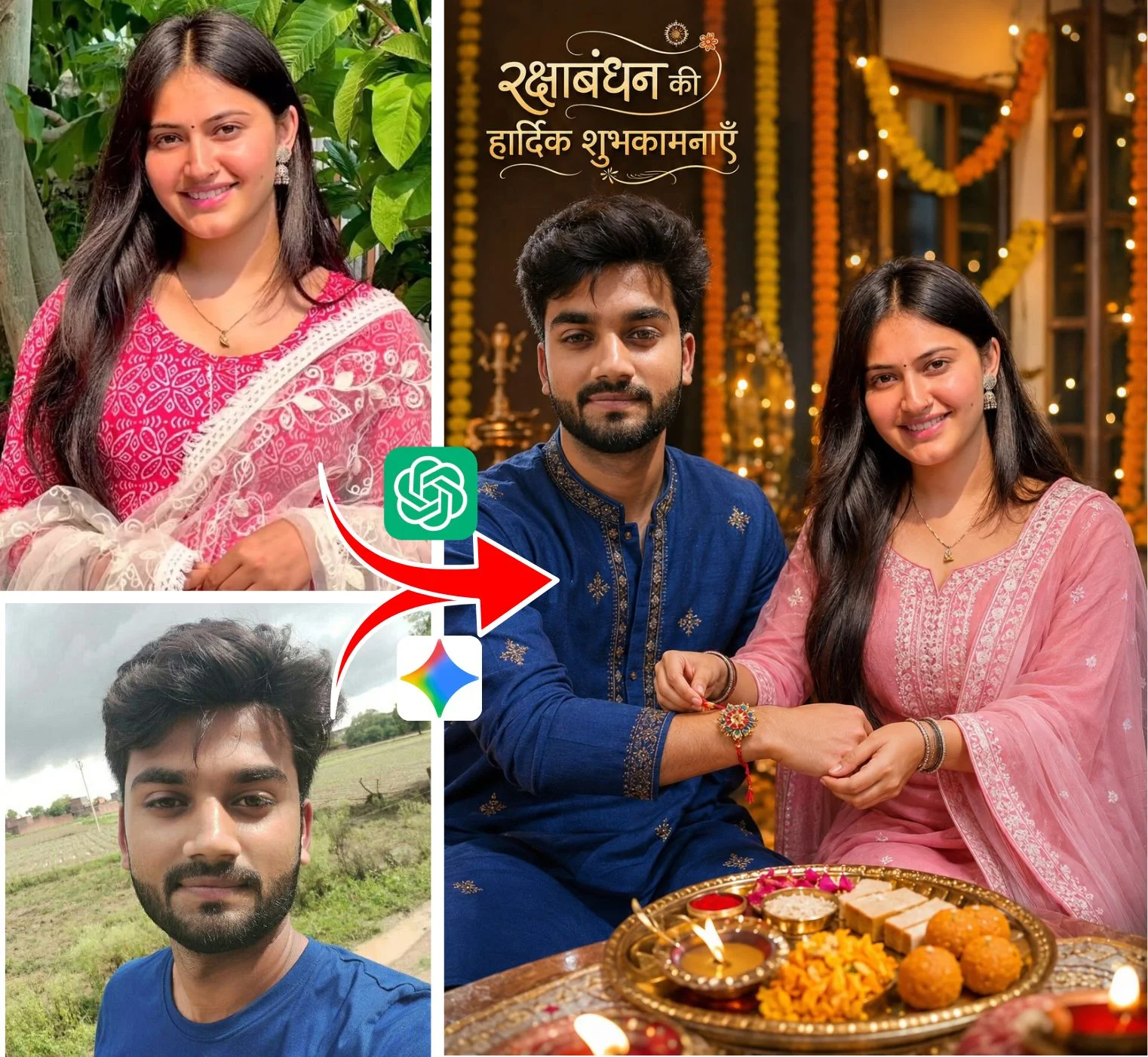
| Facial Portrait Integration | Basic generic descriptions | Identity-matched photo prompts |
| Engine Tuning | Single legacy syntax | Optimized for Gemini, Midjourney v6 & Bing |
| Ad Friction & Redirects | Heavy interstitial popups & redirects | Clean, ad-light reading experience |
The 3-Stage Prompt Generation Workflow
Generating studio-grade AI visuals requires zero technical expertise. Follow our simple, fail-proof 3-step pipeline:
1-Click Direct Copy
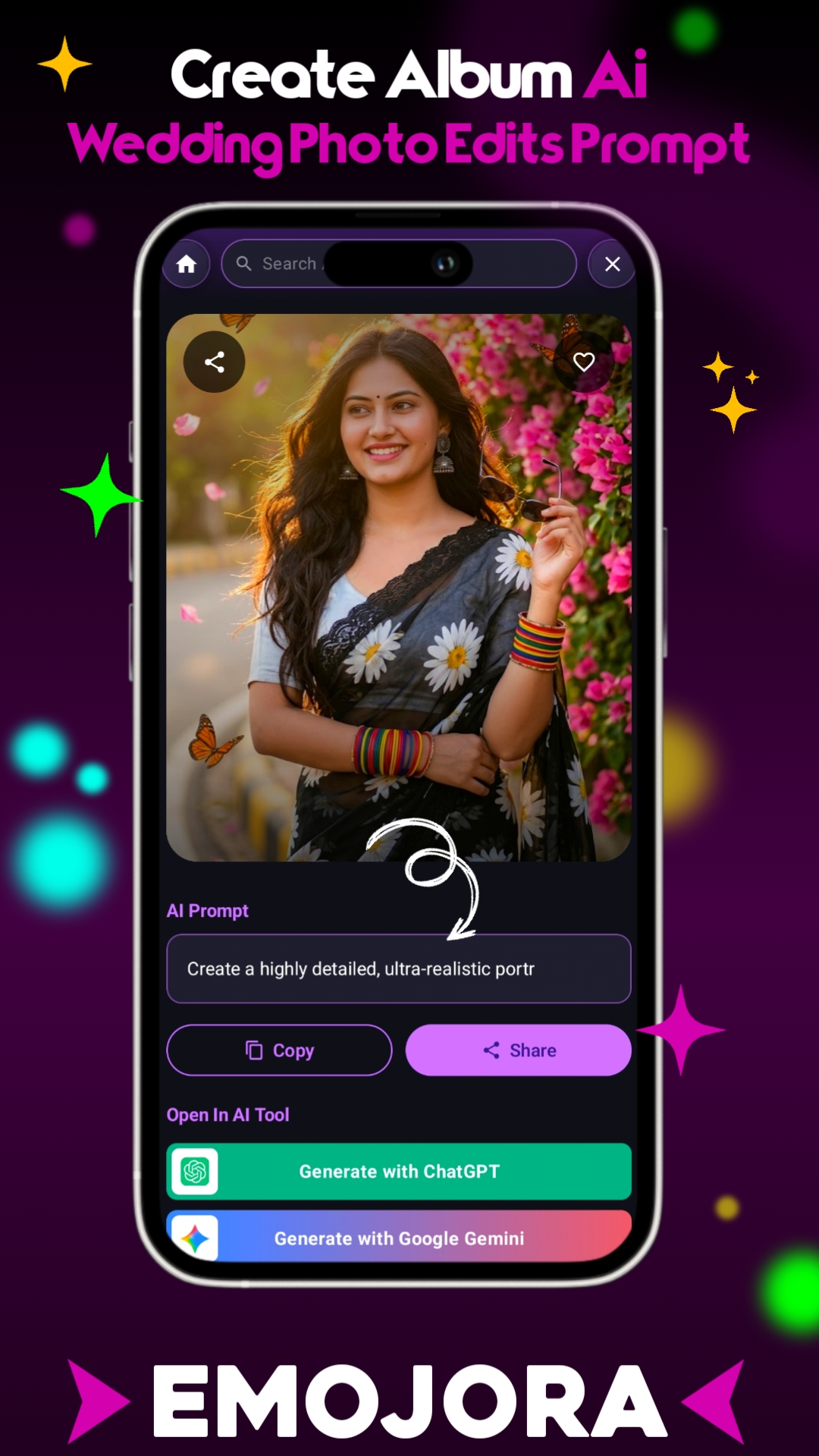
Select your favorite prompt from the live gallery below. Tap the Copy Prompt button to place clean, raw syntax straight onto your clipboard.
Personalize Face & Name
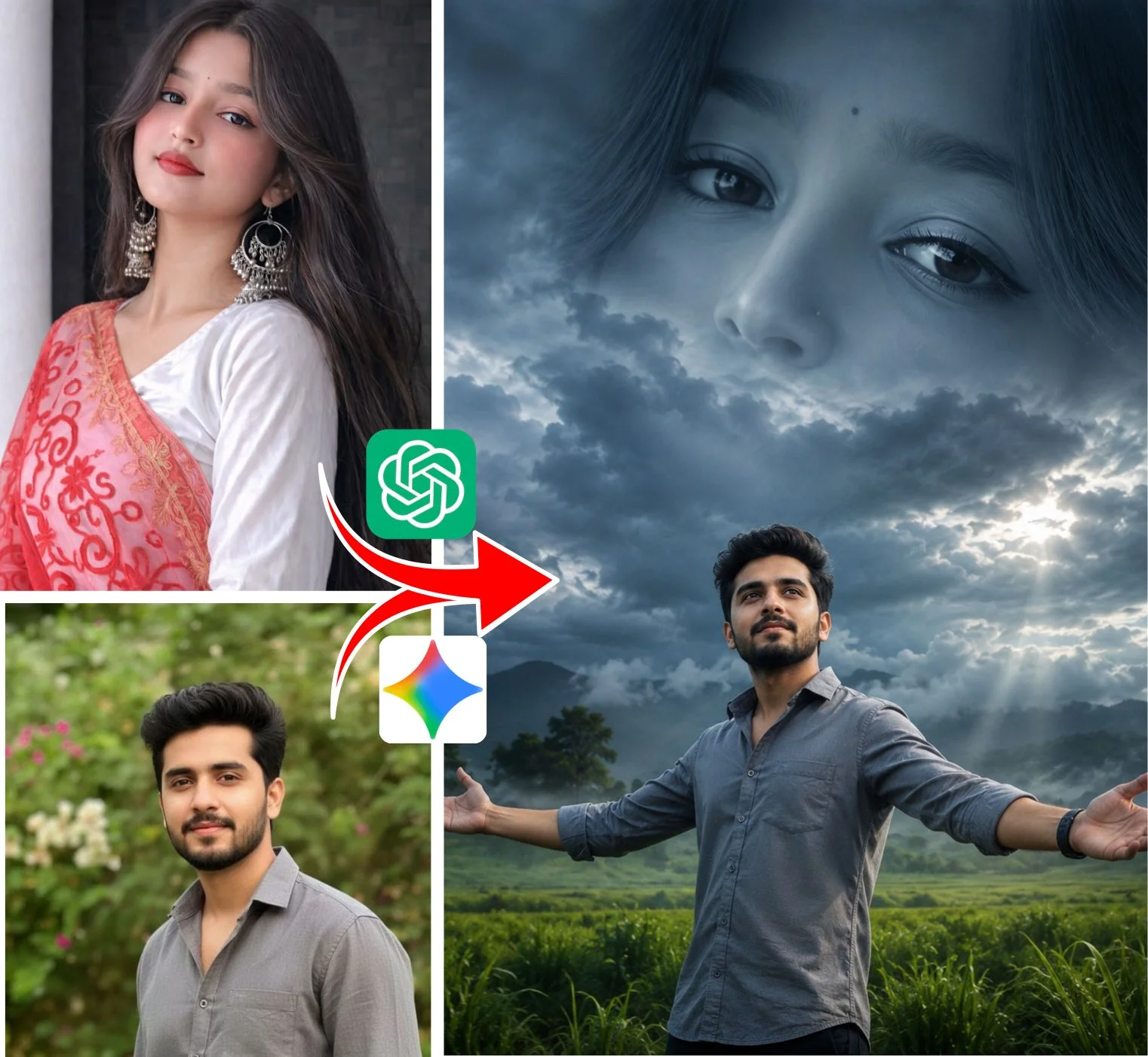
Replace the placeholder tag (e.g. [Your Name]) with your name, or attach your portrait for identity-matching generators.
Render in AI Generator
Paste into Bing Image Creator, Google Gemini, or Midjourney v6. Hit generate to receive ultra-high-definition 4K images in seconds.
High-Demand Prompt Categories Available on Emojora
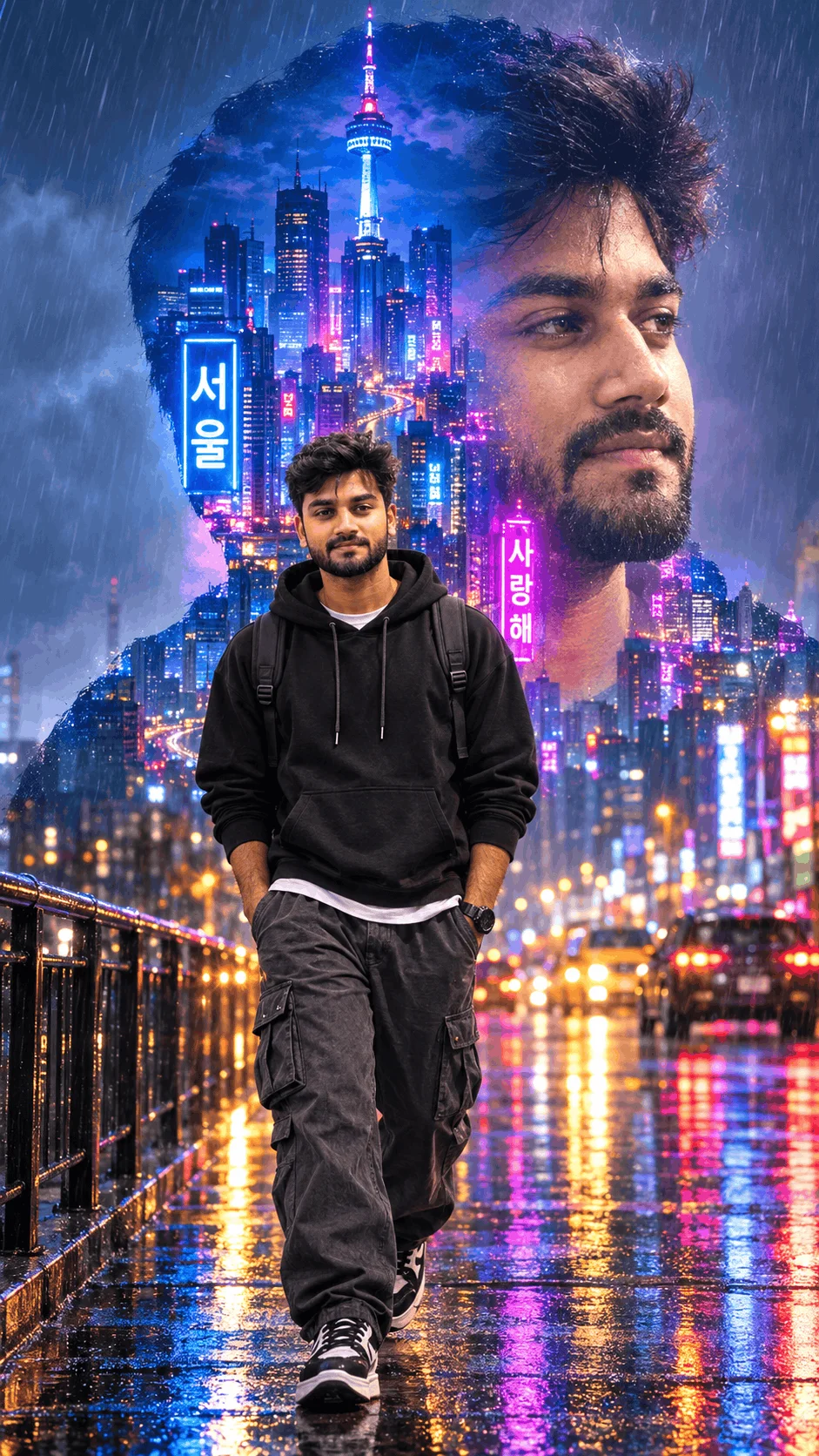
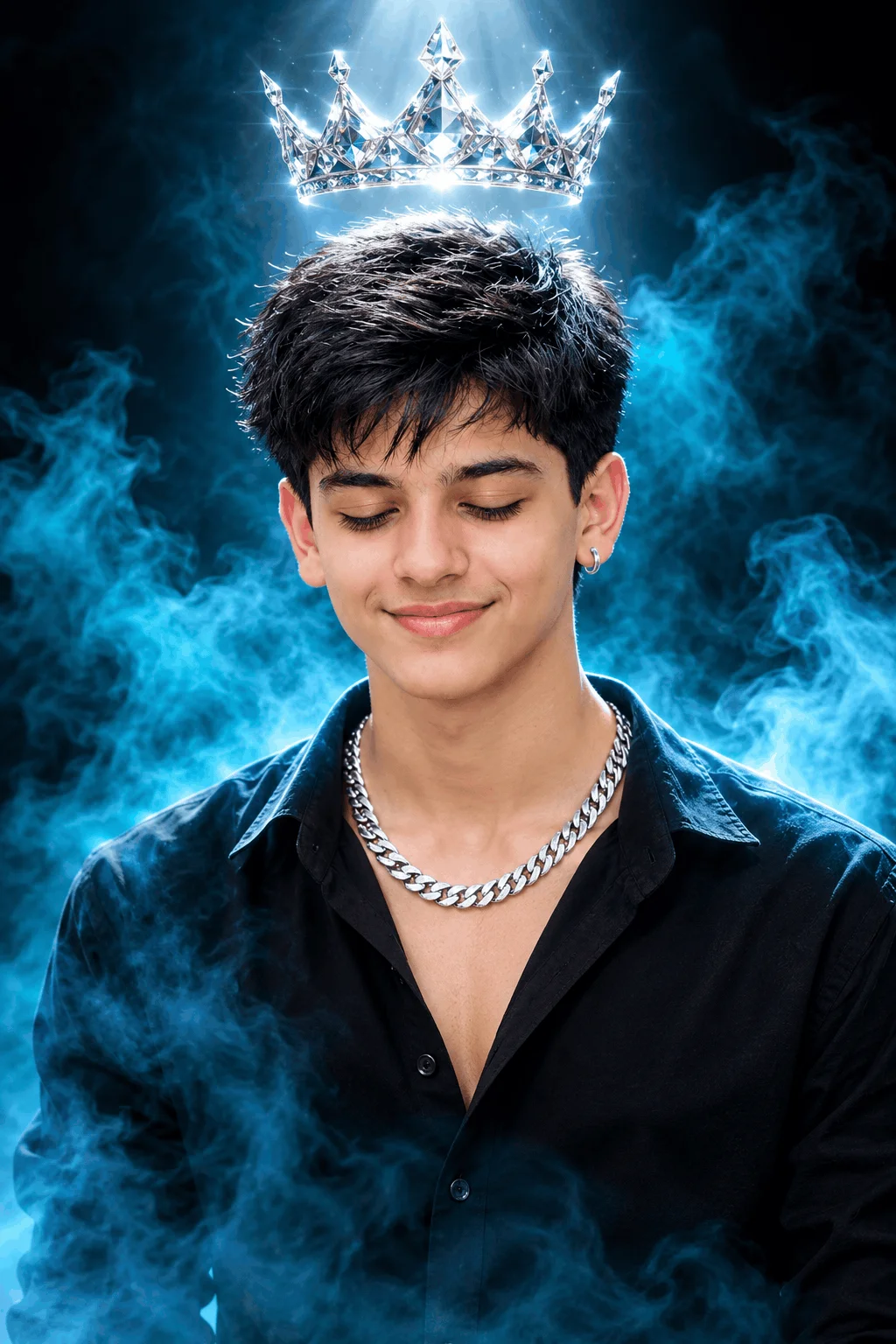
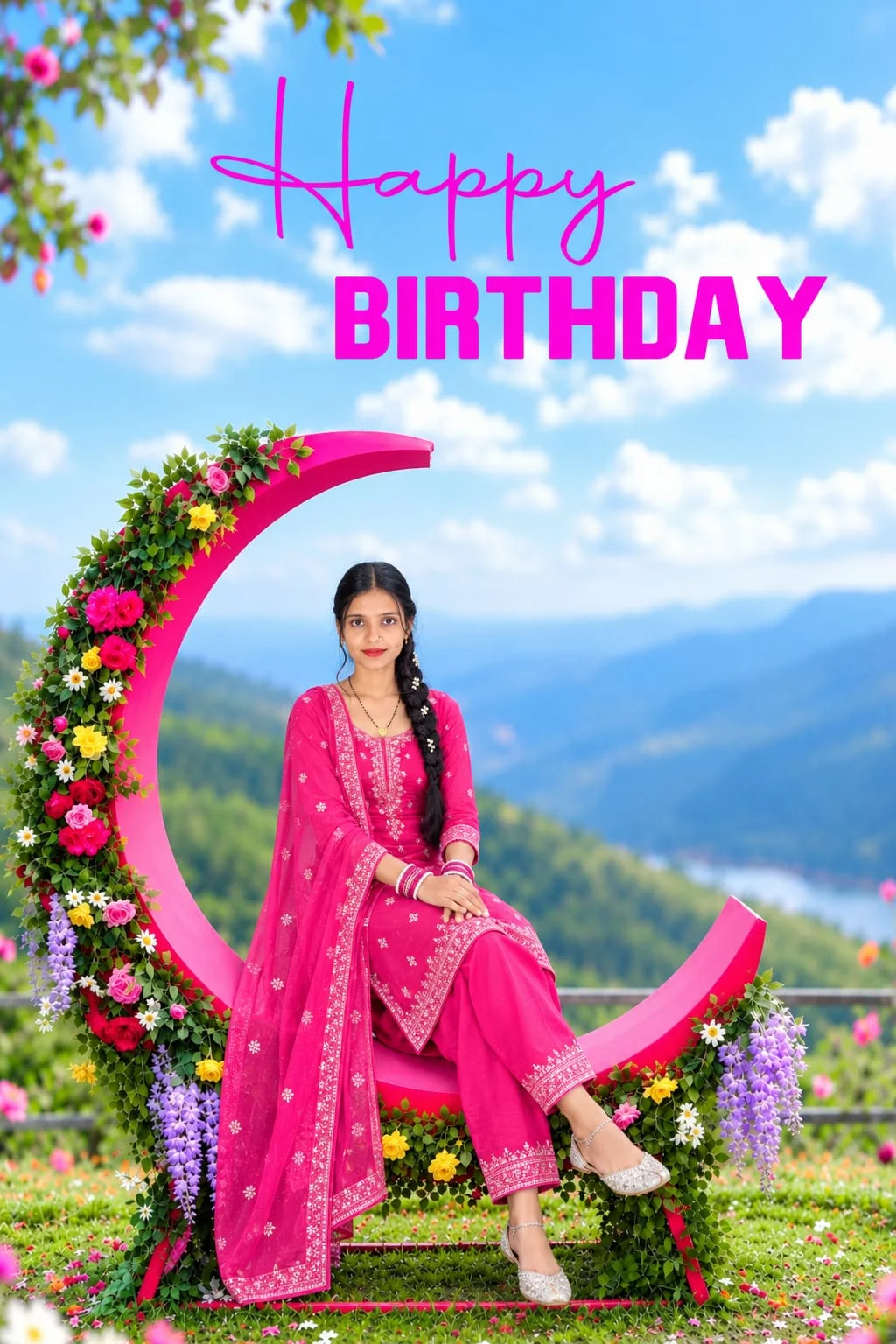
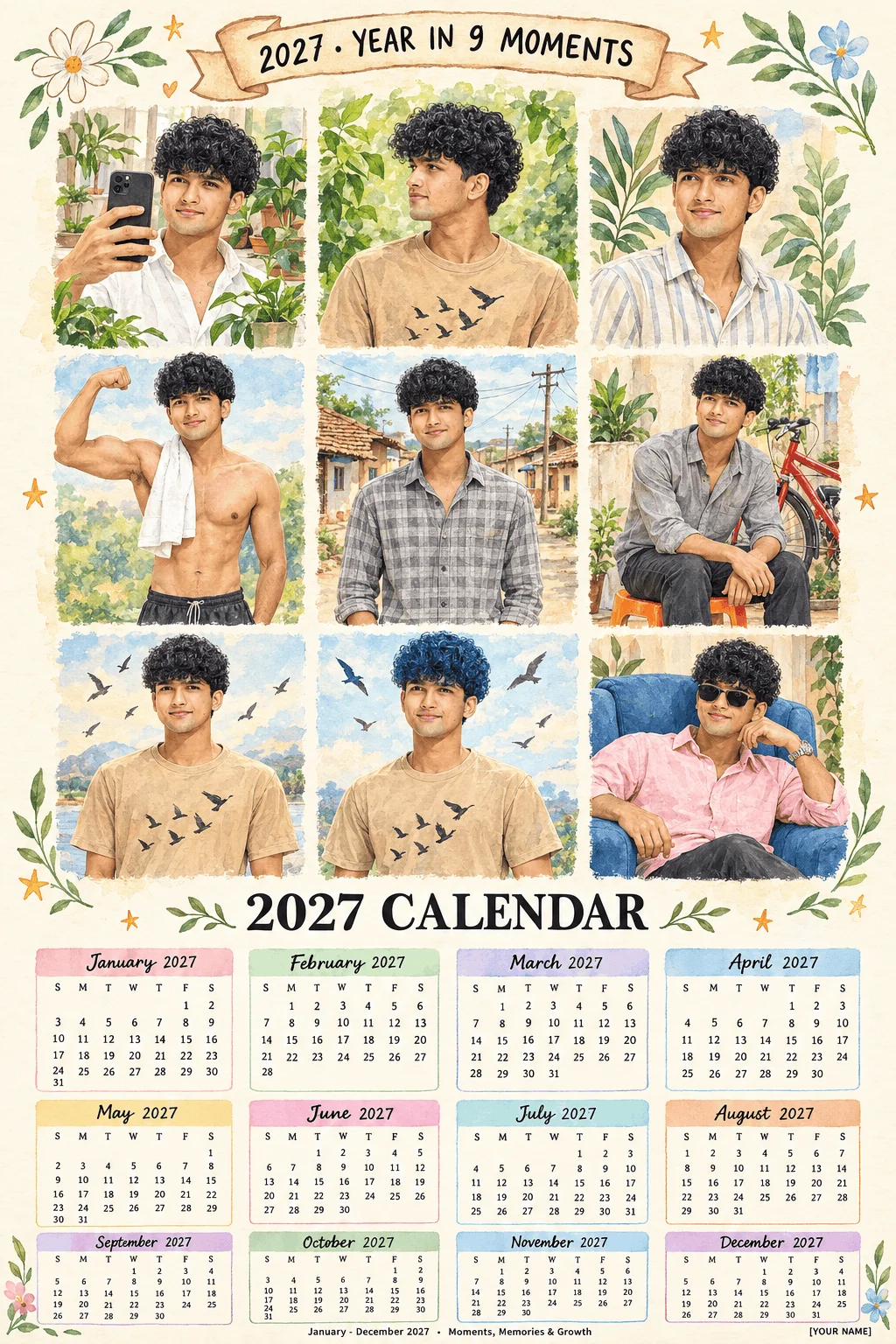
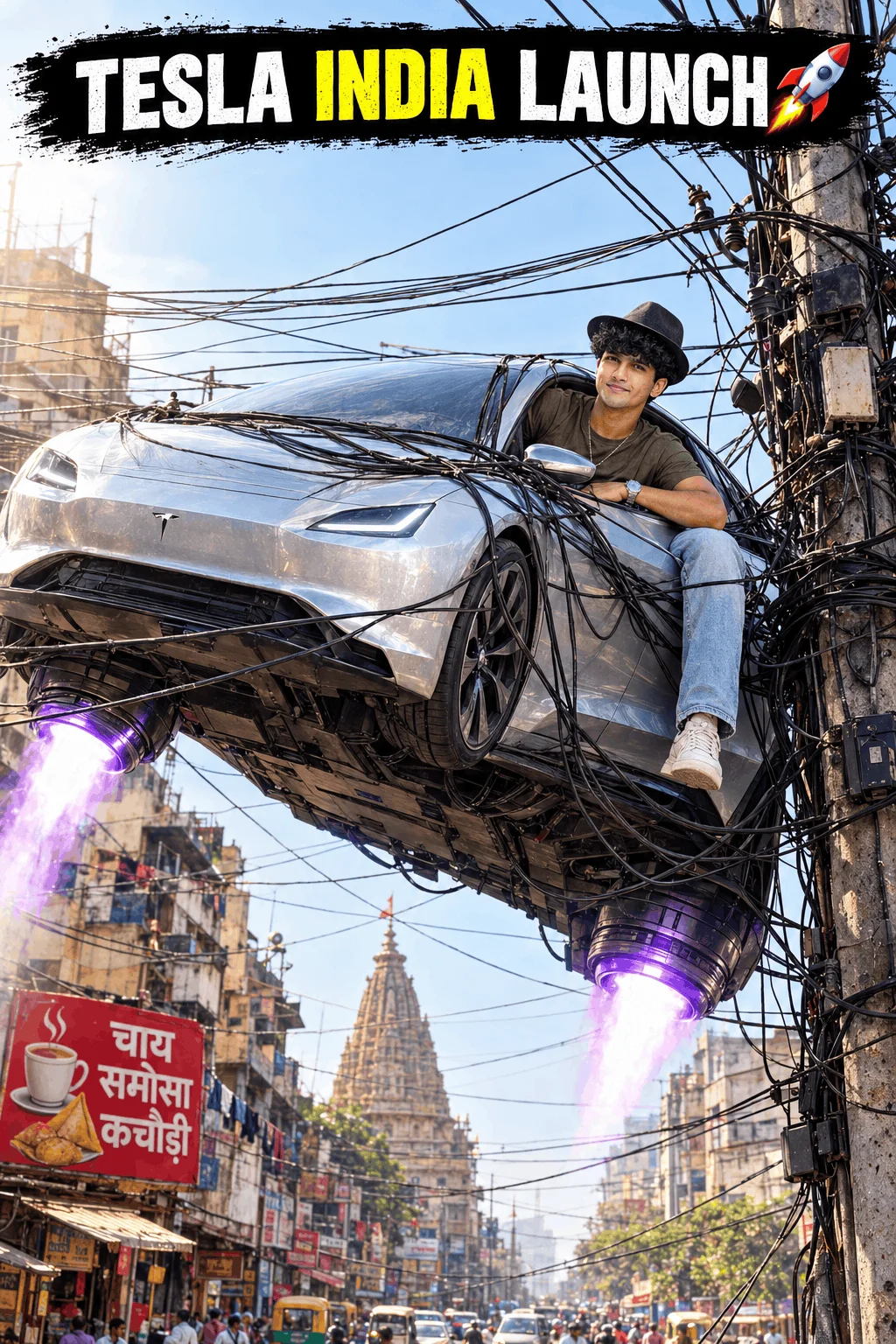
Users searching for Sharda Tools frequently look for specific themes that capture trending social media aesthetics. Below is a breakdown of the primary prompt architectures you can generate directly through our platform:
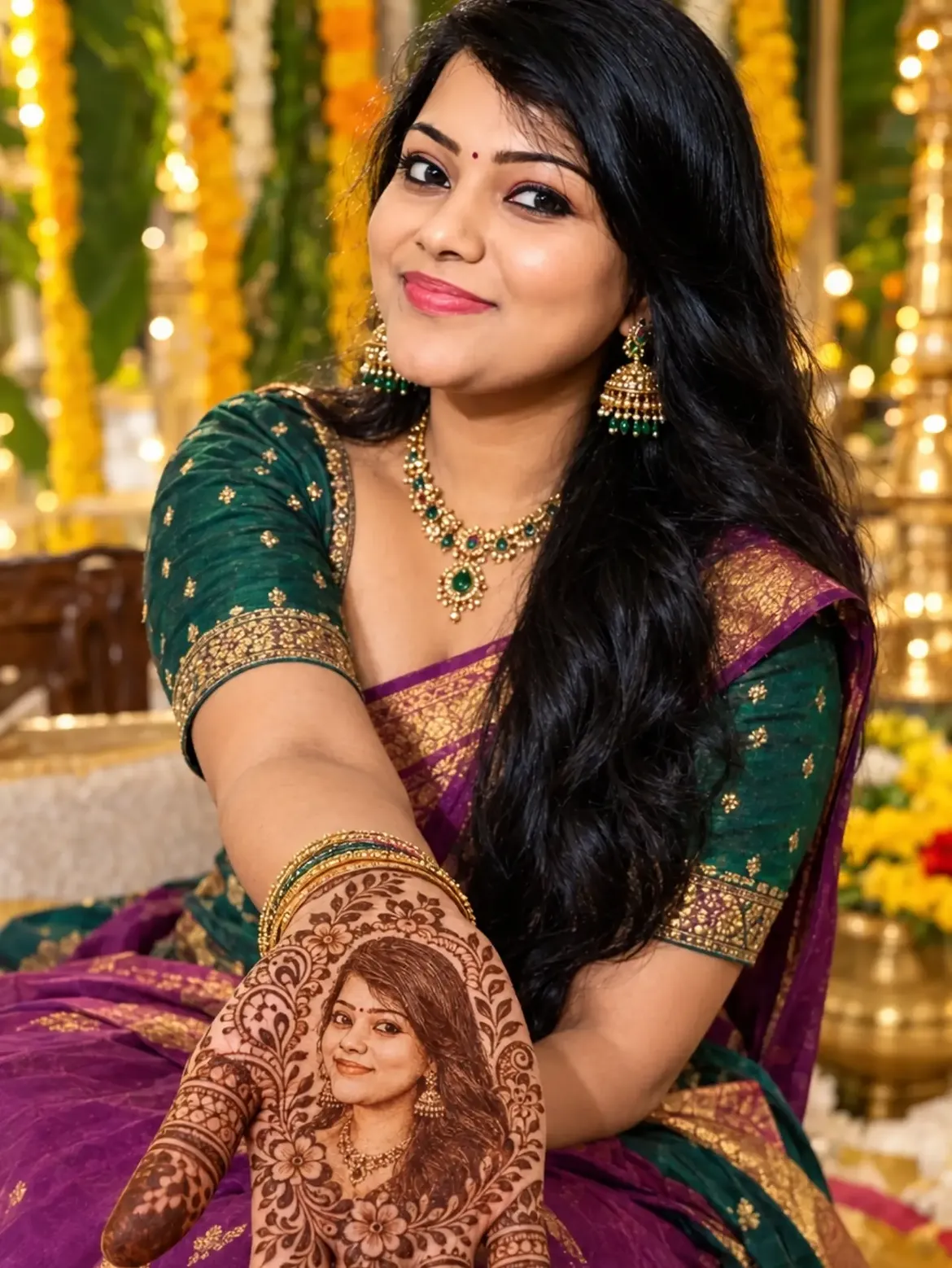
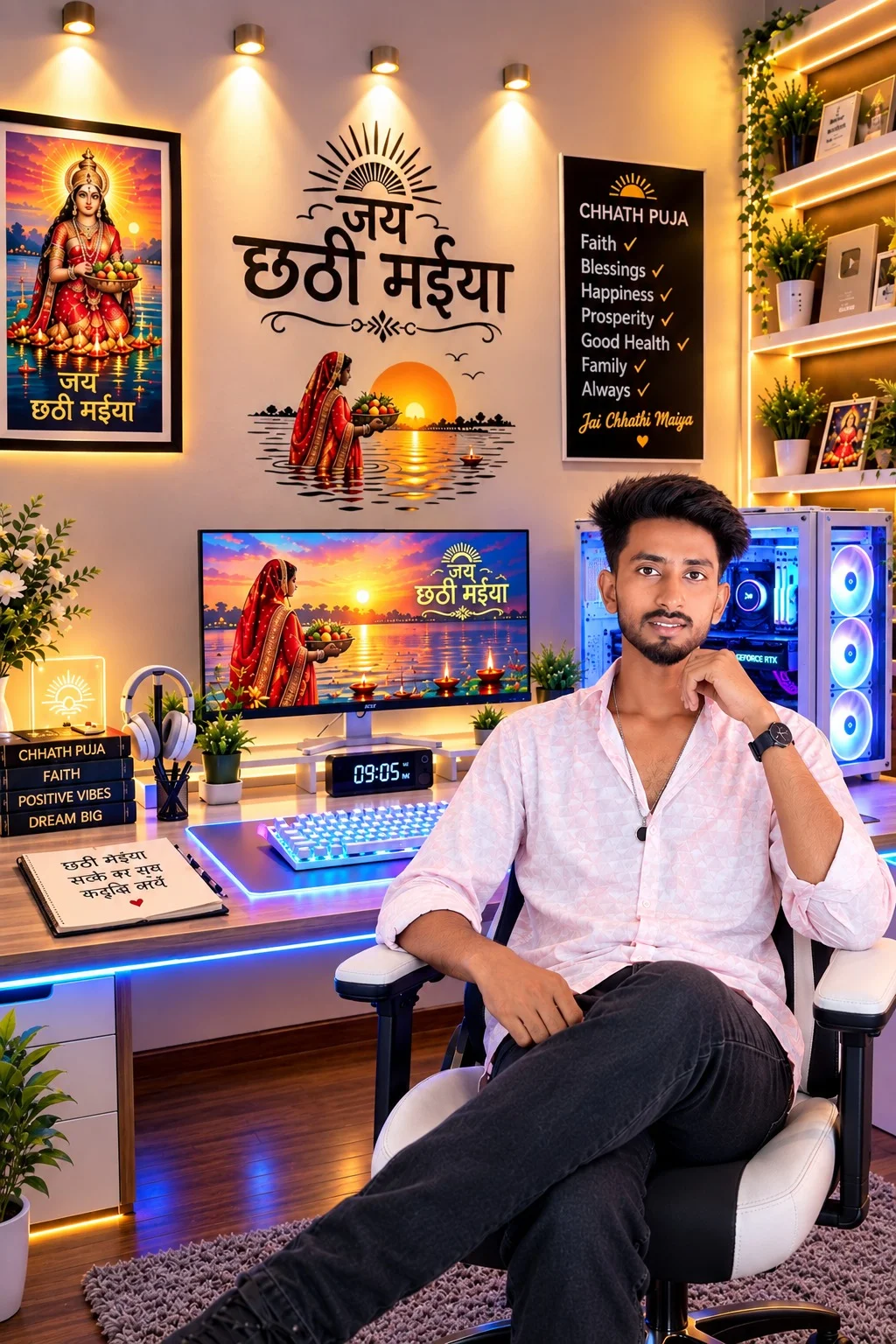
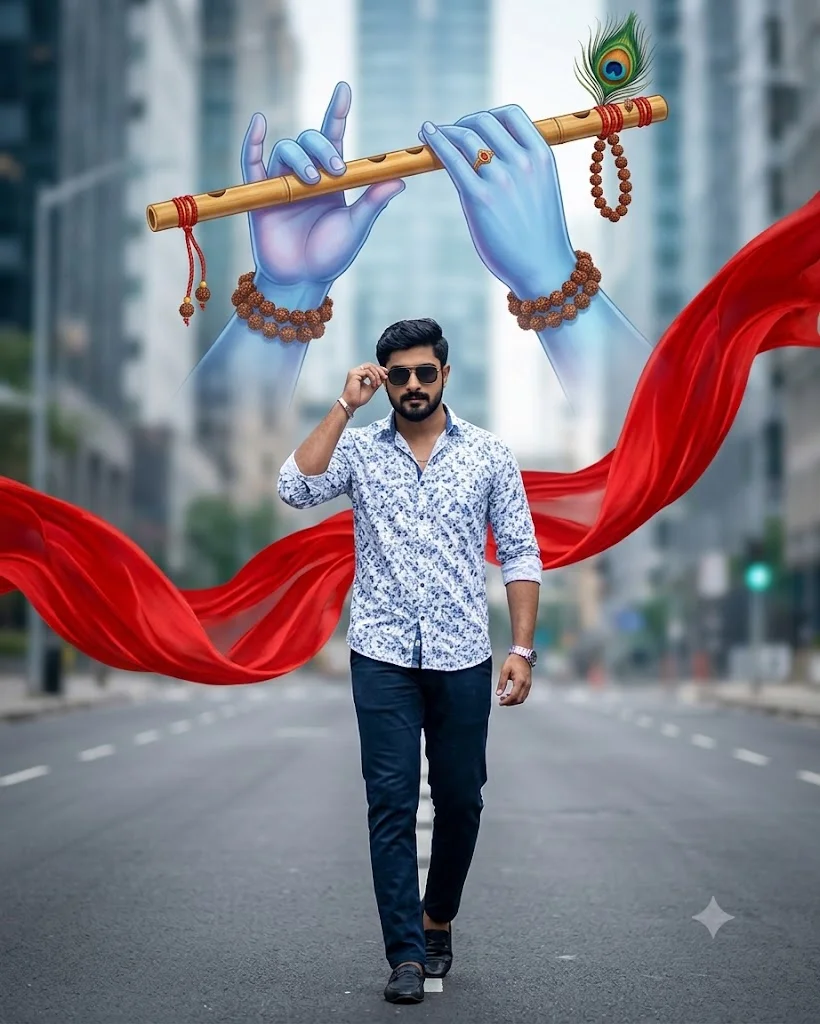
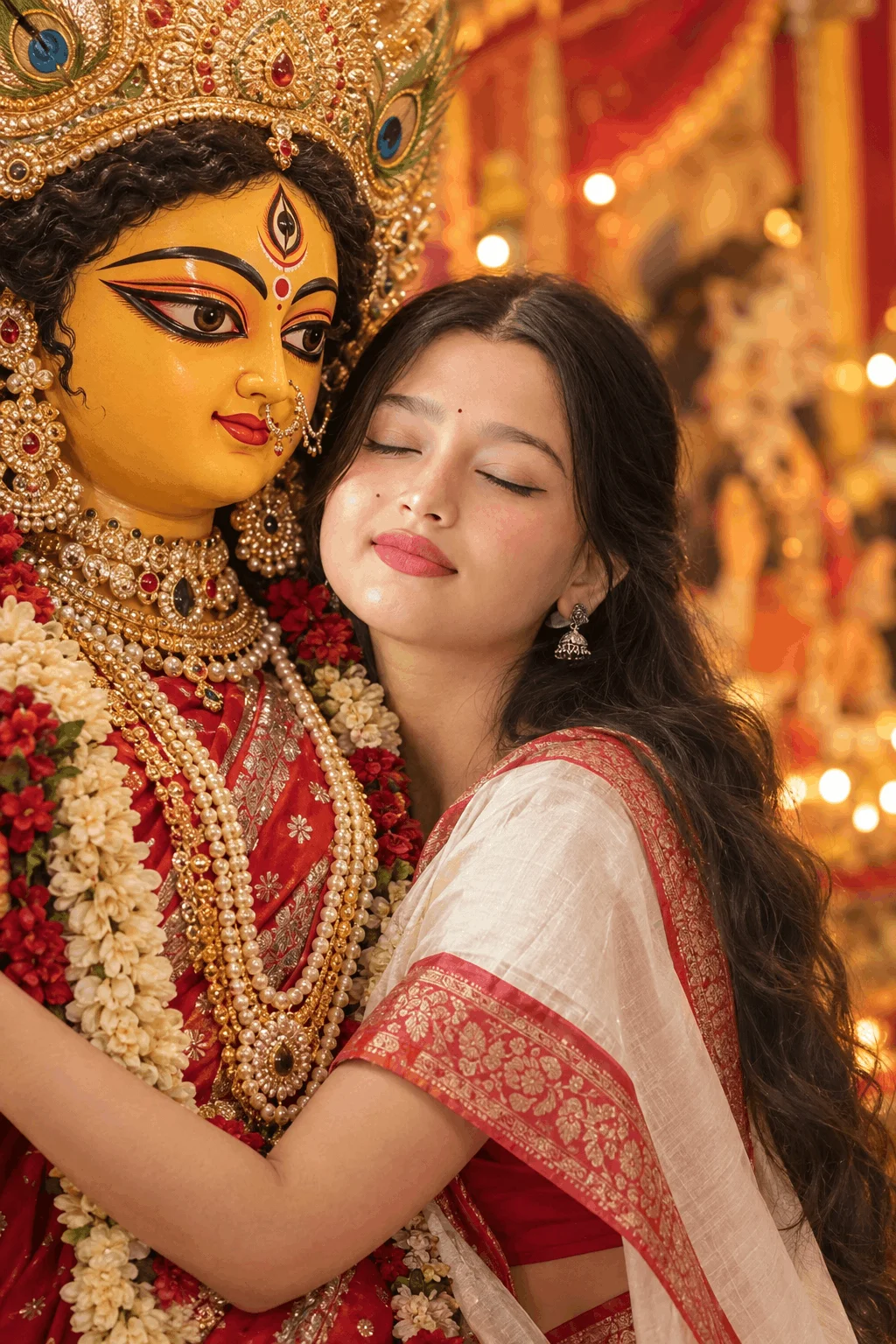
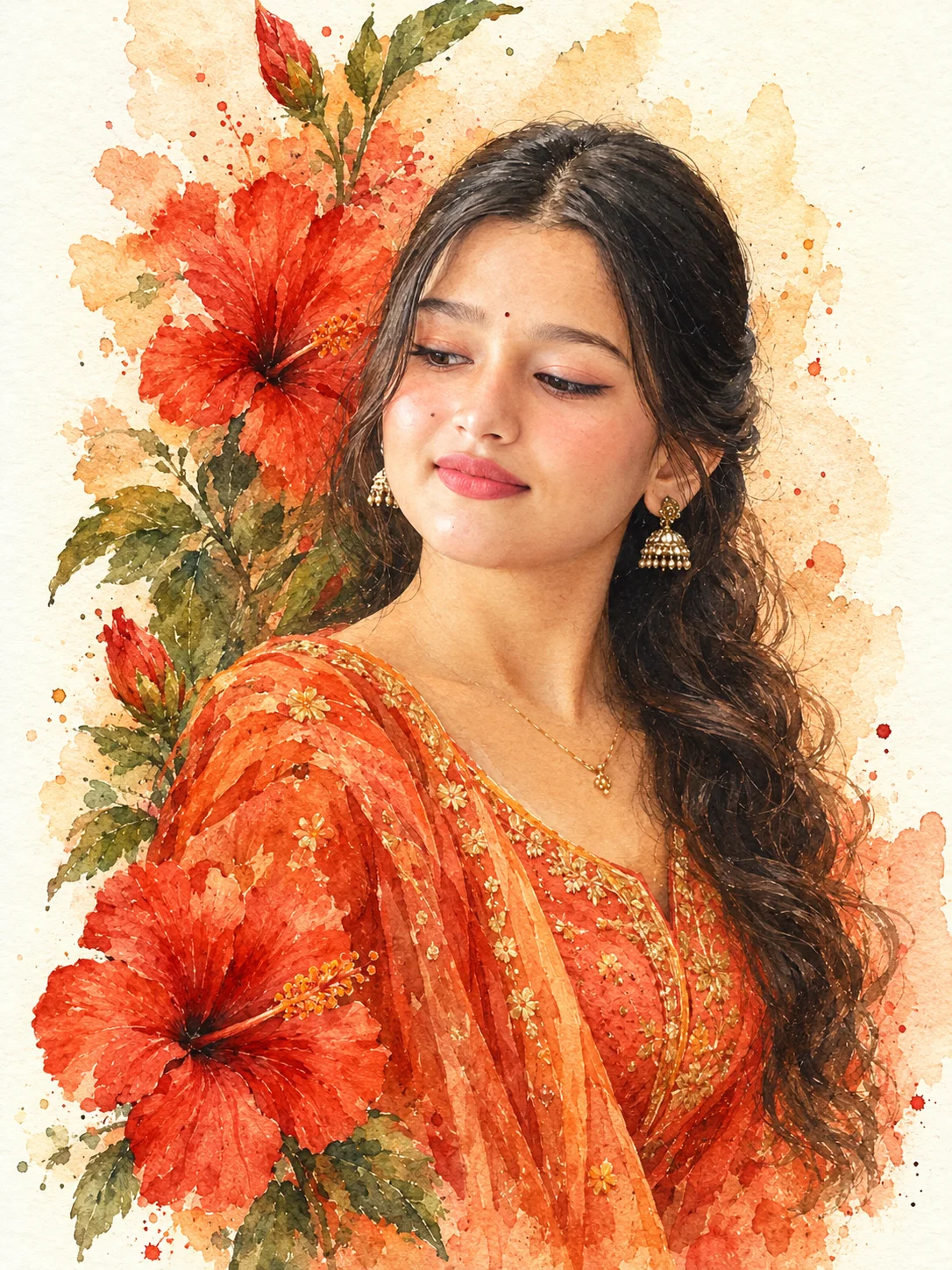
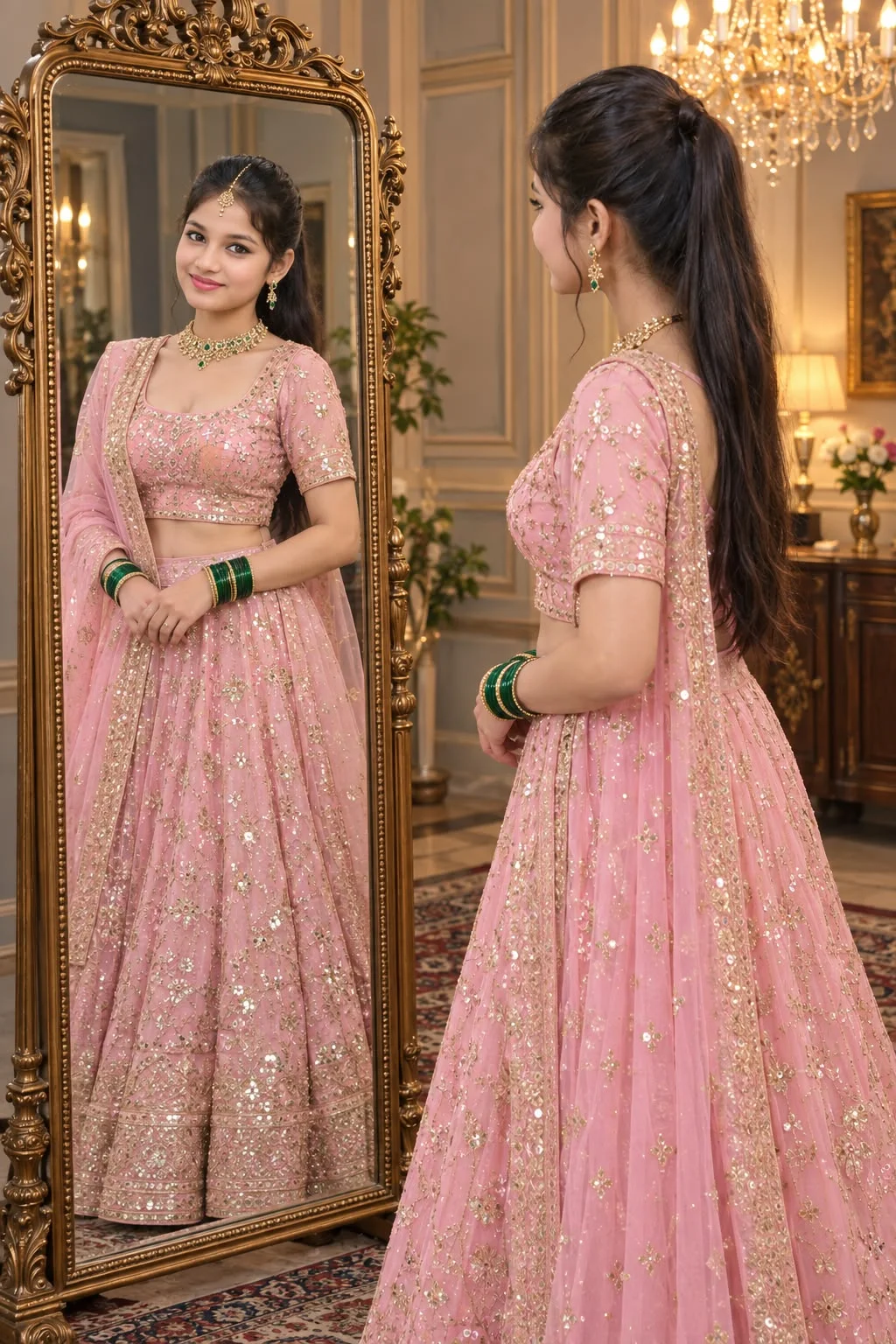
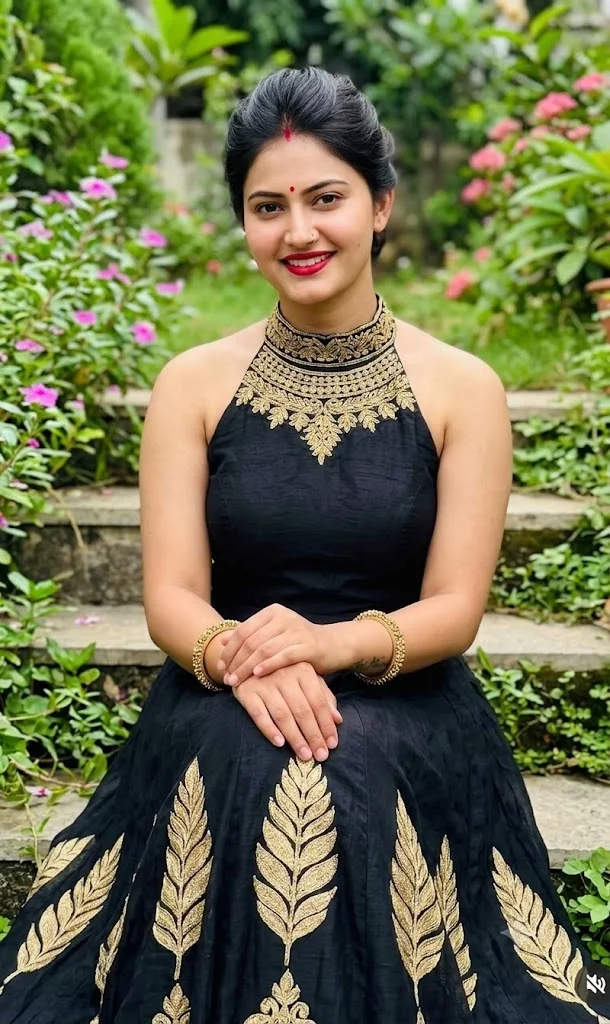
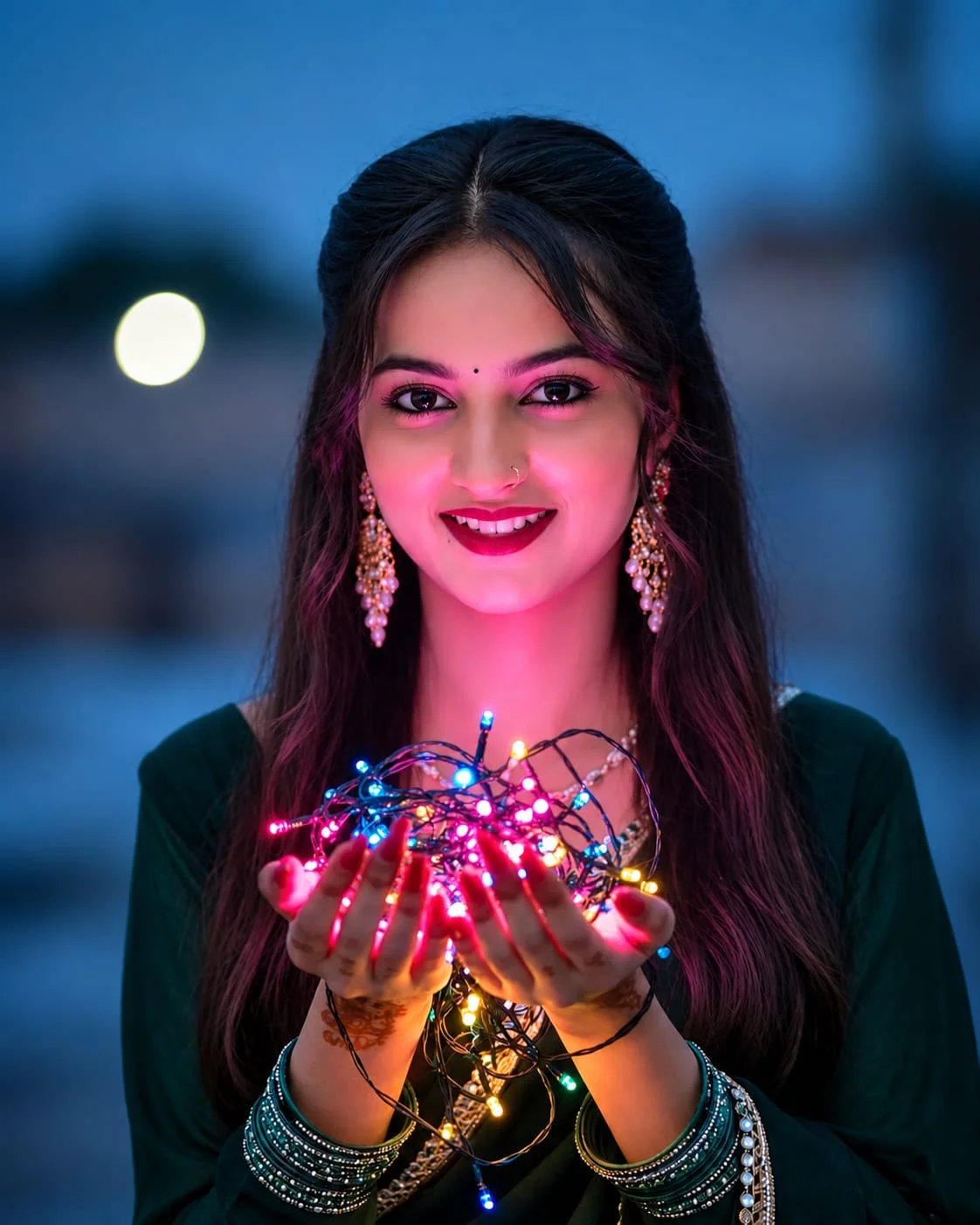
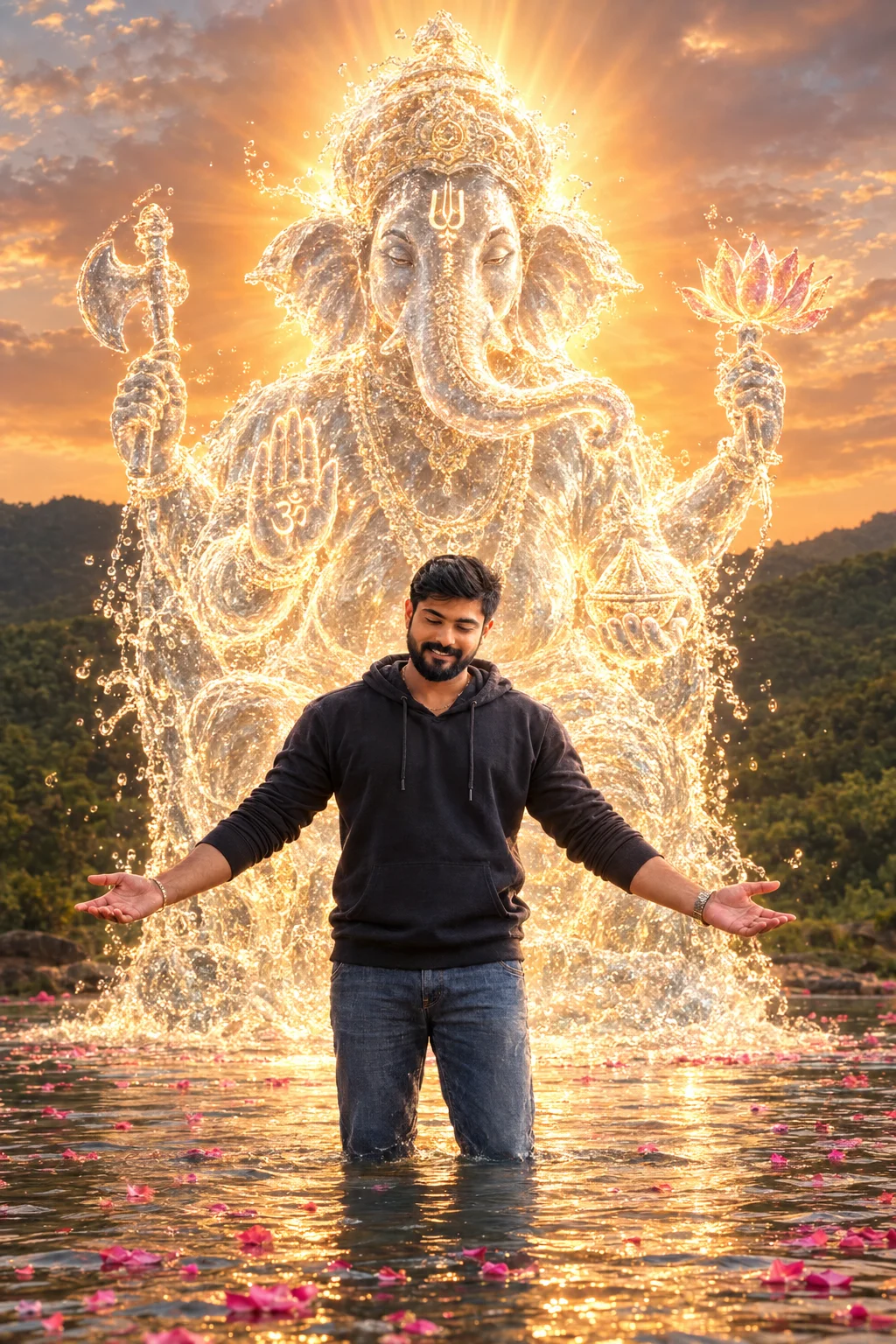
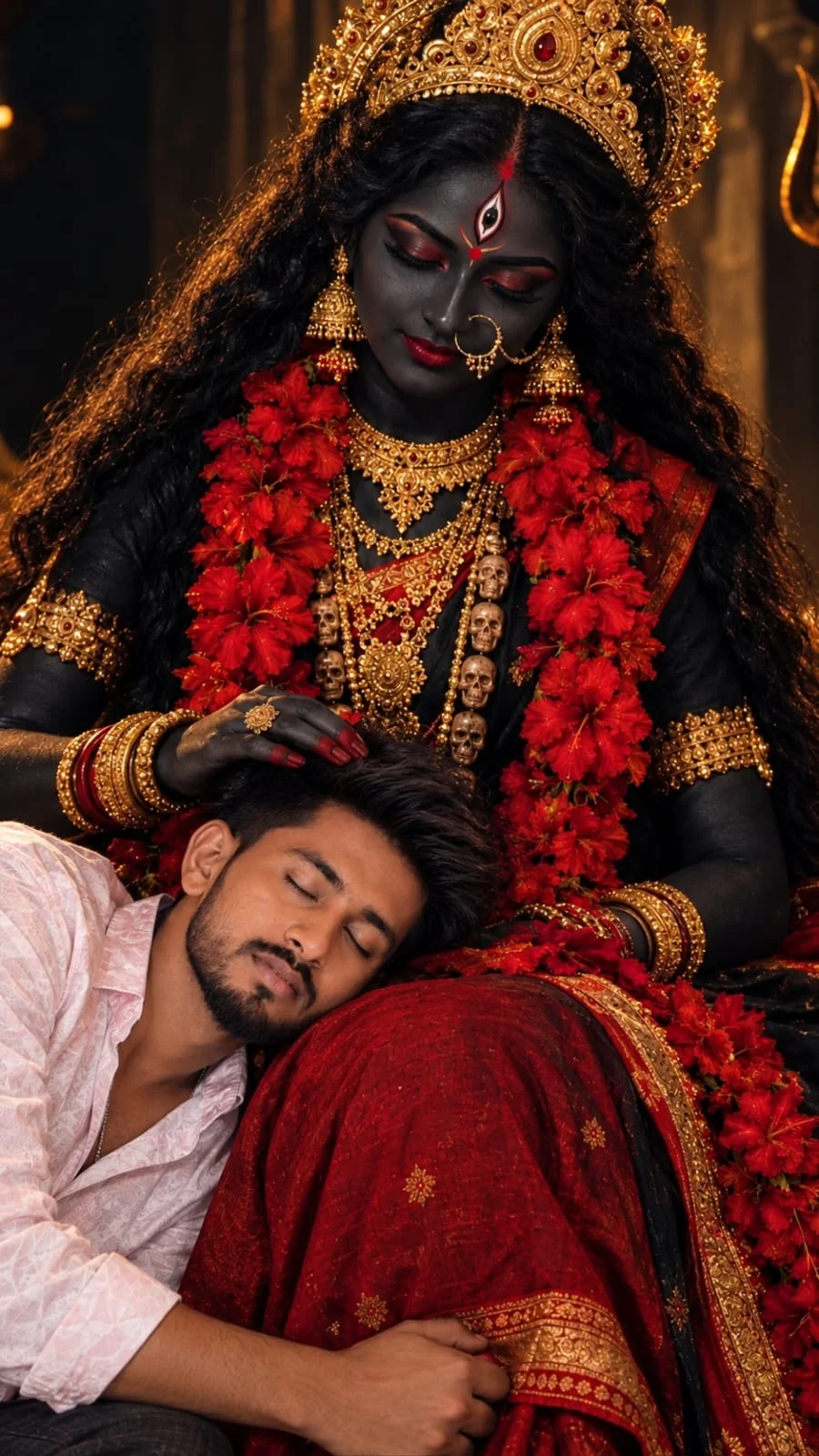
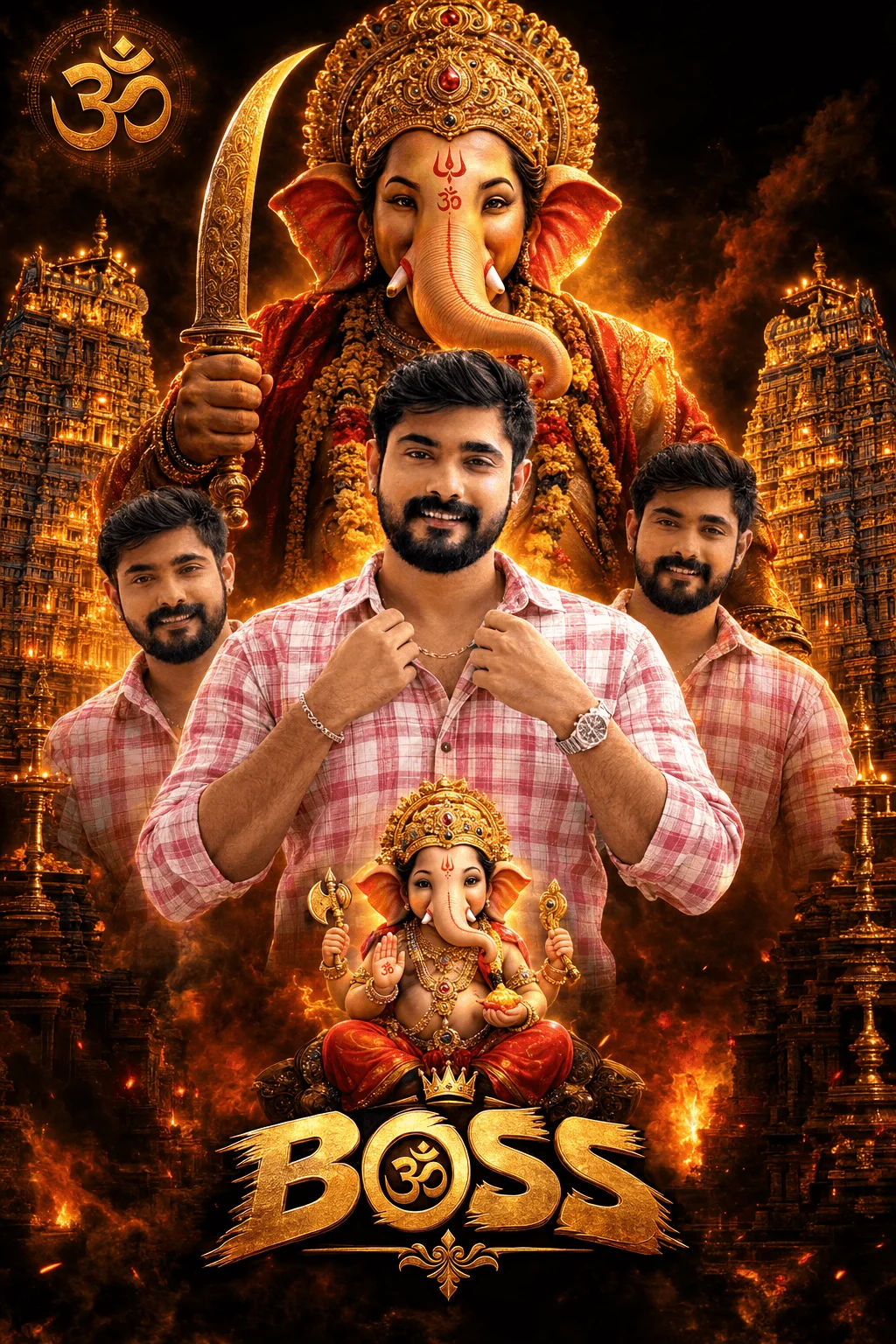
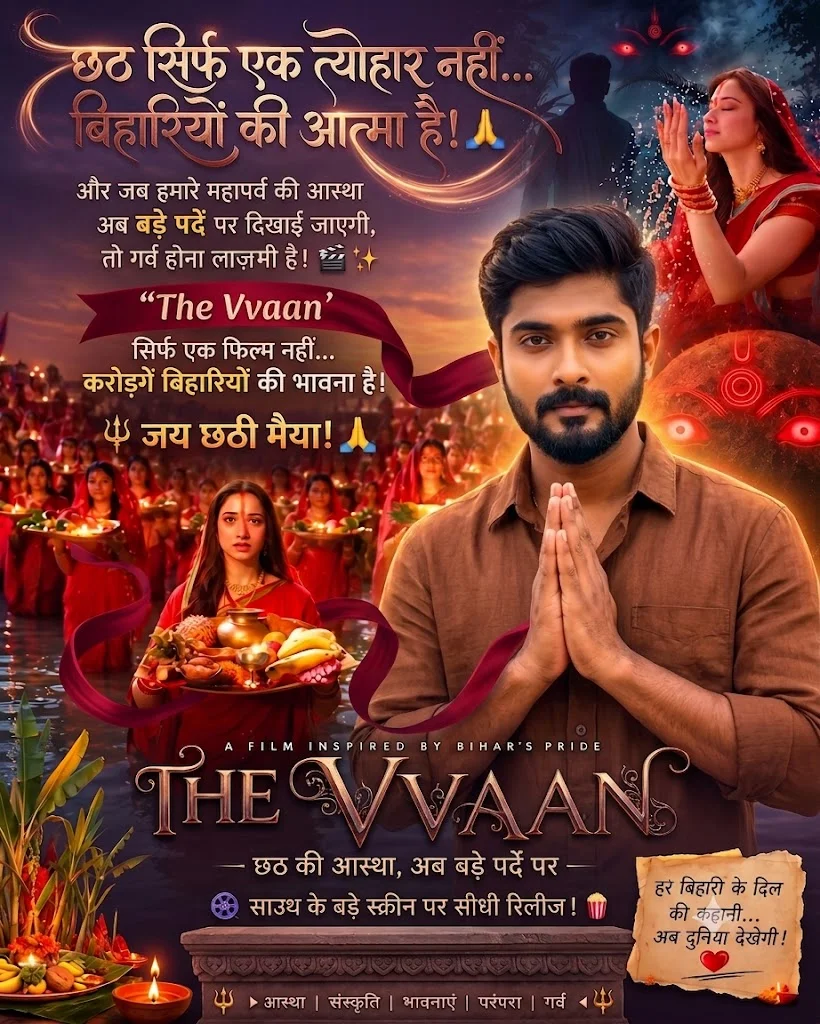
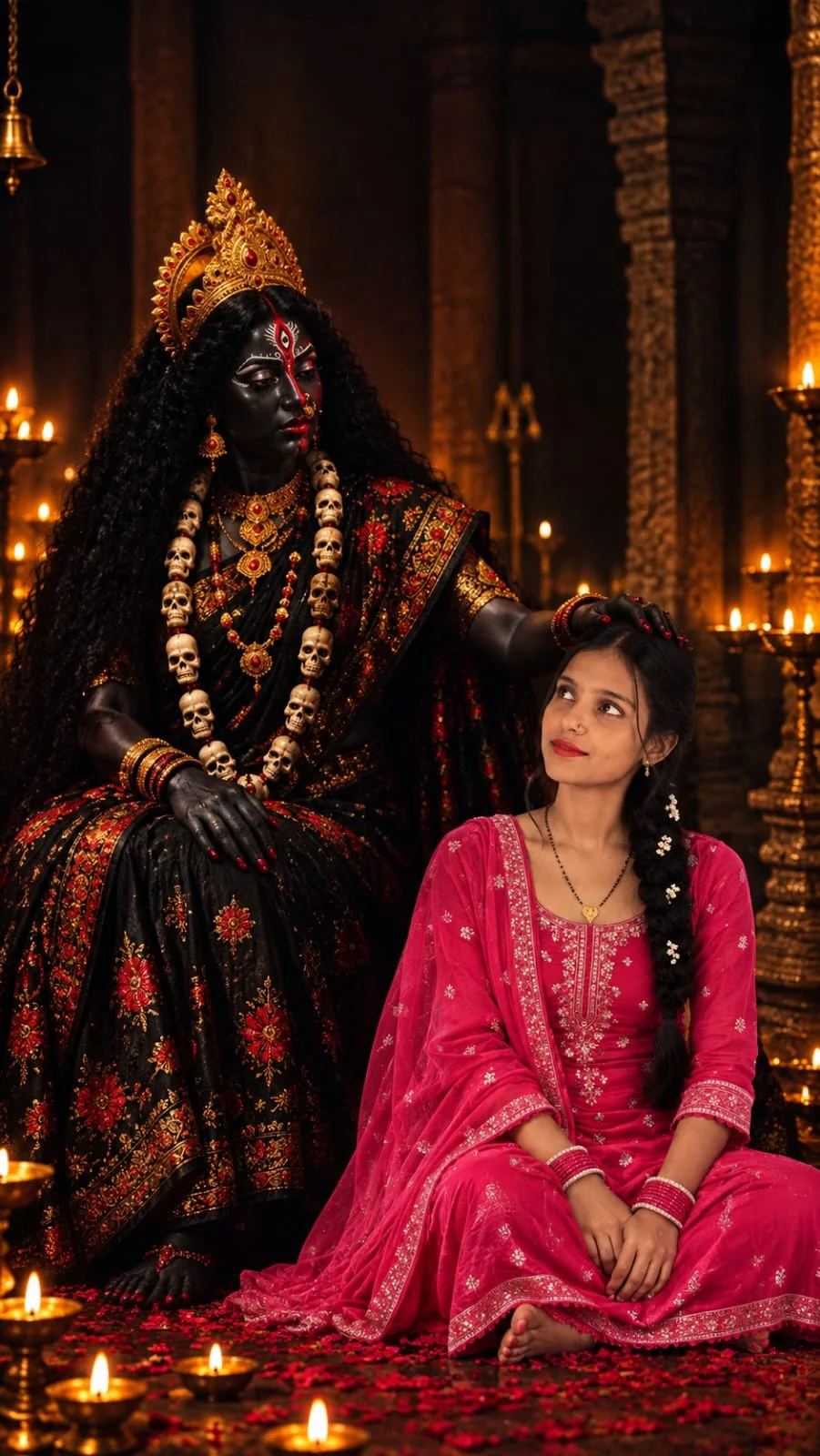
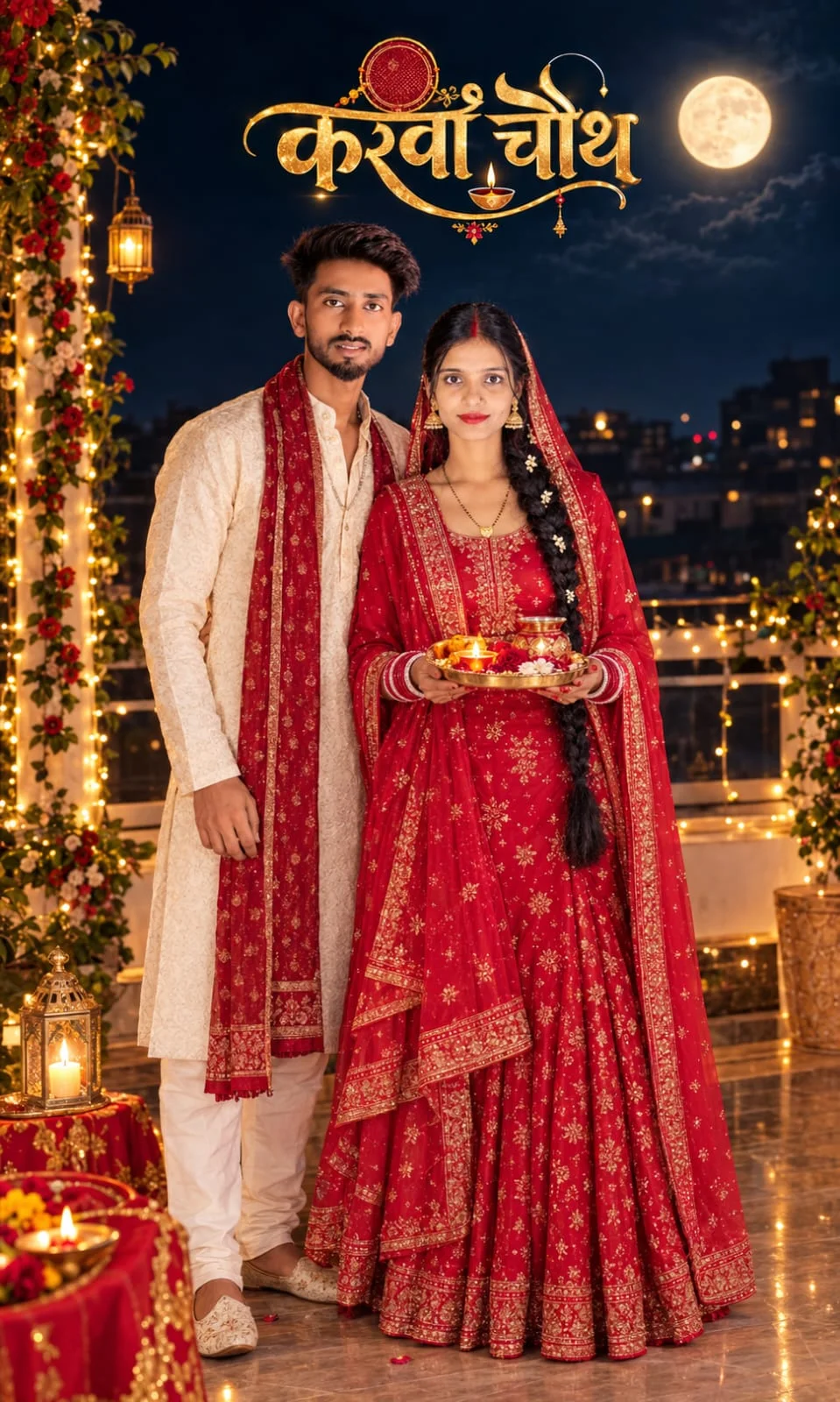
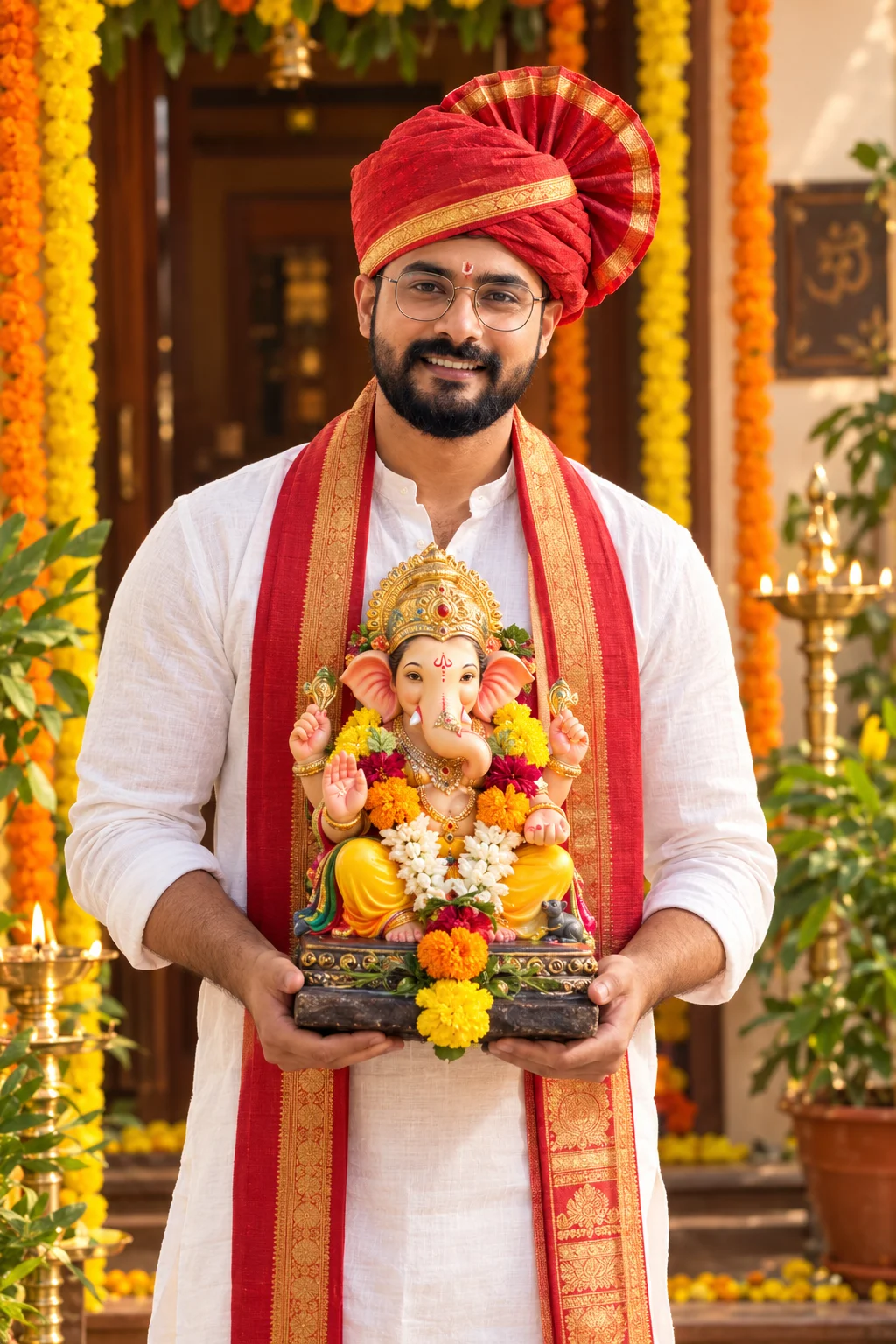
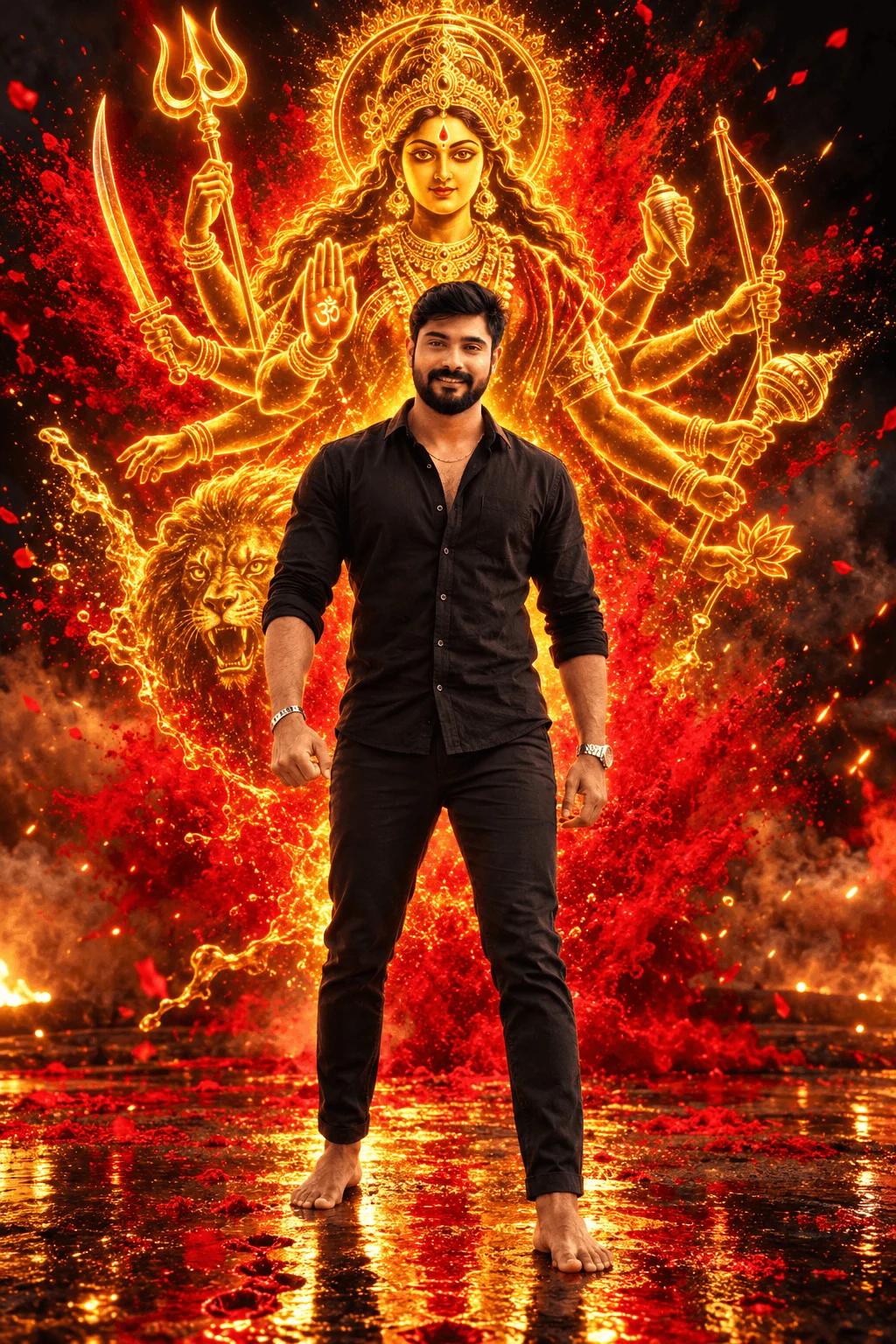
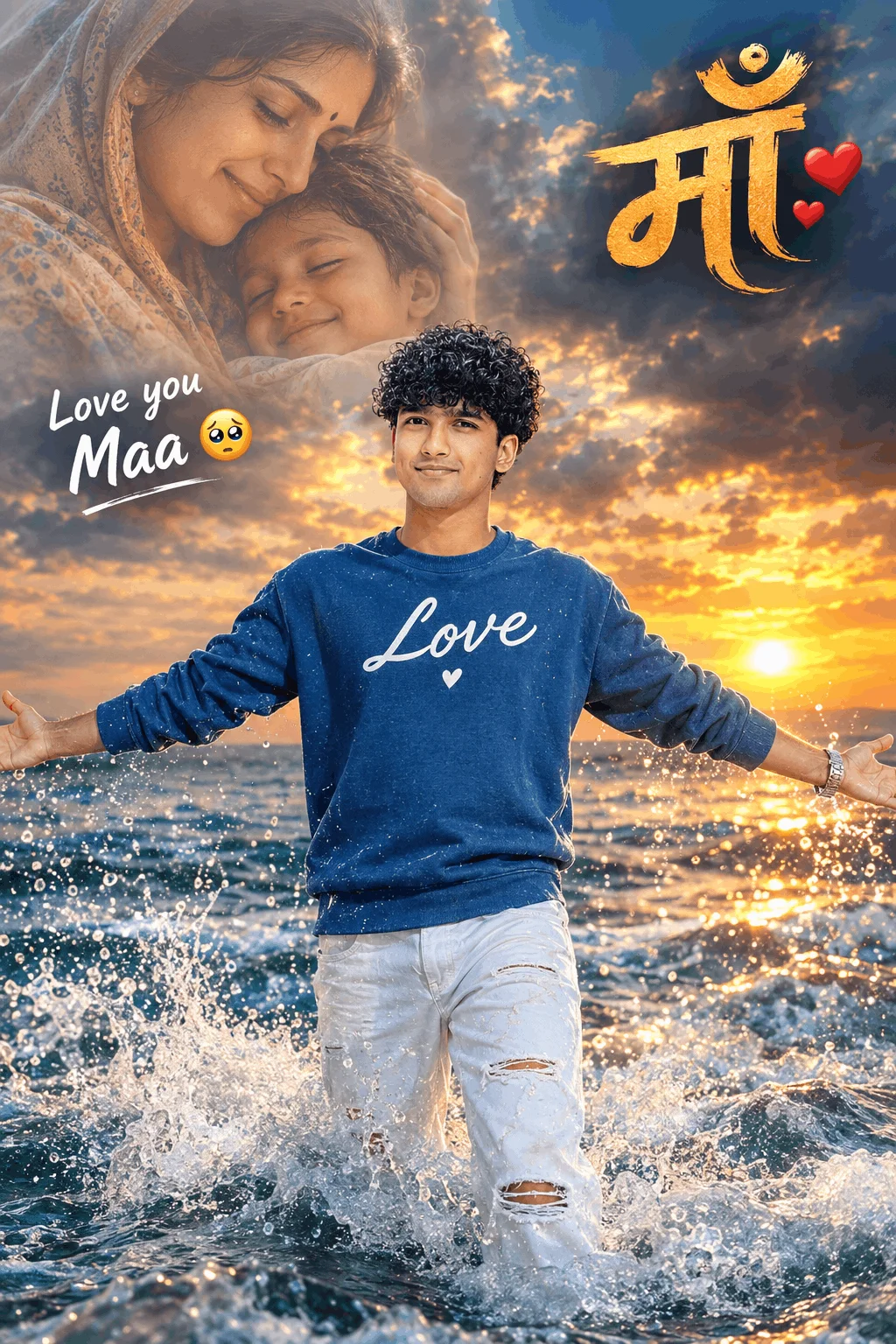
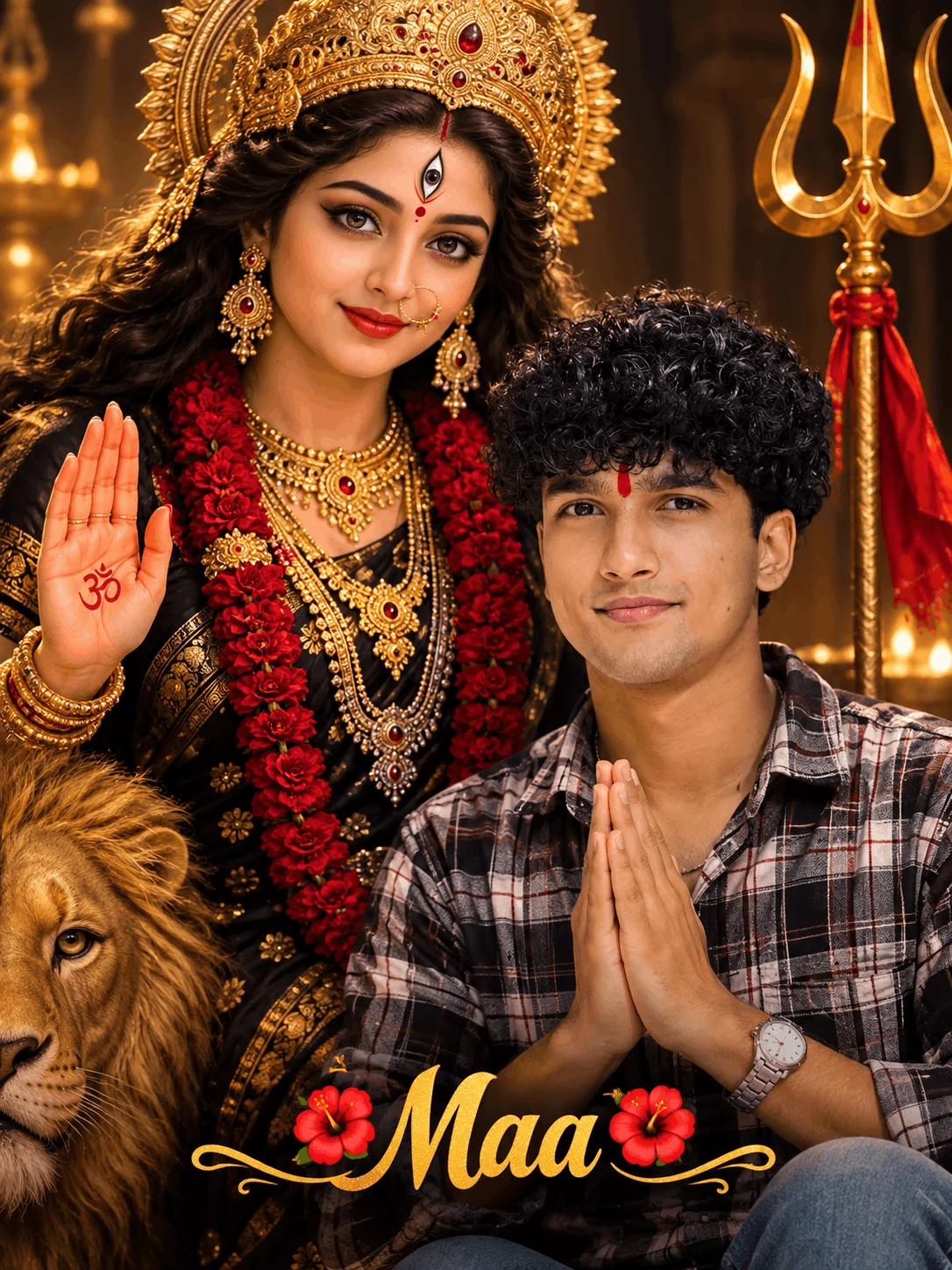
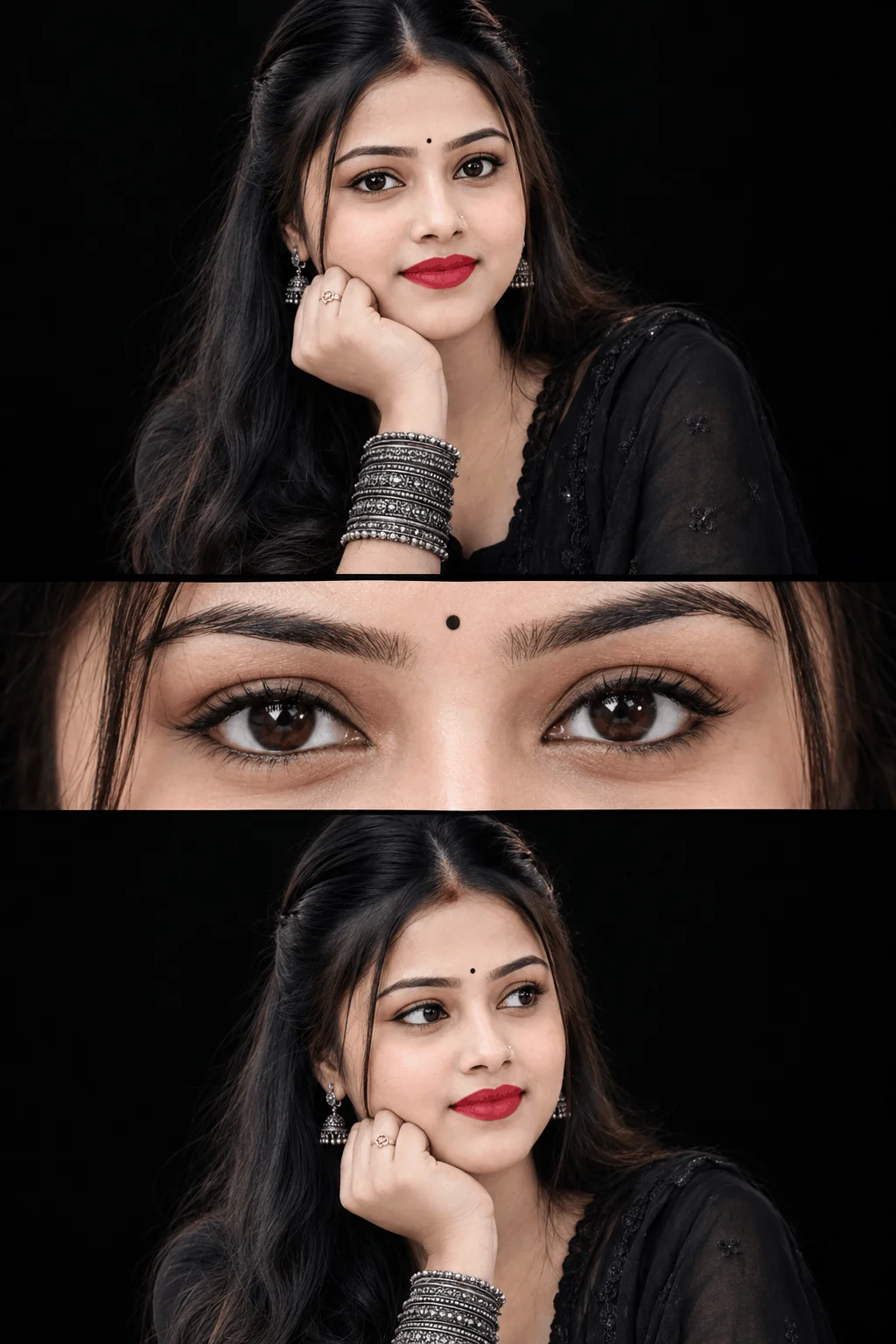
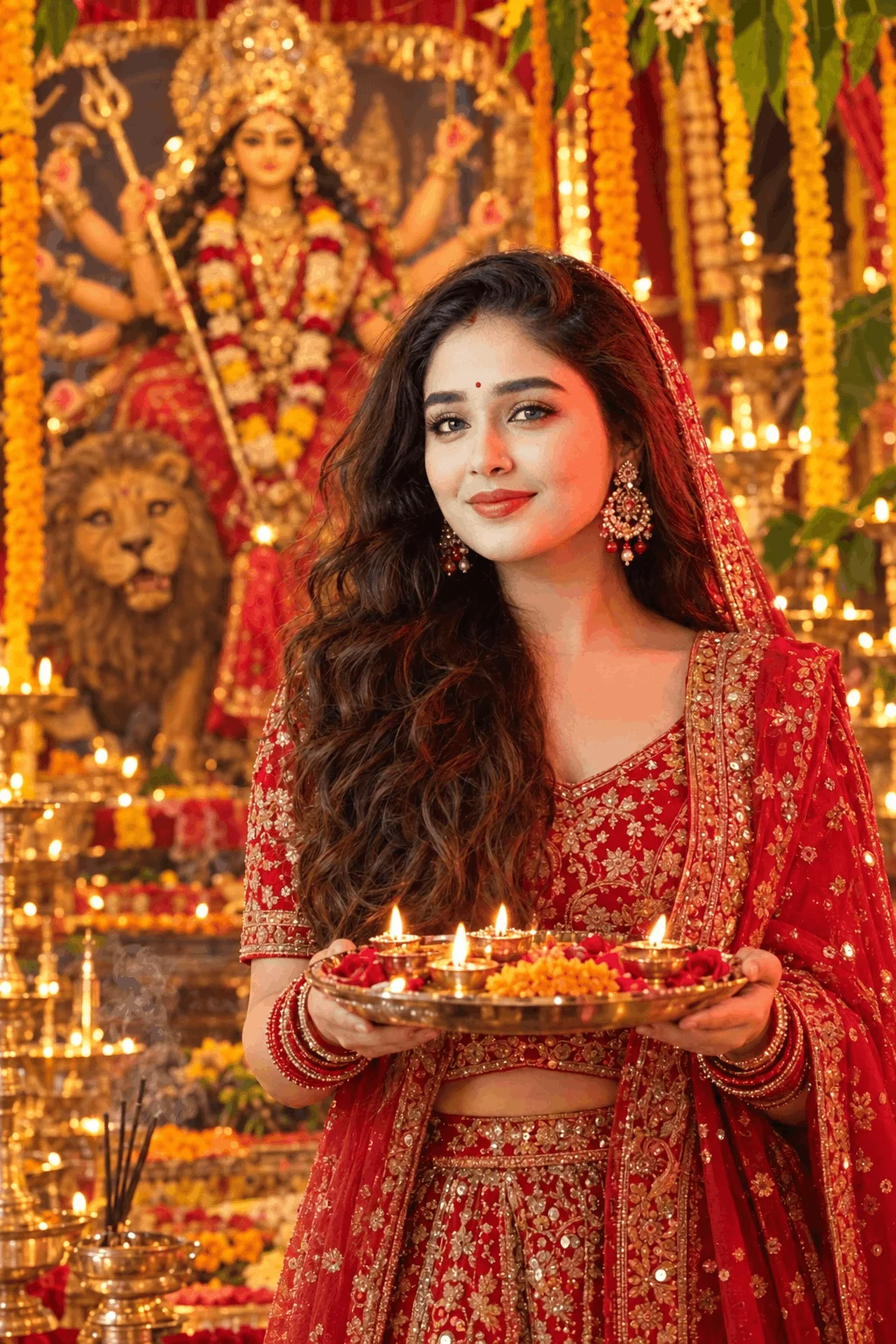
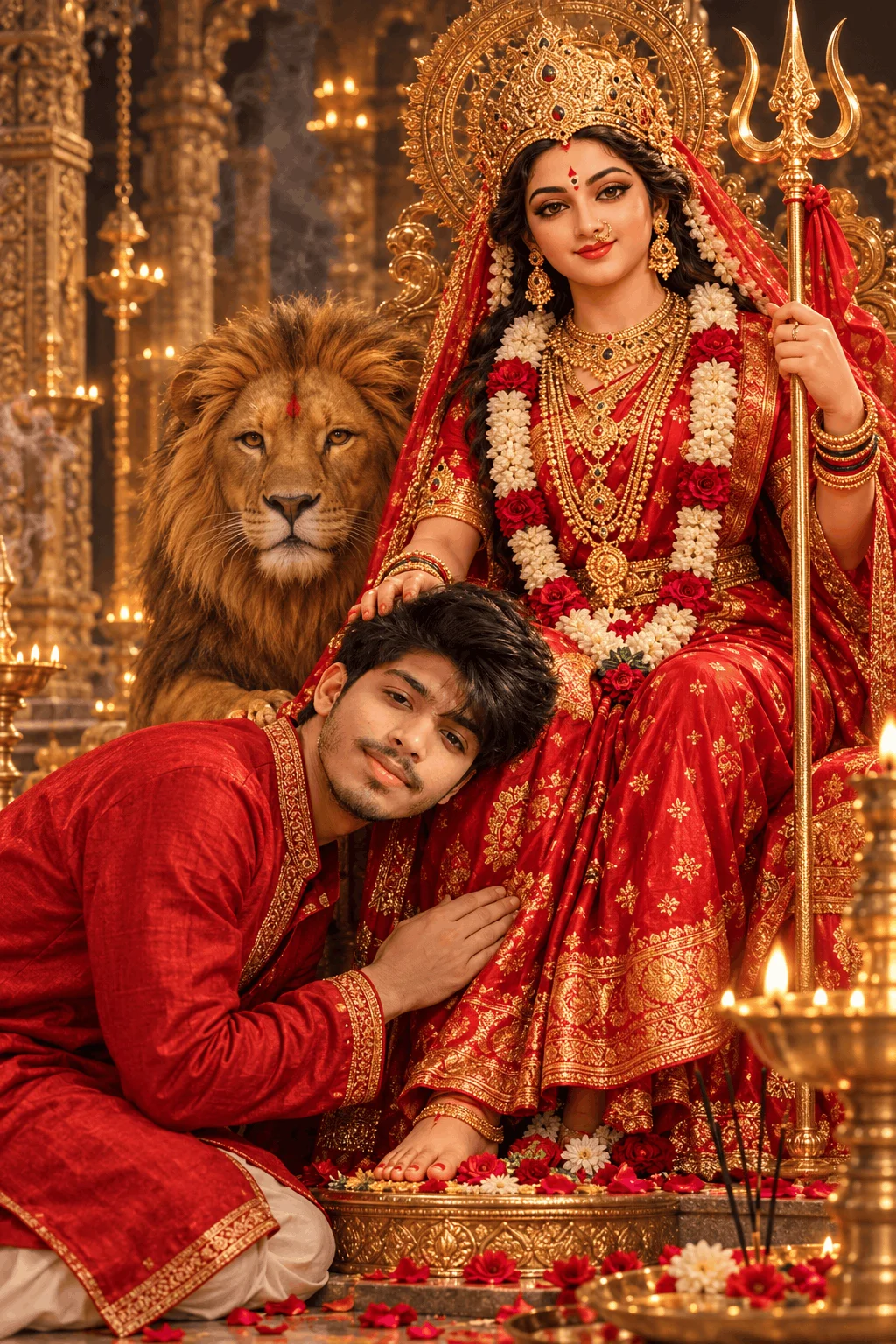
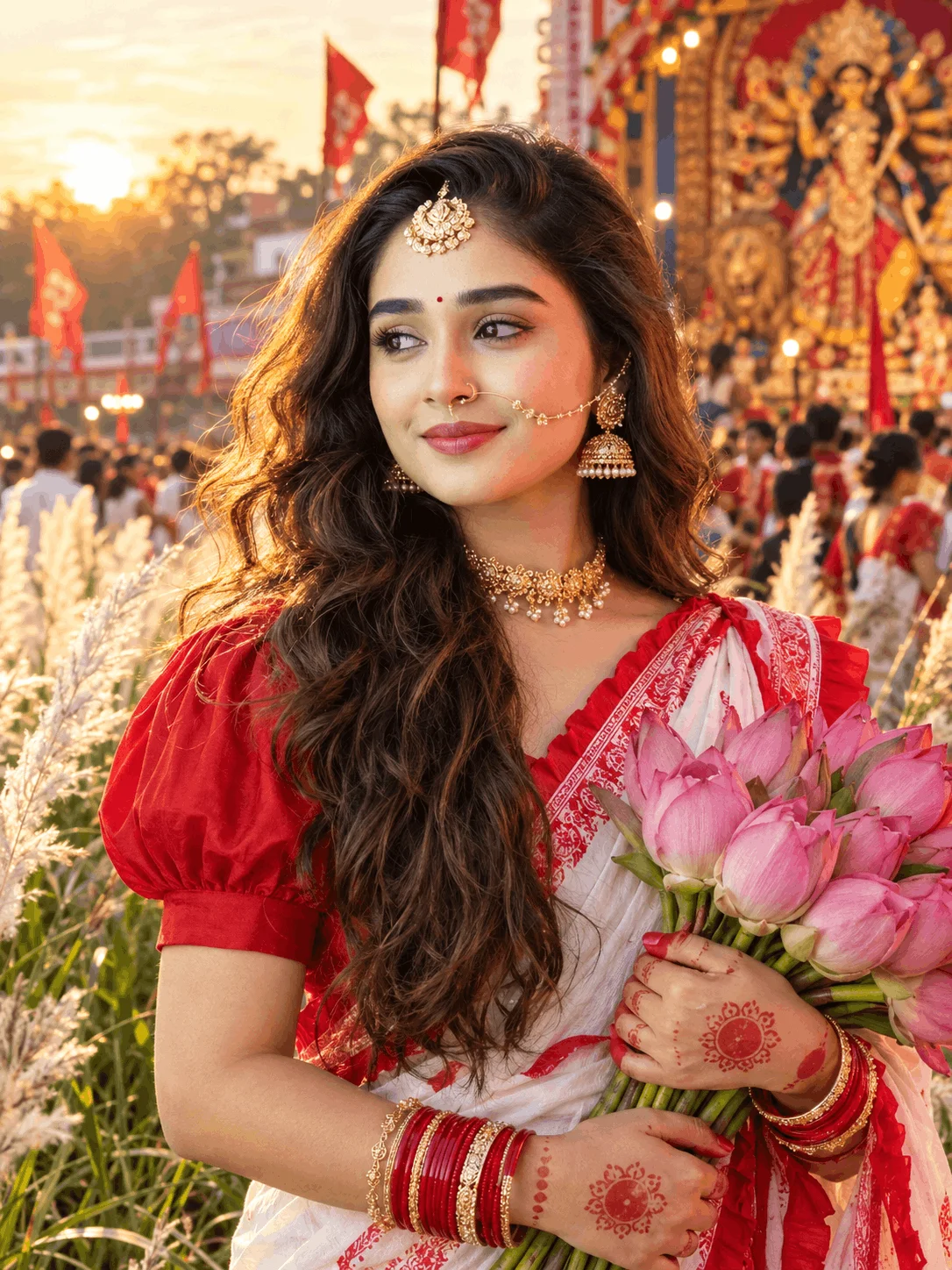
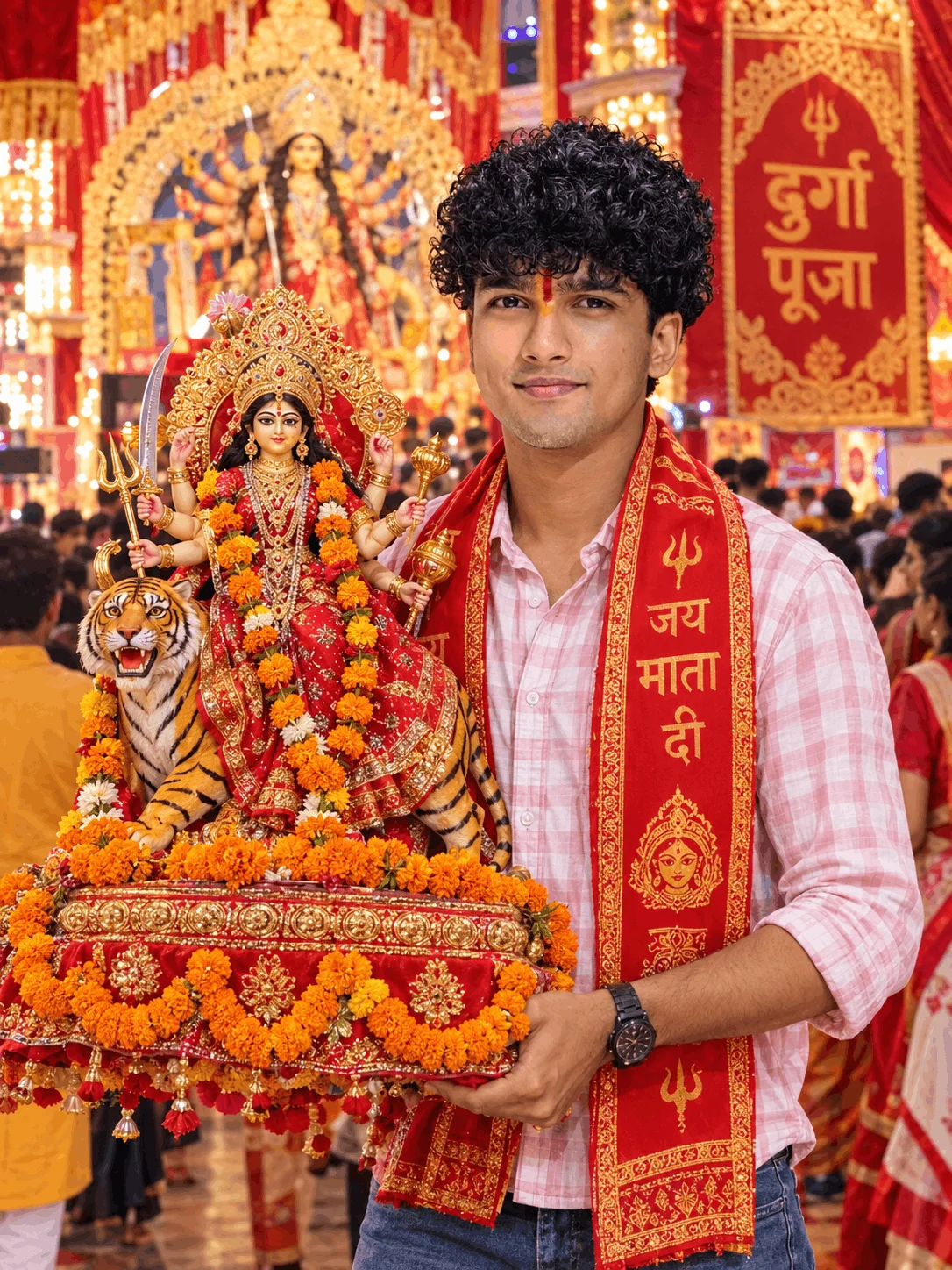
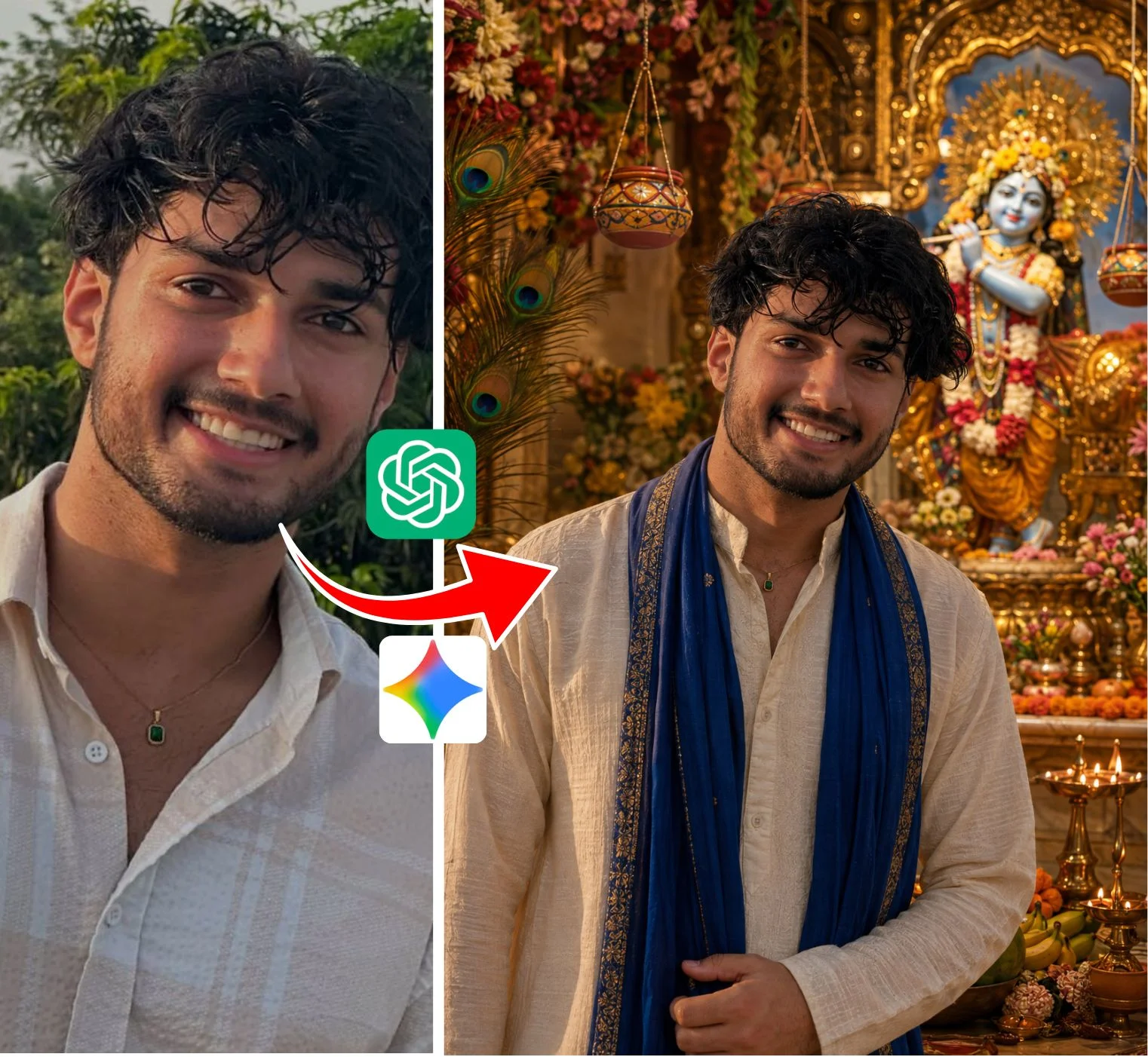
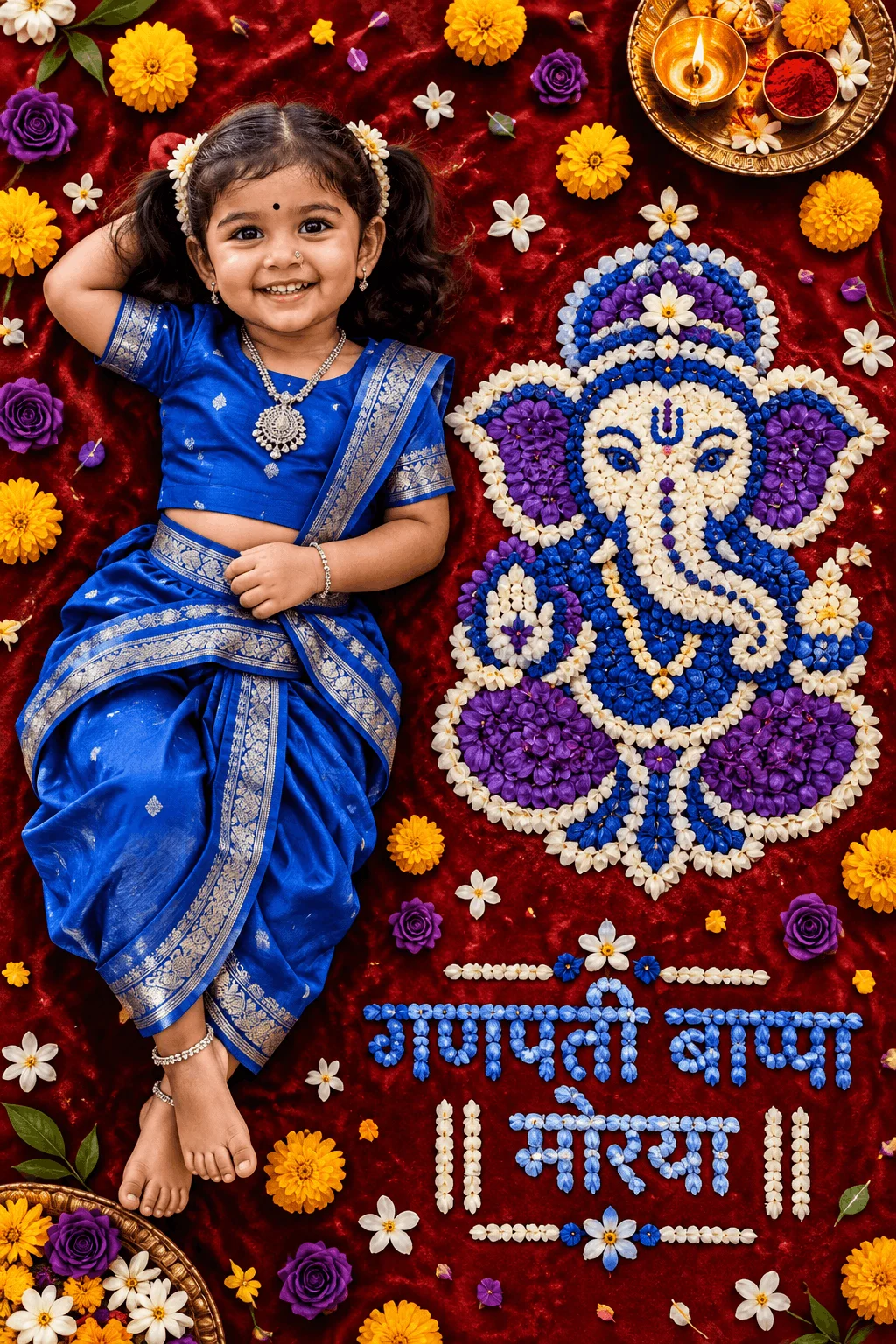
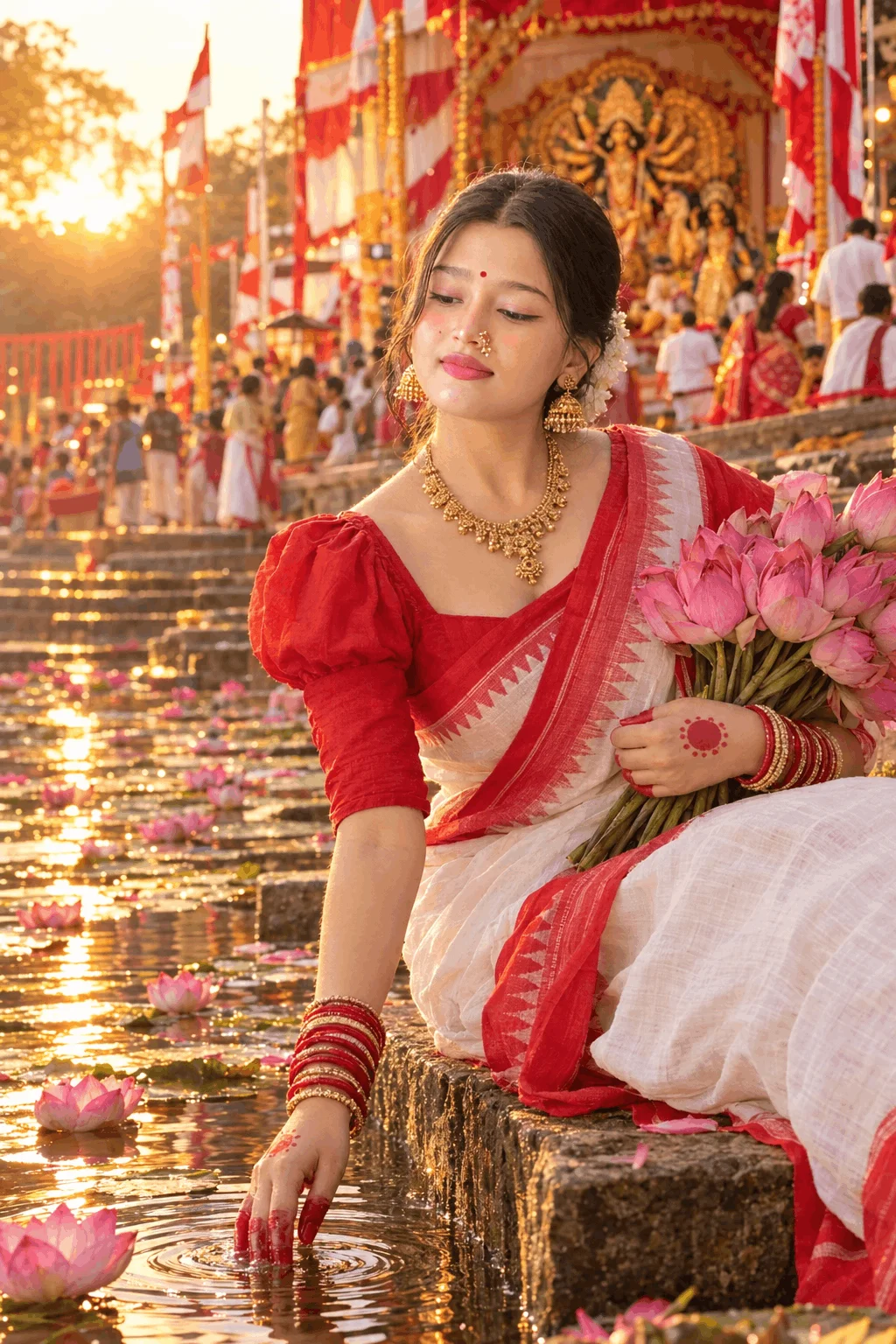
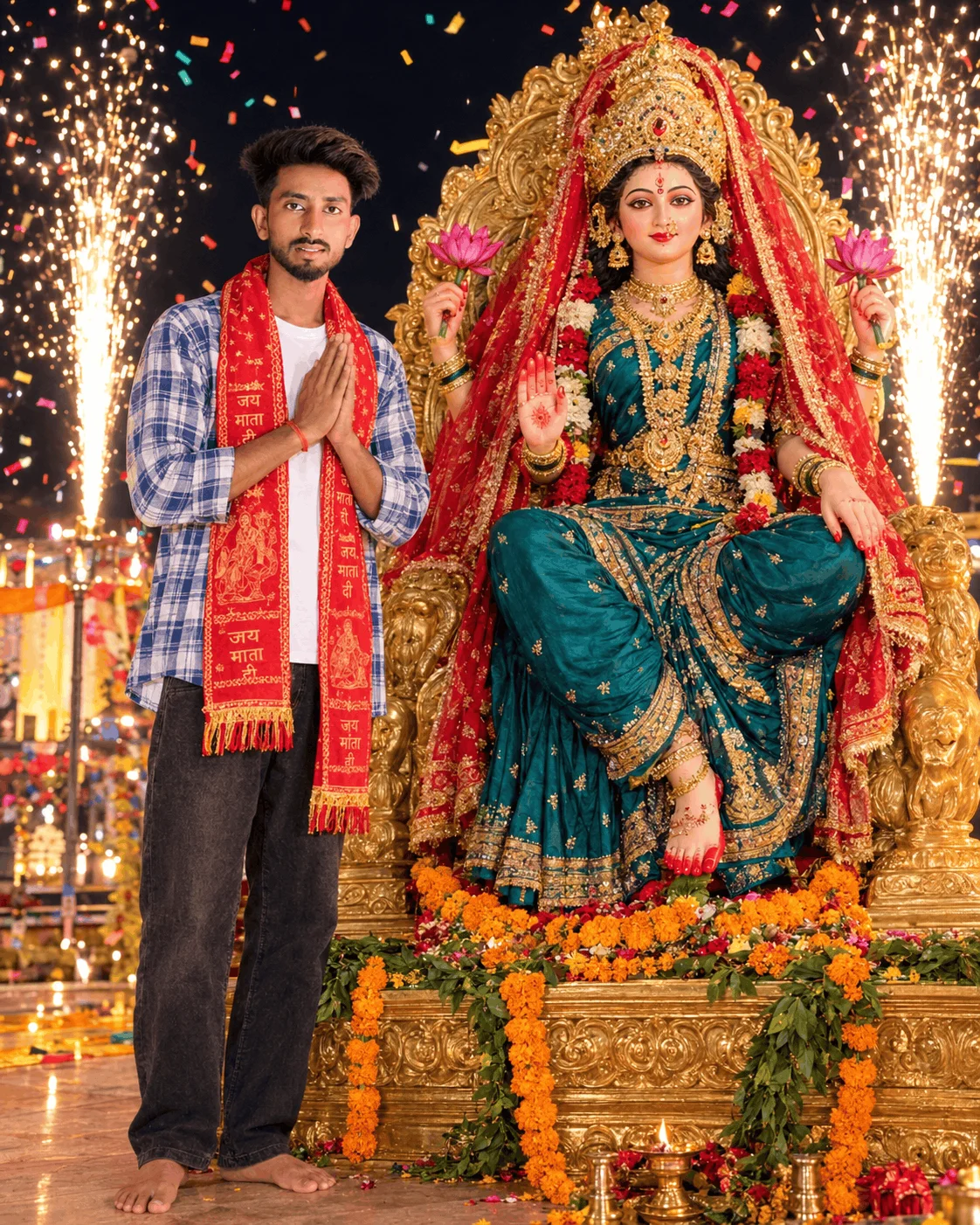
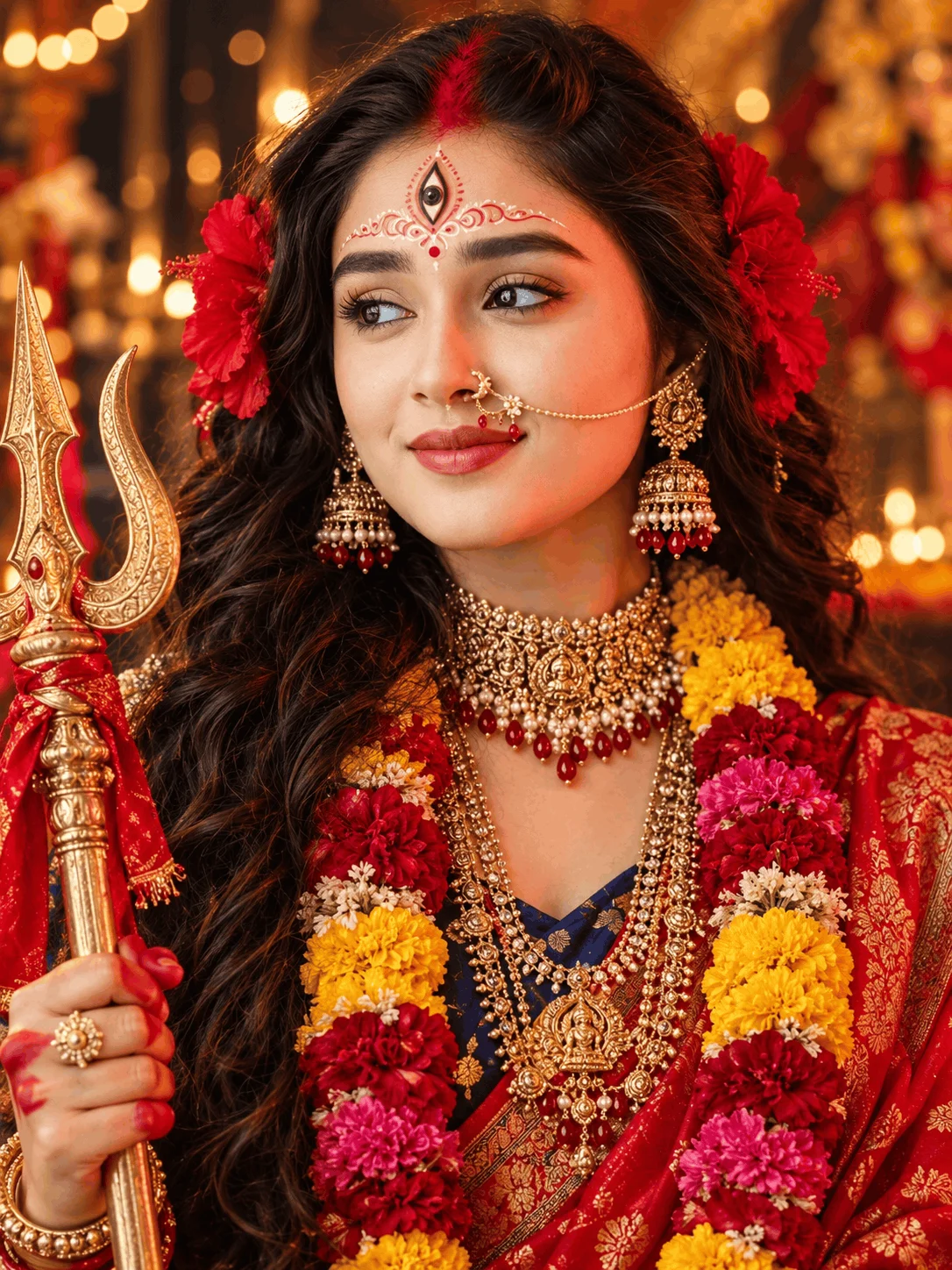
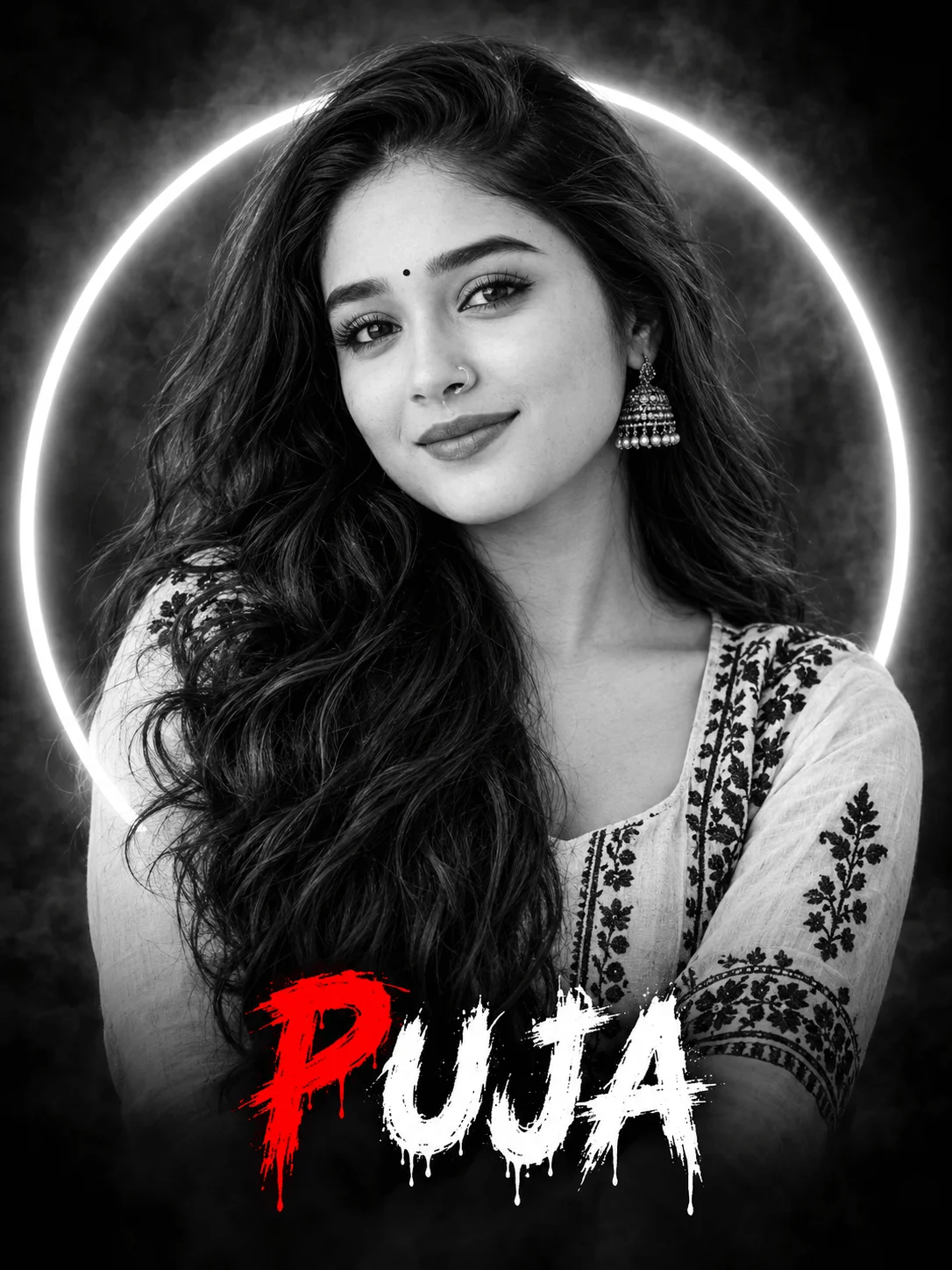
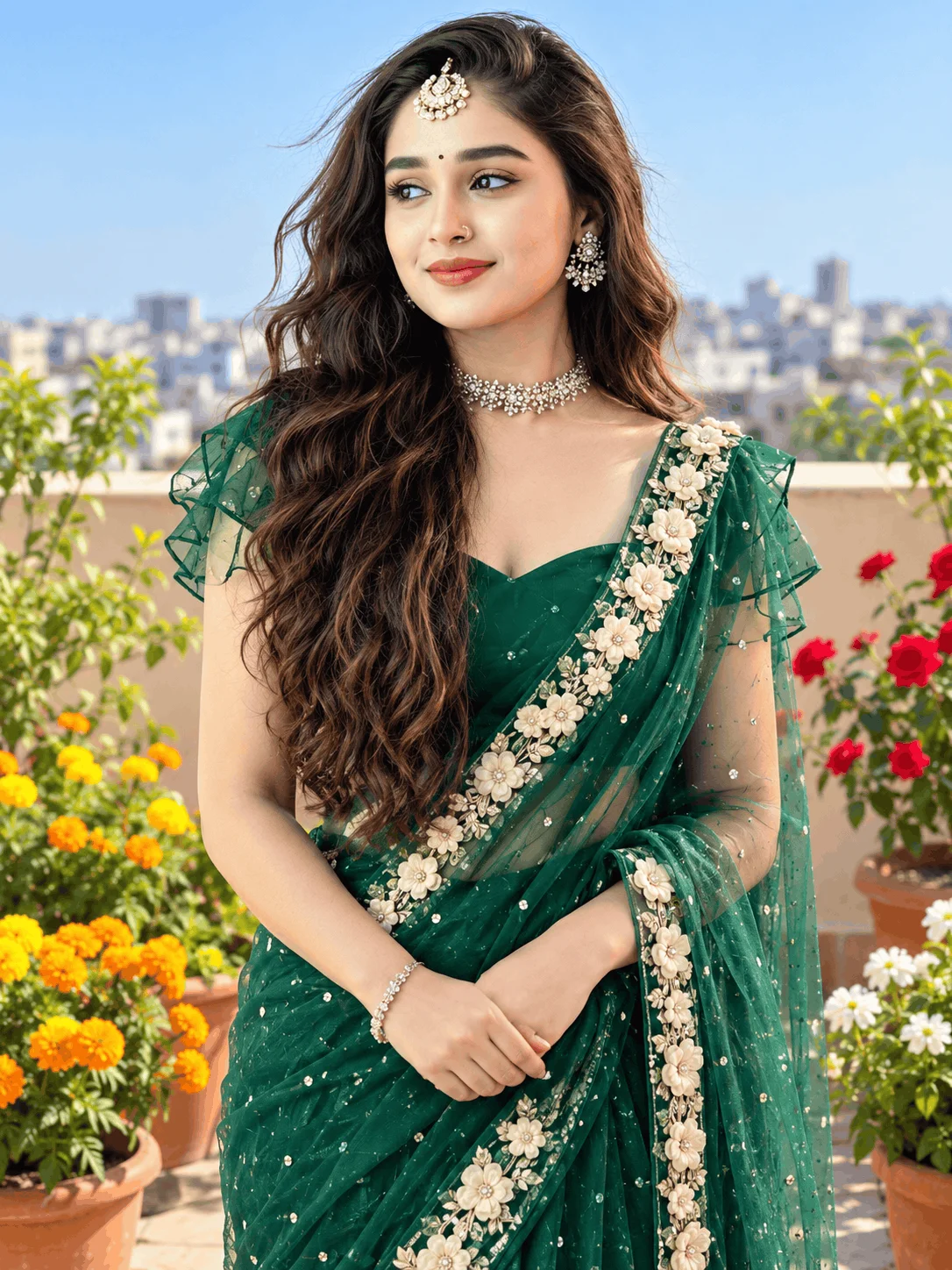
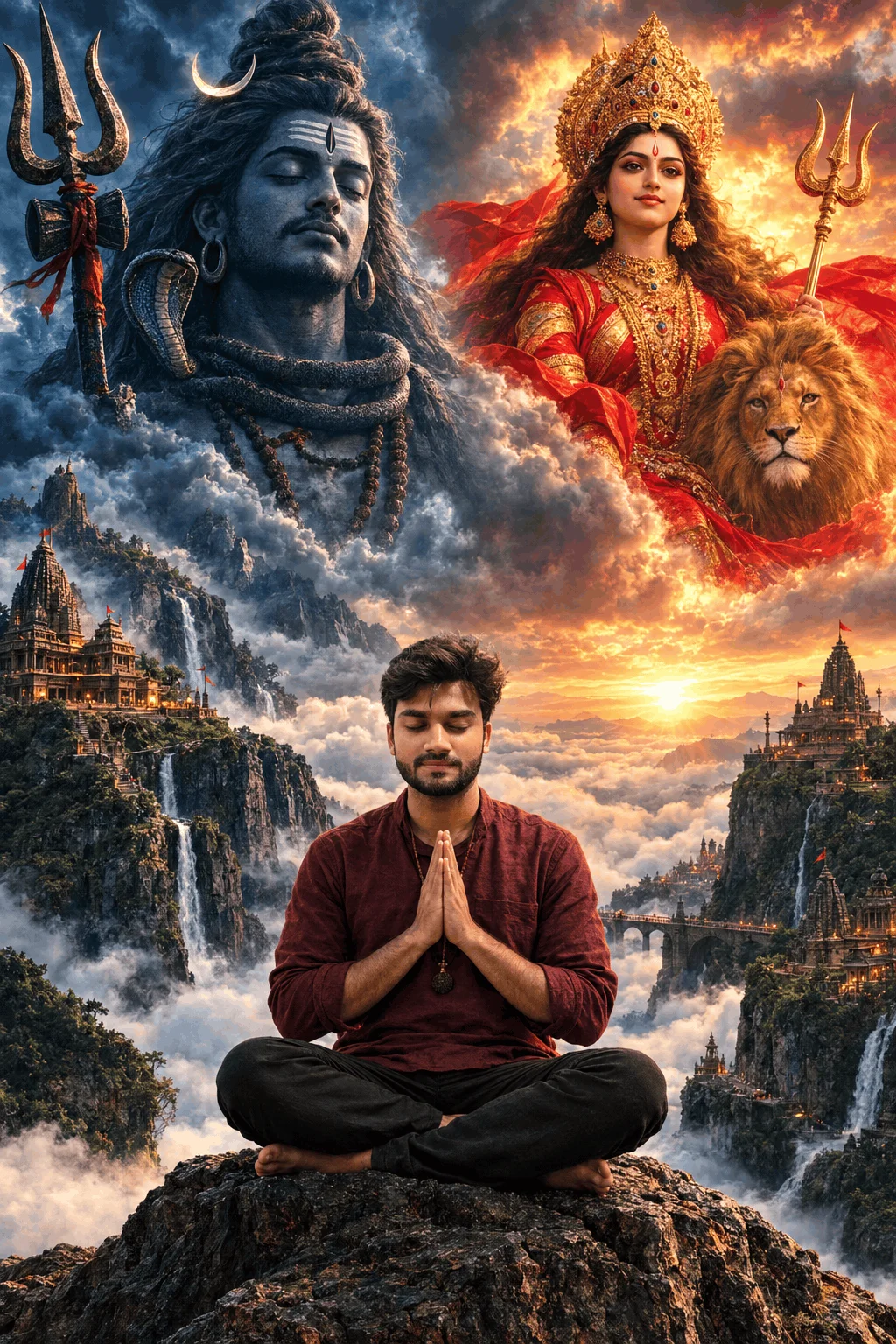
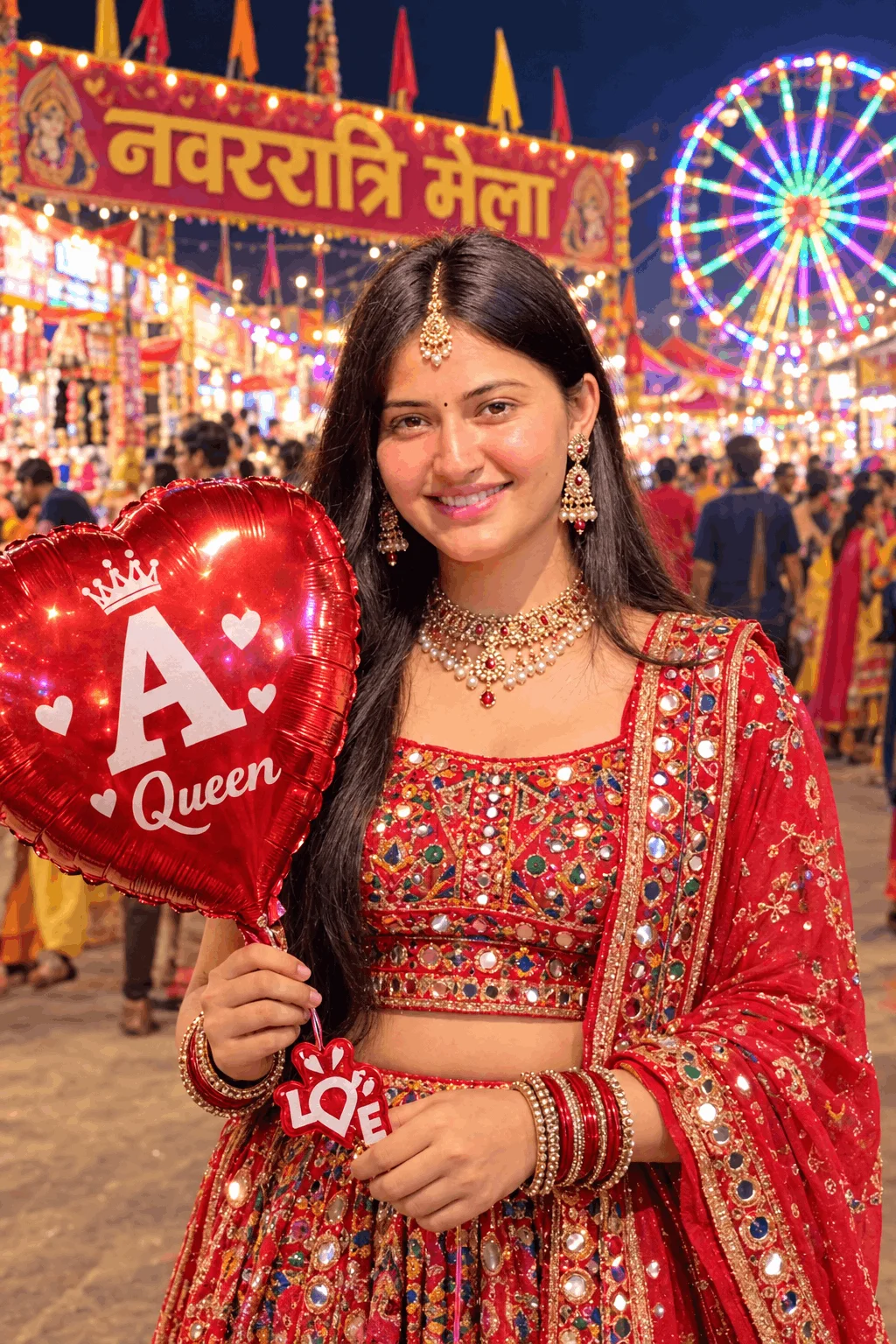
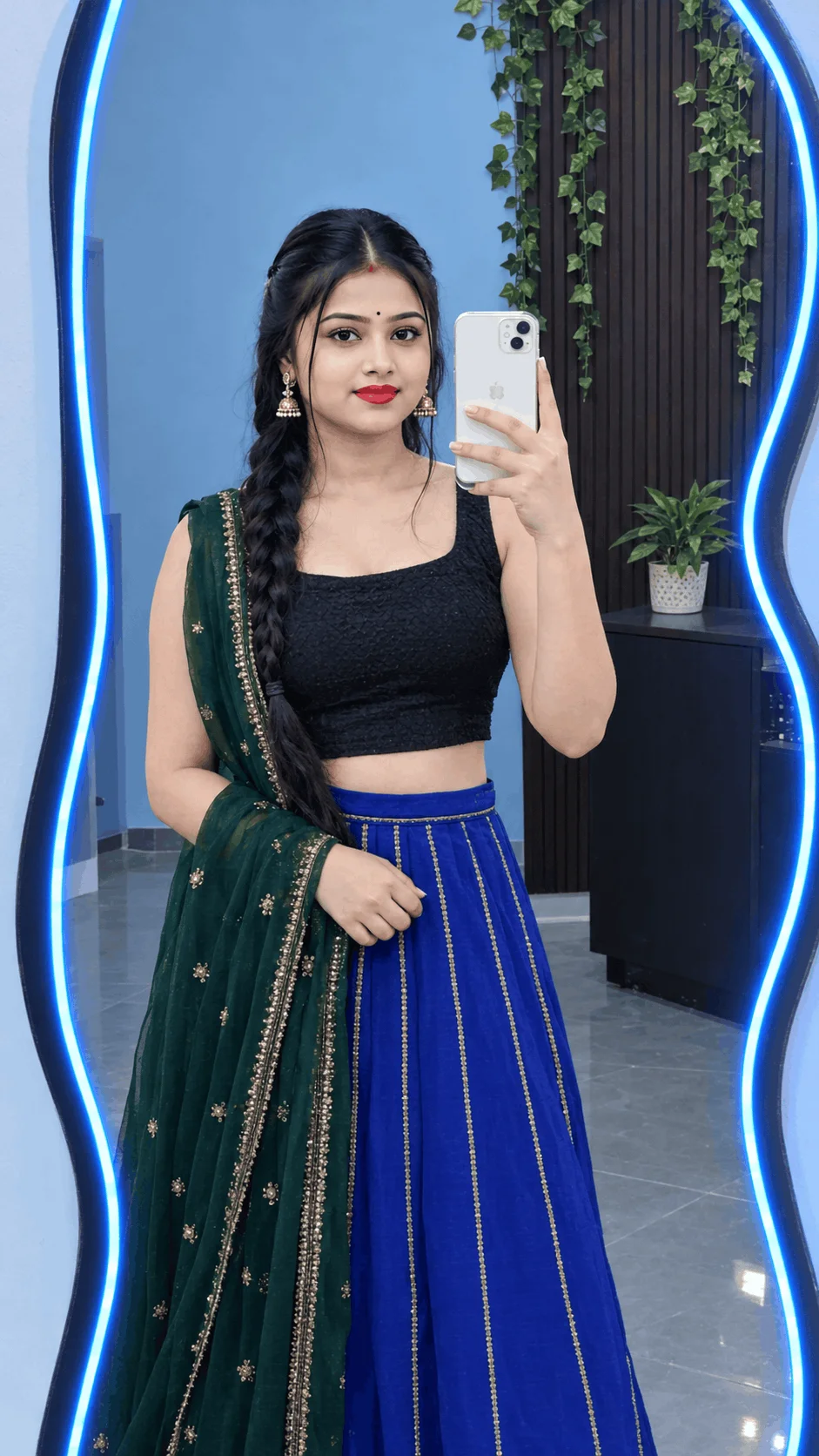
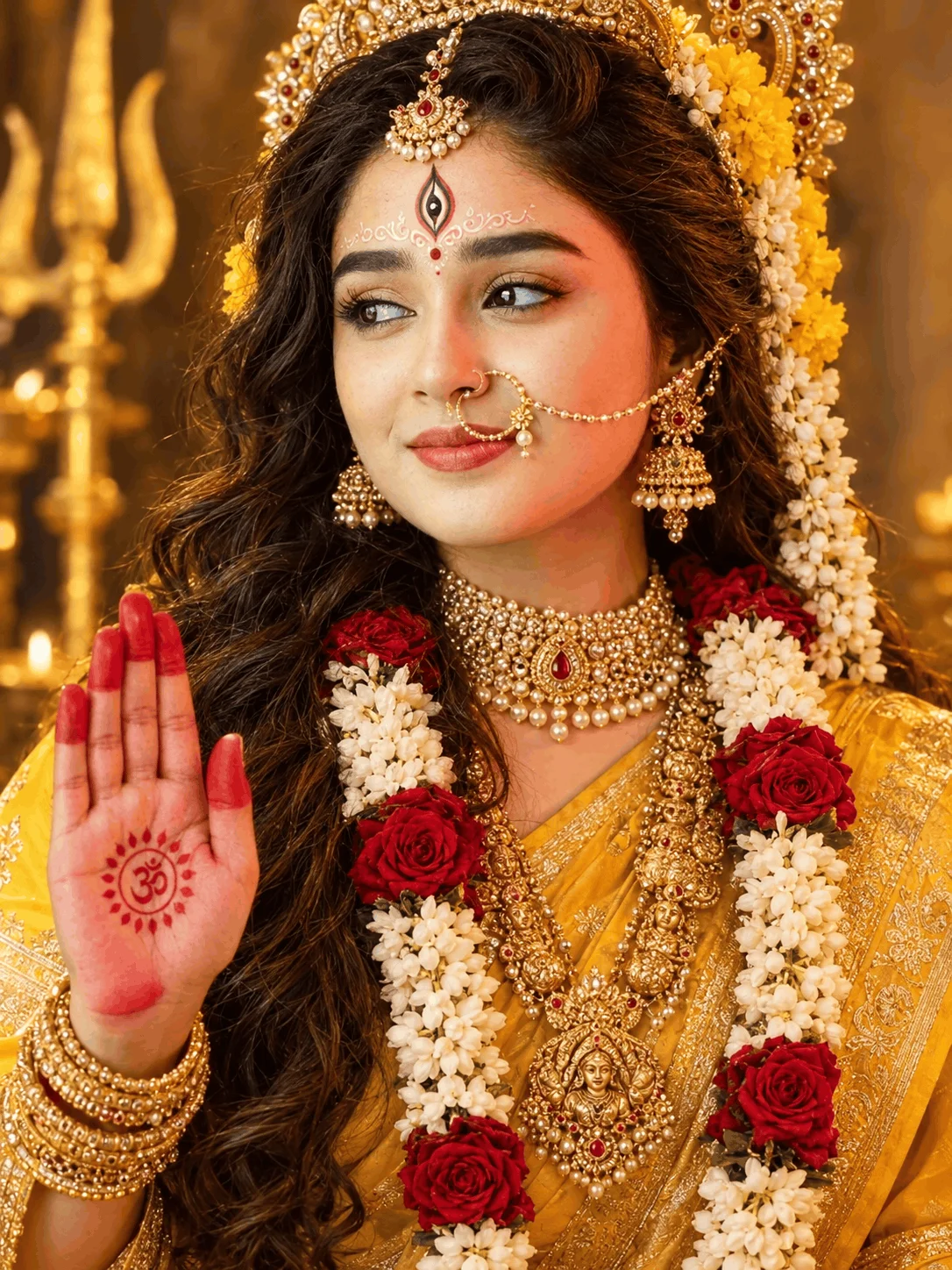
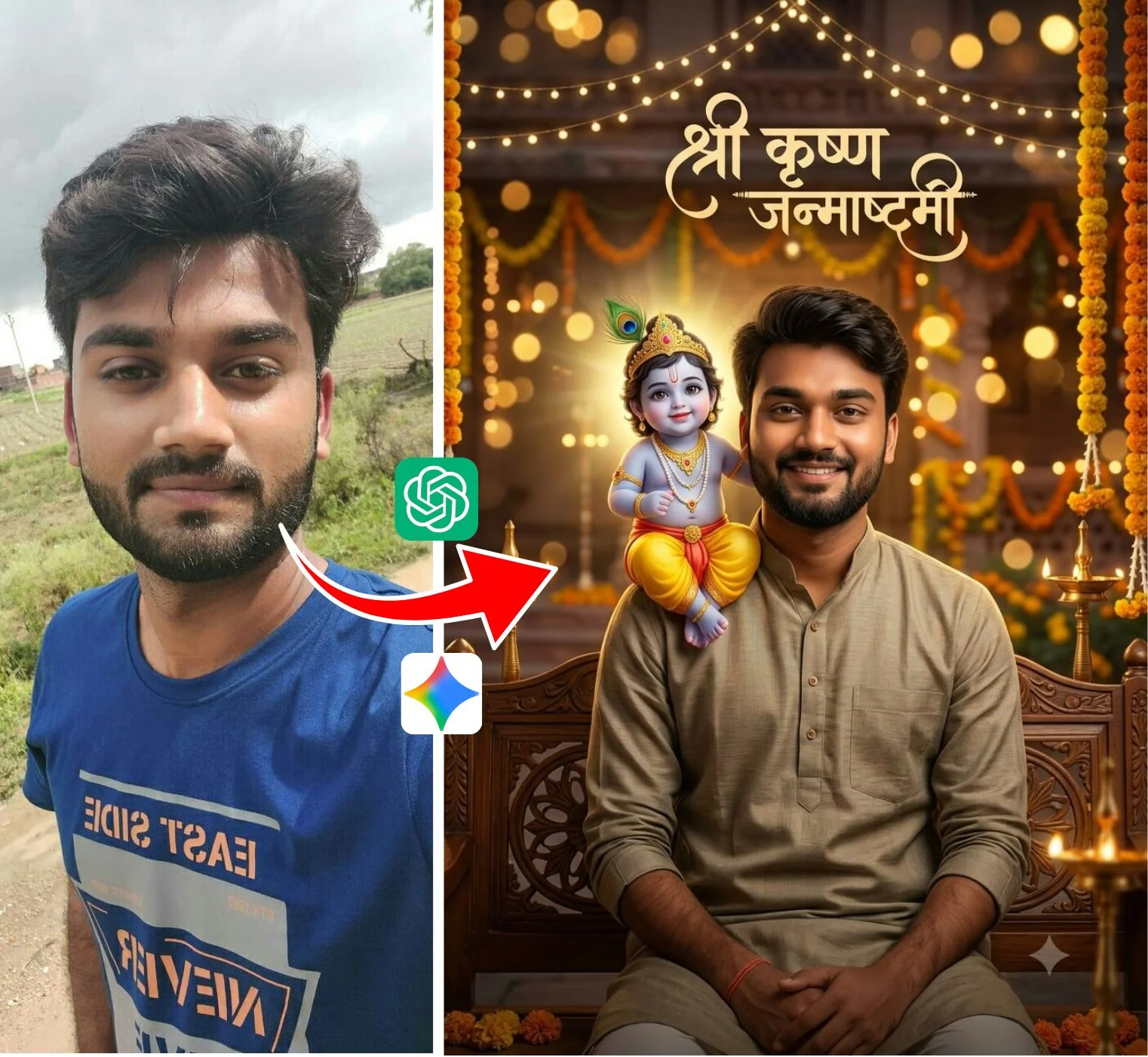
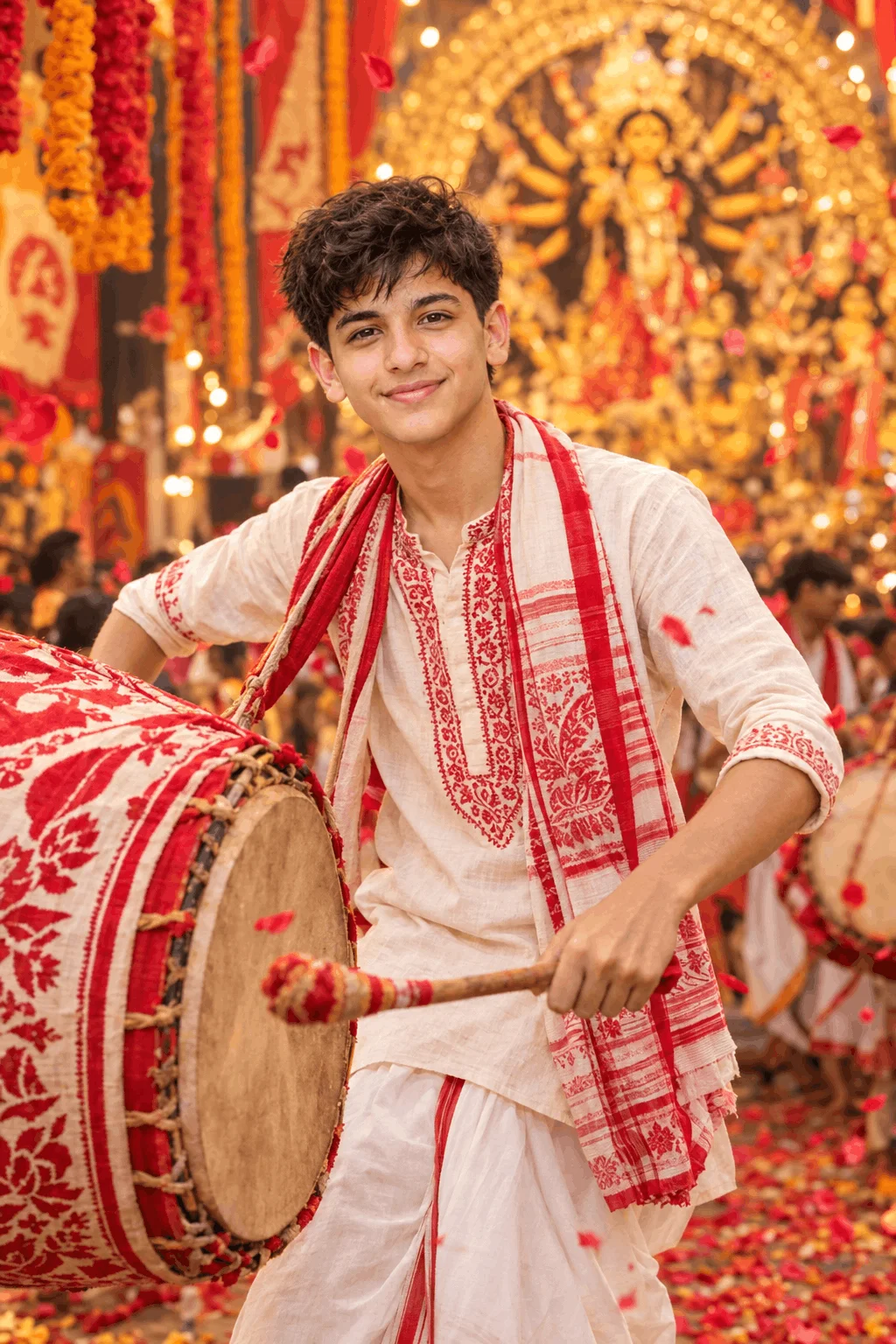
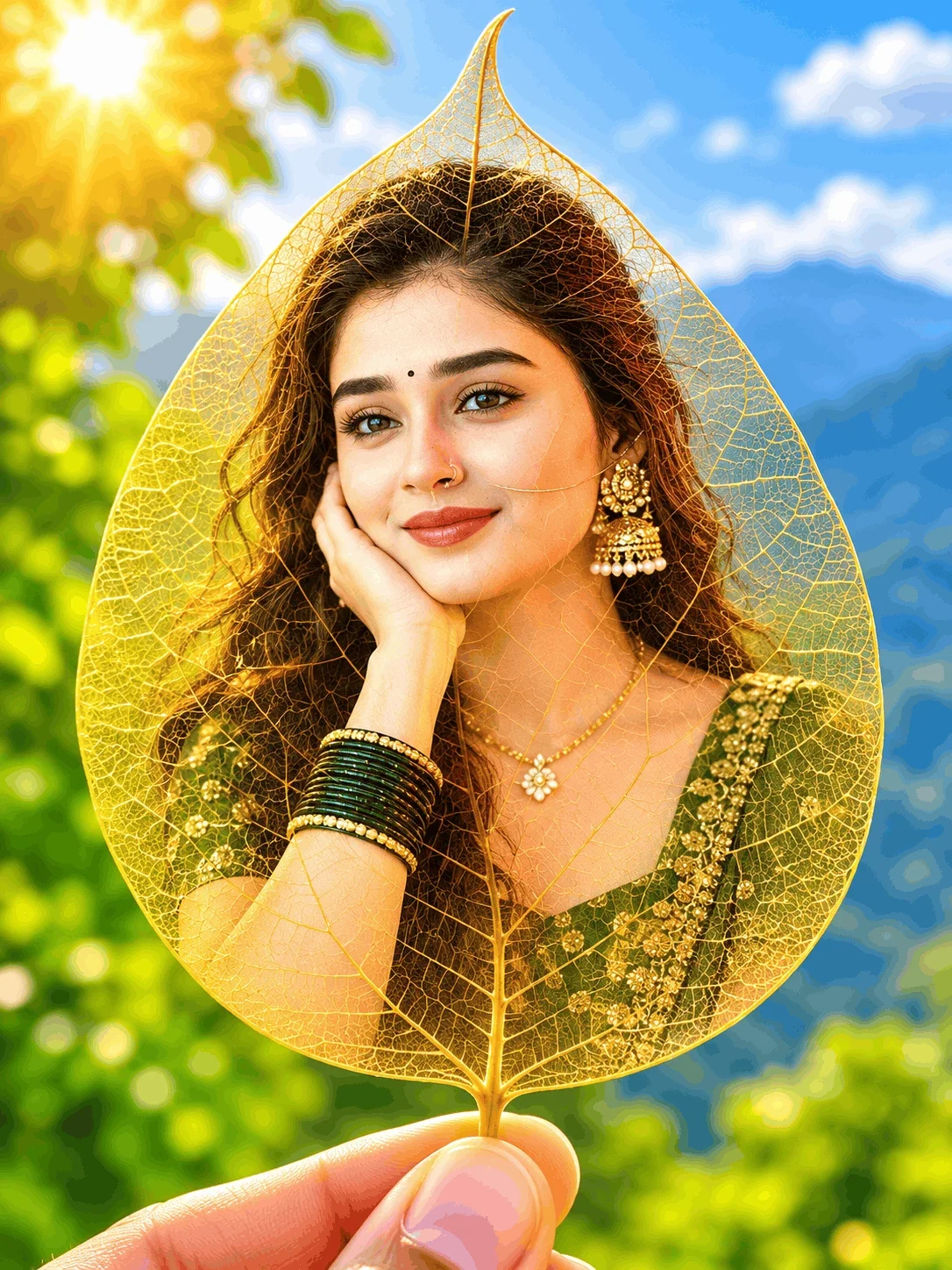
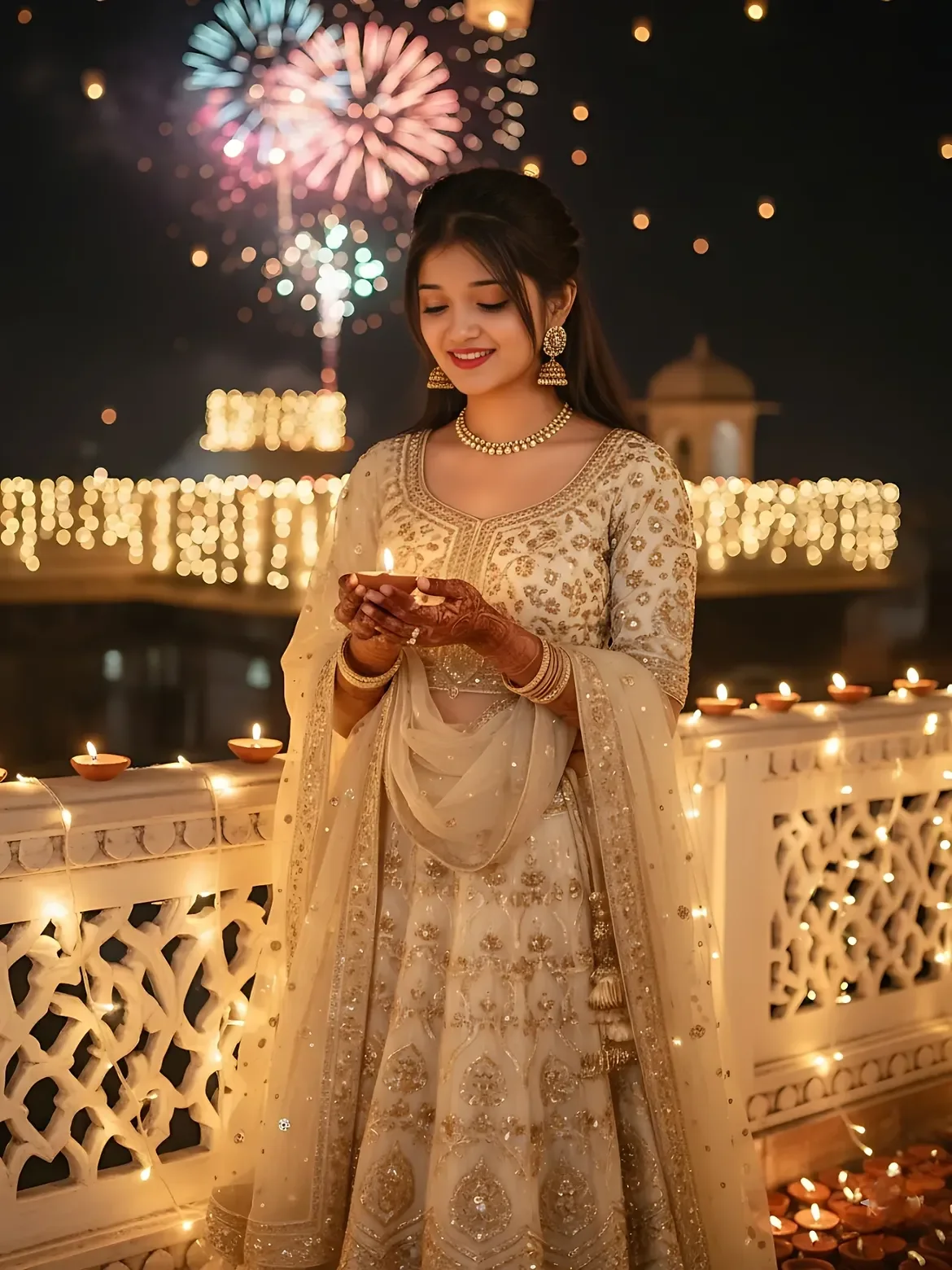
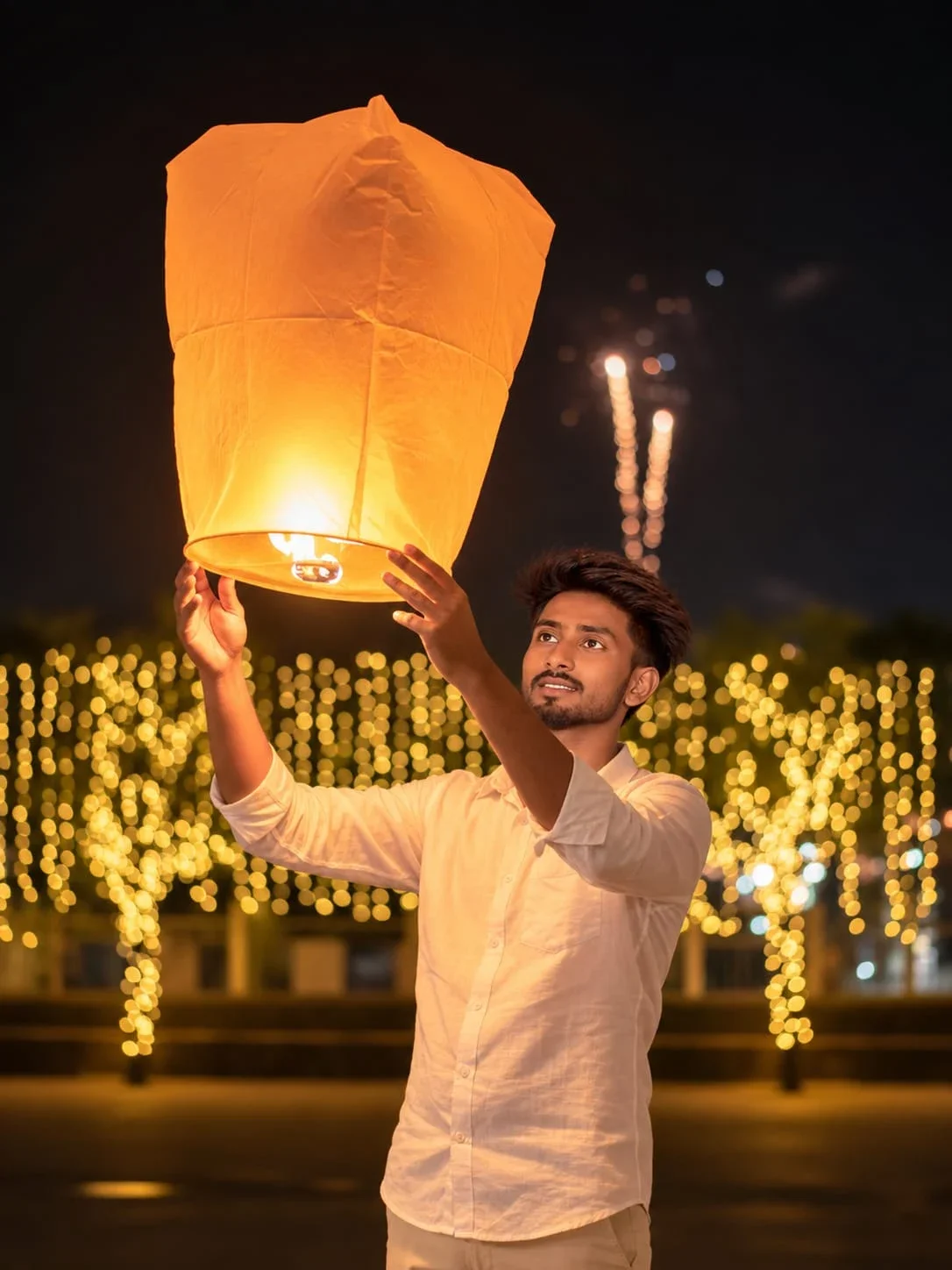
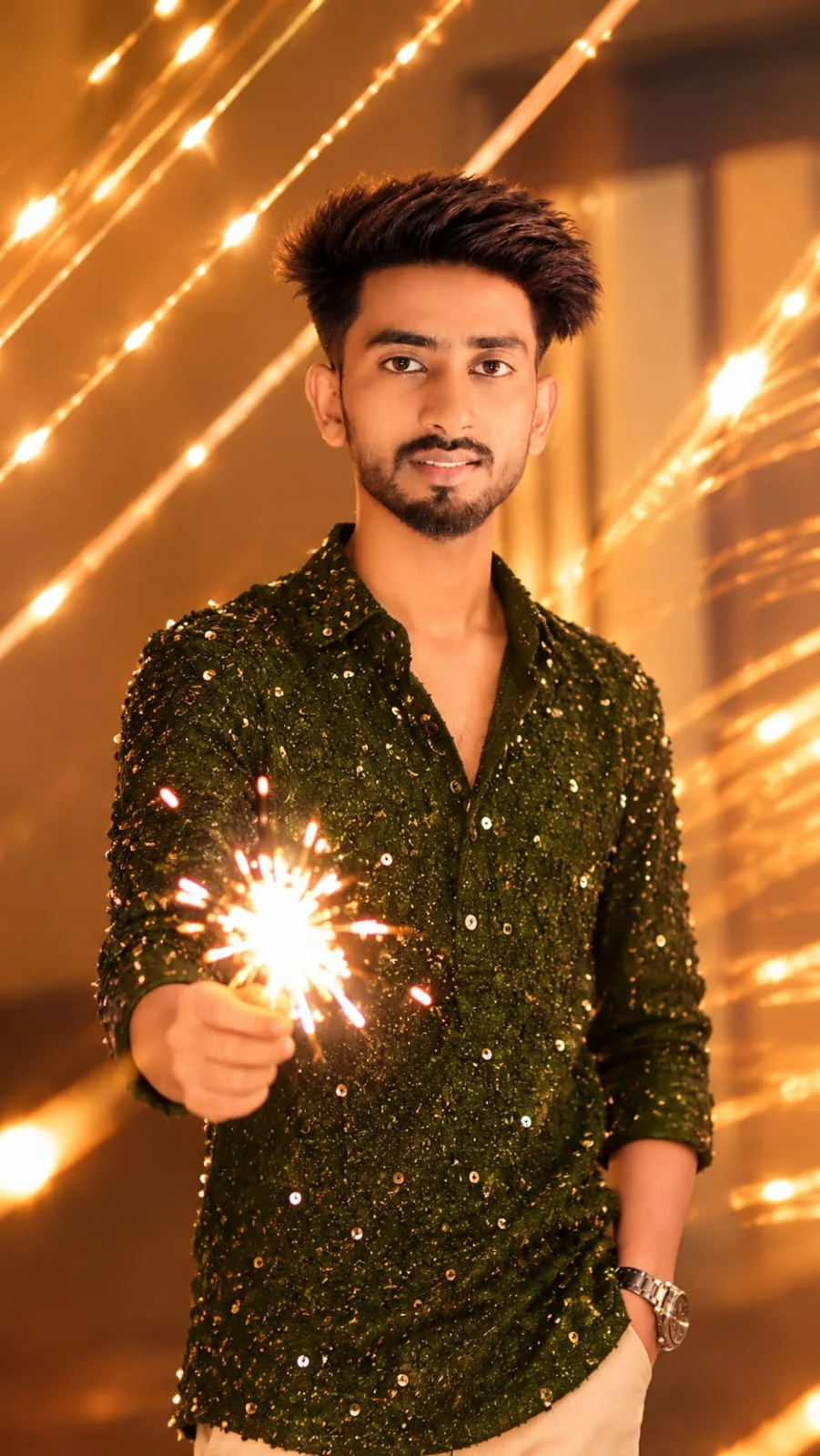
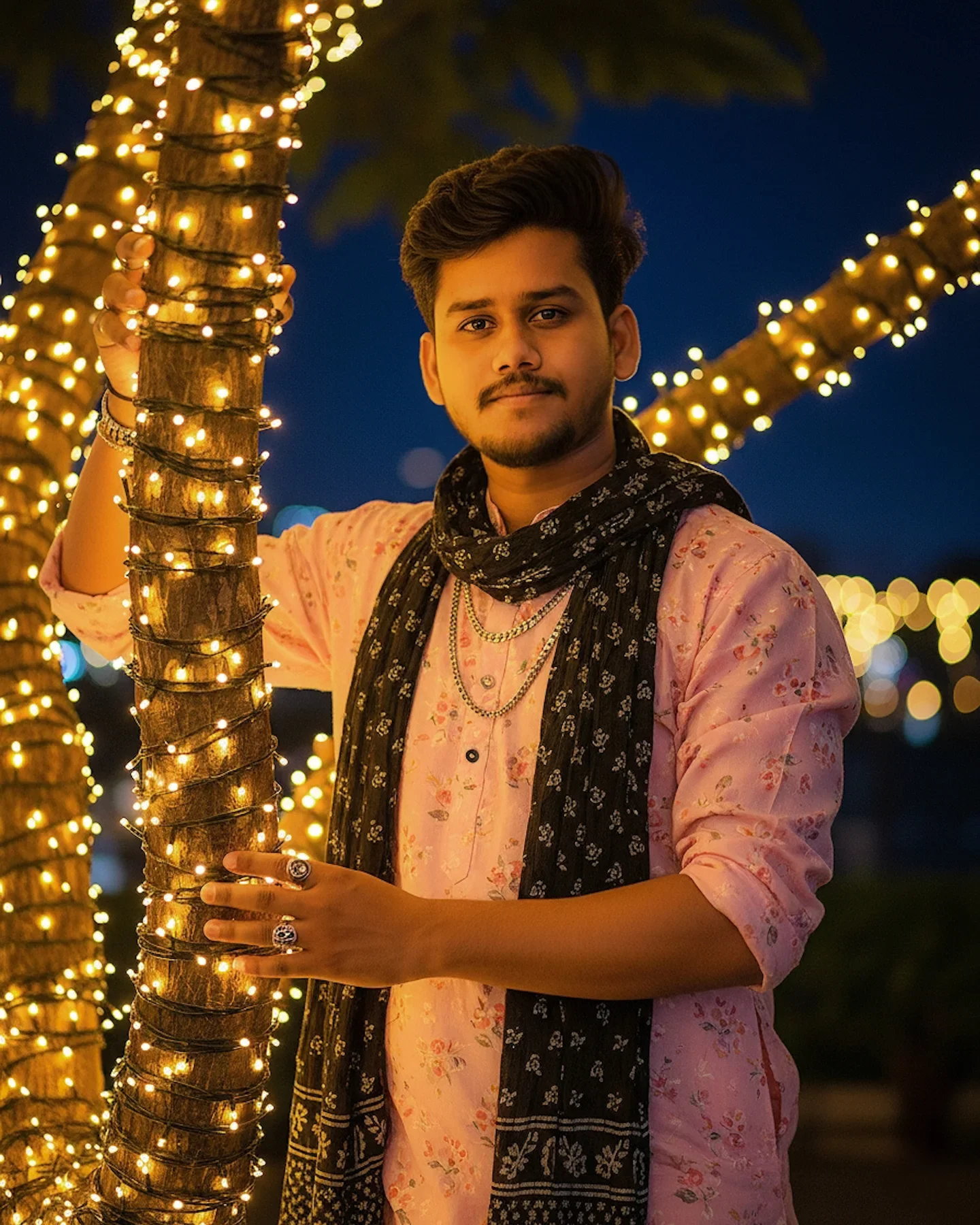
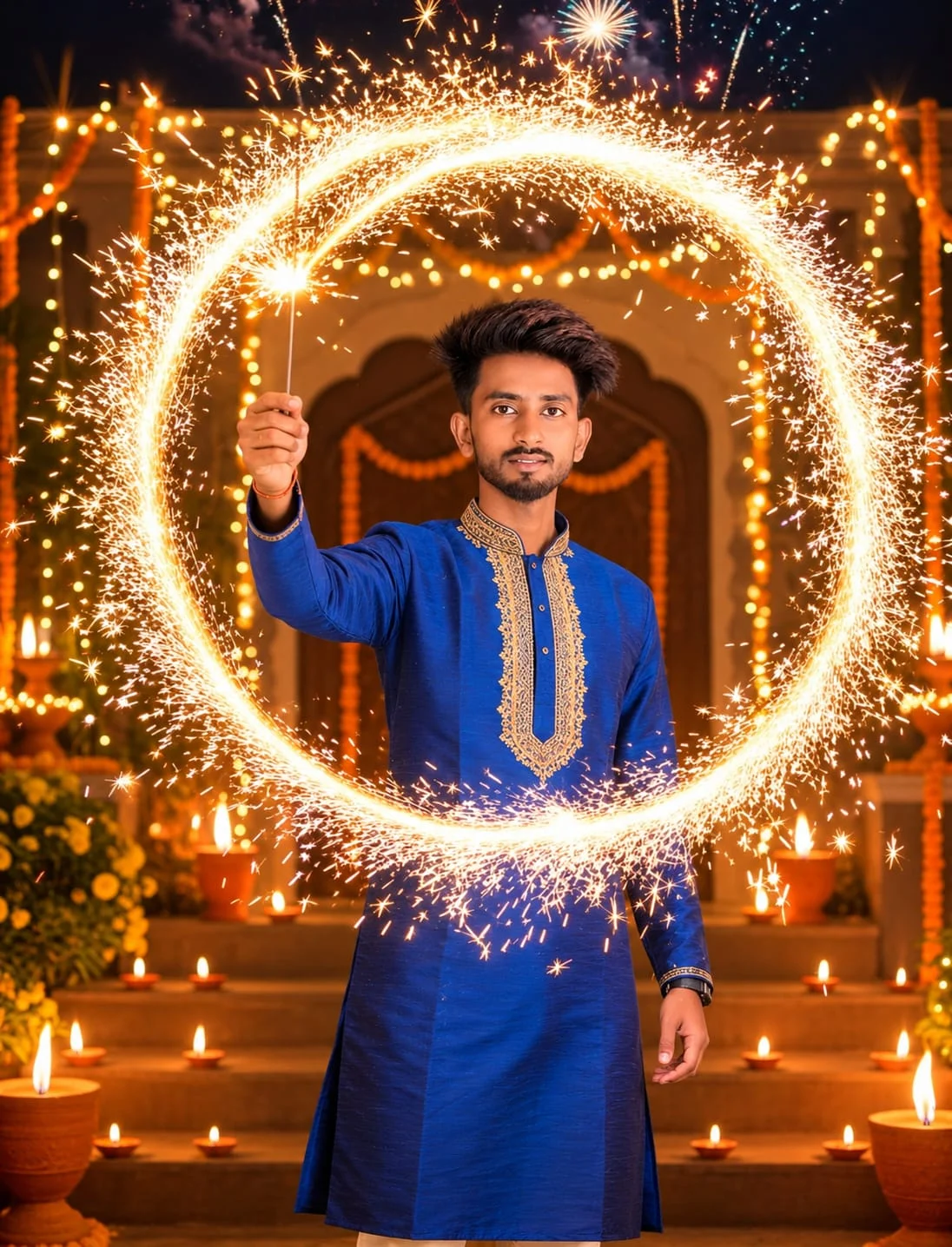
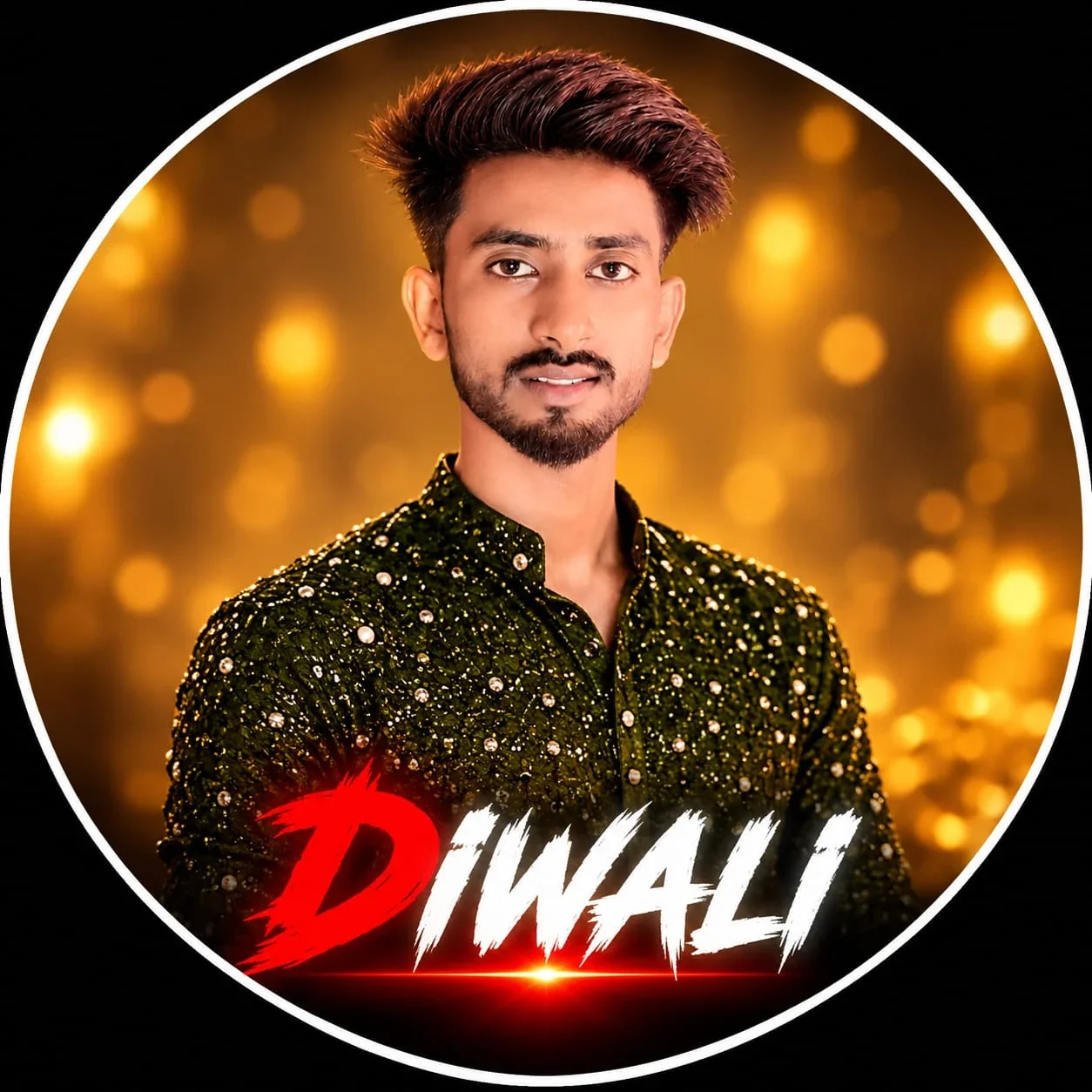
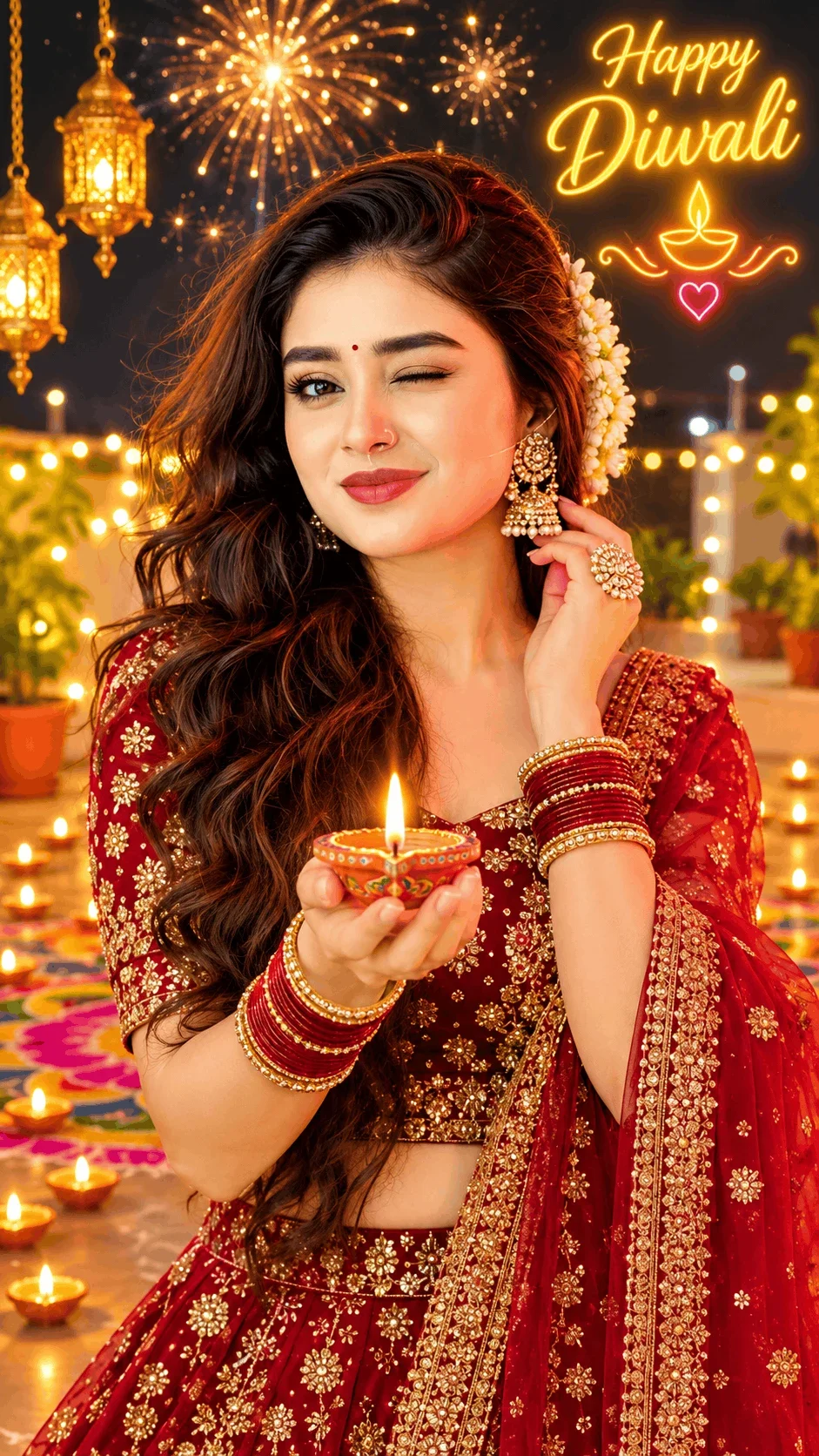
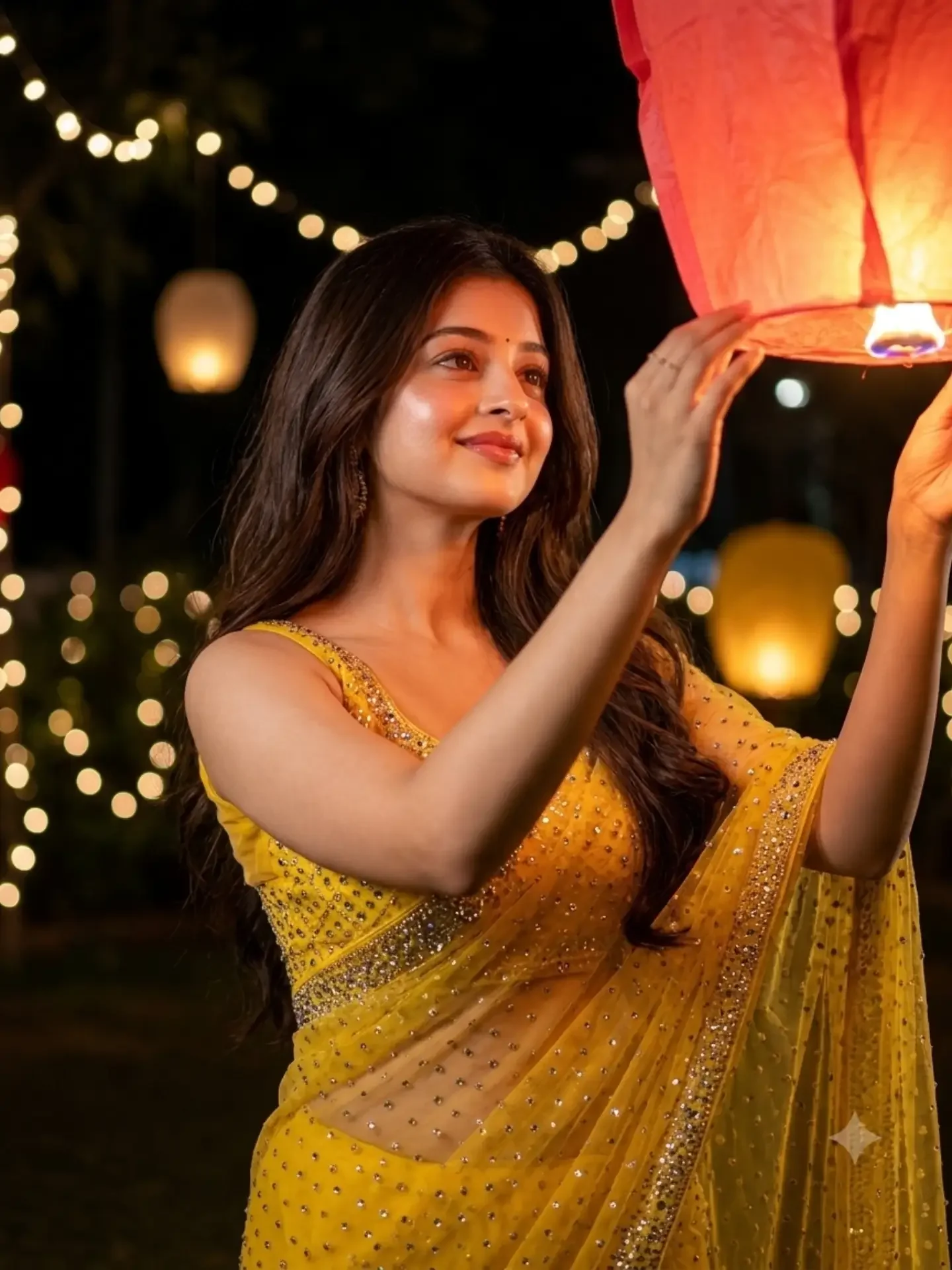
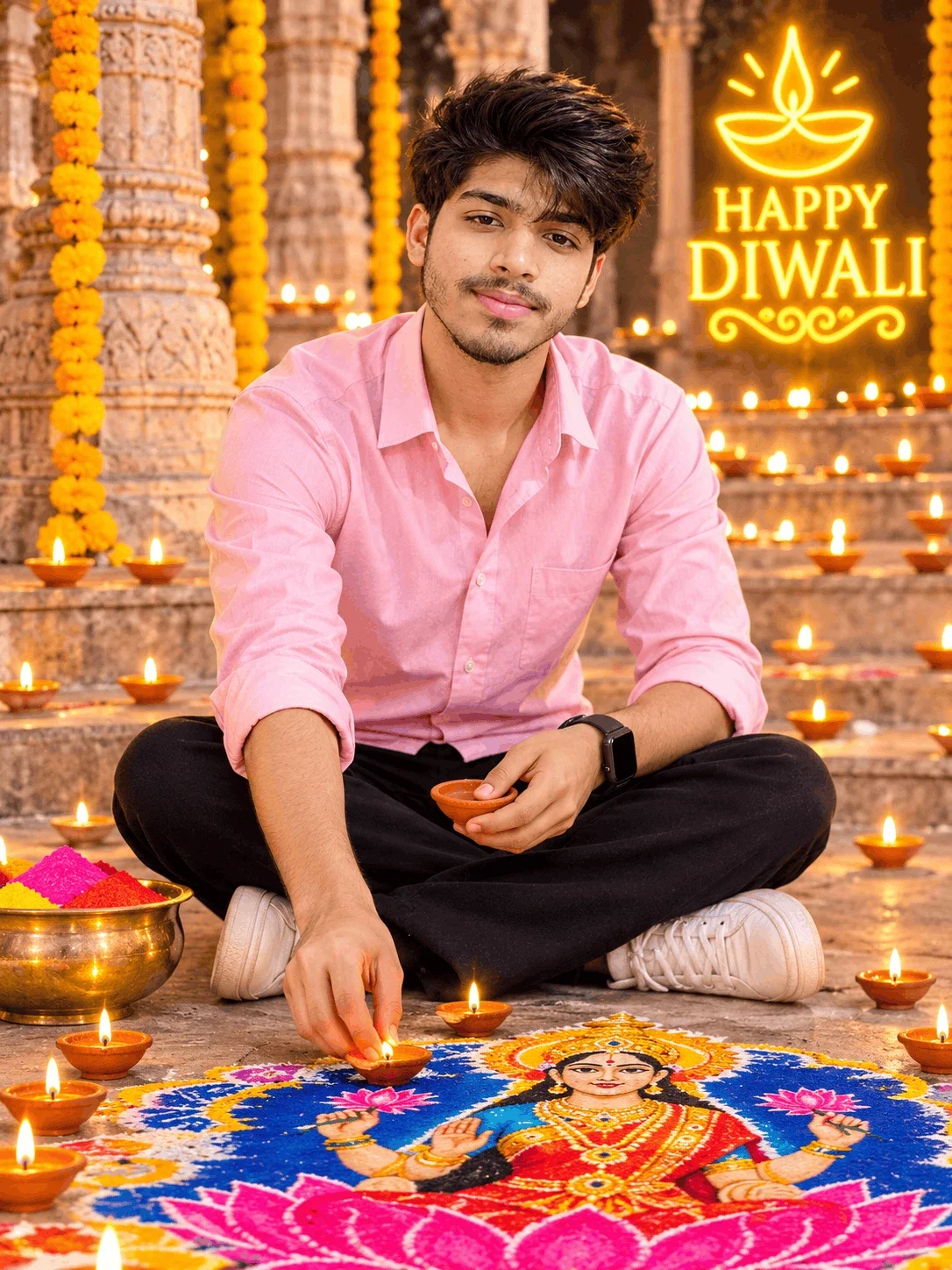
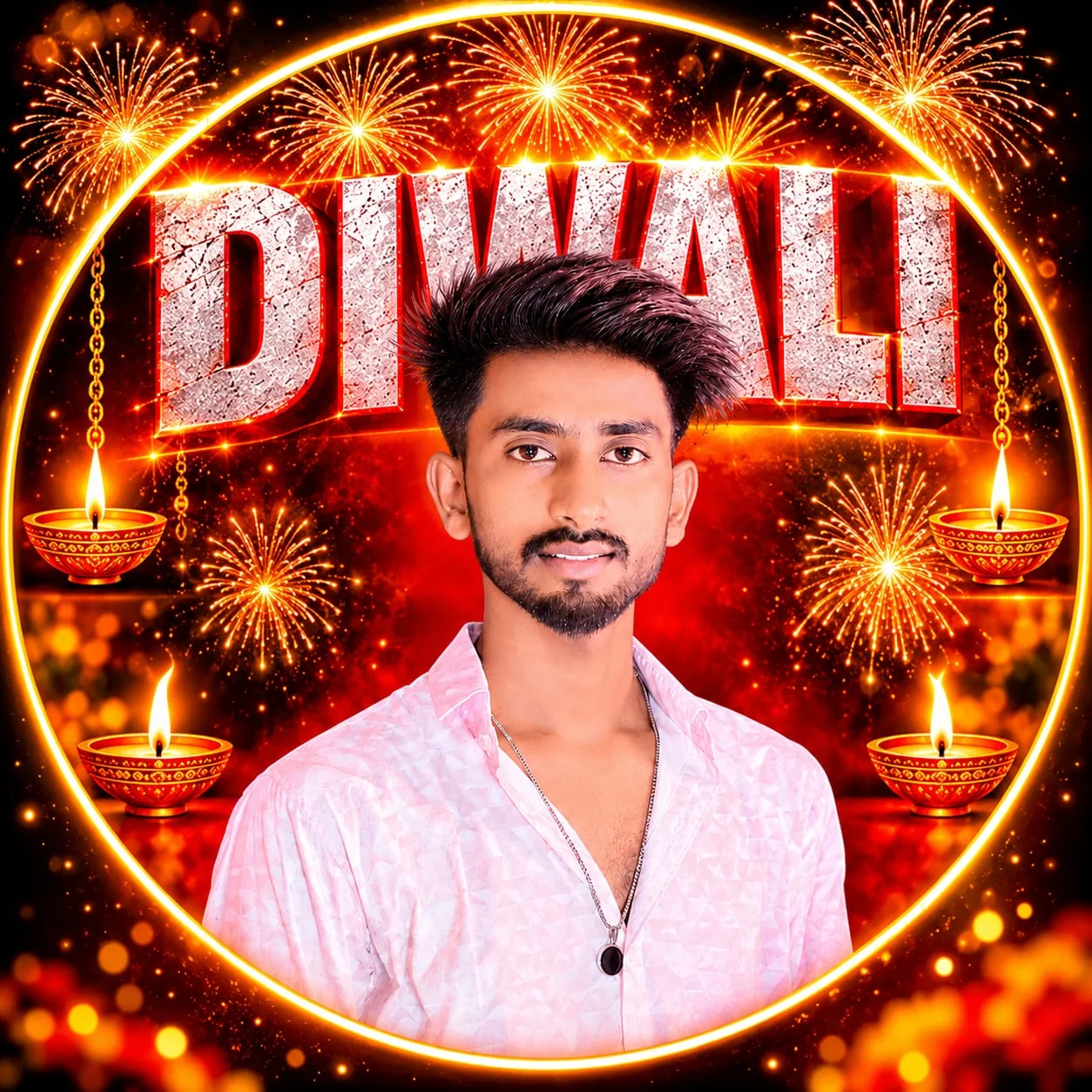
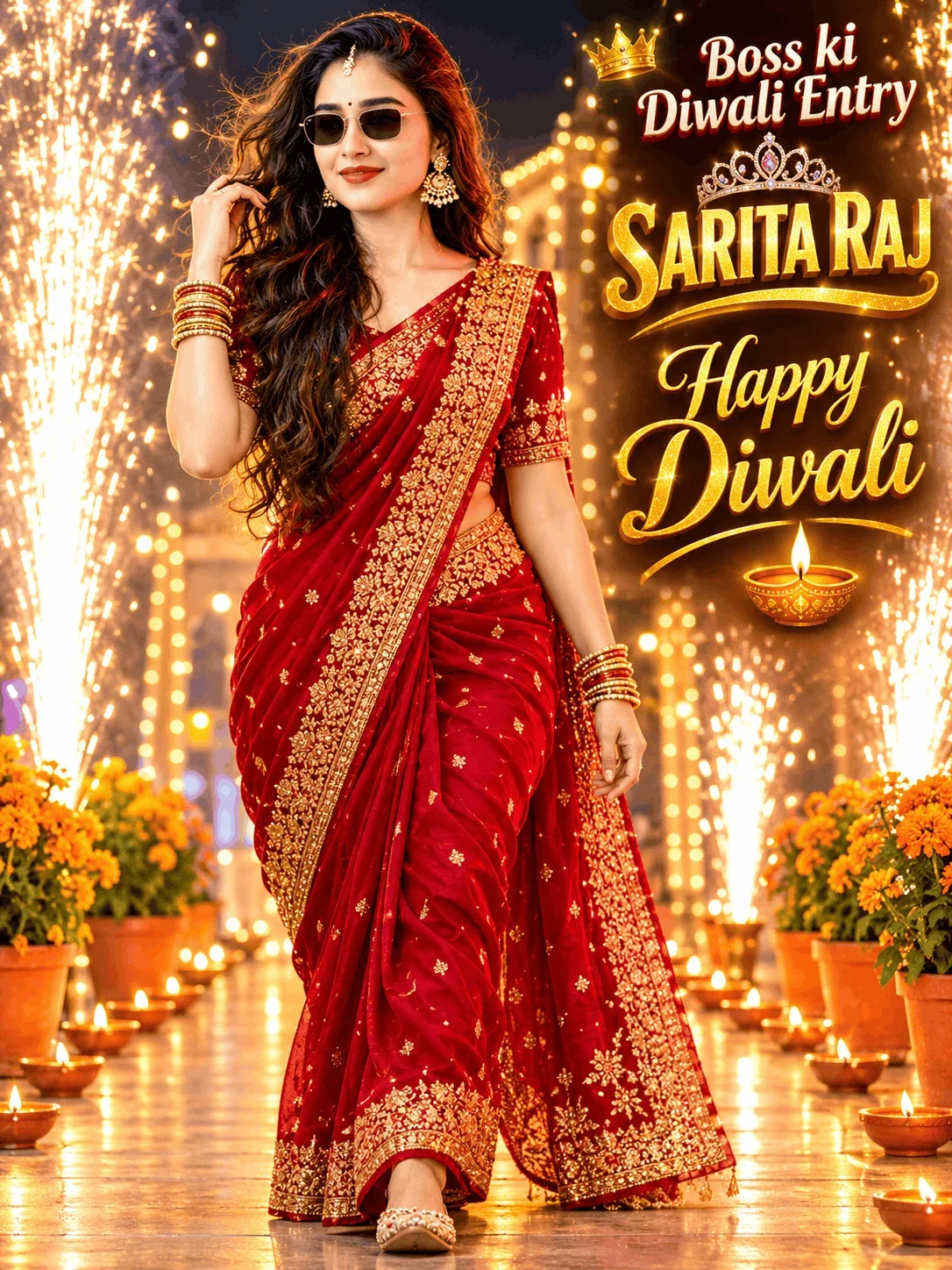
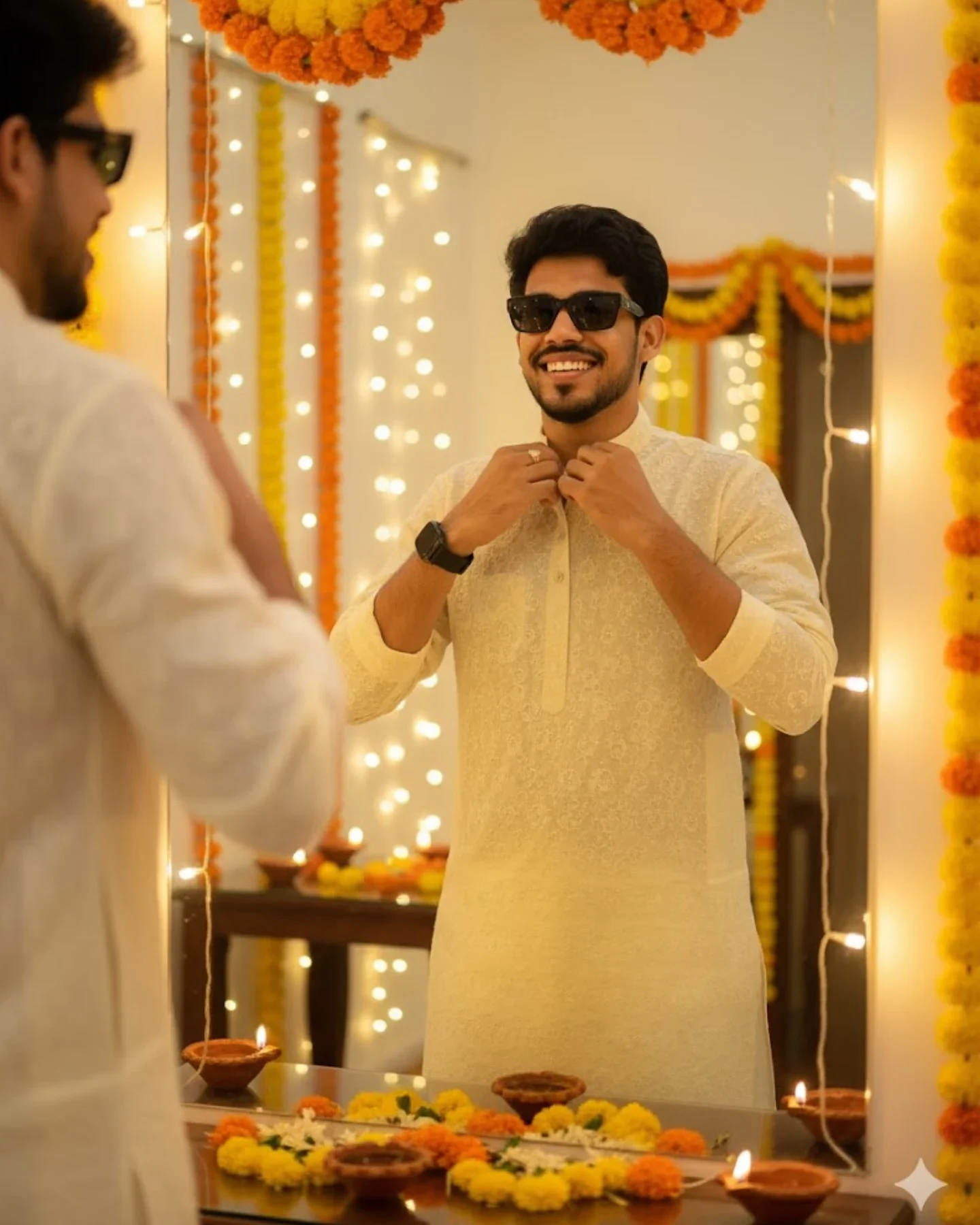
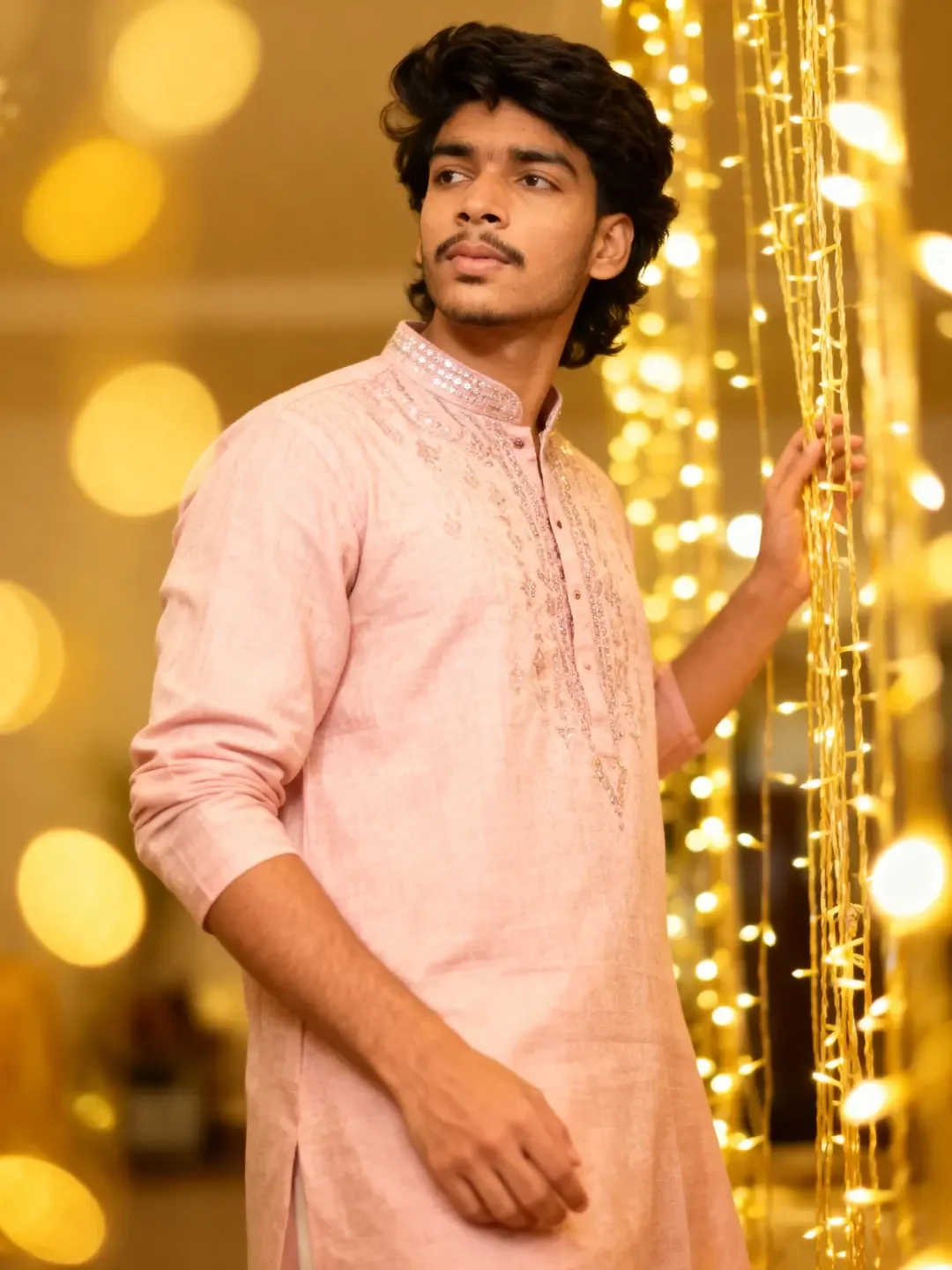
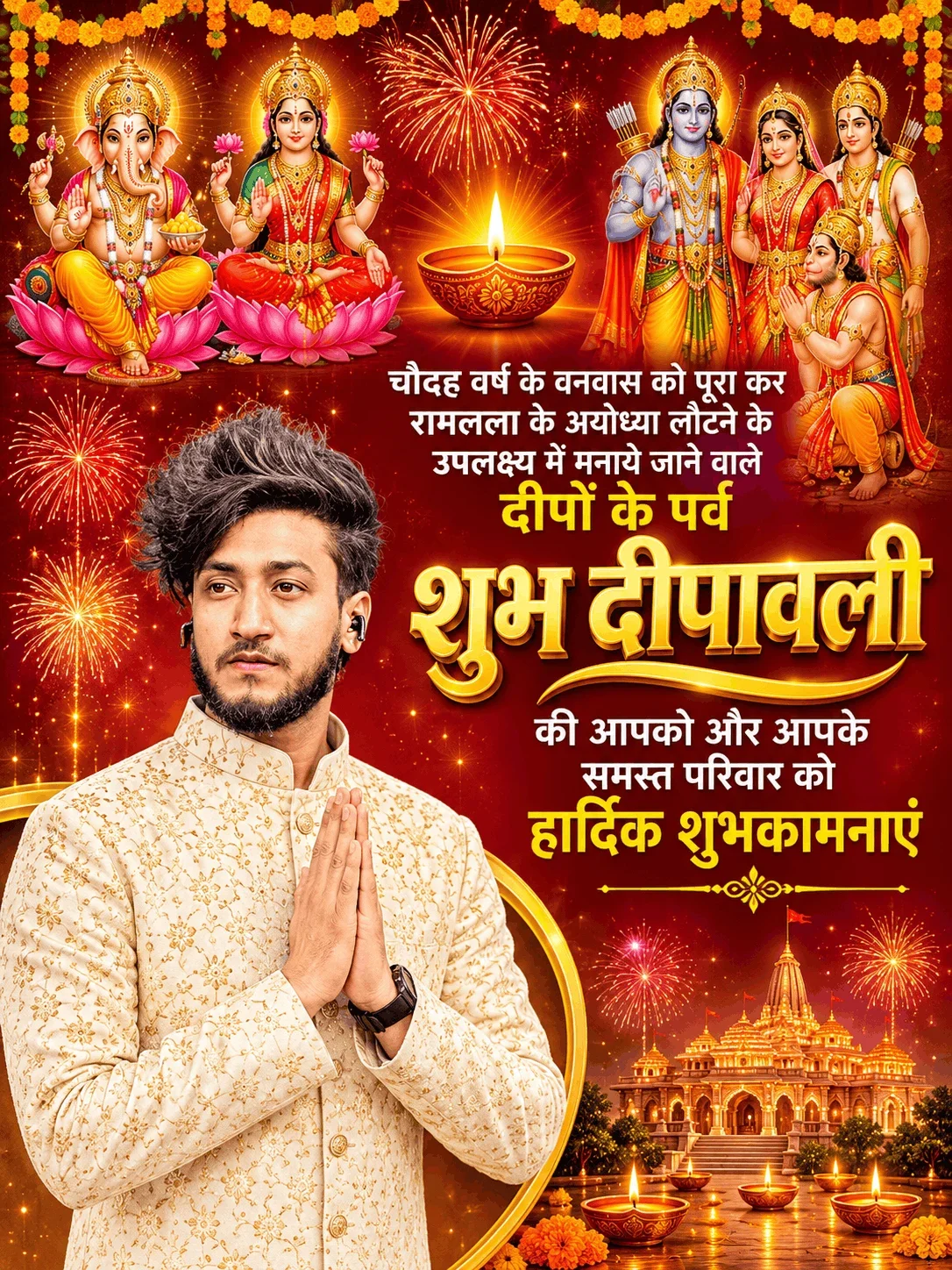
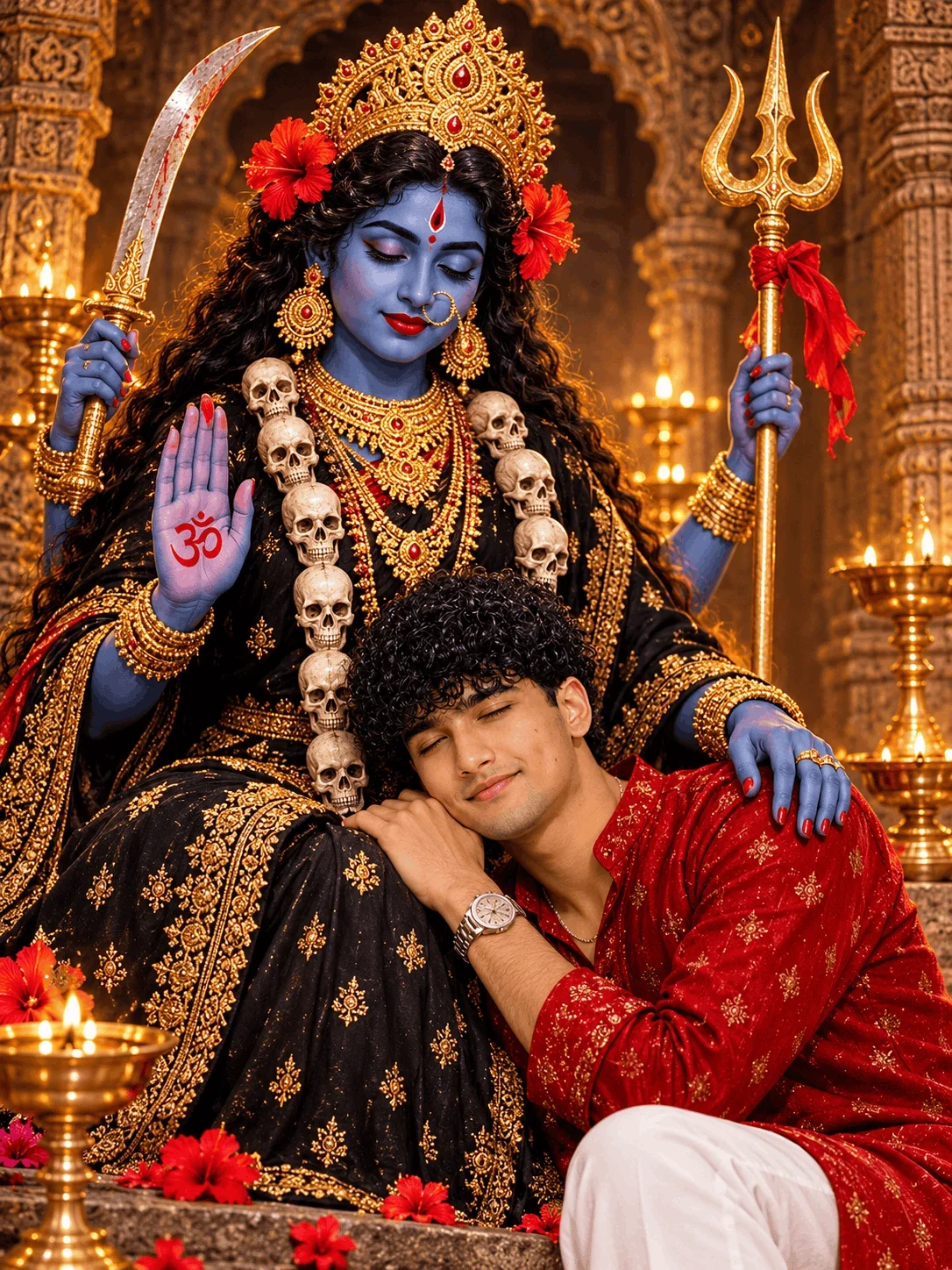
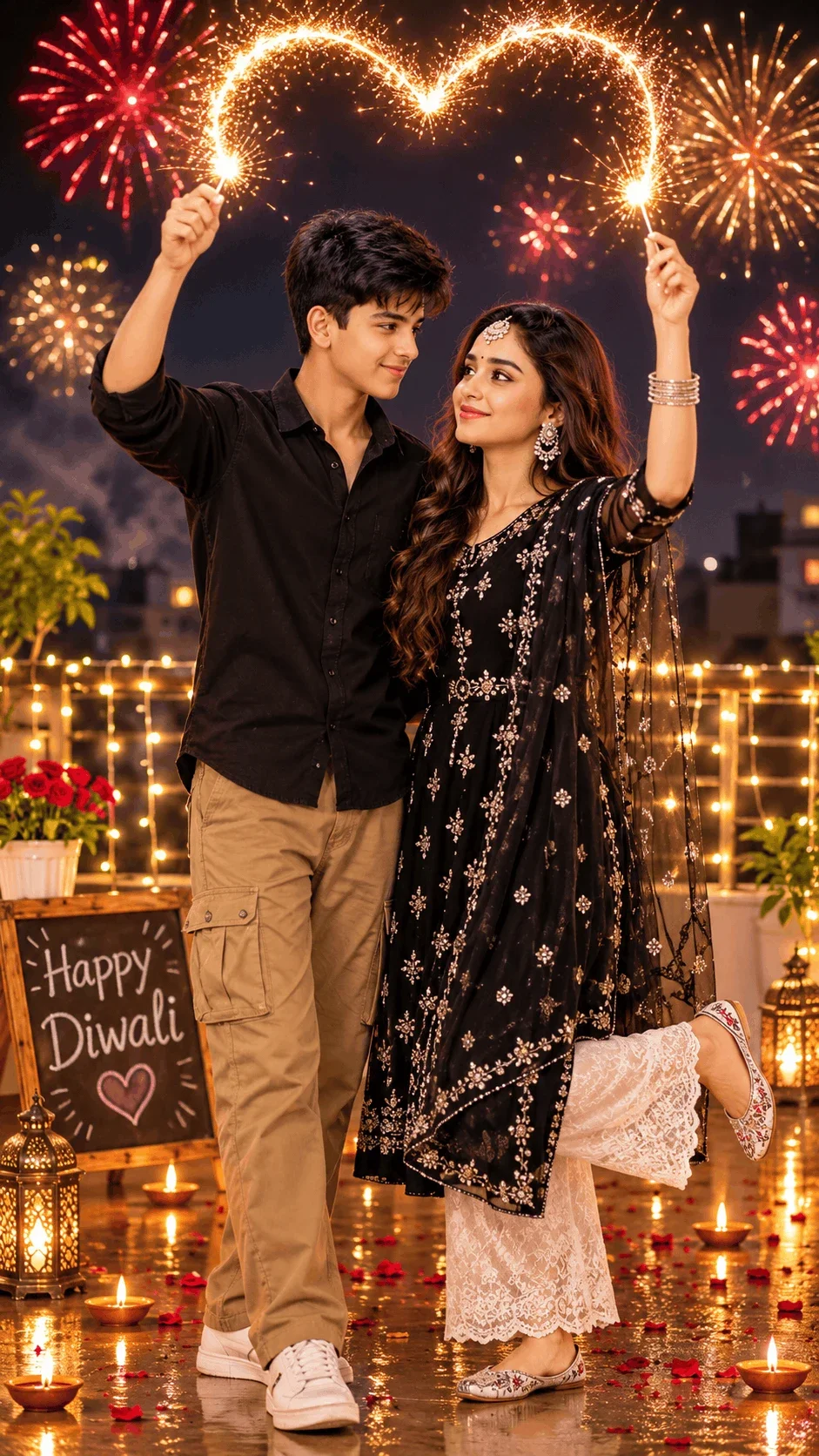
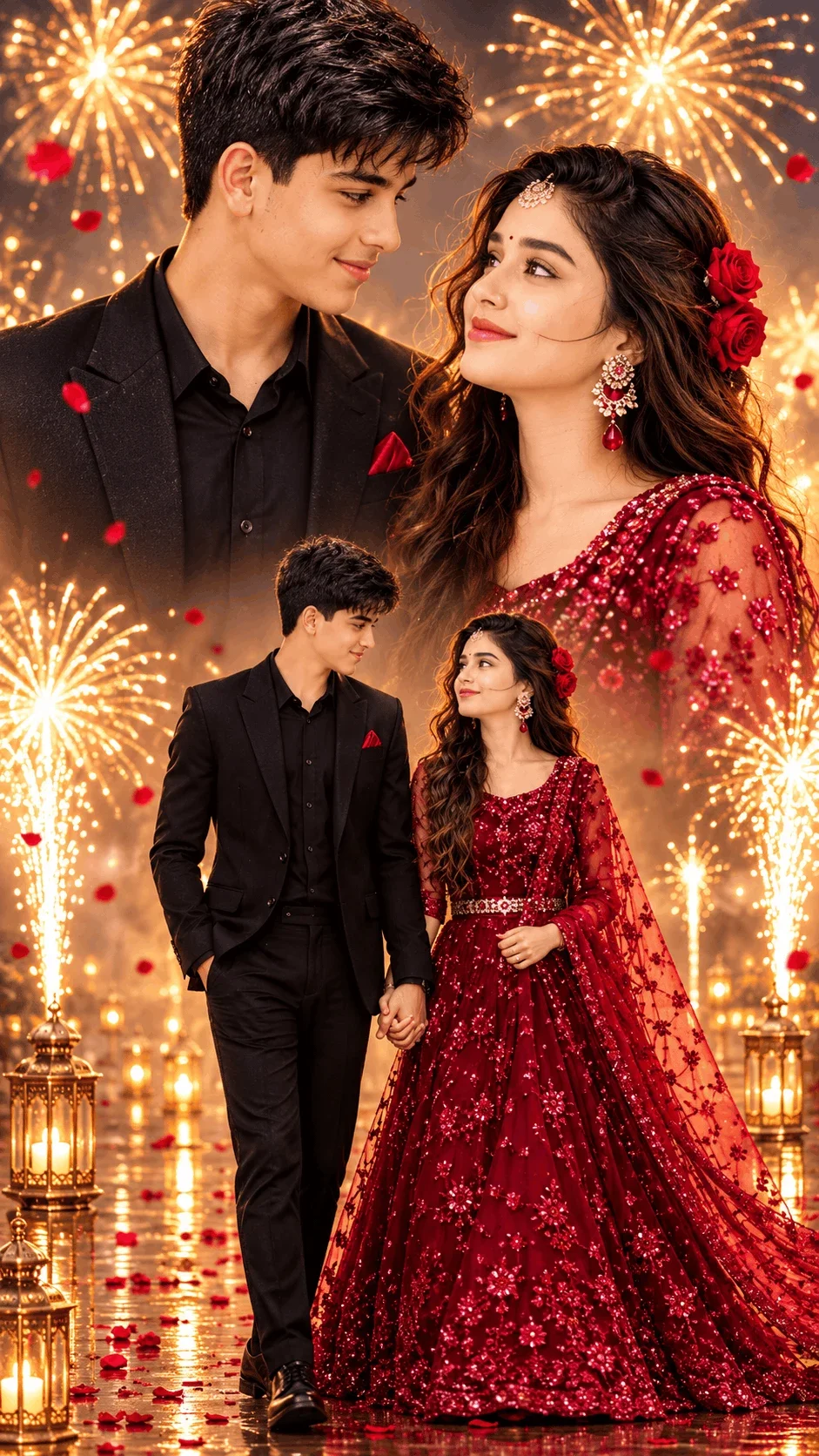
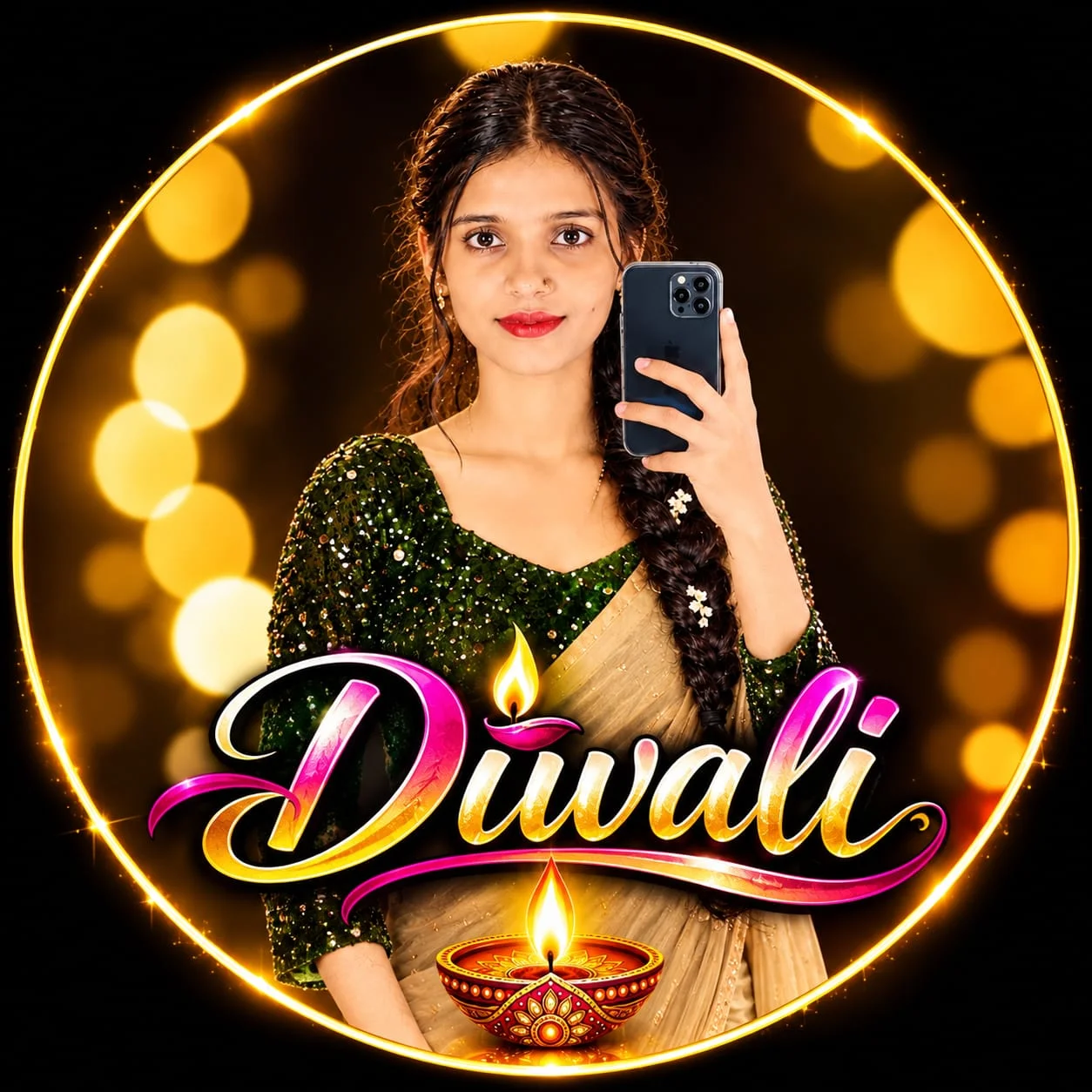
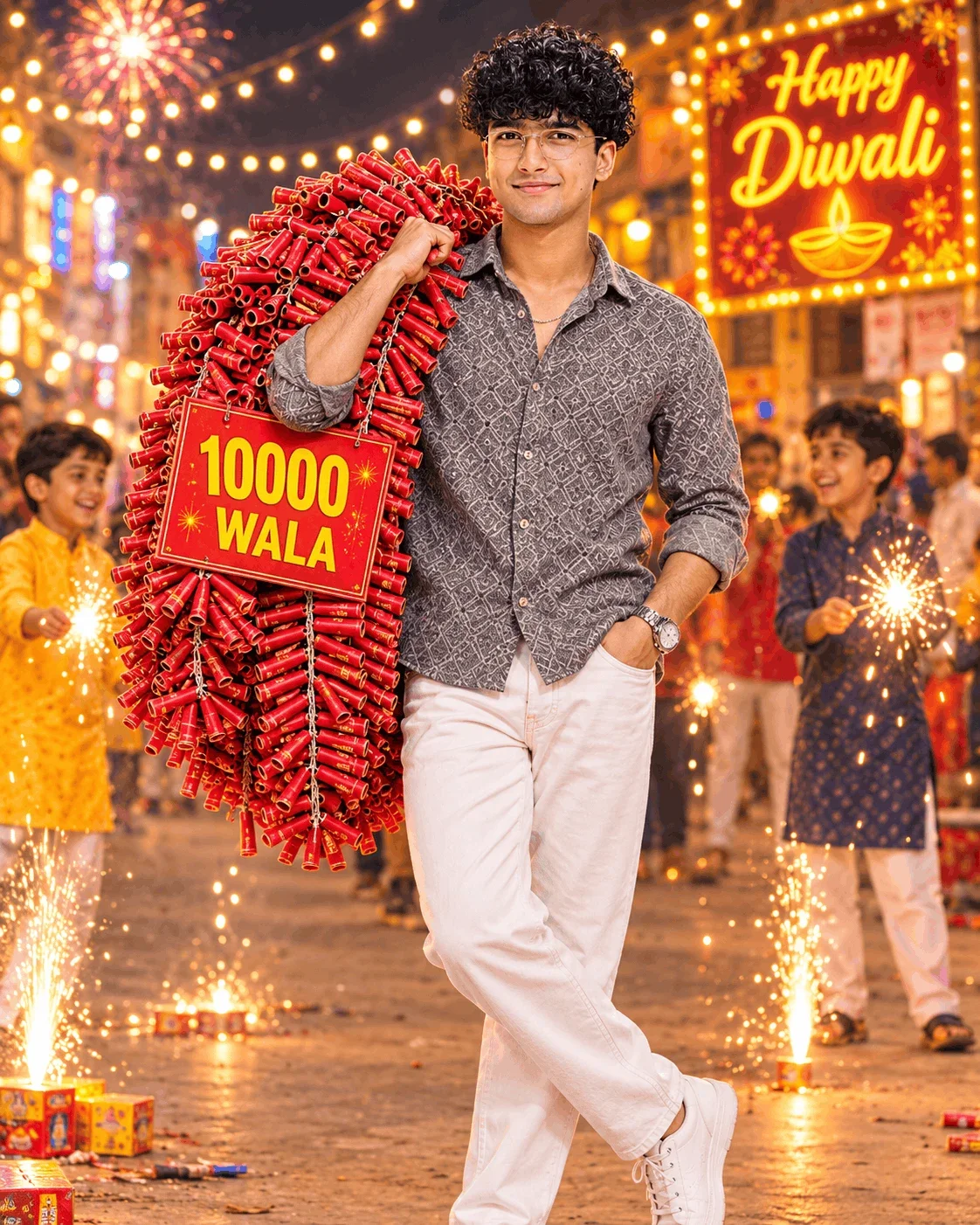
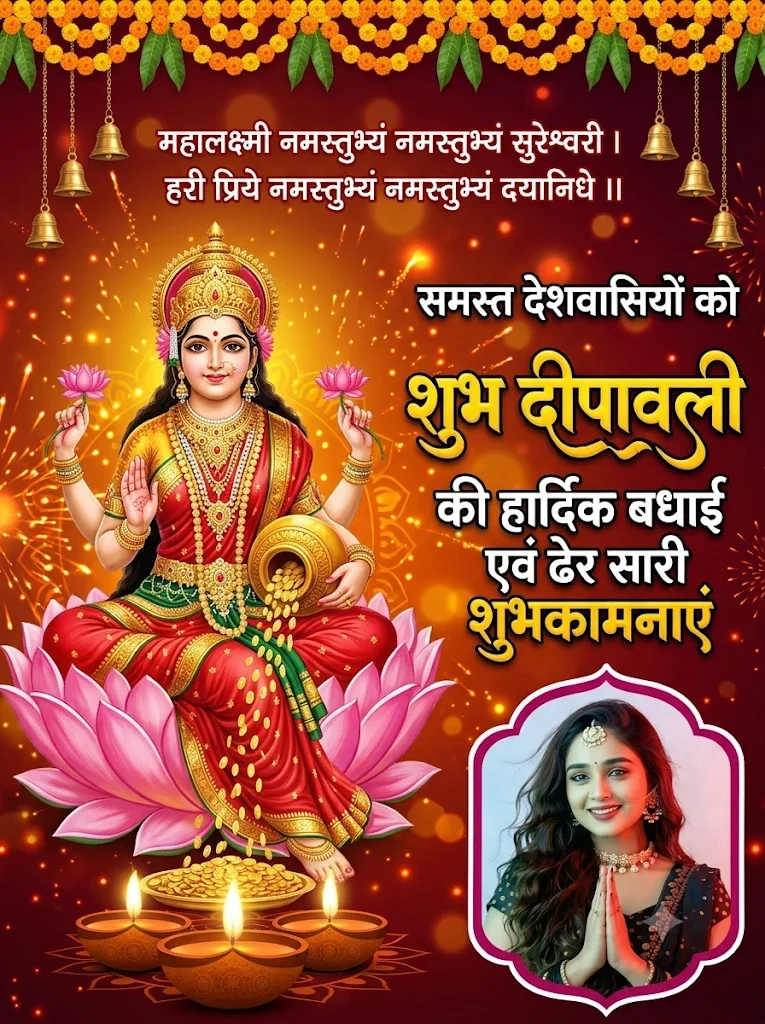
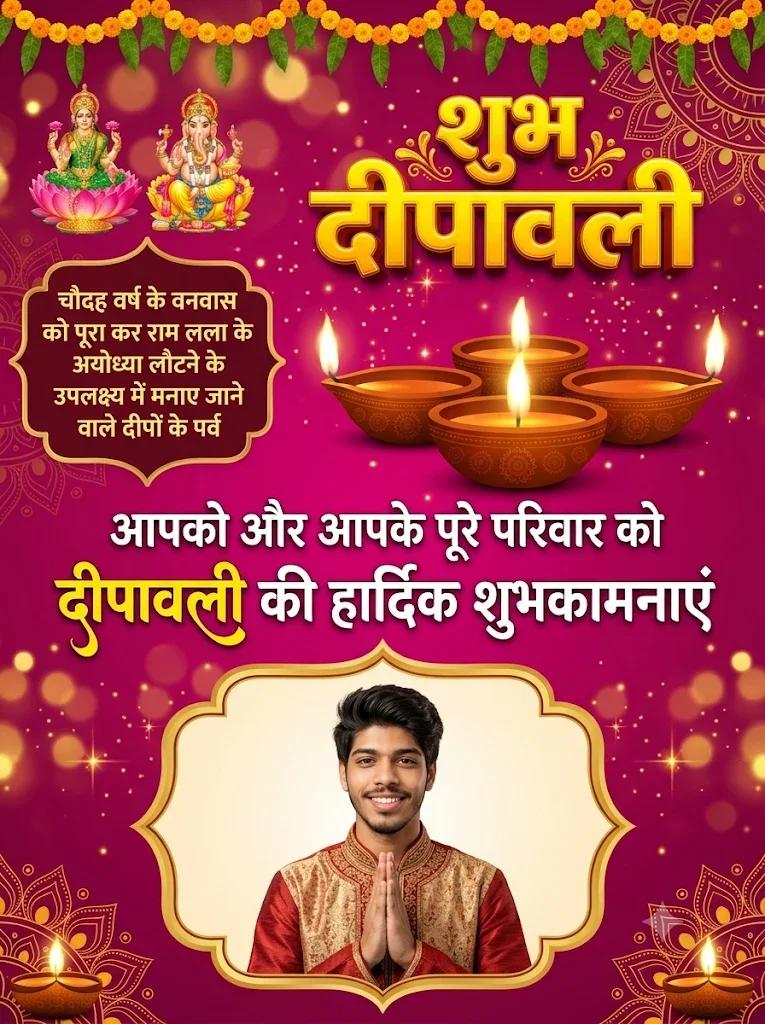
Vibrant traditional festive scenes including Diwali greetings with oil lamps (diyas), Navratri celebrations, Chhath Puja riverbank rituals, and Holi color bursts. These prompts incorporate golden hour cinematic rim lighting, traditional Indian ethnic wear (kurta, sherwani, embroidered lehengas), and authentic atmospheric bokeh.
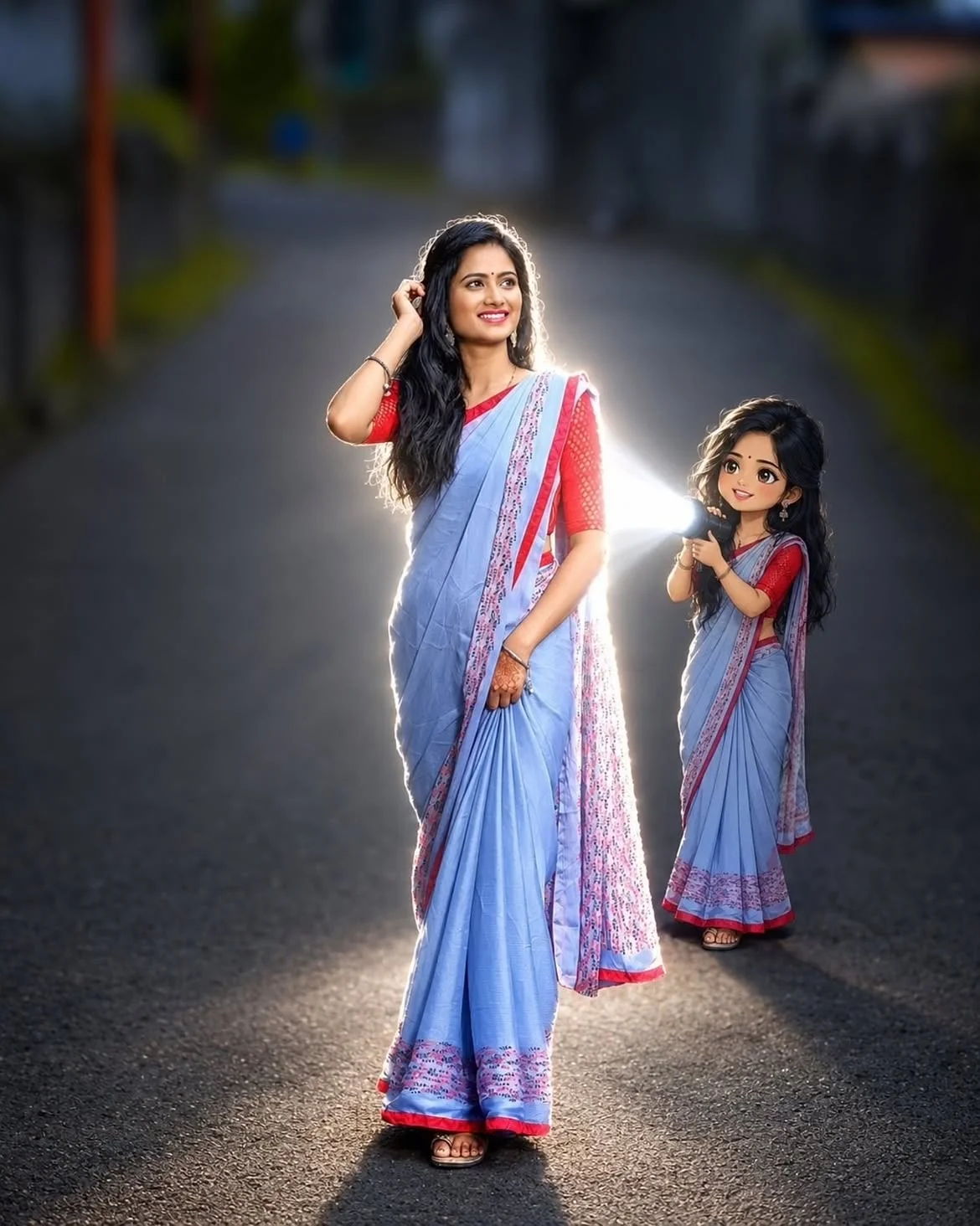
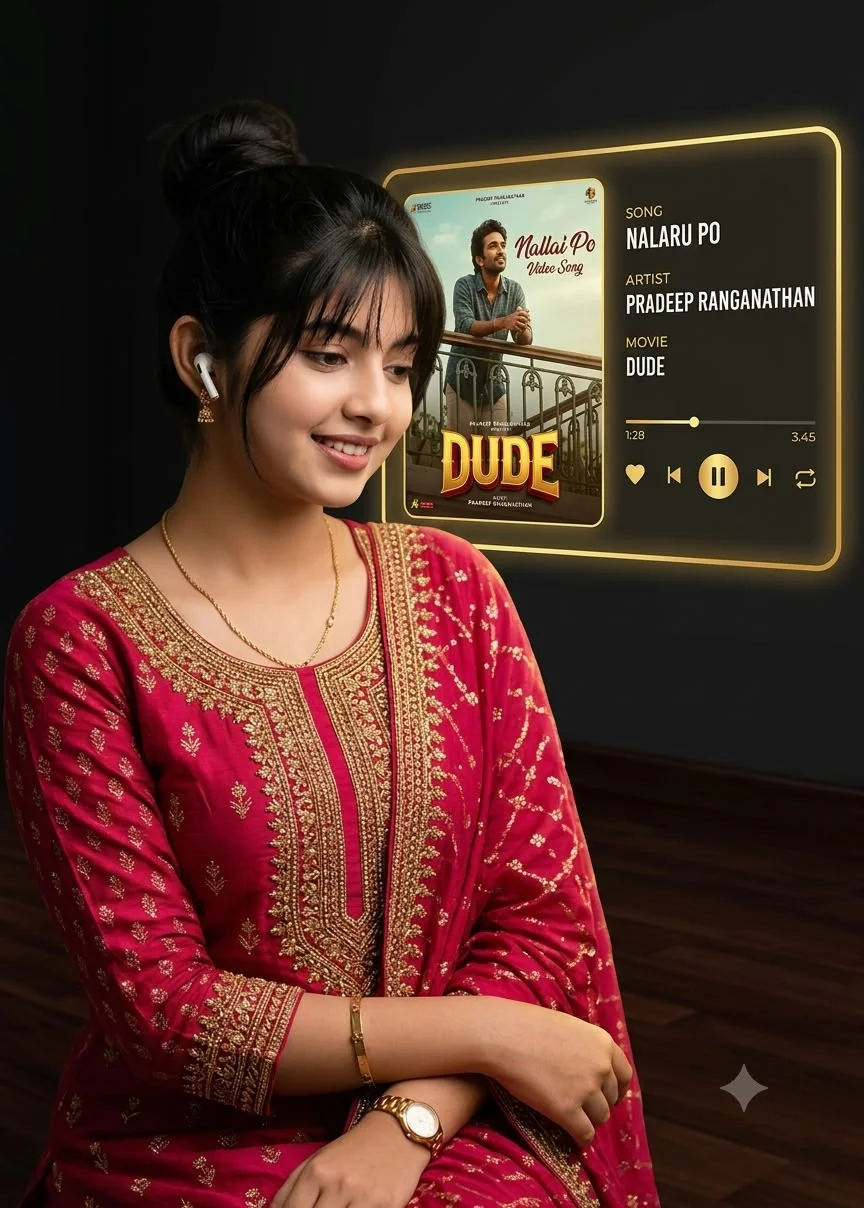
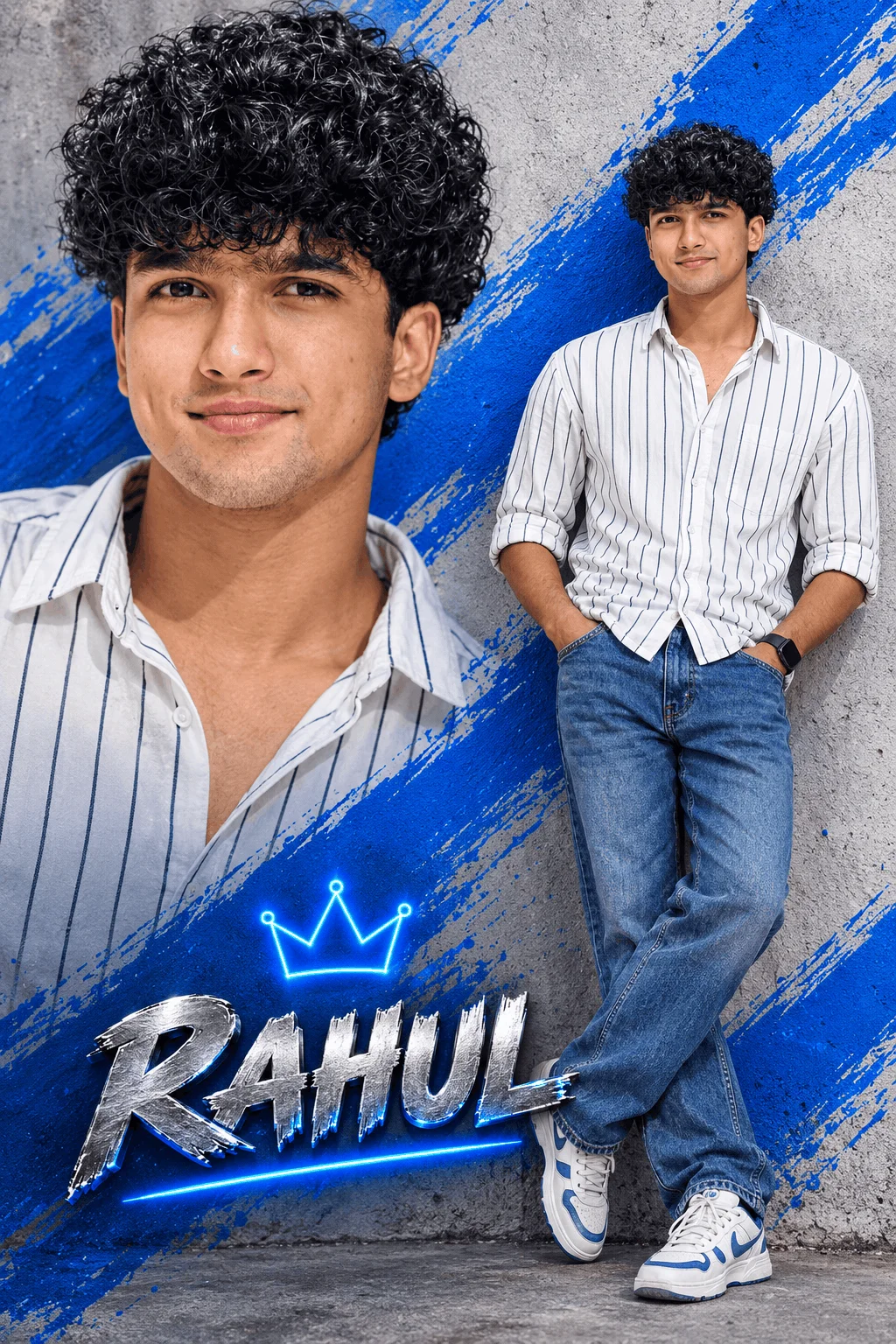
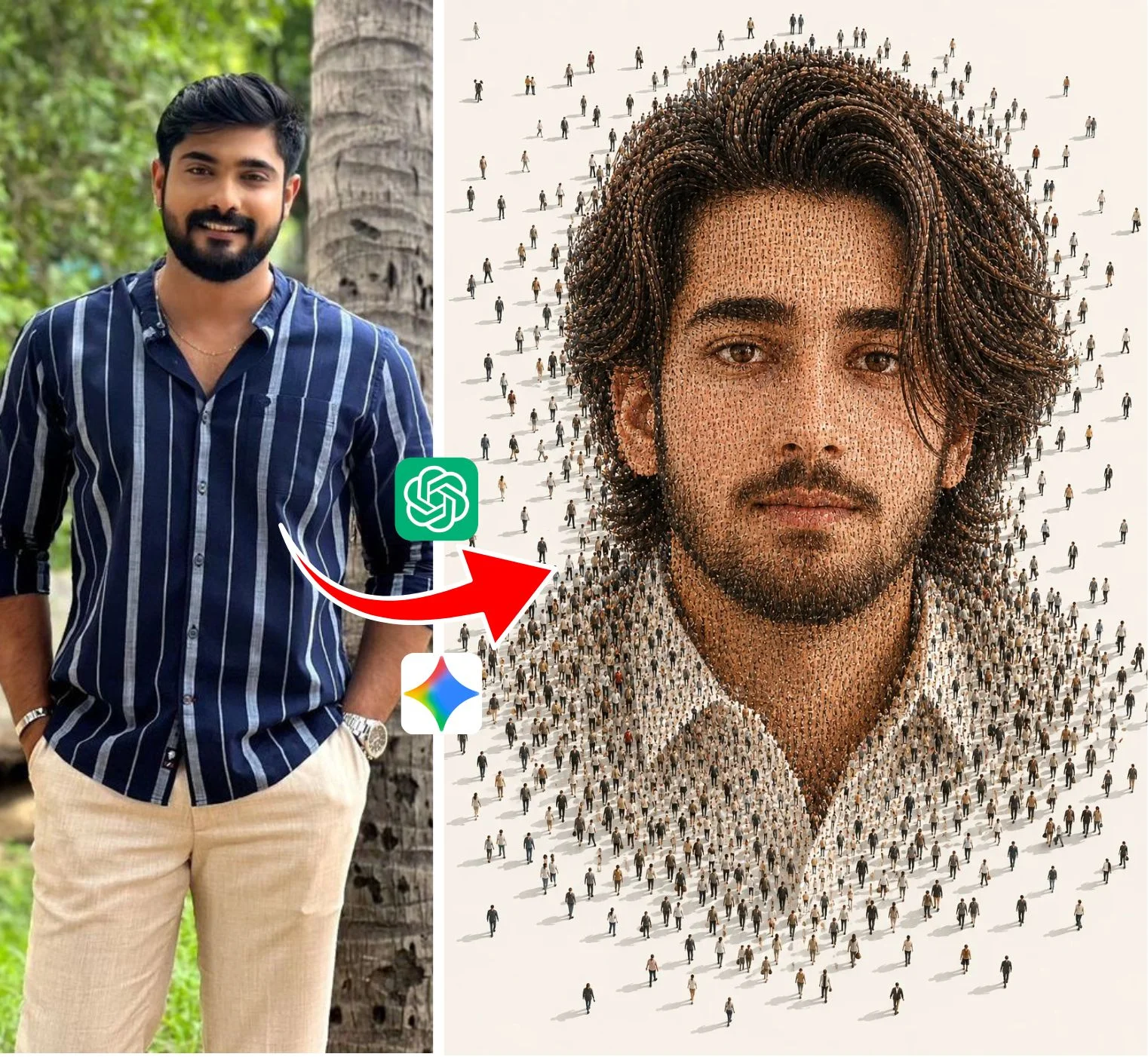
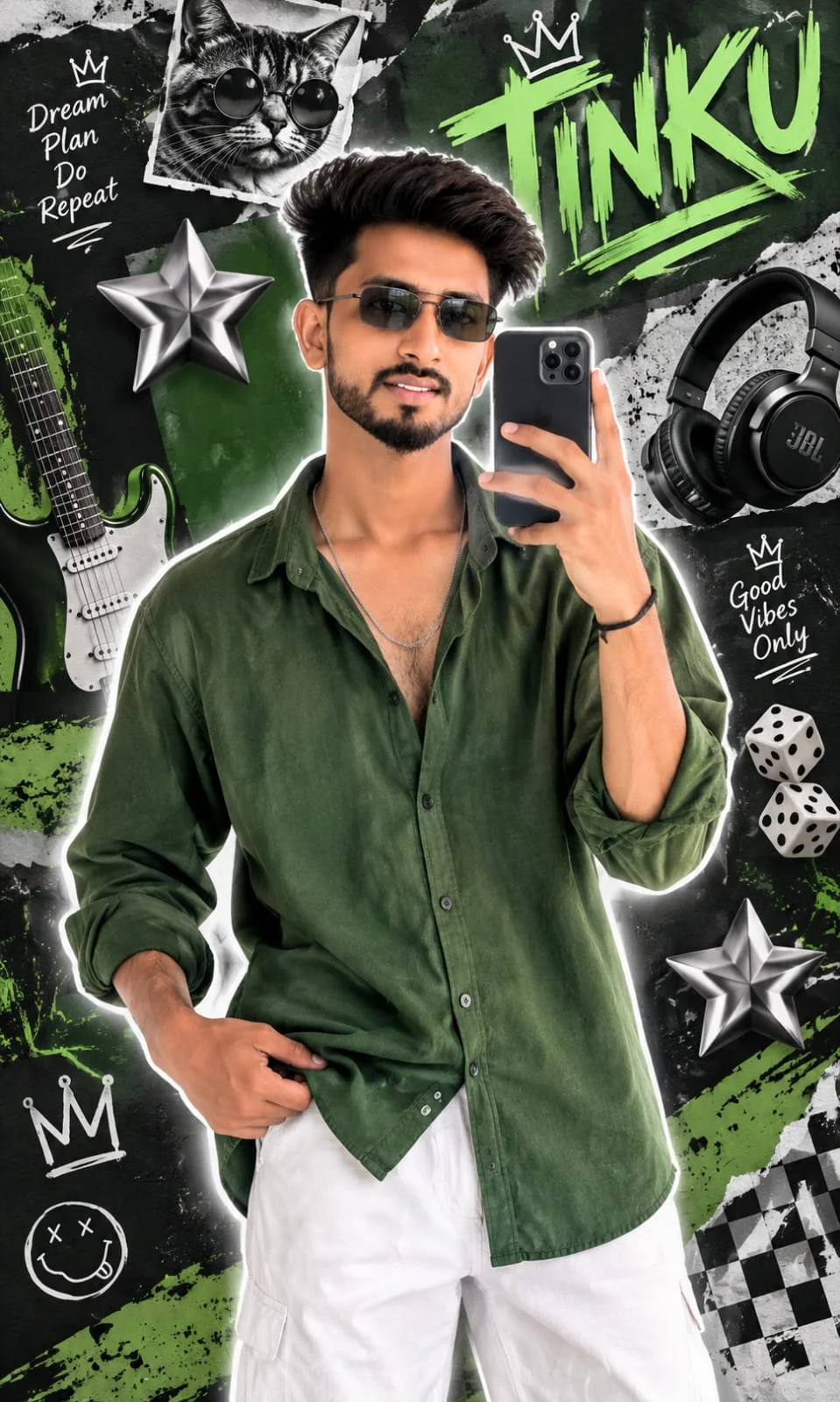
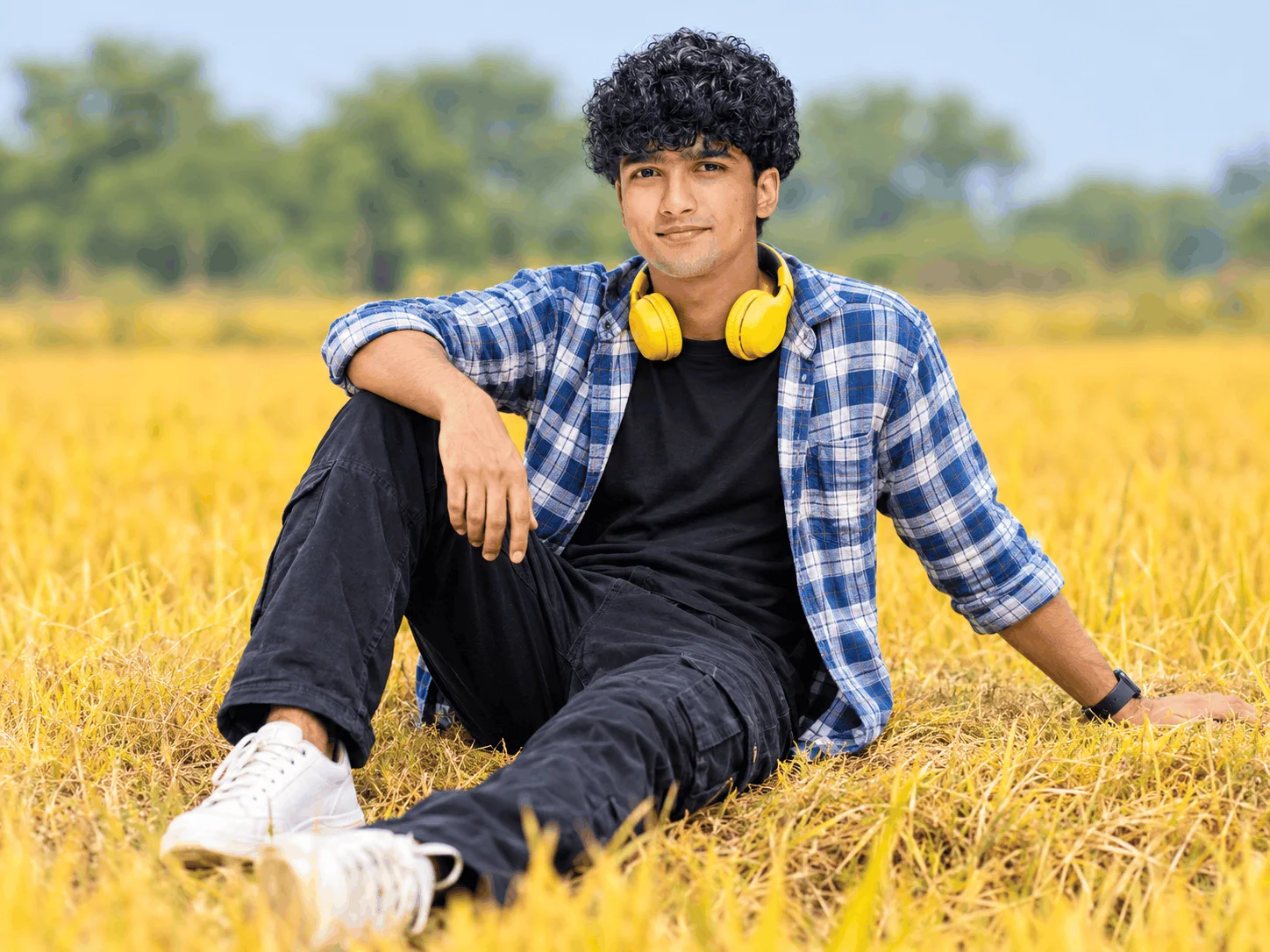
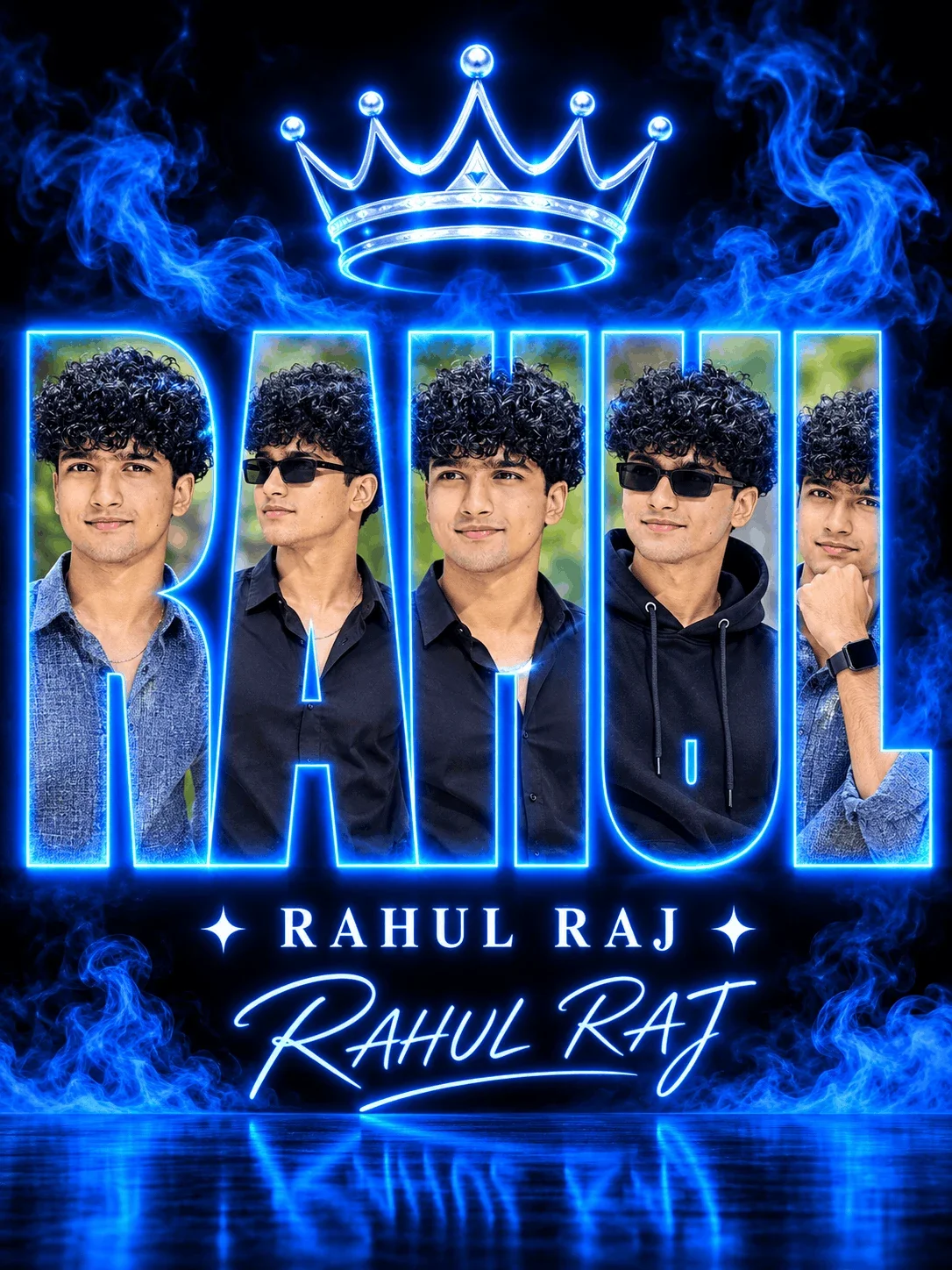
The viral 3D illustration style featuring a stylized character sitting casually on top of a social media logo (Instagram, YouTube, WhatsApp) with customizable 3D neon acrylic typography displaying your name on the background wall.
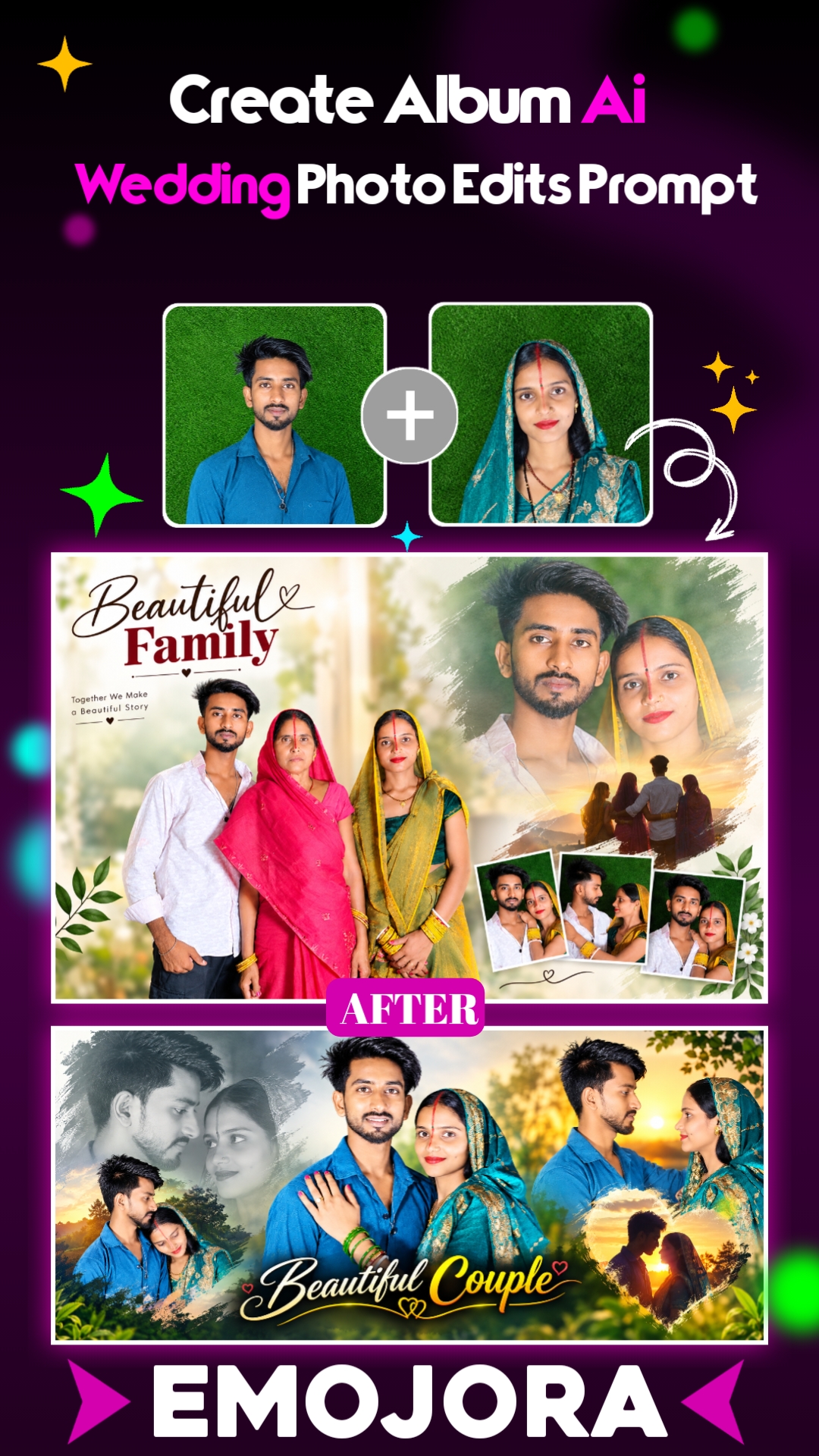
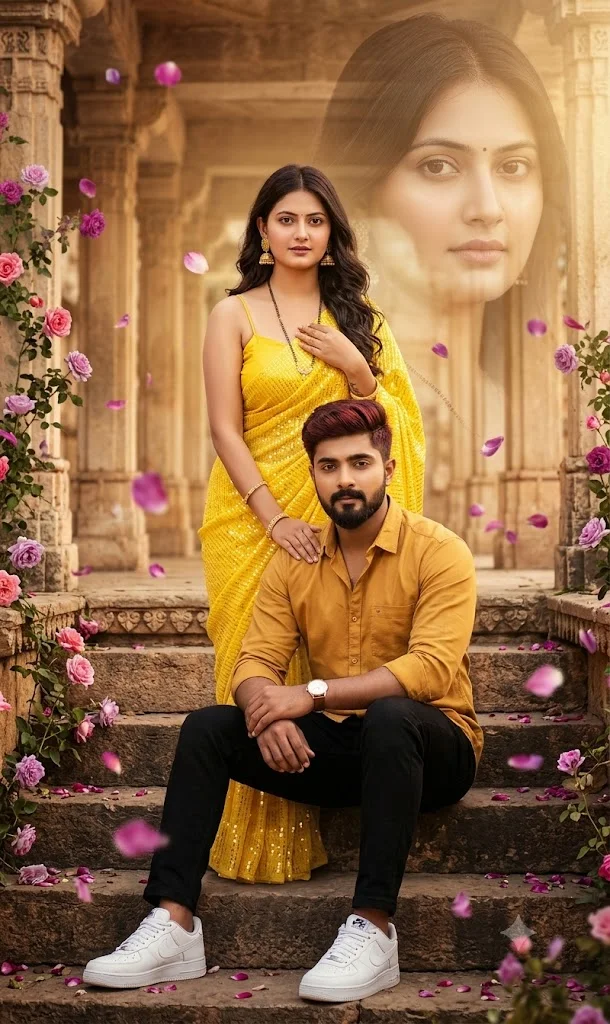
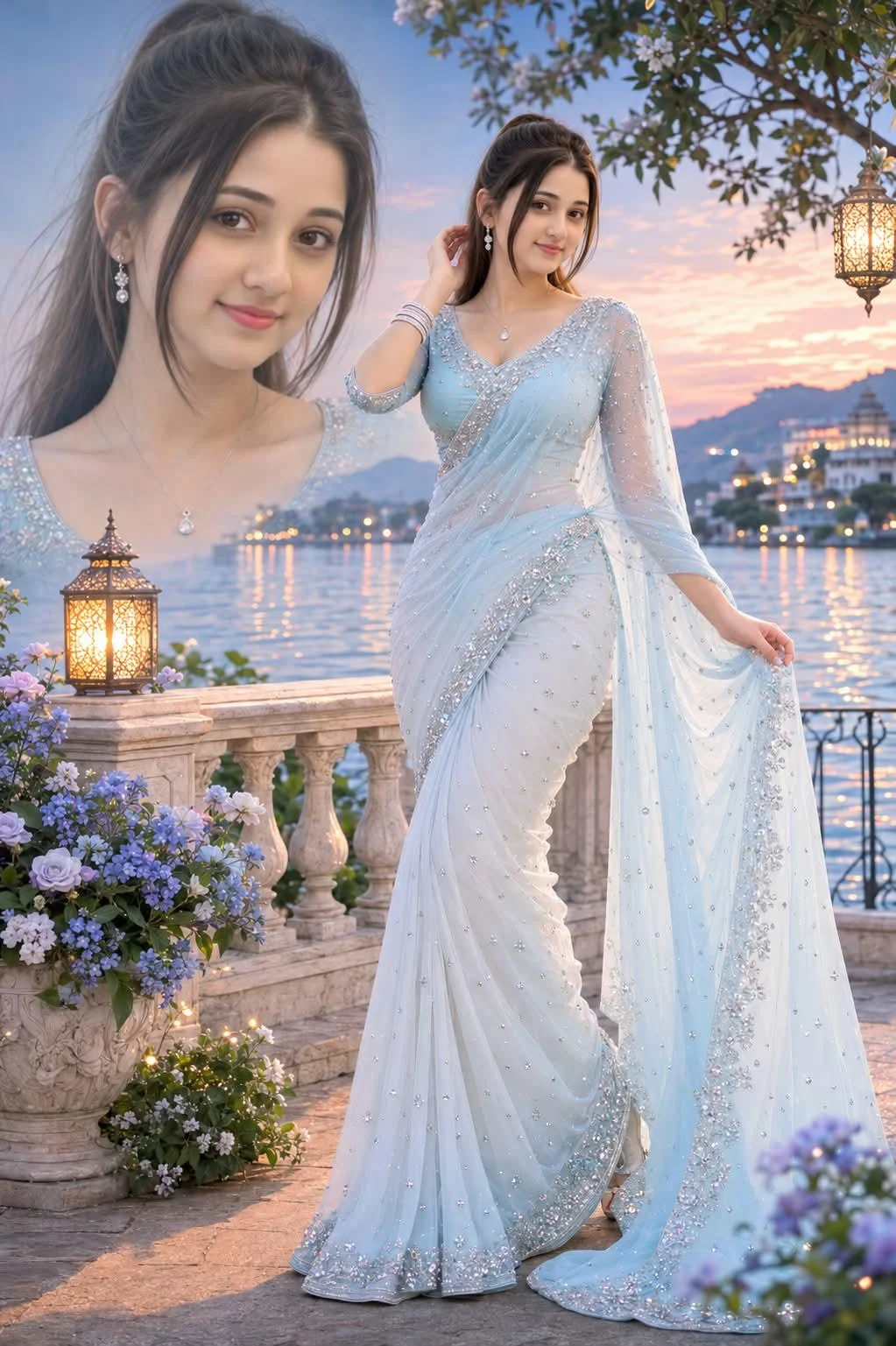
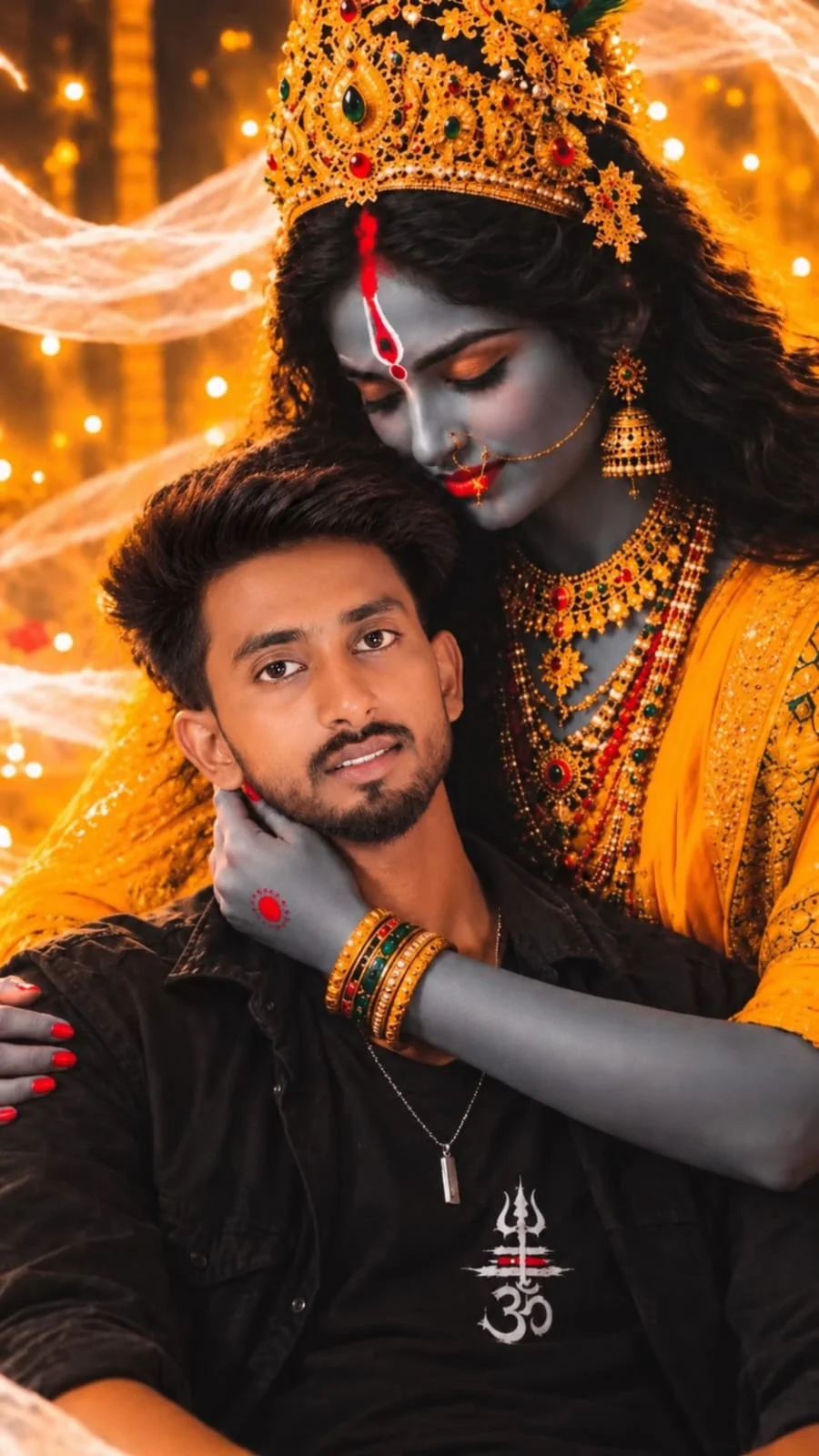
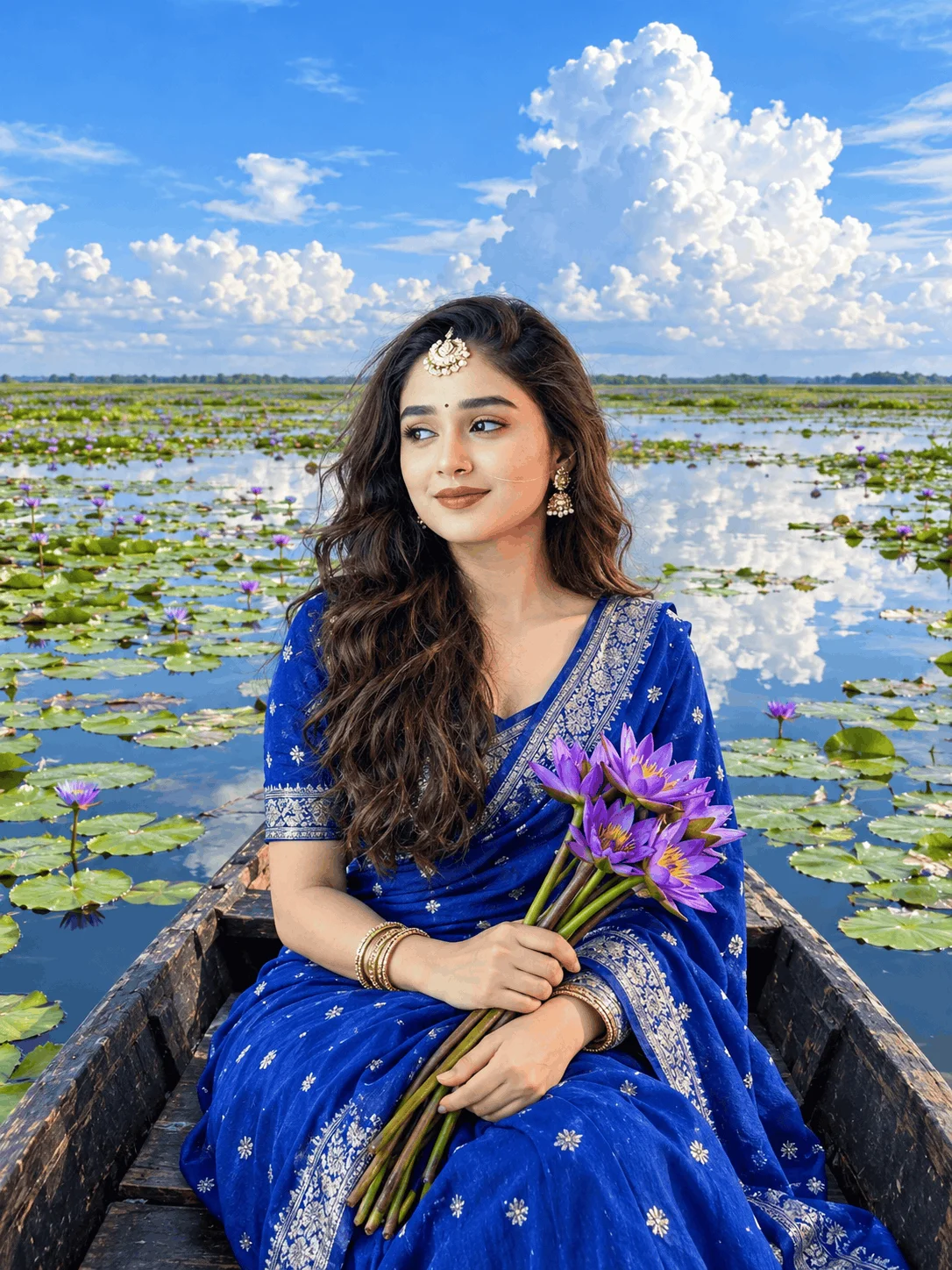
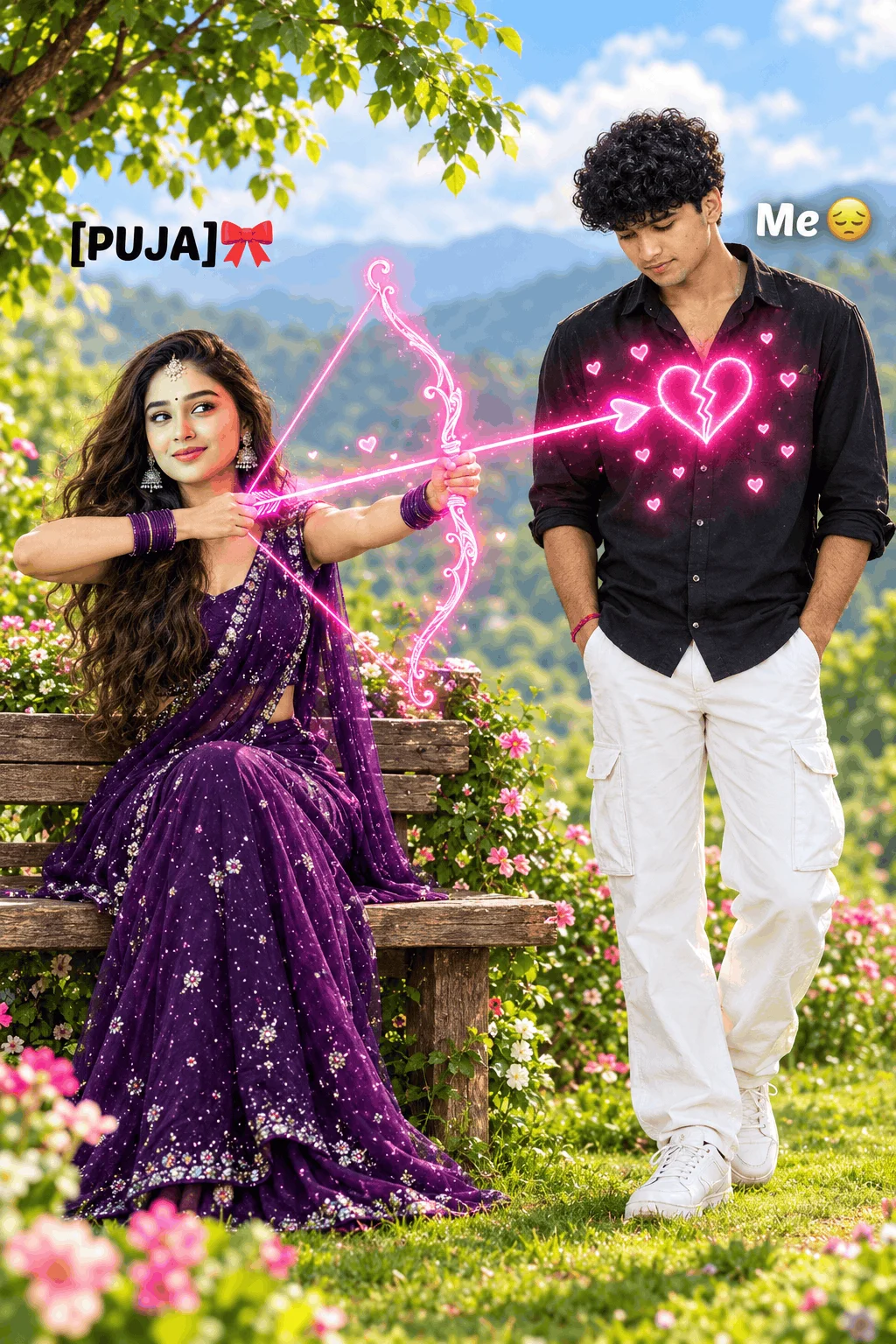
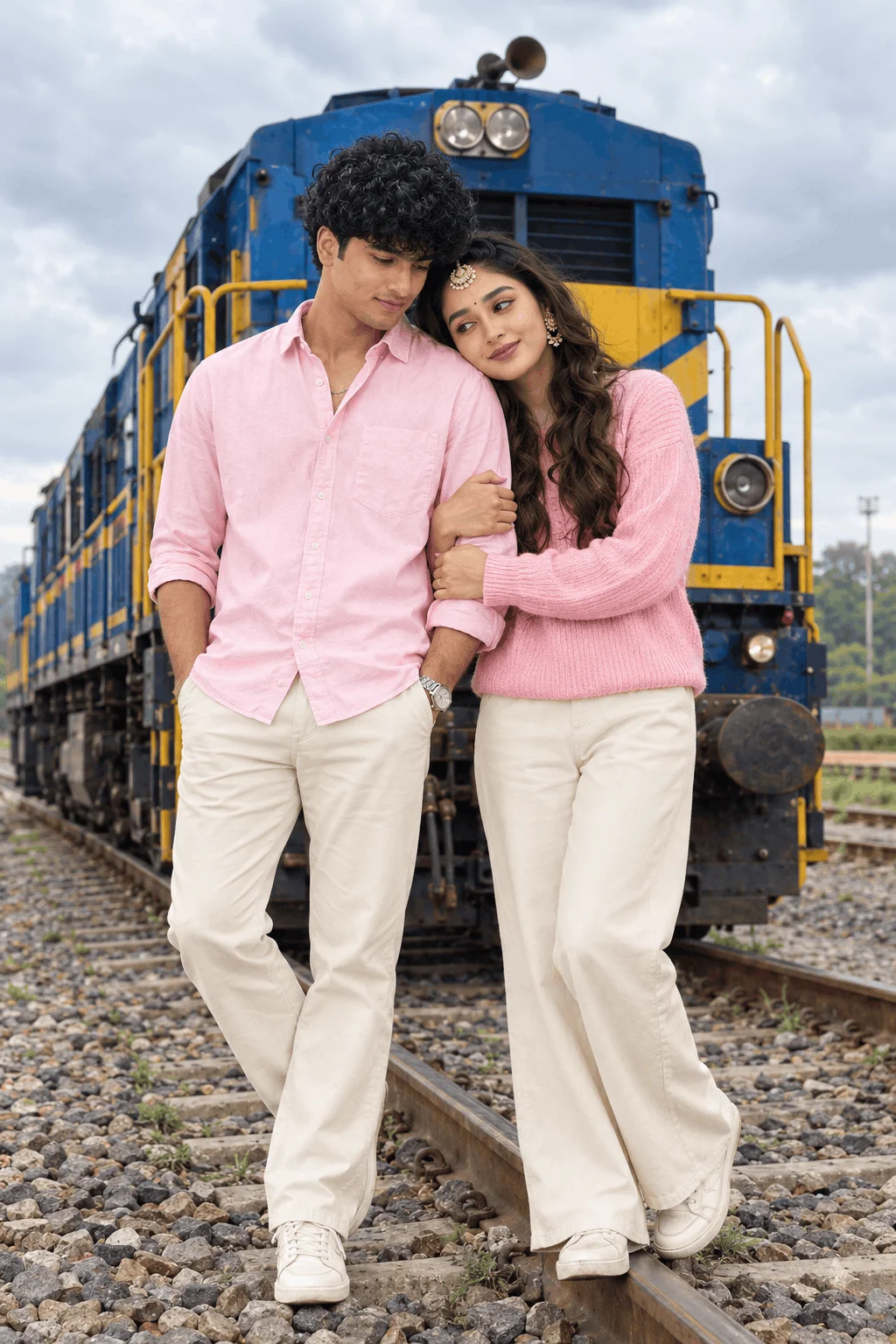
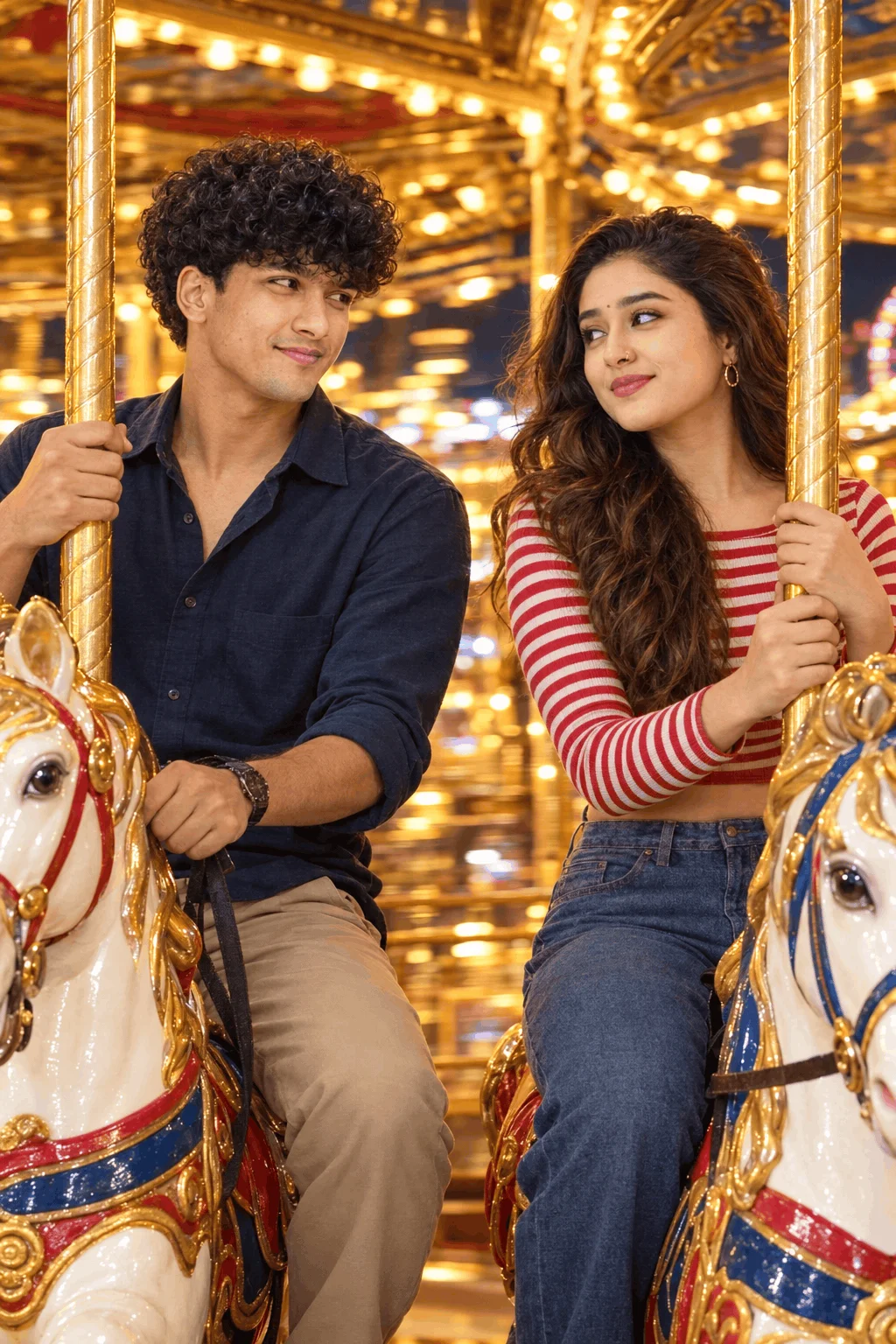
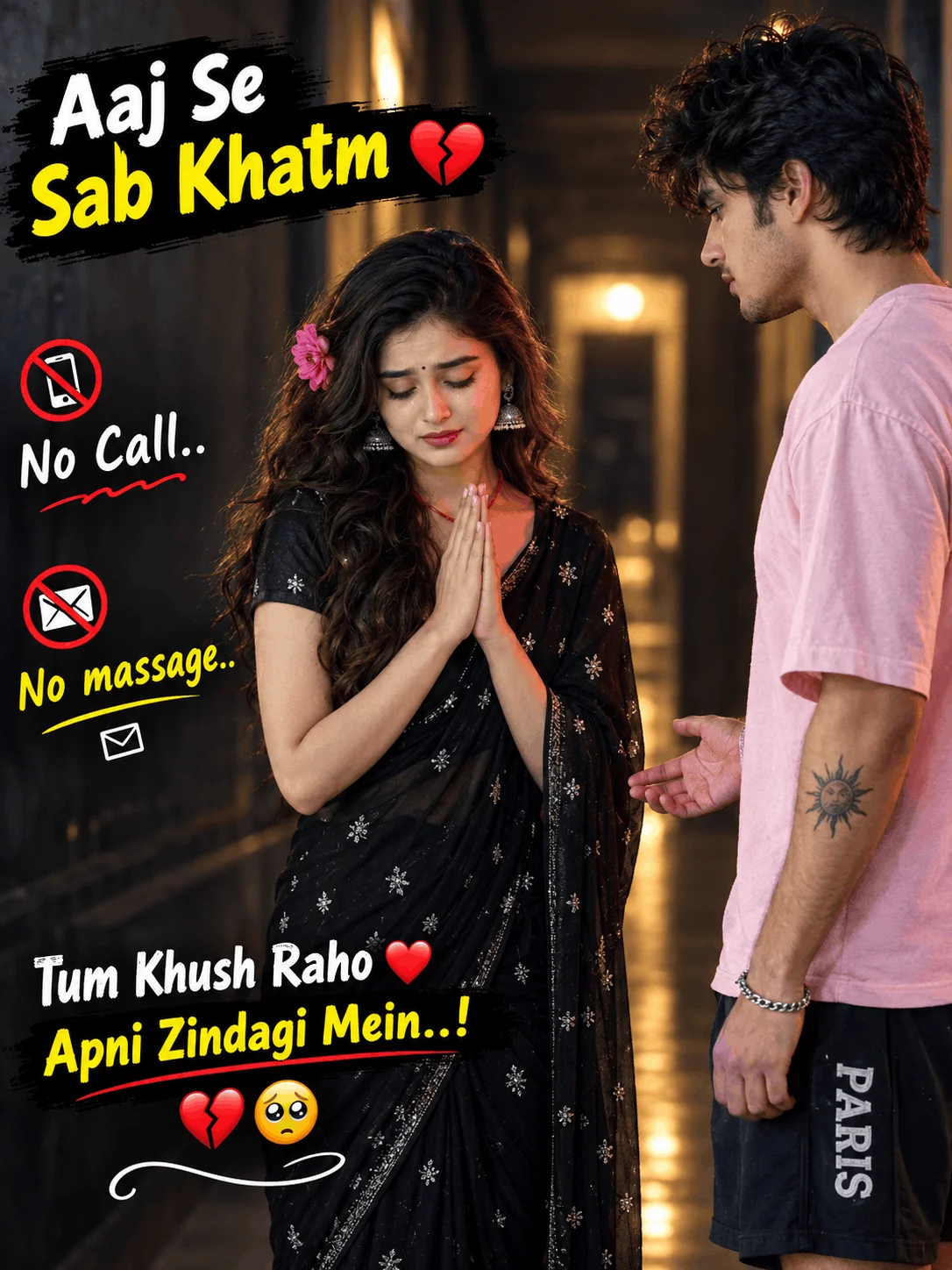
Cinematic couple portraits framed against architectural heritage sites, starry dusk skylines, or cozy café interiors. Designed with realistic physical proportions, depth of field (85mm f/1.4 lens profile), and natural posture dynamics.
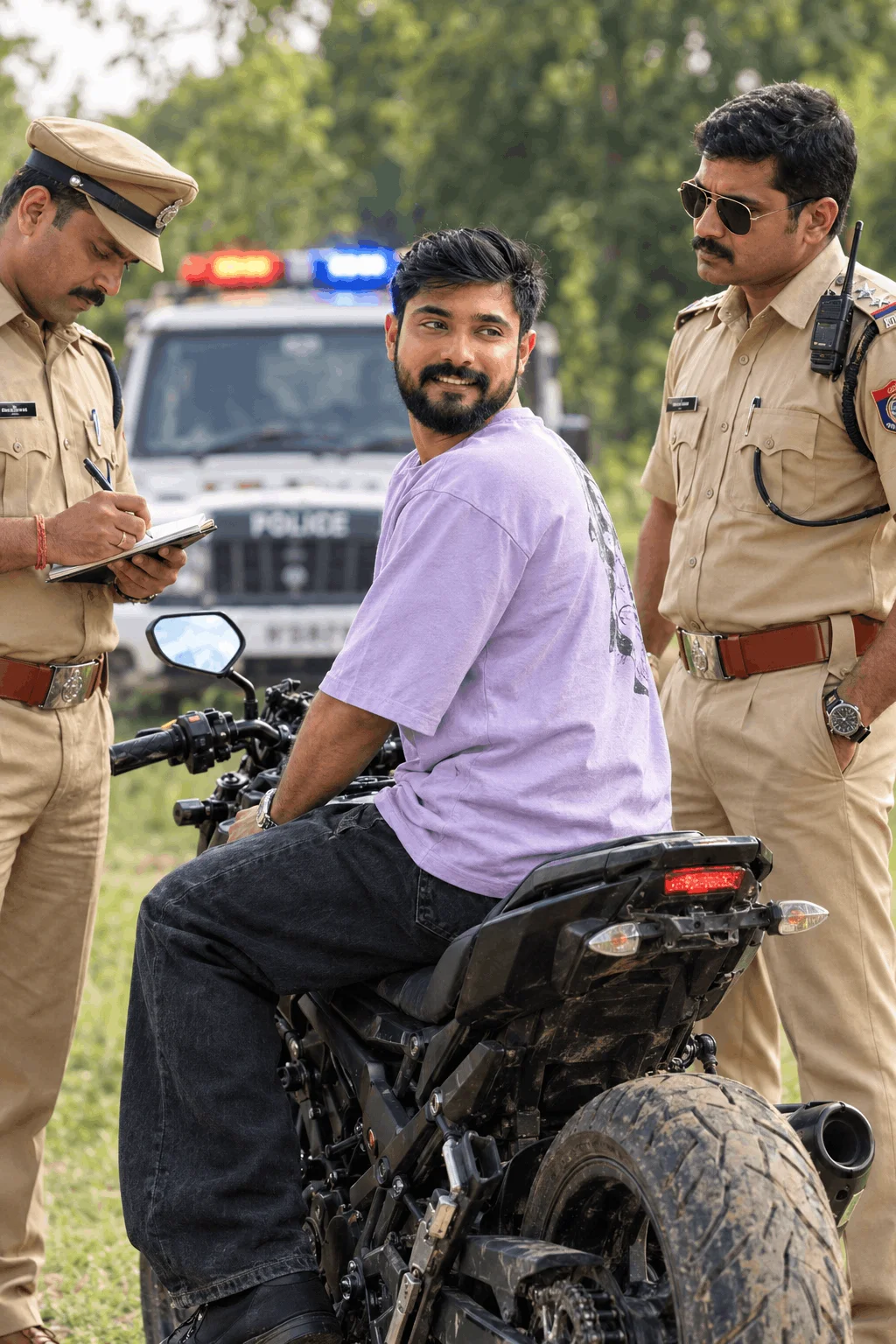
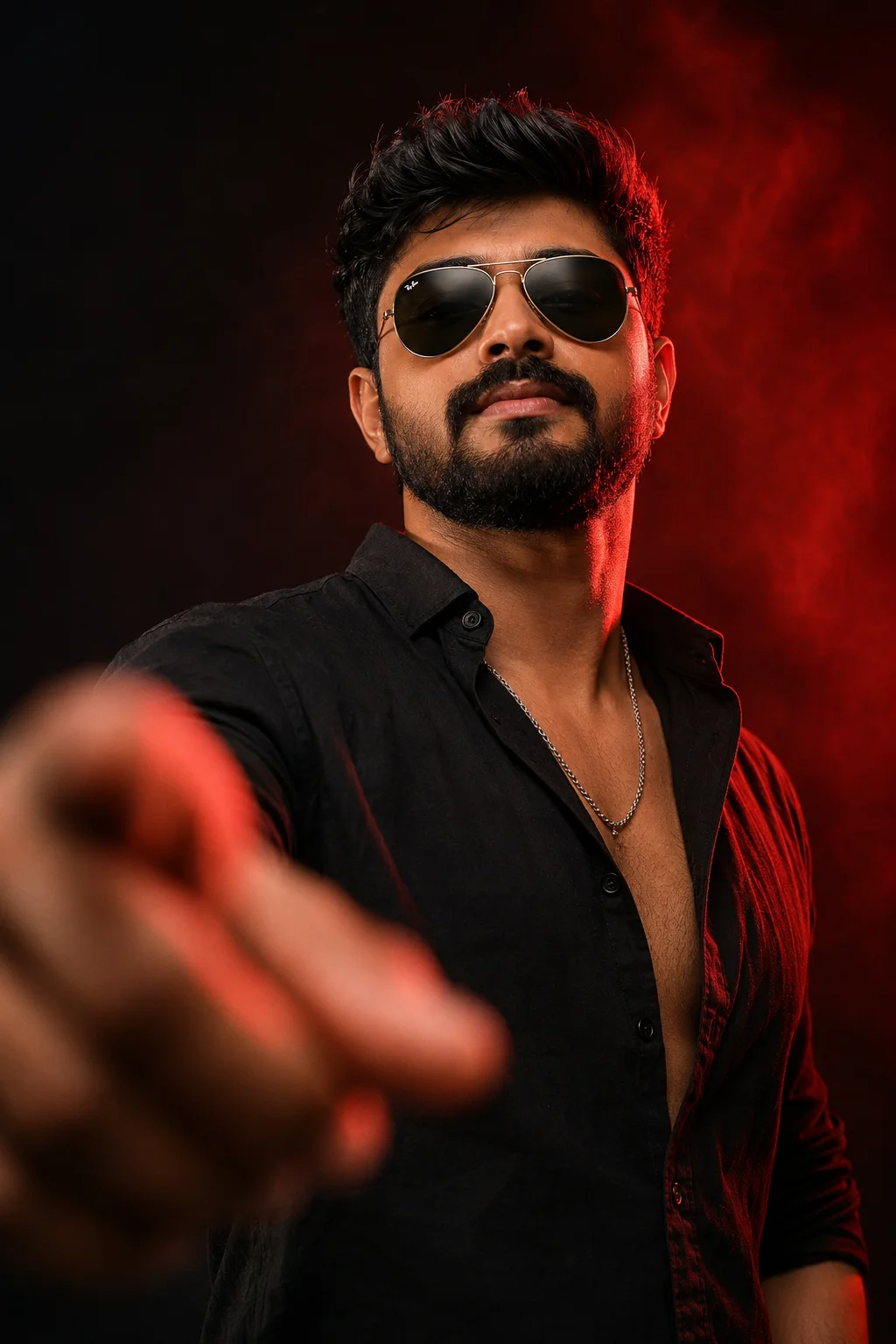
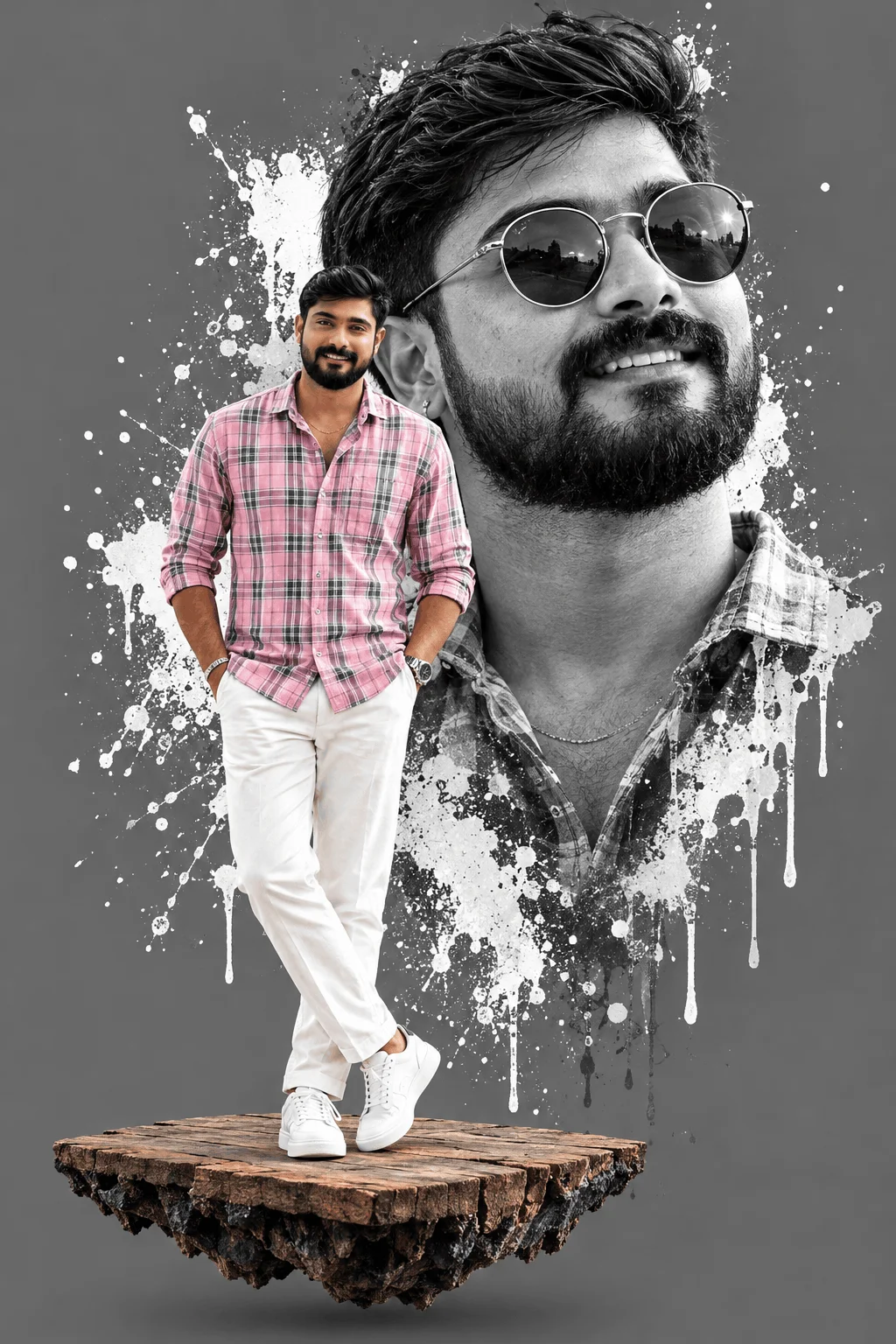
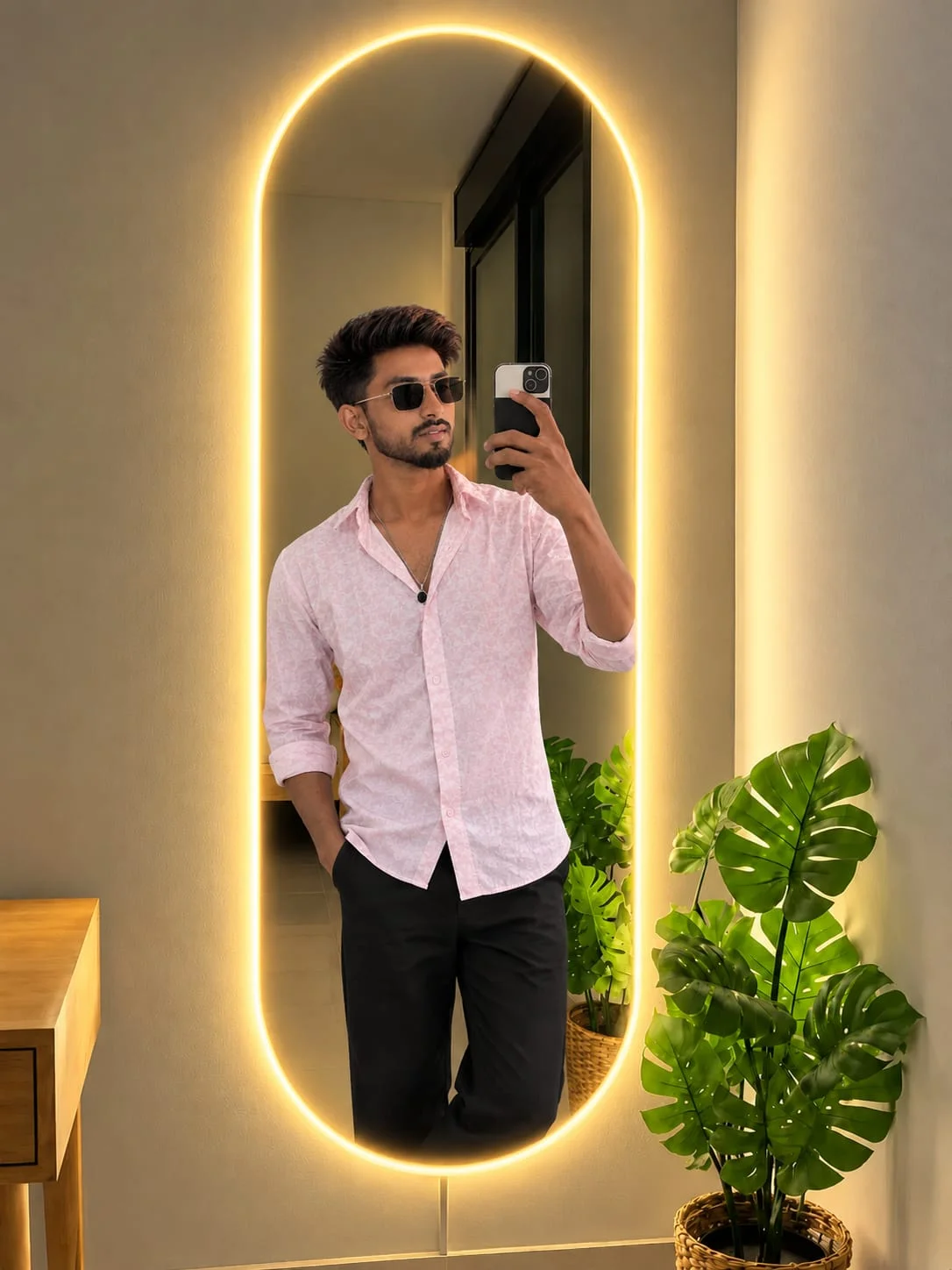
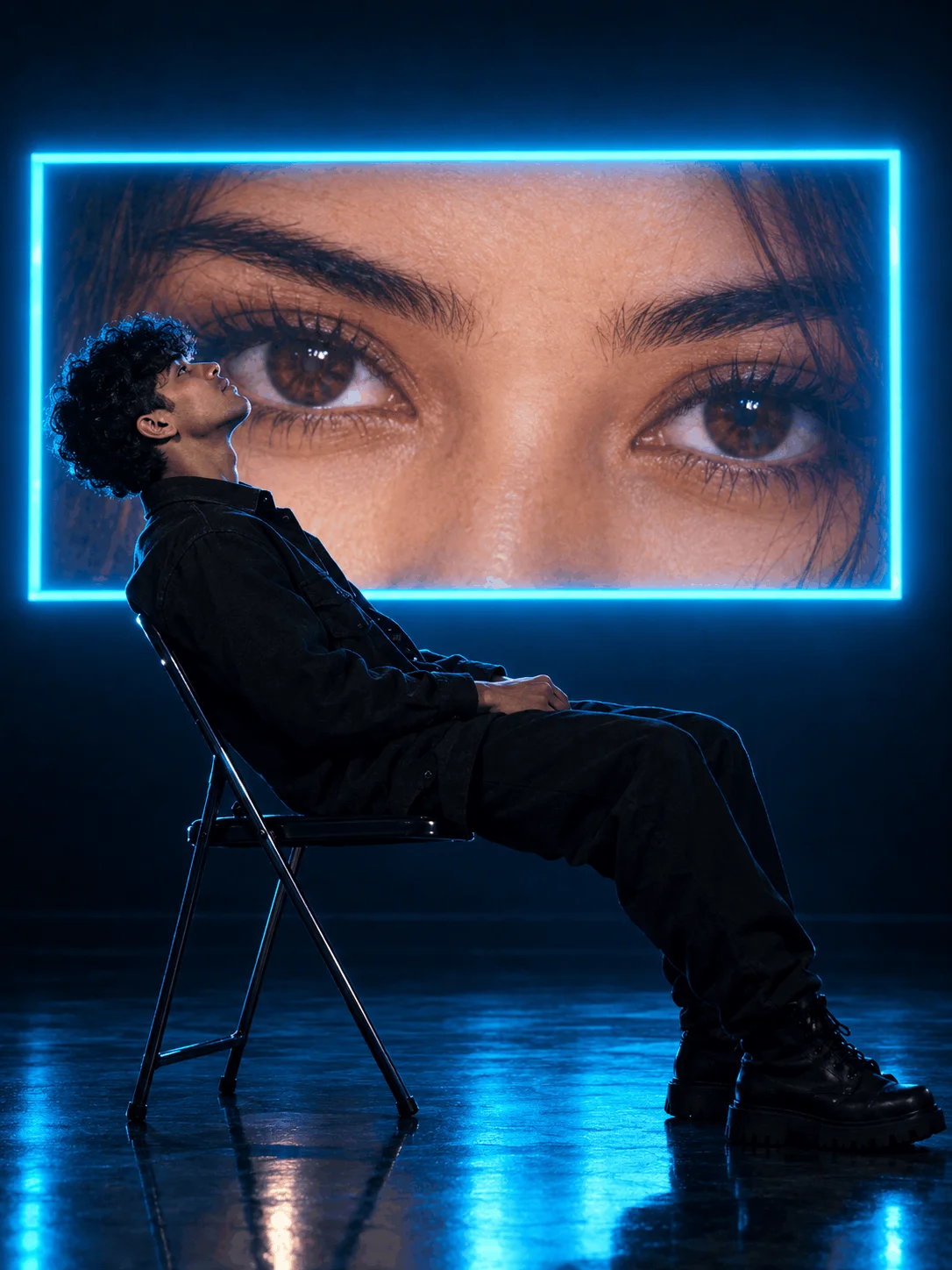
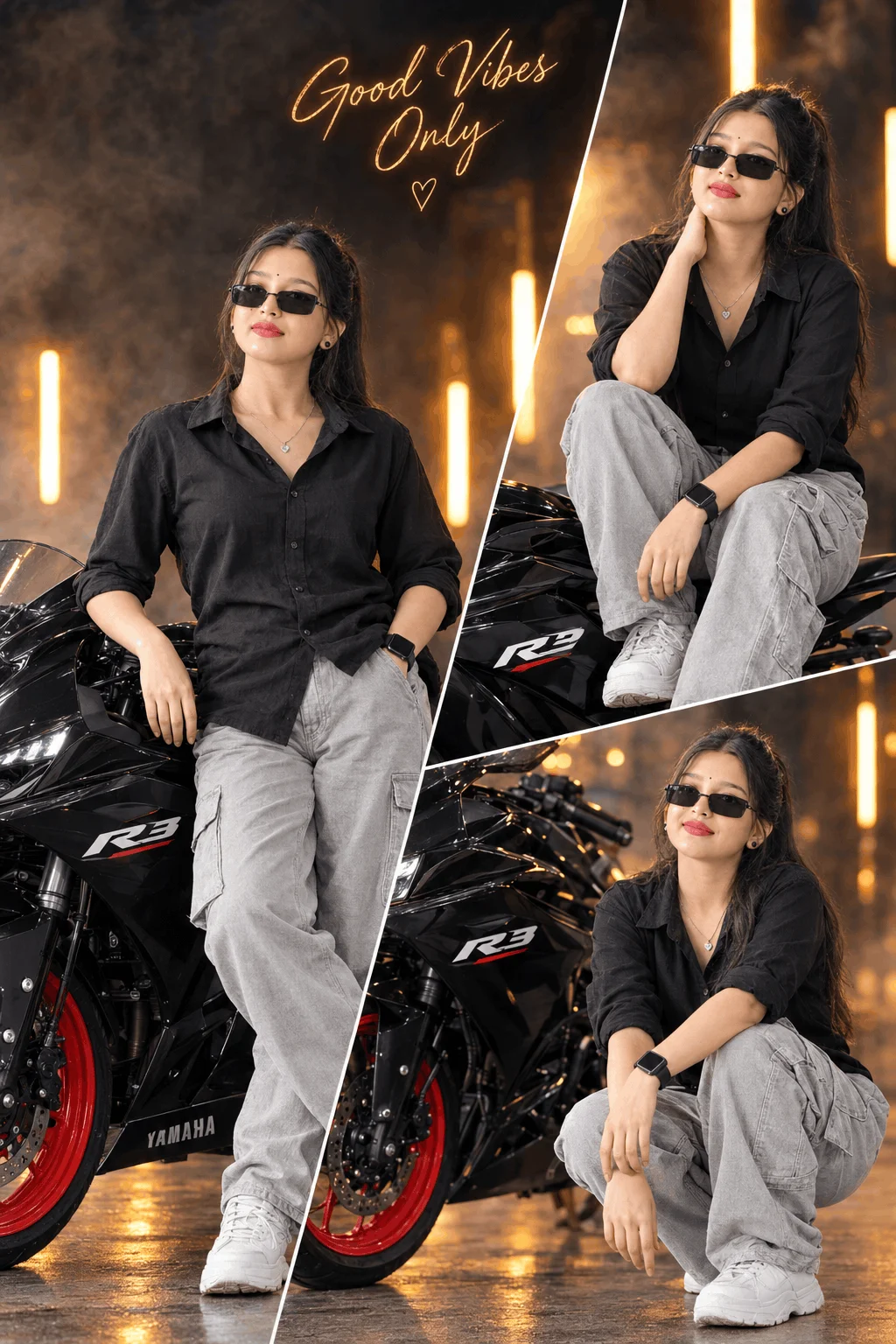
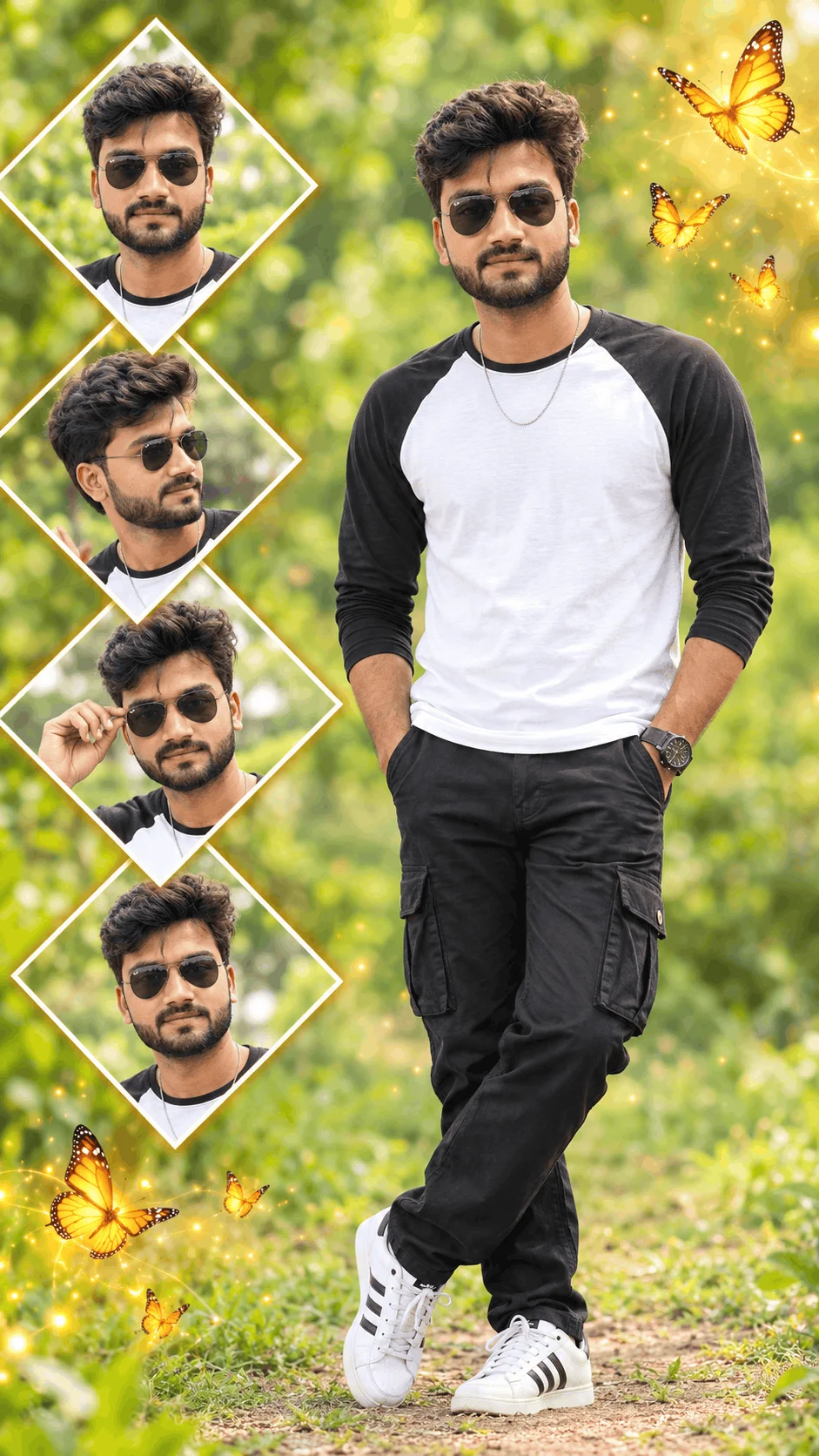
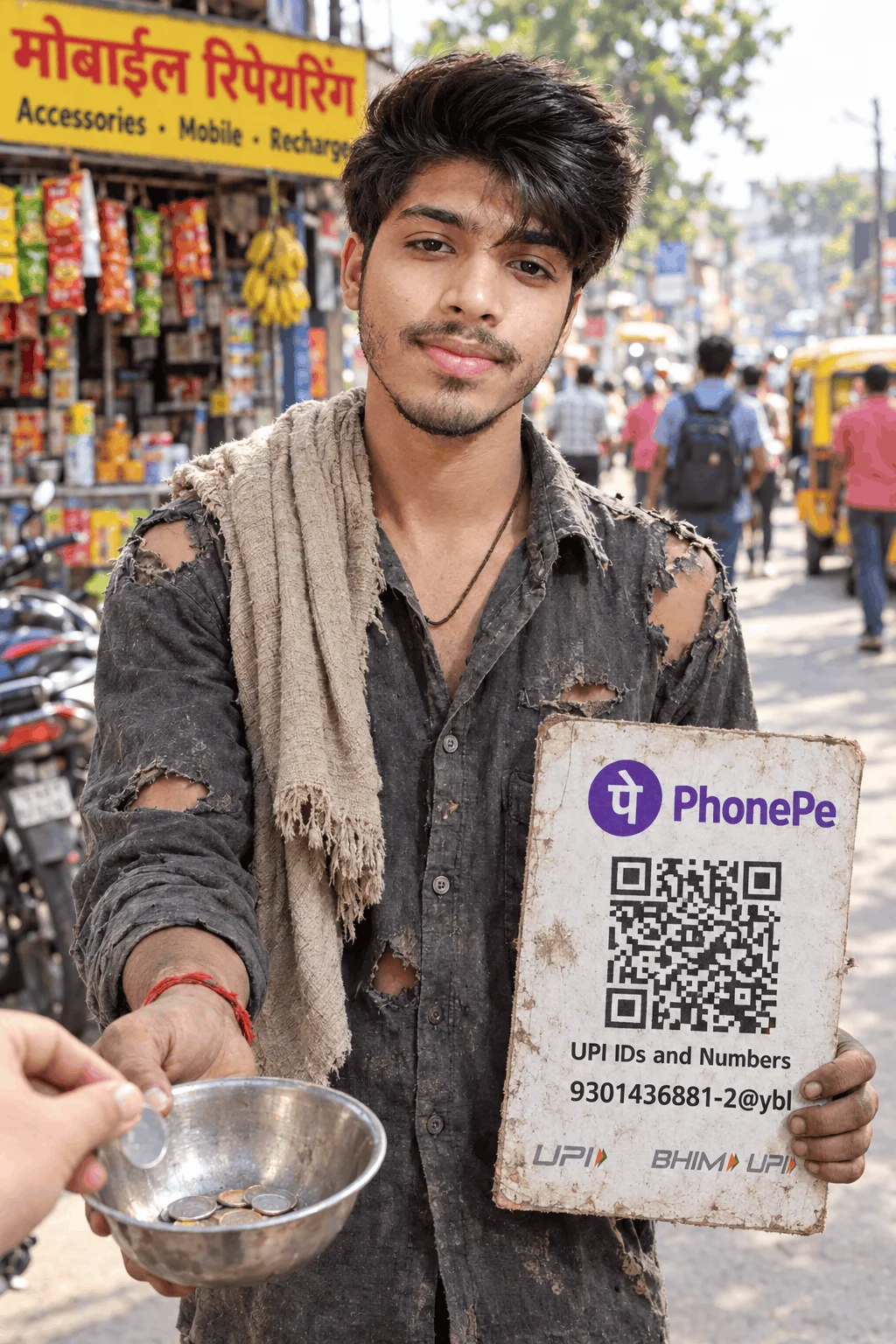
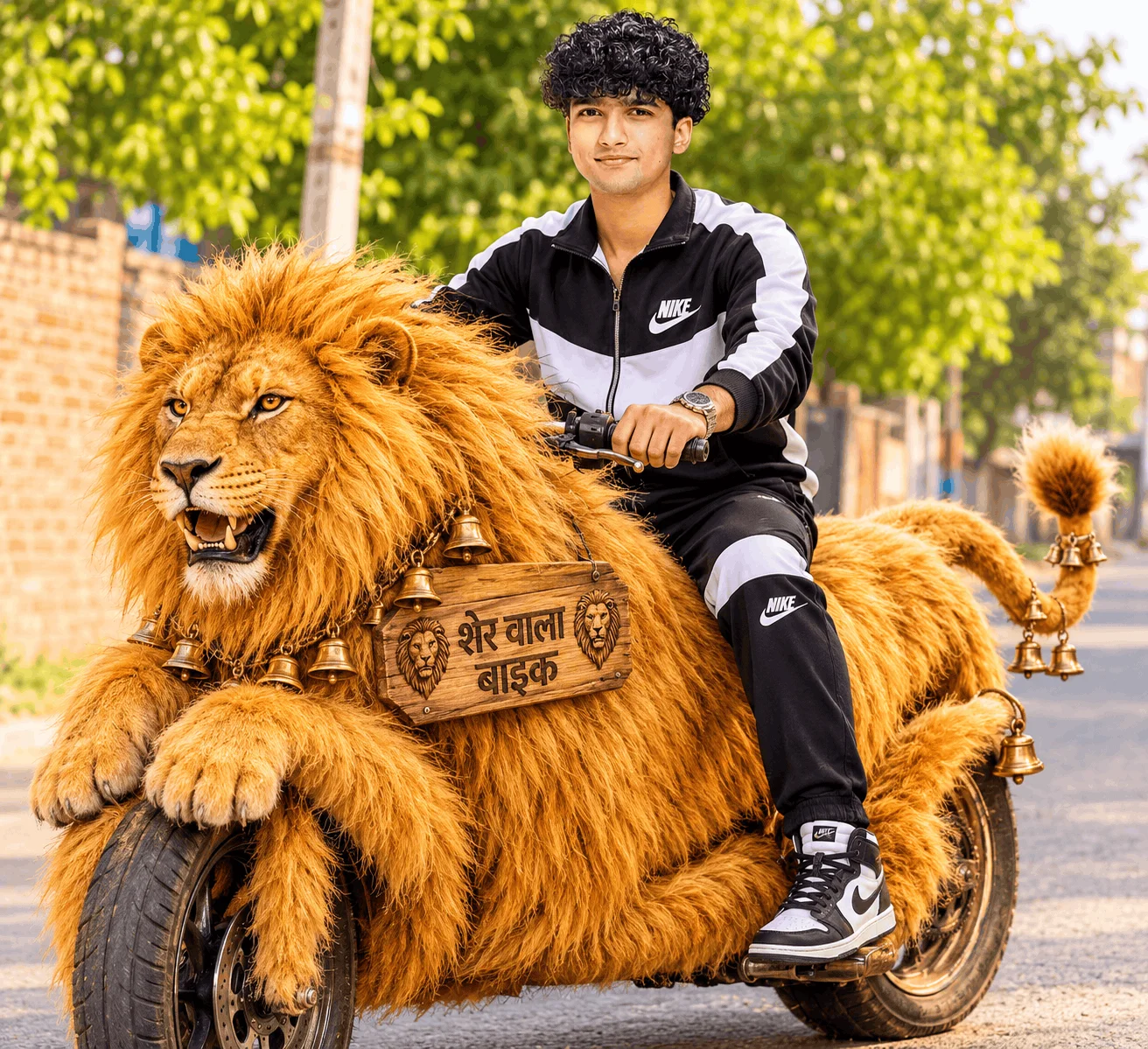
Moody street photography featuring modern cruisers (Royal Enfield, sports bikes), leather jackets, urban neon street reflections, and anamorphic lens flares tailored for high-engagement Instagram reels and profile covers.
How to Deploy Prompts in Different AI Platforms
Open Bing Image Creator in your browser. Paste the prompt directly into the search bar. Bing handles English prompt descriptions exceptionally well, especially regarding stylized clothing and background text rendering.
In Google Gemini, start your message with "Generate an image of..." followed by the copied prompt. Imagen 3 excels at photorealistic human skin texture, accurate ambient lighting, and natural eye reflections.
Type /imagine prompt: in Discord or on the Midjourney web alpha. Paste the prompt and append aspect ratio parameters such as --ar 9:16 for vertical reels or --ar 16:9 for horizontal wallpaper framing.
Explore More Creative Resources on Emojora
Emojora provides an extensive collection of digital creativity utilities, all free of charge and built for maximum speed:
Frequently Asked Questions Regarding Sharda Tools & AI Prompts
Why does Sharda Tools say "Prompt Locked: Install App to Copy"?
Sharda Tools uses an app-install wall to artificially boost downloads for their mobile application. On Emojora, you never have to download or install any application; all prompt codes are 100% unlocked and freely copyable directly in your browser.
Are these AI prompts completely free to use?
Yes. All prompts featured on Emojora are 100% free for both personal and commercial use. You can copy them, tweak the parameters, and generate as many images as your AI generation tool allows.
How do I add my own face to the generated AI image?
To add your exact facial likeness, generate the primary base image using our prompts in Bing or Gemini, then utilize face-swapping tools (like Remaker AI or InsightFace) to seamlessly blend your uploaded portrait onto the generated character.
Which AI generator provides the best results for text rendering?
Bing Image Creator (powered by DALL-E 3) and Google Gemini (Imagen 3) provide the most accurate rendering for names on clothing, neon signage, and background banners.