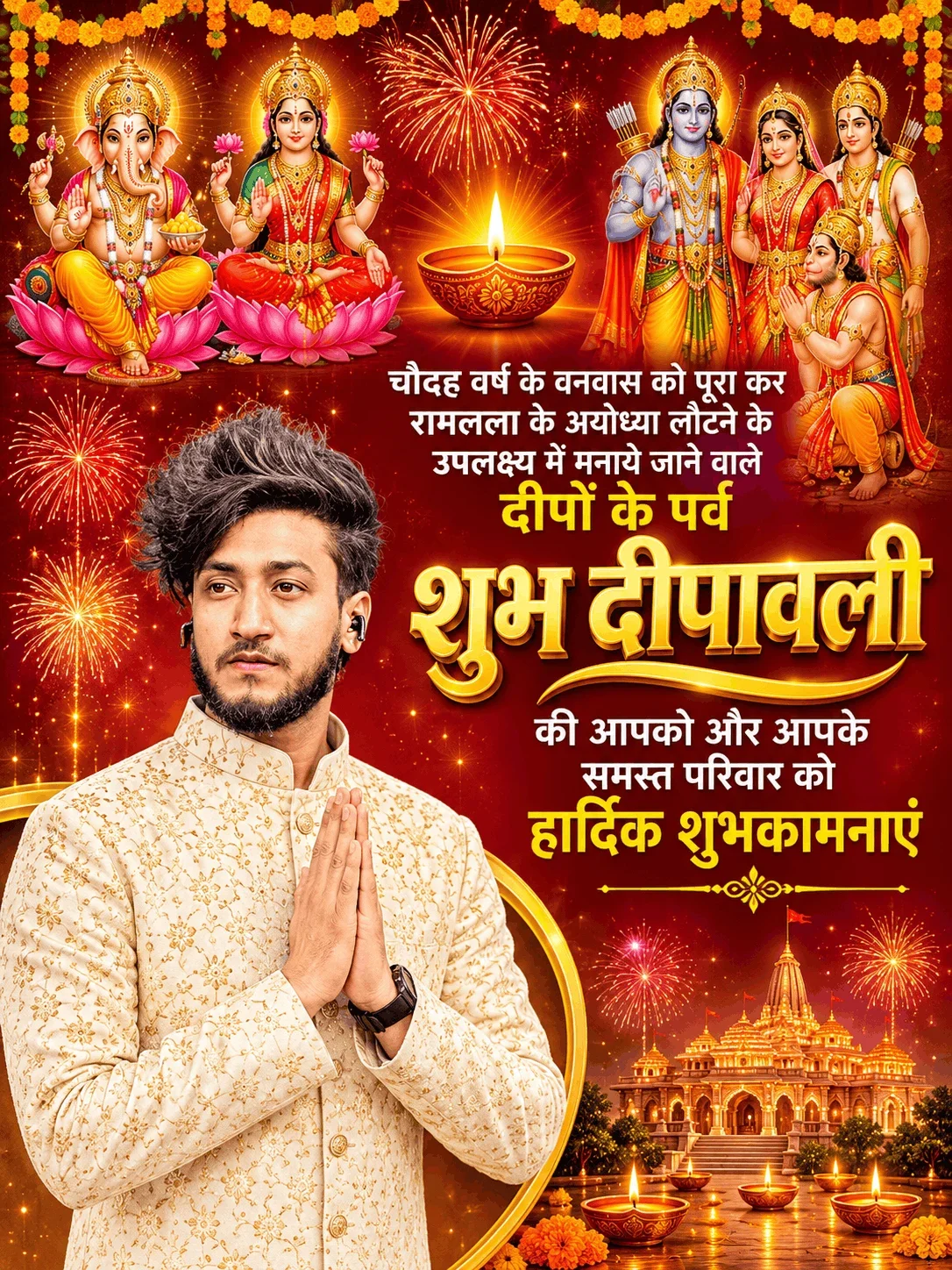
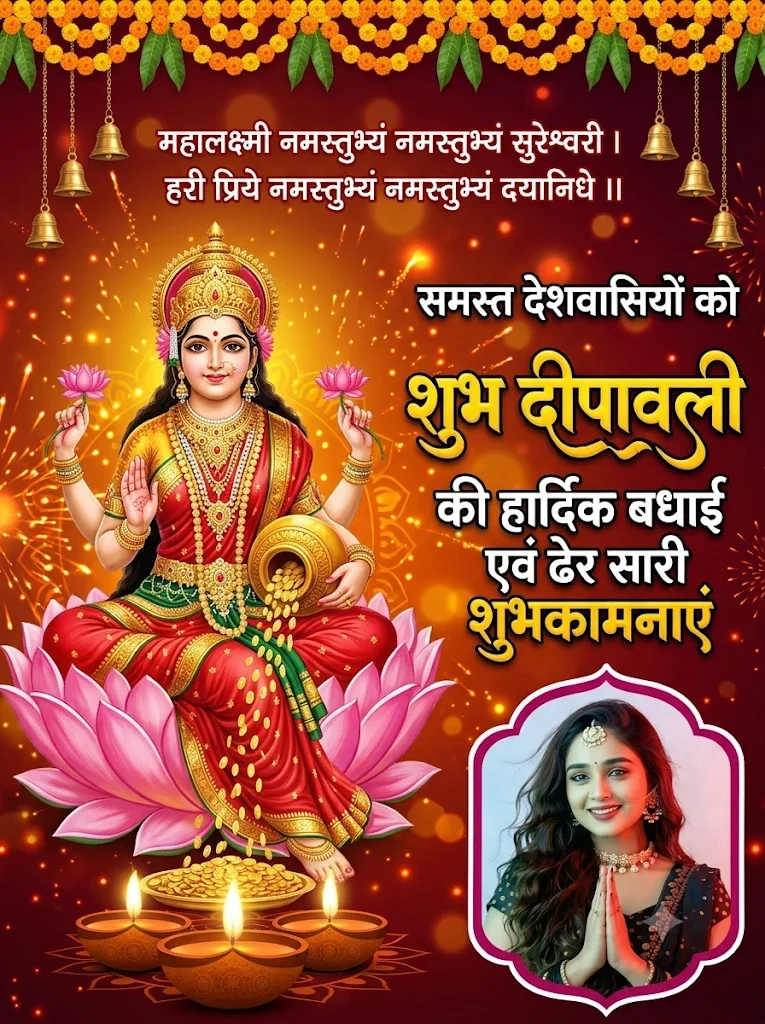
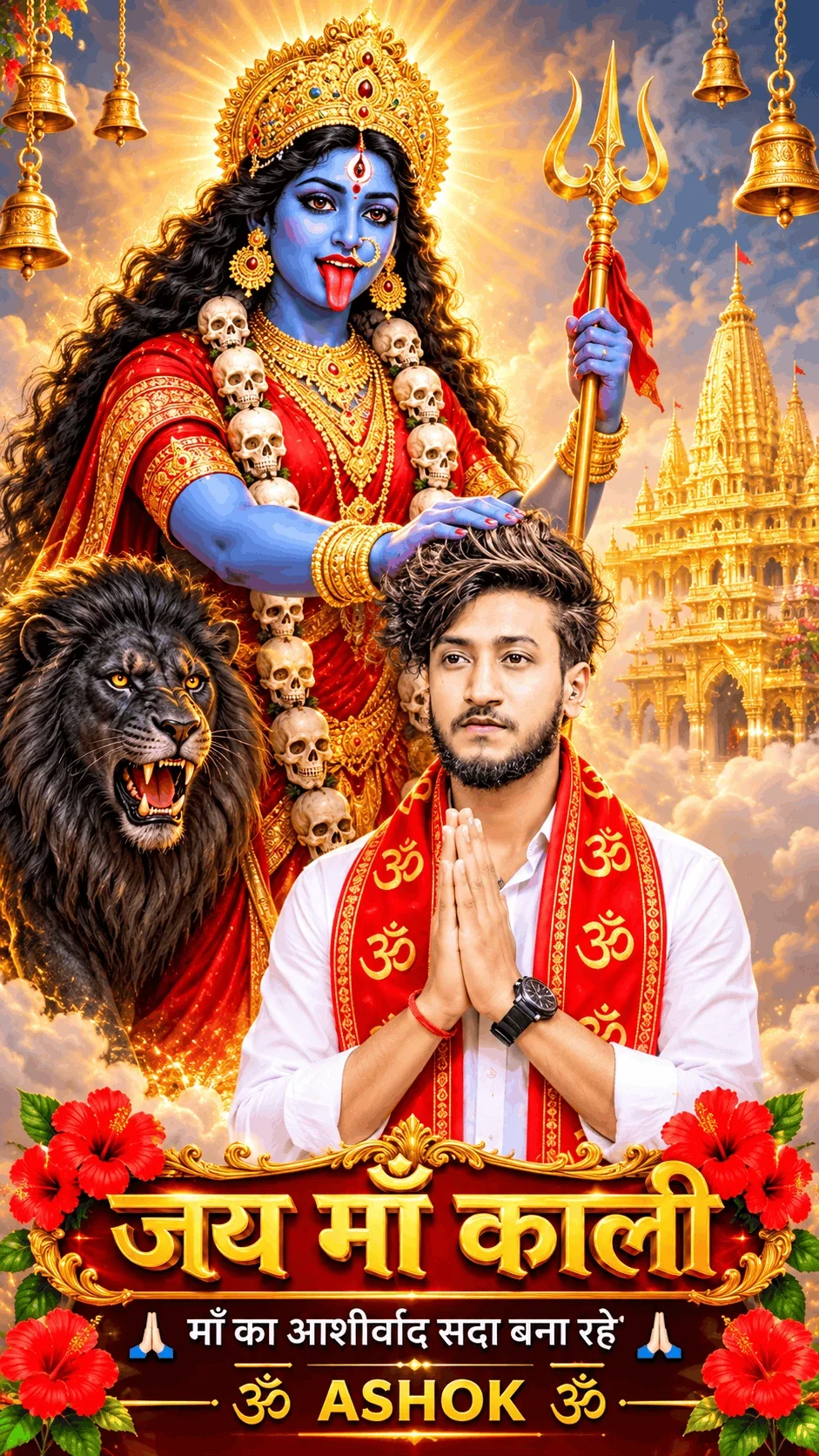
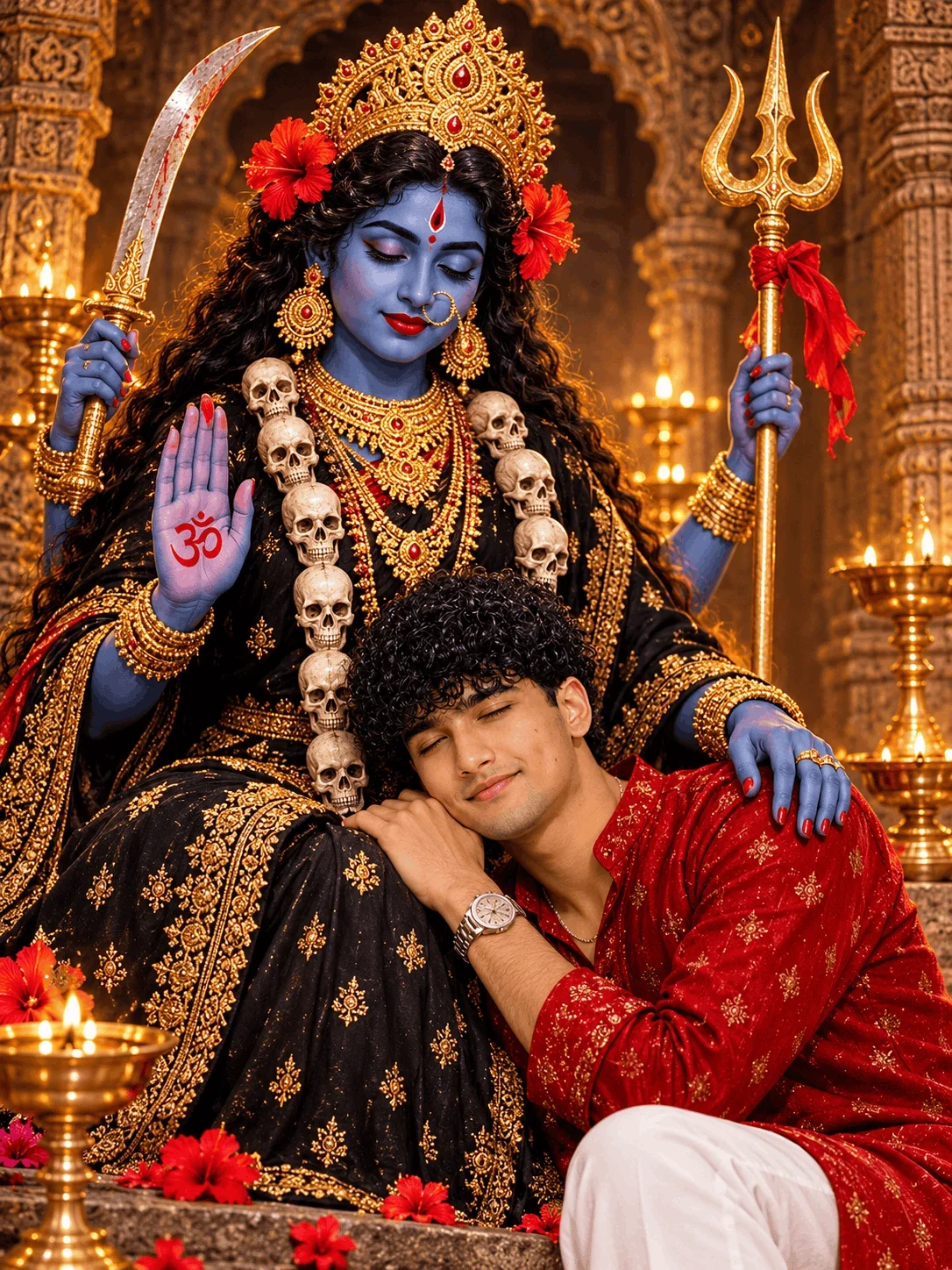
What is Promy AI and How Does It Work?
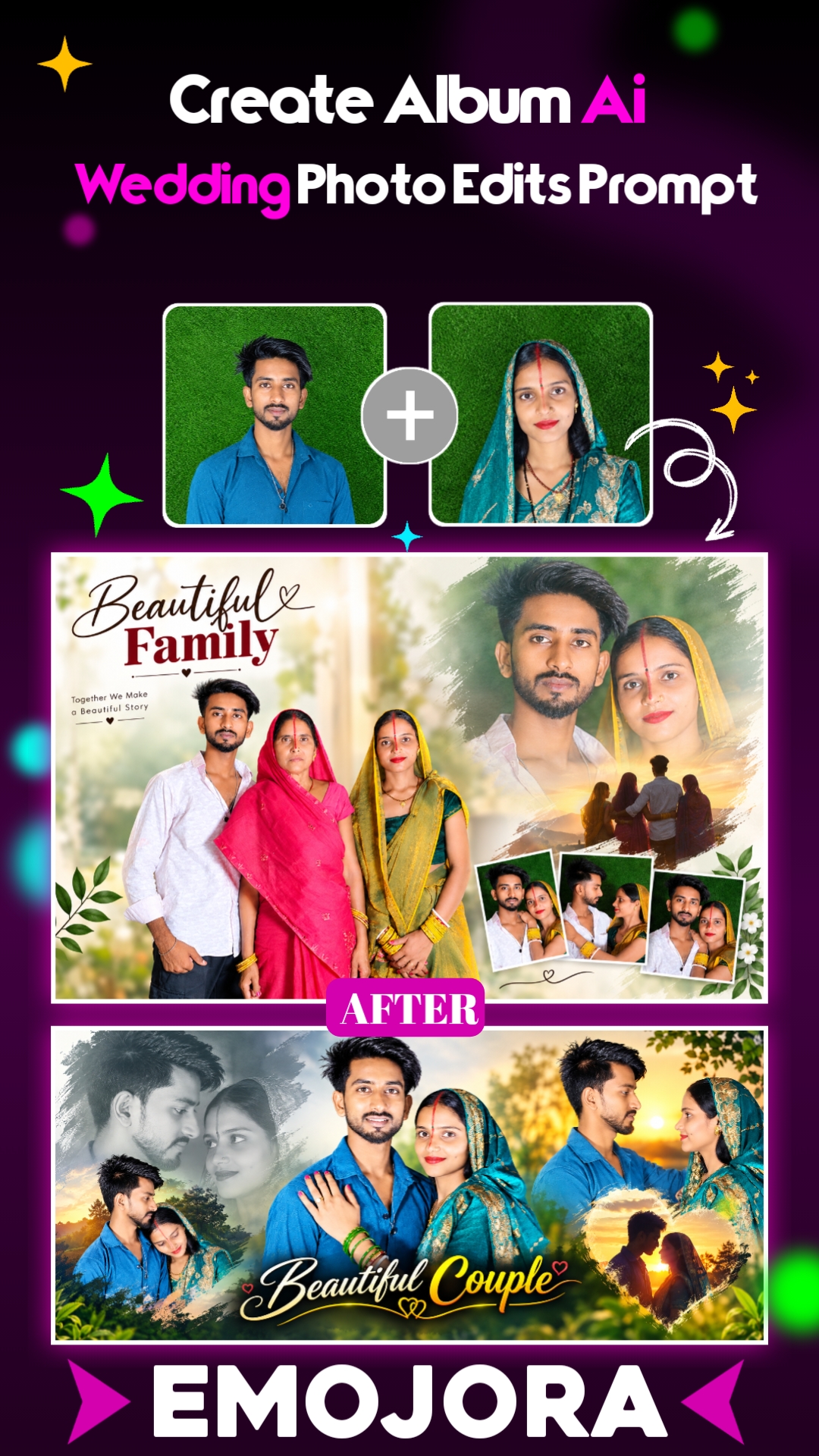
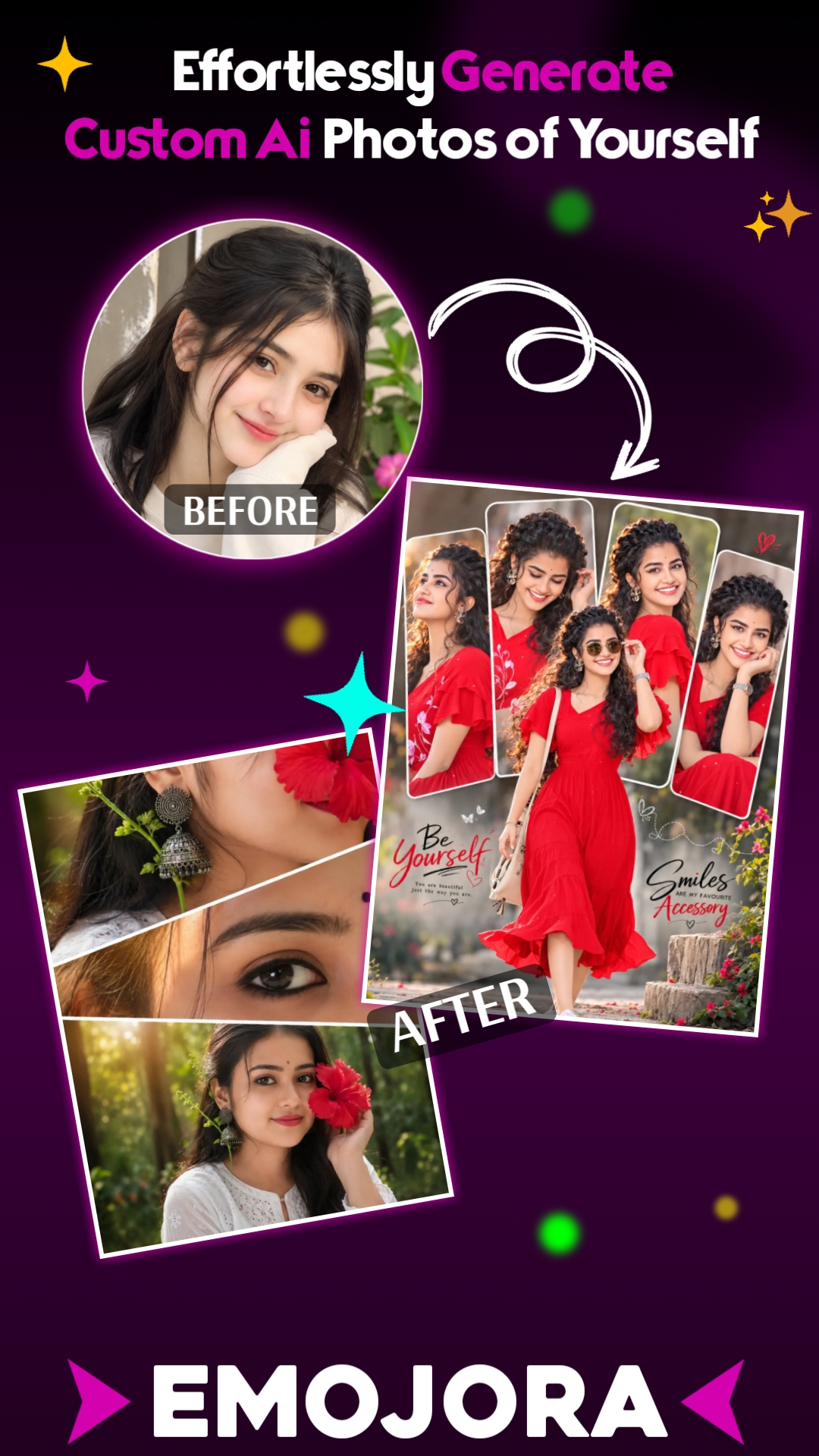
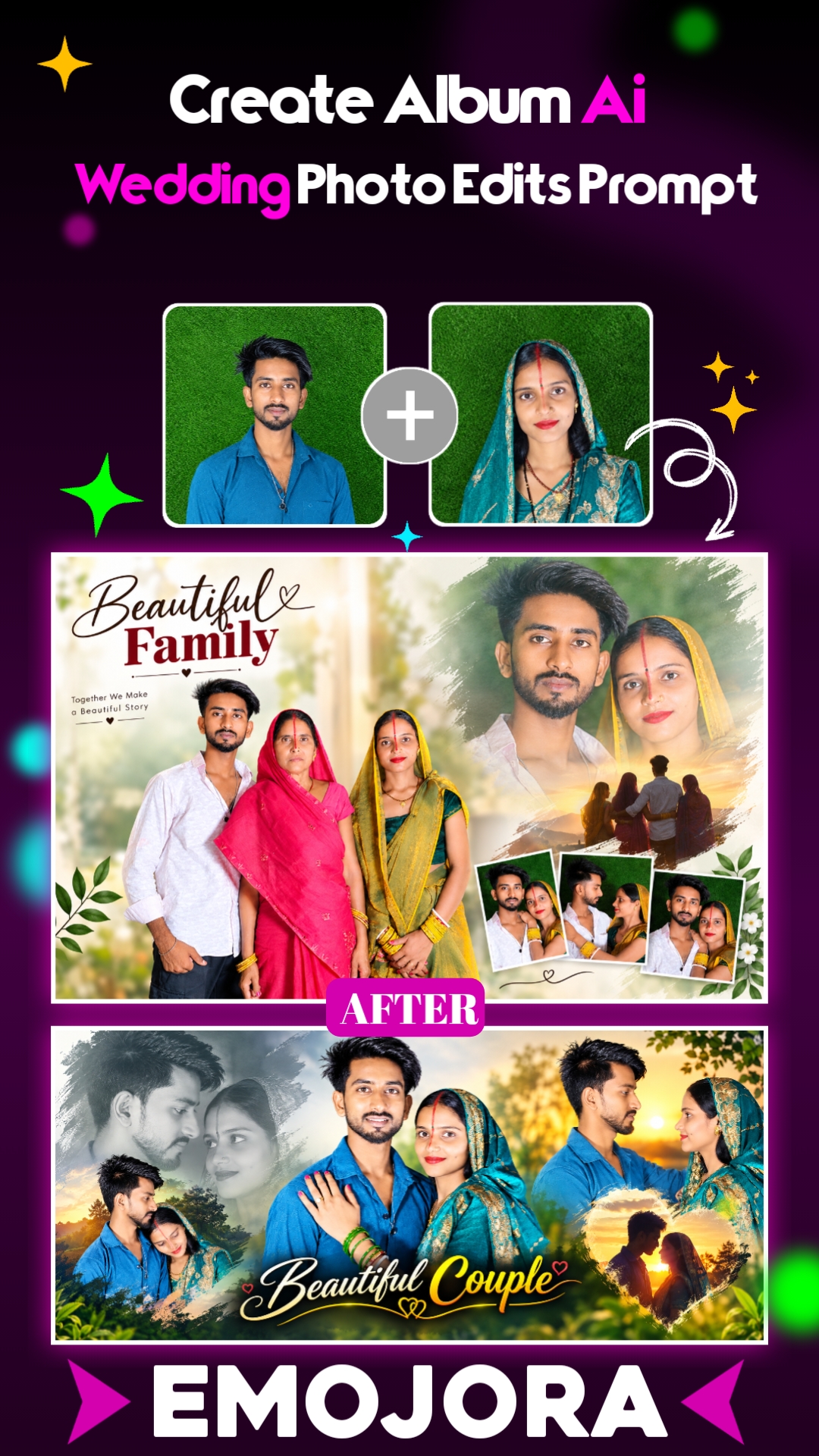
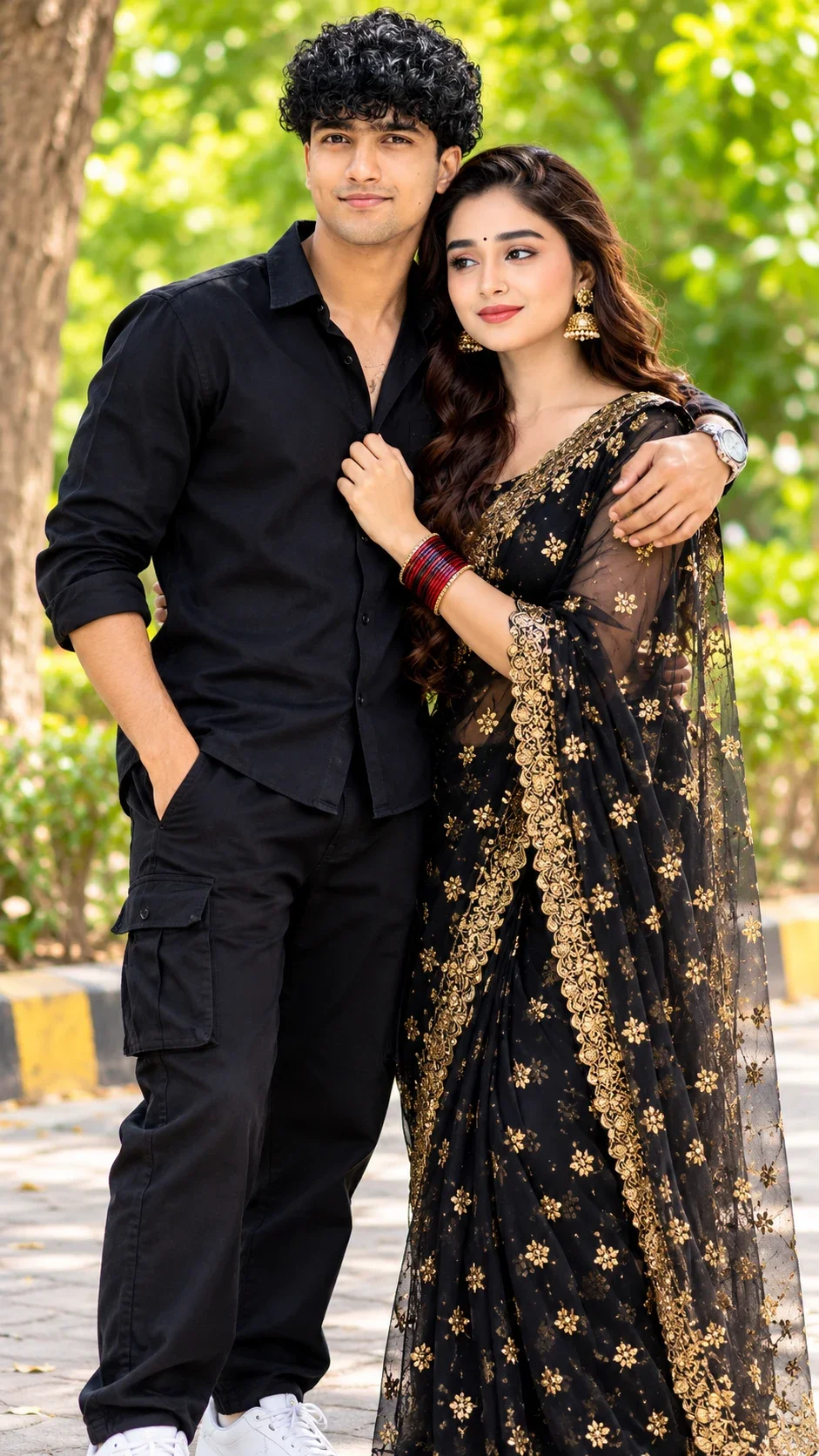
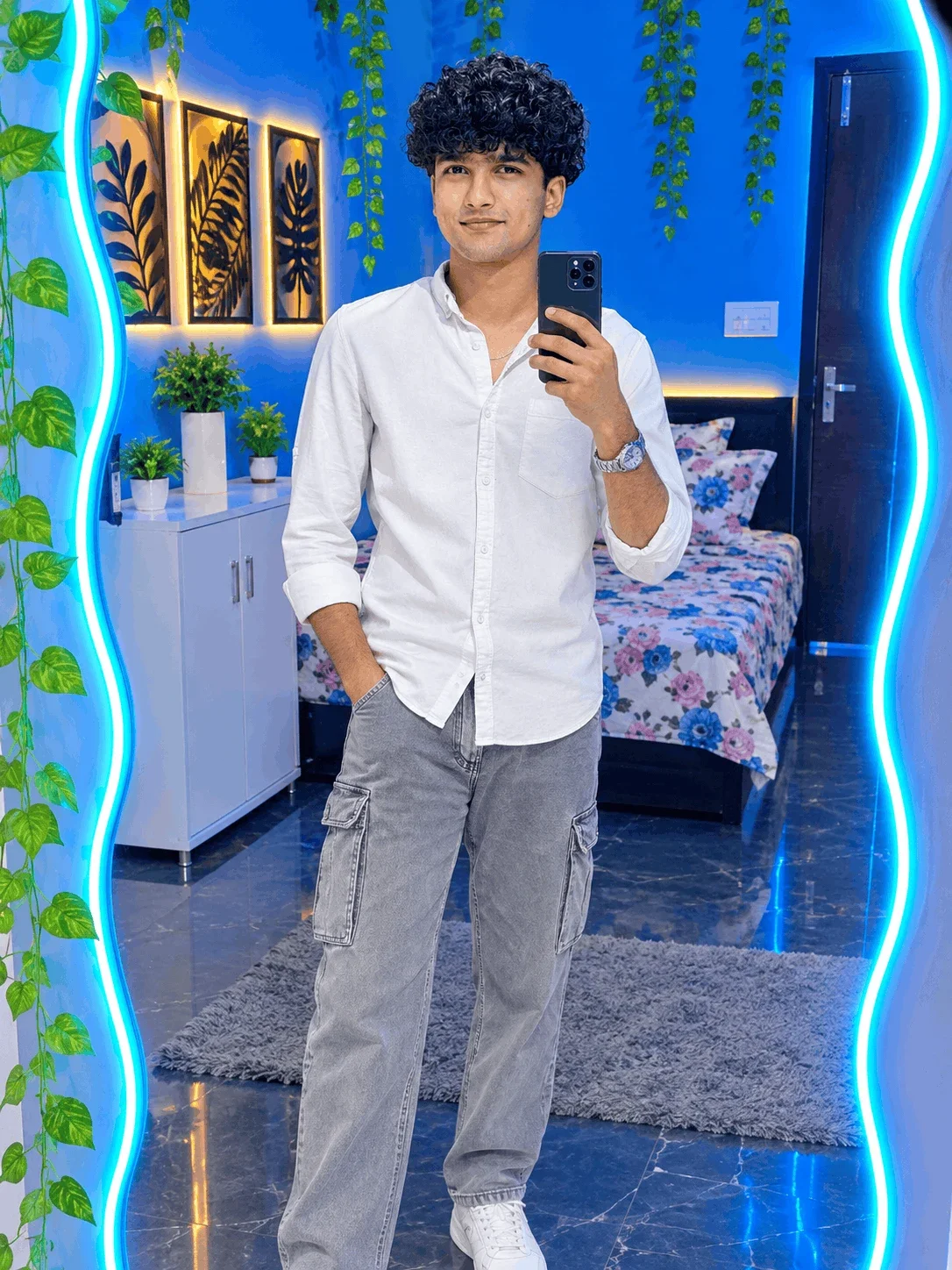
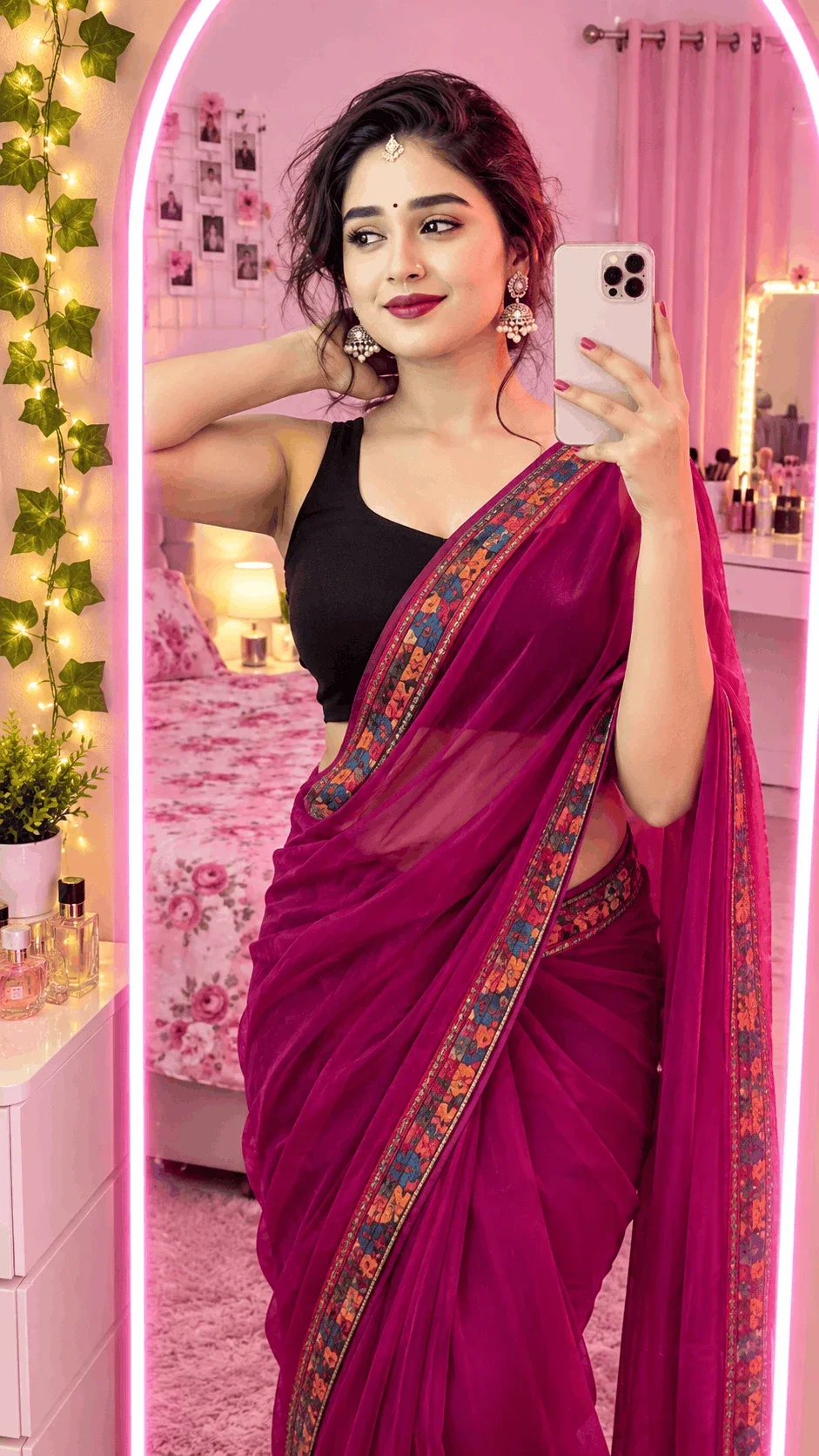
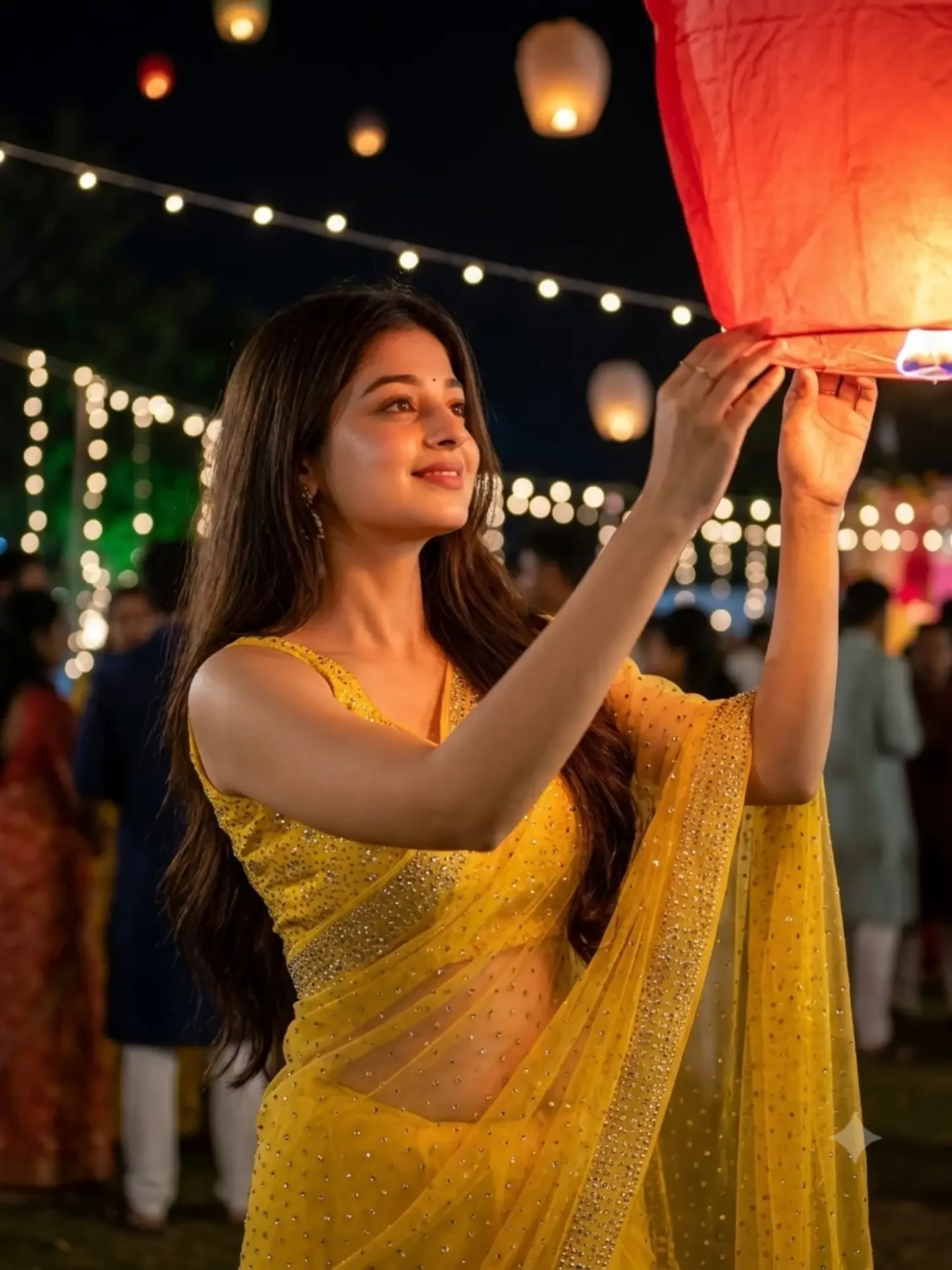
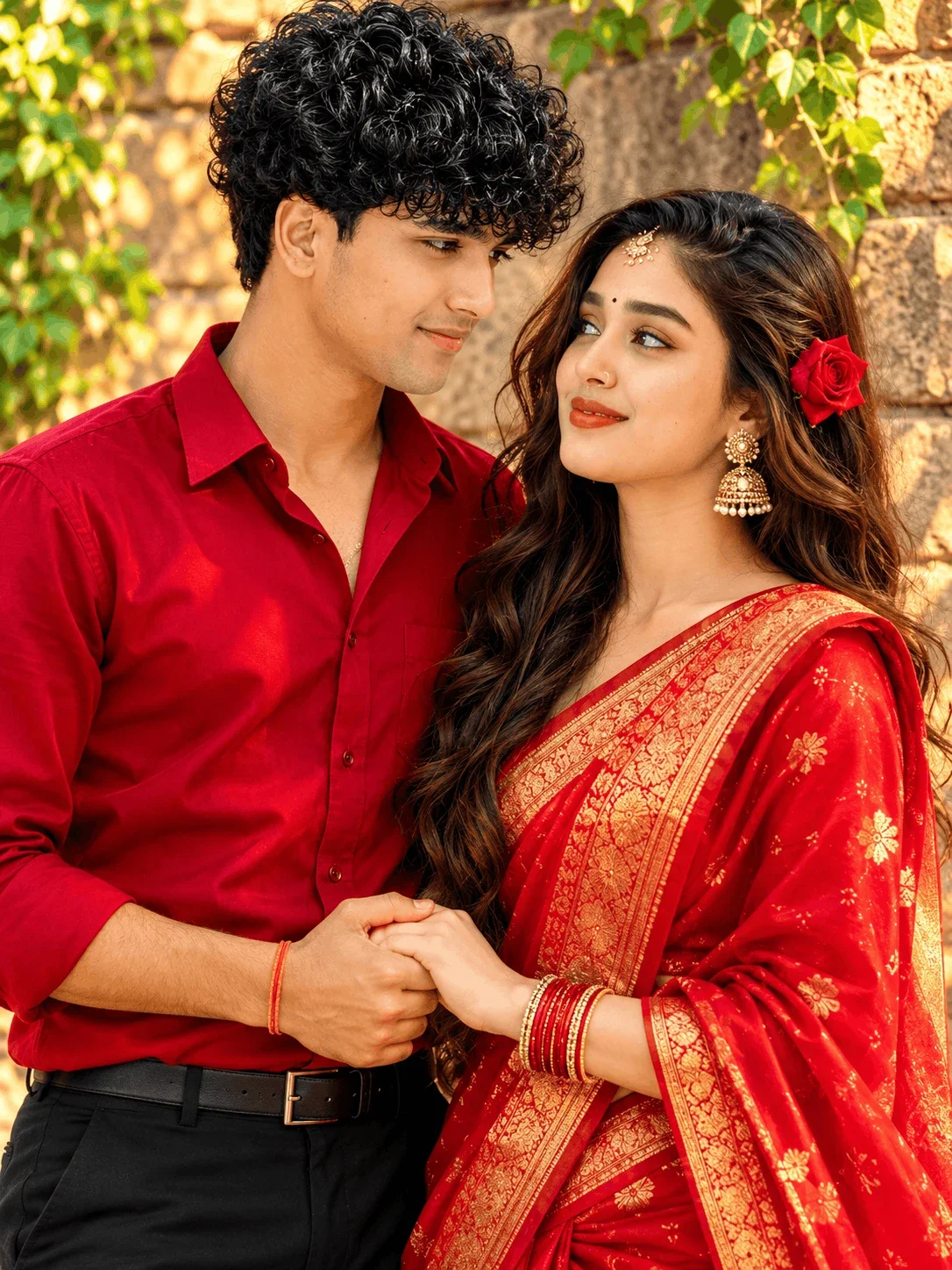
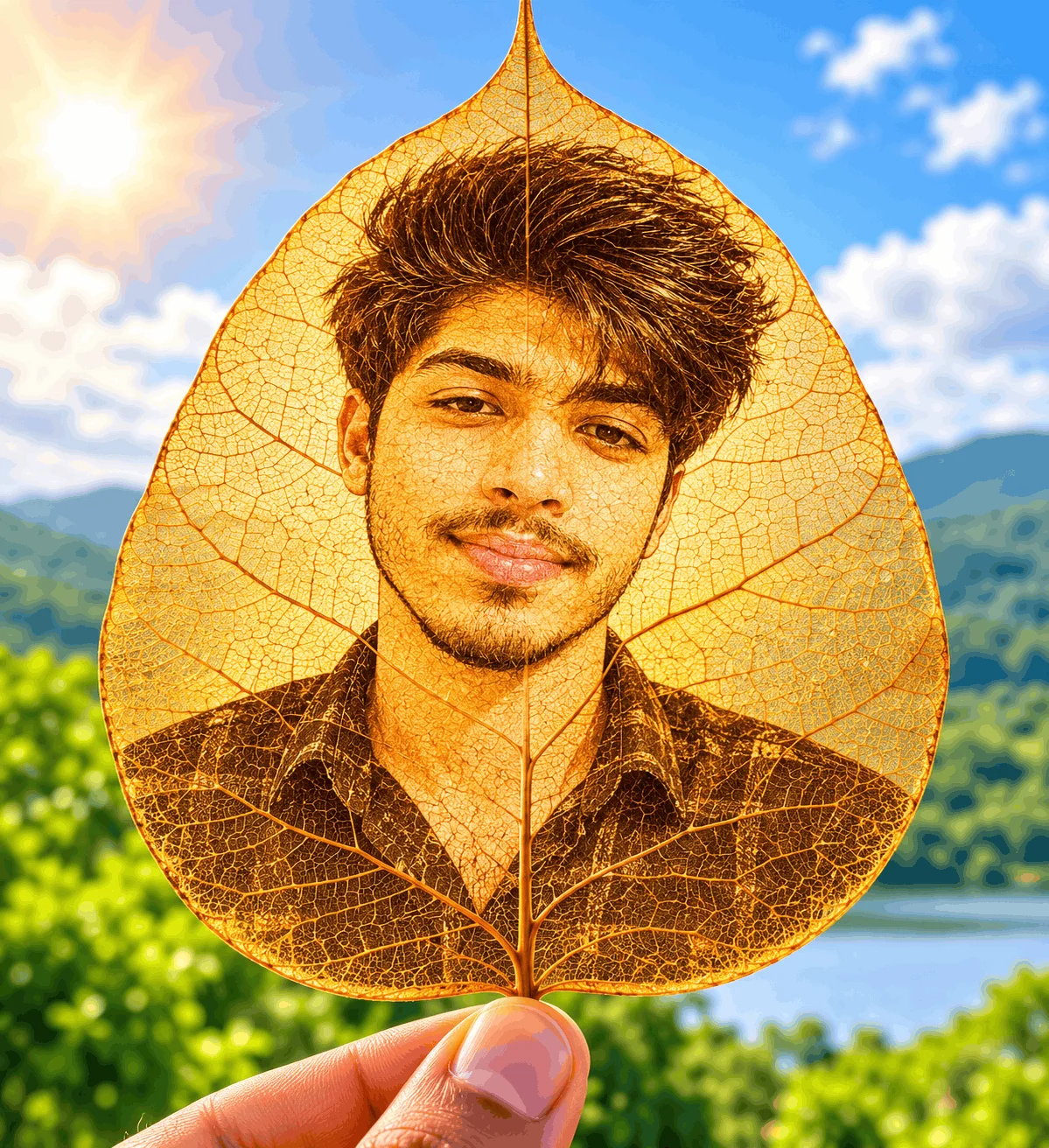
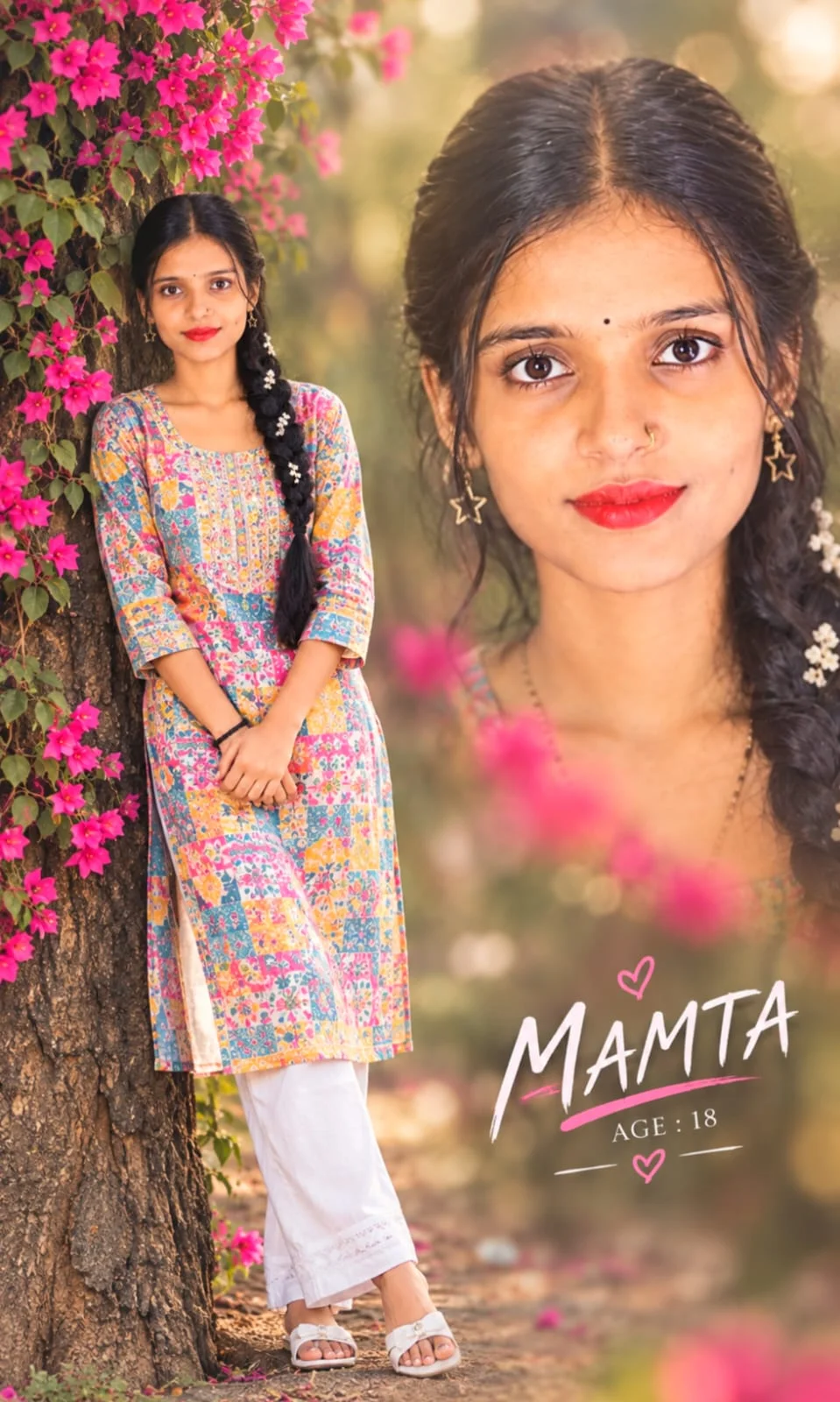
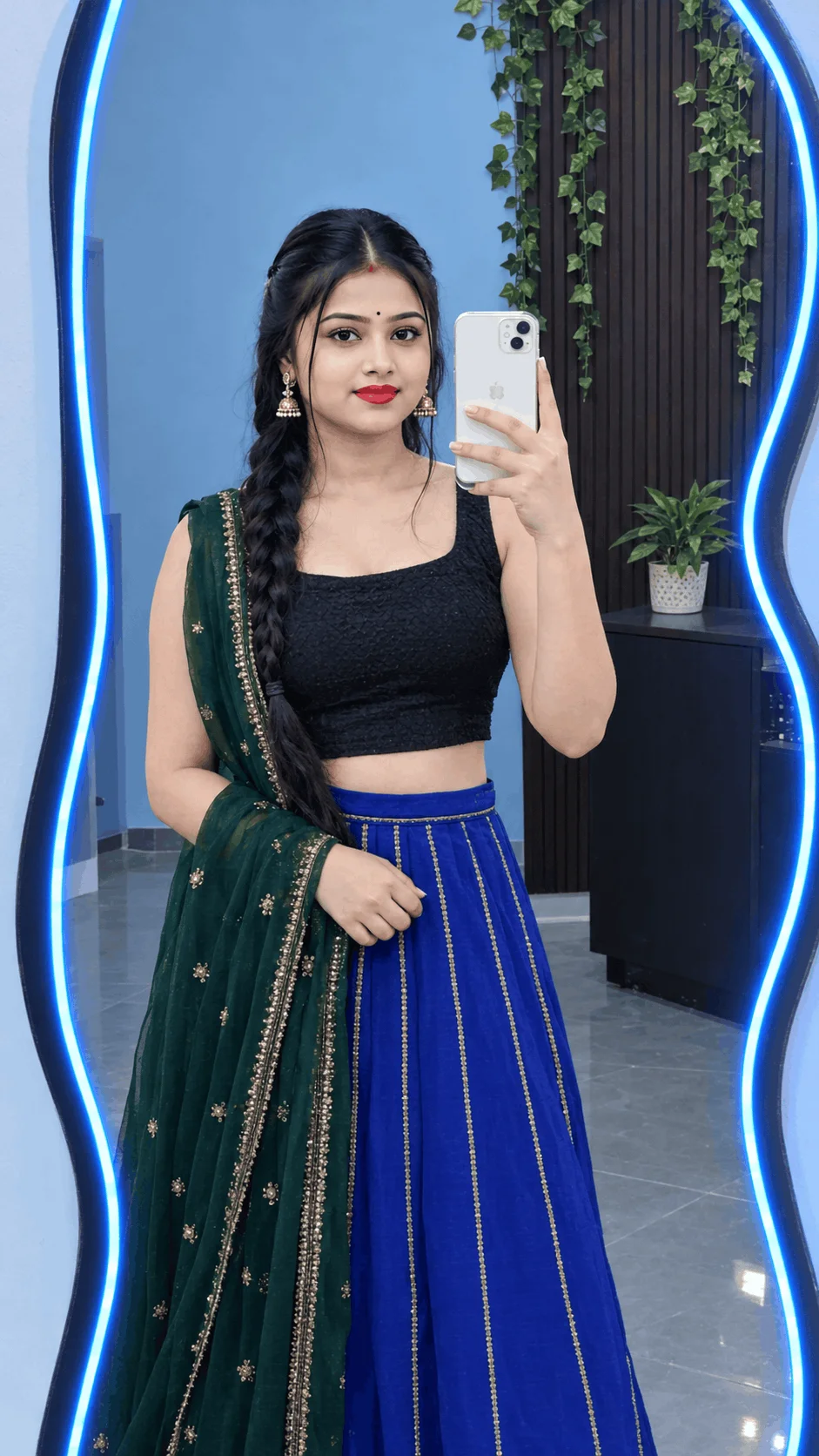
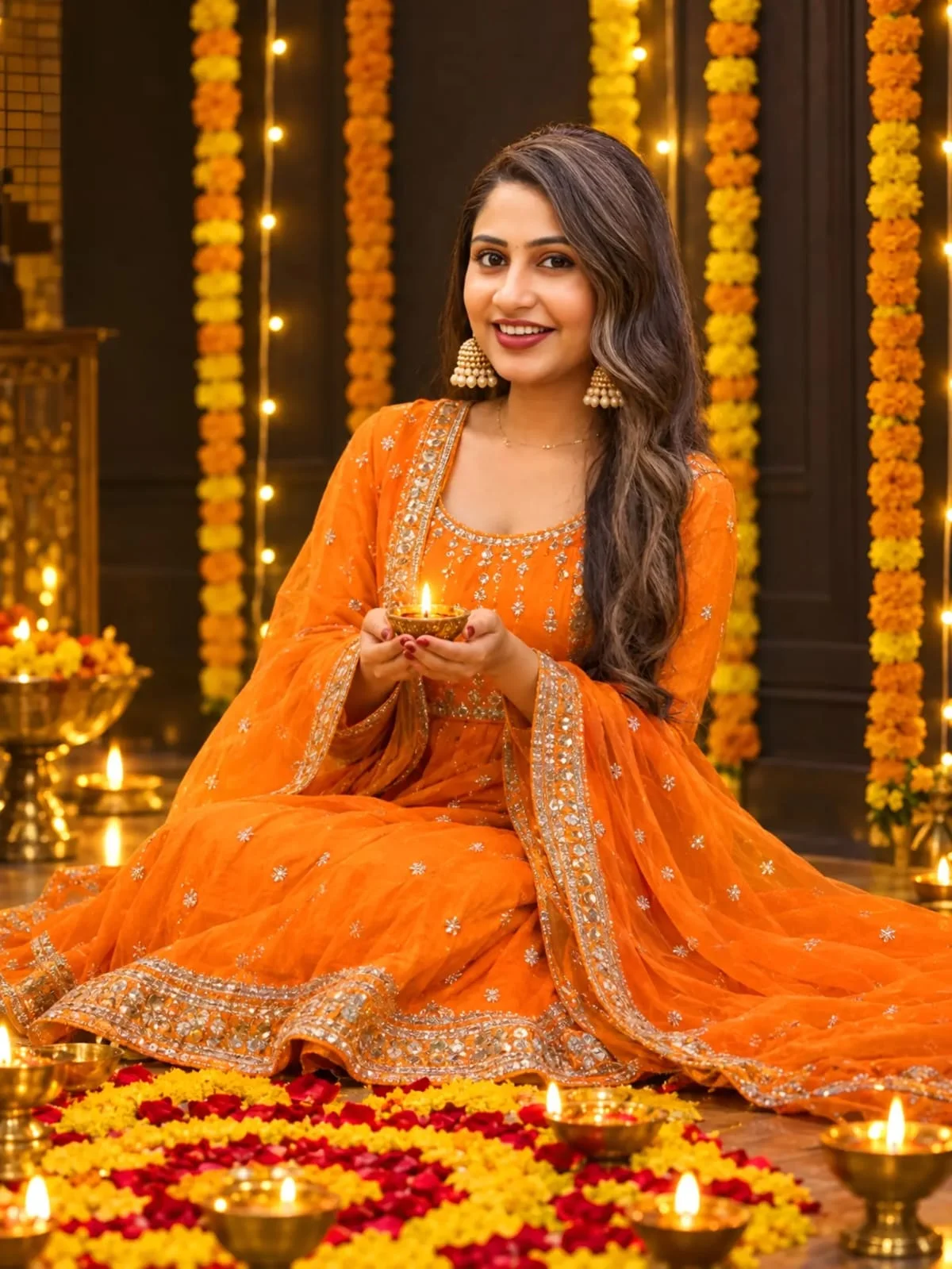
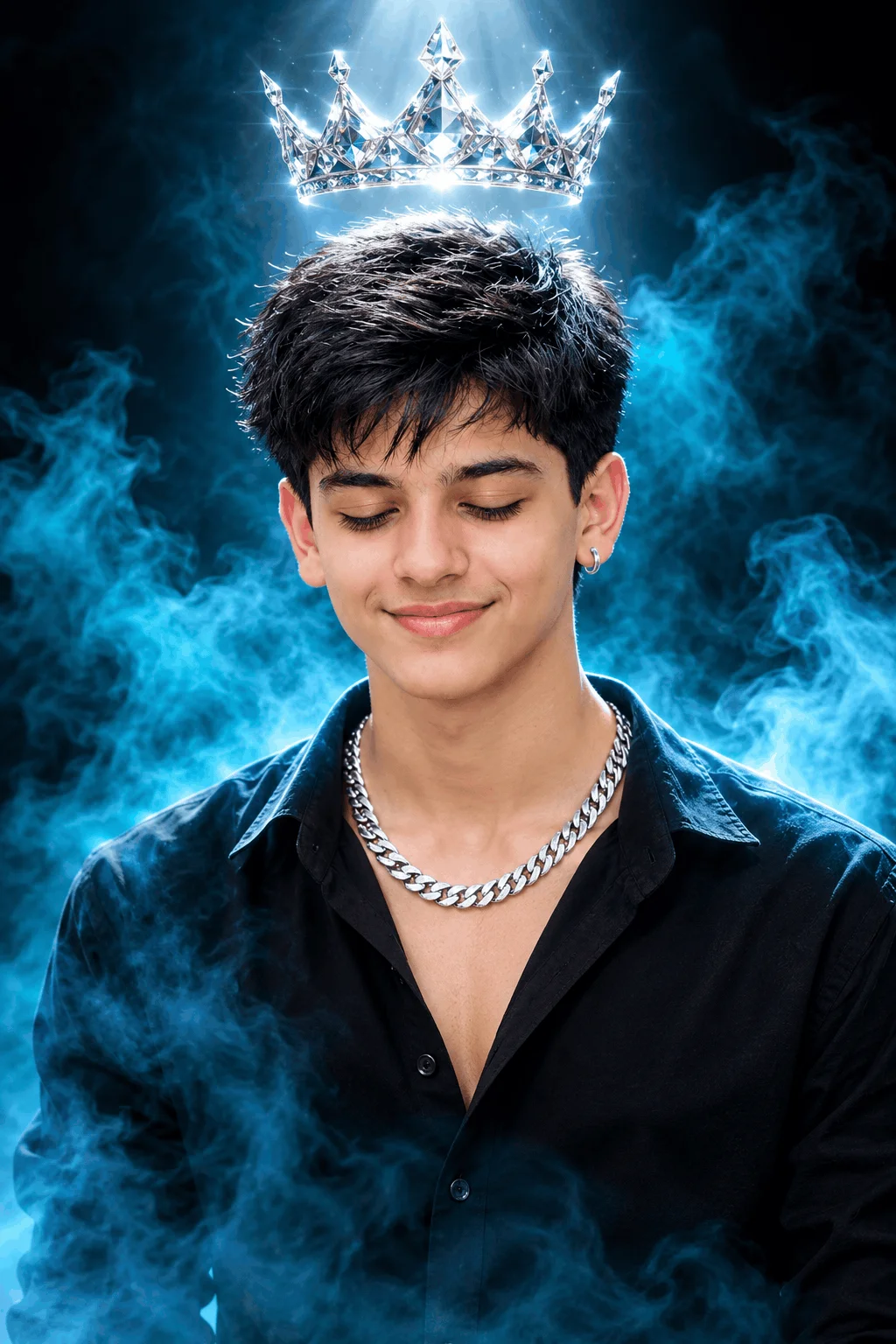
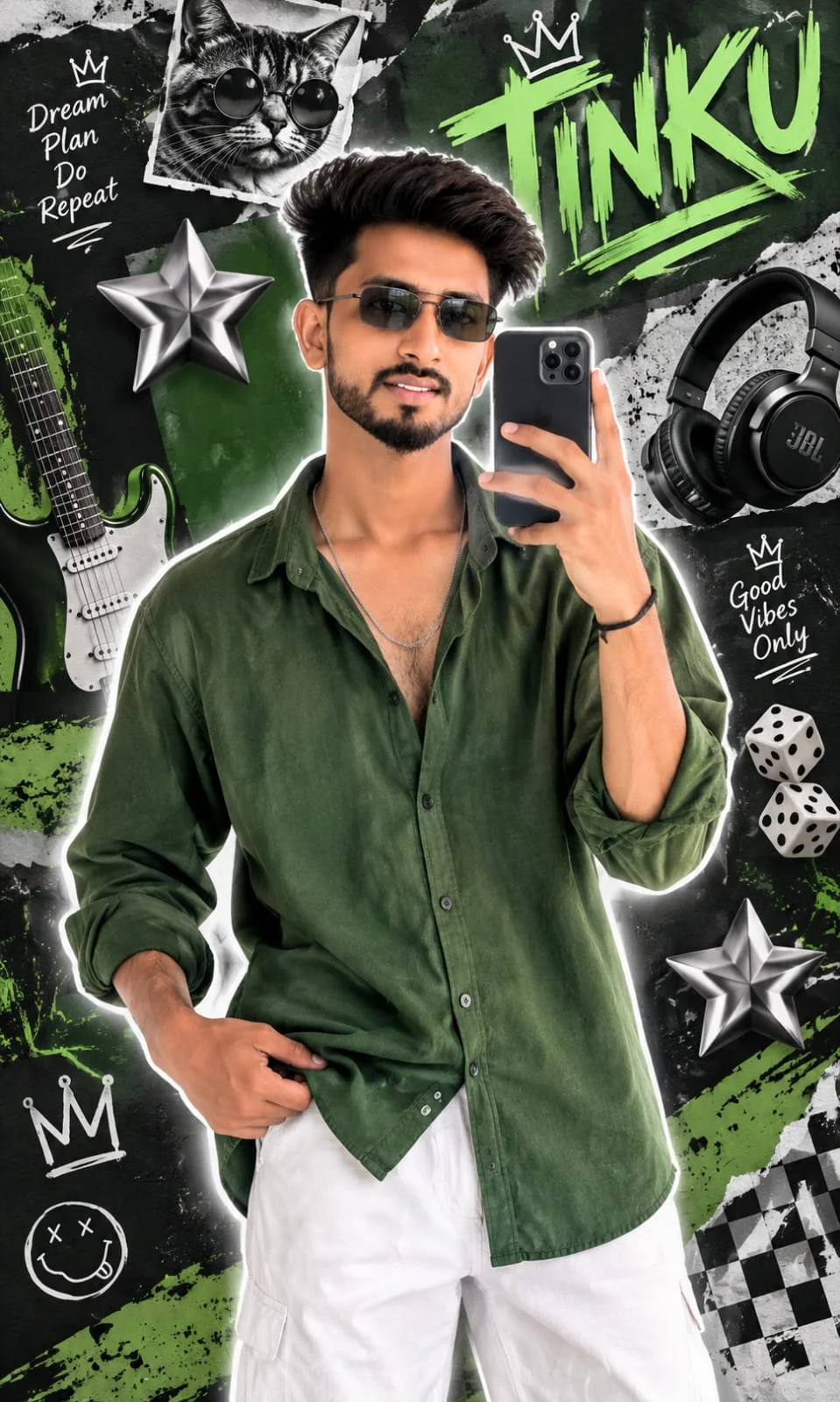
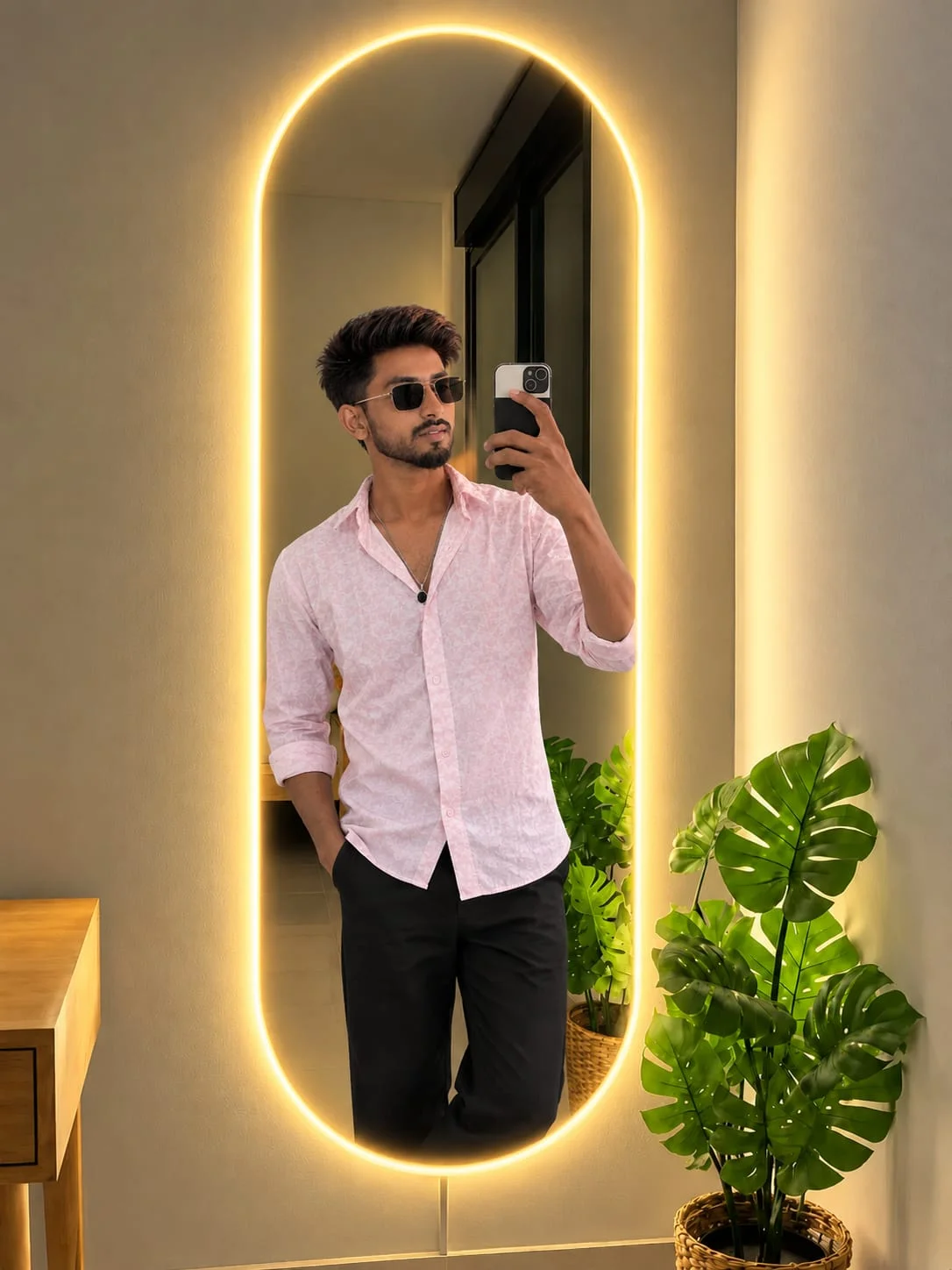
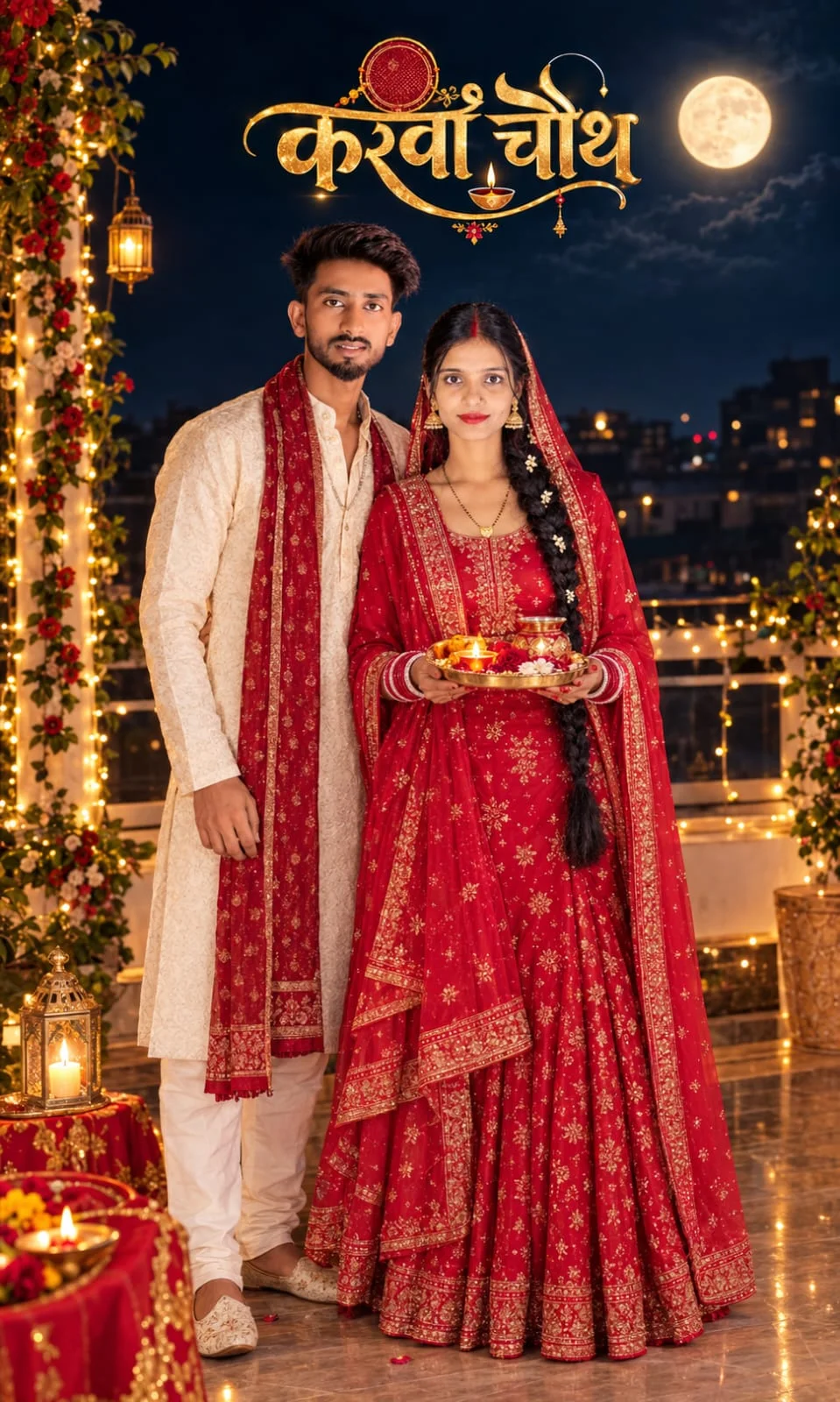
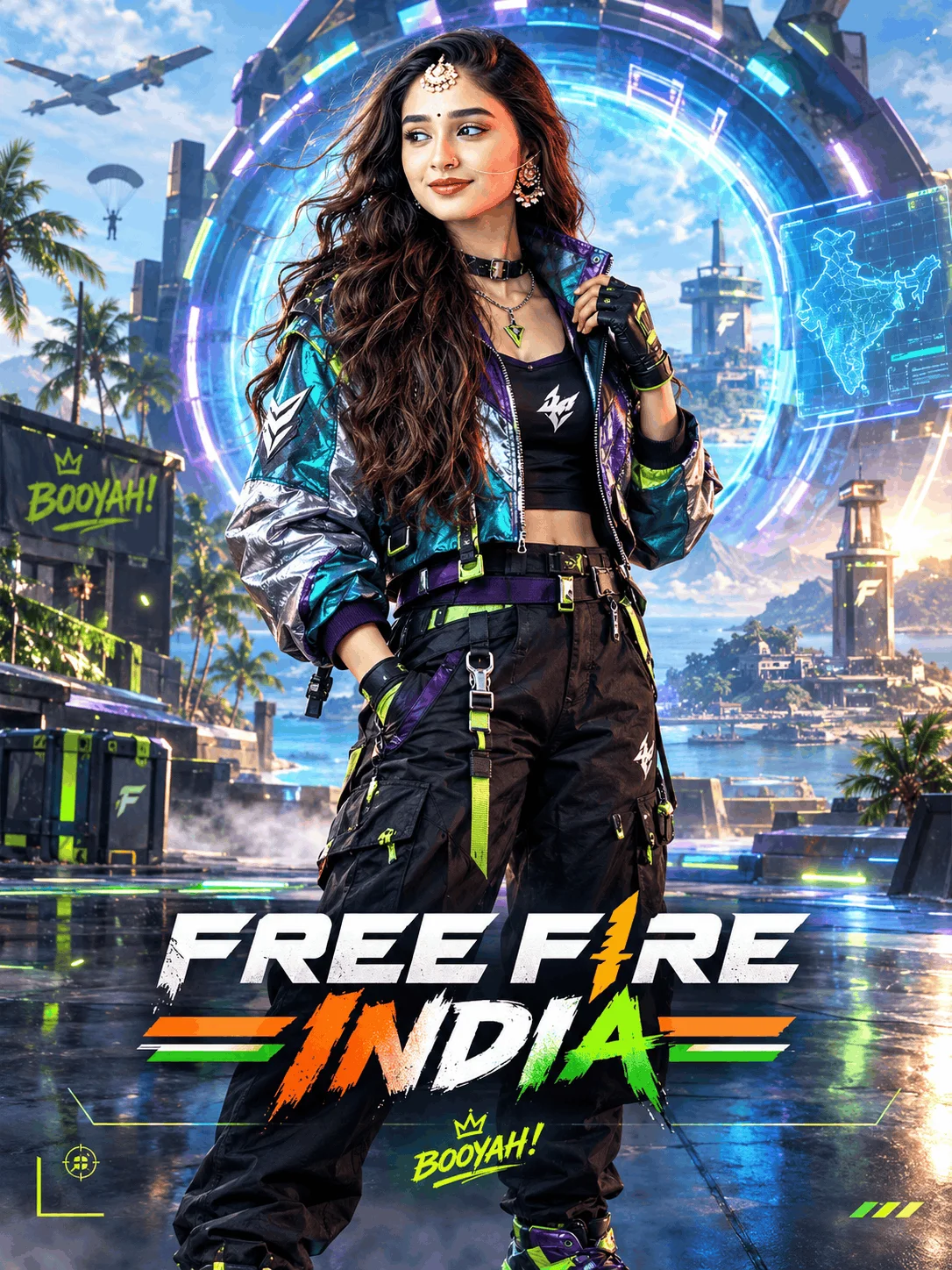
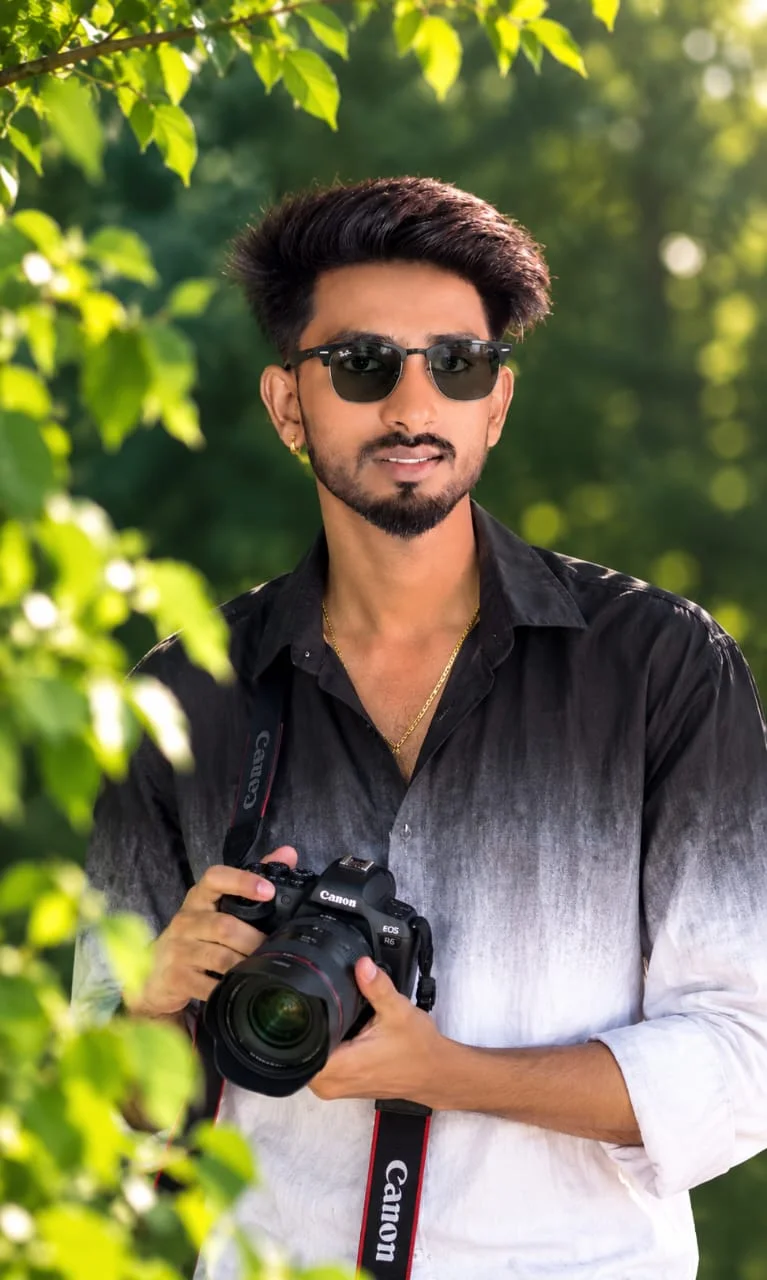
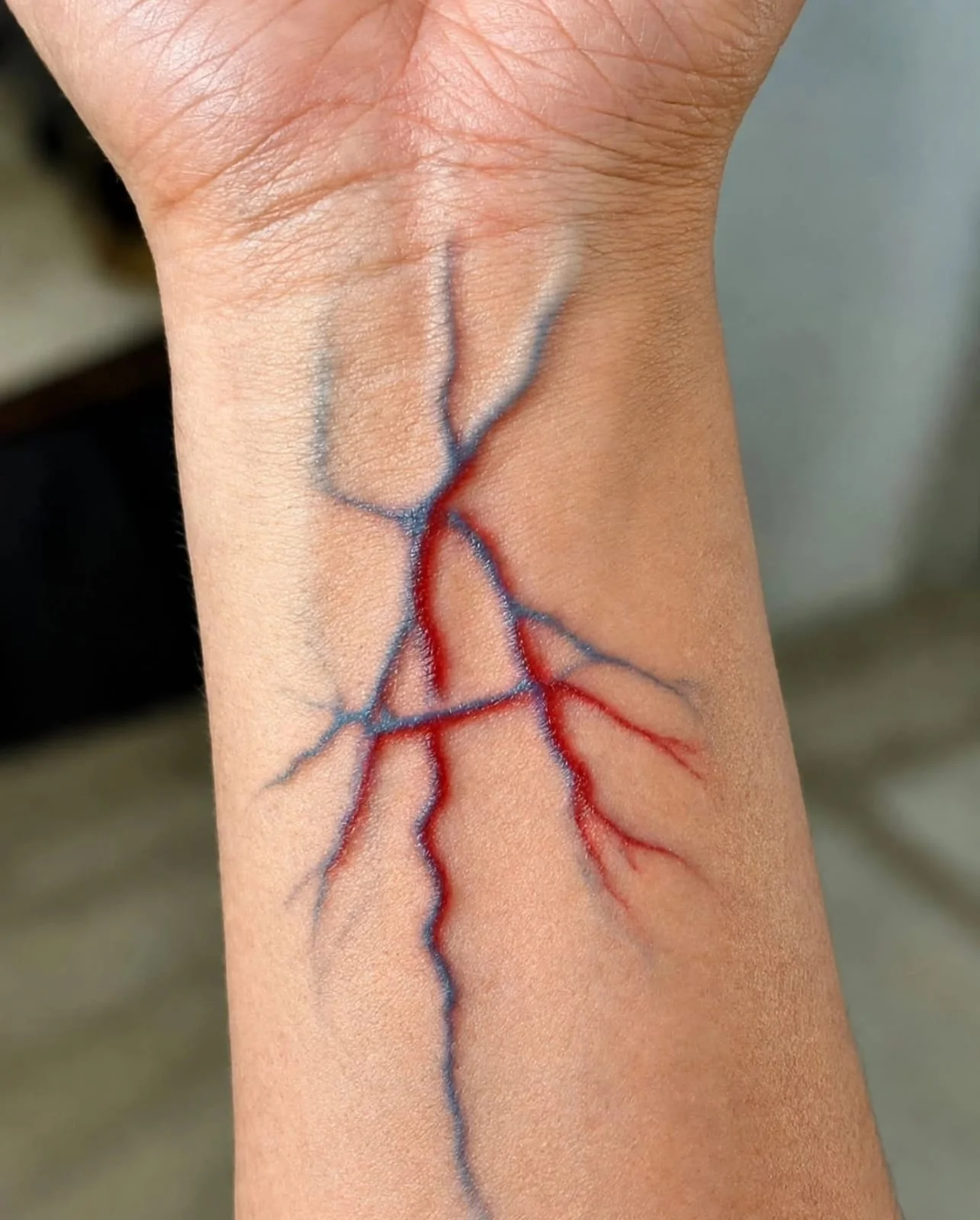
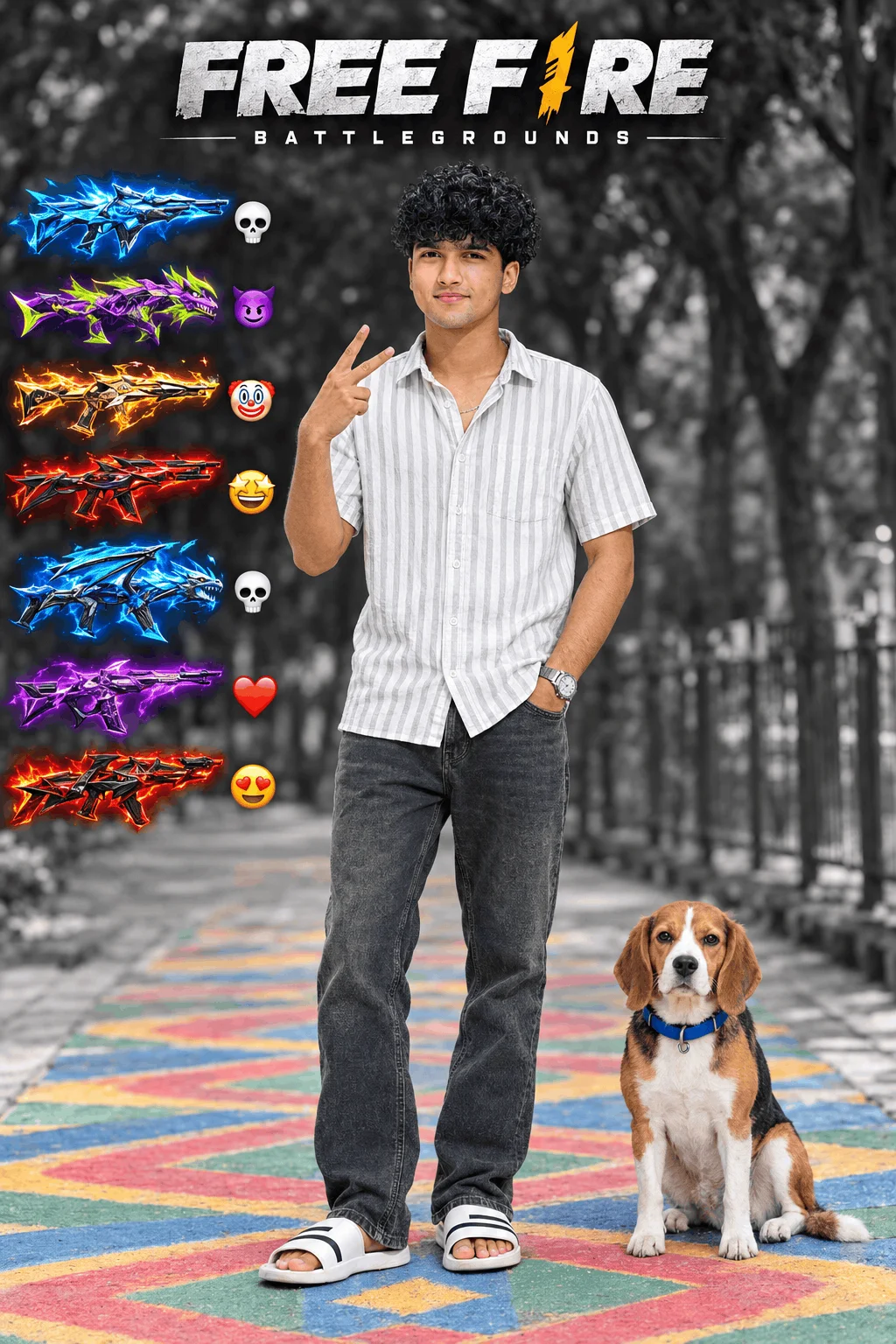
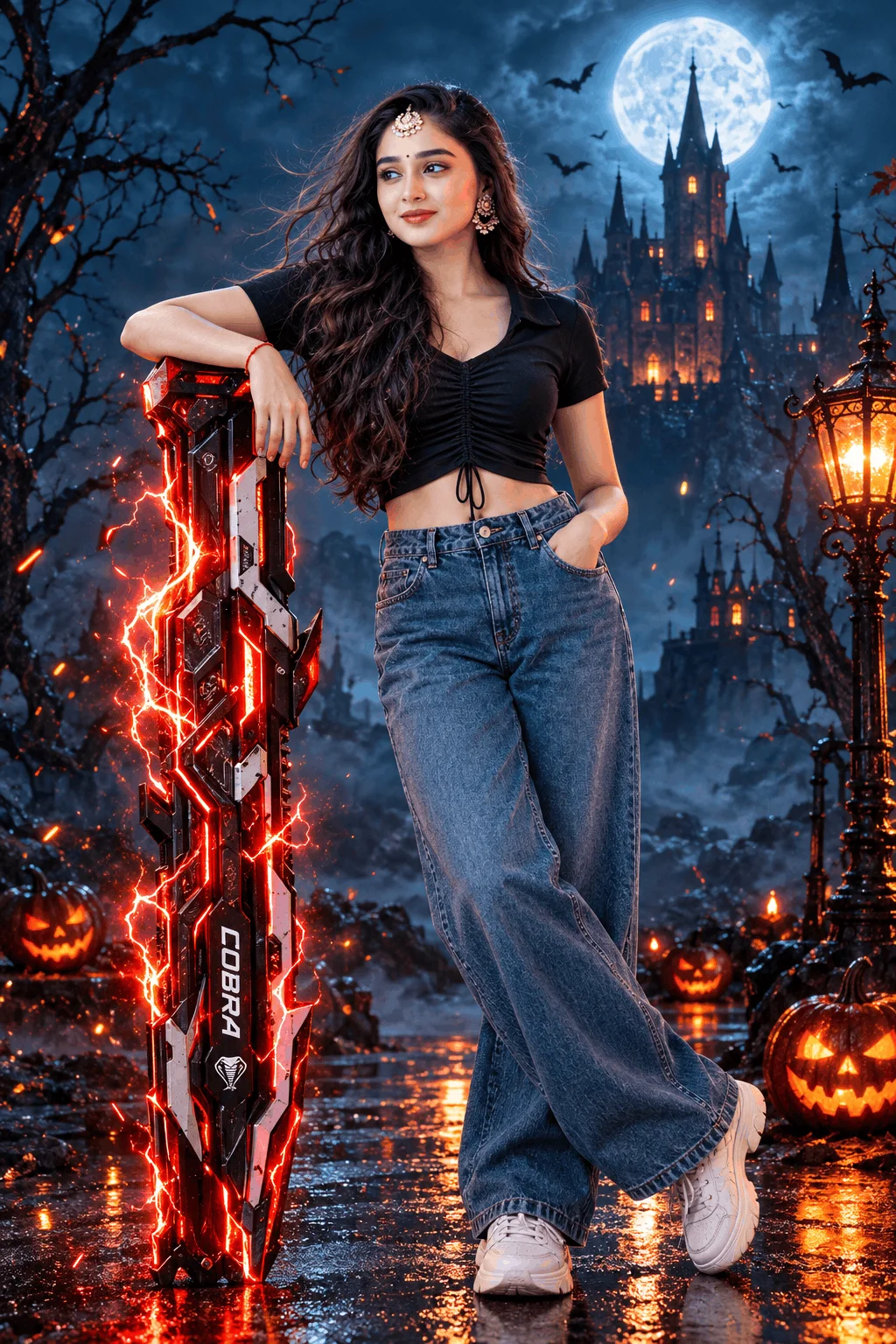
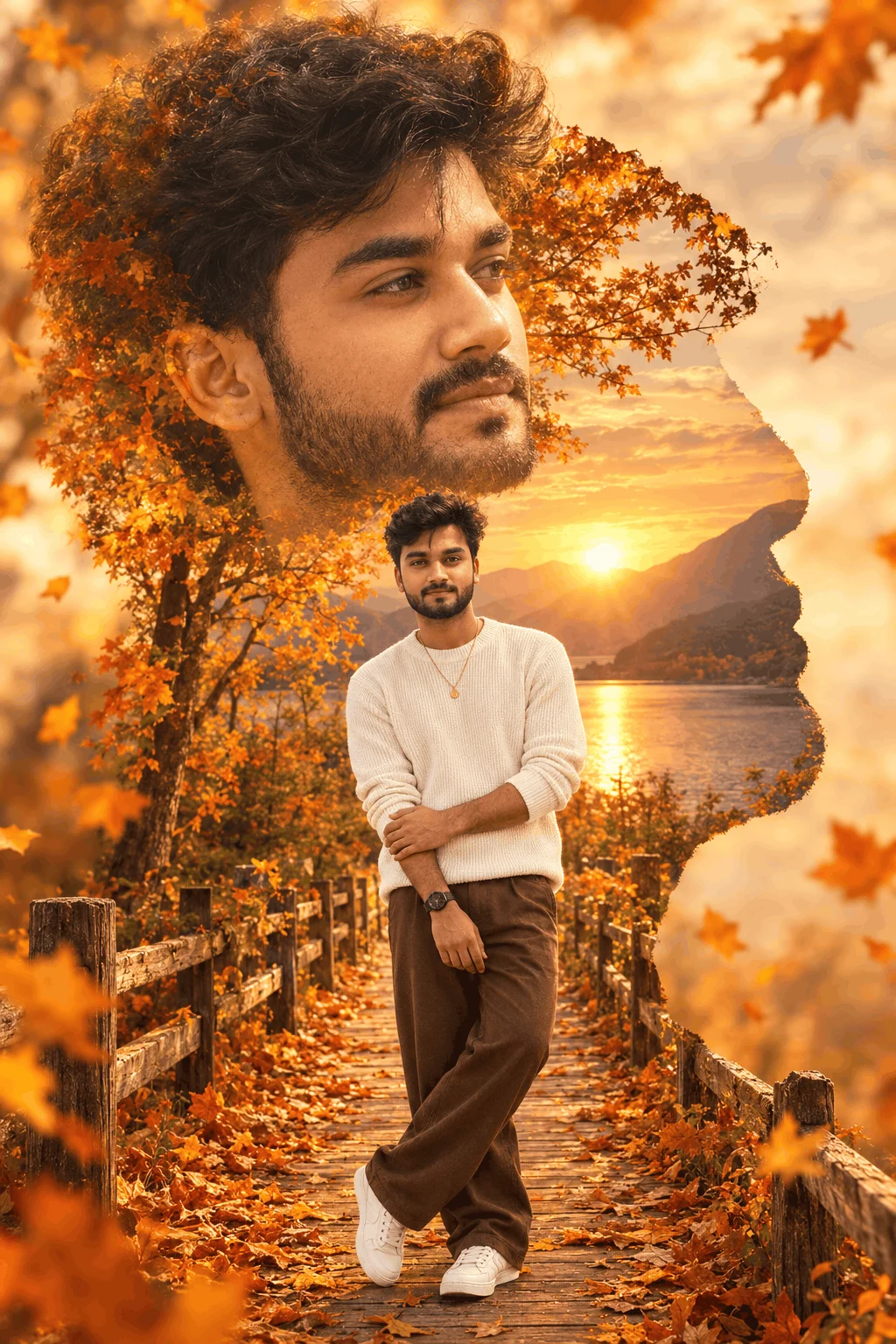
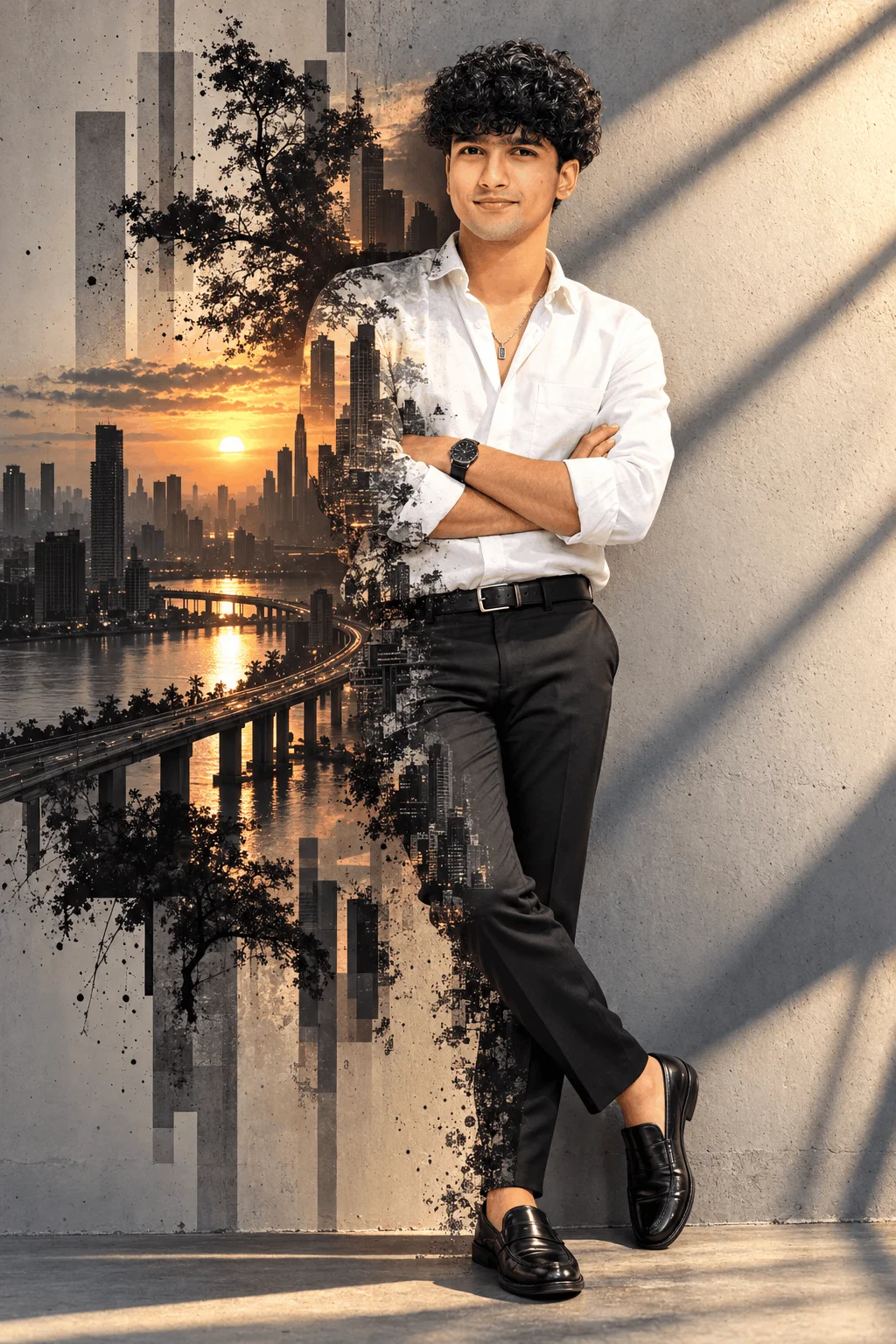
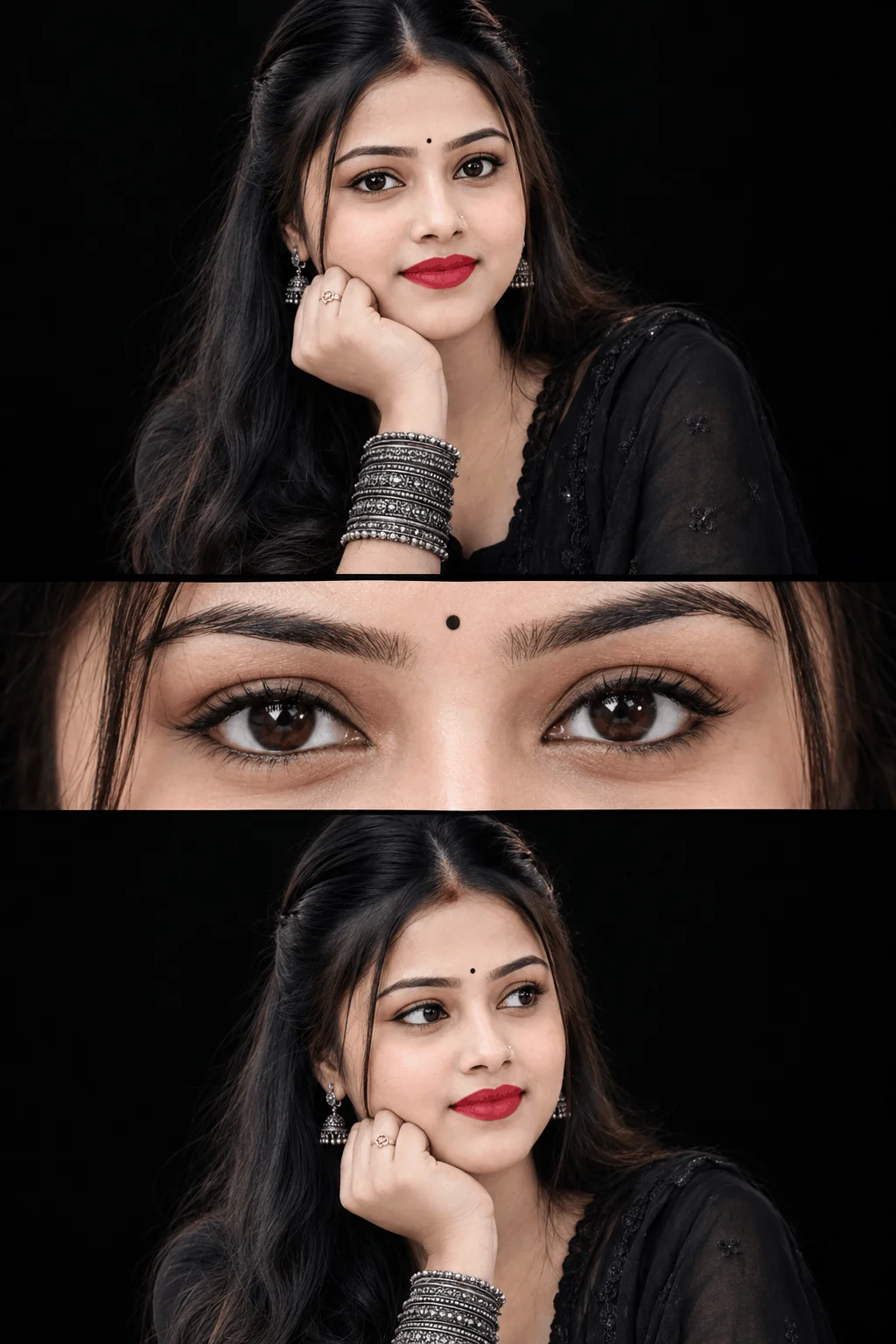
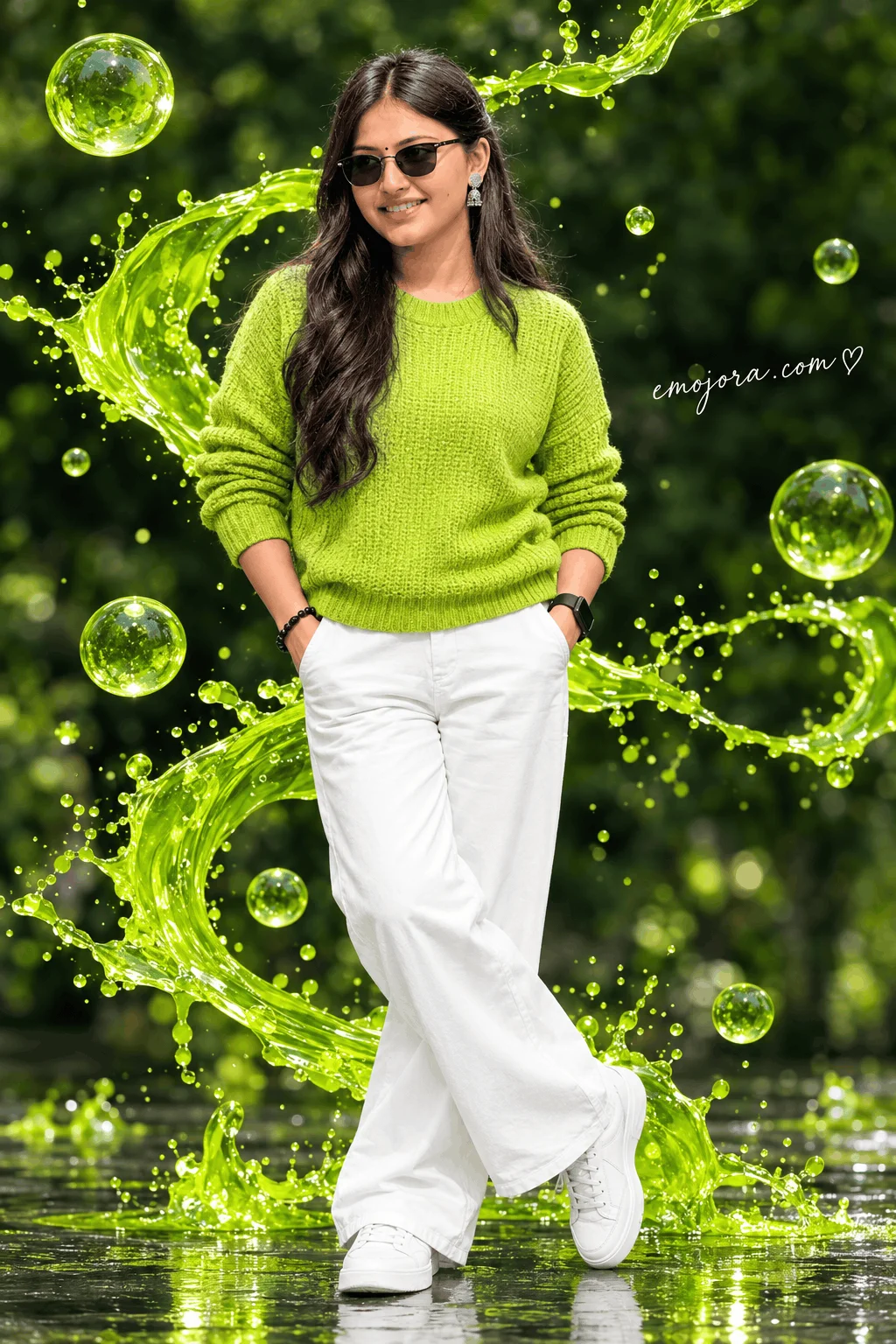
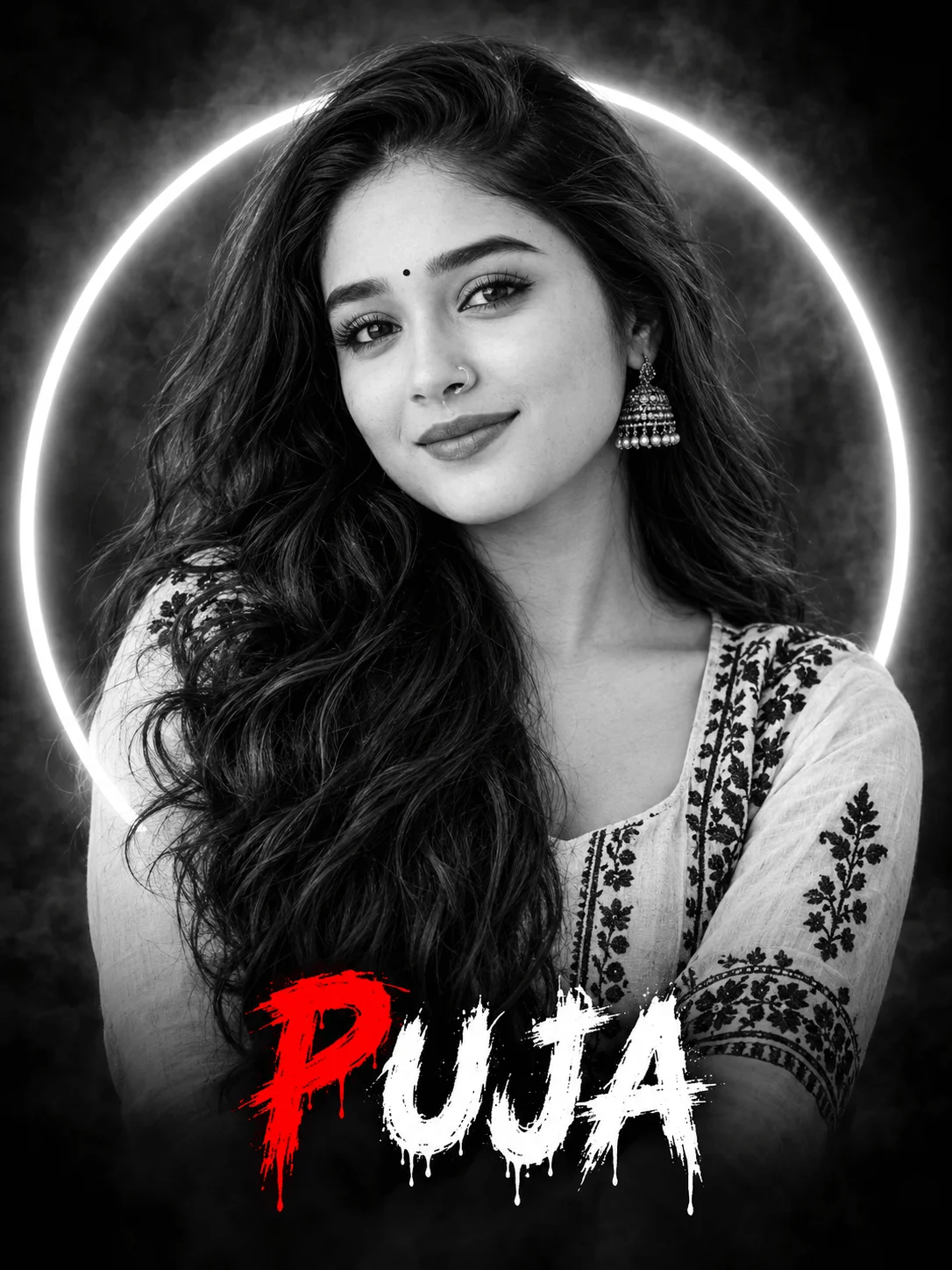
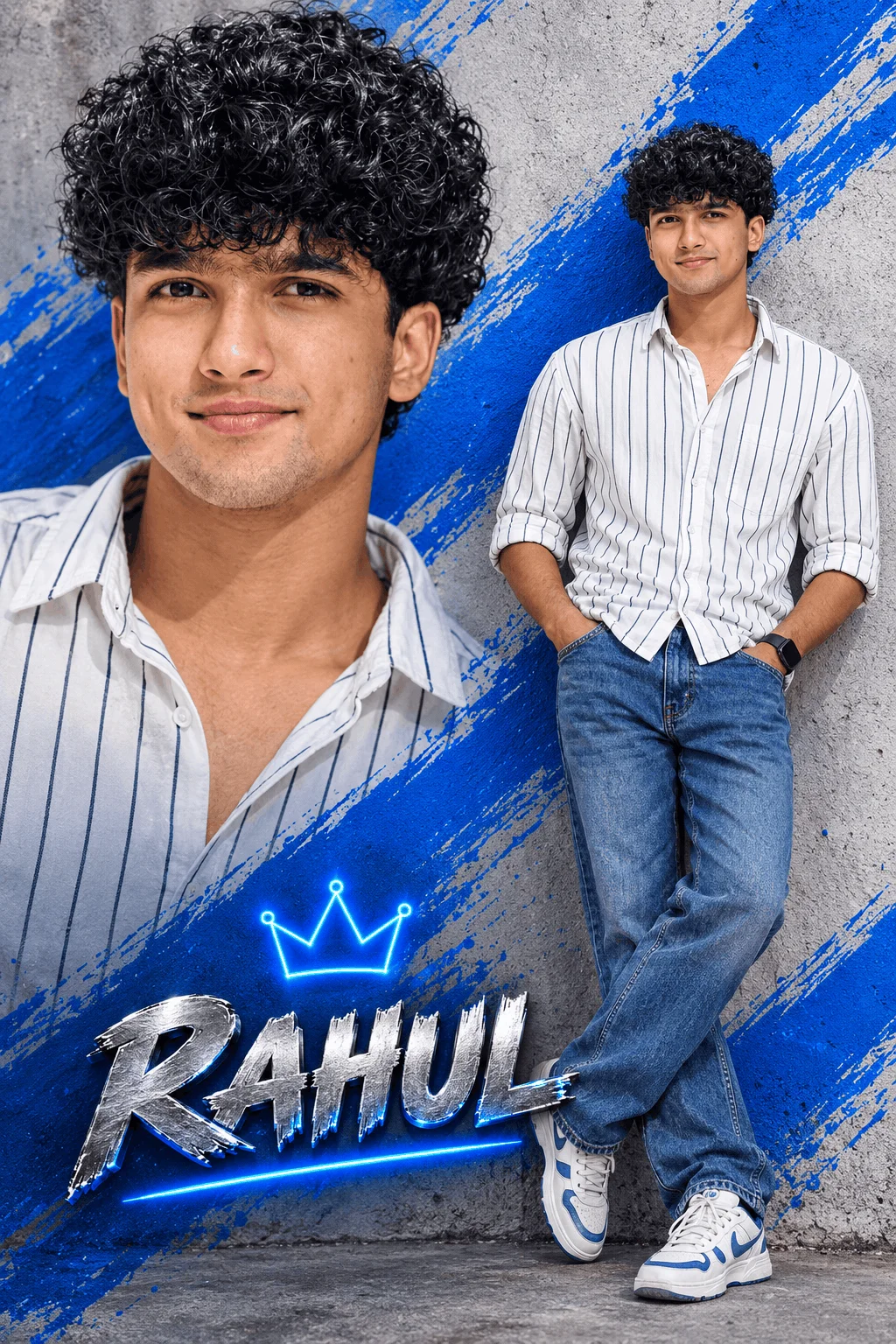
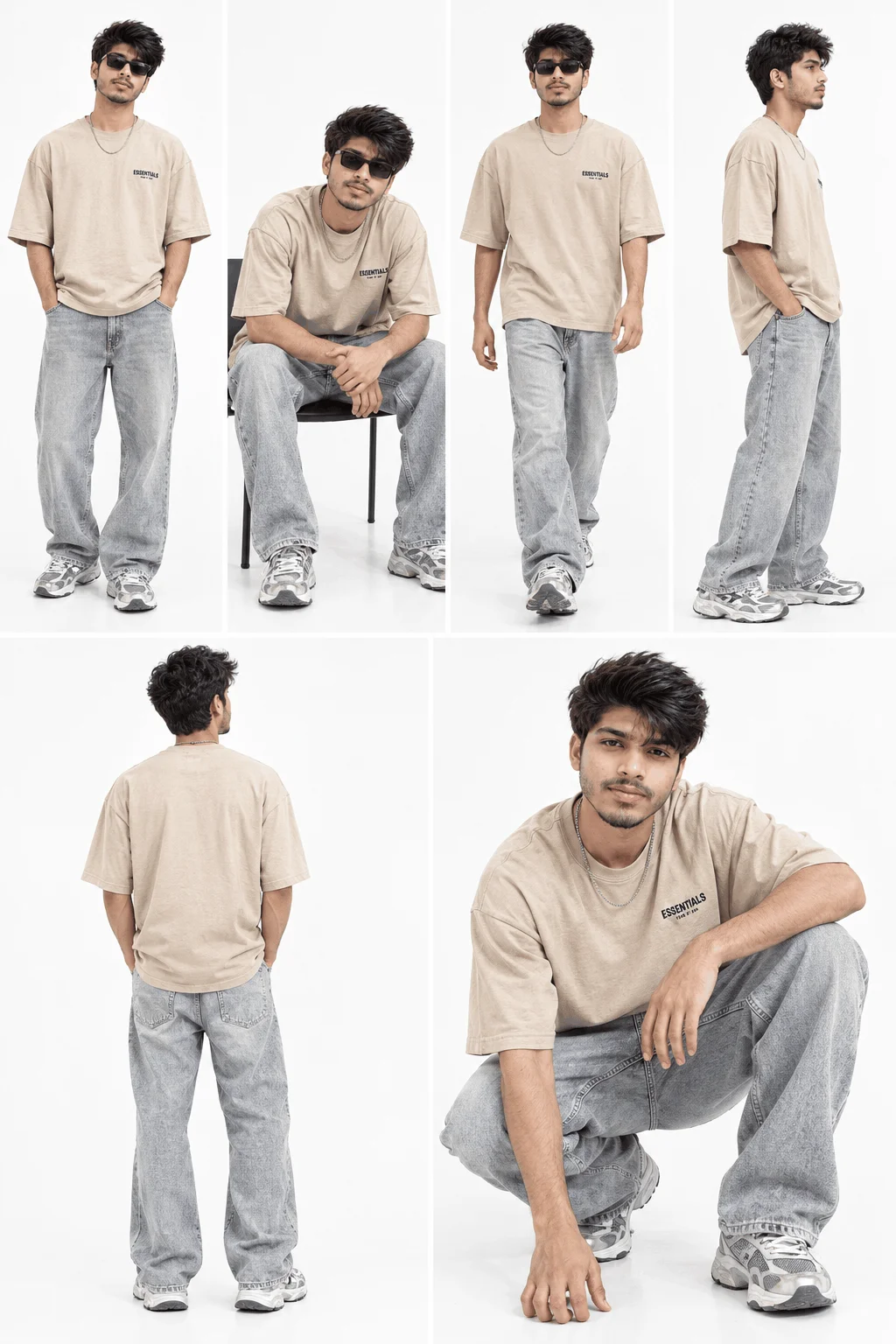
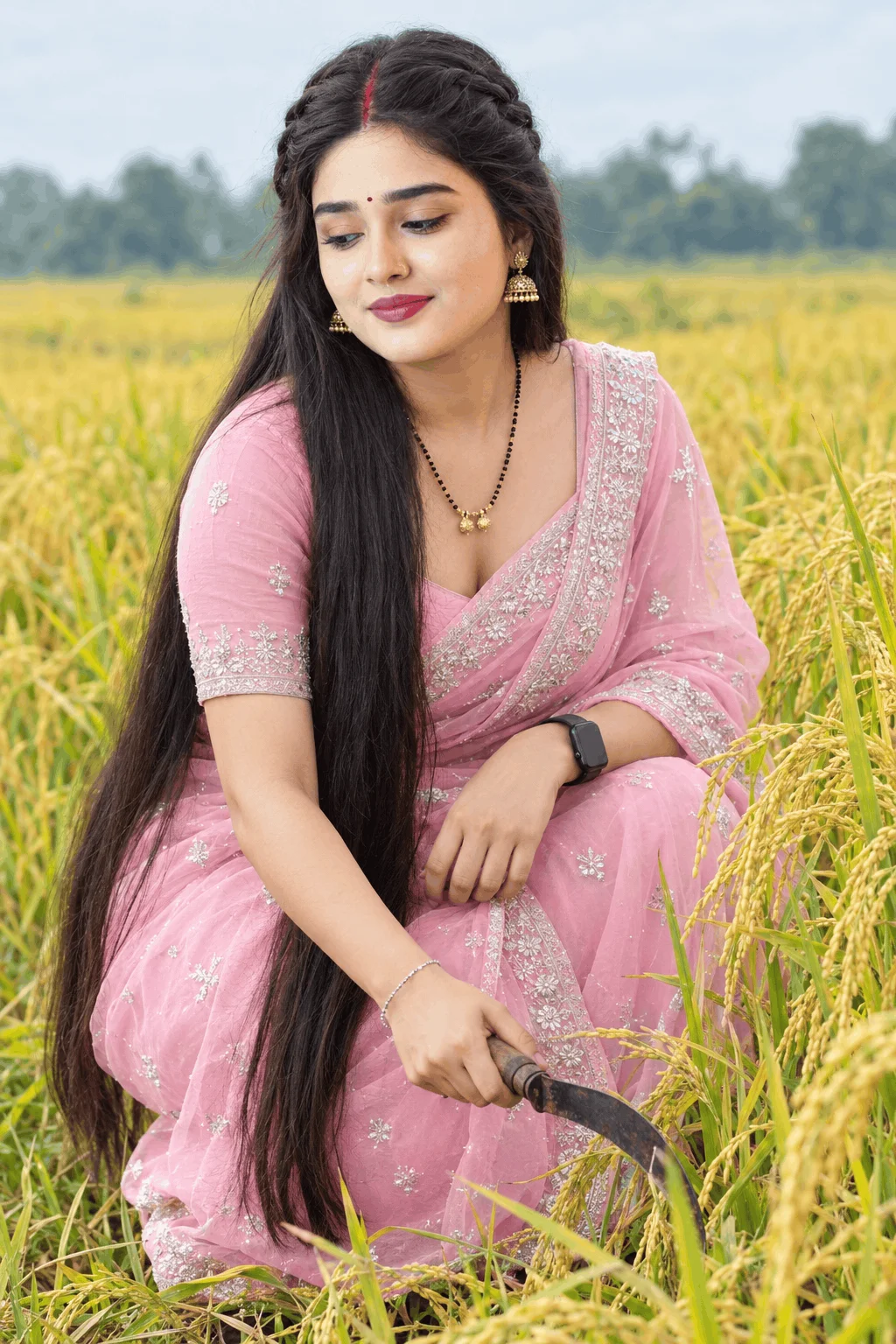
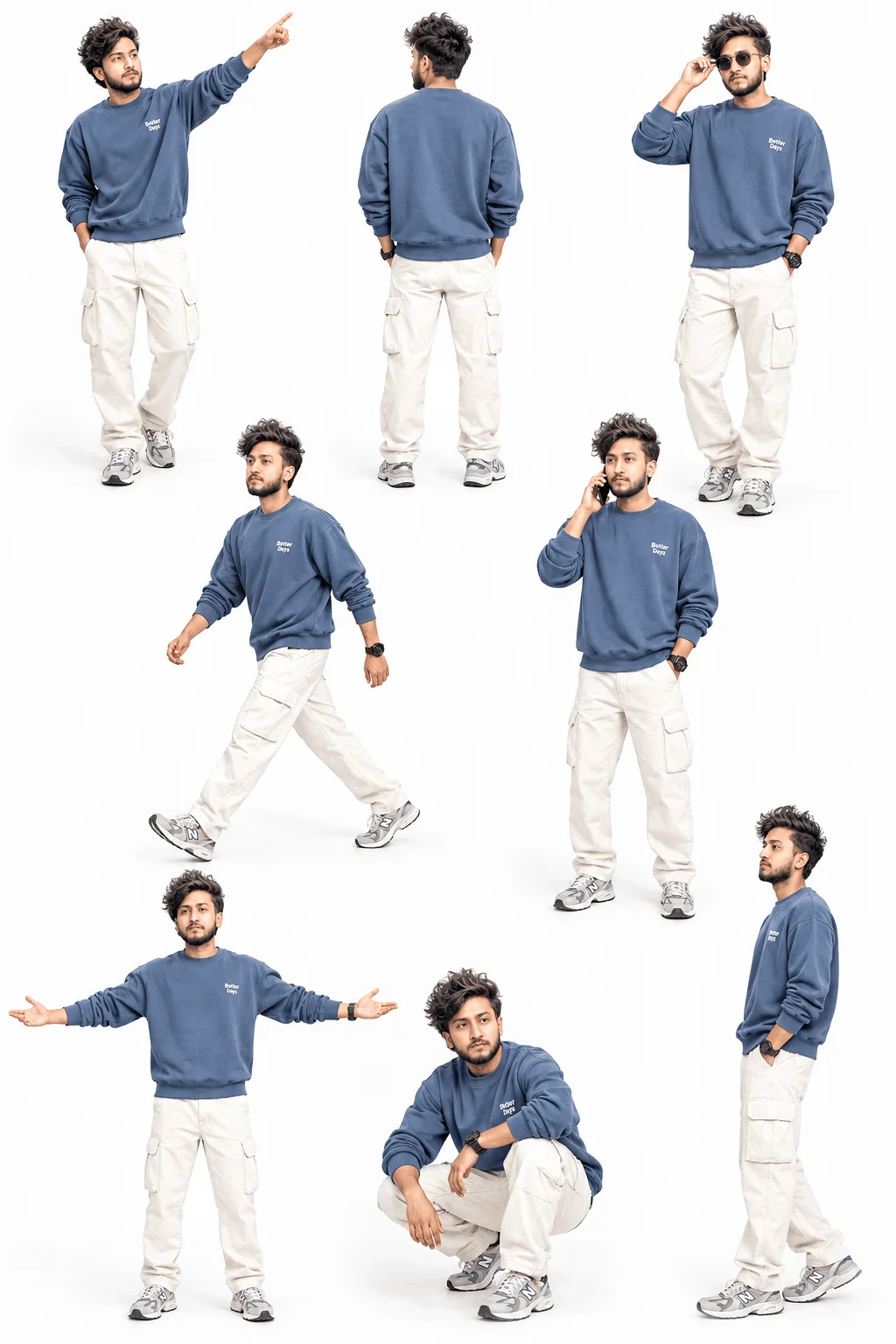
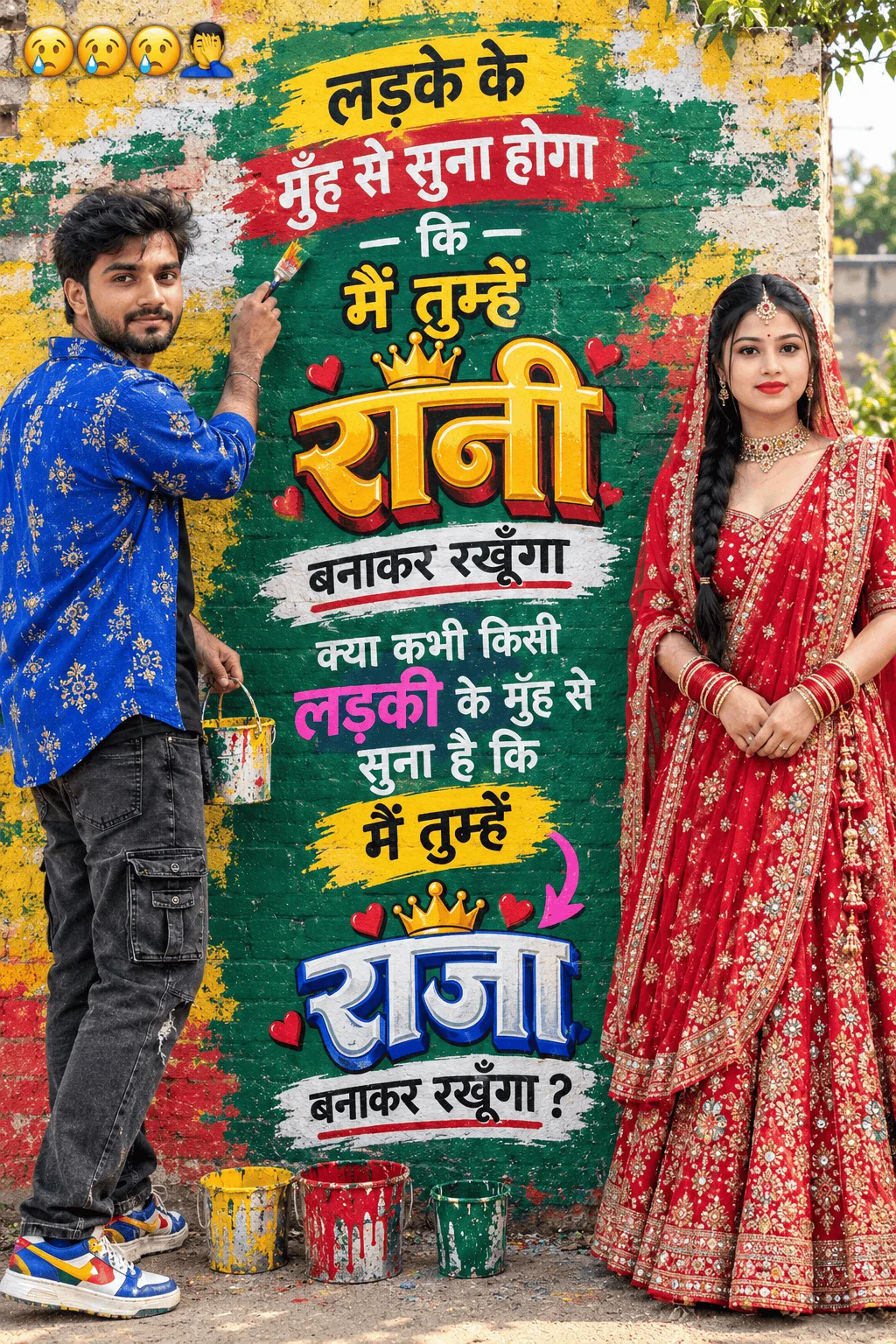
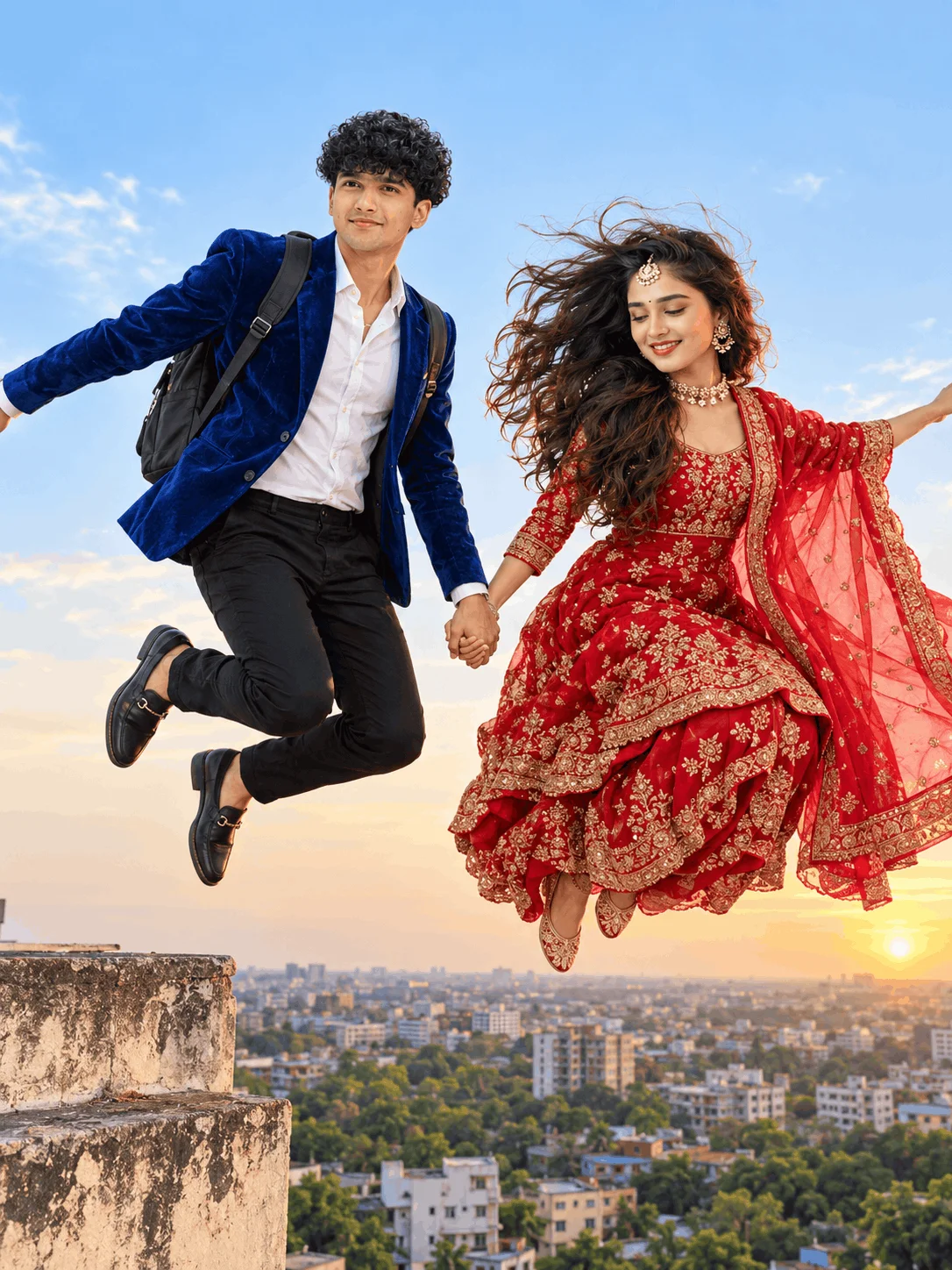
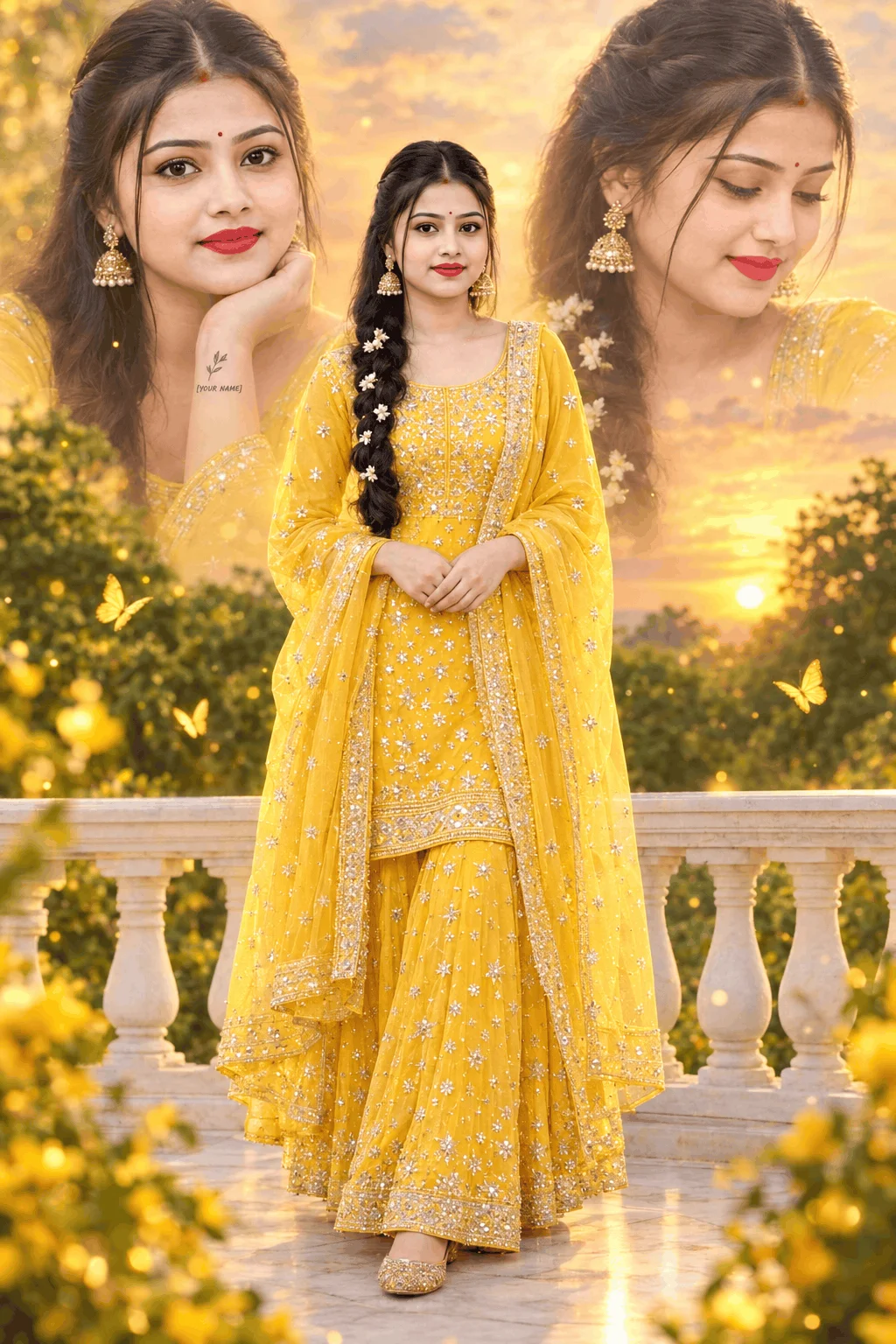
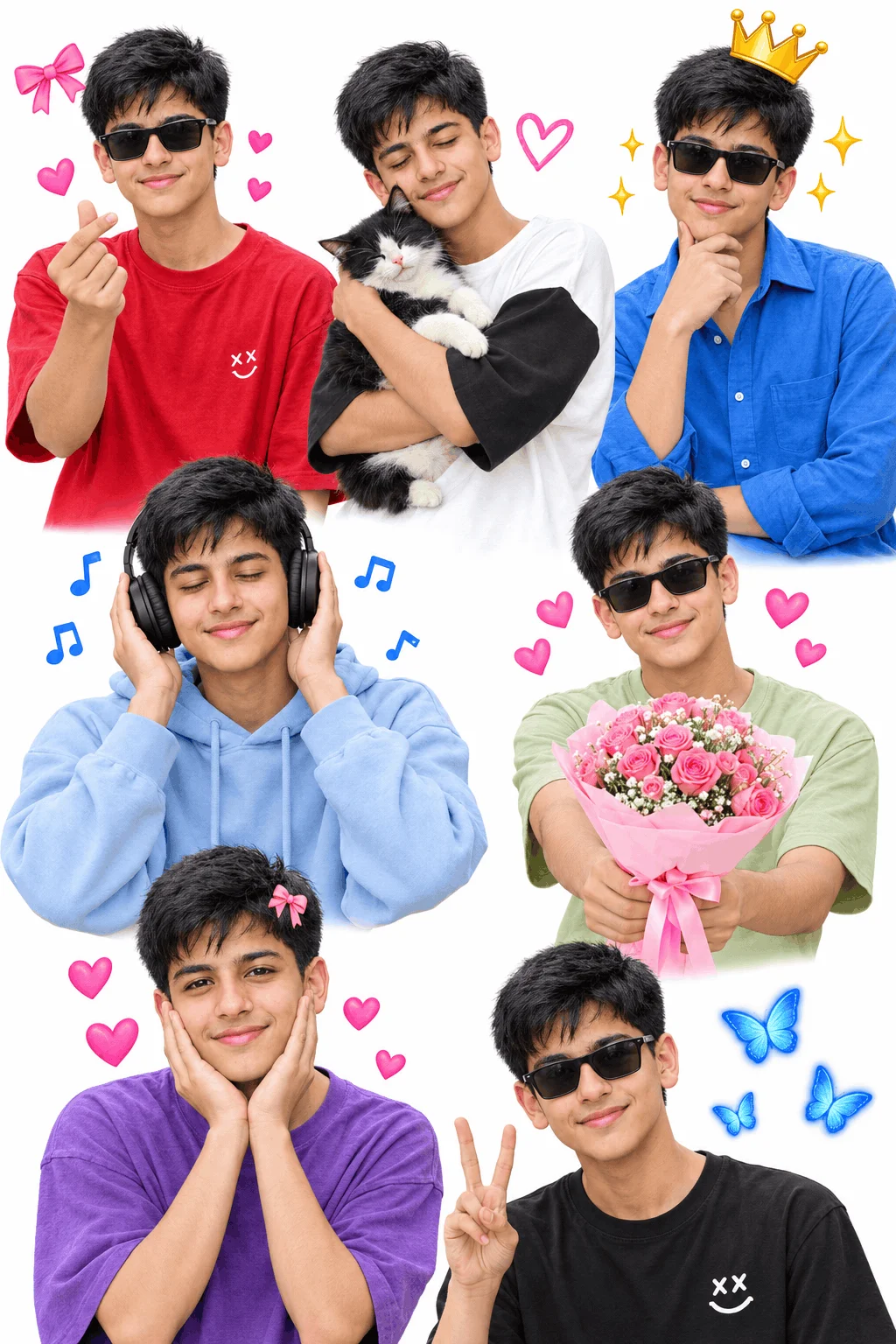
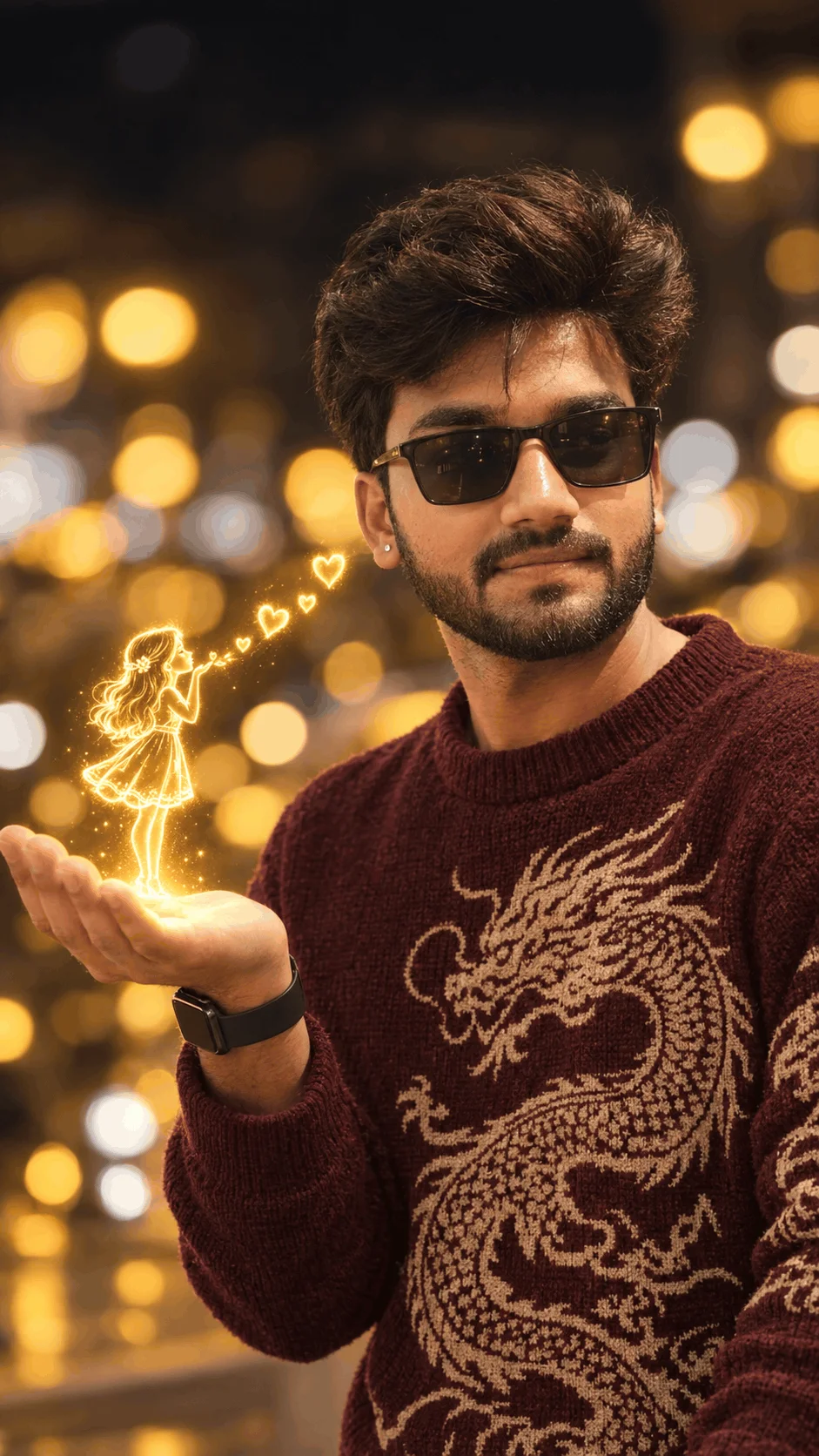
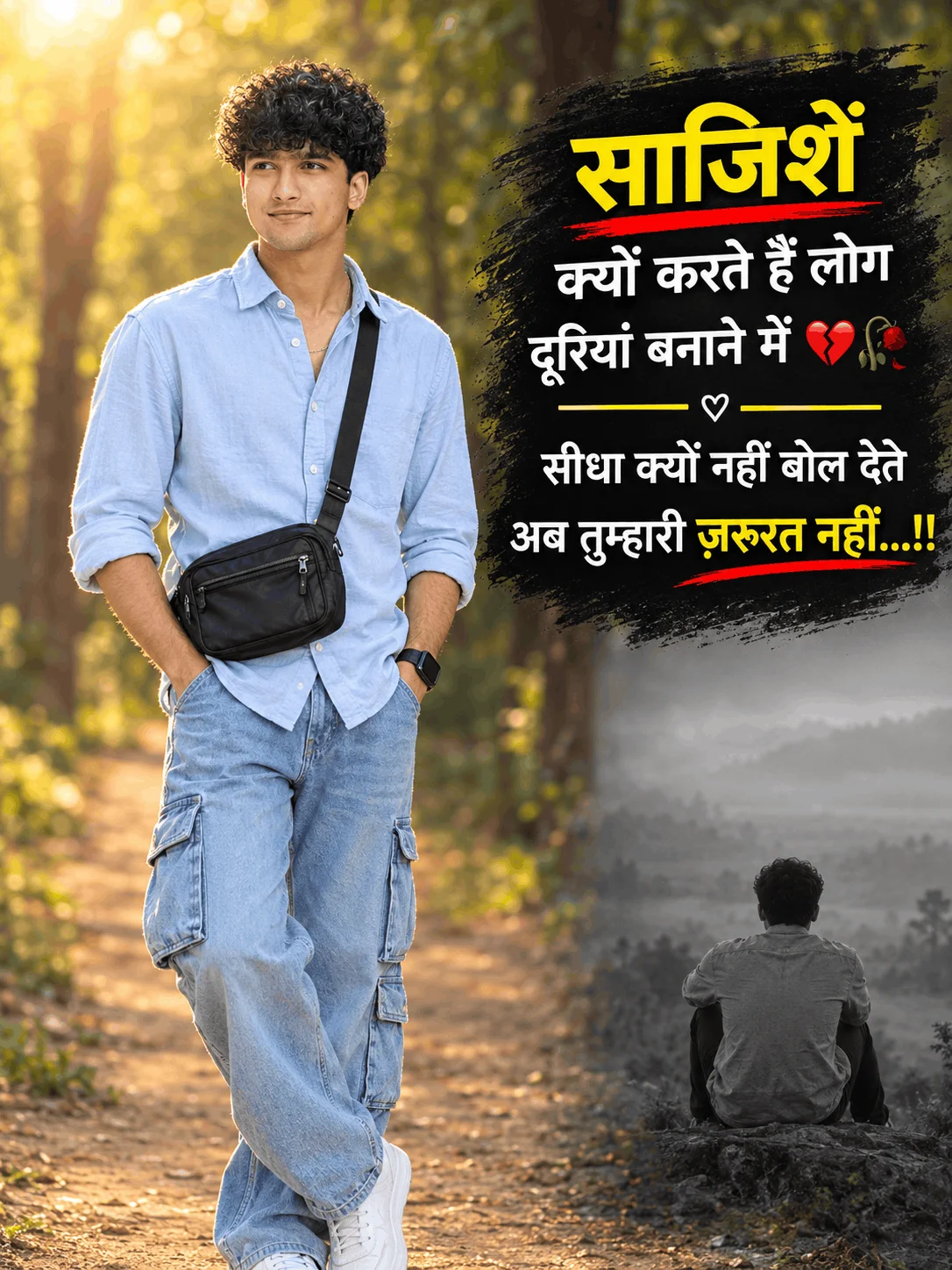
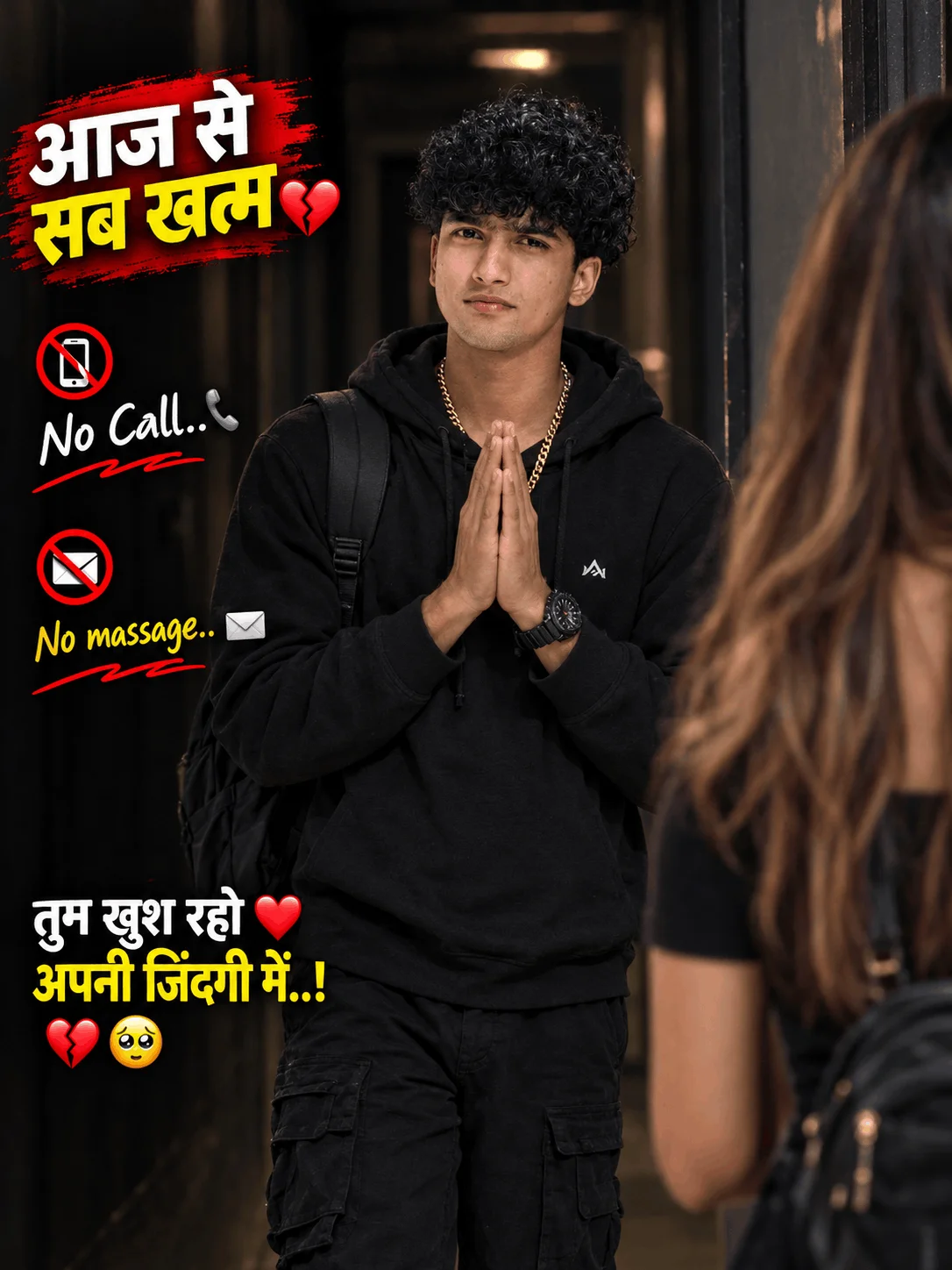
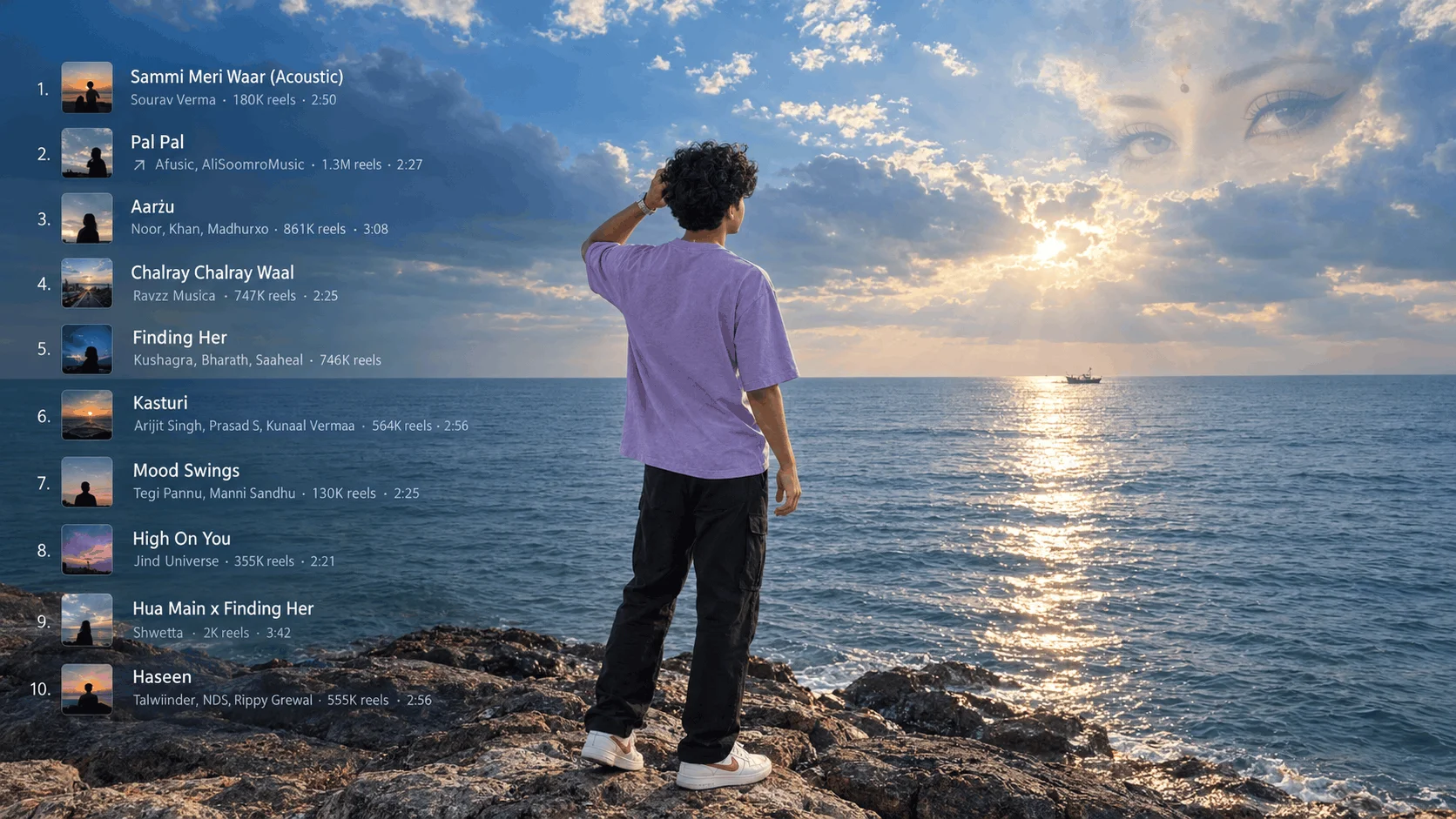
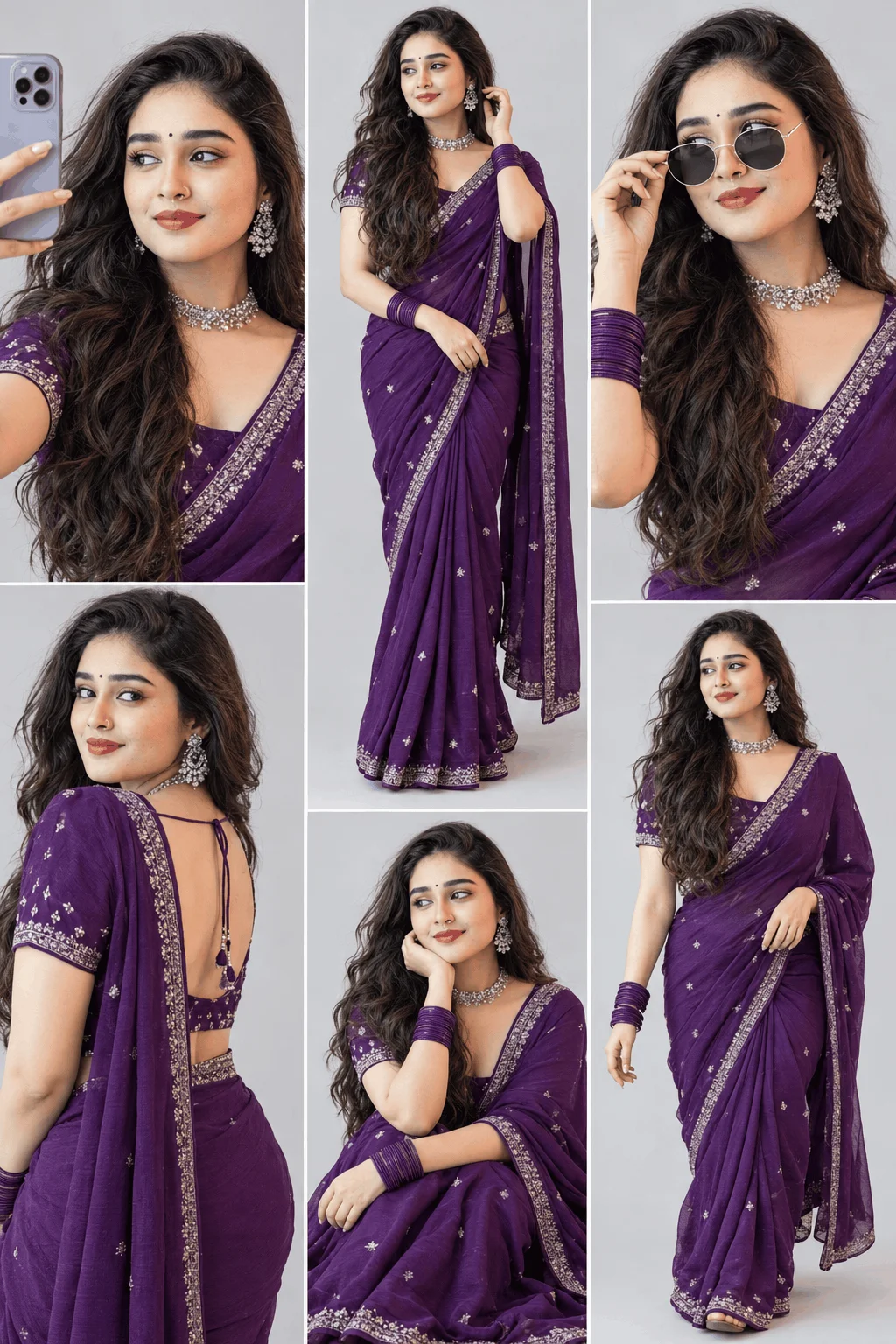
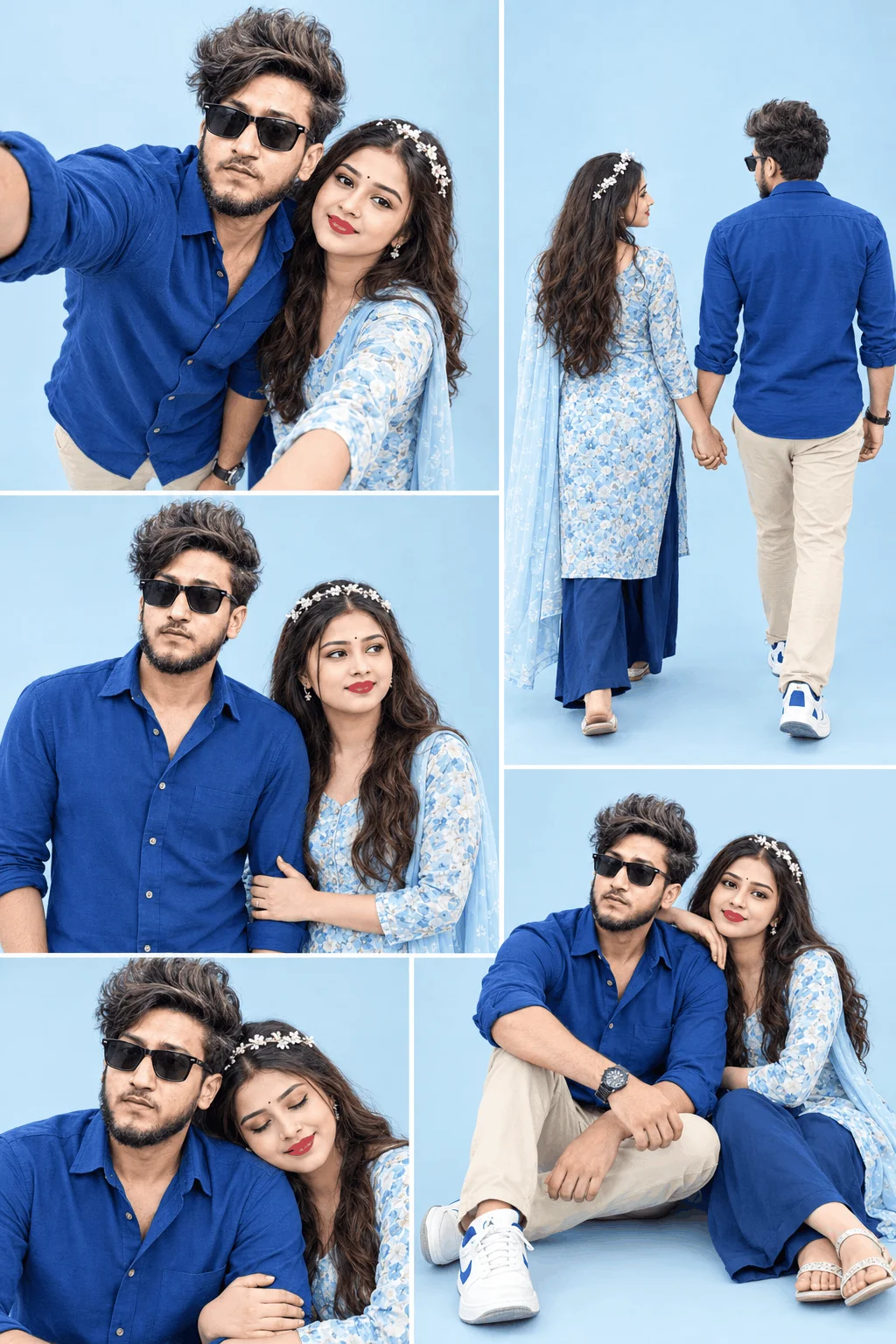
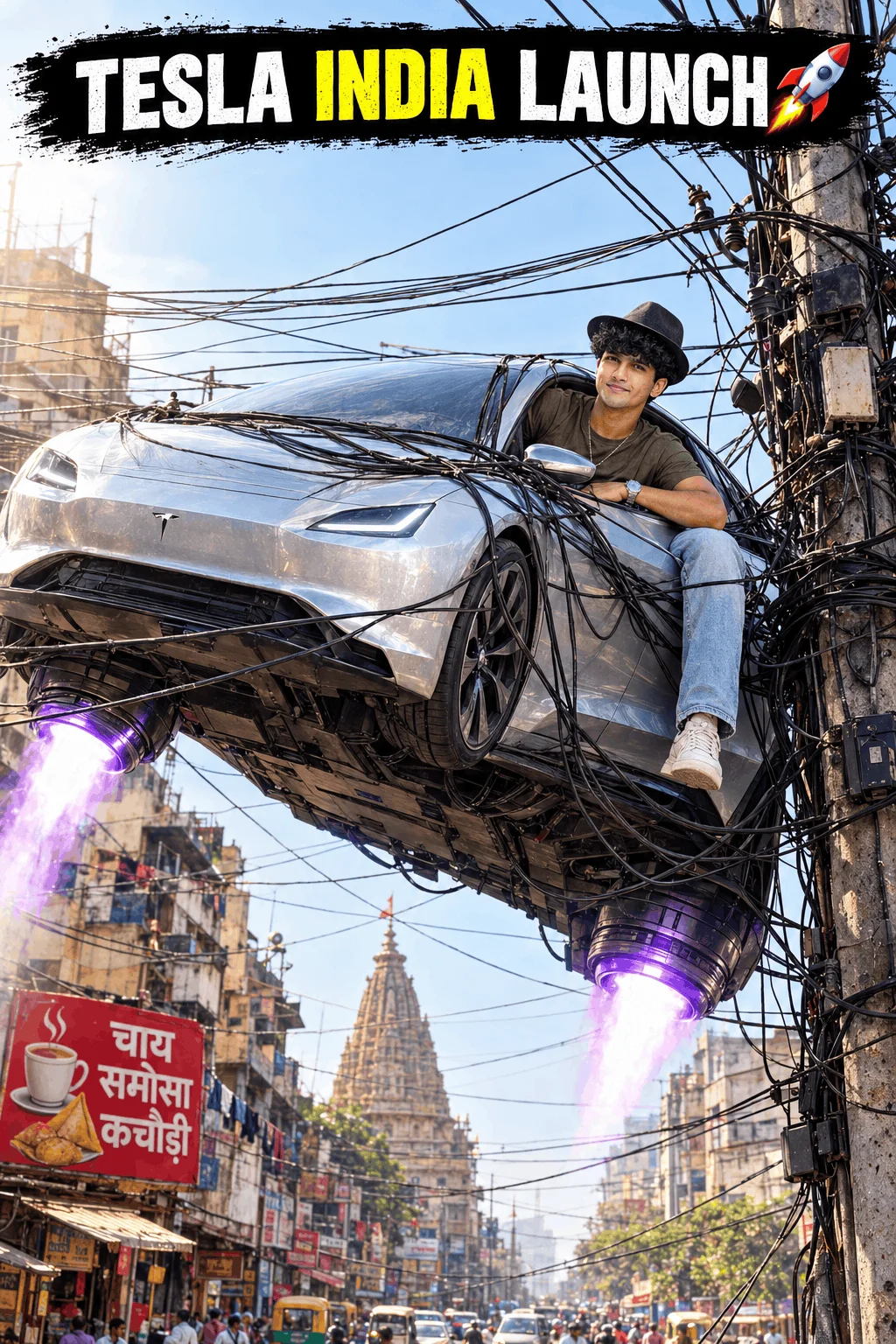
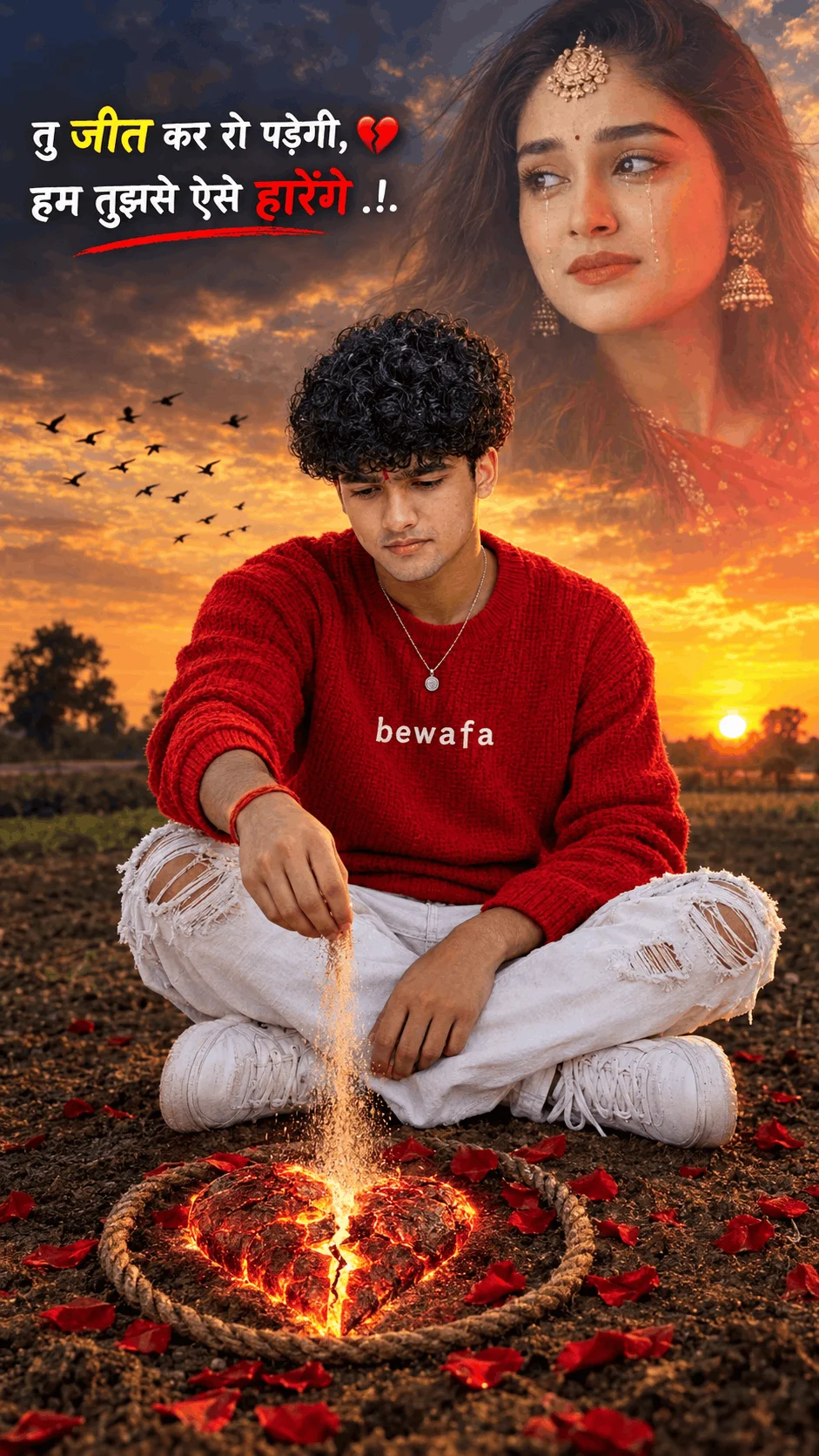
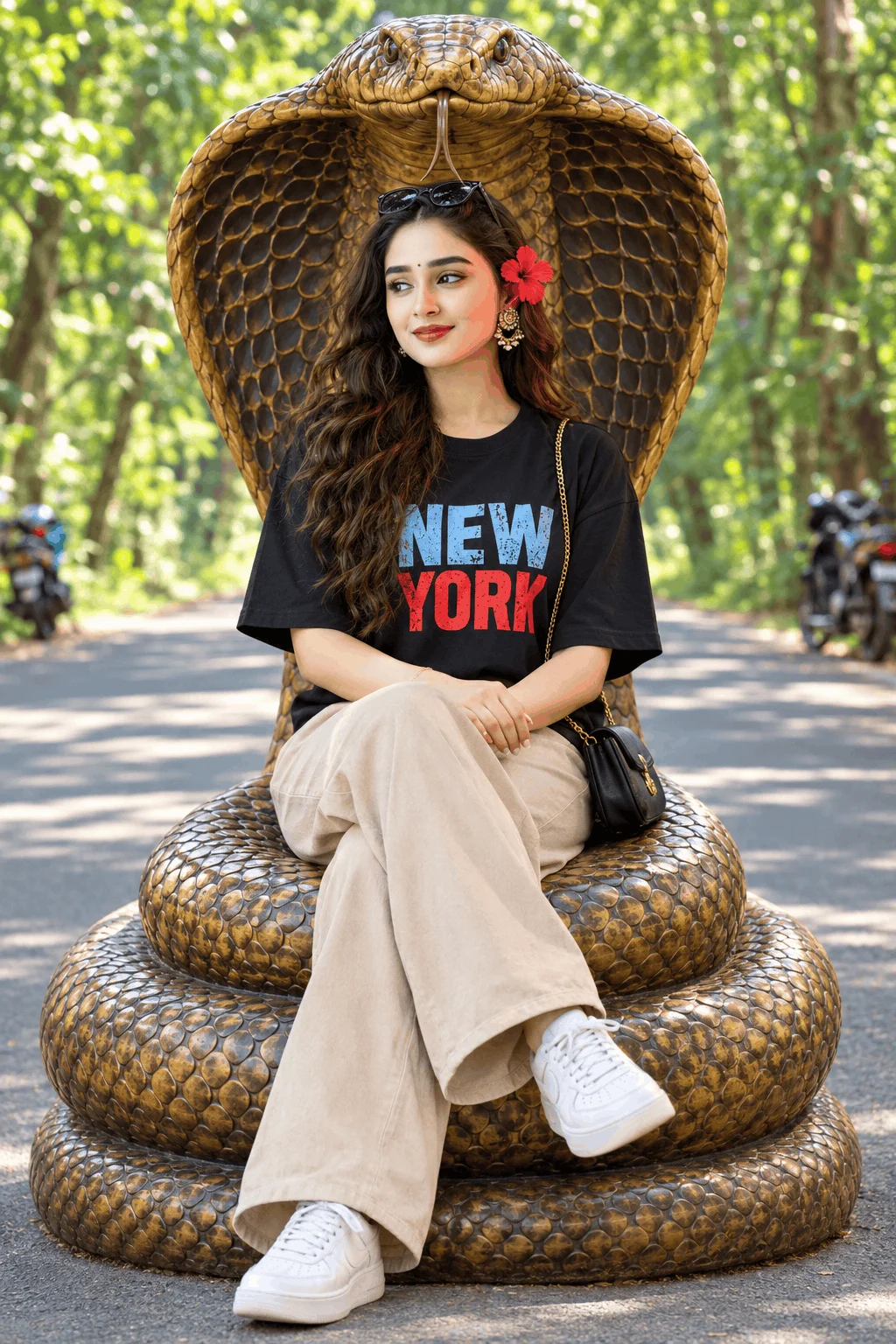
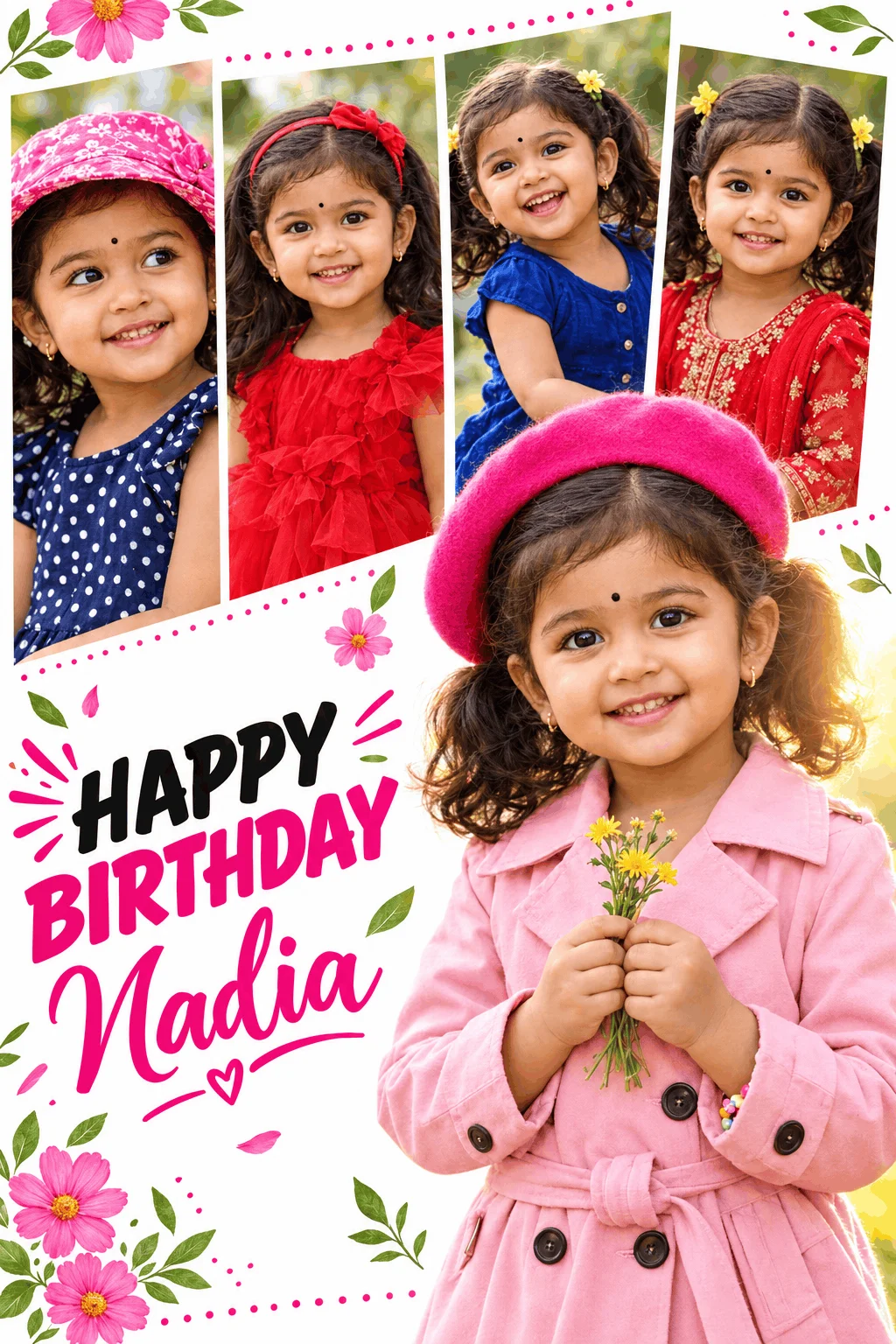
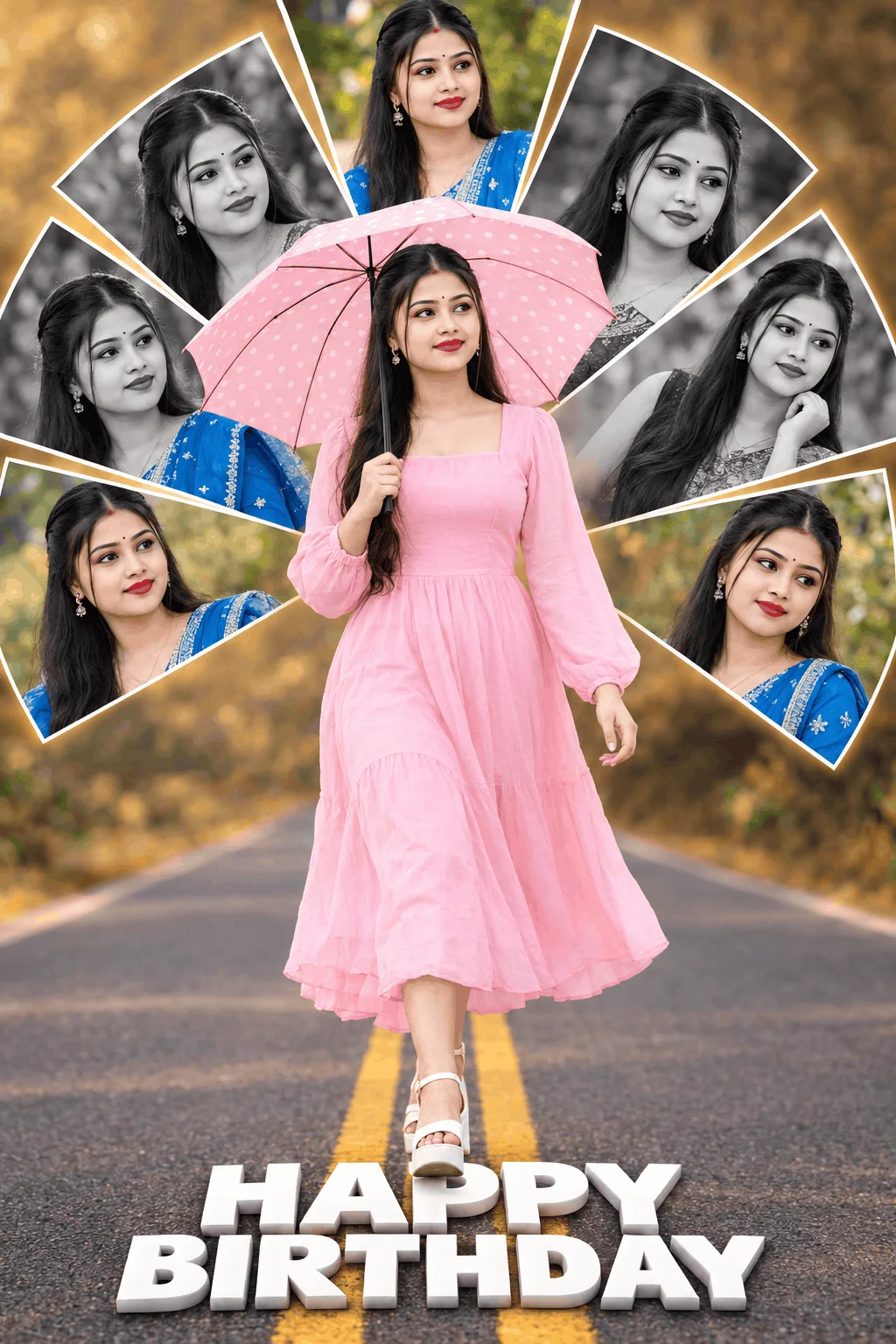
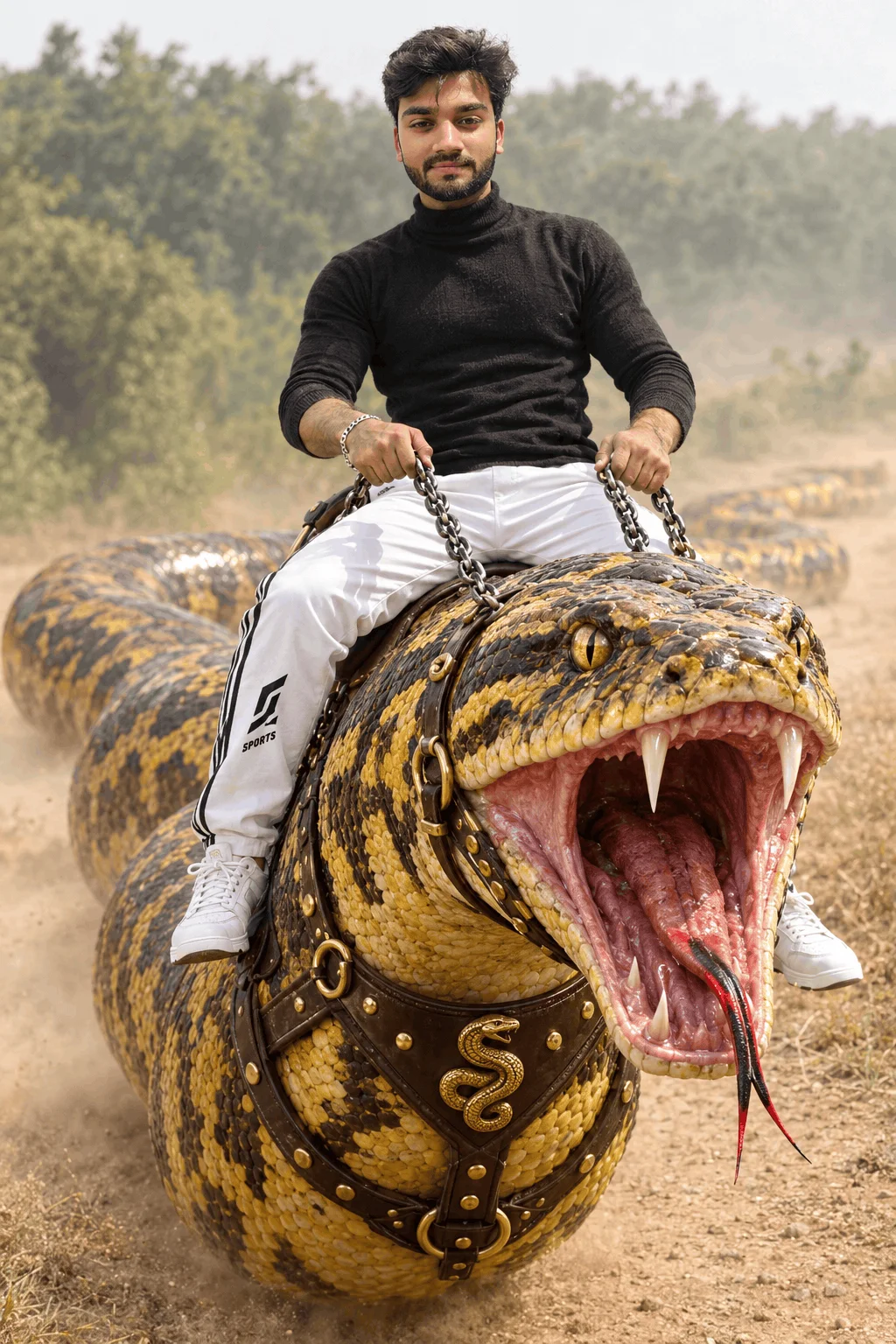
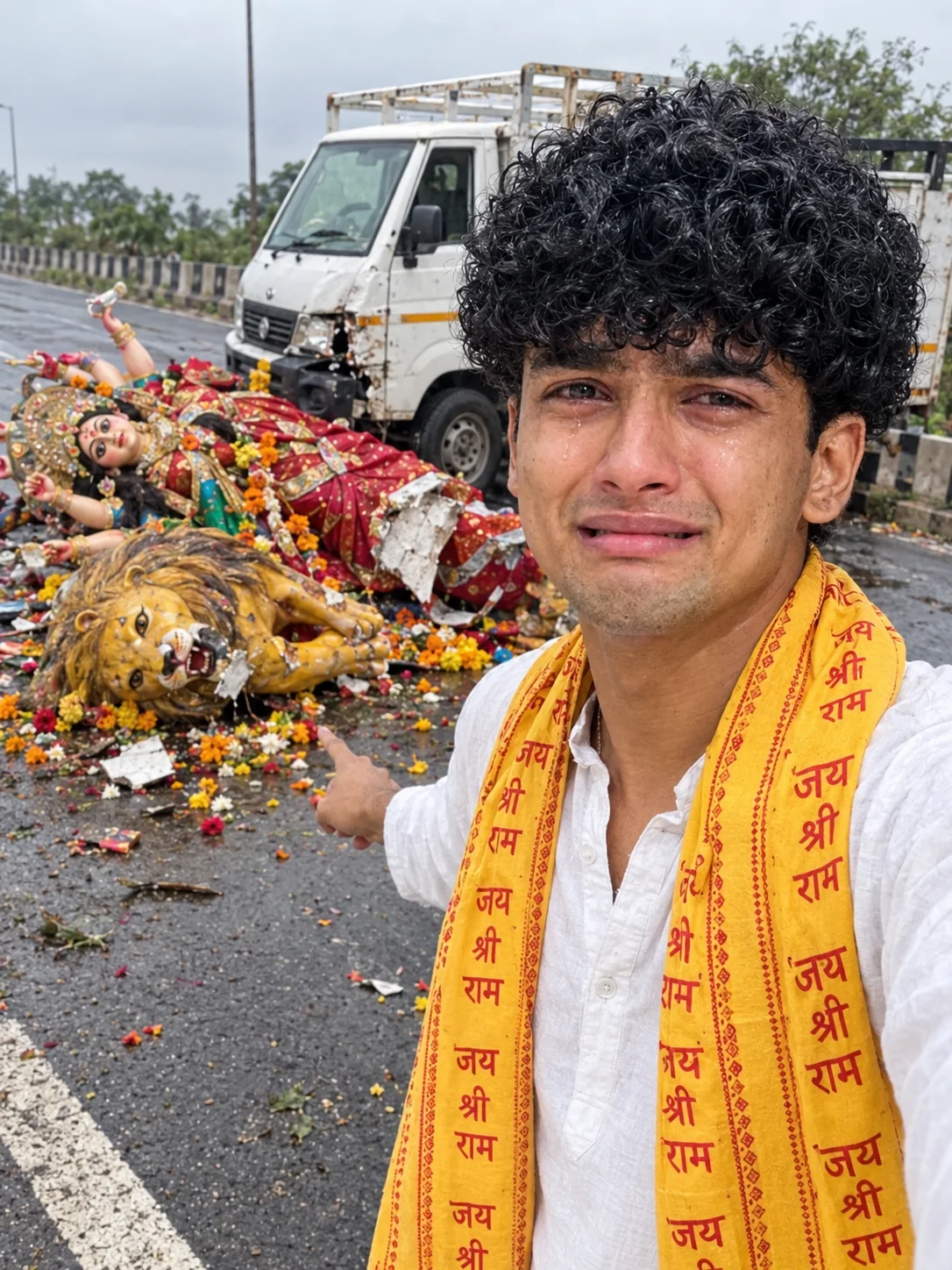
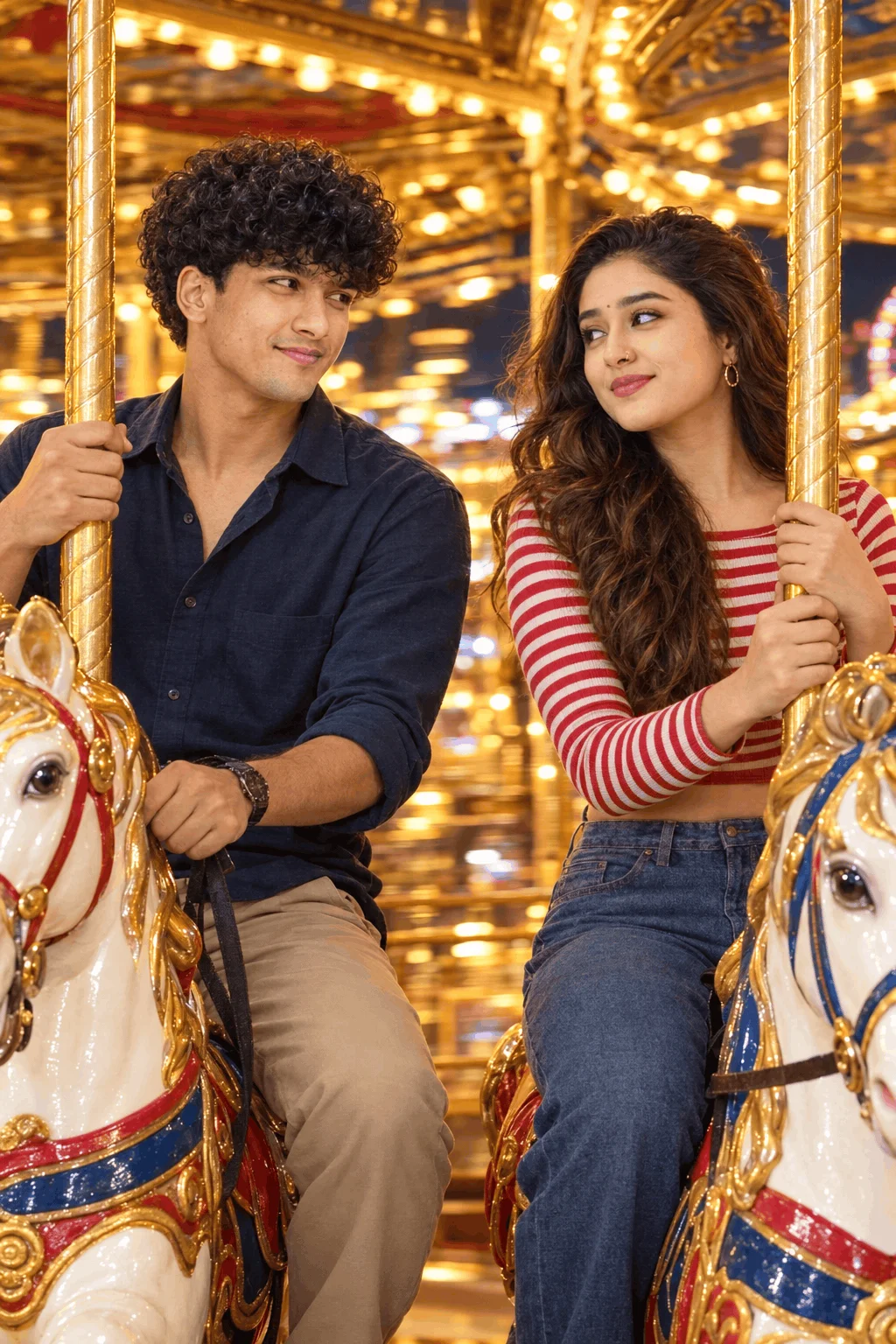
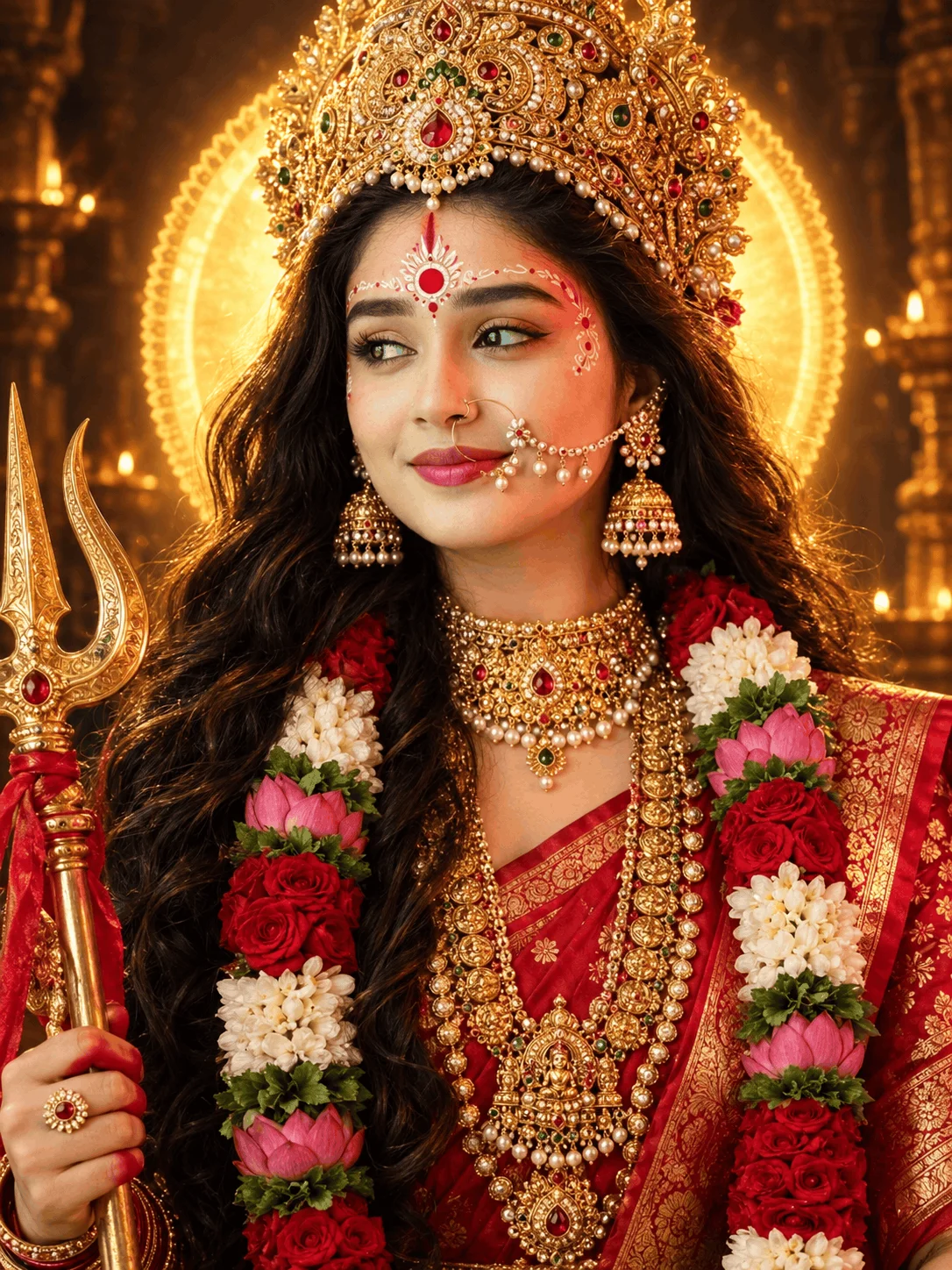
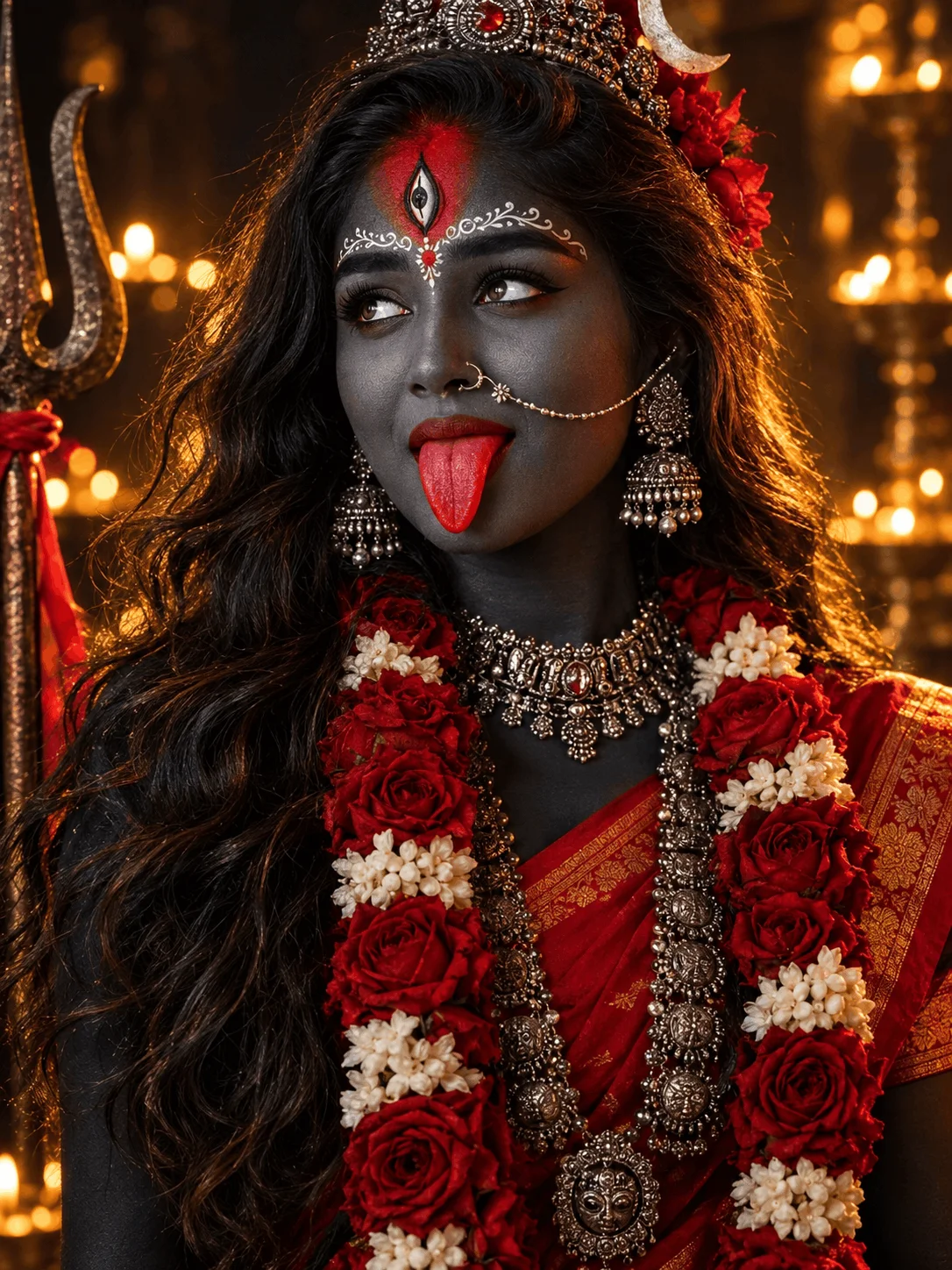
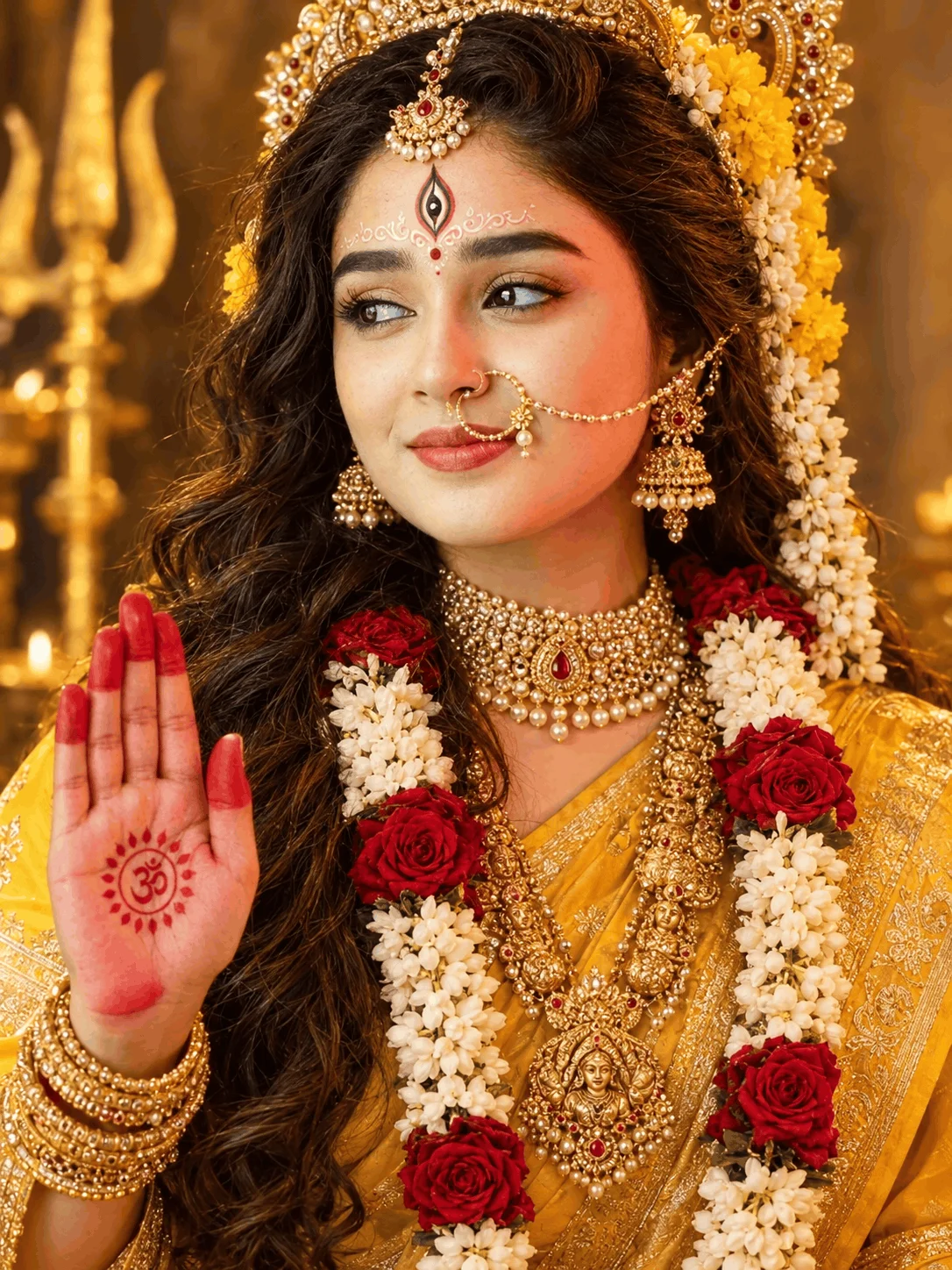
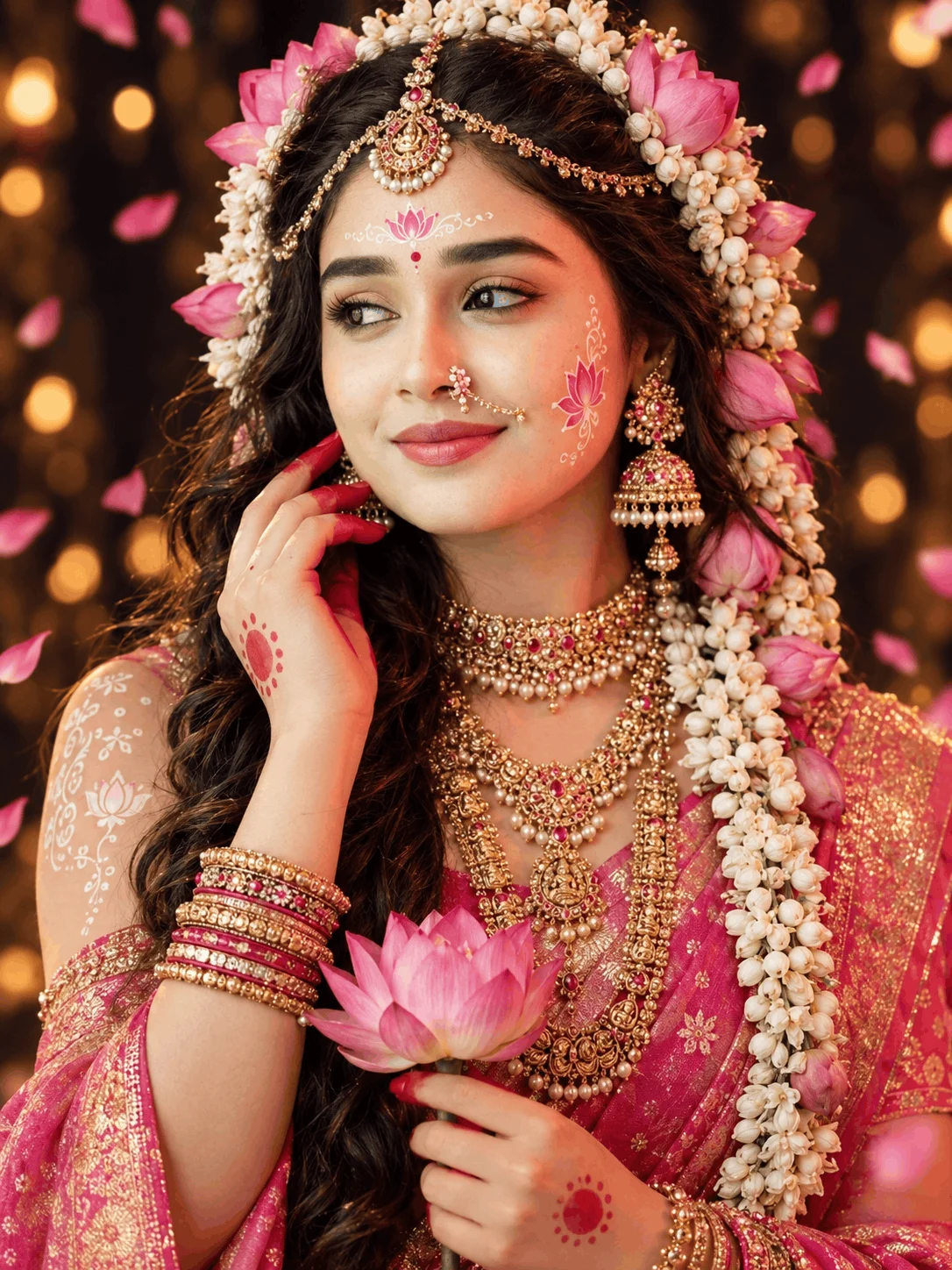
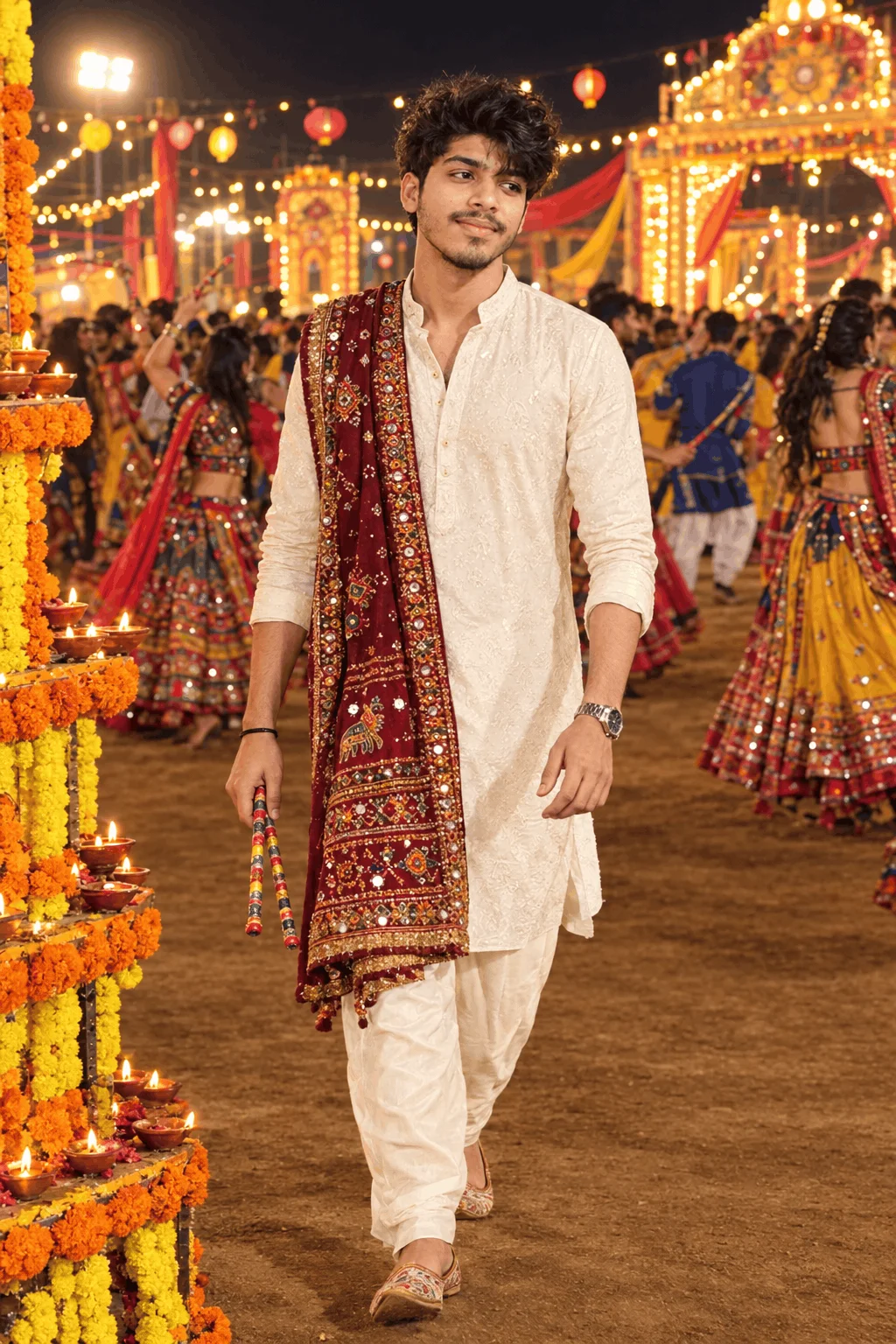
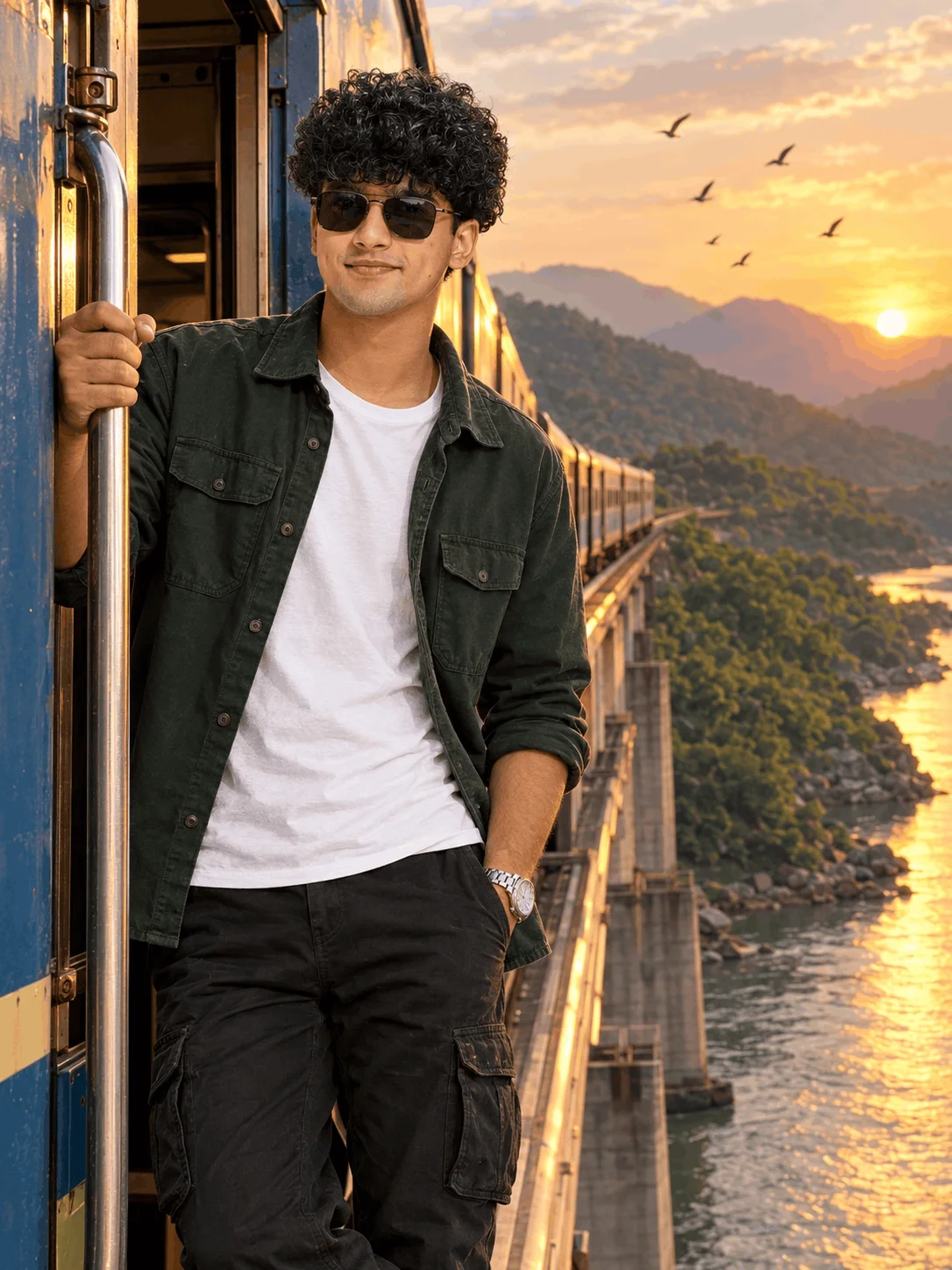
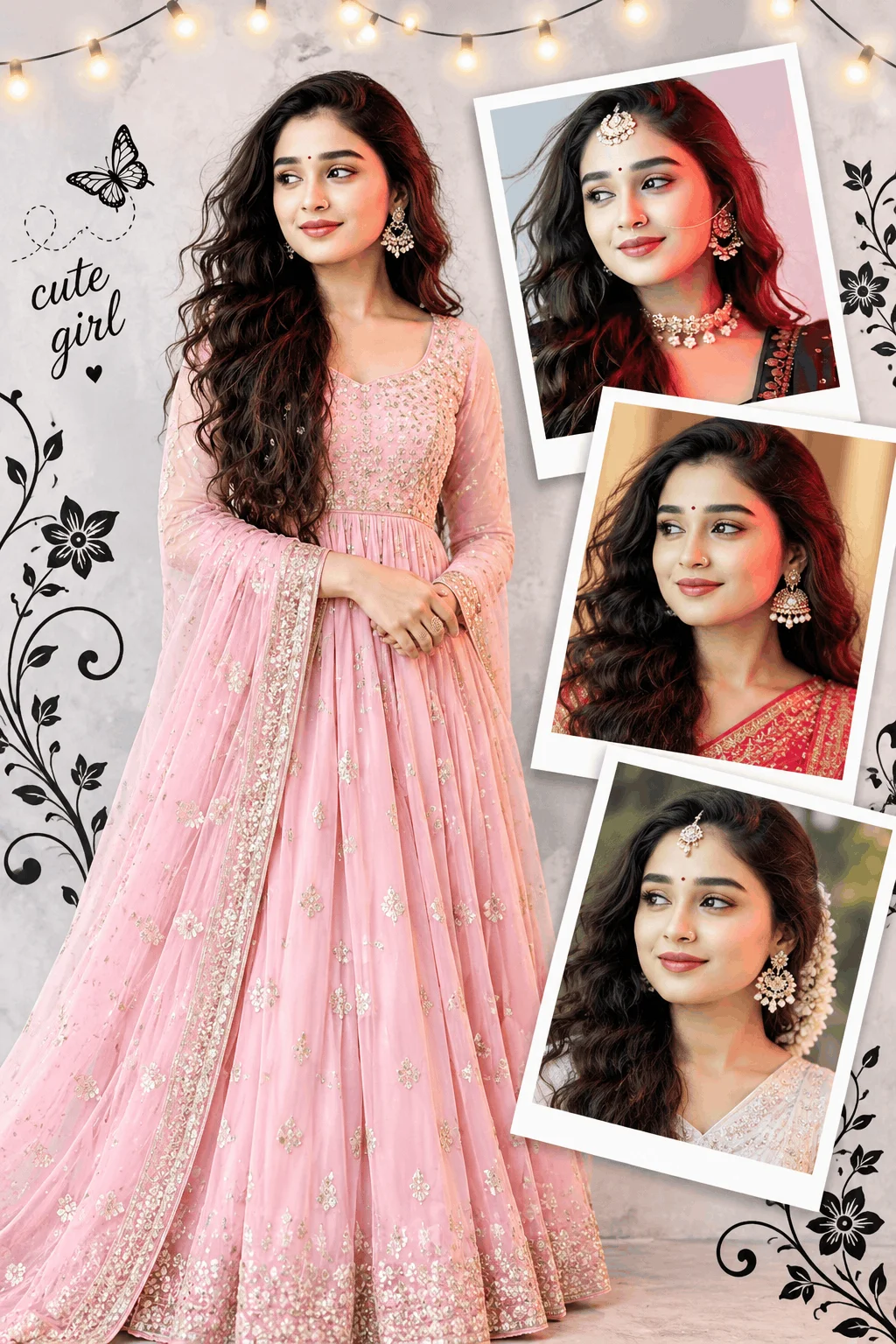
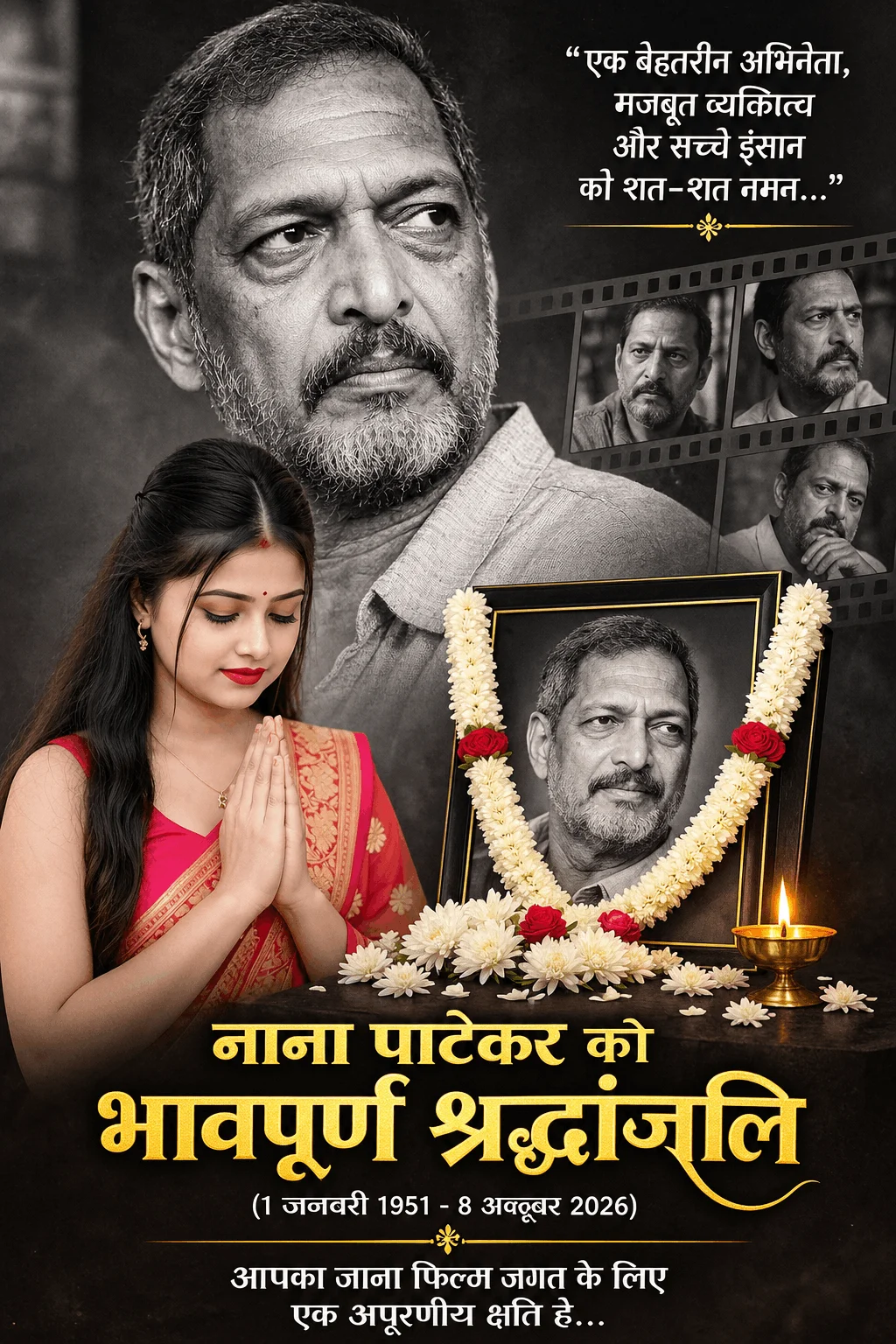
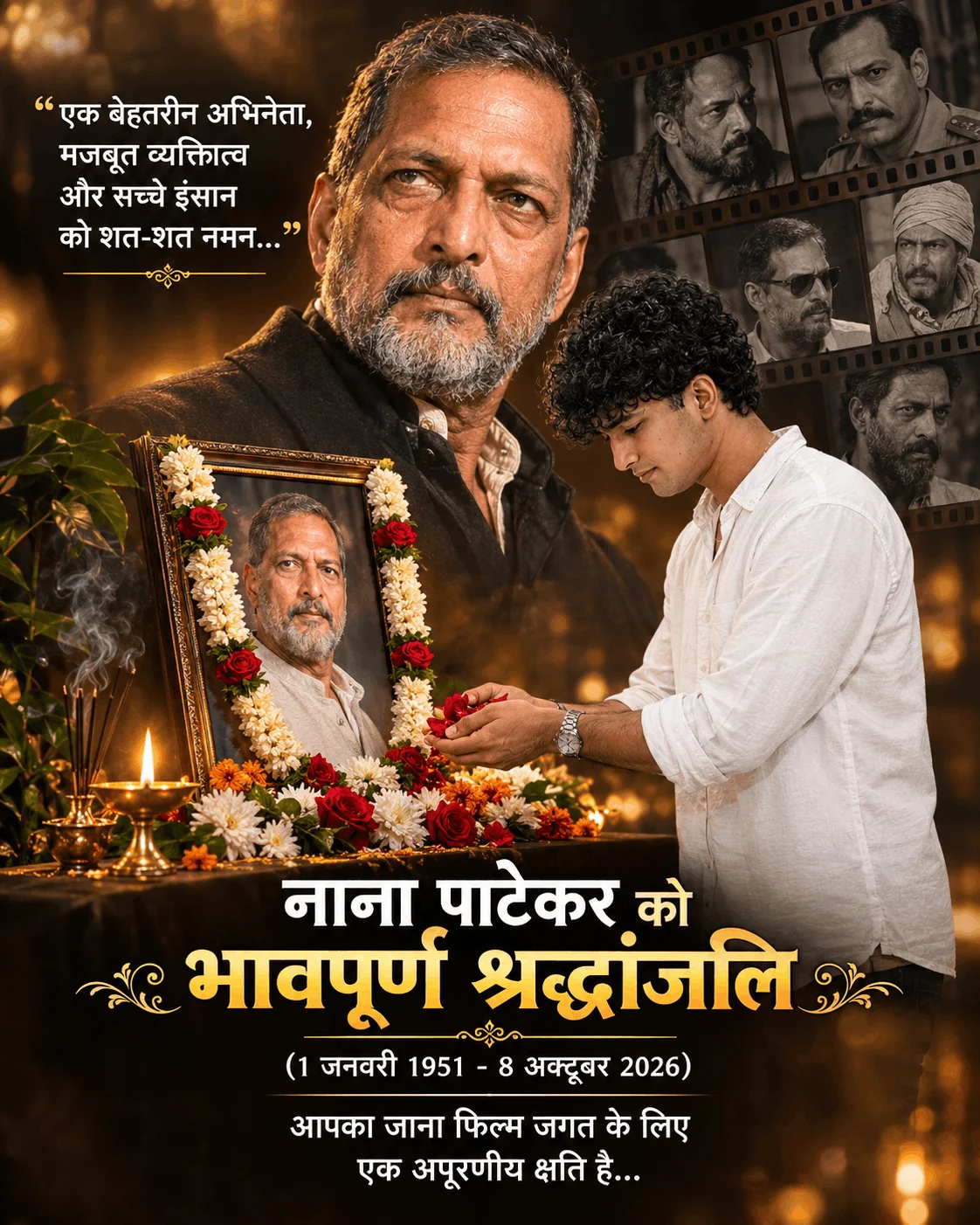
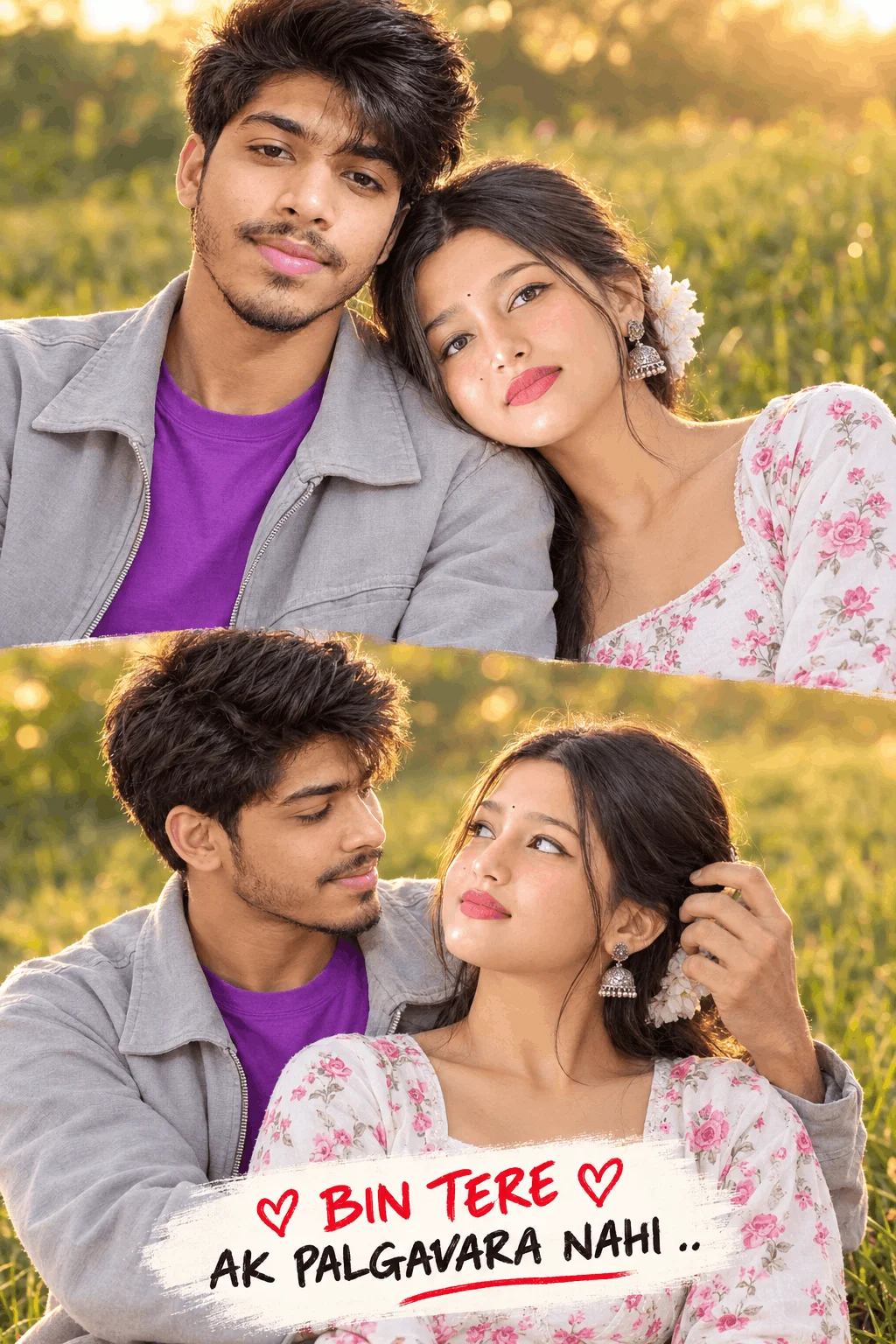
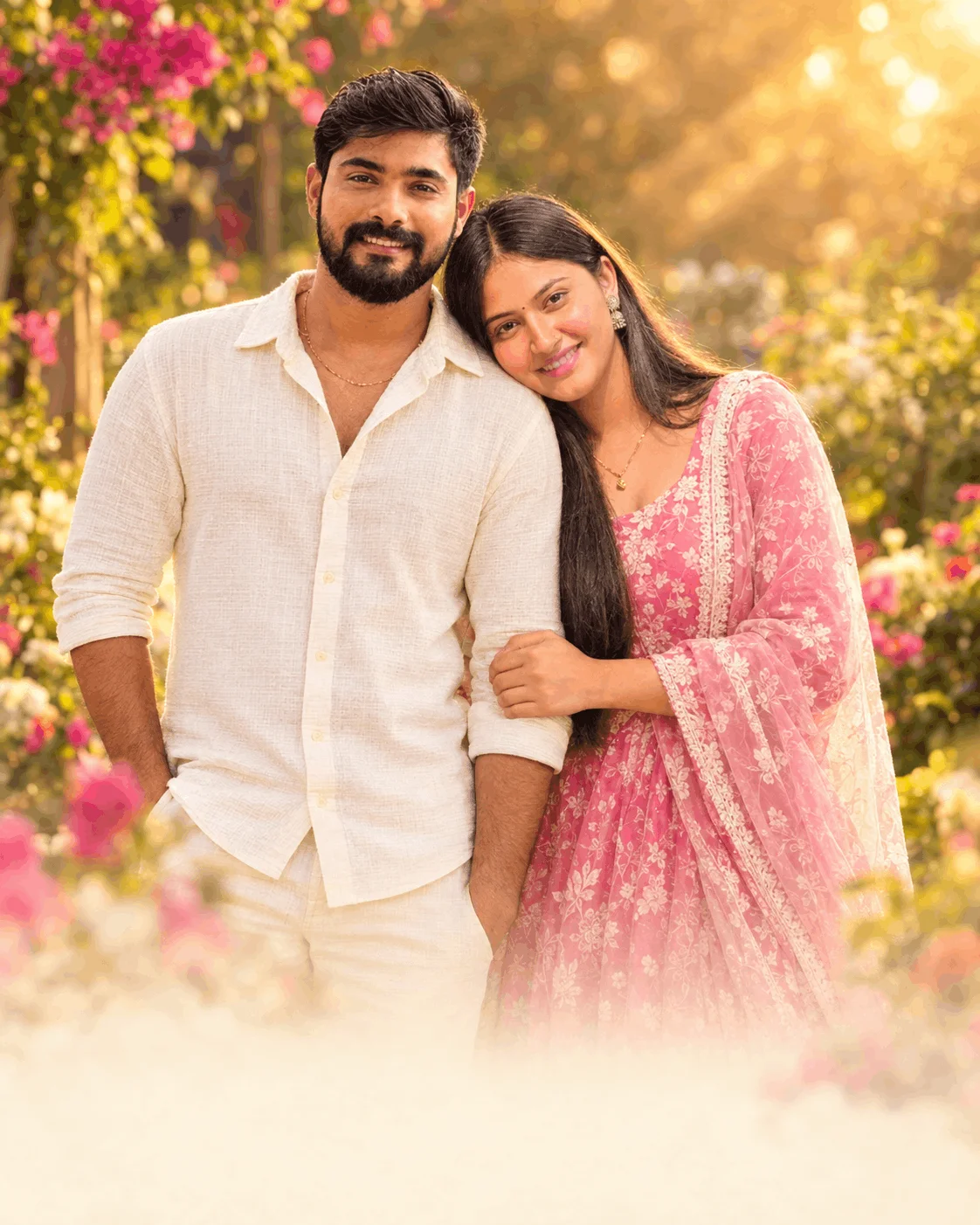
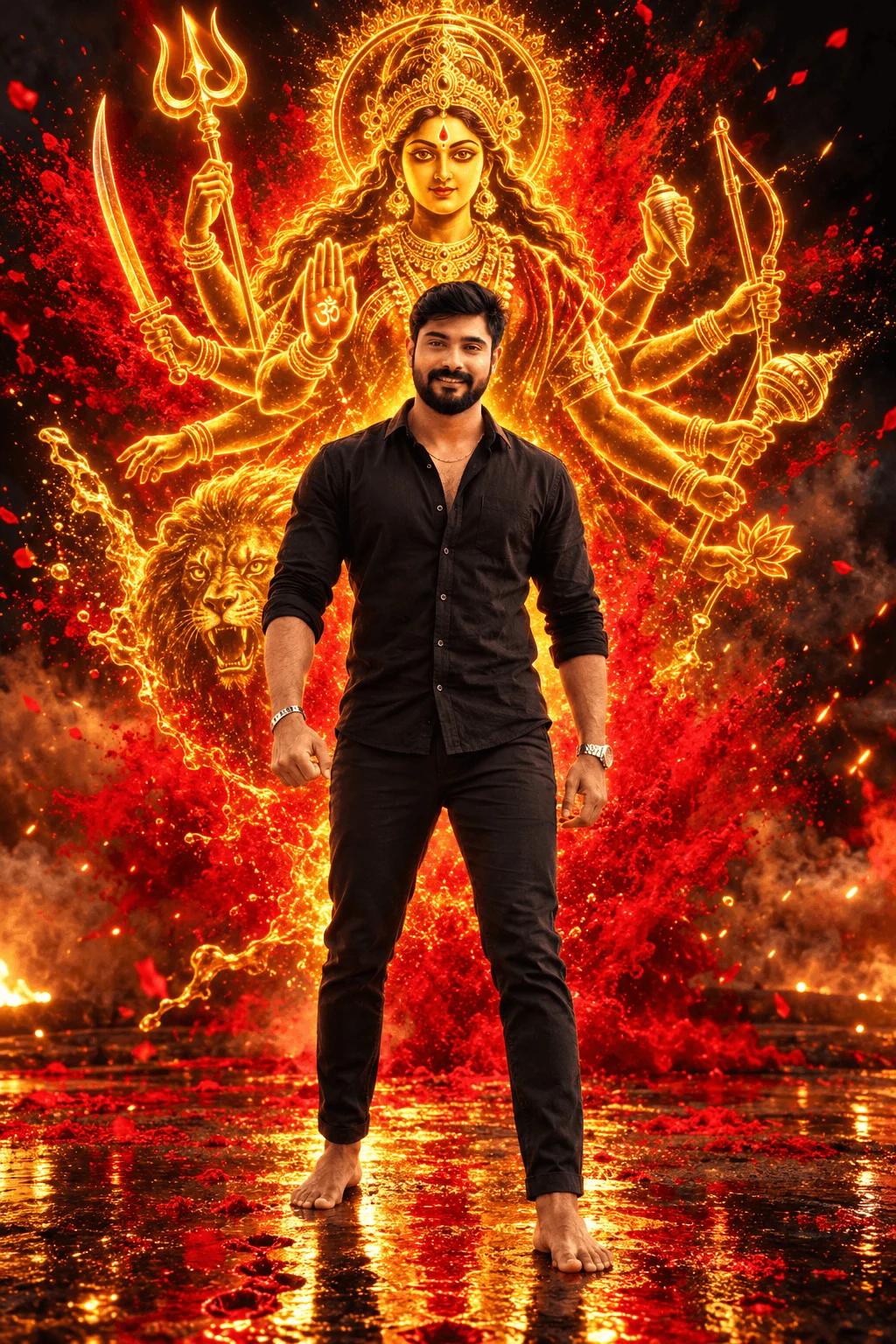
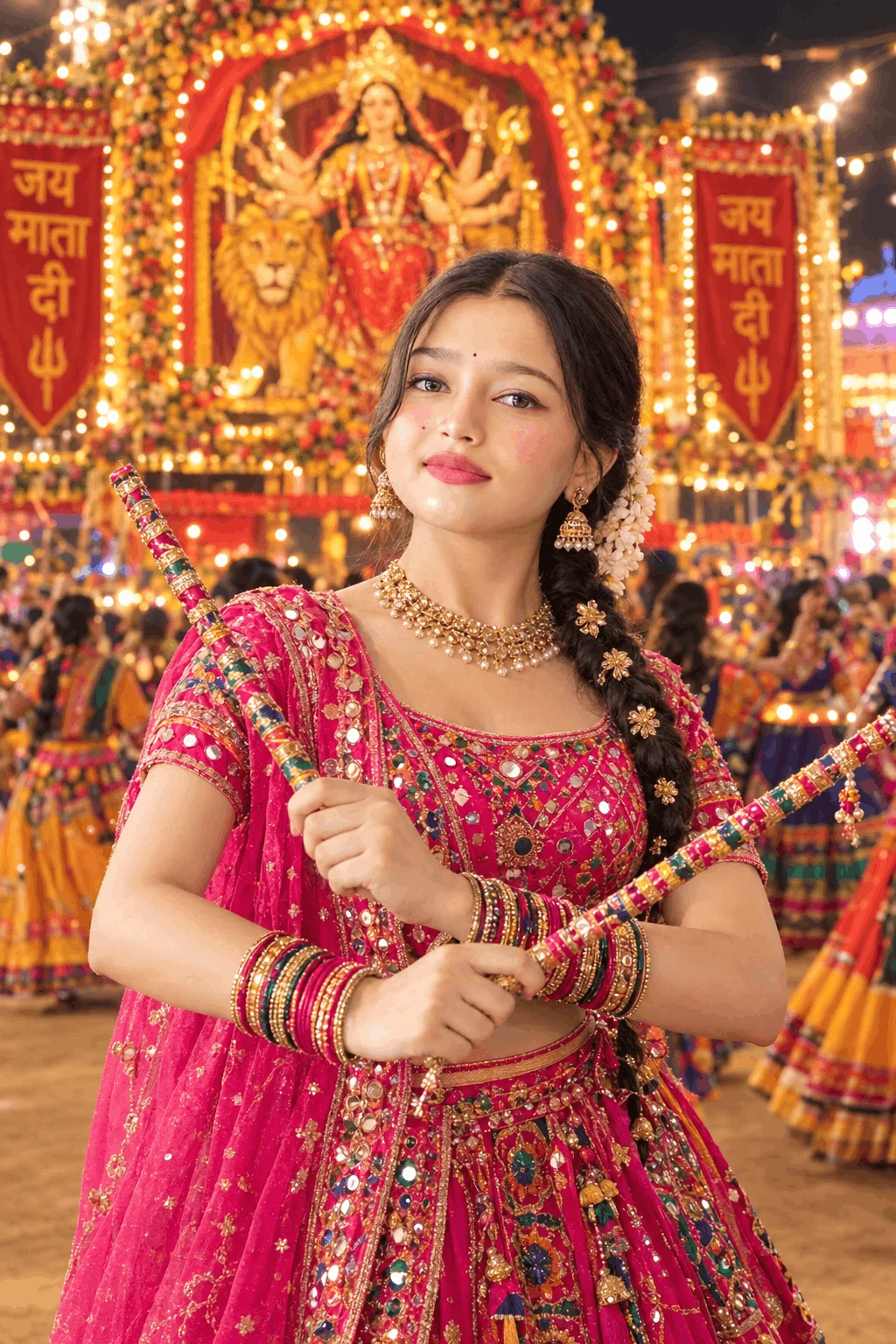
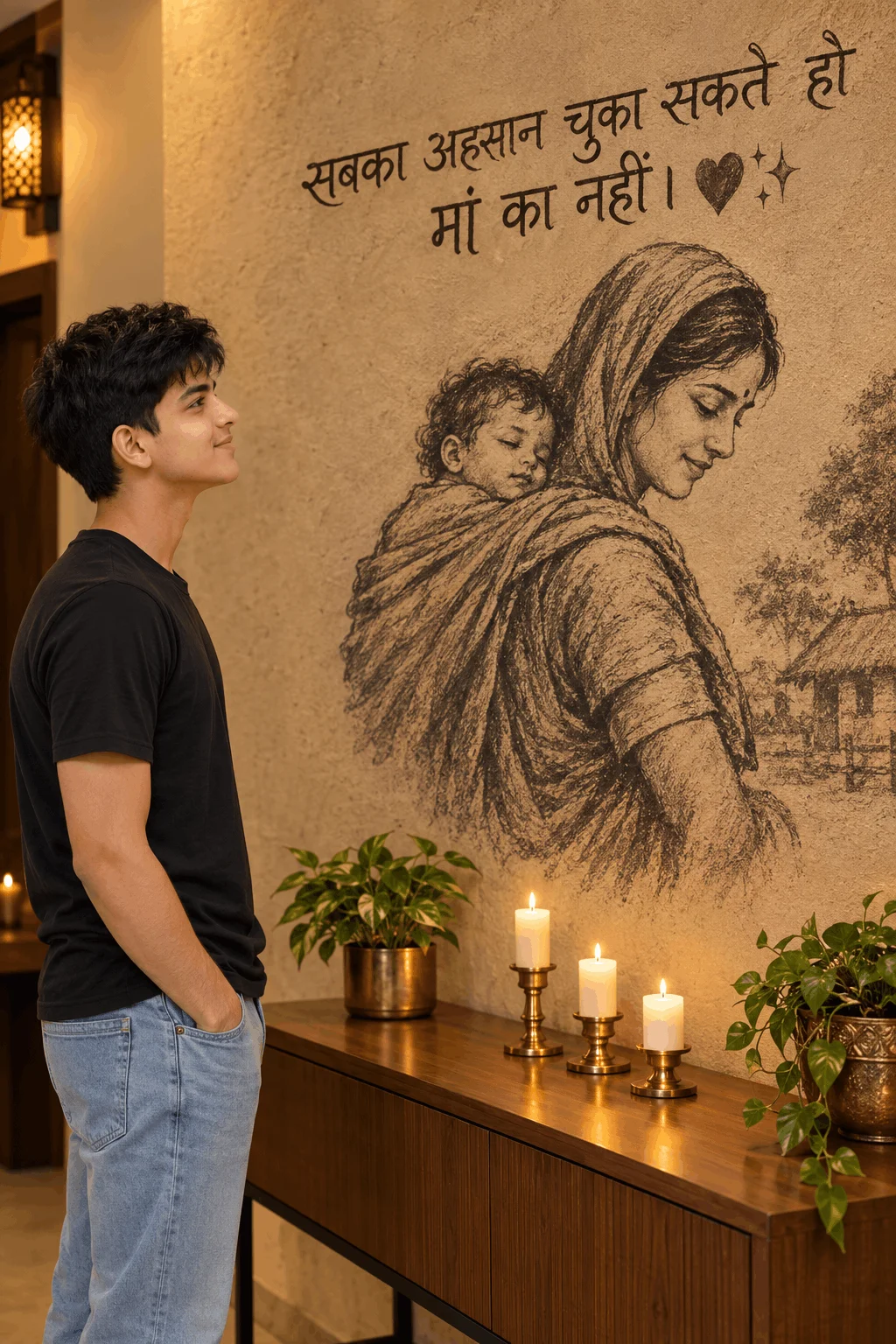
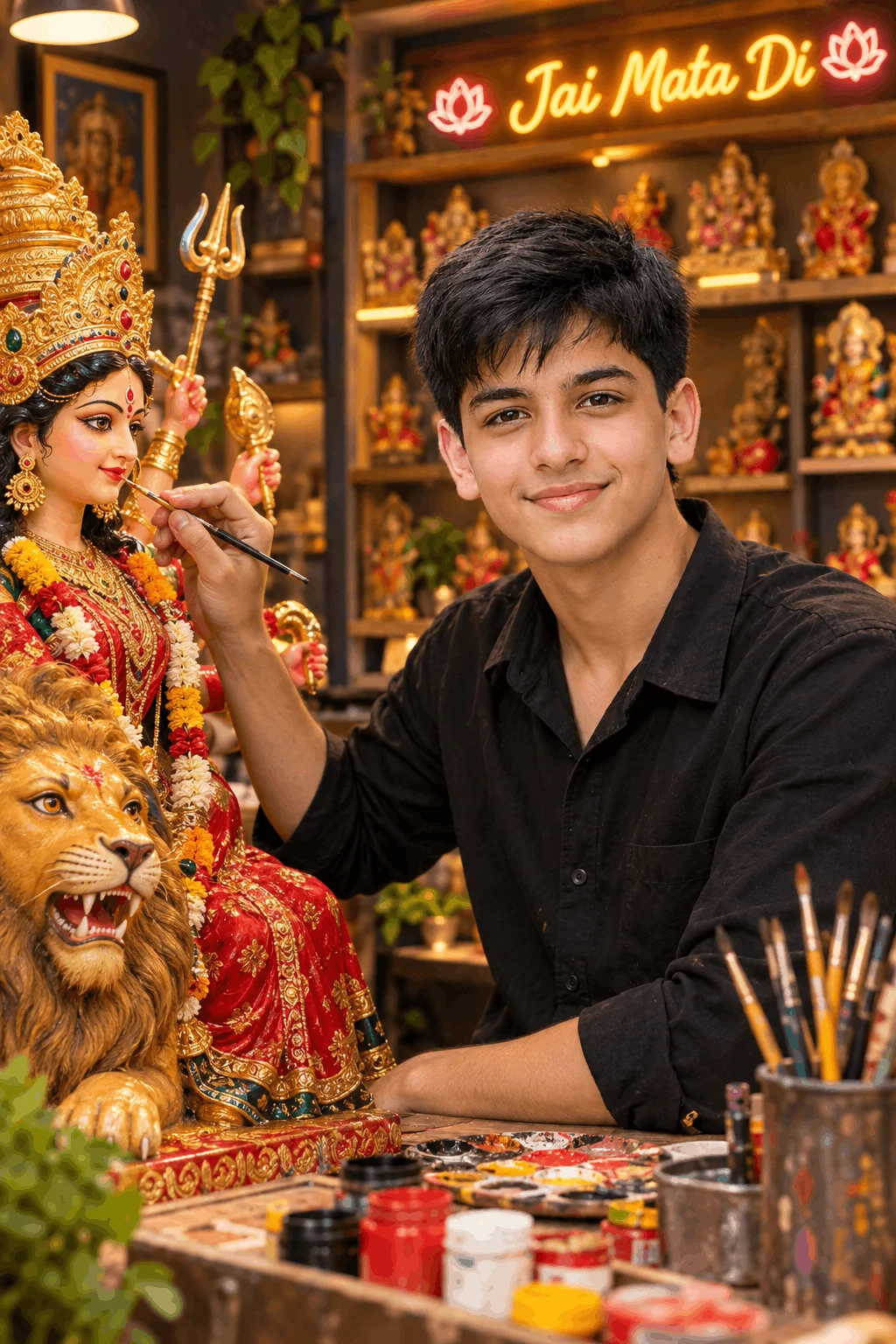
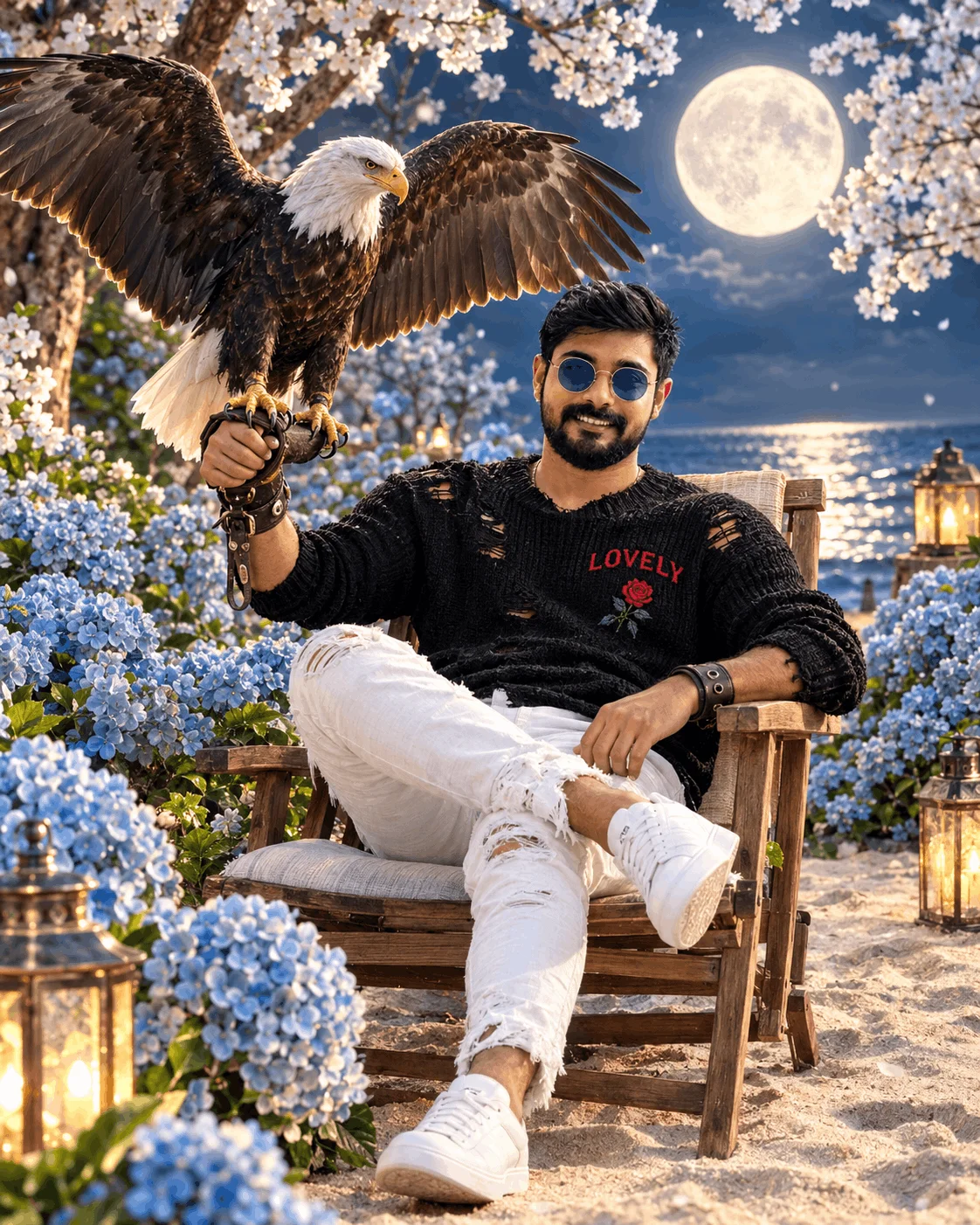
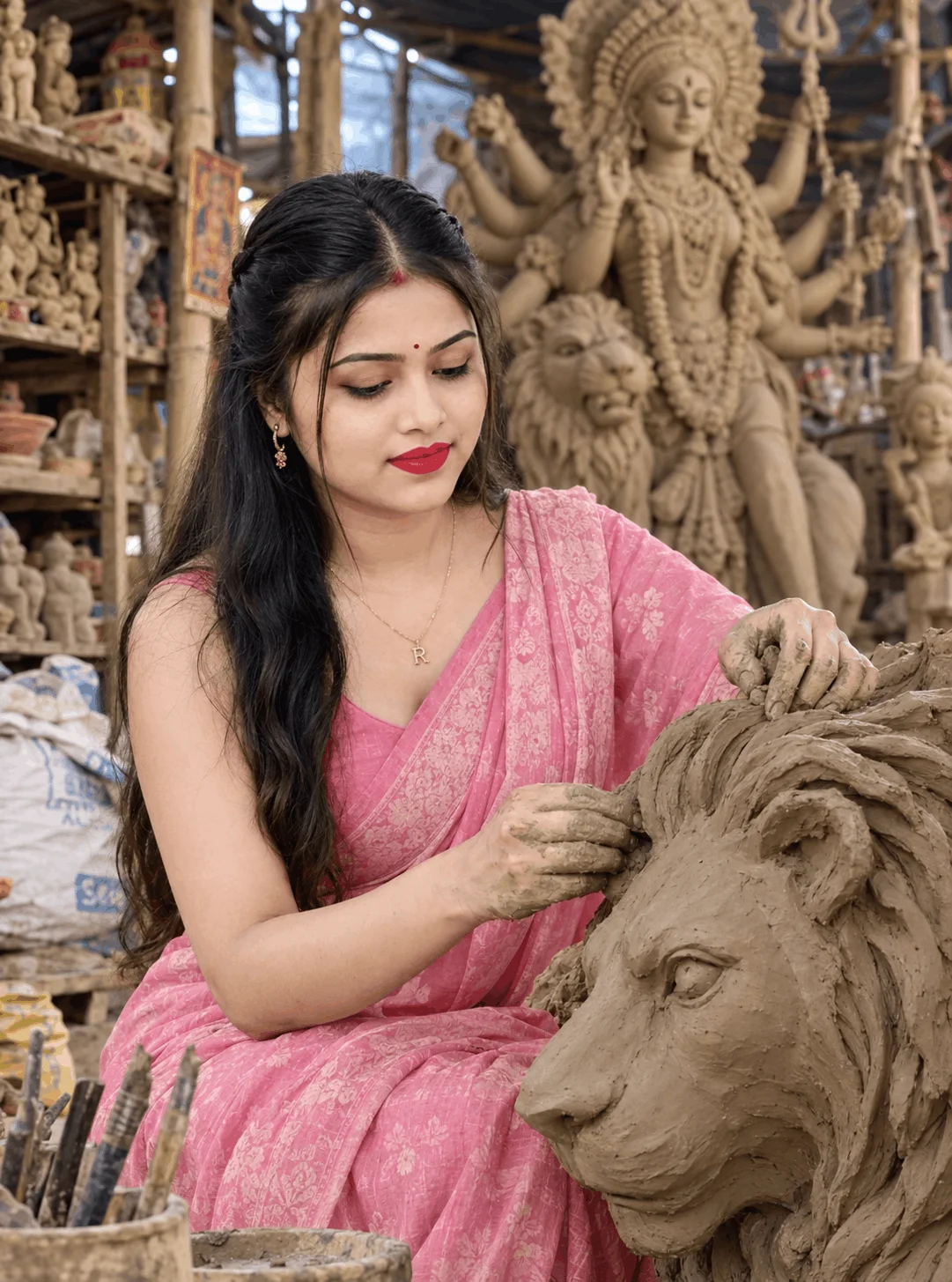
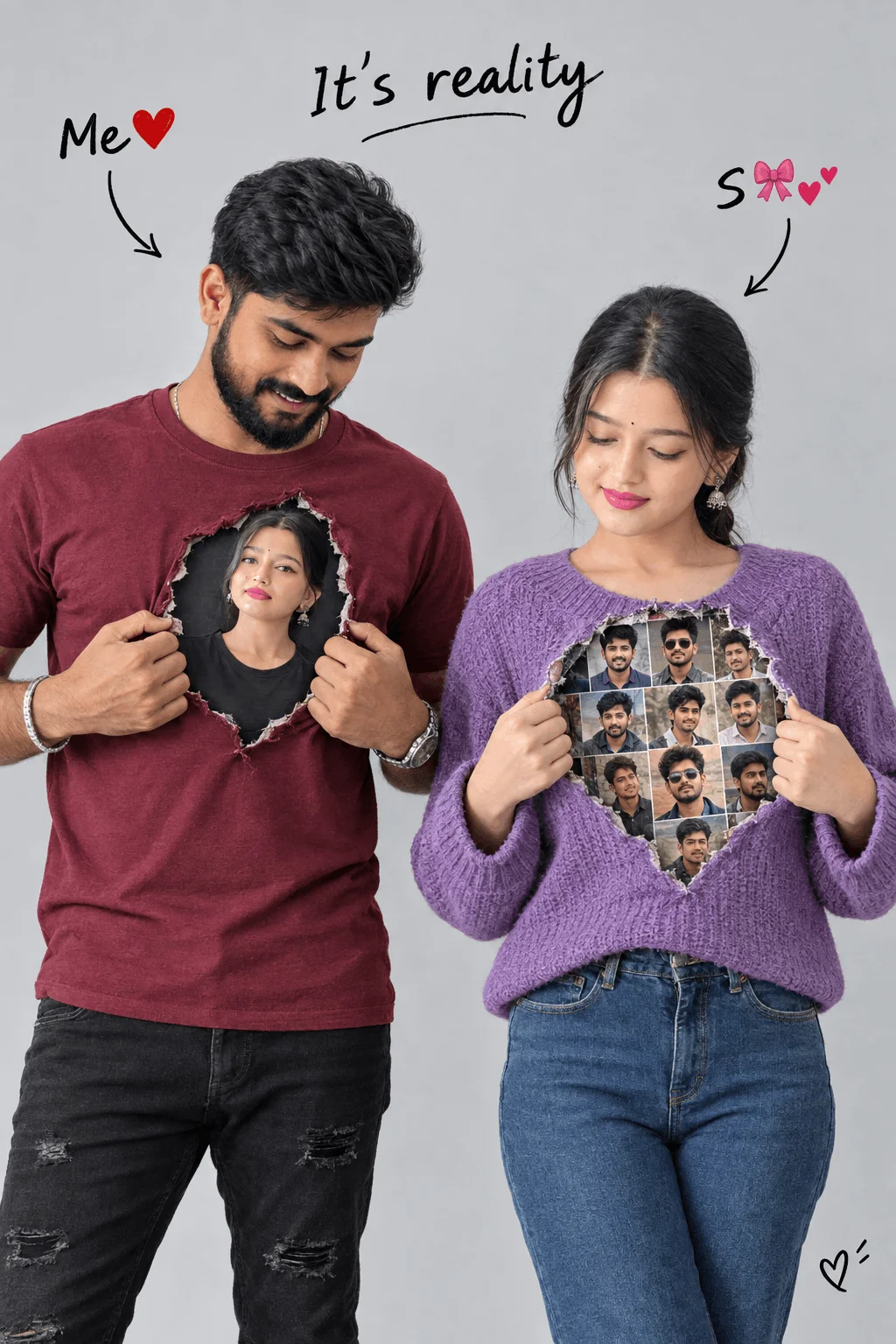
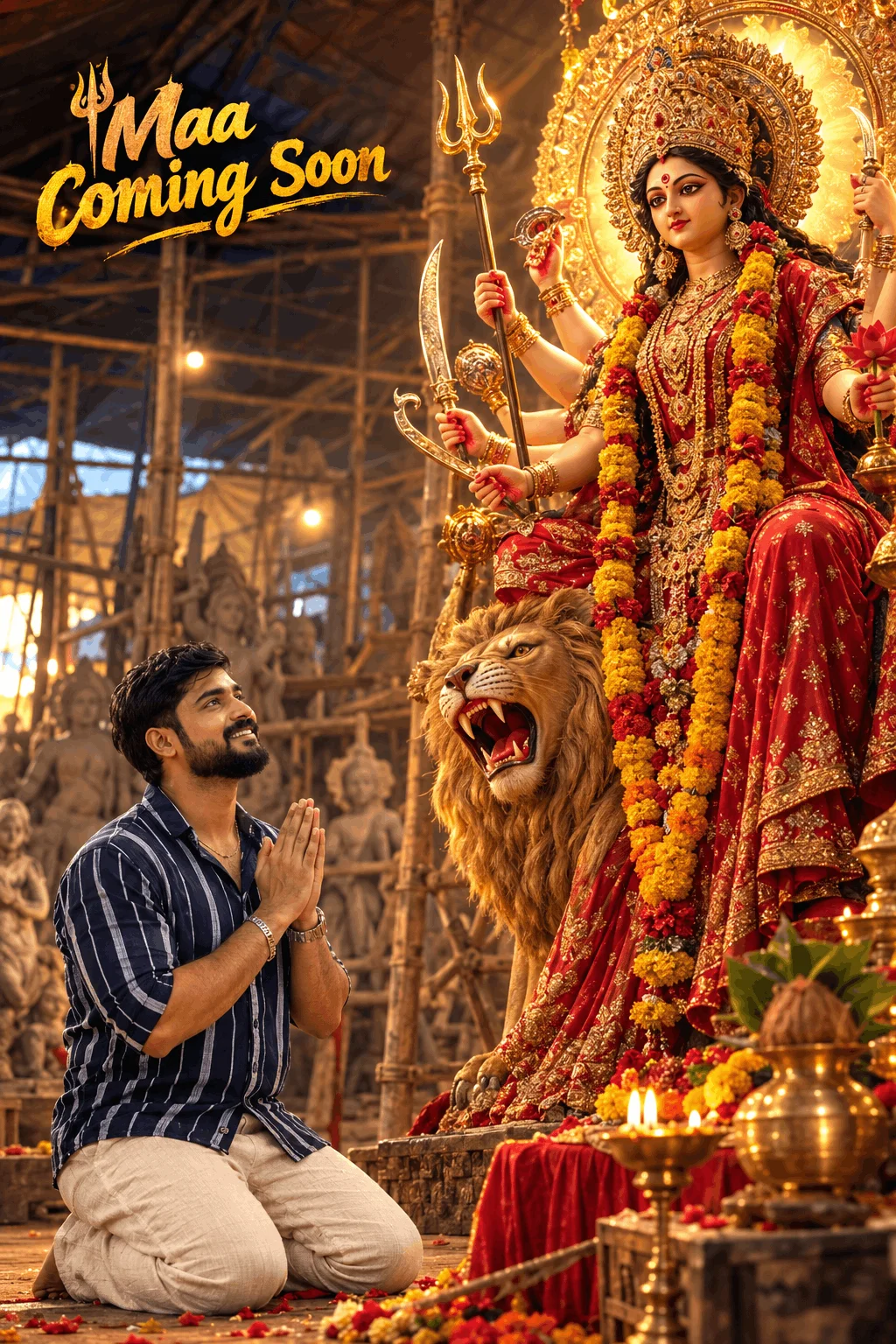
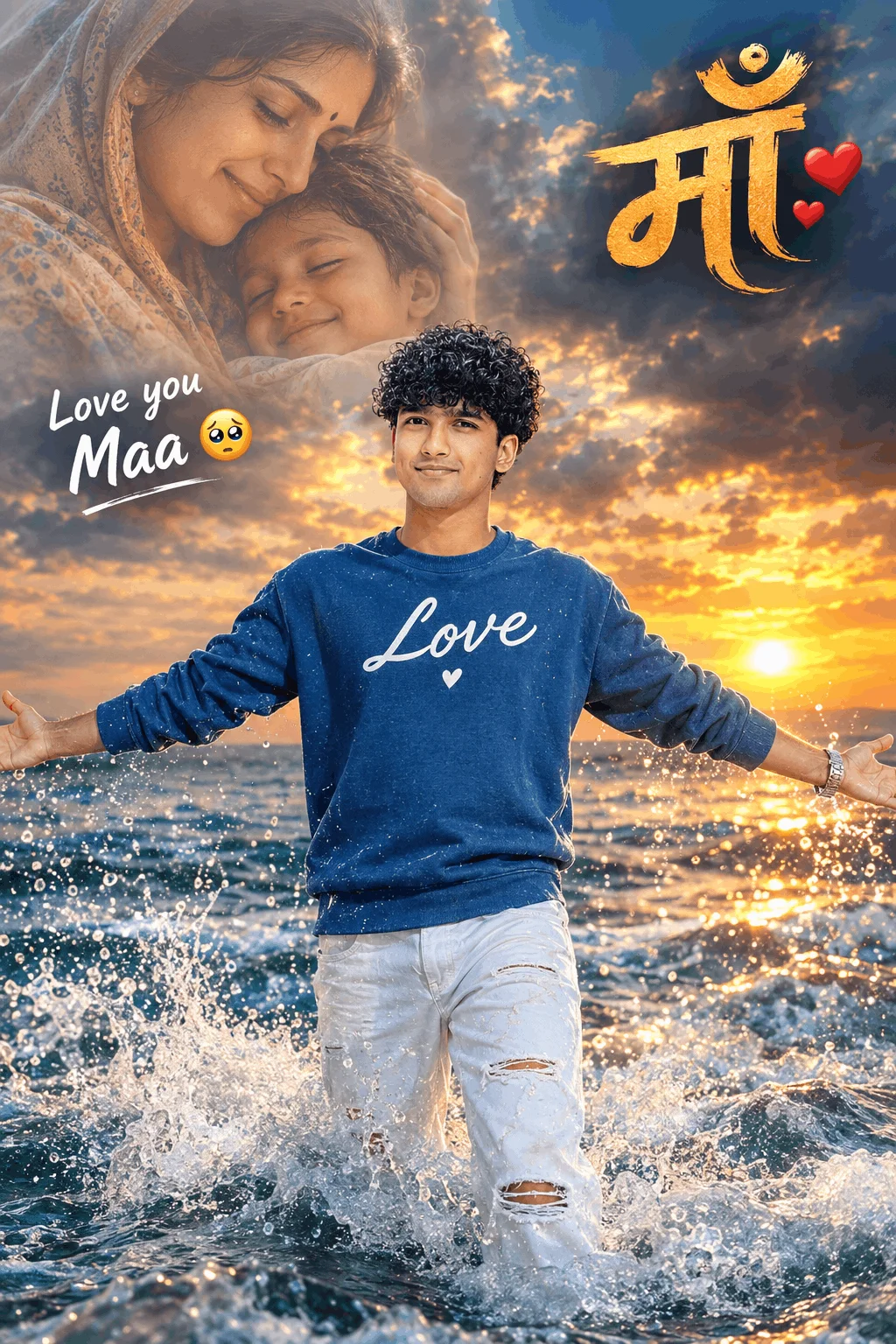
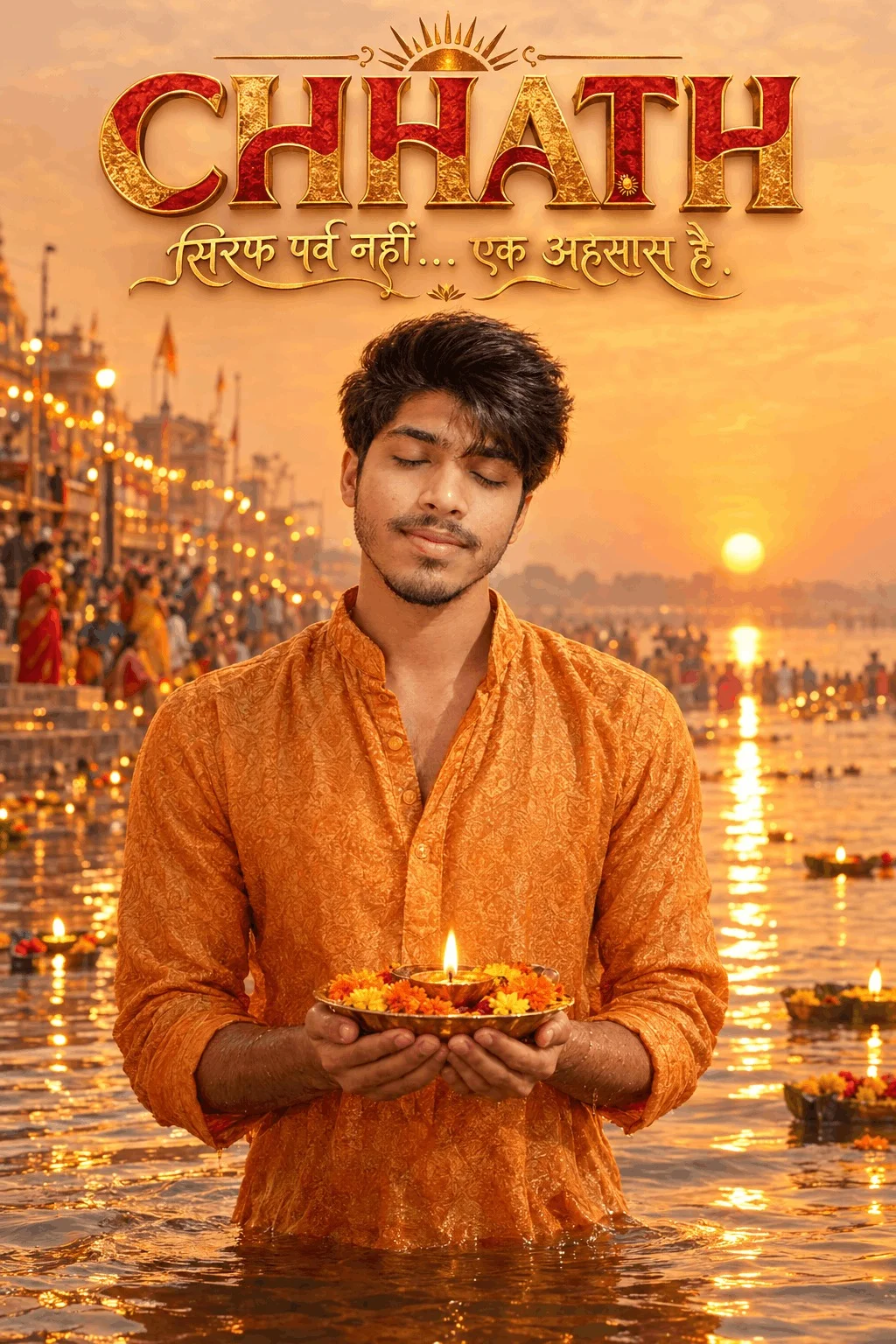
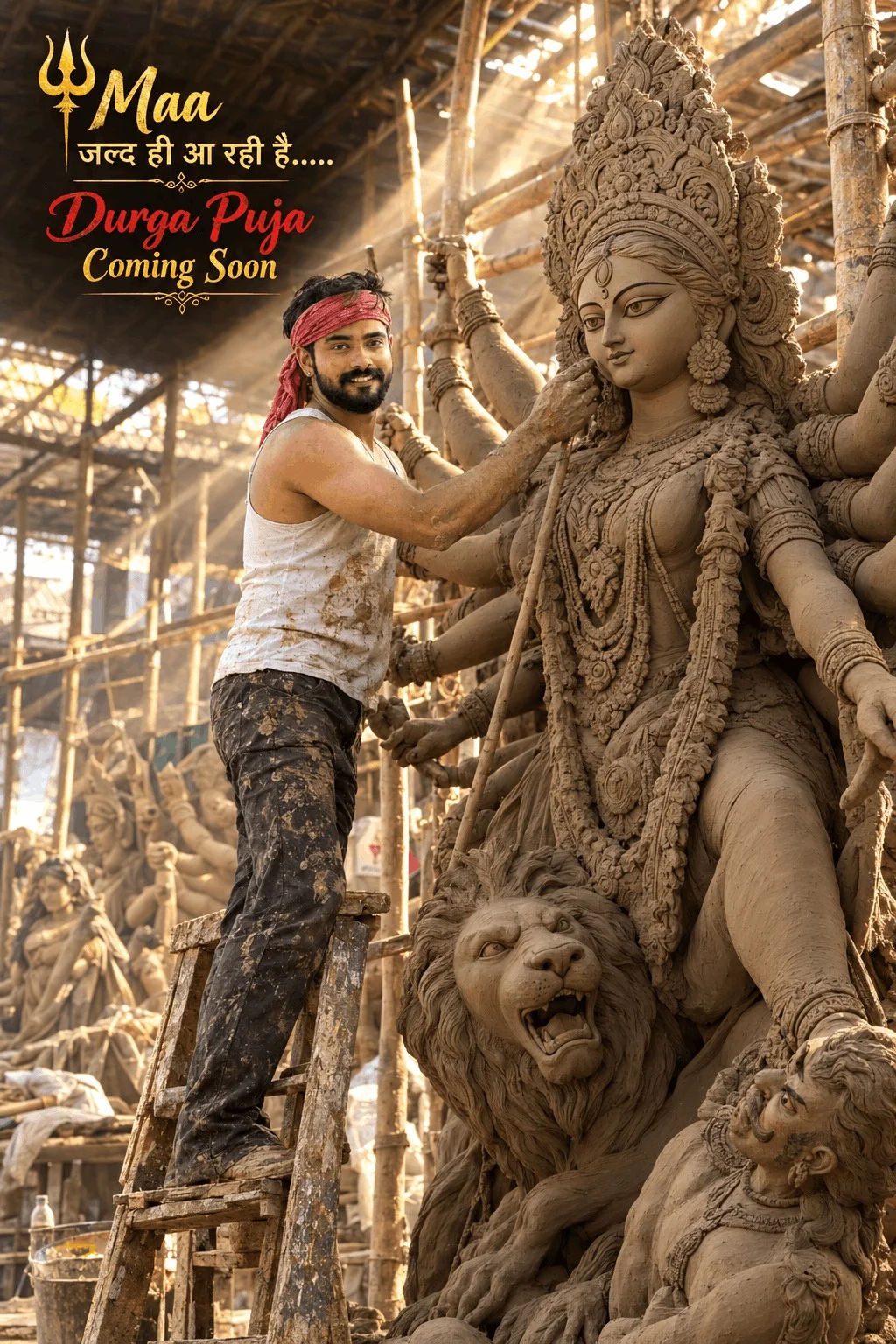
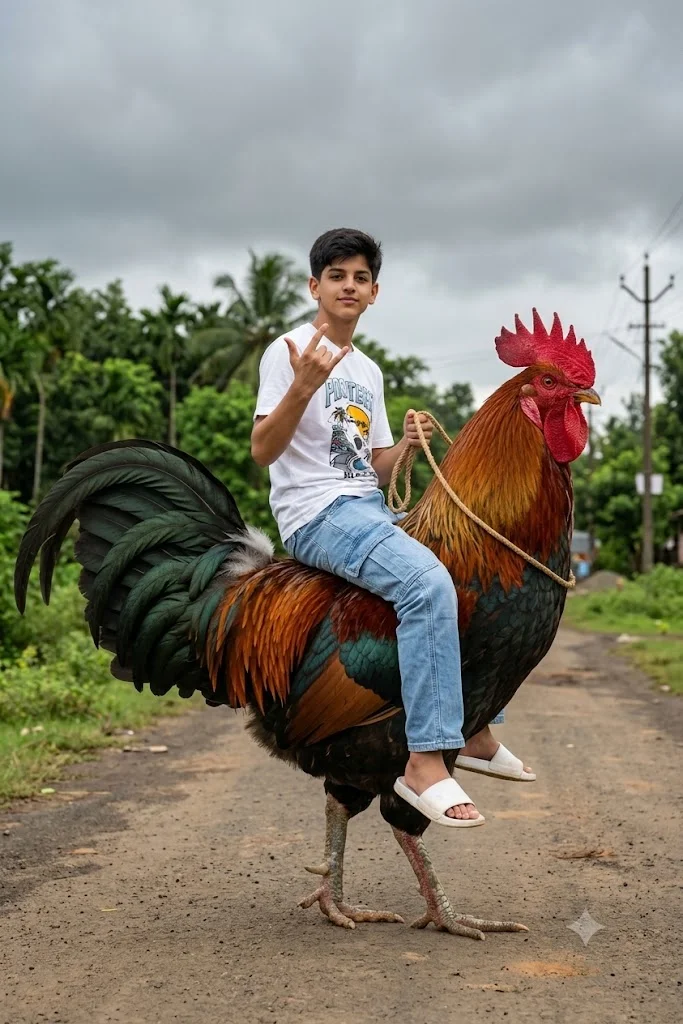
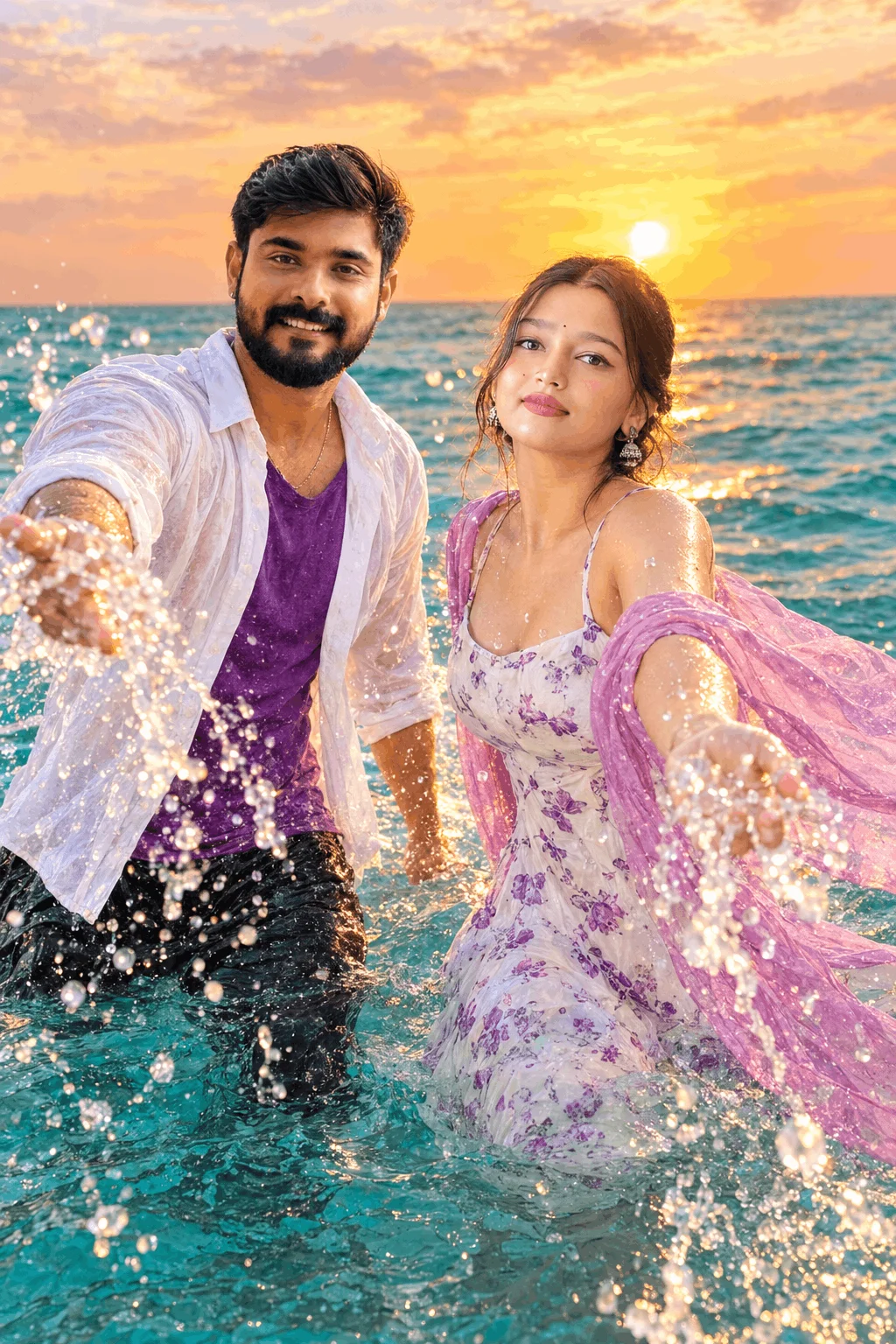
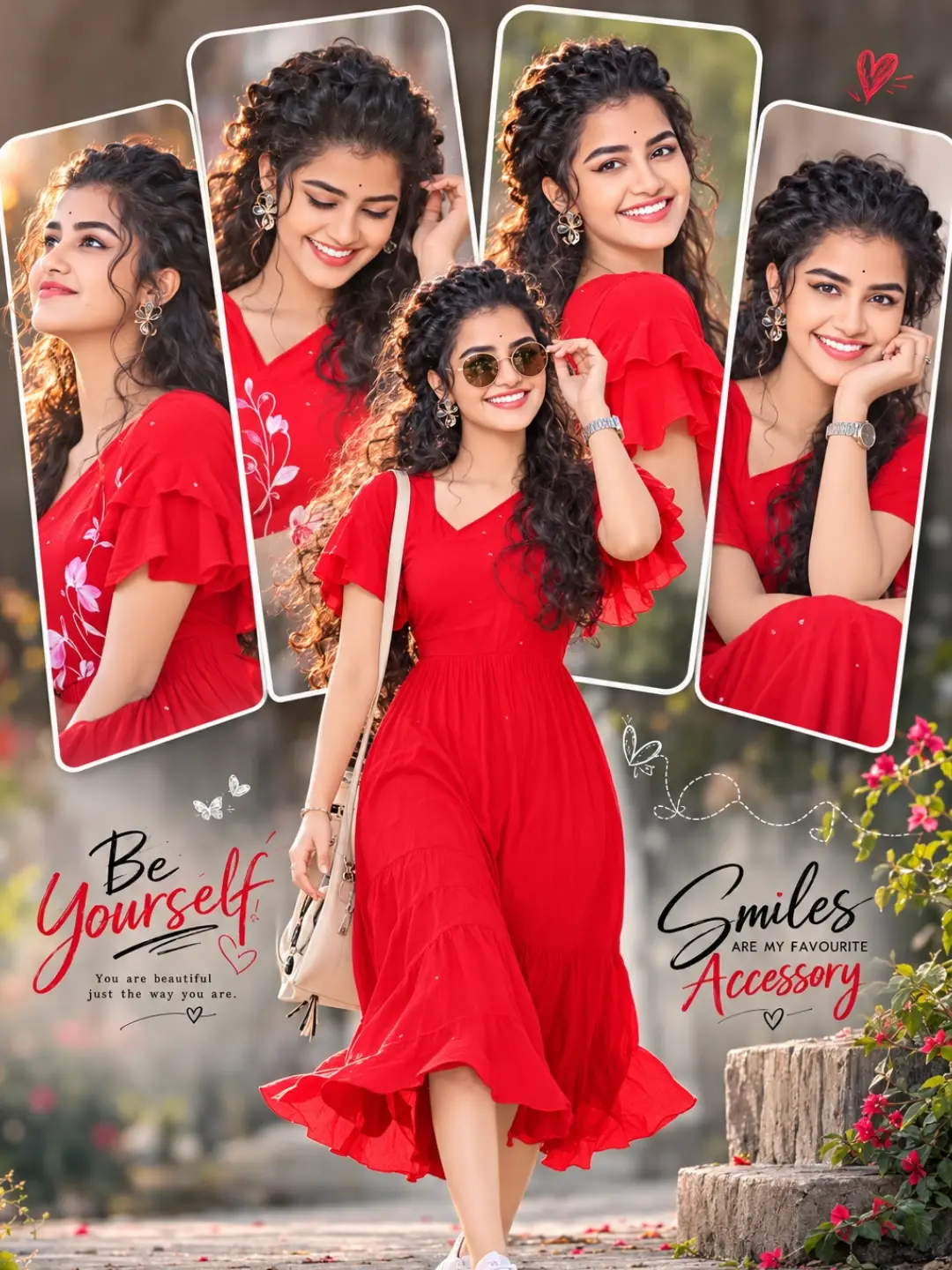
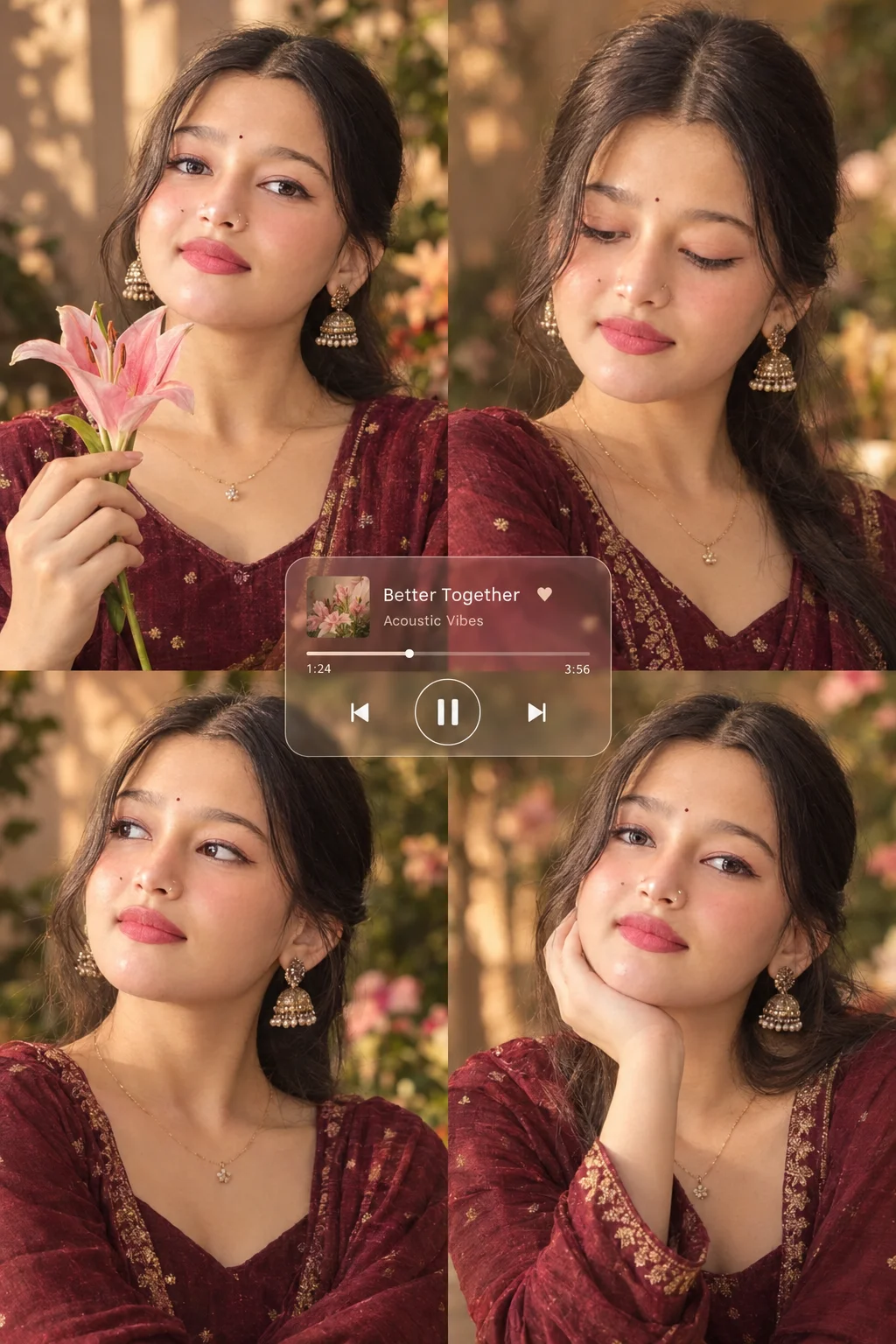
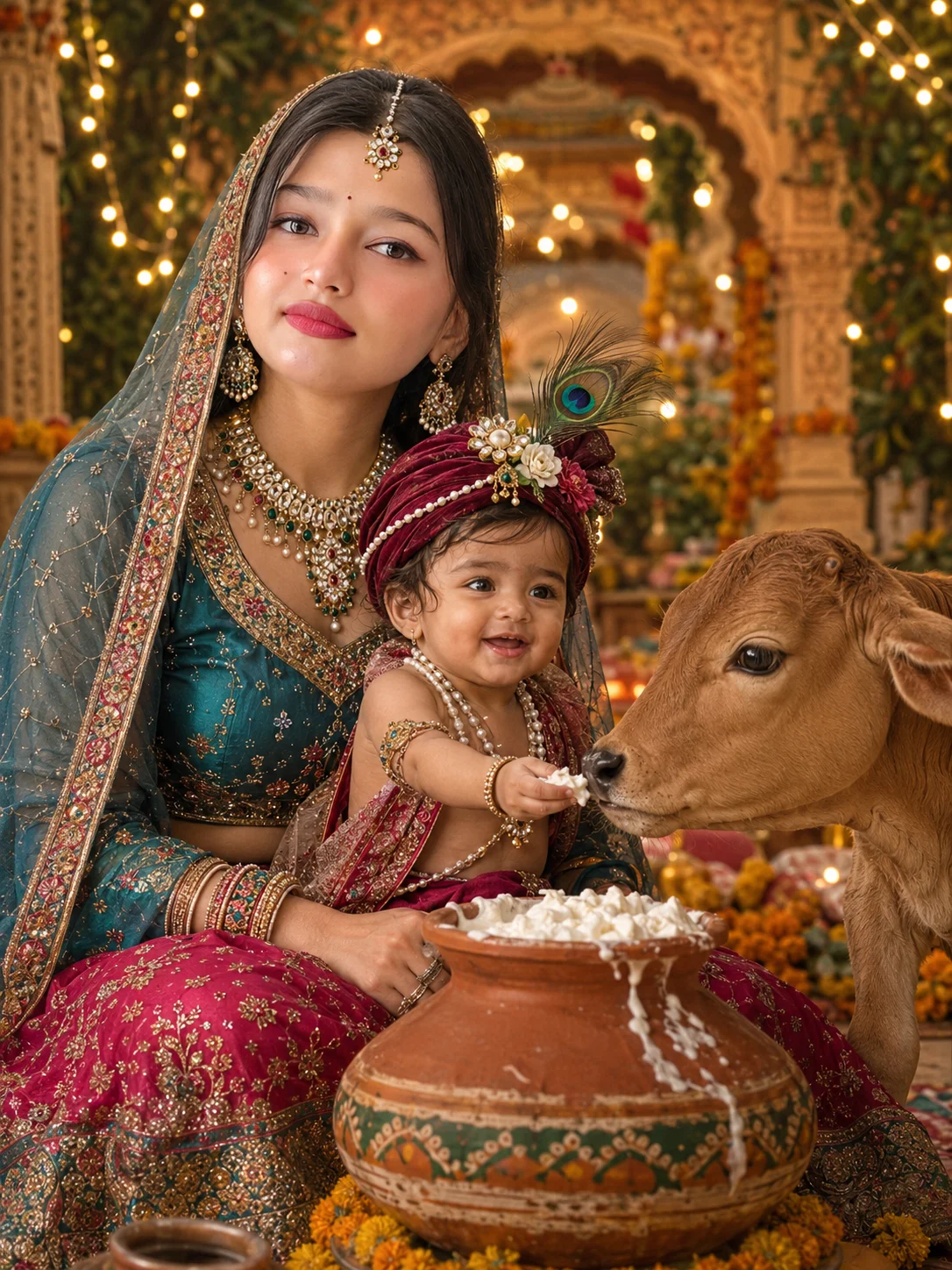
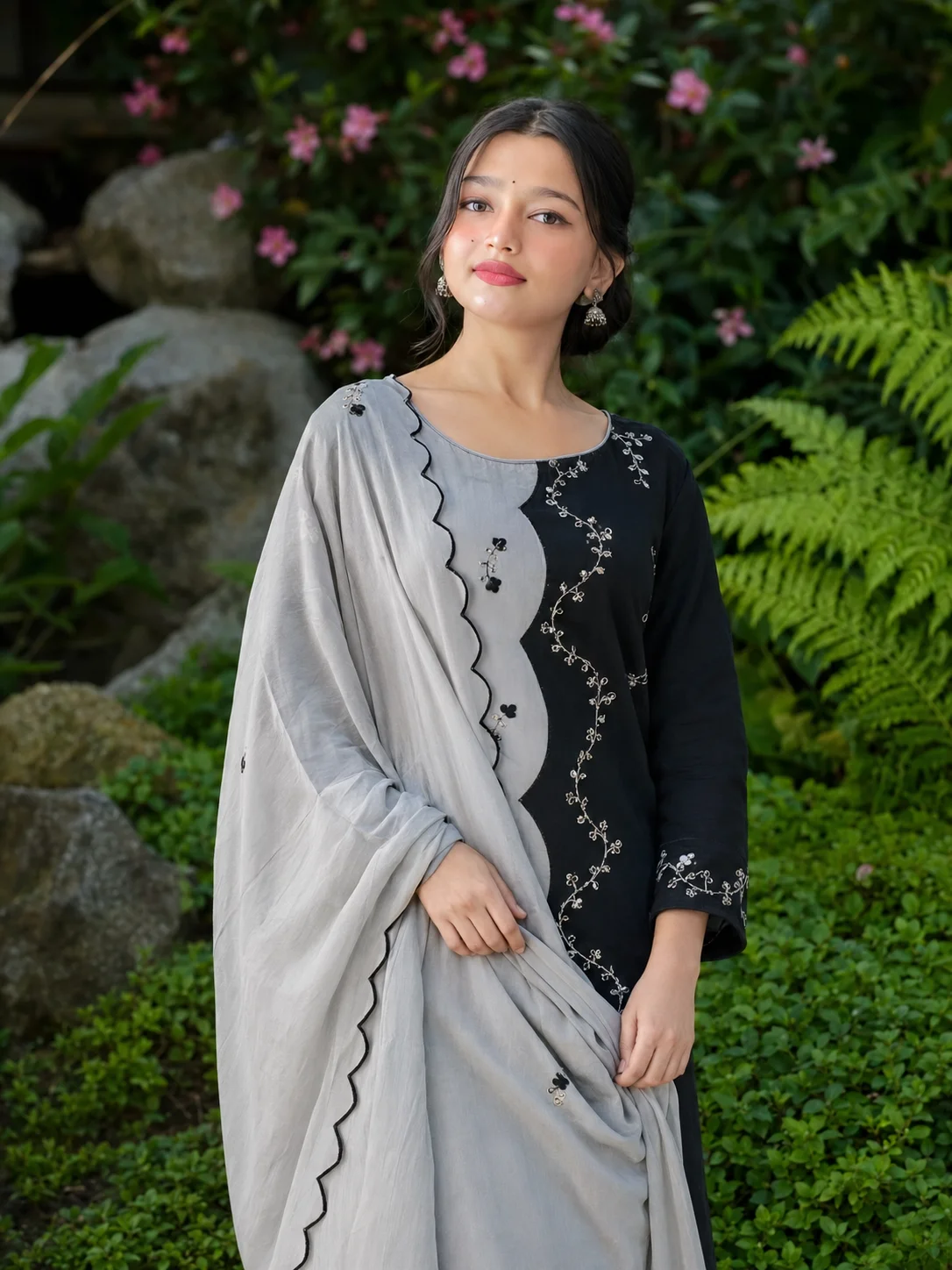
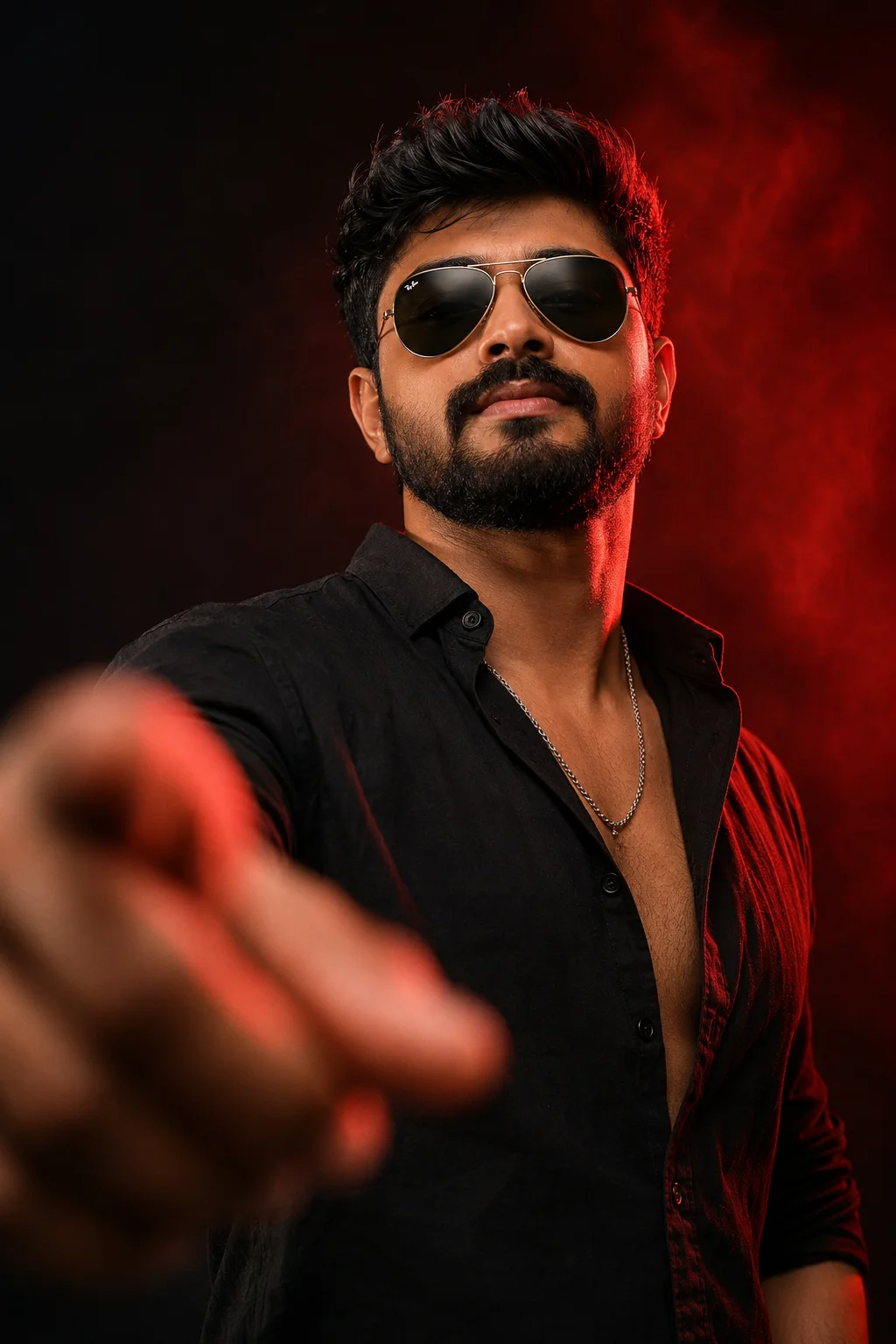
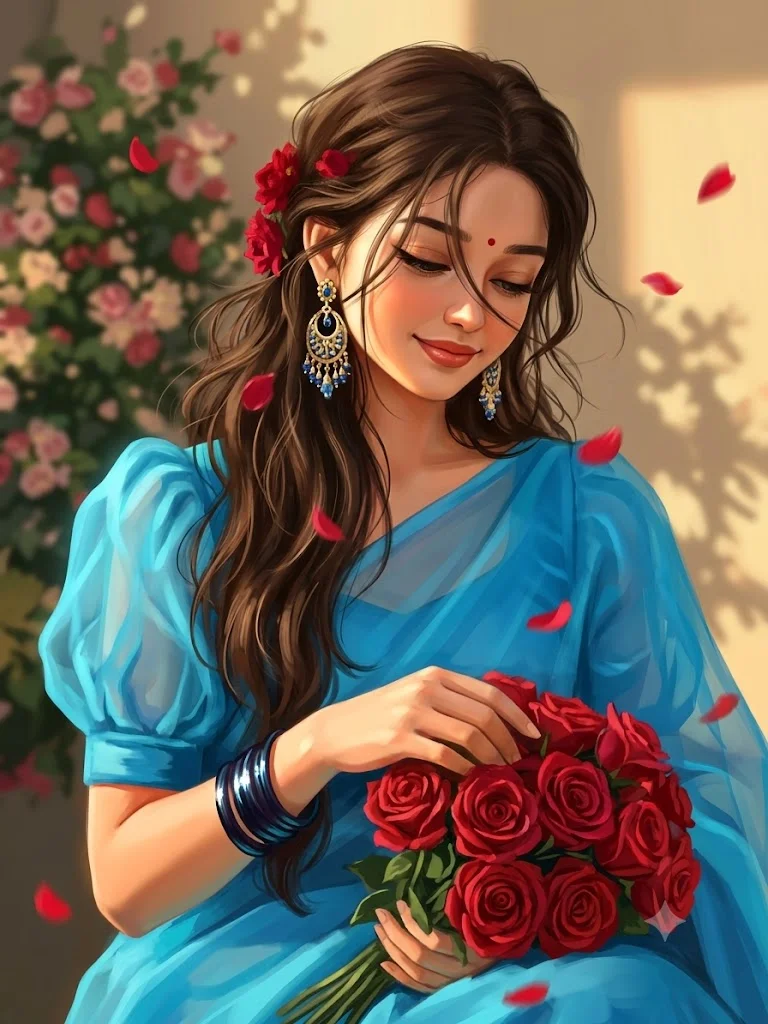
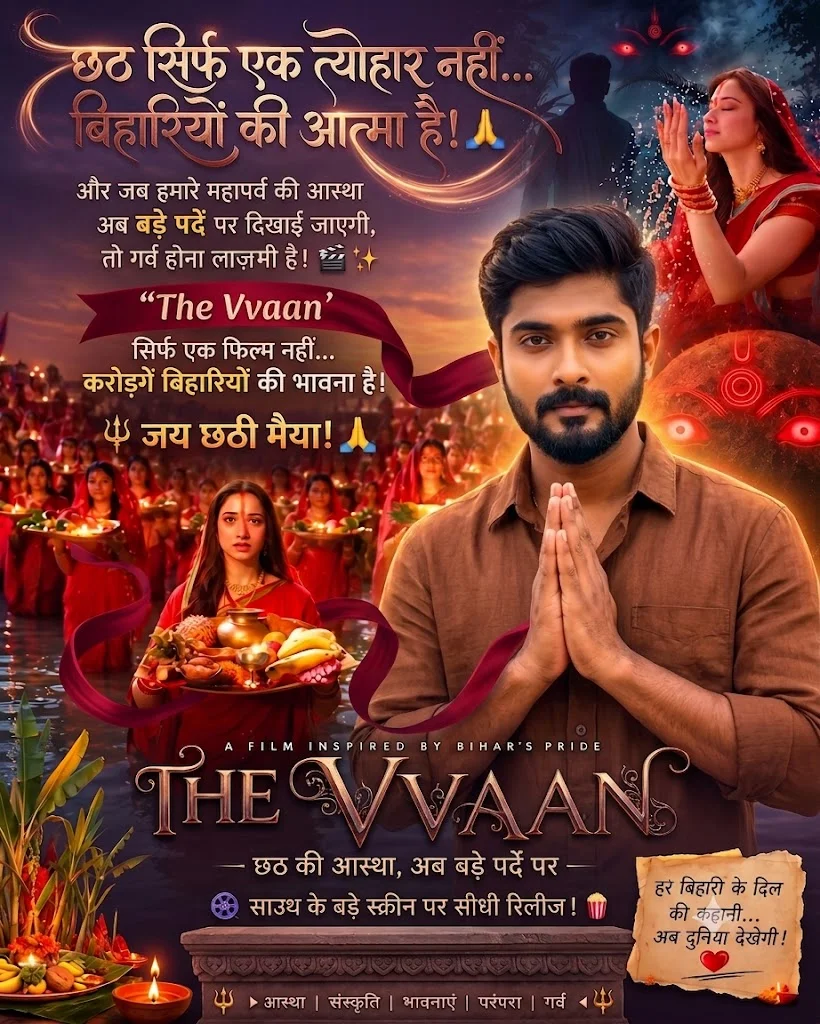
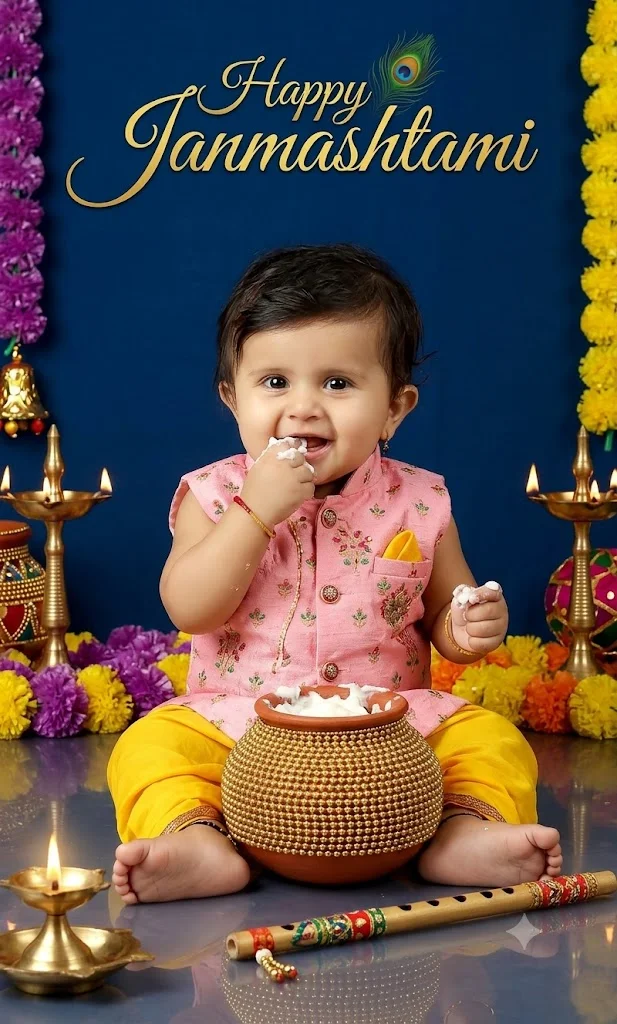
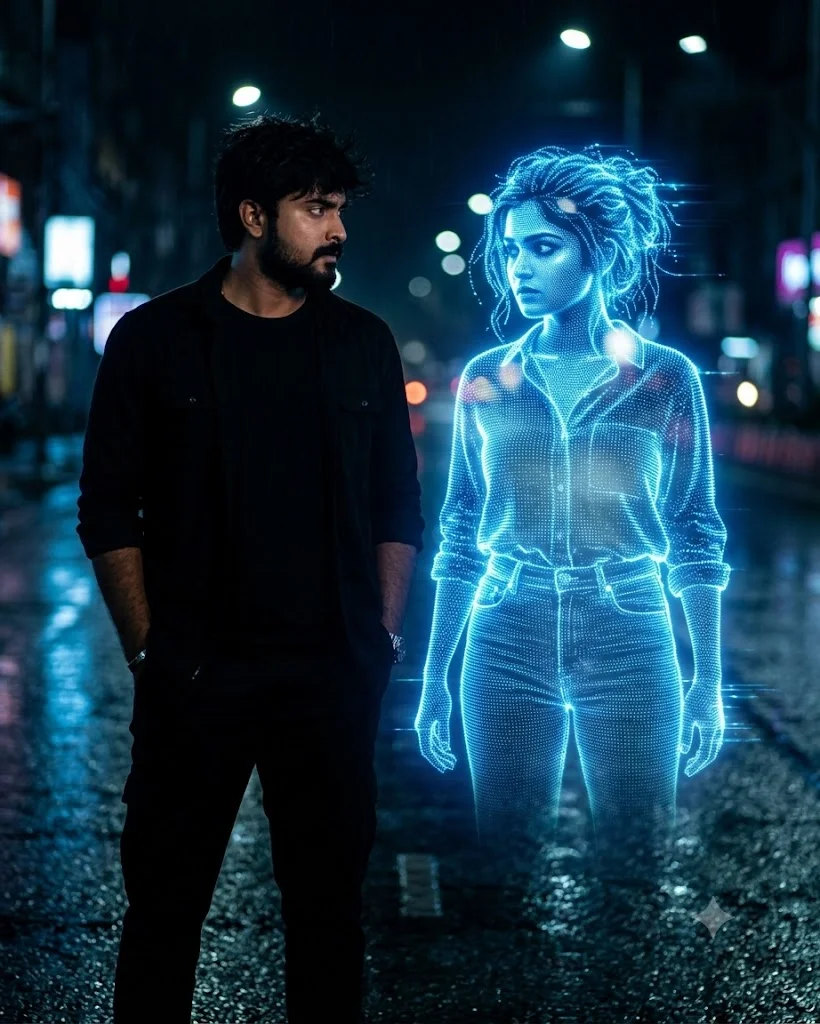
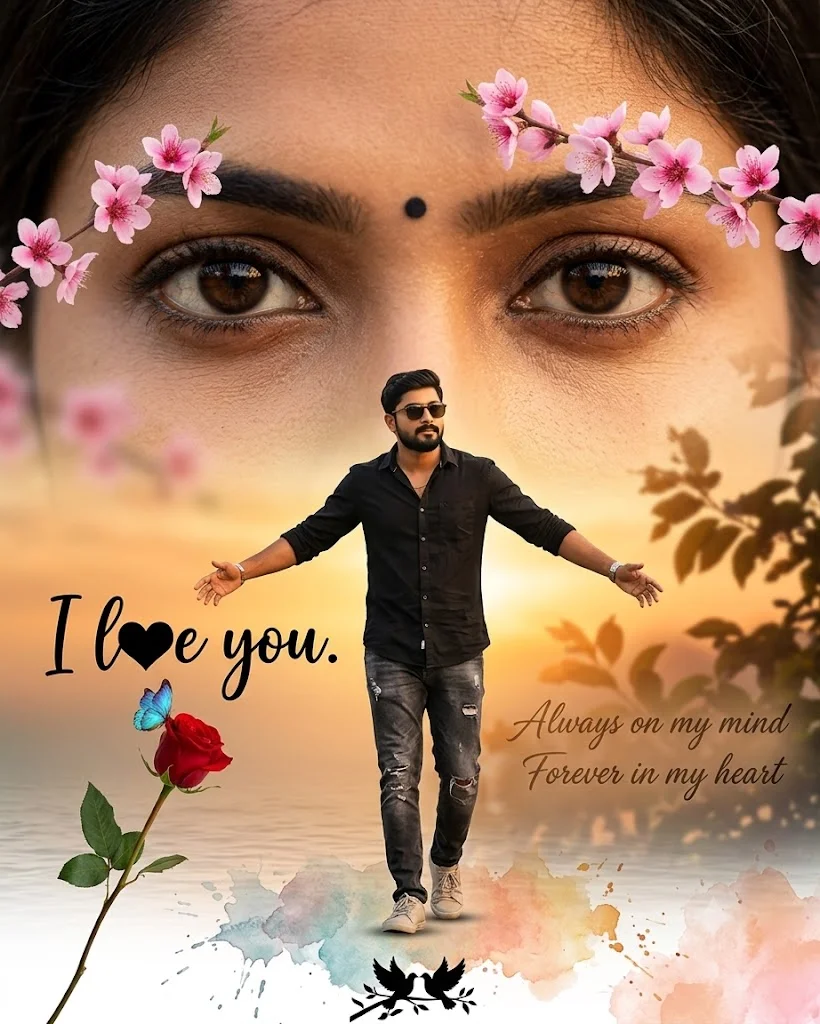
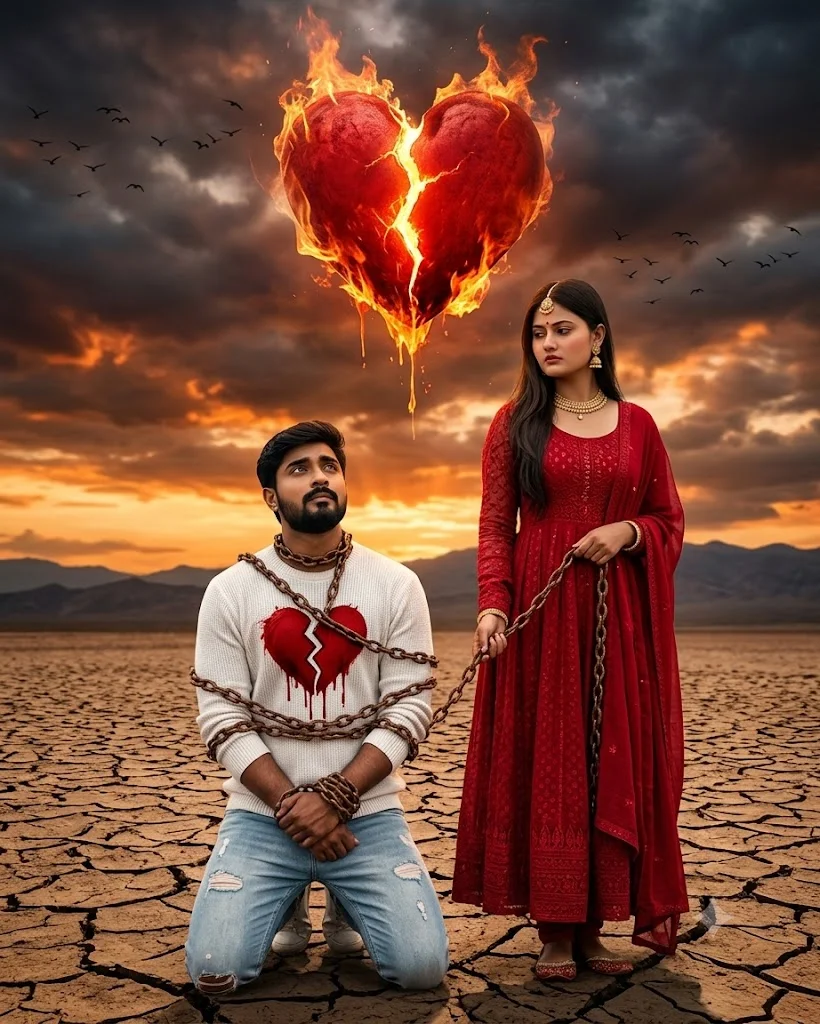
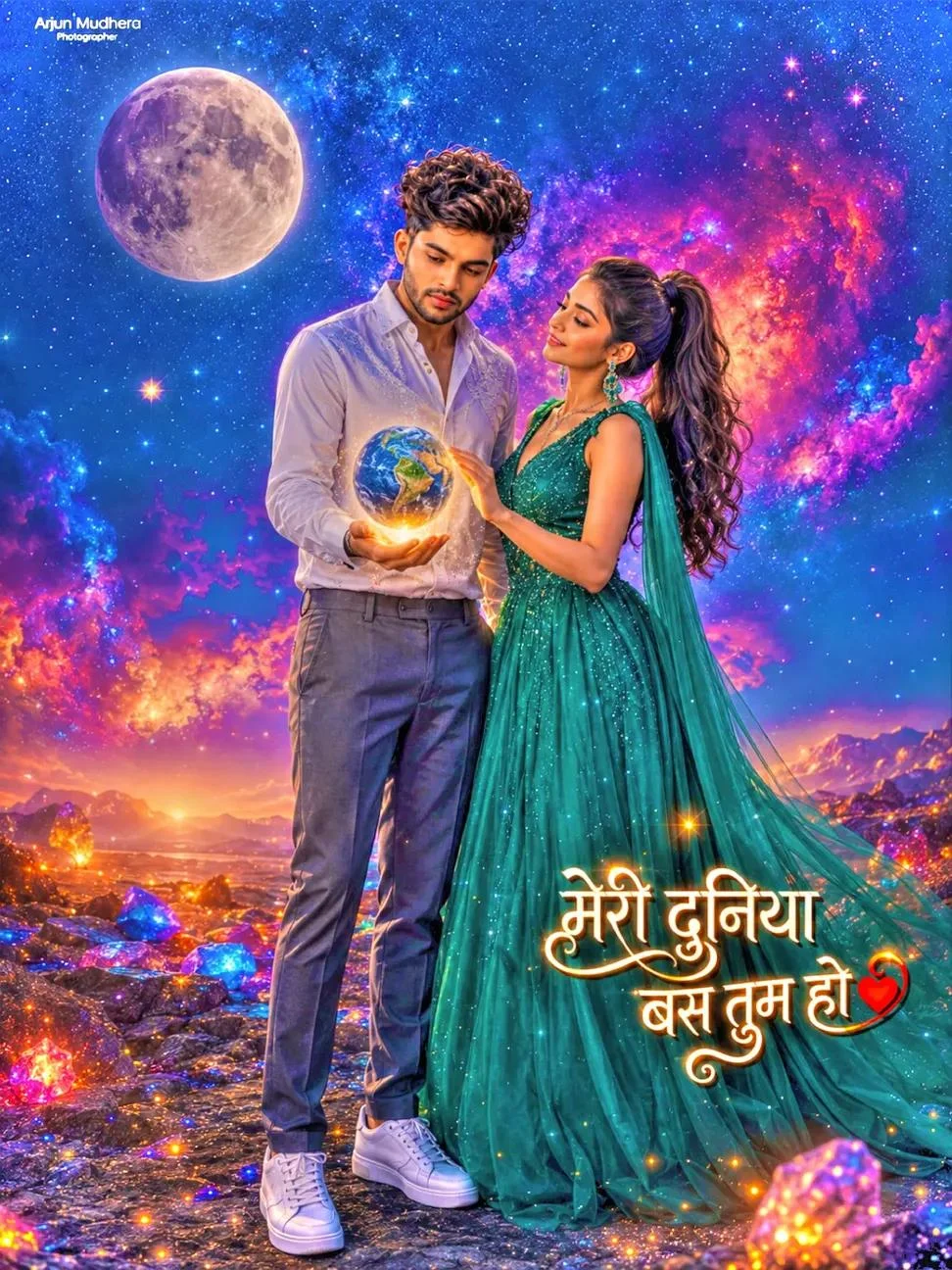
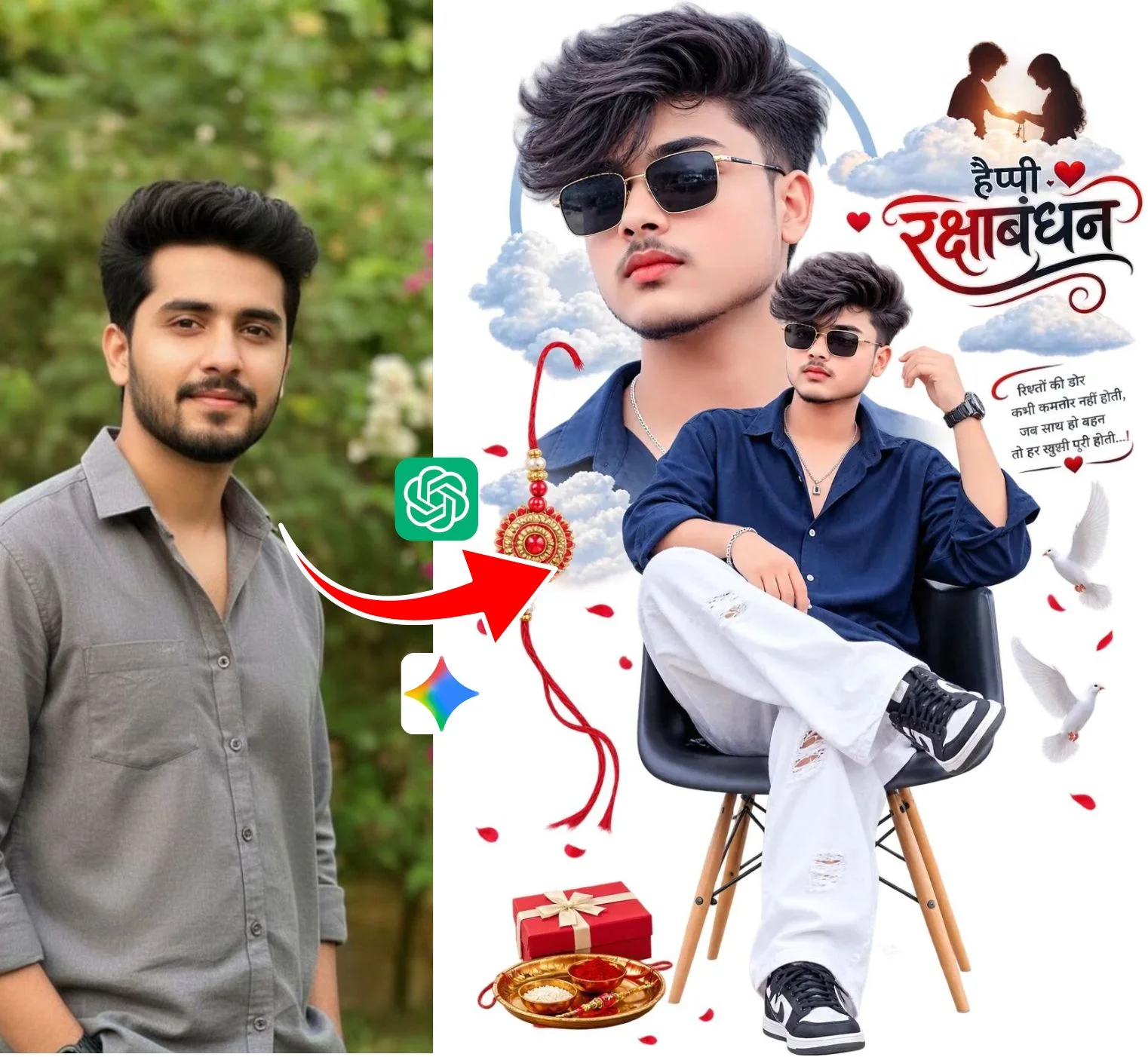
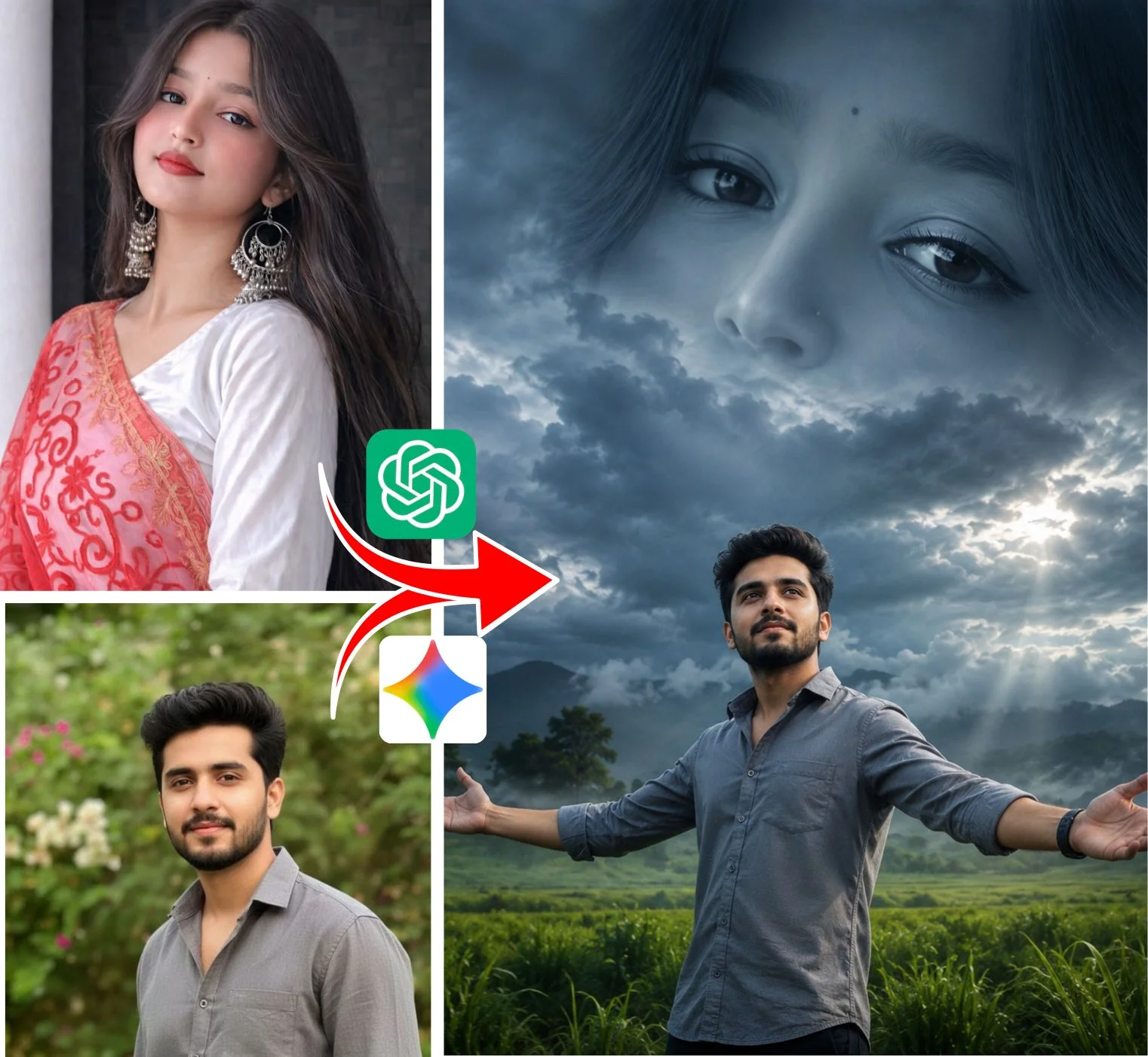
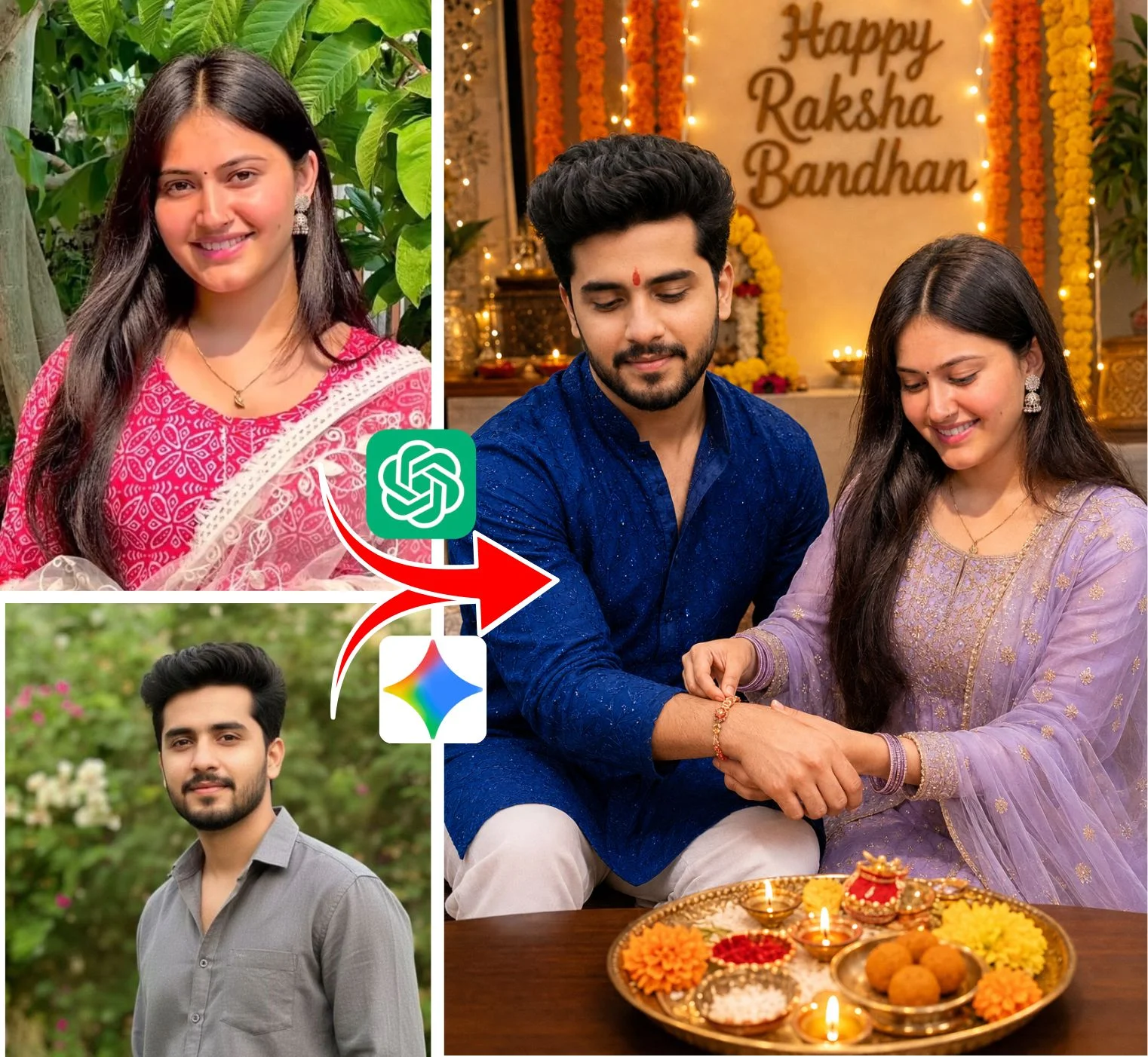
Promy AI (frequently searched as promyai or promy ai photo editing) is widely recognized by creators for sharing viral AI prompt templates. These prompts allow anyone to generate stylized 3D social profile portraits, festive greeting visuals, and motion video clips without needing prompt engineering skills.
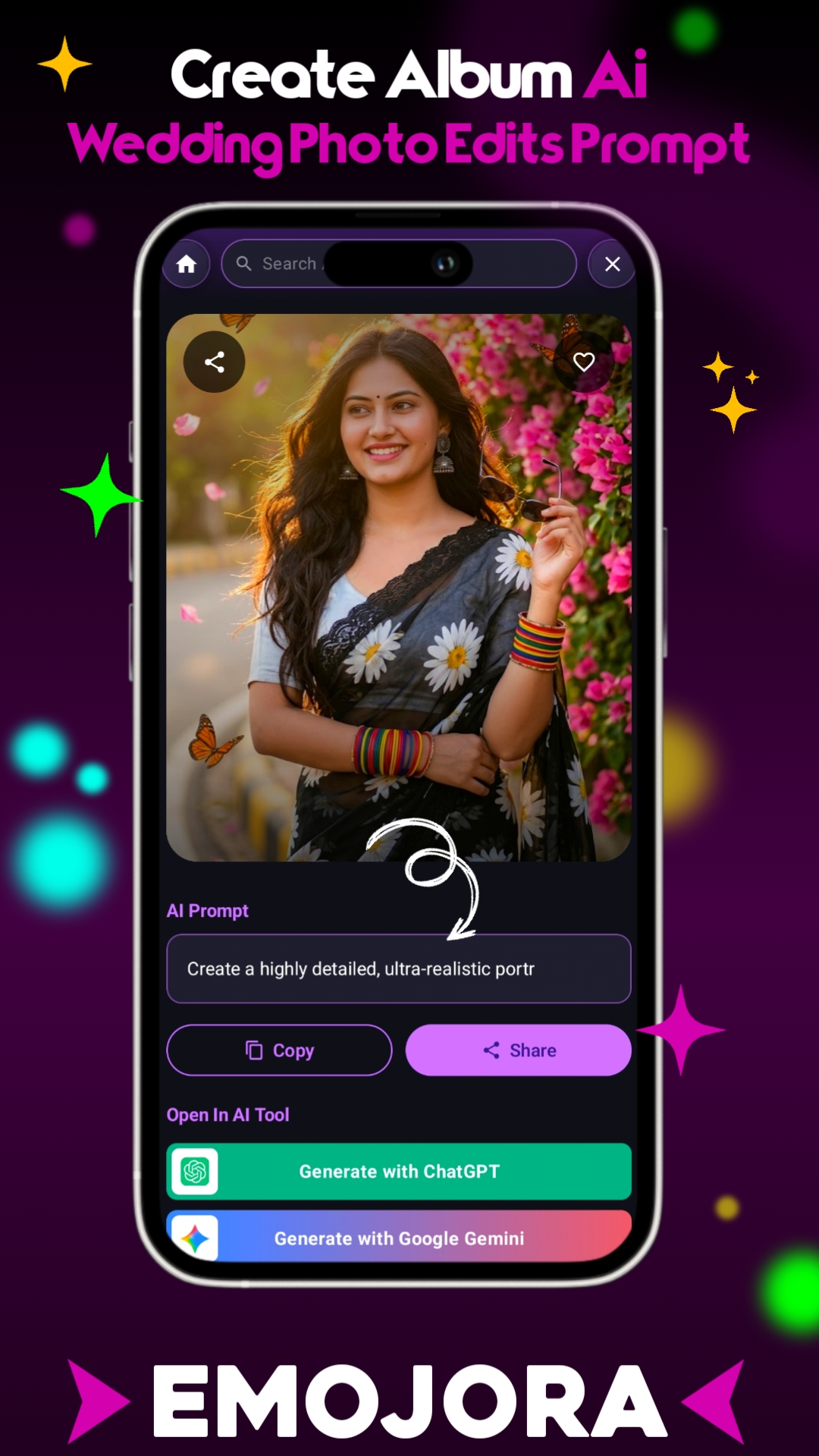
While many prompt sites clutter the experience with heavy ads or slow navigation, Emojora provides an ultra-fast, clean web repository. You get direct 1-click clipboard copy, simple placeholders to customize your name or face, and instant compatibility across every major AI generator.
Comparing Features: Promy AI vs. Emojora Hub
| Feature | Typical Promy AI Posts | Emojora Studio |
|---|---|---|
| Copy Method | Manual highlight or mixed buttons | 1-Click Instant Clipboard Copy |
| Video Autoplay & Previews | Static images or manual play | Smooth Scroll-triggered Video Loop |
| Name & Portrait Swapping | Standard text instructions | Exact parameter tags for personal photos |
| Model Tuning | Bing focused only | Bing, Gemini Imagen 3, Midjourney & Kling |
How to Generate Images in 3 Simple Steps
No complex prompting required. Follow these steps on phone or computer:
Copy Prompt
Pick any prompt card from the collection below and tap Copy. The formatted prompt copies to your clipboard.
Customize Details
Replace the placeholder name (e.g. [Your Name]) with your name. You can also specify shirt color, hairstyle, or background.
Paste & Generate
Paste into Bing Image Creator, Google Gemini, or Midjourney. Hit generate to download your high-definition image within seconds.
Popular Trending Styles Available in this Hub
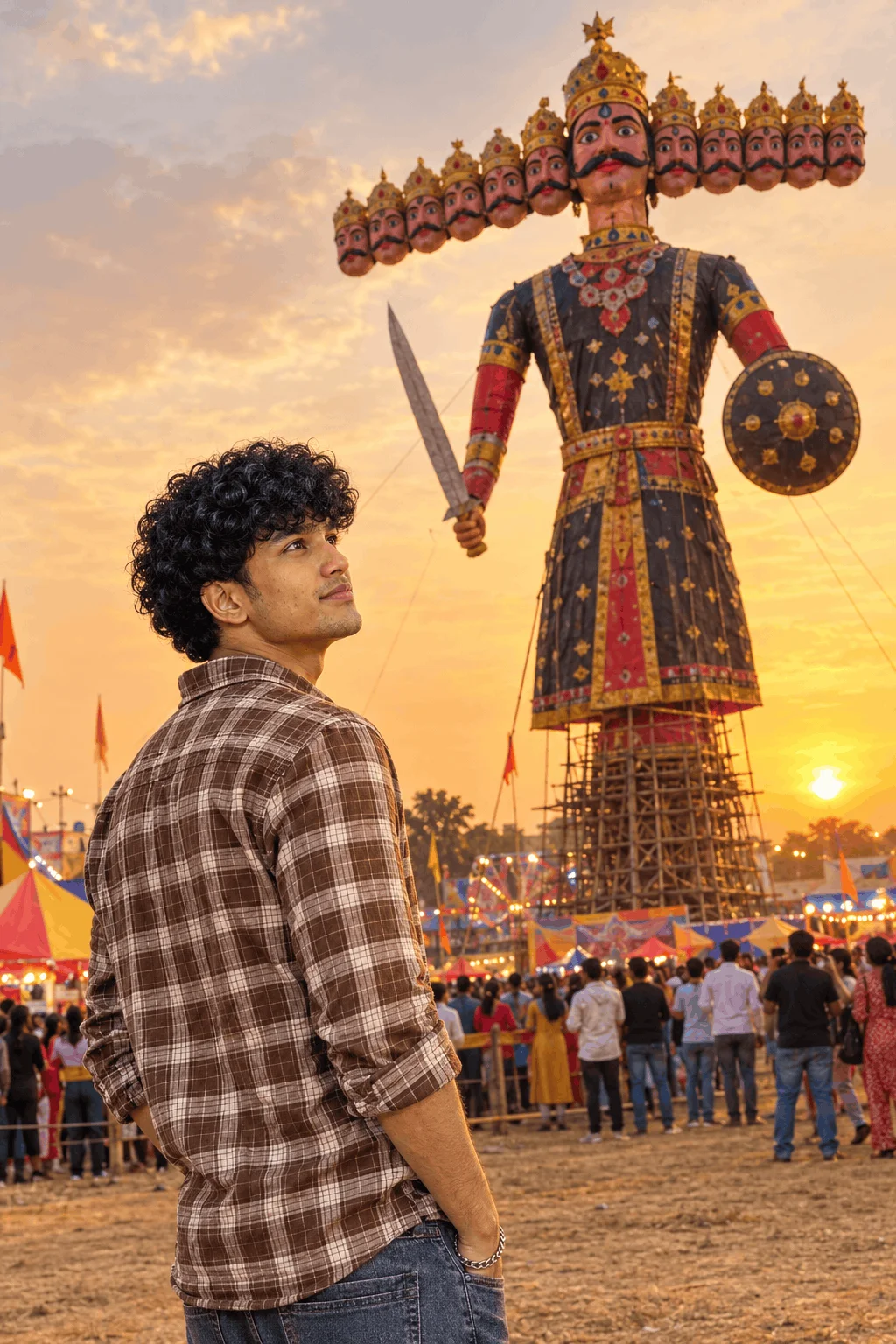
Realistic 3D boy or girl sitting casually on social logos (Instagram, YouTube, WhatsApp) with glowing neon 3D acrylic text on the background wall.
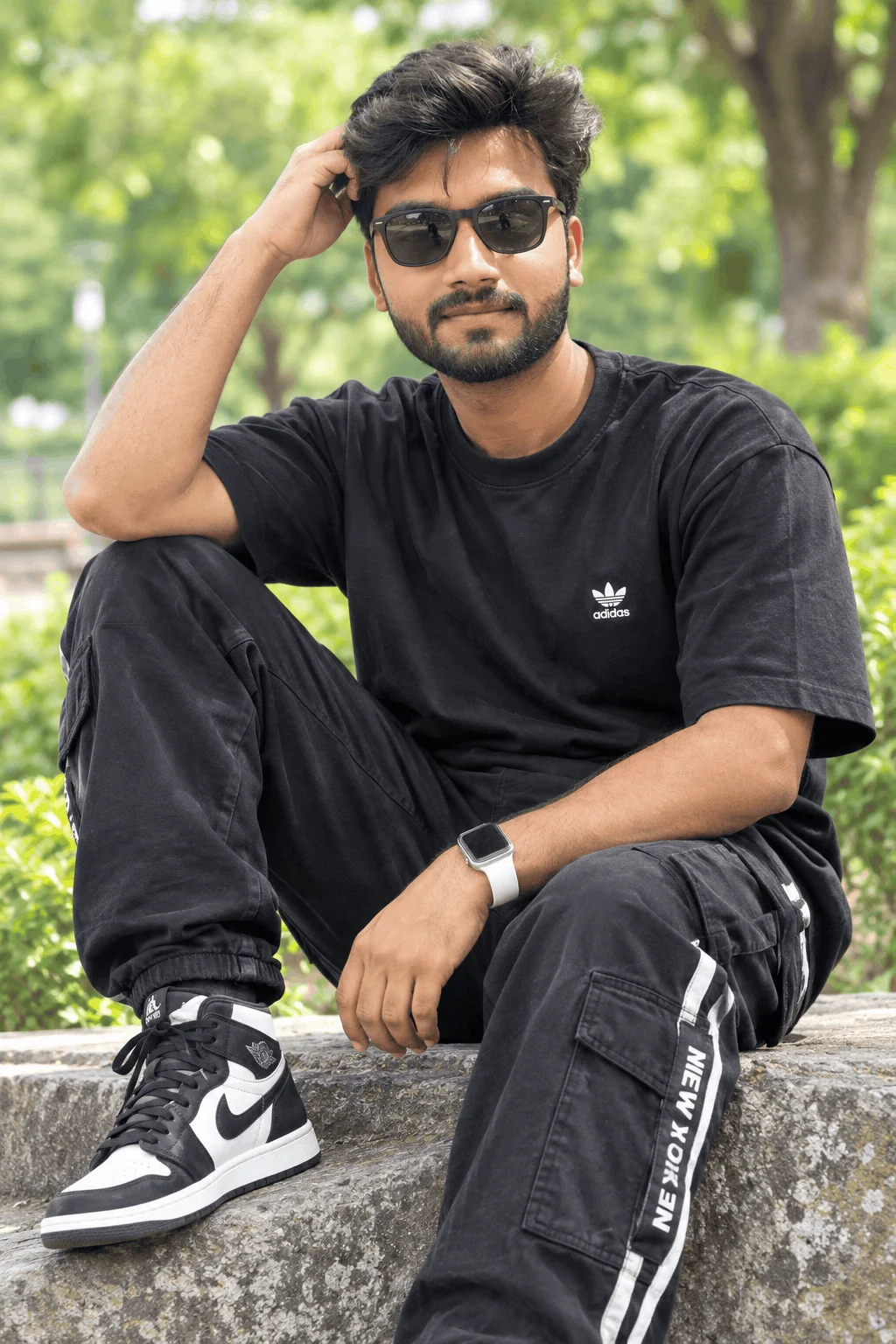
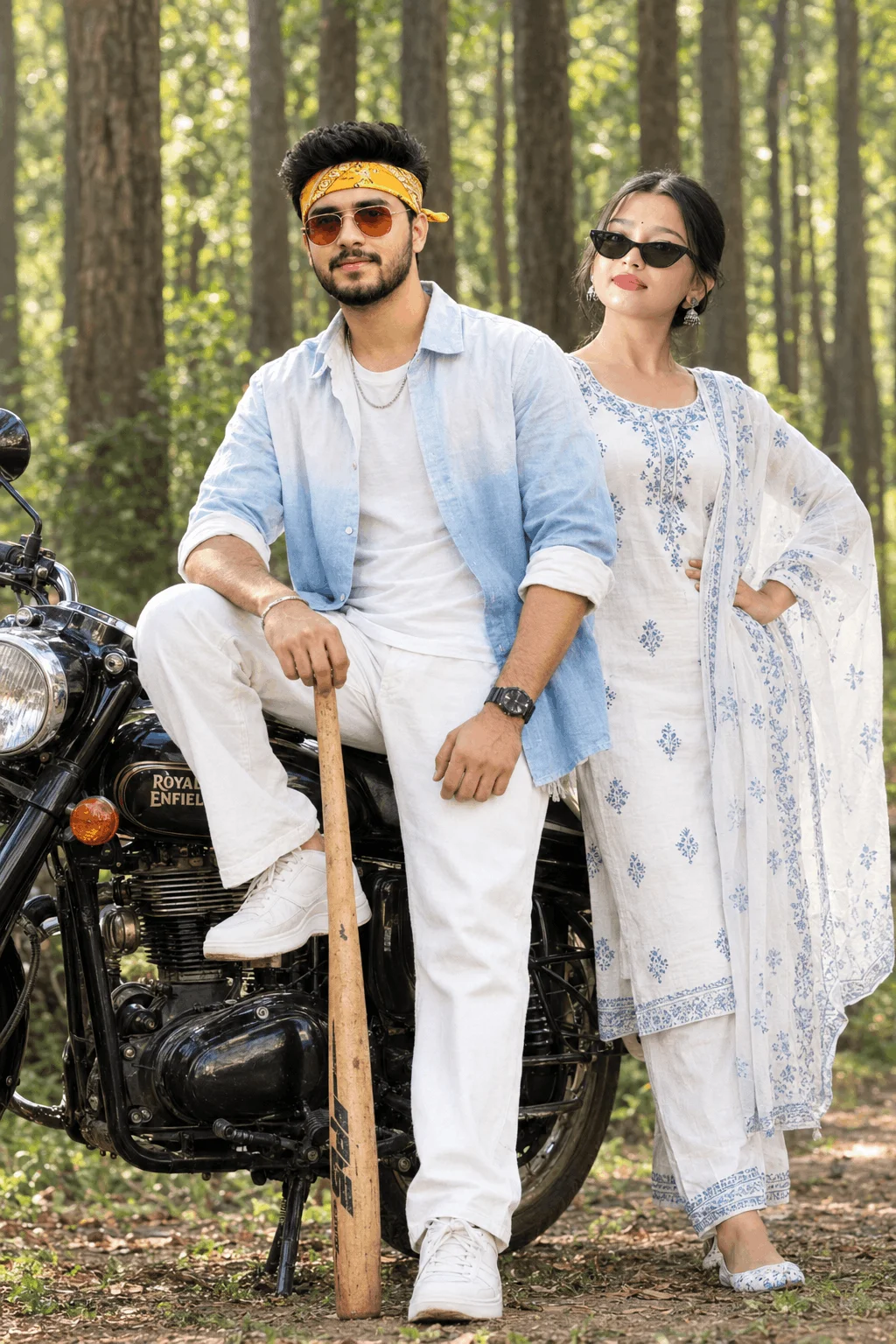
Urban street portraits featuring cruisers (Royal Enfield, Thar, sports cars), leather jackets, dusk streetlights, and realistic road reflections.
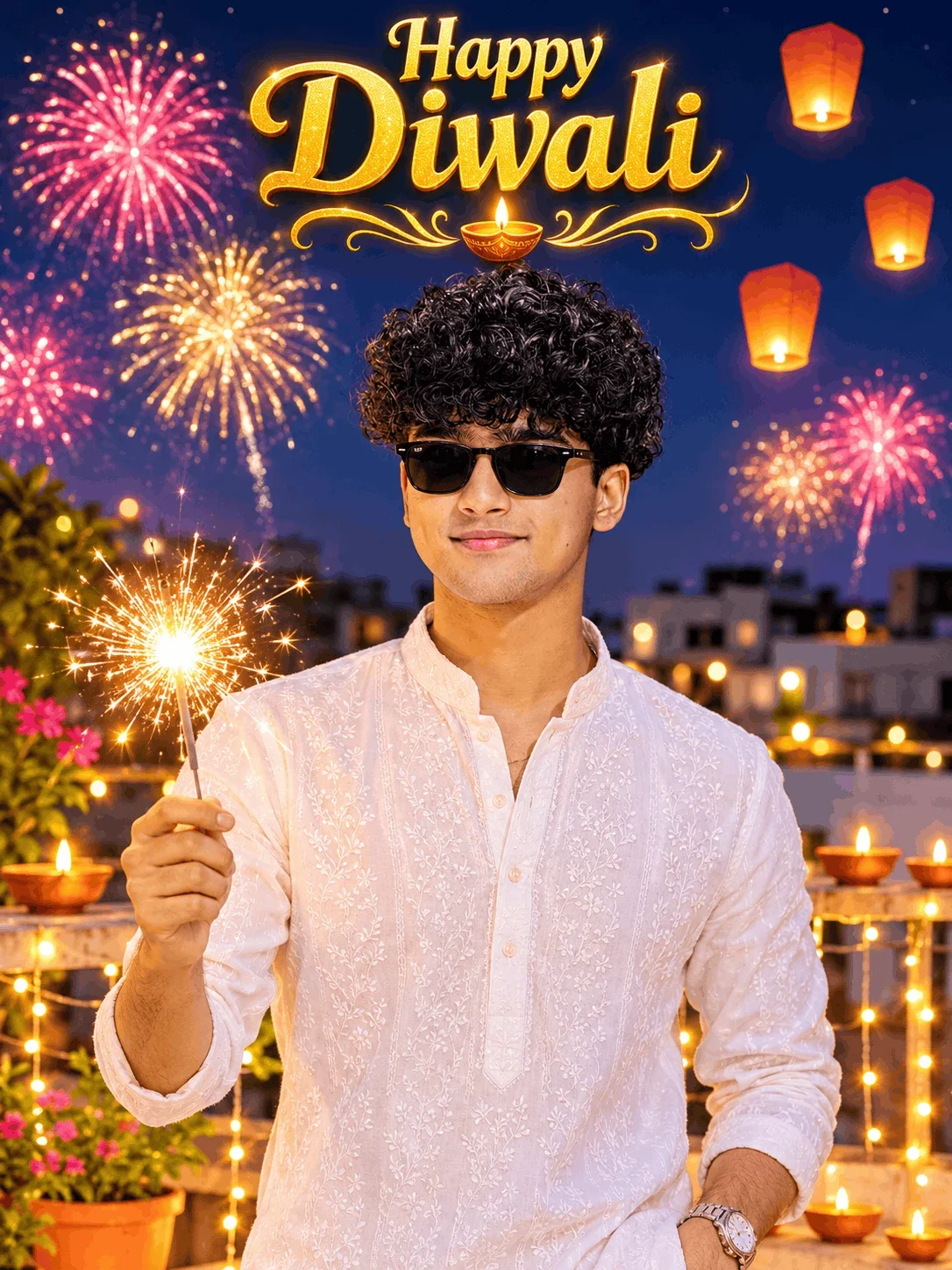
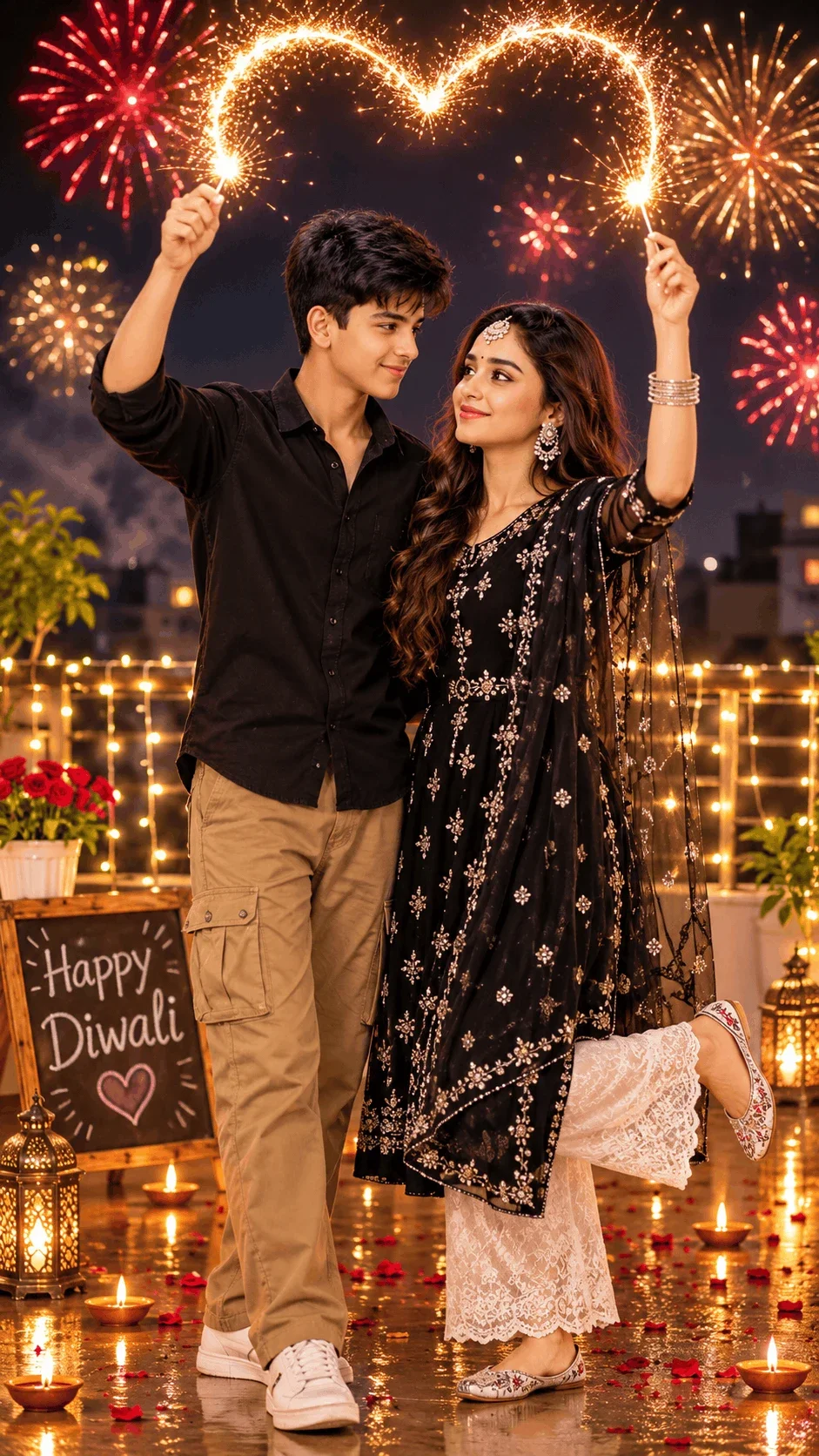
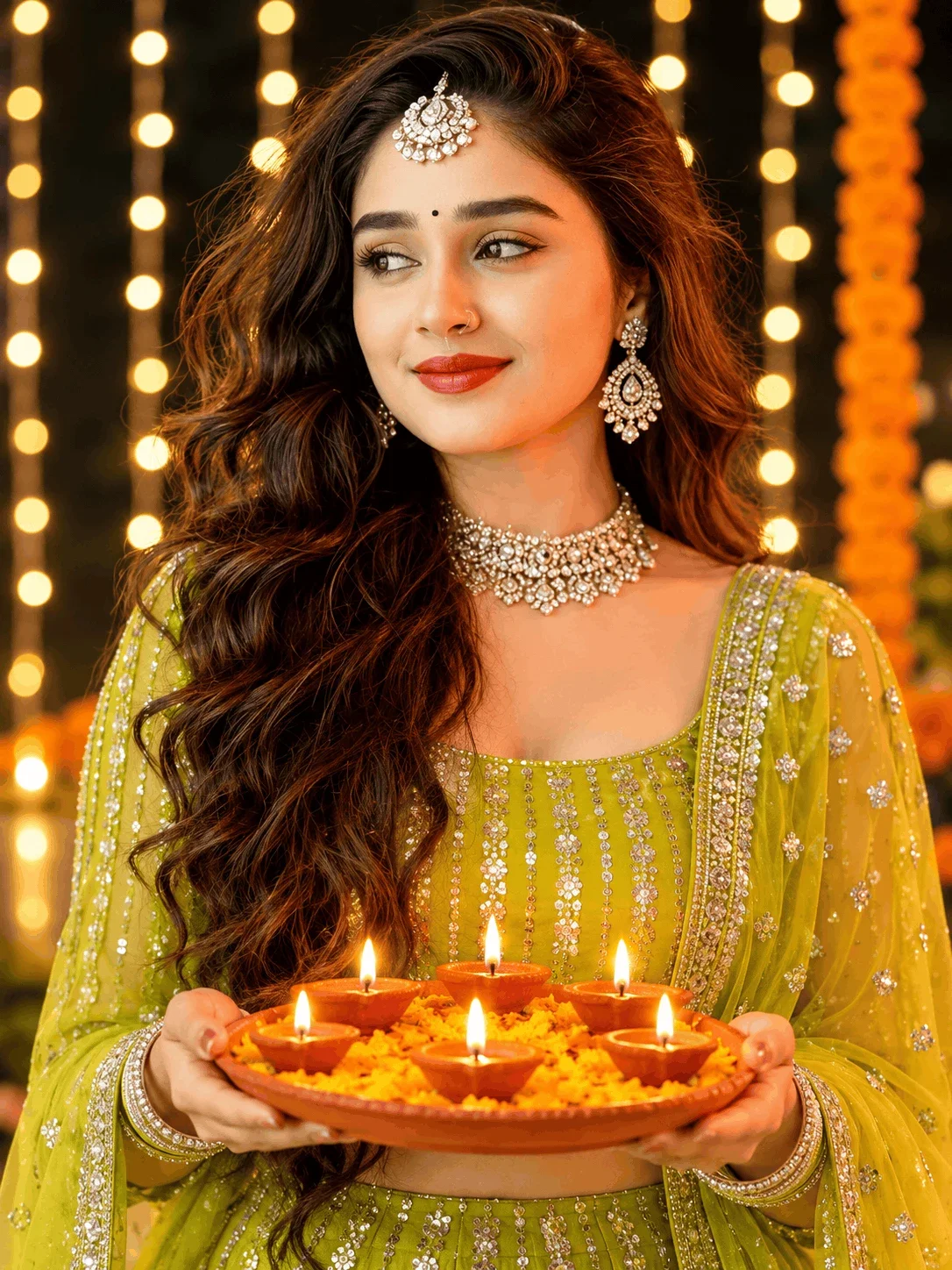
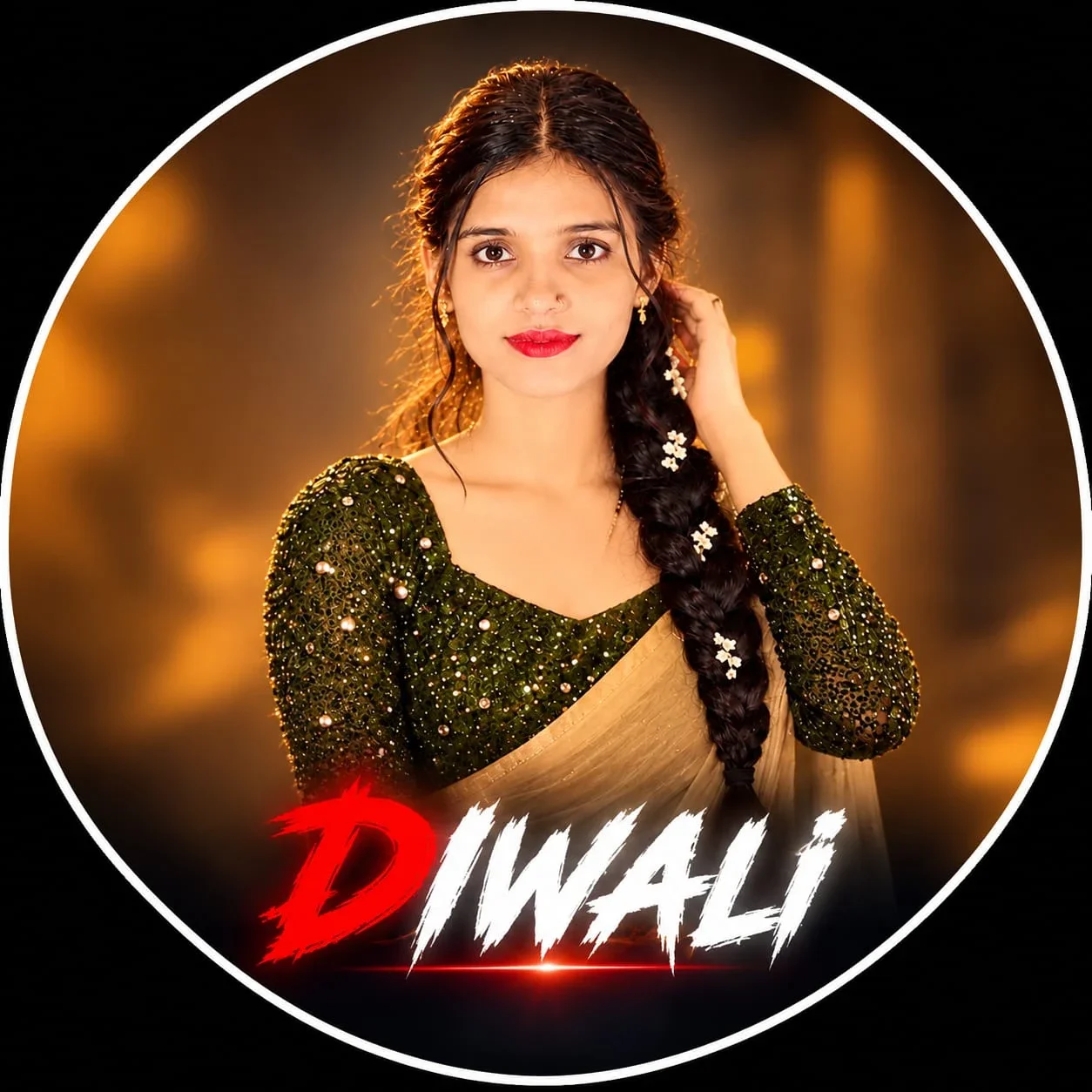
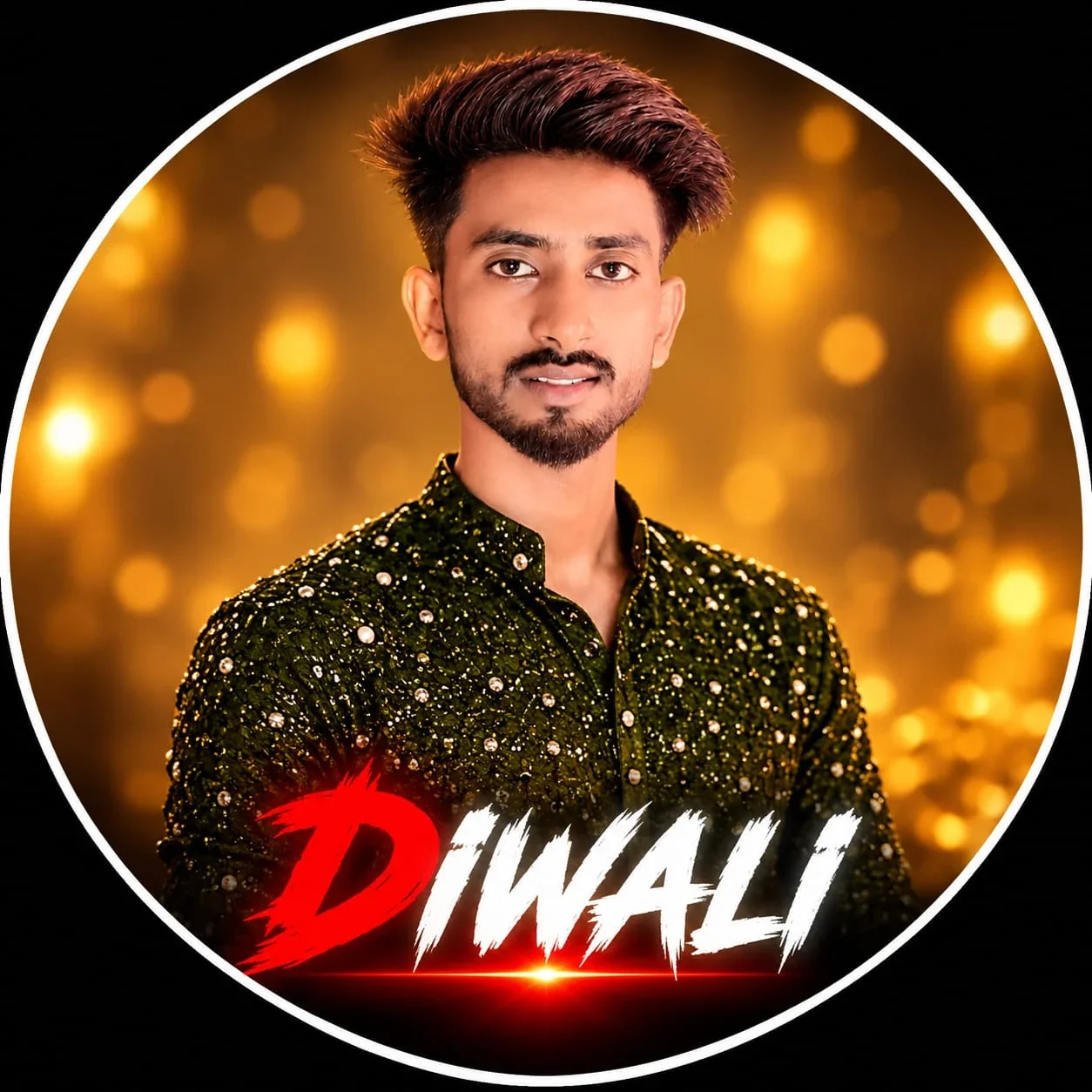
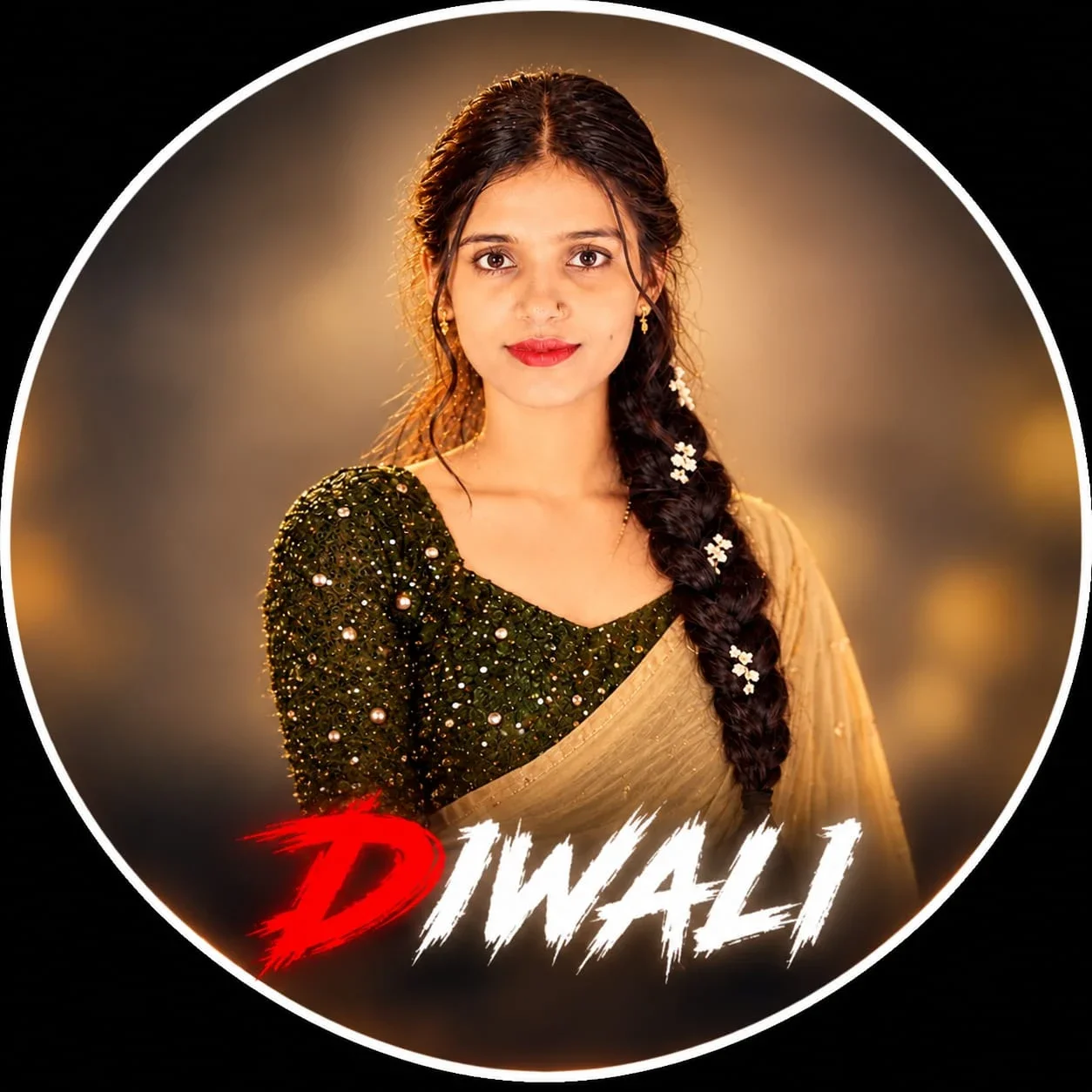
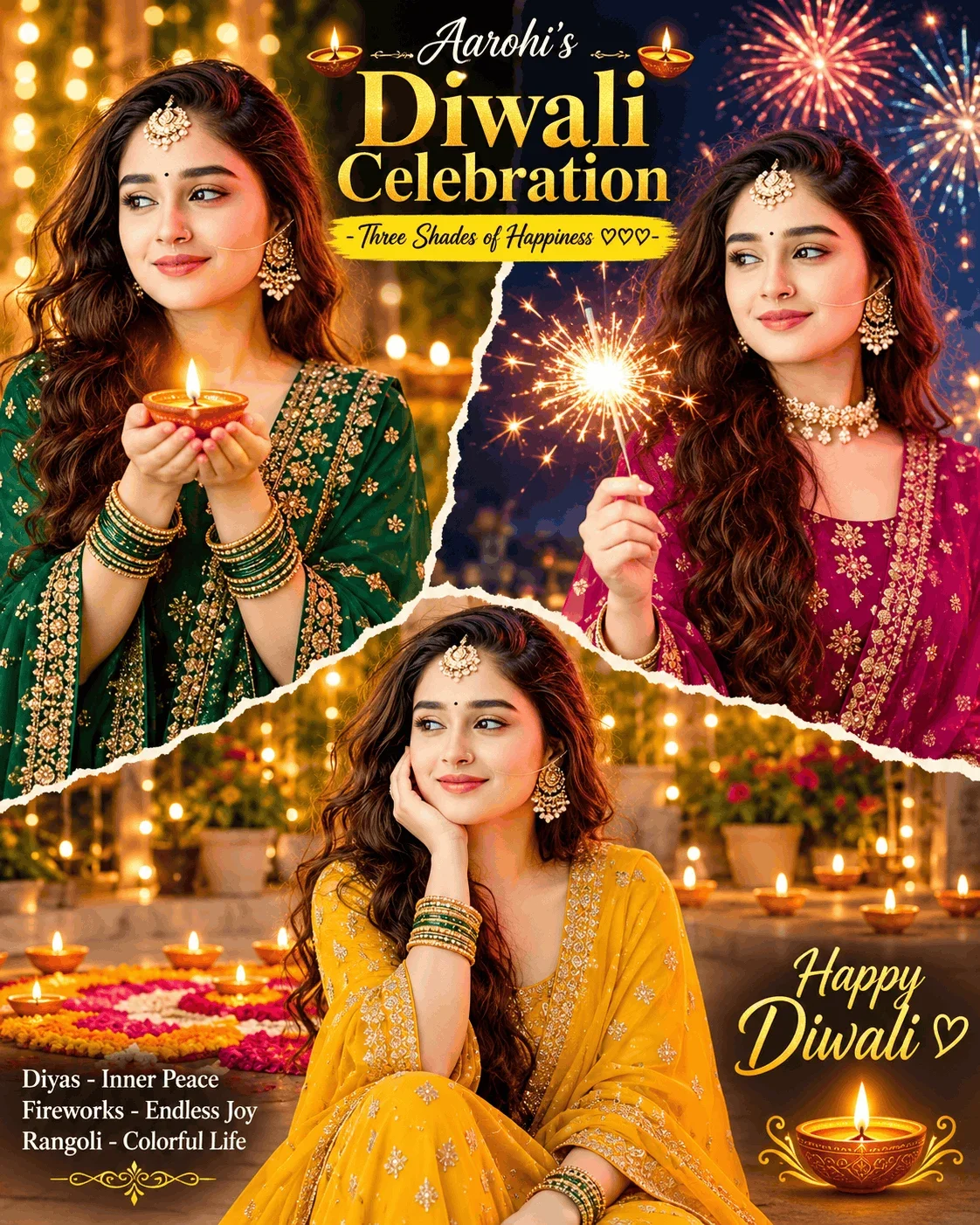
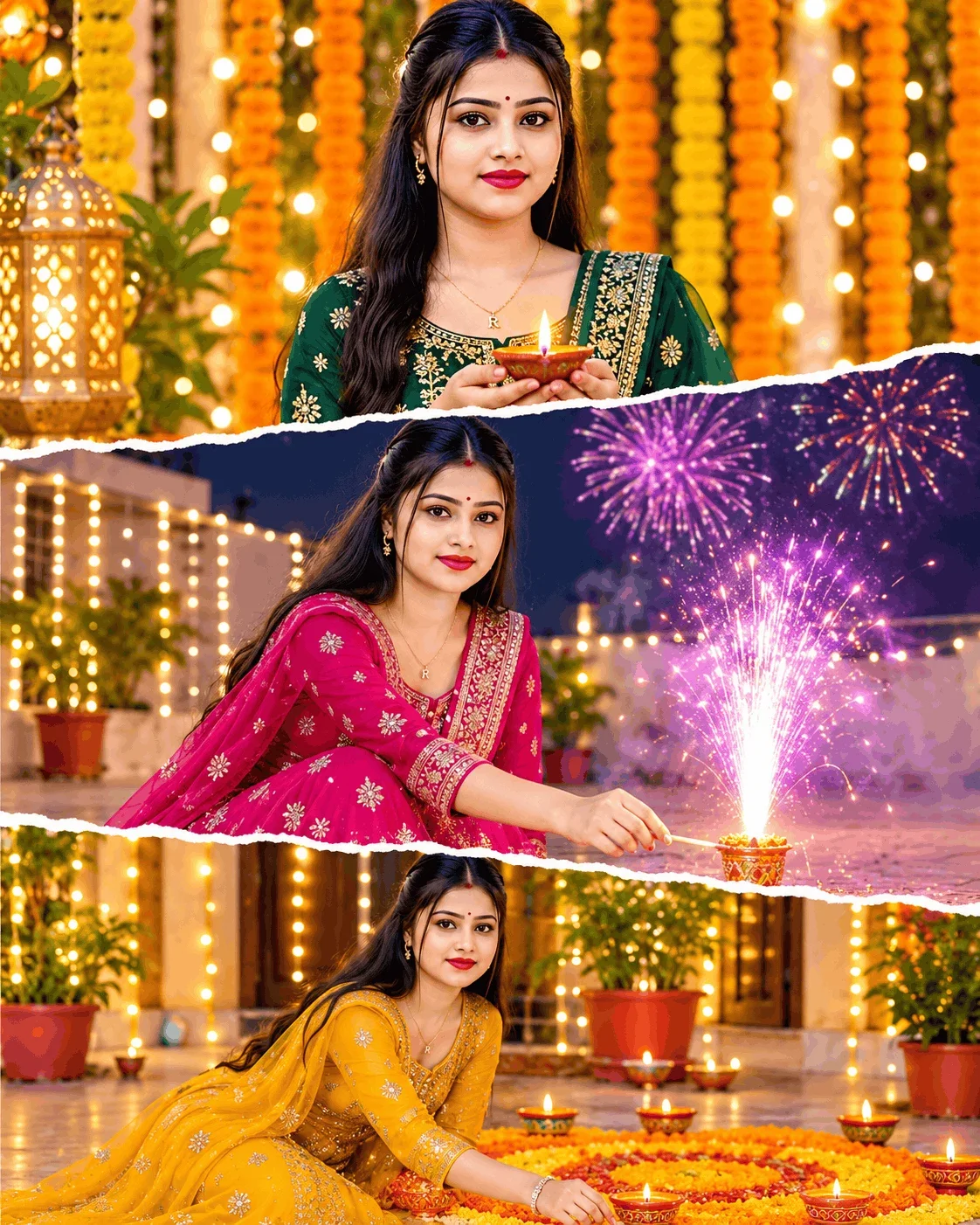
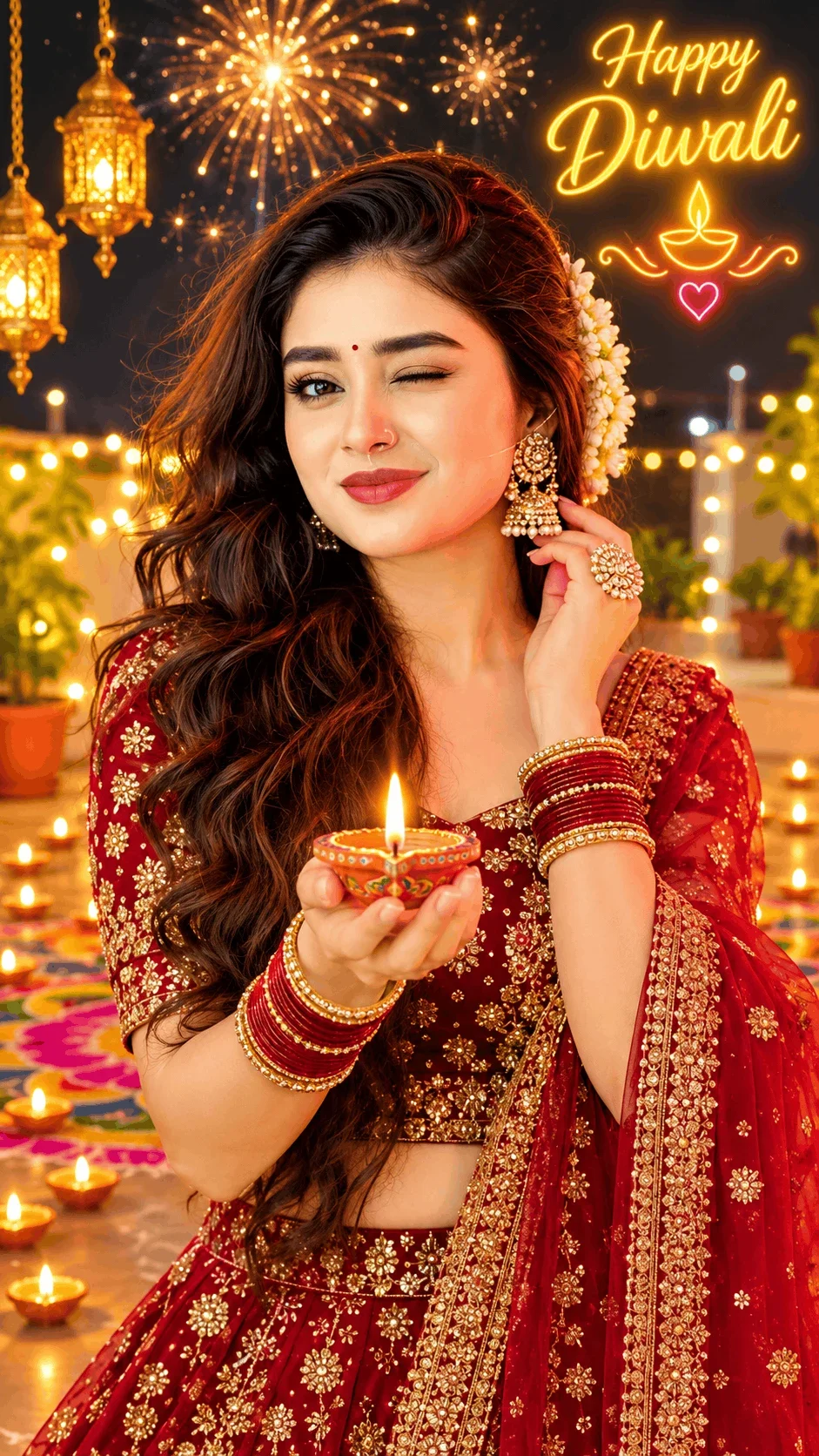
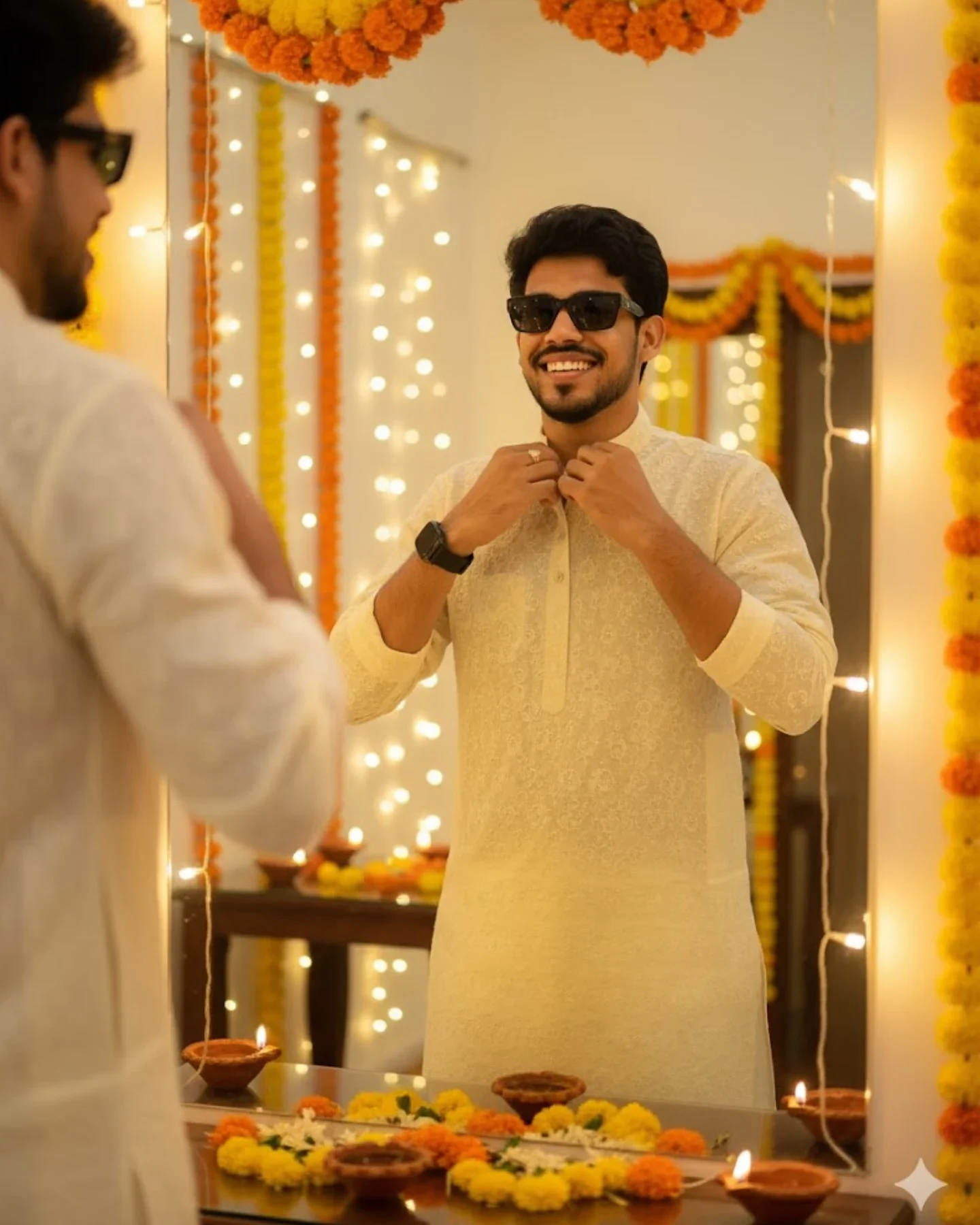
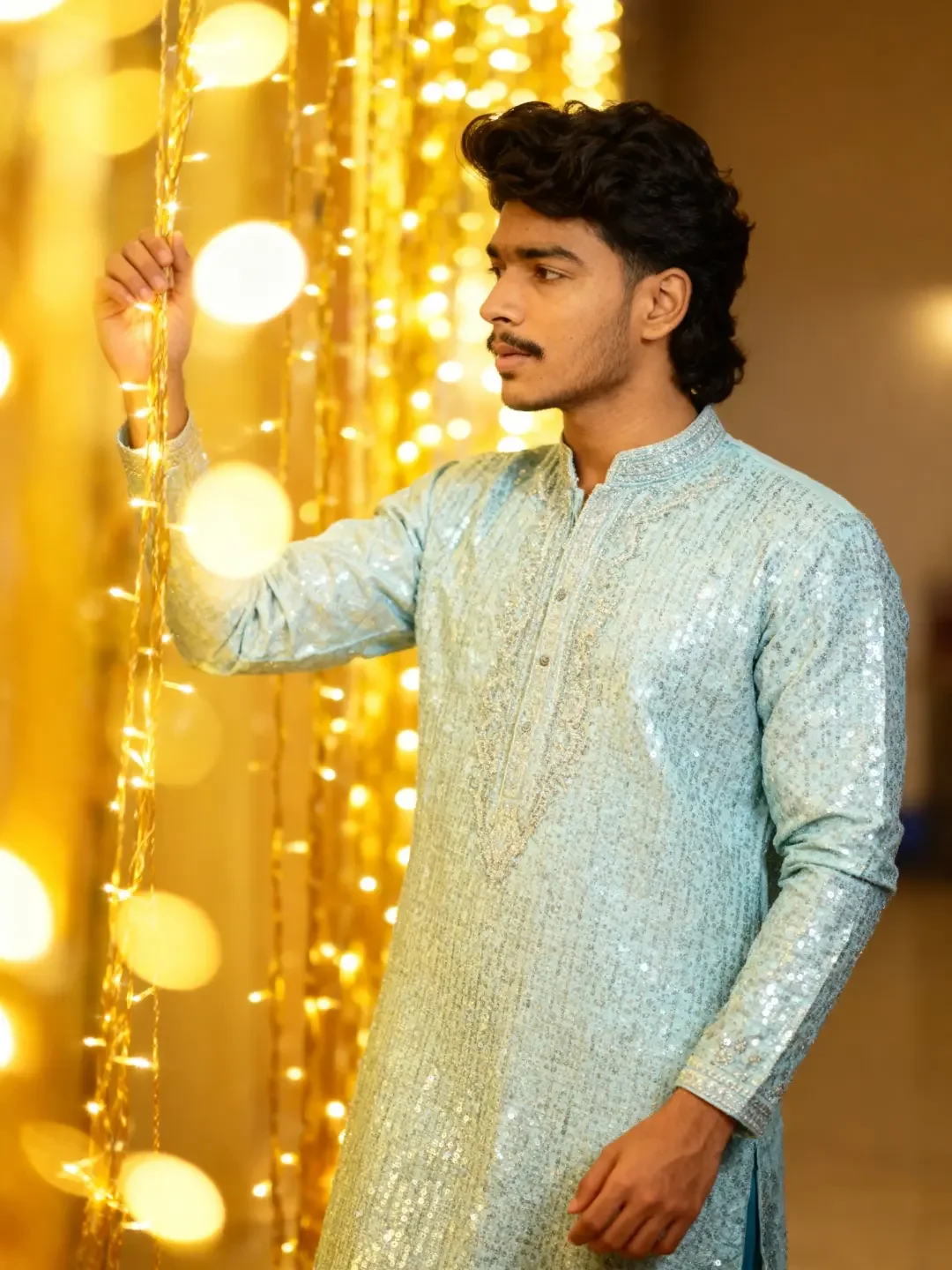
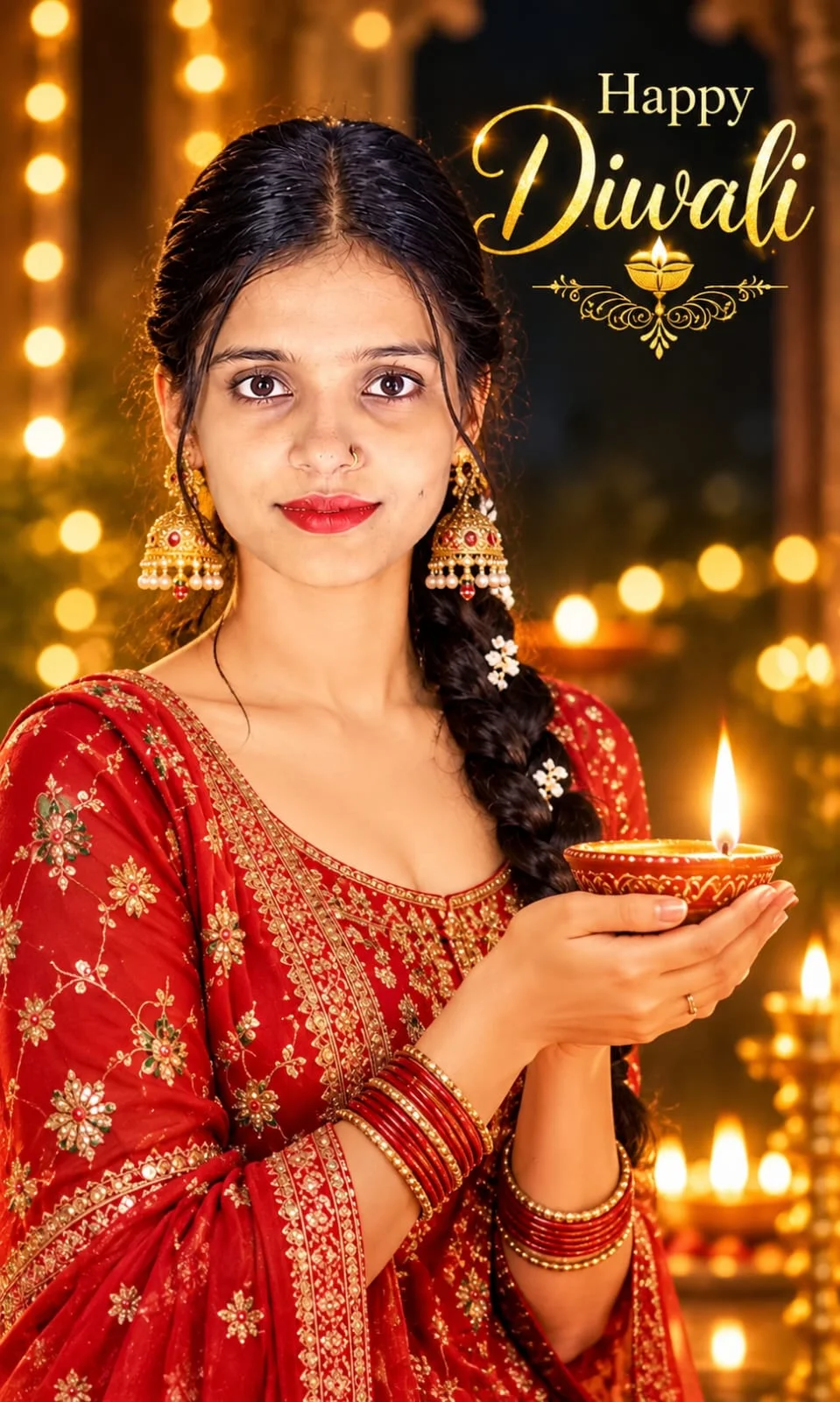
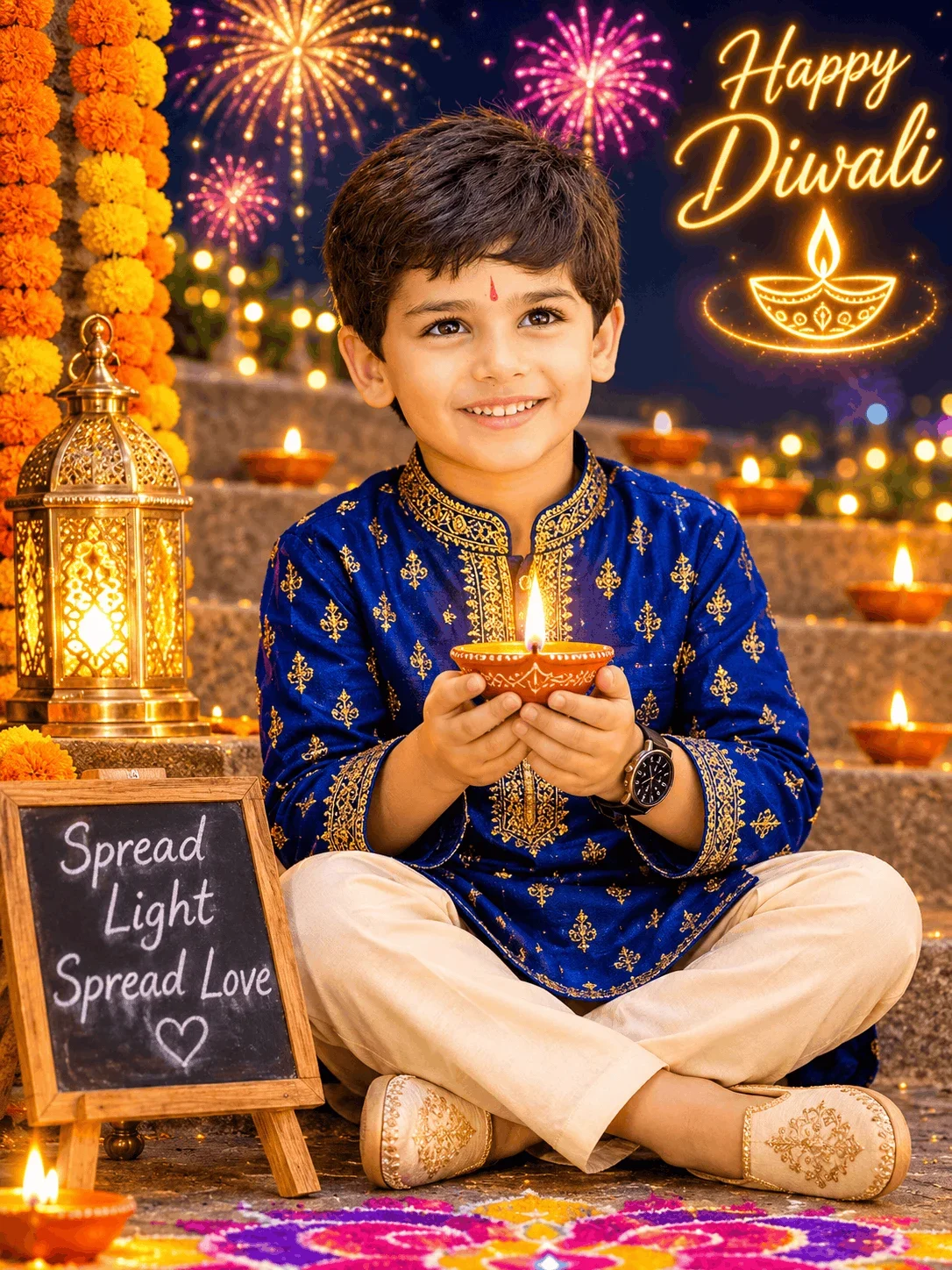
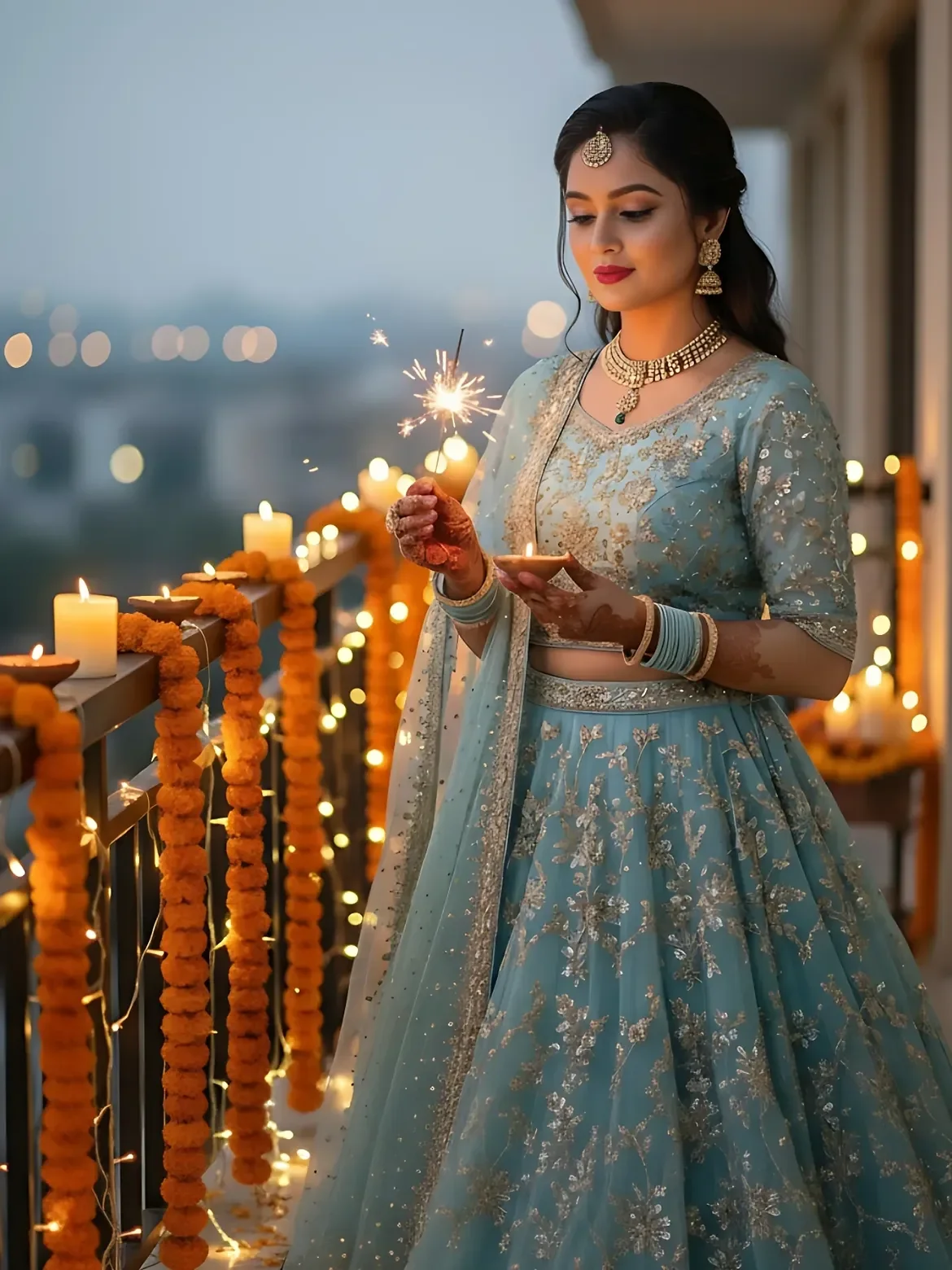
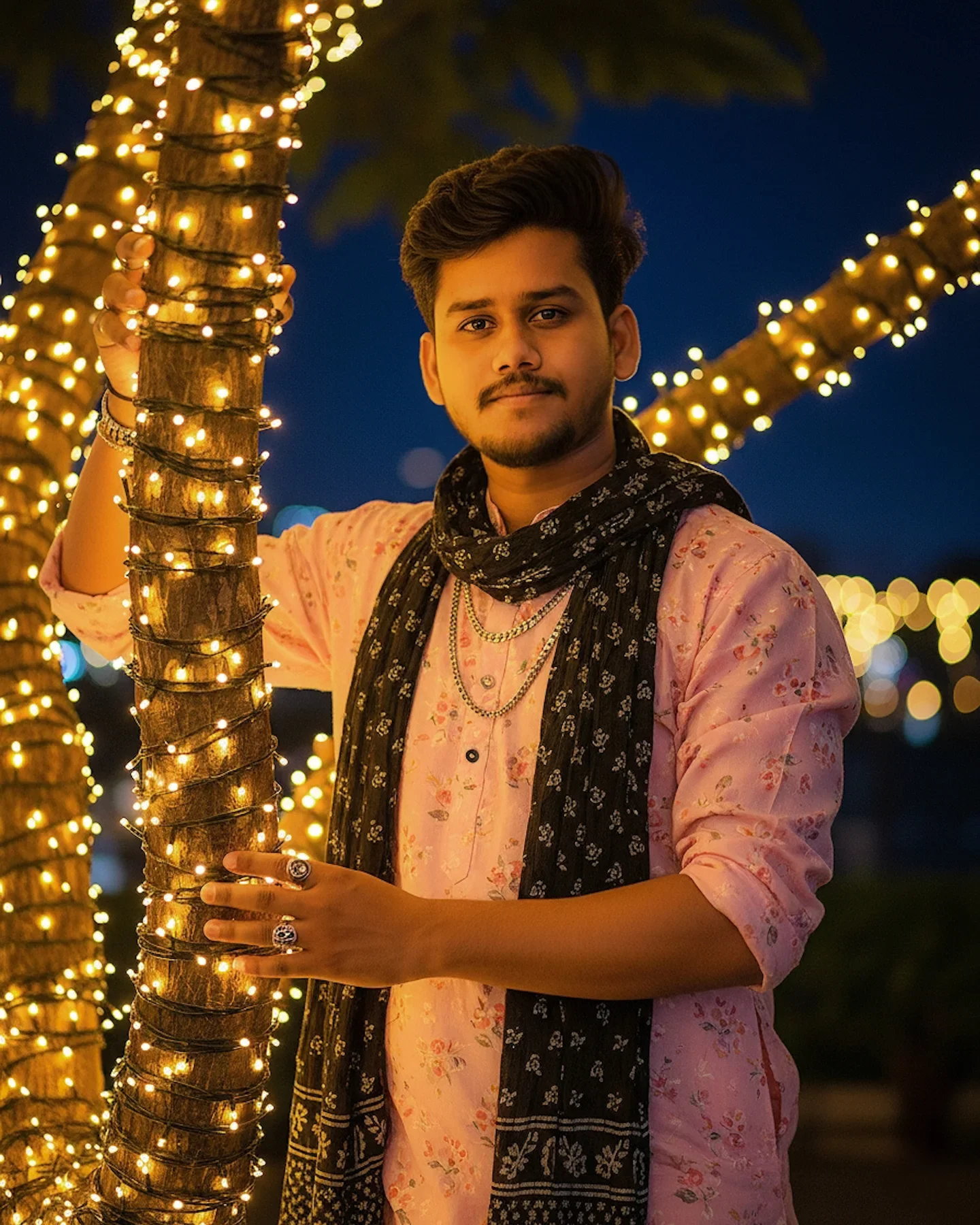
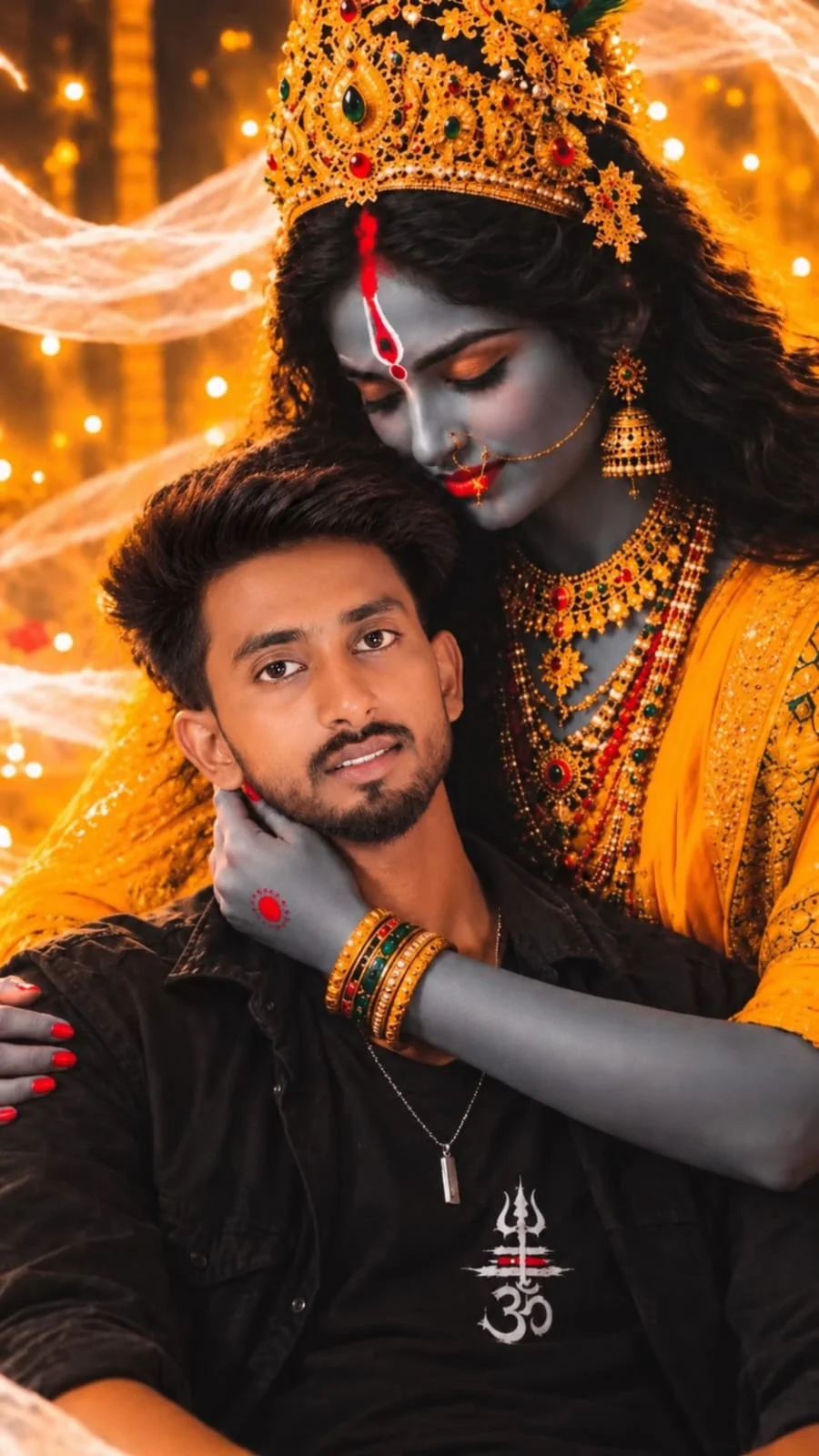
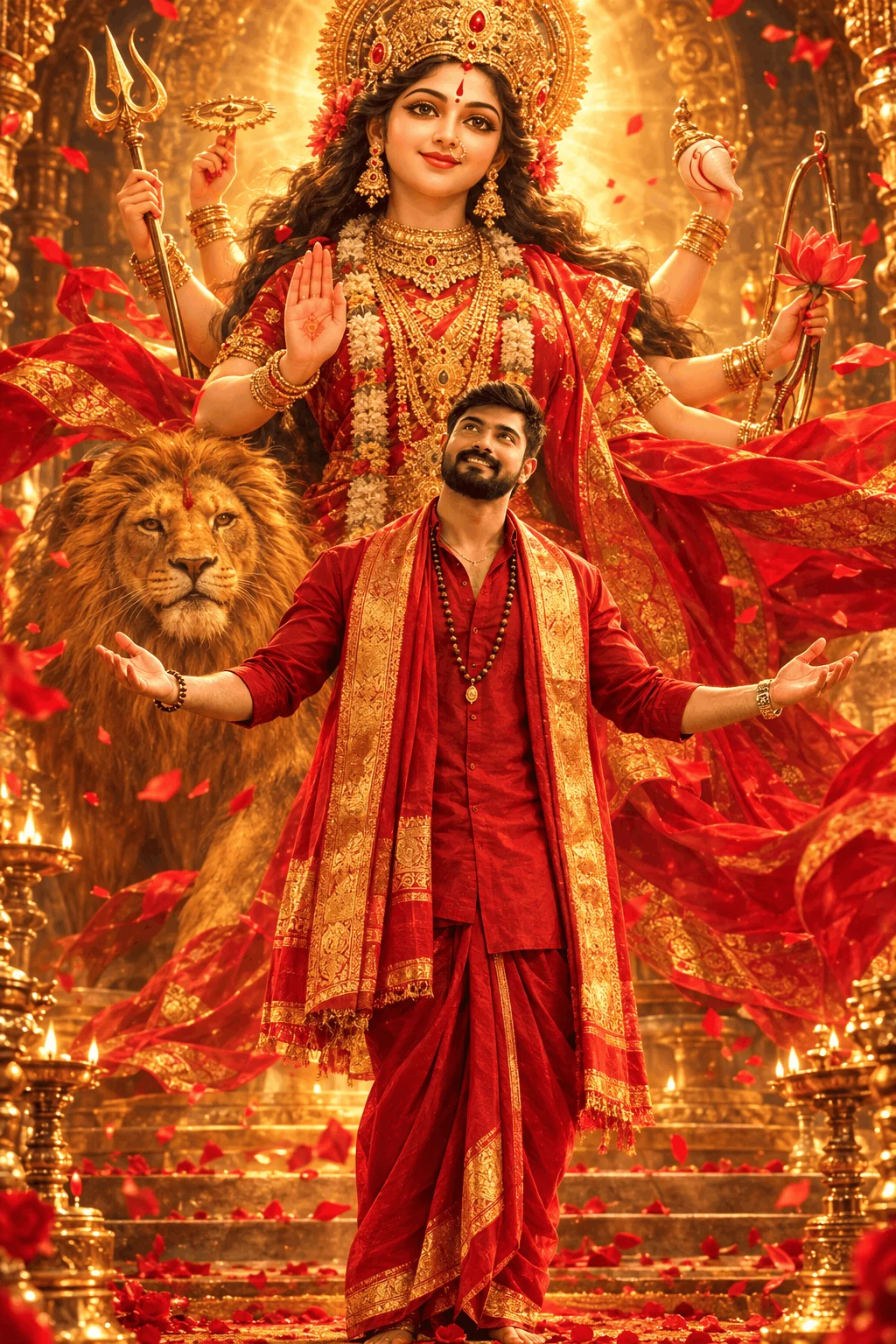
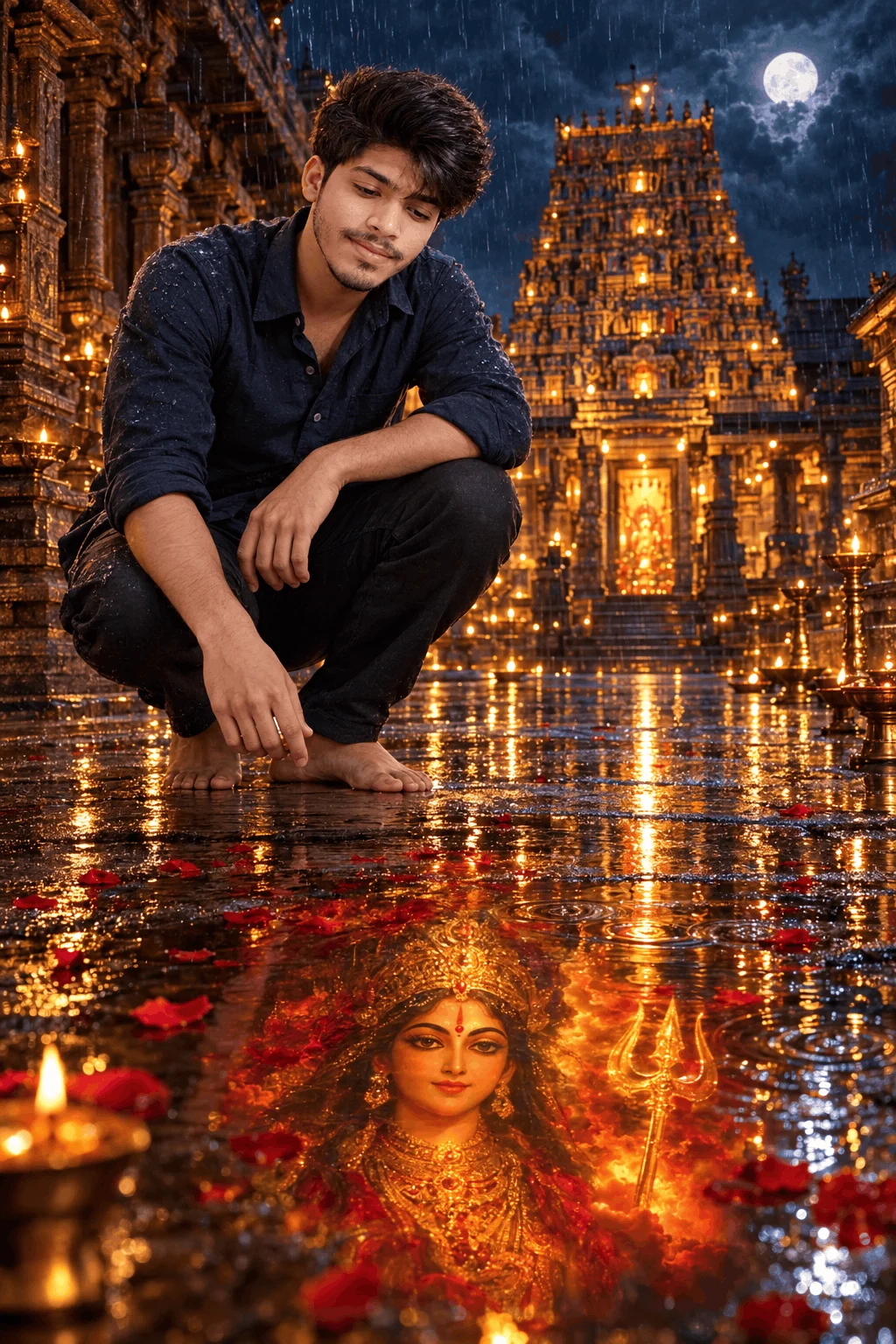
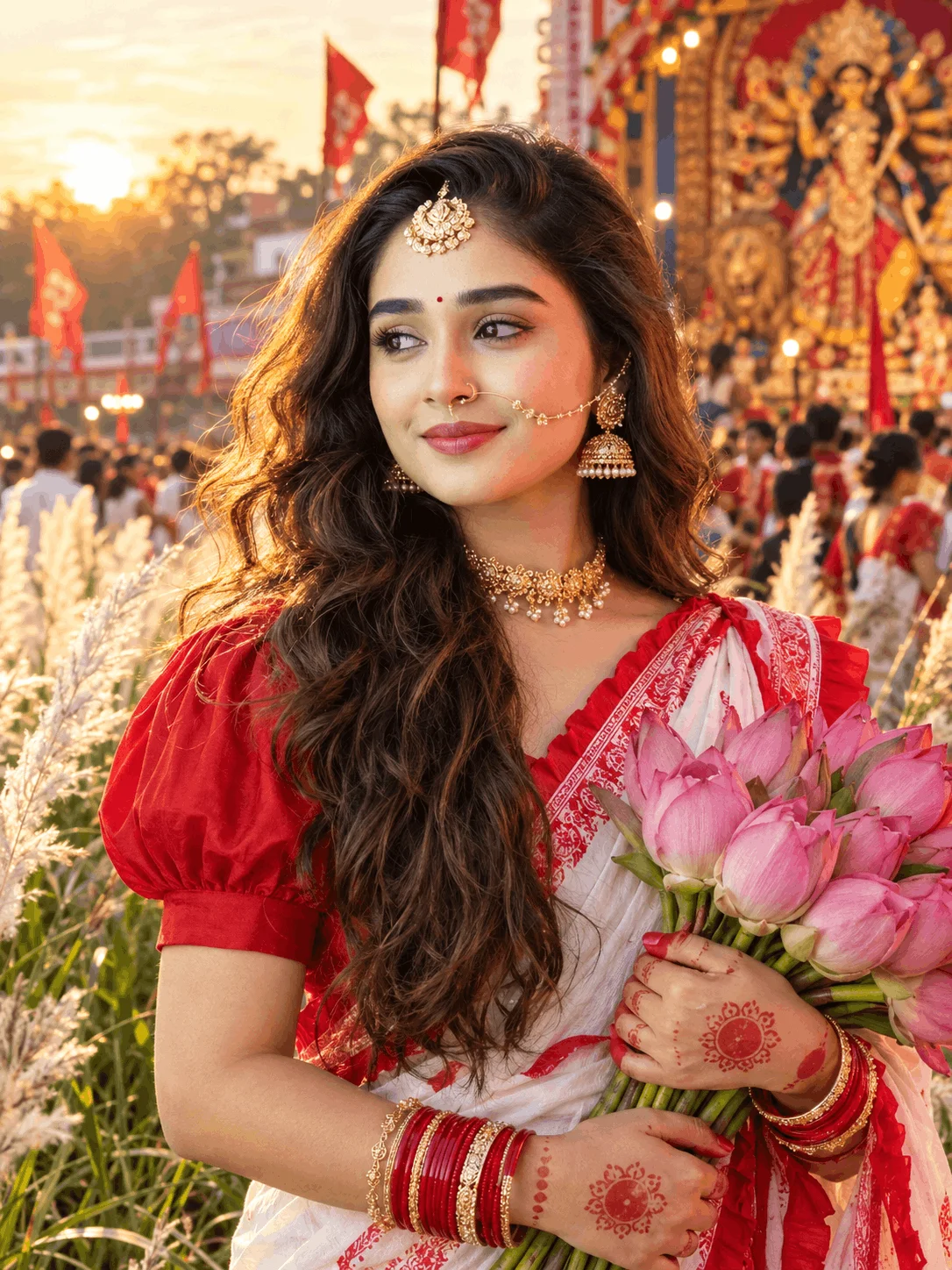
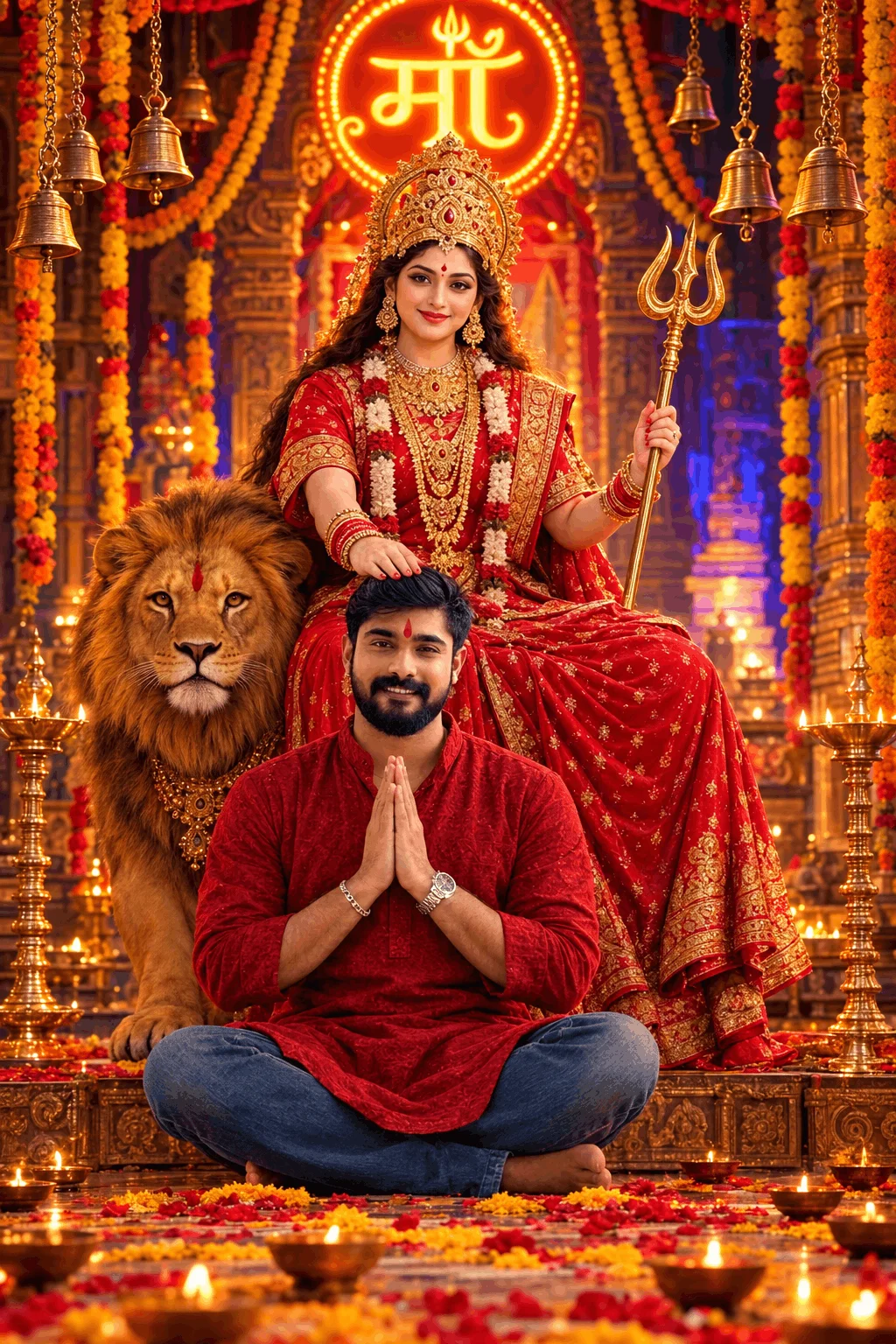
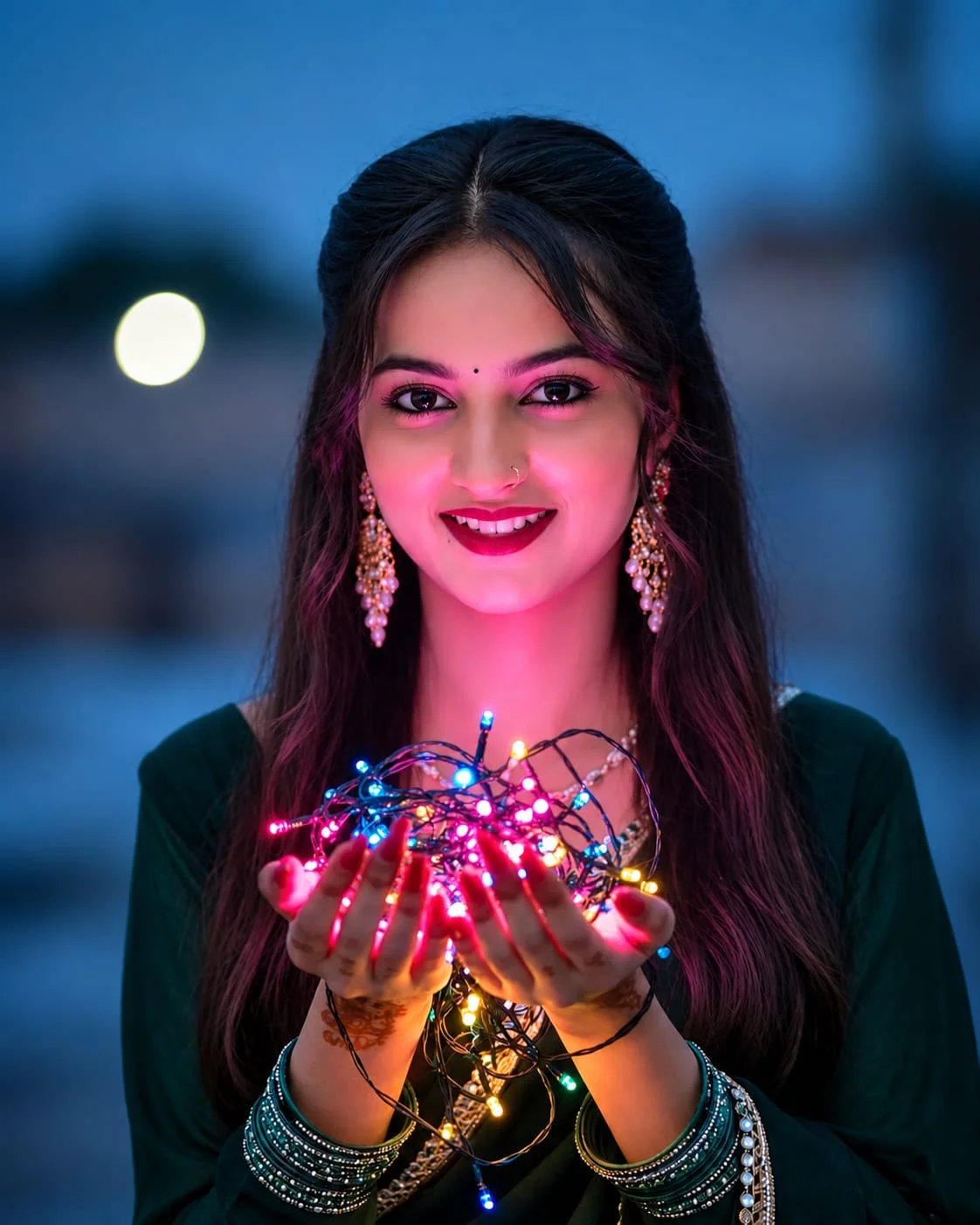
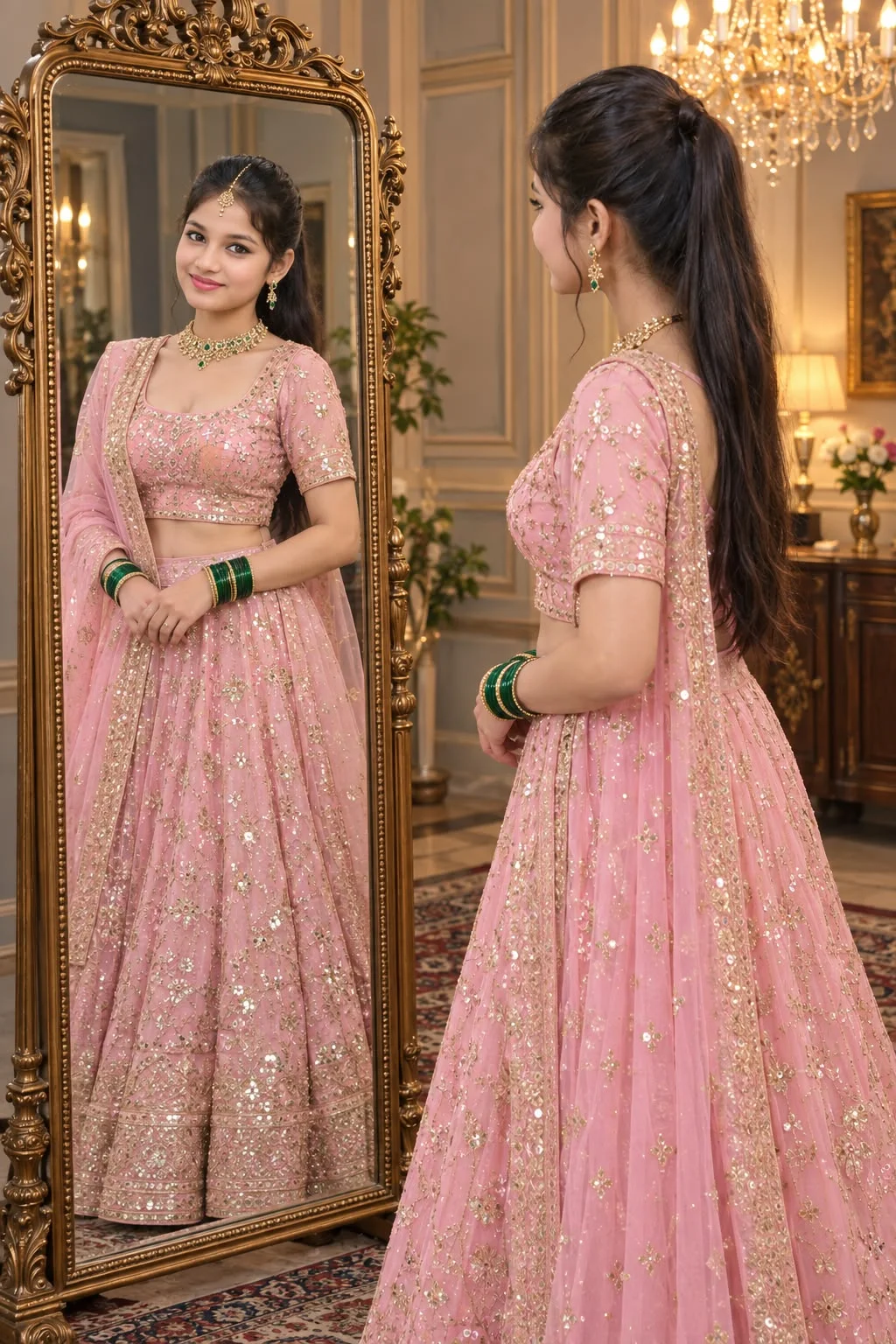
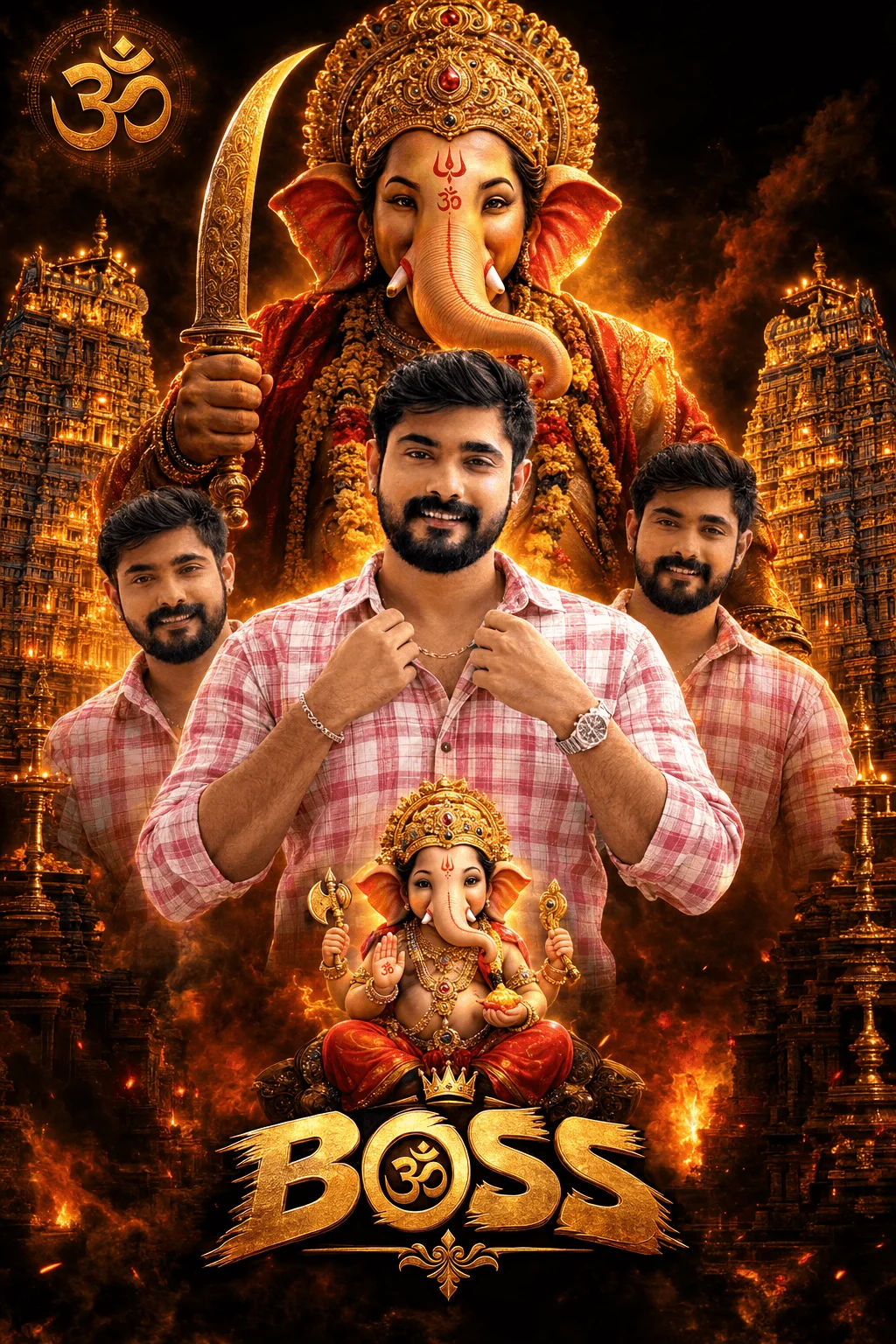
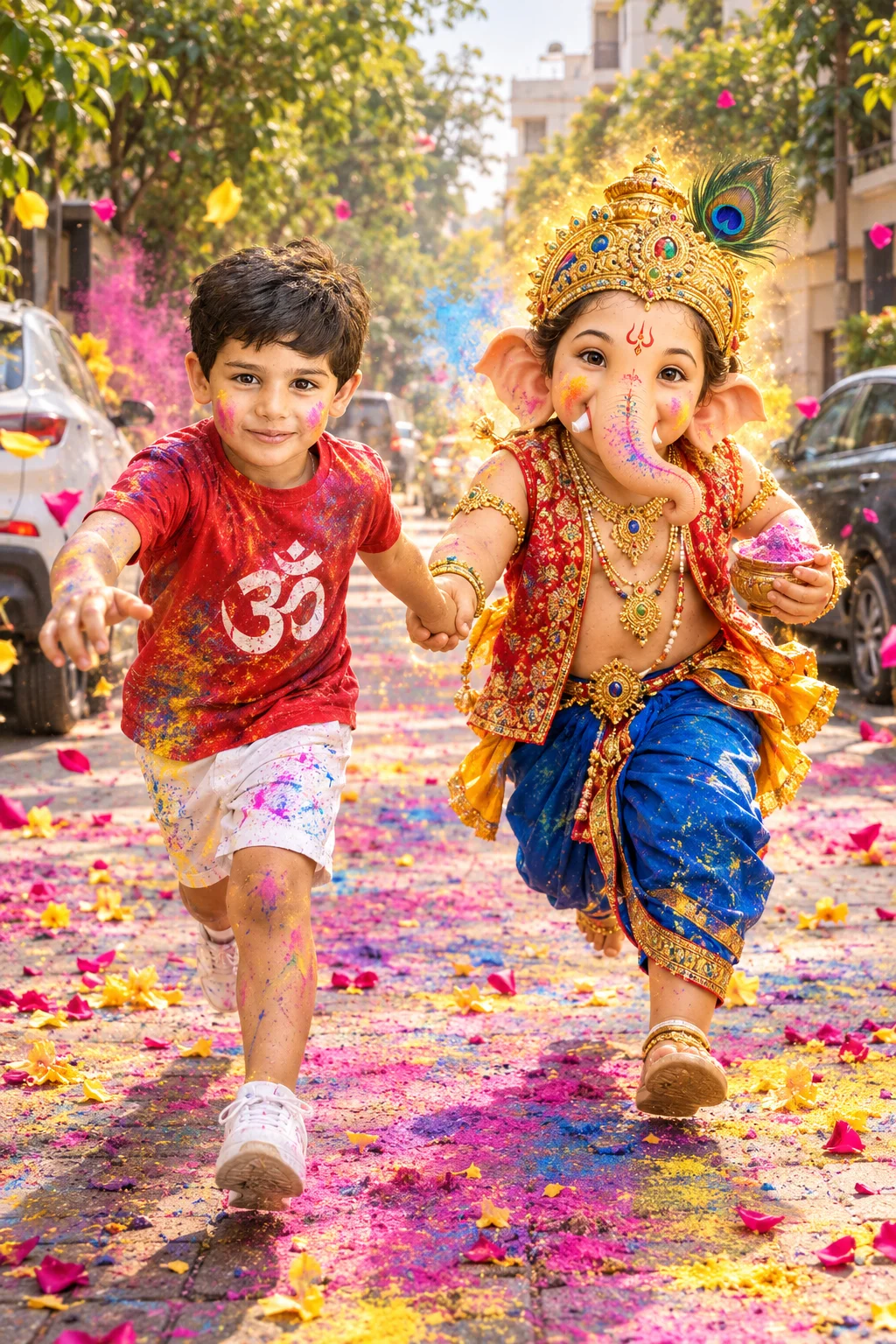
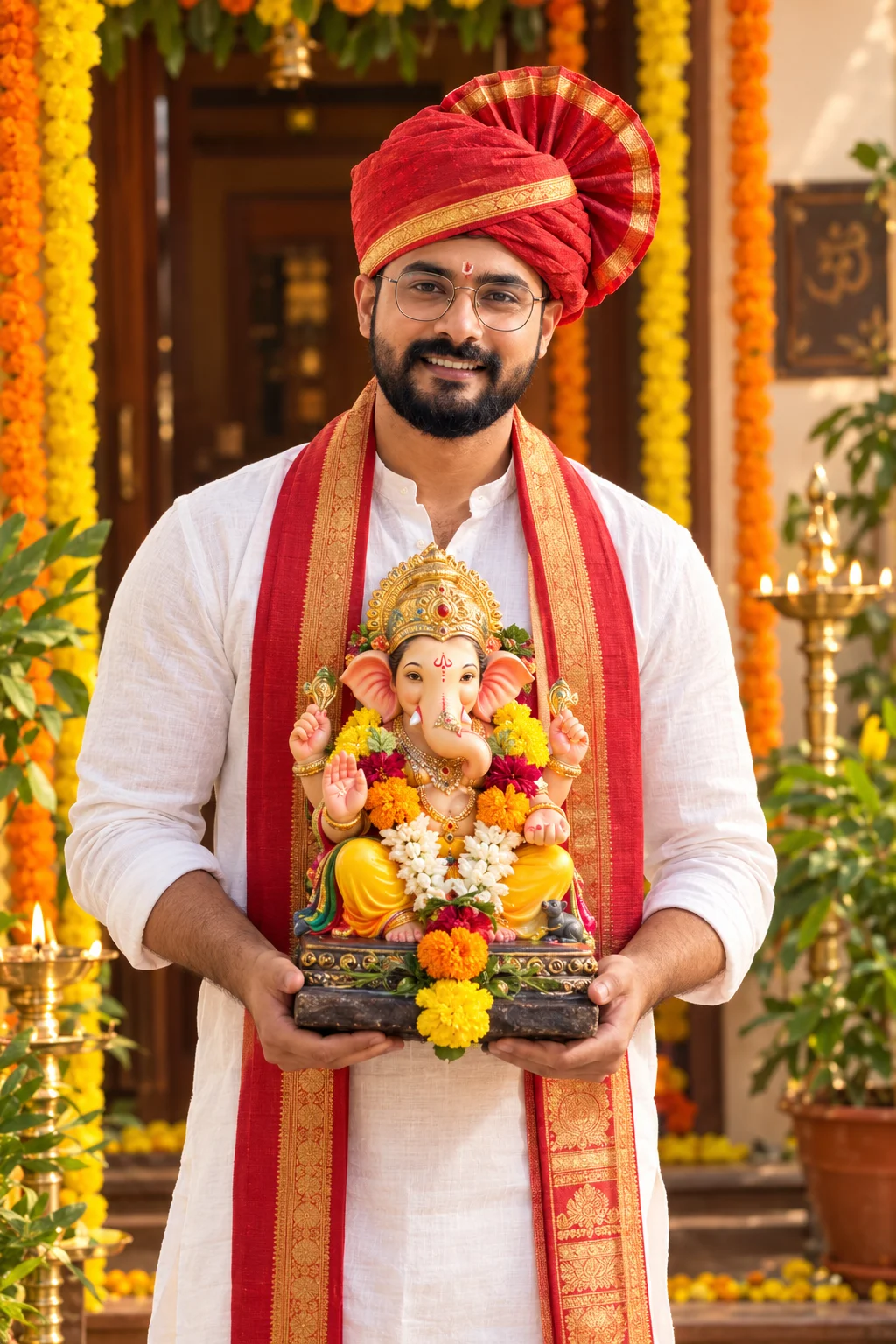
Traditional Indian outfits, festive diya lights, sparkling fireworks, and temple backdrops for Diwali, Navratri, Chhath, and Eid greetings.
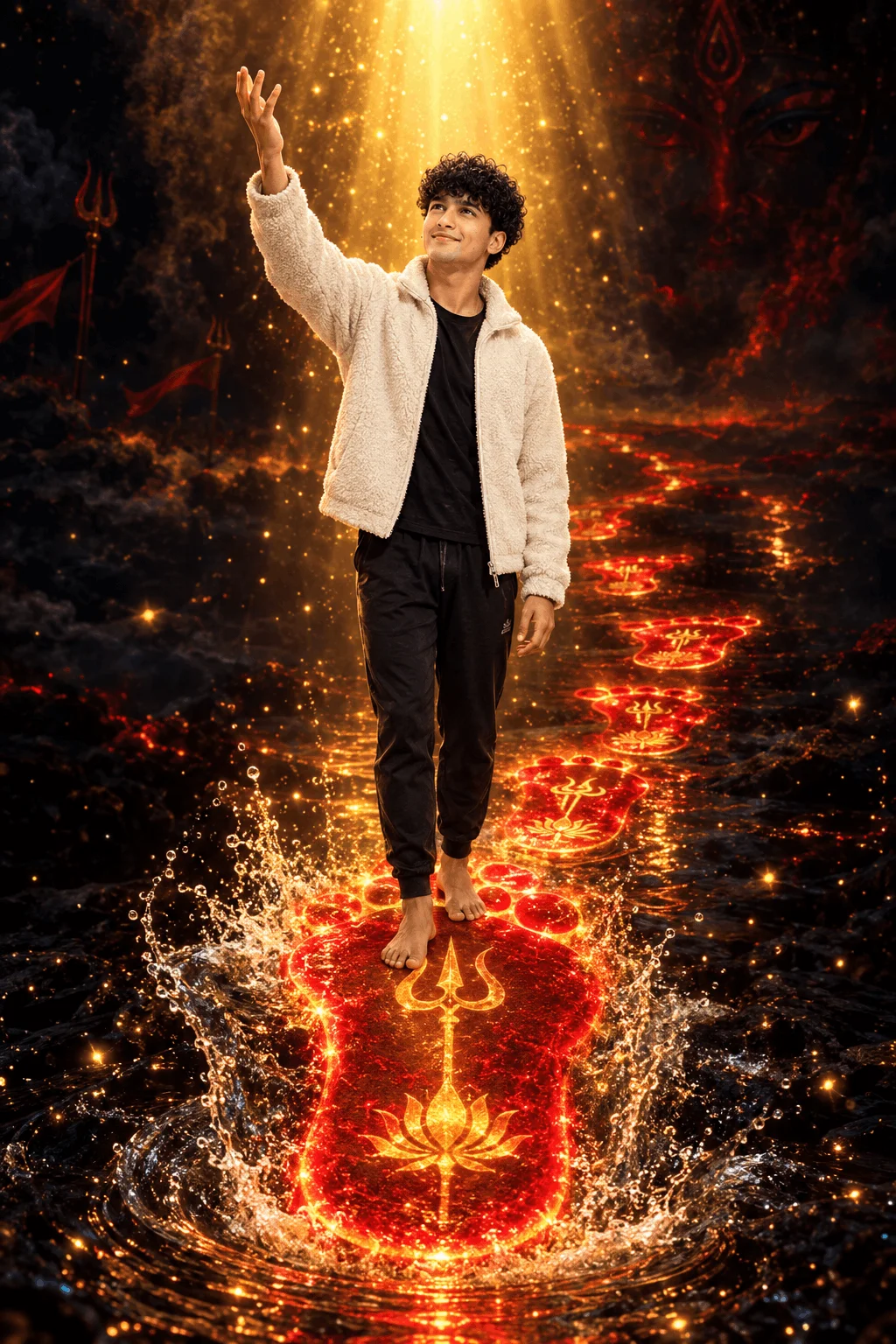
Cinematic camera movements (slow dolly zoom, drone orbit, water splashes) tailored for AI video models like Kling, Luma Dream Machine, and Runway.
Where to Paste These Prompts:
- Bing Image Creator / Copilot: Best for exact text rendering on clothing, neon signs, and background walls. Completely free to use.
- Google Gemini (Imagen 3): Best for natural human skin texture, realistic portraits, and soft cinematic photography lighting.
- Midjourney v6: Ideal for artistic styling and custom aspect ratios (use
--ar 9:16for mobile wallpapers and Instagram reels).