
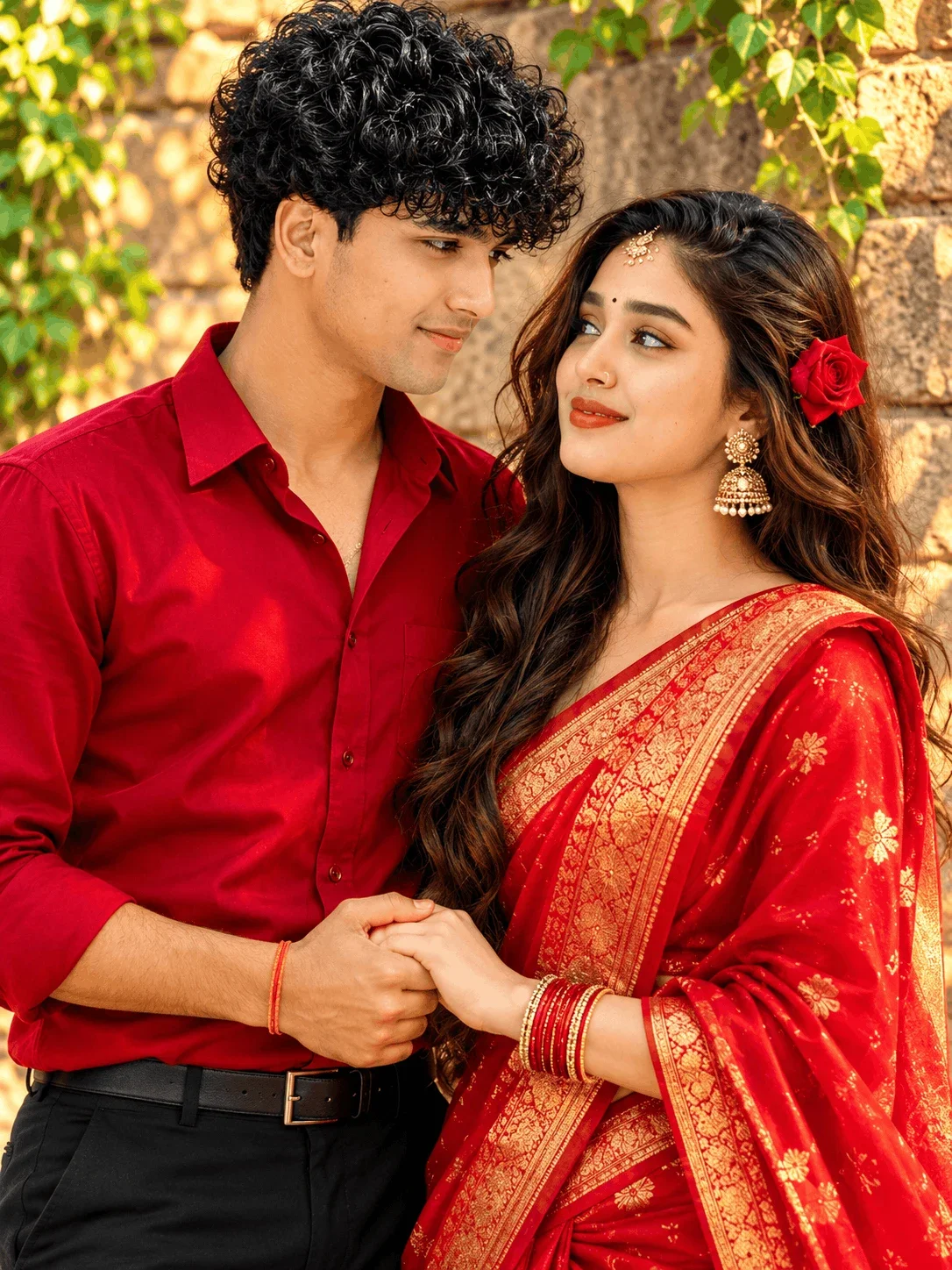
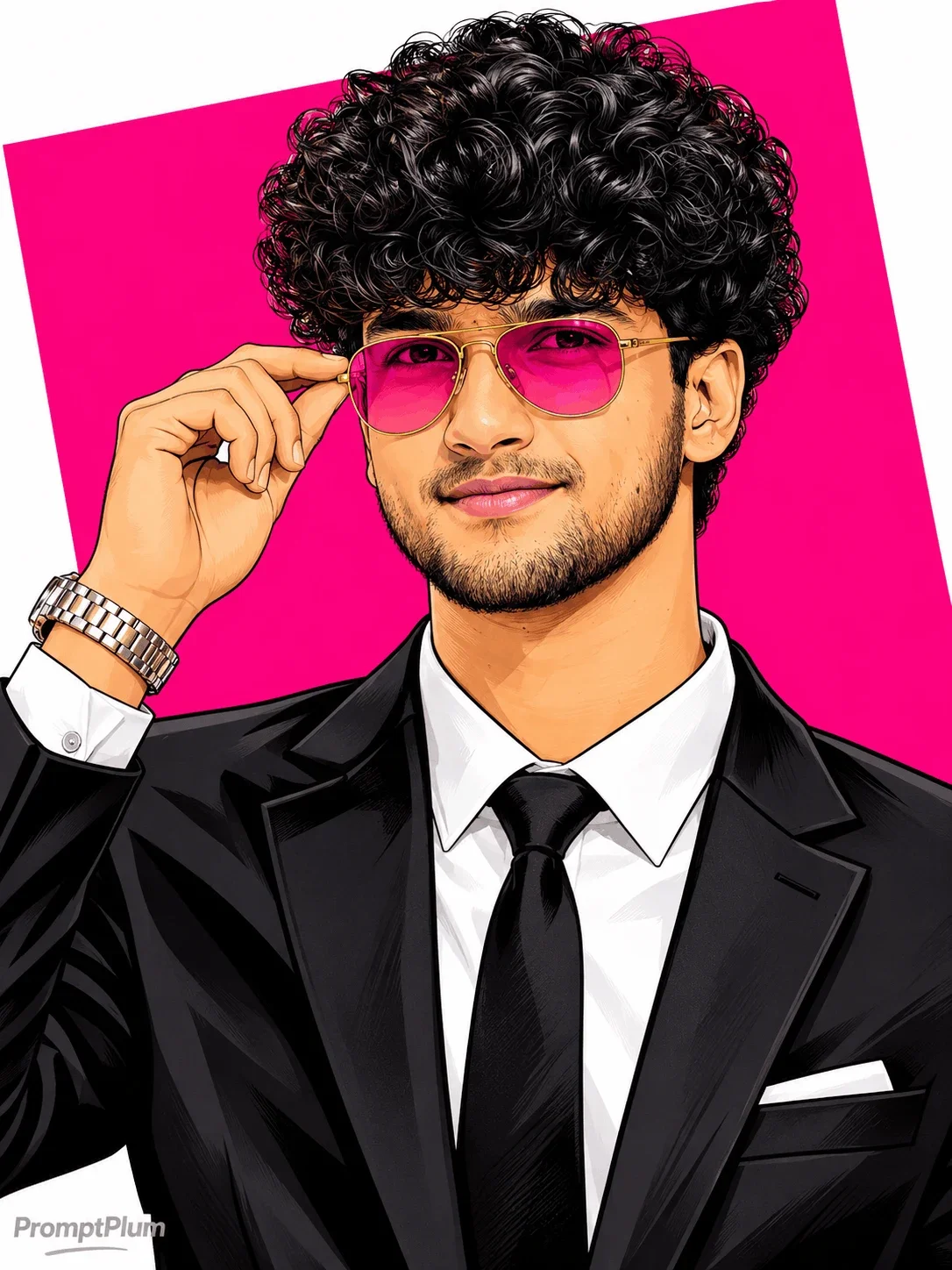
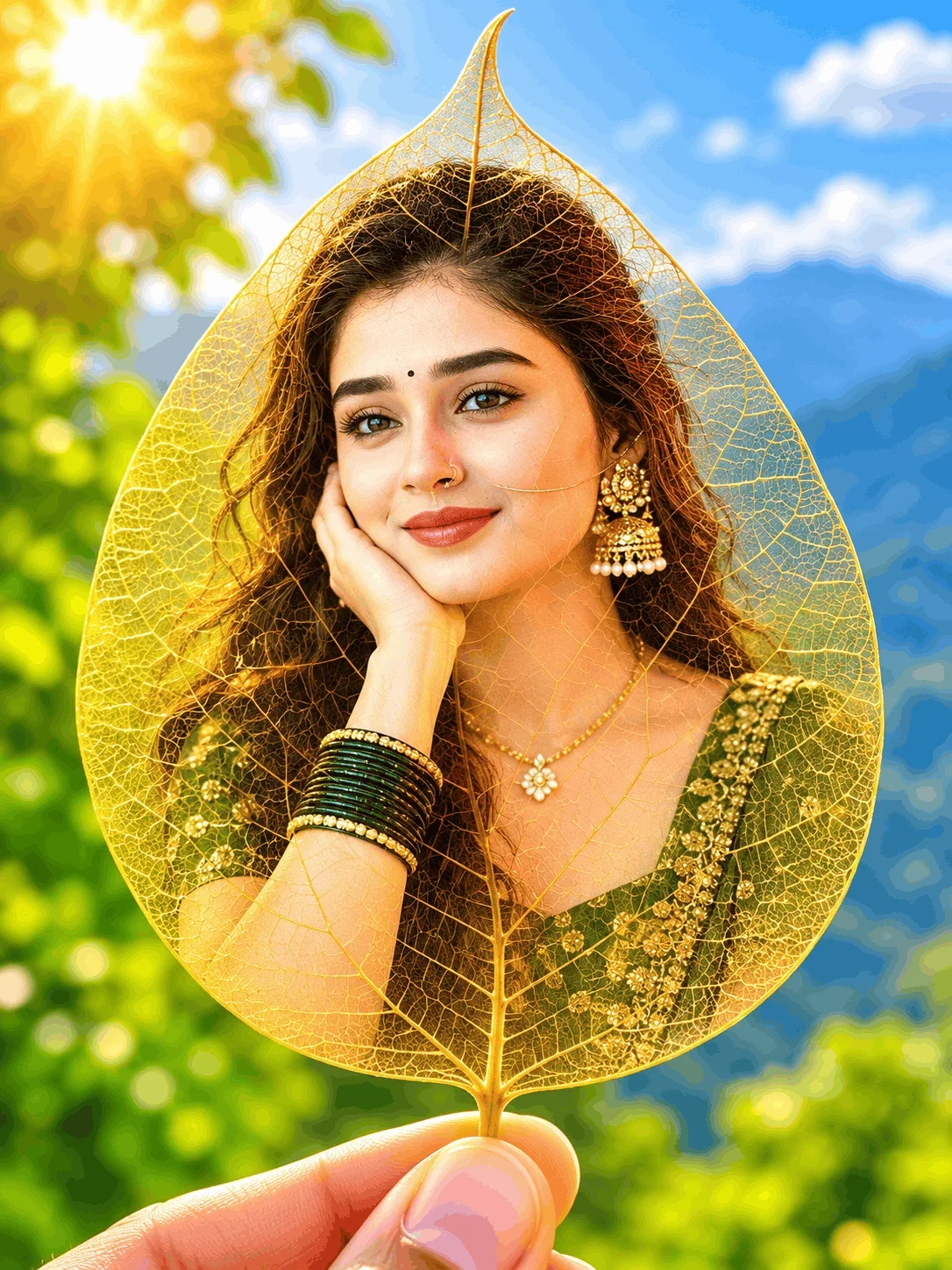
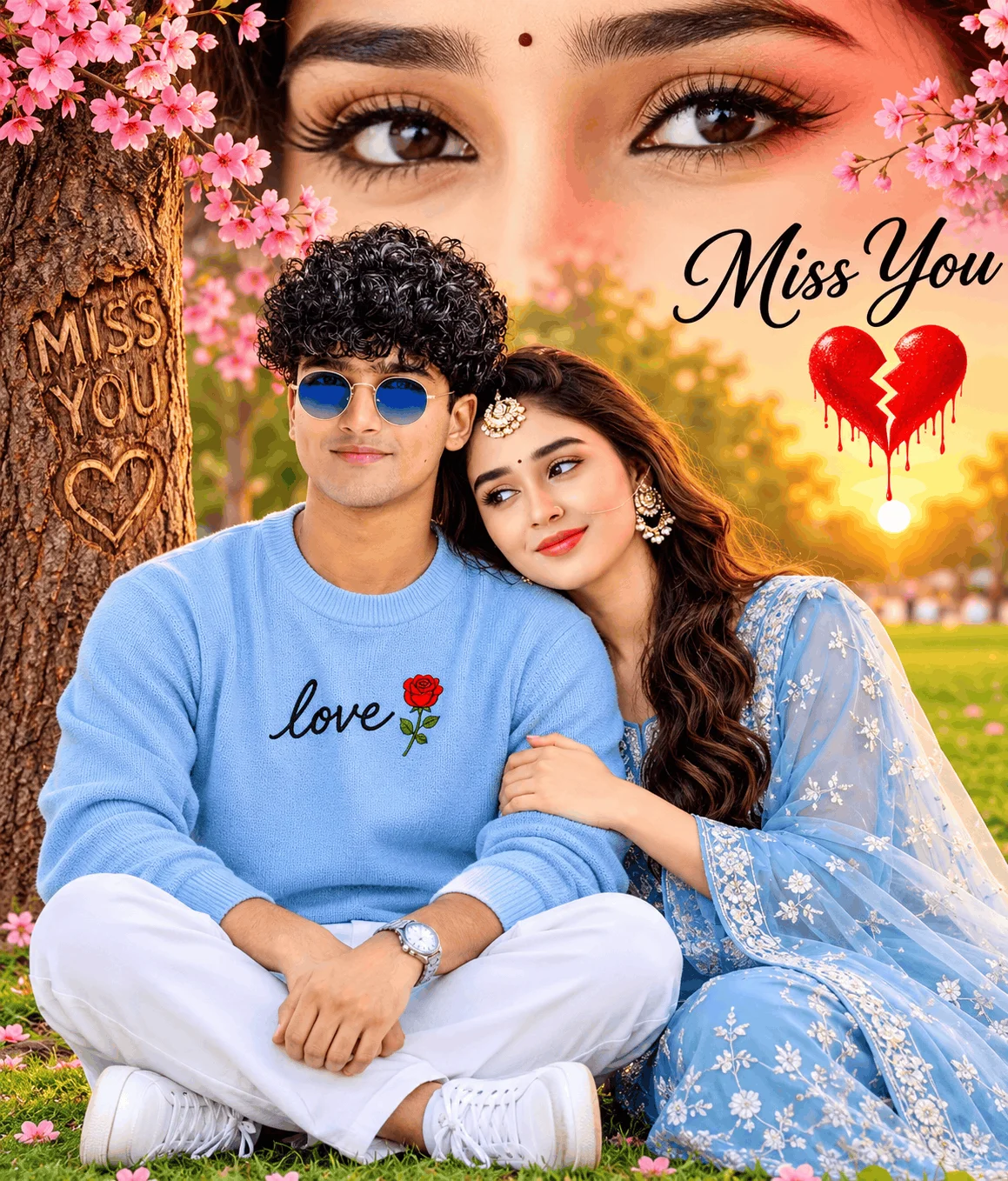

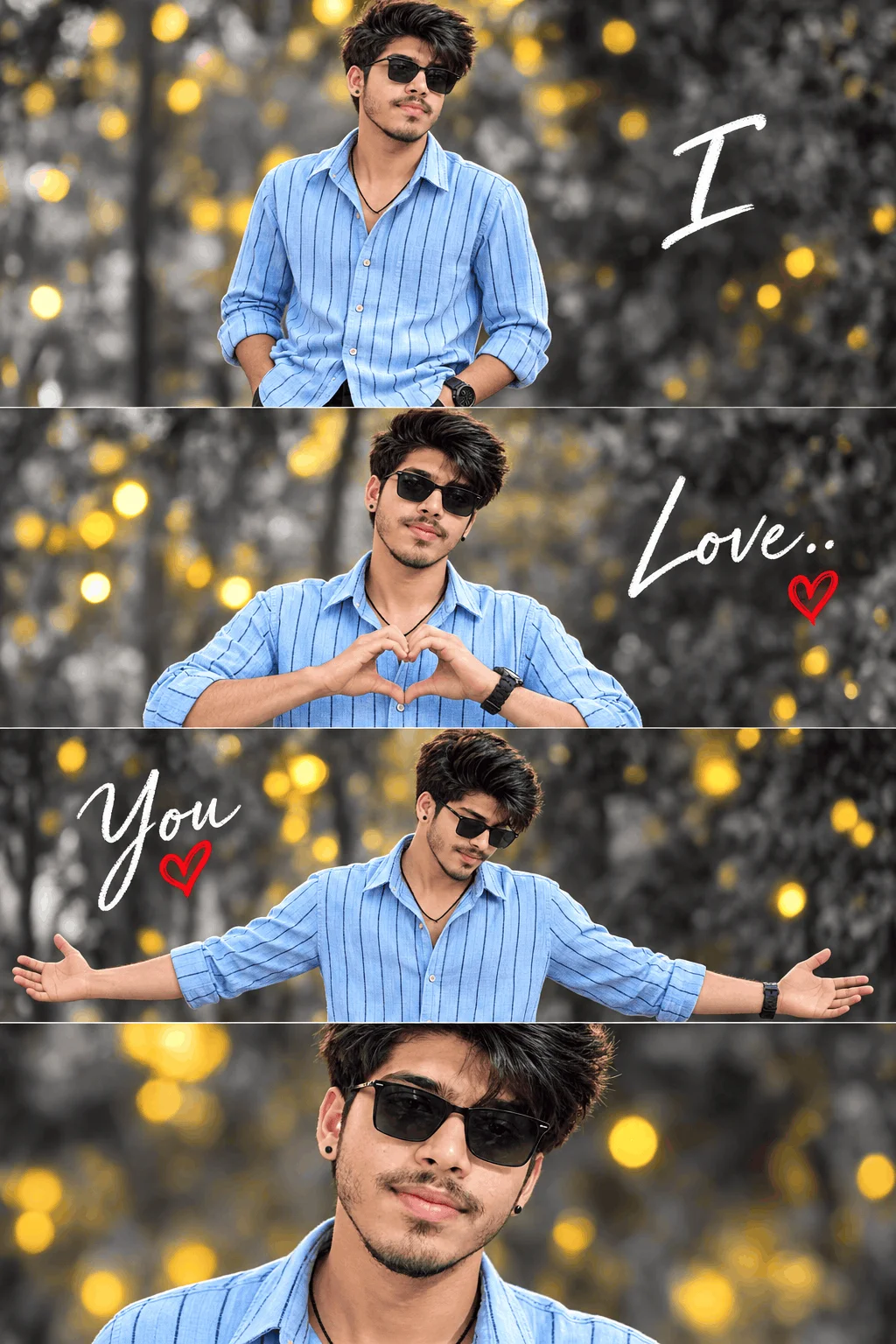

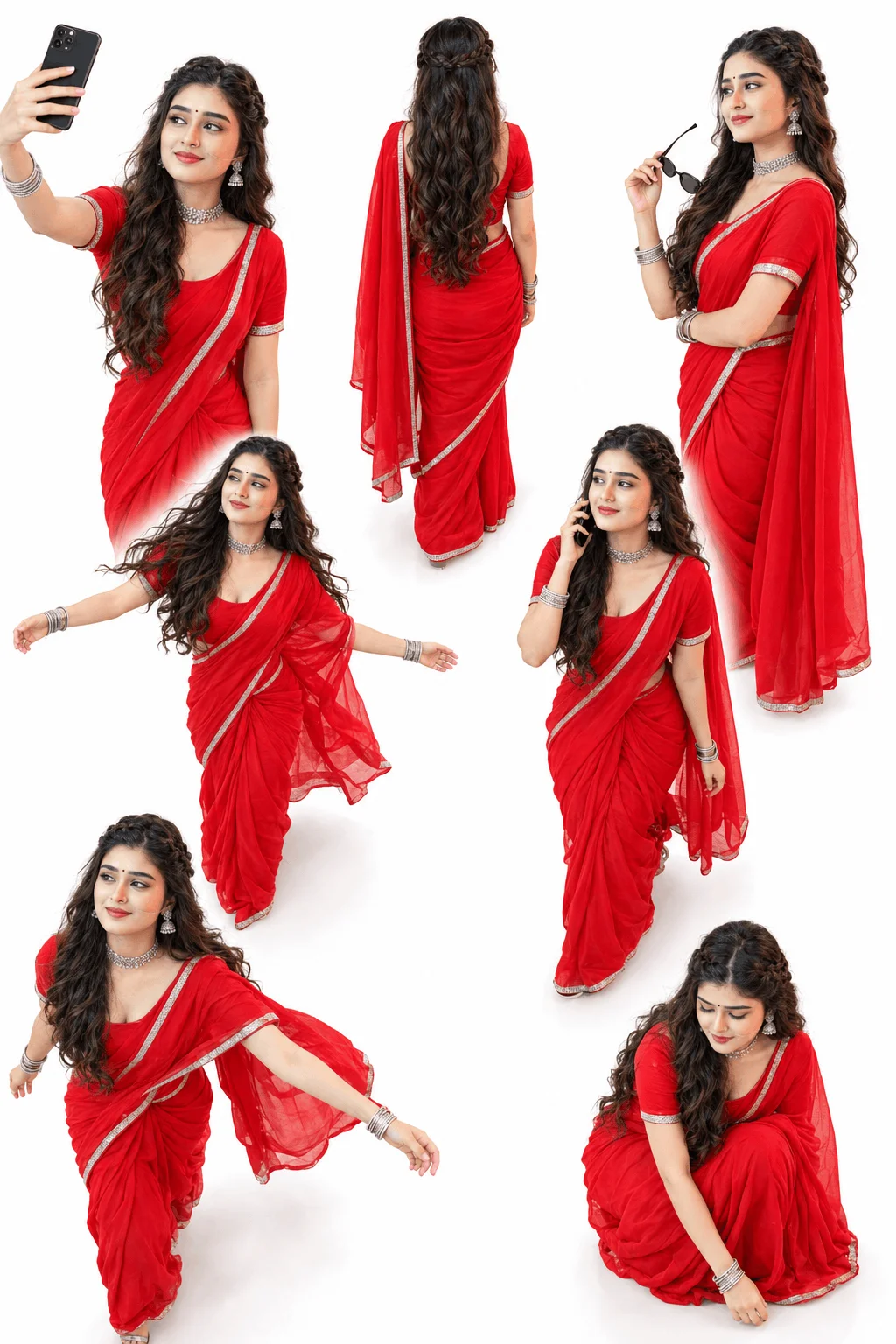
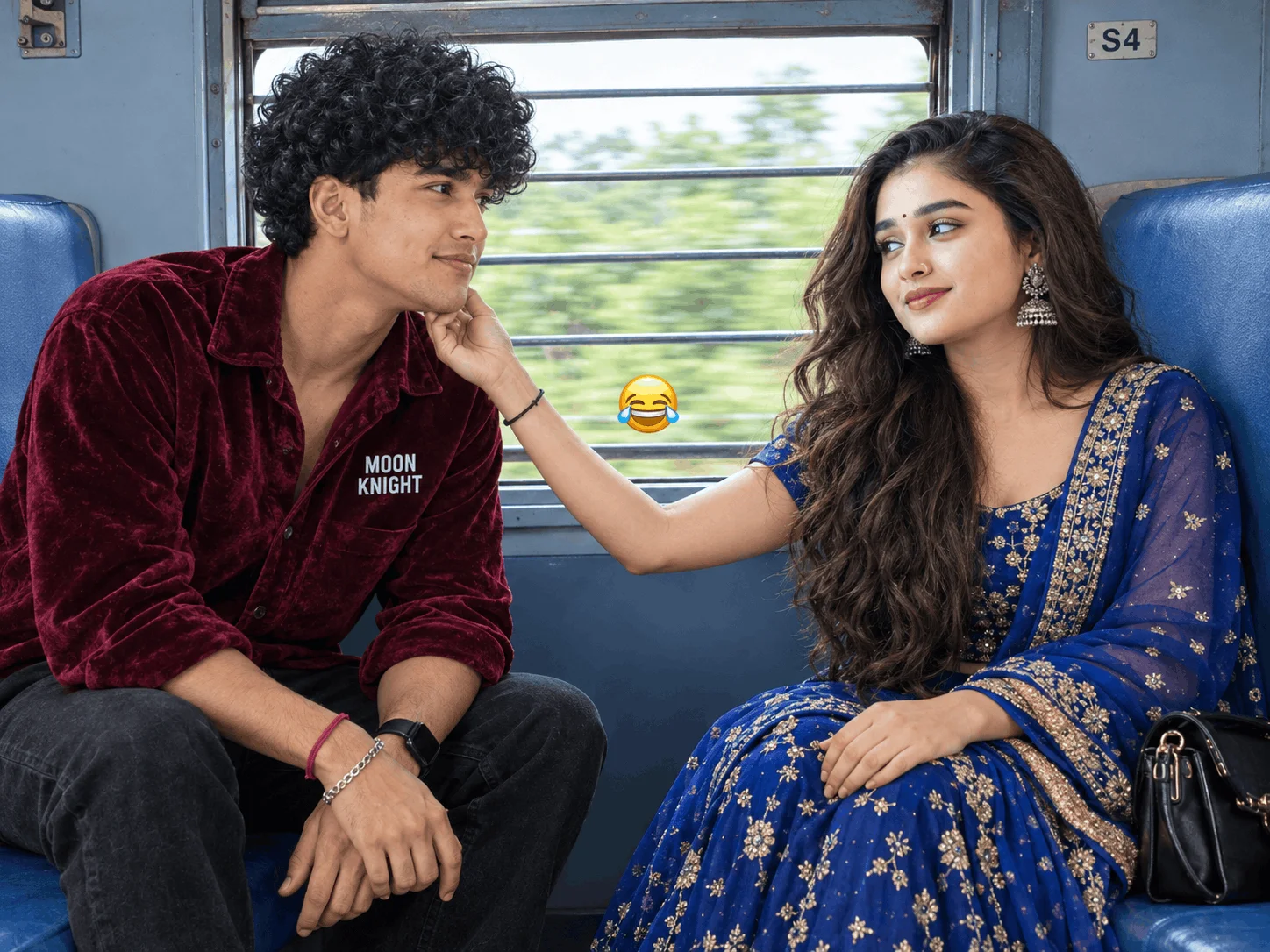
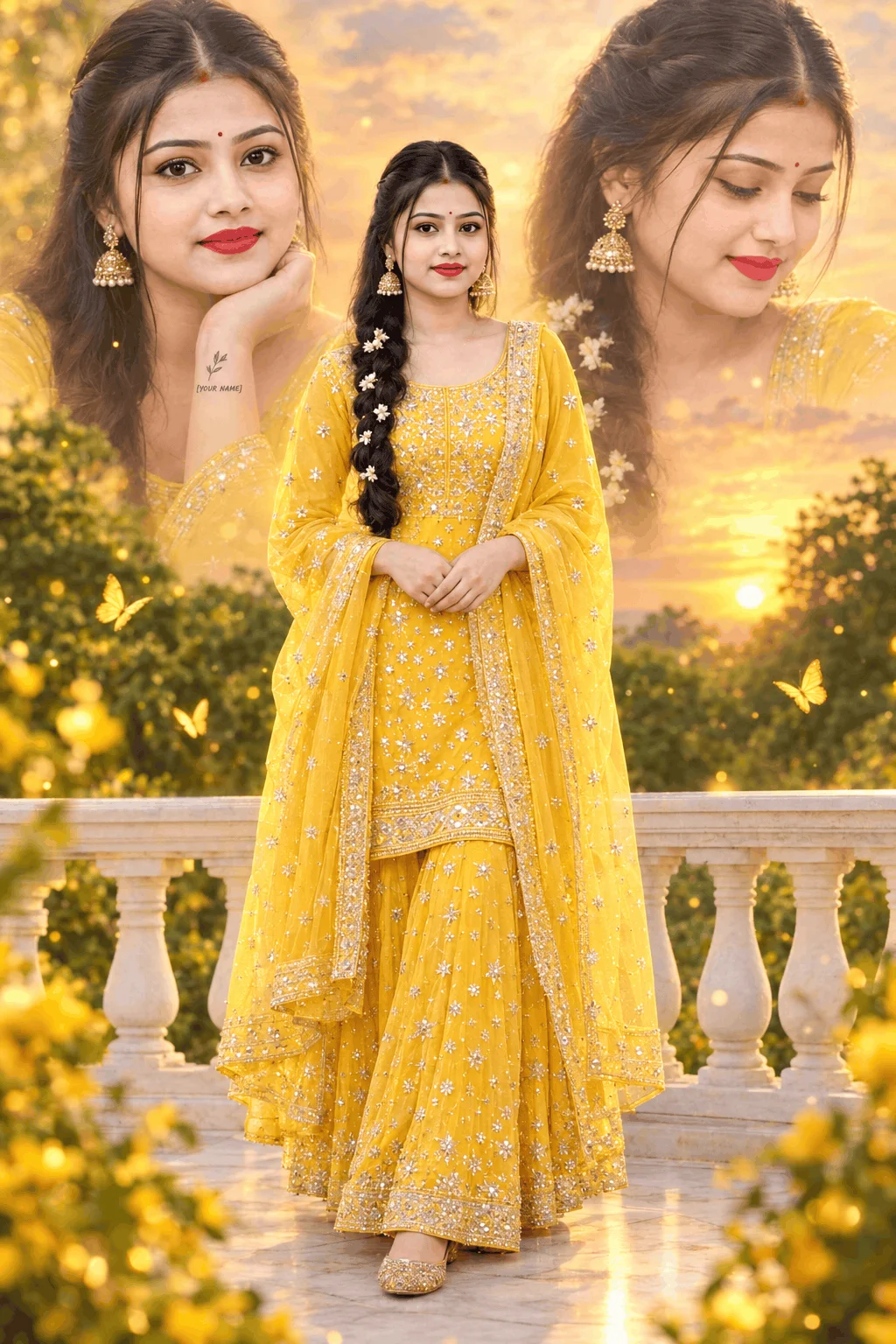
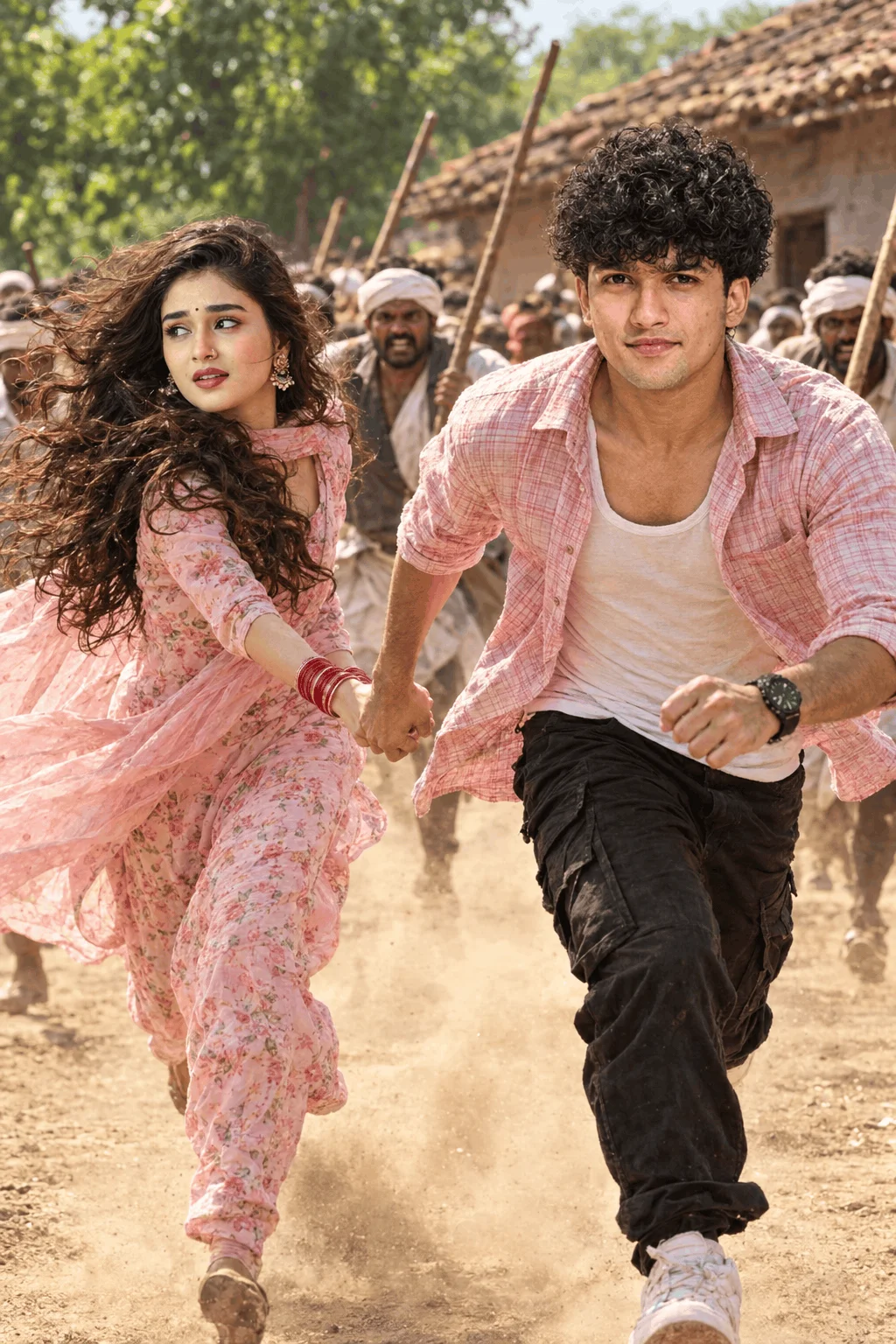
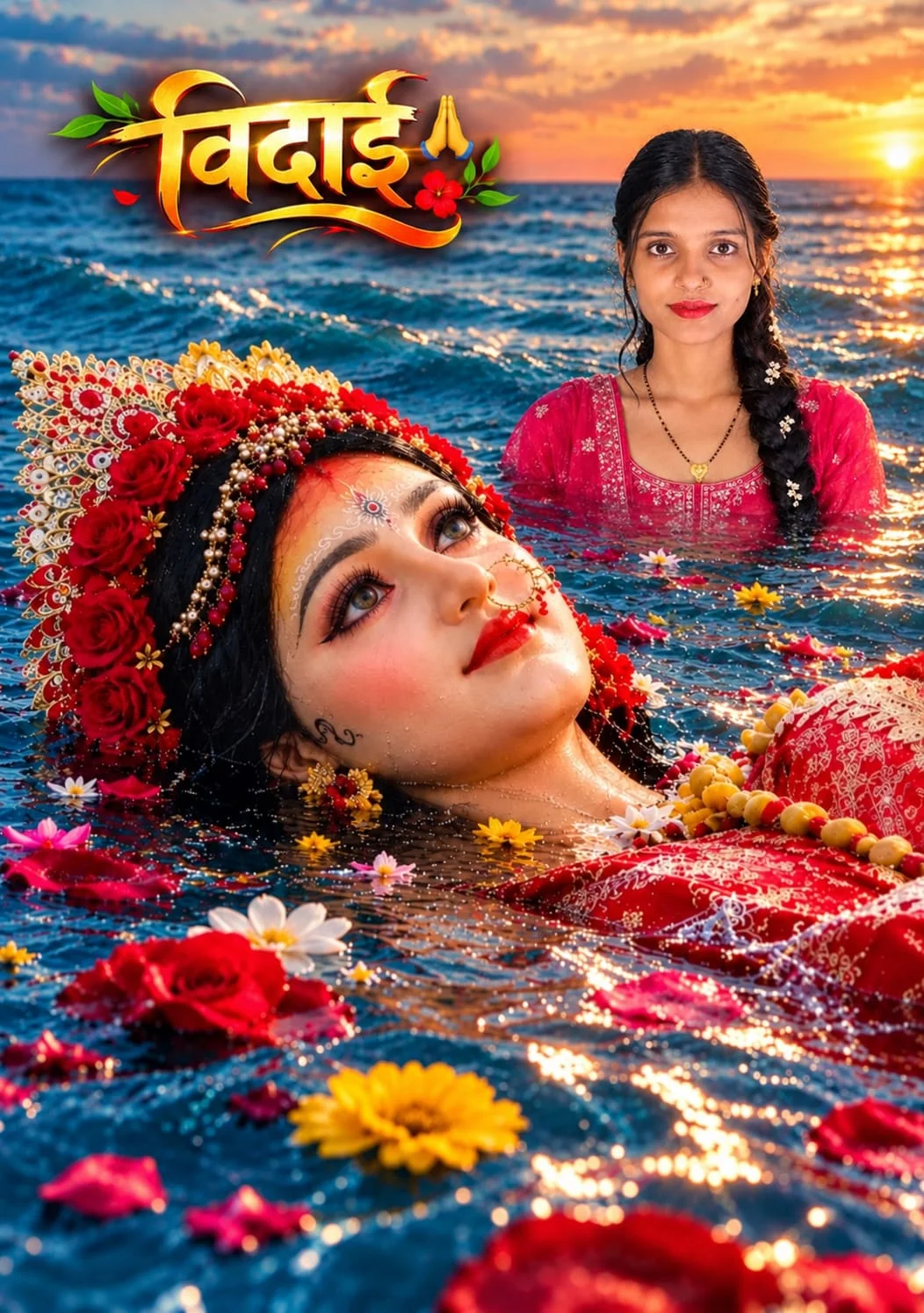
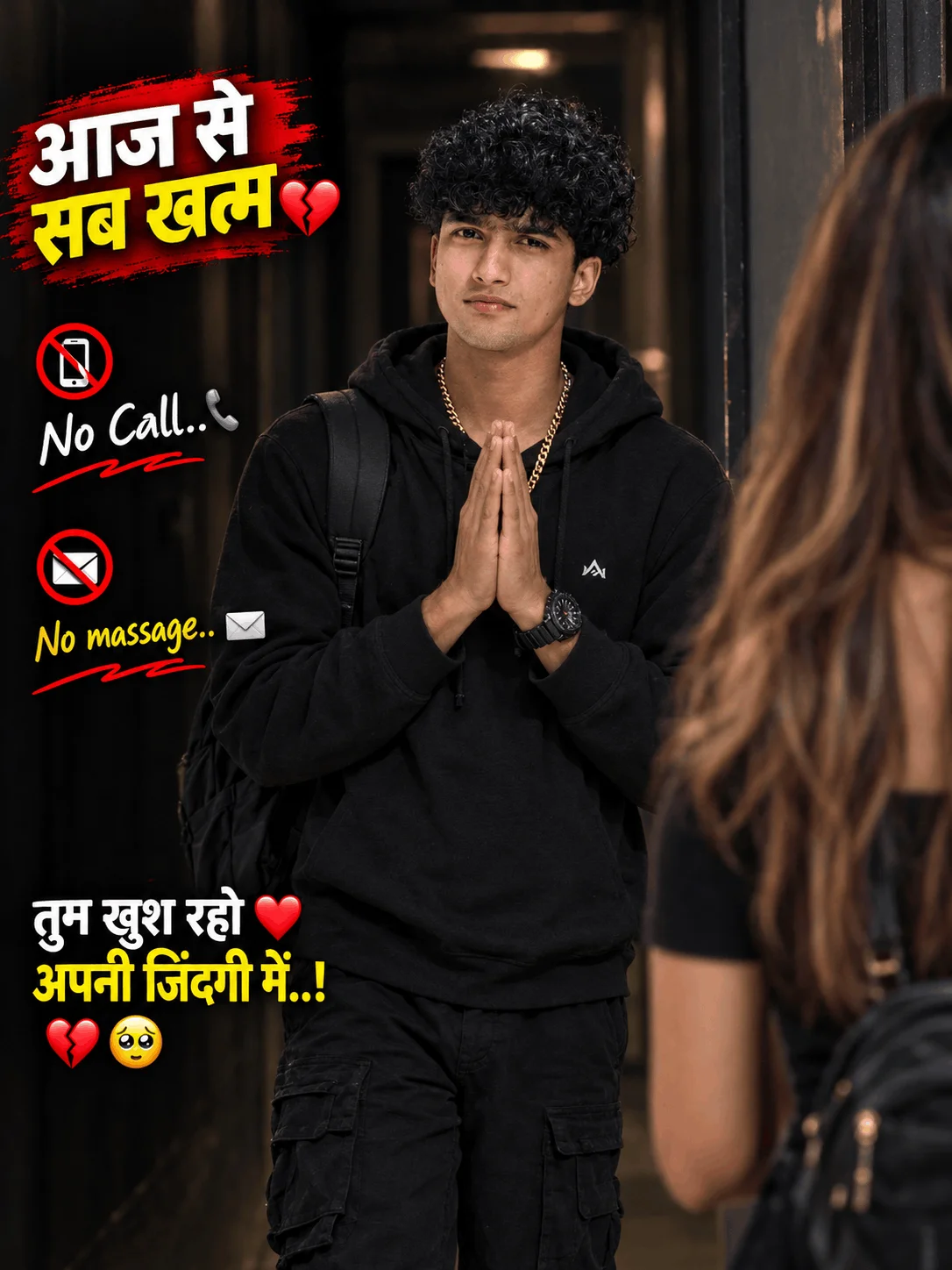
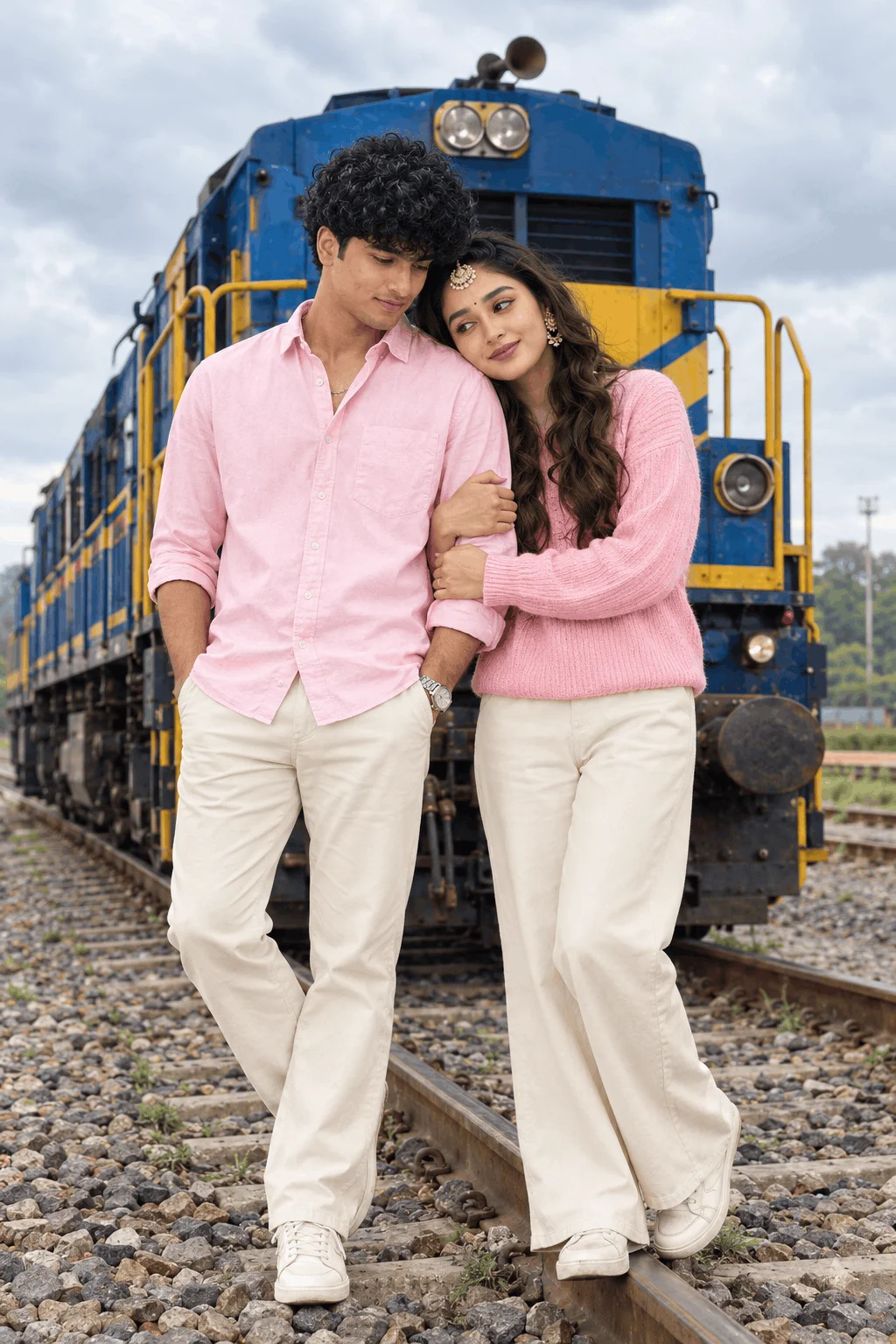








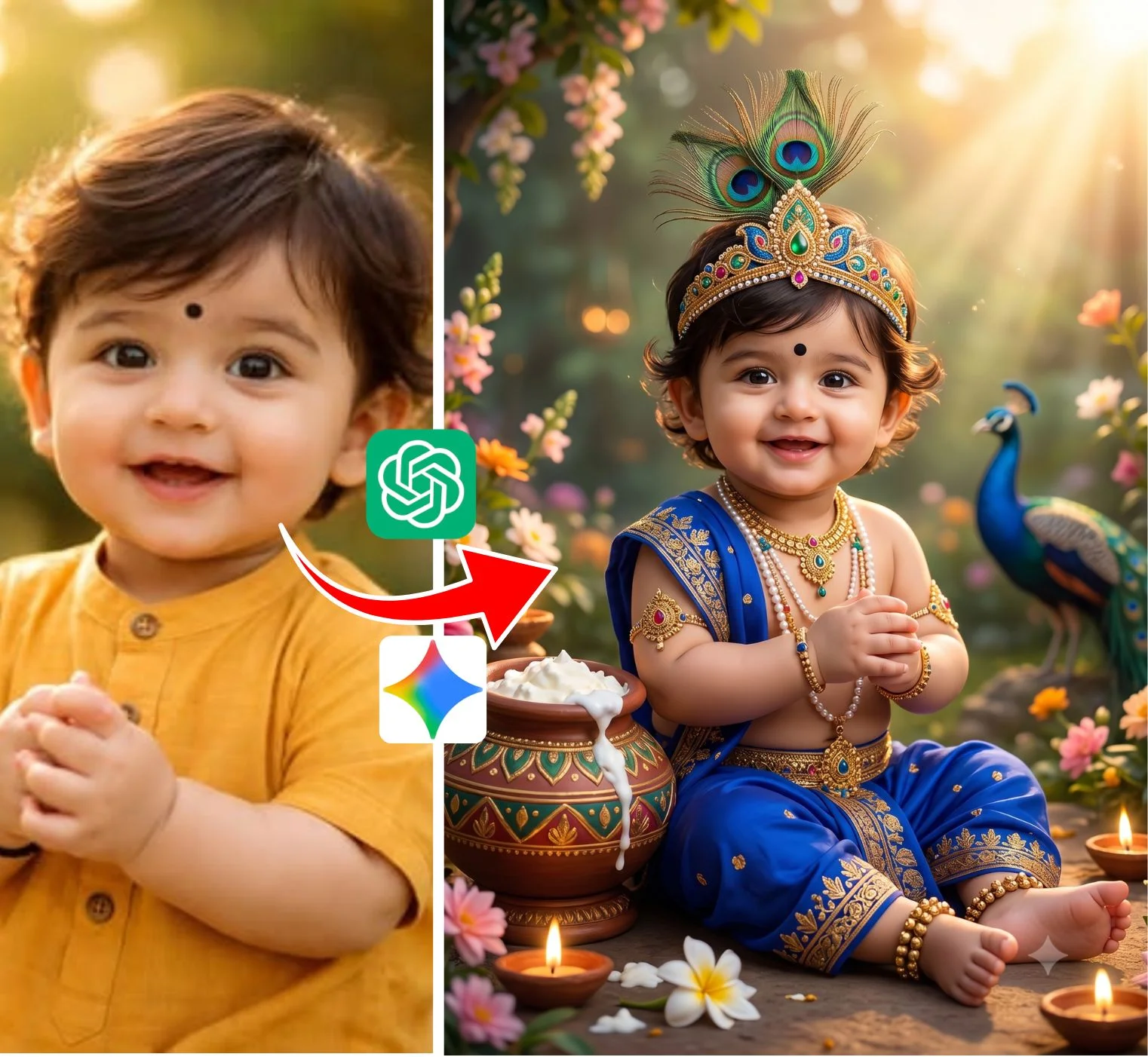

What is PromptPlum and Why Are Creators Searching for It?
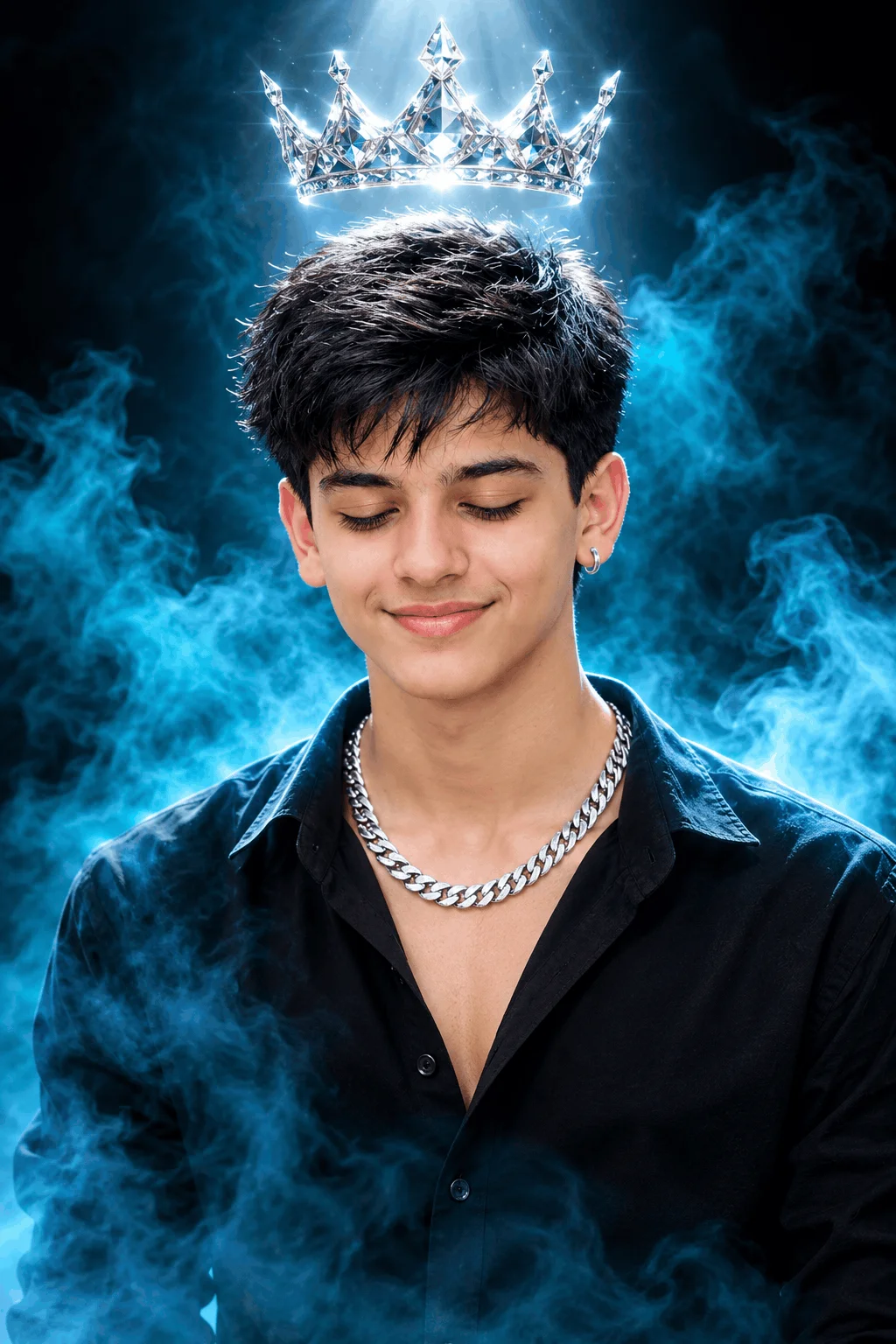
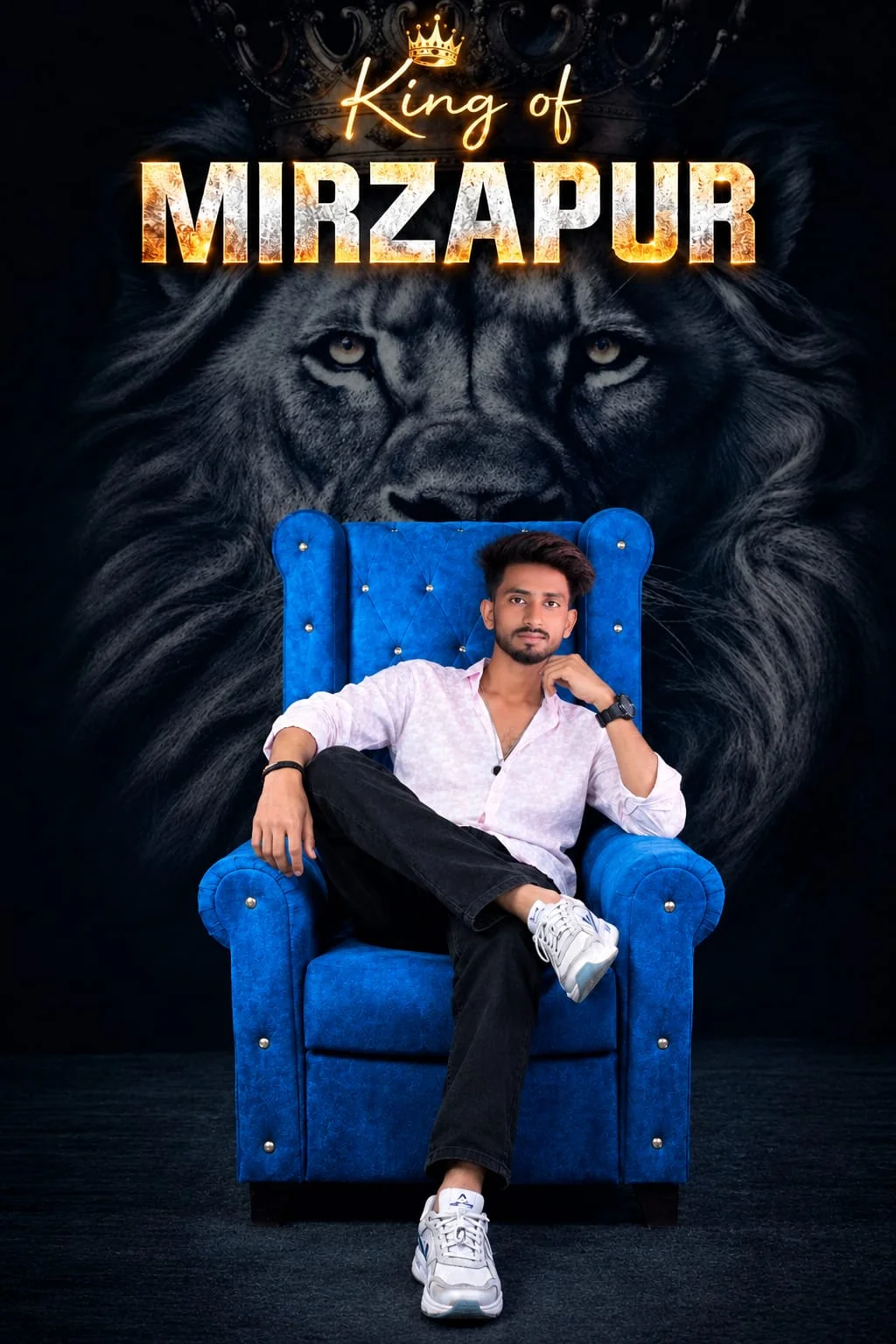
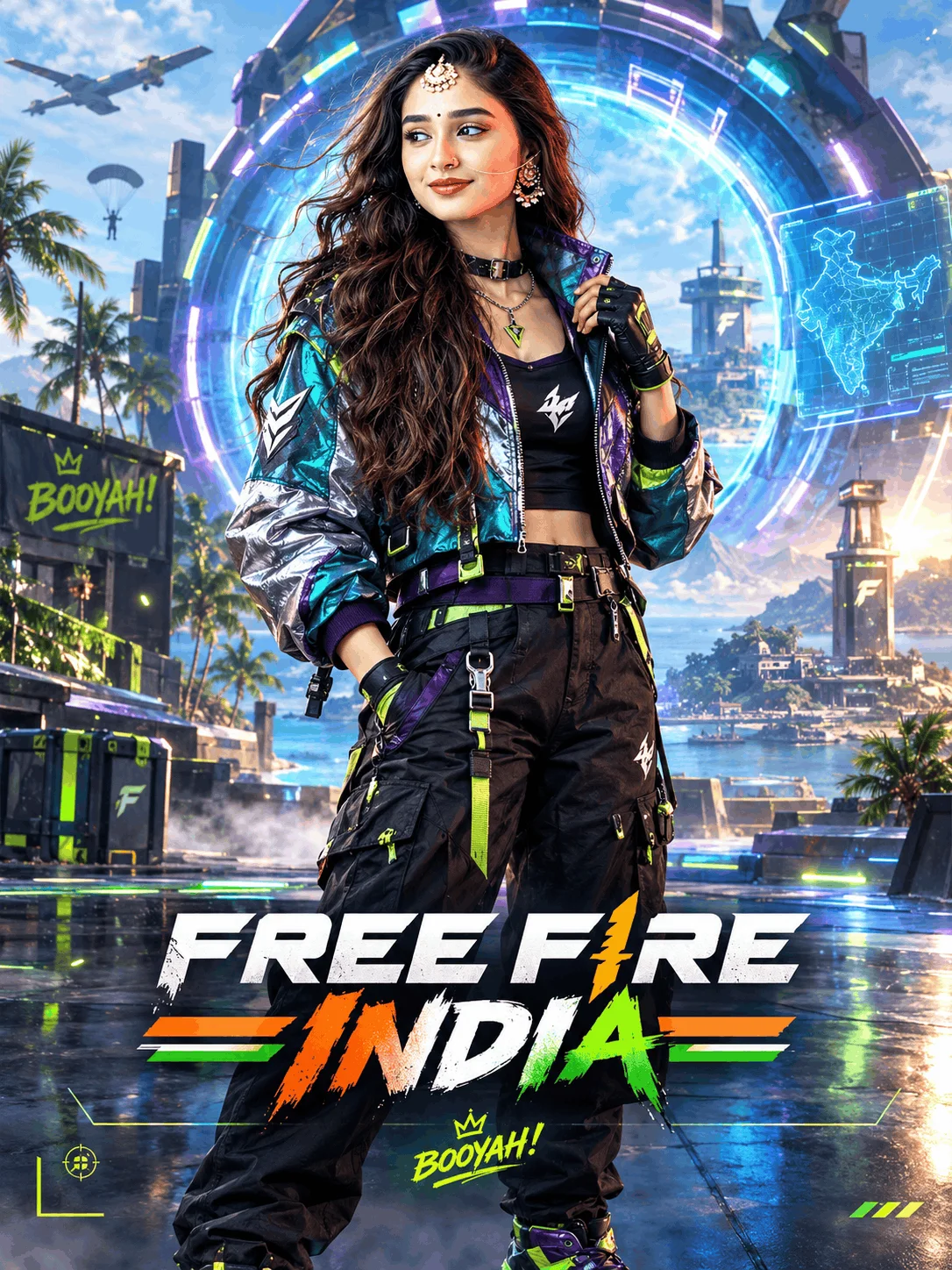
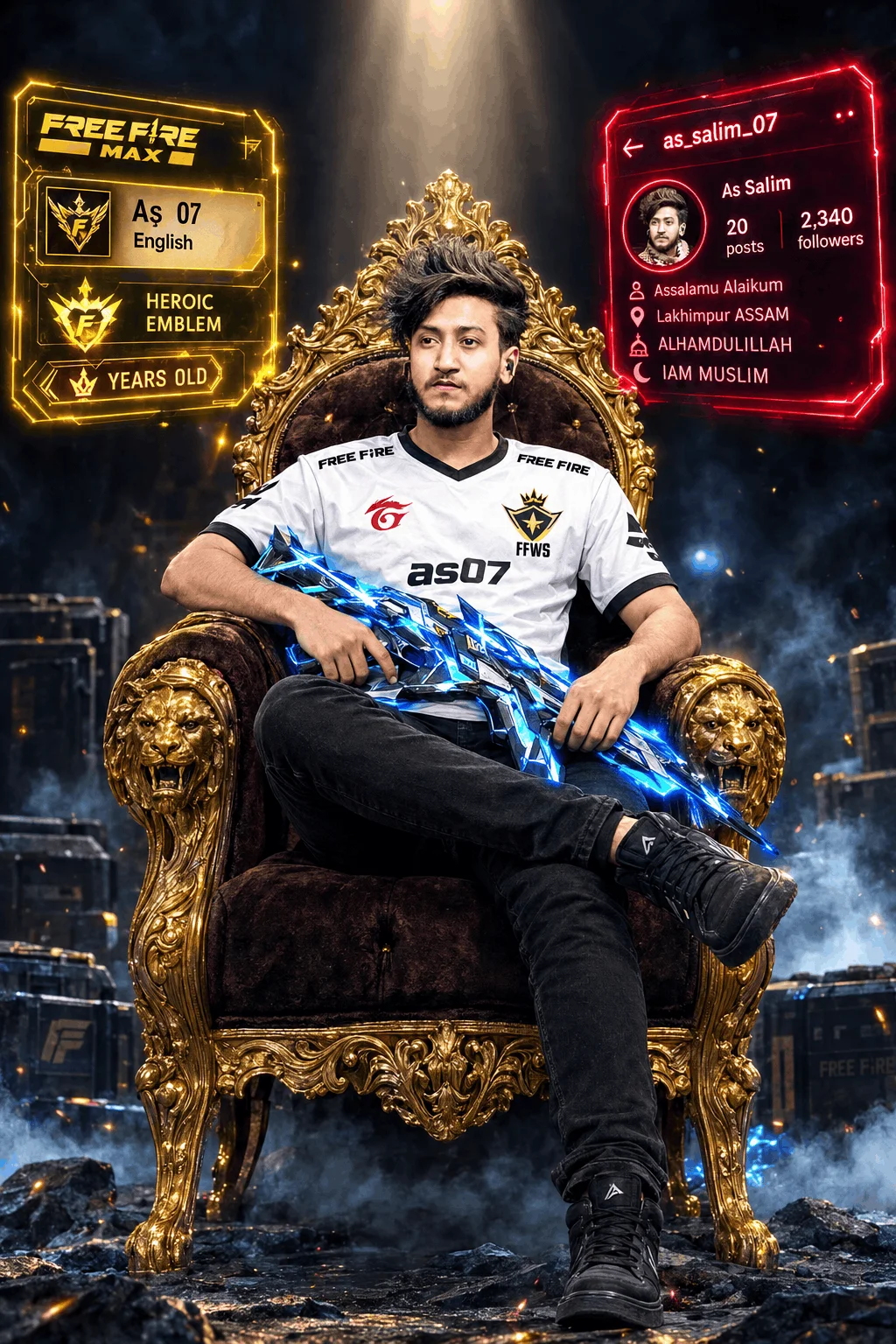
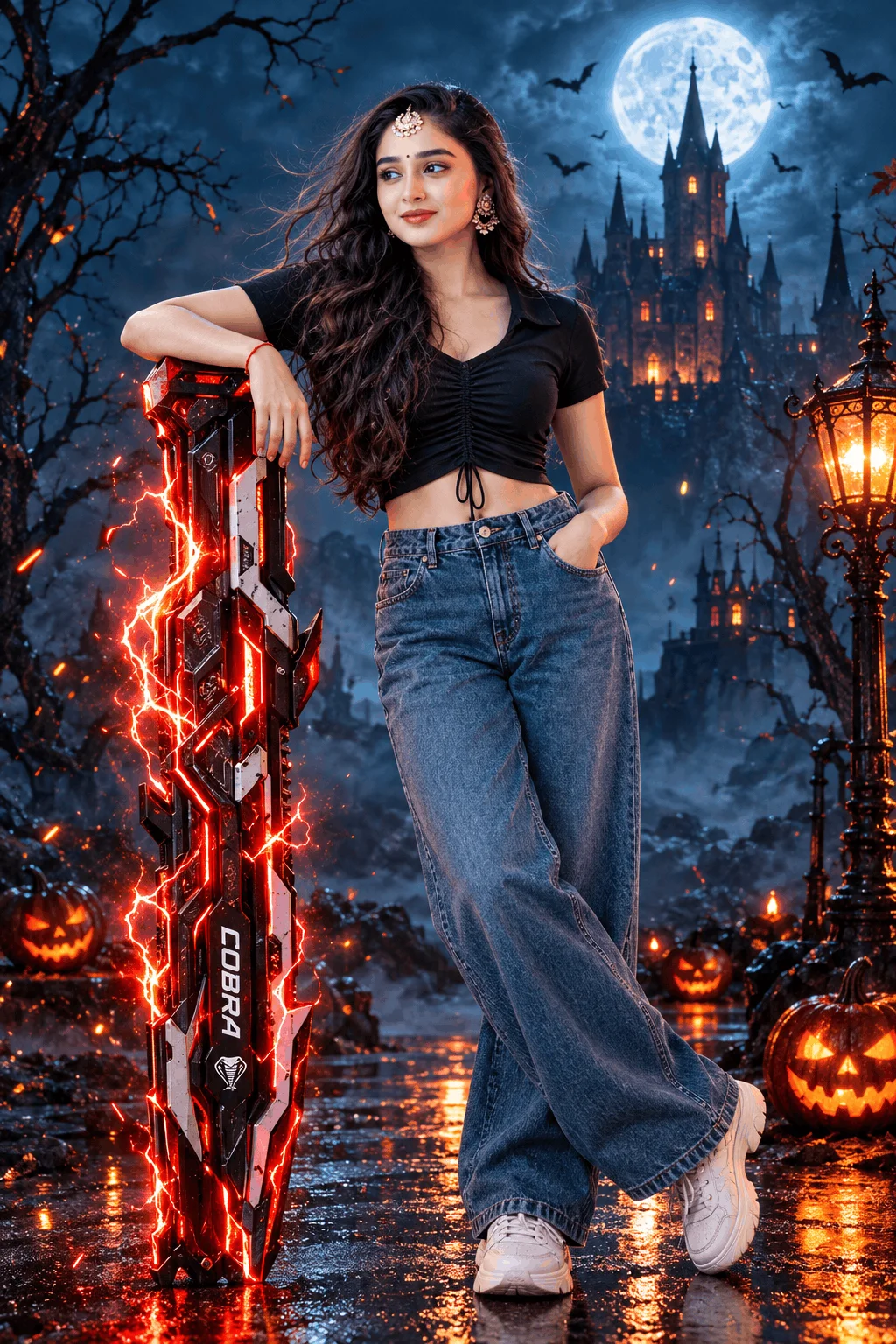
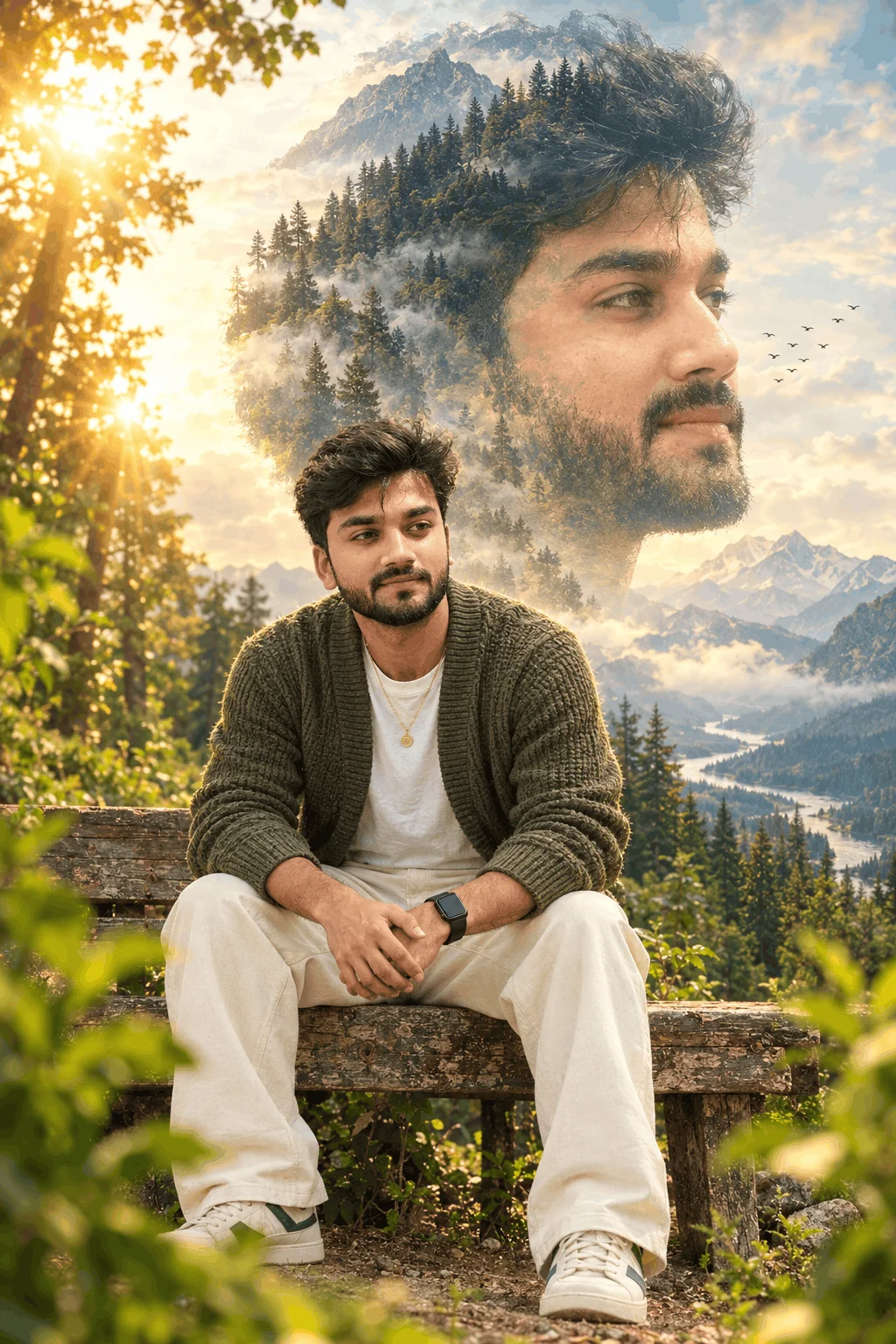
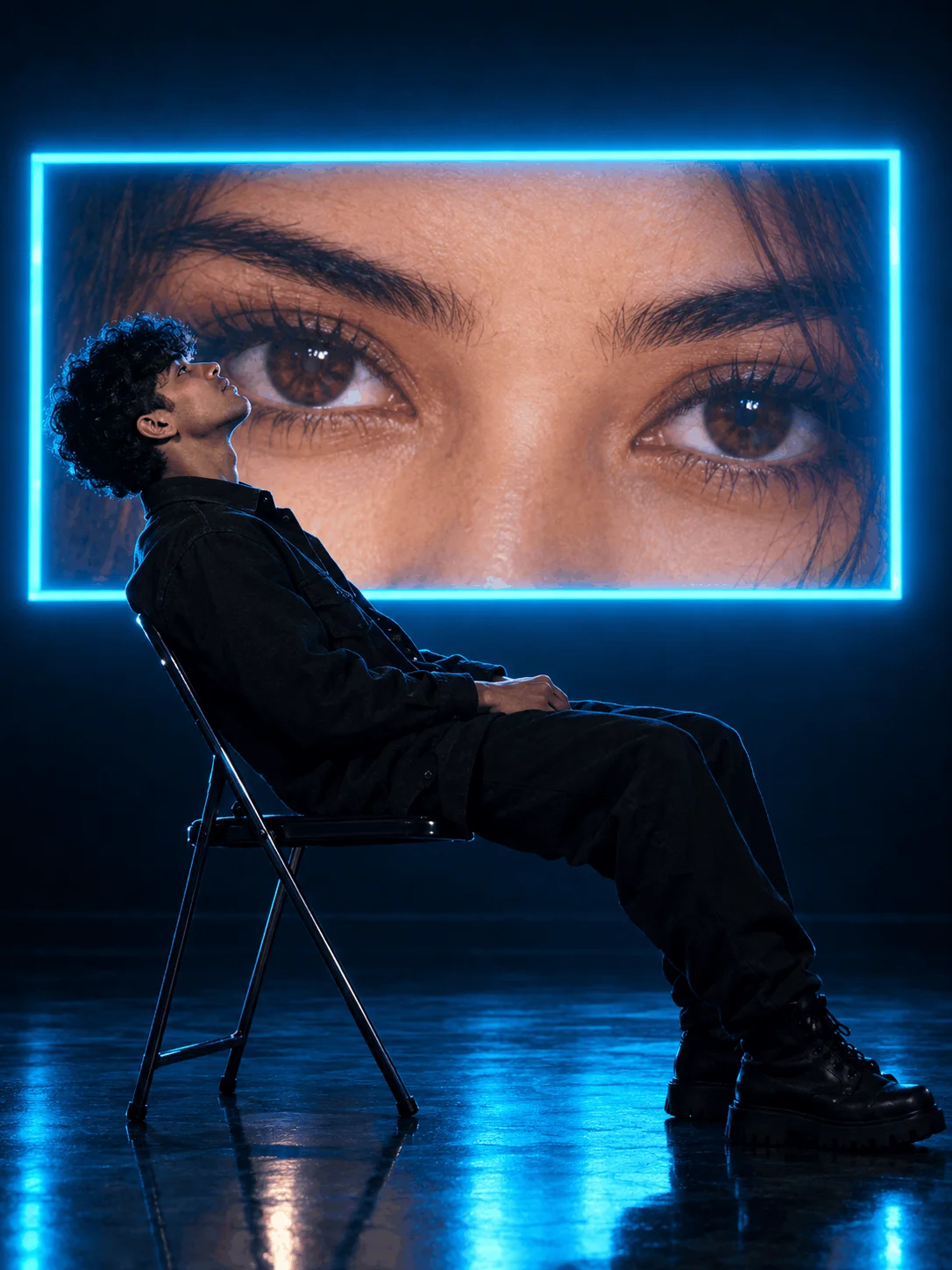
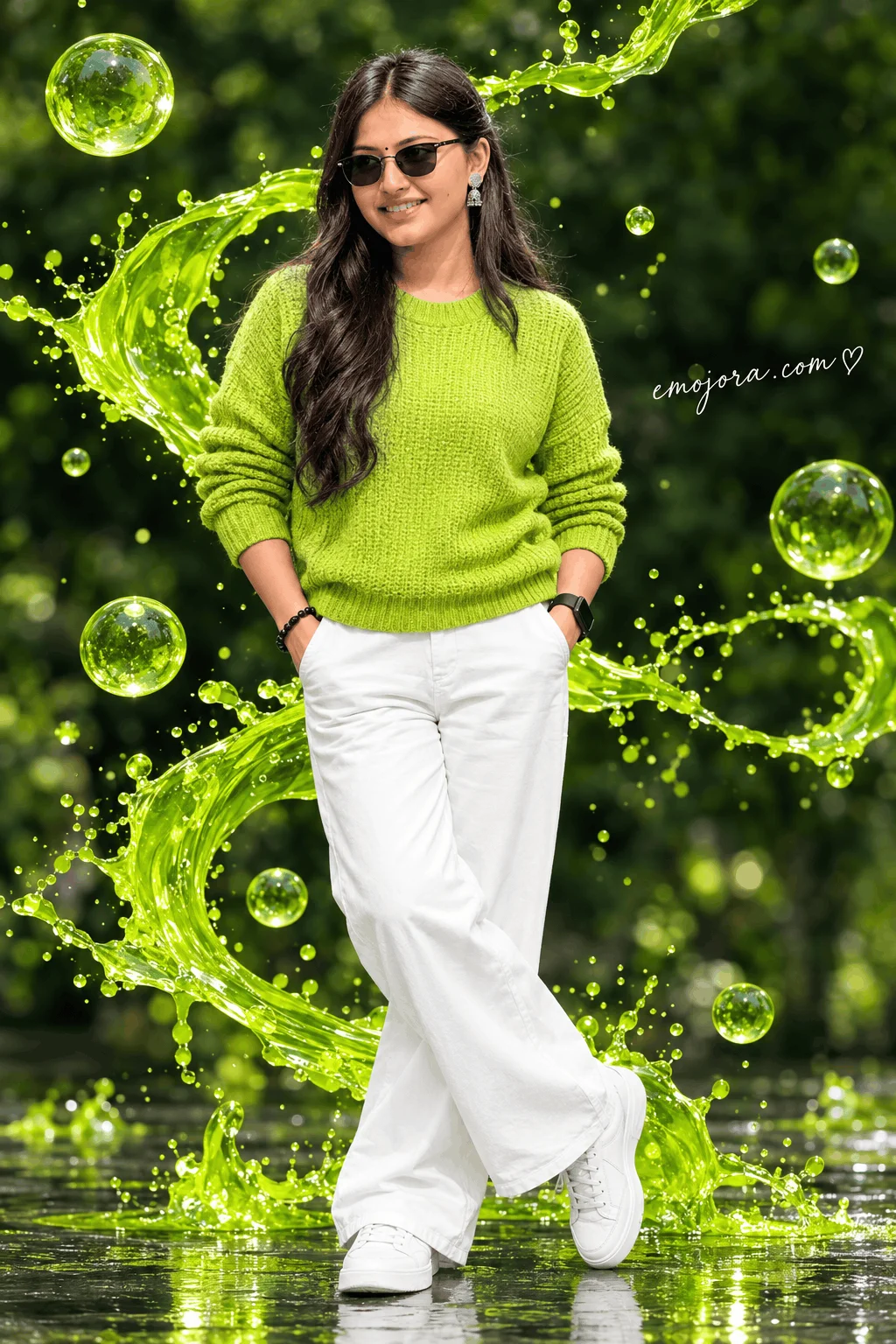
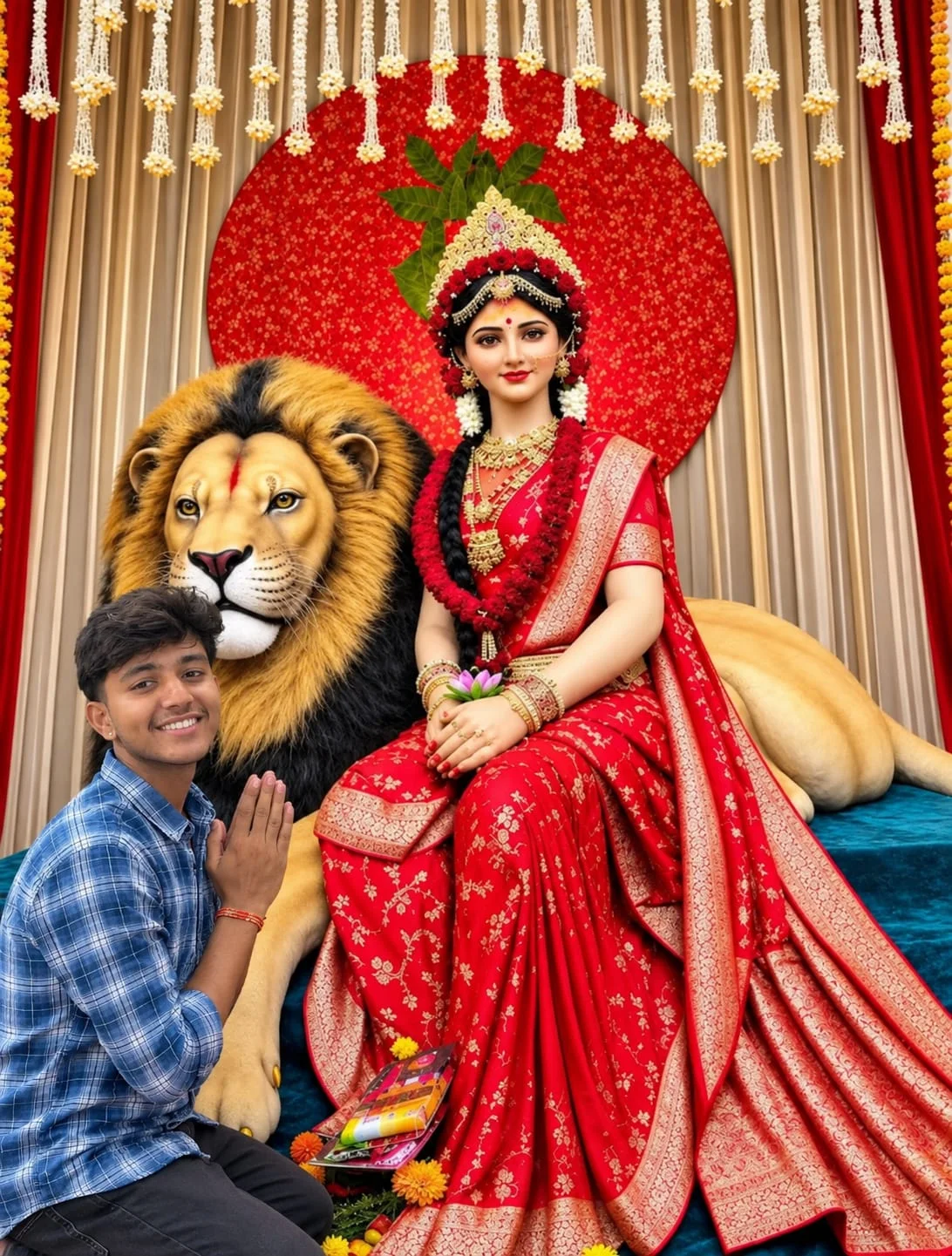
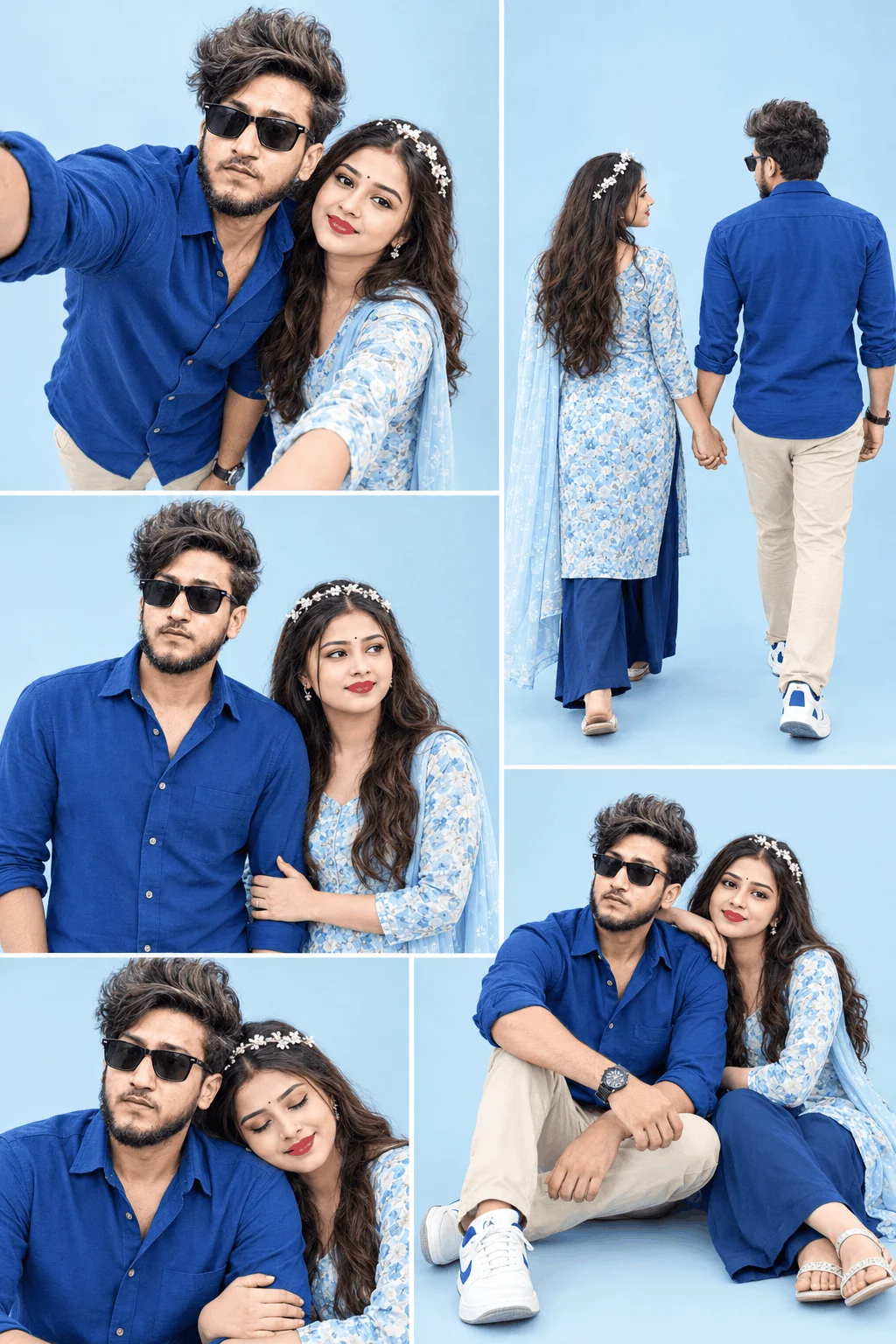
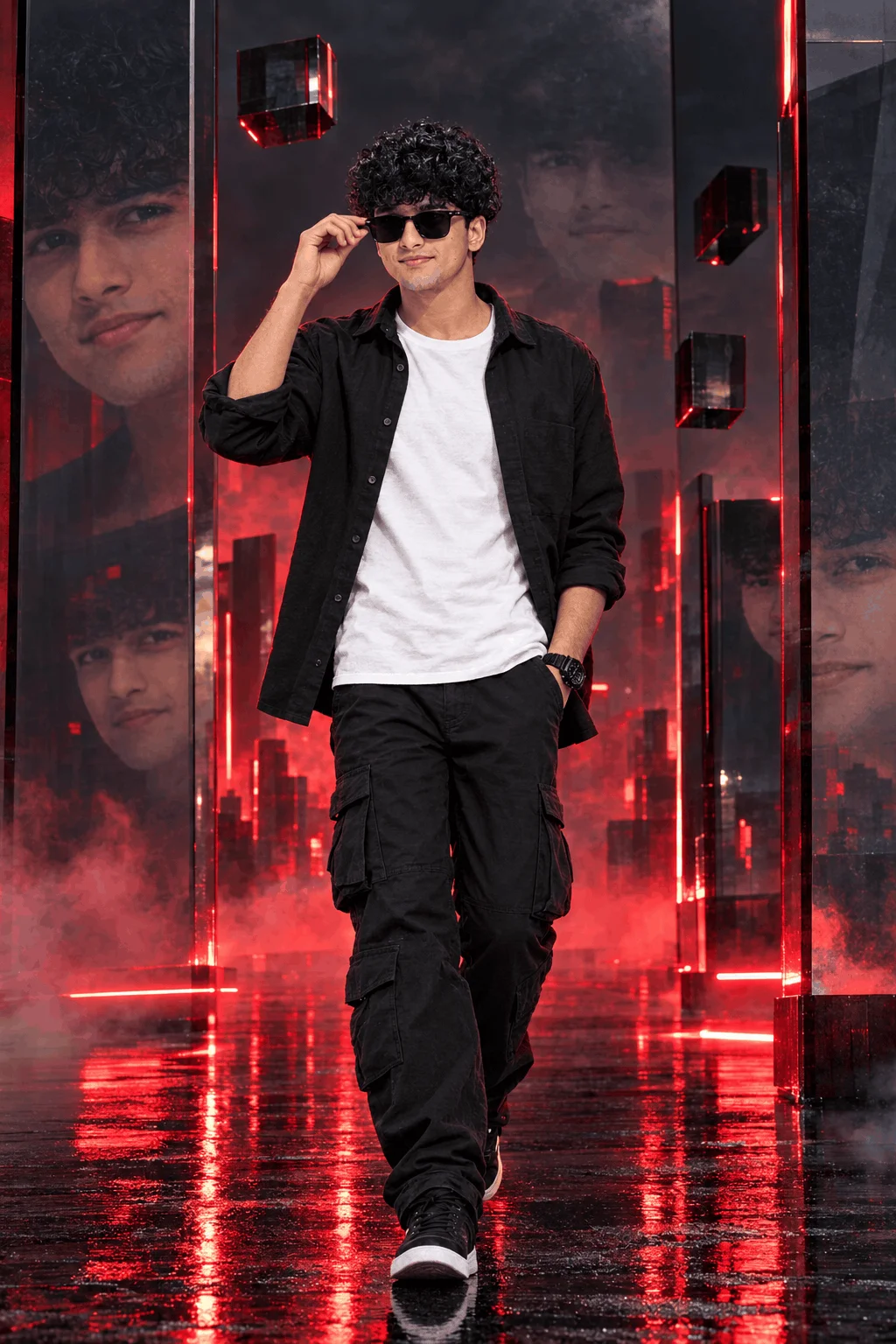
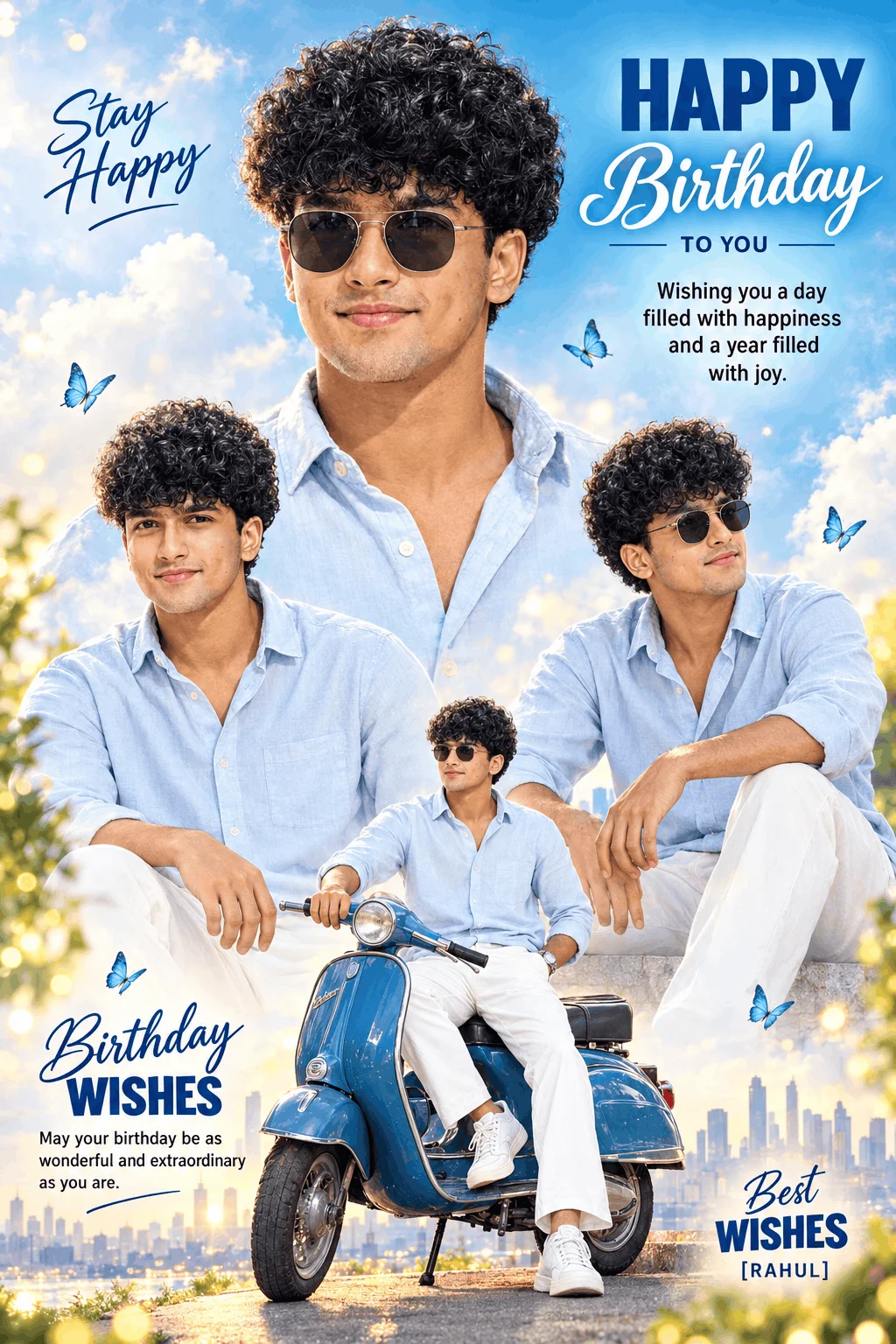
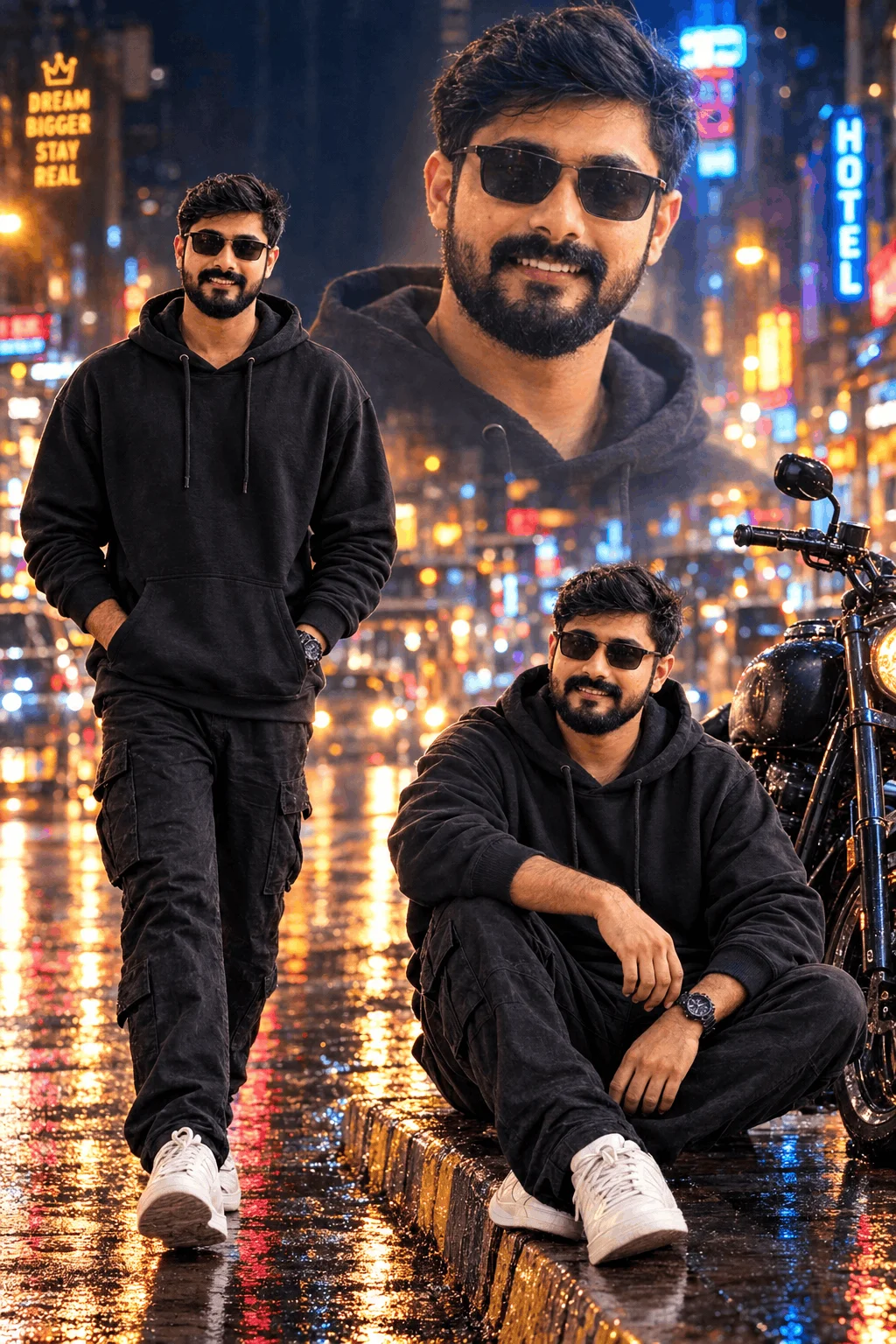
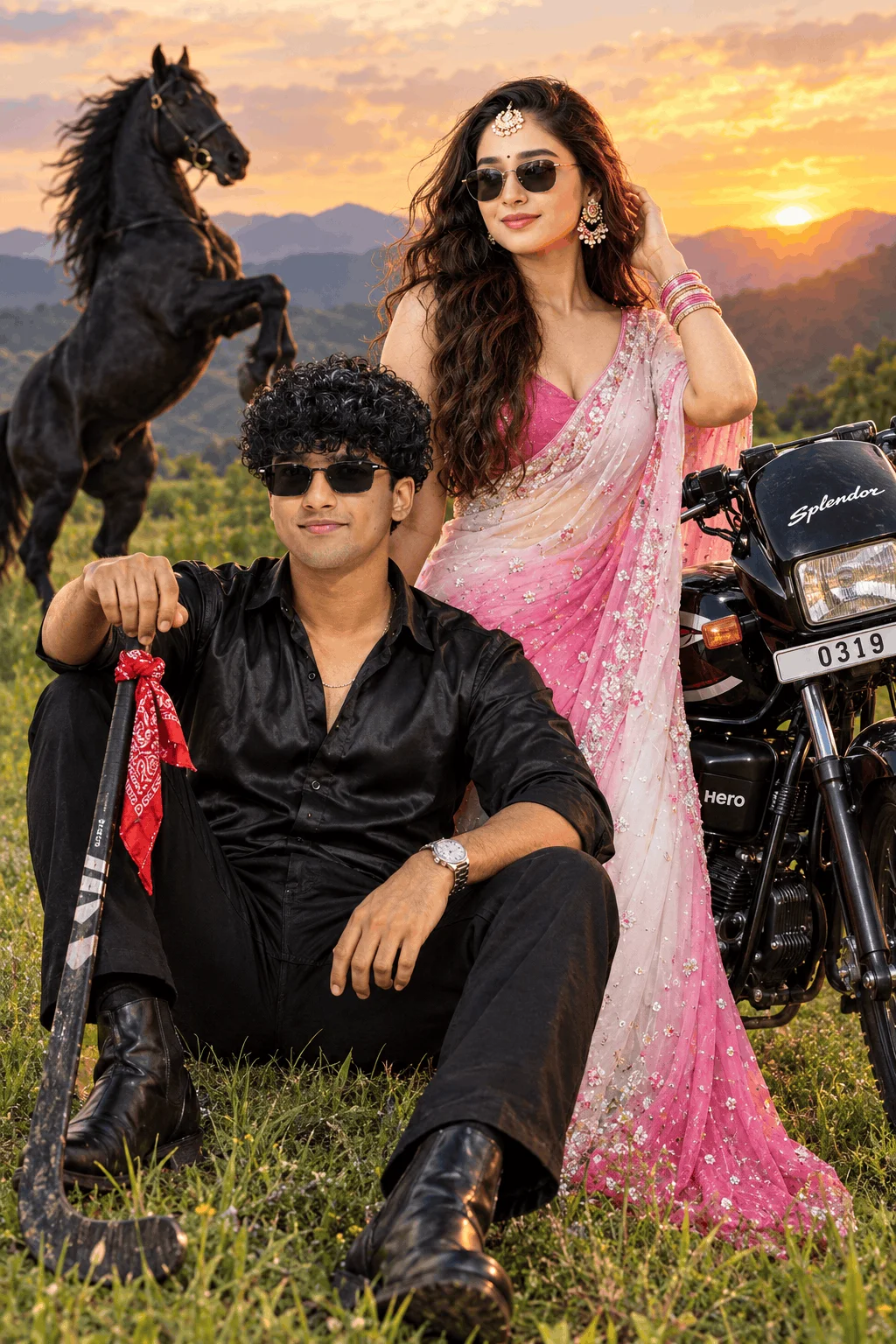
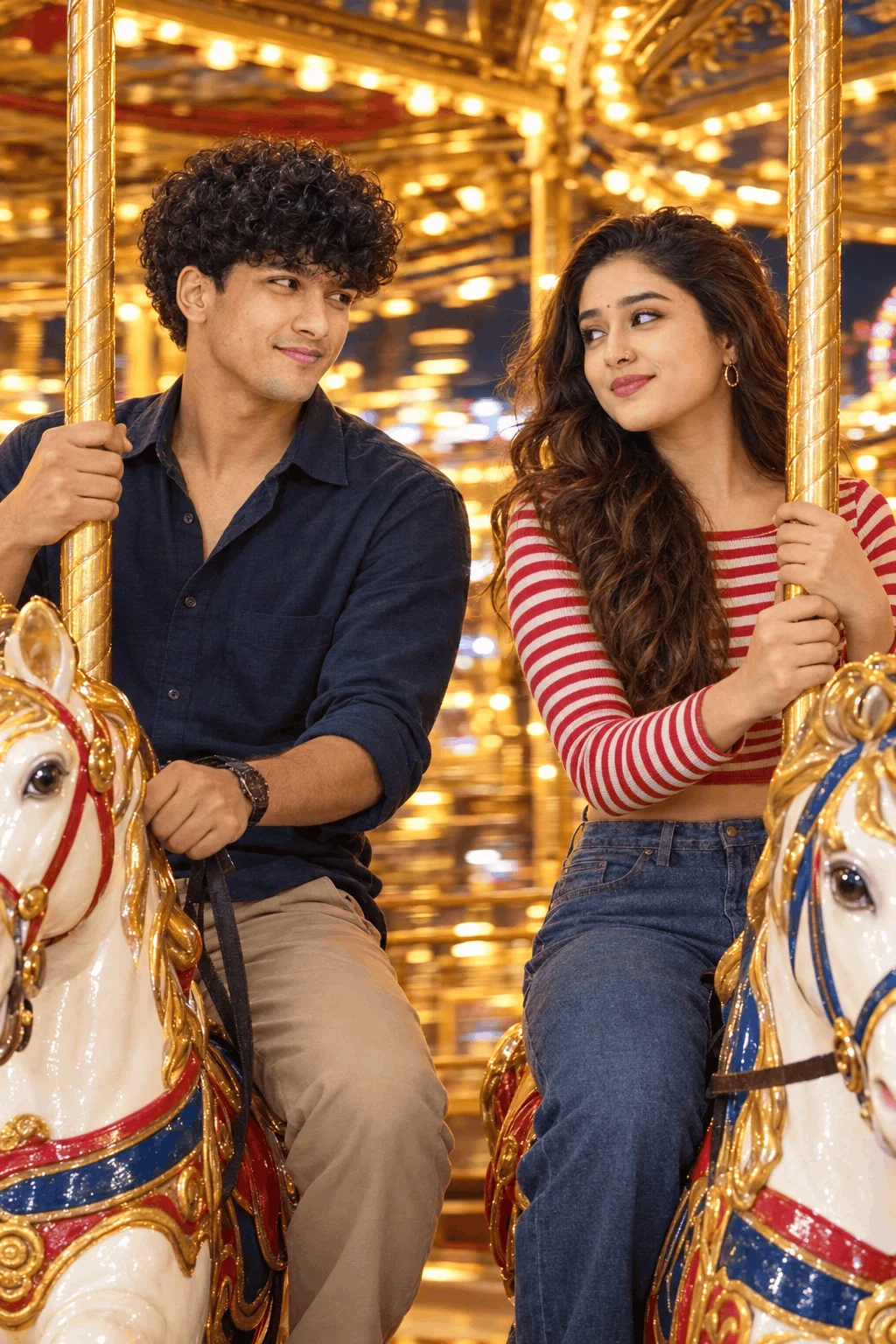
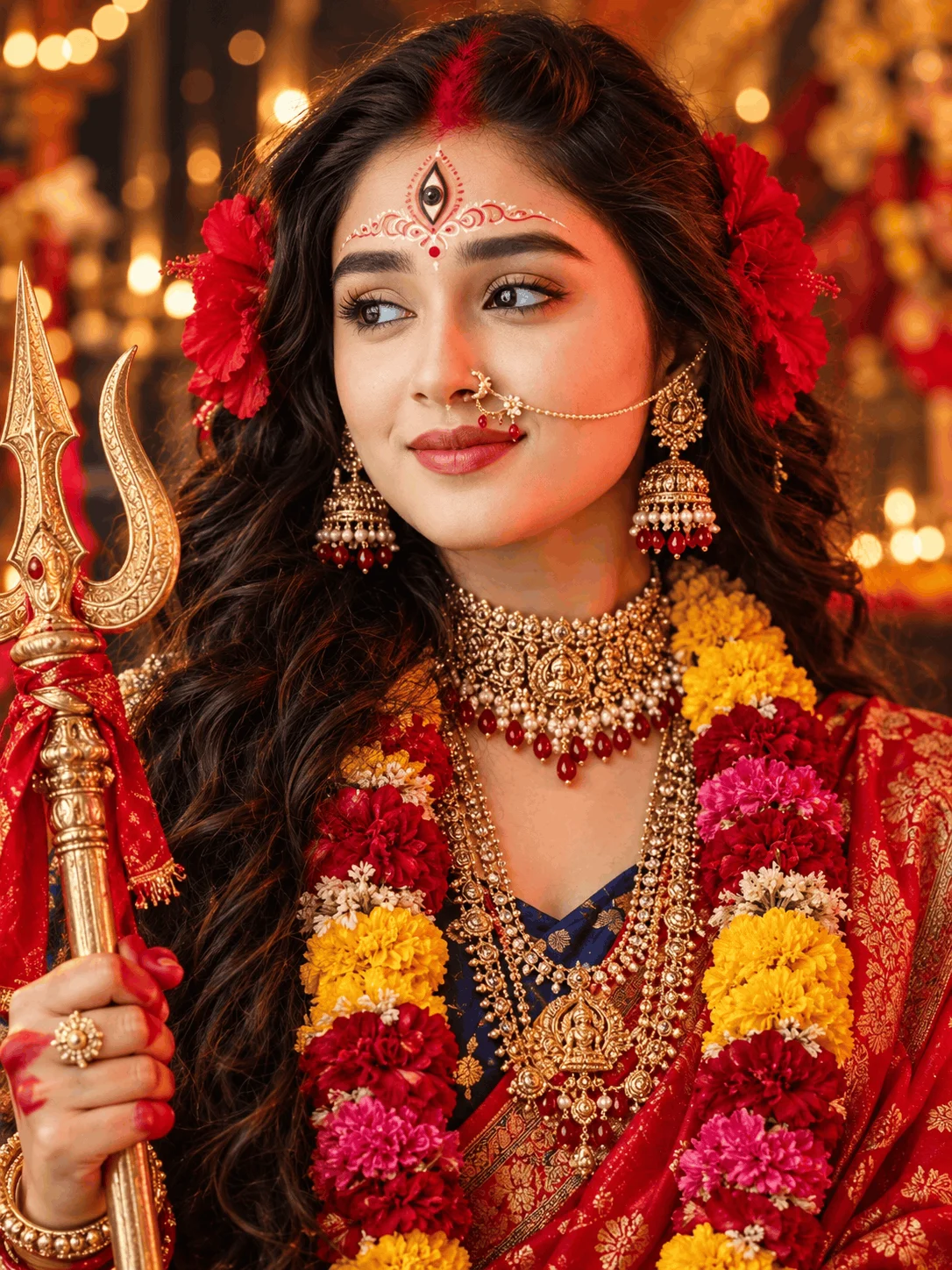
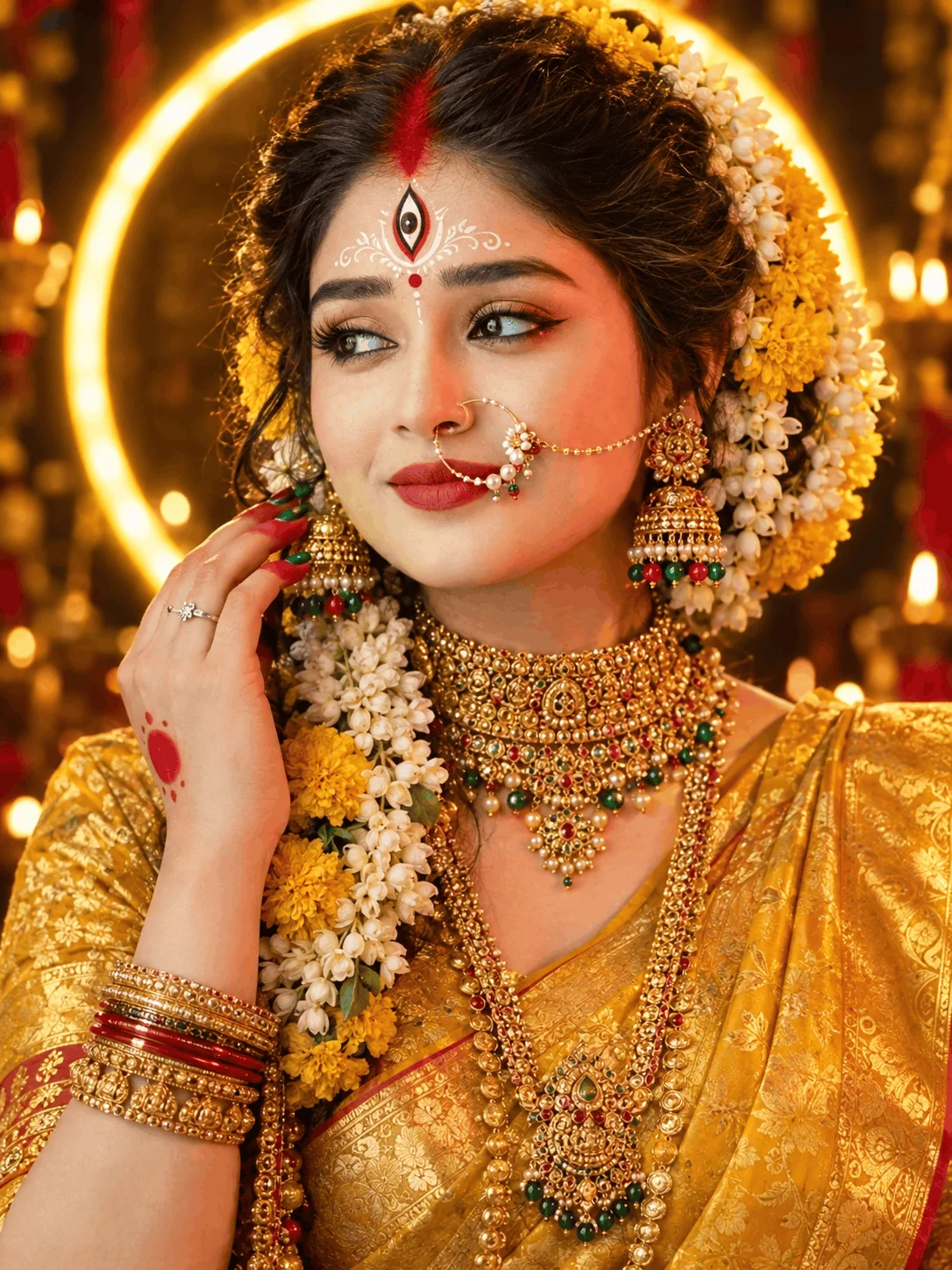
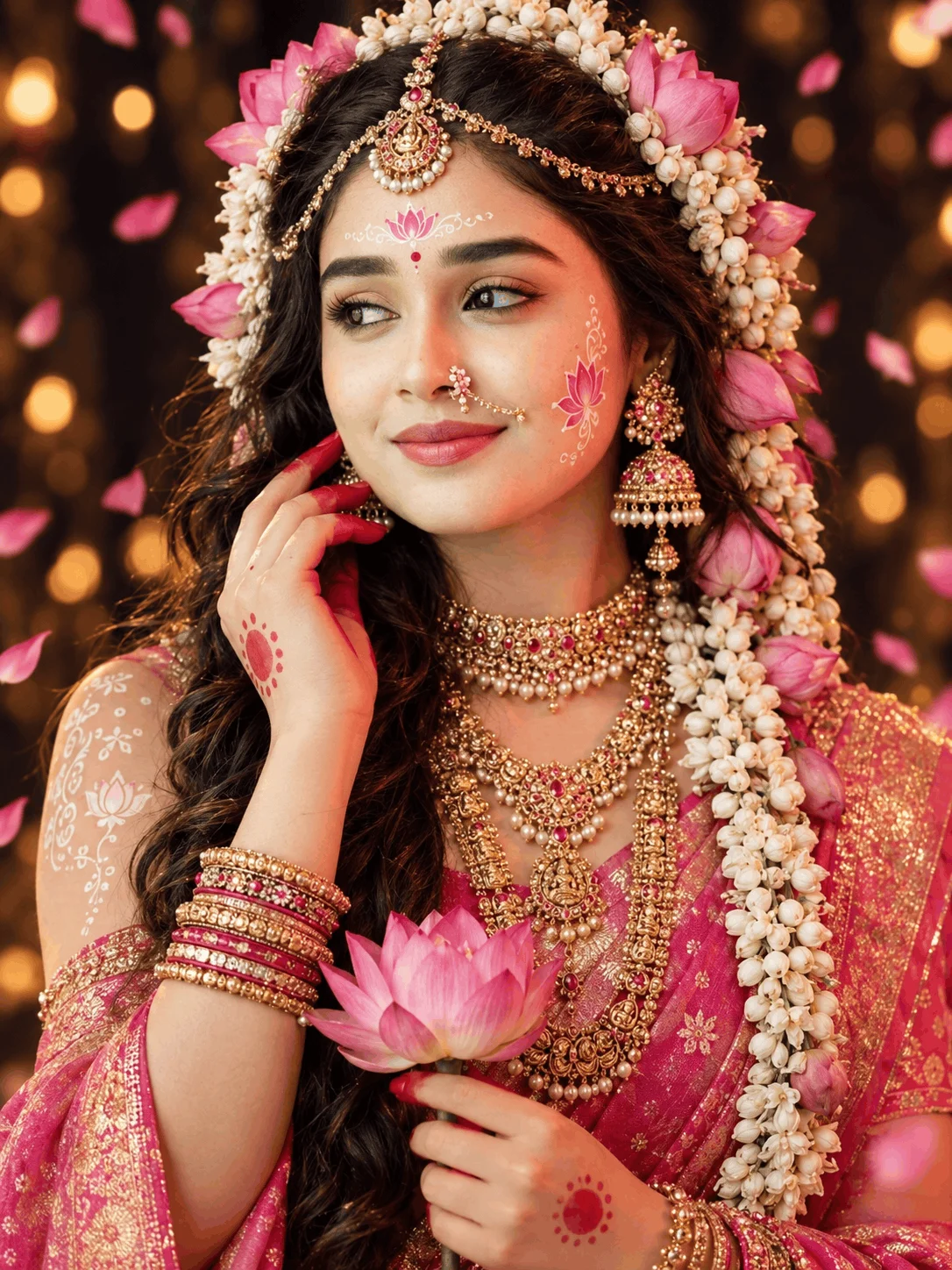
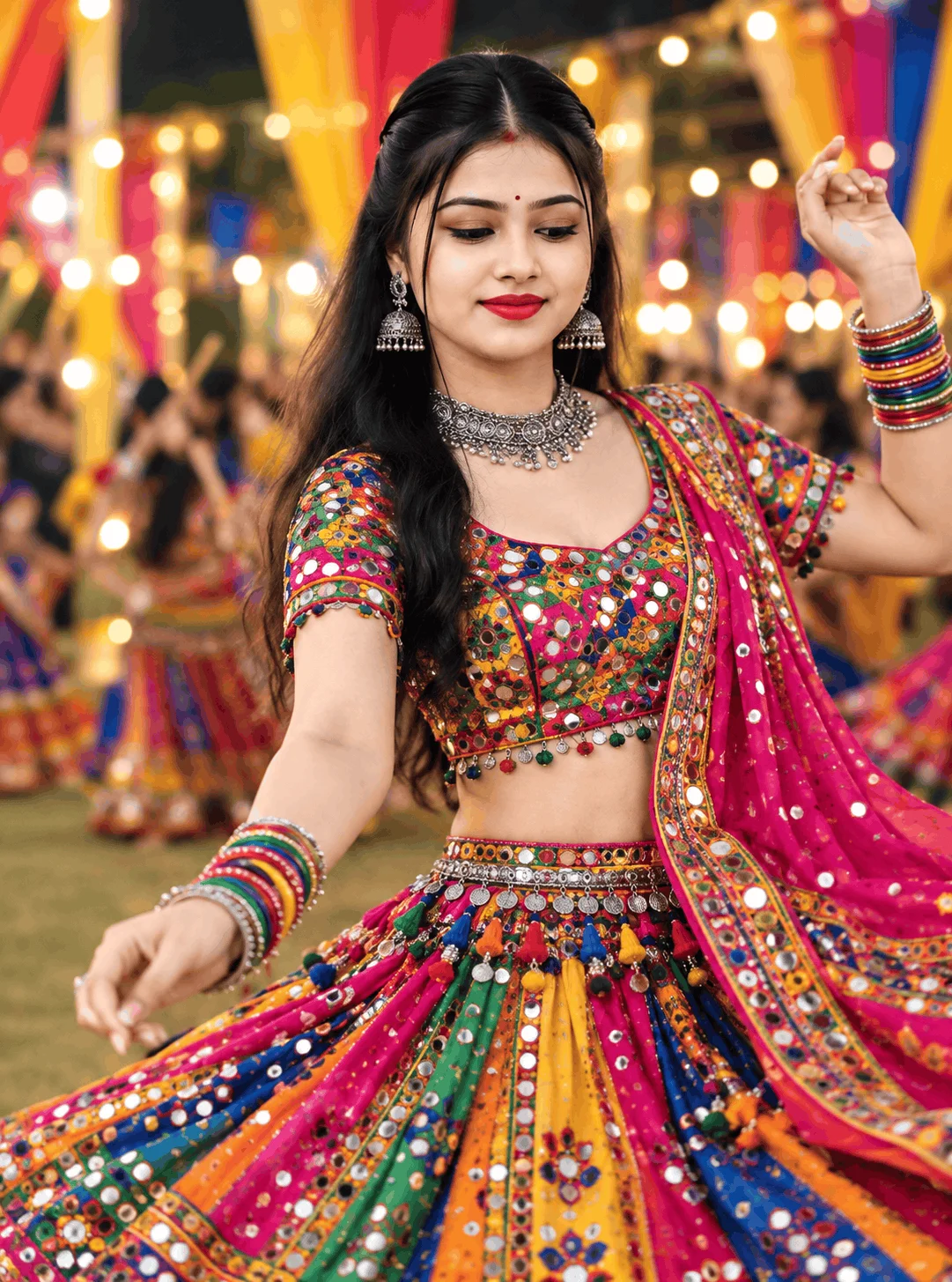
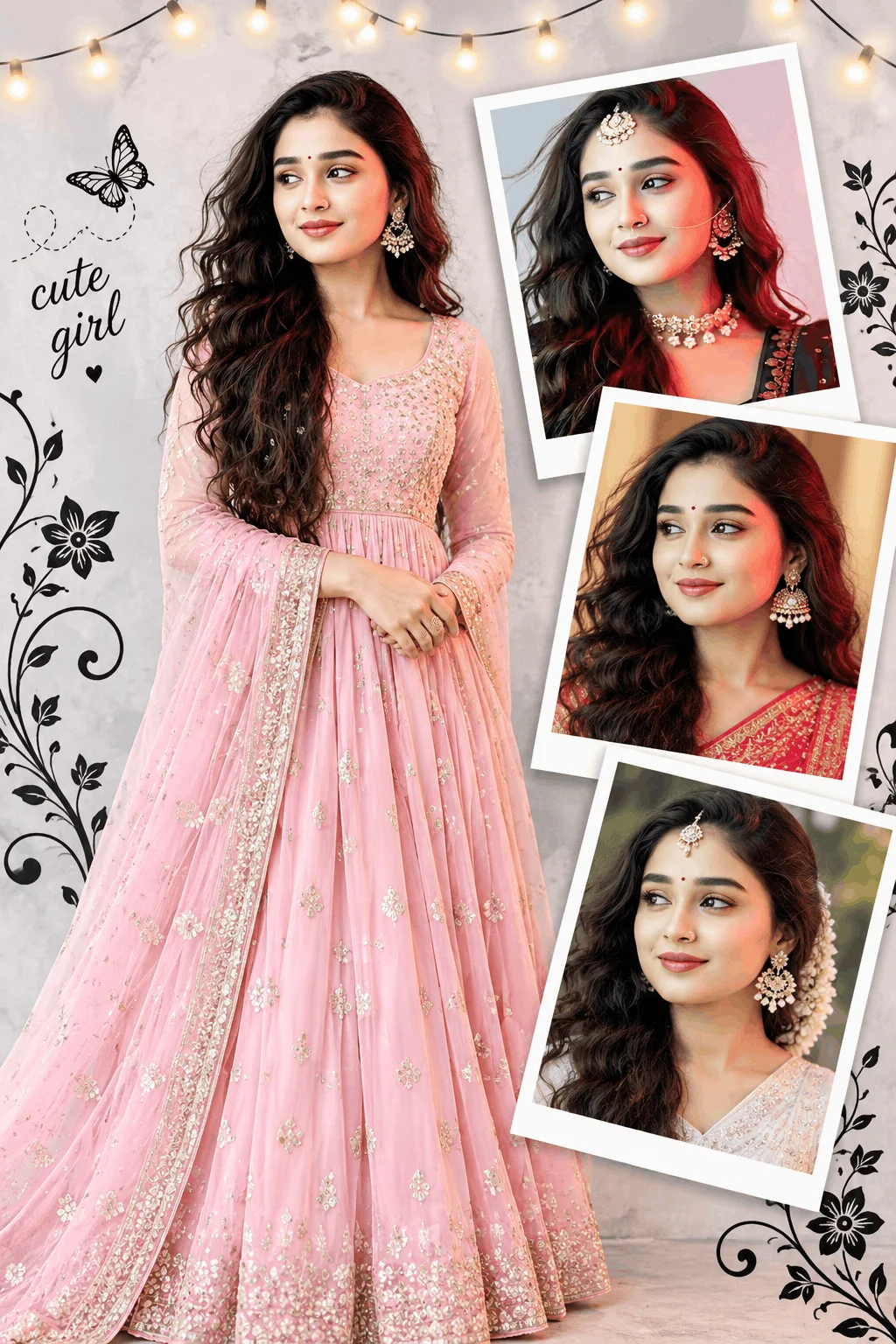
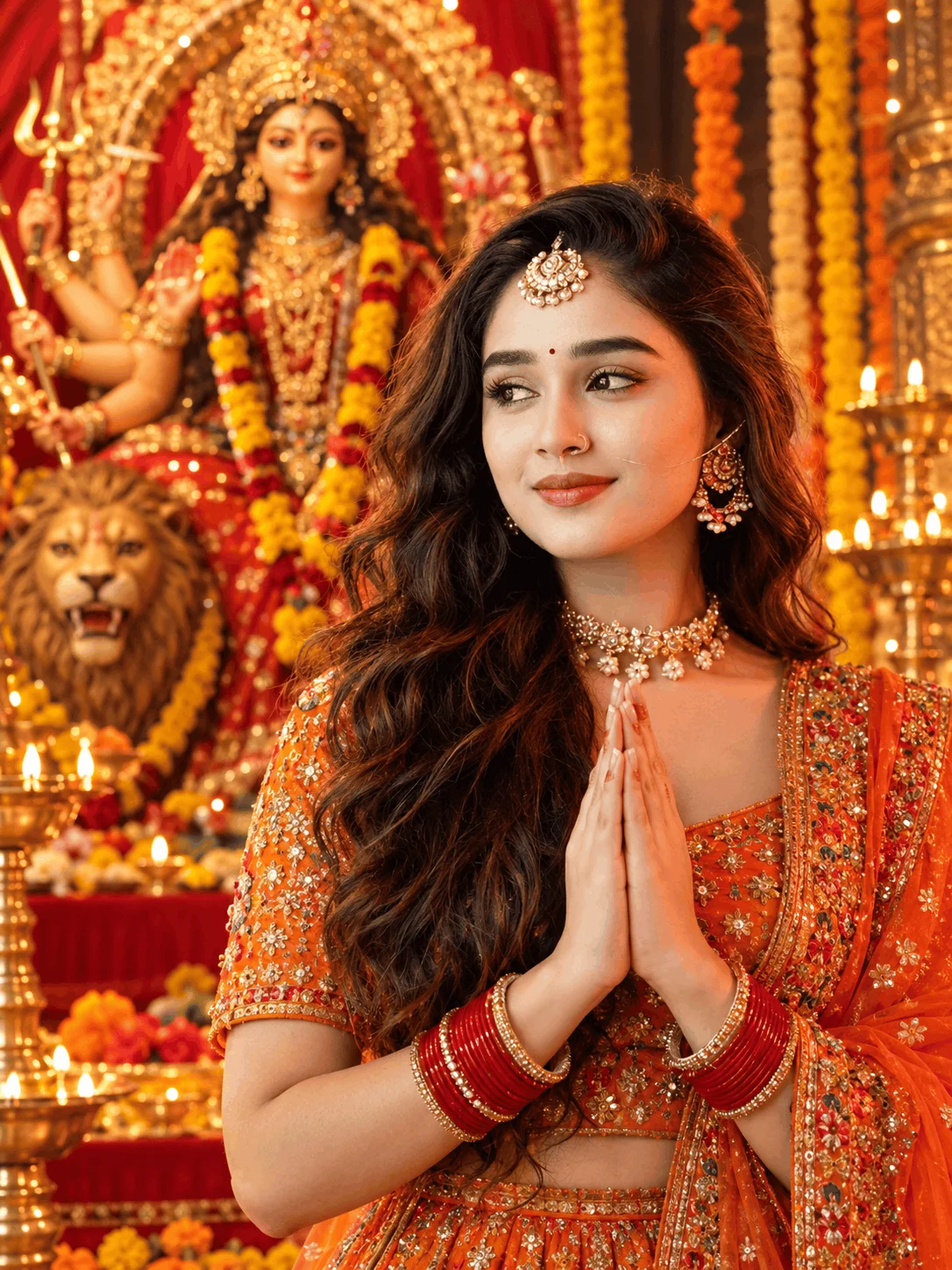
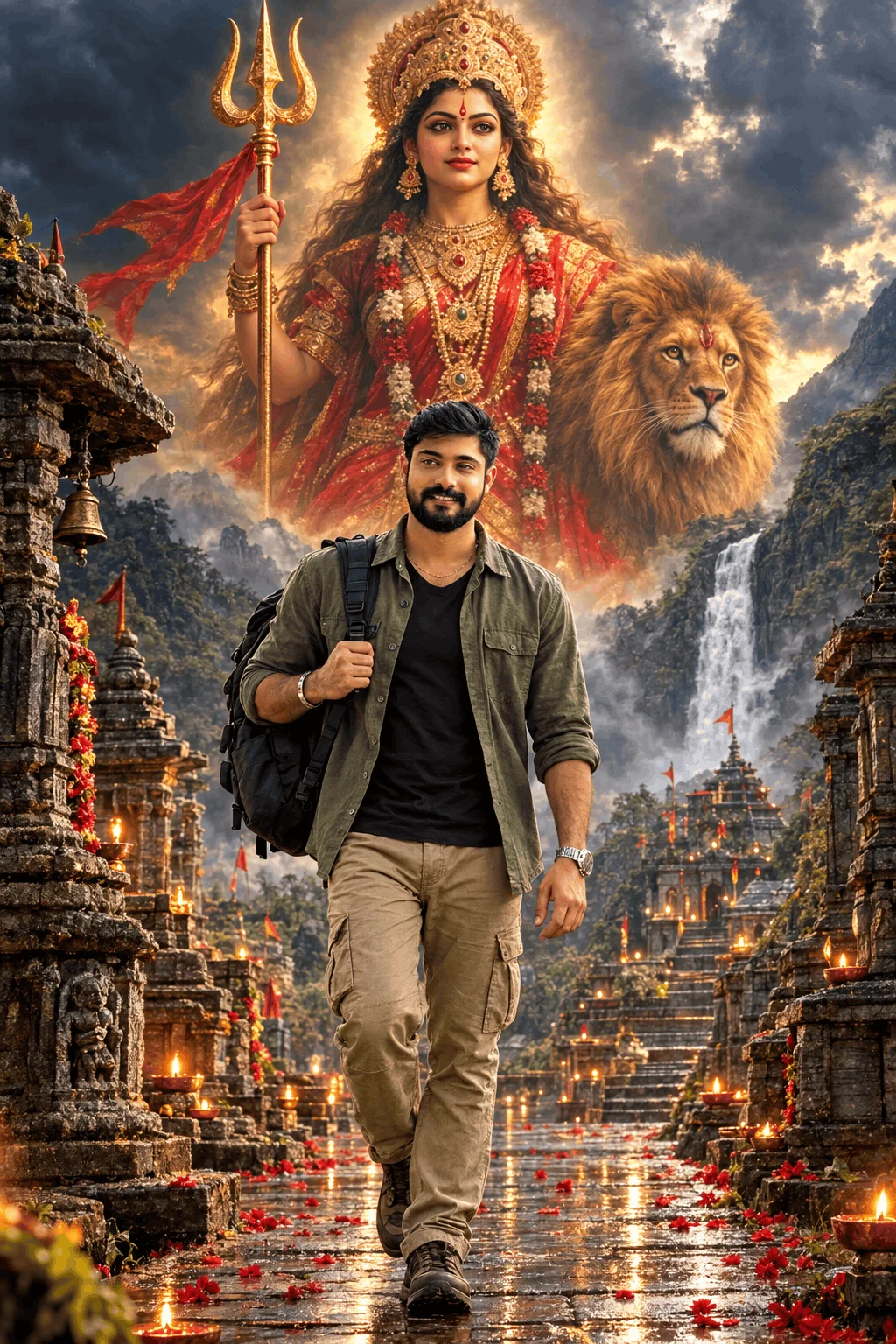
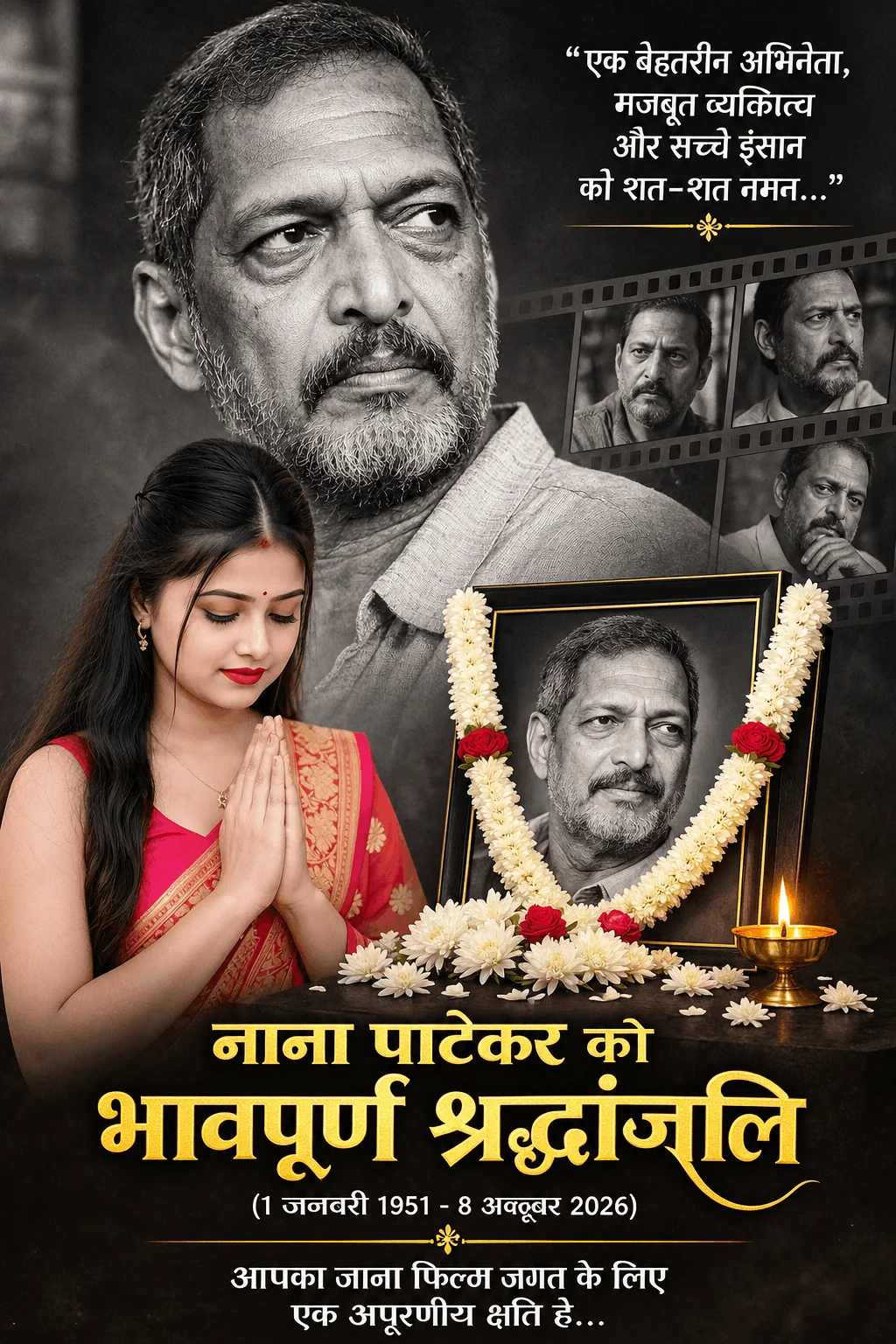
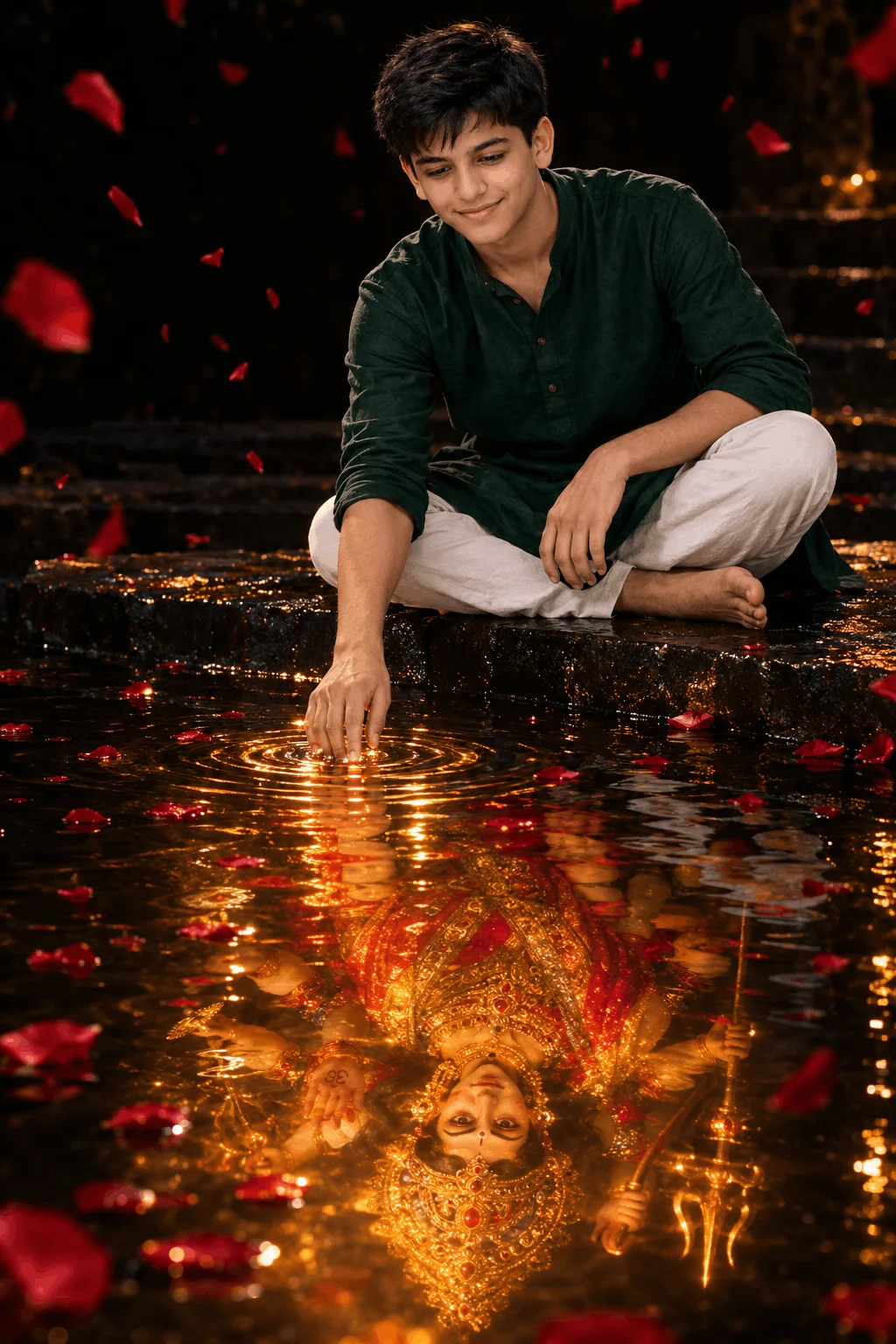
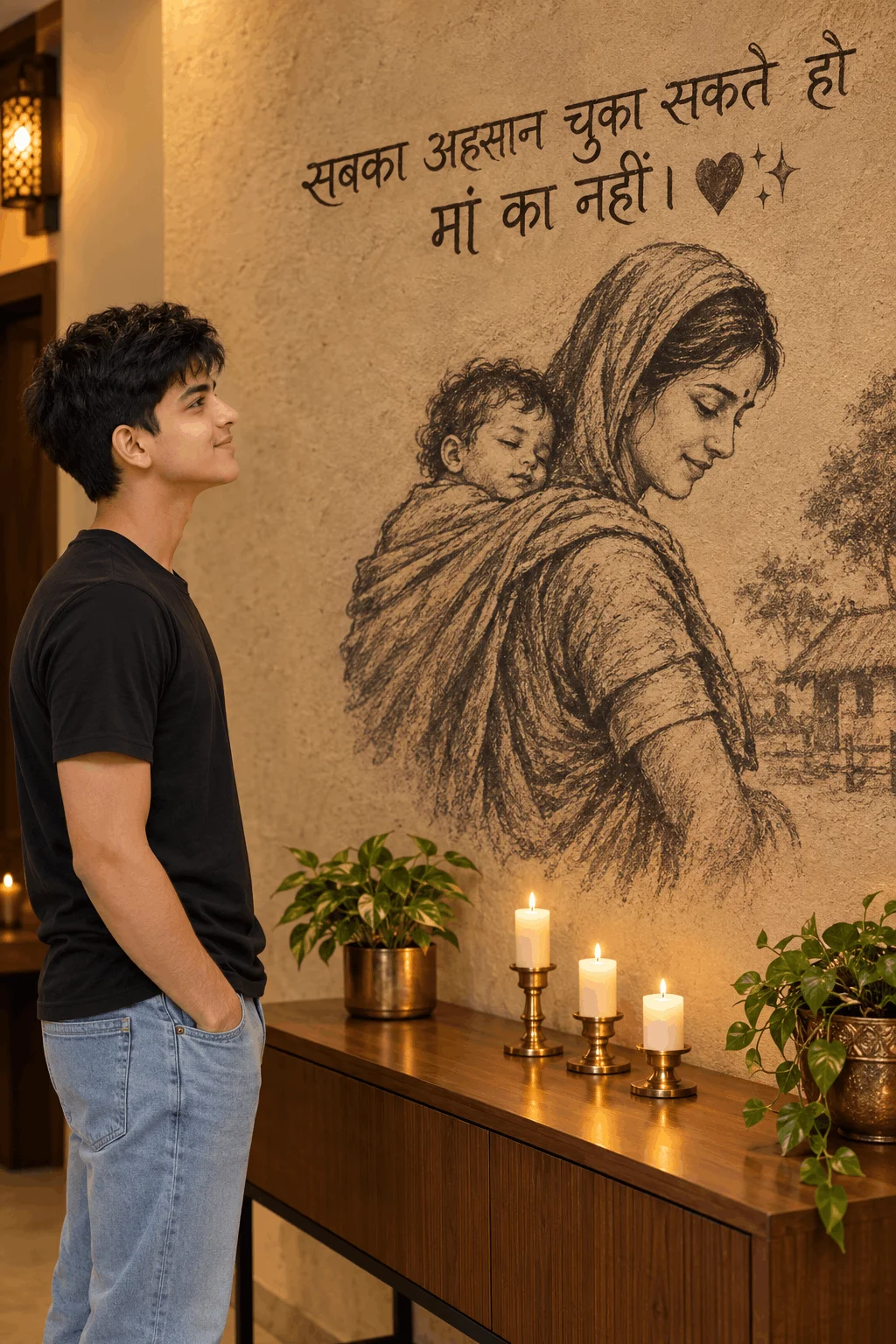
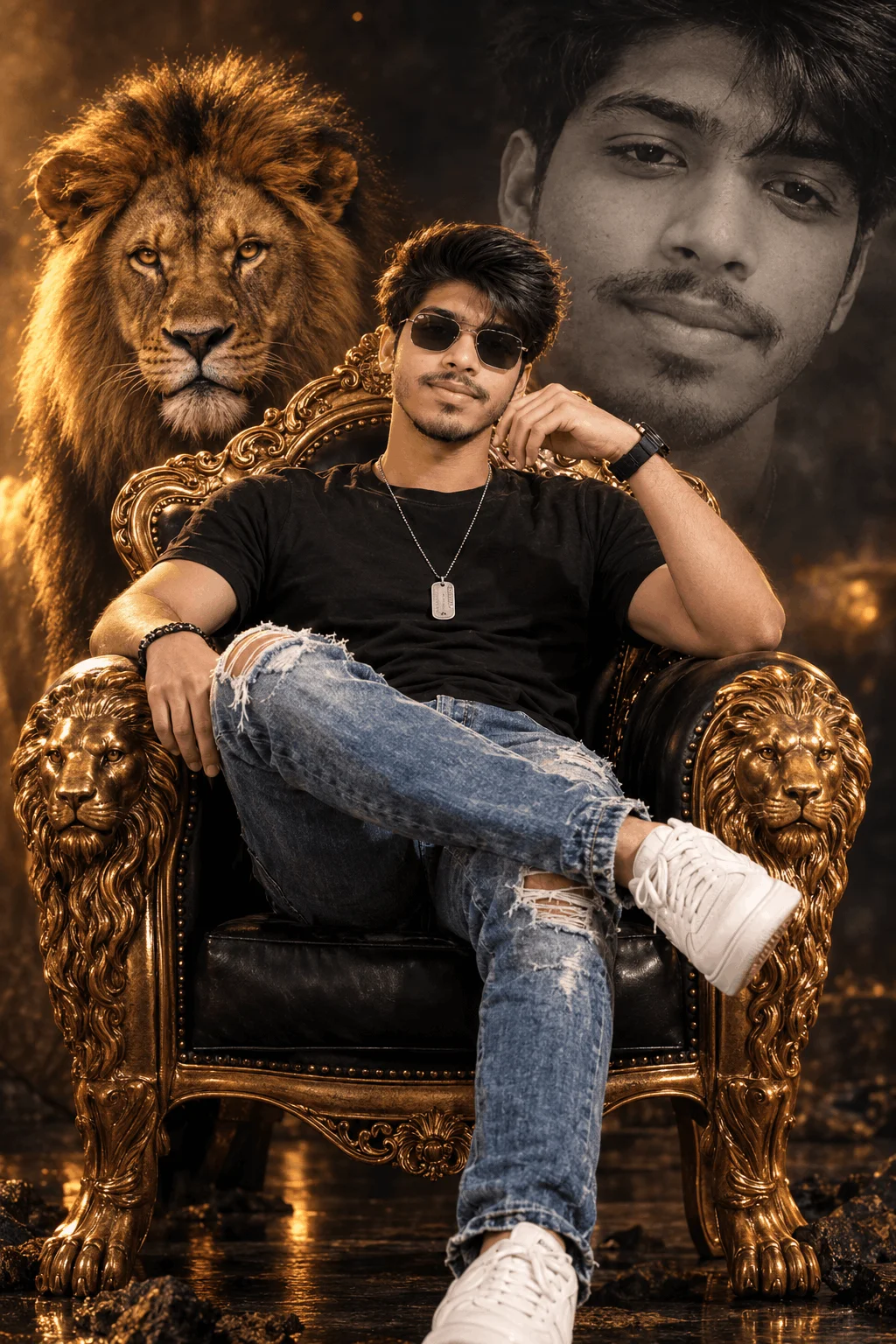
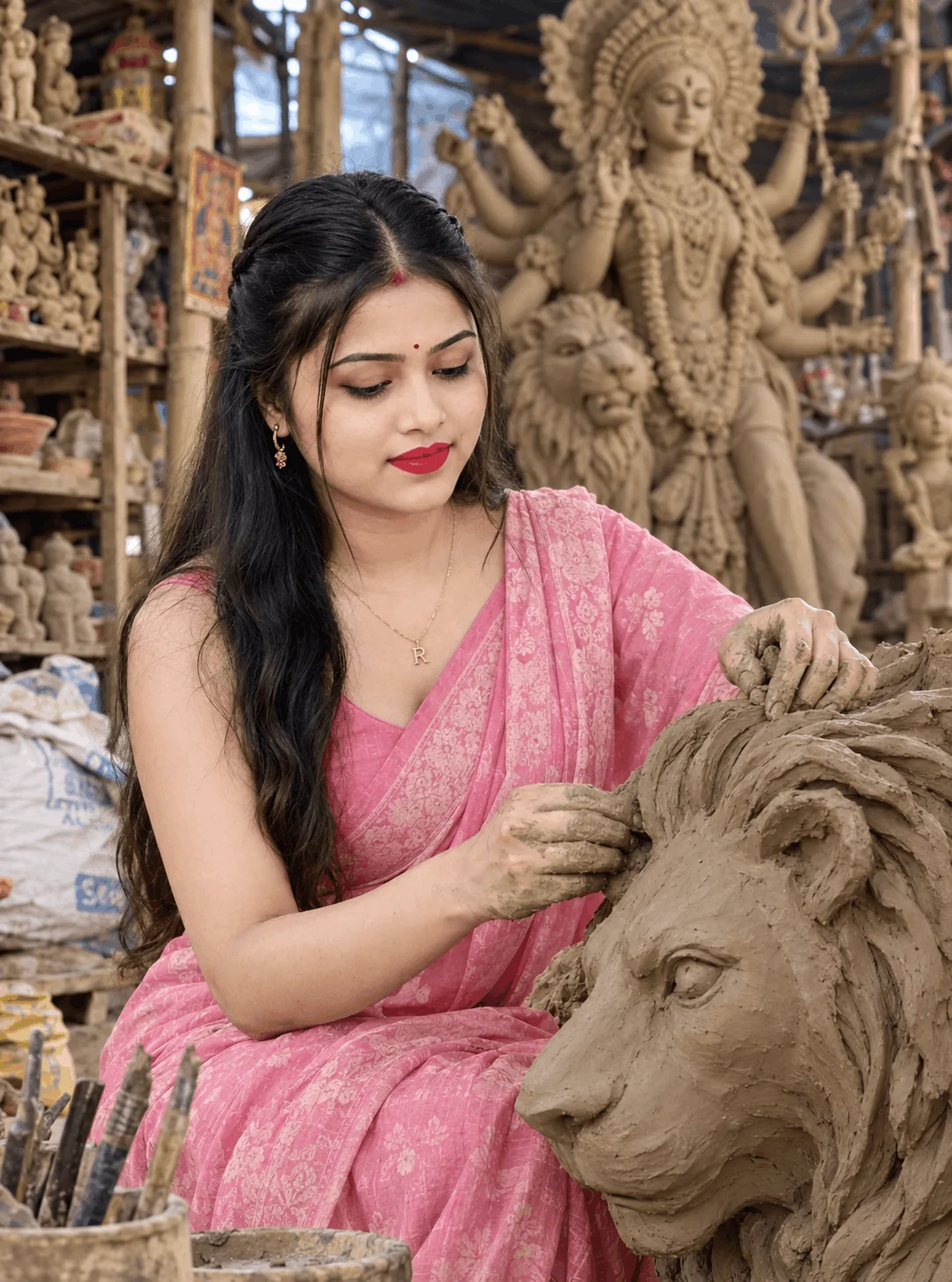
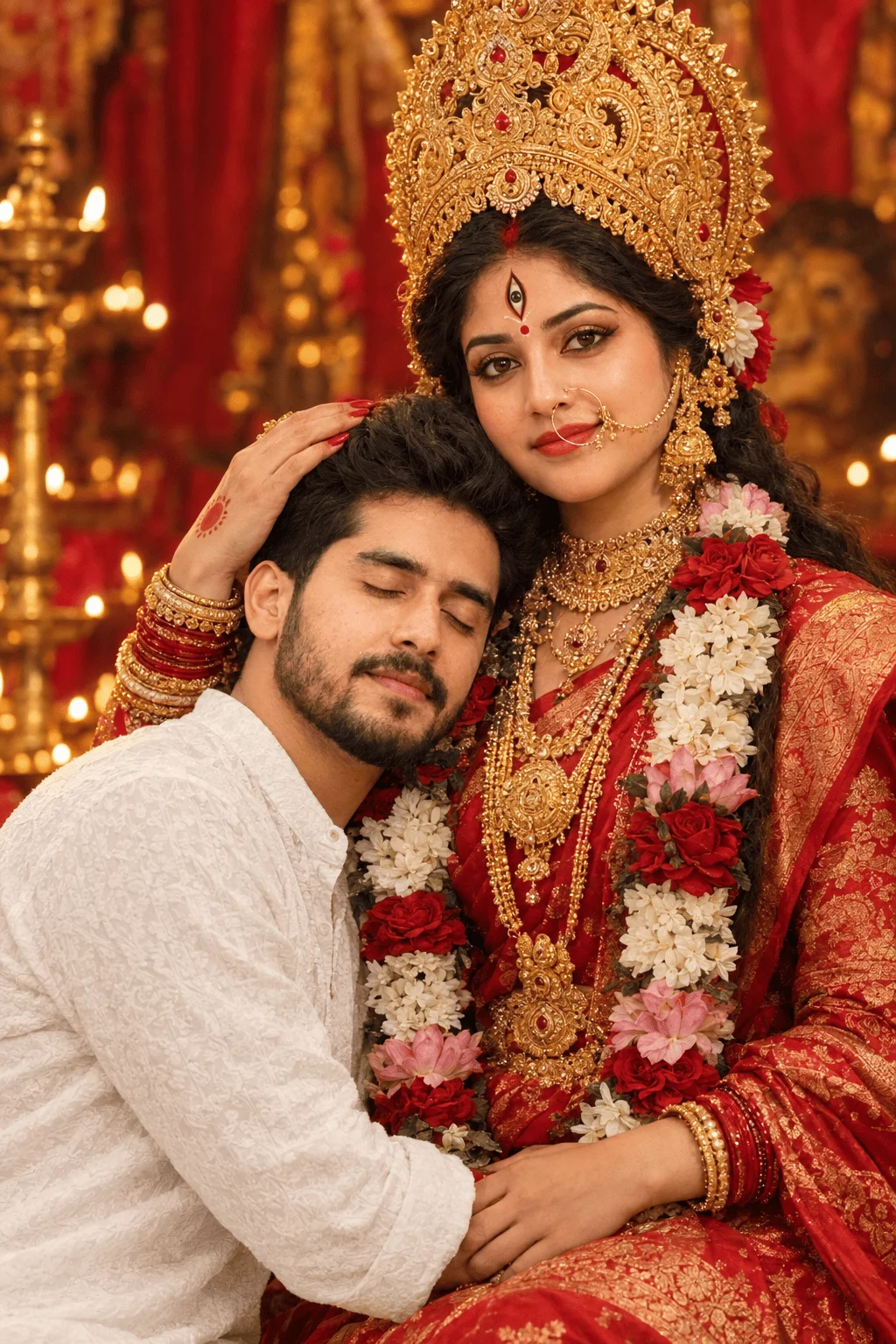
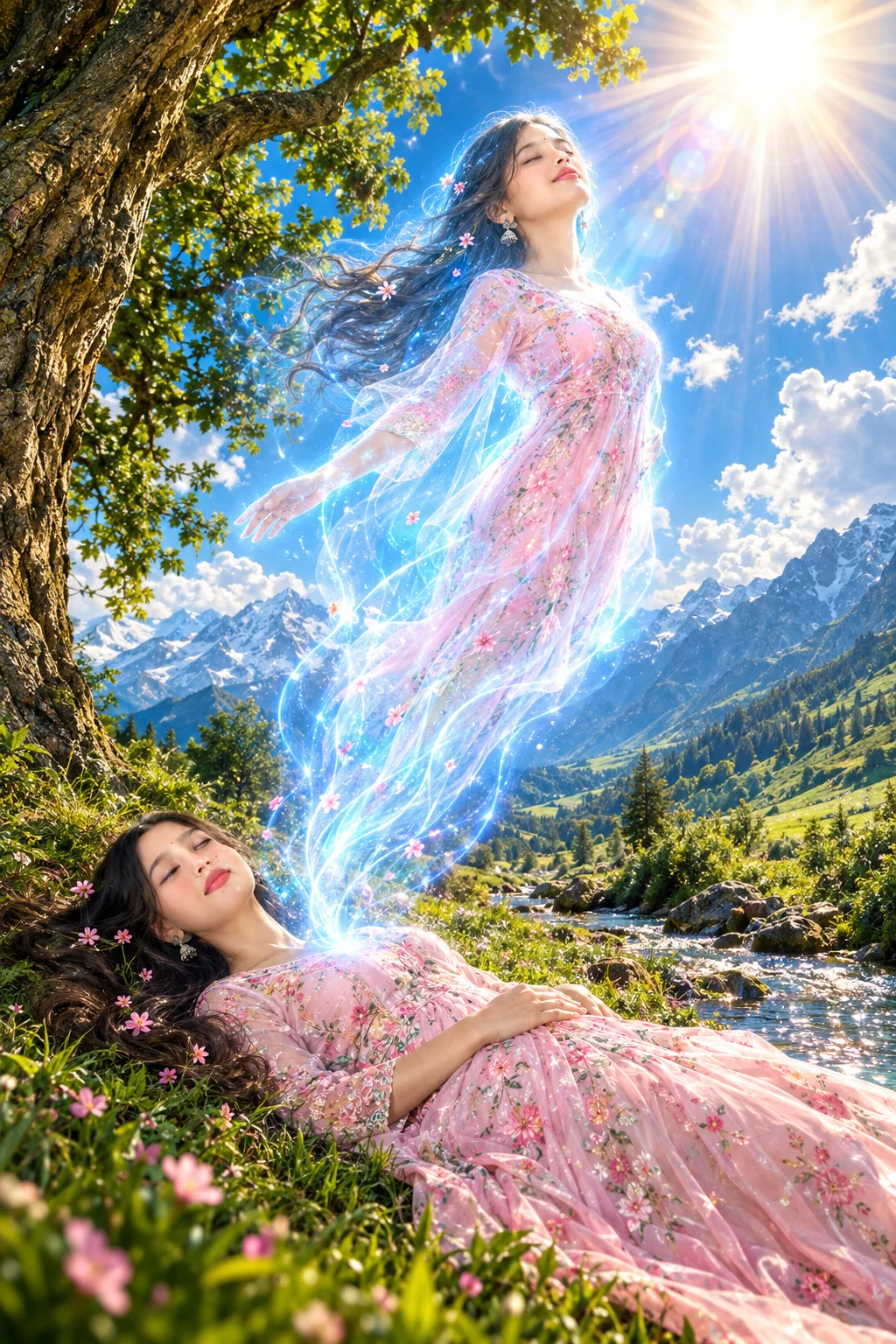
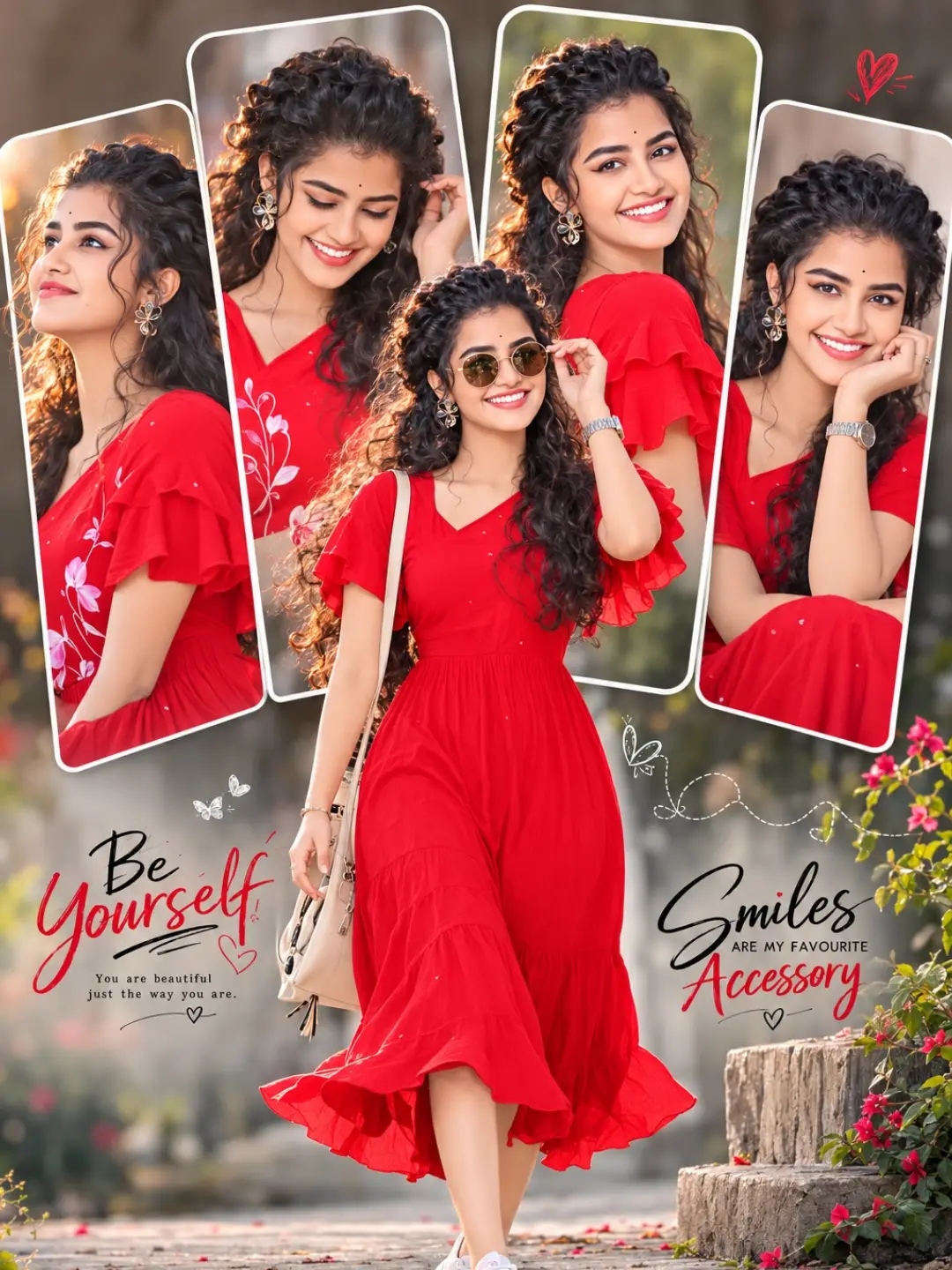
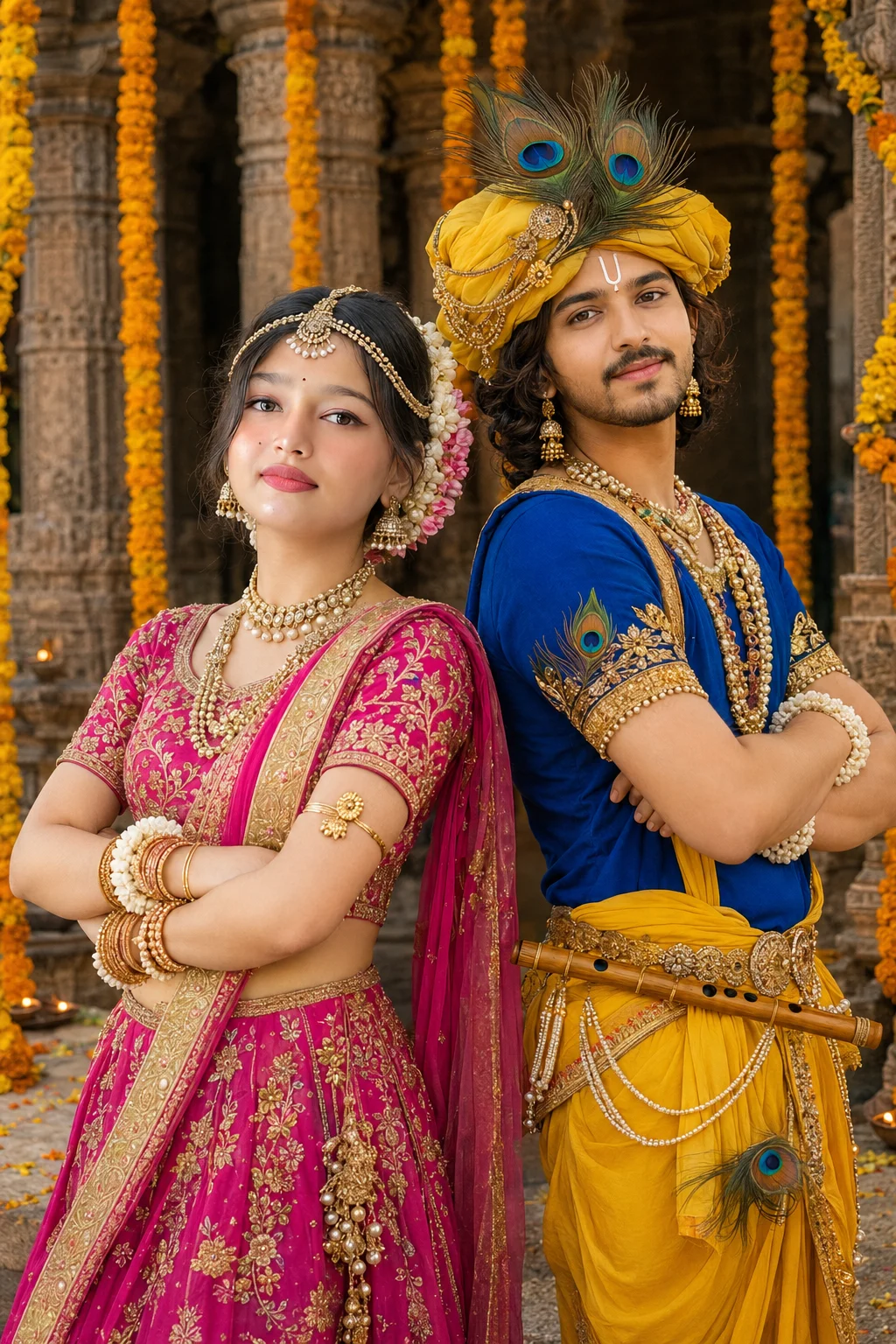
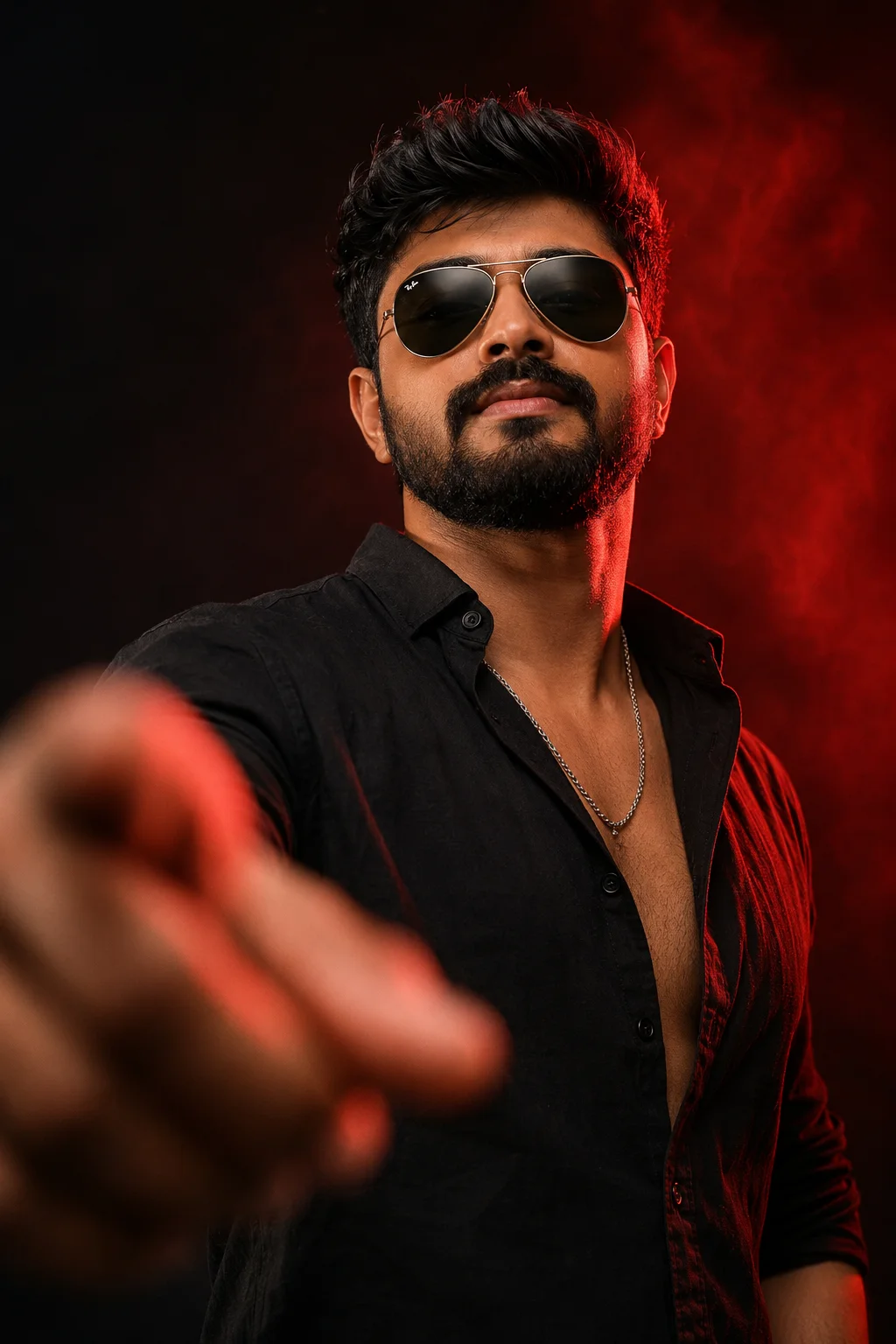
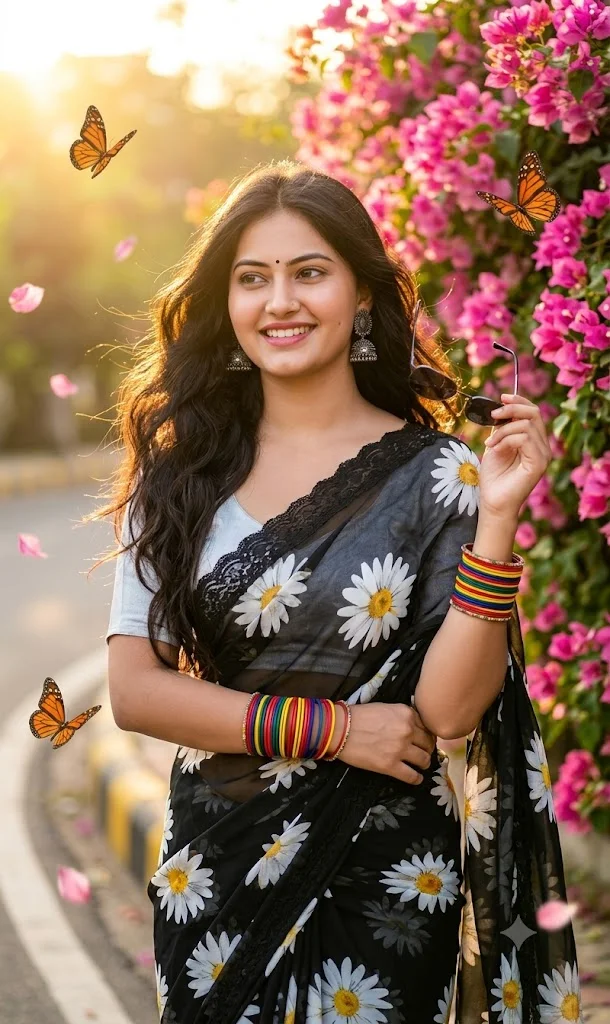
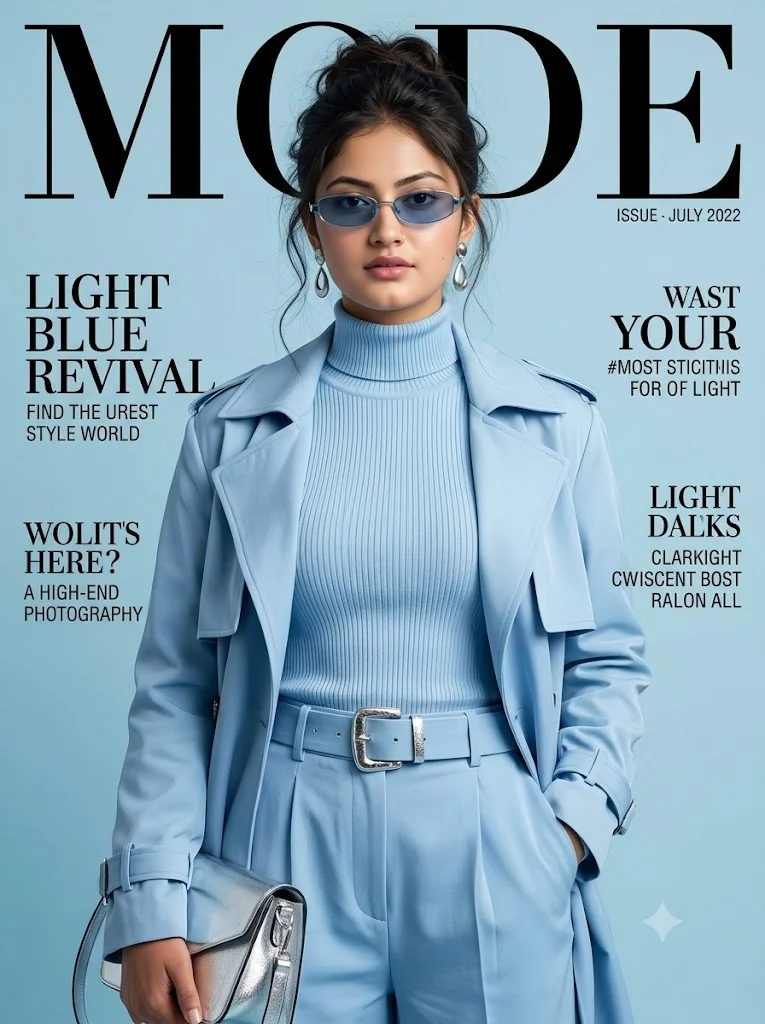
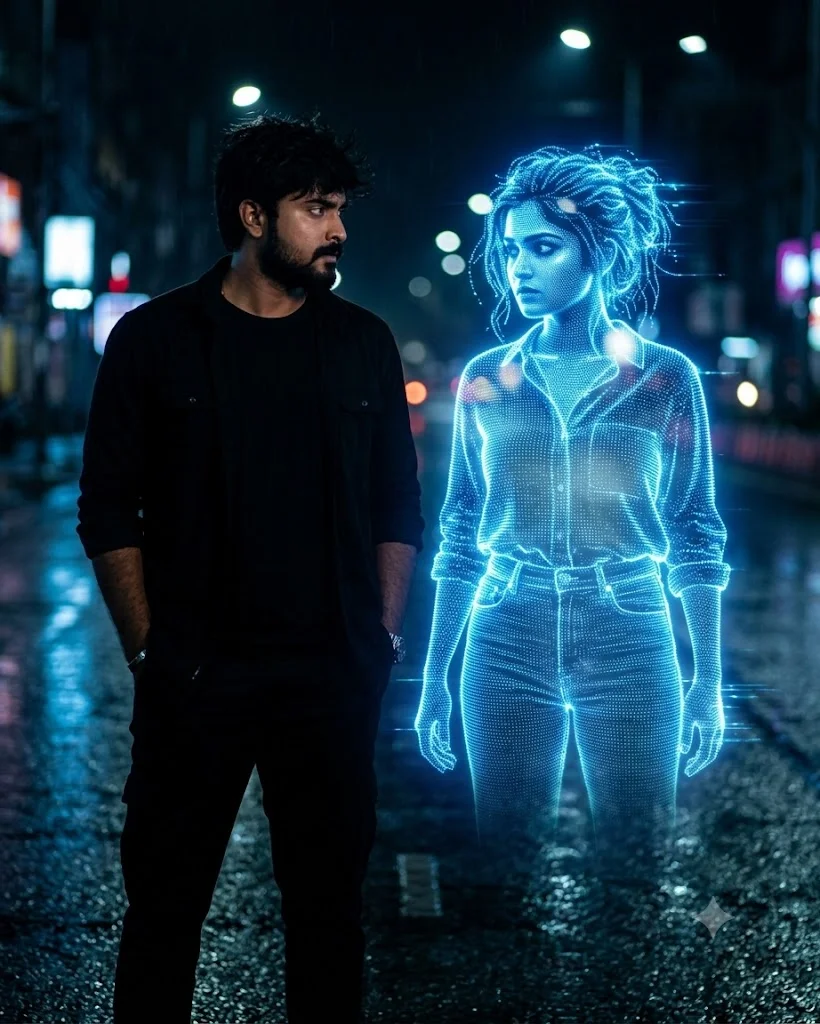
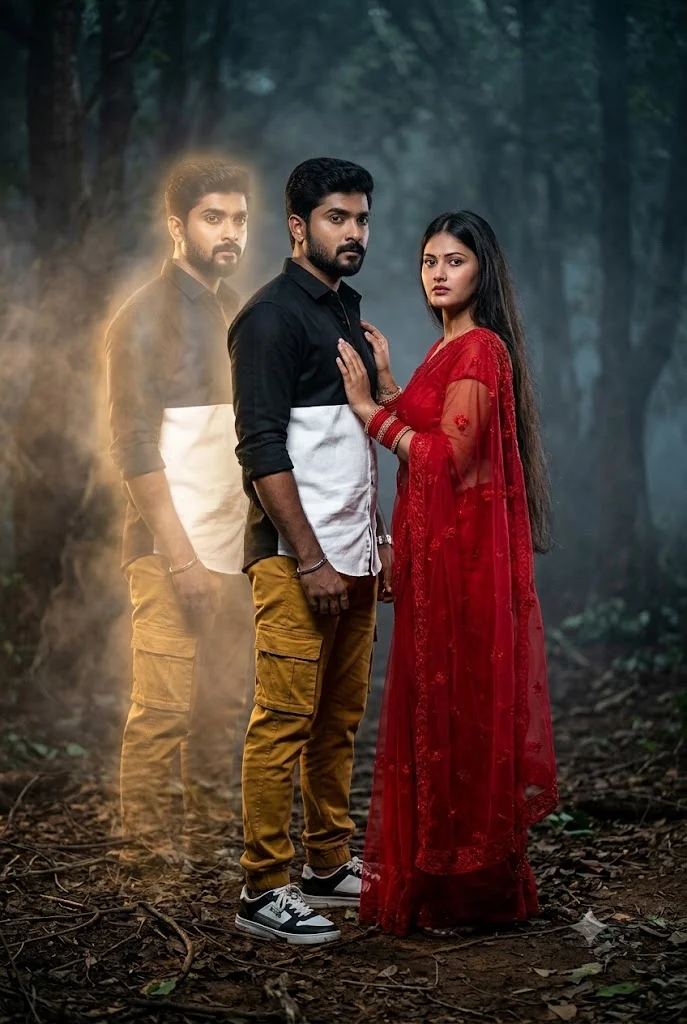
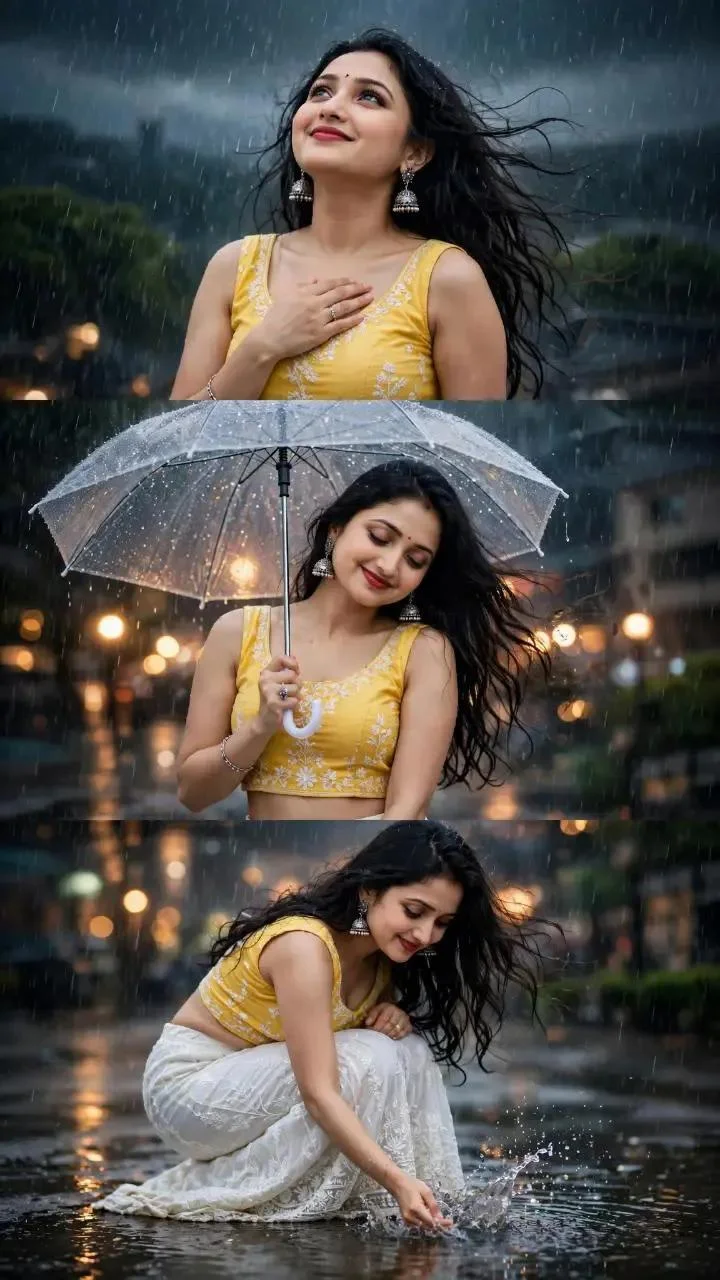
PromptPlum (promptplum.com) has rapidly gained search traction across digital creator communities as a dedicated hub for ready-to-use AI photo editing and generation prompts. In modern creator workflows, generating a captivating Instagram profile picture, a high-converting YouTube thumbnail, or a viral vertical video reel requires precise linguistic instruction. When users input vague phrases like "make my photo cinematic" into AI generators, the output frequently suffers from waxy skin textures, unnatural lighting, and distorted background elements.
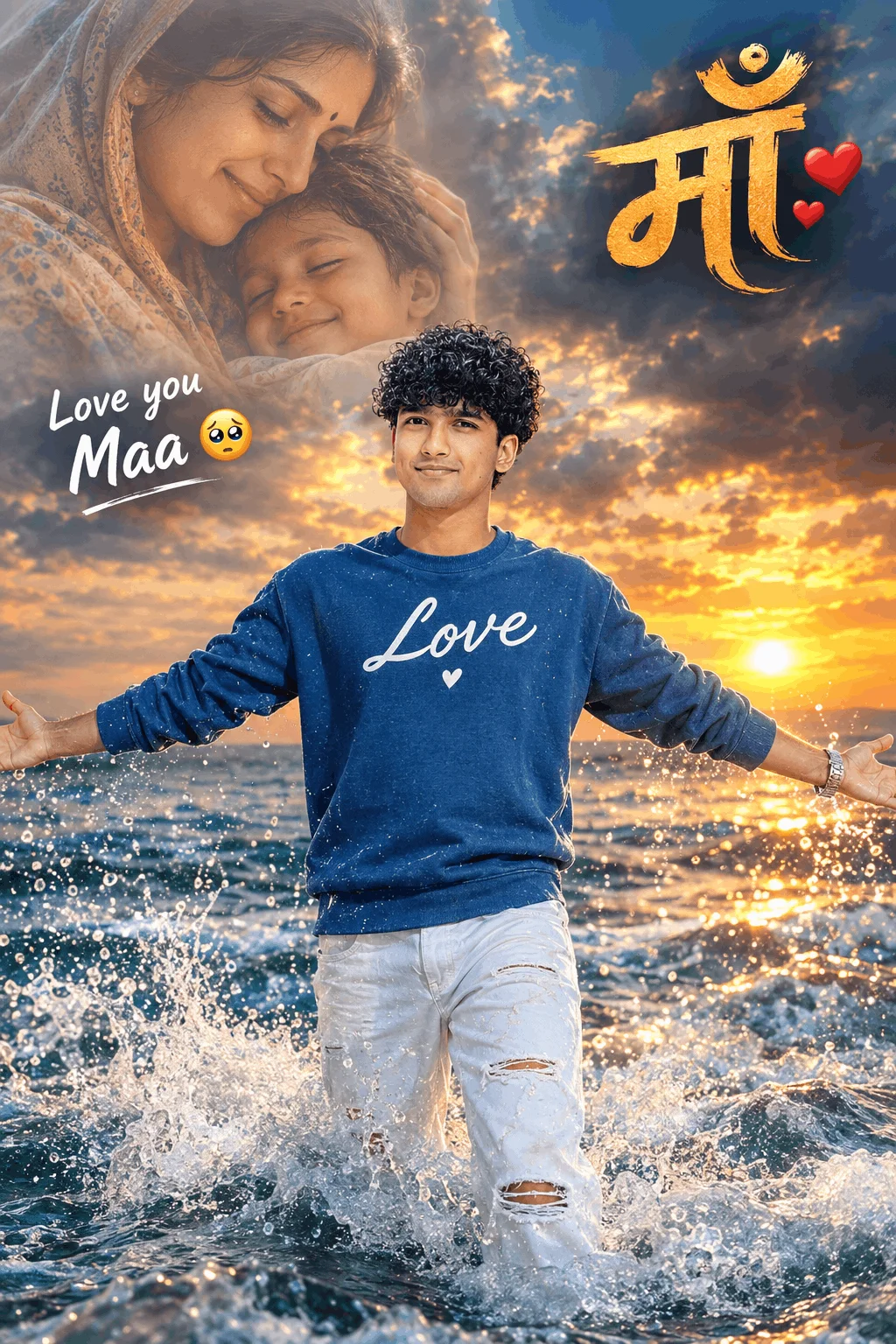
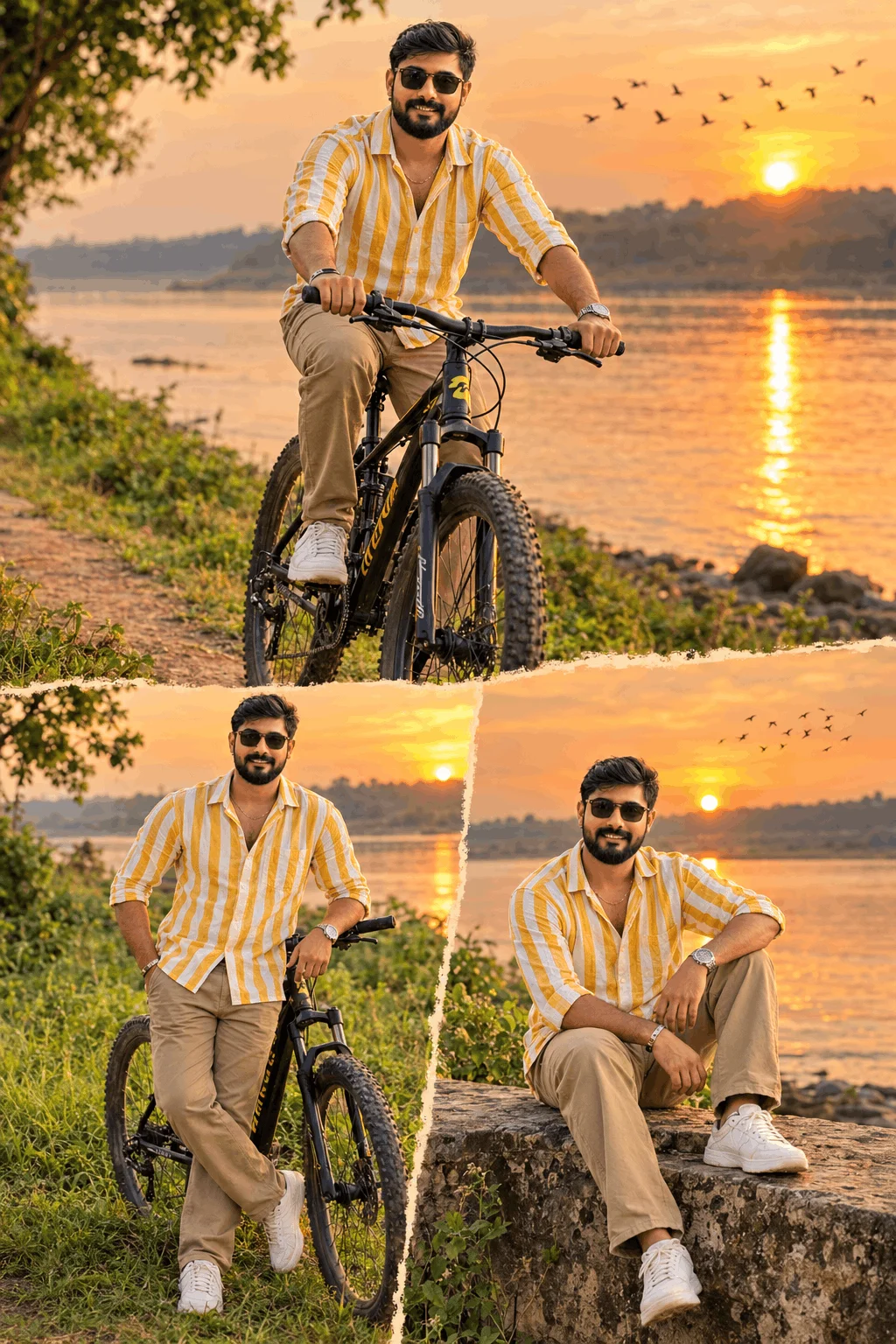
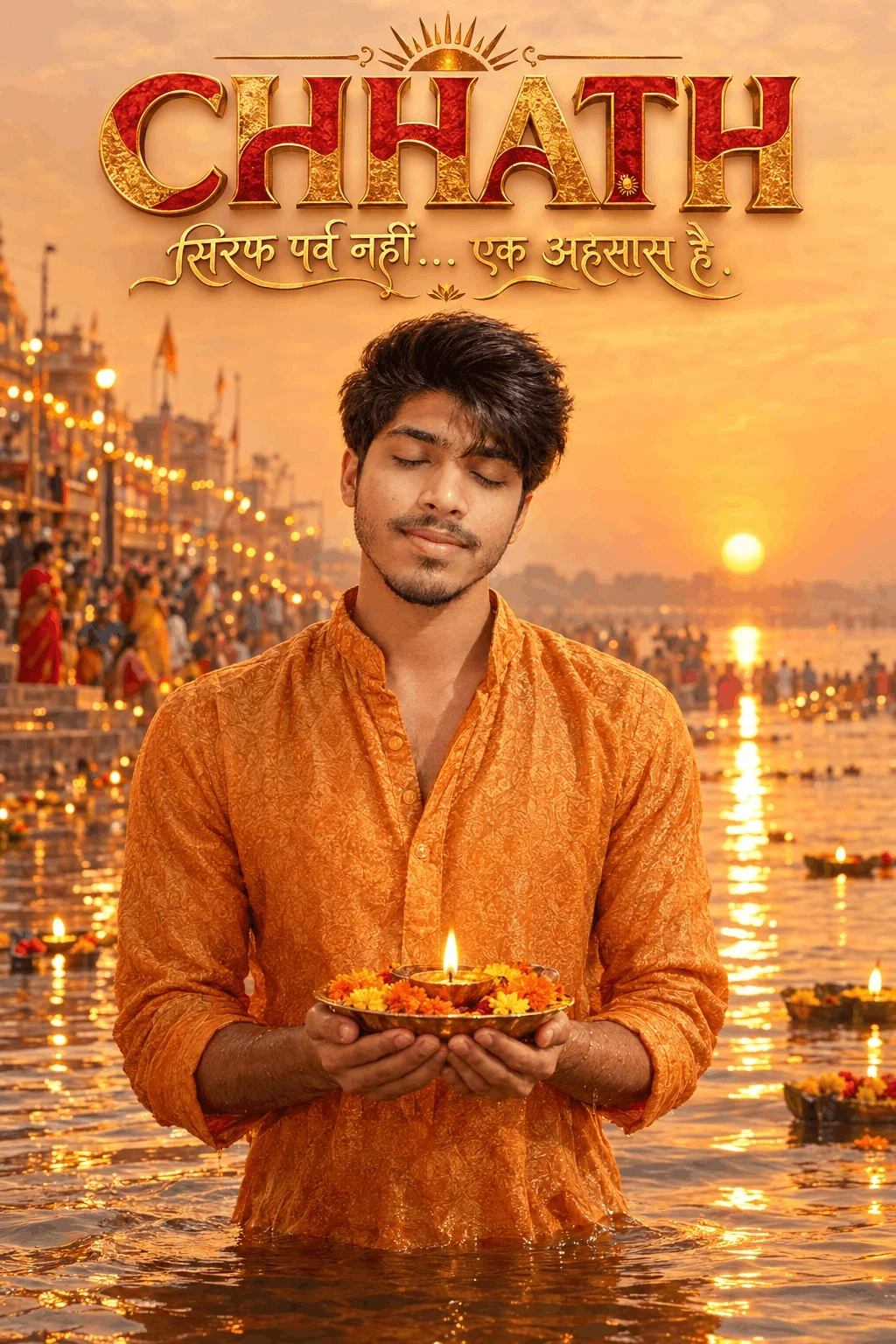
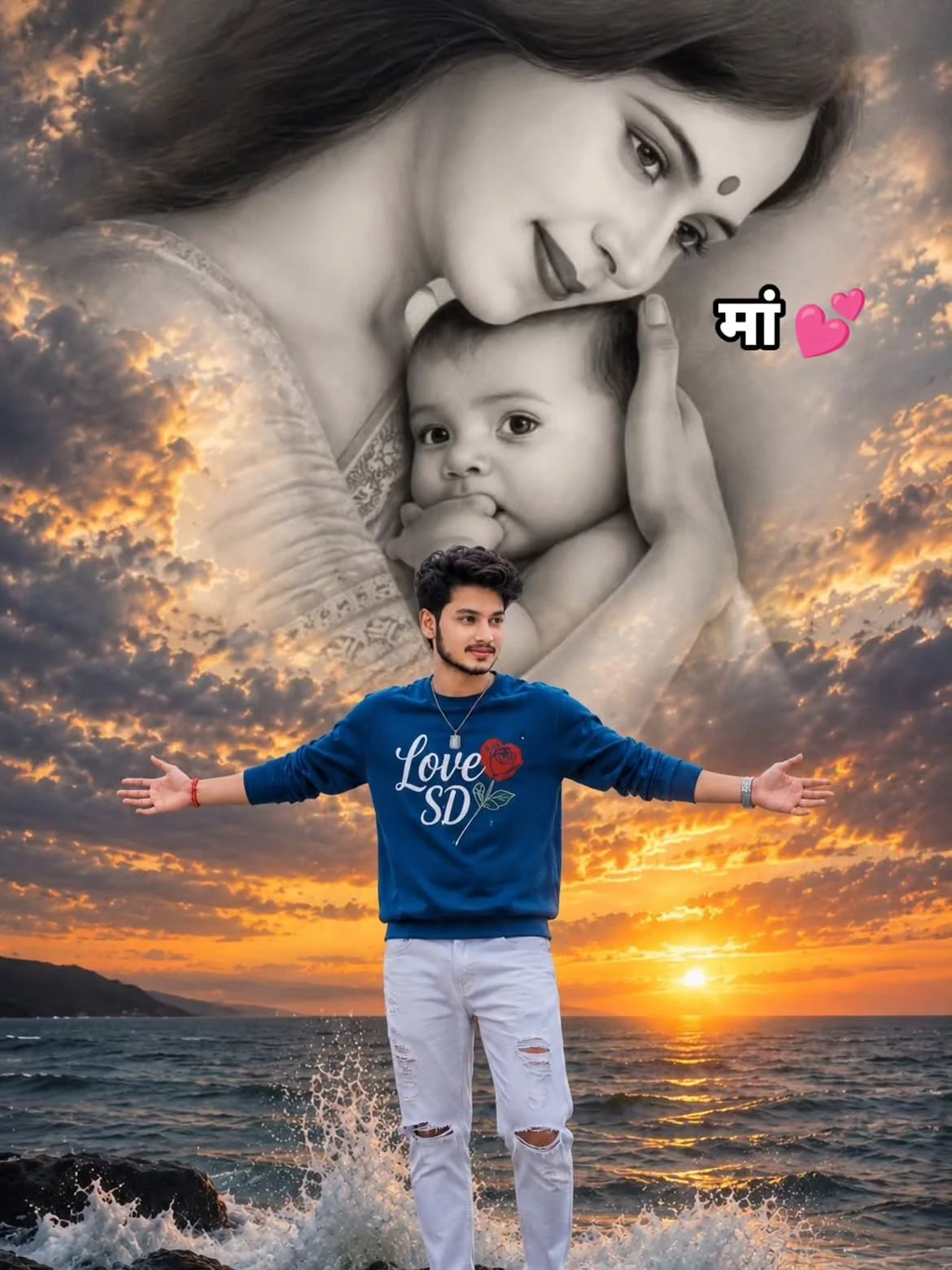
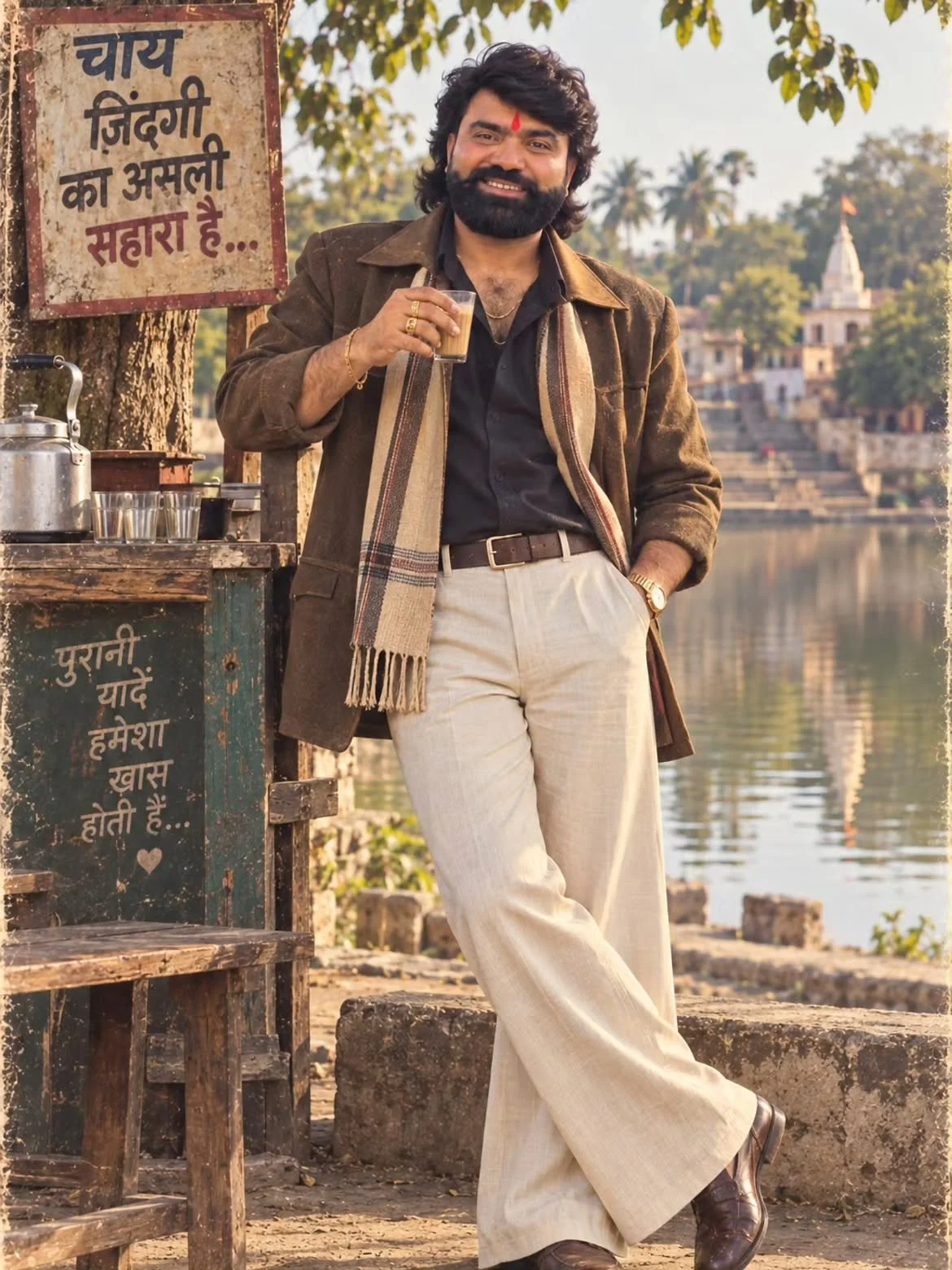
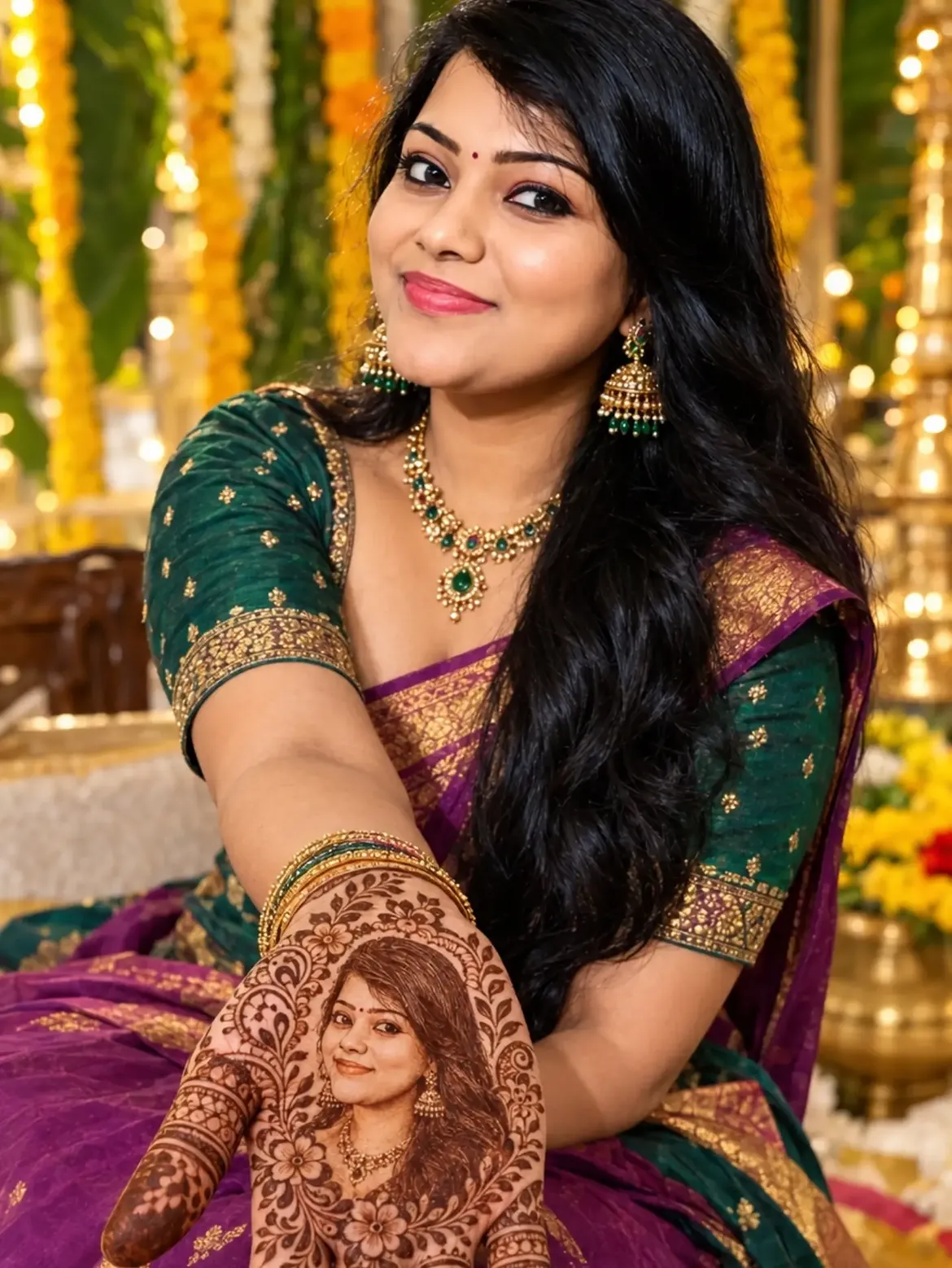
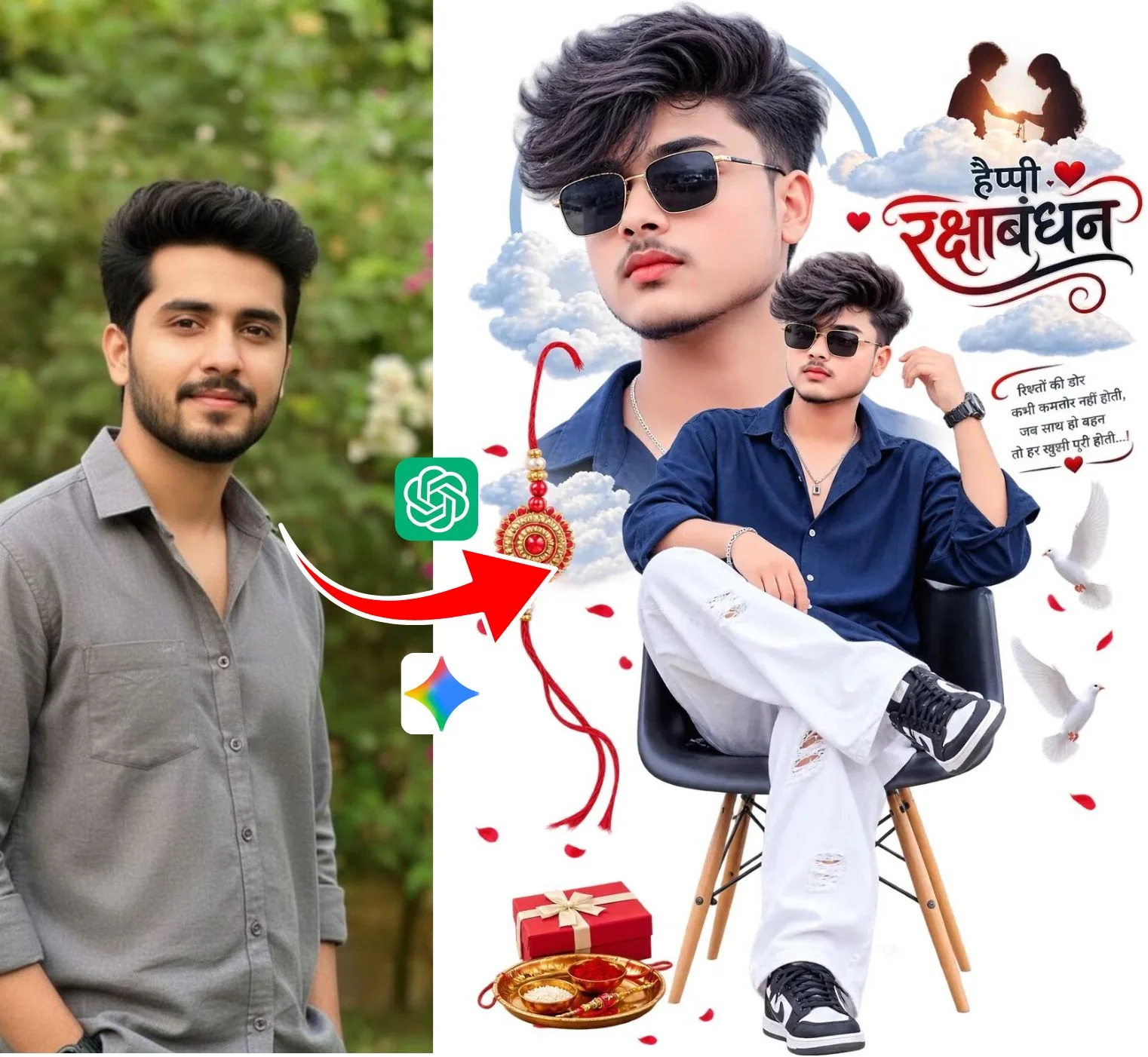
The PromptPlum methodology solves this challenge by engineering structured prompt syntax. Each formula defines optical focal length, volumetric light temperature, clothing fabric dynamics, and physical depth of field. This allows creators to upload an image reference into Google Gemini or ChatGPT, paste the curated prompt, and produce photorealistic transformations that preserve natural human identity while infusing magazine-grade aesthetics.
The 4-Pillar Prompt Formula Behind PromptPlum Retouching
Every successful photo editing prompt in this library follows a balanced four-part structural anatomy:
Locks the subject's exact facial structure, hair texture, and natural gaze. Ensures the AI treats uploaded images as a concrete reference rather than generating an unrecognizable stranger.
Replaces flat studio lighting with directional atmospheric cues such as “warm golden-hour rim lighting”, “dappled foliage shadows”, or “subtle neon rim reflections”.
Specifies concrete clothing materials: coarse linen kurtas, textured distressed leather jackets, or embroidered silks with visible seam stitching to eliminate artificial CGI smoothness.
Explicitly instructs the neural engine to maintain authentic skin pores, fine stray hair strands, and photographic grain while suppressing cartoonish over-sharpening.
Gemini vs ChatGPT: Choosing the Right Engine for PromptPlum Edits
Both tools handle image generation effectively, but their neural models interpret prompt prompts differently:
| Feature / Capability | Google Gemini (Imagen Core) | ChatGPT (DALL-E 3) |
|---|---|---|
| Photorealistic Skin Tones | Superb natural daylight skin rendering; avoids overly warm saturation. | Excellent dramatic lighting; occasionally tends toward slight airbrushed warmth. |
| Reference Face Preservation | Strong multi-modal binding when uploaded with clear frontal lighting. | Interprets concept and mood accurately; may alter subtle facial symmetry. |
| In-Scene Text & Names | Accurate with short bold words on clothing or street signs. | Leading precision for exact spelled names placed in double quotes. |
| Background Depth of Field | Creamy optical 85mm bokeh with natural edge falloff. | Highly cinematic background elements with vibrant color separation. |
The Kinetic Video Pipeline: From Still Prompt to Viral Reel
While PromptPlum originated around photo prompts, the biggest viral growth driver in 2026 is Image-to-Video Extrapolation. Creators use still images generated from PromptPlum formulas as anchor frames, then animate them into captivating 5 to 10-second social loops.
Top Trending PromptPlum Categories in 2026
Frequently Asked Questions (PromptPlum Guide)
Yes, 100%. All prompts curated in this hub are completely free. You can copy any prompt with a single click and use it directly inside Google Gemini, ChatGPT, or other AI engines without fees or subscriptions.
Upload a well-lit, frontal selfie first. In your text prompt, instruct the AI: “Maintain the exact facial structure, eye shape, and skin tone of the uploaded reference photo, preserving natural facial features while applying the ambient lighting and background elements”.
Yes. Visual assets and video reels generated through these prompts can be posted and monetized across YouTube Shorts, Instagram Reels, and TikTok, subject to each platform’s standard AI-generated content disclosure policies.
Blurry or synthetic results usually occur when prompts lack optical specifications. Including optical cues like “85mm lens, f/1.8 aperture, natural skin texture with visible pores, crisp sharp focus” forces the diffusion model to render realistic depth and micro-detail.
Editorial & Platform Disclosure: Emojora is an independent digital creative platform and prompt directory. This guide is curated for educational, stylistic, and creative reference. Emojora is not affiliated with, sponsored by, or endorsed by promptplum.com or third-party proprietary AI platforms. All product names, logos, and brands are property of their respective owners.