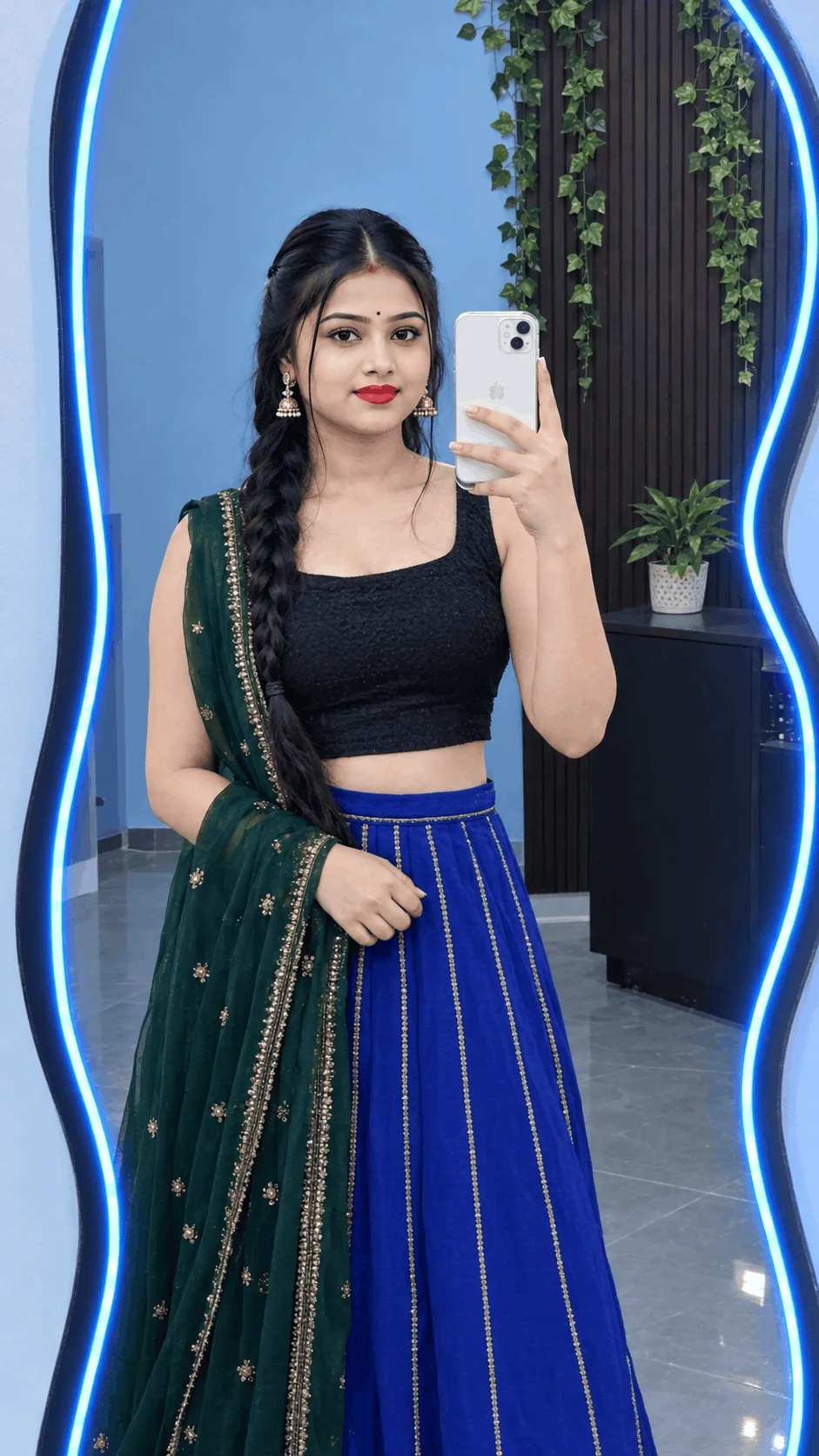
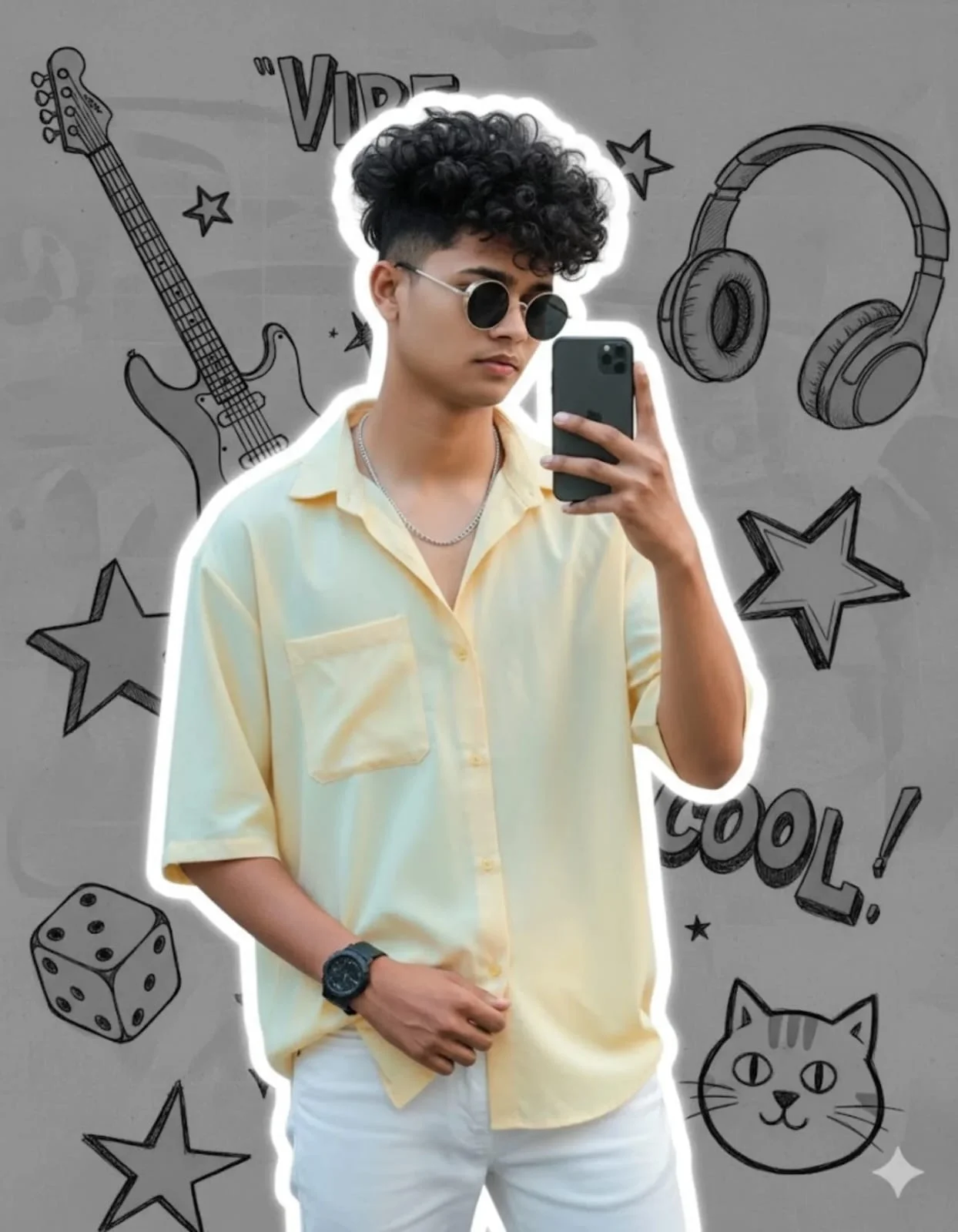
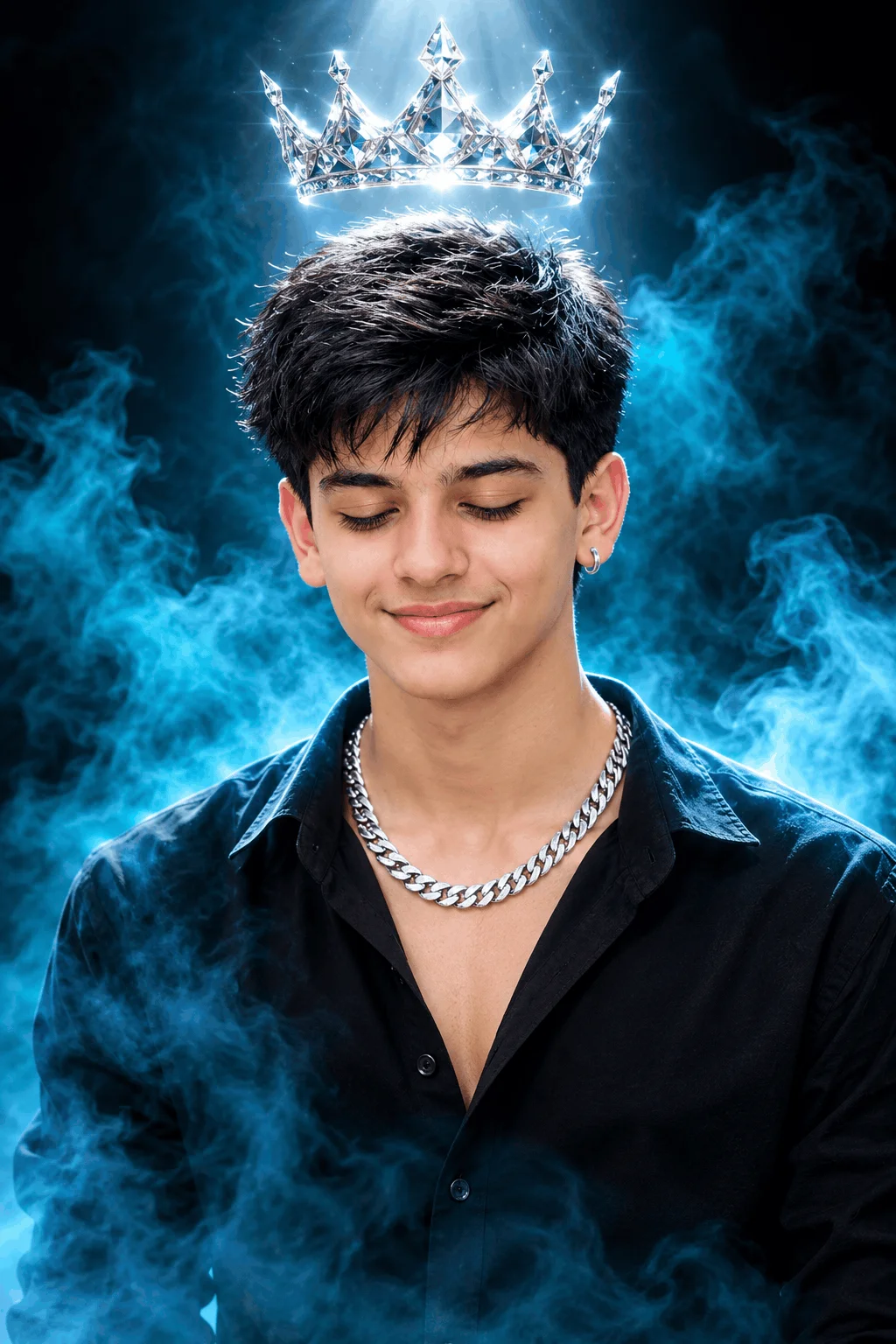
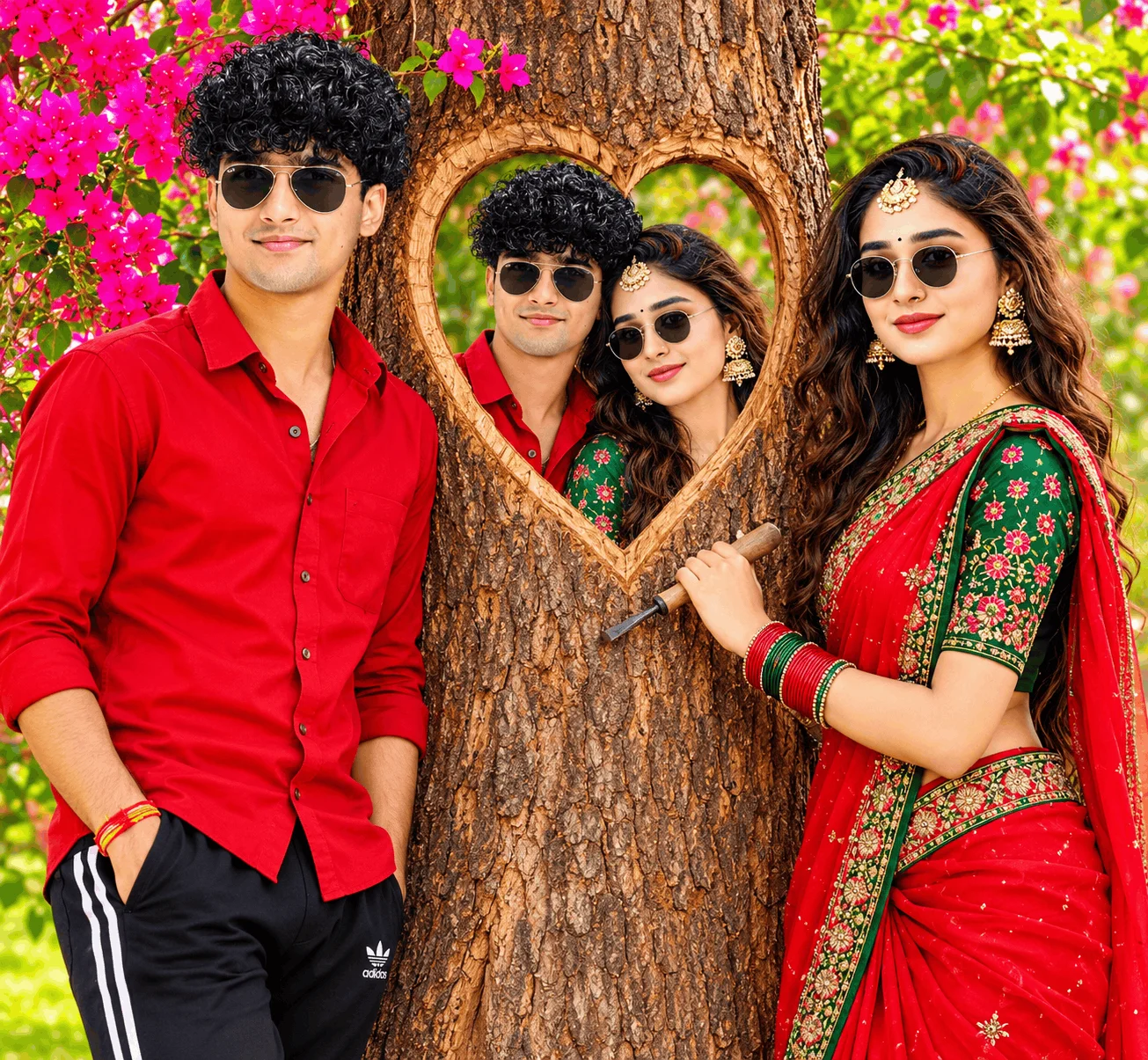
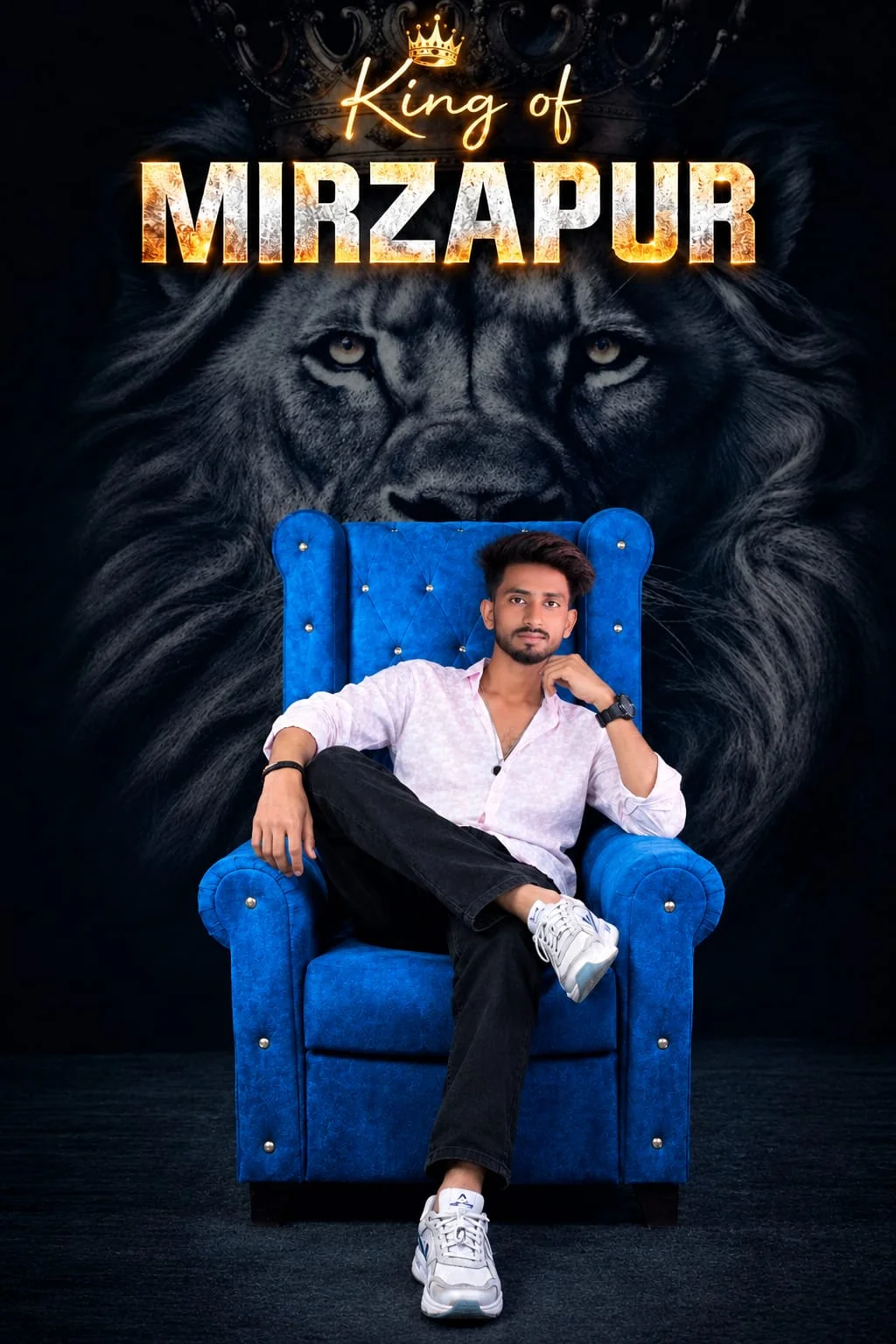
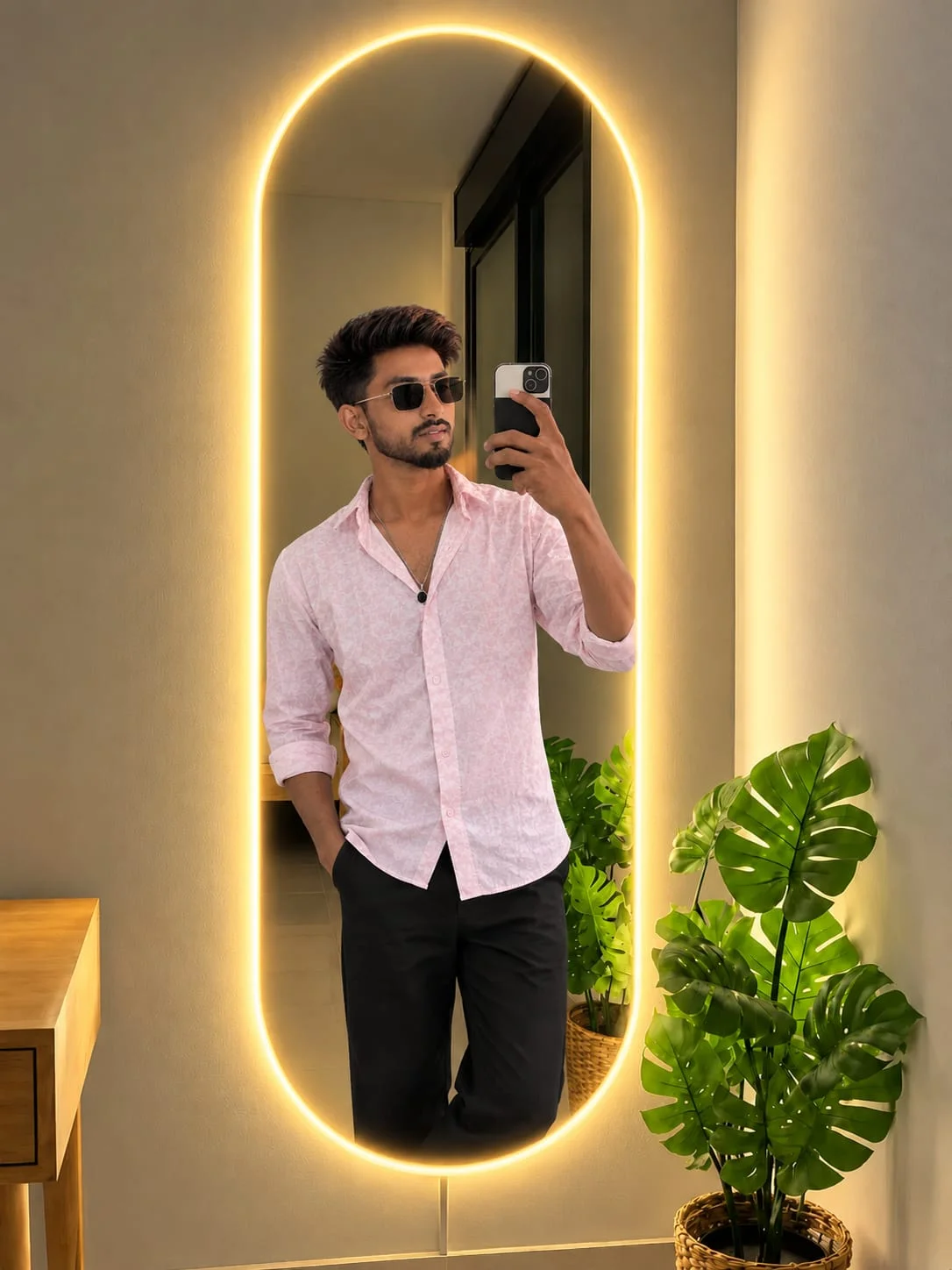
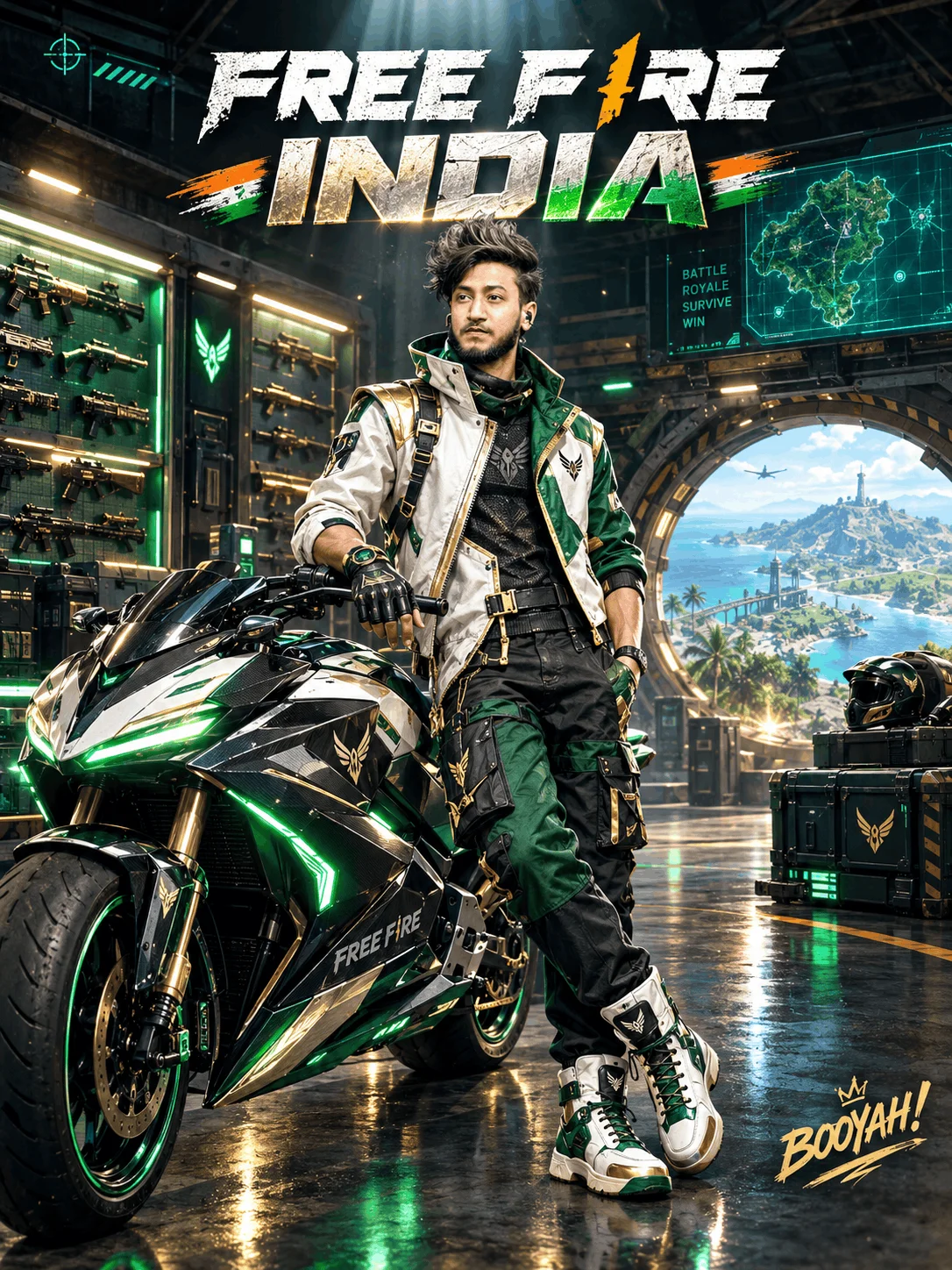
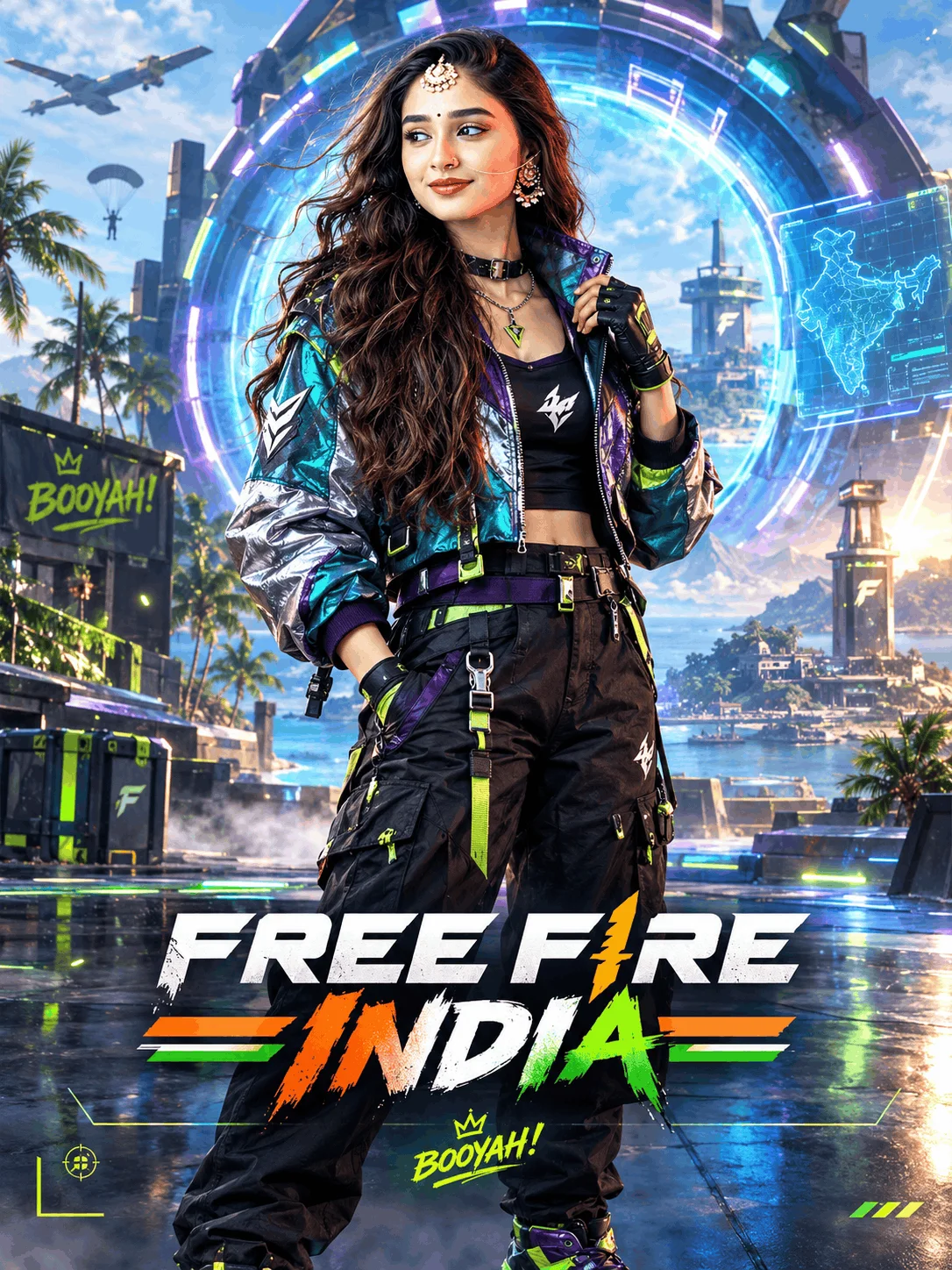
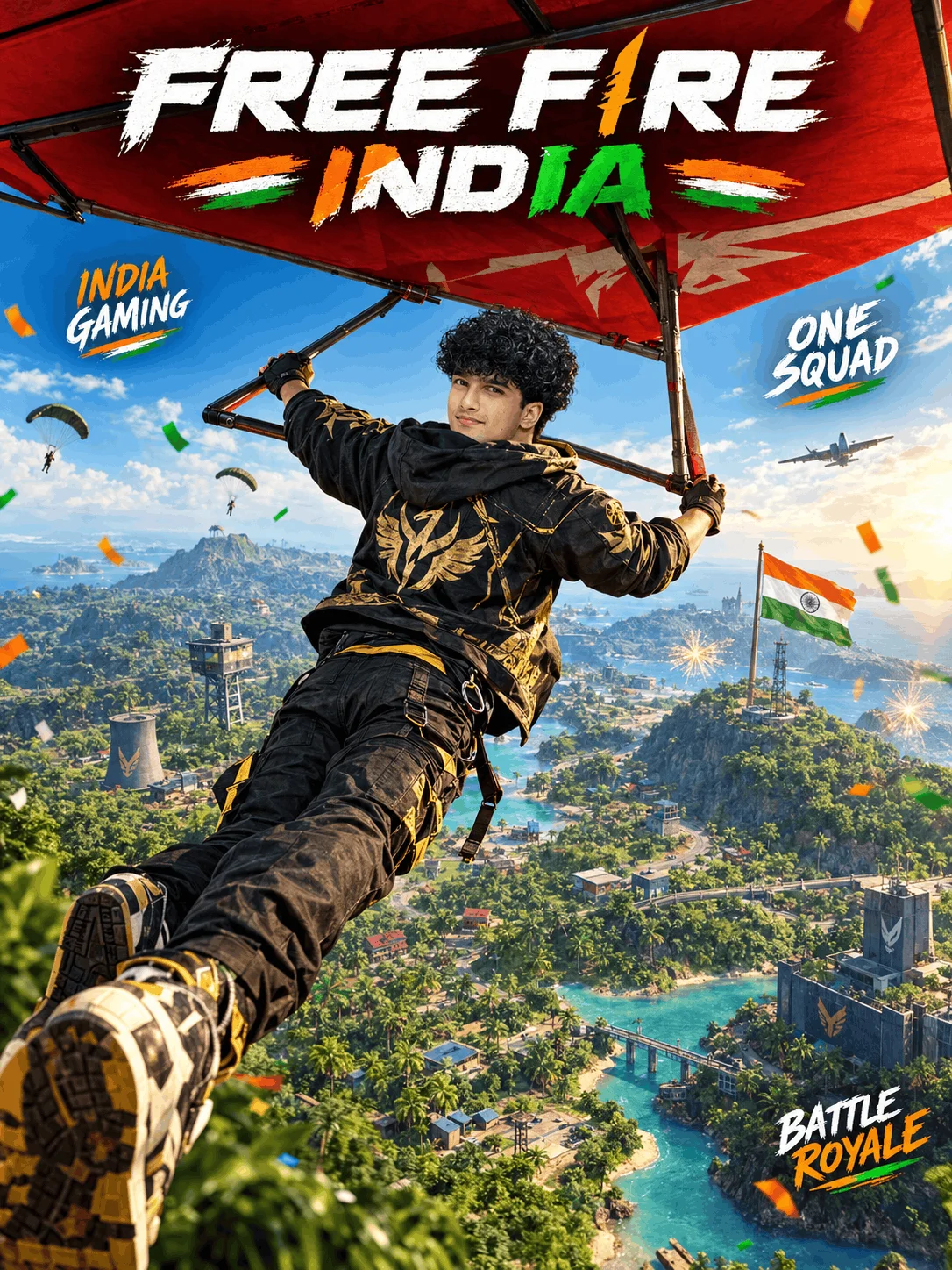
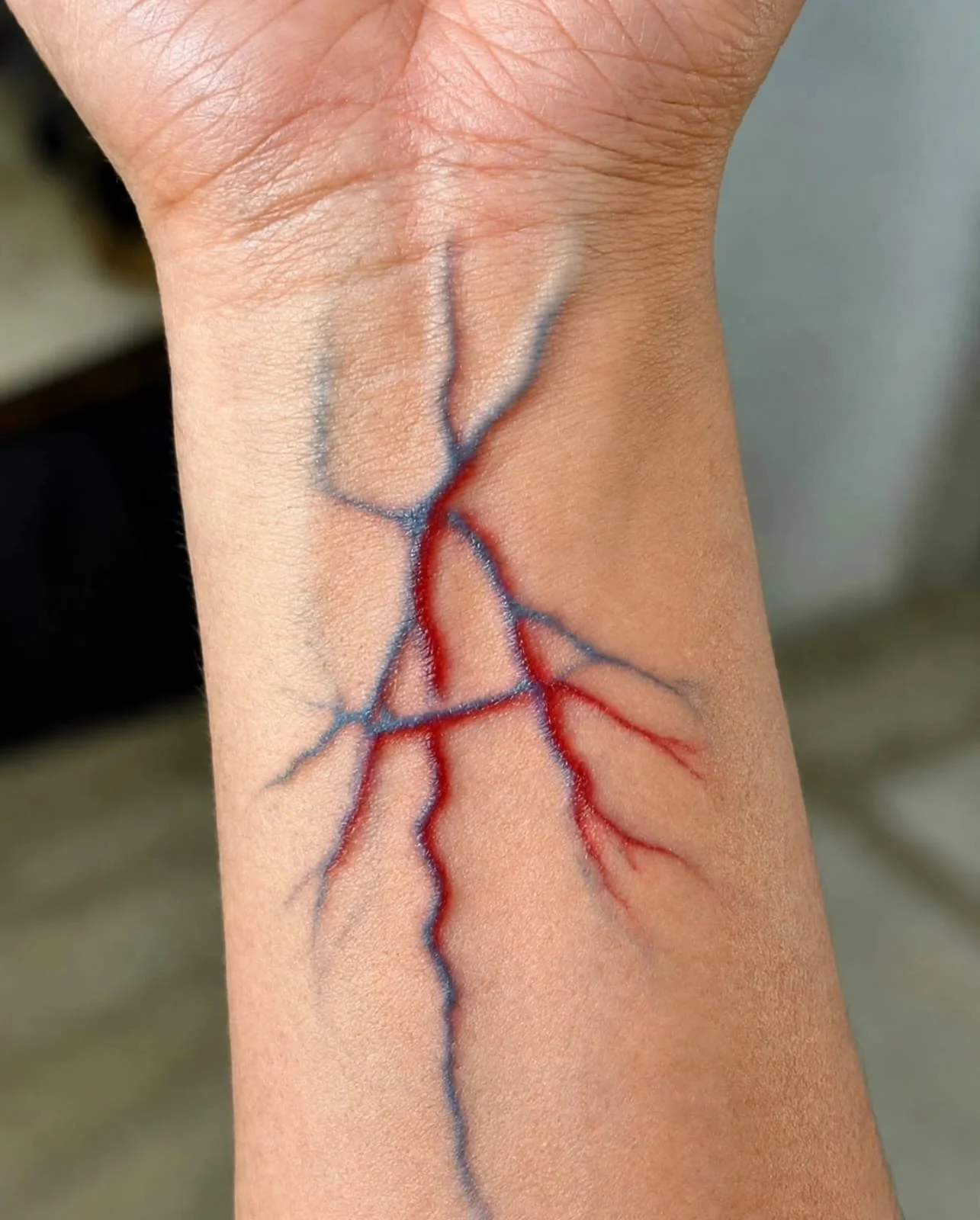
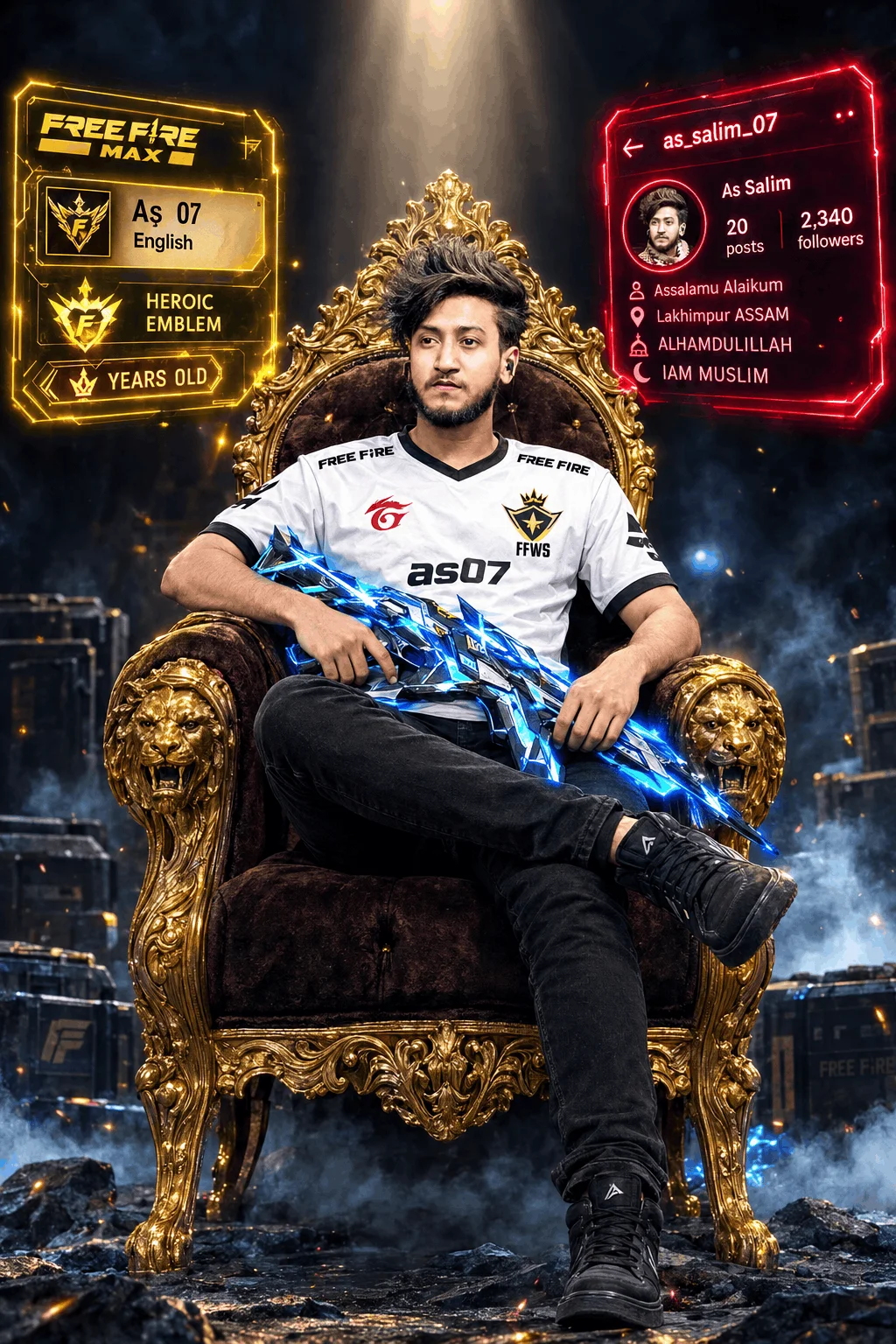
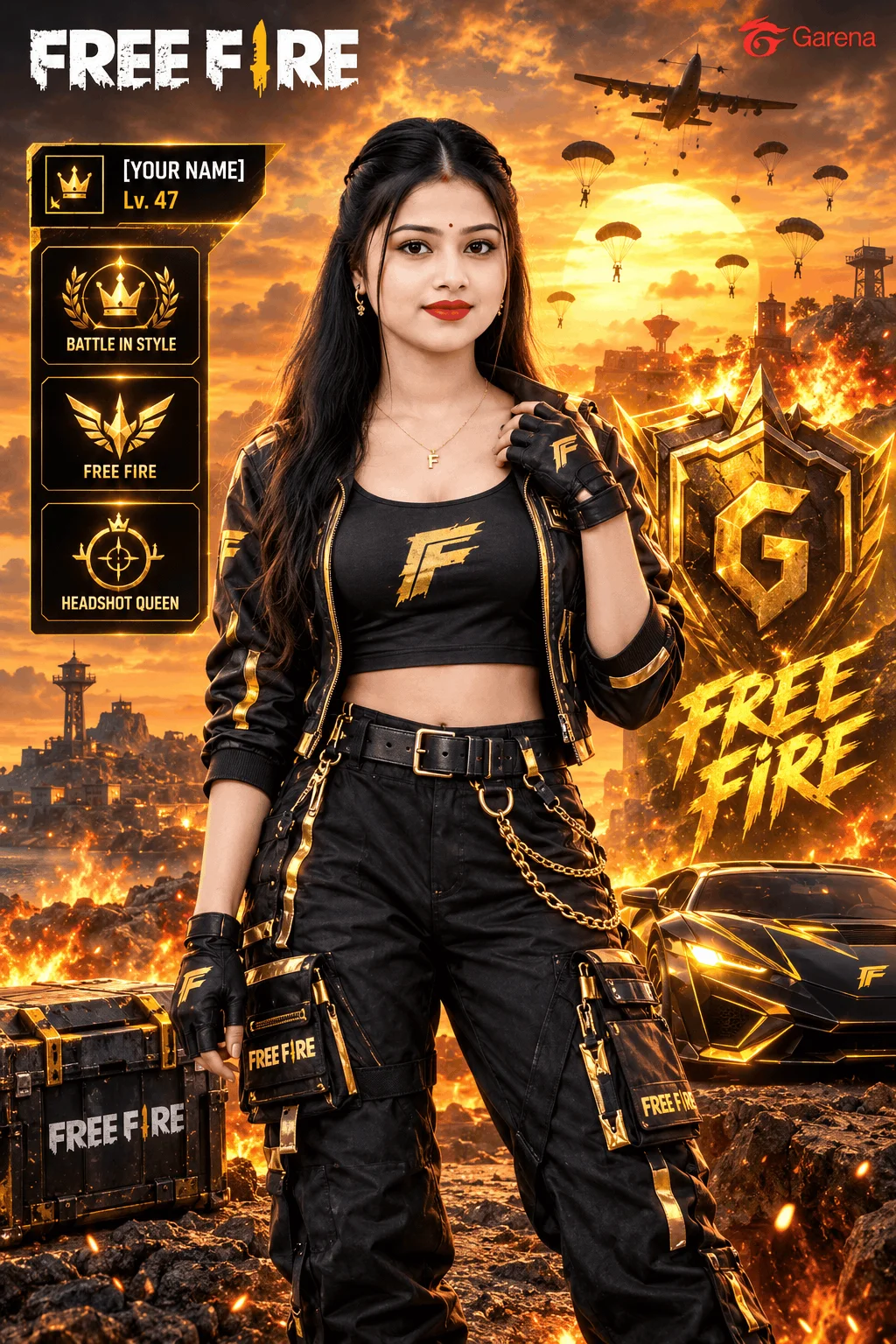
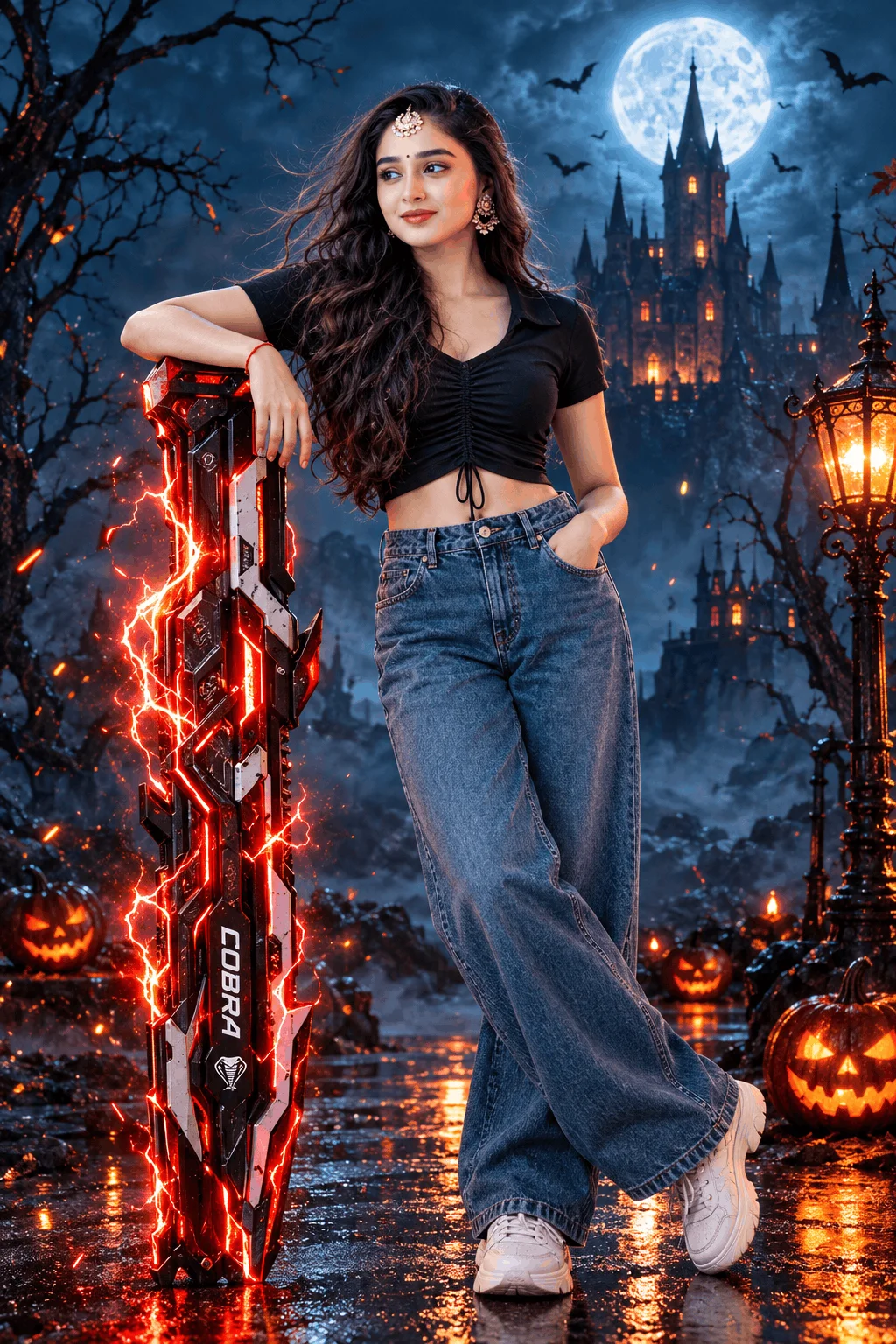
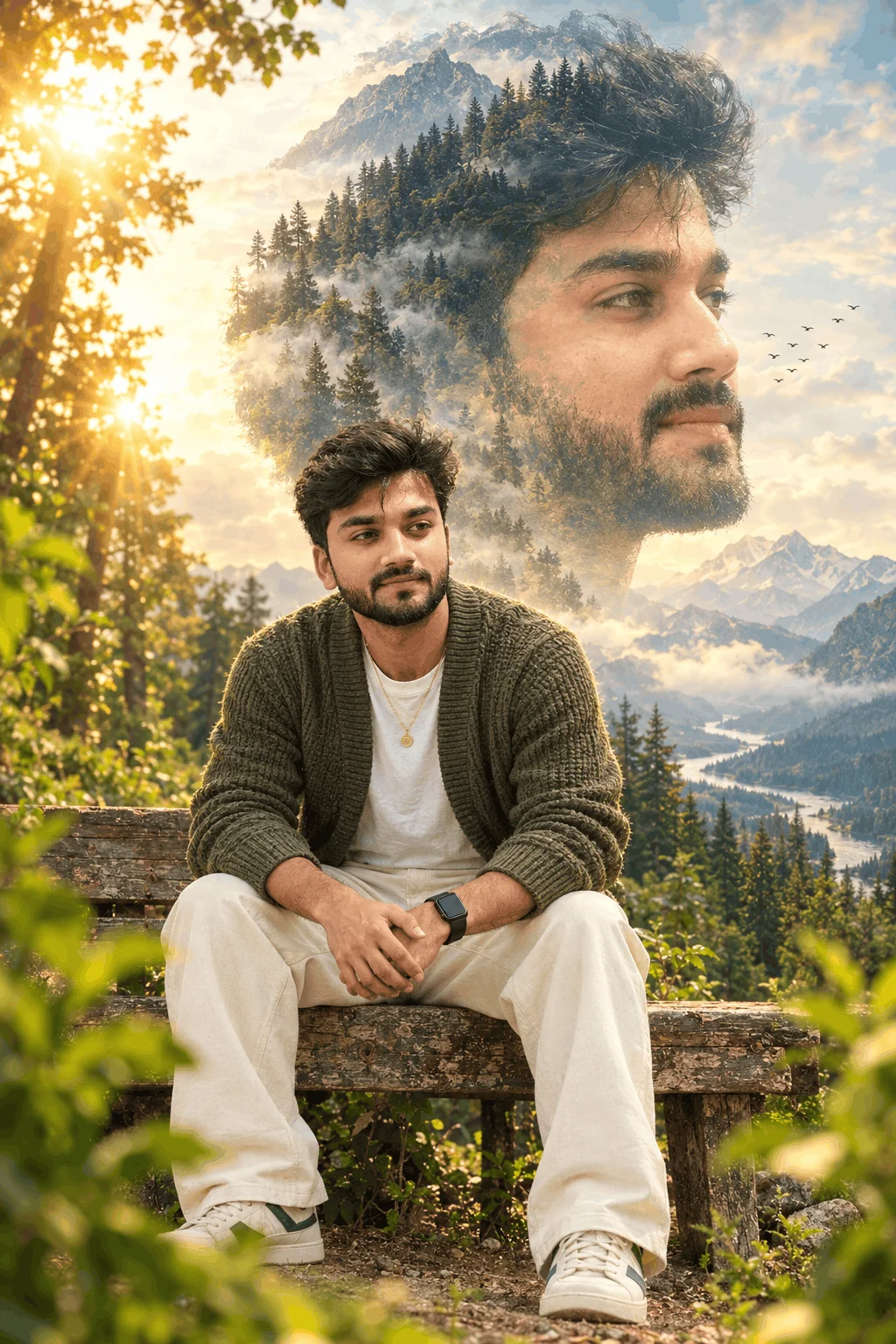
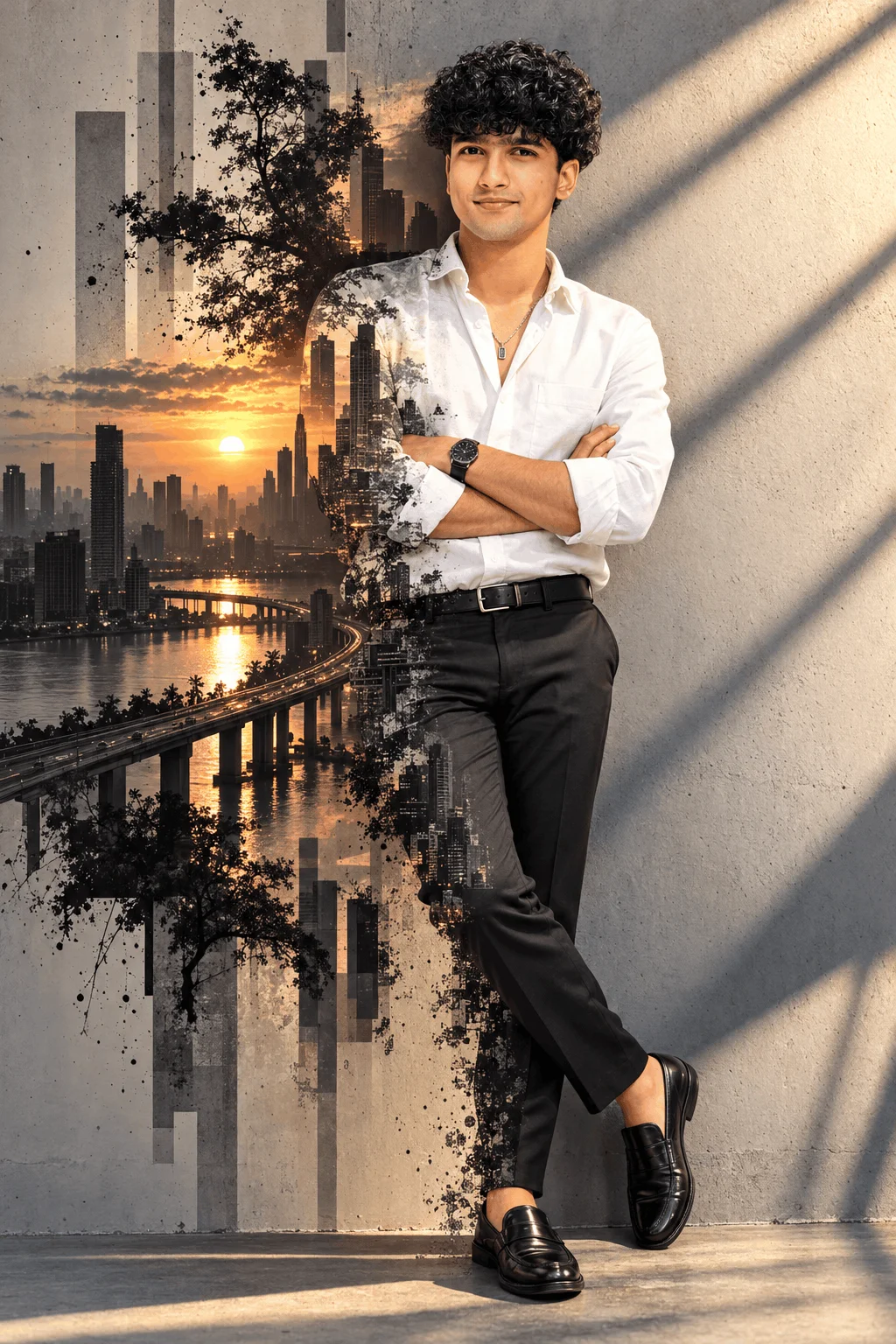
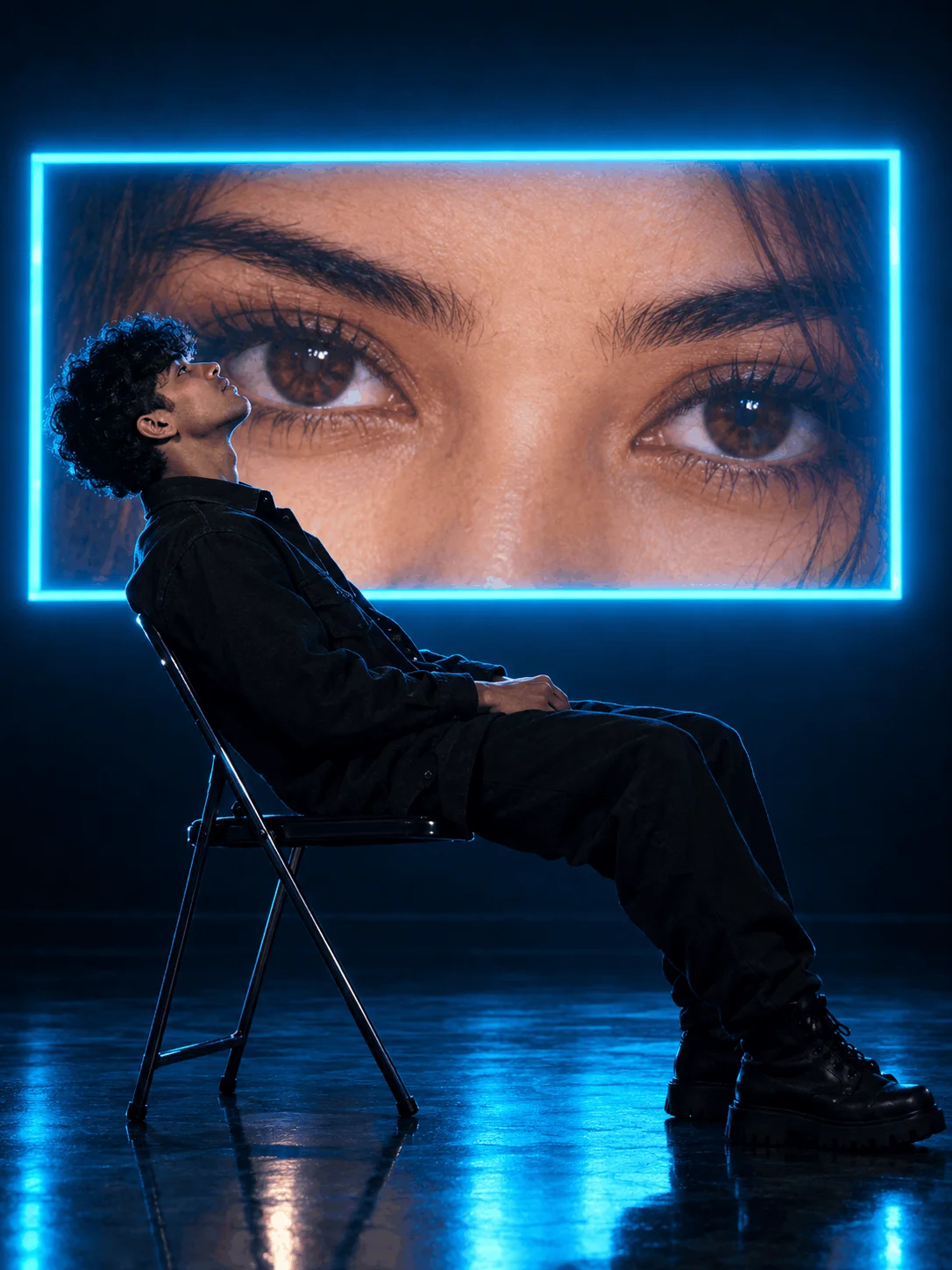
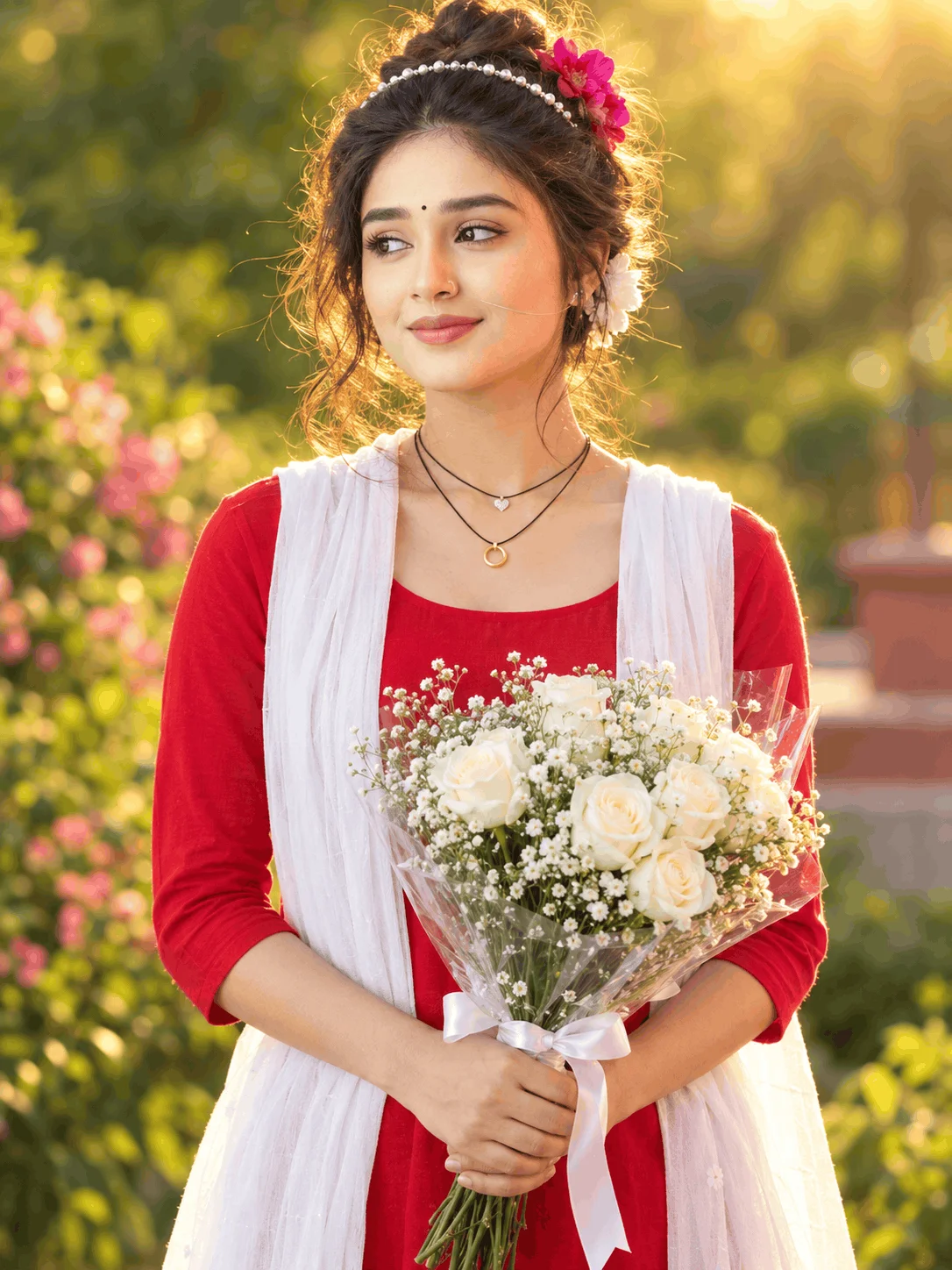
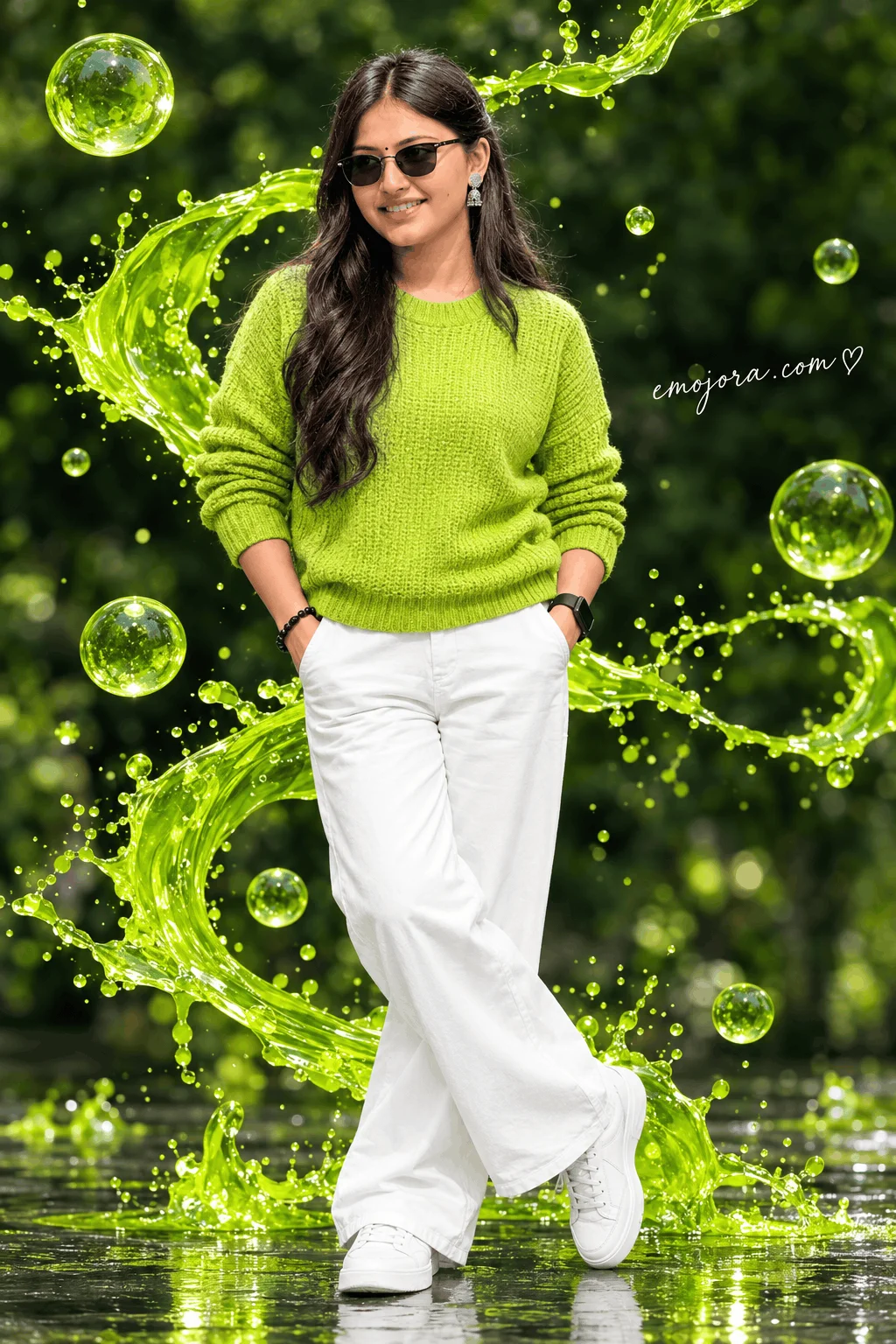
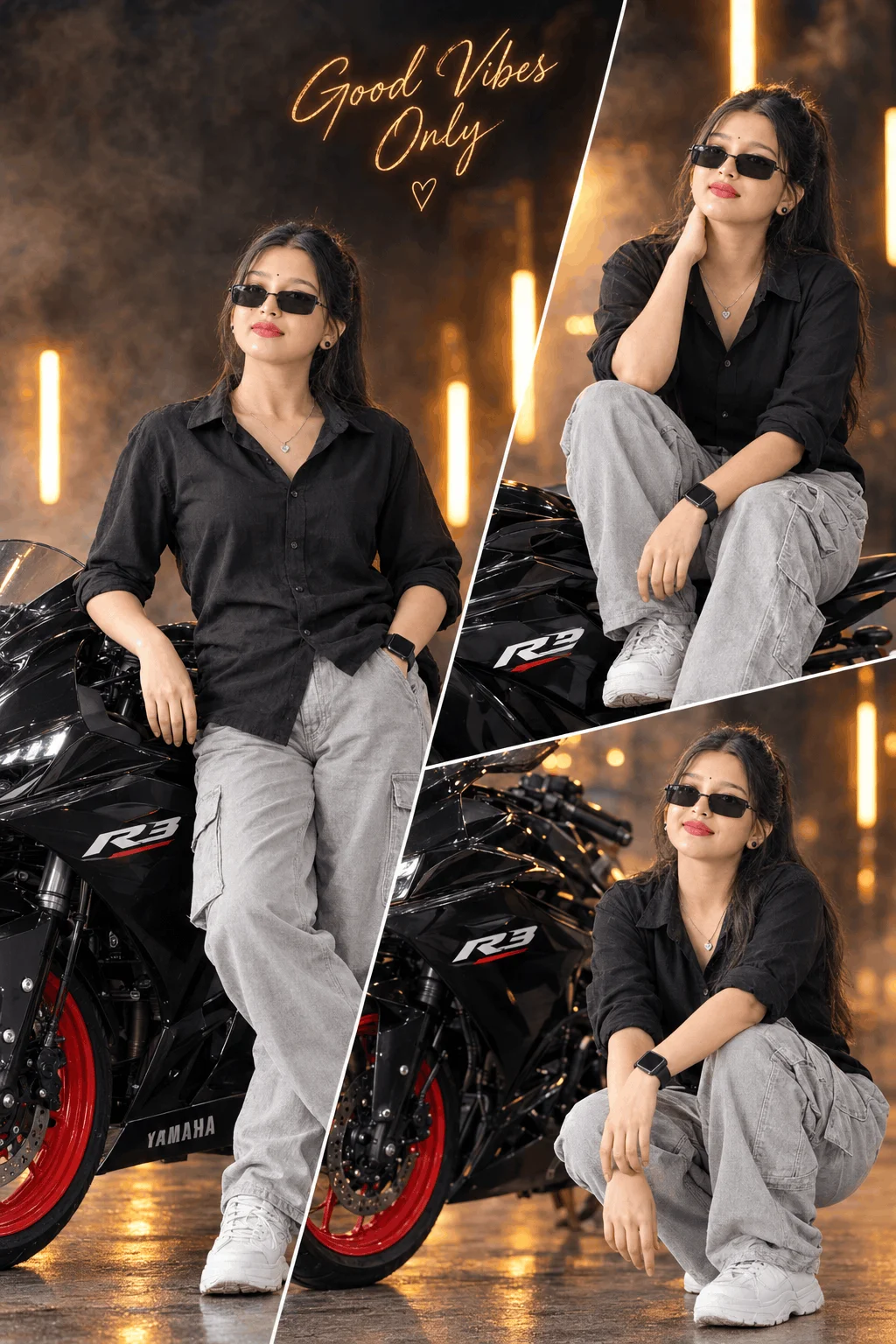
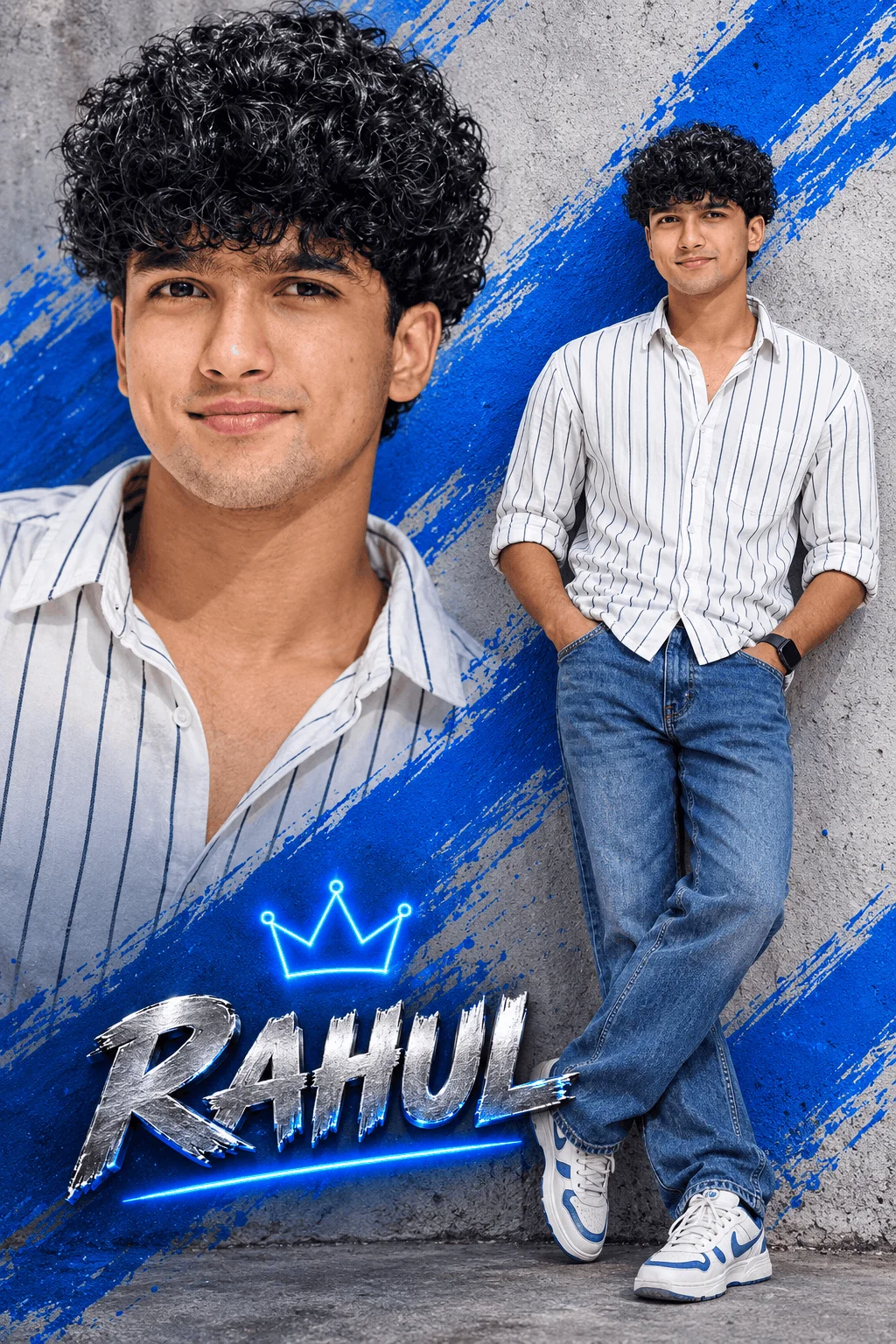
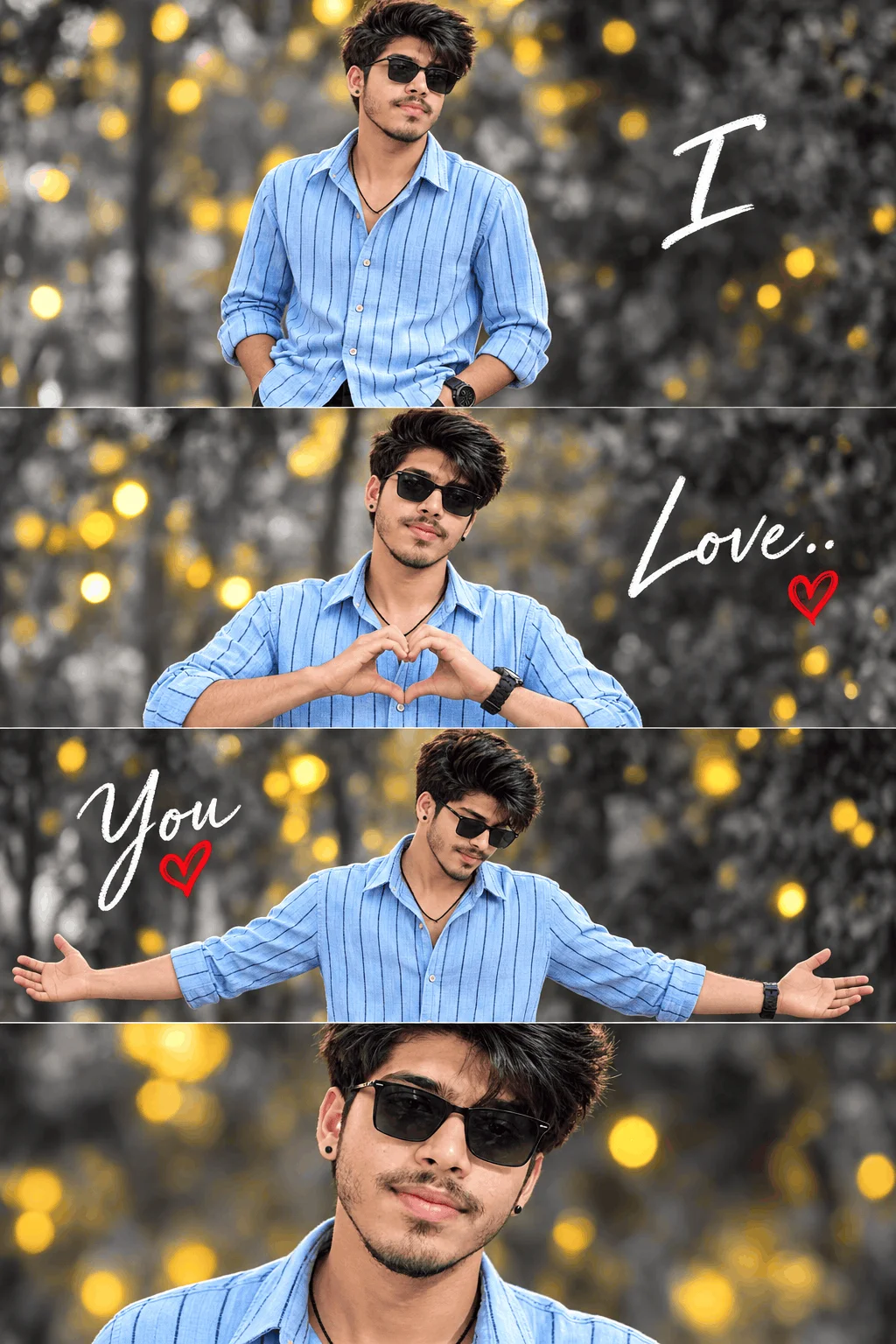
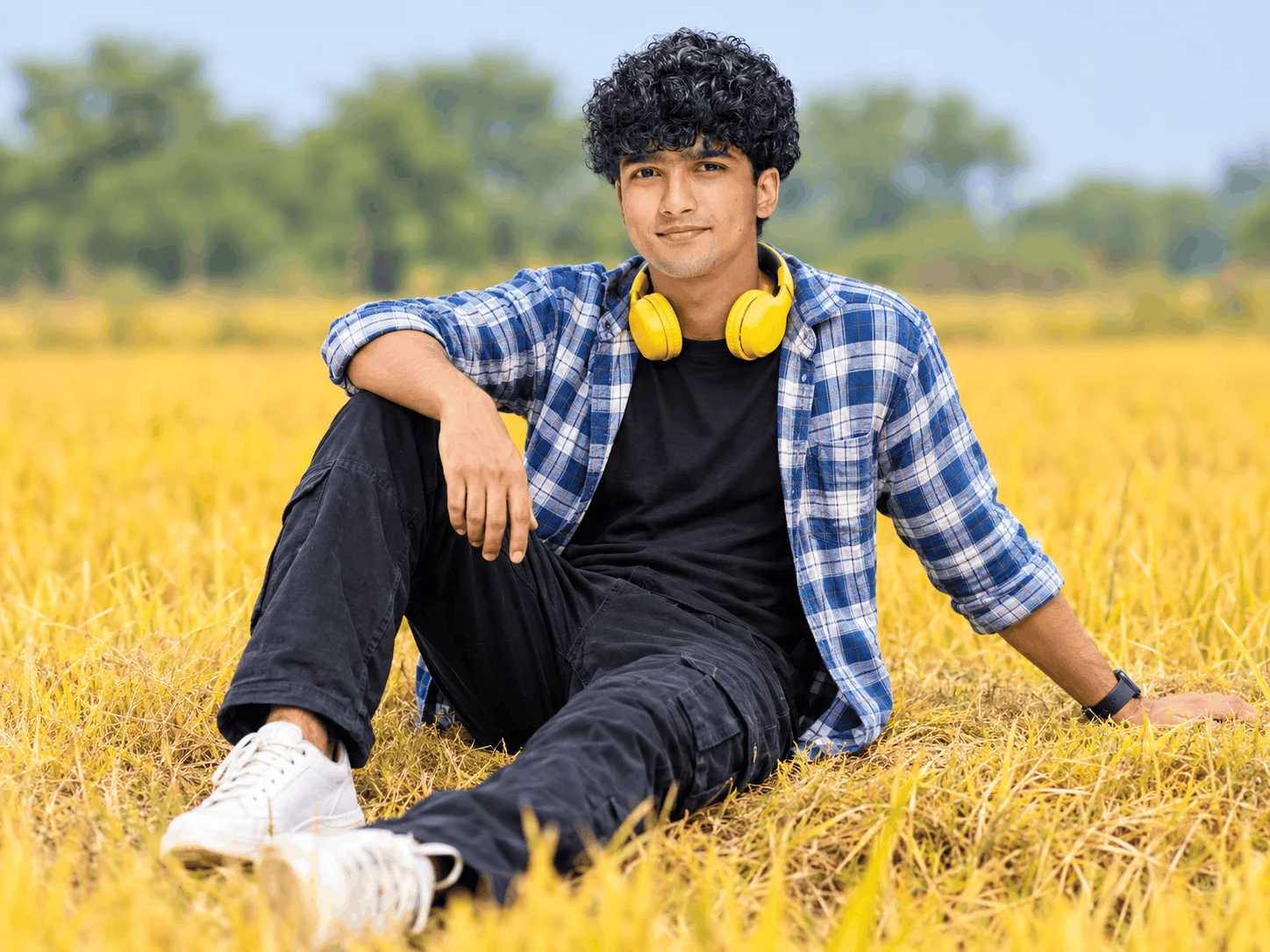
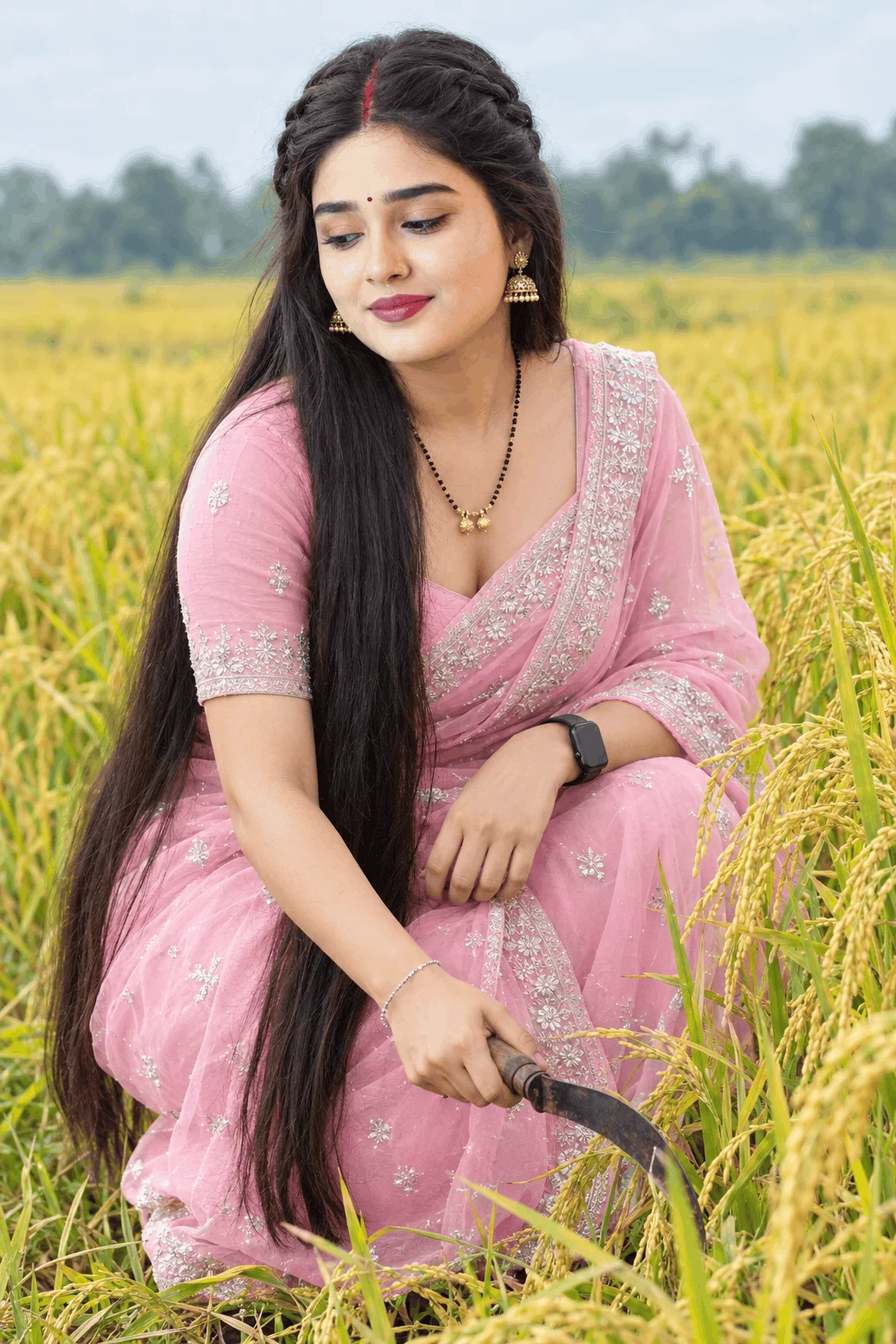
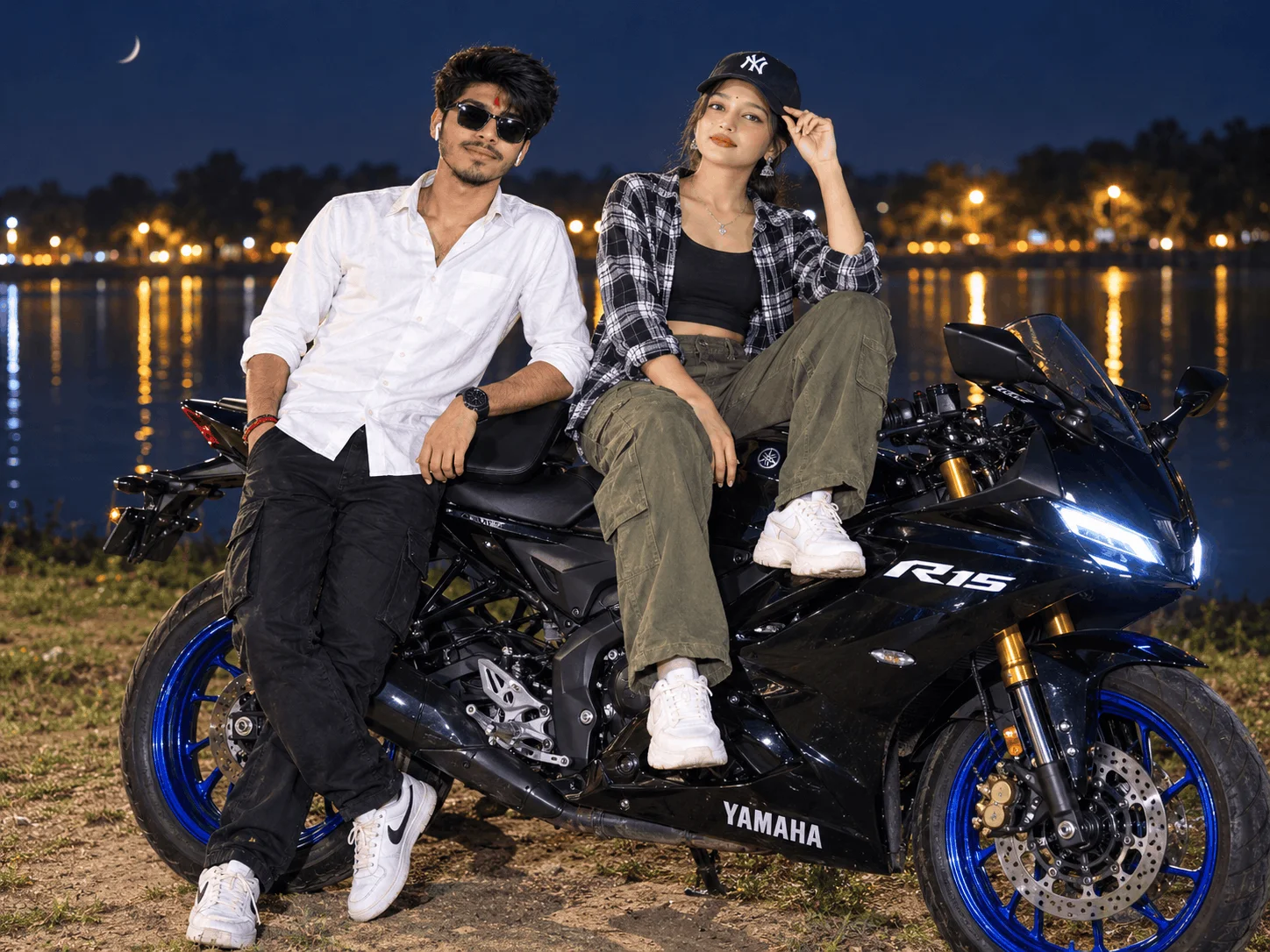
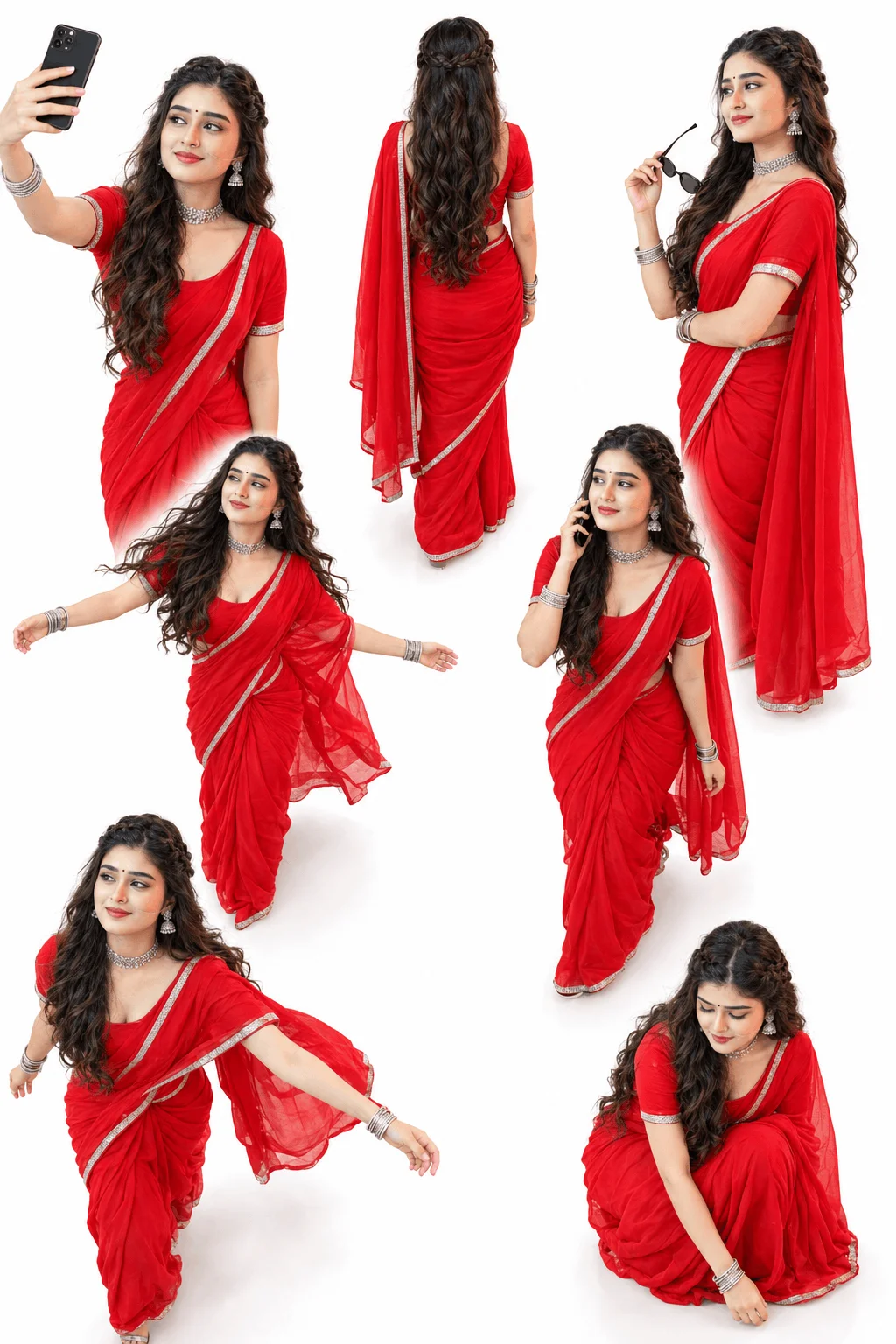
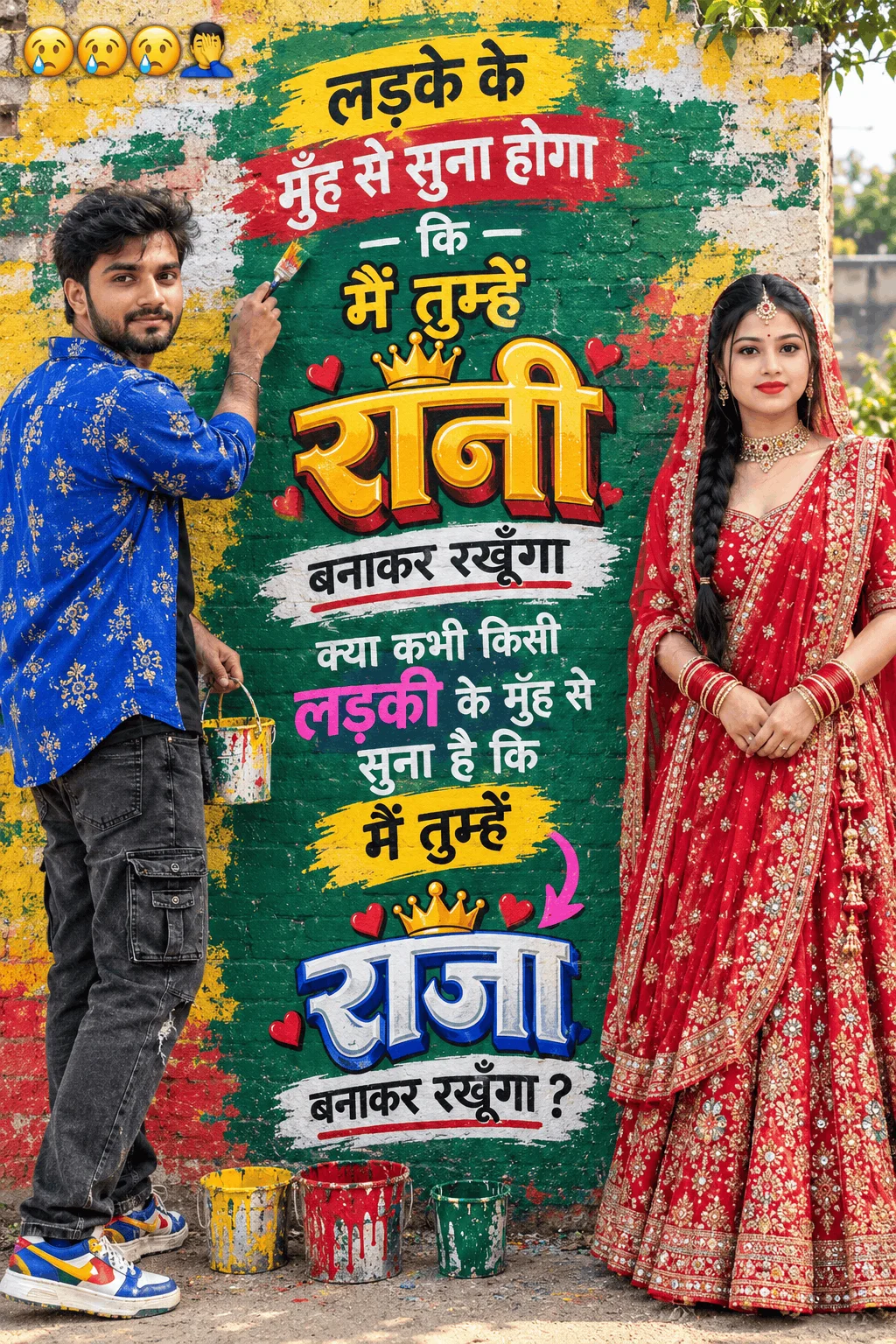
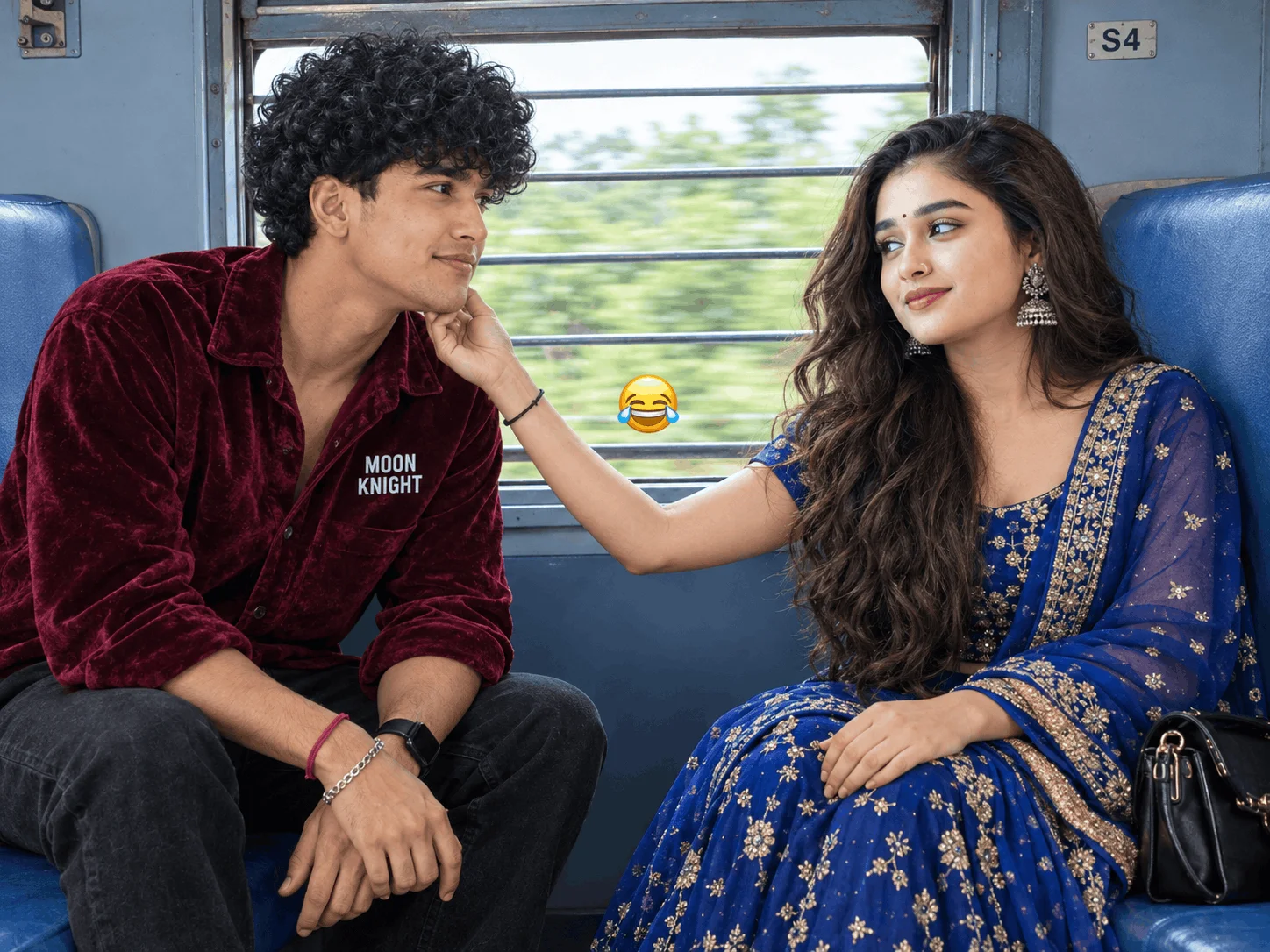
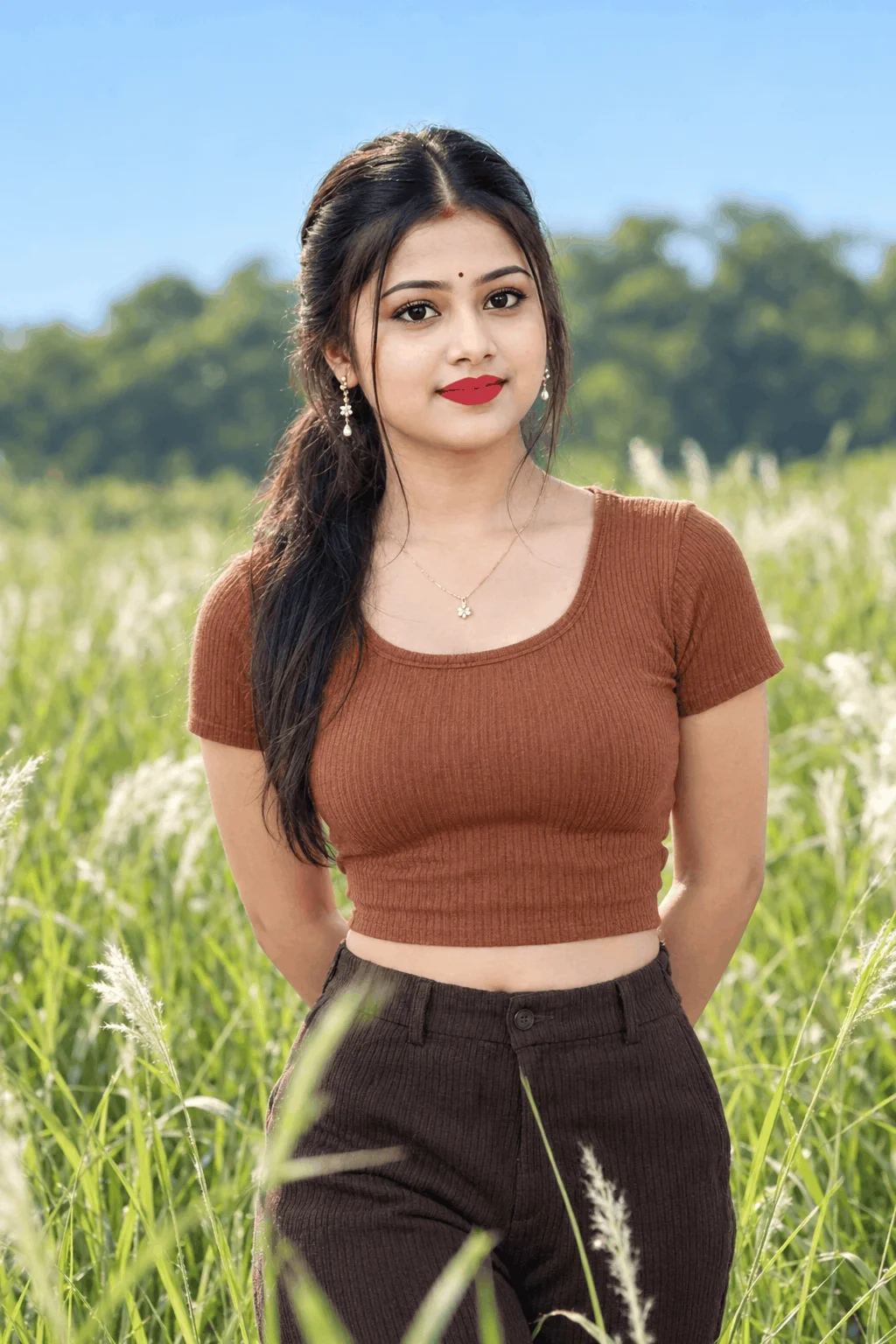
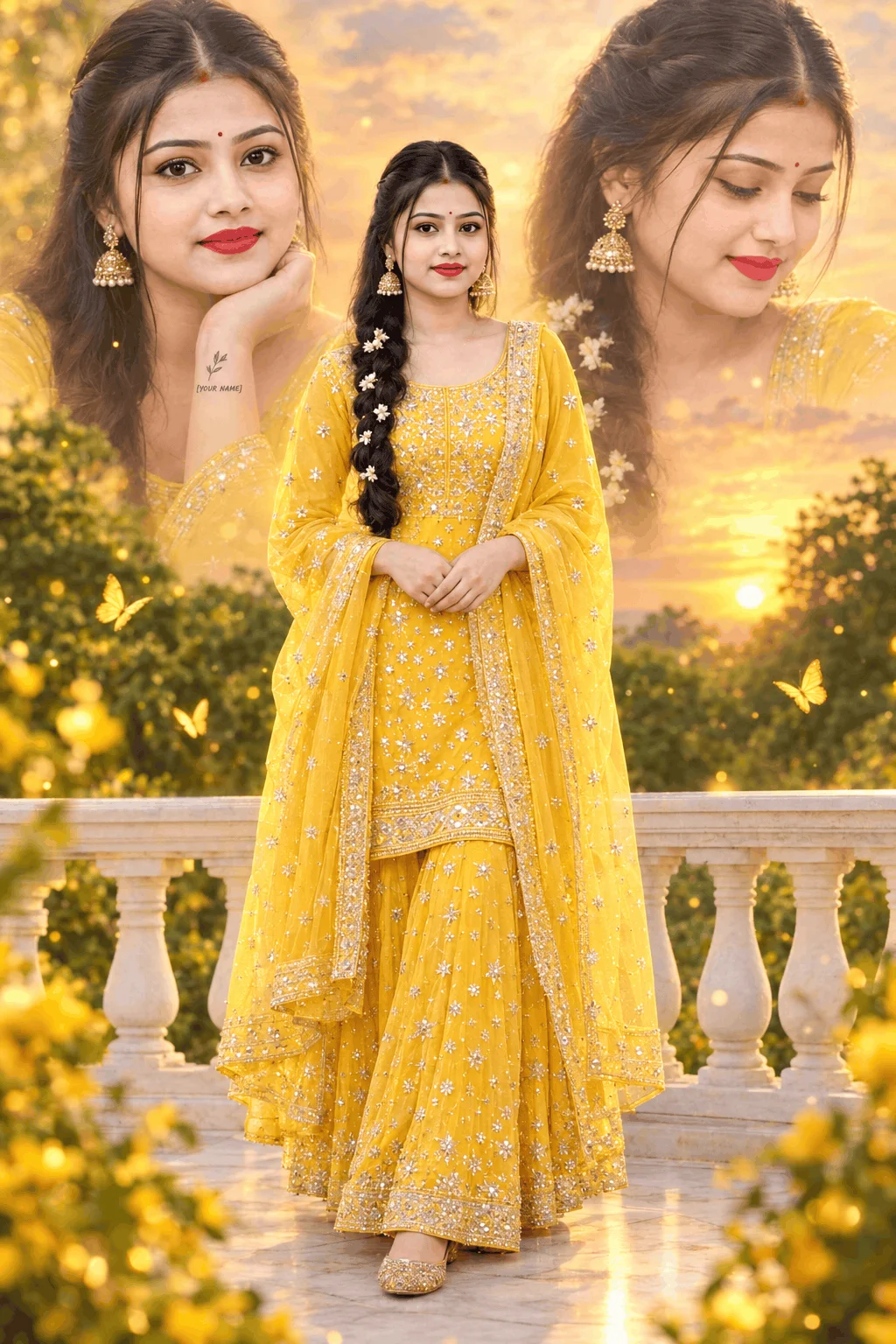
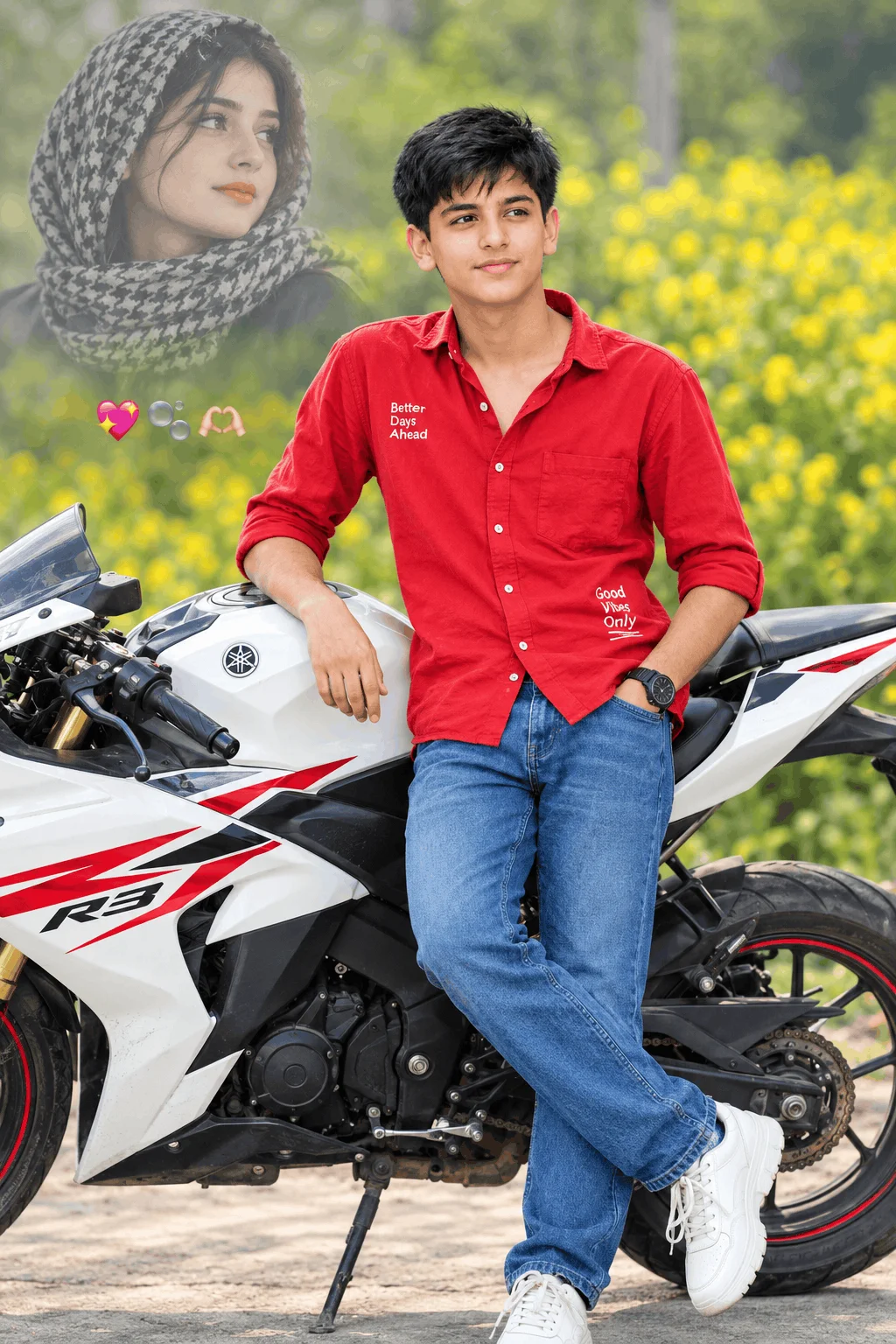
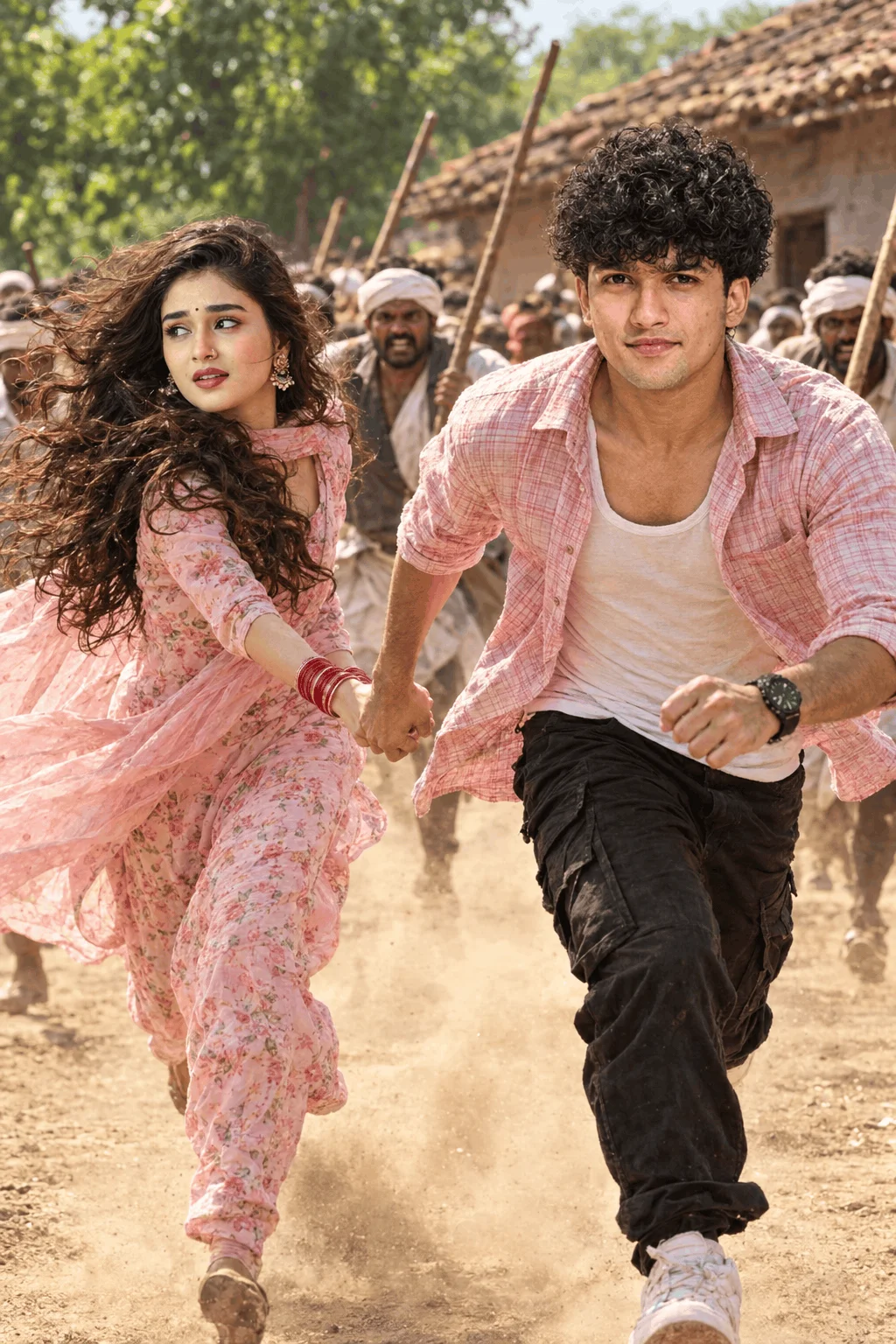
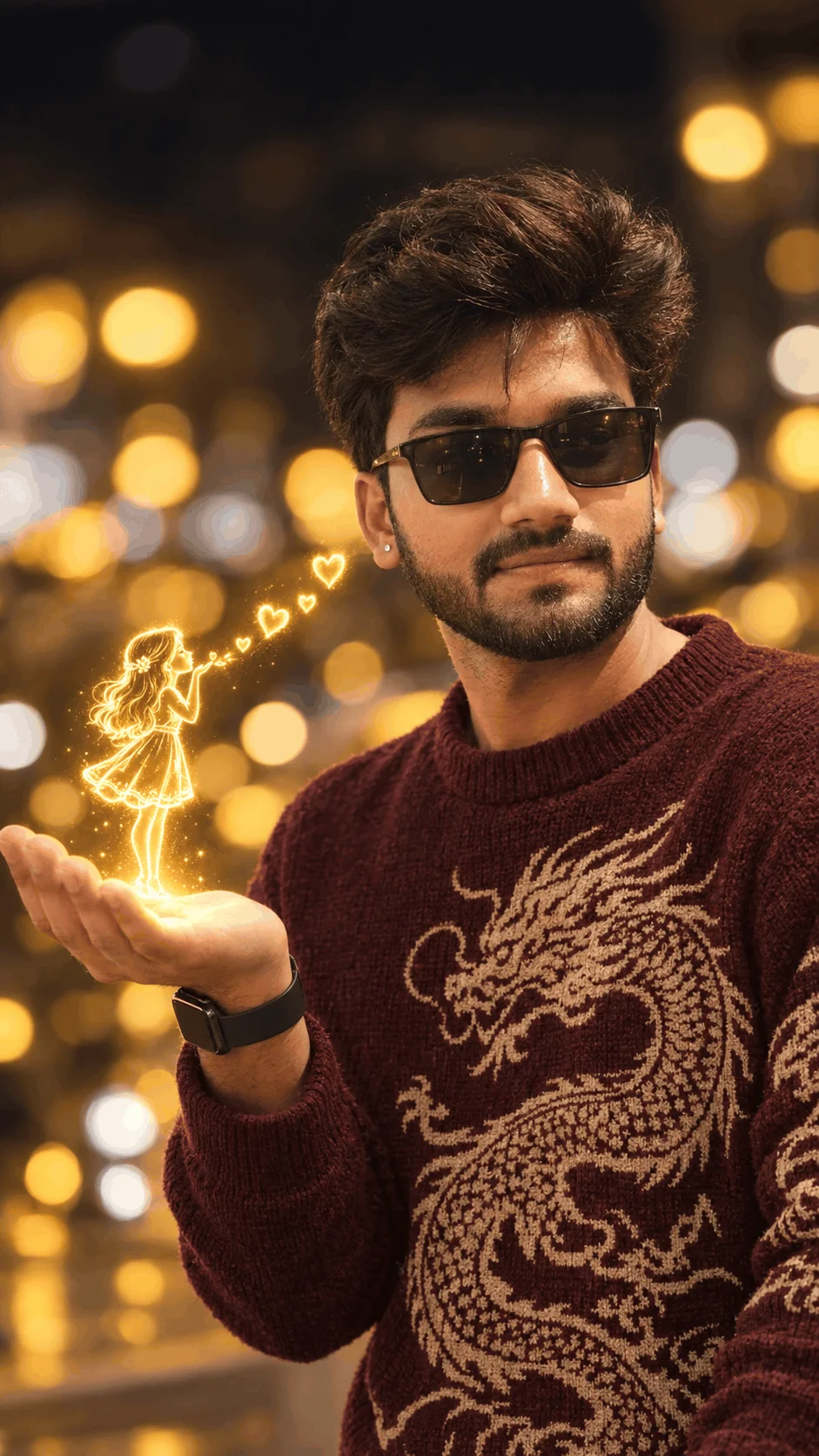
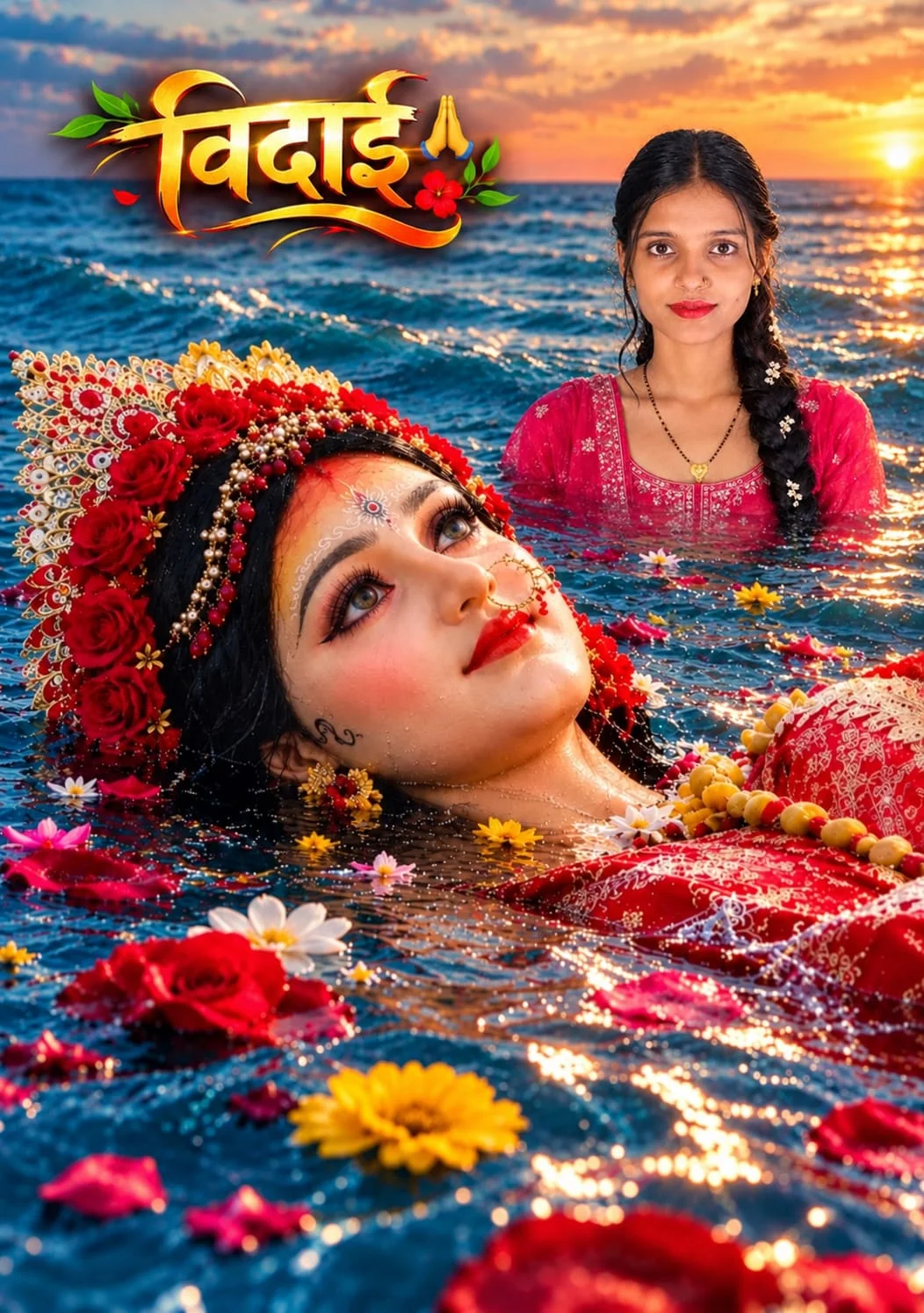
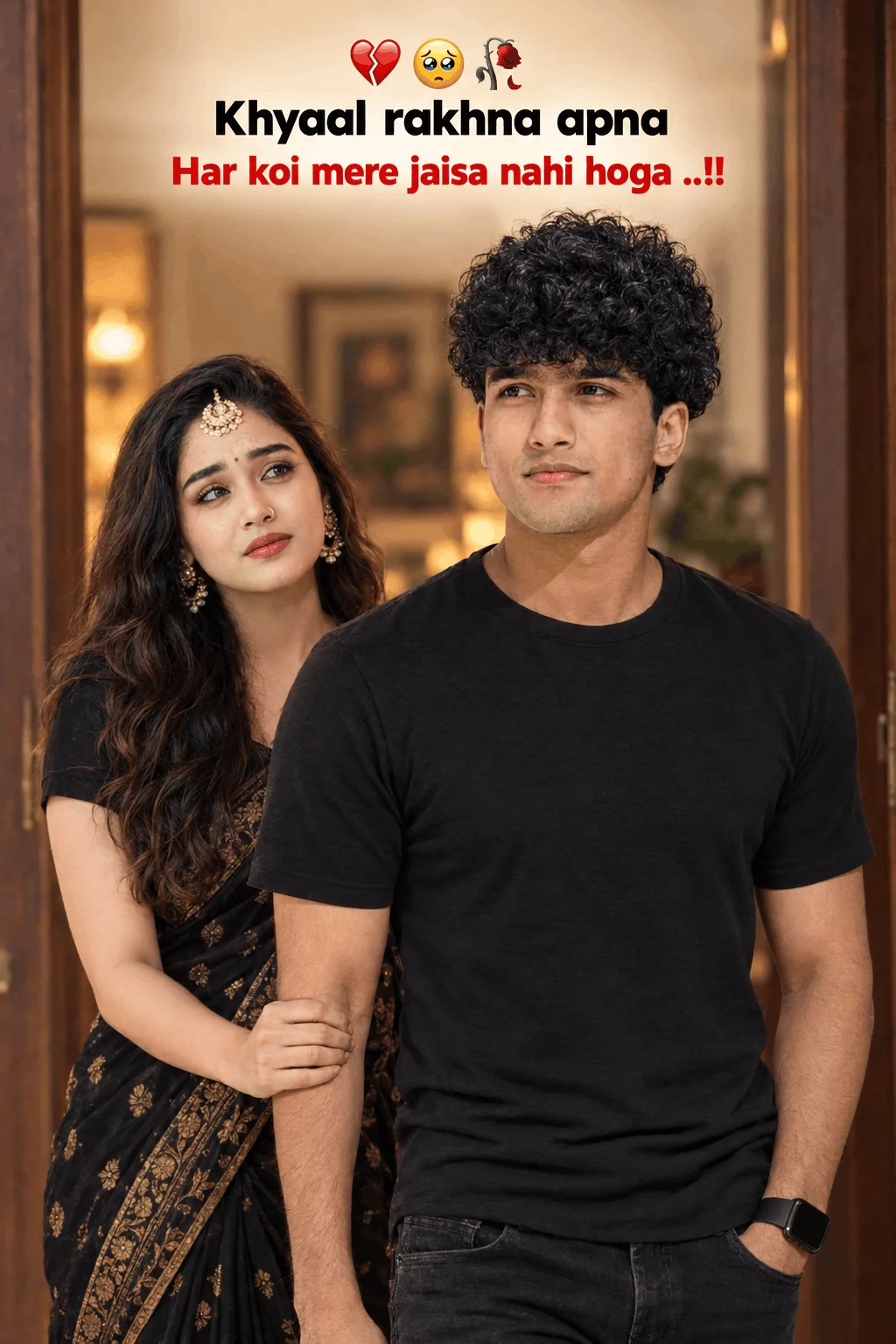
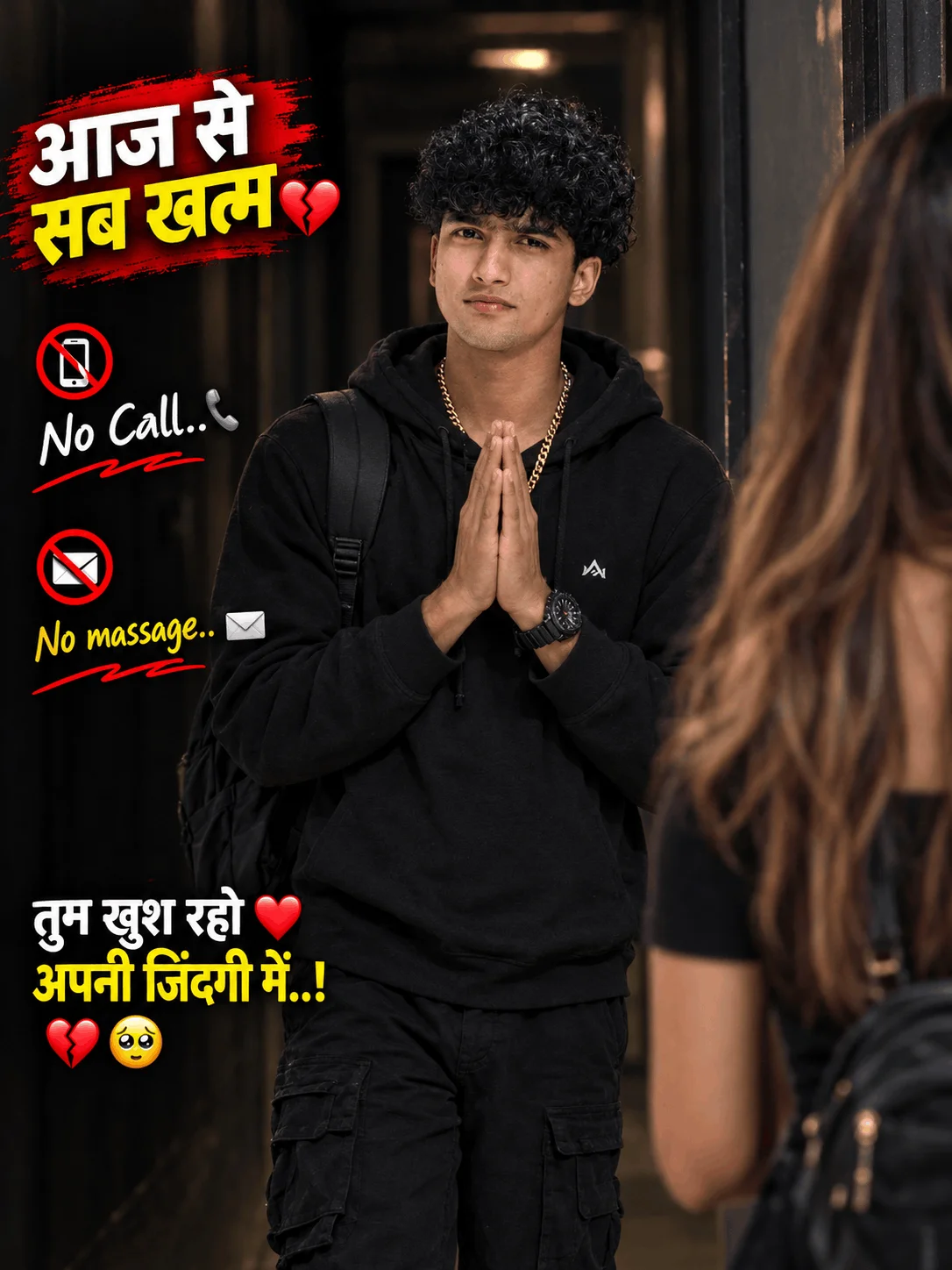
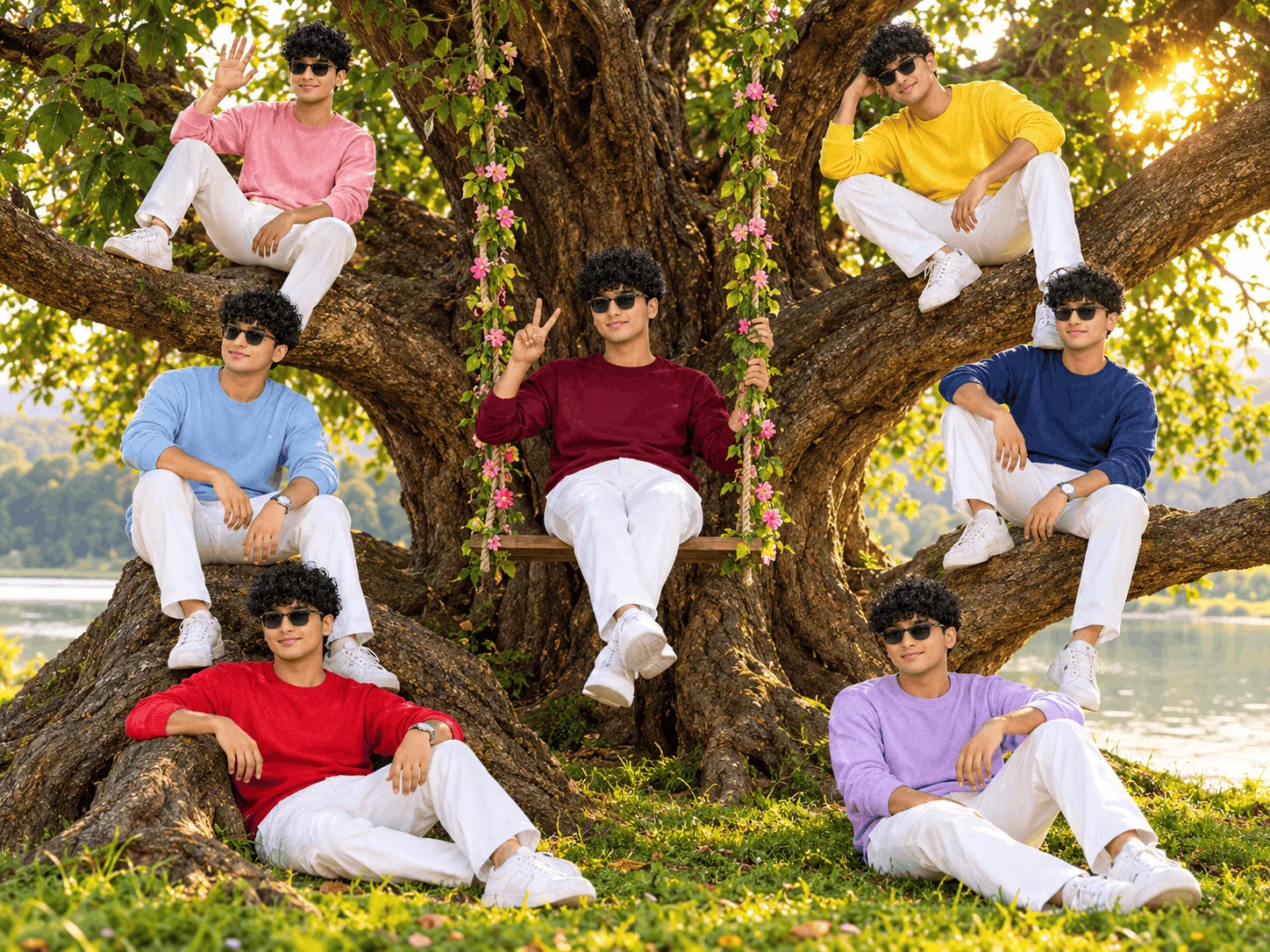
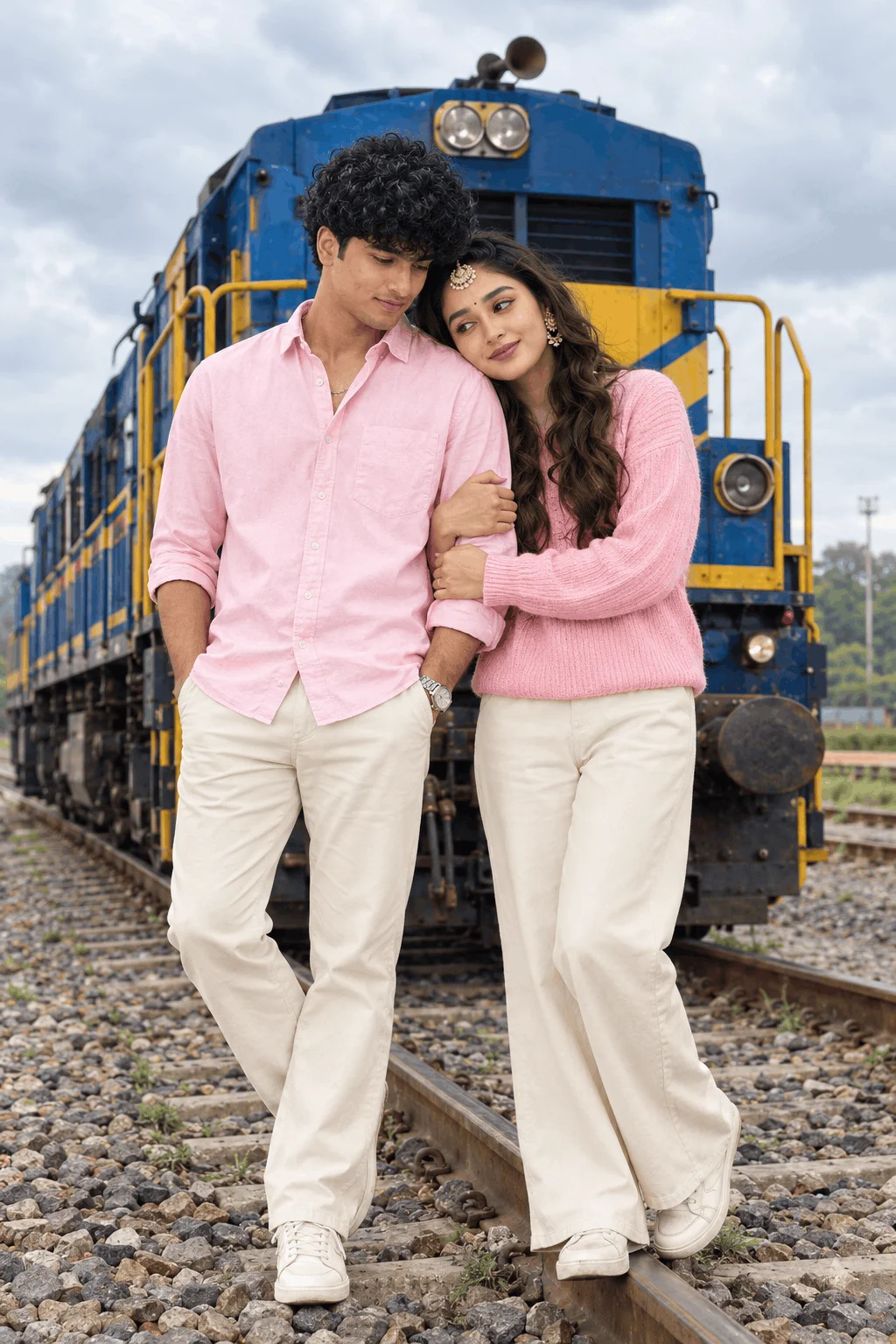
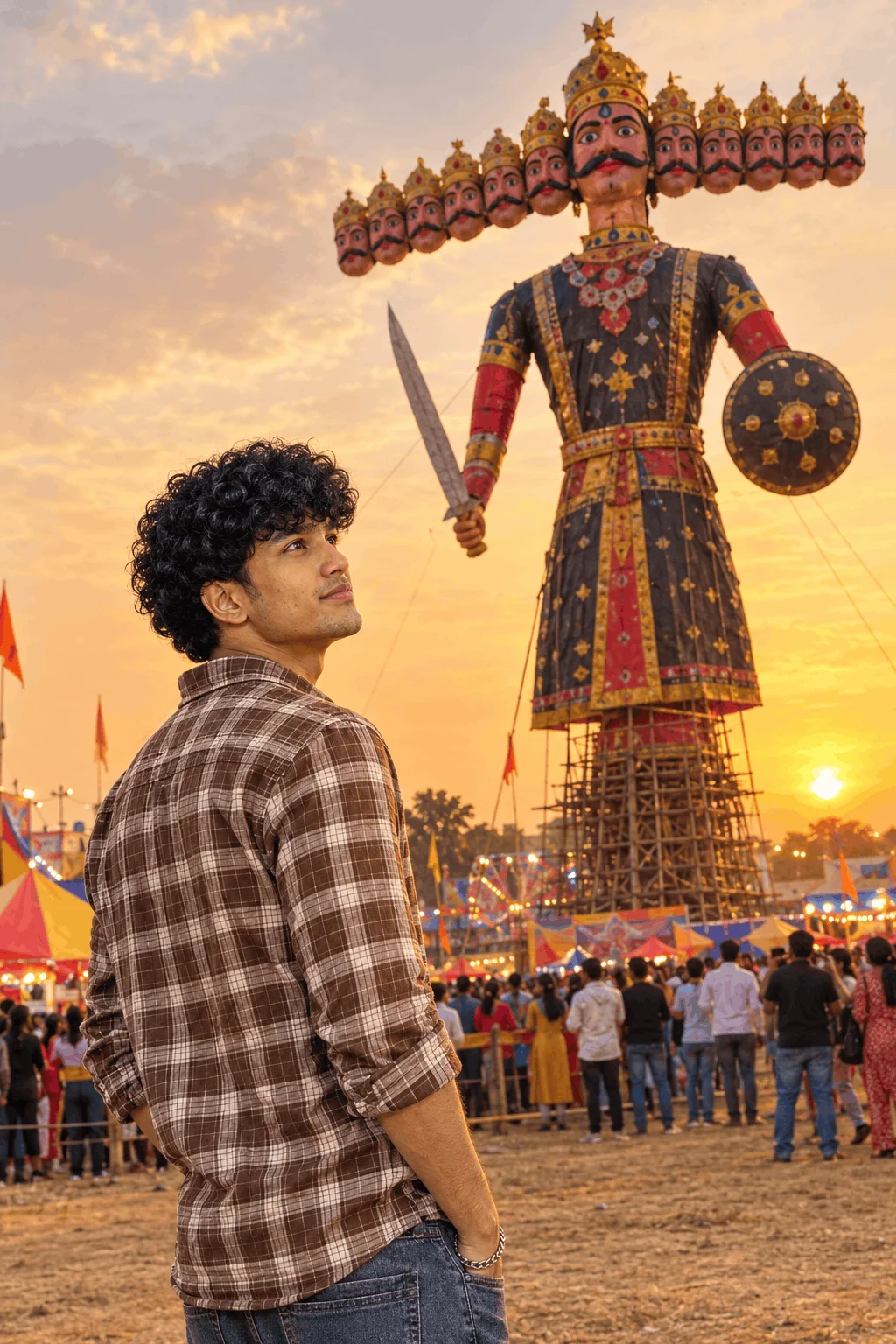
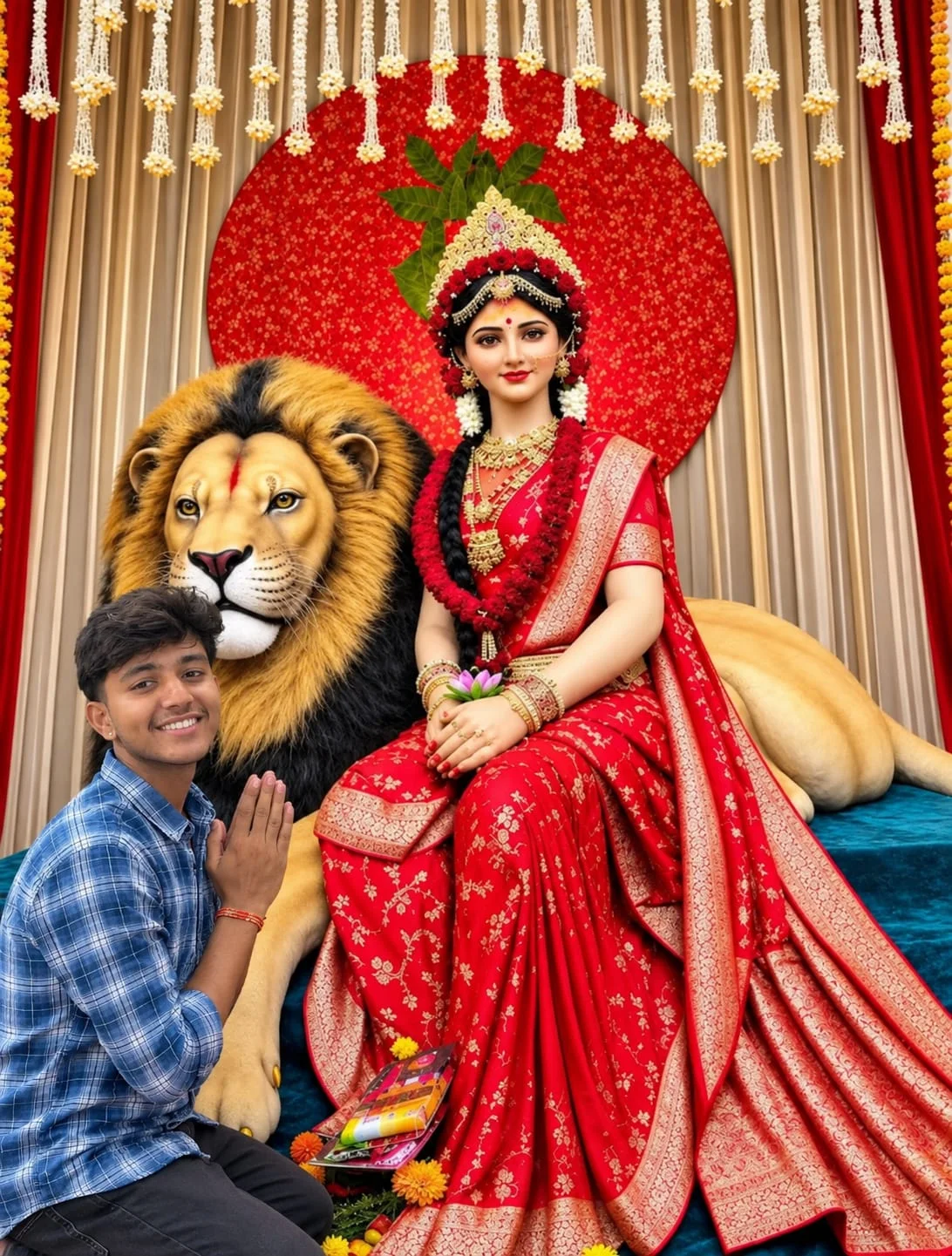
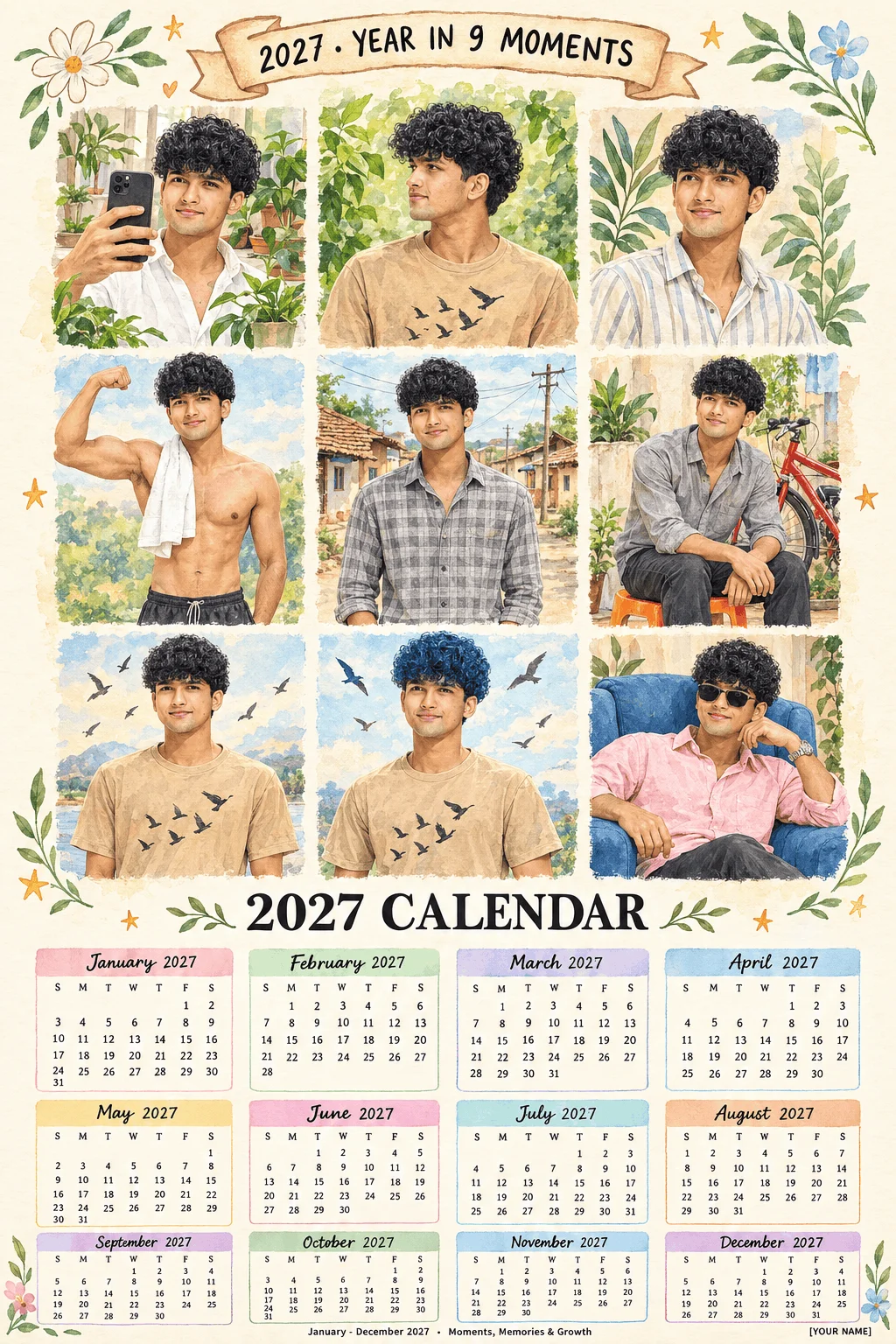
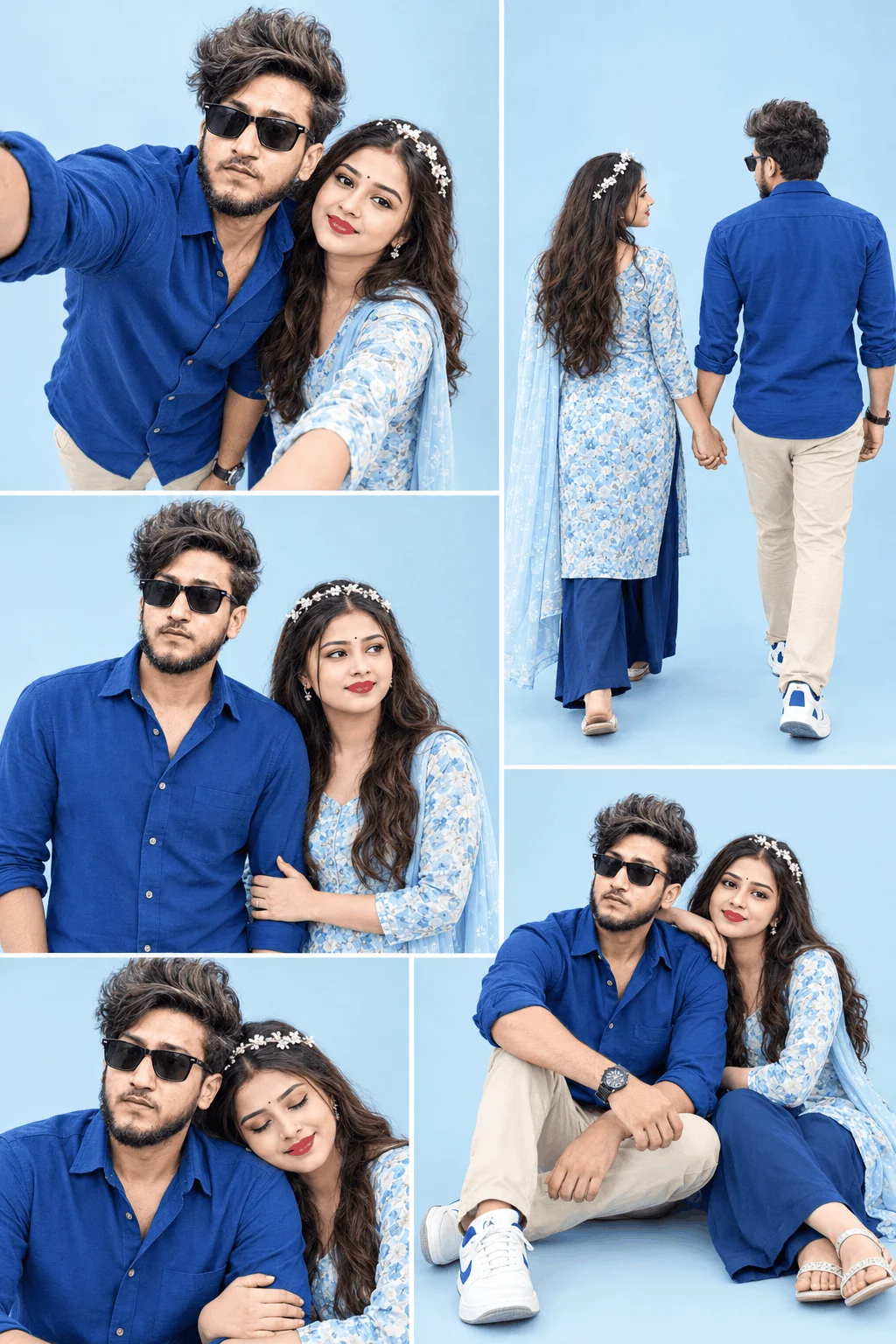
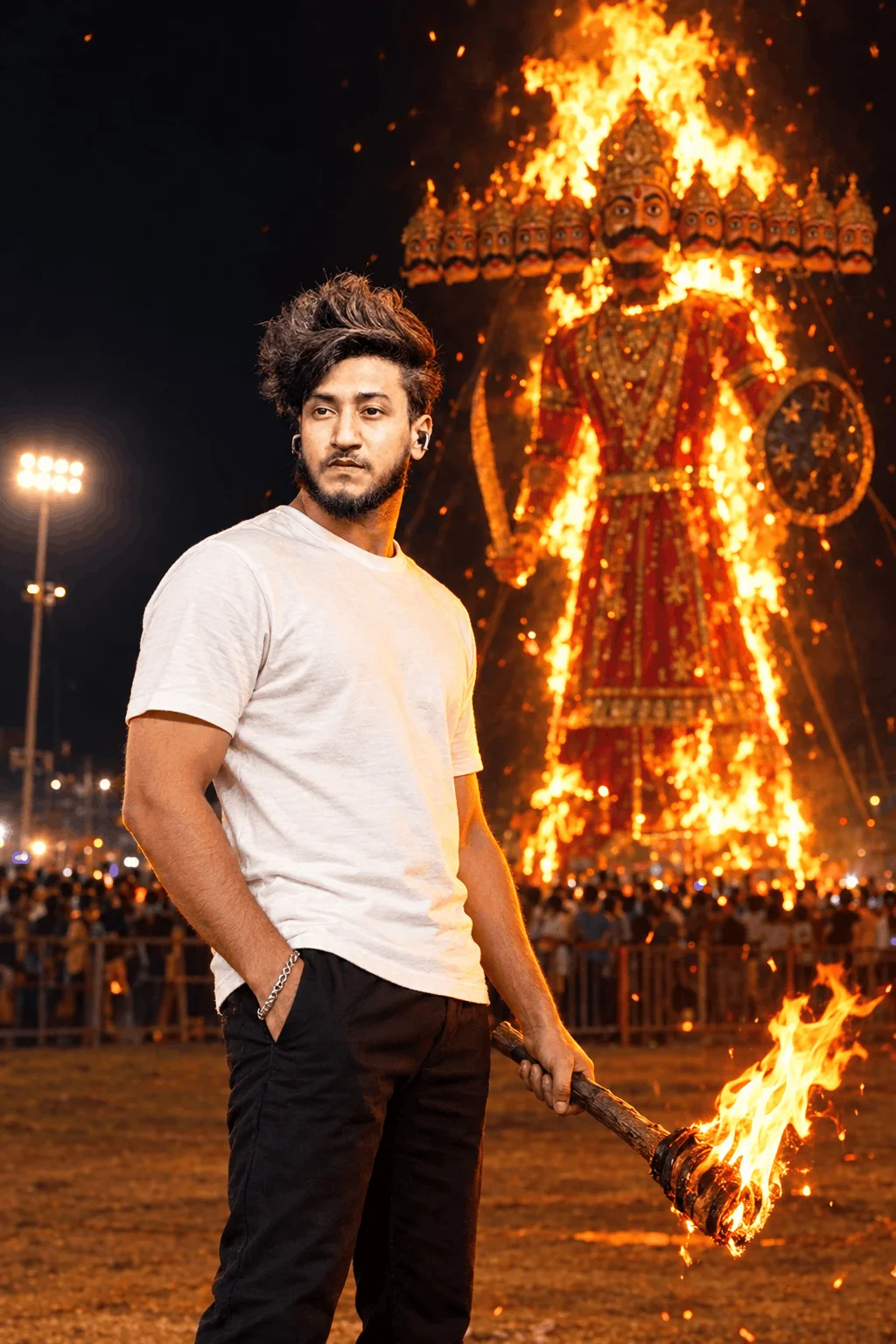
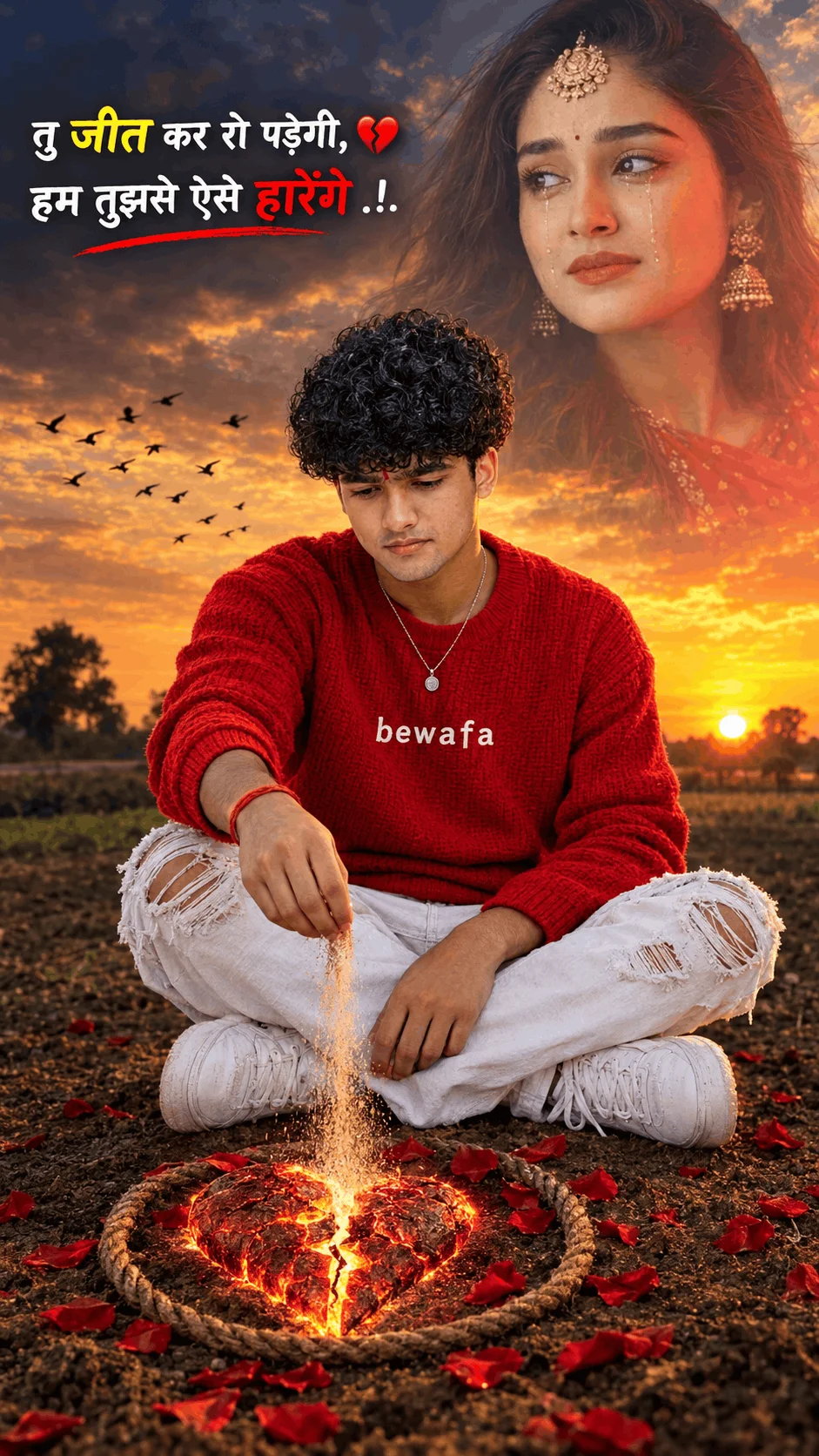
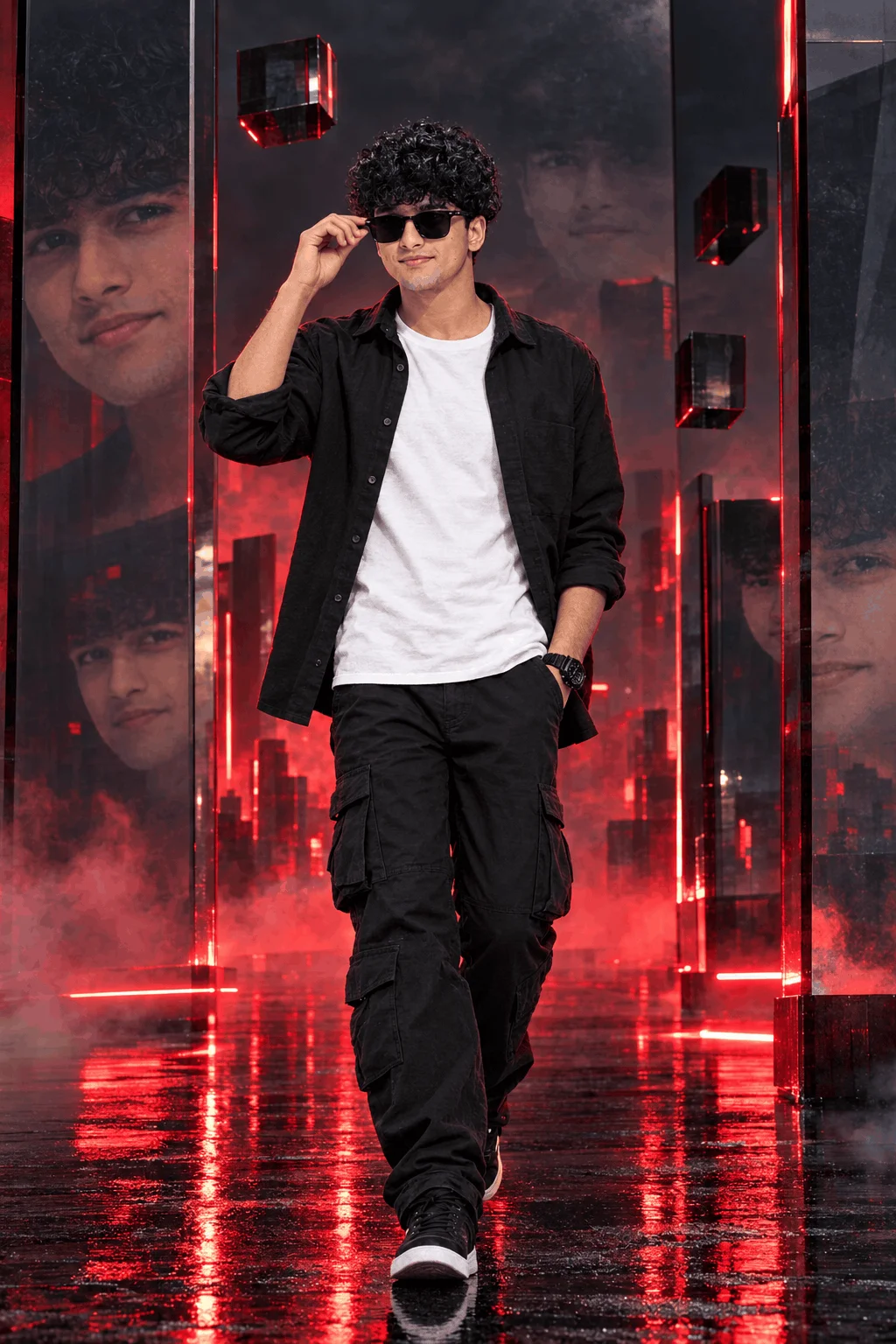
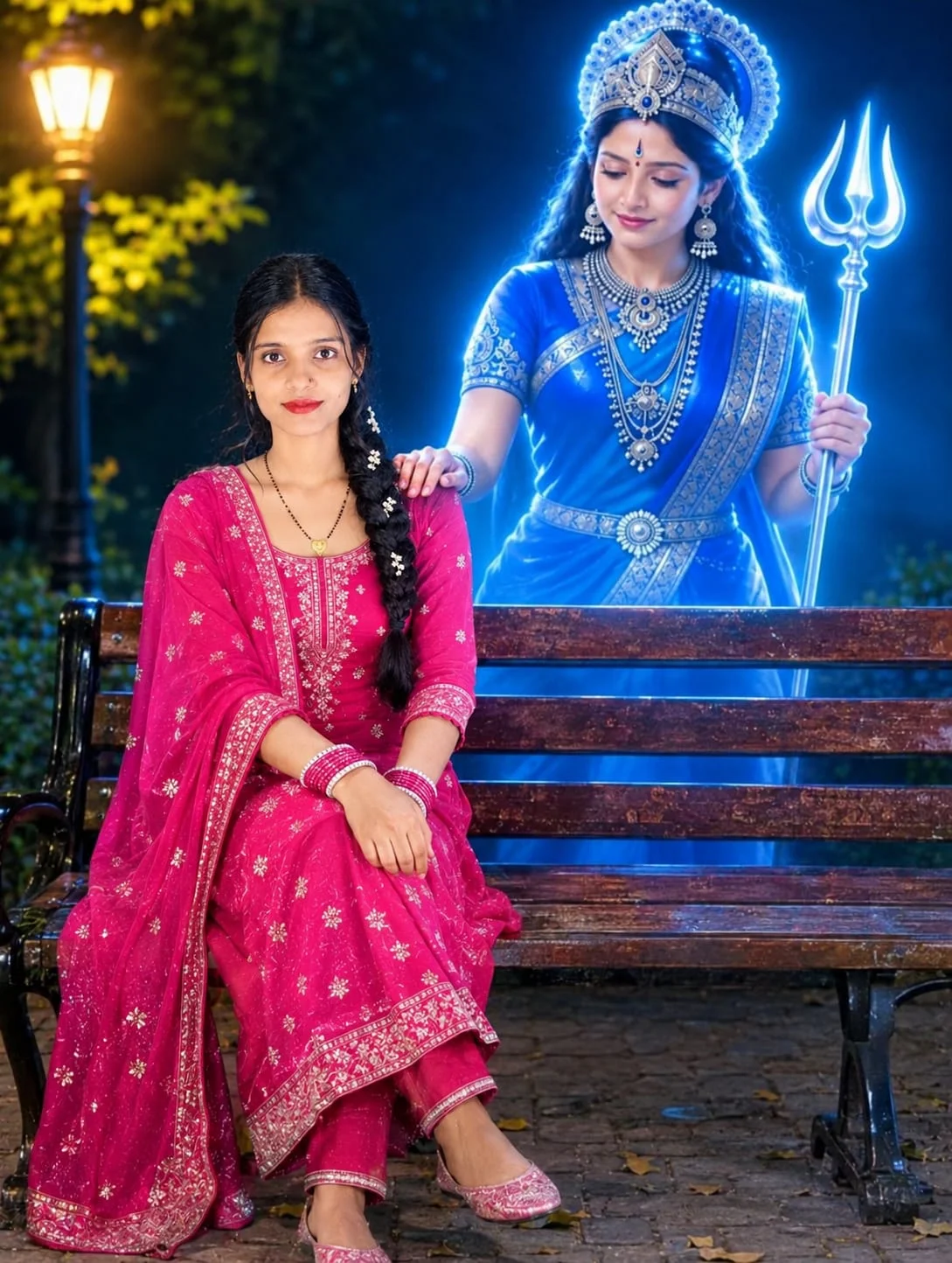
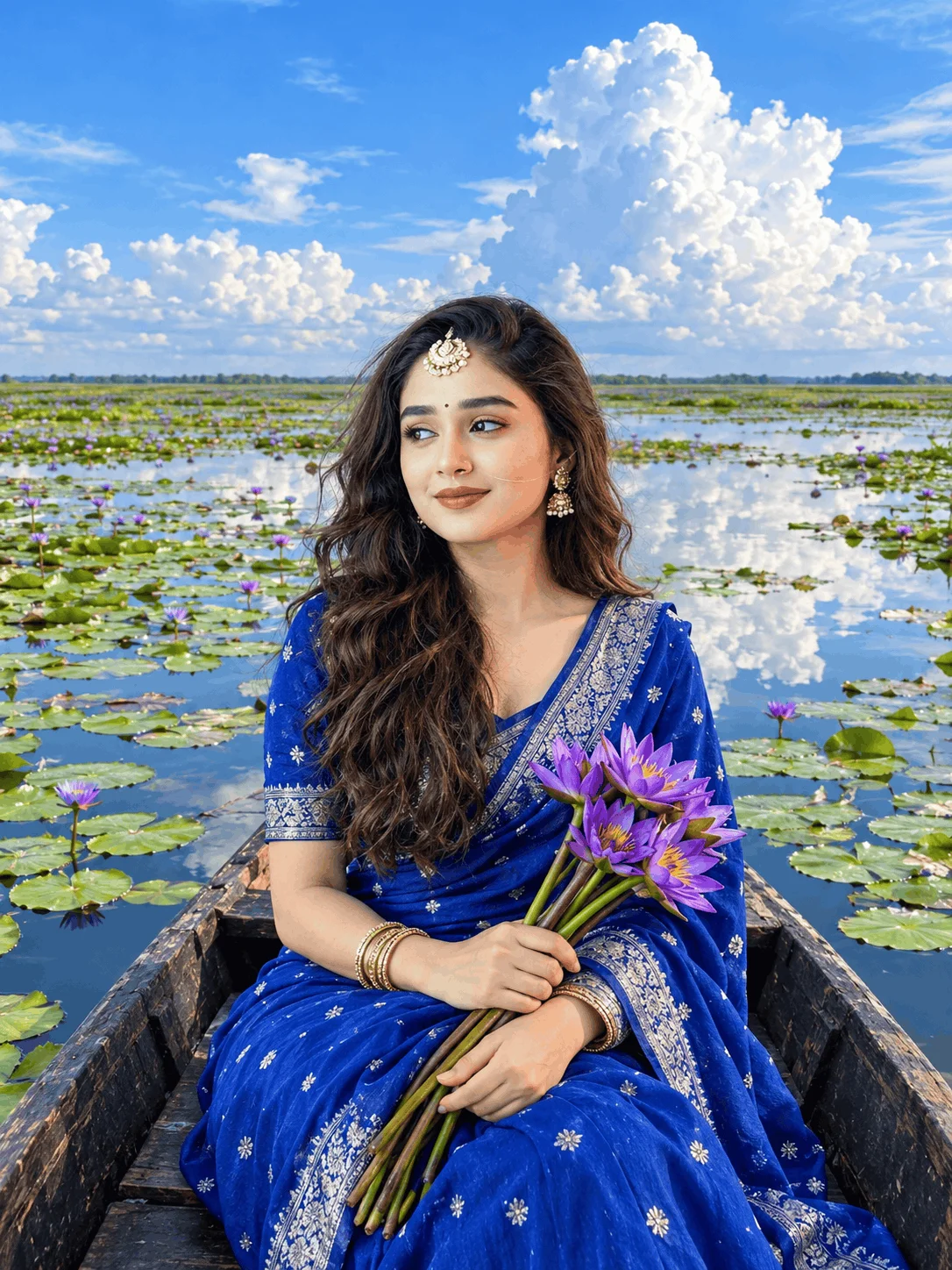
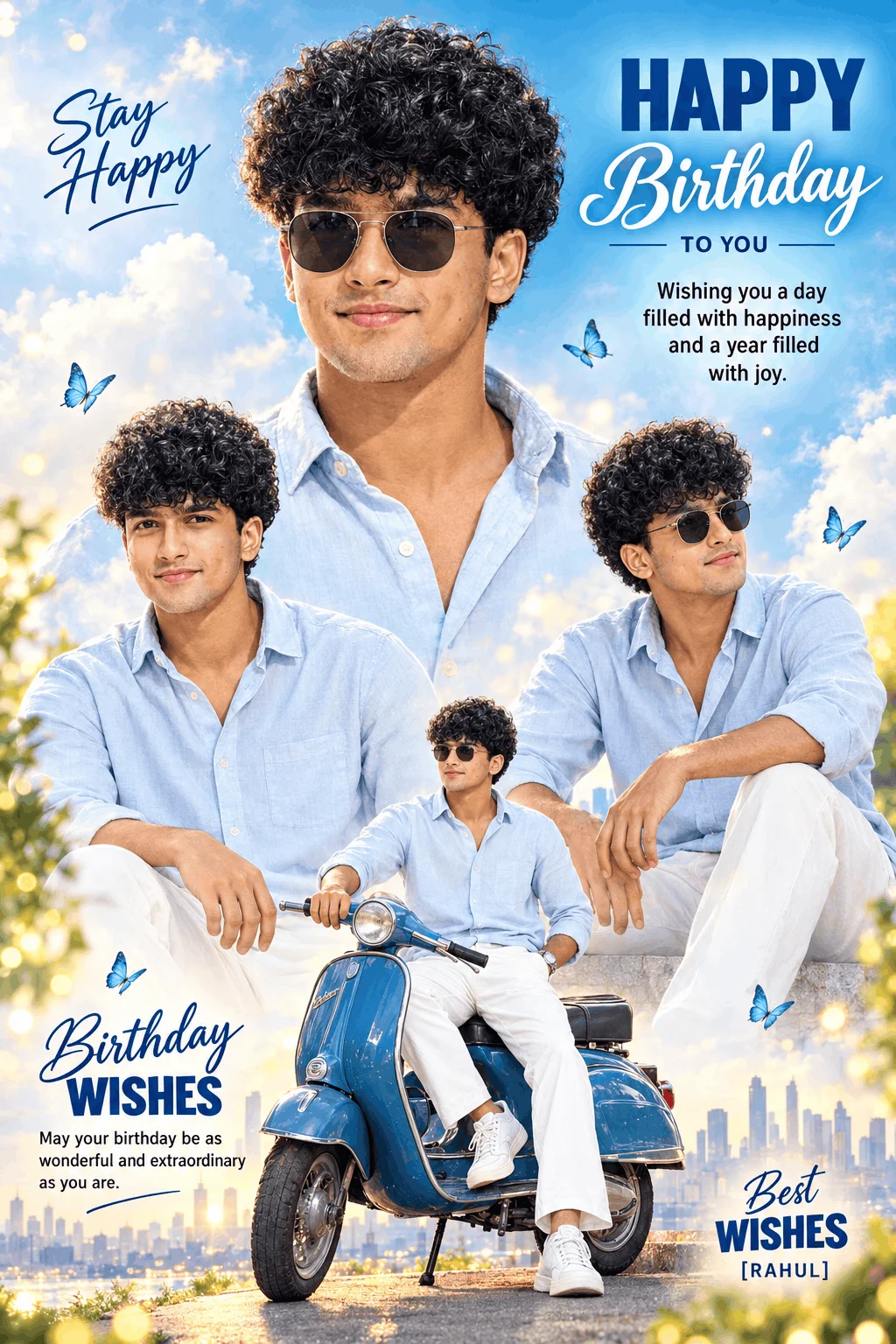
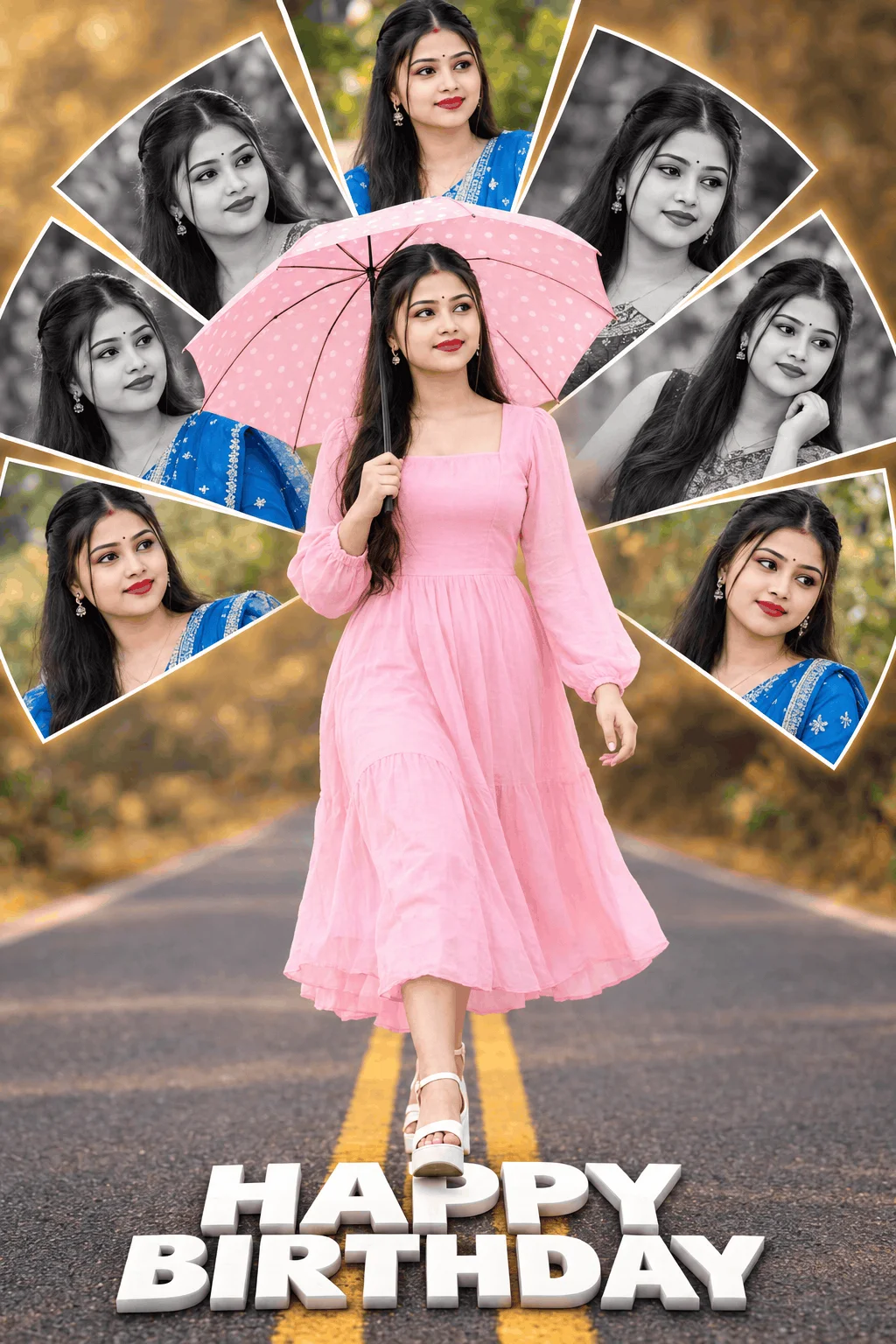
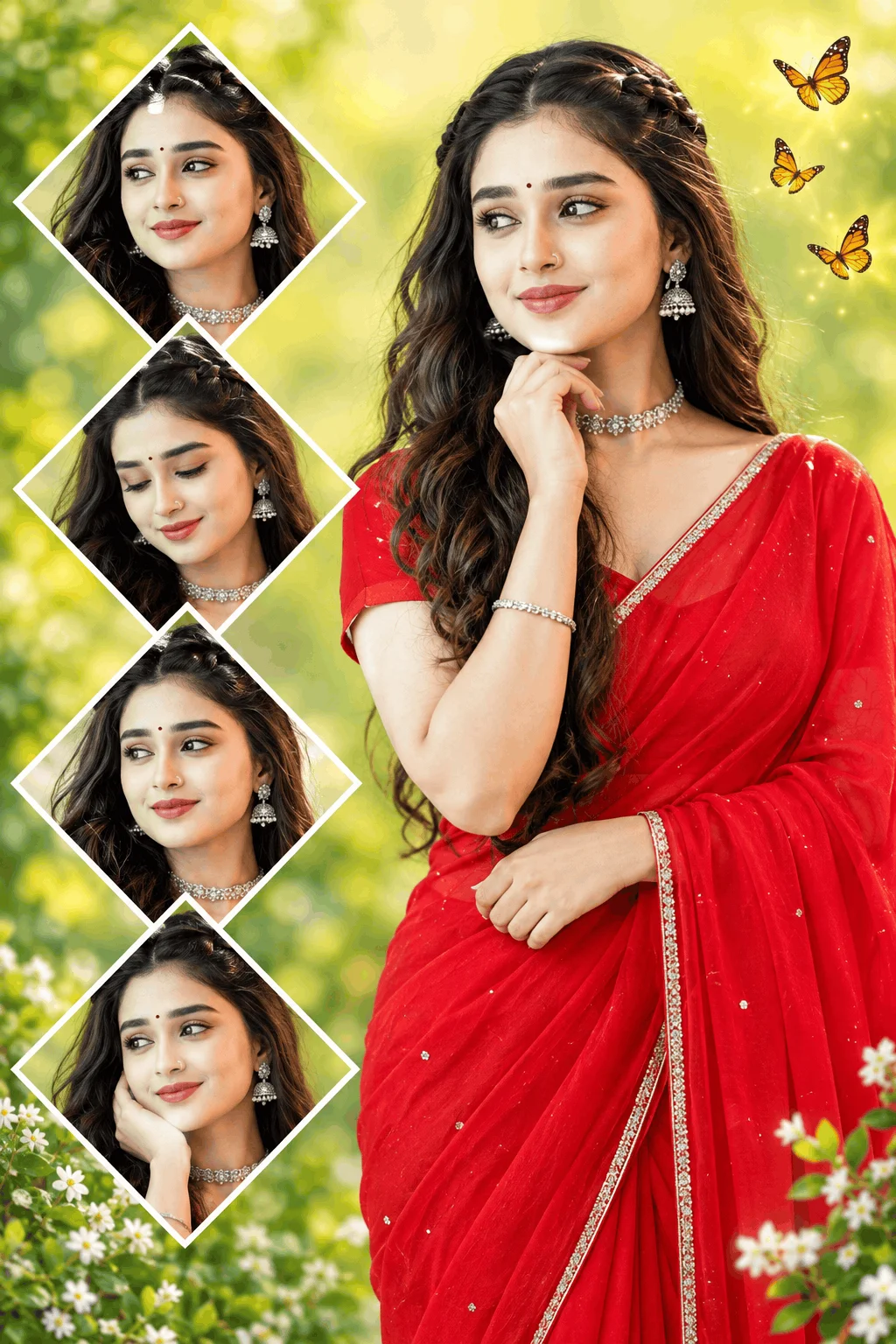
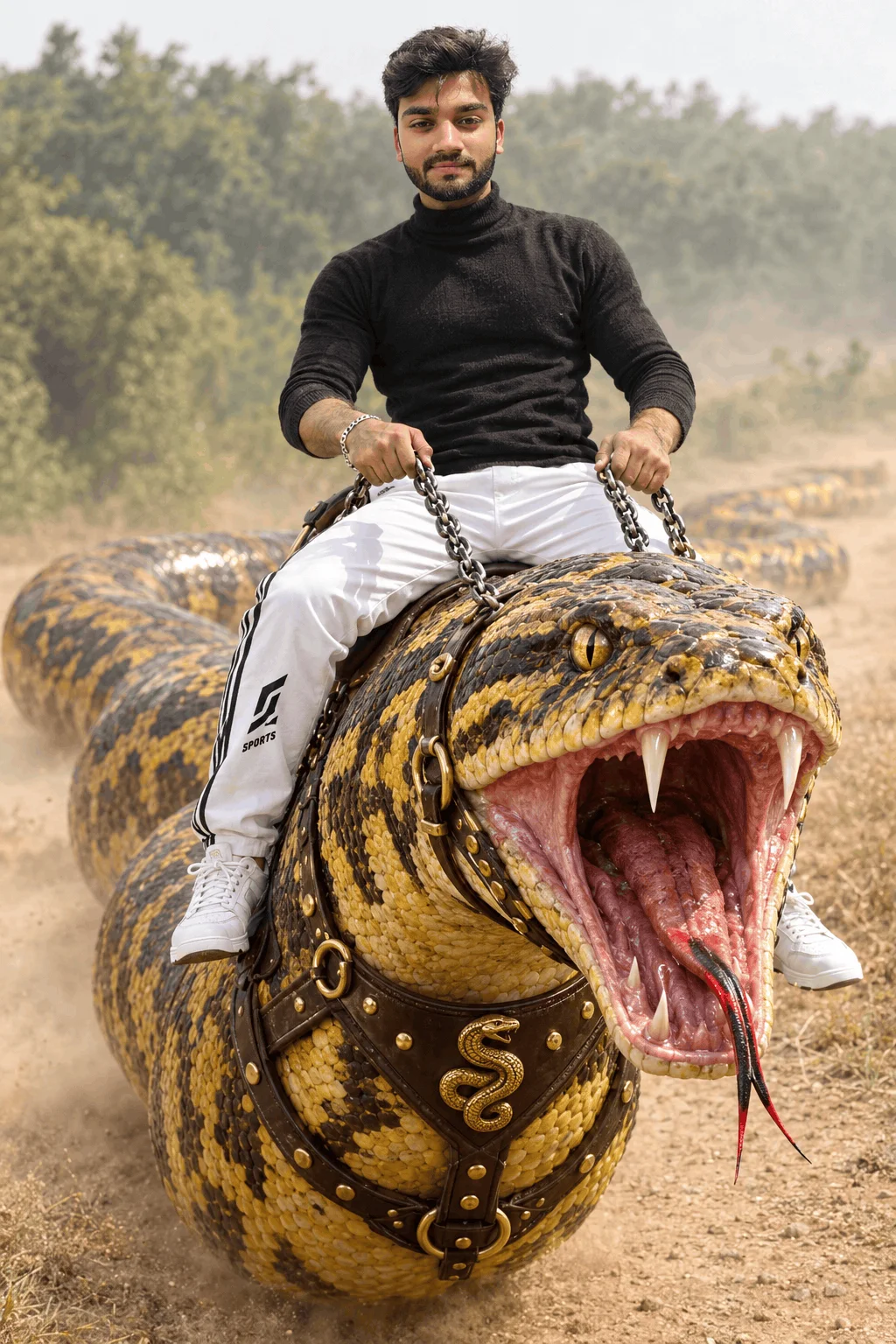
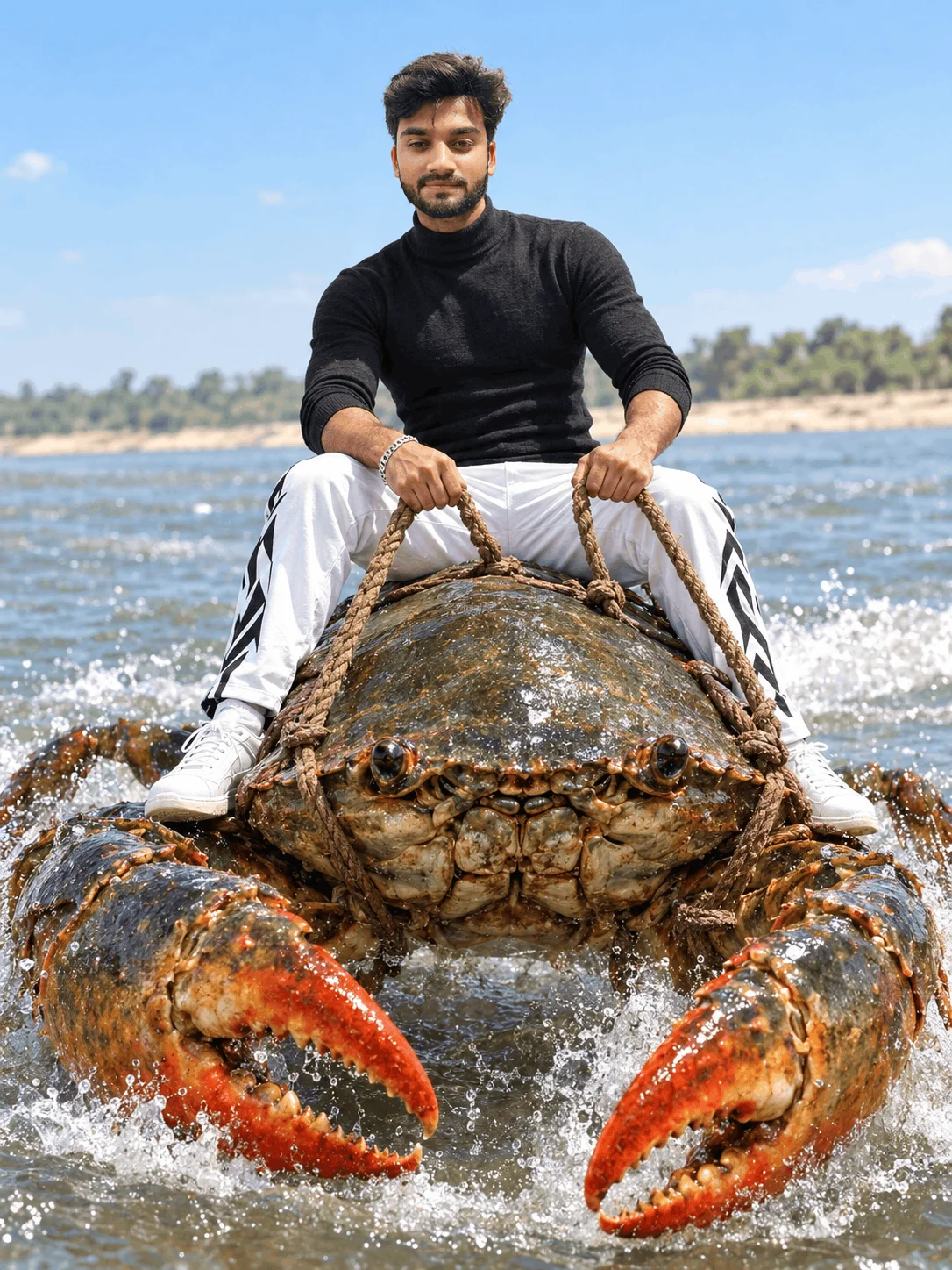
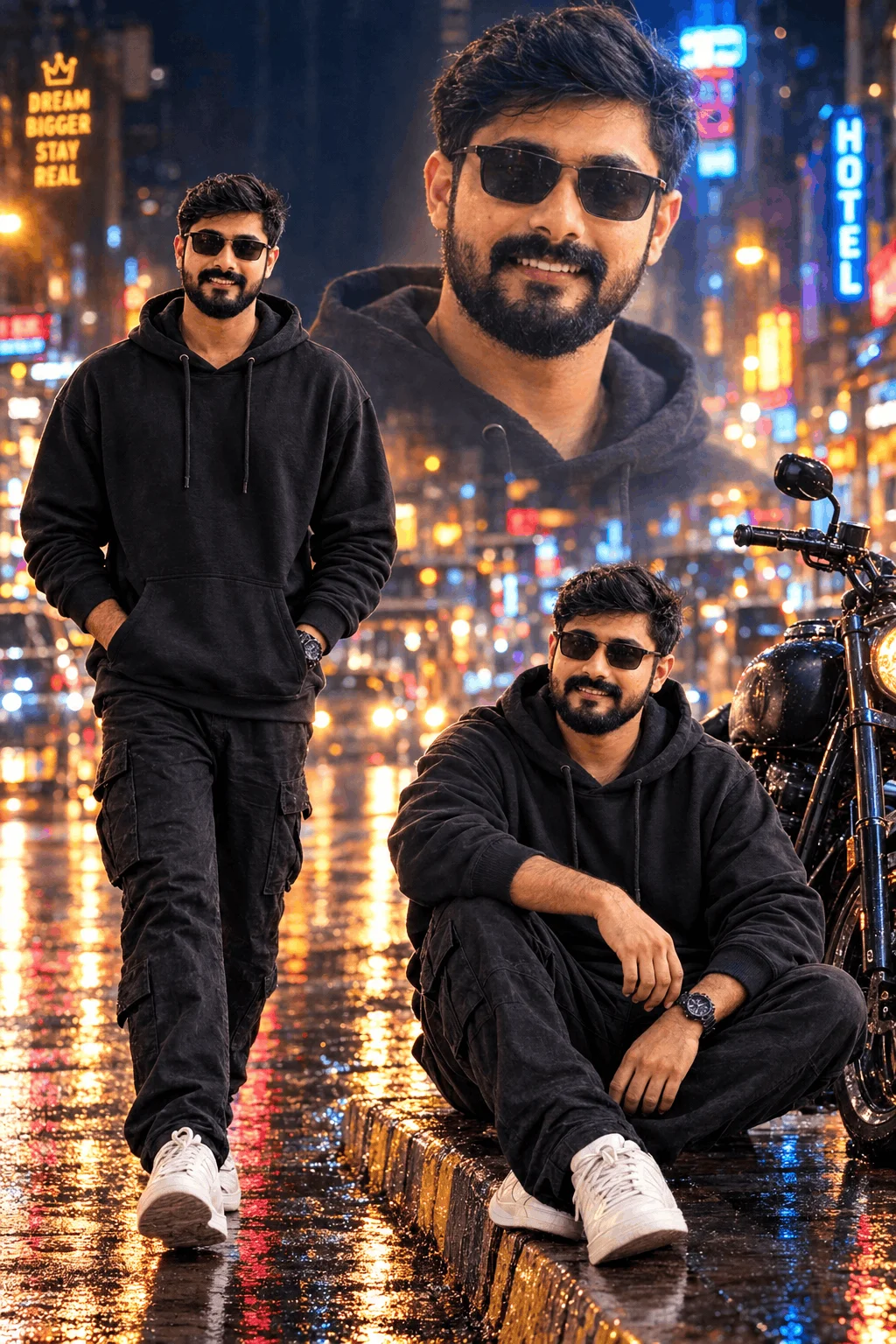
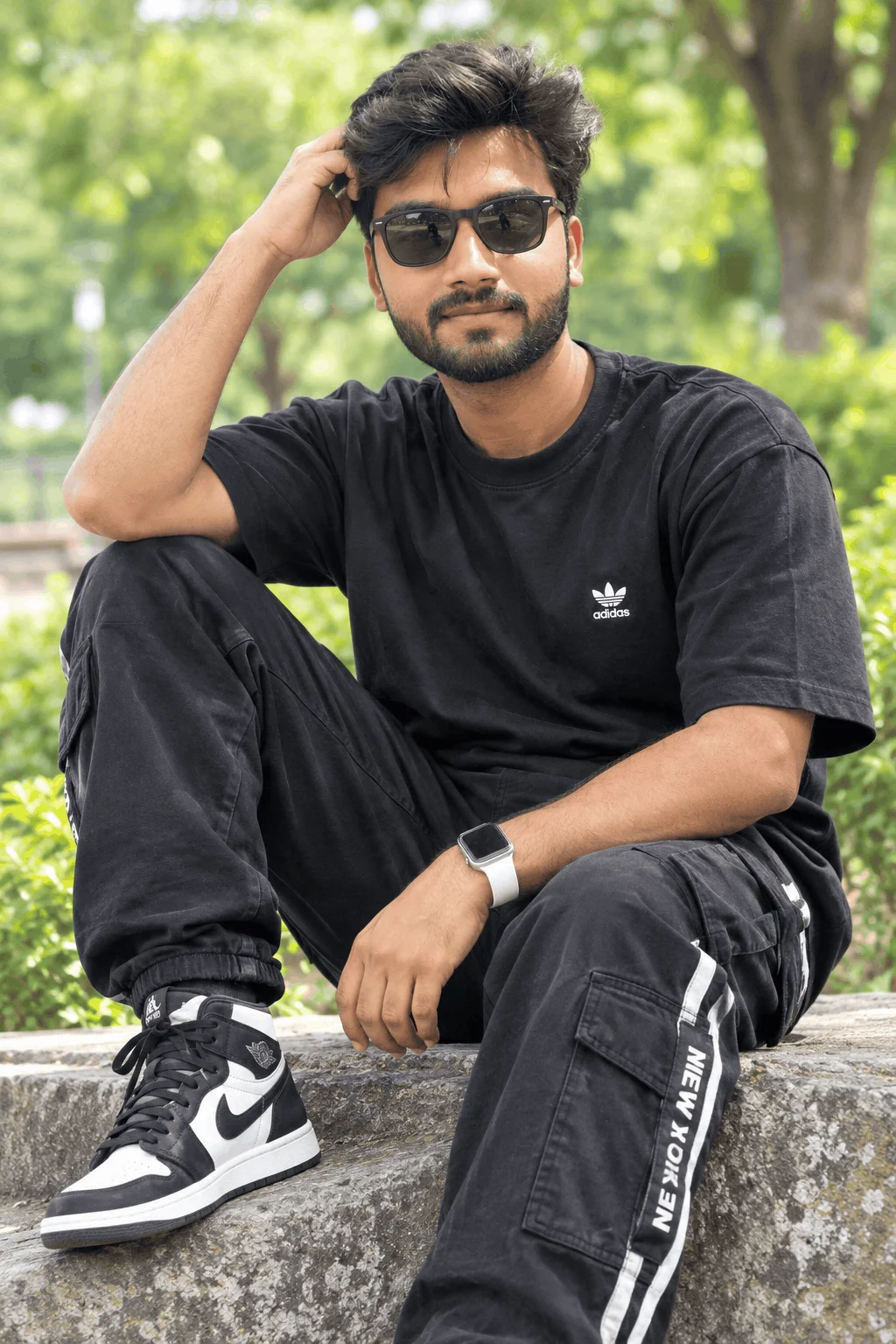
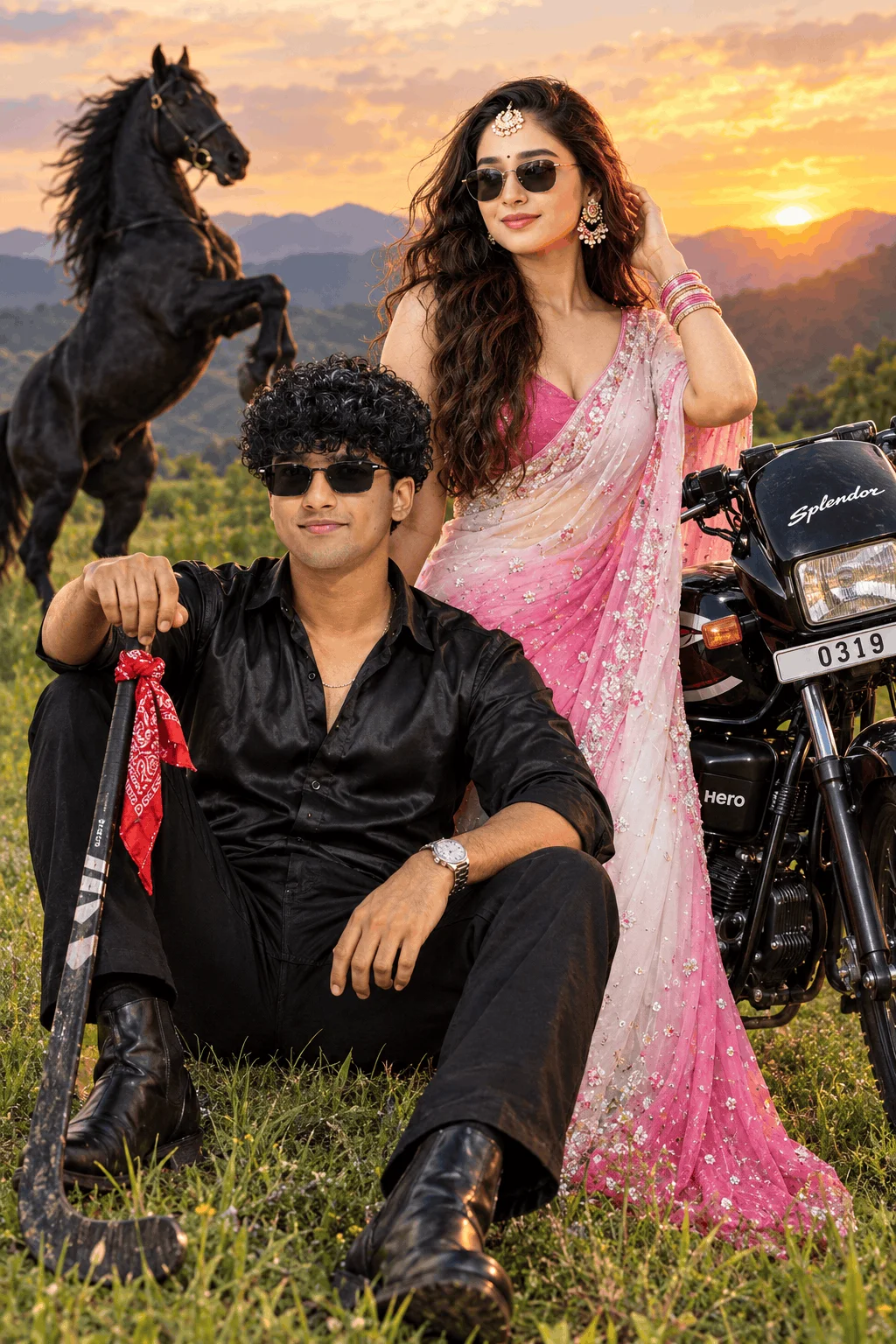
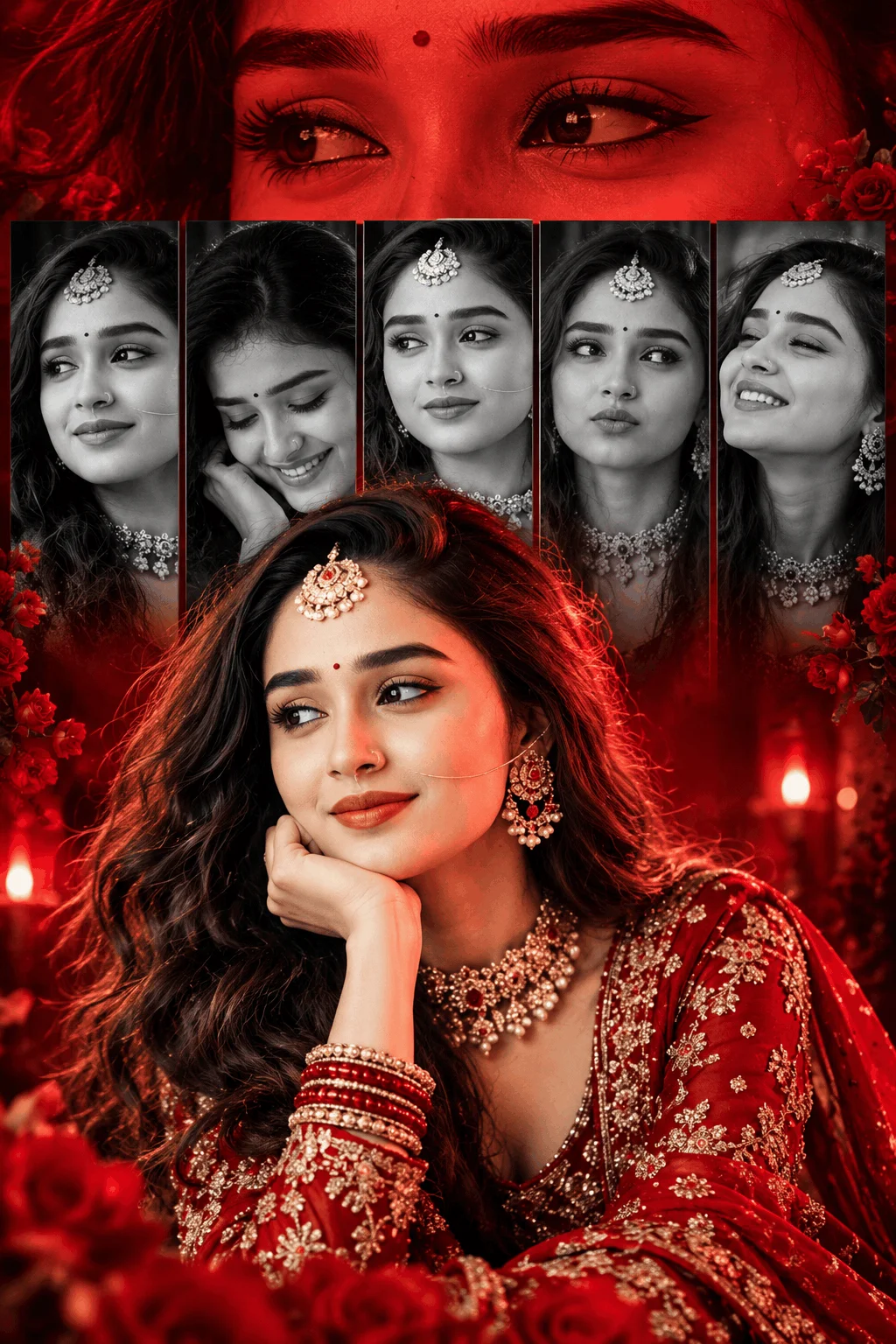
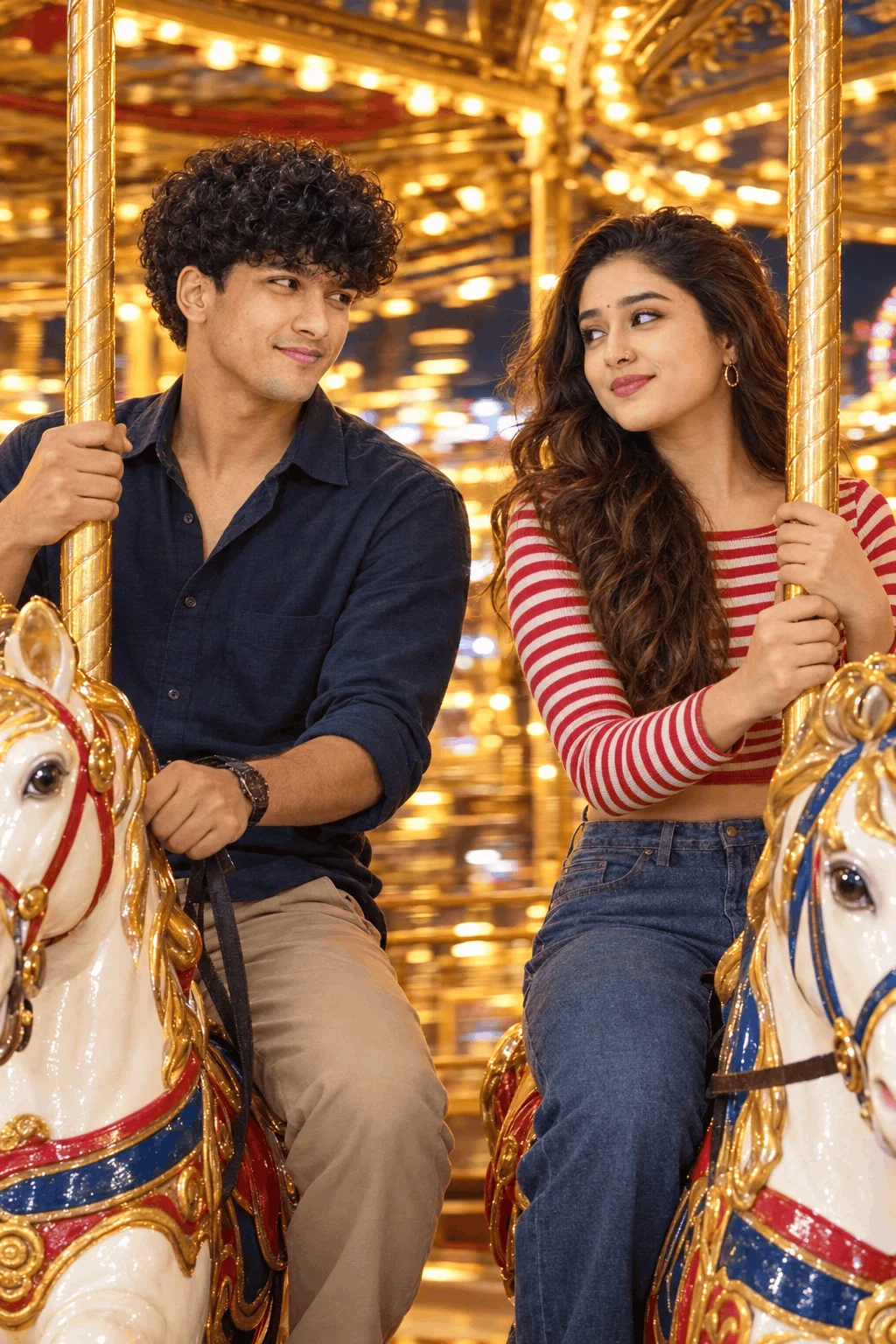
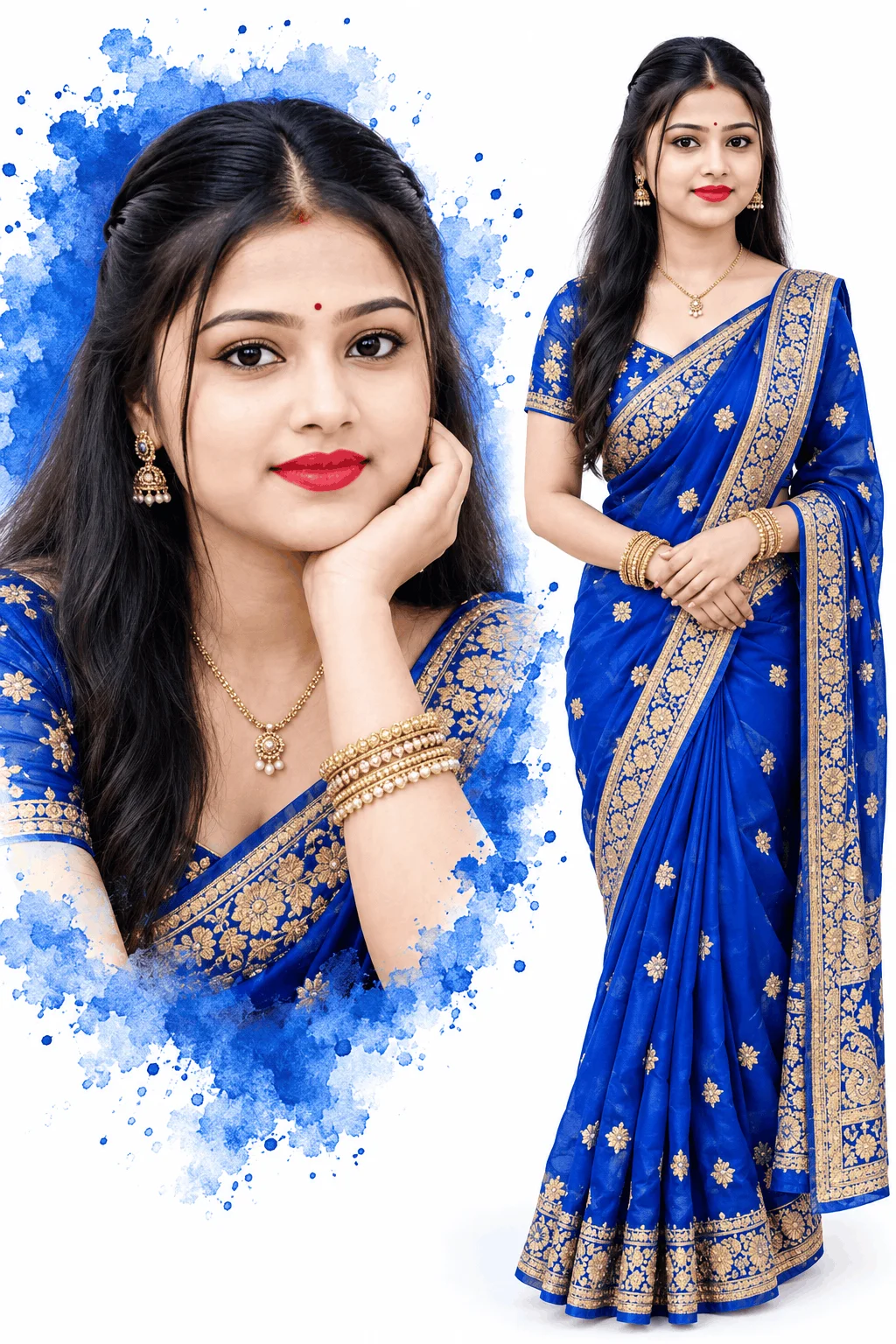
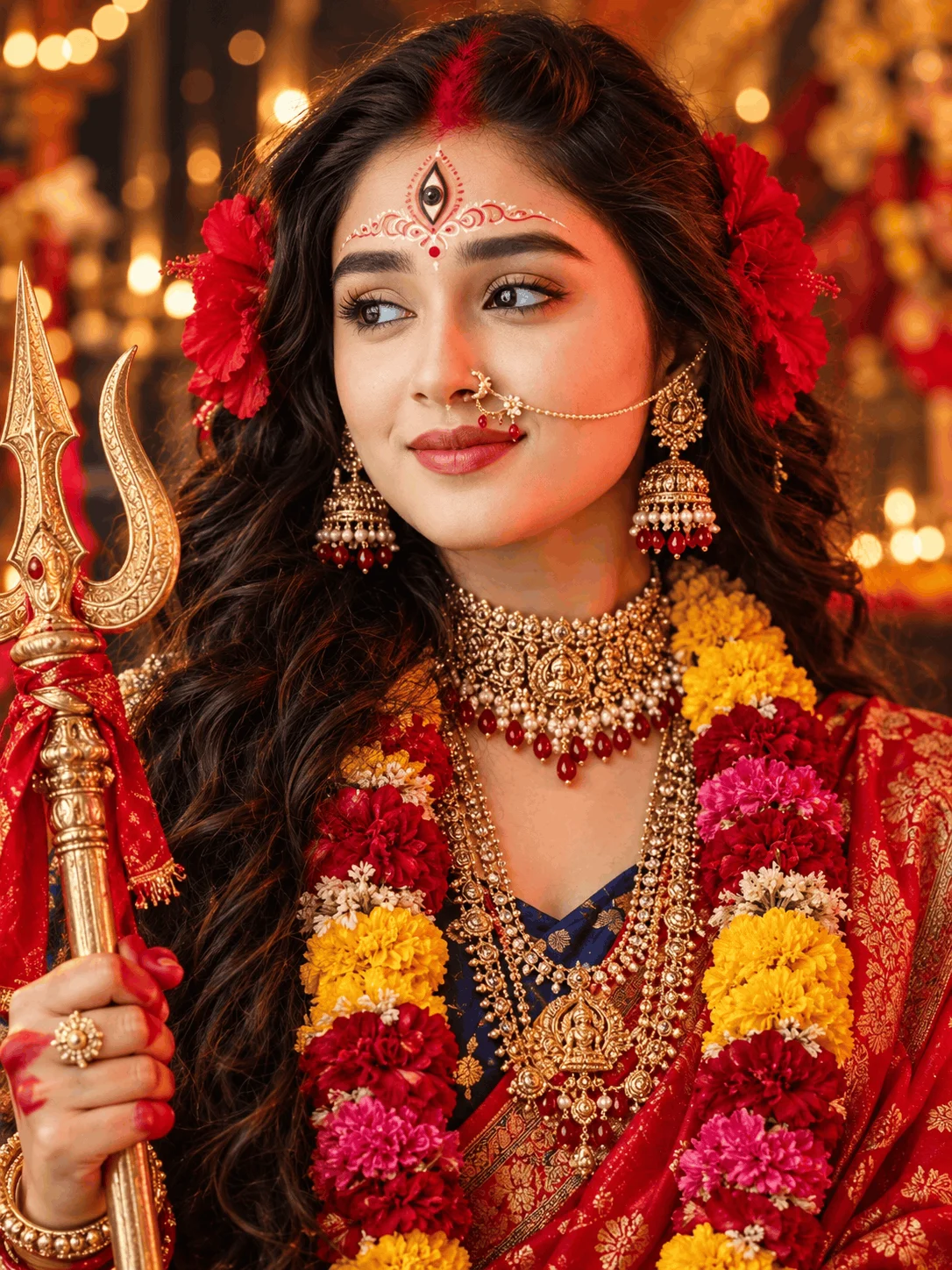
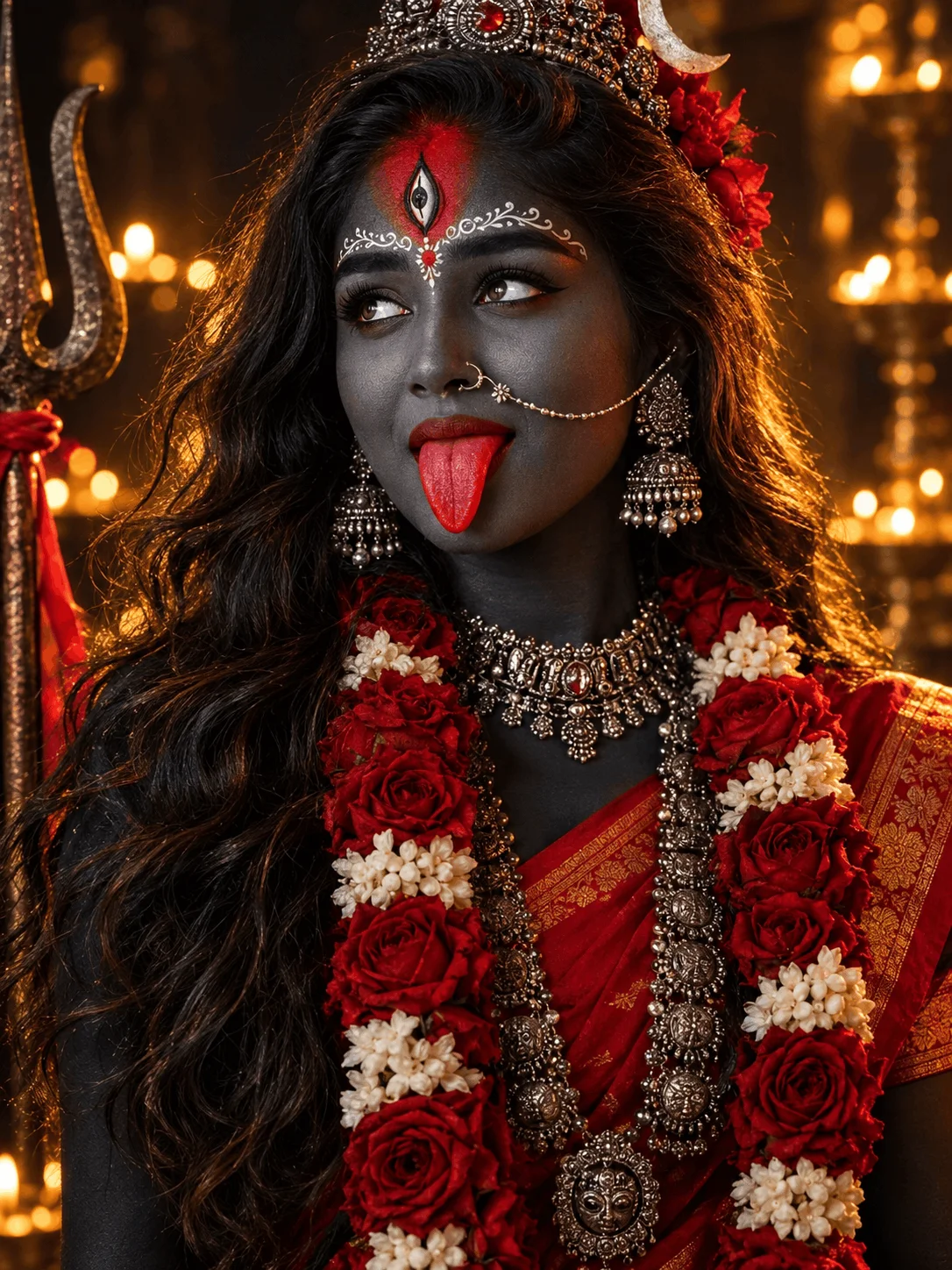
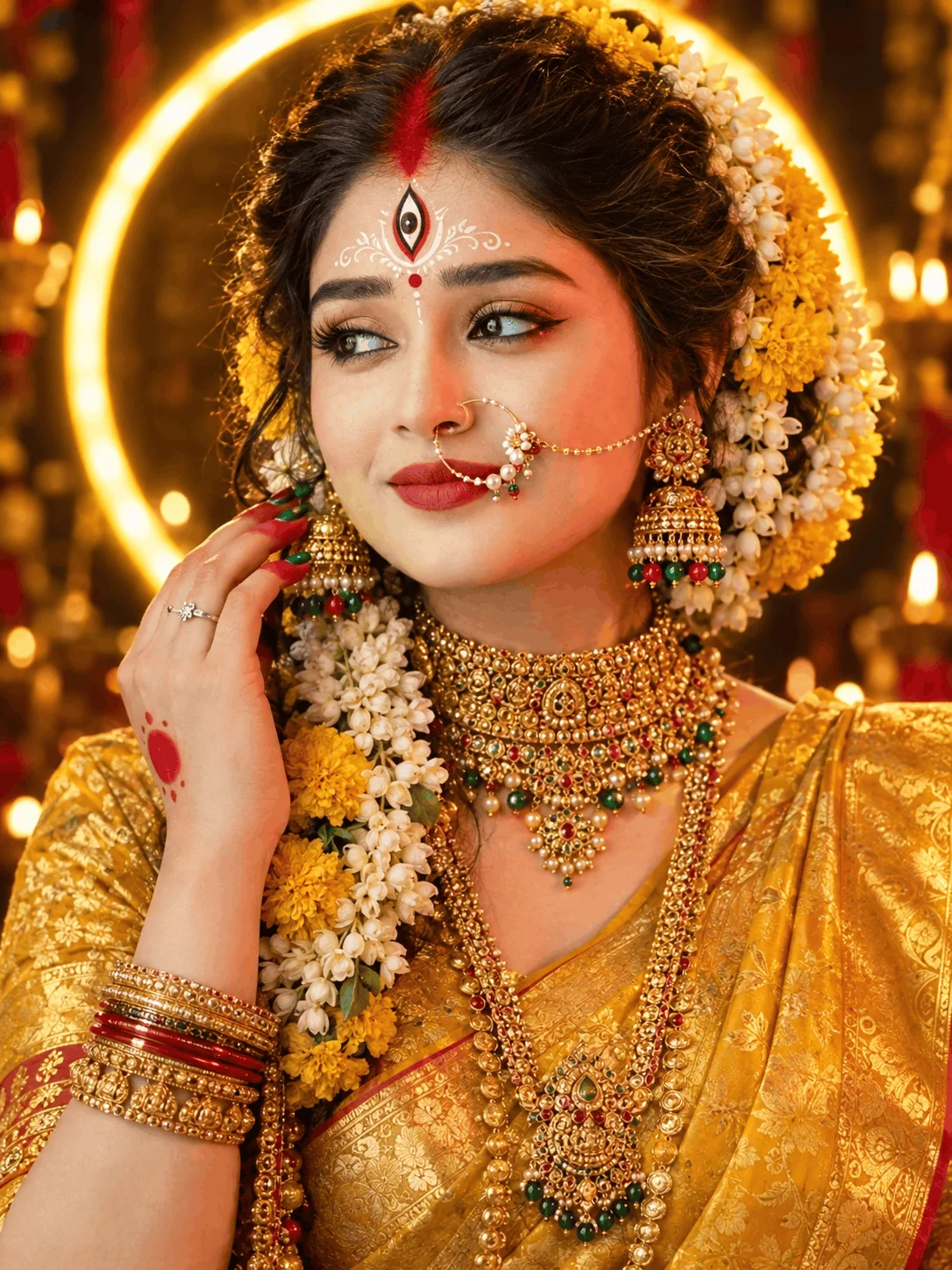
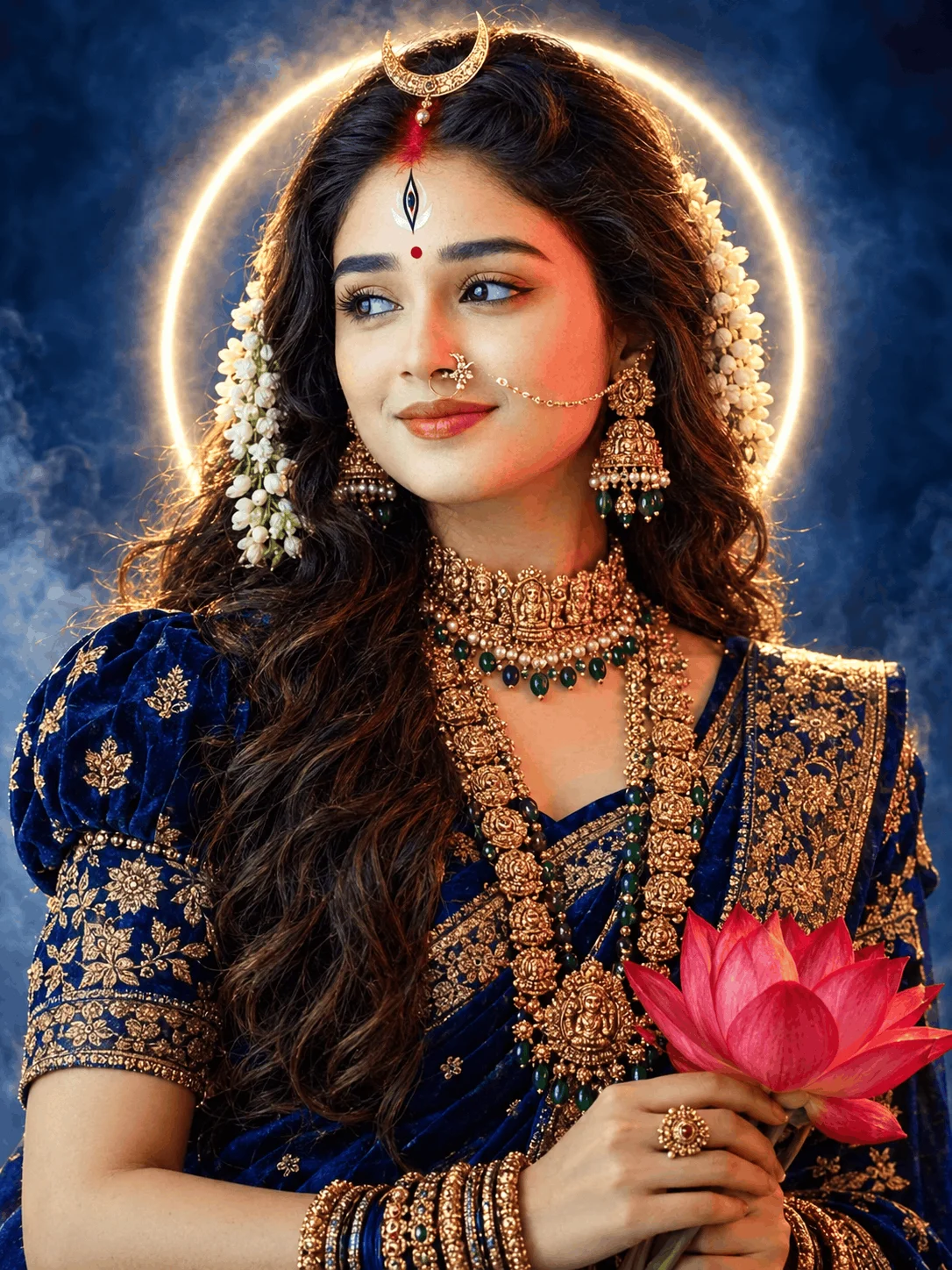
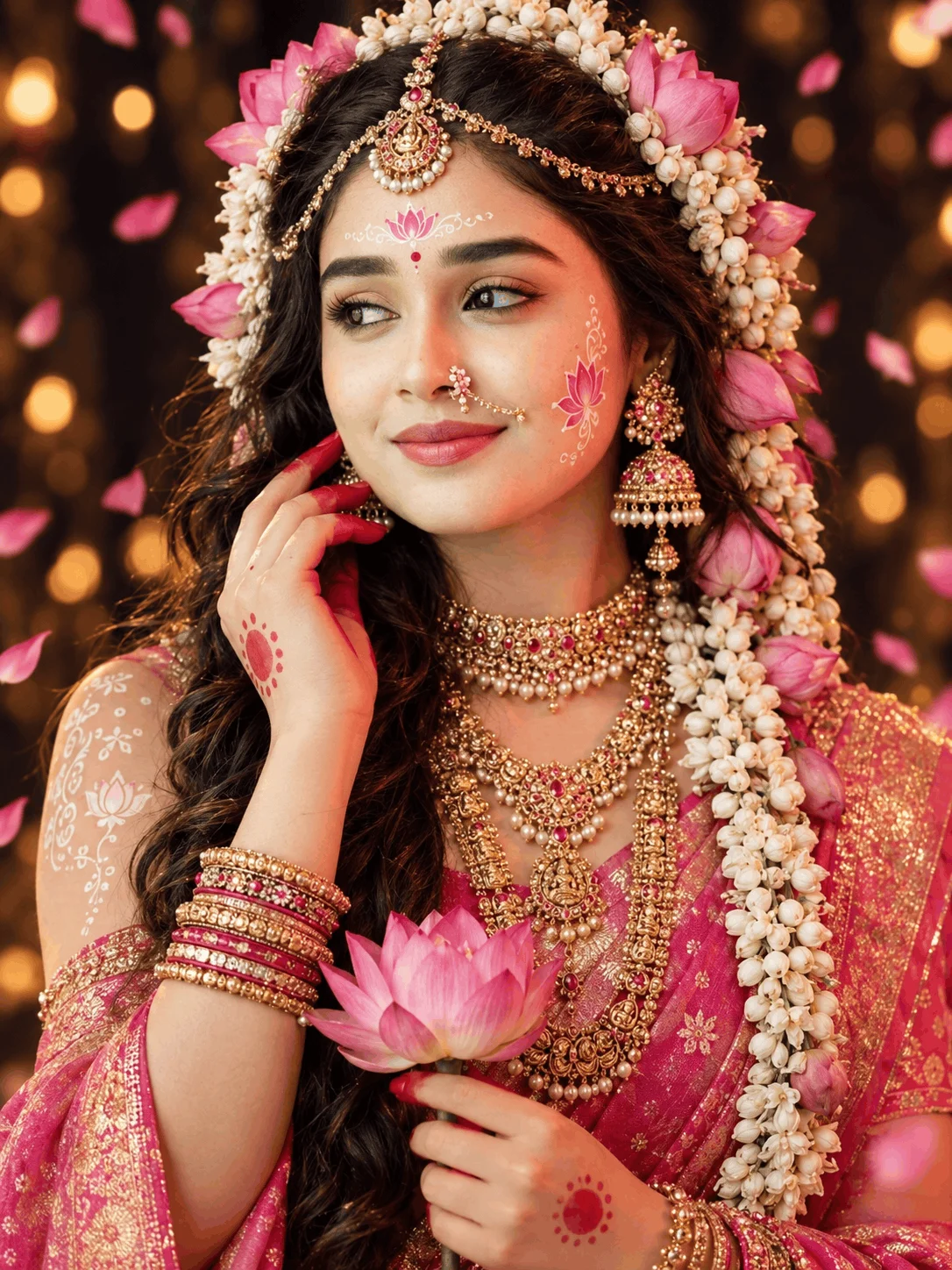
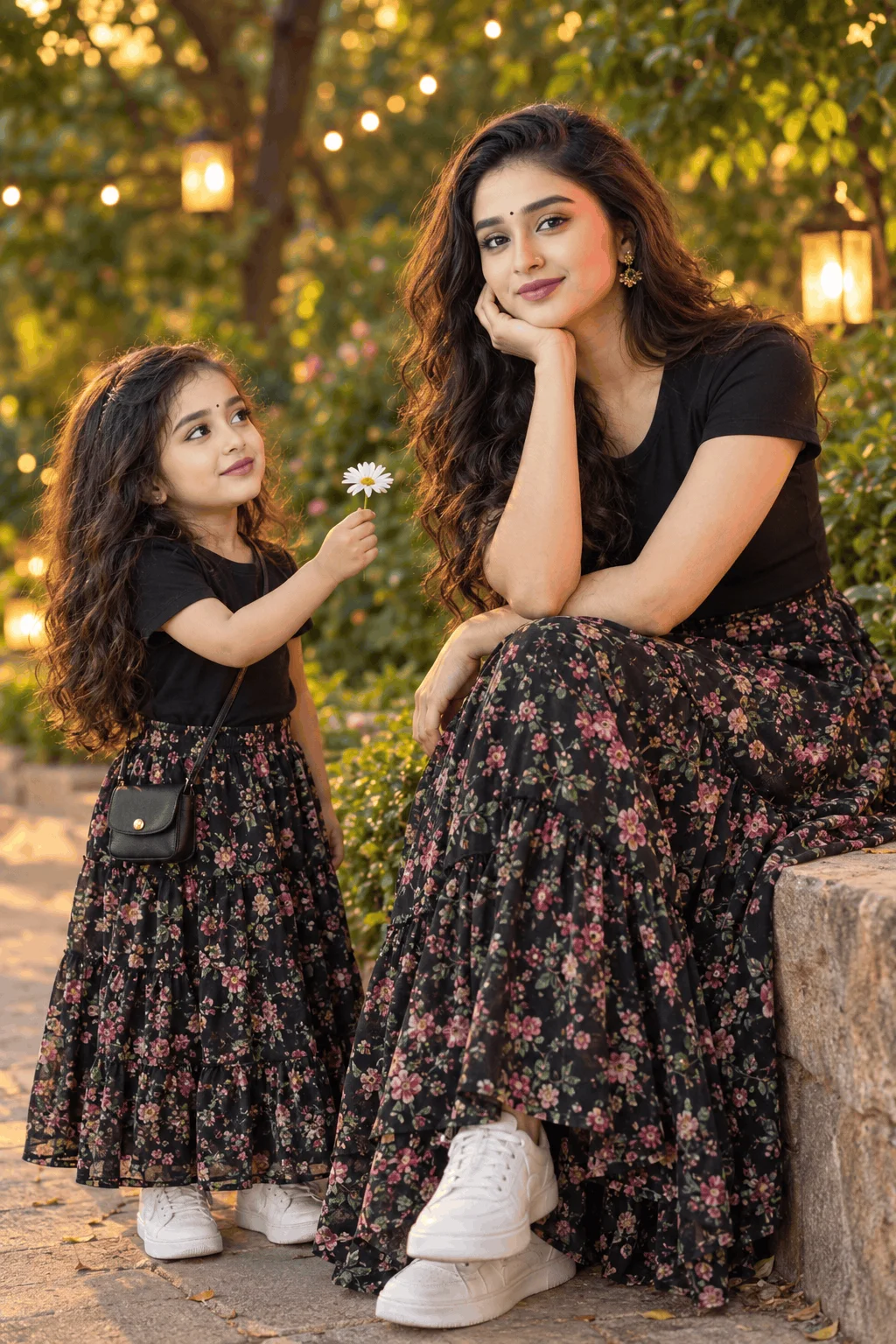
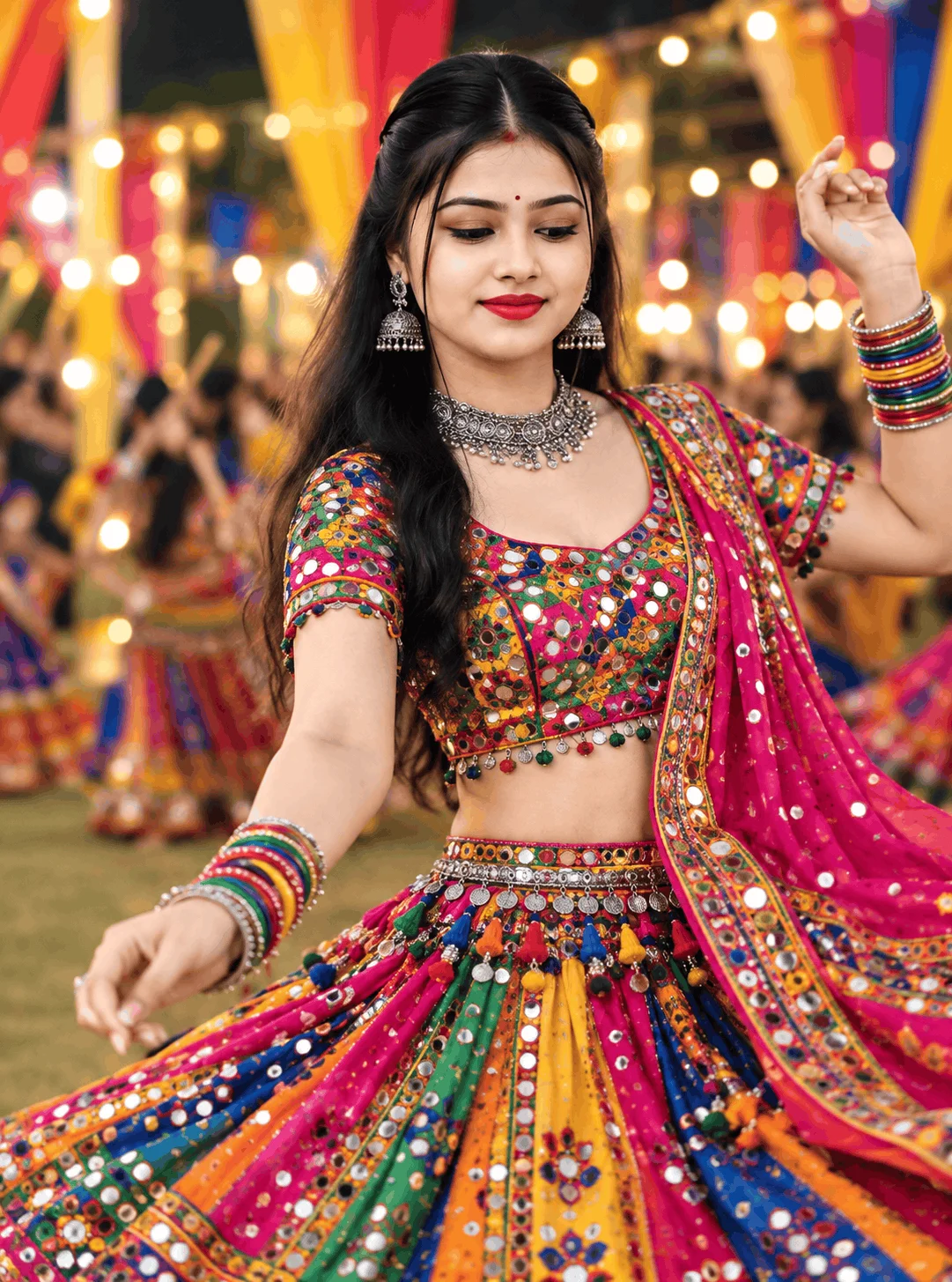
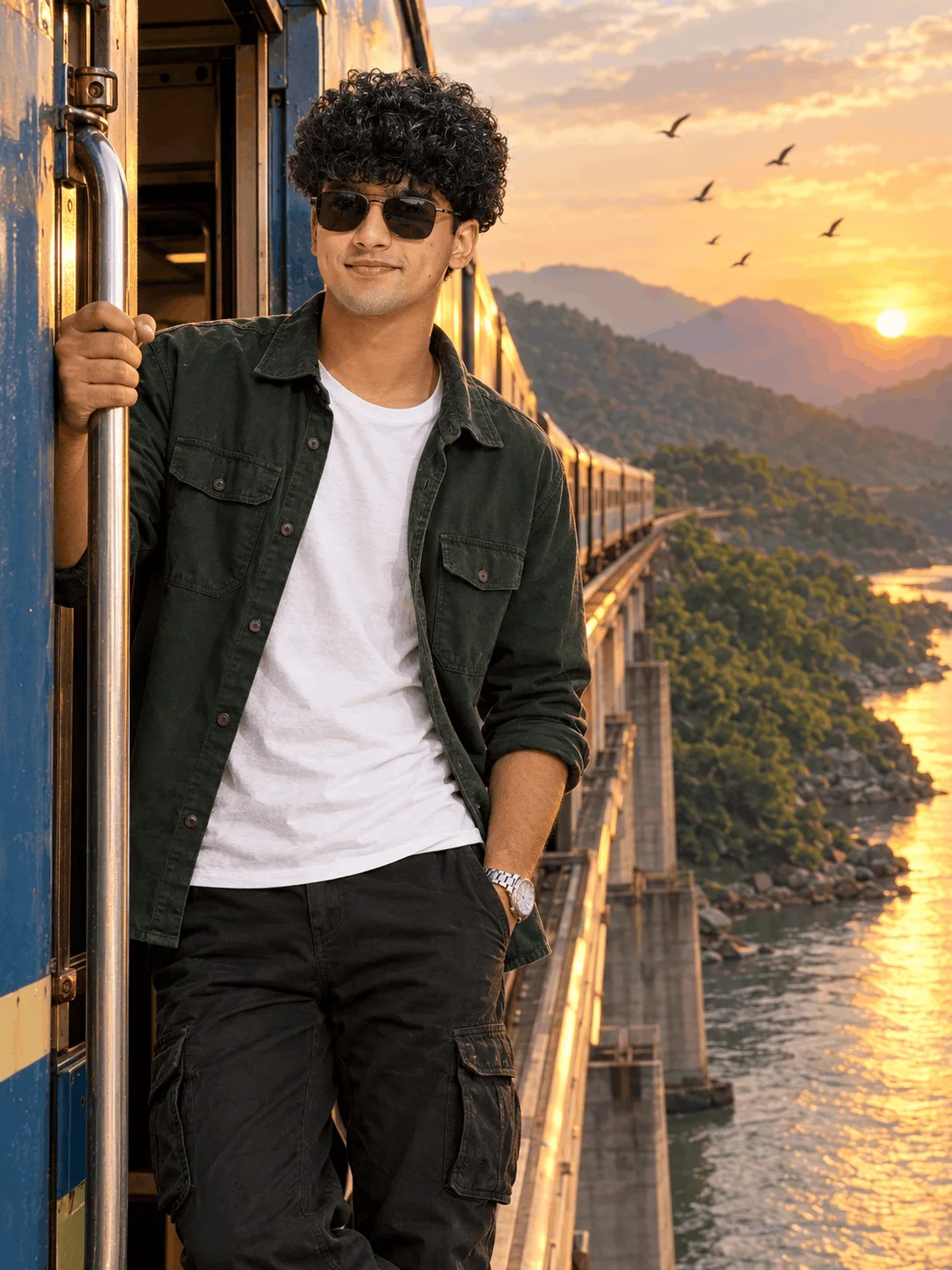
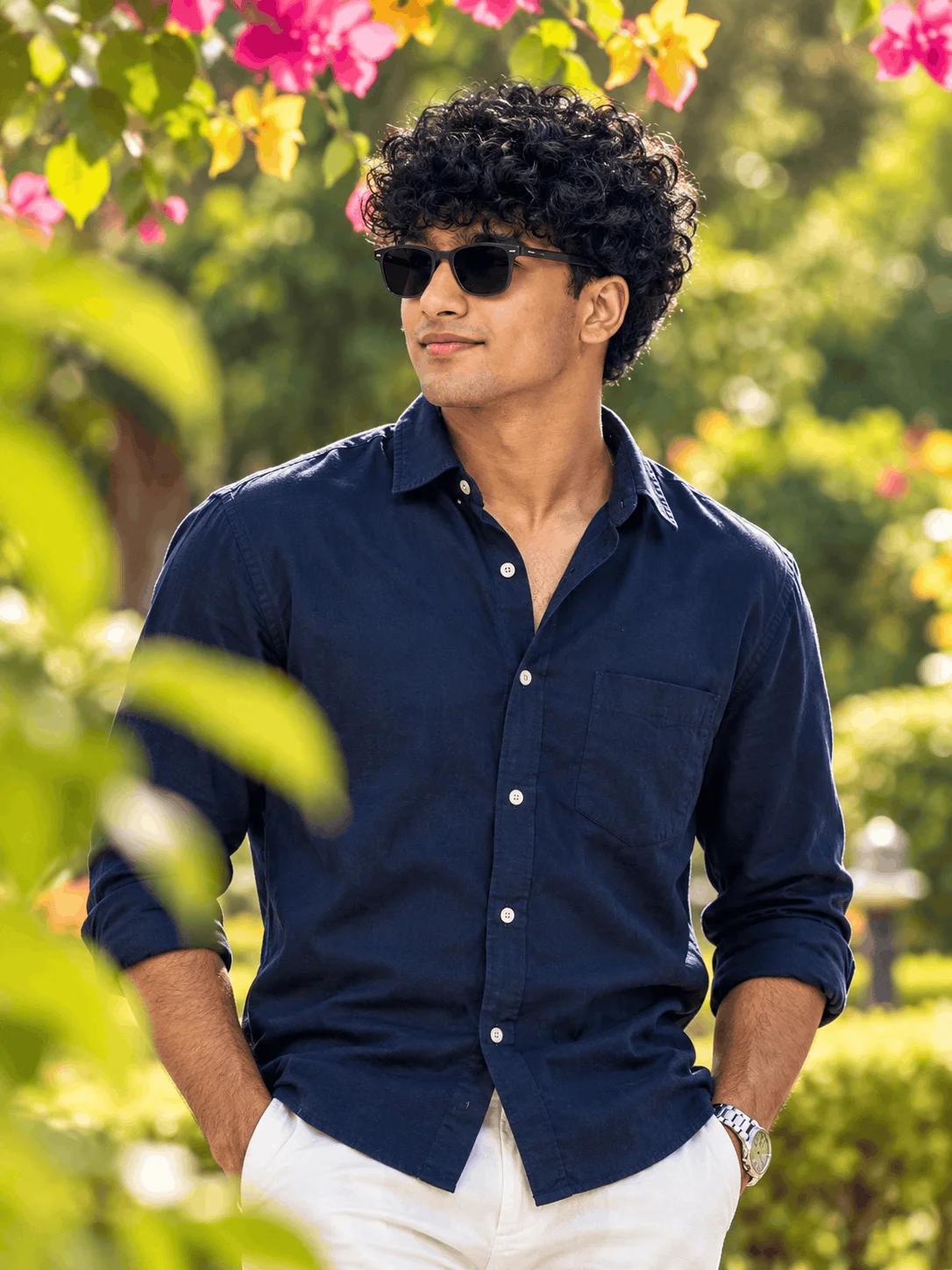
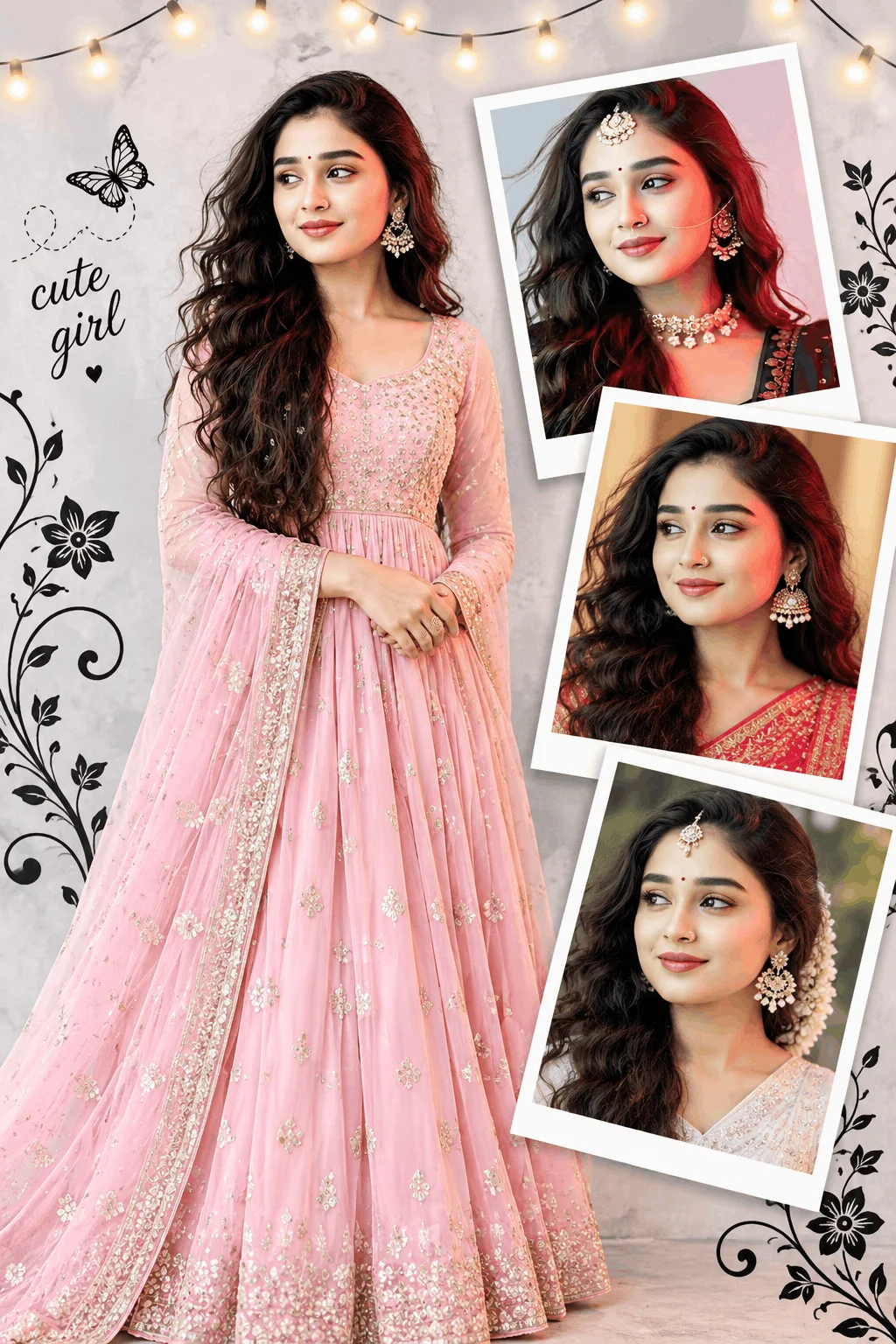
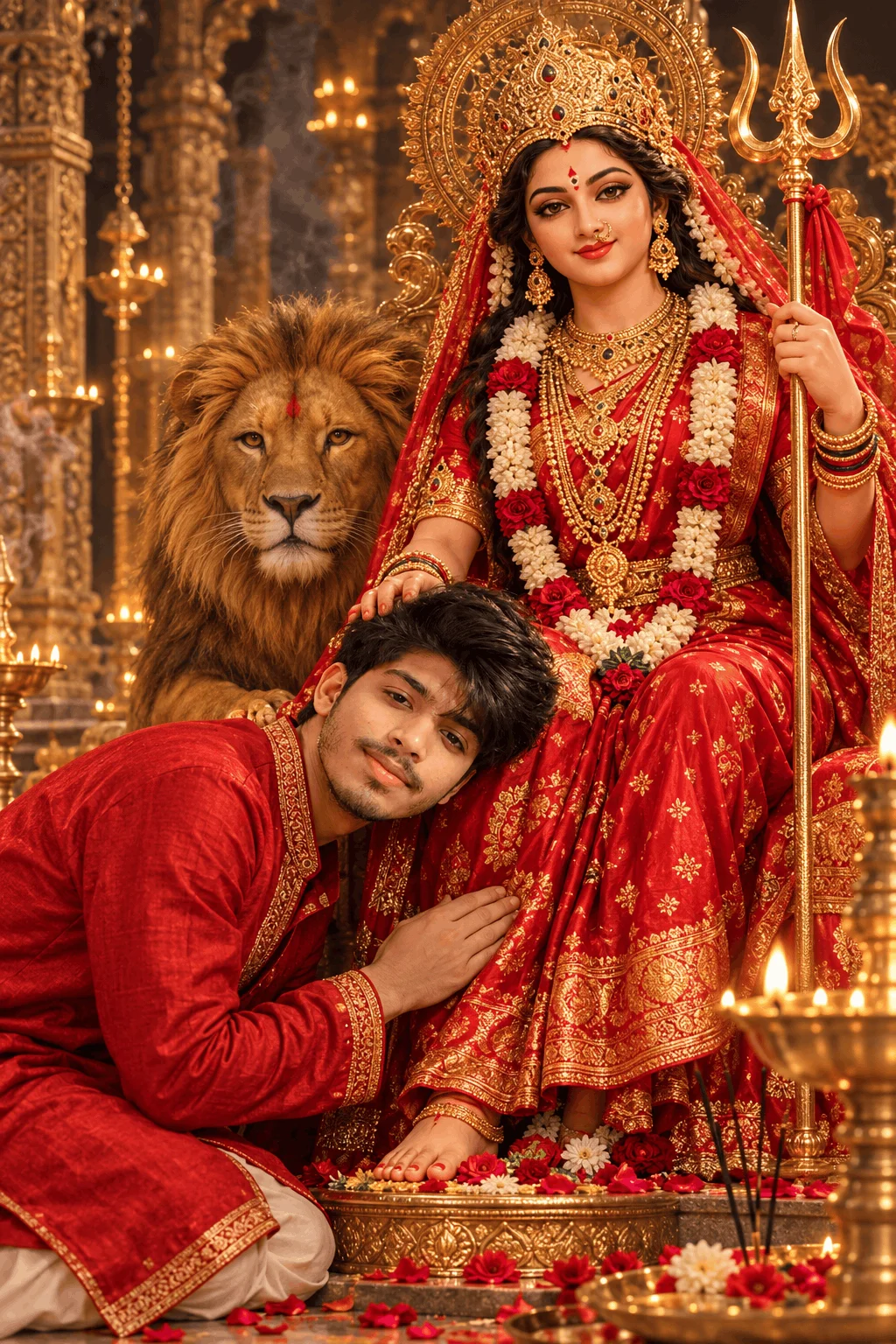
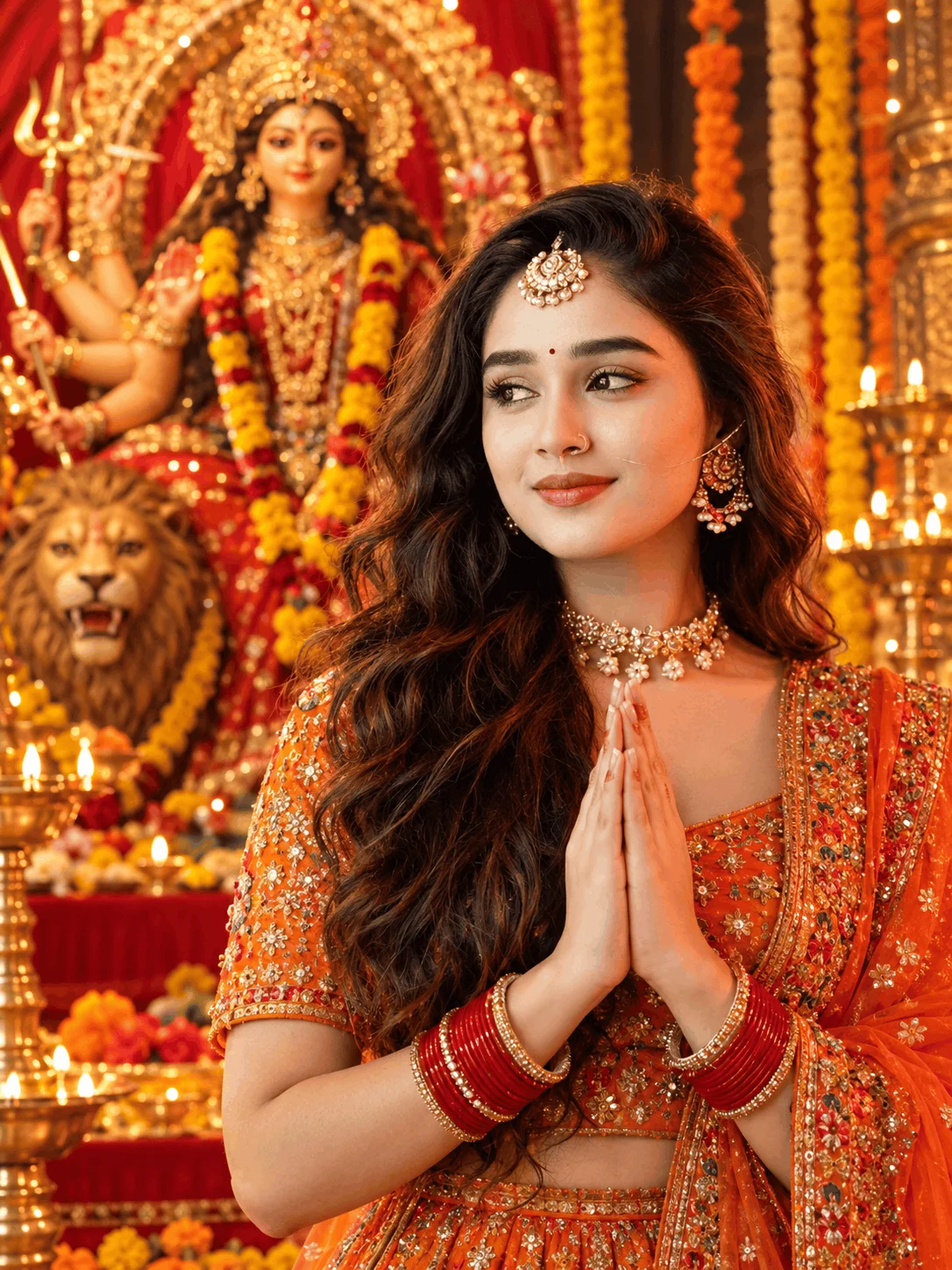
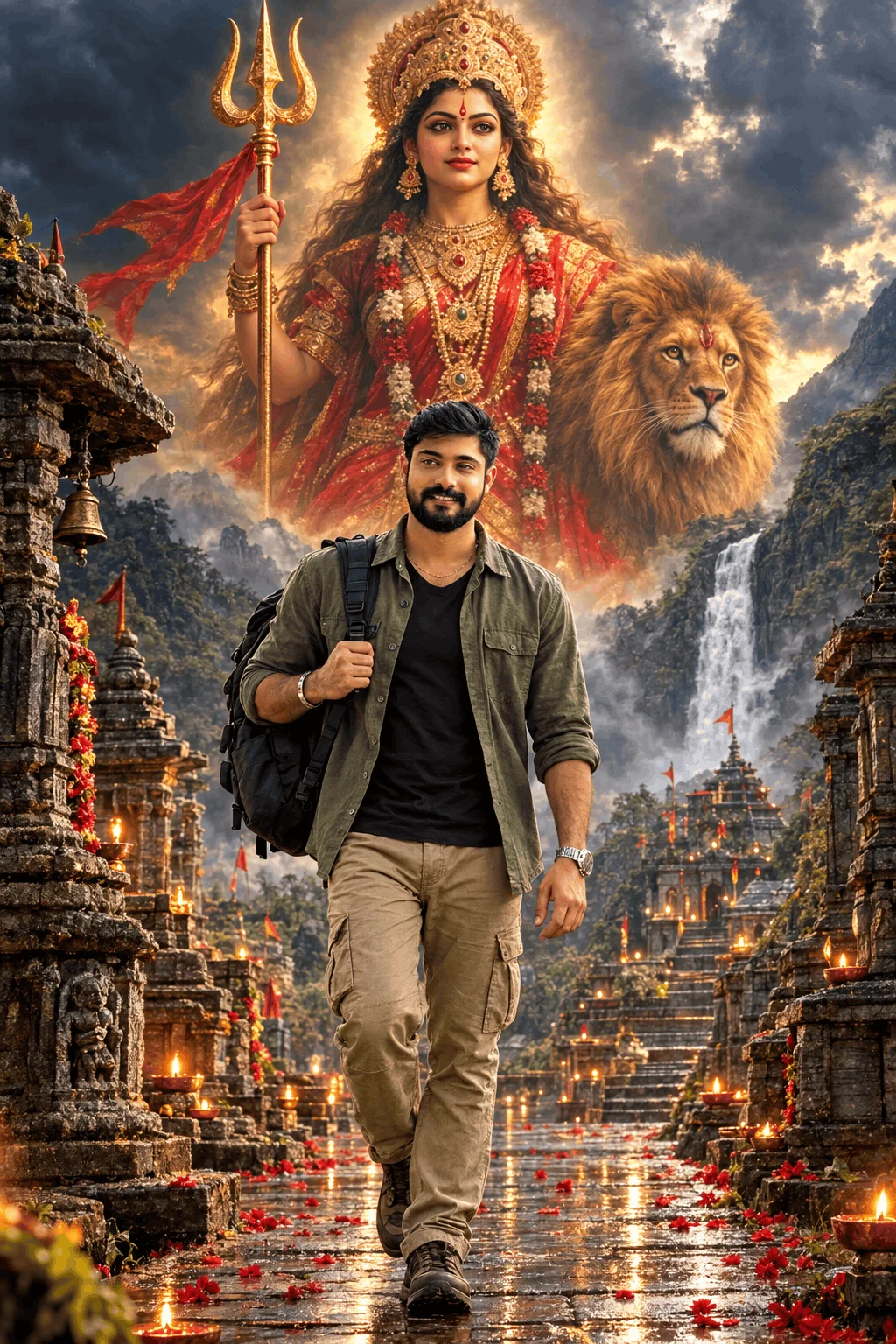
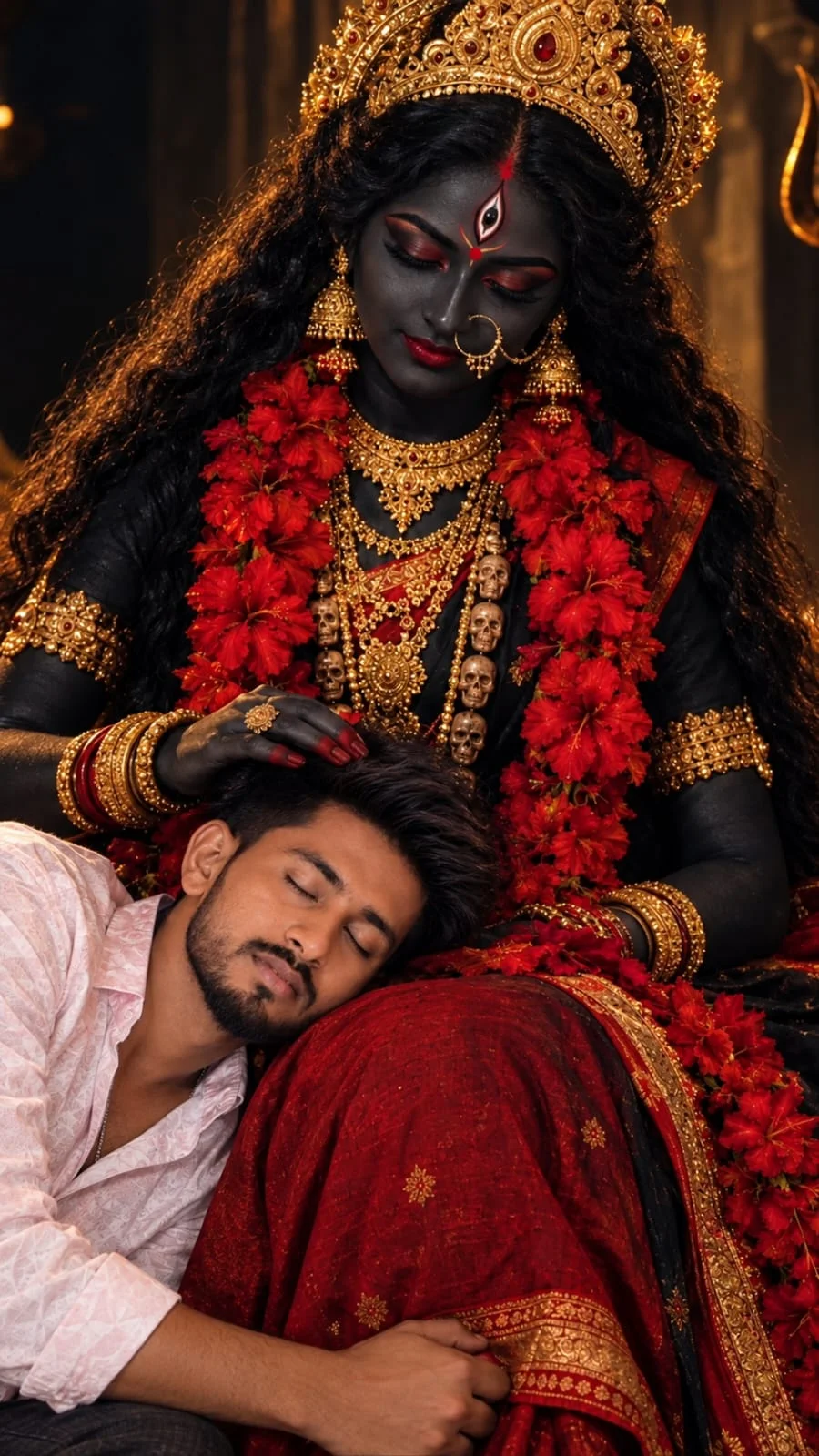
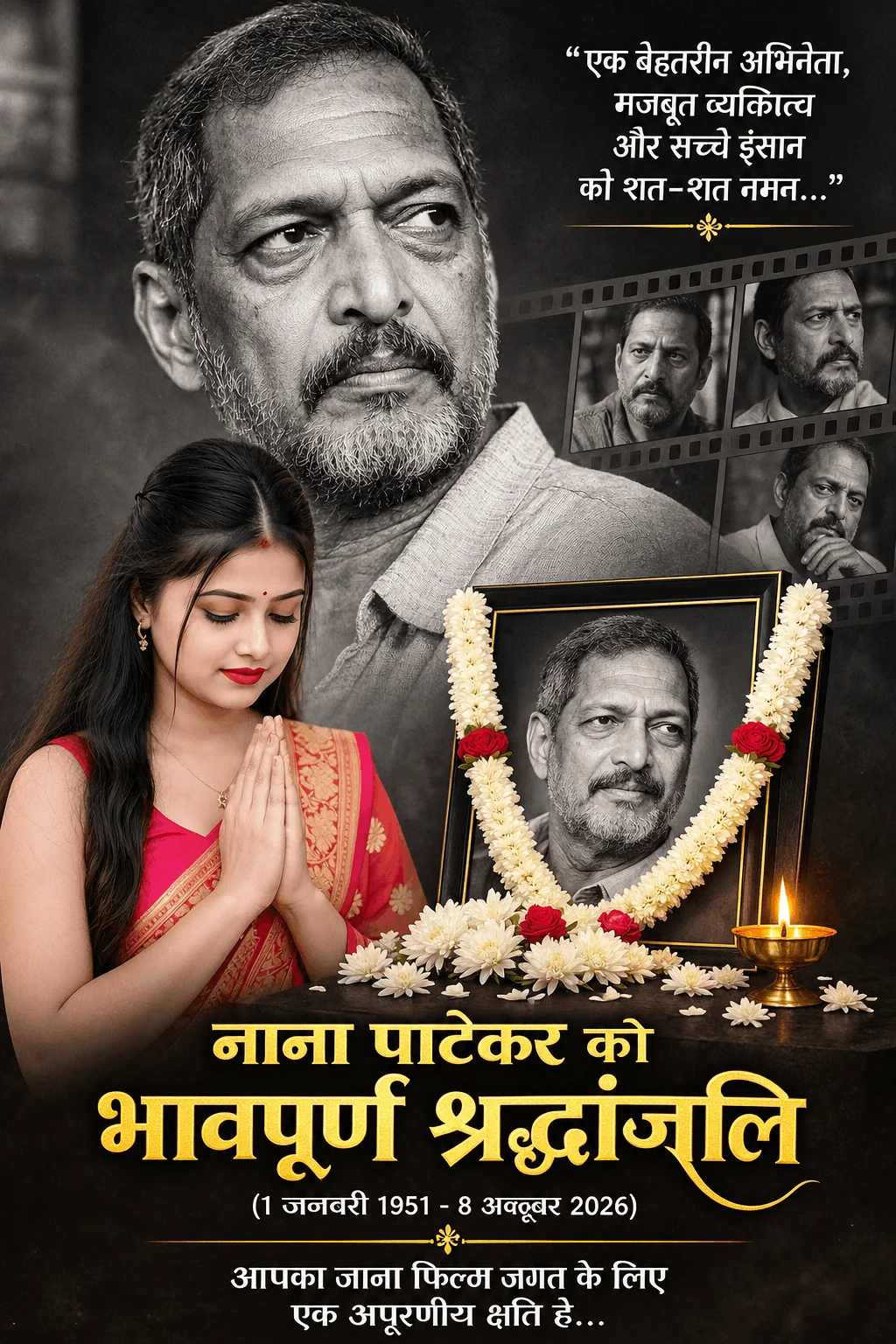
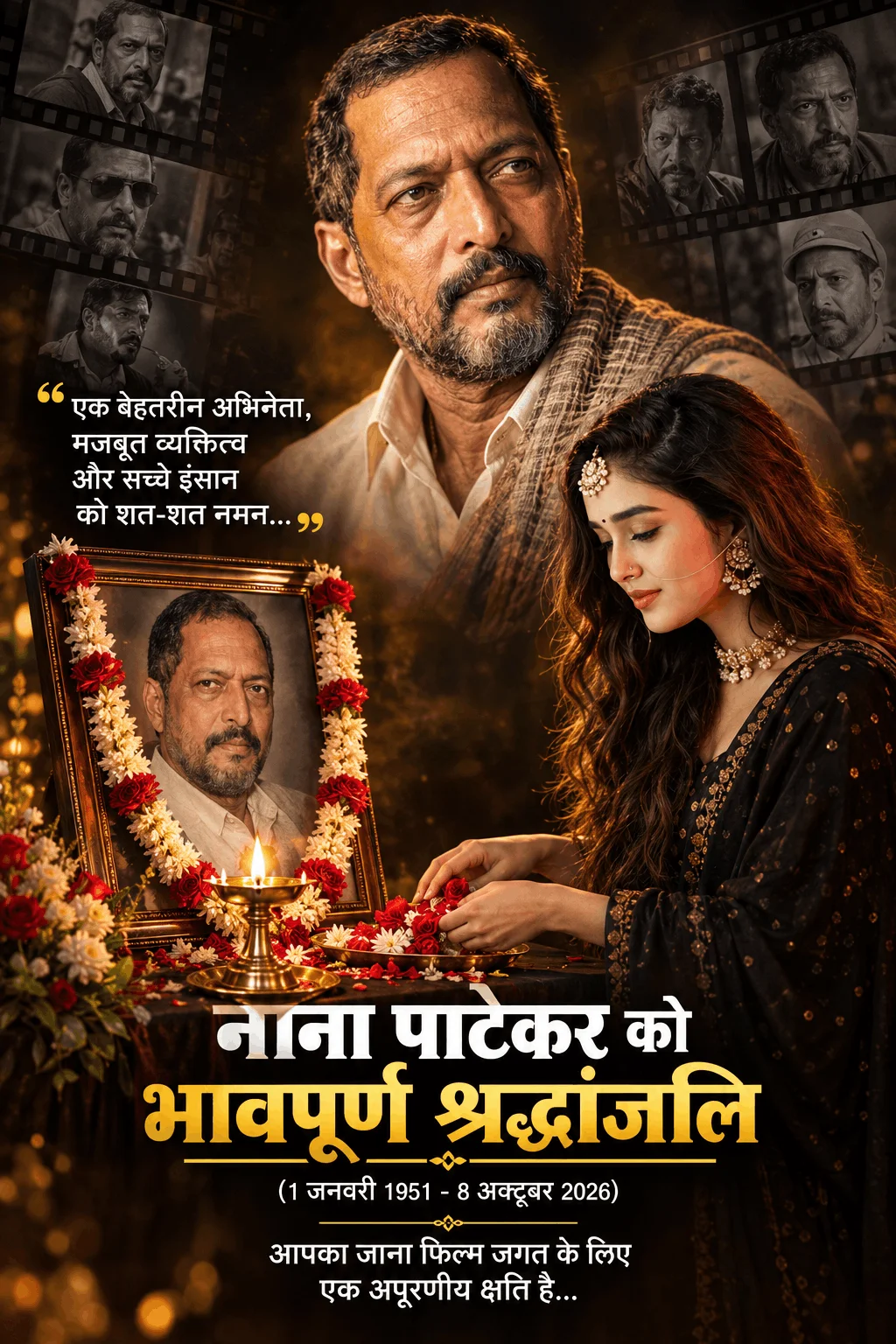
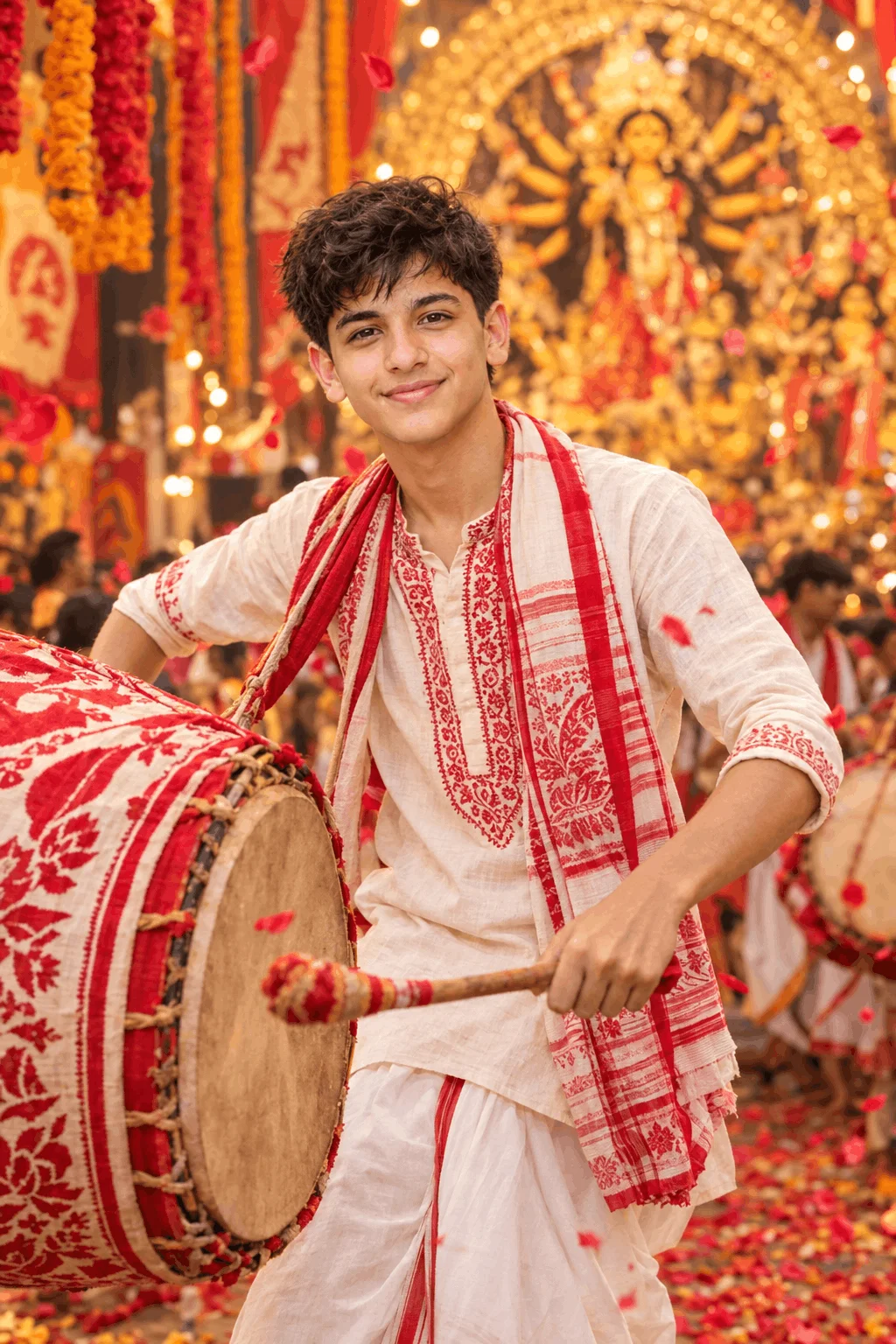
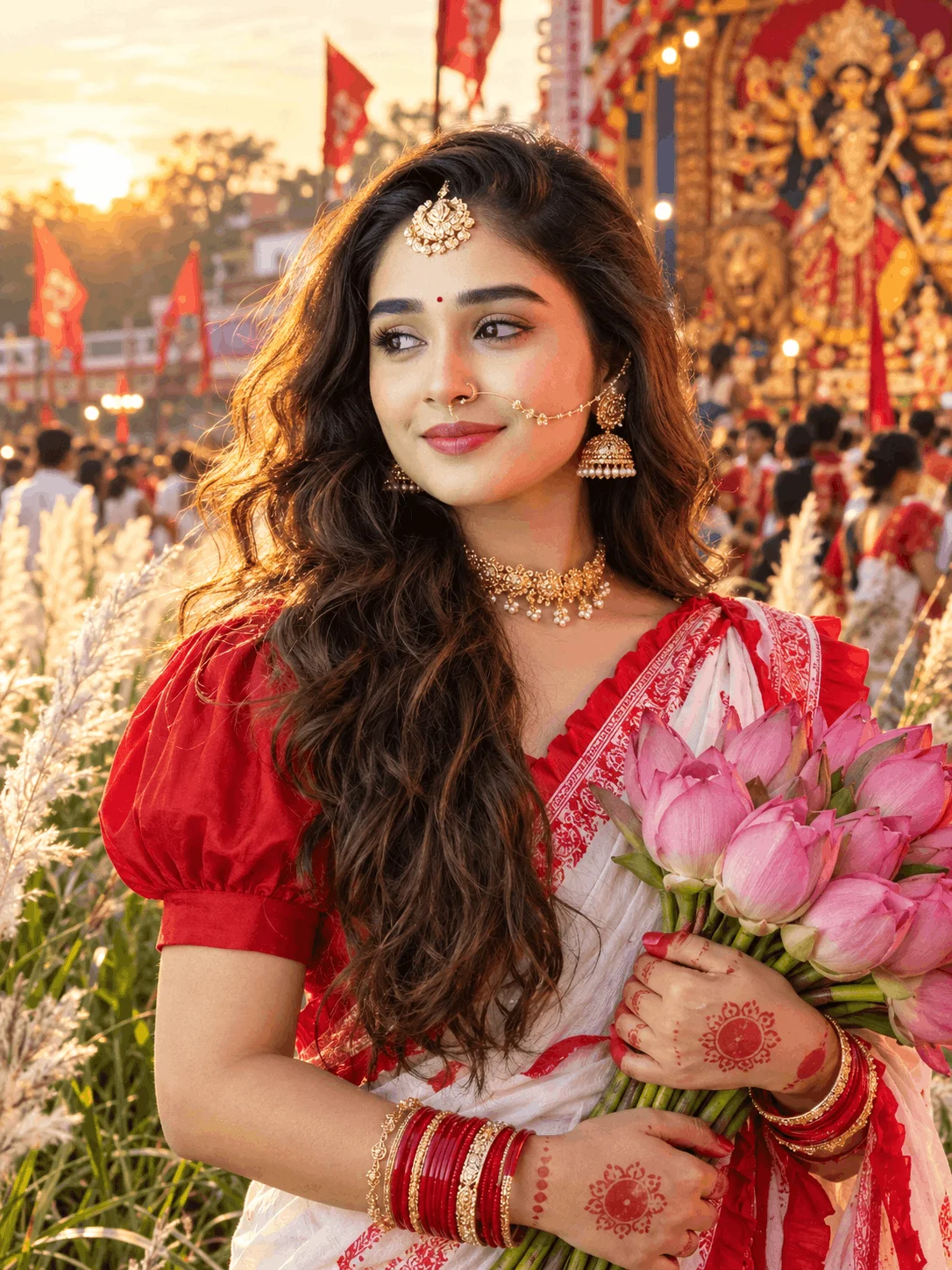
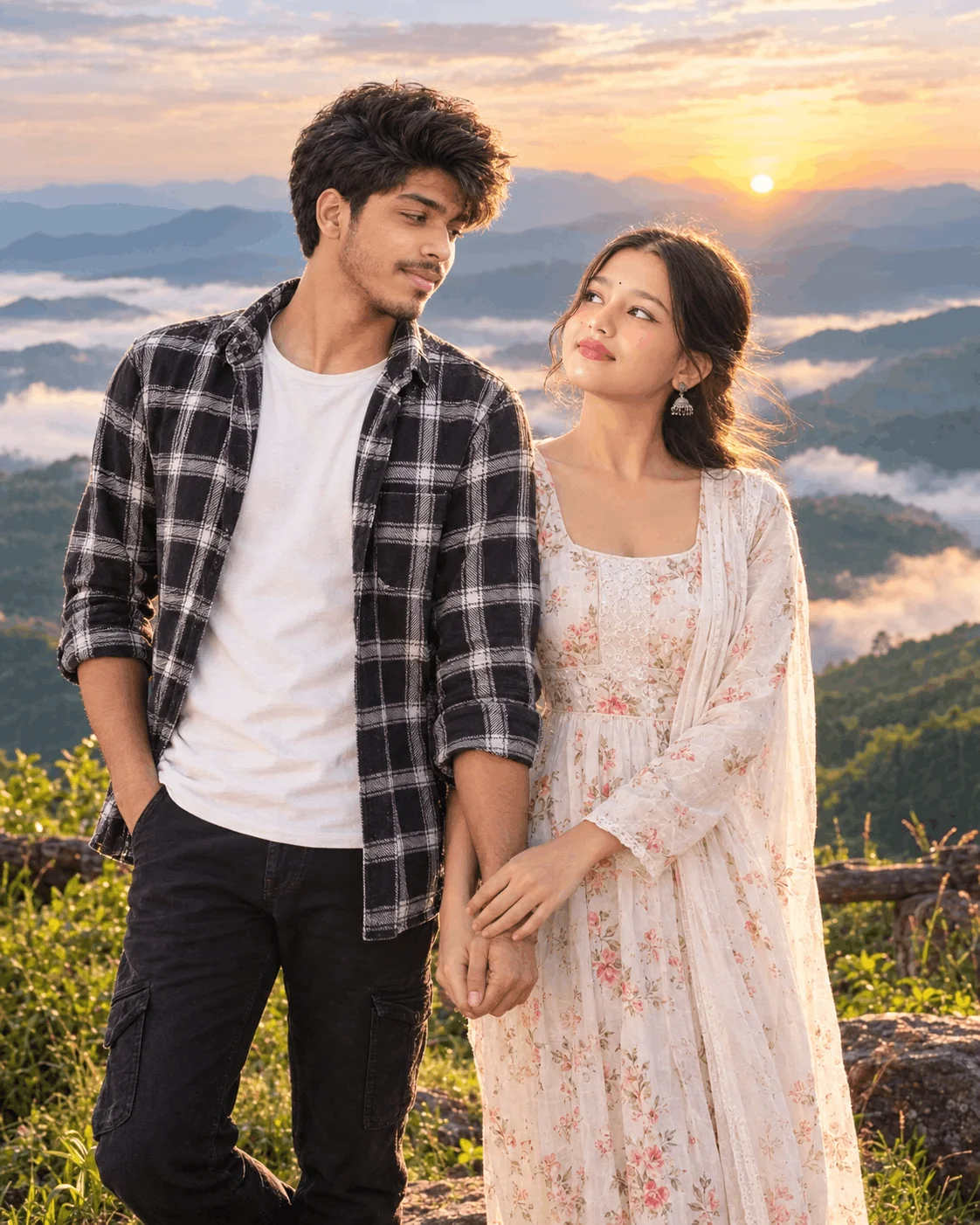
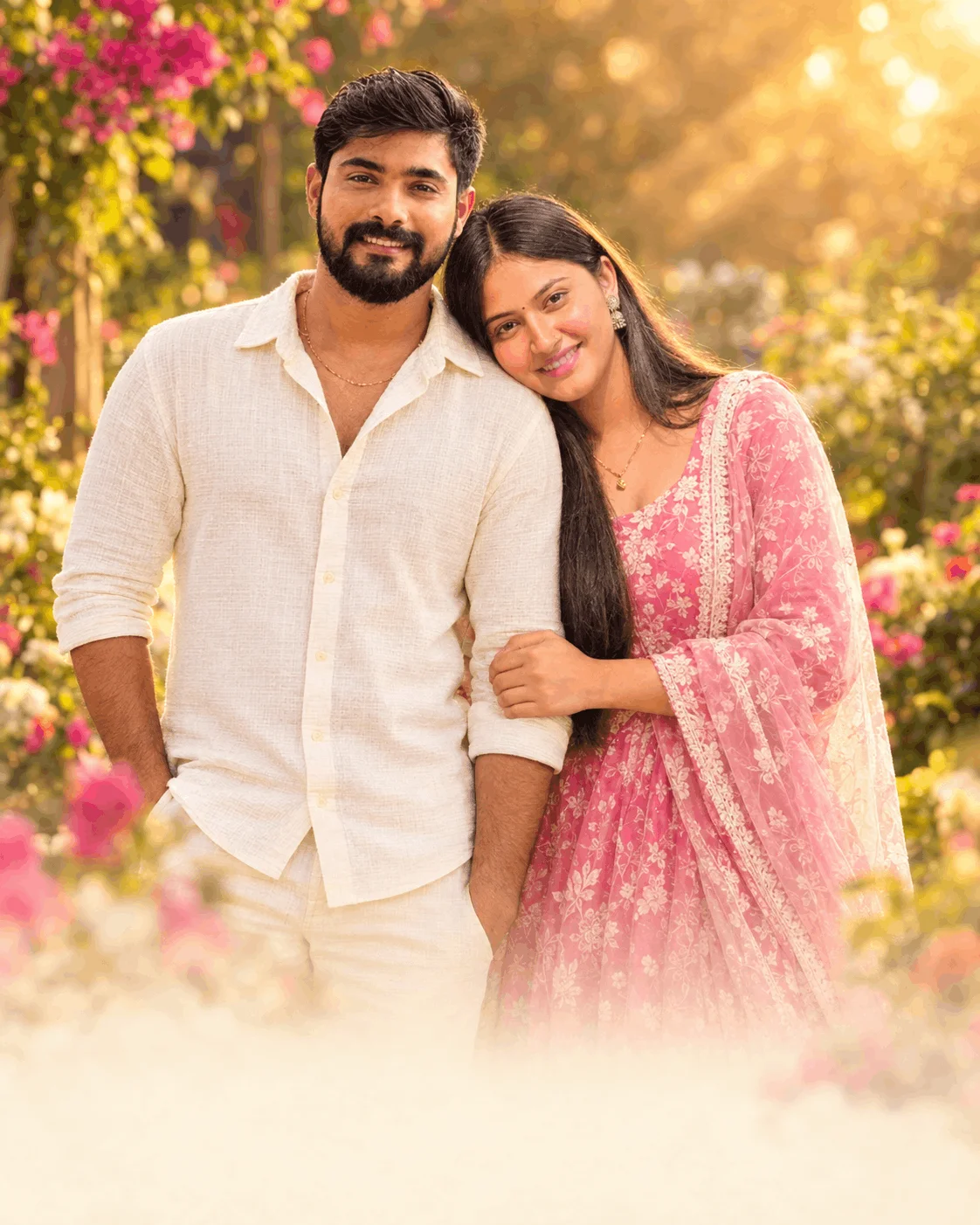
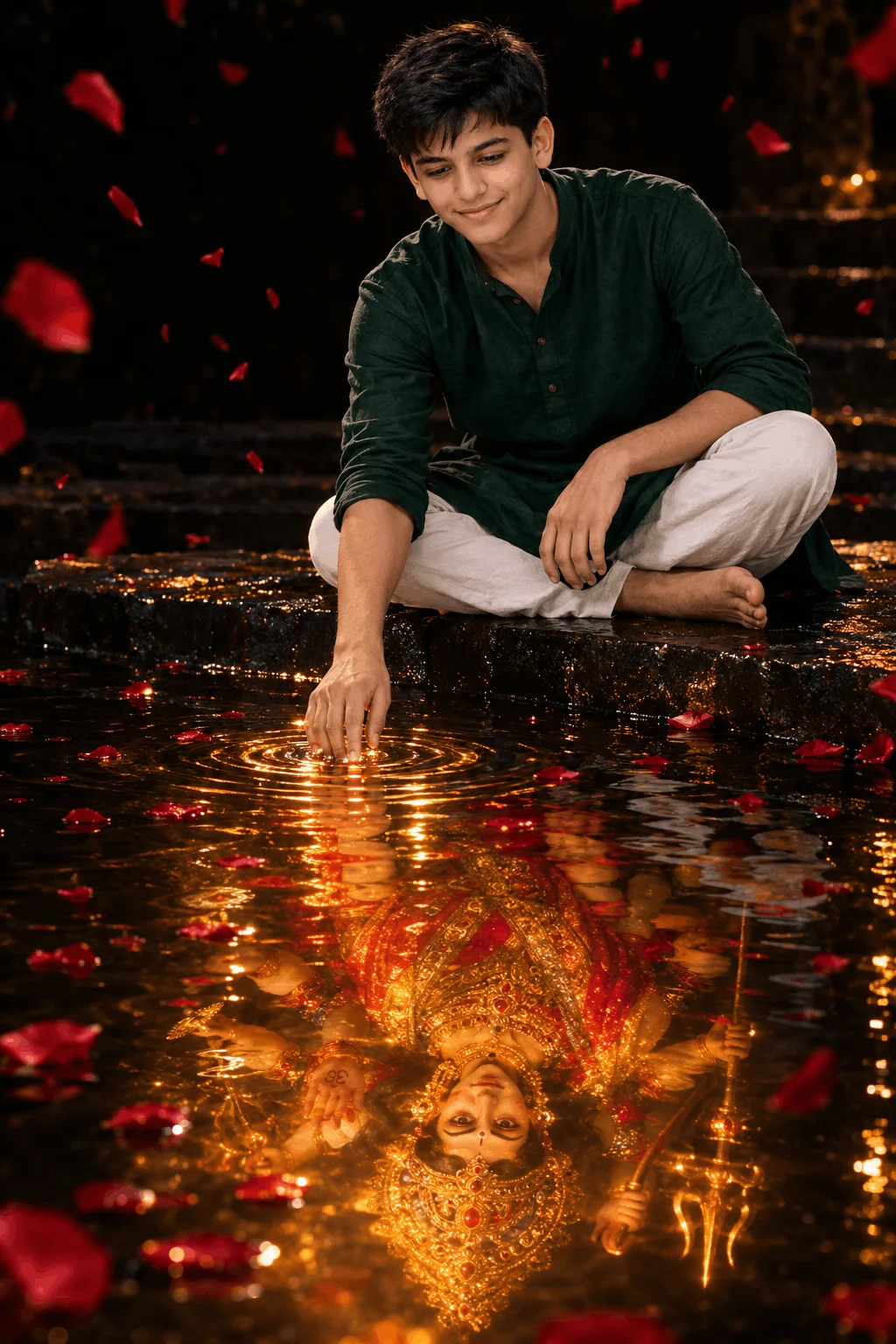
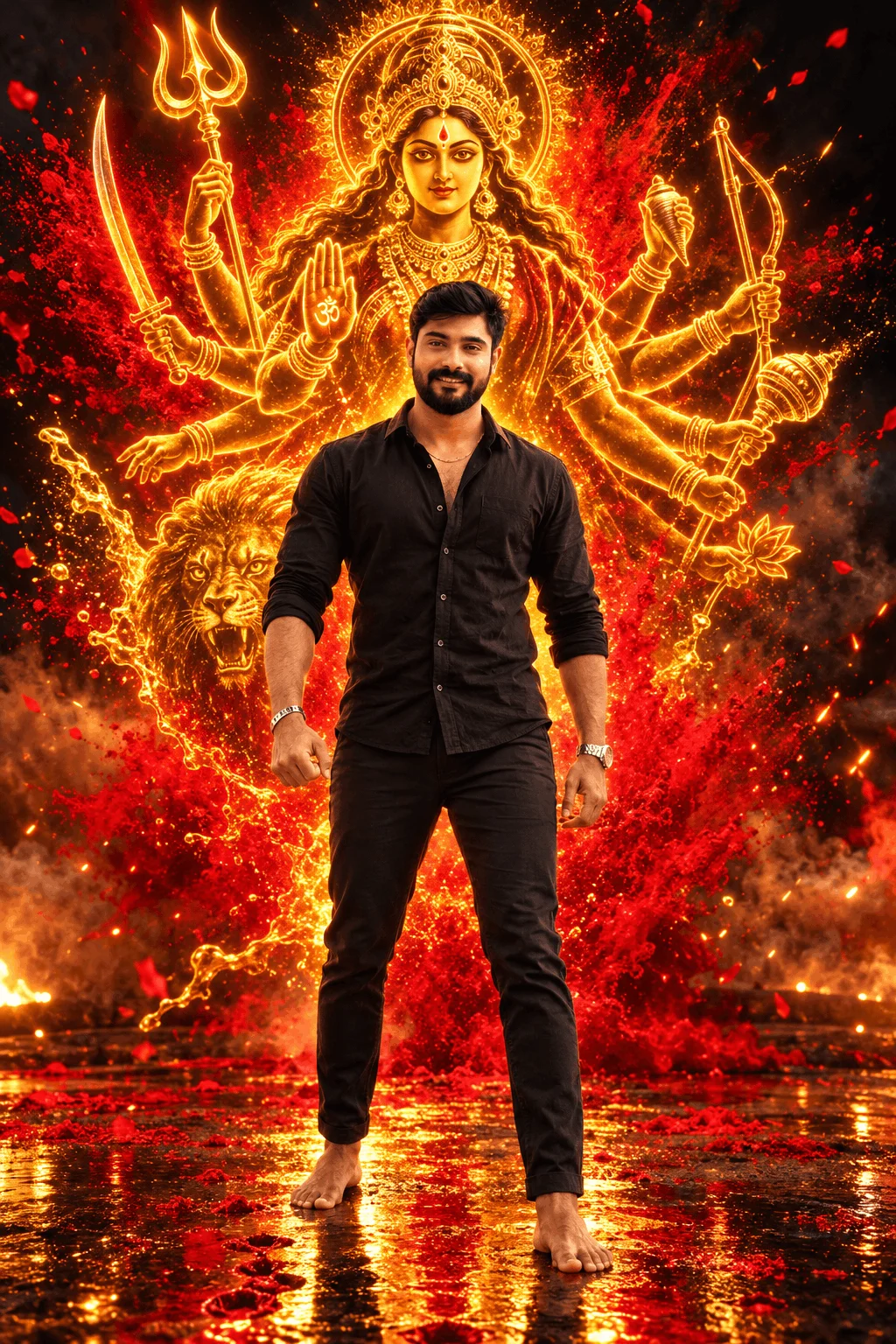
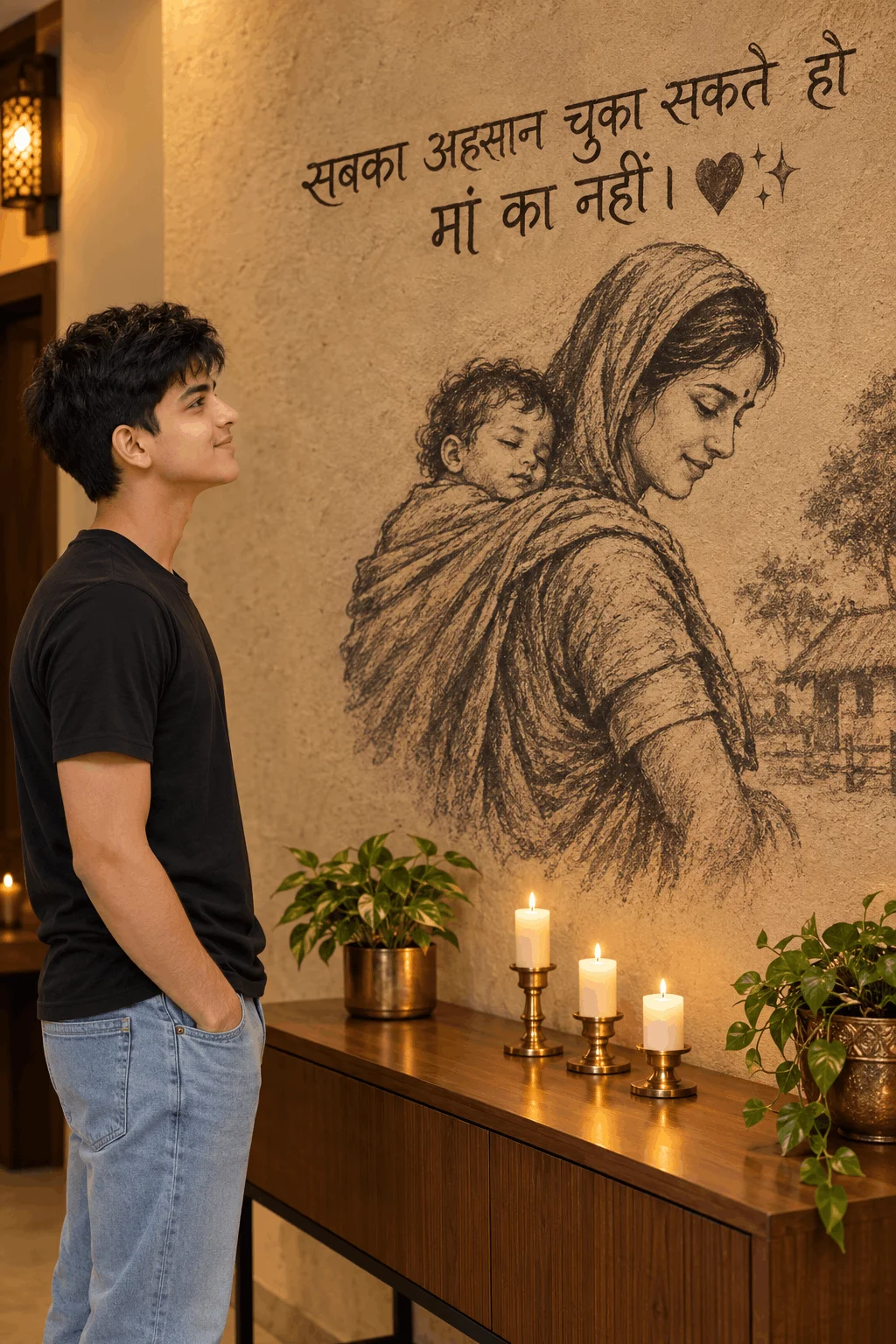
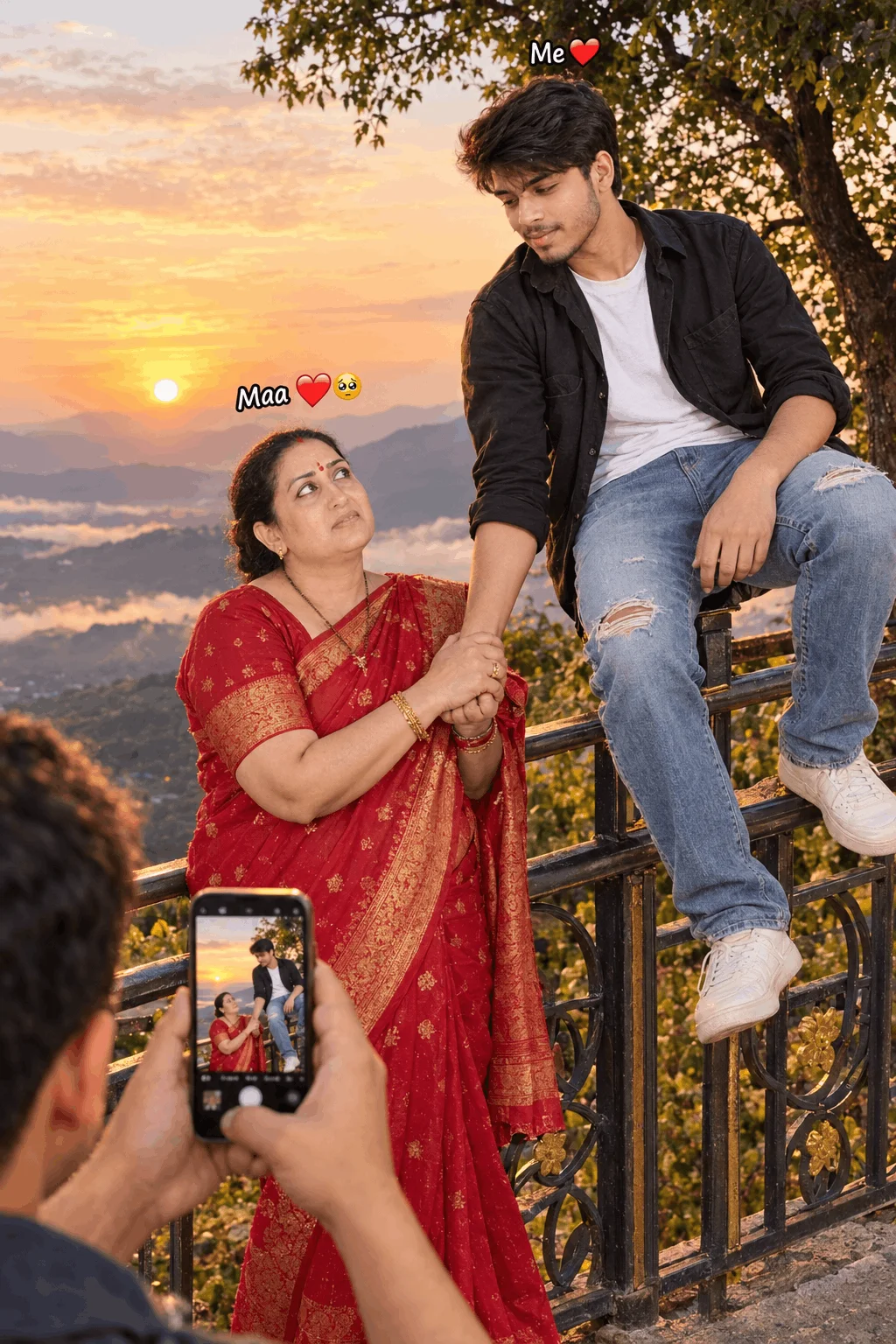
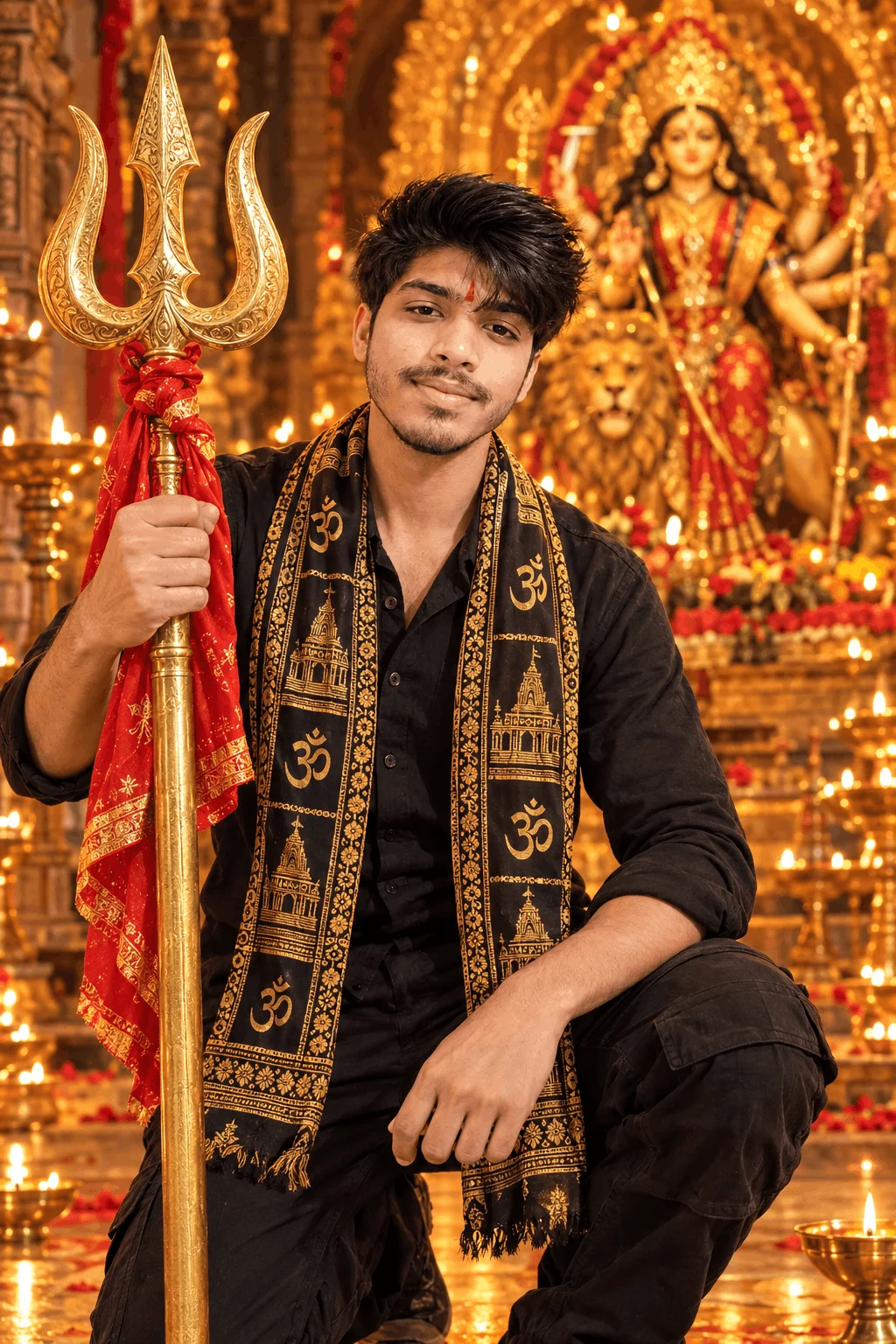
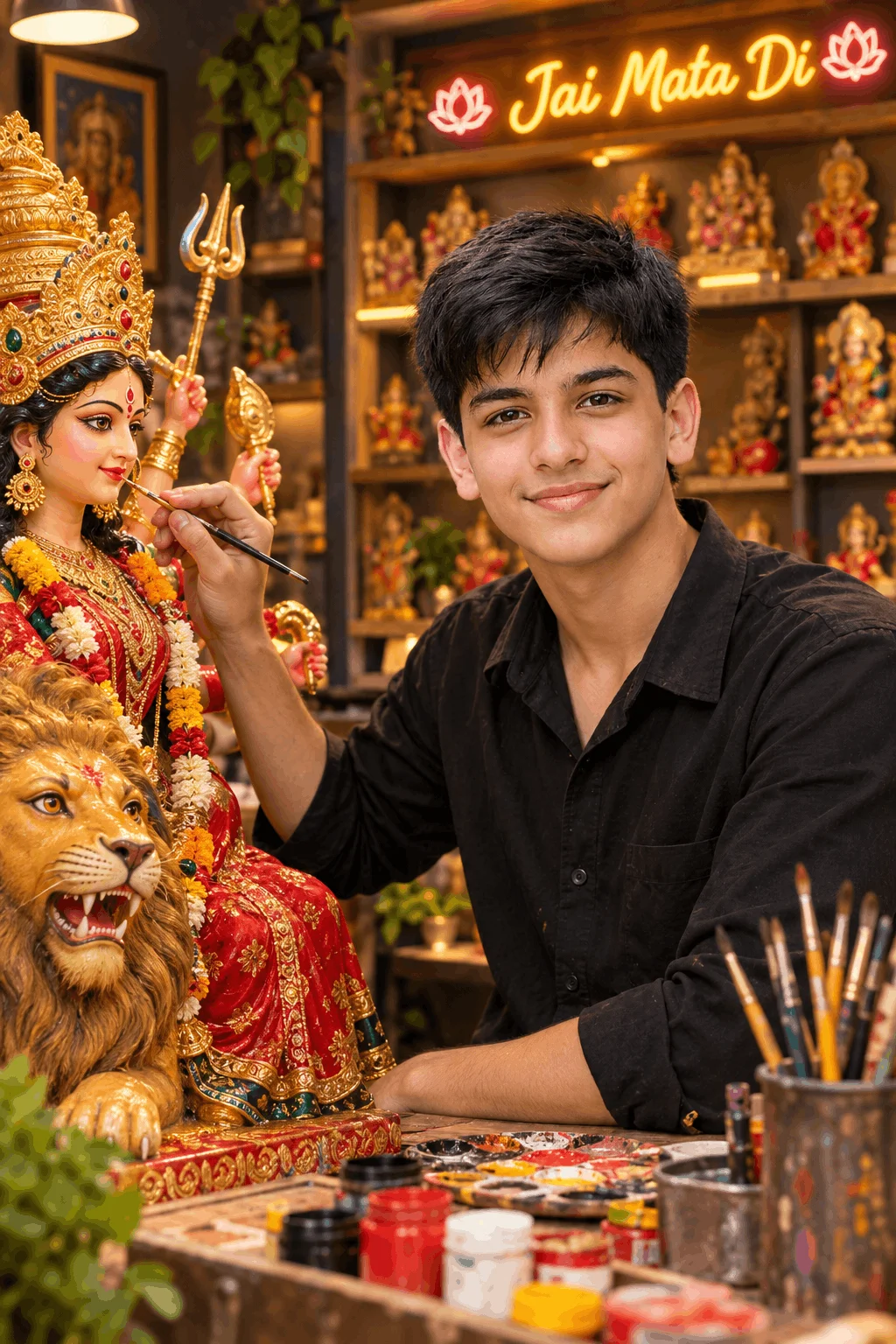
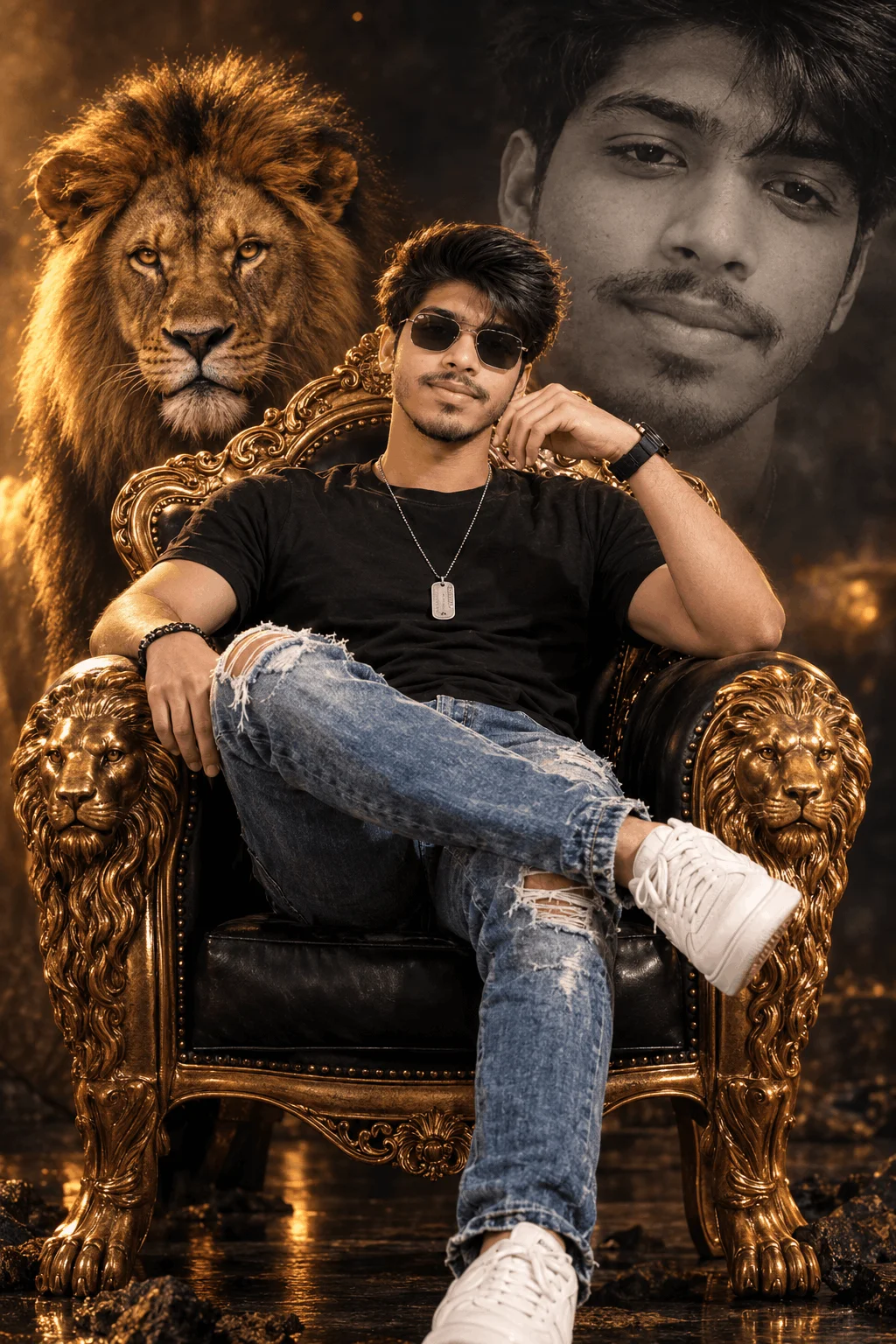
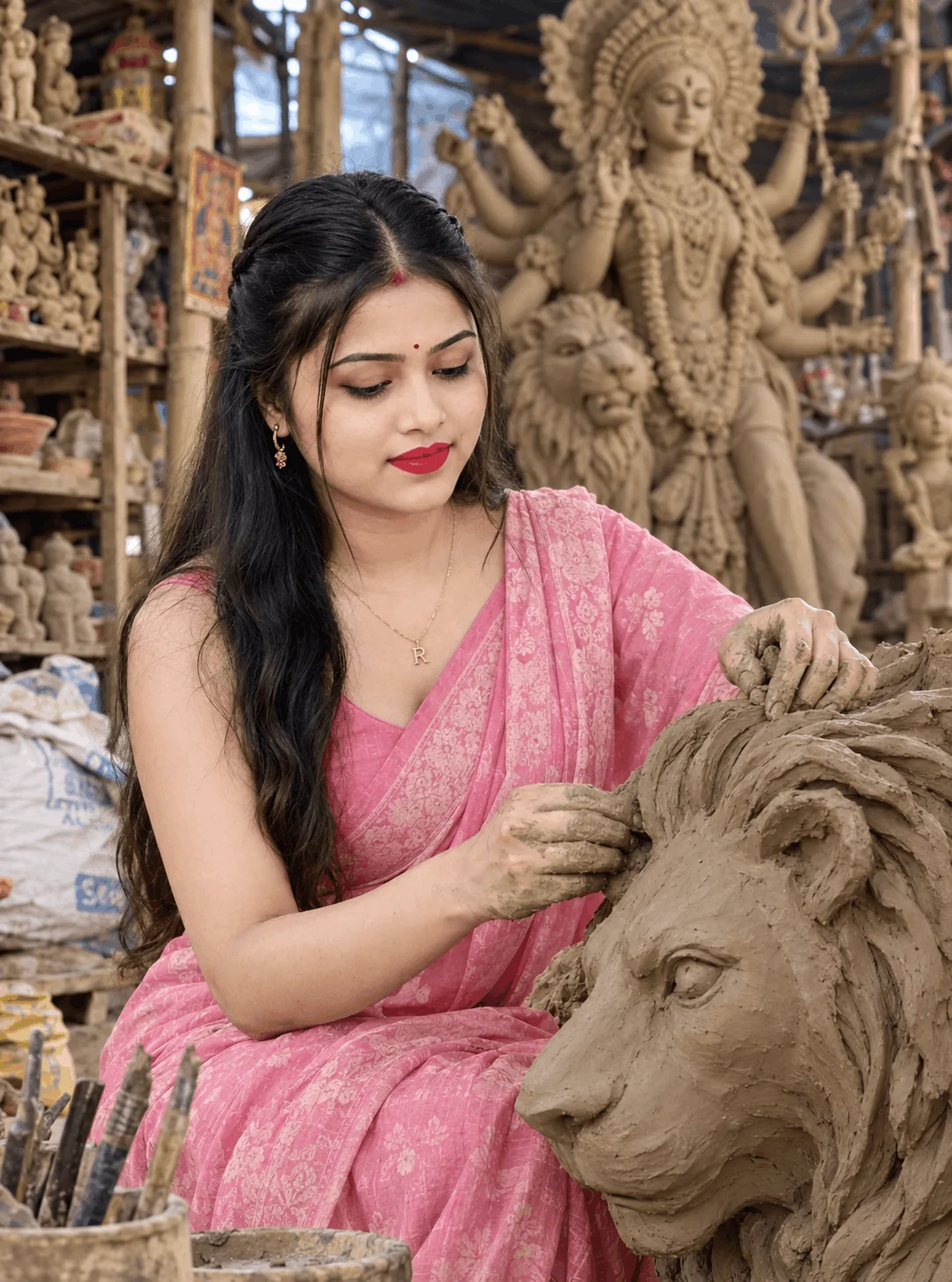
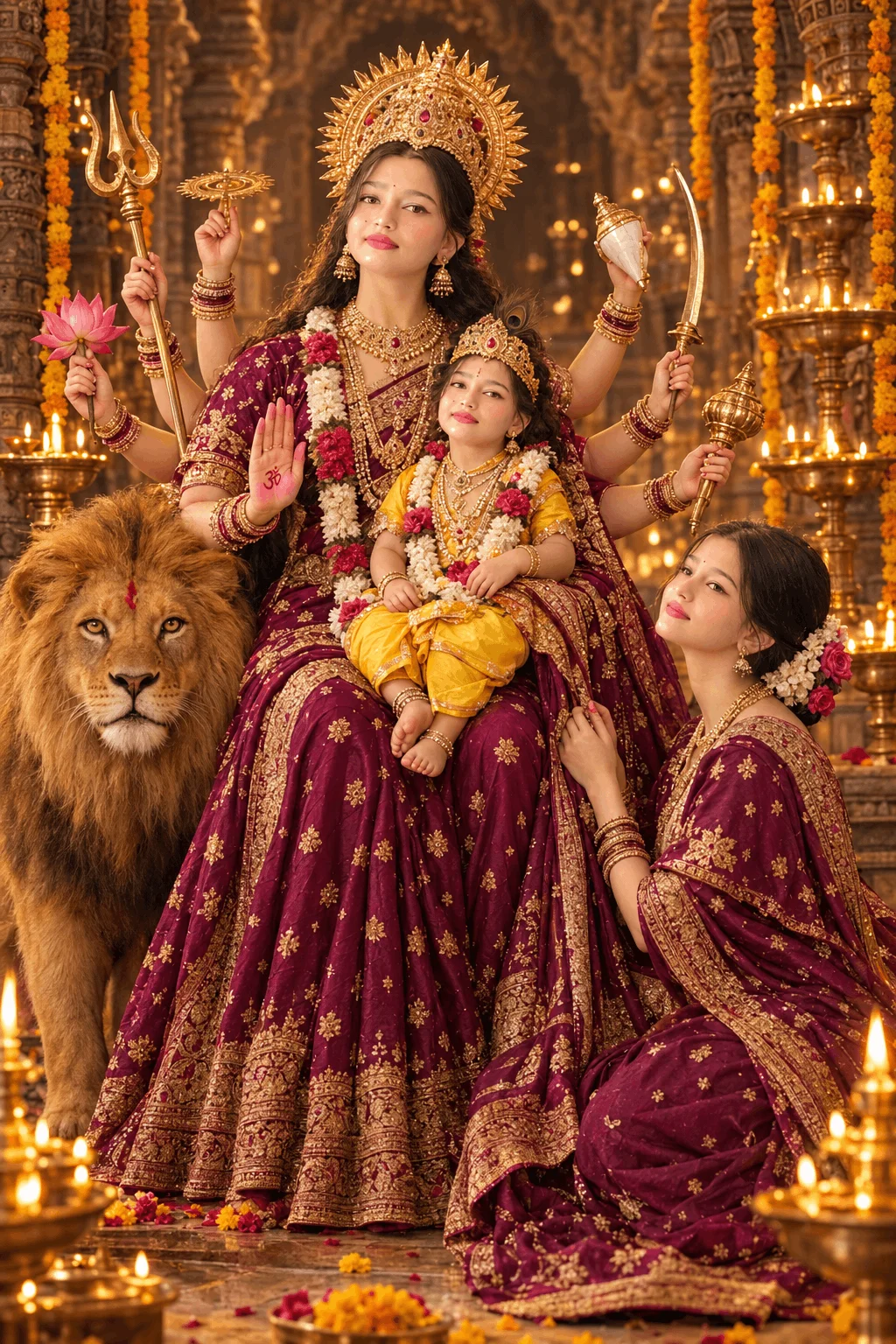
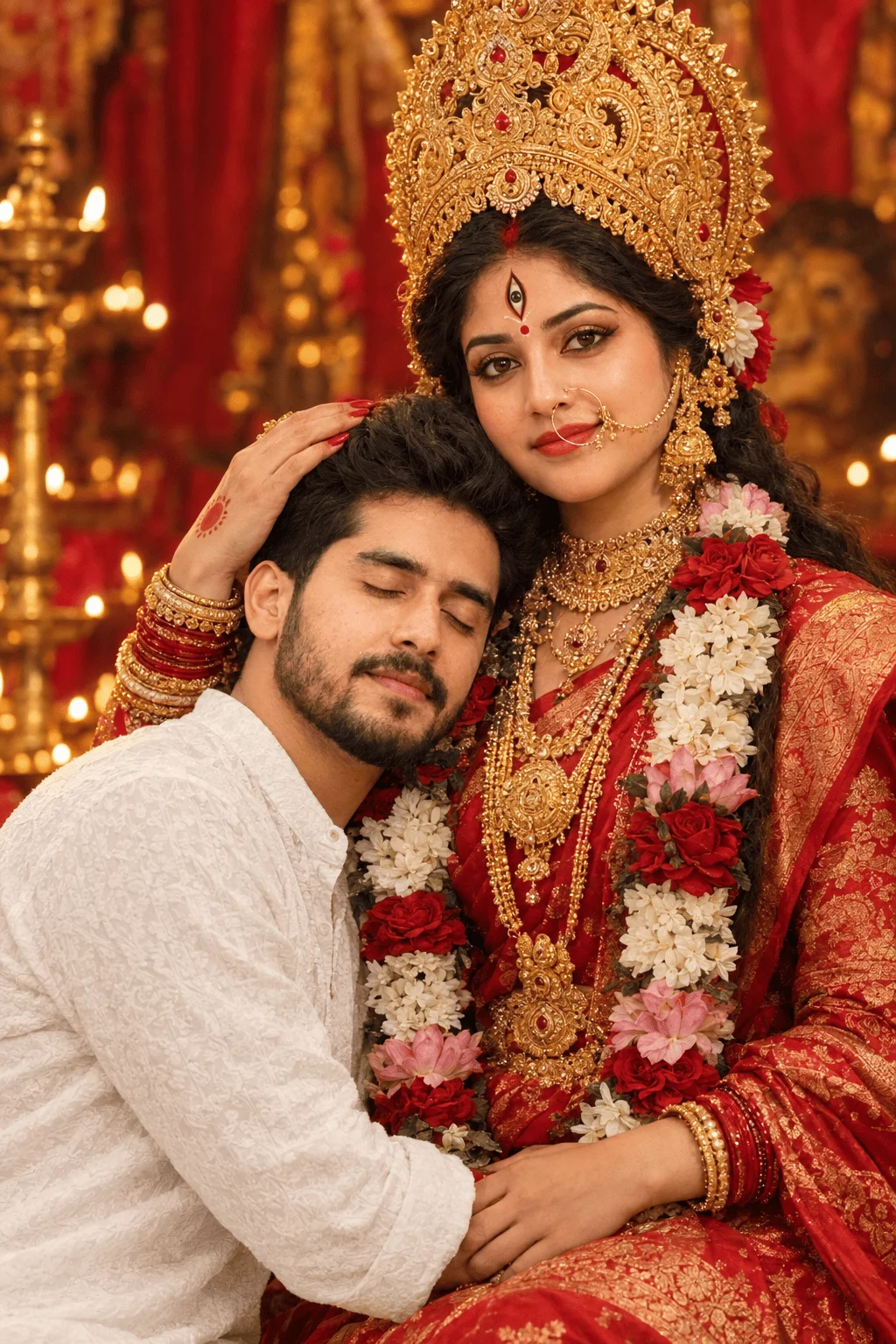
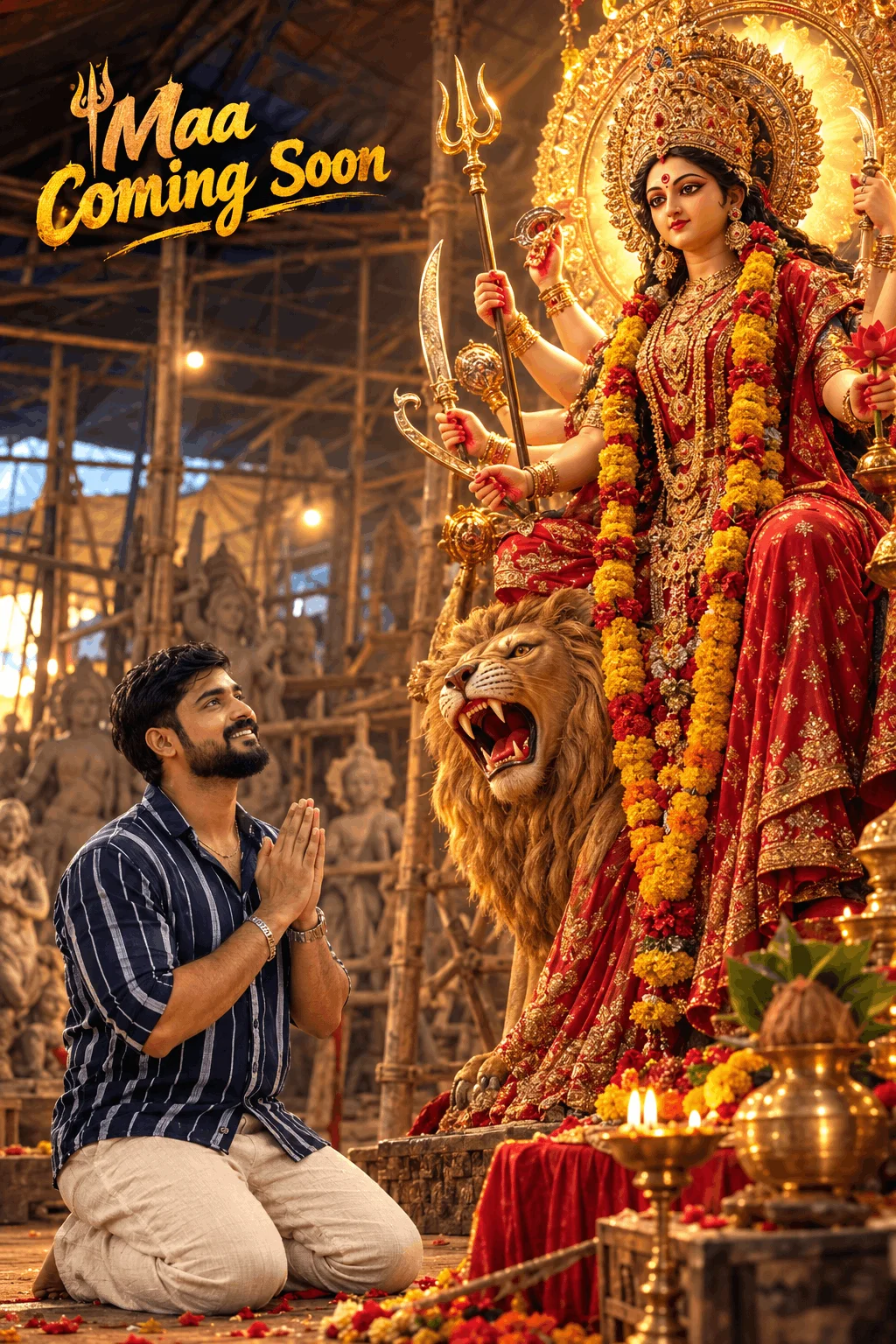
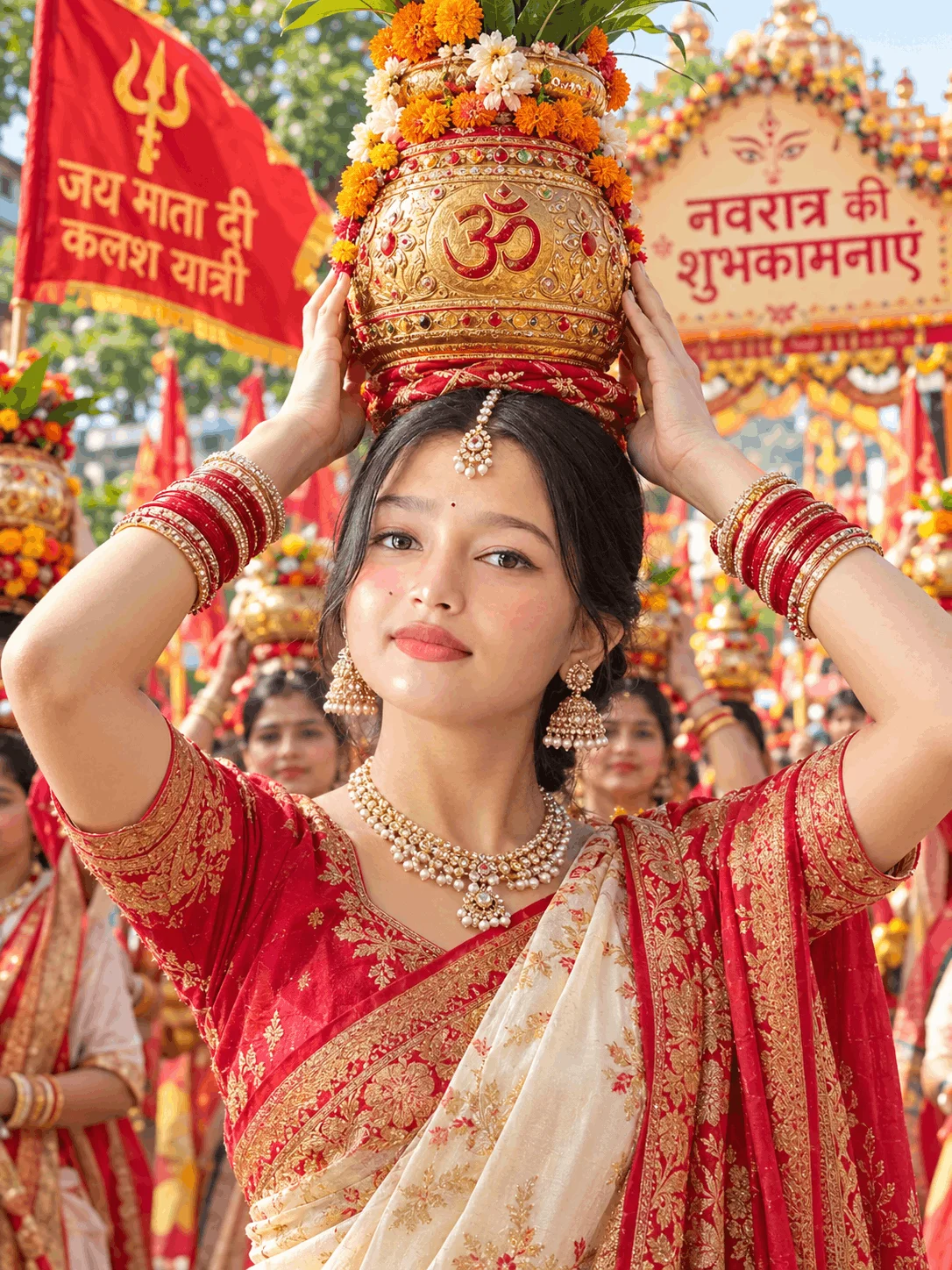
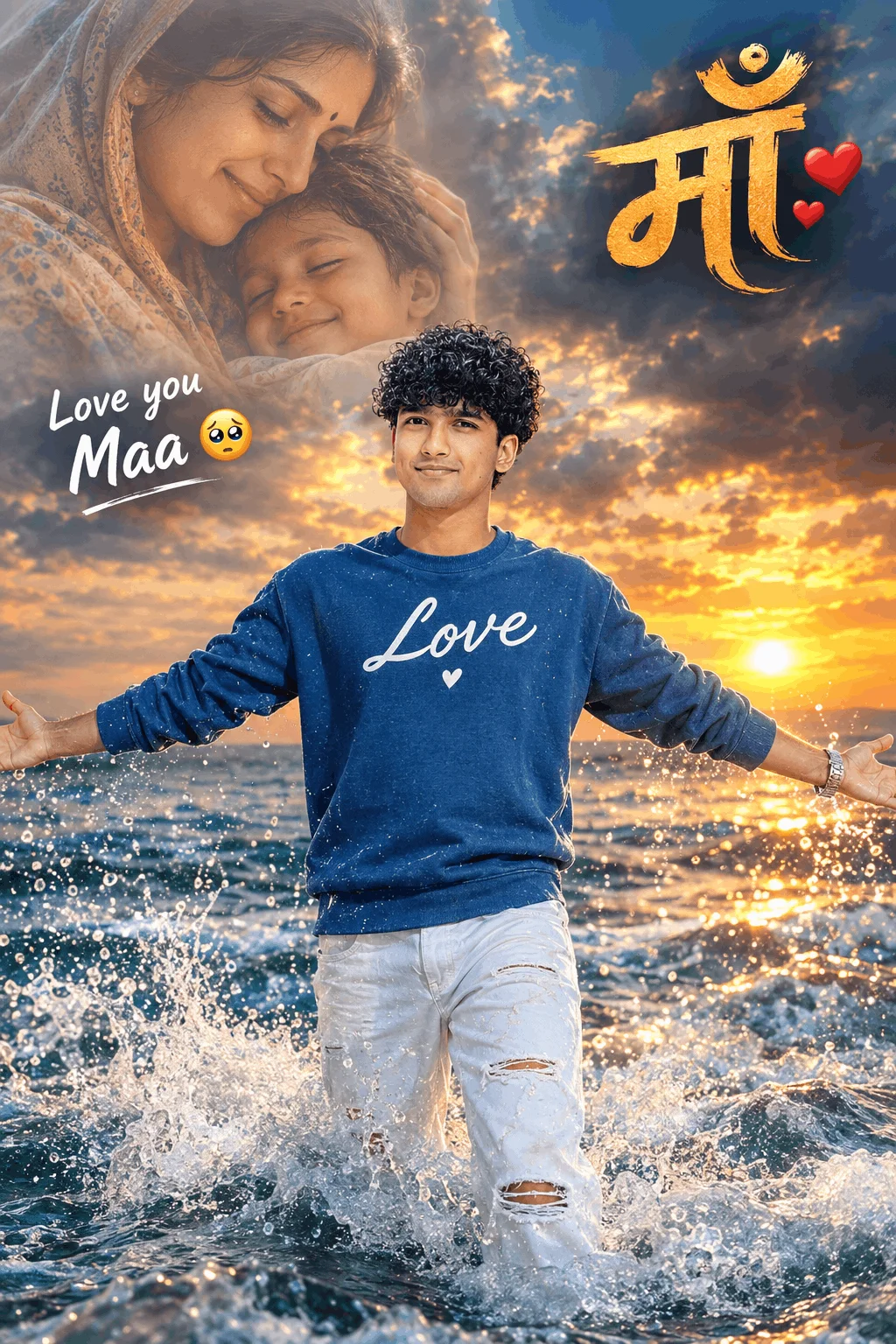
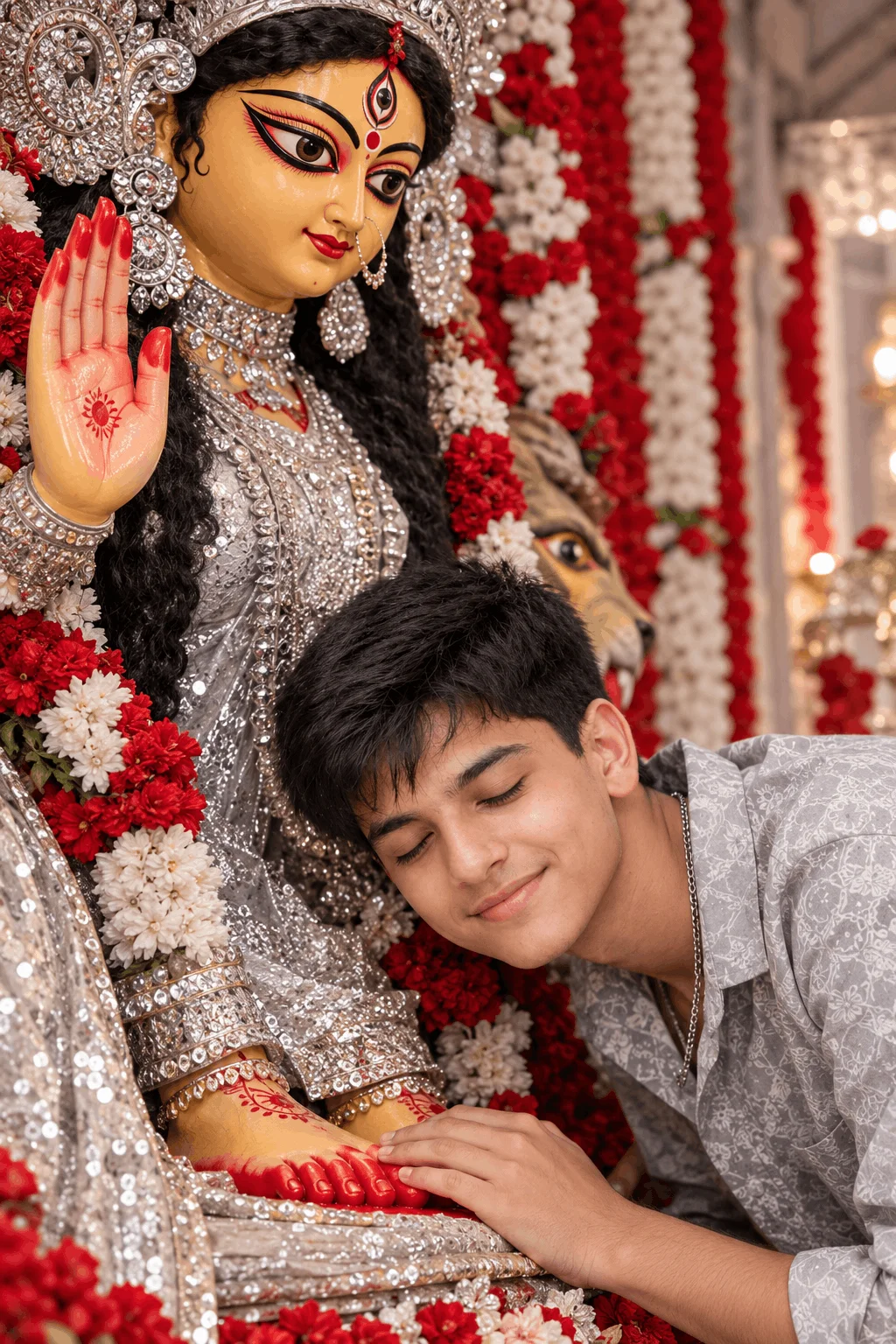
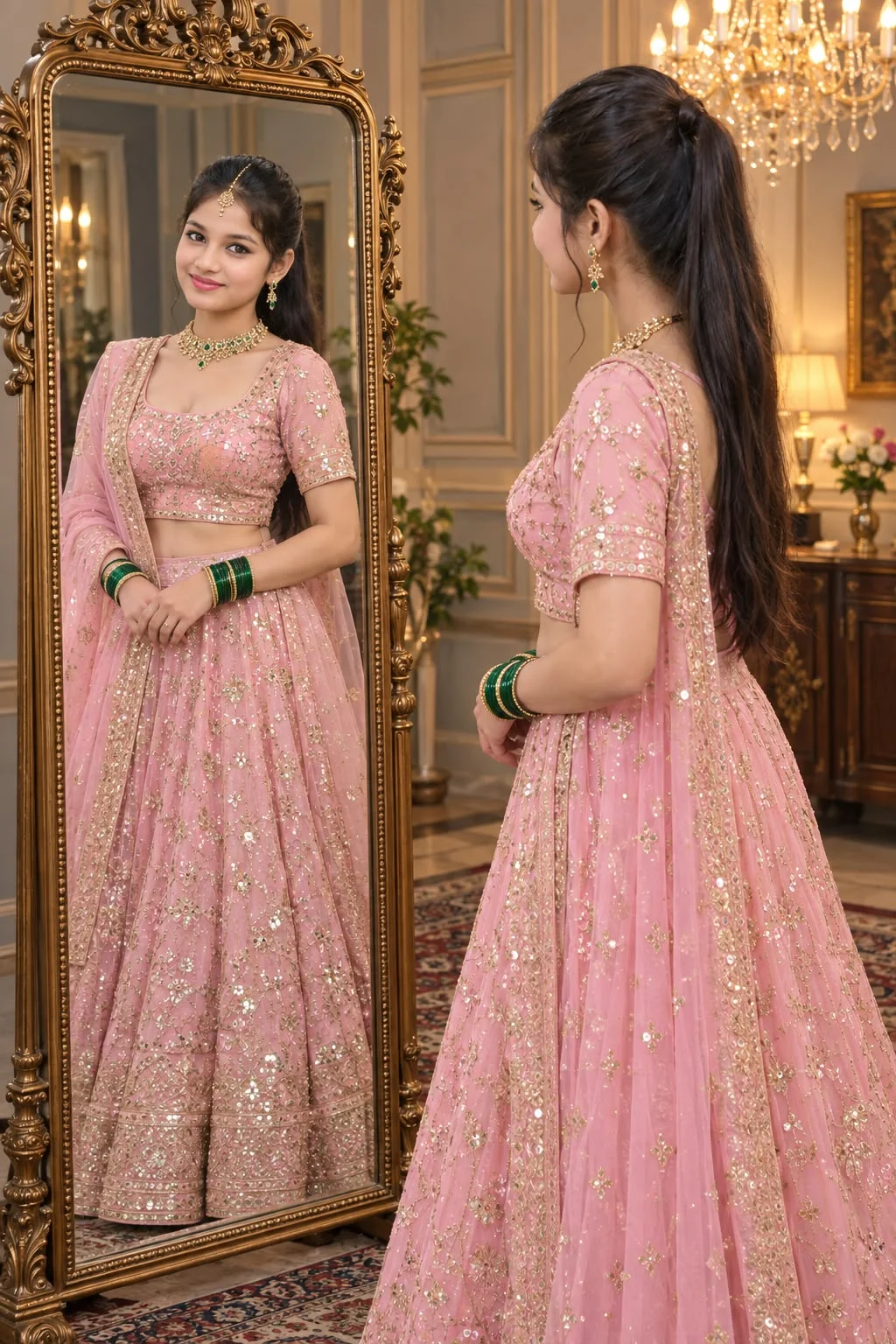
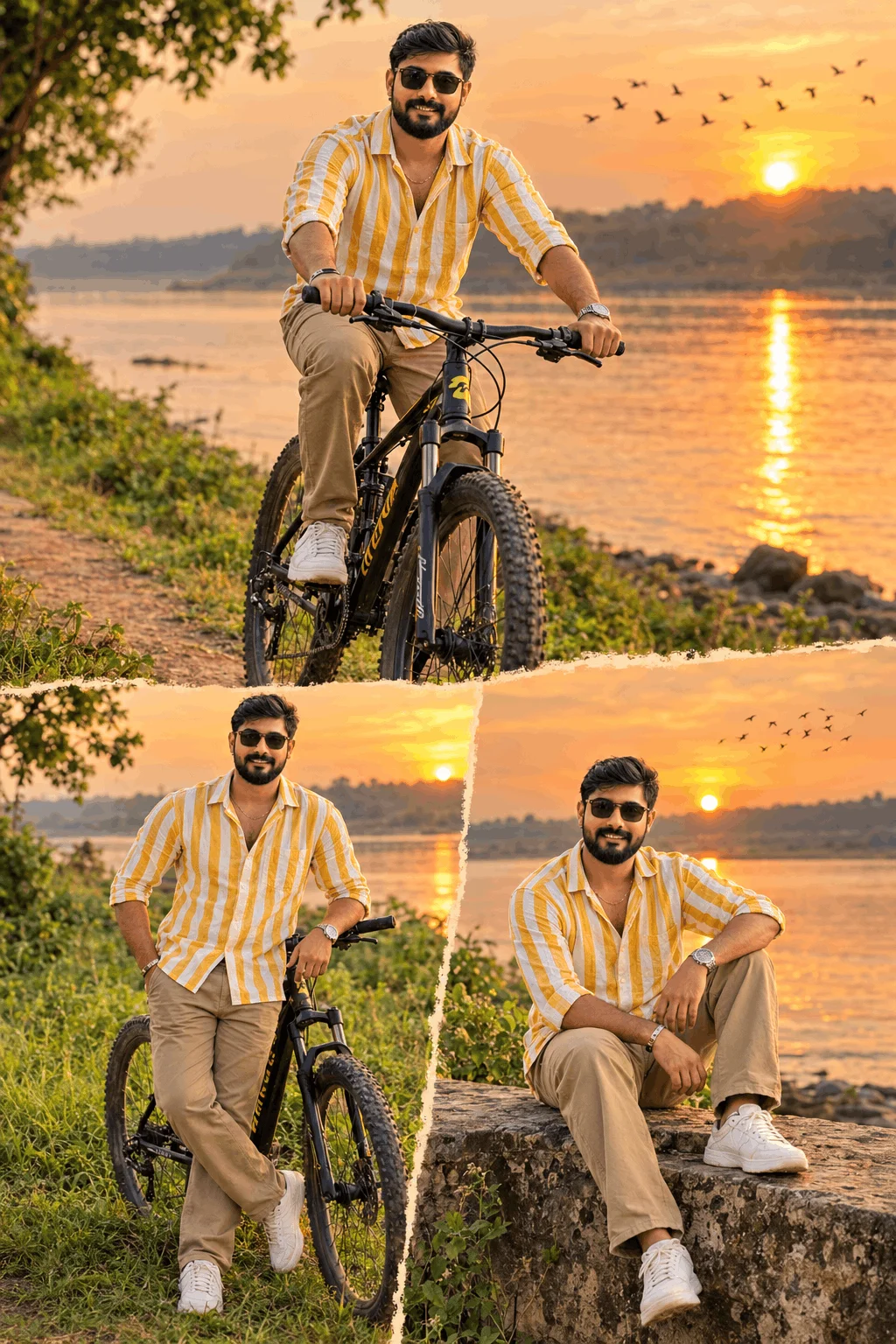
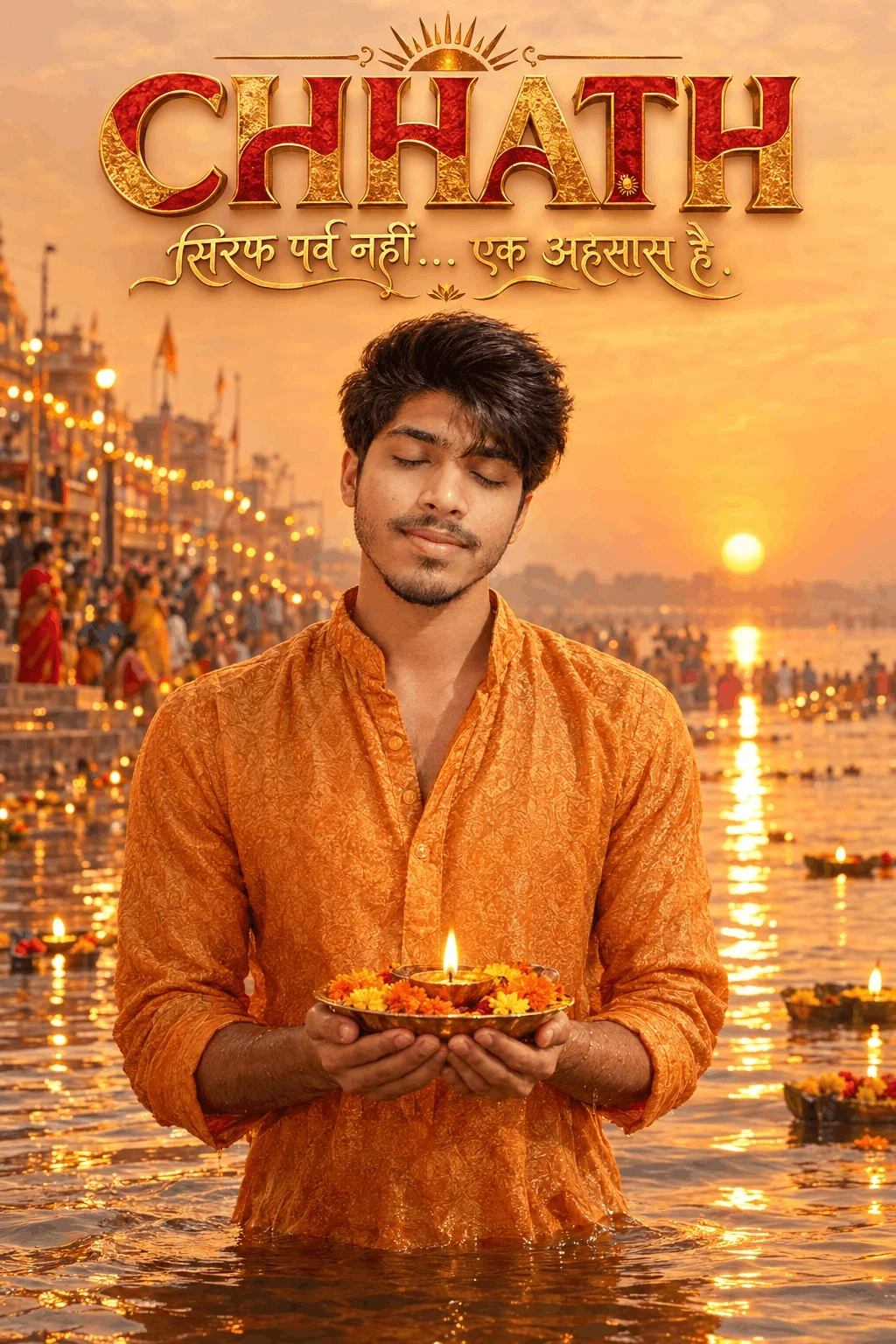
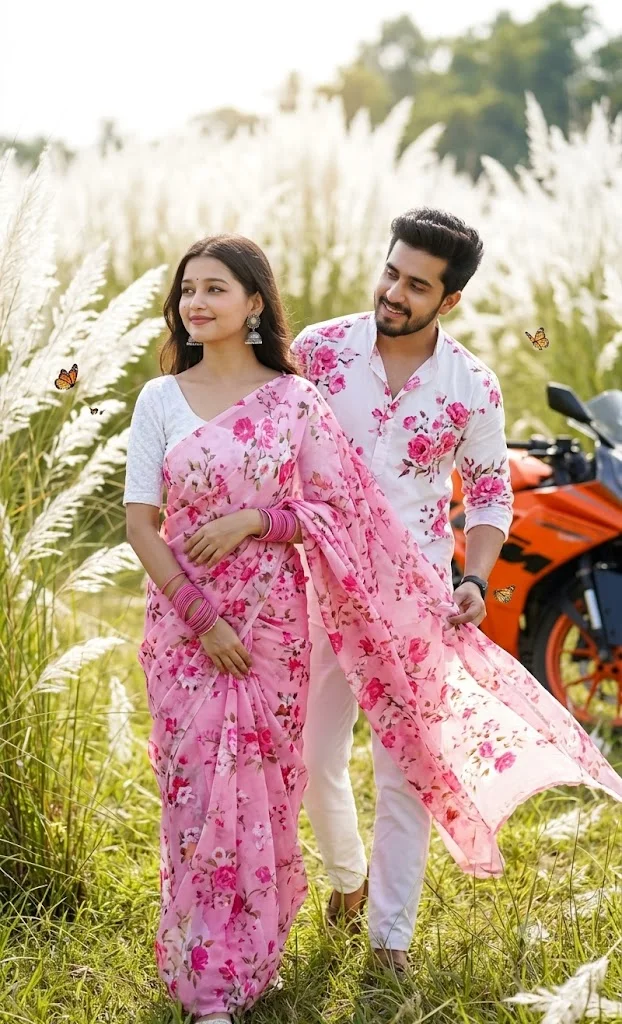
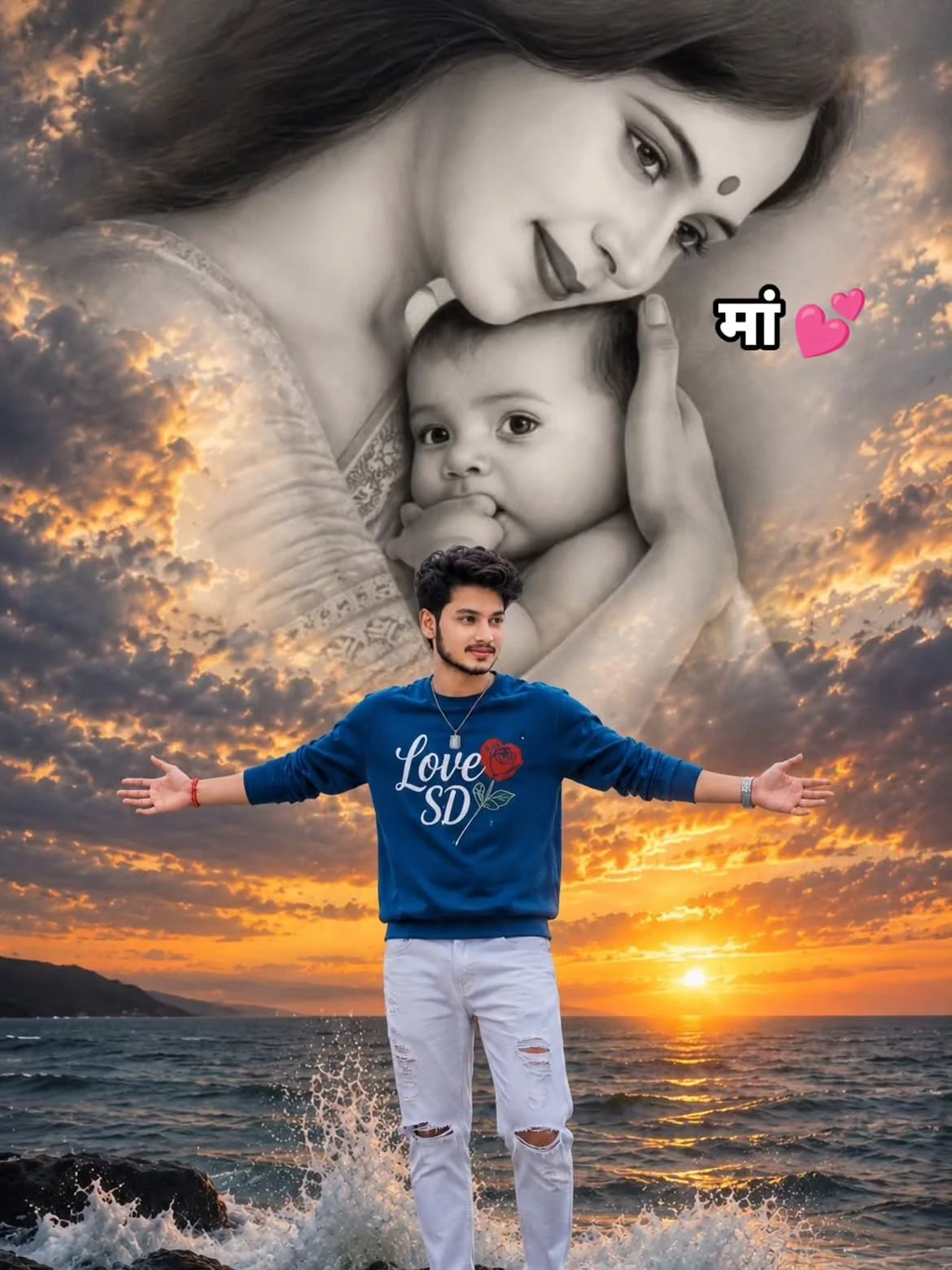
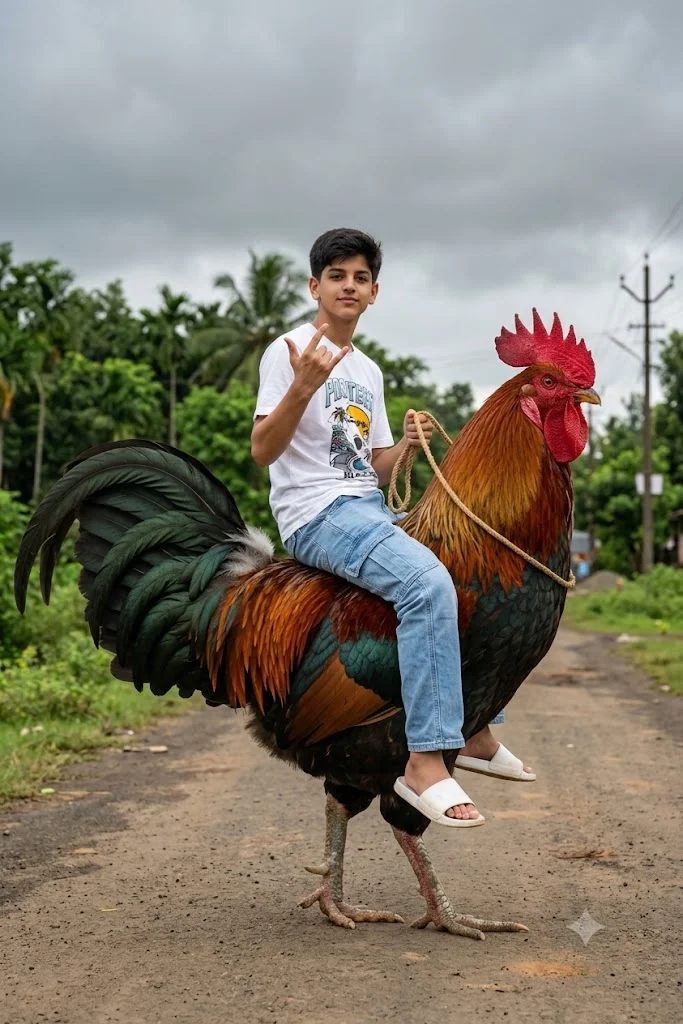
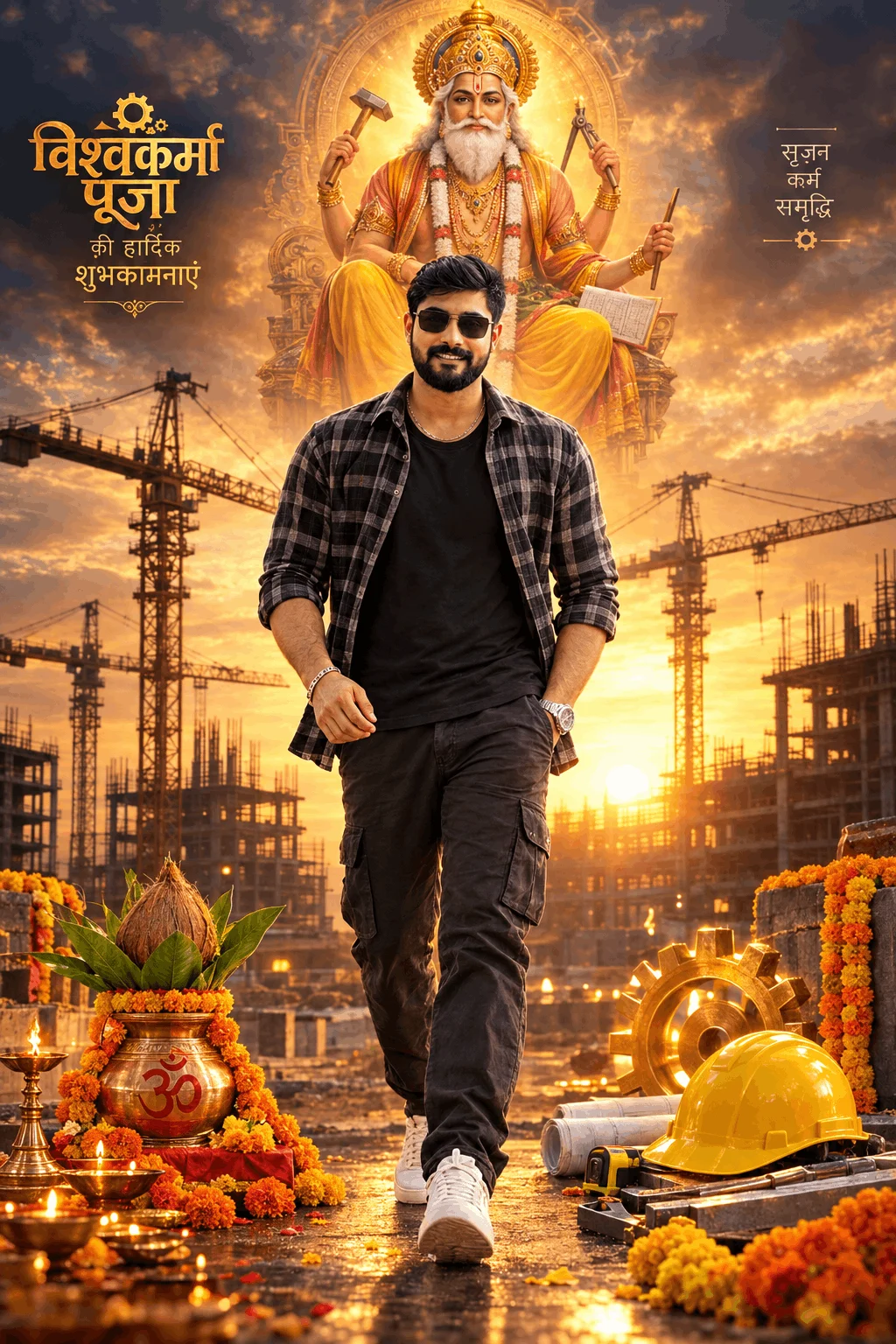
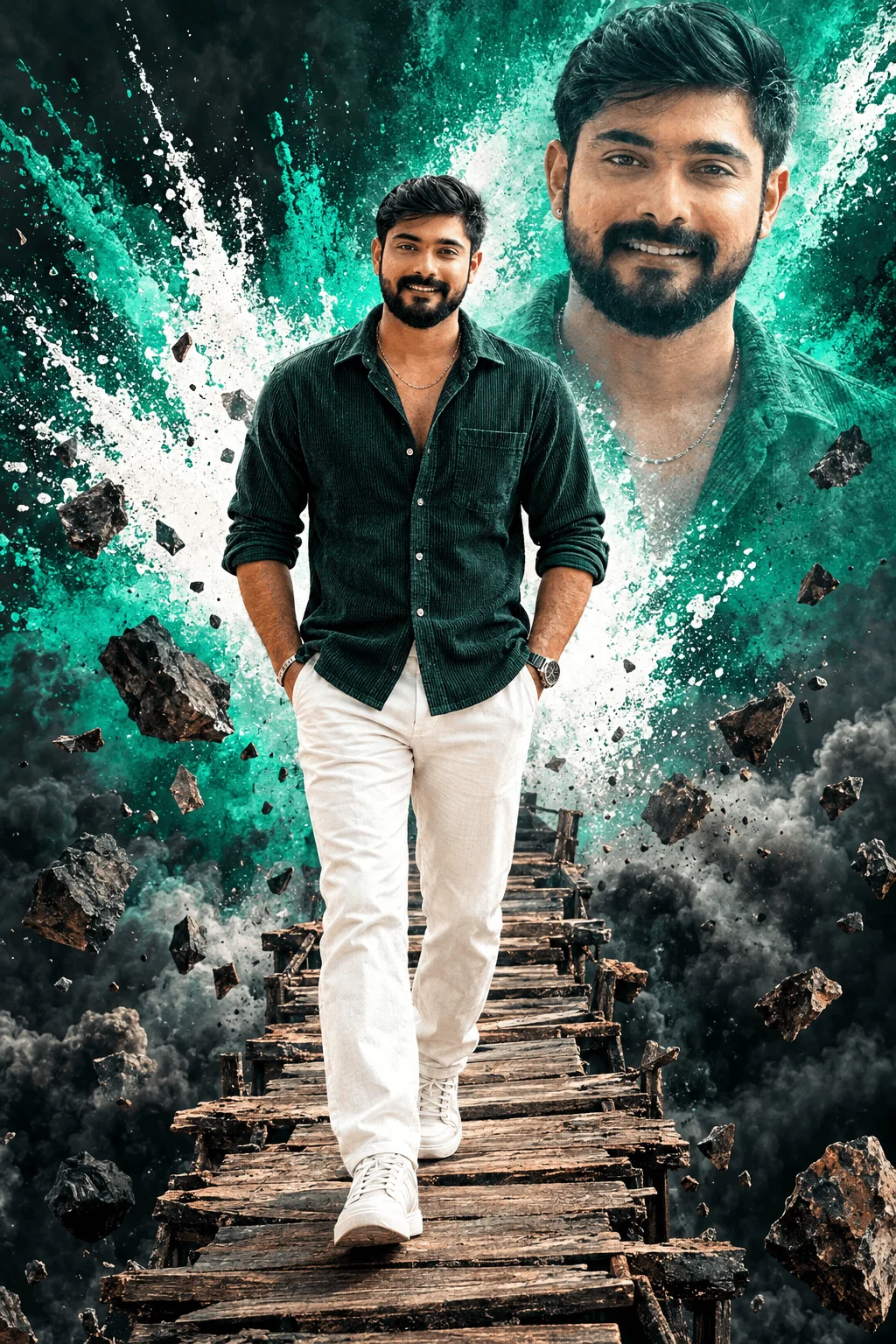
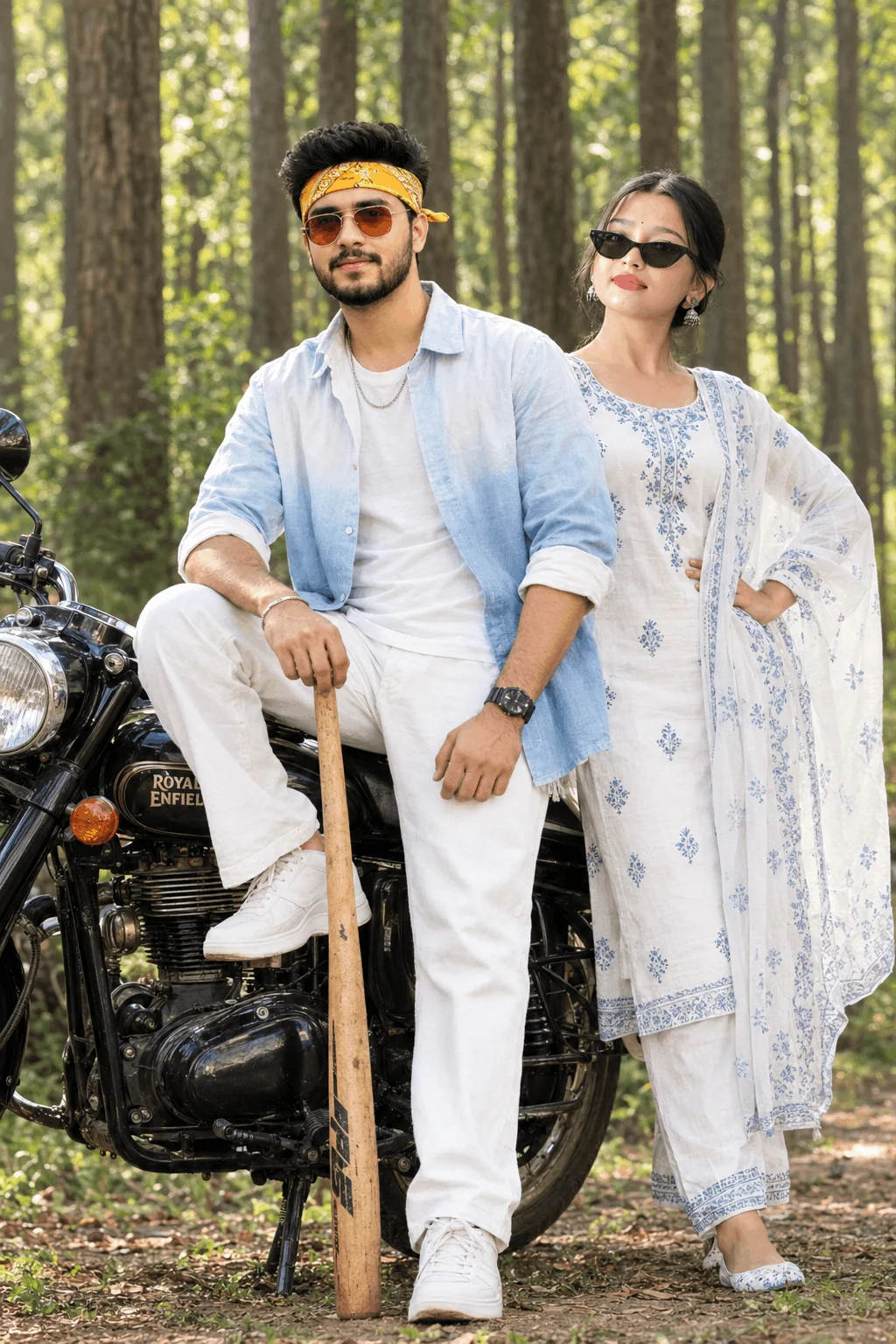
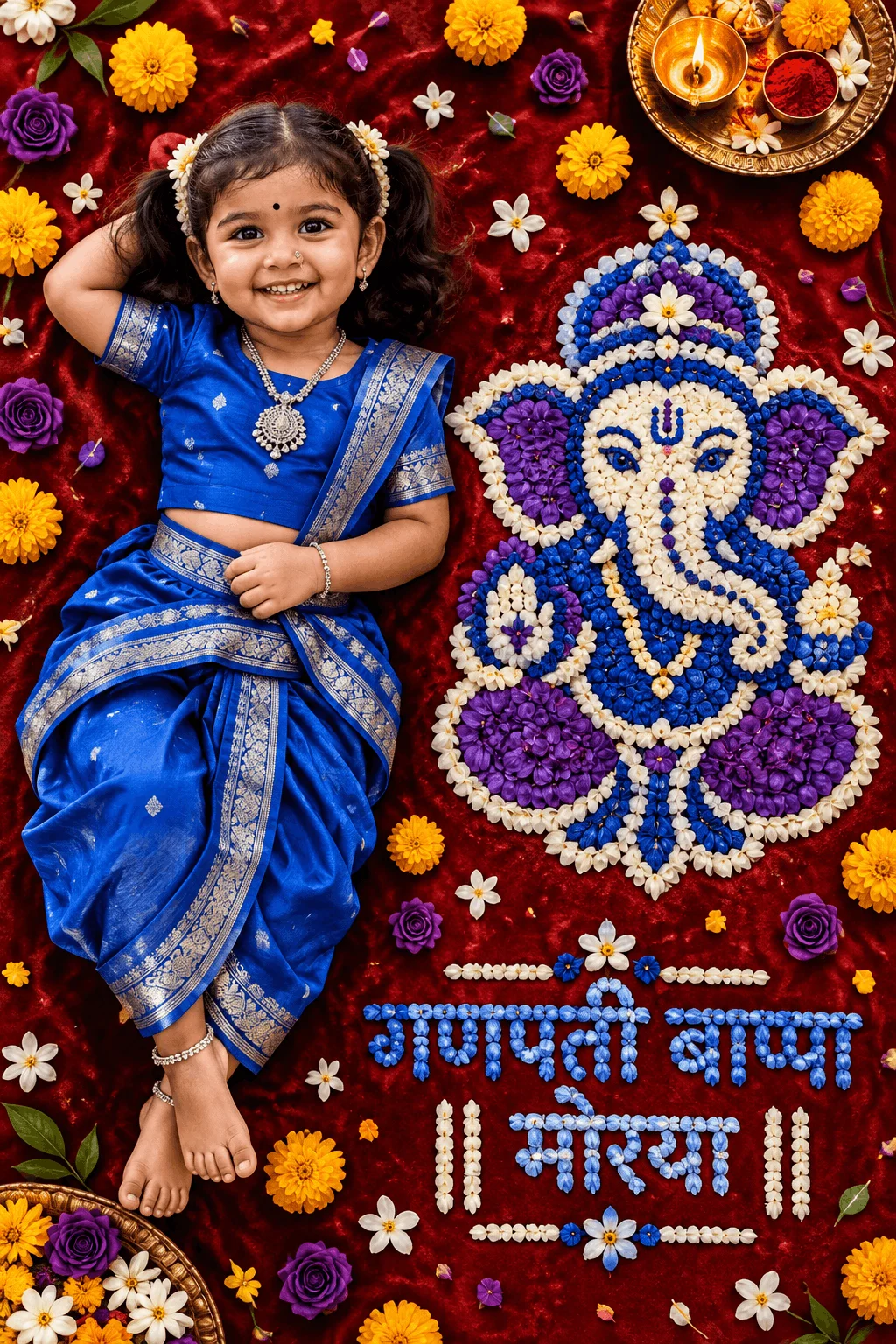
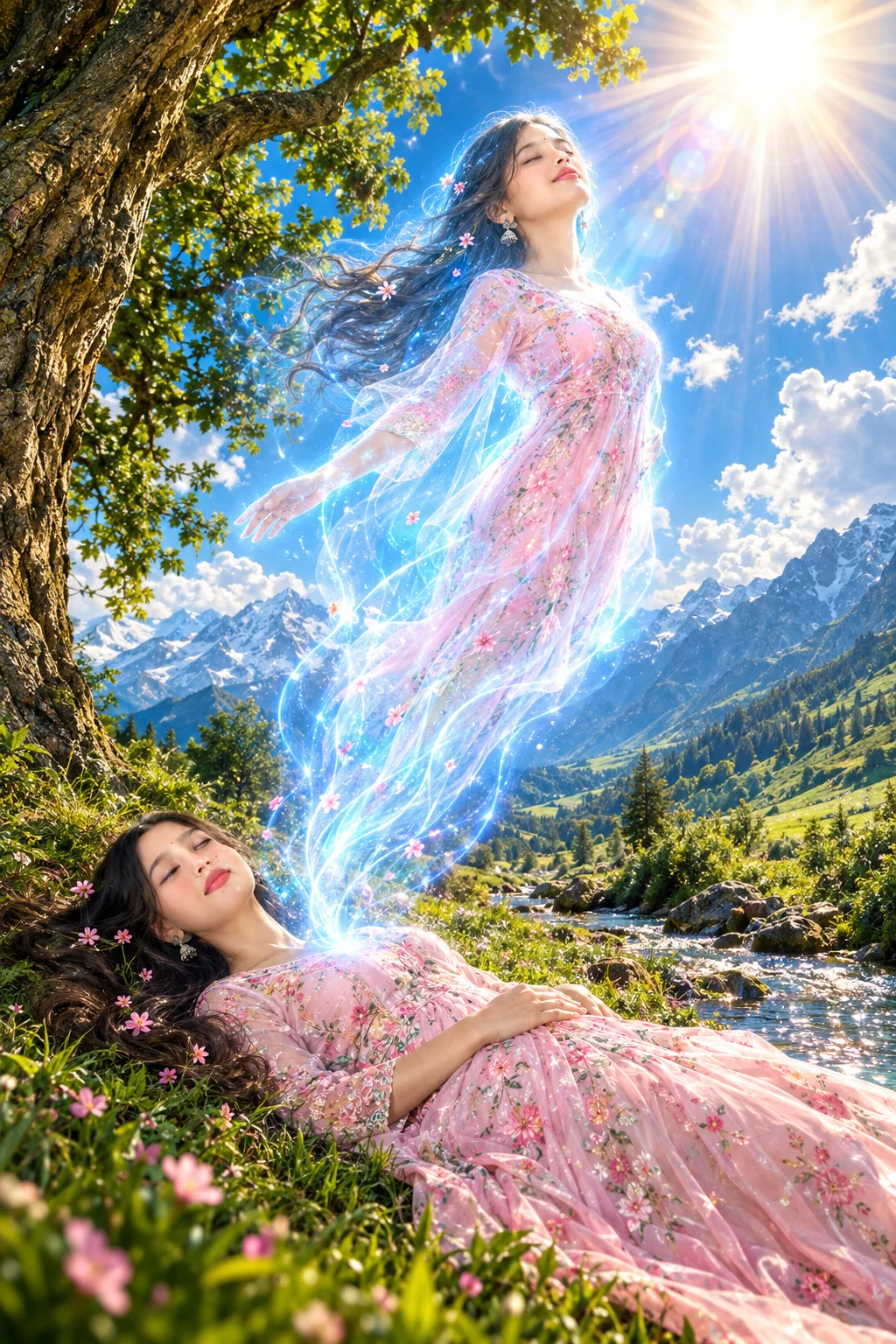
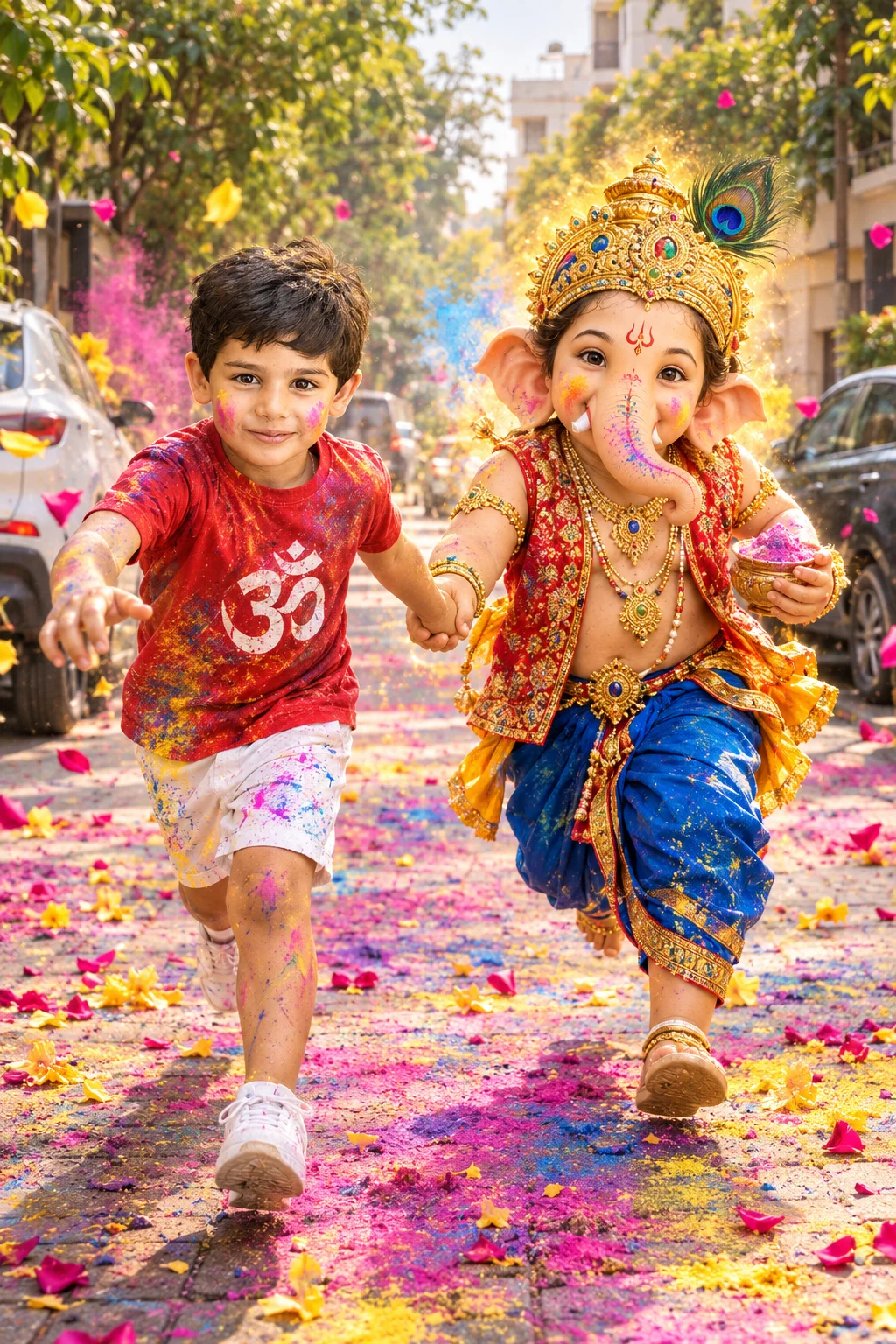
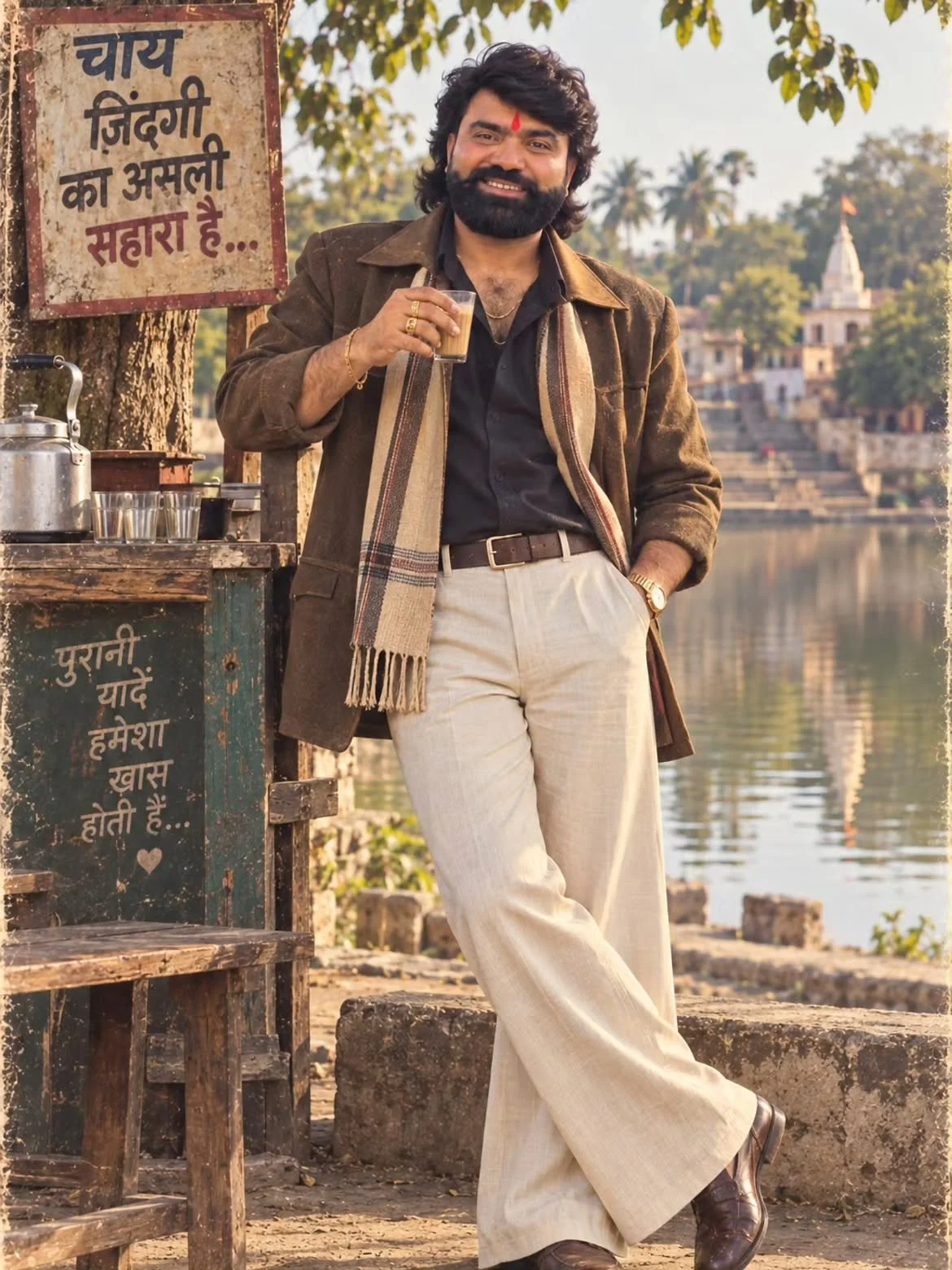
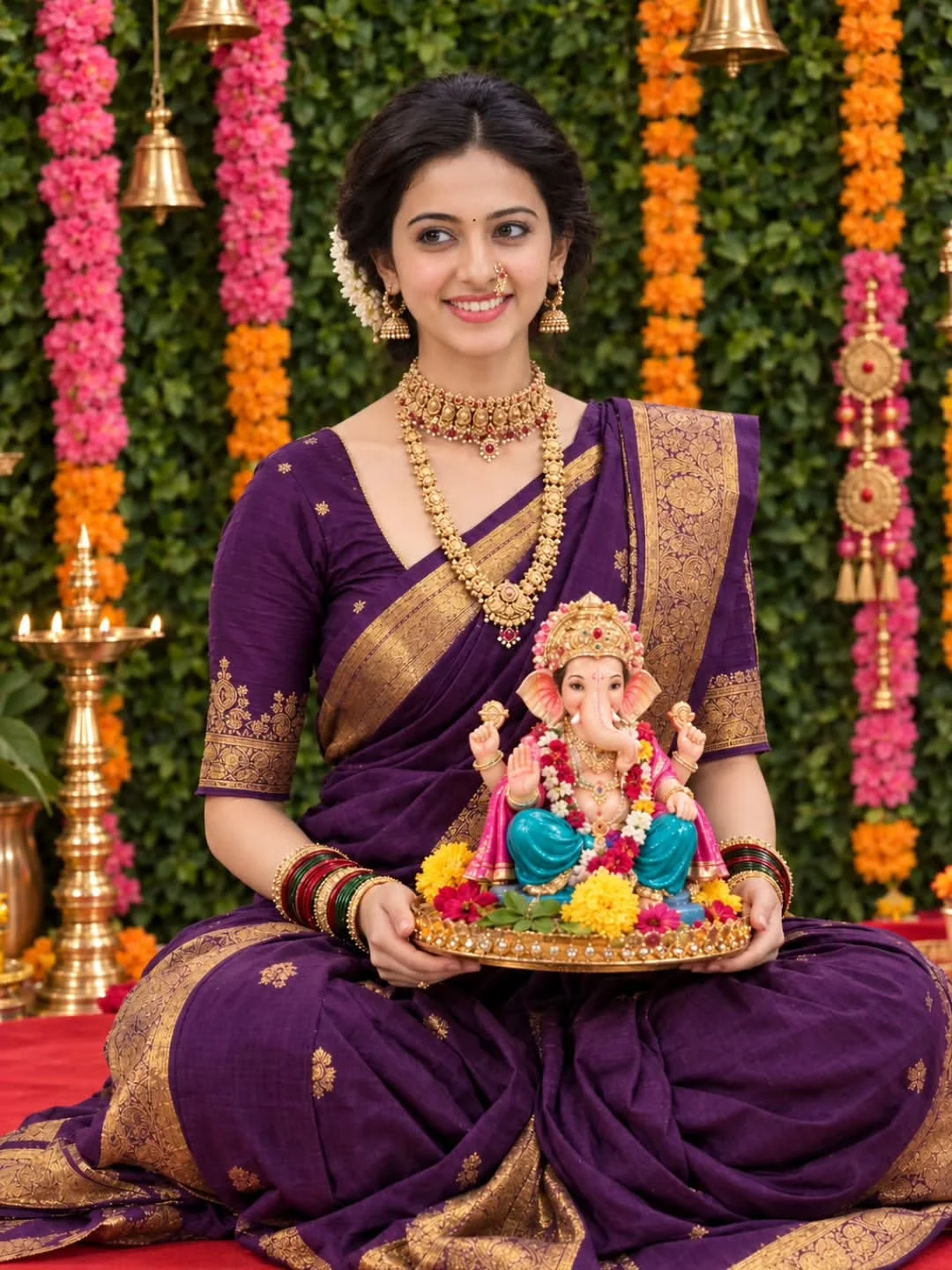
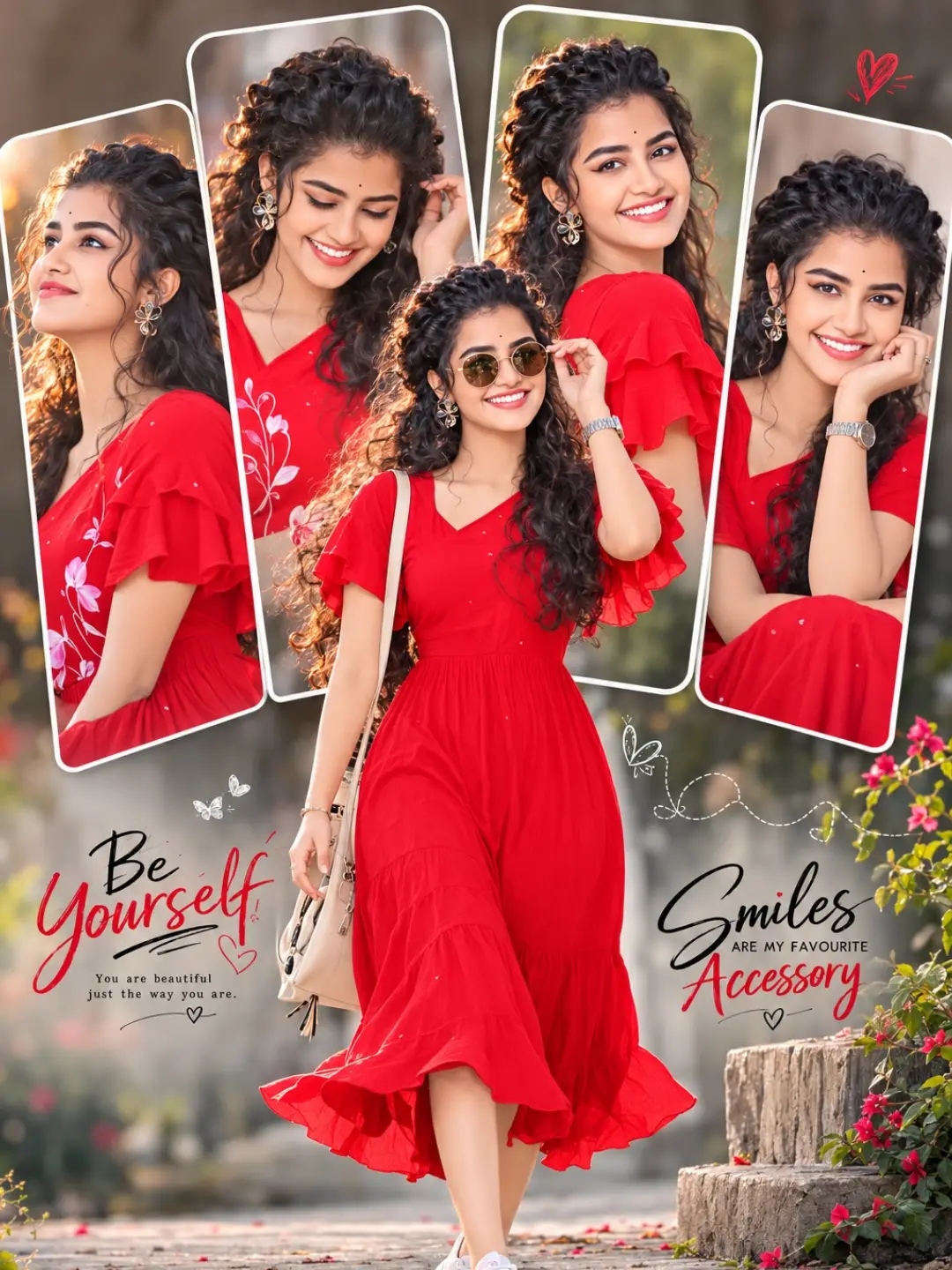
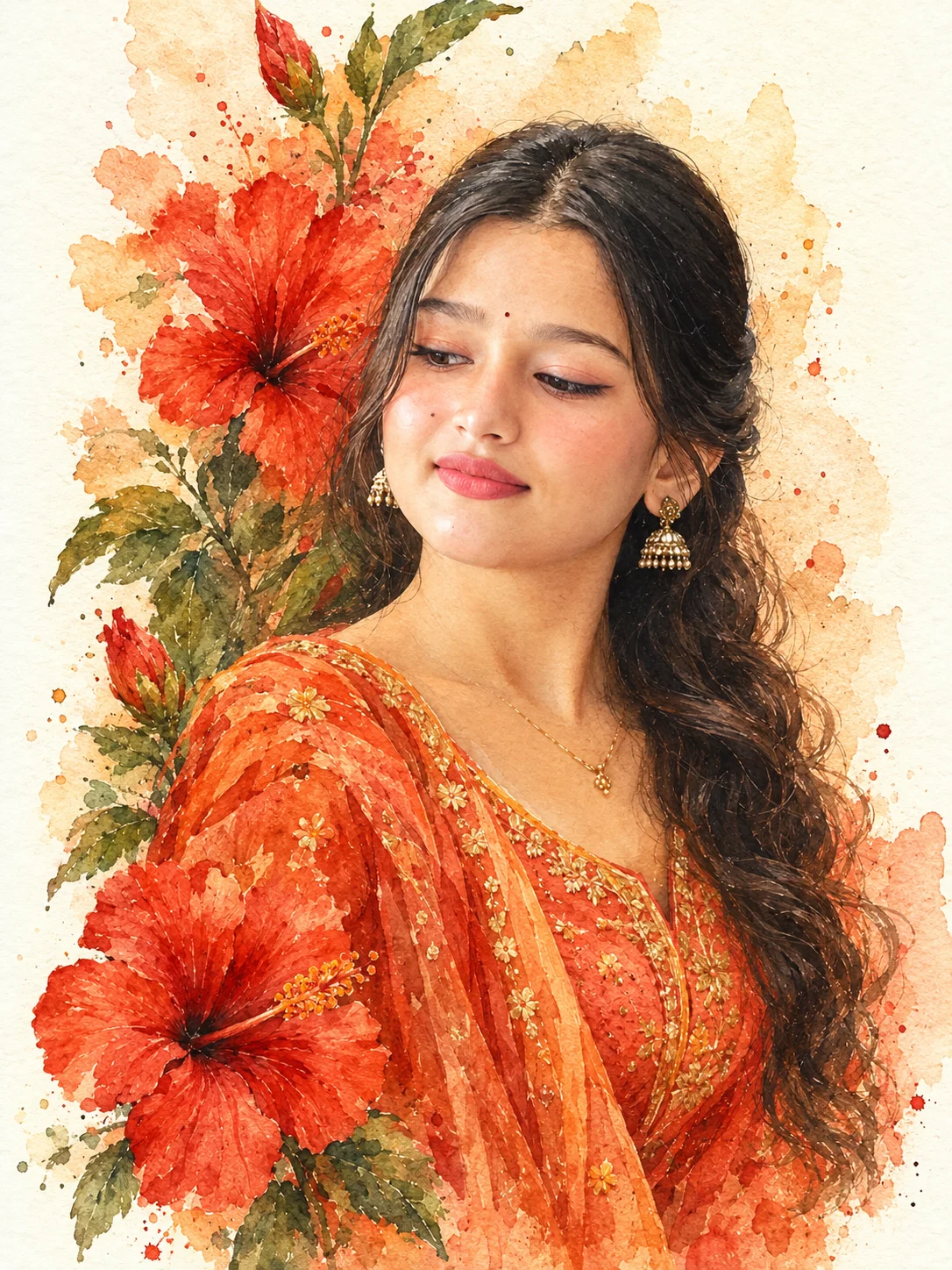
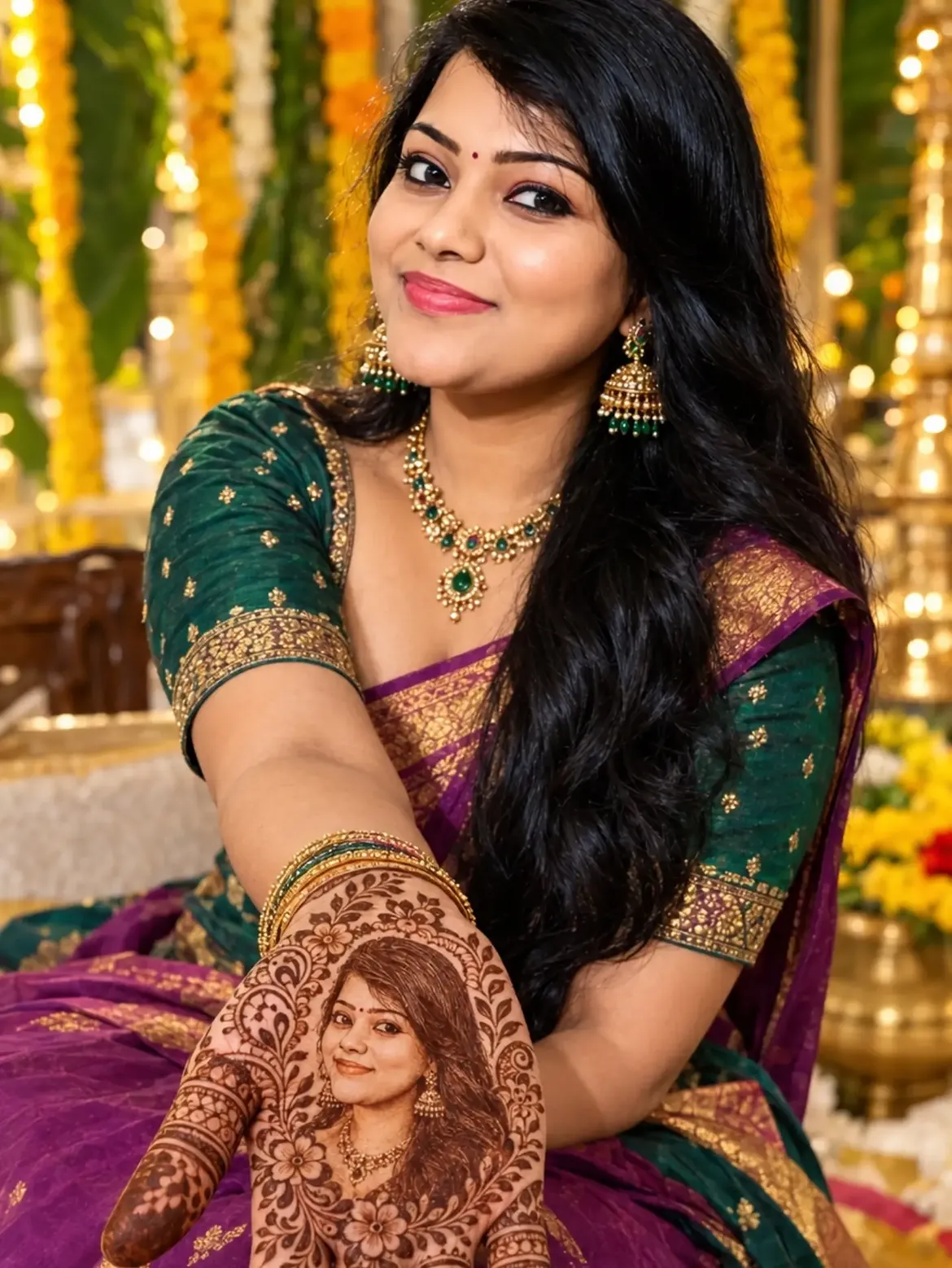
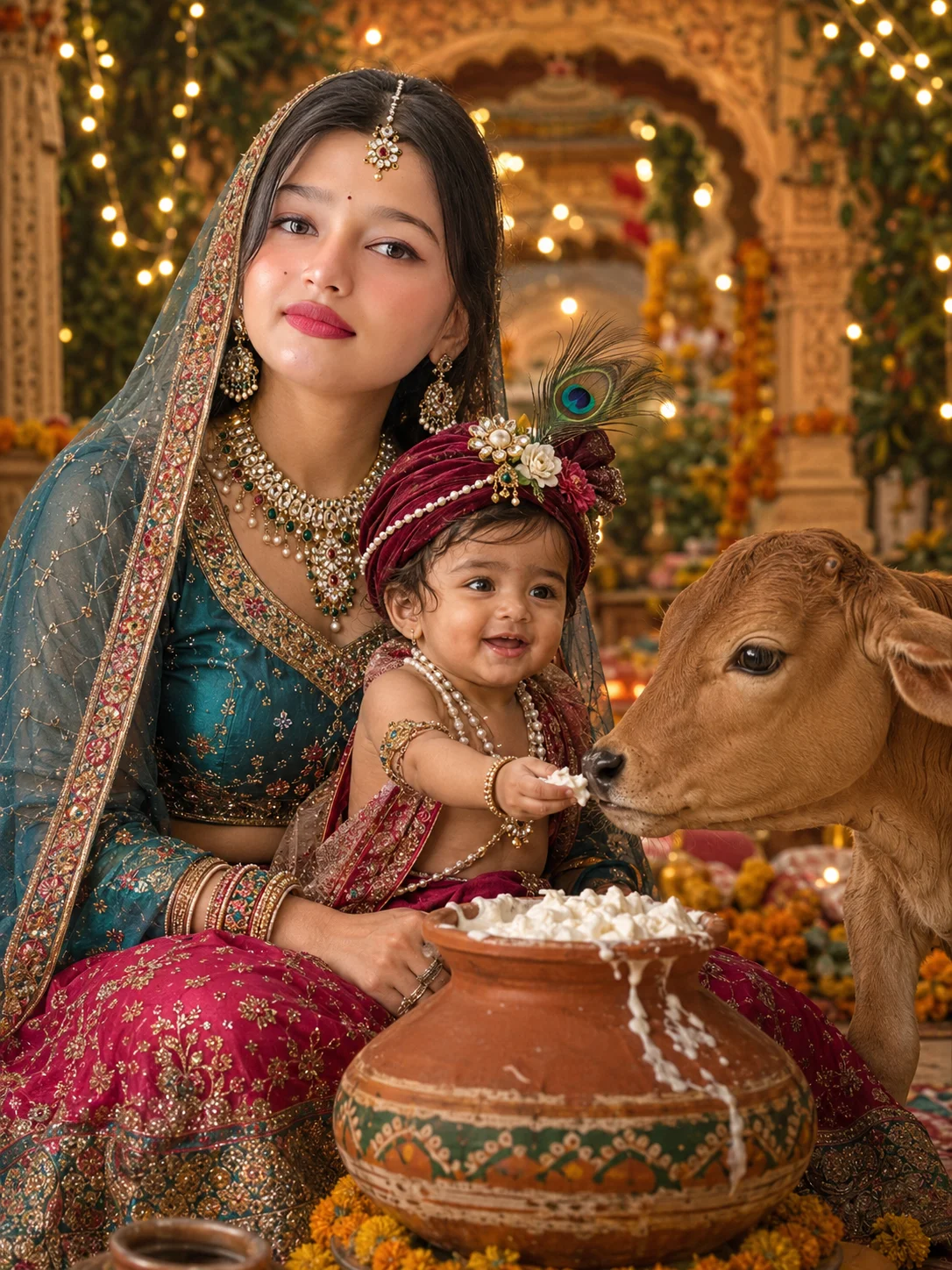
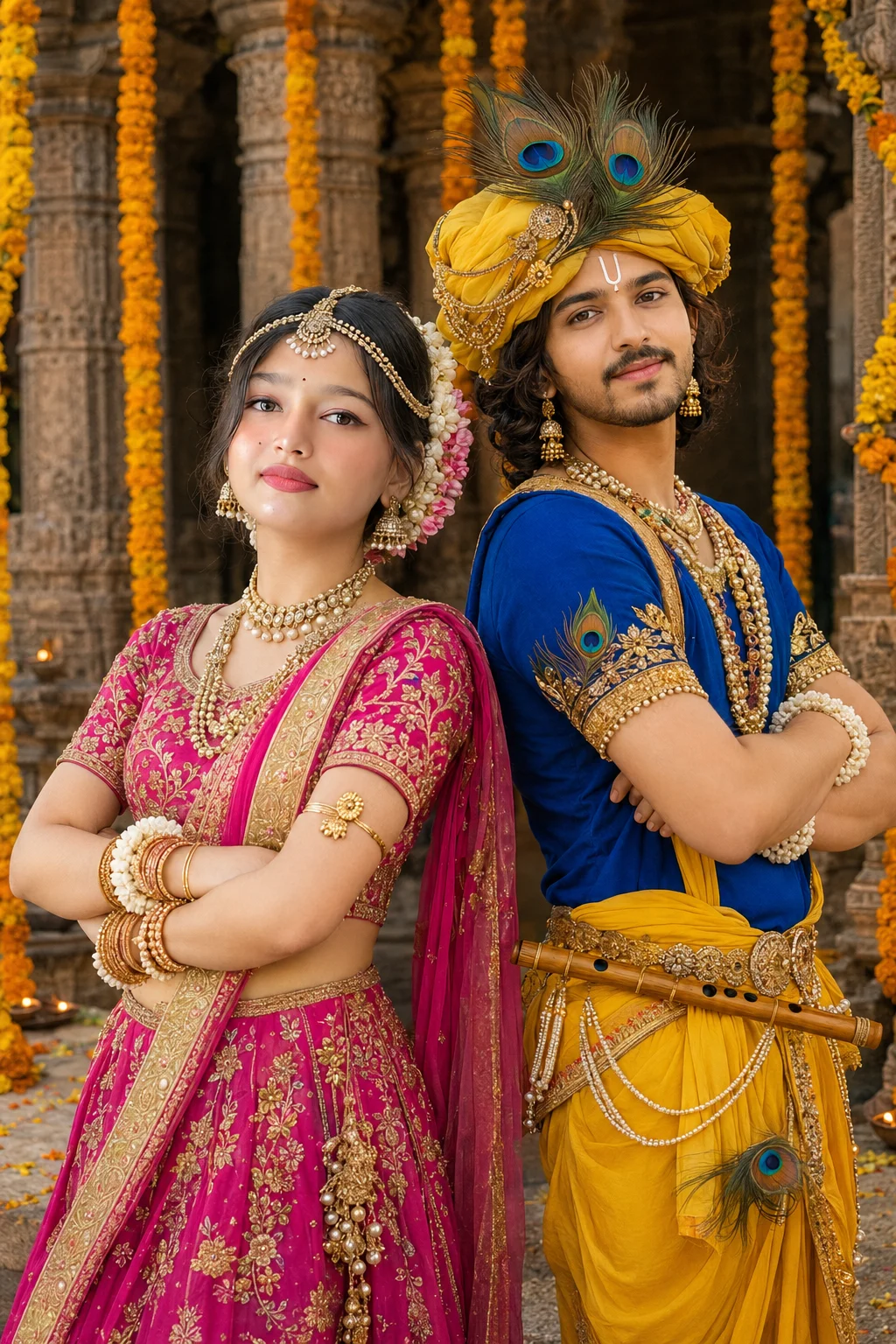
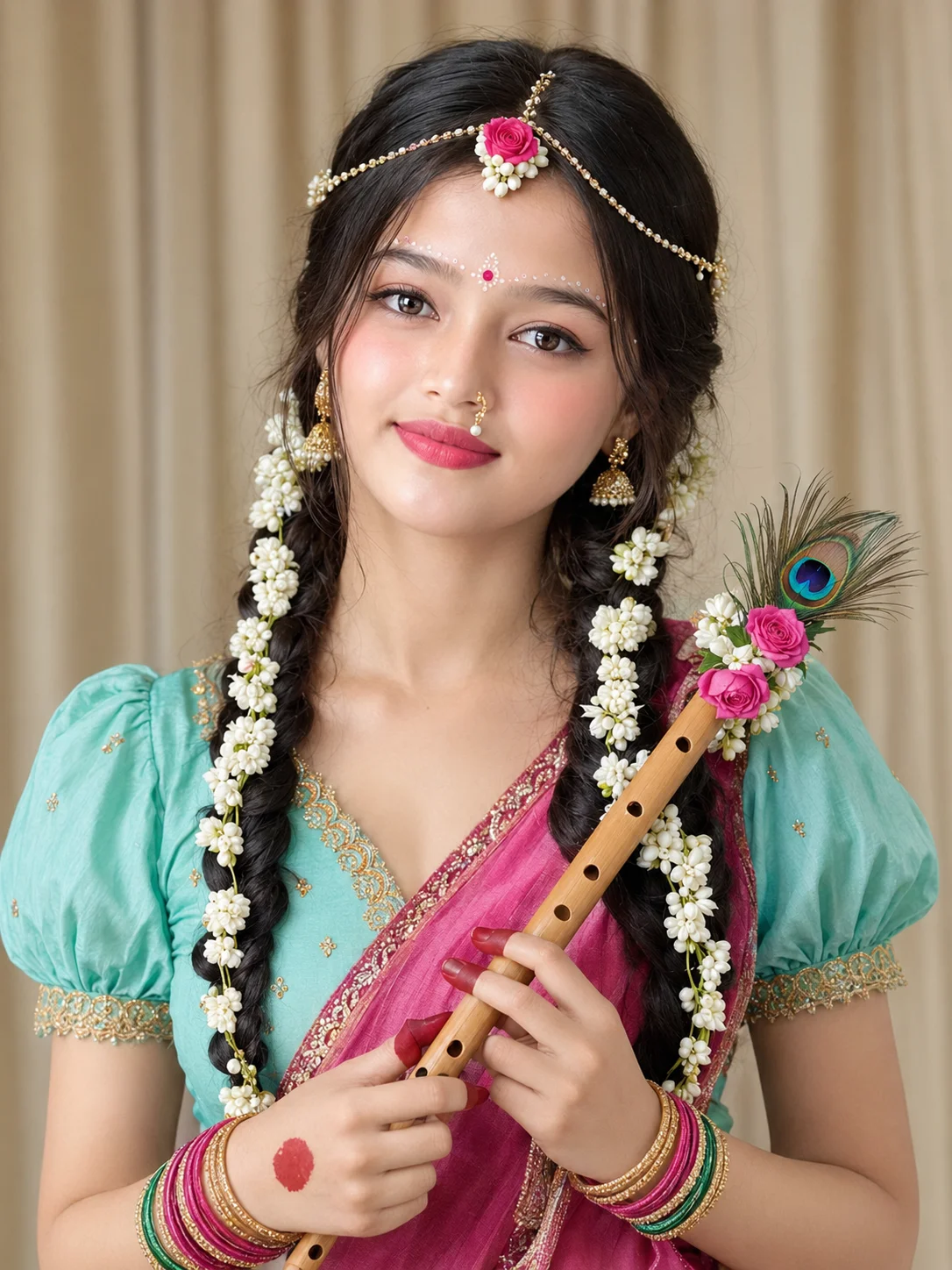
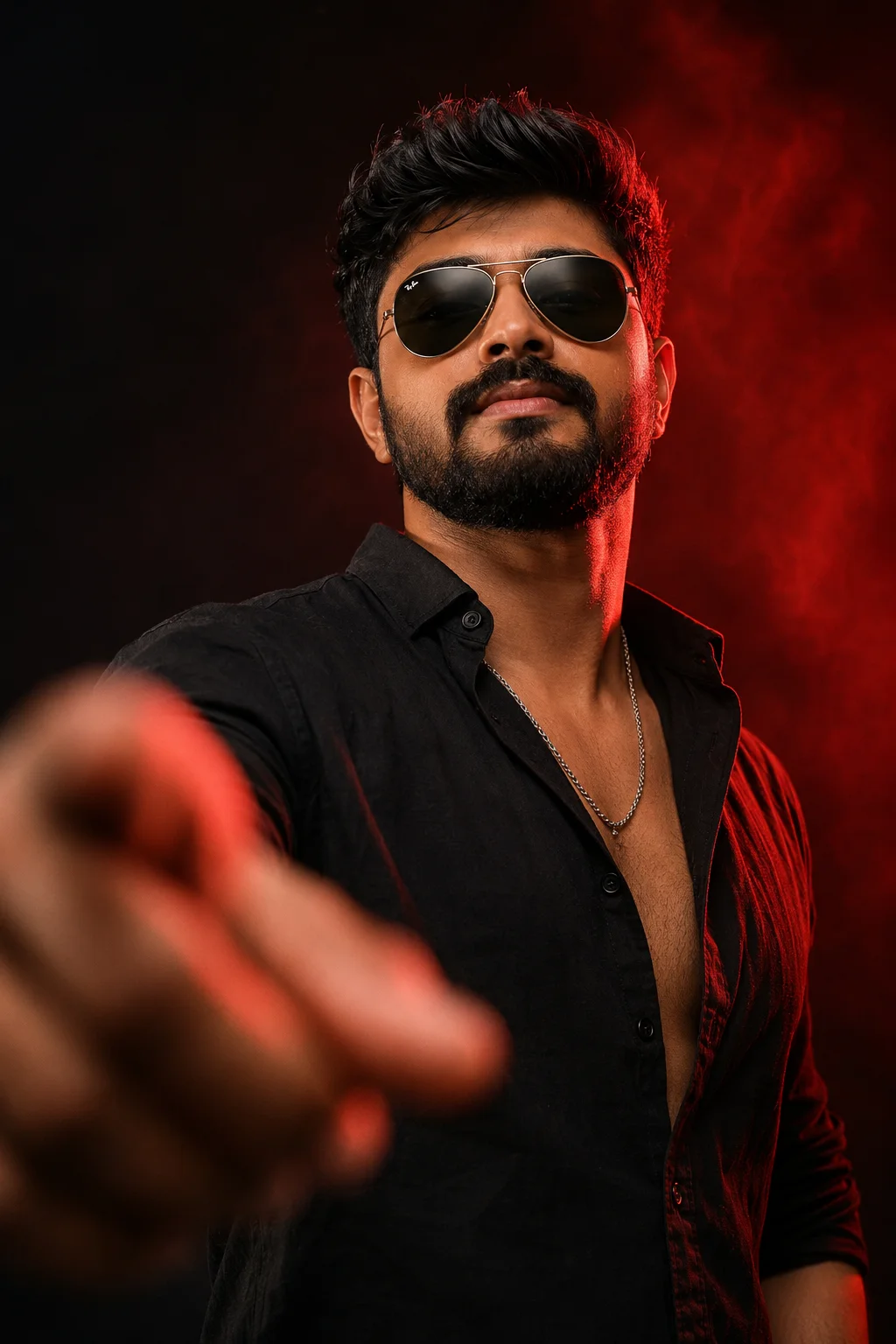
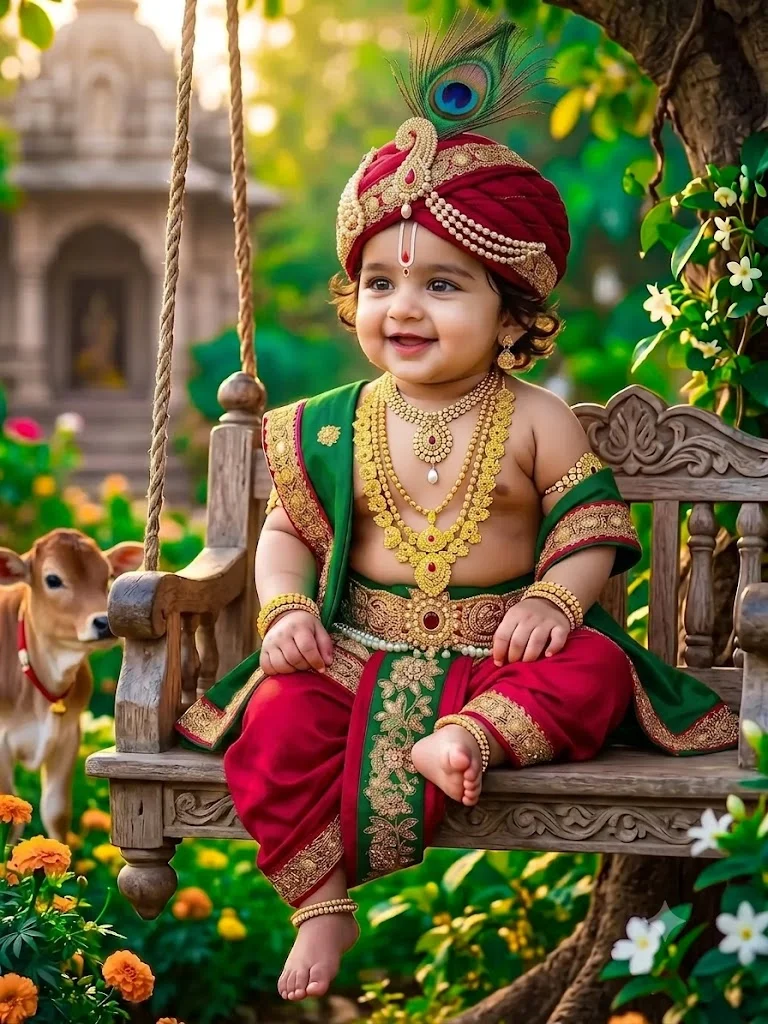
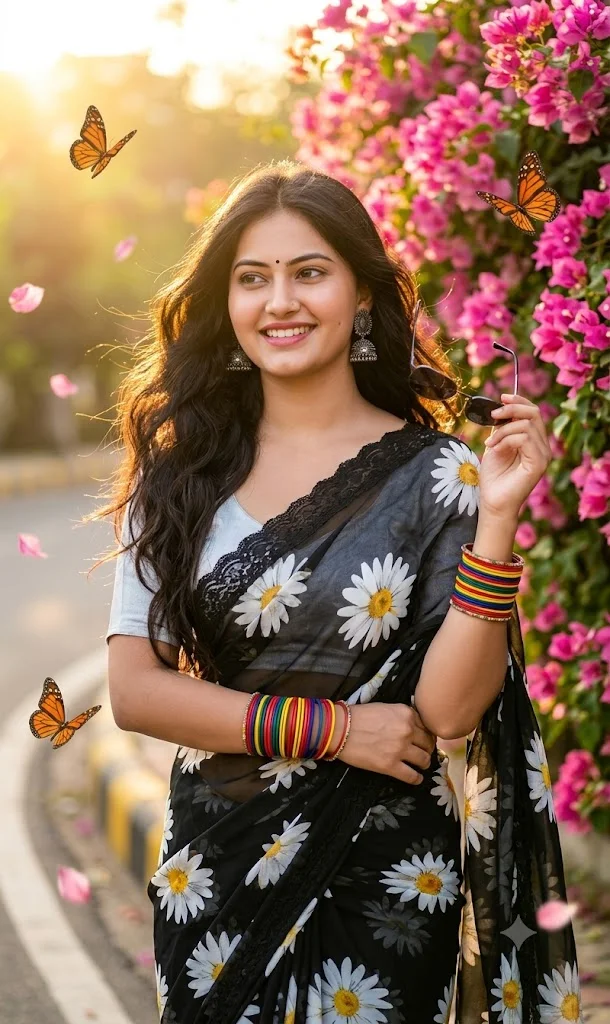
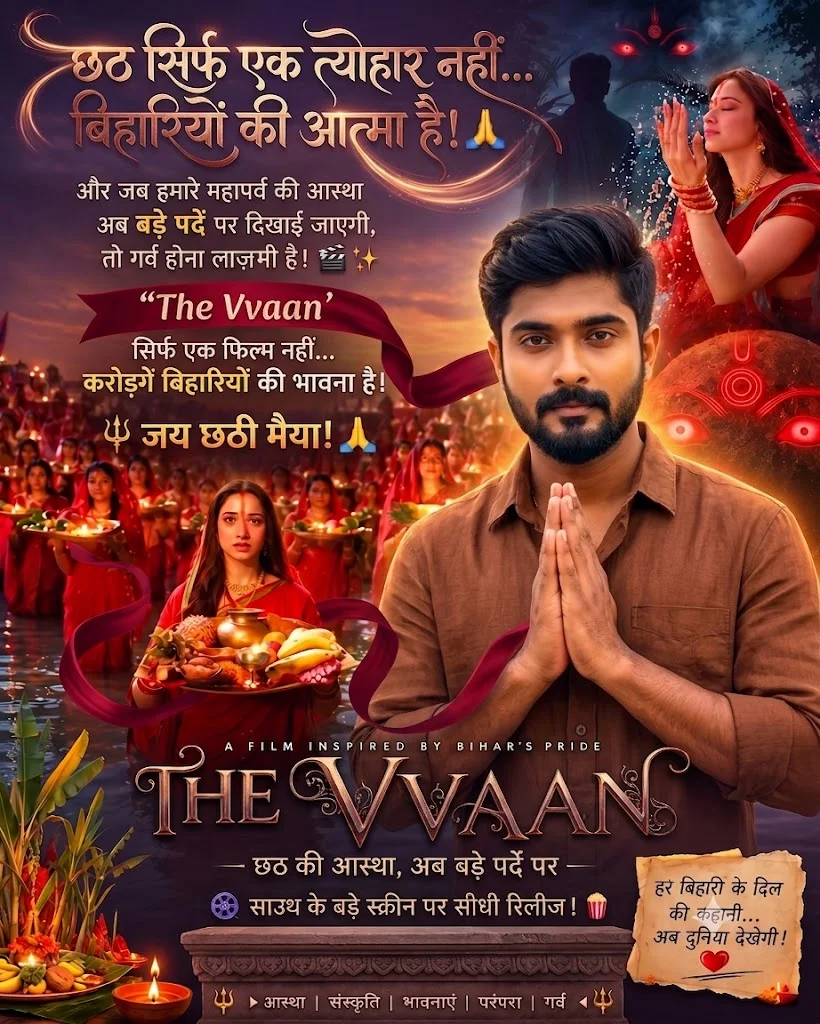
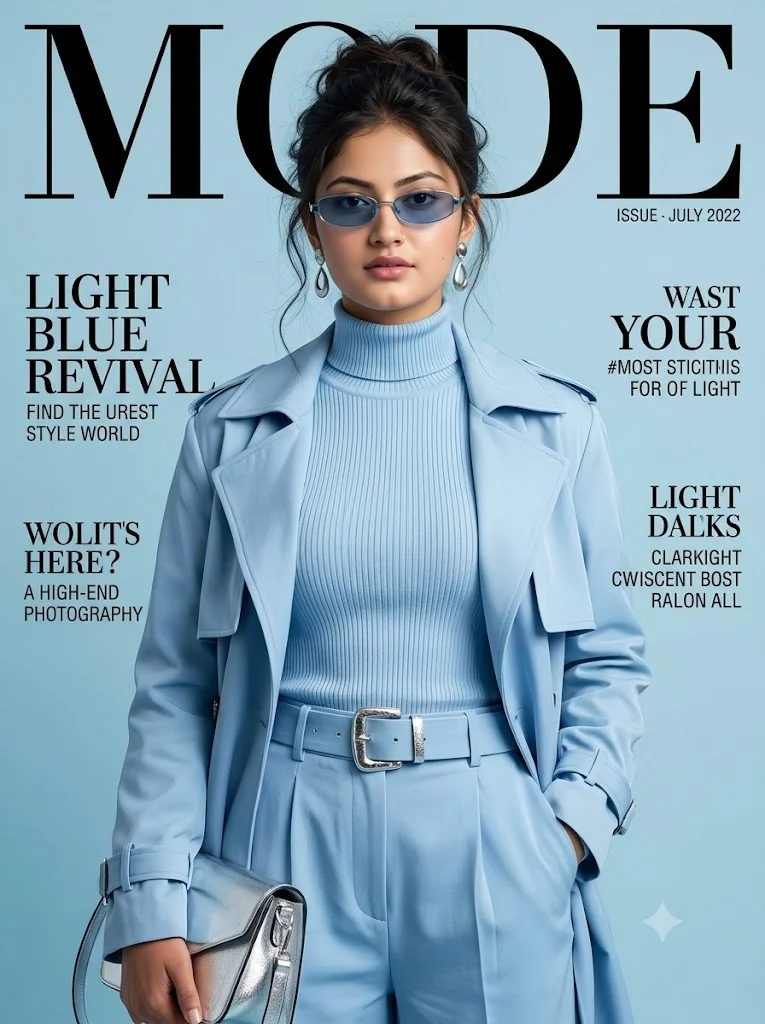
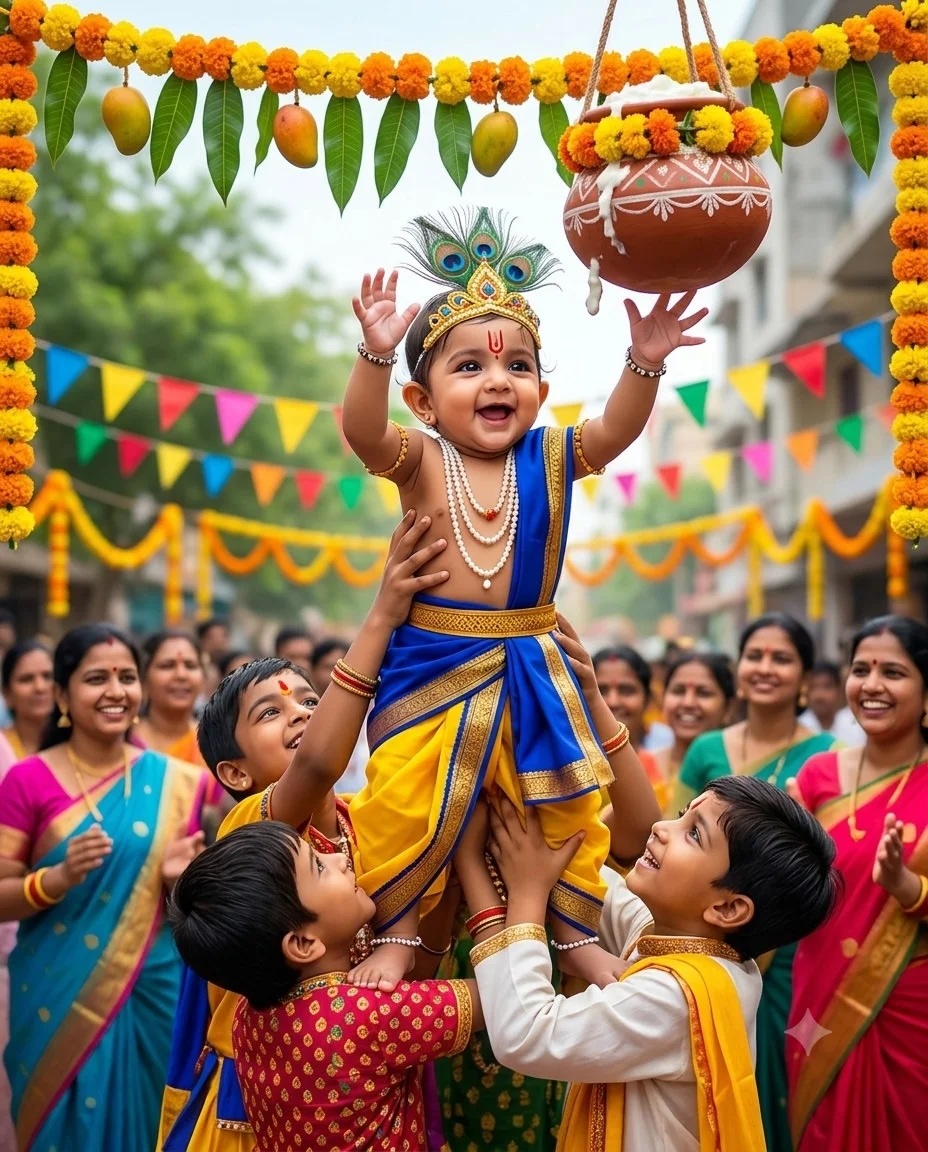
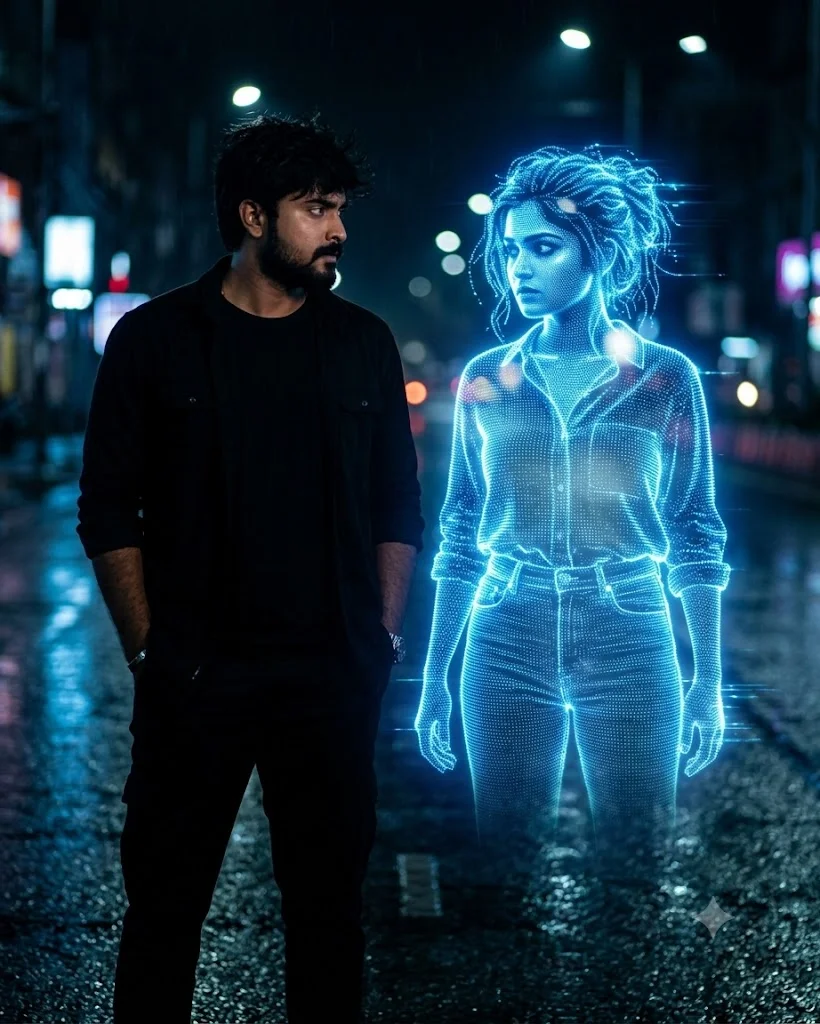
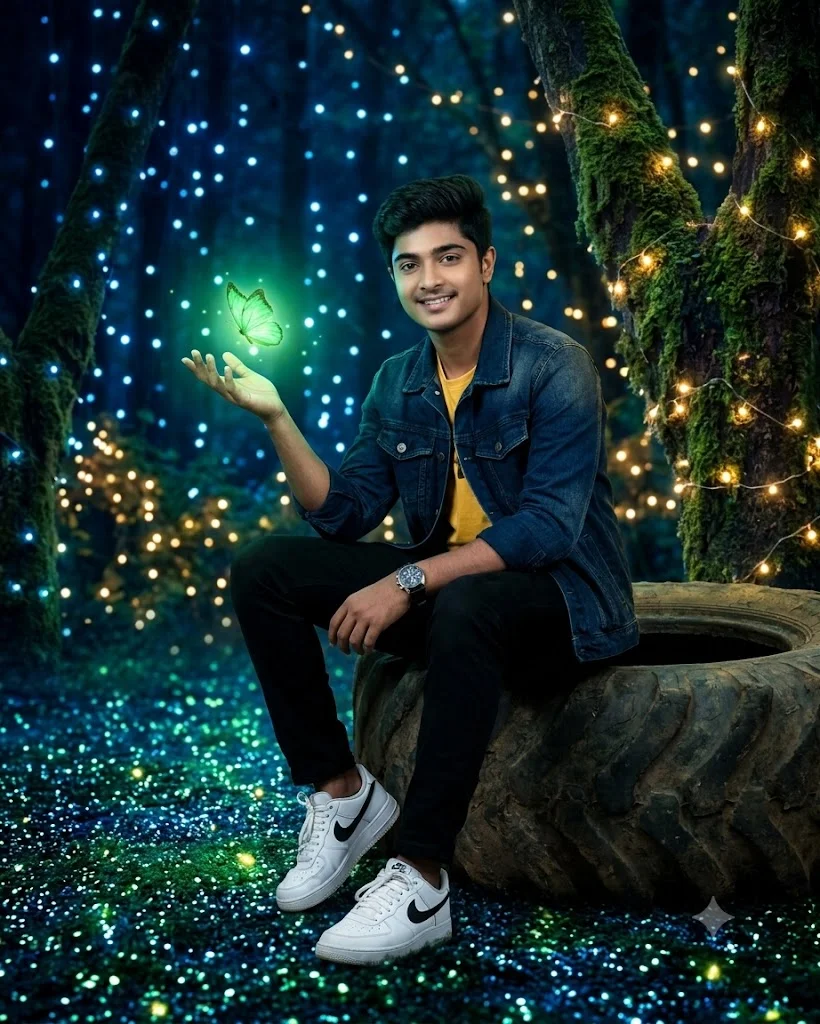
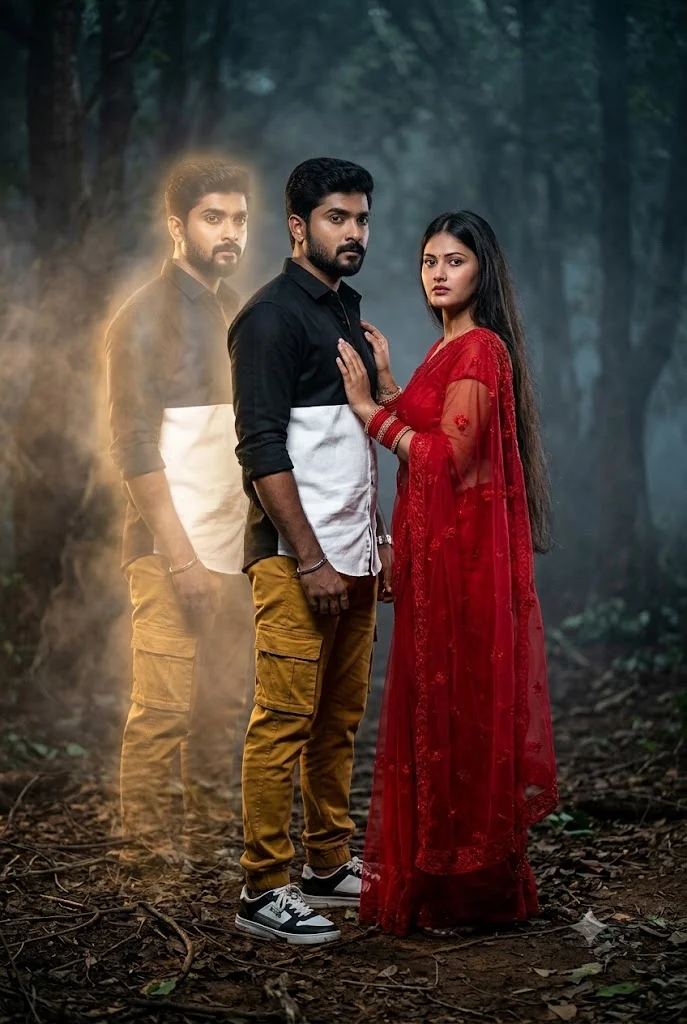
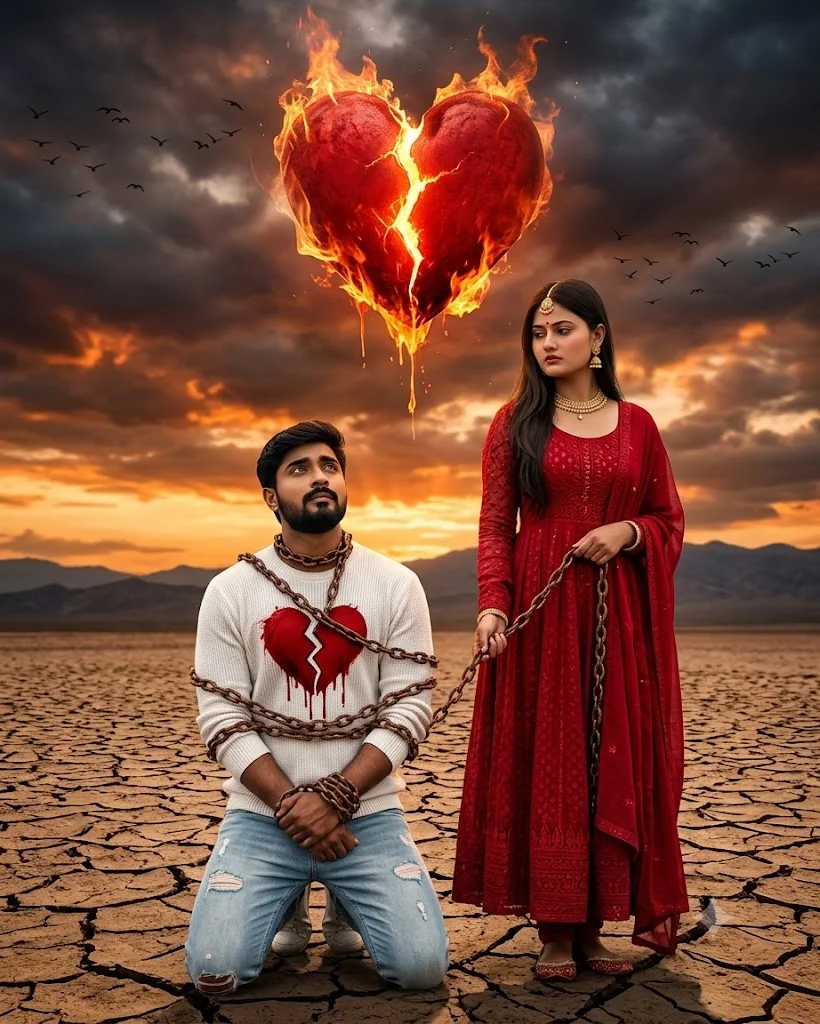
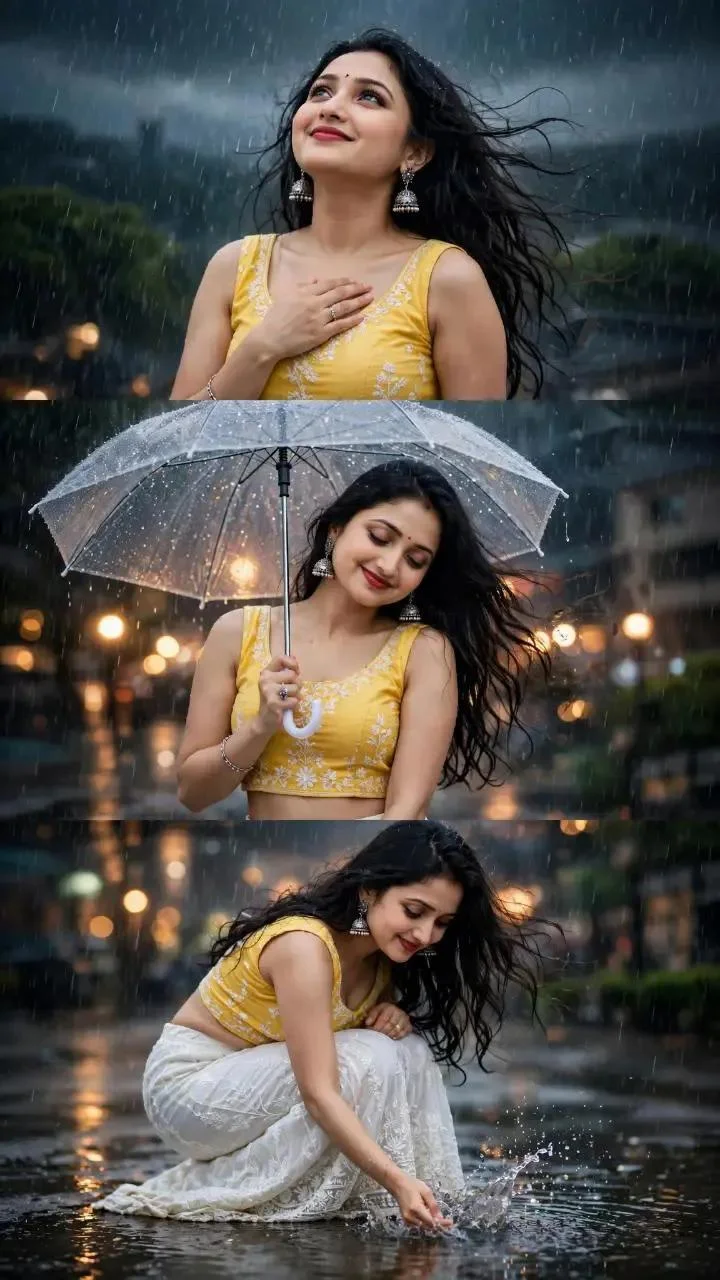
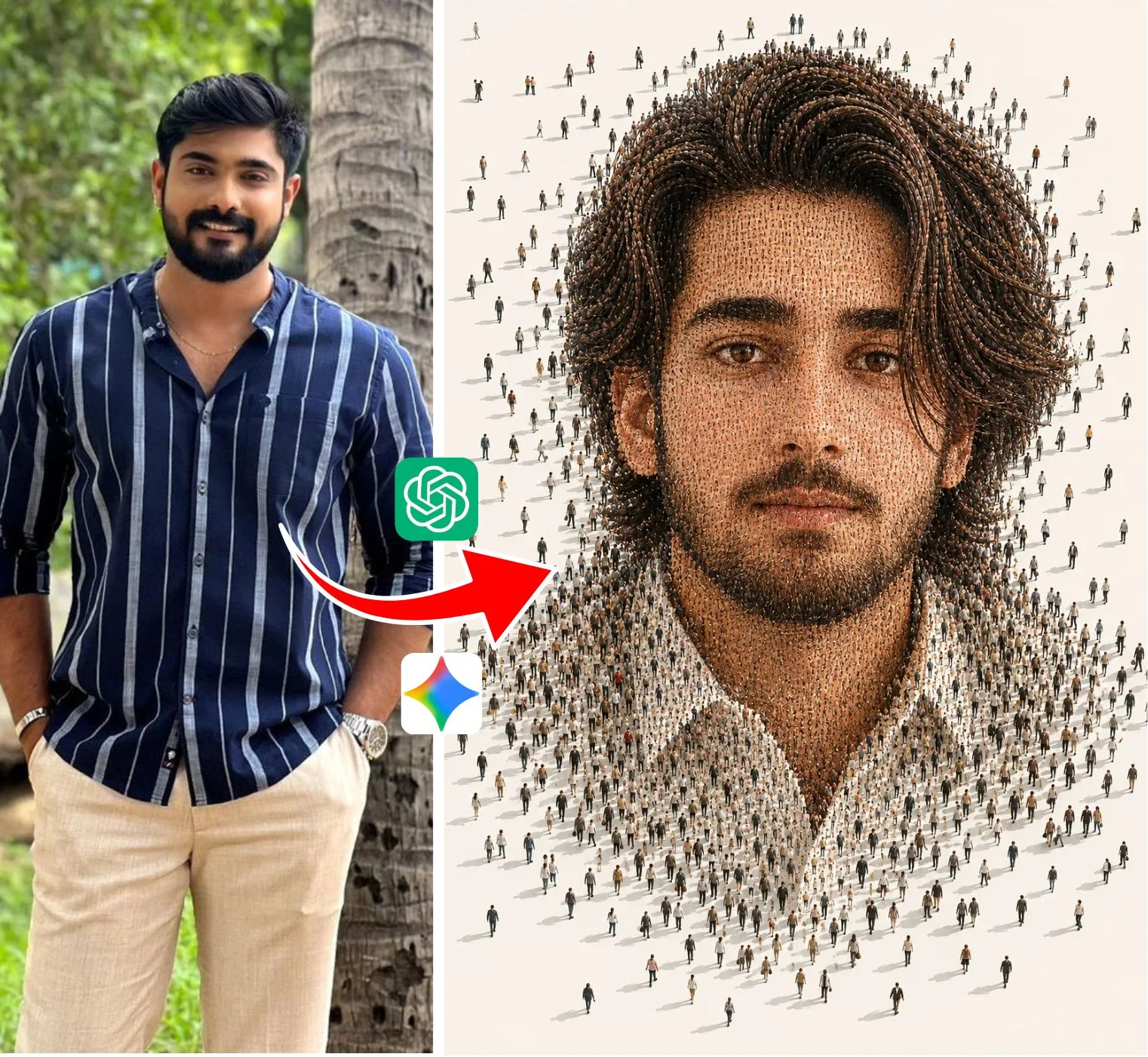
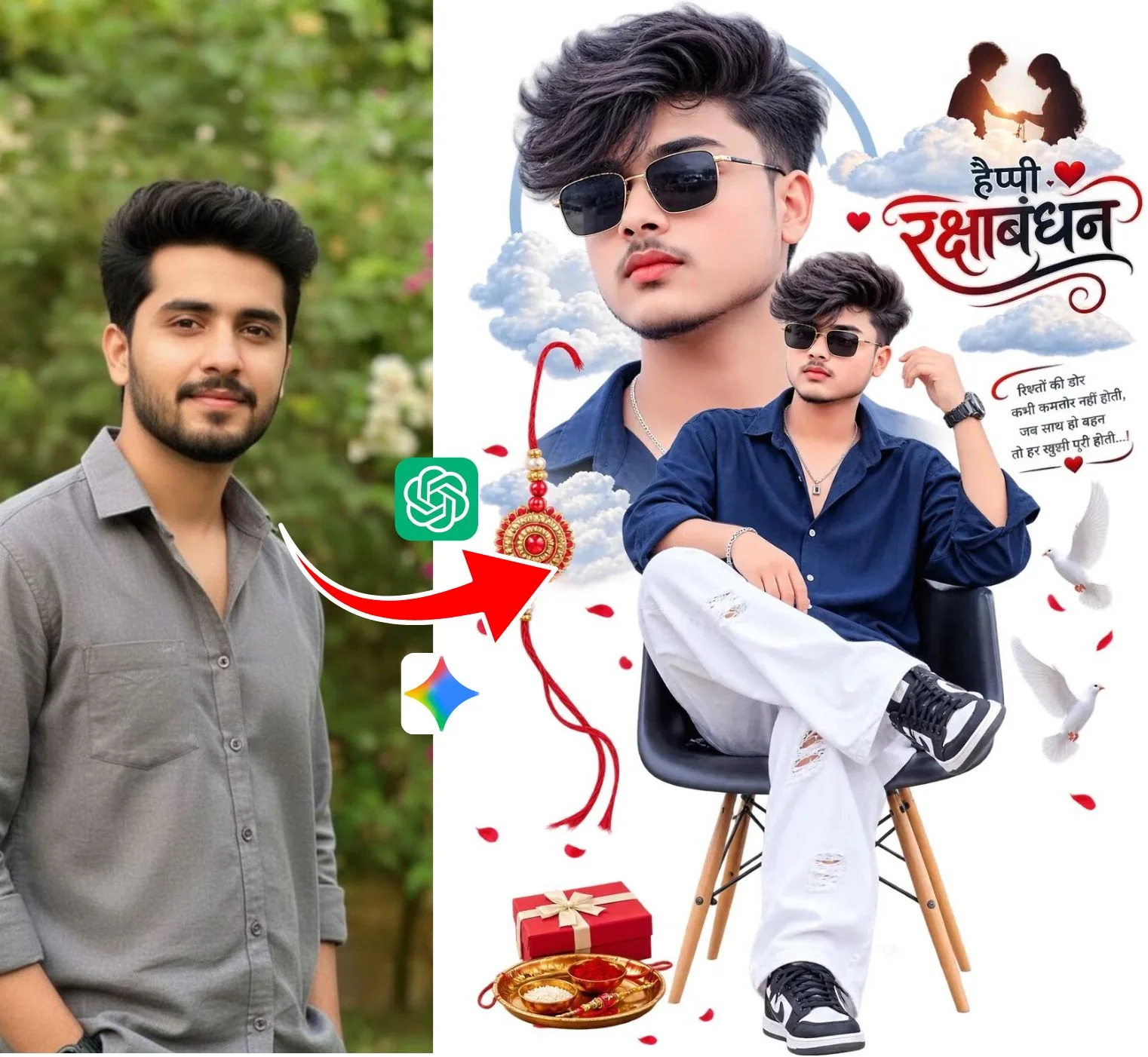
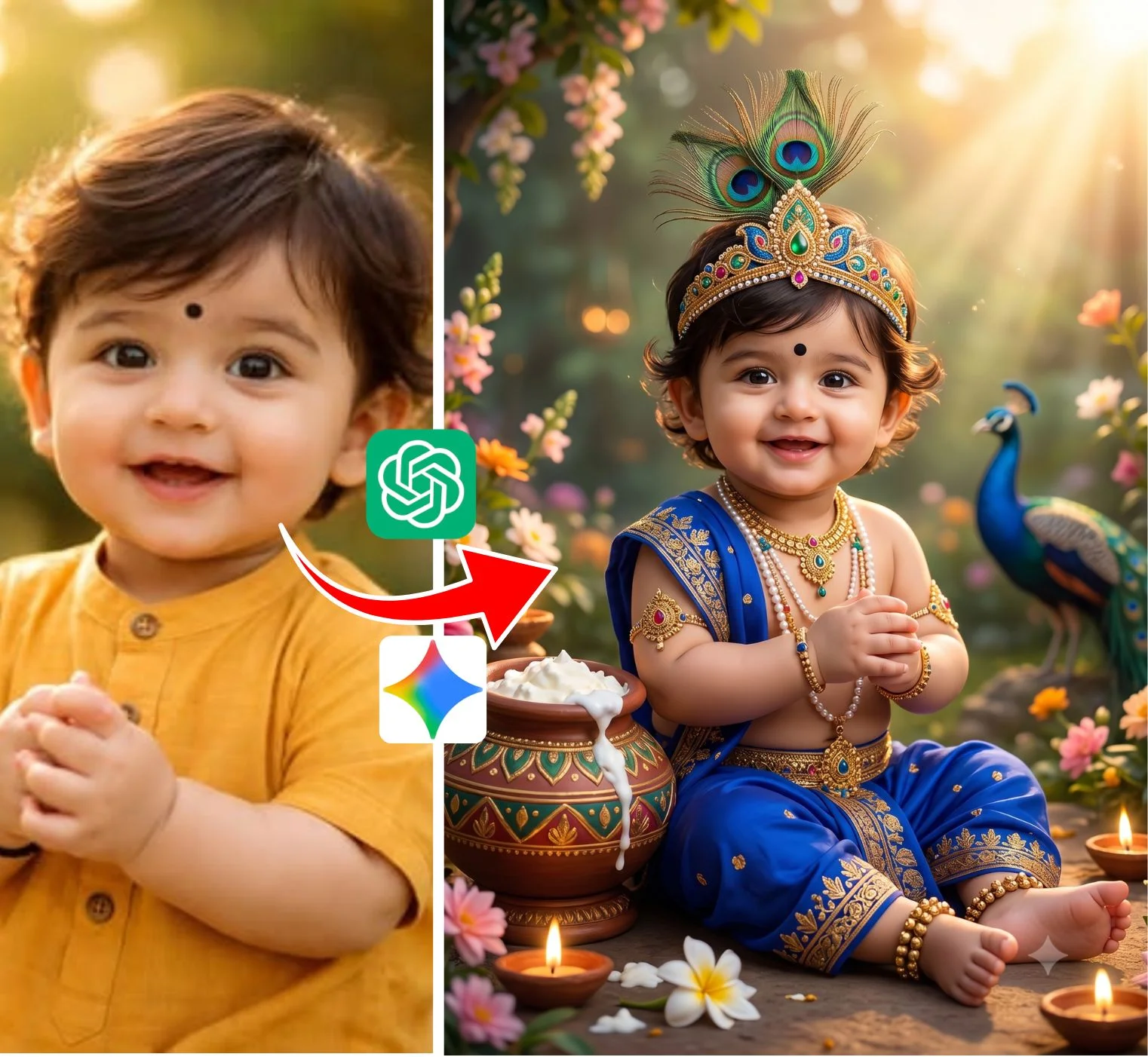
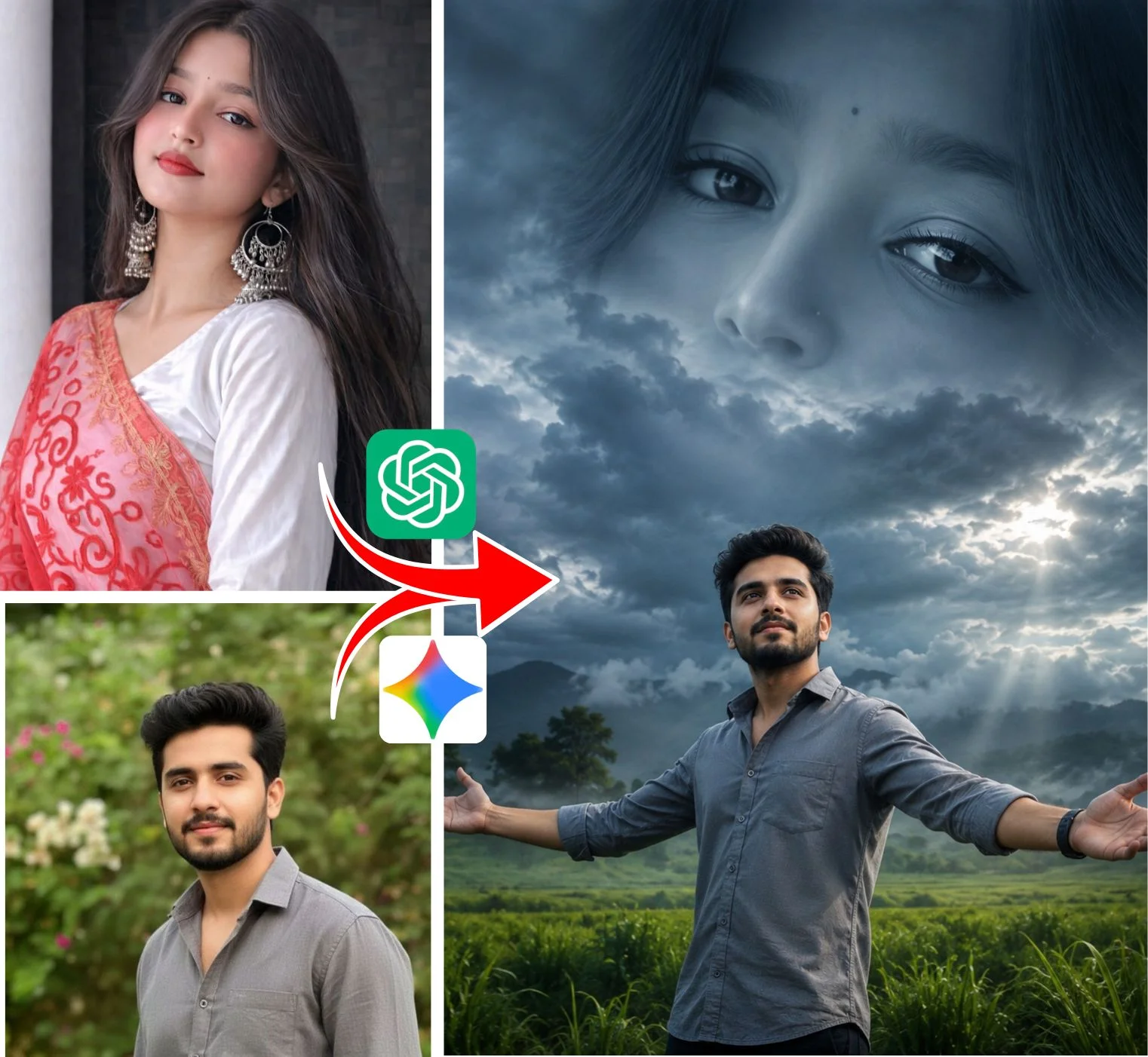
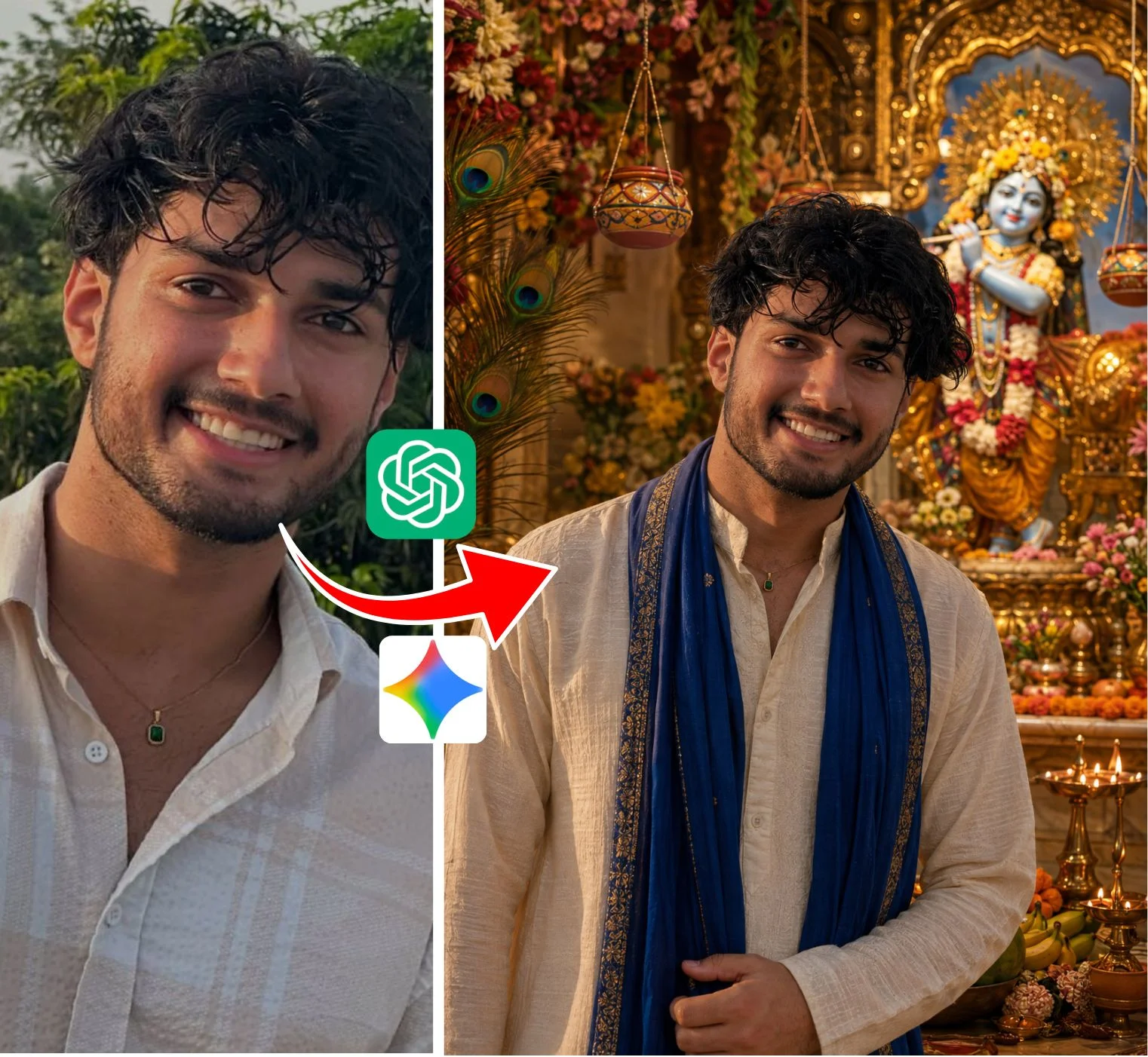
If you spend any time browsing Instagram Reels, YouTube Shorts, or TikTok, you have probably noticed a massive surge in AI-generated visuals that look impossibly cinematic. From rain-soaked neon street tracking shots to hyper-detailed 4K portraits with natural skin textures and glowing 3D birthday name art, these viral posts are dominating social feeds. At the center of this creative wave is one trending search query: novaprompt.
While many discover the term through social watermarks or mobile apps, the real secret is the prompt formula itself. A basic prompt like "a boy in the rain" gives you a flat, cartoonish output. In contrast, a true Nova-style prompt operates like a director's camera script, specifying lens focal length, aperture depth, atmospheric fog, and natural lighting. Below is an honest, practical creator guide on how to understand these formulas, adapt them with your own details, and generate viral AI video and 4K photo content for free.
How Viral AI Video Prompts Actually Work
Searching for novaprompt video formulas is one of the highest-intent trends right now because short-form video algorithms heavily reward high retention. When viewers see a cinematic clip where the camera smoothly pulls back or tracks a subject walking through a rain-slicked avenue, they watch multiple times.
Generative video platforms like Kling AI and Luma Dream Machine interpret motion differently than image tools. If you do not explicitly guide the camera, the AI defaults to weird body warping or blurry face morphing. To make your video prompts go viral:
- Define camera trajectory: Always use clear directional tokens like "slow-motion pull-back tracking shot," "steady eye-level pan," or "dynamic low-angle push-in."
- Add environmental atmosphere: Words like "fine rain droplets illuminated by streetlight," "volumetric morning haze," and "wet asphalt reflections" give the physics engine realistic light bounce.
- Keep subject action simple: Avoid complex multi-character fighting or fast sports. Gentle natural movements—like looking up into the sky or walking forward—render cleanly without visual glitches.
The Anatomy of a 4K Photo AI Prompt
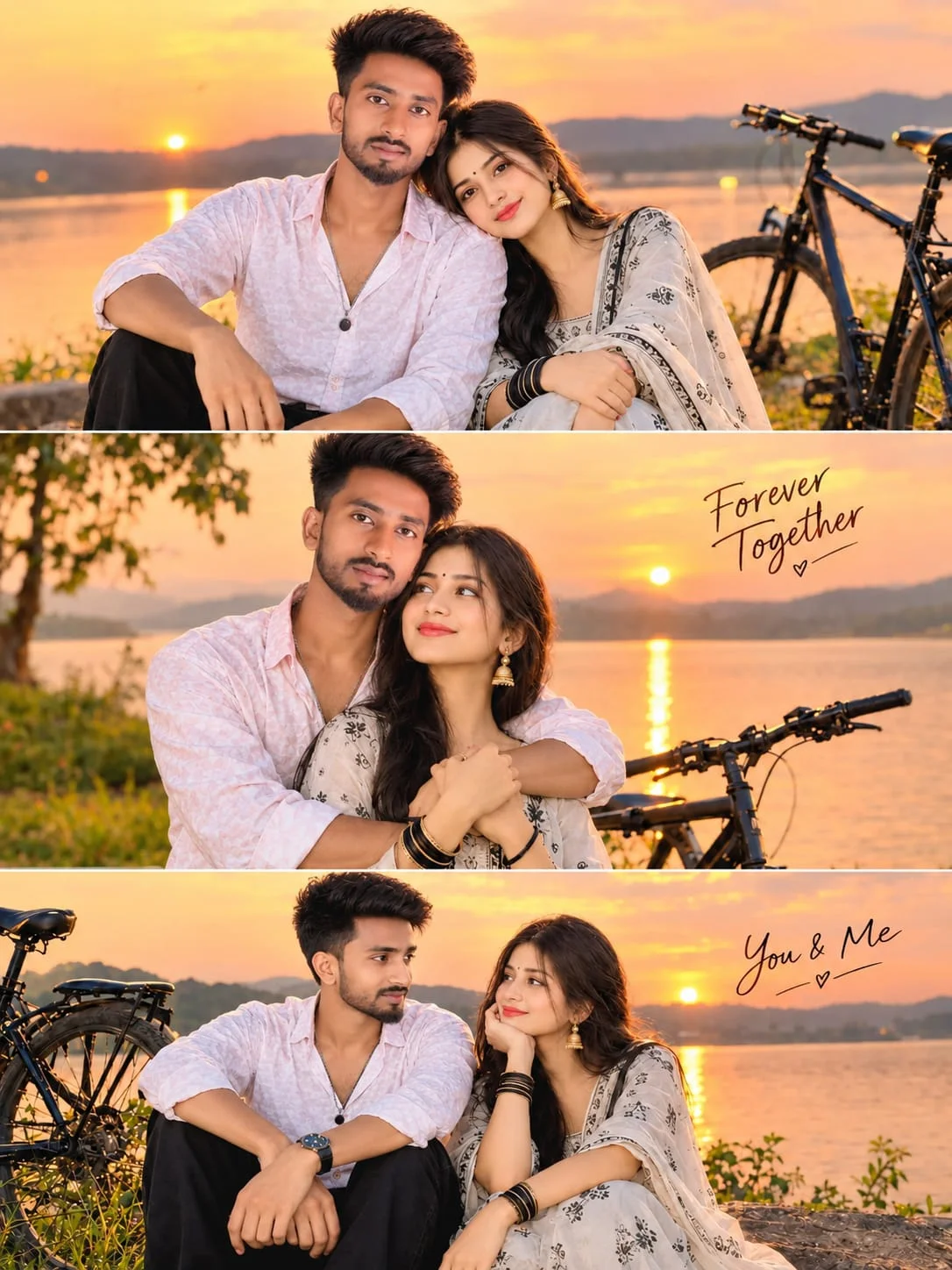
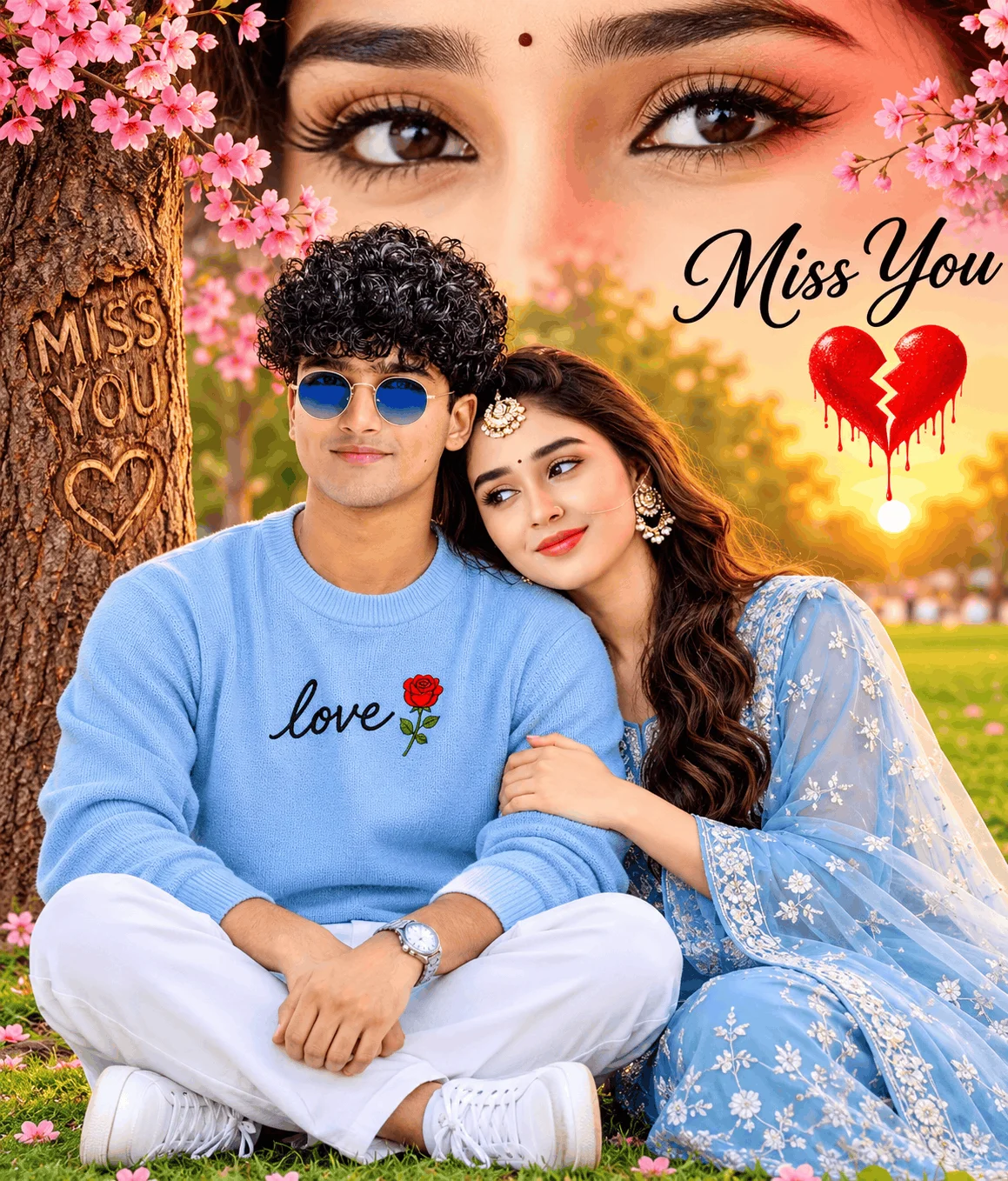
When creators look for a novaprompt photo, they are usually trying to escape the plastic "uncanny valley" look that plagues default AI portraits. The difference between an amateur render and an editorial masterpiece comes down to photographic terminology.
When creating still portraits in free tools like Bing Image Creator or premium engines like Midjourney v6 and Flux.1, your prompt should incorporate real optical cues:
Simulating an 85mm f/1.4 portrait lens blurs busy backgrounds into creamy bokeh and focuses all neural attention on crisp facial details.
Mentioning micro skin pores, natural catchlights in pupils, and soft golden hour side-lighting prevents the generator from smoothing skin into fake plastic.
The 4-Step Production Pipeline for Creators
A viral post is rarely just a raw AI export. Experienced editors follow a structured production pipeline from initial prompt selection to the final published reel. Here is the visual breakdown:
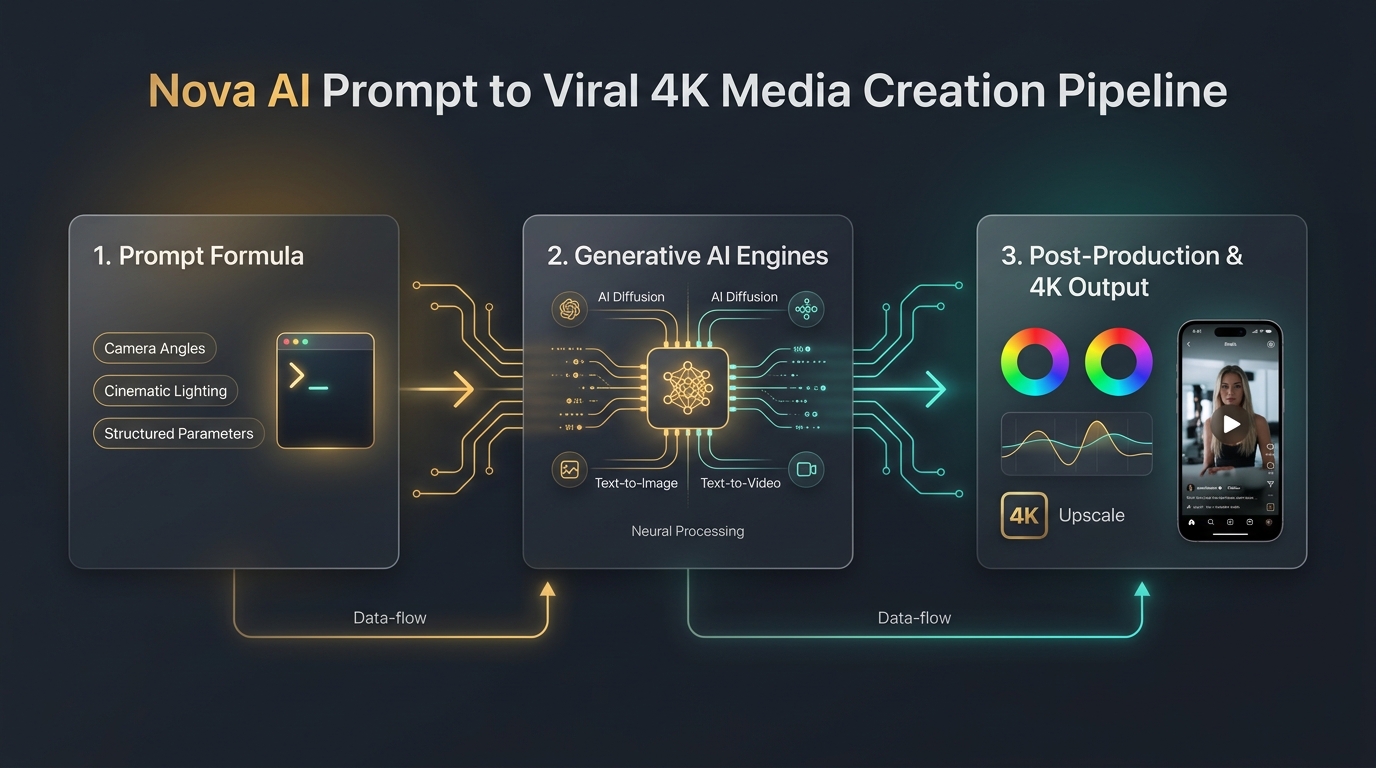
Browse the curated prompt cards in the top gallery. Pick a formula tailored to your desired format—whether that is a cinematic rain sequence, a golden hour portrait, or a 3D avatar.
Every good formula has customizable placeholders. Swap out the character's clothing color, hair style, or setting to match your vision, but leave the camera and lighting descriptors untouched.
For still photos, paste into Bing Copilot (DALL-E 3) or Flux.1. For dynamic video sequences, launch Kling AI or Luma Dream Machine and select vertical 9:16 aspect ratio.
Import your rendered clip into your favorite mobile video editor. Apply a gentle film LUT, add trending background audio, and export in 4K at 60fps for the highest possible upload quality.
Personalized 3D Birthday & Celebration Prompts
Another massive query cluster is novaprompt birthday. Millions of users search for these prompts every month to create personalized birthday greetings for friends, siblings, and partners.
These formulas instruct the AI to render a lovable 3D Pixar-style character holding a cake or balloons, with a giant illuminated name in 3D typography glowing in the background. When customizing these prompts, simply replace the placeholder name inside quotes with your desired name before clicking generate. Bing Image Creator currently handles English text typography better and faster than any other free tool.
AI Tool Compatibility Guide: What to Use Where
To save you time and wasted credits, here is a quick comparison of which generator performs best for each creative requirement:
| AI Engine | Best Use Case | Free Tier Status | Recommended Ratio |
|---|---|---|---|
| Bing Image Creator | 3D Name Art, Birthdays & Portraits | 100% Free Daily Boosts | 1:1 (Square) or 9:16 |
| Kling AI | Cinematic Rain & Tracking Video | Daily Free Credits | 9:16 (Vertical Reels) |
| Luma Dream Machine | Smooth Camera Pushes & Sunsets | Free Tier Available | 16:9 or 9:16 |
| Flux.1 & Midjourney | Hyper-Realistic Skin Pores & Editorial | Demo Tiers / Pro Plan | 4:5 or 9:16 |
Frequently Asked Questions
Yes, every formula in our collection is 100% free and open to use. You do not need to register, provide an email, or pay for a course to copy and use them.
No. You do not need to install ad-heavy APKs on your phone. You can copy prompts directly from this page in your mobile browser, open Bing Copilot or Kling AI, and generate everything instantly.
In creator discussions, it refers to the method of injecting comprehensive optical and lighting parameters into a generator's text field to override generic default settings and force studio-grade contrast and depth.
Use prompts that keep facial motion minimal. Slow-motion tracking shots from a medium distance render far cleaner than extreme close-ups of complex speaking or smiling actions.
Editorial & Platform Notice: This article is an independent educational guide and creative prompt collection curated for visual creators. Emojora is an independent digital media platform and is not affiliated with, sponsored by, or endorsed by novaprompt.in or third-party AI tool makers. All generative AI tool trademarks belong to their respective corporate owners.