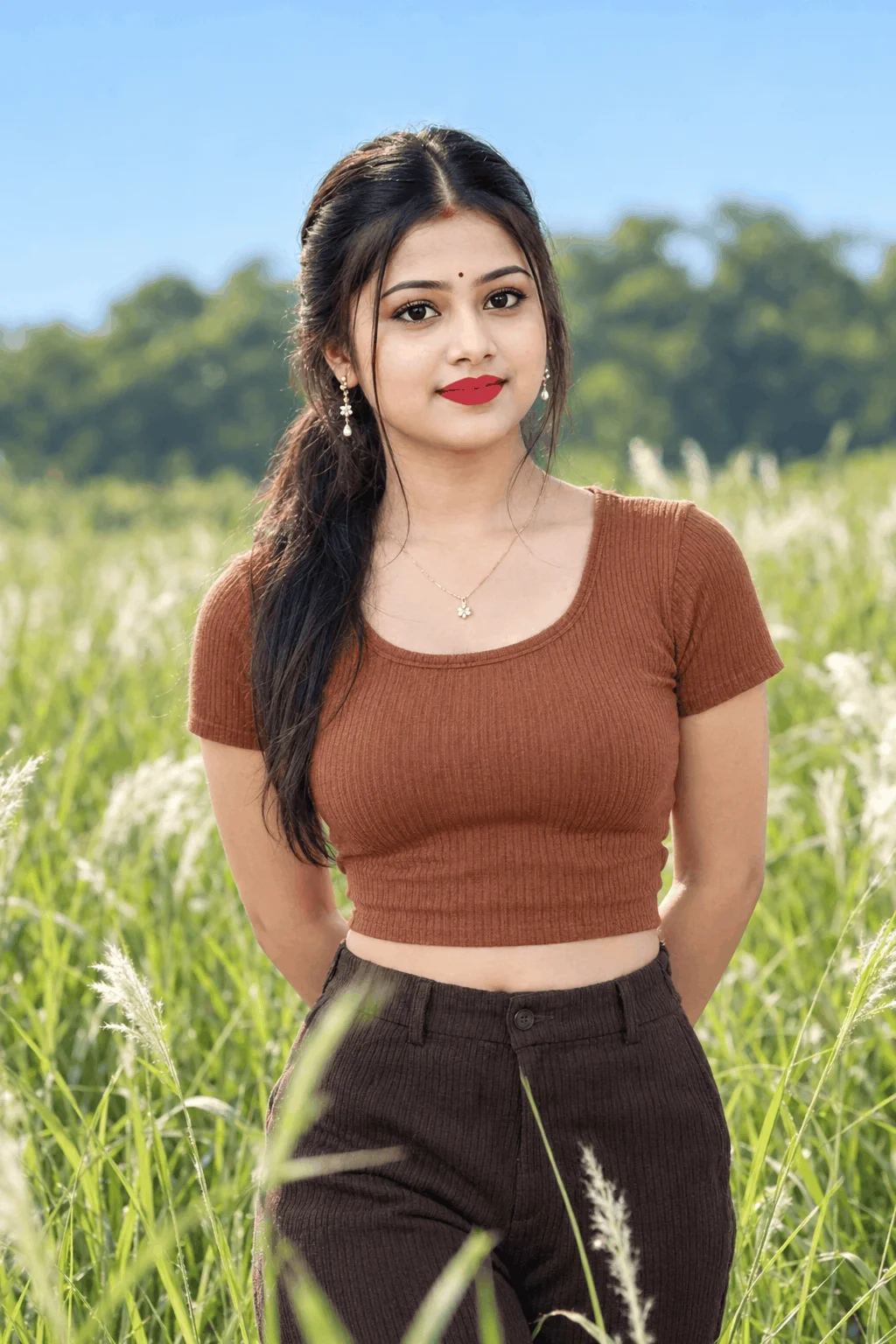
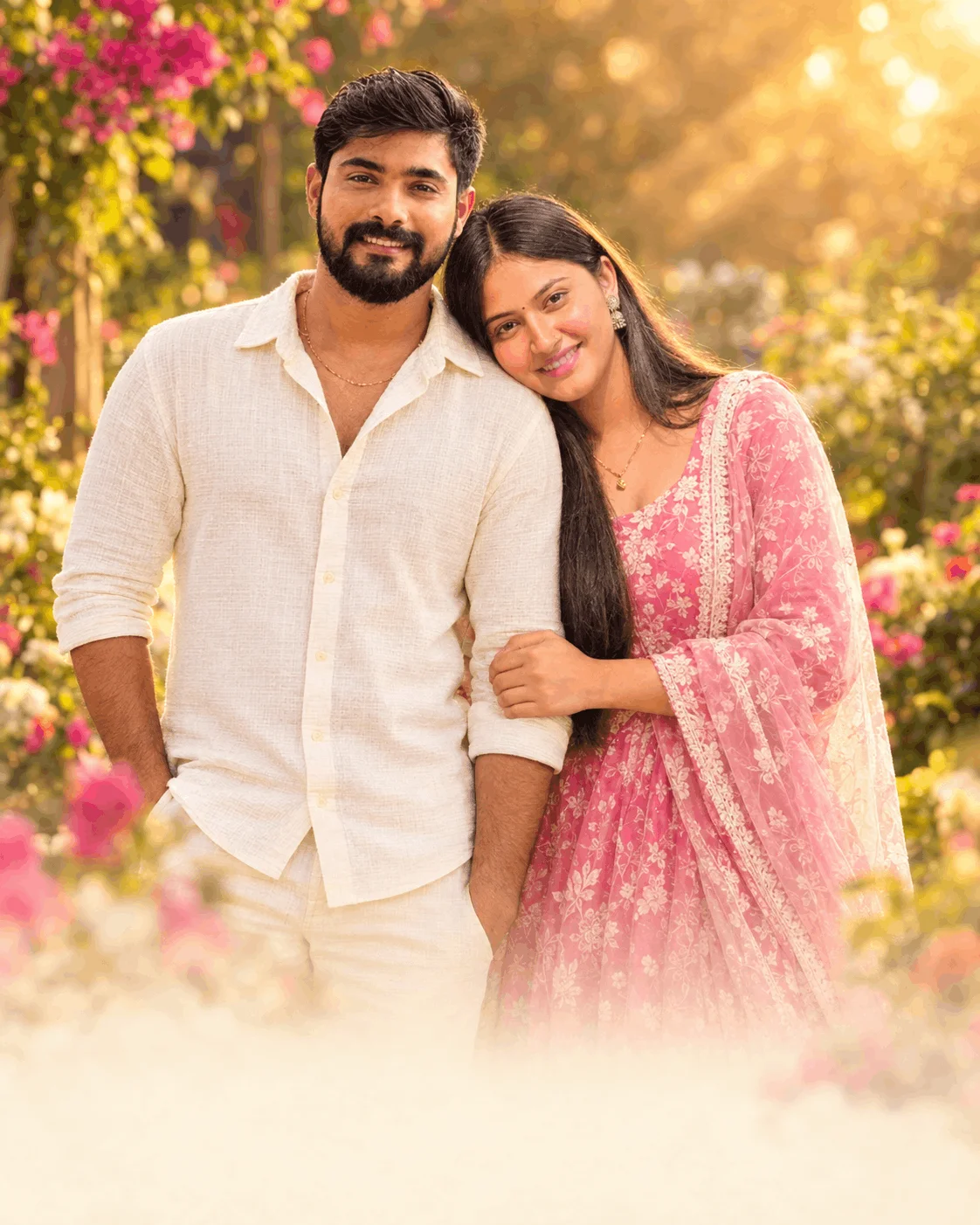
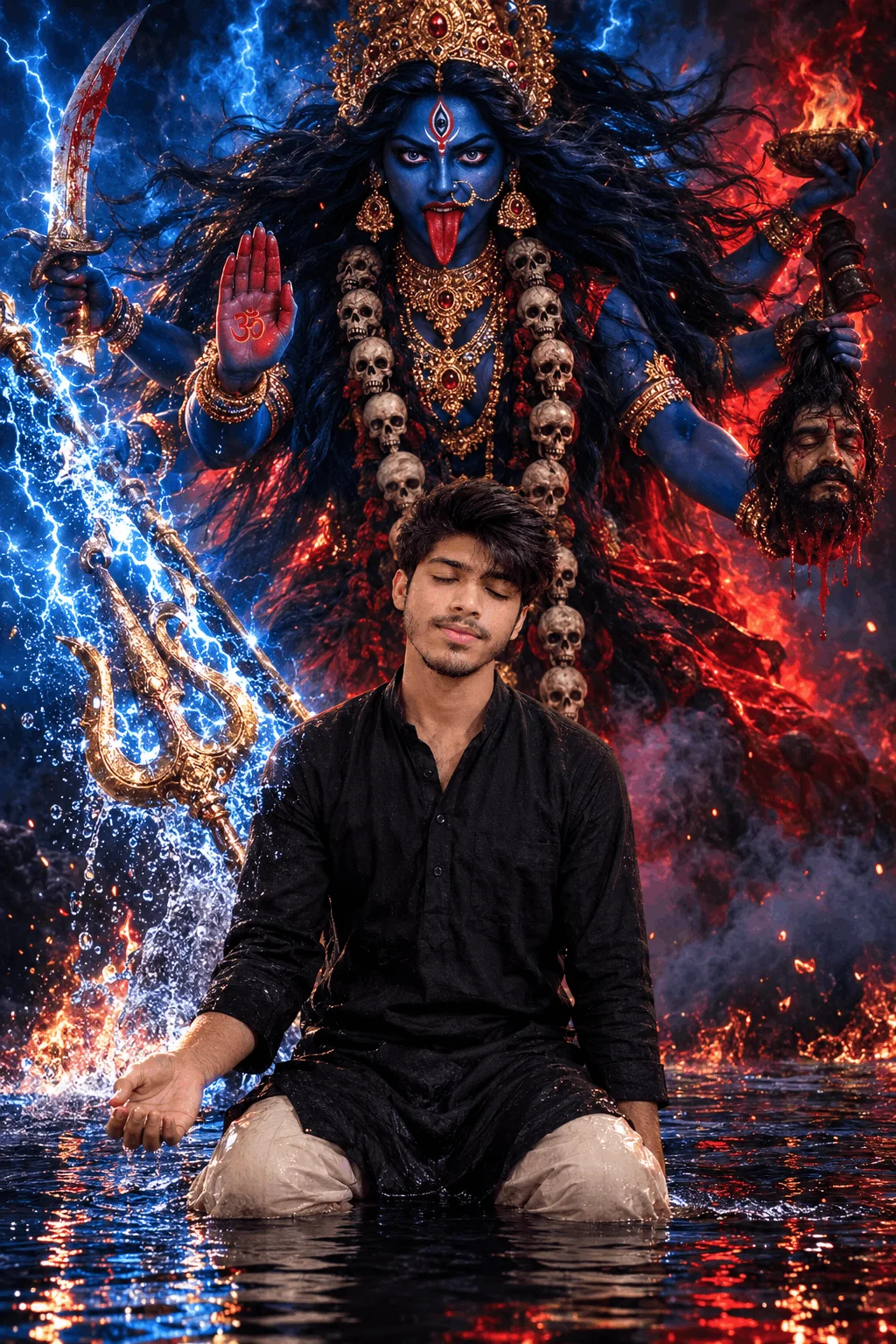
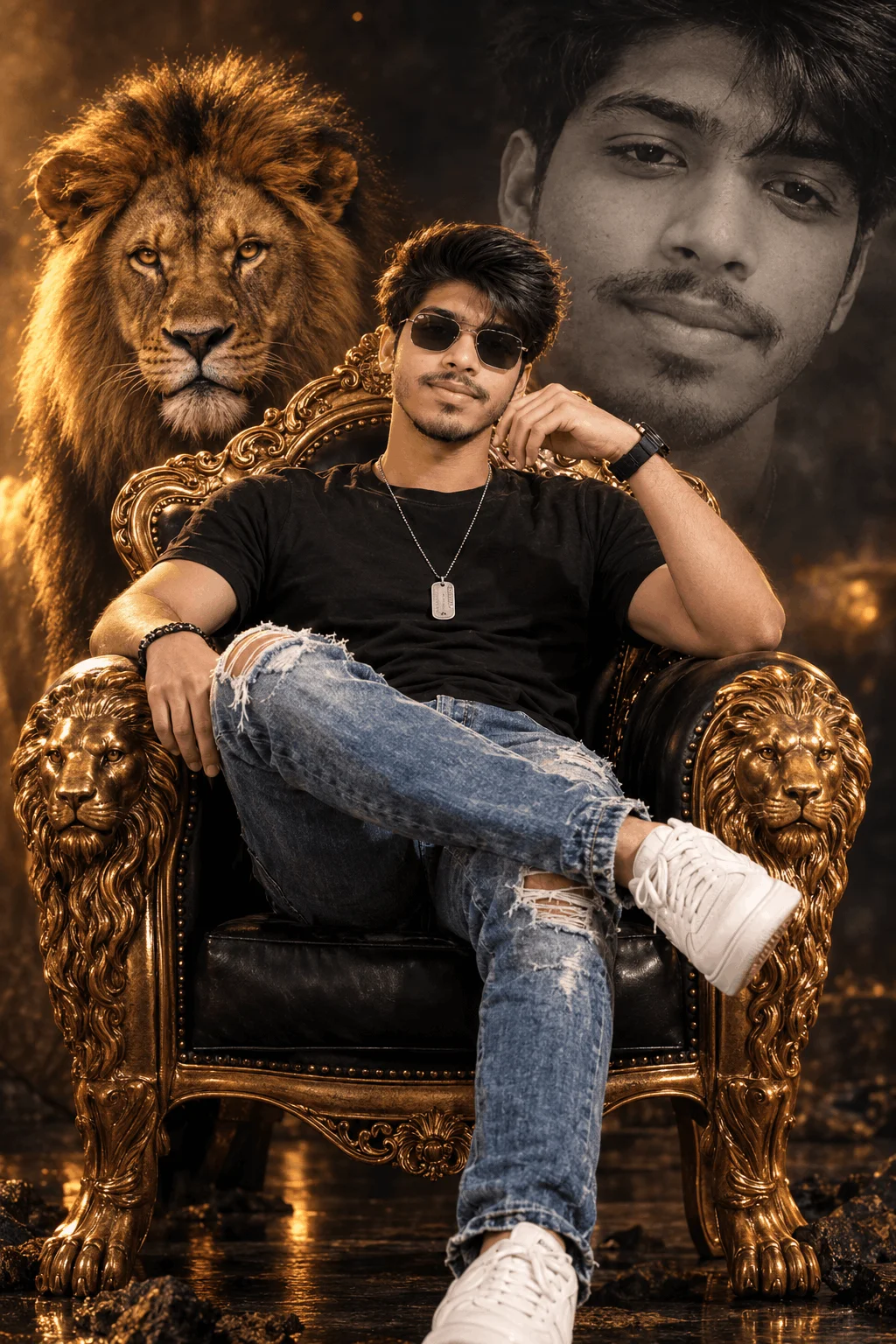
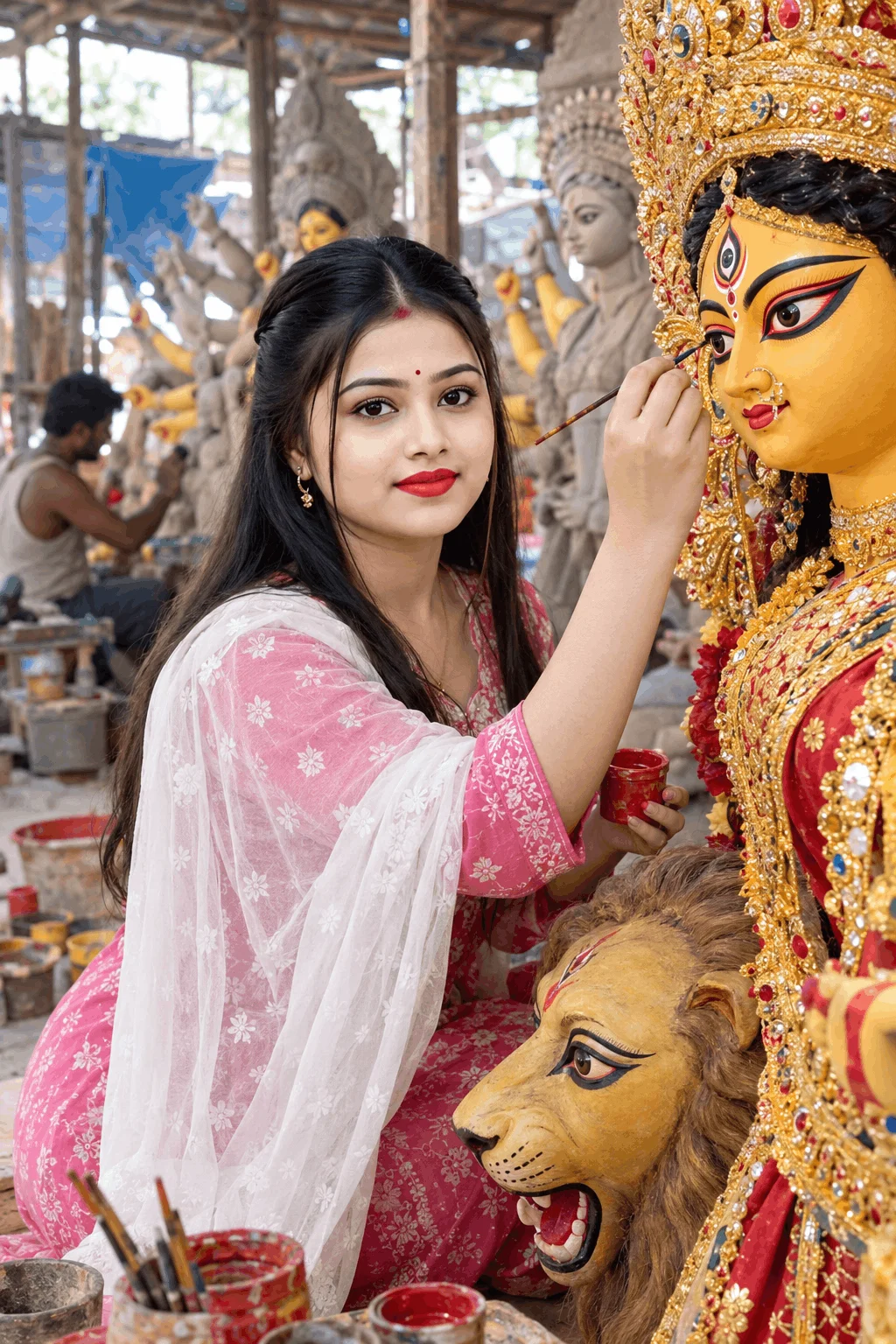
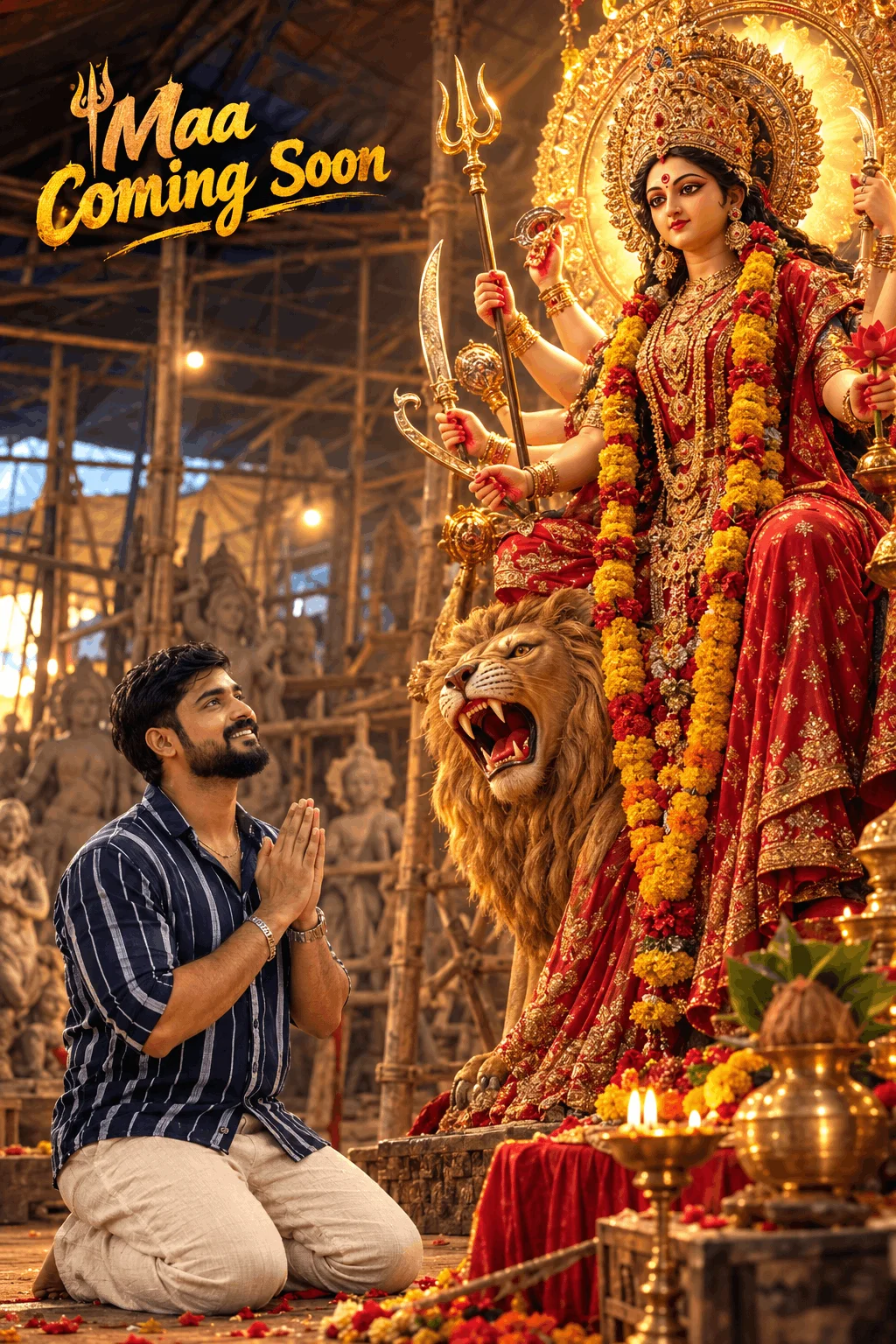
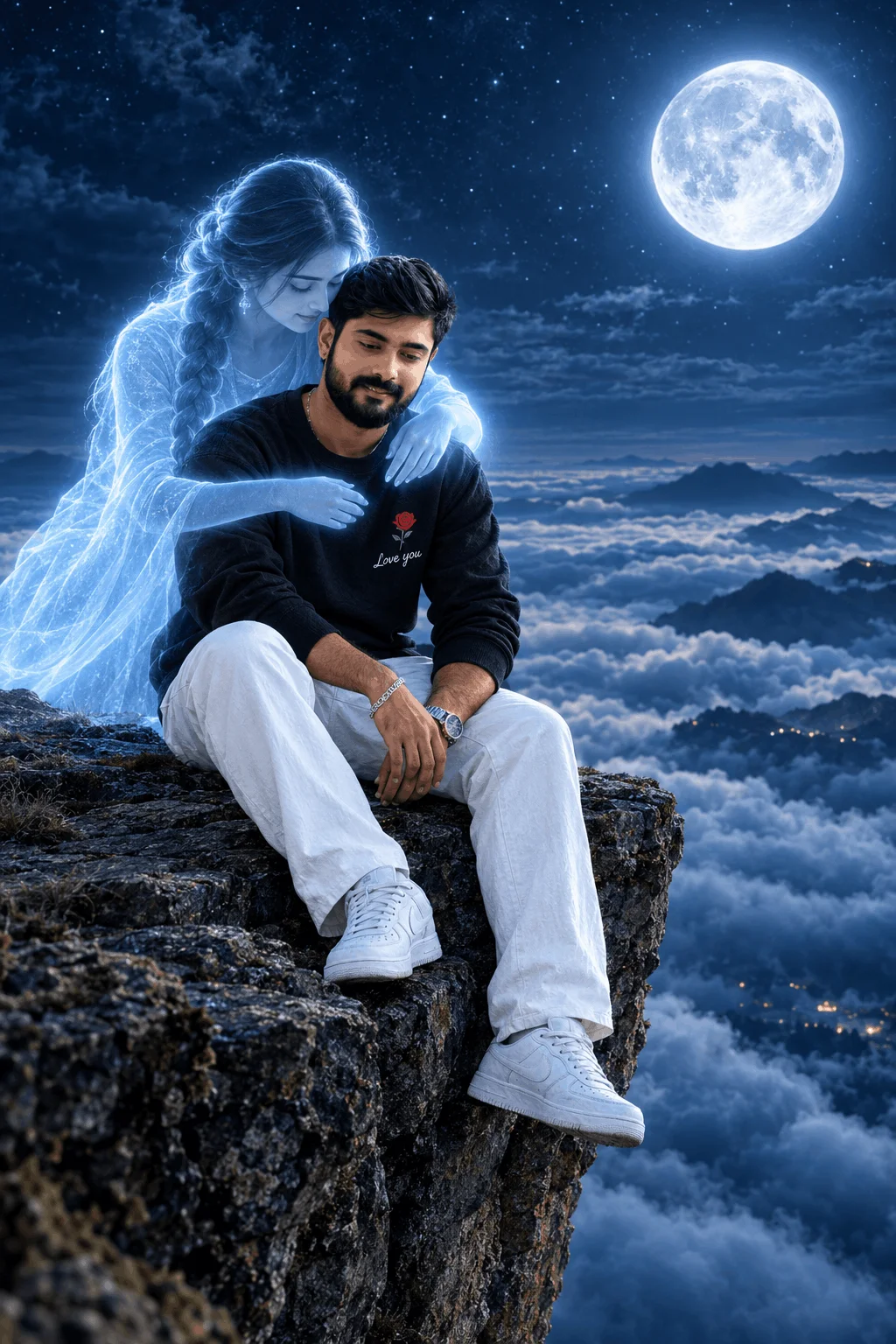
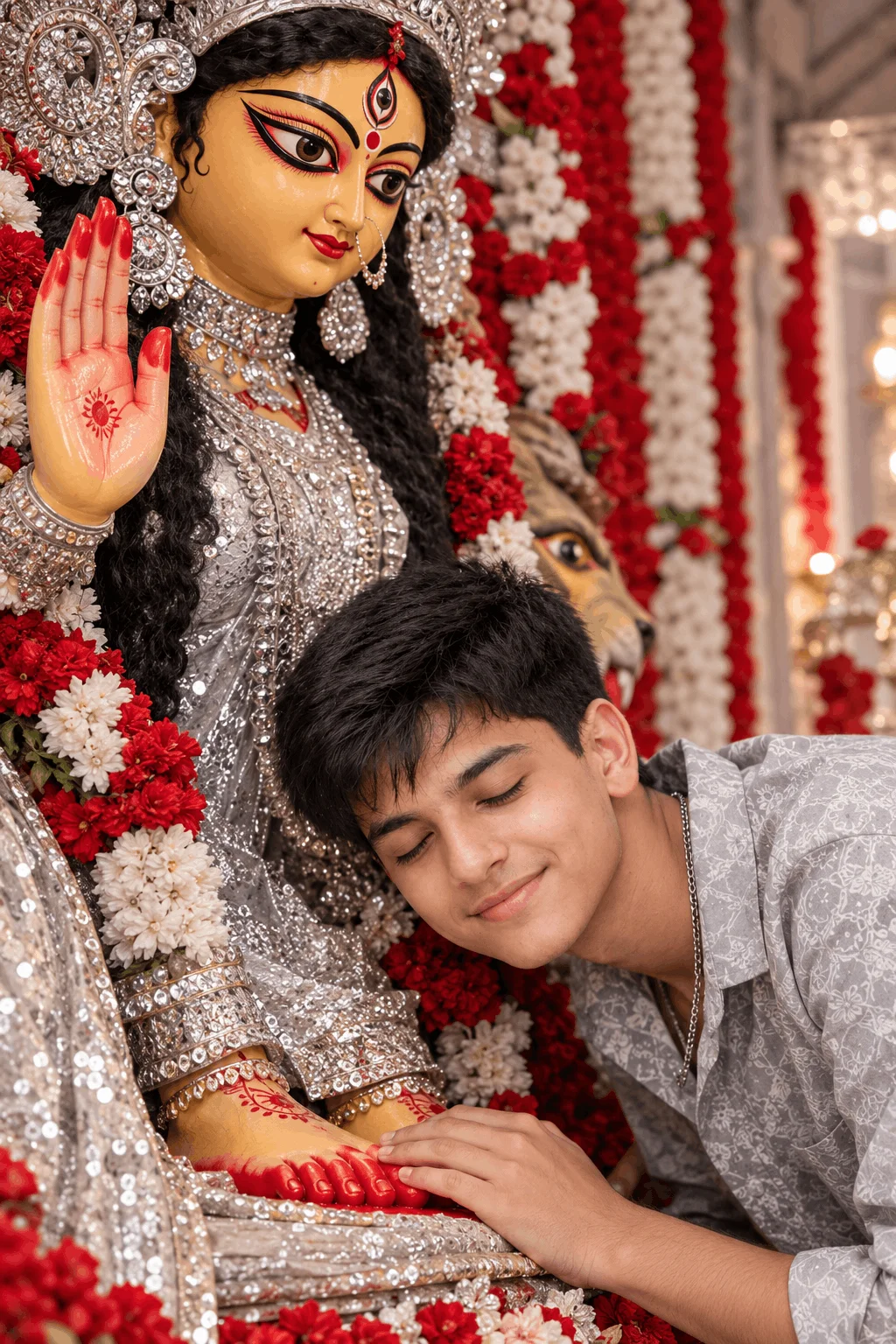
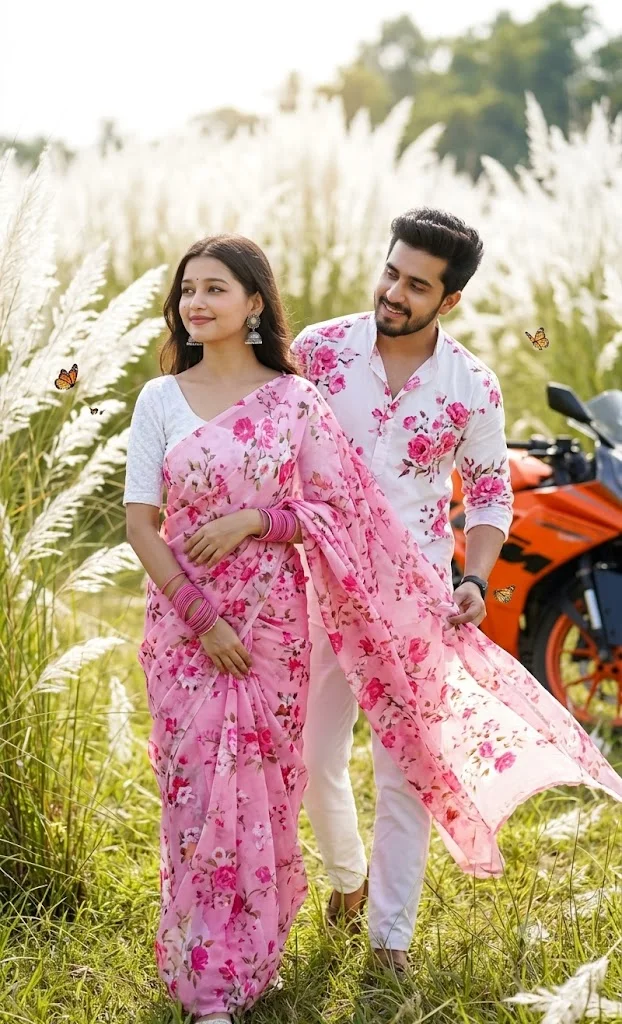
What is RSP Editing and How Did It Become an Internet Sensation?
Around 2021-2022, when mobile photography was booming, a dedicated editing platform named RSP Editing (rspediting.com) emerged. In its early days, the website solved a very real problem for everyday smartphone creators: providing free Lightroom Mobile Presets (.dng files), Snapseed QR codes, and VN/CapCut beat-sync templates.
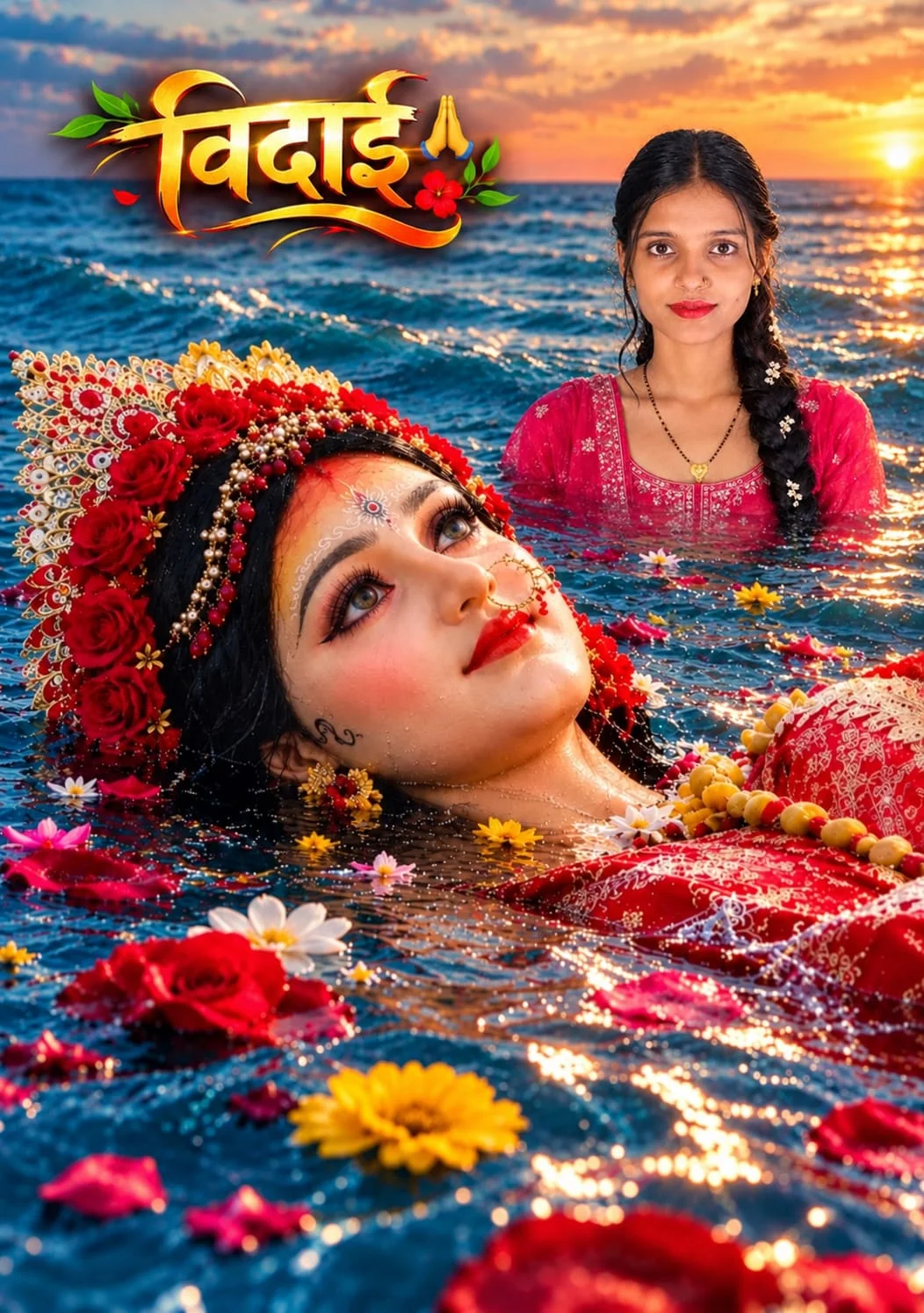
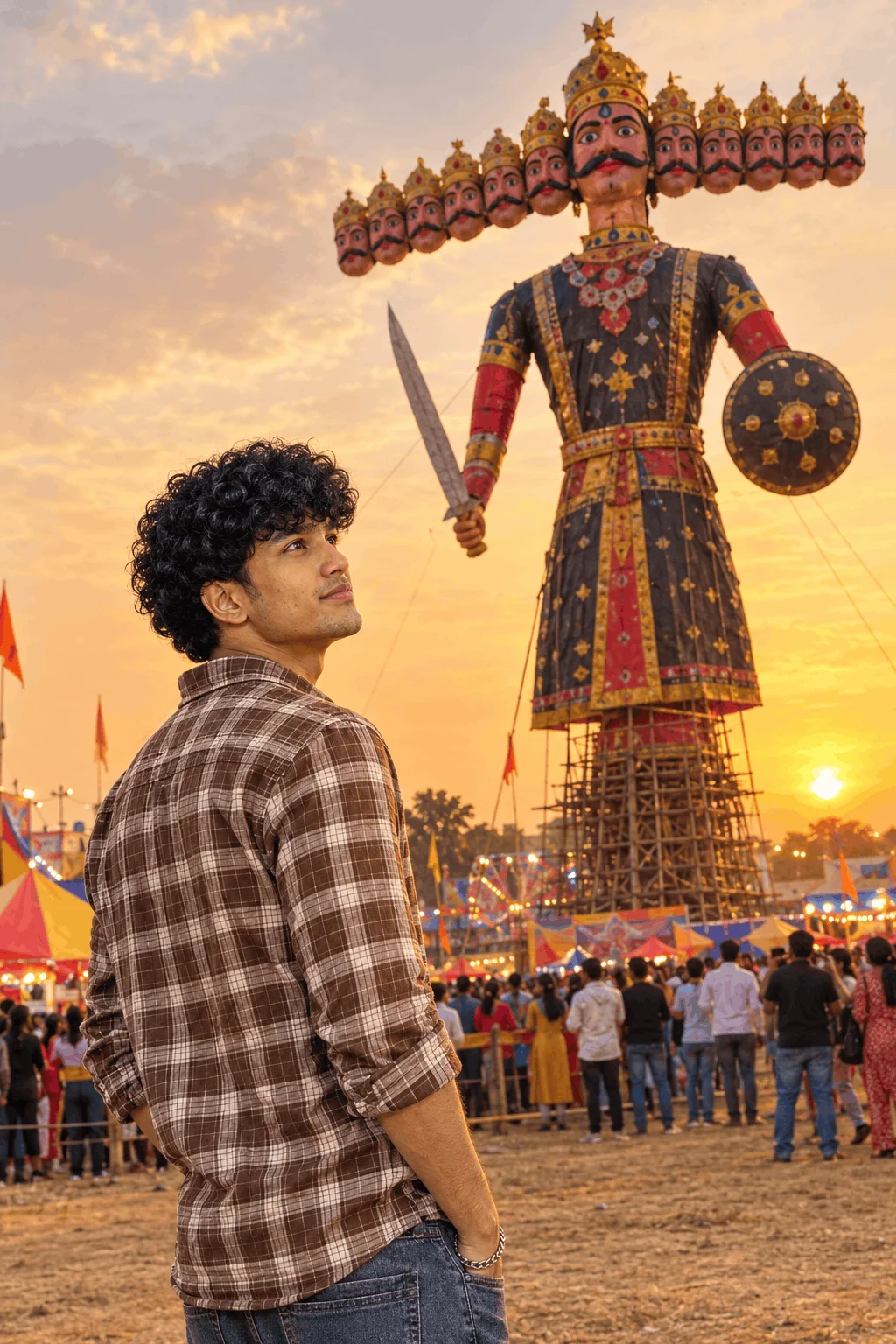
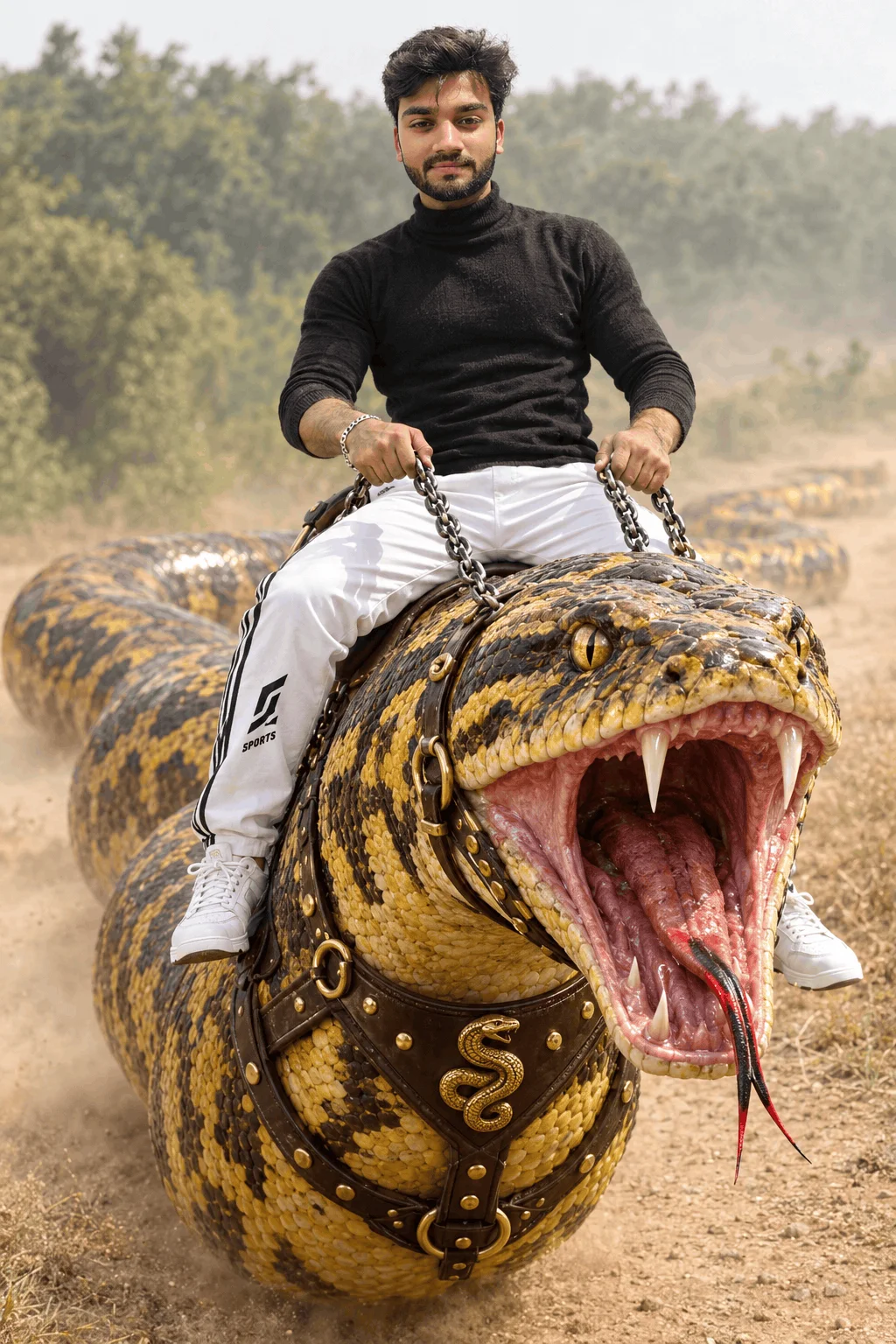
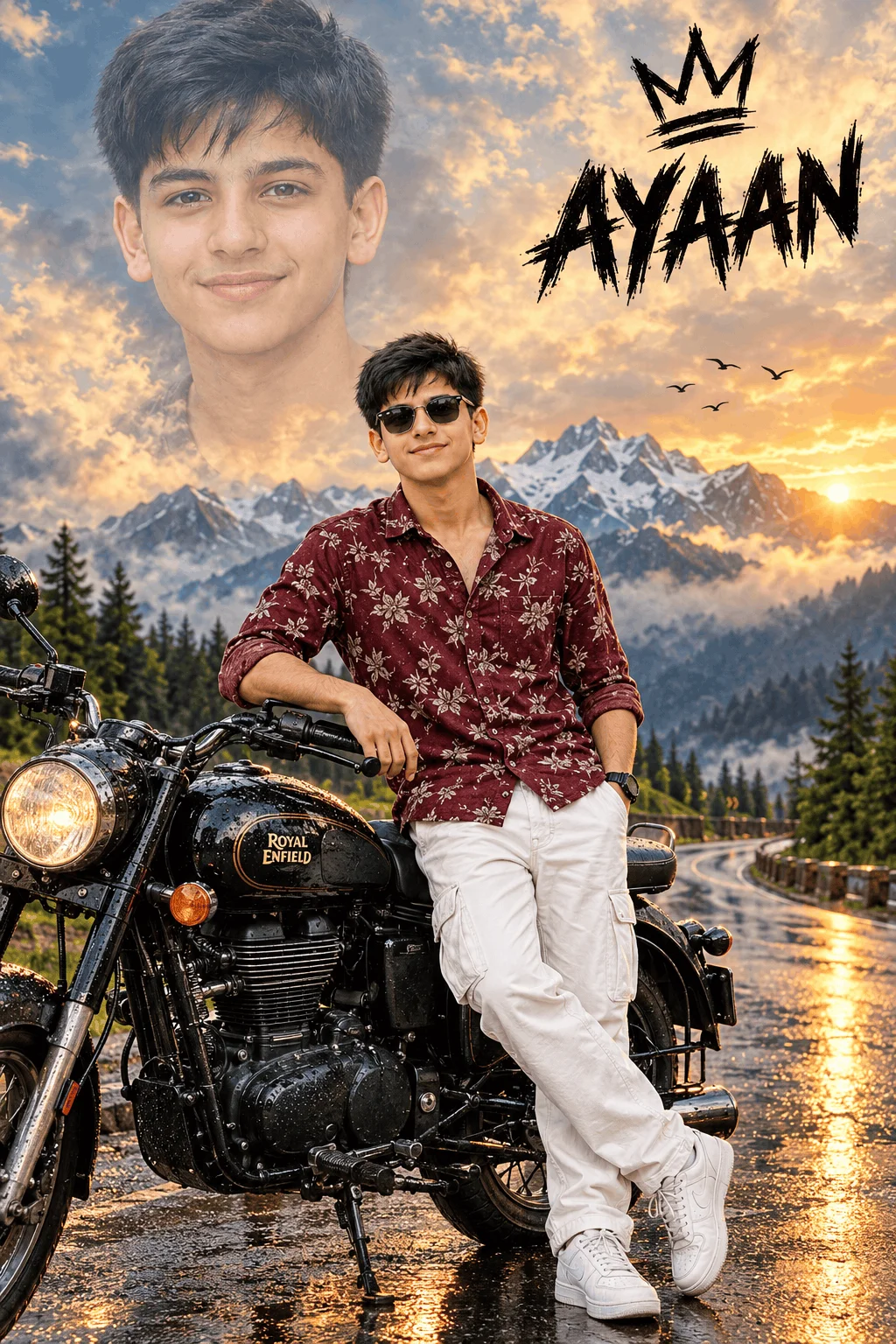
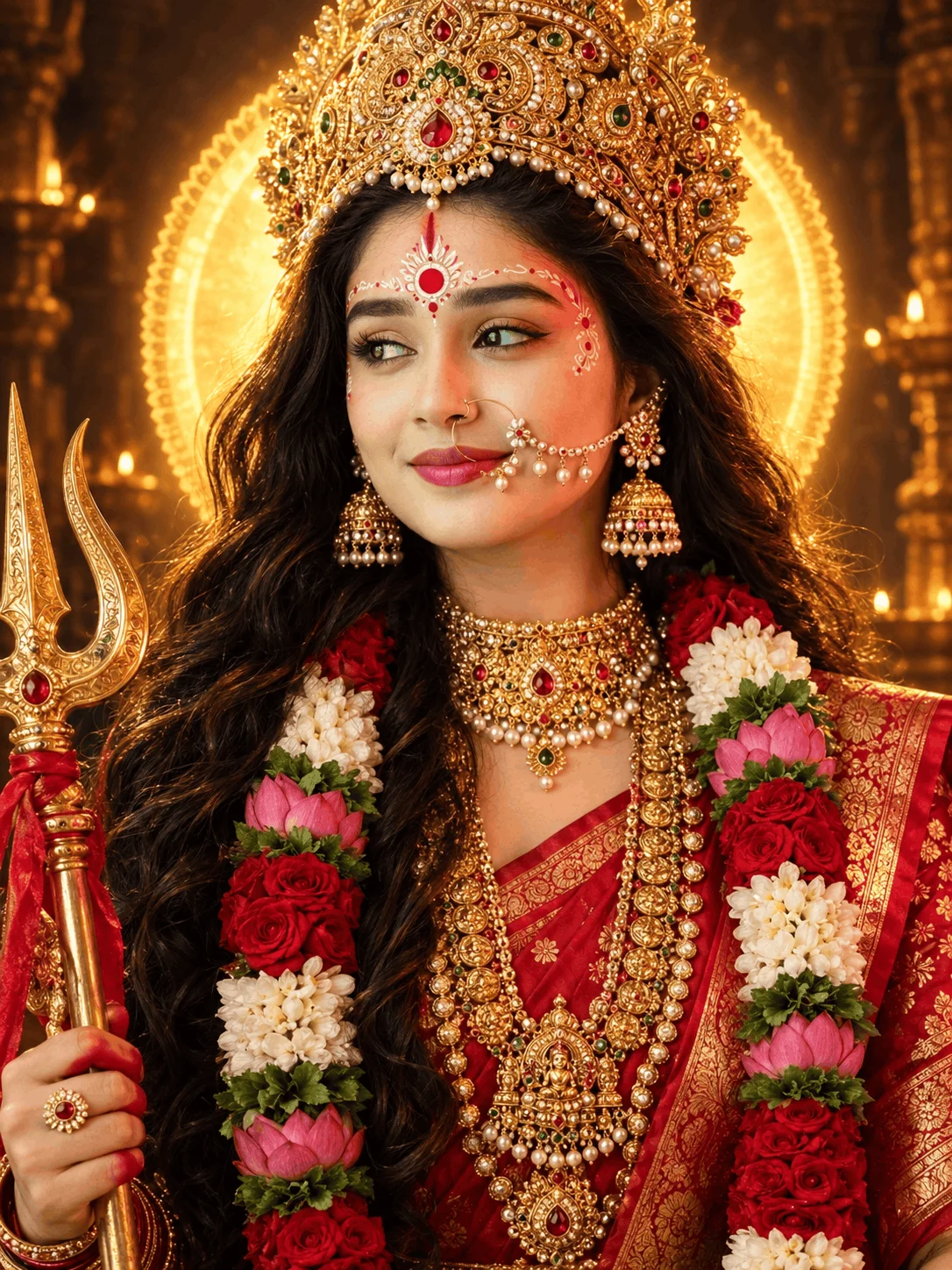
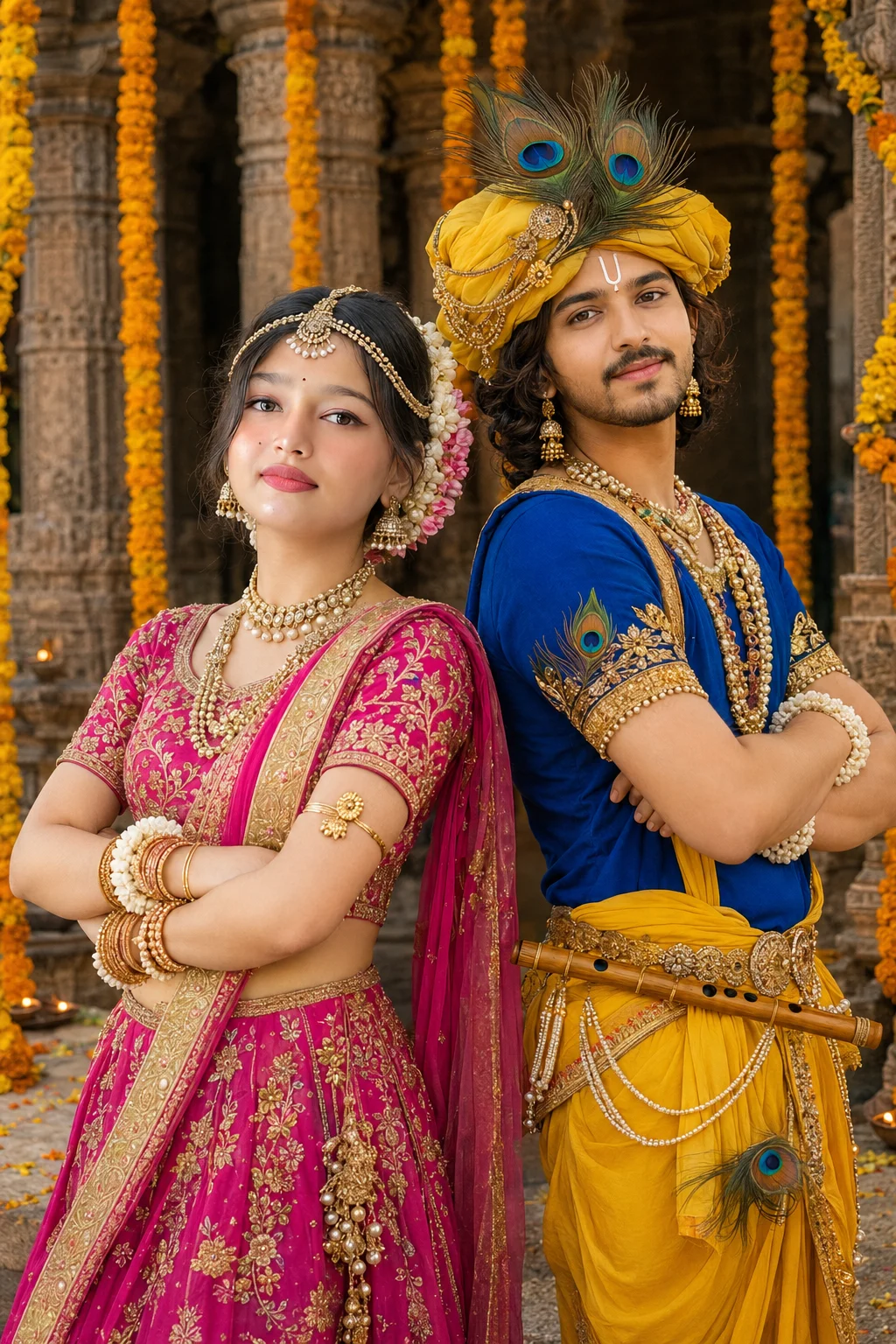
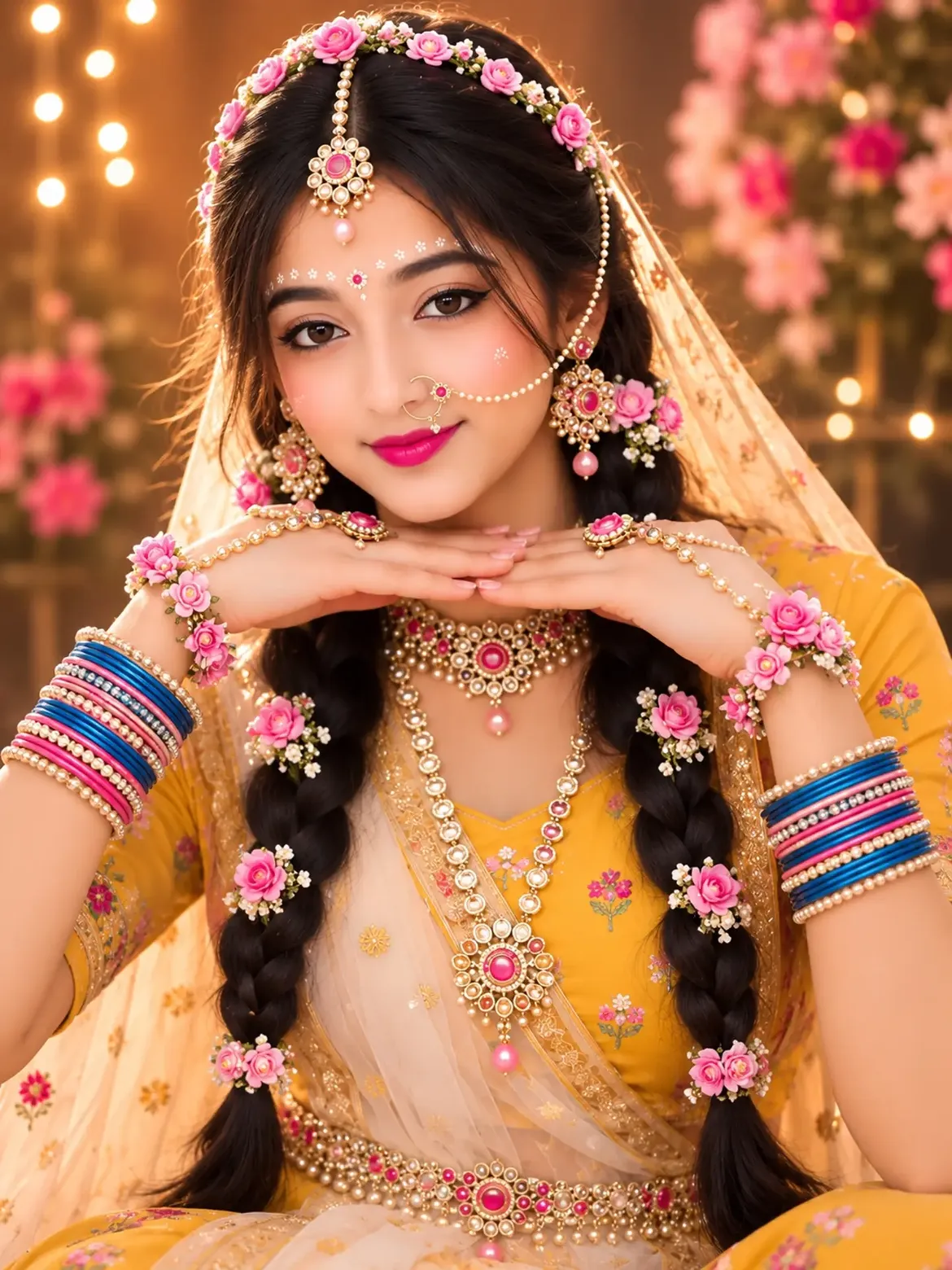
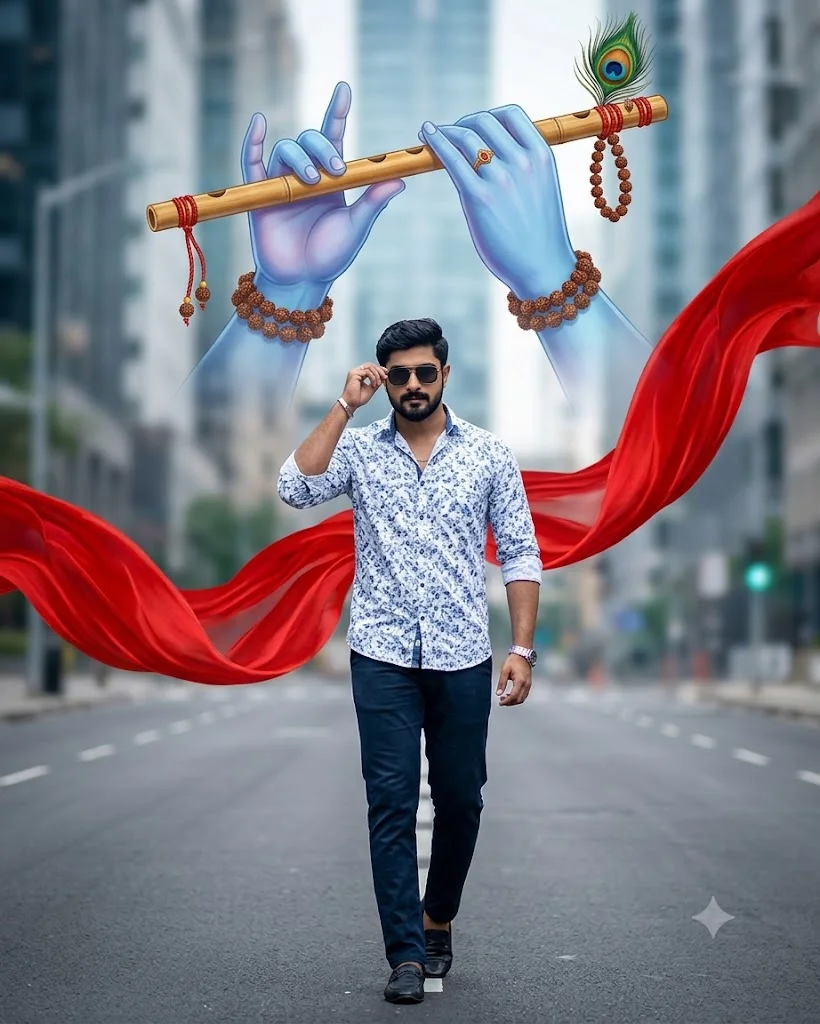
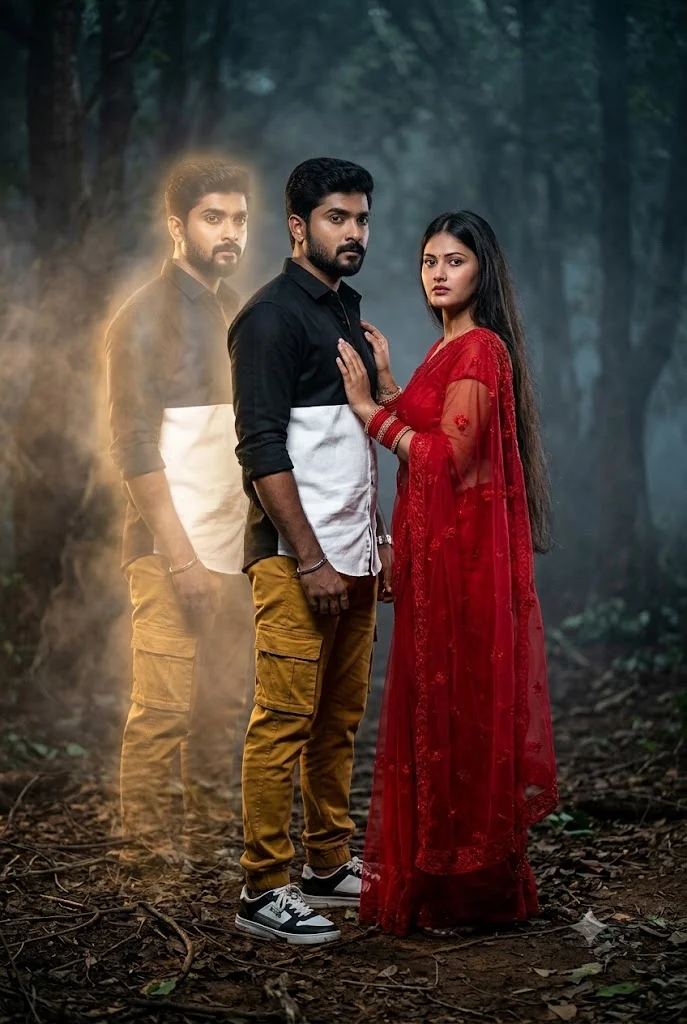
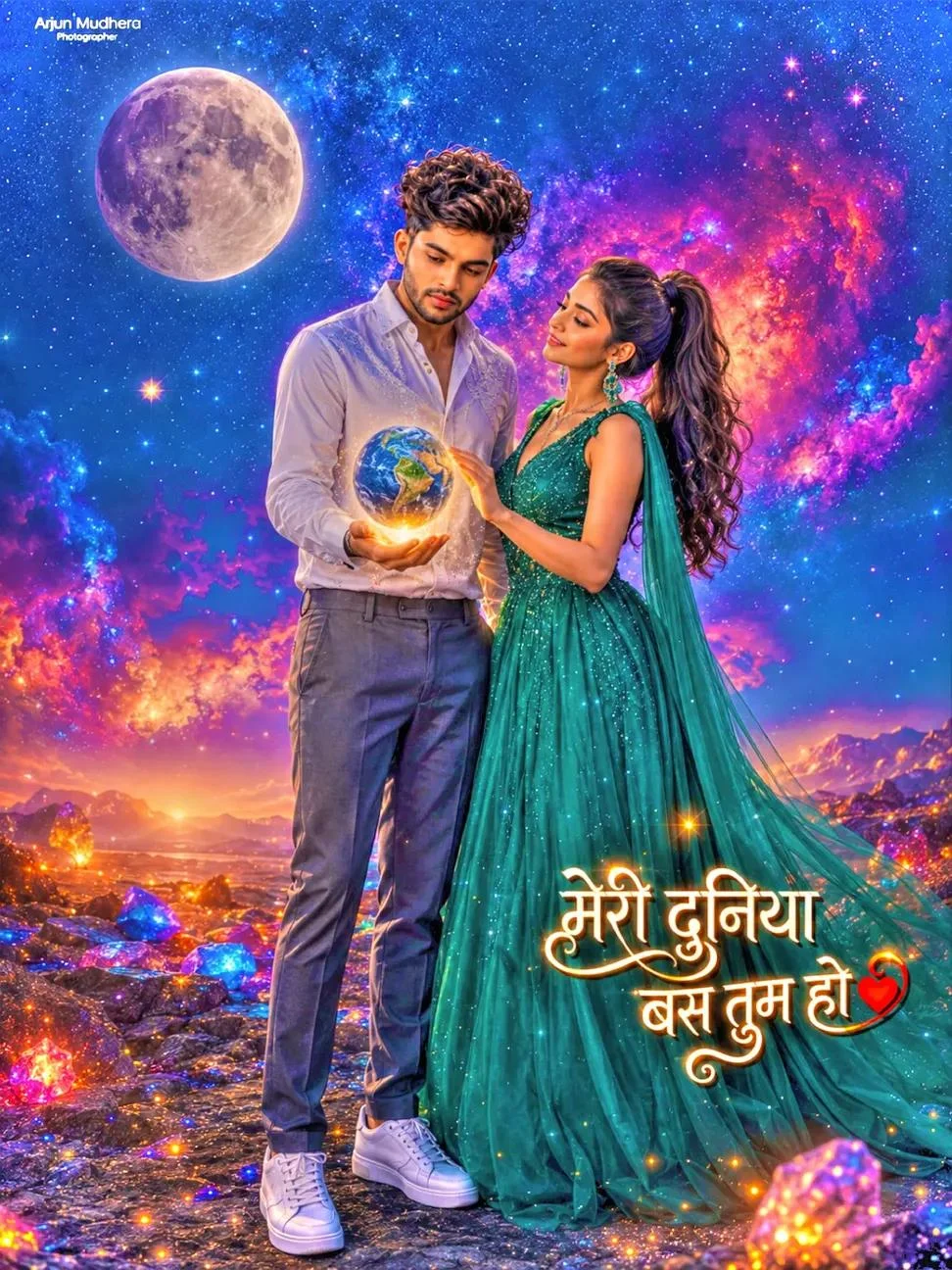
However, as Artificial Intelligence revolutionized visual media in 2024–2026, RSP Editing made an intelligent leap. Instead of just sharing color filters, they began publishing complete AI text prompt recipes for tools like Google Gemini, Bing Image Creator, and ChatGPT. Today, over 8,000 creators search for RSP Editing each month to create studio-quality lookbooks and viral Instagram reels with zero camera equipment.
The Anatomy of an RSP Multi-Pose Fashion Lookbook
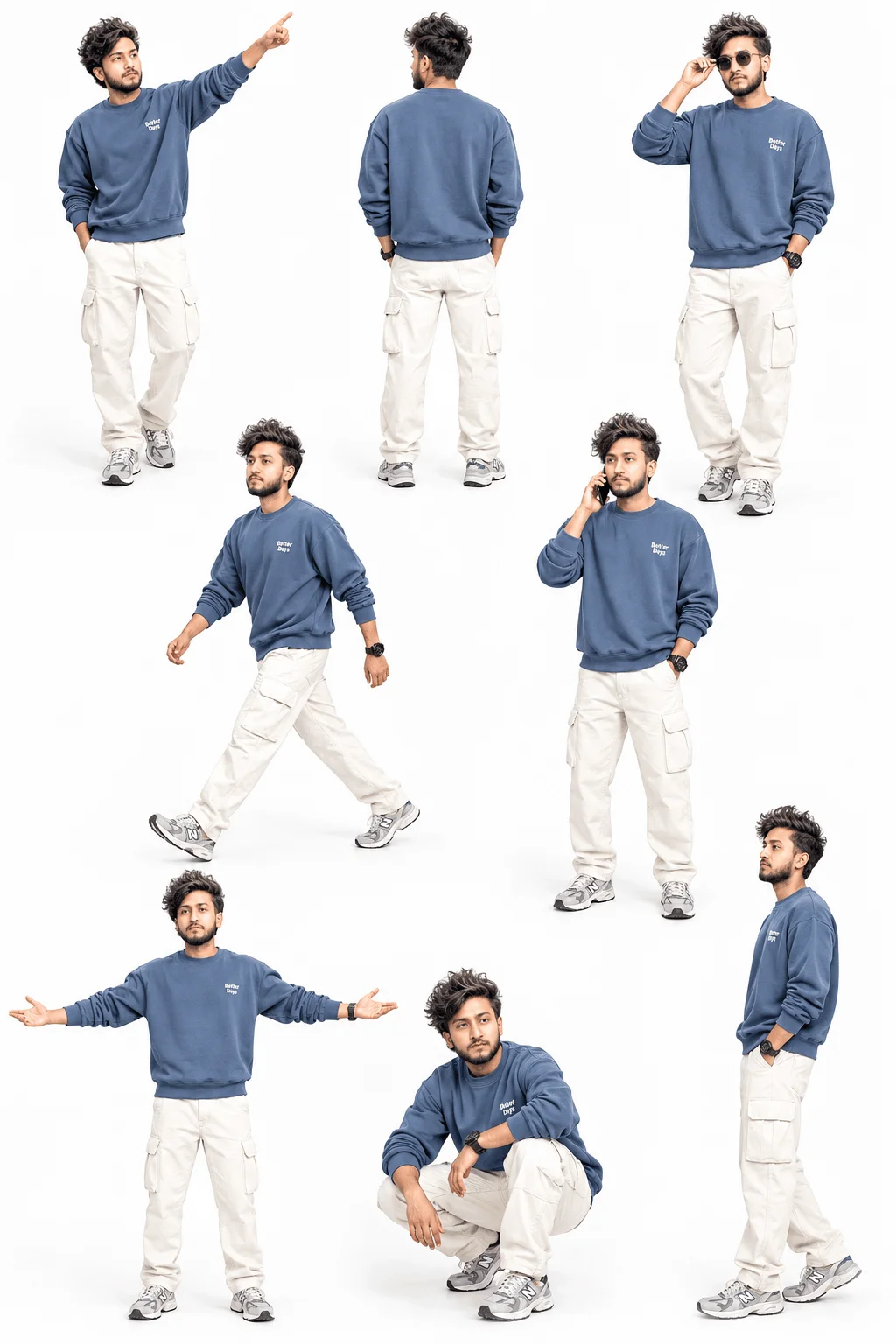
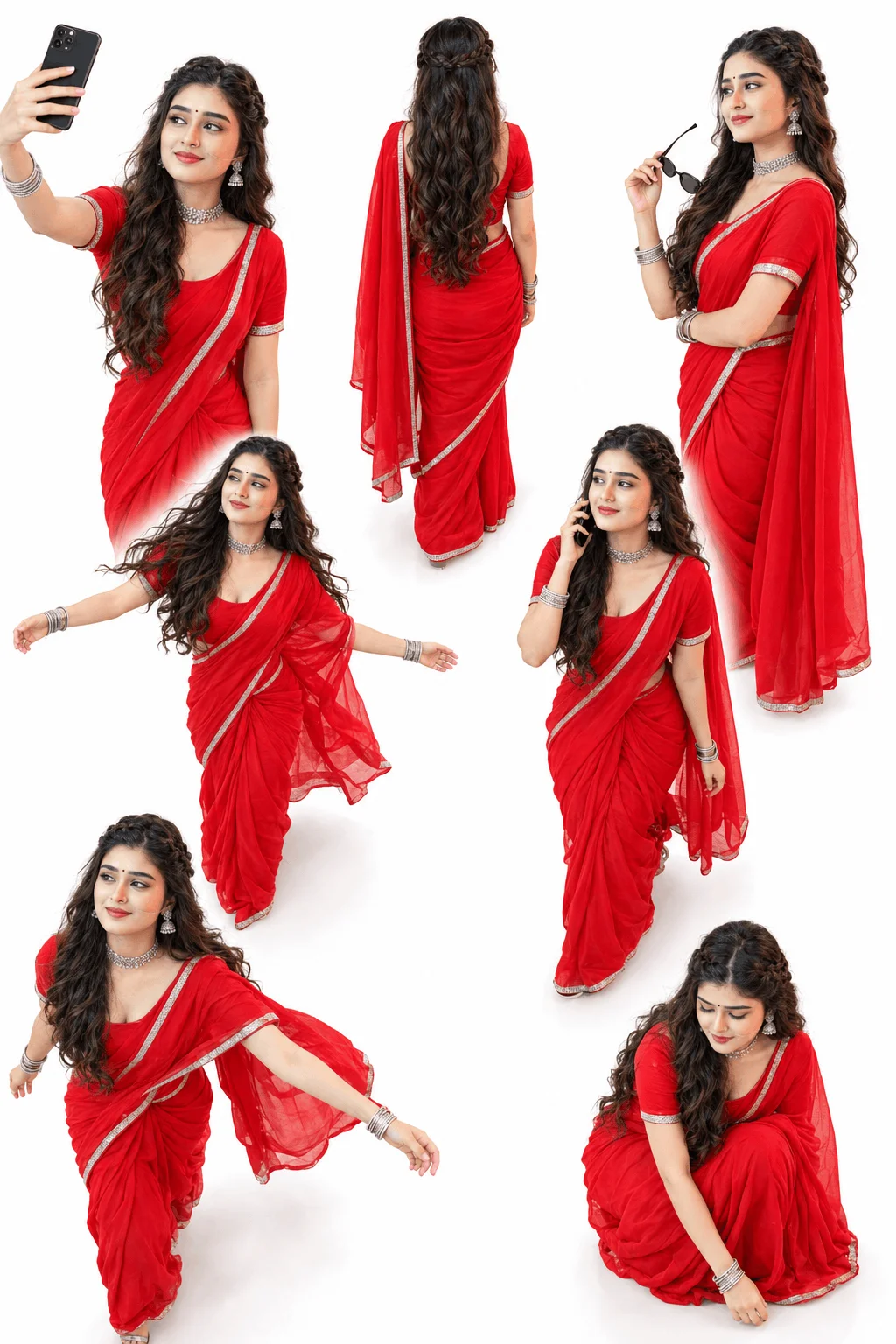
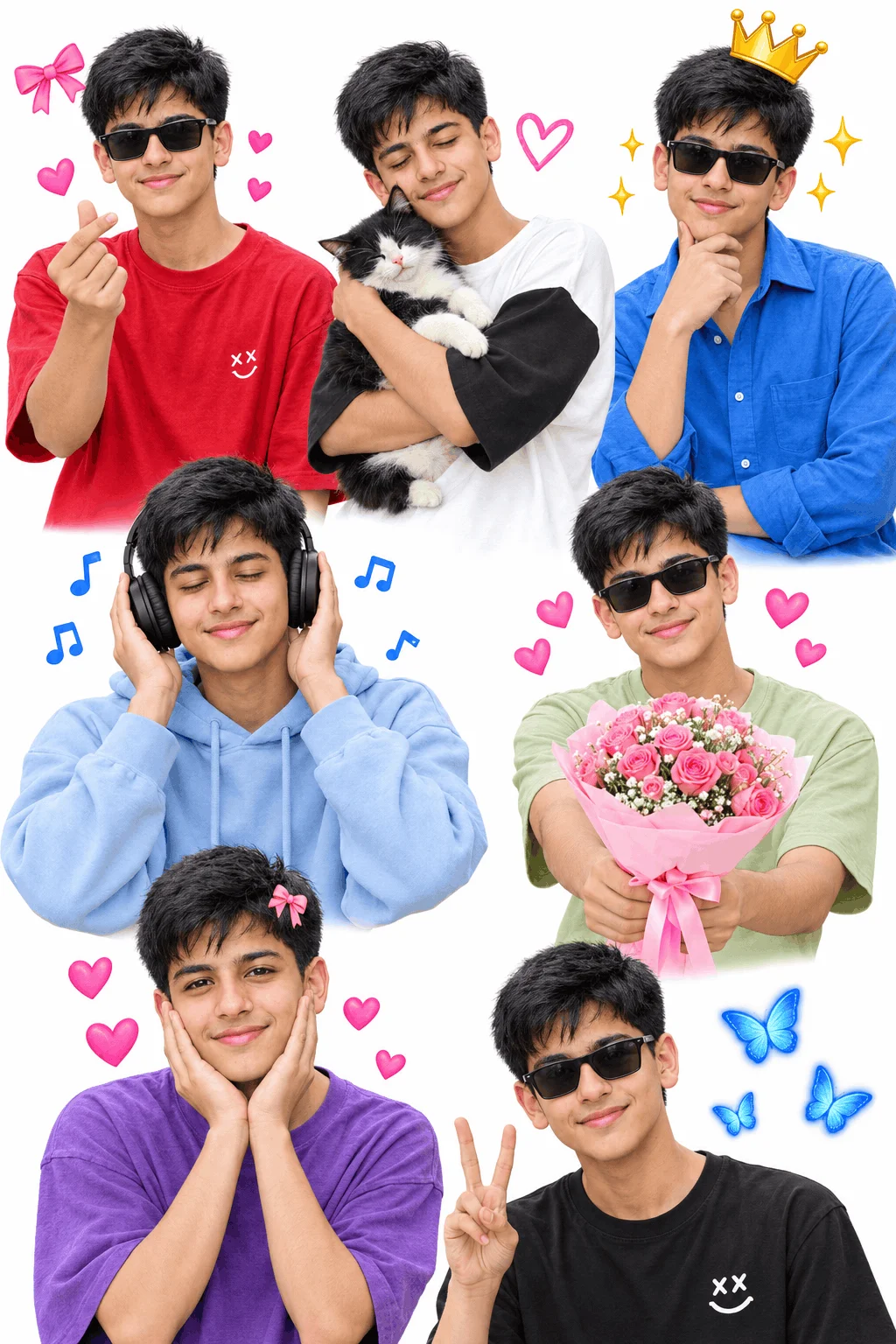
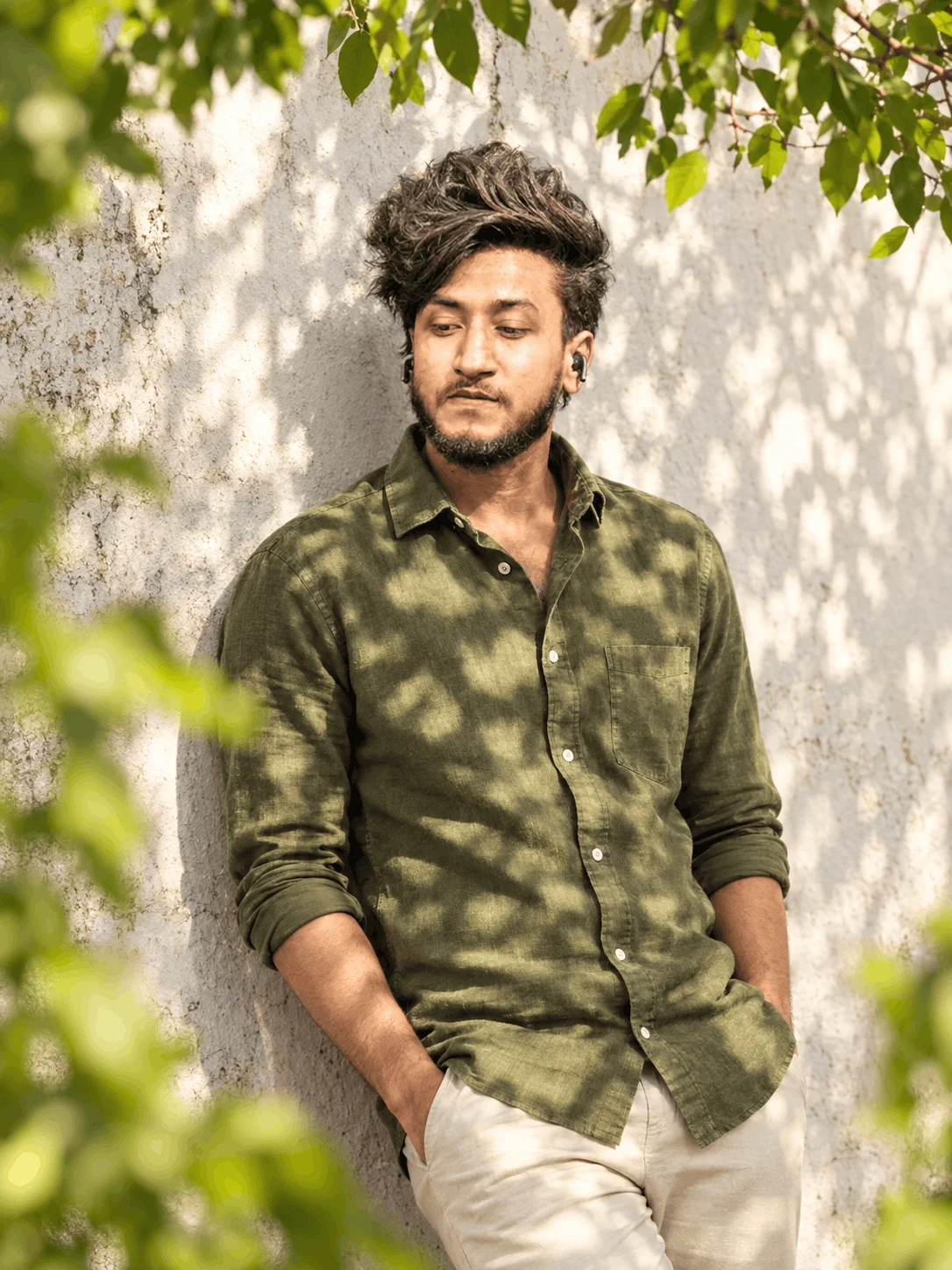
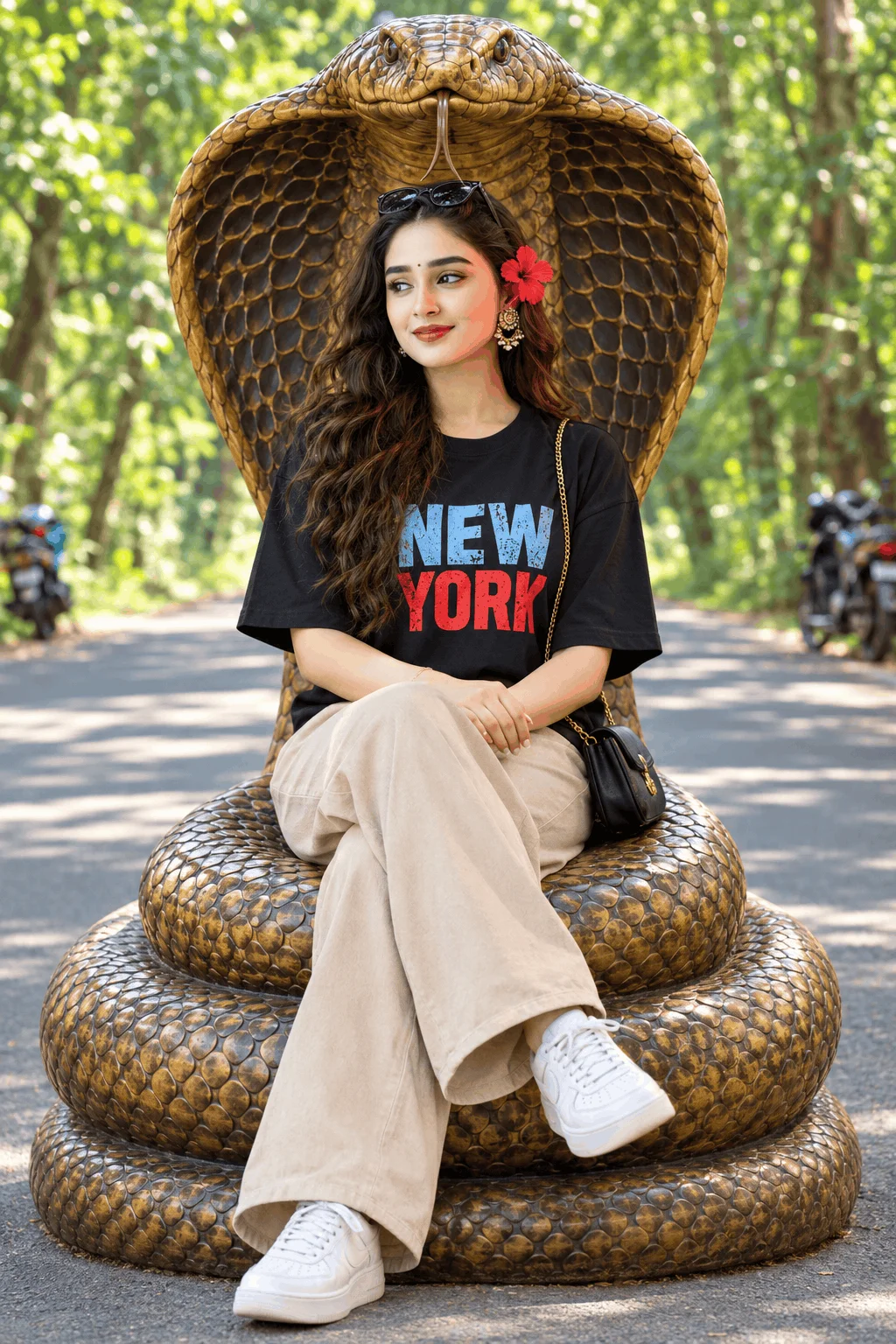
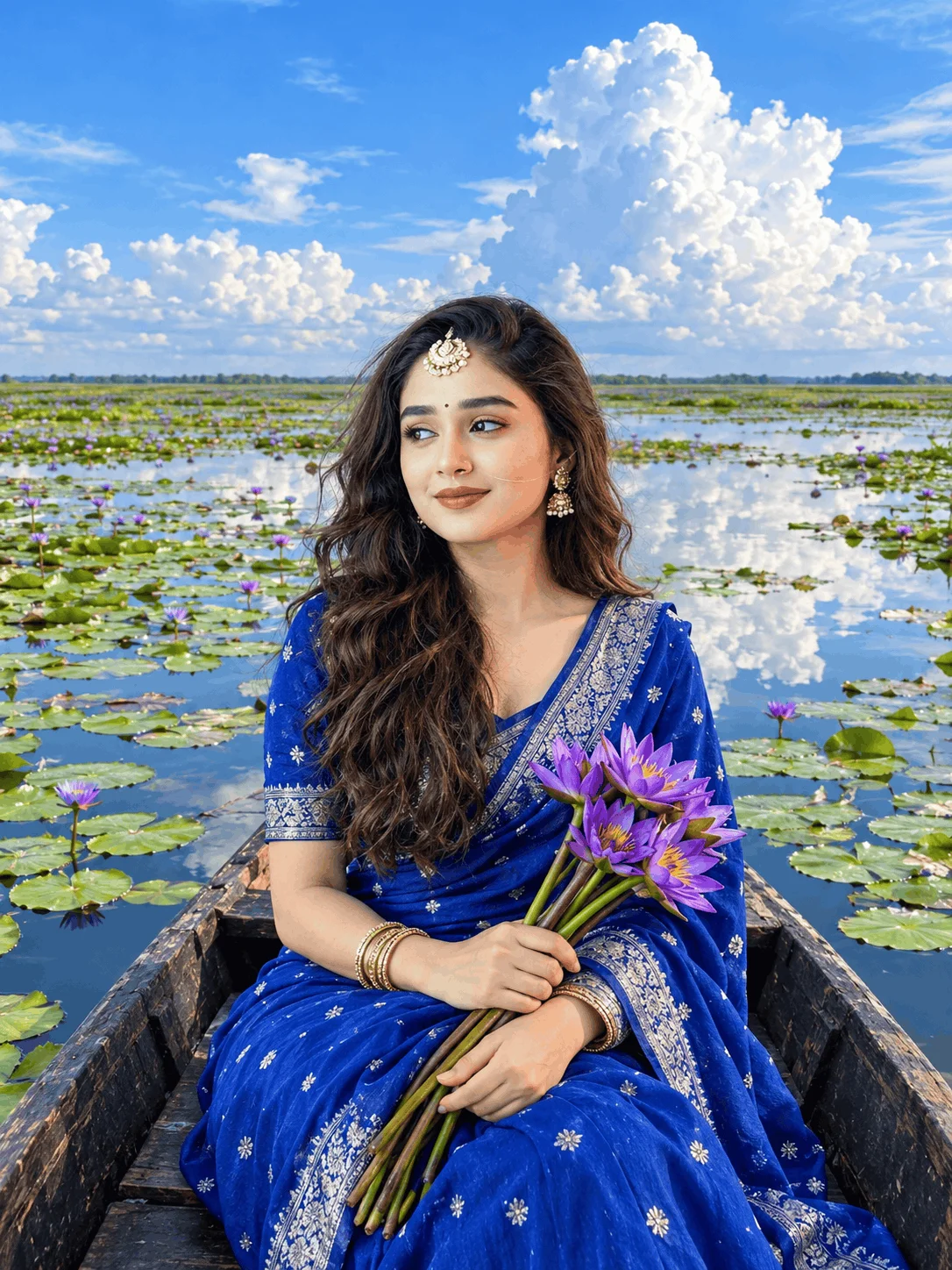
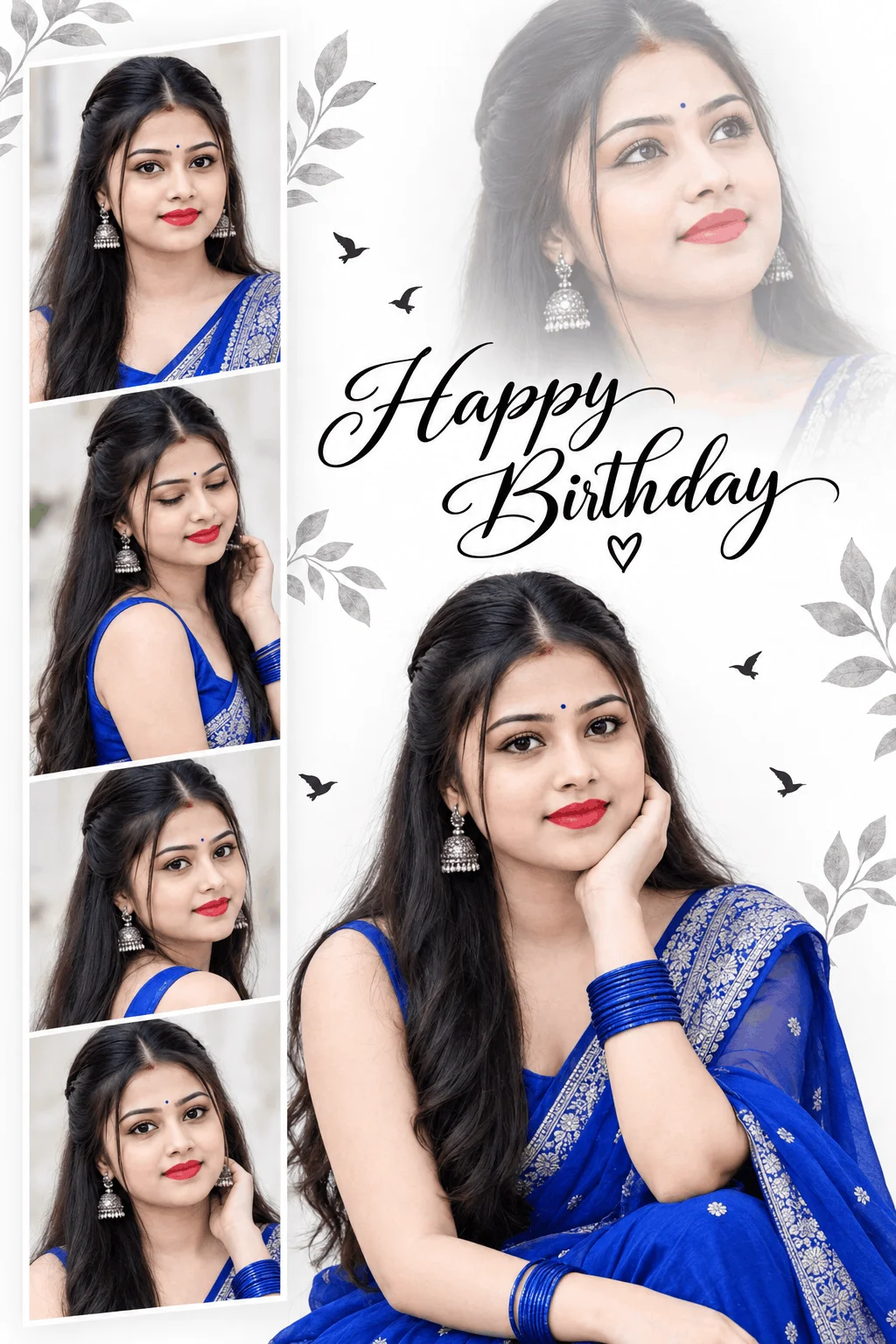
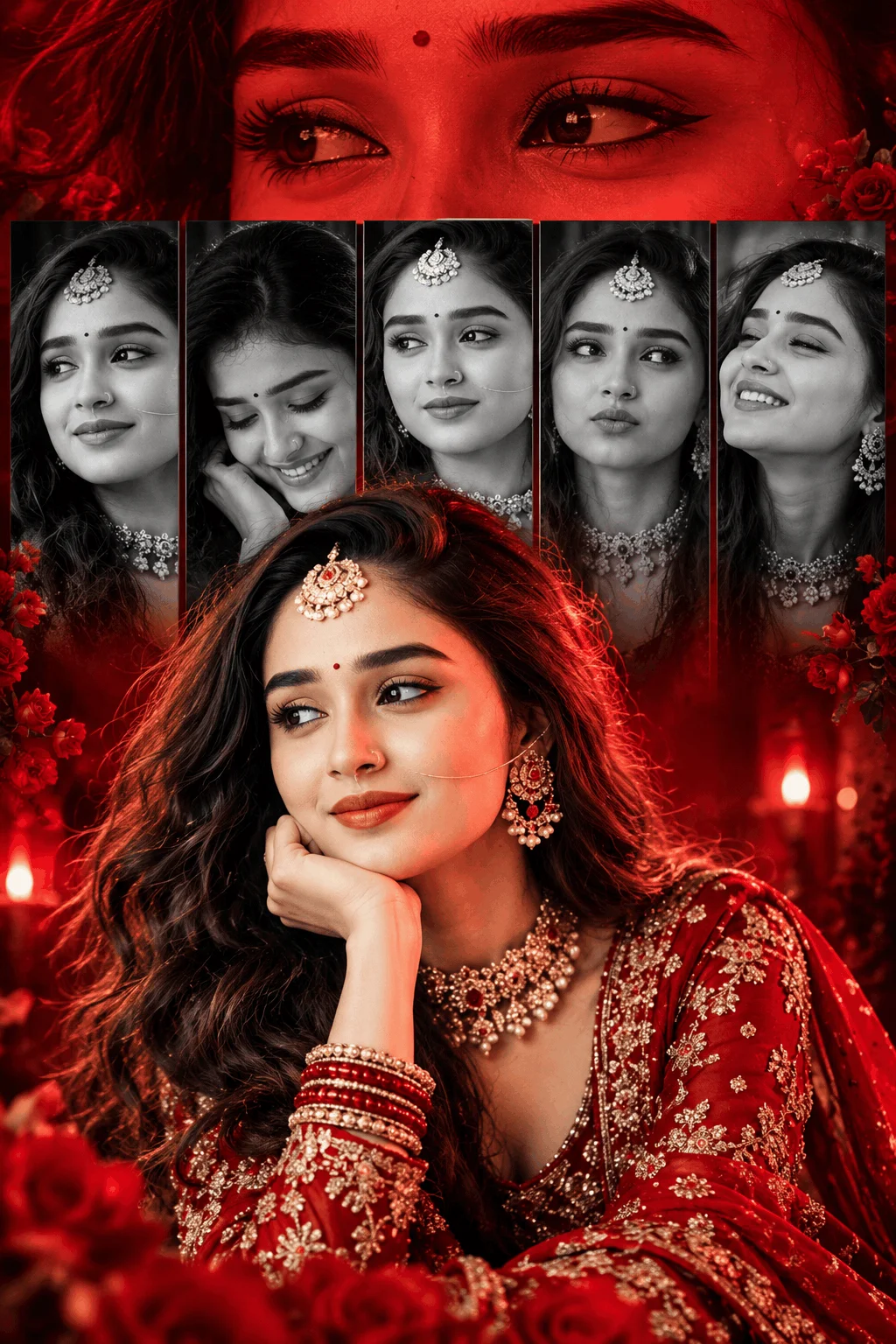
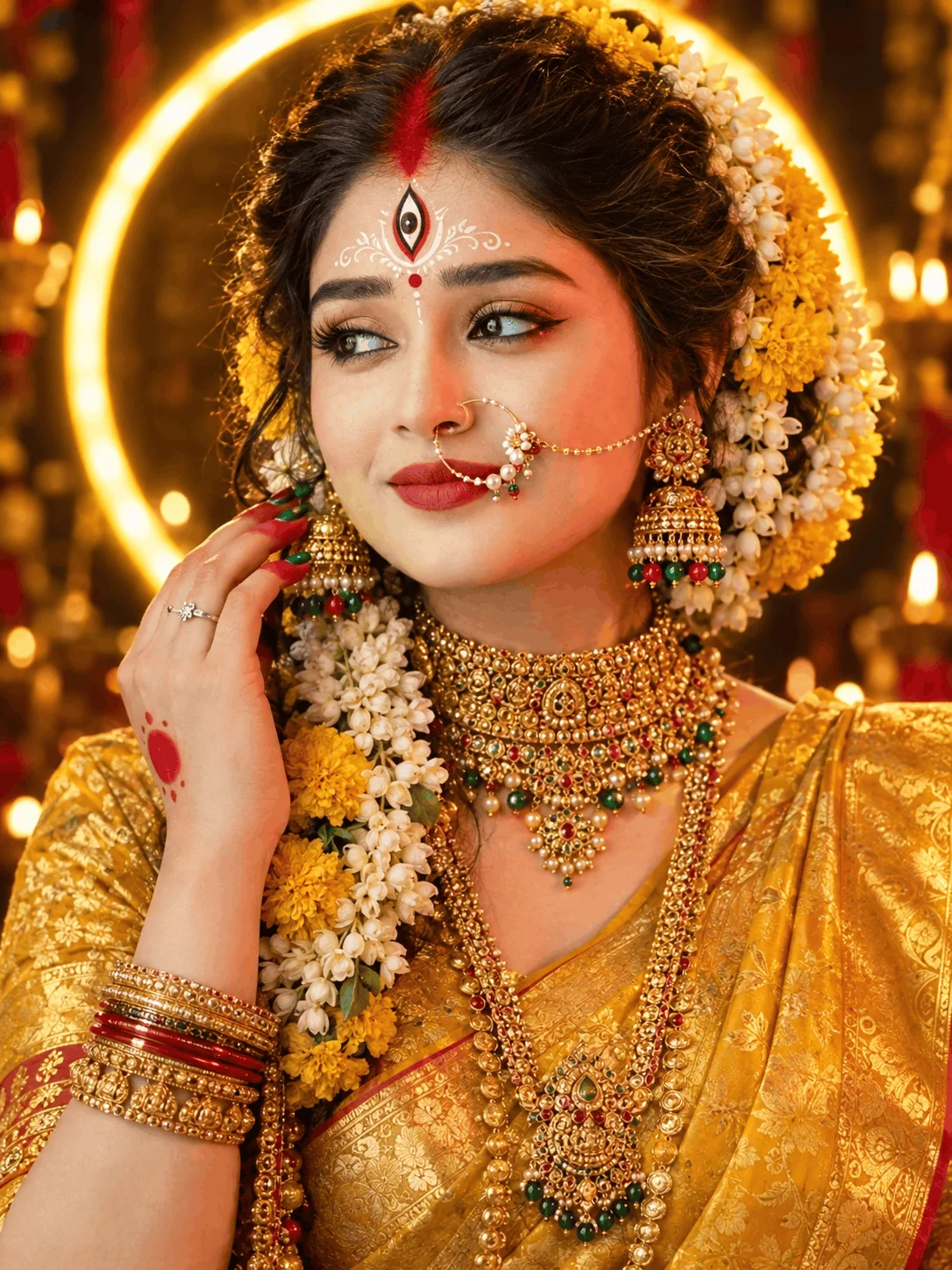
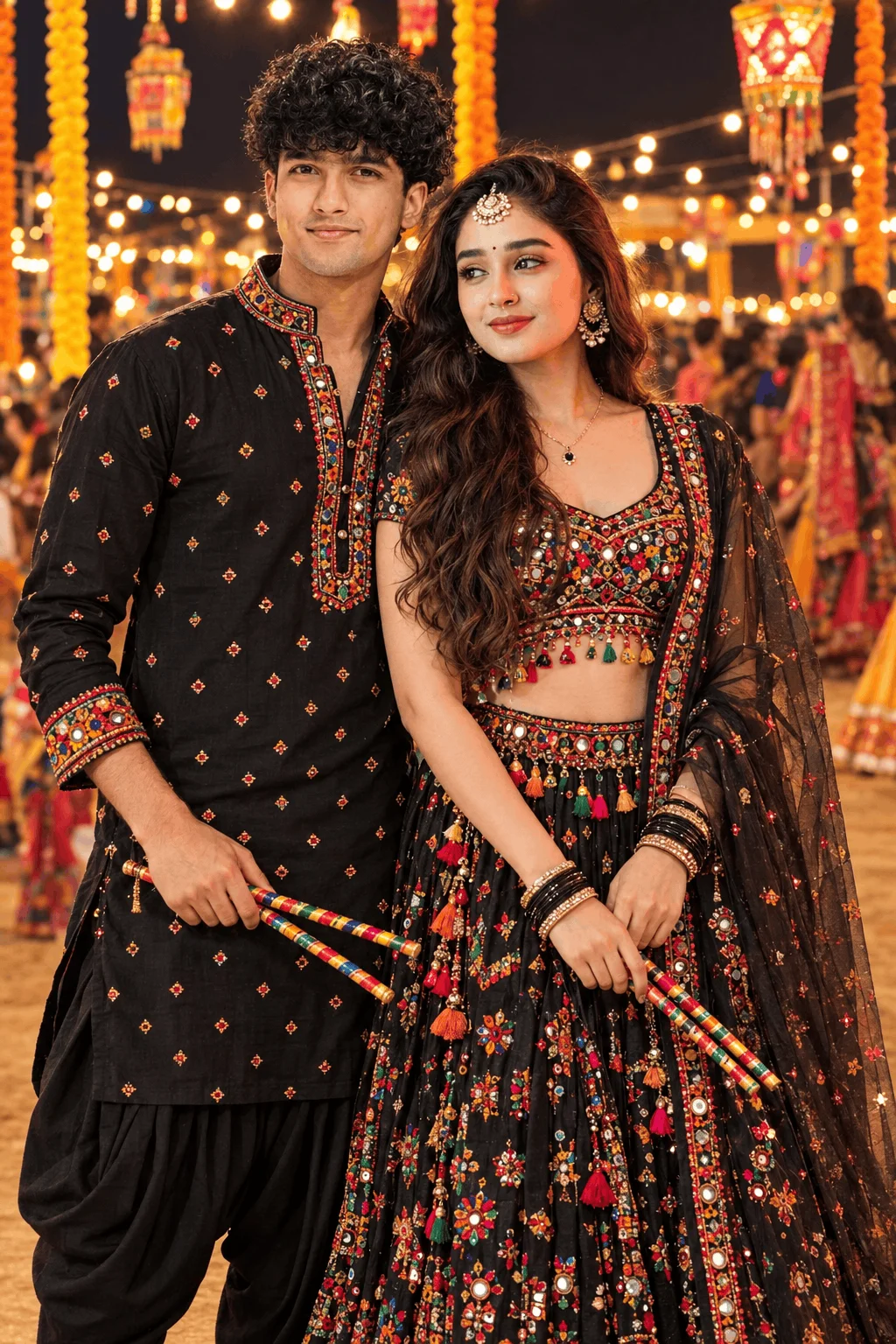
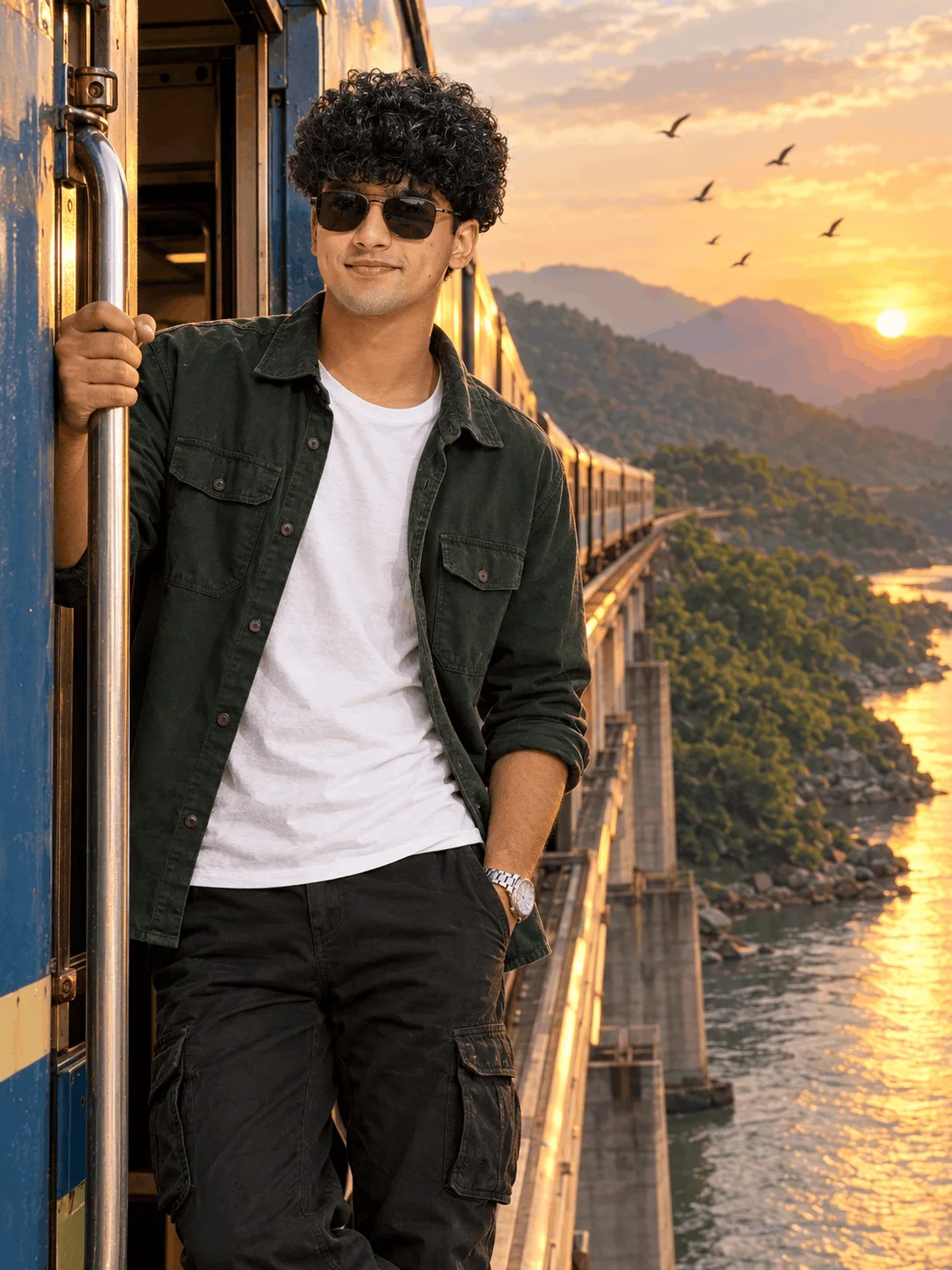
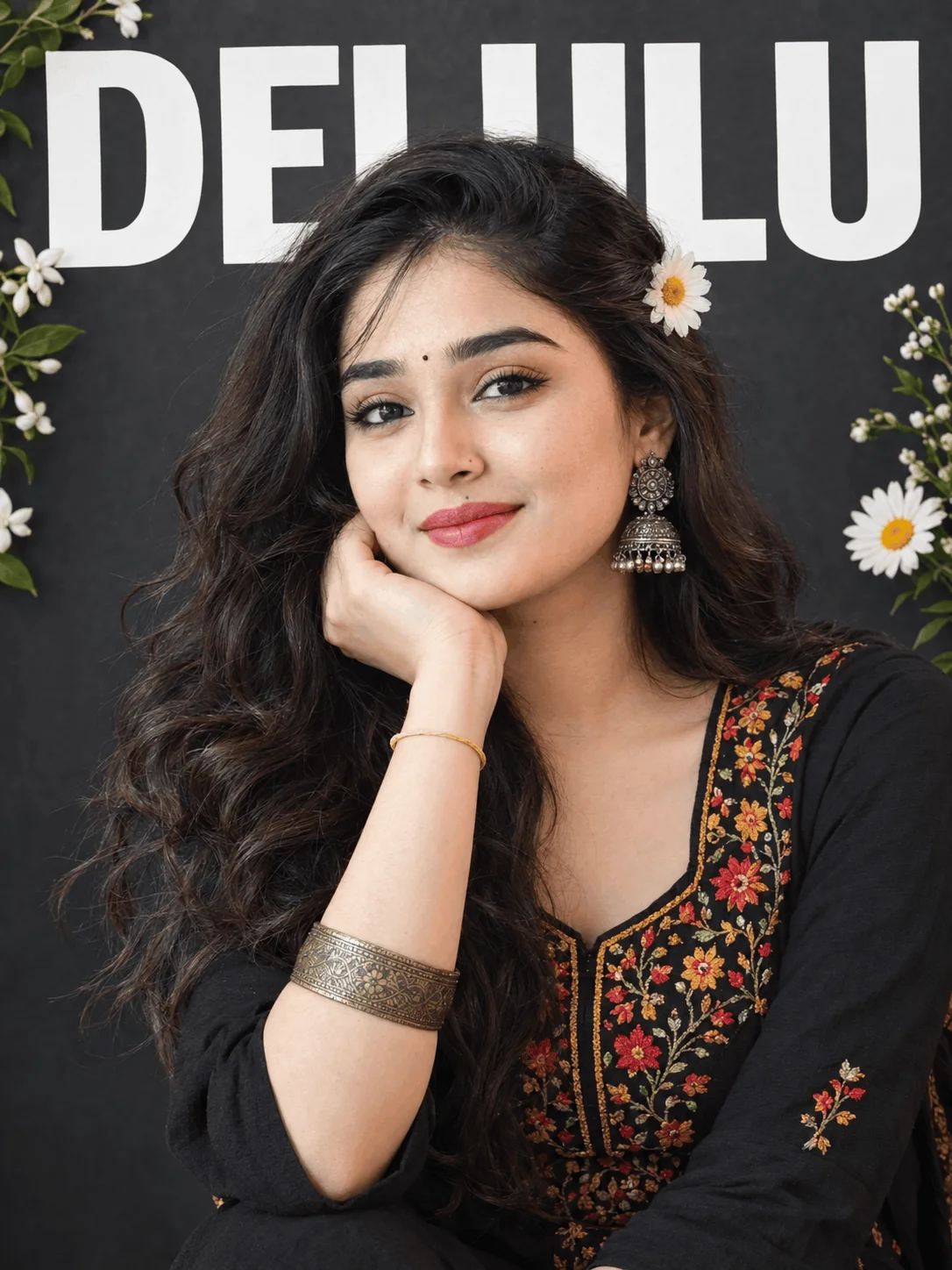
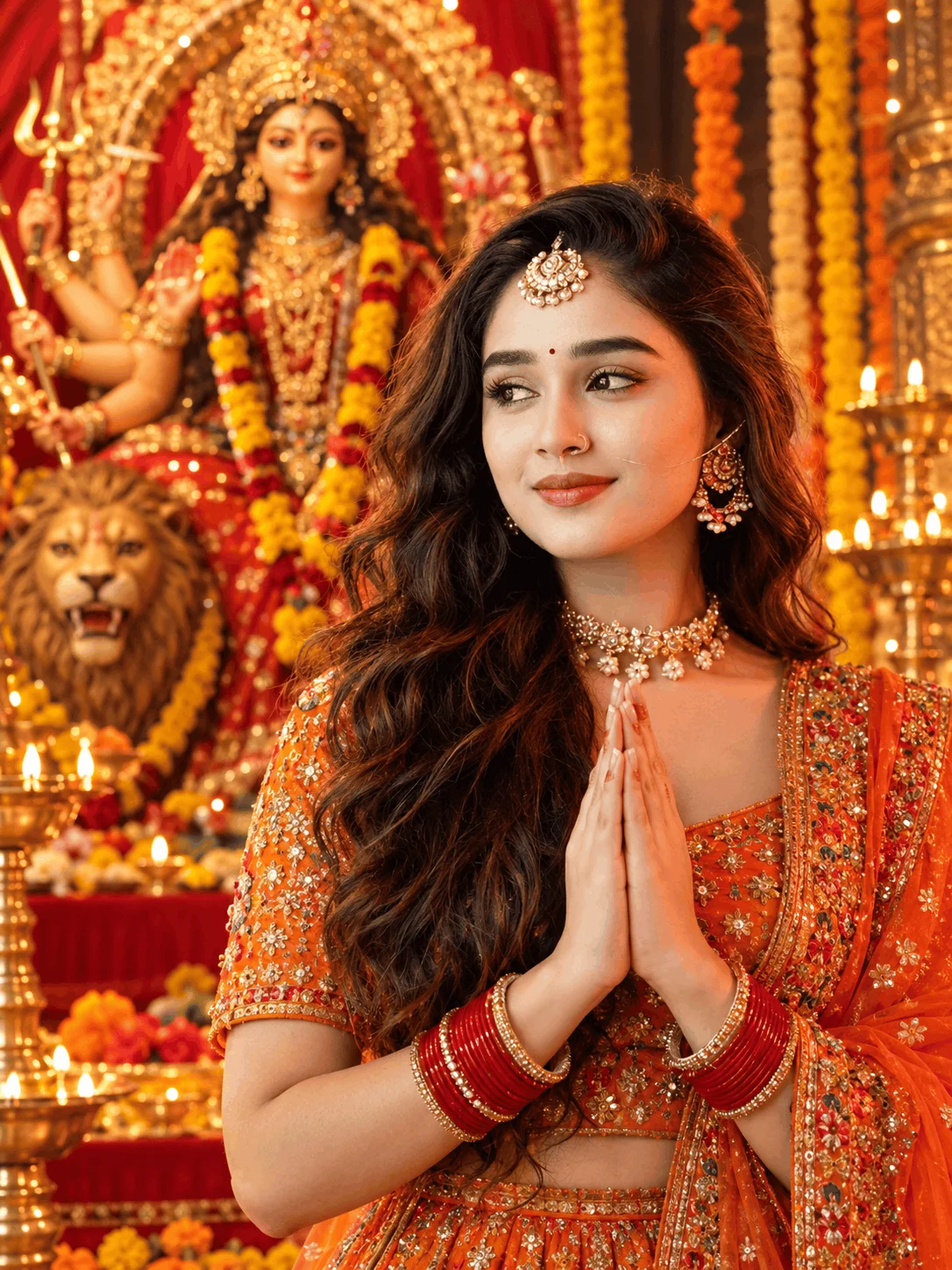
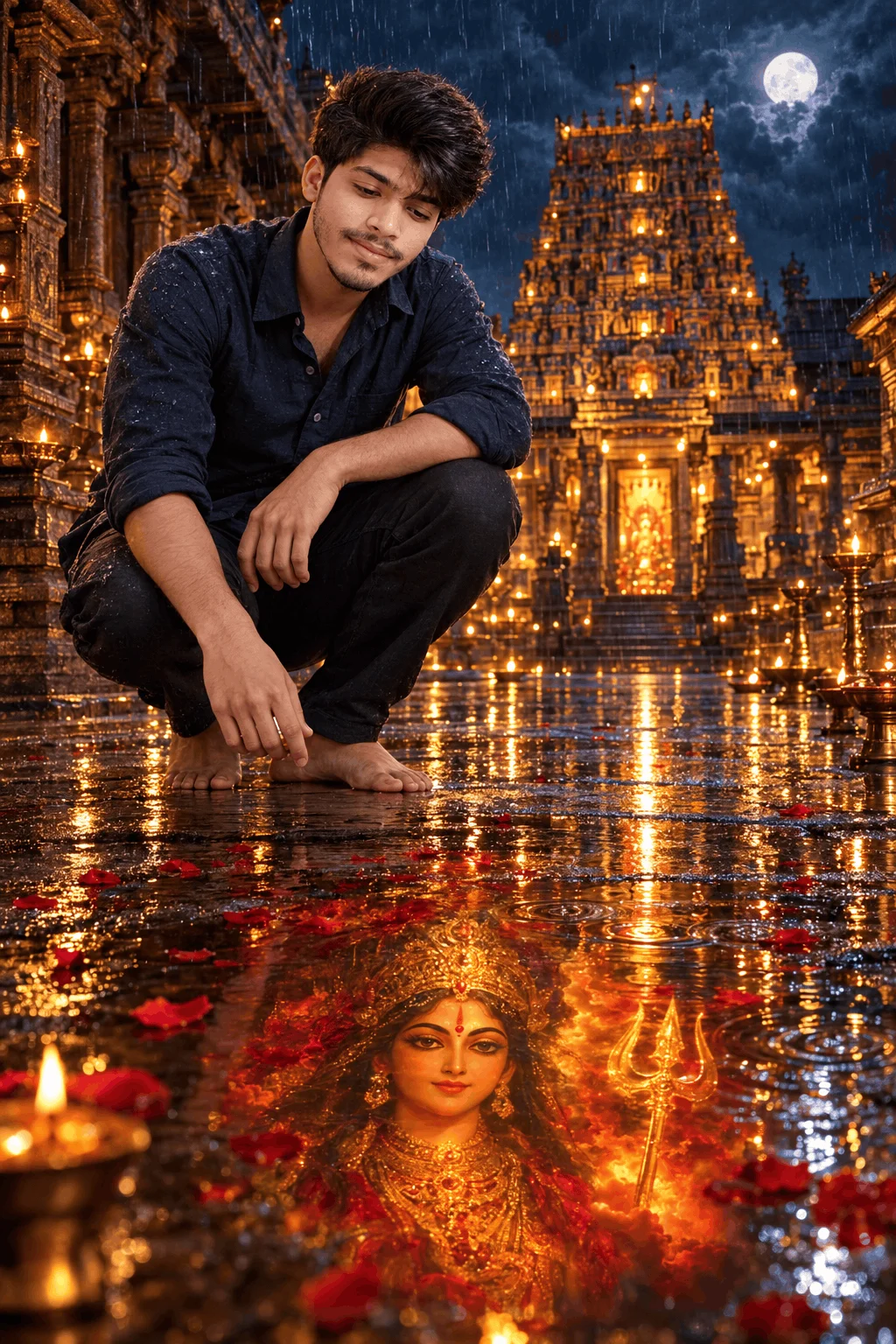
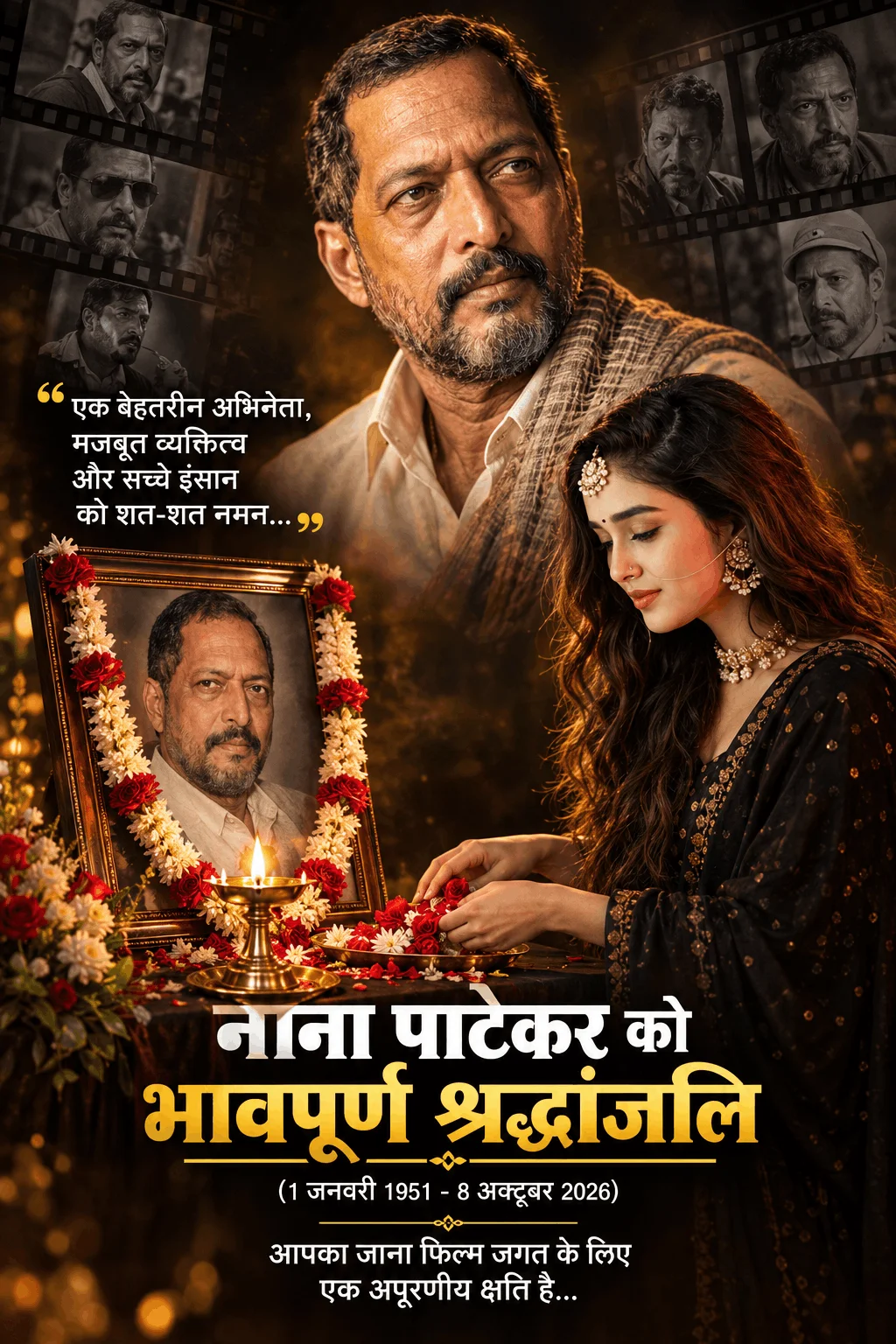
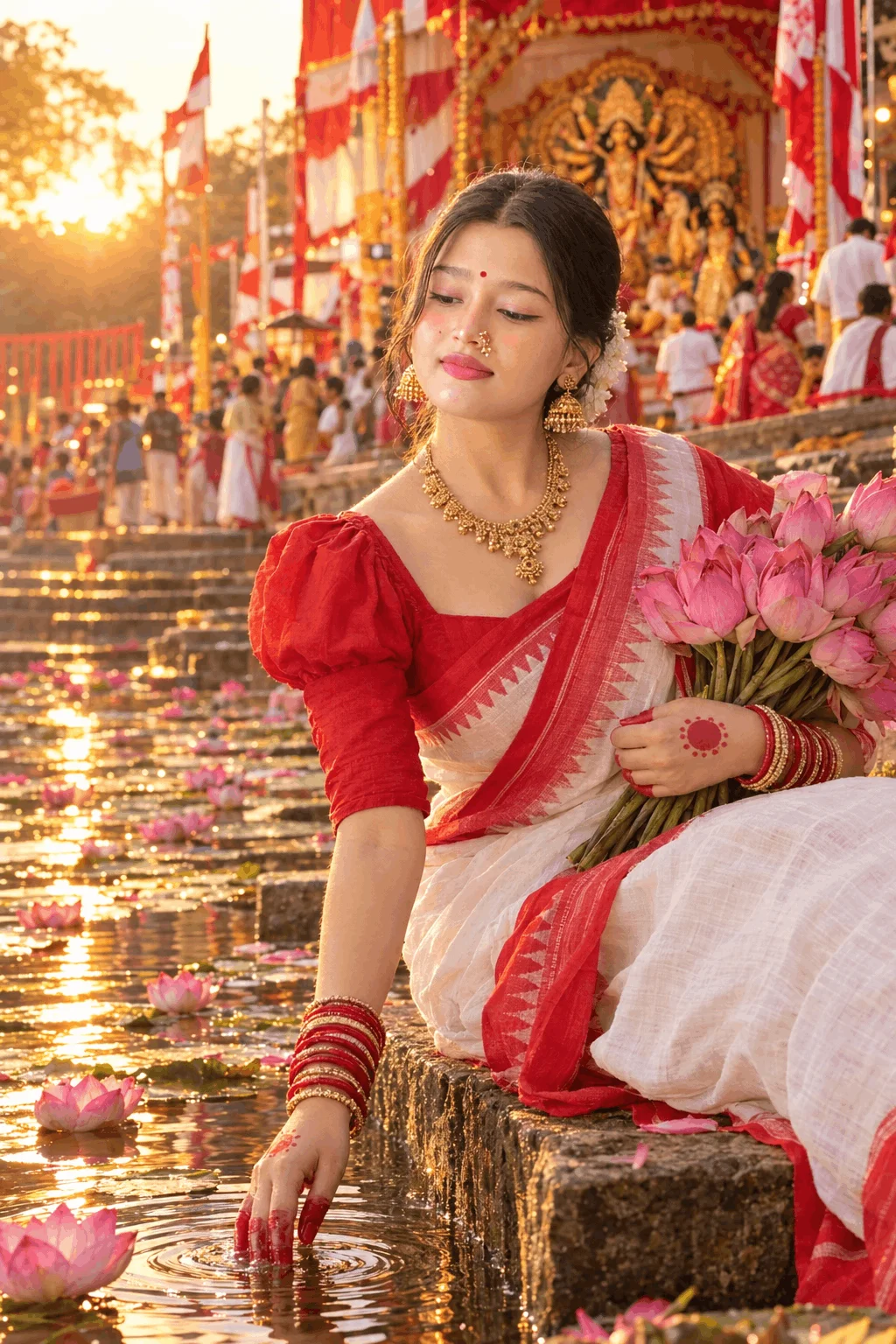
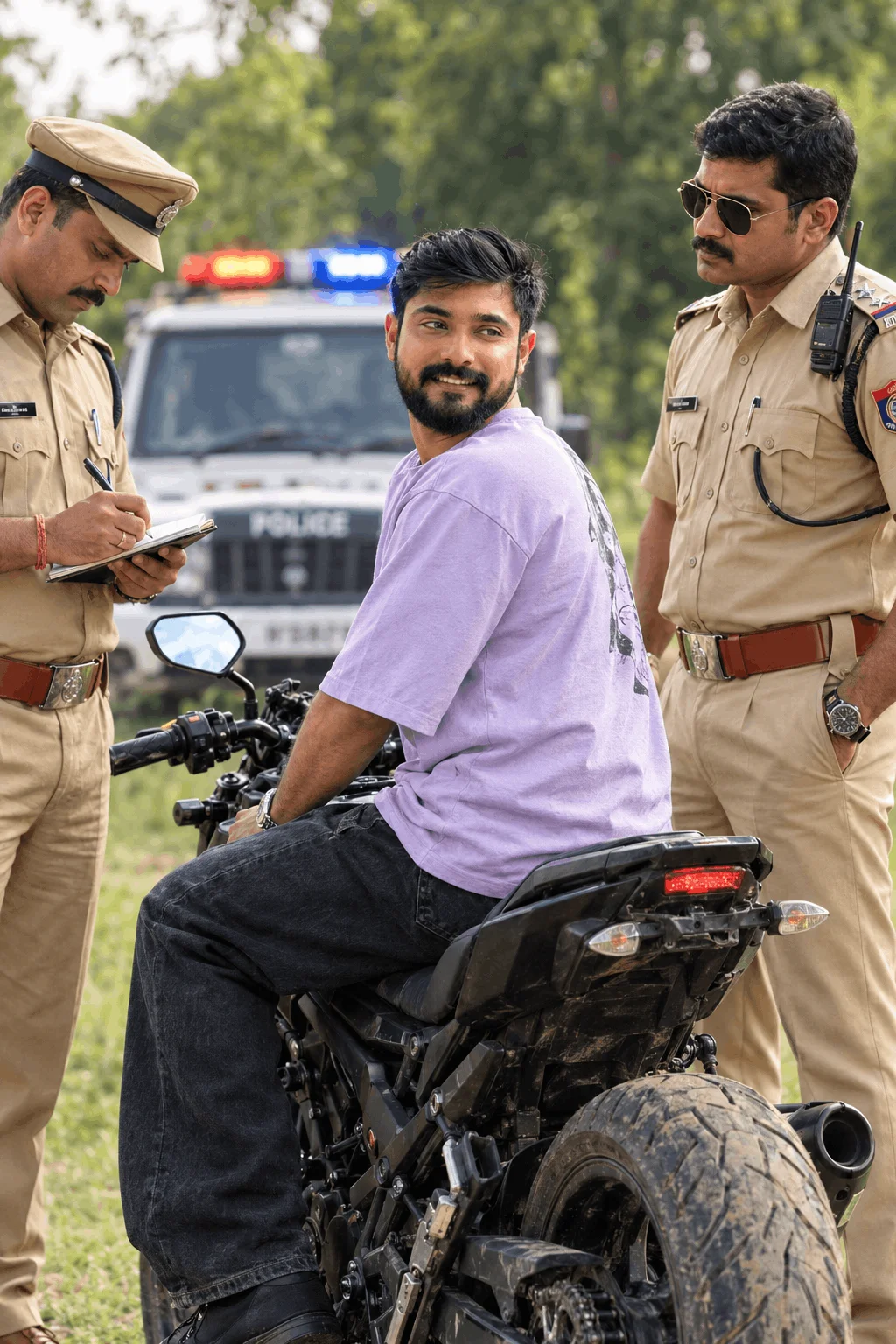
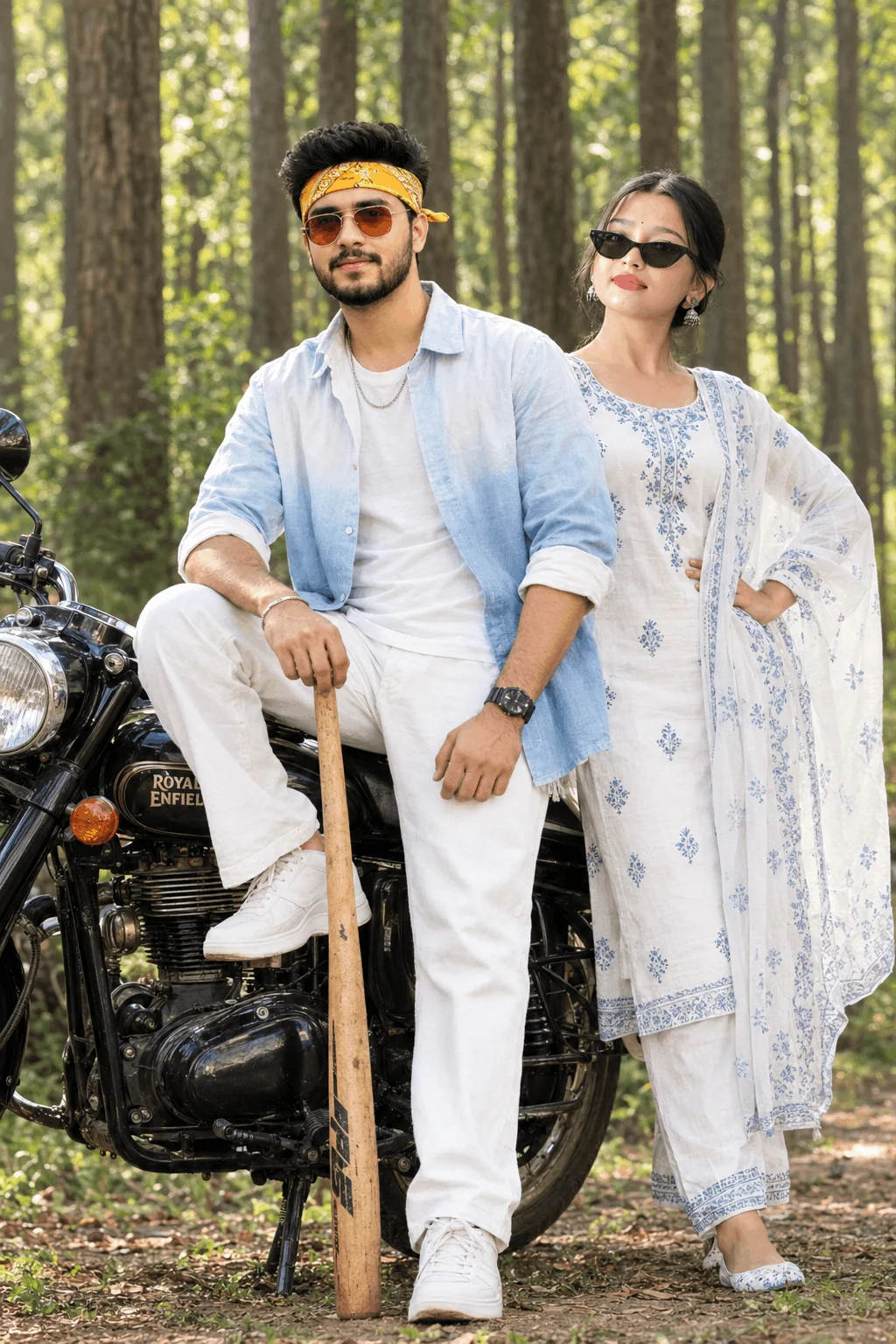
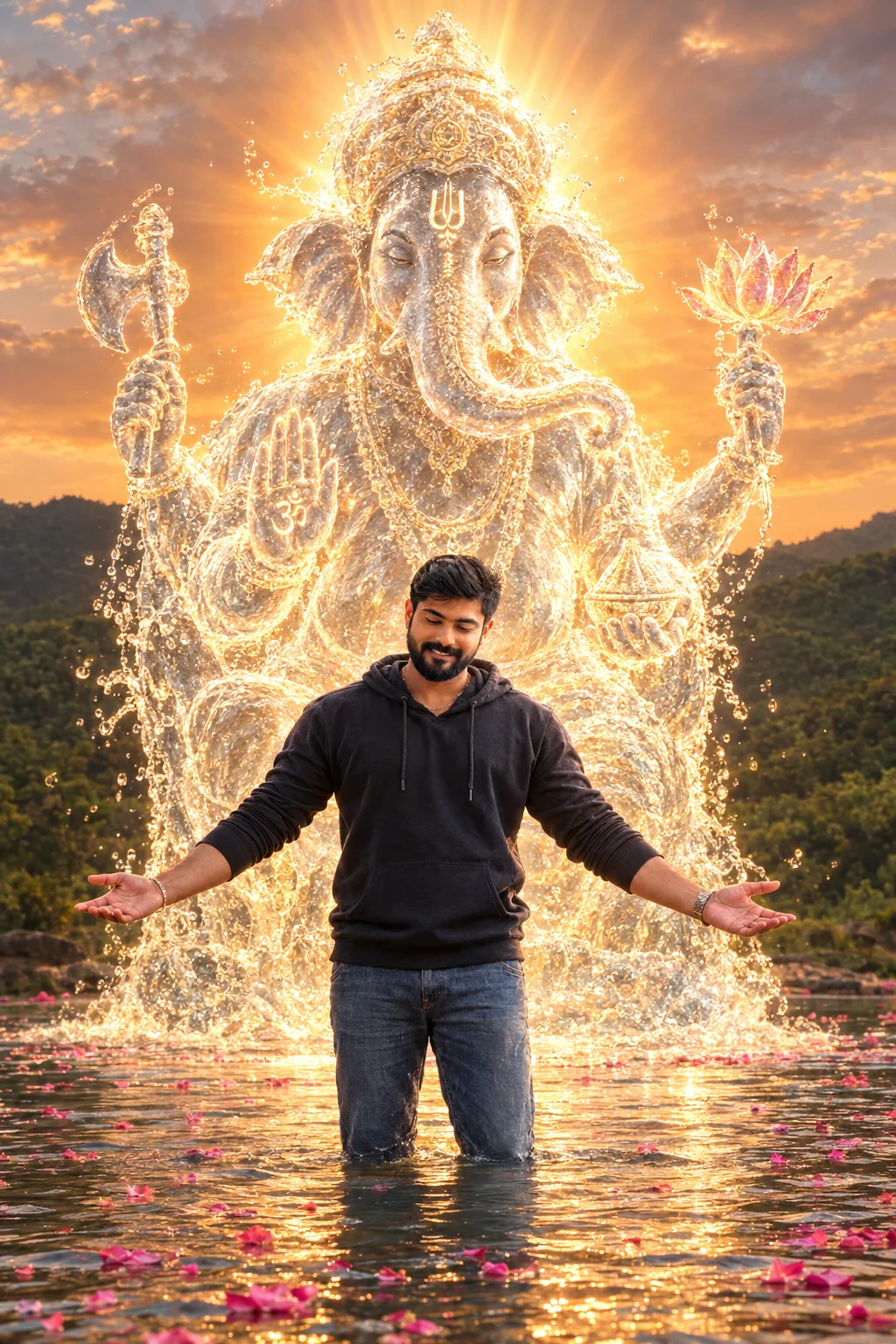
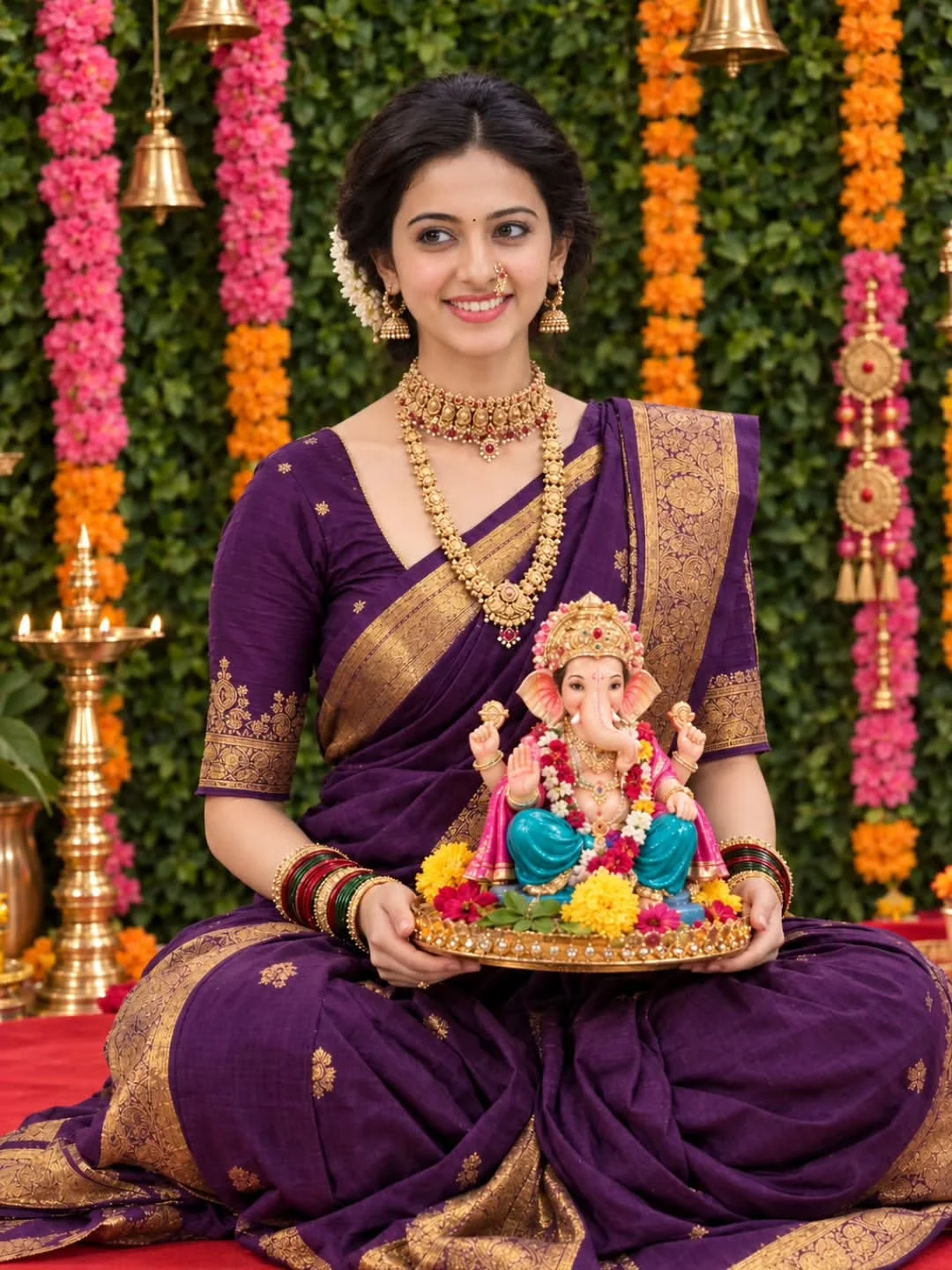
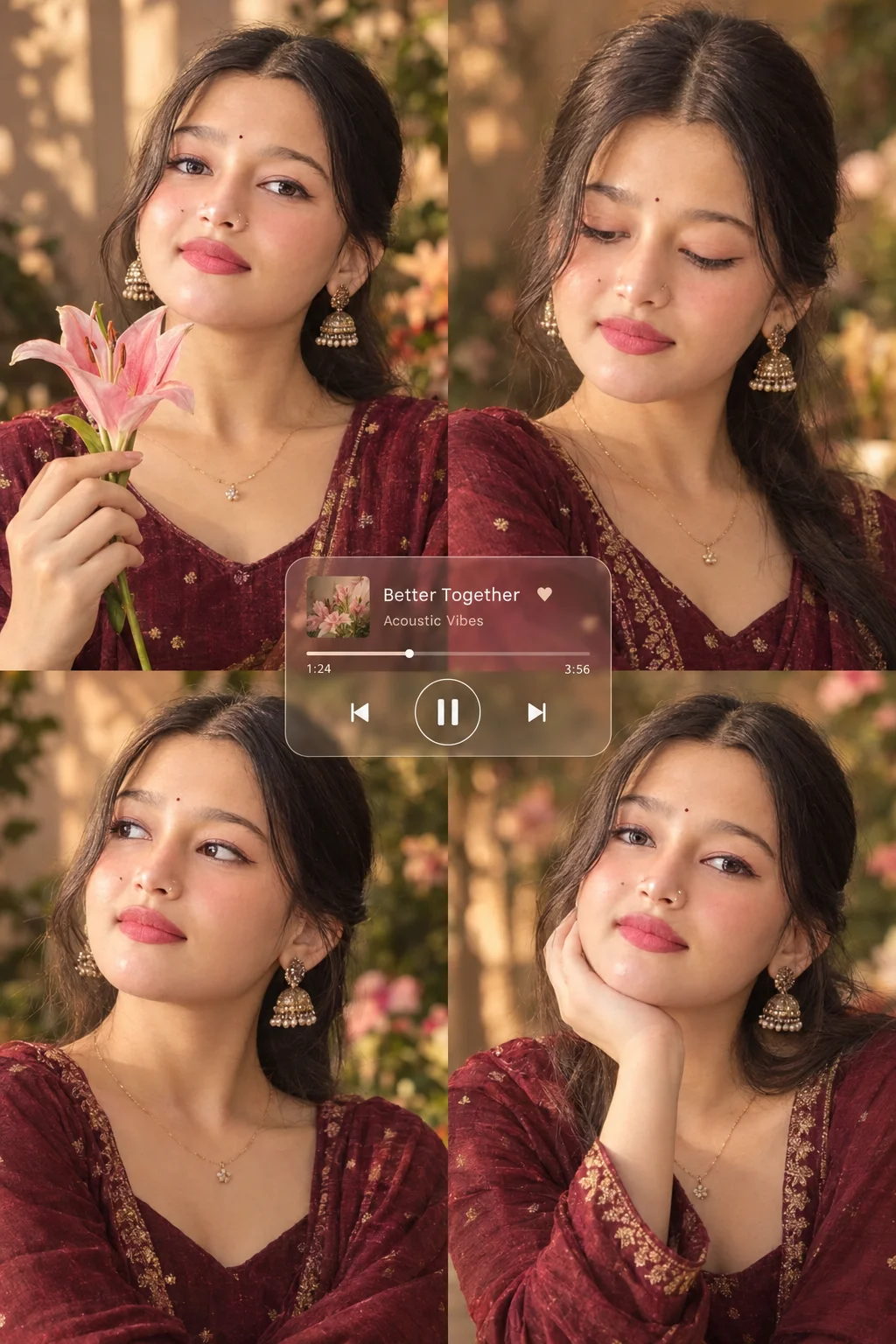
The most viral images from RSP Editing are not standard single portraits. They are multi-pose collage lookbooks that show a subject from multiple angles inside a single frame. Here are the four key ingredients that make these prompts go viral:
3 Simple Steps: From Emojora Prompt to a Viral Instagram Reel
You don't need any technical coding skills or complex graphic design knowledge. Follow this straightforward flow:
Copy the Ready-to-Use Prompt from Emojora
Browse the curated gallery above, find your favorite RSP Lookbook style, and hit the Copy Prompt button. The complete, tested prompt recipe is instantly copied to your clipboard.
Paste into Google Gemini, Bing, or ChatGPT
Open your preferred AI generator (Google Gemini Imagen 3, Microsoft Copilot / Bing Image Creator, or ChatGPT). Paste the text, adjust colors or age if desired, and hit generate to receive an ultra-sharp 4K lookbook.
Sync into CapCut / VN and Publish to Reels
Download your high-resolution render. Import the photo into a trending 3D Zoom CapCut or VN template, pair it with trending audio, and watch your engagement soar across Instagram and TikTok.
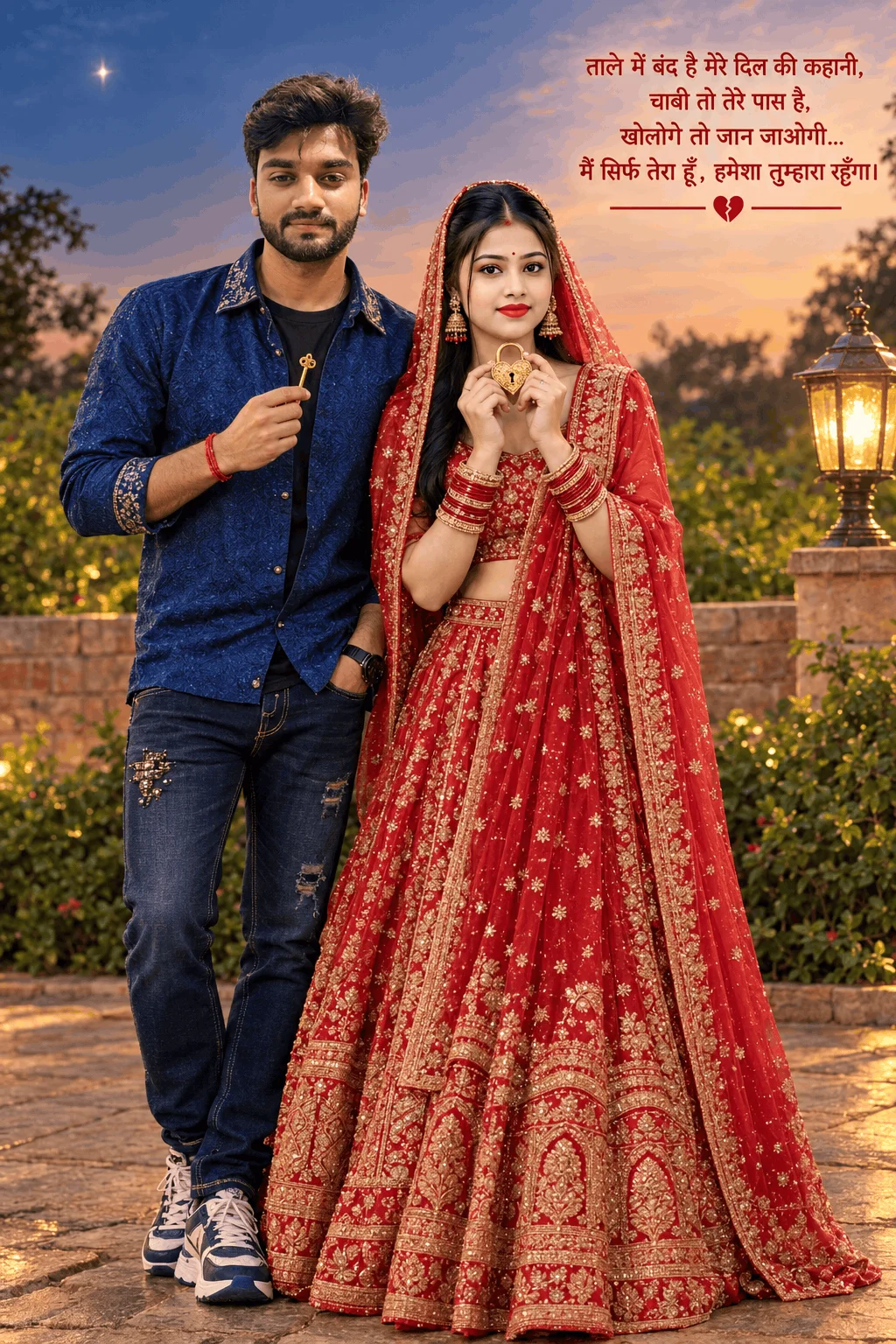
Pro Tip: To adapt this prompt for women, replace 'boy' with 'girl' and swap the 'royal blue blazer' with an 'oversized denim jacket and pleated skirt'.
Traditional Lightroom Presets (.DNG) vs. AI Prompts: Which Should You Use?
Both workflows are popular on RSP Editing. Here is how to choose the right one for your creative project:
When to Use Lightroom Presets (.dng):
- When you already captured a real photograph on your smartphone camera.
- When you only want to adjust color tones, contrast, or skin glow in one tap.
- When you want to preserve your original background and exact clothes.
When to Use Emojora AI Prompts:
- When you don't own a studio, DSLR camera, or high-end lighting setup.
- When you want viral Multi-Pose Lookbooks, cinematic sets, or aesthetic fashion photos.
- When you want magazine-grade portfolio portraits without spending money on designer clothes.
Frequently Asked Questions by Creators (FAQ)
Yes! All prompts on Emojora are crafted in natural, descriptive English. You can paste them directly into Google Gemini (Imagen 3), Microsoft Copilot / Bing Image Creator, or ChatGPT Plus without needing any special settings.
Absolutely. Once the AI generates your high-resolution multi-pose lookbook, you can use any free face-swap tool (such as Remaker AI or Vidnoz) to swap your selfie onto the generated model for a 100% personalized photo.
None at all! Emojora serves clean, ultra-fast WebP images and instant one-click copy buttons without any watermarks or hidden fees.