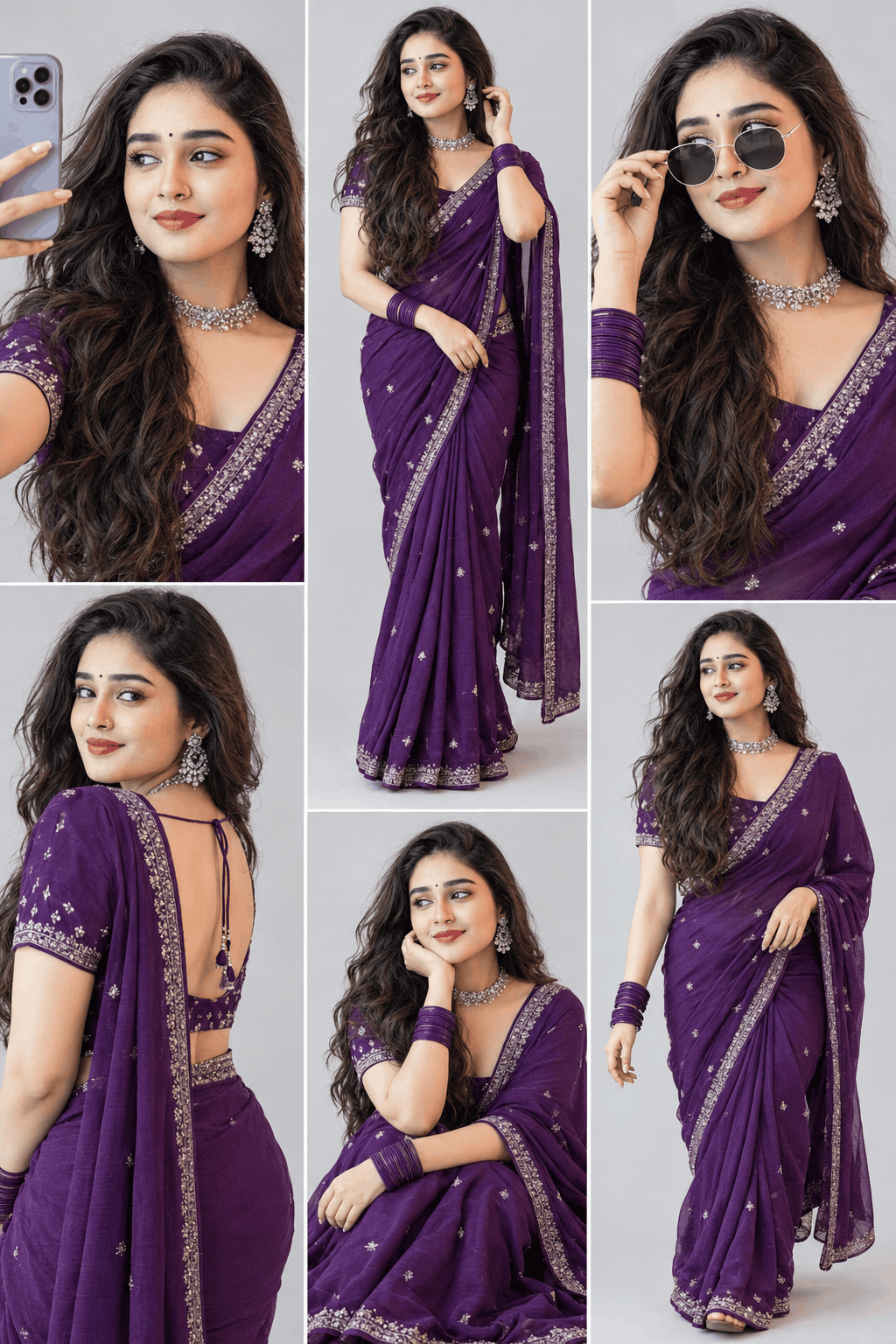
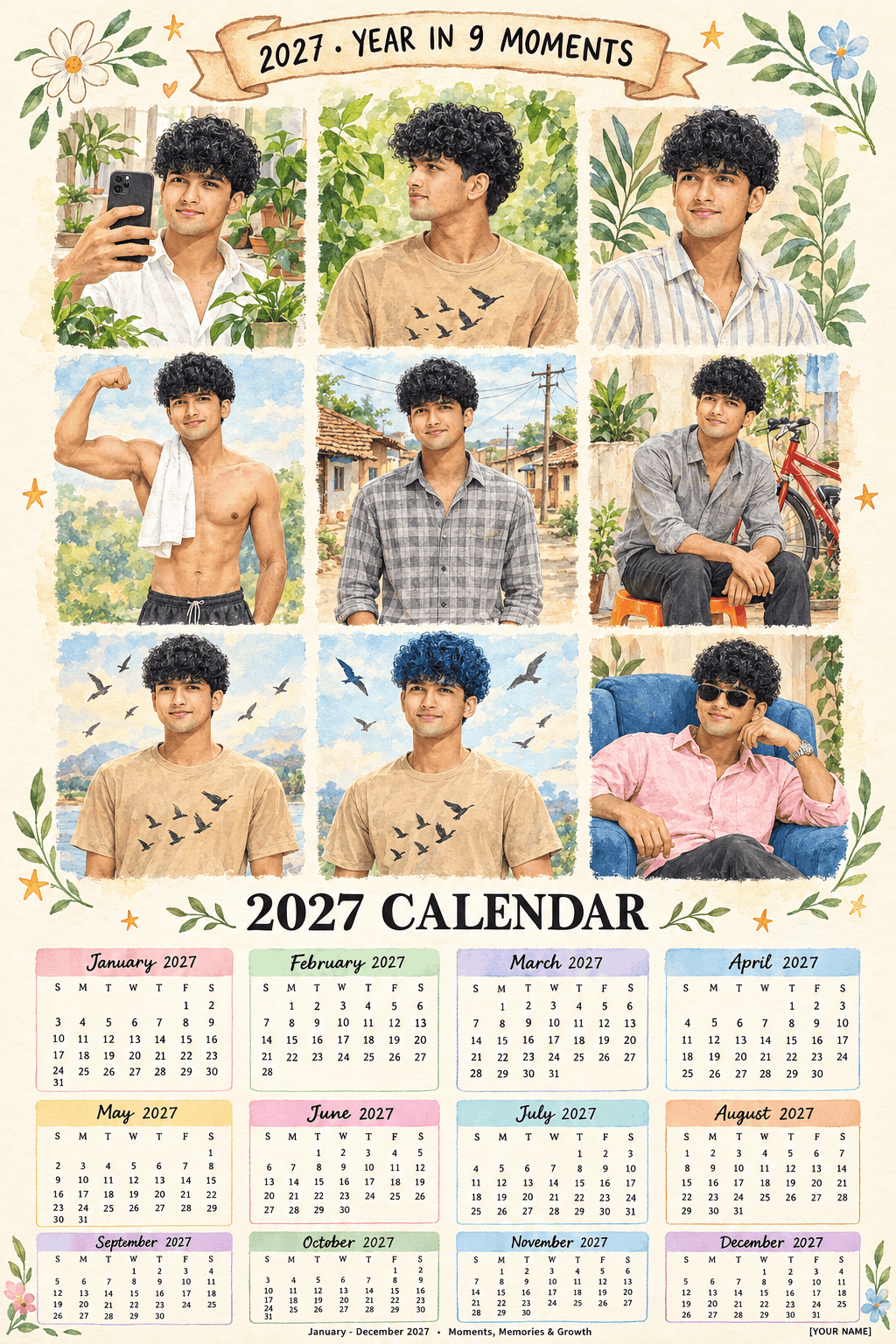
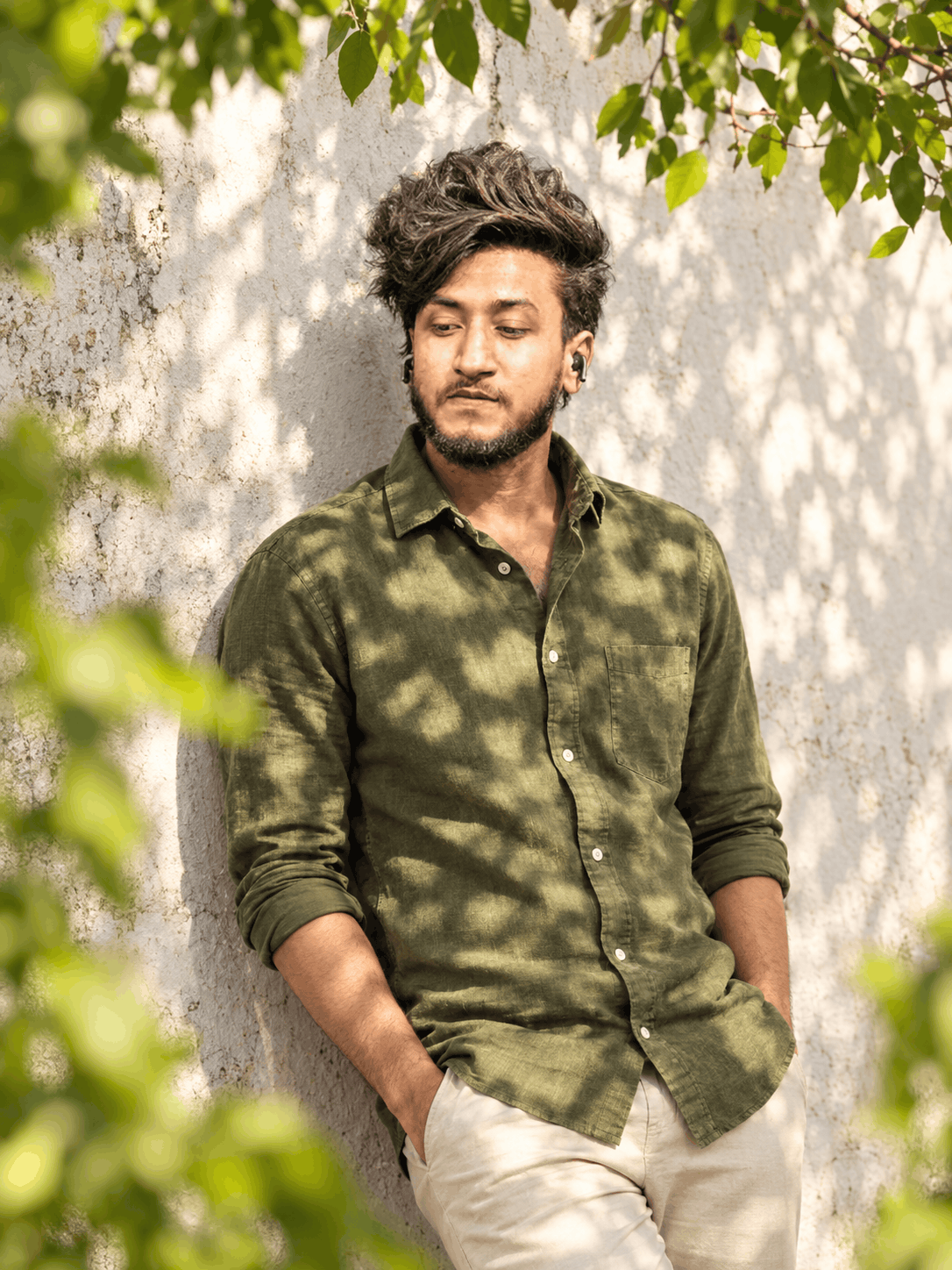
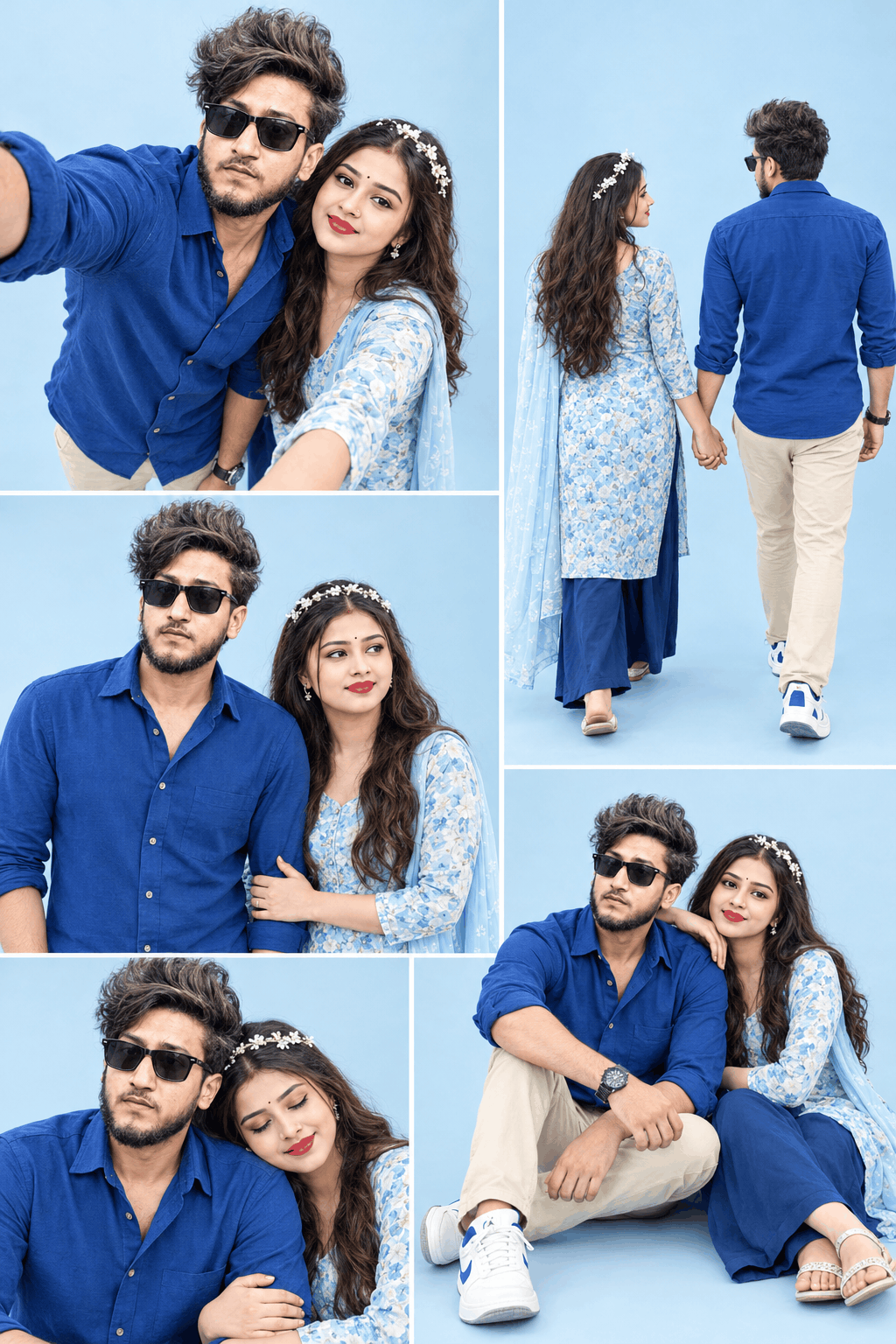
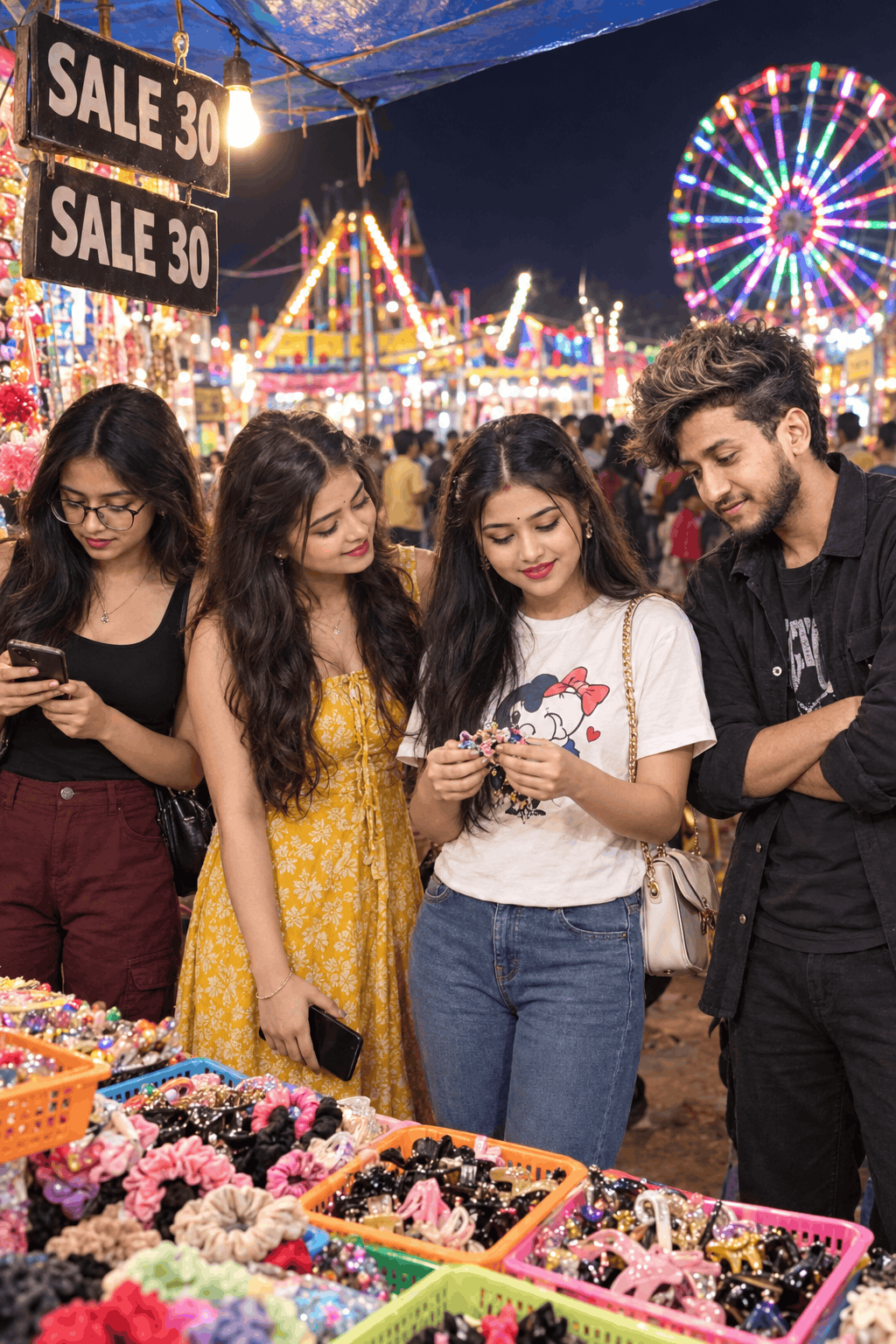
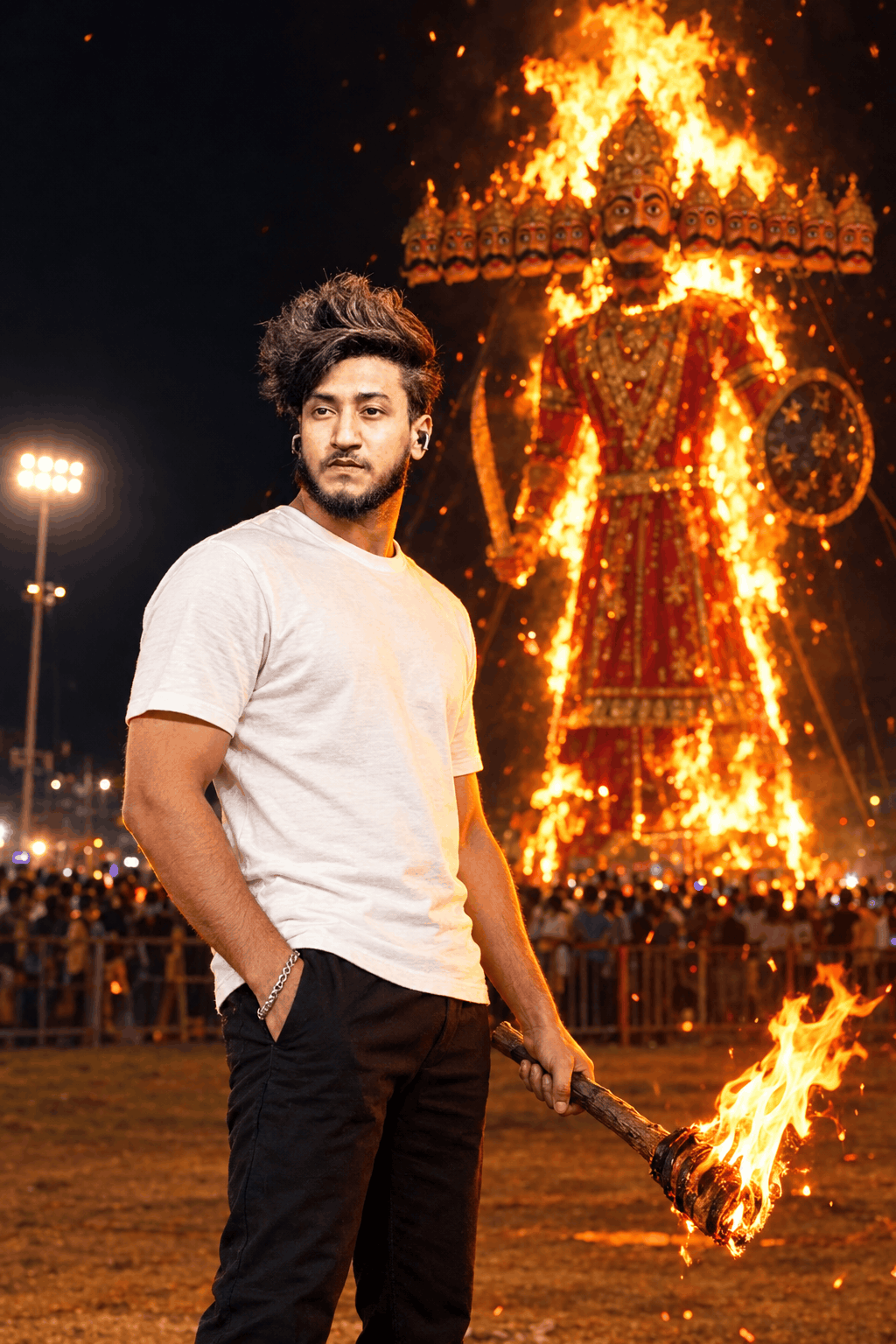
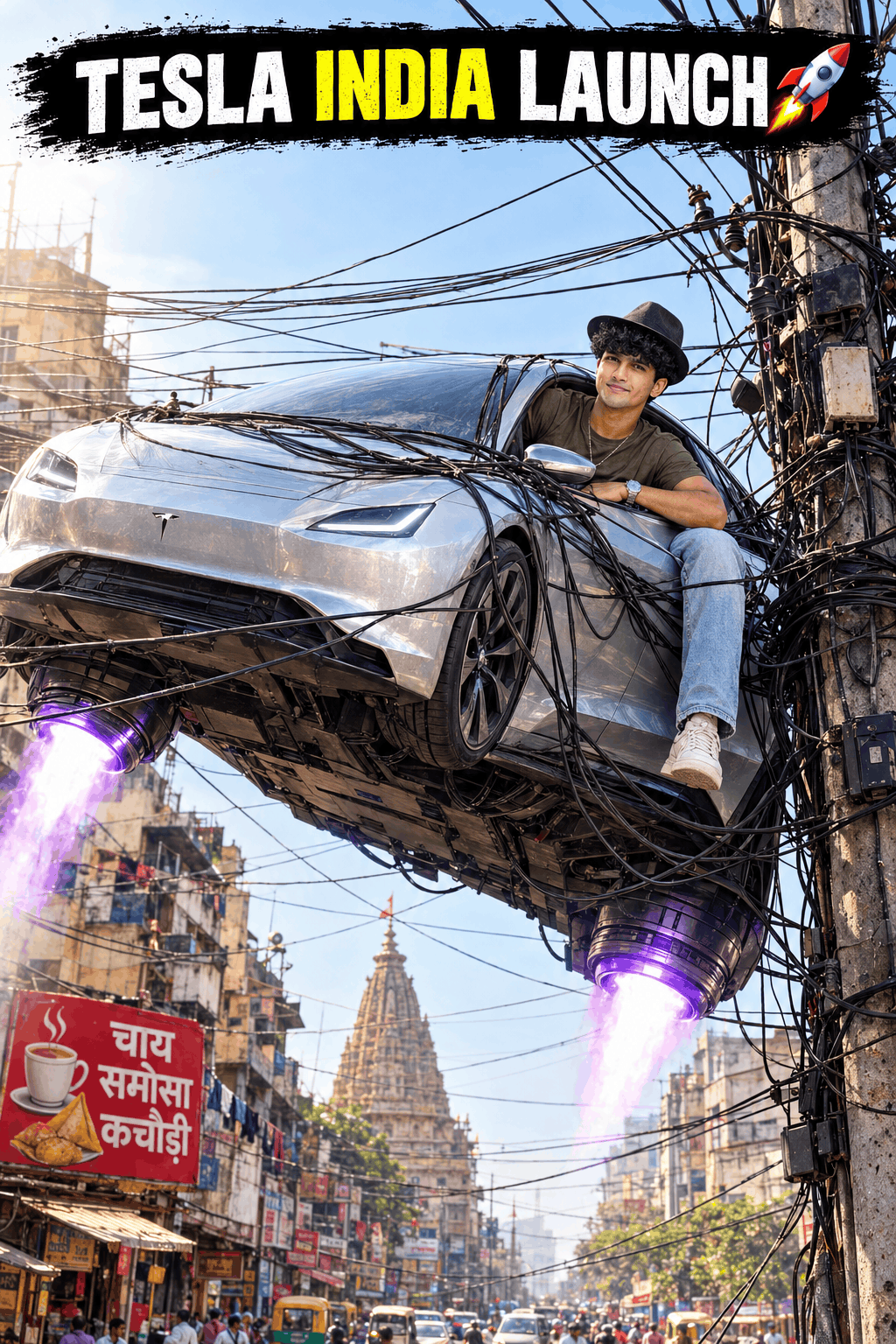
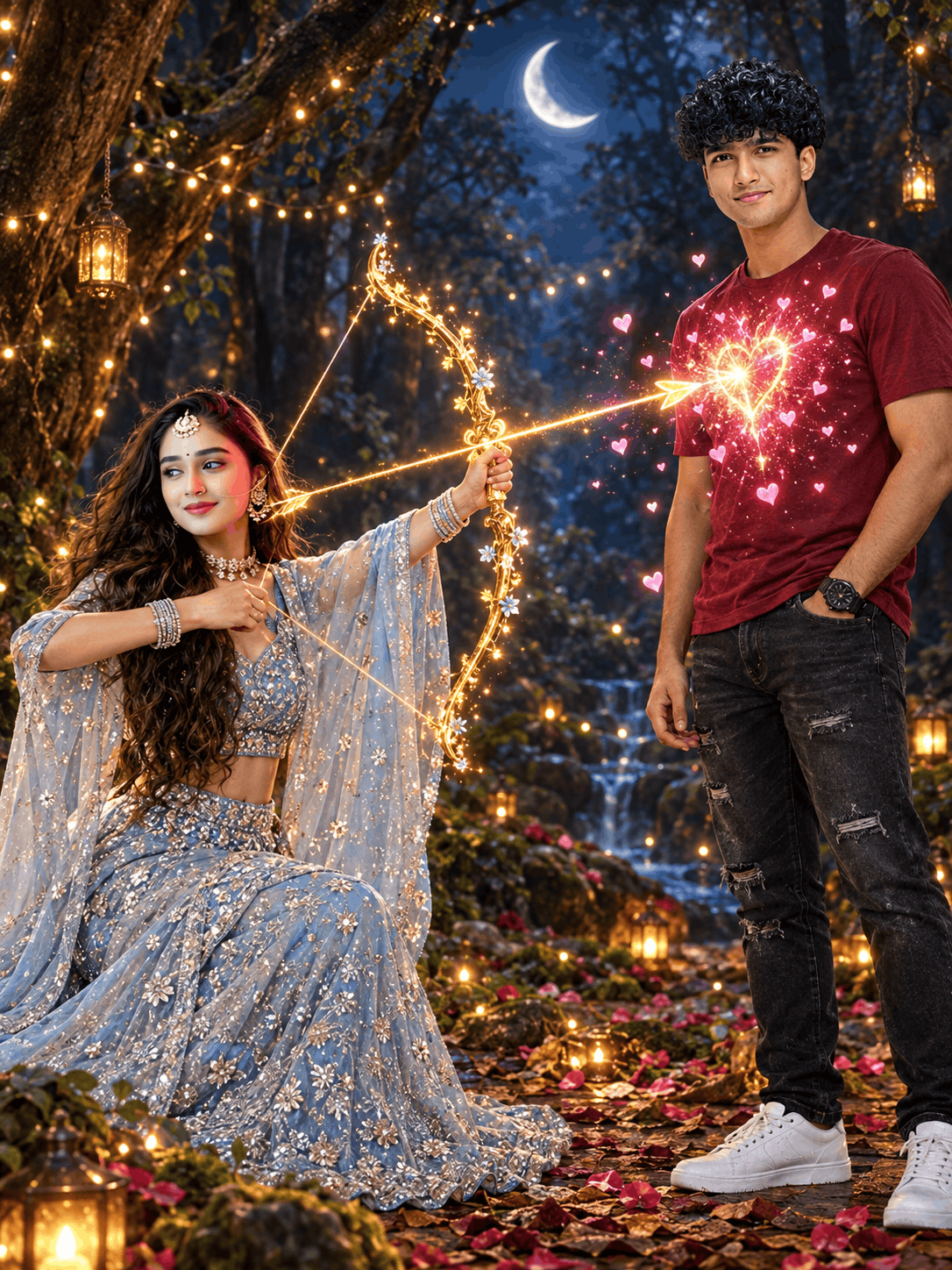
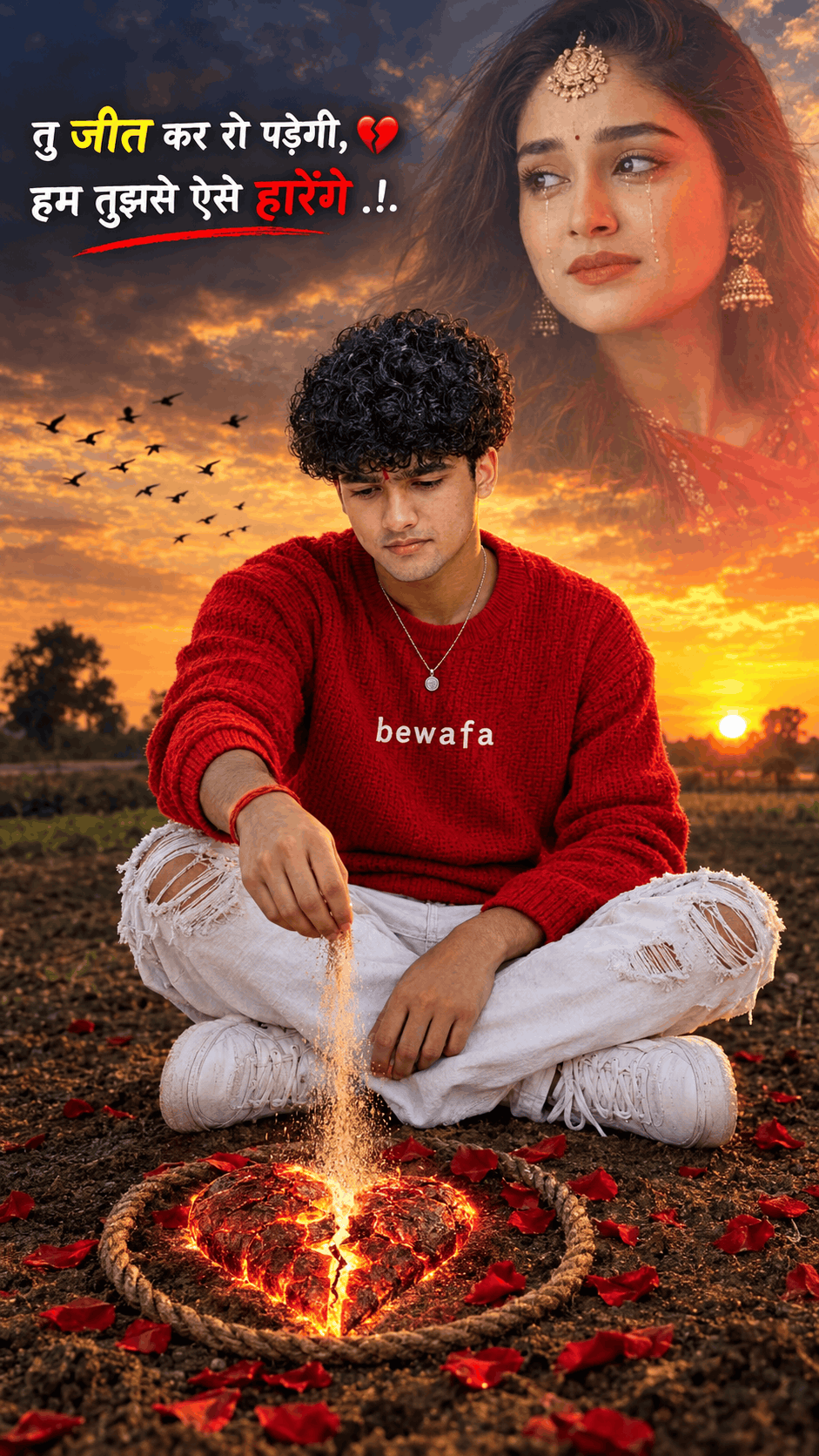
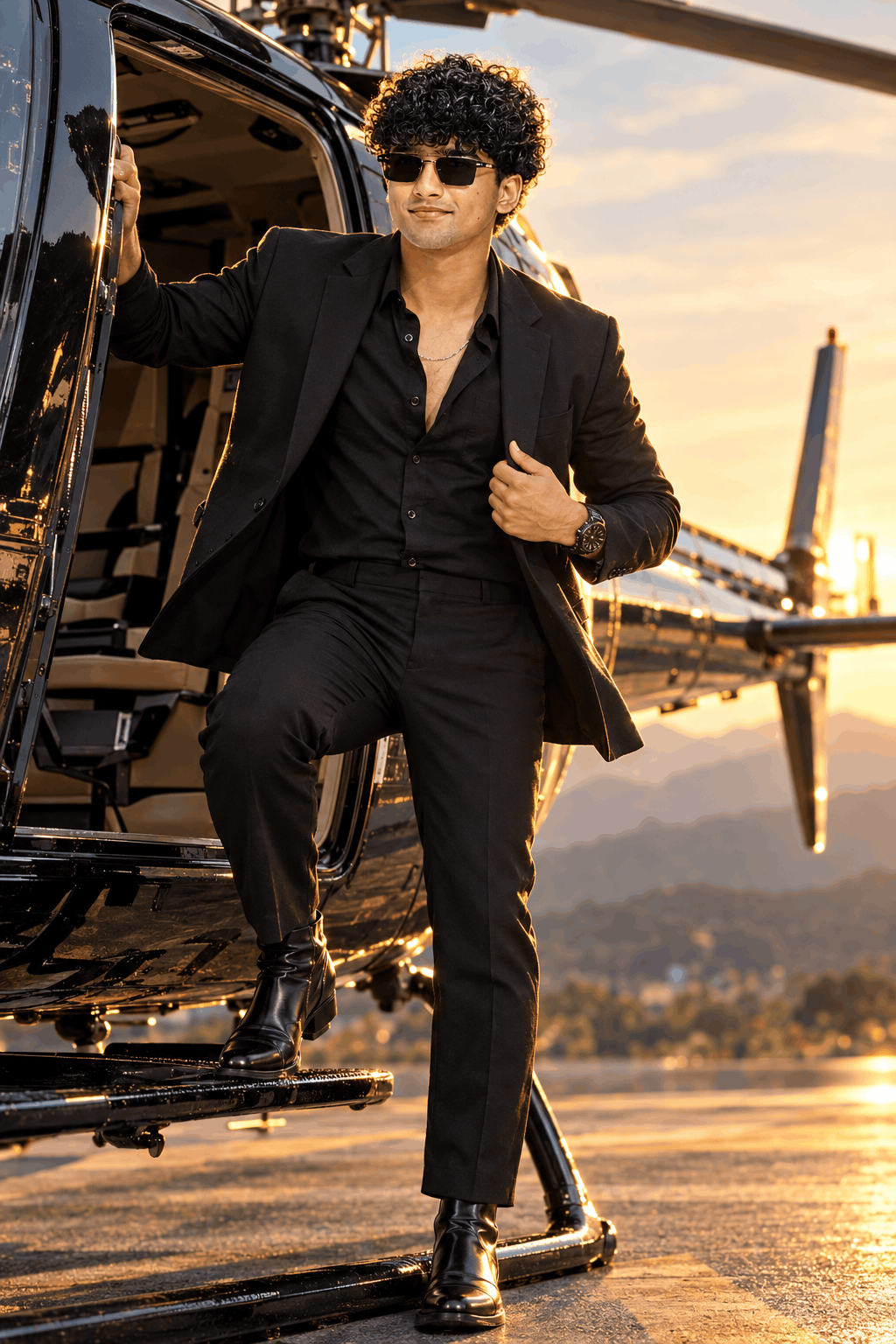
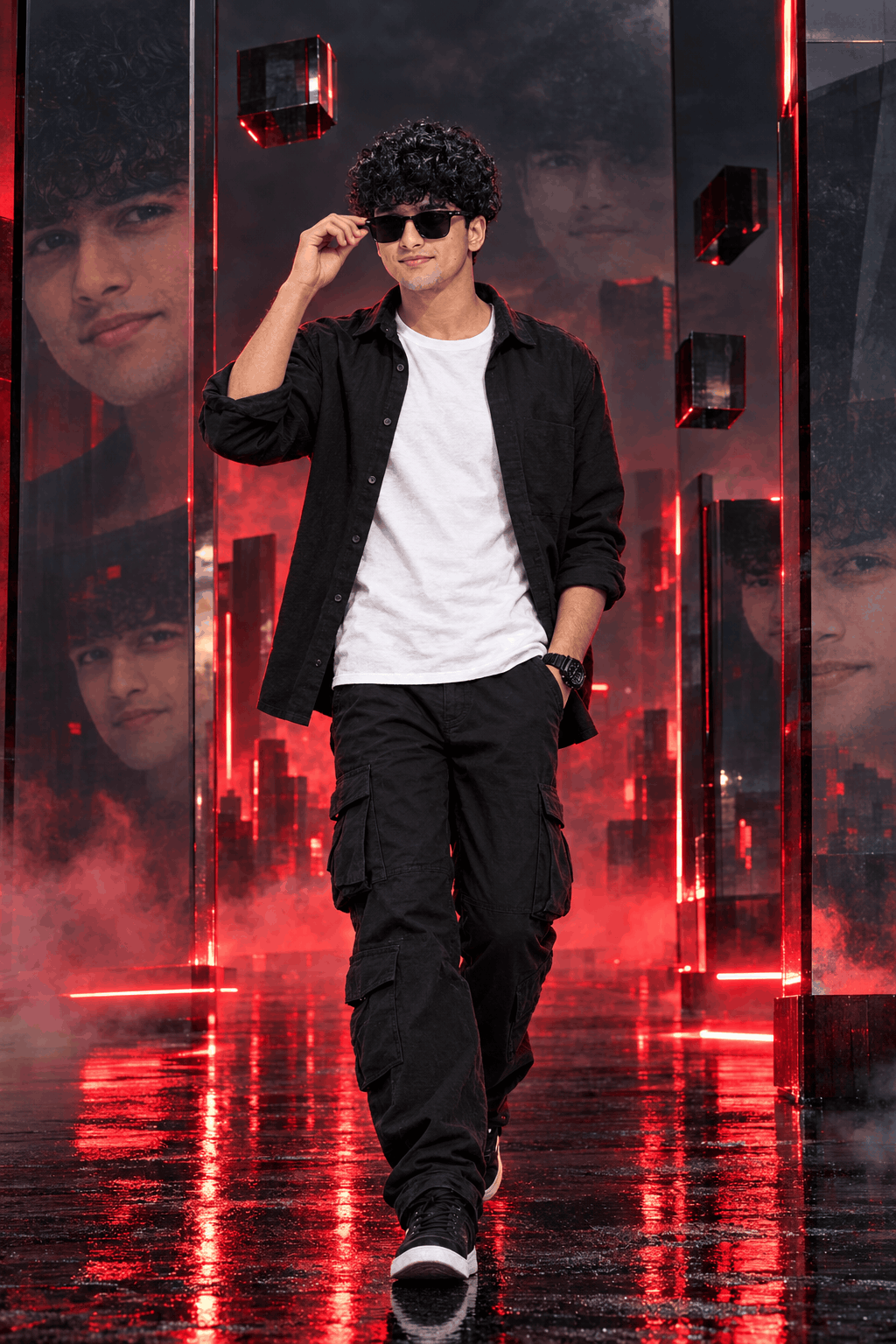
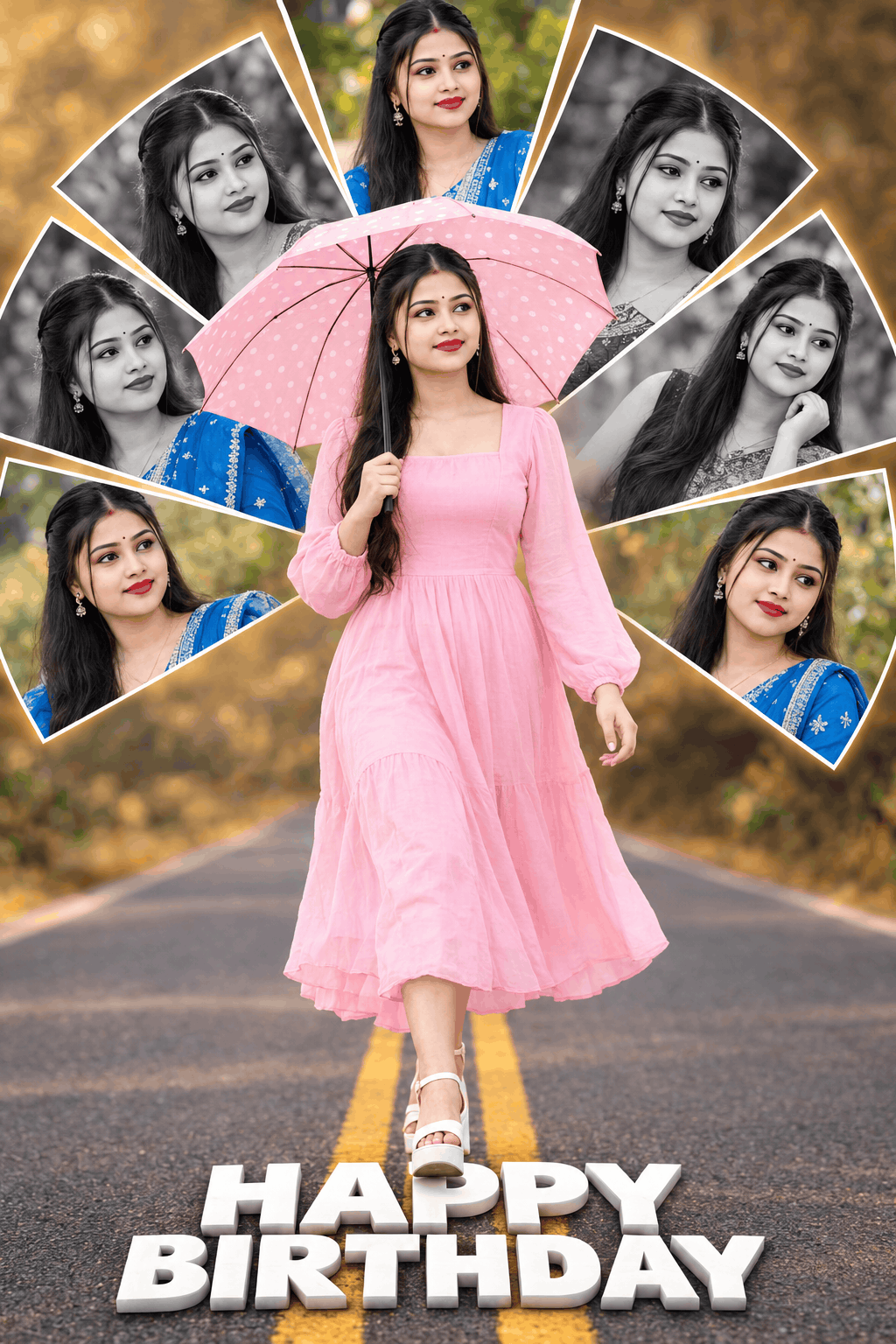
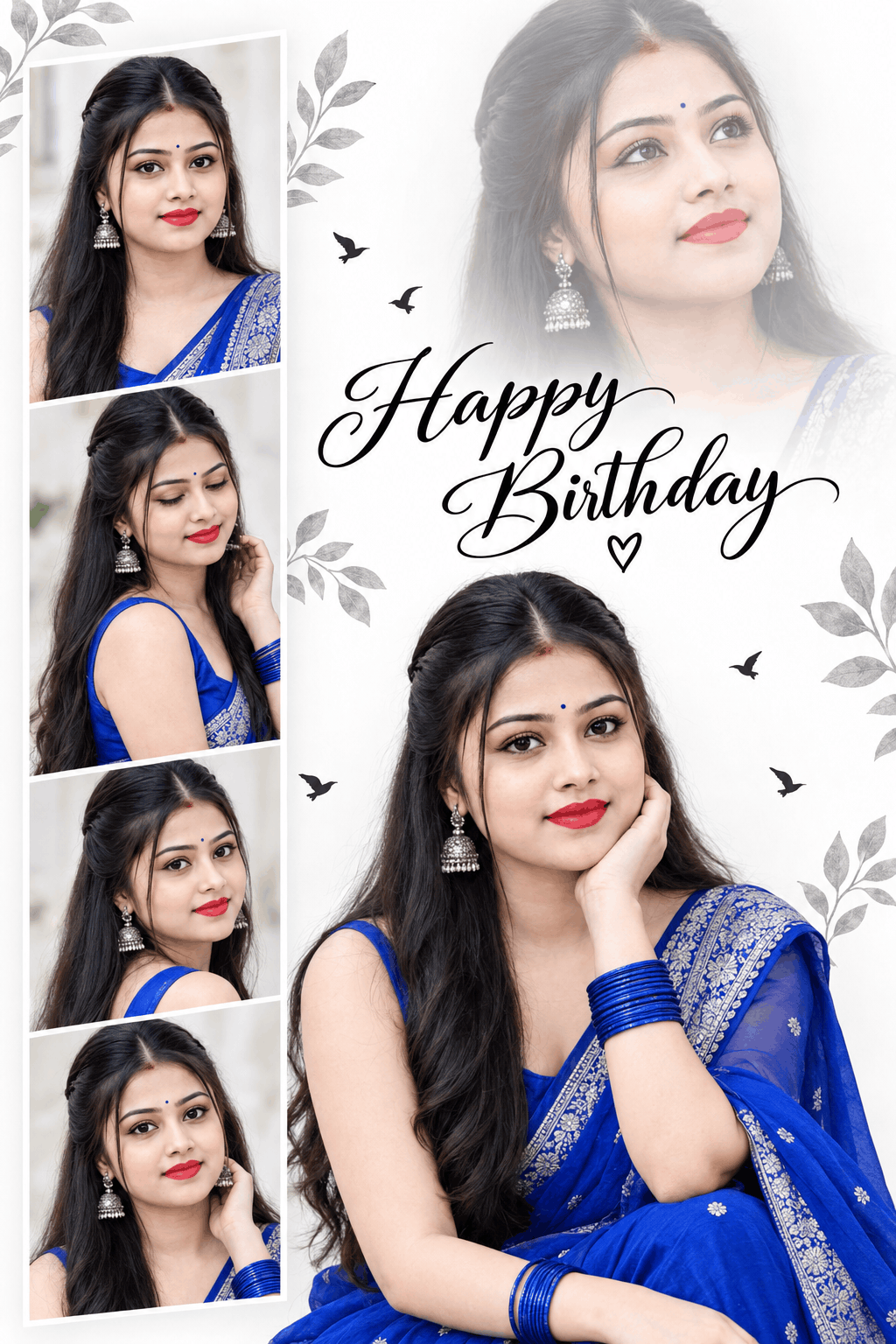
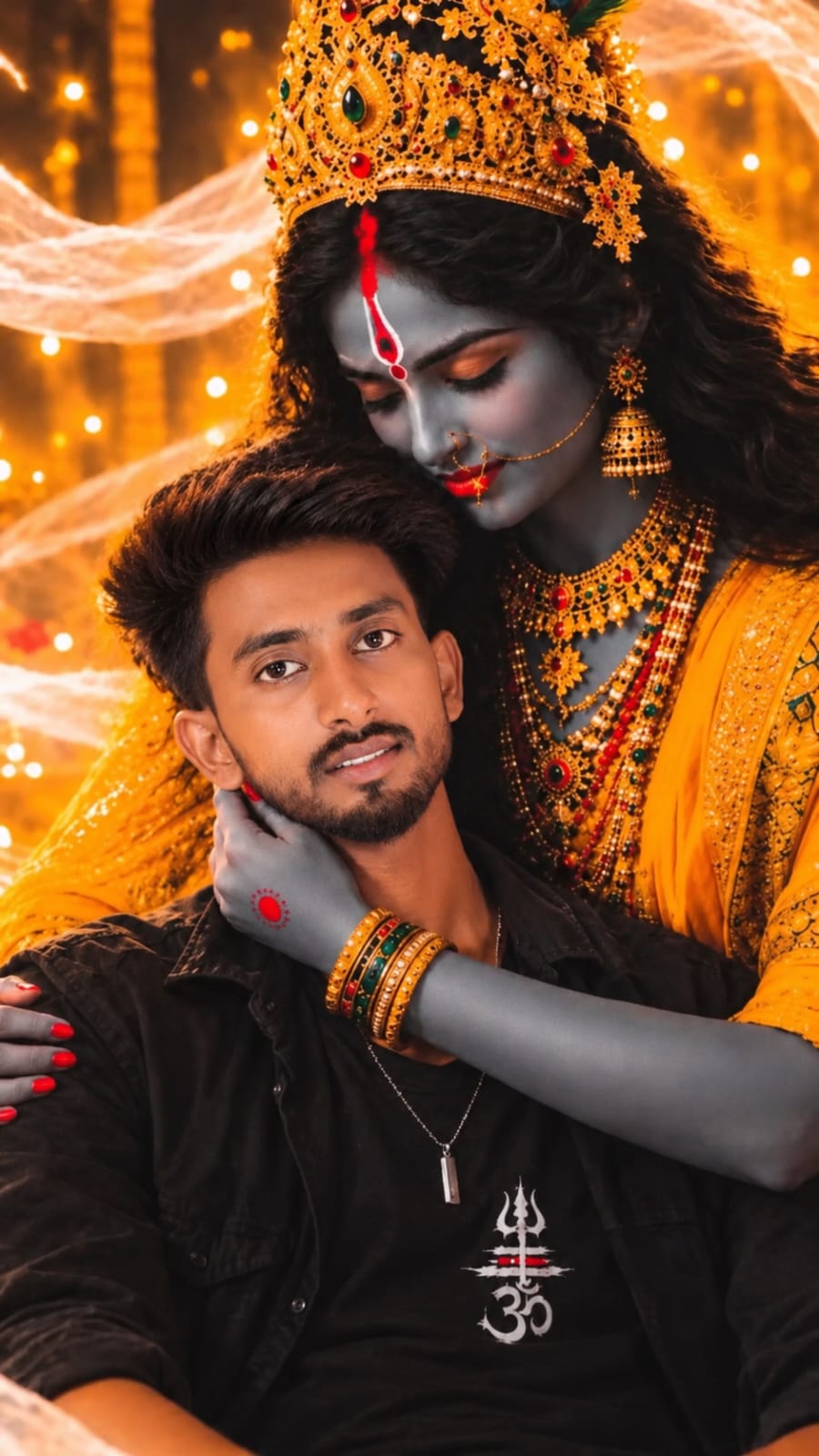
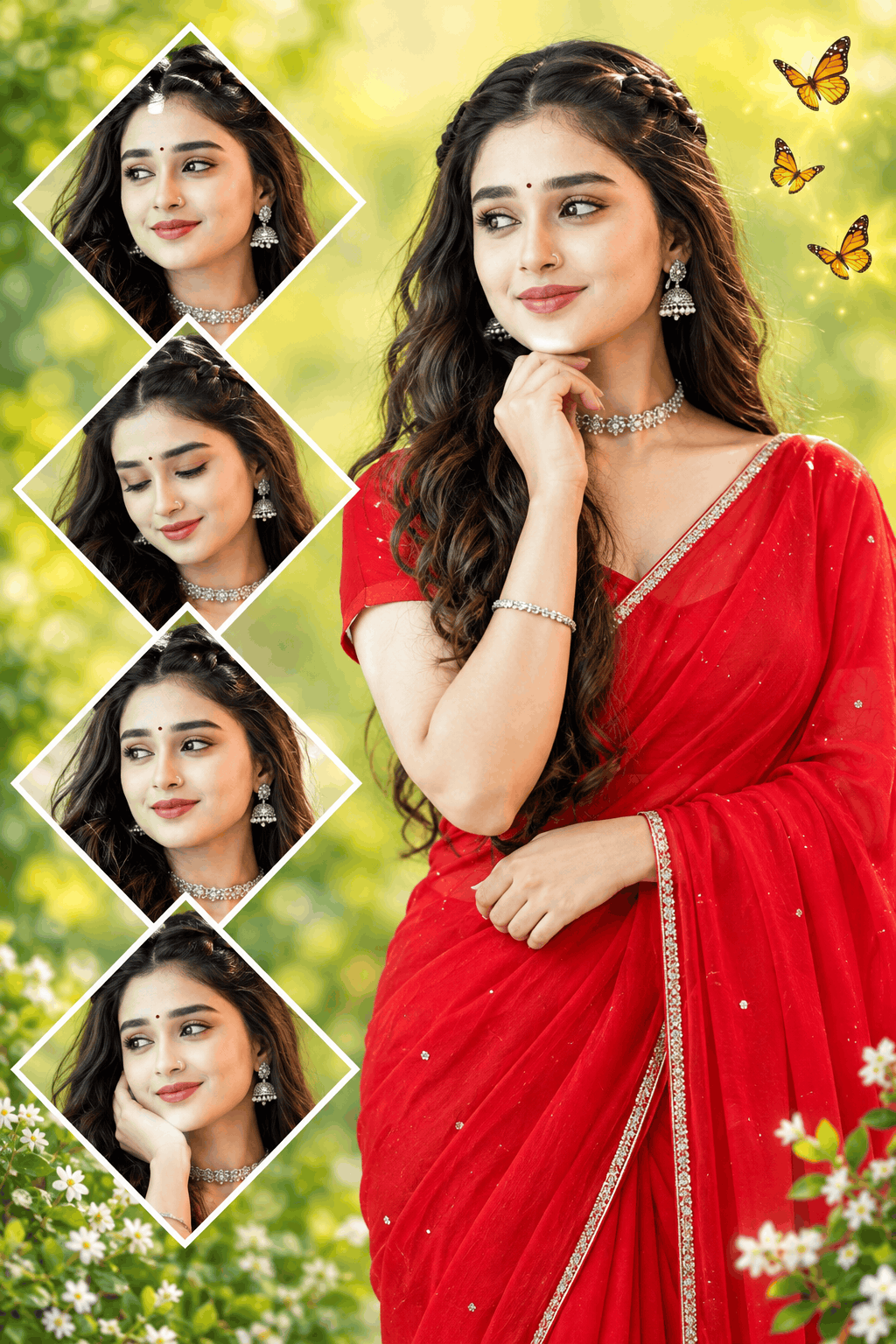
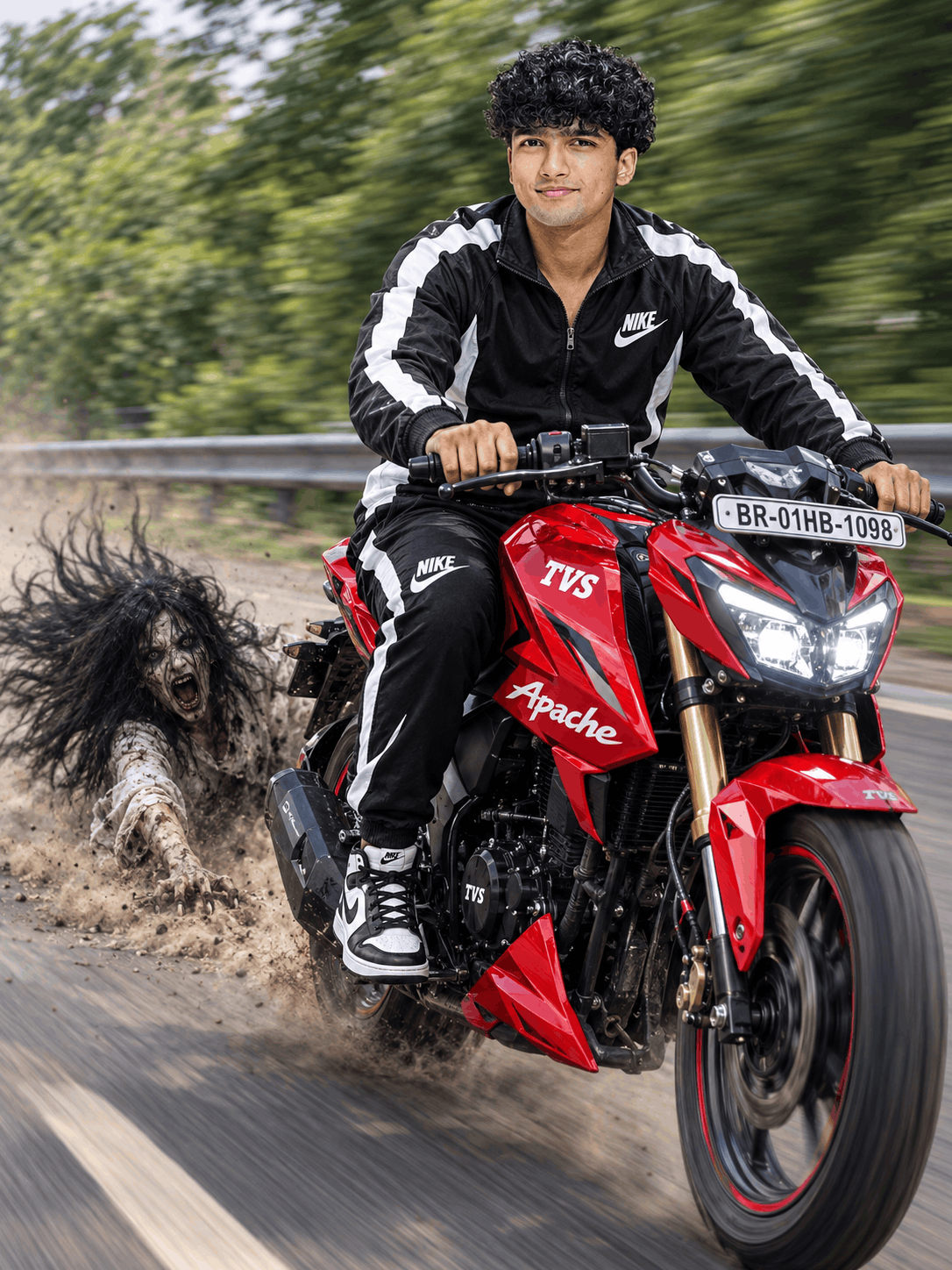
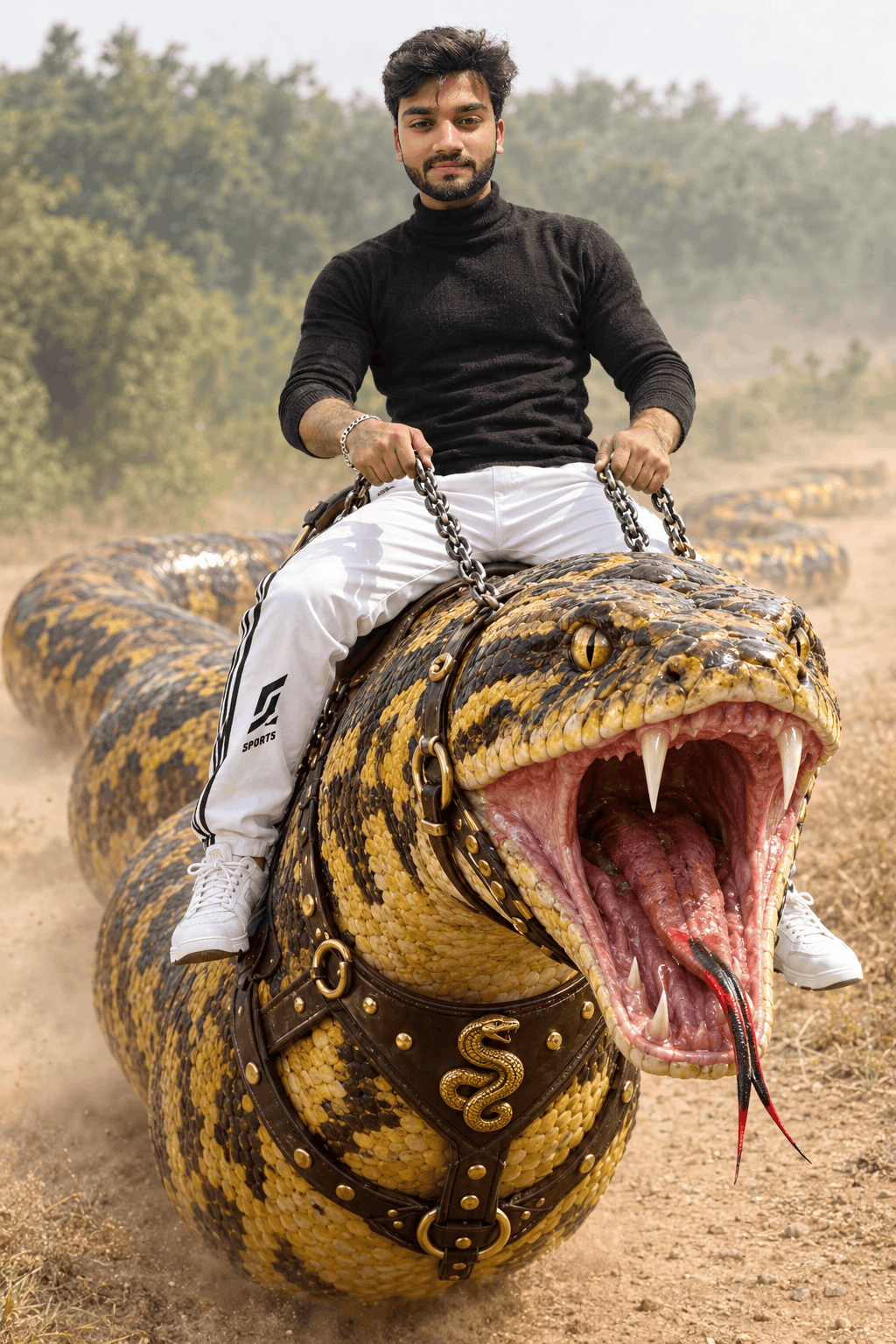
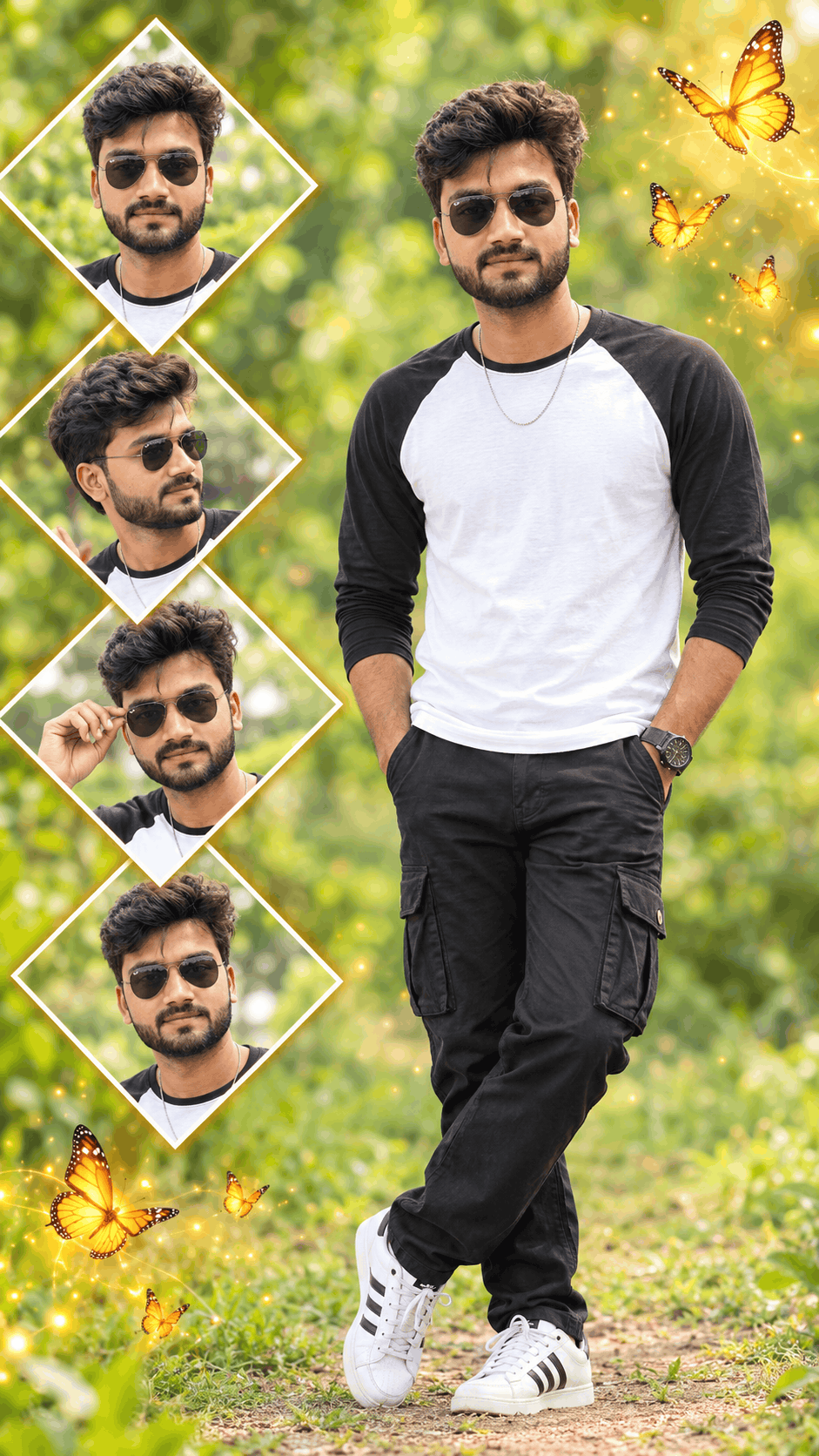
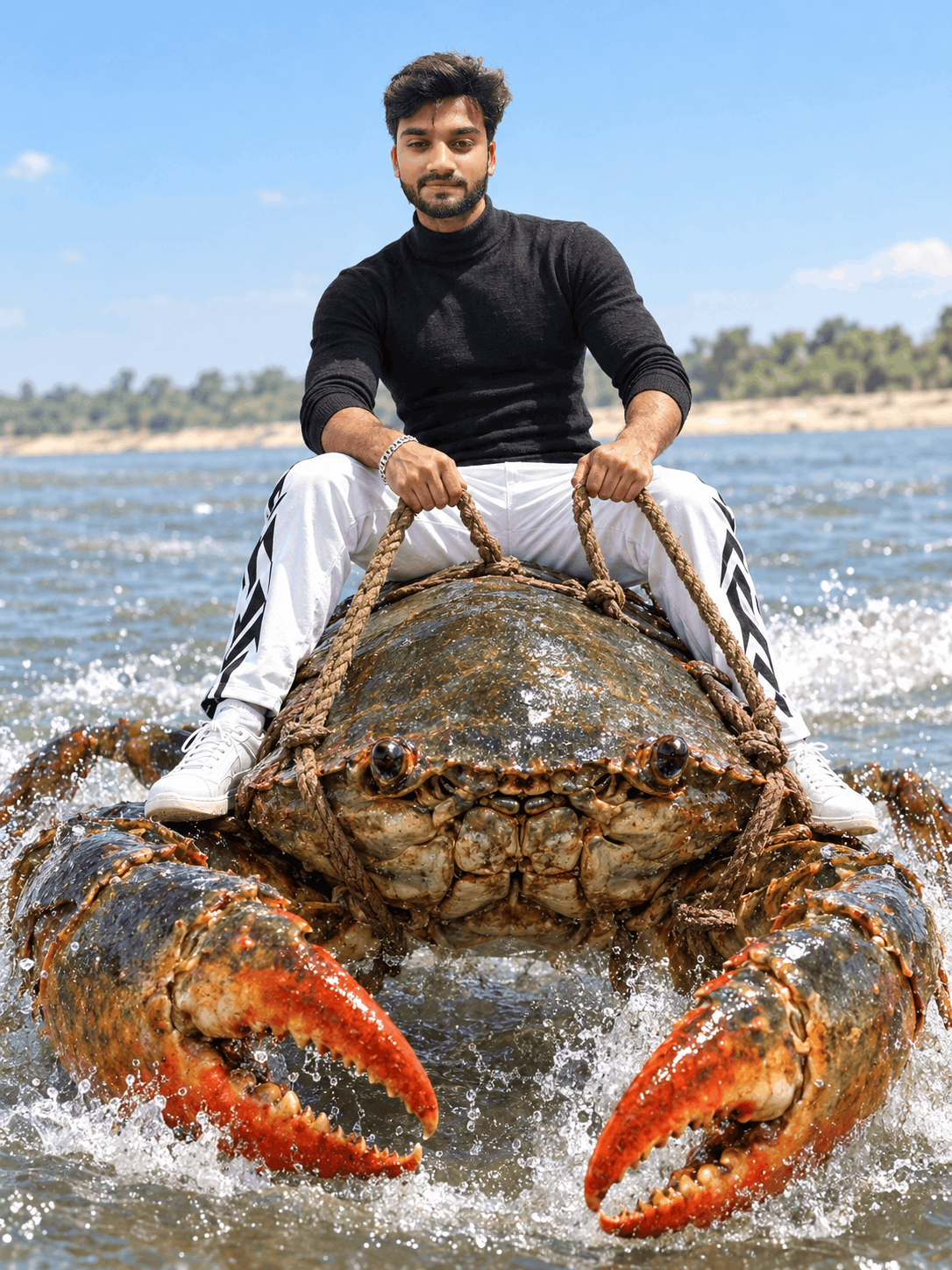
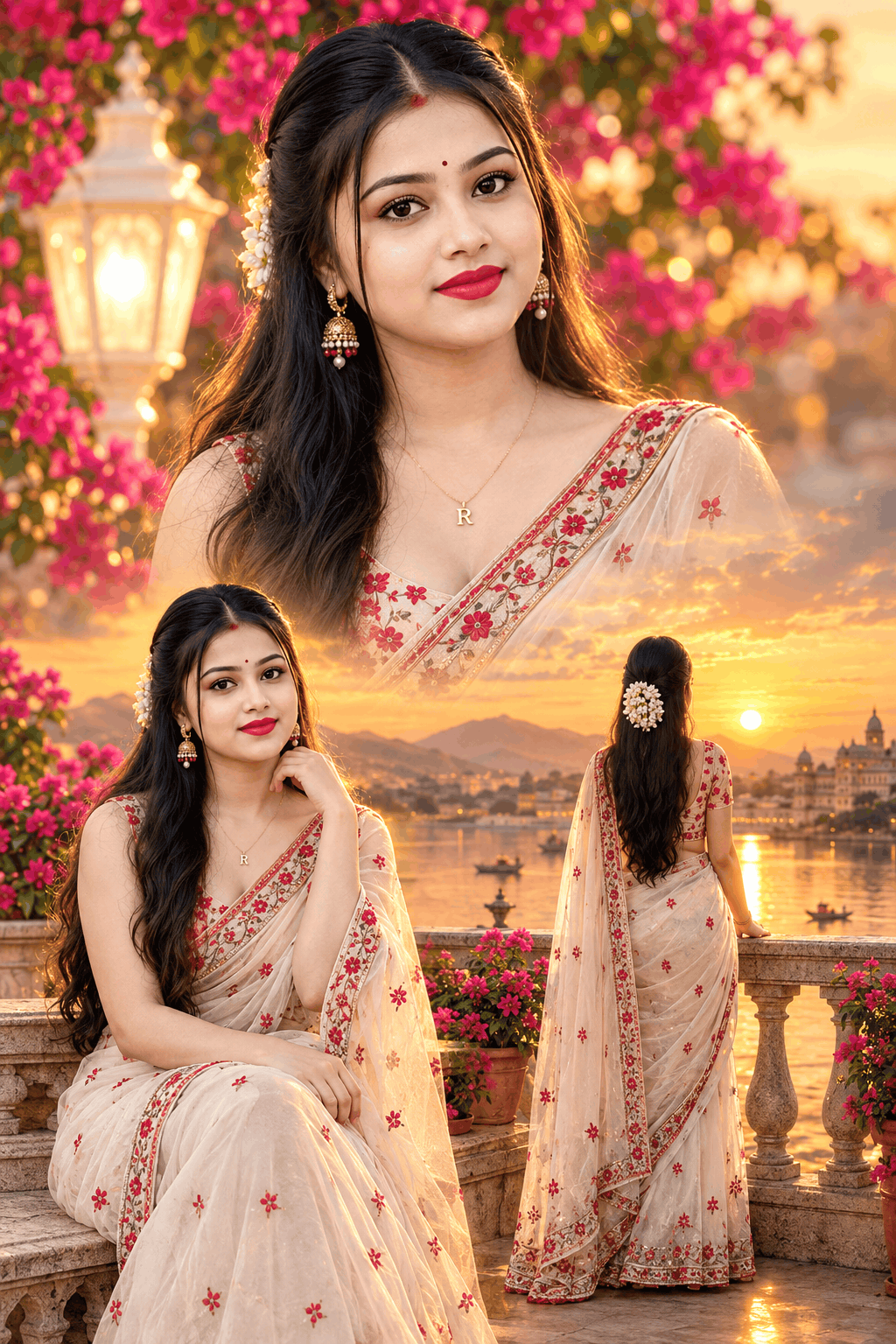
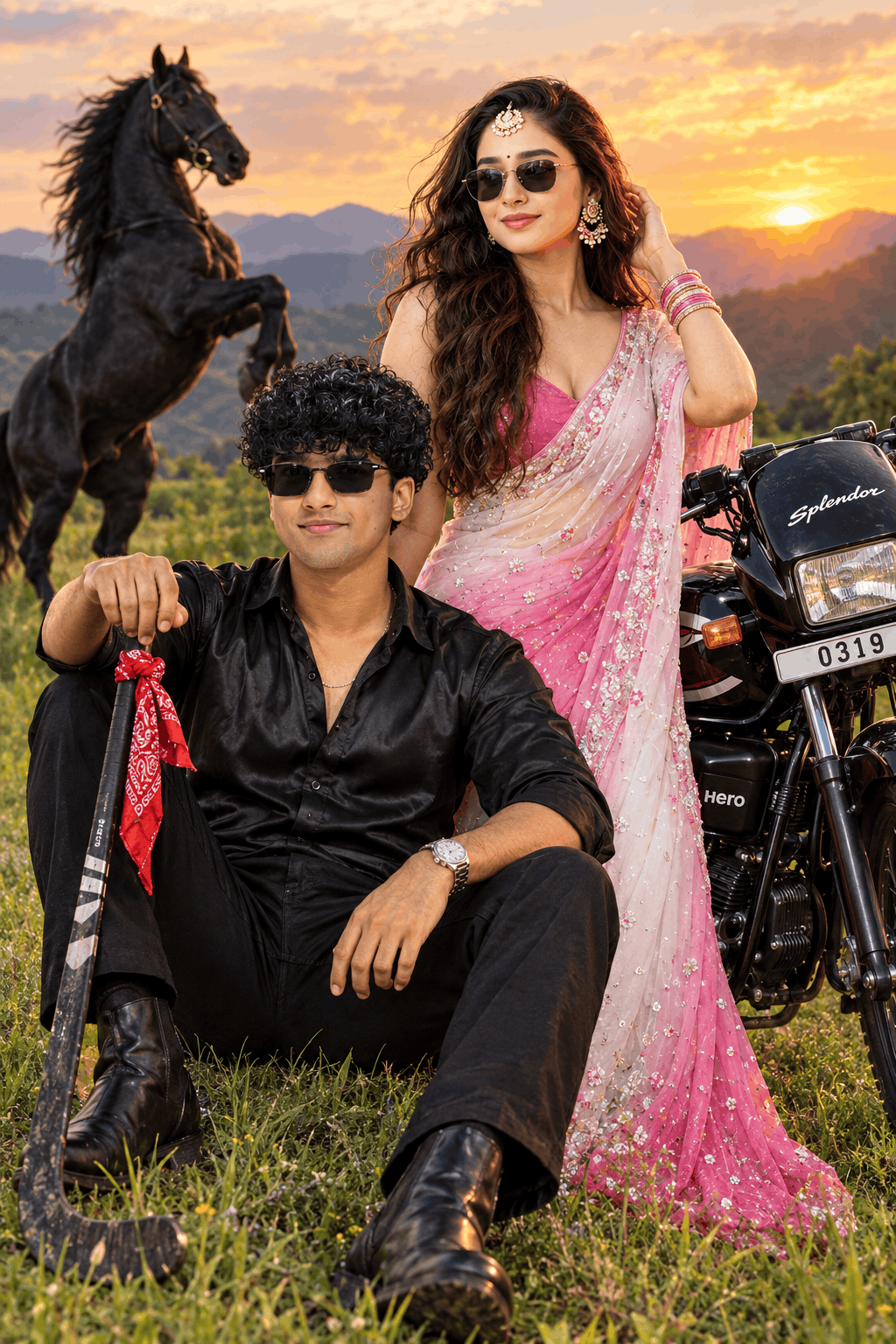
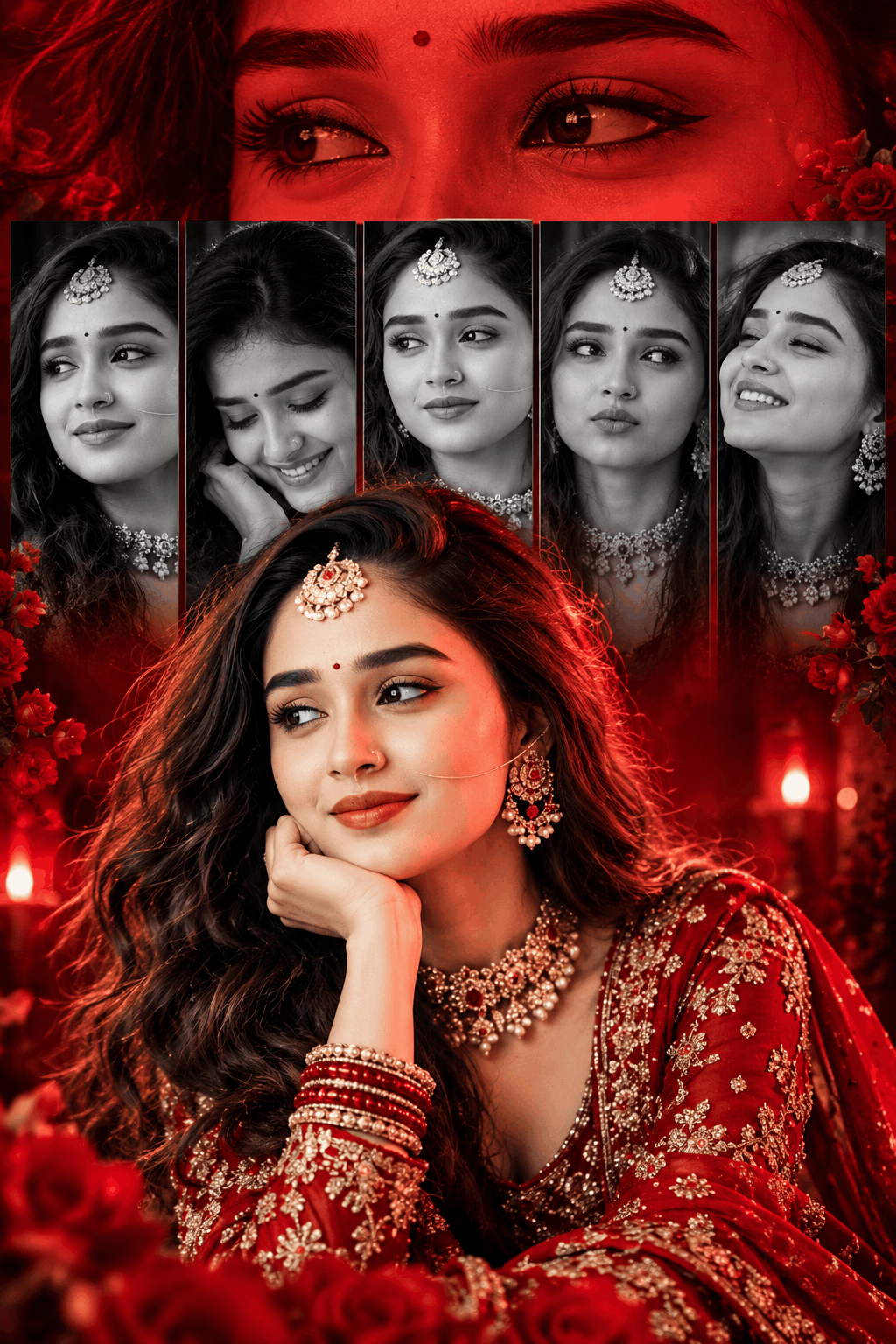
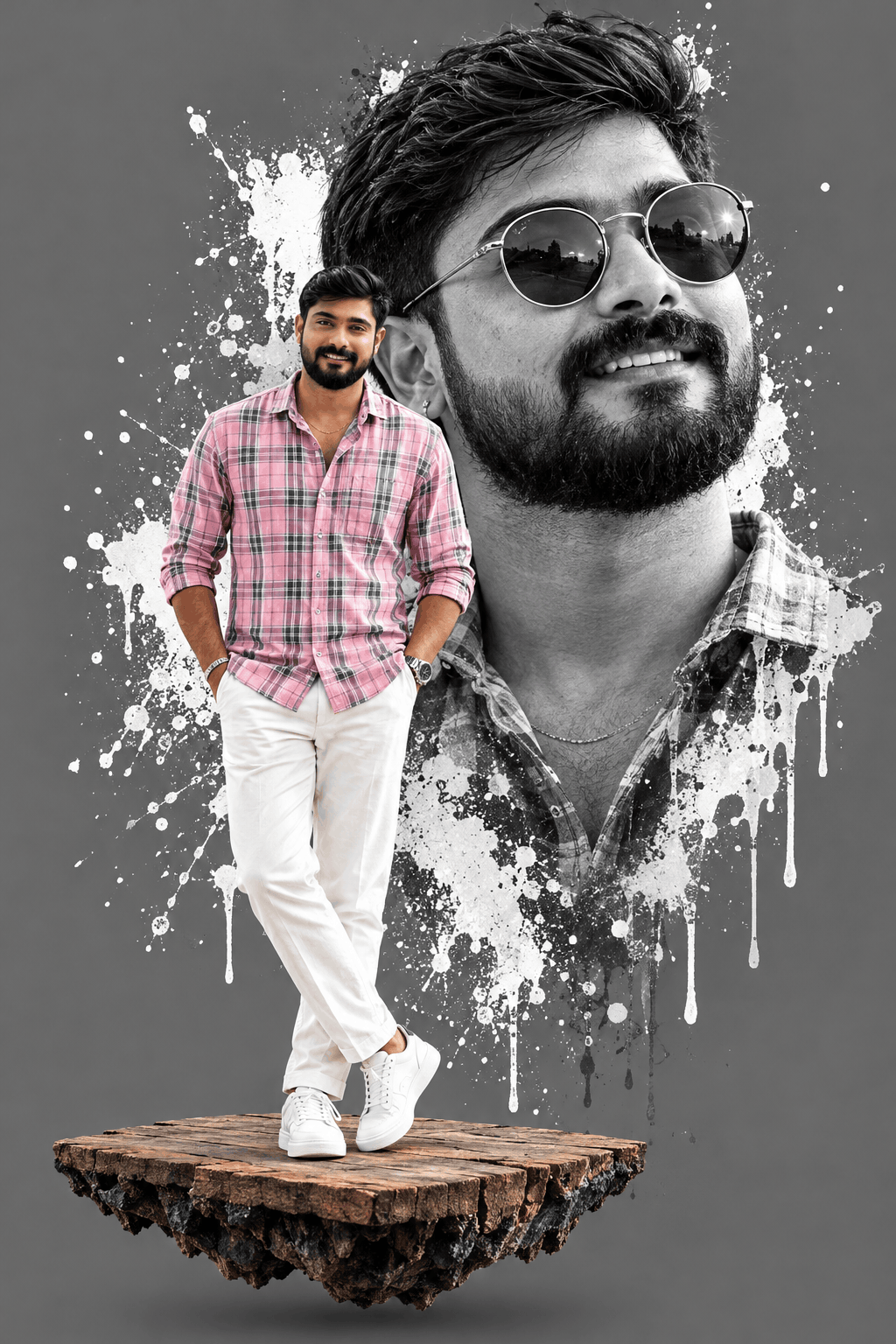
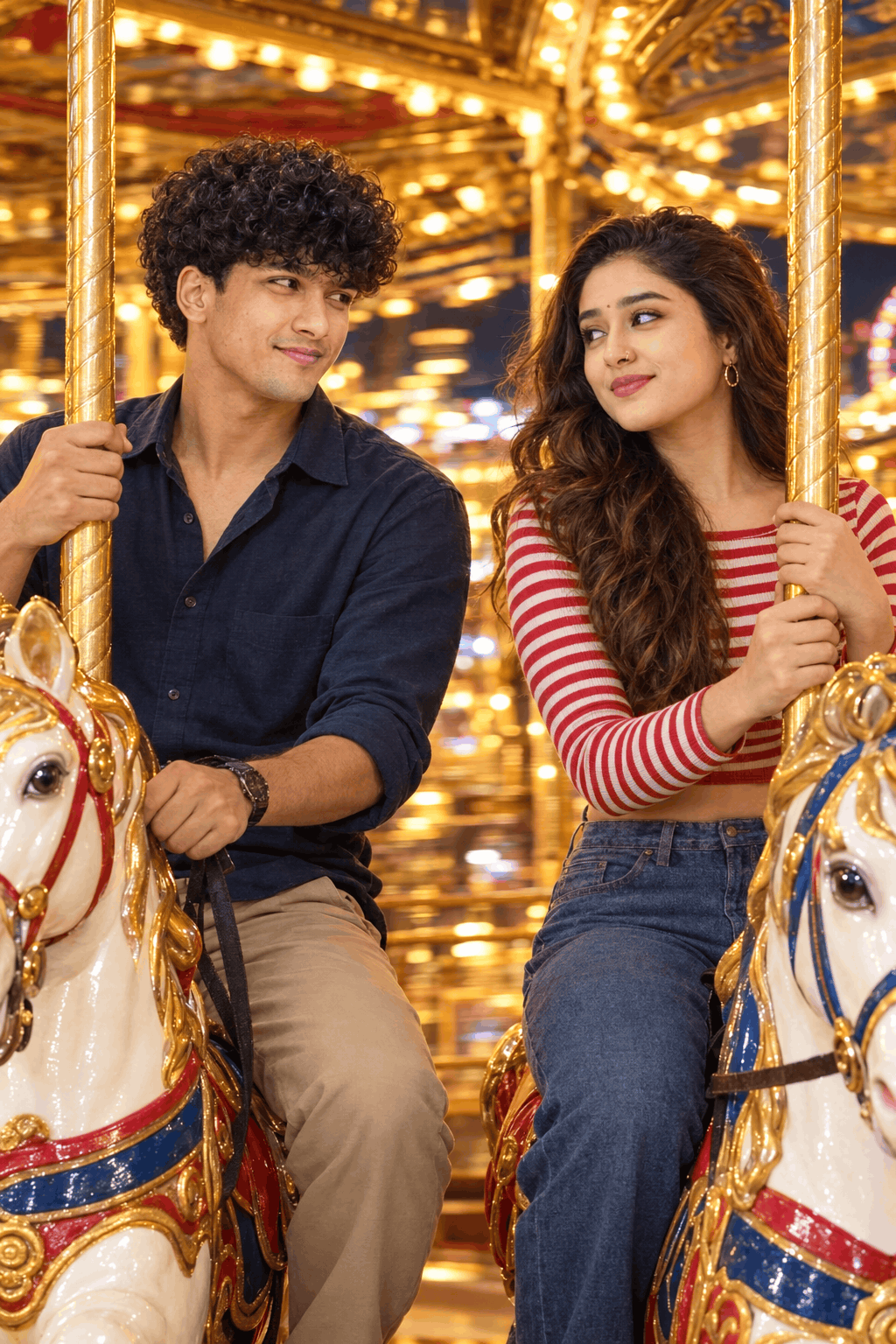
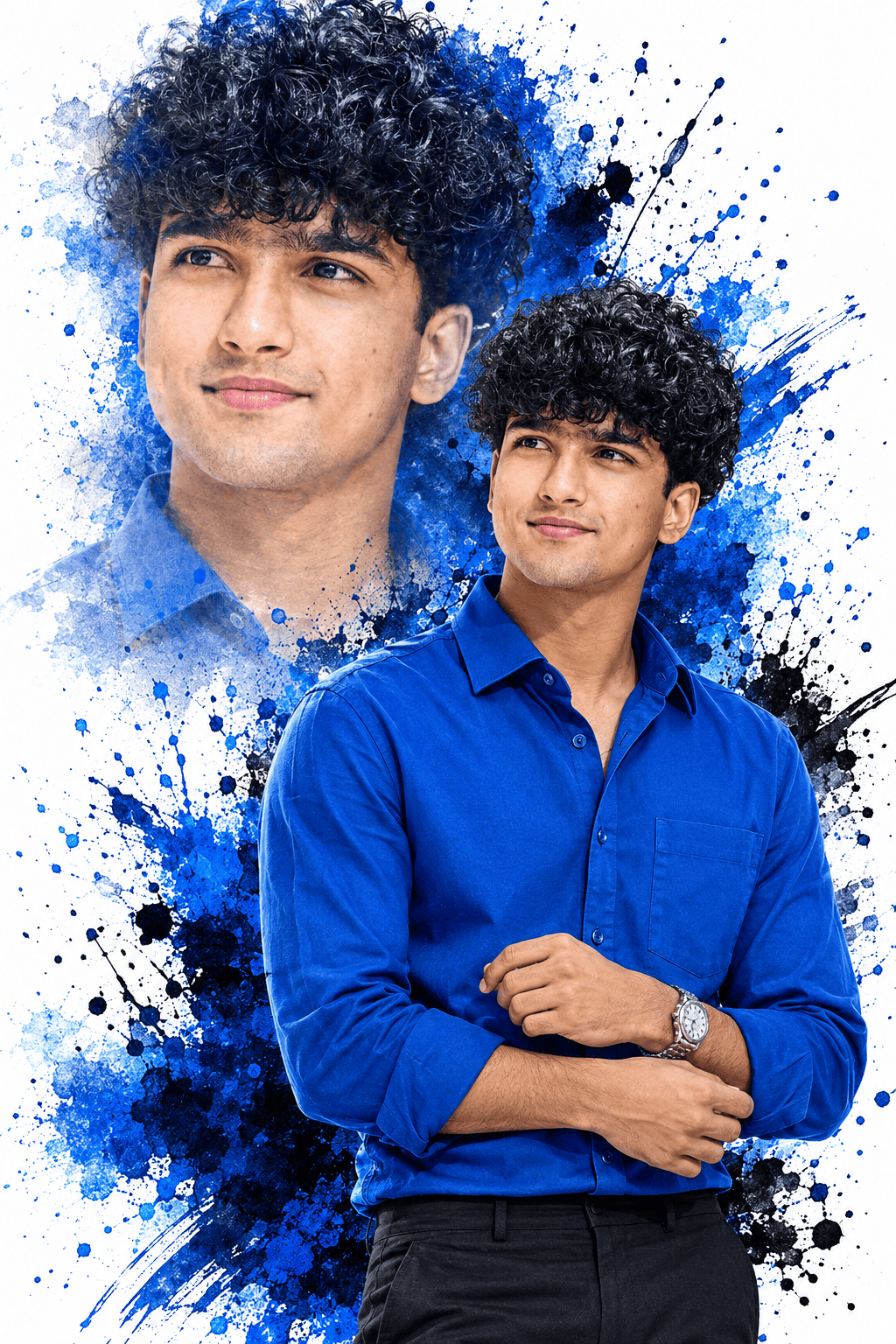
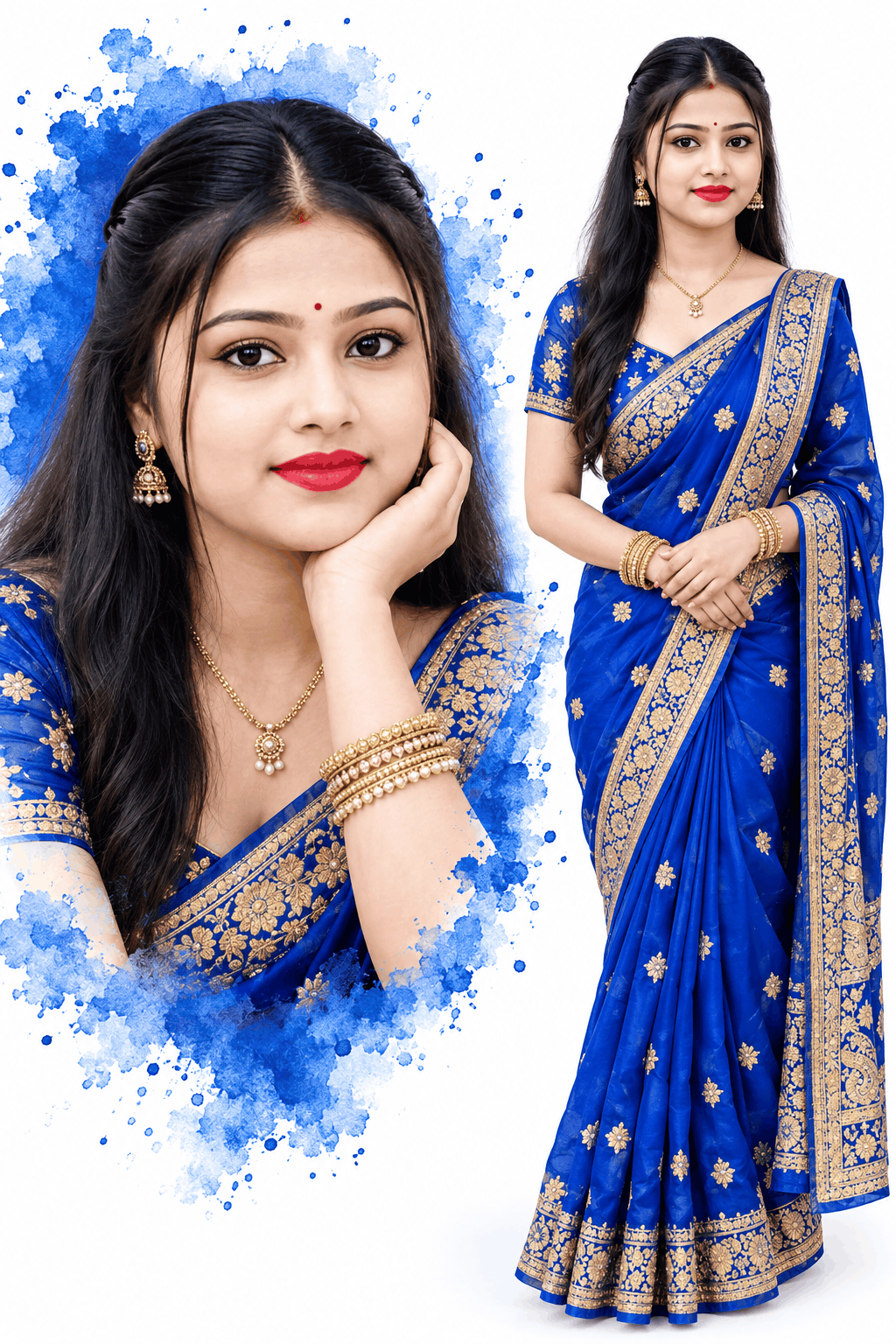
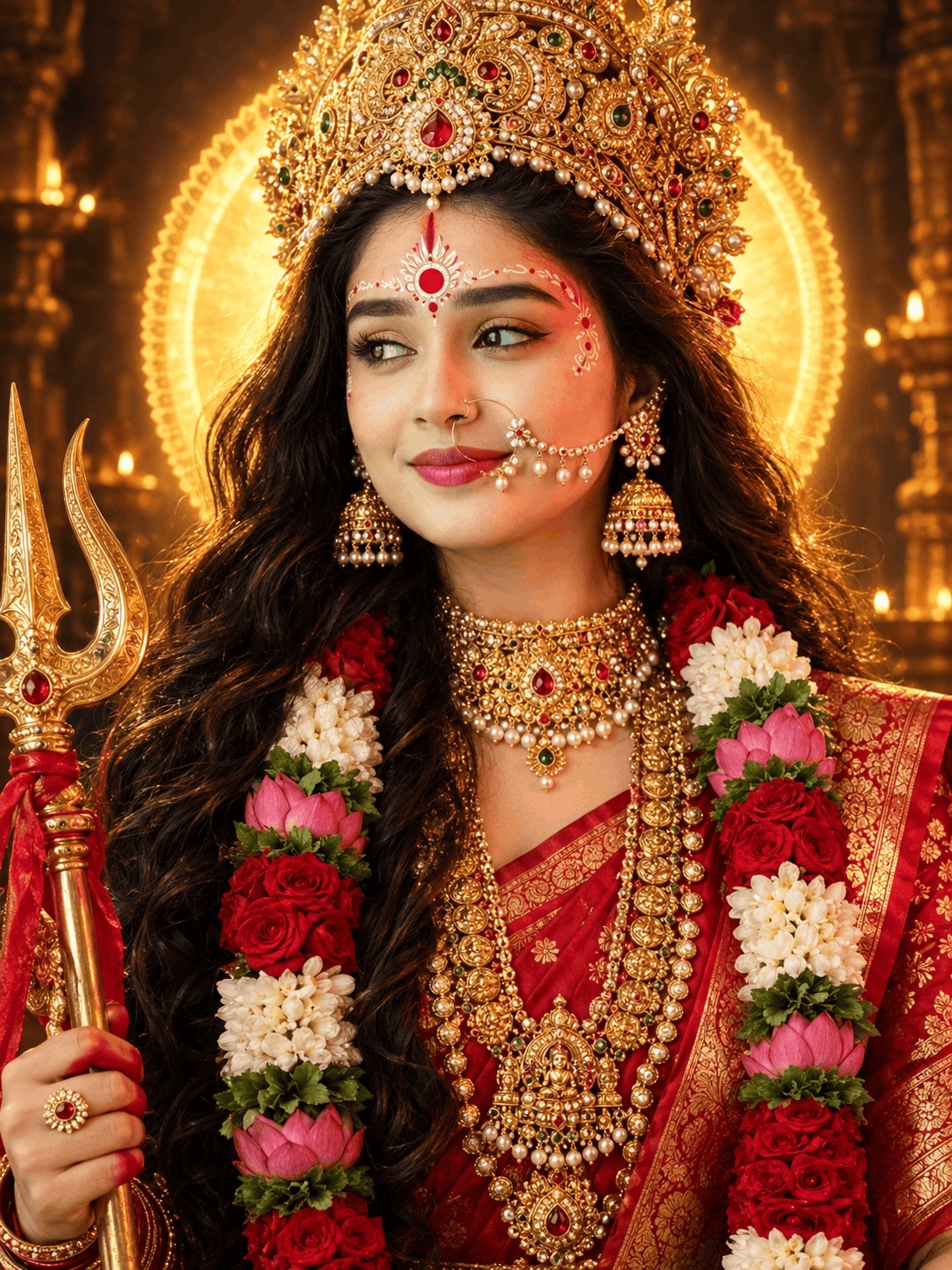
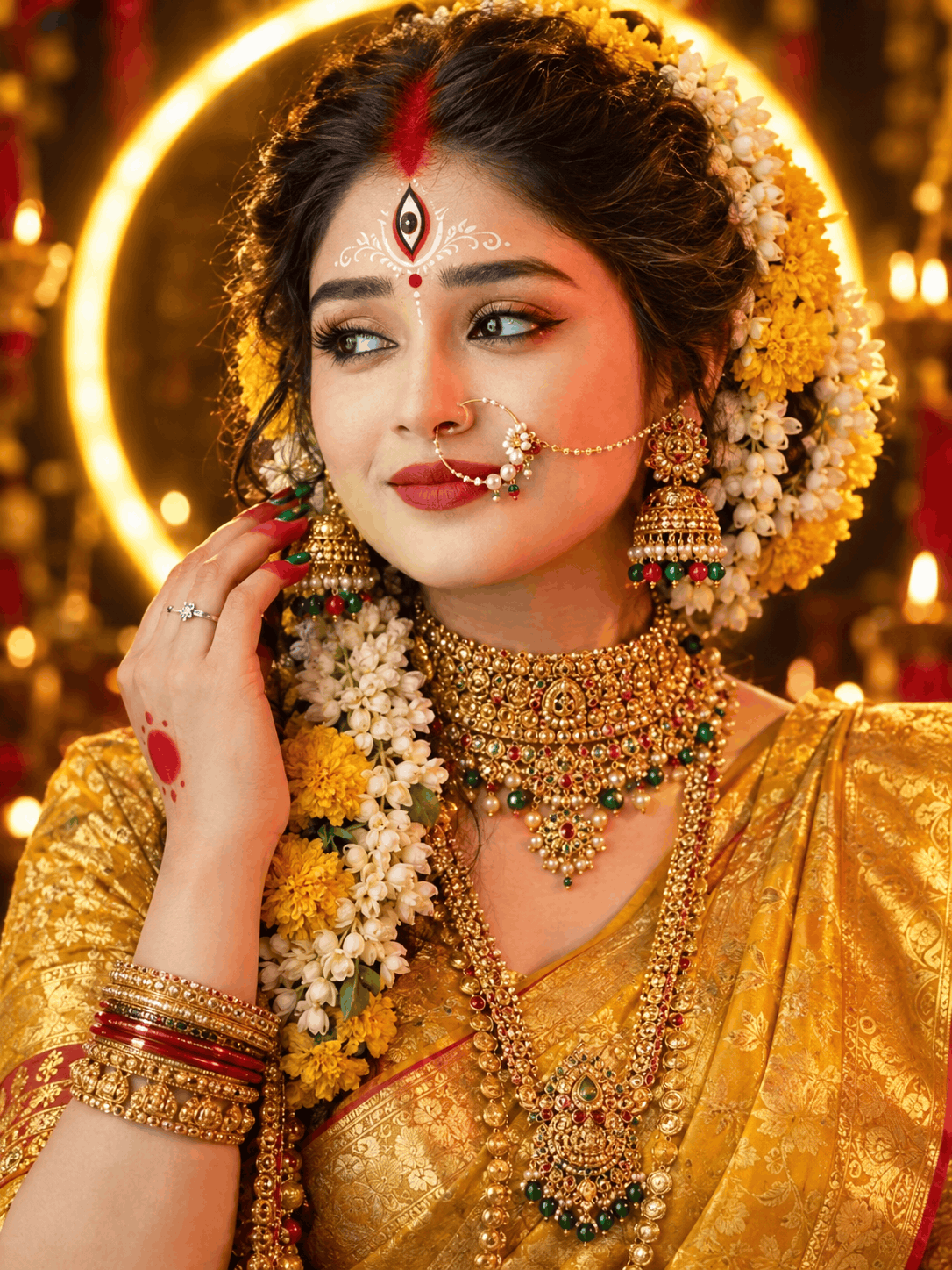
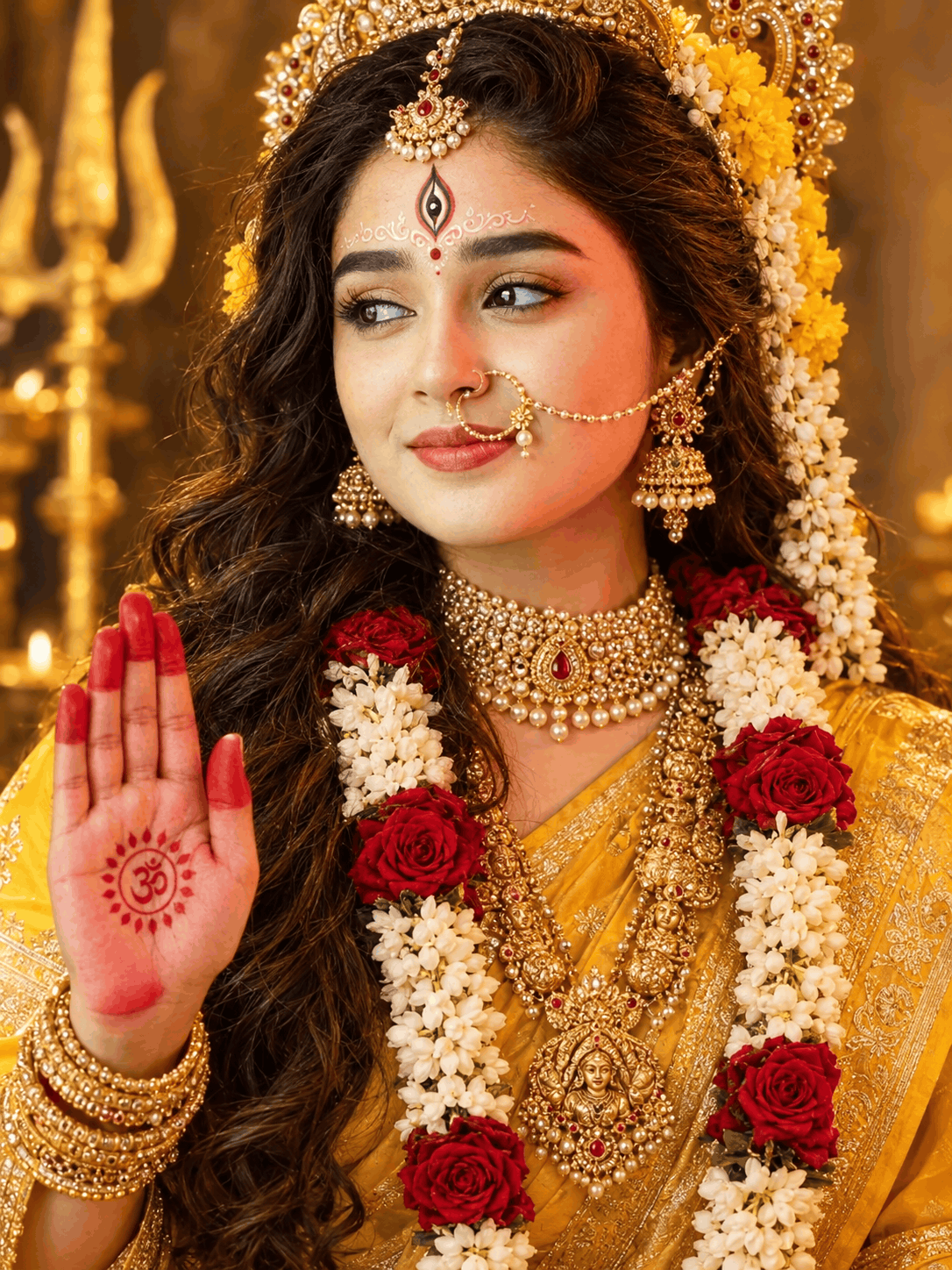
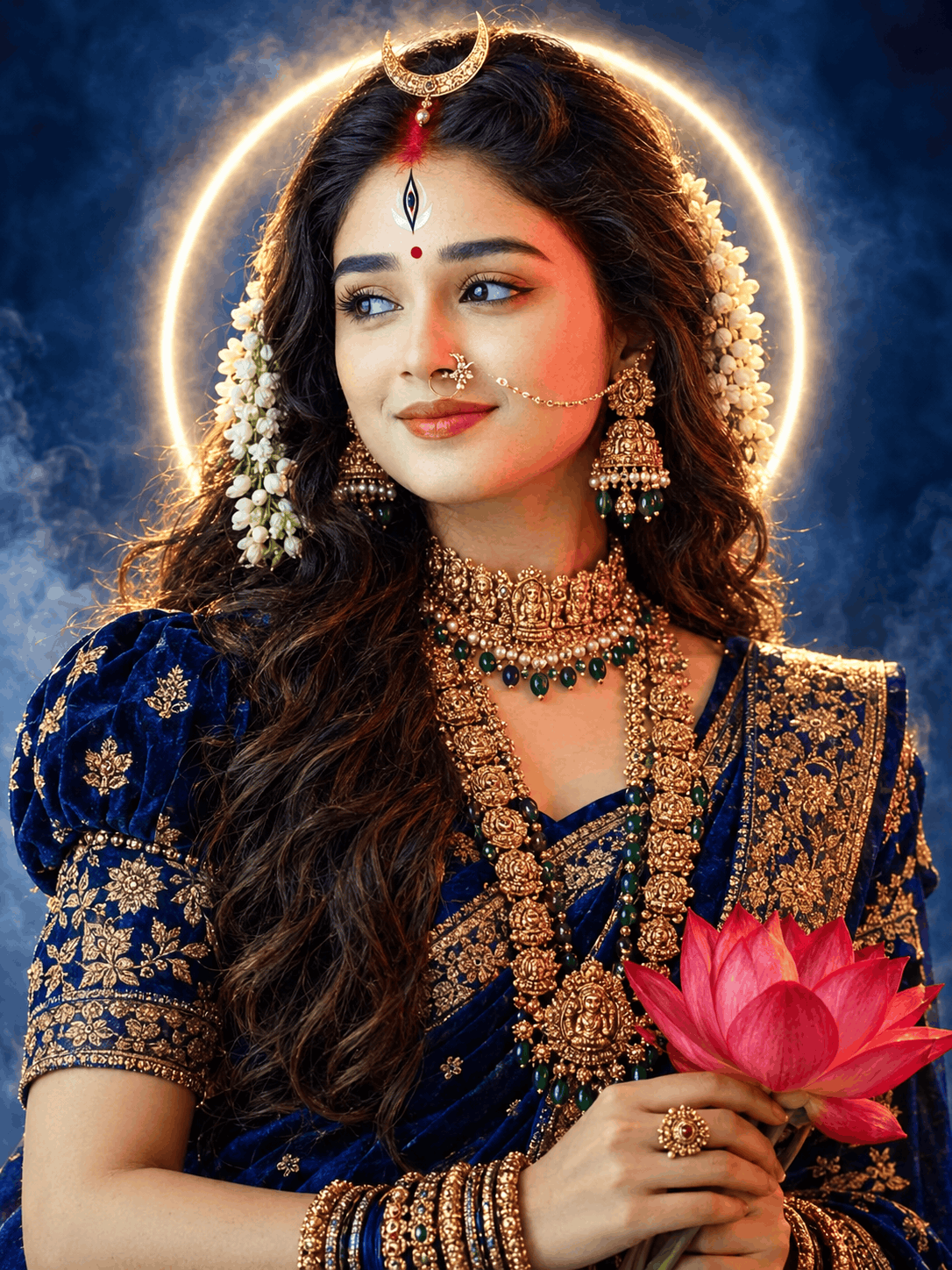
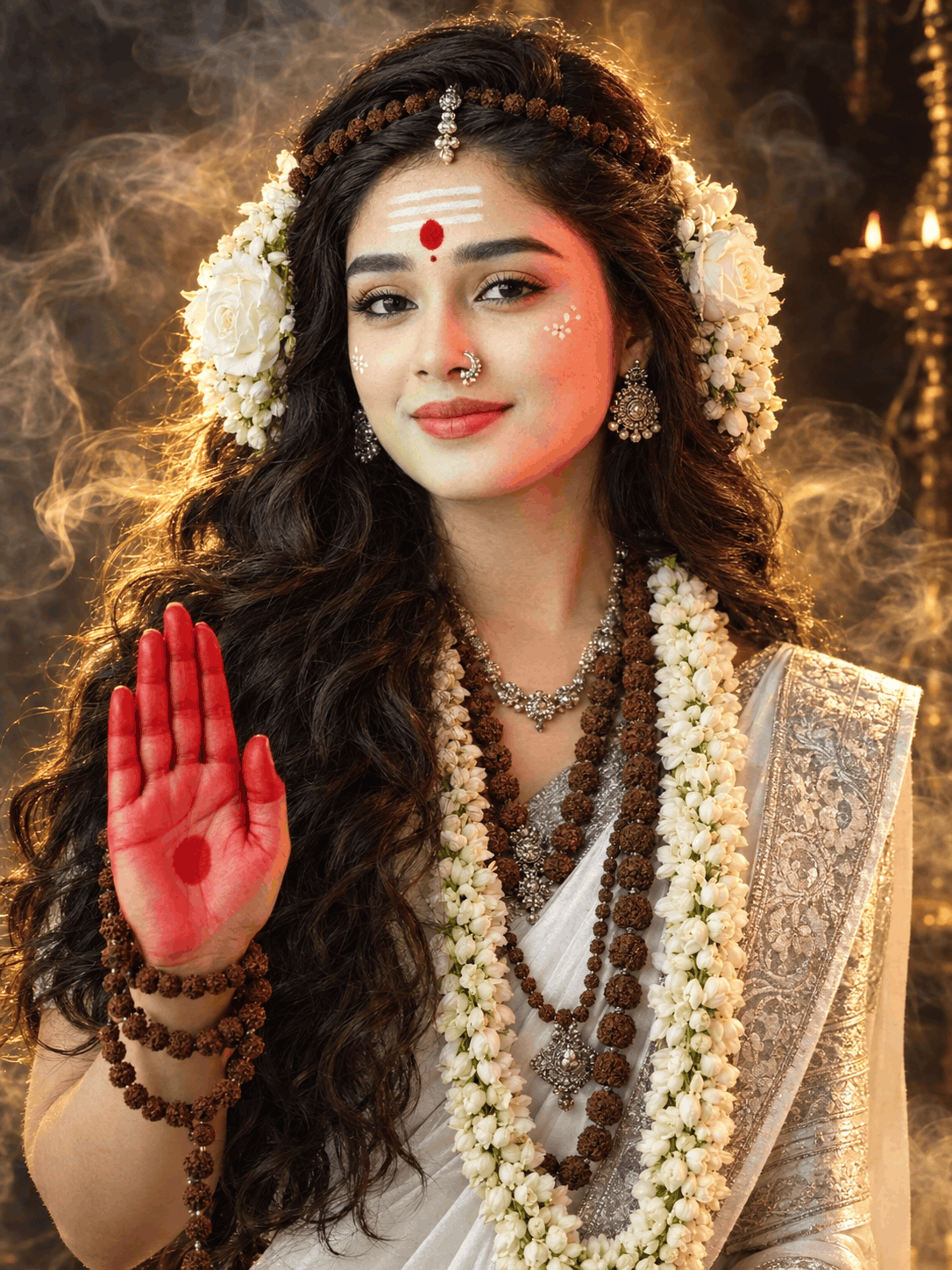
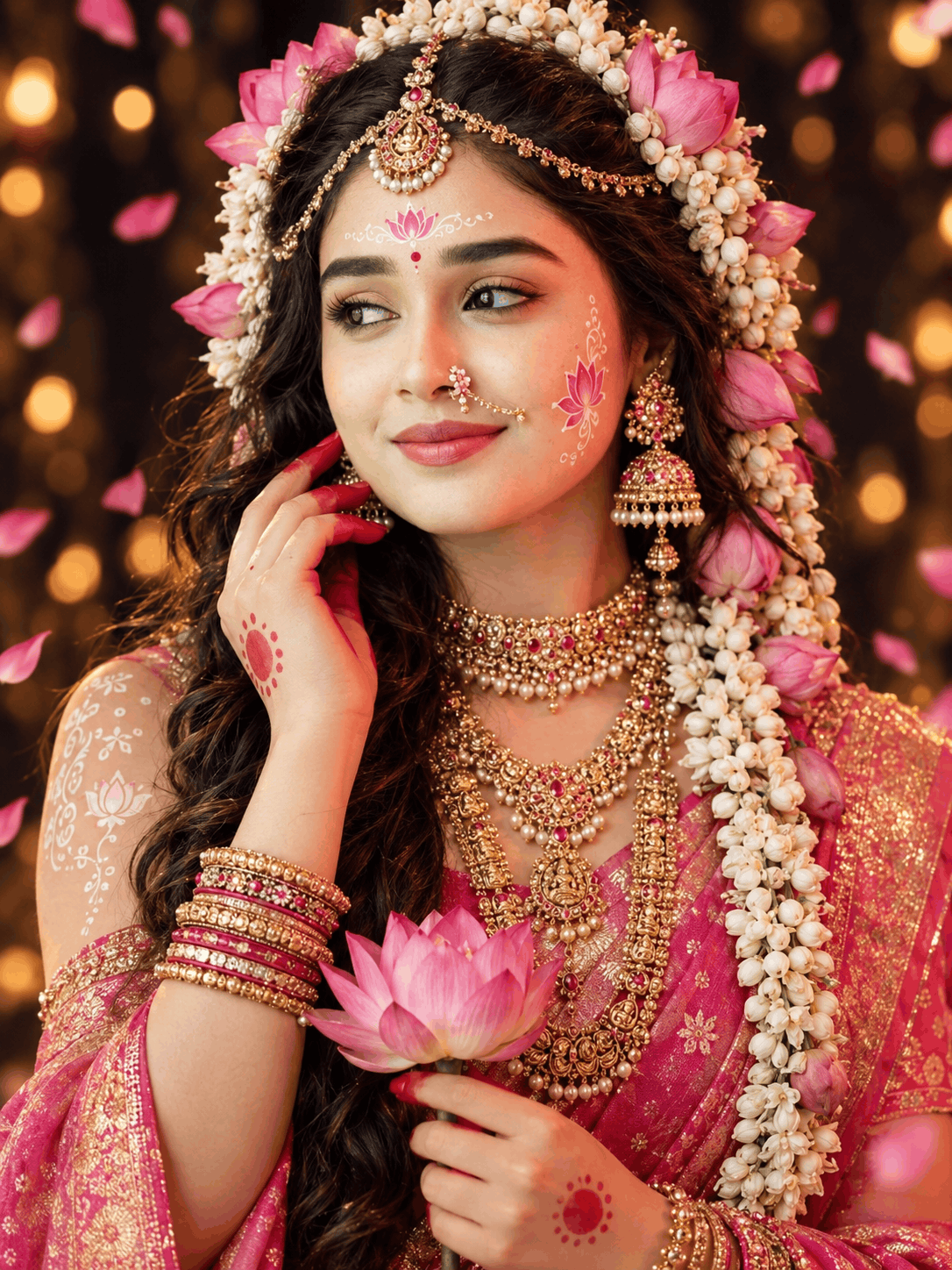
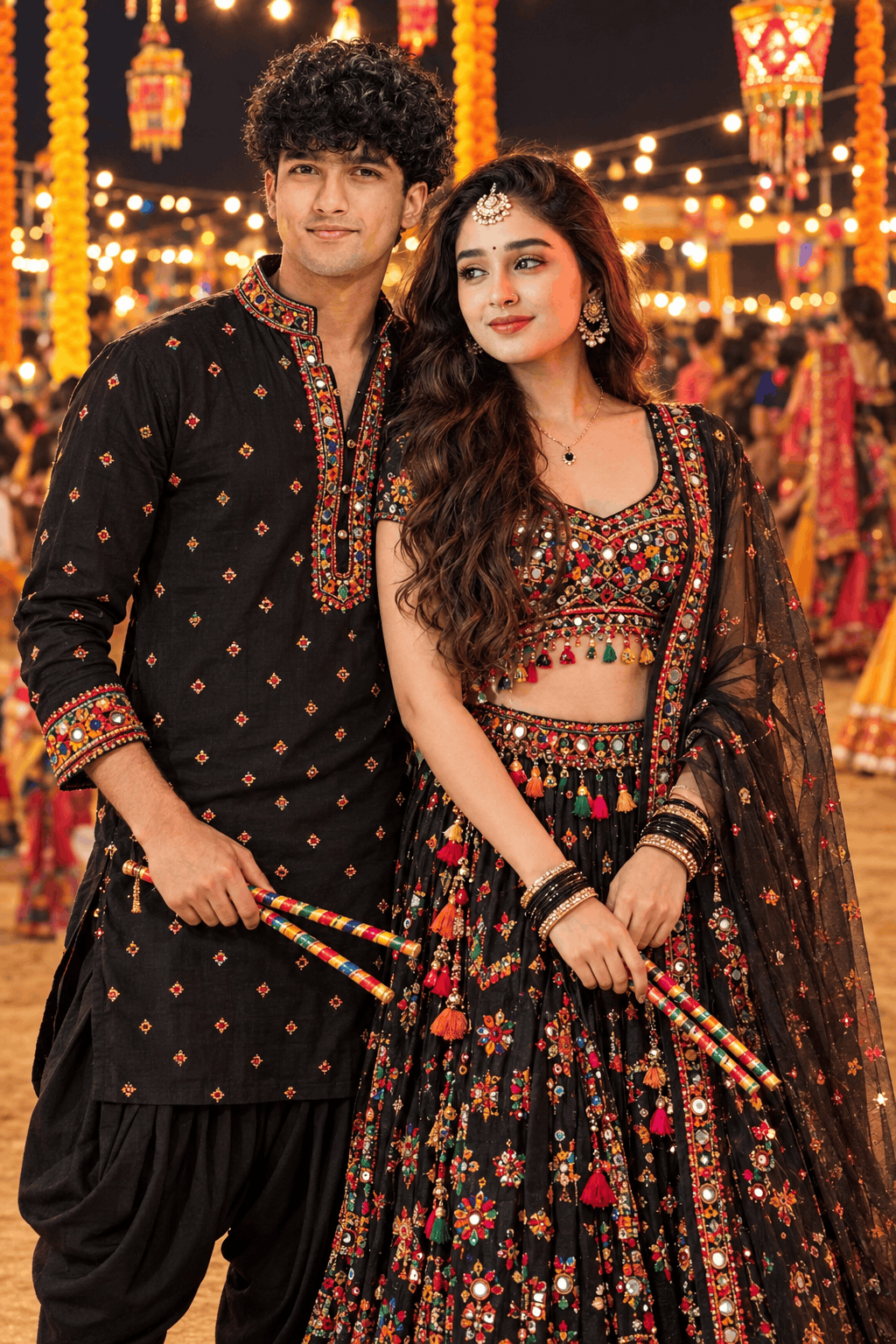
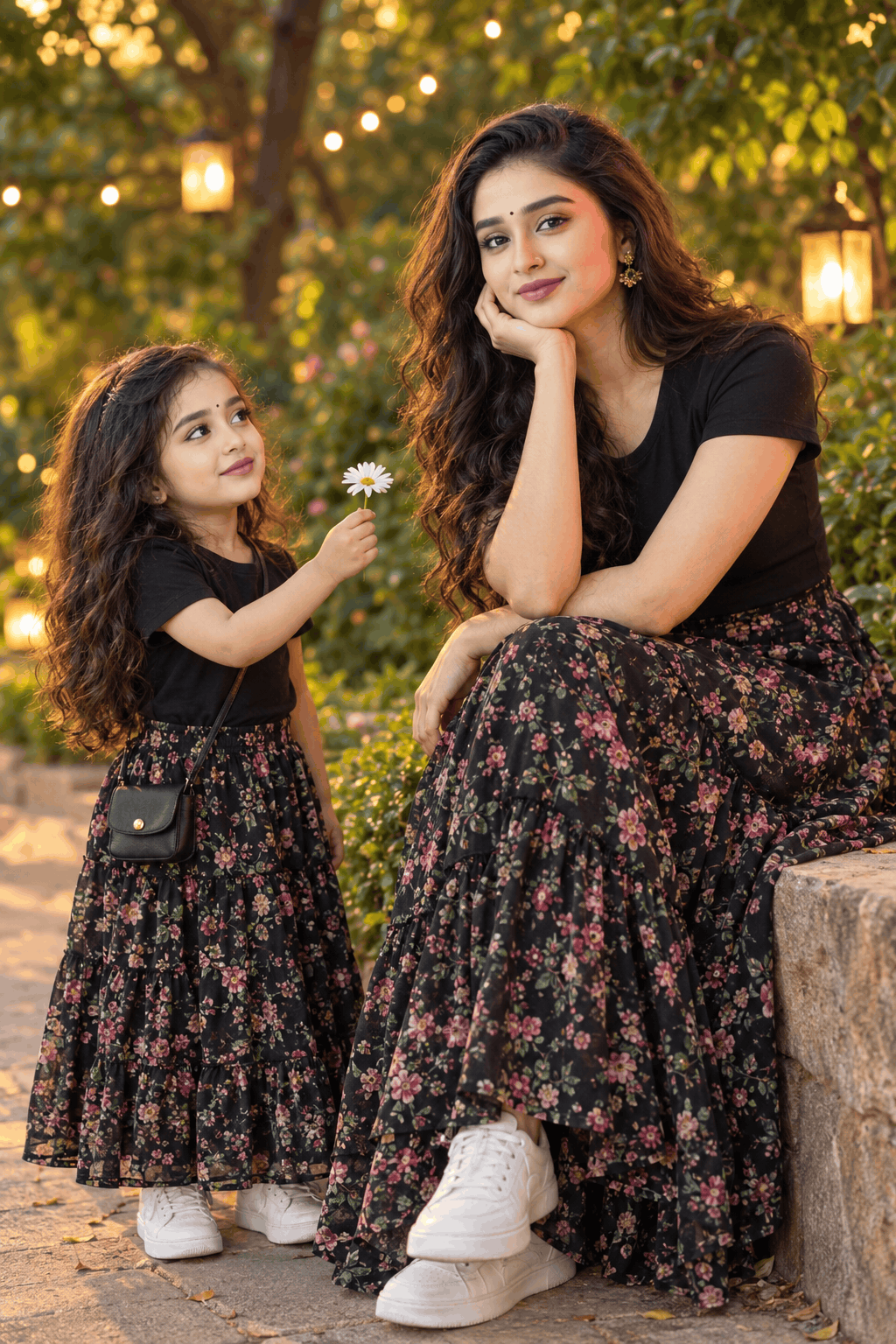
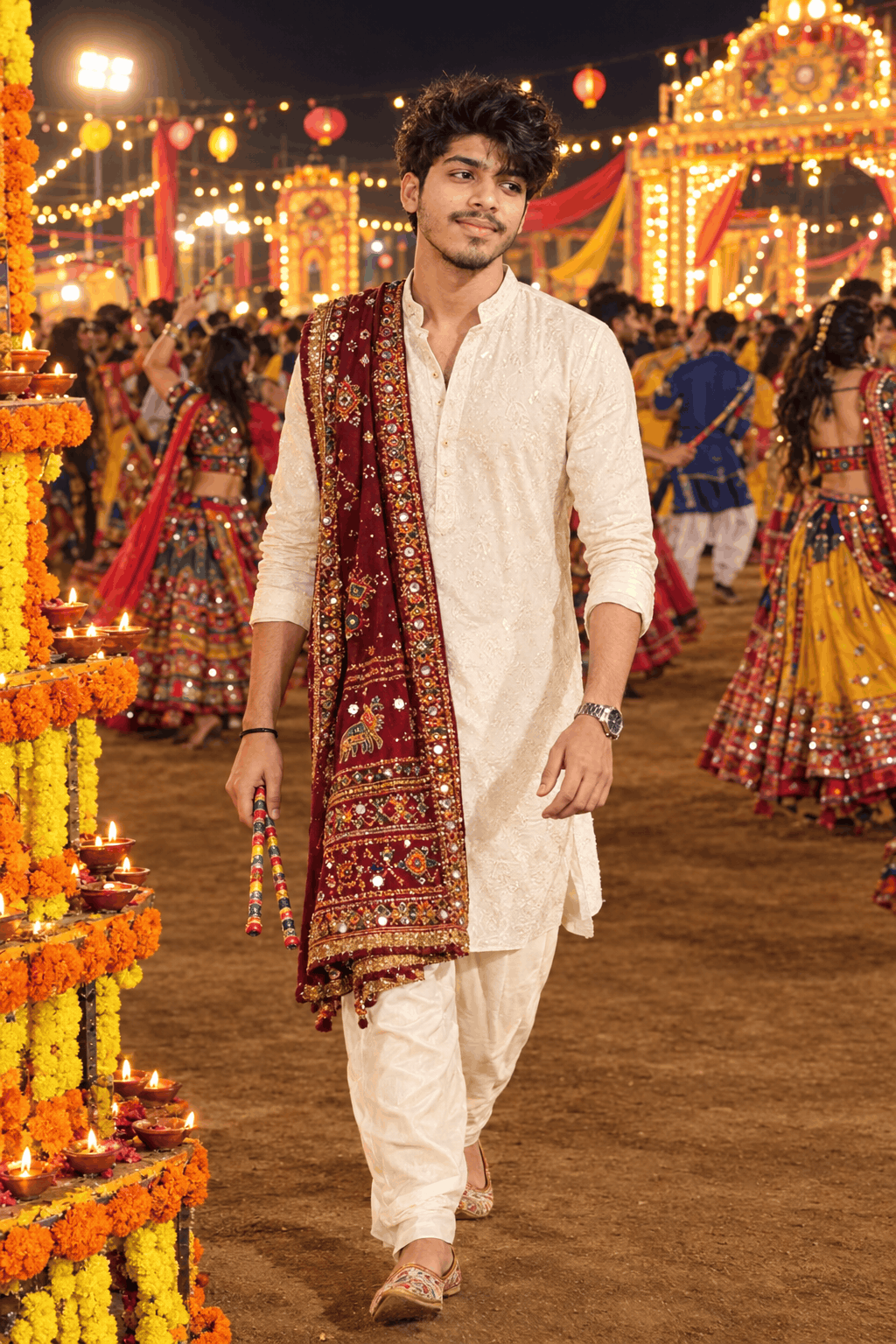
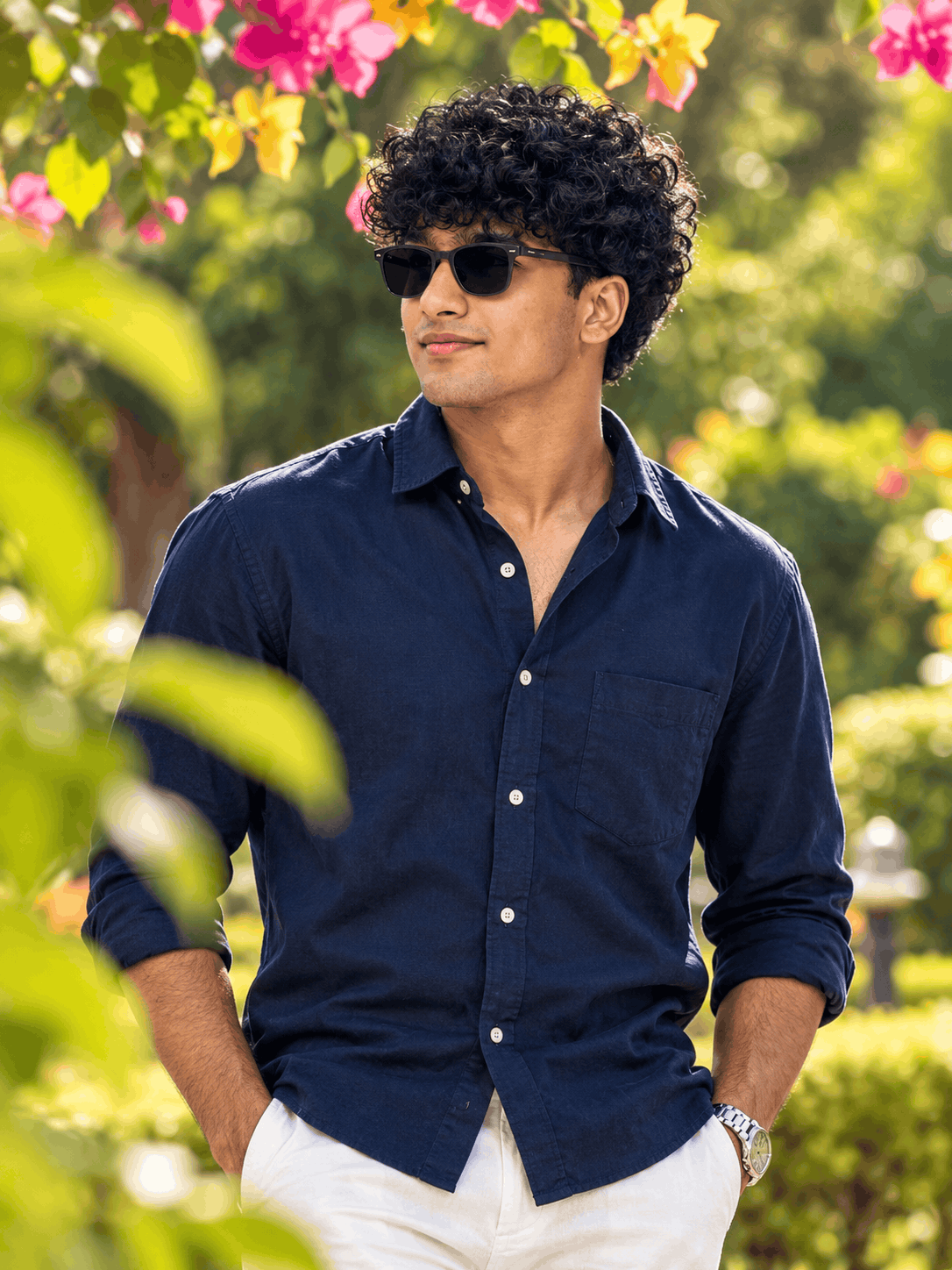
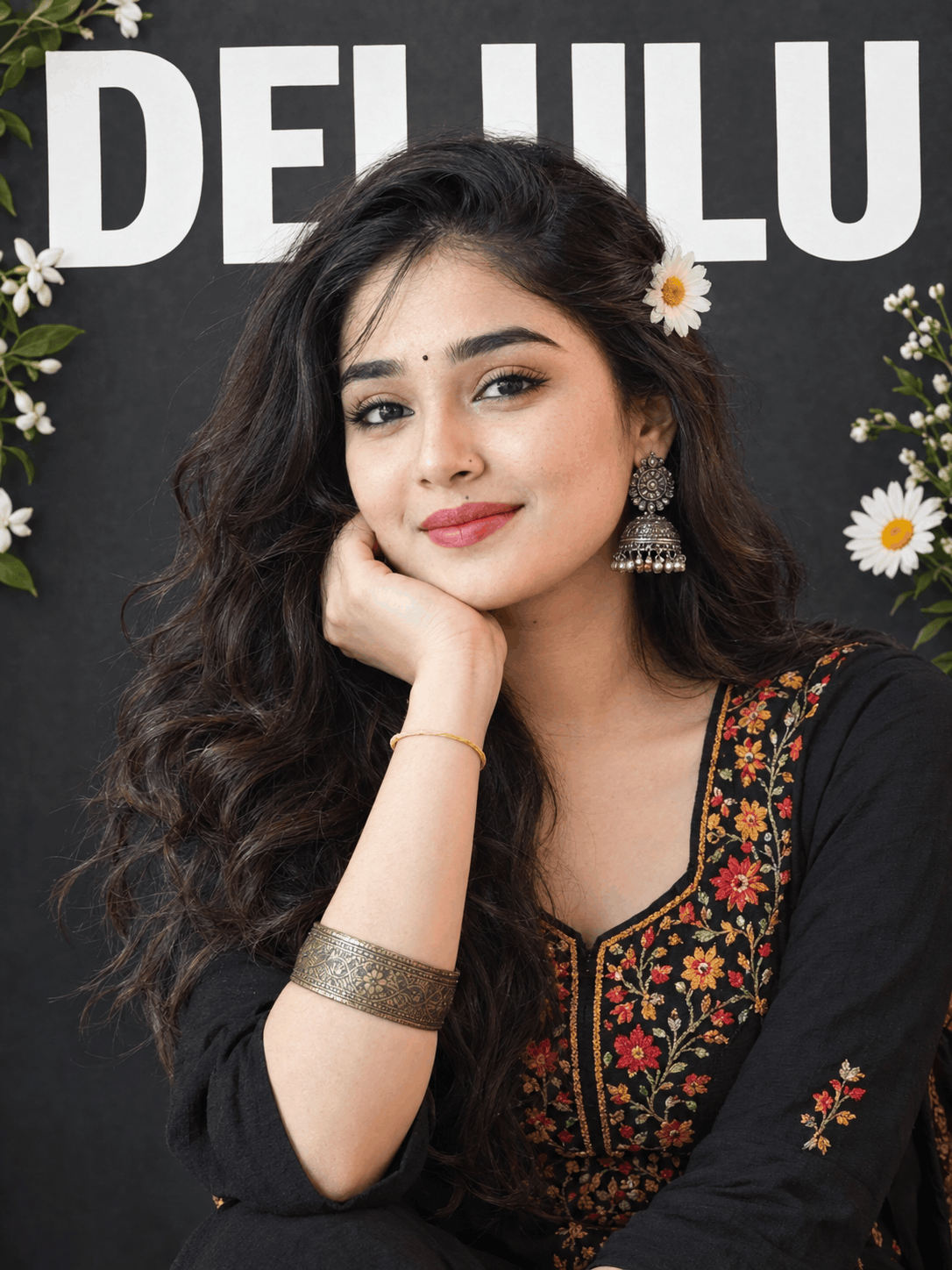
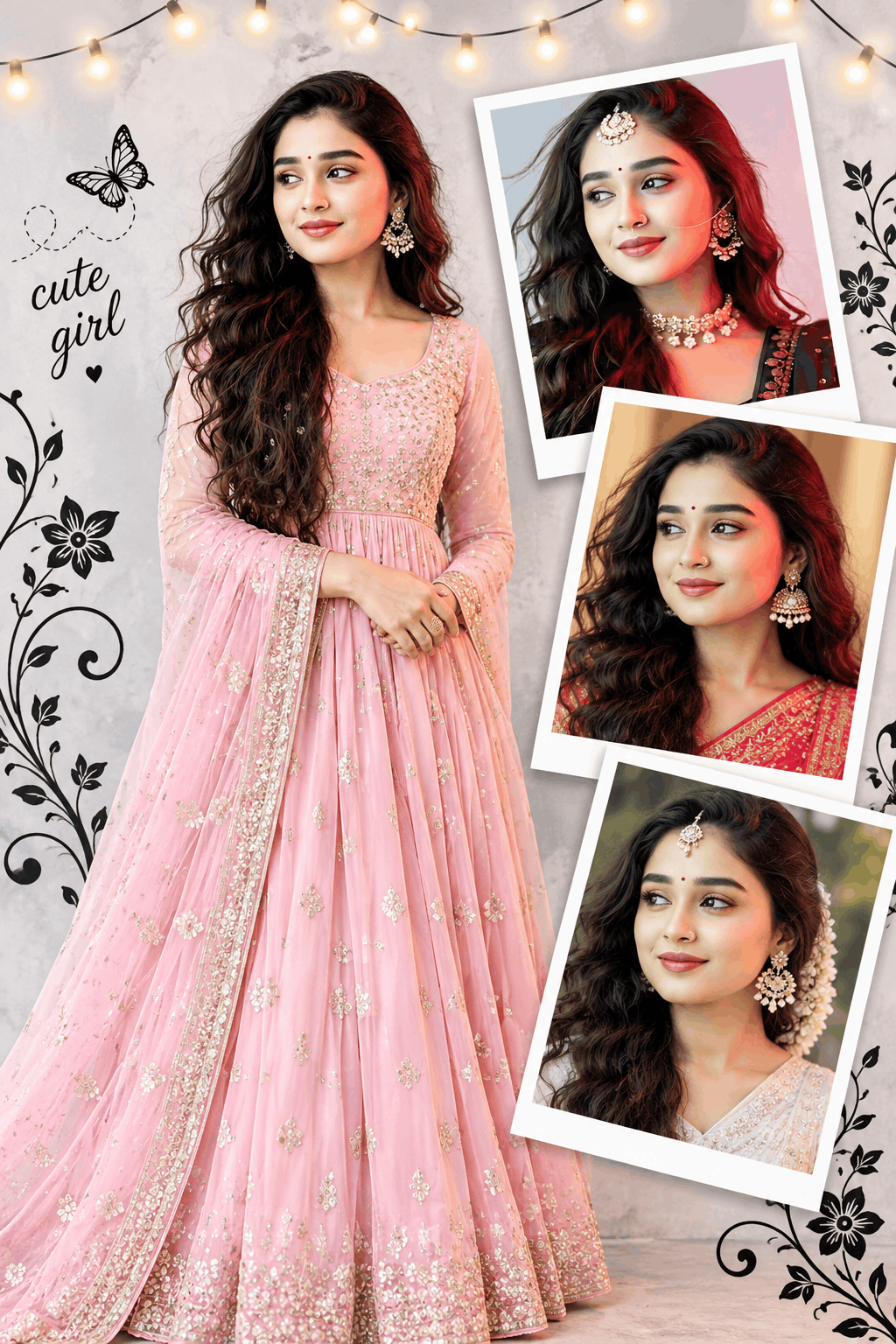
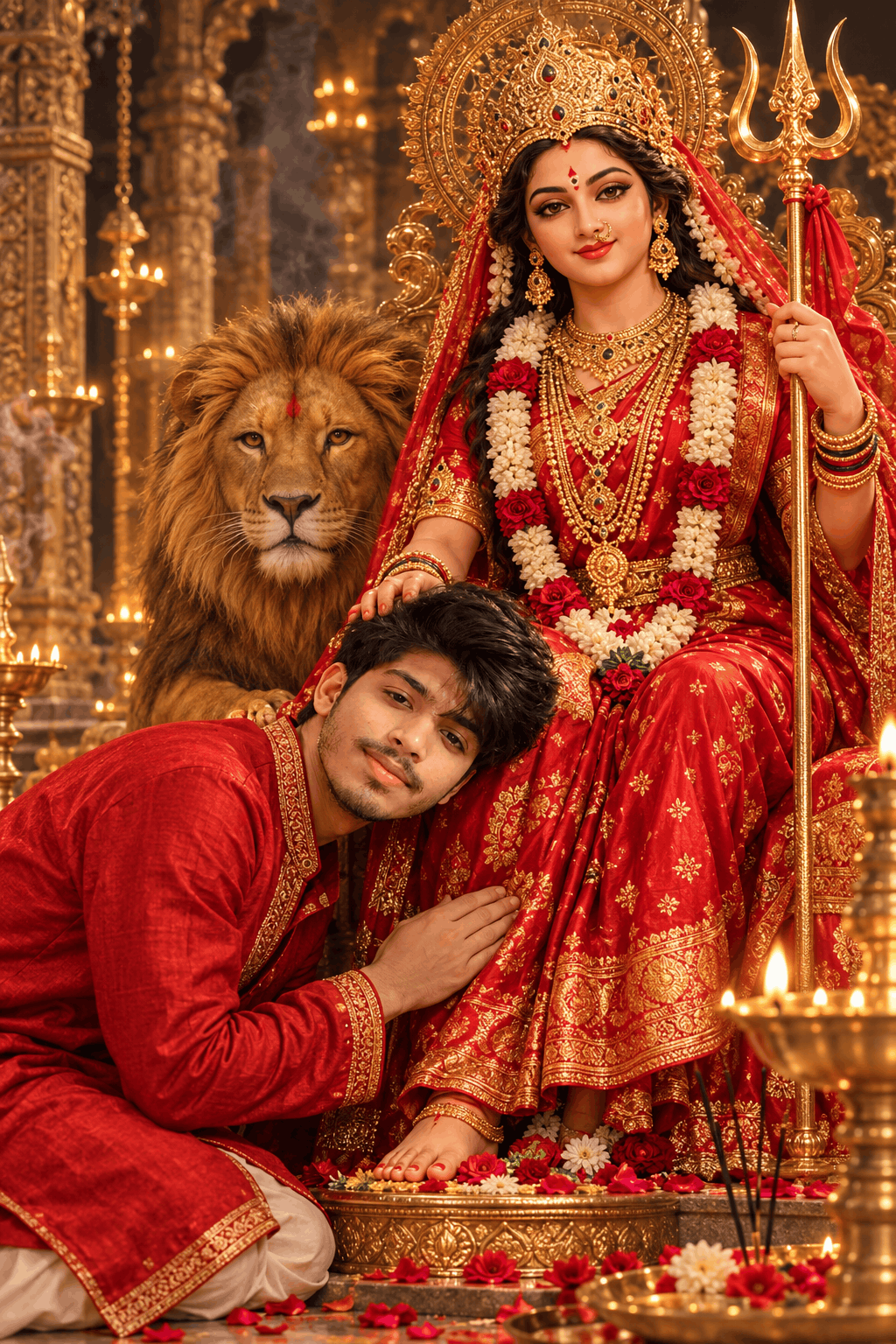
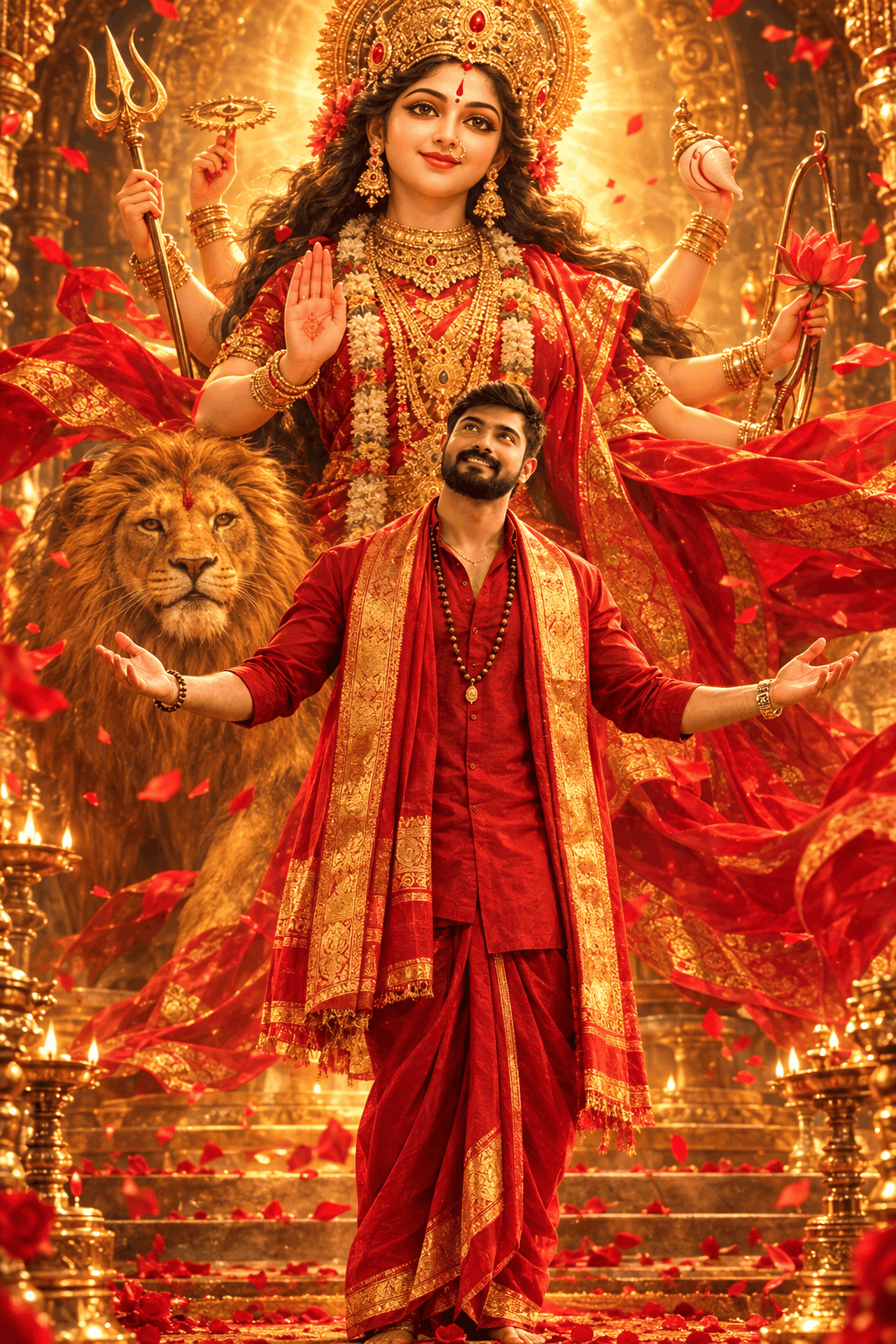
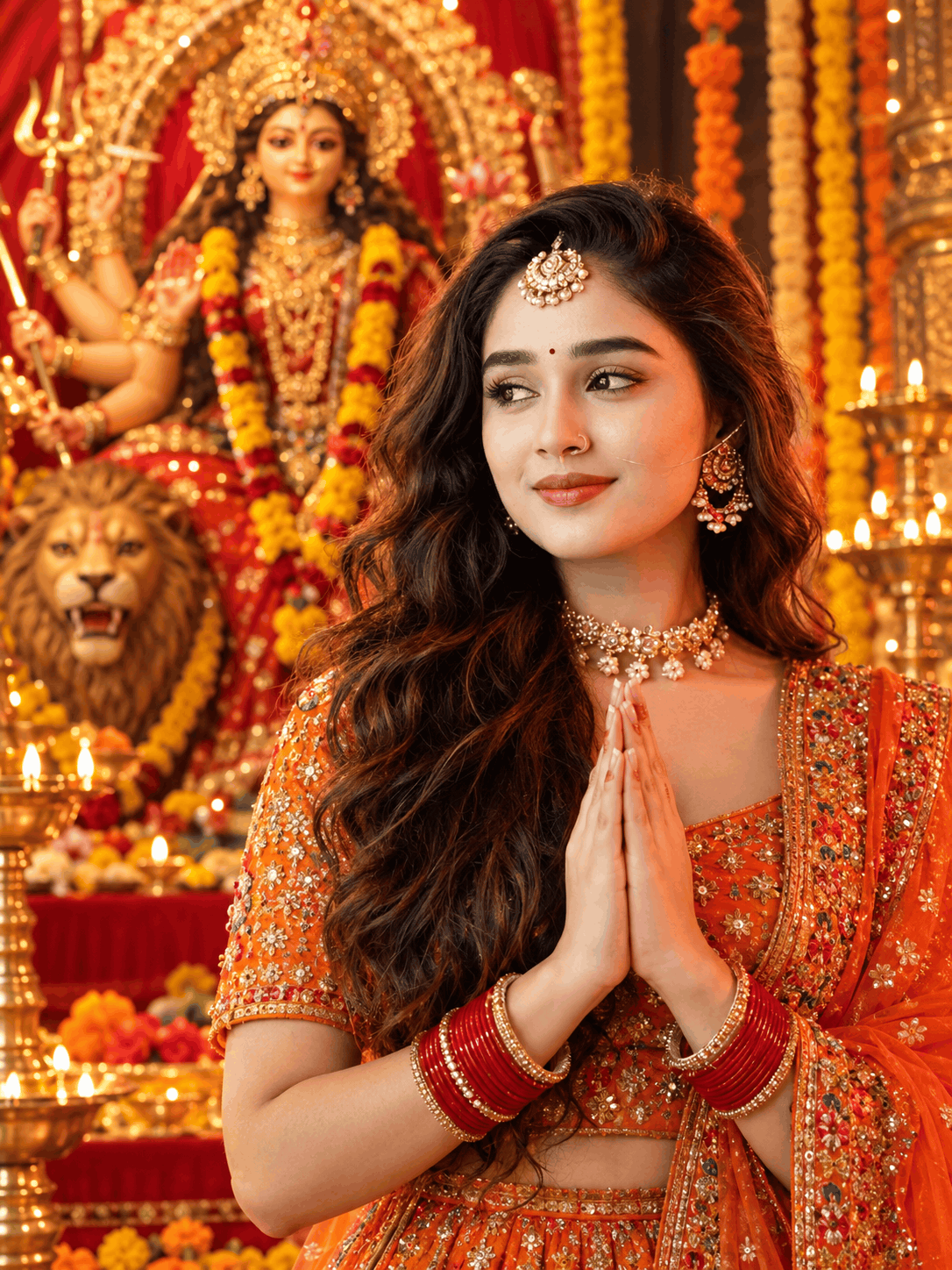
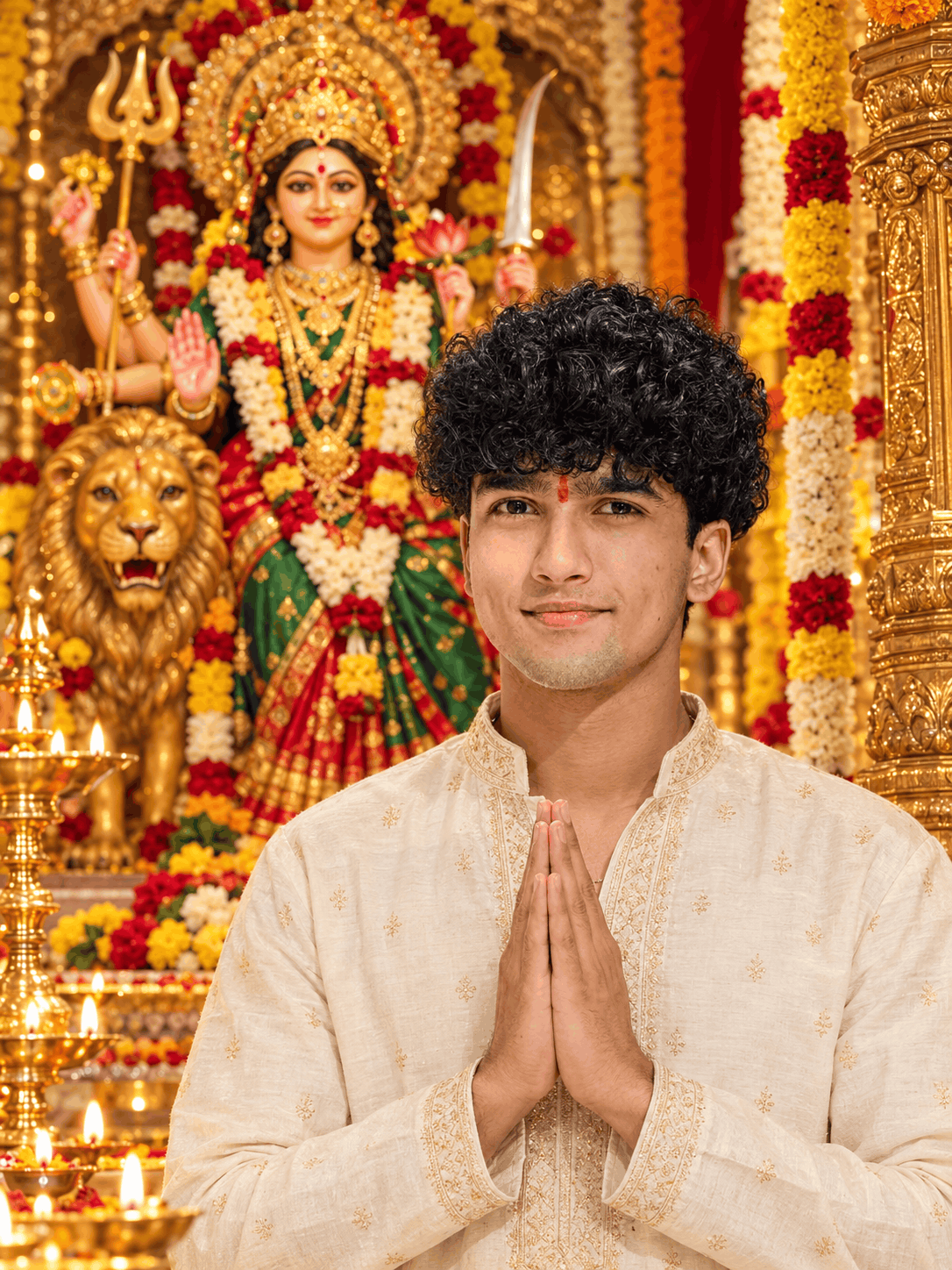
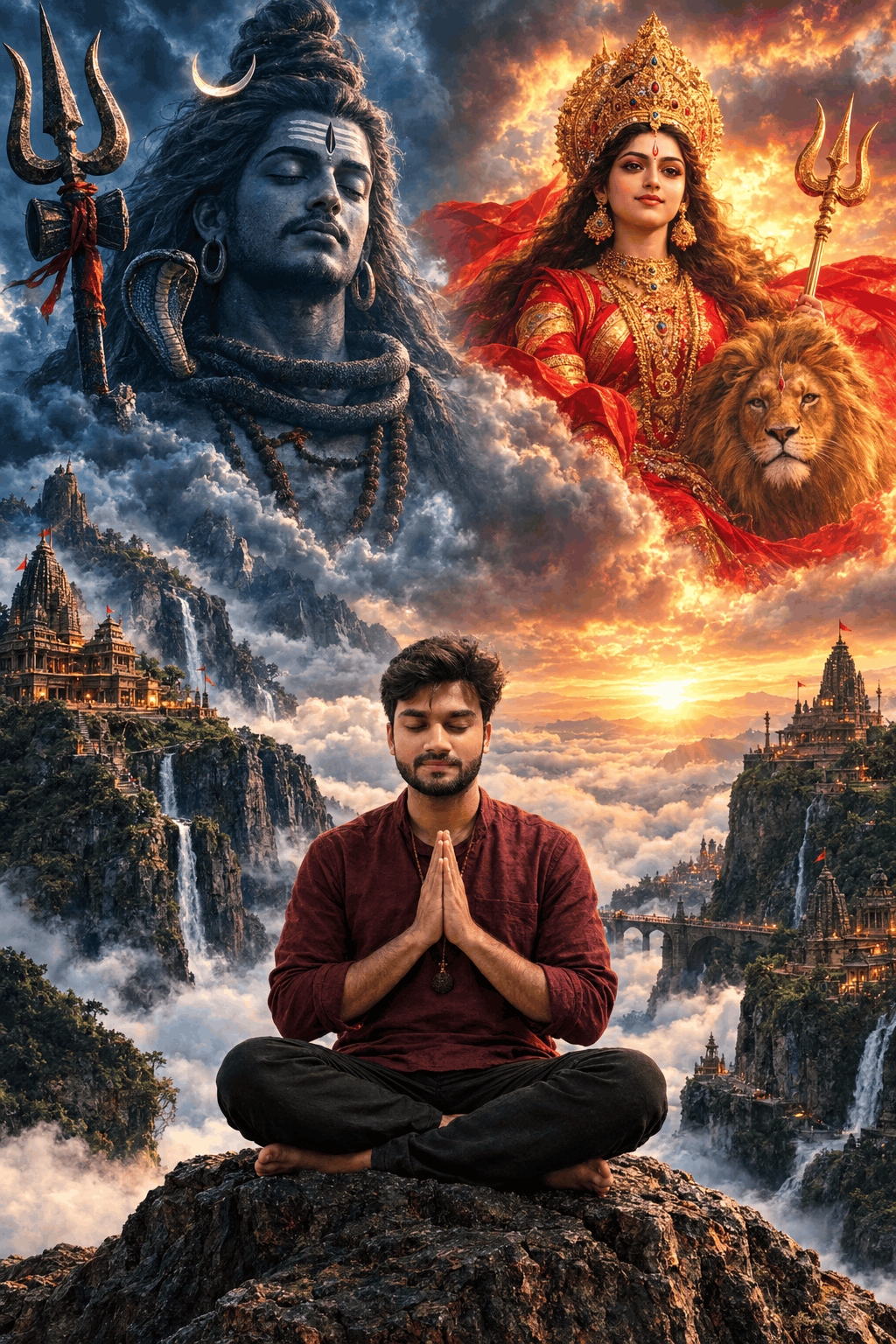
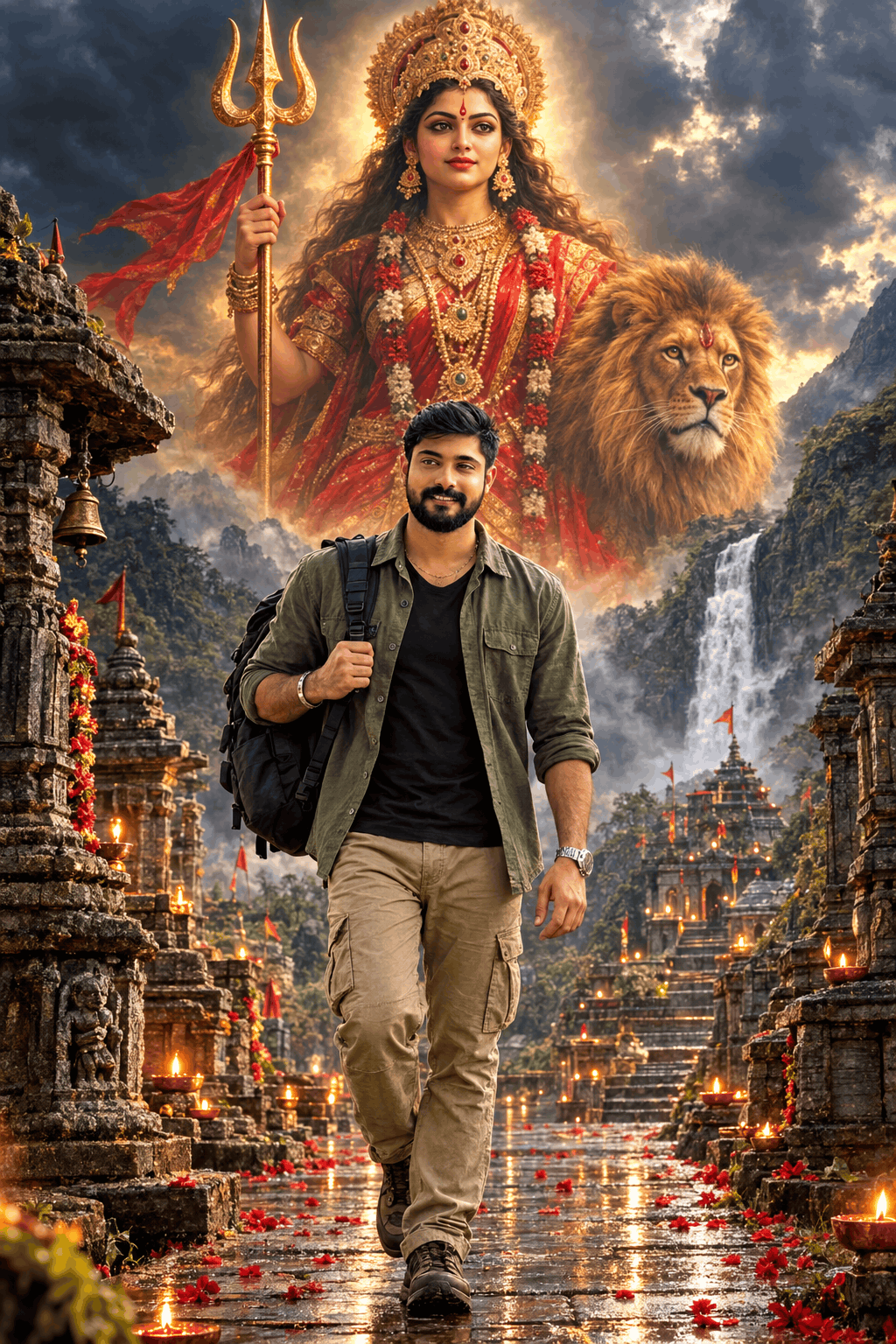
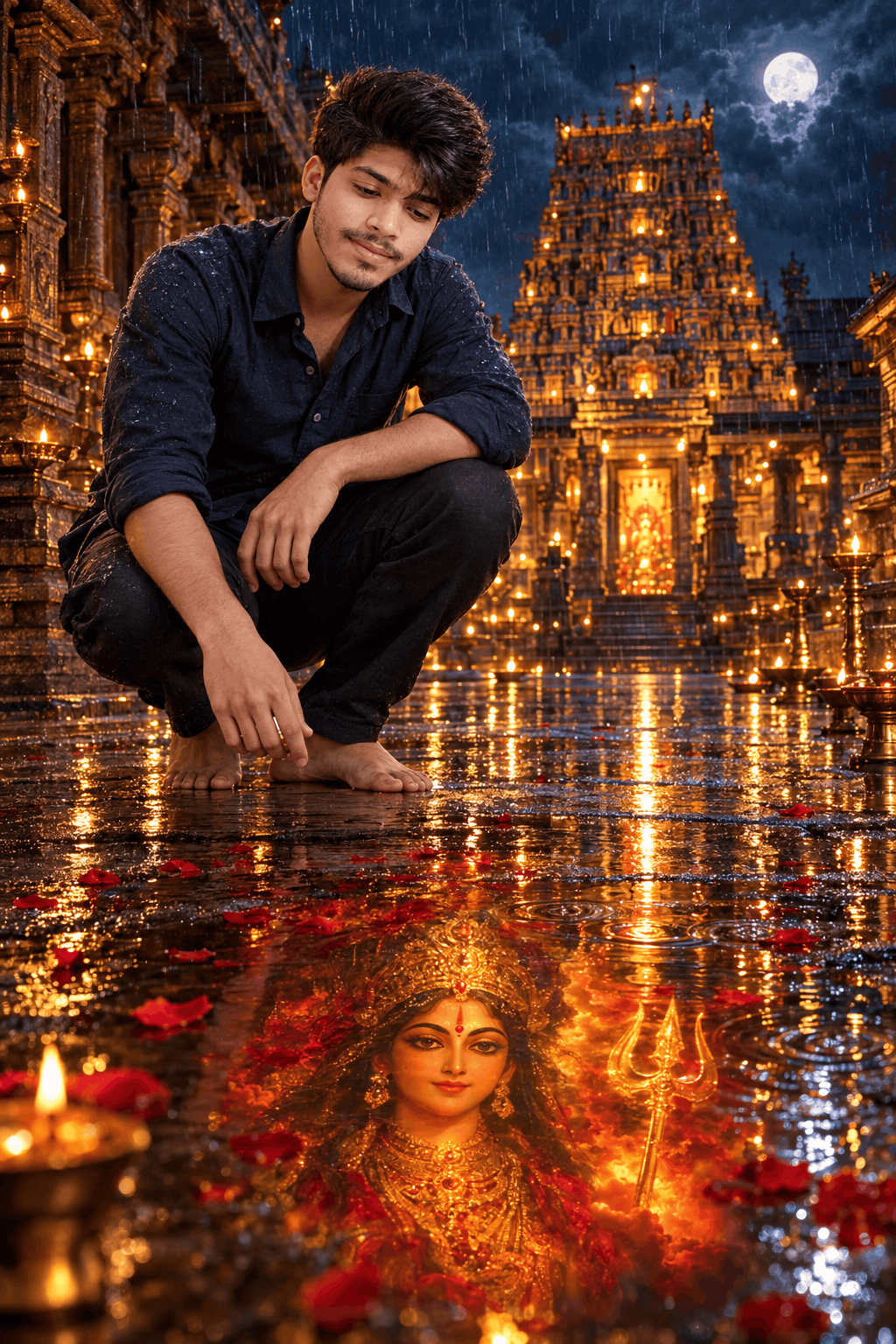
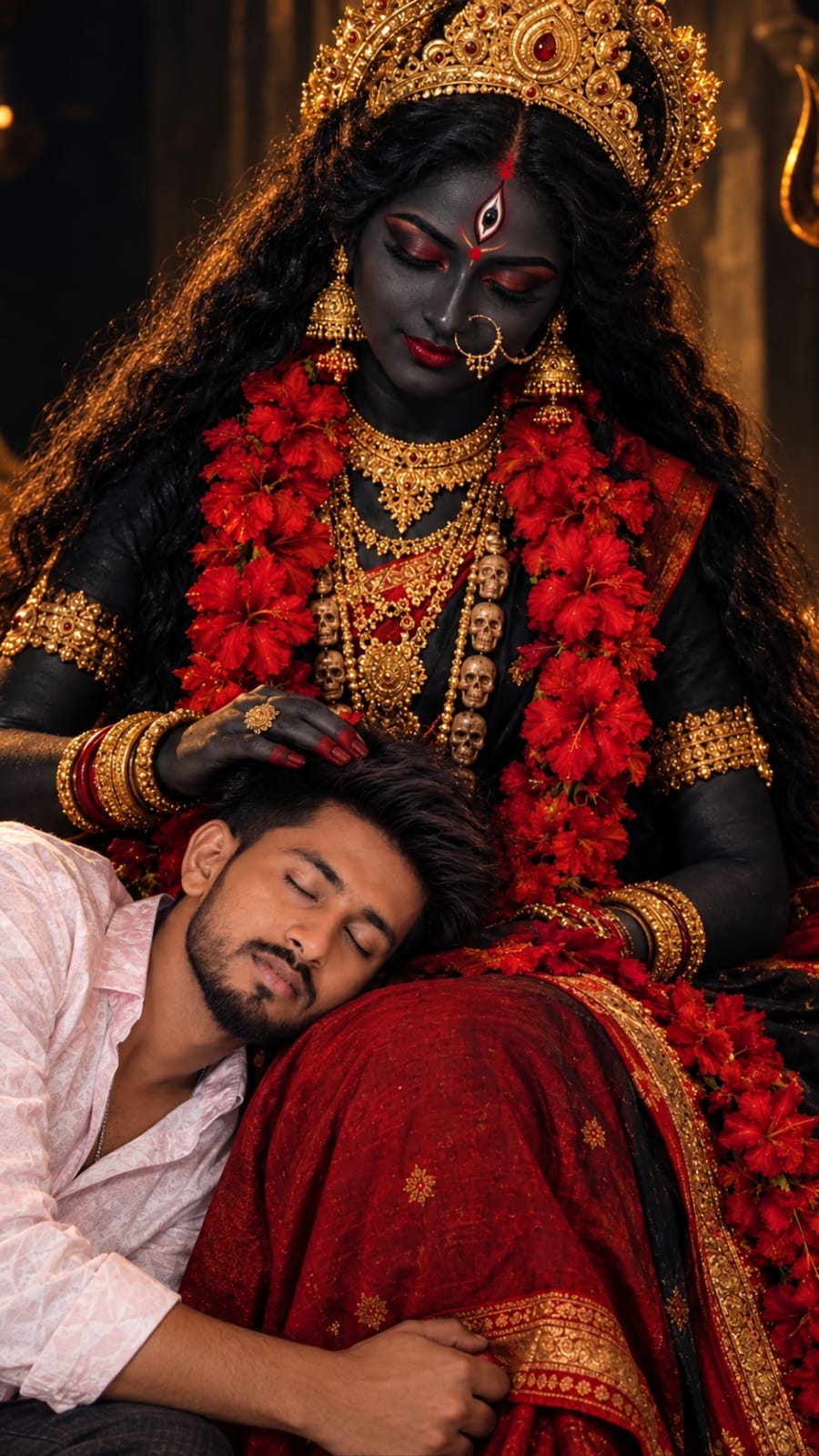
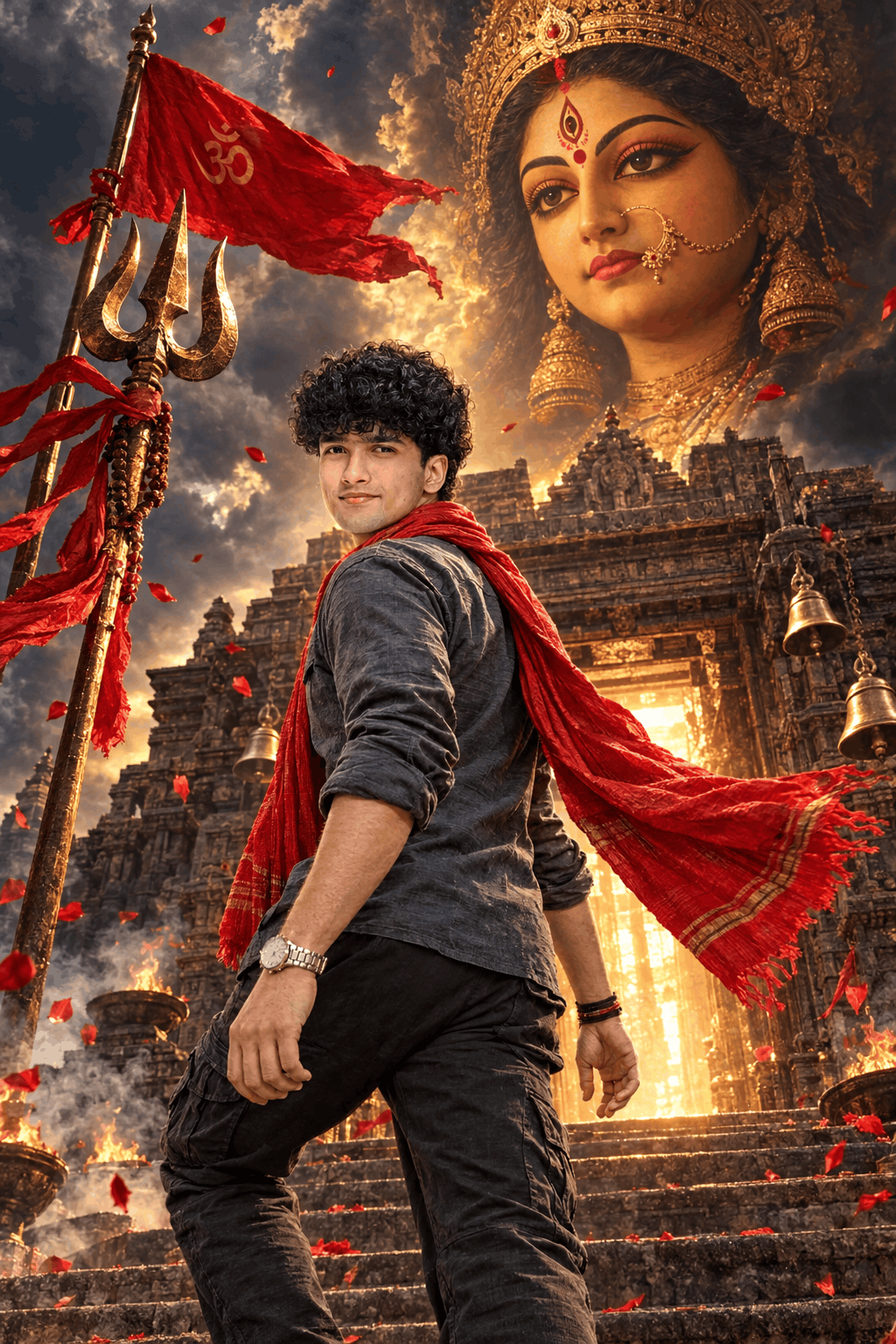
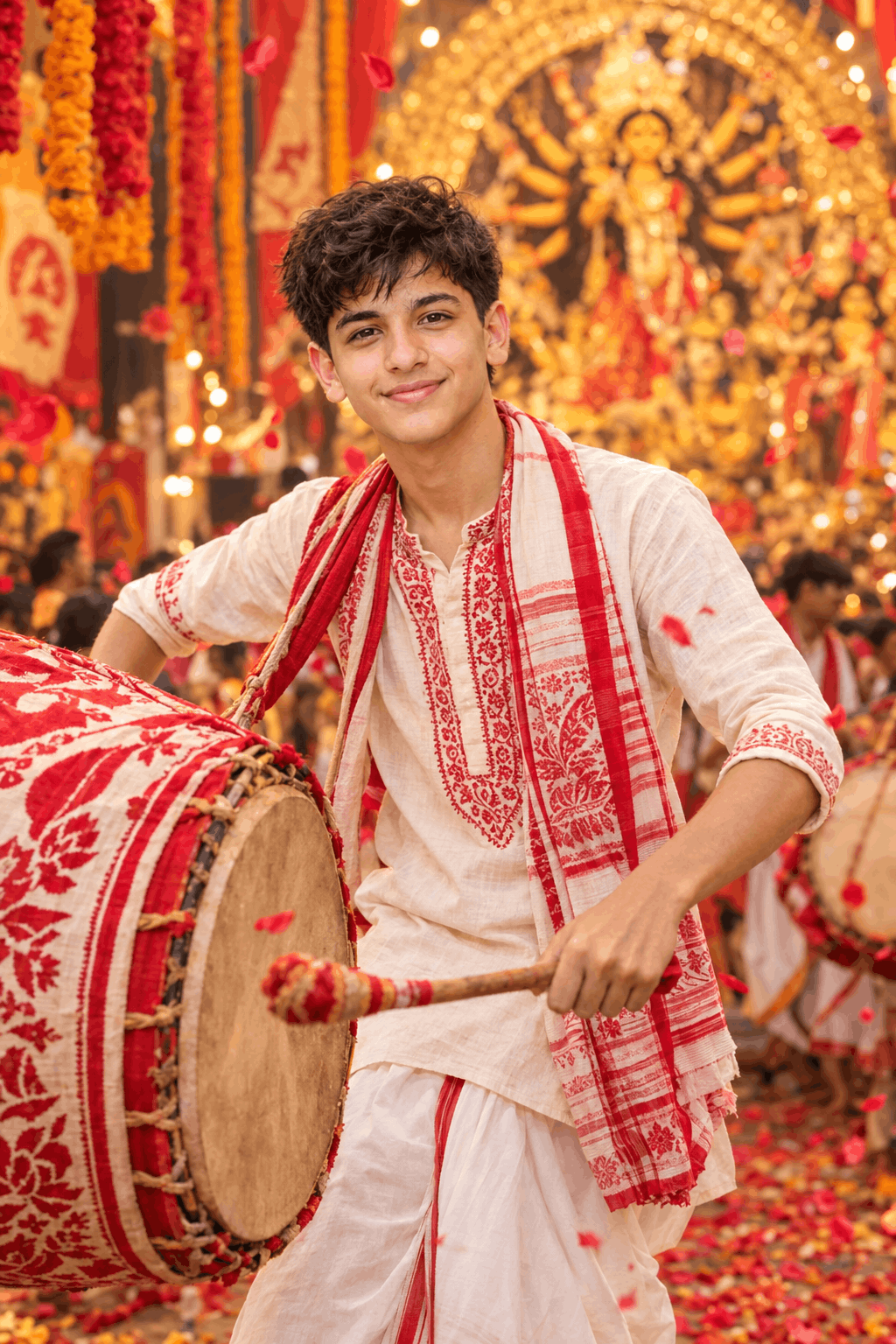
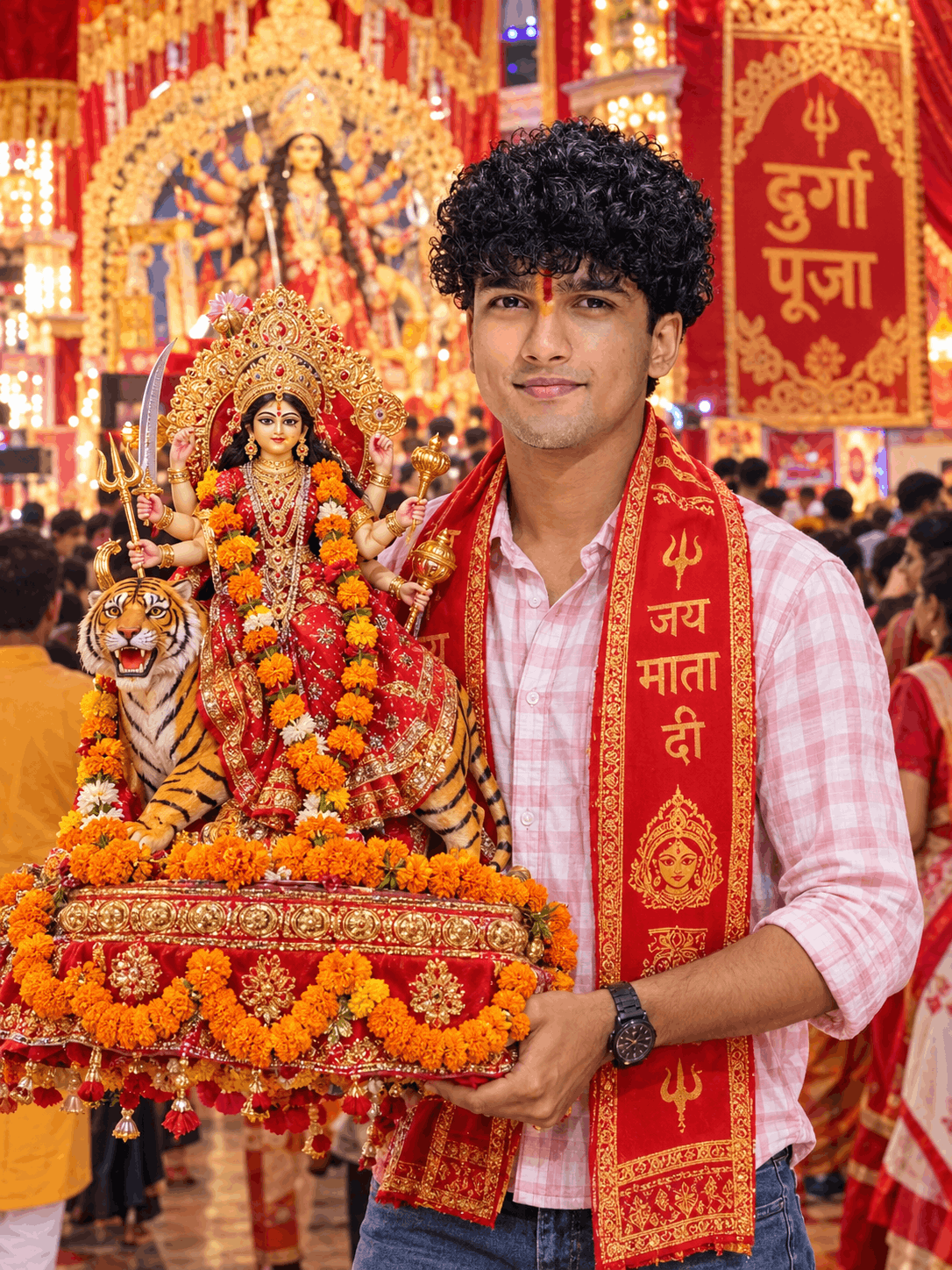
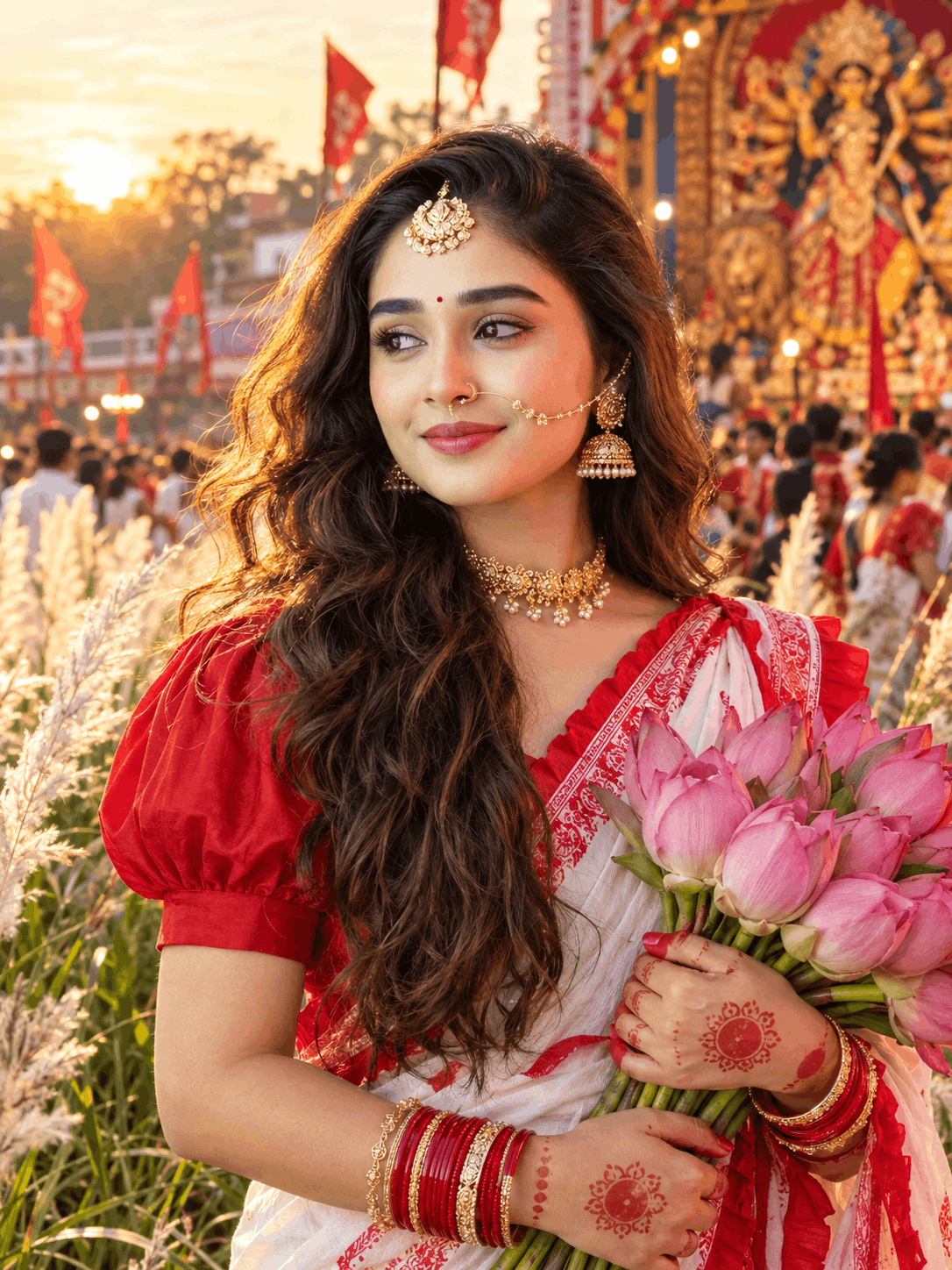
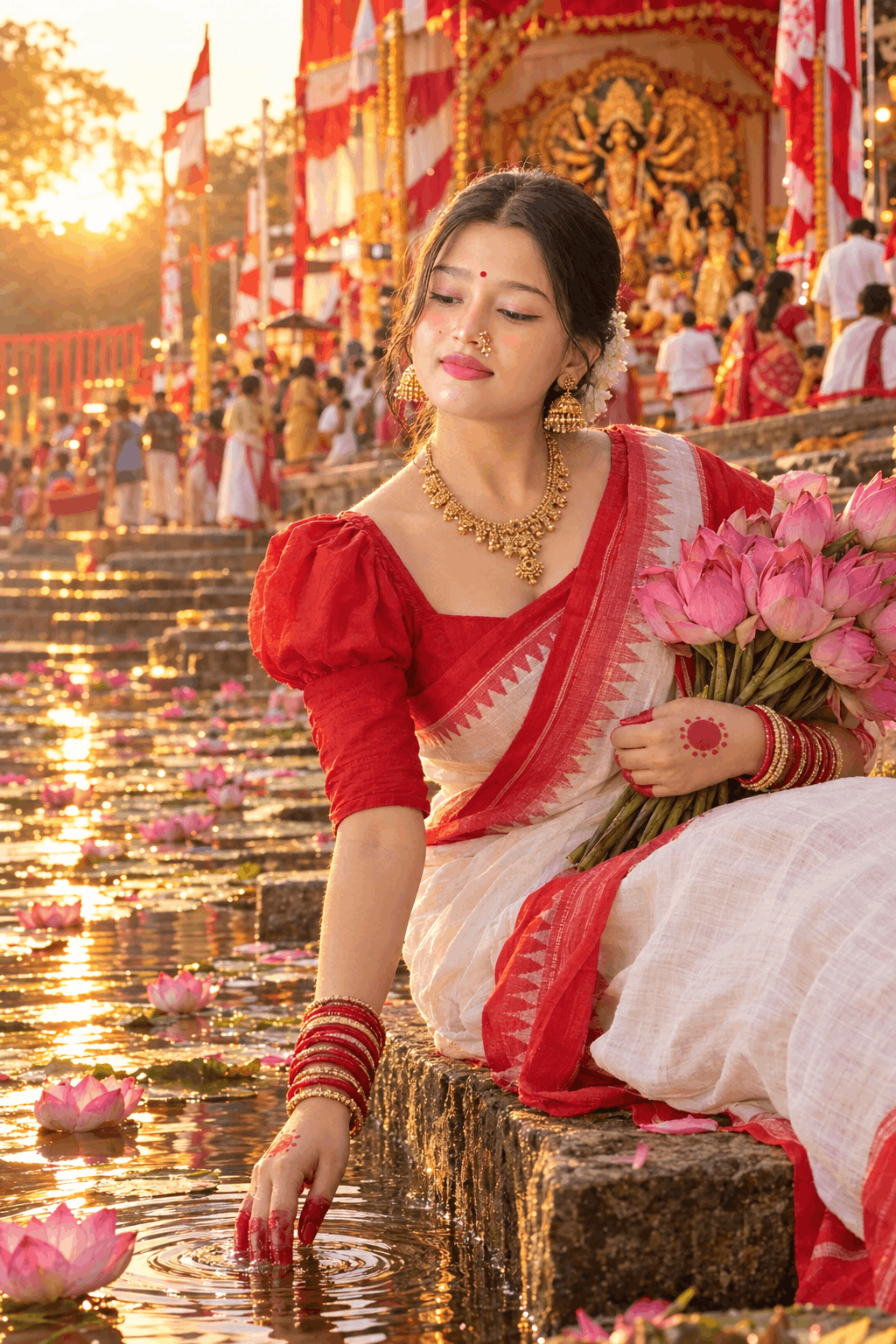
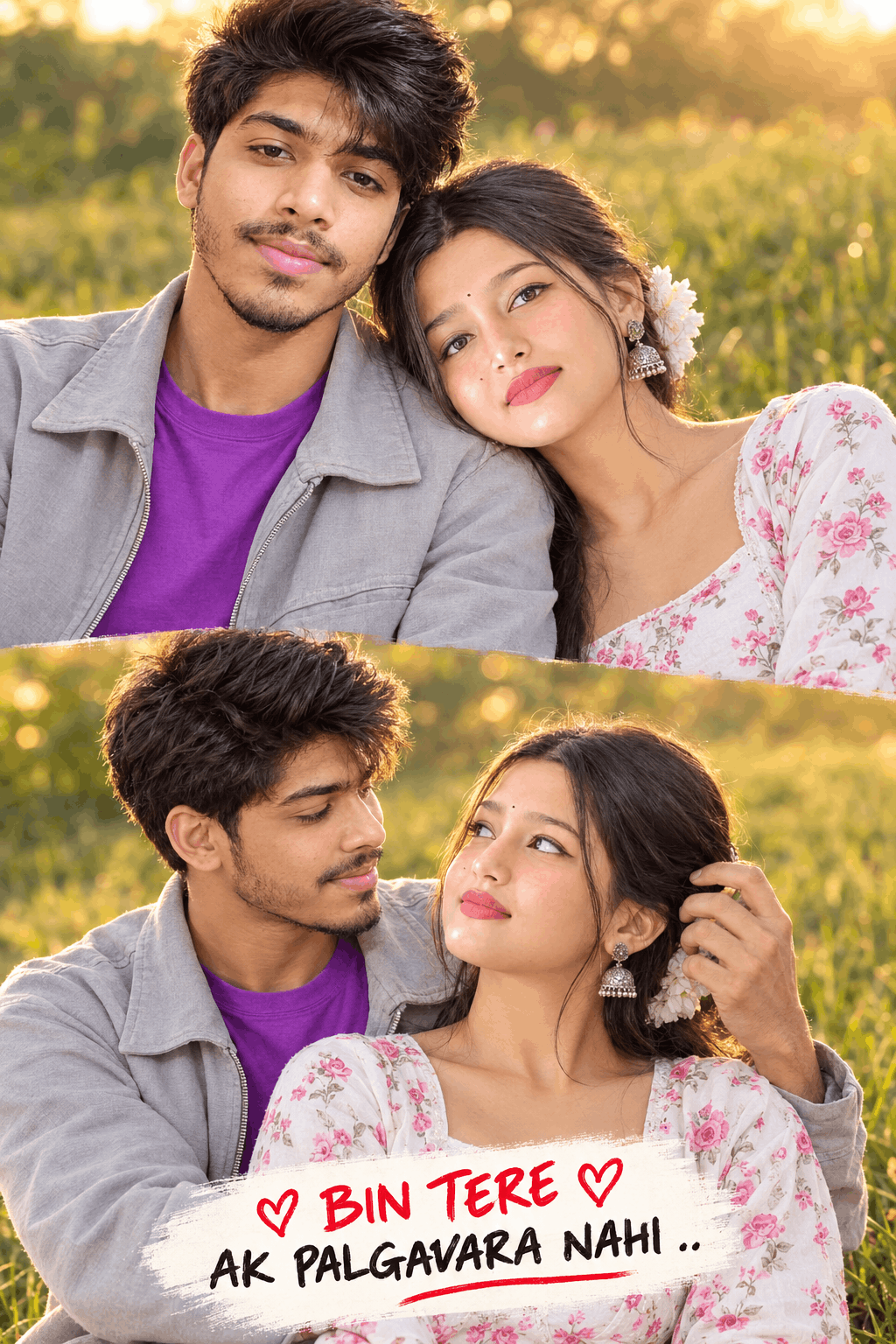
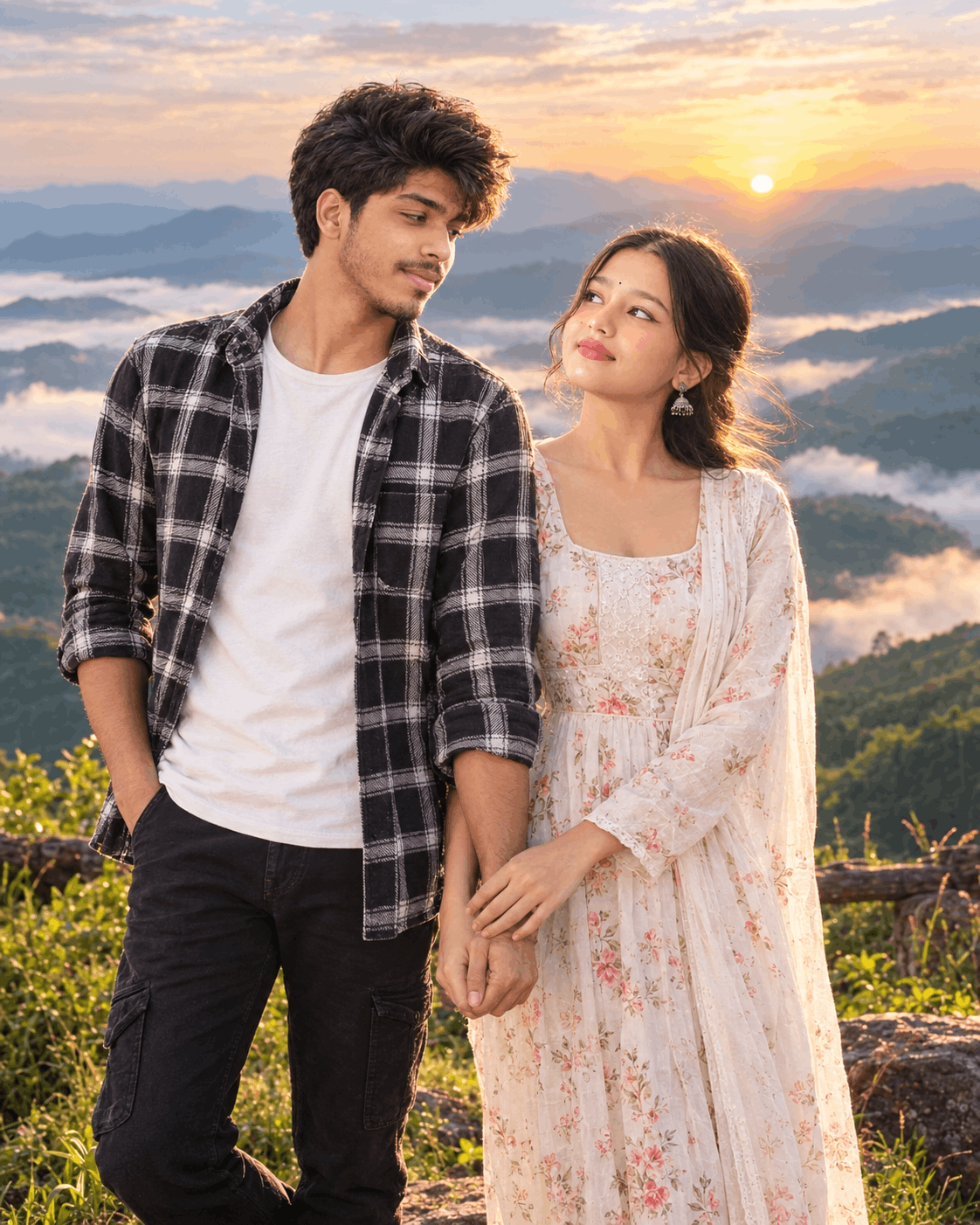
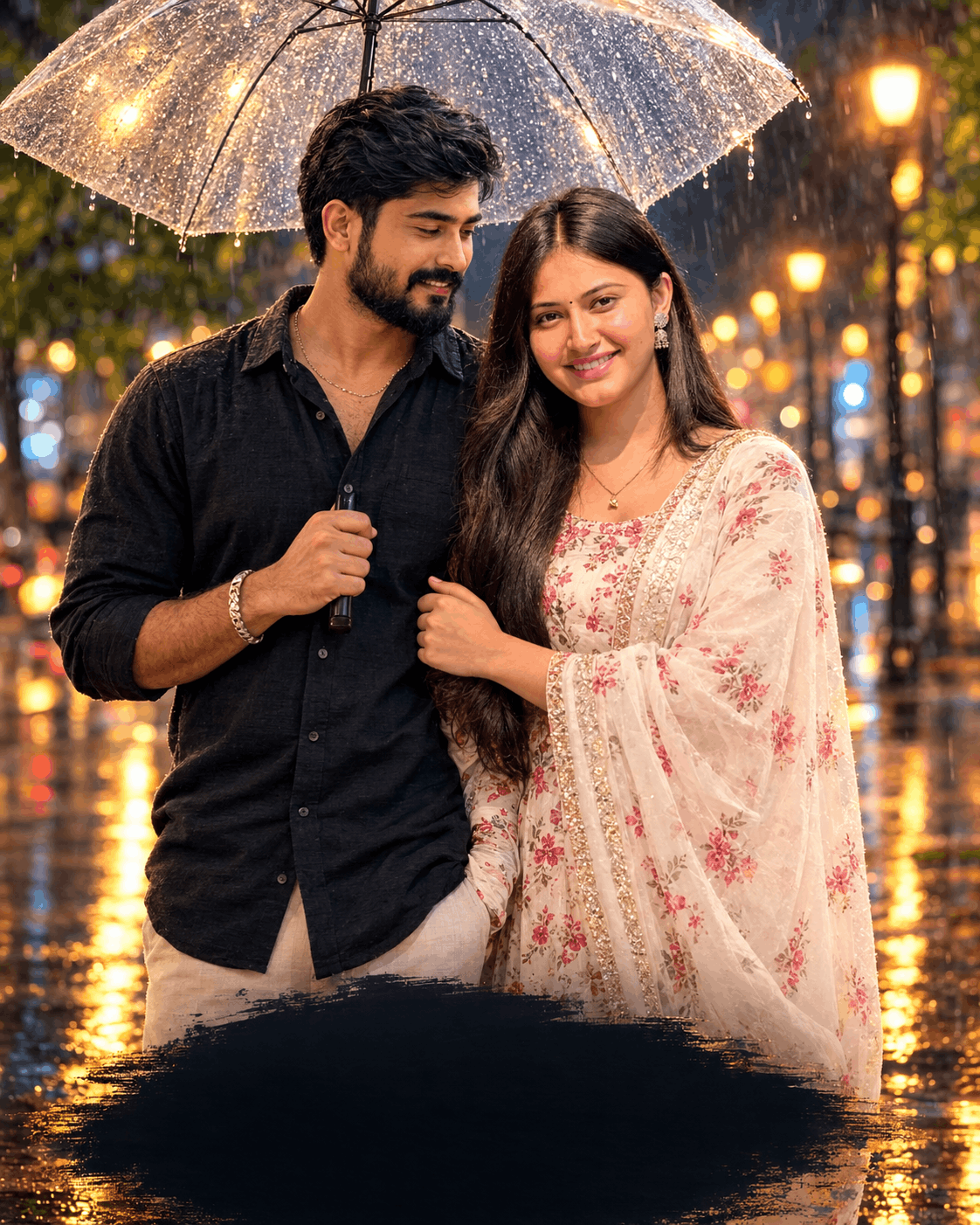
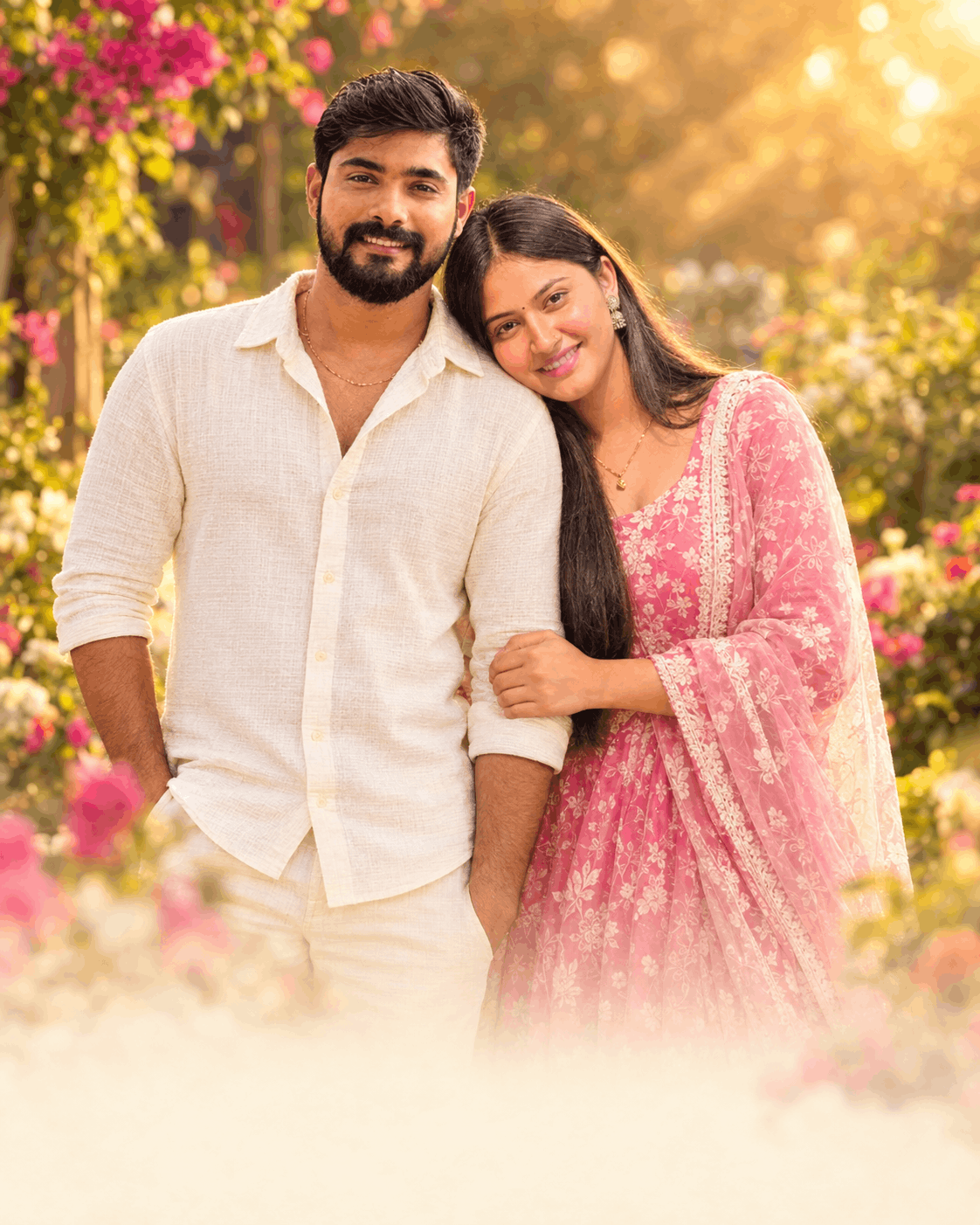
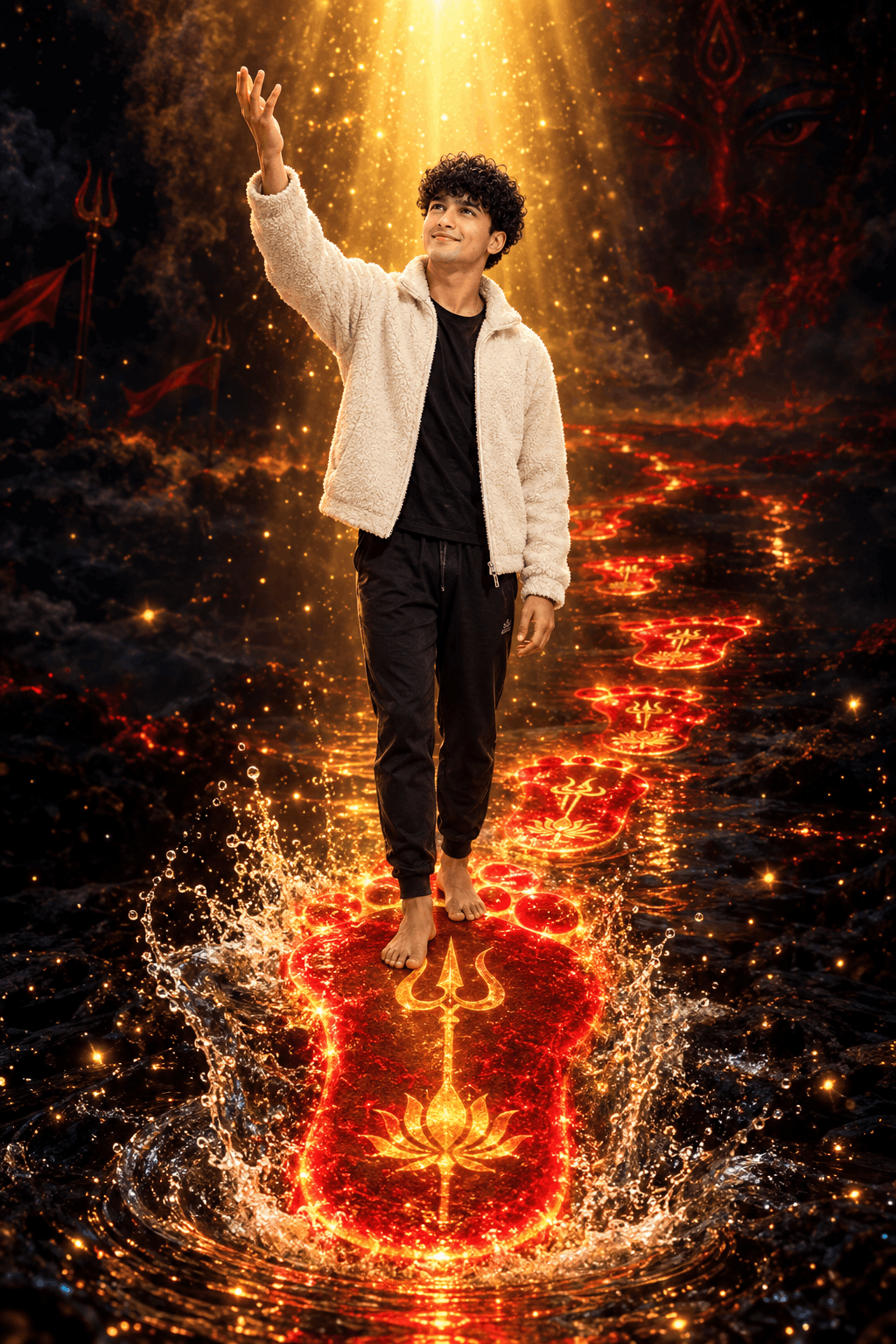
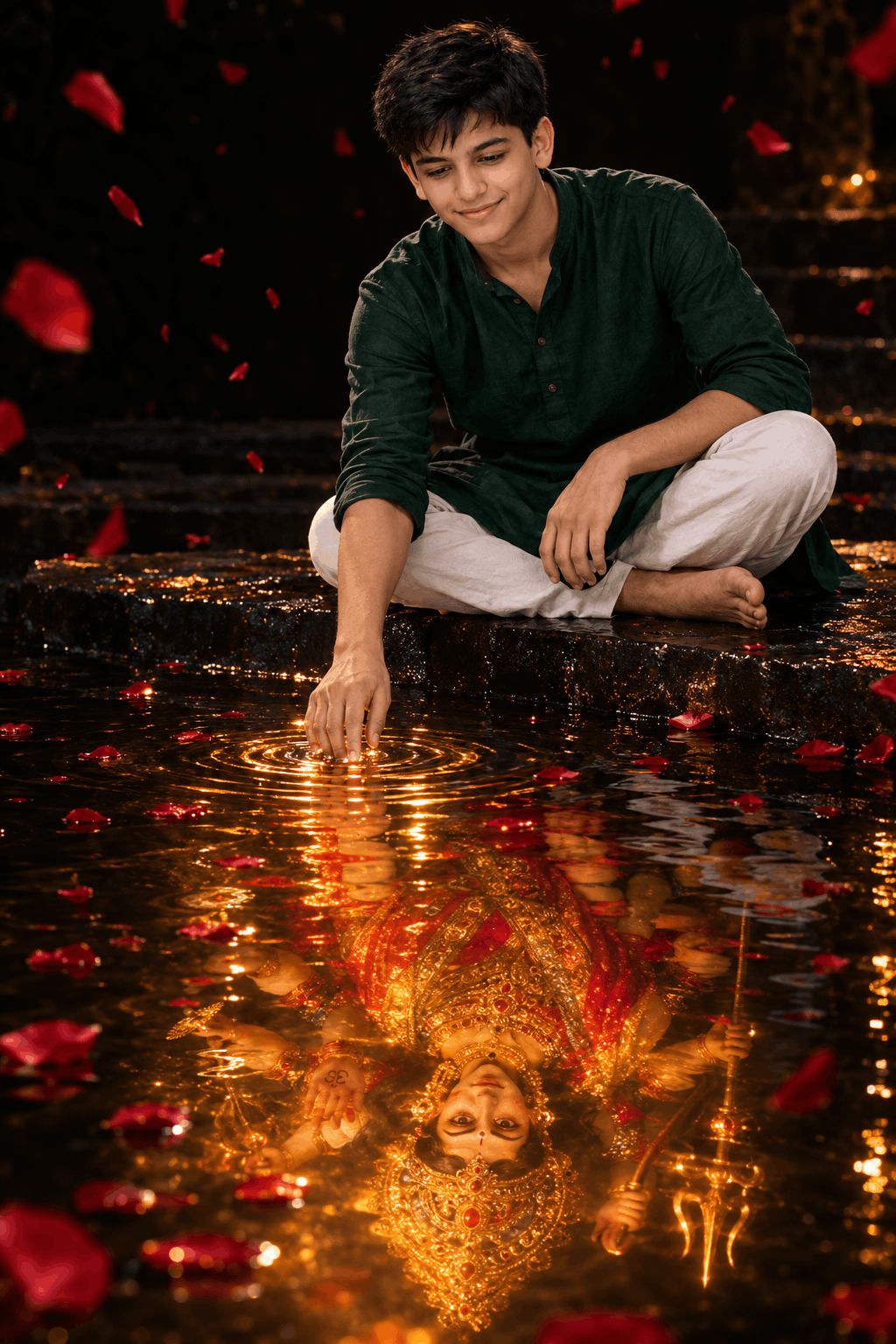
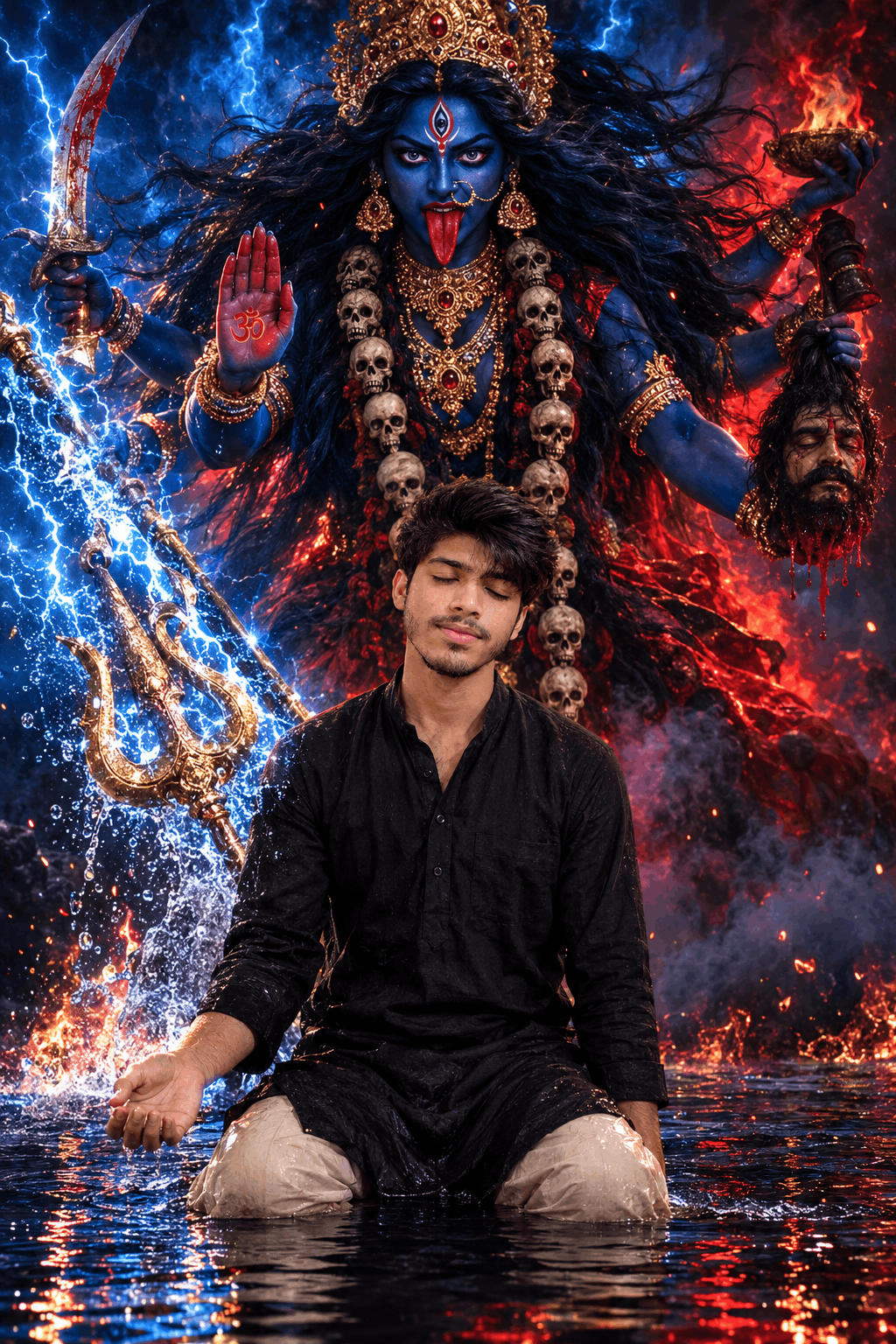
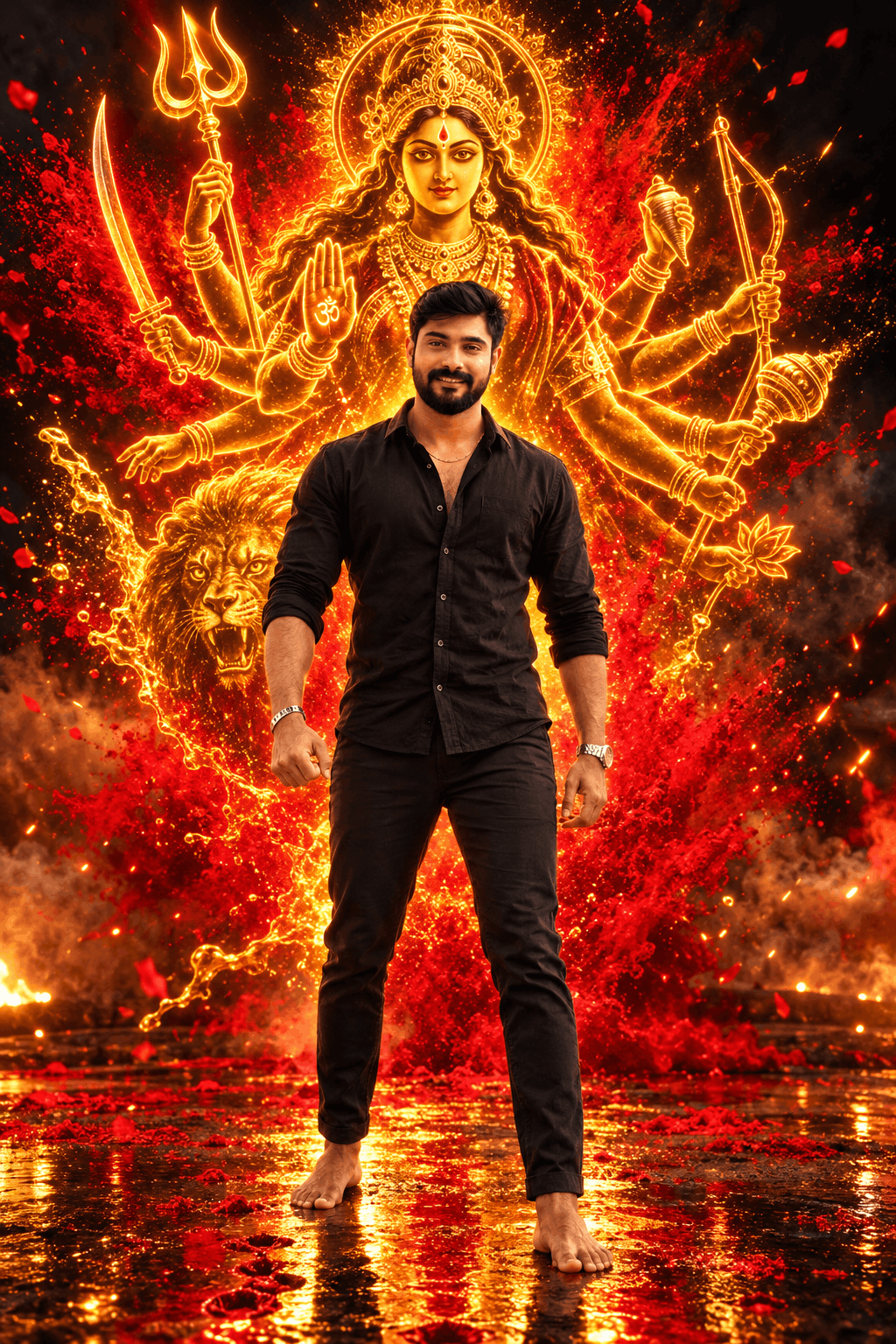
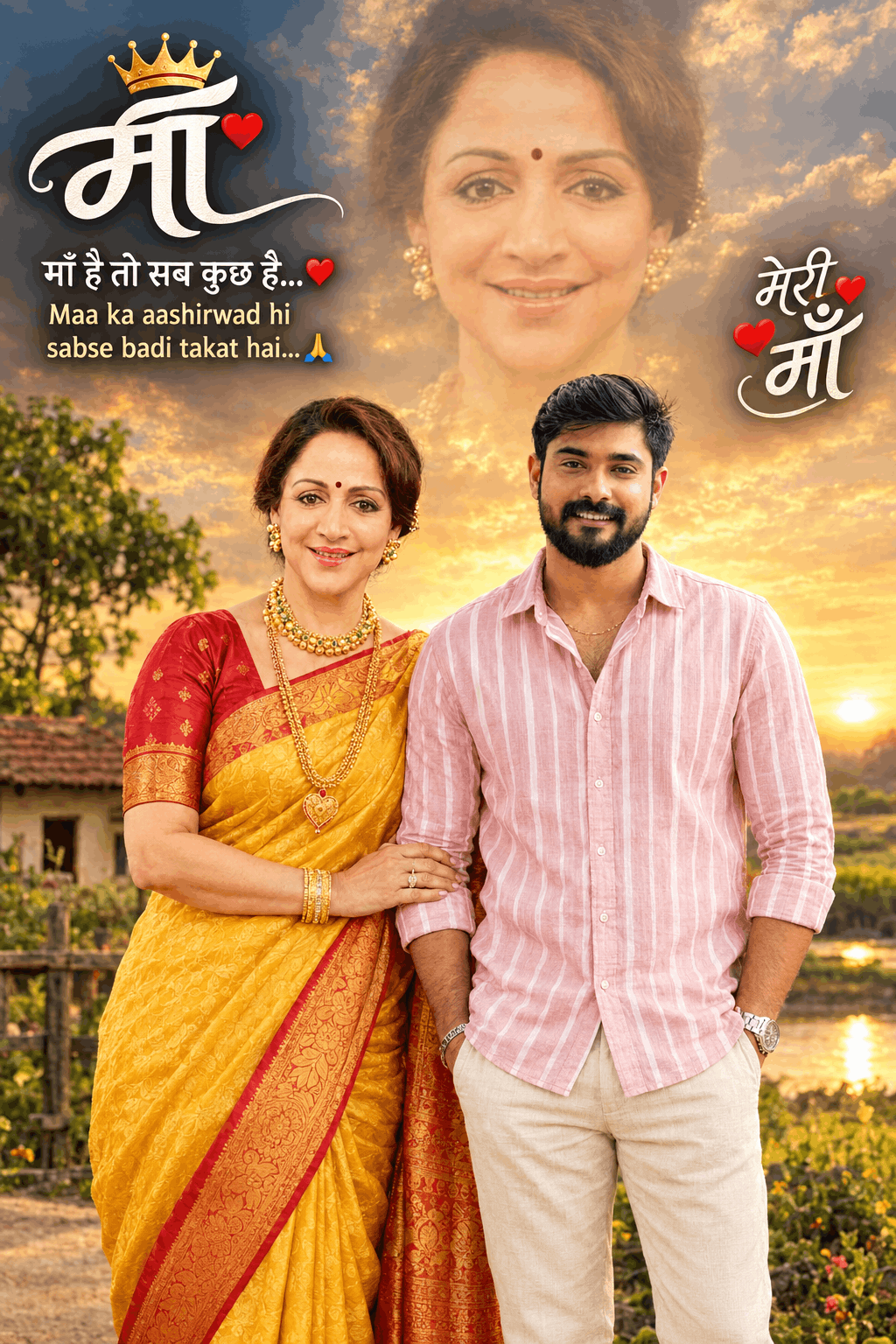
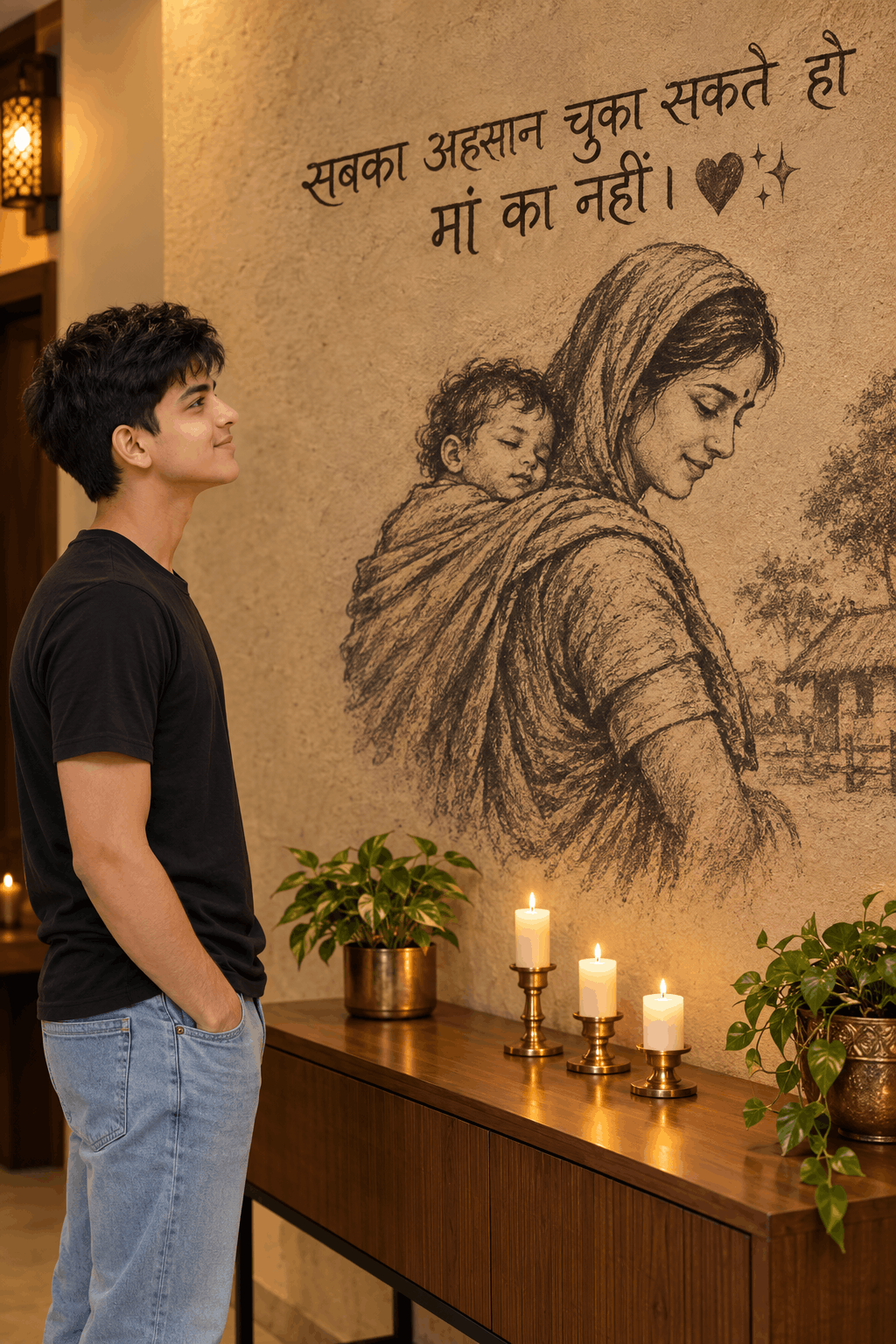
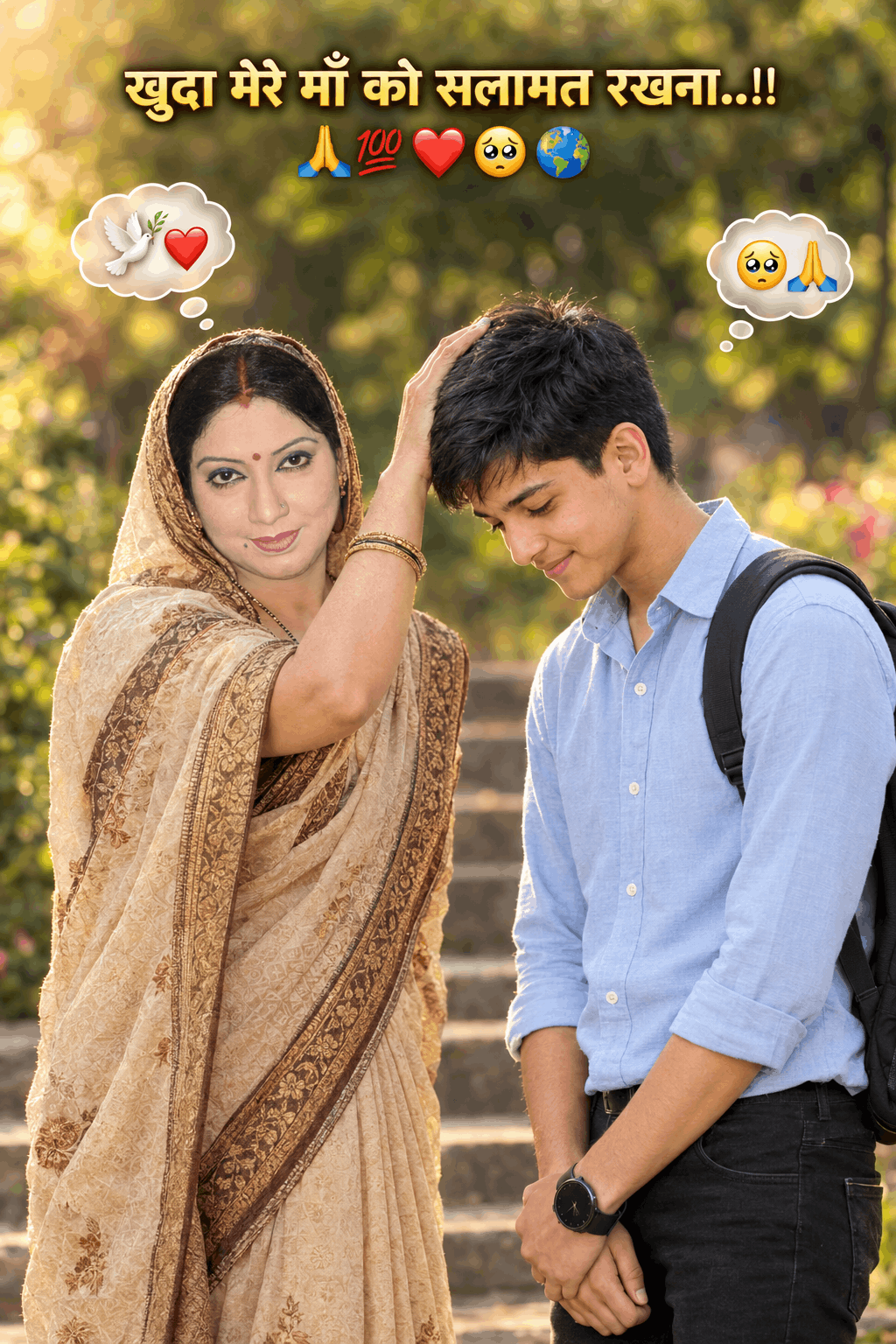
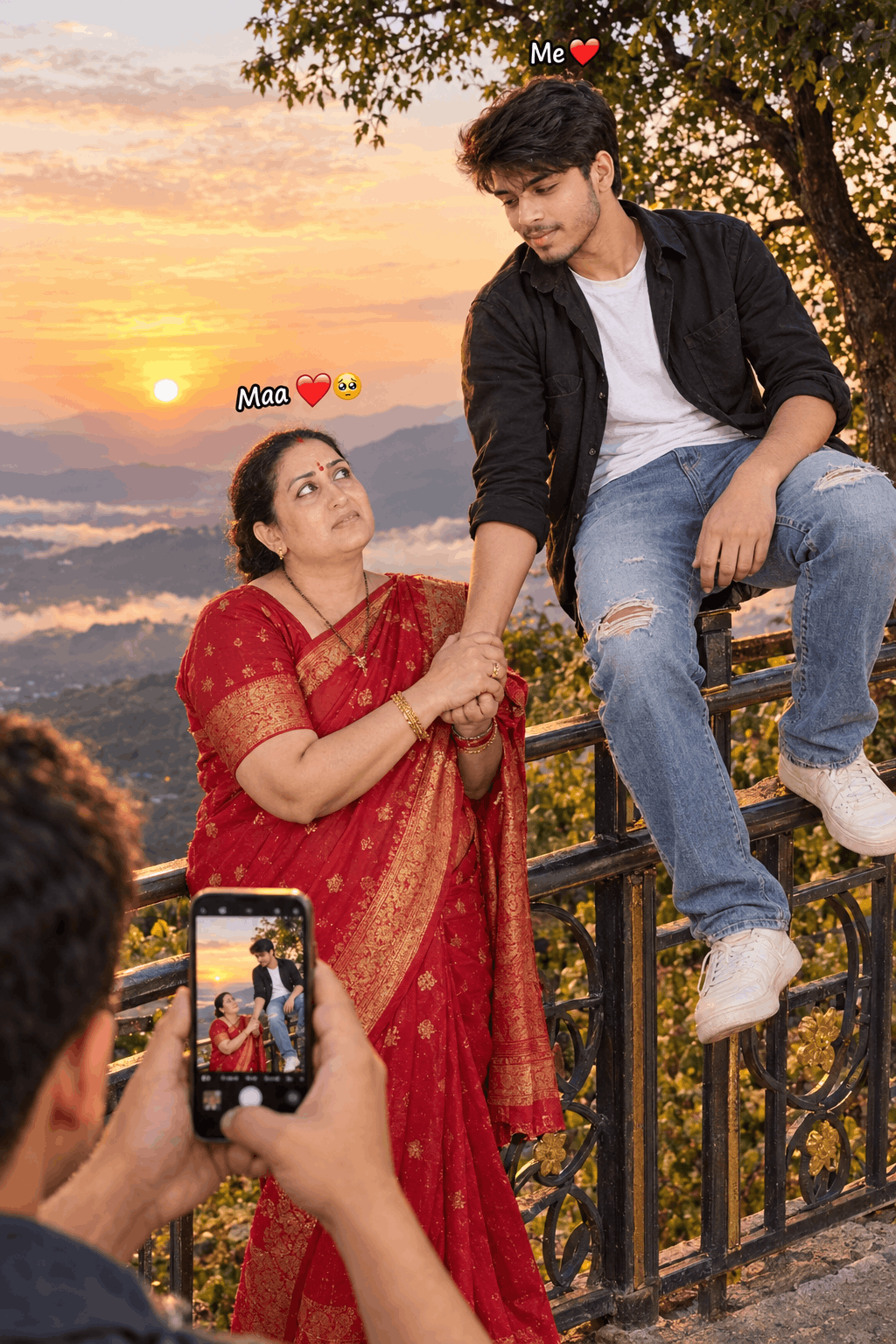
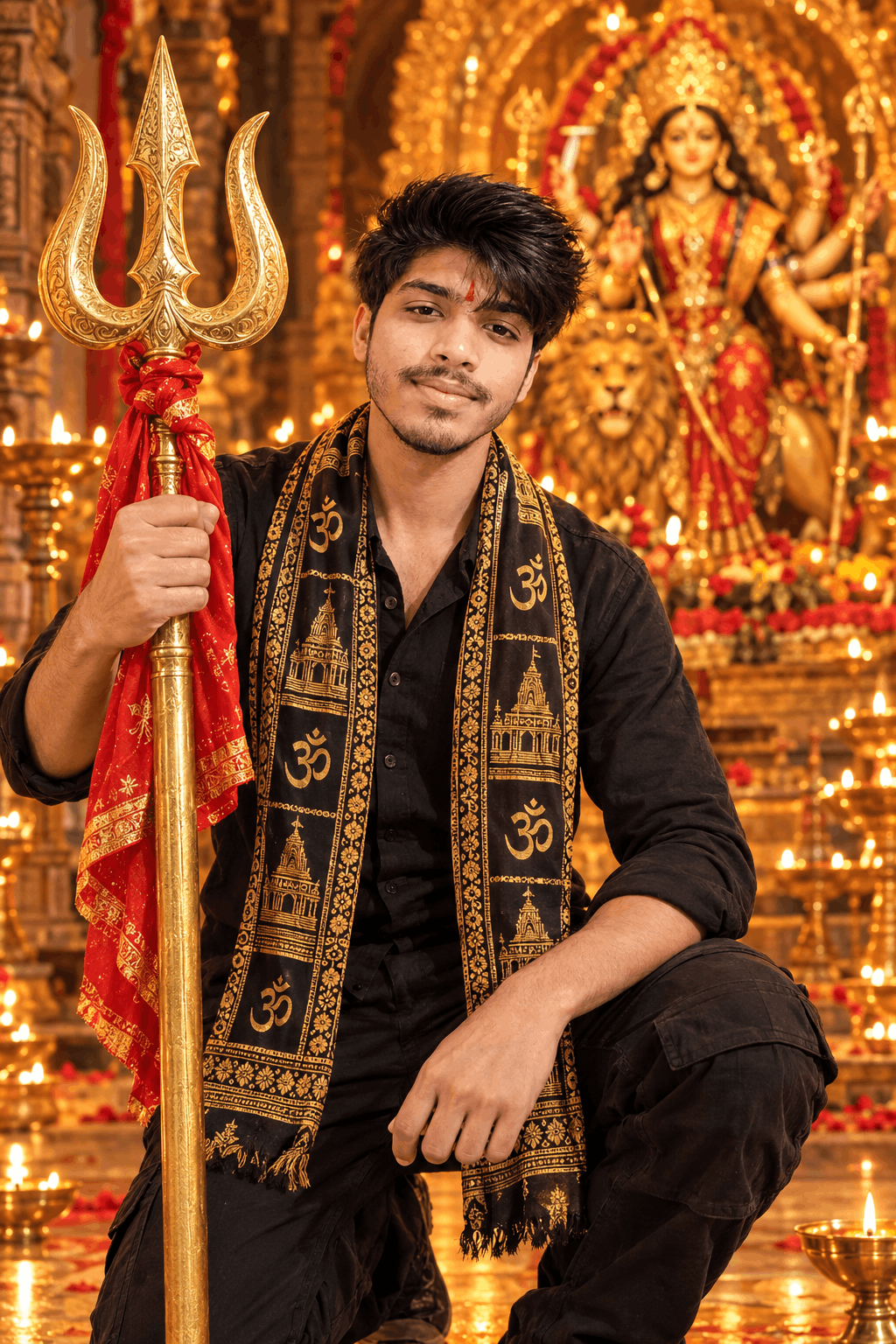
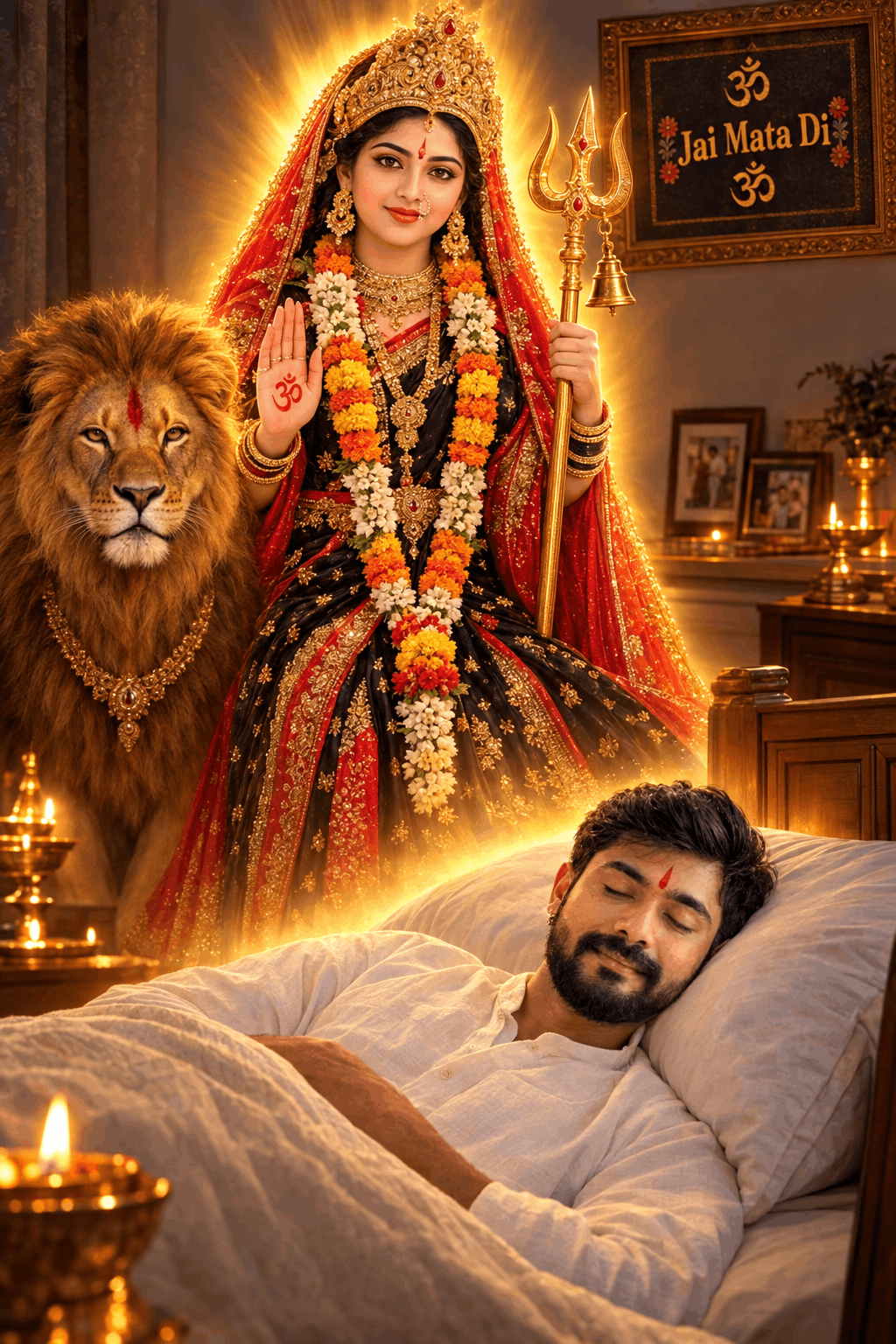
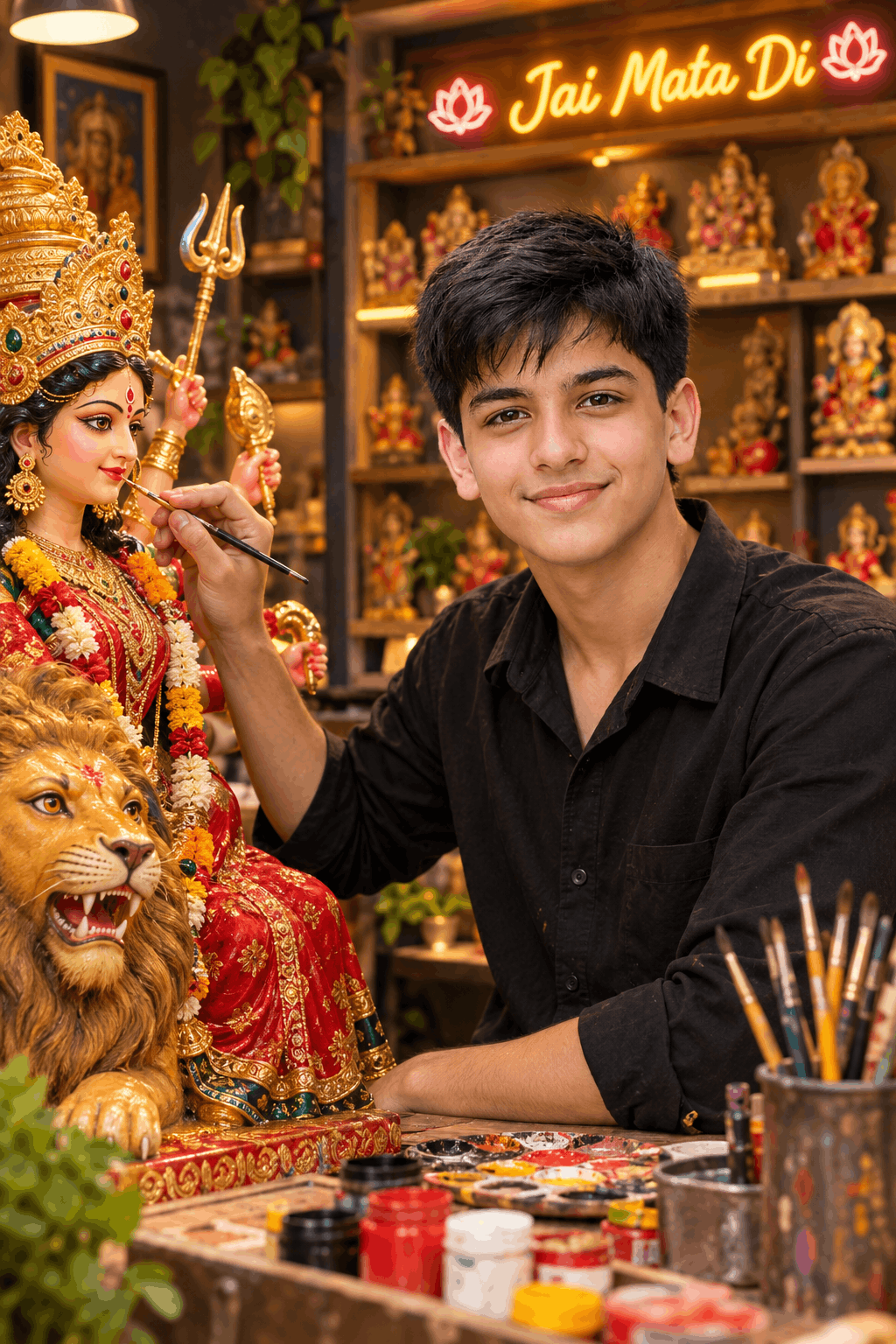
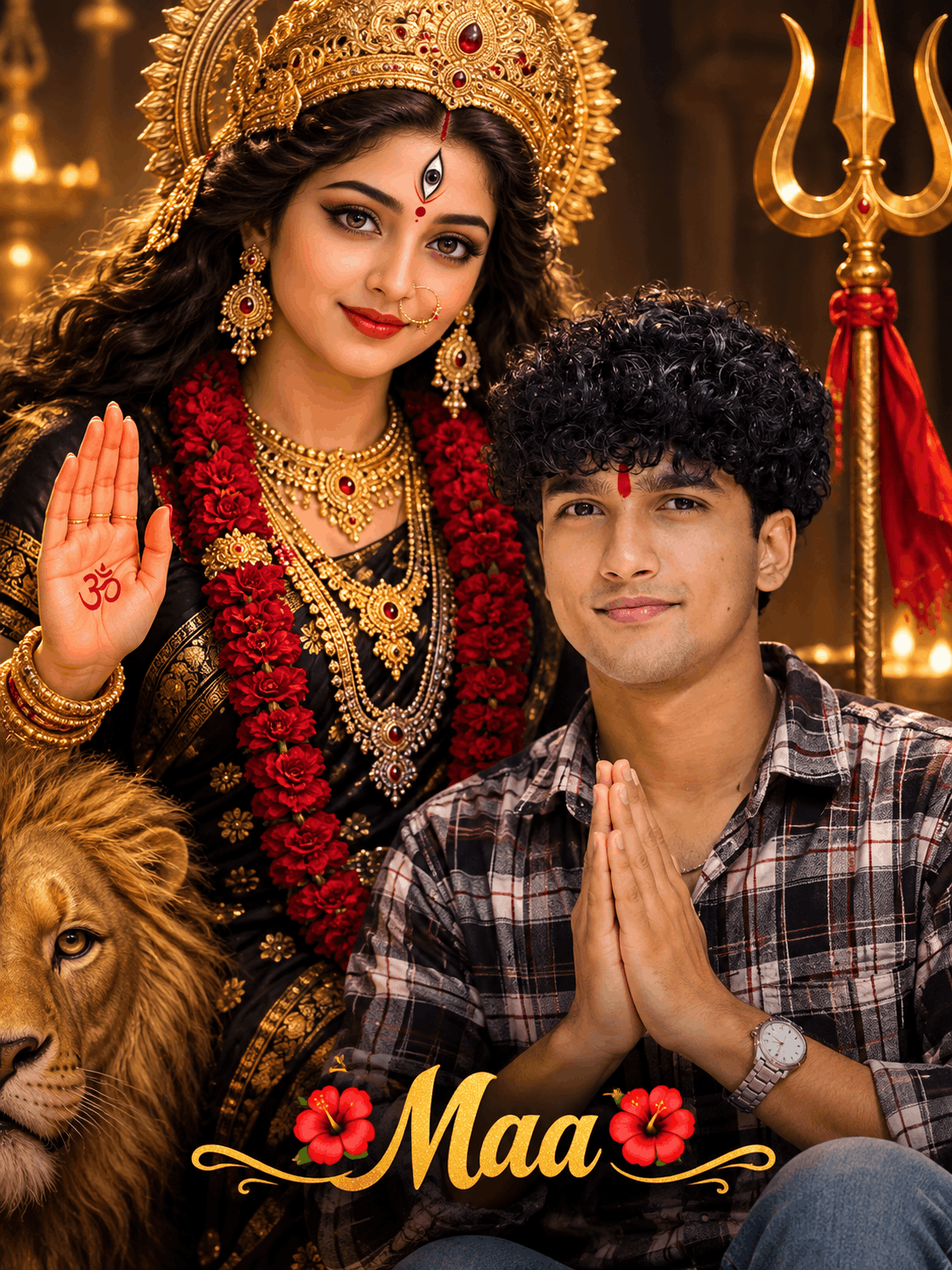
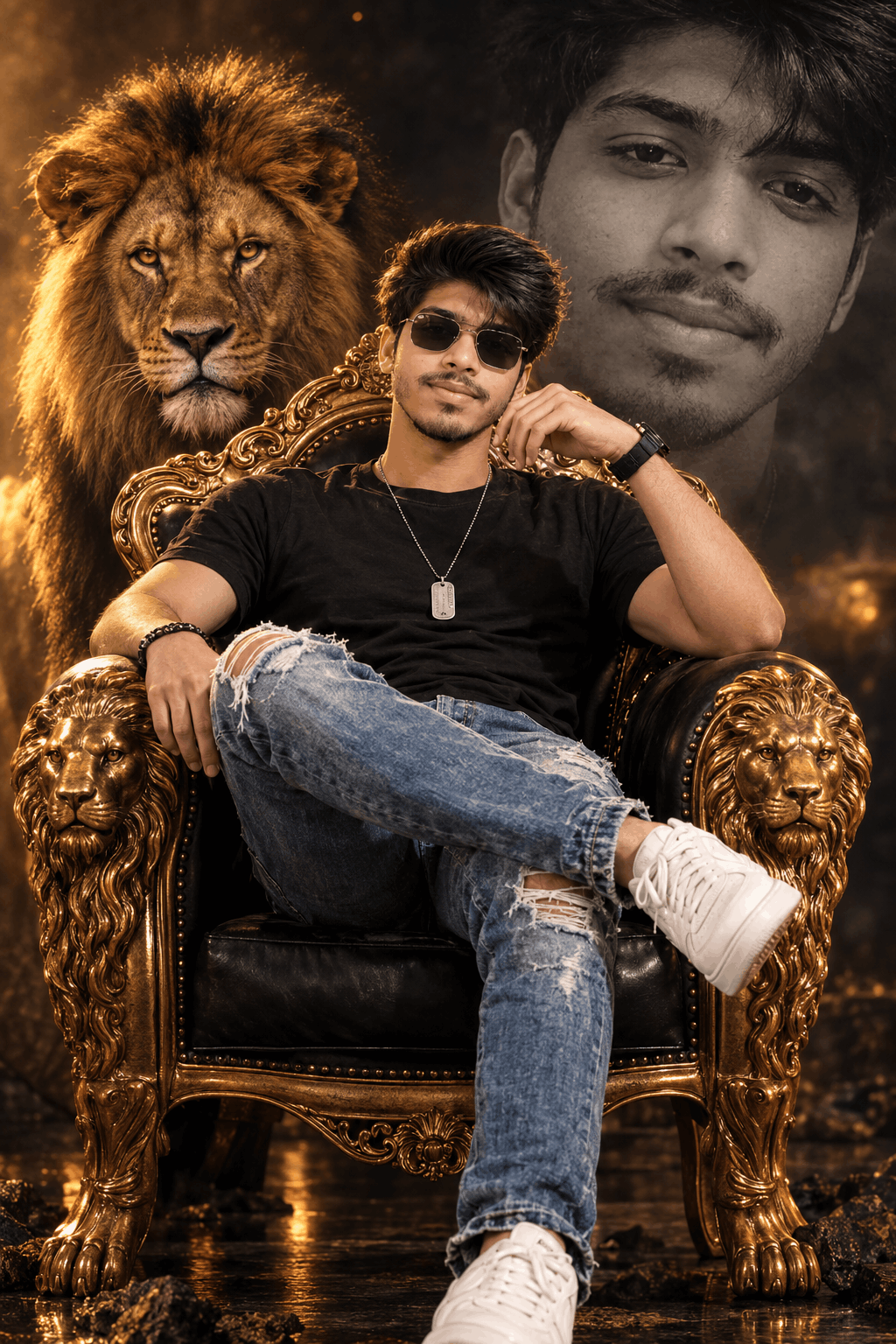
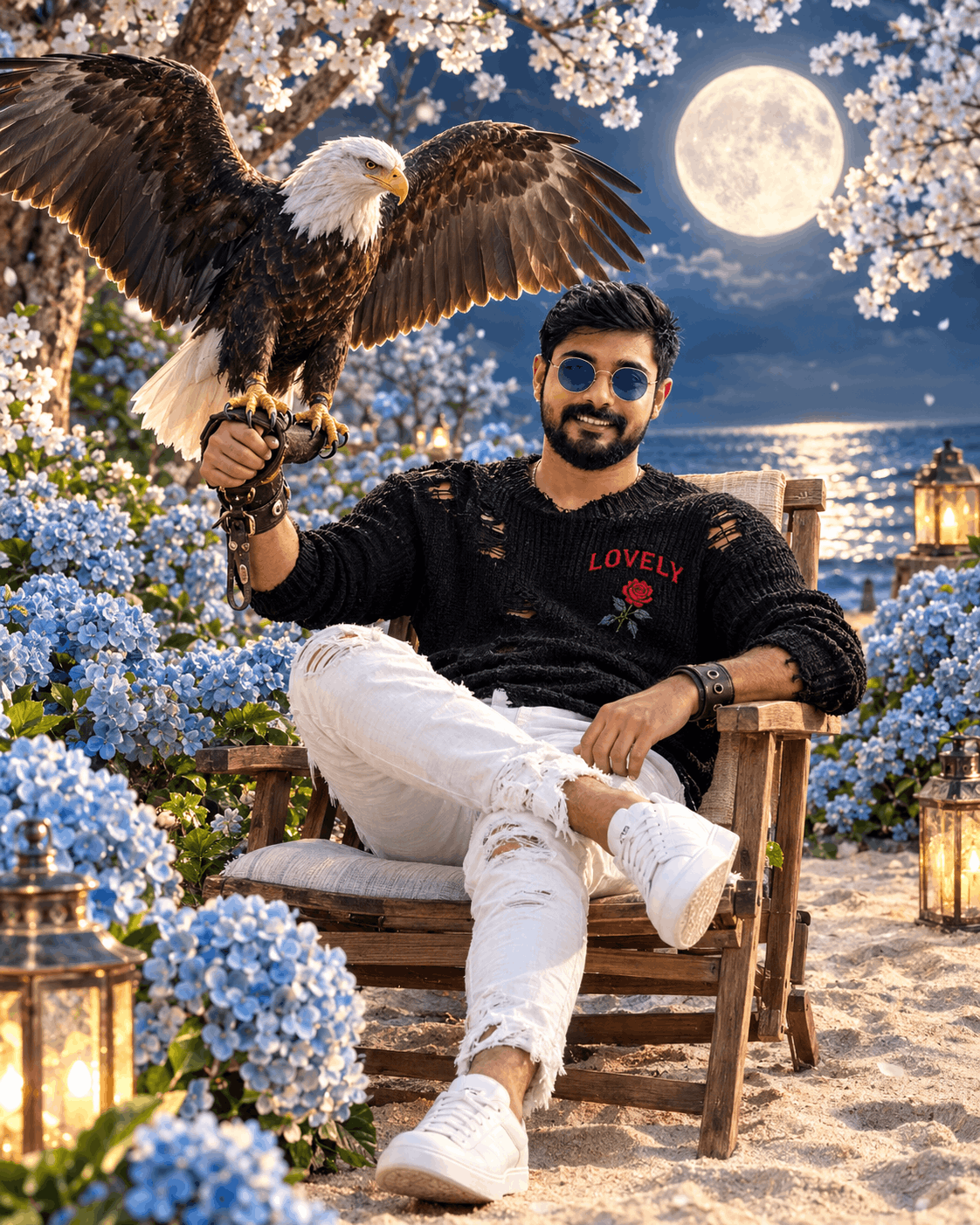
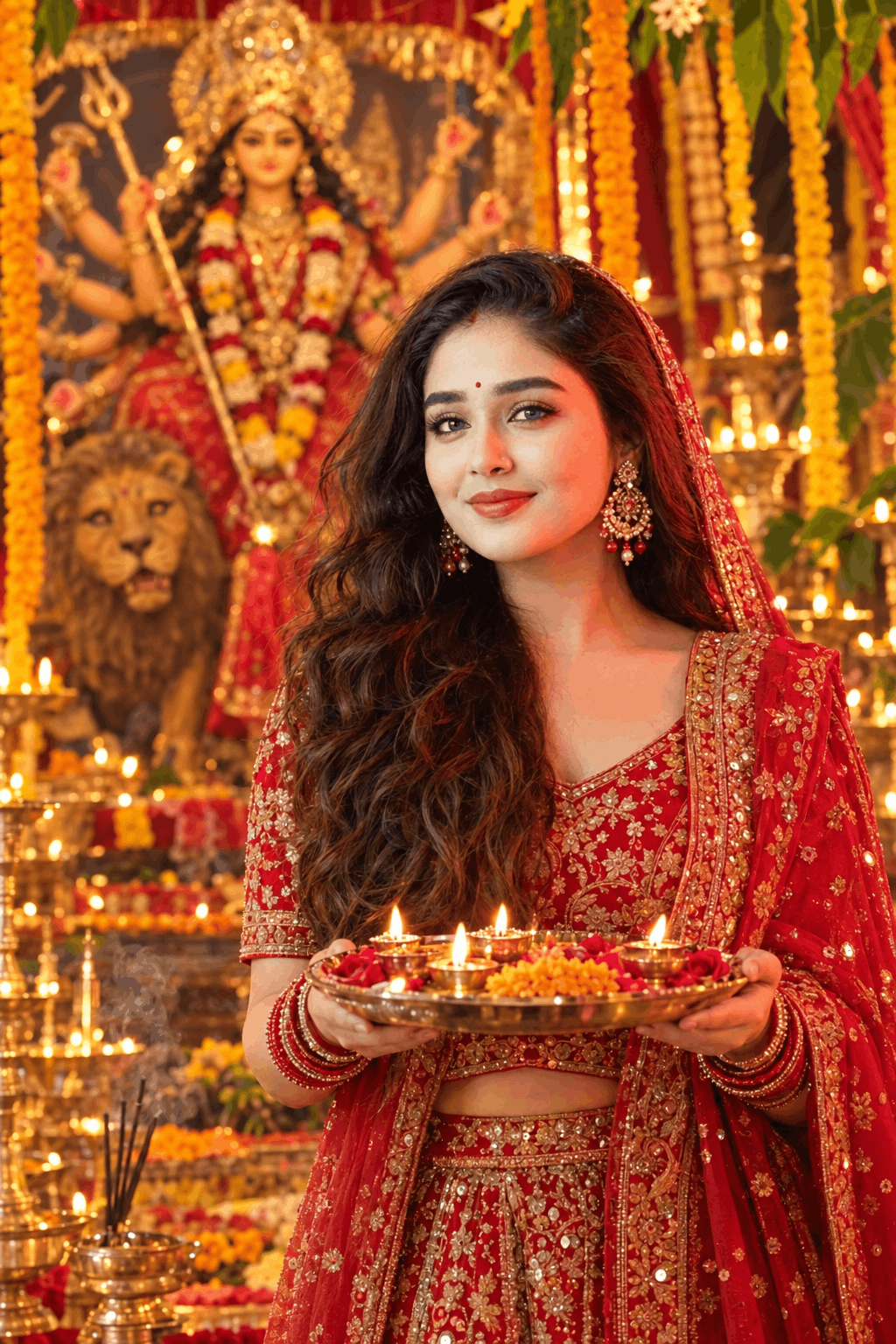
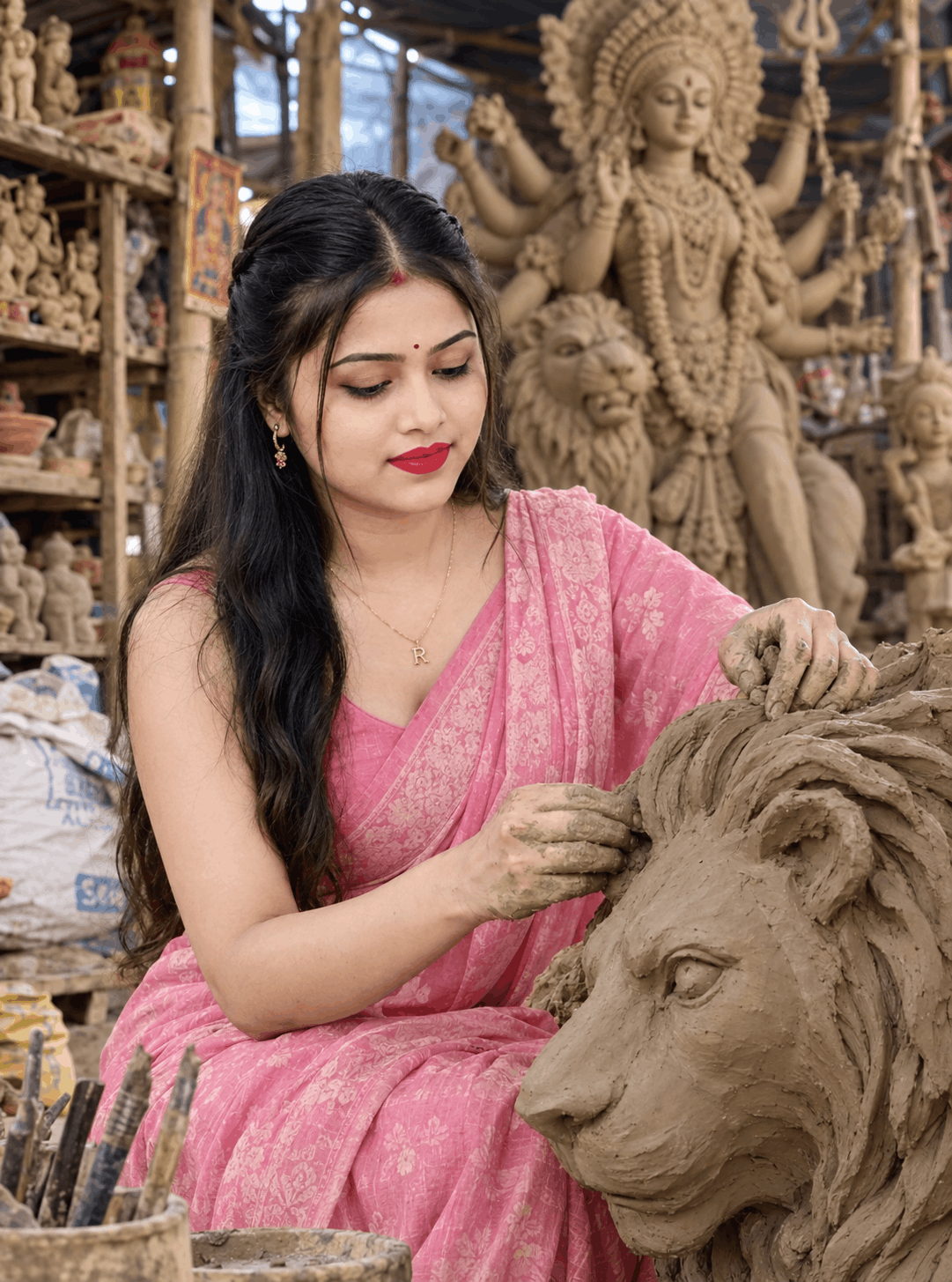
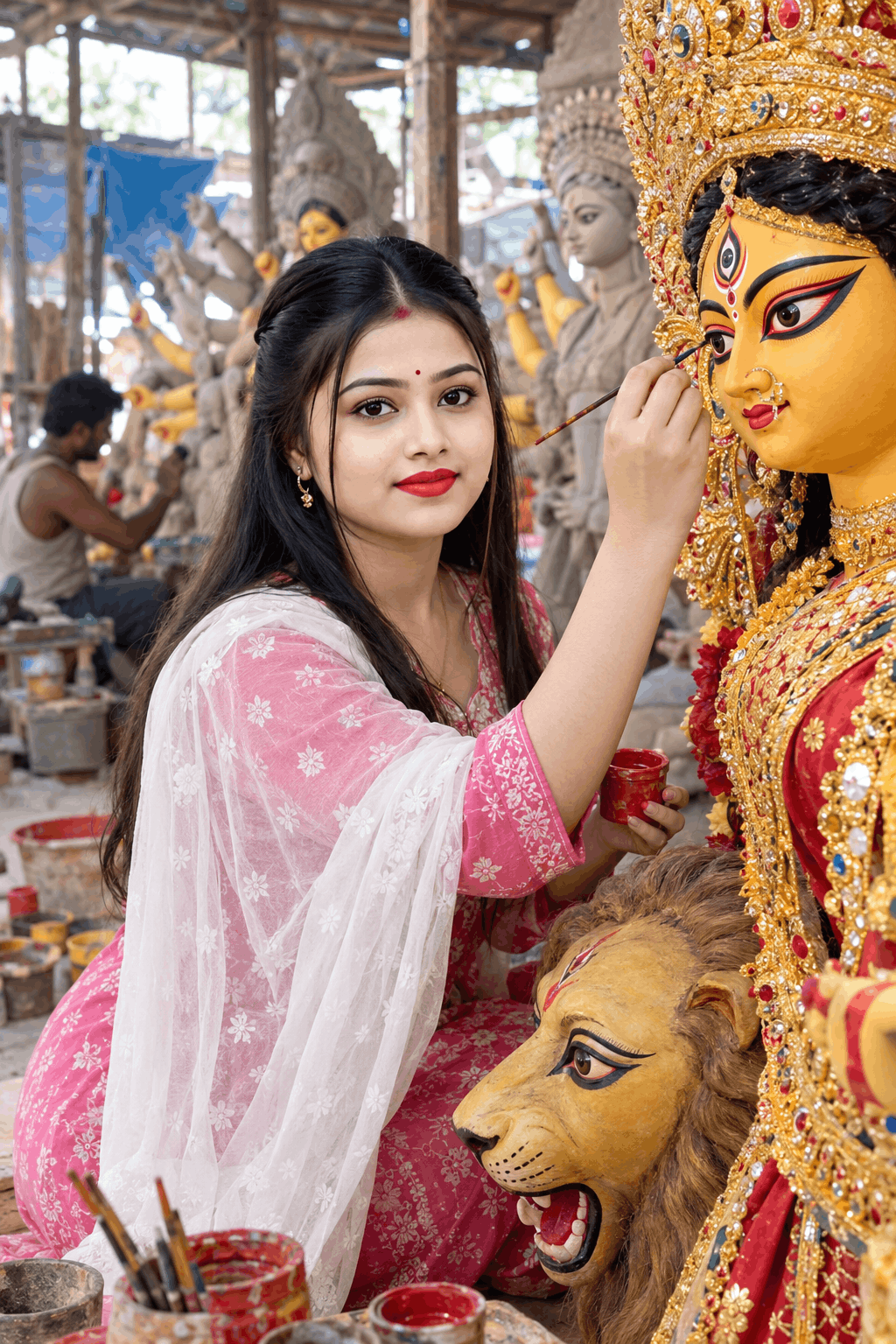
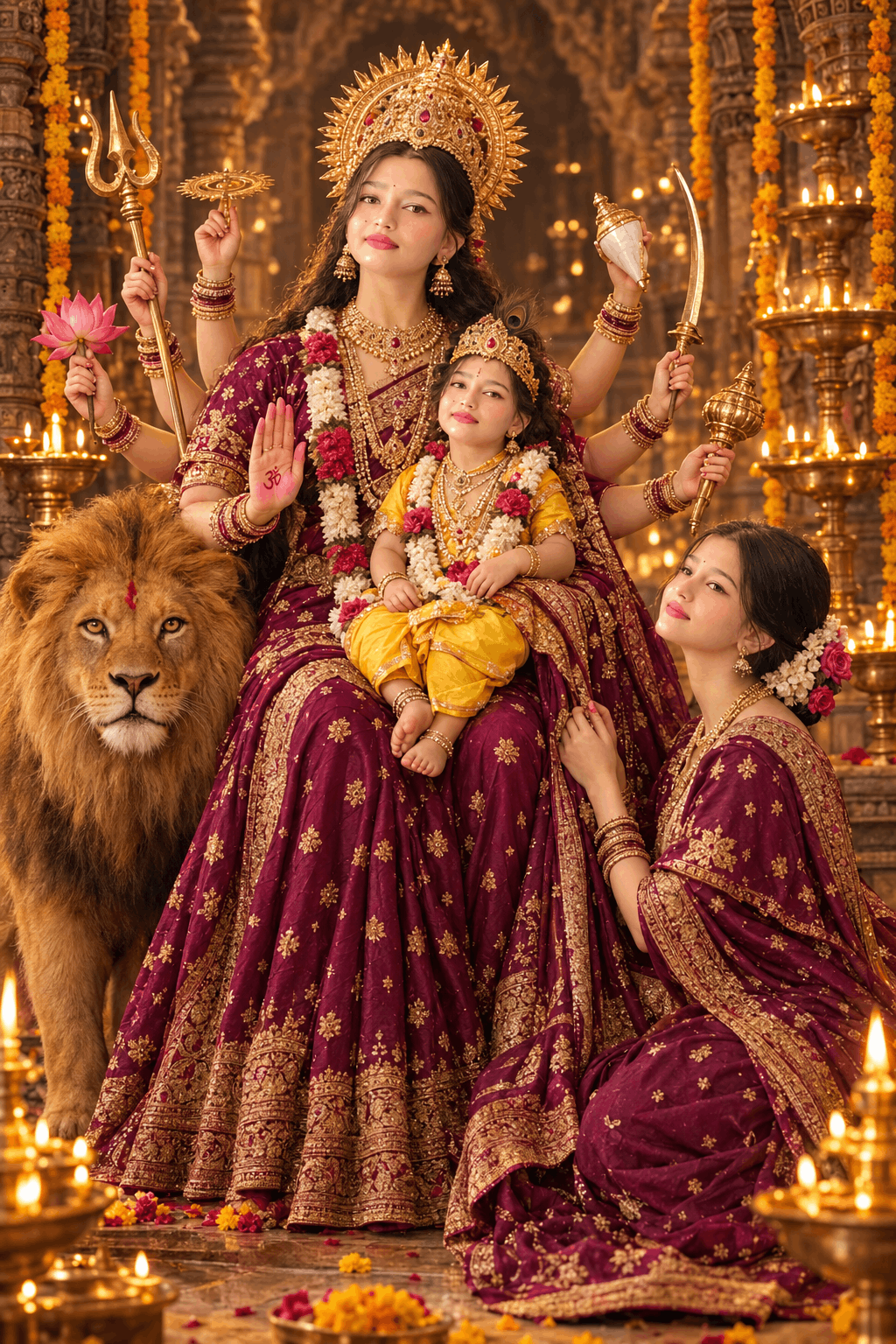
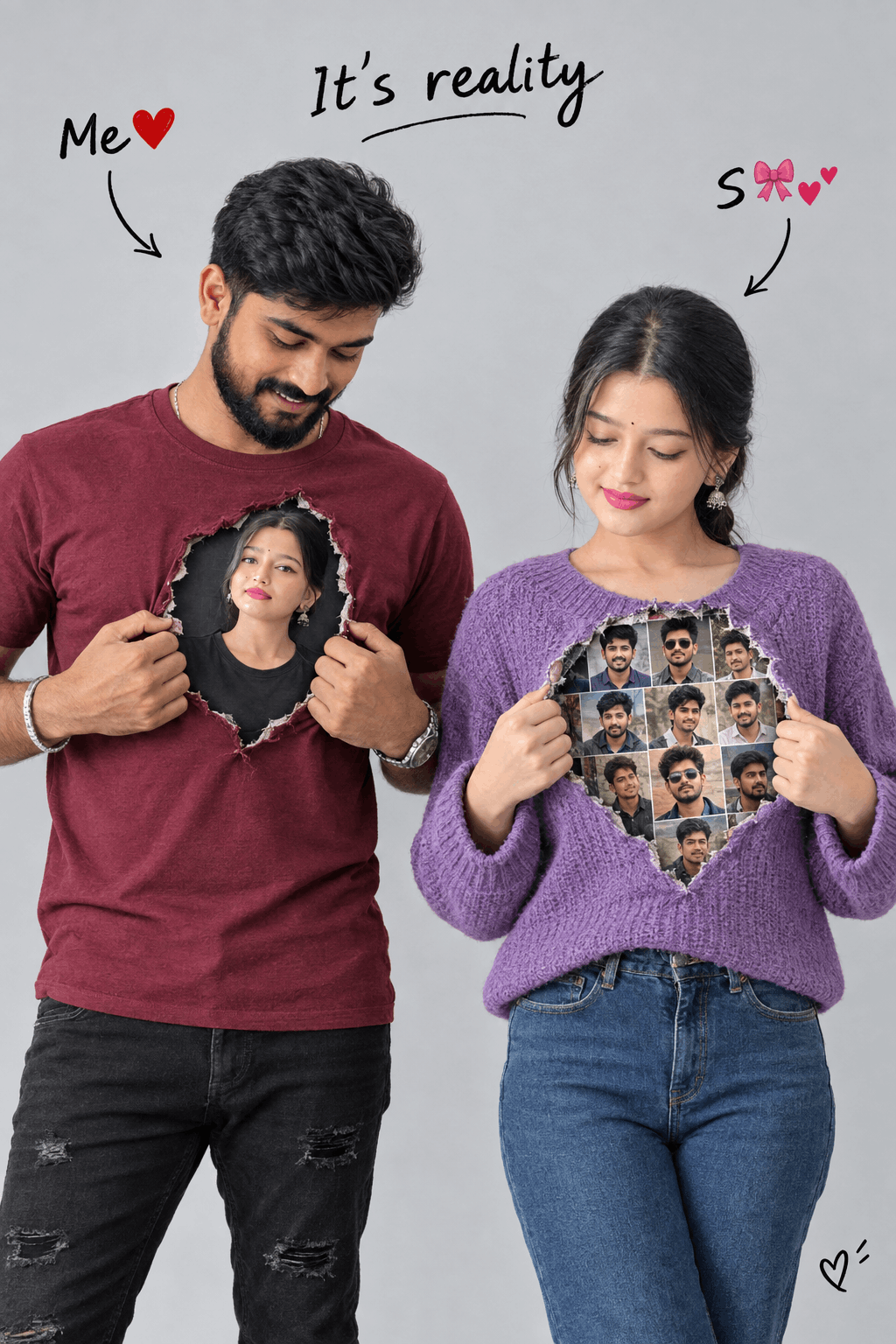
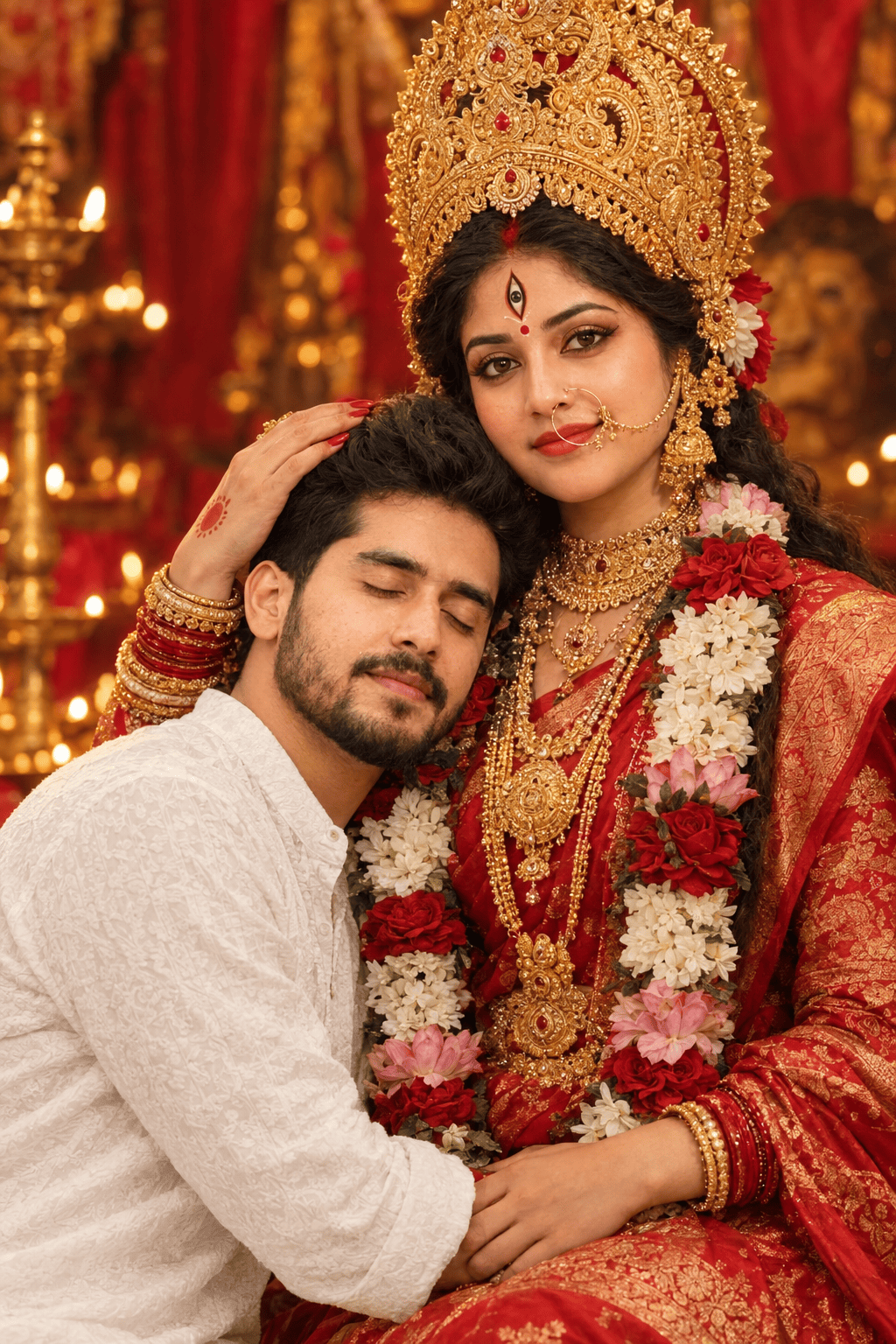
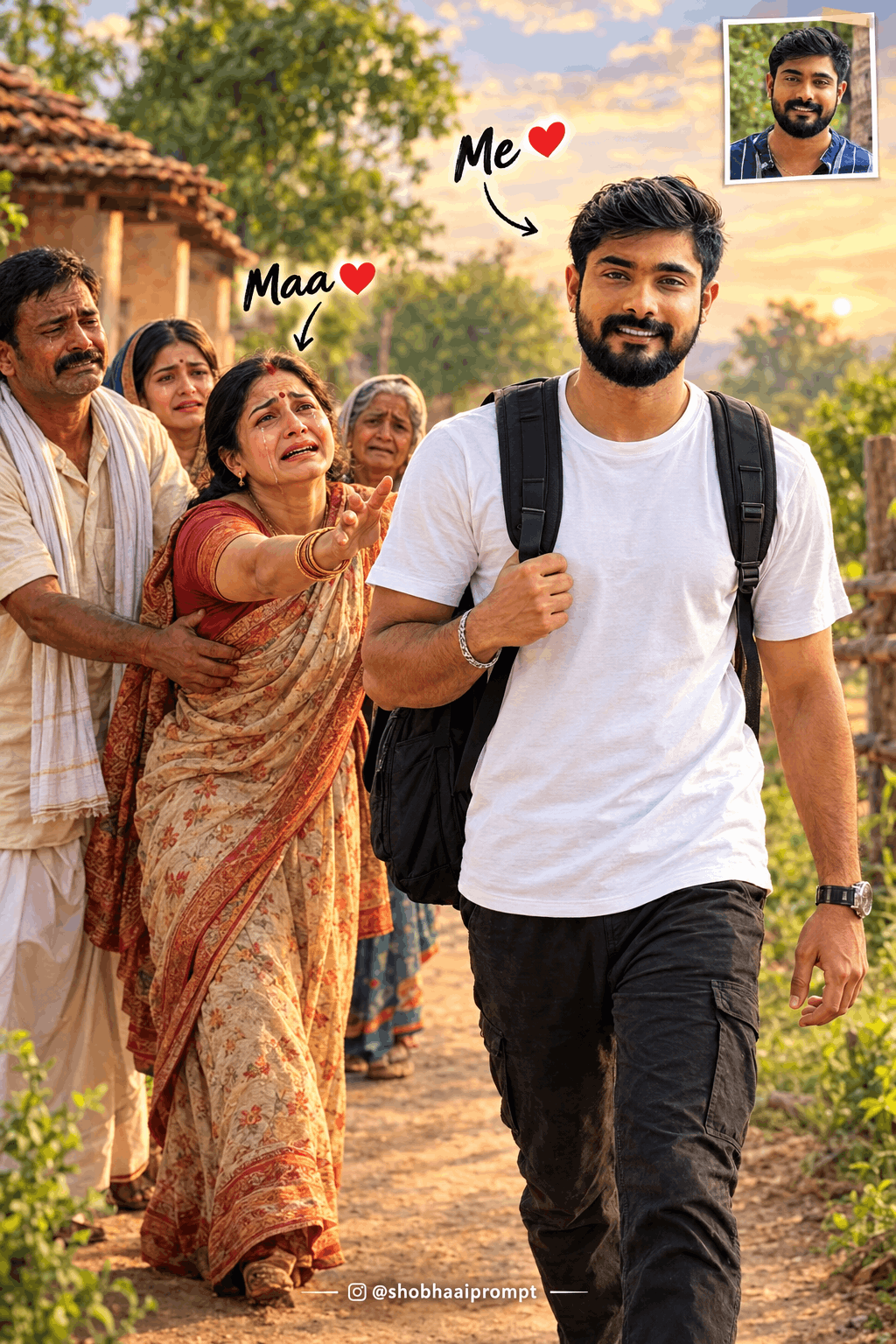
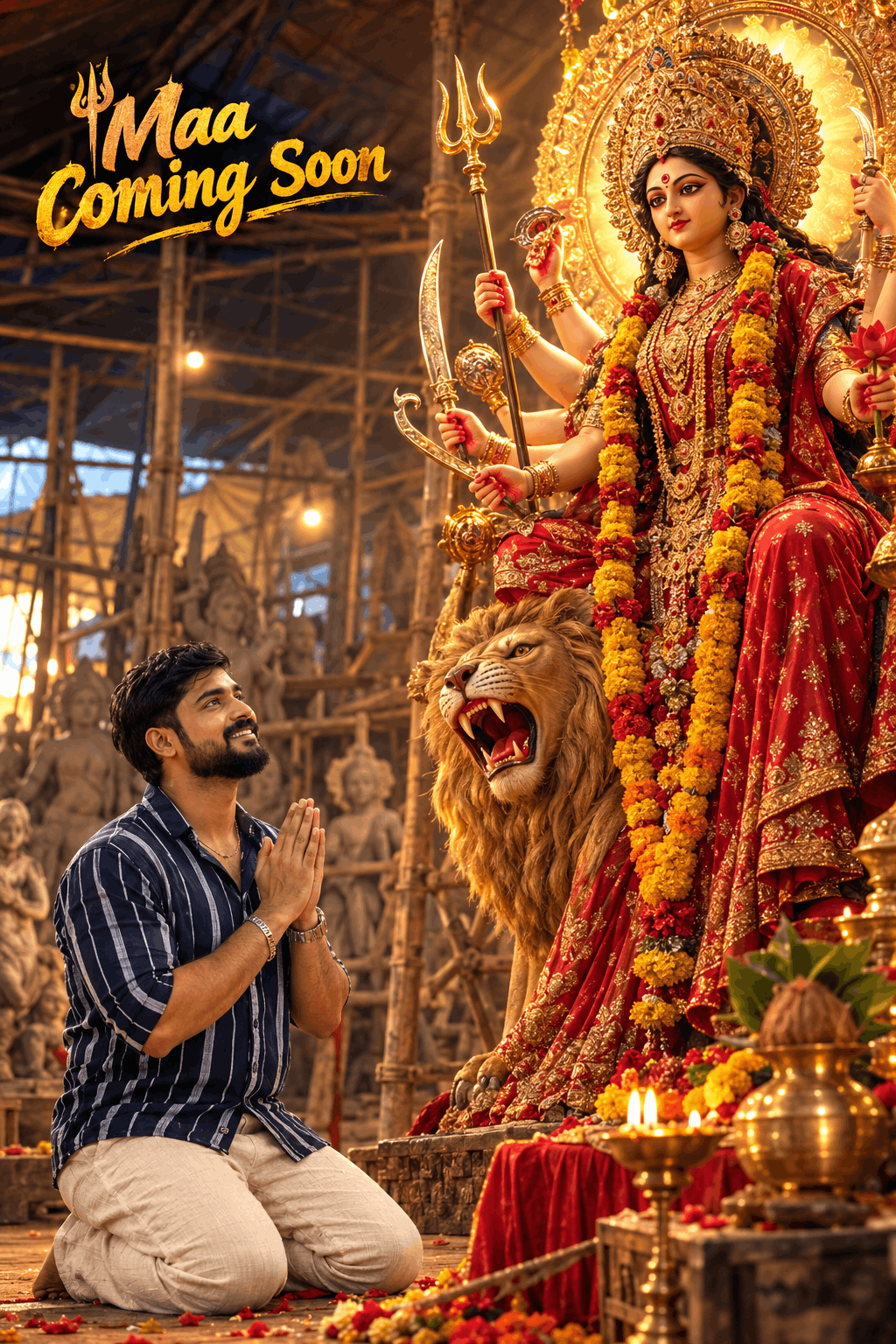
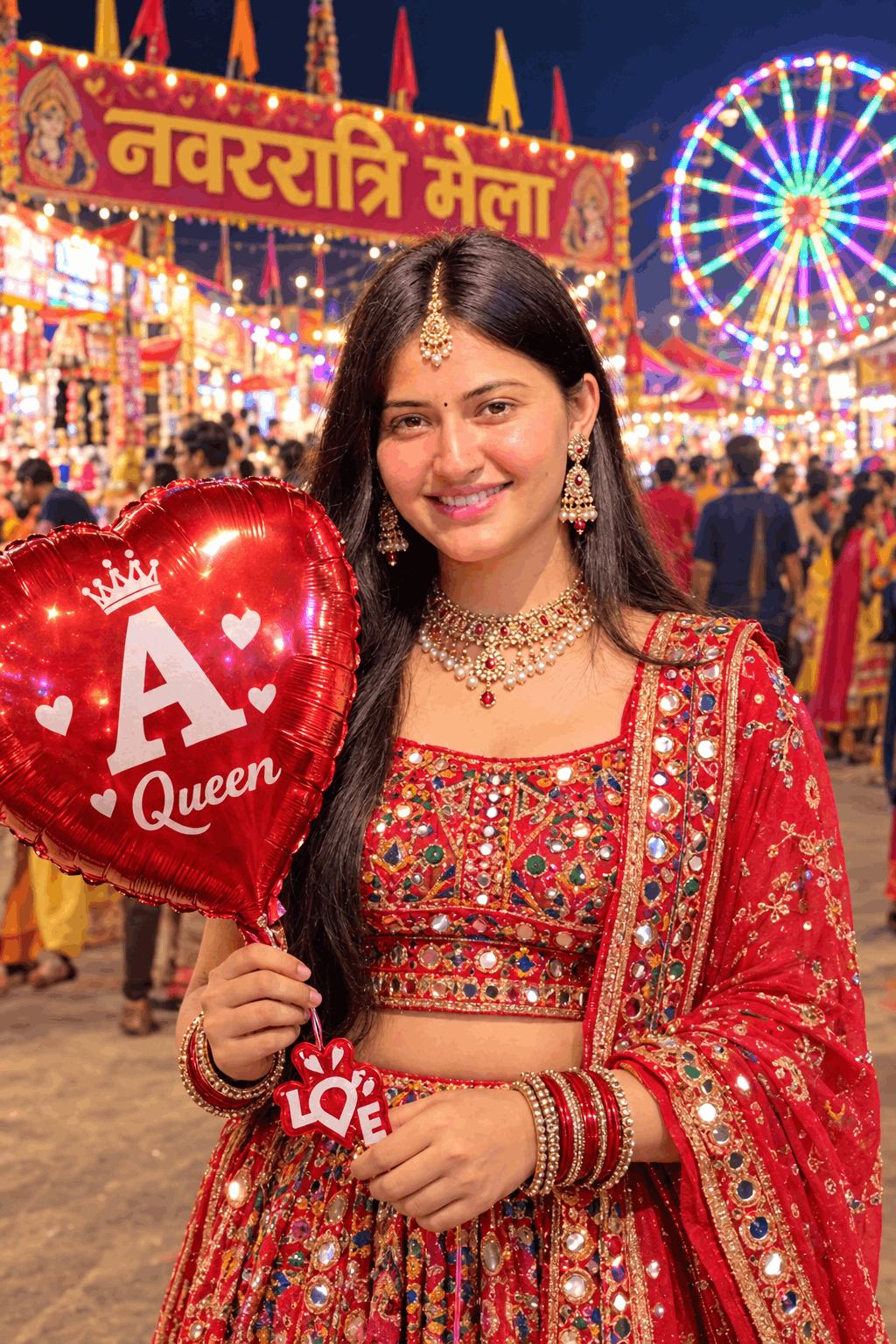
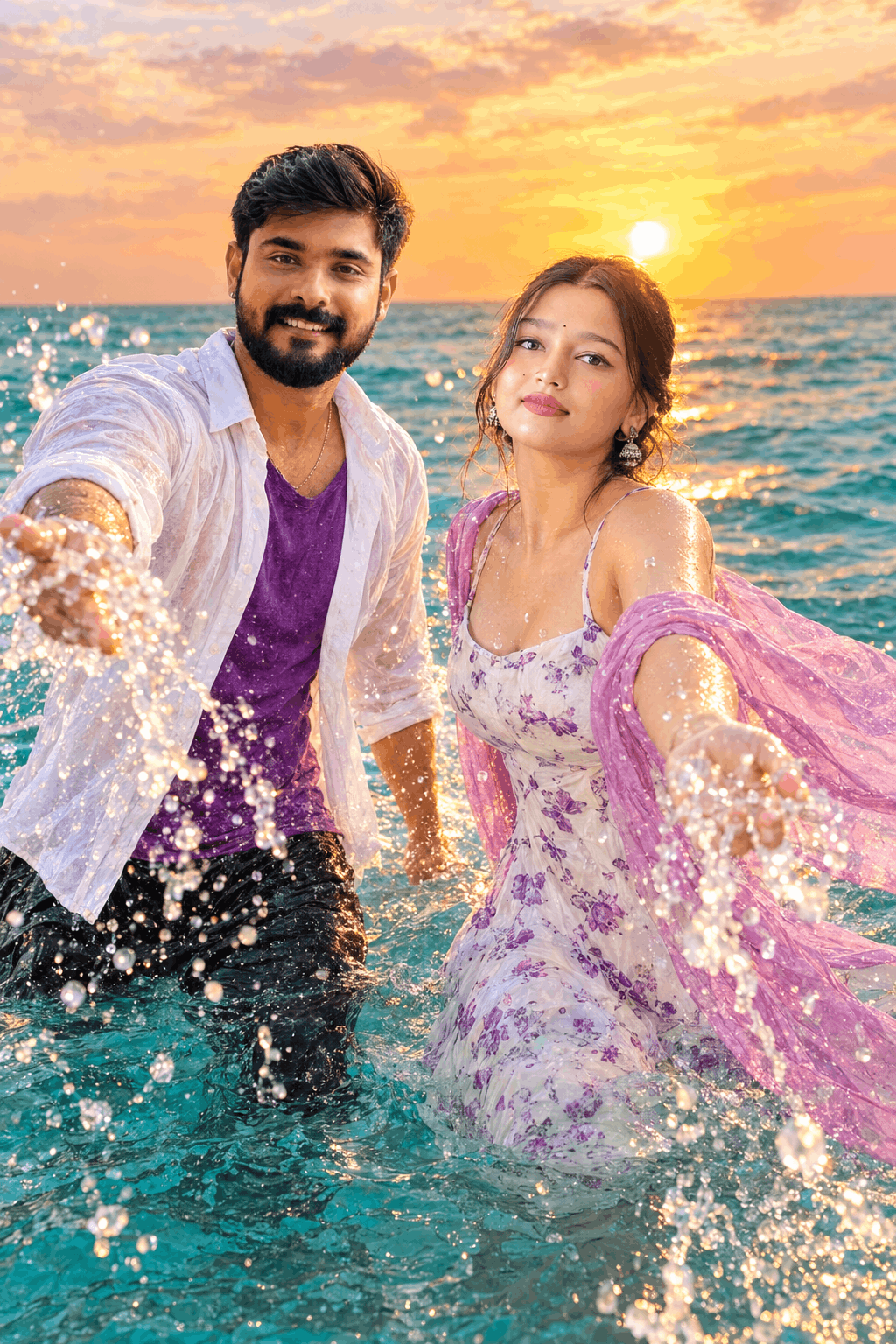
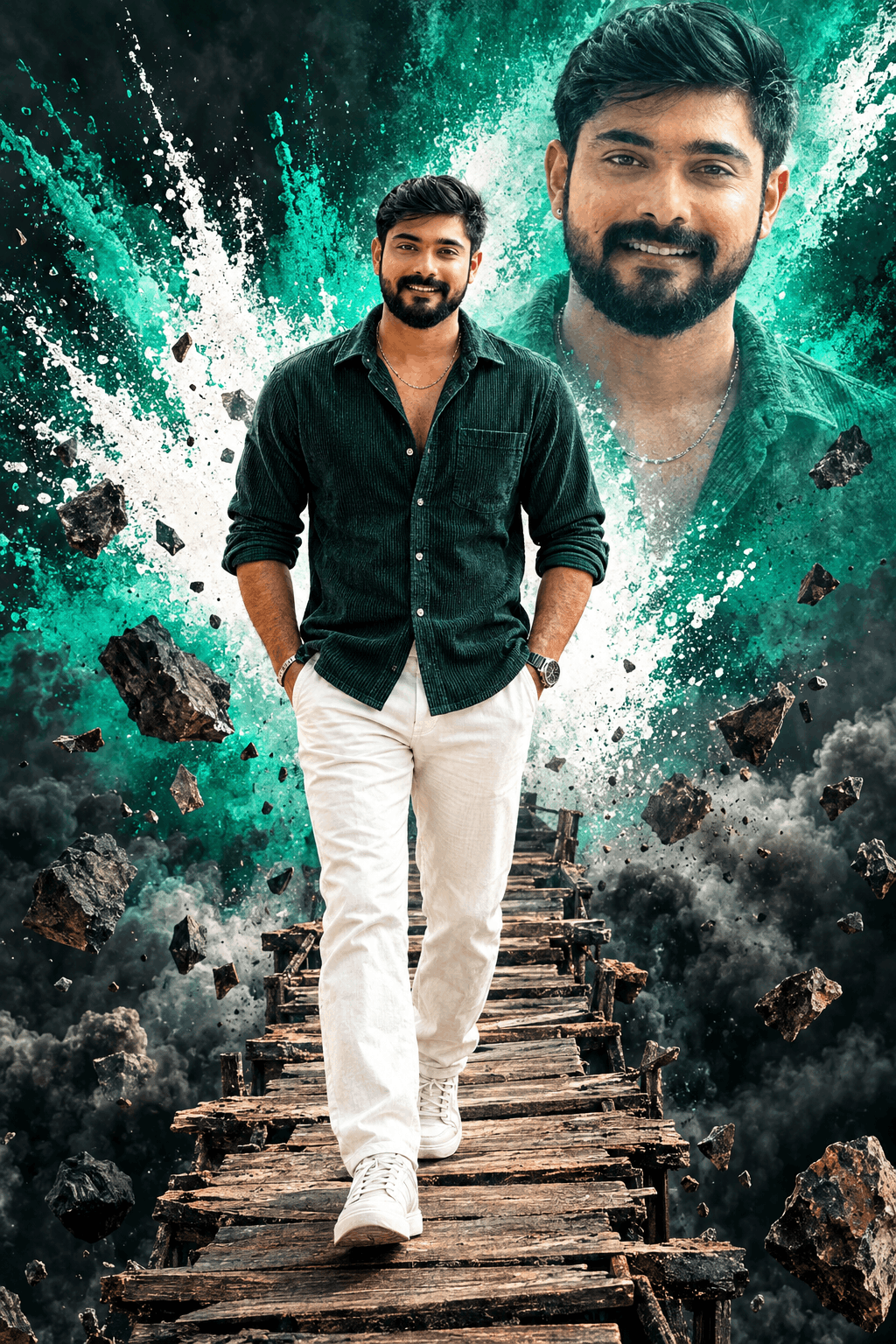
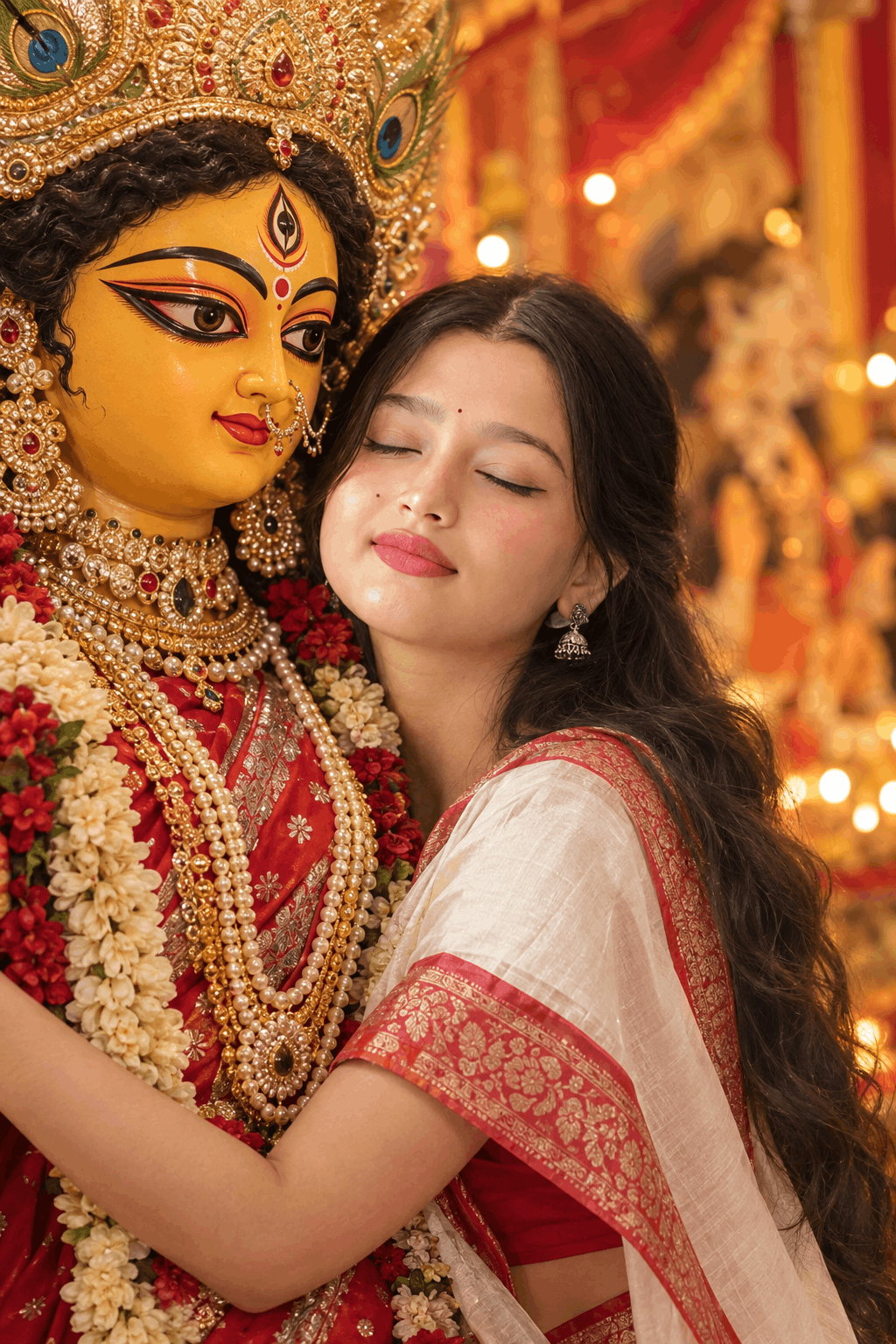
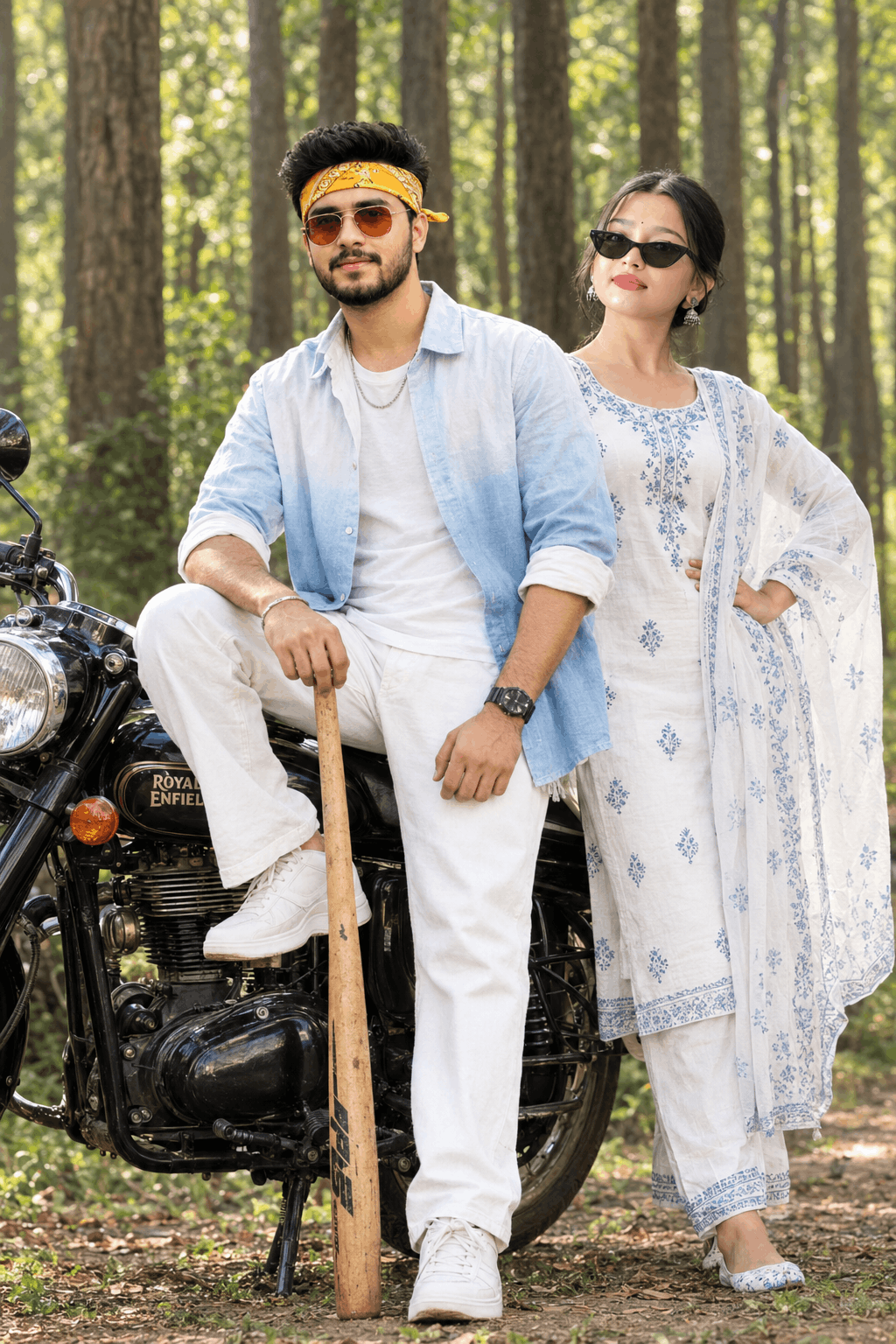
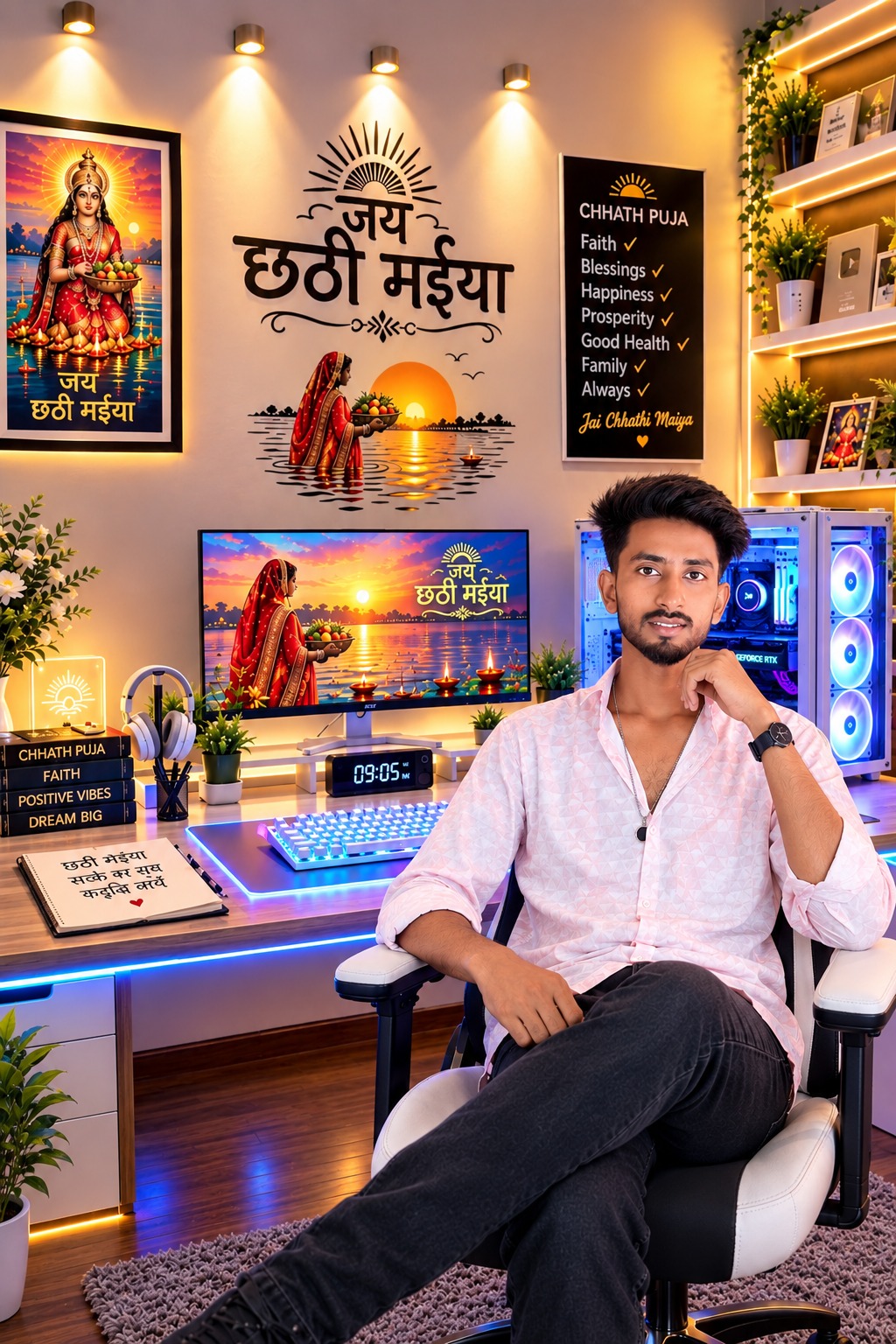
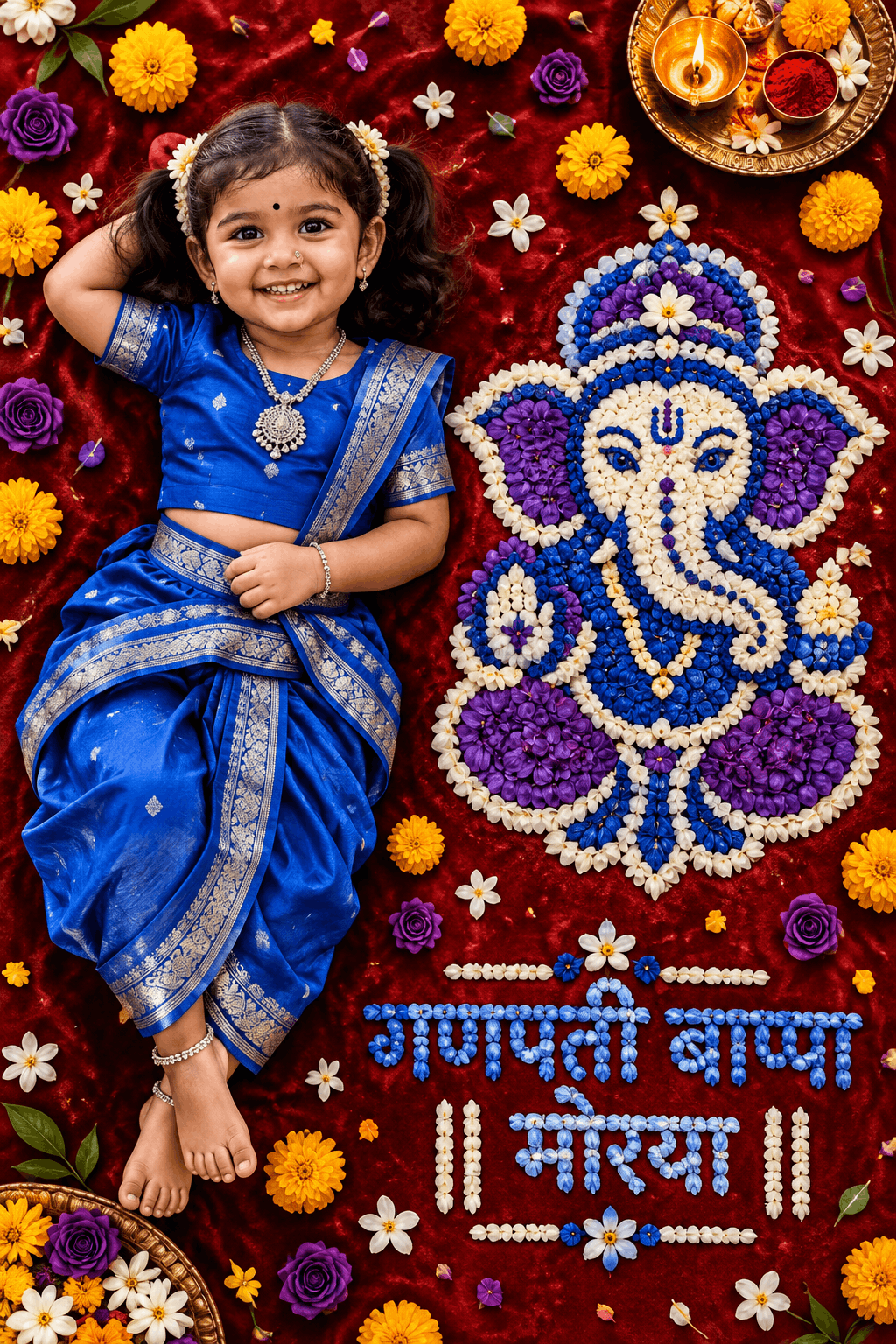
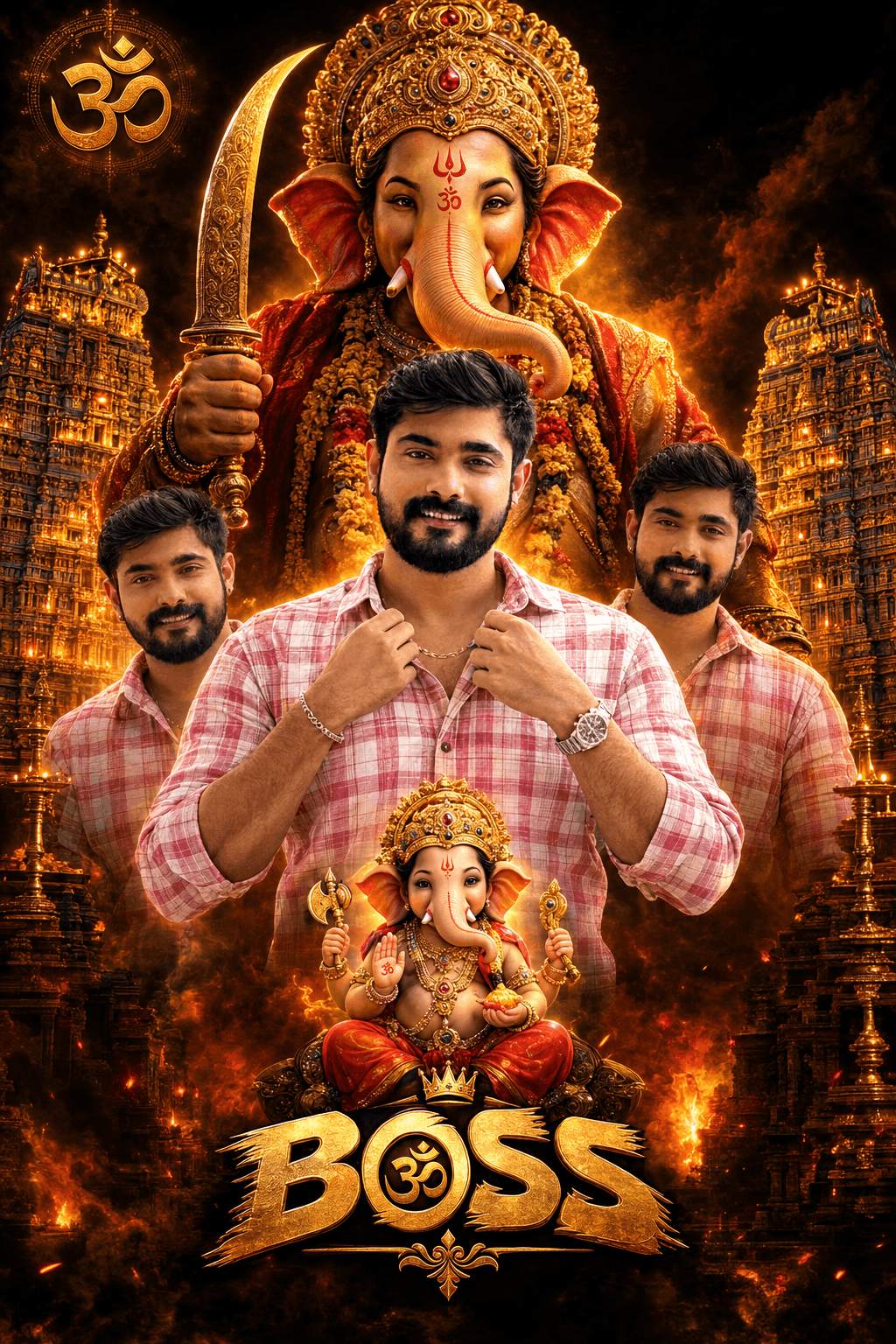
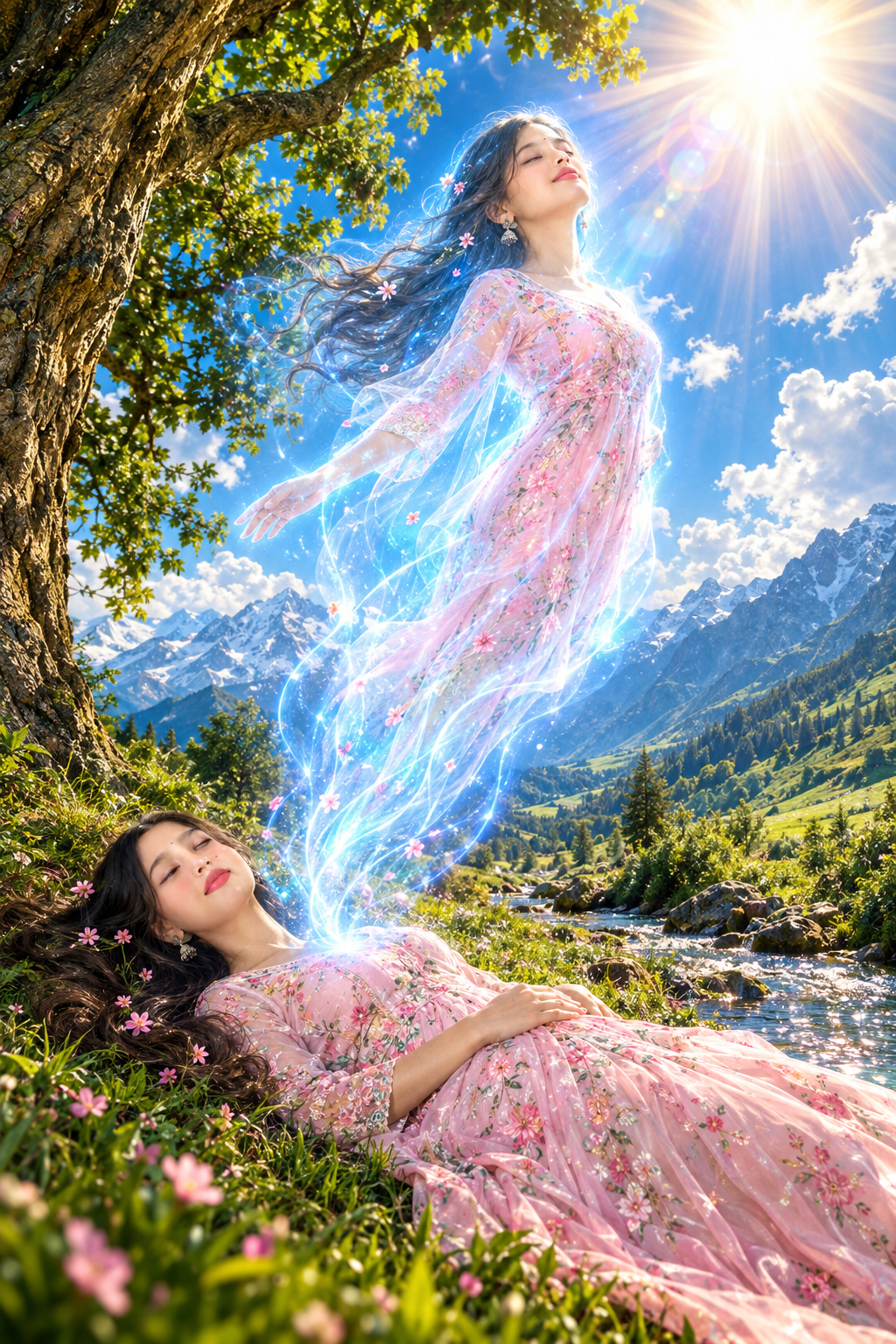
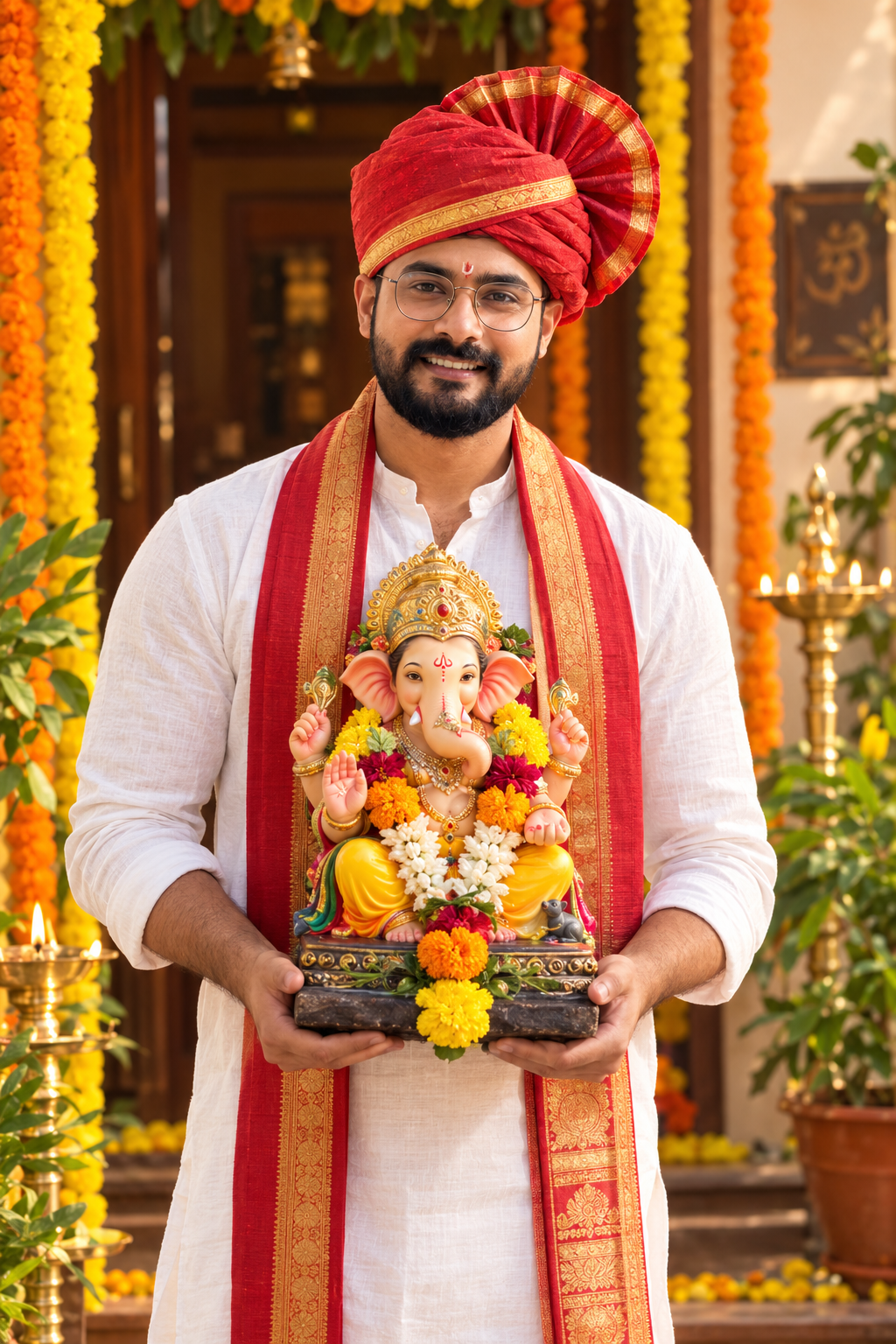
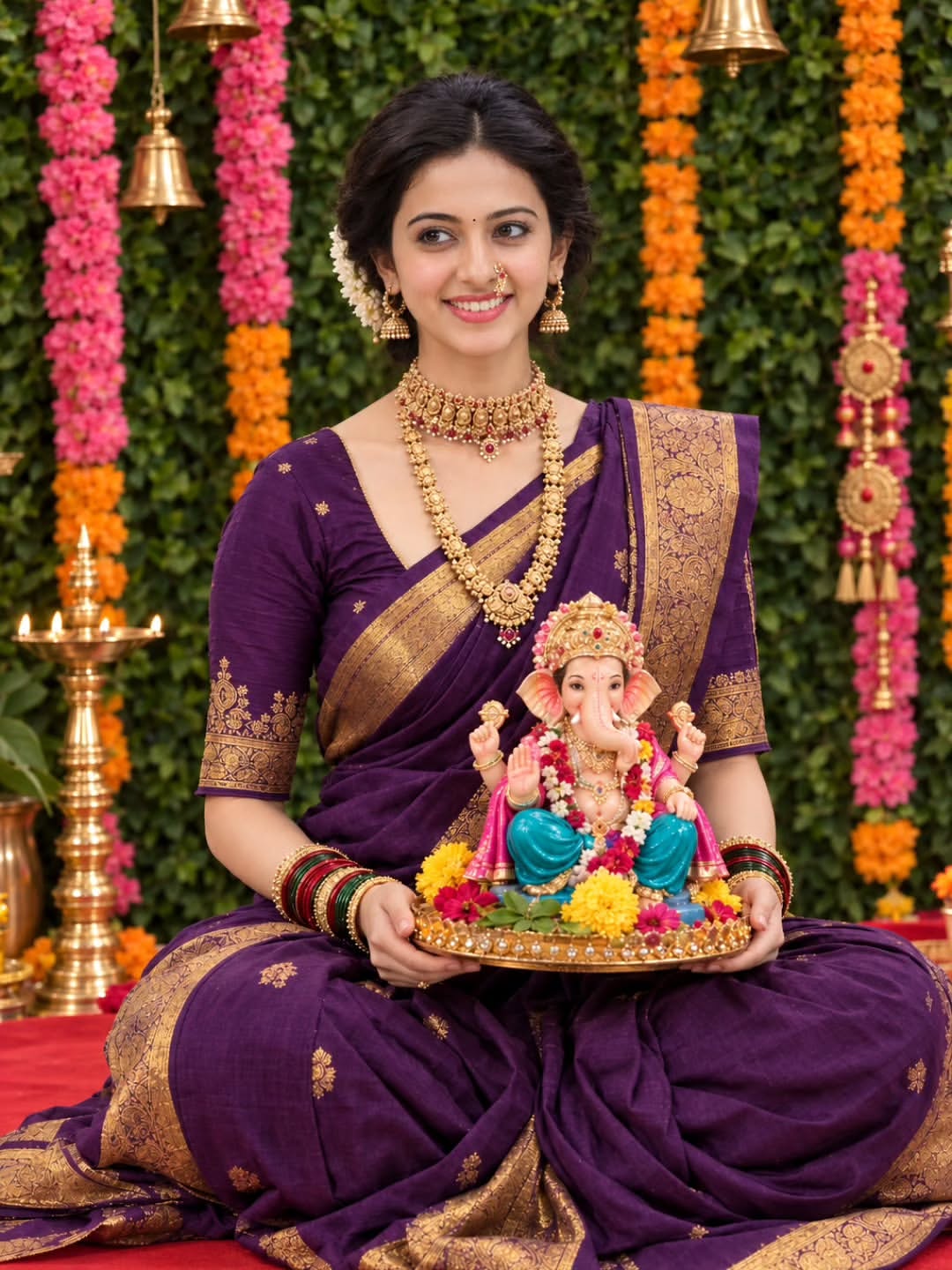
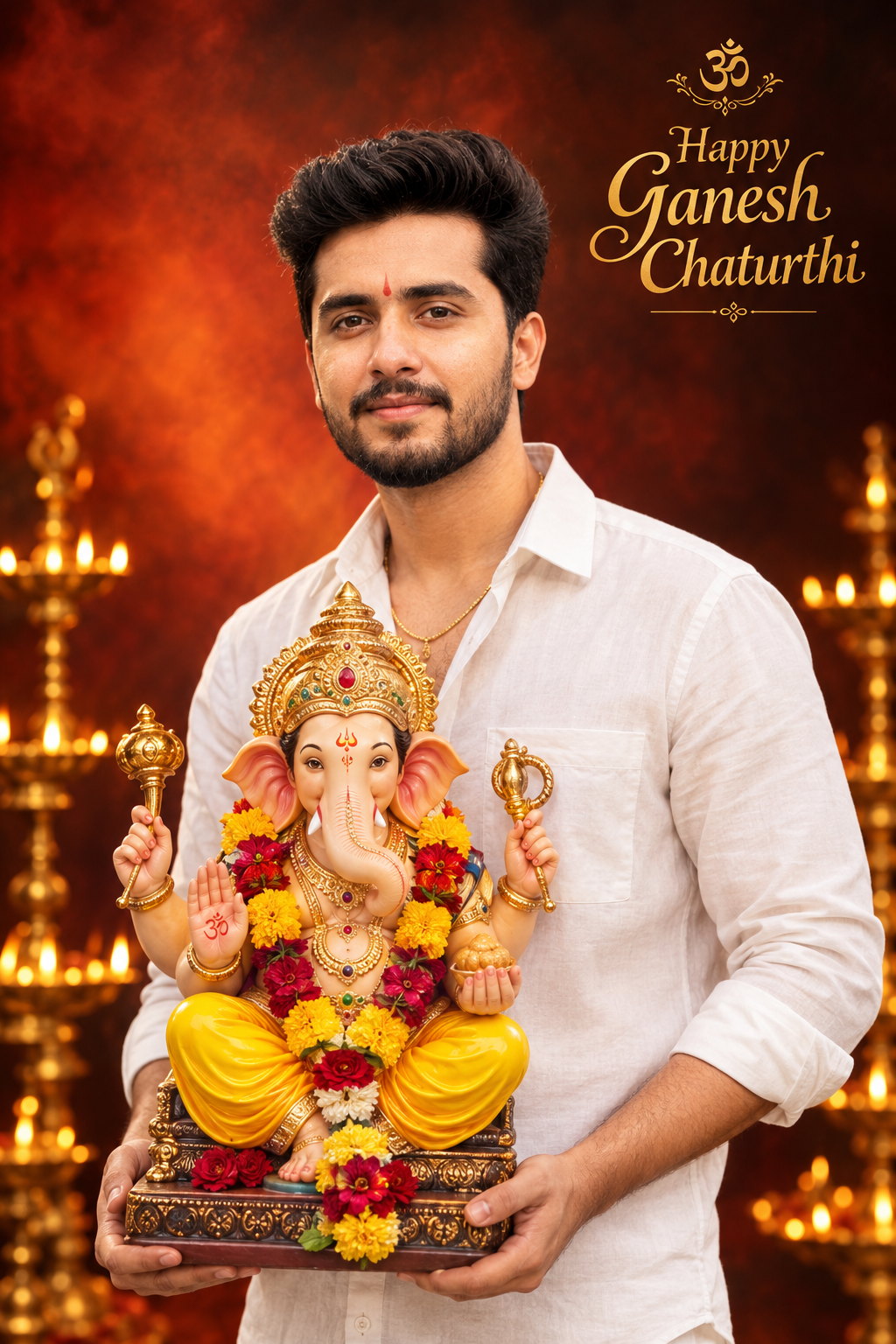
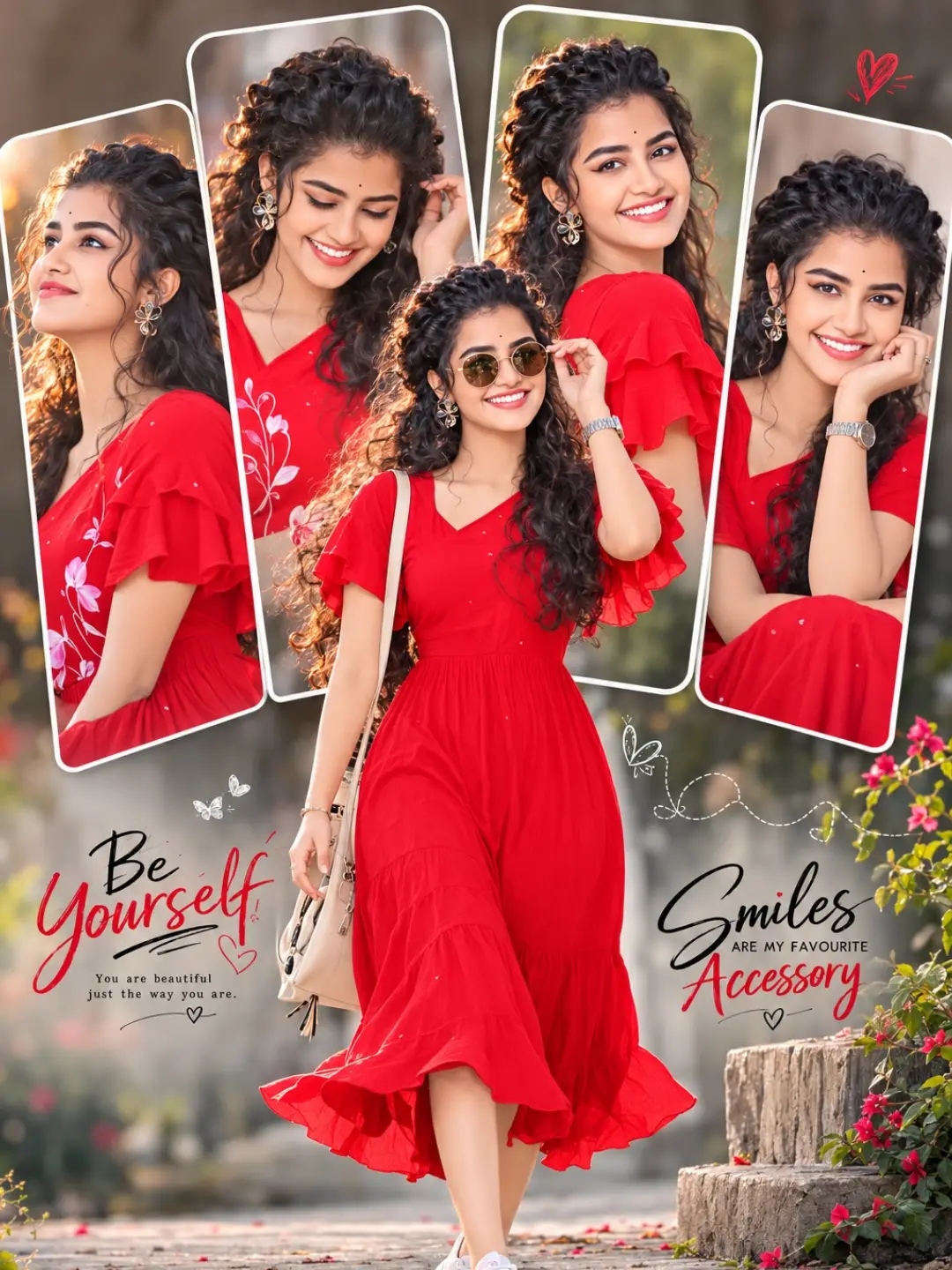
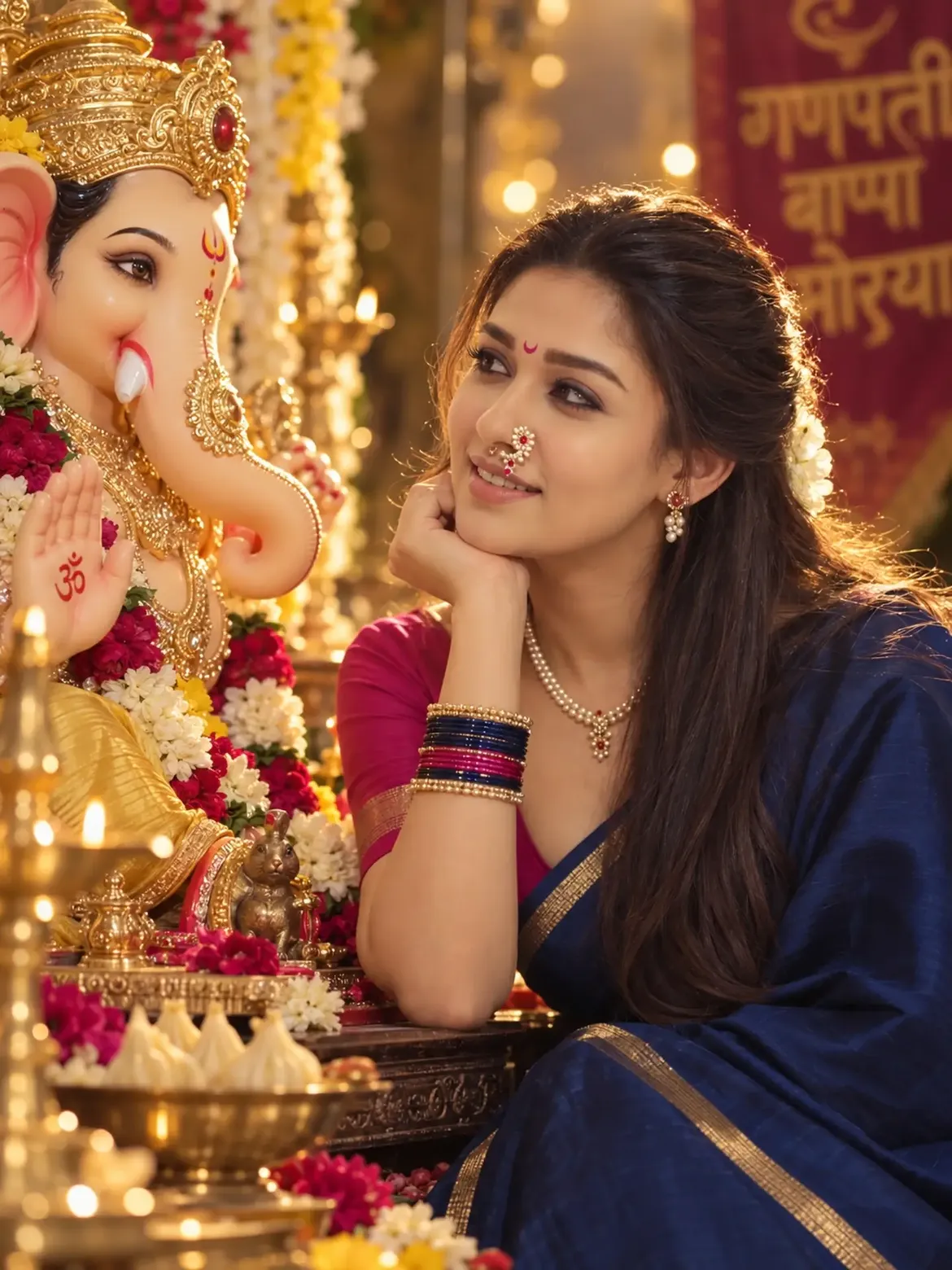
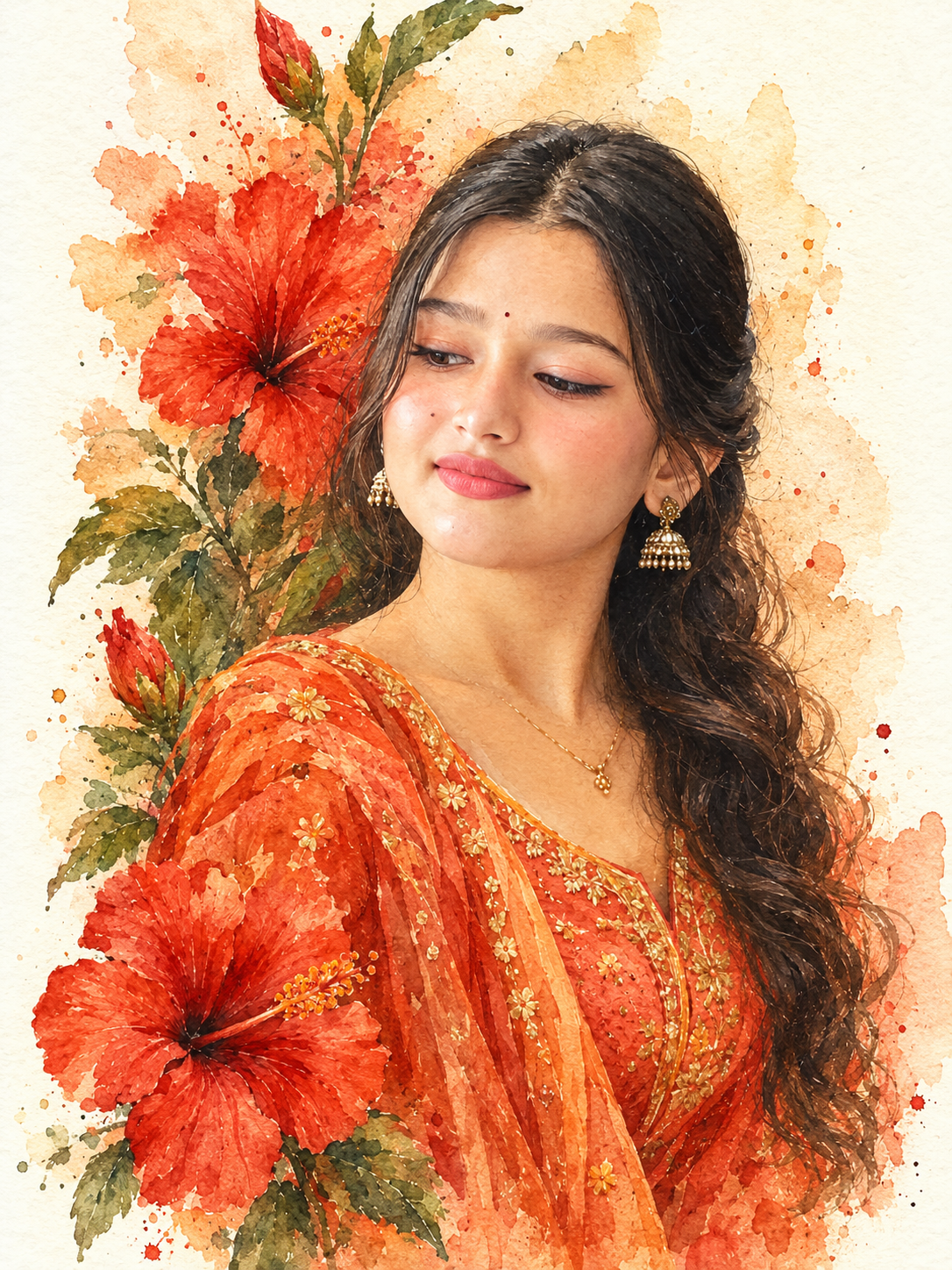
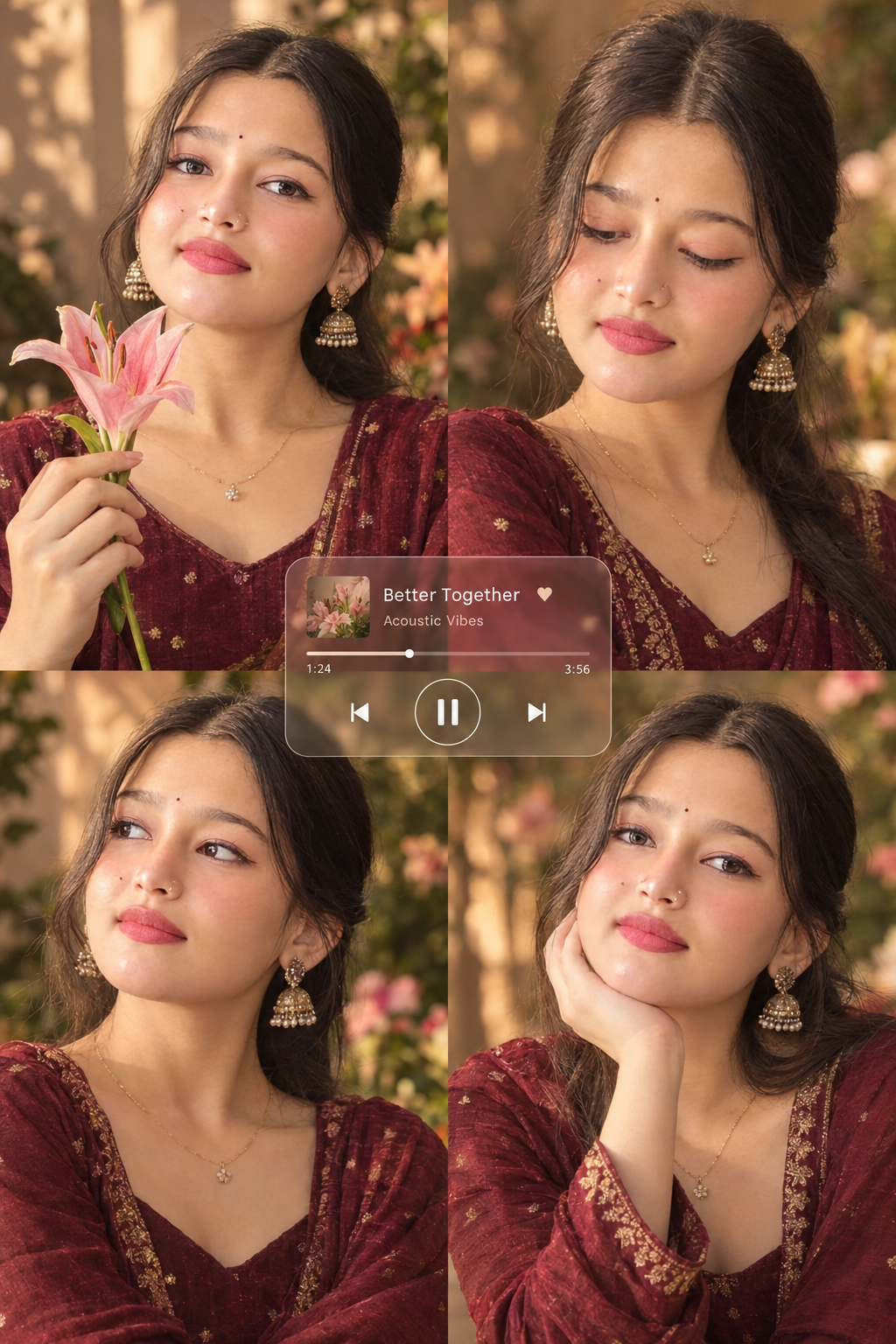
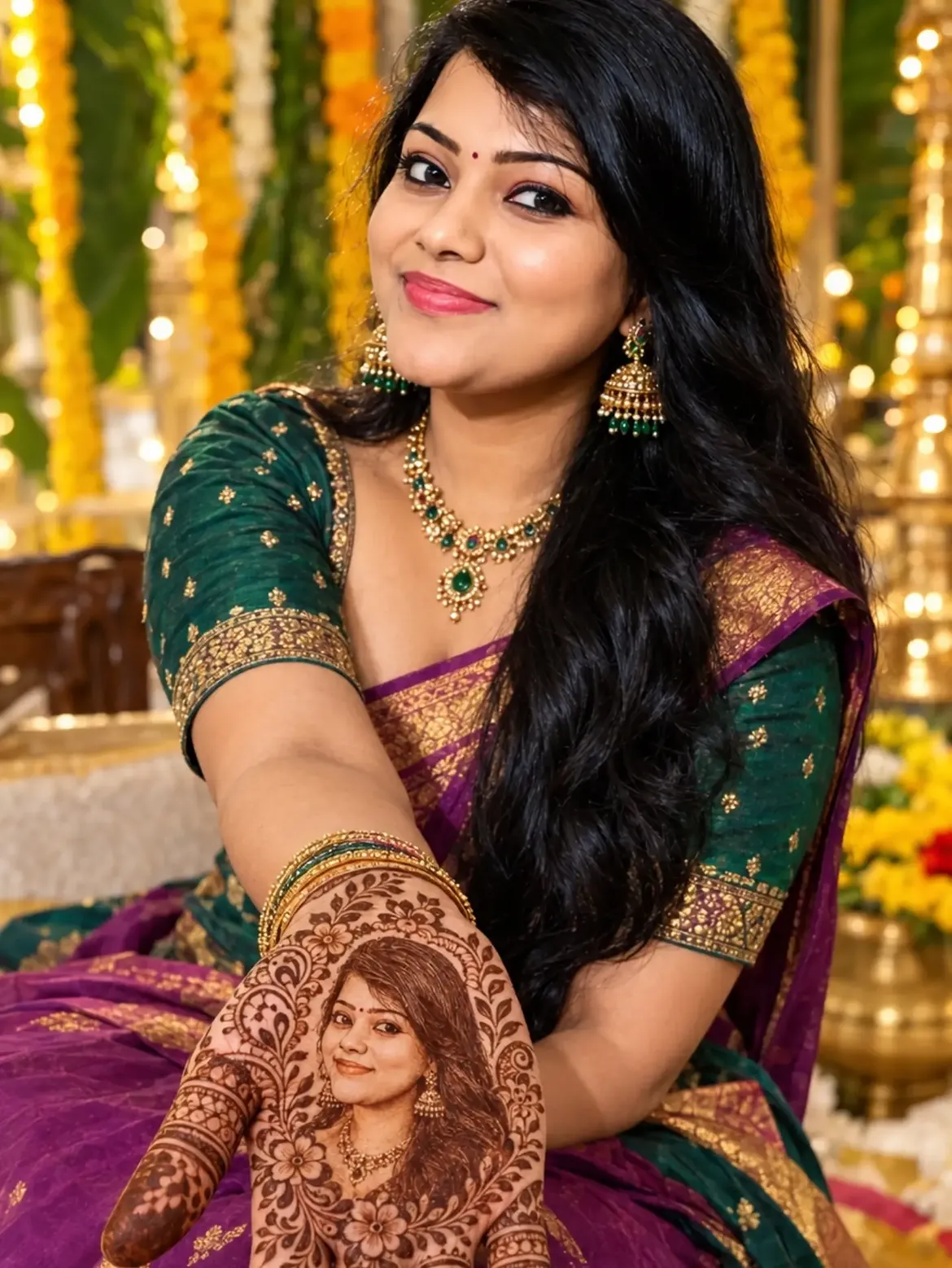
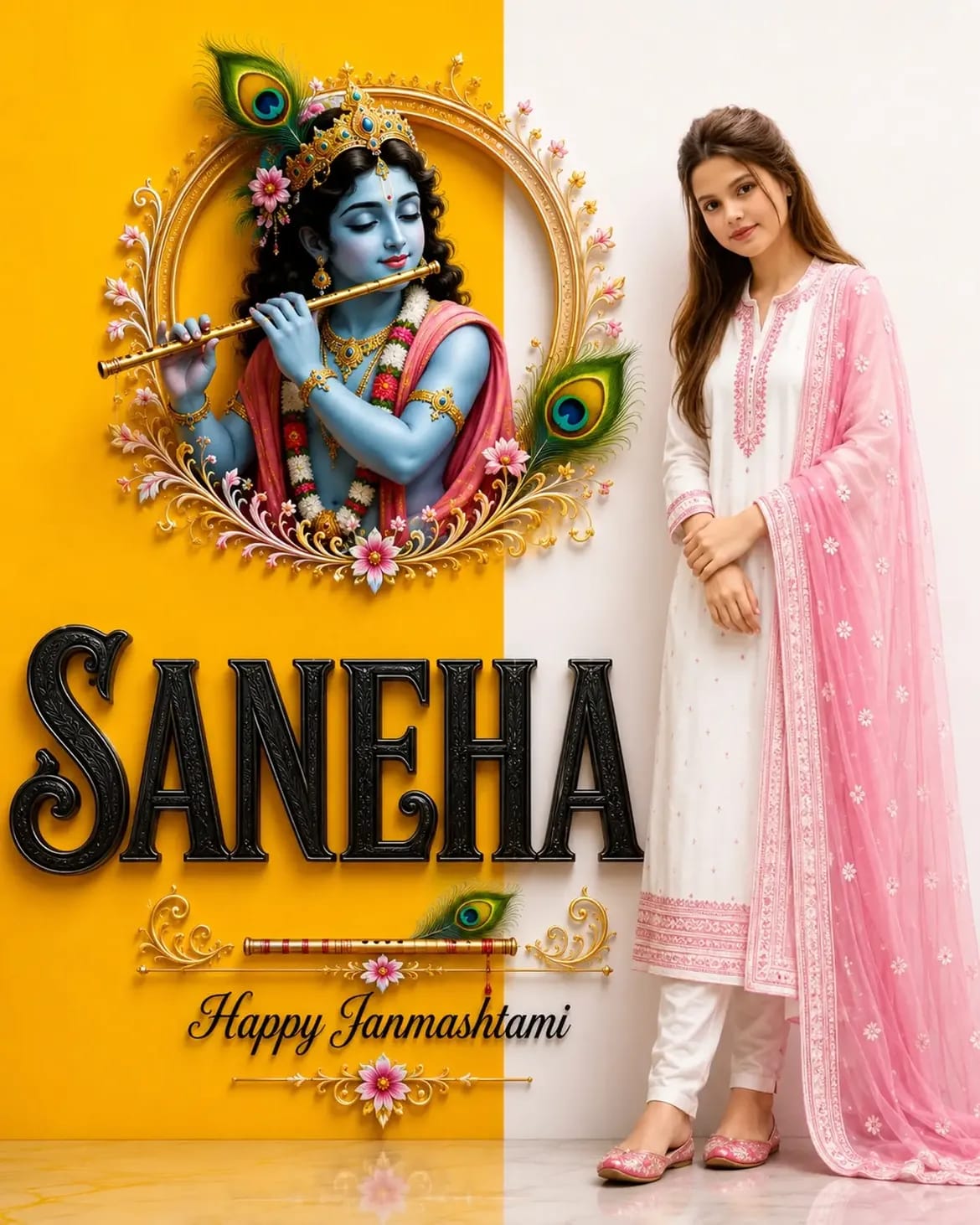
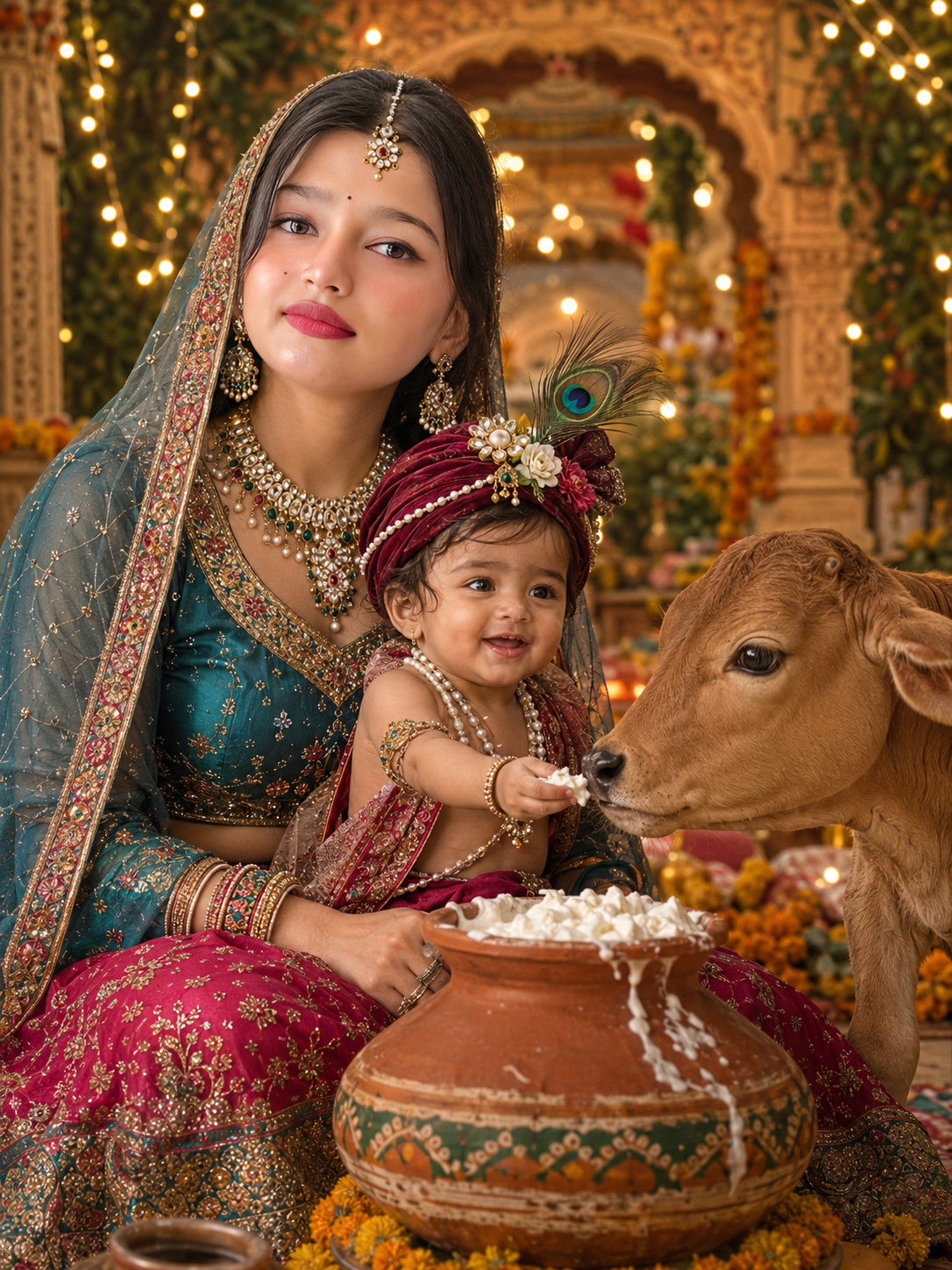
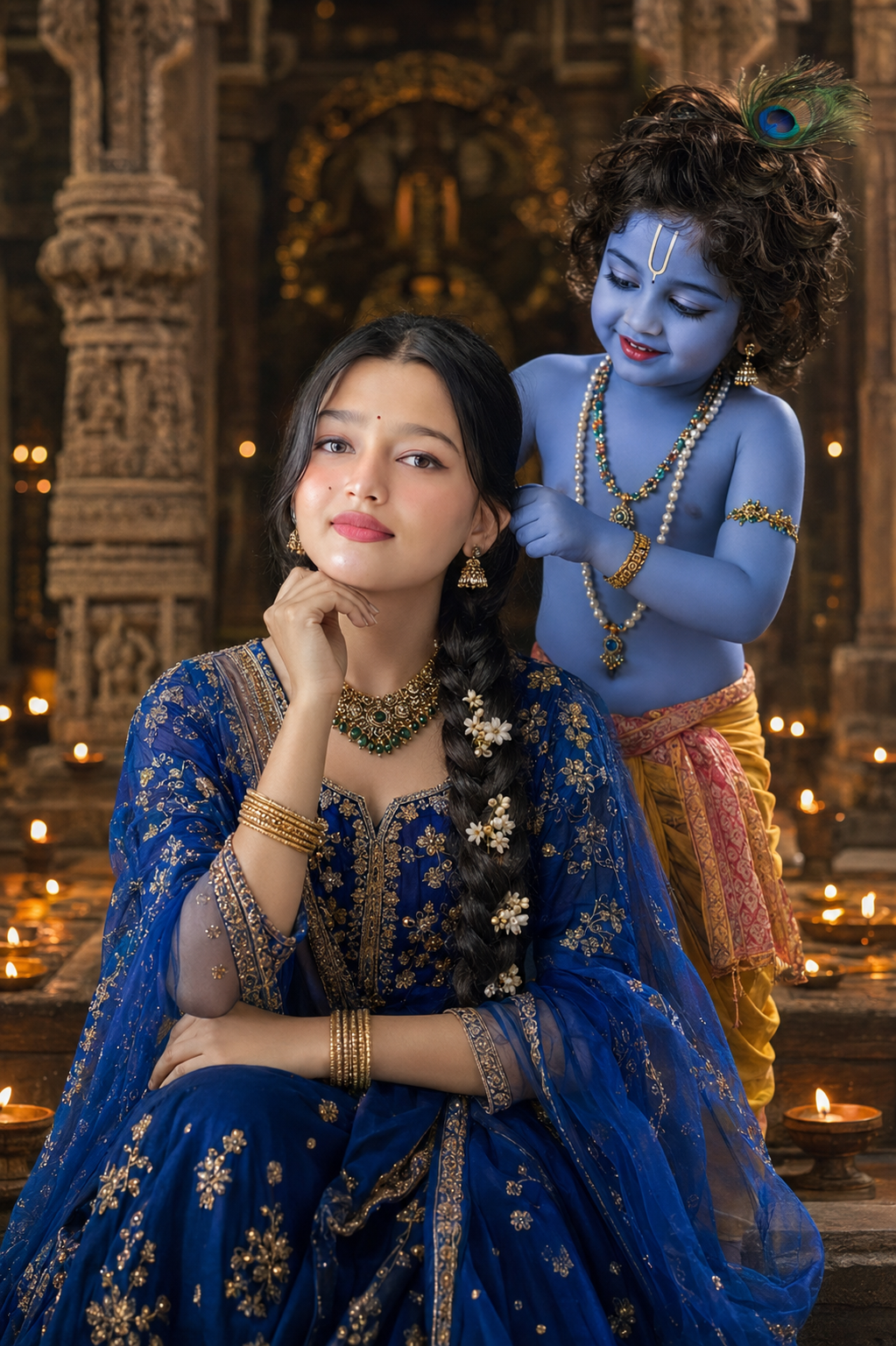
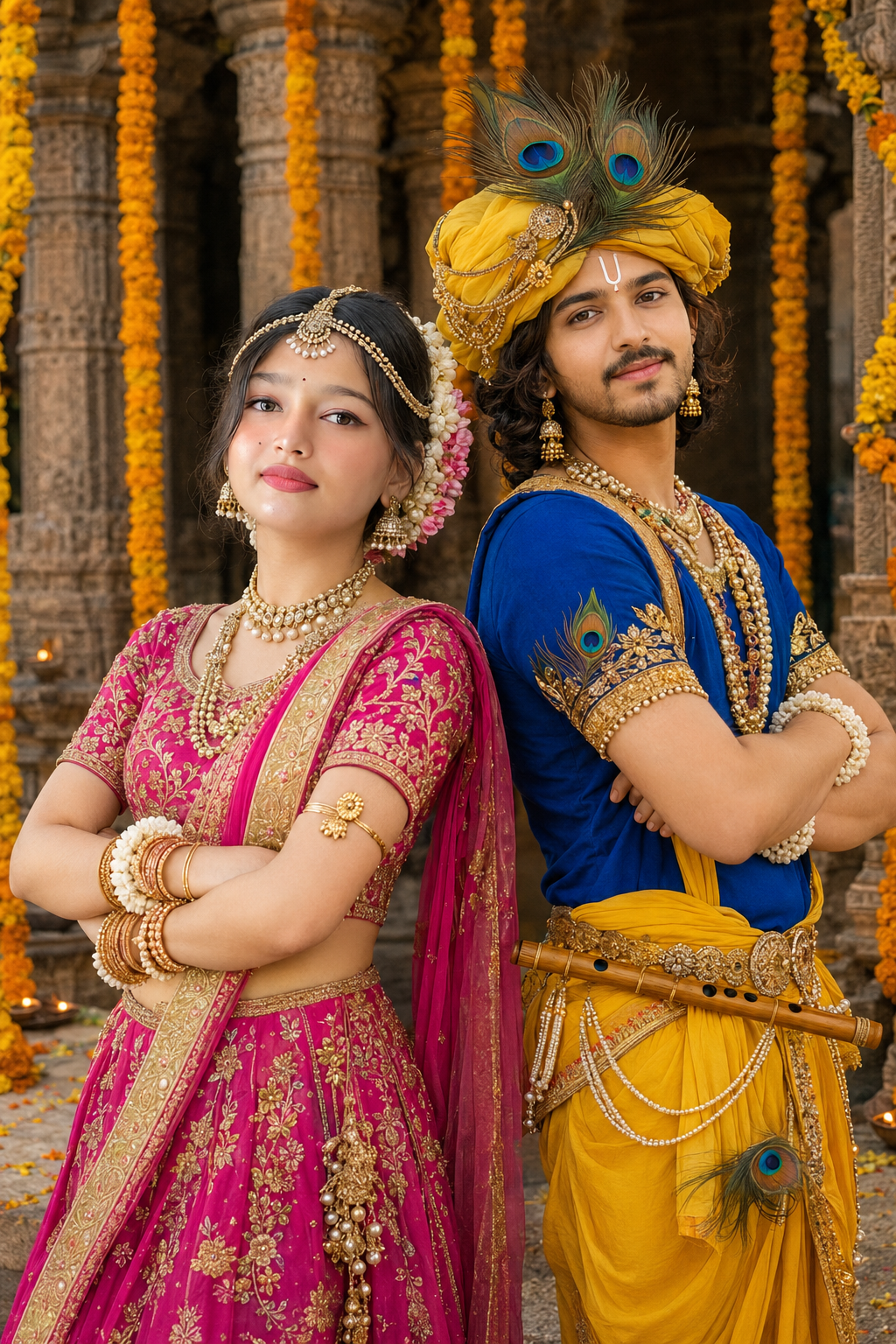
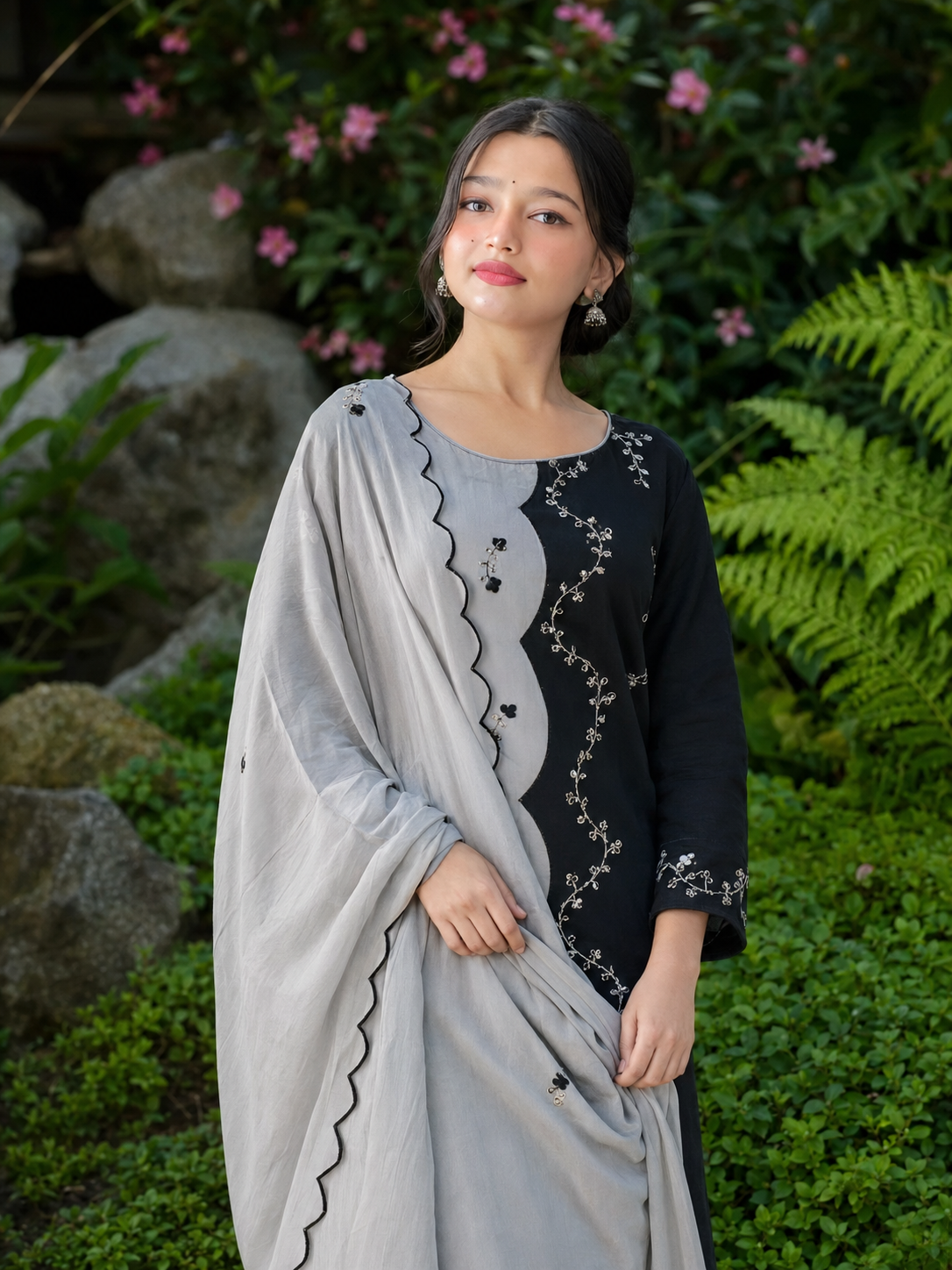
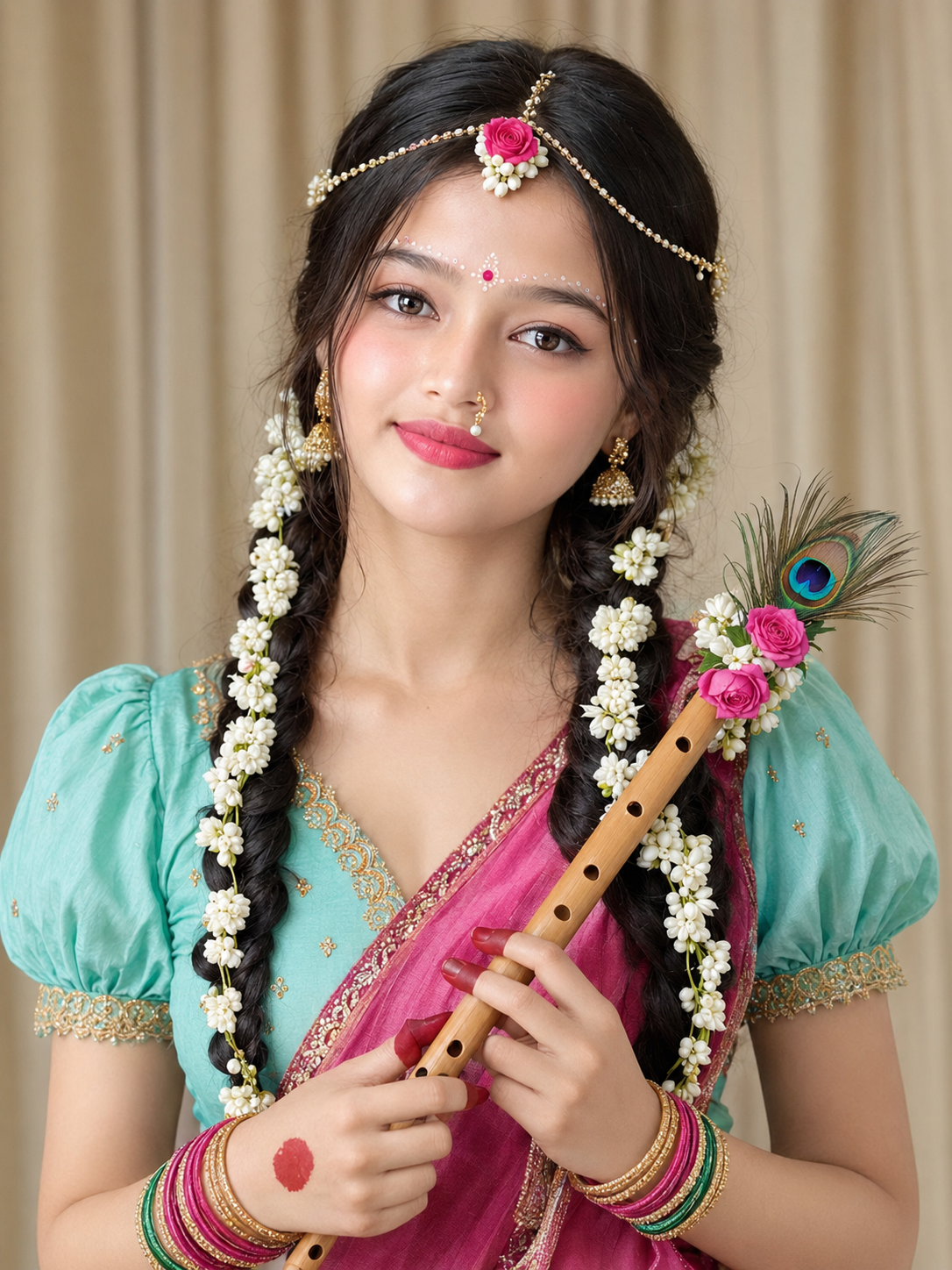
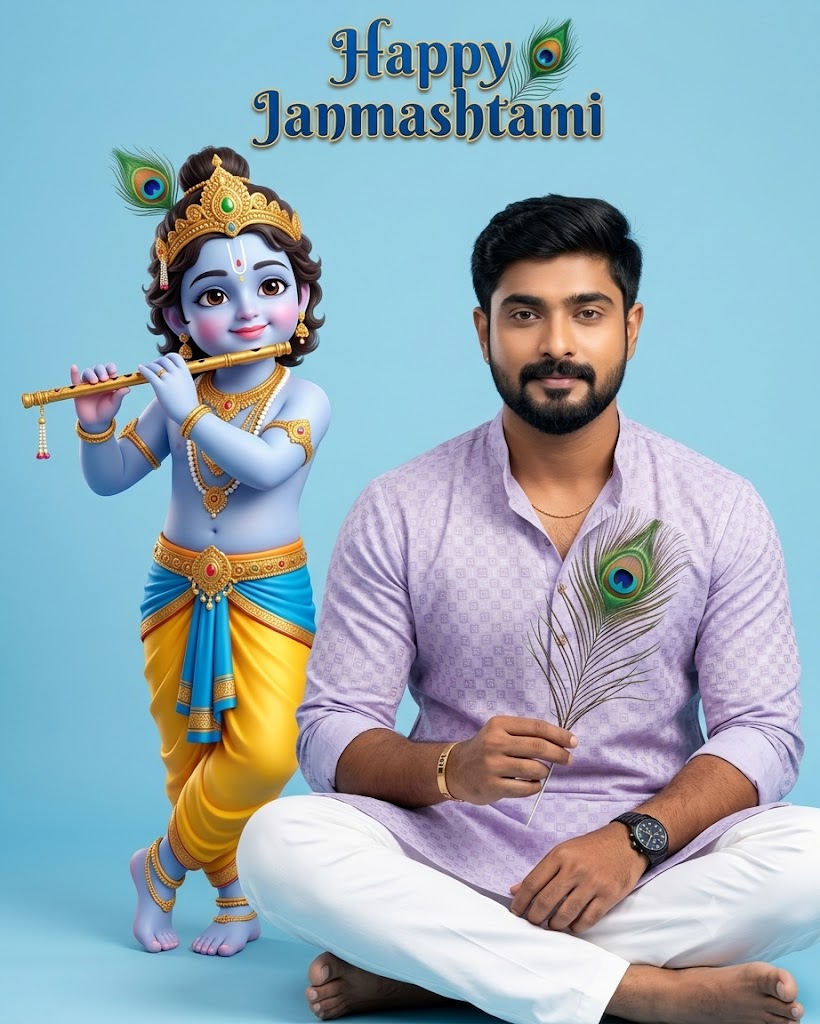
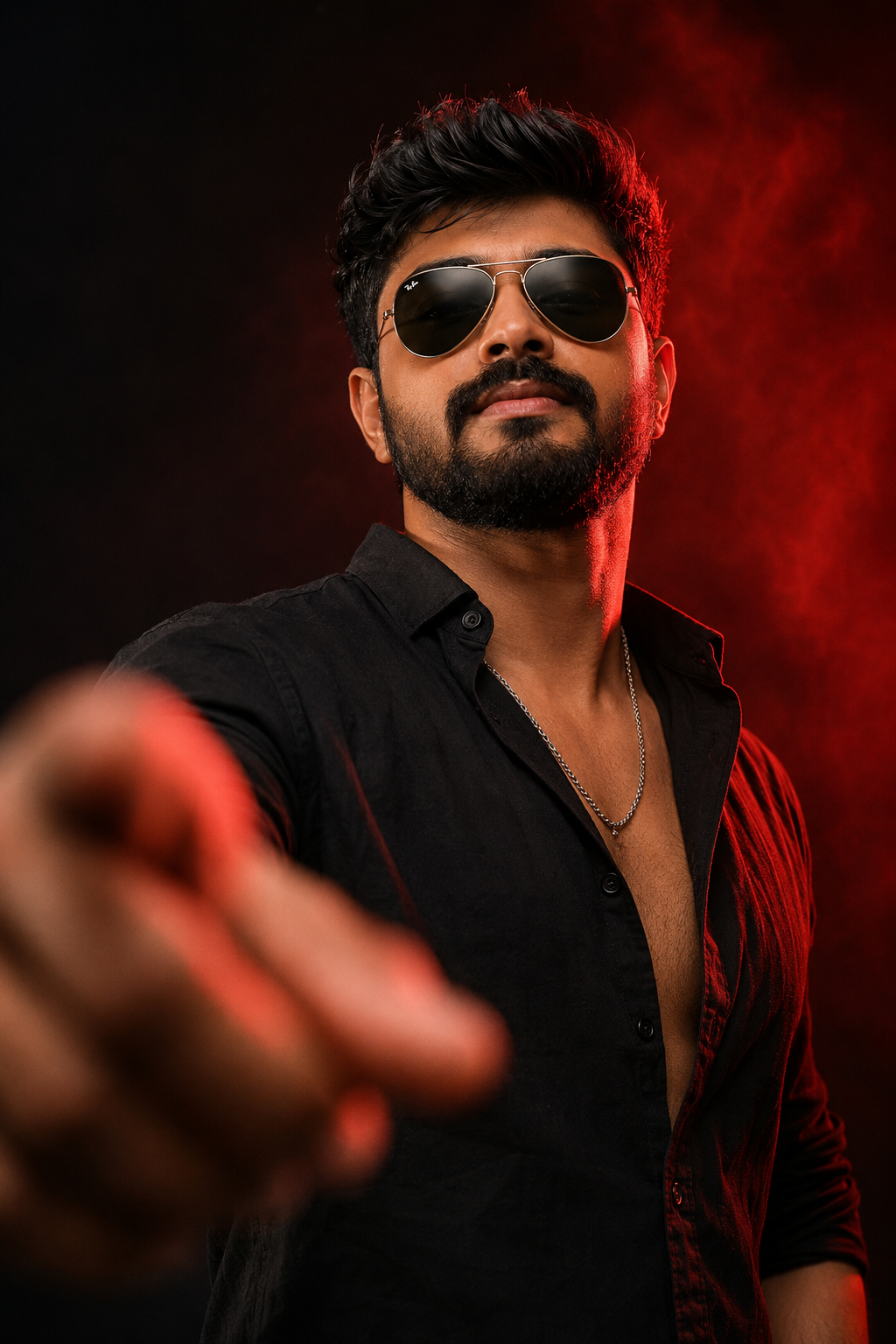
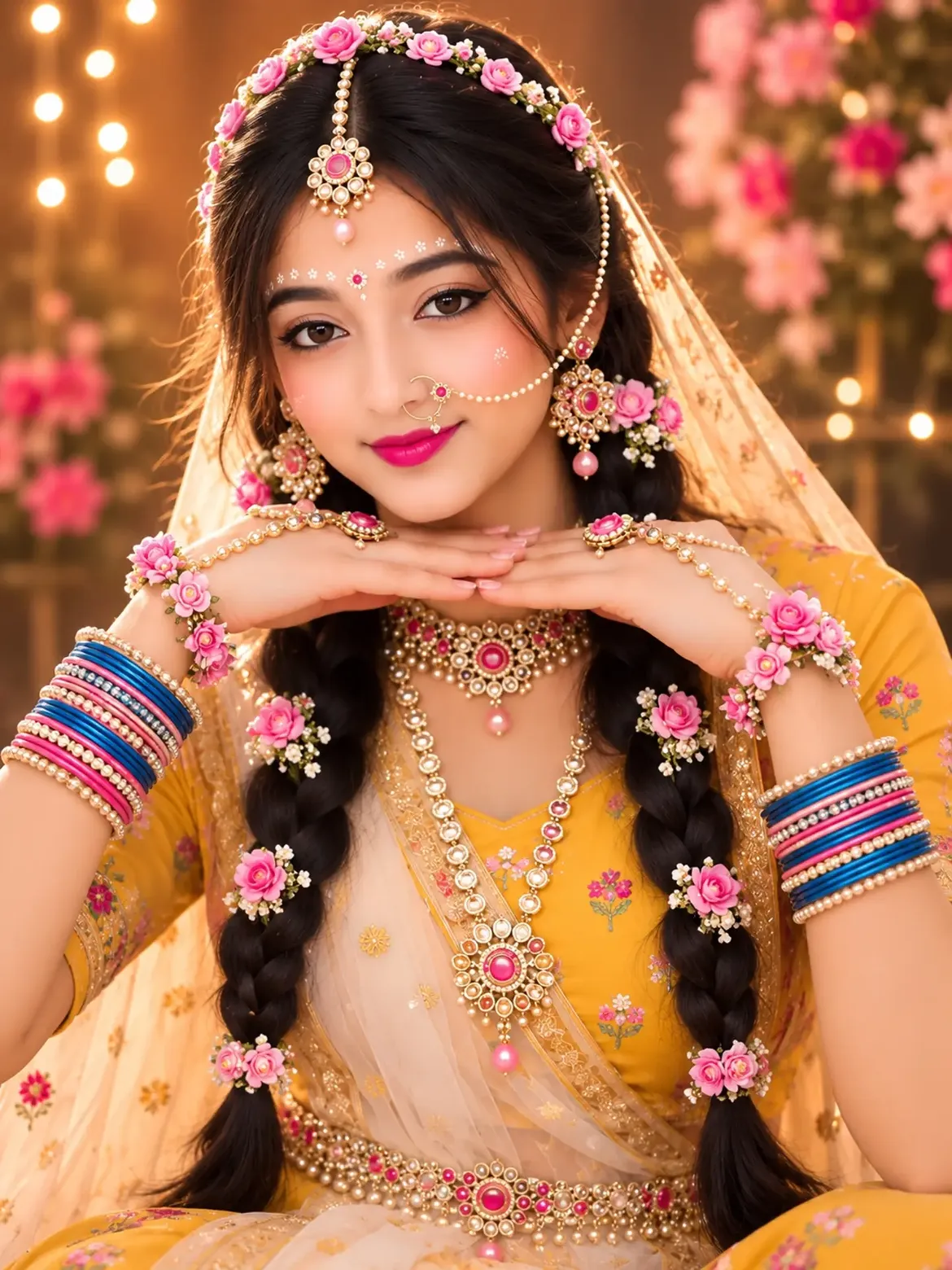
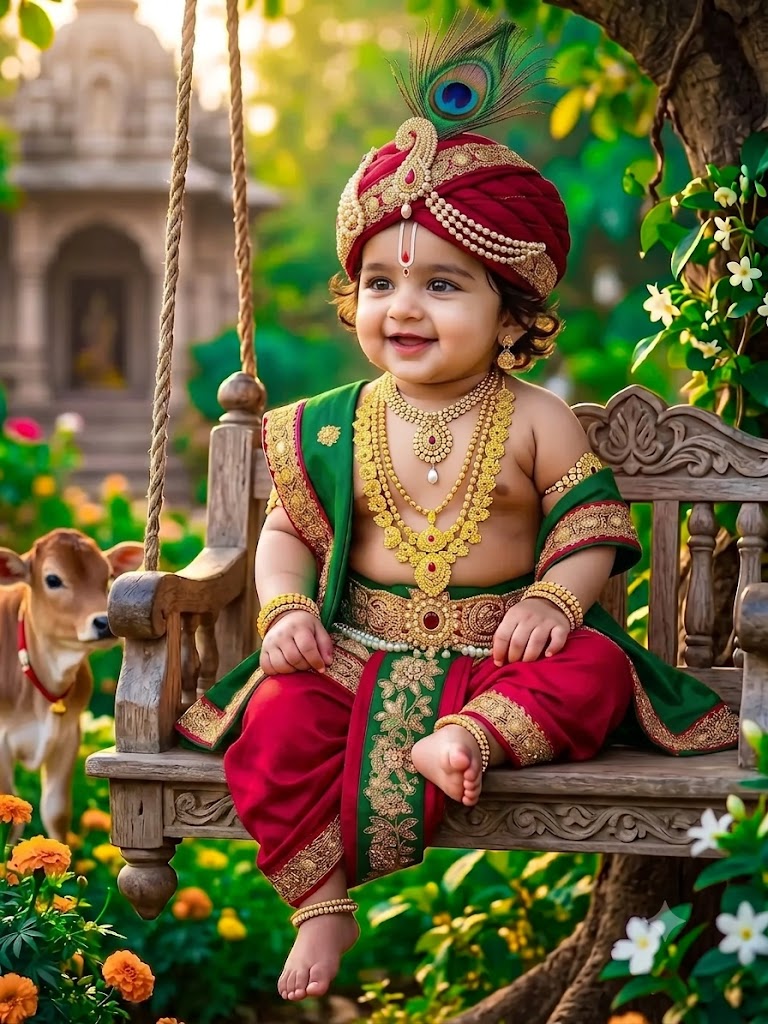
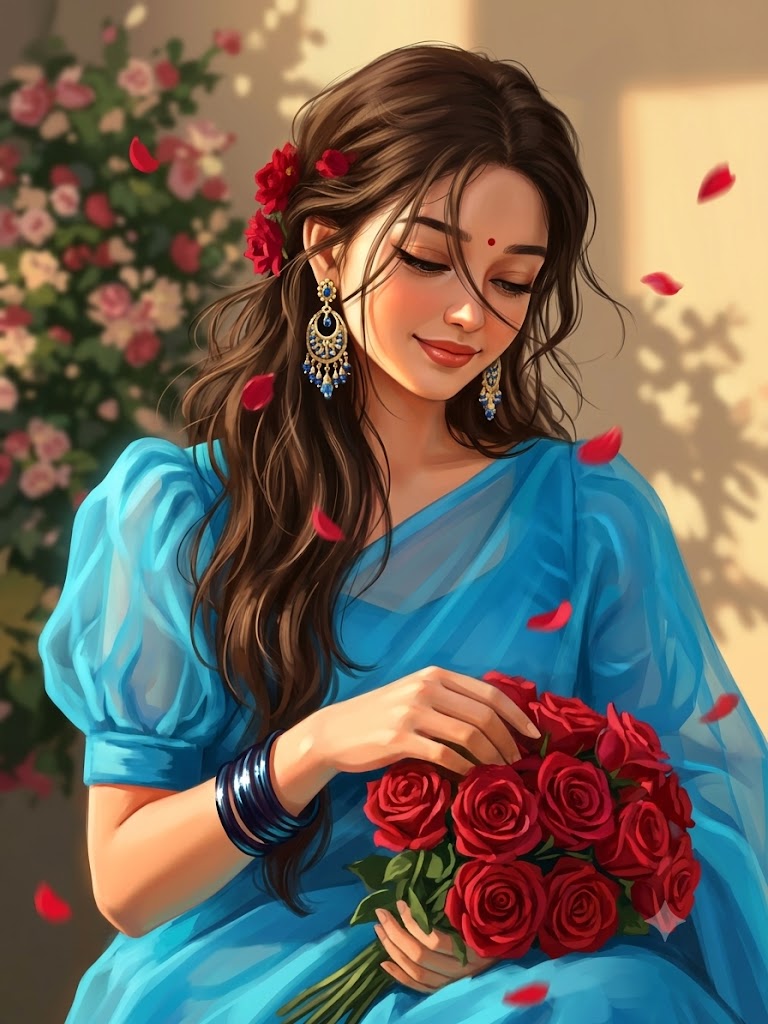
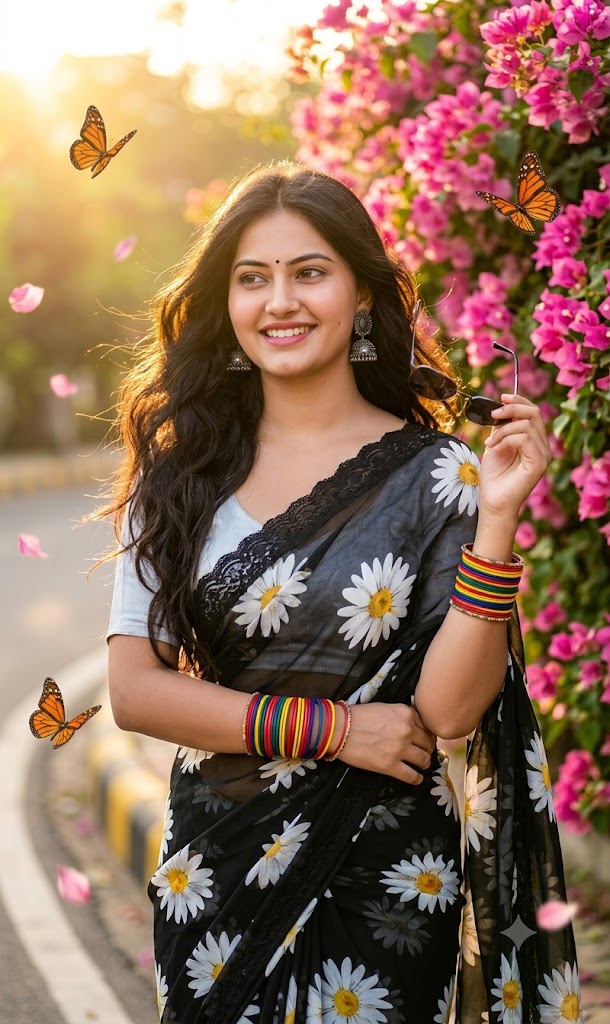
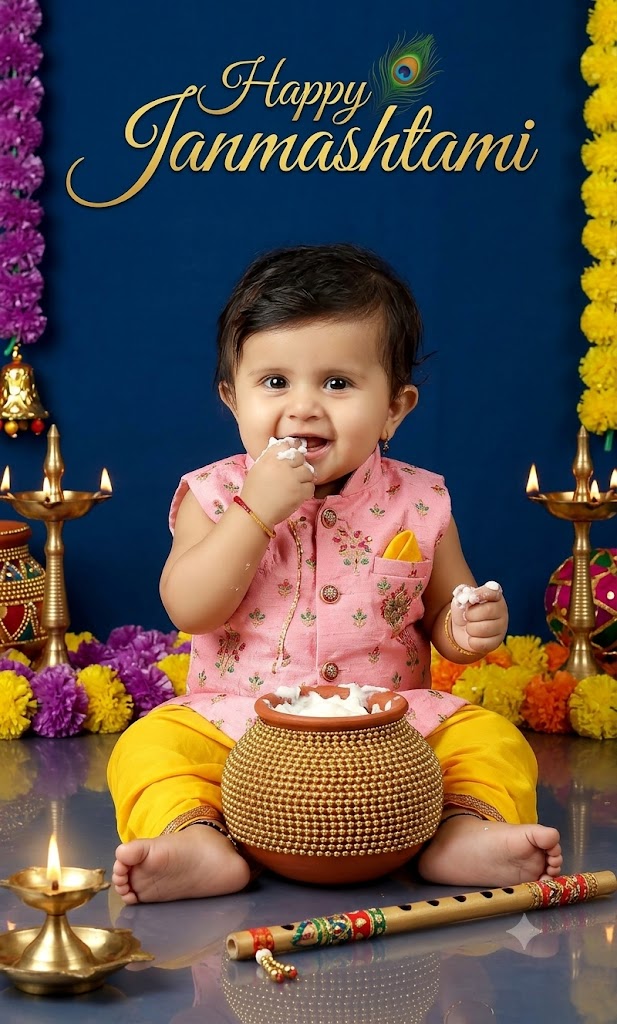
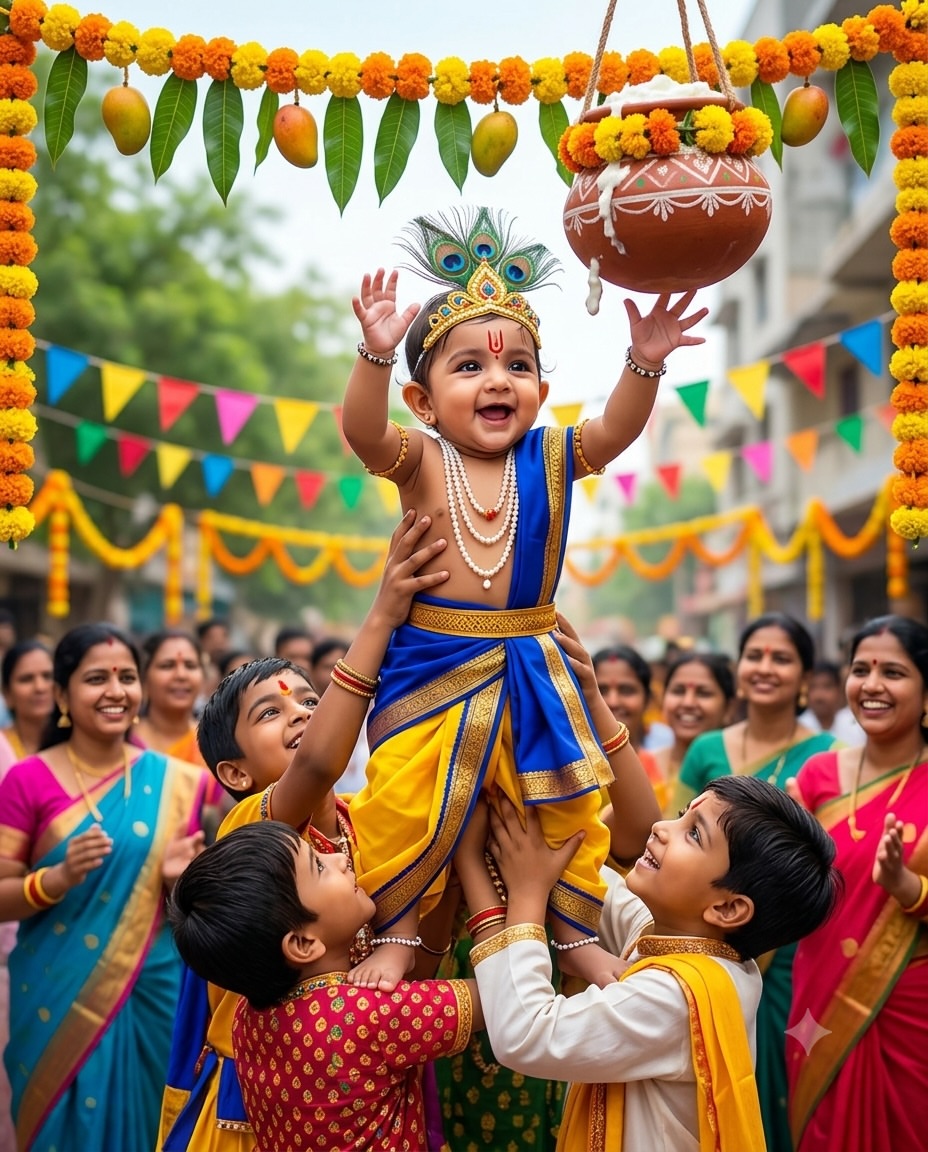
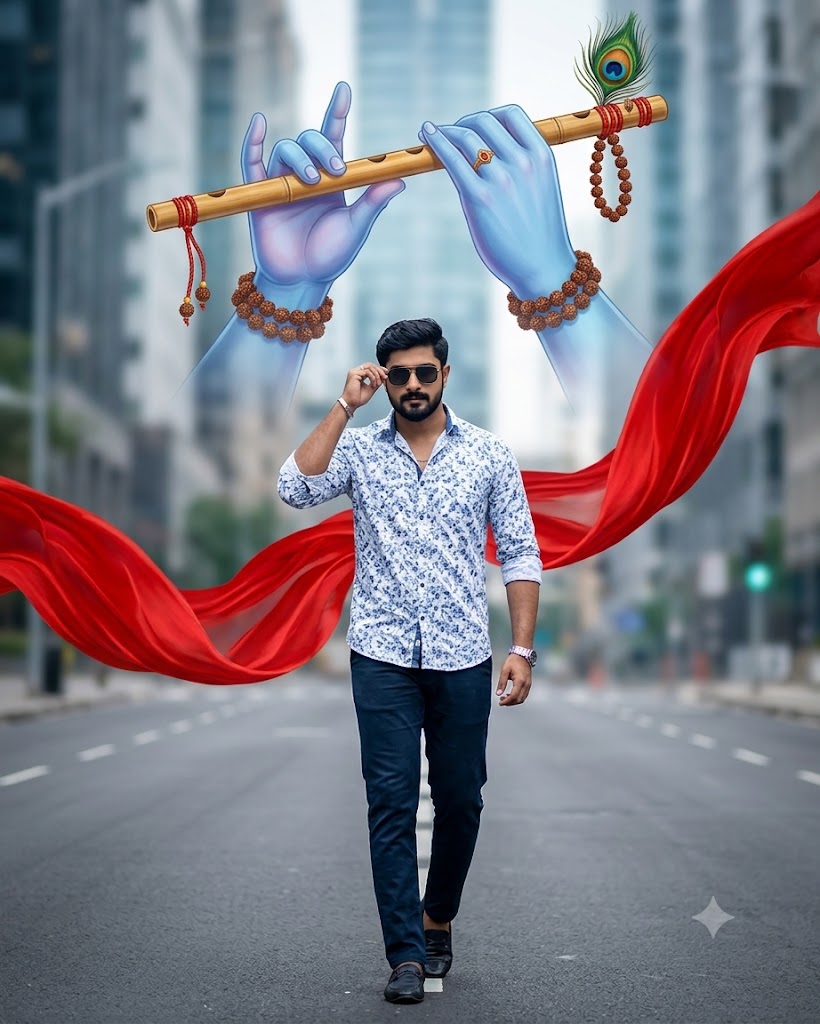
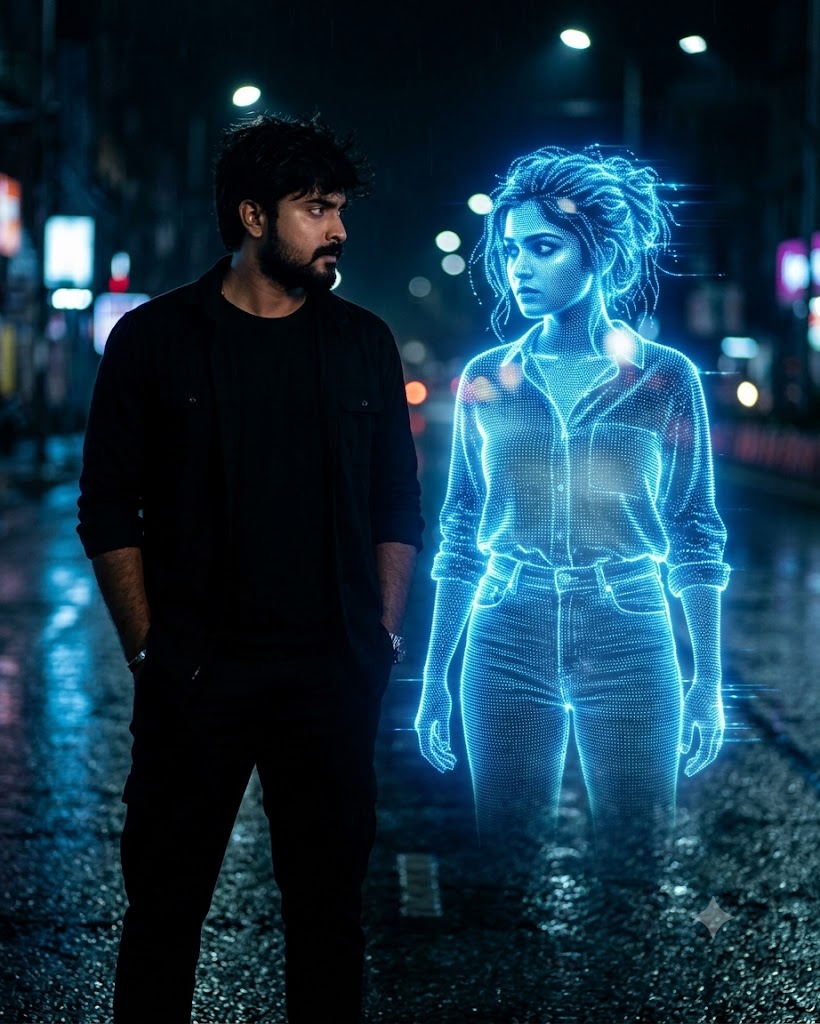
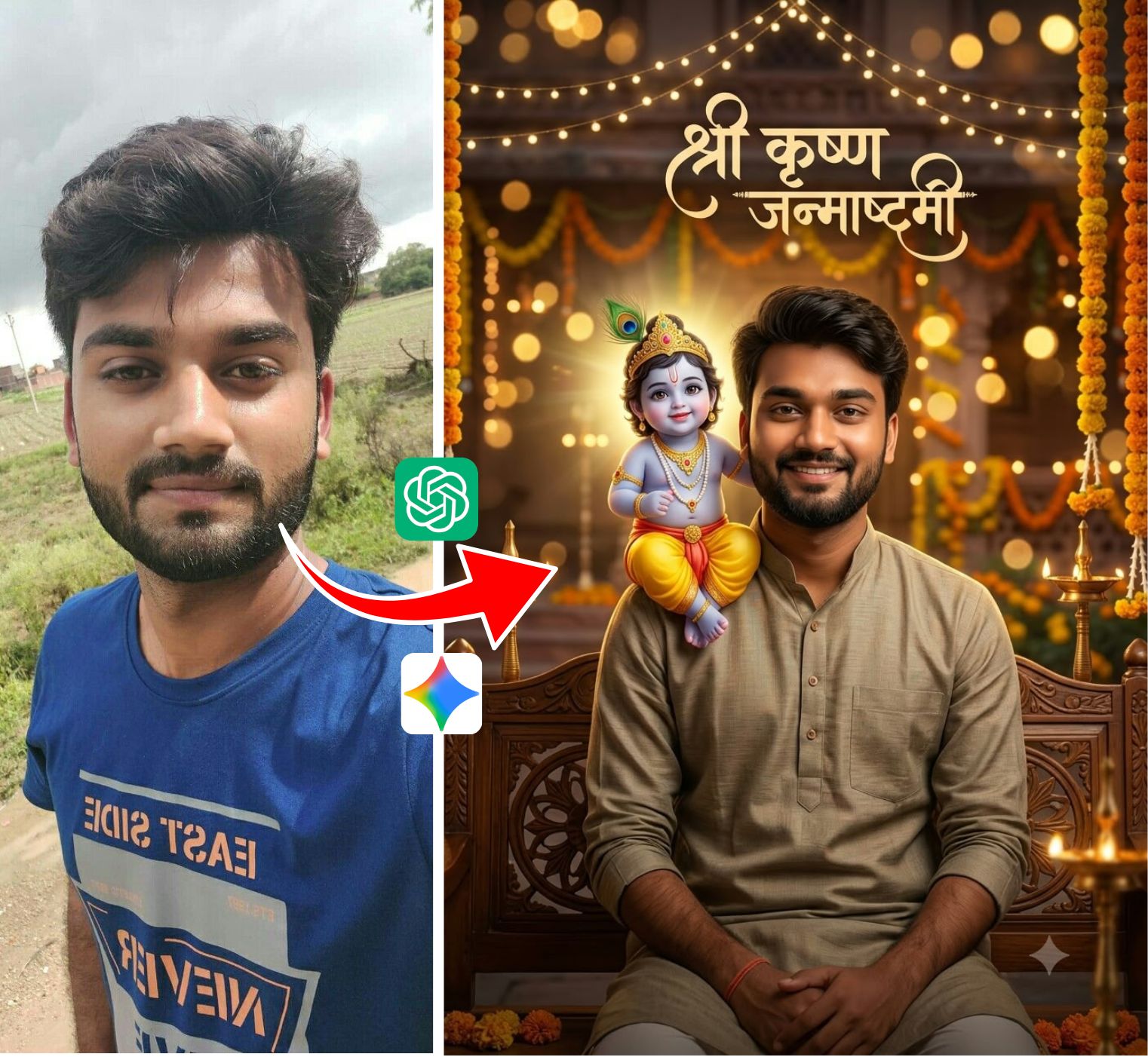
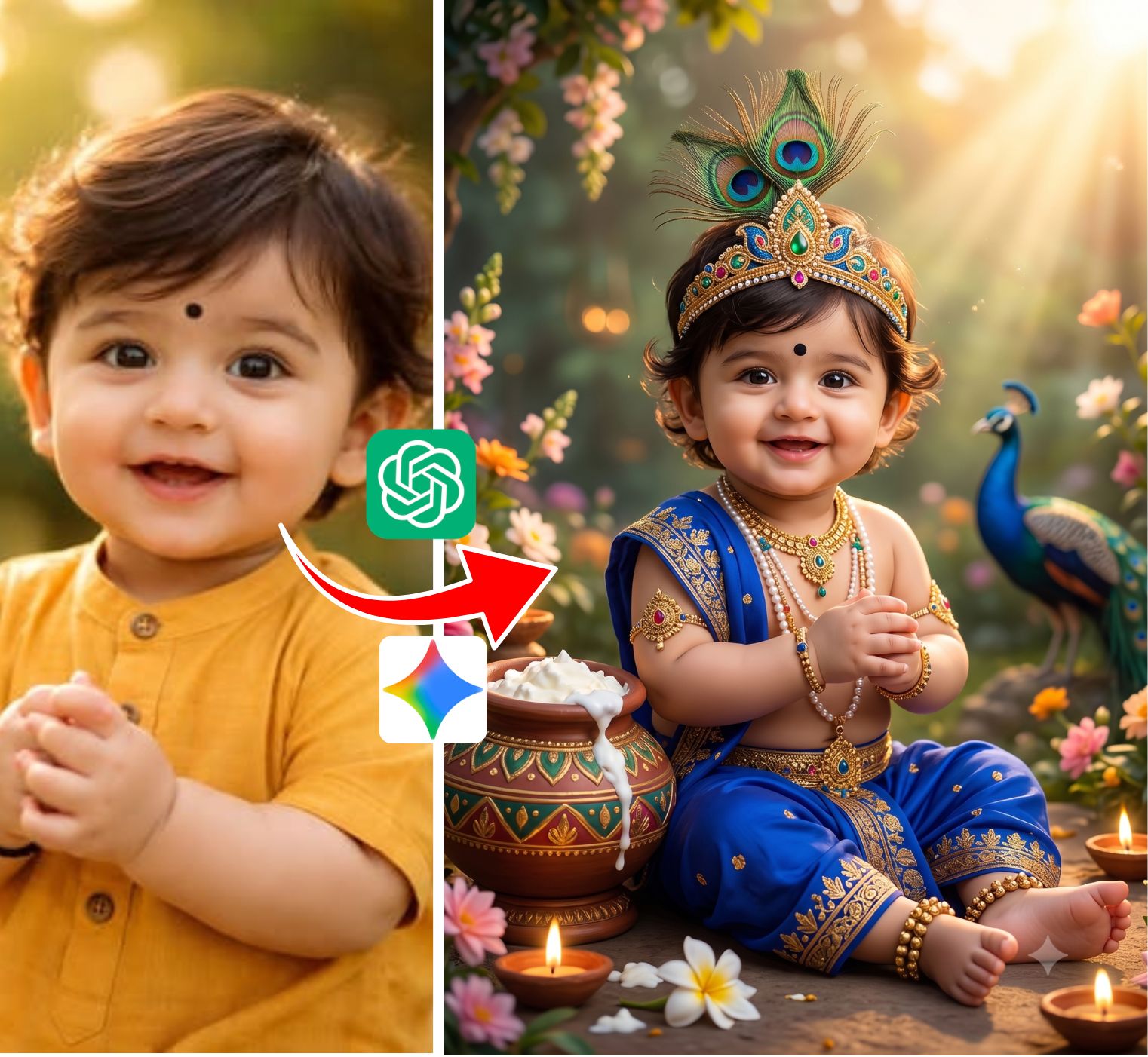
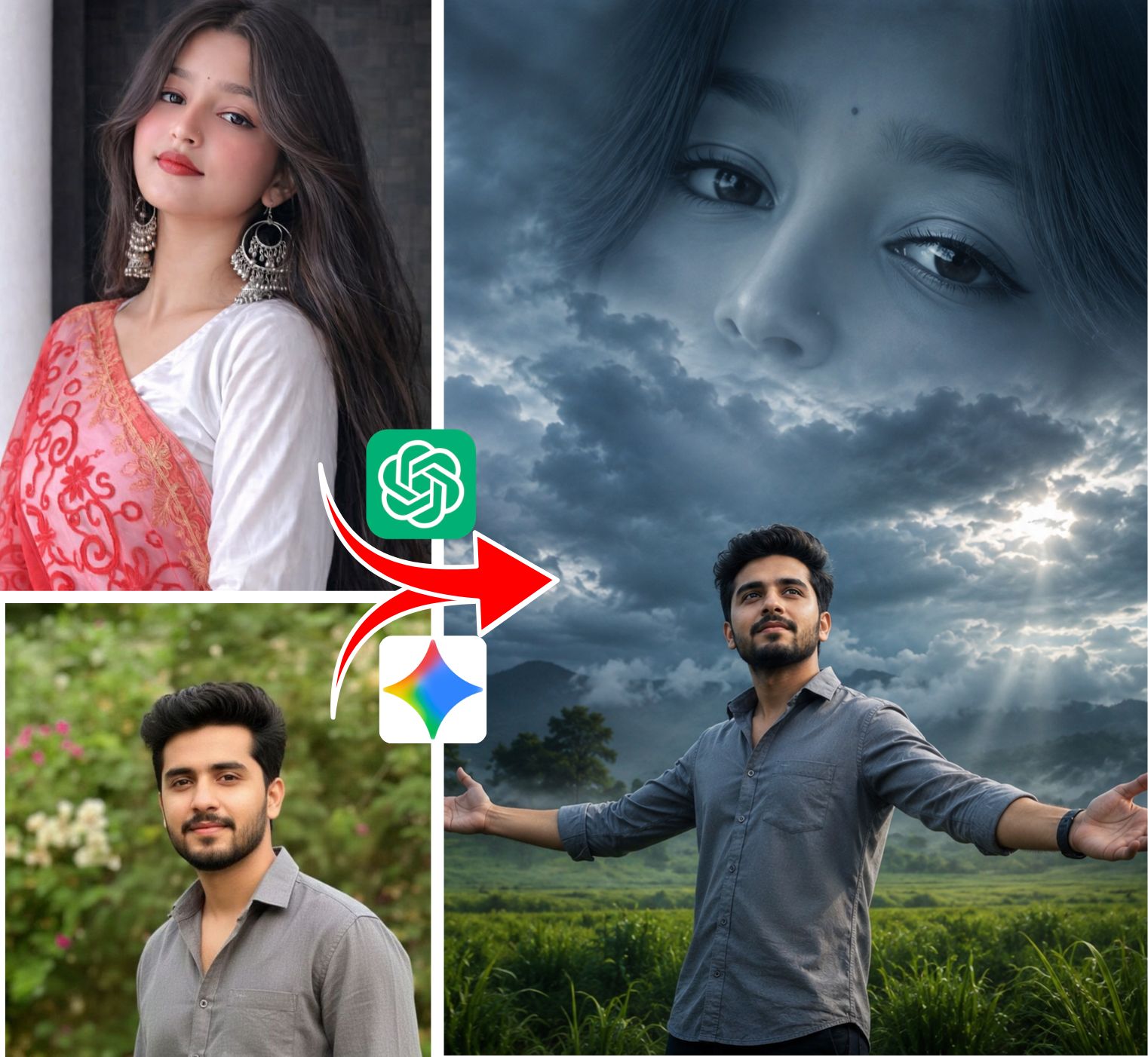
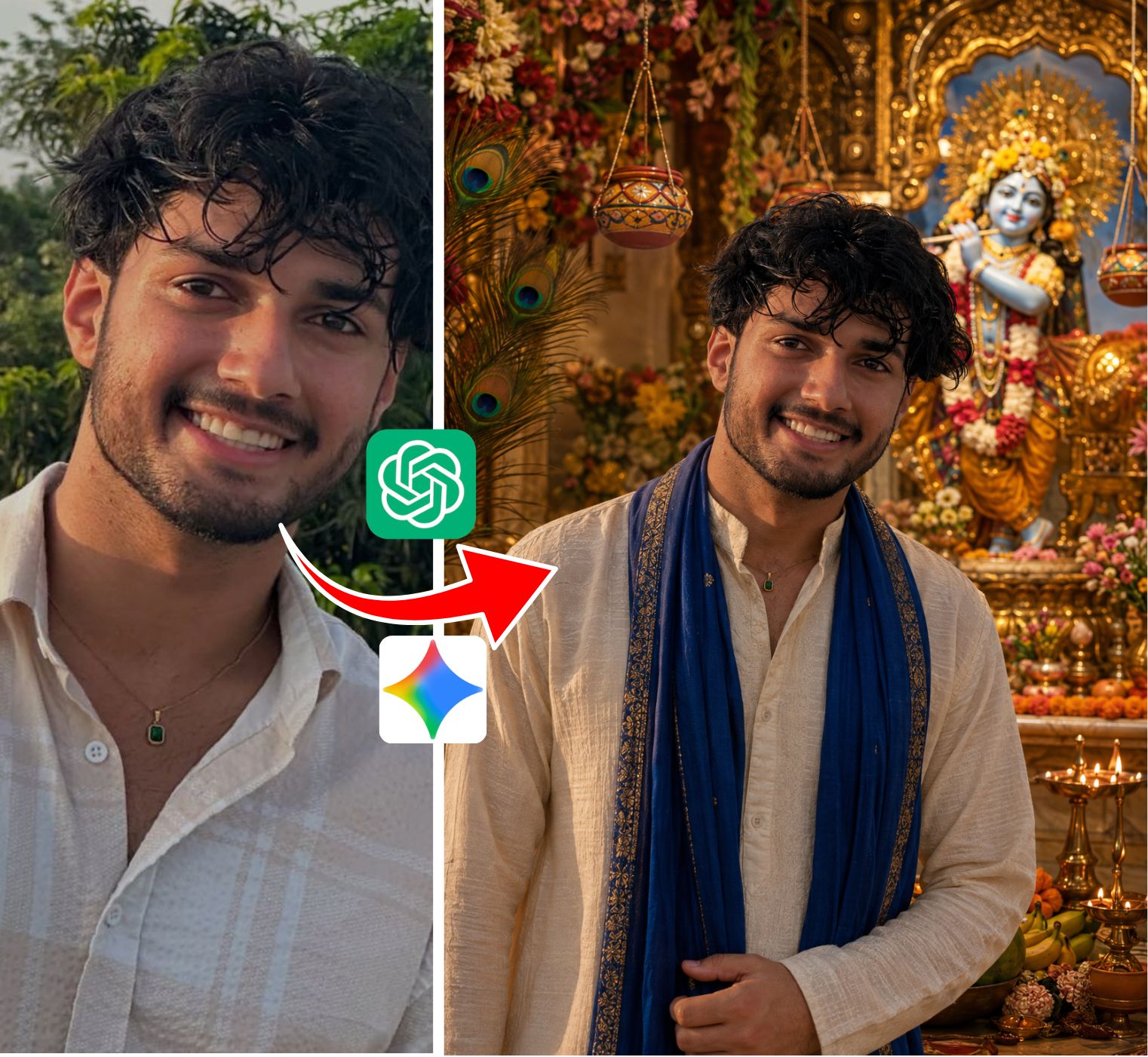
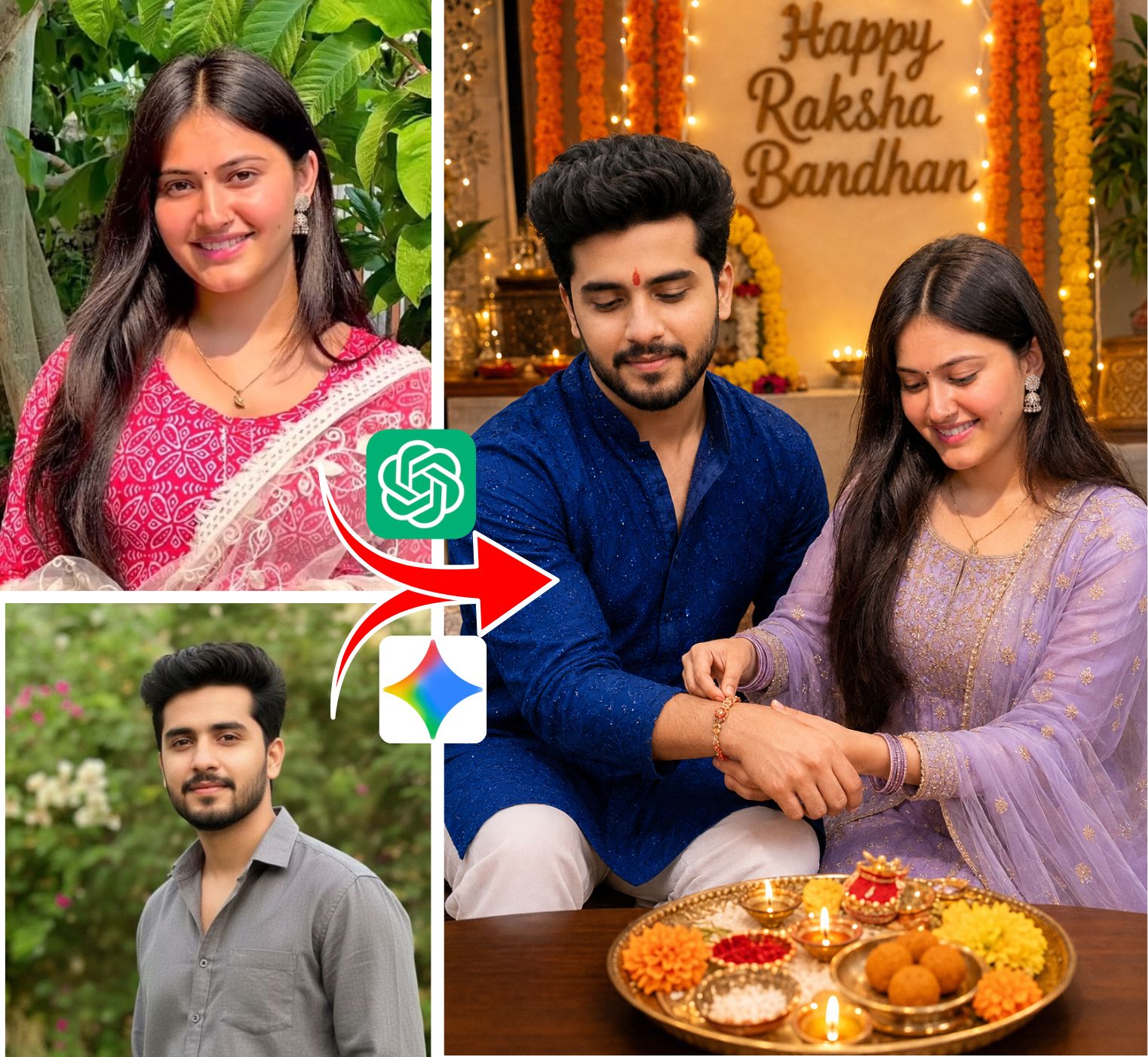
What is Rajan Editz AI Photo Editing?
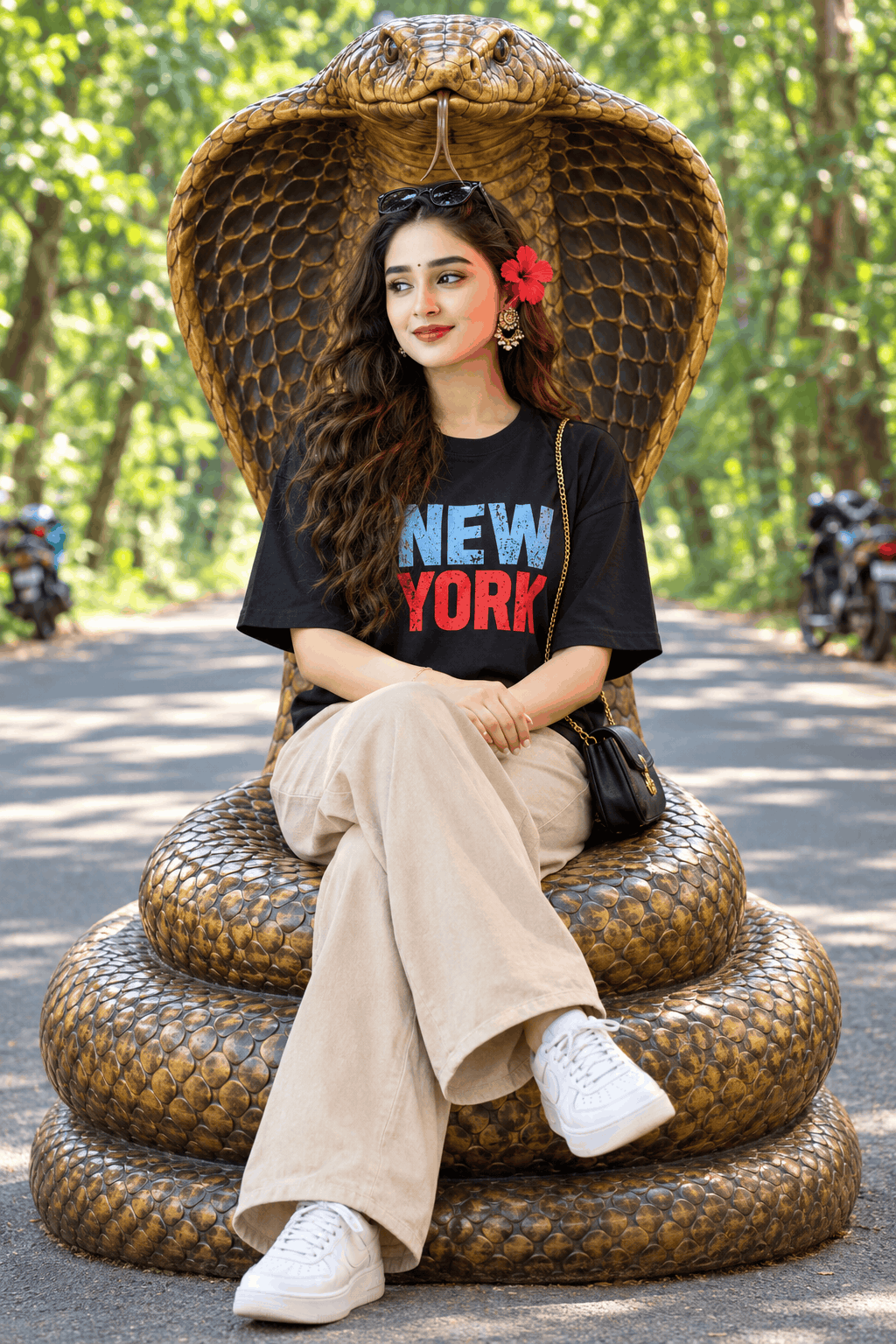
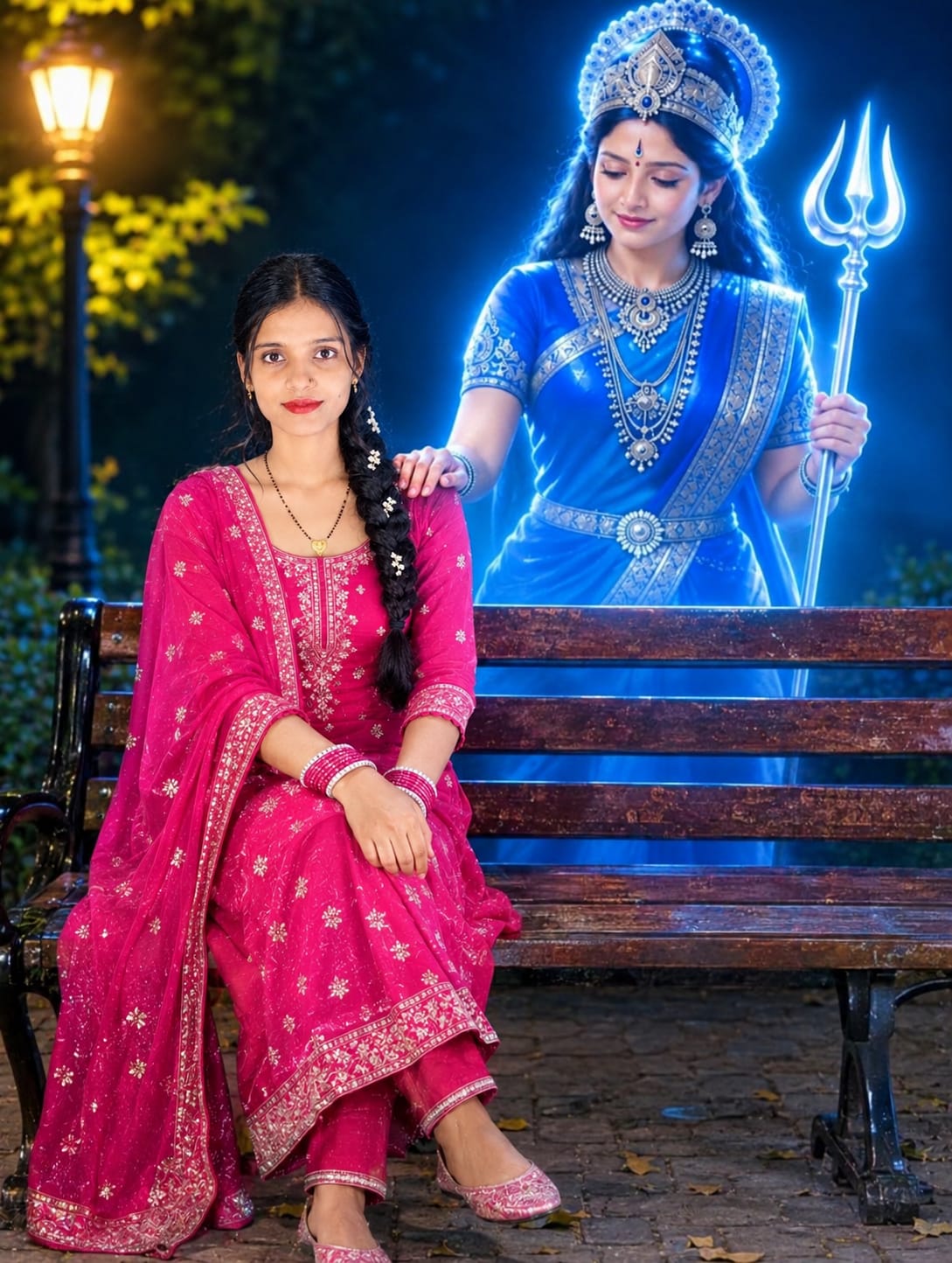
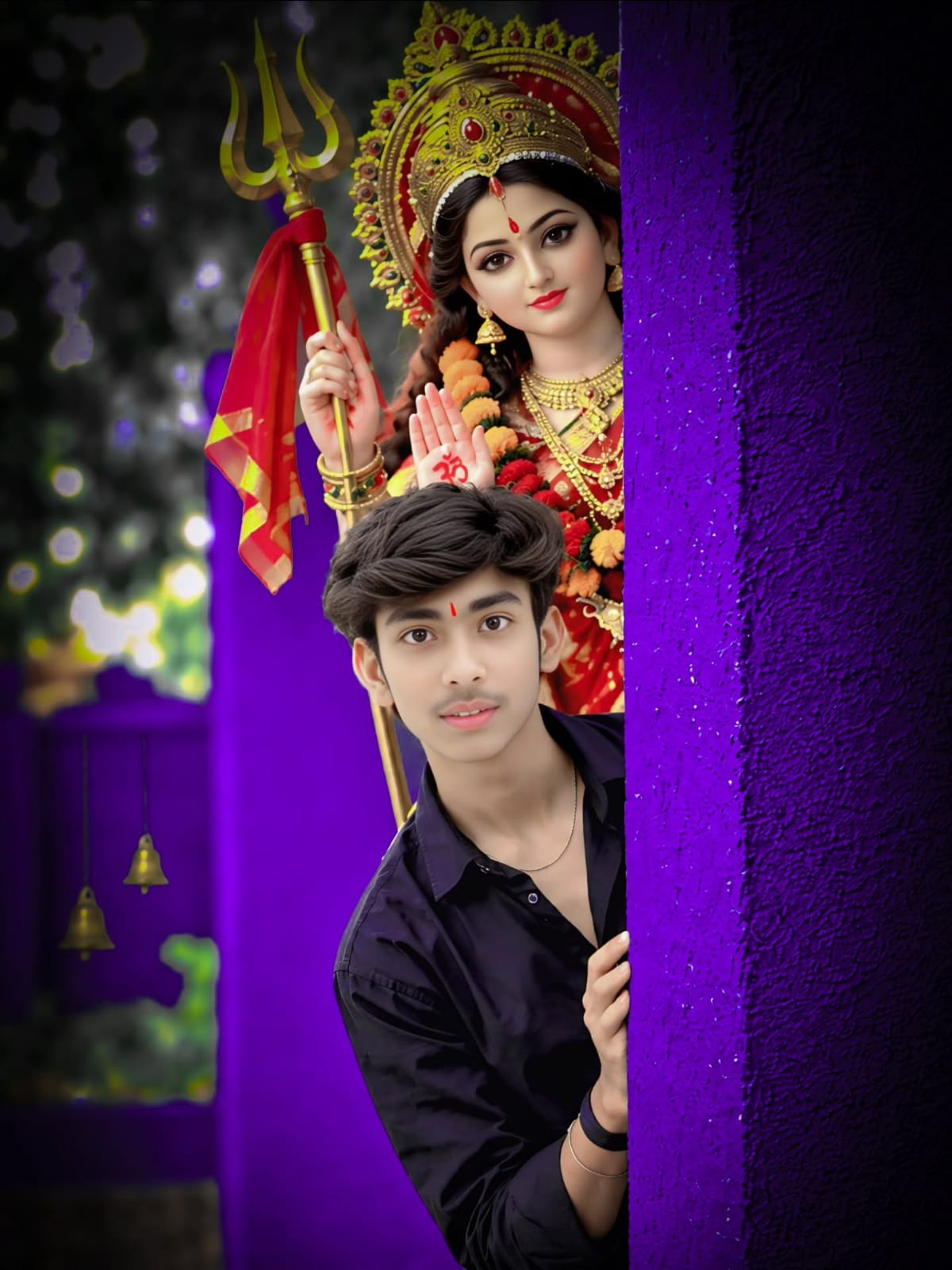
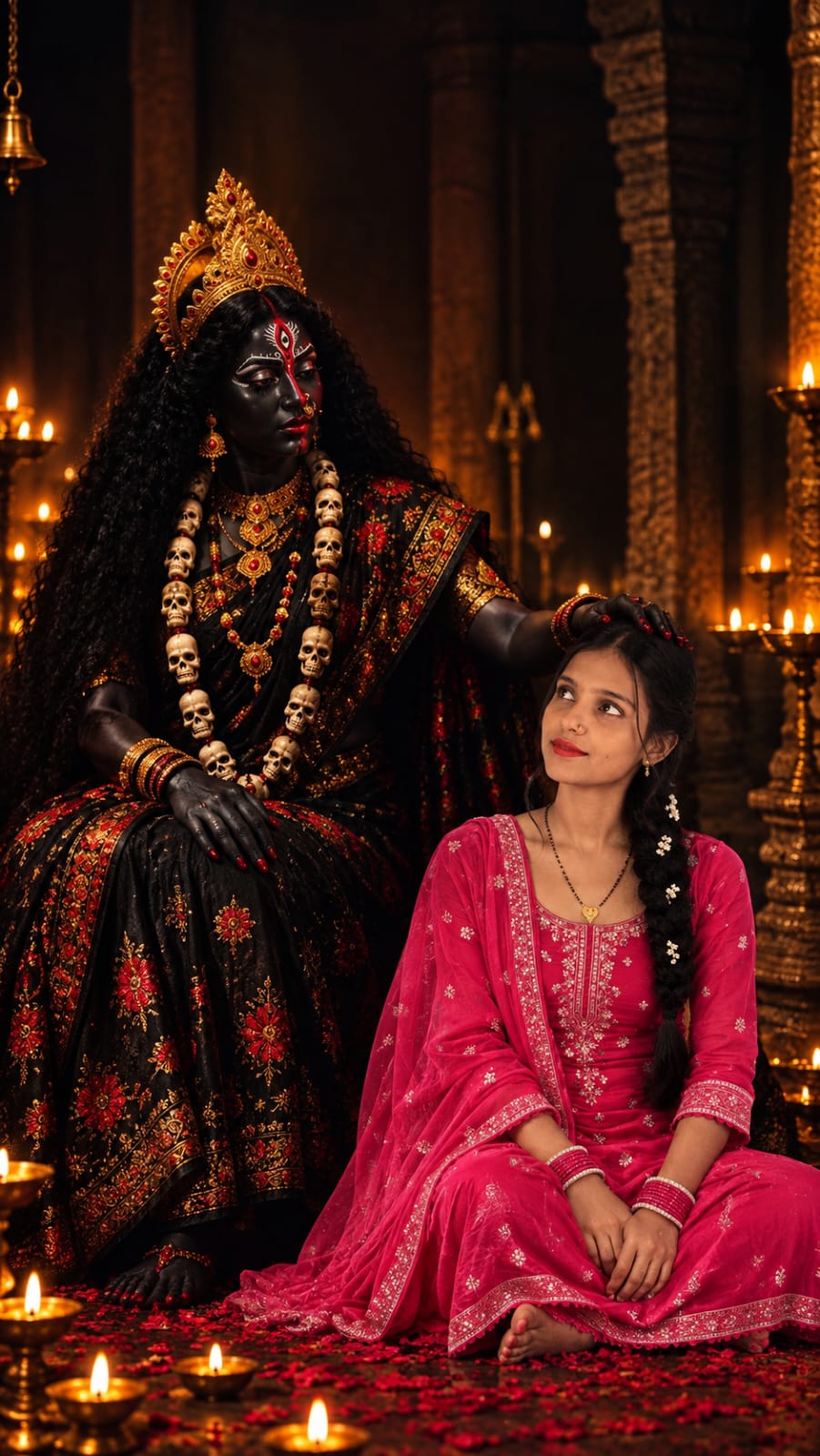
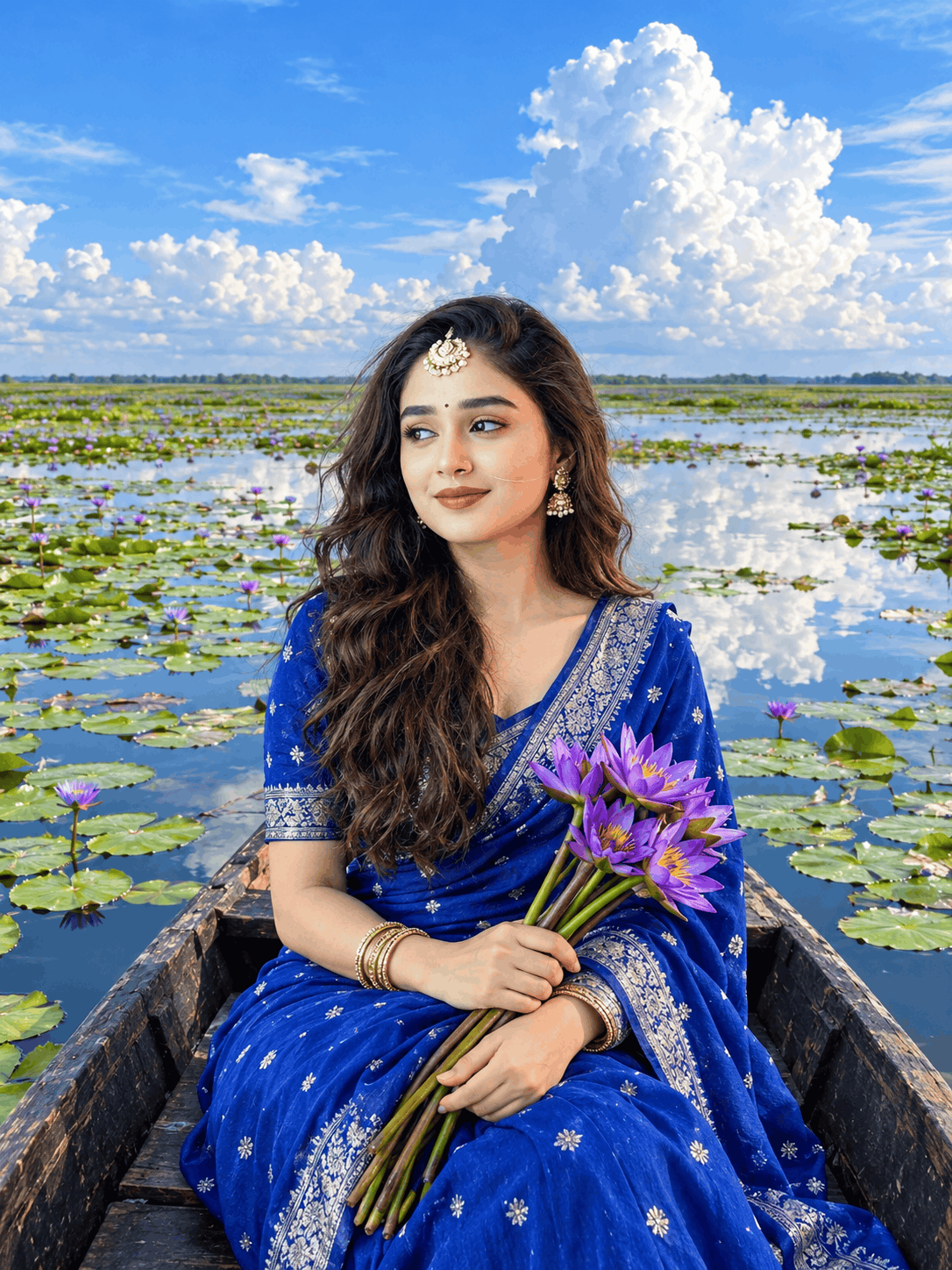
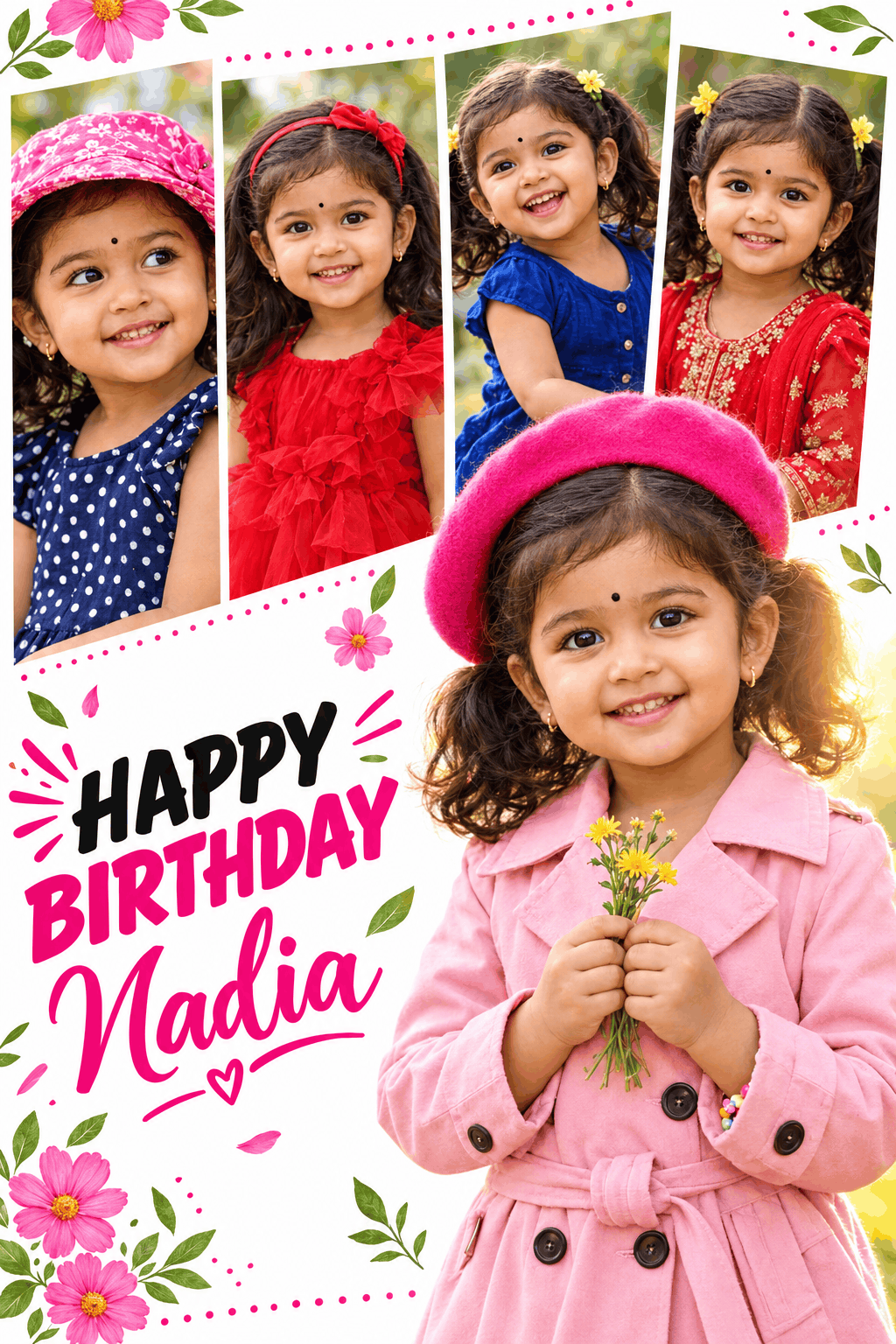
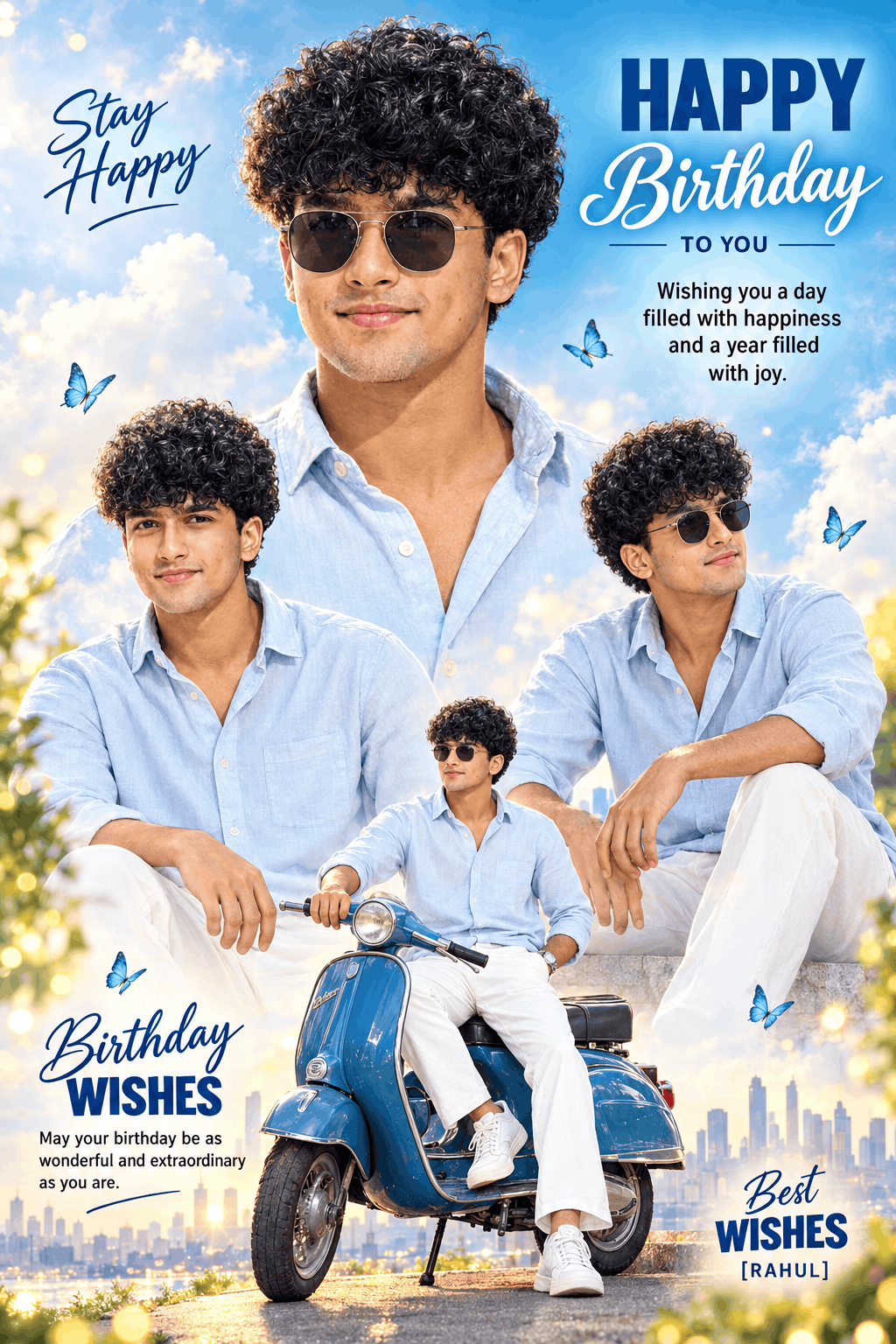
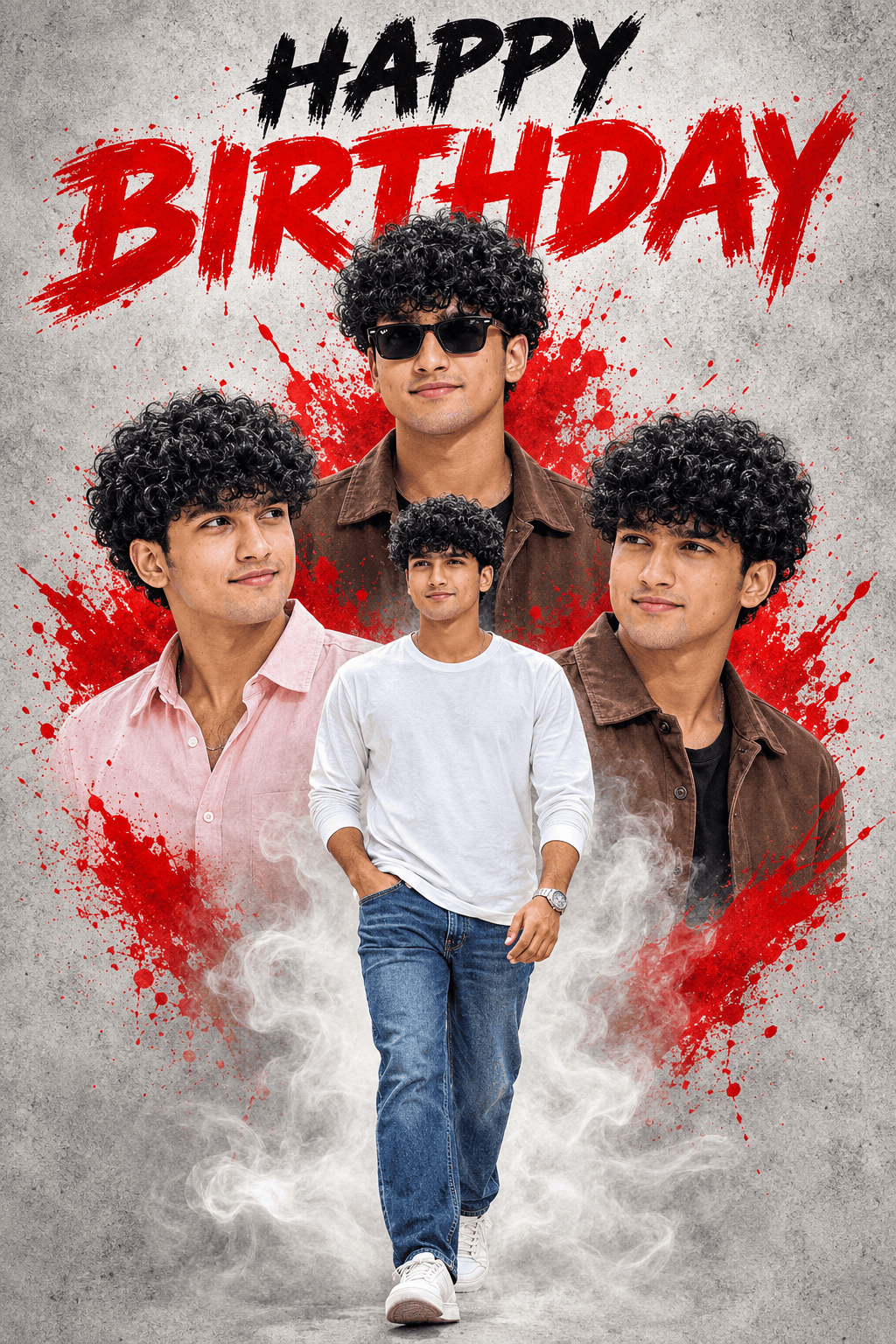
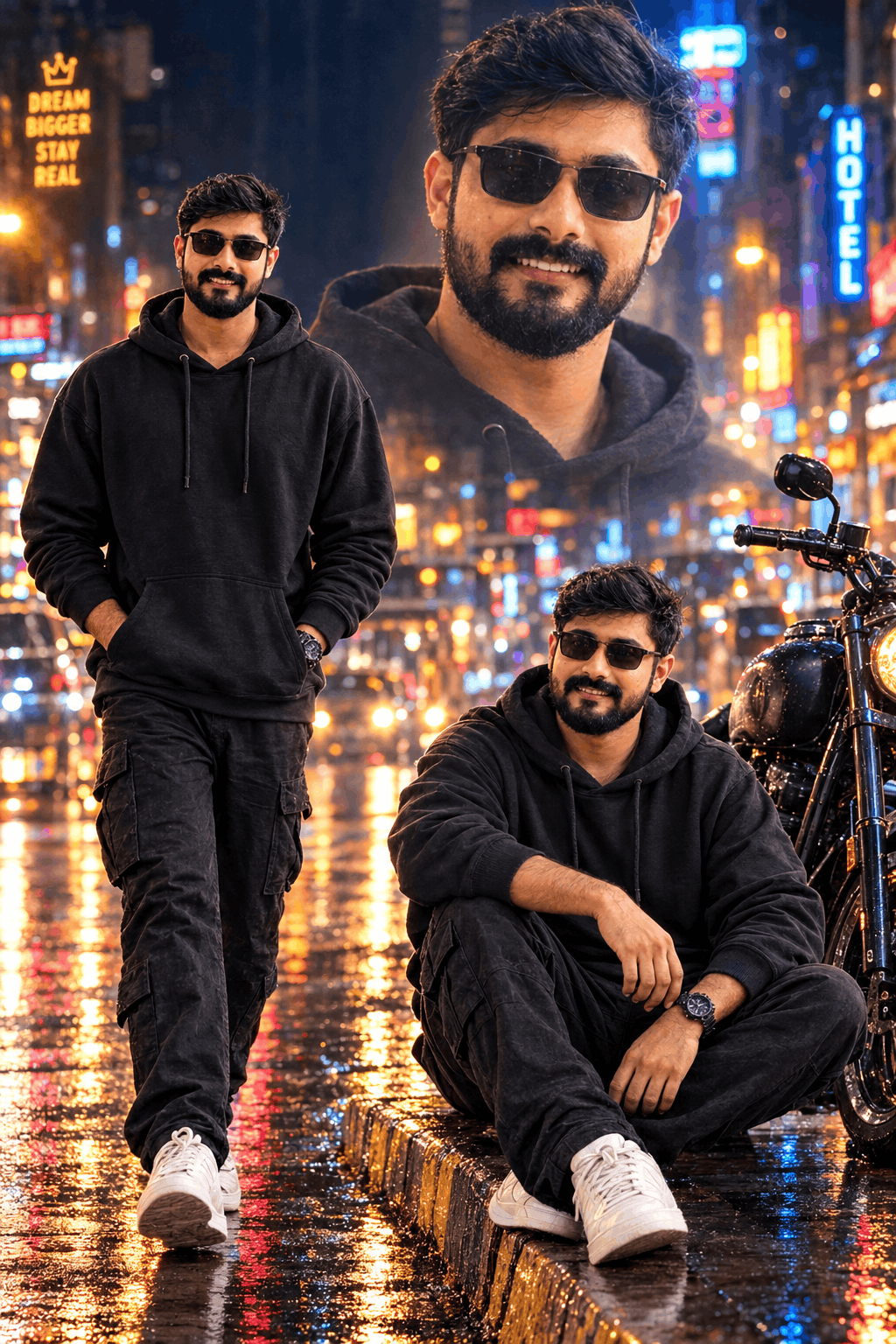
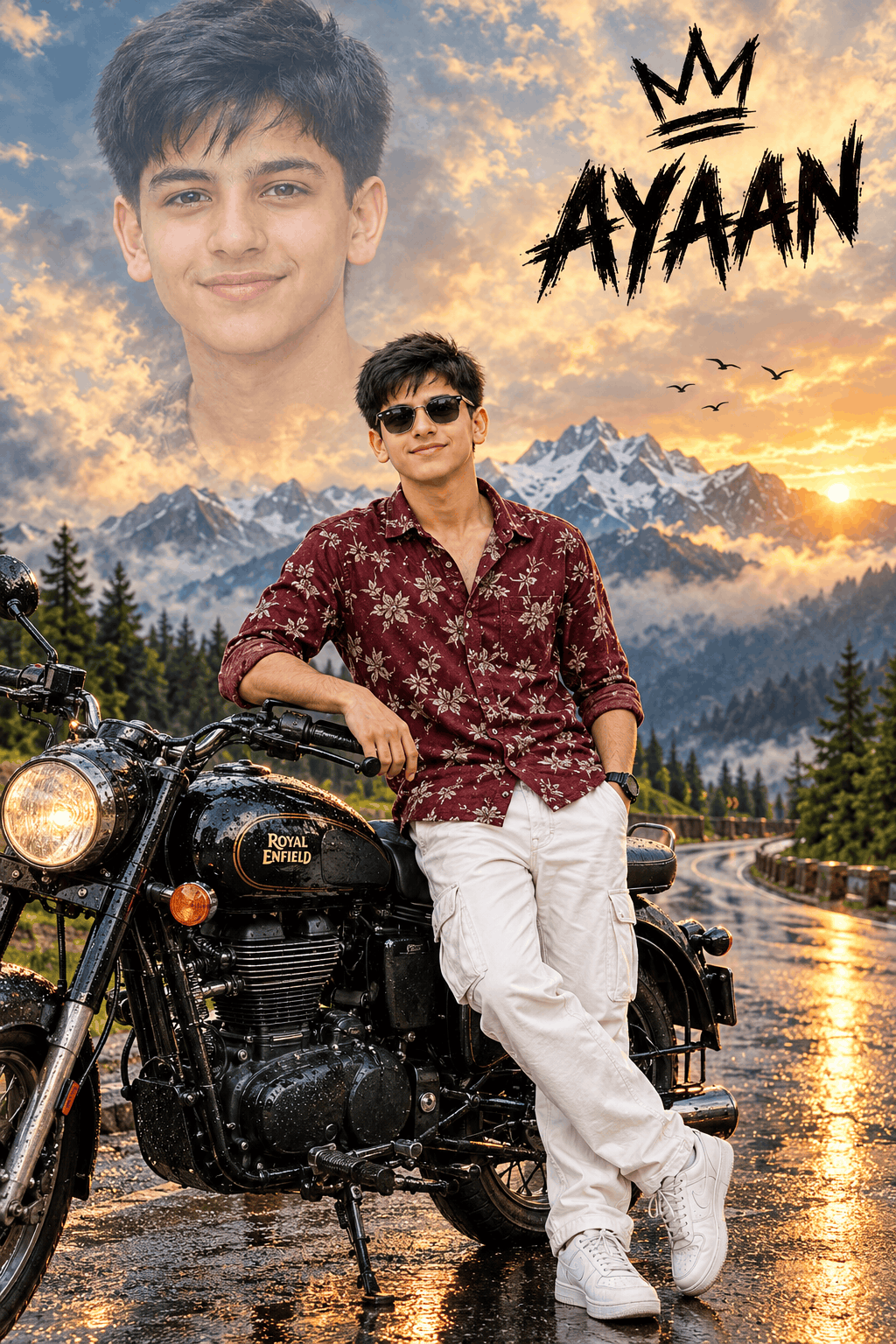
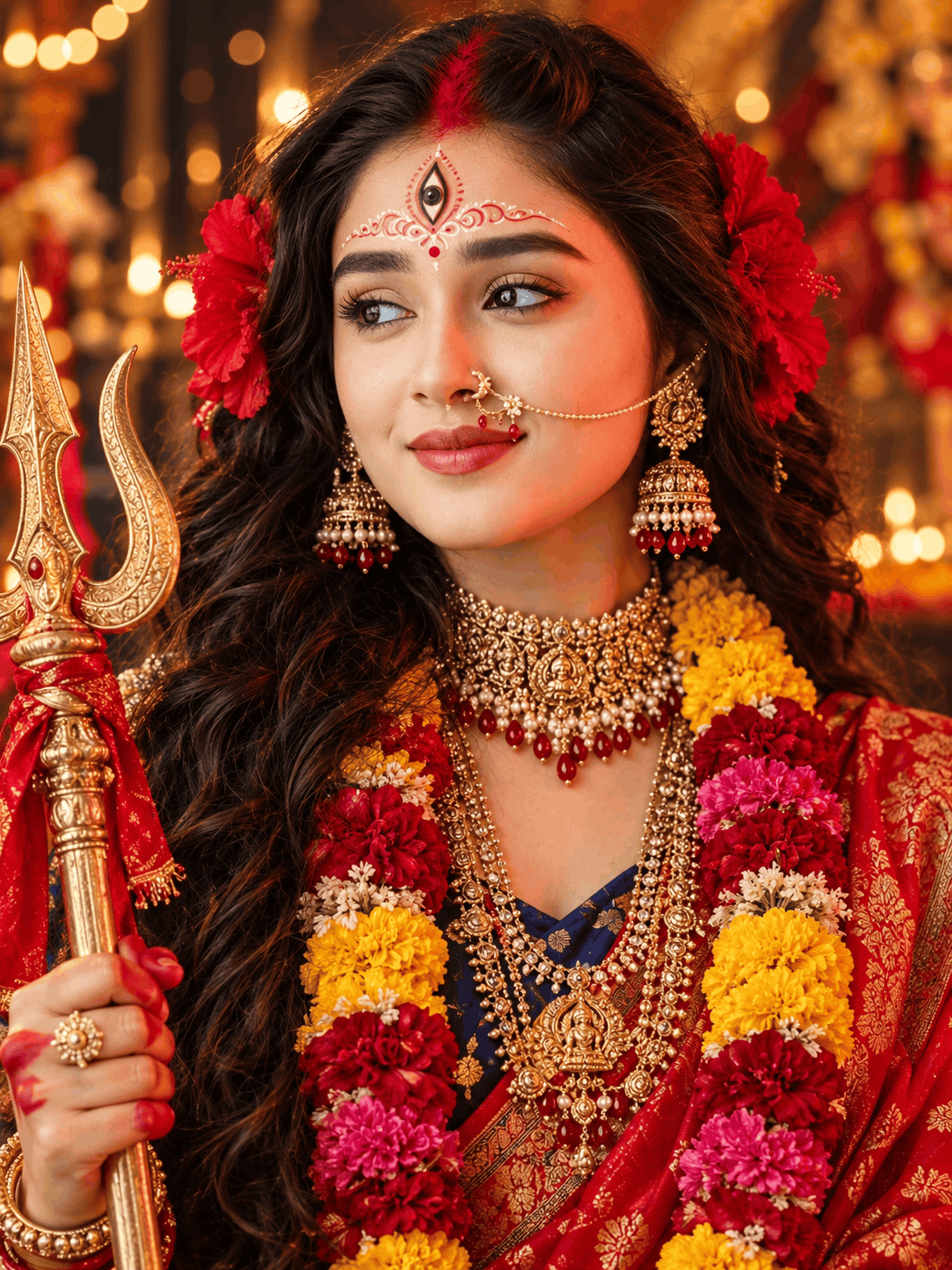
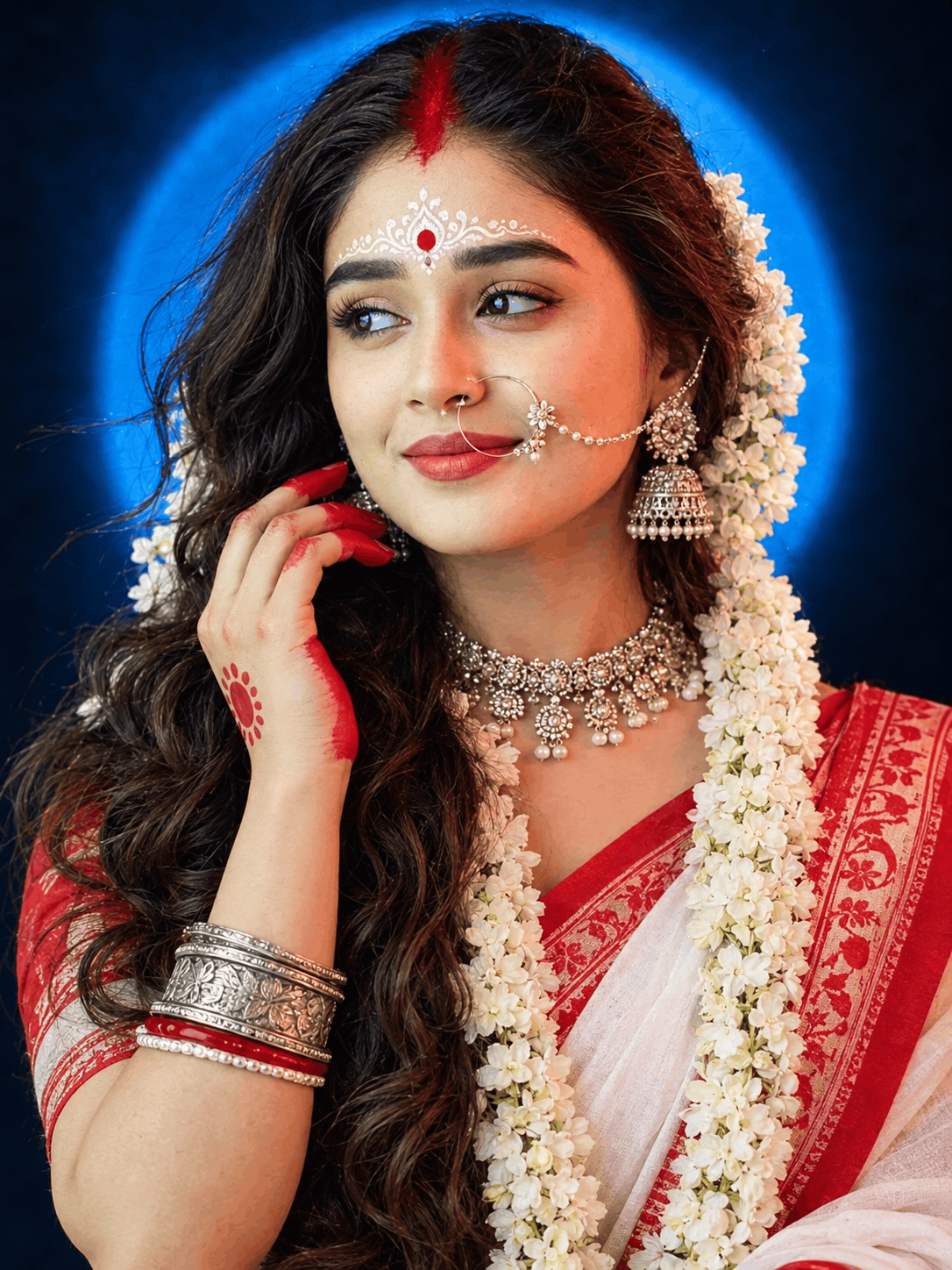
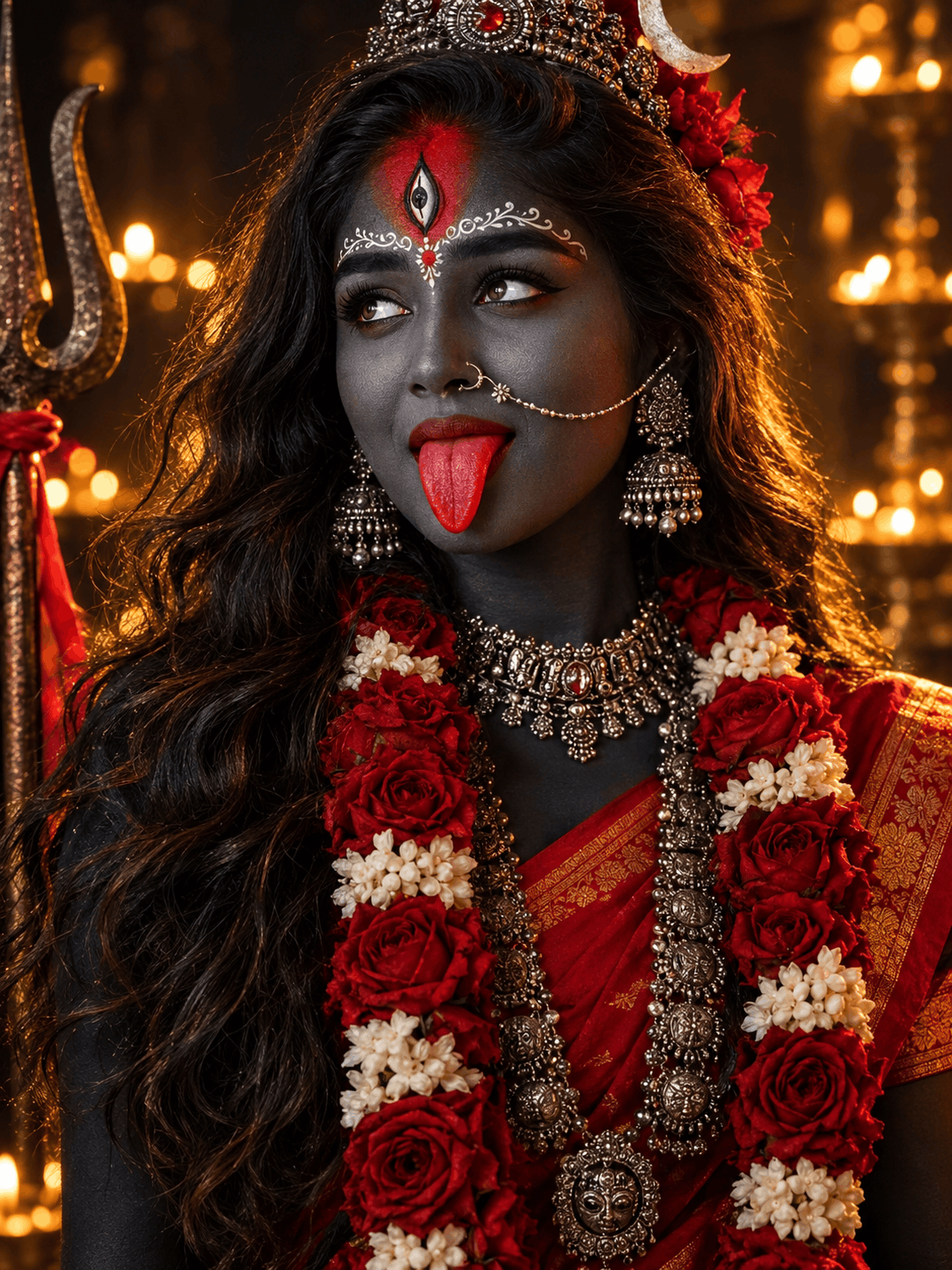
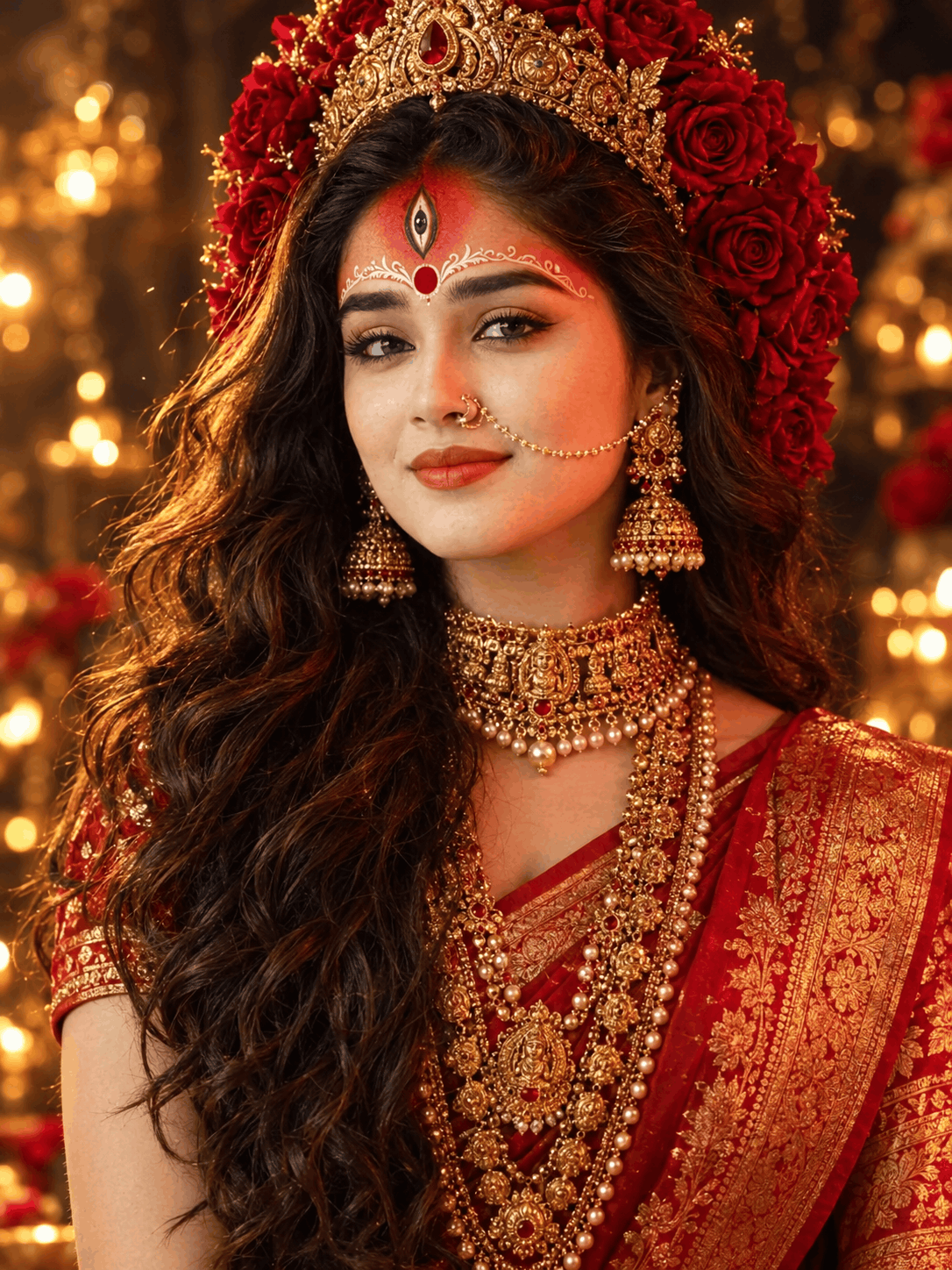
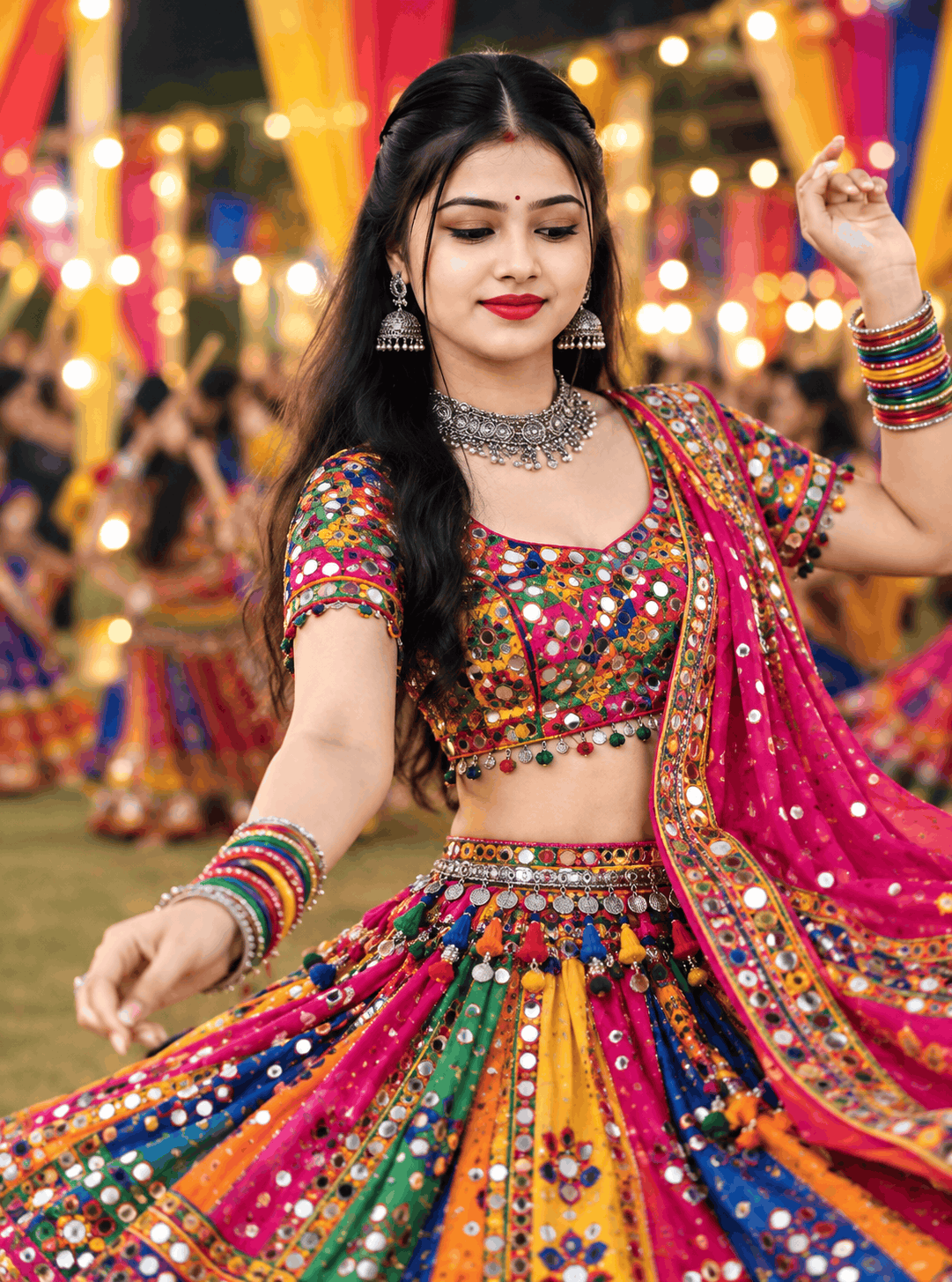
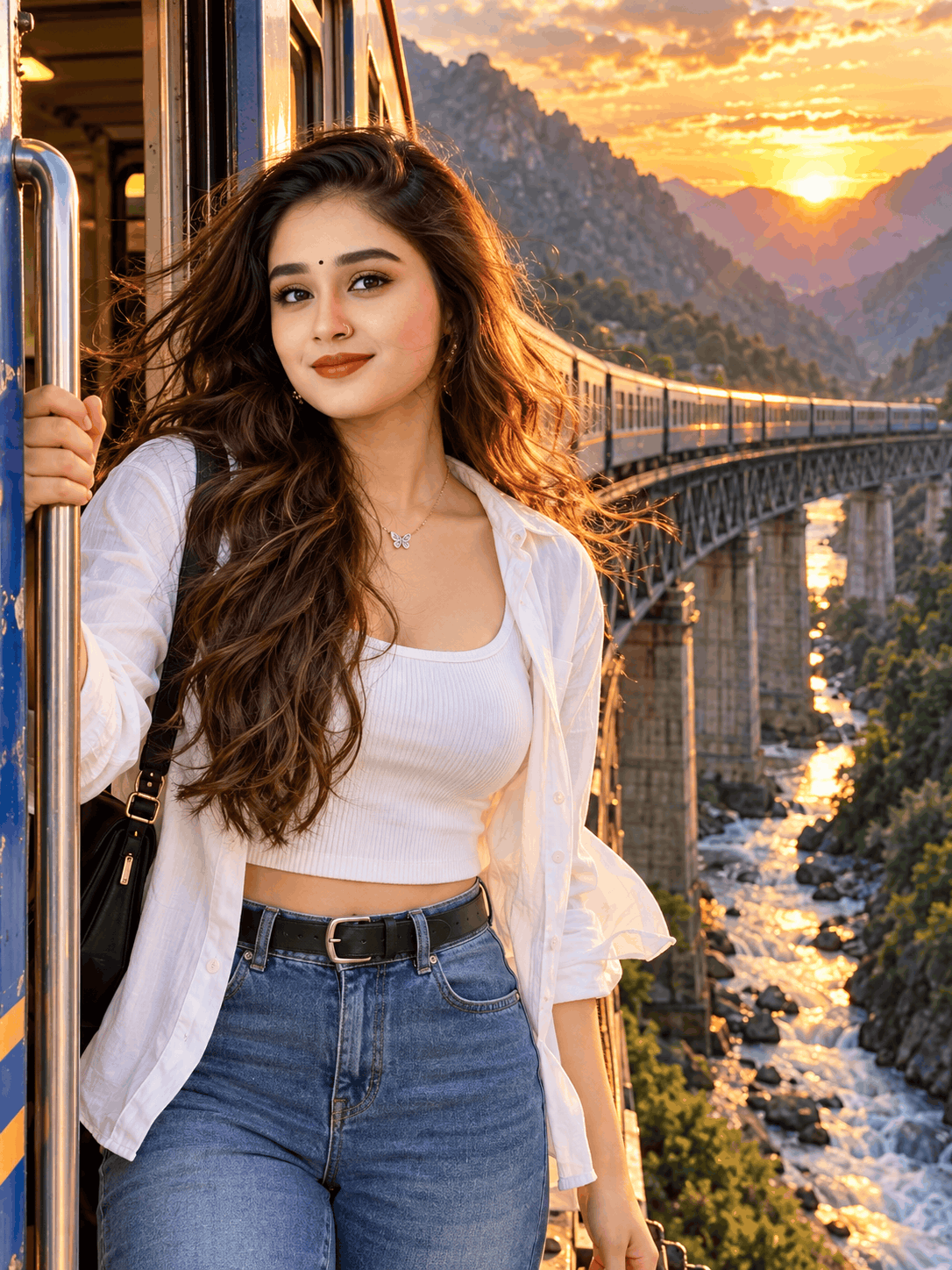
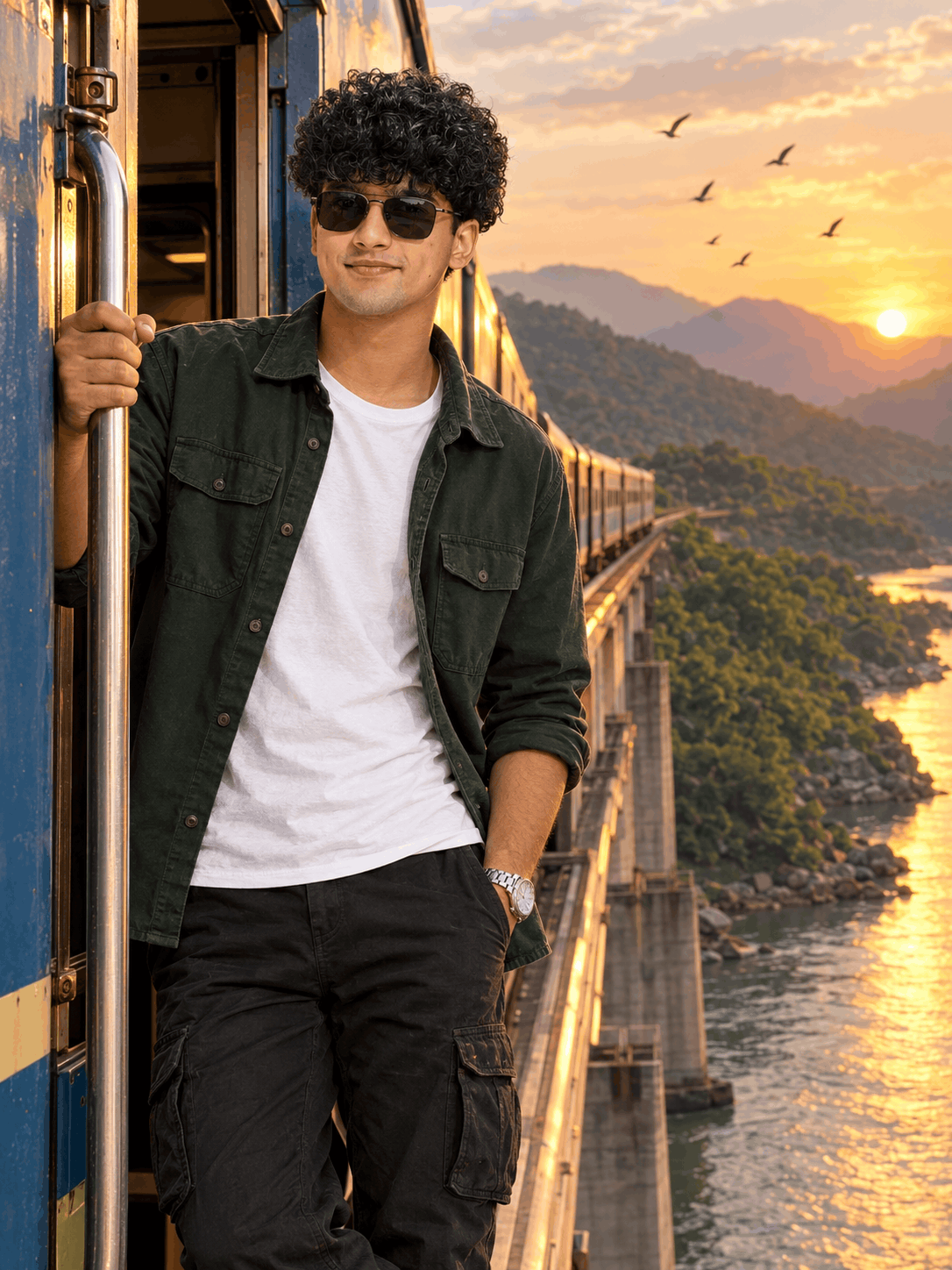
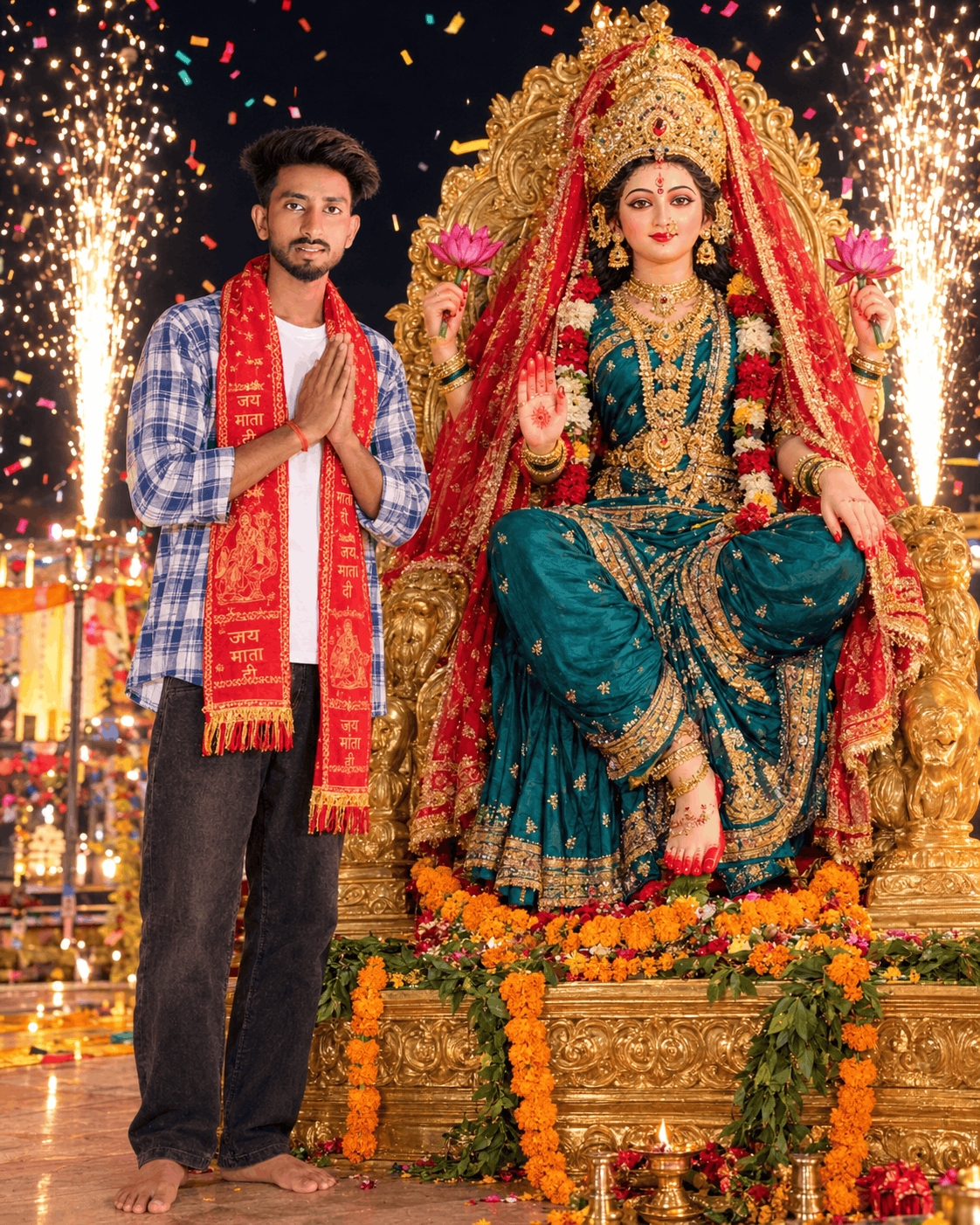
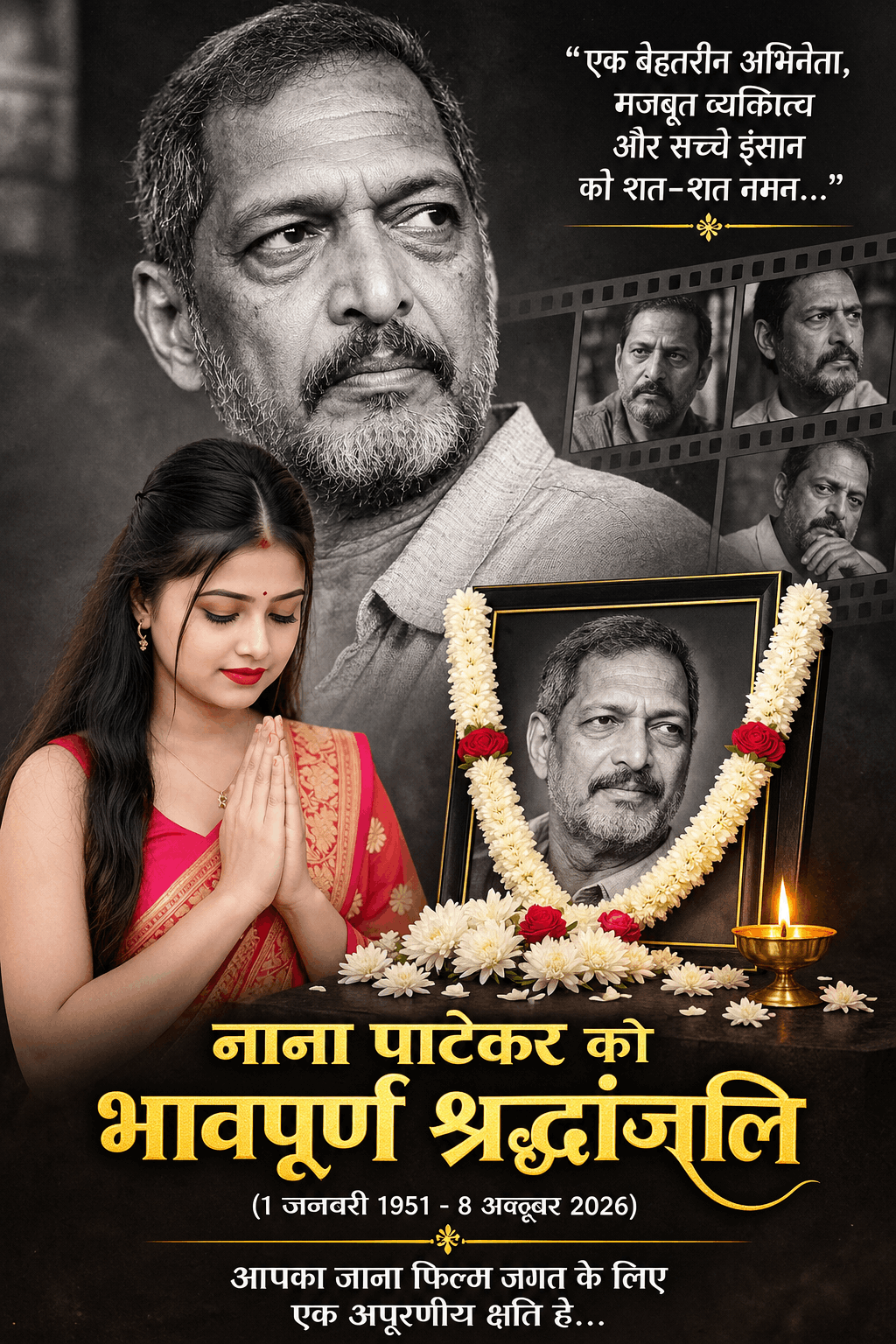
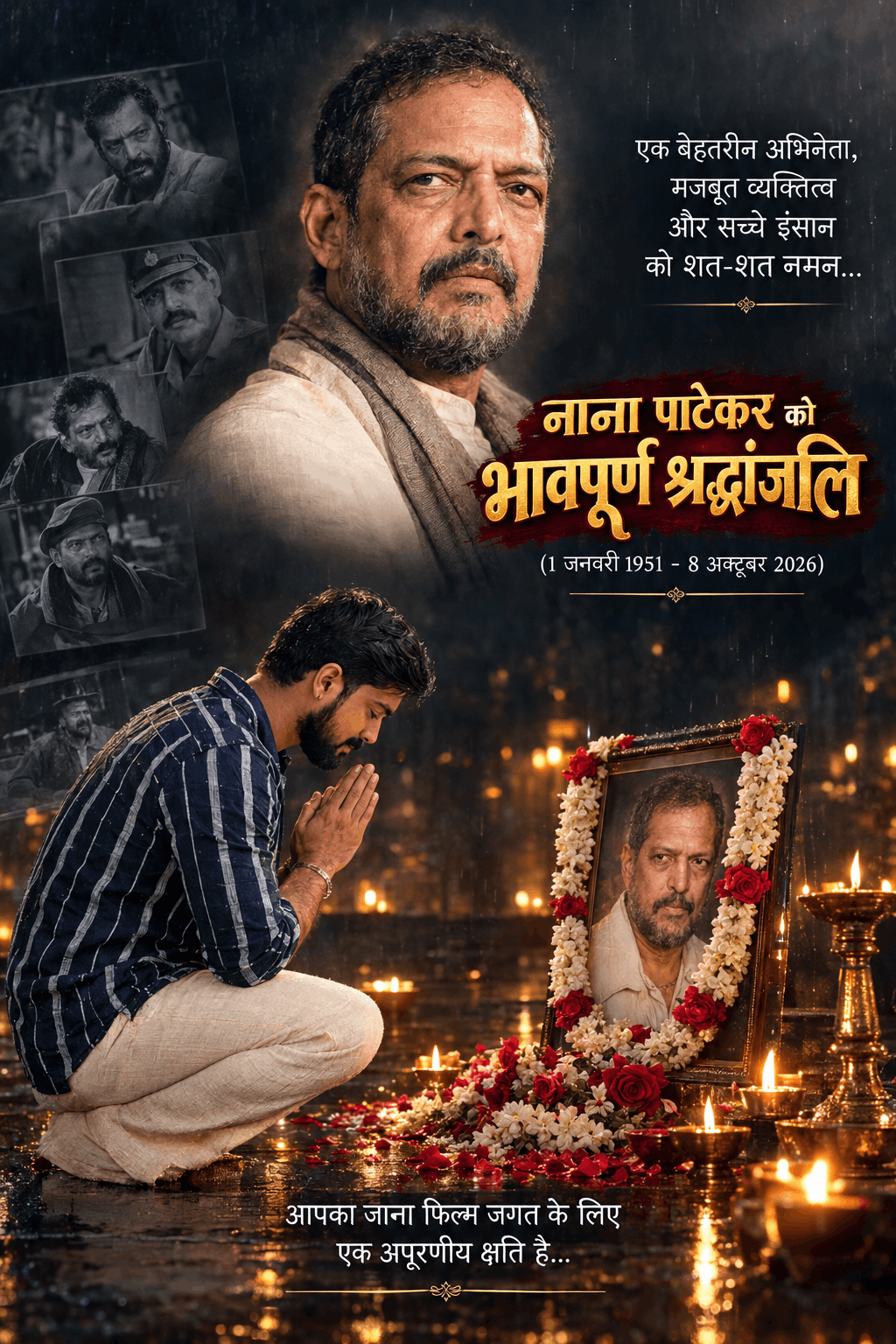
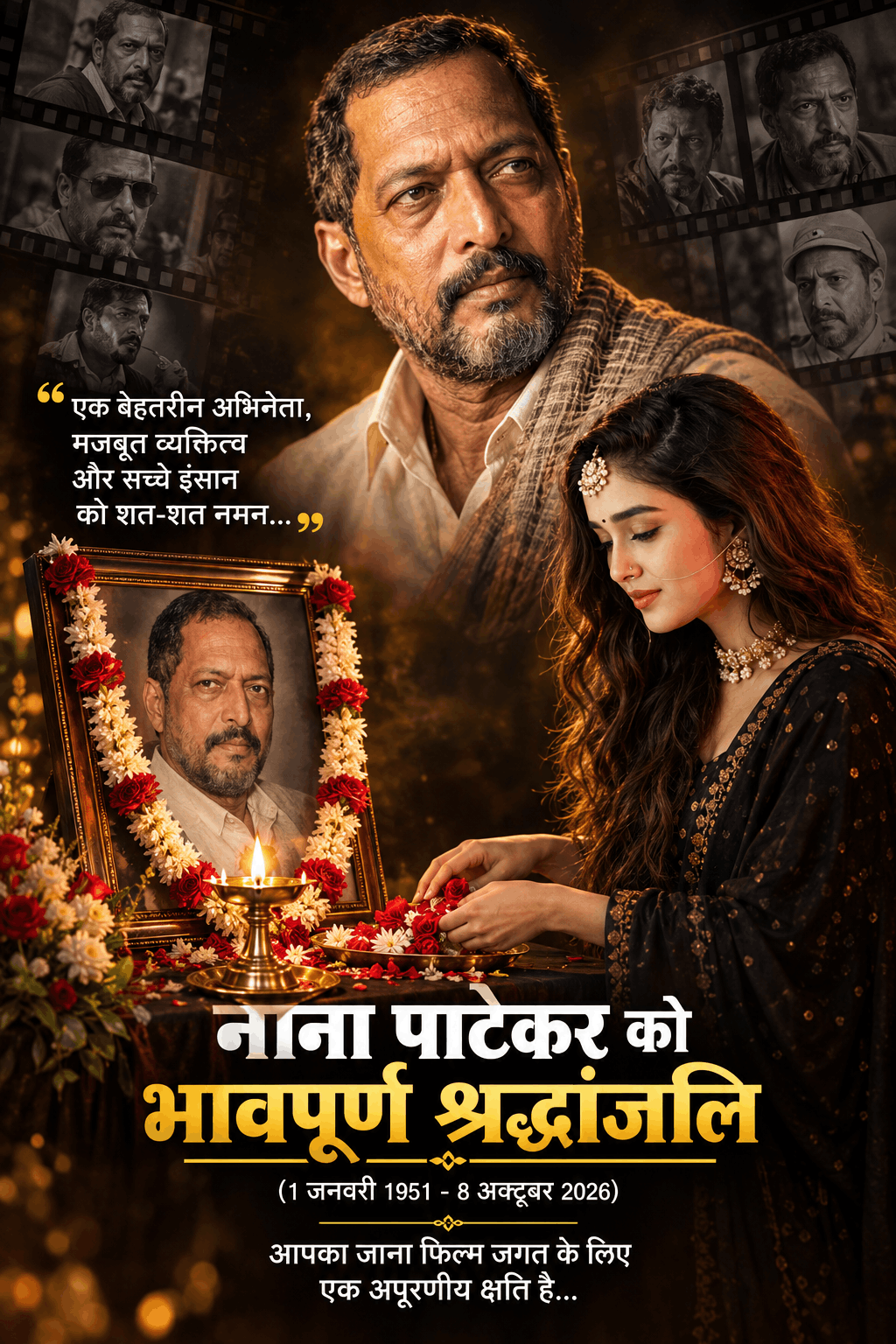
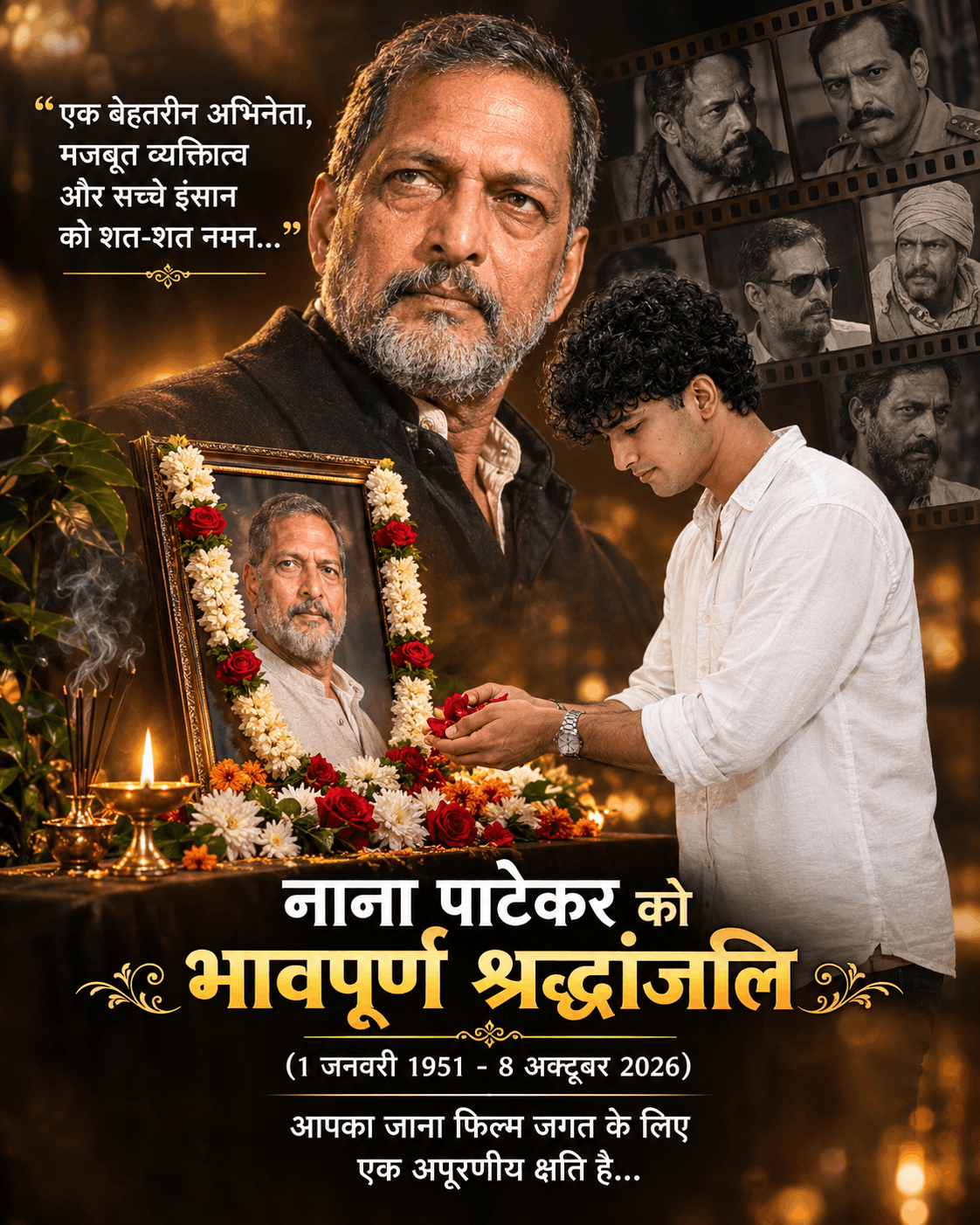
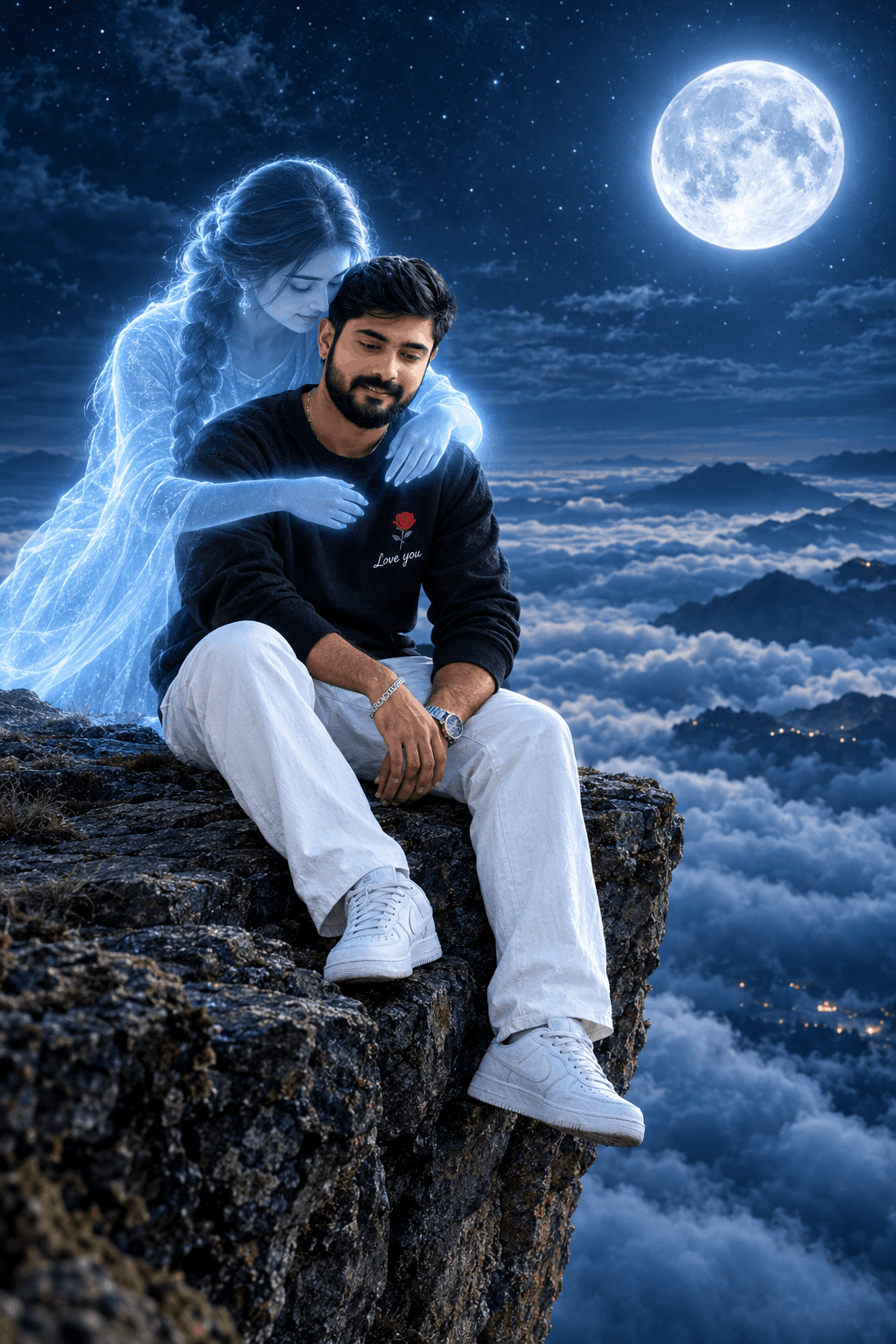
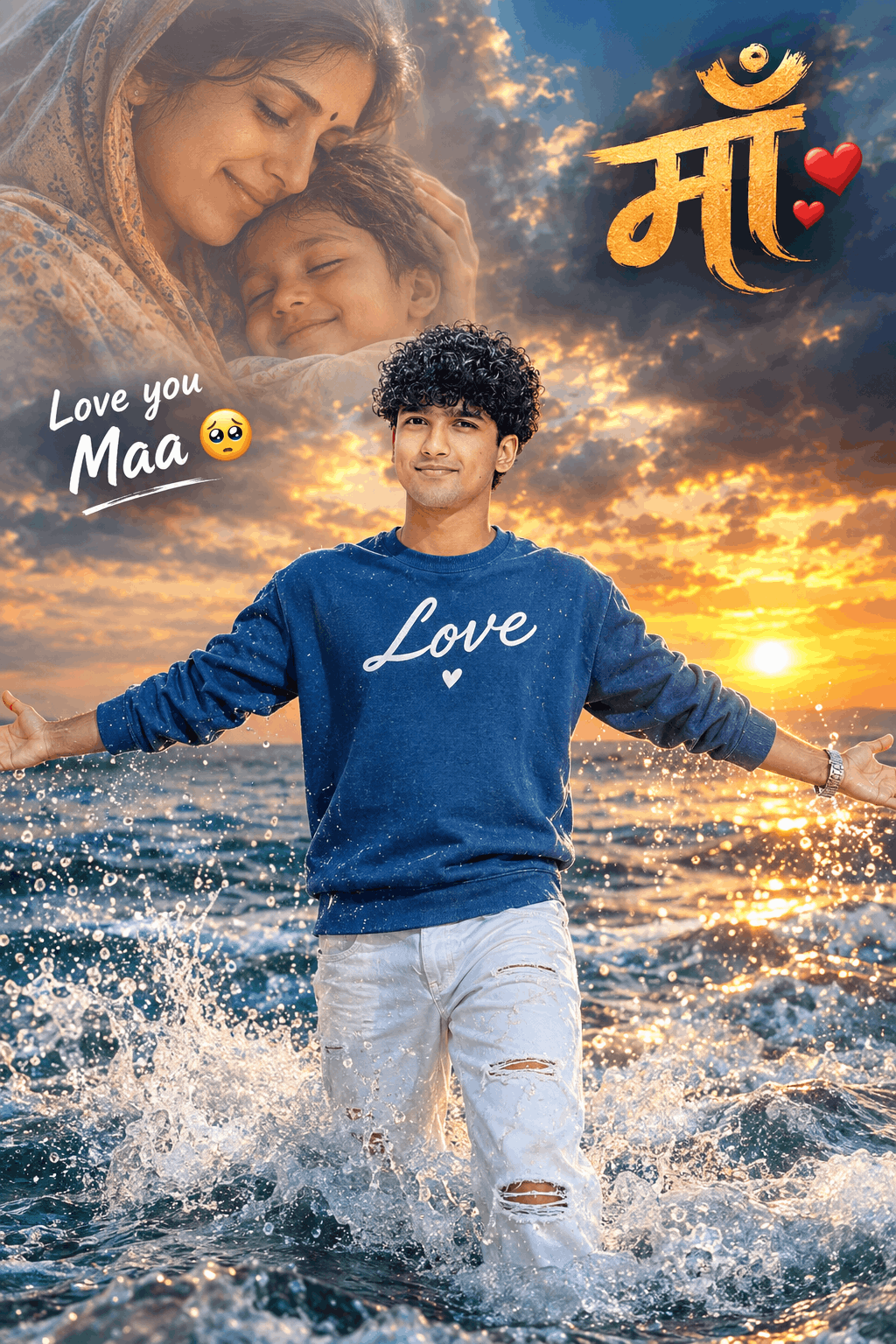
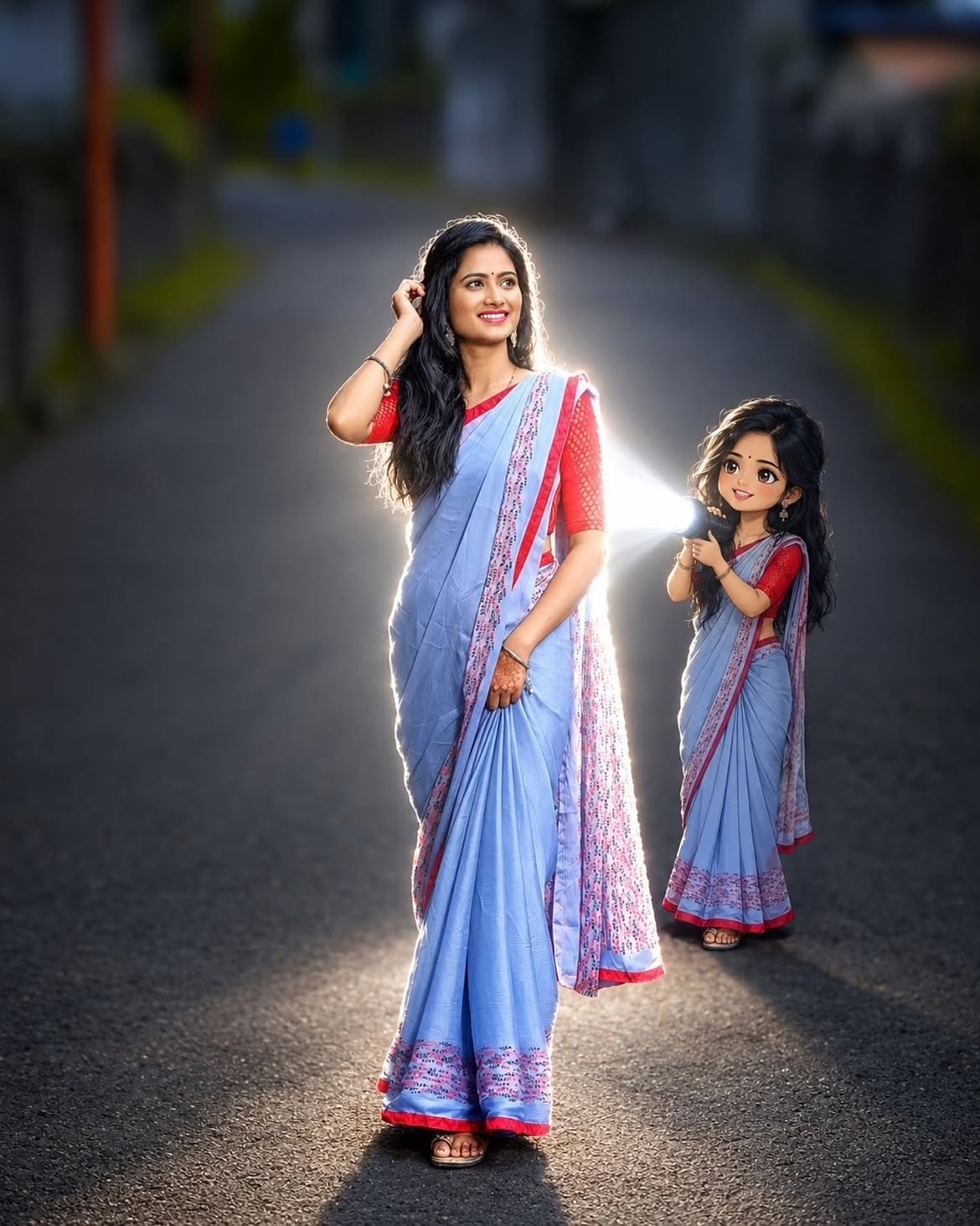
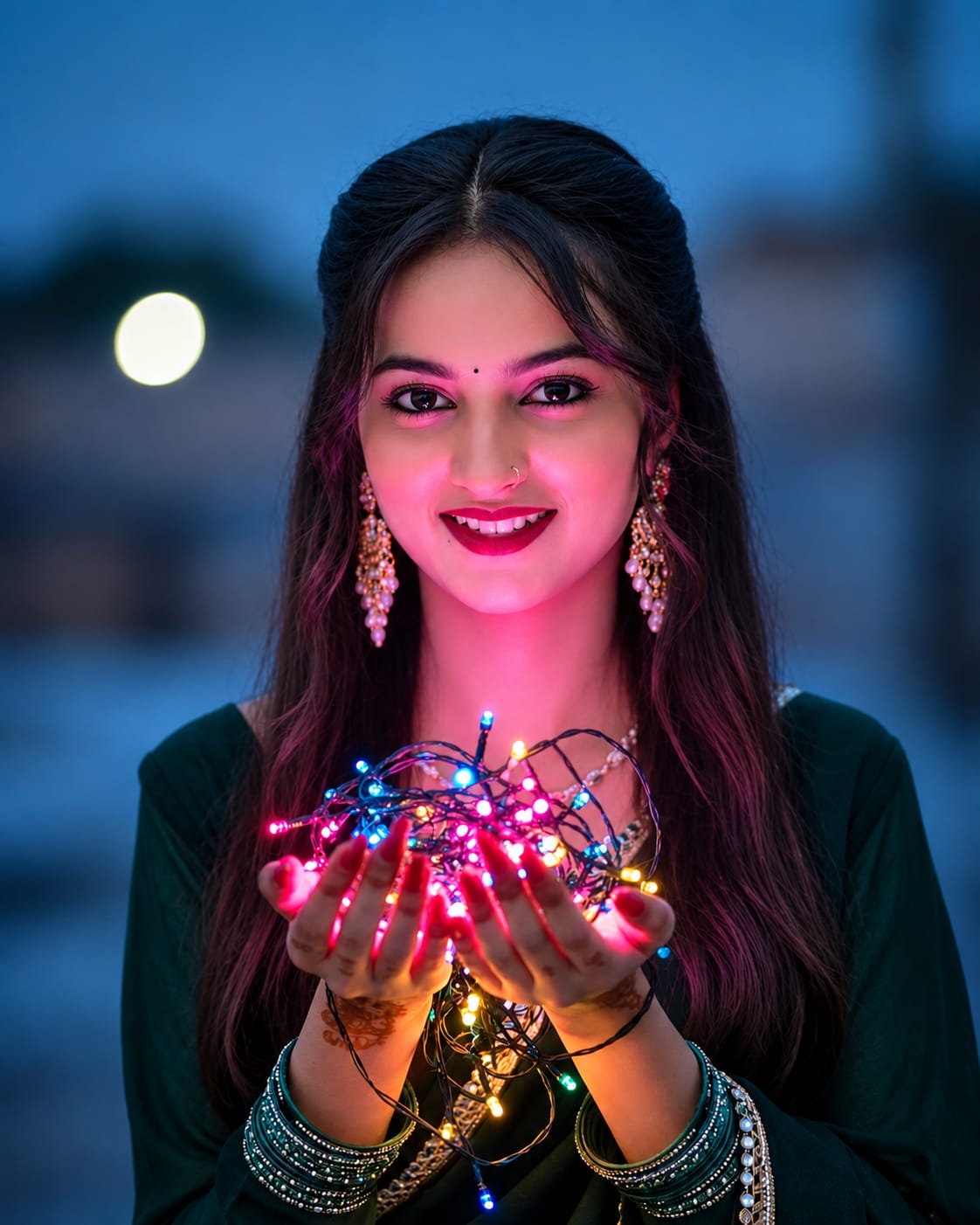
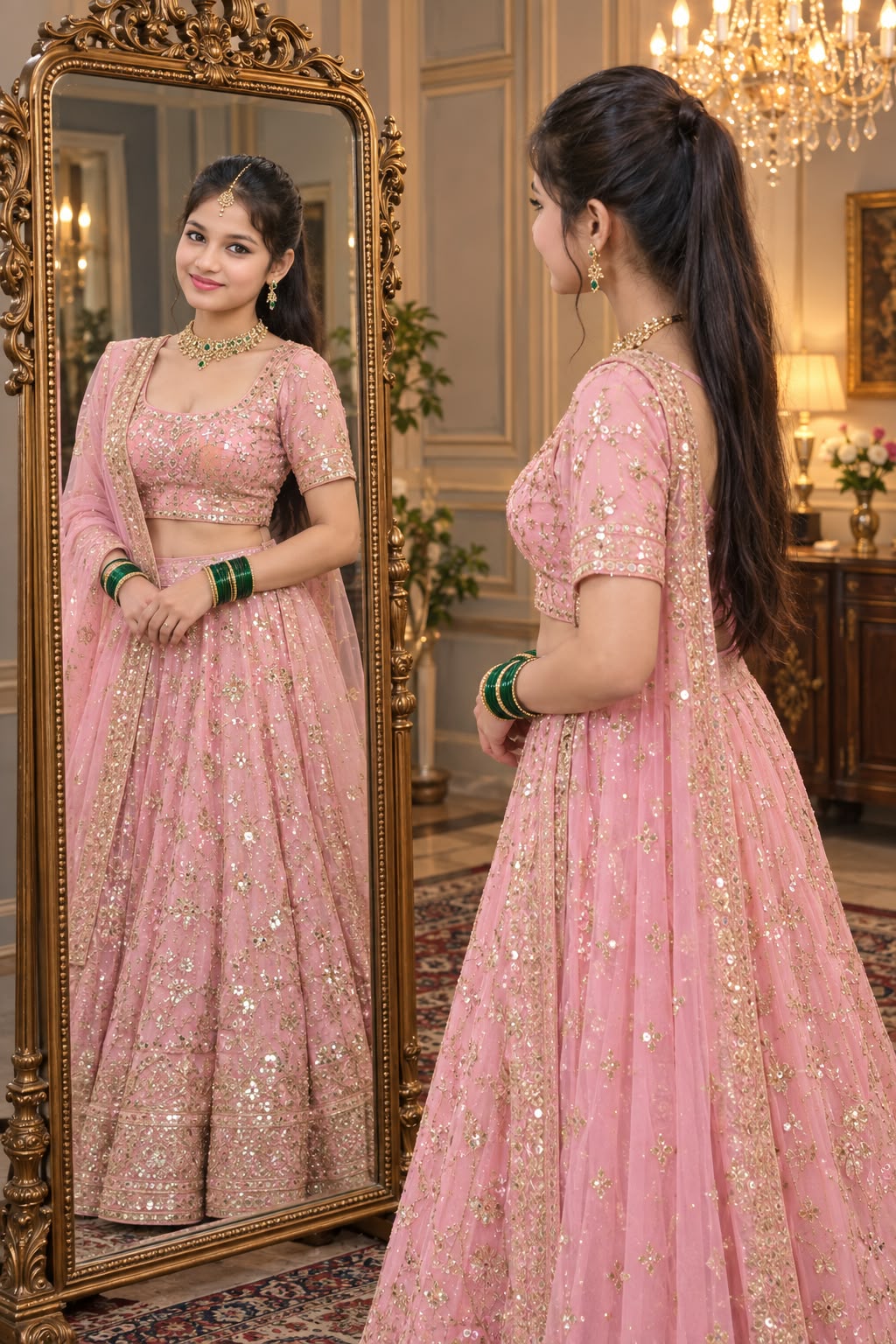
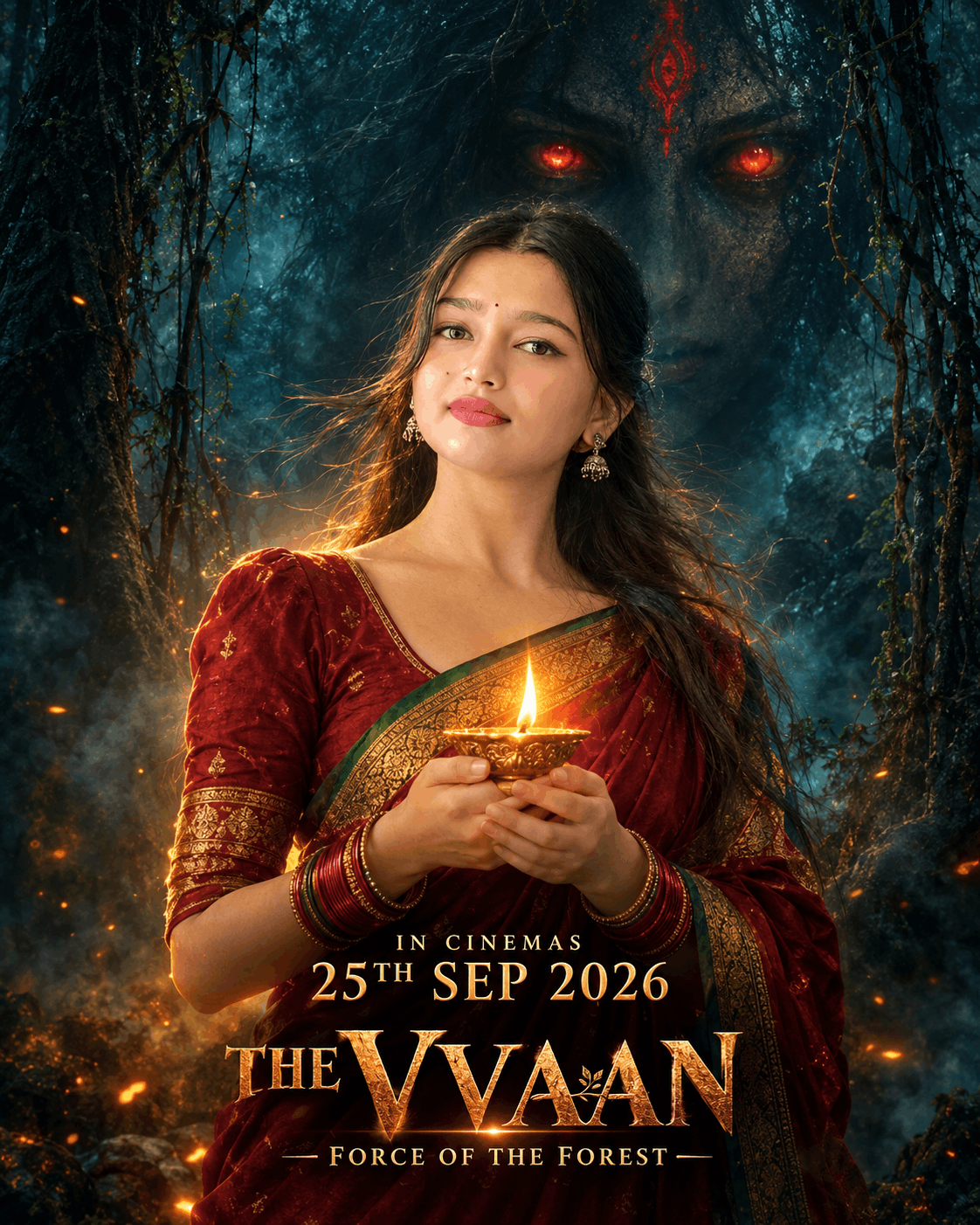
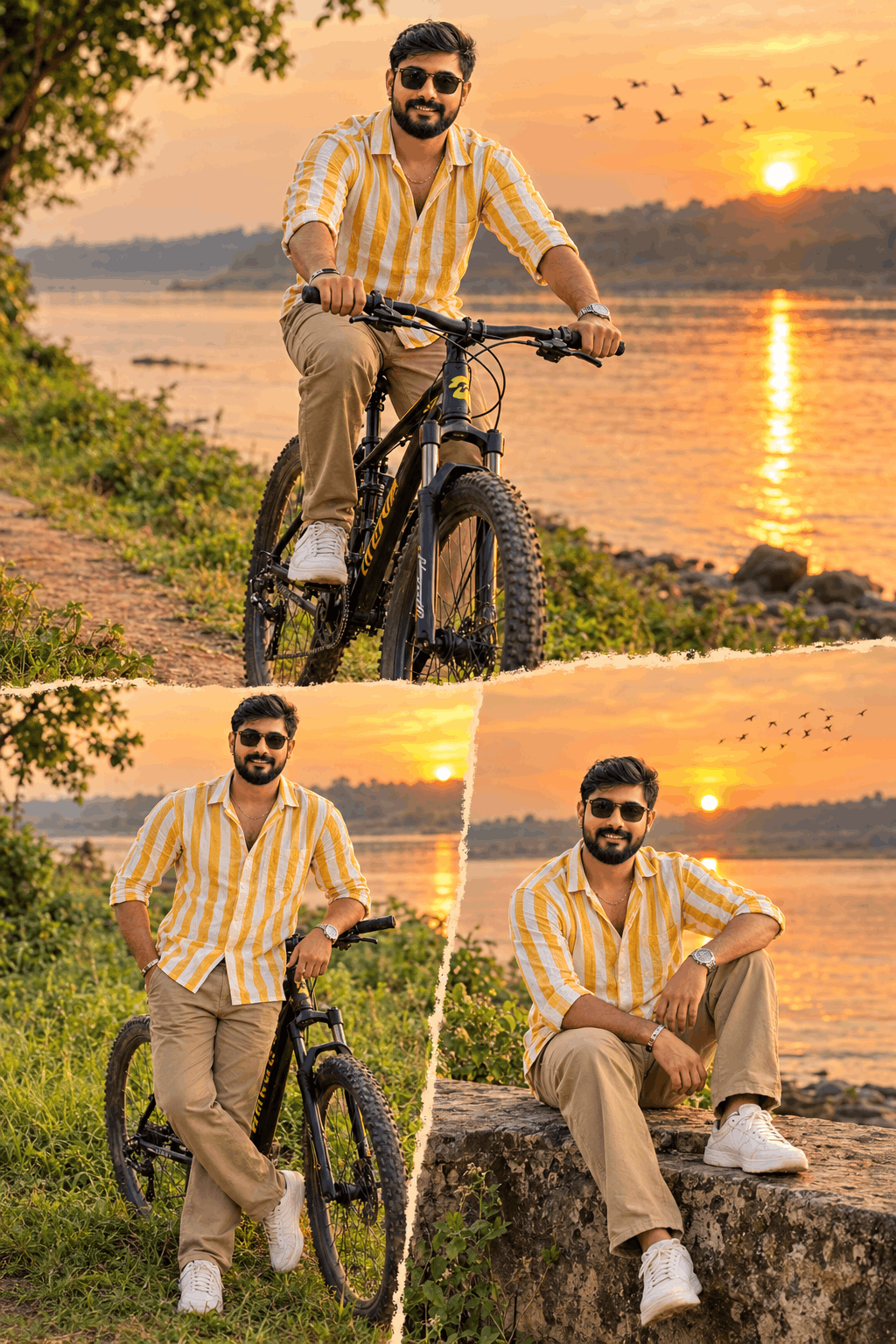
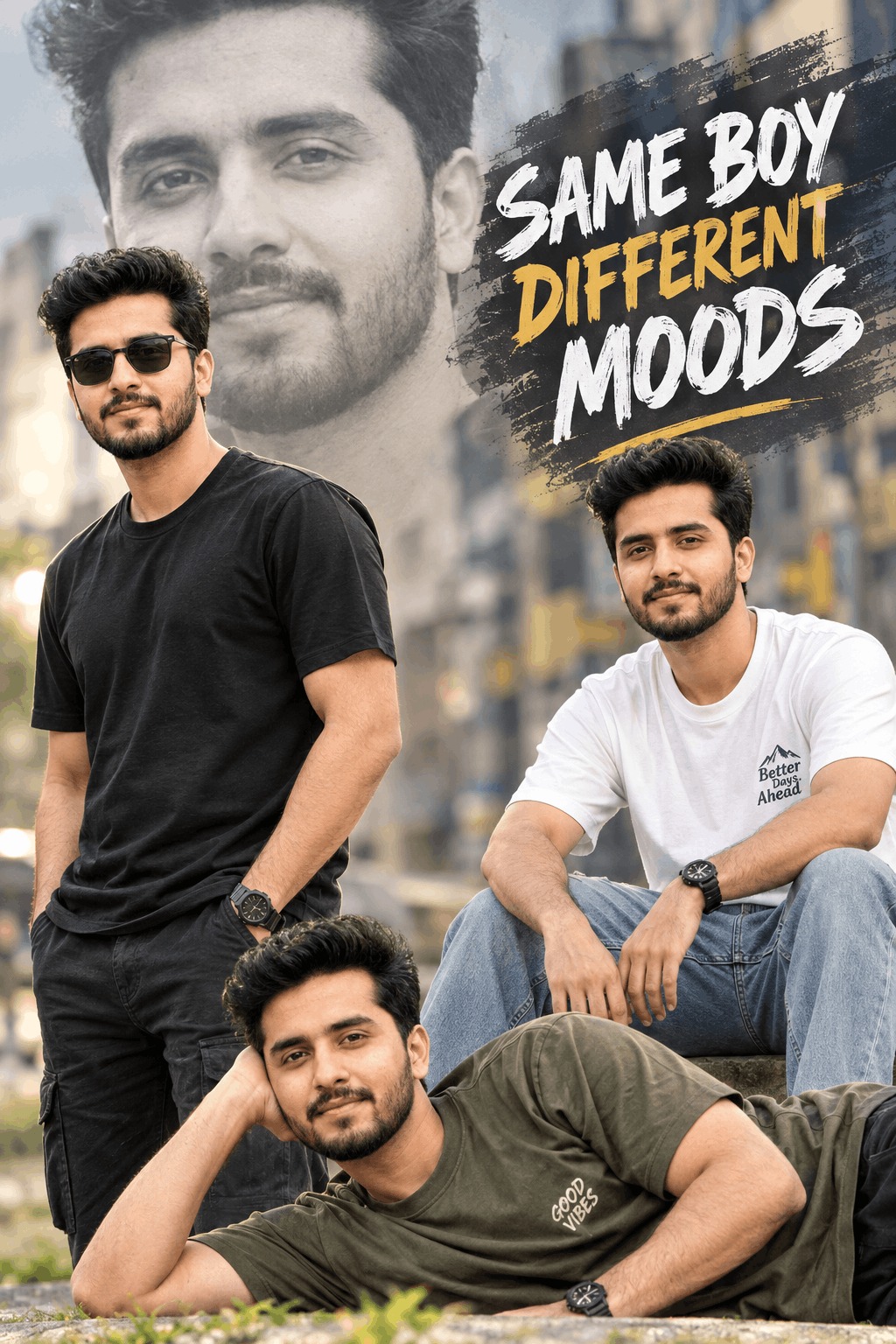
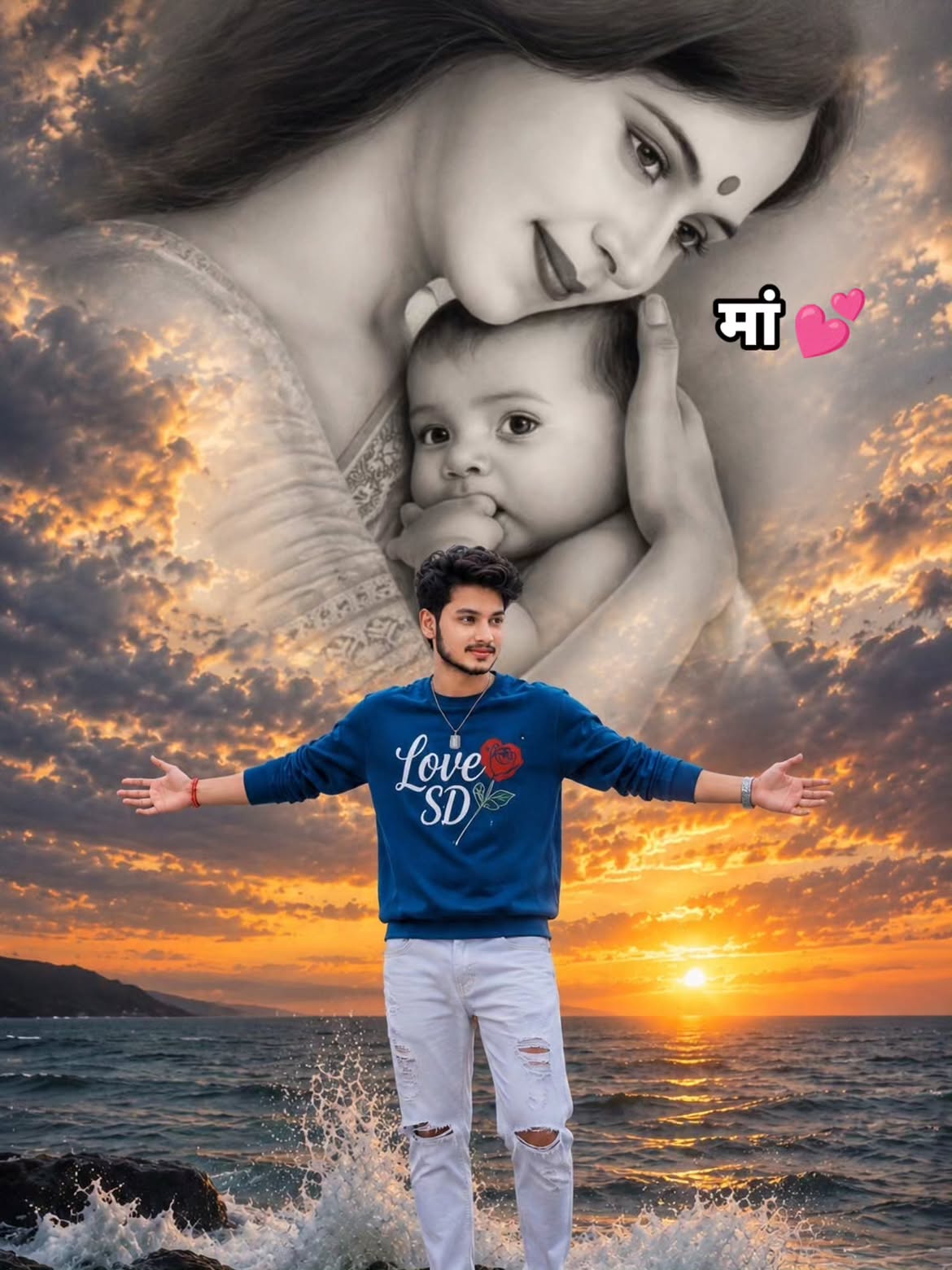
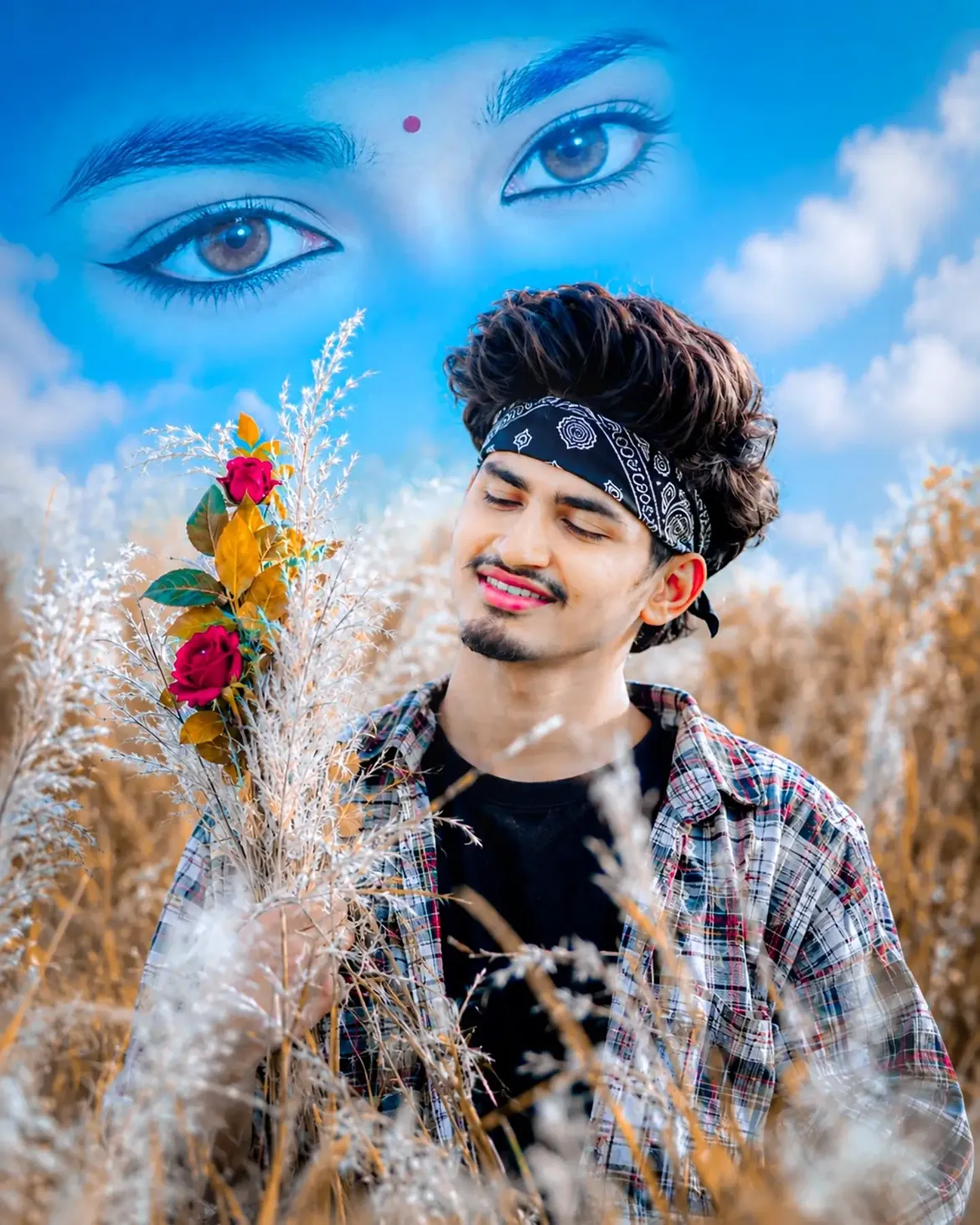
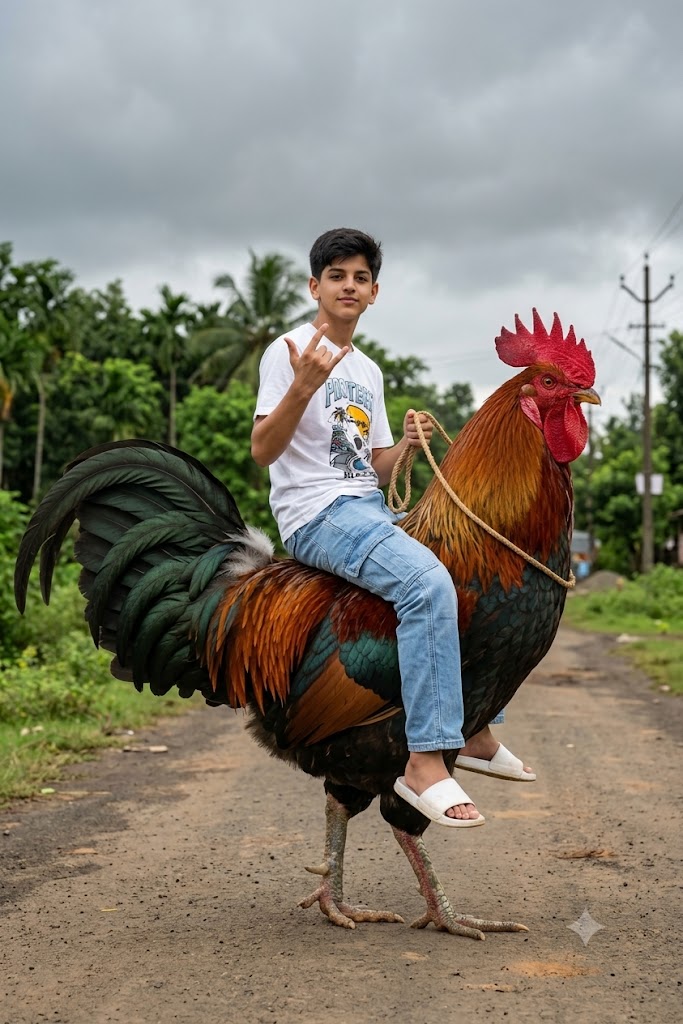
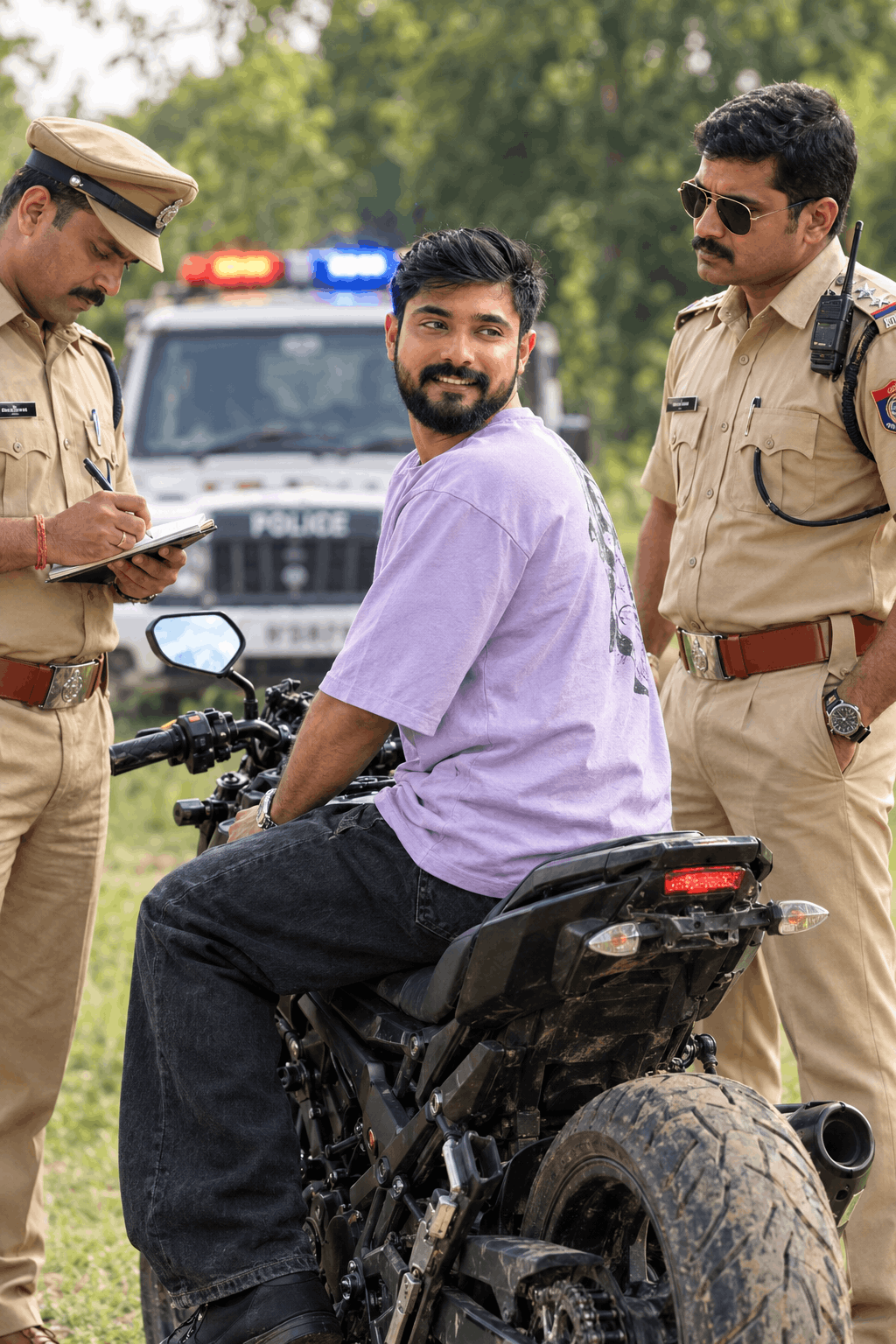
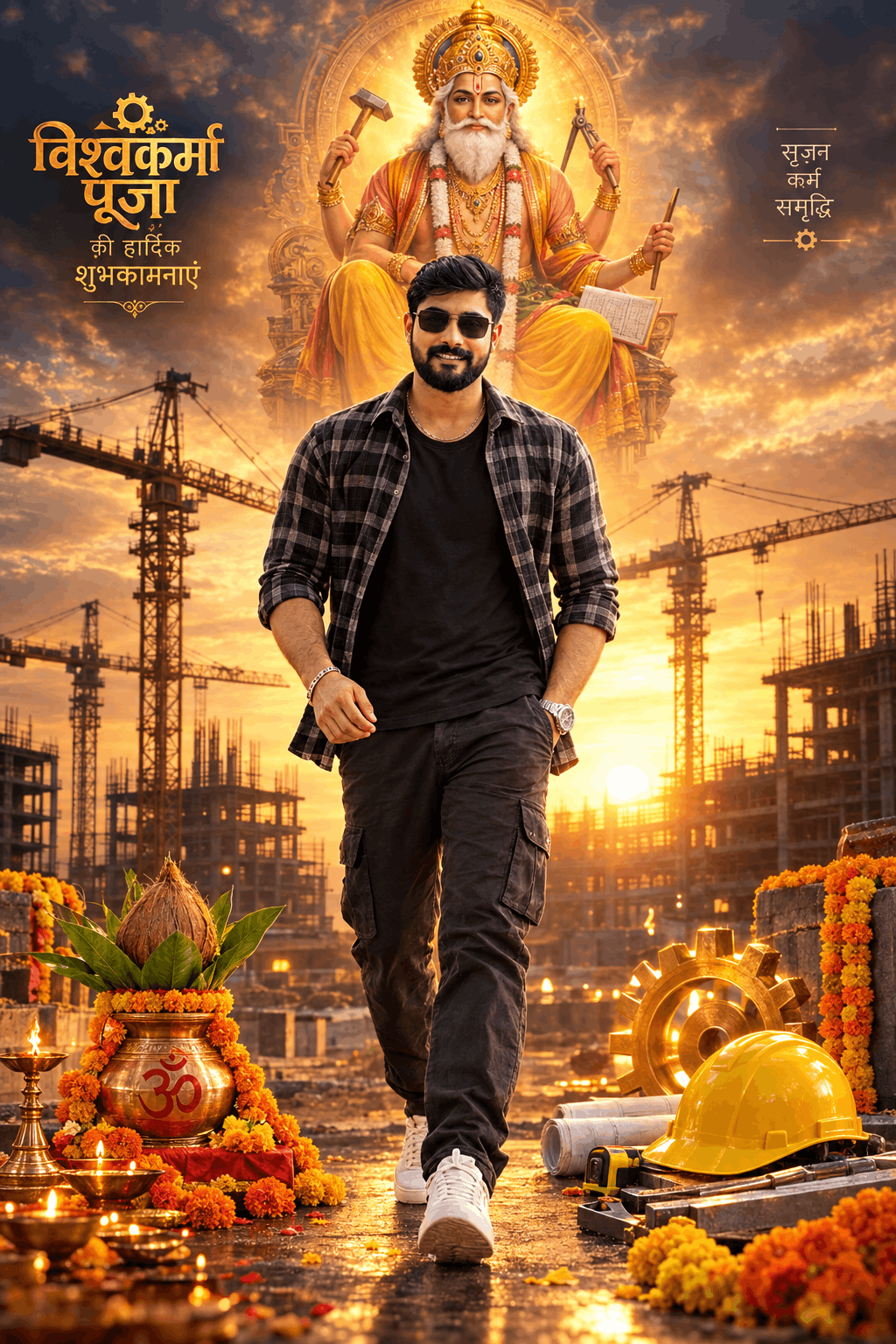
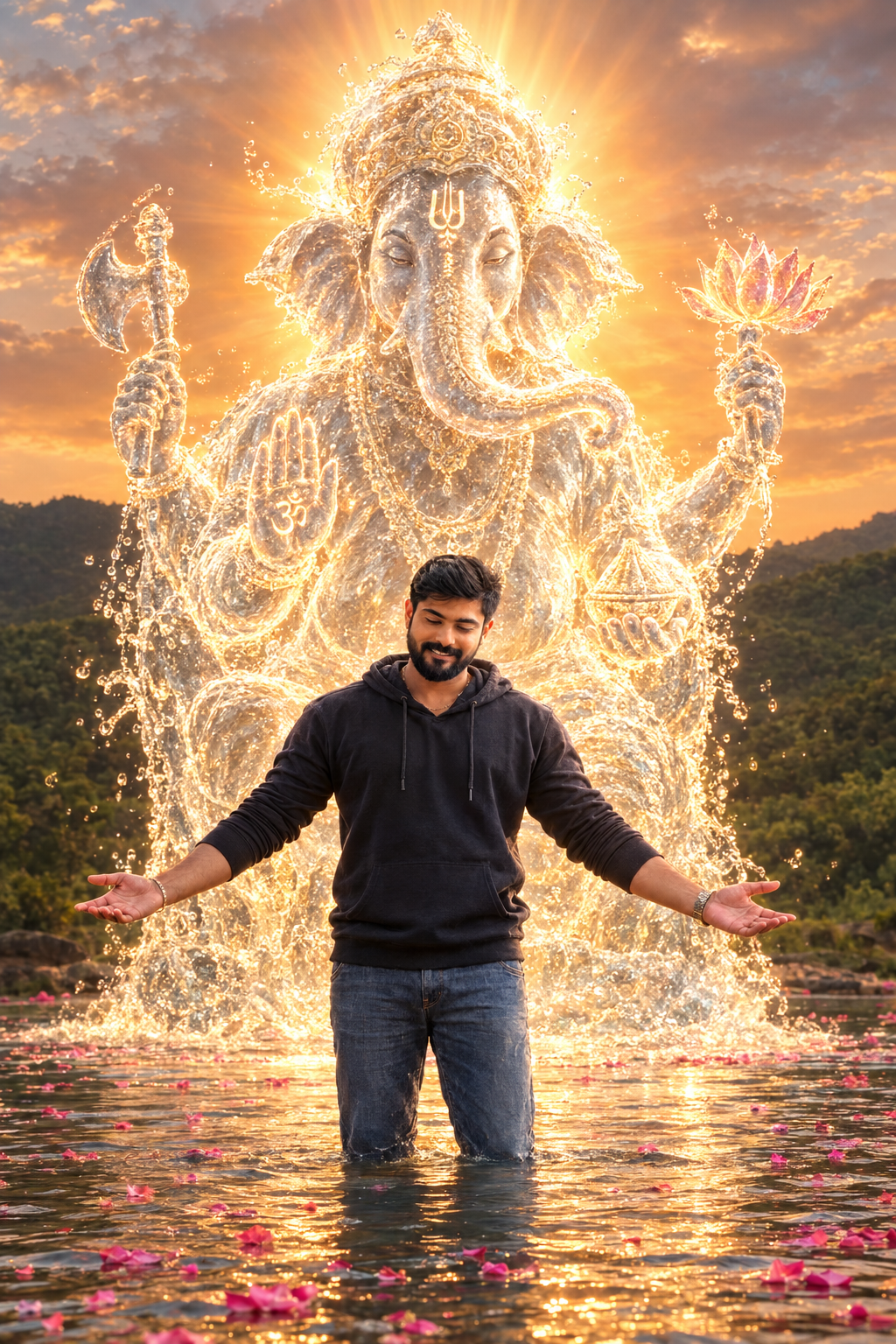
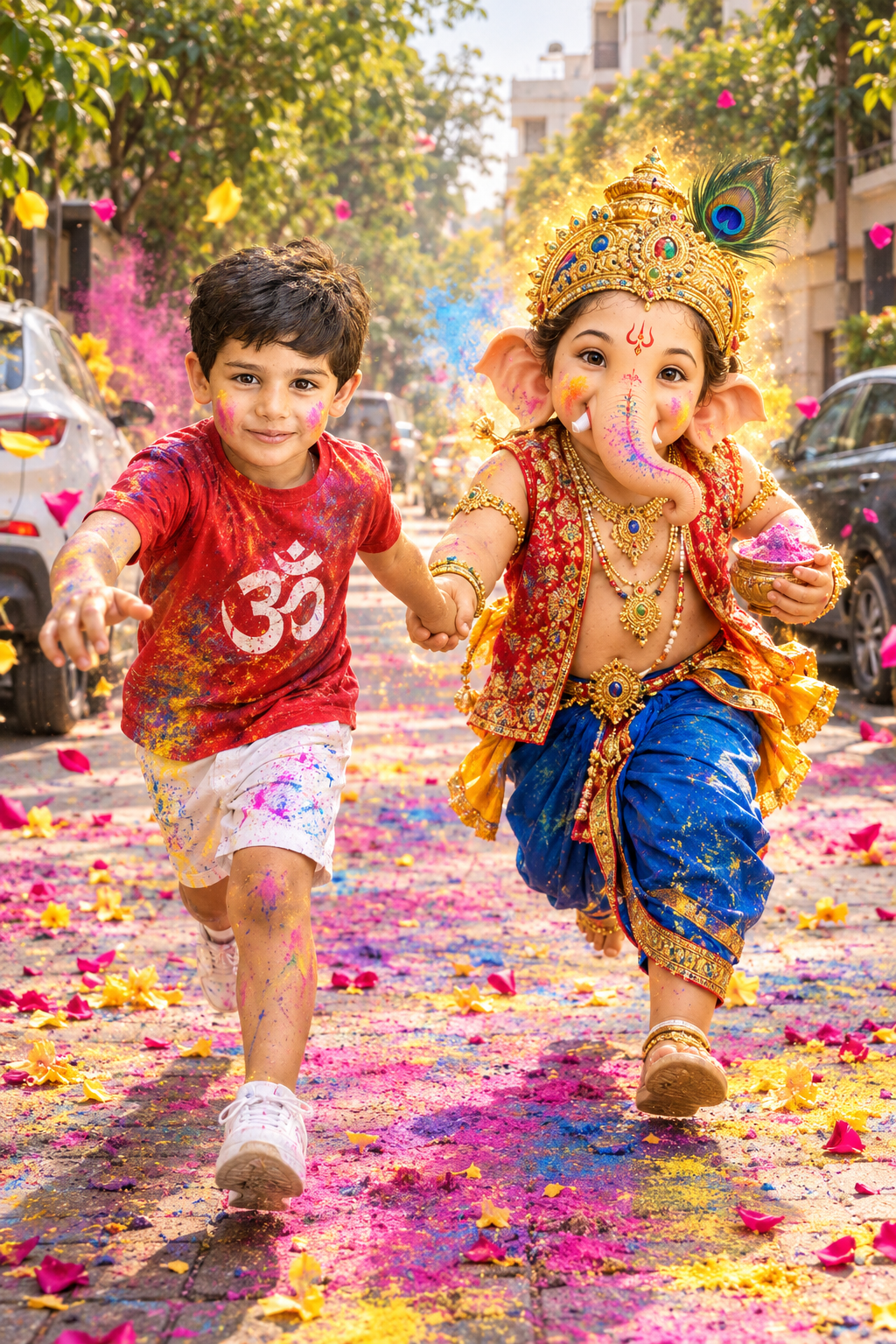
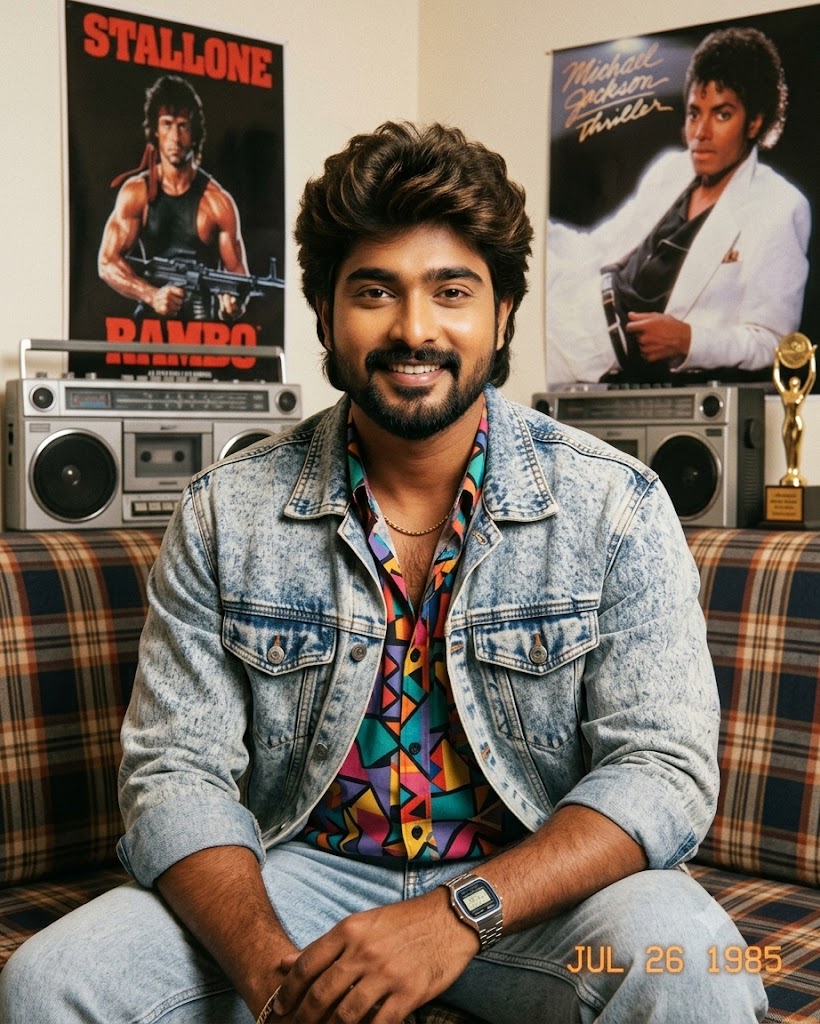
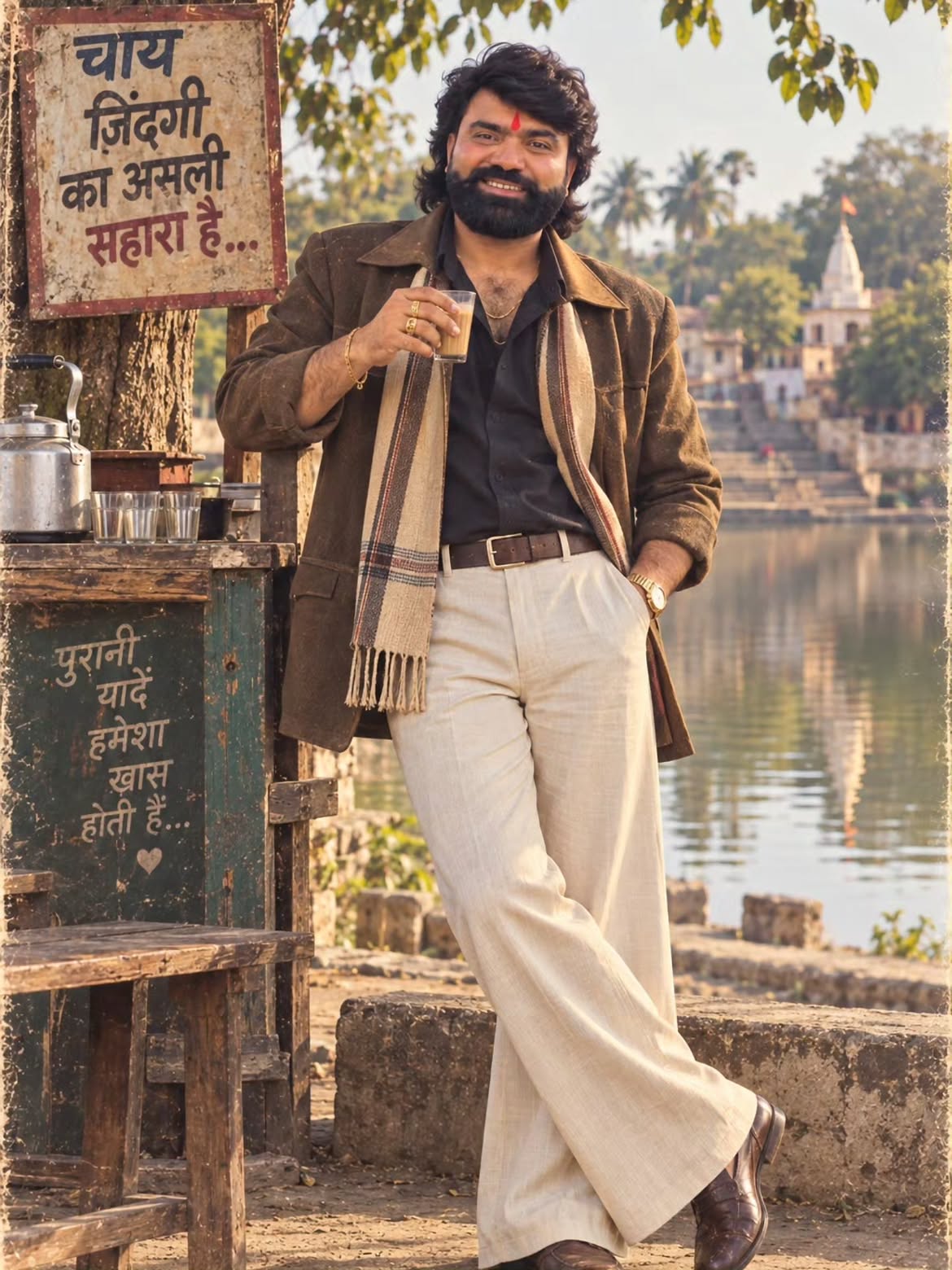
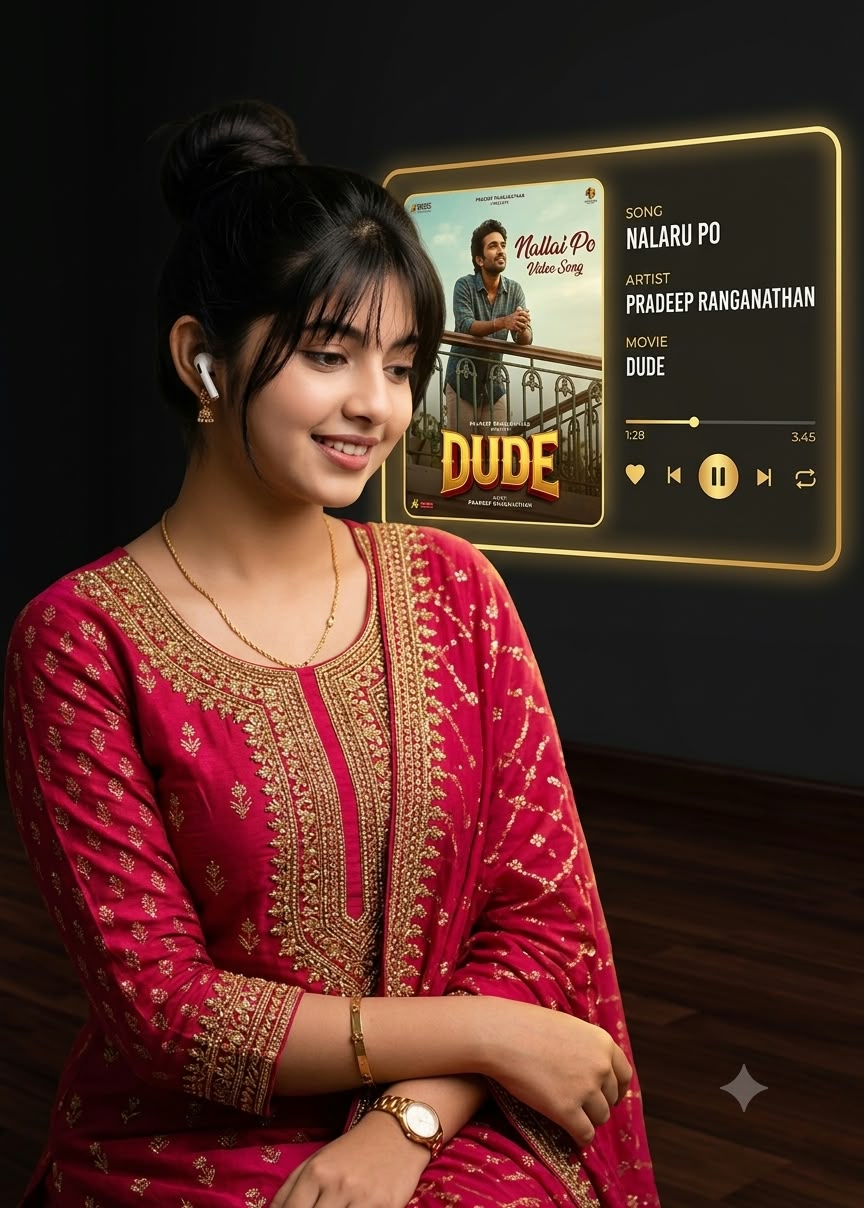
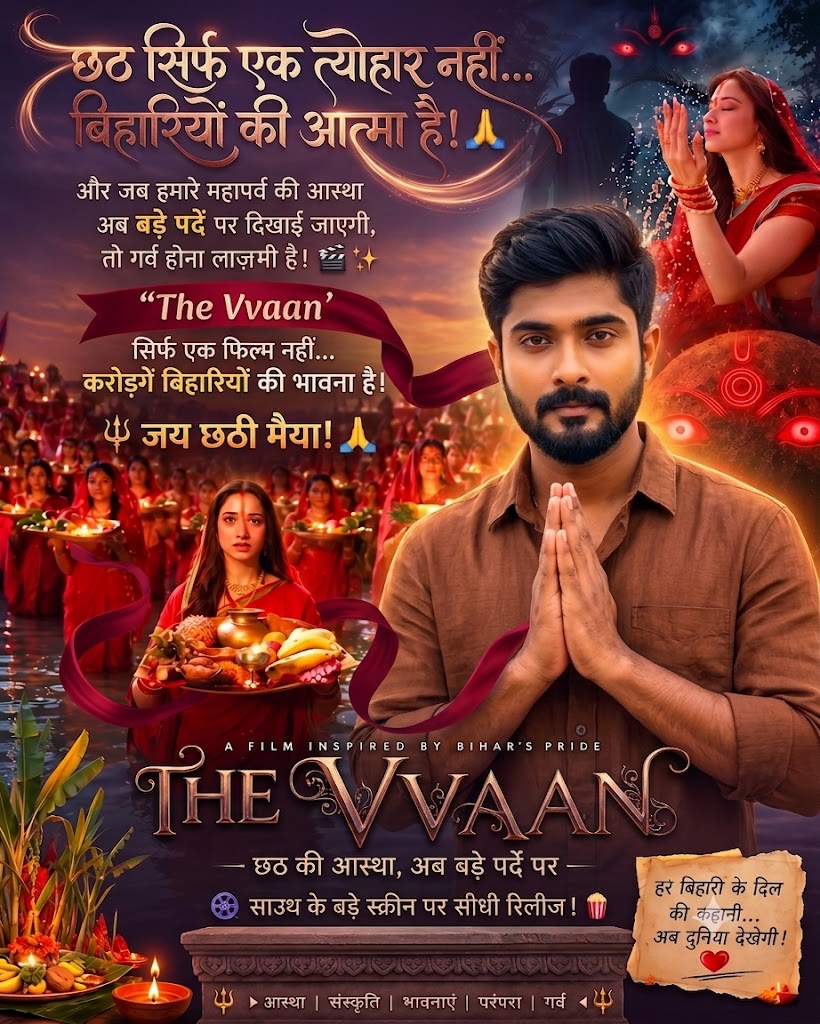
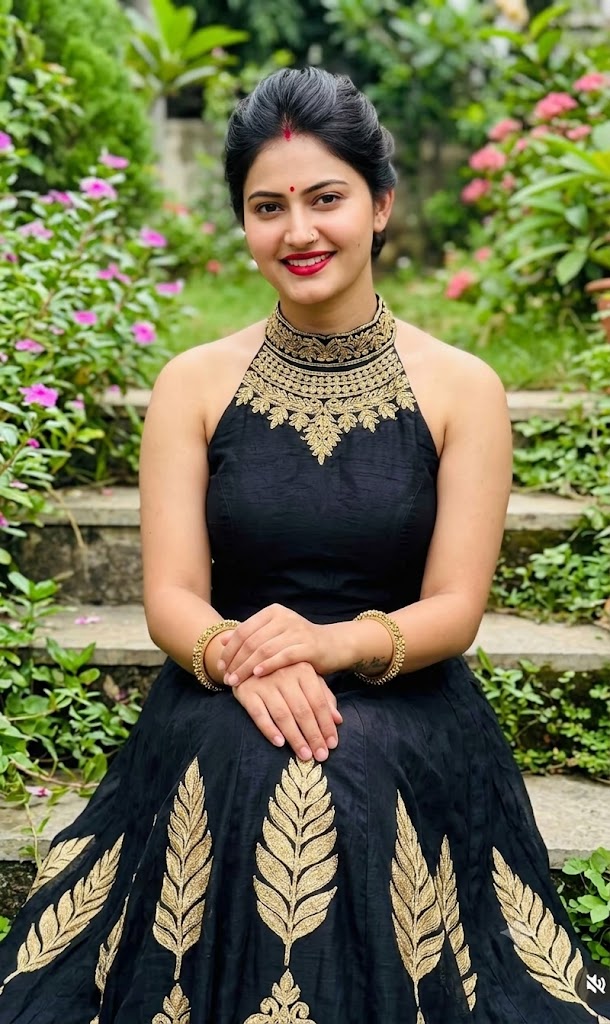
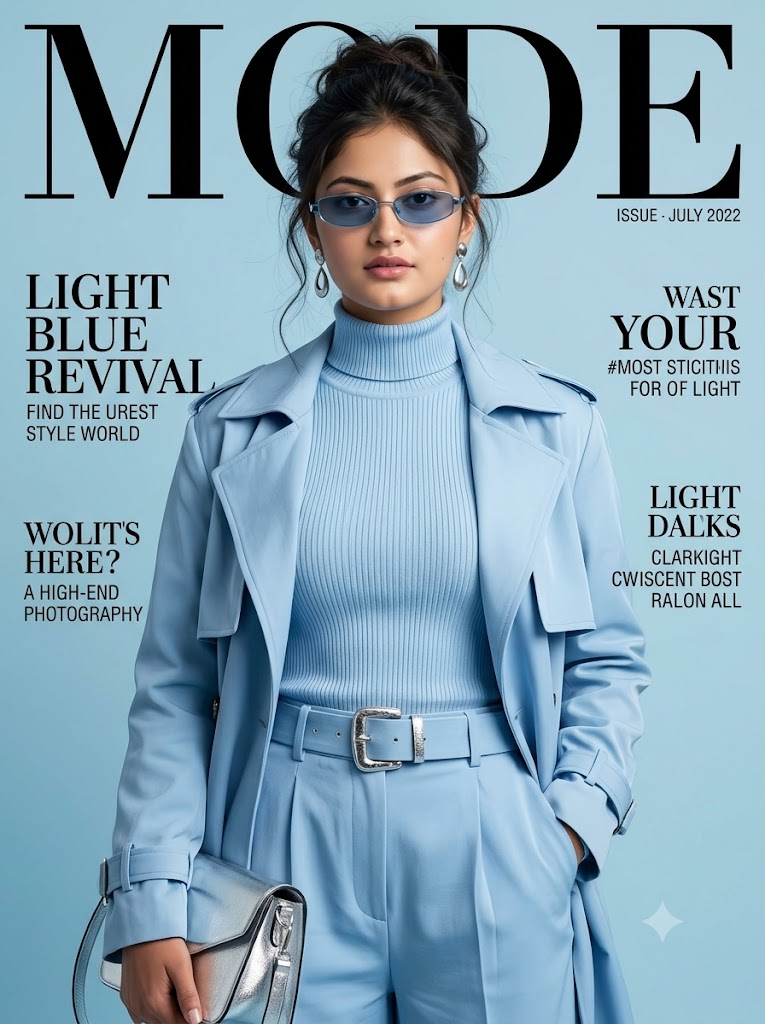
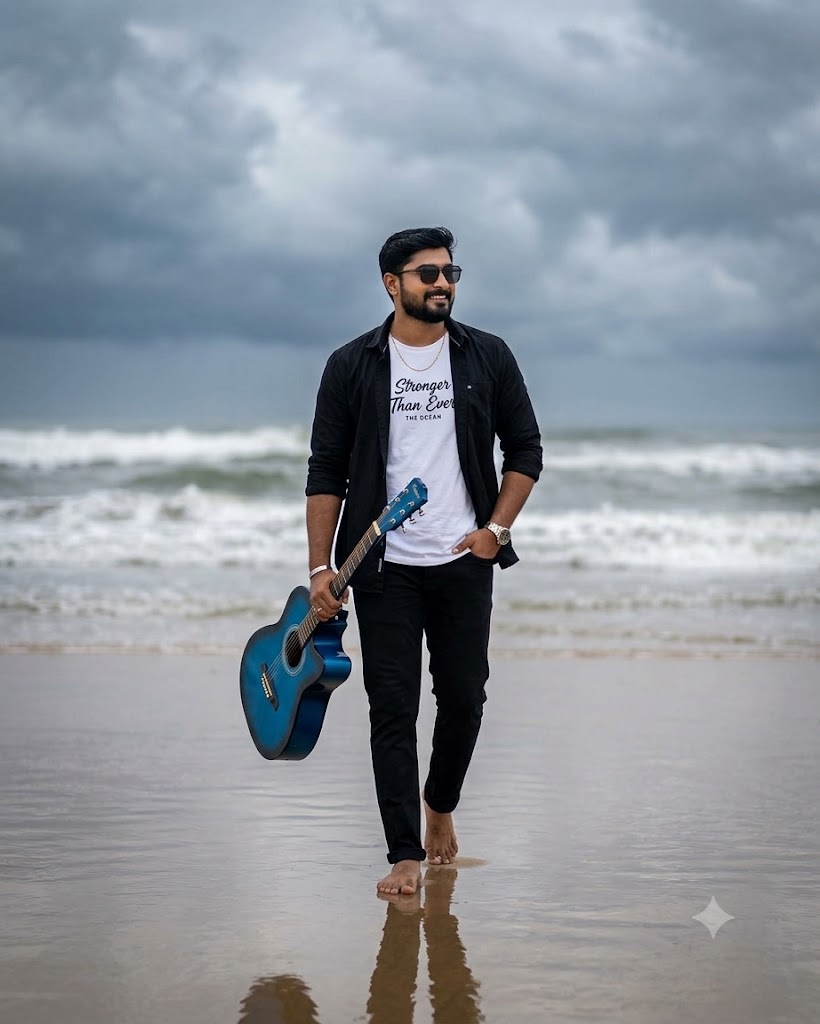
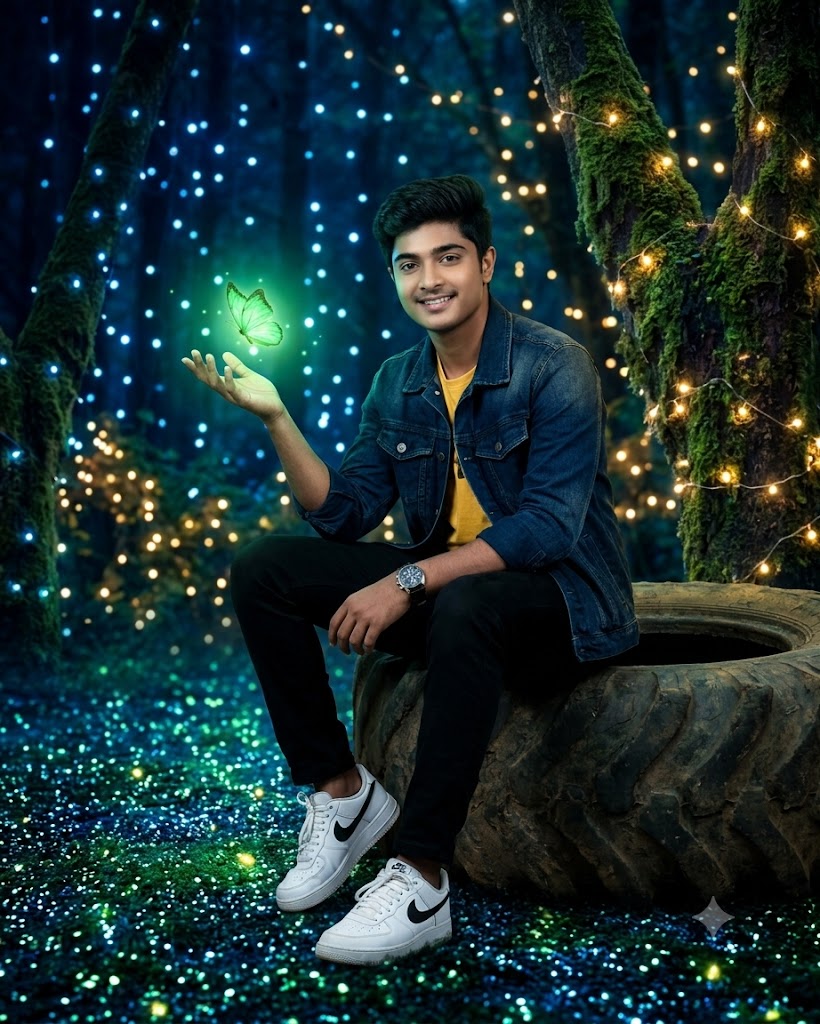
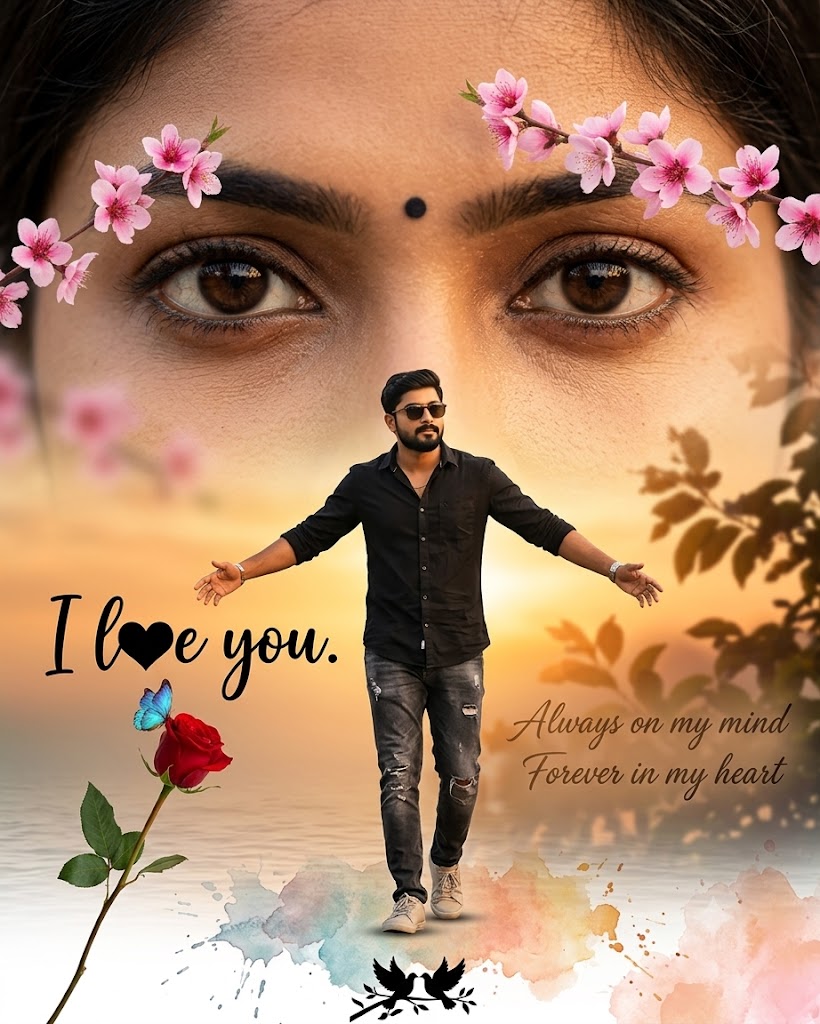
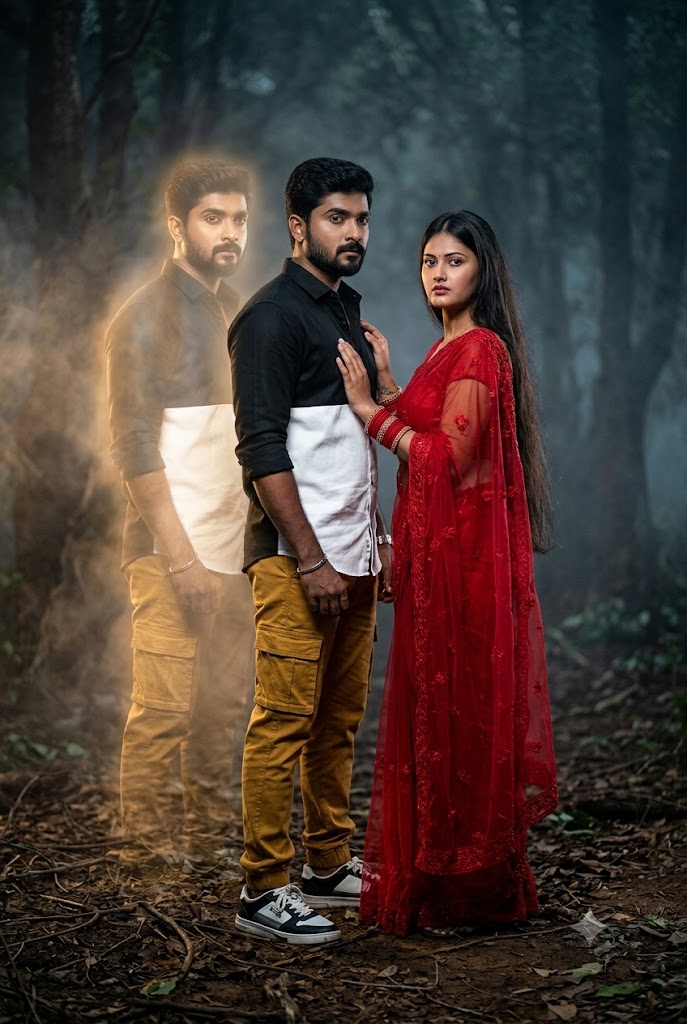
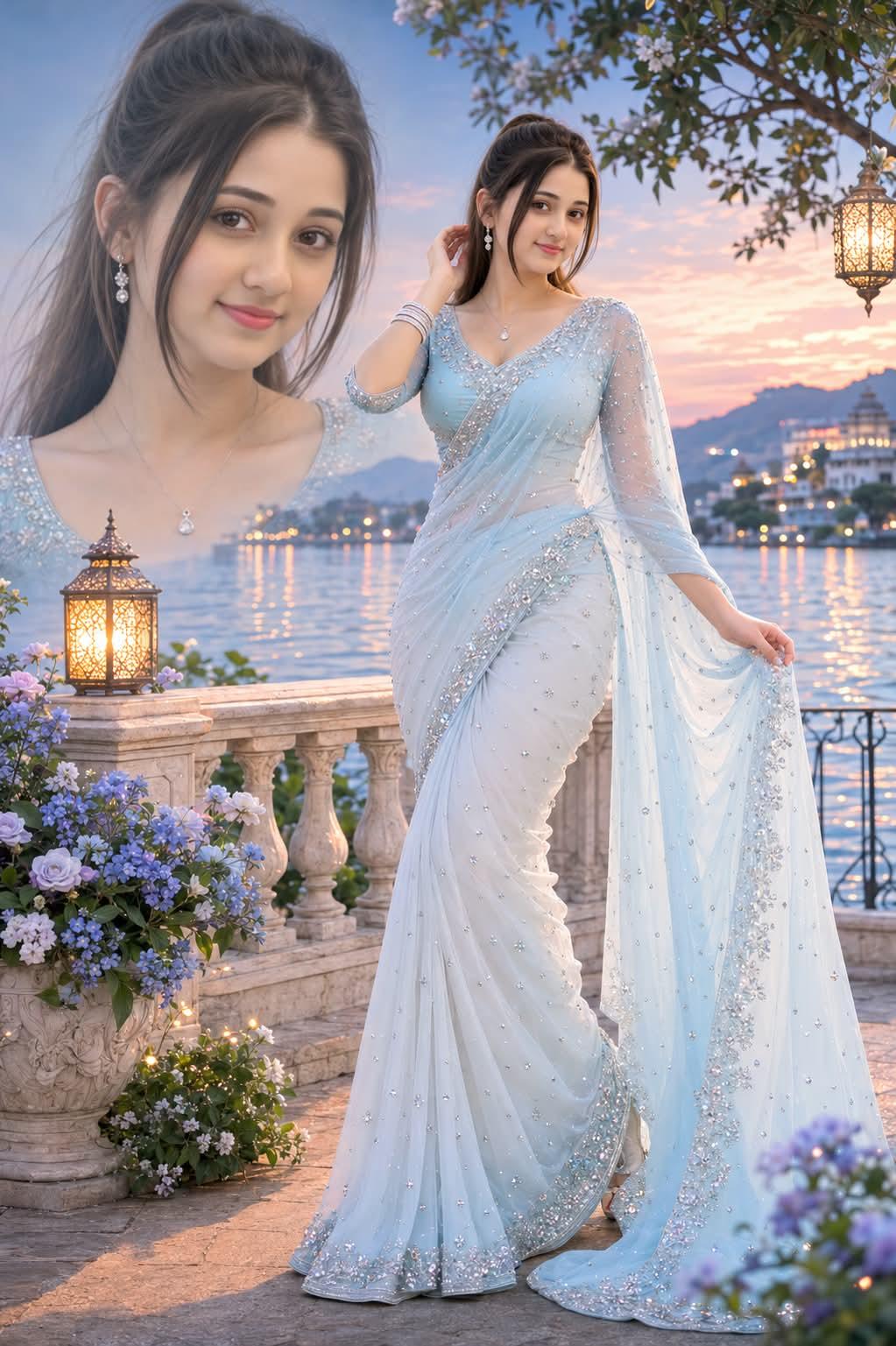
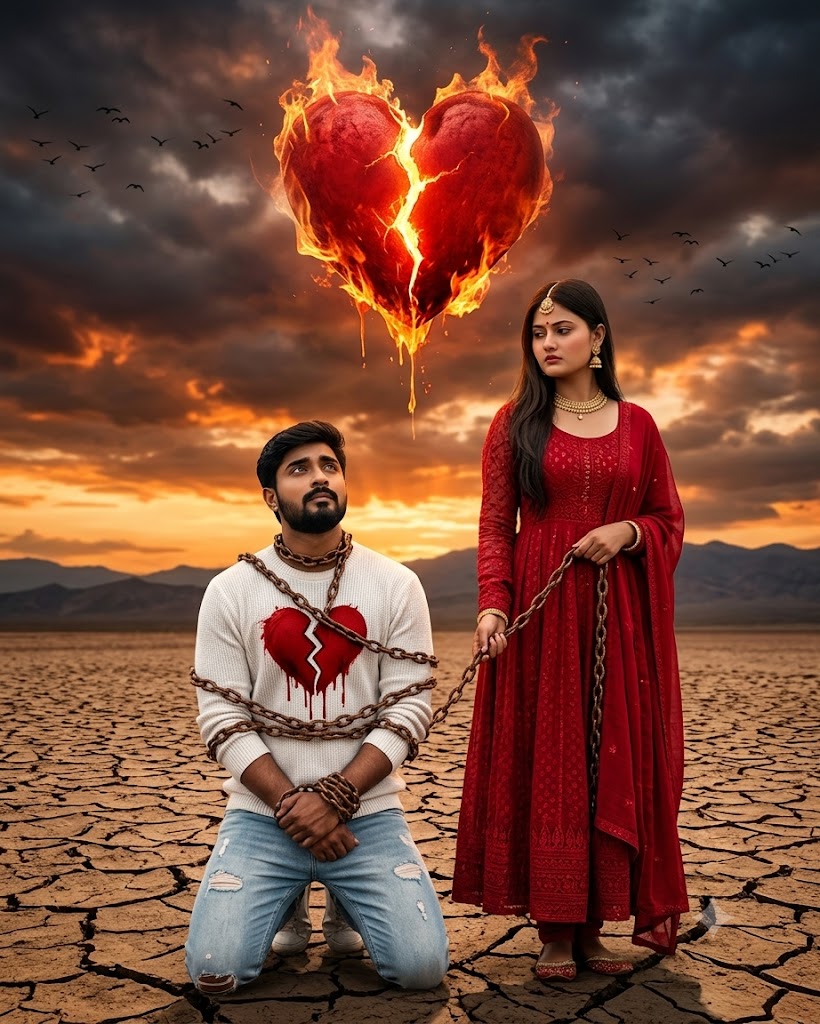
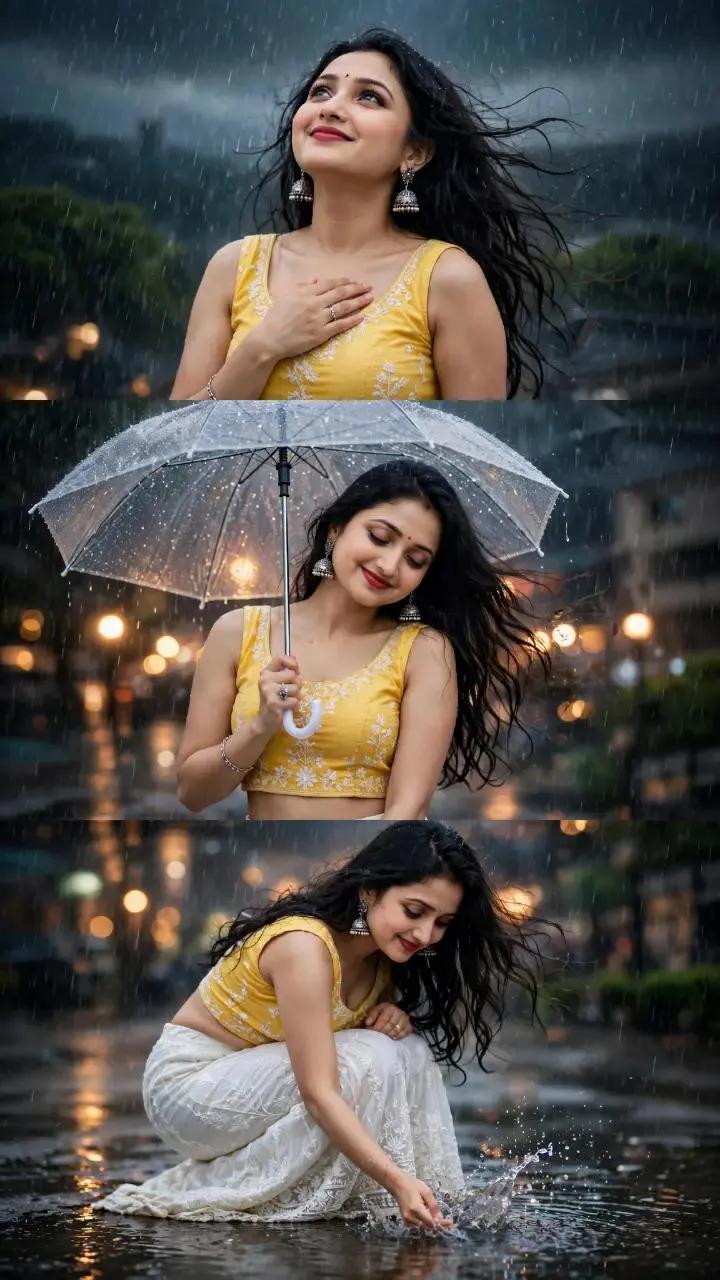
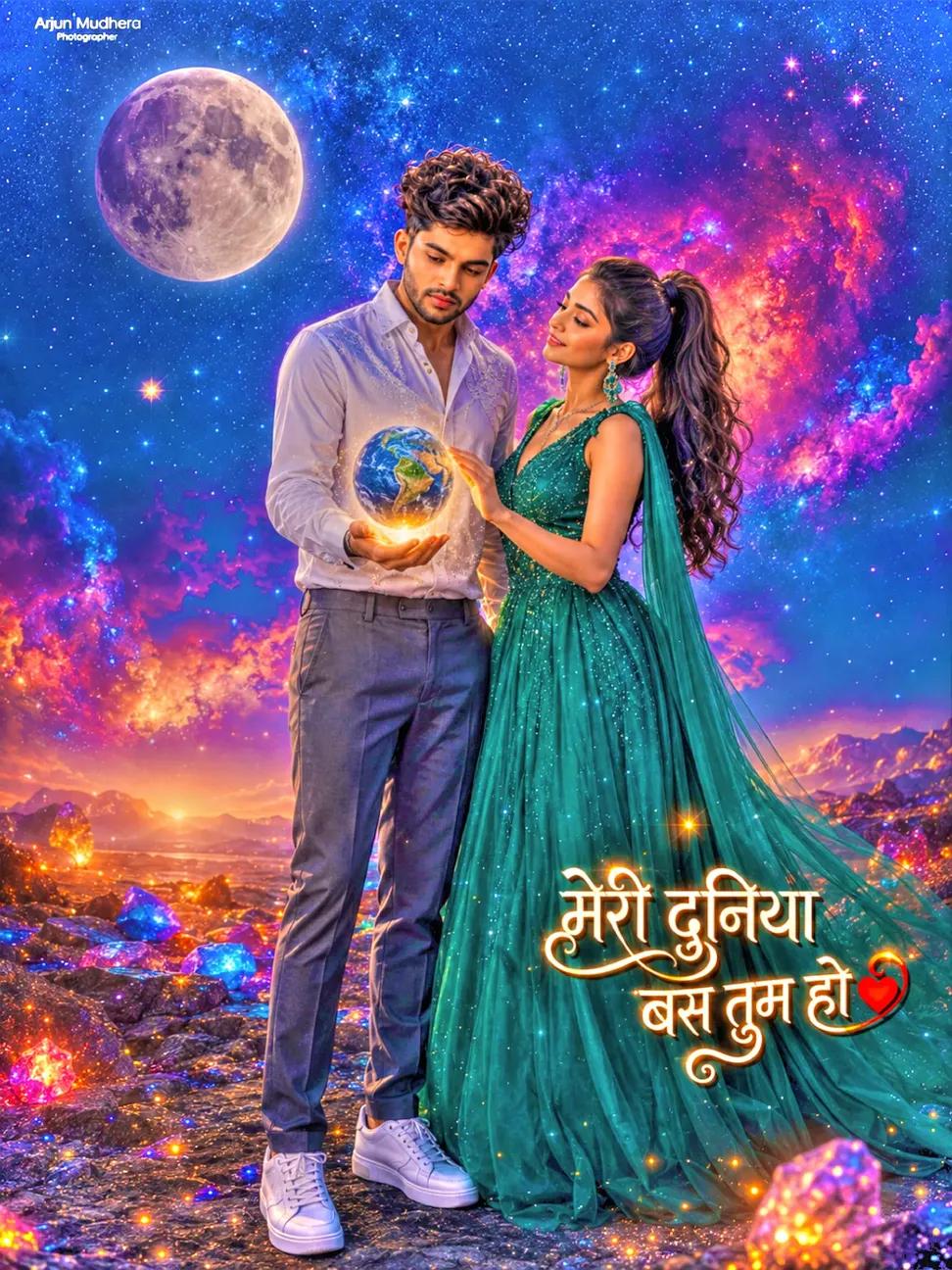
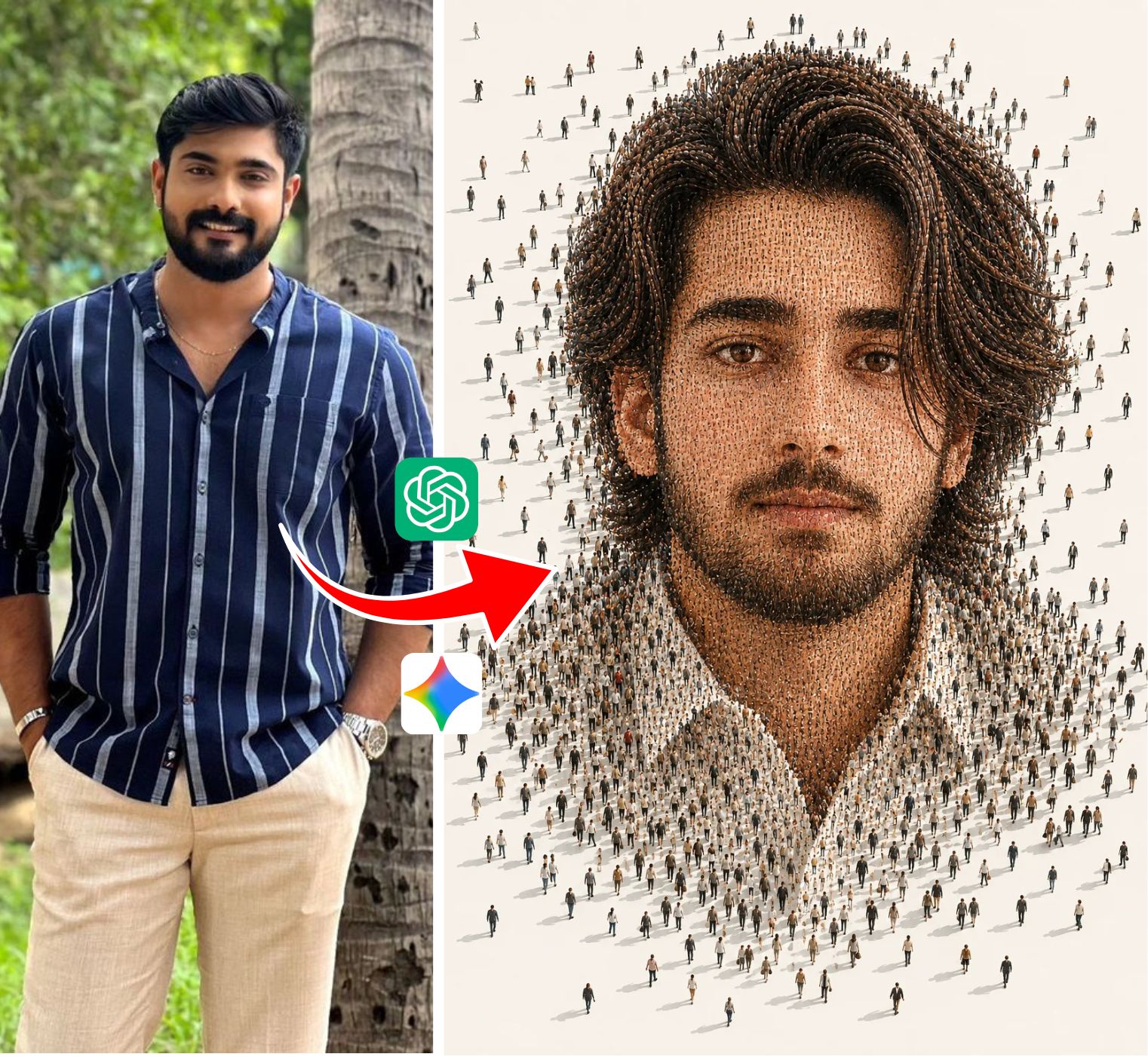
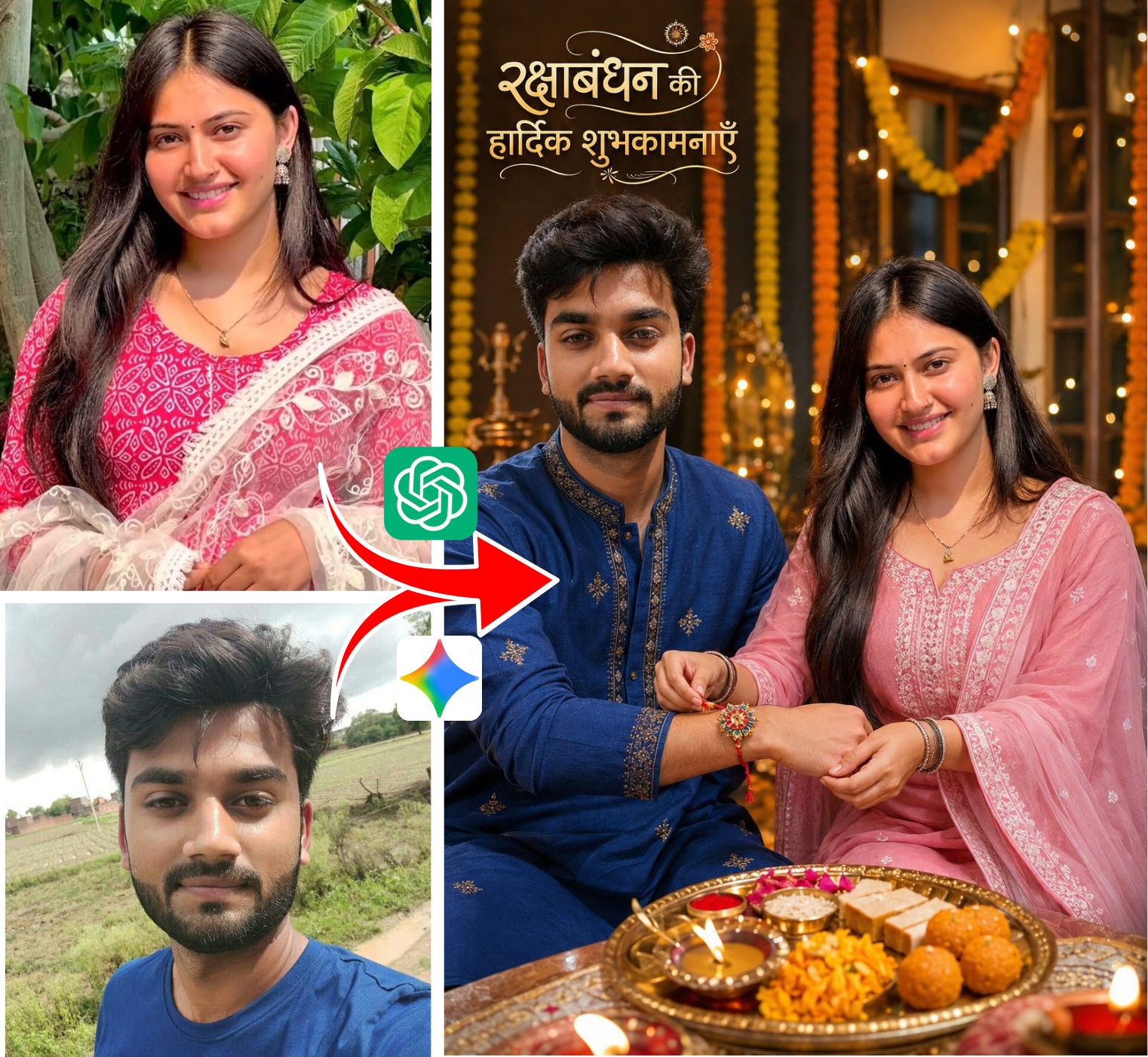
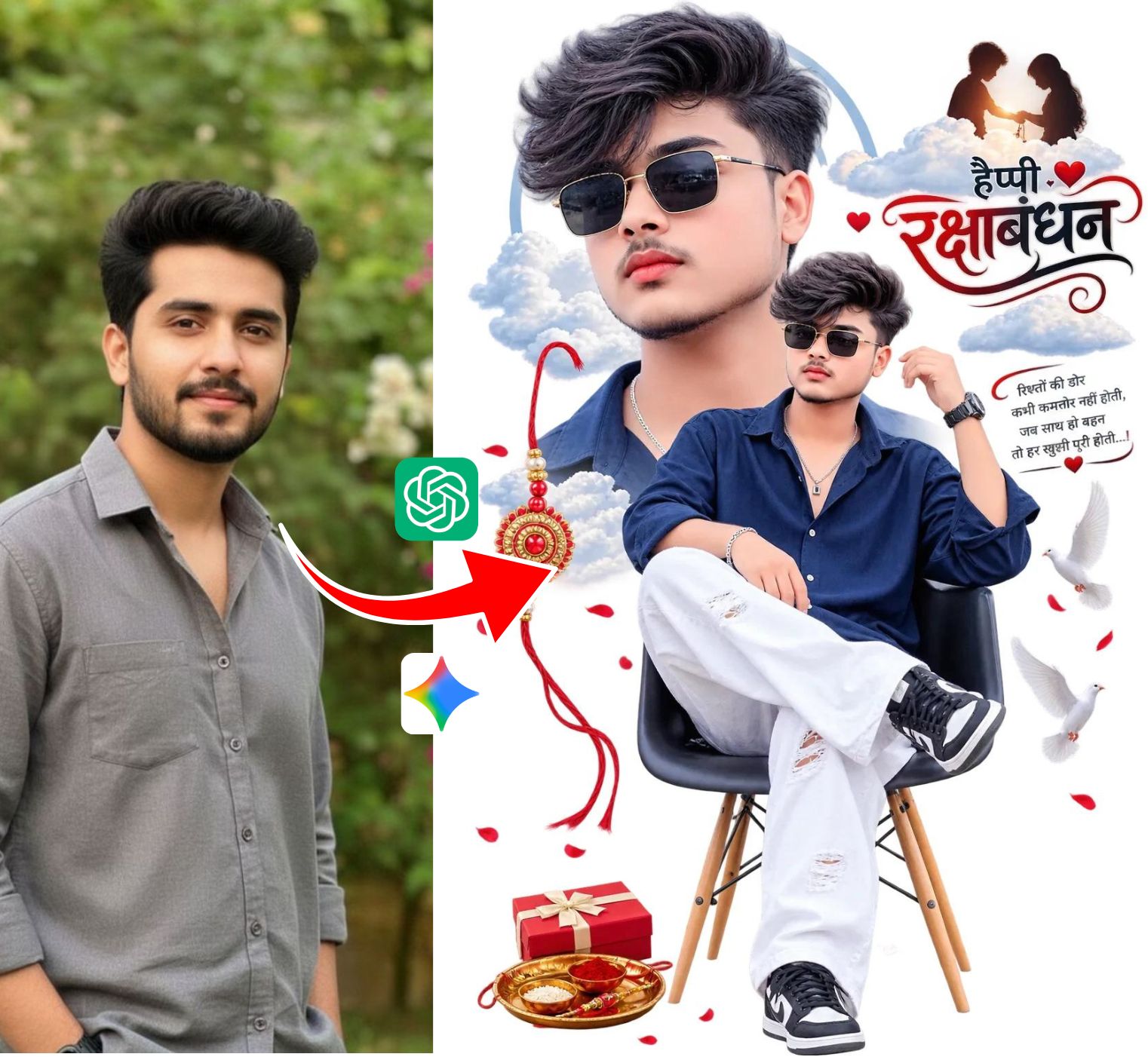
Rajan Editz has become one of the most viral phenomena across social media platforms like Instagram, YouTube, and TikTok. Originally popularized by creative digital creators sharing editing hacks on rajaneditz.com, the term now represents a signature style of AI-generated 3D photography, stylish avatar art, and cinematic video editing.
Using prompt-based AI image generators like Microsoft Designer (Bing Image Creator), DALL-E 3, and Midjourney, users can generate ultra-realistic portraits featuring glowing 3D names, majestic angel wings, futuristic neon backgrounds, and royal couple aesthetics in just seconds.
Why Rajan Editz Prompts are Trending in 2026
The popularity of Rajan Editz prompts stems from how easy they make professional-grade photo creation for everyday users. Instead of spending hours learning complex Photoshop or Lightroom techniques, anyone can simply copy a curated text prompt, replace the placeholder name with their own name, and generate stunning 8K profile pictures (DPs) and viral Instagram Reels visuals completely free of charge.
Popular Rajan Editz AI Prompt Categories
1. 3D Name with Angel Wings & Throne (Viral Instagram DP)
The most iconic Rajan Editz style features a stylish boy or girl sitting comfortably on a royal throne or hovering in the sky with glowing 3D typography of their personal name, flanked by large feathered wings.
Viral Prompt Template: "A realistic 3D illusion photo of a 20-year-old handsome boy casually sitting on a modern king throne with large white glowing feathered wings in the background. Giant 3D glowing neon letters behind him spell 'YOUR NAME'. He is wearing a black stylish hoodie, dark jeans, and clean sneakers. Cinematic dramatic lighting, ultra-detailed 8K resolution."
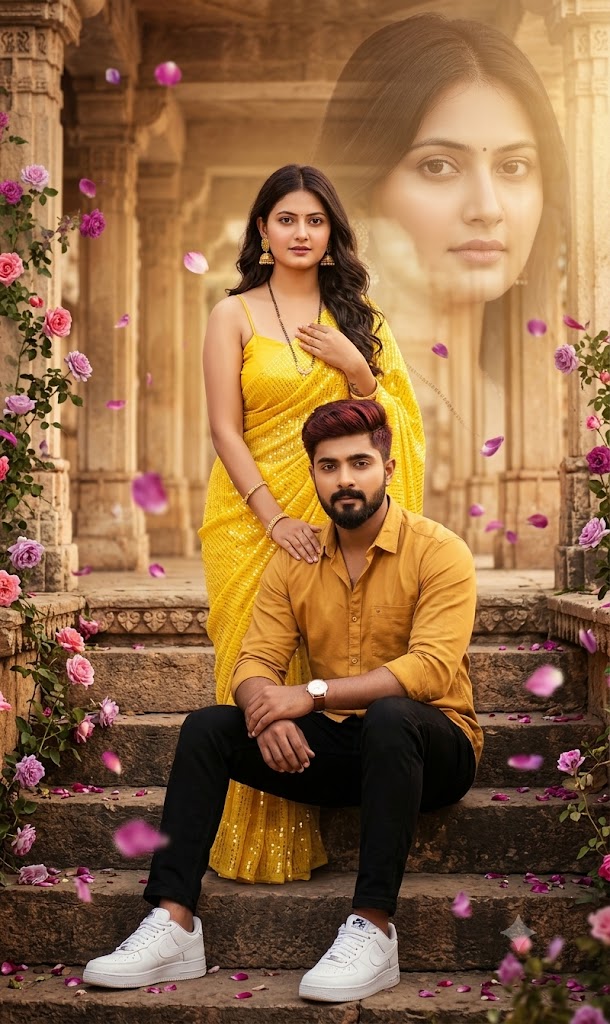
2. Romantic Boy & Girl Couple AI Prompts
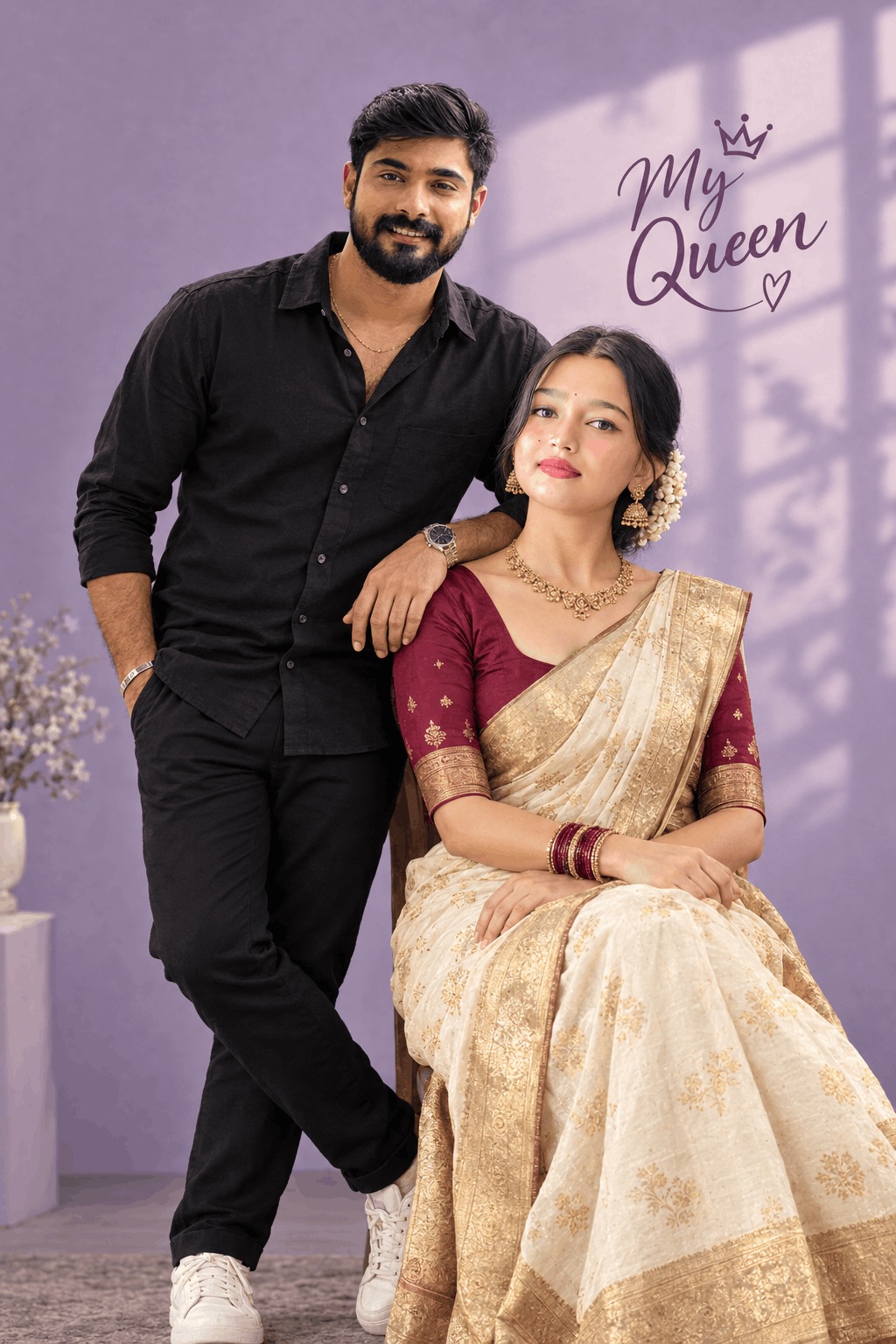
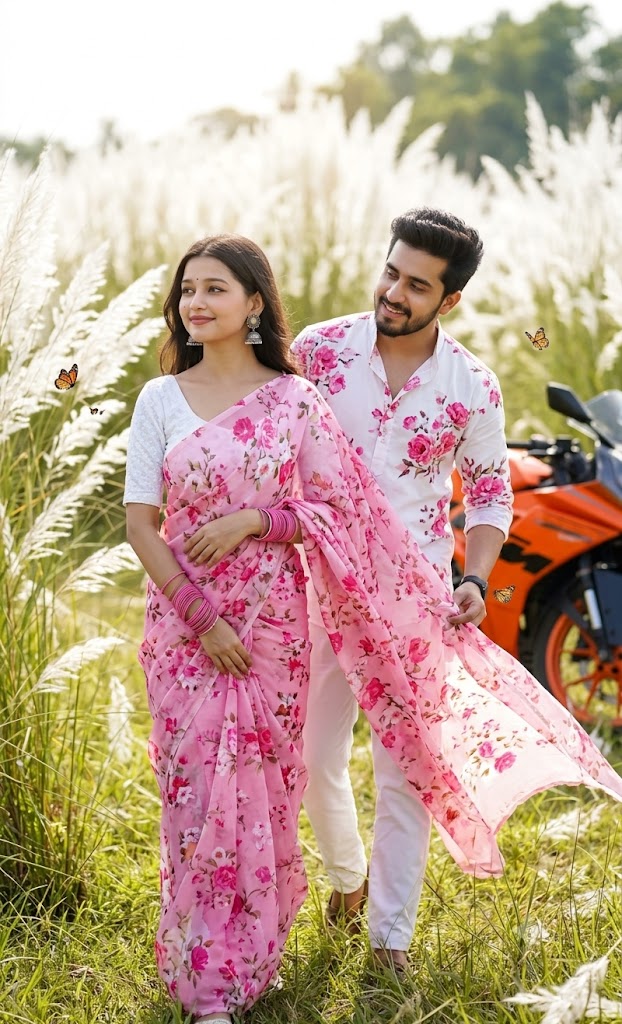
Perfect for relationship status updates and anniversary posts, this style showcases realistic couples in romantic cinematic settings such as candle-lit cafes, rain-soaked streets, or traditional Indian festive backdrops with both partners' names written in stylish fonts.
Viral Prompt Template: "Create a realistic 3D romantic photo of a cute couple standing together in a scenic misty park. The handsome boy is wearing a black casual shirt and the pretty girl is wearing a pastel pink dress. In the background, large glowing warm neon letters spell 'NAME & NAME'. Beautiful cinematic bokeh, soft golden hour sunlight, 8k hyper-realistic."
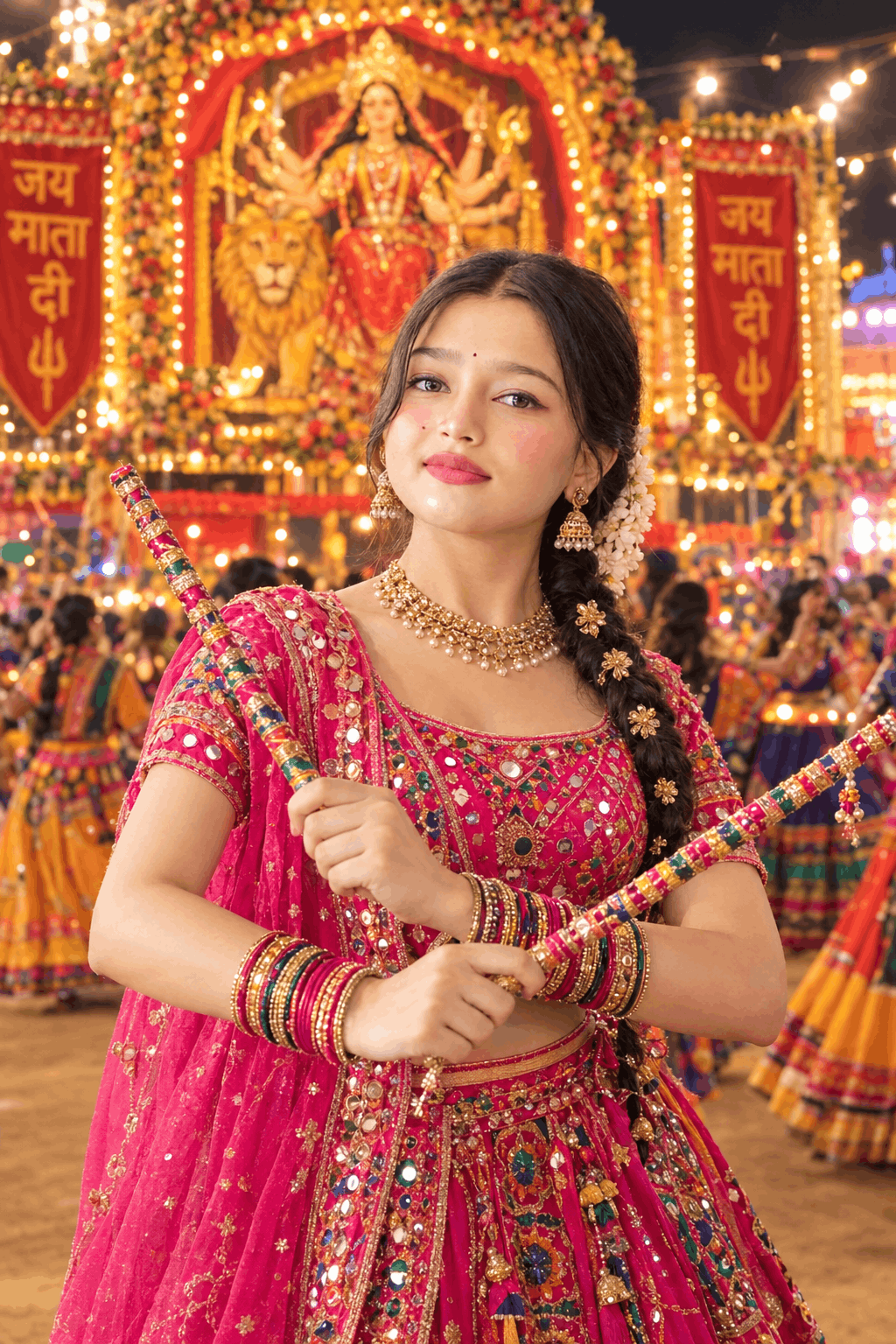
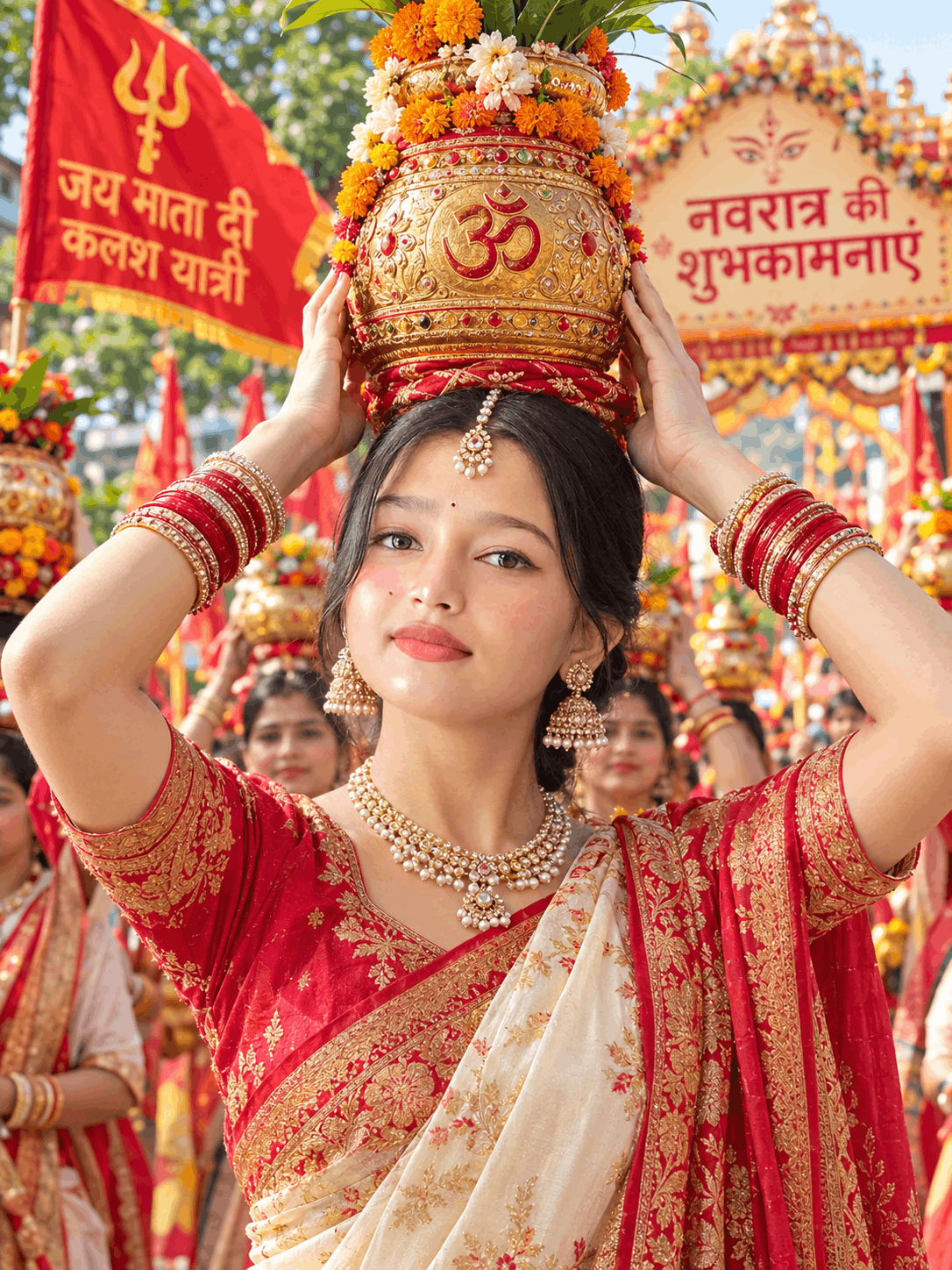
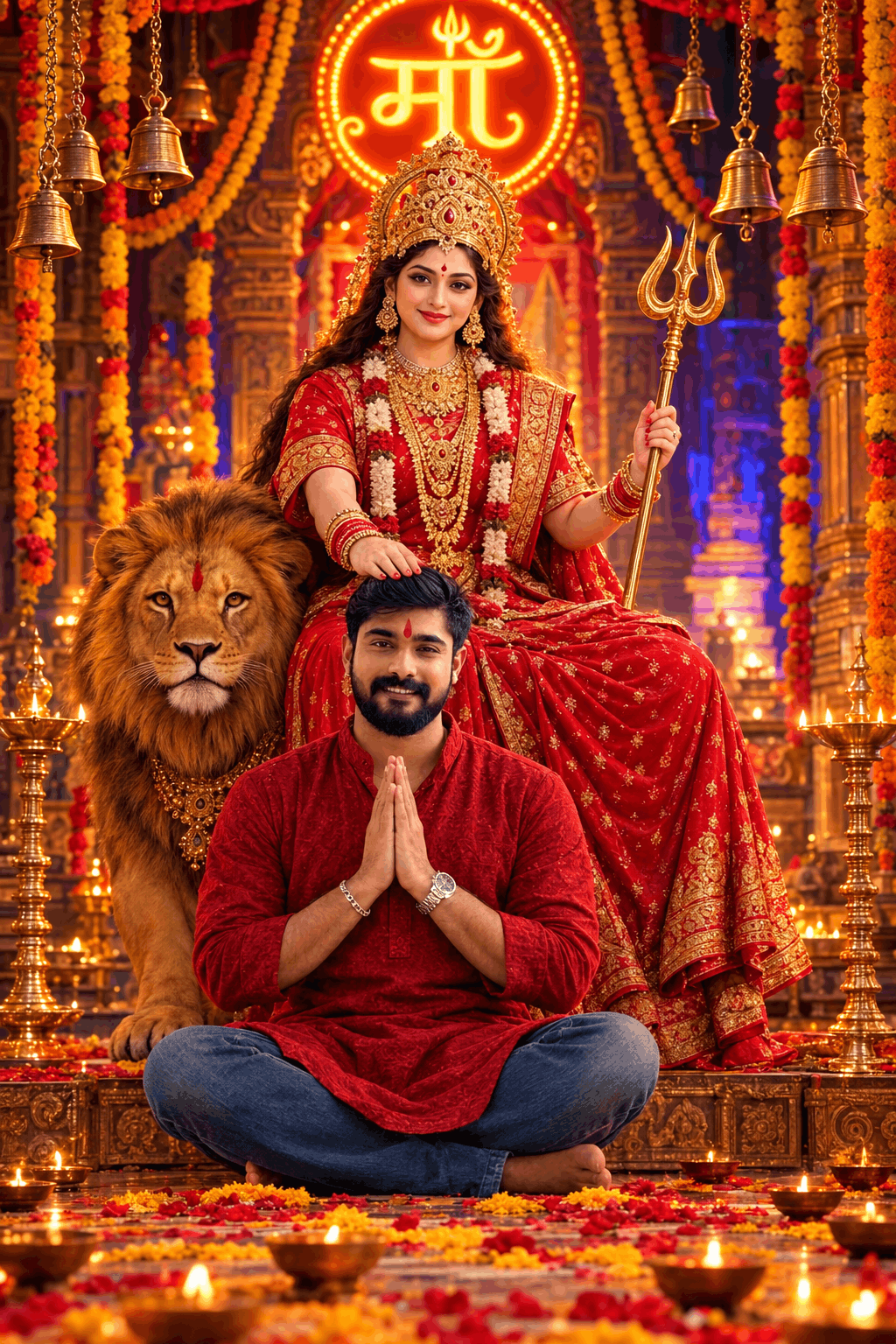
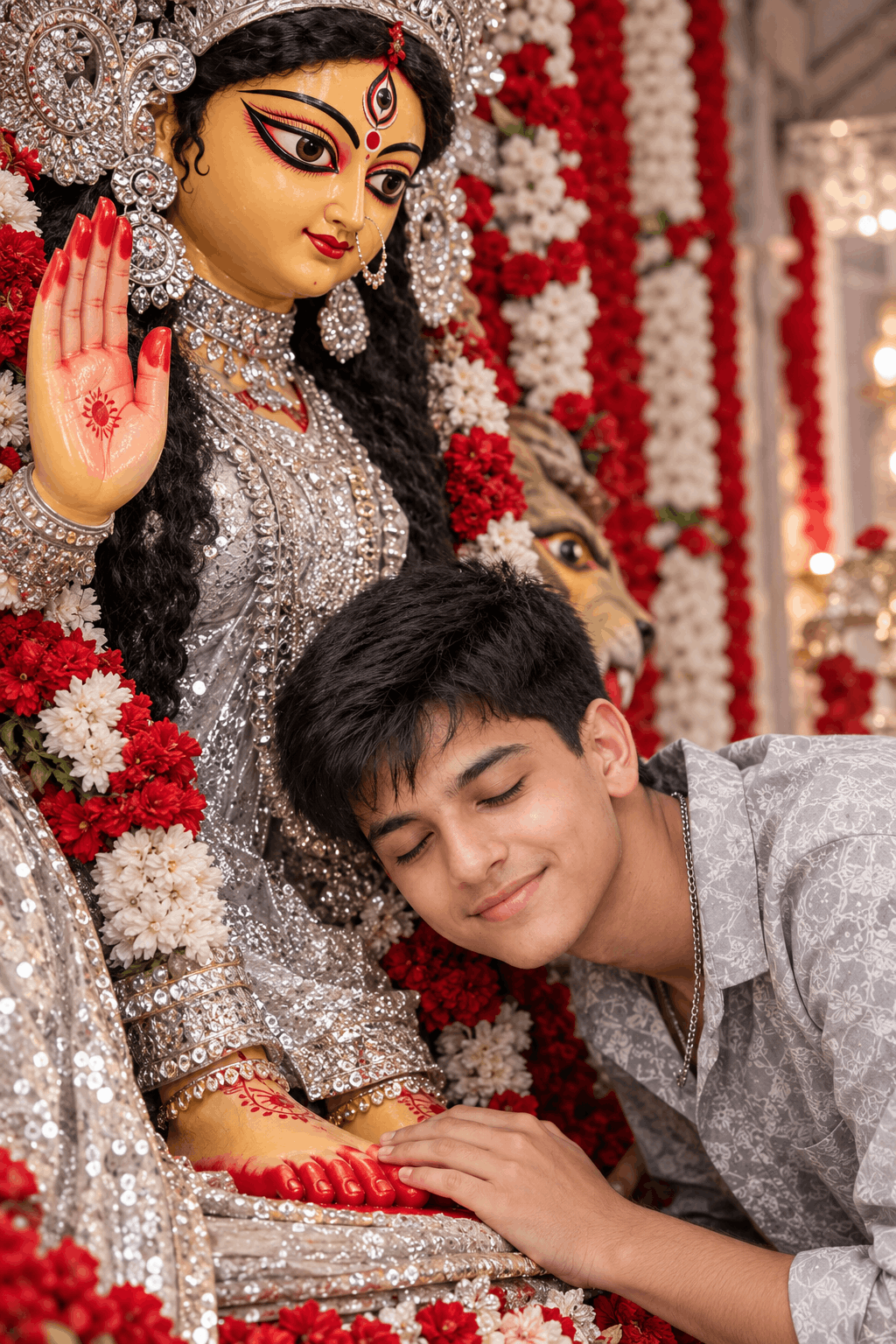
3. Traditional Festive & Cultural Styles (Navratri, Eid, Diwali)
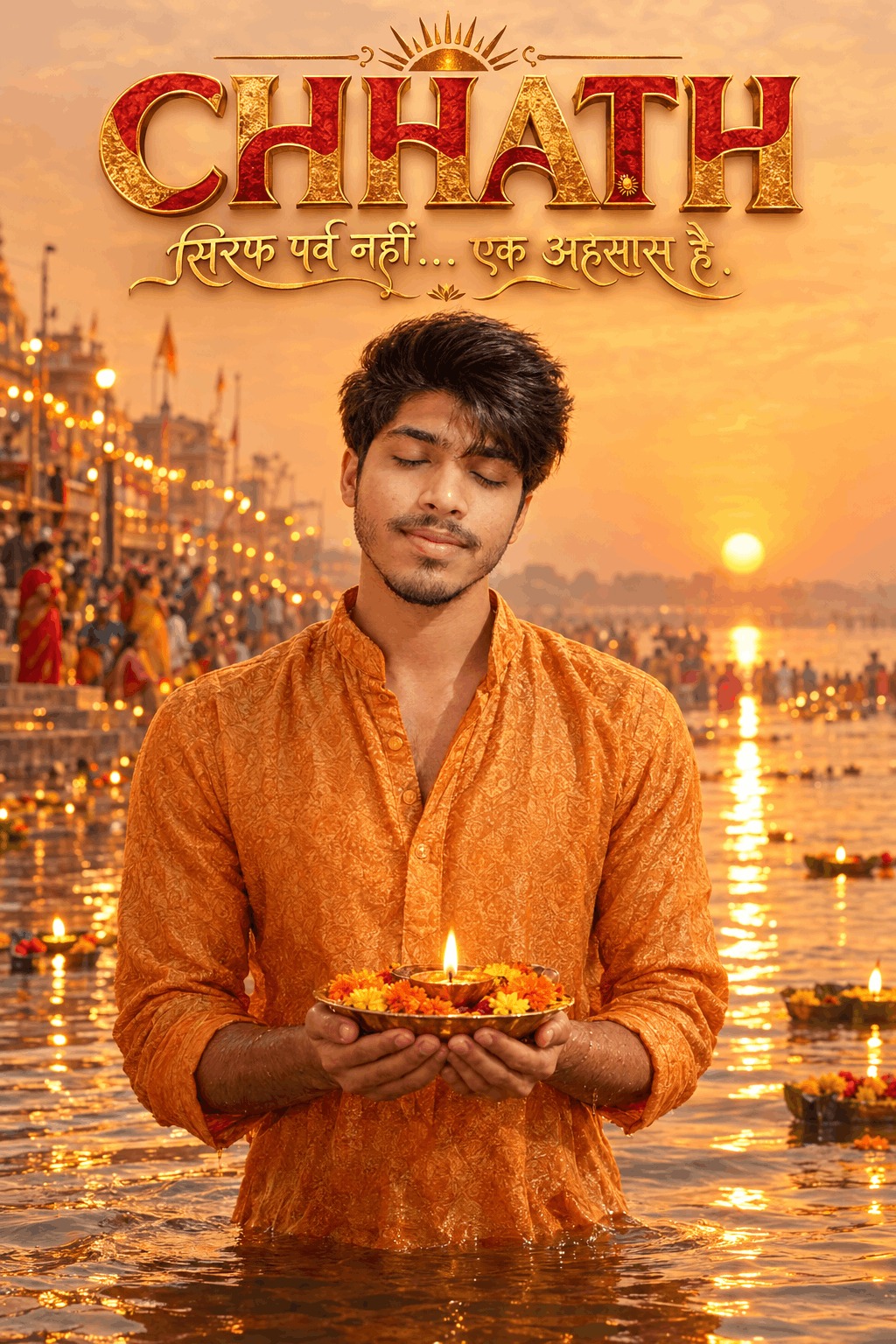
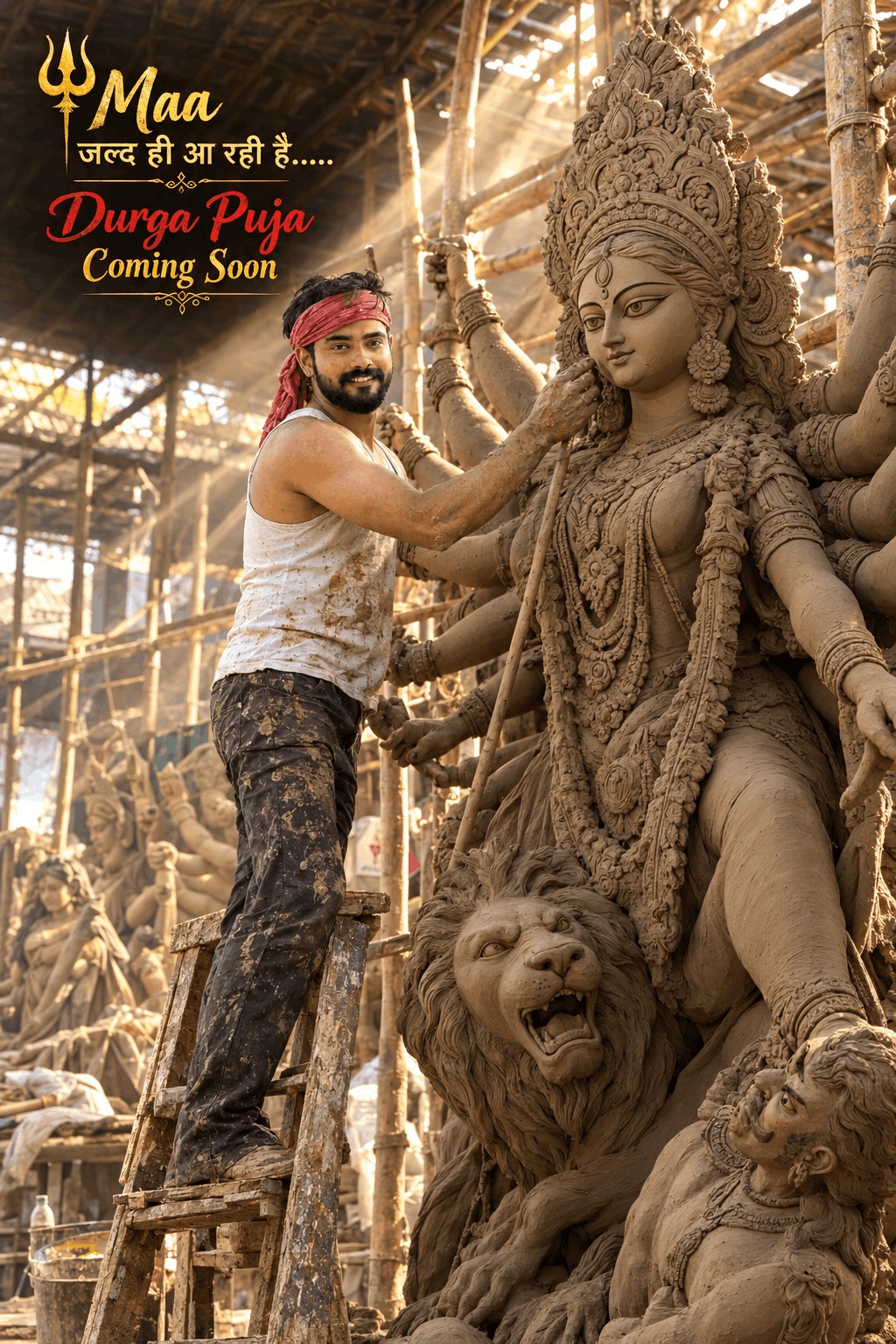
During festive seasons, Rajan Editz styles incorporate traditional attire such as stylish Kurta-Pajamas, Sherwanis, and Sarees with festive rangoli, clay lamps, or temple silhouettes in vibrant color palettes.
4. Cyberpunk Neon Bike & Supercar Attitude Prompts
A favorite among creators looking for bad-boy or swagger aesthetics, featuring neon-lit city streets, futuristic supercars, and high-end superbikes with dramatic fog and street lighting.
How to Use Rajan Editz Prompts with Bing Image Creator (Step-by-Step)
- Select a Prompt: Browse through the 190+ curated prompts in the gallery above and click the Copy button on your favorite style.
- Open Microsoft Designer / Bing AI: Navigate to the official Bing Image Creator website (bing.com/create) and sign in with your free Microsoft account.
- Paste and Personalize: Paste the copied prompt into the description box. Make sure to replace placeholder names like "RAJAN" or "YOUR NAME" with your actual name, and adjust outfit colors or hair styles to match your preference.
- Click Create: Hit the "Create" button and wait 10–15 seconds while the AI generates 4 high-definition image variations.
- Download & Share: Pick the best variation, download it in full resolution, and use it as your Instagram profile picture, WhatsApp DP, or viral Reel cover.
Frequently Asked Questions (FAQs)
Is Rajan Editz AI photo editing completely free?
Yes! All the prompts provided in this collection are 100% free to copy and use with free AI image creation tools like Bing Image Creator and Microsoft Designer.
Which AI tool works best with these prompts?
Microsoft Designer (Bing Image Creator powered by DALL-E 3) delivers the most consistent results, especially for rendering clear, accurate English letters and glowing 3D names.
Can I use these prompts to create CapCut or Instagram Reels videos?
Absolutely. Once you generate your 3D photo using these prompts, you can import the image into popular video editing apps like CapCut, VN Editor, or Alight Motion, apply trending velocity beat-sync templates or 3D zoom effects, and add viral background music.