
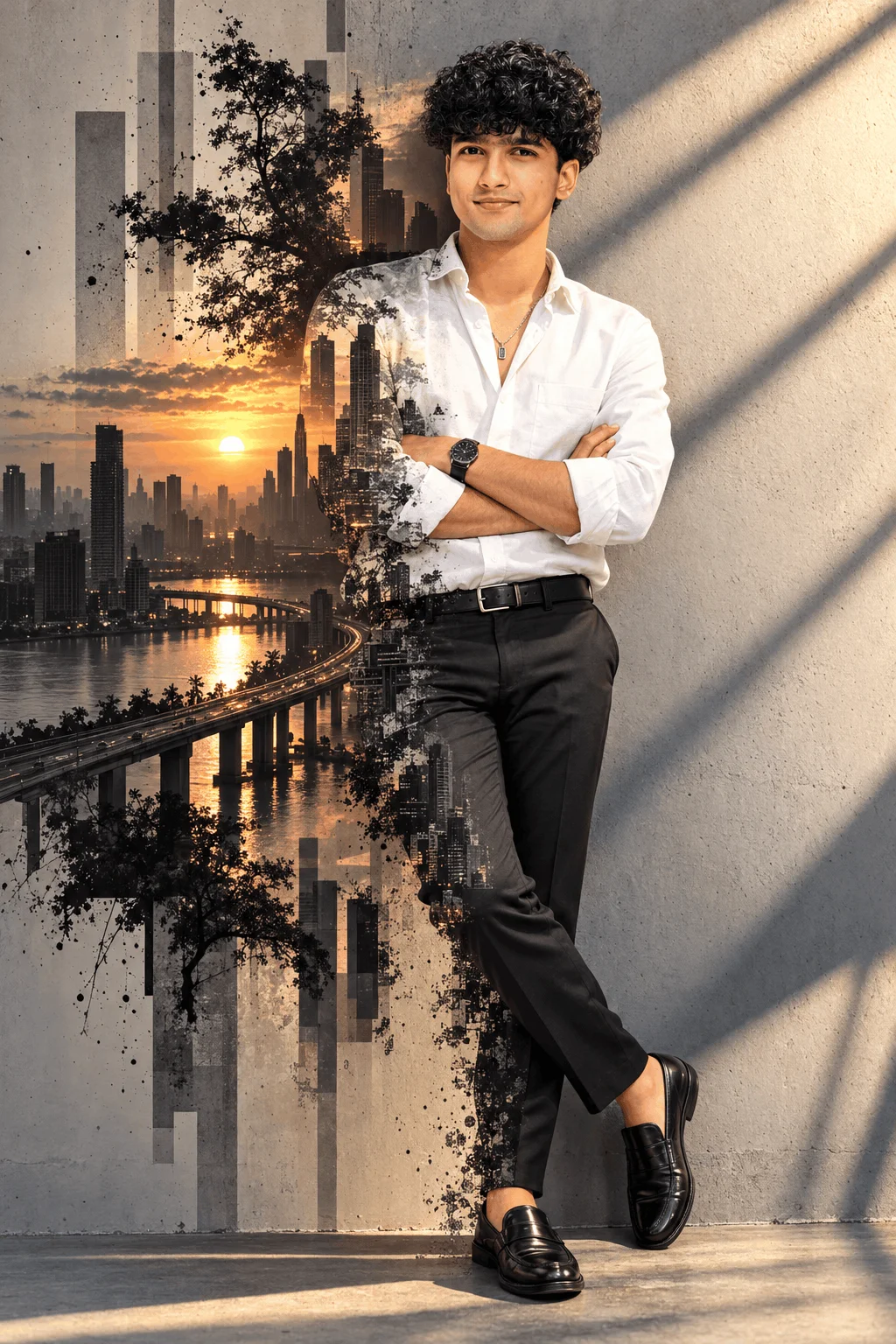
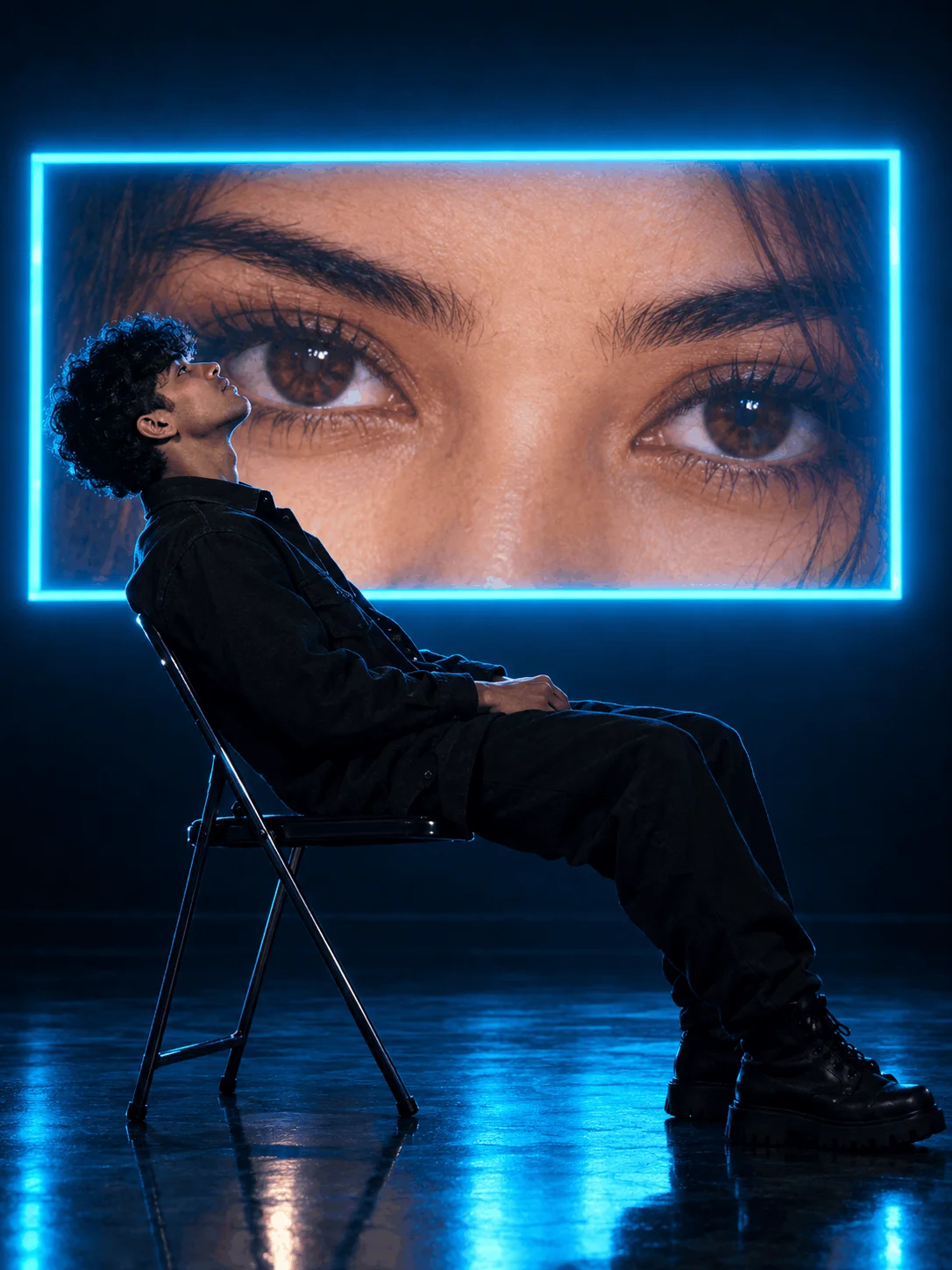
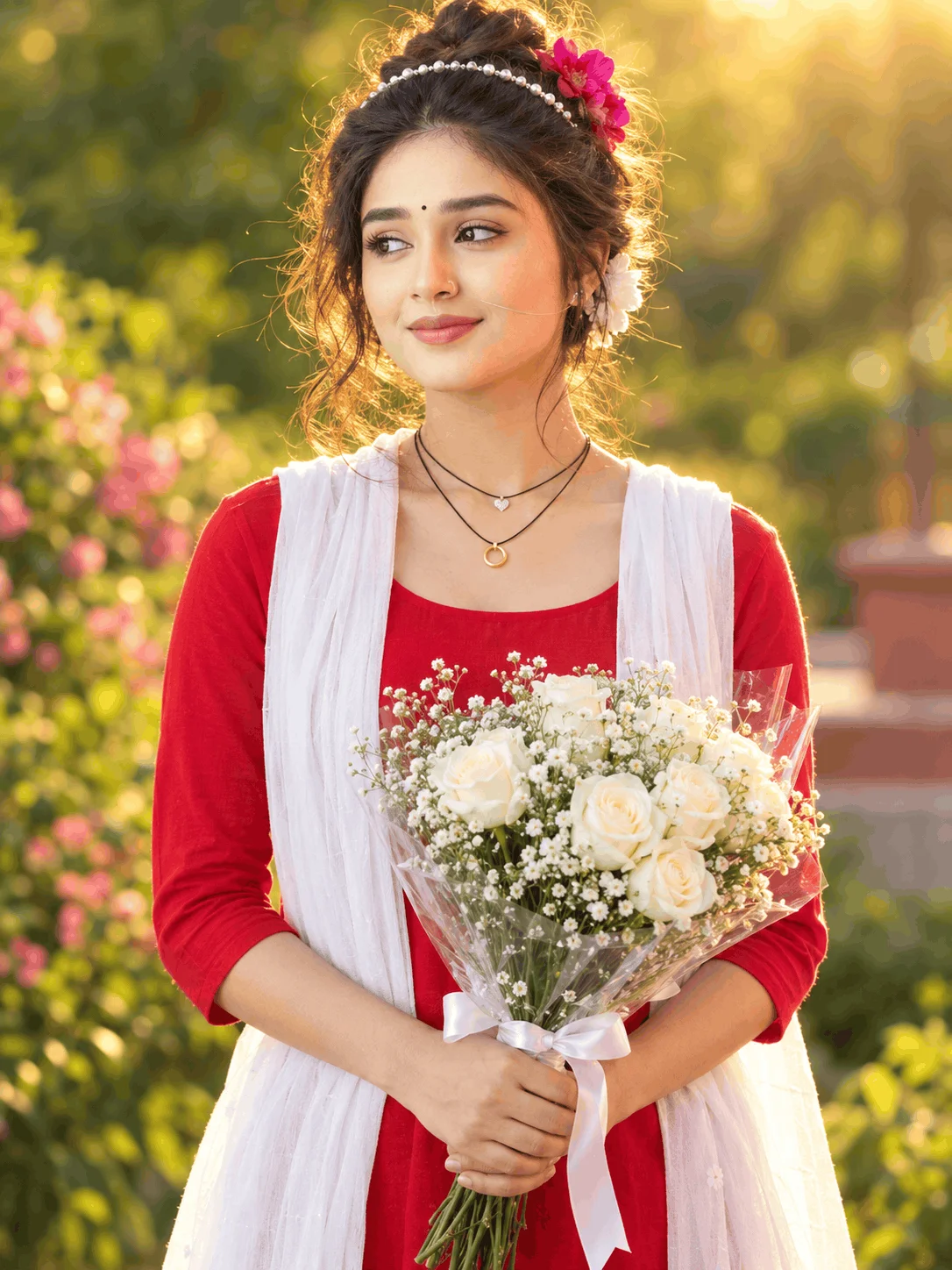
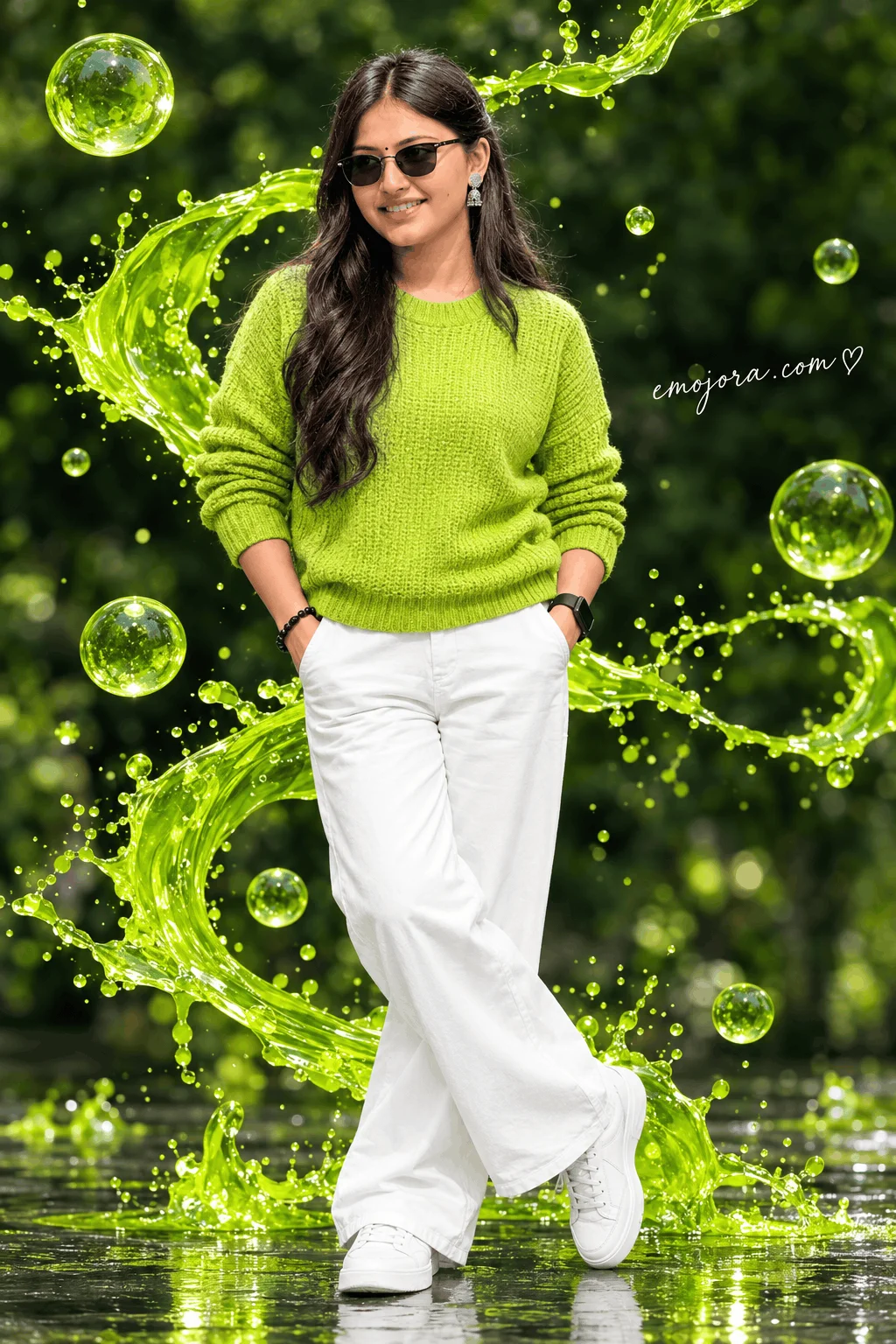

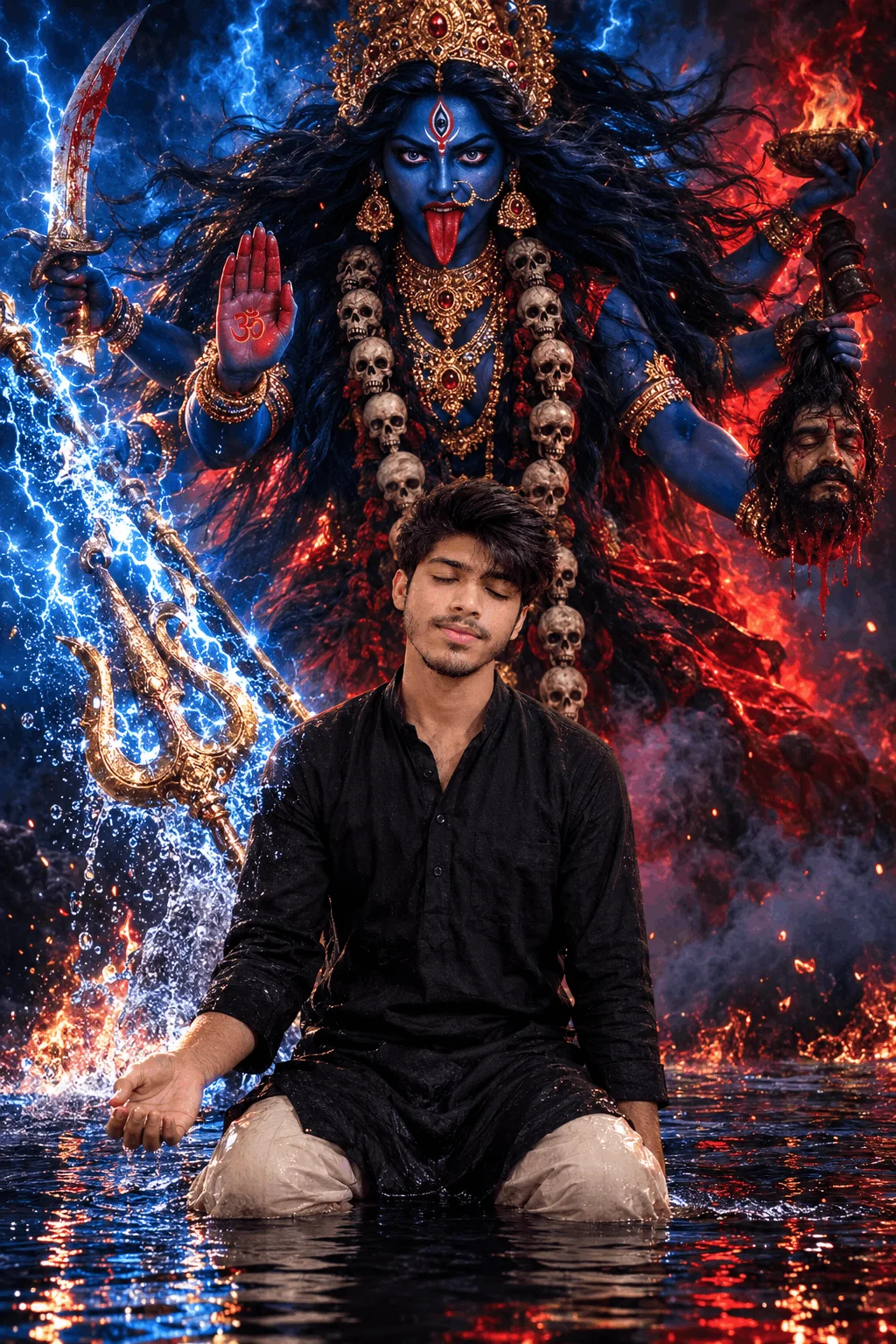

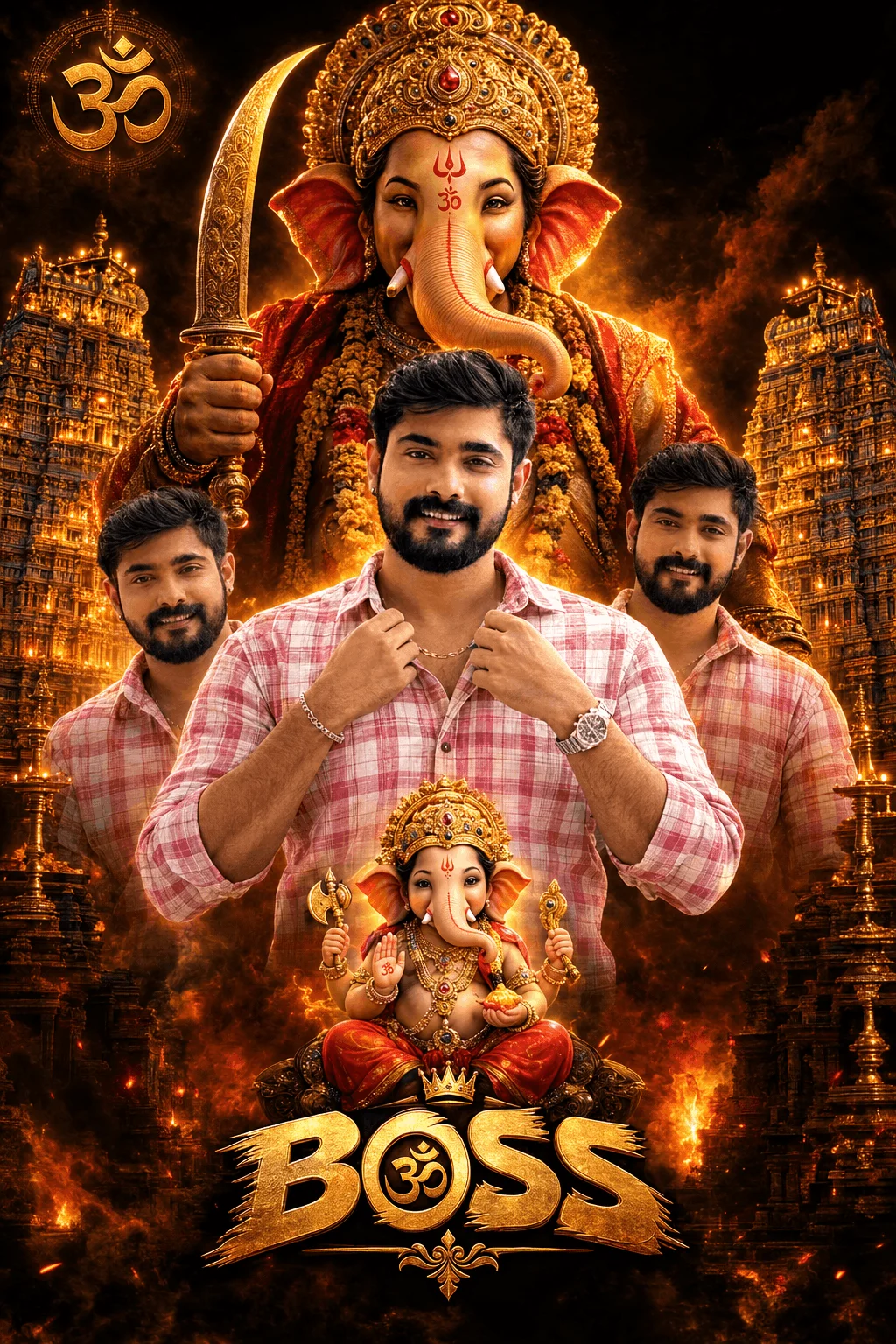
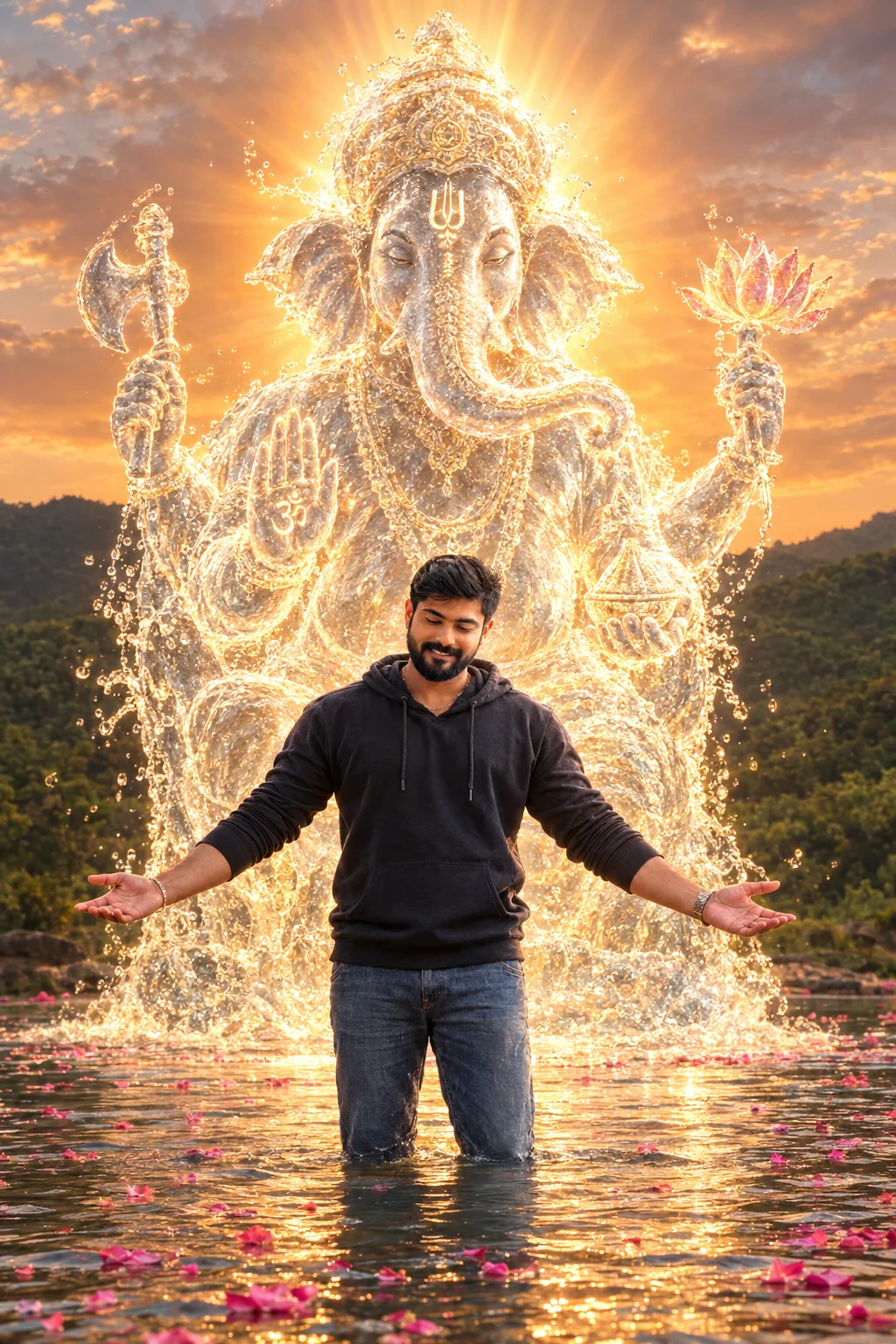
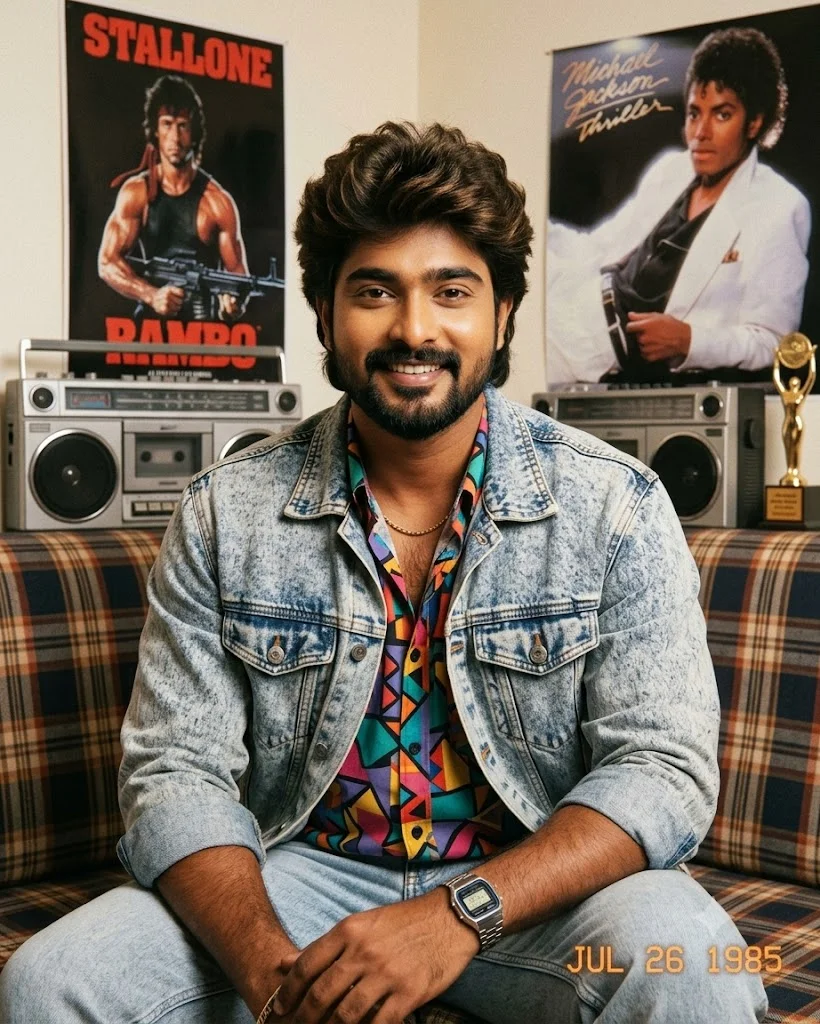
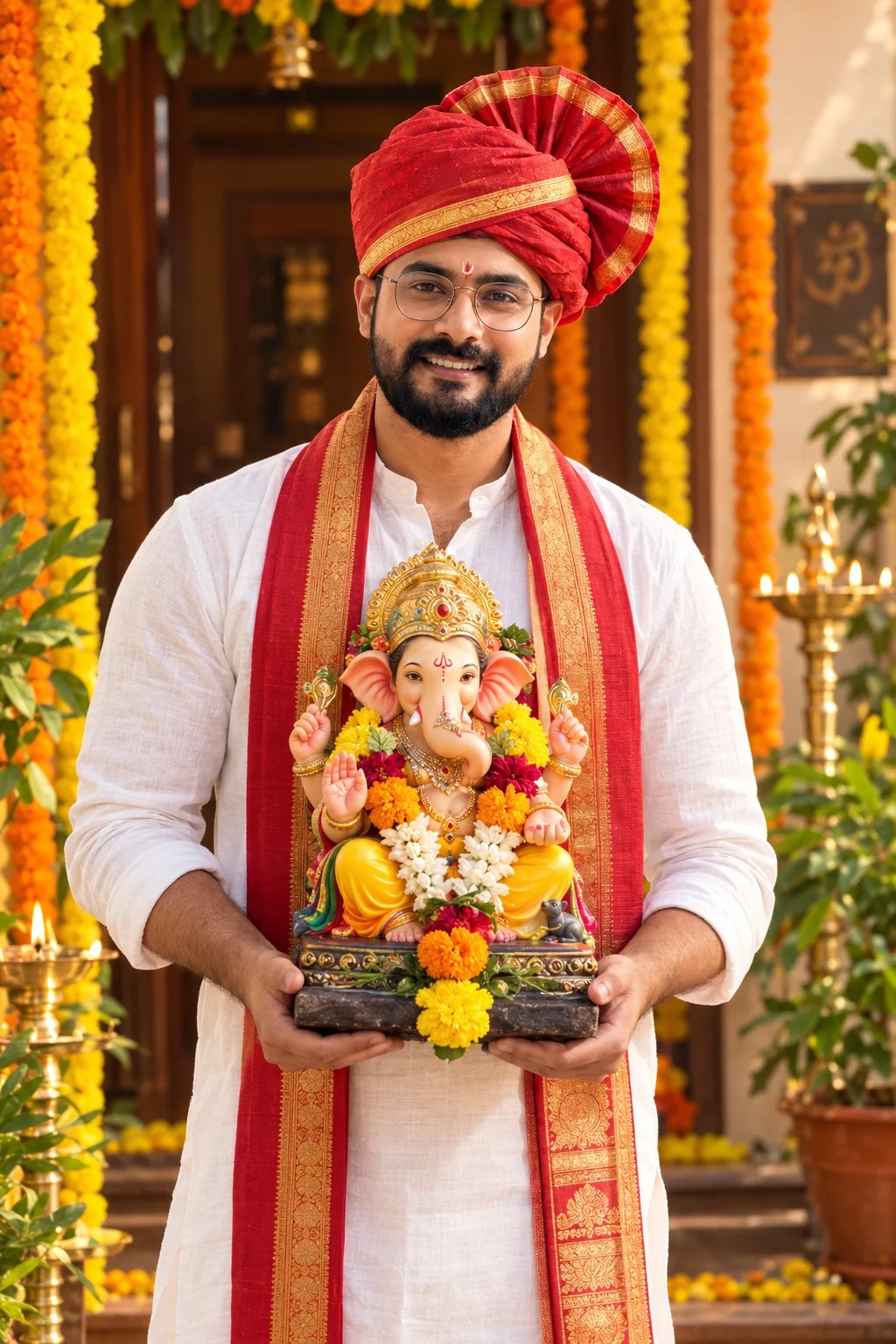

Why PromptDekho Prompts Are Taking Over Social Media
A few months ago, generating realistic portraits meant spending hours learning technical camera jargon. PromptDekho changed the game for Indian creators by sharing simple, everyday words that teach AI tools exactly what kind of lighting, clothes, and atmosphere to draw. Here is our complete creator guide on how to turn simple text into studio-grade photography.
1 The 4-Step "Dekho & Create" Workflow
Follow these four simple steps to get studio-quality results every single time, even if you have never used an AI photo tool before:
Select Your Mood
Choose whether you want a street portrait, a romantic sunset photo, or a festive cultural celebration.
Copy the Recipe
Copy our tested prompt text below. It already includes the right camera lens, lighting angles, and skin texture details.
Paste into Gemini or Bing
Open Google Gemini or Microsoft Bing Image Creator, paste the prompt, and click Generate.
Personalize & Share
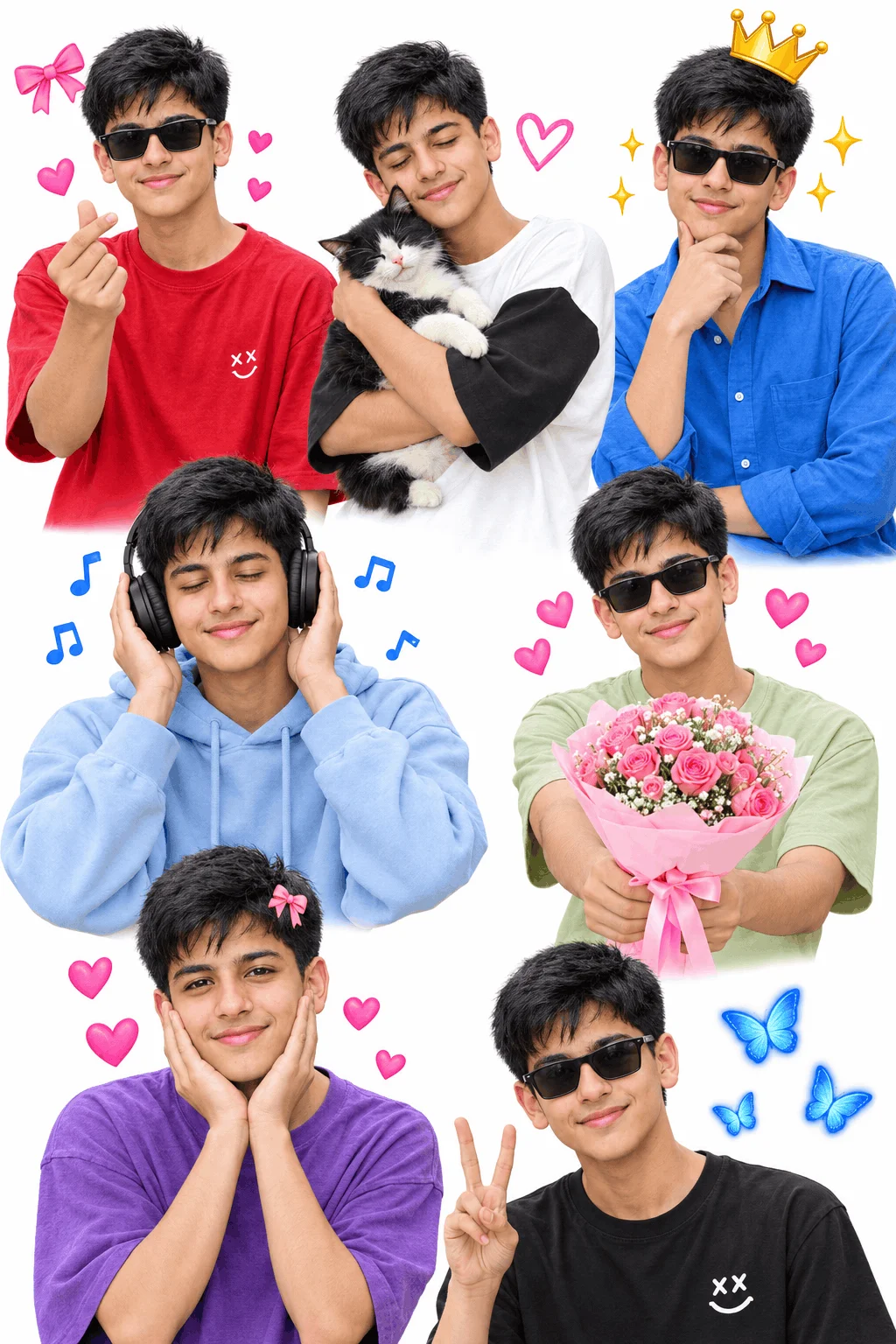
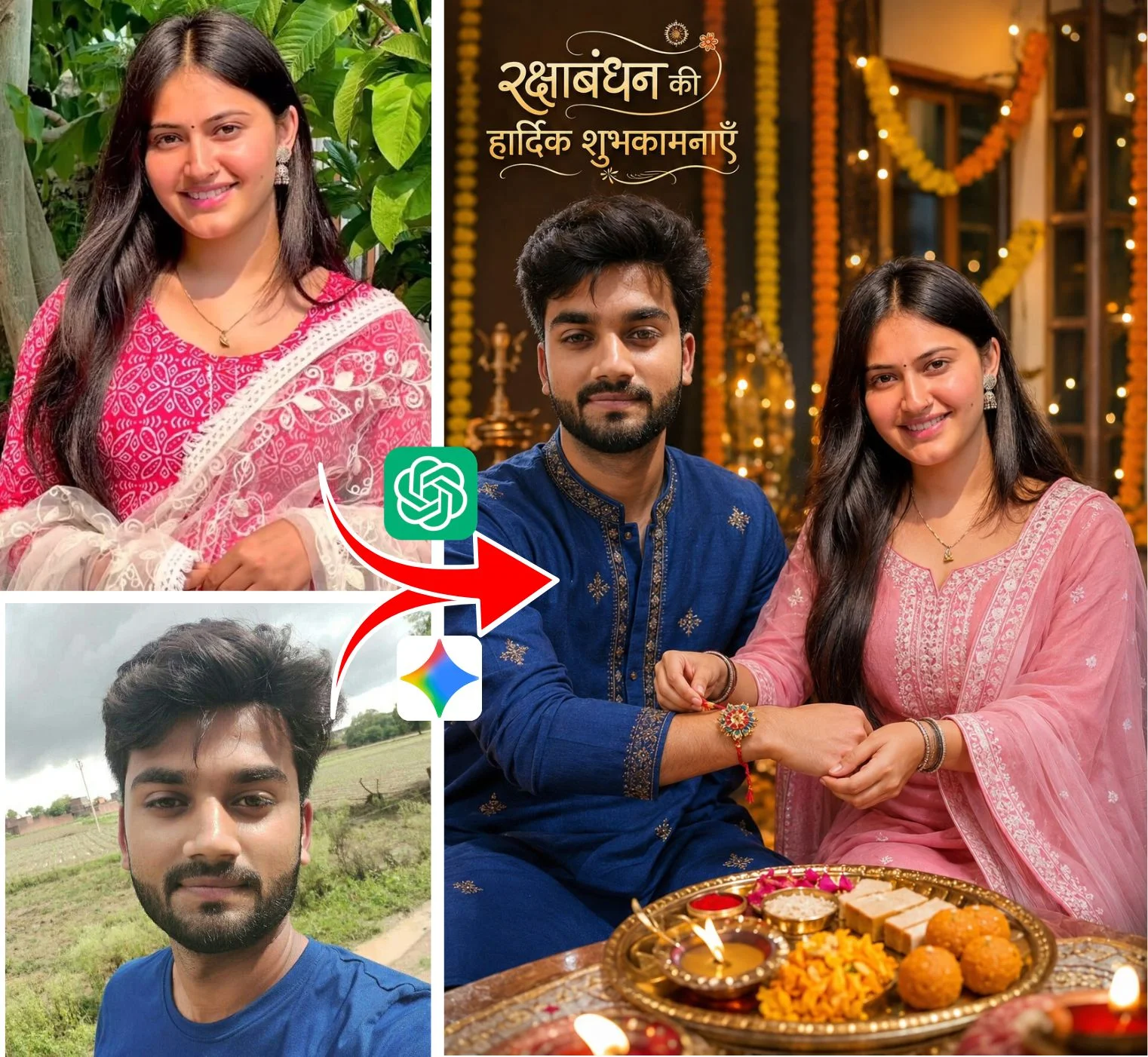
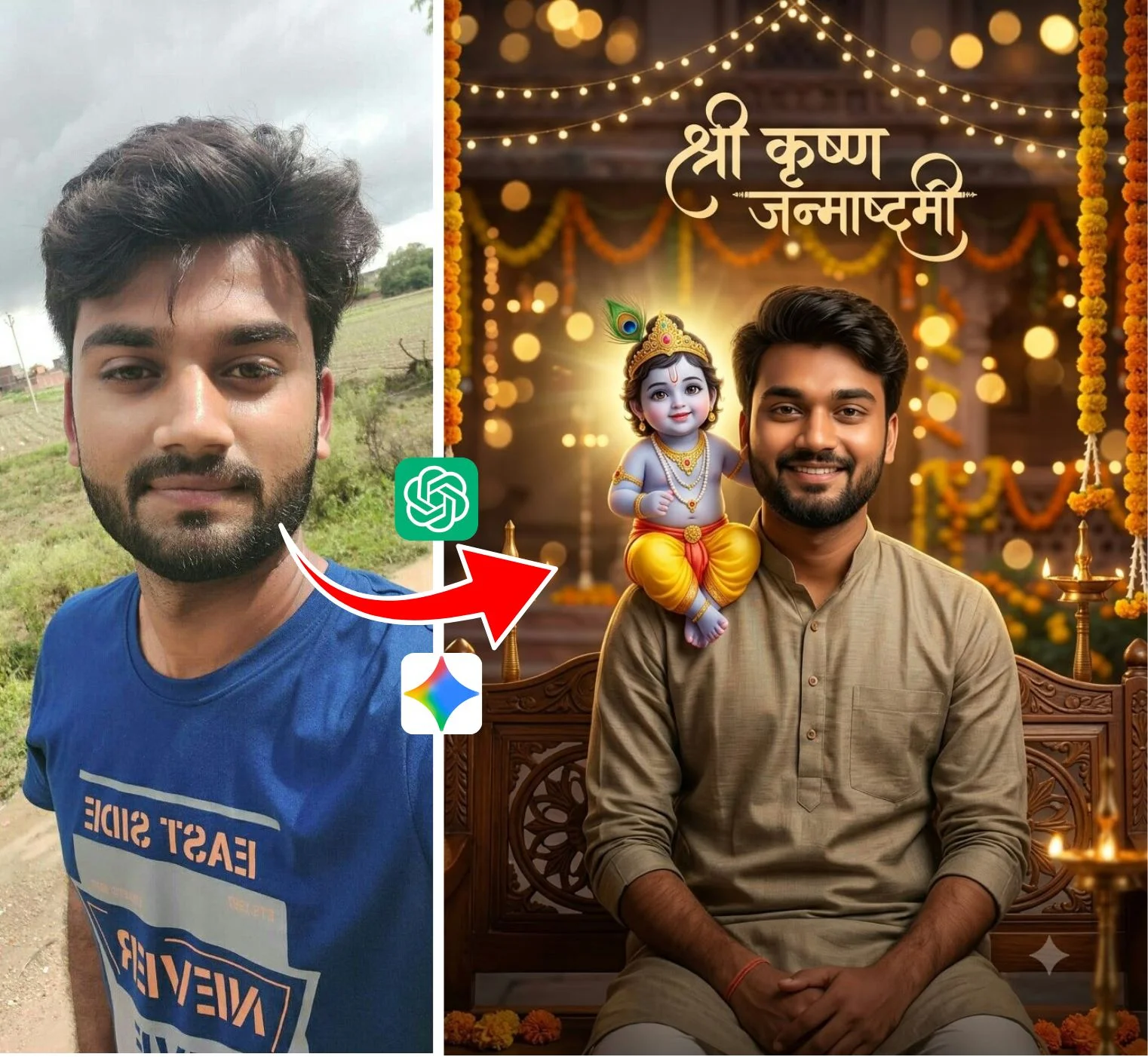
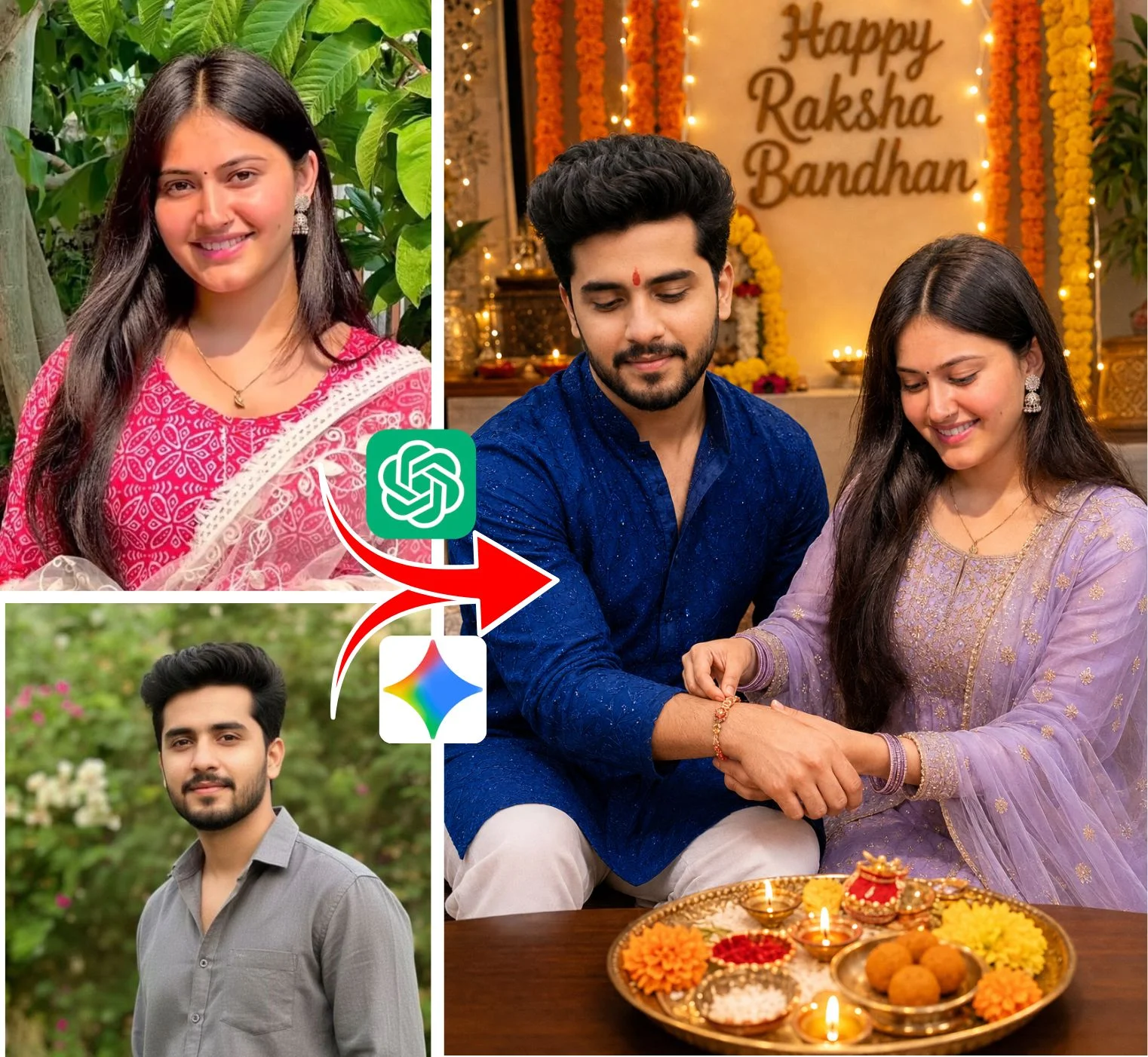
Change clothes colors or swap your own face using free portrait remix tools, then upload directly to your feed!
2 The 5-Part Formula Behind Every Viral Prompt
If you want to tweak any prompt to match your personal style, here is the secret structure that professional creators use:
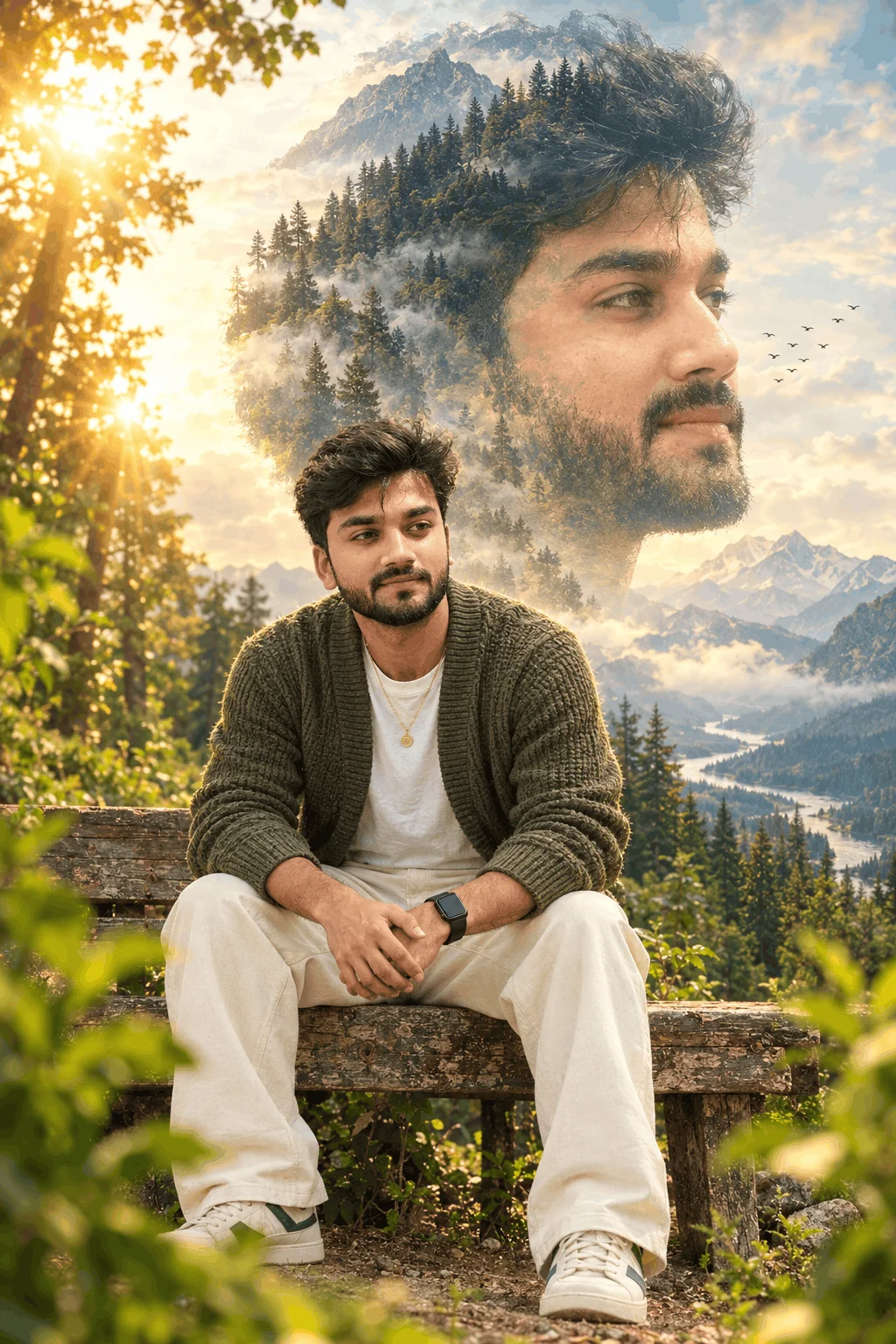
Always mention age, hair length, and posture clearly (e.g., "A confident 22-year-old Indian man sitting on a wooden bench").
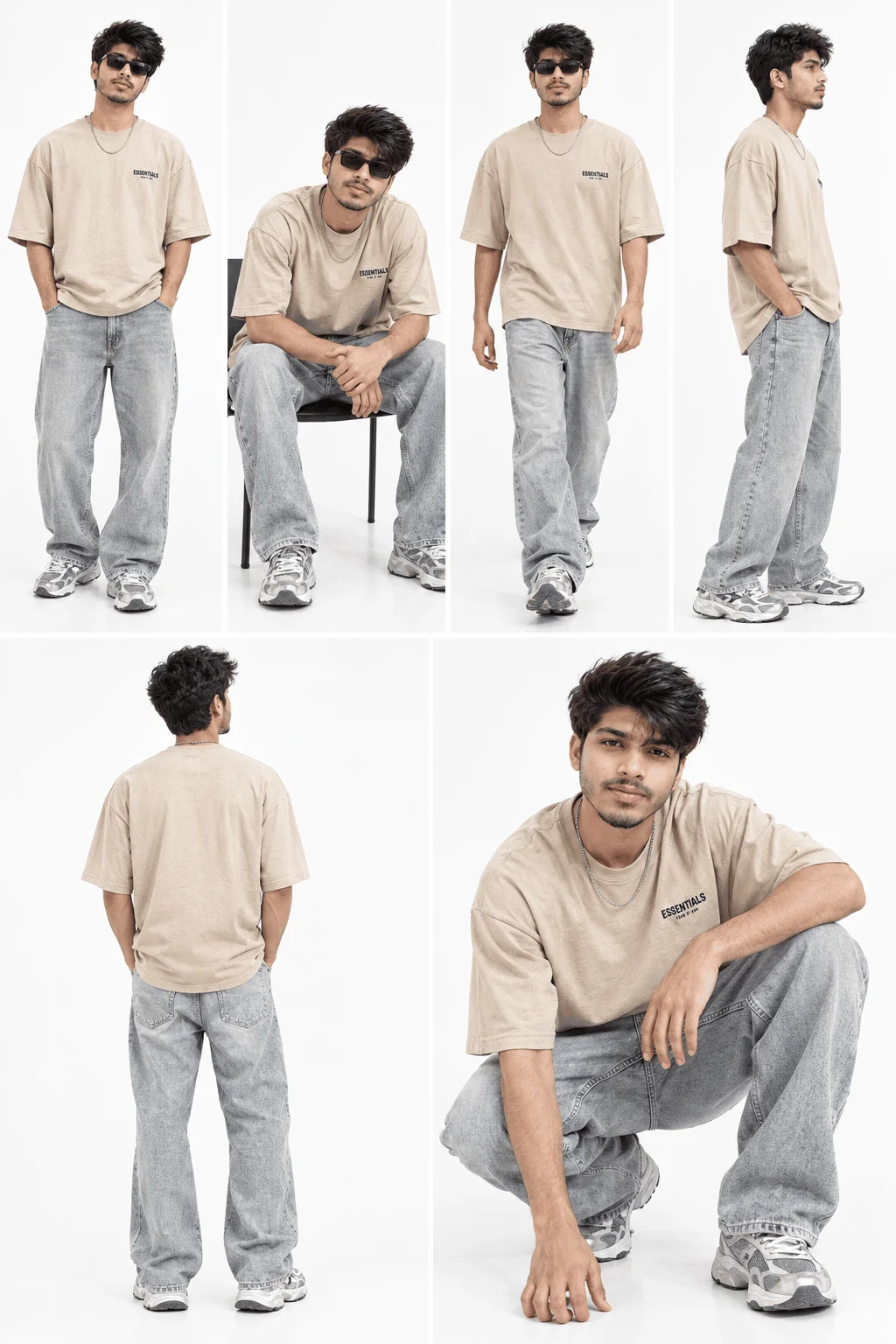
Vague clothes look artificial. Specify materials (e.g., "textured dark denim jacket, matte silver wristwatch, crisp cotton tee").
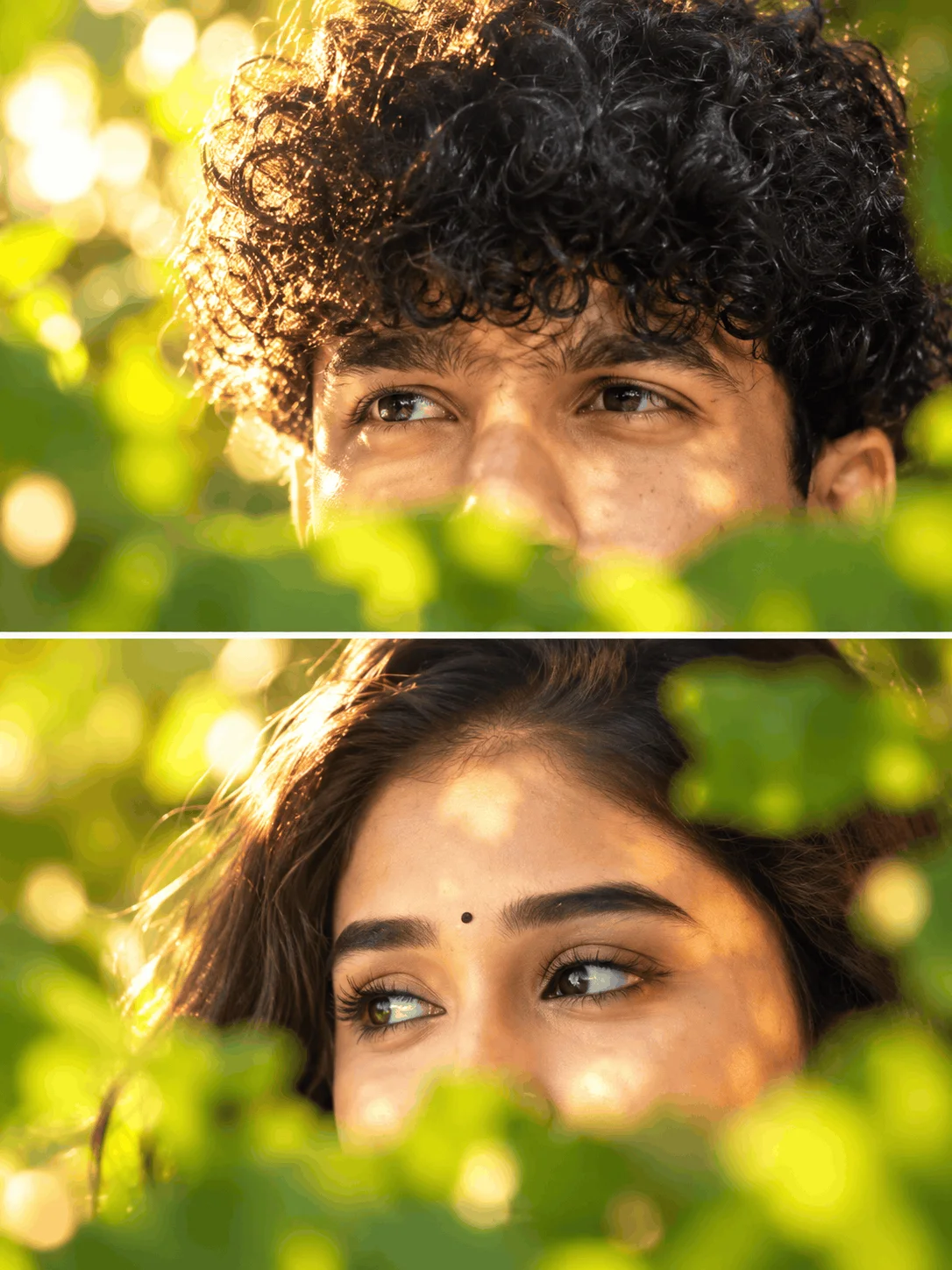
Lighting makes 90% of the realism. Use terms like "soft golden-hour backlight" or "warm amber rim lighting from the left".
Tell the AI to shoot like a photographer: "Shot on an 85mm f/1.4 portrait lens, shallow depth of field, creamy background blur".
Prevent the plastic doll look by adding: "Visible natural skin texture, authentic skin pores, sharp focus, 8k commercial quality".
3 Top 4 PromptDekho Photography Styles You Can Copy Right Now
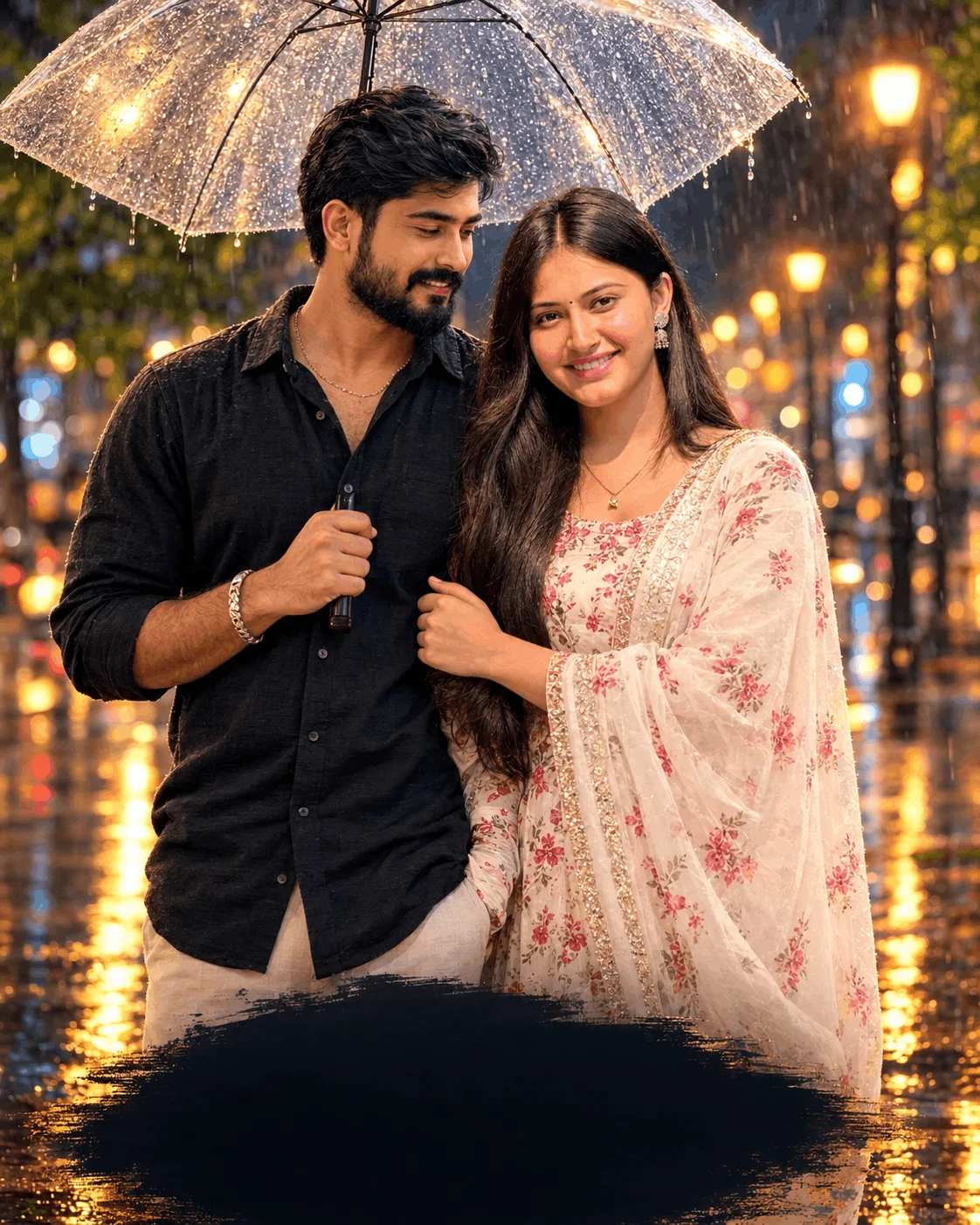
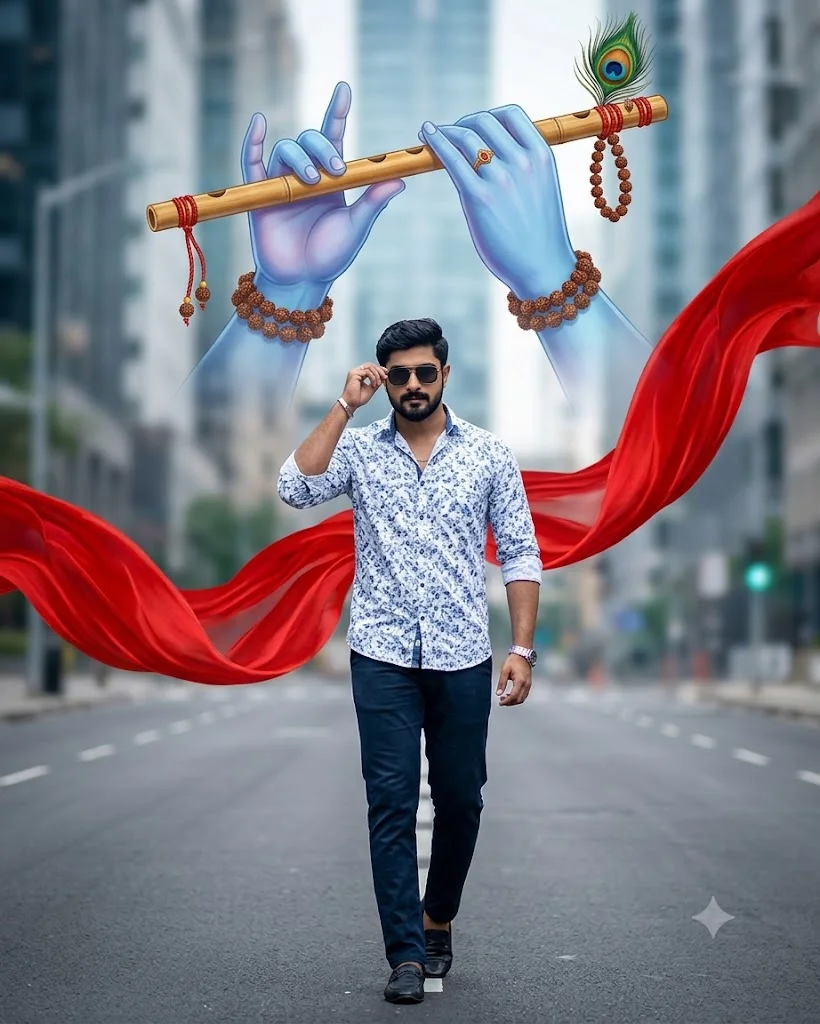
Style A: Urban Dapper Boys Look
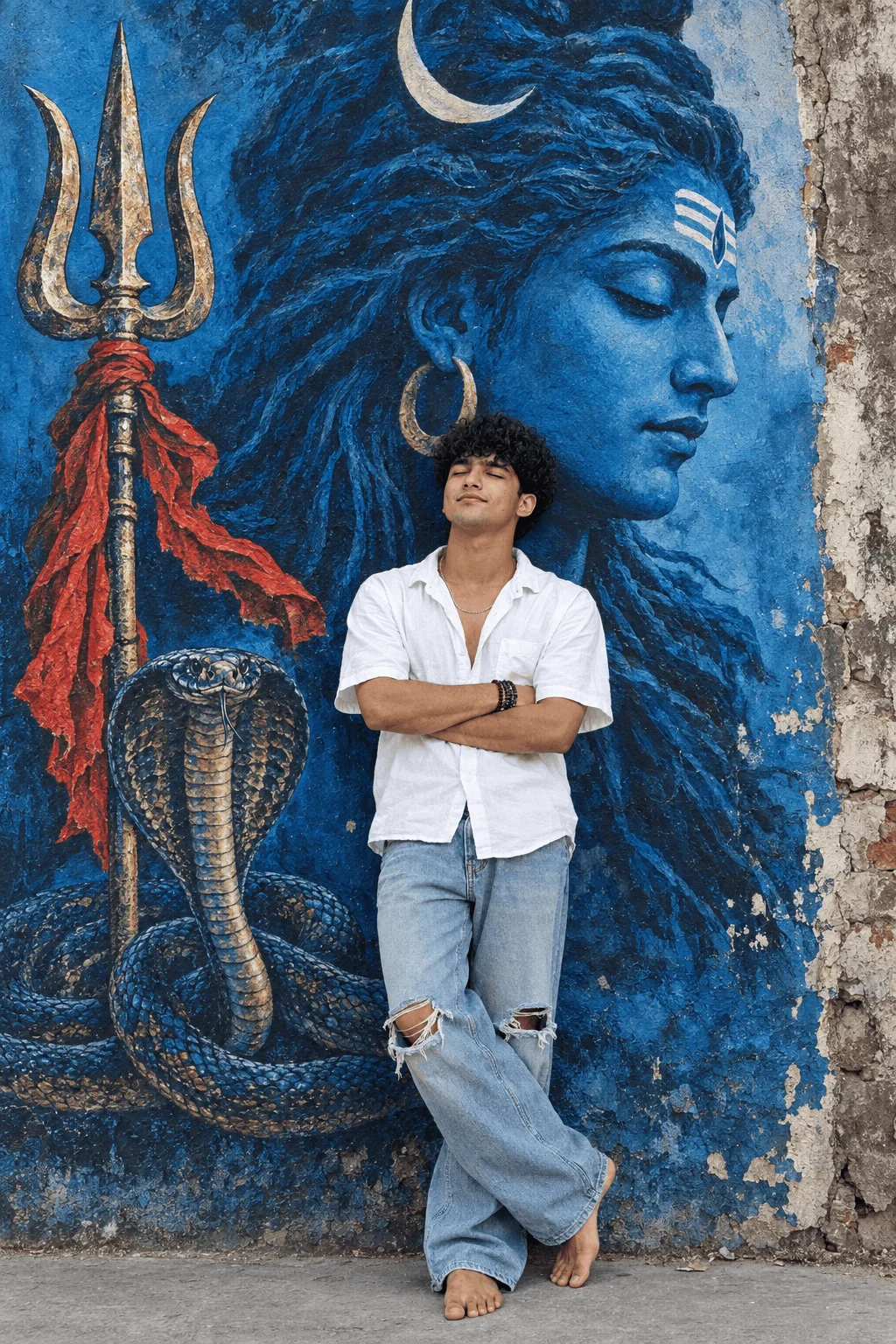
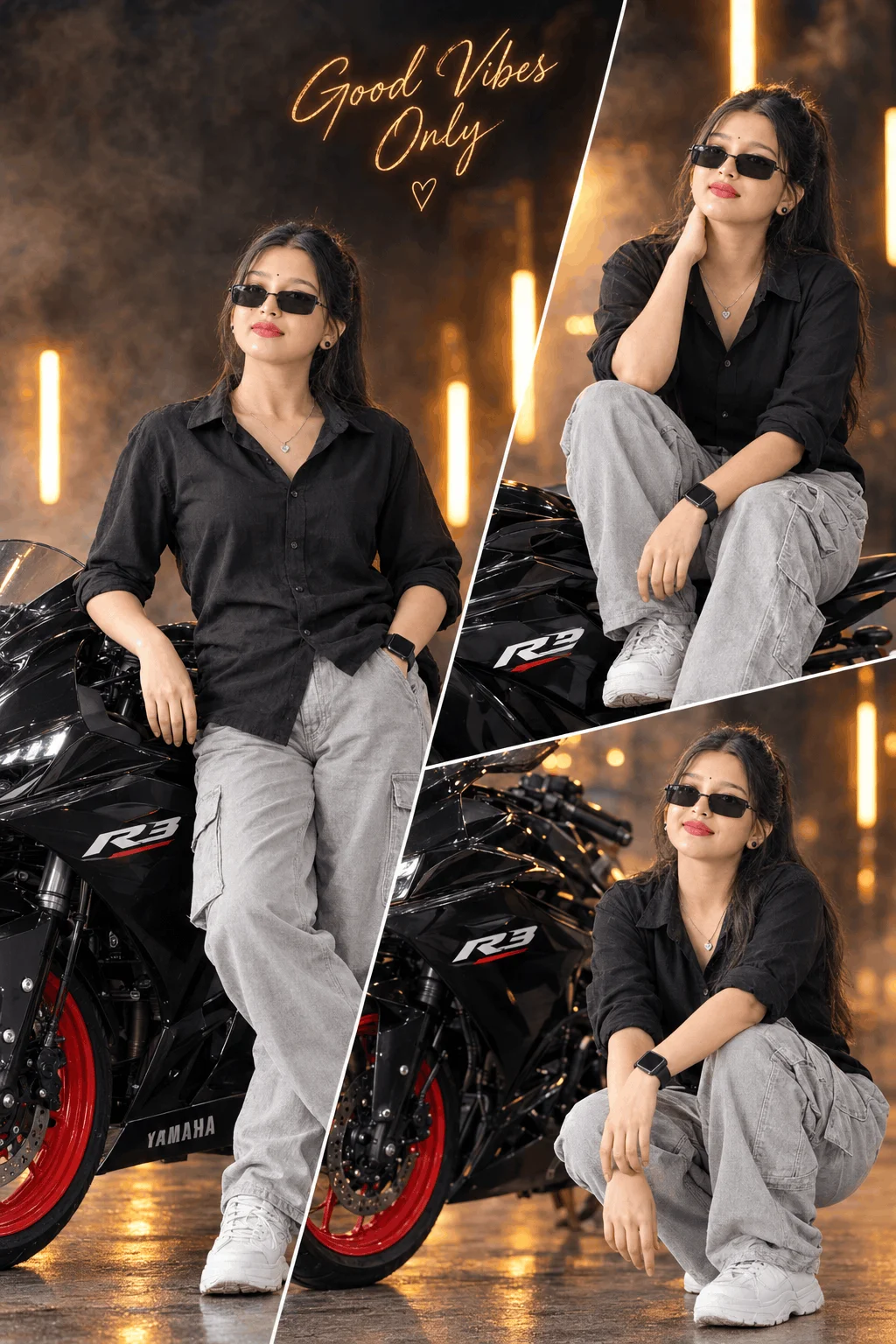
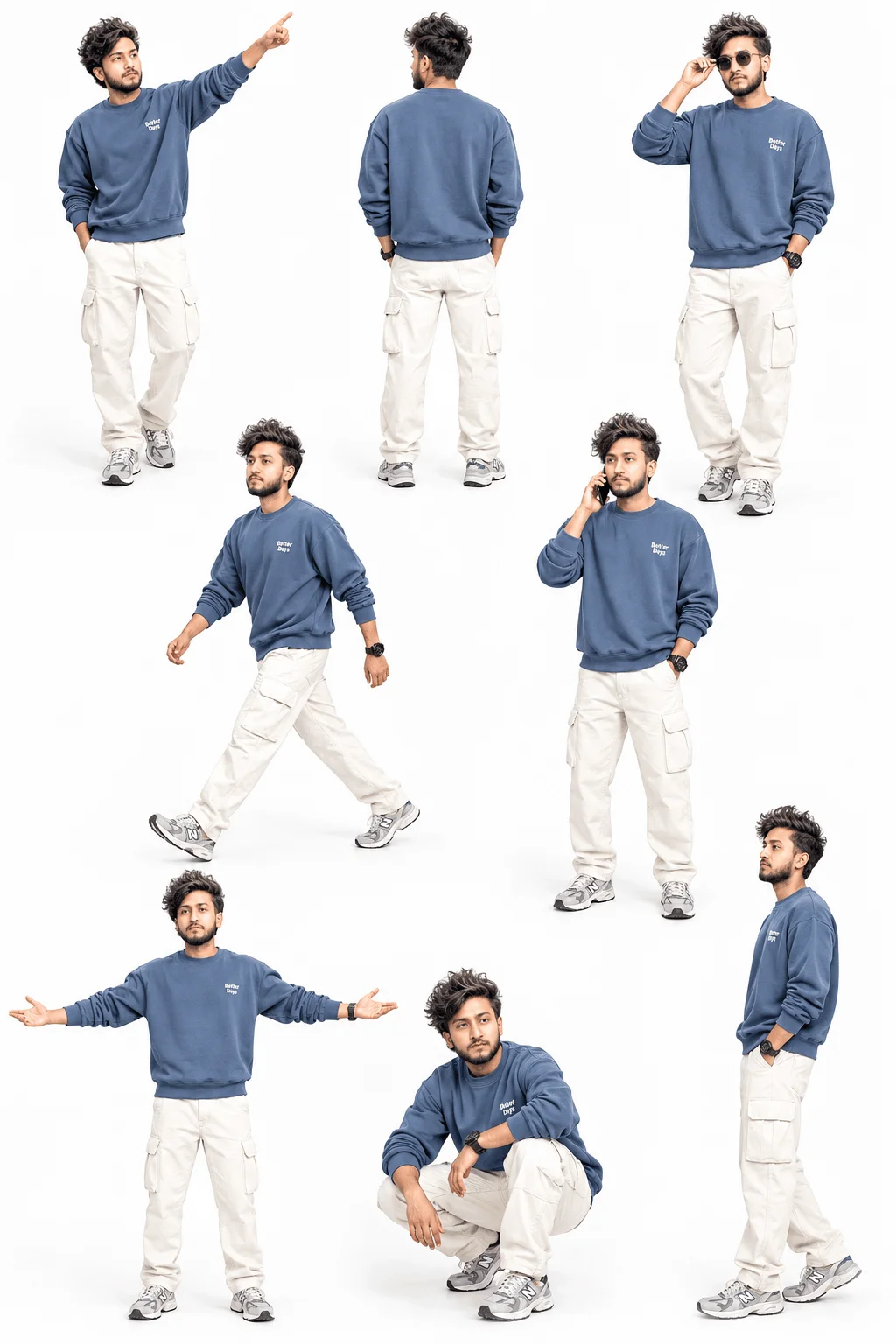
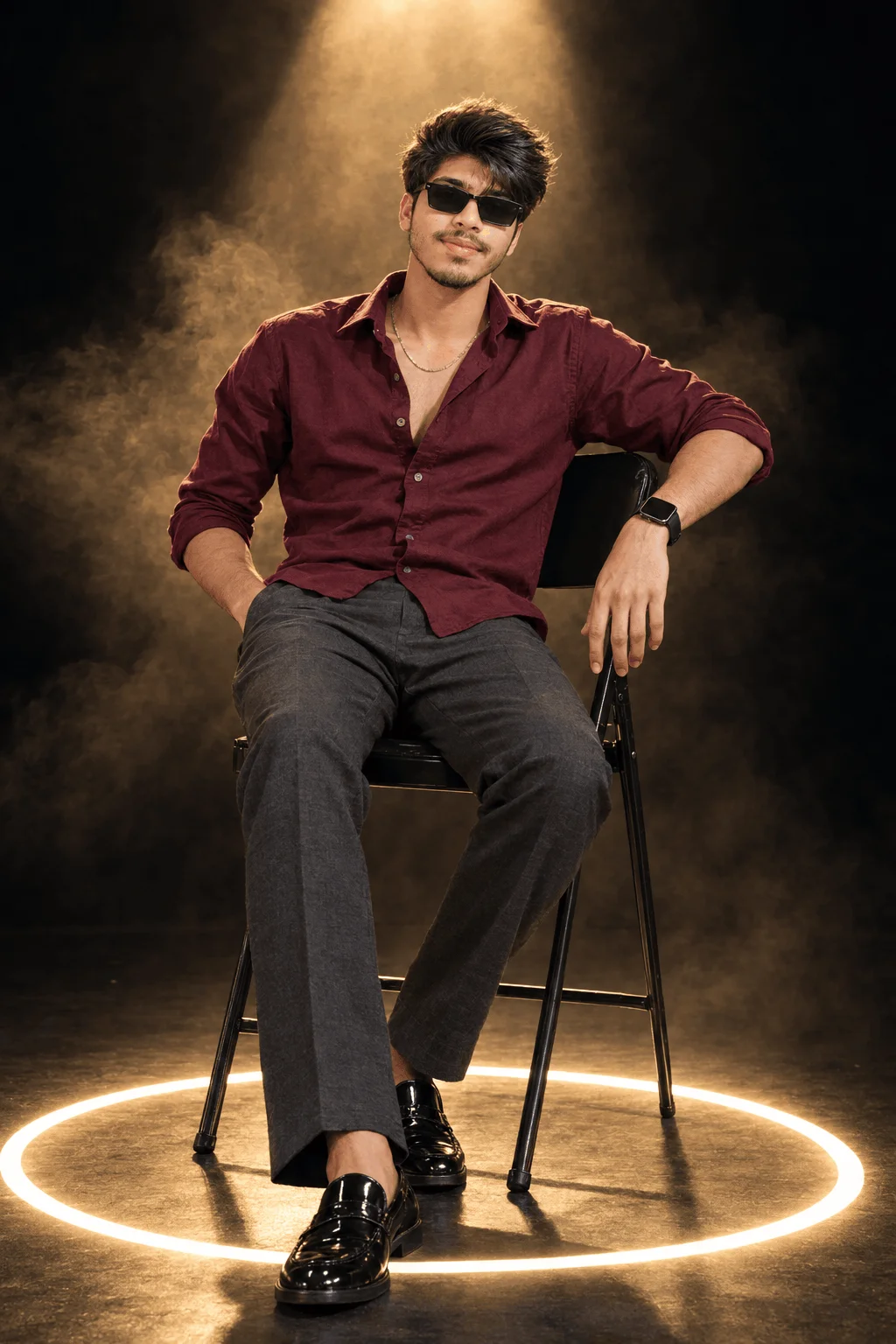
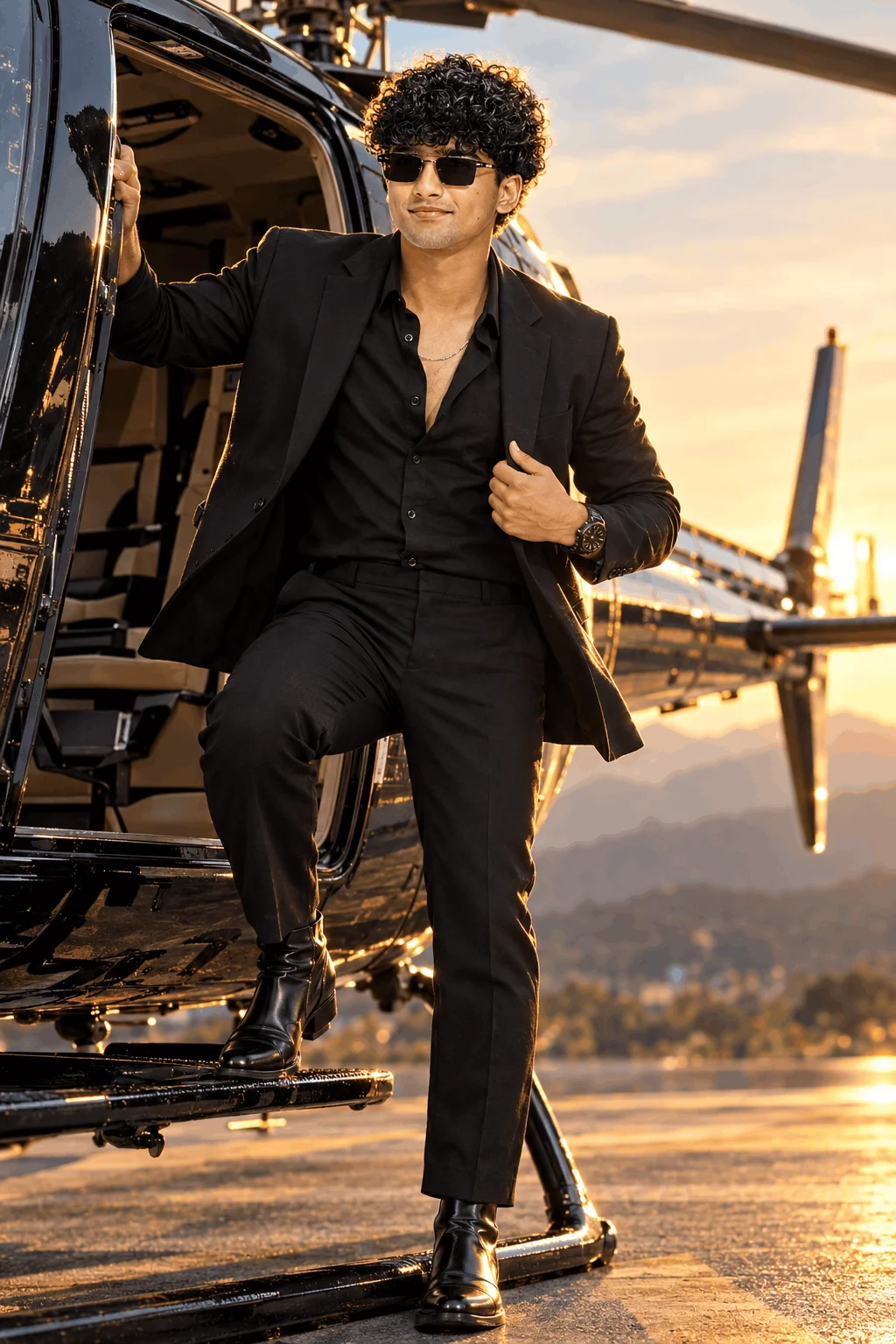
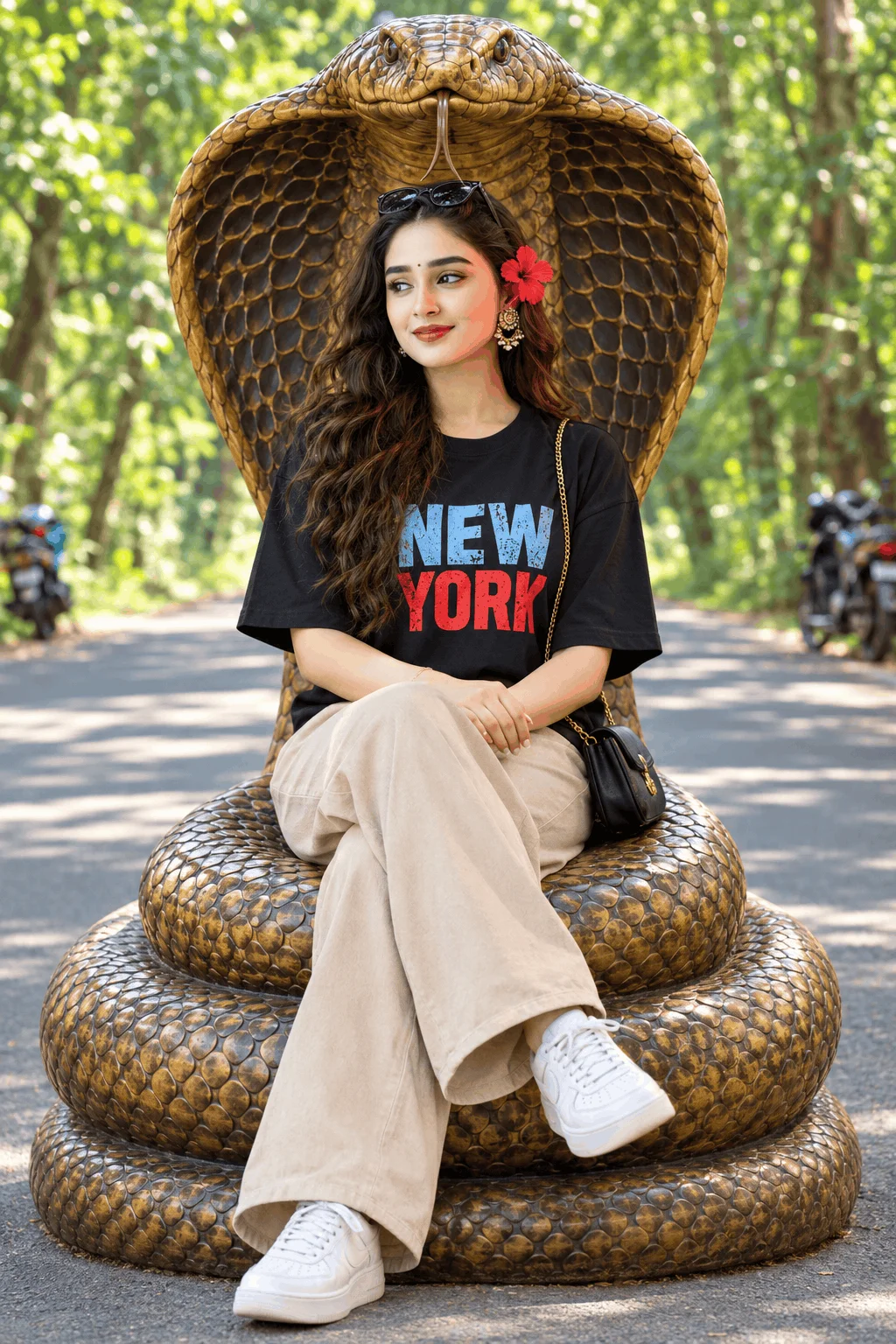
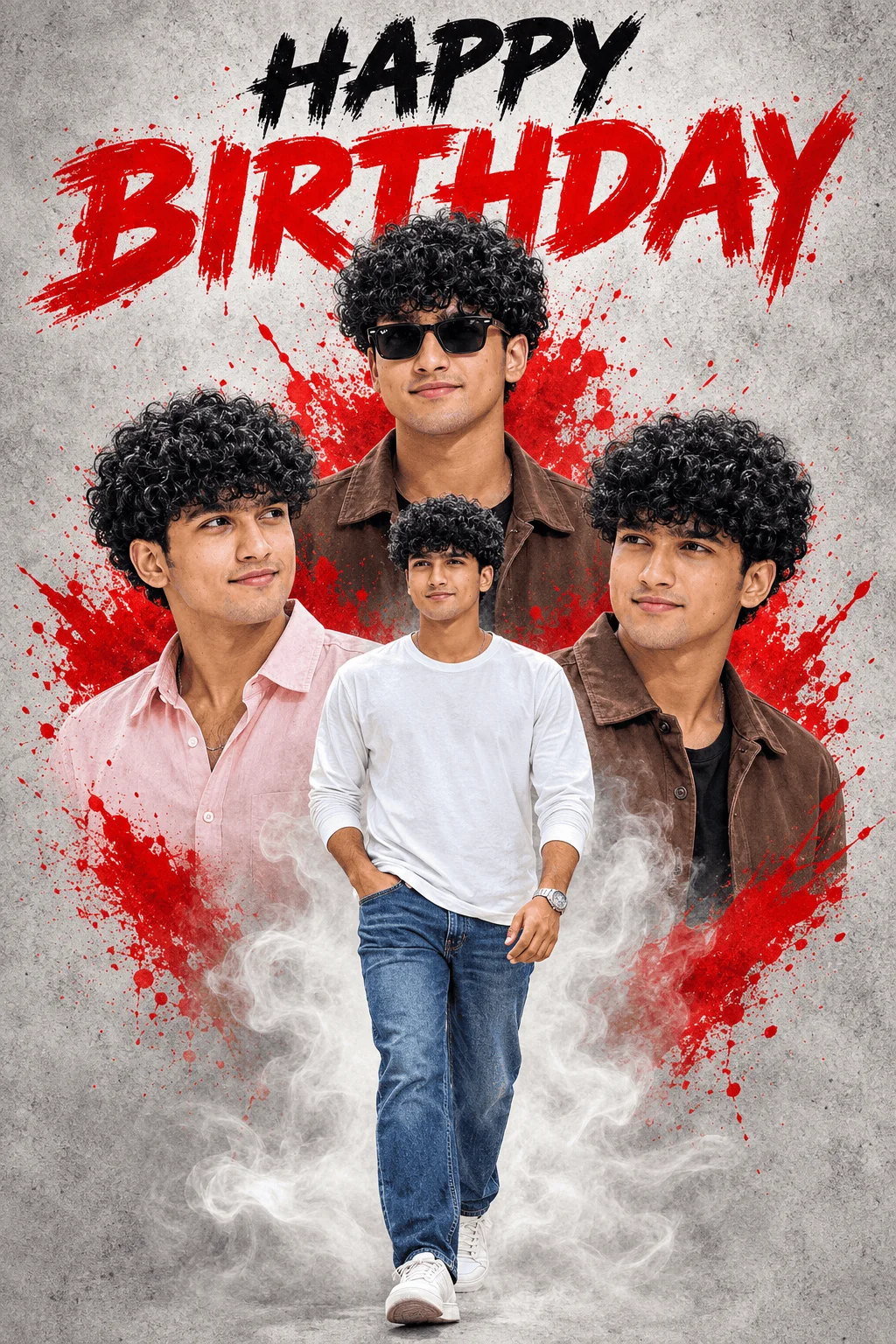
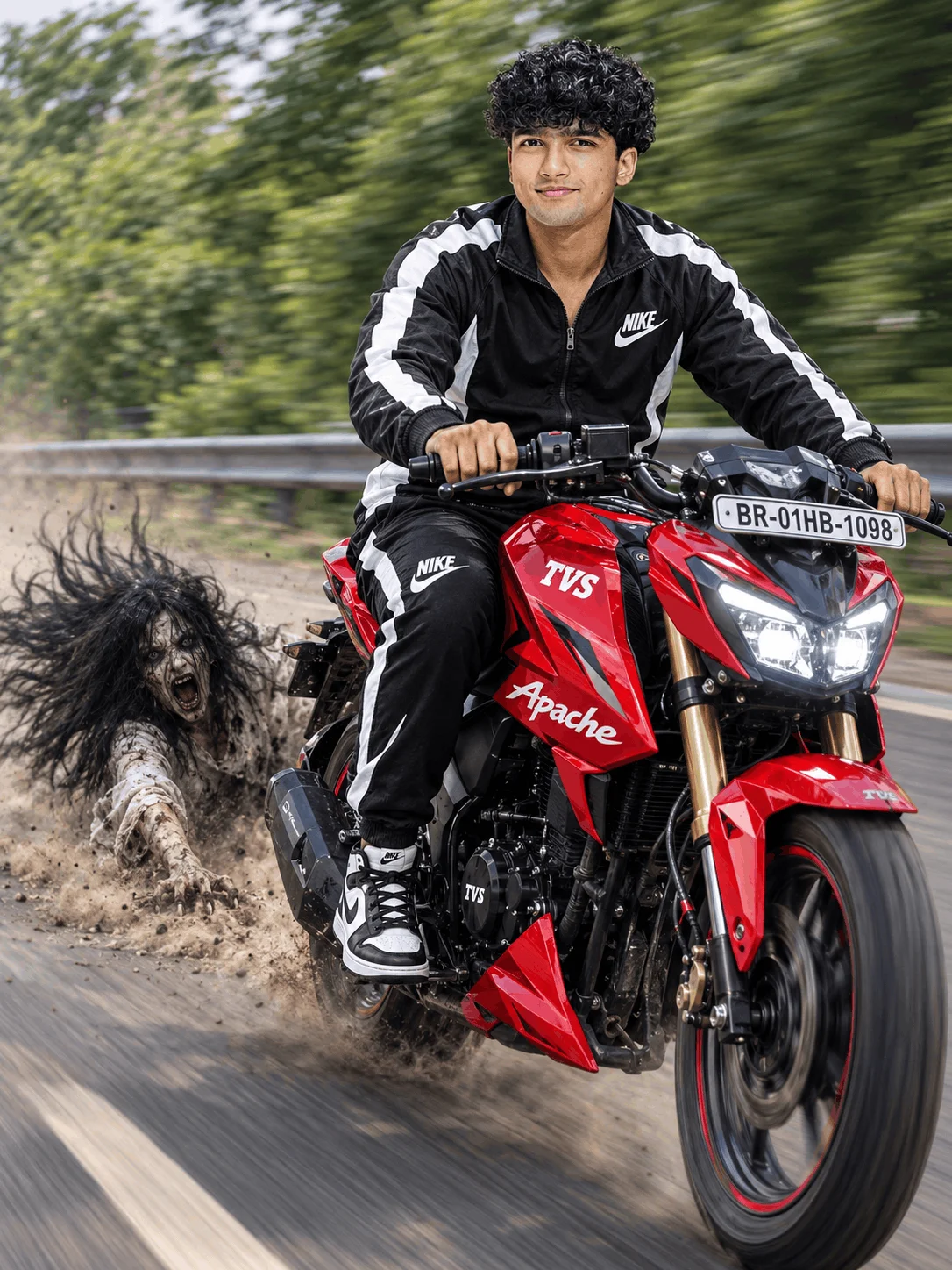
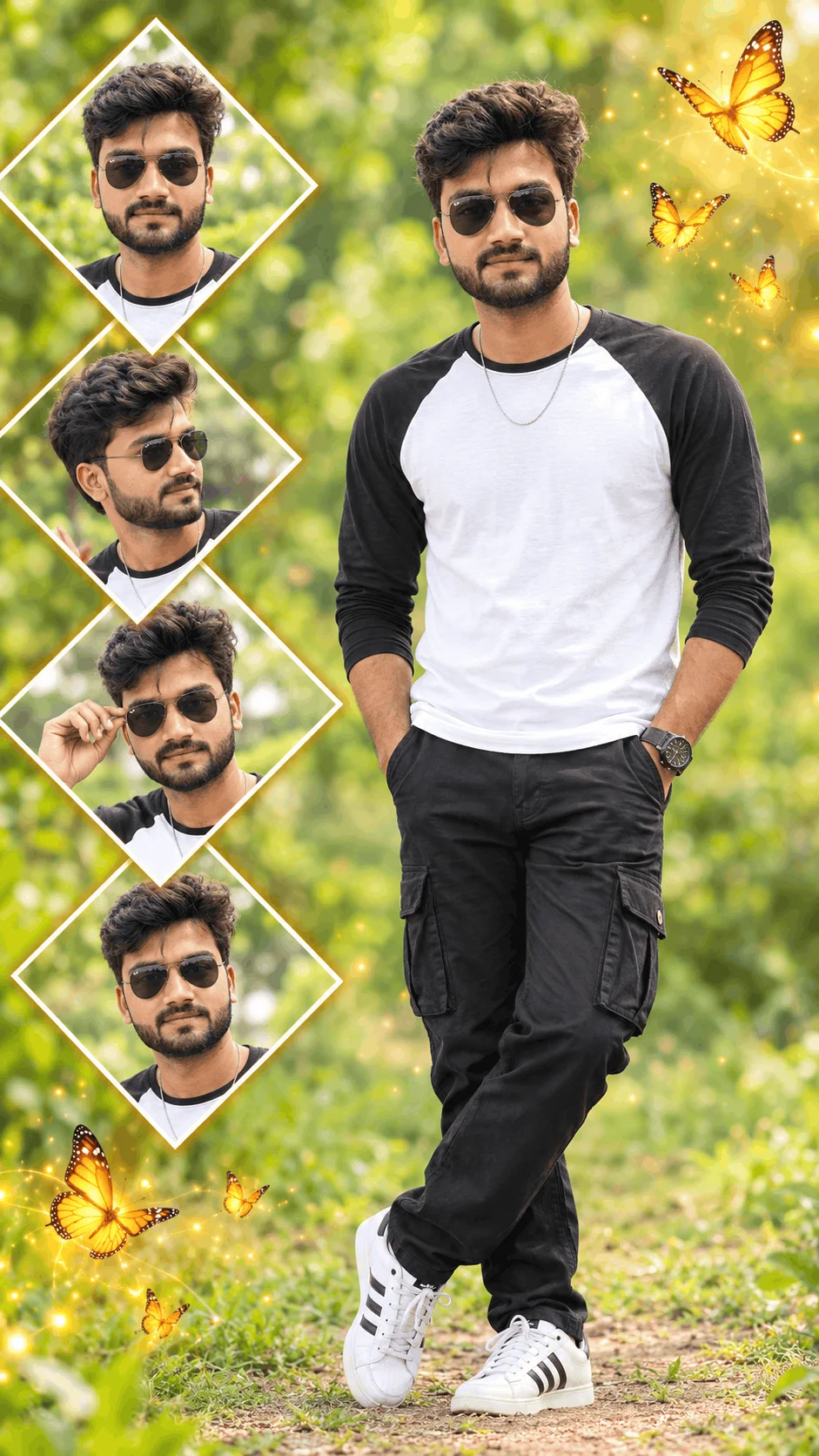
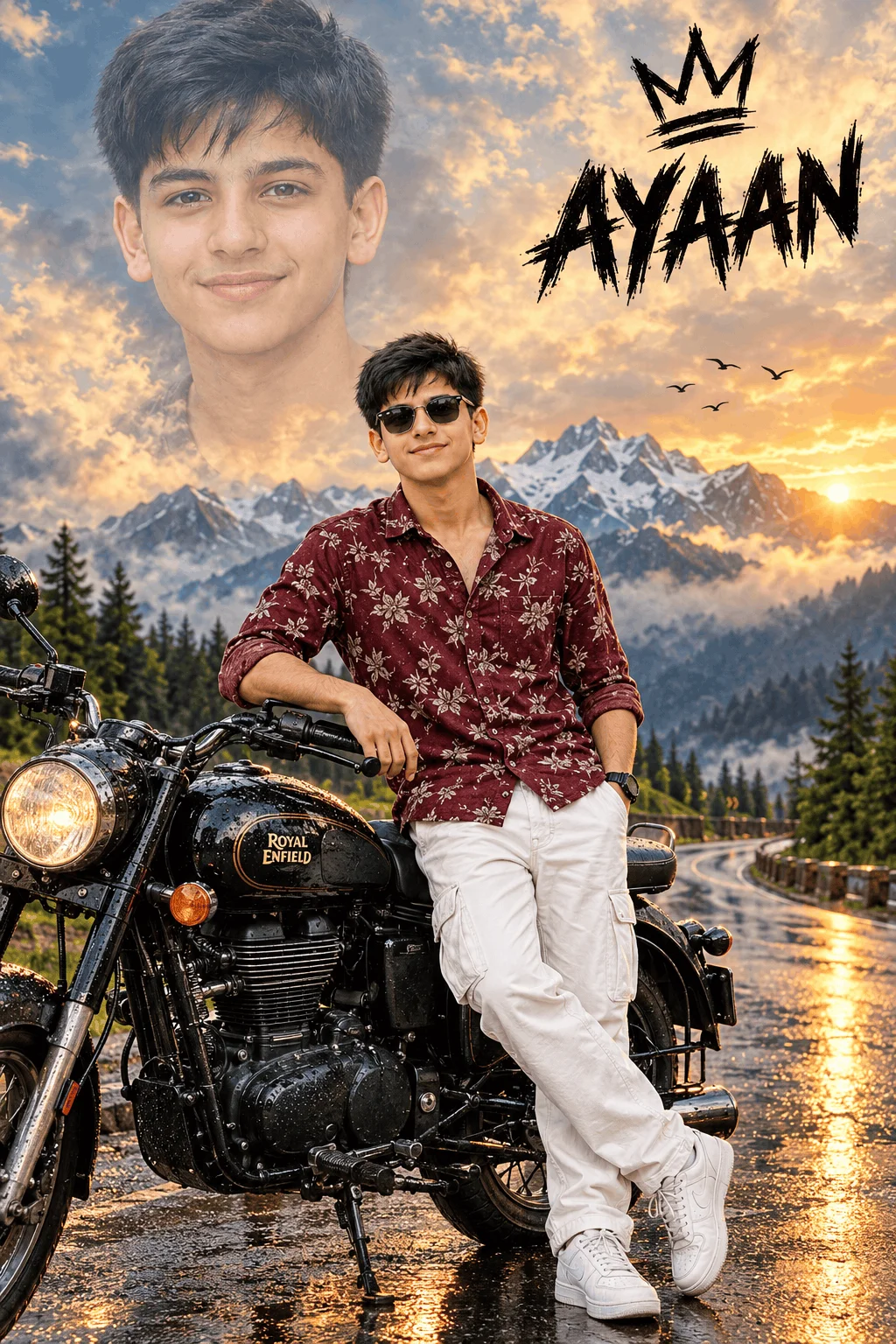
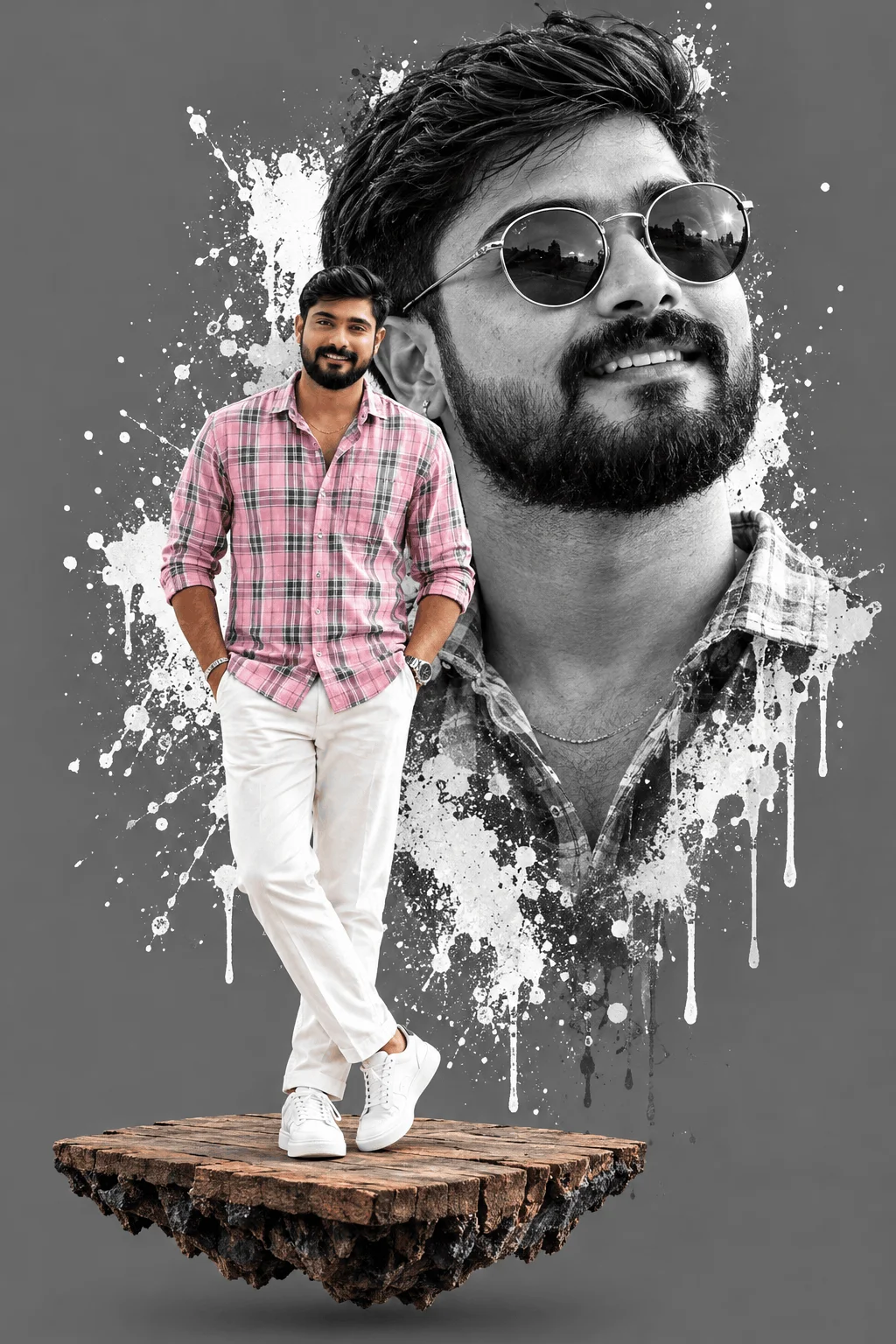
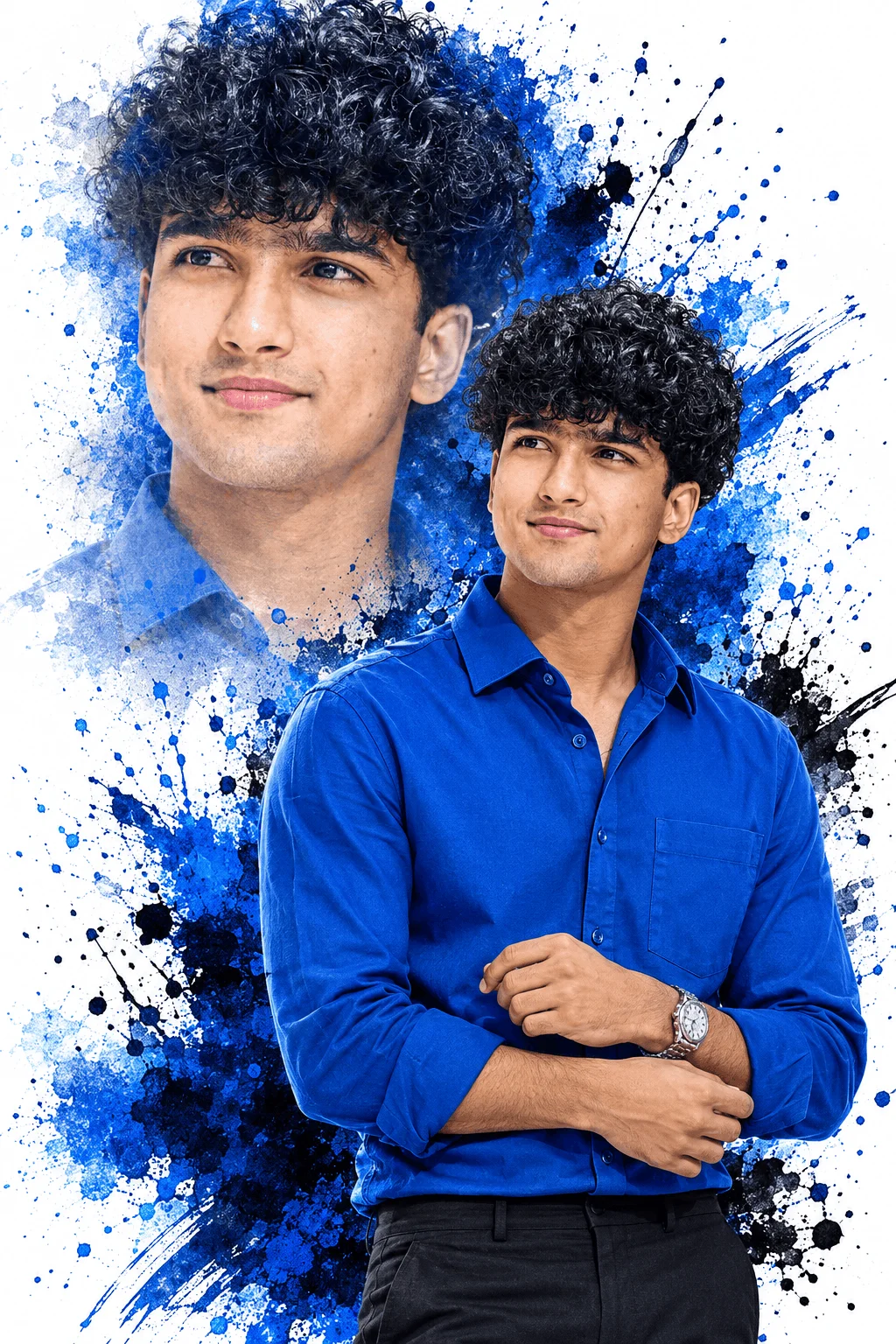
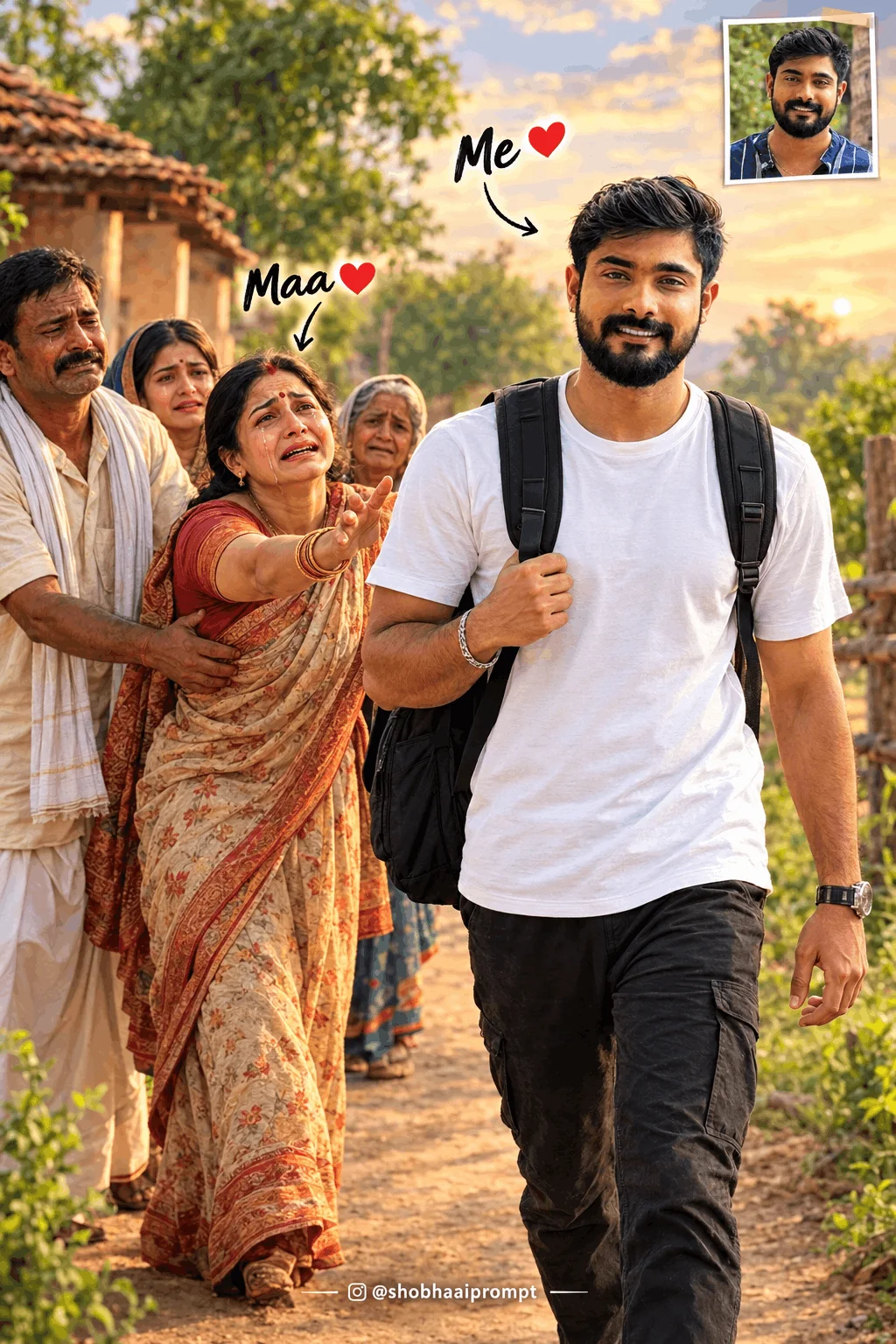
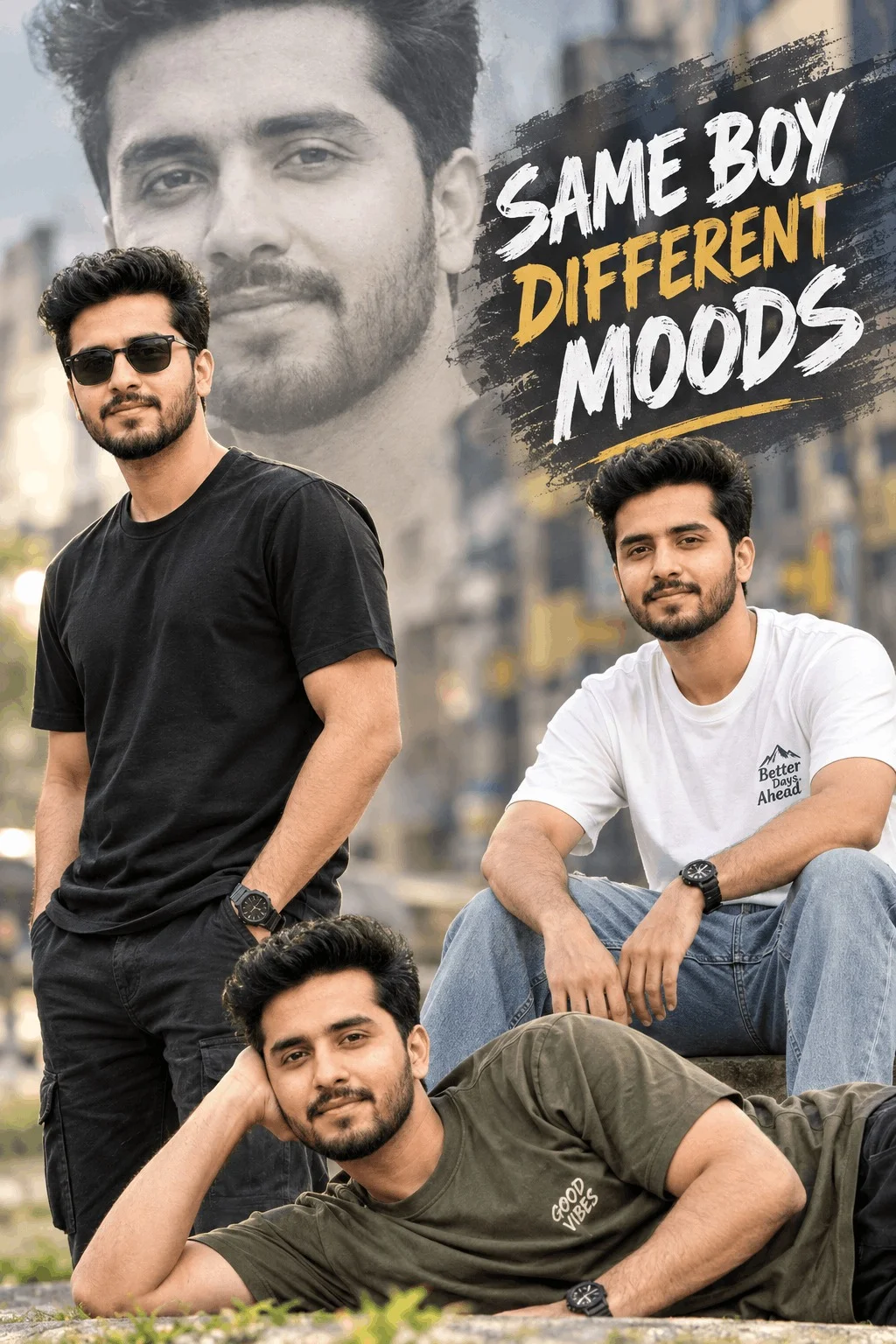
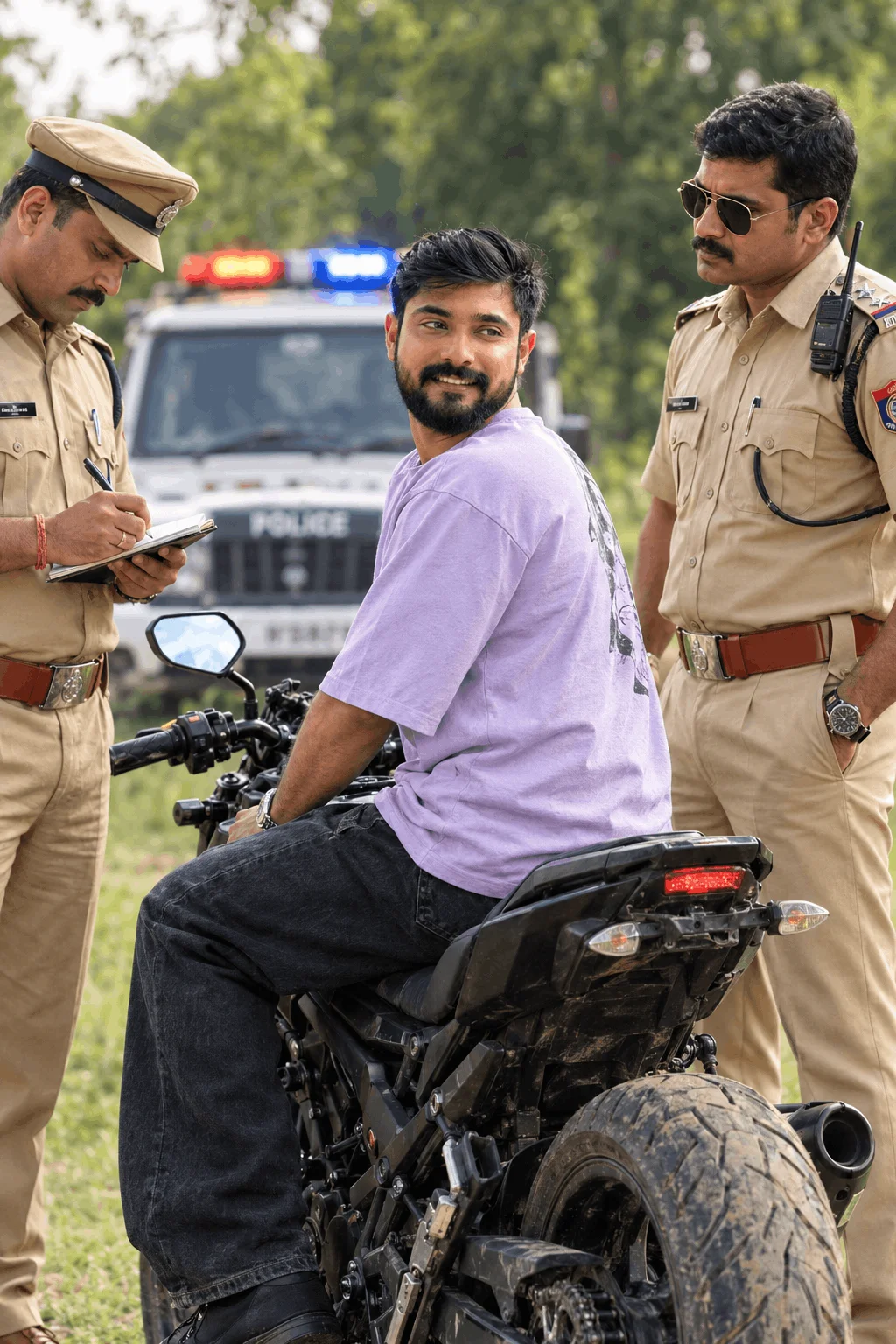
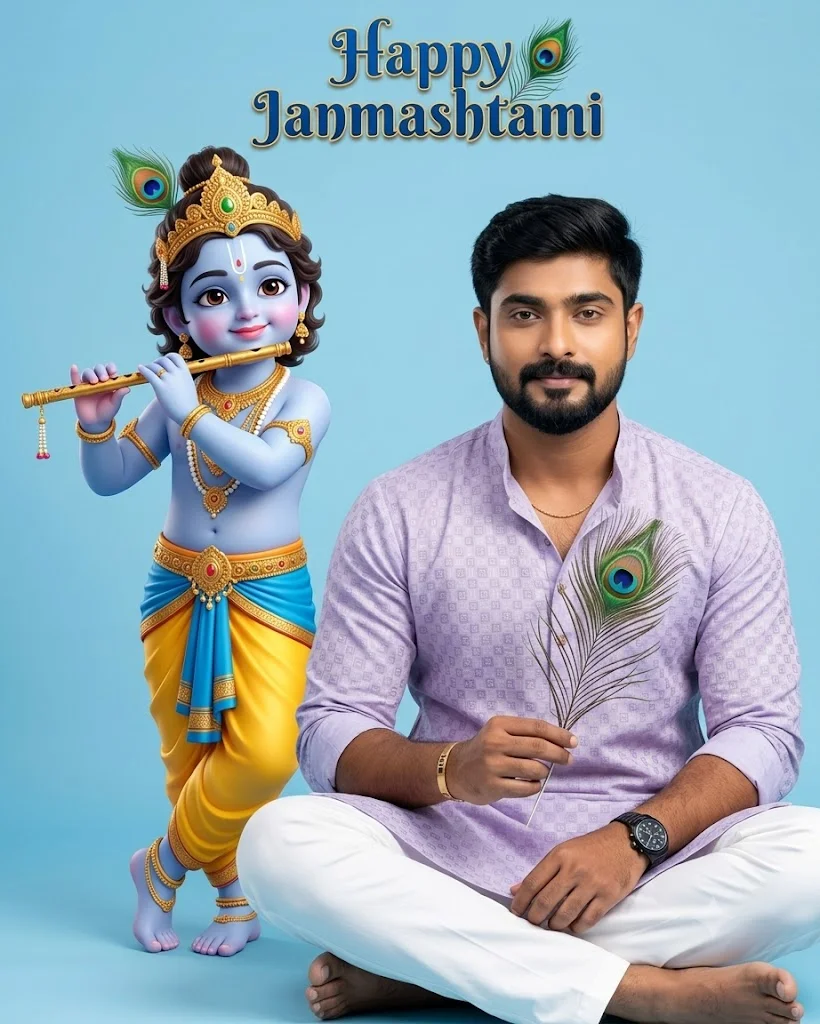
Most Popular for Instagram DPFeatures slick hairstyles, modern bombers or leather jackets, and a rainy neon street background with soft city bokeh. Perfect for young men who want an energetic, sharp profile picture.
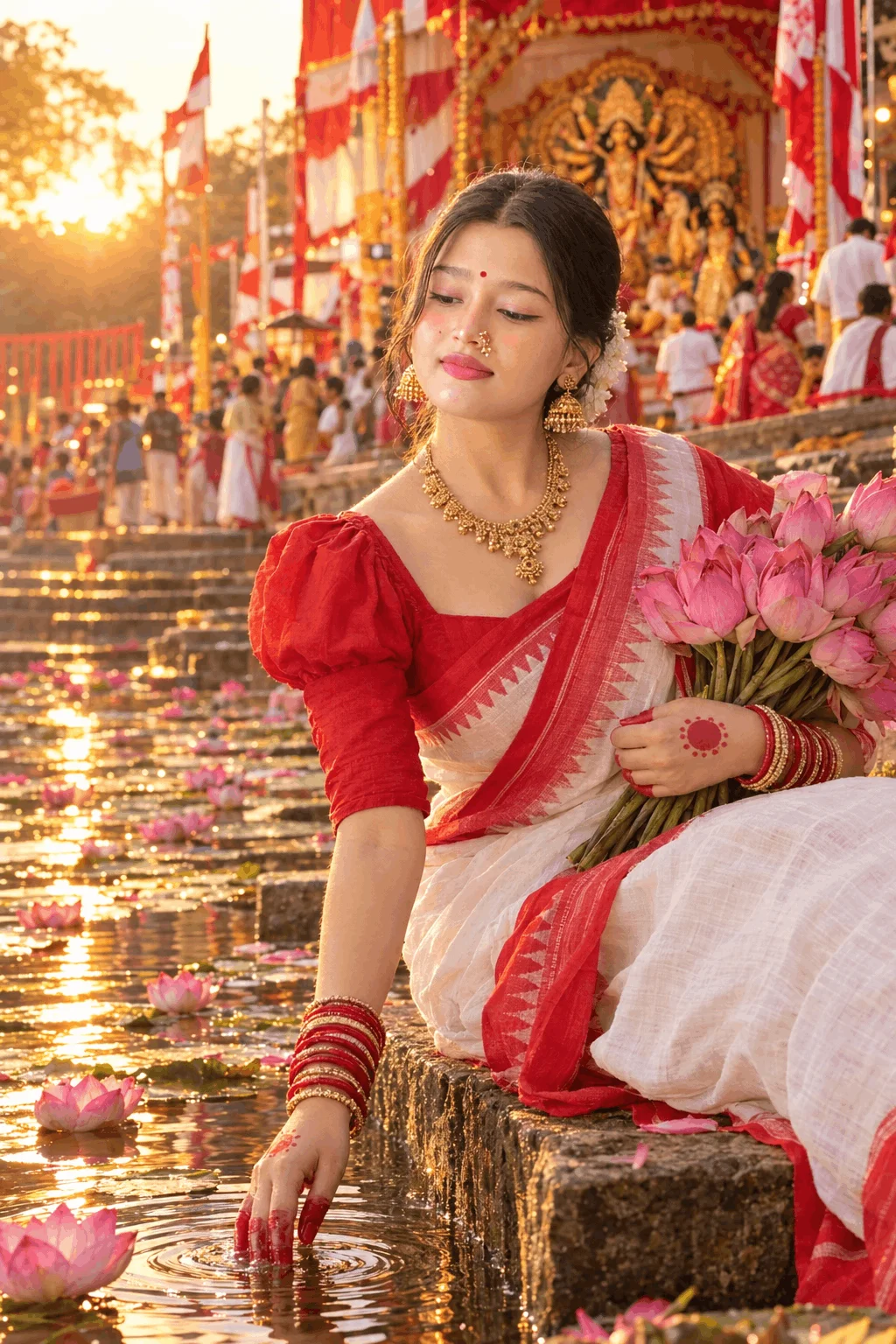
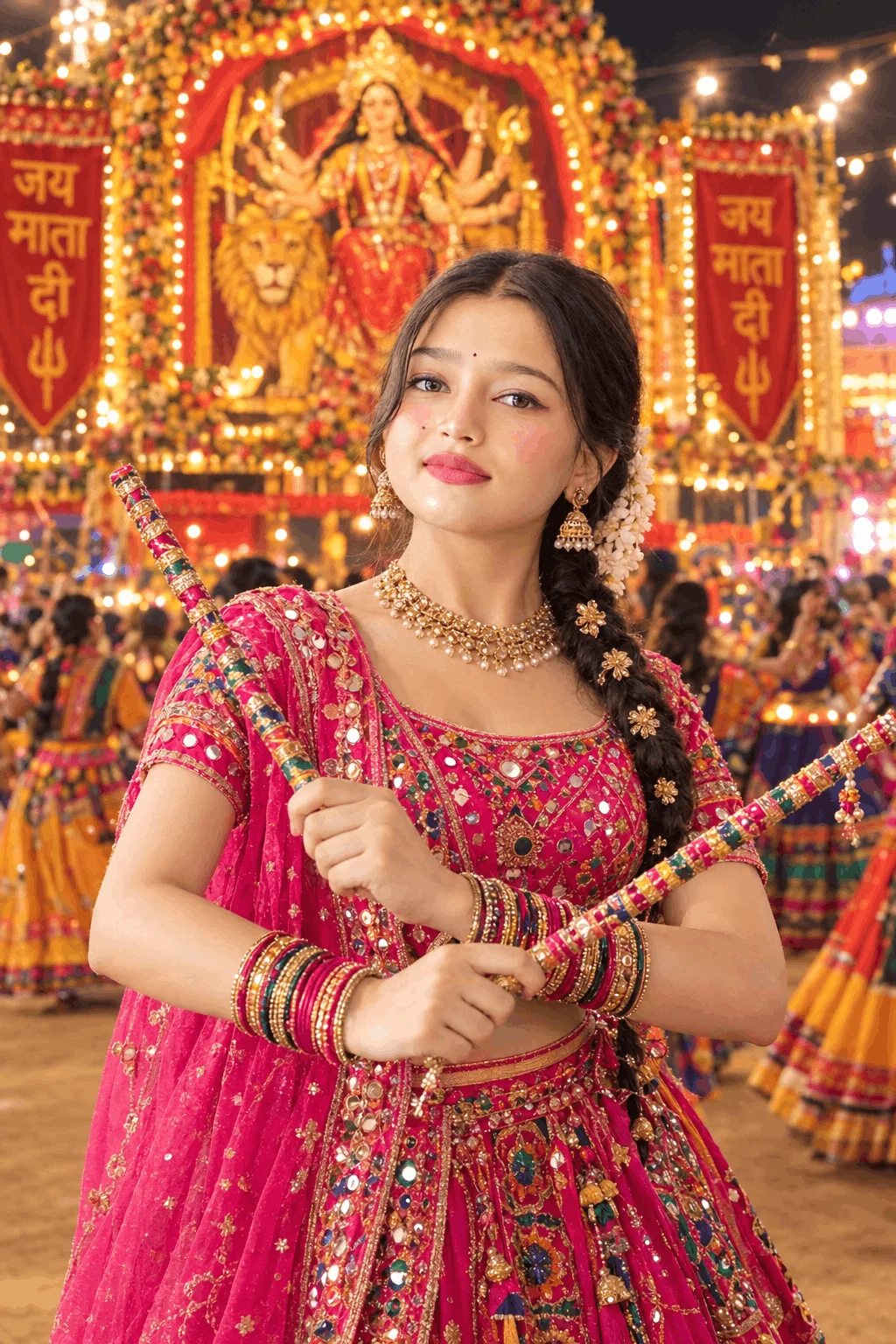
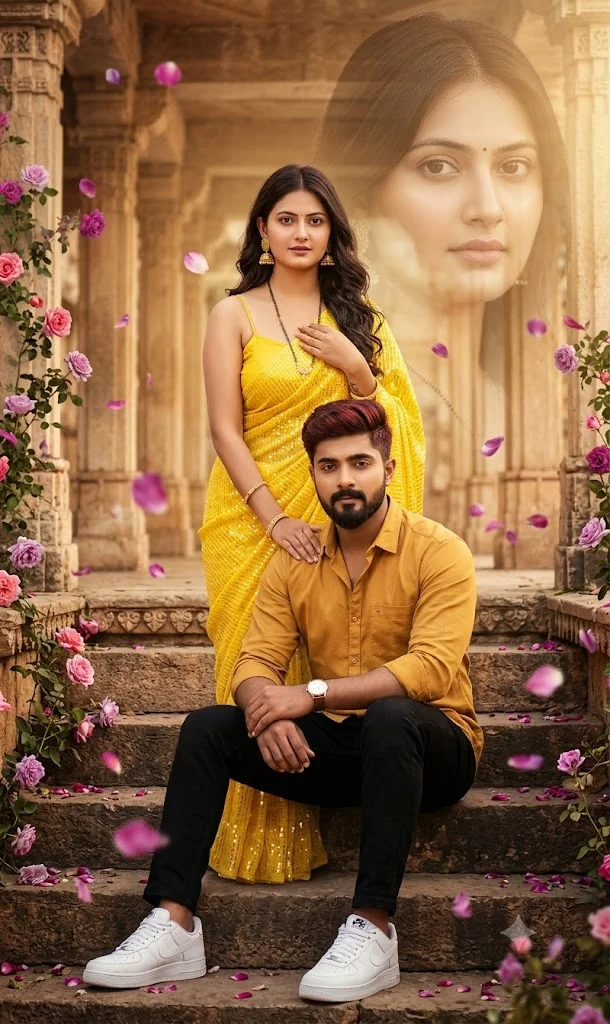
Style B: Festive Glow & Traditional Elegance
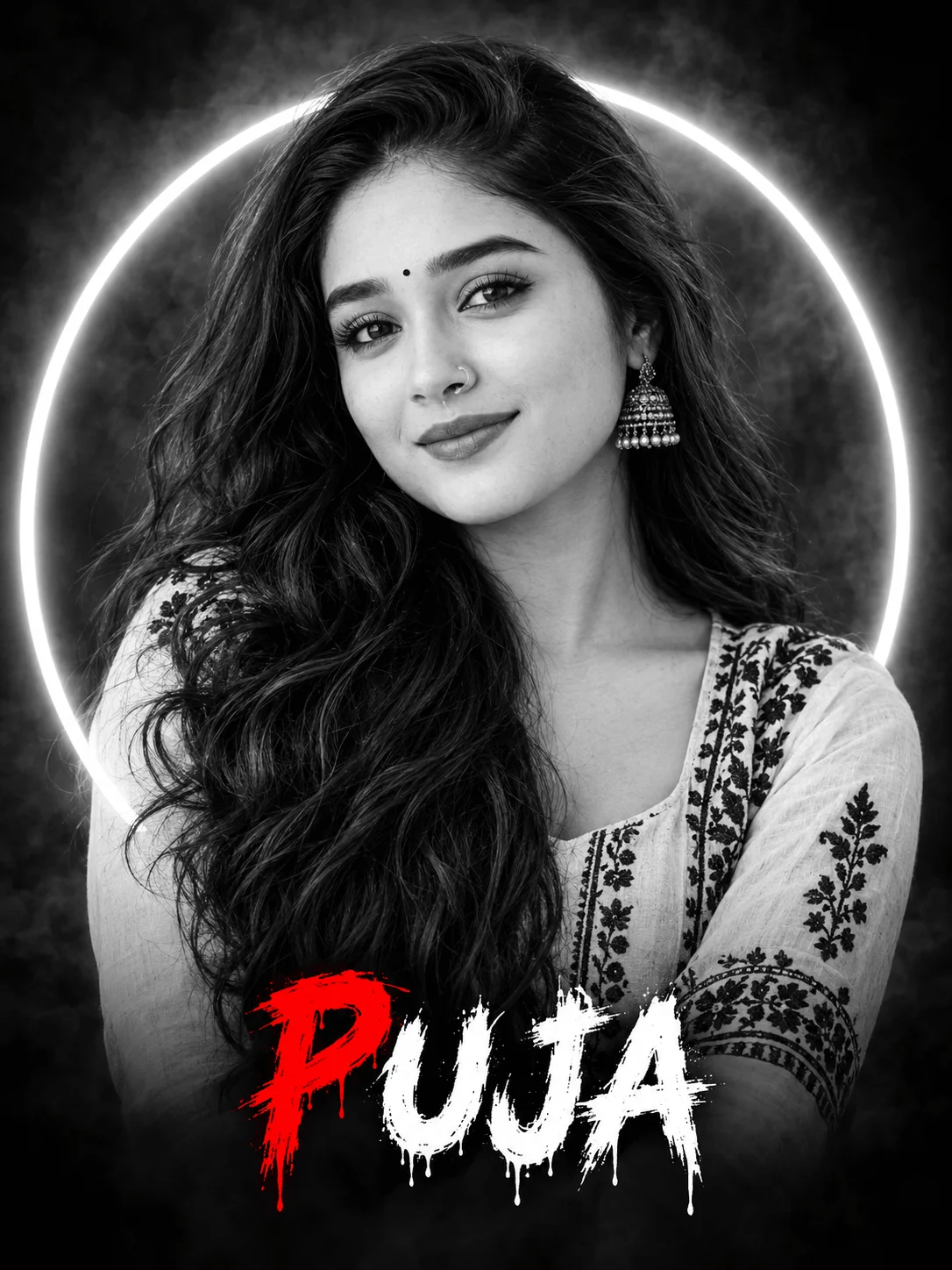
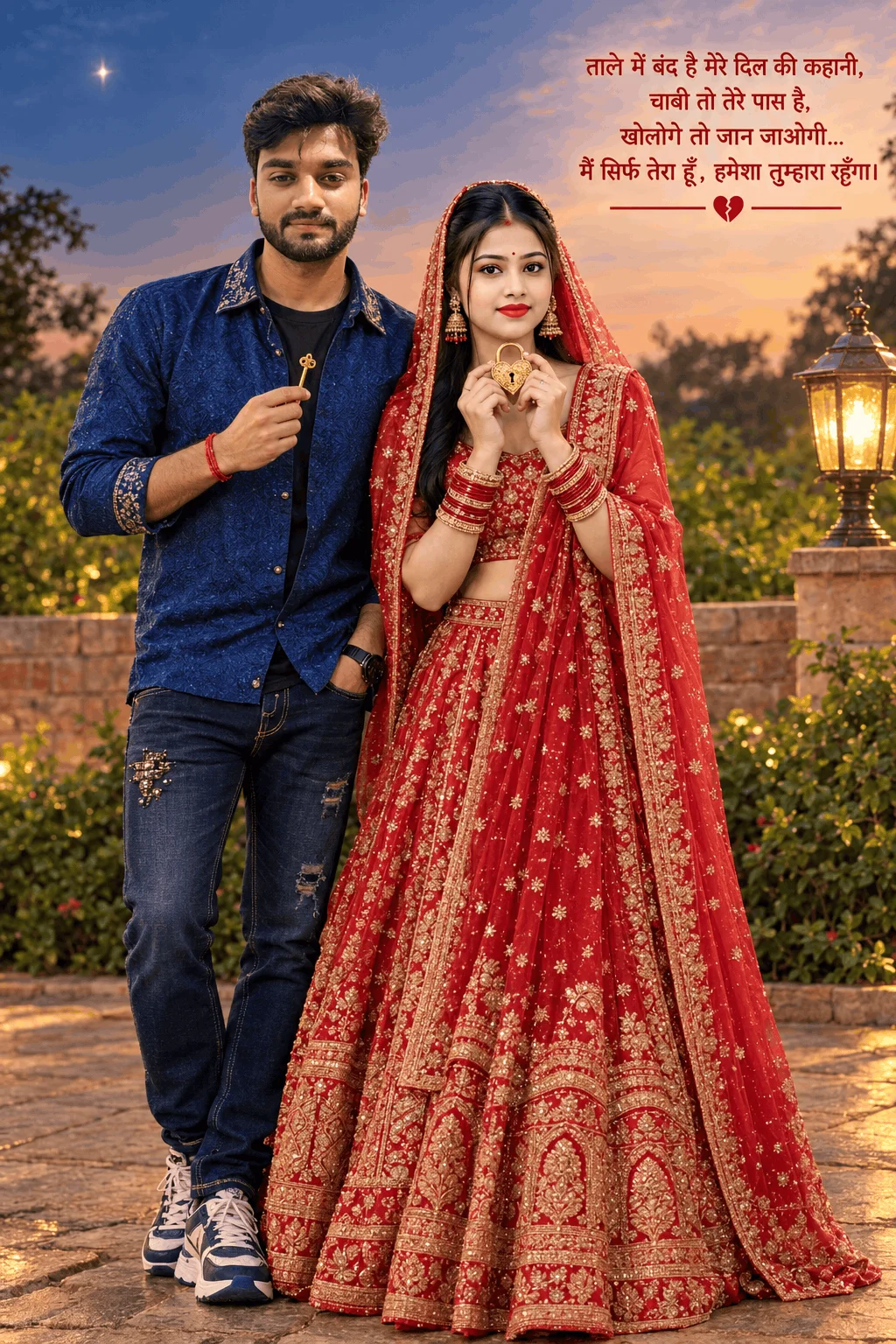
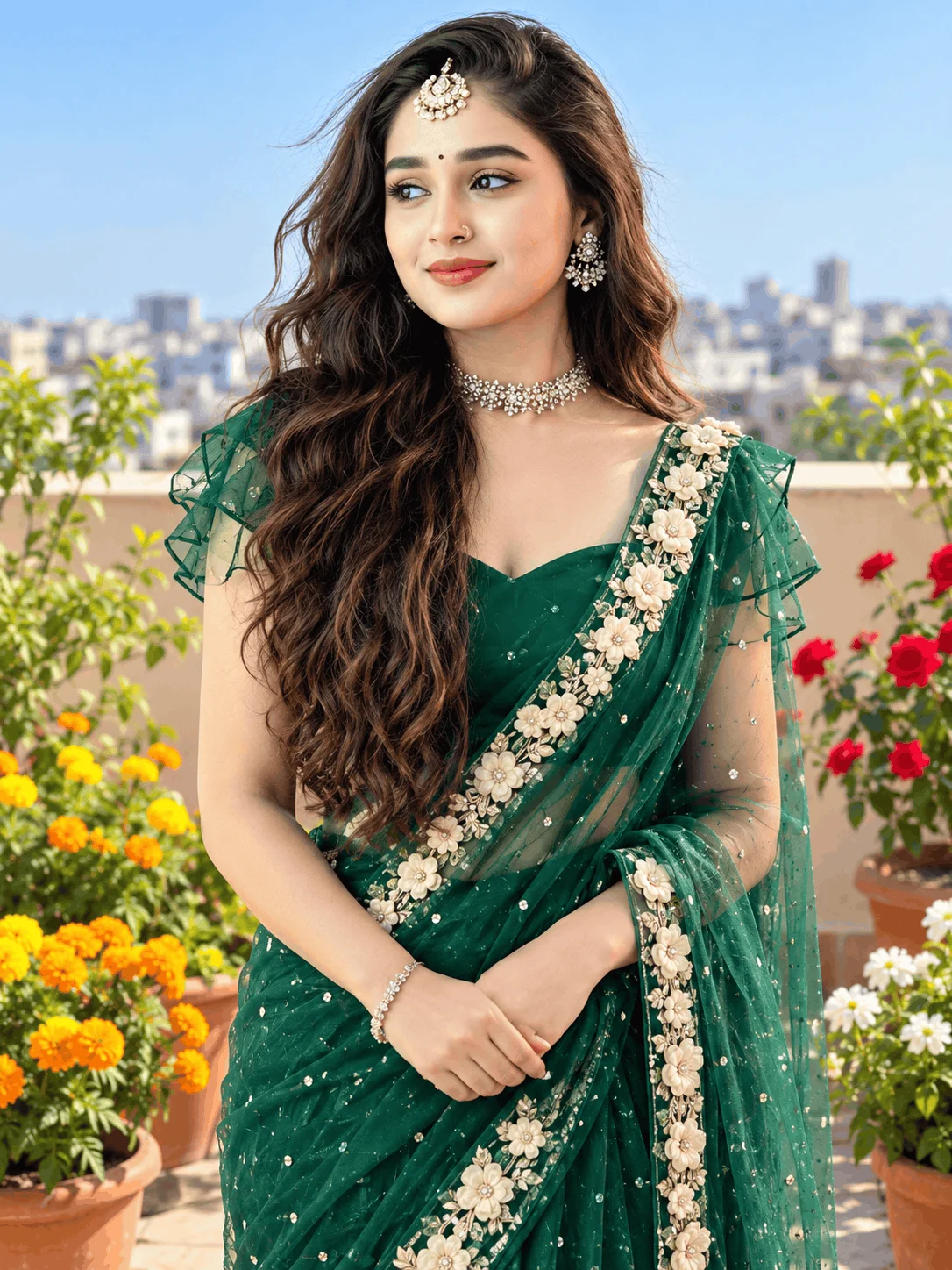
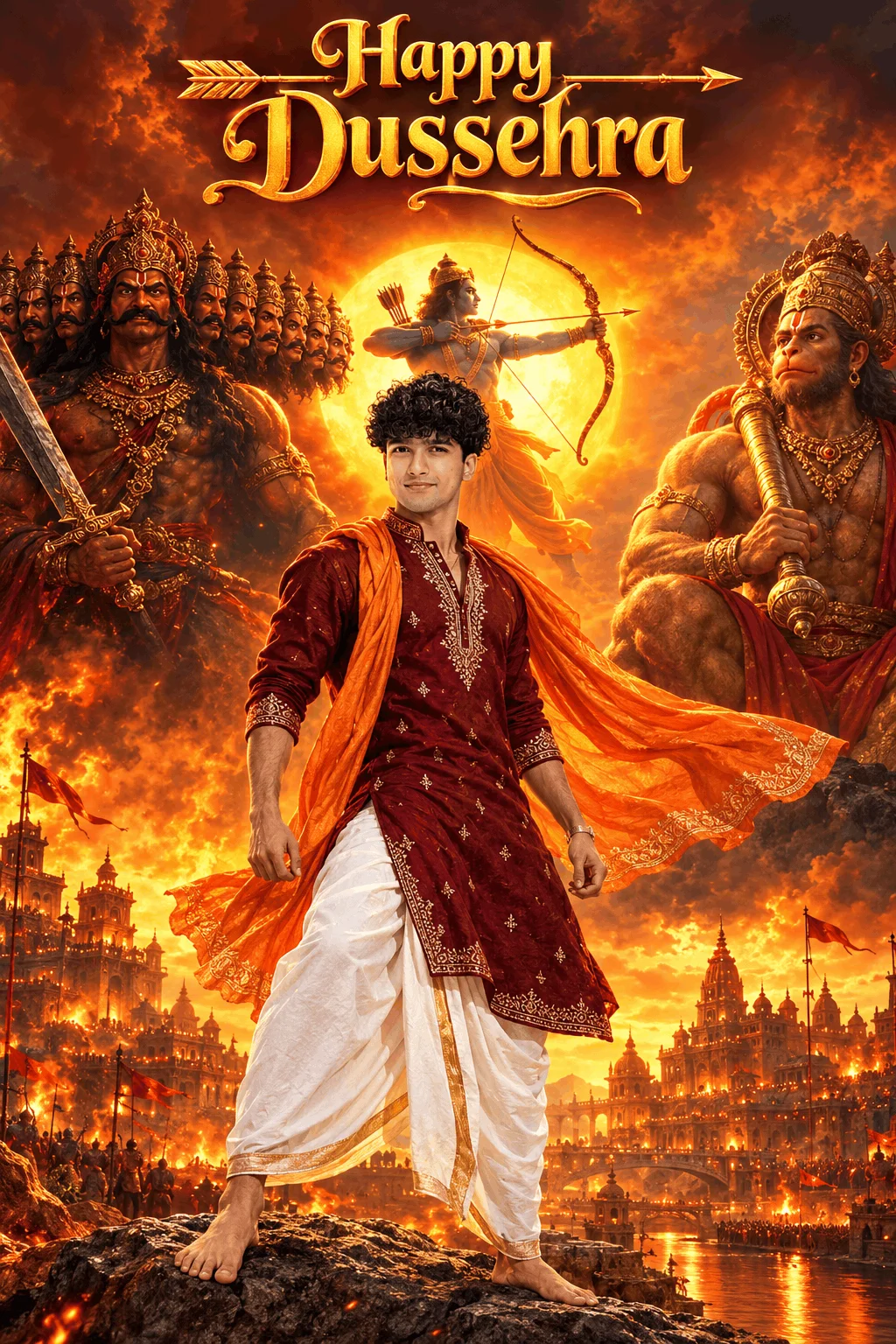
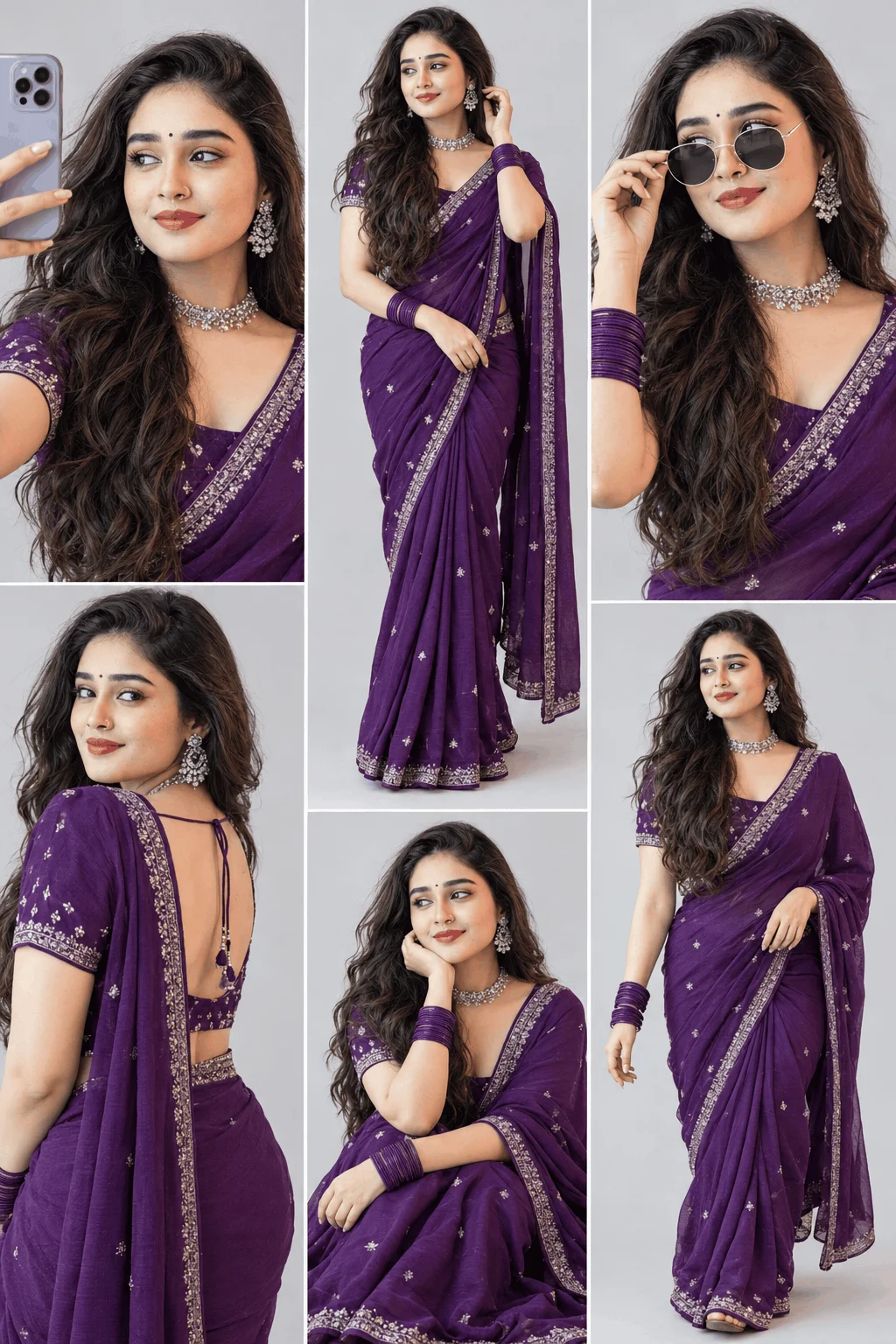
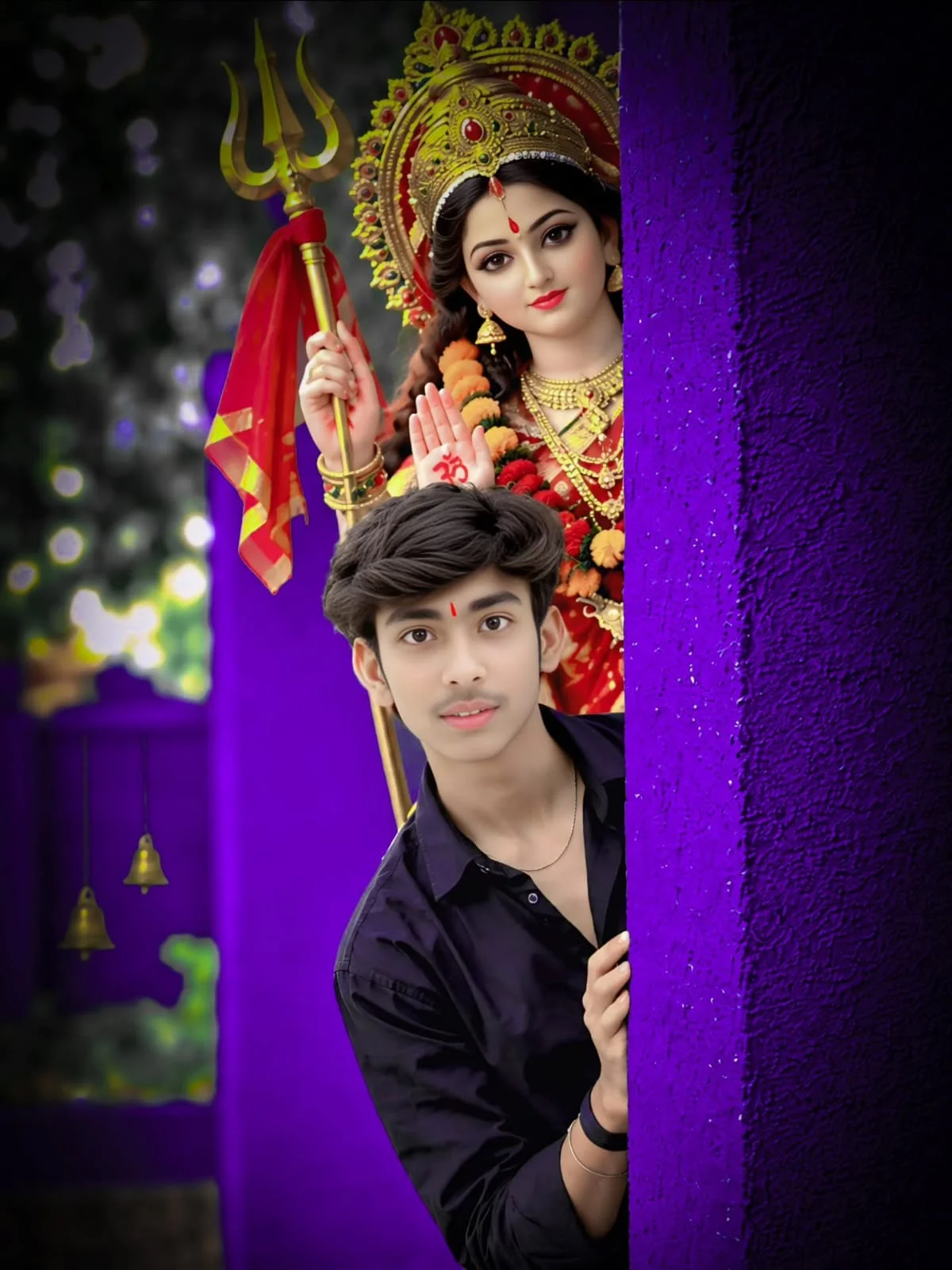
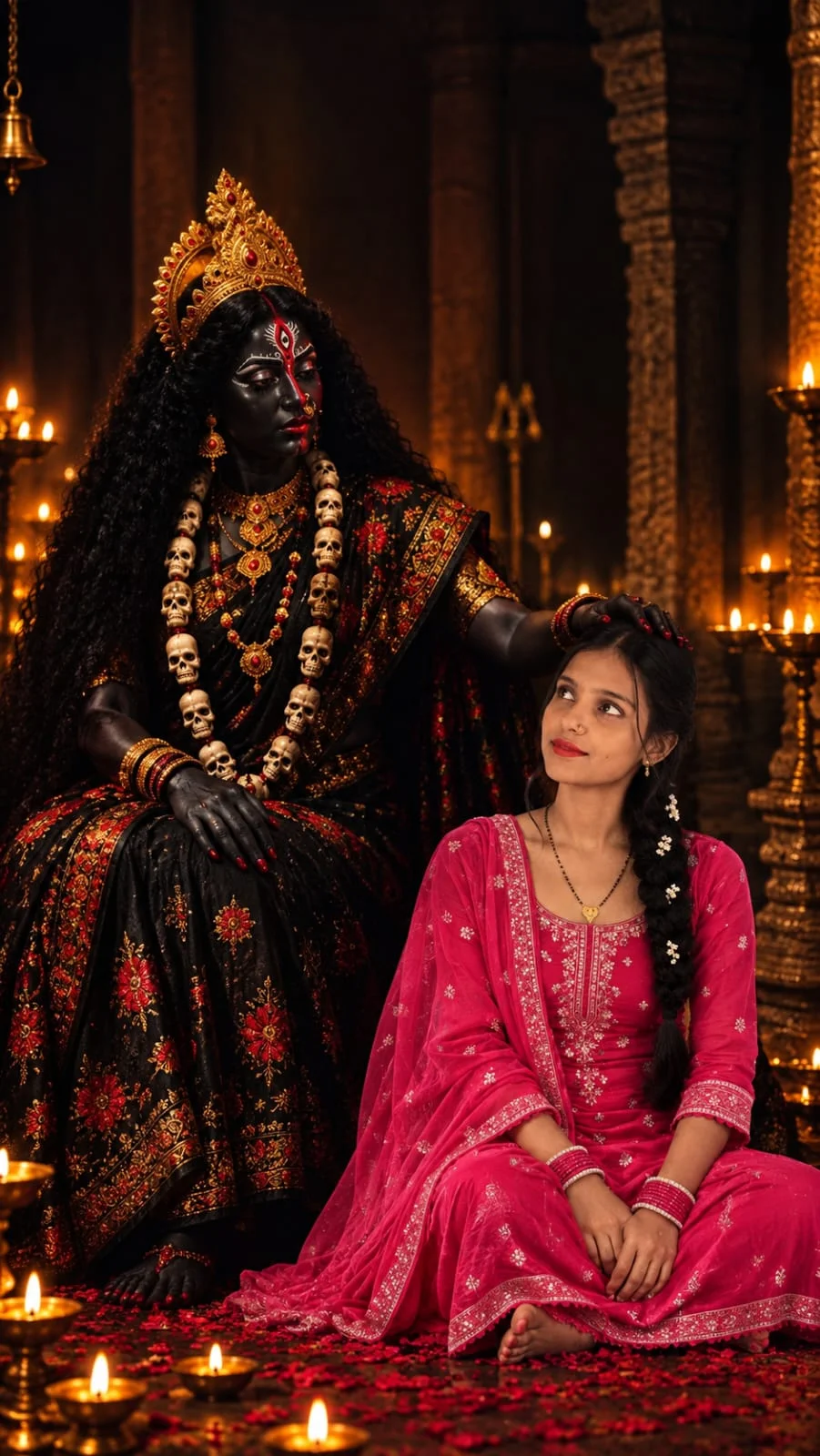
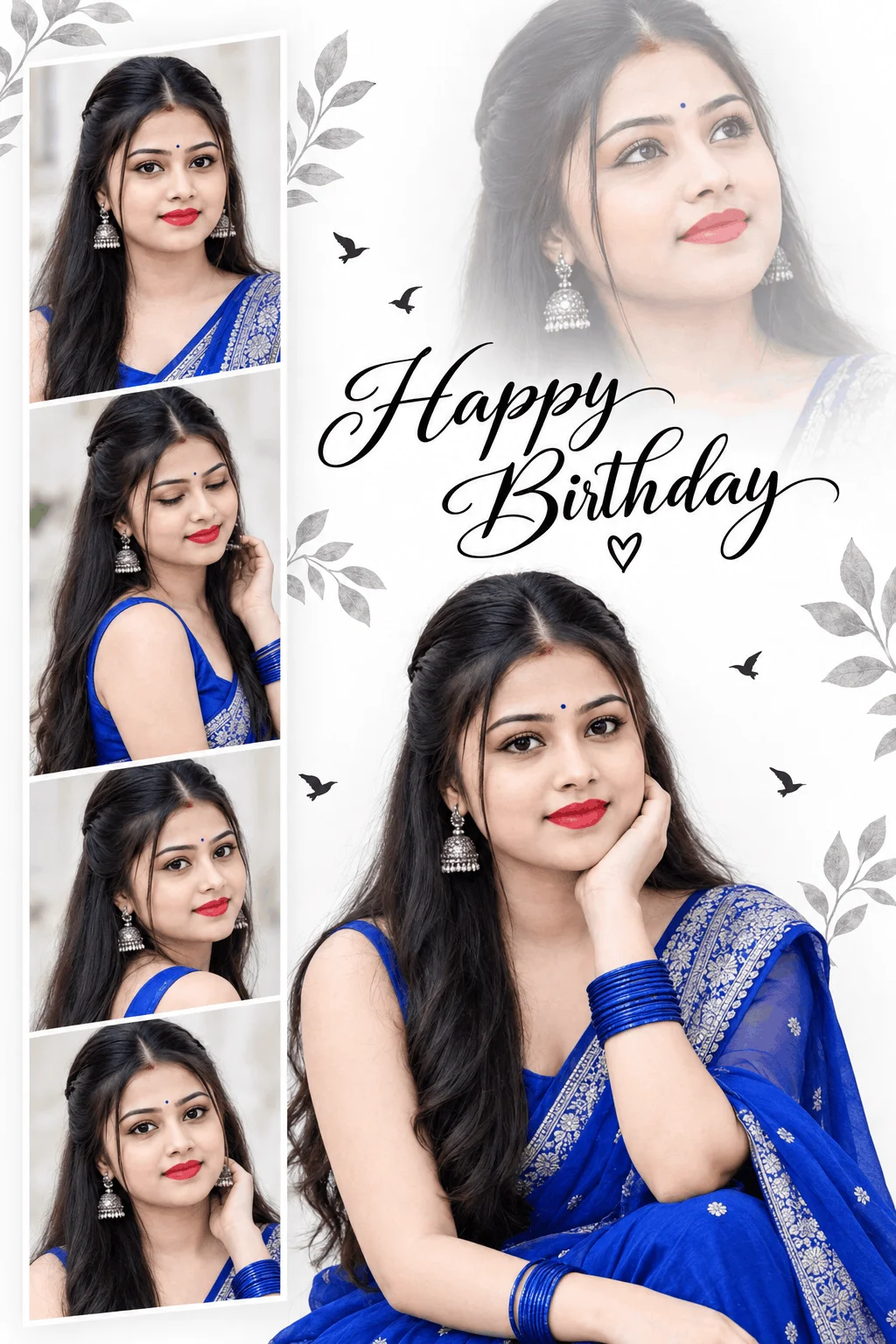
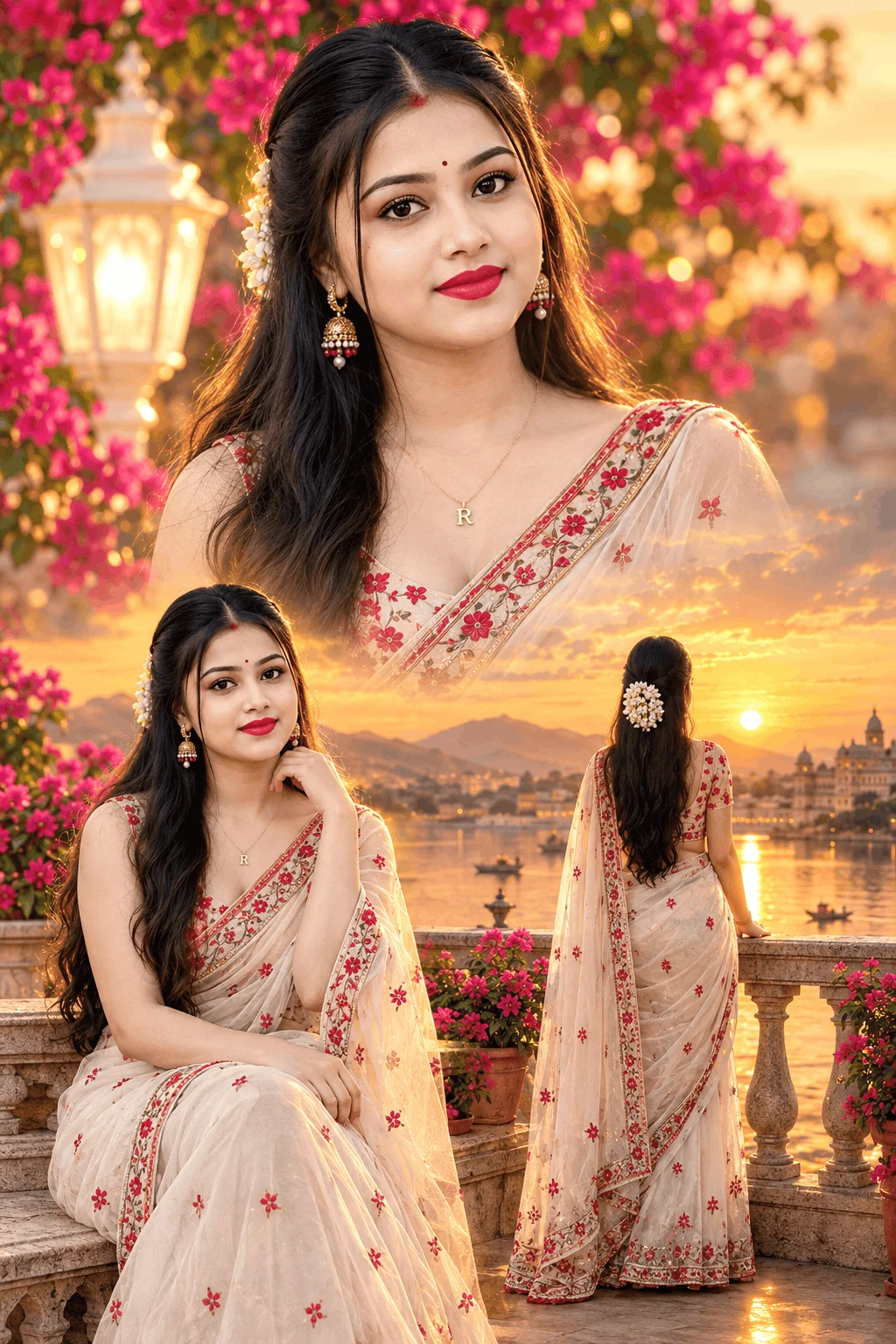
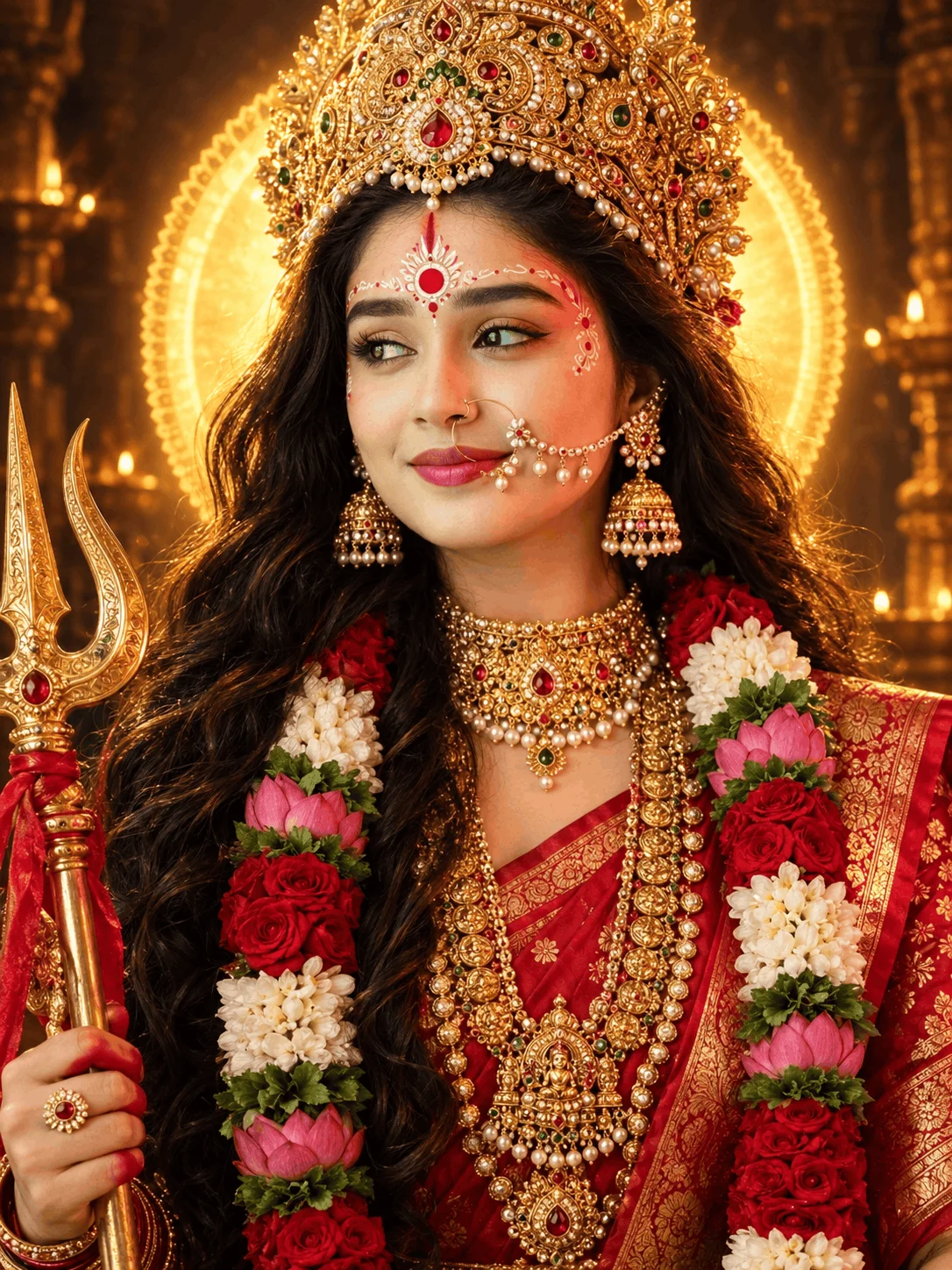
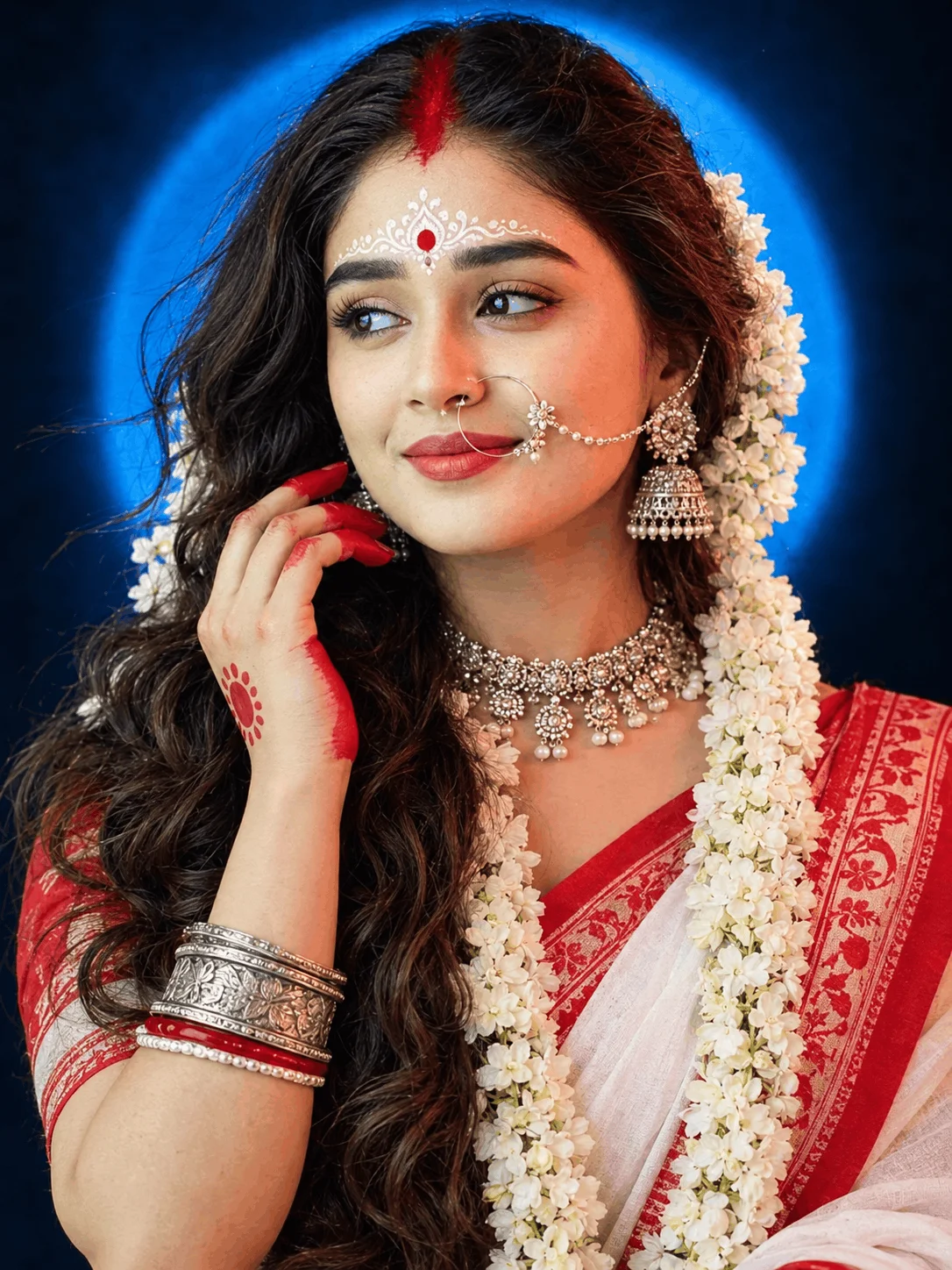
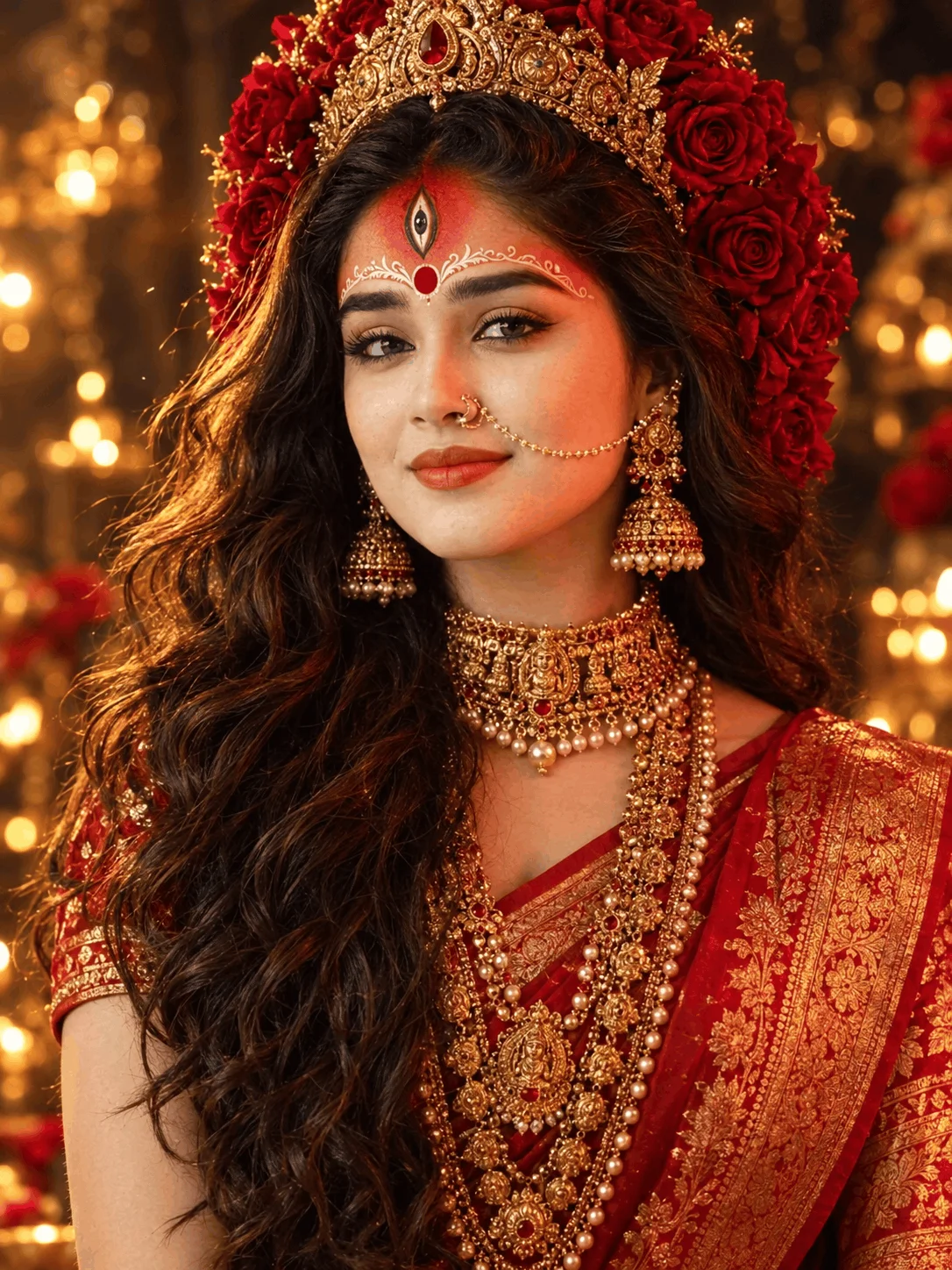
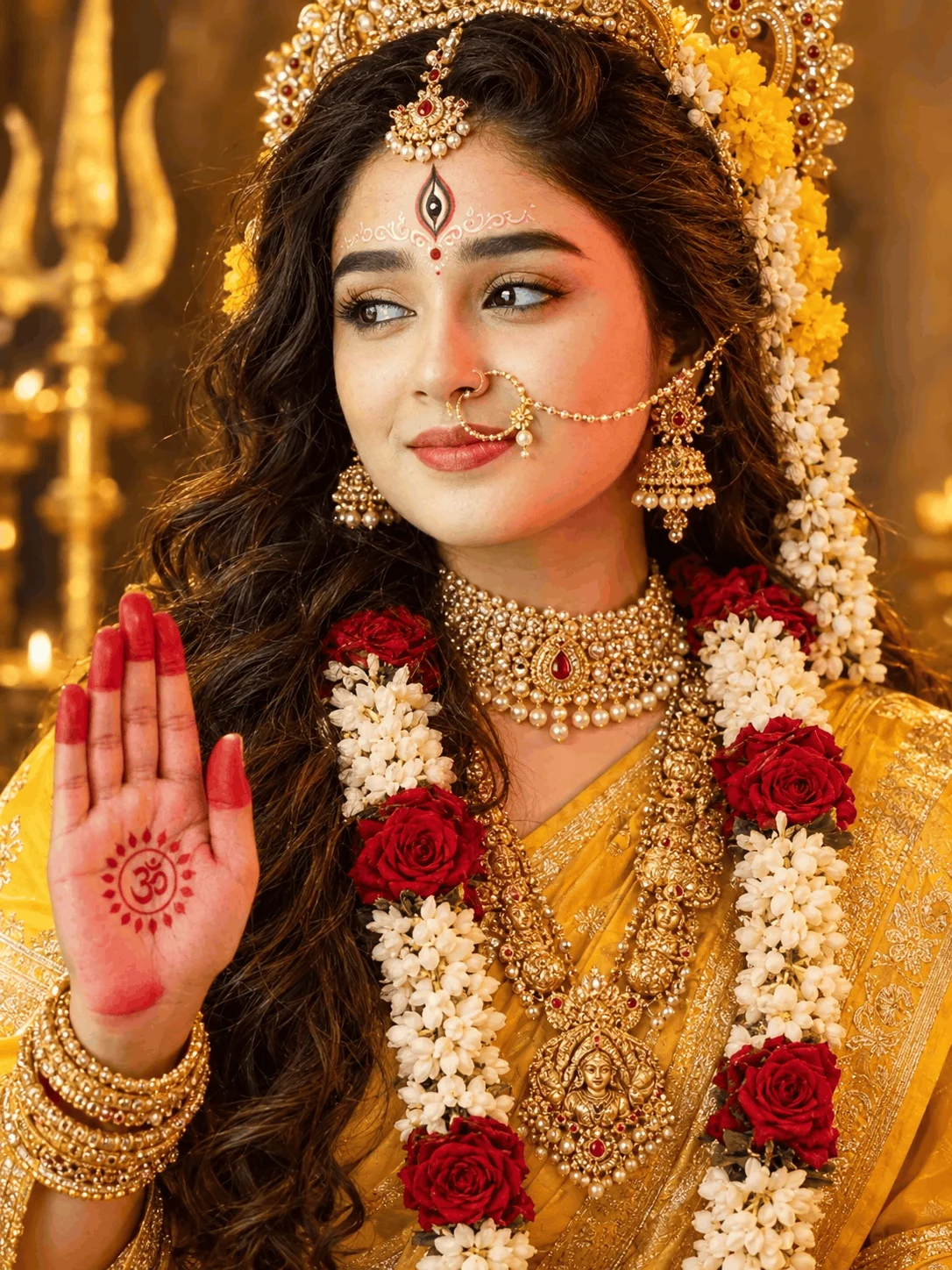
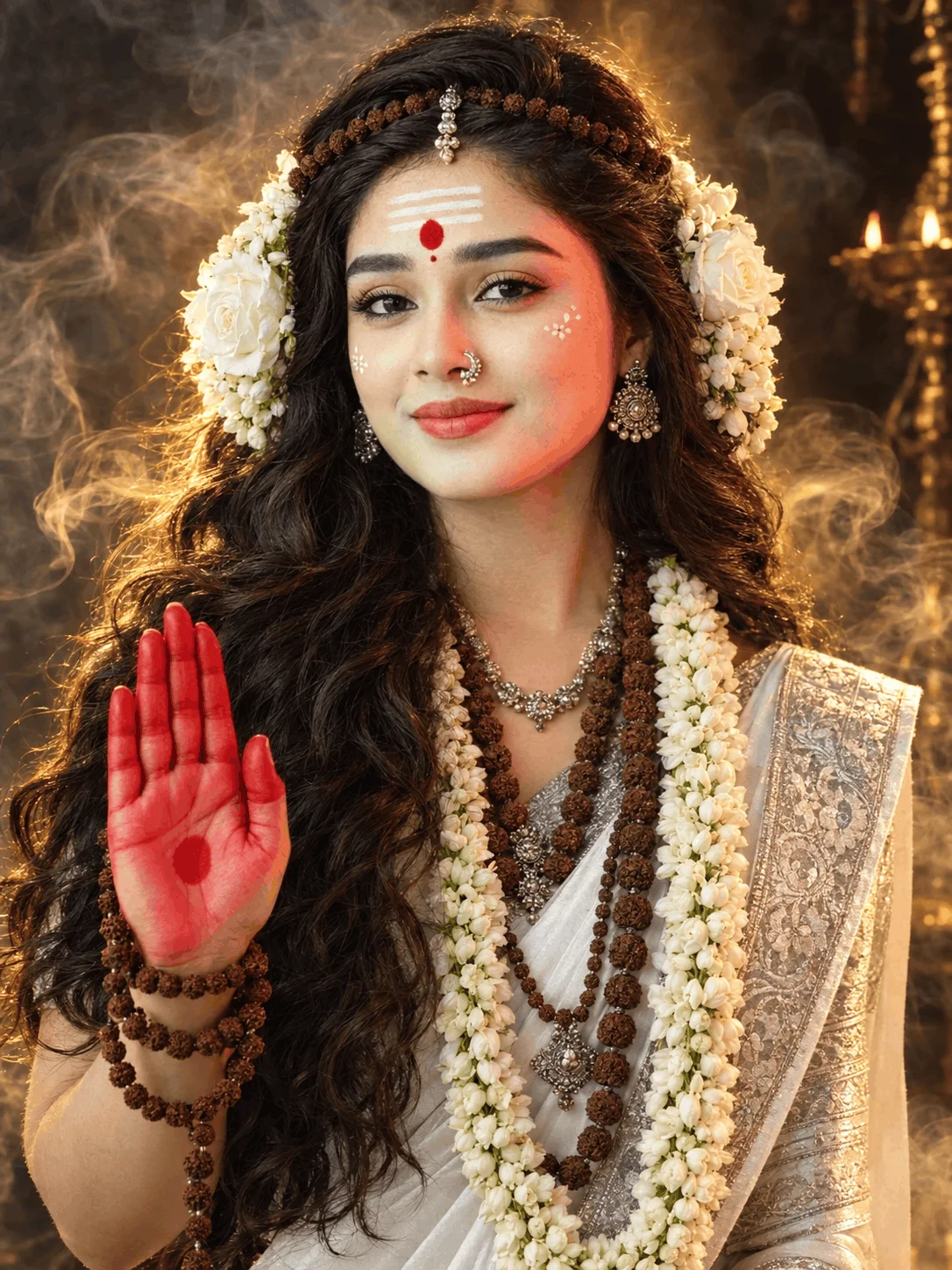
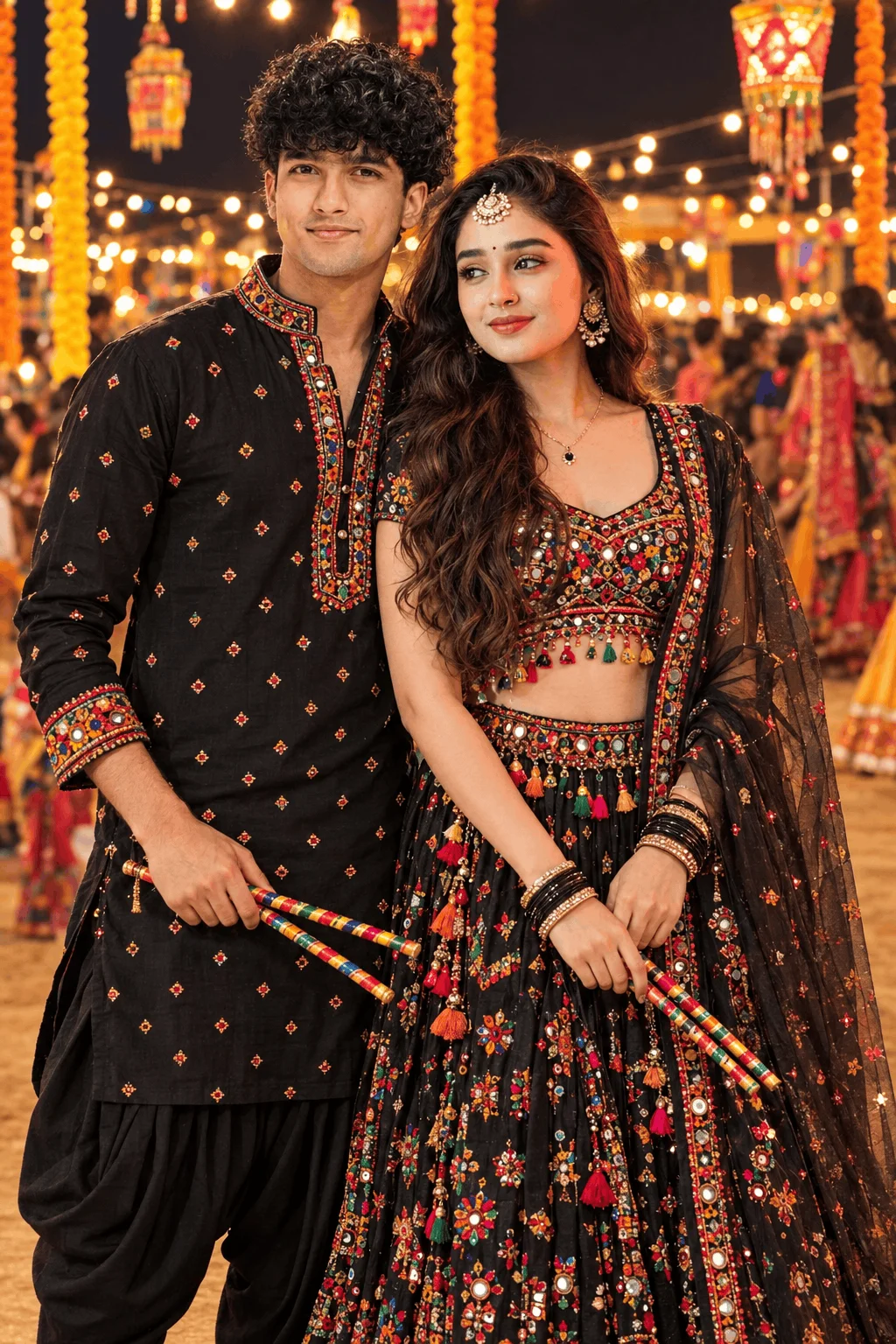
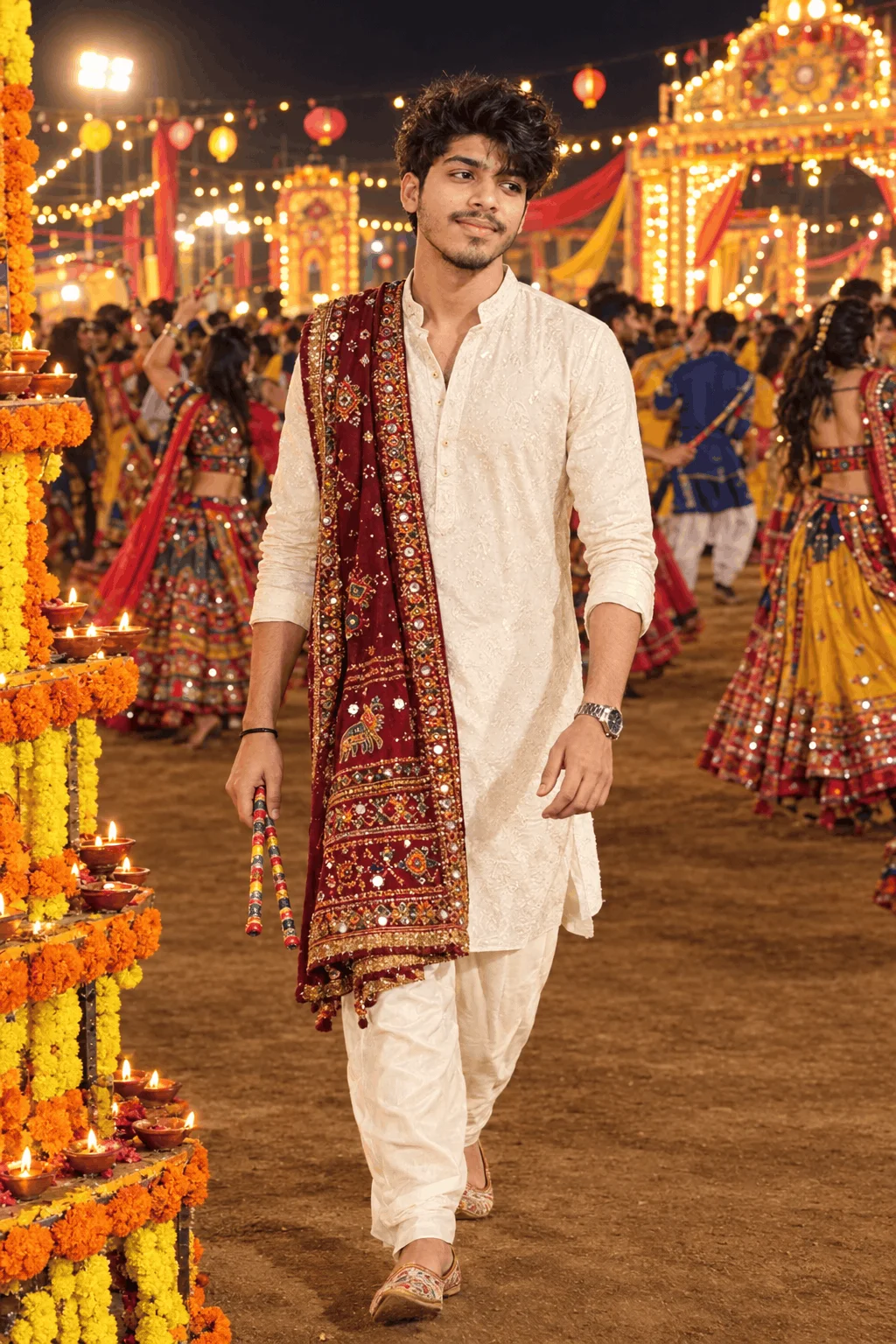
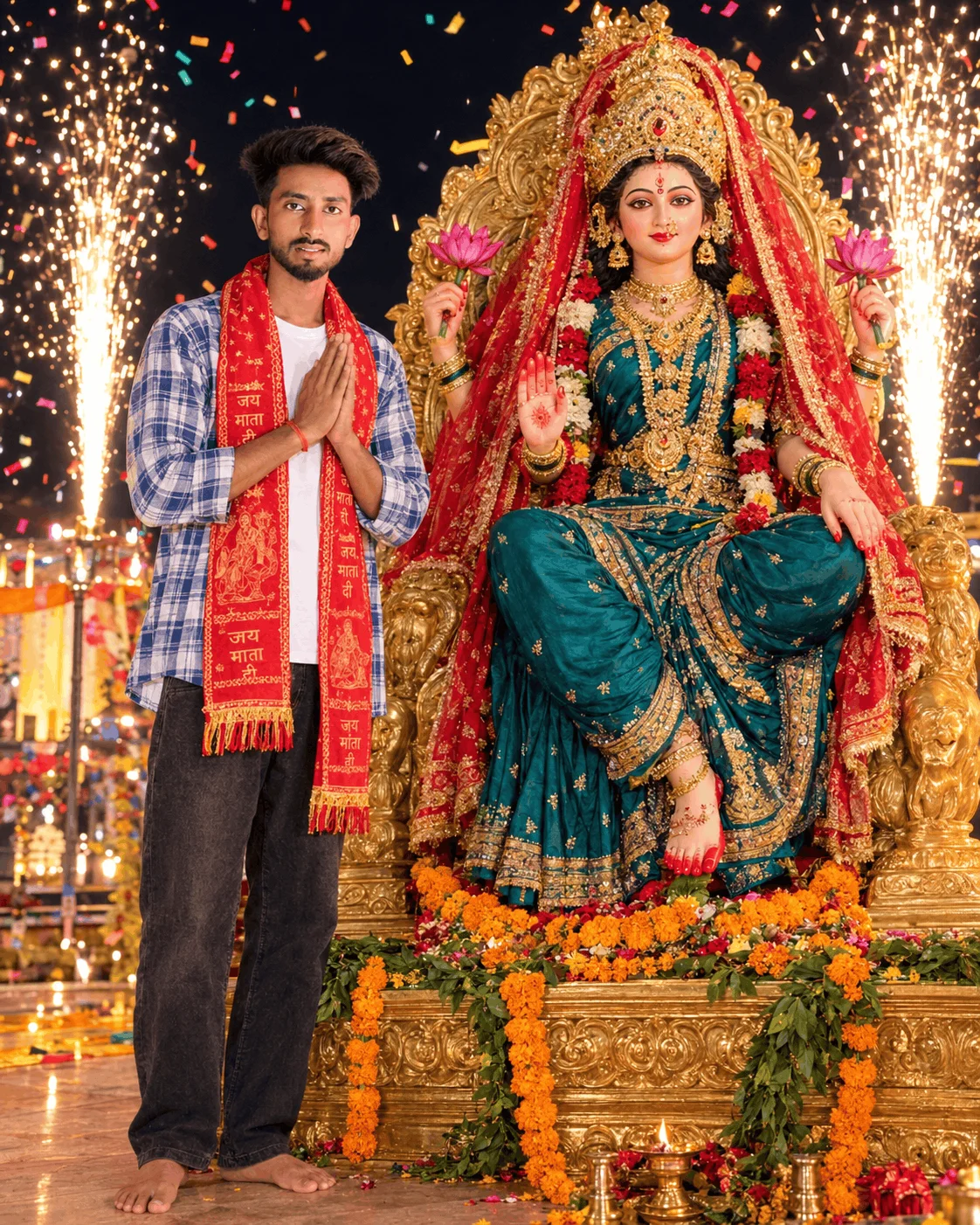
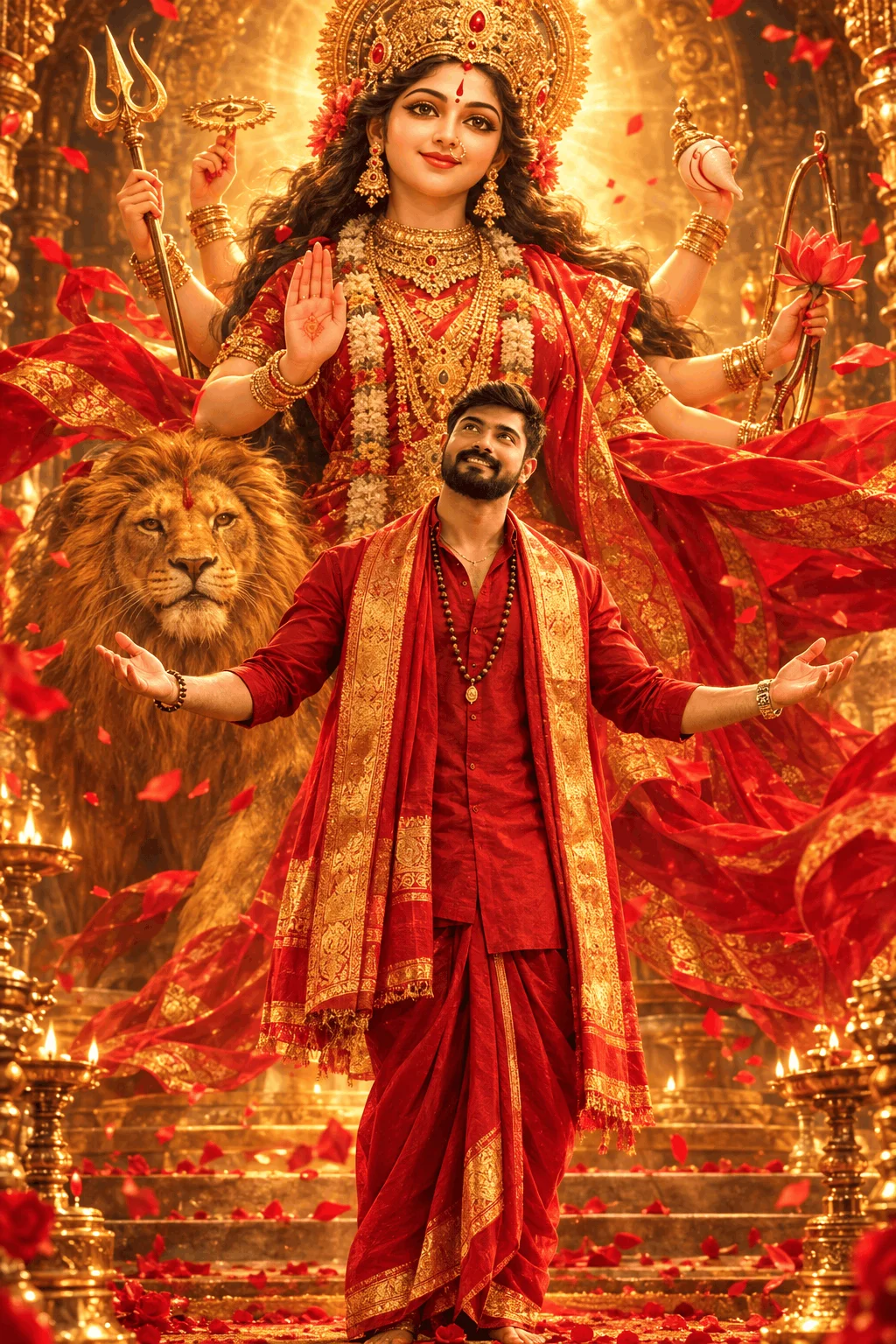
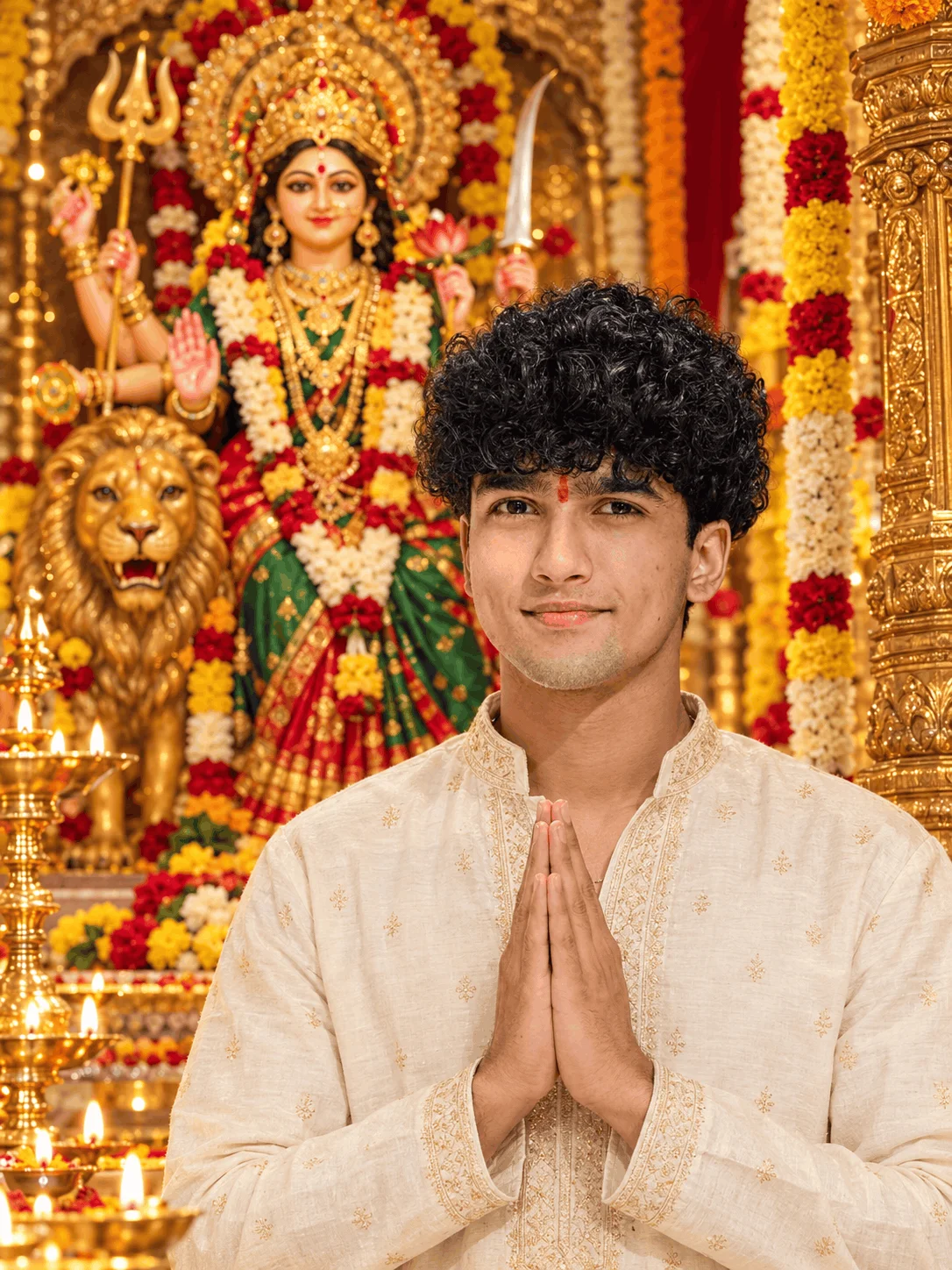
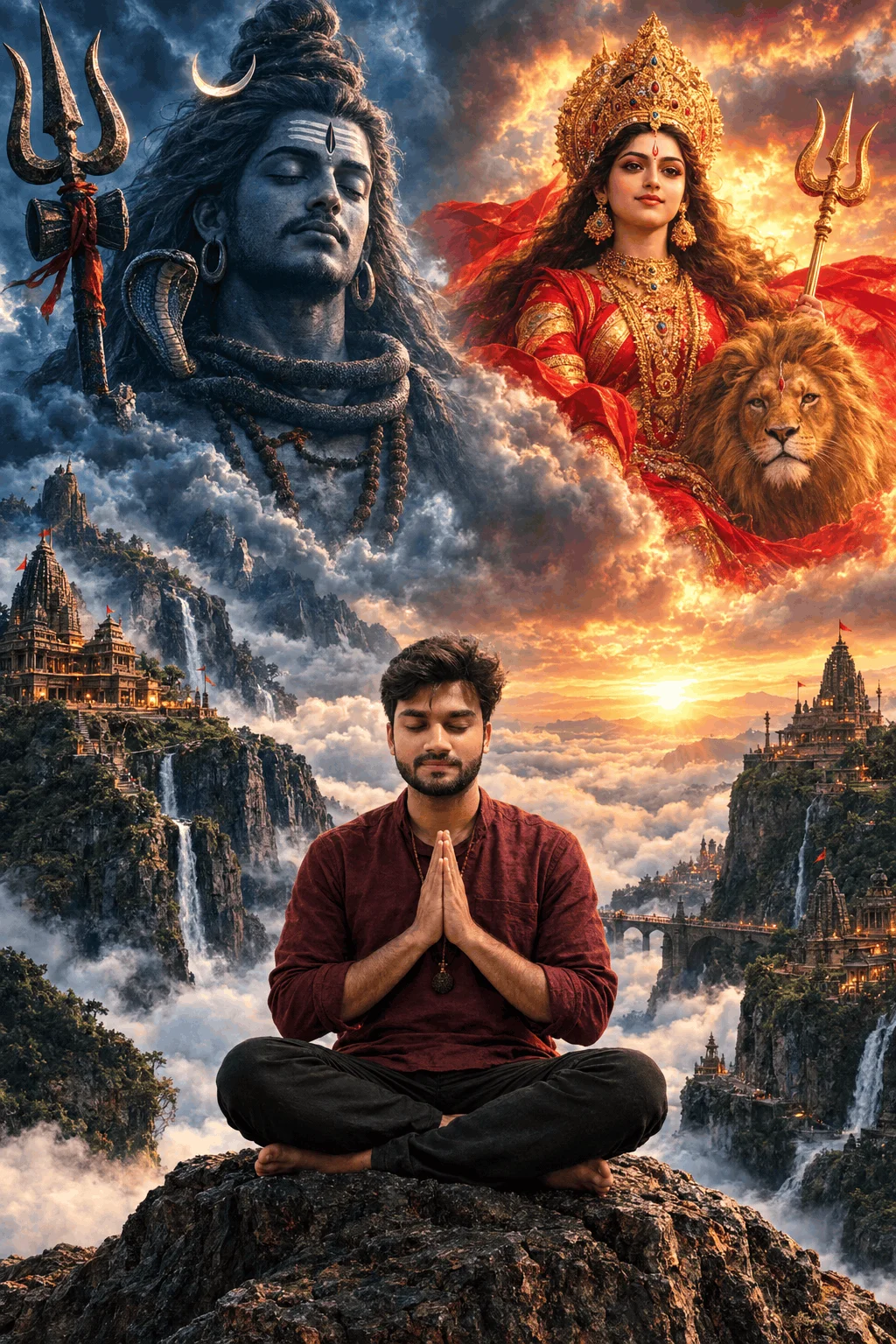
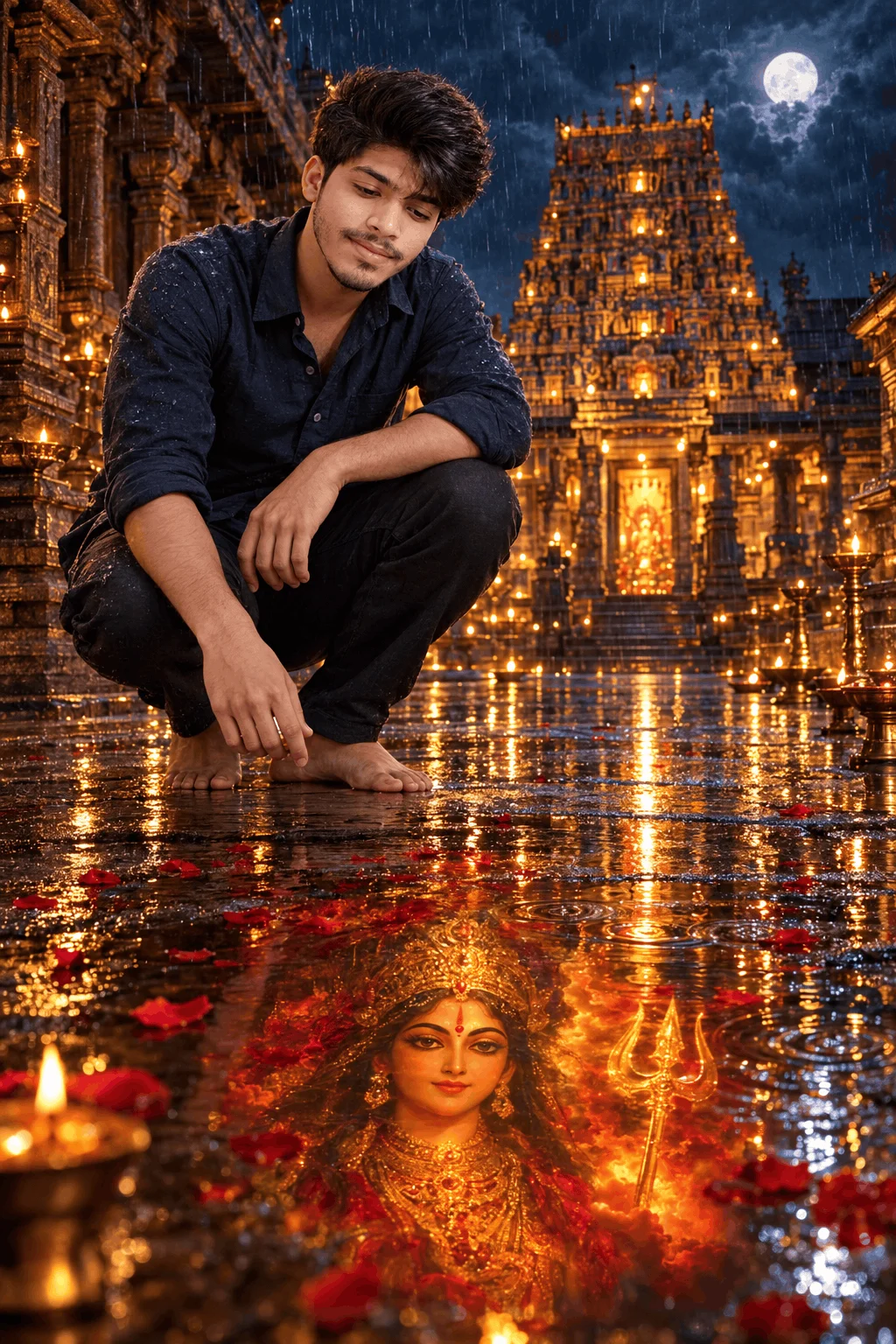
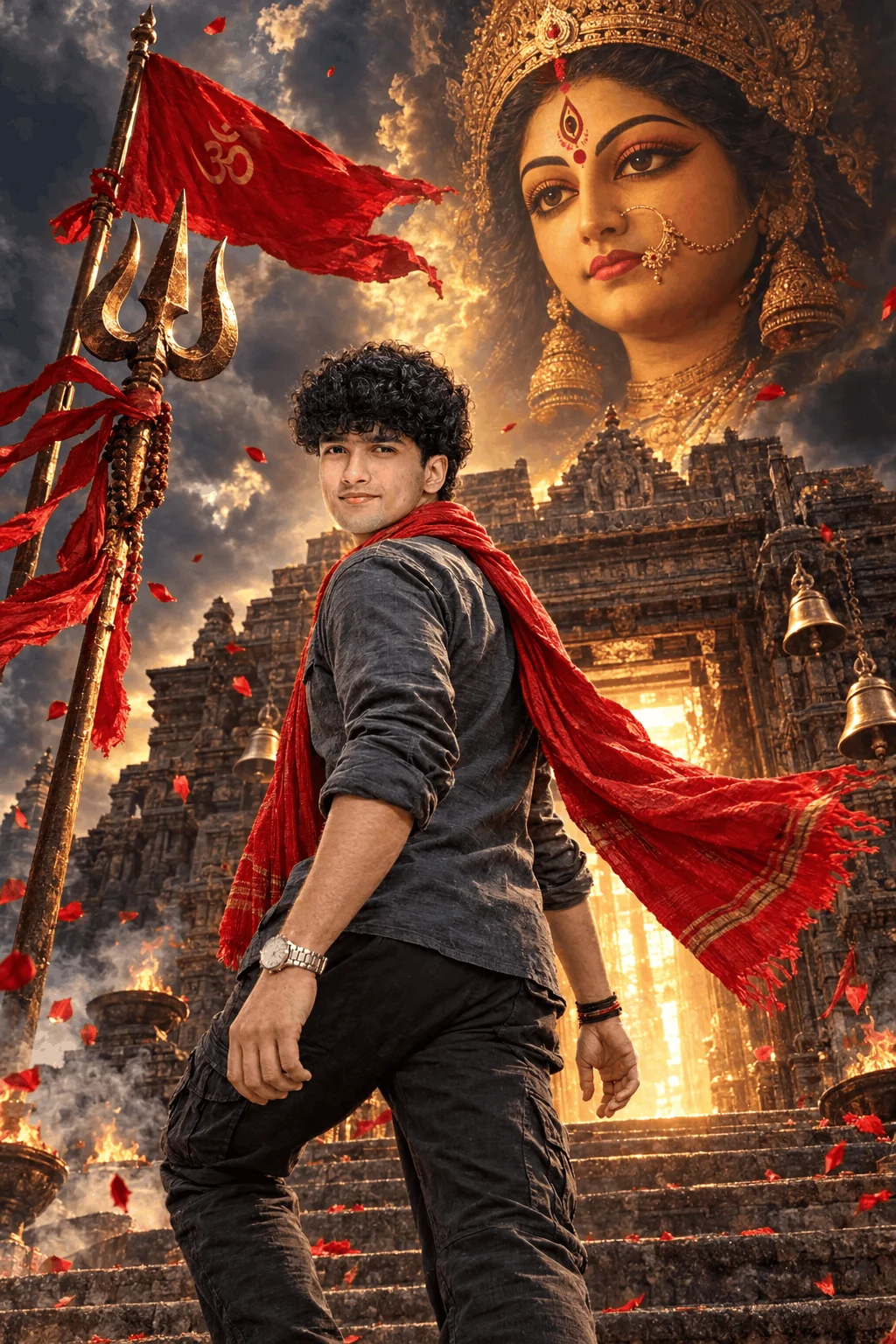
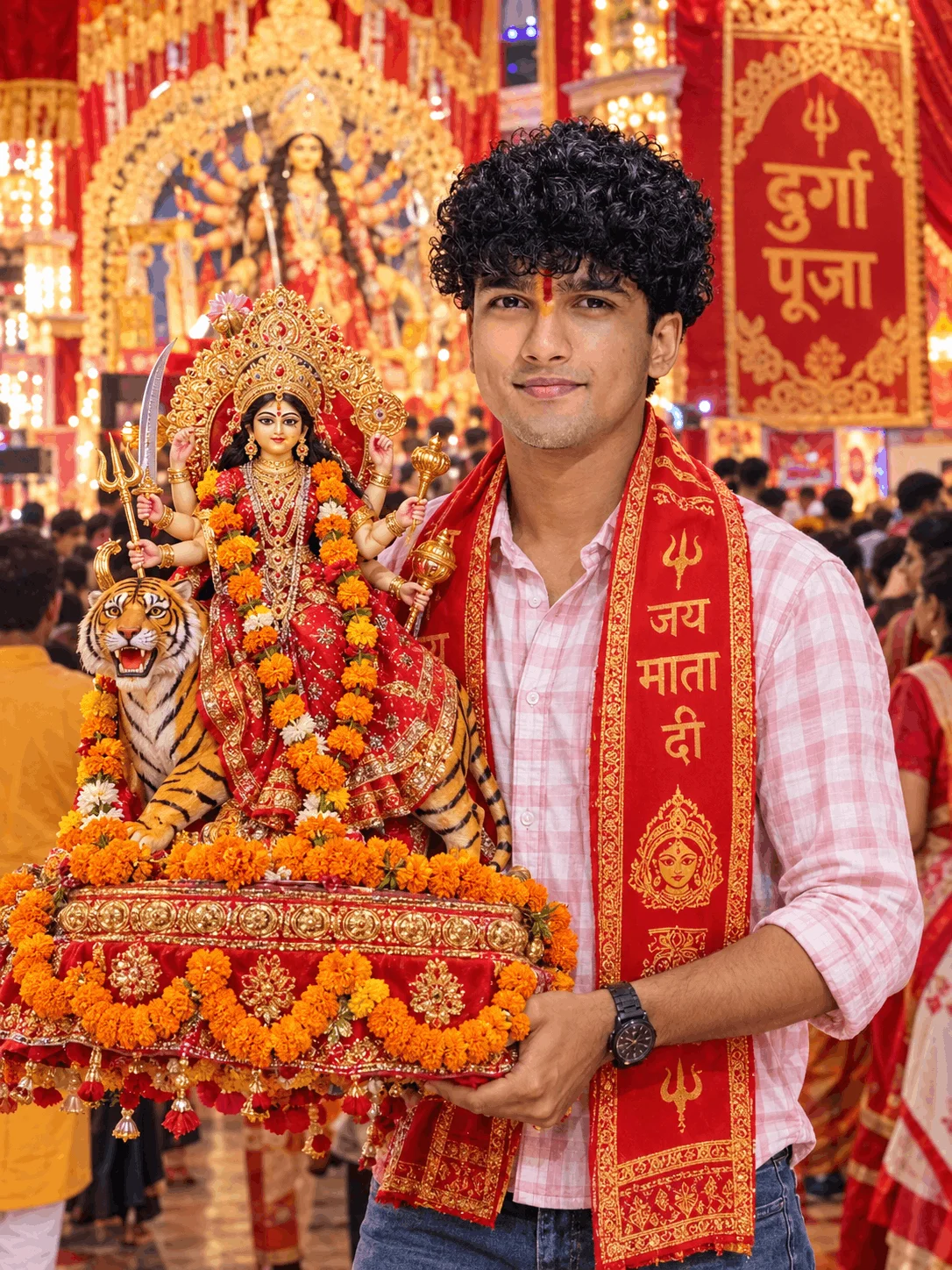
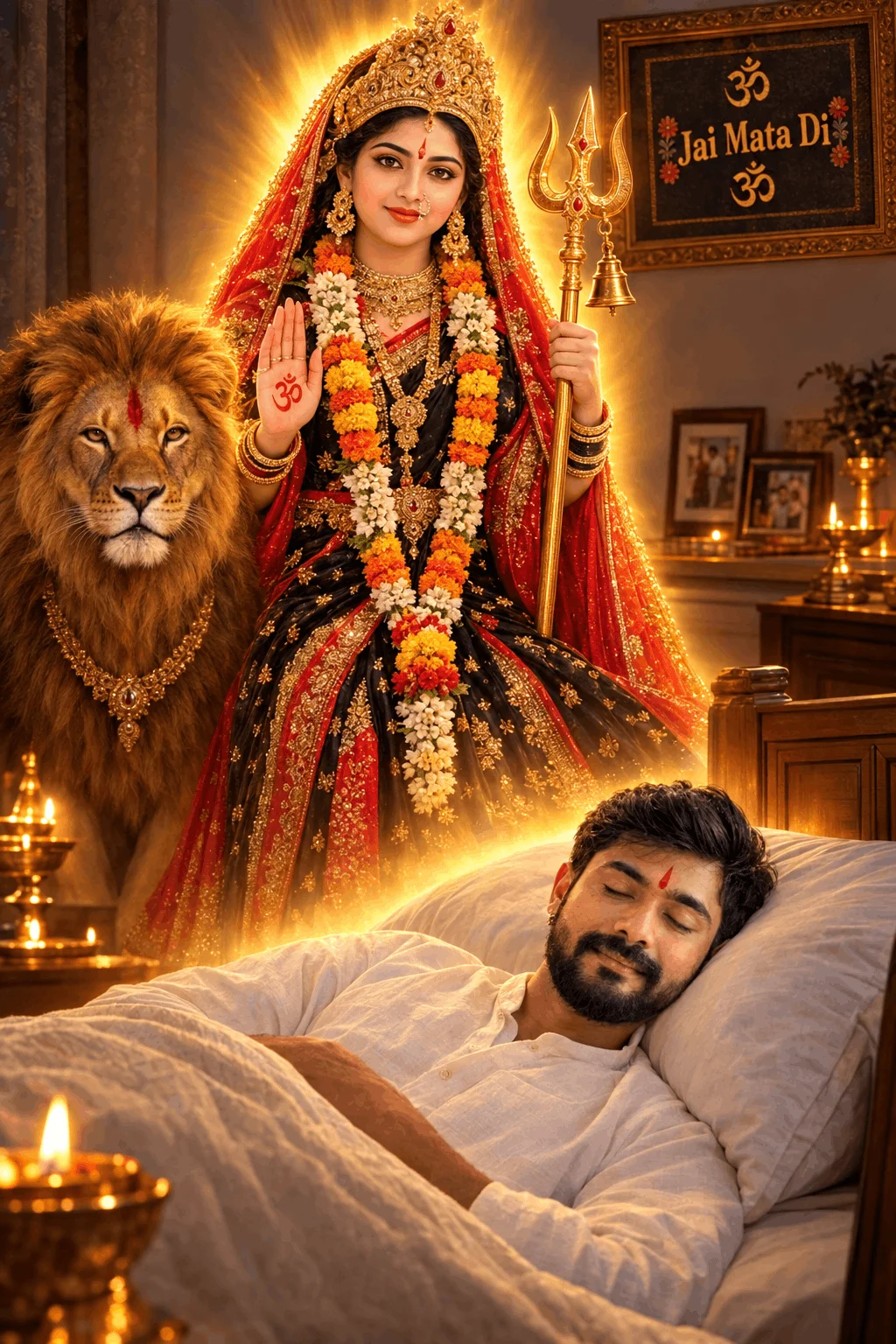
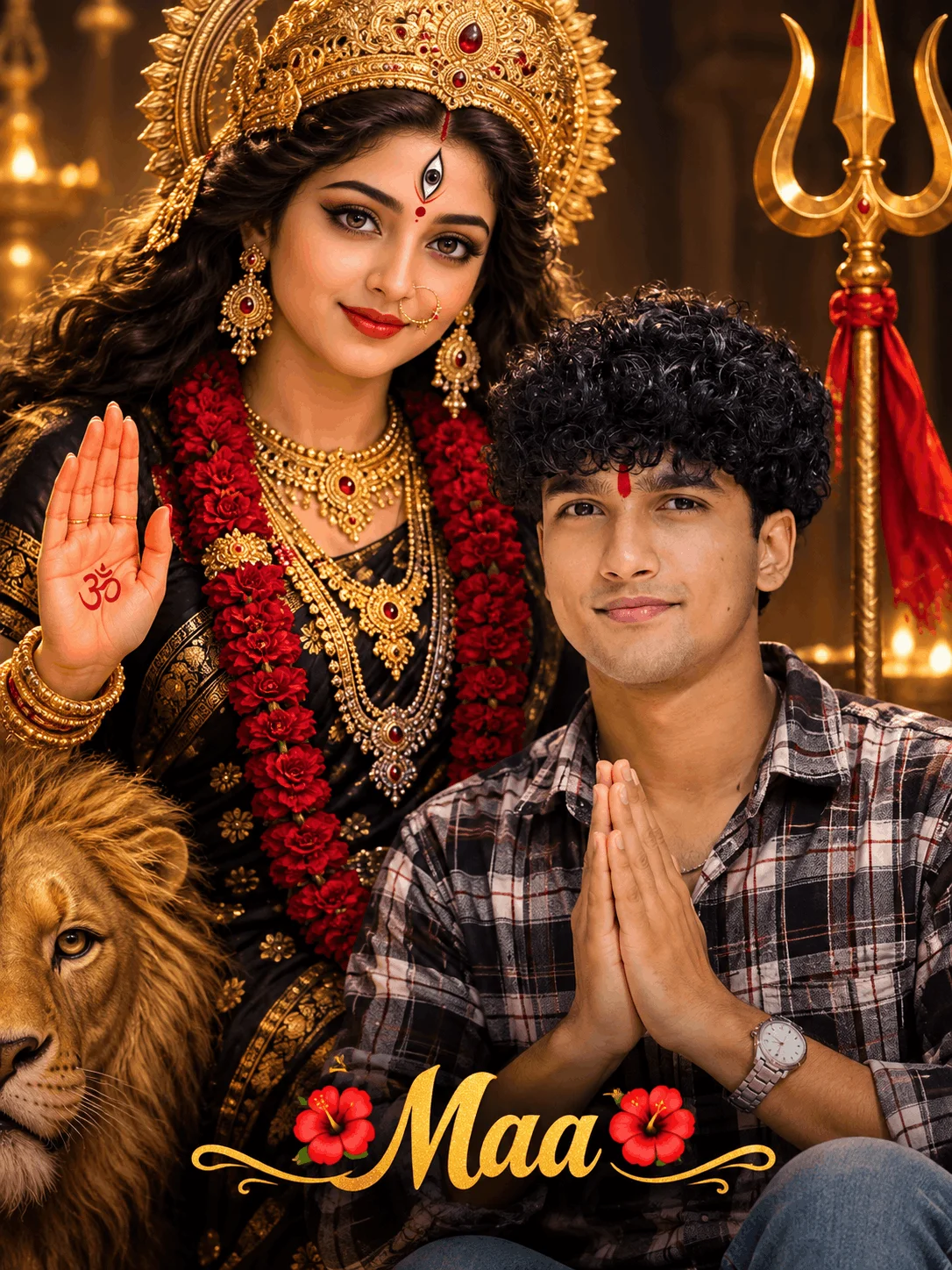
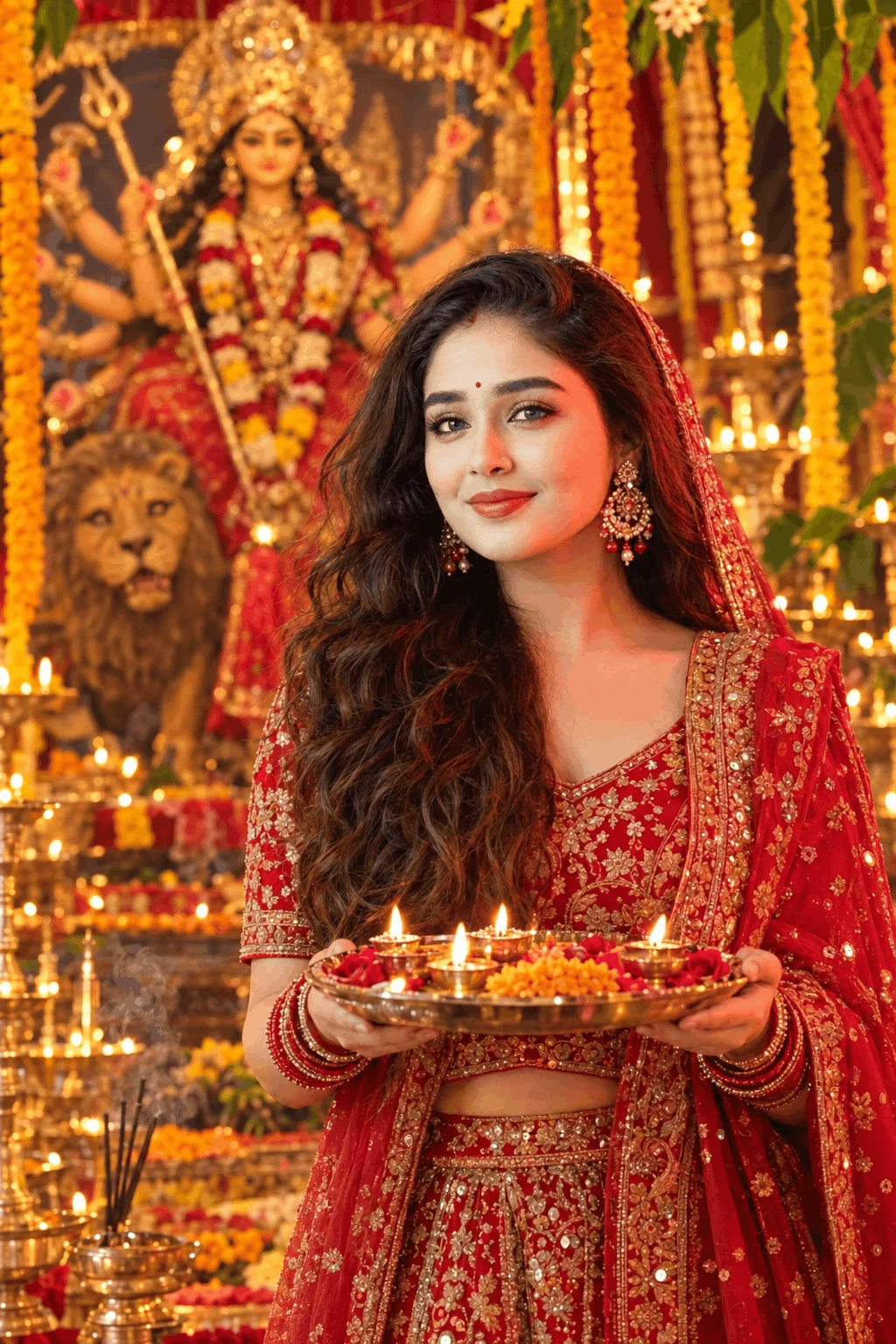
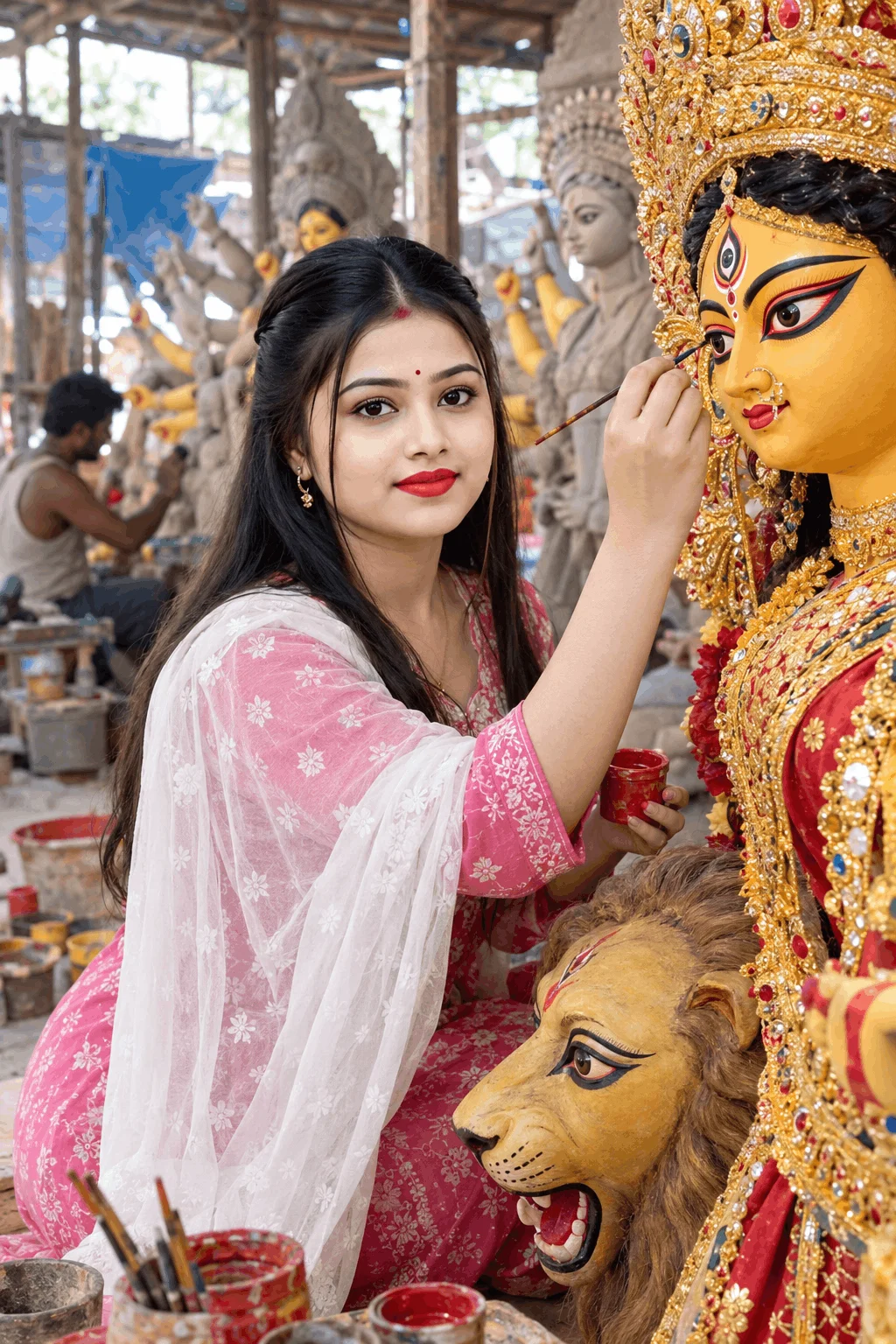
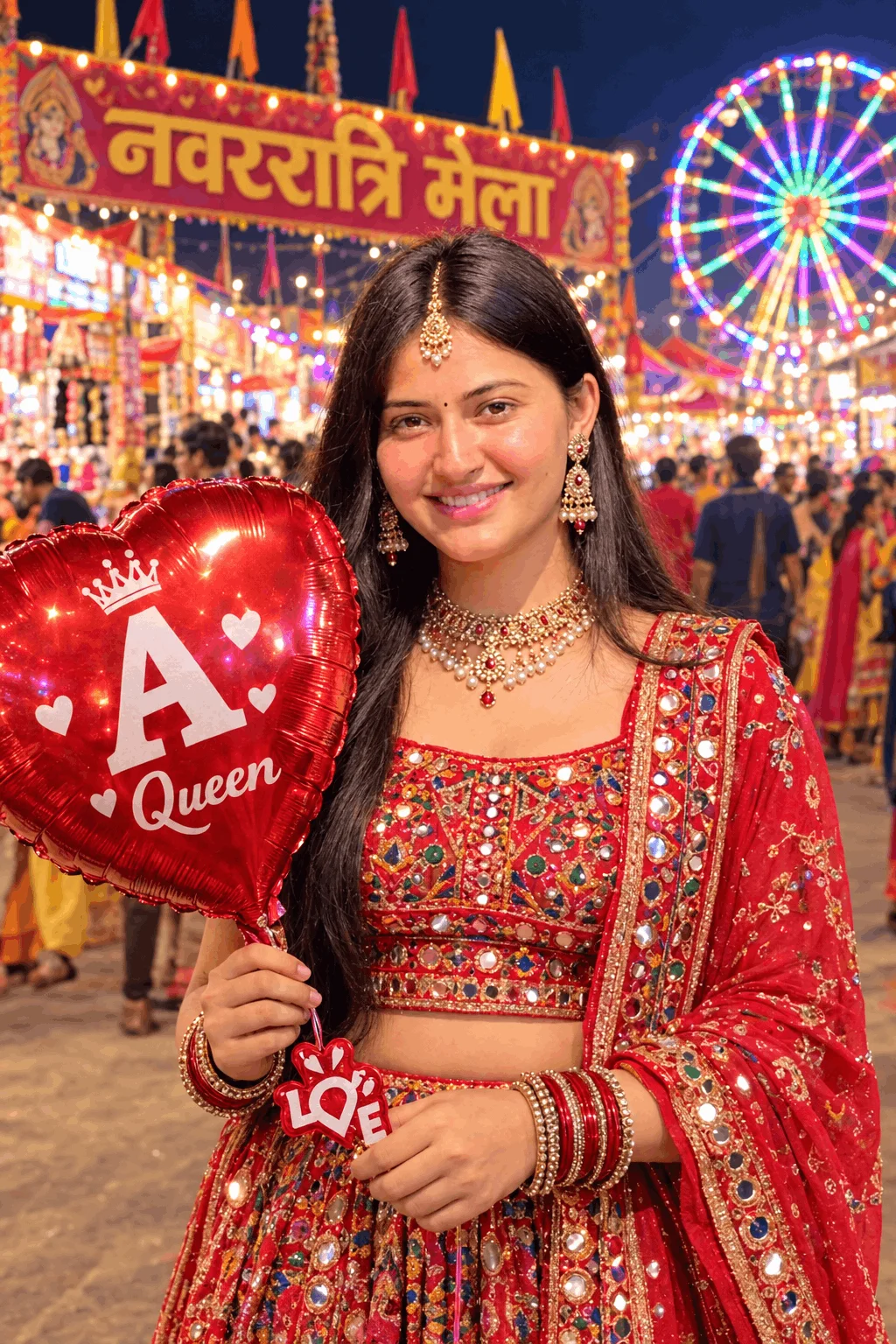
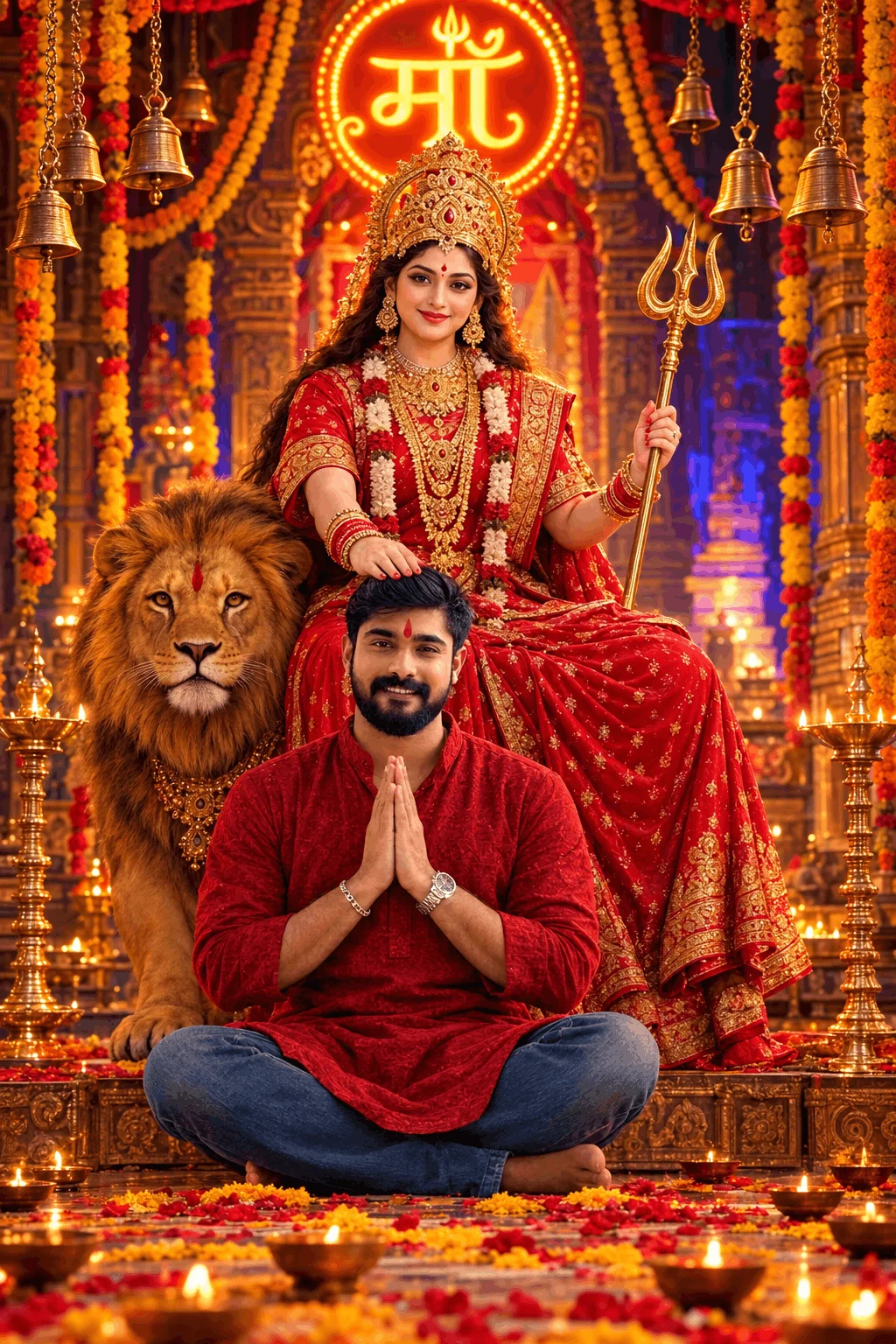
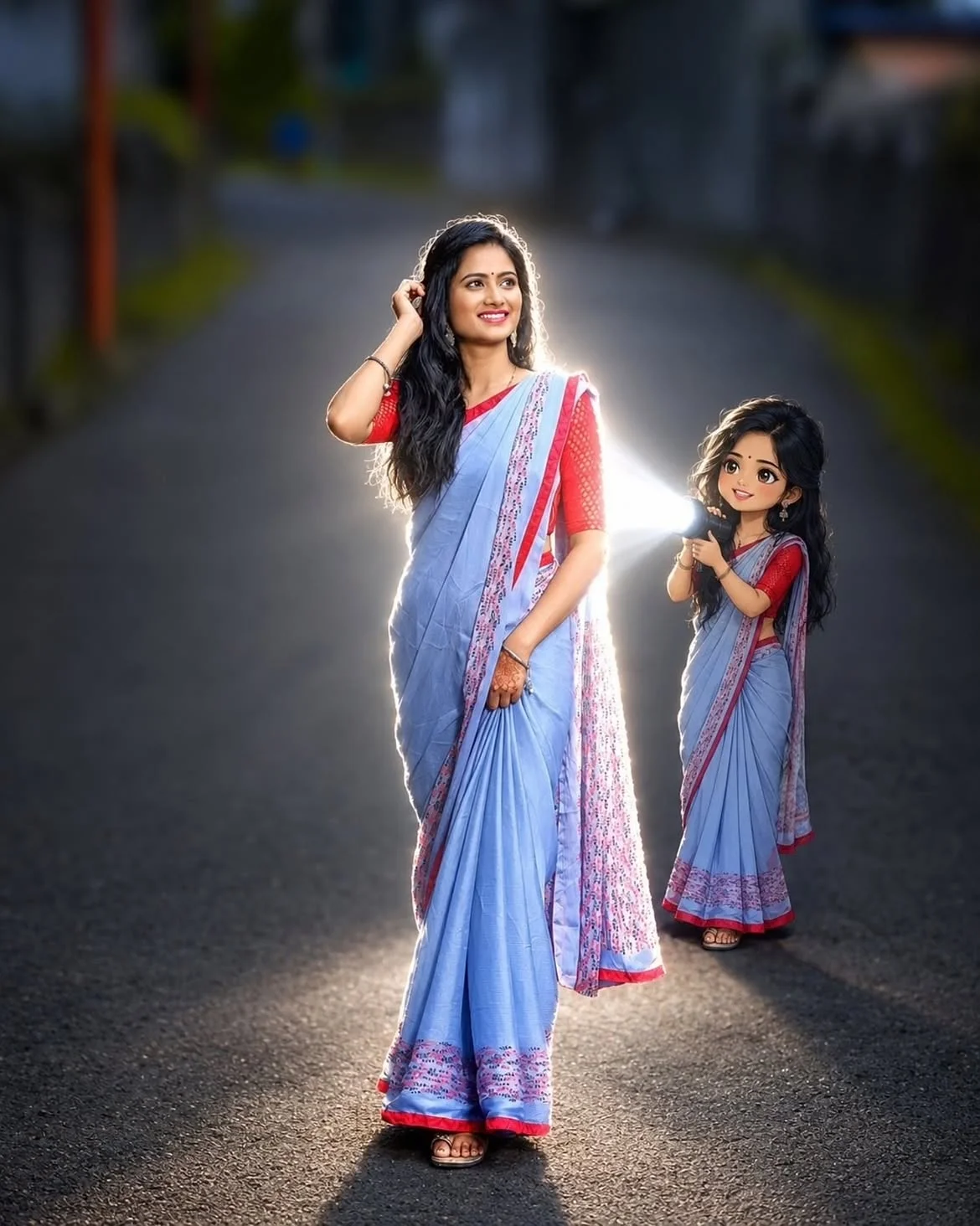
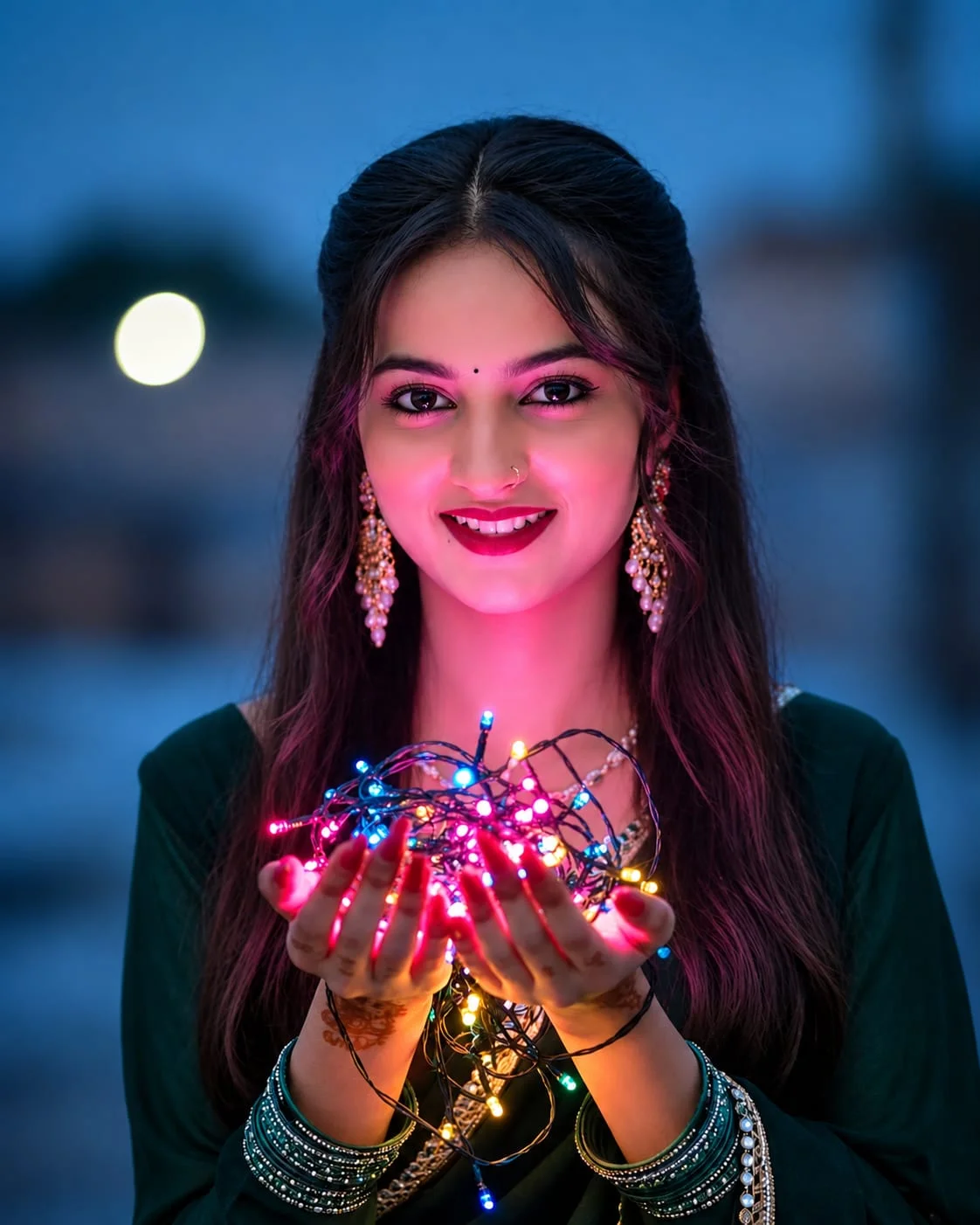
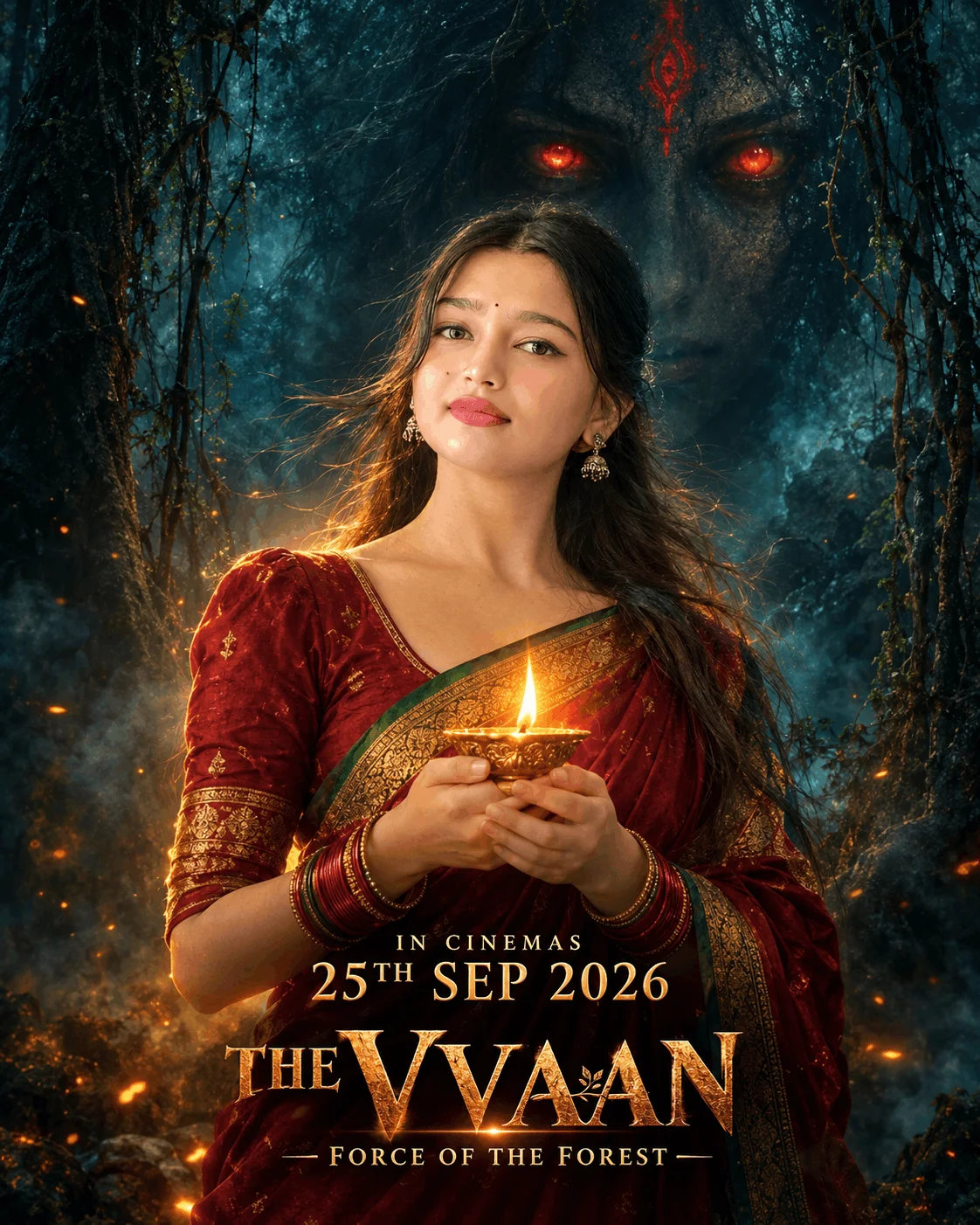
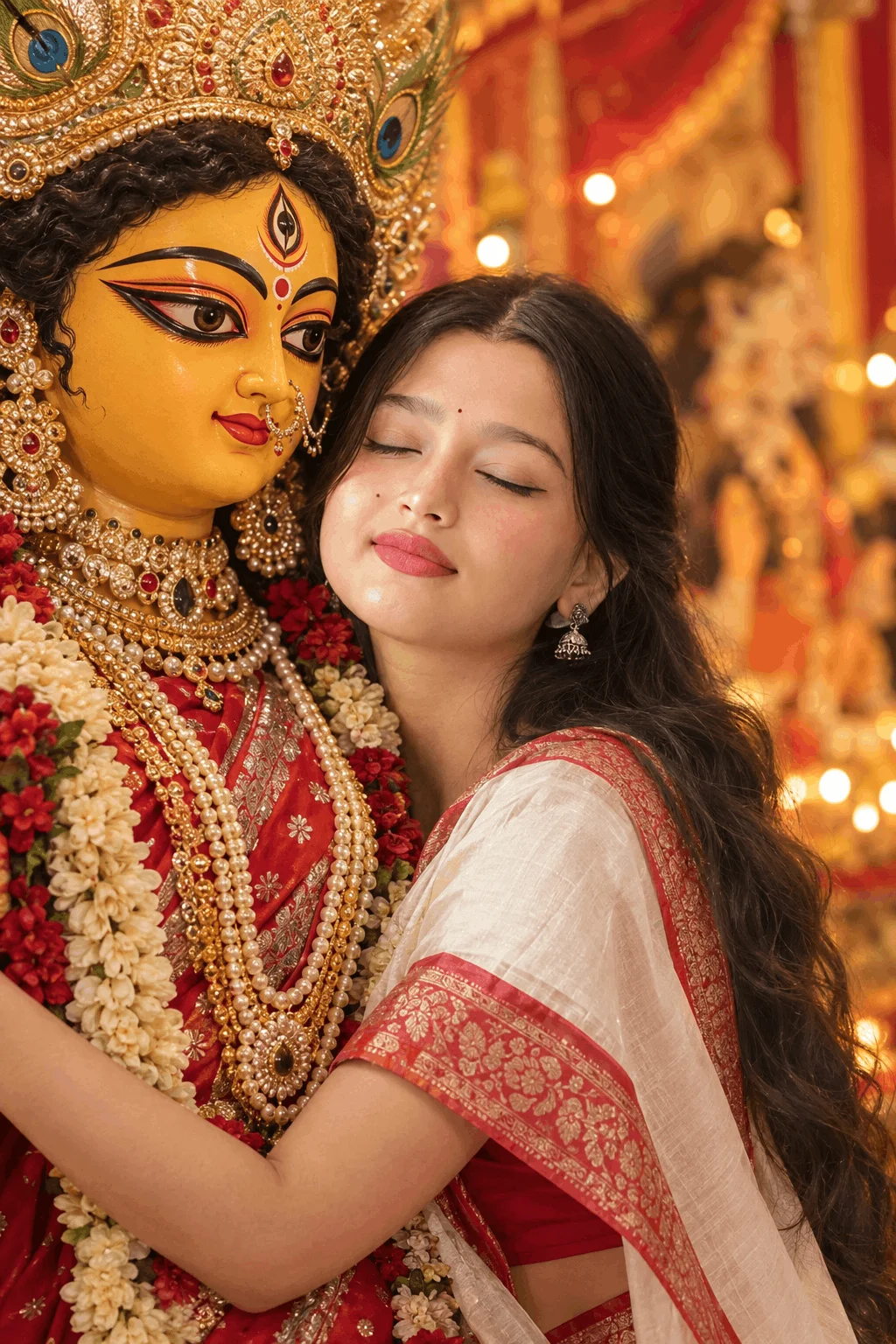
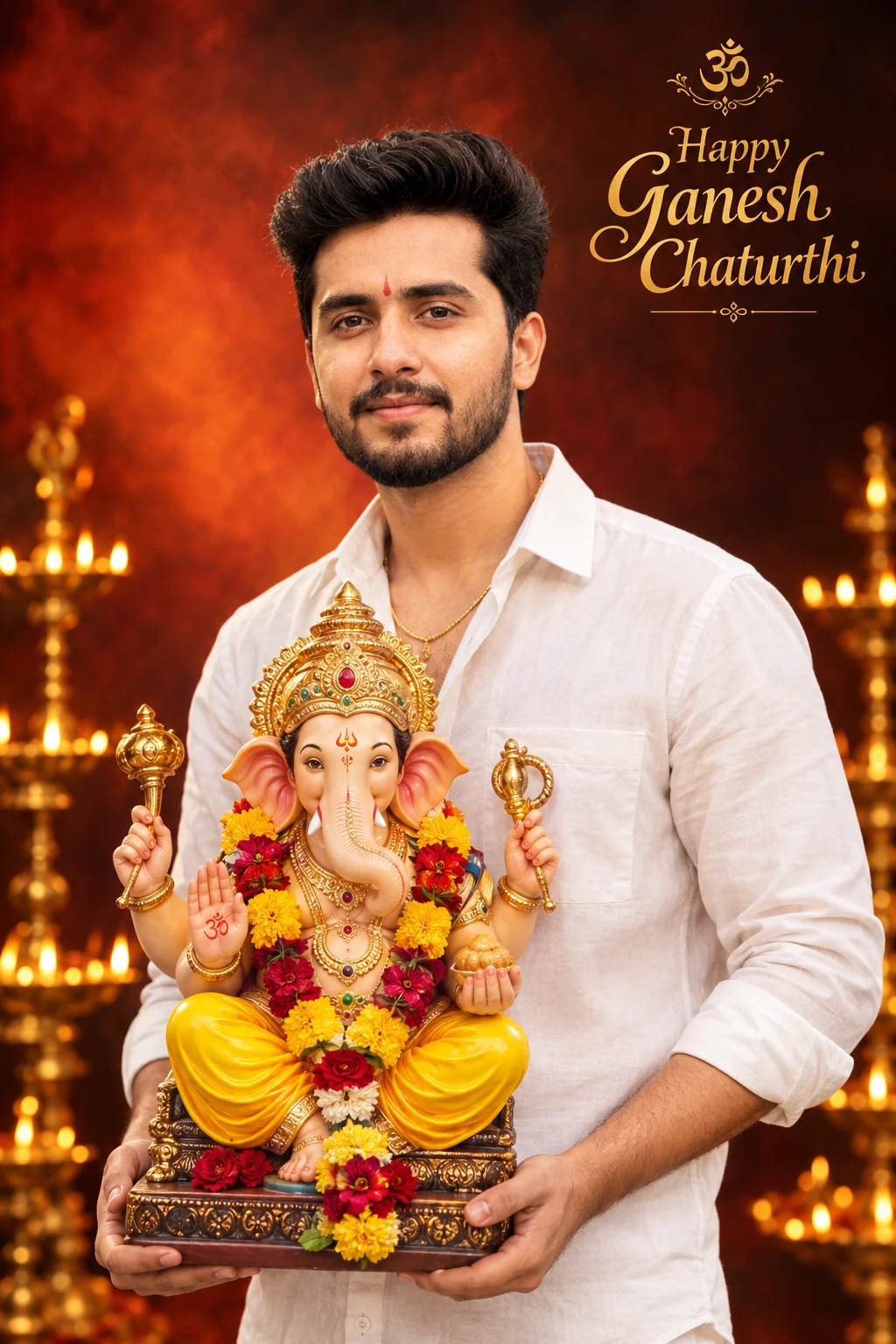
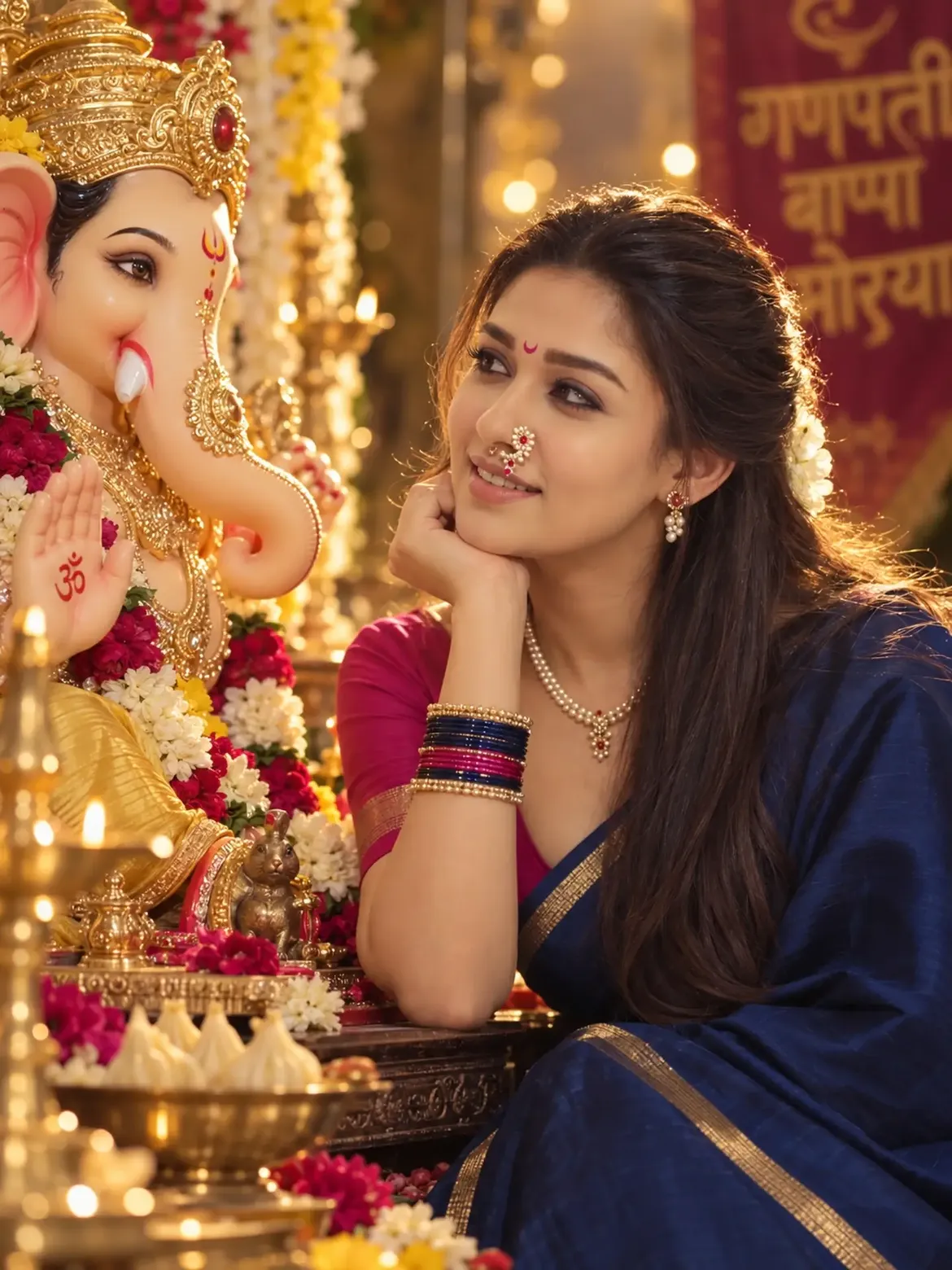
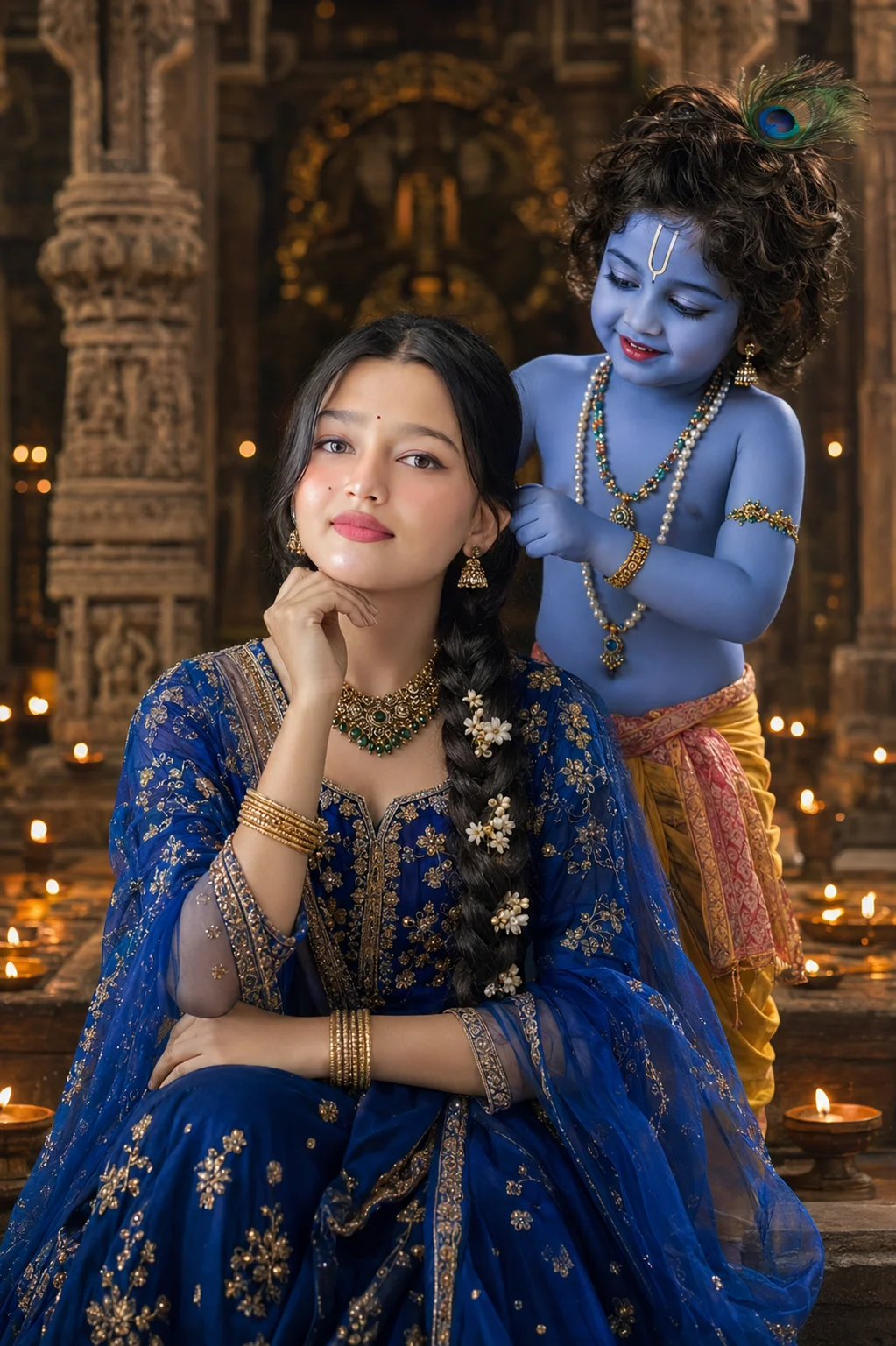
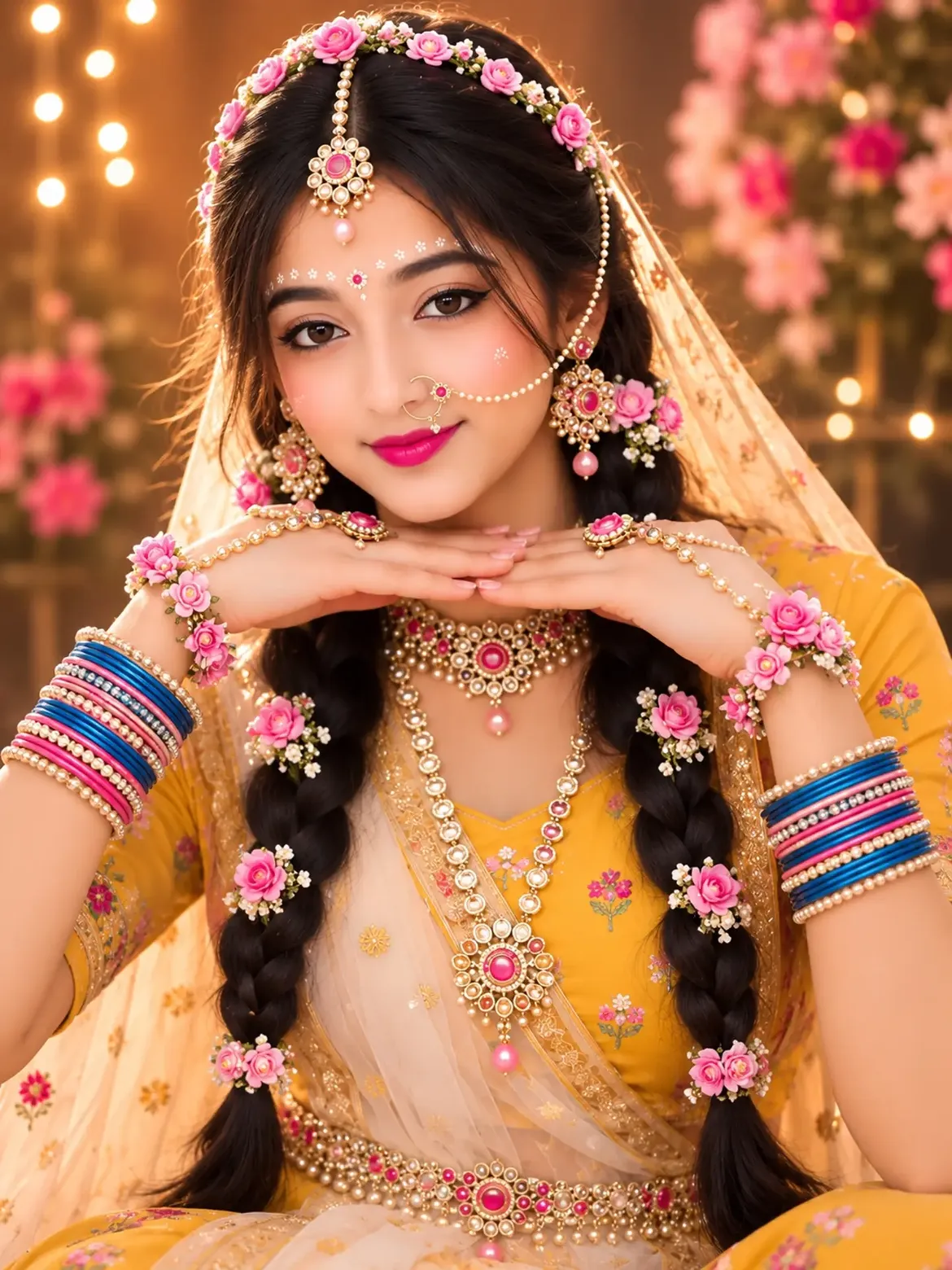
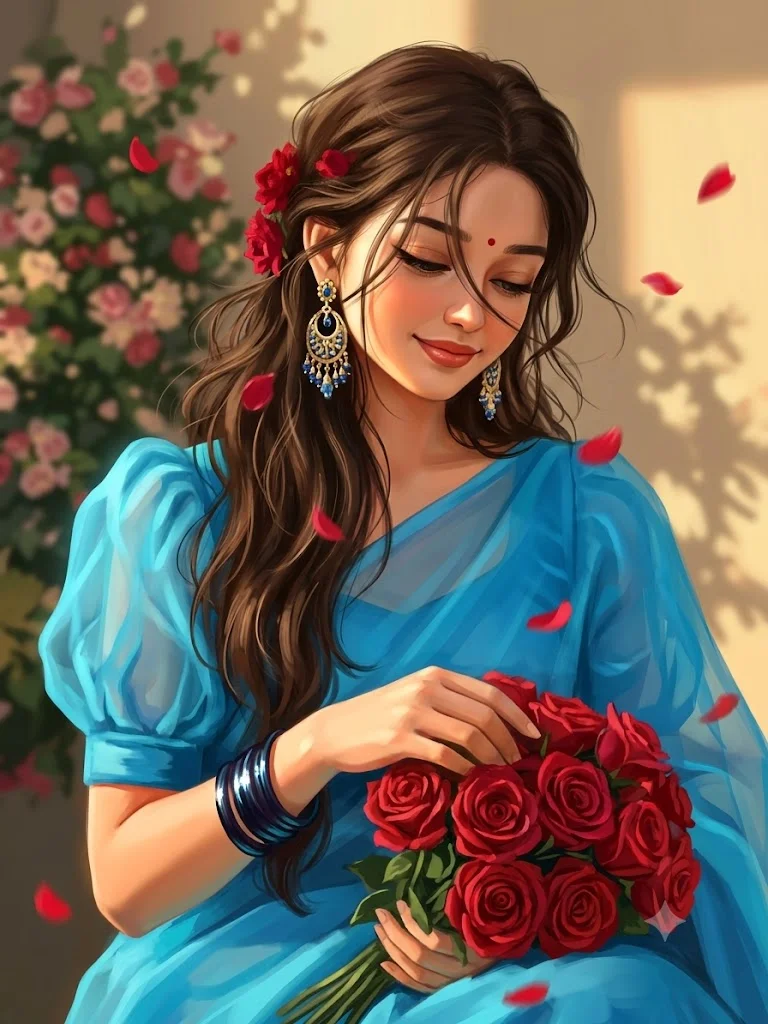
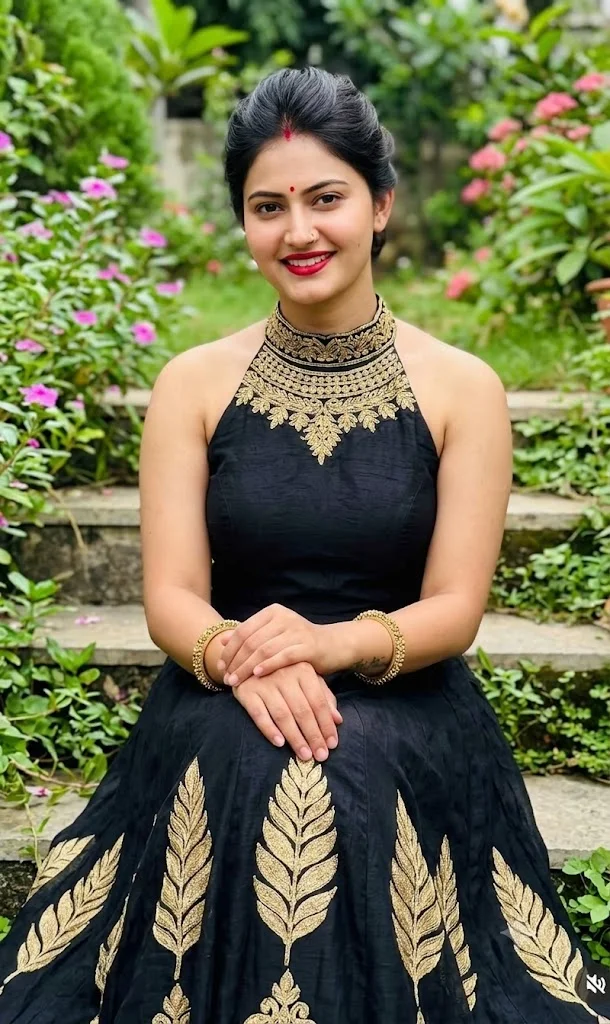
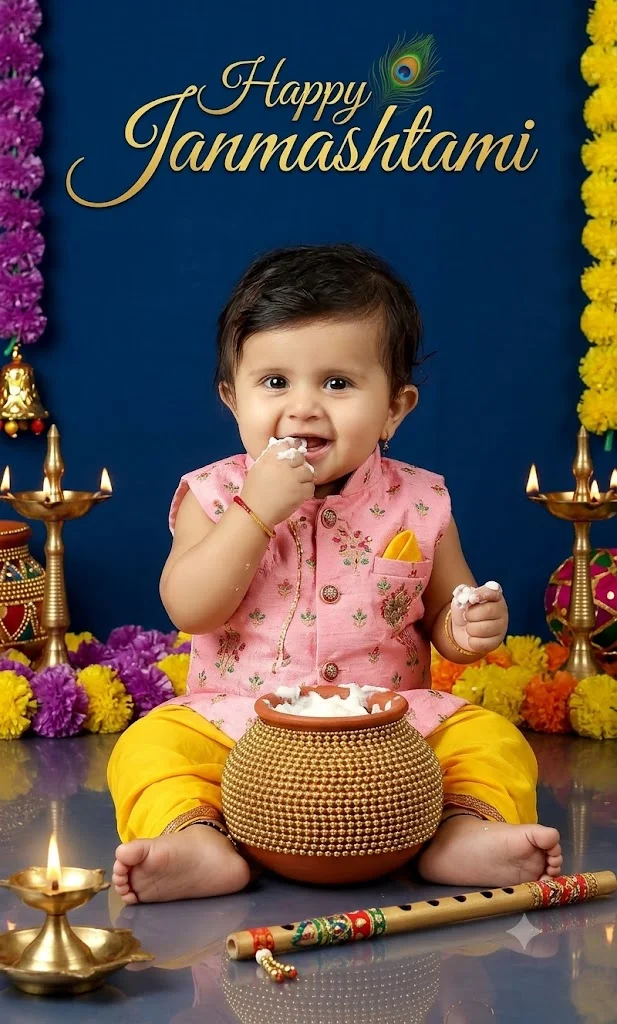
Viral for Diwali & NavratriFocuses on traditional silk sarees, embroidered kurtas, warm clay diyas, and heritage palace backdrops. The warm candlelight creates soft reflections on the face that look straight out of a royal magazine.
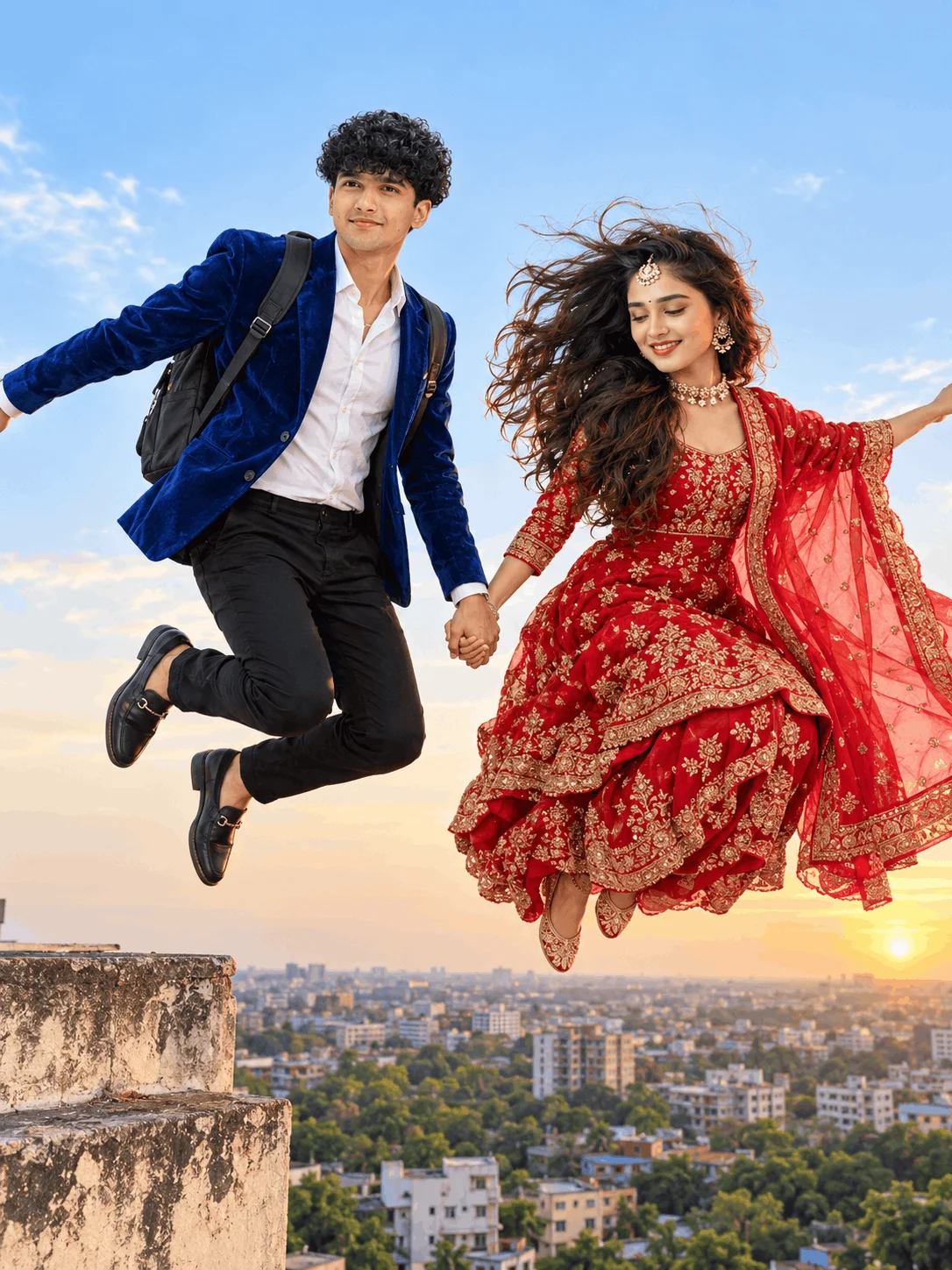
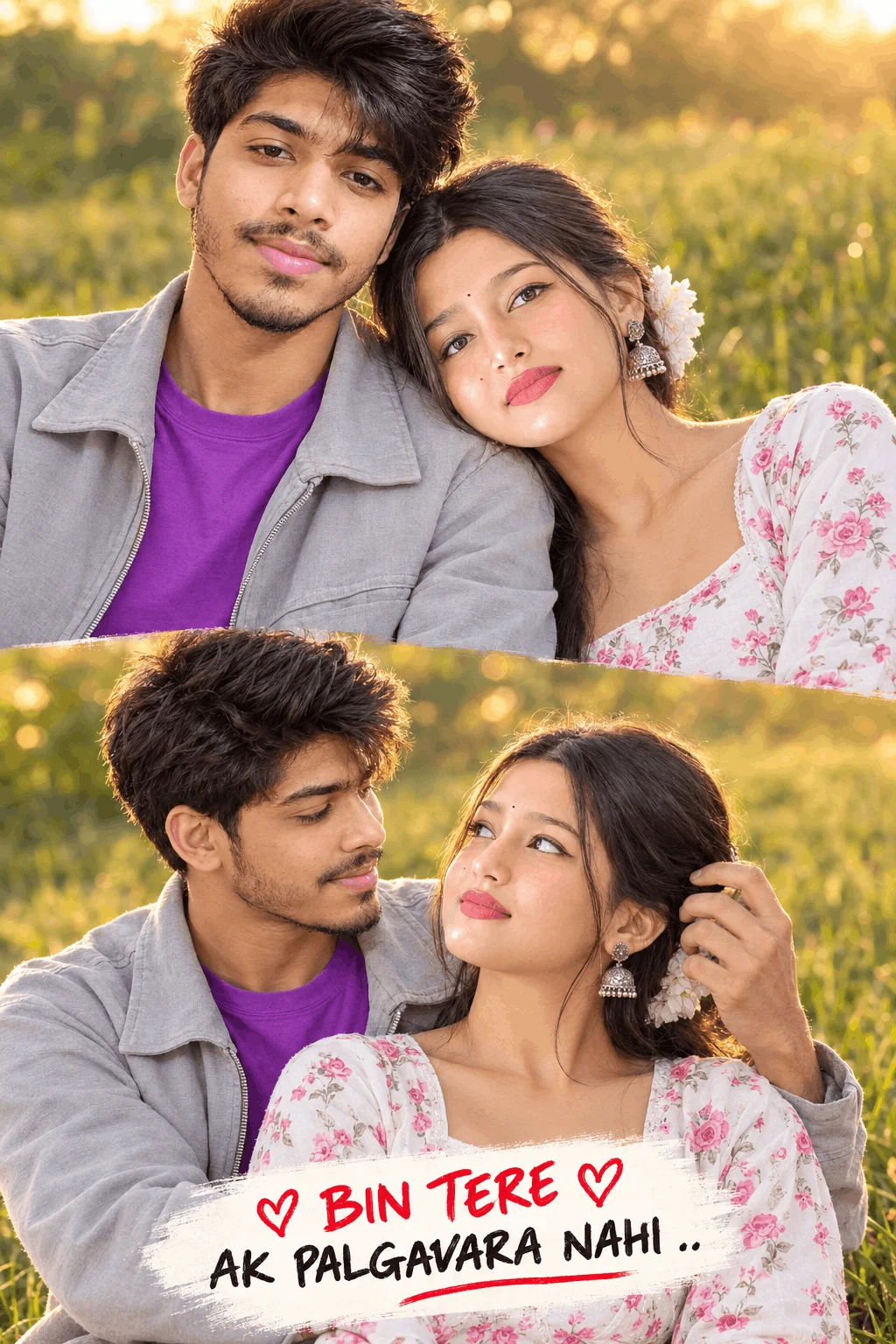
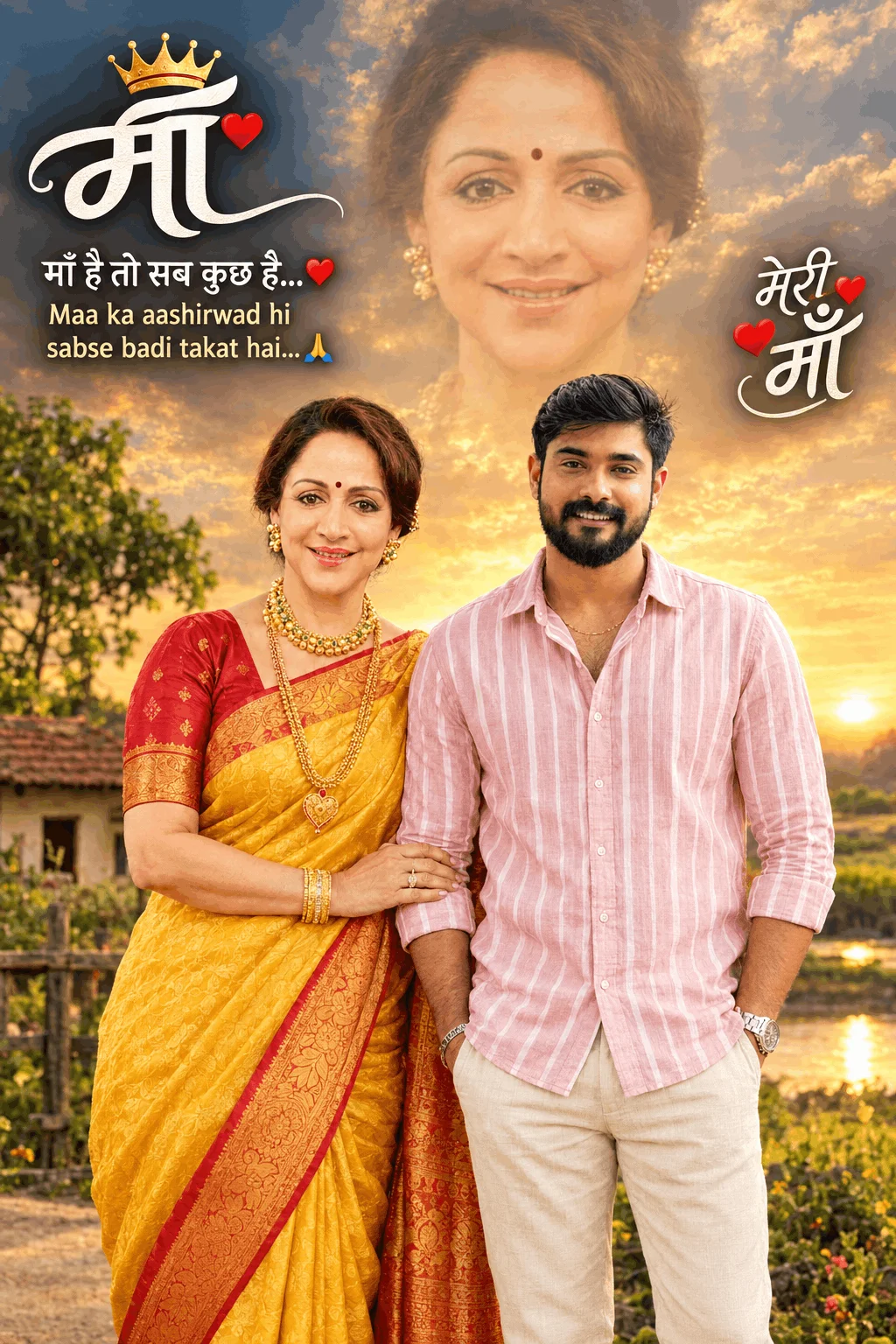
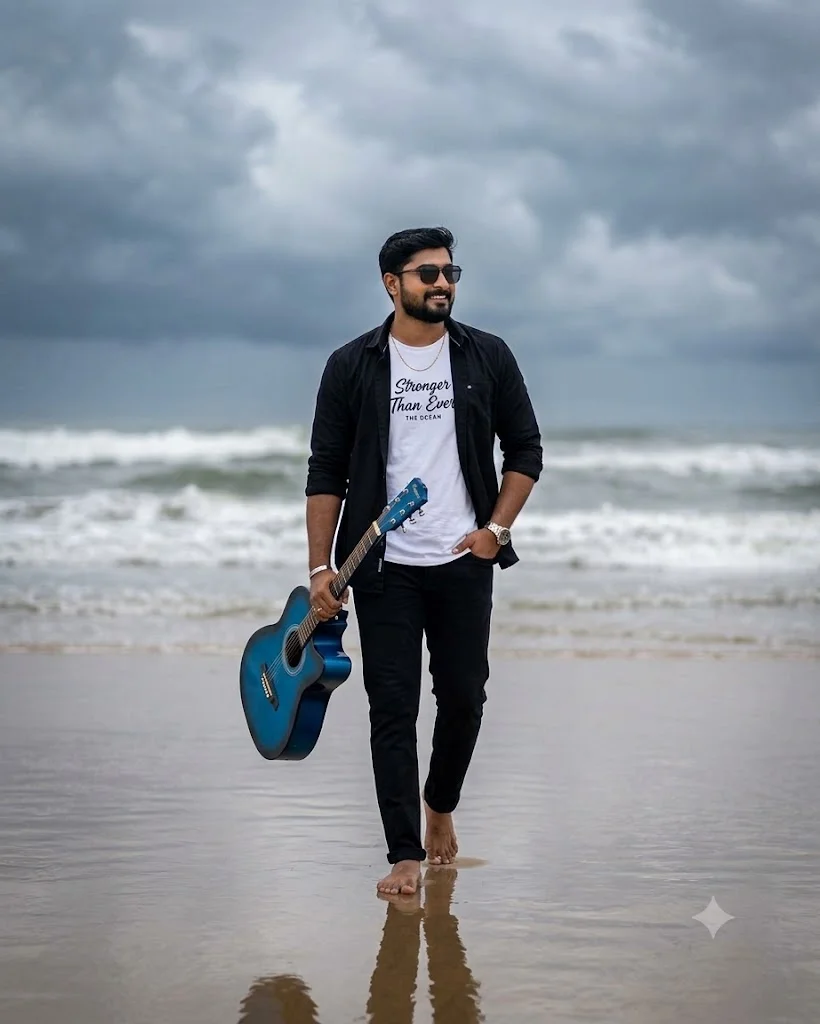
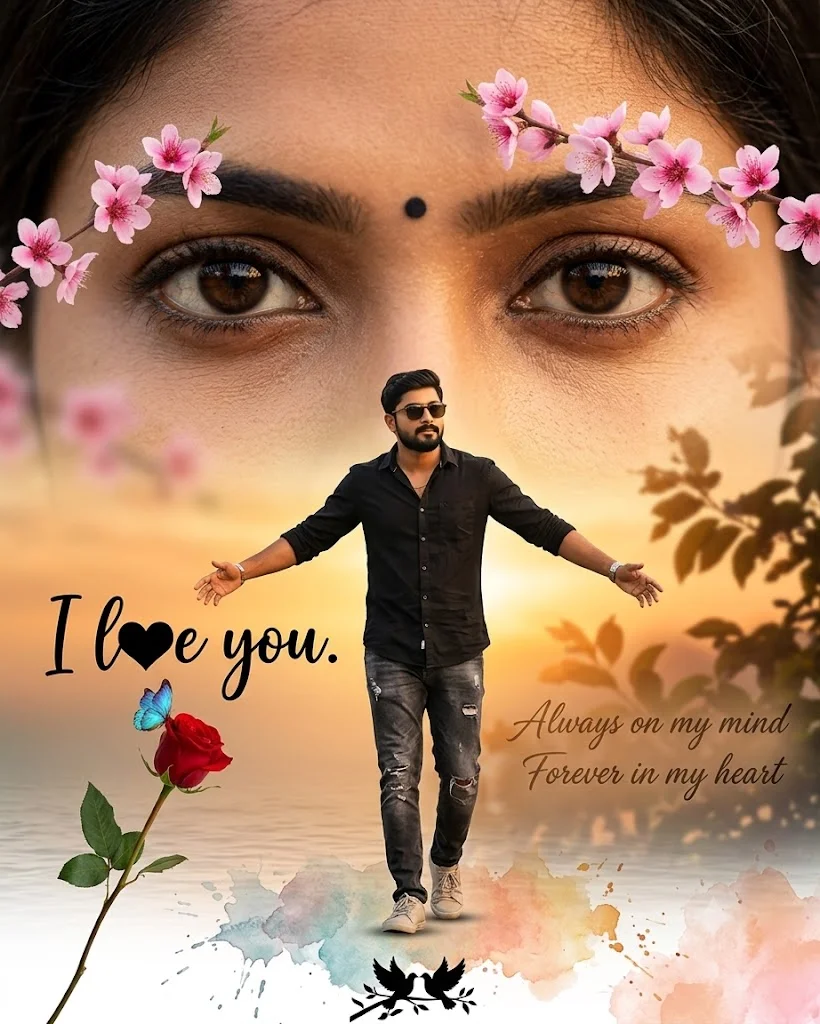
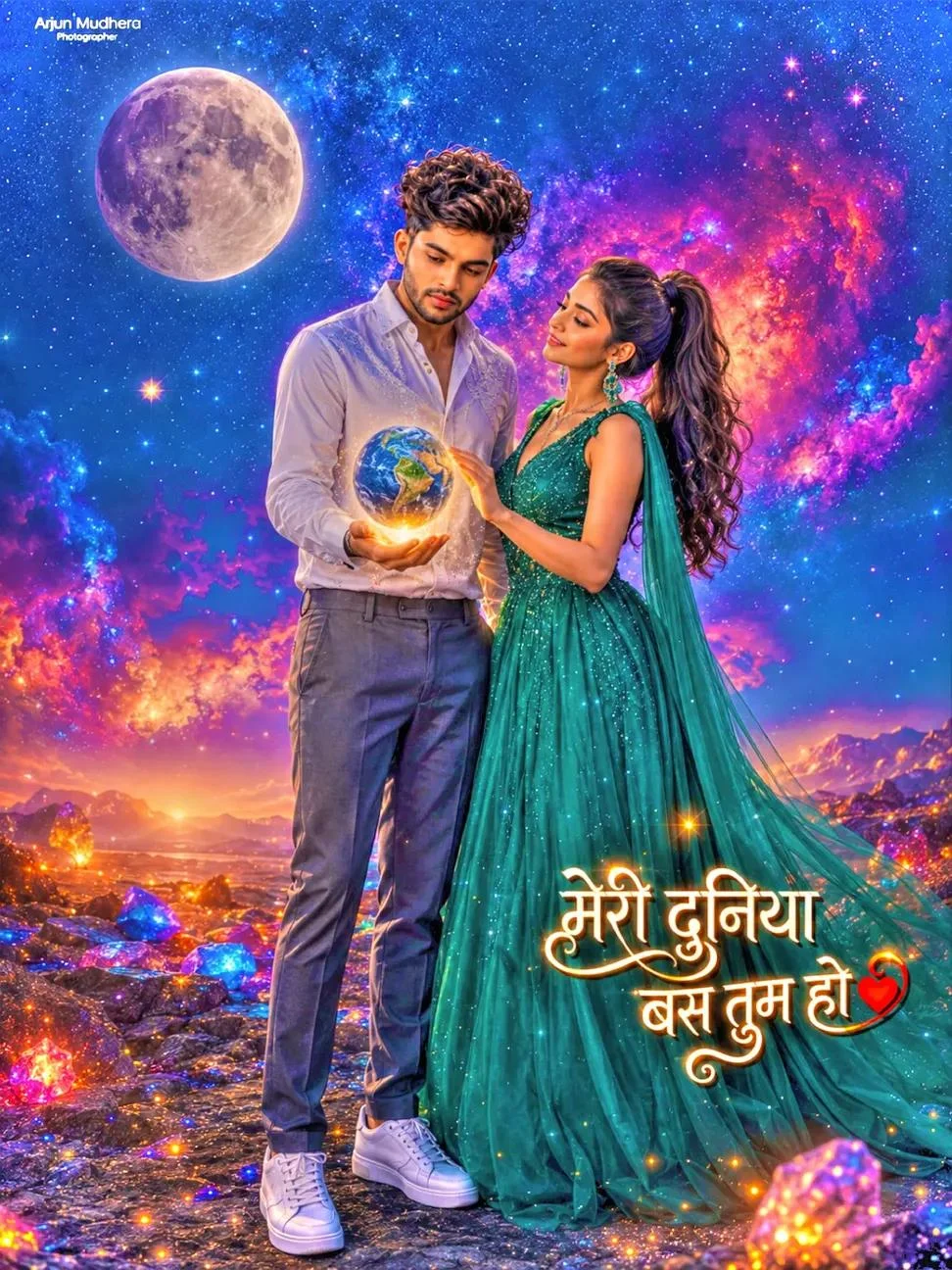
Style C: Dreamy Golden Hour Couple Stories
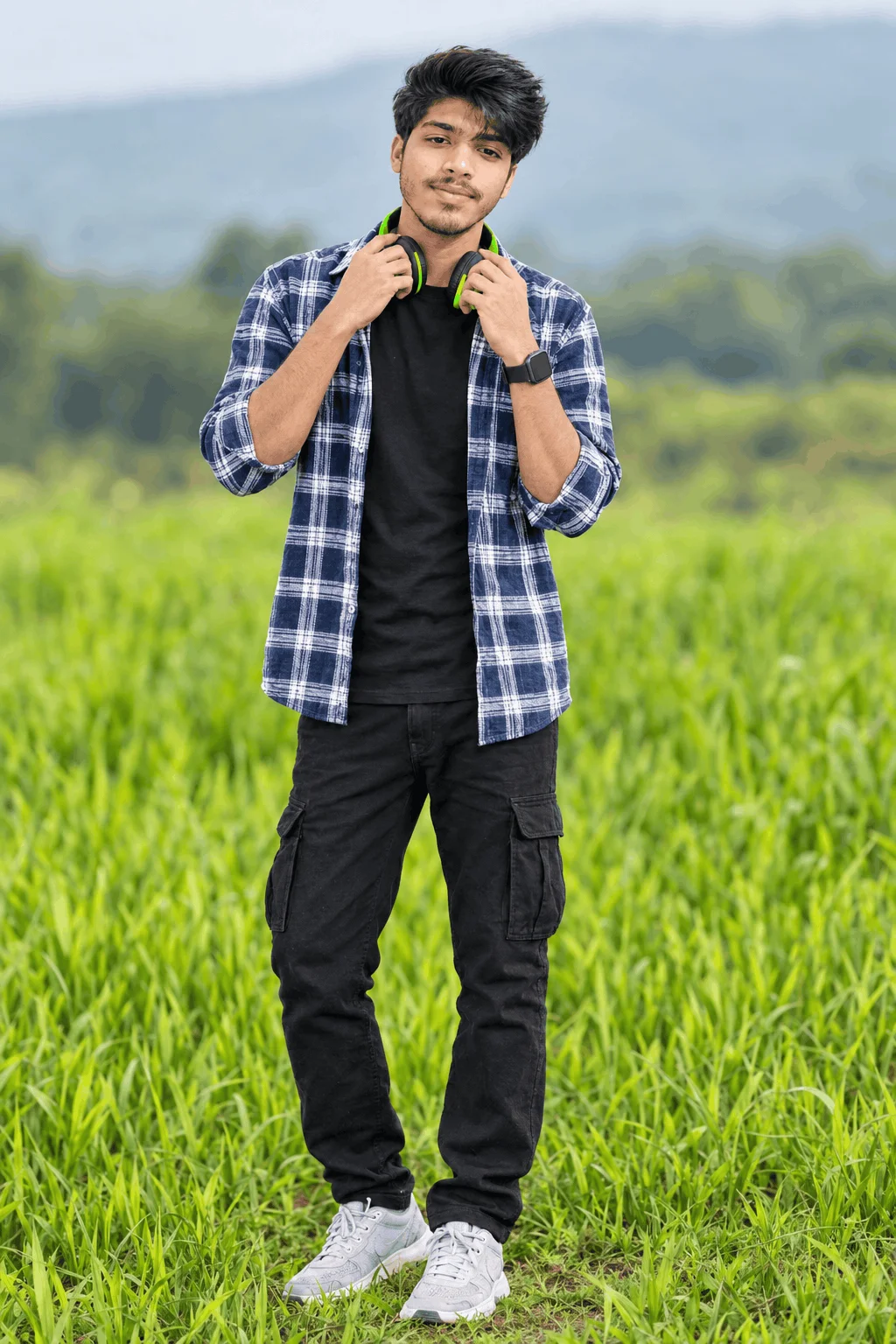
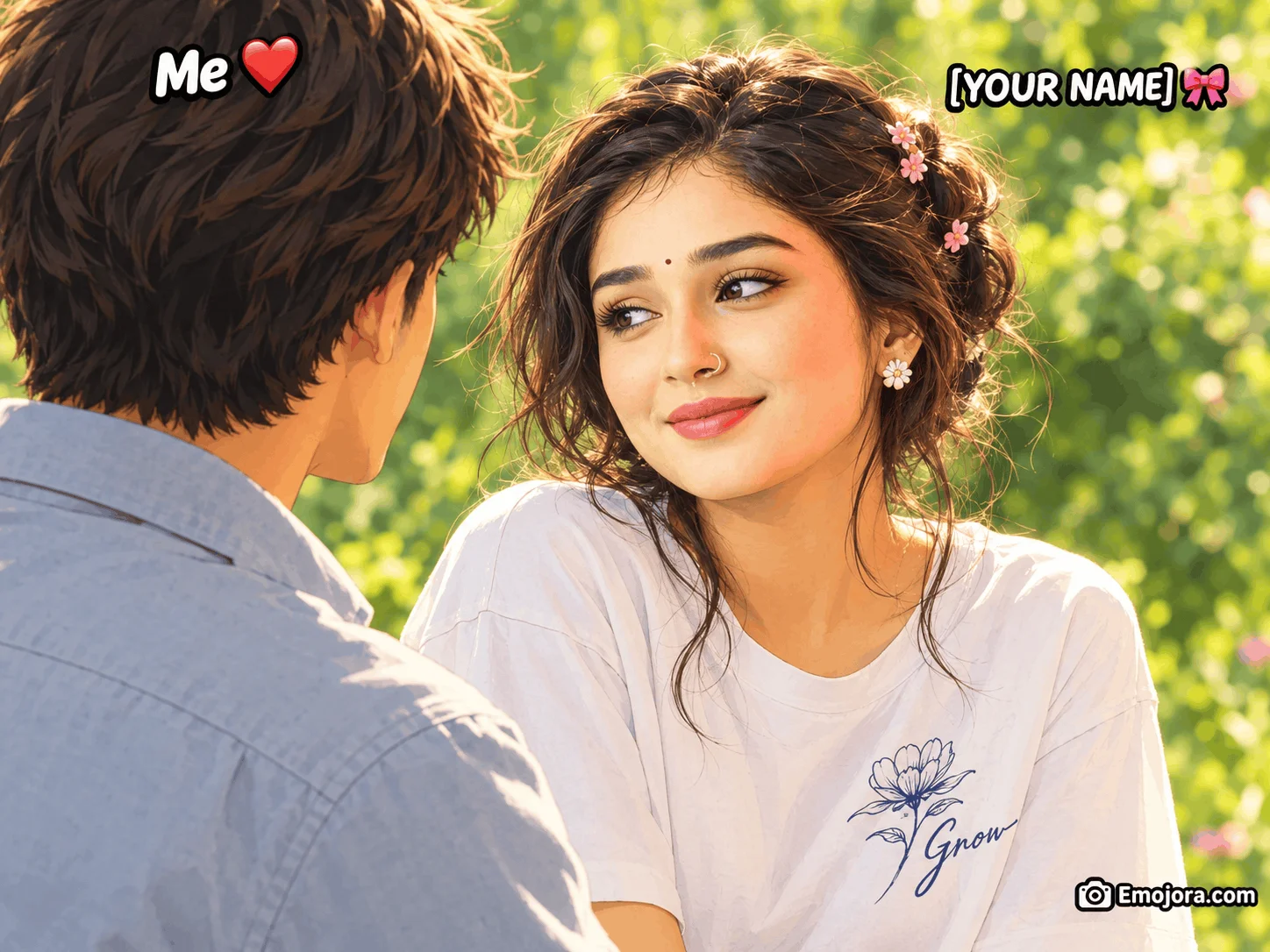
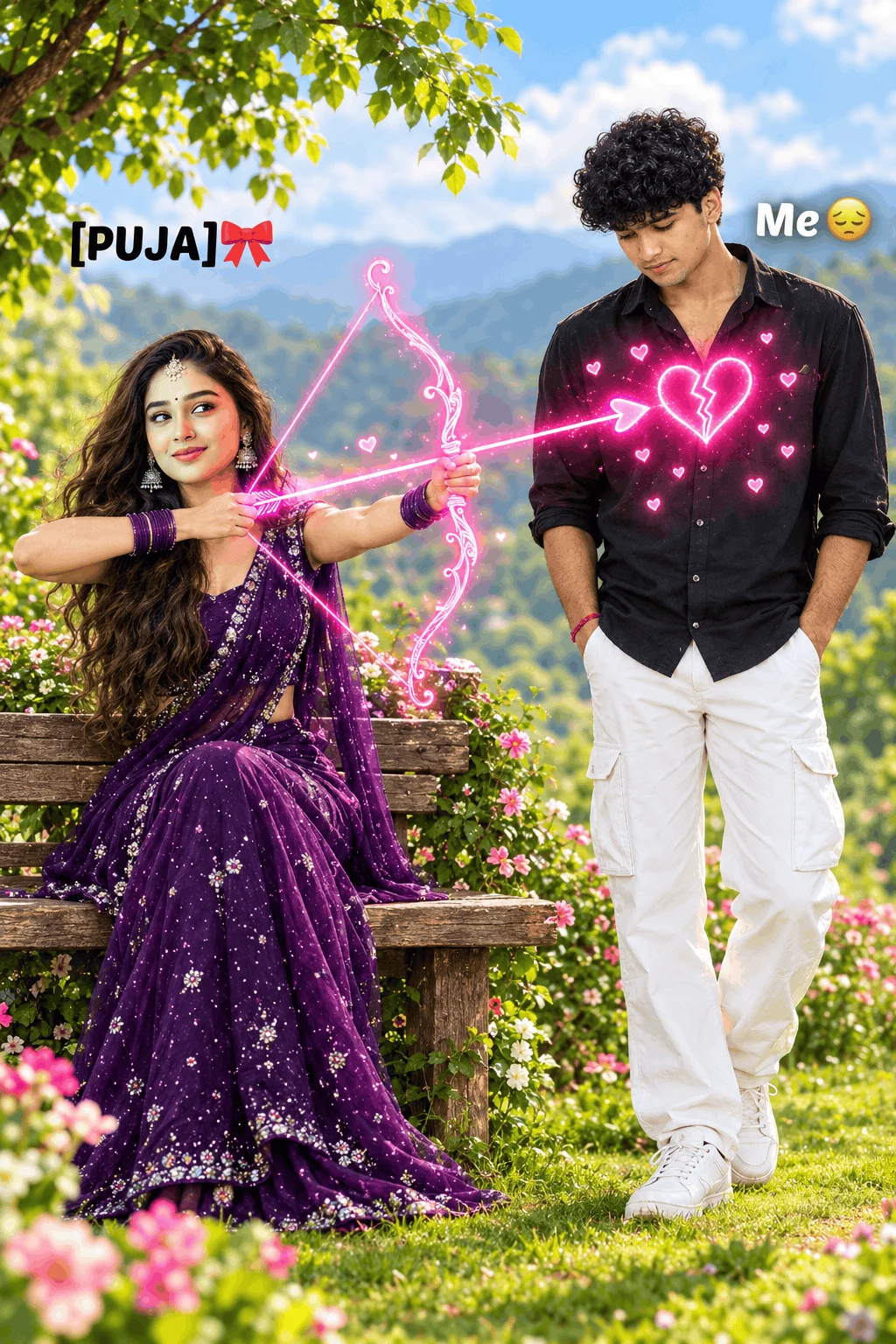
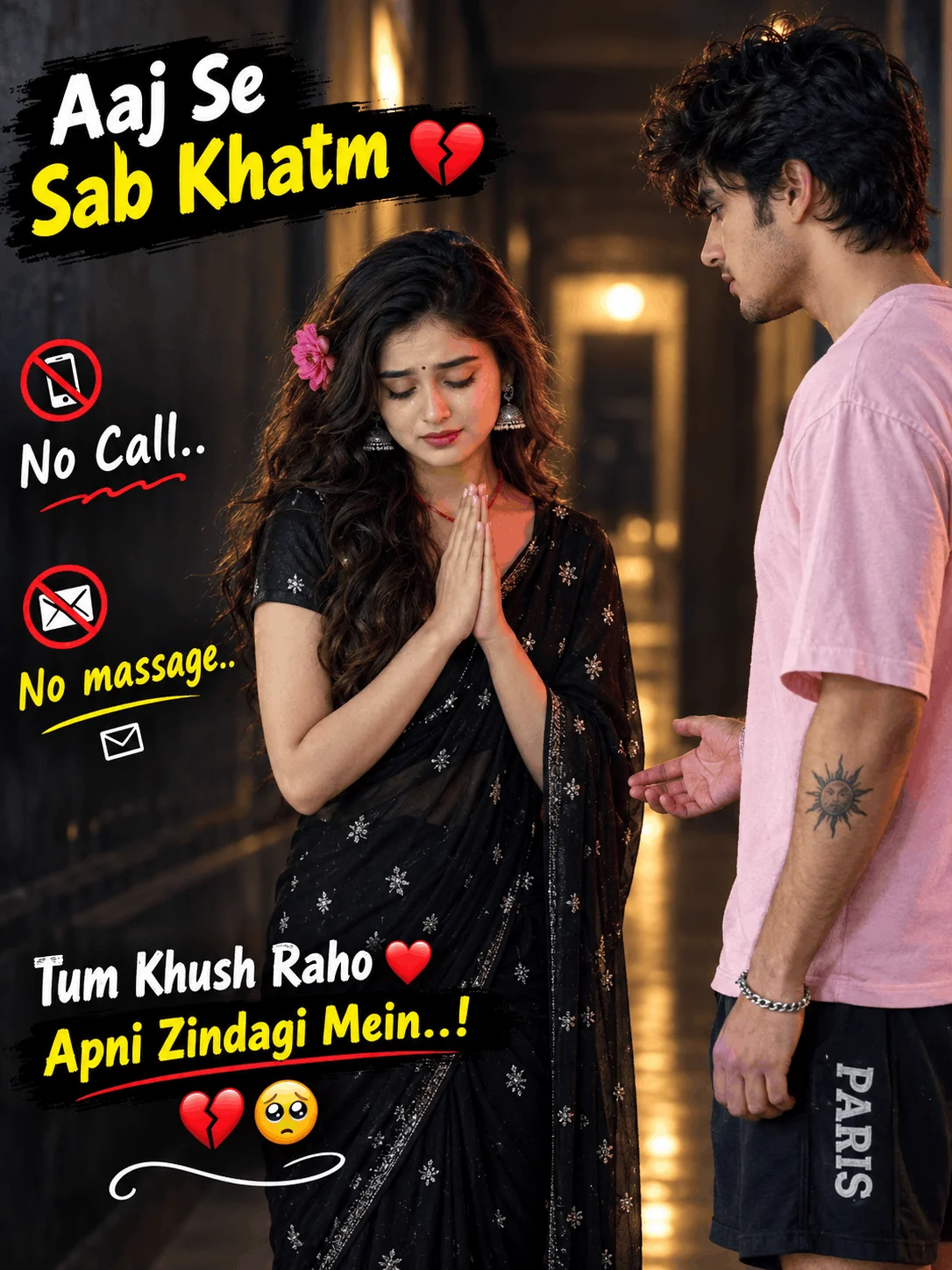
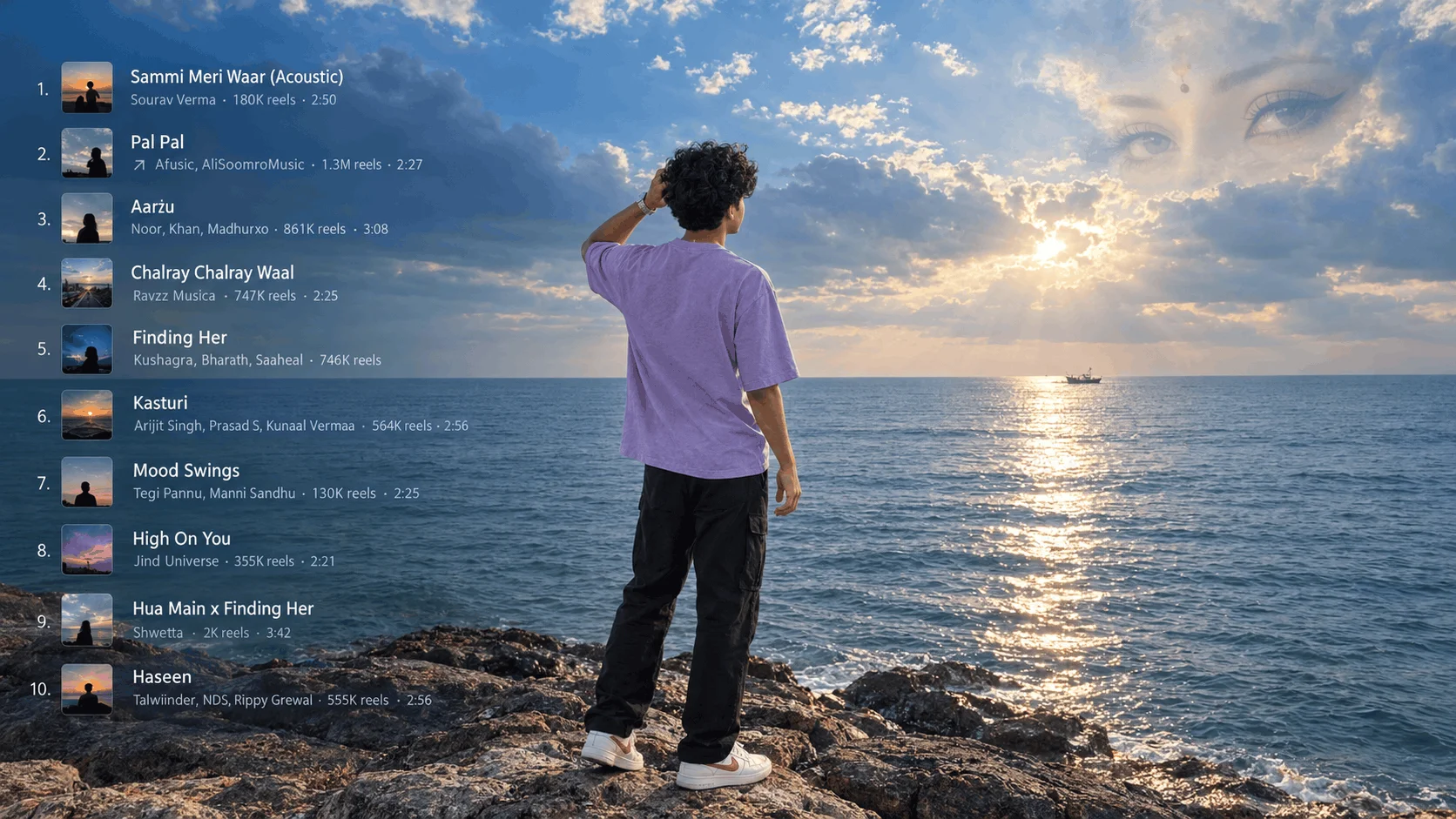
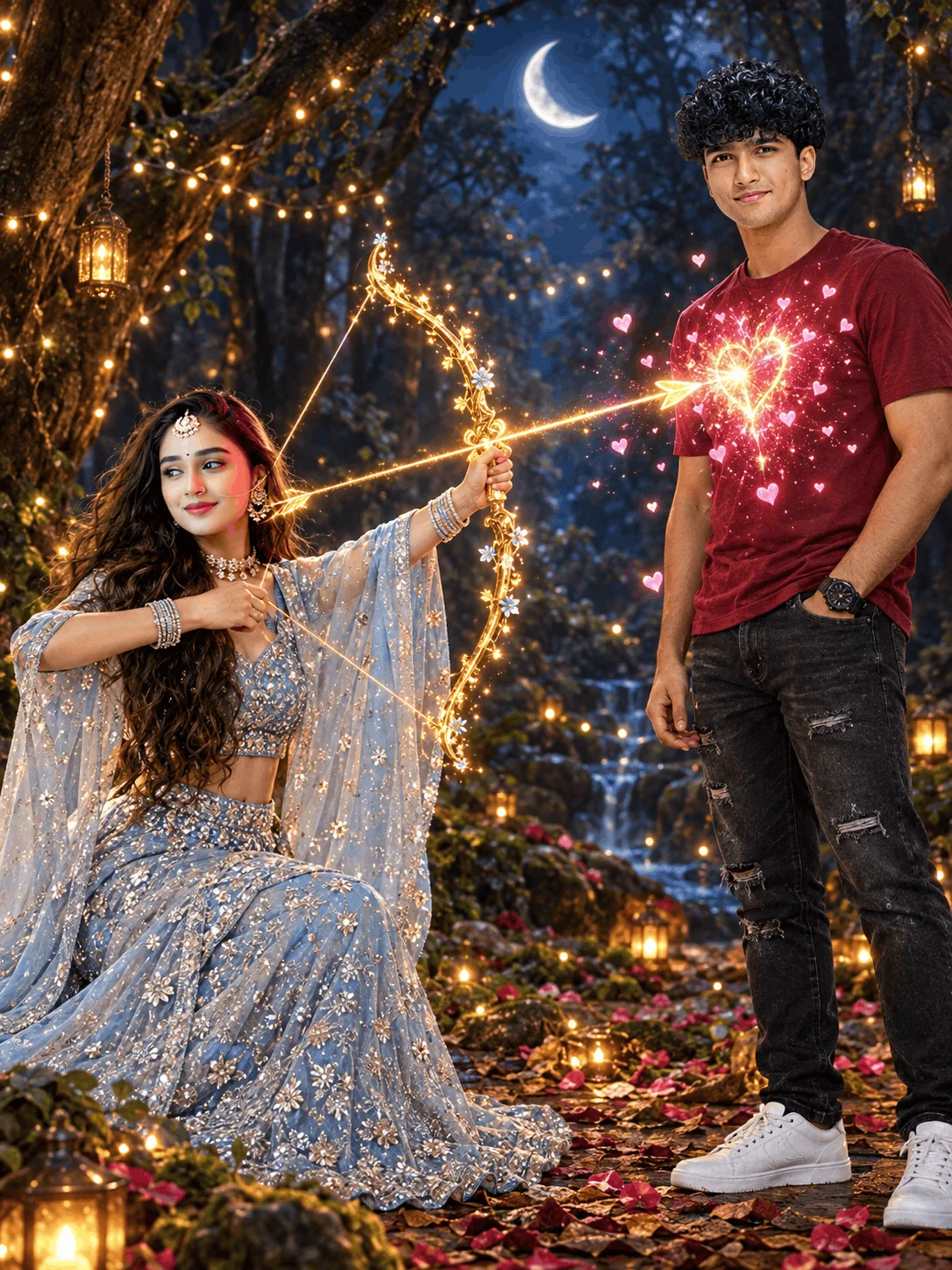
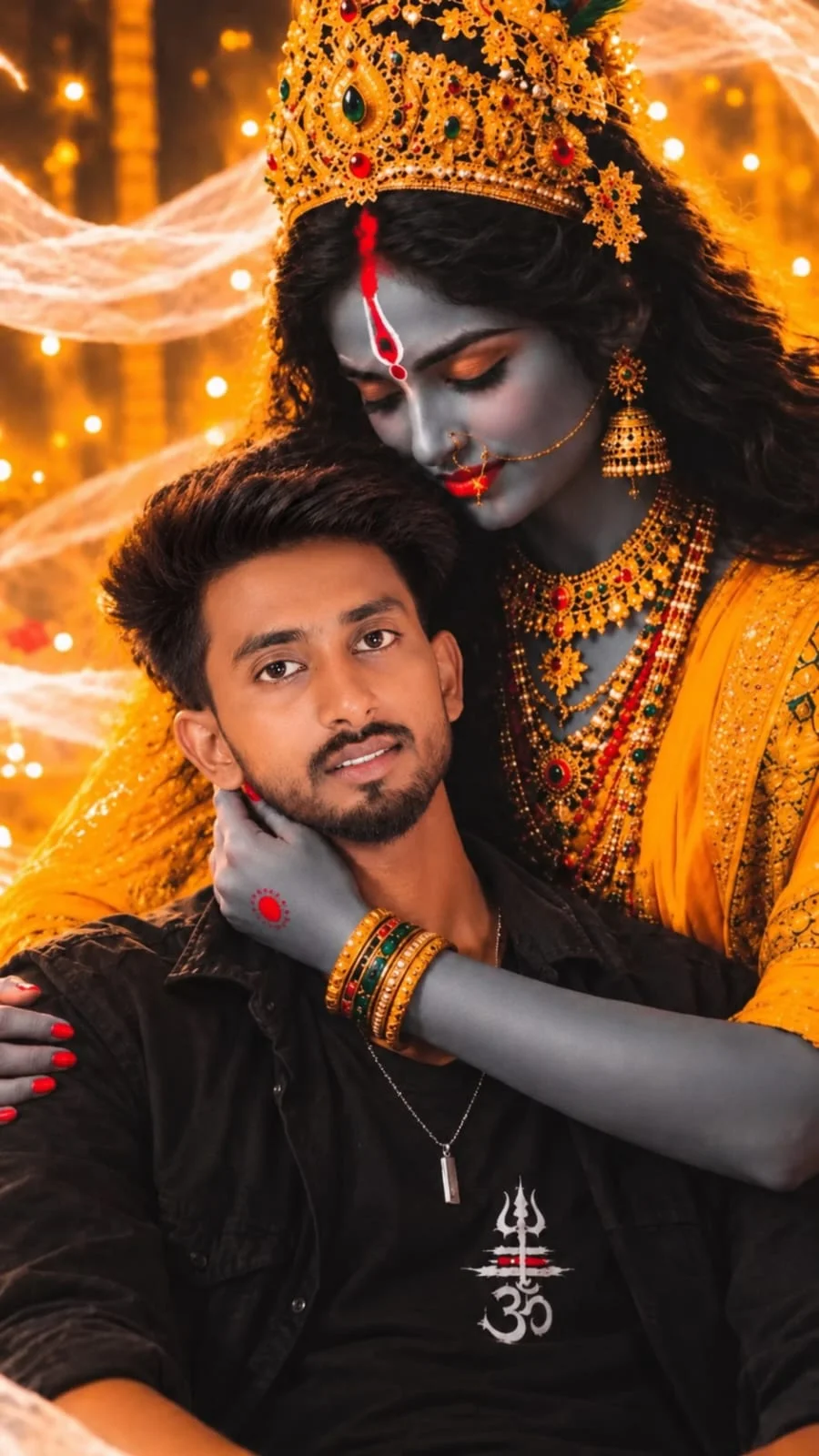
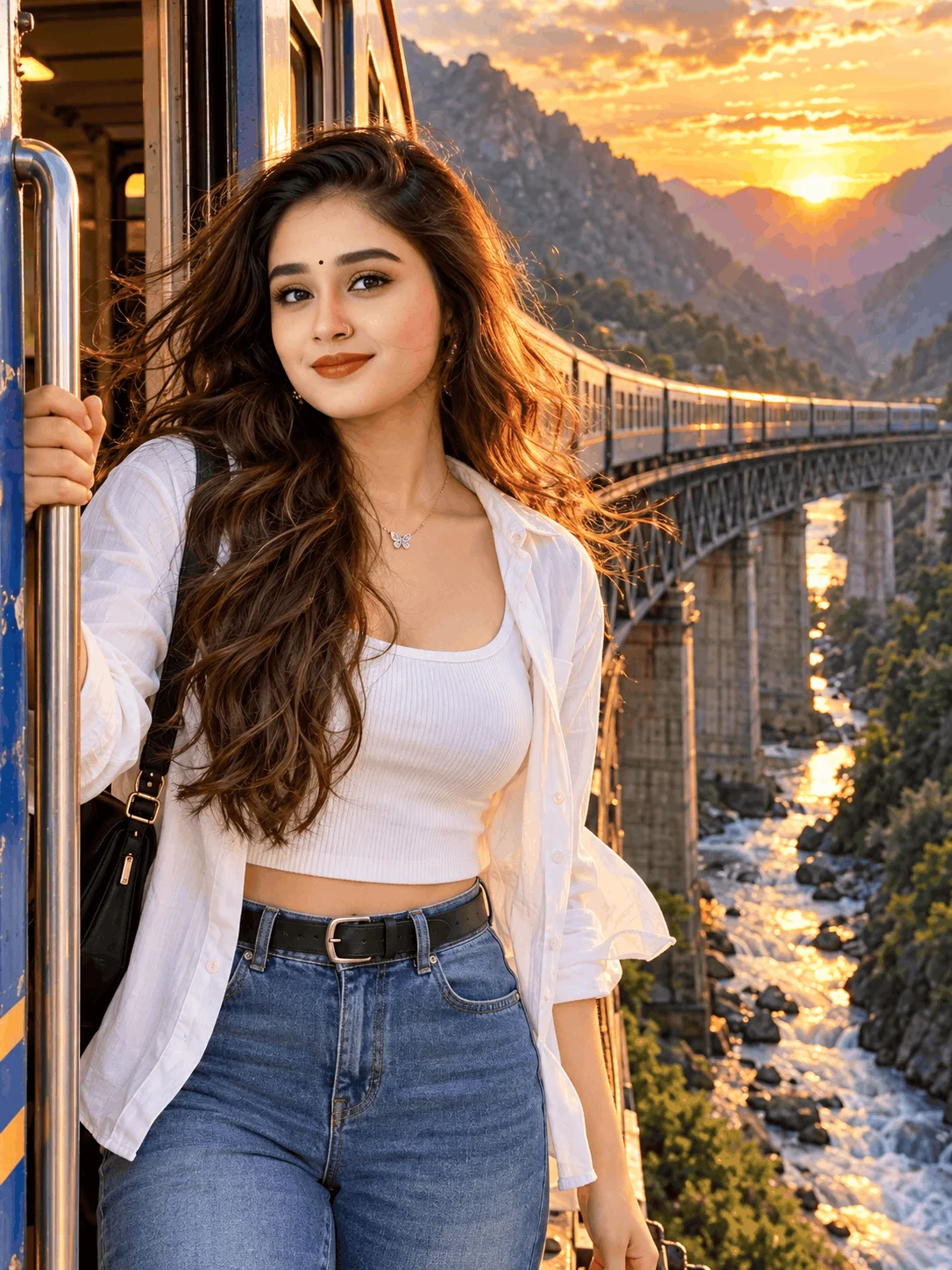
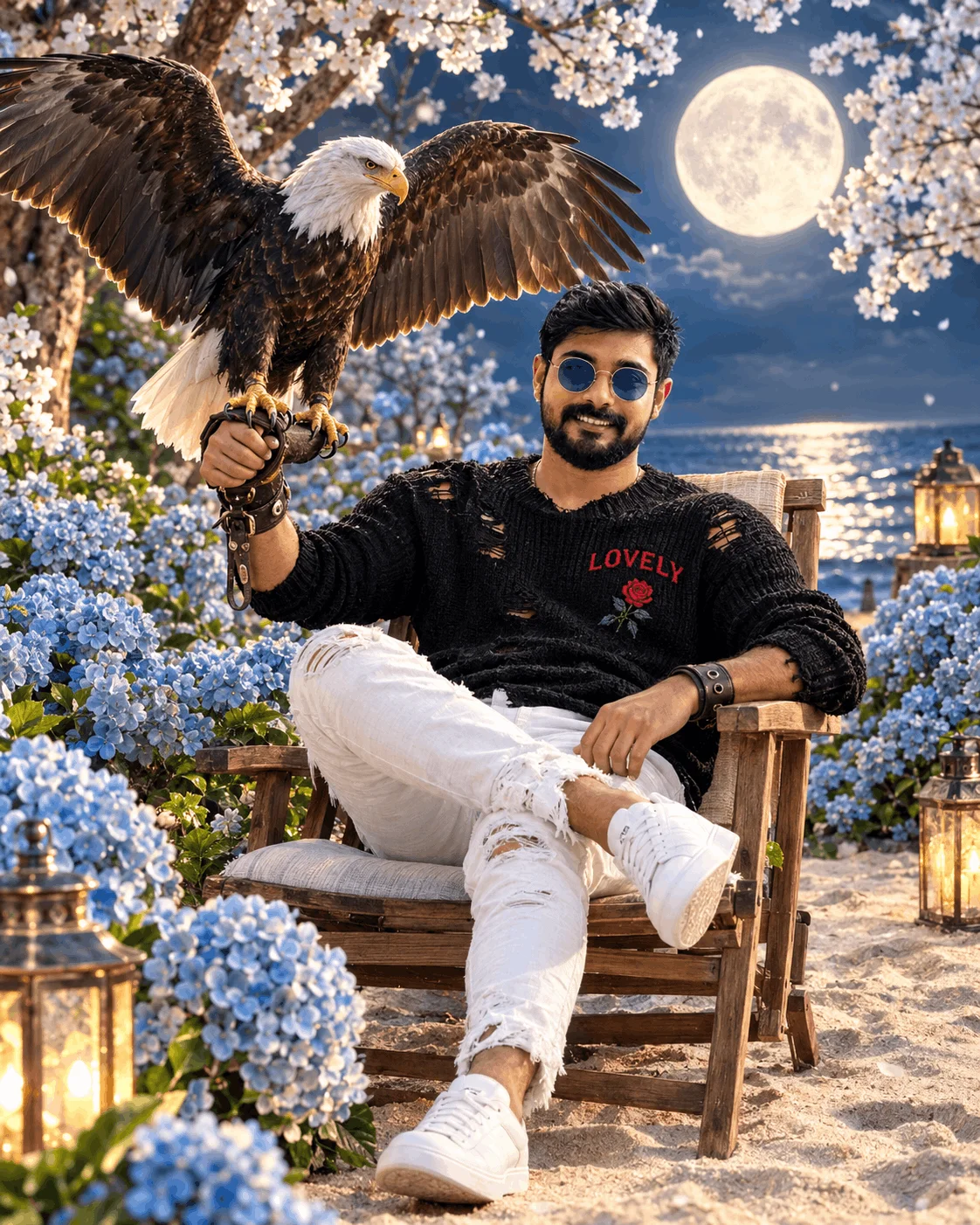
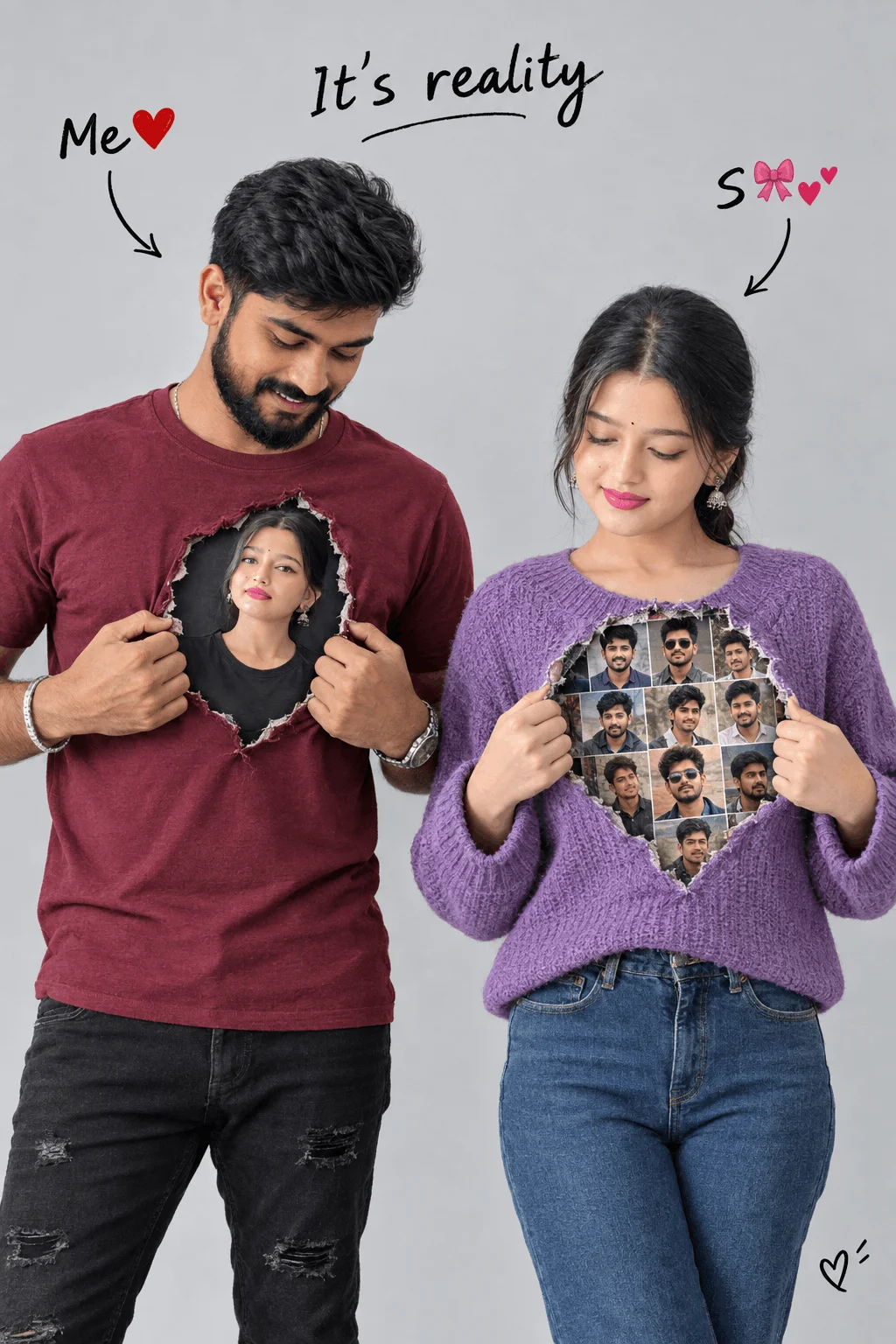
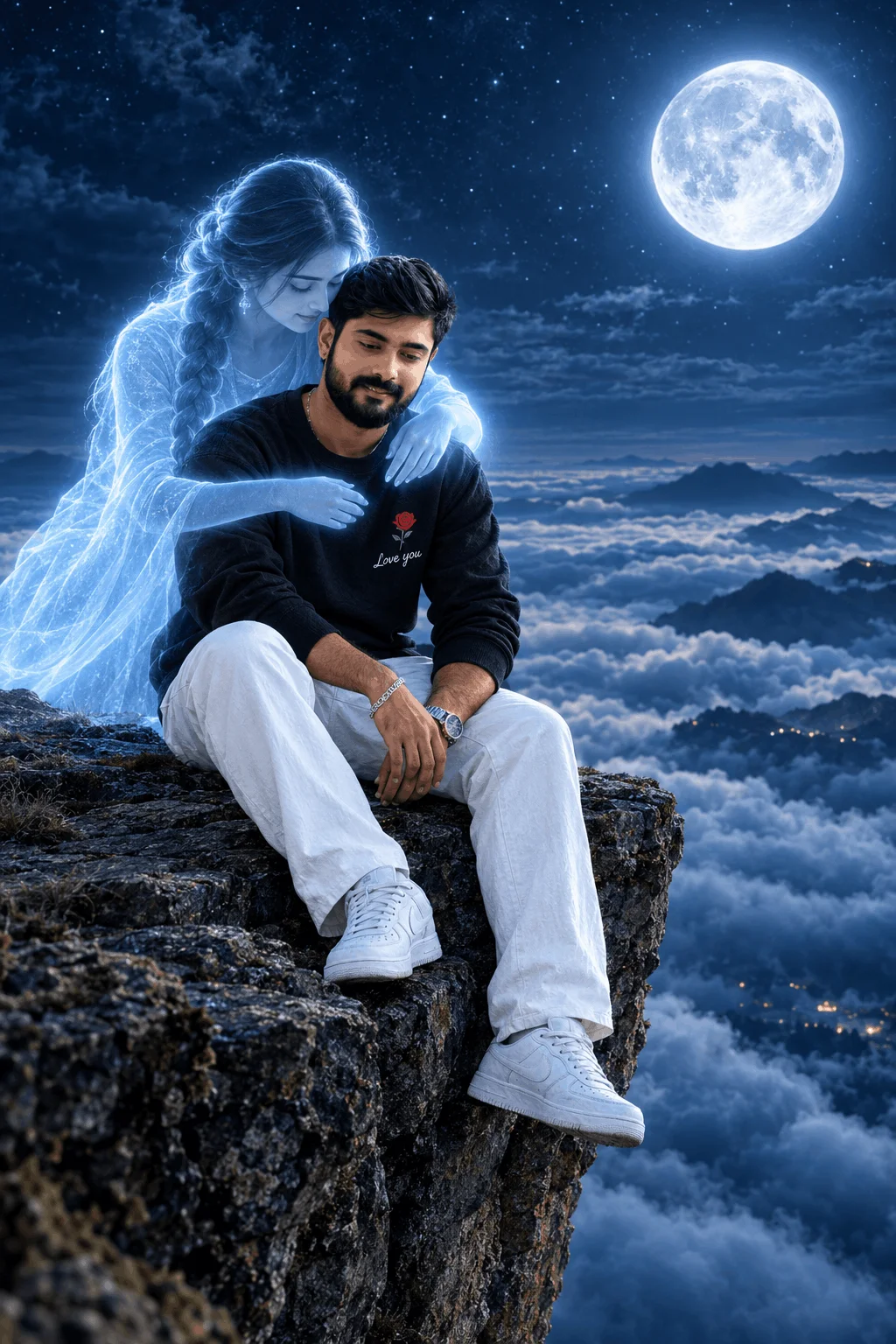
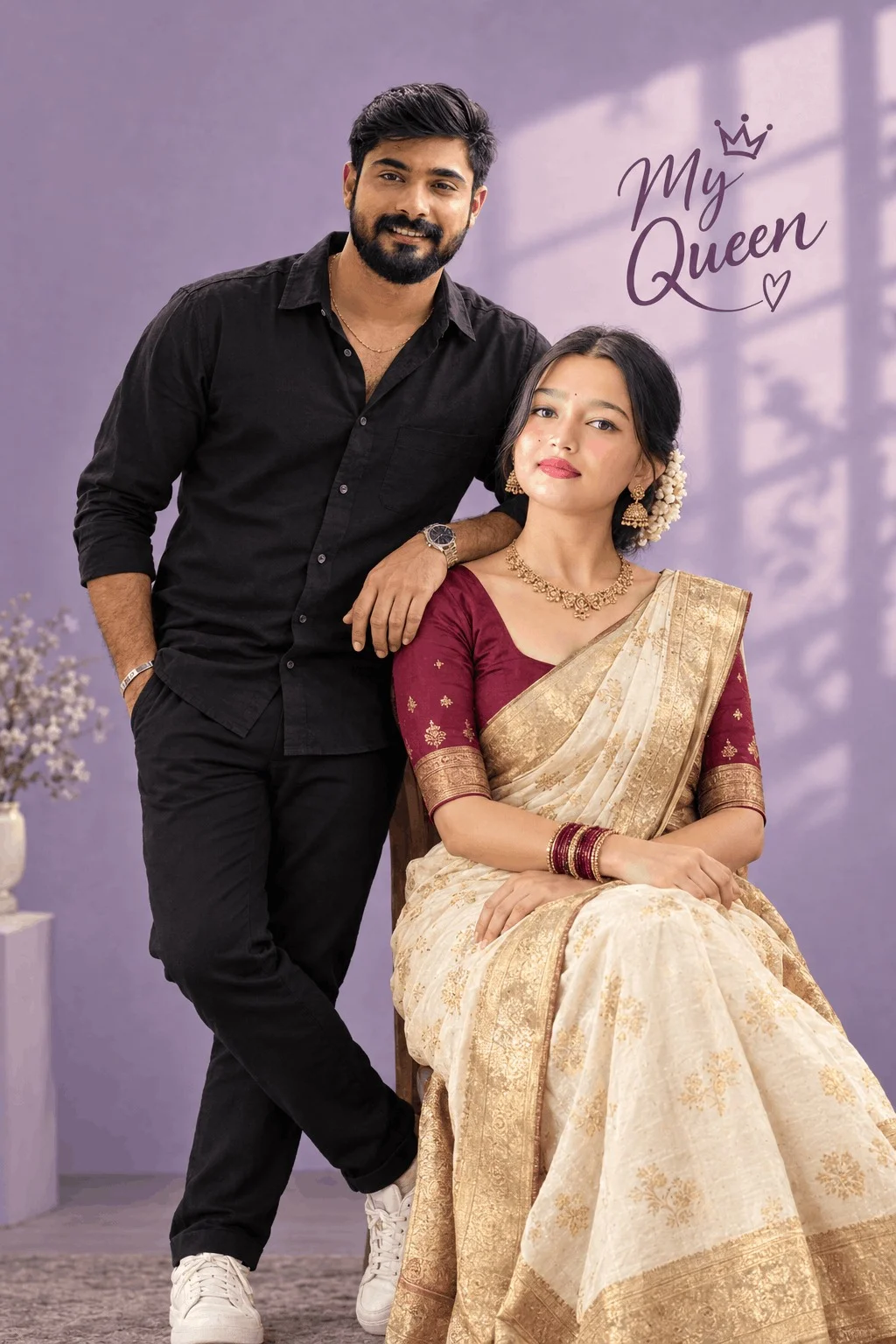
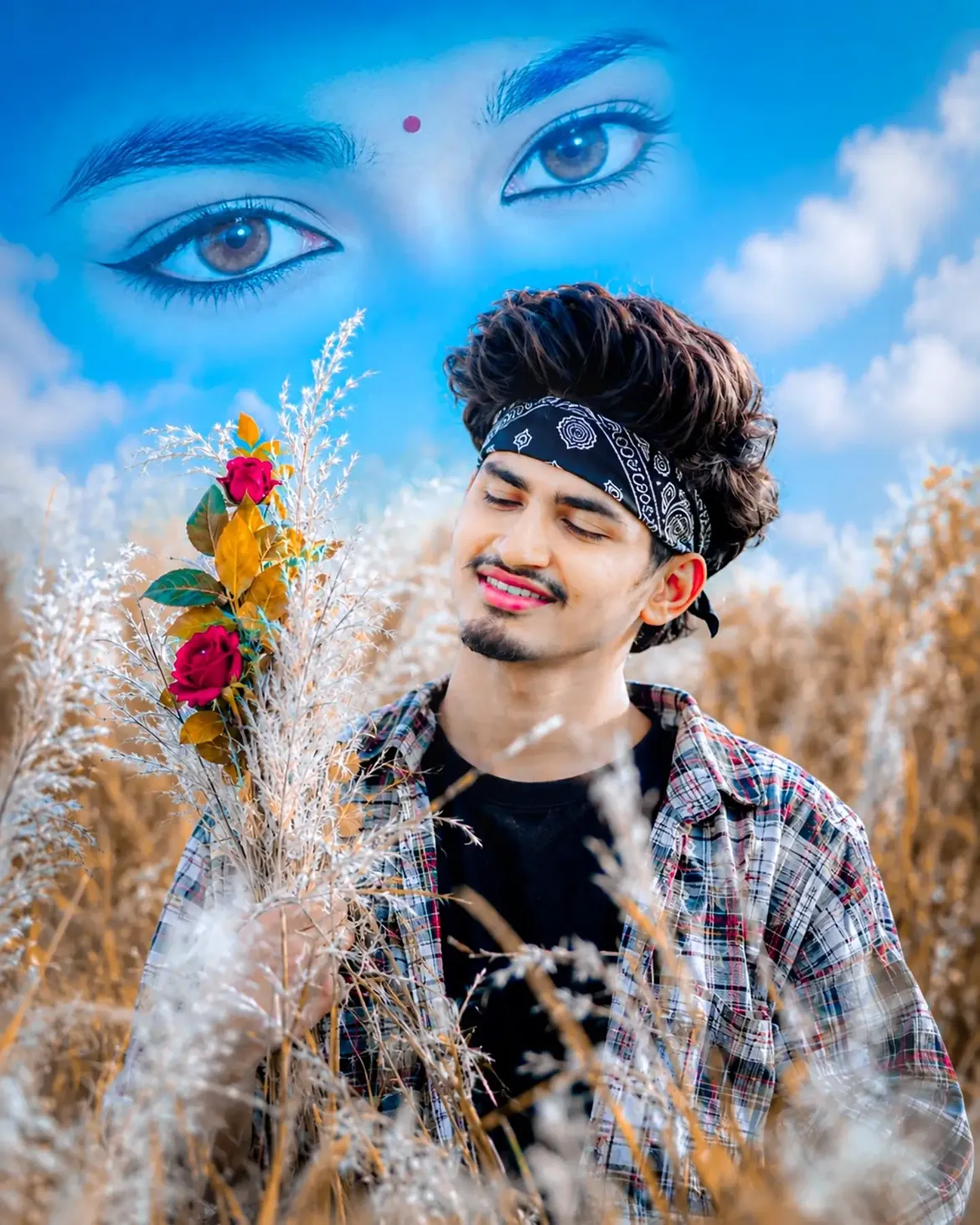
High Engagement on ReelsCaptured in open countryside fields, beaches, or vintage train stations at sunset. Warm golden rim light wraps around the couple, creating genuine emotion, gentle smiles, and soft cinematic lens flares.
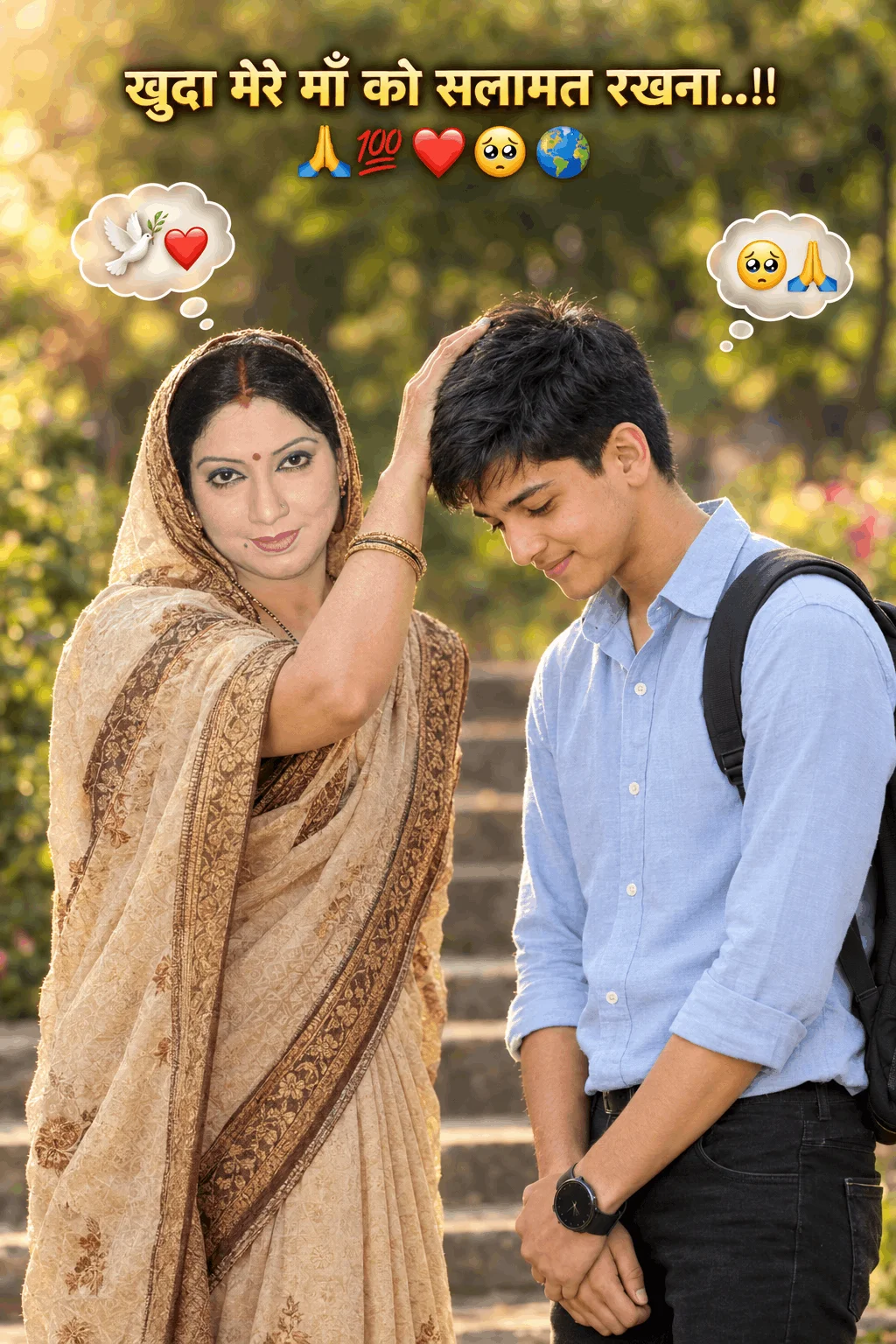
Style D: Clean College & Café Aesthetics
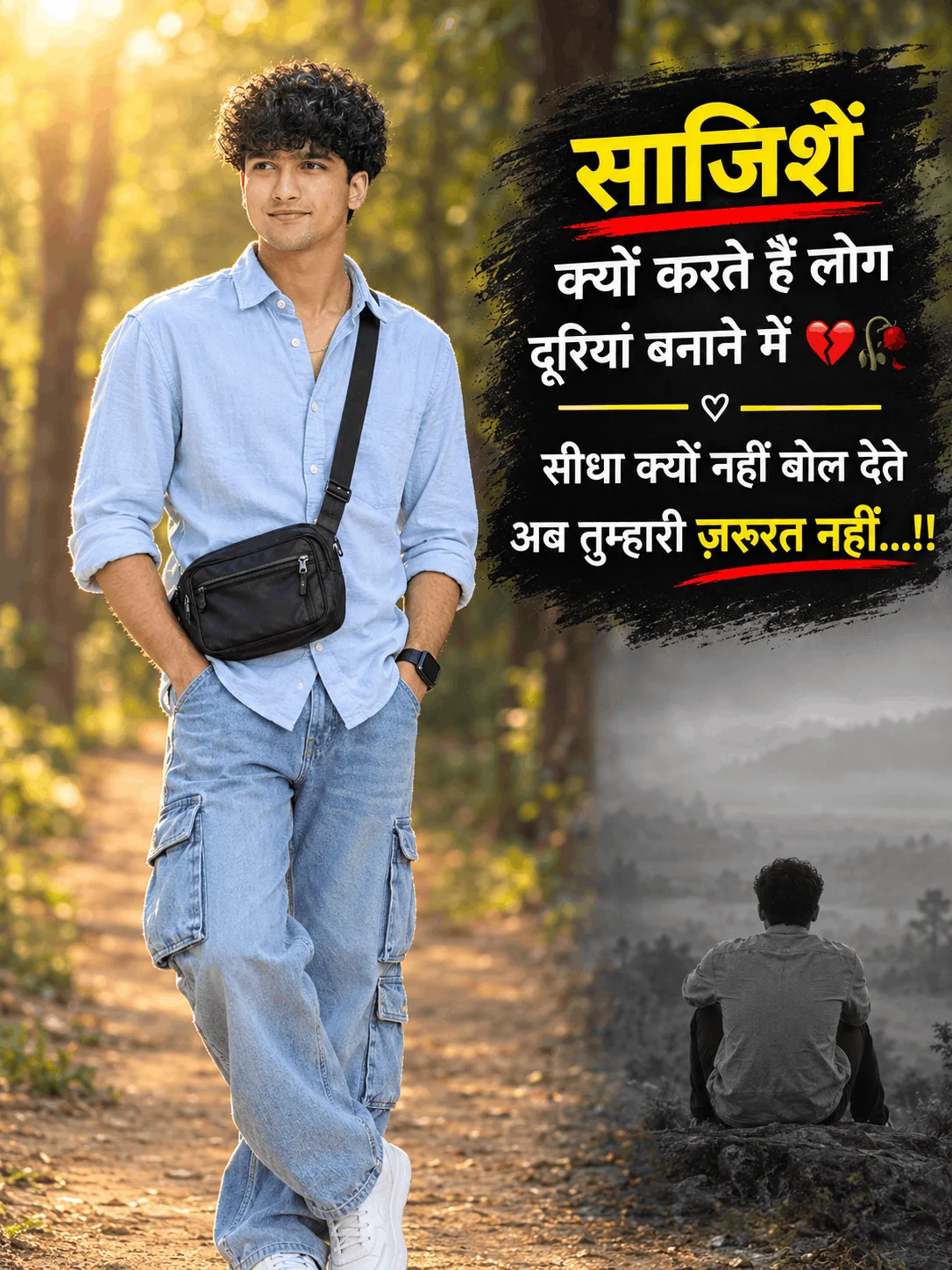
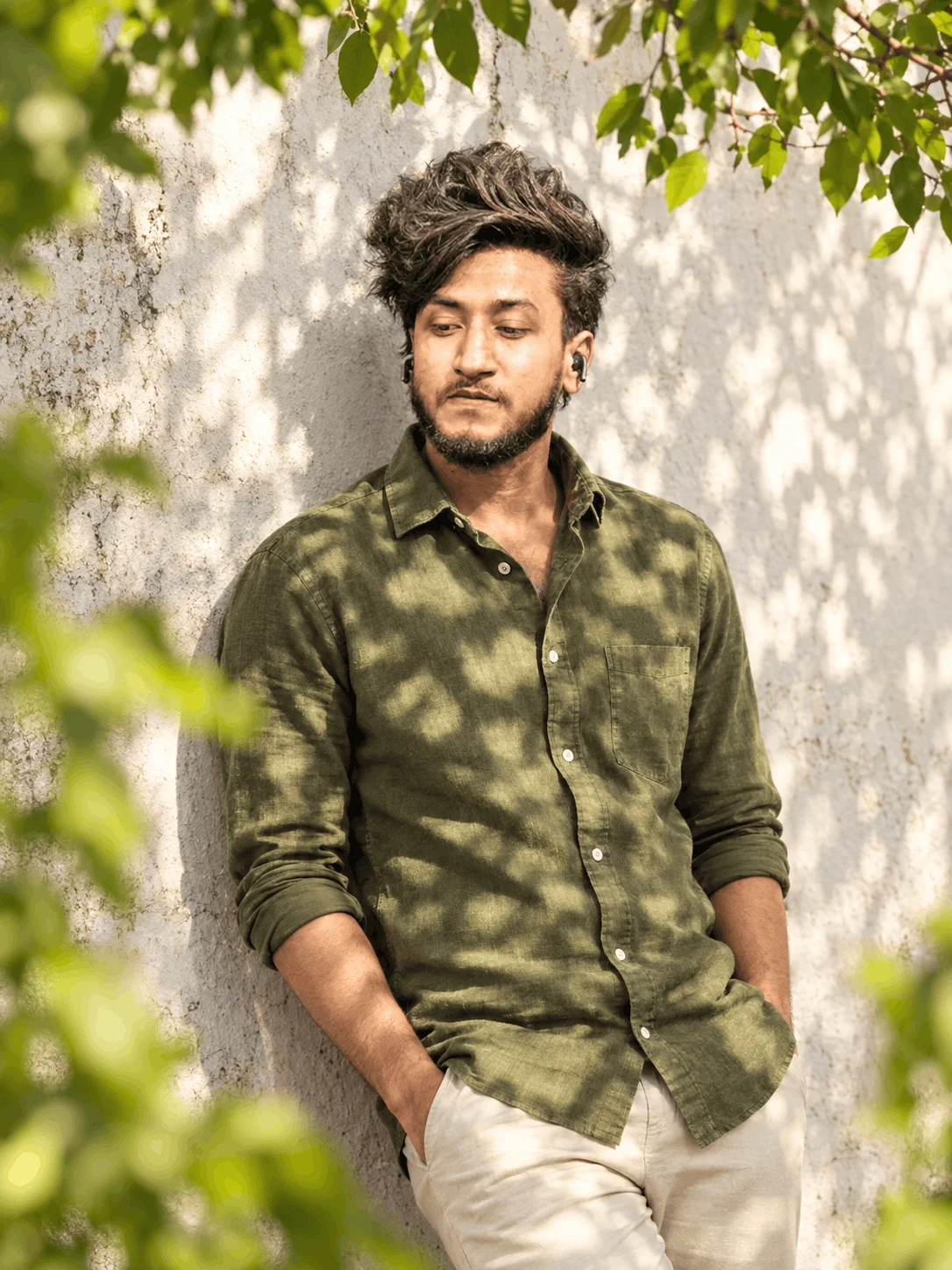
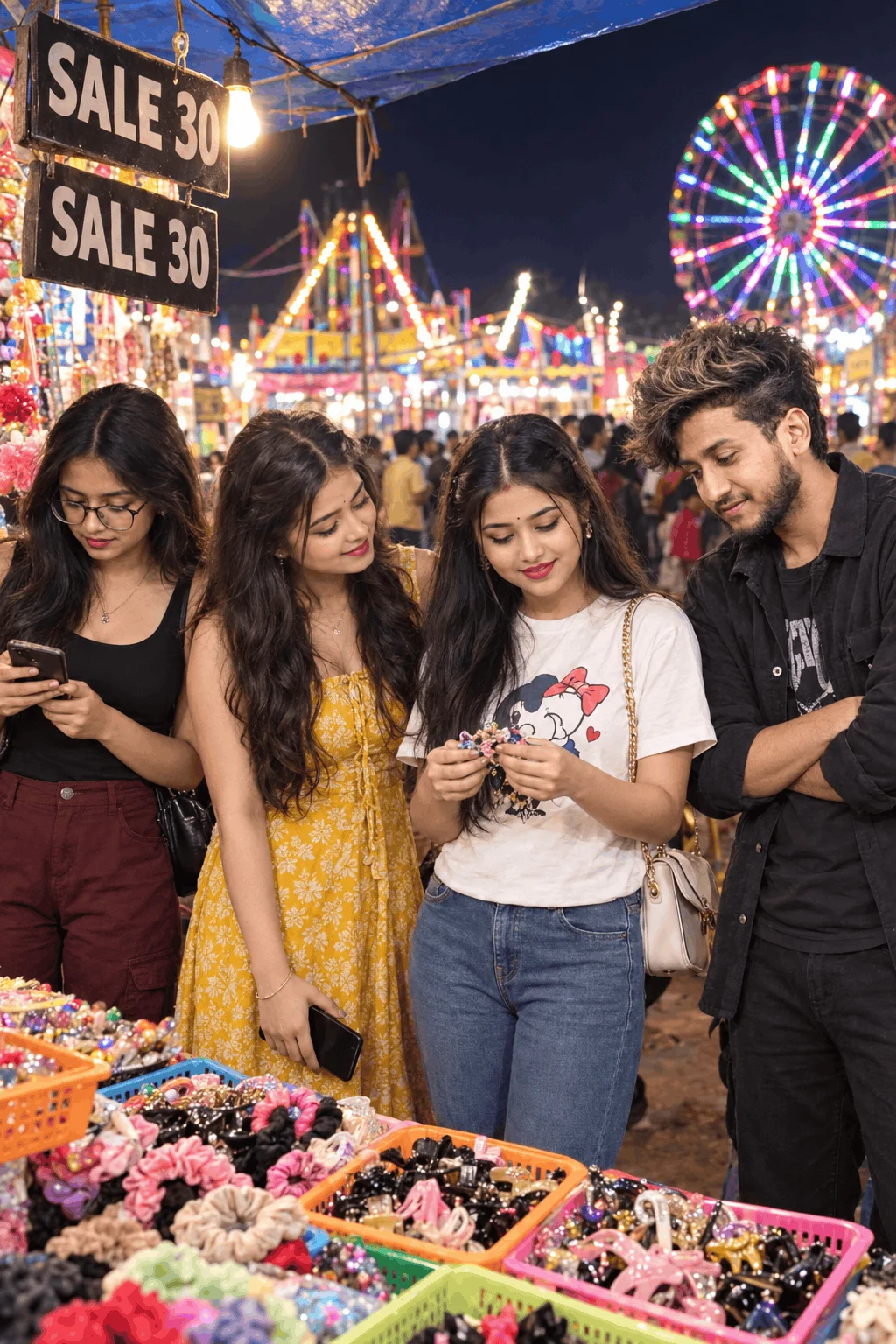
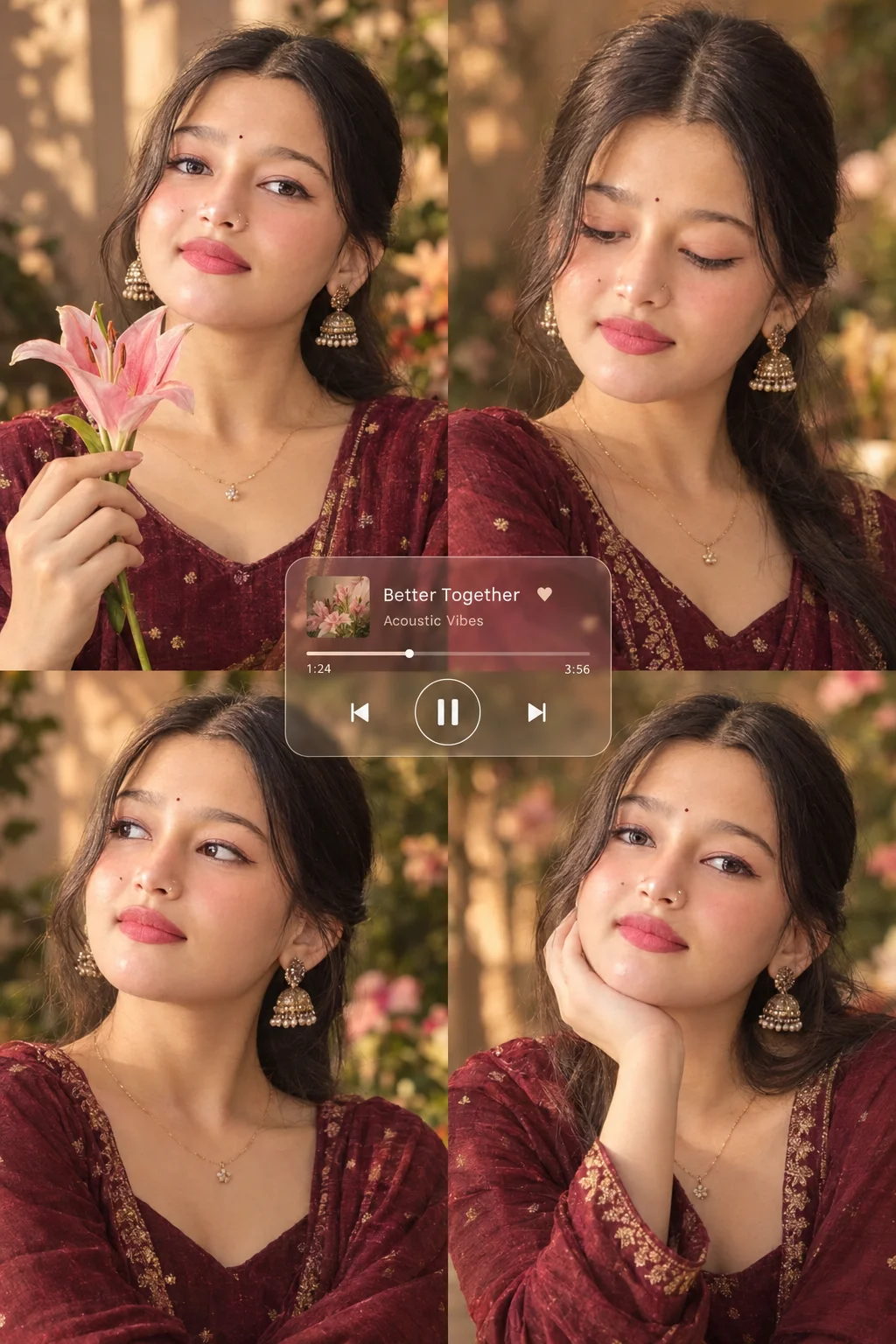
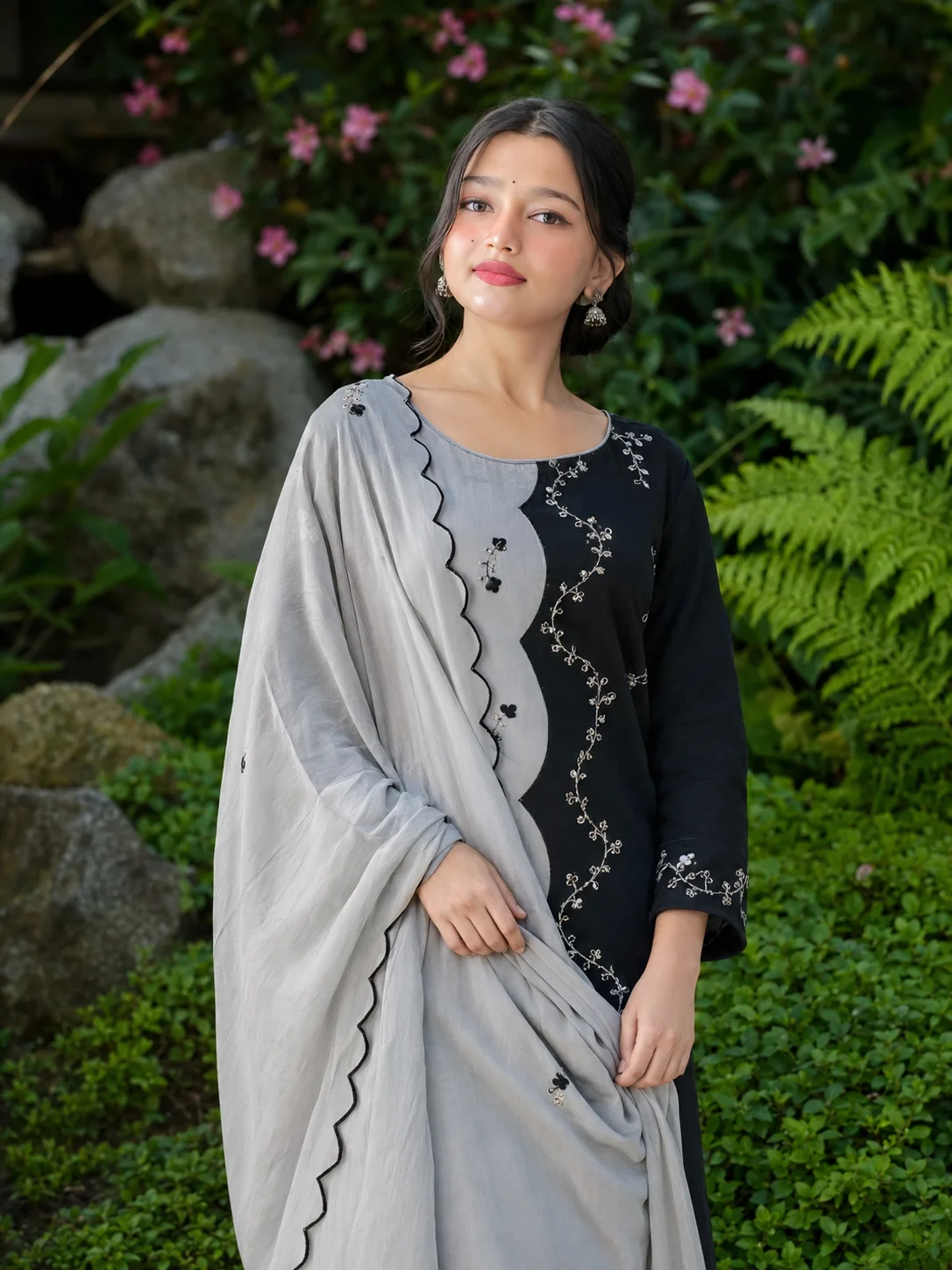
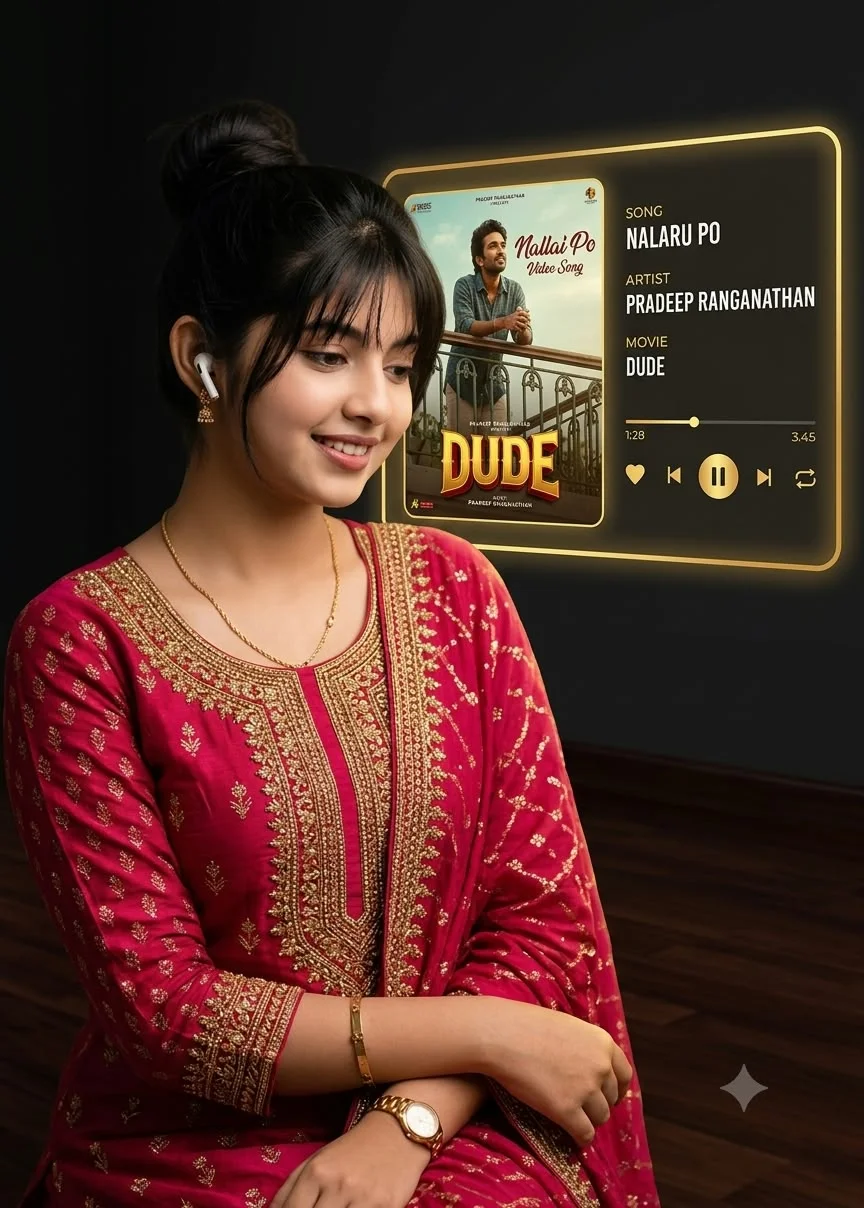
Natural & RelatableNatural morning sunlight pouring through glass windows, comfortable hoodies or oversized linen shirts, and a cup of coffee. This style looks 100% natural and feels like a candid photograph taken with an iPhone.
4 5 Magic Words to Upgrade Any AI Prompt
Add these five specific words at the end of any prompt to instantly jump from a flat cartoon image to professional photography:
? Frequently Asked Questions
Can I put my own real face onto these generated photos?
Yes! Once you generate your favorite portrait using the prompt, you can use any free face-swap or image-to-image tool (or Gemini's photo remixing feature) to map your own authentic face and expression onto the stylish outfit and background.
Are PromptDekho prompts free to use on Google Gemini and Bing?
Absolutely. All prompts on this guide are 100% free to copy and paste. Both Google Gemini and Microsoft Bing Image Creator allow daily free image generations, so you don't need to spend any money to get started.
How do I fix hands or fingers that look weird in the output?
The easiest trick is to give the subject something natural to hold in the prompt—like holding a smartphone, holding coffee, or placing hands naturally inside jacket pockets. This gives the AI a clear reference and prevents awkward finger glitches!