



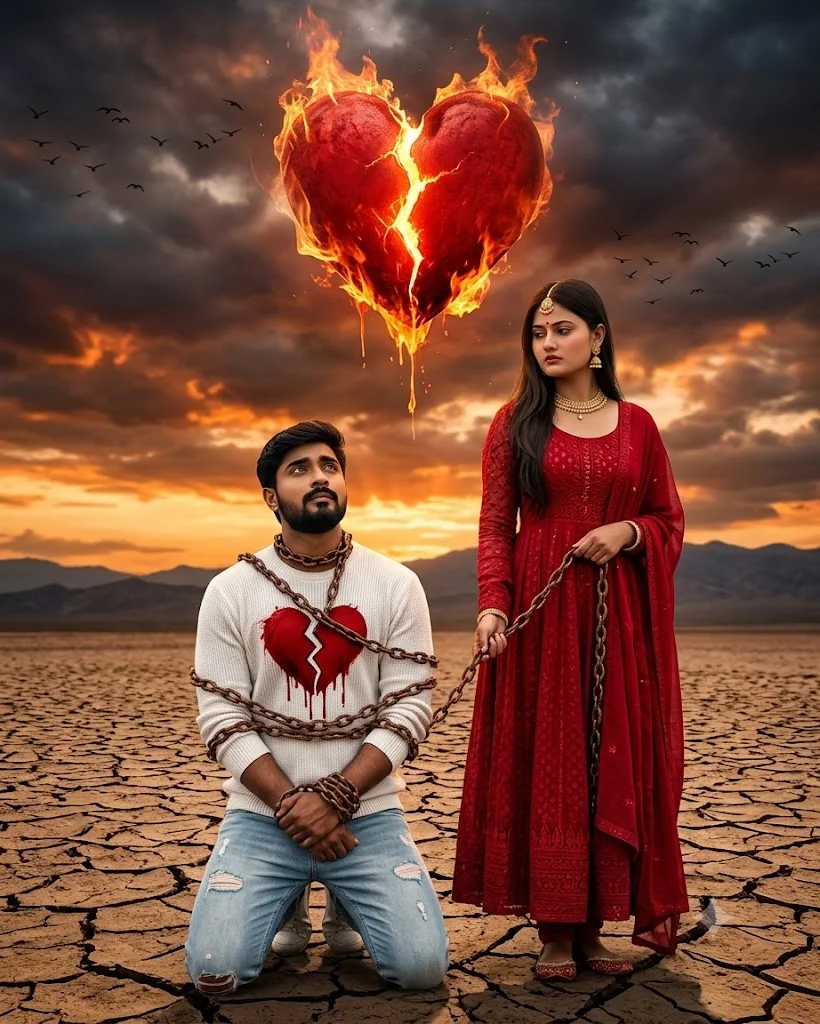
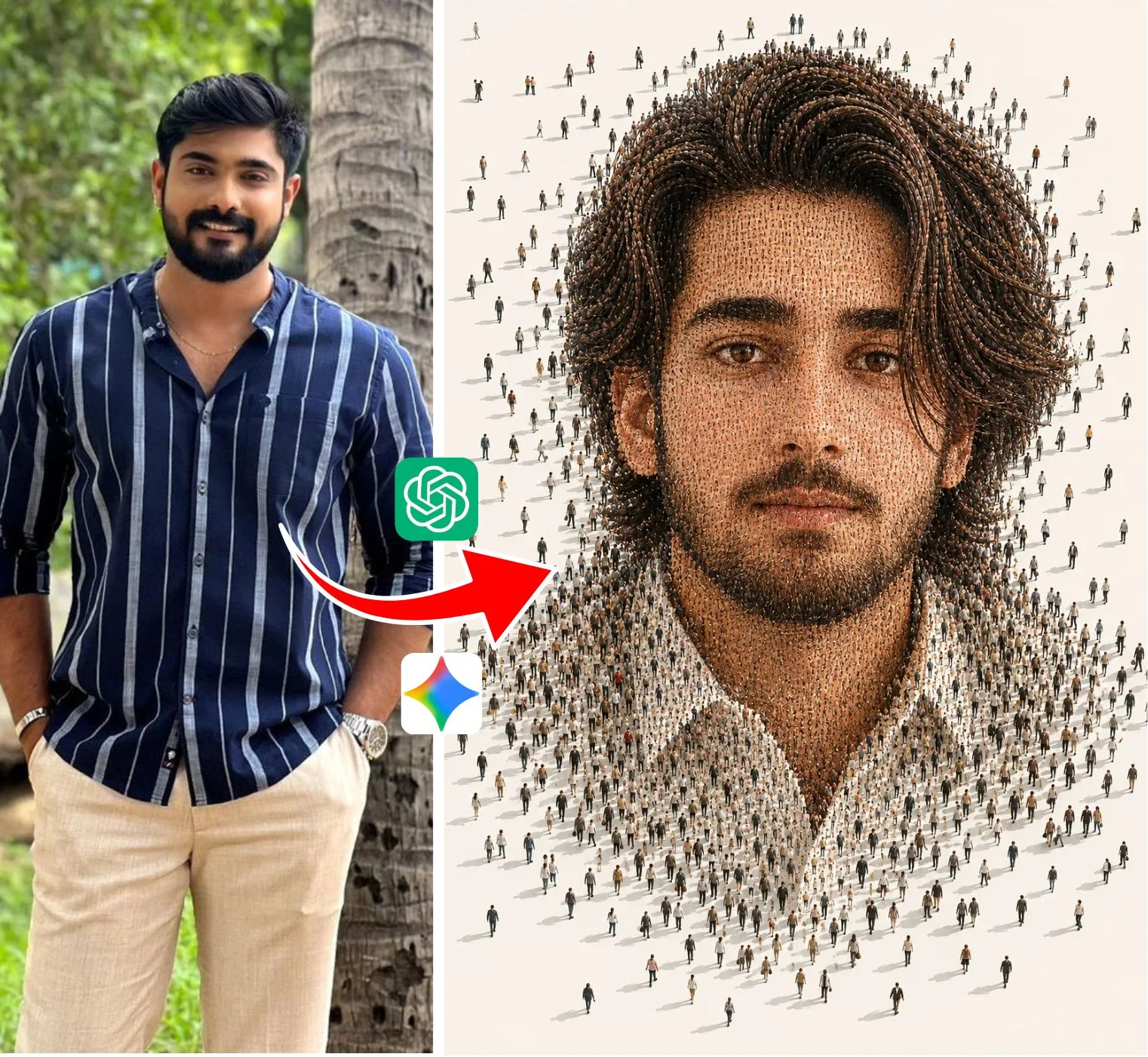
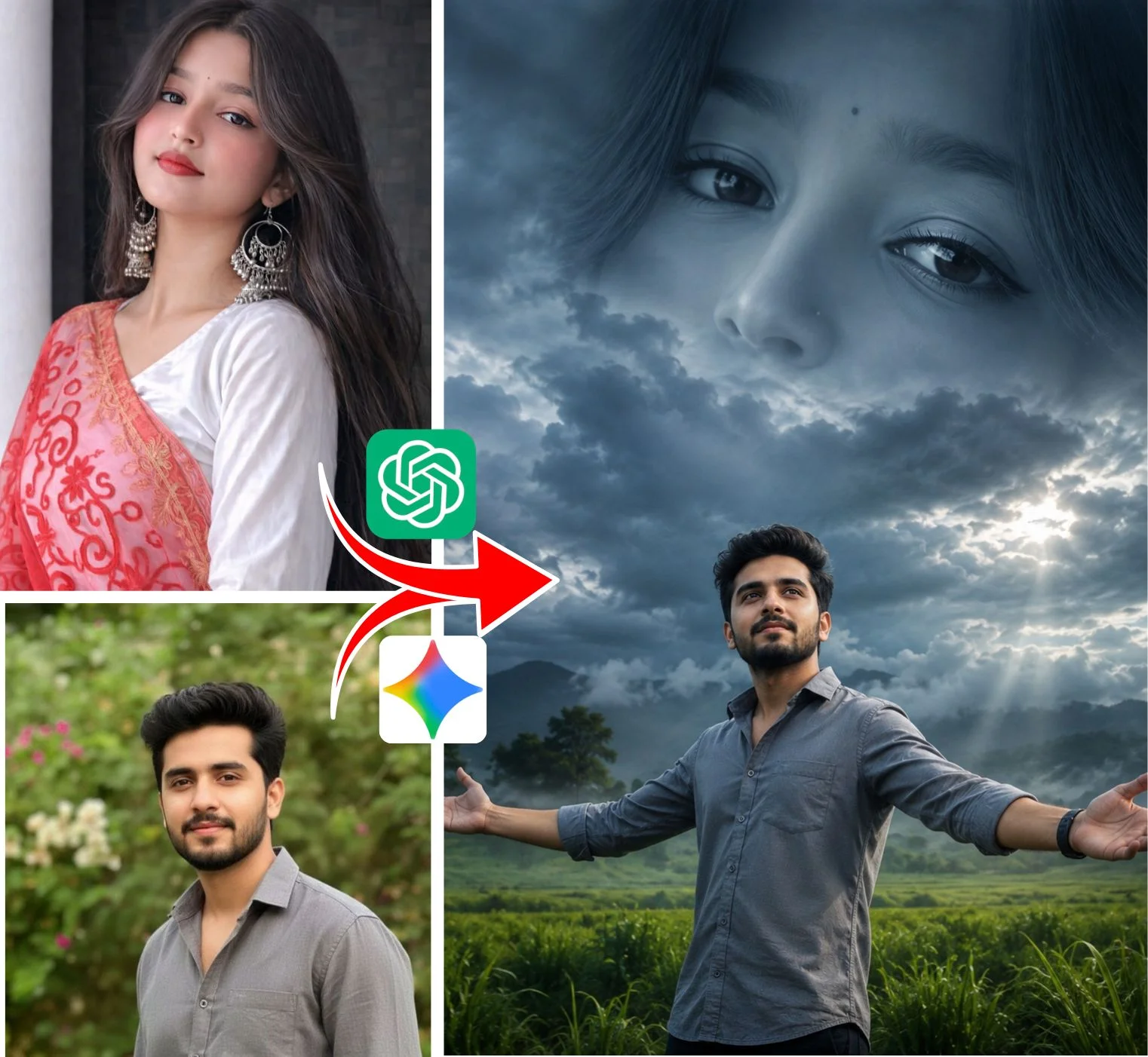
What Is Editing Prompt and What Is Its Core Mission?
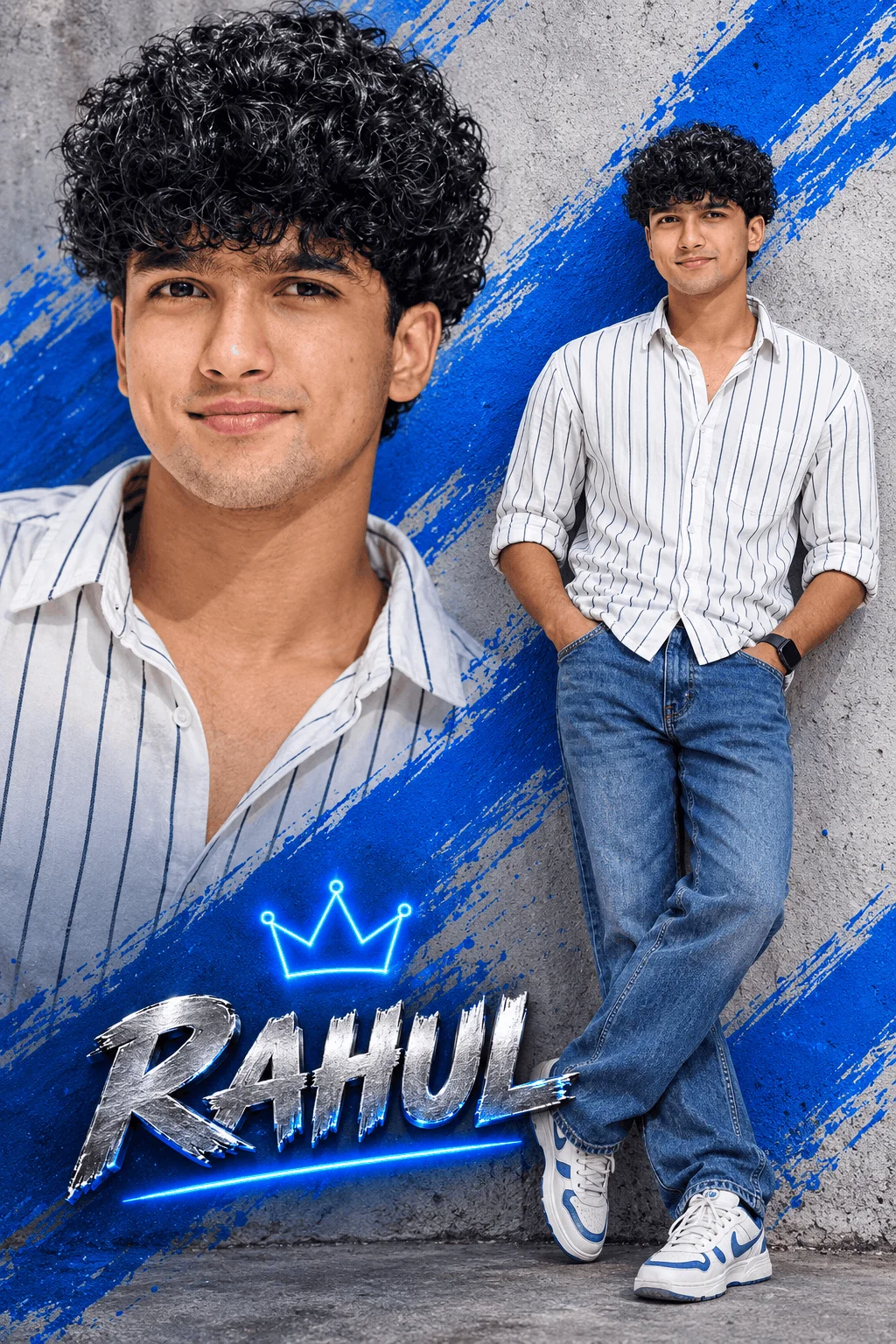
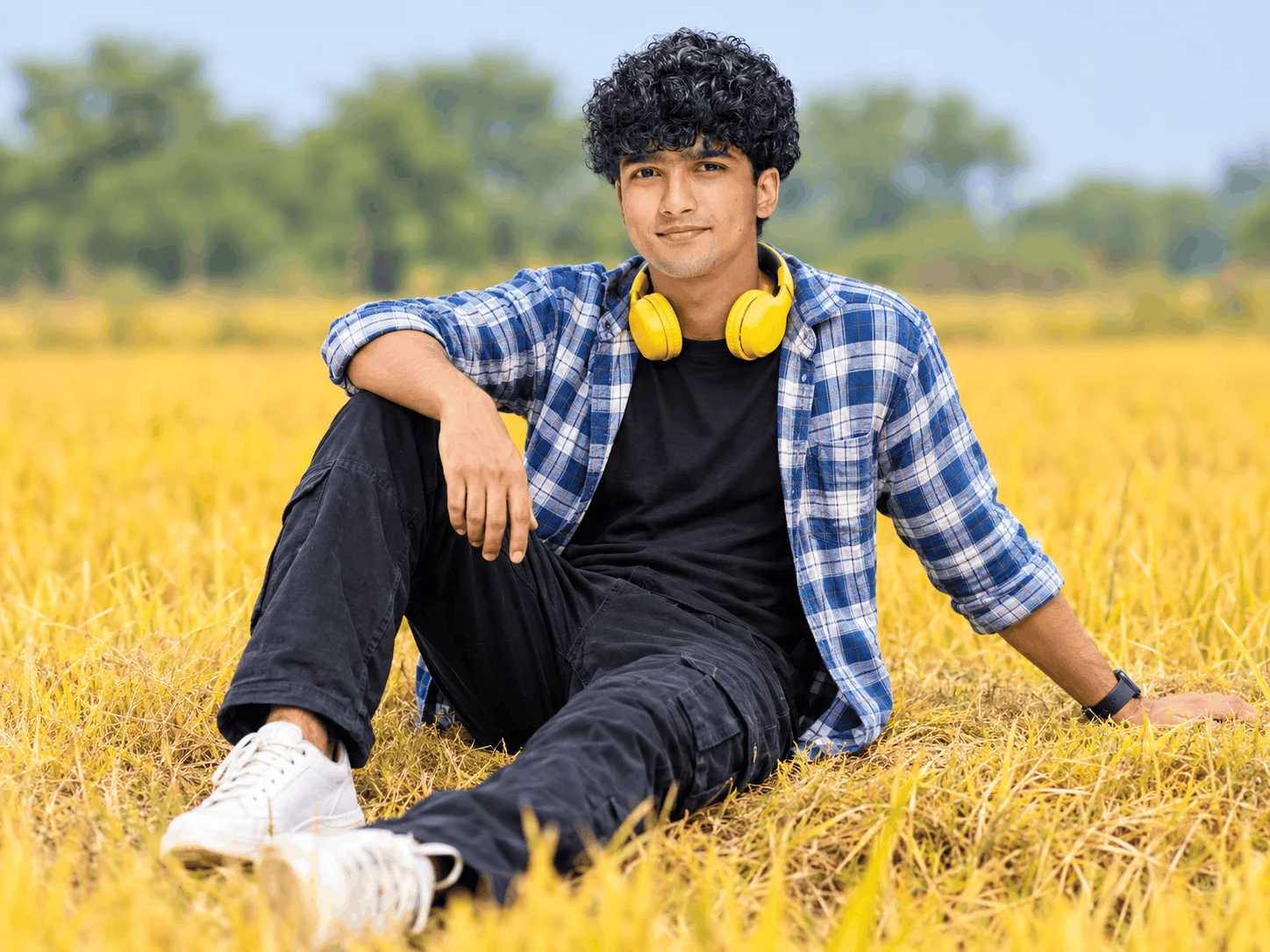
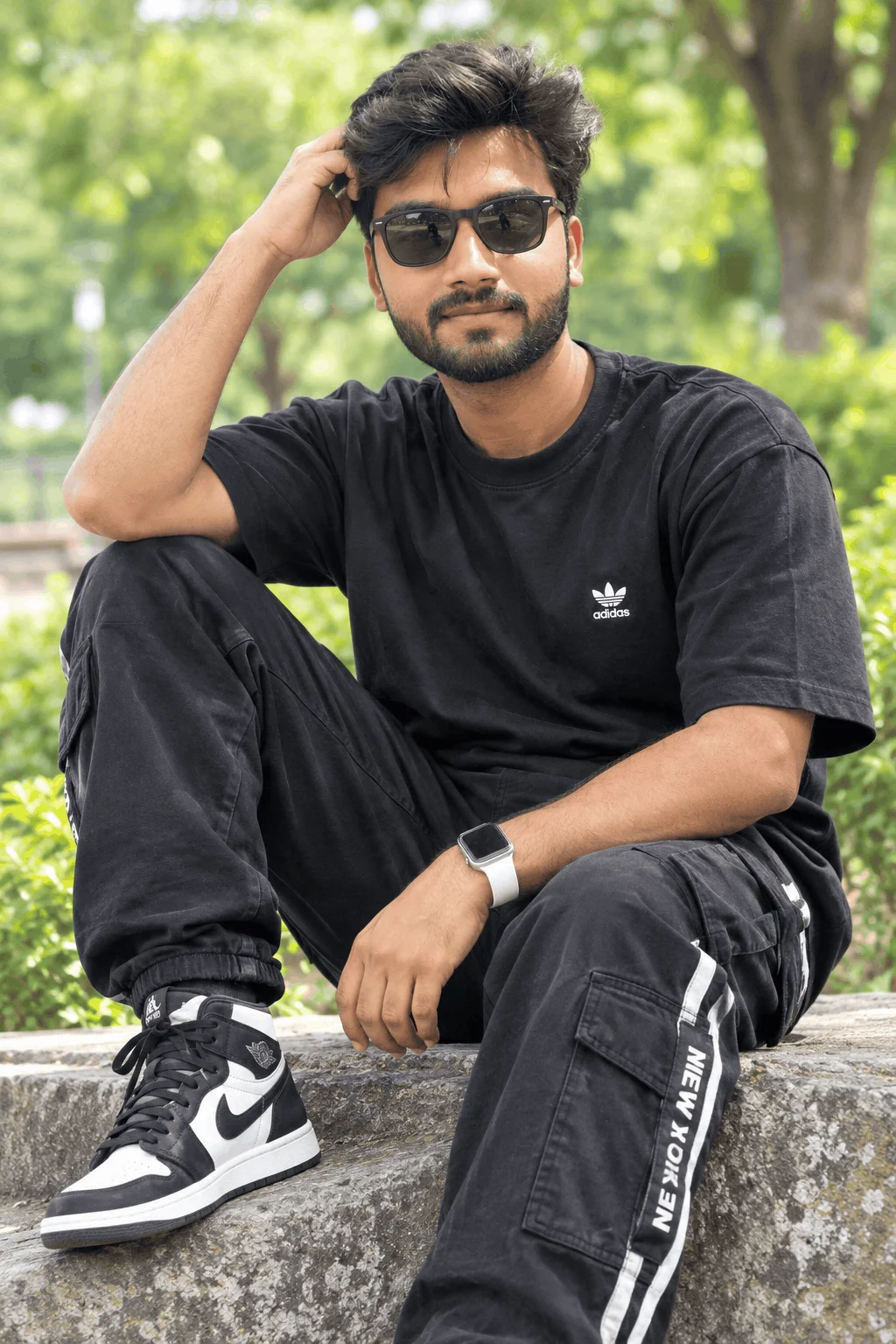
Founded by creator Rahul, Editing Prompt (operating via editingprompt.com) was created to bridge a massive gap in modern mobile content creation. While high-end desktop video editing software requires steep learning curves and heavy hardware, mobile creators on Instagram Reels, YouTube Shorts, and TikTok need speed, viral visual hooks, and instant execution.
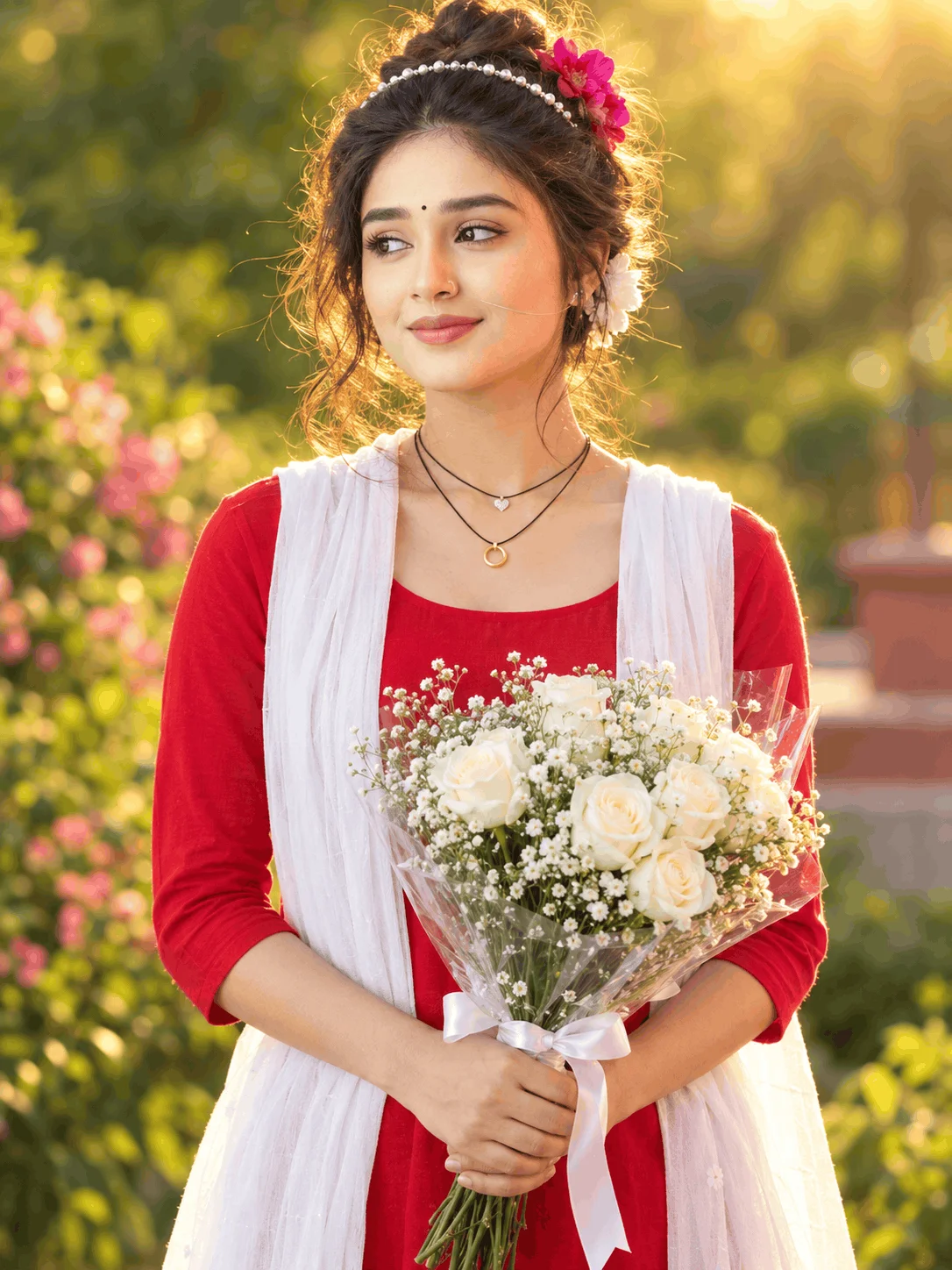
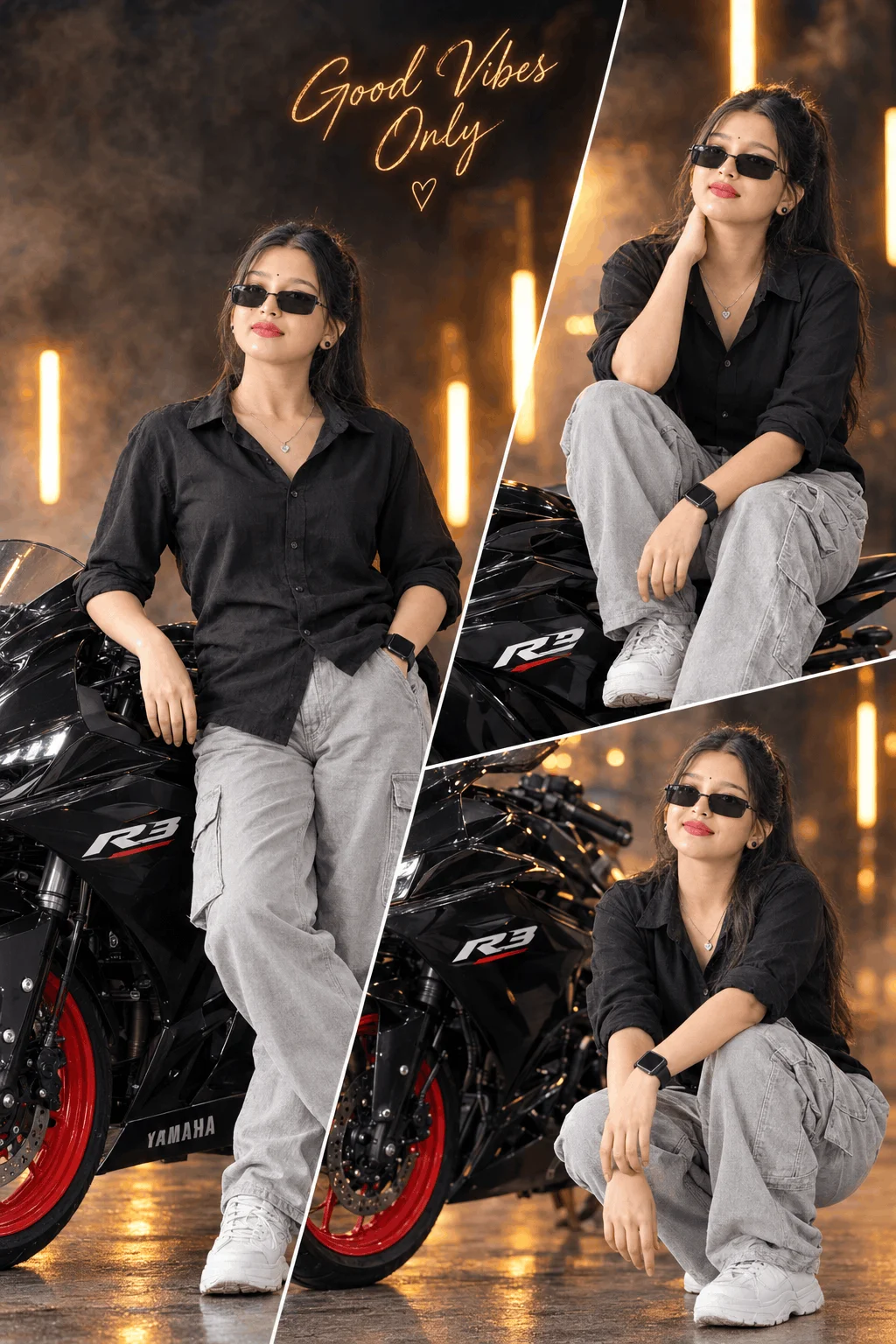
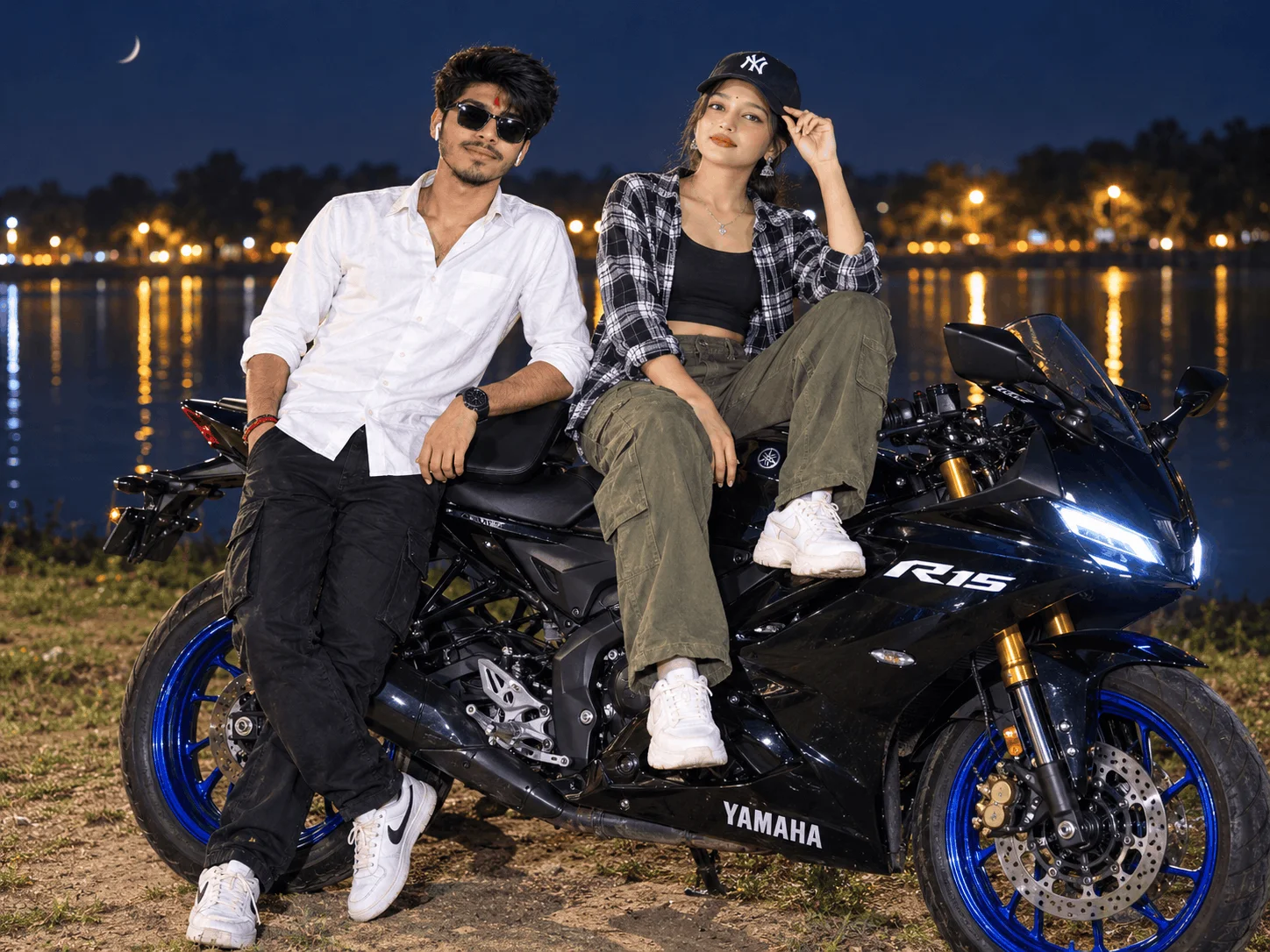
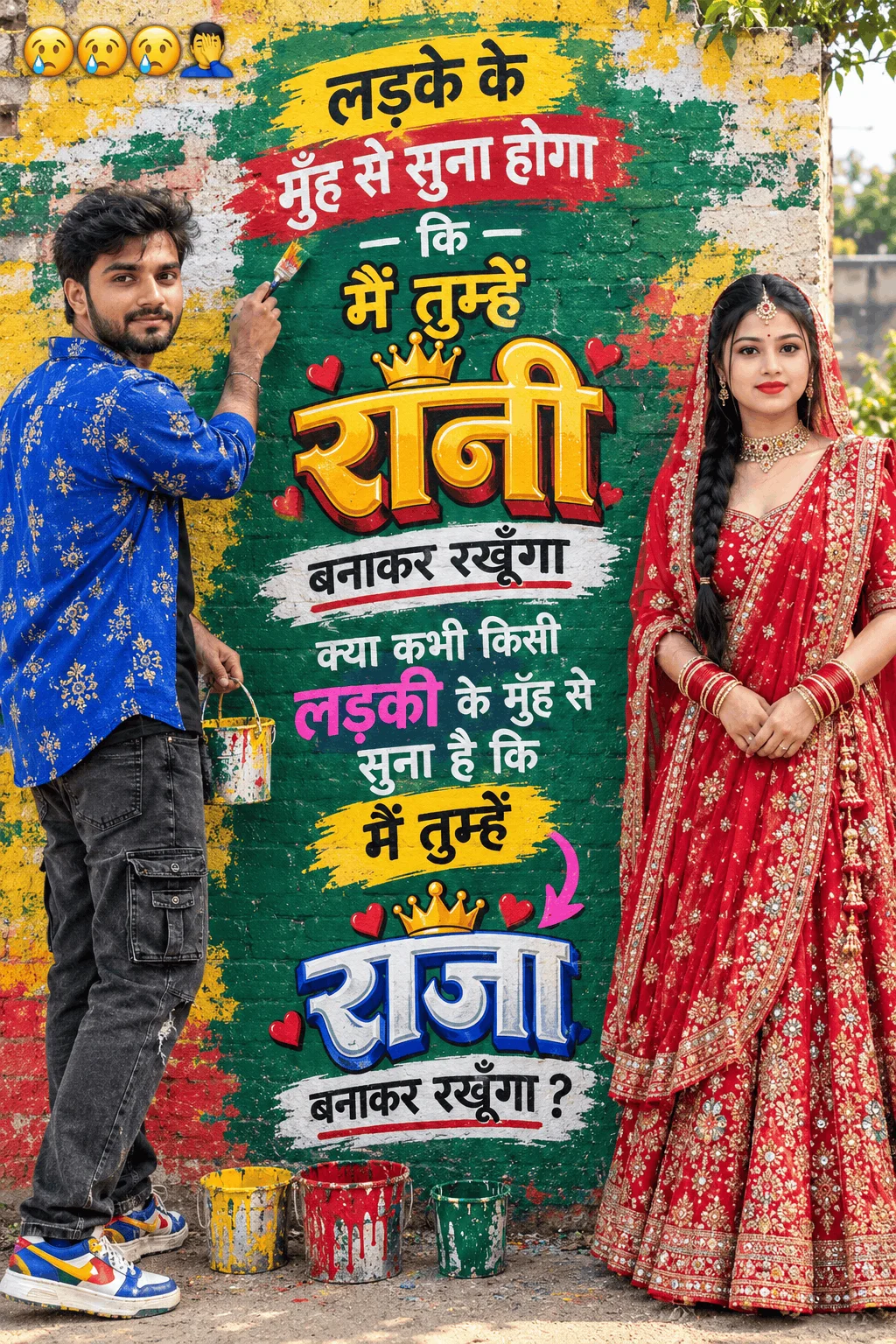
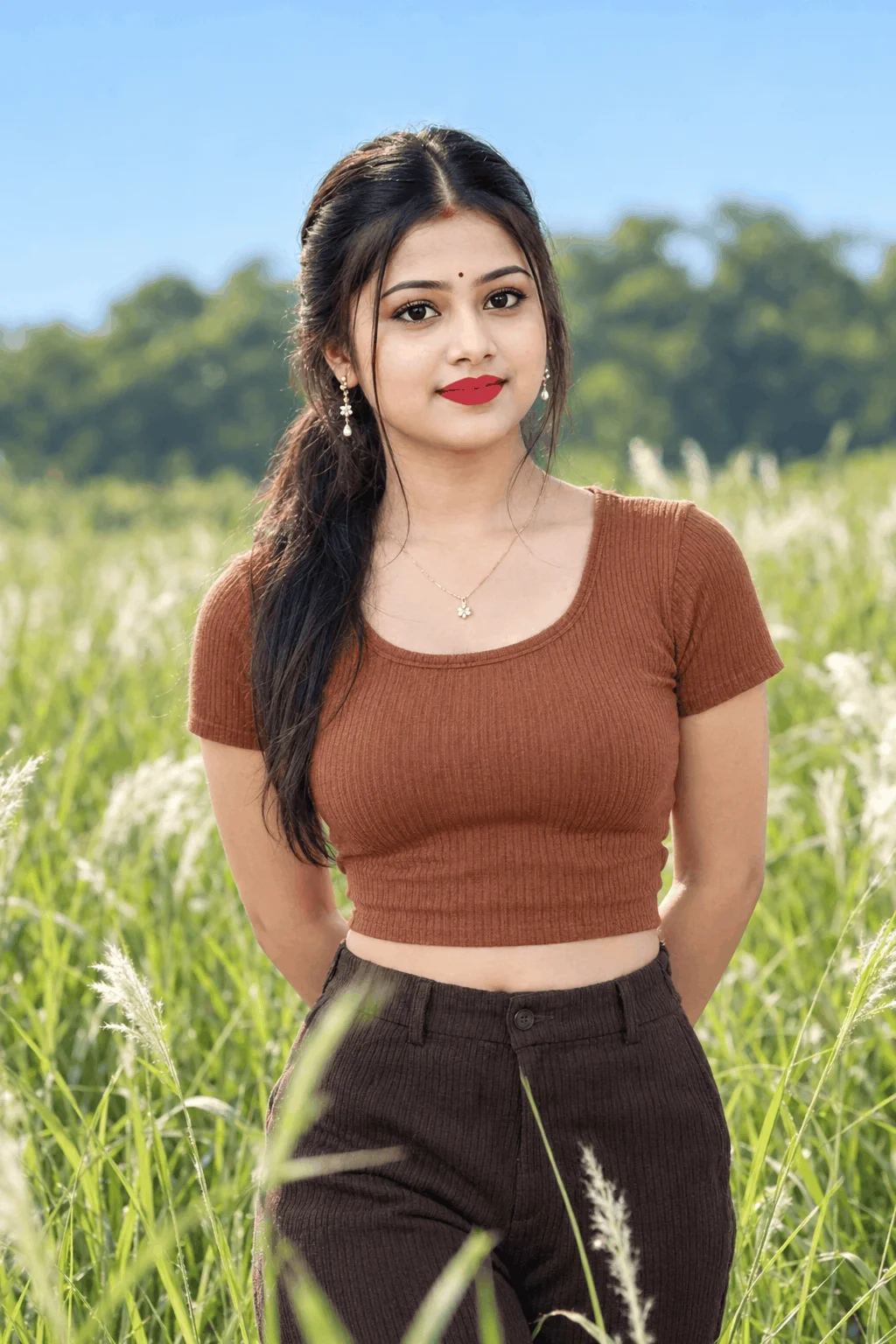
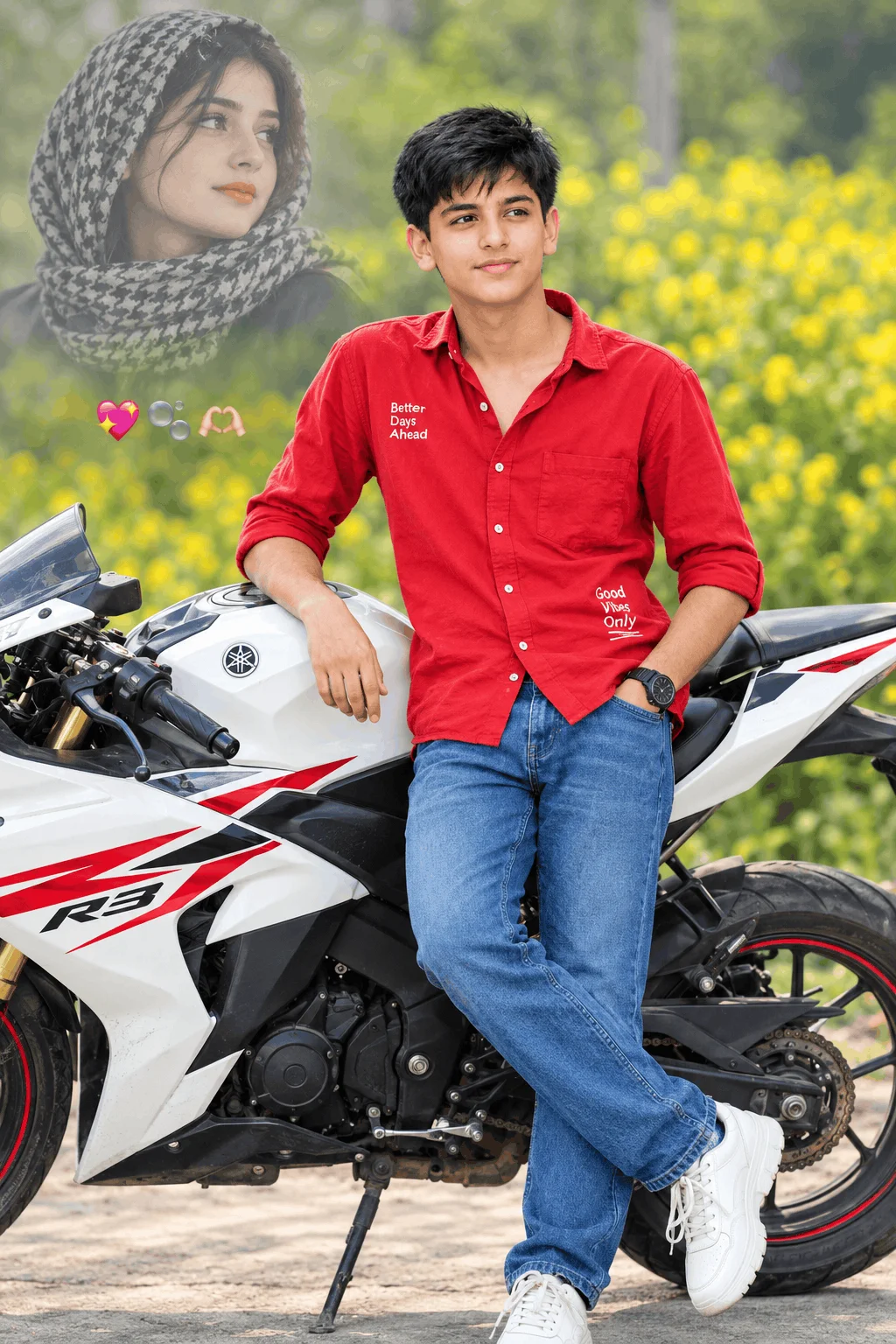
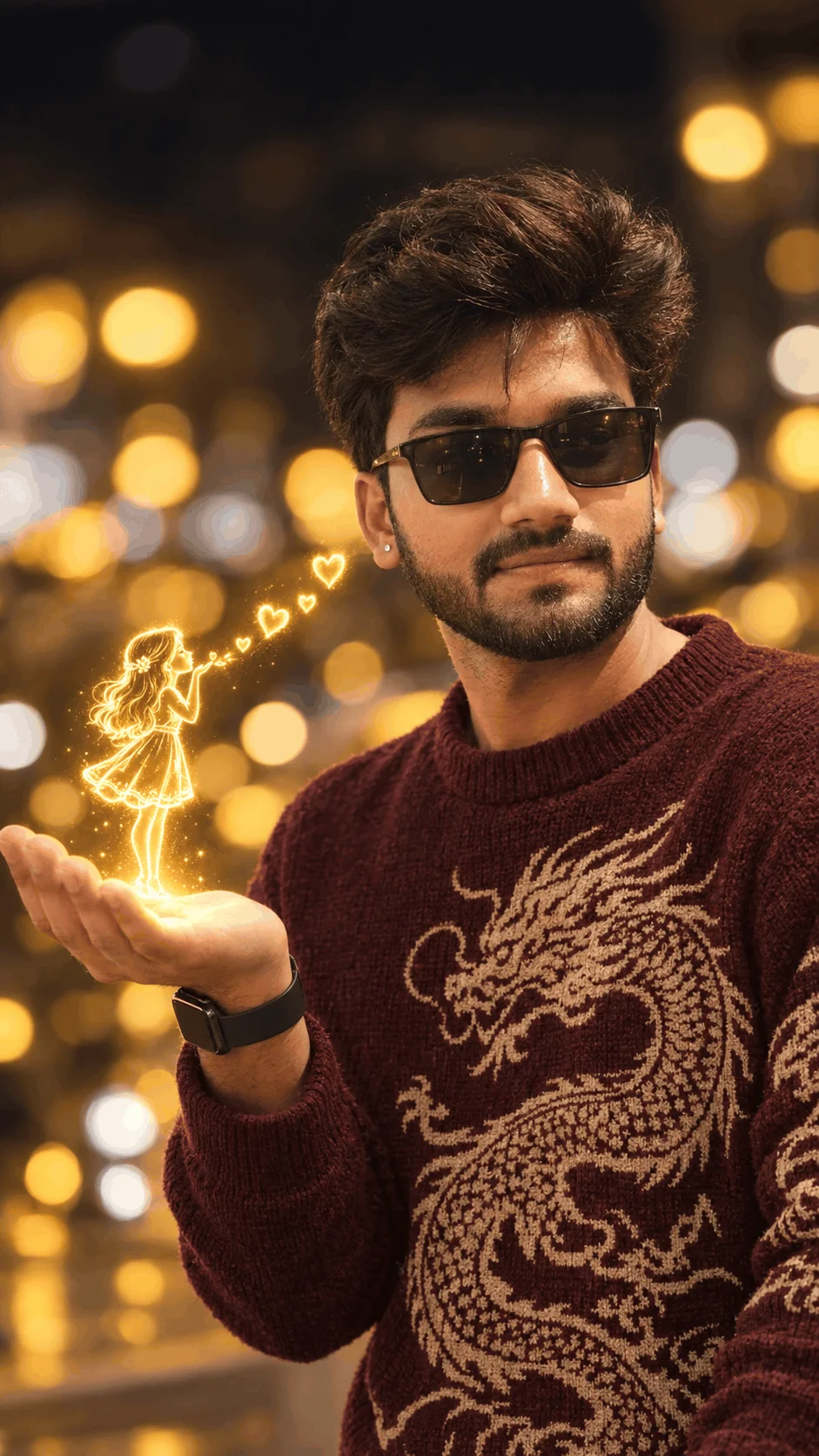
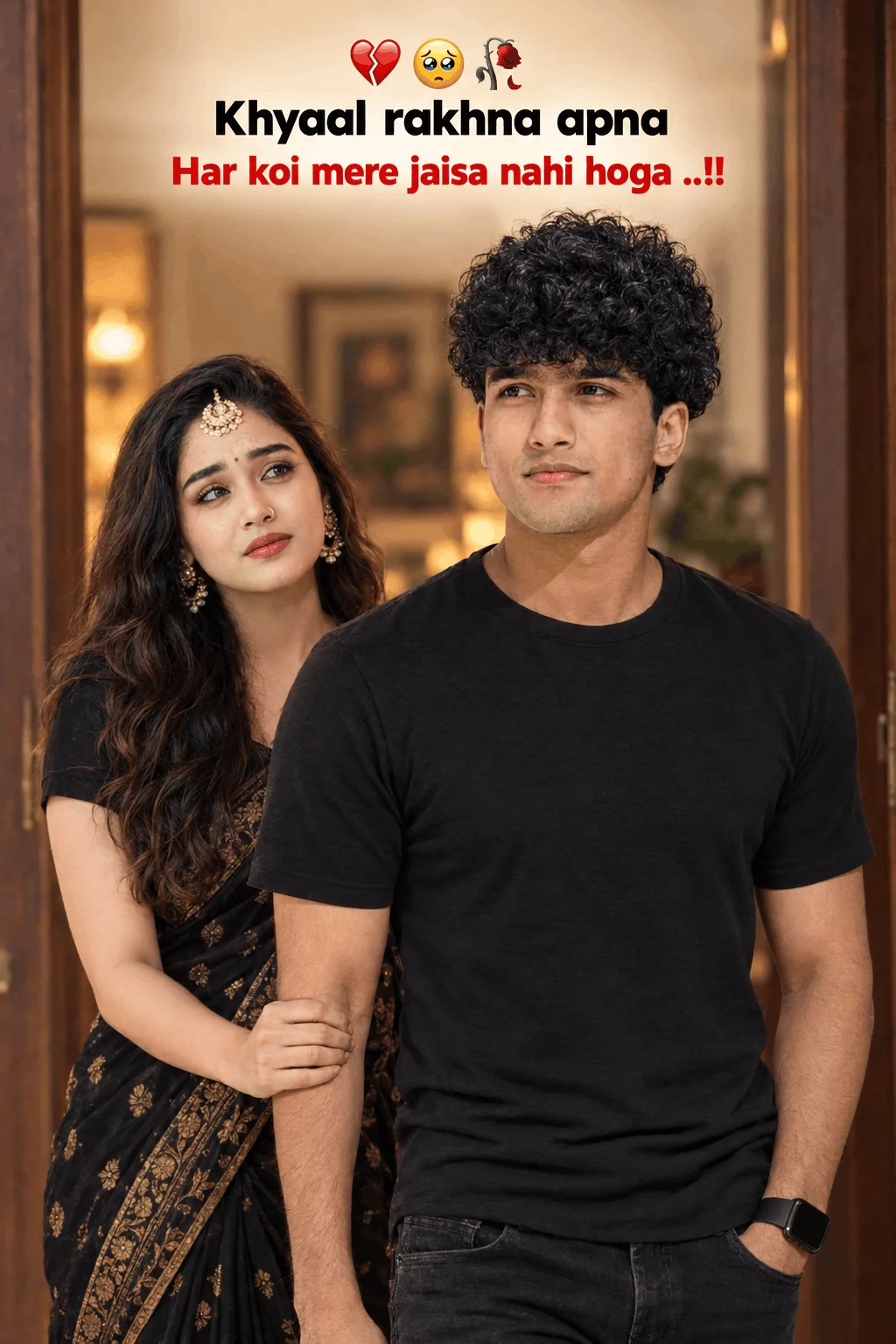
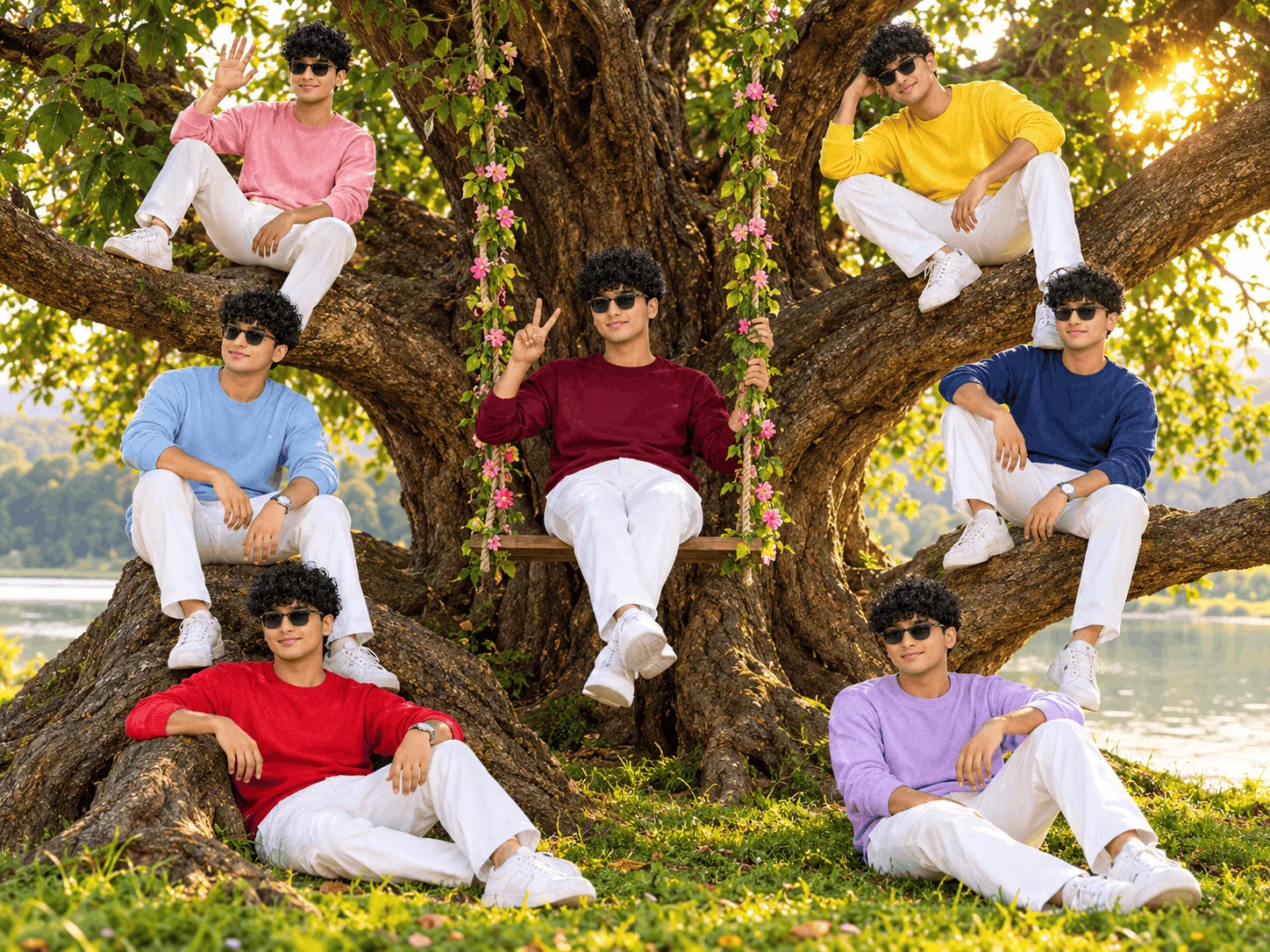
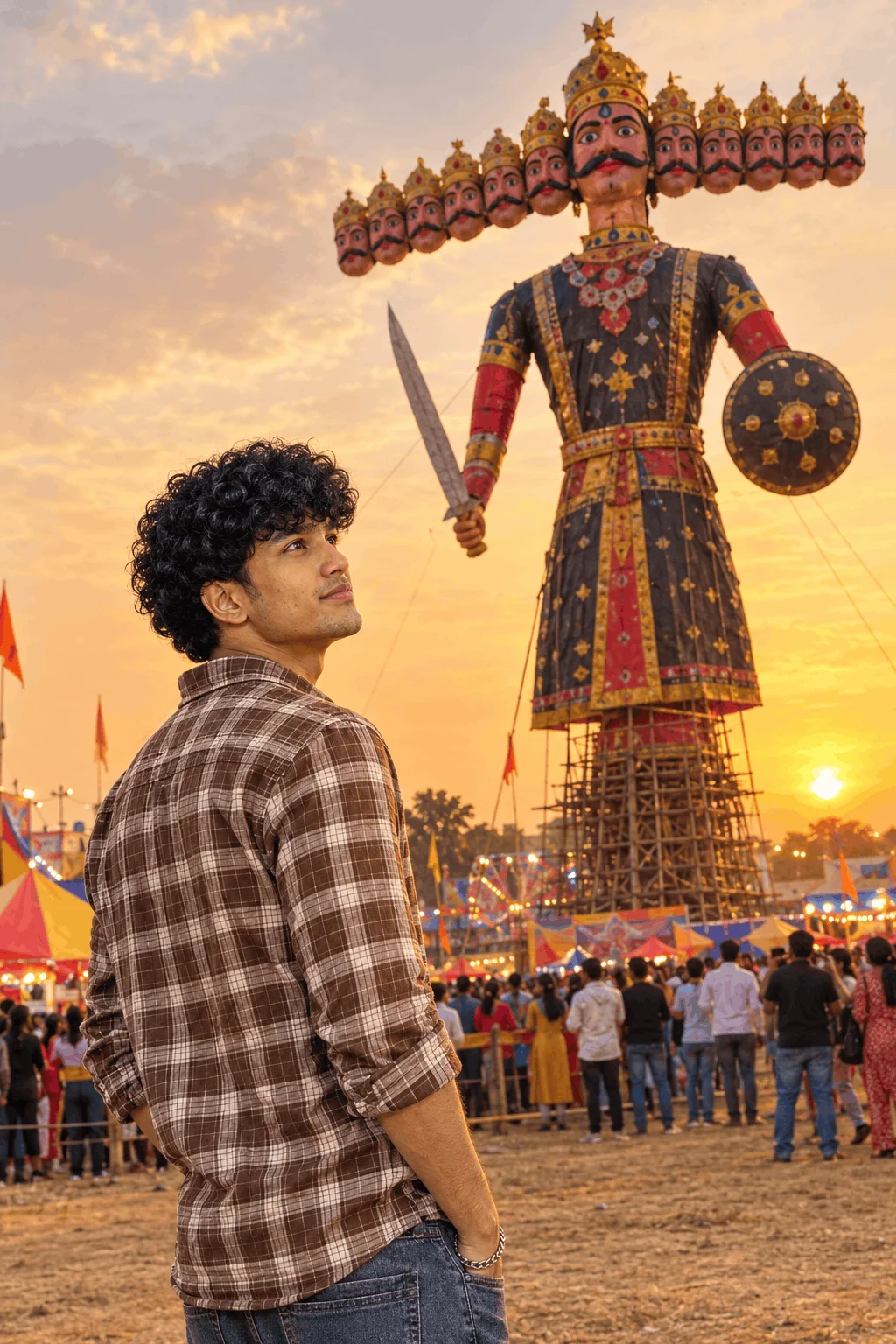
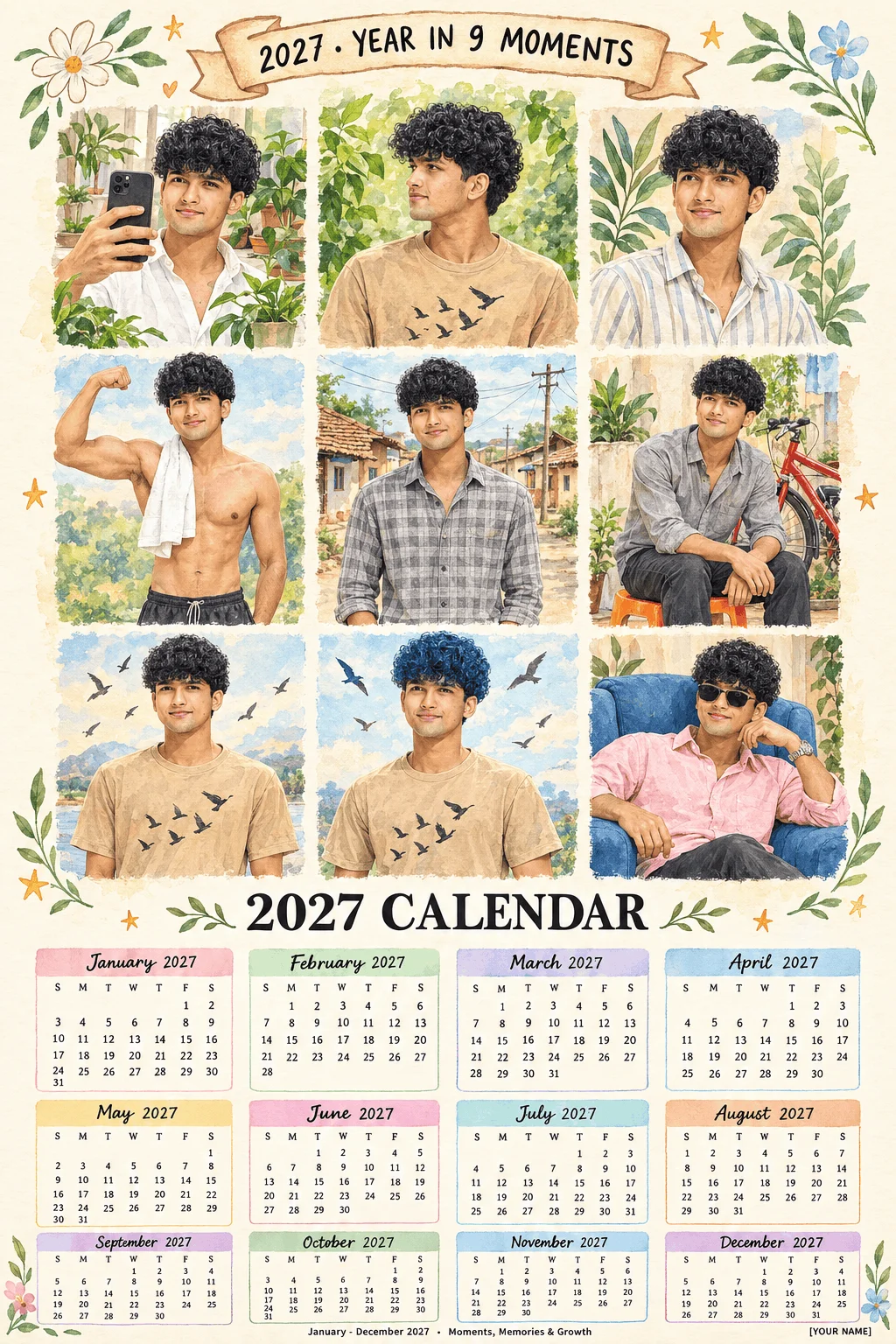
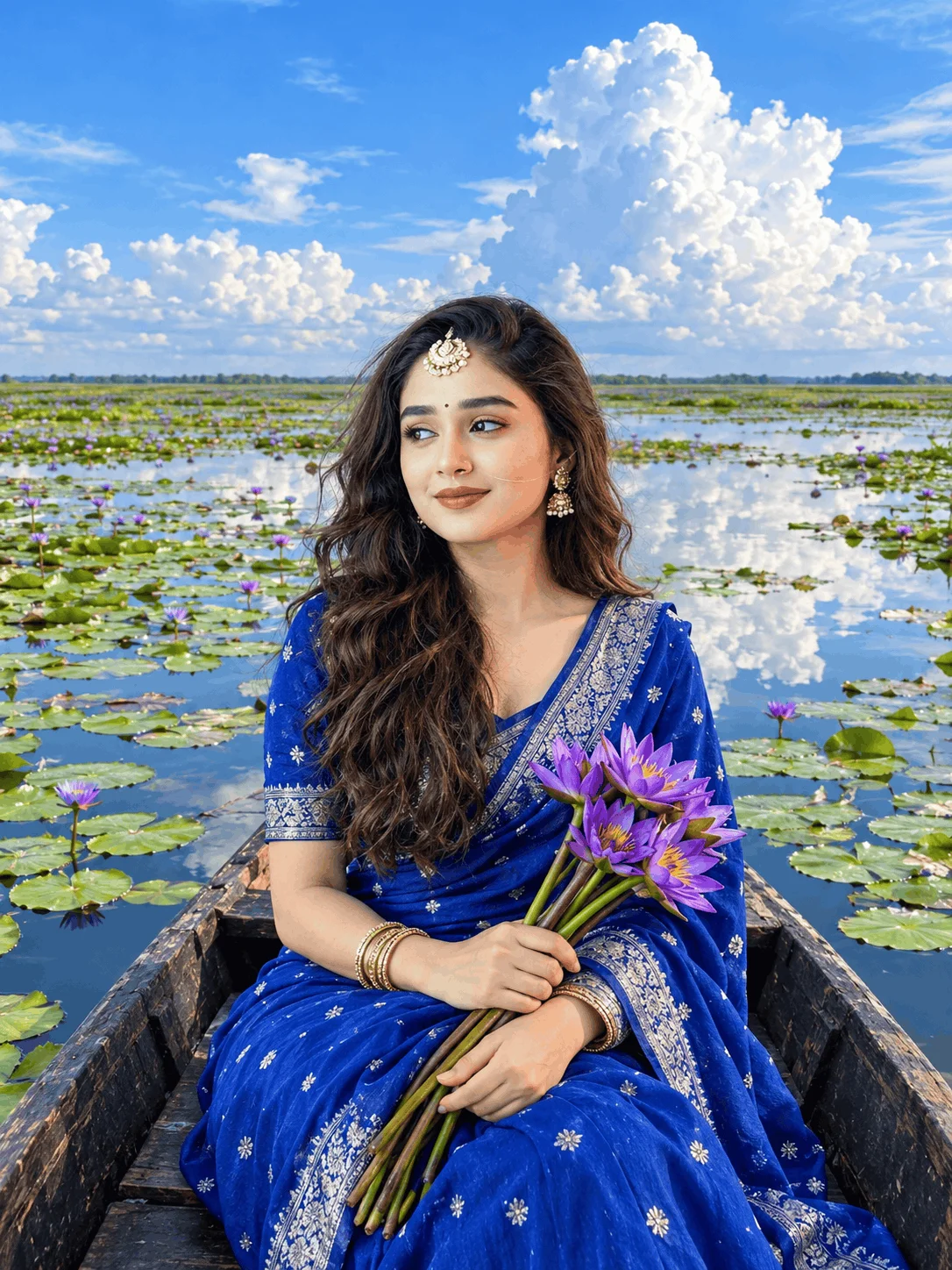
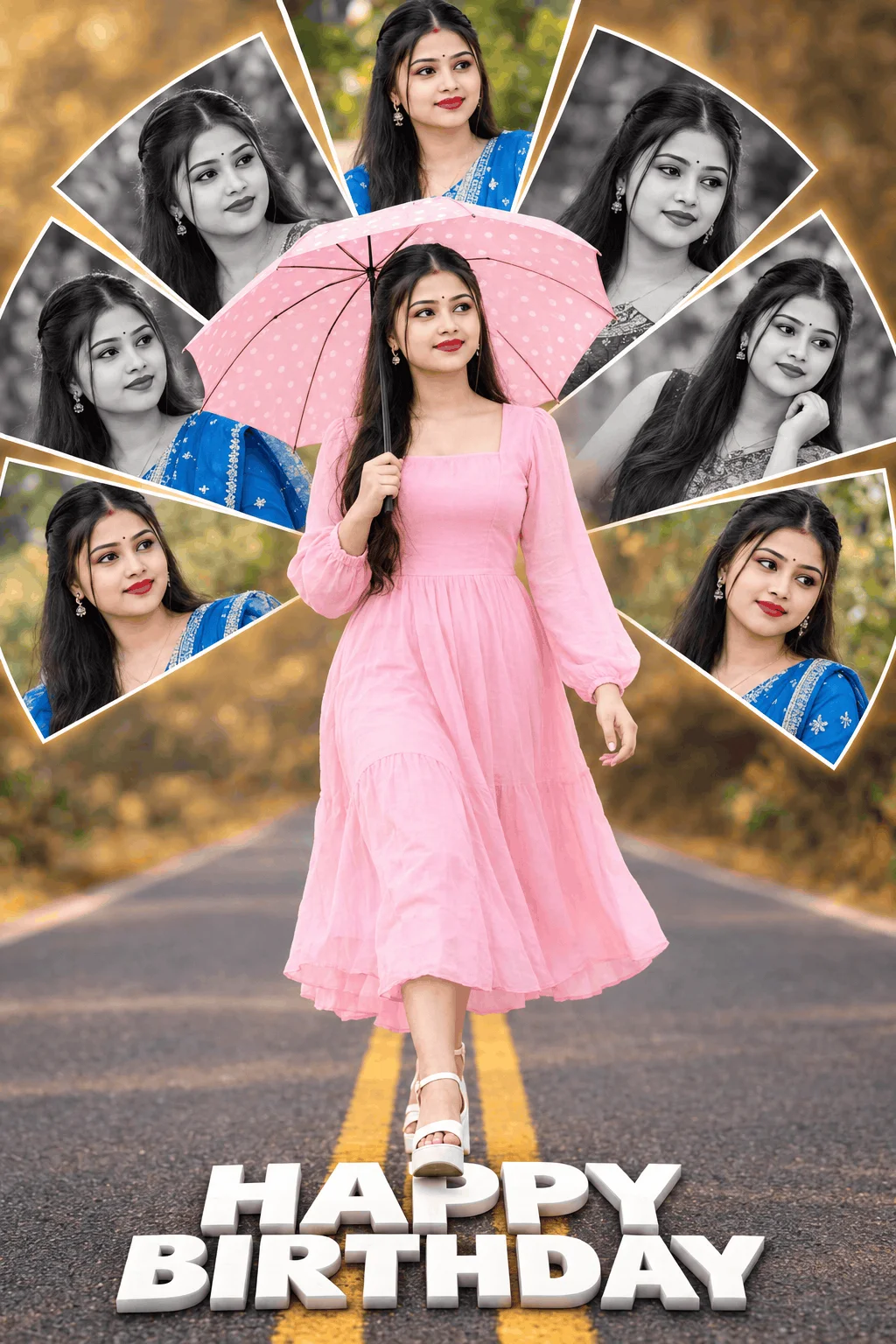
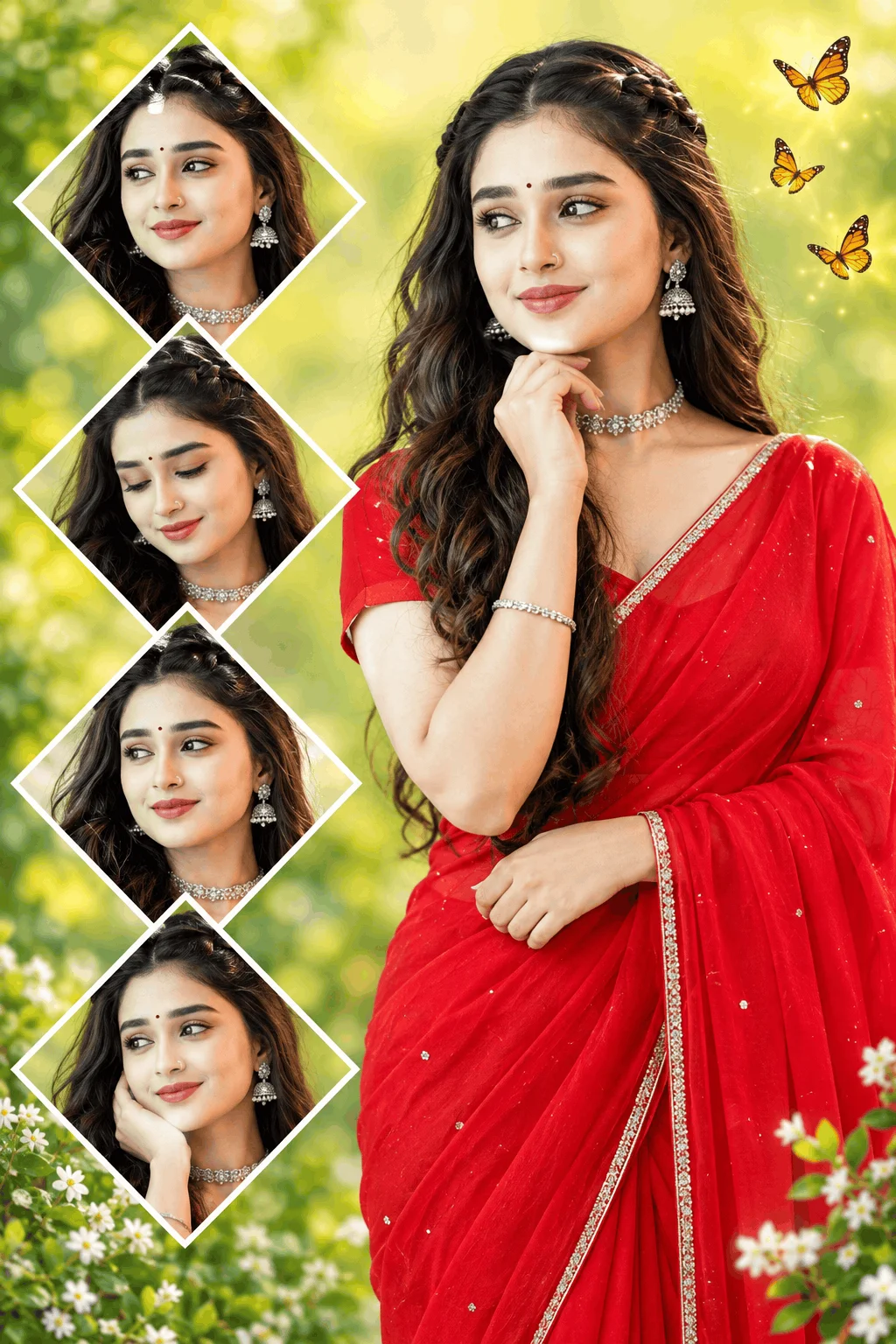
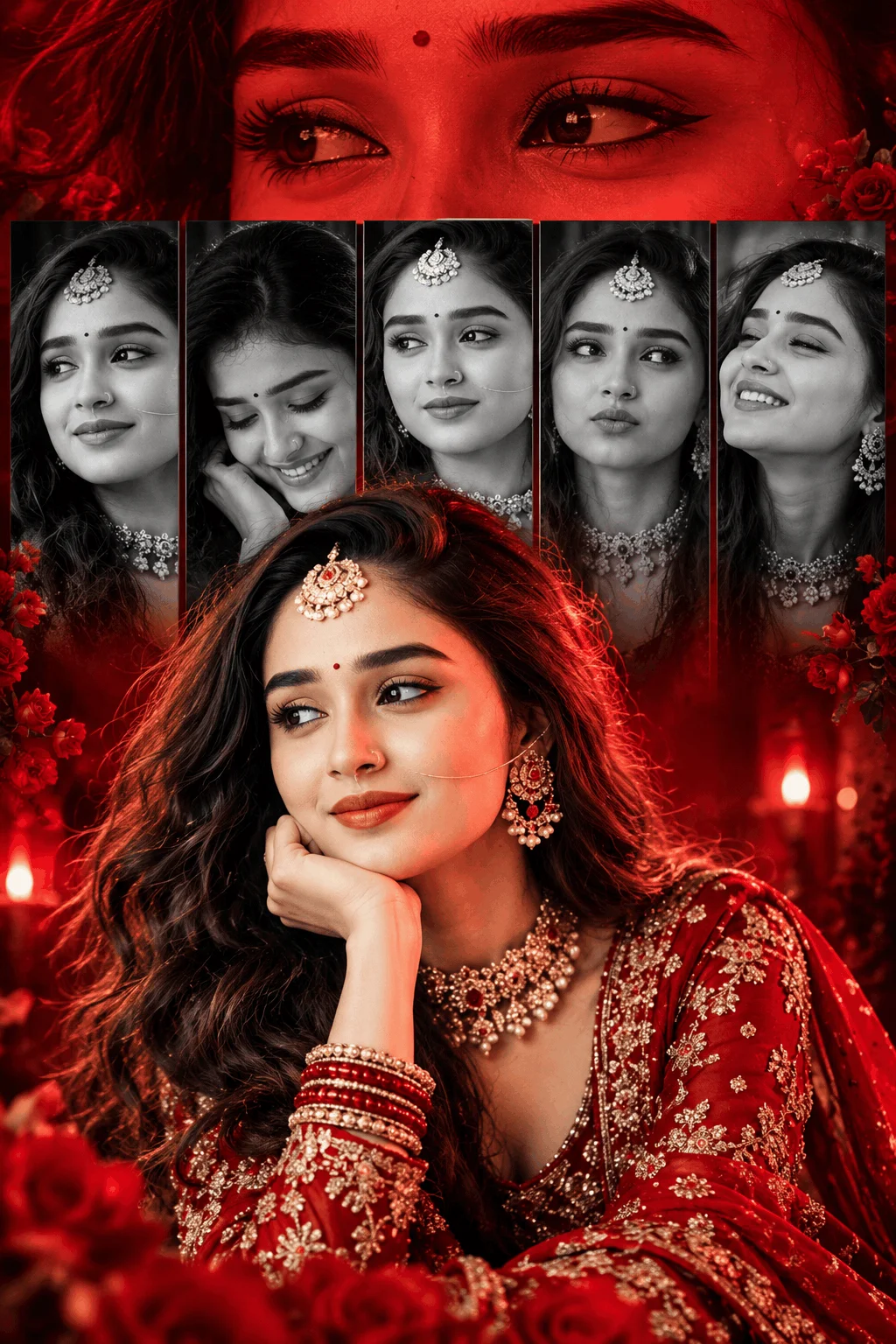
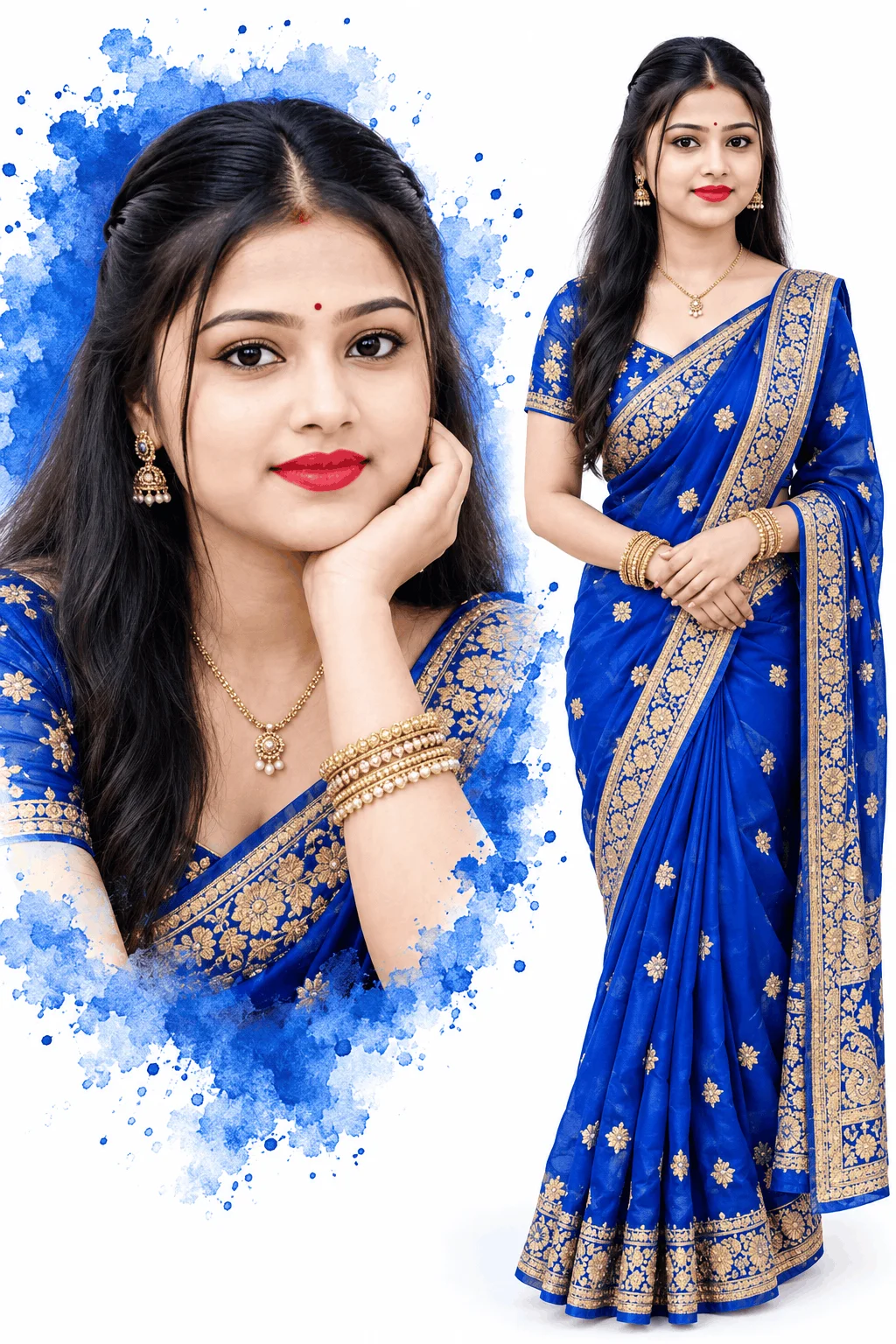
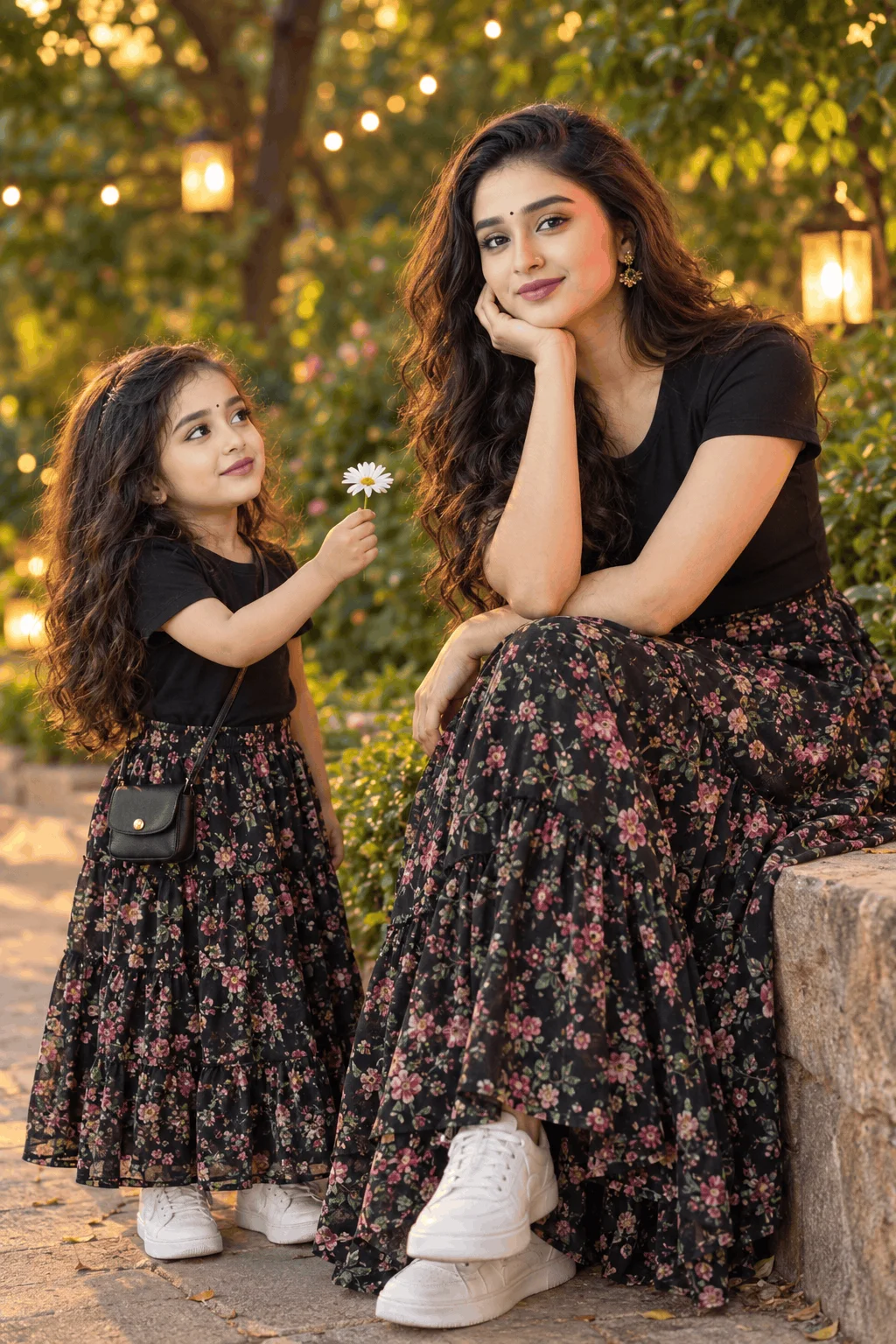
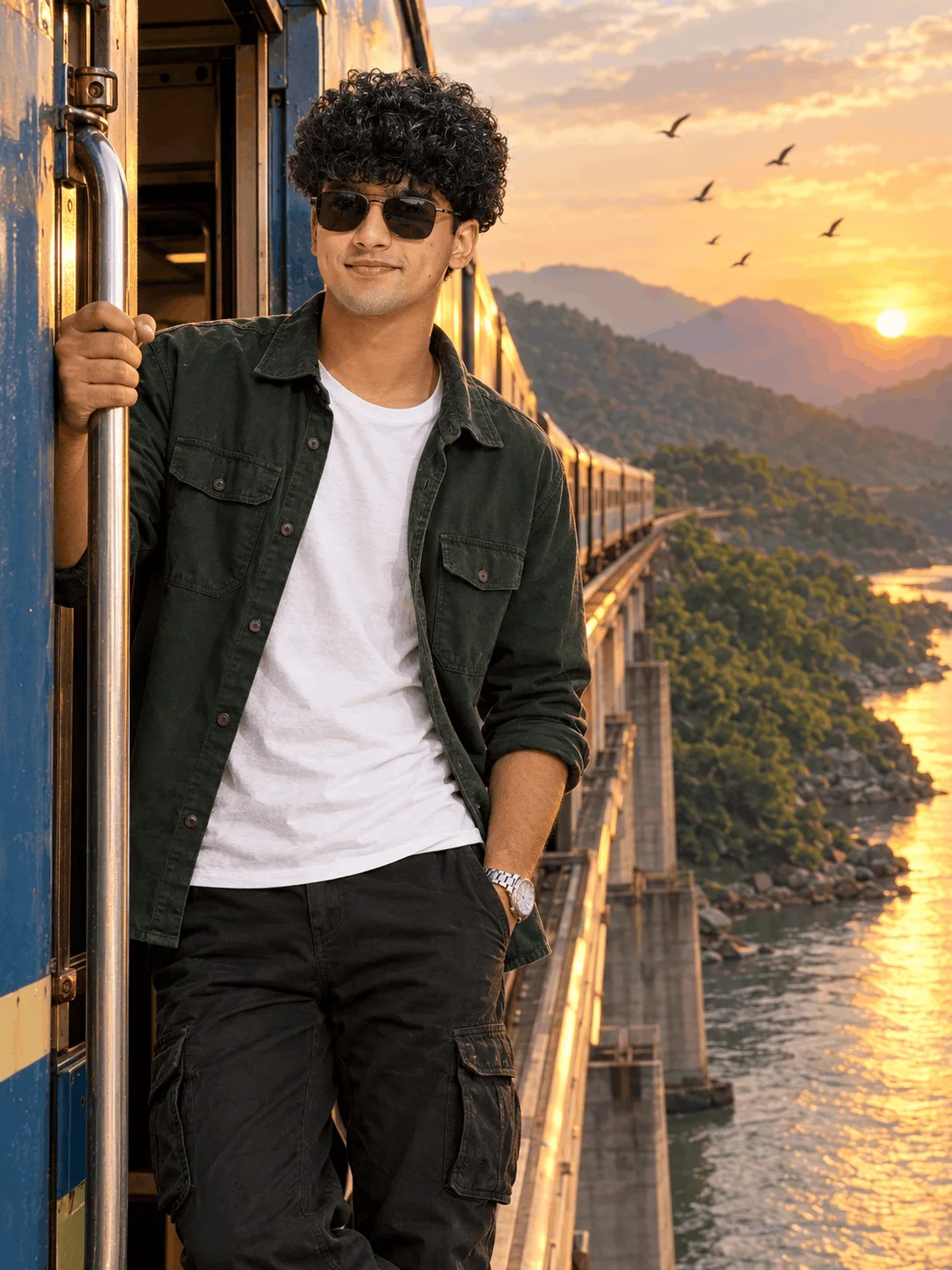
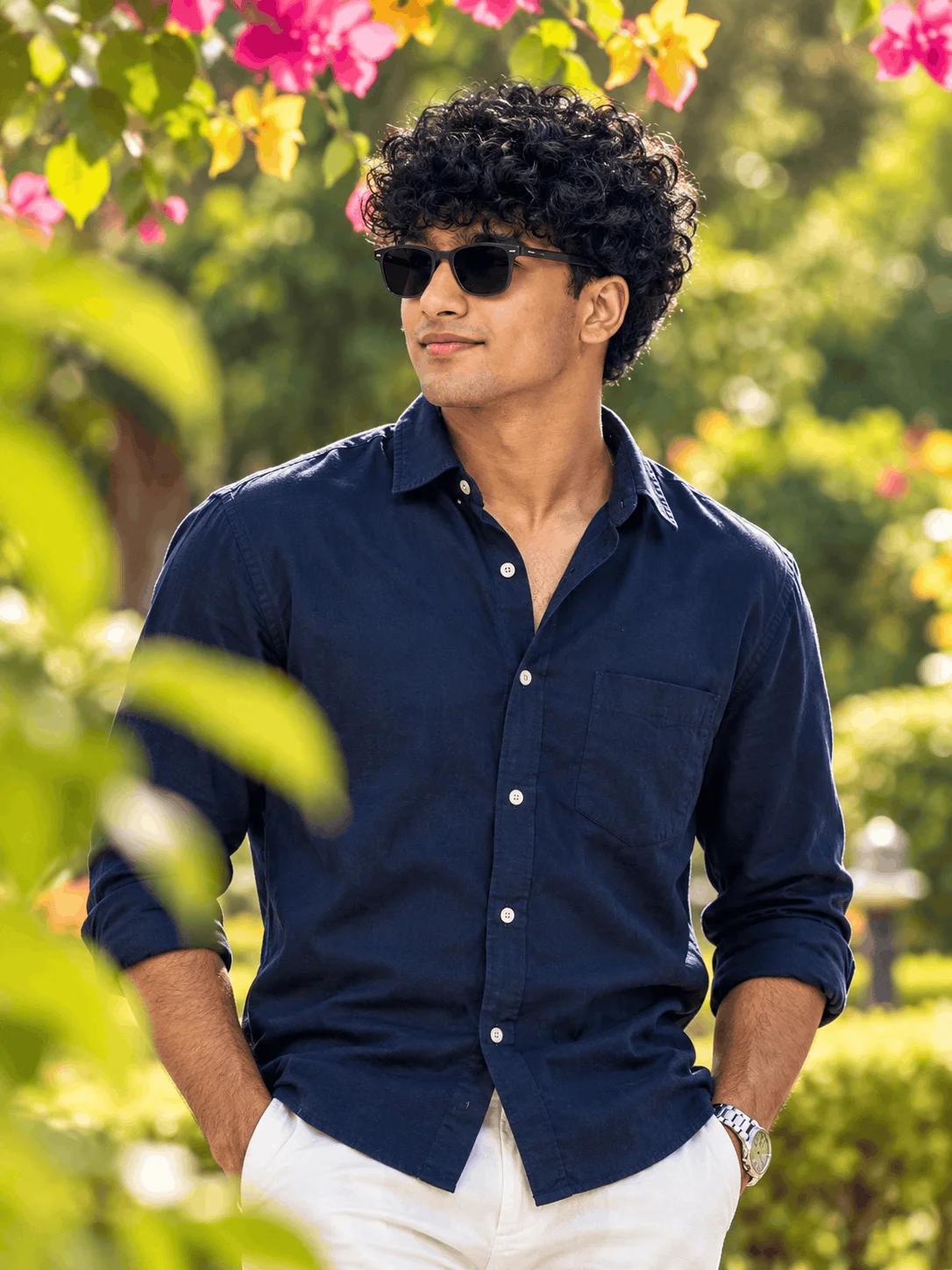
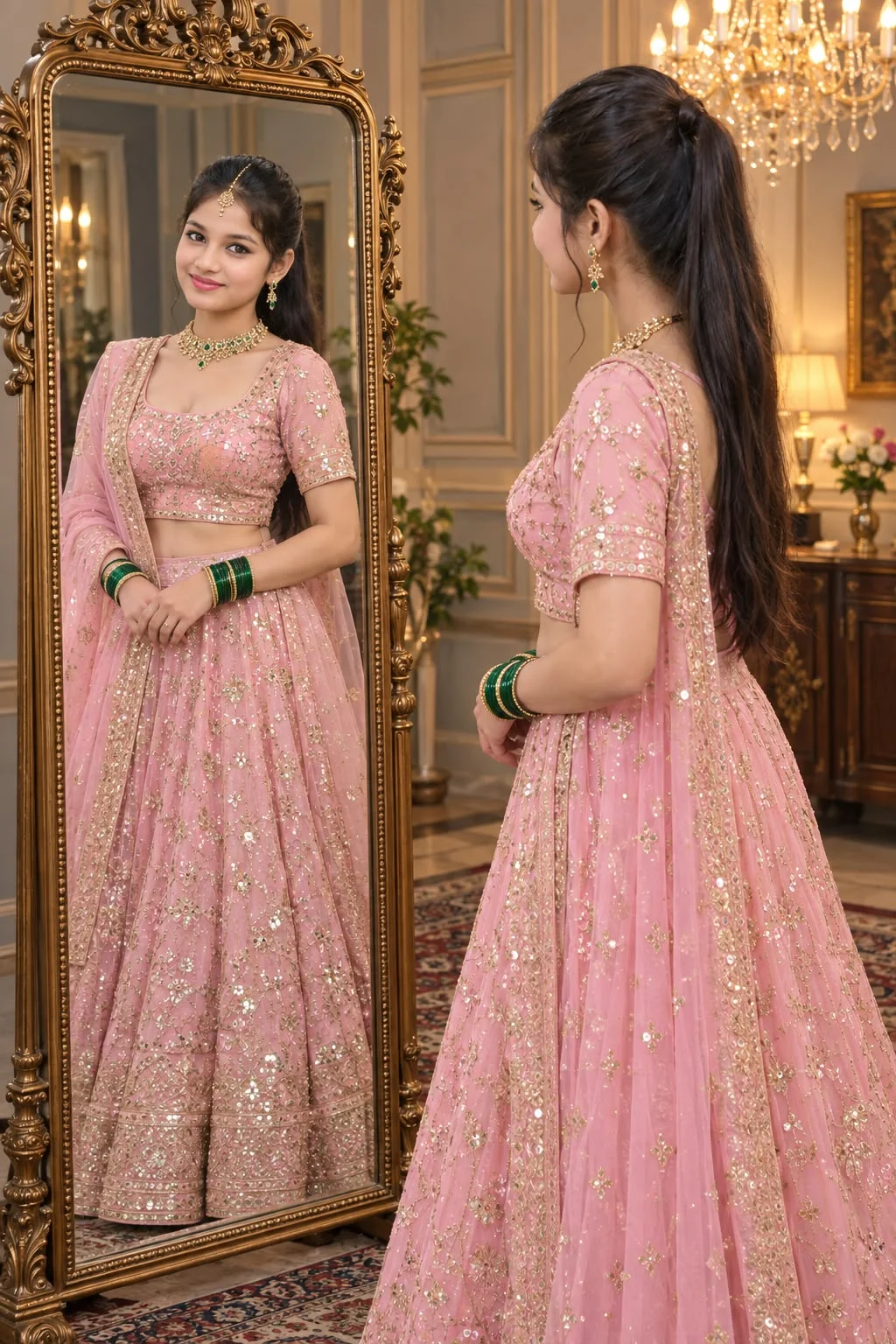
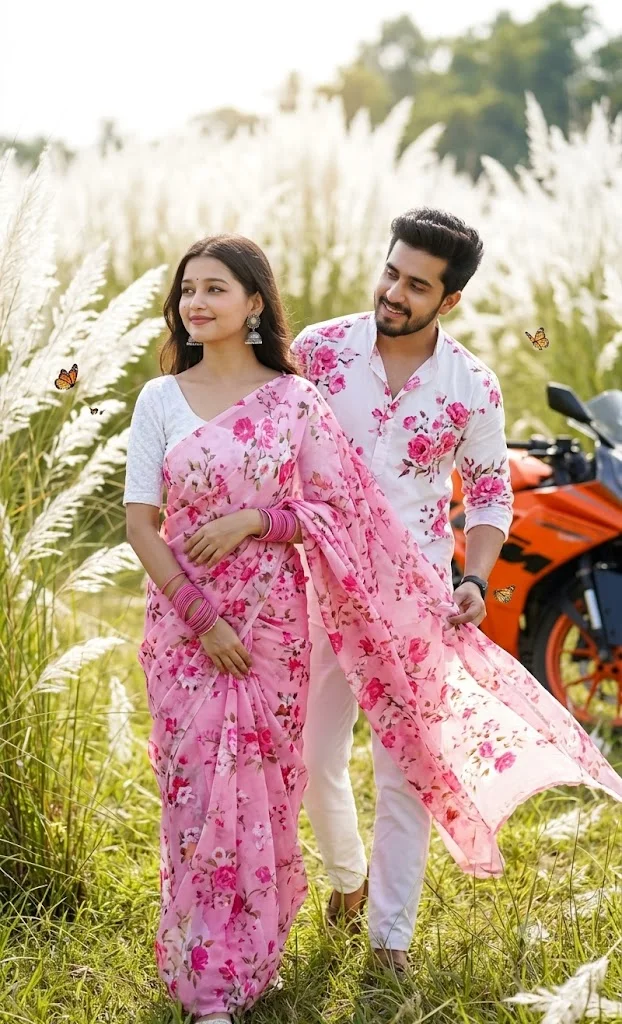
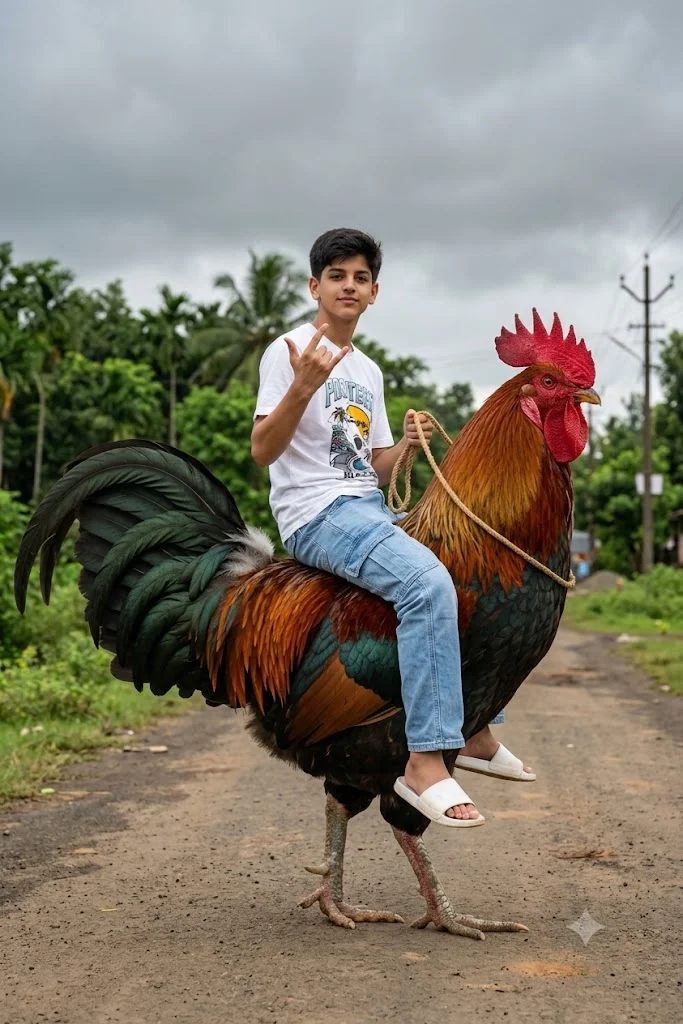
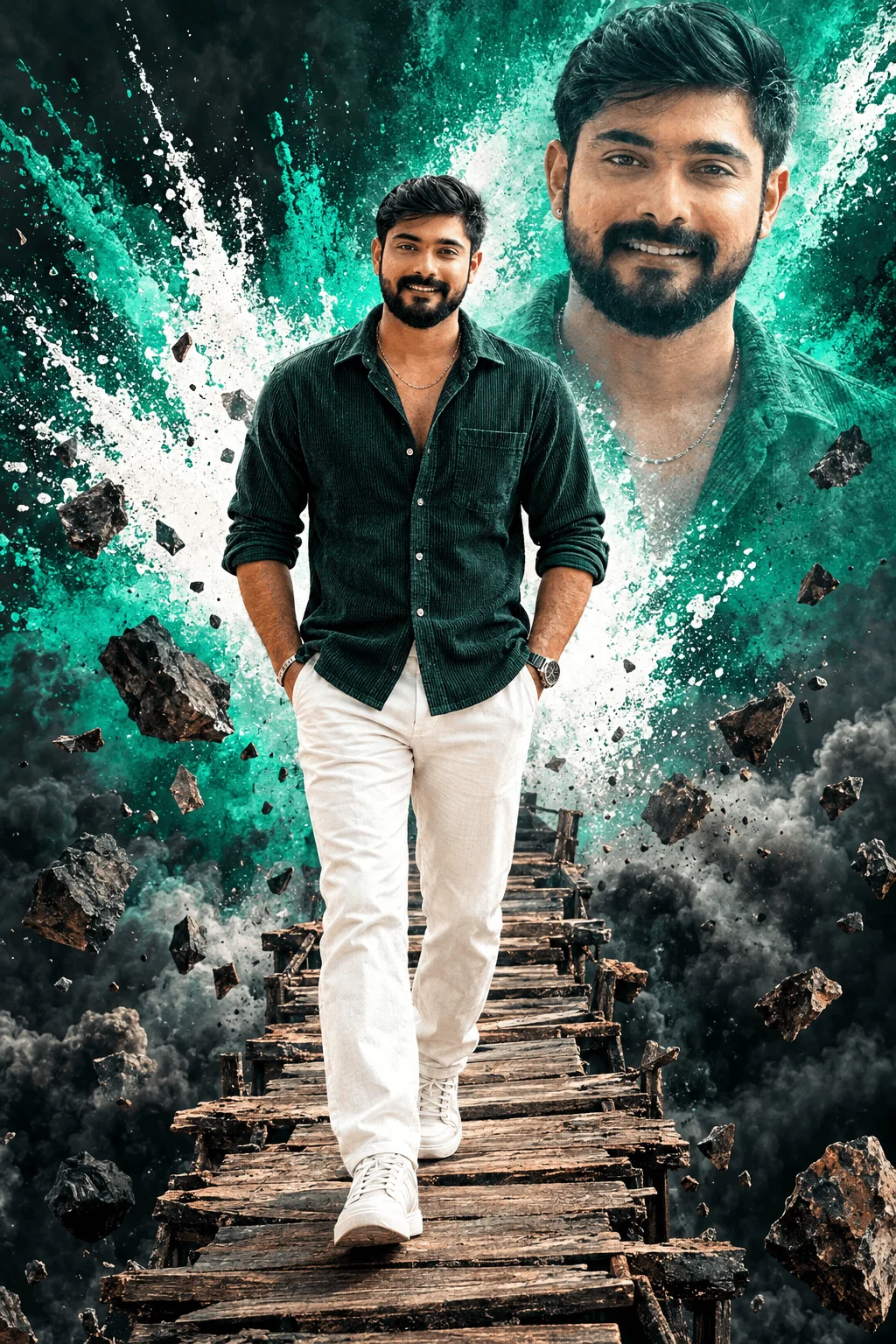
Instead of making creators spend hours manually adjusting color curves, keyframing transitions, or guessing complex artificial intelligence prompt syntax, the platform gathers battle-tested creative recipes into one place. From photorealistic generative image prompts for Bing Image Creator and Google Gemini to direct CapCut templates and VN project codes, Editing Prompt gives everyday mobile users the tools to produce cinema-level visuals directly on their phones.
Signature Viral Concepts That Built the Editing Prompt Community
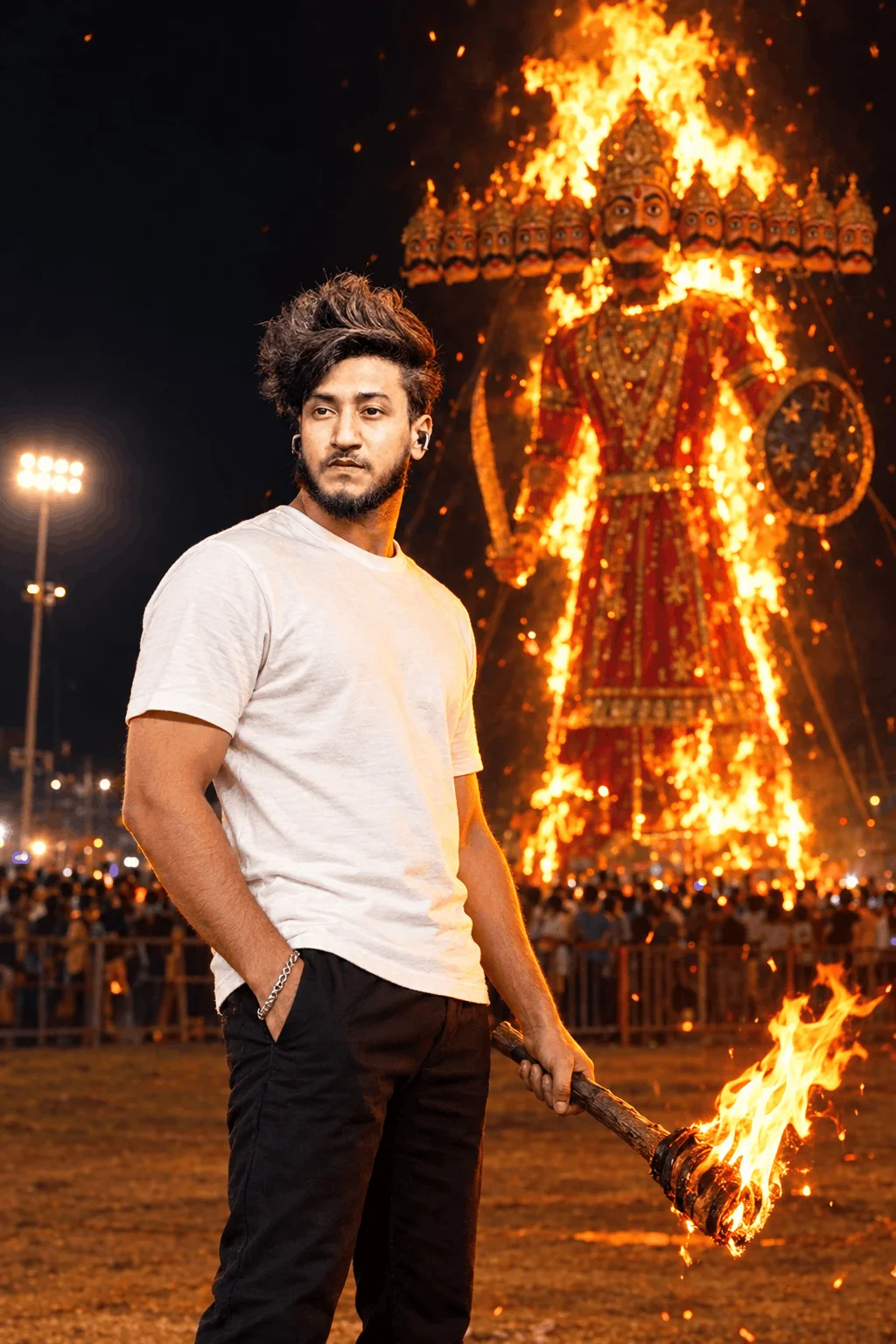
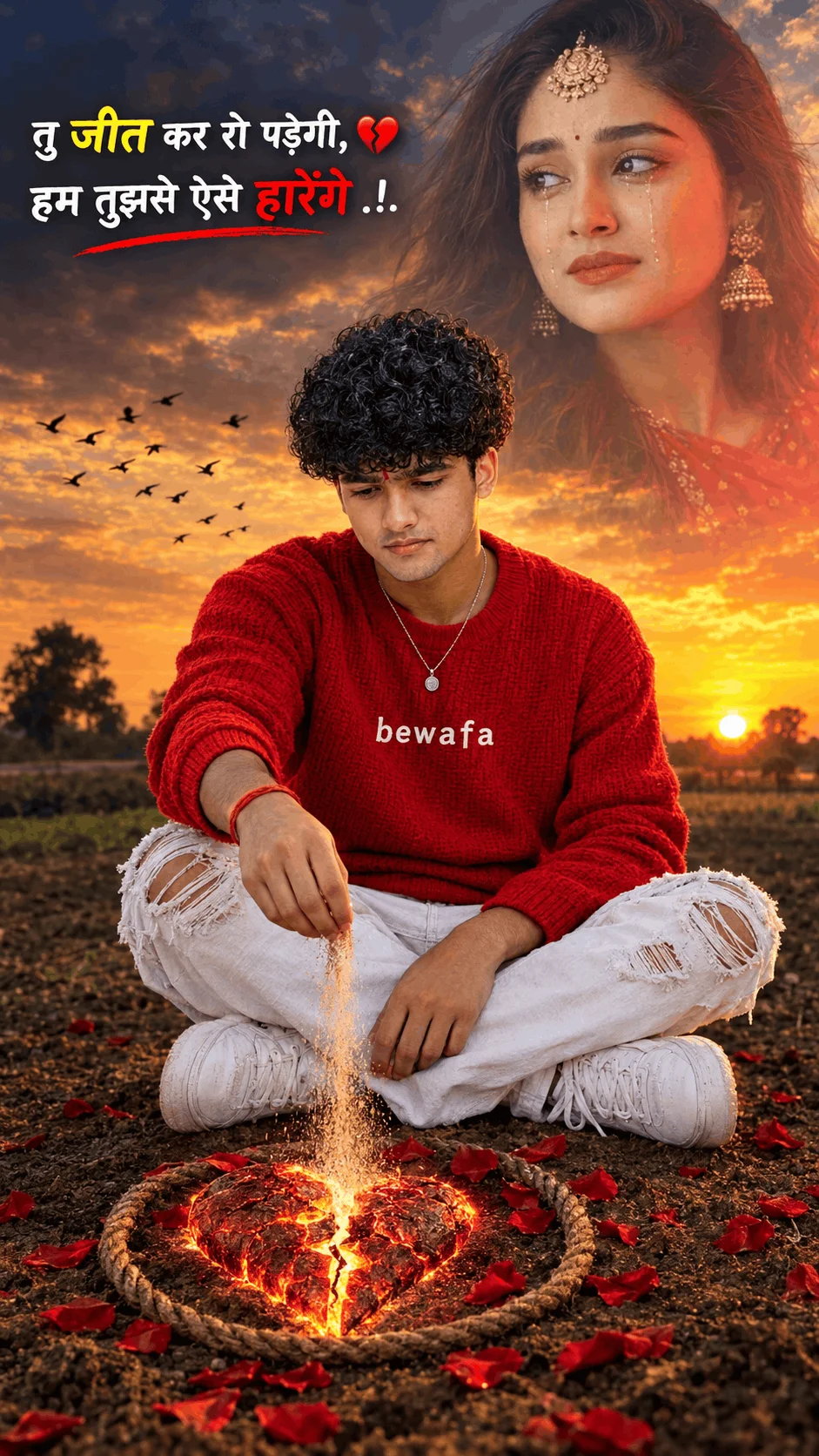
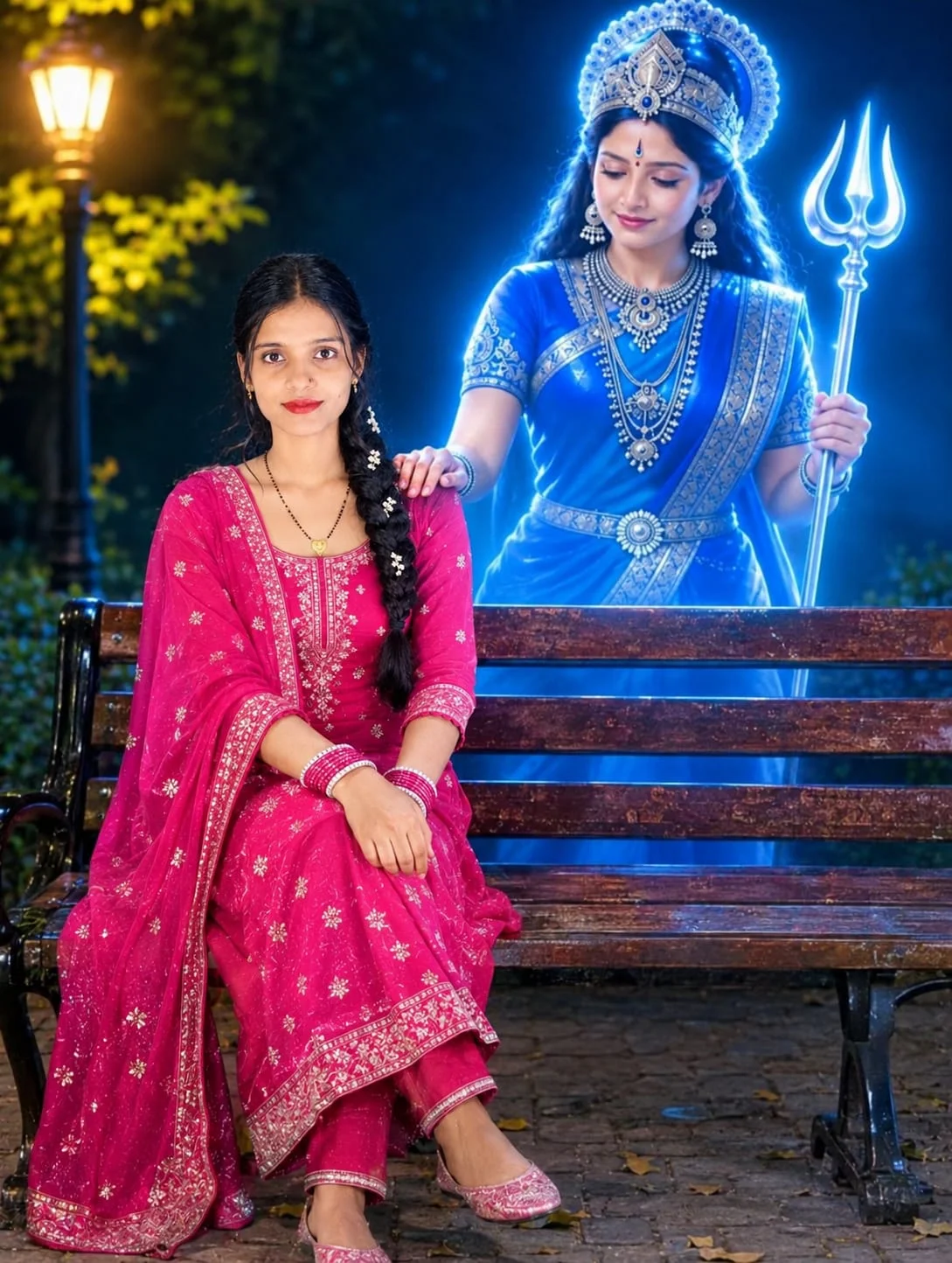
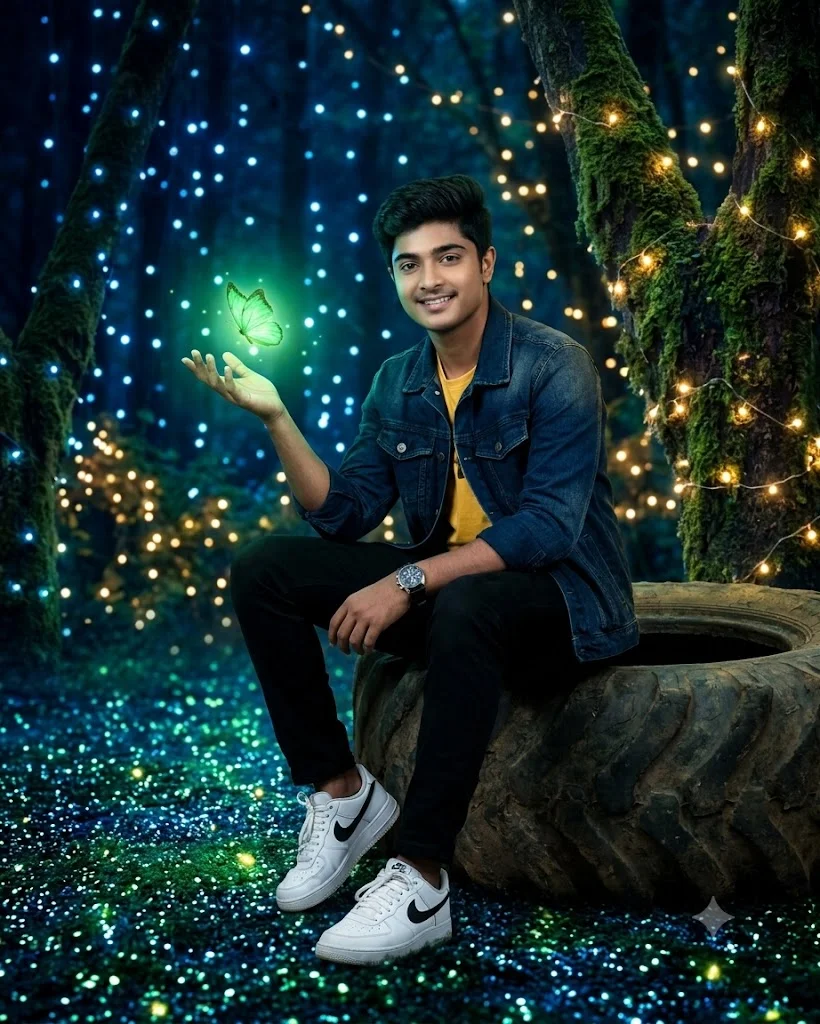
Analyzing the most popular posts across Editing Prompt reveals why millions of creators search for these exact formulas every day:
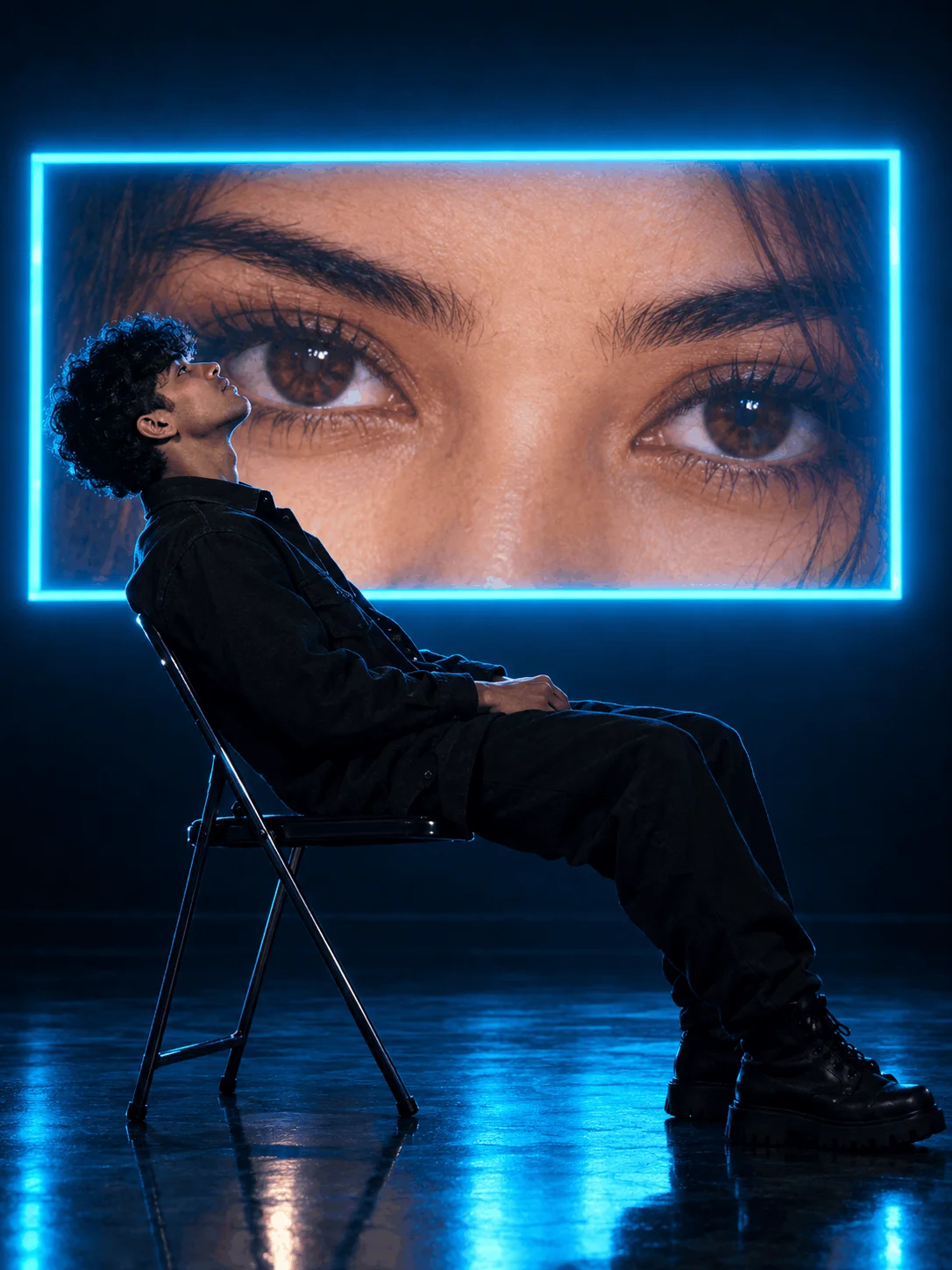
Neon Eye Screen Projections
A visual style where a model sits pensively in a dimly lit studio while a massive high-definition macro eye projection illuminates the wall behind them. The contrasting neon cyan and amber lighting produces striking reflections across the face and iris.
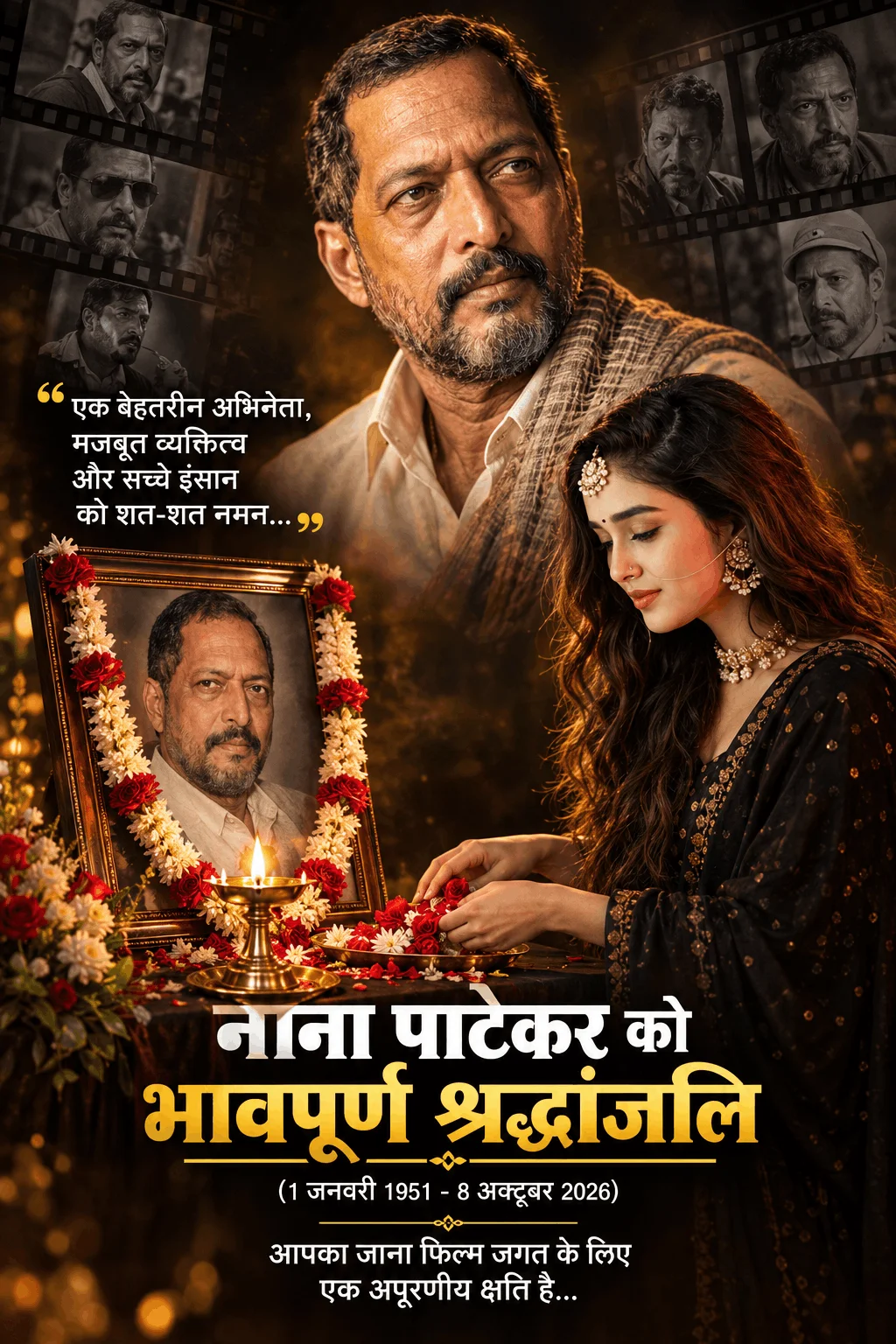
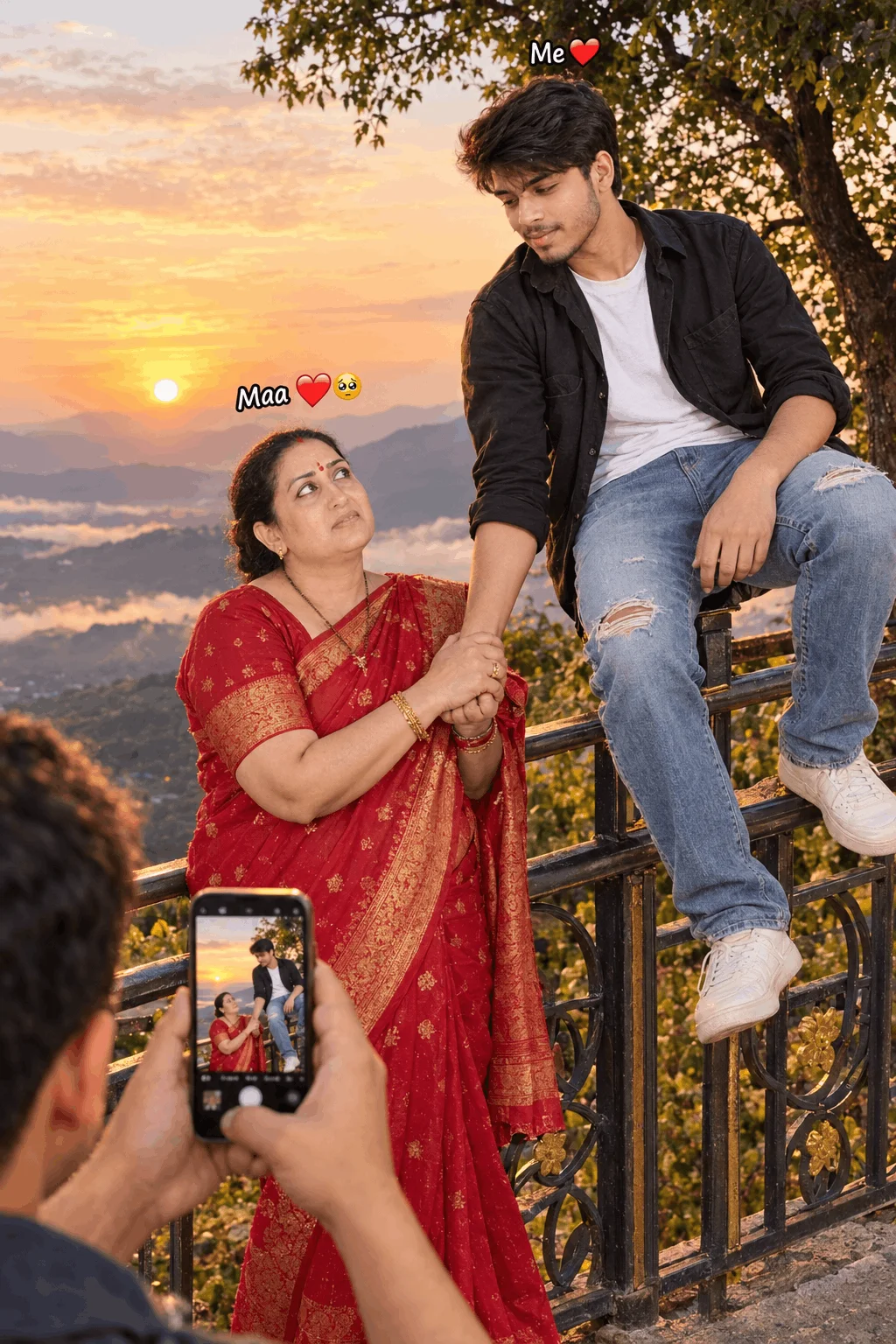
Memorial & Emotional Tributes
High-respect tribute concepts (such as devotional and celebrity memorial portraits like Nana Patekar tribute edits) where warm garland lighting, soft incense smoke, and photorealistic ceremonial details create emotional resonance.
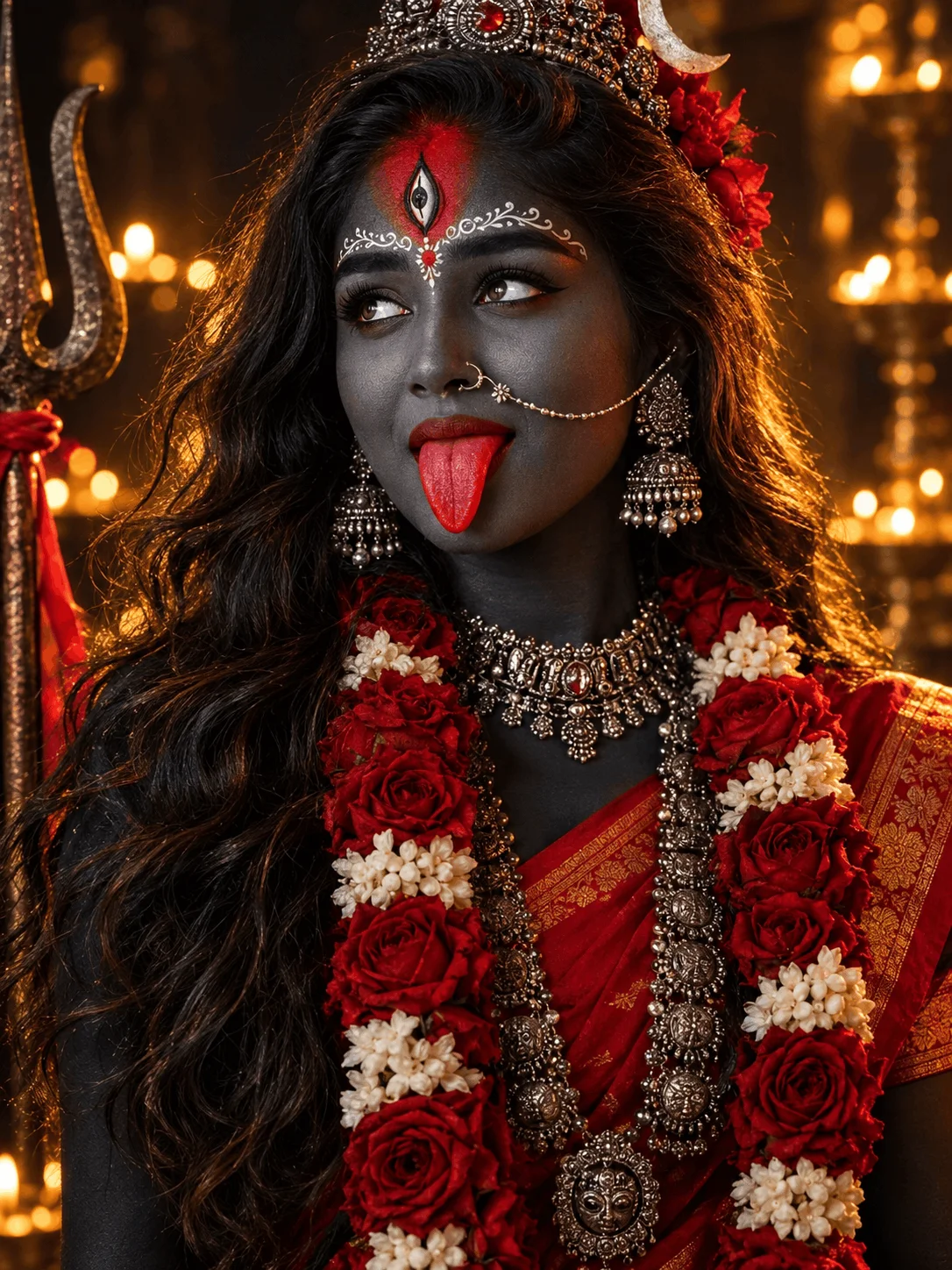
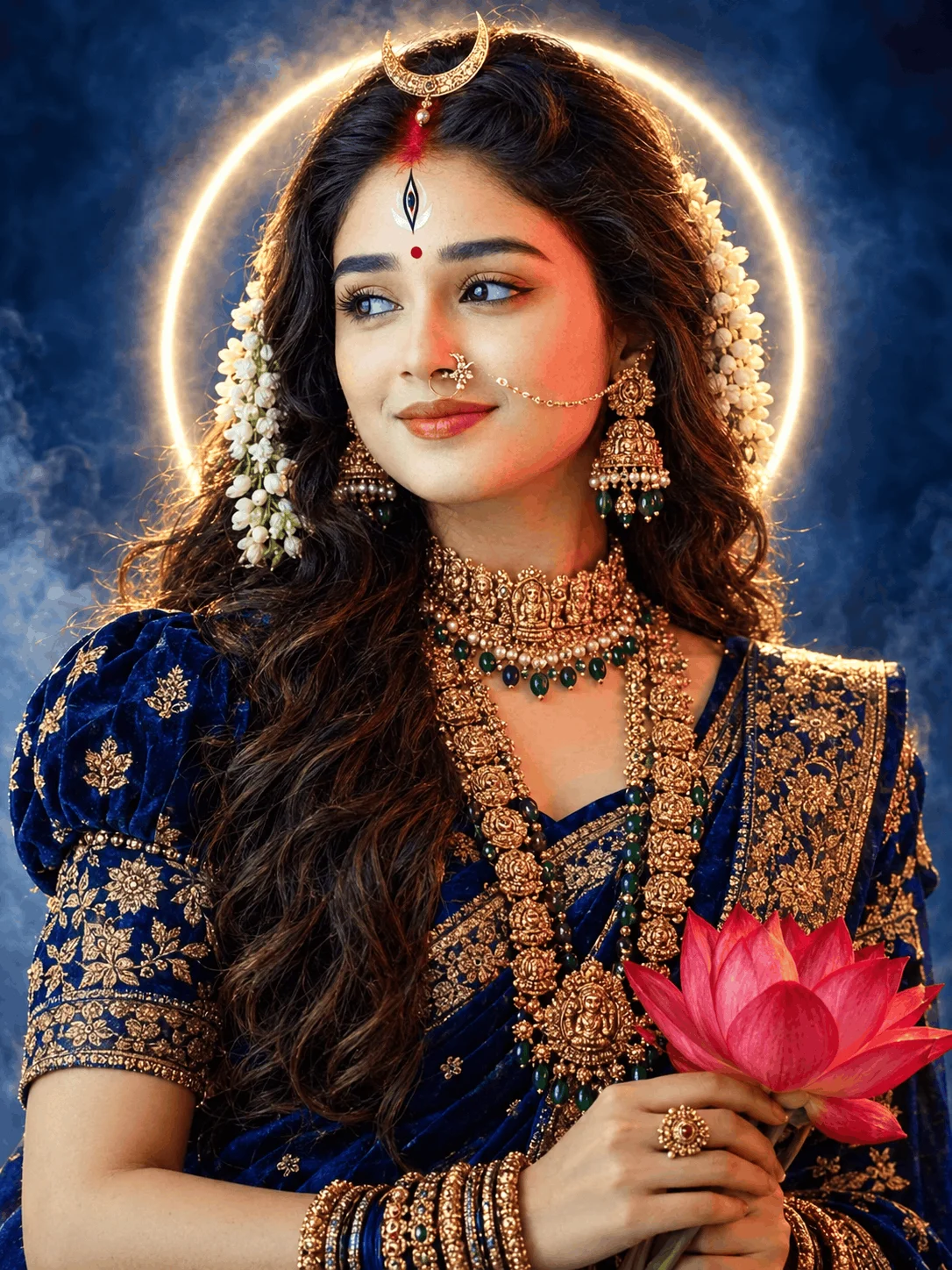
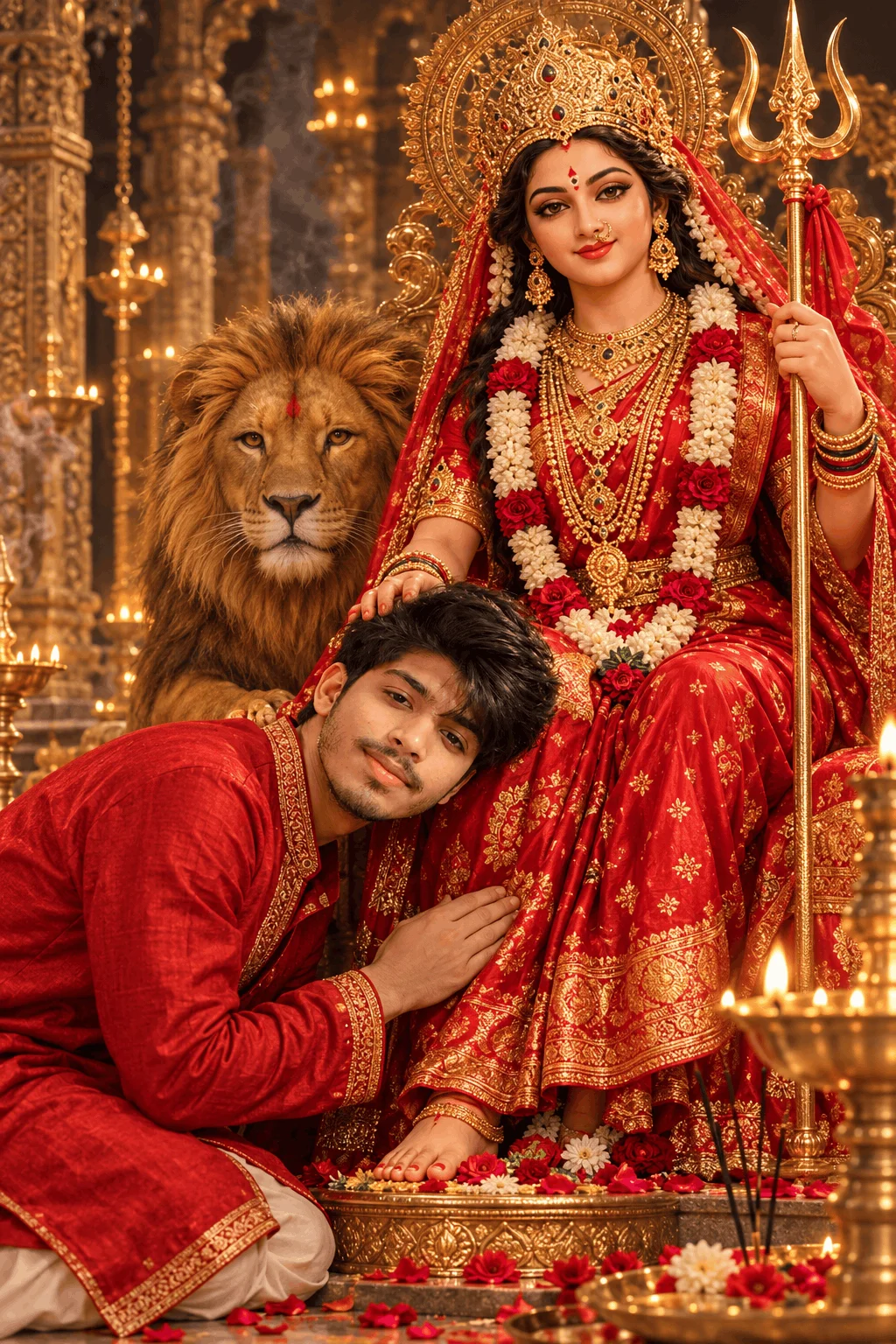
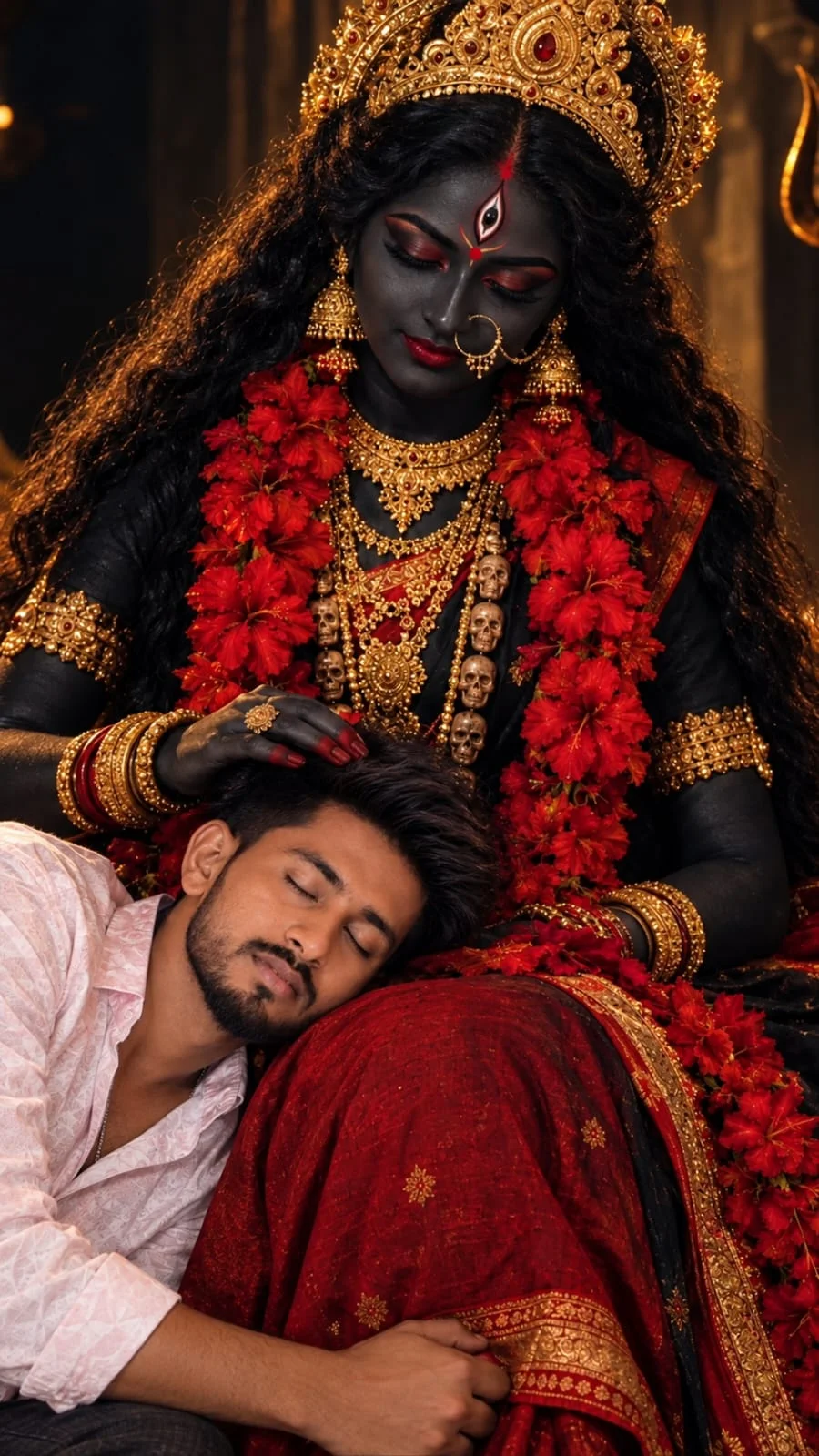
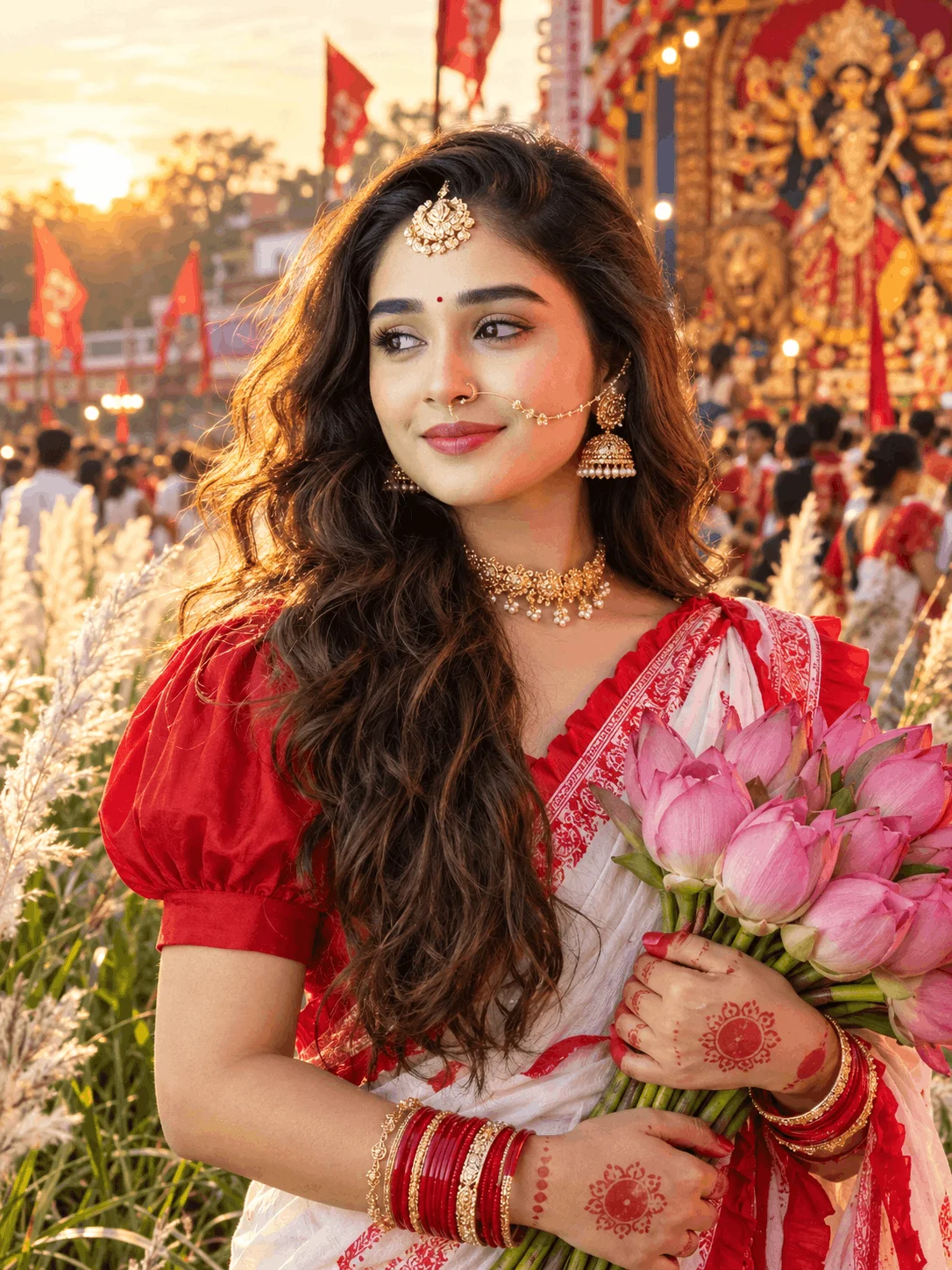
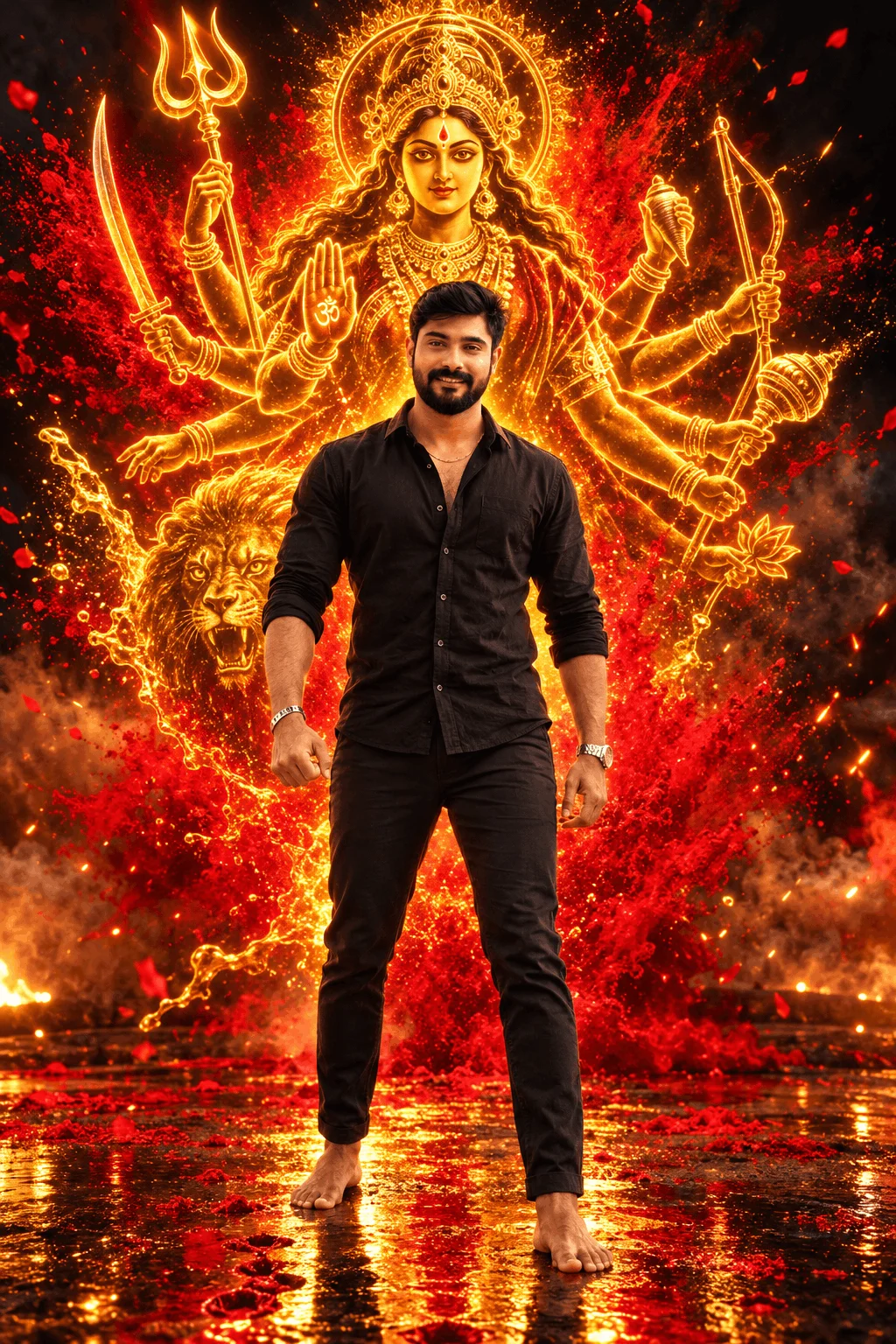
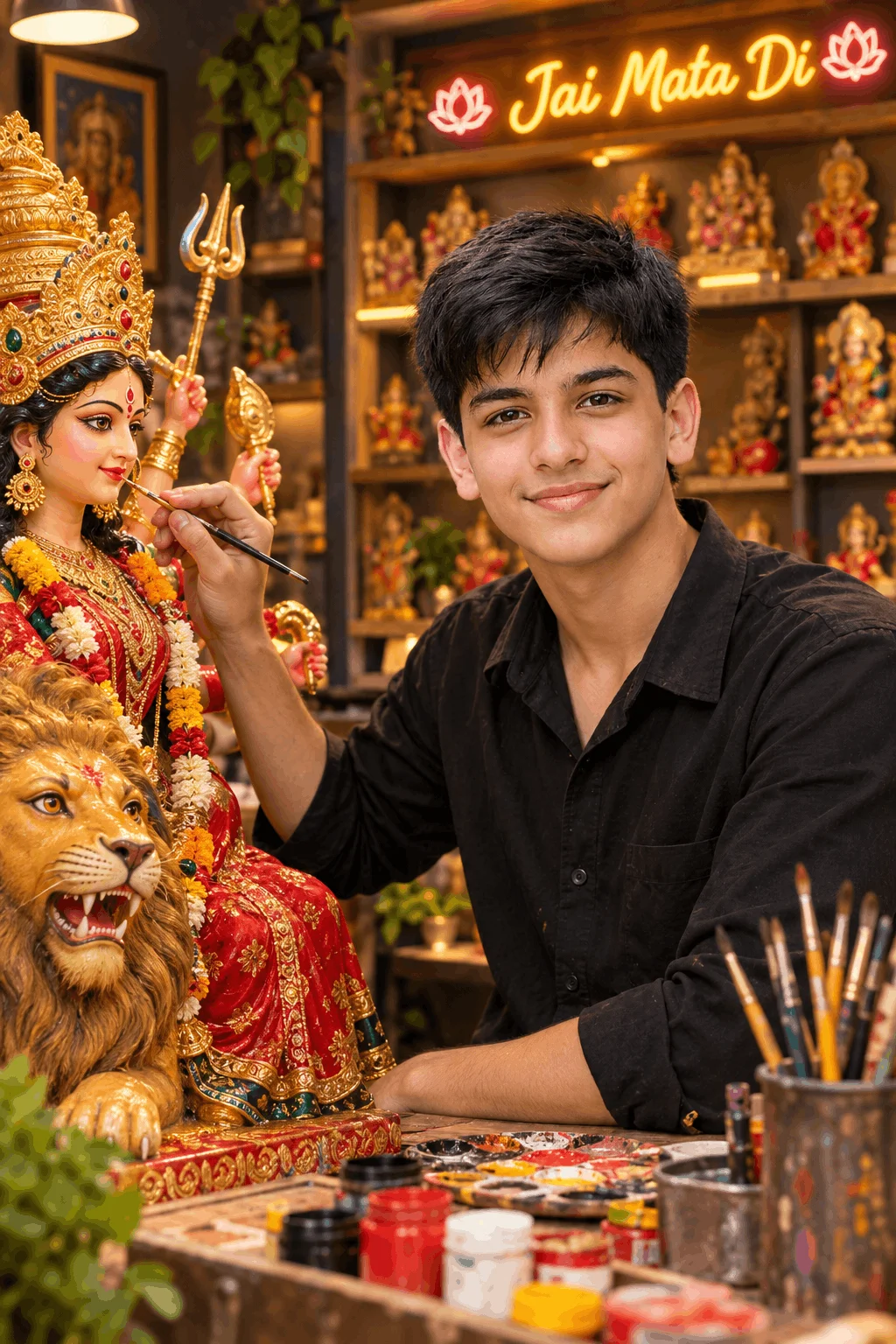
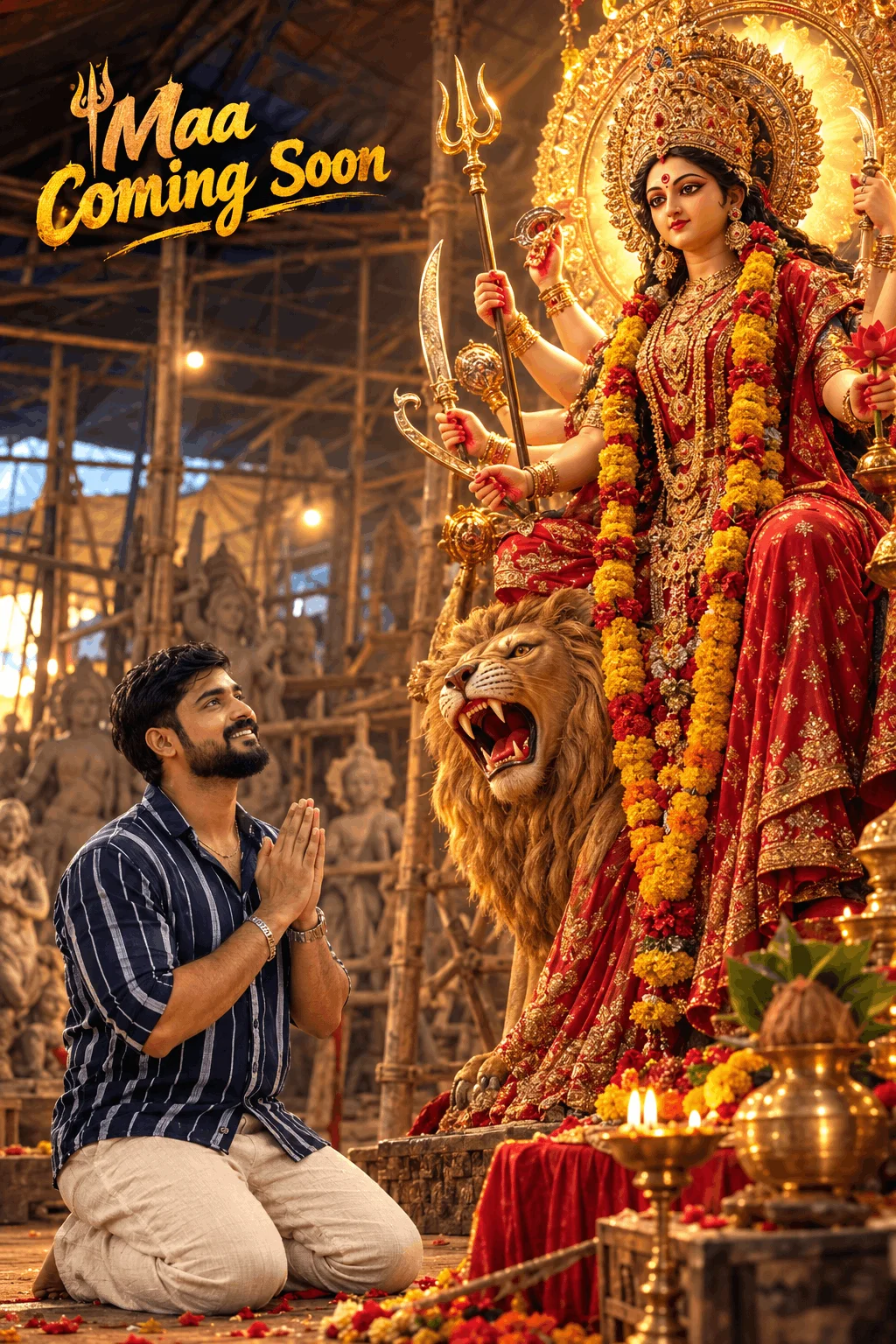
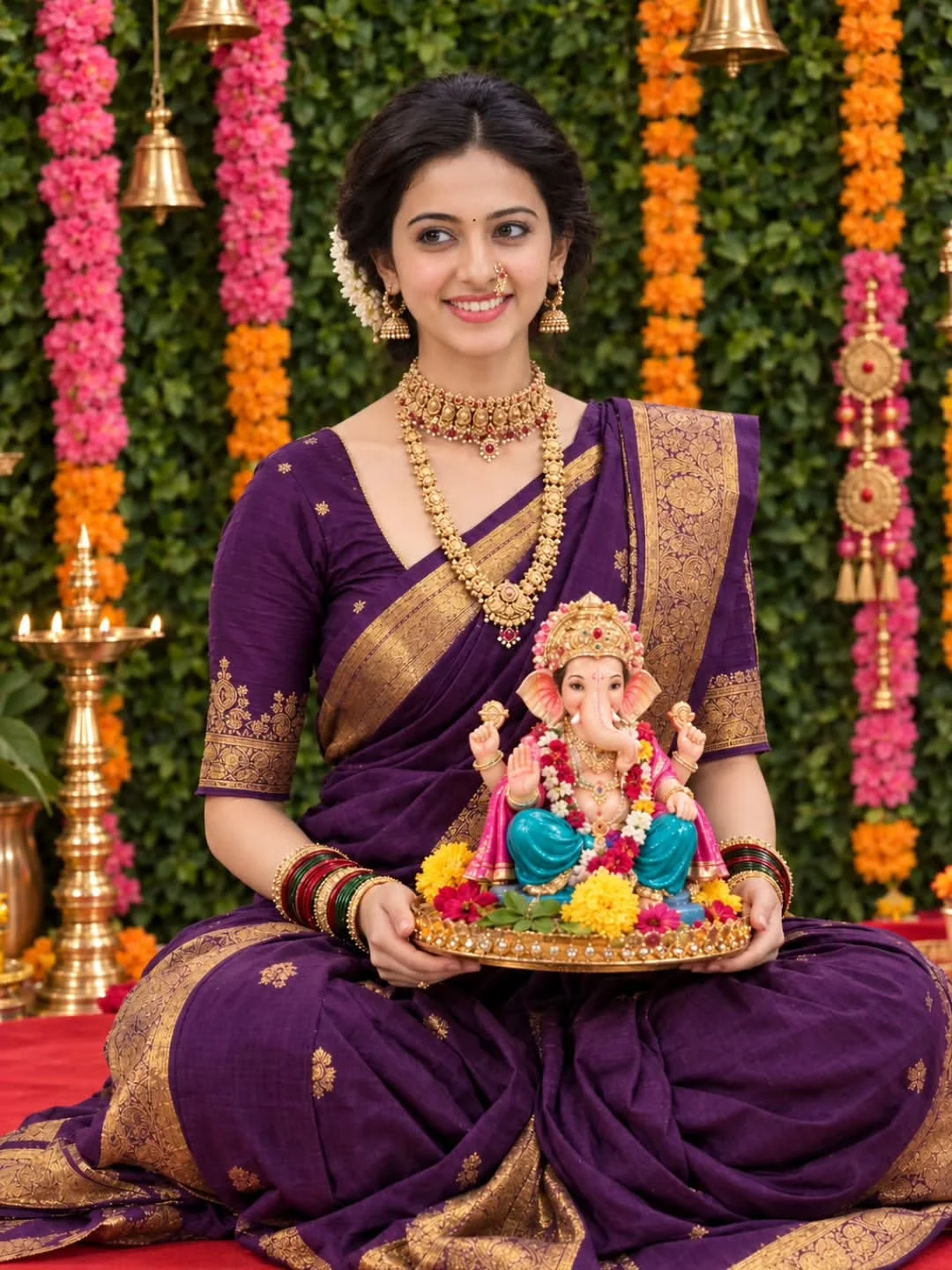
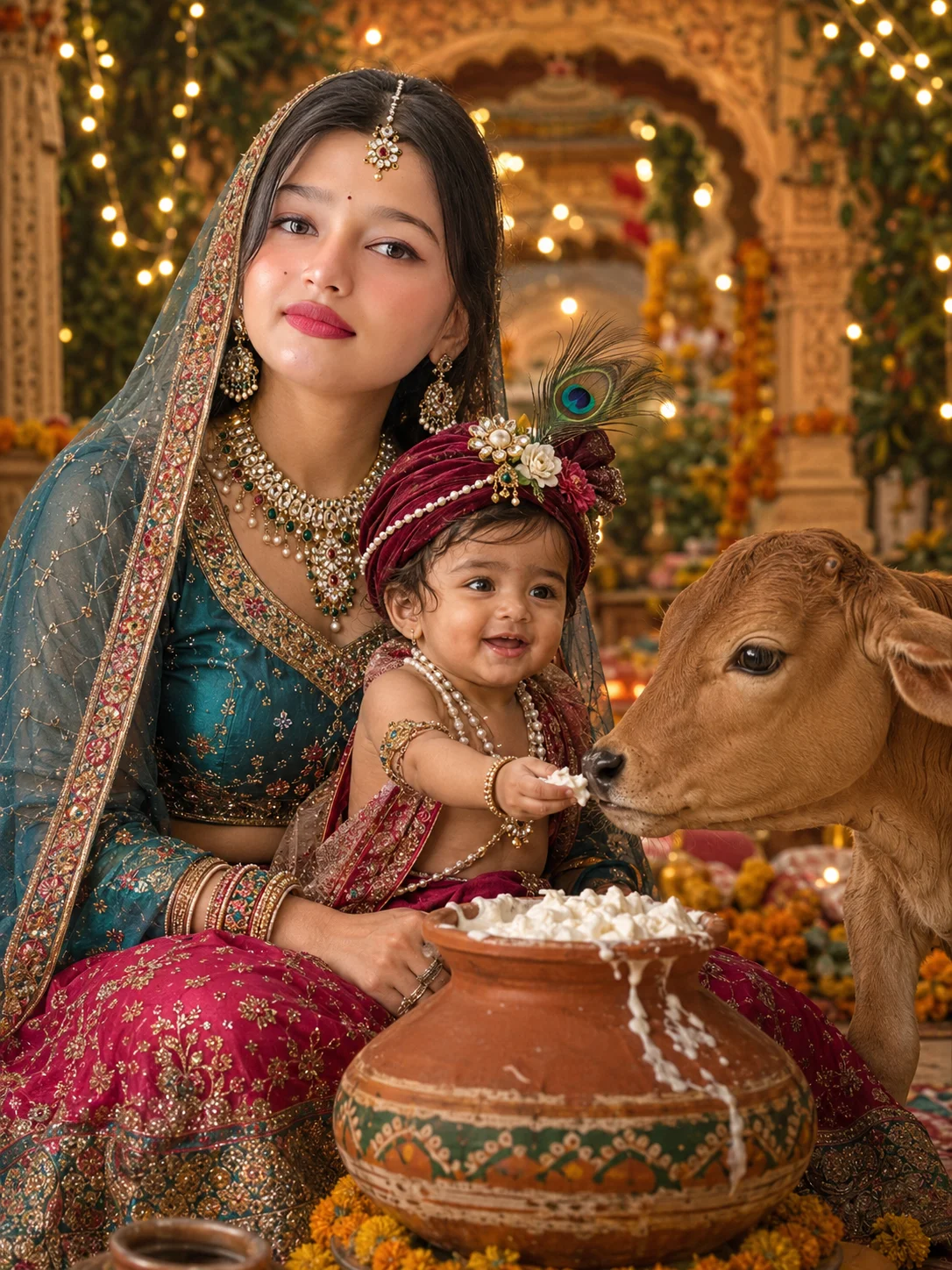
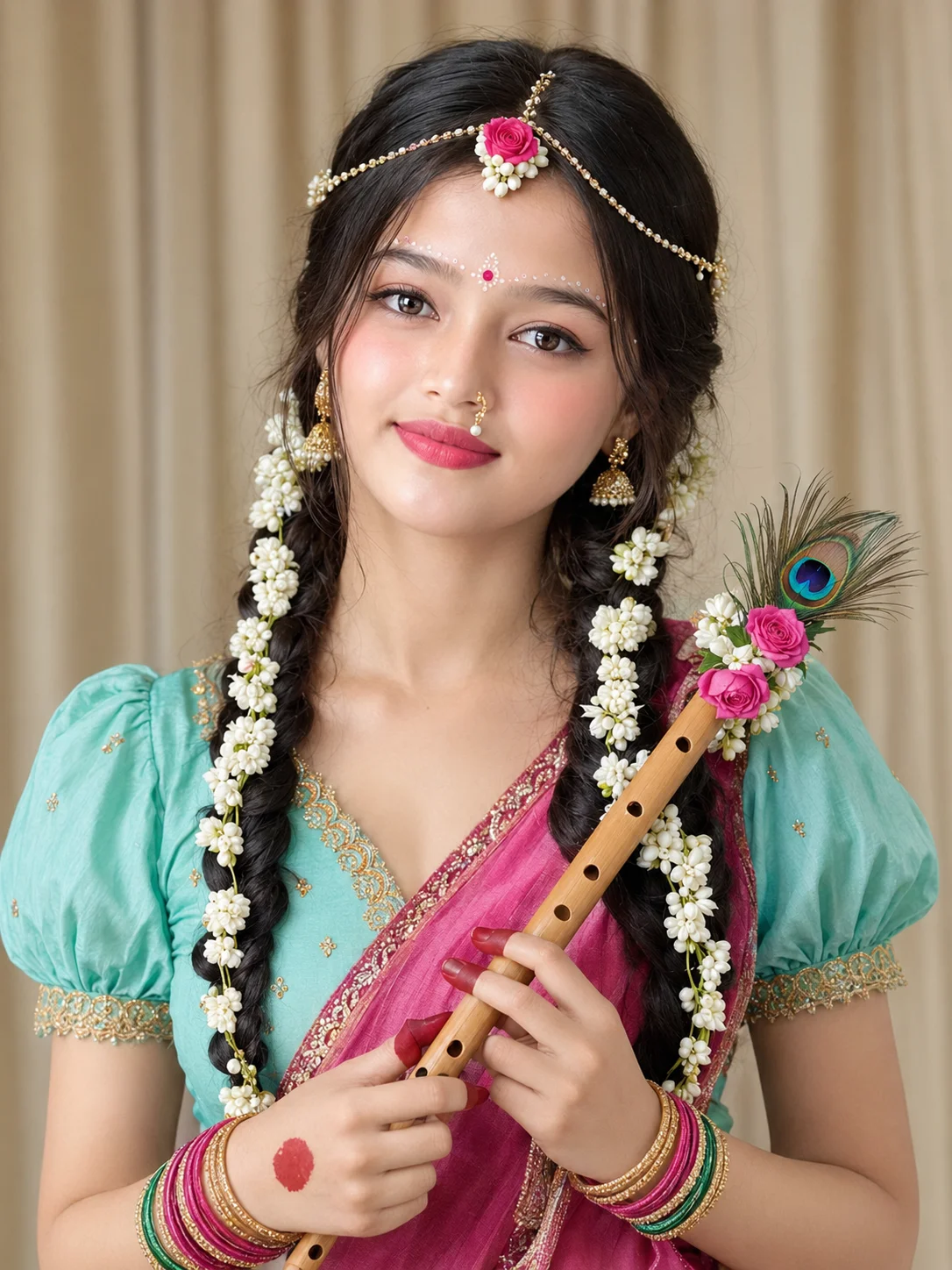
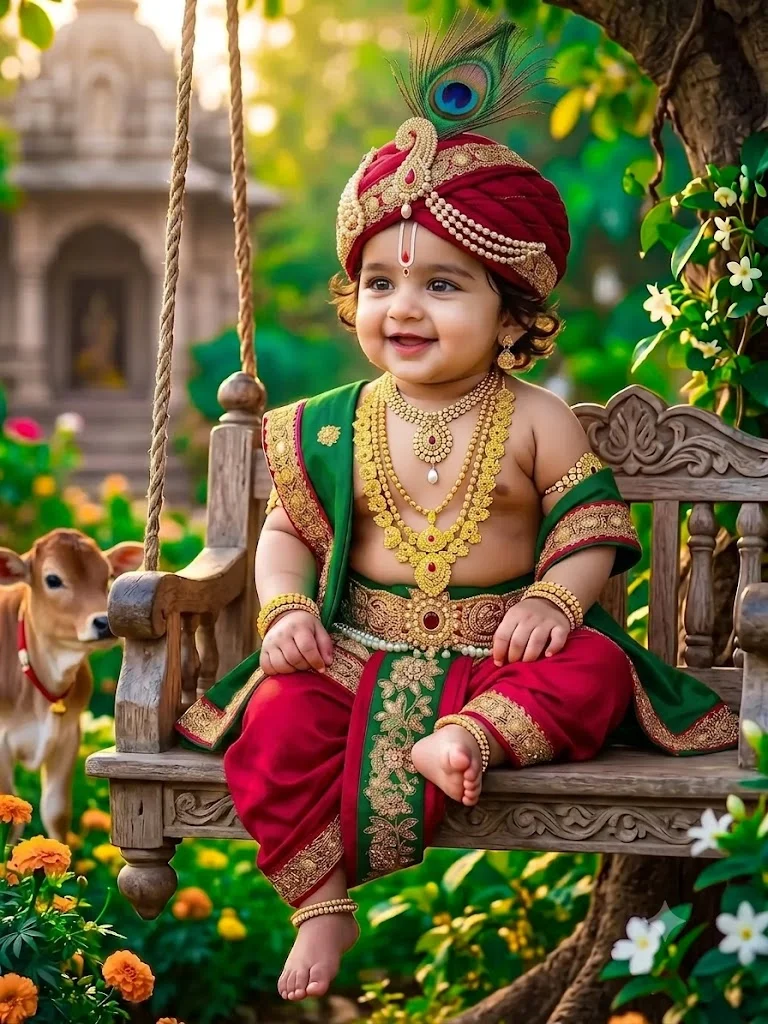
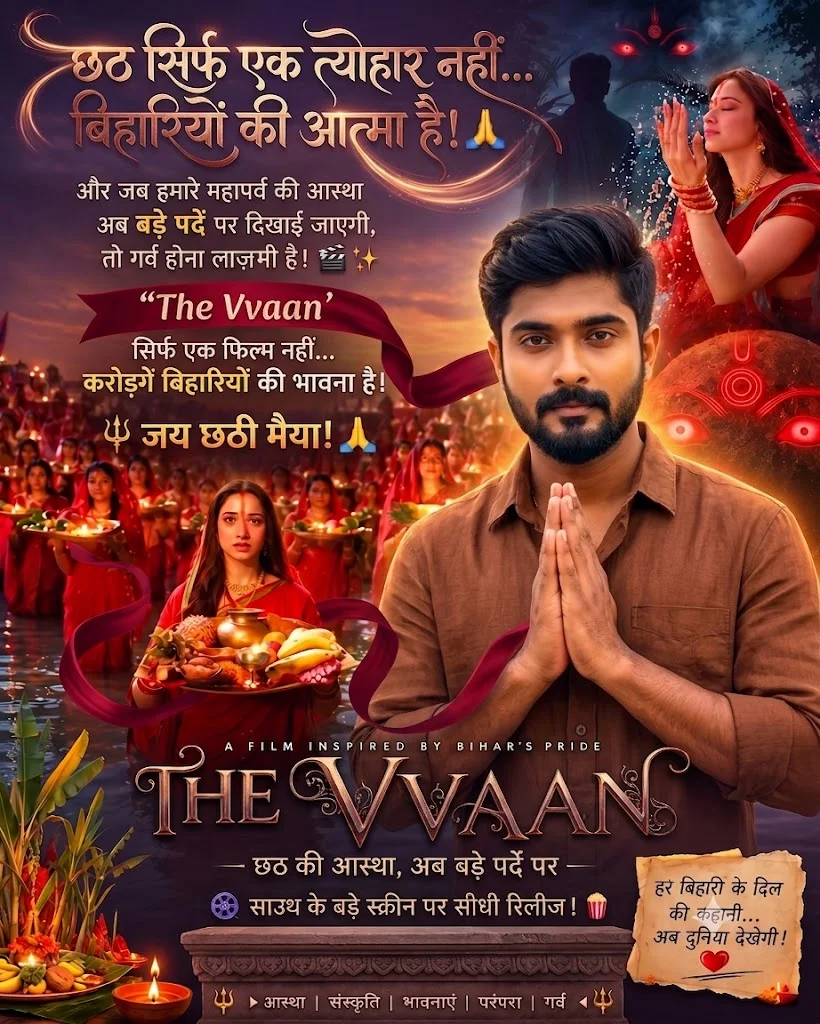
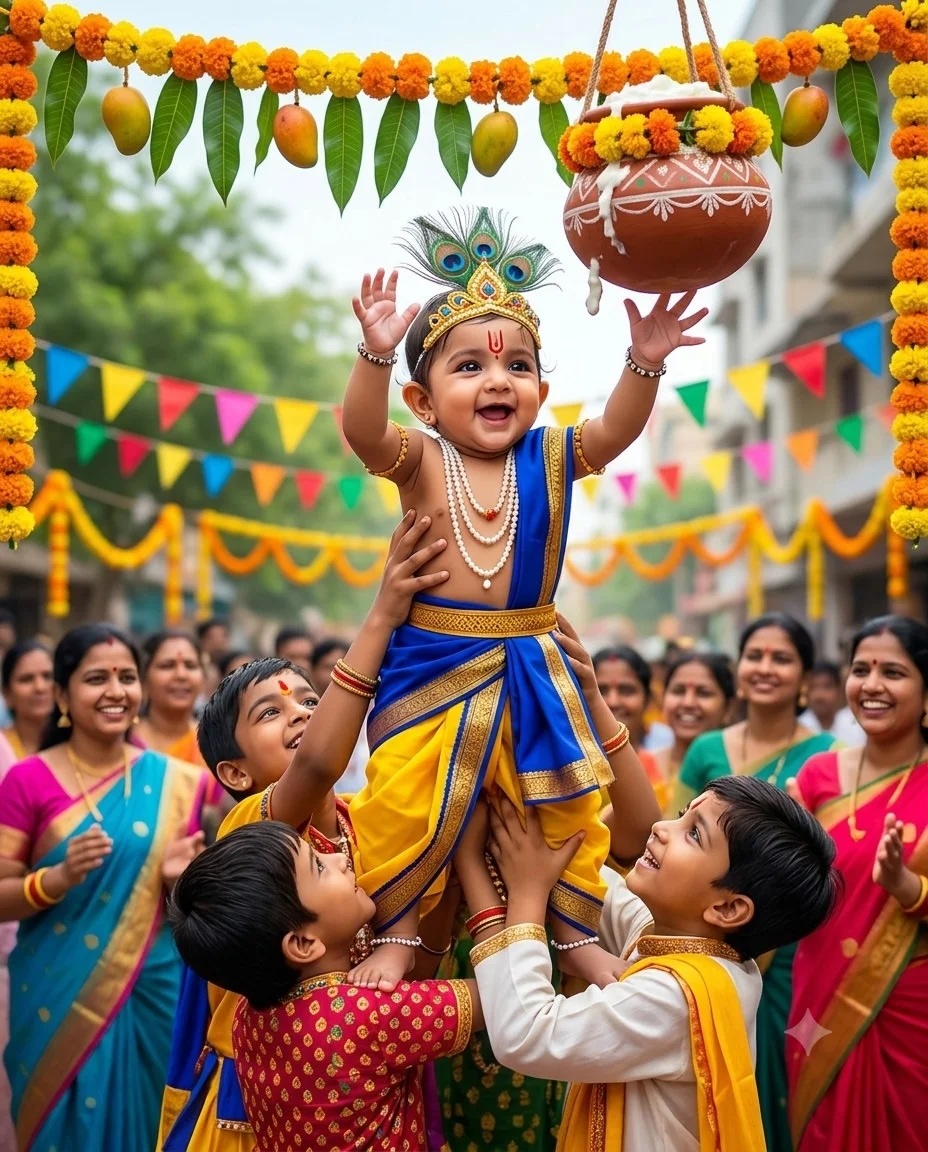
Spiritual & Festive Portraits
Devotional themes crafted for major cultural festivals such as Navratri, Maa Kali pujas, and Mahakal celebrations. These formulas balance intricate temple architecture, glowing oil lamps, traditional silk sarees, and dramatic sacred atmospheres.
AI Video Editing Concepts
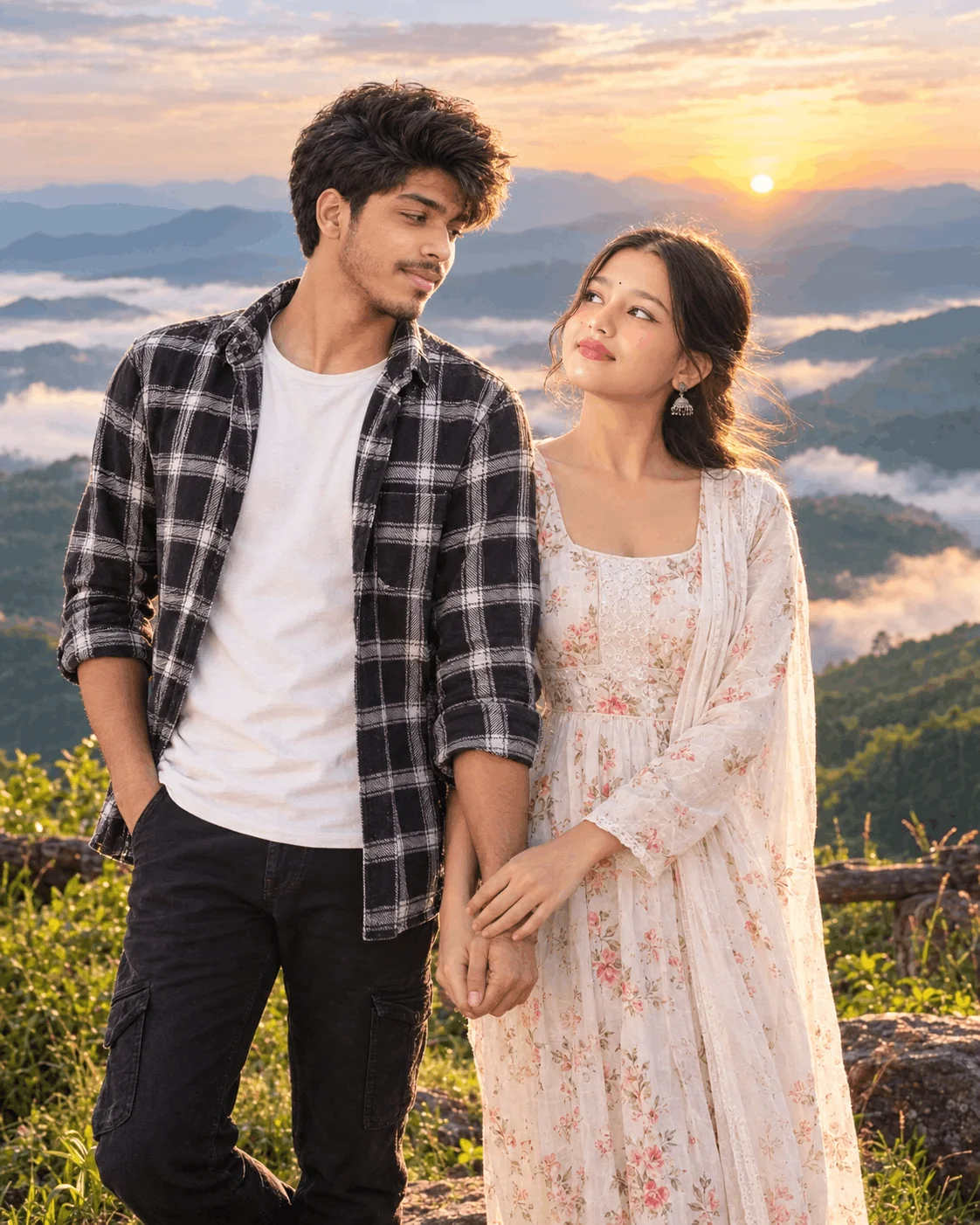
Dynamic motion scenarios including cinematic street romance encounters, Korean classroom aura farming edits, car roof jump action stunts, and Uno card 3D scene transitions that sync frame-by-frame with trending Instagram audio tracks.
The Four Pillars of the Editing Prompt Asset Library
A major reason Editing Prompt ranks at the top of creator bookmarks is its comprehensive coverage of all modern editing workflows:
Instant project links engineered for viral short-form video. These templates automatically place cuts on musical downbeats, apply smooth velocity zoom curves, and integrate stylish lyric text overlays with zero manual editing.
Direct scan-and-import QR codes that load fully animated multi-track timelines directly into the VN app on iPhone and Android, complete with sound effects and speed graph presets.
Portable image and setting files that apply professional color grading in a single tap. Presets range from moody dark tones and vintage film grain to high-contrast urban teal and orange.
Transparent graphic elements including realistic smoke bursts, optical lens flares, cyber fonts, and sound design risers designed for drag-and-drop layer stacking.
The Creator Pipeline: How to Build a Viral Edit From Scratch
To maximize engagement and reach the Explore page on social media, follow this four-step creator methodology:
Select a trending prompt from our curated gallery above and paste it into Bing Image Creator or Google Gemini. Ensure the prompt includes detailed optical camera keywords like 85mm portrait lens, shallow depth of field, and rim lighting to produce authentic human skin textures.
Import your generated portrait into Lightroom Mobile. Apply a complementary color preset to unify the shadow tones and sharpen key facial details such as the eyes and clothing highlights.
Open a matching CapCut template or scan a VN project code. Replace the placeholder media with your graded portrait and secondary clips. The template will automatically align your visual transitions with the musical beat drops.
Add subtle graphic overlays such as soft dust particles or anamorphic light leaks during the opening two seconds. This creates an immediate visual hook that prevents viewers from scrolling past.
Frequently Asked Questions About Editing Prompt Resources
Who is the creator behind Editing Prompt?
Editing Prompt was founded by digital creator Rahul to provide a centralized hub for mobile editors looking for trending AI photo prompts, CapCut templates, VN codes, and presets.
How do VN Video Editor QR codes work on mobile phones?
Simply open the VN app on your smartphone, tap the scanner icon in the top right corner, and scan the QR code. The app automatically downloads the project assets, audio track, and speed curves directly into your workspace.
Are the prompts free to copy and use across all AI image generators?
Yes. All prompts featured in our collection are free to copy. While they are optimized primarily for Bing Image Creator (Microsoft Designer) and Google Gemini, they also produce outstanding results in ChatGPT and Photoleap.